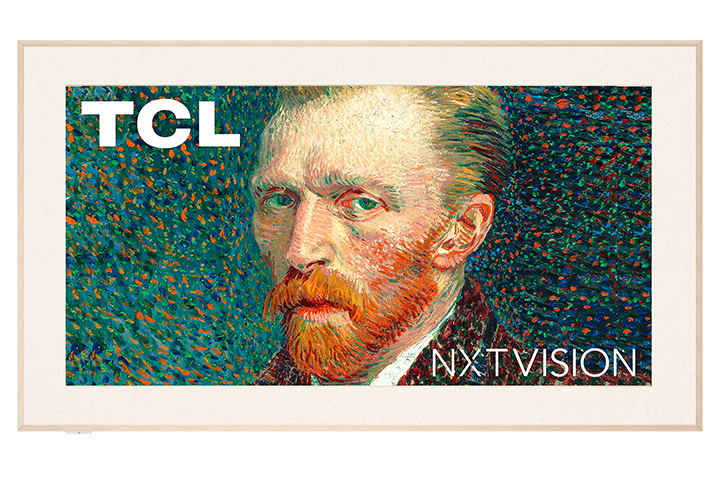
At first glance, it’s clear that the TCL A300 NXTVision aims to be more than just an ordinary television. It offers a picture display mode that – unlike competitors from Korea, Samsung The Frame – is completely free. Additionally, just like its rivals, extras are included at no charge. In the packaging, alongside the television, we find extra frames that mimic light wood and a flat wall mount, allowing the television to truly resemble a gallery piece. When it comes to everyday use, the standout feature is the Google TV system – comprehensive, fast and offering access to a massive number of apps. And if we feel like stepping out of the digital museum and jumping straight into the gaming world, the A300 can surprise us. With two HDMI 2.1 ports, 144 Hz, VRR, ALLM, and a very low input lag, even demanding gamers can feel at home here. Well... perhaps except for those sensitive to motion blur – as this remains one of the bigger issues with this model. There are also downsides. While the picture mode is free – which is commendable – the actual quality of the available graphics falls noticeably short compared to what Samsung offers in its paid ART Store. The displayed images resemble photos rather than realistic reproductions of artworks. Unfortunately, the A300 – much like the competing Hisense S7NQ – performs poorly here and additionally has some software issues. The brightness of the television itself also leaves much to be desired – it’s the dimmest of the “framed trio,” which translates to average daytime viewing and limited HDR effect. Nevertheless, the TCL A300 NXTVision is a reasonably sensible alternative to Samsung The Frame or S7NQ – especially if we are looking for a cheaper solution without additional charges for access to the “gallery” mode and with an operating system that doesn’t limit us in any way regarding the number of apps. However, it’s important to remember that this is a proposal with a lot of compromises. If we want to save a bit and don’t expect top-notch picture quality, the A300 can hit the visual bullseye. Otherwise, it’s worth looking at its competition.
- Matching (Score) |
- Our verdict |
- TV appearance |
- Where to buy |
- Contrast and black detail |
- HDR effect quality |
- Factory color reproduction |
- Color reproduction after calibration |
- Smoothness of tonal transitions |
- Image scaling and smoothness of tonal transitions |
- Blur and motion smoothness |
- Console compatibility and gaming features |
- Input lag |
- Compatibility with PC |
- Viewing angles |
- Daytime performance |
- Panel details |
- TV features |
- Apps |
- Playing files from USB |
- Sound
TCL A300W NXTVision vs Blaupunkt UGC5500S
 Direct comparison
A300W / A300W PRO / NXTVision

Panel type: LCD VA
Resolution: 3840x2160
System: Google TV
Model year: 2024
Complete the survey to find out the result
Panel type: LCD IPS
Resolution: 3840x2160
System: Google TV
Model year: 2025
Complete the survey to find out the result
Overall rating
6.6
5.0
 Movies and series in UHD quality
 6.3
4.2
 Classic TV, YouTube
 6.0
4.1
 Sports broadcasts (TV and apps)
 5.9
4.1
 Gaming on console
 8.2
5.4
 TV as a computer monitor
 8.2
6.0
 Watching in bright light
 4.7
4.0
 Utility functions
 7.2
5.1
 Apps
Apps 9.6
9.6
 Sound quality
 6.0
6.0
Complete the survey to find out what fits your preferences
Advantages

Frames styled like a picture in the set
Bracket included
VA matrix with decent contrast
Supports all popular HDR formats, including Dolby Vision and HDR10+
Great for gamers: VRR, G-Sync, ALLM, low input lag
High refresh rate - 144Hz
Free "picture mode"
Supports DTS:X and Dolby Atmos
GoogleTV operating system with the largest app base
Google TV system: massive app library
Relatively low input lag
Good viewing angles: thanks to an IPS panel
PC compatibility: excellent font readability (Chroma 4:4:4)
Refresh rate: 120 Hz at Full HD resolution
Presence of a classic mini-jack output
Quite pleasant sound: clear and loud beyond "budget" standard
Disadvantages

Low brightness
Motion blur issues
No recording function on USB or PiP
Inferior image quality in "art mode" compared to Samsung The Frame
Colours and blacks fade significantly in sunlight
No VESA standard
Software bugs
Very weak blacks and contrast
HDR: low brightness (250 nits) and lack of real effect
System fluidity: sluggish performance and "dull" remote
Motion: total lack of digital smoothers in the menu
Image processing: noticeable overscan and motion artifacts
Our verdict
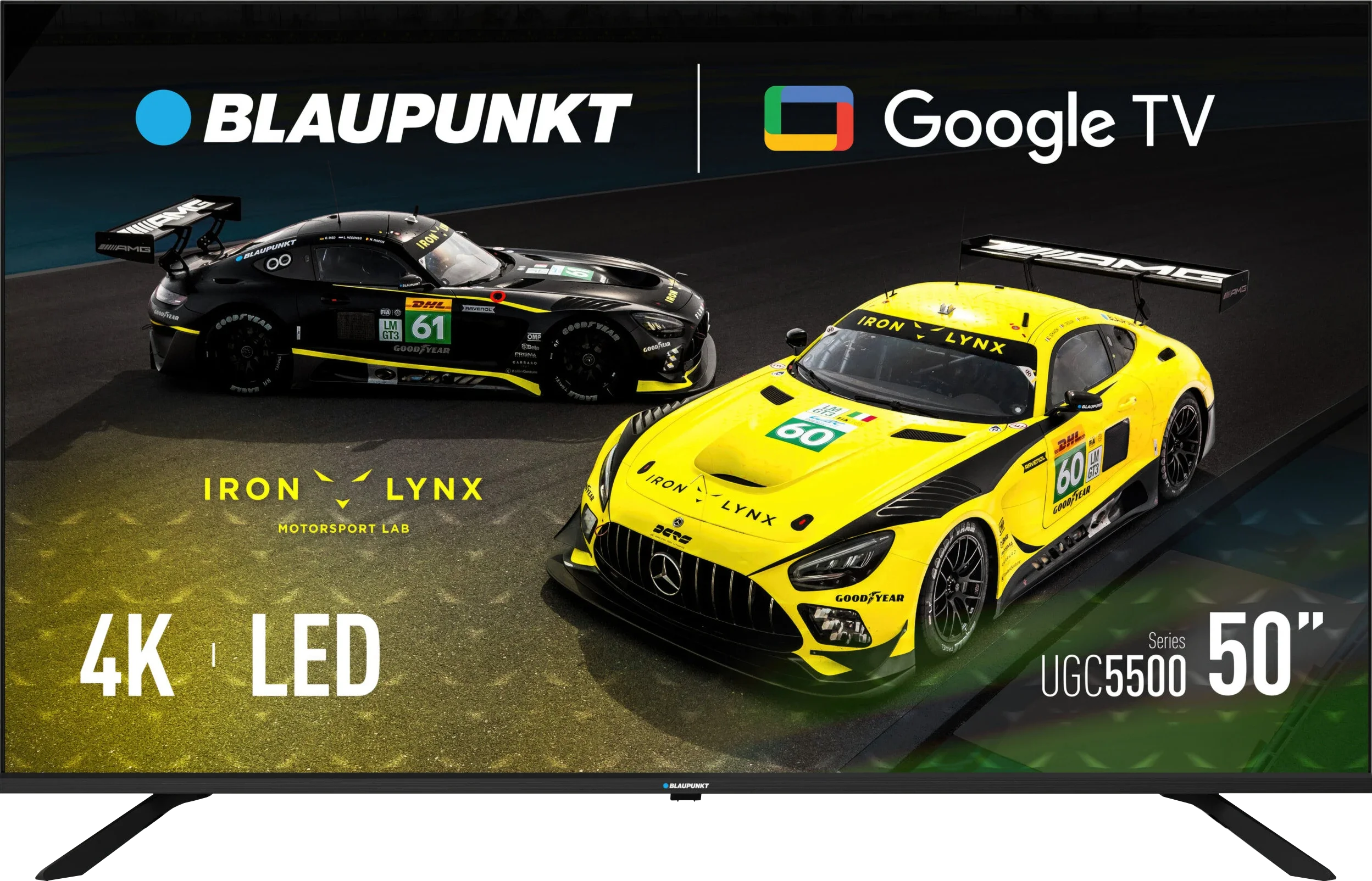
Blaupunkt UGC5500S is a textbook example of a very cheap television that has primarily two major advantages: the Google TV system and an extremely low price. It is these two elements that make it an attractive option for many people. During testing, we also found it has another great use, which is working with a computer. Thanks to exemplary font readability and good viewing angles of the IPS panel, Blaupunkt surprisingly performs well as a budget monitor. However, one must be aware that this device is typically budget-oriented, and that savings are reflected in the image quality. The panel is simply dark, making it difficult to perform well in tougher lighting conditions, not to mention creating any real HDR effect. Additionally, despite the good viewing angles, the black levels on this model leave much to be desired – in the evenings, it will tend to appear dark grey, which is a typical characteristic of the IPS technology used here. From a price perspective, this is a device that aims to compete in the market not on image quality, but rather on the amount on the receipt. Blaupunkt UGC5500S is perfectly suited as a secondary television in the home, equipment for the holiday house, or for a less important room, where the image just needs to be there, and we want to enjoy all the benefits and applications that Google TV offers.
TV appearance


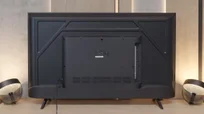

Contrast and black detail
5.5/10
2.2/10
Local dimming function: No
Local dimming function: No
Contrast:


Result
5,000:1

Result
5,450:1

Result
3,800:1

Result
4,000:1

Result
3,950:1
Result
1,000:1
Result
1,100:1
Result
1,150:1
Result
1,100:1
Result
1,050:1
Halo effect and black detail visibility:
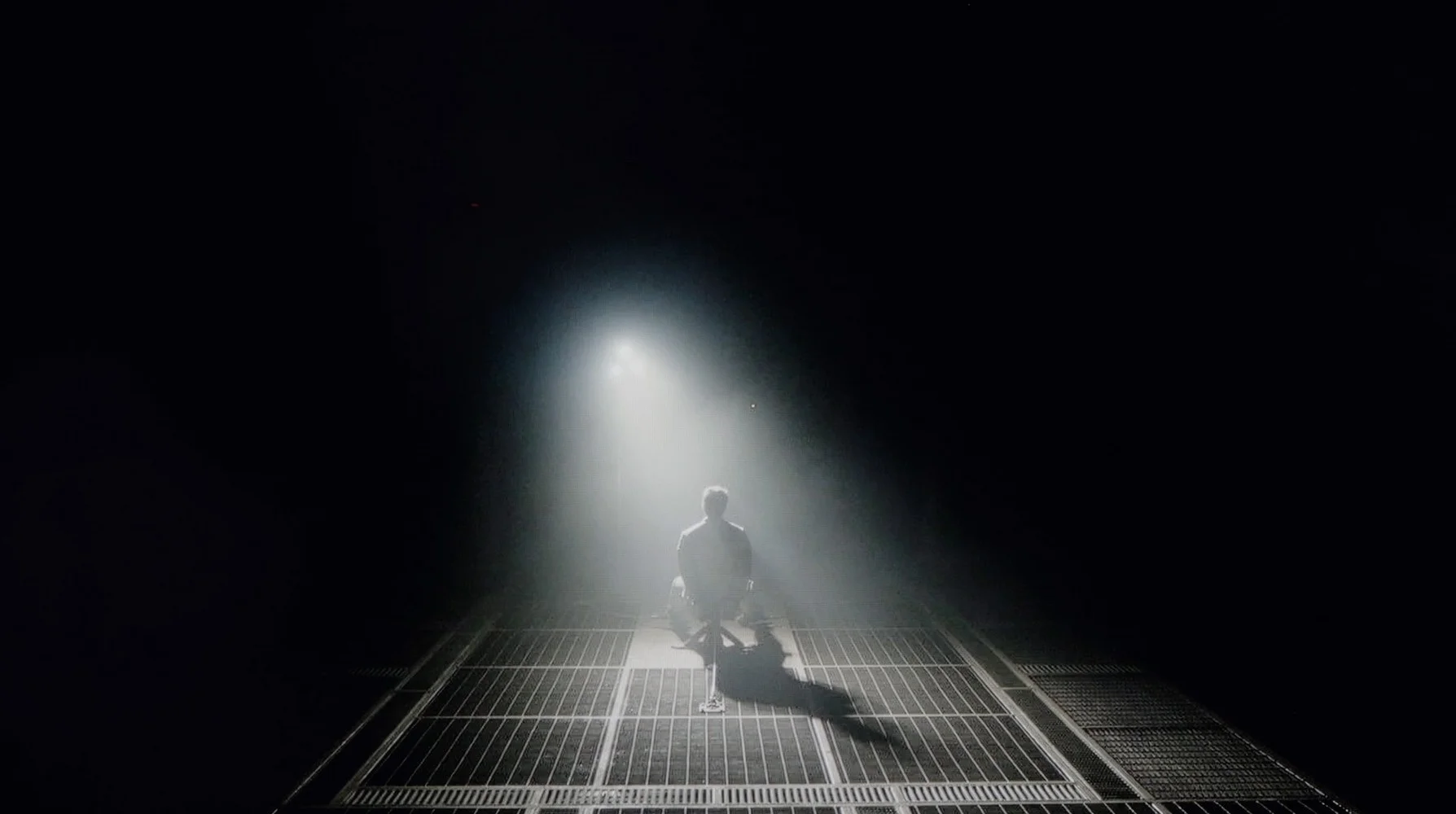
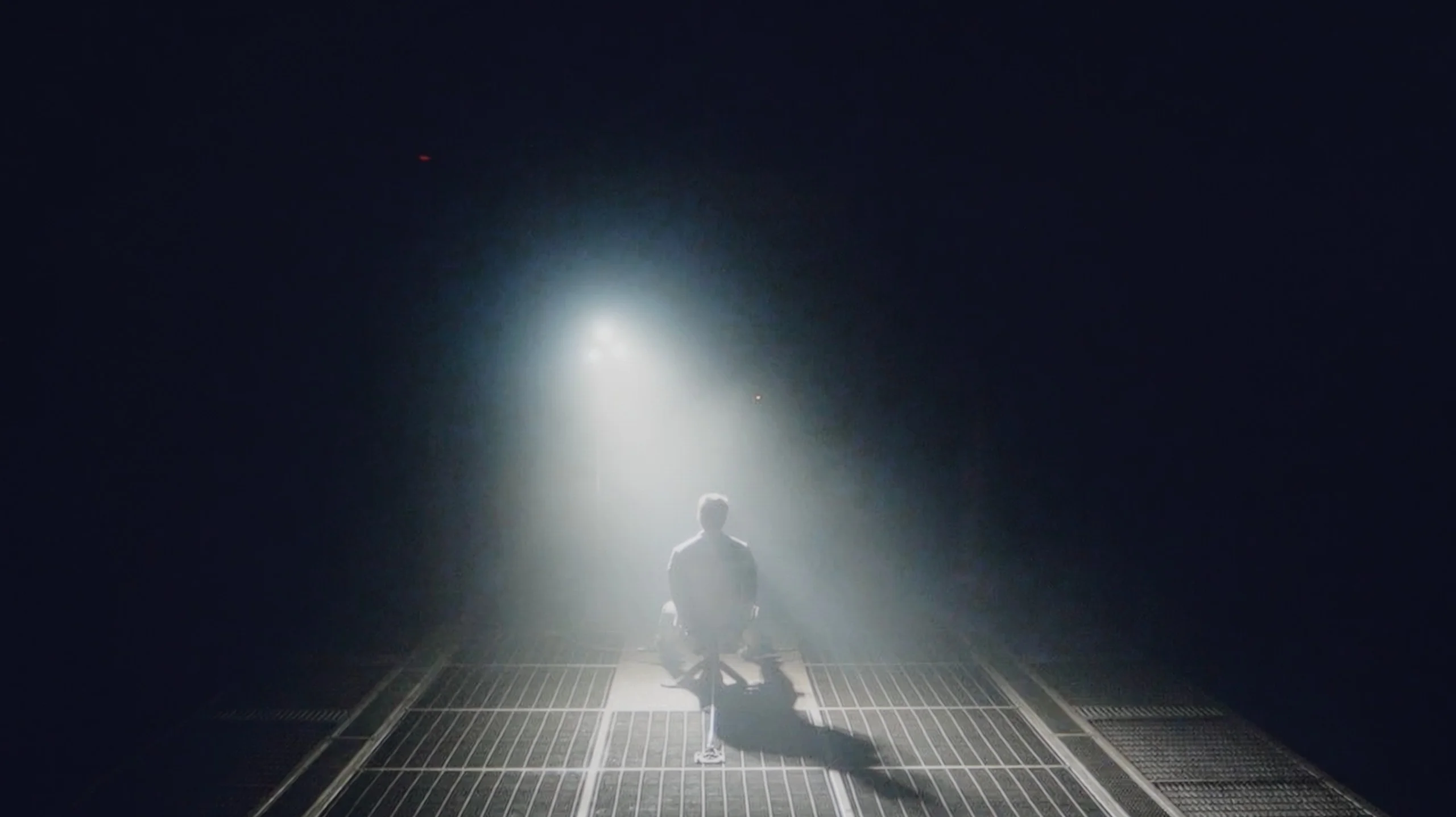
Check the visibility of bright lights on a dark background. Mini-LEDs often struggle with this. The photo does not compare black levels – that’s what the video below is for.
The video accurately shows differences in contrast and black levels between TVs, as well as potential issues: halo around bright objects or Mini-LED zone operation visible as brightness jumps.
TCL A300, also known as NXTVision, uses a VA panel, so from the outset, decent contrast could be expected. On our test screens, the television indeed showed typical results for this type of panel – in the best case, the contrast reached around 5000:1, which is not a bad result for this segment.
However, it should be noted that the model is not equipped with any local dimming technology, which unfortunately is evident in practice. Black, although at times quite deep, often turns into navy blue or grey – especially in darker scenes. In short: for a television without local dimming, it’s not bad, but it shouldn't be compared to models that already have such a feature on board.
To put it bluntly: when it comes to black levels, it's just very poor. Our measurements on test patterns only confirmed what we could see with the naked eye – a result around 1000:1 is, these days, even in this price range, a disappointing outcome. In movie conditions, that "black" simply doesn't exist. To avoid being all talk, we fired up one of our favourite test scenes – the helicopter flight in "Sicario 2" (you can actually see it in the video we've linked below). Instead of inky, deep night, we got an image that is... navy blue. Everything on the screen that should be dark and mysterious actually glows a dark blue. This is the price we pay for using an IPS panel. On one hand, we get quite decent viewing angles, so if you're watching TV with the whole family from different angles, the picture doesn't lose much in saturation. On the other hand, if you're planning evening screenings with the lights off, this lack of contrast is going to sting your eyes from the very first minute.
HDR effect quality
5/10
3.8/10
Luminance measurements in HDR:

Result
357 nit

Result
348 nit

Result
338 nit

Result
350 nit

Result
389 nit
Result
232 nit
Result
245 nit
Result
255 nit
Result
238 nit
Result
252 nit
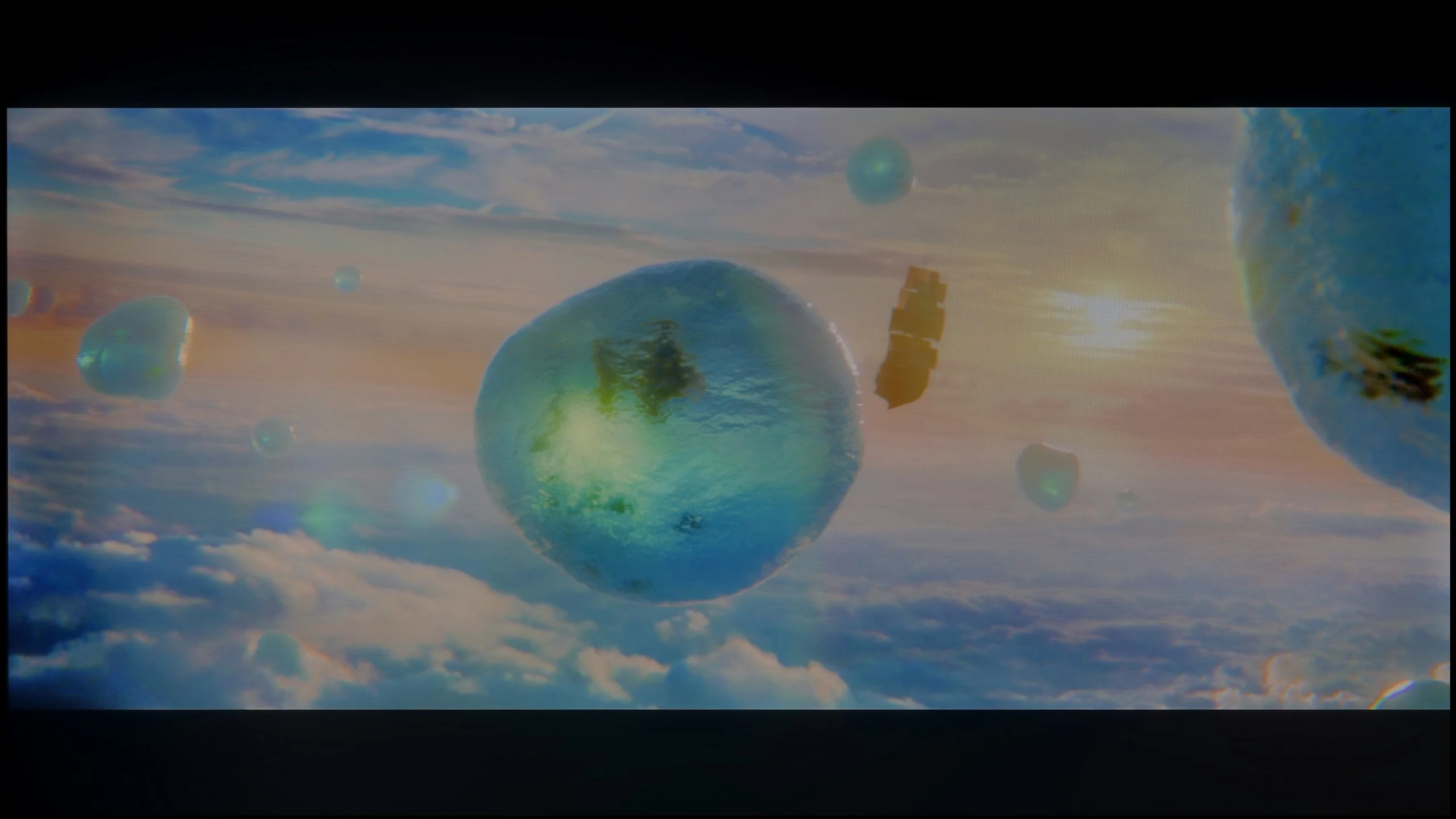
Scene from the movie “Pan” (about 2800 nits)

Scene from the movie “Billy Lynn” (about 1100 nits)
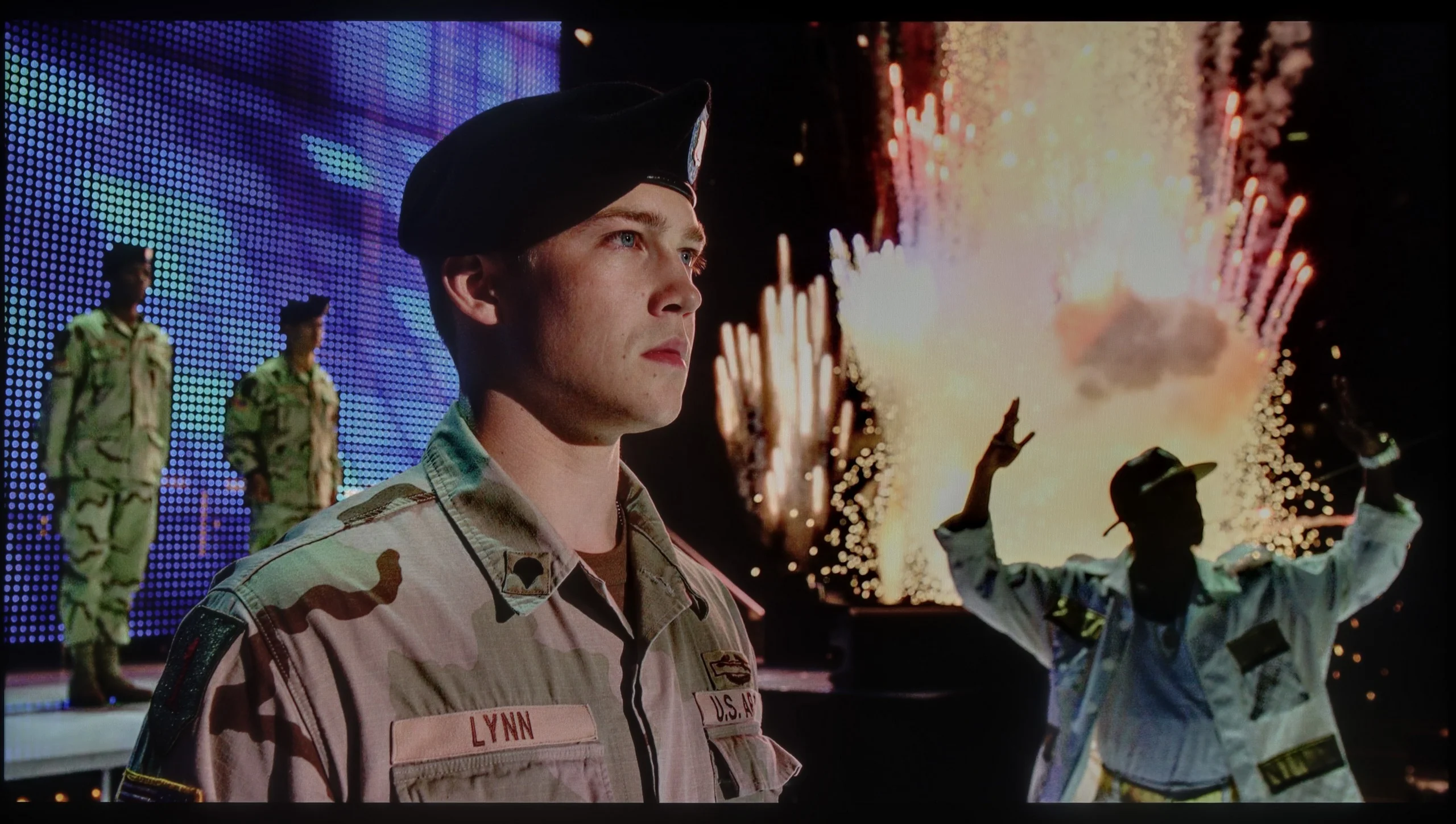
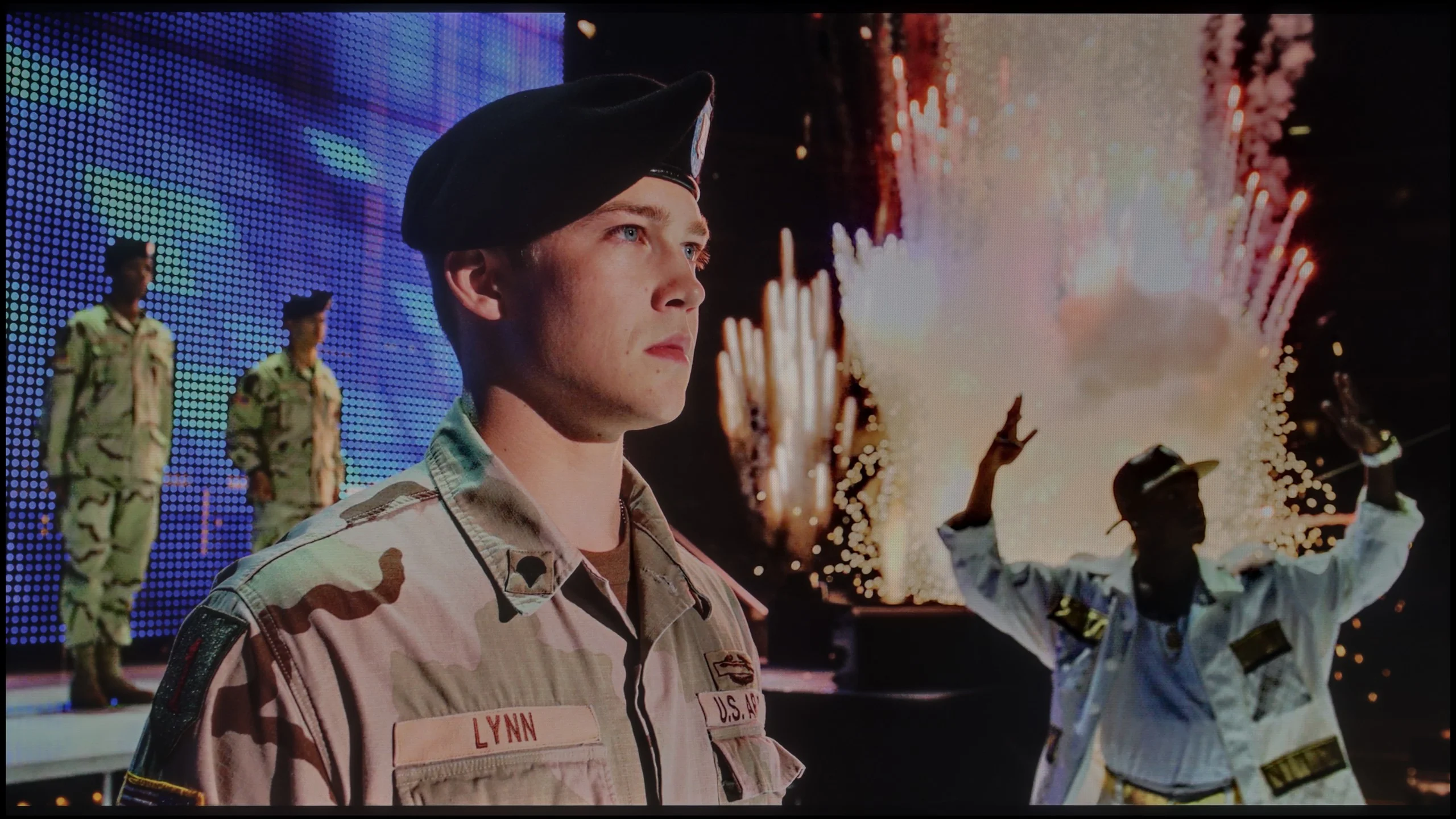
The photos show two HDR10 movies. 'Pan' is one of the brightest productions ever made, while 'Billy Lynn' (soldier) has brightness typical of streaming (Netflix, Prime, HBO MAX). Notice the intensity of effects and detail in whites.
Static HDR10


The photos present the visibility of white details in various HDR formats. They do not show brightness differences between TVs (these can be compared in the previous gallery).
HDR luminance chart:
Blaupunkt UGC5500S
TCL A300W NXTVision
When it comes to brightness, the TCL A300W is definitely the dimmest TV among all frame-style models, such as Samsung The Frame or Hisense CanvasTV – and unfortunately, you can see that right away. In our measurements, peak luminance reached only around 400 nits, and on test movie screens, this value dropped to 350 nits. That’s definitely too little to feel the real "magic" of bright HDR effects. As a consolation – the TV is equipped with a PFS LED coating (which is something like QLED), which provides very good coverage of a wide colour gamut, both DCI-P3 and BT.2020. In addition, there is full support for all popular HDR formats – HDR10, HDR10+, HLG, and Dolby Vision – which somewhat compensates for the shortcomings in brightness and helps improve the overall experience of materials in this quality.
We won’t beat around the bush here – if you’re looking for a TV strictly for cinematic HDR experiences, then you’ve come to the wrong place. Unfortunately, the Blaupunkt UGC5500S is not a machine built for such challenges. This is primarily due to its very low brightness, which we measured during our tests. A result of around 250 nits on movie screens speaks for itself. It’s simply too little to even consider any real HDR effect. To be honest, everything displayed in this format can confidently be seen as a somewhat “enhanced” SDR mode. We expected this, as practically every device in this price range falls short in this area, but we feel it’s our duty to warn you. Manufacturers love to brag about HDR compatibility on the boxes, but in reality, this format simply doesn’t exist here – it lacks the “fuel” in the form of brightness.
The situation is further complicated for Blaupunkt, as we’re dealing with a panel that has very basic coverage of the DCI-P3 colour gamut, reaching only about 80%. You won’t find any advanced coatings to expand these capabilities (like quantum dots), which means scenes that are supposed to burst with richly saturated colours appear simply underwhelming on this screen. Therefore, we have a particular piece of advice for you: don’t force HDR mode on this model. If you have the option in the streaming app settings – just turn it off. By sticking to the classic SDR mode, you’ll be sure that the TV won’t try to “enhance” something that it can’t handle hardware-wise.
Factory color reproduction
5.9/10
4.8/10


This gallery shows how colors change after professional TV calibration. If you notice the difference, we recommend ordering this service at SkalibrujTV.com.
Factory Mode
After calibration


This gallery shows how colors change after professional TV calibration. If you notice the difference, we recommend ordering this service at SkalibrujTV.com.
Factory Mode
After calibration
TCL A300 offers several picture modes, but without a doubt, the movie mode performs the best. Unfortunately, even though it is the best option available, it is not free from errors. Both in HD and HDR content, the image has a noticeably too warm hue – it has a slight pink tint, which is particularly noticeable in snowy scenes. Instead of pure white, we get a pinkish coating that spoils the natural perception of colours.
The management of brightness is also lacking. In the case of older HD materials, the image often seems too dark – confirmed by an elevated gamma value. Conversely, with HDR content, the effect is the opposite – the image is overly bright, as we observed in scenes from the film Pan. Such a lack of consistency also affects colour accuracy – a test with a ColorChecker showed that many samples clearly deviate from reference values.
Fortunately, TCL allows for manual adjustment of settings, so we decided to check how the television would perform after our professional calibration. The effects of this adjustment are described below.
We also took a close look at how Blaupunkt handles colours in movie mode, and here the matter is, to put it simply, twofold. We must once again clearly separate what we see in the standard SDR format from what happens when HDR is switched on, as they are two completely different worlds. Let's start with the better side of the coin. If you're planning to watch traditional TV, YouTube, or older films on this television, you can count on really well-tuned colours. In our test sample, the white balance in movie mode performed exceptionally well, which honestly surprised us. Of course, to avoid being too rosy, we noticed some drawbacks. Looking at the gamma charts, we observed that the processor struggles with properly dimming the image in its brightest areas. Additionally, there is quite a strong, at times overly aggressive, red saturation, which resulted in visible errors in reproducing certain shades. Despite this, overall, the image in SDR is simply solid and watchable without a grimace on your face. Unfortunately, the magic fades when we re-enter the world of HDR. Here, Blaupunkt behaves as if we suddenly switched it to store mode, and in its worst rendition. The excess blue in the white balance is so significant that it’s glaring, ruining any realism in the scene. Furthermore, the television interprets brightness very loosely, which, upon analysing the EOTF curve, clearly showed that for most of the time, colours simply appear washed out and lacking depth. This is also perfectly evident in the colour errors that become apparent in this mode. Once again, we are left with the same conclusion: Blaupunkt in SDR mode looks significantly better and more natural than in HDR, which seems to be forcefully added without proper refinement.
Color reproduction after calibration
8/10
6.4/10
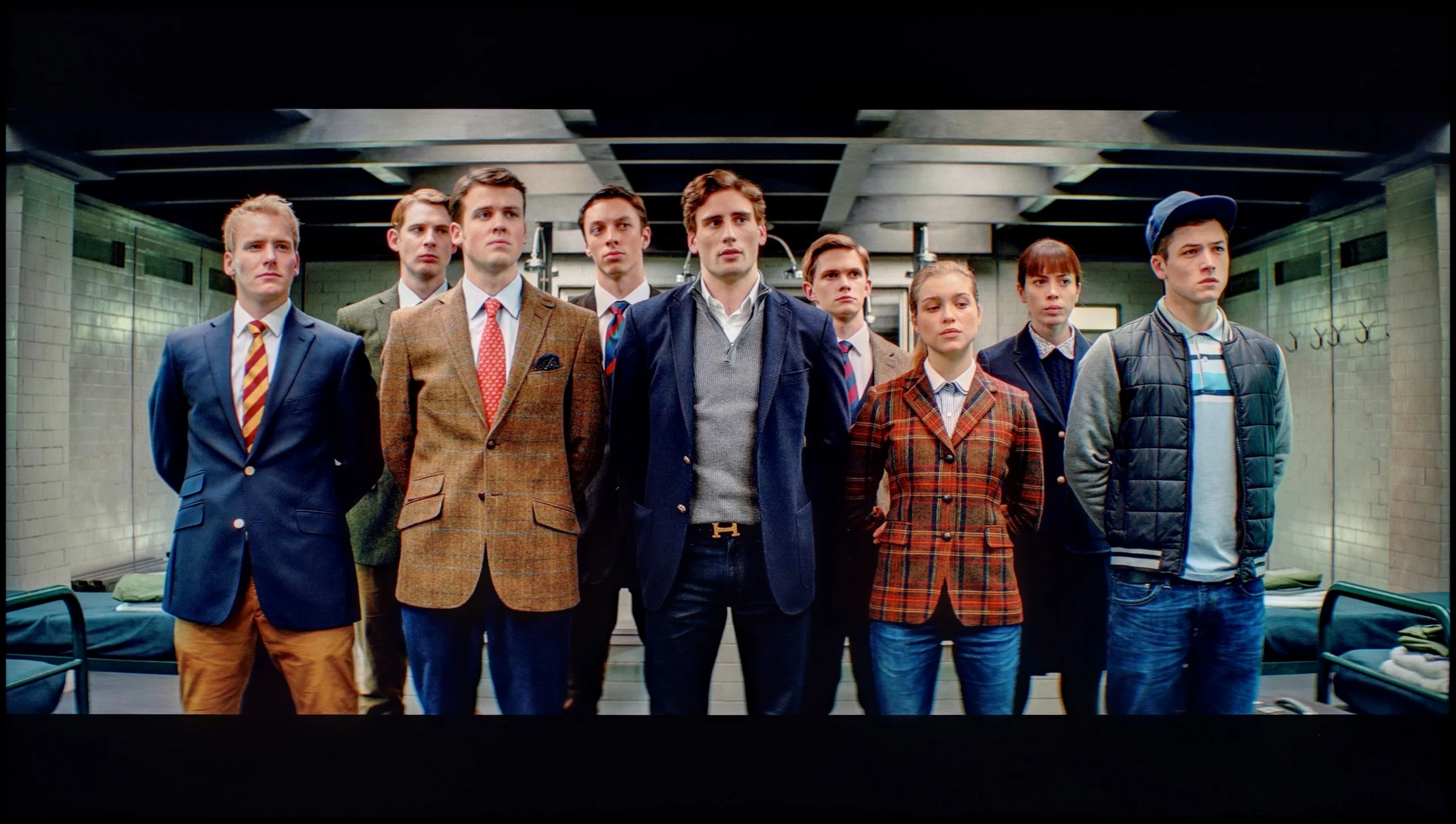
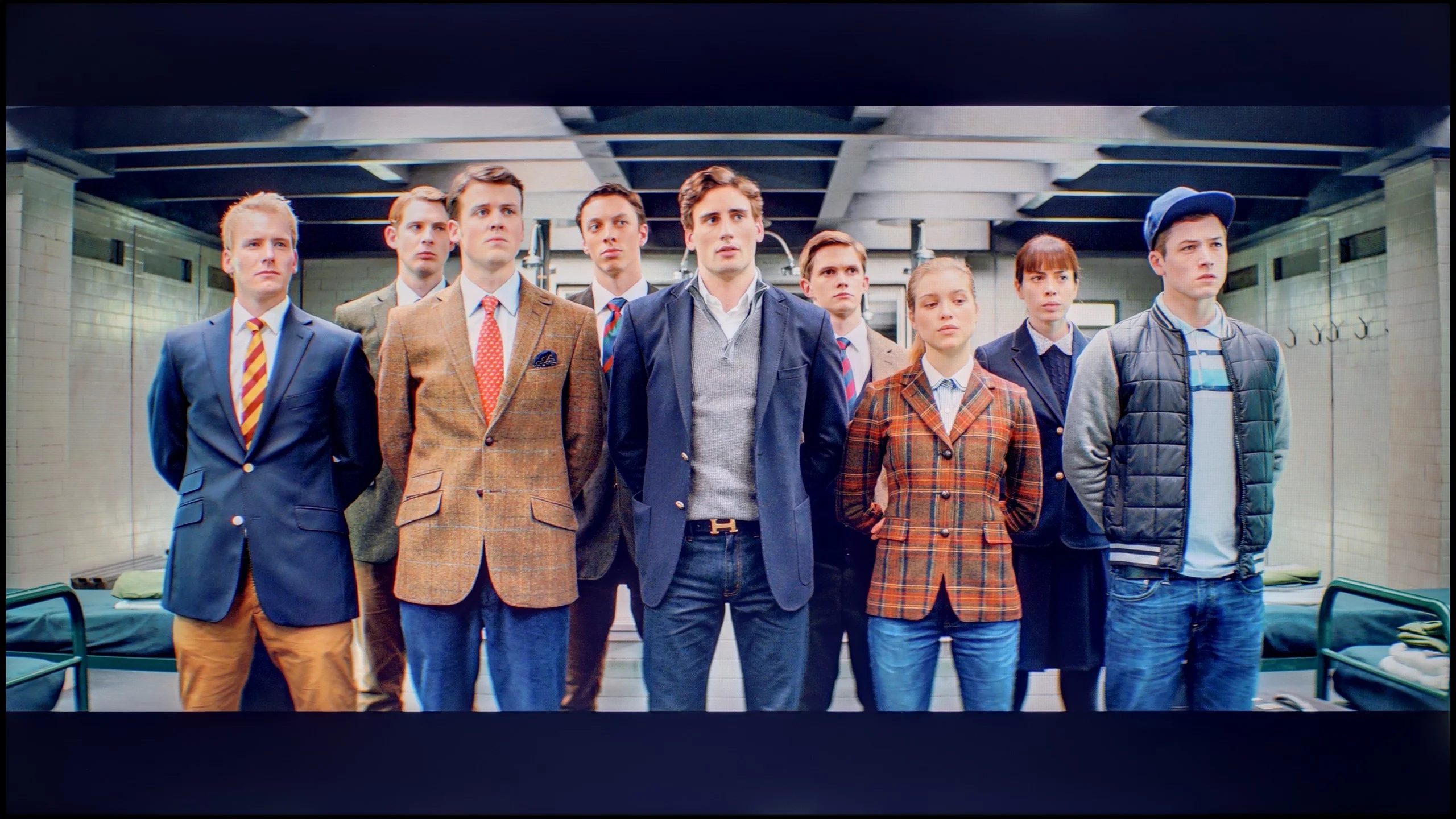
The photos show how movies look on the TV. Pay attention to black detail visibility, colors, and shadow tint.


The photos show how movies look on the TV. Pay attention to black detail visibility, colors, and shadow tint.
After our professional calibration, the TCL A300 has literally been given a new lease on life. The image has stopped being too warm, and the colours finally look as they should – as confirmed by the ColorChecker test, where the colour samples finally started hitting their marks, at least to some reasonable degree. It was also possible to partially correct the brightness management – the image is now more balanced and less "wobbly" between different types of content. Of course, certain limitations can't be bypassed – a slightly visible blooming effect still occurs, but that's a characteristic of the technology, not something that can be eliminated even after professional settings.
Generally: after calibration, the A300 looks significantly better and gains a whole new quality.
It may sound like a joke – pulling out professional measuring equipment for a TV that costs around a thousand złoty / 250 dollars, but we wouldn’t be ourselves if we didn’t check it. The question is: does such cheap gear give us any leeway in terms of calibration? To your surprise, the answer is: yes, absolutely. In the Blaupunkt UGC5500S menu, we found surprisingly many options that allowed us to effectively work on the picture. These aren't just empty sliders; these are concrete tools that enabled us to make use of our measurement sensors and software. In SDR mode, the effects were visible to the naked eye. We successfully eliminated the problem we mentioned earlier – that excessive, almost artificial saturation of reds. We also fixed the issue with the incorrect dimming of the brightest parts of the image. After calibration, the picture in standard format became significantly more balanced and simply correct. When it comes to HDR, the situation was more complicated again. While we managed to “tame” that aggressive blue tint in the white balance, it was clear that we were fighting a bit of a losing battle. Even after changing the settings, the TV still tried to interfere with the picture in its own way, as if the electronics knew better than we did how the scene should look. To top it off, there's the hardware barrier that no slider can overcome – colours in HDR still remain undersaturated. This simply results from the quality of the panel itself; it physically cannot produce the most vivid colours. To summarise this point: if any of you ask whether it’s possible to calibrate a TV for “a grand”, we respond with complete conviction: it is possible.
Smoothness of tonal transitions
8.6/10
6.4/10
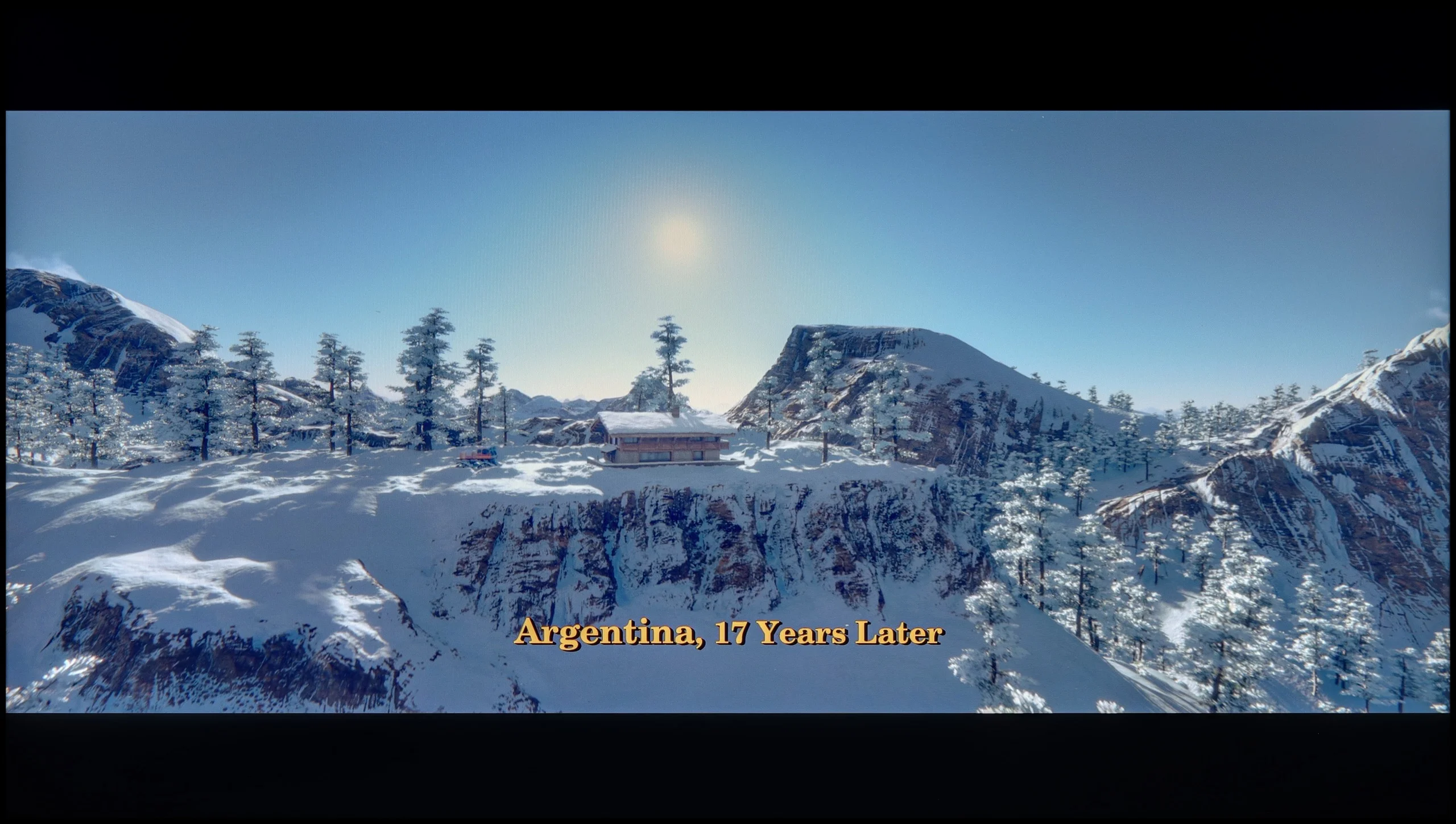

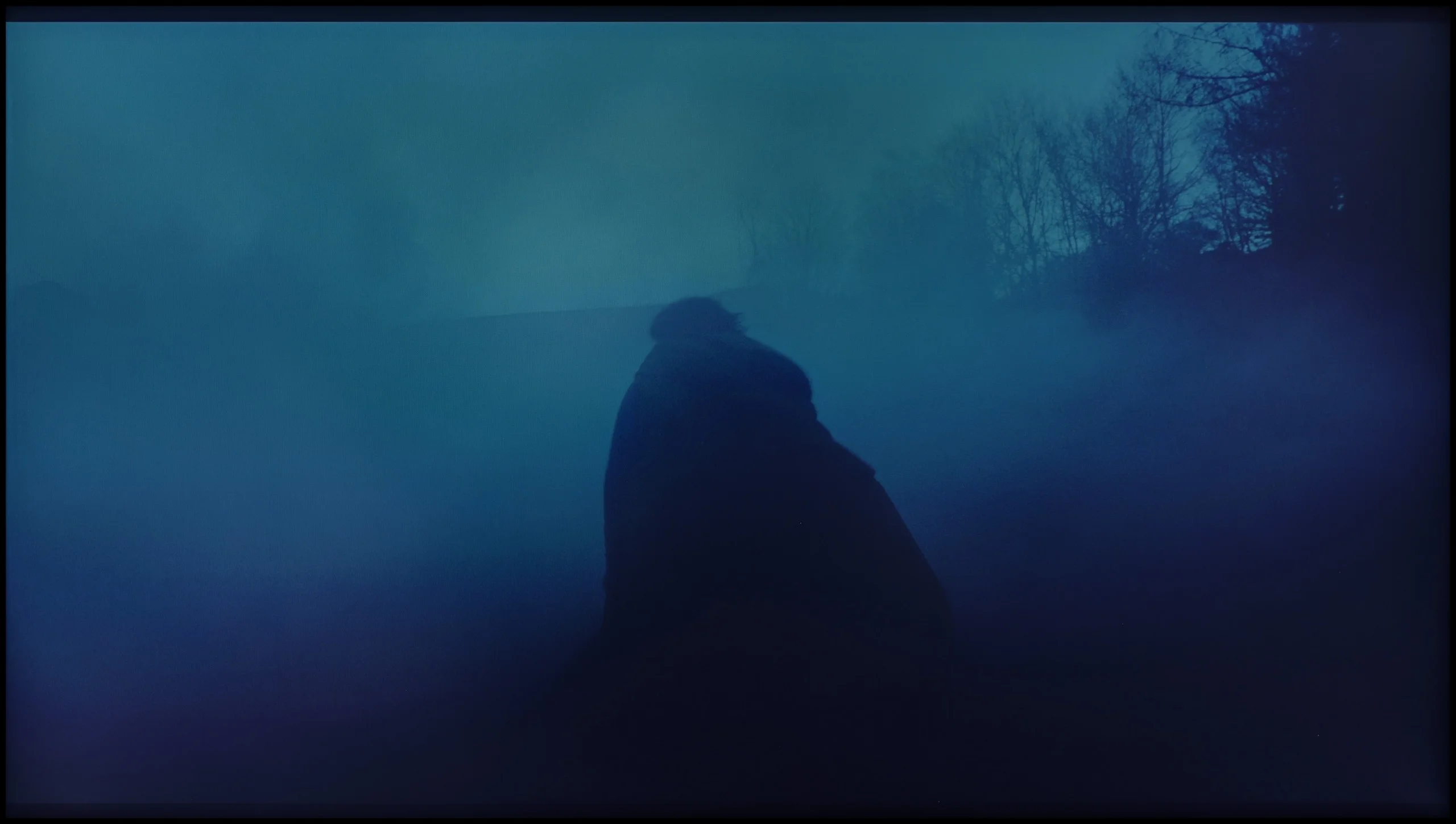
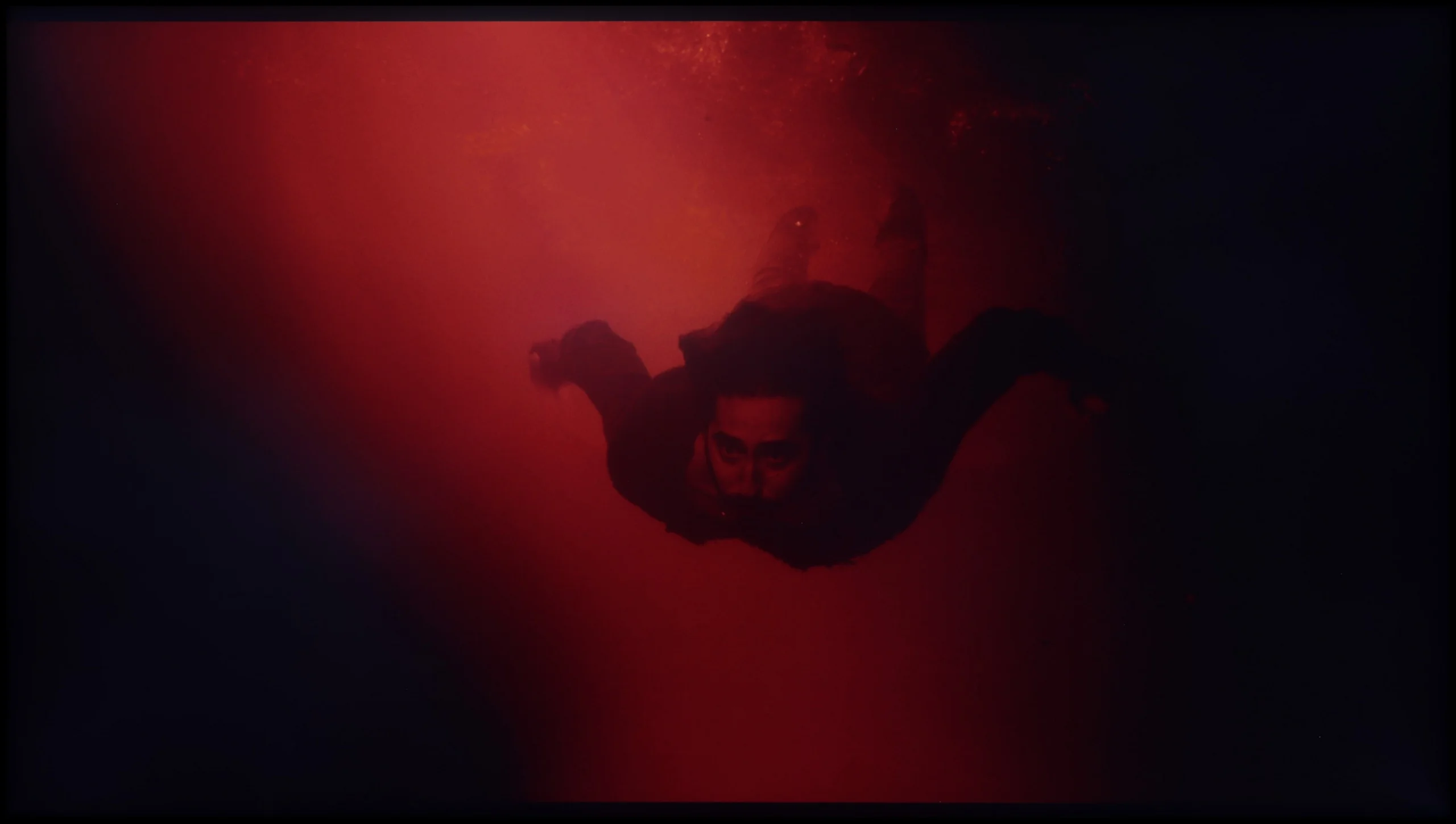
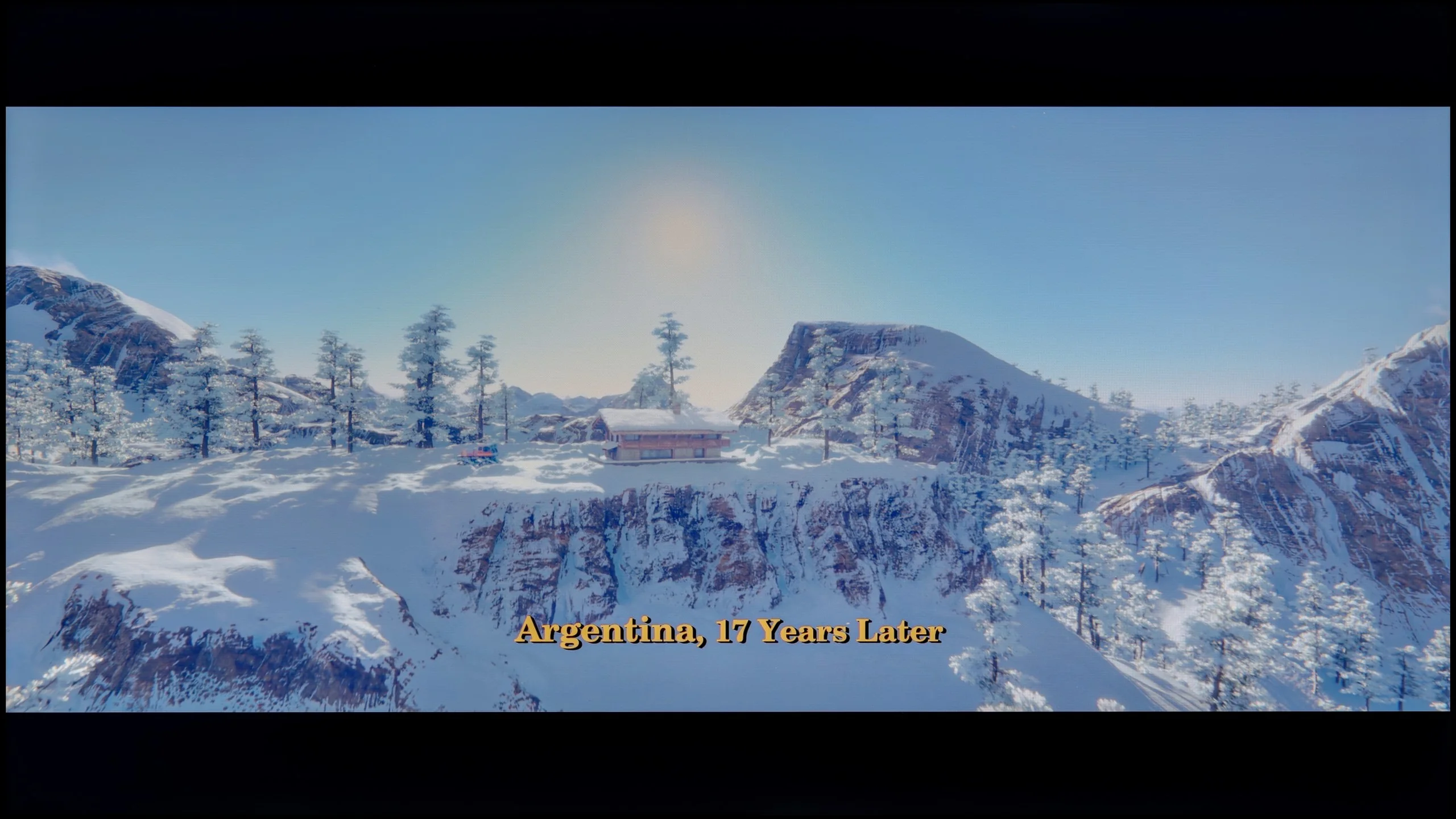
These are selected scenes that show smooth tonal transitions from one color to another. If you see distinct banding, it’s the TV panel’s fault.

These are selected scenes that show smooth tonal transitions from one color to another. If you see distinct banding, it’s the TV panel’s fault.
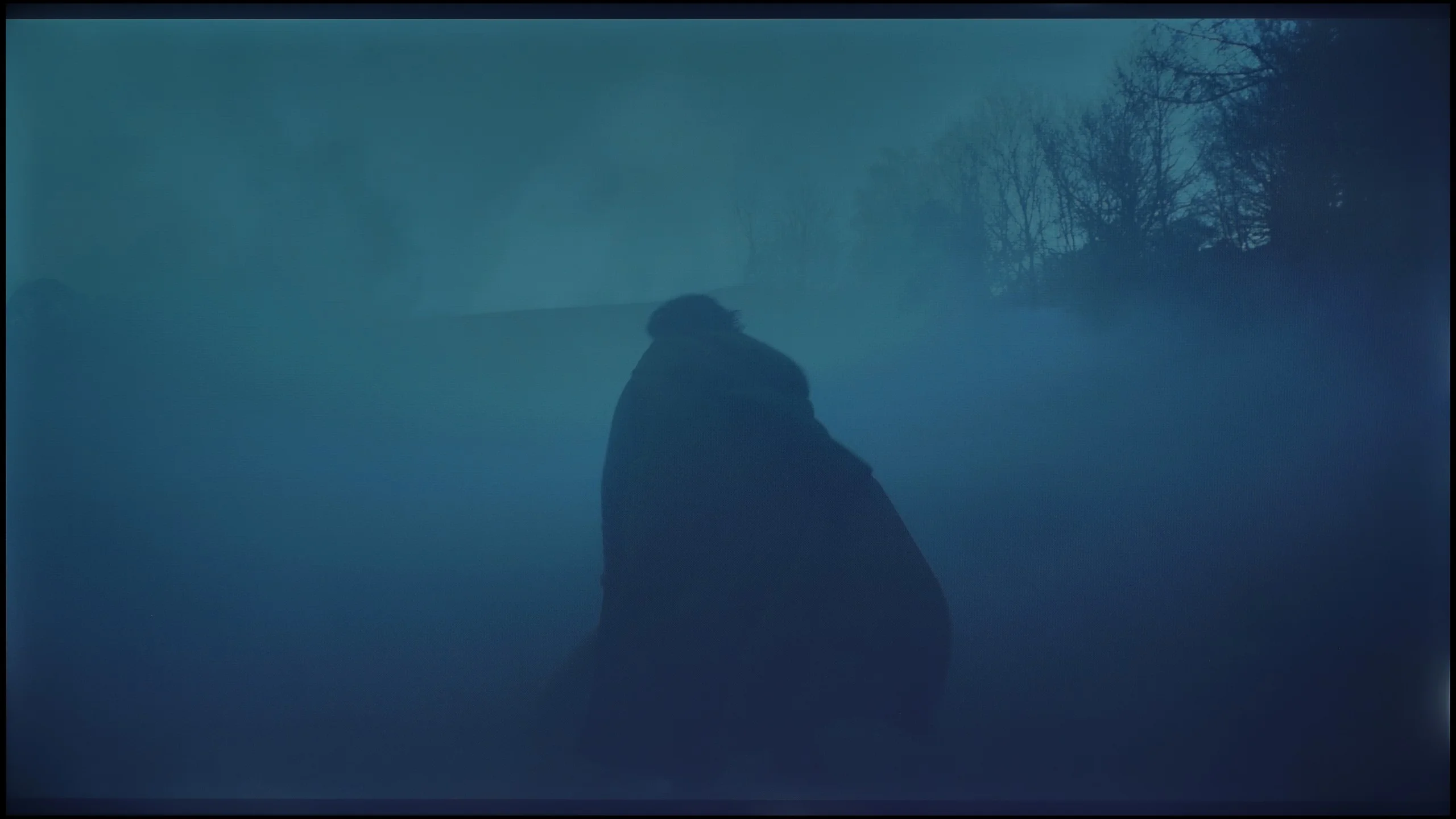
These are selected scenes that show smooth tonal transitions from one color to another. If you see distinct banding, it’s the TV panel’s fault.
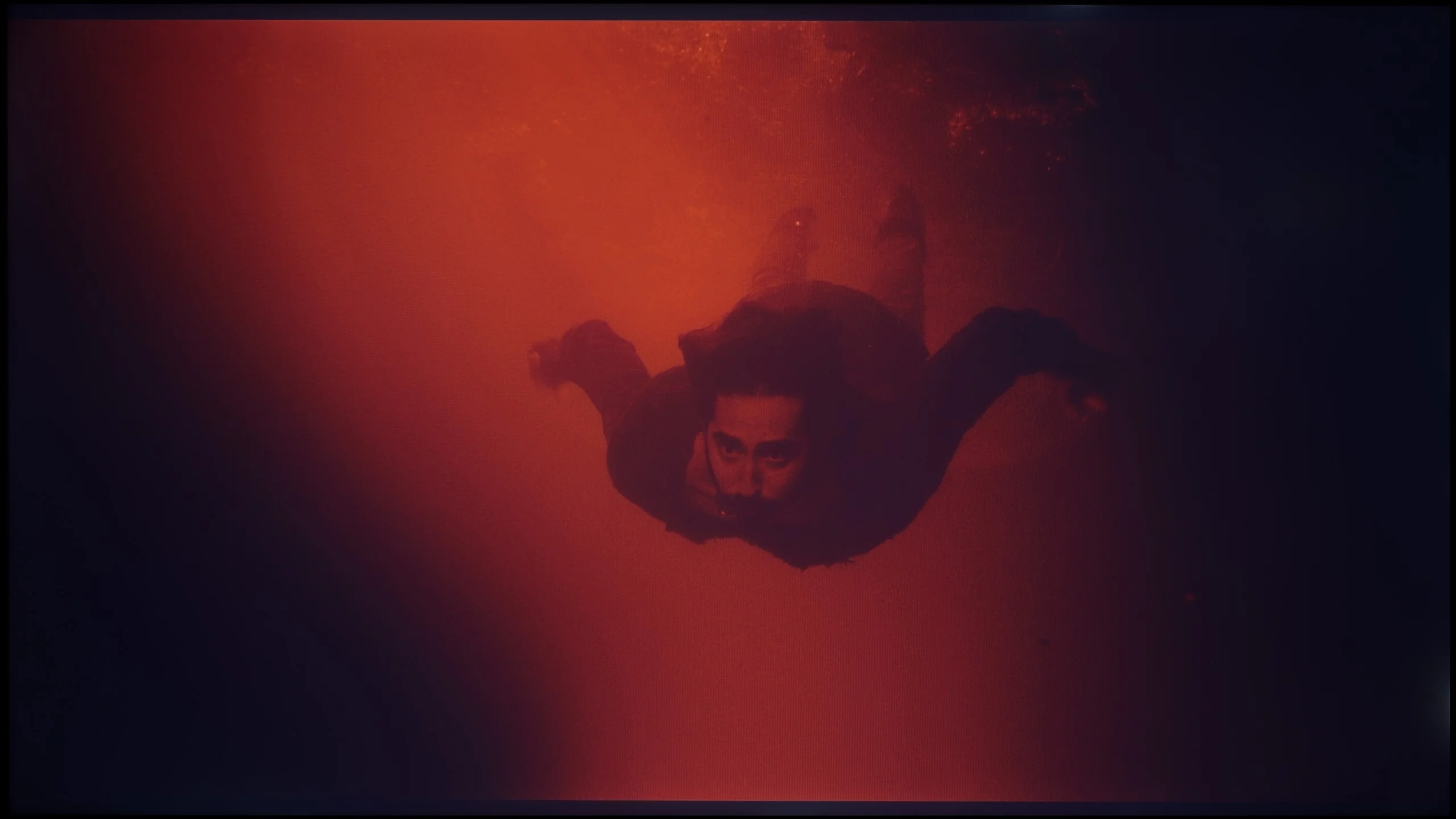
These are selected scenes that show smooth tonal transitions from one color to another. If you see distinct banding, it’s the TV panel’s fault.
TCL A300 NXTVision is another frame-style television that really manages well with the smoothness of tonal transitions. It's hard to find distinct bands or sharp transitions between shades of one colour – it all looks natural and smooth.
However, it's fair to say that among the three tested models (The Frame and S7NQ), TCL performs the weakest in this category. In darker and lighter scenes, you can notice slight imperfections. Nevertheless, looking at it as a whole, for a television in this range – it really presents itself solidly. It might not be the best of the bunch, but it holds a very good standard.
Looking at our test photographs, it’s really hard to pick at anything. Most of the colours in the attached images blend together almost perfectly, creating smooth gradients without noticeable "jaggies". And indeed, in most scenes where we took these shots, it looked surprisingly good. However, the problem arises when we stop analysing still frames and start simply watching the films. In motion, the situation changes dramatically. During dynamic scenes on screen, artefacts begin to pop up, which are a direct result of simply having a poor image processor here. Unfortunately, a static photo can't capture that "tearing" of colours, but you have to take our word for it: what looks clean and smooth in the photo can really stand out and simply irritate during viewing. This is where our rather low rating in this category comes from.
Image scaling and smoothness of tonal transitions
5.5/10
2.5/10


Smooth transition function
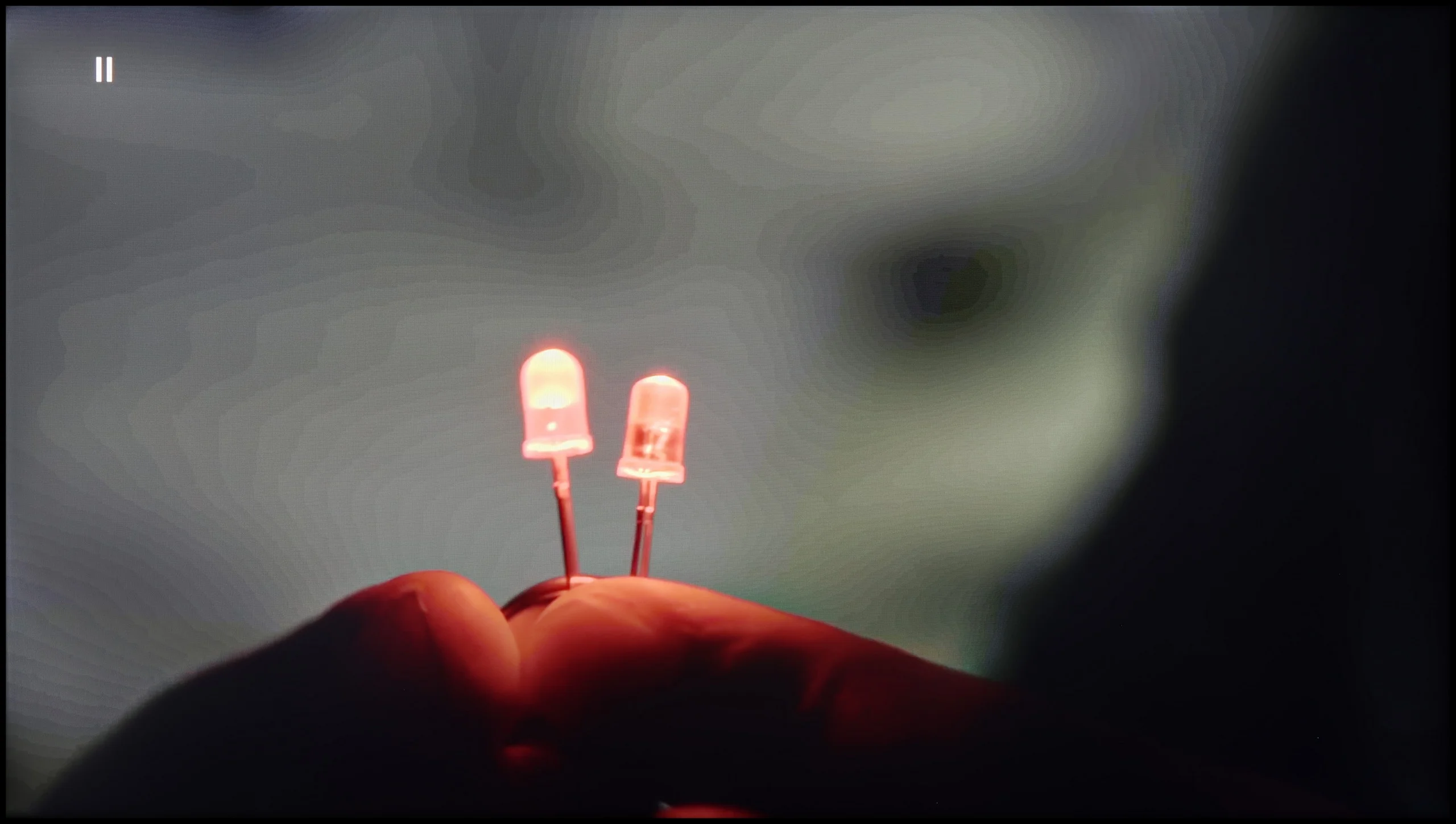
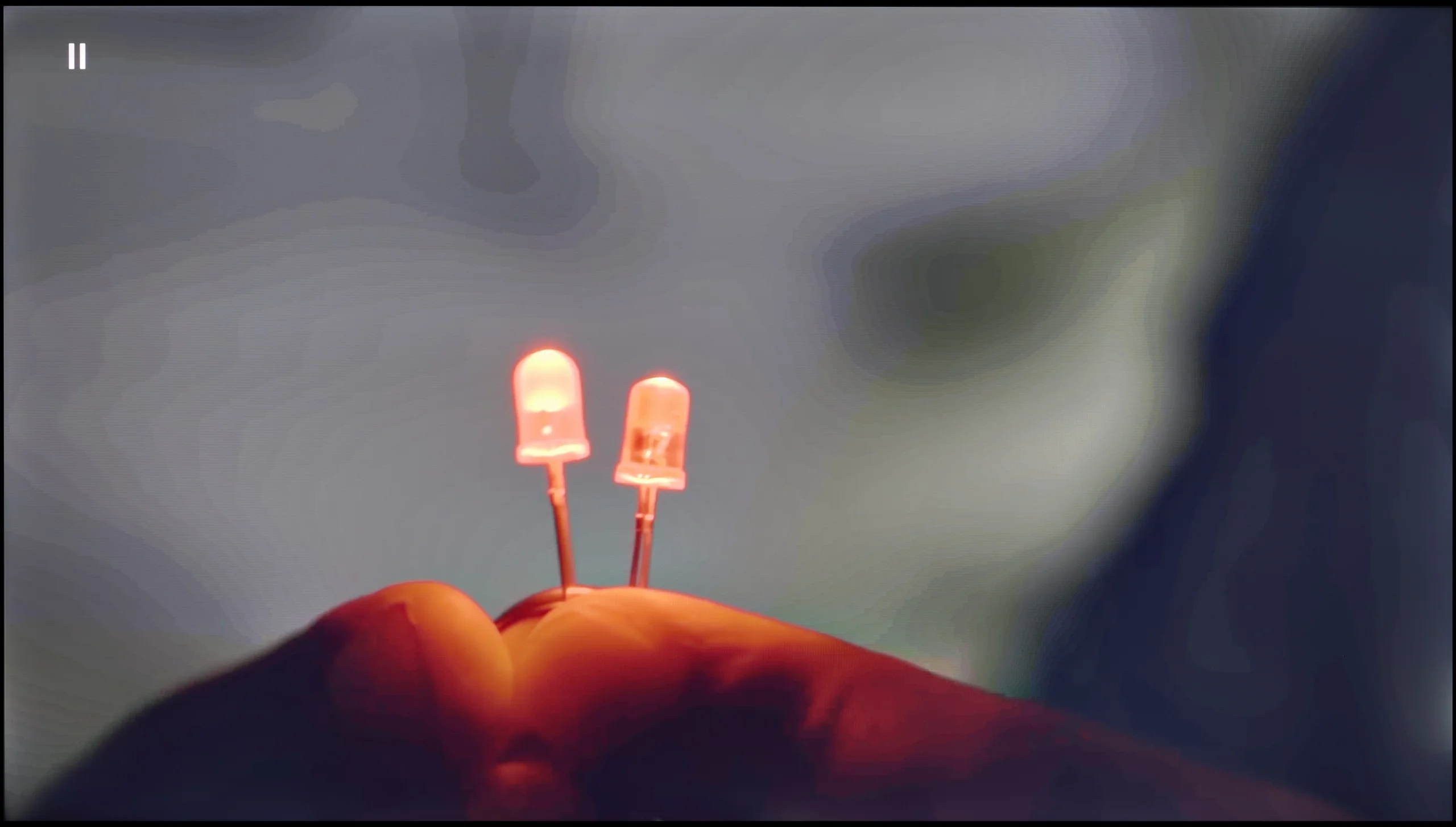
The match photo shows how the TV smooths weak tonal transitions in low-quality video.
Image scaling SD (576i)


The model photo shows how it handles upscaling of SD material.
TCL A300 handles tonal transitions in high-quality films very well, but the question arises – how does it perform with weaker materials? The TV is equipped with a tonal smoothing feature; however, its effectiveness can be described in one word: “random”. In one scene, it may work and improve the gradation, but when turned off… the effect remains the same. There is a lack of consistency and predictability here.
Image scaling is also not one of A300's strong points. On the test pattern, the main character actually looked better than on the raw signal, but with thin lines – like fonts or background details – there was noticeable jaggedness and aliasing. On the plus side, the TV does not cut off the image and has no issues with overscan, but the overall quality of scaling is rather average.
If you're hoping that the processor in this model will magically "fix" the poor quality signal from your cable TV or old movies from YouTube, we must disappoint you. The capabilities of this television end at absolutely basic upscaling, which is simply stretching the image to a higher resolution. It does this correctly in that the image is not blurry, but there is no mention of any intelligent sharpening or adding details. Worse still, Blaupunkt is completely devoid of any functions to reduce unwanted tonal transitions. If the material being viewed shows what is known as banding (ugly "steps" instead of a smooth transition of colours, e.g., in the sky), this television will display them in all their glory. Additionally, the television has a tendency to slightly crop the edges of the image. Instead of displaying 100% of what the source sends, Blaupunkt slightly zooms in on the frame, causing us to lose details that are at the very edges of the screen. In summary: in the category of digital "enhancement" of the image, Blaupunkt simply performs poorly. We receive a raw, unprocessed signal, with all its flaws.
Blur and motion smoothness
6.4/10
3.7/10
Blur (native resolution, maximum refresh rate):
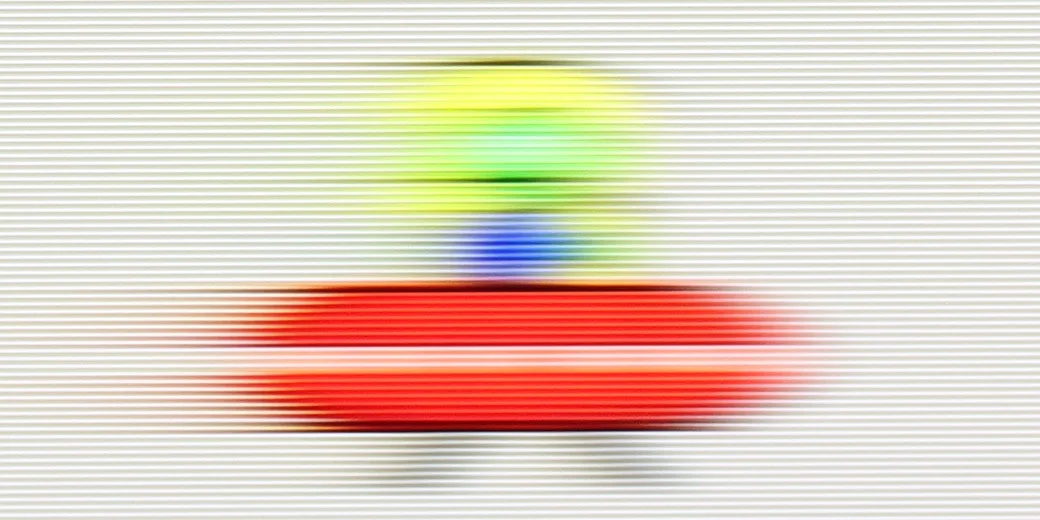
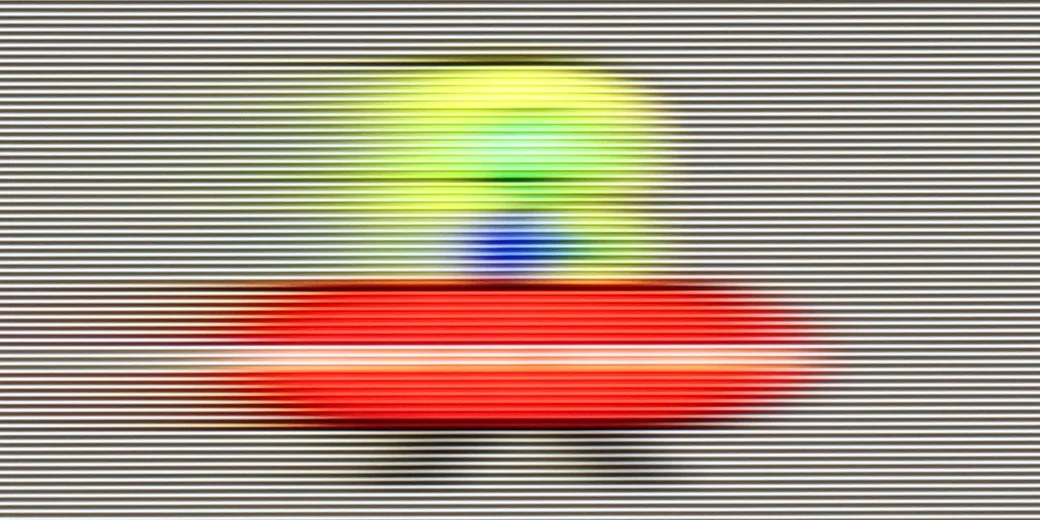
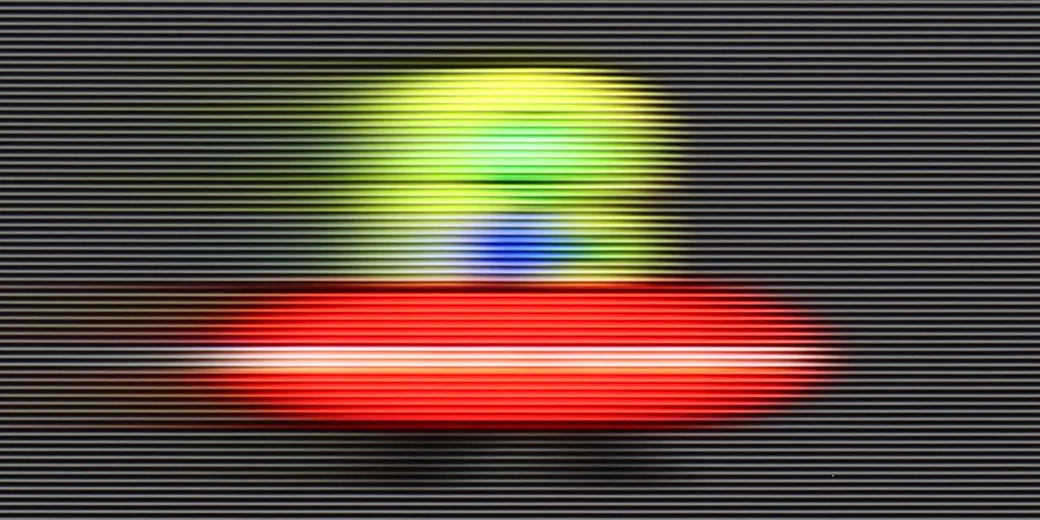
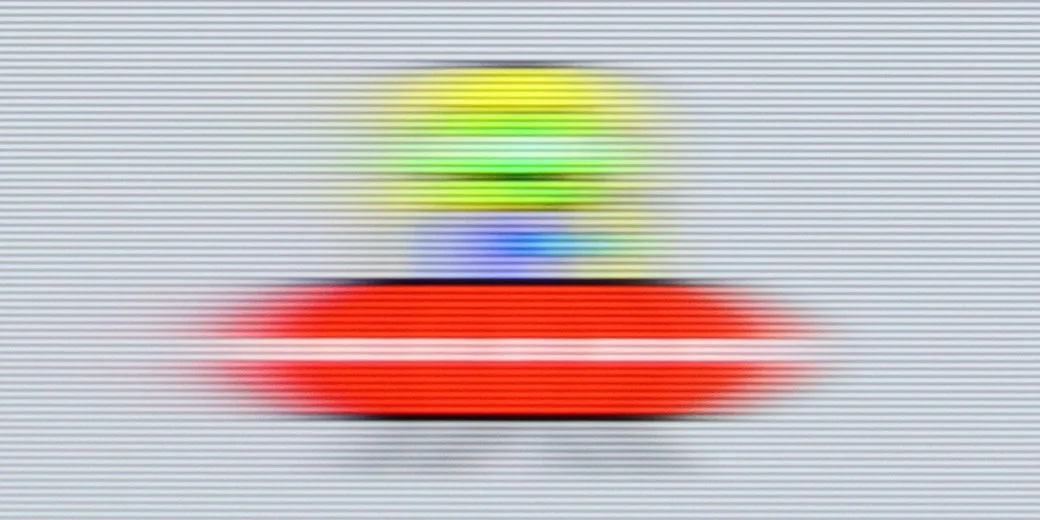
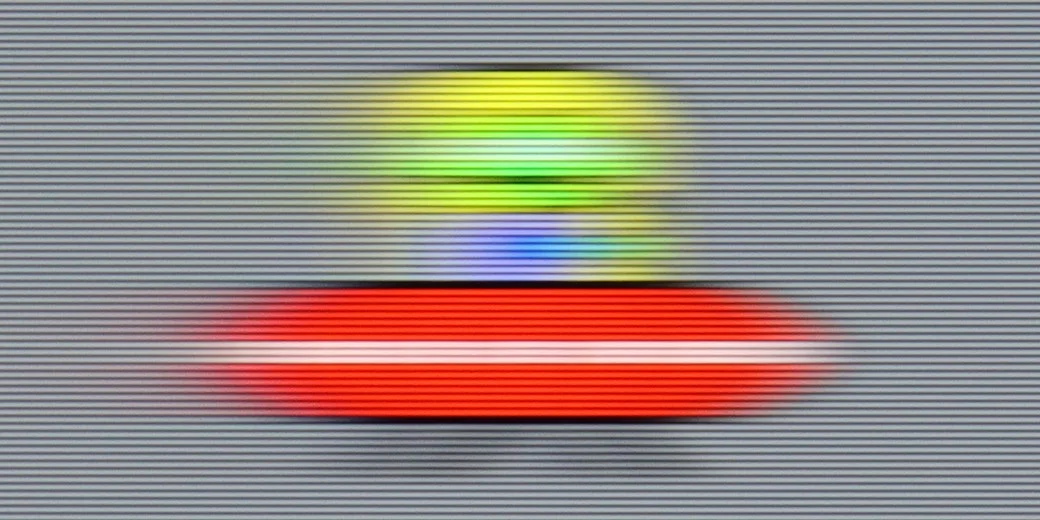
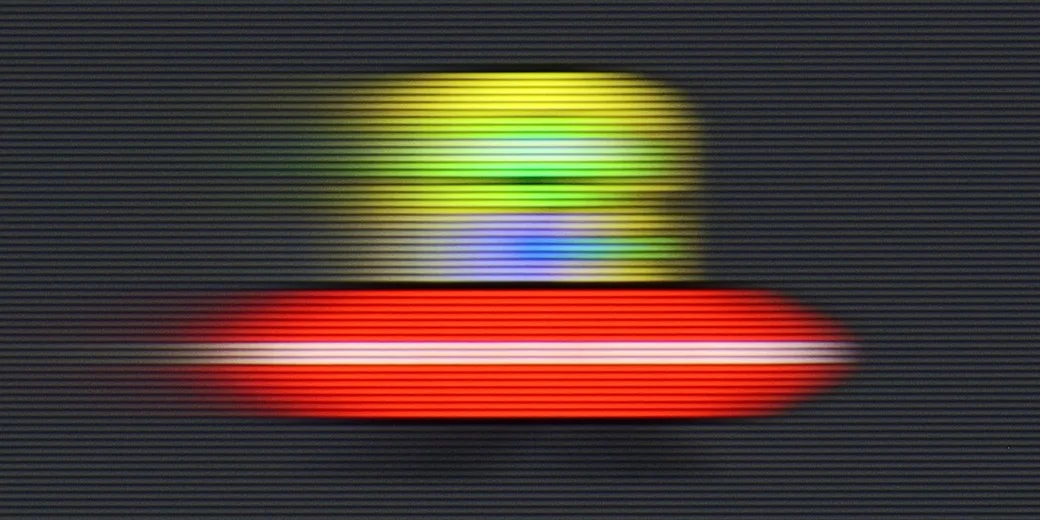
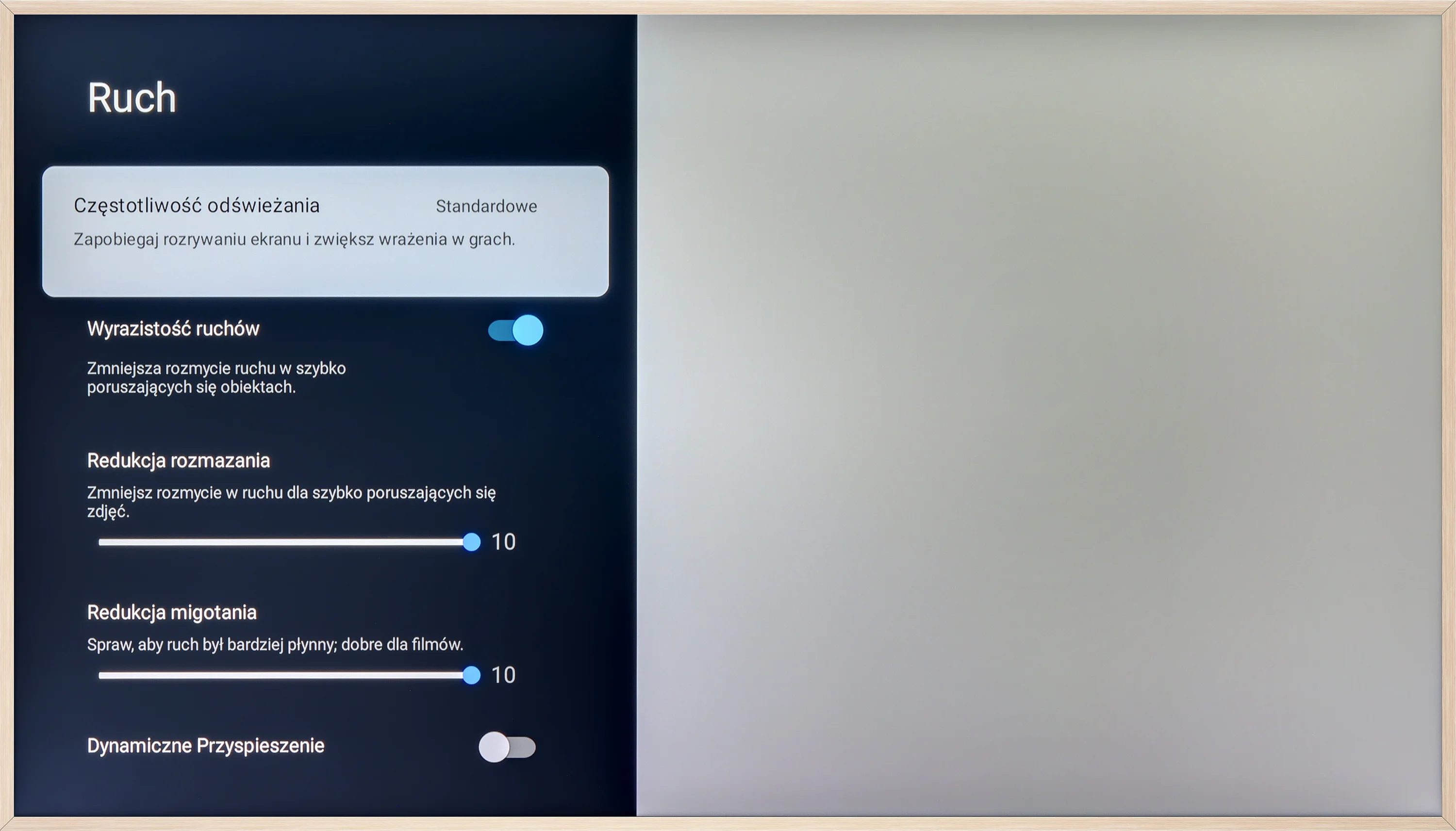
TCL A300 is equipped with a 144 Hz panel, which should instantly satisfy virtually everyone - both gamers and sports fans. Motion is fluid and the image is clear even during fast scenes. Additionally, the television offers a motion enhancement feature called "Motion," where we find two sliders on a 10-point scale. These allow you to adjust the effect to your own preferences - from a classic, filmic look with visible frames to a very smooth (though already unnatural) image reminiscent of a soap opera effect. This way, everyone can find a setting that suits them.
When it comes to motion fluidity, Blaupunkt has nothing to defend itself with. A 60 Hz panel at this price is standard, so none of us expected a perfectly sharp image in fast action scenes or during a match. However, the biggest drawback of this model is that you won’t find any digital motion smoothers in the menu. The manufacturer hasn’t given us any room for manoeuvre – nothing can be smoothed out or the image adjusted to our personal preferences. The picture is always "raw" and we receive it exactly as it is transmitted by the source. For fans of cinematic "jumping" images, this might be good, but the rest simply has to get used to the lack of any motion enhancement.
Console compatibility and gaming features
9.8/10
3.5/10
- ALLM
- VRR
- VRR range48 - 144Hz
- Dolby Vision Game Mode
- Correct implementation of HGIG
- 1080p@120Hz
- 1440p@120Hz
- 4K@120Hz
- Game bar
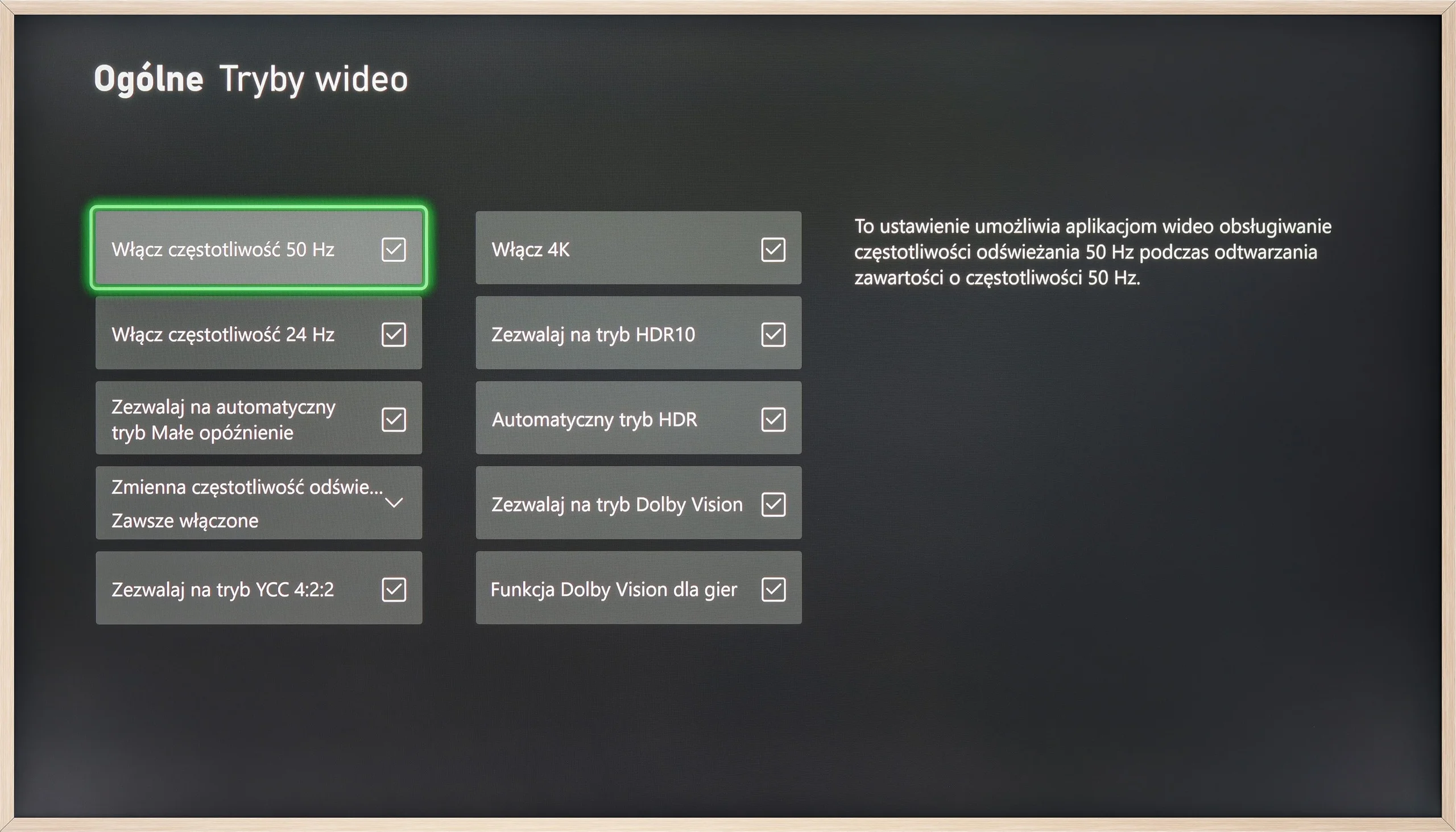
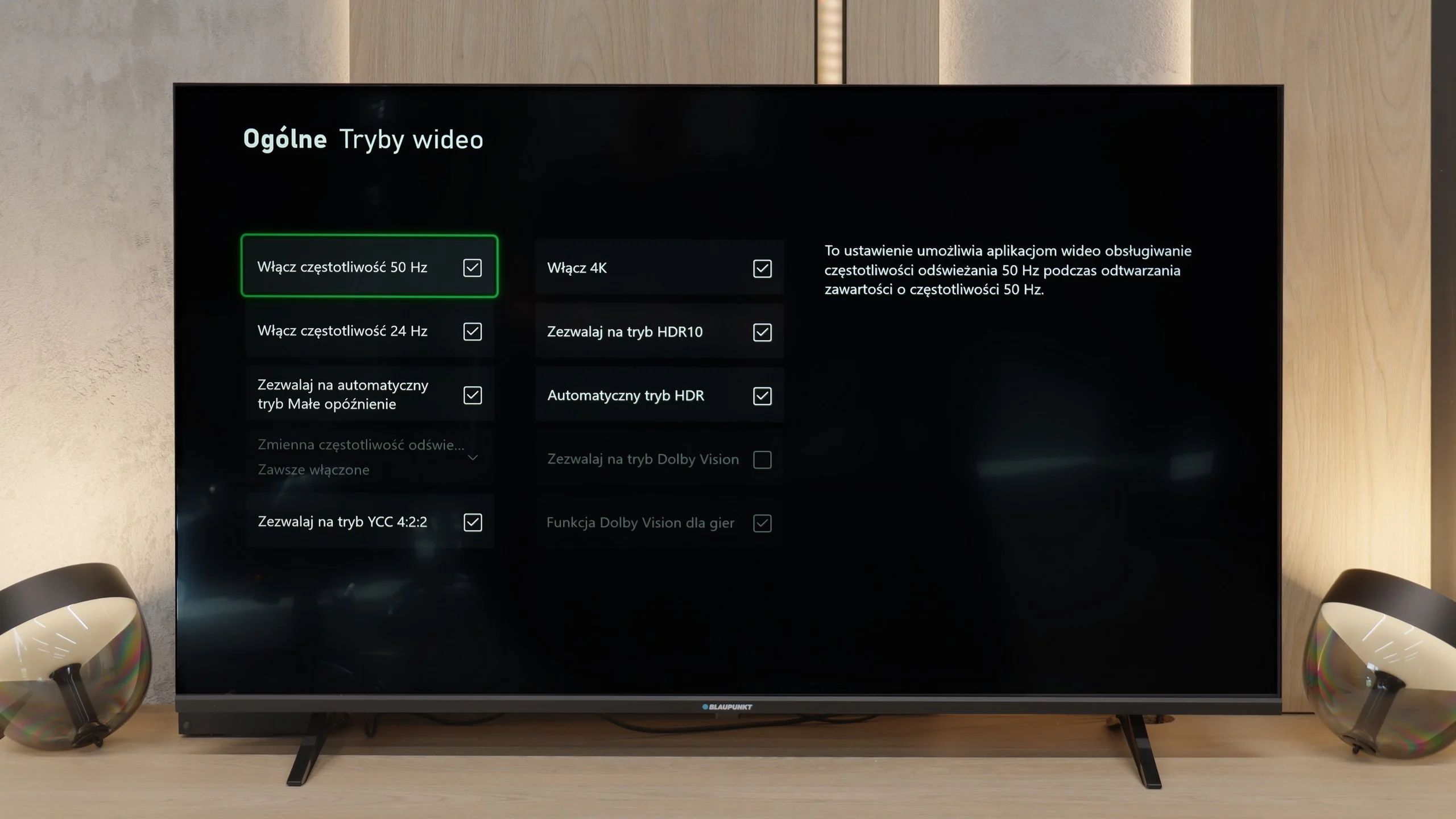
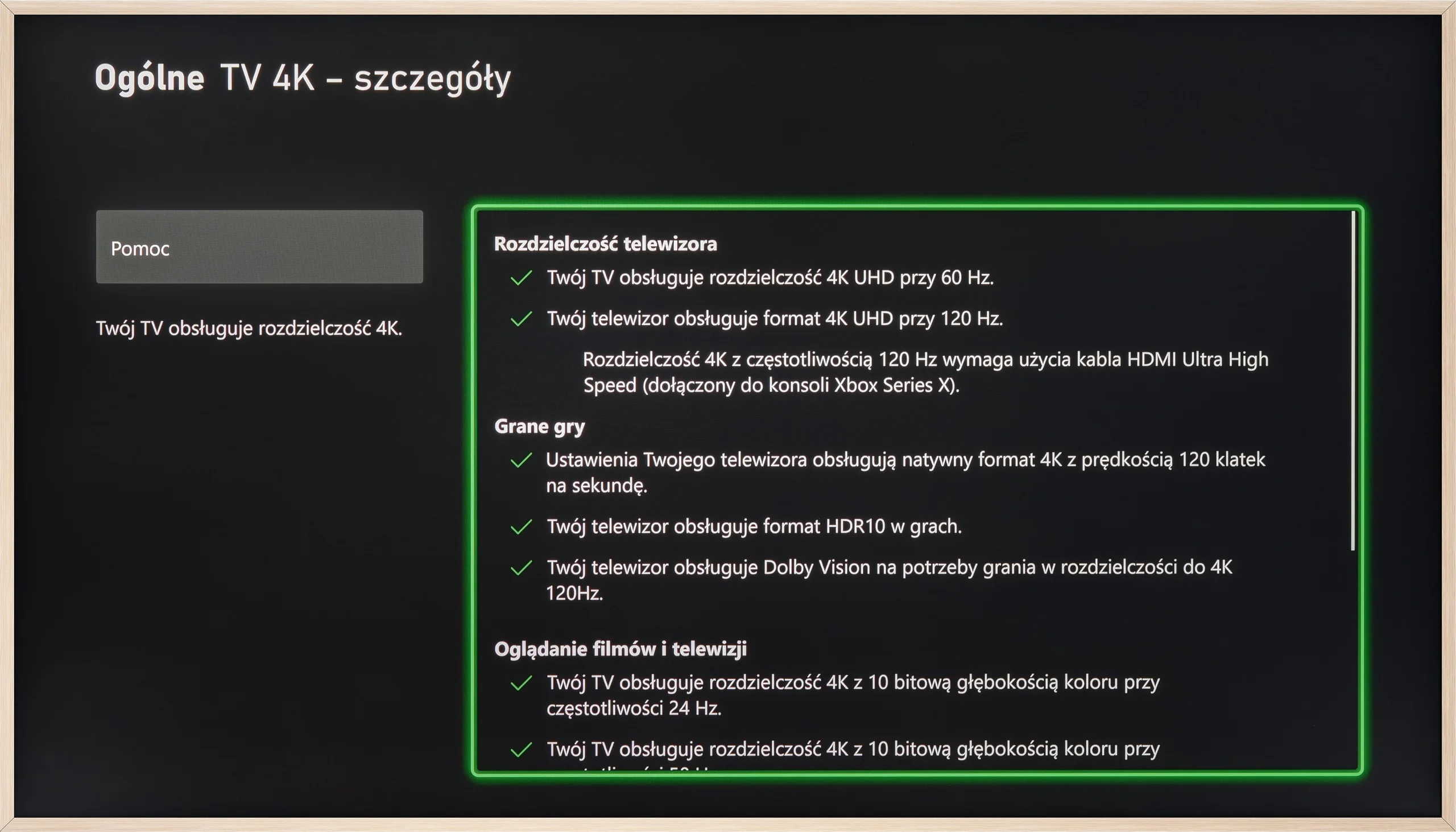

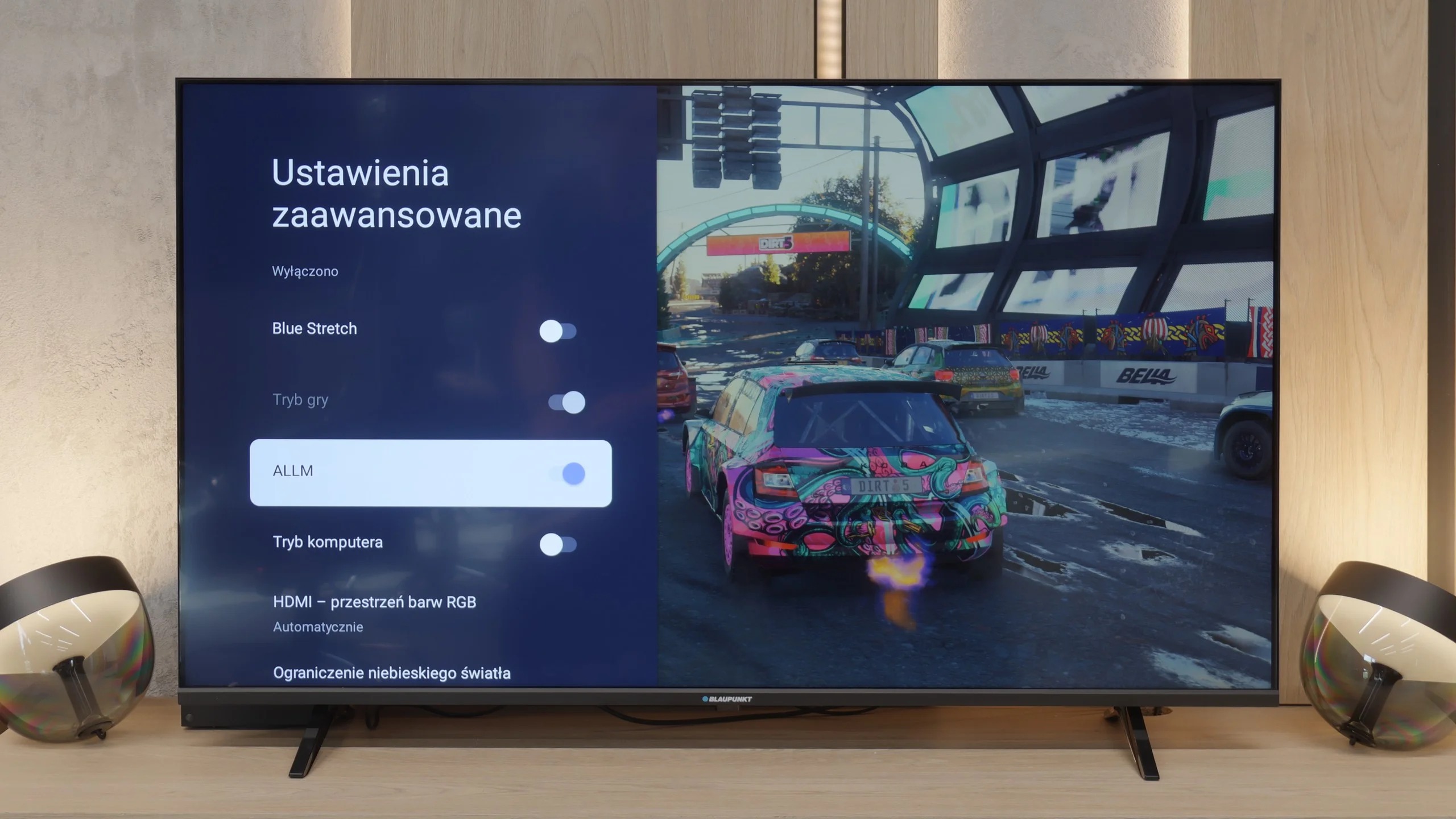
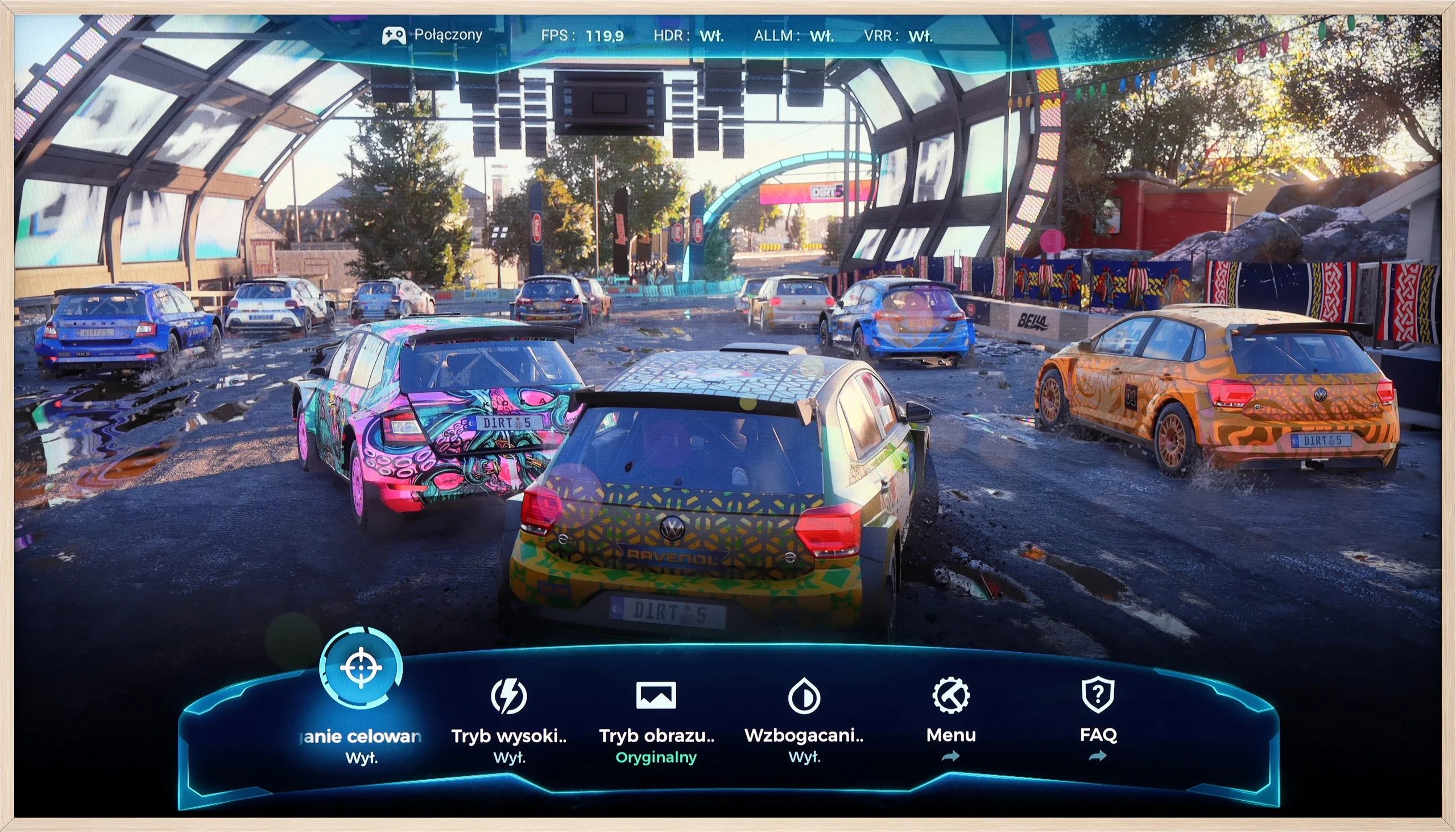
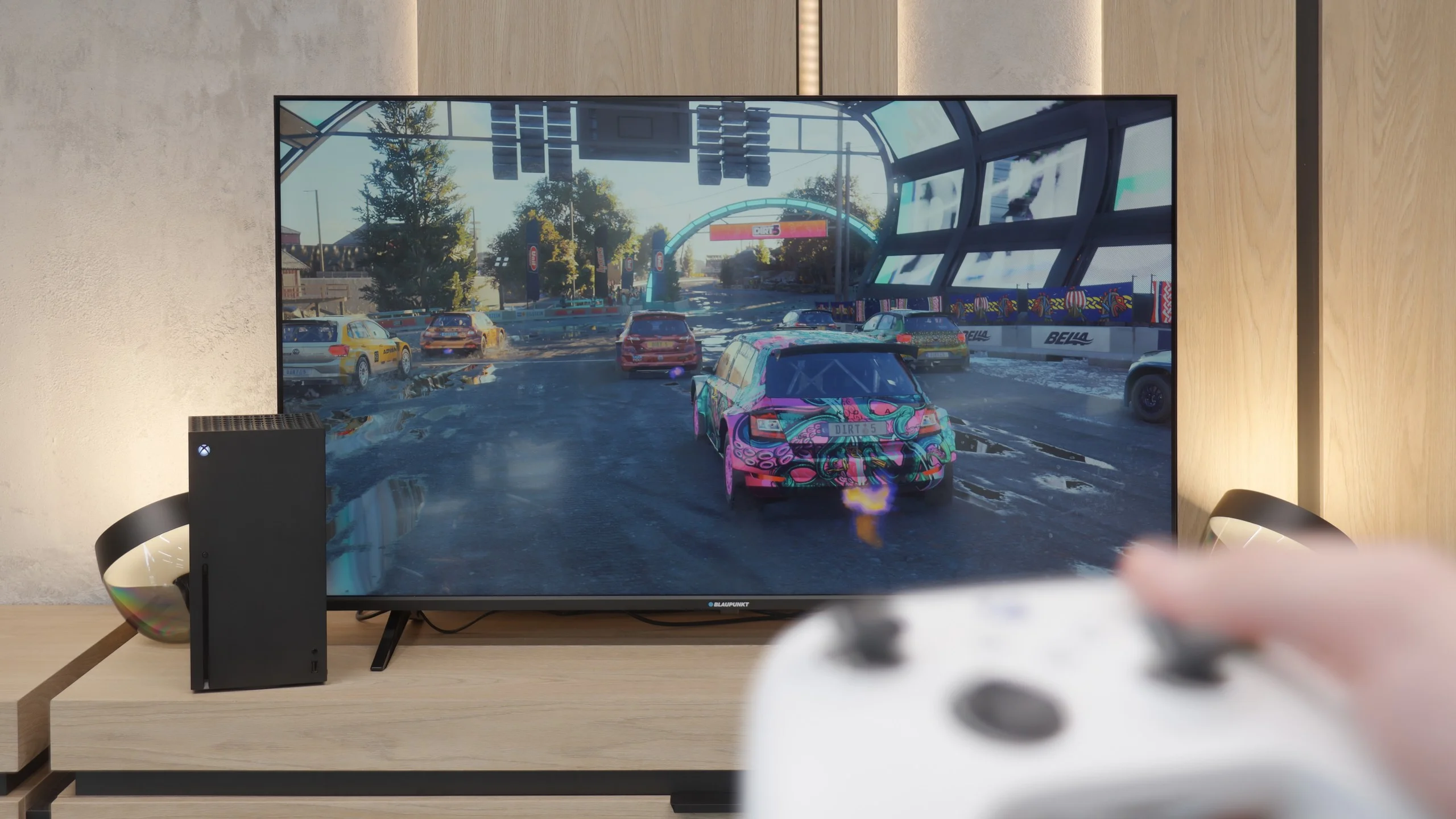
The TCL A300 is a television designed not only to transport us to a digital art museum but also into the full-fledged world of gaming. It offers practically everything you can expect from gaming hardware: two full-bandwidth HDMI 2.1 ports, 144 Hz refresh rate, support for VRR and ALLM.
It also deserves credit for the proper implementation of the HGIG mode – something that competing Hisense sometimes struggles with. The television handles lower resolutions (e.g., Full HD) with ease while maintaining high refresh rates, which will be appreciated by owners of older consoles or PCs.
Additionally, there's an attractive and clear GameBar that facilitates quick access to settings for gamers. The A300 is indeed well-prepared for gaming at the highest level – it’s just a shame that issues with ghosting somewhat detract from its overall appeal as a gaming device.
When it comes to gaming on the Blaupunkt, we weren’t expecting miracles and indeed – the list of features isn’t very long. However, there are two interesting points worth mentioning, as they might be significant for some of you at this price. The first advantage is that the TV quite smoothly detects the connected console. Thanks to the ALLM (Auto Low Latency Mode) feature, the device knows when you start gaming and automatically switches to low latency mode. This is convenient because you don’t have to fiddle with settings every time to ensure input lag doesn’t spoil the fun. The second point is a real curiosity that surprised us. Despite it being a 60 Hz panel, the Blaupunkt can display a 120 Hz image at Full HD resolution. Sure, we lose 4K details, but for those playing more dynamic, online shooters where smoothness is more important than resolution, this is a really nice and unexpected addition in such an affordable device. Other than these two points, you won’t find anything more here. There are no advanced smoothness enhancement systems for gamers or extensive gaming menu bars. It’s a simple screen for occasional gaming.
Input lag
9.7/10
8.6/10
SDR
HDR
Dolby Vision
In terms of input lag, the TCL A300 performs really well. Values below 10 ms at a refresh rate of 120 Hz are something many gamers dream of – such low lag is practically unnoticeable, both during everyday gaming and in more demanding esports titles. One could nitpick about the result of 23 ms in Dolby Vision mode at 60 frames, but it's still low enough that serious objections are hard to come by. In this category, the A300 truly excels.
An important point for every gamer is, of course, input lag, which is how quickly the television responds to our movements on the controller. Here, Blaupunkt has something to boast about, although the results are quite specific. At 4K resolution, the lag is only 12 ms. That's an excellent result. With such a lag, gaming is simply phenomenal, and the response is almost instantaneous. However, it's a bit disappointing that the situation changes when switching to 1080p. Here, the input lag increases to around 30 ms. Just to be clear: that's still not a terrible result. For most people, it will be "more than acceptable," and during casual gaming, you probably won't even notice it. Nevertheless, it's a pity that such good parameters couldn't be maintained as we saw with full 4K. Nonetheless, in the overall assessment, as a budget screen for console gaming, Blaupunkt really performs admirably in this regard.
Compatibility with PC
8.2/10
6/10
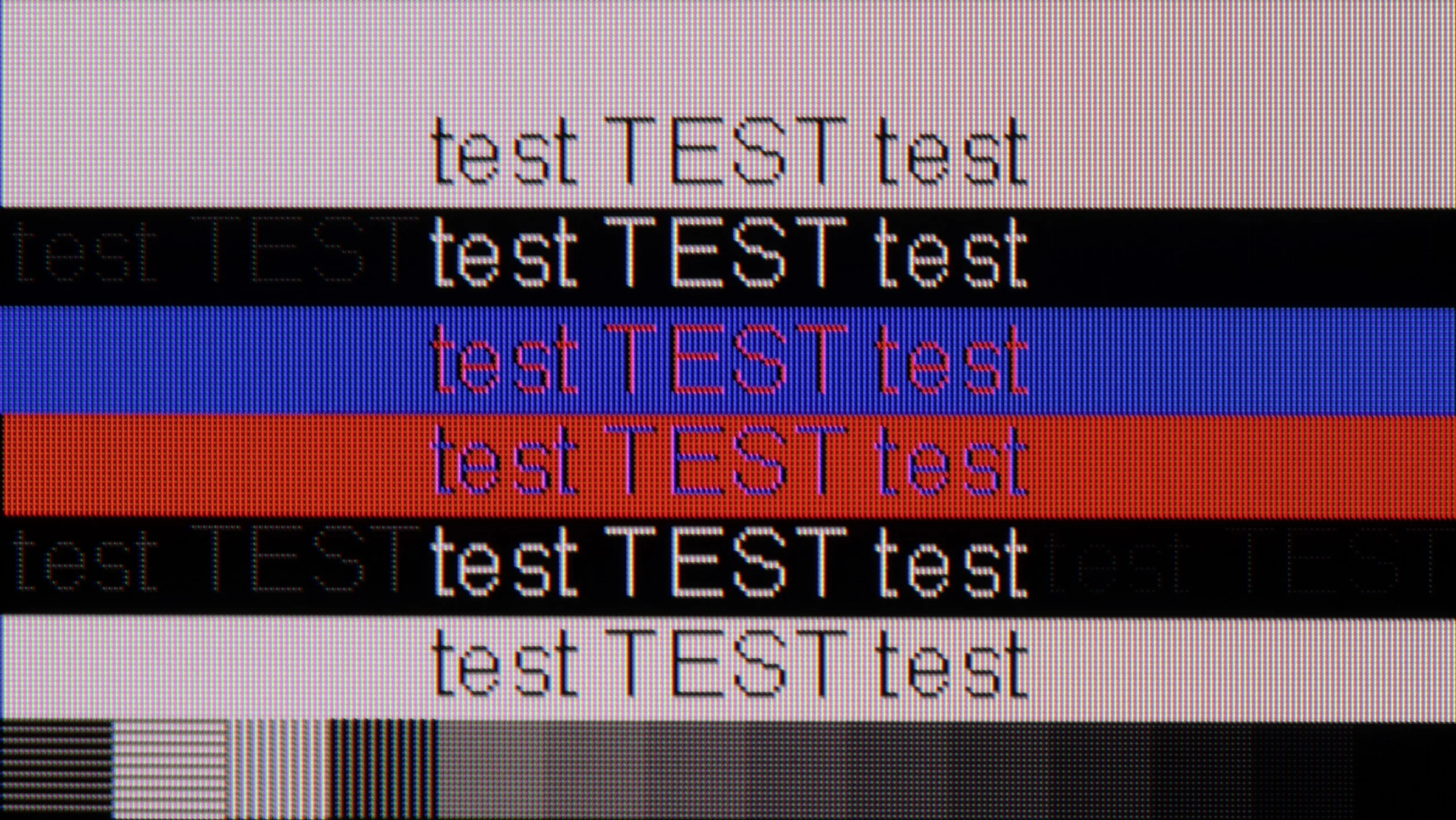
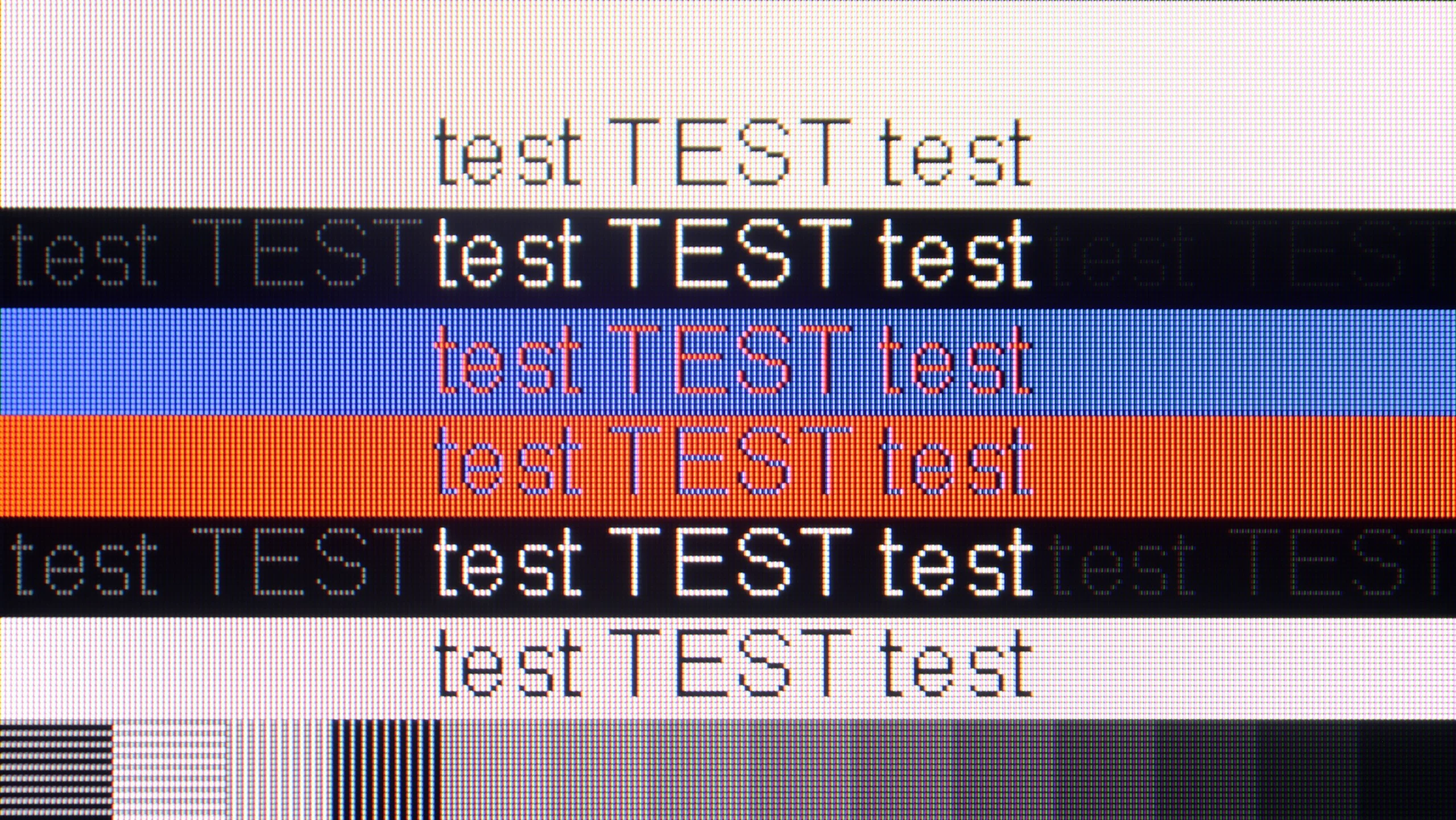
The photo shows the legibility of small fonts. Ideally, lines should be the same thickness on both light and dark text, with minimal pixel gaps.
If we plan to use the TCL A300 as a computer monitor, we may be pleasantly surprised. The television performs really well in this role. It is equipped with a 144 Hz panel, supports G-Sync, and, as we mentioned, offers very low input lag, so gaming on it with a connected PC is pure enjoyment.
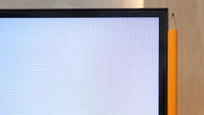
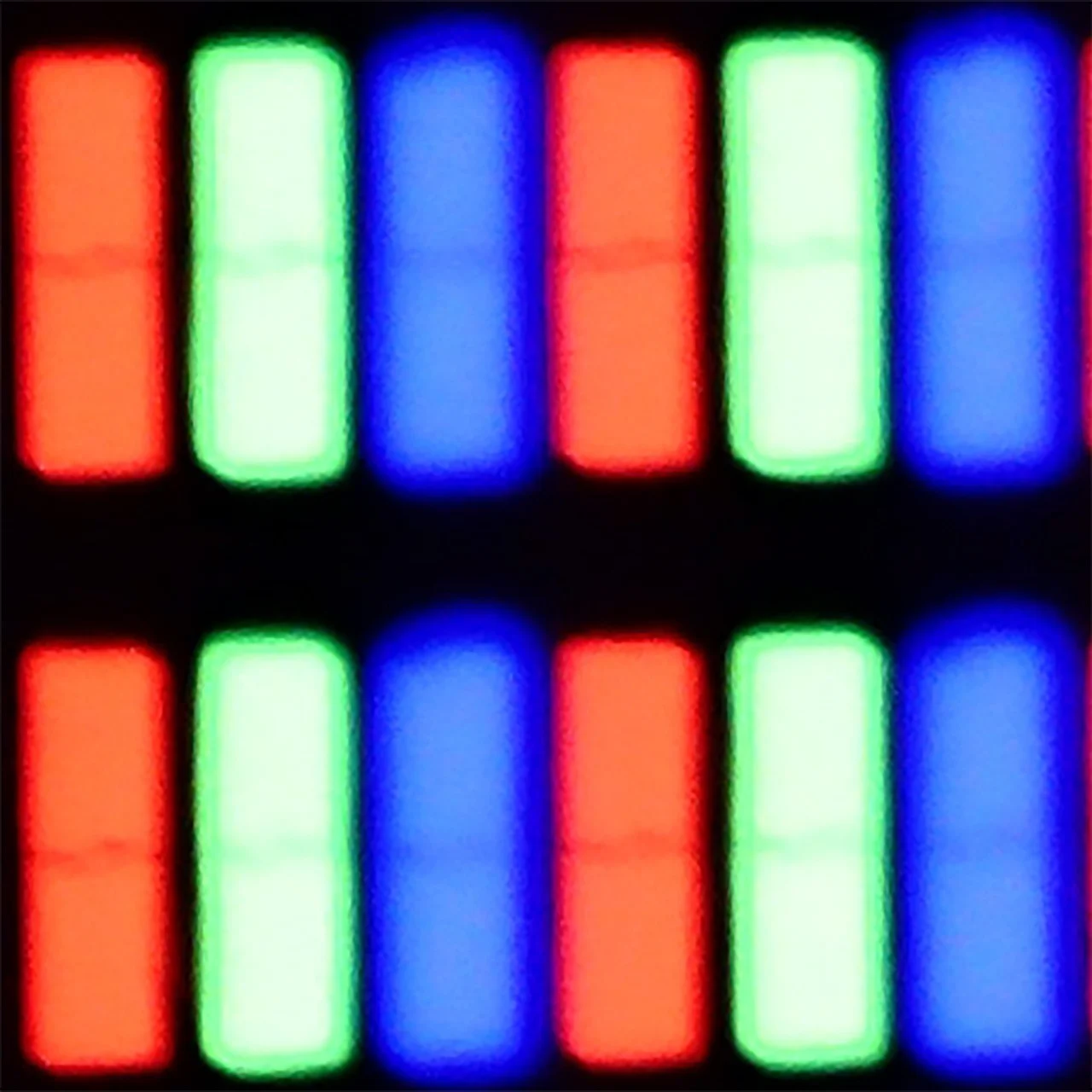
Working with text is also possible, although with some limitations. The TCL A300 has slight issues displaying dark fonts and thin lines – this is due to the construction of the subpixels, which in everyday use can be a bit annoying, even though it looks better in photos than in reality.
The television supports chroma 4:4:4, but only up to 120 Hz. Therefore, we noted that this feature is available, but with a limitation – if we care about perfectly readable fonts, it's worth sticking with the refresh rate of 120 Hz. At 144 Hz, the clarity of the text may suffer somewhat.
If you're planning to connect a computer to this television, it's absolutely crucial to find and enable the PC compatibility option in the menu. Once you do this, magic happens – the implementation of Chroma 4:4:4 and font readability jump to an exemplary level. The readability of text is simply excellent here. Of course, our editorial diligence wouldn't let us pass this equipment without taking a look "under the hood." In very specific tests with thin, dark text, we noticed that the horizontal and vertical matrix masks differ slightly in brightness levels. However, we want to reassure you: this phenomenon is so subtle that, during normal use, writing emails or browsing the web, you won't be able to notice it with the naked eye. We maintain our opinion that as a monitor strictly for dynamic gaming on PC, it isn't the ideal choice (as we mentioned in the context of the 60 Hz refresh rate), but if any of you are wondering whether you can comfortably work on such a Blaupunkt – we say: yes, it absolutely can be done.
Viewing angles
3.2/10
5/10
The viewing angles on the TCL A300 NXTVision are, let’s be honest, average. The TV is equipped with a VA panel, which inherently has quite limited angles, and unfortunately, this is evident here. The video below speaks for itself – even a slight deviation from the centre results in a noticeable drop in contrast and colour saturation. It’s a shame that this is yet another frame-style TV that has done absolutely nothing about it. After all, we don't always have the option to sit perfectly straight on – especially if the device is also meant to serve a decorative function in the living room.
Here it's really very good. Whether we were sitting straight on or on the edge of the couch, the colours didn't lose their saturation. This is a big plus if you're planning to watch matches or movies with a larger group – no one will complain that the picture looks worse for them. Although IPS panels are known for their good viewing angles, in this particular model, when viewed from a sharp angle, the picture noticeably loses brightness. Interestingly, the colour saturation still remains in place, but the screen simply becomes darker. It's not something that disqualifies this television, but it's worth knowing.
Daytime performance
4.7/10
4/10
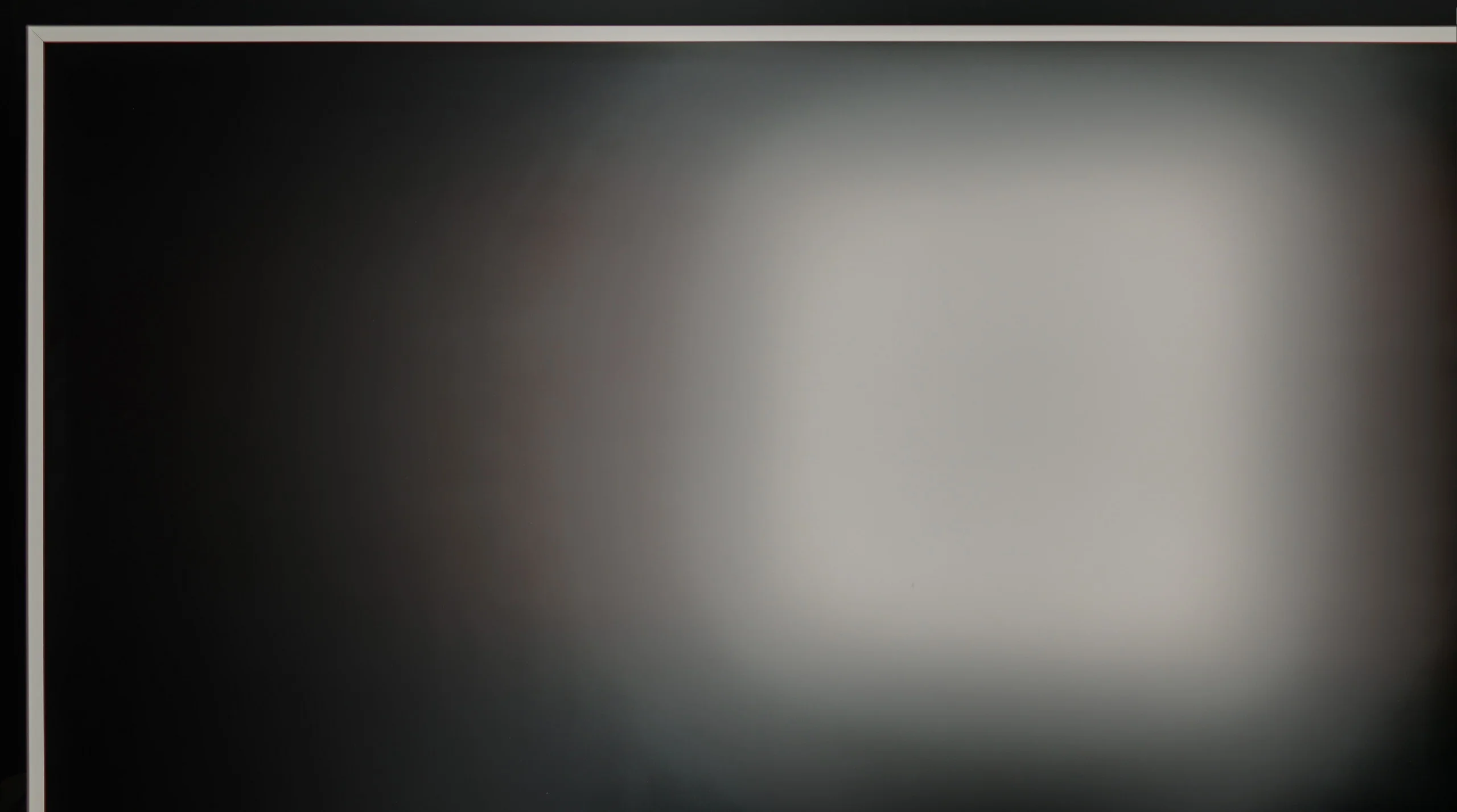
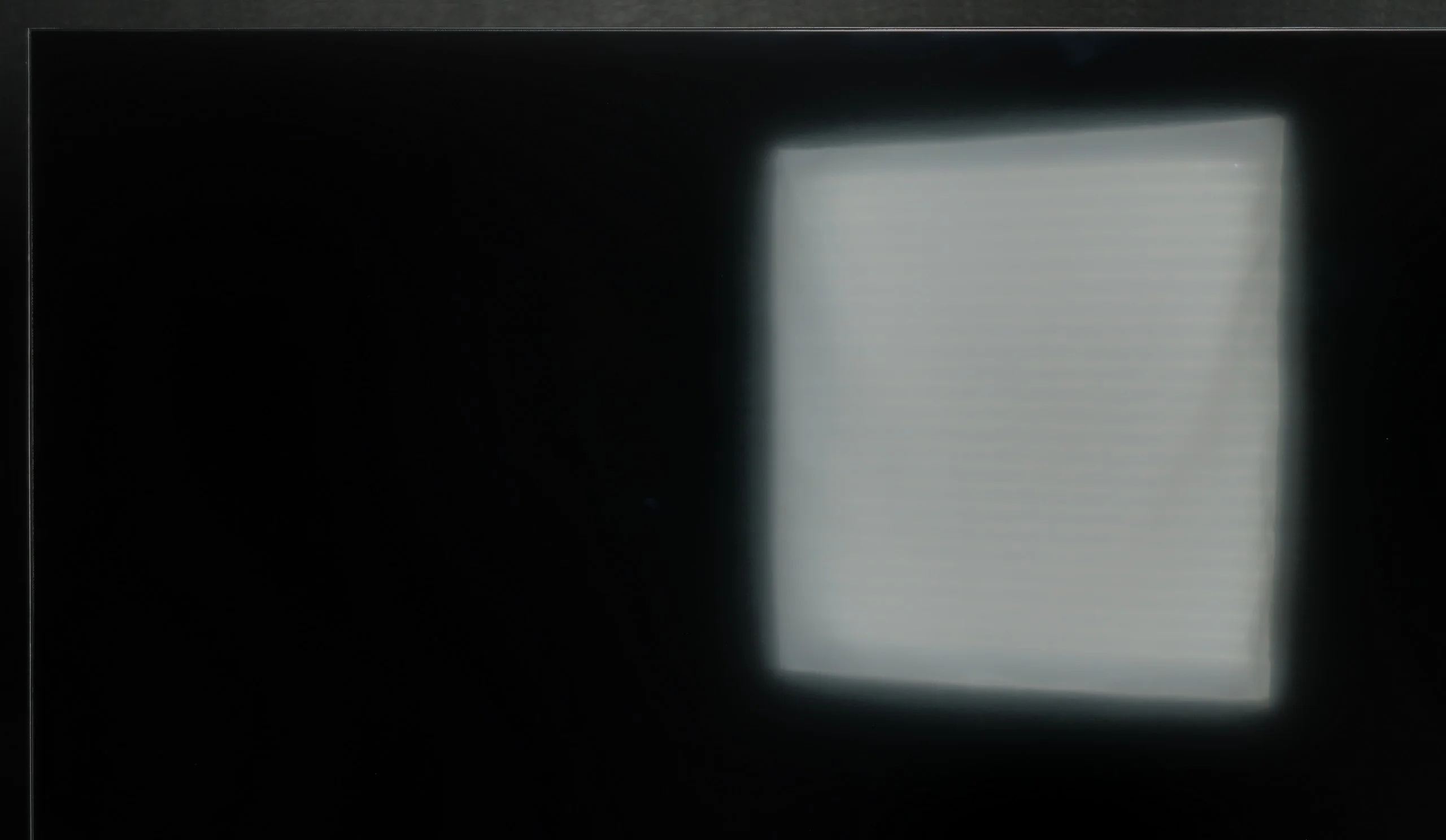
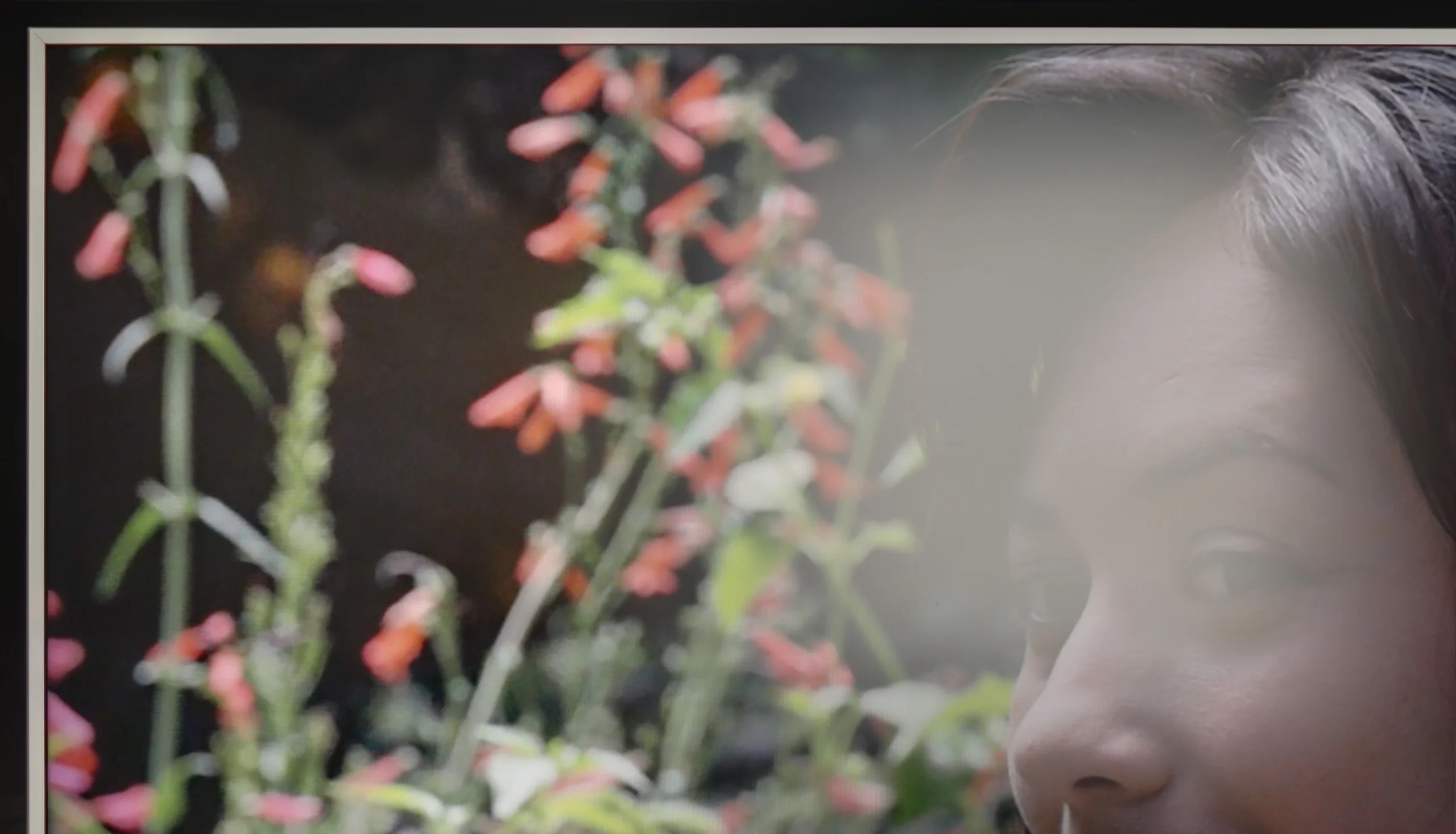
Panel brightness
Blaupunkt UGC5500S: 245 cd/m2
TCL A300W NXTVision: 388 cd/m2
The TCL A300 NXTVision is equipped with a matte panel very similar to the one found in one of its Chinese competitors – the Hisense S7NQ. This type of surface does quite well in reducing reflections, although it must be admitted that it performs worse than Samsung's The Frame, which offers a significantly higher level in this regard. As is usually the case with matte displays, blacks during the day lose depth and appear more grey than black – and this is no different here. Unfortunately, the fact that the A300 is the darkest TV of the three tested doesn’t help either. This gives it a real problem in breaking through in heavily sunlit rooms.
In terms of daytime performance, Blaupunkt is simply average. It all comes down to the low brightness of the panel, which – as we mentioned, hovers around 250 nits. That’s definitely too low for the screen to comfortably "cut through" the strong light coming into the living room. As a result, in bright sunlight, the image loses its clarity and appears somewhat washed out. However, there is one bright spot in this category: the satin coating of the panel. Thanks to this, we don't have to deal with the mirror effect, which often means instead of watching a movie, we're seeing our own couch reflected. The satin nicely diffuses reflections, which somewhat saves the situation. Nevertheless, we can’t cheat physics: while the coating bravely fights against reflections, the low brightness ultimately capitulates in the face of the sun's rays. If you plan to watch something in the middle of the day in a very bright room, prepare yourself for the necessity of drawing the curtains.
Panel details
Subpixel Structure:
Panel uniformity and thermal imaging:
TCL A300W NXTVision
Blaupunkt UGC5500S
TV features
7.2/10
5.1/10
- SystemGoogle TVGoogle TV
- System performanceDecentAverage
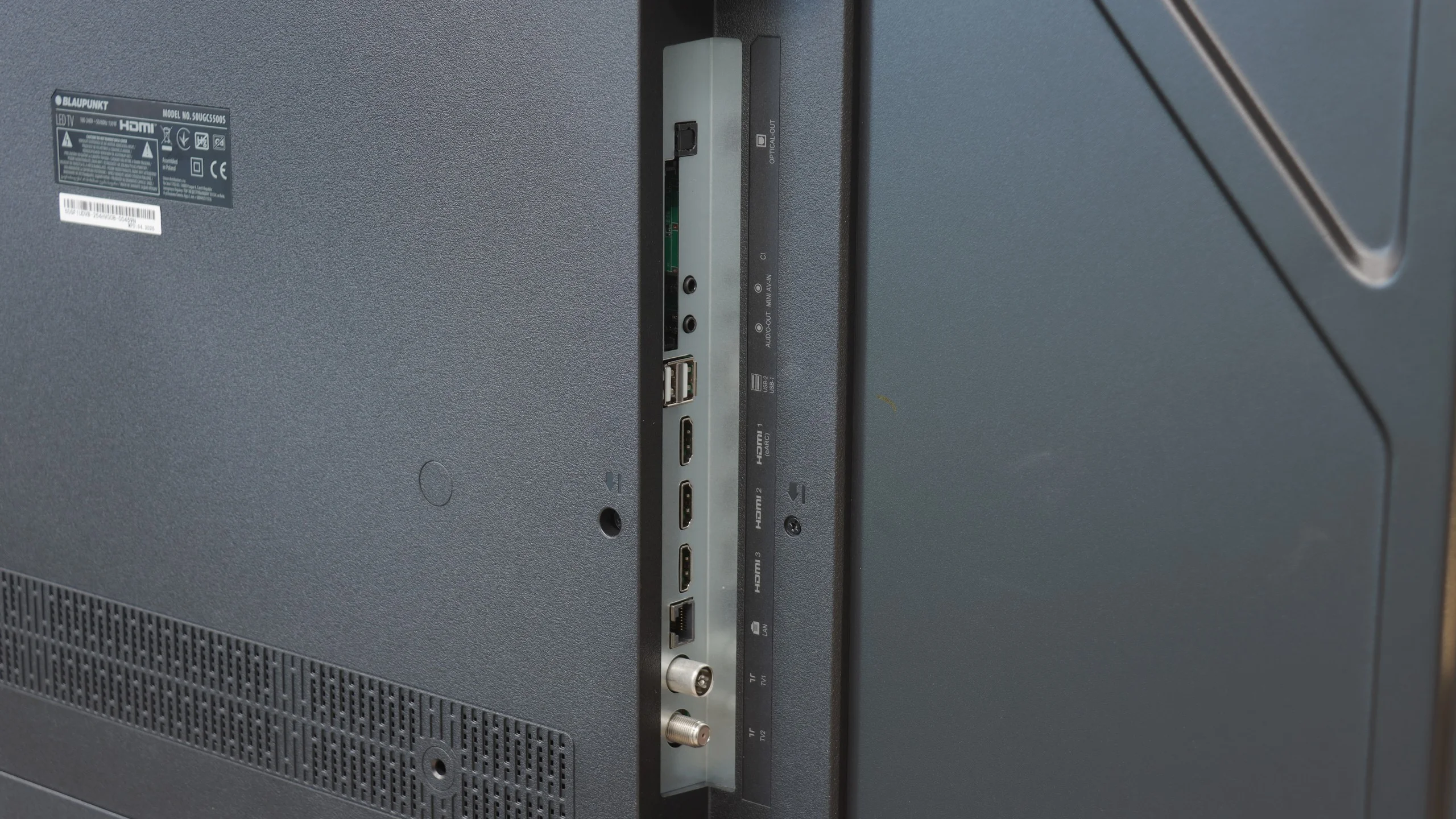
- HDMI inputs2 x HDMI 2.0, 2 x HDMI 2.1 48Gbps3 x HDMI 2.0, 0 x HDMI 2.1
- Other inputsRCA (Chinch)
- OutputsToslink (Optical audio), eARC (HDMI), ARC (HDMI)Toslink (Optical audio), eARC (HDMI), ARC (HDMI), Mini-Jack (Headphones)
- Network InterfacesWi-Fi 2.4GHz, Wi-Fi 5GHz, Ethernet (LAN) 100MbpsWi-Fi 2.4GHz, Wi-Fi 5GHz, Ethernet (LAN) 100Mbps
- TV receptionDVB-T, DVB-T2, DVB-S, DVB-S2, DVB-CDVB-T, DVB-T2, DVB-S, DVB-S2, DVB-C
Classic features:
- Recording to USB (terrestrial TV)
- Recording programming
- Picture in Picture (PiP)
- RF remote control (no need to aim)
- Backlit remote control
- Teletext
- Audio only mode
- Bluetooth headphones support
- Simultaneous Bluetooth headphones & TV audio
Smart features:
- AirPlay
- Screen mirroring (Windows Miracast)
- Voice search
- Voice search in native language
- Ability to connect a keyboard and mouse
Sound connection options
- HDMI audioeARC (HDMI), ARC (HDMI)eARC (HDMI), ARC (HDMI)
- Other audio outputsToslink (Optical audio)Toslink (Optical audio), Mini-Jack (Headphones)
- Wireless audioBluetoothBluetooth
Supported audio formats (external HDMI eARC audio):
- Dolby Digital Plus 7.1
- Dolby True HD 7.1
- Dolby Atmos in Dolby Digital Plus (JOC)
- Dolby Atmos in Dolby True HD
- DTS:X in DTS-HD MA
- DTS-HD Master Audio
Senior accessibility
- Numeric keyboard on TV
- Font size adjustment
- Audio description
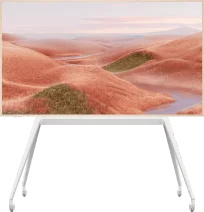
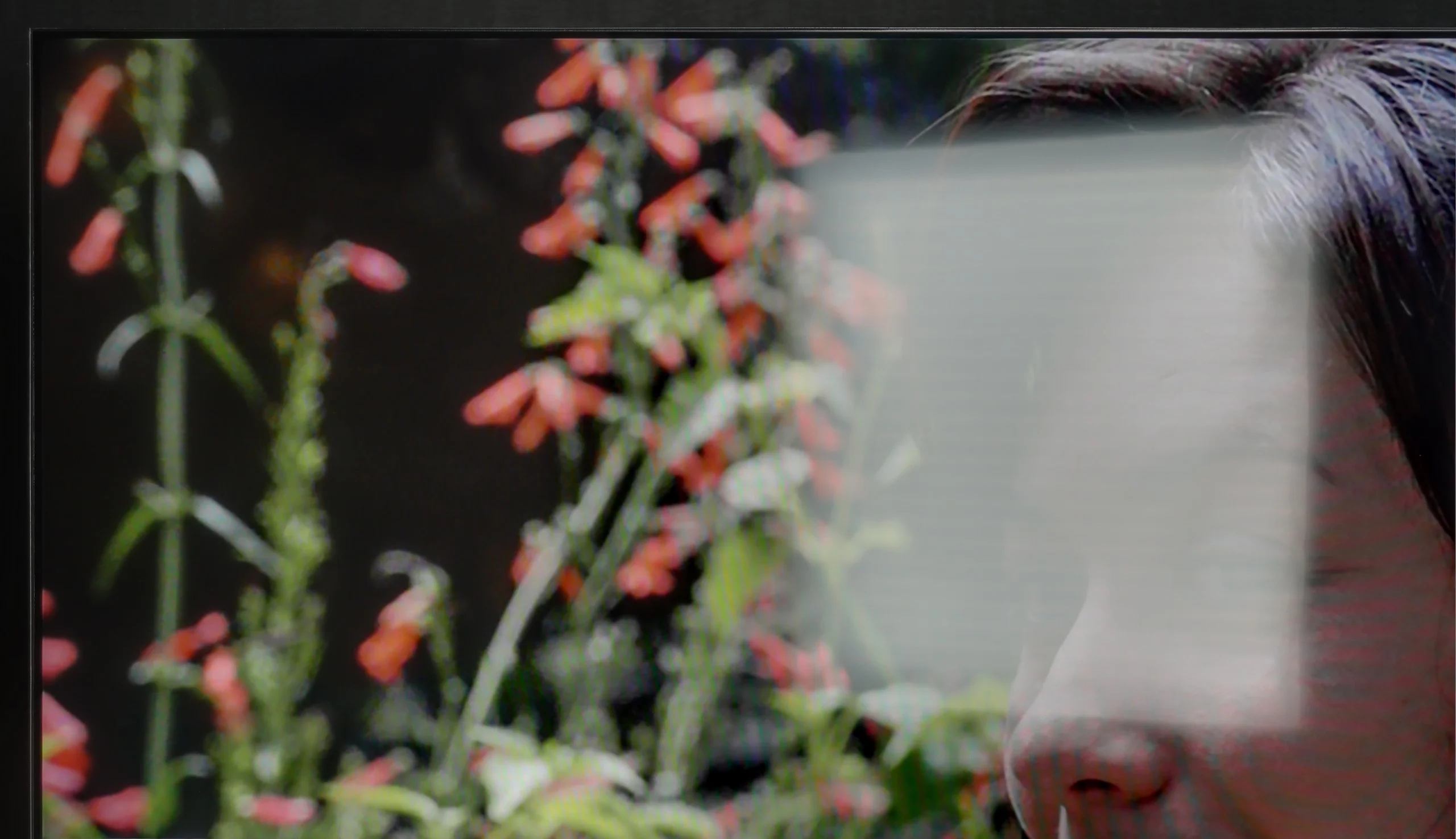
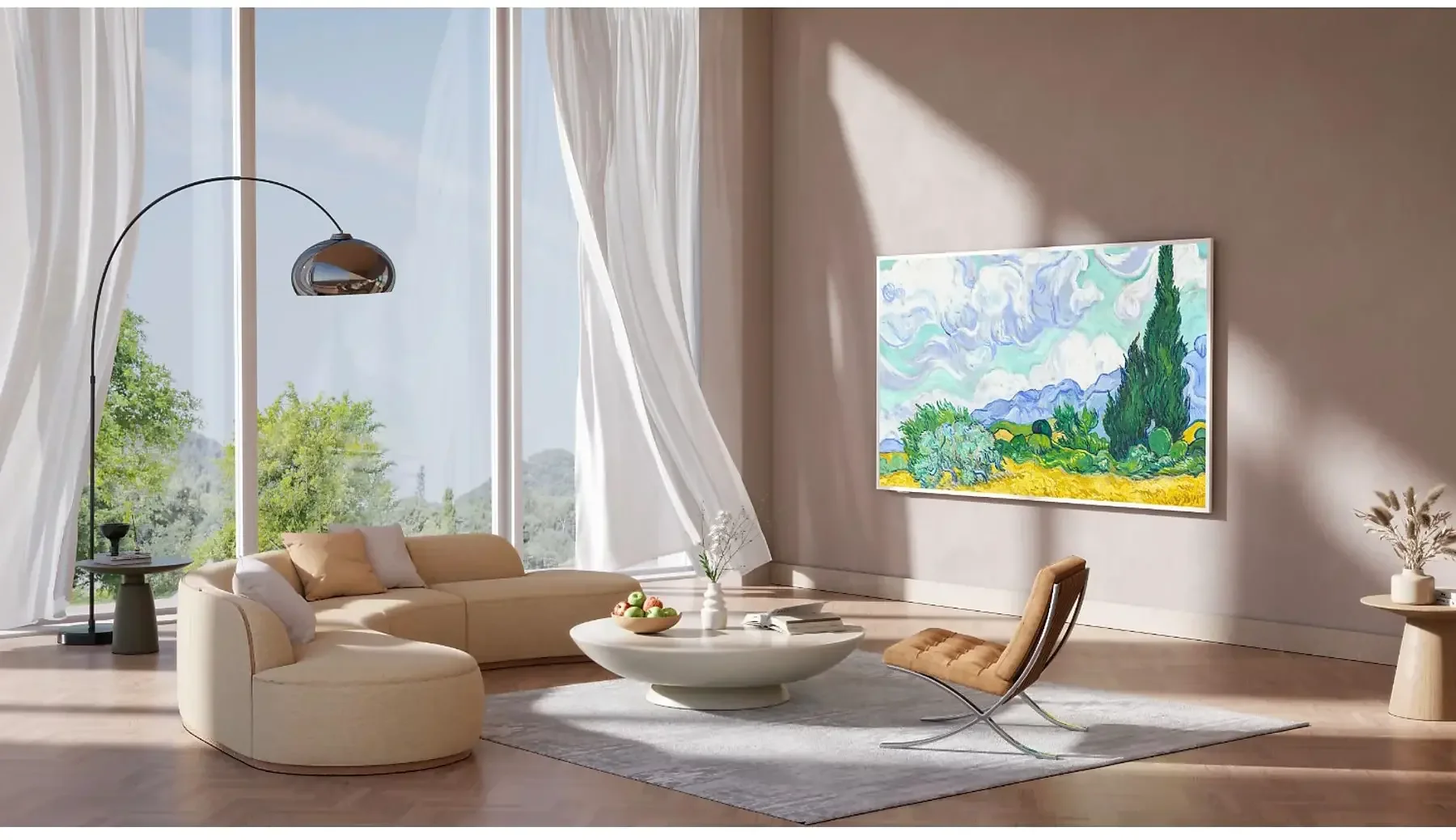
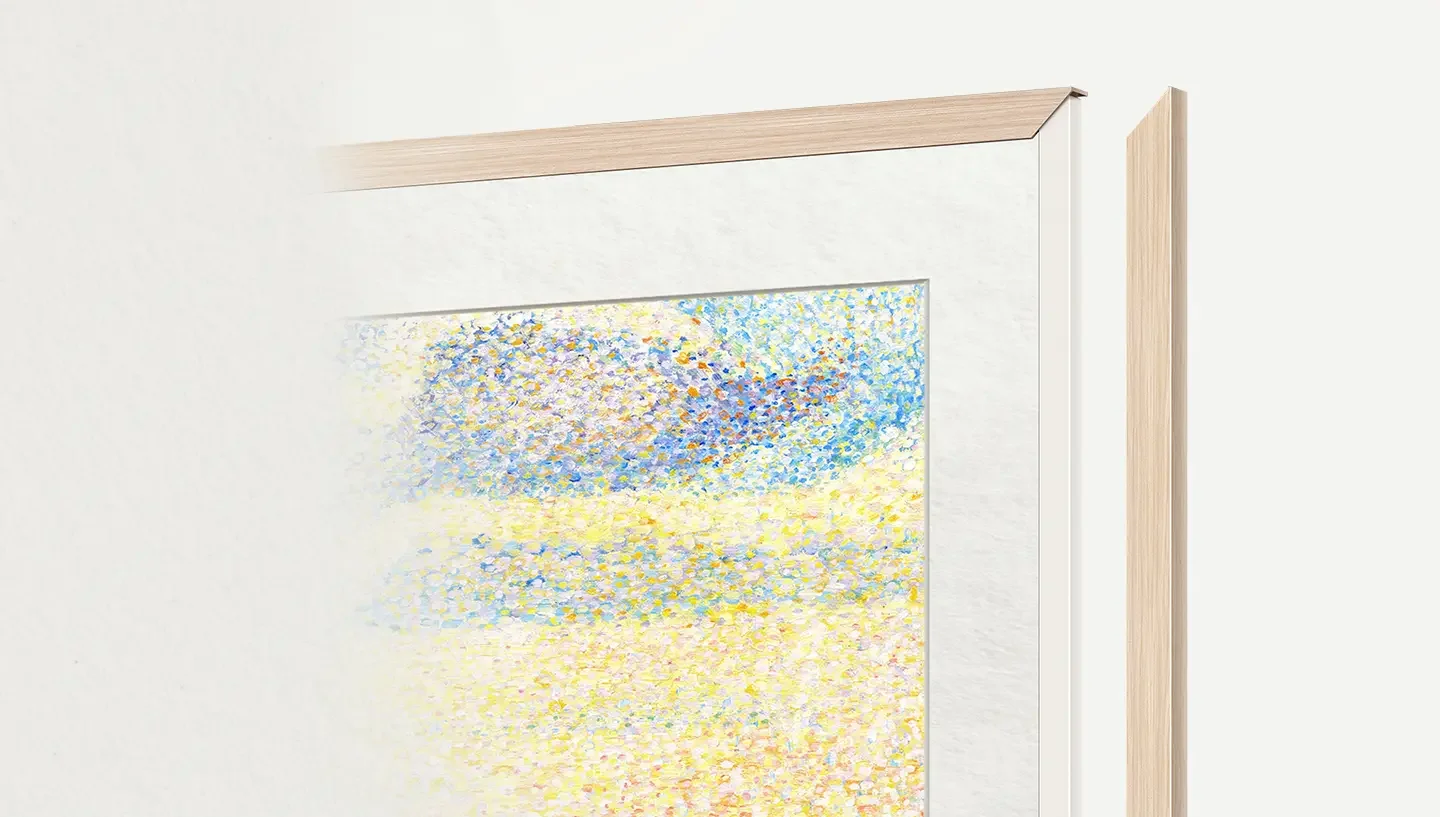
TCL A300 is a television styled as a painting, which in everyday use can successfully pretend to be a work of art hanging on the wall. It is equipped with a special image display mode, additional frames in a light wood tone, and a flat wall mount that allows you to hang the television like a real painting – without any gap from the wall.
A significant advantage of the image mode is that it is completely free. We have access to several dozen works from which we can choose one to be displayed while in standby – instead of a black screen, the image we selected remains on the wall. The quality of graphic reproduction is okay, but it must be admitted that it clearly falls short of that from Samsung's ART Store. Although access to images there is paid, the quality of the scans is significantly better – you can see the texture of the paint, canvas, and details. In the TCL A300, it resembles high-quality photos rather than realistic reproductions of artworks. Additionally, the implementation of the image mode in the system leaves a lot to be desired. For example – if we set the brightness to 10% in image mode, that same value automatically transfers to the regular viewing mode, where we could easily set the brightness to 50% or even 100%. It also works the other way around – when we set the brightness to 100% in regular mode, after switching to gallery mode, the images are displayed with the same maximum brightness, shining too intensely and losing the whole effect of a “picture on the wall.” These are minor but irritating errors that can spoil the experience of what was supposed to be visually subtle and elegant.
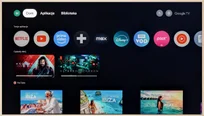
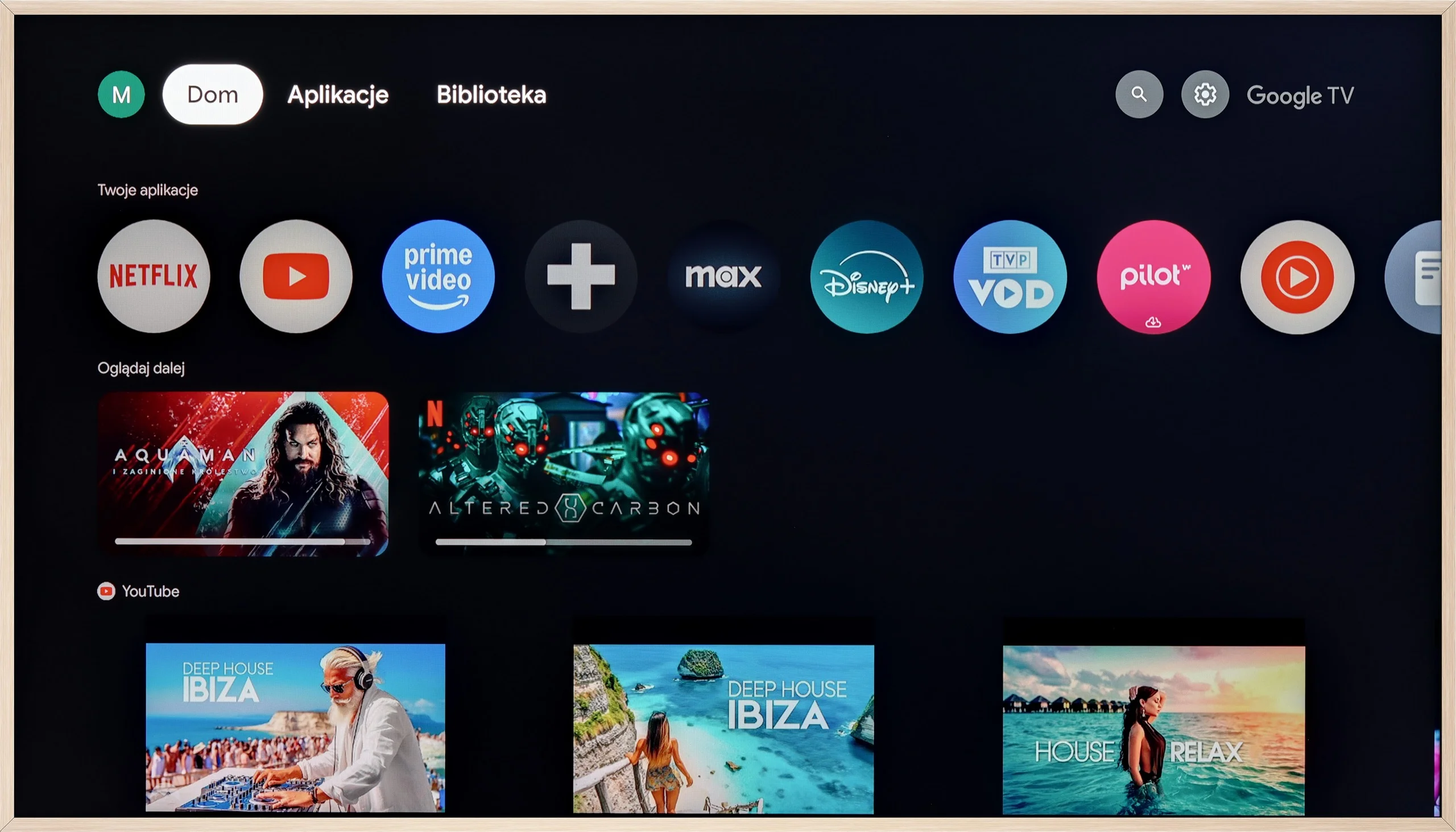
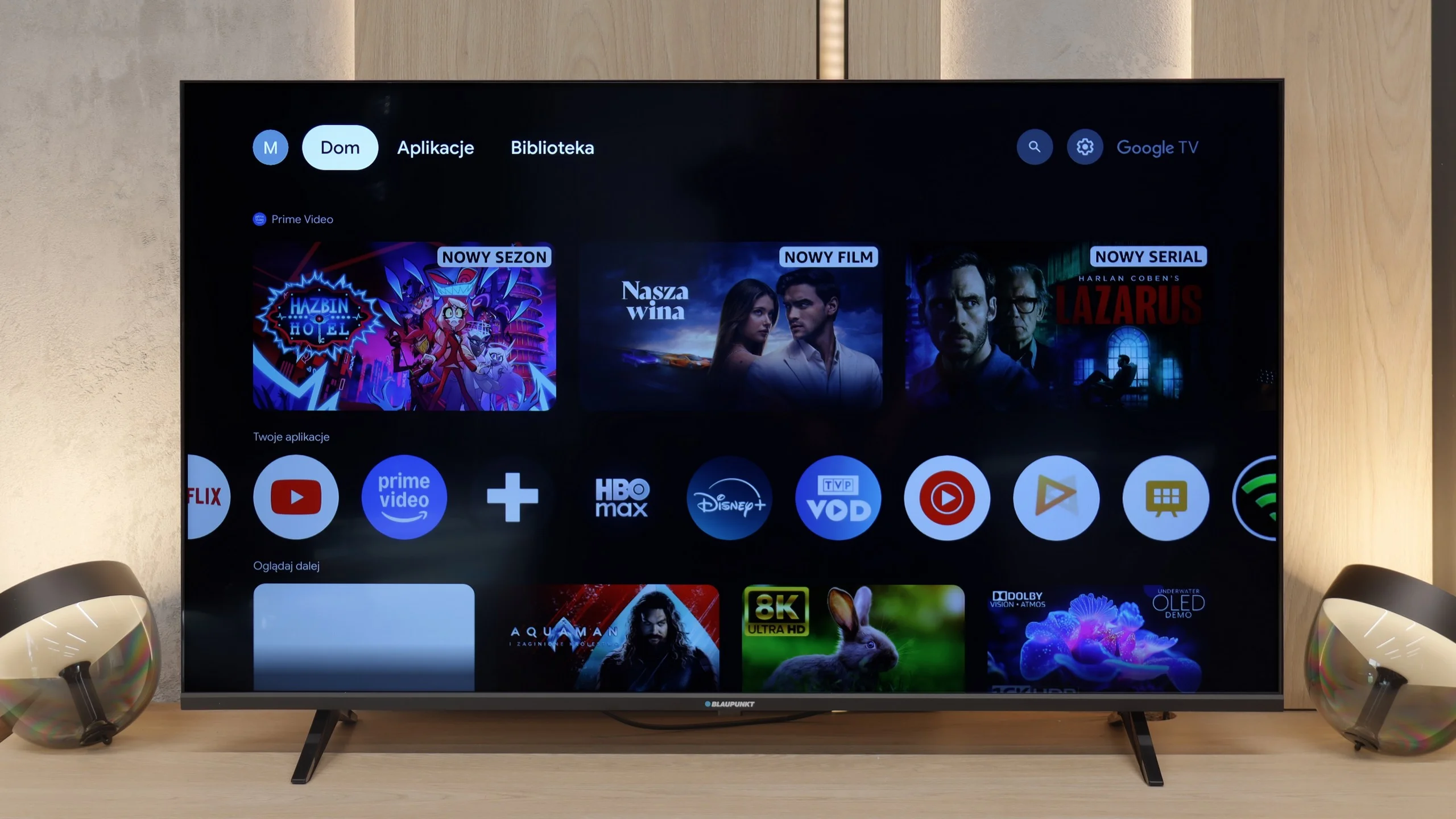
Moving on to more classic functions – the A300 runs on the Google TV system, which currently offers by far the largest selection of applications (full list available below). The responsive voice assistant with support for the Polish language also deserves a big plus. As standard – as with most TCL televisions – the USB recording function or picture-in-picture (PiP) mode was missing.
In terms of Smart TV functionality, the Blaupunkt UGC5500S is a classic example of a device where the system is both its biggest asset and its greatest flaw. On one hand, we have full Google TV, which is a huge plus at this price point. We gain access to a massive library of apps and basically all the functionality we know from brands using this software. Nothing has been cut out forcefully, which is really refreshing in such an inexpensive TV. Unfortunately, it must be honestly admitted that in the case of Blaupunkt, this system operates quite clumsily. This is a typical issue with low-budget TVs running Google TV – the processor barely keeps up with the software. Navigating through the menu isn’t as smooth as we would like, and the remote can react with noticeable delays, giving the impression of being "dull." Of course, once you launch a specific app and start a movie, everything works steadily, but just browsing through the interface requires a bit of patience.
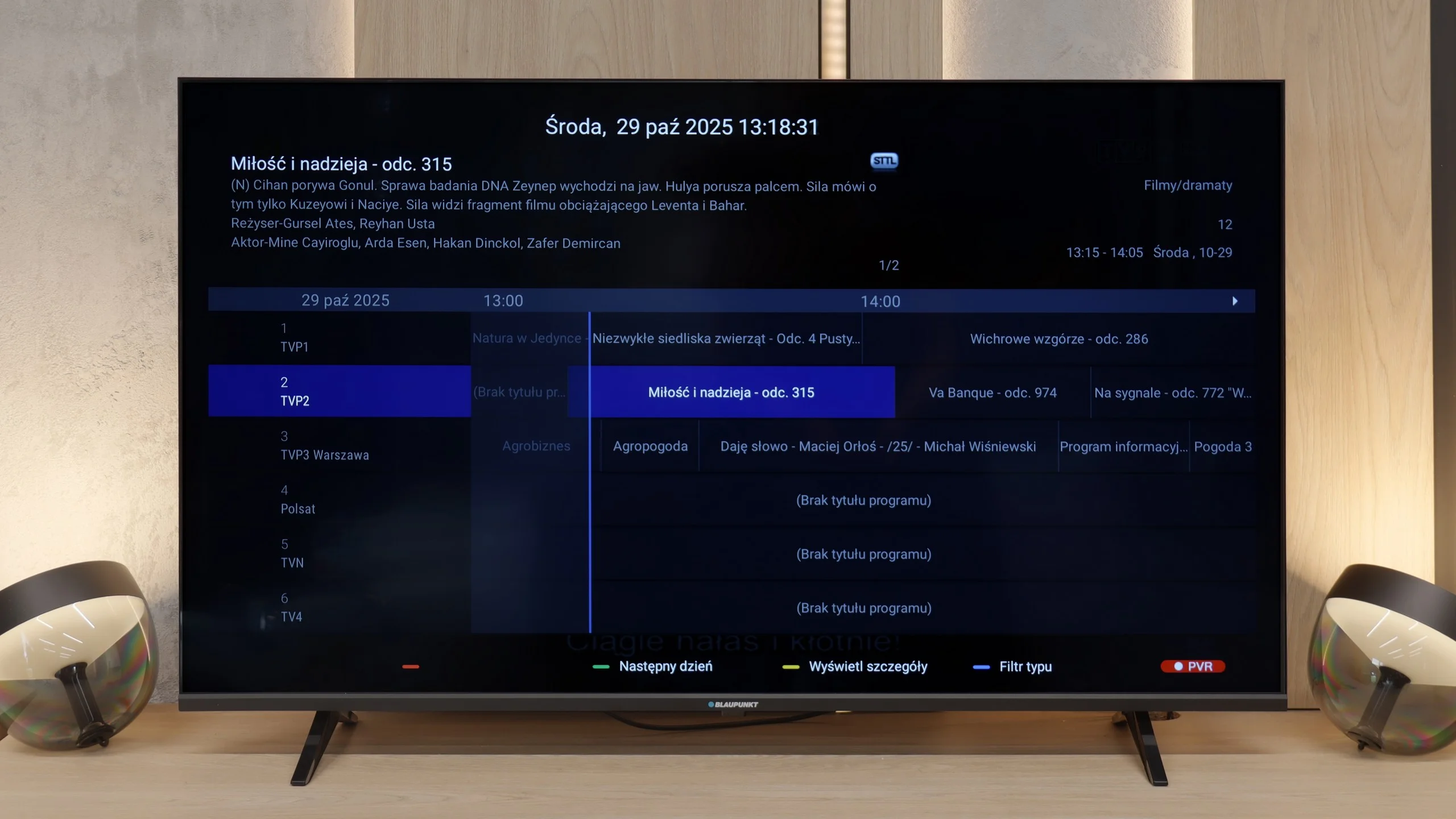
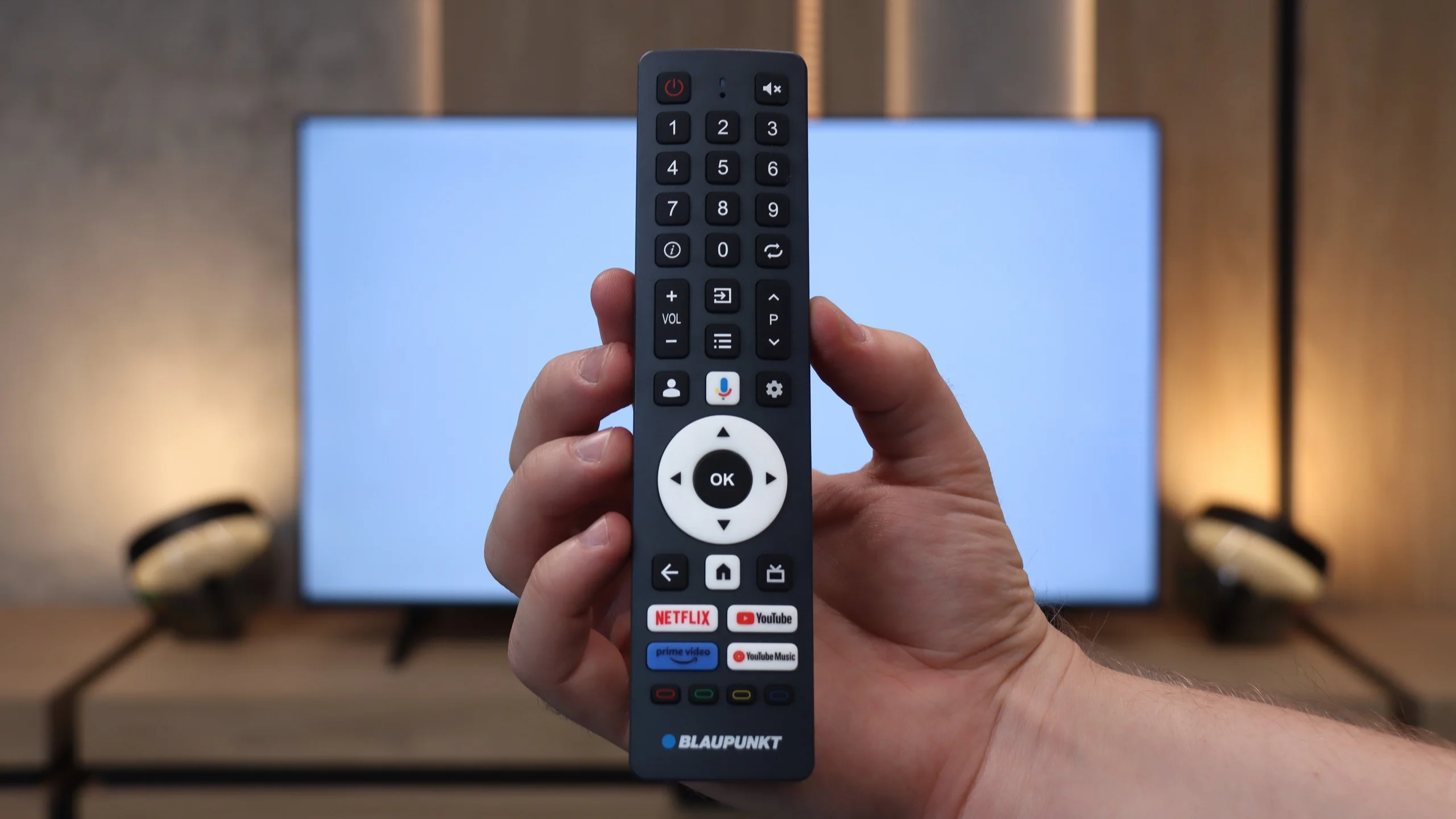
When it comes to classic TV features, Blaupunkt offers nothing extraordinary. It’s a simple device for basic tasks. The remote is a plus, featuring a traditional numeric keypad, which is just convenient for hopping through cable channels. We also have Bluetooth, so you can easily connect wireless headphones or a speaker. The TV also has a physical mini-jack headphone output. At a time when manufacturers are mass-eliminating this connection, the presence of a "jack" is a nod to those with older audio equipment or simply those who prefer classic wired headphones. It’s a small thing, but it’s appreciated.
Apps
9.6/10
9.6/10






















Playing files from USB
8.9/10
9.3/10
Supported photo formats:
Maximum photo resolution:
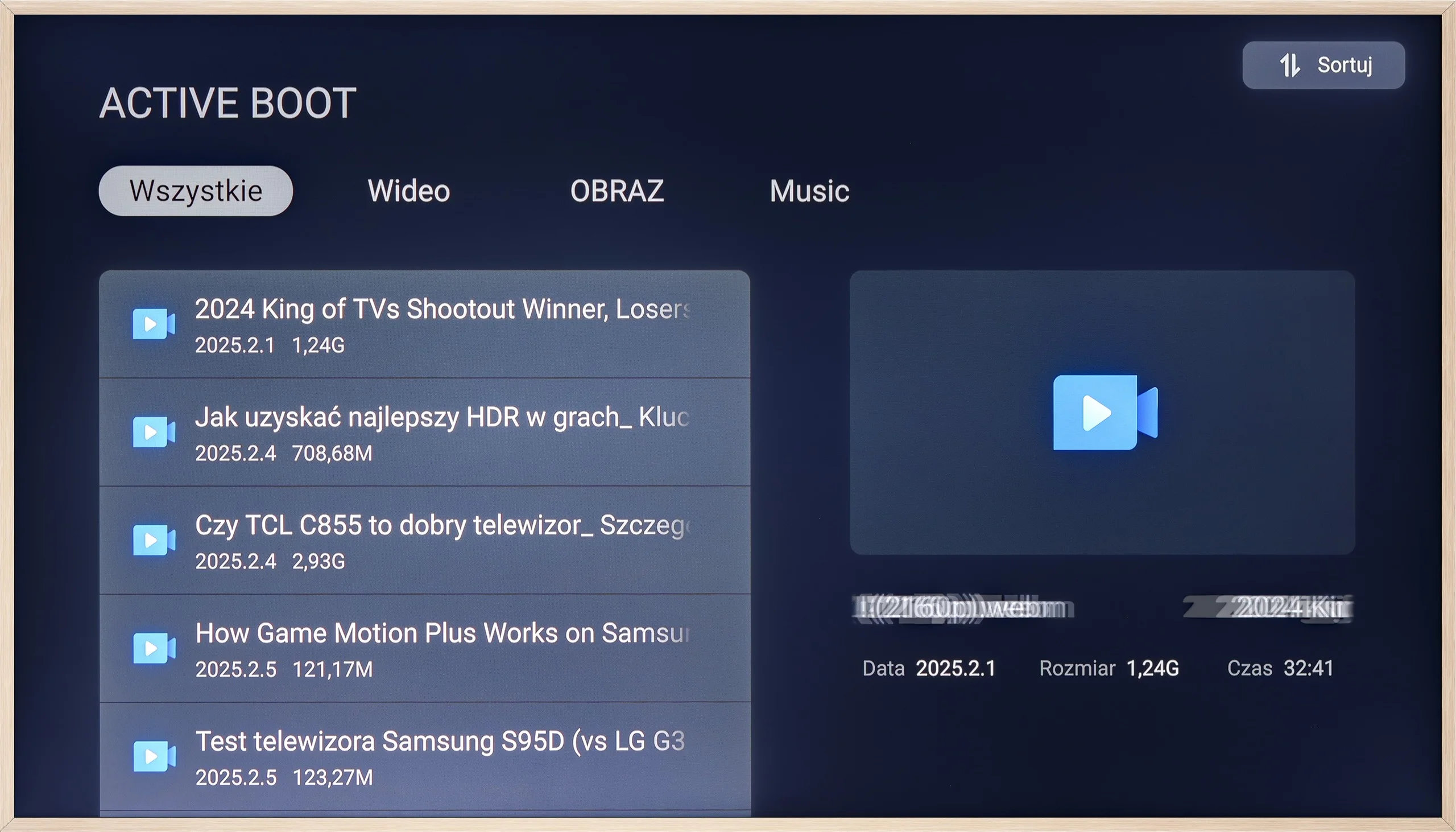
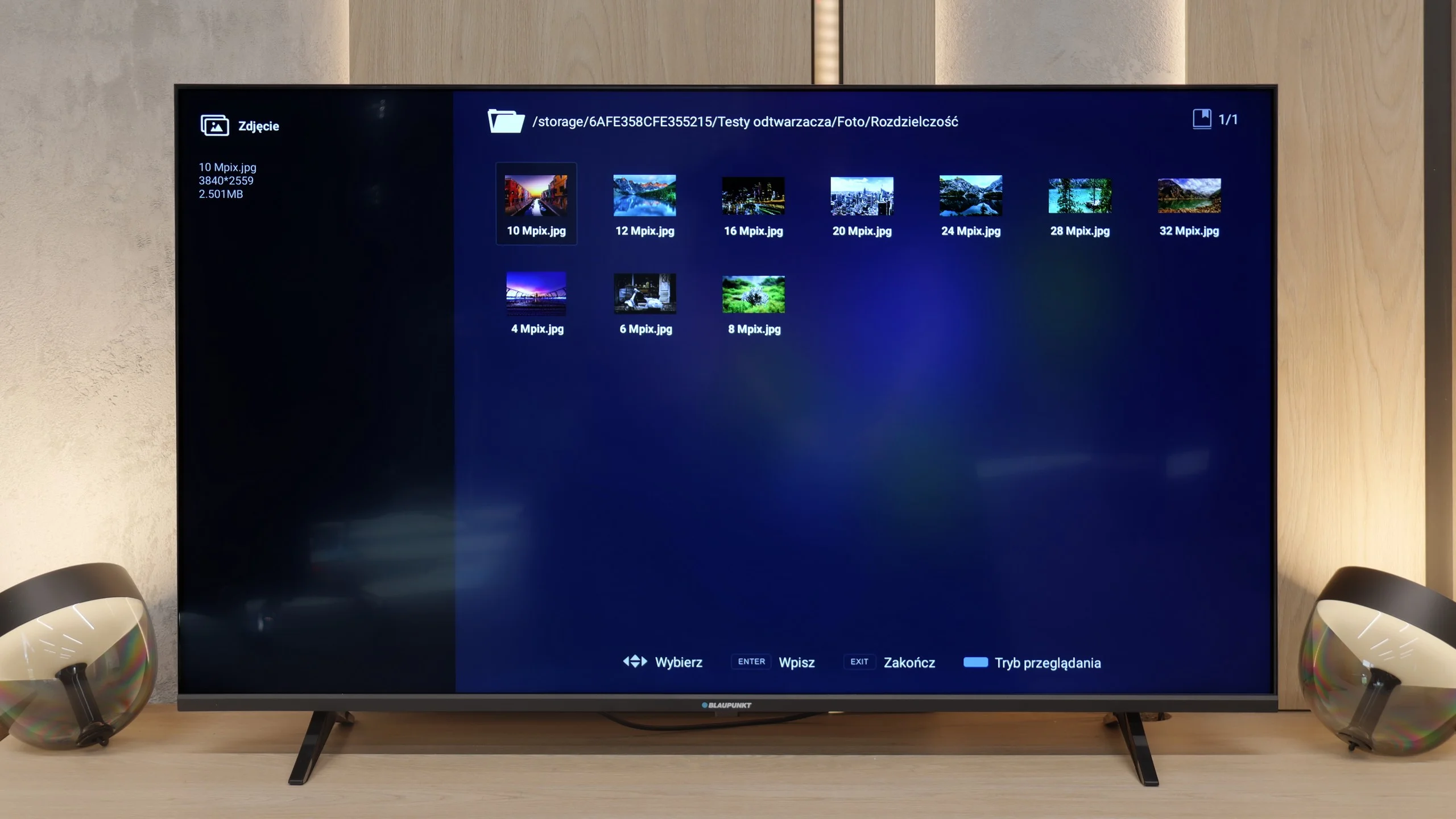
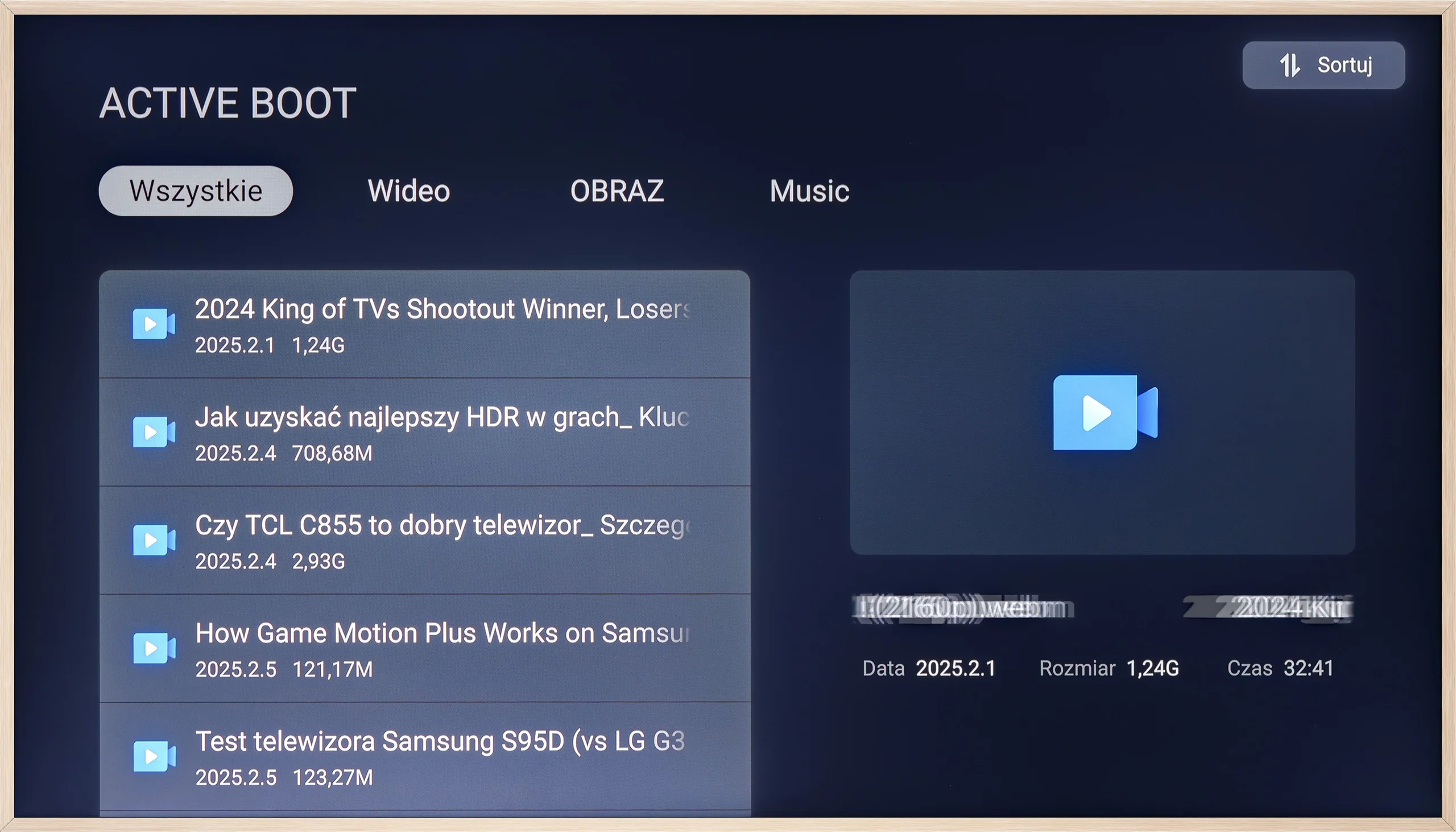
The built-in player on the TCL A300 works as it should – most popular video and photo files play without any problems. It lacks support for Apple's HEIC format (which is quite common in many TVs), but most users still use AirPlay, so it shouldn't be a major issue. If someone isn't satisfied with the default player, the Google TV system offers plenty of options – you can easily install an alternative app that better suits your tastes. Nevertheless, it's worth noting that the factory solution is completely sufficient for everyday use.
In terms of playing files from USB, Blaupunkt performs quite solidly. We tested several of the most popular formats and basically everything that matters worked without any fuss on the factory player. So you're not forced to immediately download additional software right after pulling the TV out of the box, because the equipment is simply self-sufficient ‘out of the box’. Nevertheless, taking advantage of the charms of Google TV, we still recommend installing some external software, like VLC or Kodi. The factory player is adequate, but it's in those external applications where you'll find the most configuration options, better subtitle support, or just a more convenient interface. Since the system gives you that freedom, it's worth taking advantage of it to get as much as you can out of your multimedia.
Sound
6/10
6/10
- Maximum volume-85dB
- Dolby Digital Plus 7.1
- Dolby True HD 7.1
- Dolby Atmos in Dolby Digital Plus (JOC)
- Dolby Atmos in Dolby True HD
- DTS:X in DTS-HD MA
- DTS-HD Master Audio
When it comes to sound, the TCL A300W – like its competitors – sounds quite... flat, after all, we are talking about a super slim television. For everyday watching of news or series, this level is more than sufficient, but during movie screenings, we might noticeably miss depth and space. On a positive note, it’s worth mentioning that the television supports both Dolby Atmos and the increasingly rare DTS:X – which provides more options when connecting an external audio system. It’s also worth noting that the A300 PRO model is equipped with a dedicated, flat soundbar. And it’s no ordinary soundbar – it sounds better than most of the televisions we’ve tested.
In terms of audio, Blaupunkt performs really well, especially considering it's a typical budget television. You can see, or rather hear, that the brand hasn't forgotten its roots and for such an inexpensive build, the sound is actually superb. Of course, there's a noticeable lack of bass, but overall it's loud, and surprisingly clear. What matters most to us – even at higher volumes, the sound isn't heavily distorted, which is rare and a pleasant surprise at this price point.
Sound Quality Test
No sound test video
Acoustic Measurements
No acoustic data
85dBC (Max)
75dBC
Reader comments
Comments are provided by the external service Disqus (Zeta Global). Once loaded, Disqus may set cookies and process data about your activity.
We will remember your choice on this device. Provider's privacy policy