Sony Bravia 5 is the continuation of the iconic X90L model, and it's clear that the manufacturer aimed to take a step forward. A greater number of backlighting zones have been implemented, which makes the contrast seem better in many scenes, with deeper blacks than its predecessor. The 120 Hz panel and MotionFlow system allow you to tailor the fluidity of the image to your own preferences – from a slight cinematic texture to crystal smooth motion in sports and games. This is a device that is unafraid of any content, because regardless of whether we're watching a match, an action film, or a concert, the image maintains clarity and character. However, the true strength of the Bravia 5 remains its XR processor. It's what makes older materials look better than they should – upscaling works like magic here, smoothing out noise, improving gradation, and providing coherence even to content of lower quality. As a result, in everyday use, the Bravia 5 can surprise, because instead of battling with signal imperfections, it extracts the maximum from them. Additionally, there's excellent colour reproduction once calibrated, as well as dynamic tone mapping with Dolby Vision mode, allowing you to enjoy details even in challenging, high-contrast scenes. However, it cannot be hidden that at several moments, the Bravia 5 has let us down significantly. Despite the greater number of zones, brightness and contrast are not always better than in the X90L – sometimes they even perform worse. This raises a sense of wasted potential, as we were hoping for a greater qualitative leap. After all, we are talking about a true MINI-LED television here. Nevertheless, the Bravia 5 remains an excellent TV for those who want to enjoy quality image above all. If you're looking for a model that can impress with smooth motion, extracts details from difficult scenes, and works wonders with older materials, the Bravia 5 will easily meet these expectations. It's a television that sometimes cannot quite match the competition in certain respects, but still defends itself with what Sony does best – cinematic imagery.
- Matching (Score) |
- Our verdict |
- TV appearance |
- Where to buy |
- Contrast and black detail |
- HDR effect quality |
- Factory color reproduction |
- Color reproduction after calibration |
- Smoothness of tonal transitions |
- Image scaling and smoothness of tonal transitions |
- Blur and motion smoothness |
- Console compatibility and gaming features |
- Input lag |
- Compatibility with PC |
- Viewing angles |
- Daytime performance |
- Panel details |
- TV features |
- Apps |
- Playing files from USB |
- Sound
Sony BRAVIA 5 (XR5) vs Samsung S85H
 Direct comparison
Bravia 5 / XR5
S85H
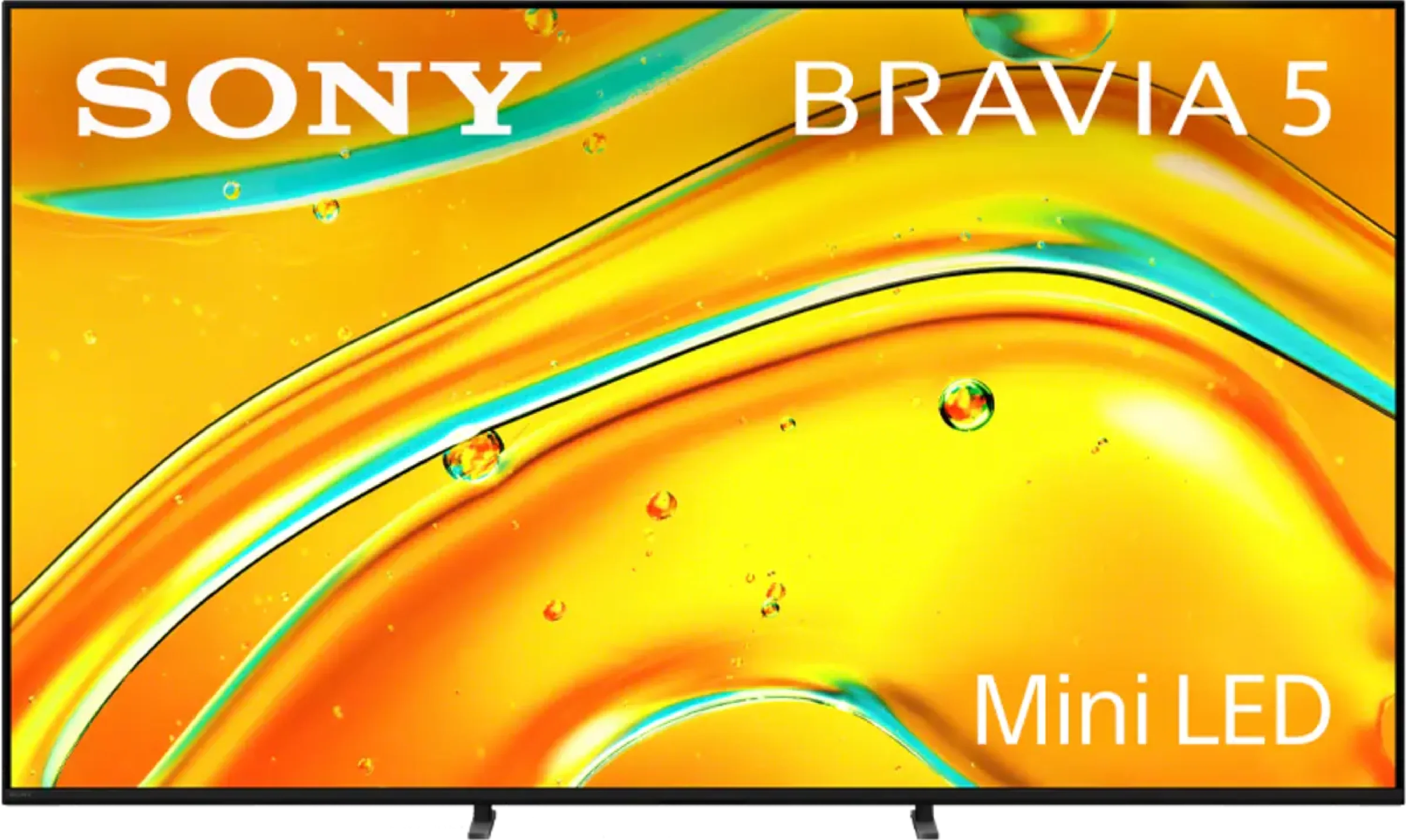
Panel type: LCD VA
Resolution: 3840x2160
System: Google TV
Model year: 2025
Complete the survey to find out the result
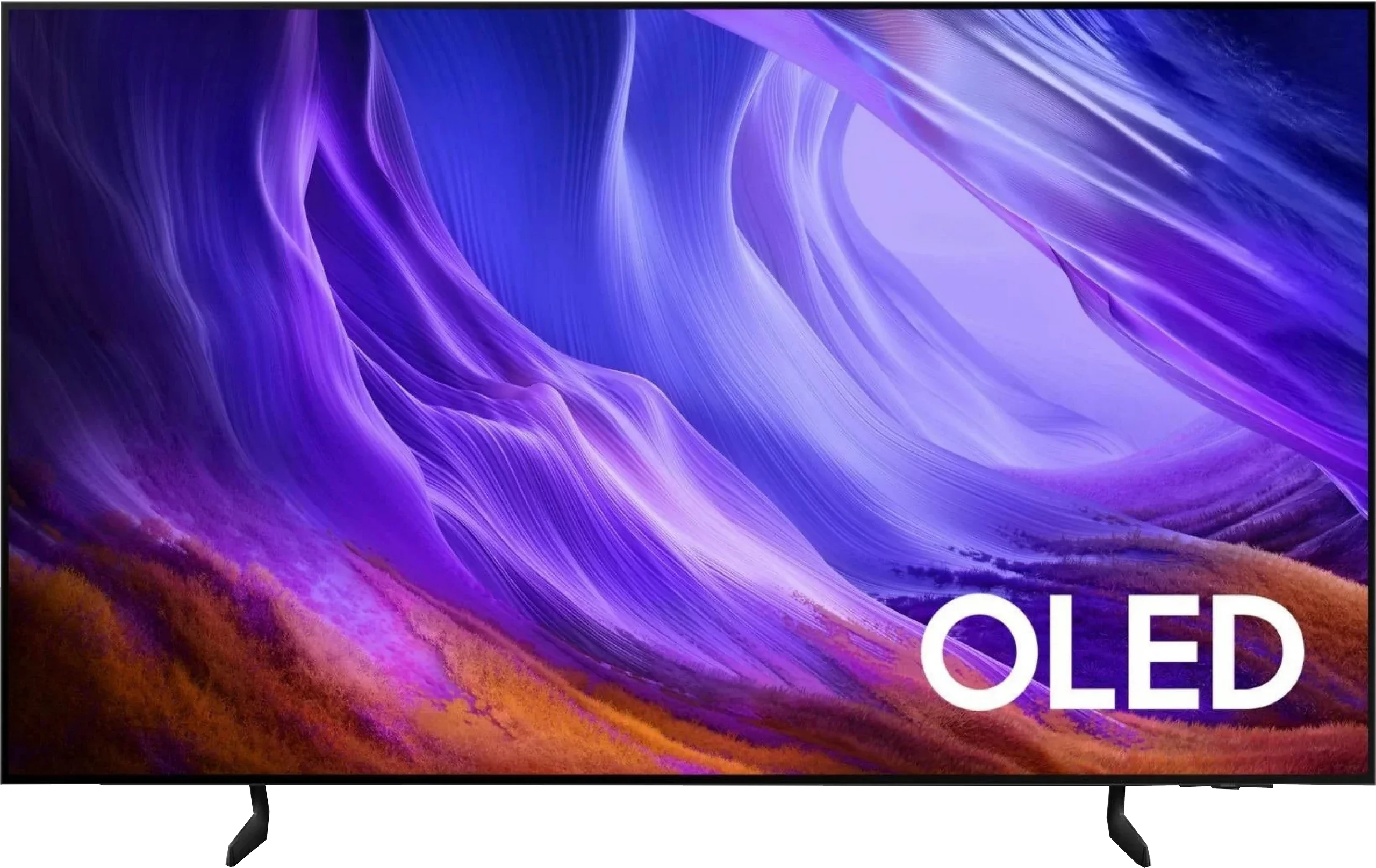
Panel type: WRGB OLED
Resolution: 3840x2160
System: Tizen
Model year: 2026
Complete the survey to find out the result
Overall rating
7.6
7.9
 Movies and series in UHD quality
 7.0
8.0
 Classic TV, YouTube
 7.4
8.6
 Sports broadcasts (TV and apps)
 7.3
8.5
 Gaming on console
 8.7
9.6
 TV as a computer monitor
 8.0
7.6
 Watching in bright light
 6.9
5.1
 Utility functions
 7.6
7.3
 Apps
Apps 9.6
9.3
 Sound quality
 7.0
7.2
Complete the survey to find out what fits your preferences
Advantages

Exemplary upscaling and digital image processing – Sony's proprietary XR processor
Very good picture quality after calibration
Solid contrast for a Mini-LED screen
Great support for HDR content thanks to Dolby Vision and dynamic tone mapping
High motion smoothness at 120Hz
Outstanding input lag (7 ms at 120 Hz)
Very good compatibility with PC – super readability of fonts, support for G-Sync and FreeSync Premium Pro.
Google TV at its best, fast and without annoying glitches
2 remotes included
Pleasant, loud sound at 40 W from a 2.2 system.
Perfect blacks and infinite contrast, OLED
Decent HDR brightness of up to around 800 nits
High image fidelity after calibration
Very good motion handling, 120 Hz OLED panel
Rich set of gaming features: VRR, Game Bar, low input lag
4 HDMI 2.1 ports with full 48 Gbps bandwidth
Feature-rich, smoothly running Tizen system
Solar-powered remote with many features
Support for Dolby Atmos spatial audio
Disadvantages

Algorithms need refining – despite the increased number of dimming zones, contrast and brightness in difficult scenes sometimes fall short compared to the X90L
Screen mirroring practically didn’t work with Windows and Android
Only two HDMI 2.1 ports – for a TV of this class, that is definitely not enough, especially if someone plans to connect a console, soundbar, and additional devices
Poorer anti-reflective performance than its predecessor, a characteristic of the new OLED SE panel
Average SDR brightness, best suited to a room with controlled lighting
No DTS:X support, mainly a downside for owners of Blu-ray collections
No Dolby Vision, not essential but would be welcome 🙂
Our verdict
Samsung S85H is a very successful continuation of the S85 series and a TV that still performs its main role well: to be an affordable entry into the world of OLEDs. The biggest change from its predecessor is the use of LG Display's new OLED SE panel, but the overall character of this model remains practically unchanged. Its greatest strengths are still perfect blacks, very high contrast and a picture that can look truly excellent in the evening. Add to that good colors and the ability to achieve a high degree of fidelity to the director's vision. The S85H also works very well as a versatile TV. Gamers get four HDMI 2.1 ports, 120 Hz, VRR, very low input lag and Game Motion Plus, so there is little to complain about here. Tizen runs fast and is user-friendly, and the whole system clearly targets users who today mainly use Netflix, YouTube and other streaming services, while traditional broadcast TV is treated as an extra.
However, the new OLED SE panel is not without flaws. This is most noticeable when watching during the day, because its glare handling is worse than previous OLED panels. Its peak brightness is also not high enough for the S85H to perform particularly well in a very sunlit living room. It is still a TV that shows its strengths best in the evening or in a room with at least partial control over ambient light. And that is probably the best way to look at the S85H. It is not an OLED meant to break brightness records or compete with the most expensive panels. It simply aims to offer what people like most about the technology, but at a lower price. Perfect blacks, very good movie picture quality, excellent gaming features and a convenient smart system make the S85H one of the easiest ways to get into OLED without spending a fortune.
TV appearance

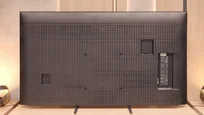
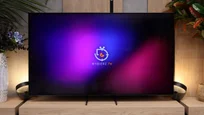
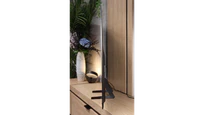



Contrast and black detail
7.5/10
10/10
Local dimming function: Yes, number of zones: 190 (10 x 19)
Contrast:


Result
104,650:1

Result
23,850:1

Result
21,300:1

Result
9,350:1

Result
6,450:1
Result
∞:1
Result
∞:1
Result
∞:1
Result
∞:1
Result
∞:1
Halo effect and black detail visibility:
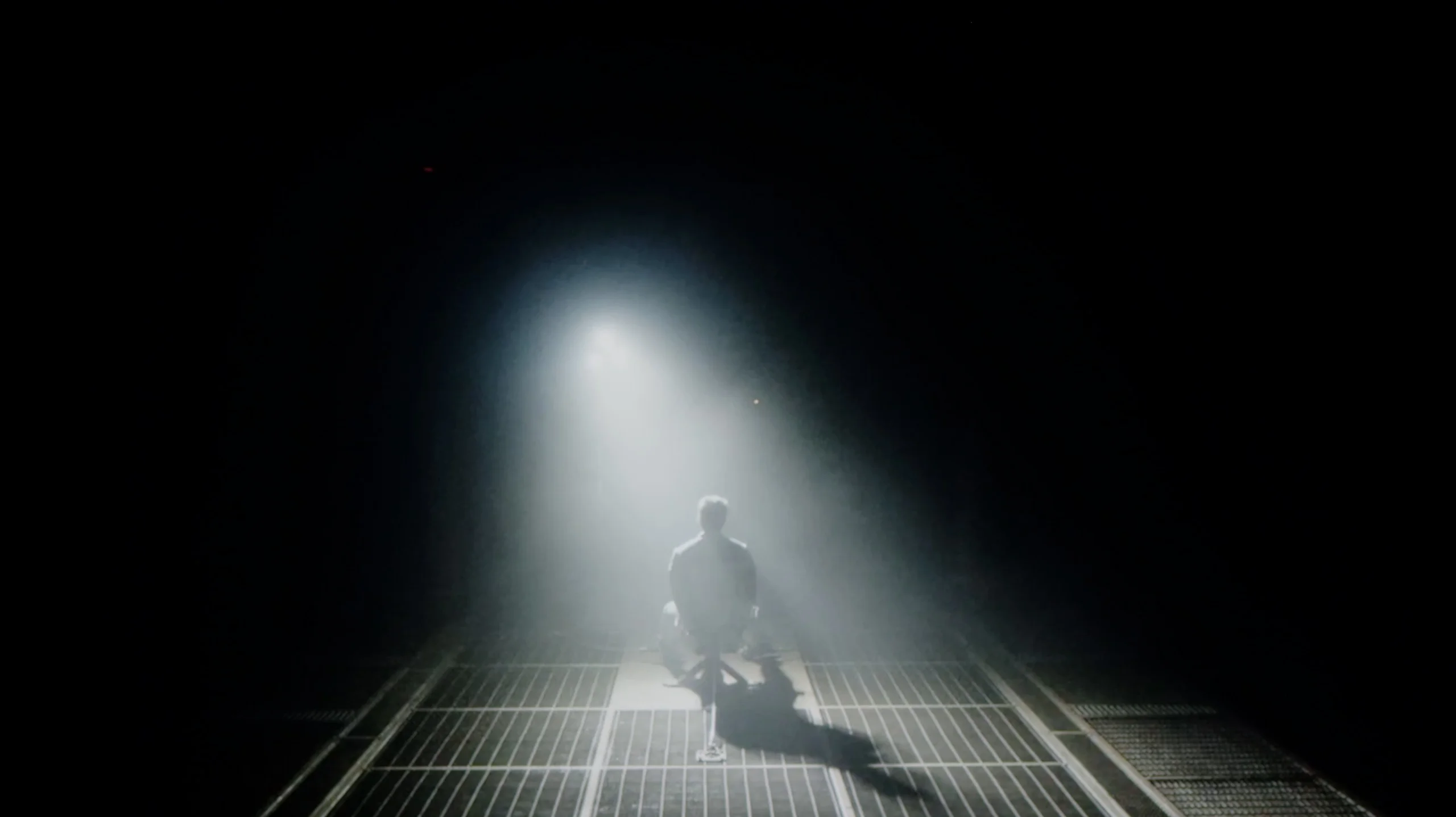
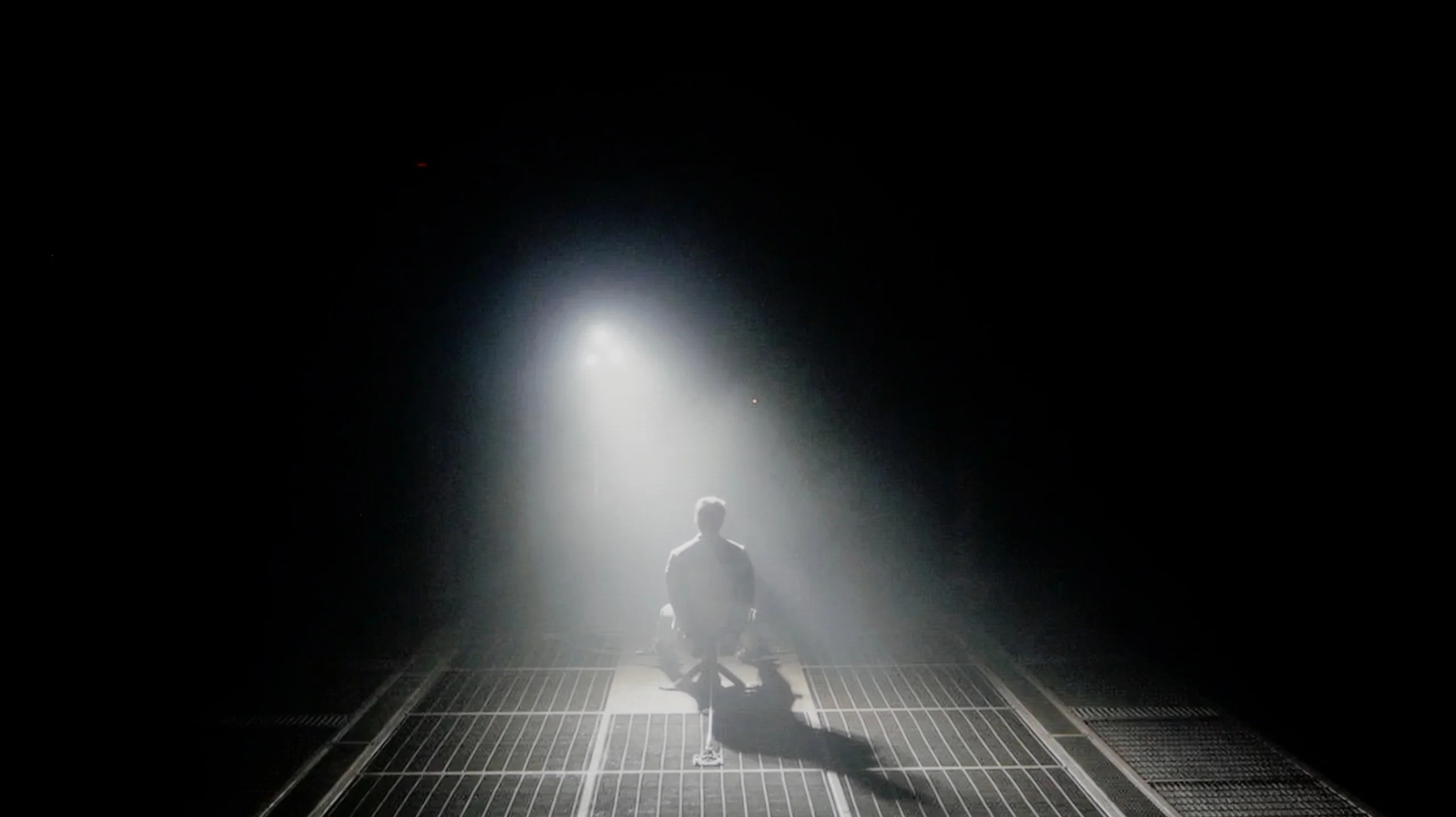
Check the visibility of bright lights on a dark background. Mini-LEDs often struggle with this. The photo does not compare black levels – that’s what the video below is for.
The video accurately shows differences in contrast and black levels between TVs, as well as potential issues: halo around bright objects or Mini-LED zone operation visible as brightness jumps.
Bravia 5 is the entry-level TV in Sony's Mini-LED series for 2025, so naturally we start with the most important thing – how it performs with blacks and contrast. After all, the term "Mini-LED" today sounds almost like a magic spell. In theory, this means thousands of tiny diodes arranged in zones that are meant to work in harmony, dimming and brightening the image so that the viewer's eye perceives more depth than with a classic LCD. In practice, in the 65-inch Bravia 5, we counted around 200 backlight zones. Is that a lot? Definitely more than its predecessor, the legendary X90L model, but when you look at Chinese manufacturers who can pack in hundreds, sometimes even thousands of zones – it comes off as rather modest.
One might expect that combining a greater number of zones with the refined dimming algorithms that Sony has accustomed us to over the years would result in a qualitative leap compared to the X90L. Meanwhile – and this is where a slight disappointment arises – tests showed that the results are surprisingly similar to last year's model. Don't take this the wrong way: the contrast, for an LCD TV with local dimming, is really solid. In most scenes, bright elements are separated from dark ones with surgical precision, and the effect can be breathtaking. But when more demanding shots appear on screen – those that mercilessly test the capabilities of the backlight – it becomes clear that the hardware has its limitations.
Therefore, one could say that in terms of blacks and contrast, the Bravia 5 doesn't so much disappoint as rather fails to meet the hopes that the initial announcements ignited. We were hoping for at least a slightly better performance than its predecessor, and we got "only" good contrast. And that “only” is the key word here – because good contrast in Sony’s rendition still means a level that most competitors would be proud of.
The switch to LG Display's new WOLED SE panel has essentially changed nothing in terms of black levels and contrast. And it was hard to expect any major improvement here, because it’s still OLED, a technology that can completely switch off each individual pixel. In practice that means perfect black and huge image depth, especially in darker scenes. Black bars are truly black, there’s no haloing around bright elements, and contrast remains practically infinite. Even very expensive Mini-LEDs with thousands of local dimming zones still can’t offer the same precision as the S85H. And that’s exactly its biggest advantage. The S85H may be Samsung’s cheapest OLED, but when it comes to black levels it can show exactly the same as much pricier models using organic panels.
HDR effect quality
5.4/10
6.3/10
Luminance measurements in HDR:

Result
637 nit

Result
320 nit

Result
550 nit

Result
251 nit

Result
731 nit
Result
733 nit
Result
744 nit
Result
837 nit
Result
755 nit
Result
404 nit
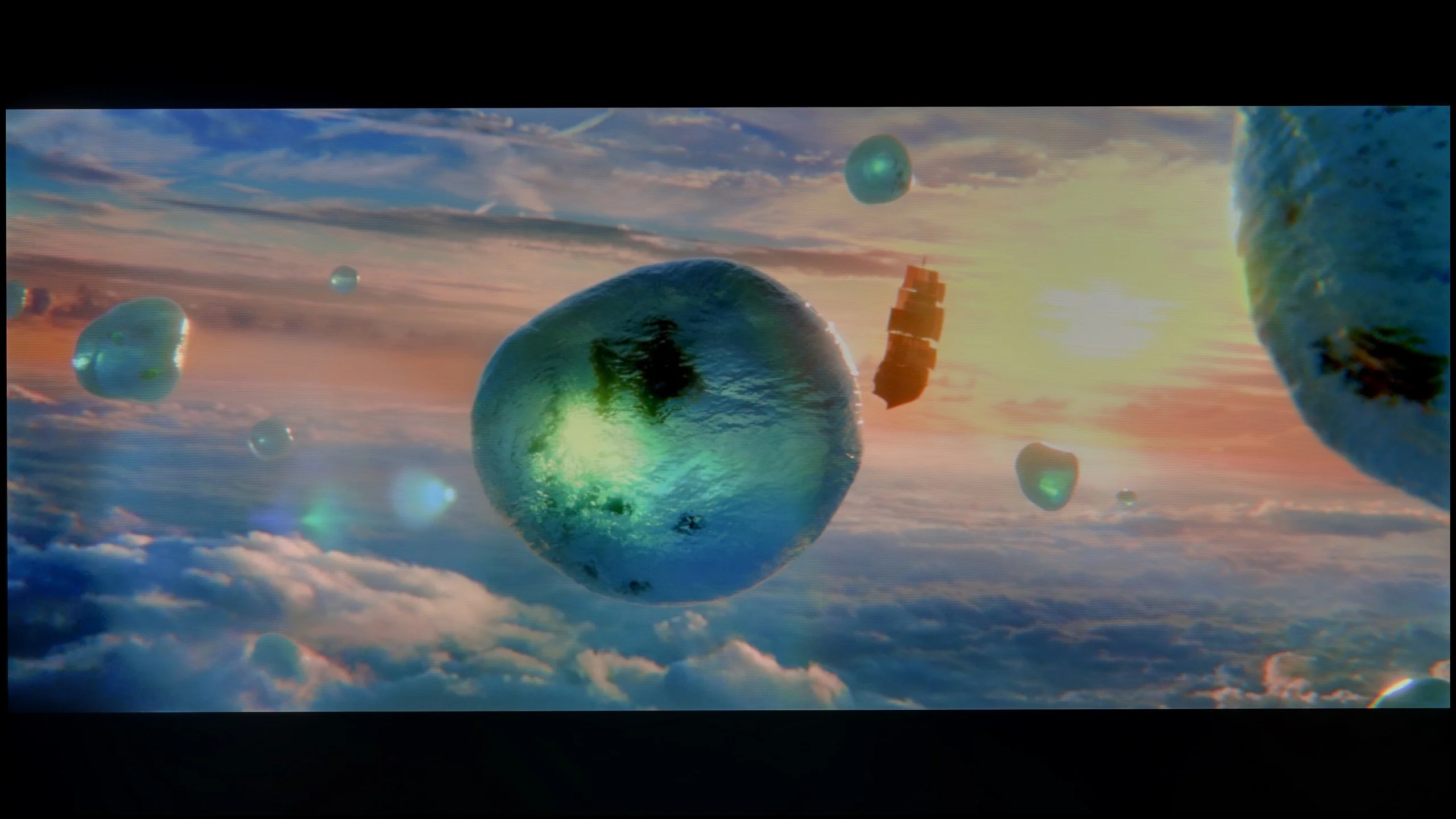
Scene from the movie “Pan” (about 2800 nits)

Scene from the movie “Billy Lynn” (about 1100 nits)

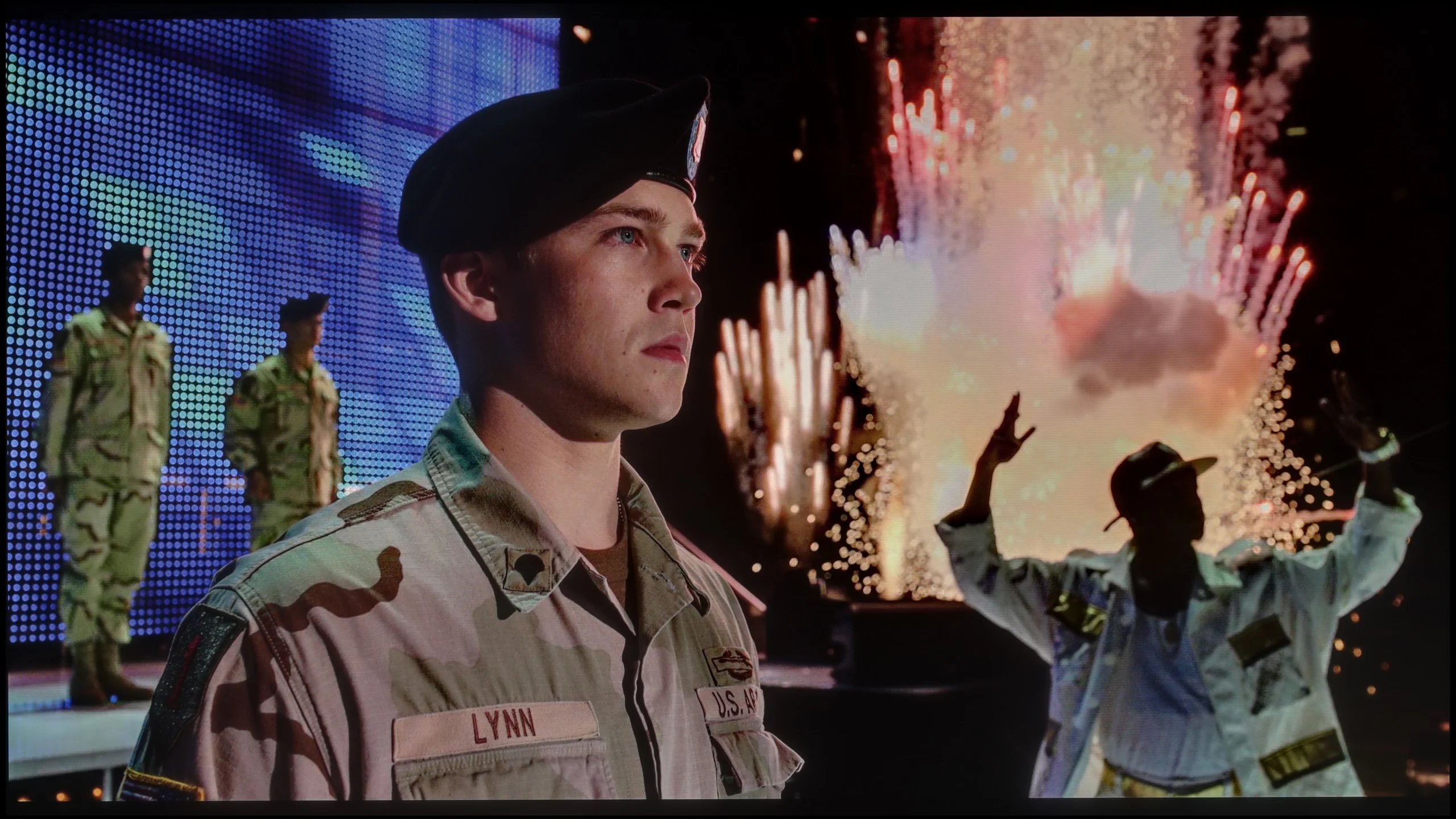
The photos show two HDR10 movies. 'Pan' is one of the brightest productions ever made, while 'Billy Lynn' (soldier) has brightness typical of streaming (Netflix, Prime, HBO MAX). Notice the intensity of effects and detail in whites.
Static HDR10


The photos present the visibility of white details in various HDR formats. They do not show brightness differences between TVs (these can be compared in the previous gallery).
Dynamic: Dolby Vision
Dynamic: HDR10+


The photos present the visibility of white details in various HDR formats. They do not show brightness differences between TVs (these can be compared in the previous gallery).
HDR luminance chart:
Samsung S85H
Sony BRAVIA 5 (XR5)
Luminance of RGB colors
Looking at similar results in terms of black levels and contrast, we expected the same stable performance as last year's model when it comes to HDR content. Unfortunately – and this must be said plainly – there has been a regression here that is hard to miss. The paradox is that the peak brightness of the Bravia 5 can be impressive: in our synthetic tests, the TV reached around 1000 nits in HDR. Sounds great, right? The problem is that this power doesn't always have a real impact on all movie scenes. When small, pinpoint elements appear on the screen, something that in Sony's case was usually fine-tuned with surgical precision, this time it clearly falters. The algorithms try to maintain deep blacks around small objects, but the side effect is that details can be dimmed to the point of becoming barely visible. One only needs to bring up the example of the movie Sicario 2 – there, in some scenes, small light sources practically vanished as if someone had covered them with dark film.
Of course, not everything looks so dramatic. In simpler, brighter scenes, where the image is filled with more light, the Bravia 5 shows that it can shine: literally and figuratively. At those times, the TV achieves values in the range of 600–800 nits, which we saw both in synthetic tests and during movie screenings. The impression is really positive; the brightness adds dynamism, and the colours look vibrant and fresh. However, there remains a certain dissonance. We feel a slight confusion because it is evident that something has gone in the wrong direction. Technological progress – more zones, more backlight power – has not been supported by the kind of refined image management that we usually associate with Sony. Fortunately, there are elements that have not been compromised and are actually at a very high level. We are talking about colour reproduction. Thanks to the use of the PFS filter, the colour palette coverage is excellent – about 97% DCI-P3 and 75% BT.2020. These values allow for a truly wide colour reproduction, giving films a natural and cinematic character.
Interestingly, the new WOLED SE panel has brought a slight improvement in brightness to the S85 lineup. In the same film scenes last year’s model sat closer to about 700 nits, while the S85H can reach roughly 800 nits. That’s not a change that completely transforms the HDR experience, but the extra headroom is noticeable, especially with point highlights, reflections or stronger special effects. Around 800 nits is a very good result for an entry-level OLED and in most films it’s enough for HDR to have the necessary punch. Bright elements can clearly stand out against perfect blacks, and that contrast is still doing most of the work here. However, you need to remember the typical limitation of OLED technology. When a very bright scene covers a large portion of the screen, brightness can drop to almost half. This is the result of panel protections that limit its output with large bright areas.
Colours
The S85H can deliver very pleasant, saturated colours and in most HDR films it looks really good in that regard. We measured around 95% coverage of DCI-P3, so the palette most commonly used in films is reproduced to a very high degree. Skin tones, greens and stronger reds still have appropriate intensity and under normal viewing it’s hard to have major complaints. Only when you look more broadly at BT.2020 do the limitations of the new WOLED SE panel become apparent. Coverage was about 70%, a bit less than WOLEDs of the previous generation and noticeably less than QD-OLED panels. In films this isn’t a big loss, since most productions rarely use such heavily saturated colours. You’re more likely to notice it in games, where developers more often opt for more intense colours.
Factory color reproduction
5.5/10
7/10


This gallery shows how colors change after professional TV calibration. If you notice the difference, we recommend ordering this service at SkalibrujTV.com.
Factory Mode
After calibration


This gallery shows how colors change after professional TV calibration. If you notice the difference, we recommend ordering this service at SkalibrujTV.com.
Factory Mode
After calibration
Sony Bravia 5 was obviously tested in the best possible mode, which is the Movie mode. Right out of the box, it delivers the most natural colours, definitely better than anything offered by the "eco" or "dynamic" modes, which are more suited for a store display than a living room. However, the Movie mode alone does not guarantee that we can always expect cinematic picture quality. In SDR content, we had no significant complaints – the slightly warmed white balance gave the scenes a golden hue, but it was nothing that was glaring. However, a problem arose with HDR materials. Here, the colour reproduction simply looked bad. The white balance was heavily skewed – with an excess of blue and a clear lack of red. At times, it resembled the store mode of "super vivid picture," where everything is blown out and artificially boosted.
This situation made brightness management seem too aggressive as well. The EOTF graph clearly showed that the television has trouble with overexposing many scenes right out of the box. And while we know what Sony televisions are usually capable of, it was hard to remain indifferent here – that’s why we quickly decided to go for calibration.
To evaluate colours we of course used Filmmaker mode, and in SDR our S85H unit was set very well from the factory. The largest deviation appears in the white balance, where as brightness increases it starts to lose a bit of blue. In practice this means whites and greys have a slightly warmer tint than they should. However, it's not a big fault and during normal viewing it generally isn't very noticeable. Gamma also stays close to the reference value, so the picture is neither overly bright nor unnecessarily dim. The S85H's SDR picture therefore looks really good straight out of the box. A few more imperfections appear in HDR. Here the white balance shifts more with rising brightness, with blue starting to dominate and the red component clearly lacking. This also results in larger errors in some colours. These aren't yet colour errors that completely change the character of the picture, but in direct comparison with the reference the difference is easier to spot. Overall, Filmmaker mode is a very good starting point before professional calibration.
Color reproduction after calibration
8.9/10
9.1/10
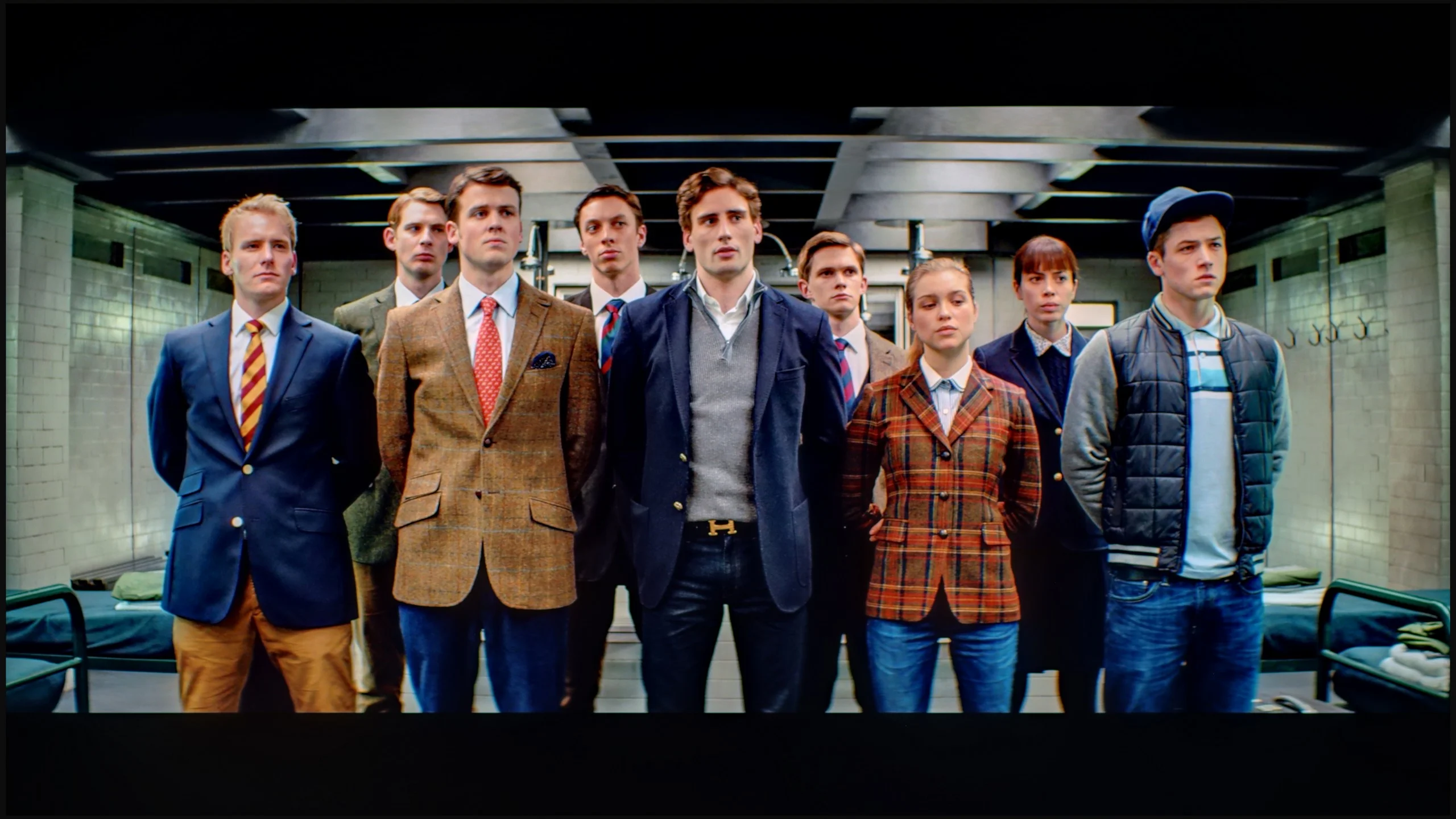
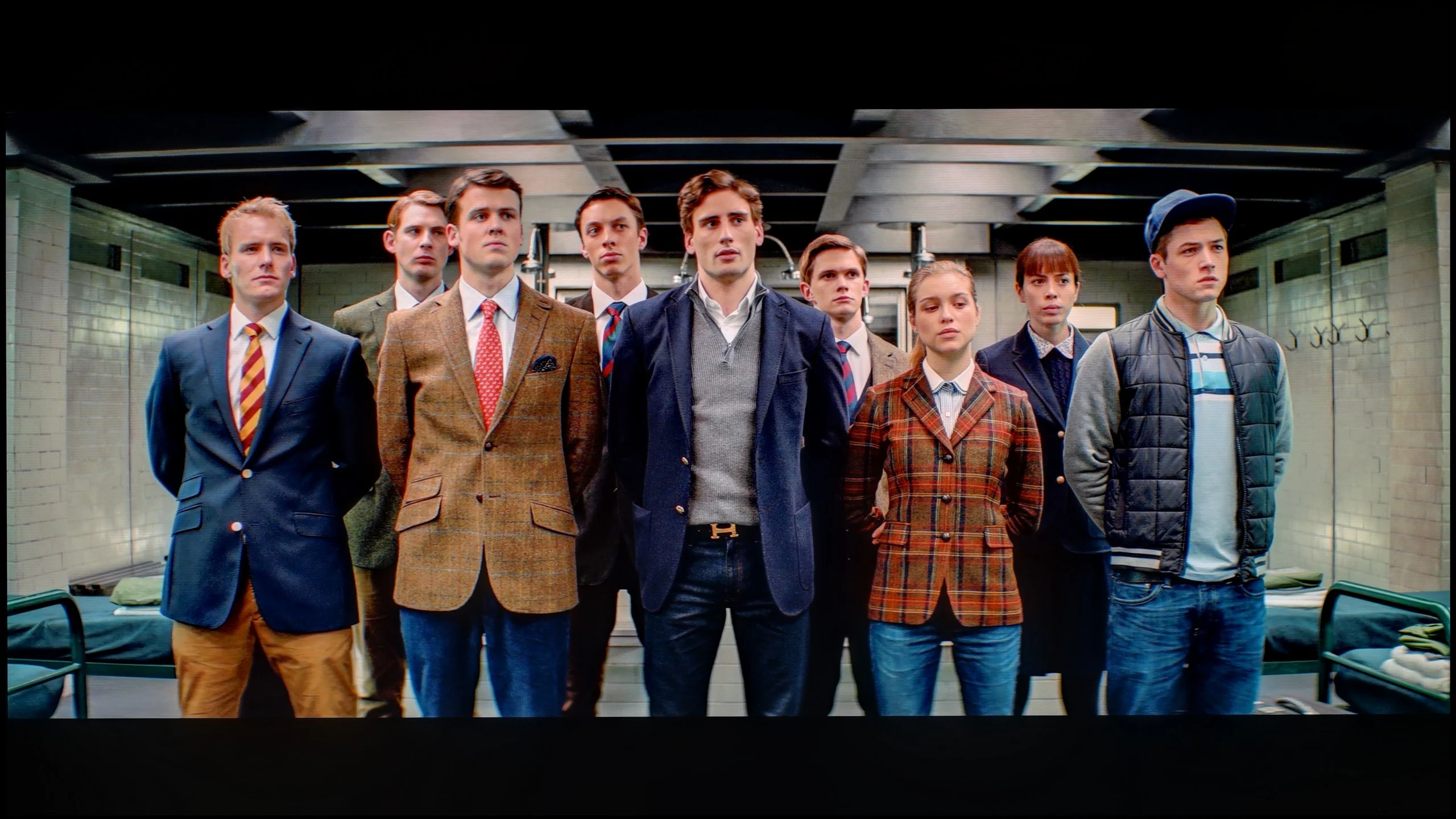
The photos show how movies look on the TV. Pay attention to black detail visibility, colors, and shadow tint.


The photos show how movies look on the TV. Pay attention to black detail visibility, colors, and shadow tint.
After calibration, the situation changed dramatically. We managed to tune the white balance so that entire scenes began to look more natural, and the image gained coherence and elegance. In HDR, we finally got rid of that unwanted clipping effect that had previously spoiled some shots. Suddenly, it turned out that the Bravia 5 can extract much more from films than the first contact "straight out of the box" suggested. Indeed, if we look at the graphs and compare them with the standards, we can see that the beginning of the EOTF curve slightly strays beyond the reference line. However, this is not so much a calibration error as it is a natural limitation of the Mini-LED technology that cannot be bypassed. Sony, rather than clinging tightly to perfect black, prefers to prioritise the visibility of details – and in practice, it’s hard to disagree with that. We prefer to see the texture of the material on the screen rather than a pitch-black spot where all nuances disappear.
The calibration itself was really beneficial. After about an hour spent on settings, we felt that the image resembled that of the best cinema halls – of course on a home scale, but with the same sense of quality and refinement. And in such moments, we remember why we love Sony televisions: because once we fine-tune them, they reward us with a picture that captivates for long hours.
Calibration delivers really good results on the S85H. First and foremost, we were able to set the white balance almost perfectly, which removes the slightly too-warm picture tone previously seen in SDR. Colour reproduction also improves significantly, with most errors falling to very low levels, and in everyday viewing it's hard to find any visible inaccuracies. You can also improve HDR quite a bit, although some issues remain that stem from the TV's inherent characteristics. The S85H doesn't always hold the luminance curve perfectly. The darkest parts are slightly boosted, while, as you approach the panel's limits, you can see small deviations in the brightest highlights. Add to that the limited coverage of the wider BT.2020 colour gamut, which of course cannot be overcome by any calibration. Despite that, the end result is very good, and after calibration the S85H can deliver a really well-tuned, natural image.
Smoothness of tonal transitions
8.8/10
7/10
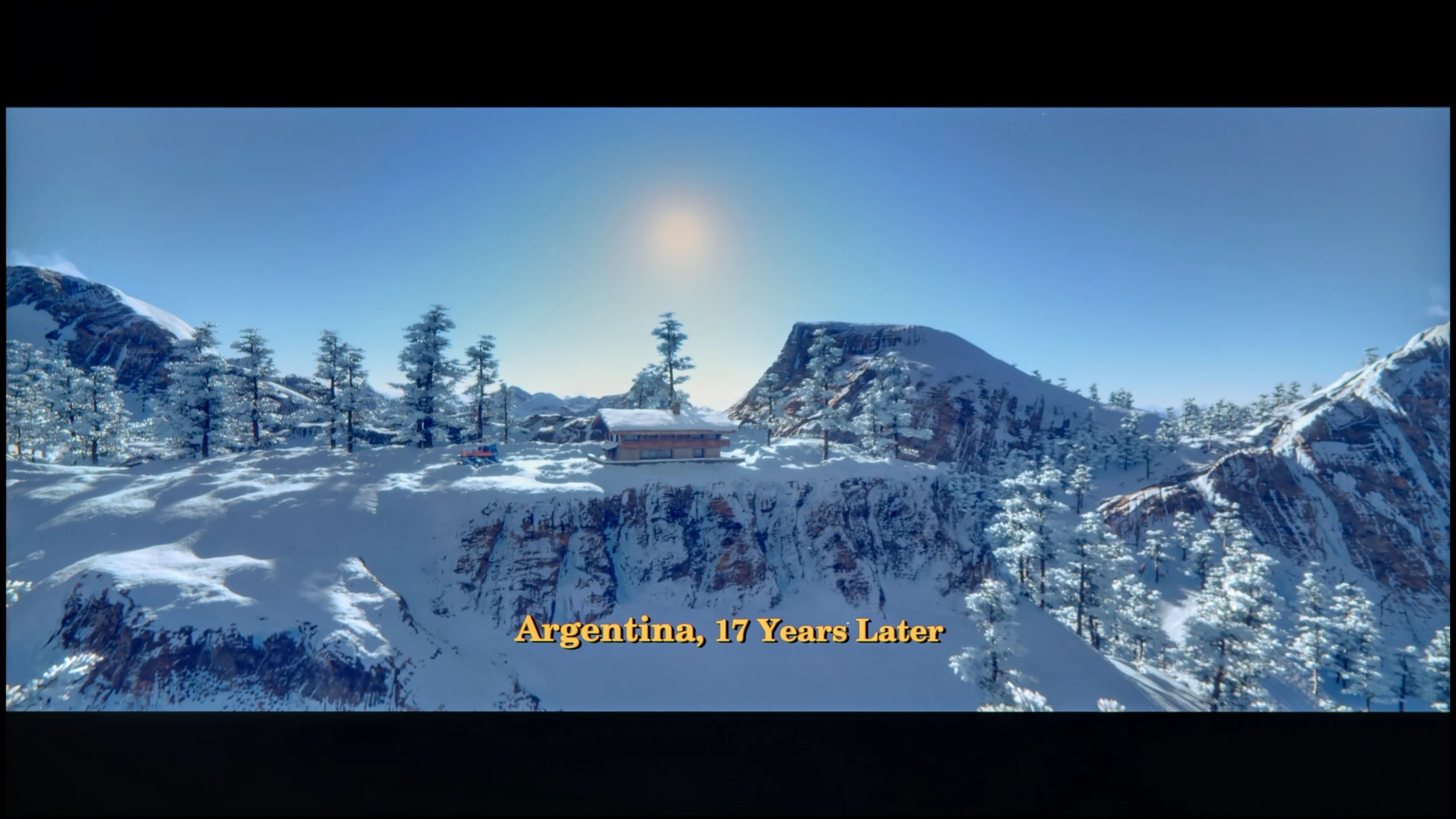


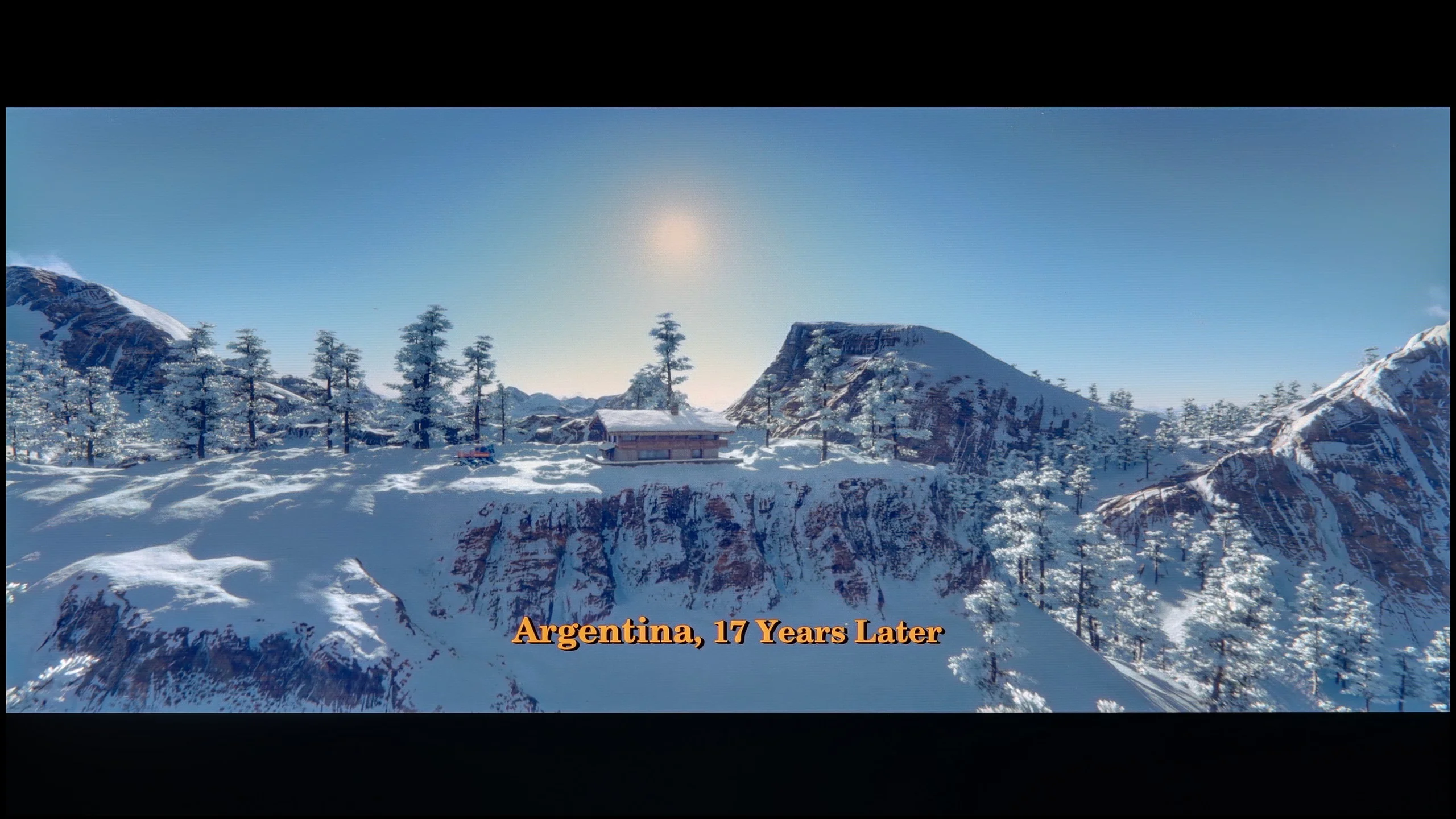
These are selected scenes that show smooth tonal transitions from one color to another. If you see distinct banding, it’s the TV panel’s fault.

These are selected scenes that show smooth tonal transitions from one color to another. If you see distinct banding, it’s the TV panel’s fault.
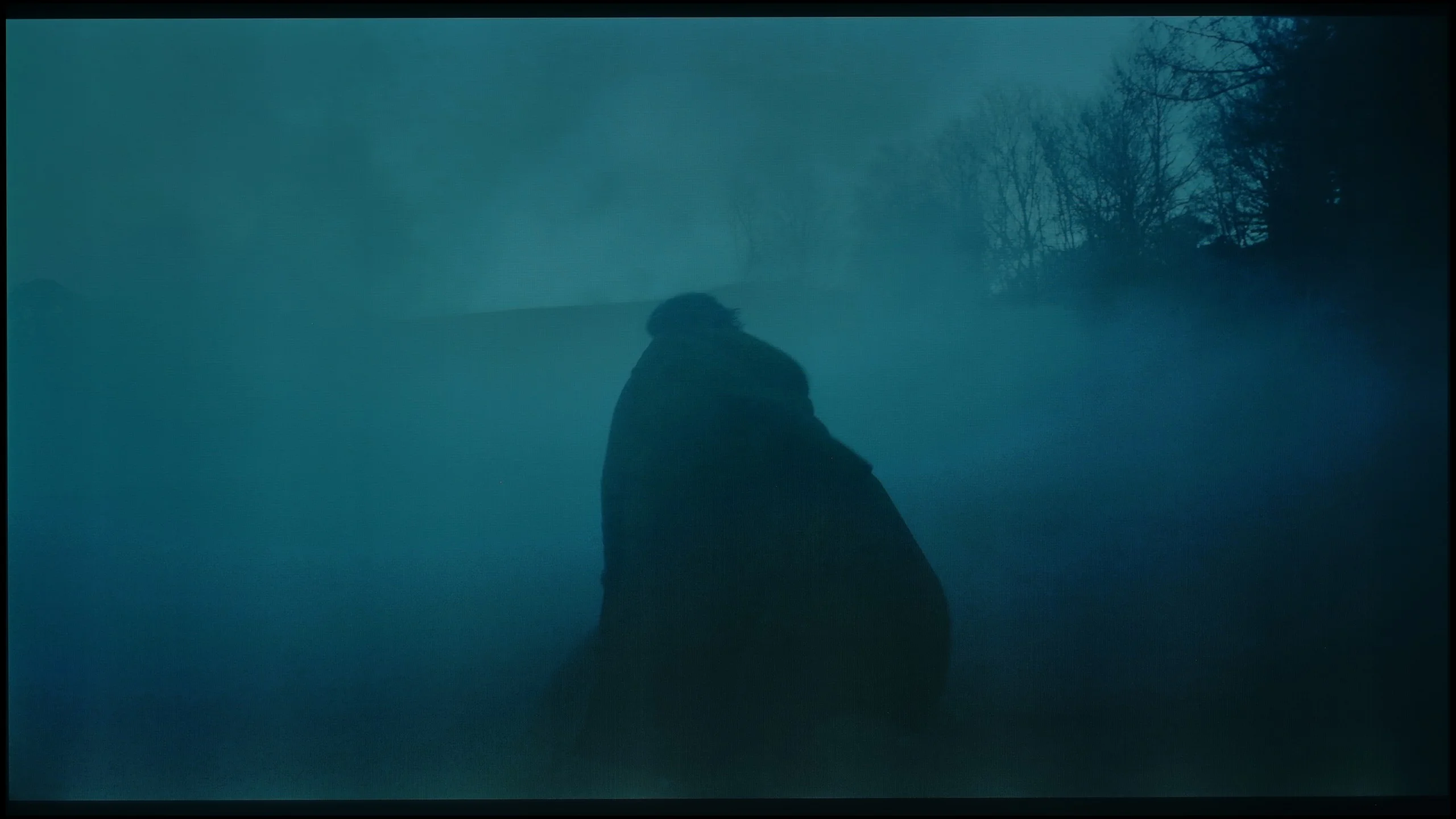
These are selected scenes that show smooth tonal transitions from one color to another. If you see distinct banding, it’s the TV panel’s fault.

These are selected scenes that show smooth tonal transitions from one color to another. If you see distinct banding, it’s the TV panel’s fault.
Tonality transitions are nothing more than the way a television handles blending colours and shades – from light to dark, from saturated to pastel. If the device struggles with this, you see characteristic "stairs" instead of smooth transitions, and the image loses its naturalness. It's those moments when instead of getting immersed in the film, we start glancing at the screen thinking, "hey, something's off here." Fortunately, in the Sony Bravia 5, such situations are practically non-existent. This is a huge advantage because nothing distracts our attention from the plot or the excitement of sports. The television performs best in bright scenes, where the colour transitions are smooth, and the blending of colours is nearly invisible. The effect is so good that sometimes it can feel like the image was painted in one brush stroke. Of course, there have been a few minor missteps. In darker scenes, certain imperfections can be noticed – slight banding or minimal gradation issues. For that reason, the Bravia 5 received a few negative points from us. Nevertheless, in the vast majority of situations, the television performs excellently and comes through this test with flying colours.
The smoothness of tonal transitions is definitely not a strong suit for the S85H compared with other OLEDs. This is most noticeable in bright gradients, where fairly obvious banding appears between successive shades. Instead of a perfectly smooth transition you can see distinct colour bands, and you don't have to look hard to find them. Gradients in motion fare even worse. When tonal transitions move the imperfections become more visible and the image looks simply average in that respect. Dark gradients aren't perfect either. You can also notice irregularities here, so the problem isn't limited to the brightest areas of the picture. Of course, in a normal film you won't see this all the time, but scenes with large areas of similar colour, like sky, fog, sunsets or dark backgrounds, can expose the panel's limitations. Compared with older WOLEDs there's still some improvement, but looking at the TVs we tested this year the S85H is average in this respect, as is its competitor the LG B6 that uses the same panel. And it's one of those characteristics where the difference compared with last year's QD-OLED panel becomes very clear. QD-OLEDs handle the smooth blending of successive shades much better and, in terms of gradation, clearly beat the WOLED SE panel used here.
Image scaling and smoothness of tonal transitions
8.5/10
7.5/10


Smooth transition function
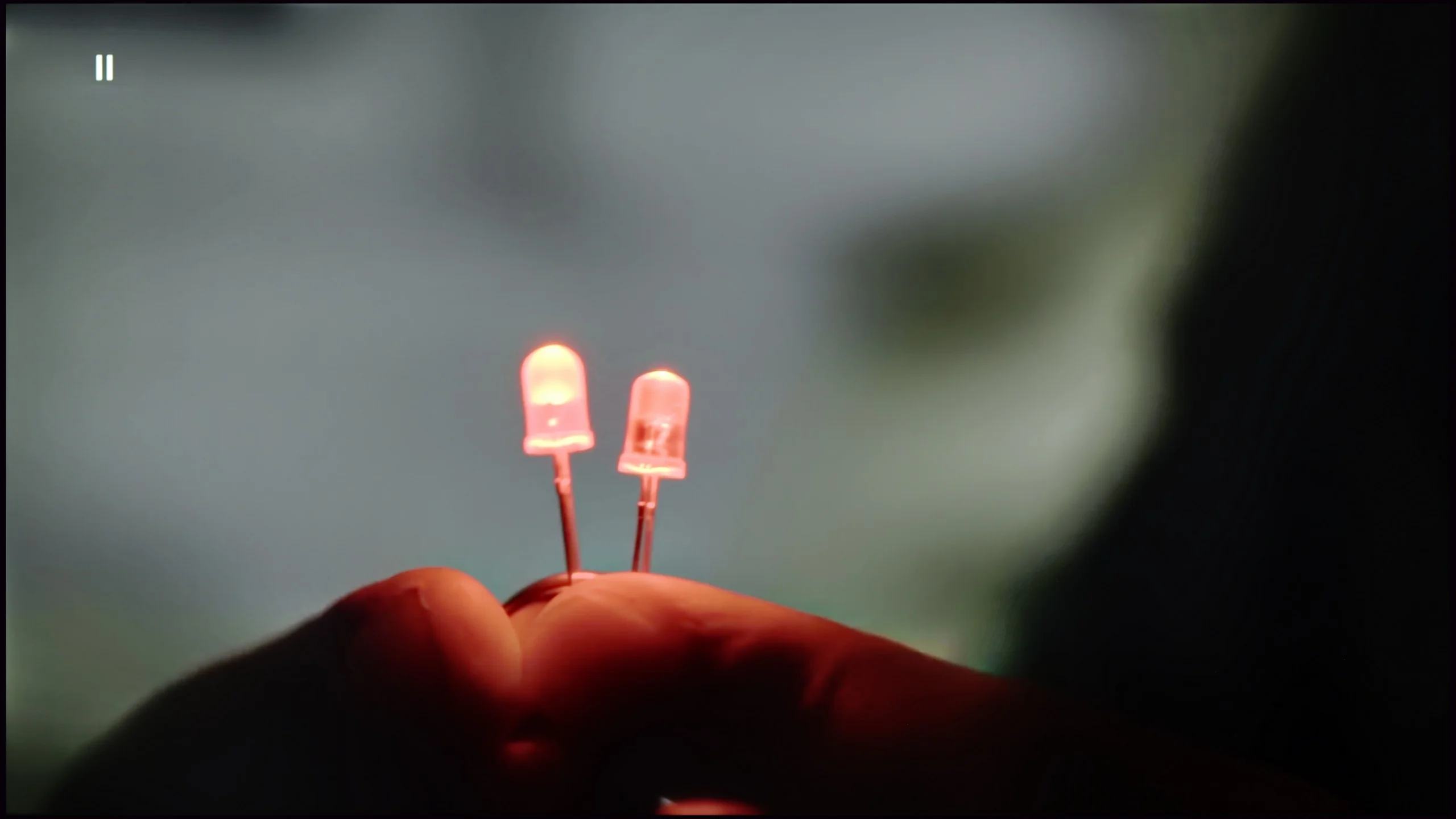
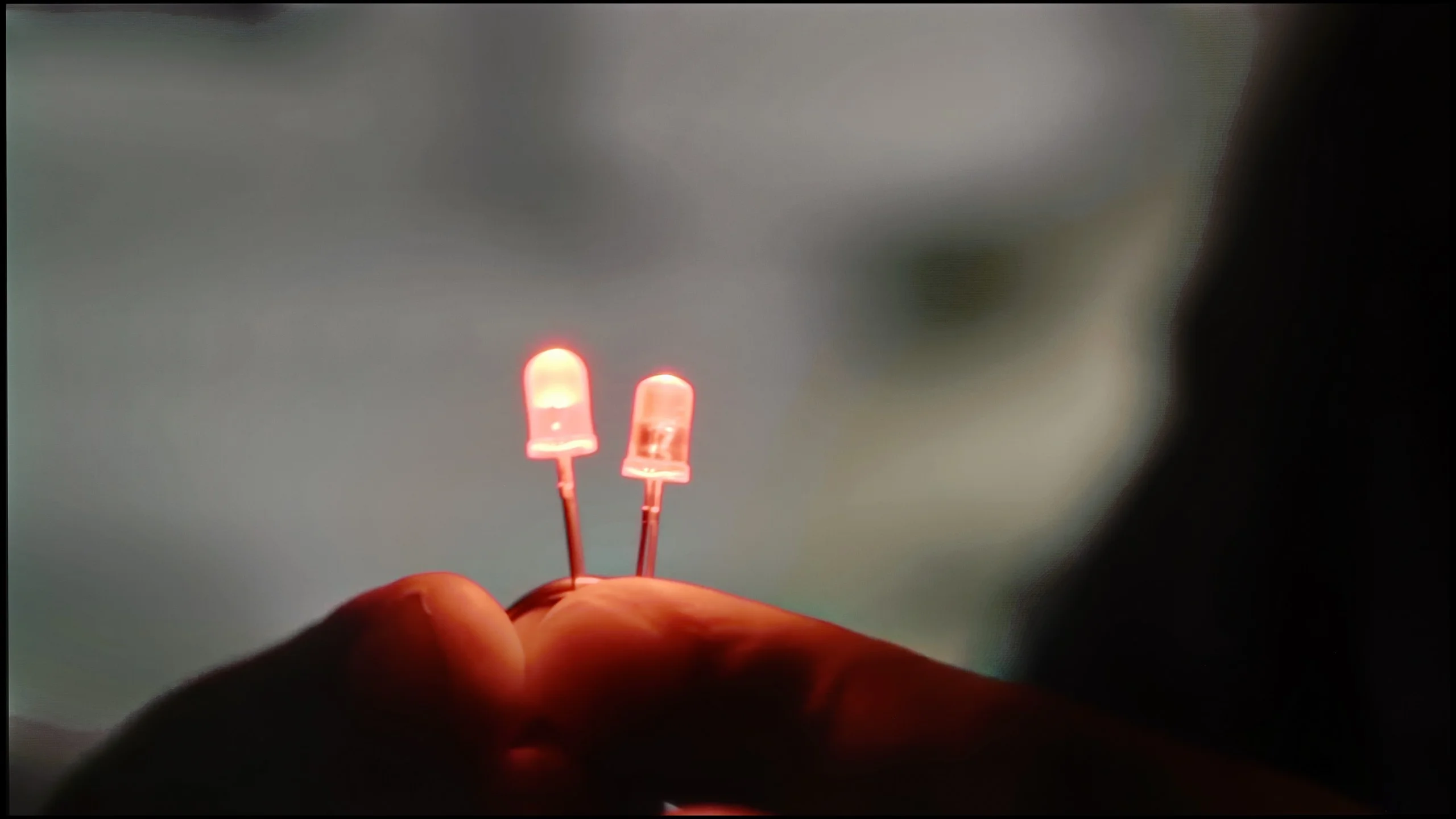
The match photo shows how the TV smooths weak tonal transitions in low-quality video.
Image scaling SD (576i)


The model photo shows how it handles upscaling of SD material.
Bravia 5 carries the genes of Sony, which remain intact – and thank goodness for that, because we're talking about absolutely exceptional digital image processing. It's no coincidence that for years, it's been considered that TVs from this brand set the standard for how a screen should handle lower quality materials. If someone still watches classic television, old films, or YouTube in lower resolutions, here they get equipment that can turn such content into a surprisingly enjoyable experience. On board, we find several tools worth activating. The first of these is "digital noise reduction." Set to a medium level, it works superbly – smoothing out tonal transitions that usually cause the most trouble in low-quality materials while introducing no artificial artifacts. Importantly, it also doesn't remove the cinematic character, which is the natural grain that is intentionally present in many productions. Another advantage of the Bravia 5 is the upscaling capabilities of the XR processor. The image presented after scaling is soft, yet sharp and clear. The outlines of characters are well-defined, and backgrounds maintain their texture without excessive artificial sharpening. It's hard to find a better TV for watching lower quality materials – Bravia 5 only confirms why Sony is considered the benchmark in this area.
Samsung's S85H uses the same proprietary AI processor, AI NQ4 Gen2, as last year’s S85F, and in terms of digital image processing it performs quite well. Upscaling is one of the model's stronger points. Lower-resolution material is well sharpened, edges look natural and the picture doesn't come across as overly artificial. Just remember a common quirk of Samsung TVs: at very low resolutions you can't completely turn off overscan, so the TV may slightly crop the left edge of the picture. The "noise reduction" function, that is smoothing weaker tonal transitions, also works very well. The processor can effectively remove posterisation and other artefacts visible in lower-quality material. However, be careful with the strength of this function, because Samsung can be fairly aggressive here. When it's activated, along with unwanted artefacts, fine details such as skin or clothing texture also start to disappear.
Blur and motion smoothness
7.9/10
8.5/10
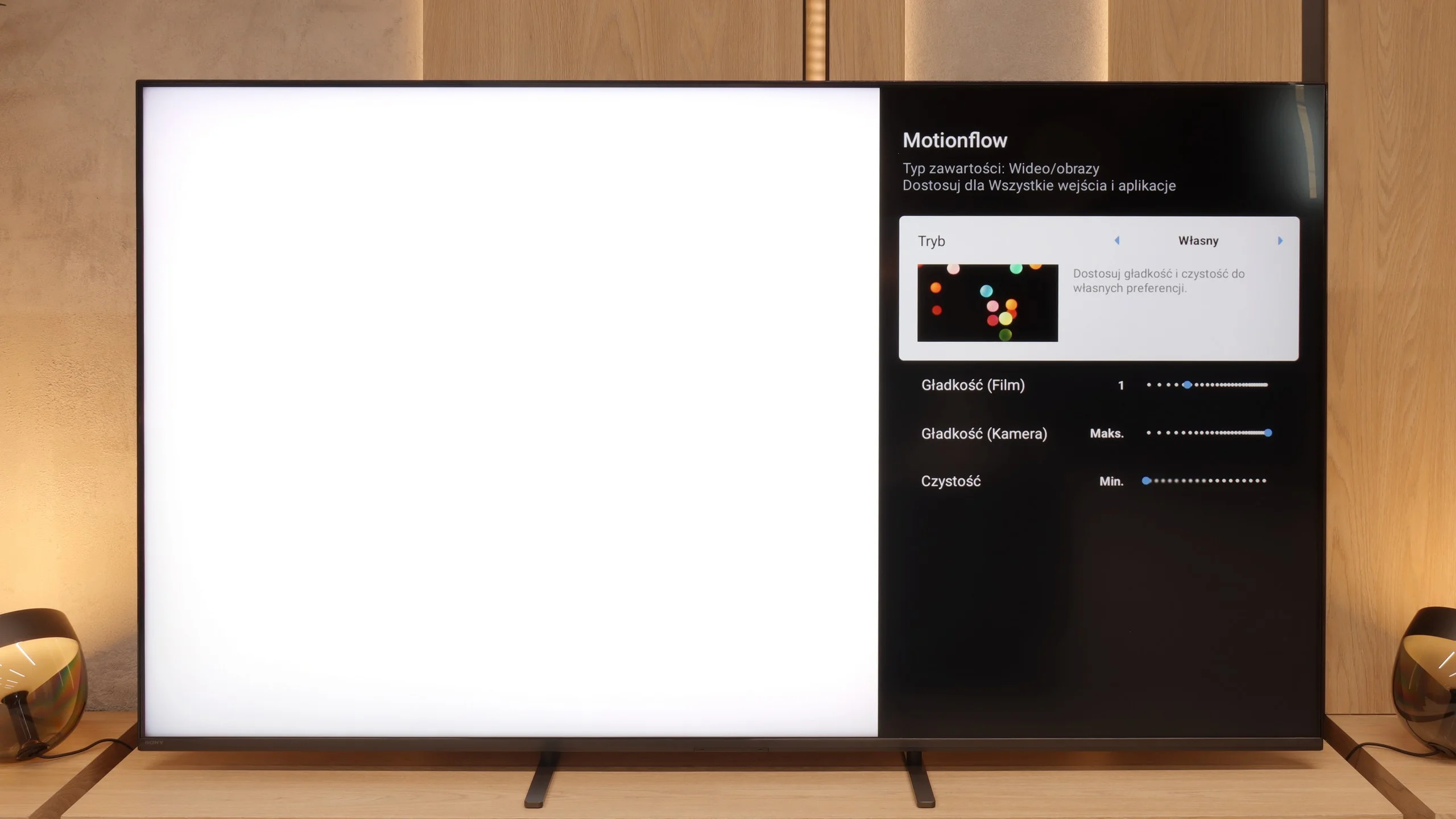
Blur (native resolution, maximum refresh rate):






Blur (BFI function enabled):



Image flickers in this mode



Blur (MotionFlow ON):



Blur (4K@60Hz):
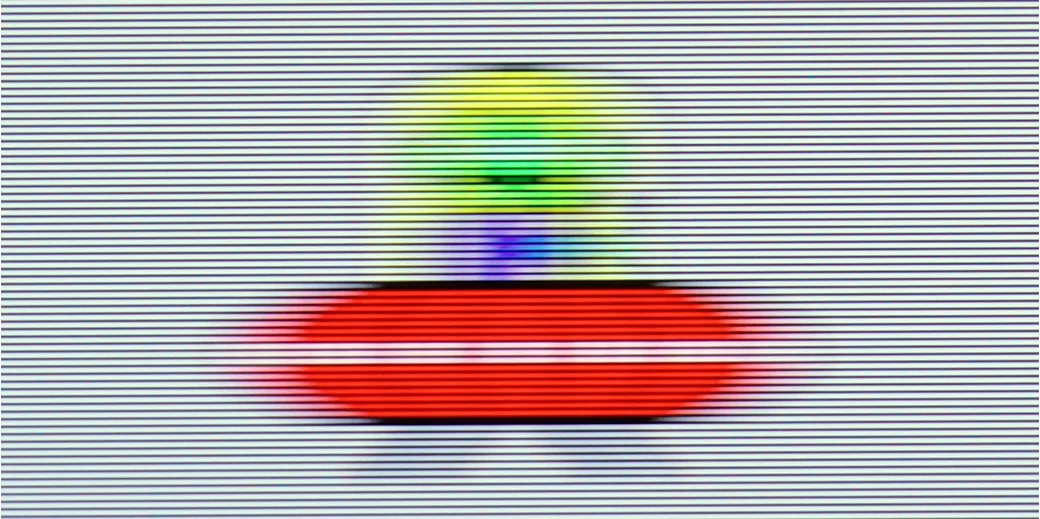
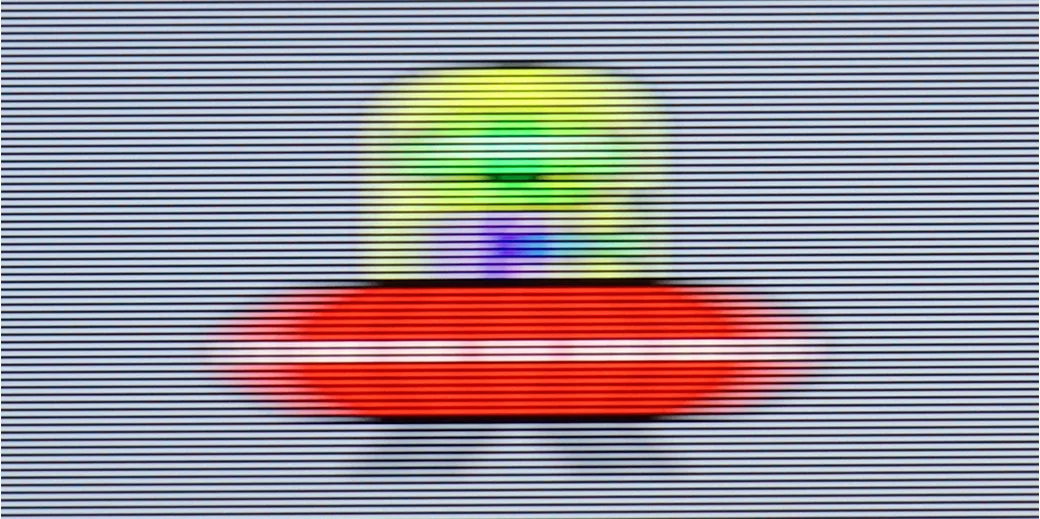
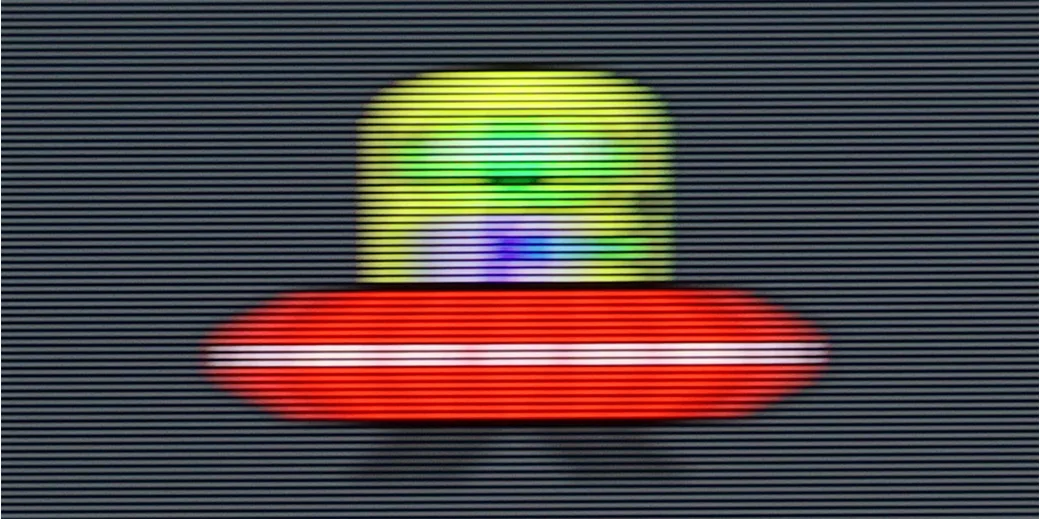
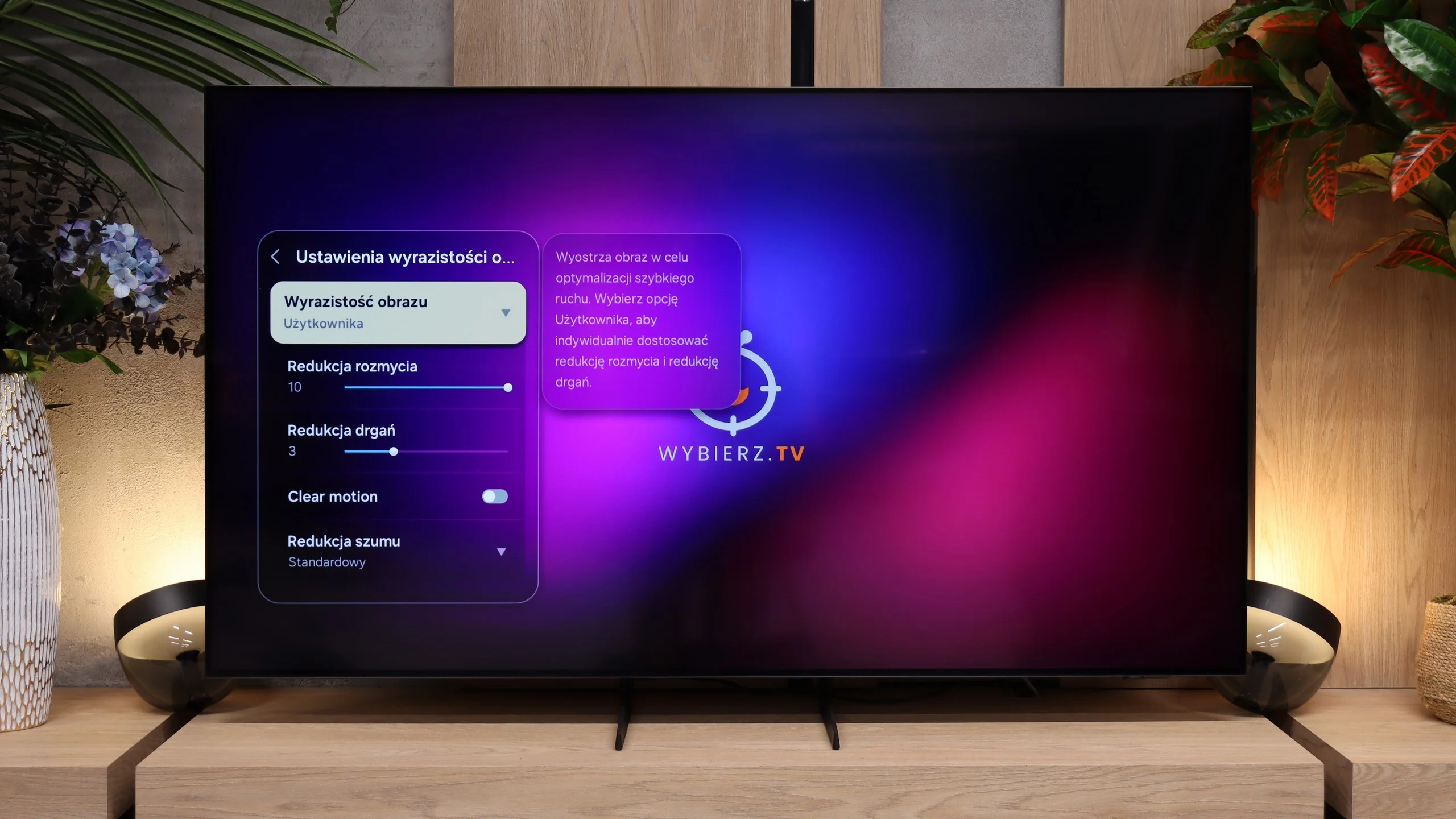
Bravia 5 has a 120 Hz panel, which in itself sounds like an invitation to watch sports, fast matches or spectacular action films. However, the real magic begins when MotionFlow – Sony's proprietary motion smoother – comes into play. Thanks to this feature, we can adjust the character of the picture to our own preferences. The "smoothness" slider allows us to transition from a cinematic feel with a slight "judder" to a theatrical fluidity, where every ball in the match glides across the screen as if on a string. The higher the value, the smoother and more fluid it is; the lower it is, the more film-like and natural it becomes. In the options, we also find an additional setting that Sony calls "clarity". This is nothing more than the BFI function (which inserts black frames) aimed at improving motion sharpness. It sounds great in theory, but in practice, it must be used with caution. Why? Because all higher settings cause brightness drops of up to half, and in some cases, contour doubling also appears. So if we want to use it, we recommend setting it to the lowest level – "1" out of the available ten. That way, we gain a bit better motion sharpness without risking losing half the brightness of the picture.
The S85H uses an OLED panel, so it performs brilliantly when it comes to motion blur. Pixels respond almost instantly, so moving objects don't produce the characteristic ghosting seen on some LCD TVs. This is especially noticeable with sport or fast-paced games, where the picture stays very clean even during rapid motion. The panel itself runs at 120 Hz. That's more than enough for movies, TV shows, sport or console gaming. It's a shame Samsung didn't include a higher refresh rate aimed at PC gamers, as more and more TVs now offer 144 or even 165 Hz at 4K. However, that doesn't affect motion handling in films or sport.
There's also the classic motion smoothing feature with two settings: blur reduction and judder reduction. So you can choose whether films should keep their cinematic 24 frames per second, or whether you'd prefer to smooth them a bit. The S85H gives plenty of freedom here, and the interpolation itself works well and, with sensible settings, doesn't generate too many artefacts.
Console compatibility and gaming features
9.8/10
9.6/10
- ALLM
- VRR
- VRR range48 - 120Hz48 - 120Hz
- Dolby Vision Game Mode
- Correct implementation of HGIG
- 1080p@120Hz
- 1440p@120Hz
- 4K@120Hz
- Game bar
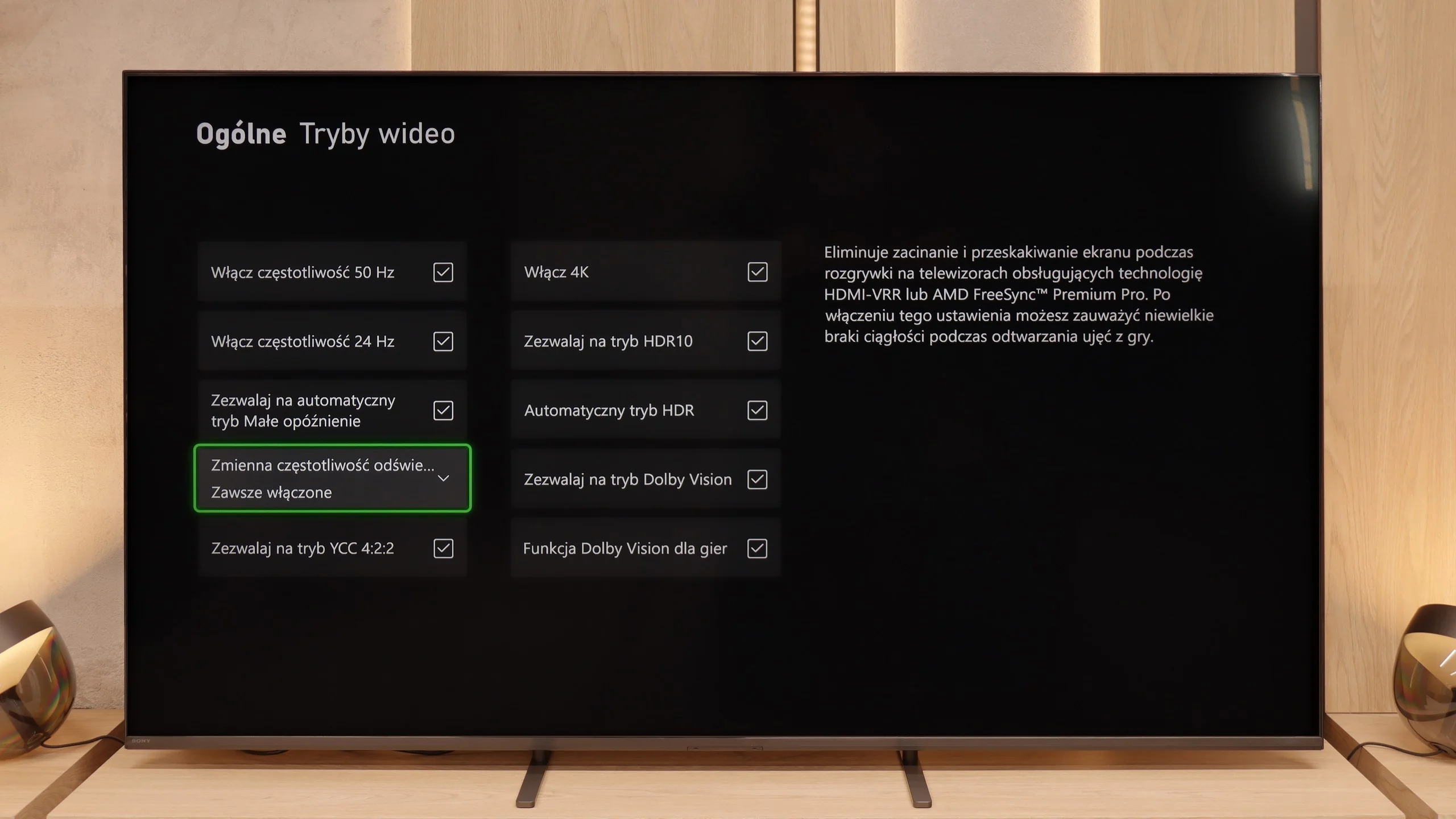
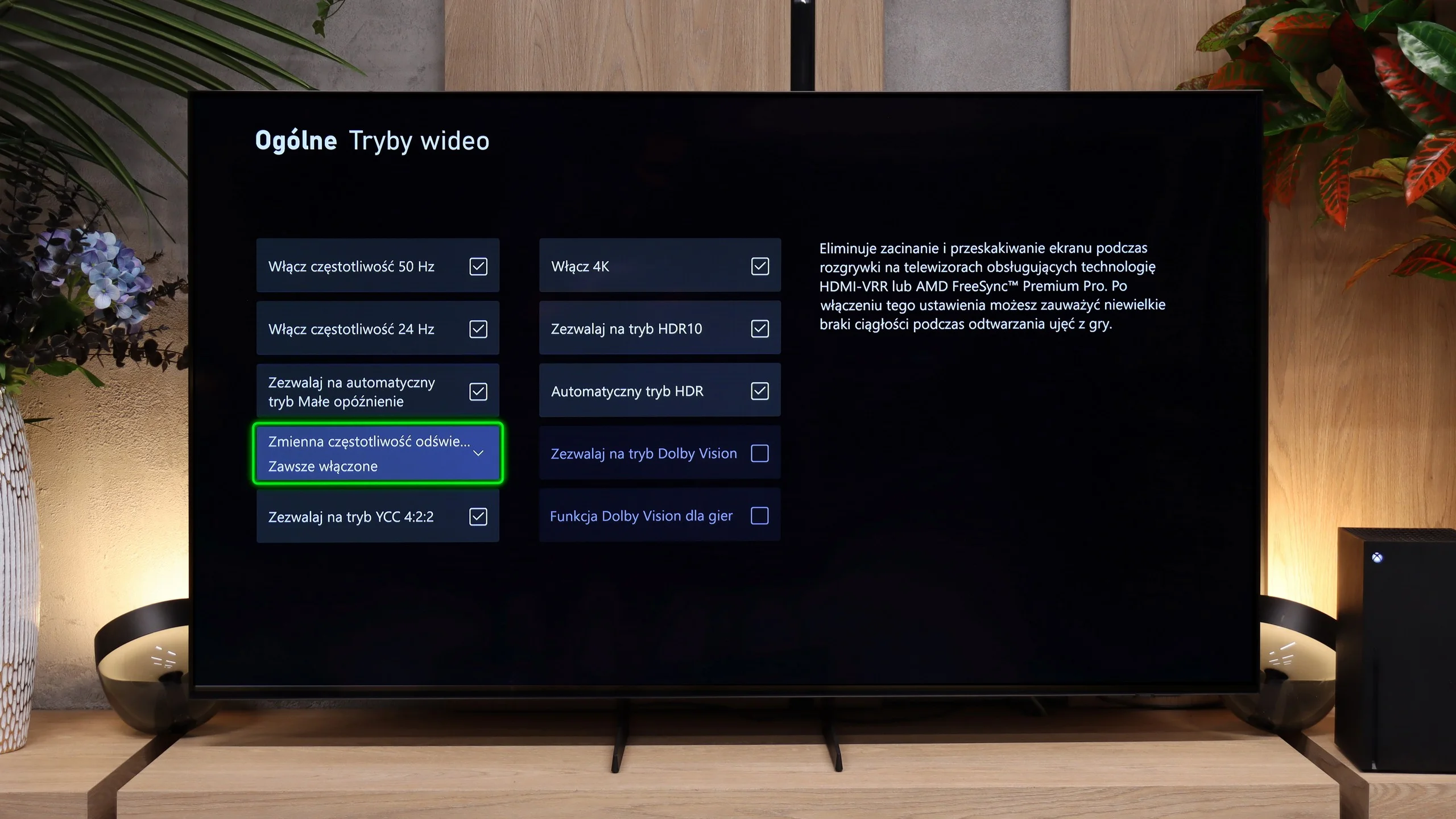
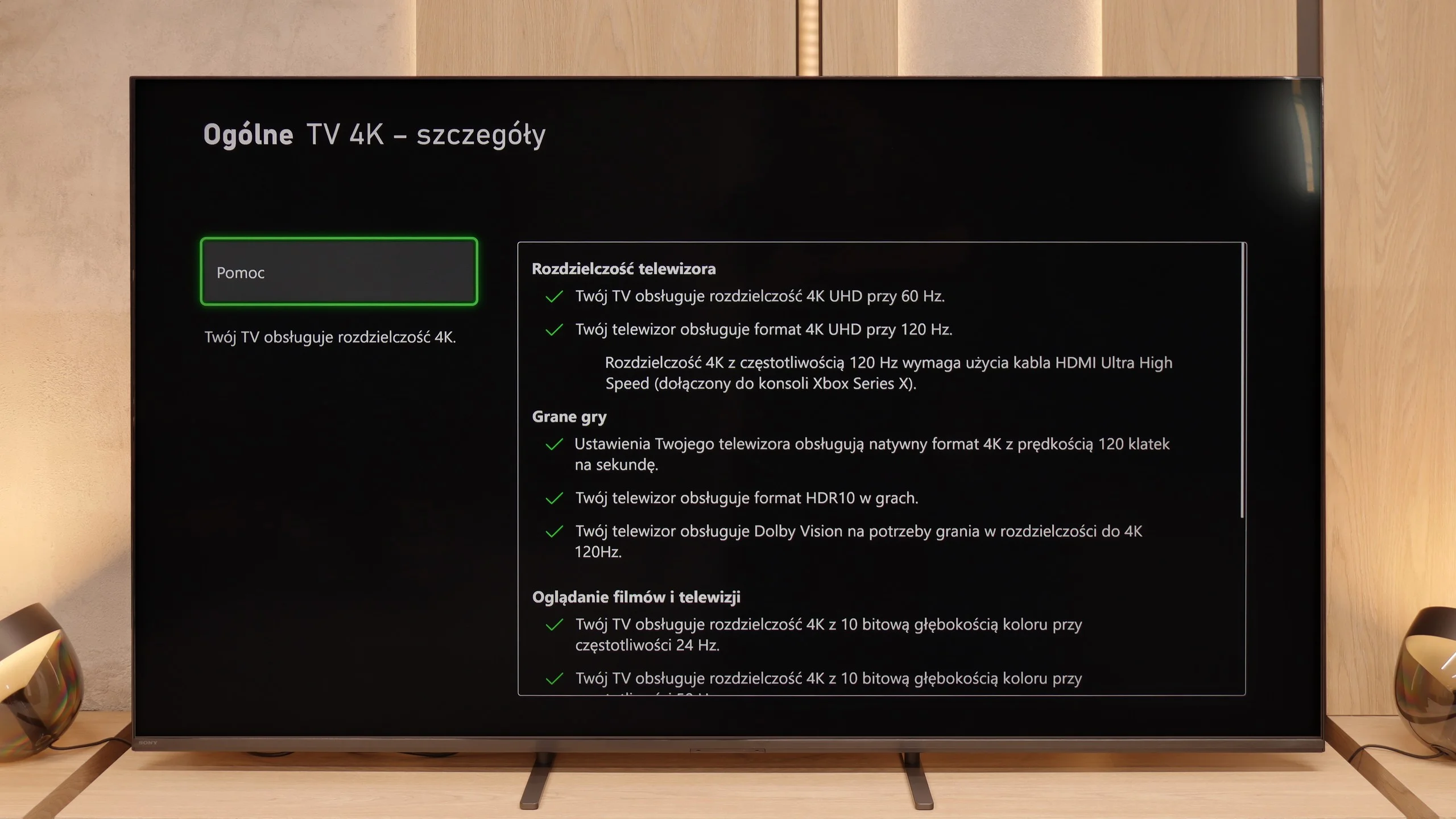
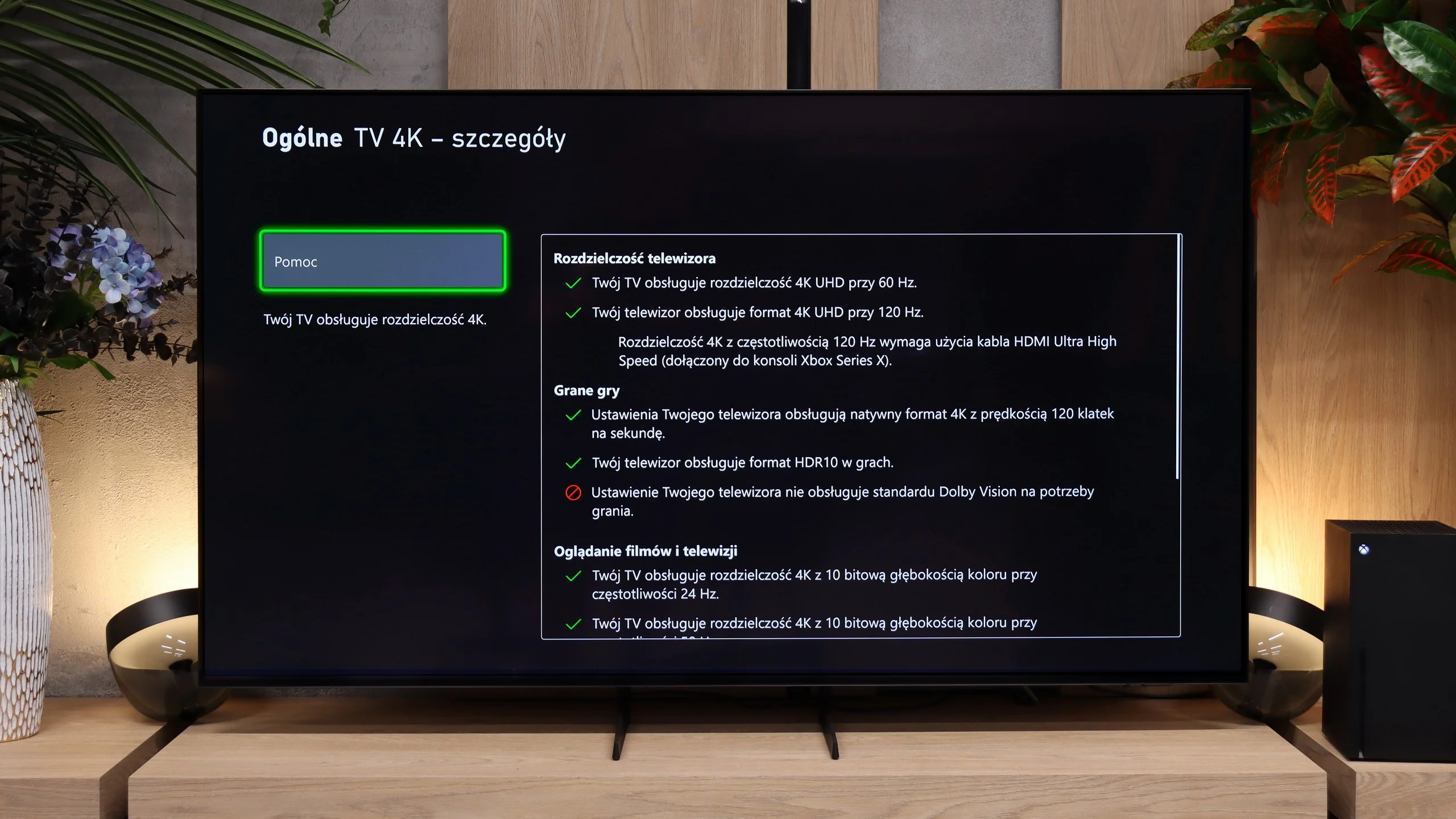
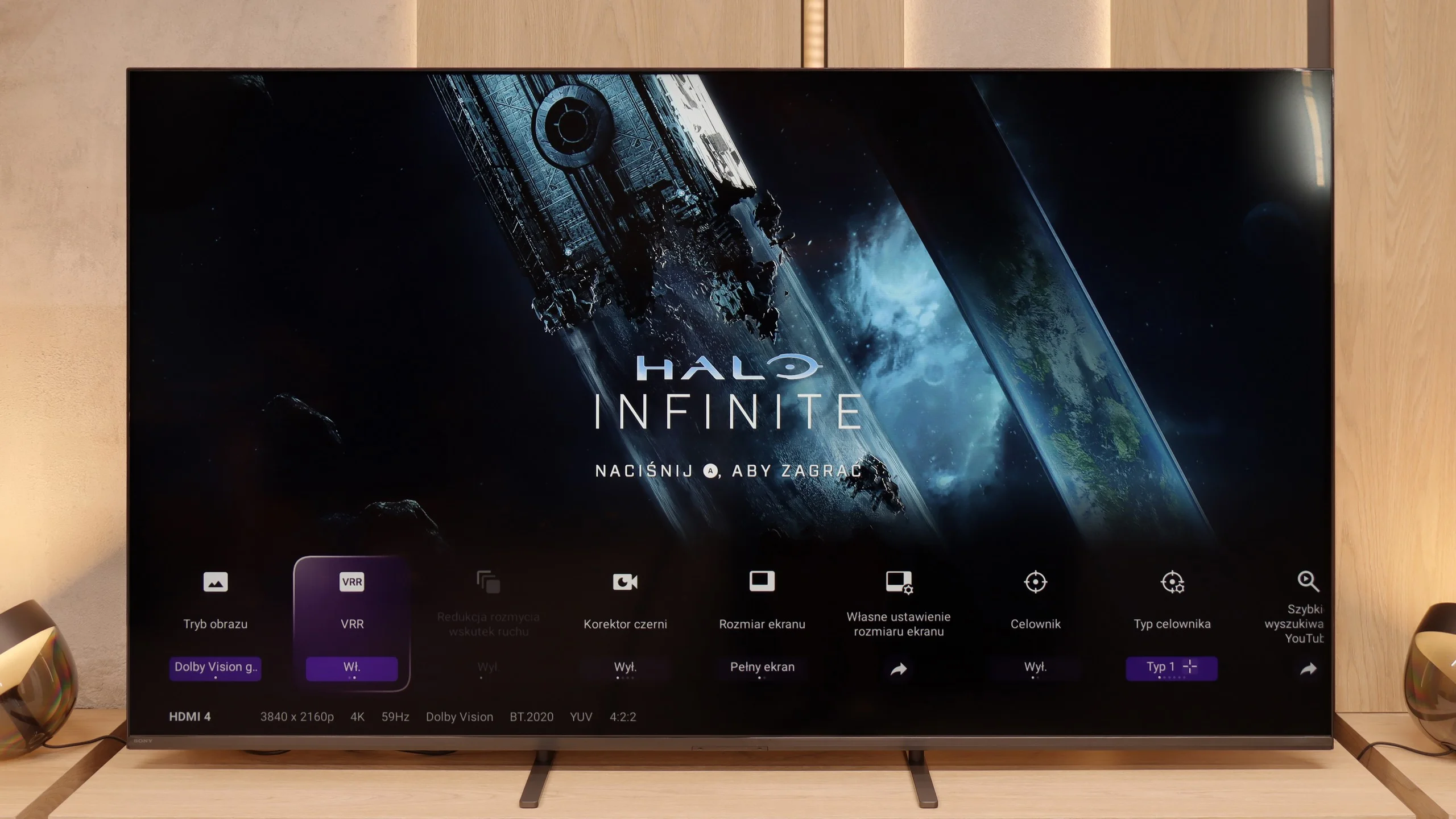
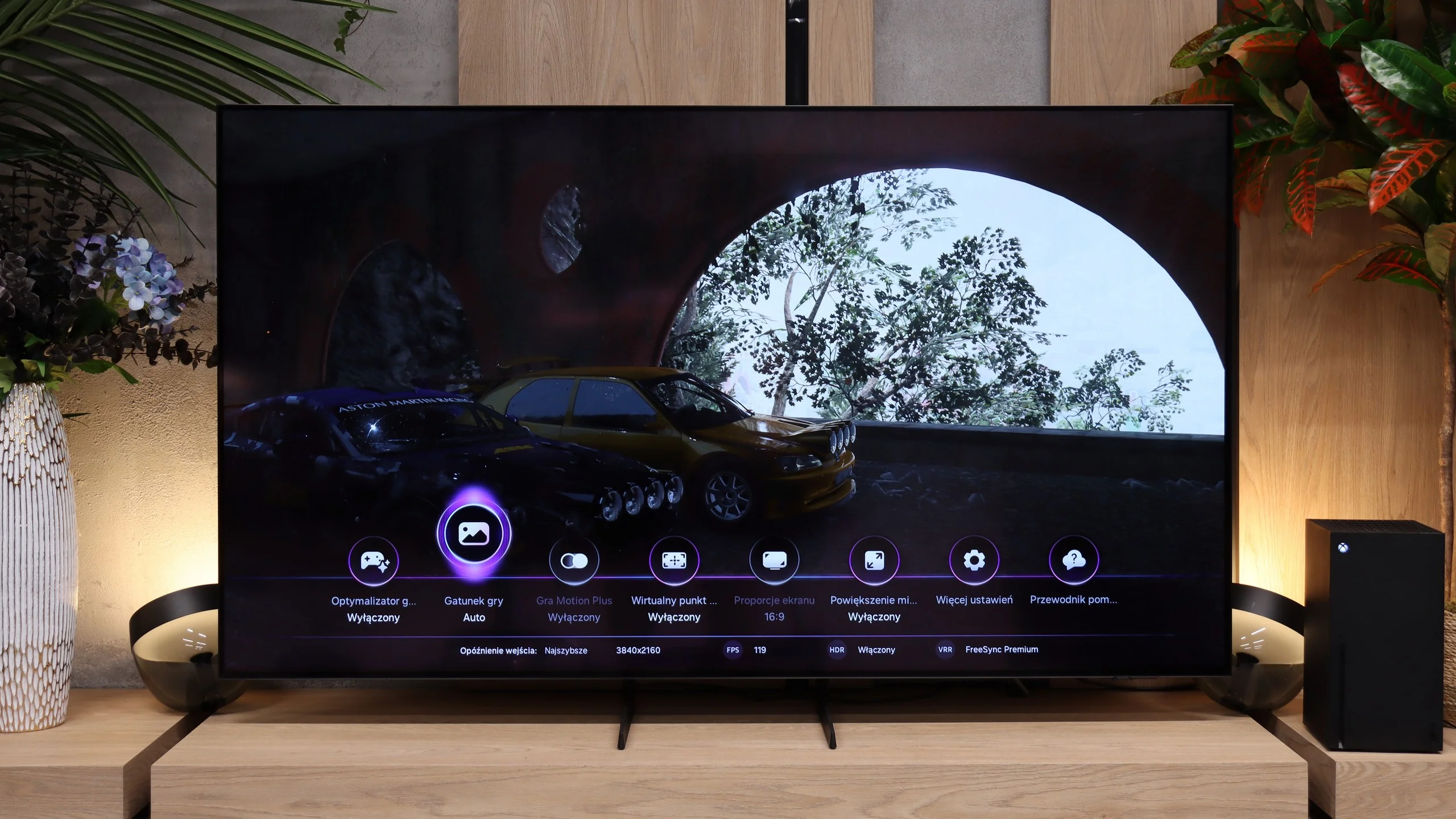
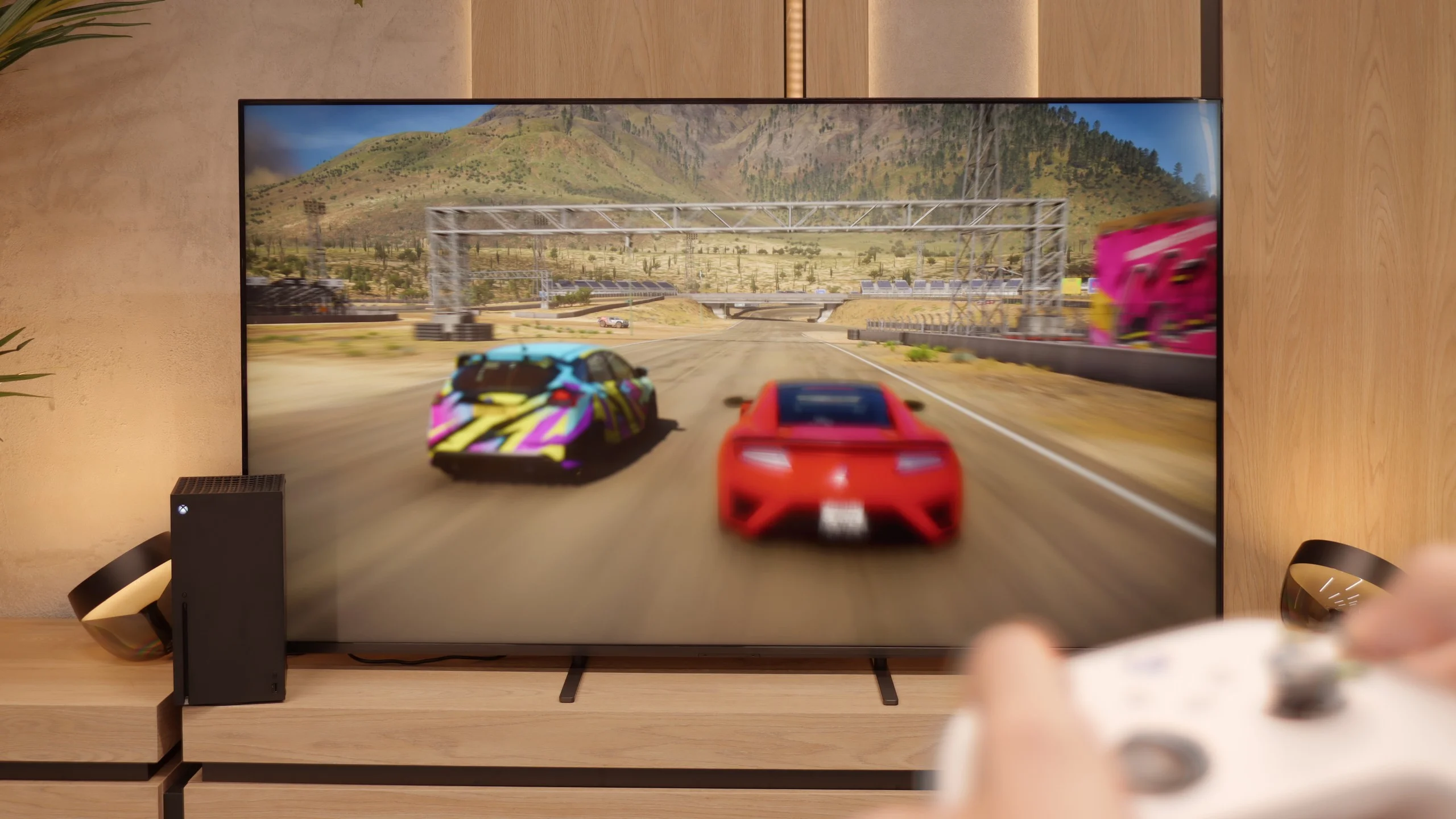
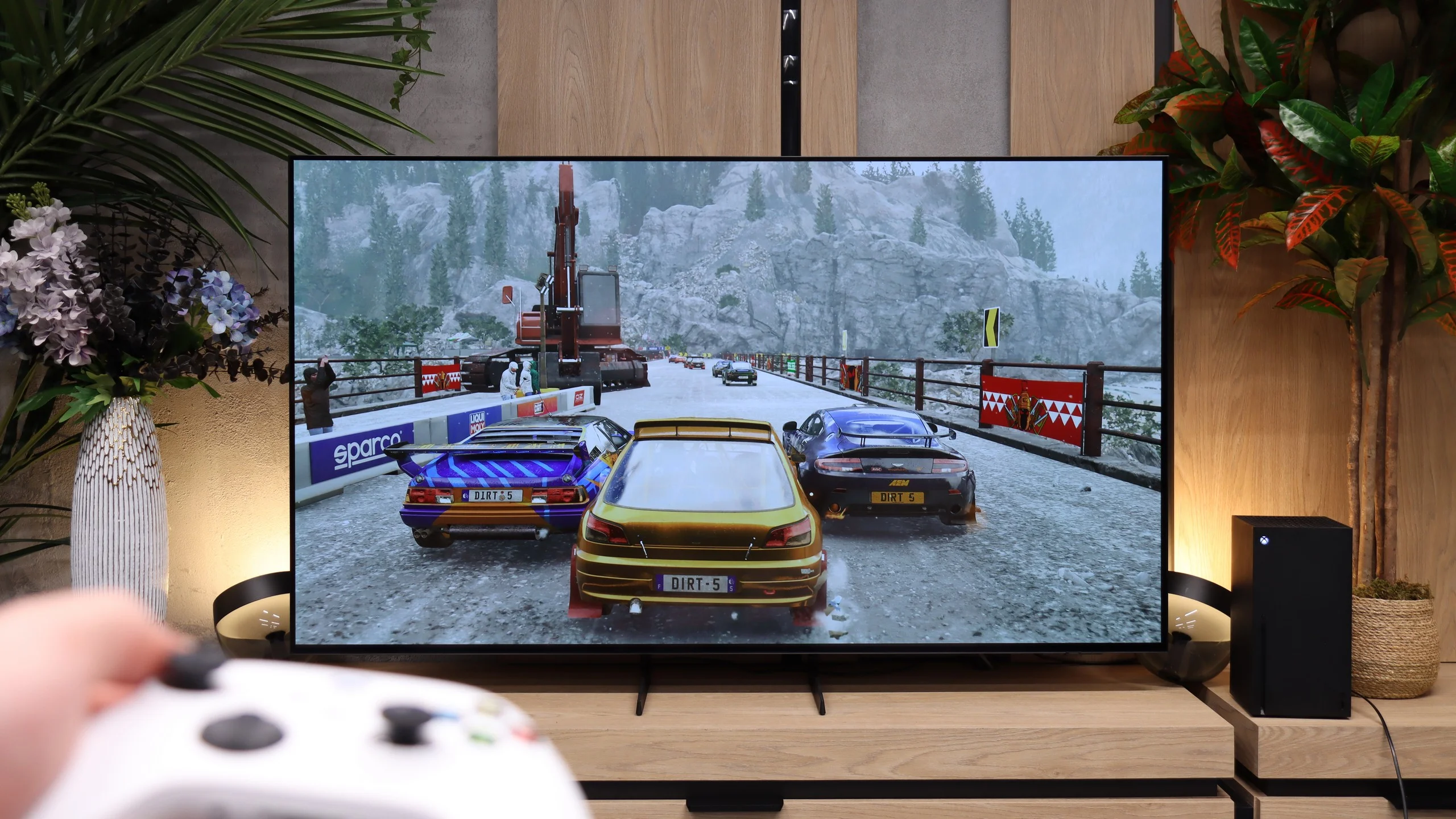
In the Bravia 5, there is a significant improvement compared to the X90L model from two years ago. The television offers literally everything its predecessor had, but this time the issues that could frustrate gamers have been addressed. Problems with setting the variable refresh rate (VRR) have disappeared, and there are no longer issues with configuring HDR content in HGiG mode. In short: we get a device that simply works as it should, without any hassles. So, the Bravia 5 has everything you can expect from a modern gaming TV – and it can be confidently advertised with the slogan "ready for PS5." That's something we couldn't say about the X90L model. Well done, Sony!
It's just a shame that this relatively high-priced model lacks a full set of four HDMI 2.1 ports. In everyday use, this won’t be an issue for most people, but if someone has a console, soundbar, and additional equipment connected via HDMI, at some point they'll have to choose or juggle cables.
Samsung S85H is very well prepared for gaming, essentially regardless of whether you connect a console or a computer. The manufacturer didn’t skimp on connectors and all four HDMI ports support full HDMI 2.1. That means you can use 4K at 120 Hz, VRR and ALLM without worrying which input to plug your console into. With multiple devices that matters a lot, since you don’t have to choose between a console, a PC or a soundbar connected via eARC. The feature set itself is very complete. The S85H supports VRR, FreeSync and automatic switching to Game Mode, and Samsung also offers its expanded Game Bar, which lets you quickly view the key signal parameters and change settings without leaving the game. The only real omission is Dolby Vision, which will matter mainly for Xbox owners. That’s a typical trait of Samsung TVs. Game Motion Plus performs very well and it’s one of the features that has set Samsung TVs apart for years. It smooths motion in games running at 30 or 60 fps, but does so without as large an increase in input lag as a classic motion interpolator. In practice, for slower-paced games, racing or action titles it can genuinely improve motion perception, especially if you’re sensitive to low frame rates.
Input lag
9.9/10
10/10
SDR
HDR
Dolby Vision
When it comes to input lag, the Bravia 5 deserves a round of applause. Results of around 7 ms at 120 Hz content are nothing short of phenomenal – it's hard to imagine a gamer complaining about such responsiveness. Even at 60 Hz, where the lag increases to around 15 ms, we're still talking about values that absolutely don't spoil the fun and are practically unnoticeable. Moreover, Sony has finally tamed the Dolby Vision mode. In the X90L, it was practically unplayable – the delays rose to levels of even 150 ms. Meanwhile, the input lag on the Bravia 5 remains at the same low level as with other content. This is a huge improvement and further proof that this television can truly be called "gamer-friendly."
Samsung S85H also performs very well in terms of input lag. At 120 Hz we measured input lag below 5 ms, which is at a level where the TV's response to controls is practically instantaneous. At 60 Hz the delay is of course higher, but still remains very low, about 10 ms, so in that respect the S85H gives little cause for complaint.
Compatibility with PC
8/10
7.6/10
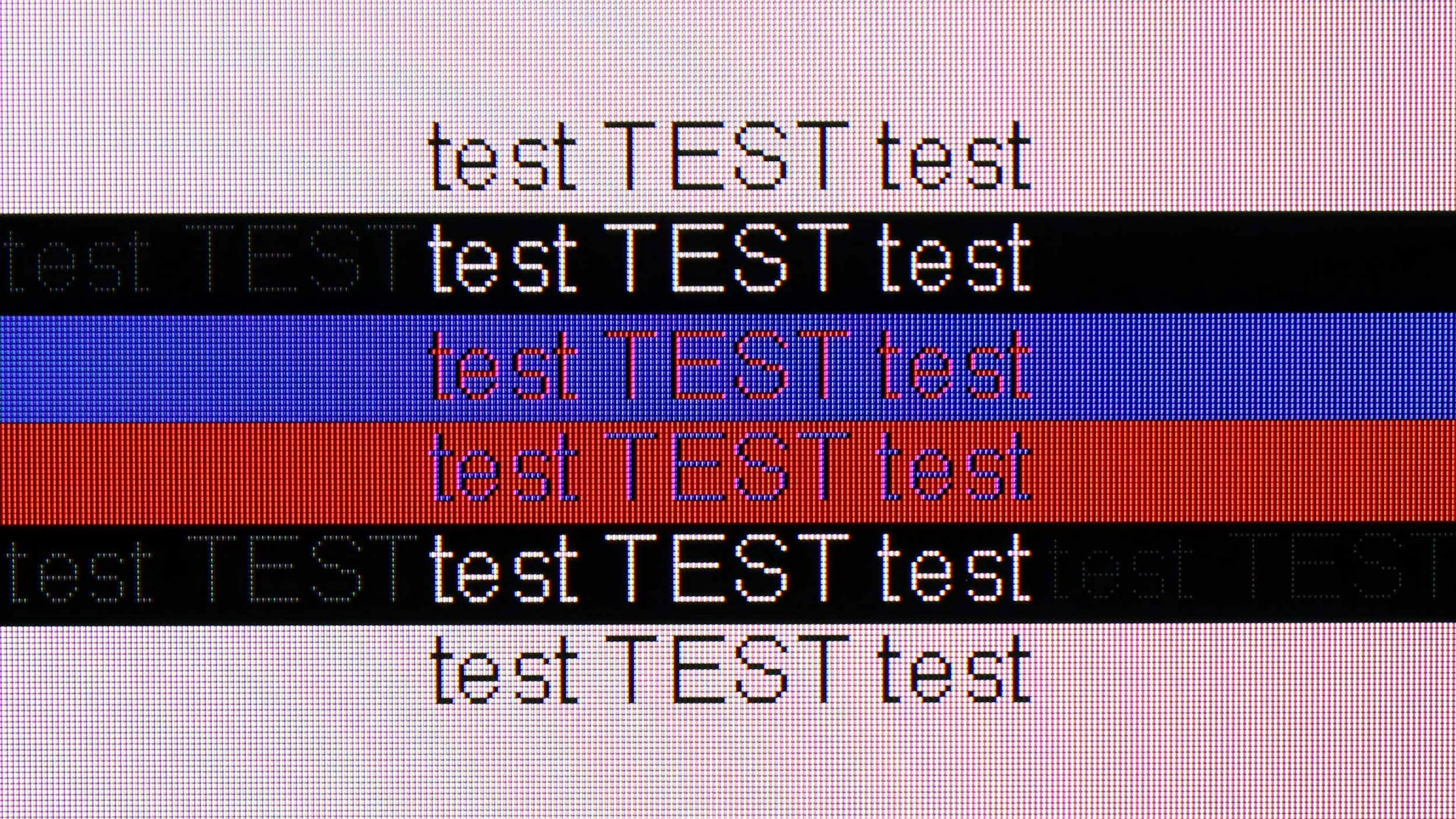
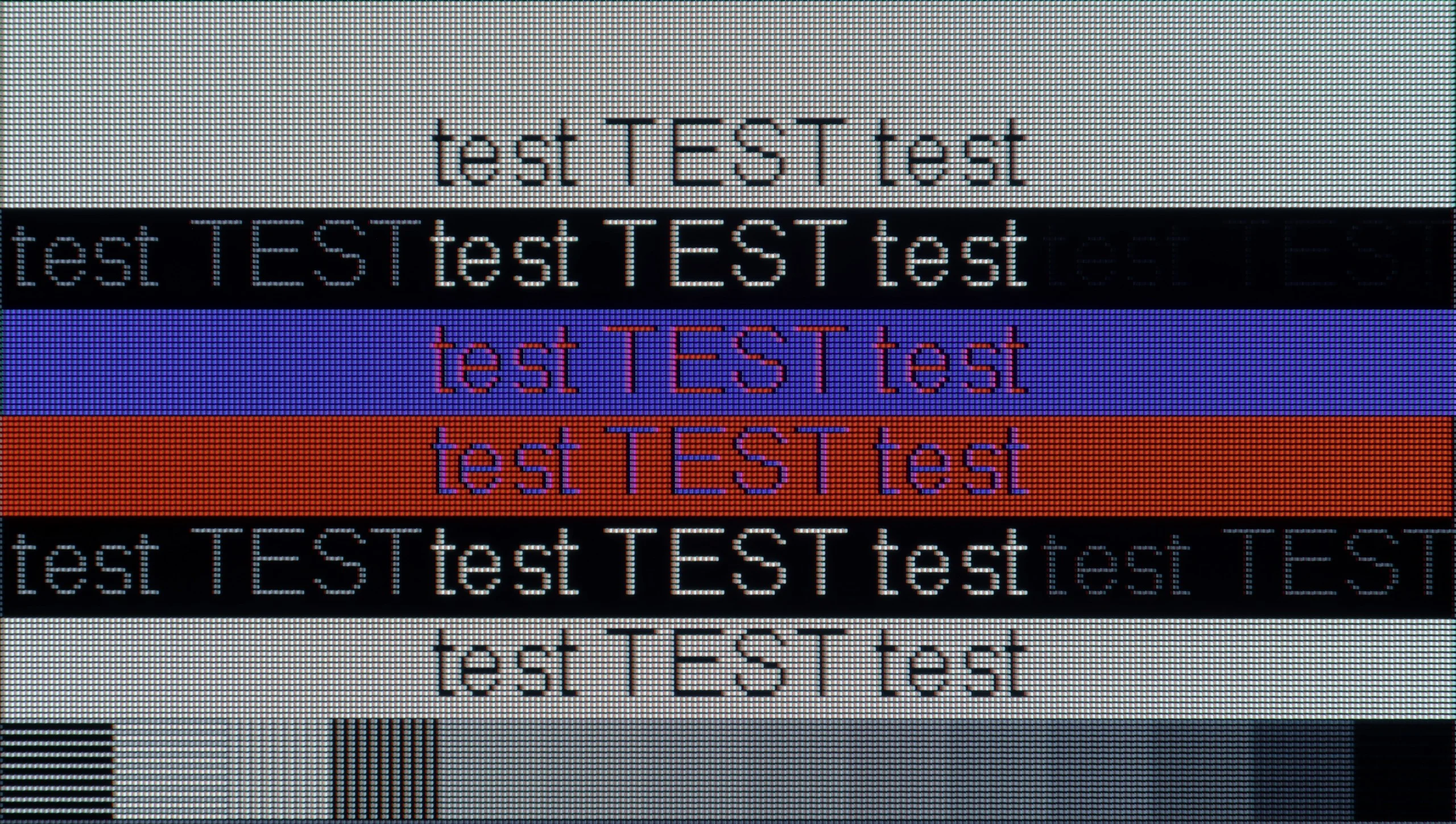
The photo shows the legibility of small fonts. Ideally, lines should be the same thickness on both light and dark text, with minimal pixel gaps.
In this category, the Bravia 5 deserves an exemplary rating. The ideal readability of fonts thanks to 4:4:4 chroma support makes working on this TV a pure pleasure. Whether we are opening Excel, browsing documents, or simply surfing the web – the text is sharp, clear, and free from that characteristic “haze” which can effectively take away the joy of use in many TVs. The letters look as they should: distinct, sharp, and readable even up close.
We also have good news for PC gamers. The Bravia 5 has no problems at all with handling 120 Hz, working with both Nvidia and AMD cards, supporting G-Sync and FreeSync Premium Pro technologies. The result is that the image is not only smooth but also free from tears or micro-cuts that can ruin the experience even in the best-optimised games. You can easily connect a powerful PC and enjoy gaming on the big screen – without compromises, without frustration, and with full comfort. The only thing we could complain about is the lack of additional modes for gamers with higher refresh rates.
The Samsung S85H also performs very well as a large PC monitor. Text readability is good and, from the typical viewing distance for such a large screen, text looks really good. You just need to remember the four-subpixel layout of the WOLED panel, which means that up close the edges of letters aren't quite as perfectly sharp as on a traditional RGB monitor. However, that's a characteristic of OLED technology itself and, during normal TV use, it shouldn't be an issue.
The S85H also has plenty to offer PC gamers. You get 120 Hz, G-Sync support, very low input lag and, of course, the lightning-fast response time of the OLED panel. The only thing missing for a truly complete experience is the ability to run the panel at a higher refresh rate. More and more TVs already support 144 or 165 Hz at 4K, so an additional mode like that would be welcome here.
Viewing angles
3.3/10
7.5/10
Bravia 5 uses a classic VA panel, and that means one thing – the viewing angles are not one of its strong points. For those with smaller screen sizes, this won’t be a problem, as sitting directly in front, the picture looks fantastic. However, with larger sizes, especially 85 inches, the situation becomes less comfortable. It’s enough to sit slightly off-centre on the couch to notice minor imperfections: the image begins to lose saturation, contrast weakens, and black takes on unwanted greys. It’s a shame that Sony did not opt for additional coatings, which in the case of VA panels can bring their capabilities closer to IPS levels. Such solutions exist, and some competitors make use of them. Here, they are missing, so one has to reckon with the fact that Bravia 5 best showcases its strengths when viewed head-on.
Viewing angles are one of the big advantages of the S85H and OLED panels in general. Even when you view the screen from well off to the side, the picture still retains good contrast, brightness and colour saturation. In this respect the S85H performs decidedly better than practically any LCD or Mini-LED TV on the market today. Only QD-OLED panels really do even better, keeping colours even more stable at wide angles. Those, however, are only found in higher-end models.
Daytime performance
6.9/10
5.1/10
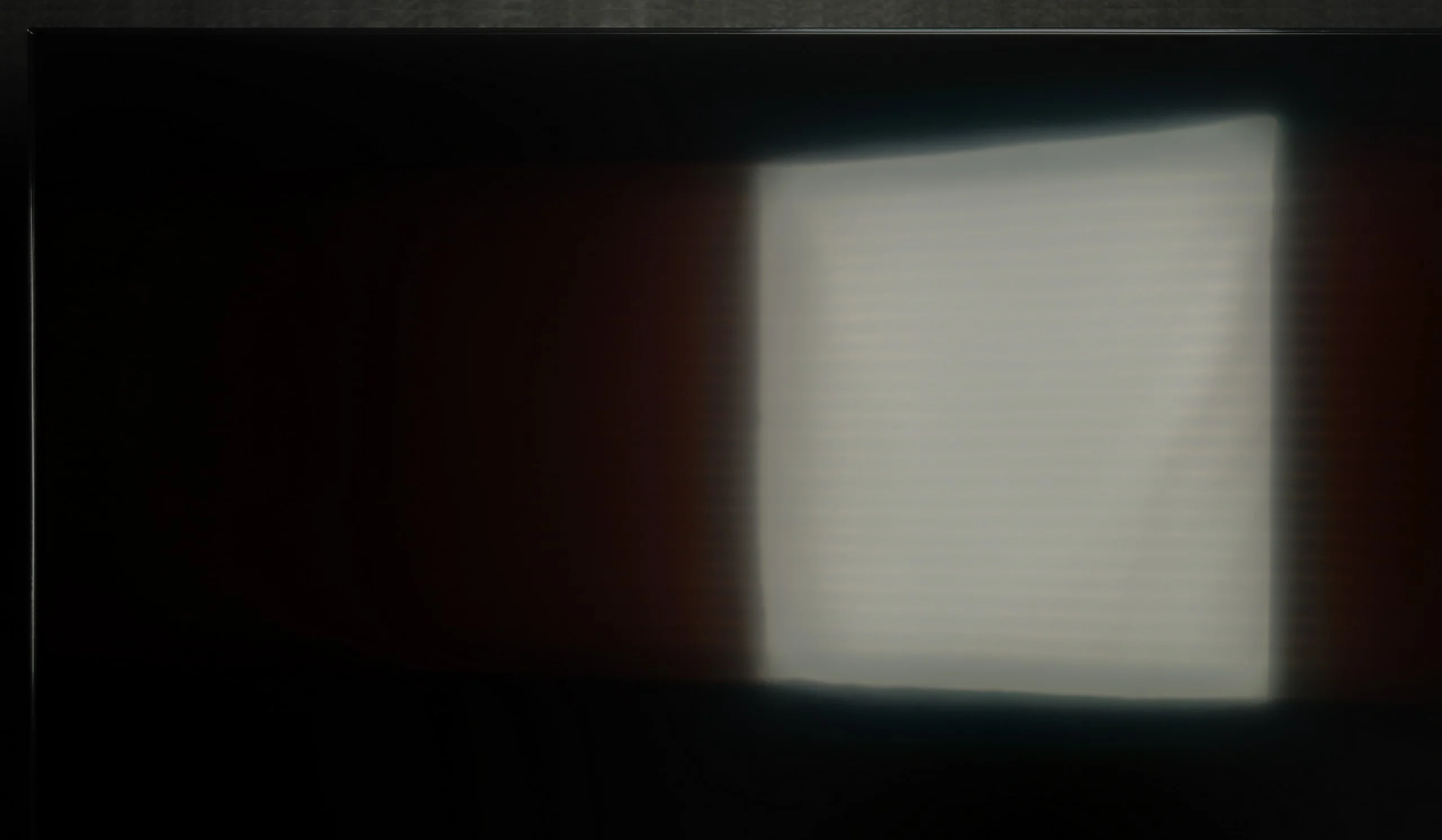
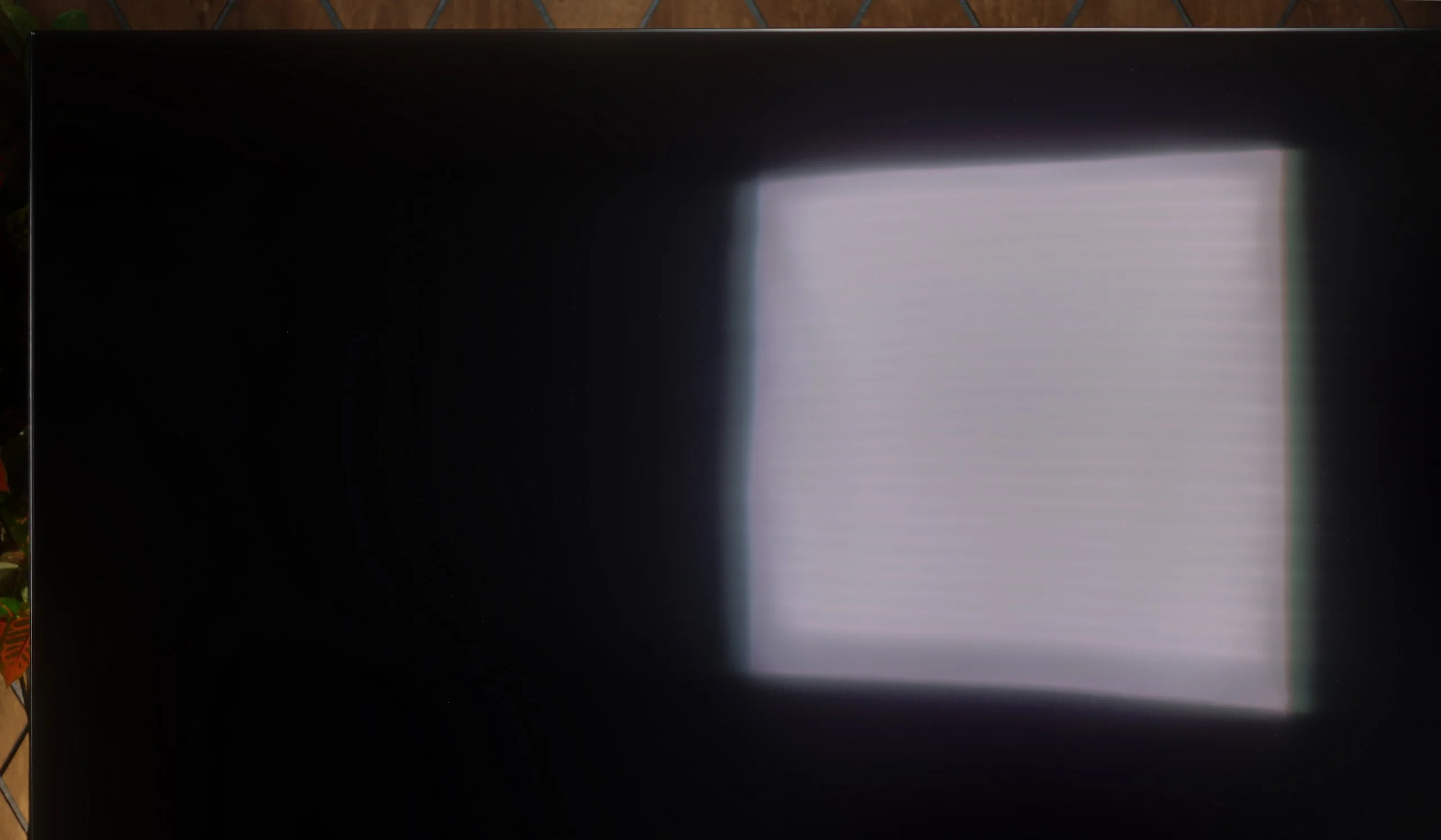
Panel brightness
Samsung S85H: 350 cd/m2
Sony BRAVIA 5 (XR5) : 641 cd/m2
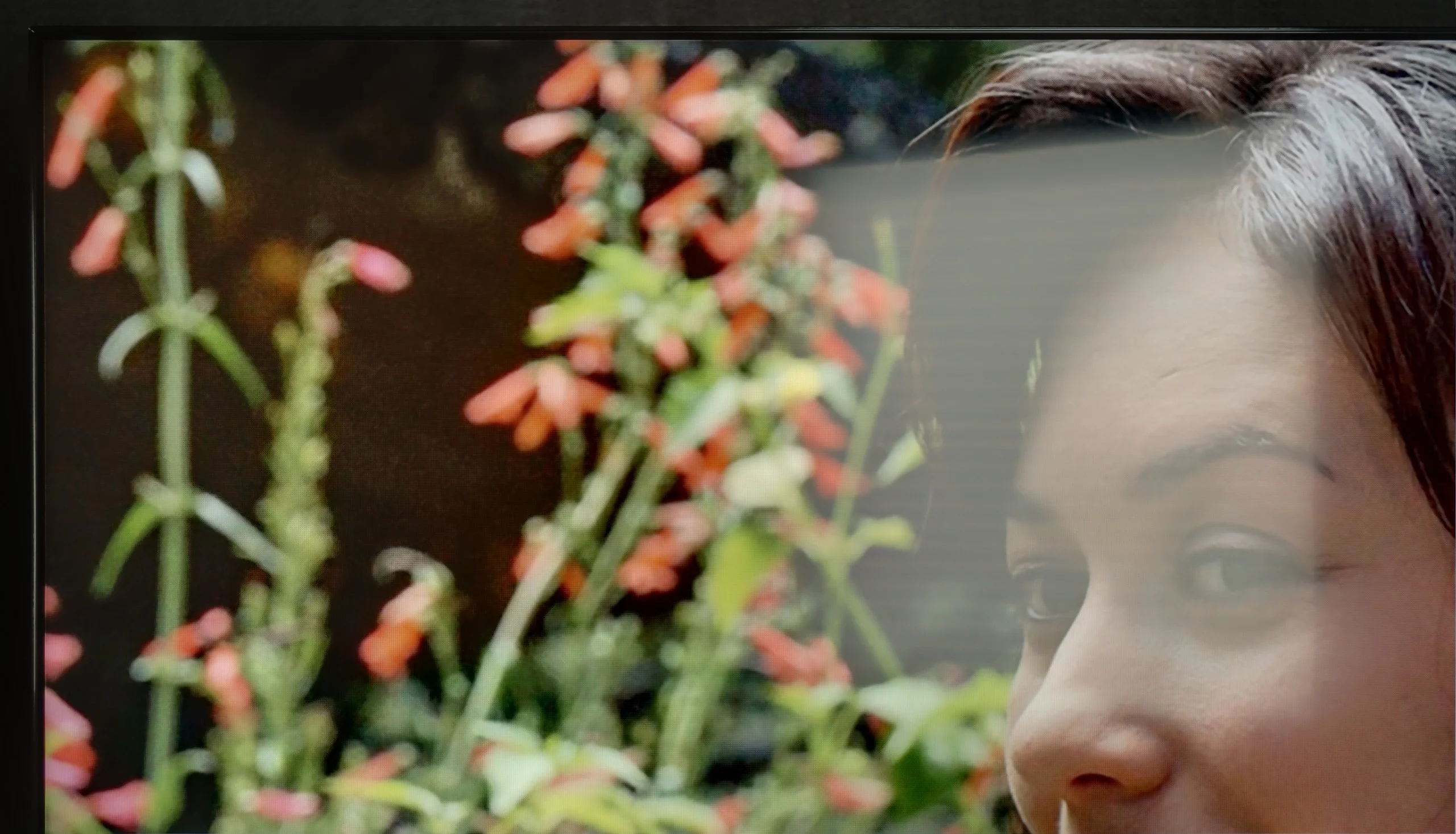
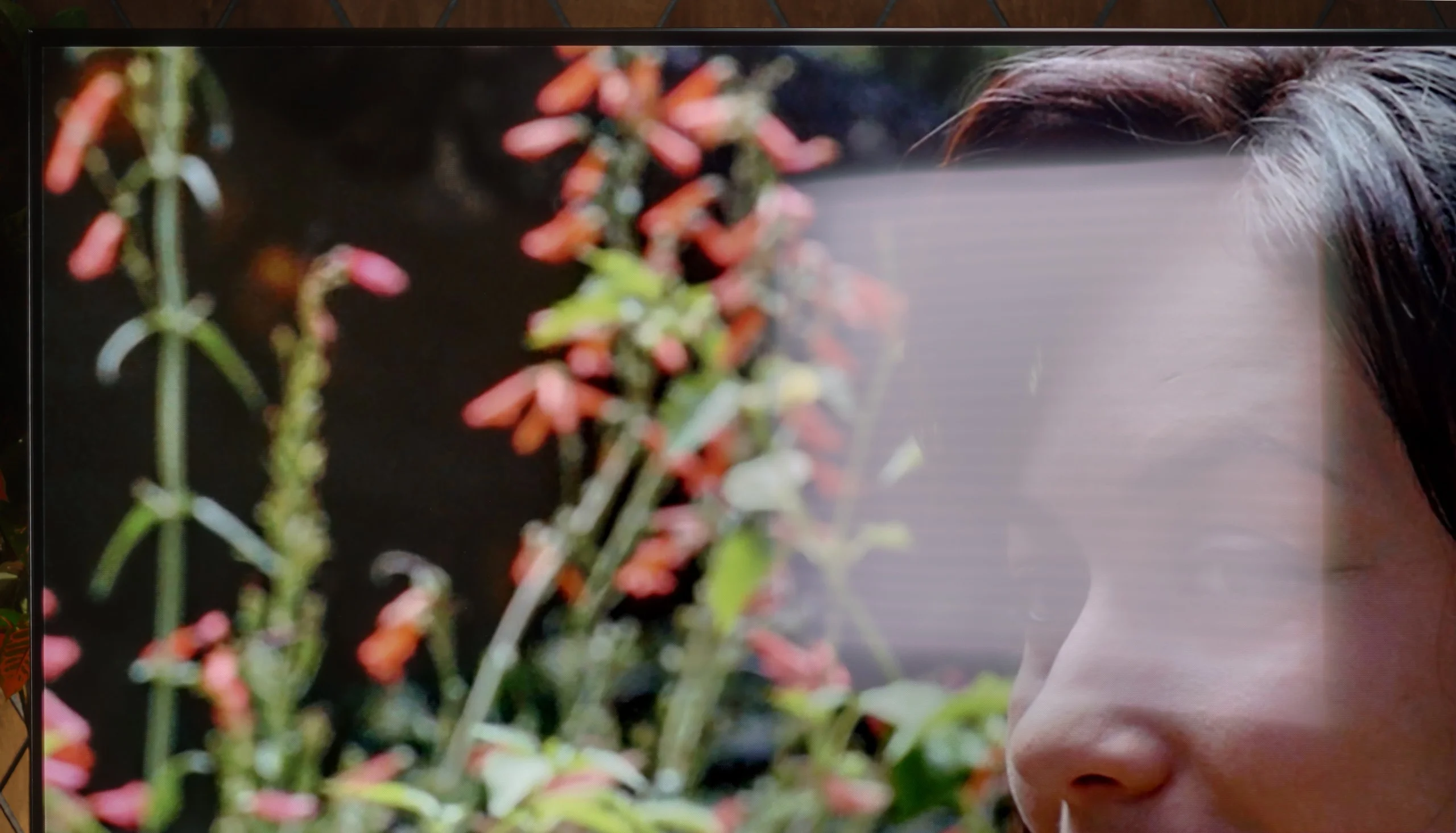
Bravia 5 is a piece of equipment that really performs well in challenging lighting conditions. Its high brightness ensures that even in the middle of the day, with the blinds wide open and sunlight streaming through the windows, the picture remains clear and sharp. There’s no feeling that we're watching a "washed-out" screen. The satin finish of the panel also plays a significant role in effectively reducing light reflections. Yes, some reflections do appear, but they are not strong enough to interfere with viewing. They are more like subtle glows that can be noticed when we consciously look for them, rather than a real problem day-to-day. Because of this, the Bravia 5 works well not just in the evening in a dimmed room, but also in bright living areas, where other TVs can falter. One could say that it's a "universally bright" model – suitable for both evening screenings and for watching news or sports in full sunlight.
Samsung S85H is a moderately bright TV. In our measurements the average SDR brightness was around 350 nits, so it should be enough for normal daytime viewing unless the TV is in a very sunlit living room. In a moderately lit room the picture remains viewable, but with large windows and light falling directly on the screen the S85H’s capabilities start to run out. We have a few more comments about the WOLED SE panel itself. The panel design change compared with the previous generation has affected how the screen handles reflections, and unfortunately it’s not for the better. Reflections are more noticeable than on earlier WOLED panels. LG Display tried to partly mask this effect with a more satin screen finish that diffuses light, but it doesn’t solve the issue completely. With a strong light source the reflection becomes quite large and a characteristic greyish halo appears around it. Photos clearly show that such a reflection can occupy a large part of the image and strongly affect how it’s perceived. So the S85H doesn’t really change the approach compared with cheaper OLEDs when it comes to daytime viewing. It performs best in the evening or in a room where you have at least partial control over the light. You can still use it comfortably during the day, but it’s definitely not a TV designed for a very bright living room.
Panel details
Subpixel Structure:
Panel uniformity and thermal imaging:

Sony BRAVIA 5 (XR5)
Samsung S85H
TV features
7.6/10
7.3/10
- SystemGoogle TVTizen
- System performanceGoodVery good
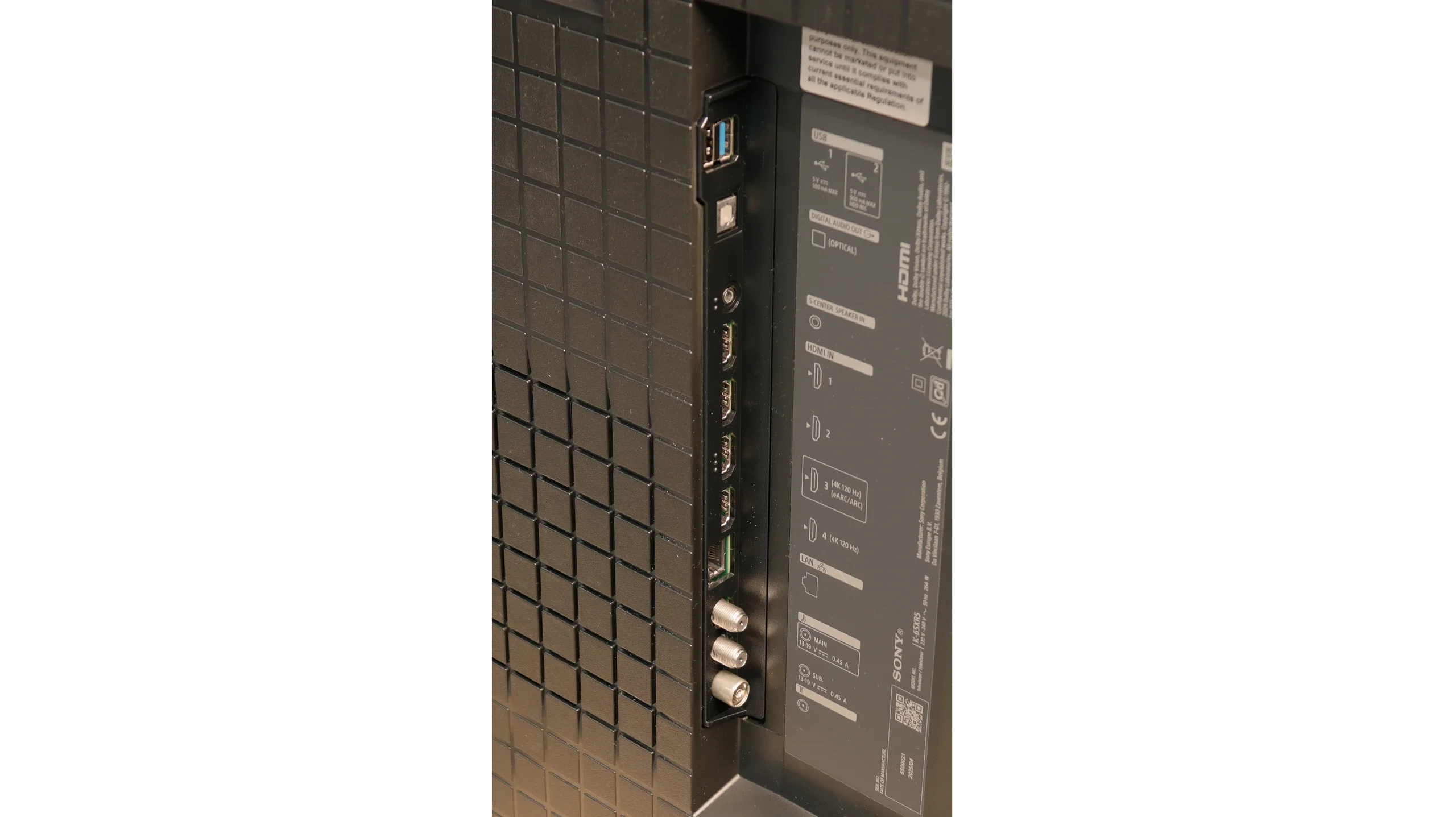
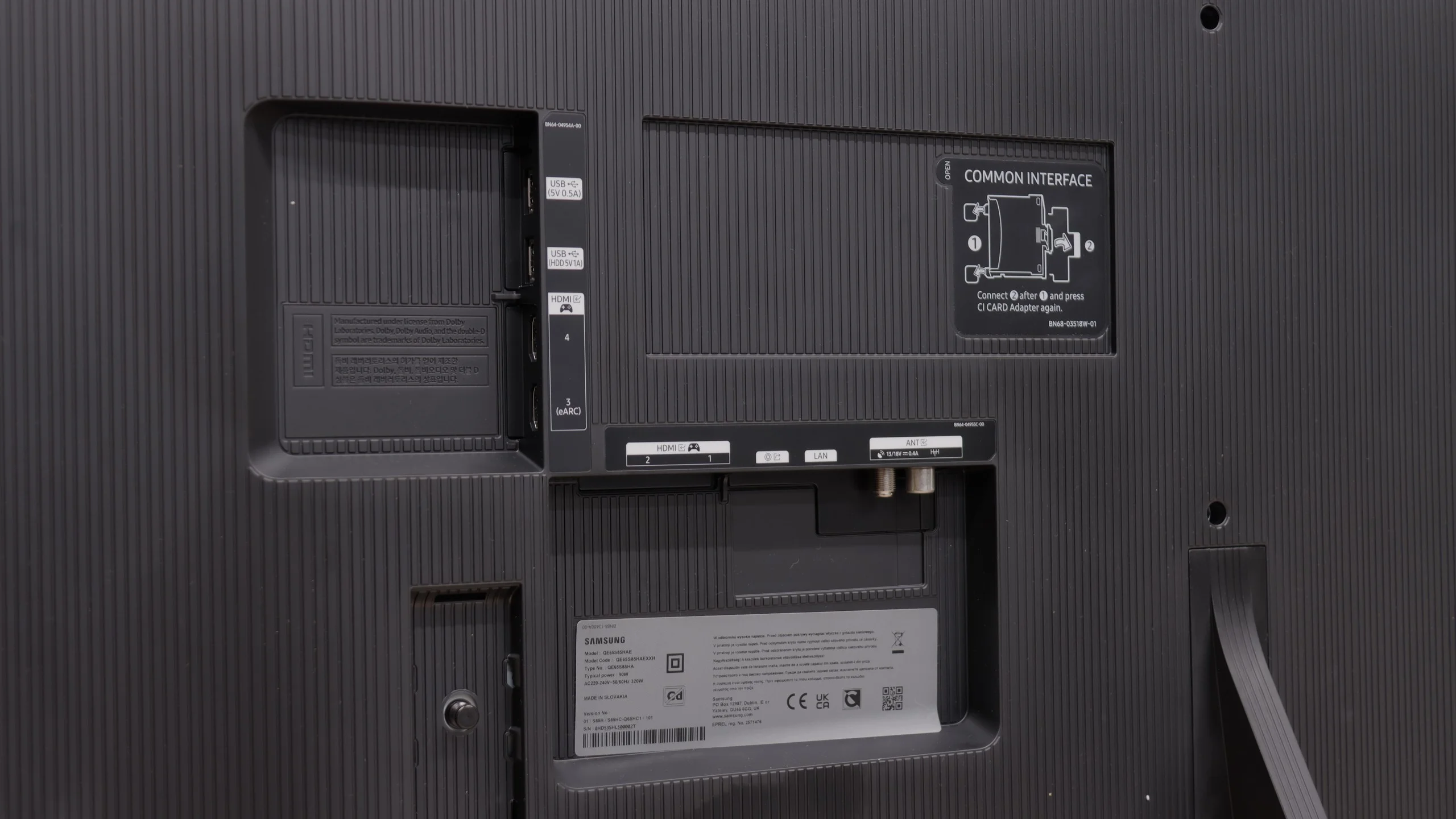
- HDMI inputs2 x HDMI 2.0, 2 x HDMI 2.1 48Gbps0 x HDMI 2.0, 4 x HDMI 2.1 48Gbps
- OutputsToslink (Optical audio), eARC (HDMI), ARC (HDMI)Toslink (Optical audio), eARC (HDMI), ARC (HDMI)
- Network InterfacesWi-Fi 2.4GHz, Wi-Fi 5GHz, Ethernet (LAN) 100MbpsWi-Fi 2.4GHz, Wi-Fi 5GHz, Ethernet (LAN) 100Mbps
- TV receptionDVB-T, DVB-T2, DVB-S, DVB-S2, DVB-CDVB-T, DVB-T2, DVB-S, DVB-S2, DVB-C
Classic features:
- Recording to USB (terrestrial TV)
- Recording programming
- Picture in Picture (PiP)
- RF remote control (no need to aim)
- Backlit remote control
- Teletext
- Audio only mode
- Bluetooth headphones support
- Simultaneous Bluetooth headphones & TV audio
Smart features:
- AirPlay
- Screen mirroring (Windows Miracast)
- Voice search
- Voice search in native language
- Ability to connect a keyboard and mouse
Sound connection options
- HDMI audioeARC (HDMI), ARC (HDMI)eARC (HDMI), ARC (HDMI)
- Other audio outputsToslink (Optical audio)Toslink (Optical audio)
- Wireless audioBluetoothBluetooth
Supported audio formats (external HDMI eARC audio):
- Dolby Digital Plus 7.1
- Dolby True HD 7.1
- Dolby Atmos in Dolby Digital Plus (JOC)
- Dolby Atmos in Dolby True HD
- DTS:X in DTS-HD MA
- DTS-HD Master Audio
Senior accessibility
- Numeric keyboard on TV
- Font size adjustment
- Audio description
GoogleTV and SmartTV features
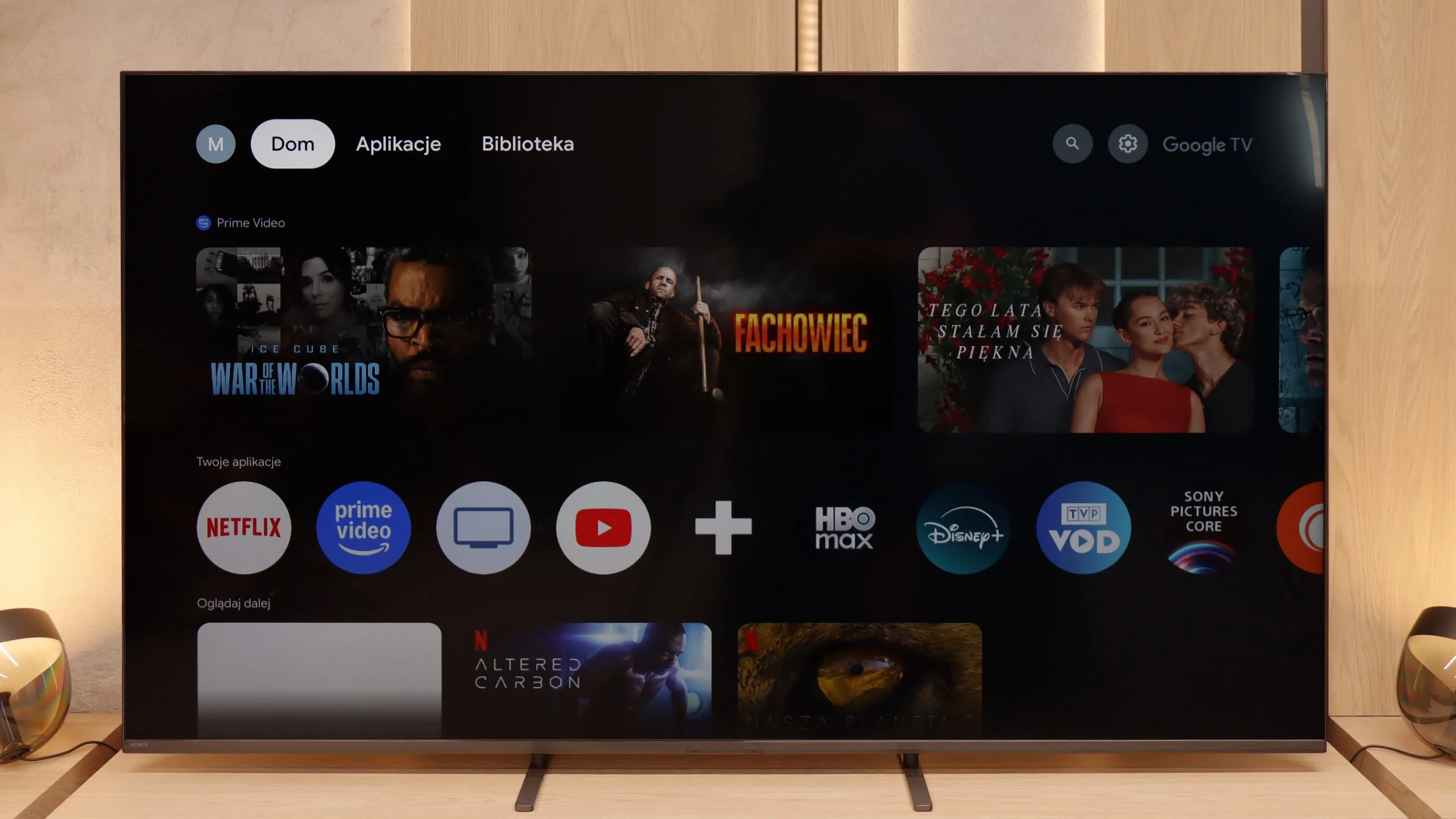
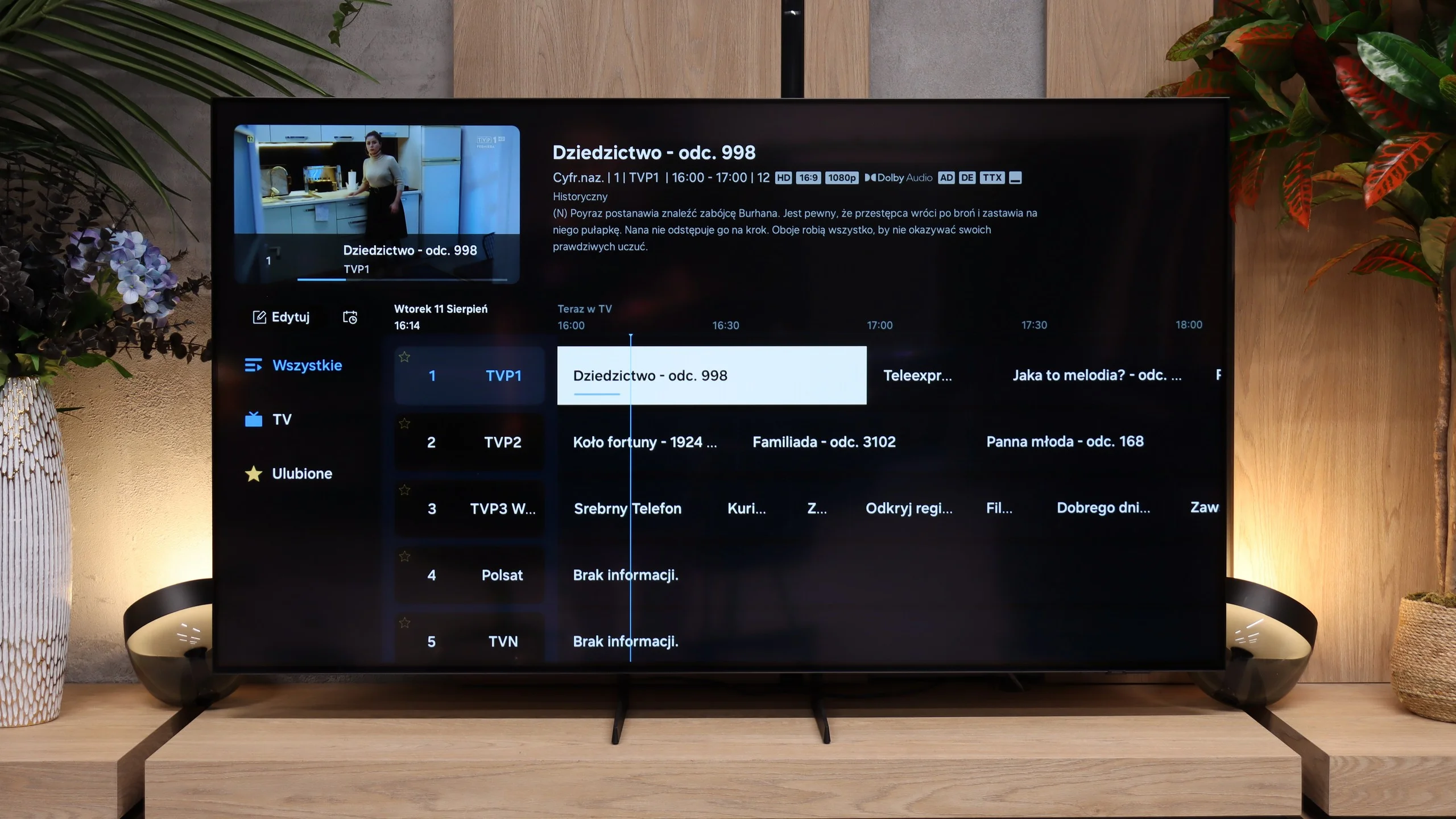
Sony Bravia 5 runs on Google TV, and it must be said that this is one of the best-optimised systems in this brand's offering. The interface works smoothly, with no annoying bugs or bizarre translations, and navigating the menu doesn’t feel like walking through a minefield. Admittedly, there are moments when the whole system catches a slight breath – as if it has its “weaker moments” – but these are rare enough not to spoil the overall impression. We have full AirPlay support, voice search with Google AI assistance, and the ability to download practically any app that comes to mind. The only drawback in tests turned out to be the screen mirroring function, which theoretically should work with laptops and phones, but in practice proved almost useless – there was no stable image on Windows and Android.
User features
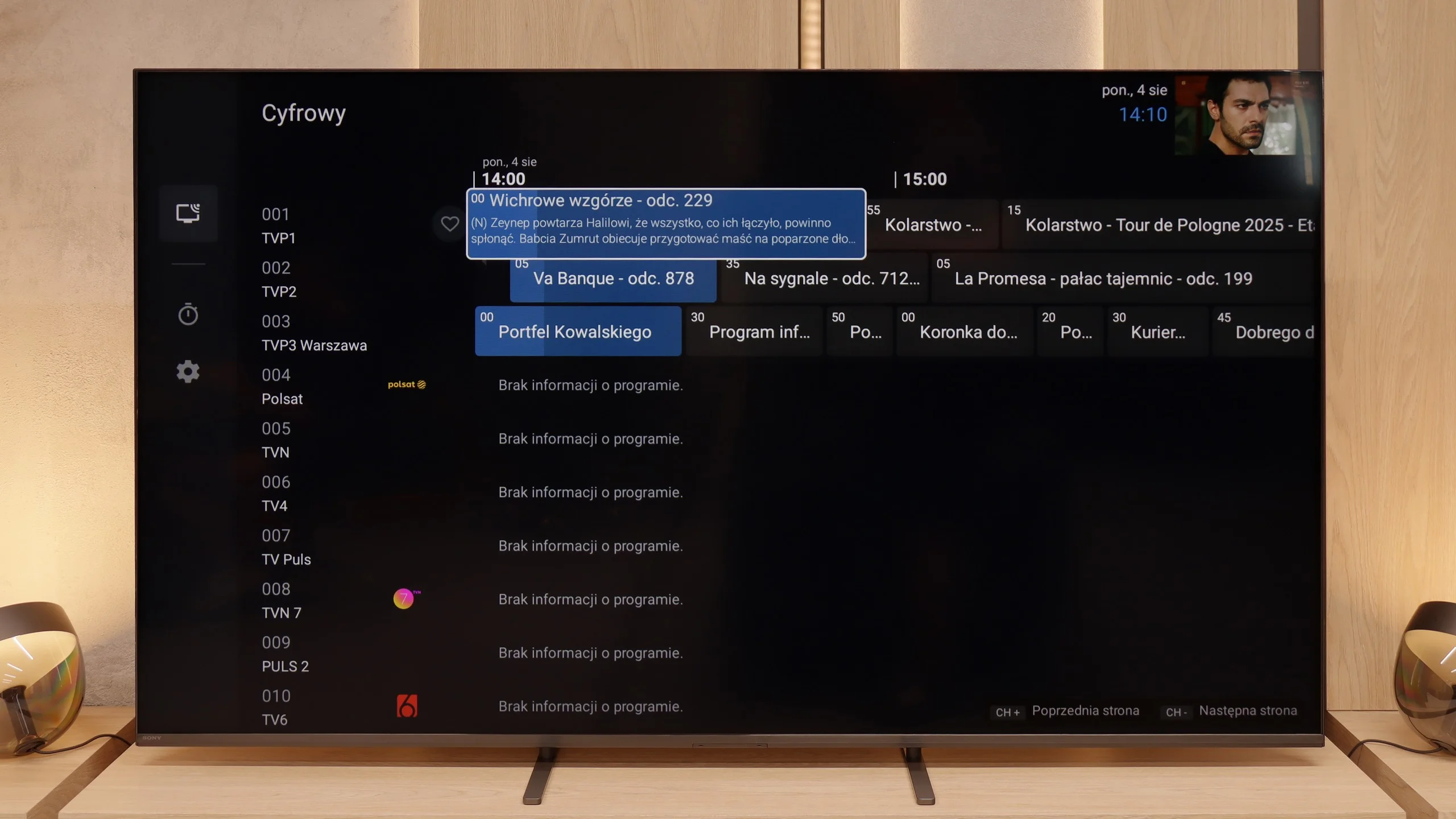
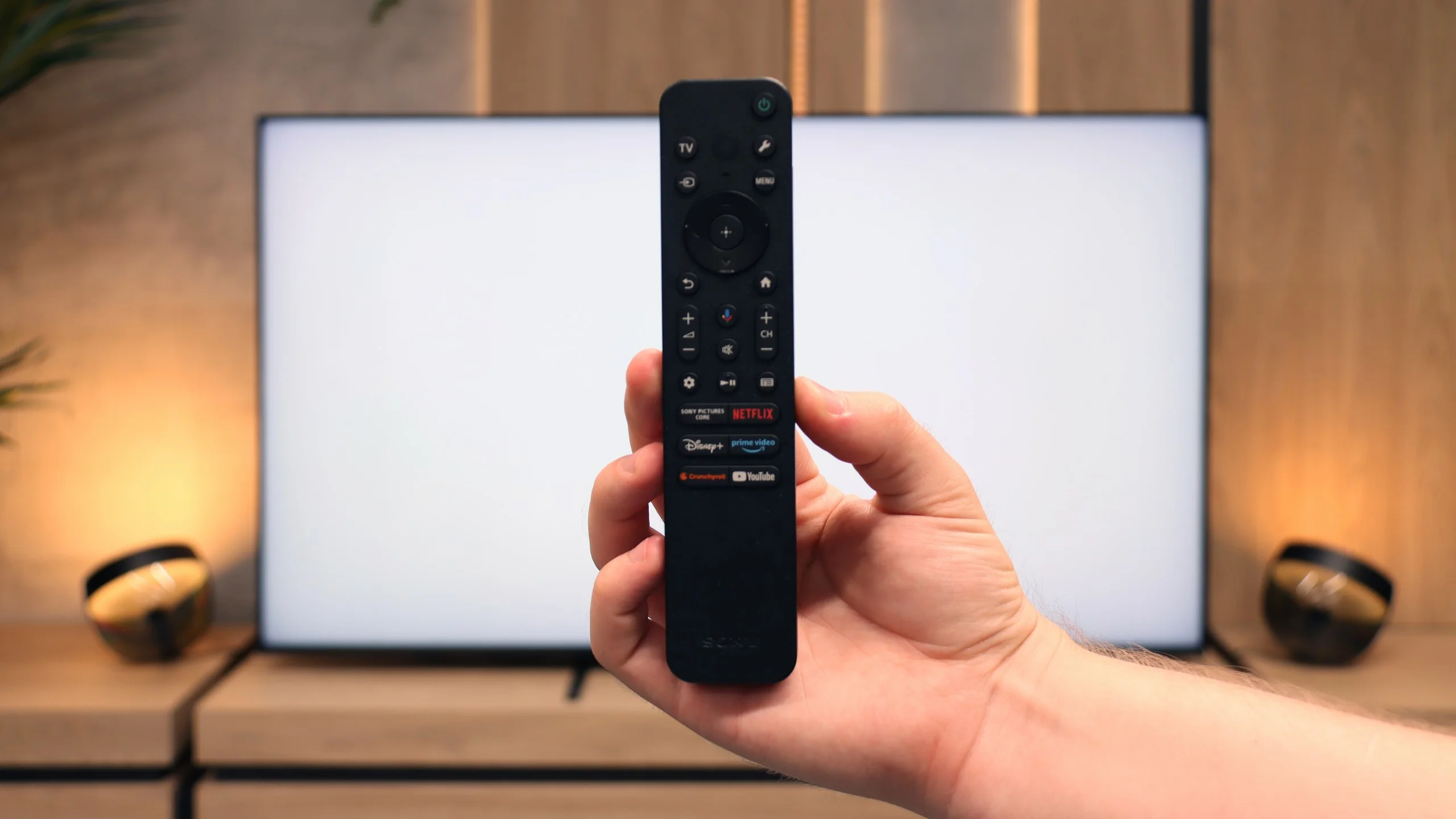
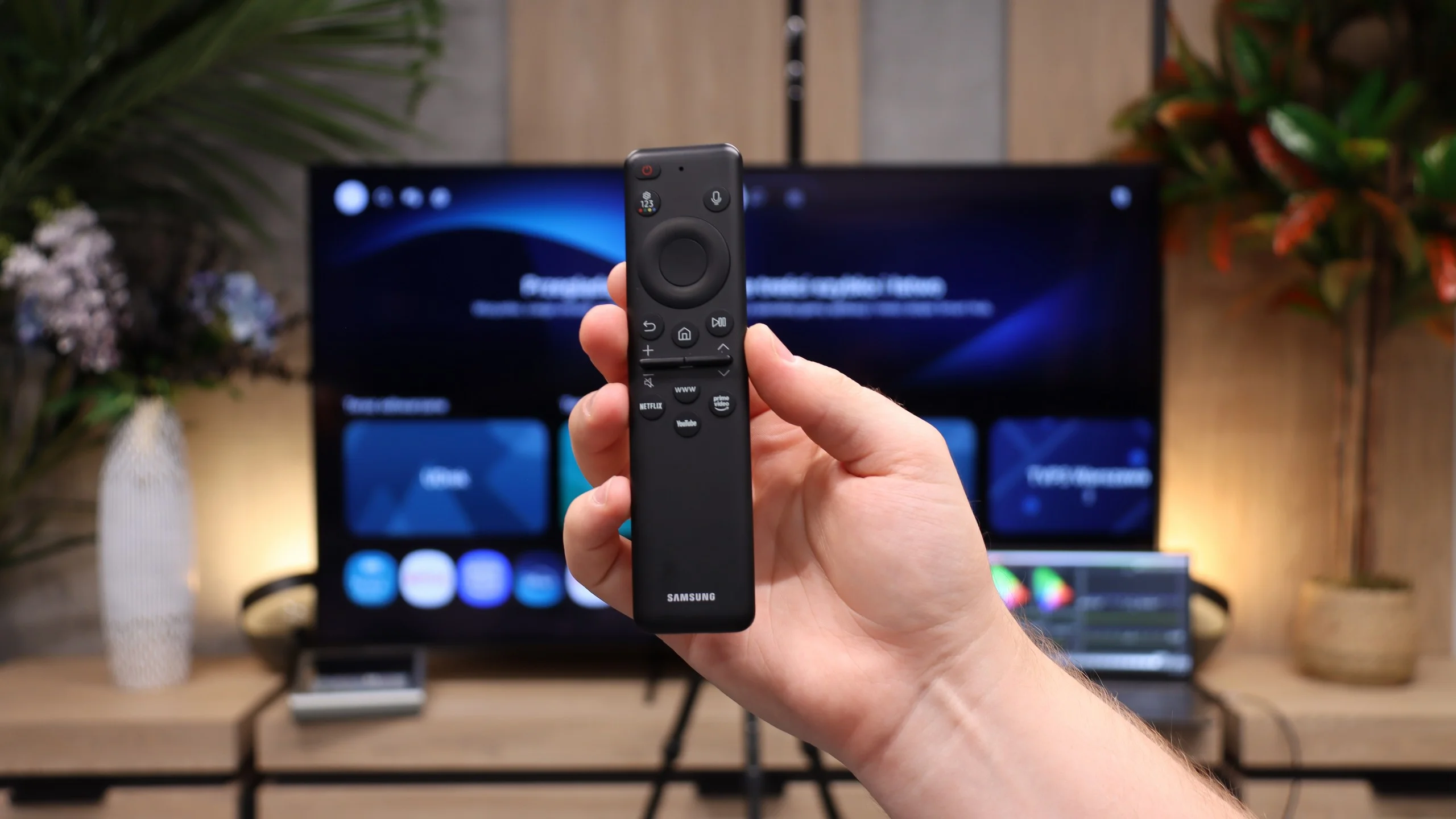
From the perspective of classic functionality, the Bravia 5 performs solidly and practically. A big plus is the presence of two remotes – one is a slim, modern smart remote, while the other, although operating via infrared, has a classic numeric keypad. This way, we can always choose which one suits the situation better. The EPG, or electronic programme guide, is clear and allows you to programme recordings to a USB drive – a seemingly simple solution, but incredibly useful. Additionally, the TV supports connecting a variety of devices: from an amplifier or soundbar via HDMI eARC, to headphones and other wireless accessories via Bluetooth. This is a set that makes the TV not just a screen, but a well-thought-out home entertainment centre.
Tizen
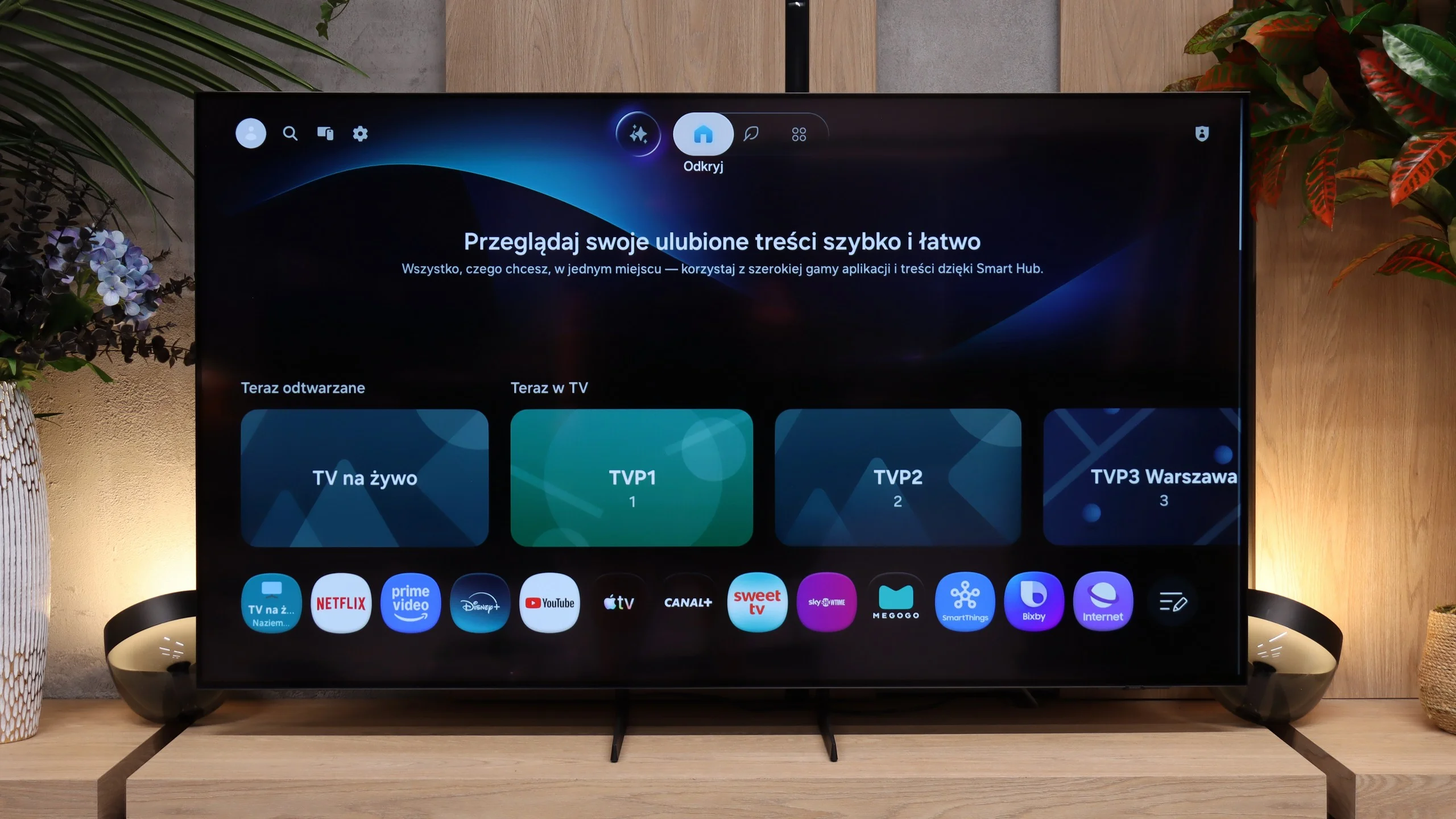
The Samsung S85H runs on Tizen and it's hard to fault its smart features. The system is fast, responsive and offers one of the largest app selections on the market. Besides the major streaming platforms, you'll also find plenty of less popular services, so it's unlikely you'll miss anything essential. Samsung is also expanding SmartThings, integration with other devices and an increasing number of AI-powered features. There are really a lot of capabilities here and some users will probably never even explore half of them. A big plus is Samsung's promised seven years of system updates. For a TV, which we typically keep much longer than a phone or computer, that matters. Tizen should therefore keep receiving new features and fixes for a long time, rather than being abandoned after two or three years. The S85H doesn't feel like a cheaper model either – you essentially get the same extensive ecosystem that Samsung offers in its more expensive TVs.
Traditional features
Samsung's approach to traditional TV features looks completely different. It's clear the company has been increasingly prioritising "modern" services over traditional ones for several years. So the S85H isn't a TV that will especially appeal to people used to full-featured handling of regular broadcast TV. The included remote illustrates this well. It's small, minimalist and only has the essential buttons, but lacks a traditional number pad. For streaming this is convenient, but for frequent viewing of traditional broadcast TV without a set-top box, not everyone will like it. It's simply a consequence of the direction Samsung is taking with its TVs...
Apps
9.6/10
9.3/10






















Playing files from USB
8.9/10
9.1/10
Supported photo formats:
Maximum photo resolution:
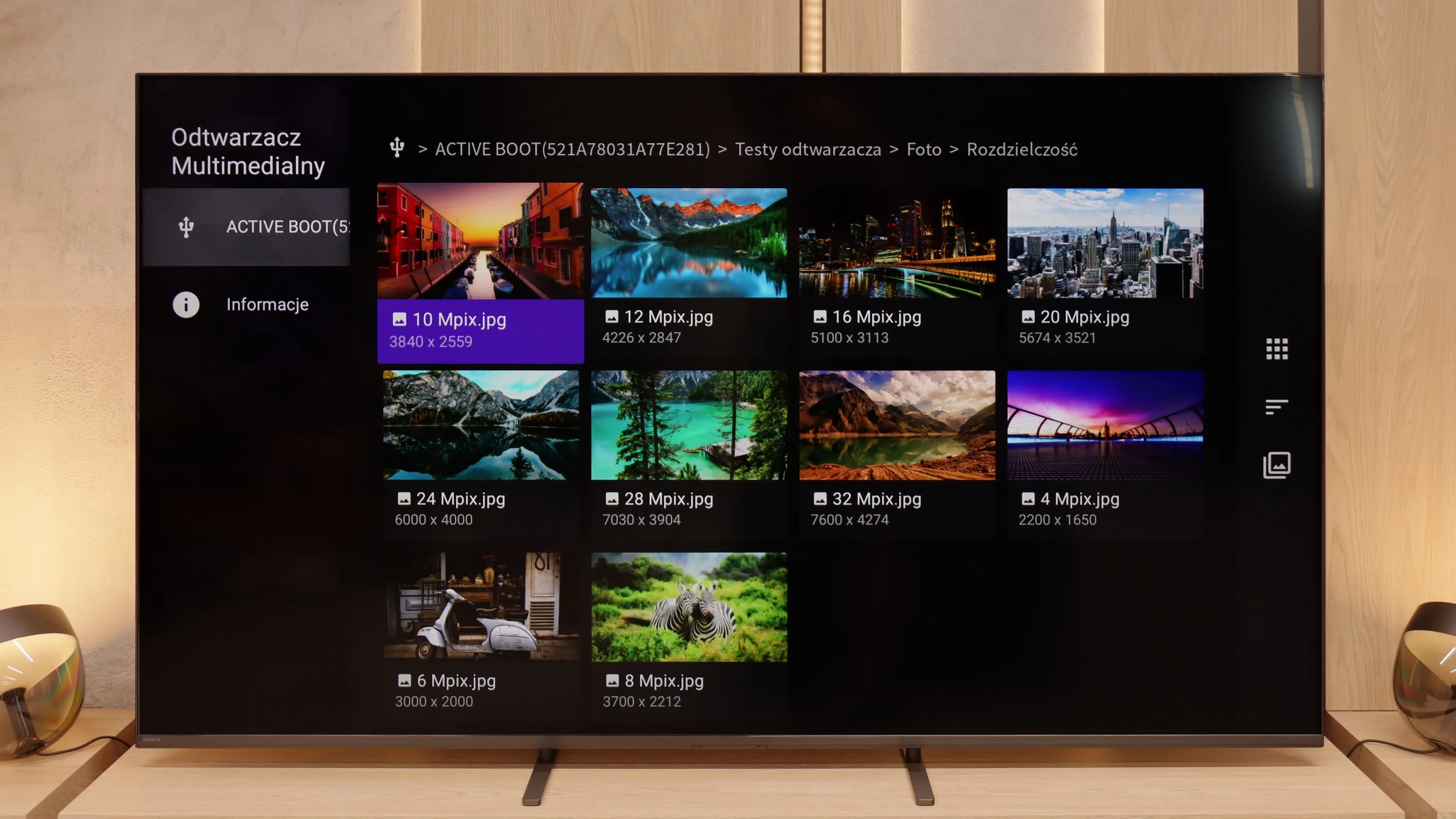
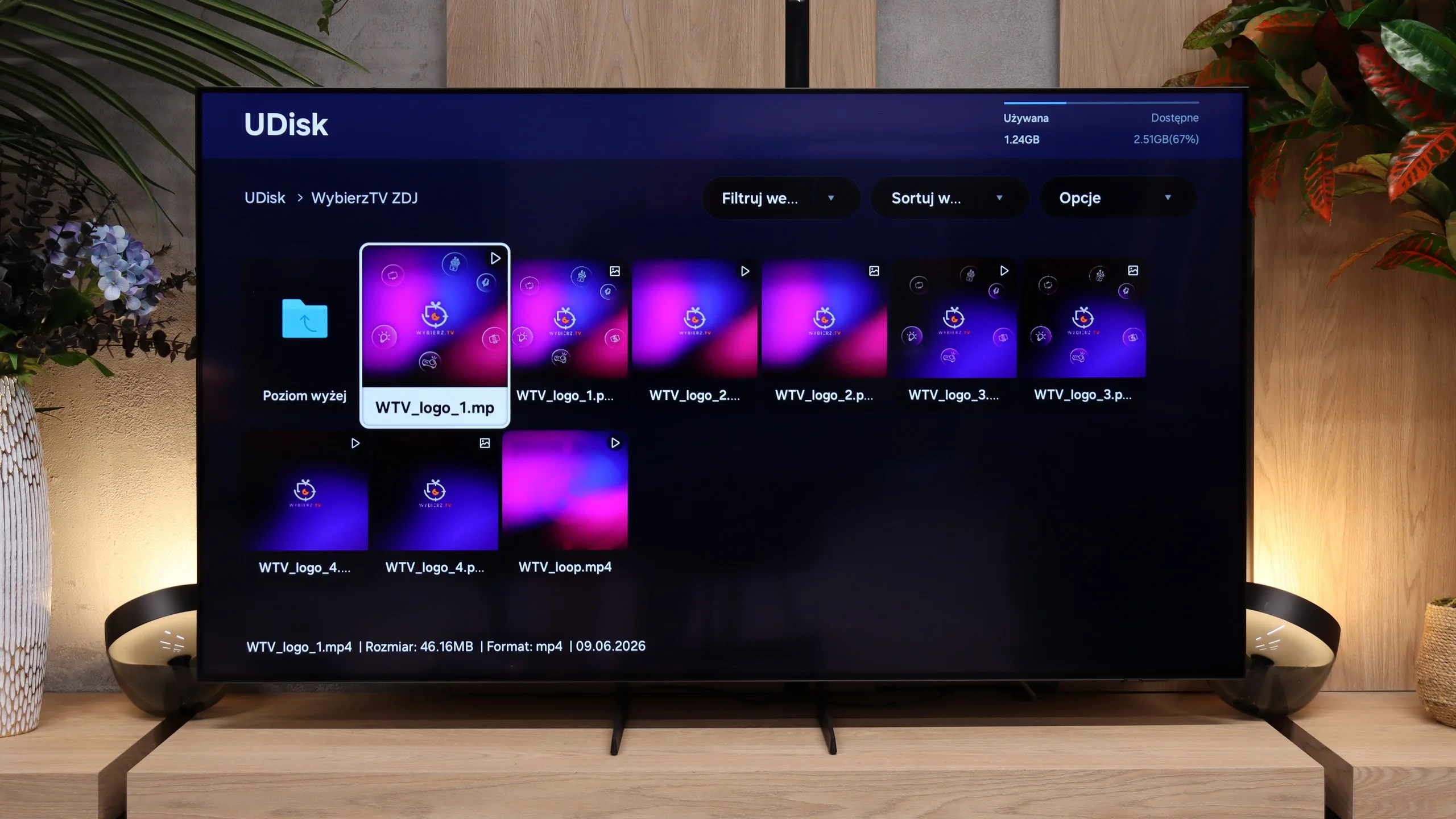
Bravia 5 handles multimedia playback from USB quite efficiently. In practice, nearly everything works – movies, music, photos – although of course we encountered some minor issues. Some subtitles can be troublesome, as can exotic photo formats, which were not always correctly recognised. However, this is standard in the world of televisions, and it's hard to take it too seriously. A significant advantage, though, is that thanks to Android, we are not limited to the system player. It's enough to install an external app, like VLC, and all restrictions disappear. This is the strength of this system – the manufacturer does not confine us to their ecosystem, but rather gives us the freedom of choice.
The USB file player on the Samsung S85H works quickly and without major problems. The TV handles both videos and photos well, and with the latter we had no issues with unusual resolutions or high megapixel counts. Subtitle support is also a plus, as Polish characters display correctly and nothing extra needs to be set up. The only thing we really missed was support for HEIC, the image format commonly used by Apple devices. Aside from that, the built-in player performs very well and will be more than enough for most people for everyday use with a USB stick or USB drive.
Sound
7/10
7.2/10
- Maximum volume84dB86dB
- Dolby Digital Plus 7.1
- Dolby True HD 7.1
- Dolby Atmos in Dolby Digital Plus (JOC)
- Dolby Atmos in Dolby True HD
- DTS:X in DTS-HD MA
- DTS-HD Master Audio
Bravia 5 positively surprises in terms of audio. The sound is pleasant, with a slightly noticeable bass thanks to the proprietary Bass Reflex speakers. Overall, it plays loudly, clearly, and definitely above average for a television – 40 W power in a 2.2 setup is an impressive result in this class. The placement of the speakers on the sides of the casing also plays a significant role, as it allows the sound to fill the room and creates a sense of space. However, one should not get carried away with optimism. This is still not the level of even the simplest soundbar. The Bravia 5 performs excellently in everyday use, but for those who enjoy strong sound and a cinematic effect, additional audio equipment will be a must – as is the case with nine out of ten televisions available today on the market.
Sound-wise the S85H hasn’t really changed compared with its predecessor. It still uses a fairly basic 2.0 setup with a total output of 20 W, which sounds fine and, for such a slim TV, can even add a bit of bass. It’s perfectly adequate for everyday TV viewing, but it doesn’t reach the level of pricier models that can deliver fuller, more immersive sound. With that picture, it practically begs for at least a soundbar. All the more so as the S85H supports Dolby Atmos and Samsung’s proprietary Q-Symphony, which lets a compatible Samsung soundbar work with the TV speakers rather than completely replace them. If you want to get more from this setup for movies, an external sound system is the most sensible addition.
Sound Quality Test
No sound test video
Acoustic Measurements
84dBC (Max)
75dBC
86dBC (Max)
75dBC
Reader comments
Comments are provided by the external service Disqus (Zeta Global). Once loaded, Disqus may set cookies and process data about your activity.
We will remember your choice on this device. Provider's privacy policy