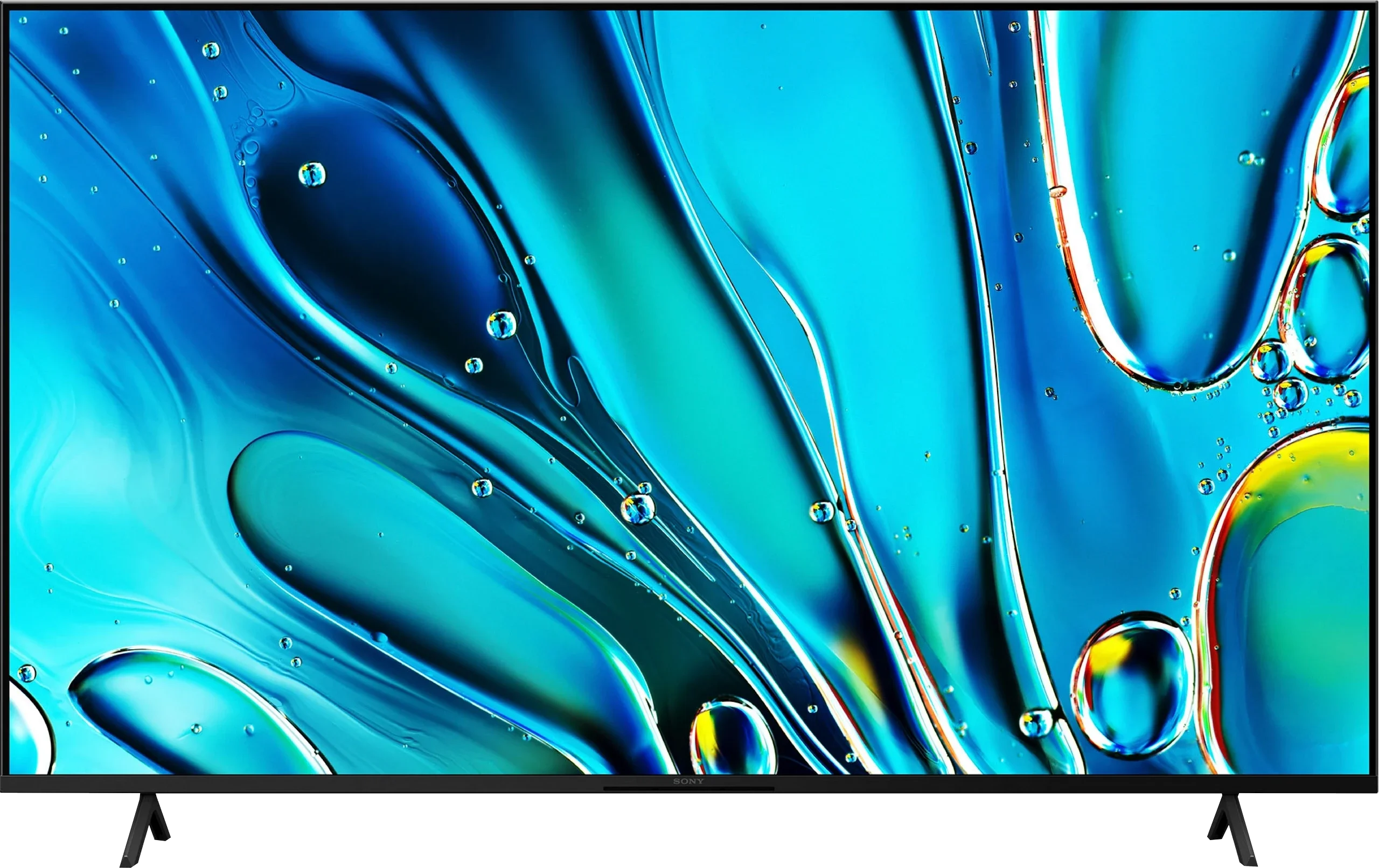
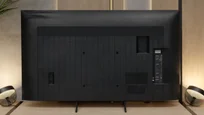
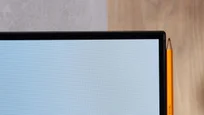
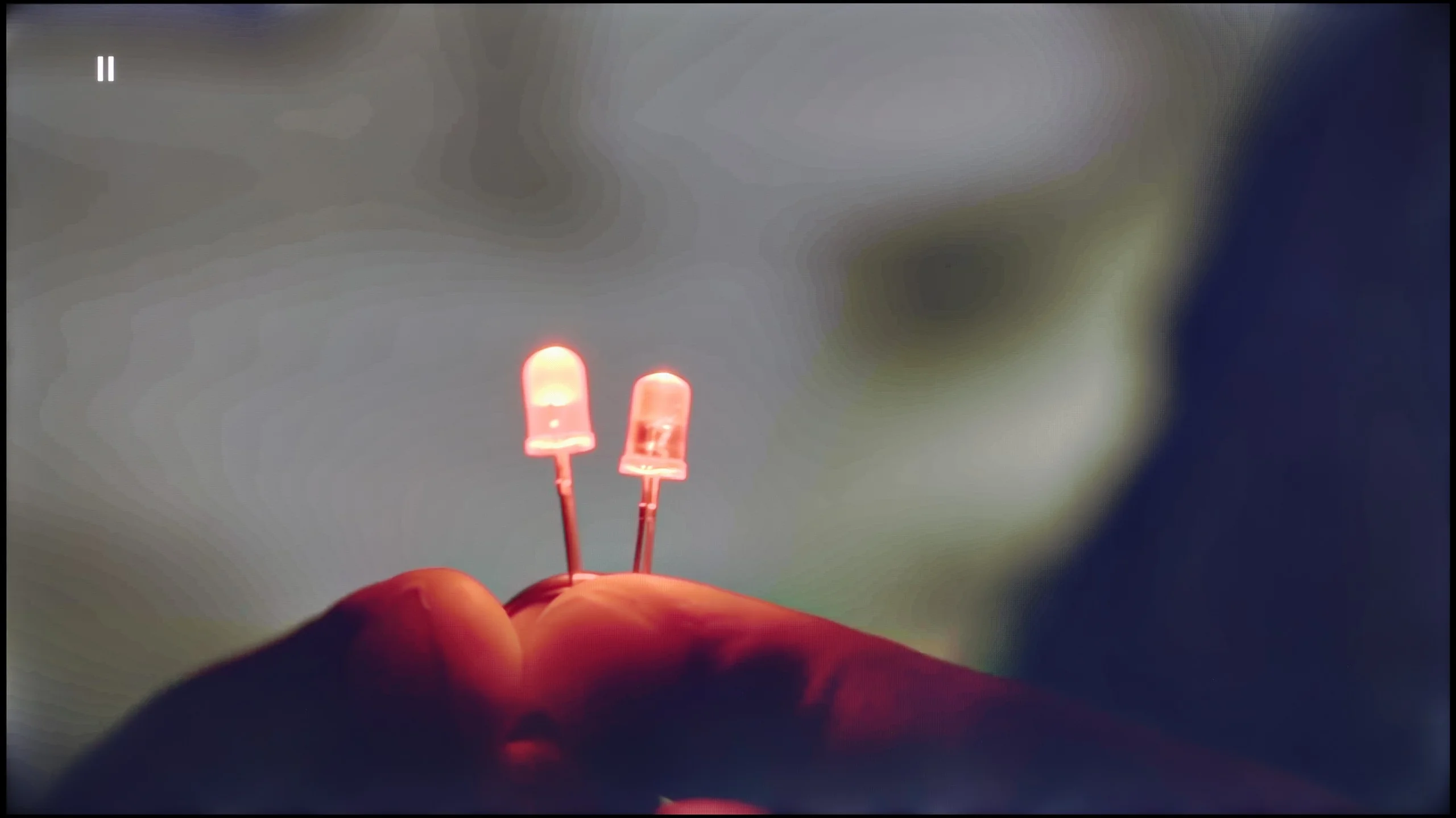
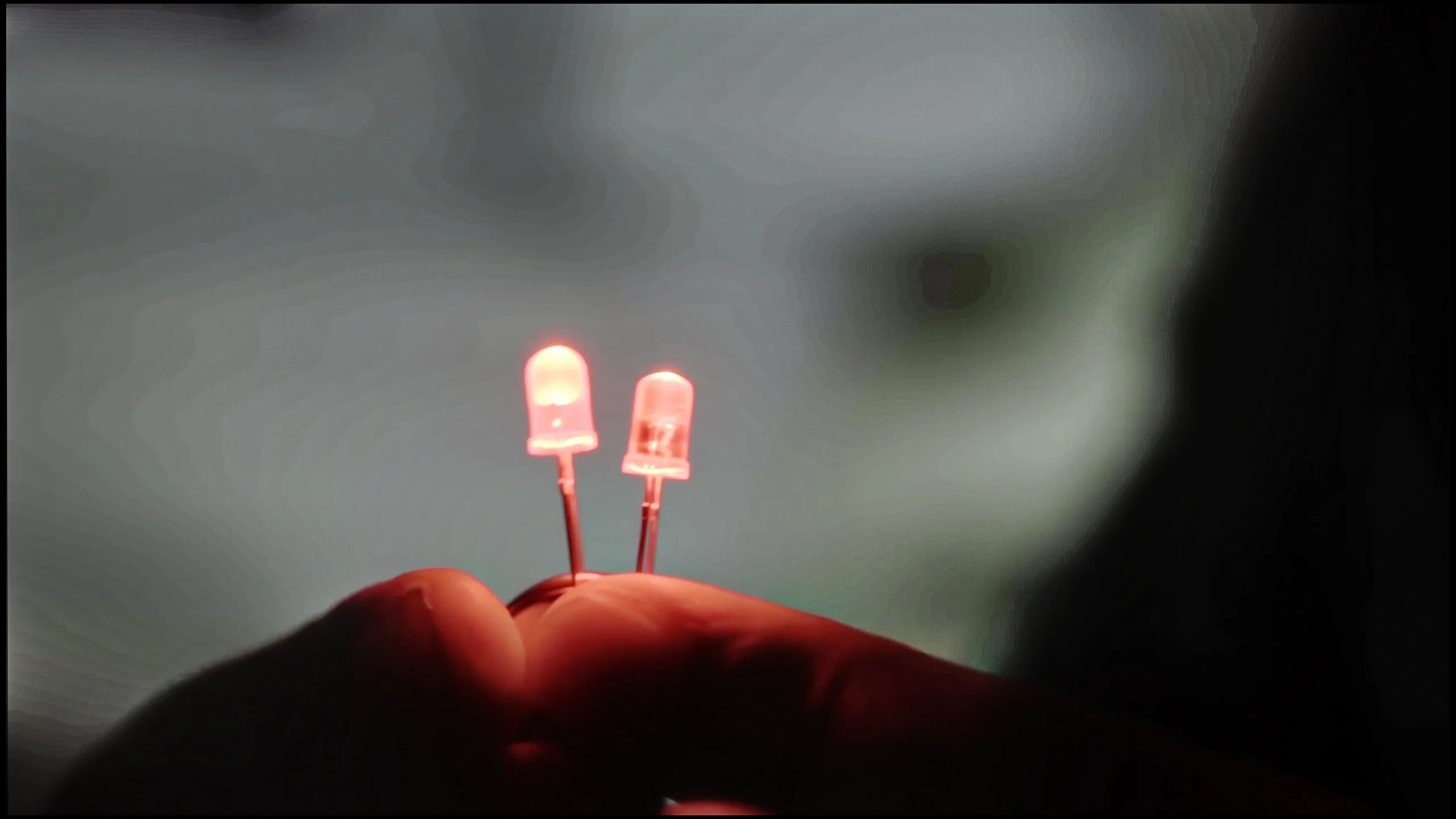
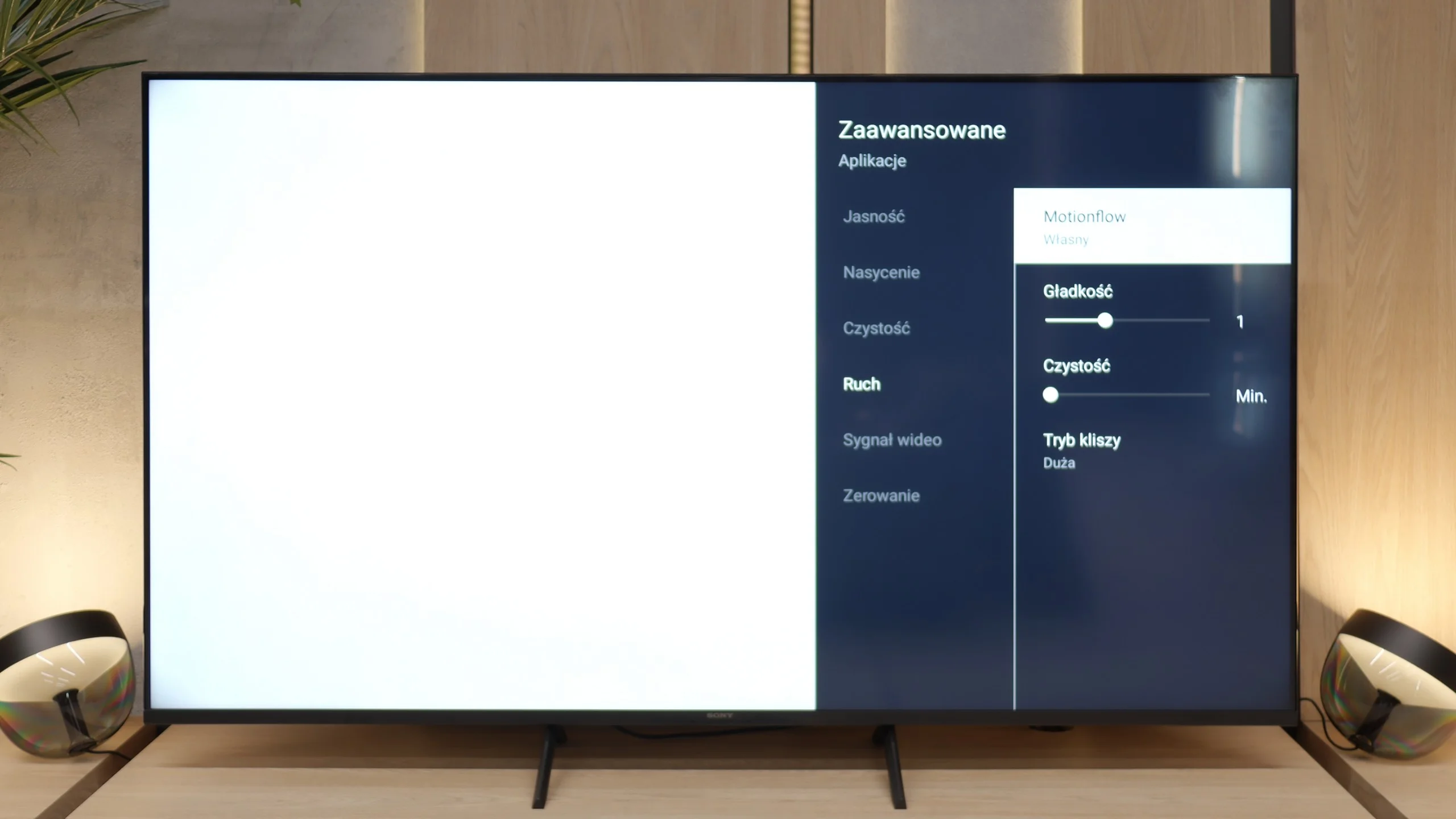
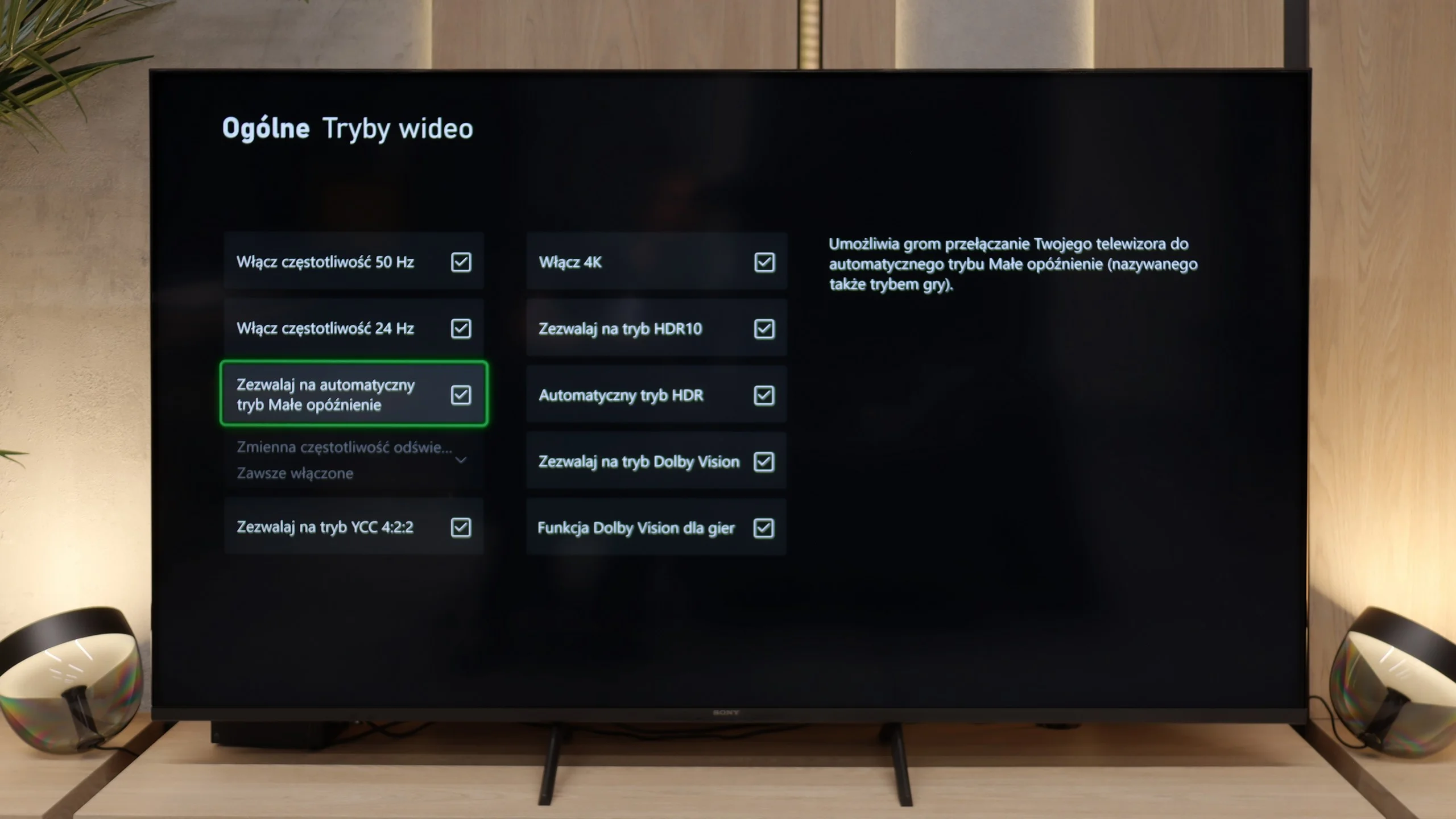
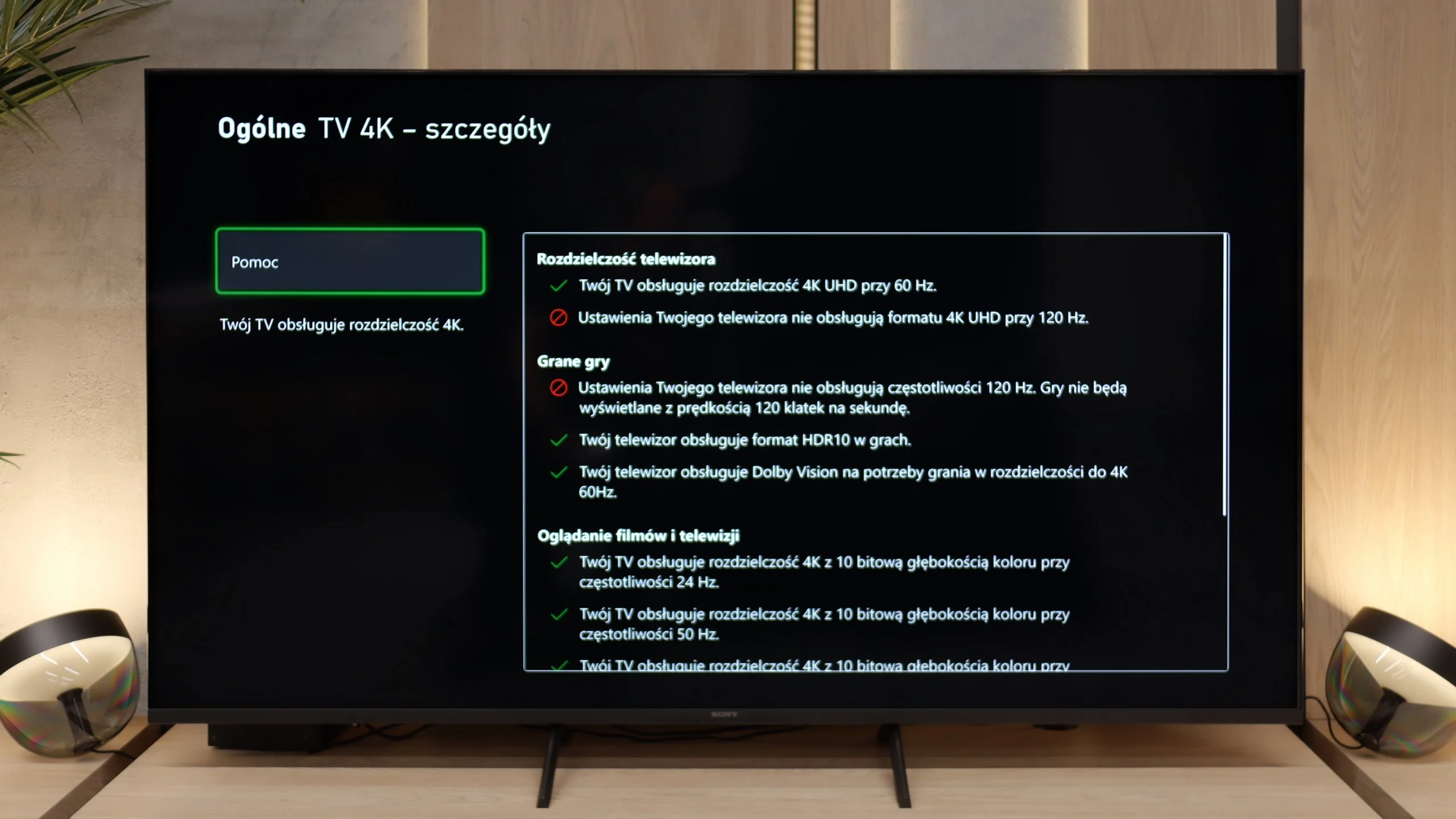
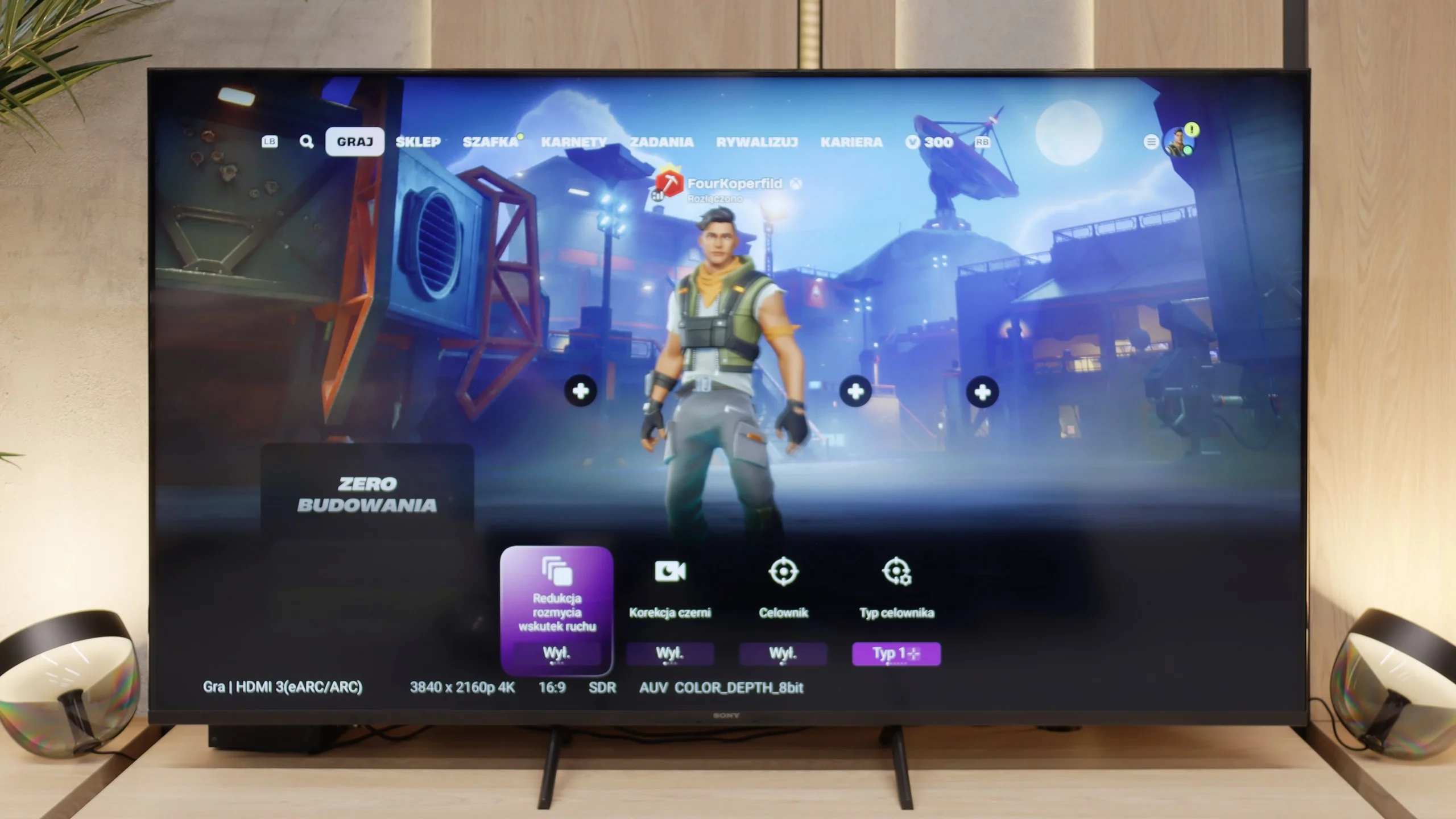
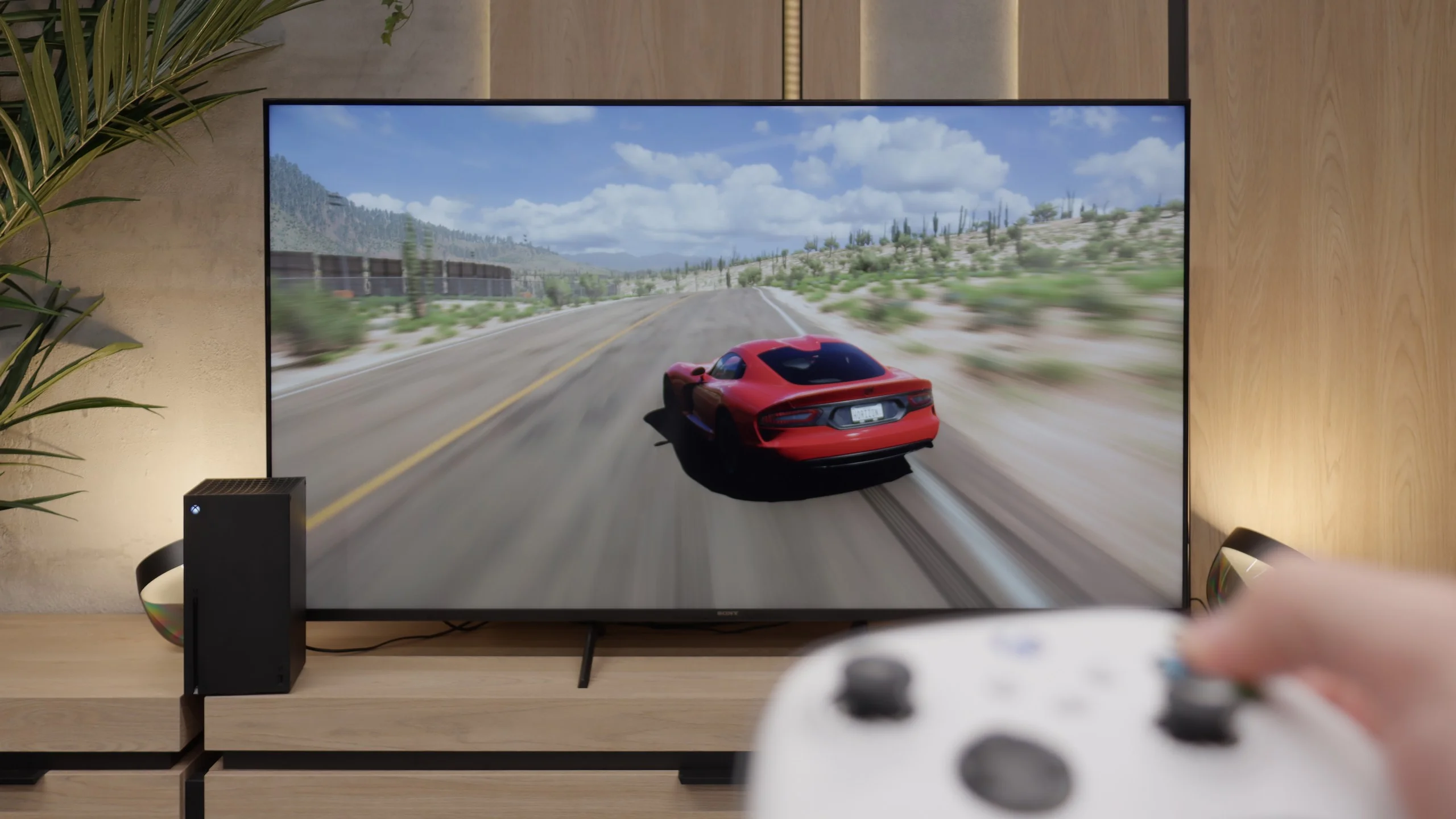
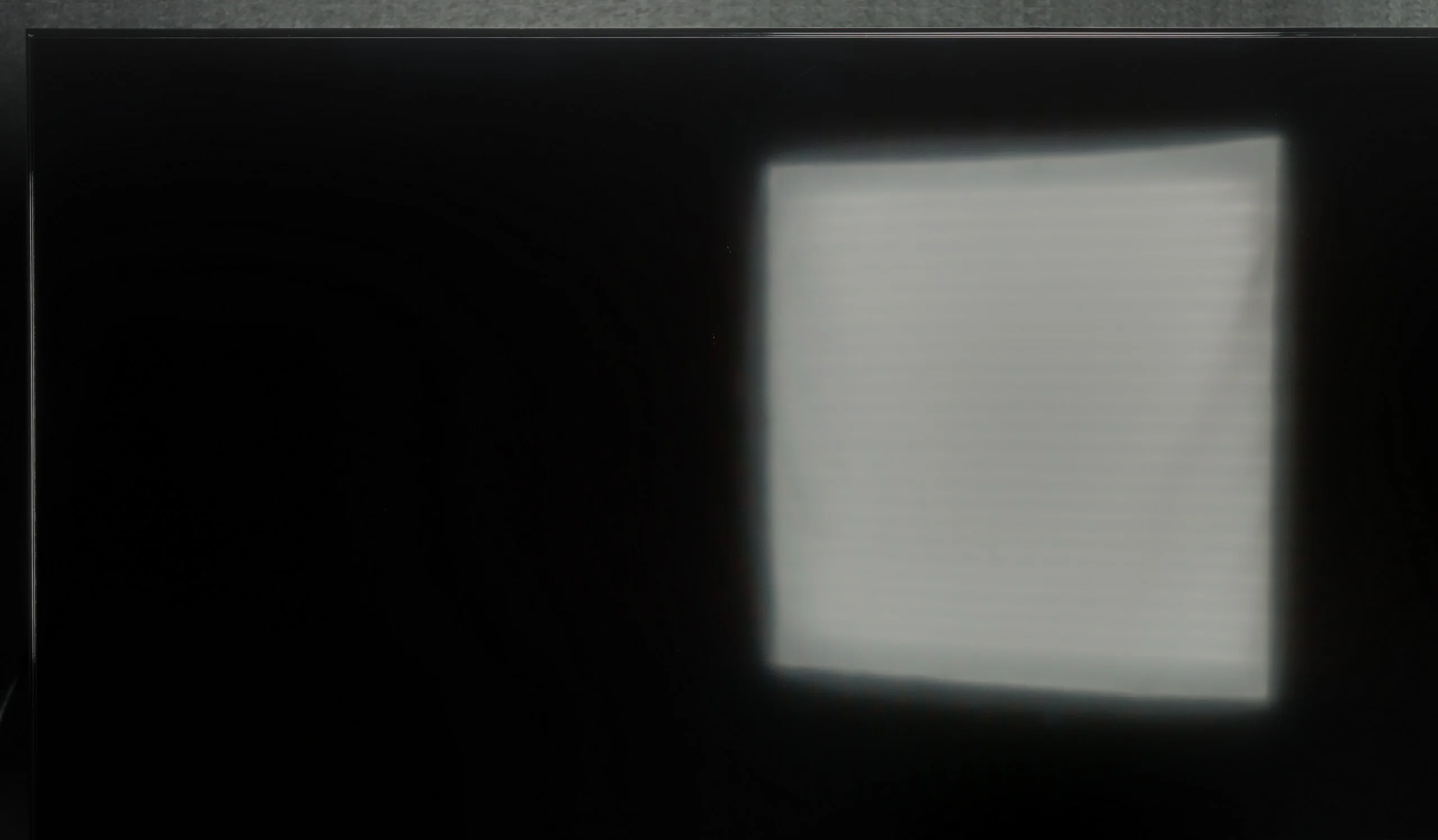
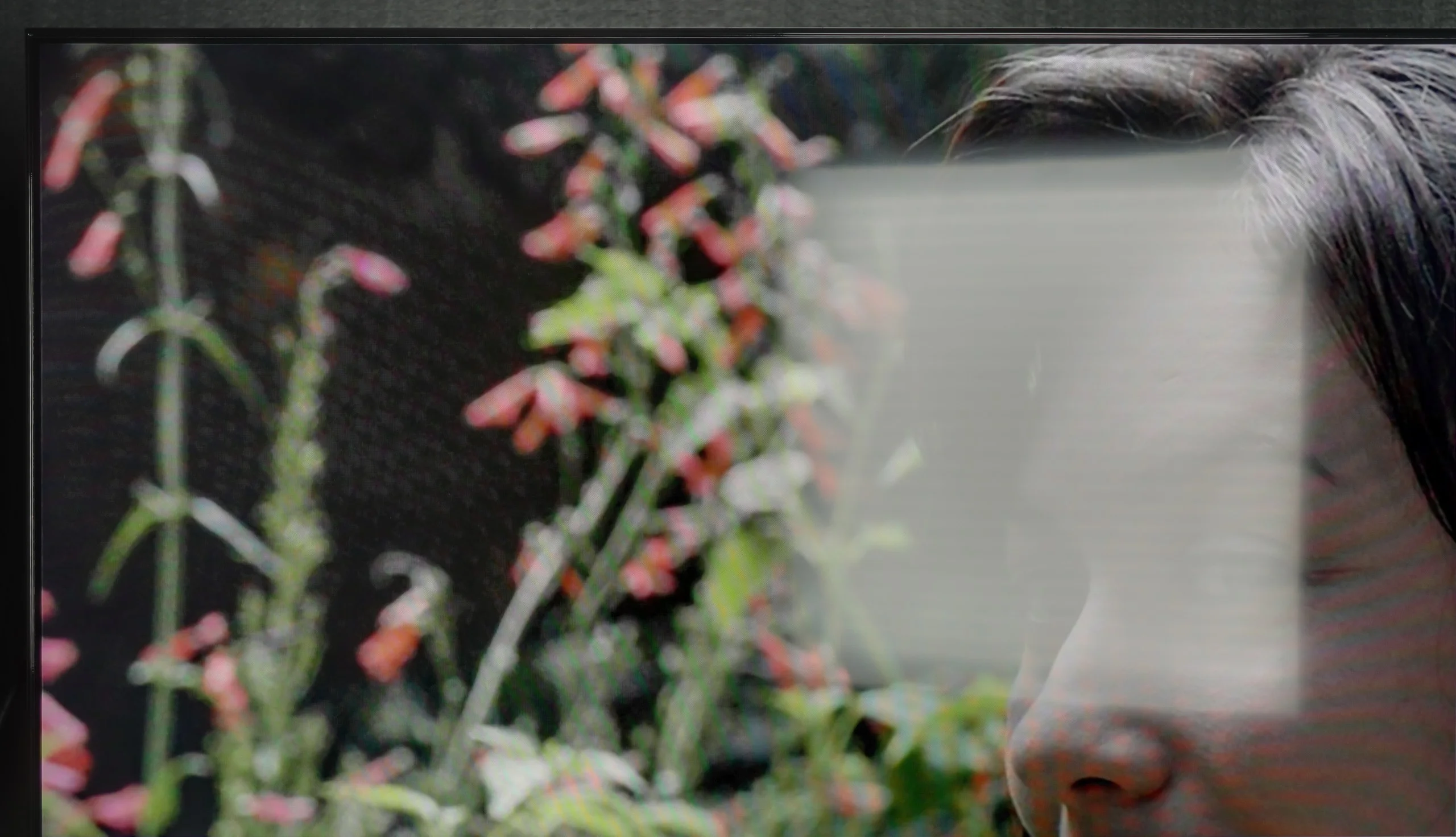
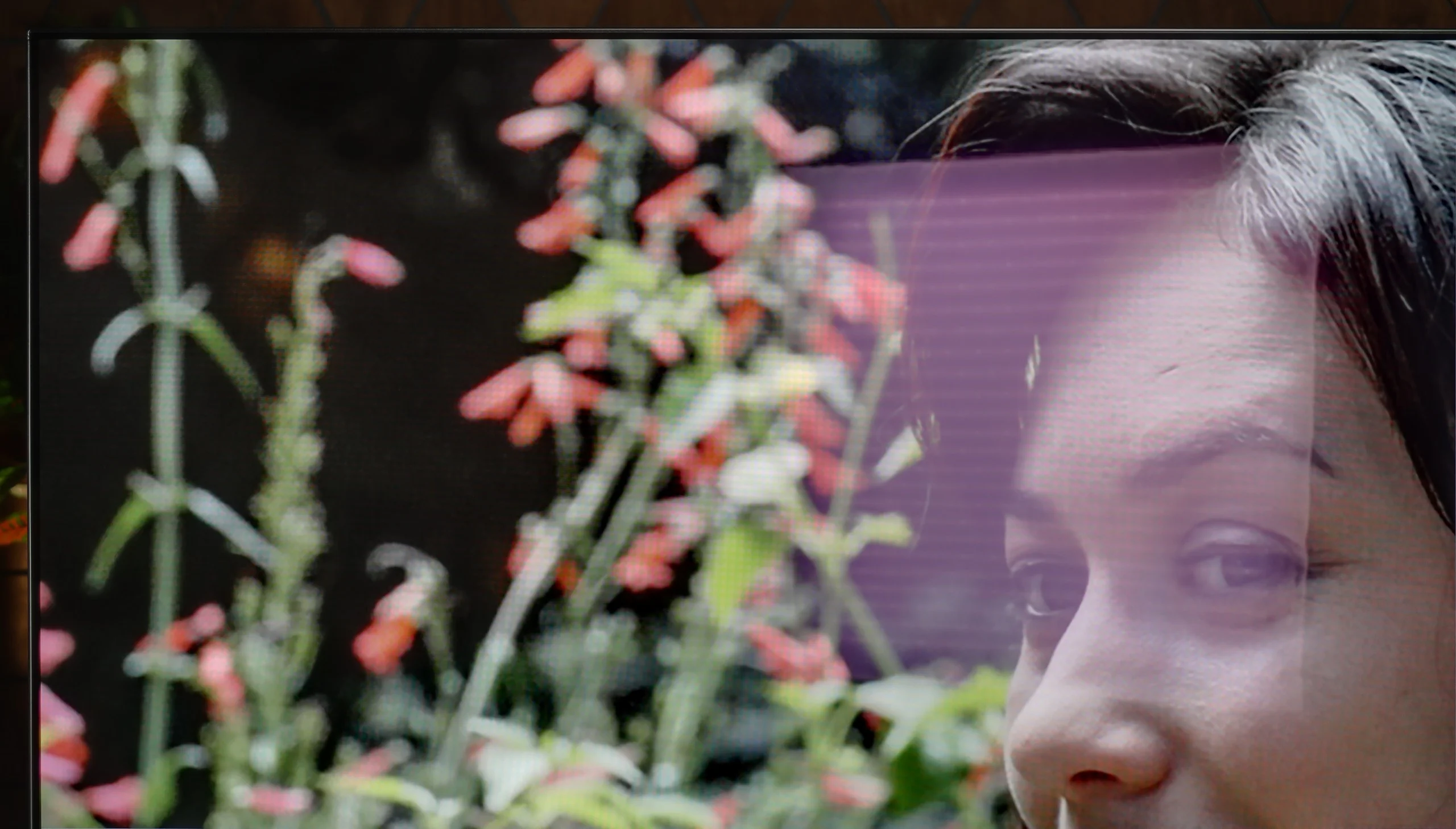
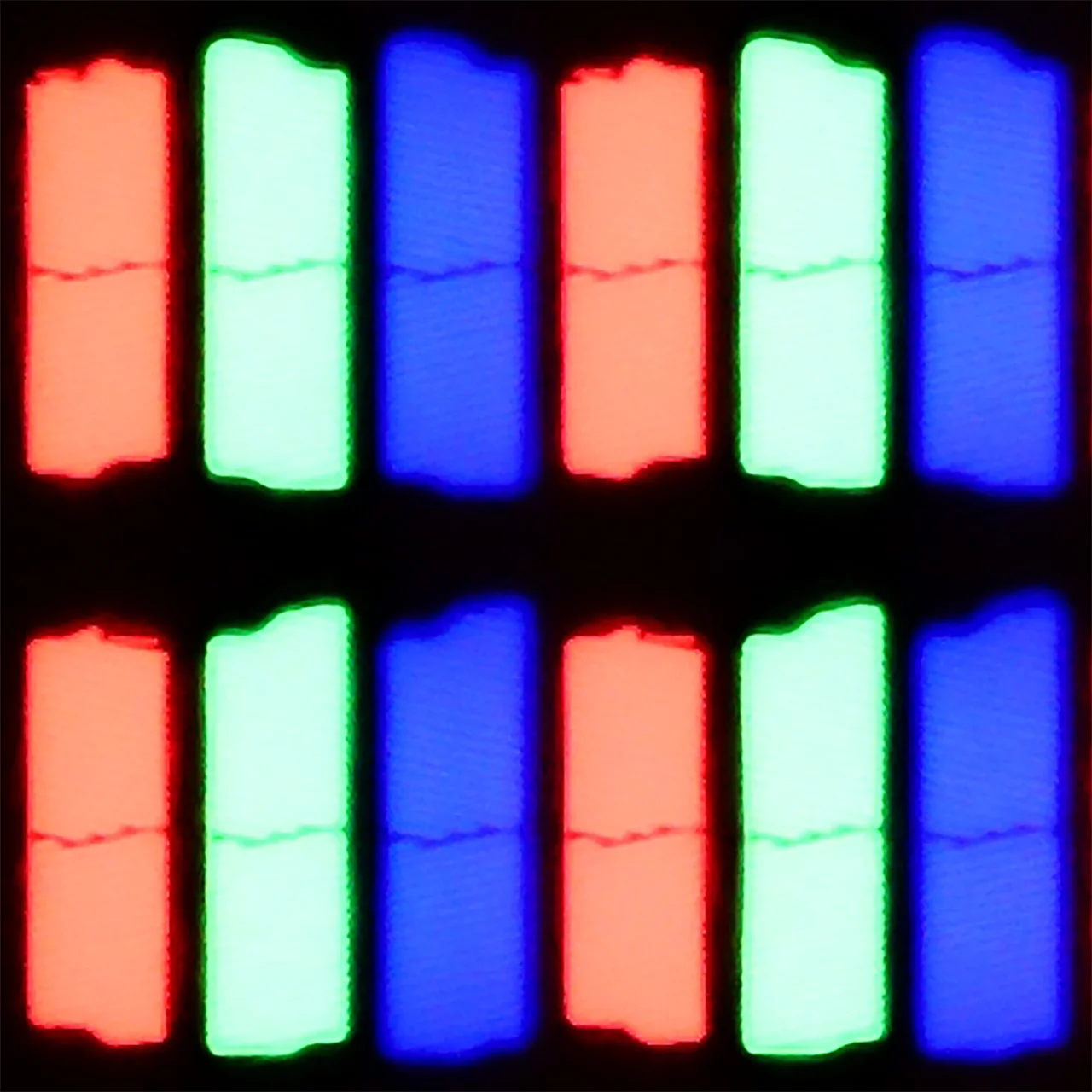
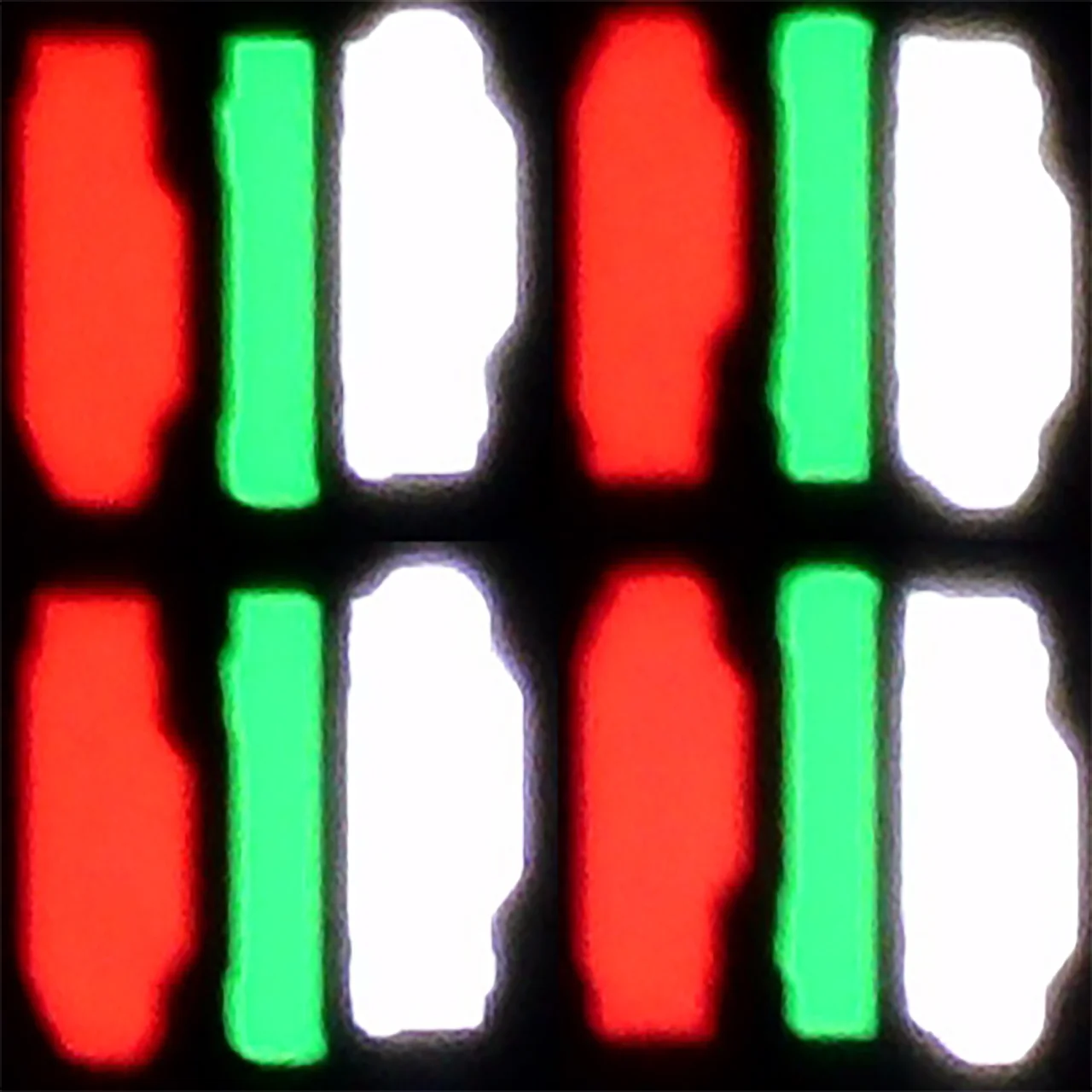
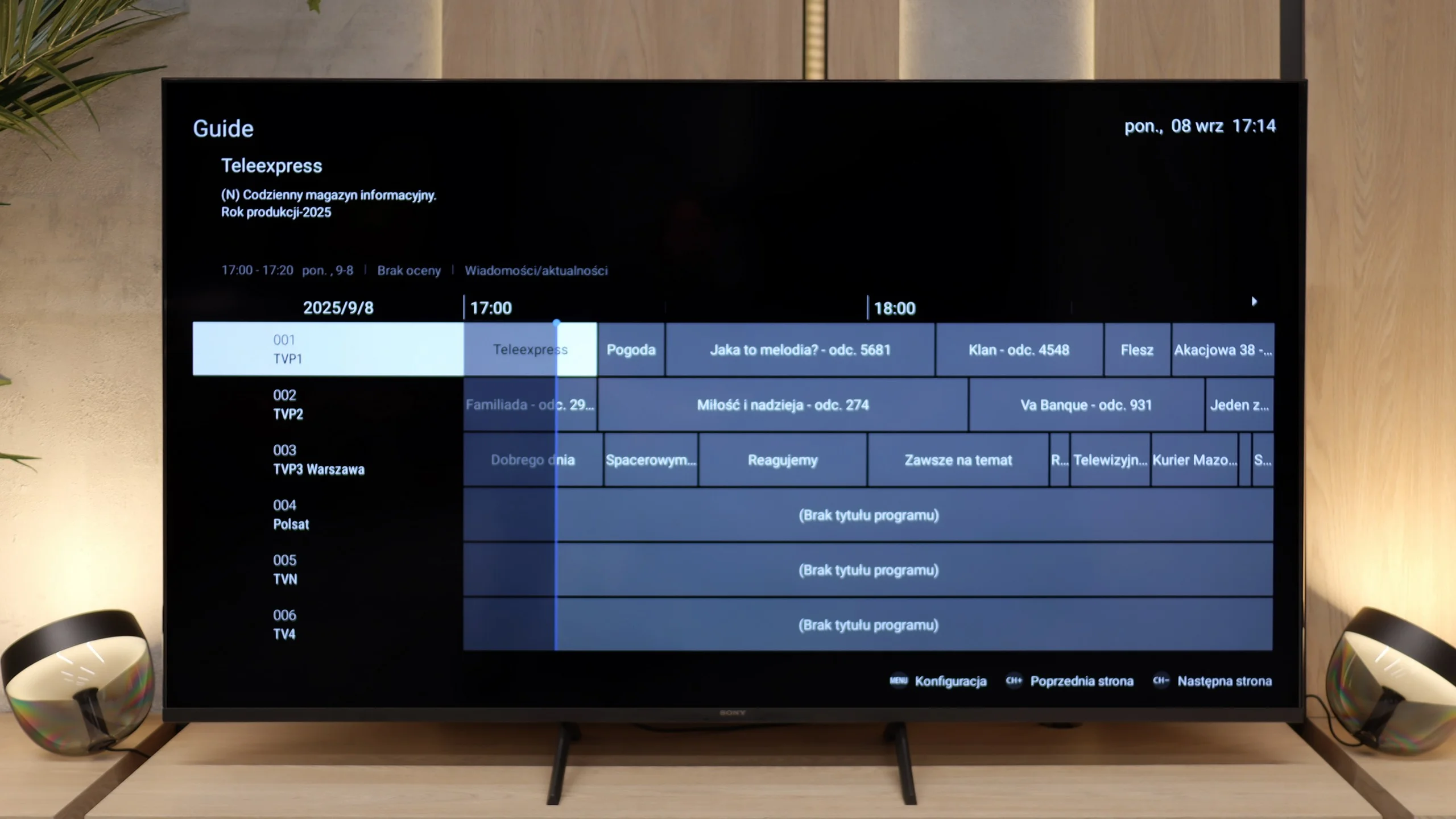
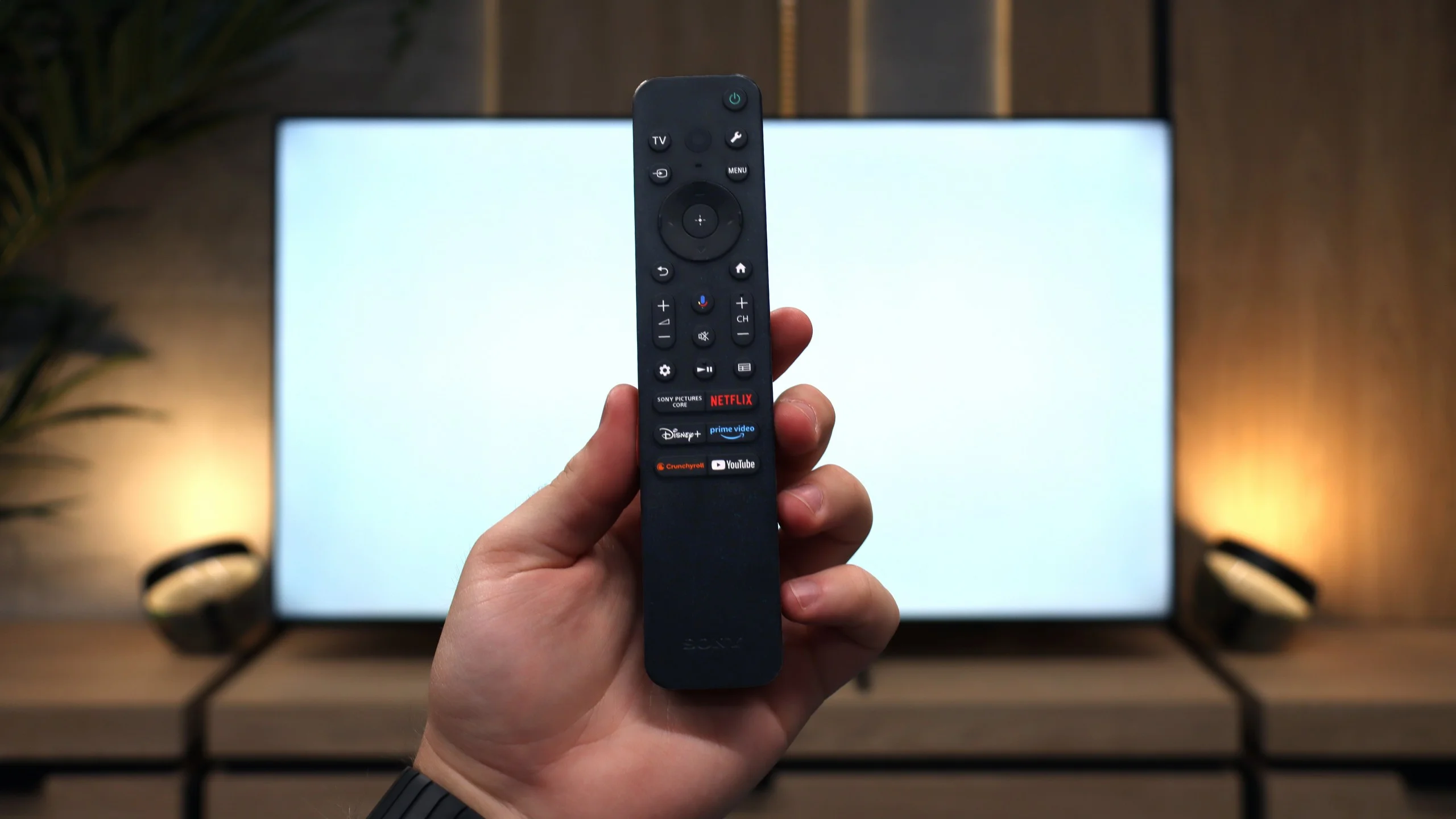
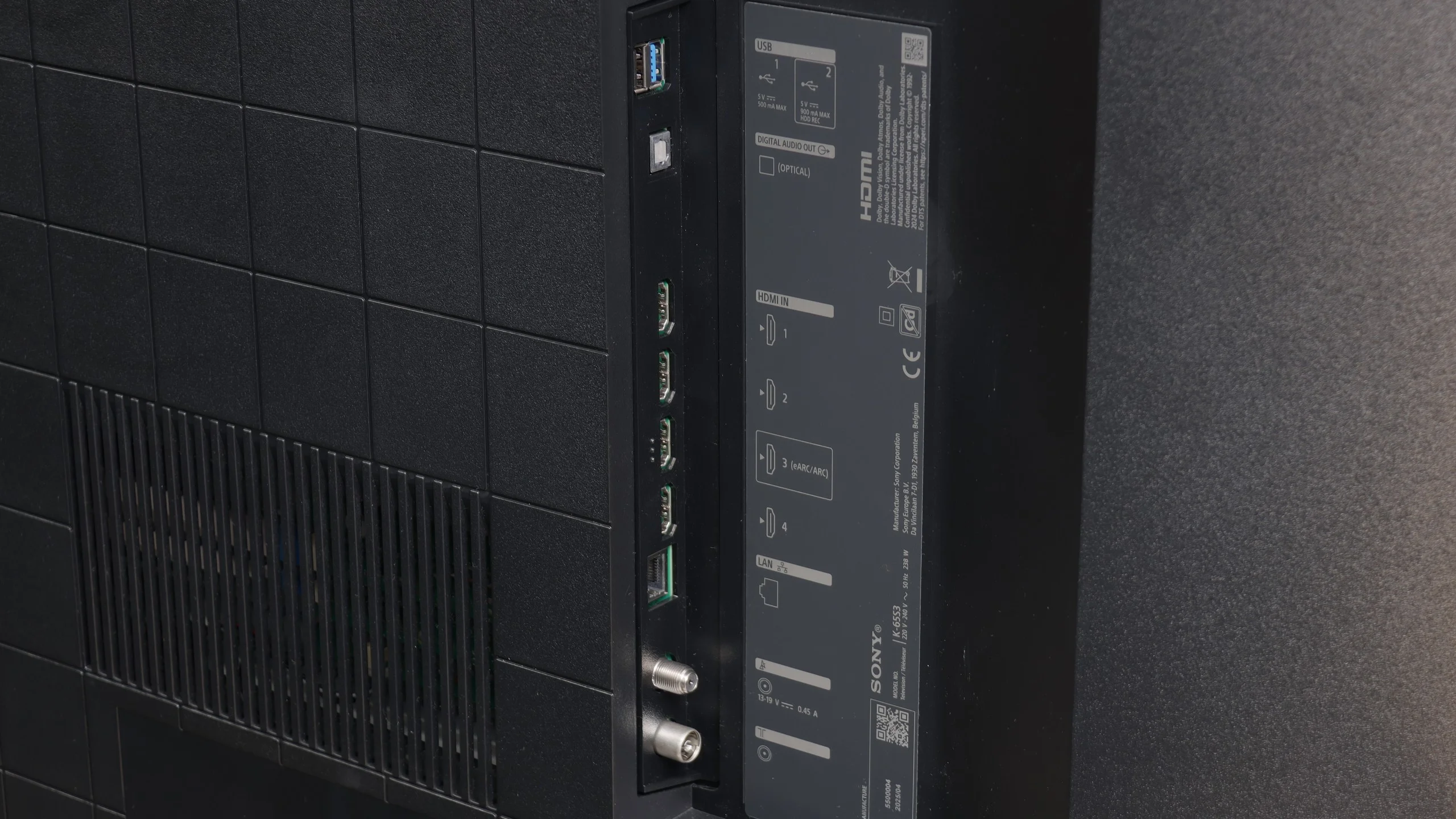
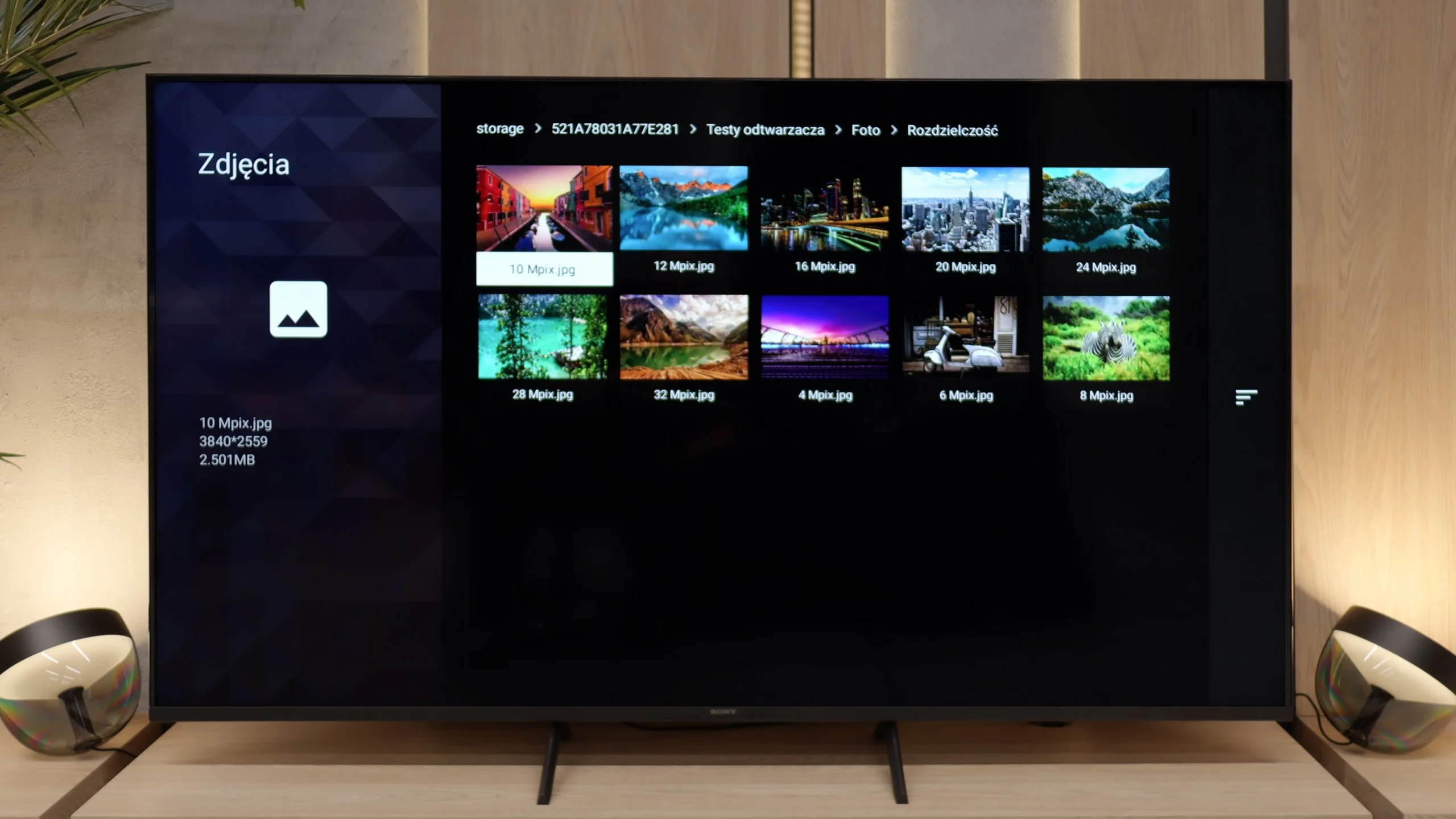
Sony Bravia 3 is a television that brings several important improvements over its predecessor while still staying true to its core. The biggest change is the design – slim bezels and sturdy metal legs make it look modern and fit much better in a living room than the X75WL. The improved colours thanks to the PFS filter and really good upscaling are also a plus. It is particularly with lower-quality content, especially in classic SDR, that the Bravia 3 can show its best side – colours look pleasant, the picture is clear, and thanks to the IPS panel, viewing angles are at a very good level. For a ‘classic’ TV, where comfort from various viewing positions in the room and decent quality of everyday content matter, it is perfectly suitable. A huge advantage remains the Google TV system. During our tests, there were times when the interface did not work as smoothly as we would have liked, and some features could freeze. However, despite these imperfections, the presence of Google TV is a huge plus – access to thousands of apps and a full streaming library compensates for minor shortcomings. Unfortunately, what was weak in the X75WL remains weak here as well. The IPS panel has very low contrast and does not offer local dimming, which means that watching movies in a dark room quickly loses its appeal – black resembles more of a grey, which effectively detracts from the enjoyment of viewing. Additionally, the option to record content to USB, which was available in the predecessor, has been removed. It is hard not to notice this and not to add it to the list of downsides.
So, who is the Bravia 3 for? Primarily for those who want to enter the world of Sony televisions at the most affordable price while valuing the Google TV system. However, it is not the most attractive option in its class – competition in this budget can offer models with Mini-LED backlighting, which outperform it significantly in terms of contrast and HDR. Therefore, the Bravia 3 is worth considering, but mainly when there is a solid discount. At regular price, it will be very difficult for it to stand out against its more cost-effective rivals.
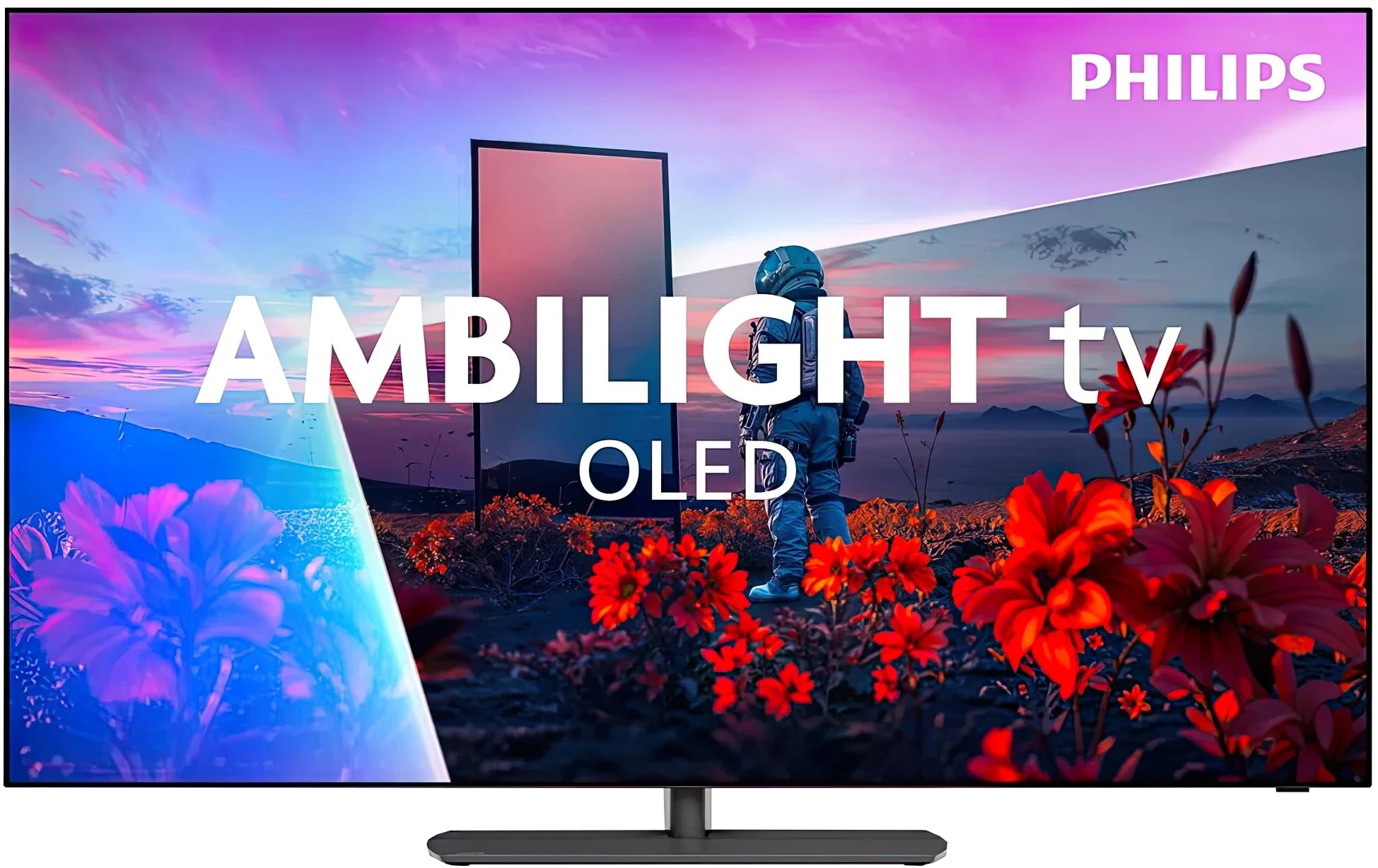
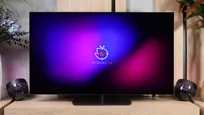
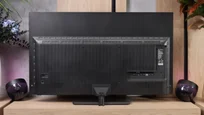
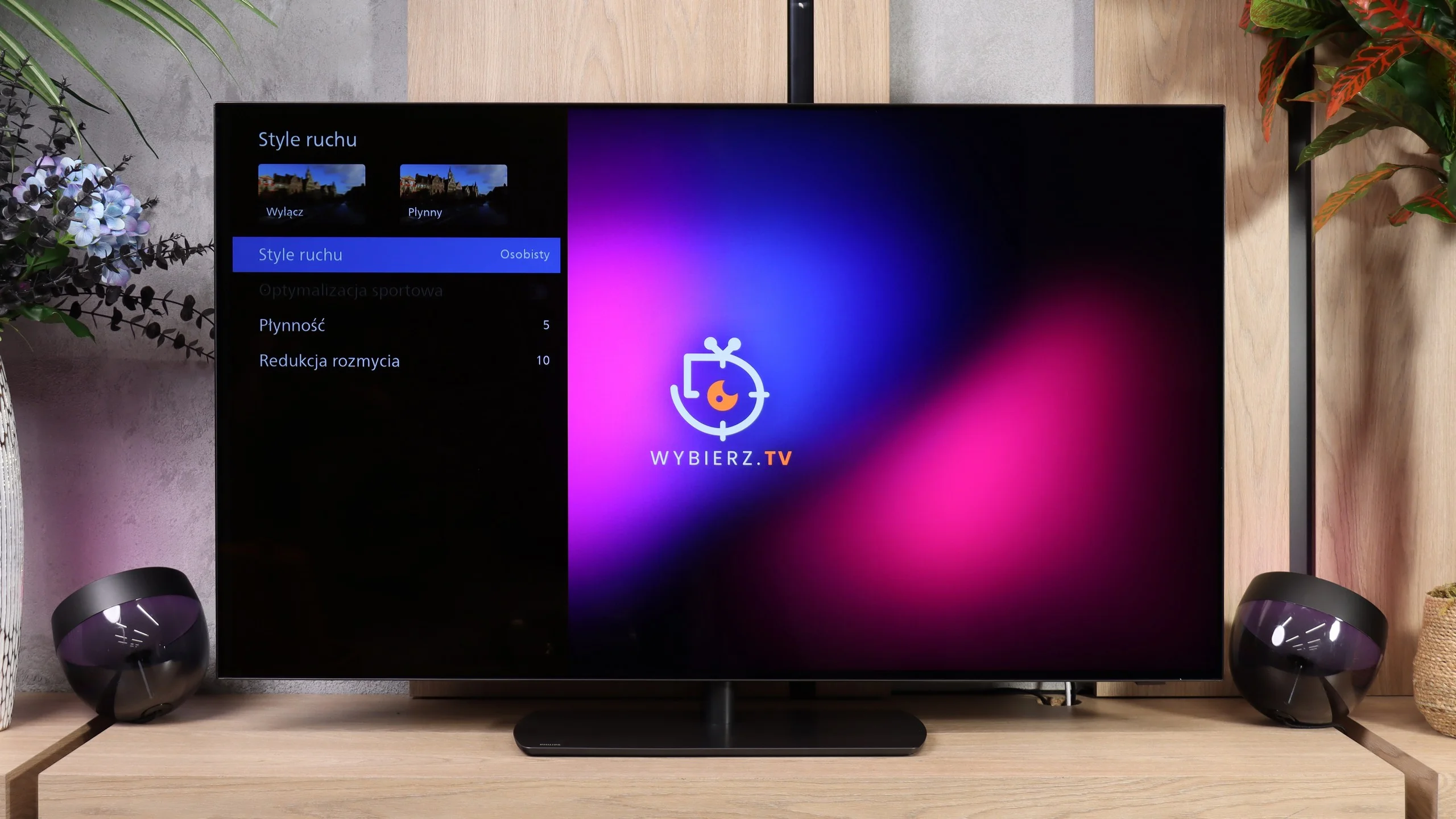
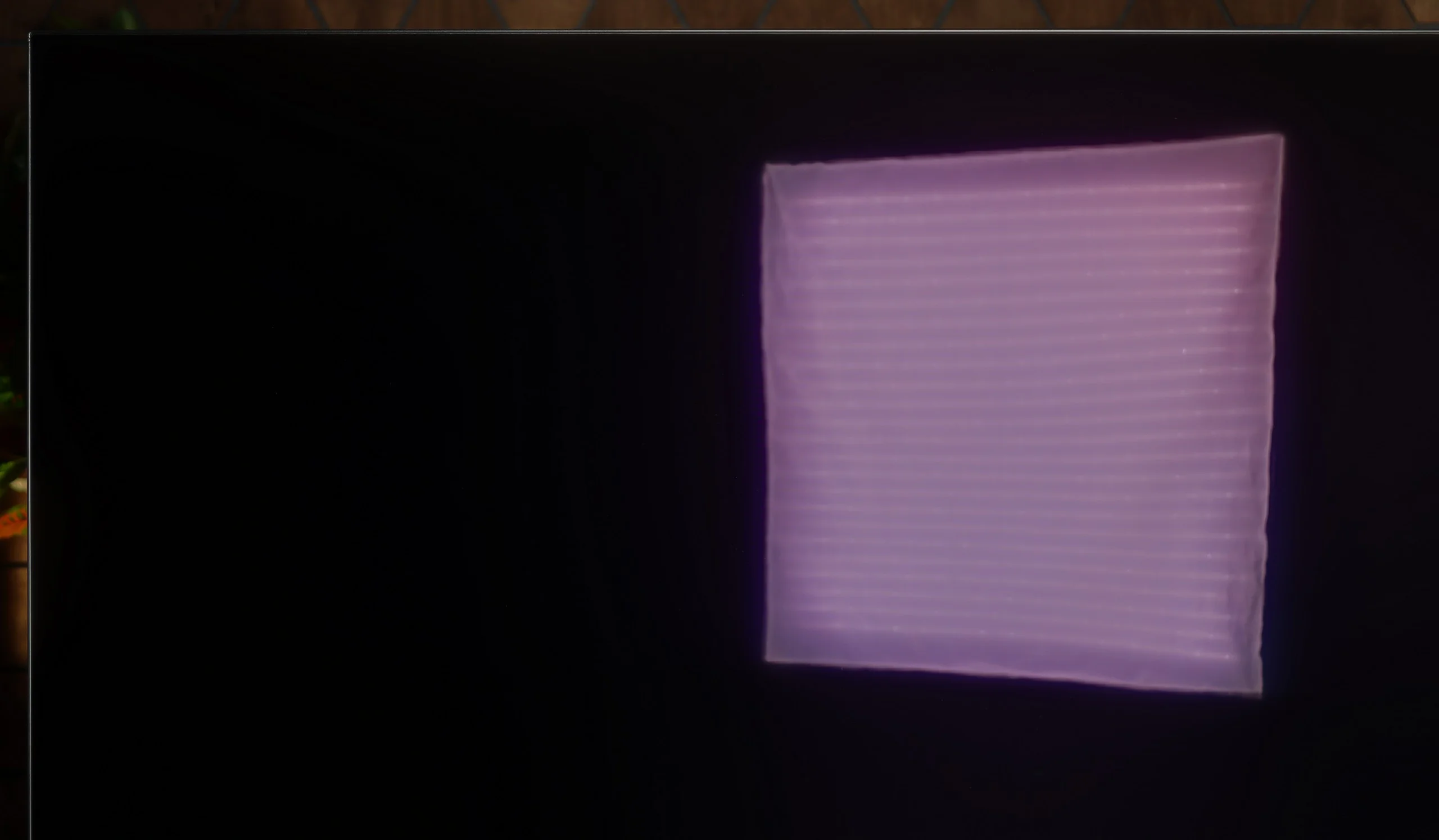
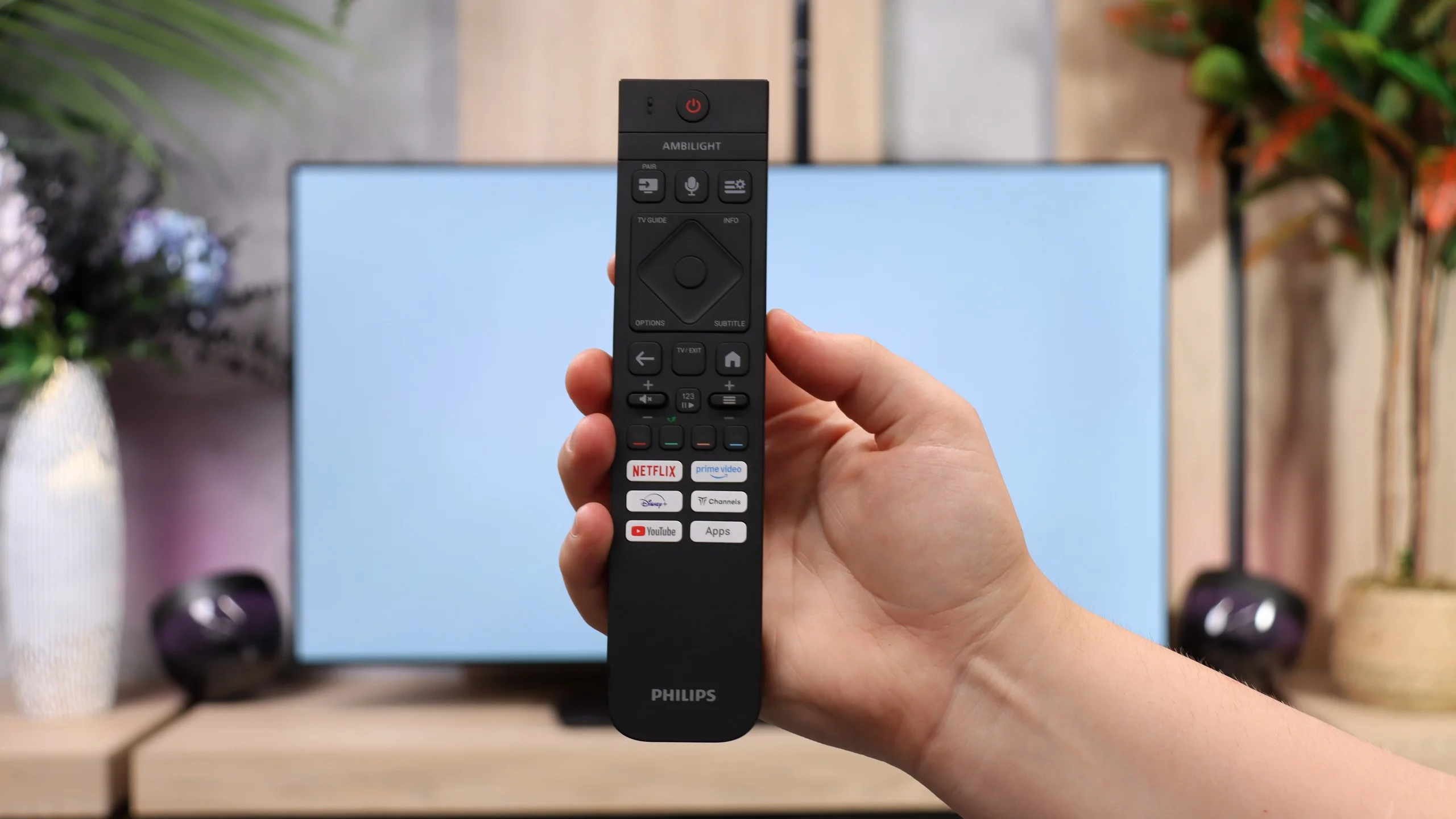
Philips OLED811 is a mid-range OLED for 2026 that stands out from its biggest rivals mainly for one thing: Ambilight. The light that follows the picture and spreads across the wall can change the mood of the whole viewing experience. In the evening the screen seems to extend beyond its frame and watching gains an extra bit of charm. For some it will be a pleasant extra, for others a decisive reason to pick Philips again. The picture itself is very comparable to what models like the LG C6 or Samsung S90H offer when using the same panel type. You get deep, perfect blacks that make bright elements really pop. The OLED811 can deliver strong HDR and, importantly, after calibration the picture is close to the reference. There’s no big advantage over the competition, but there’s also no sense that by choosing Philips for Ambilight you’re sacrificing image quality.
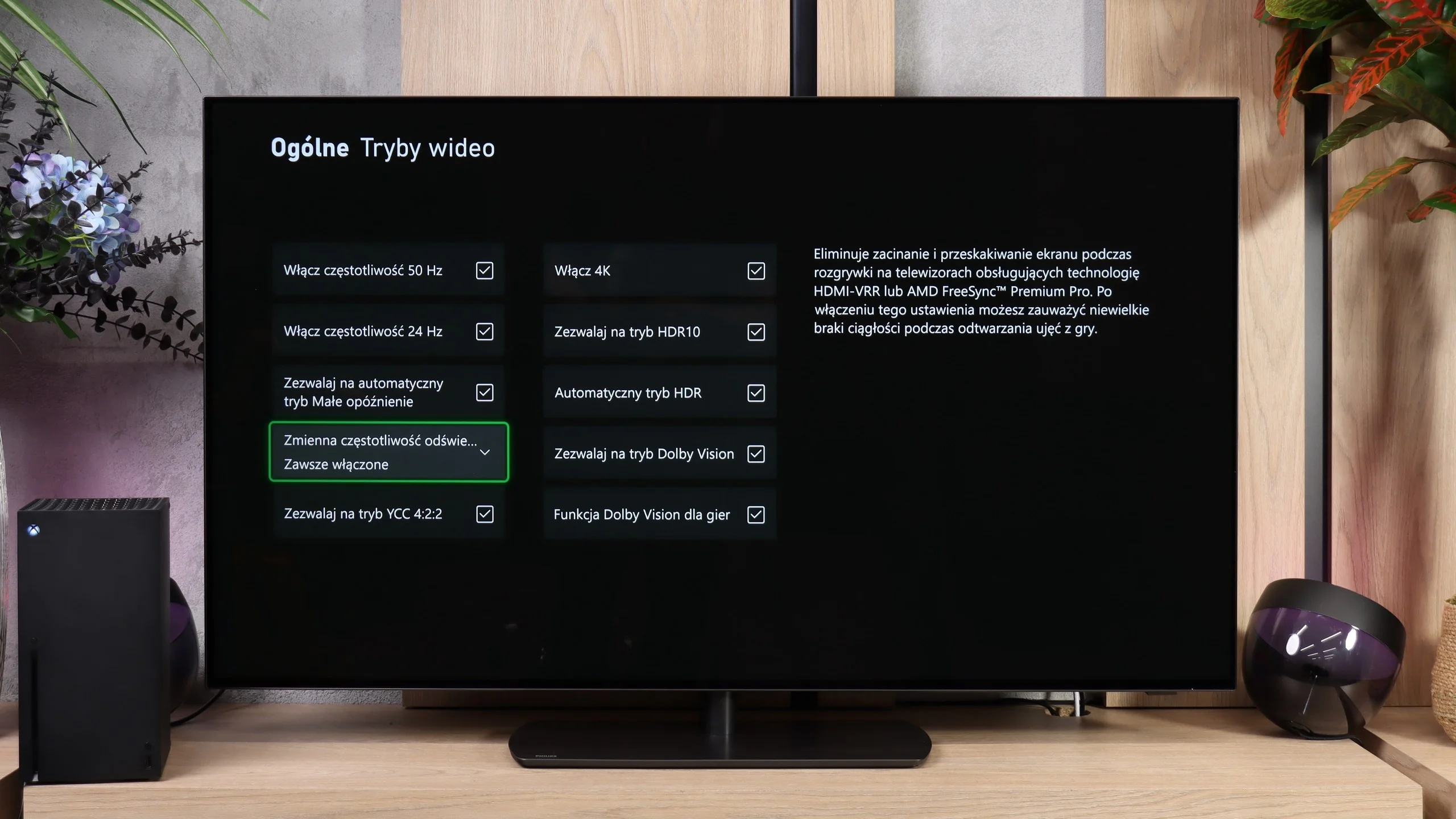
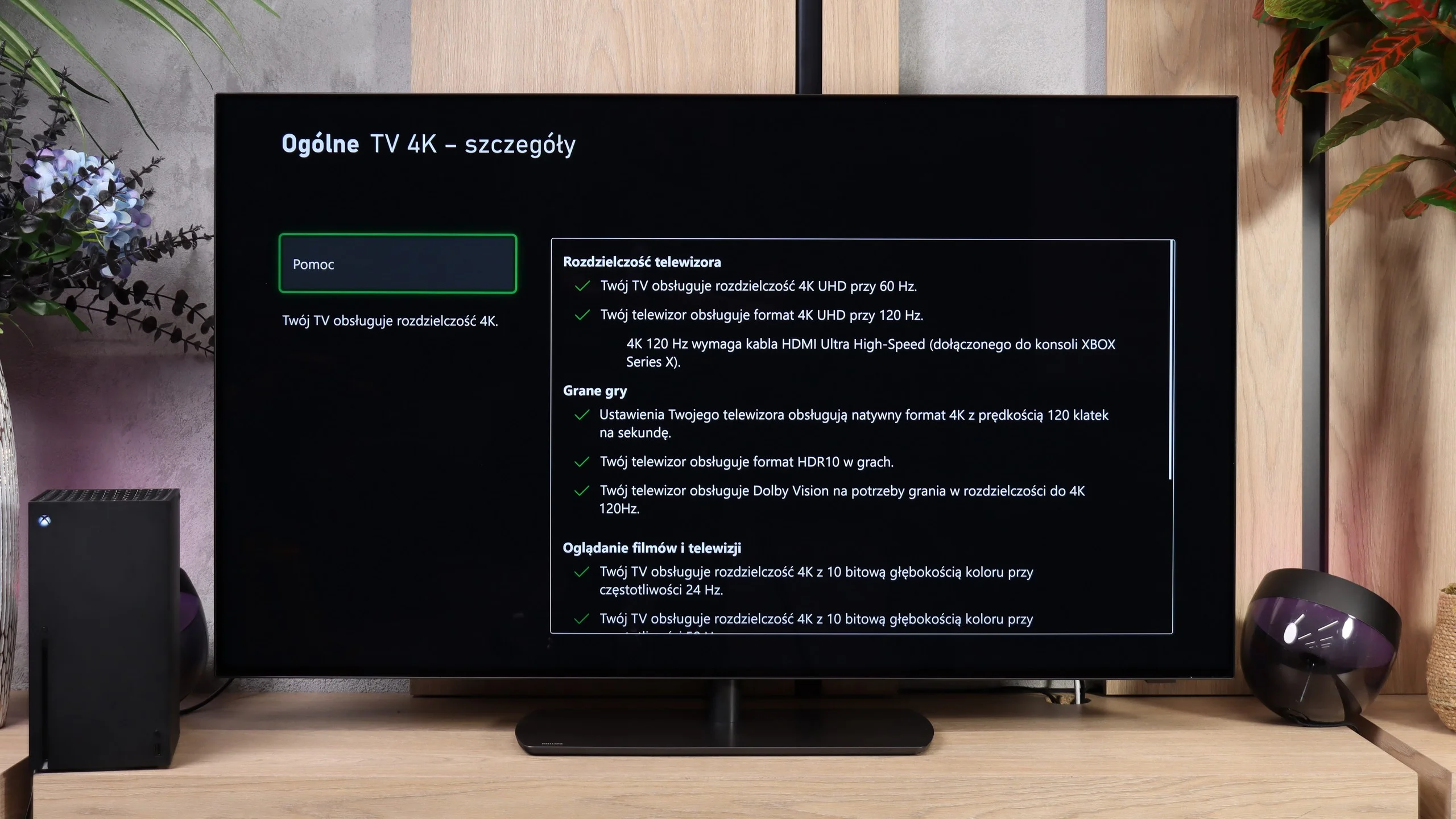
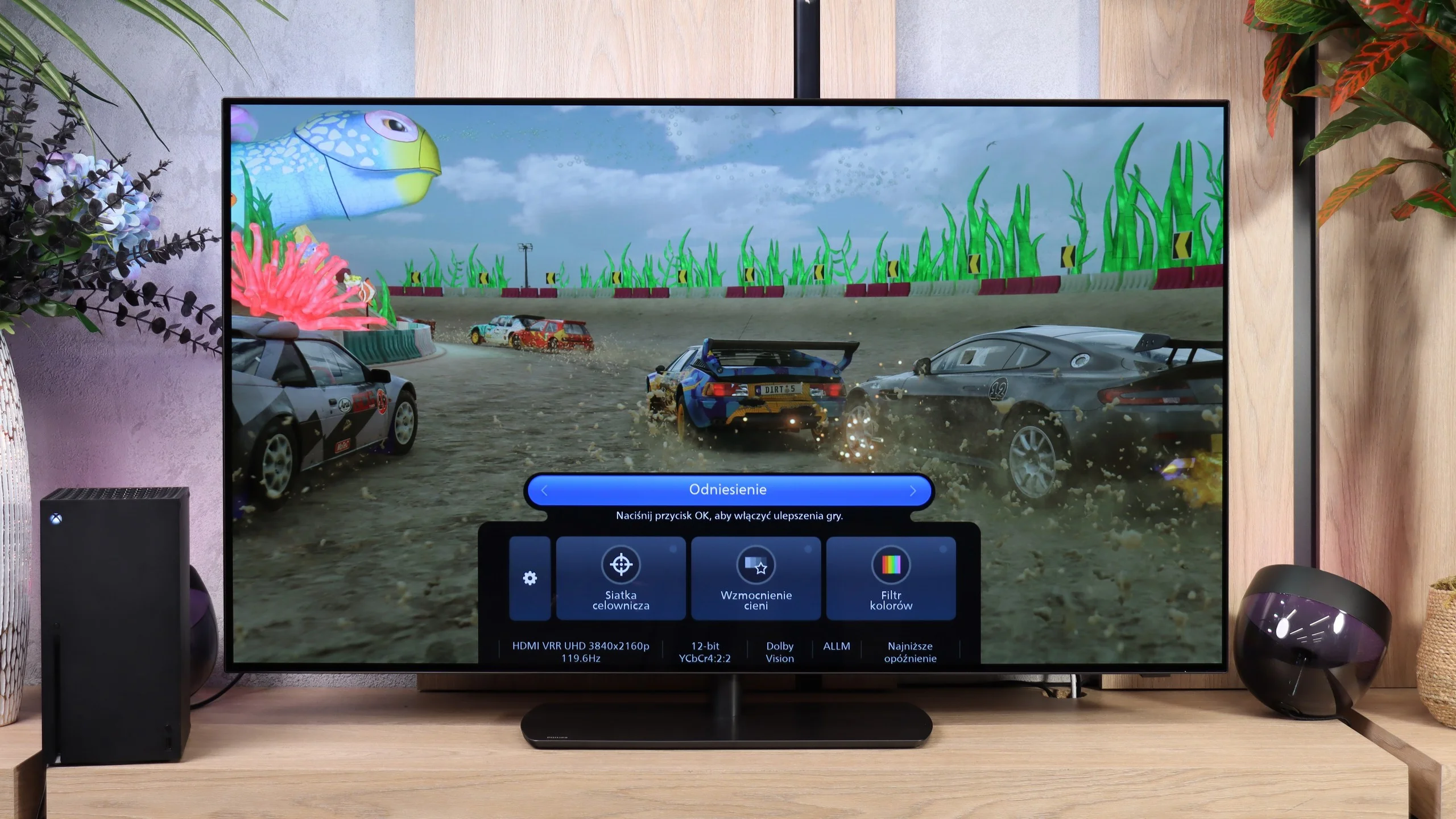
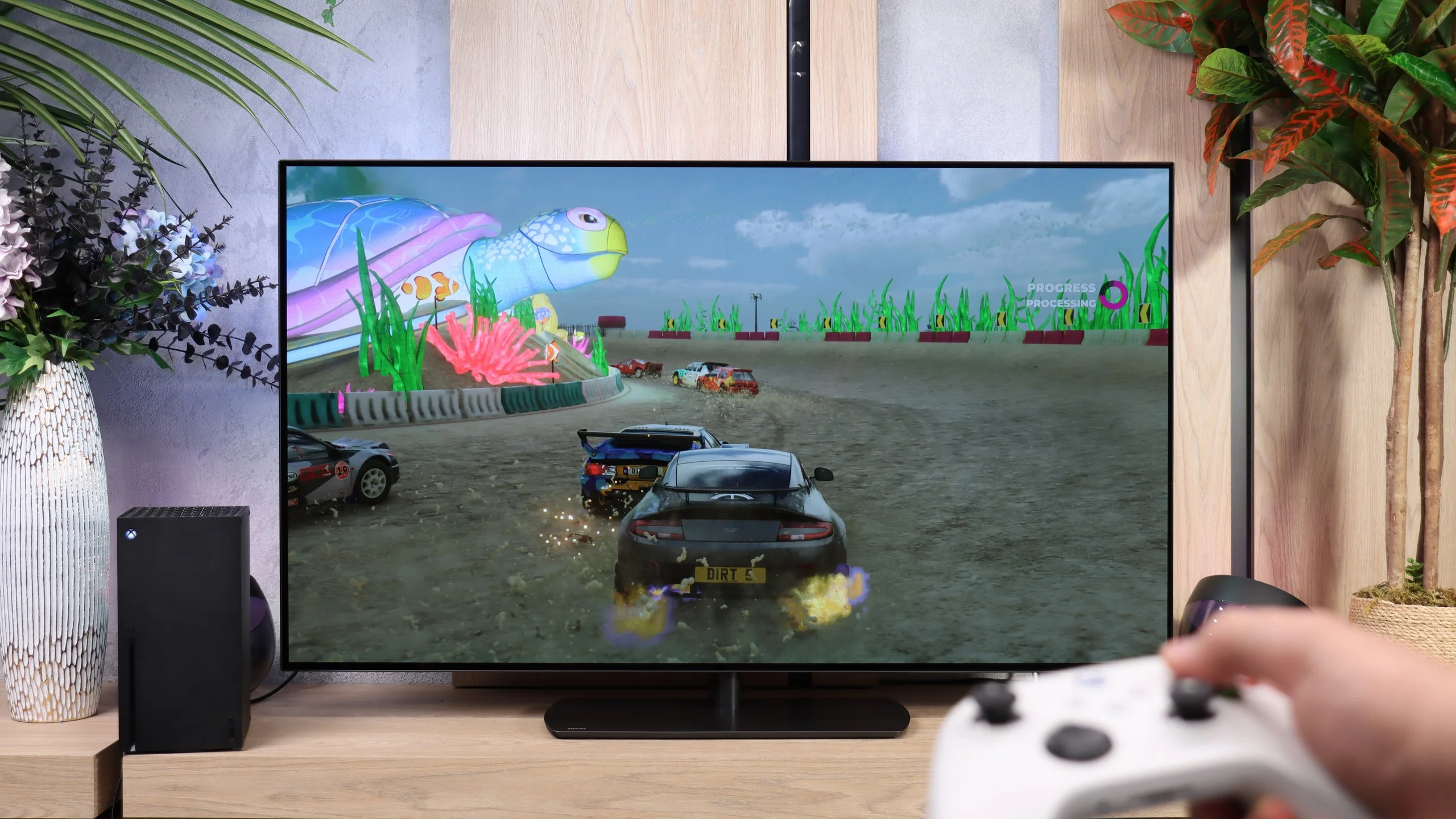
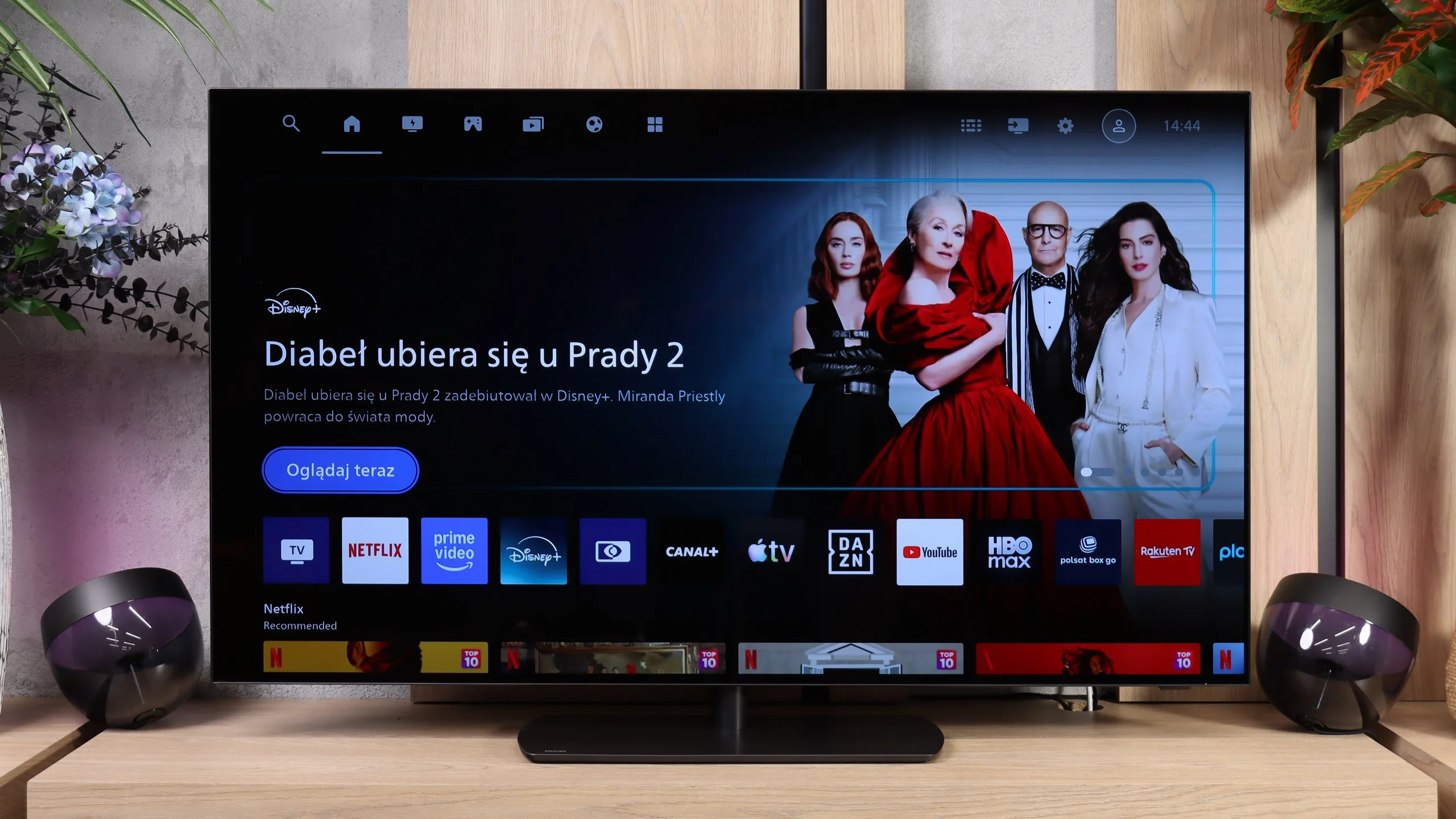
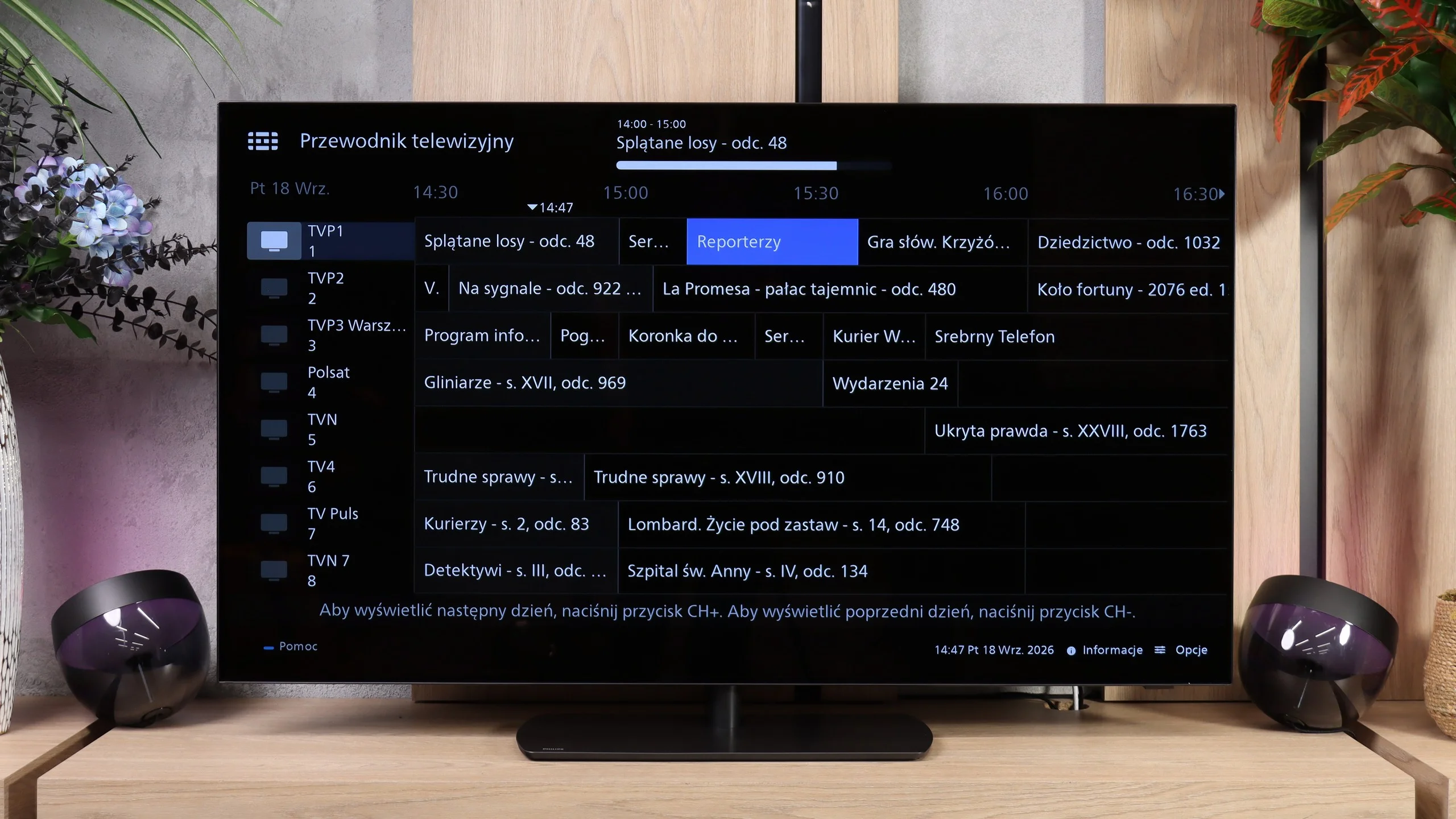
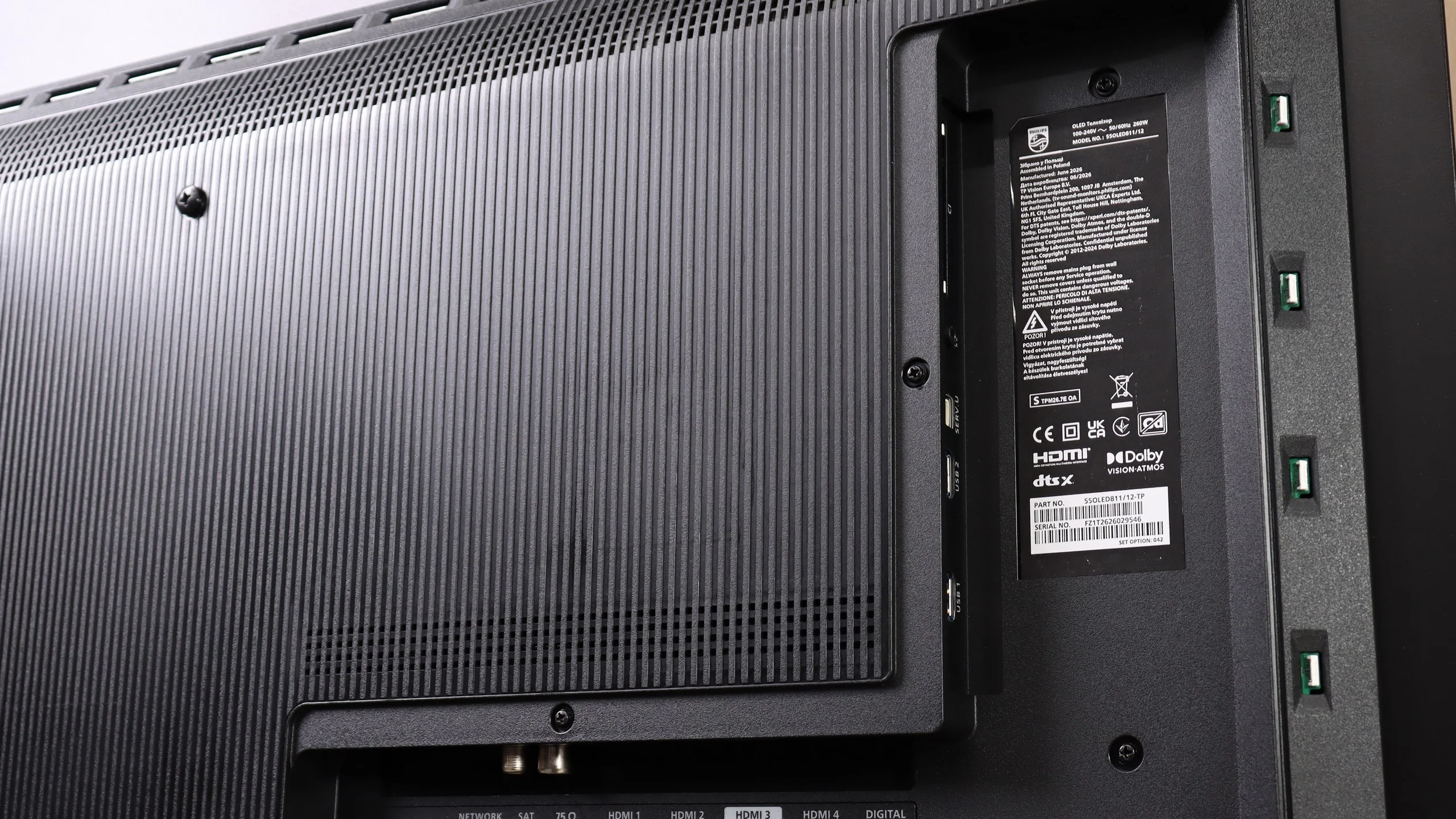
Gamers also get a few solid upgrades over last year’s model. Thanks to the MediaTek Pentonic 800 chipset we finally have four HDMI 2.1 ports, so connecting several devices, for example consoles, a PC and a soundbar, no longer means you have to decide which one gets the full capabilities of the port. Gaming itself is very enjoyable — the TV responds quickly, supports variable refresh rate, and from a PC it allows gaming in 4K at 165 Hz. It’s a pity the new processor’s capabilities haven’t been put to equally good use when processing lower-quality sources. The biggest doubts, however, concern the operating system. Titan OS replaced the popular Google TV and, although it has clearly developed over the past year, it’s still hard to call the change a good one. True, the system runs more smoothly, has more useful features, and its library already includes most popular streaming services. Still, the choice of apps is much smaller than Google’s (or the competition’s), and in our view that remains the OLED811’s biggest drawback. People using less popular services may feel that difference particularly strongly.
Is it worth buying? Yes, if Titan OS meets your needs. In terms of picture and the gaming features, the OLED811 has as much to offer as its rivals, but Ambilight gives it something others don’t. Philips therefore gives and takes a bit. It adds a unique viewing atmosphere but limits freedom of app choice. If the services you use are available, this compromise may be worth accepting.
 Direct comparison