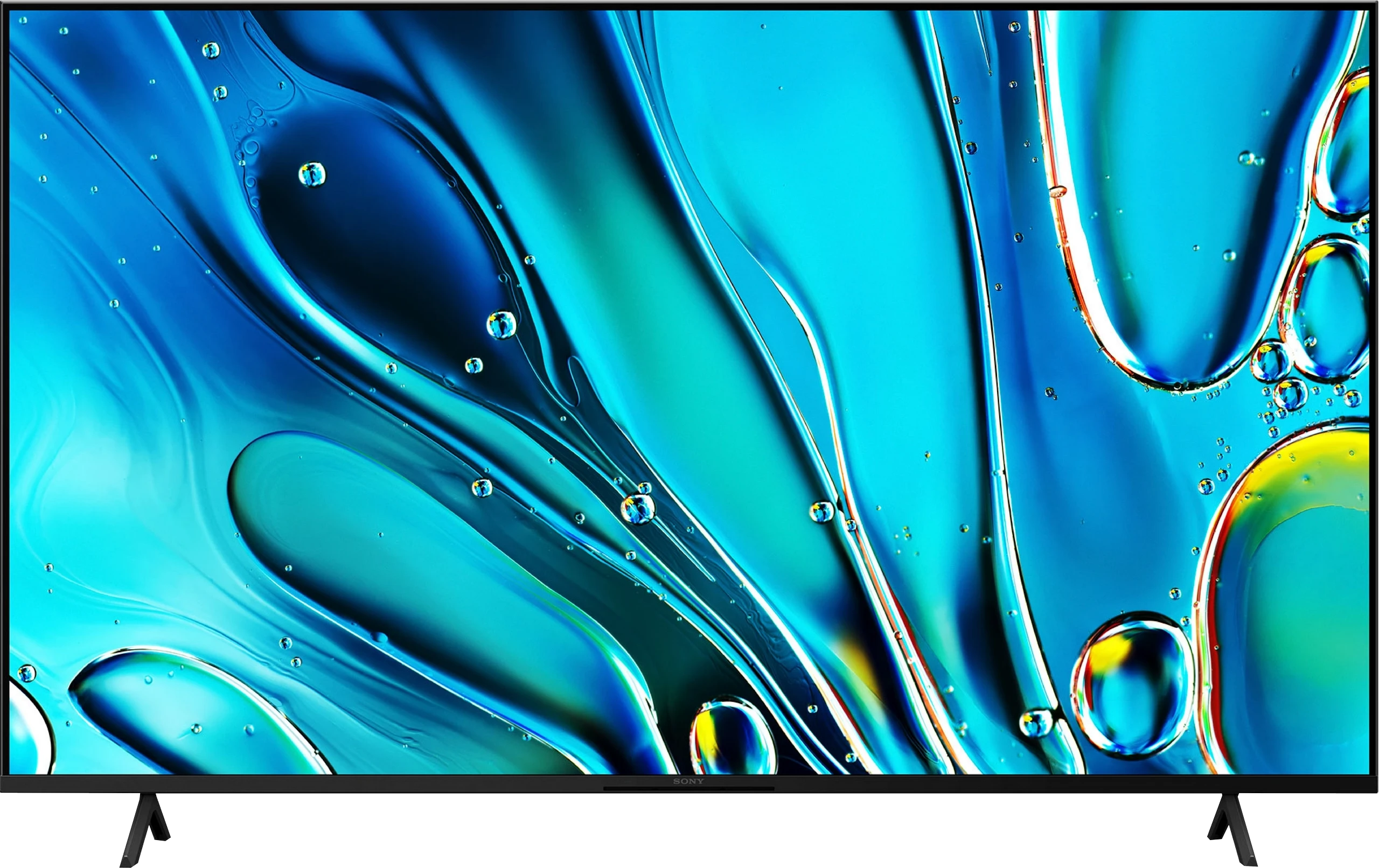
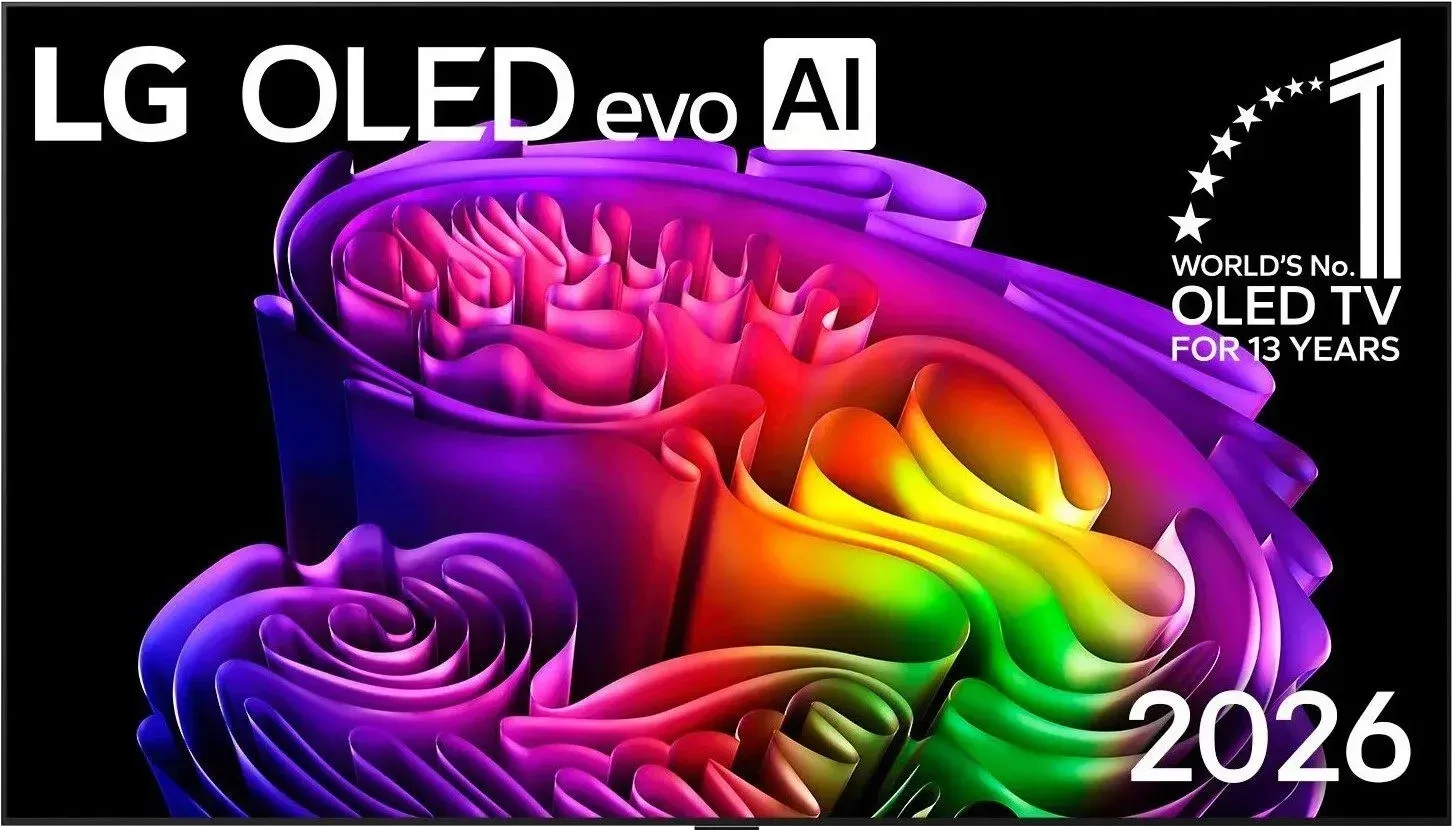
SONY BRAVIA 3 vs LG OLED G6 (G64LW, G66LS)

Direct comparison

BRAVIA 3 / K-(XX)S3

Info

G64LW / G66LS

Info

Available screen sizes: 43”55”65”75”85”

Available screen sizes: 55”65”77”83”97”

Panel type: LCD IPS

Resolution: 3840x2160

System: Google TV

Model year: 2025

Complete the survey to find out the result

Panel type: WRGB OLED

Resolution: 3840x2160

System: WebOS

Model year: 2026

Complete the survey to find out the result

Overall rating

6.0

8.7

  • Movies and series in UHD quality

    5.4

    8.6

  • Classic TV, YouTube

    5.3

    8.7

  • Sports broadcasts (TV and apps)

    5.7

    8.6

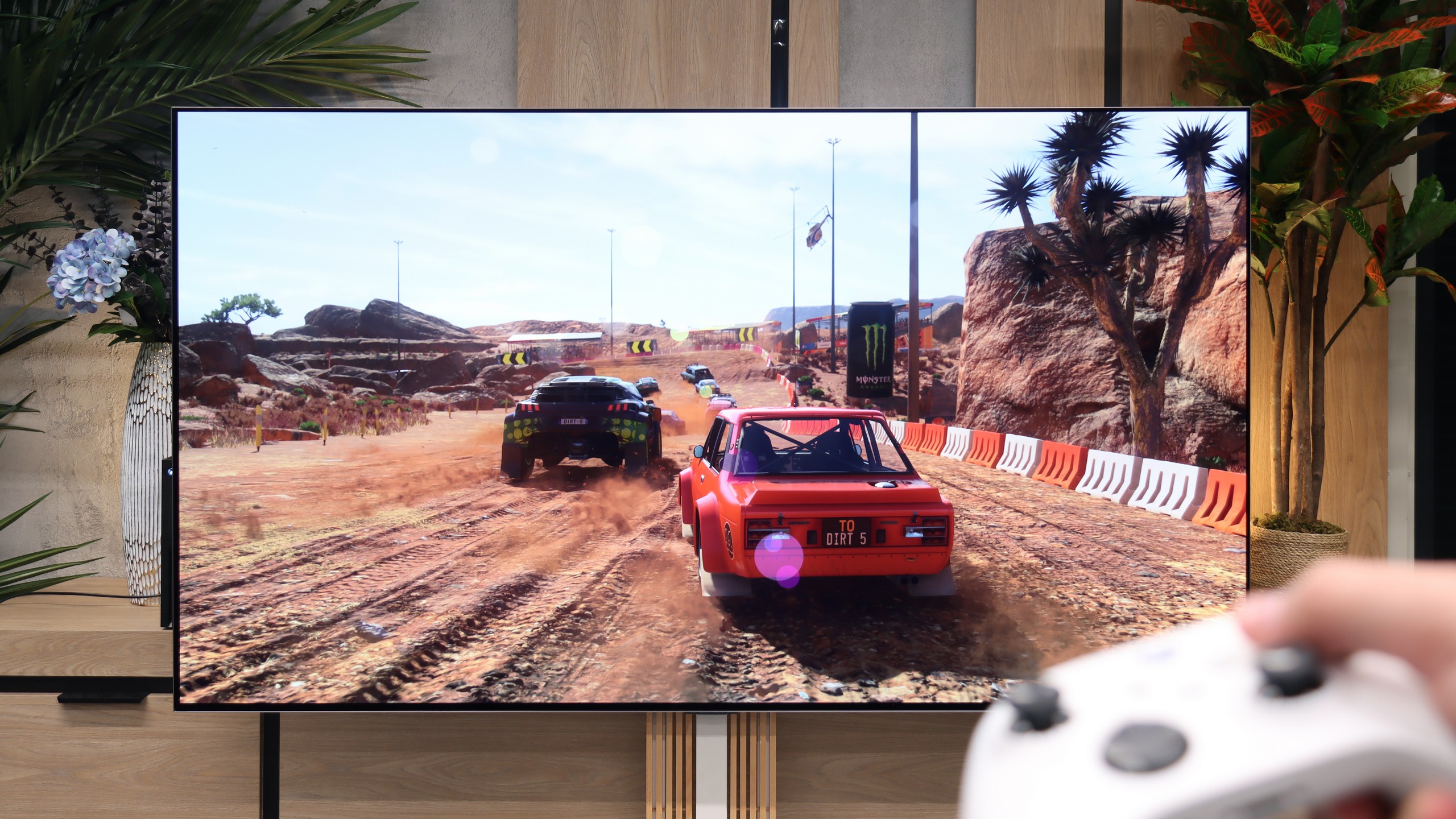
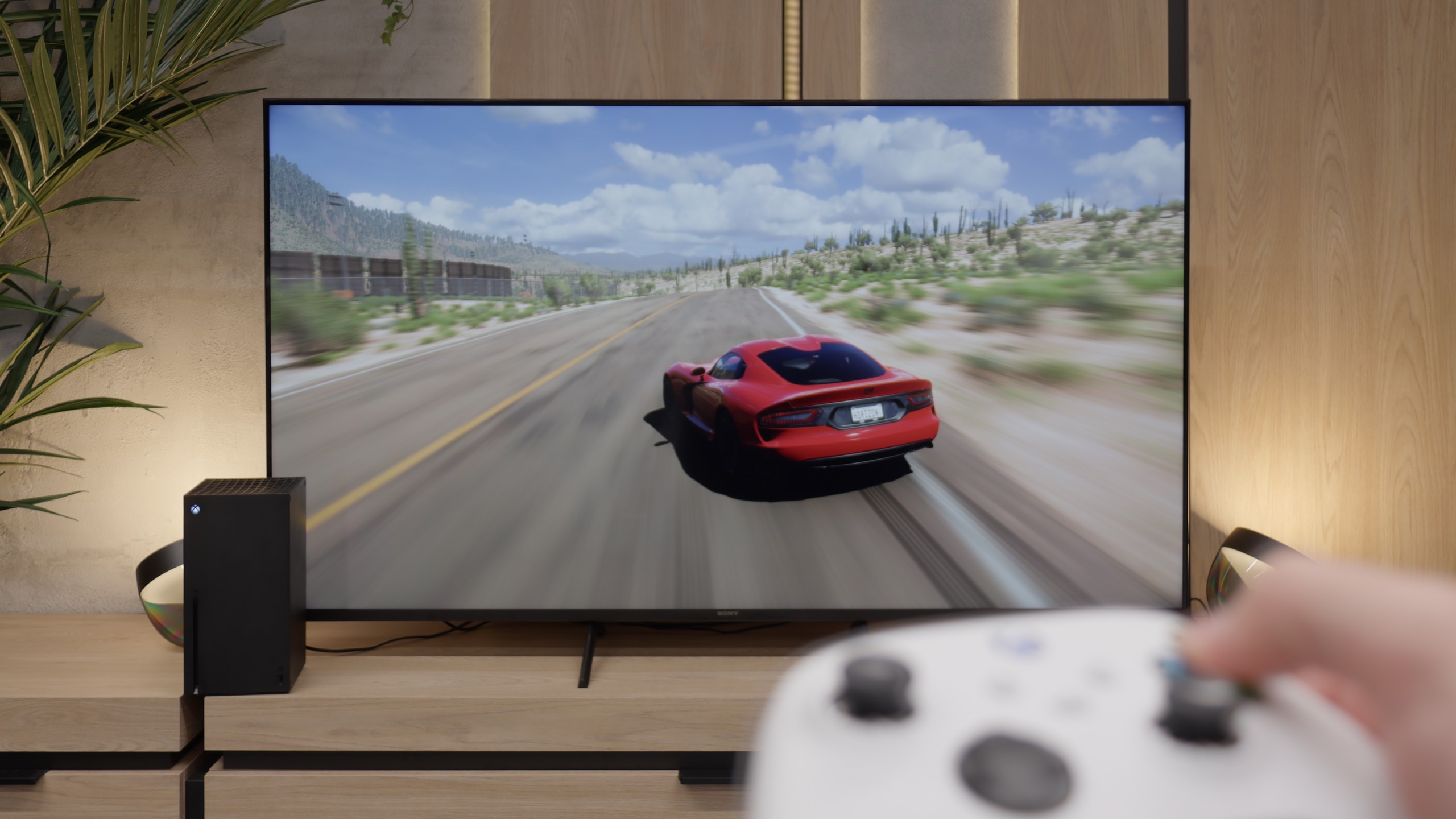
  • Gaming on console

    6.4

    9.5

  • TV as a computer monitor

    6.0

    8.7

  • Watching in bright light

    4.9

    8.2

  • Utility functions

    6.6

    8.5

  • Apps

    9.6

    9.1

  • Sound quality

    6.5

    8.4

Advantages

  • Google TV system – a massive library of apps and services

  • IPS panel with good viewing angles

  • Improved colours – (91% of the DCI-P3 colour gamut)

  • Dolby Vision support

  • Good upscaling – lower quality materials look surprisingly good

  • Great input lag and ALLM mode

  • Very good PC compatibility – supports chroma 4:4:4, excellent font readability

  • Two remotes included – a modern minimalist one and a classic one with a numeric keypad

  • Very good built-in media player – supports a wide range of files, even less common ones like HEIC

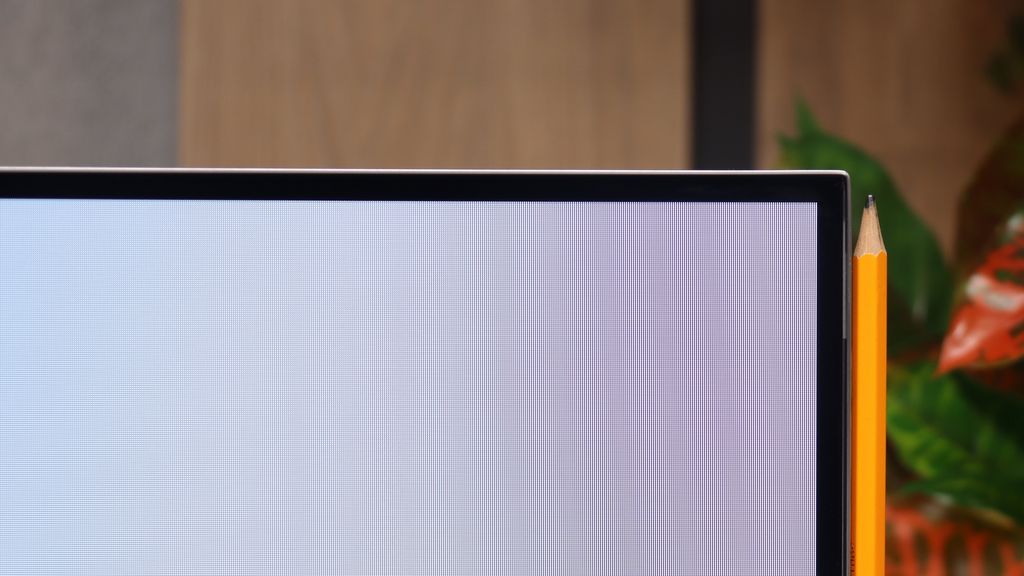
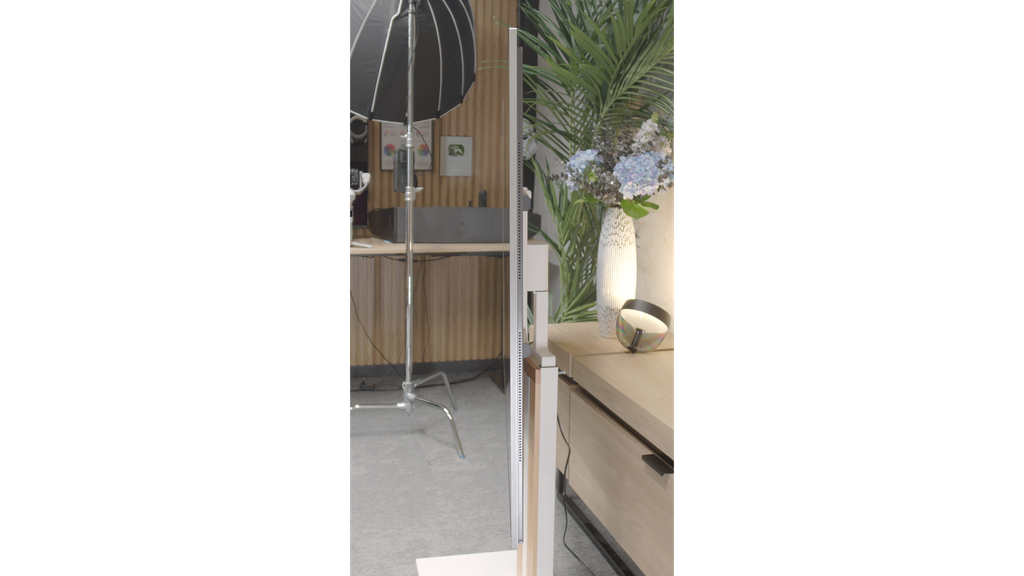
  • Slim bezels and modern design – a definite step up from the X75WL

  • Dolby Atmos and DTS:X support

  • Perfect black OLED

  • High brightness HDR and SDR

  • Great anti-reflective coating

  • Reference colours (after calibration can be displayed just like on director's equipment)

  • Full support for gamers (HDMI 2.1, 165 Hz, VRR, ALLM)

  • Low Input Lag (below 5ms)

  • Smoothness and sharpness in motion

  • Outstanding upscaling and image processing

  • Full support for Dolby Vision

  • Functional webOS system with Magic remote control support

  • 5-year warranty on the panel included

Disadvantages

No like
  • Tragic black - IPS panel without local dimming

  • Limited brightness (approx. 350 nits), HDR mode image is not very appealing

  • Issues with backlight uniformity

  • Google TV system can be sluggish

  • No recording function from built-in tuners to USB memory

  • Very annoying dithering – graininess and flickering of the image close to black

  • Worse (though still good) viewing angles than its predecessor

  • Lack of support for DTS:X audio codec (useful for Blu-ray owners)

Our verdict

Sony Bravia 3 is a television that brings several important improvements over its predecessor while still staying true to its core. The biggest change is the design – slim bezels and sturdy metal legs make it look modern and fit much better in a living room than the X75WL. The improved colours thanks to the PFS filter and really good upscaling are also a plus. It is particularly with lower-quality content, especially in classic SDR, that the Bravia 3 can show its best side – colours look pleasant, the picture is clear, and thanks to the IPS panel, viewing angles are at a very good level. For a ‘classic’ TV, where comfort from various viewing positions in the room and decent quality of everyday content matter, it is perfectly suitable. A huge advantage remains the Google TV system. During our tests, there were times when the interface did not work as smoothly as we would have liked, and some features could freeze. However, despite these imperfections, the presence of Google TV is a huge plus – access to thousands of apps and a full streaming library compensates for minor shortcomings. Unfortunately, what was weak in the X75WL remains weak here as well. The IPS panel has very low contrast and does not offer local dimming, which means that watching movies in a dark room quickly loses its appeal – black resembles more of a grey, which effectively detracts from the enjoyment of viewing. Additionally, the option to record content to USB, which was available in the predecessor, has been removed. It is hard not to notice this and not to add it to the list of downsides.

So, who is the Bravia 3 for? Primarily for those who want to enter the world of Sony televisions at the most affordable price while valuing the Google TV system. However, it is not the most attractive option in its class – competition in this budget can offer models with Mini-LED backlighting, which outperform it significantly in terms of contrast and HDR. Therefore, the Bravia 3 is worth considering, but mainly when there is a solid discount. At regular price, it will be very difficult for it to stand out against its more cost-effective rivals.
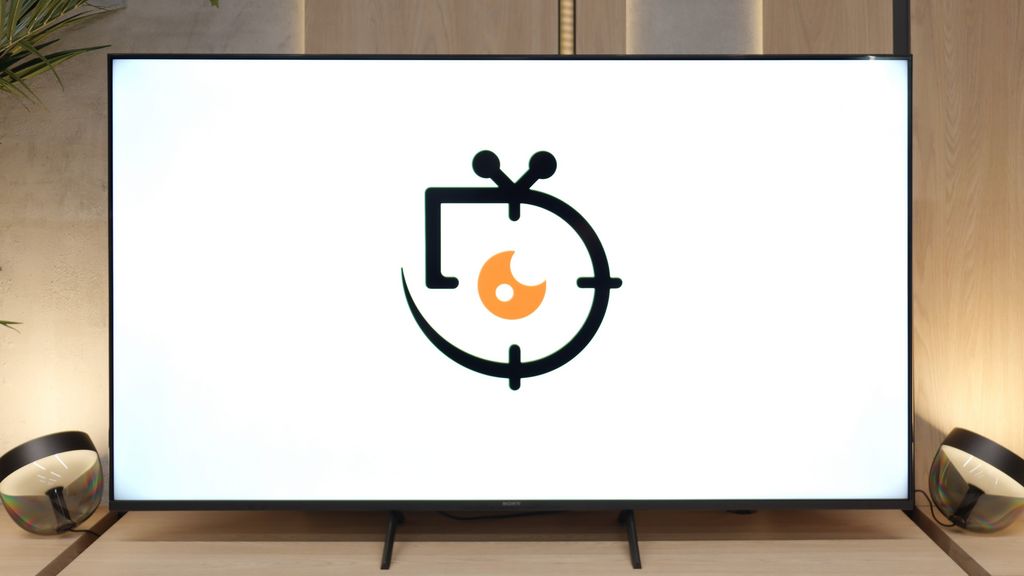
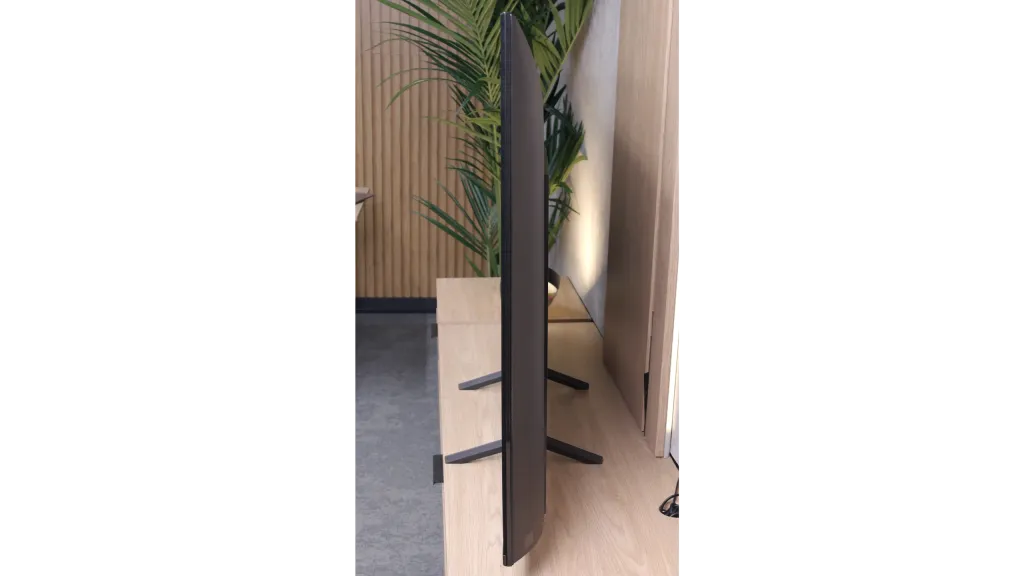
Without a doubt, the LG G6 is an outstanding television in many aspects. Thanks to the new generation 2 Tandem OLED panel, it does something that no other glossy screen on the market has managed so far – it superbly suppresses light reflections while maintaining perfect, unblemished image quality. When we add record brightness and the unique properties of the panel itself, the G6 can produce images that can literally knock you off your feet at times. The excellent webOS system and features for gamers further reinforce the belief that it is a worthy successor to the G5 model. However, this is only one side of the coin... because in a device of this class, the expectations are the highest they can be. During detailed testing, we encountered issues with digital image processing in scenes close to black. We're talking about overly aggressive dithering and slight flickering of details in dark sequences. Although during normal viewing from the couch this flaw does not stand out drastically and does not negate the overall admiration for the contrast, a trained eye will easily notice that LG's engineers stumbled at the last hurdle during the panel tuning. When buying a pretty expensive flagship product right here and now, perfection is simply expected from the first turn on.

Despite this obvious blunder, the LG G6 is still absolutely at the forefront of the market and one of the most interesting televisions of this year. It has a solid foundation to become the ultimate screen. We firmly believe that the manufacturer will quickly diagnose the problem and release an appropriate software update – if that happens, the competition will again have nothing to look for. We promise to keep monitoring the situation continuously, and as soon as a patch appears, we will definitely verify its effectiveness.

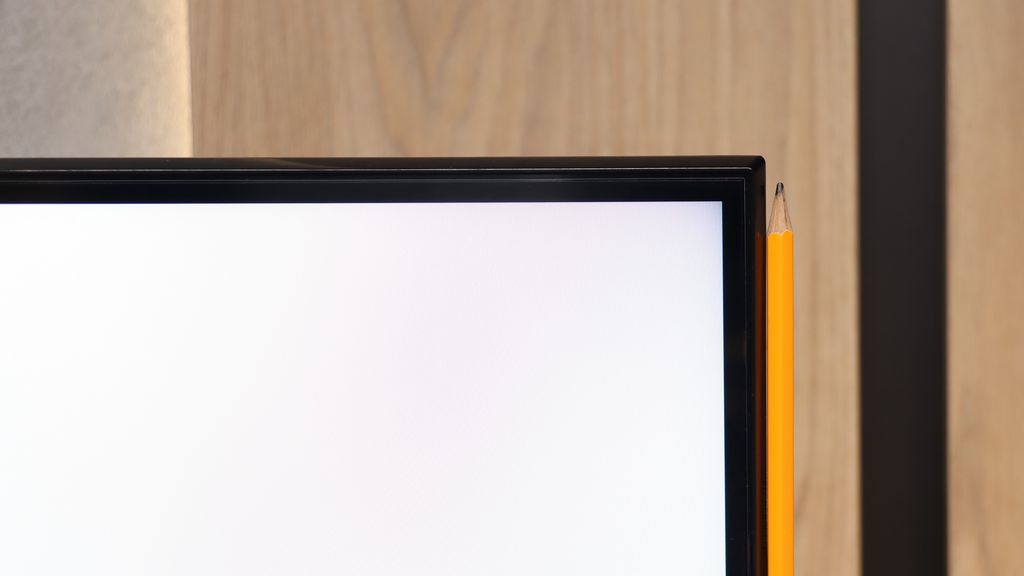
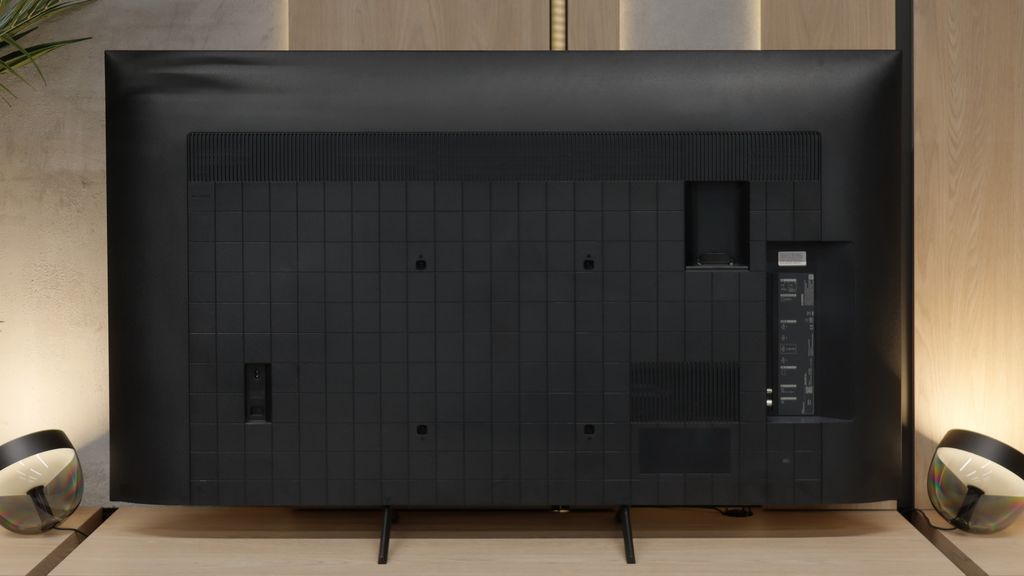
TV appearance

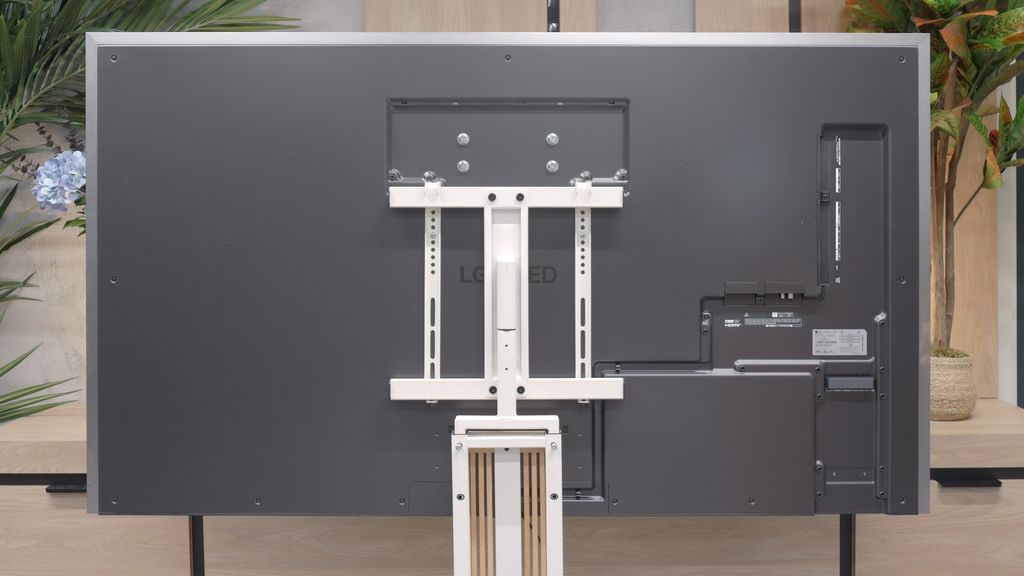
HDMI inputs
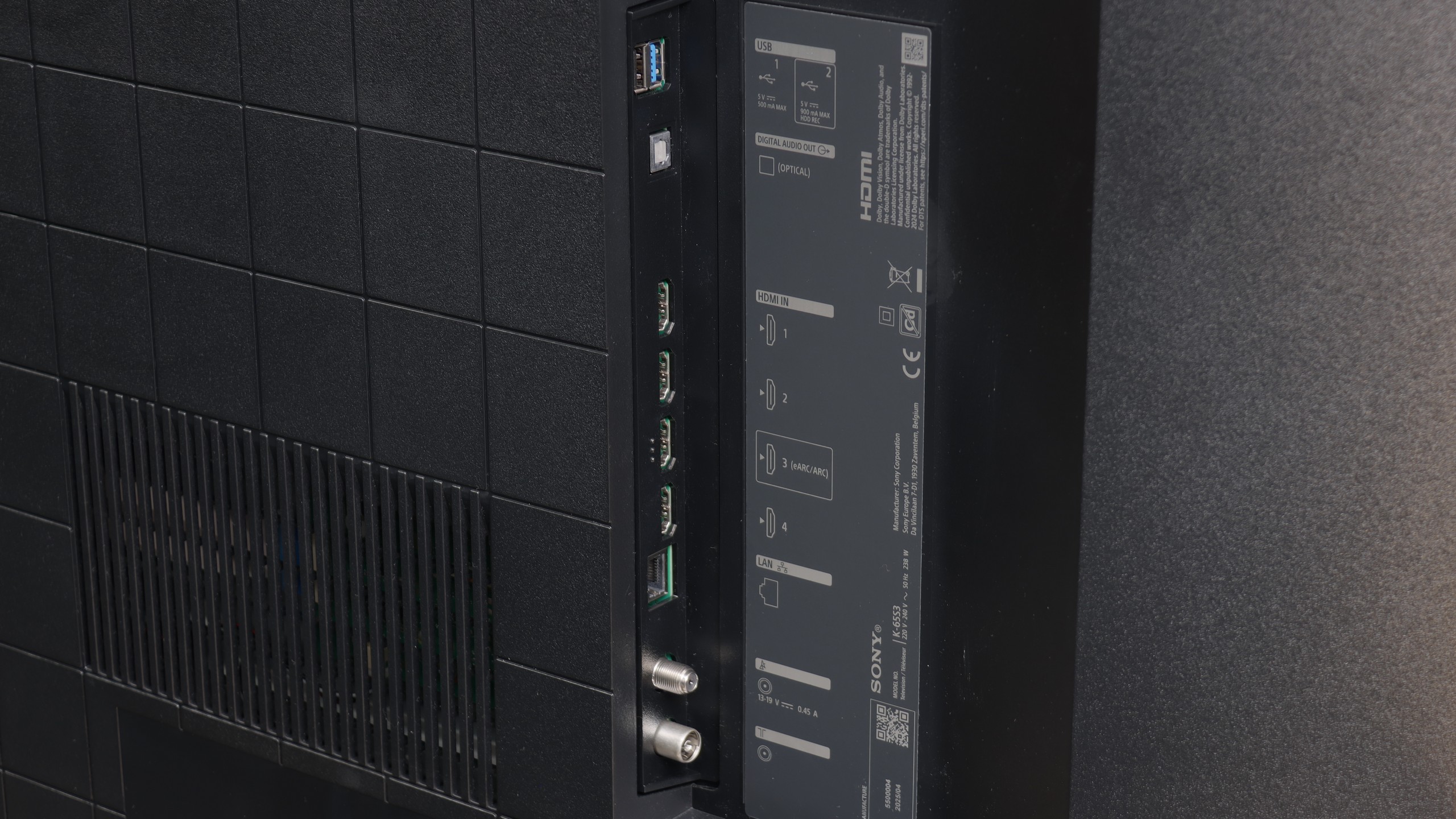
4 x HDMI 2.0, 0 x HDMI 2.1
0 x HDMI 2.0, 4 x HDMI 2.1 (48Gbps)
Other inputs
IR (remote)
Outputs
Toslink (Optical audio), eARC (HDMI), ARC (HDMI)
Network Interfaces
Wi-Fi 2.4GHz, Wi-Fi 5GHz, Ethernet (LAN) 100Mbps
Build quality
Good
Super Premium
Stand type
Legs
Central
Bezel color
Graphite
Silver
Stand
Base adjustment
Fixed
Flat design
No
Yes
Accessories
Two remote controls, Stand
Wall bracket

Contrast and black detail

2.2/10

10/10

Local dimming function: No

Contrast:

Review SONY BRAVIA 3 Contrast and black detail

Result

1,150:1

Review SONY BRAVIA 3 Contrast and black detail

Result

1,150:1

Review SONY BRAVIA 3 Contrast and black detail

Result

1,050:1

Review SONY BRAVIA 3 Contrast and black detail

Result

1,050:1

Review SONY BRAVIA 3 Contrast and black detail

Result

900:1

Review LG OLED G6 (G64LW, G66LS) Contrast and black detail

Result

:1

Review LG OLED G6 (G64LW, G66LS) Contrast and black detail

Result

:1

Review LG OLED G6 (G64LW, G66LS) Contrast and black detail

Result

:1

Review LG OLED G6 (G64LW, G66LS) Contrast and black detail

Result

:1

Review LG OLED G6 (G64LW, G66LS) Contrast and black detail

Result

:1

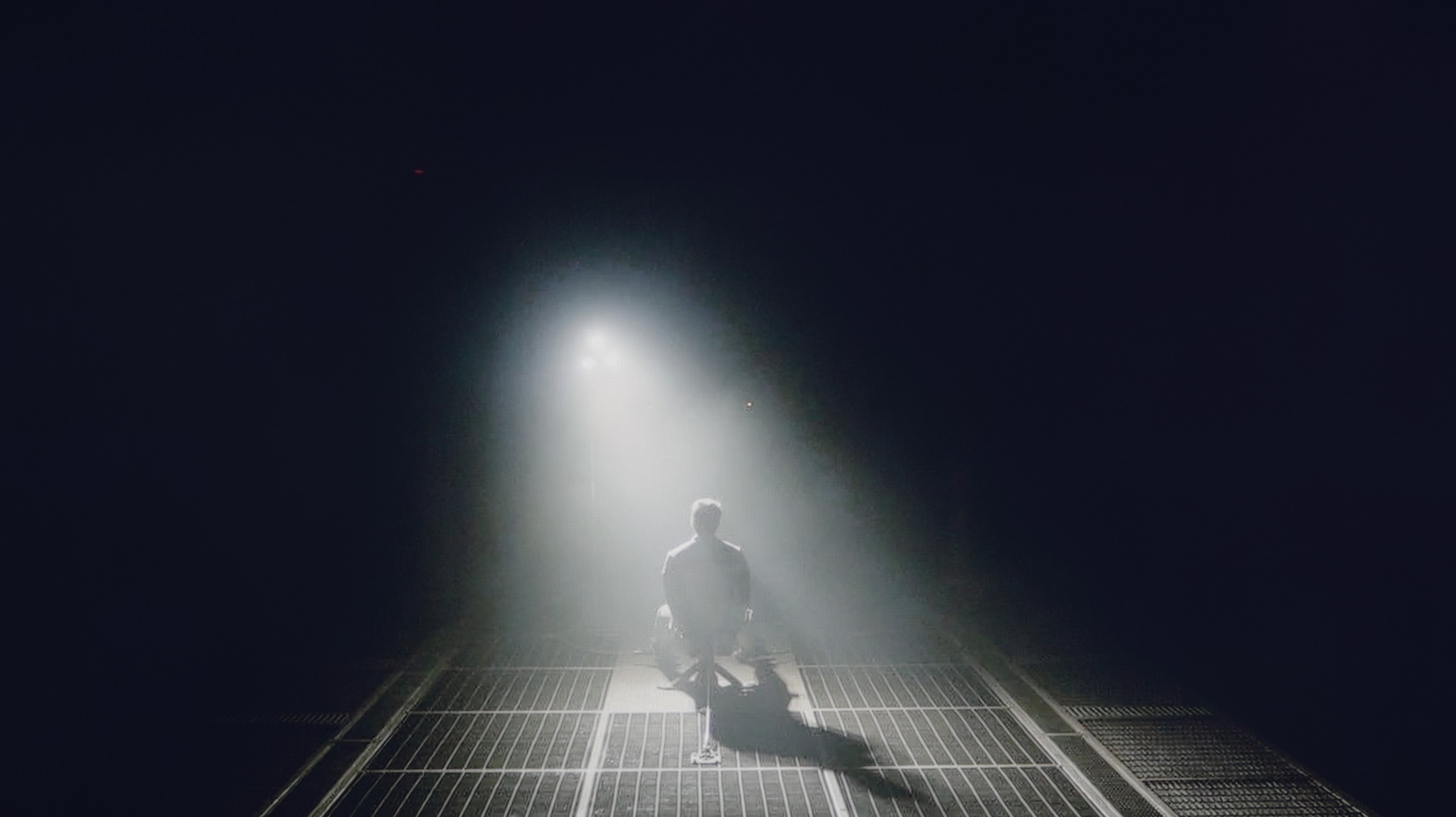
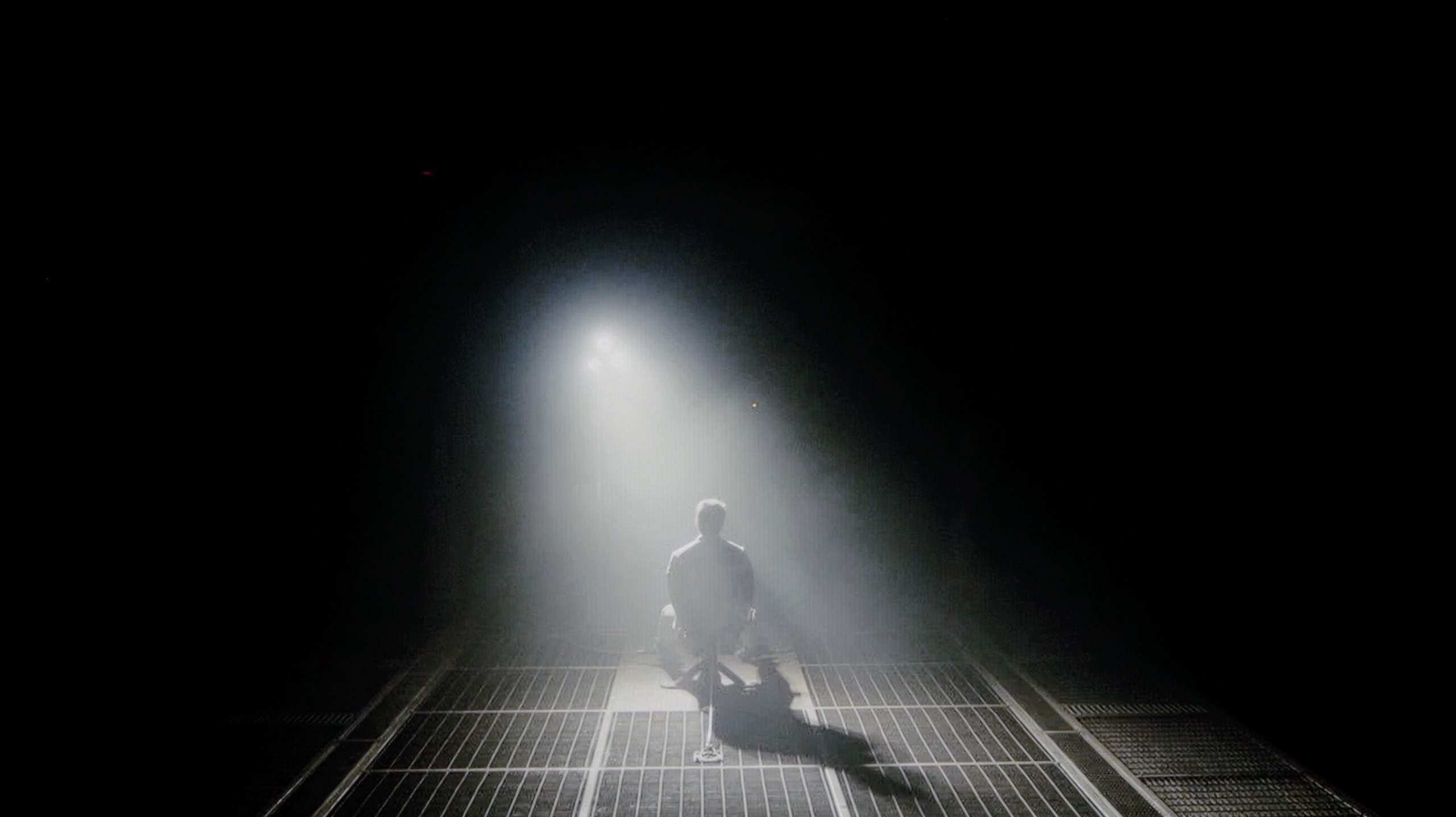
Halo effect and black detail visibility:

Check the visibility of bright lights on a dark background. Mini-LEDs often struggle with this. The photo does not compare black levels – that’s what the video below is for.

The video accurately shows differences in contrast and black levels between TVs, as well as potential issues: halo around bright objects or Mini-LED zone operation visible as brightness jumps.

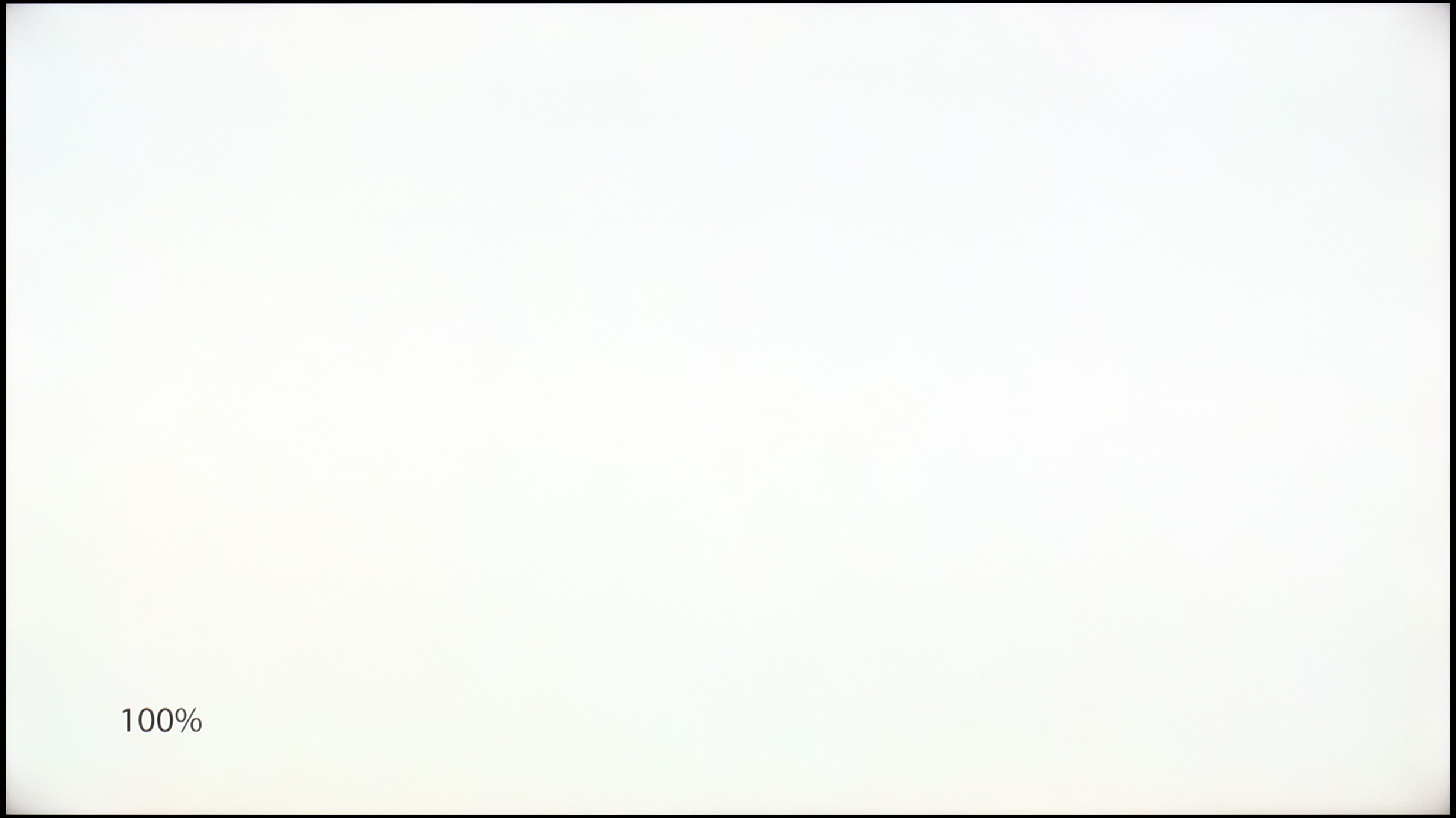
Bravia 3 in most variants, including the 65-inch model we tested, uses an IPS panel and unfortunately, this isn't the best news for those who value depth of image and truly velvety blacks. This technology has its advantages, offering decent viewing angles, but they come at the cost of very low contrast, which is particularly noticeable during evening viewing sessions when we expect the screen to go dark where it should. However, the list of problems doesn't end there. Our unit also showed noticeable imperfections in the blacks, which exacerbate the effect of their shallowness. For instance, in the scene with the helicopter, you can clearly see blooming in the corners of the screen and noticeable vignetting.

It's hard not to think that even a simple local dimming system could have salvaged the situation and added a bit of drama to the image, which is lacking here. Unfortunately, Sony has not opted for such a solution, and as a result, we have a repeat of last year's performance. So, Bravia 3 is not a television that will charm with cinematic depth of black. At night, instead of intense black, we are more likely to see grey pretending to be darkness, which may disappoint more discerning viewers.

As the LG G6 is based on OLED technology, specifically the WOLED TANDEM 2nd gen matrix, when it comes to black levels and contrast, we’re talking about perfection, which is confirmed by our lab measurements – in every test scenario, the TV achieved an absolute infinity mark. The ability to independently control each pixel gives it a significant advantage over any LCD panel on the market. This translates to a brilliant, plastic depth of image that immediately pulls you into any possible viewing experience. This is clearly visible in the example of a dark, challenging scene with a helicopter from the film Sicario 2. While traditional screens with local dimming (including Mini-LEDs) can generate an annoying “halo” effect in such moments, lighten black bars in films, or lose details in the shadows, the LG G6 handles it flawlessly. Black, where it needs to be black, remains pitch-black and perfectly separated from bright points.

*A small note: during this test, a quite strong grain and flickering of the image are noticeable. However, we do not take this into account when assessing the contrast itself and this part of the review – we will describe this specific issue in the further section. Paragraph: "Smoothness of tonal transitions".

HDR effect quality

4.6/10

9.1/10

Supported formats
HDR10, Dolby Vision, HLG
HDR10, Dolby Vision, Dolby Vision IQ, HLG
Color gamut coverage
DCI P3: 91.3%, Bt.2020: 69.0%
DCI P3: 99.5%, Bt.2020: 83.9%

Luminance measurements in HDR:

Review SONY BRAVIA 3 Brightness measurement

Result

316 nit

Review SONY BRAVIA 3 Brightness measurement

Result

327 nit

Review SONY BRAVIA 3 Brightness measurement

Result

369 nit

Review SONY BRAVIA 3 Brightness measurement

Result

236 nit

Review SONY BRAVIA 3 Brightness measurement

Result

379 nit

Review LG OLED G6 (G64LW, G66LS) Brightness measurement

Result

2387 nit

Review LG OLED G6 (G64LW, G66LS) Brightness measurement

Result

2345 nit

Review LG OLED G6 (G64LW, G66LS) Brightness measurement

Result

2418 nit

Review LG OLED G6 (G64LW, G66LS) Brightness measurement

Result

2439 nit

Review LG OLED G6 (G64LW, G66LS) Brightness measurement

Result

1844 nit

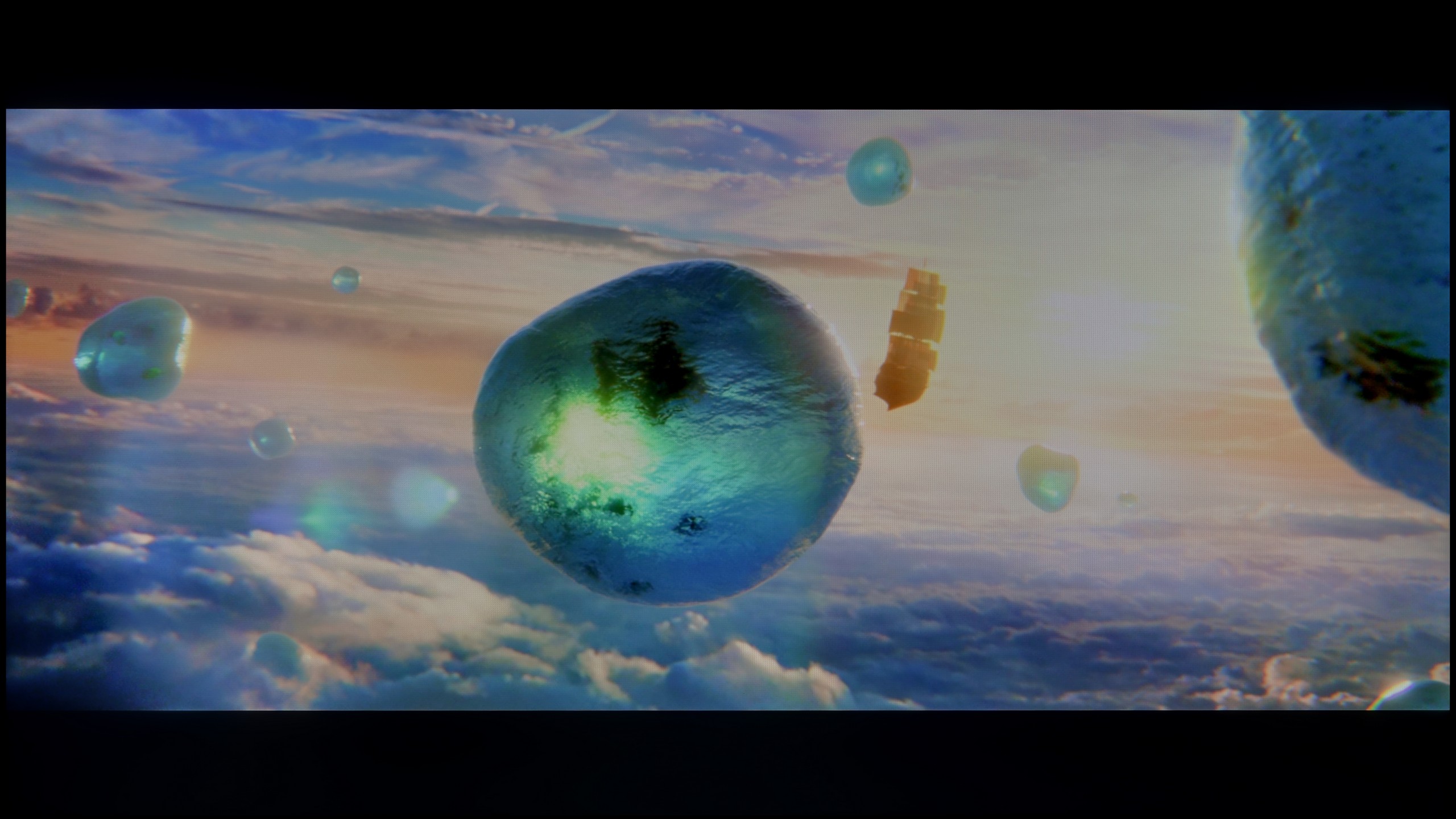
Scene from the movie “Pan” (about 2800 nits)

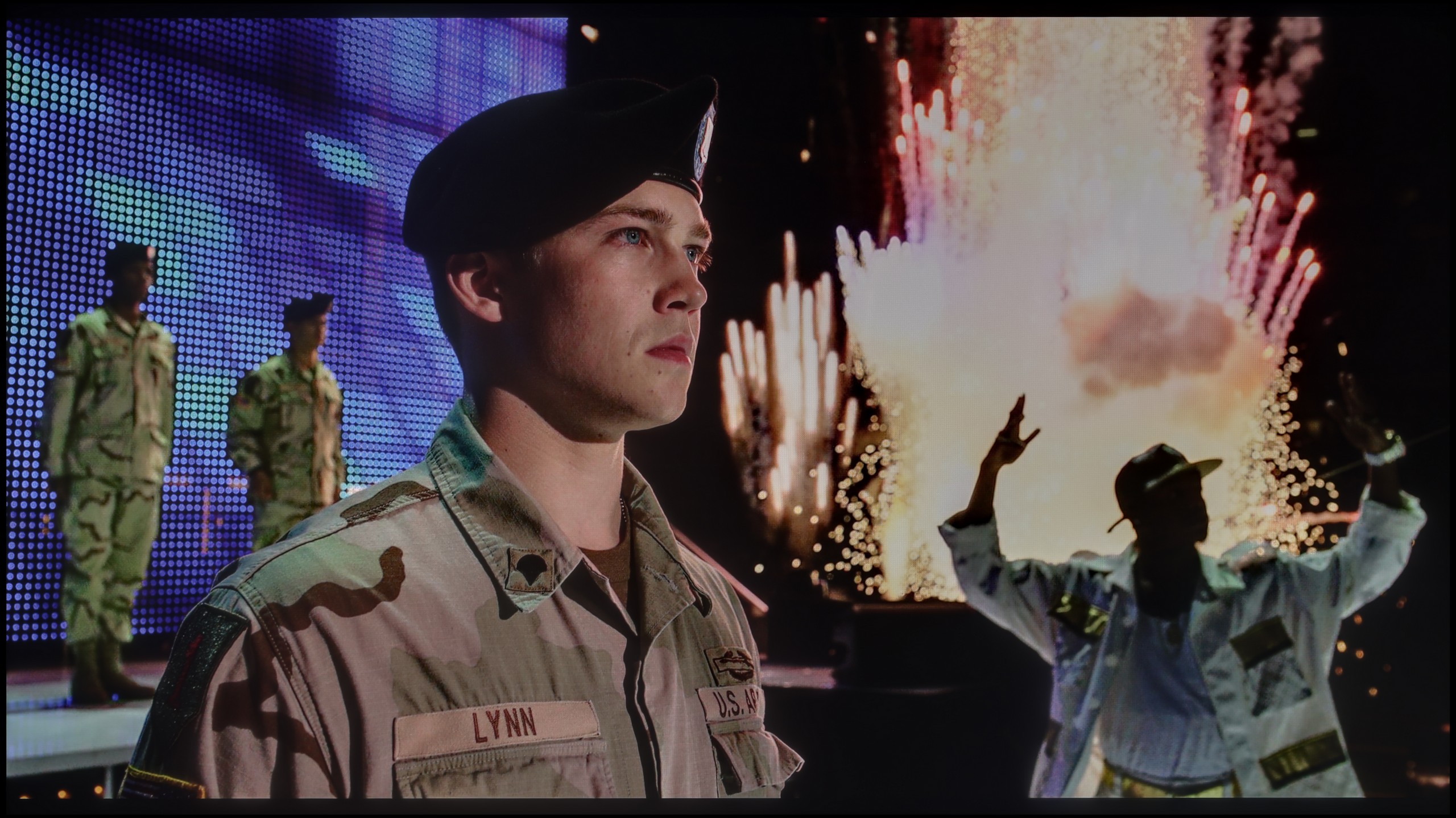
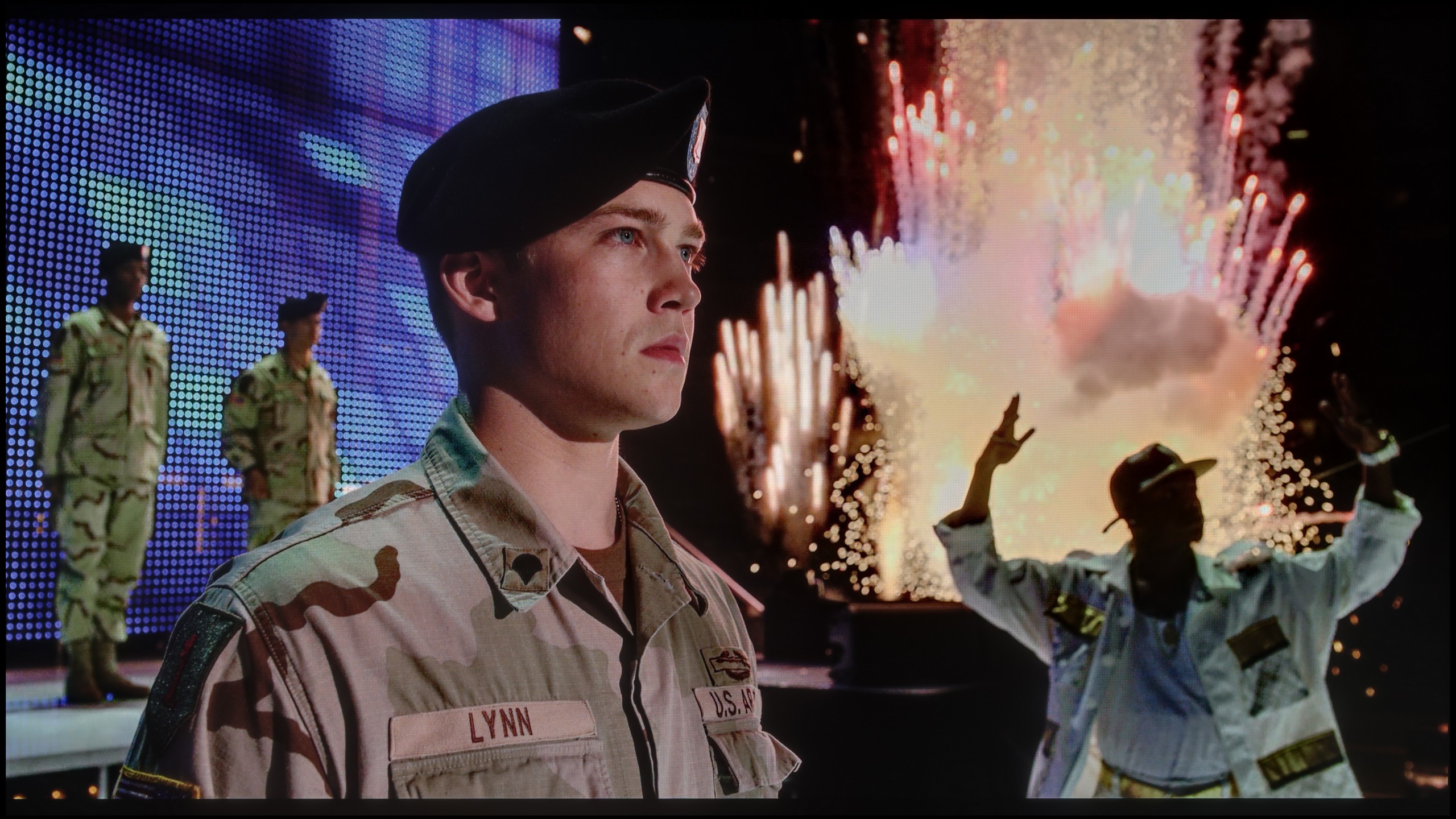
Scene from the movie “Billy Lynn” (about 1100 nits)

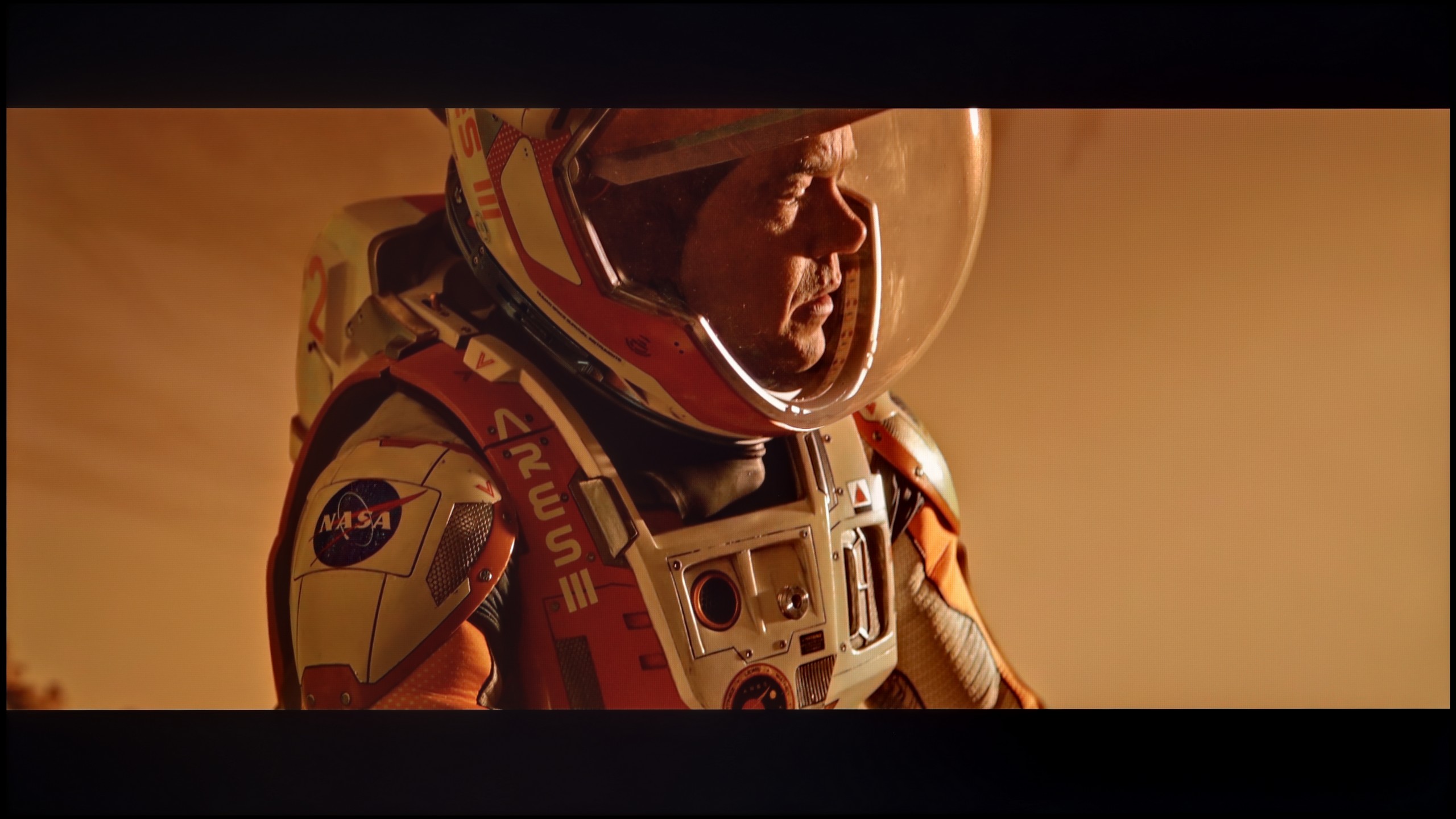
The photos show two HDR10 movies. 'Pan' is one of the brightest productions ever made, while 'Billy Lynn' (soldier) has brightness typical of streaming (Netflix, Prime, HBO MAX). Notice the intensity of effects and detail in whites.

Static HDR10

The photos present the visibility of white details in various HDR formats. They do not show brightness differences between TVs (these can be compared in the previous gallery).

Dynamic: Dolby Vision

Dynamic: Dolby Vision

The photos present the visibility of white details in various HDR formats. They do not show brightness differences between TVs (these can be compared in the previous gallery).

HDR luminance chart:

LG OLED G6 (G64LW, G66LS)

SONY BRAVIA 3

Luminance of RGB colors

Bravia 3 does not hide the fact that it belongs to a group of TVs that are rather modest in terms of brightness. Our measurements showed around 370 nits, which is a value balancing on the brink where any HDR effect can still be discussed. For some, this is an acceptable level, while for others it is more typical for SDR materials, where spectacular flashes or vivid contrasts are not expected. The impression is that this is not a TV for those focused on the highest image quality in demanding film content. However, this does not mean that there are no advantages to be found here. Compared to its predecessor, the X75WL, the Bravia 3 has gained an additional PFS filter, which works similarly to solutions known from QLED technology. Thanks to this, the DCI-P3 color gamut has been significantly expanded, reaching over 91 percent, which in practice results in more saturated colours and a more pleasing texture of the image. As a result, even everyday content looks a bit more vibrant, and films and series can surprise with their colourful presentation, despite limitations in brightness itself.

The LG G6 is currently one of the brightest OLEDs on the market. Its peak brightness reaches nearly 2500 nits and, best of all, this translates directly to real movie scenes. The TV flawlessly extracts details in the bright areas of the image. And this is regardless of whether we are talking about very small points in the form of stars in the sky or slightly larger elements on the screen. Naturally, with full-screen, uniformly white scenes, the brightness of the G6 drops due to the panel protection system (ABL). However, in real, varied movie shots, this value still hovers around an impressive 2000 nits, which can be considered a remarkable result. The coverage of the color palette also deserves praise. The new 2nd generation Tandem OLED panel has brought about only a cosmetic change, but still an improvement. The coverage of the DCI-P3 color space reaches nearly 99.5%, while the ultra-wide BT.2020 is around 84%. These are very good results, although it's important to remember one thing: at extremely high brightness levels, the volume of colors will be lower than in QD-OLED panels from Samsung Display due to the use of white sub-pixels (WOLED). However, in everyday content and most films, capturing this difference will be very difficult.

Factory color reproduction

5.8/10

7.4/10

This gallery shows how colors change after professional TV calibration. If you notice the difference, we recommend ordering this service at SkalibrujTV.com.

Factory Mode

After calibration

This gallery shows how colors change after professional TV calibration. If you notice the difference, we recommend ordering this service at SkalibrujTV.com.

Factory Mode

After calibration

We primarily tested the Sony Bravia 3 in movie mode, which immediately turned out to be the best choice among the factory settings. It's not a perfect picture, but compared to the eco mode that the TV suggests straight out of the box, the difference is evident and definitely better. In movie mode, there is a noticeable issue: the picture seems too warm, which is due to the lack of blue colour in the white balance. Nevertheless, in SDR content, the final effect can still be considered quite decent and satisfactory for everyday viewing. Much more serious errors arise in HDR materials. The Color Checker analysis showed significant deviations, and poor brightness management, combined with limited colour gamut coverage, further exposes the shortcomings of the picture in this mode. All of this makes HDR on the Bravia 3 look unconvincing and can ruin the impression left by the otherwise quite decent SDR content settings. Fortunately, it’s not a hopeless situation. Various errors can be somewhat mitigated, and some can even be completely corrected through professional calibration. That's why we decided to check how the TV would perform after such adjustments.
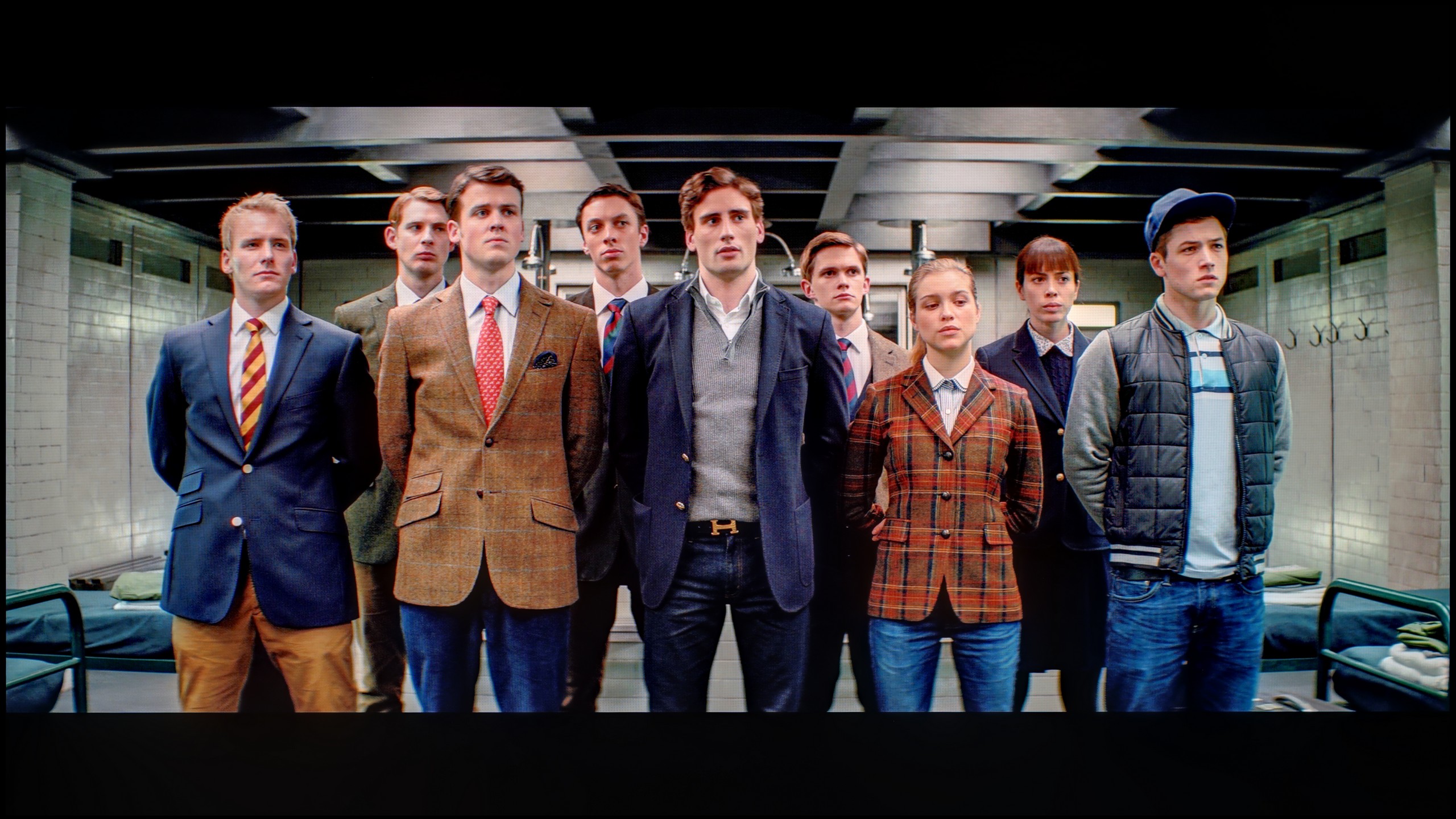
We tested the LG G6 in the best factory mode for colour fidelity, which is FILMMAKER MODE. In the case of our test unit, this mode was reasonably well tuned straight out of the box. In SDR content, the only issue we noticed was the white balance, which leaned towards warmer tones. This made the image occasionally appear slightly yellowish, but overall, it wasn't a significant problem. The G6 performed a bit worse in HDR content. There, the white balance showed too much blue component. This caused the image to veer towards cooler shades, resulting in quite noticeable errors. As can be seen on our ColorChecker chart, the colours shifted towards these cooler registers. Nevertheless, considering the factory settings, the television presented a perfectly decent level. However, we know that OLED screens – particularly those from LG – respond exceptionally well to professional calibration, so we immediately proceeded to do just that.

Color reproduction after calibration

7.5/10

9.2/10

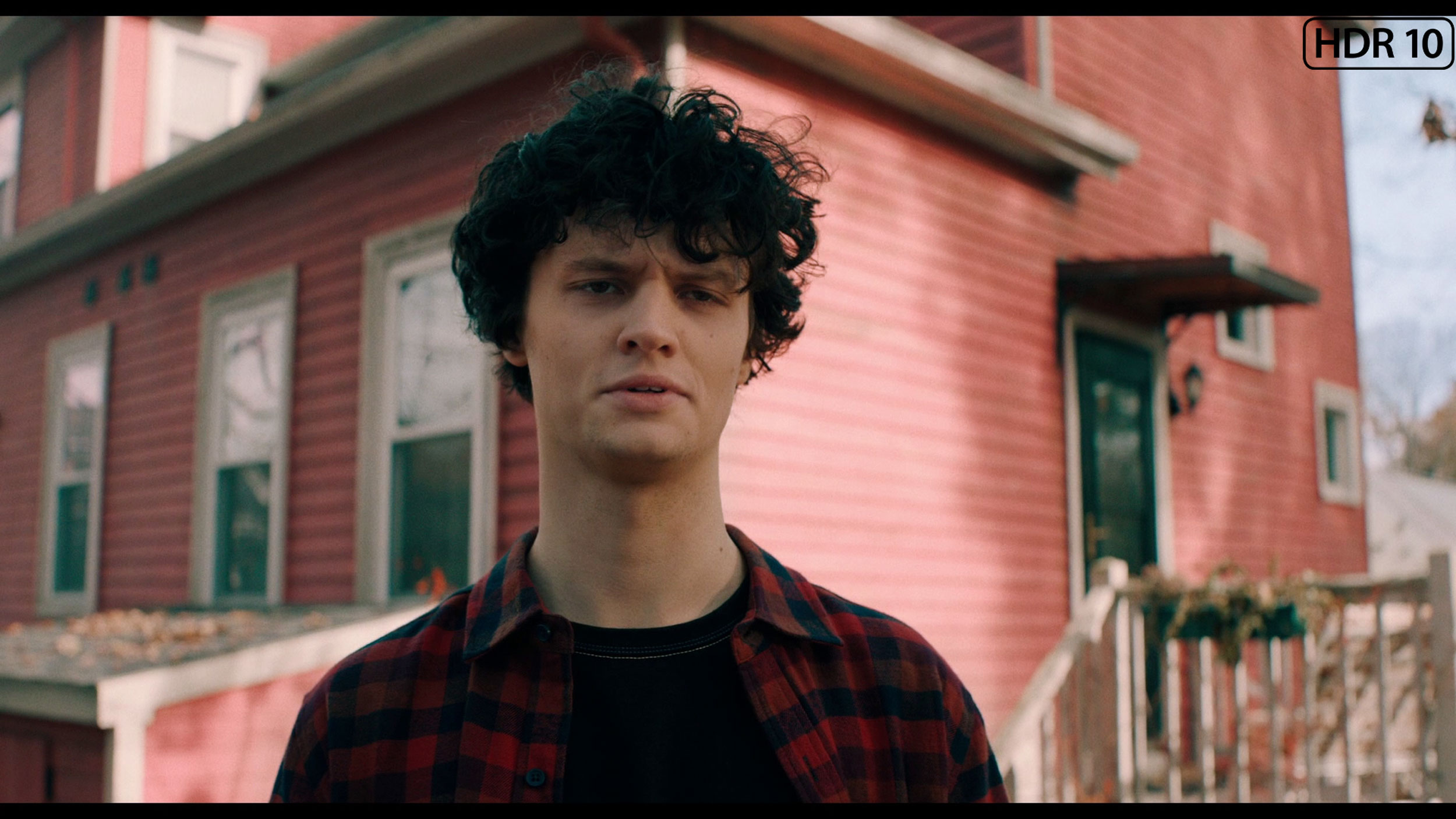
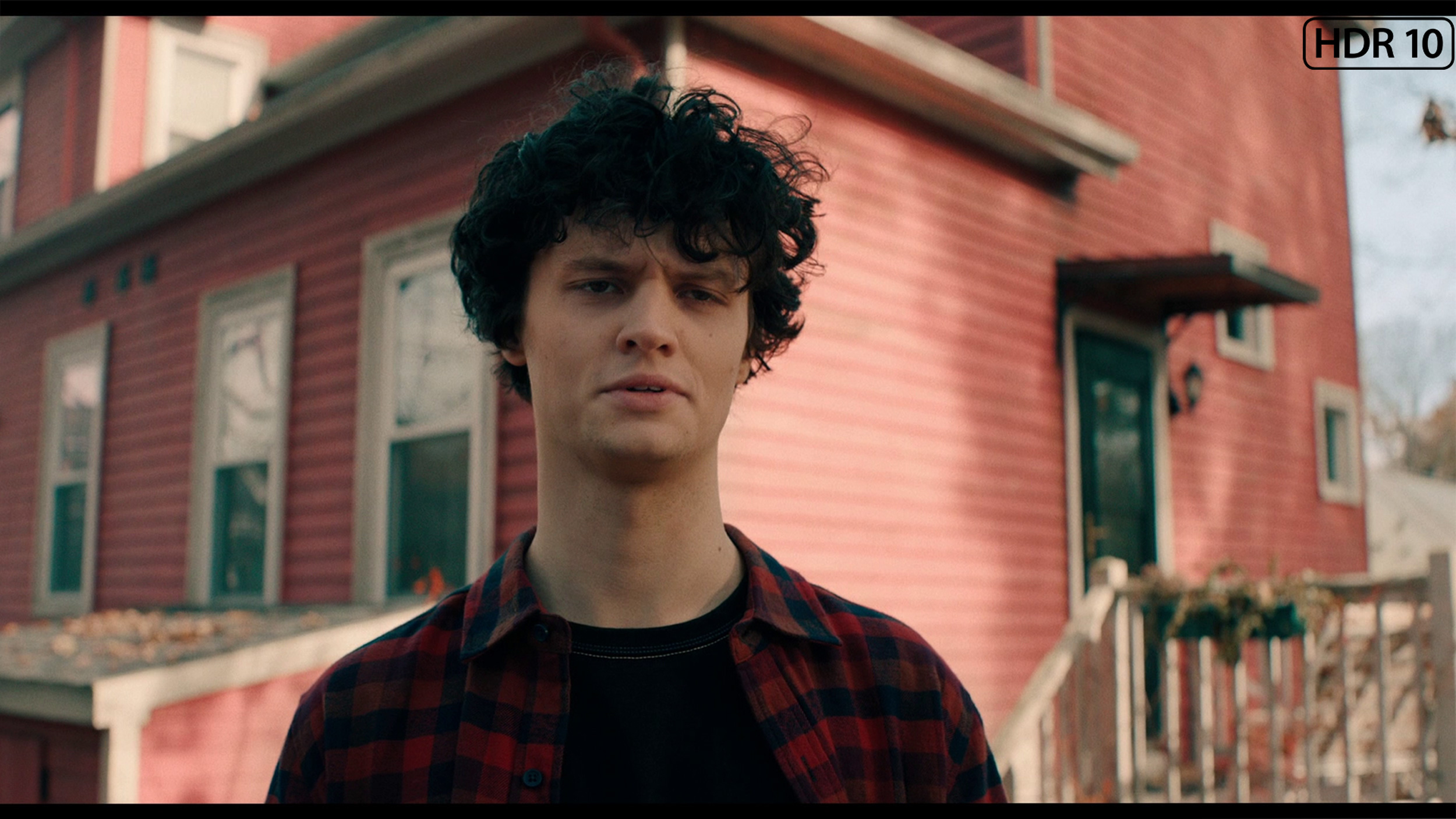
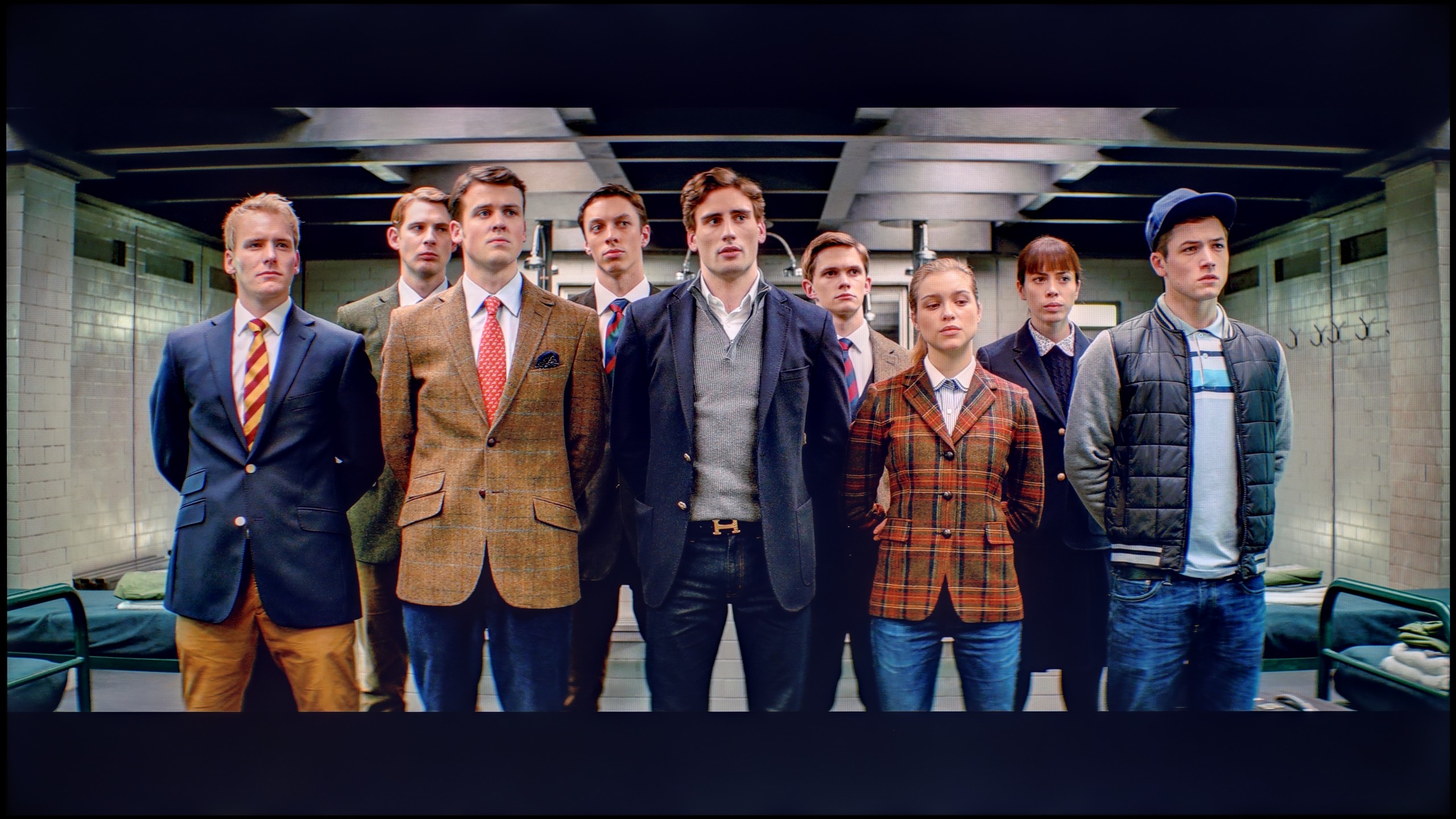
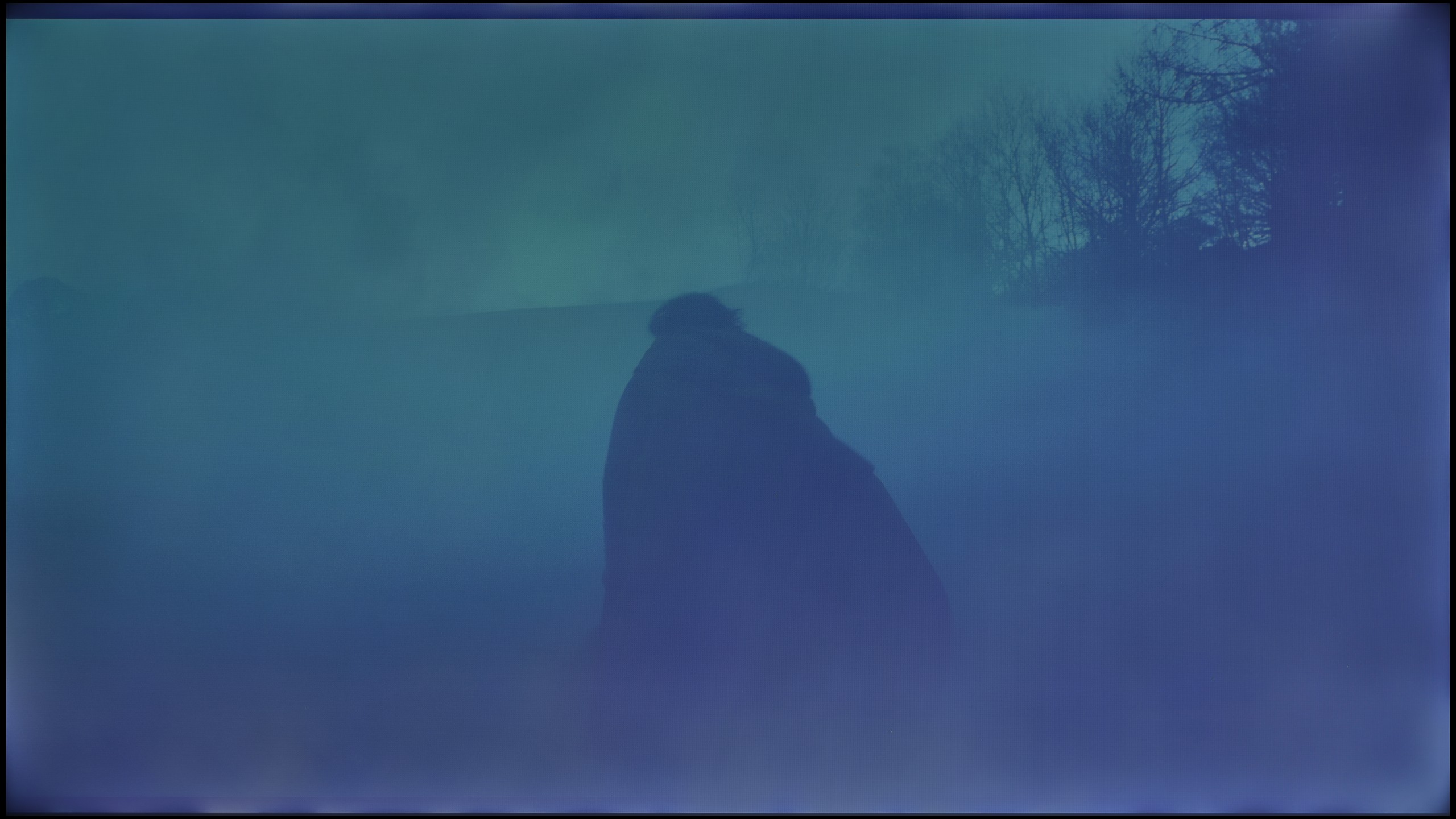
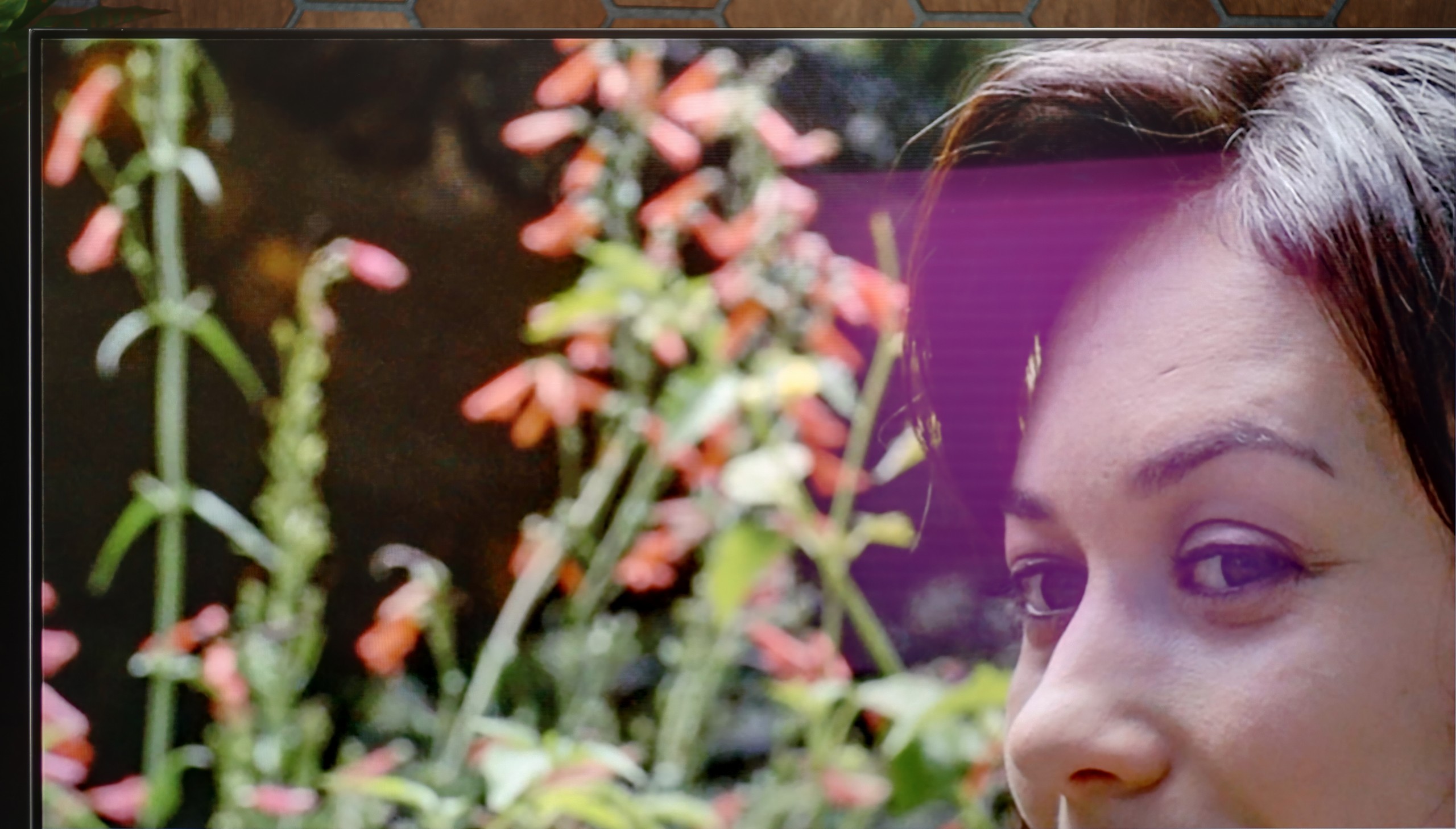
The photos show how movies look on the TV. Pay attention to black detail visibility, colors, and shadow tint.

The photos show how movies look on the TV. Pay attention to black detail visibility, colors, and shadow tint.

Calibration allowed us to extract significantly more from ChooseTV 3 than we could have expected at the beginning. First and foremost, it managed to address the deficiency of blue, which previously caused a noticeable warming of the image. After a slight adjustment in white balance, most errors in the Color Checker measurements for SDR content practically disappeared. The whites took on a natural tone, and brightness management in gamma stabilised to an almost ideal level, not exceeding the threshold of what the human eye can perceive. So it is safe to say that in SDR content, after a few adjustments in the settings, ChooseTV 3 performs really well. It fares much worse, although still definitely better than before calibration, when it comes to HDR content. The white balance has been brought in line, but the limitations of the IPS panel are insurmountable. The lack of local dimming means that even the smallest elements can be overexposed, which is immediately noticeable. Colour-wise, the effect has also improved, although it is far from perfect – many errors still exceed the threshold of four, and even five delta E units, remaining visible to the human eye. It was already clear earlier that ChooseTV 3 is not a television designed to impress with HDR quality. Nevertheless, it is pleasing that in SDR content, after calibration, the picture can look really great and in this category, the television pleasantly surprised us.

After completing a professional calibration, we gained complete control over the panel, and we managed to align all parameters to nearly zero. We were able to tune the white balance perfectly, which removed the factory's cool and warm tints from the screen. The effects are visibly clear in the ColorChecker test – the average colour reproduction errors dropped below the critical value of 1-2. And what does this mean? PERFECT colours, without any distortion! However, as a reviewer’s duty, we must point out how the LG G6 arbitrarily manipulates brightness, which is due to the EOTF curve's behavior. When we look at the standard synthetic graph, it might seem that the line is quite straight. However, the situation changes when we turn on the measurement filter, which shows how the television interprets brightness in actual, moving film scenes (EOTF in MOVIES). Then, it is clear as day that some of the smallest fragments on the screen are slightly overly brightened by the algorithm. Of course, for the average viewer, such a deviation will practically go unnoticed, but in the test of such an expensive screen, it’s worth noting – especially since we are talking about a model that has huge aspirations for the title of the best television of the year.

Smoothness of tonal transitions

8/10

5.5/10

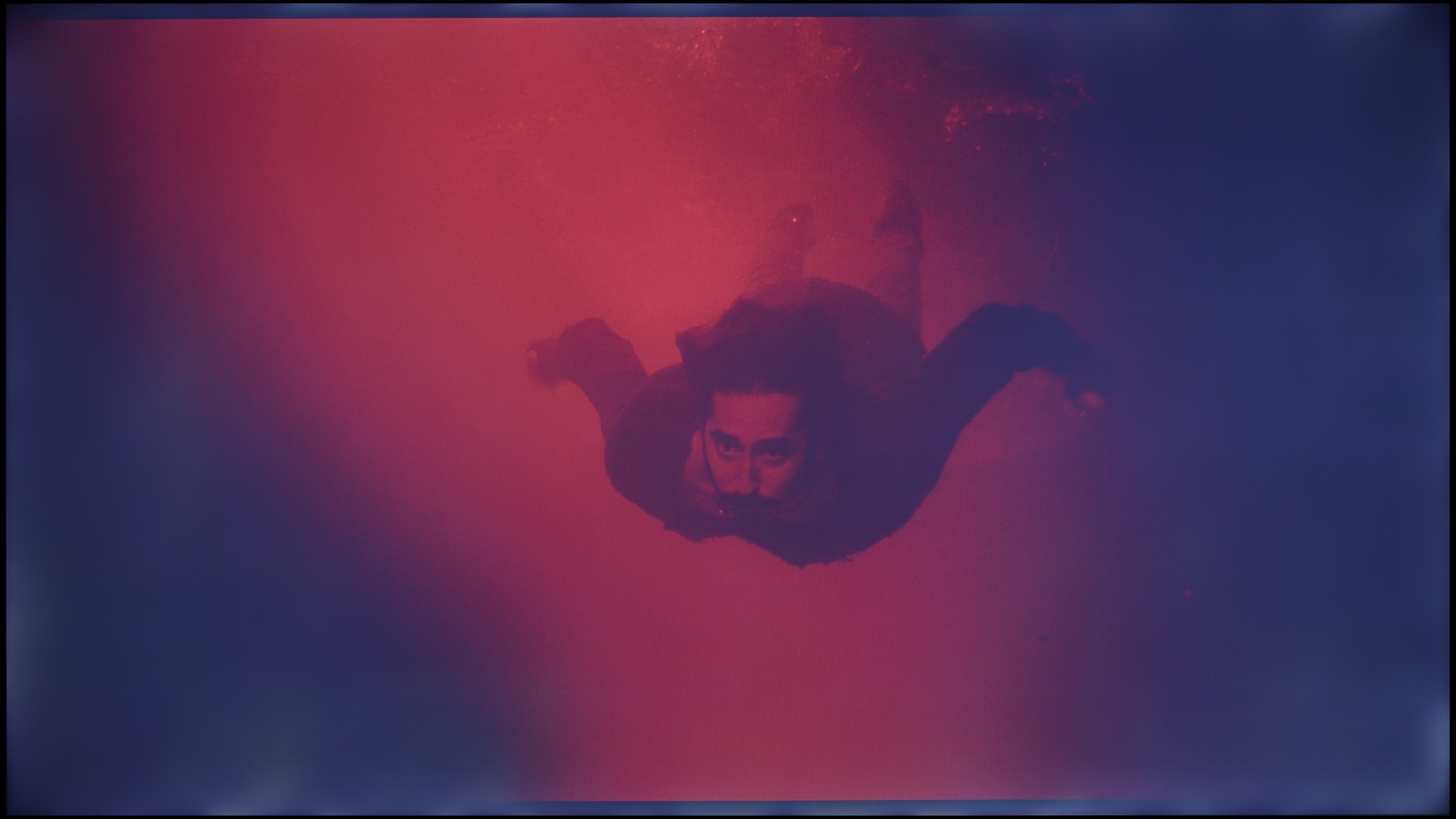
These are selected scenes that show smooth tonal transitions from one color to another. If you see distinct banding, it’s the TV panel’s fault.

These are selected scenes that show smooth tonal transitions from one color to another. If you see distinct banding, it’s the TV panel’s fault.

These are selected scenes that show smooth tonal transitions from one color to another. If you see distinct banding, it’s the TV panel’s fault.

These are selected scenes that show smooth tonal transitions from one color to another. If you see distinct banding, it’s the TV panel’s fault.

In terms of the fluidity of tonal transitions, Bravia 3 performs really well. In brighter scenes, we didn't notice any serious errors – the screen handles colour blending almost perfectly and doesn’t create artificial contours that can spoil the viewing experience. Similarly, in darker segments, there are no major issues with colour gradation, although another problem arises here. Strong brightening and uneven backlighting of the panel in dark scenes make it difficult to definitively assess the gradation itself, because the effect is spoiled by the unevenness of the image. However, if we focus solely on colour blending, the result should be regarded as very good.

Unfortunately, we arrive at the least cheerful part of this review. If we were to evaluate solely the fluidity of tonal transitions, the G6 would score high marks. The blending of colours is at a very good level, and at times it resembles what we've seen from Samsung's QD-OLED panels. This is great news because until now, unsightly, layered bands in dark shades have been the bane of WOLED panels. In this category, we would easily give a strong 8.5 out of 10.


Note: Unfortunately, the final score in this section drops significantly, and the culprit is very aggressive dithering. In dark scenes, the image literally "shakes," and in areas close to black/dark grey, the television can flicker annoyingly. We don’t know exactly what this is due to, but looking at the tests from other reviewers around the world – everyone has encountered exactly the same problem. We hope that LG will fix this as soon as possible with some sort of update. We know that LG is capable of responding quickly to negative user feedback, which can already be read online. We will keep an eye on this and will inform you in case of any improvements.

Image scaling and smoothness of tonal transitions

7/10

8.7/10

Image without overscan on the SD signal
OK
OK
Smooth transition function
OK
OK

Smooth transition function

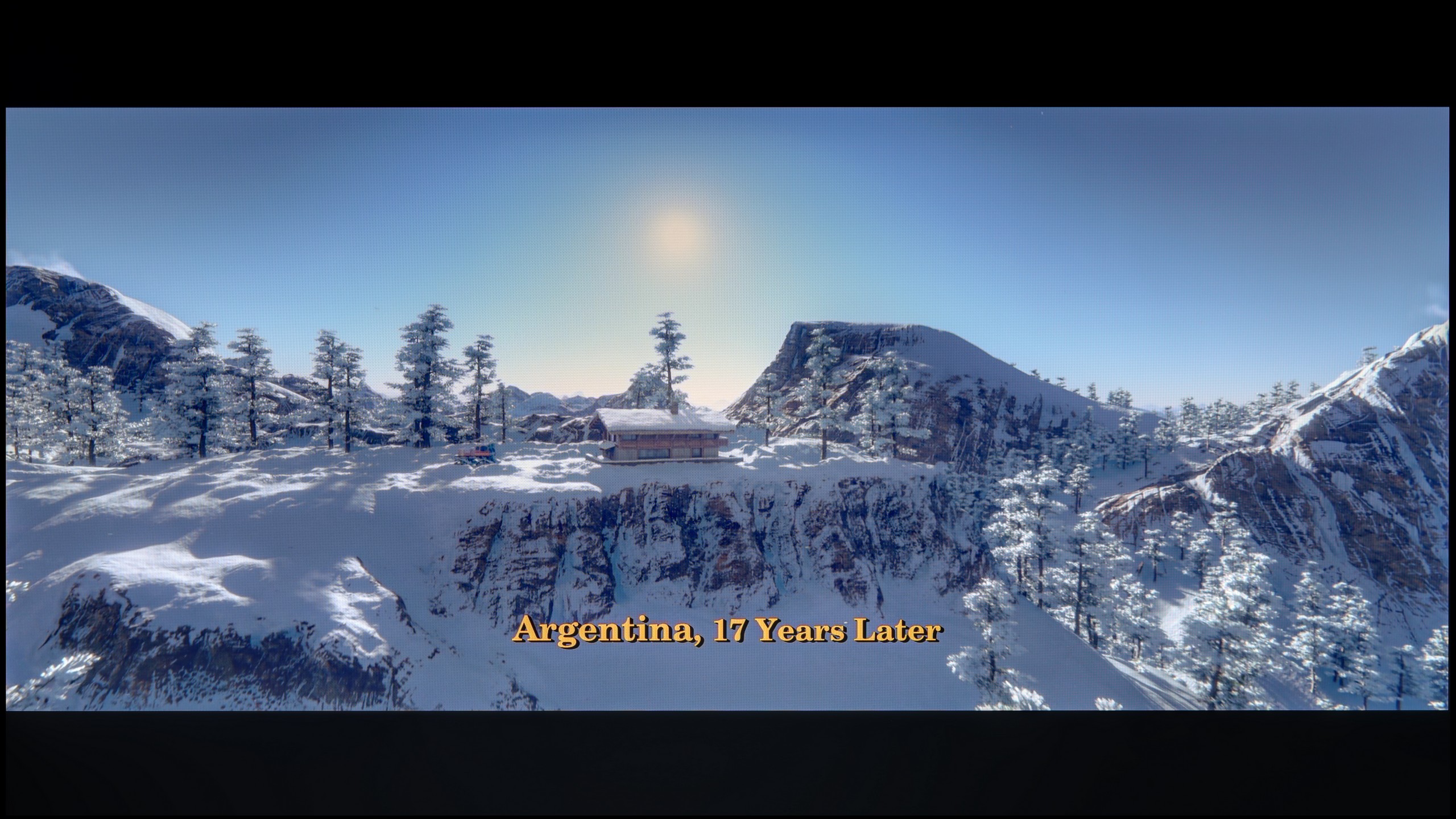
The match photo shows how the TV smooths weak tonal transitions in low-quality video.

Image scaling SD (576i)

The model photo shows how it handles upscaling of SD material.

Bravia 3 brings something more to the Sony television family than just a shared name. It stands out primarily for its ability to enhance the quality of weaker materials thanks to the processor used. Of course, we won’t find the advanced XR chip known from more expensive models here, but nonetheless, it must be said that the image in lower resolution looked surprisingly good. The scaling worked effectively, and most areas of the screen were free from the typical excessive edge roughness found in budget constructions.

Also worthy of attention is the function that improves the smoothness of tonal transitions. In high setting, it works really well, effectively masking gradation imperfections without significant loss of detail. It does happen that the algorithm overzealously smooths elements that should remain sharp – for example, faces – however, in the overall assessment, the effect is beneficial. The best results were achieved precisely at the highest setting, and this is the option we could recommend to those watching lower-quality content.

No matter what one might say about the G6's issues with near-black signal, it must be fairly acknowledged that it handles heavily compressed material and lower resolution content extremely well. All unwanted, ugly tonal transitions are effectively reduced here by the "Smooth Gradation" feature. At the "Low" setting, the algorithm works flawlessly – effectively masking the artifacts resulting from strong compression without destroying the sharpness and details in the frame. Higher levels of this feature do further smooth the image, but they start to blur the real texture elements of the objects, so we recommend keeping this slider at a low level. As for the actual upscaling to 4K, the processor does an excellent job – edge sharpness and detail reconstruction are at the highest level, and in this respect, the G6 is on par with the global leaders.

Blur and motion smoothness

5/10

8.5/10

Maximum refresh rate of the panel
60Hz
165Hz
Film motion smoothing option
OK
OK
Blur reduction option
OK
OK
BFI function 60Hz
Yes, 120Hz (double contours)
Yes, 60Hz (image flickers)
BFI function 120Hz
No
No
Brightness drop with BFI
22%
49%

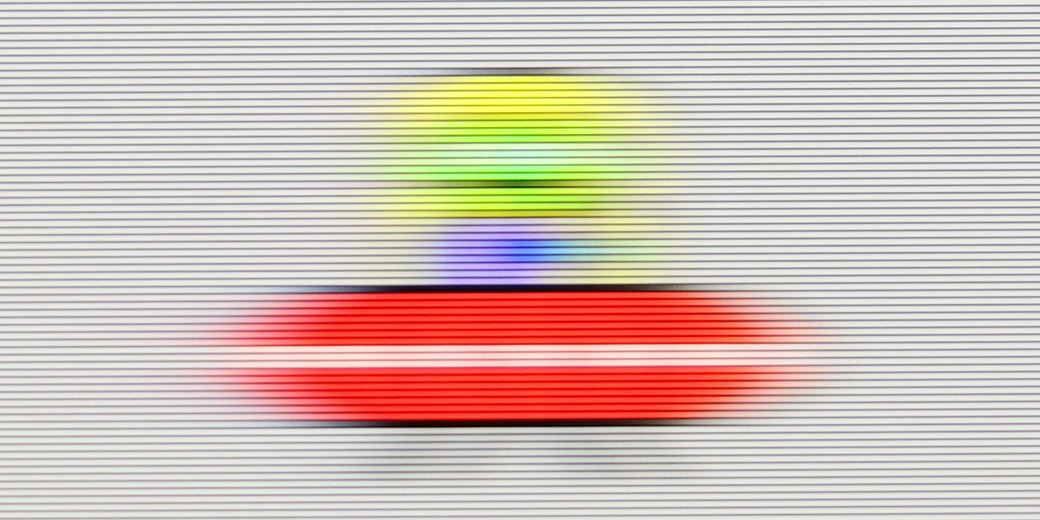
Blur (native resolution, maximum refresh rate):

Blur (BFI function enabled):

Image flickers in this mode

Blur ():

Blur (4K@165Hz):

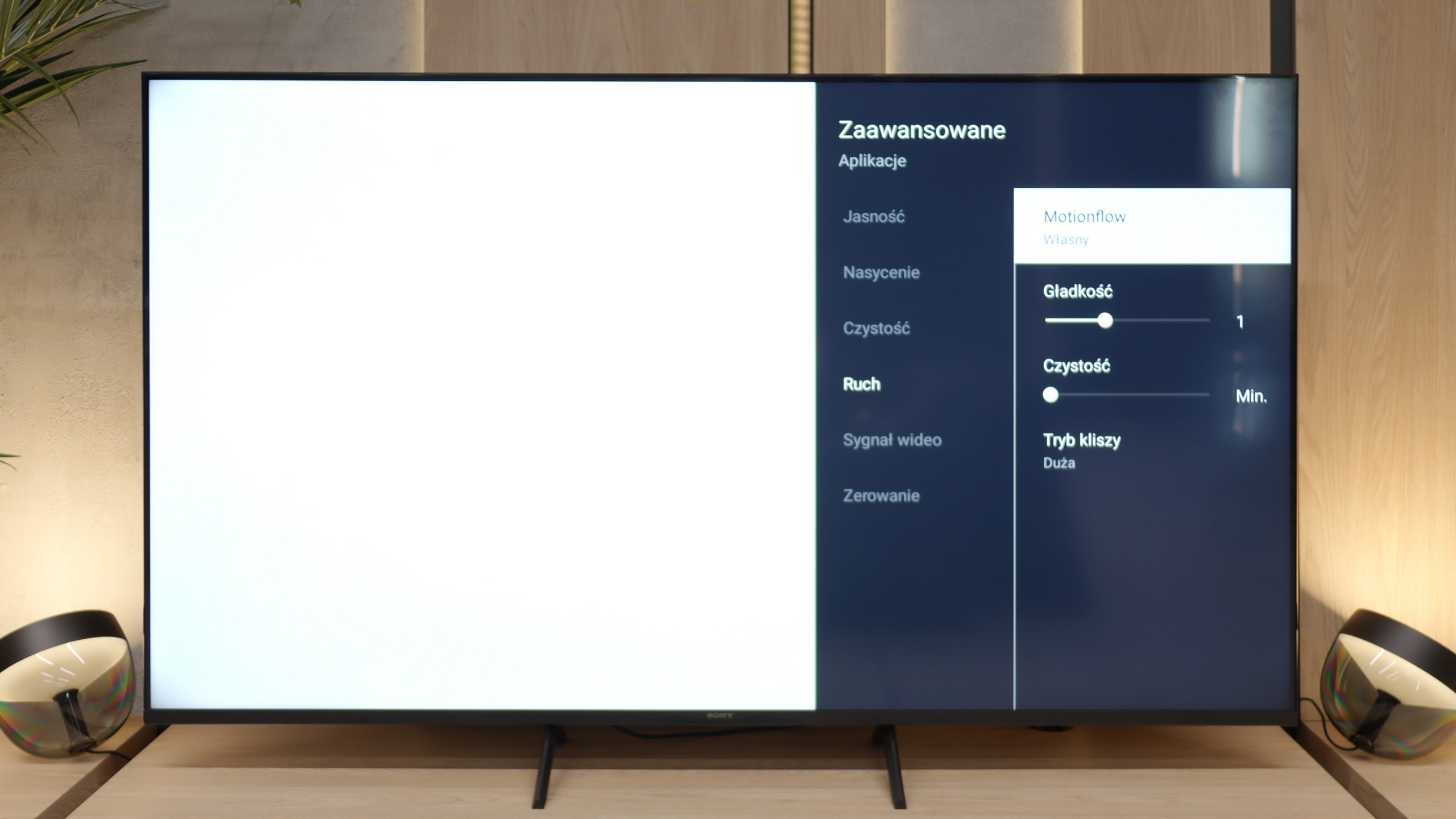
Motion smoothness has never been a strong point of televisions equipped with 60 Hz panels, and the Bravia 3 is no exception. Nevertheless, Sony has included something that may appeal to those more sensitive to the way images are displayed. I'm talking about the proprietary motion smoother, Motion Flow, which gives the user plenty of adjustment options. With it, one can make the image smoother, almost theatrical, or stick to a more cinematic style with characteristic judder that many people simply associate with a filmic atmosphere. These functions work with content at lower frame rates, such as films and series recorded at 24 or 30 frames per second, which is the material we deal with on a daily basis. This is precisely where the motion smoother proves to be one of the most important features in everyday TV usage, and here, the Bravia 3 performs really decently.

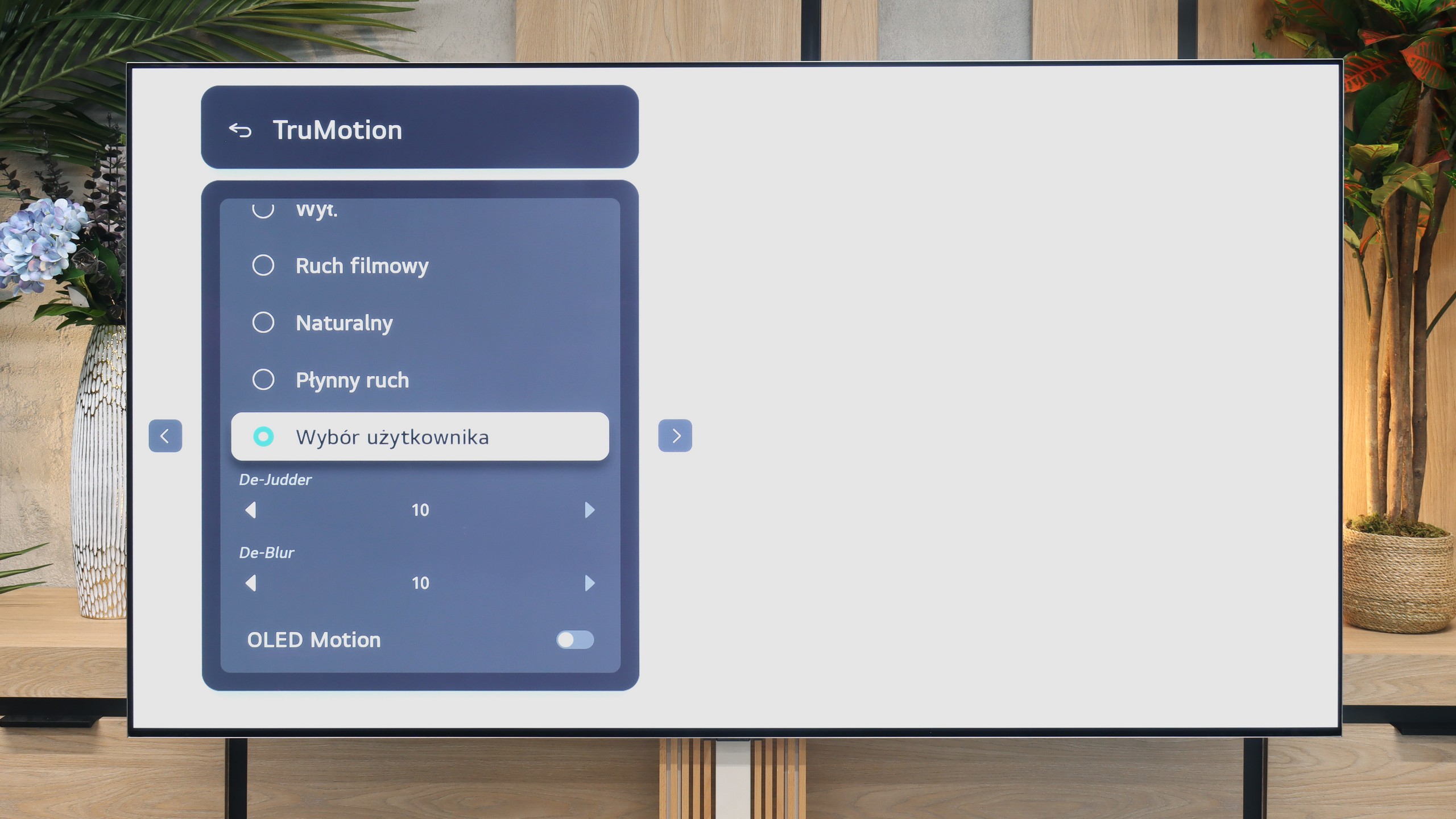
The LG G6 is an OLED television, so in the category of motion fluidity, it traditionally deserves the highest marks. The TV supports very high refresh rates of up to 165 Hz in 4K resolution, but most importantly – there are absolutely no signs of blurring on the screen. The response time of the matrix is virtually instant, ensuring that dynamic images remain perfectly sharp.

Console compatibility and gaming features

4/10

10/10

  • ALLM
    Yes
    Yes
  • VRR
    No
    Yes
  • VRR range
    No
    40 - 165Hz
  • Dolby Vision Game Mode
    Yes
    Yes
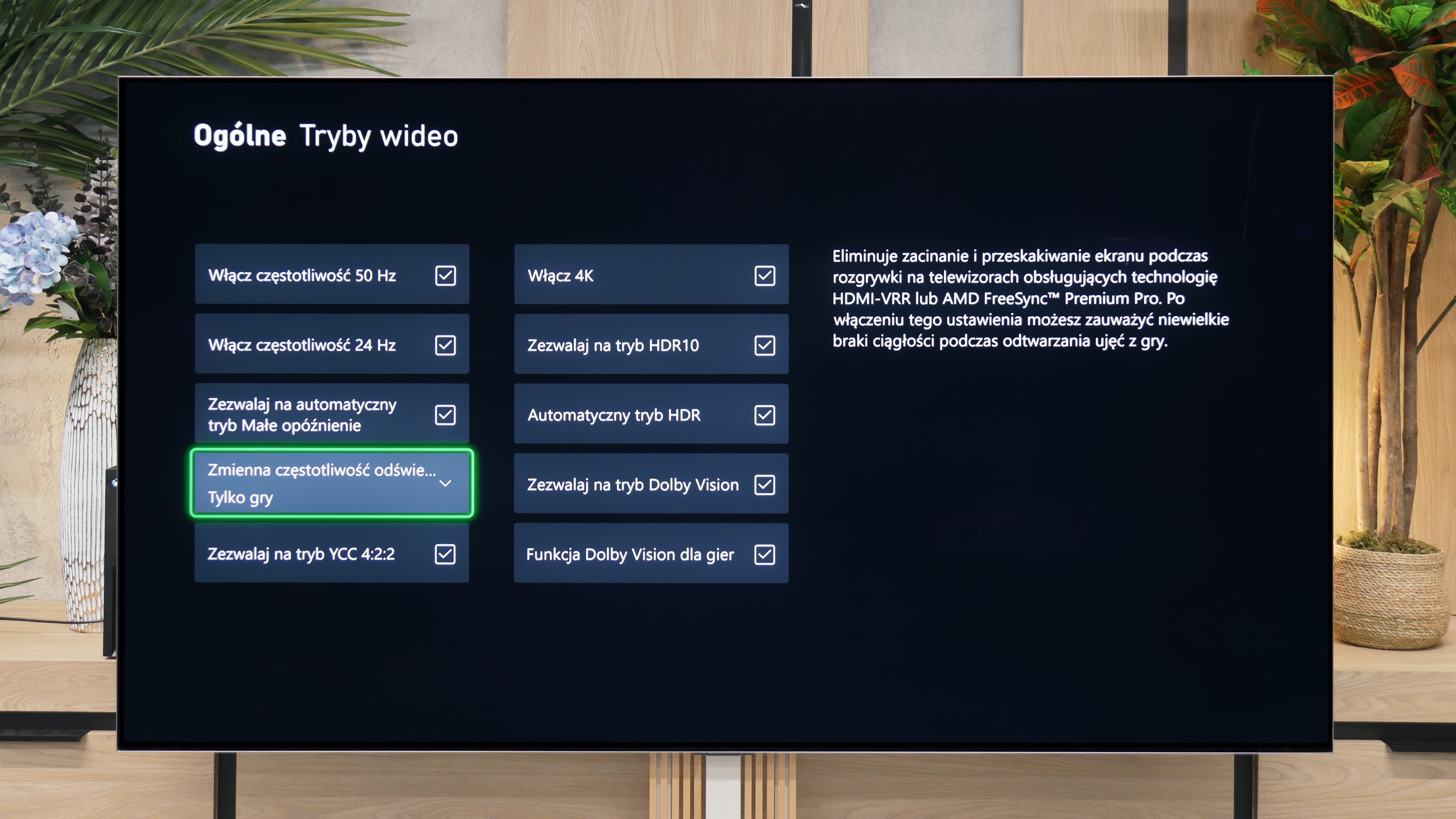
  • Correct implementation of HGIG
    No
    Yes
  • 1080p@120Hz
    No
    Yes
  • 1440p@120Hz
    No
    Yes
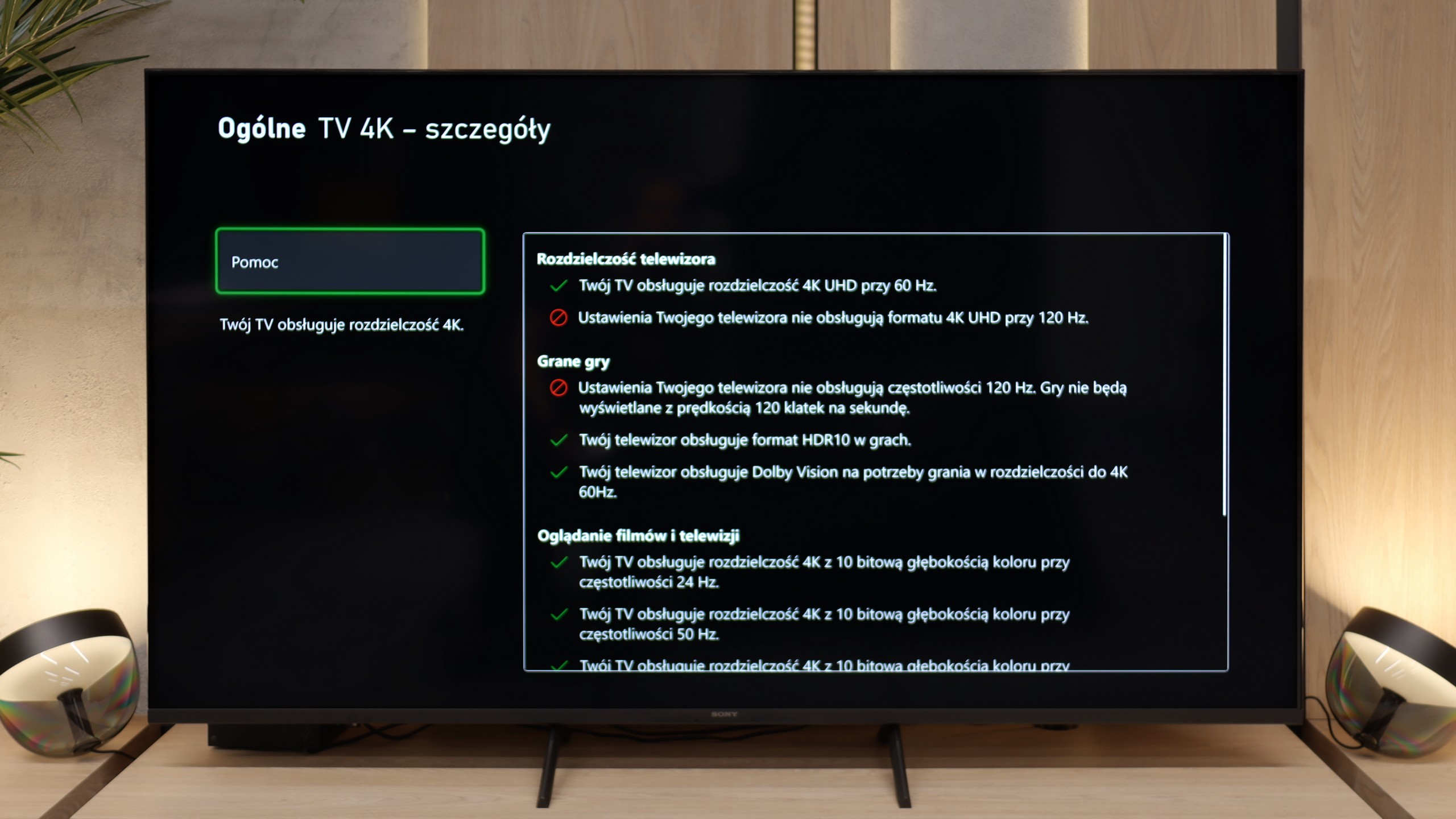
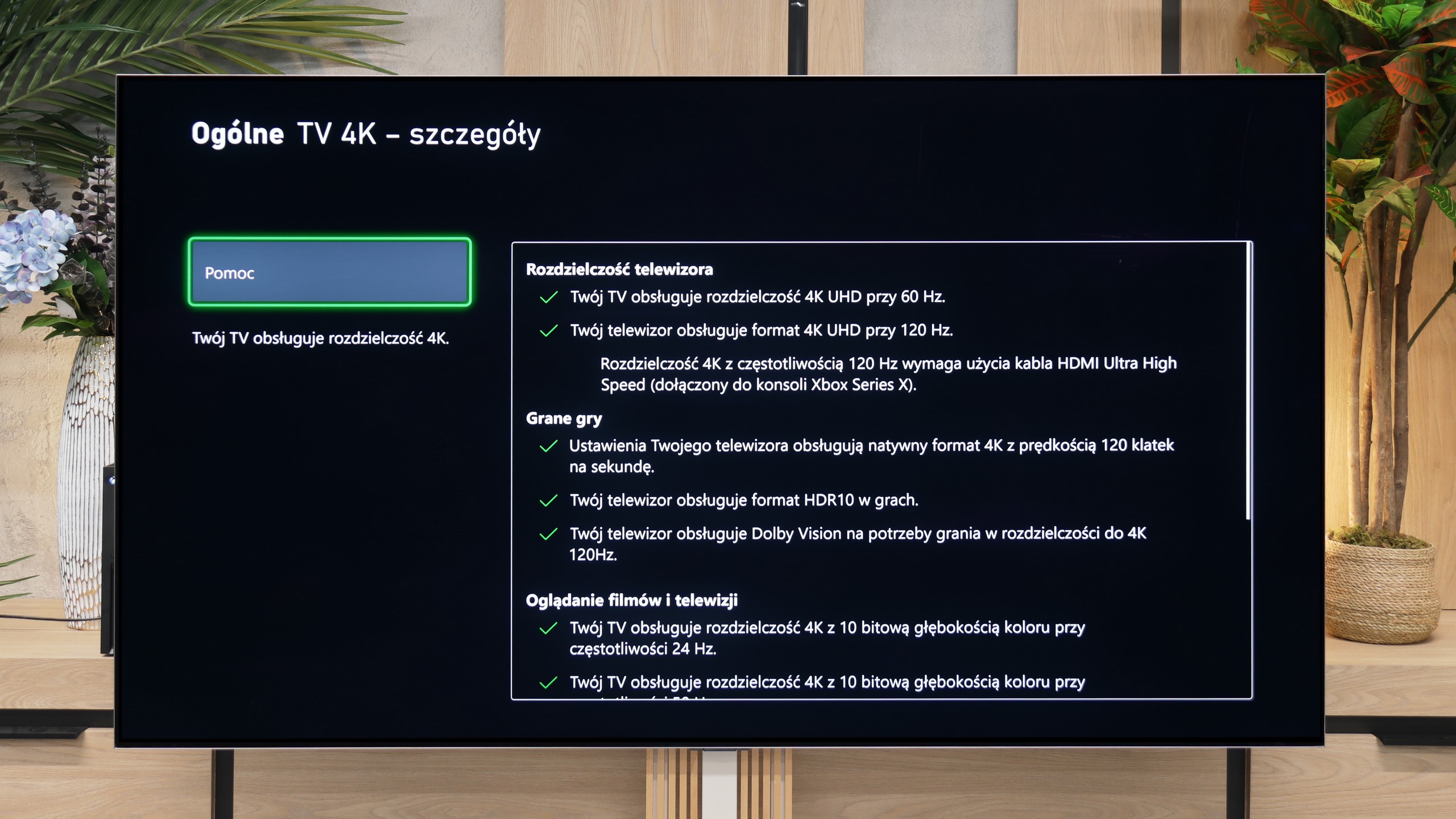
  • 4K@120Hz
    No
    Yes
  • Game bar
    Yes
    Yes

Bravia 3 is not gear for e-sports enthusiasts or fans of late-night marathons with a controller in hand. The lack of 120 Hz refresh rate and HDMI 2.1 ports shuts down the conversation before it even gets started. This is a TV for casual gamers who, after work, will fire up FIFA or racing games, not for someone who measures every frame in a spreadsheet. Nonetheless, Sony has thrown in a few nice additions so it’s not completely sparse. ALLM works as it should, automatically switching the TV to game mode (low latency). We even find a simple Game Bar here, which is clear and intuitive. However, the biggest curiosity here is the PlayStation Portal app. Thanks to this, you can launch PS5 games wirelessly and see them right on the TV screen. It sounds great, but it only takes a few minutes to feel significant lag. In our opinion, it's more of a showcase of capabilities than something that can be used day-to-day. If someone really wants to game, it's better to plug the console in with an HDMI cable and forget about wireless issues.

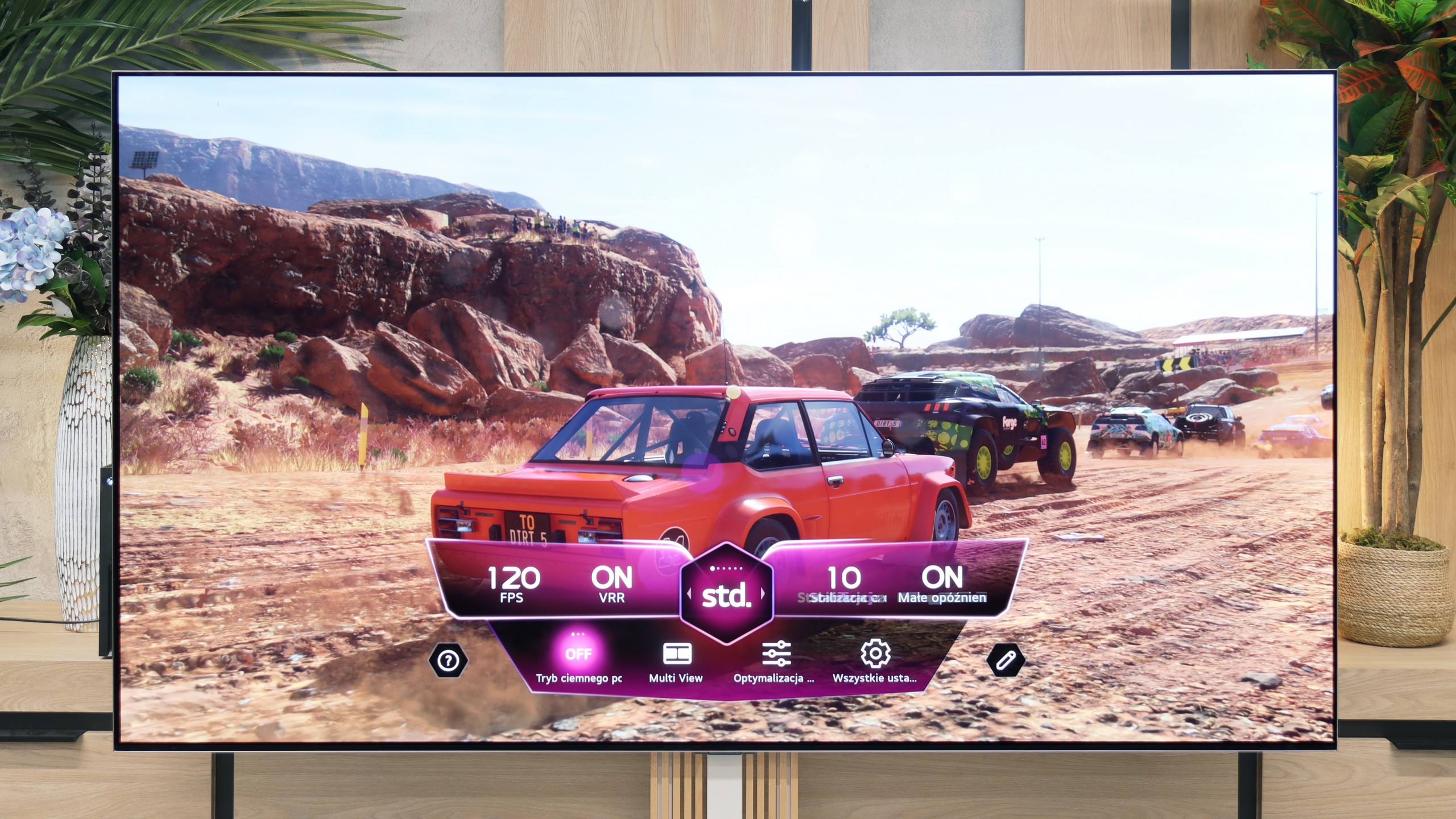
The LG G6 is a true beast for gamers and one of the best-equipped TVs on the market in this regard. The manufacturer didn't compromise and equipped this model with four full HDMI 2.1 ports with a maximum bandwidth of 48 Gbps. This means that no matter which port you plug in your PlayStation 5, Xbox Series X, or powerful PC, you'll get the absolute maximum performance out of them.

The TV supports a full suite of gaming technologies: from VRR (Variable Refresh Rate), to AMD FreeSync Premium Pro, and Nvidia G-Sync Compatible. Let's add to that a remarkably low, almost imperceptible input lag and an excellently functioning game panel (Game Optimizer), which allows you to constantly monitor signal parameters. Gaming on this screen, with the perfect black of OLED and powerful refresh rates, is pure pleasure.

Input lag

10/10

9.9/10

SDR

1080p60
12 ms
13 ms
1080p120
5 ms
2160p60
12 ms
13 ms
2160p120
5 ms

HDR

2160p60
11 ms
13 ms
2160p120
5 ms
4320p60

Dolby Vision

2160p60 DV
11 ms
22 ms
2160p120 DV
13 ms

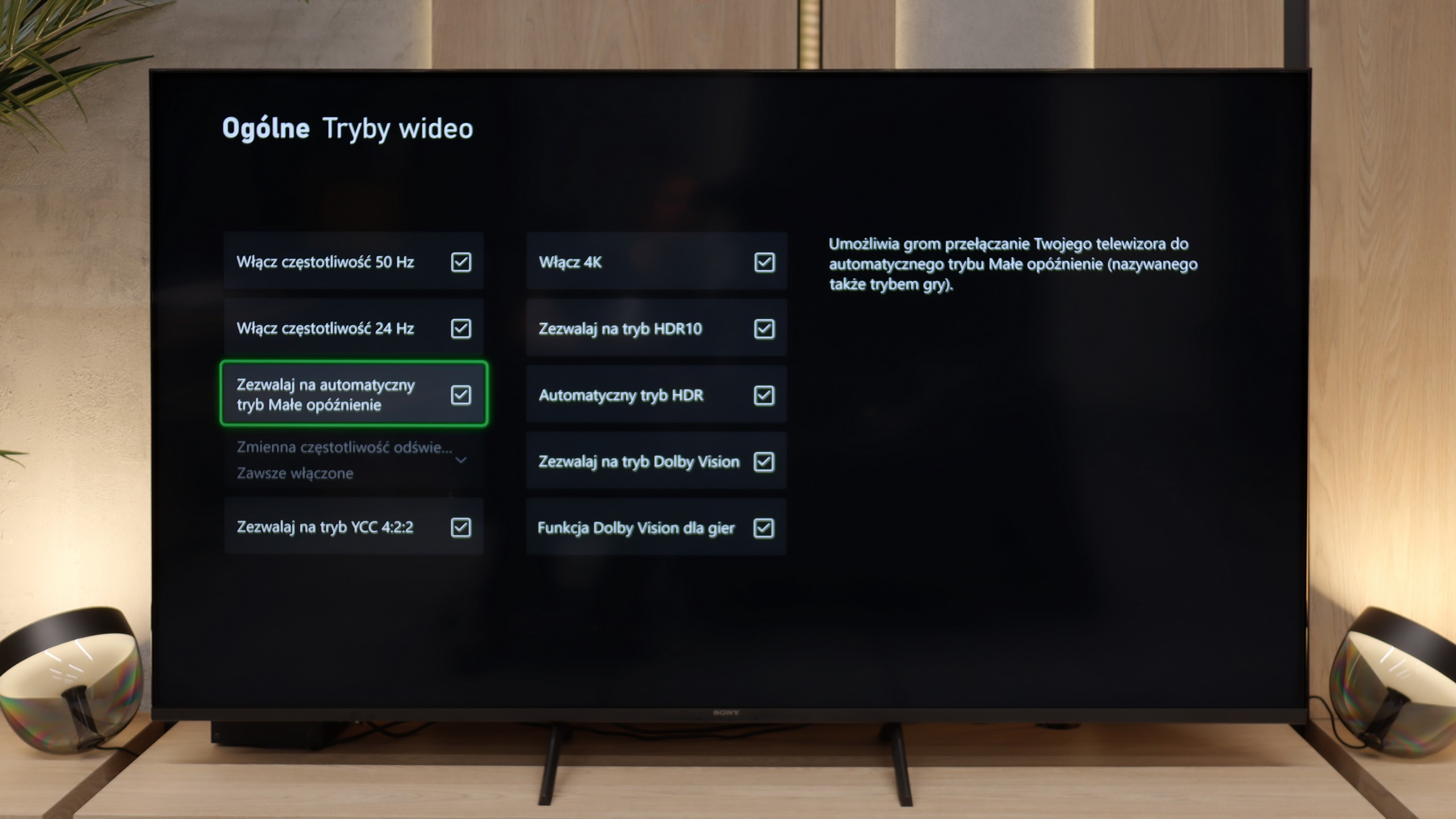
Here, the Bravia 3 shows its best side. Latency drops below 12 milliseconds in almost every resolution and mode, so the response to controller movements is instantaneous and there’s no sense of delay. It feels like the console and the television are speaking the same language, without unnecessary pauses and hesitations. The Dolby Vision Gaming mode deserves special attention. In its predecessor, the X75WL model, using this feature was simply a nightmare – input lag could reach over 100 milliseconds, which effectively ruined the enjoyment of gaming. In the Bravia 3, this issue has been completely eliminated.

When it comes to signal delay, the results are remarkably low. With a standard 120 Hz signal, the Input Lag is just 5 ms. At 60 Hz, this value increases to 13 ms, which is still excellent and completely imperceptible latency. The only thing we need to criticise is the TV’s behaviour when providing the Dolby Vision Gaming signal. In this format, the Input Lag nearly doubles, reaching 13 ms for 120 Hz and 22 ms for 60 Hz. Despite this jump, we believe these values in gaming are so low that absolutely no one will feel any discomfort during gameplay.

Compatibility with PC

6/10

8.7/10

Chroma 444 (max. resolution and refresh rate)
Yes
Yes
Font clarity
Very Good
Good
Readability of dark text and shapes
Very Good
Very Good
Input lag in PC mode (4K, max. refresh rate)
12ms
5ms
Matrix subpixel arrangement
RGB
RGWB
Max refresh rate
60Hz
165Hz
G-Sync
No
Yes

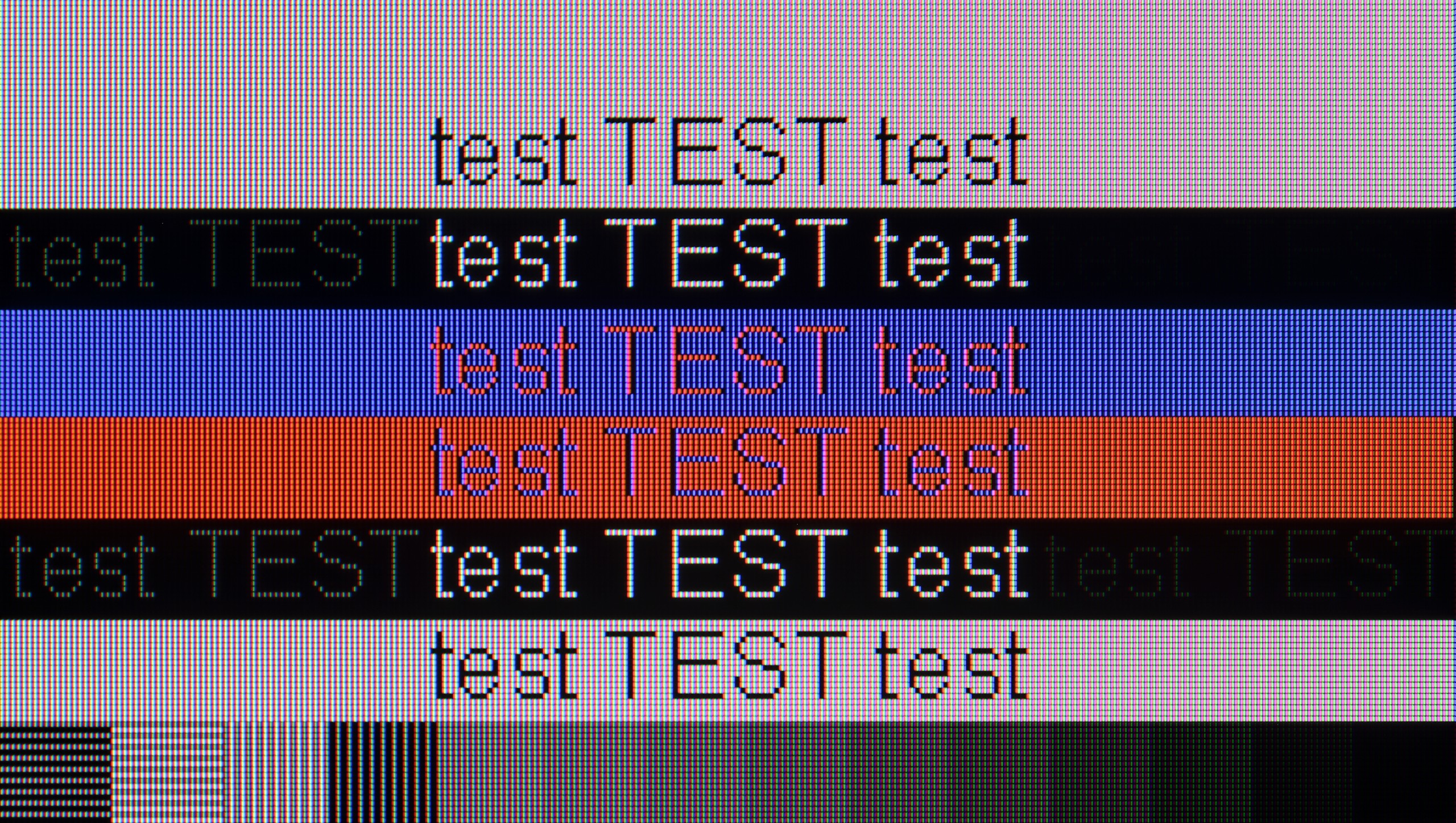
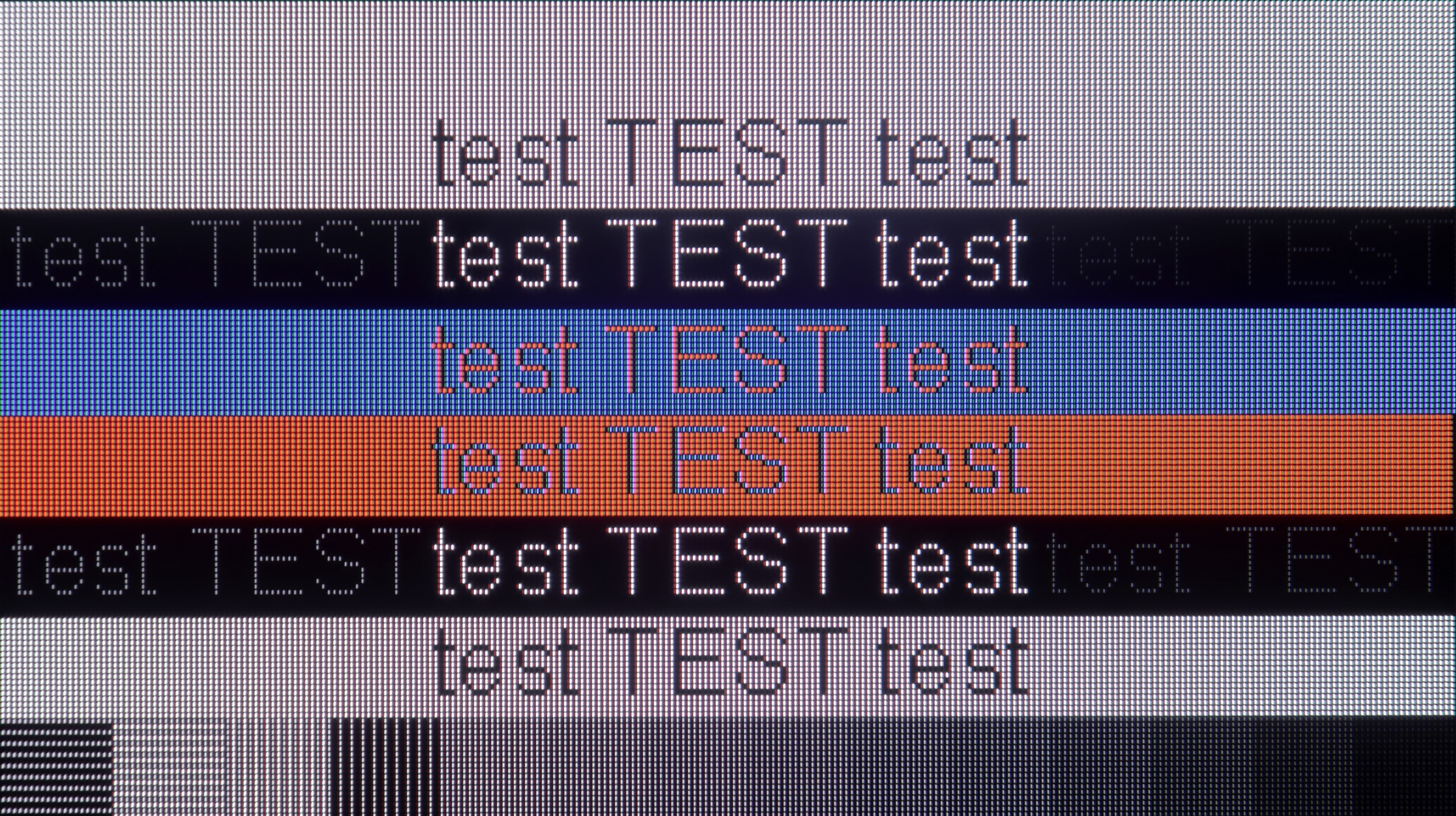
The photo shows the legibility of small fonts. Ideally, lines should be the same thickness on both light and dark text, with minimal pixel gaps.

The IPS panel combined with properly functioning 4:4:4 chroma support means that the readability of fonts is at an excellent level. Letters appear sharp regardless of the background colour or content, so working with documents or browsing websites doesn't strain the eyes. In this role, the TV easily deserves a very good, if not excellent, rating, as few models in this price range perform as well. However, if we look at the Bravia 3 from a PC gamer’s perspective, the picture isn’t as rosy. We won't find G-SYNC or Free Sync frame syncing with graphics cards or high refresh rates, so the TV isn’t the best choice for dynamic computer games. However, as a monitor for work, whether in a home office or a student room, it performs excellently, and in that respect, it's really hard to criticize.

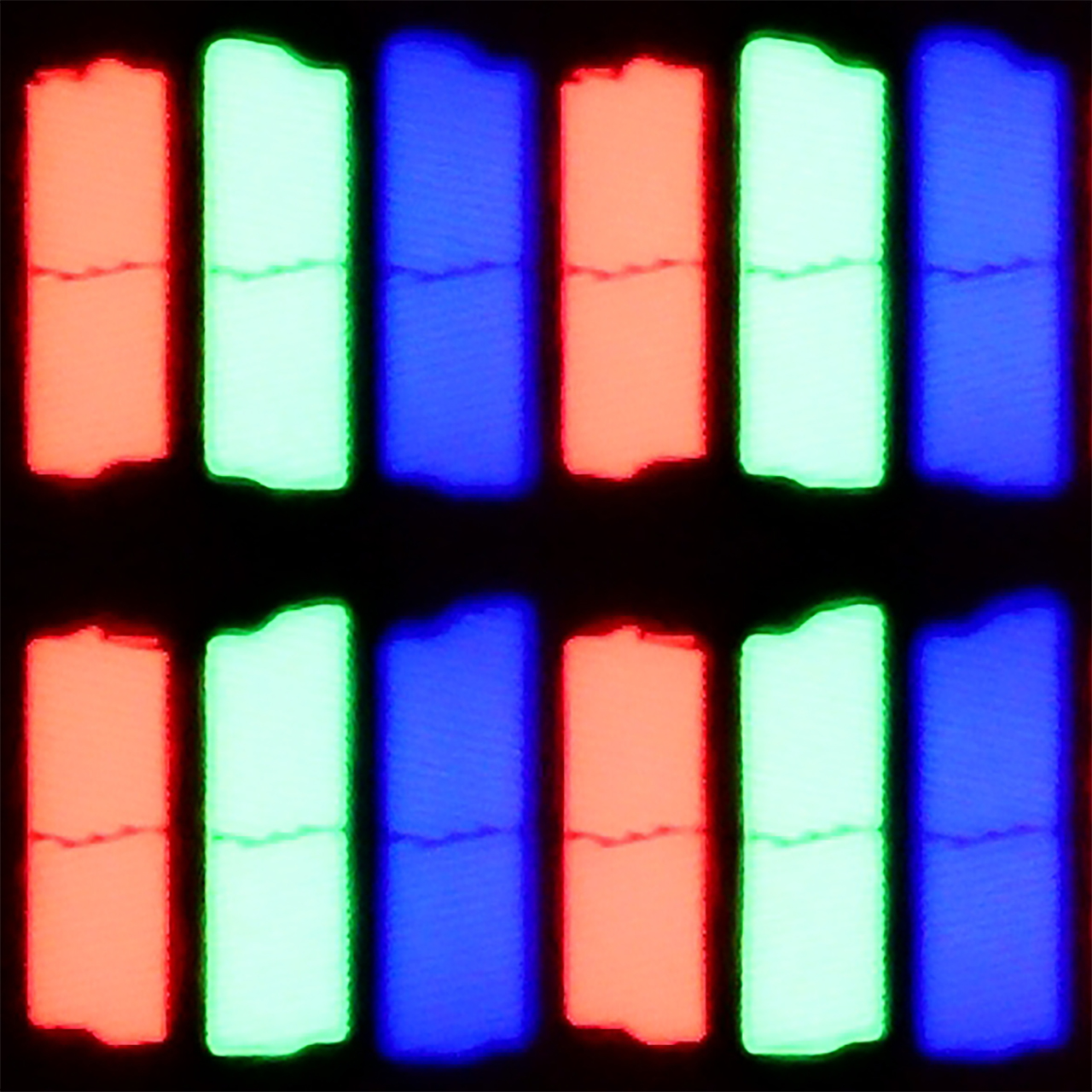
As we mentioned earlier, the LG G6 offers an outstanding display for gamers as well as for casual computer users. With full support for Nvidia G-Sync and AMD FreeSync technology, as well as a high refresh rate of up to 165 Hz, this television performs brilliantly as a massive gaming monitor. However, daily office work with text looks a bit worse (though in our opinion still very good), which is a typical characteristic of every WOLED-type screen. Due to the specific arrangement of four subpixels (with an additional white subpixel), rather than three like in classic computer monitors, system fonts can have an additional, in this case red glow around black or white letters. This is directly due to the new structure of the second-generation Tandem OLED matrix, which now operates in an RGWB arrangement (last year's first generation Tandem OLED used a BWRG arrangement). In our opinion, the sharpness of font edges has slightly worsened because of this, but it is definitely not something that will immediately catch your eye during occasional document work or web browsing.

Viewing angles

6.6/10

7.2/10

Brightness drop at an angle of 45 degrees
75%
28%

Thanks to the IPS matrix used, colours do not lose intensity as quickly as with screens based on VA panels. Even when watching television in larger groups, when some people sit at an angle, the image remains clear and does not appear washed out. Of course, it isn't at the level offered by OLED organic matrices, where the image looks nearly the same from almost any position, but for an LCD television, the viewing angles in the Bravia 3 are among the best. This provides a sense of comfort and freedom, especially in larger living rooms or during family screenings, where it's difficult for everyone to sit directly in front of the screen.

As befits an OLED panel, the viewing angles on the LG G6 are really good. A TV viewed from the side does not lose drastically in brightness or colour saturation. In this regard, the image quality is miles better than any LCD TV – and this applies to both IPS panels and especially to VA panels that lack special wide-angle coatings. In this area, the only better screens on the market remain QD-OLED panels from Samsung Display, where the angles are simply perfect, as well as older WOLED panels with MLA (microlens) technology, which LG abandoned in this series two years ago. Unfortunately, we assess the viewing angles in this year's model to be slightly worse than last year. We noticed that the 2nd generation Tandem OLED panel tends to take on a greener hue at a steep angle, while last year's model maintained greater neutrality in this regard.

Daytime performance

4.9/10

8.2/10

Panel finish
Satin
Glare
Reflection suppression
Good
Good
Black levels during daytime
Good
Very Good

Panel brightness

LG OLED G6 (G64LW, G66LS): 857 cd/m2

SONY BRAVIA 3: 337 cd/m2

Bravia 3 performs quite well in daylight. The satin coating on the panel effectively reduces reflections, and the colours do not lose their vibrancy when stronger external light hits the screen. As a result, under typical home conditions, with blinds open or in a living room with a larger window, the picture maintains its clarity. However, it's important to remember that this is not a high-brightness TV. The Bravia 3 cannot compete with brighter models, so in very sunny rooms, there are moments when the screen simply doesn't stand out against the intense light. In normal conditions, it handles things without any issues, but in more challenging scenarios, don't expect miracles.

LG G6 will perform wonderfully as a television in a well-lit room. Thanks to its impressive peak brightness, the TV can easily cut through most external light sources. Best of all, the new generation of Tandem OLED panel has brought significant improvements in reducing reflections. Although the screen coating is still glossy (which helps maintain well-saturated colours even in challenging conditions), it effectively dampens glare. It does this far better than traditional OLED screens with a standard glossy coating. We could confidently compare this level to glossy QD-OLED panels, but with one key advantage for LG. Unlike the competition's technology, in this model, deep black in a bright lounge remains intact. There’s no grey or purple tint from ambient light – the black in the G6 during the day is just as perfect as it is at night.

Panel details

Backlight Type
PFS LED
Software version during testing
6120600301
43.10.69
Image processor
MT5896 2,5 GB RAM

Subpixel Structure:

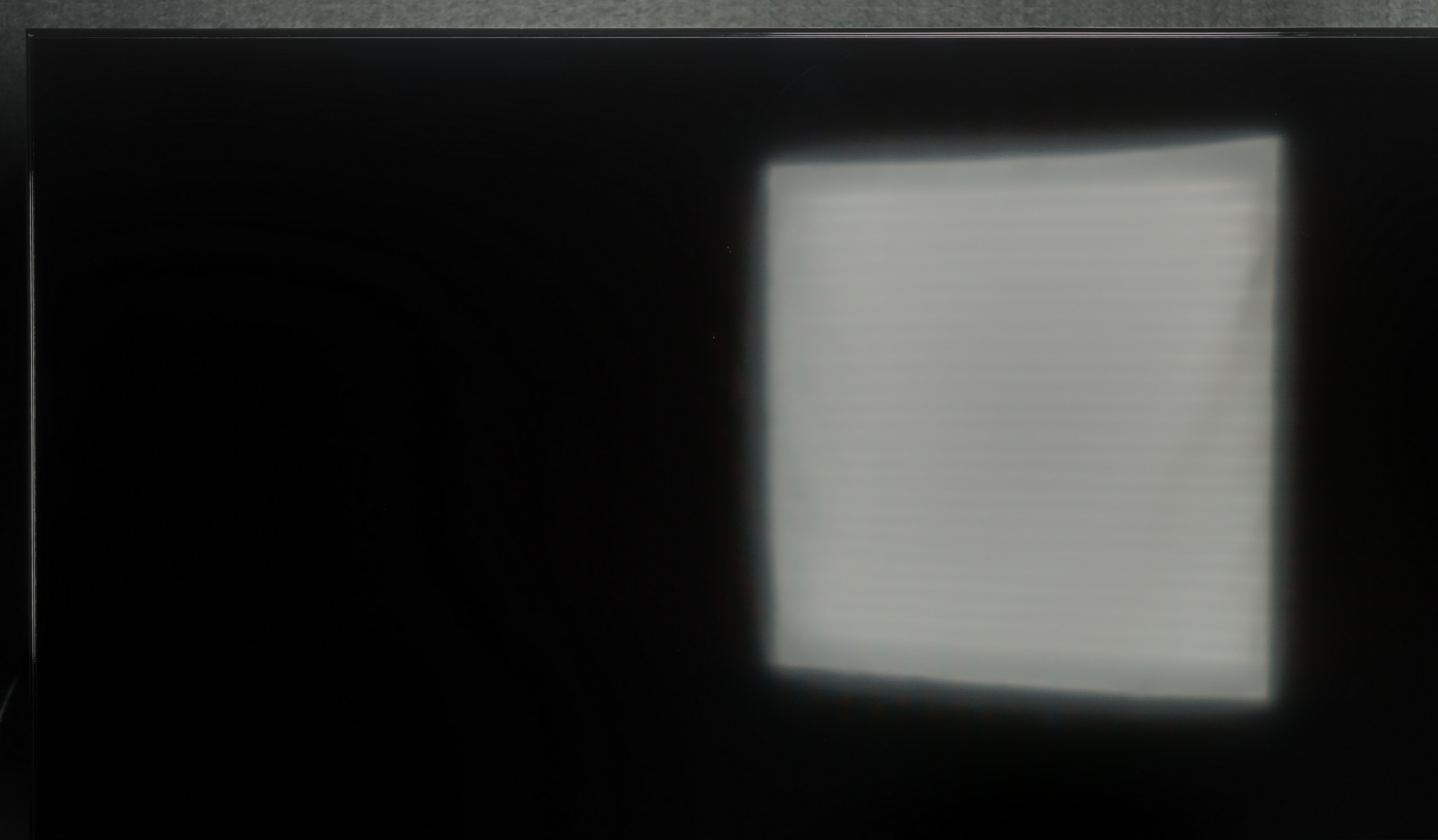
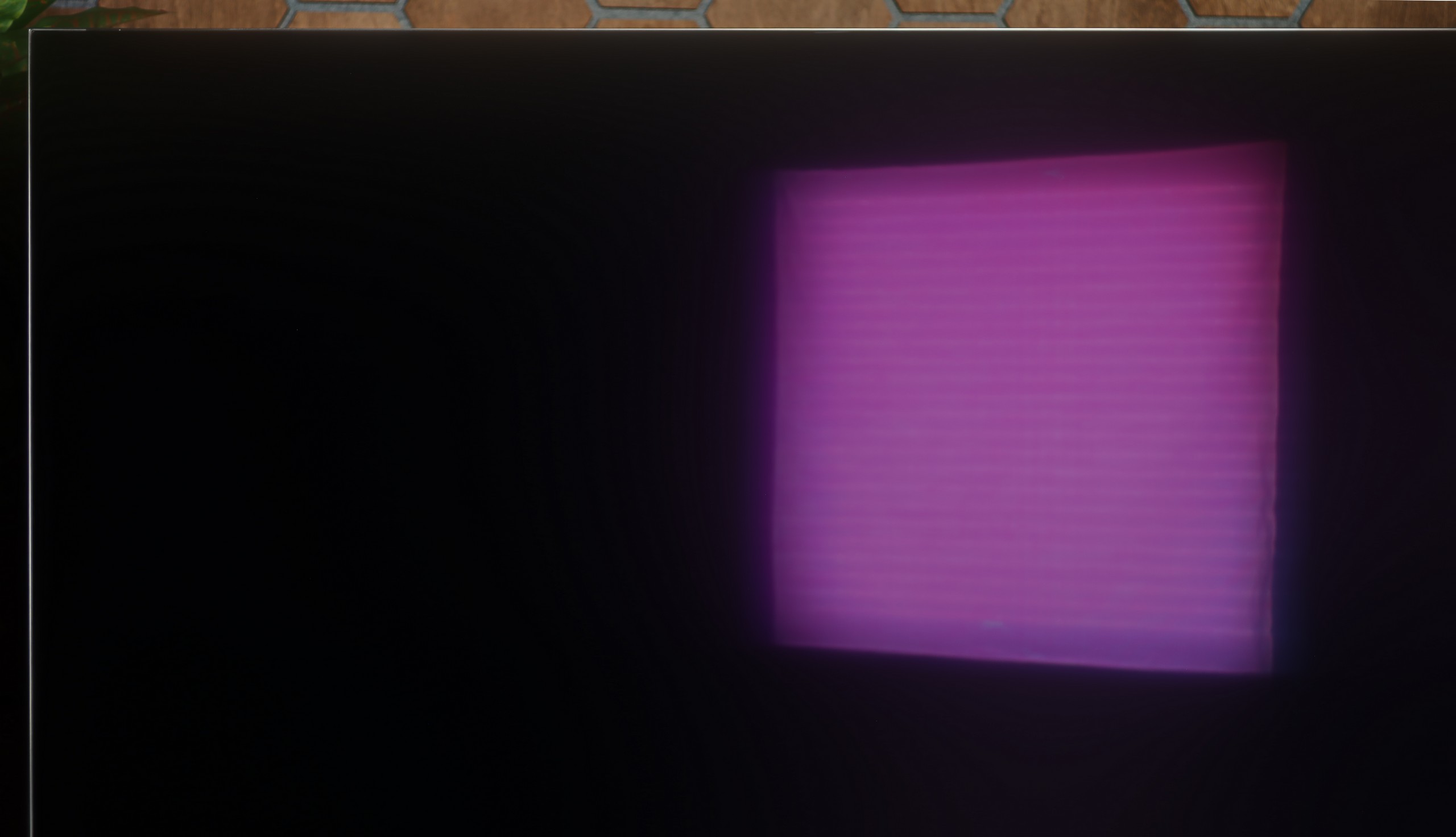
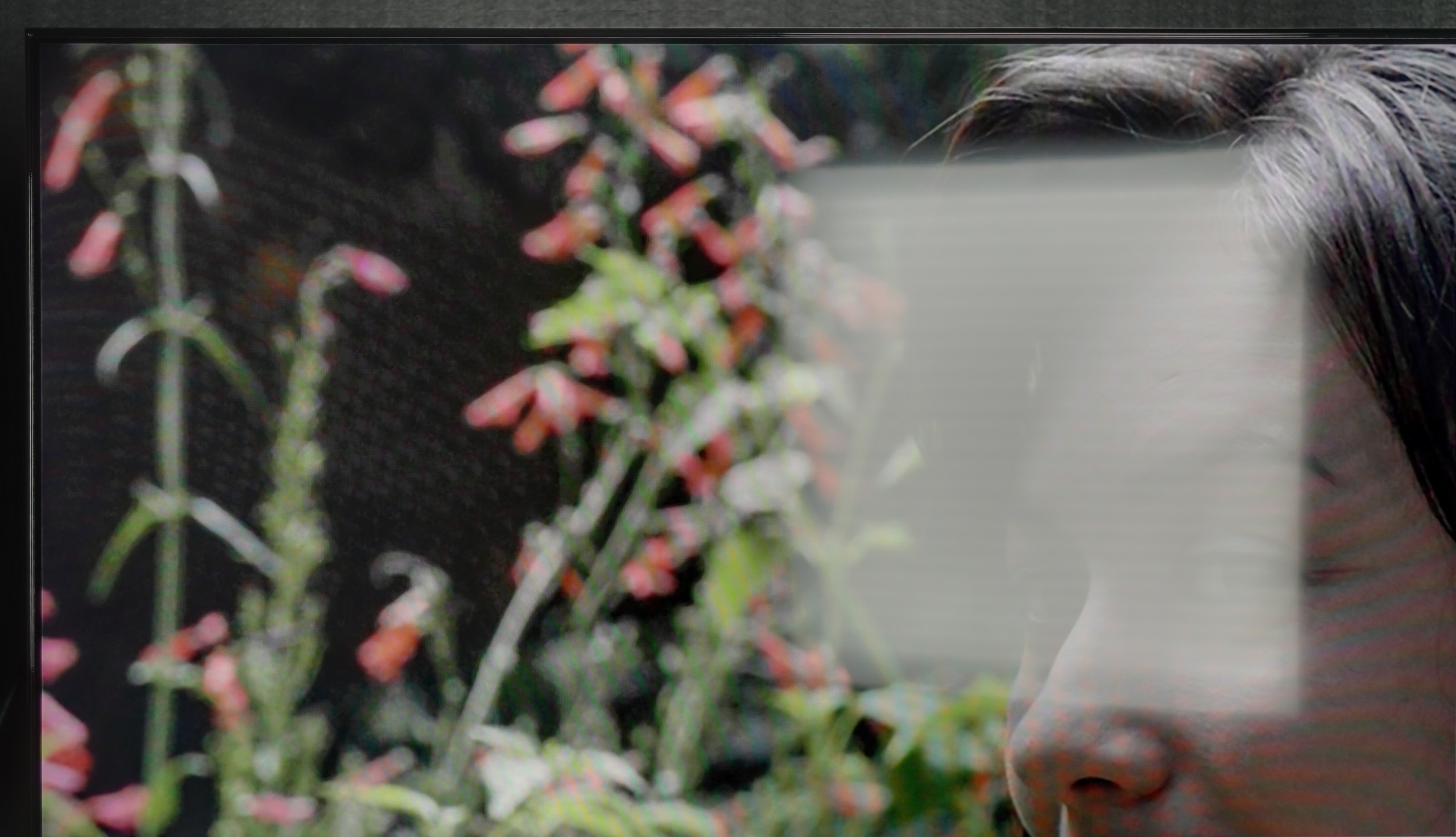
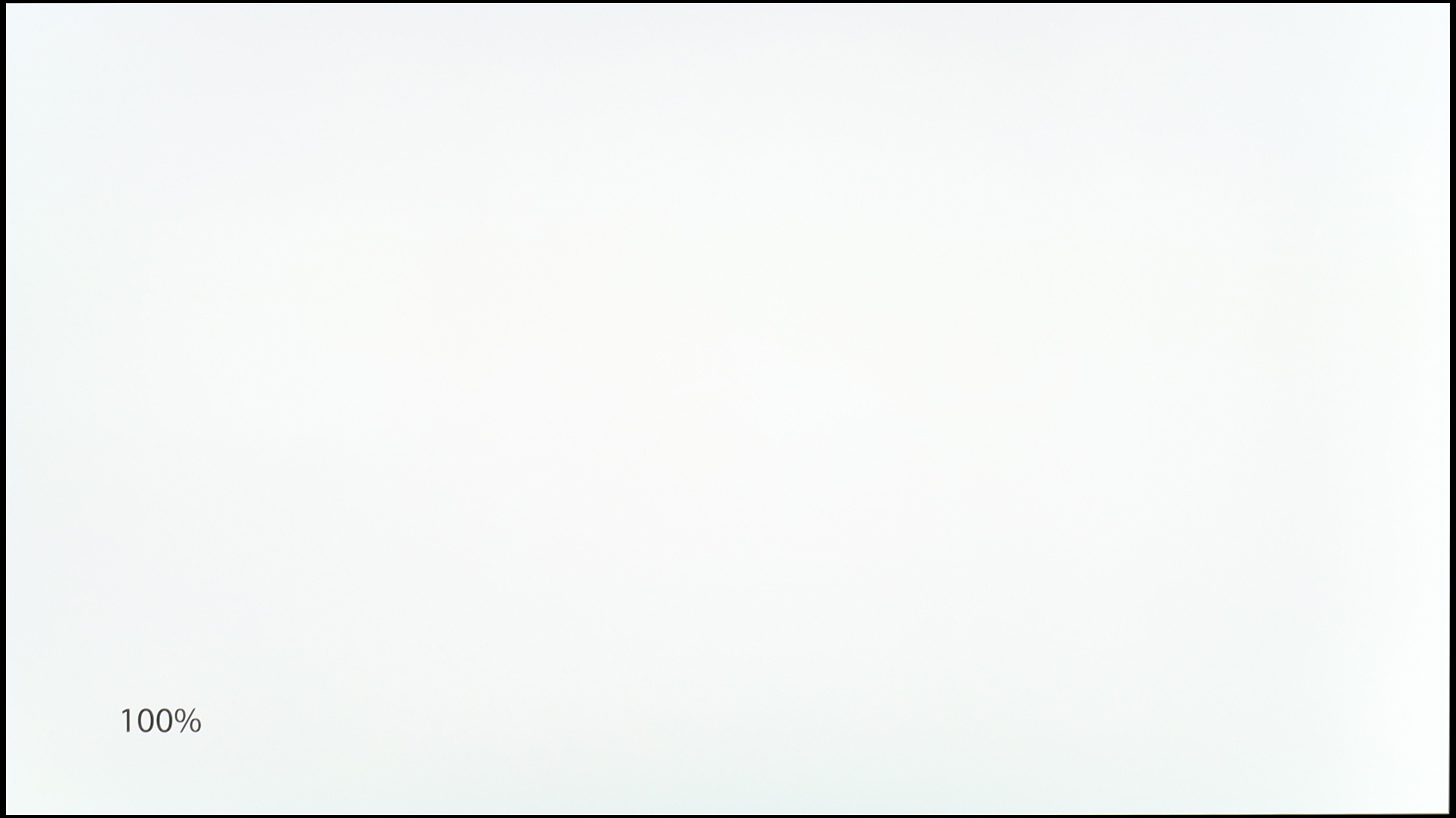
Panel uniformity and thermal imaging:

Review SONY BRAVIA 3 TV Panel details
Review LG OLED G6 (G64LW, G66LS) TV Panel details

SONY BRAVIA 3

LG OLED G6 (G64LW, G66LS)

TV features

6.6/10

8.5/10

  • System
    Google TV
    WebOS
  • System performance
    Decent
    Very good
  • HDMI inputs
    4 x HDMI 2.0, 0 x HDMI 2.1
    0 x HDMI 2.0, 4 x HDMI 2.1 48Gbps
  • Other inputs
    IR (remote)
  • Outputs
    Toslink (Optical audio), eARC (HDMI), ARC (HDMI)
    Toslink (Optical audio), eARC (HDMI), ARC (HDMI)
  • Network Interfaces
    Wi-Fi 2.4GHz, Wi-Fi 5GHz, Ethernet (LAN) 100Mbps
    Wi-Fi 2.4GHz, Wi-Fi 5GHz, Ethernet (LAN) 100Mbps
  • TV reception
    DVB-T, DVB-T2, DVB-S, DVB-S2, DVB-C
    DVB-T, DVB-T2, DVB-S, DVB-S2, DVB-C

Classic features:

  • Recording to USB (terrestrial TV)
    No
    Yes
  • Recording programming
    No
    Yes
  • Picture in Picture (PiP)
    No
    No
  • RF remote control (no need to aim)
    Yes
    Yes
  • Backlit remote control
    No
    No
  • Teletext
    Yes
    Yes
  • Audio only mode
    Yes
    Yes
  • Bluetooth headphones support
    Yes
    Yes
  • Simultaneous Bluetooth headphones & TV audio
    No
    Yes

Smart features:

  • AirPlay
    Yes
    Yes
  • Screen mirroring (Windows Miracast)
    No
    Yes
  • Voice search
    Yes
    Yes
  • Voice search in native language
    Yes
    Yes
  • Ability to connect a keyboard and mouse
    Yes
    Yes
Review SONY BRAVIA 3 TV features
Review LG OLED G6 (G64LW, G66LS) TV features

Sound connection options

  • HDMI audio
    eARC (HDMI), ARC (HDMI)
    eARC (HDMI), ARC (HDMI)
  • Other audio outputs
    Toslink (Optical audio)
    Toslink (Optical audio)
  • Wireless audio
    Bluetooth
    Bluetooth

Supported audio formats (external HDMI eARC audio):

  • Dolby Digital Plus 7.1
    Yes
    Yes
  • Dolby True HD 7.1
    Yes
    Yes
  • Dolby Atmos in Dolby Digital Plus (JOC)
    Yes
    Yes
  • Dolby Atmos in Dolby True HD
    Yes
    Yes
  • DTS:X in DTS-HD MA
    Yes
    No
  • DTS-HD Master Audio
    Yes
    No

Senior accessibility

  • Numeric keyboard on TV
    Yes
    No
  • Font size adjustment
    Yes
    No
  • Audio description
    Yes
    Yes

Smart TV Features

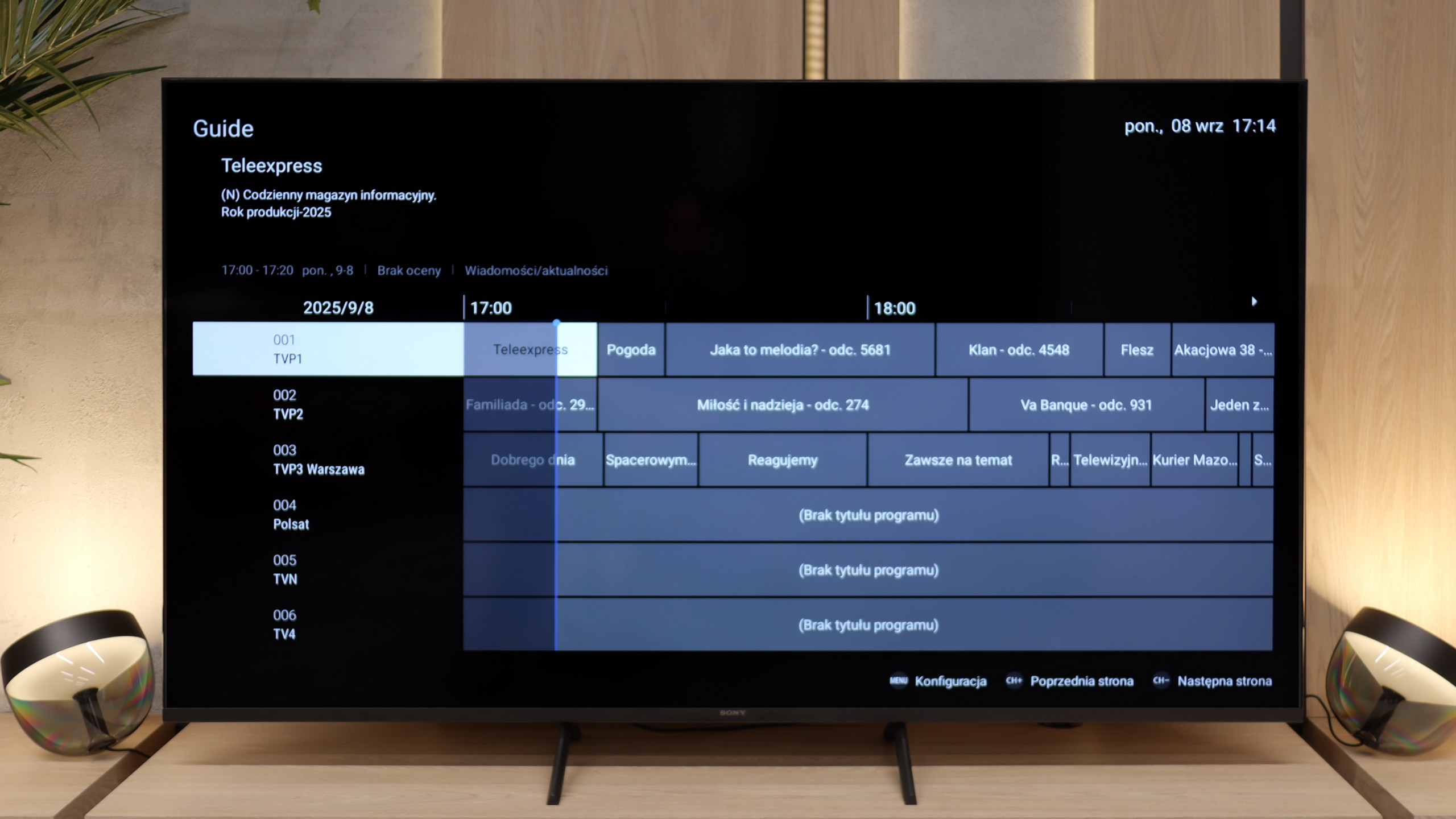
The biggest advantage of the Bravia 3 in everyday use is the presence of the Google TV system. Thanks to this, we have access to one of the largest libraries of apps and streaming services, so no matter if someone mainly uses Netflix, Disney+ or smaller platforms, everything is at their fingertips. The Google voice assistant also worked very well, able to respond to our commands quite "smartly". The Google TV system should, in theory, operate very smoothly, as Sony has been implementing it better than many cheaper competitors for years. Unfortunately, in the case of the Bravia 3, it isn't as nice as we would have hoped. During testing, we noticed some slight stutters in the interface, and some features, such as screen mirroring, simply refused to cooperate. One could get the impression that the processor in this model sometimes struggles to manage the demanding system, and not everything works as smoothly as we would expect.

Classic Features

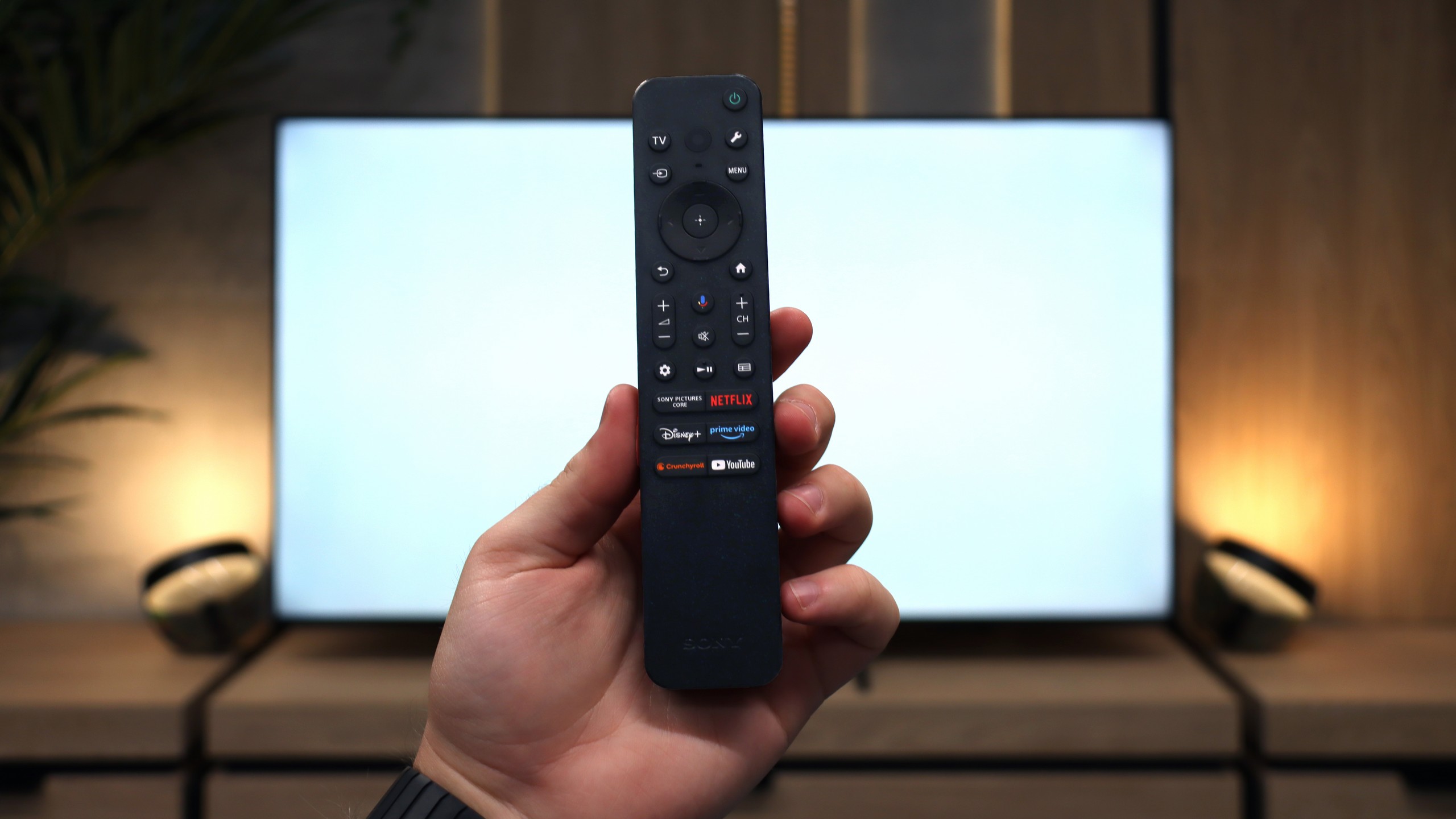
Sony, even in its cheapest series, manages to remind us of its experience with various users. The set comes with two remotes. The first is modern and minimalist, with a small number of buttons, which works great when using apps and Google TV features. The second is a classic remote with a richer set of buttons and a numeric keypad, which will be appreciated especially by older individuals used to traditional solutions. This is a nice nod towards different user groups, and it must be said that Sony has solved it very practically. It’s a shame, however, that compared to the X75WL model, the ability to record content from TV tuners to USB memory has disappeared. The manufacturer has completely abandoned this feature, so if someone was attached to it, they unfortunately won't find it in the Bravia 3.

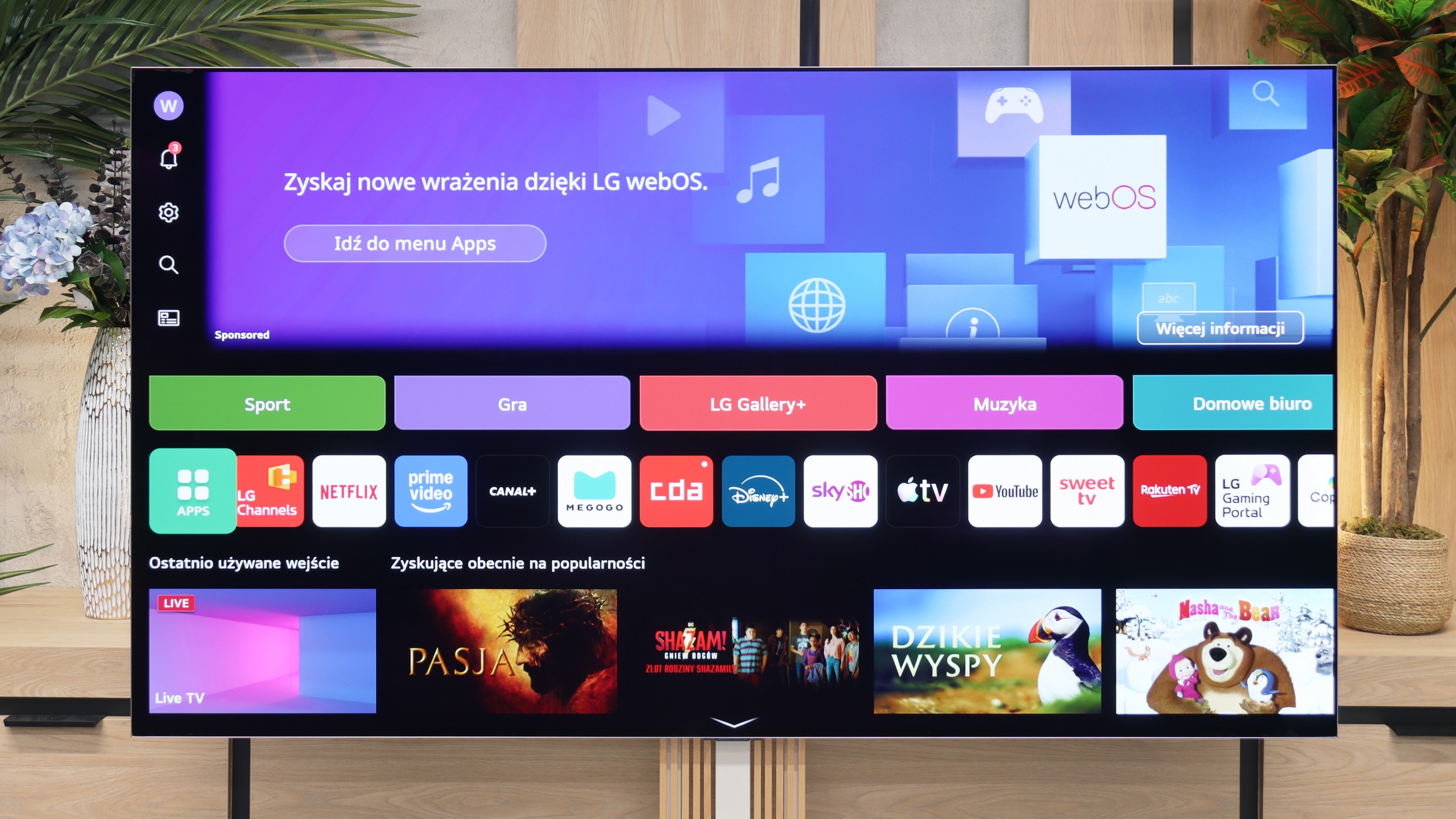
webOS System and Smart Features

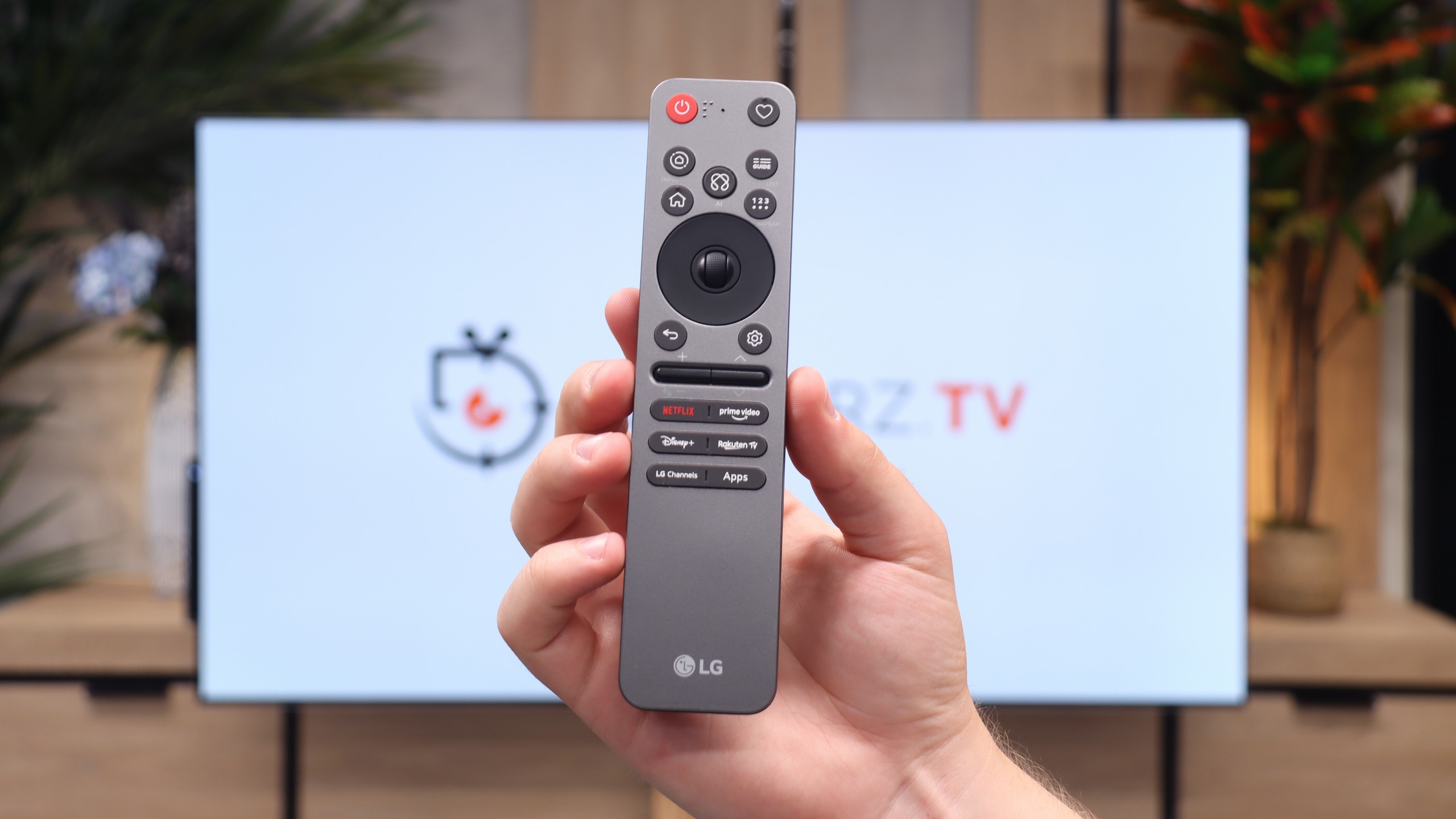
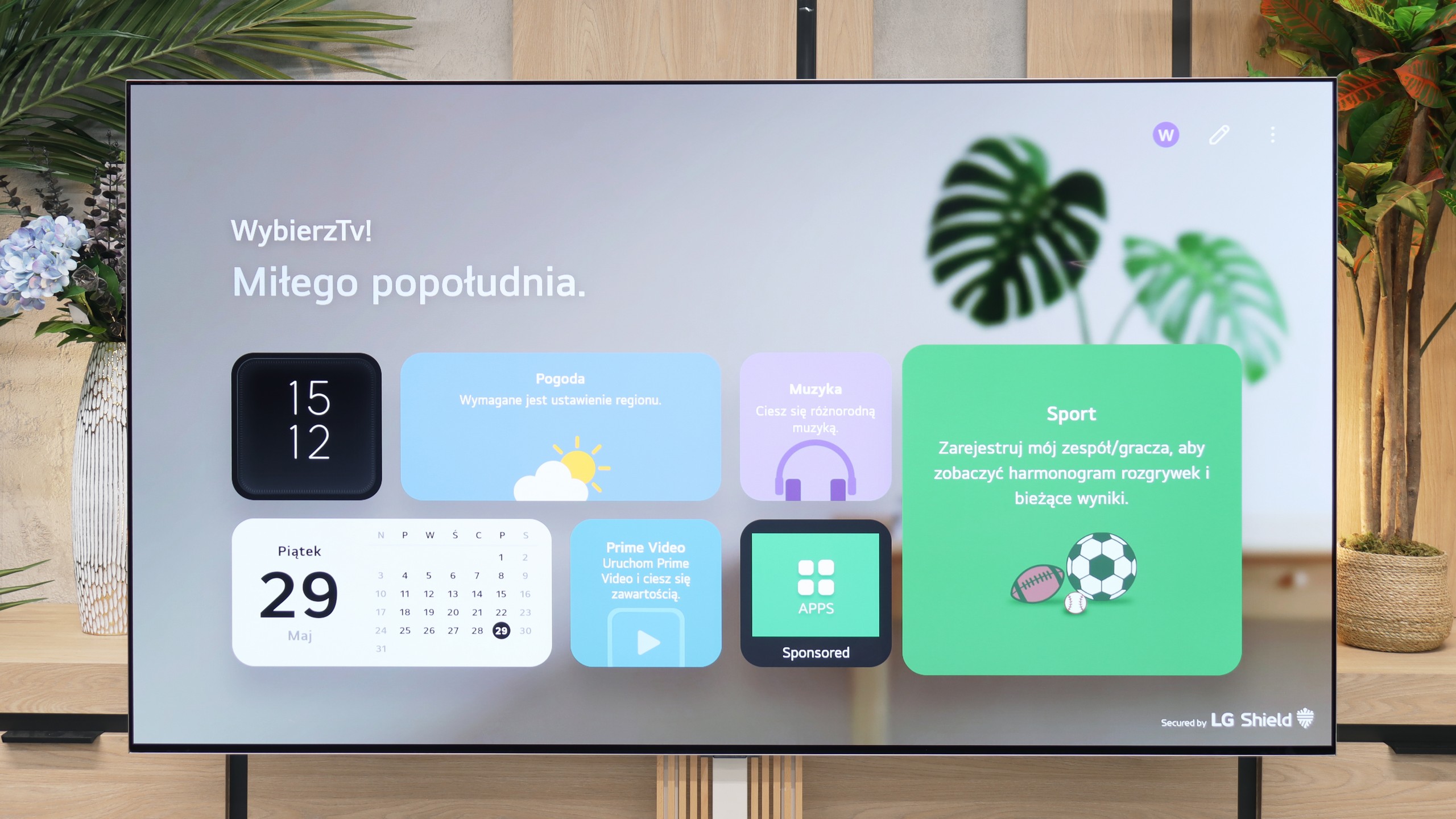
The television runs on the latest version of the webOS system. Although it is a closed platform, it supports absolutely all the key streaming apps on the market. You can also easily access useful wireless connectivity features like built-in Chromecast, AirPlay, and classic screen mirroring. However, the biggest standout feature of the LG platform is the brilliant Magic remote. While it is quite compact and lacks a physical numeric keypad, it does something that competitors still can't replicate – it functions like a wireless mouse. It is equipped with a gyroscope, allowing you to move an intuitive cursor across the screen, which dramatically speeds up entering passwords or navigating menus. Additionally, LG has one of the best voice assistants for controlling the device, and this combination with the Magic remote provides excellent capabilities for navigating the system. The only thing that can be quite irritating here is the intrusive ads and sponsored tiles, as LG increasingly clutters the main screen of the system. Despite this, the lack of Google TV is not a detriment to the G6 – considering the smooth operation of webOS, one can confidently say it is even an advantage.

Features for Traditionalists

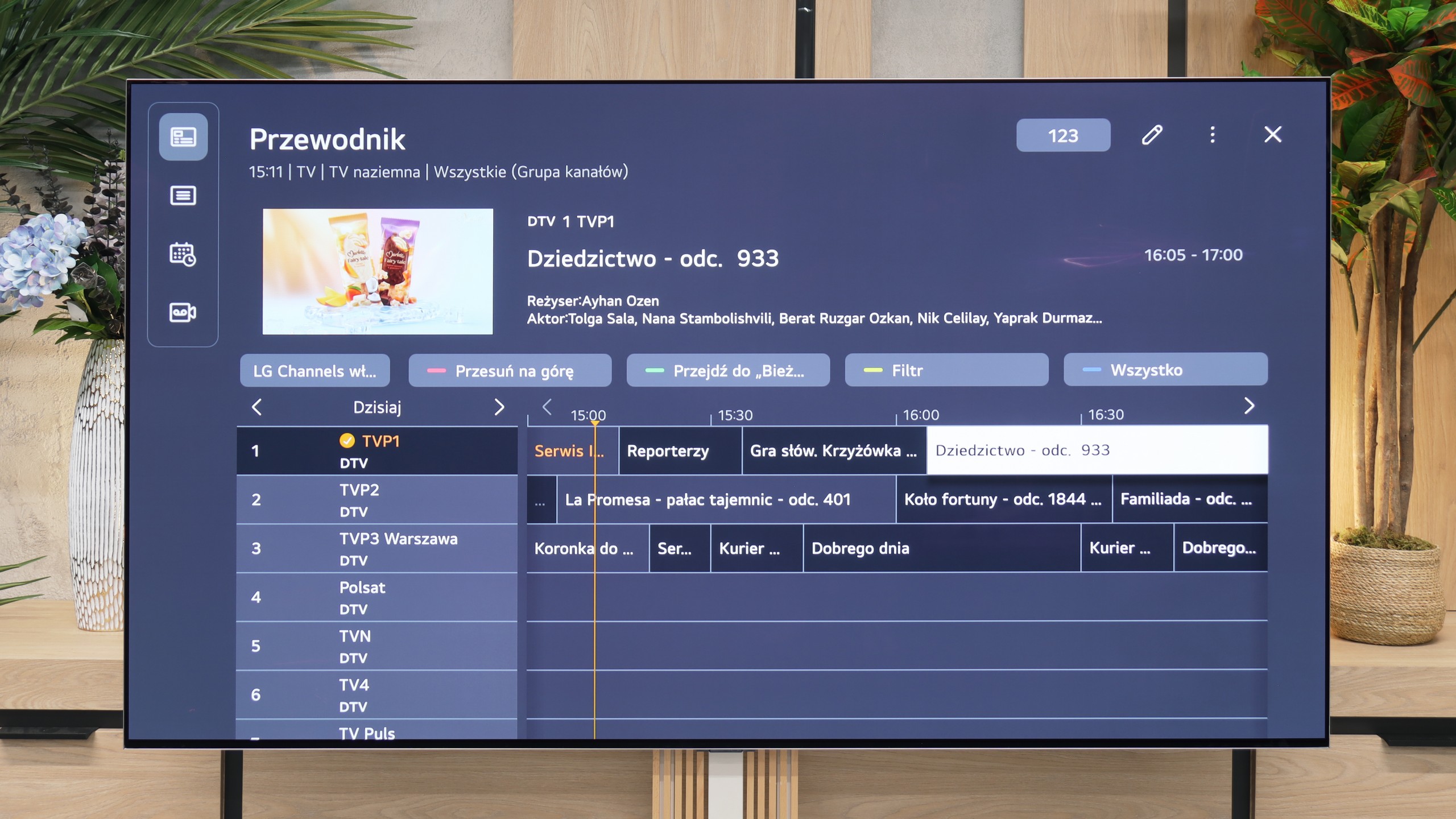
In terms of traditional television, the LG G6 also performs excellently and does not forget about traditional users. Despite the minimalist remote, it includes a plethora of useful features. The manufacturer did not skip on the PVR function, which allows recording programs from the built-in tuners directly to external USB storage or a hard drive. We also have a smoothly functioning TimeShift for pausing live TV and a recording scheduling option. These features can prove to be a great advantage during the upcoming FIFA World Cup, when matches will be played late in the evening and we may not be able to watch them live. Of course, standard features are also included, such as the ability to connect wireless headphones via Bluetooth.

Apps

9.6/10

9.1/10

OK
Disney_Plus
OK
Amazon_Prime_Video
OK
Player_TVN
OK
Polsat_Box_Go
OK
Canal_Plus_Online
OK
TVP_VOD
OK
Apple_TV_Plus
OK
SkyShowtime
OK
Rakuten
OK
CDA_Premium_Browser
OK
Spotify
OK
Tidal
OK
Netflix
OK
YouTube
OK
HBO_MAX
OK
Kodi
No
Apple_music
OK
Eleven_sports
No
Xbox Game Pass
OK
GeForce NOW
No
Amazon Luna
OK
Boosteroid
OK
Steam Link
OK
Disney_Plus
OK
Amazon_Prime_Video
OK
Player_TVN
OK
Polsat_Box_Go
OK
Canal_Plus_Online
OK
TVP_VOD
OK
Apple_TV_Plus
OK
SkyShowtime
OK
Rakuten
OK
CDA_Premium_Browser
OK
Spotify
OK
Tidal
OK
Netflix
OK
YouTube
OK
HBO_MAX
No
Kodi
OK
Apple_music
No
Eleven_sports
OK
Xbox Game Pass
OK
GeForce NOW
OK
Amazon Luna
OK
Boosteroid
No
Steam Link

Playing files from USB

9.6/10

9.2/10

Supported photo formats:

JPEG
Yes
Yes
HEIC
Yes
Yes
PNG
Yes
Yes
GIF
Yes
No
WebP
Yes
No
TIFF
No
No
BMP
Yes
Yes
SVG
No
No

Maximum photo resolution:

4 Mpix
Yes
Yes
6 Mpix
Yes
Yes
8 Mpix
Yes
Yes
10 Mpix
Yes
Yes
12 Mpix
Yes
Yes
16 Mpix
Yes
Yes
20 Mpix
Yes
Yes
24 Mpix
Yes
Yes
28 Mpix
Yes
Yes
32 Mpix
Yes
Yes

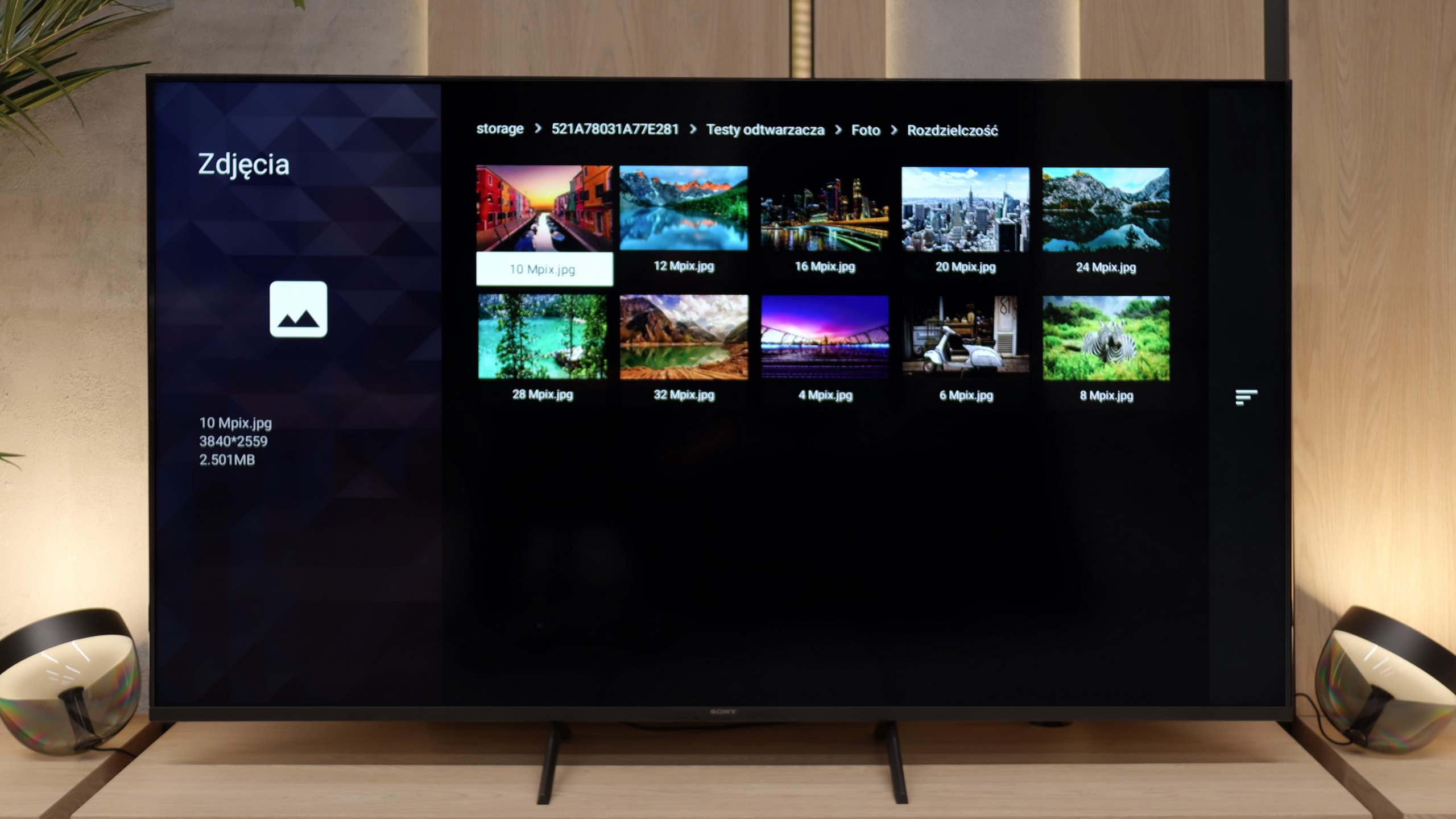
Here Sony has really done an excellent job. The built-in player works quickly and doesn't "fuss" when starting different formats. We didn't need to reach for external applications like VLC, as the TV handled even files that can cause a lot of problems on other models – such as HEIC photos from Apple devices. It's a small detail, but one that shows the manufacturer wanted the user to have a sense of complete convenience. By inserting a movie on a USB stick or photos from a holiday onto an external drive, you can simply plug them in and start watching on the big screen straight away. No fussing, no installing extra software, no searching for workarounds. This is really rare in televisions, and it's fair to say that in this respect, the Bravia 3 truly surprised us pleasantly.

The inability to install an external file player (as is the case with systems based on Android) is actually not a problem for the LG G6. The built-in factory player works great and seamlessly supports most audio, video, or photo formats that we provided from our USB drive. However, during testing, we encountered some shortcomings – namely, a rather strange lack of support for subtitles in the popular .txt format. We do believe that this option will soon be available on the G6 with the next software update.

Sound

6.5/10

8.4/10

  • Maximum volume
    88dB
    88dB
  • Dolby Digital Plus 7.1
    Yes
    Yes
  • Dolby True HD 7.1
    Yes
    No
  • Dolby Atmos in Dolby Digital Plus (JOC)
    Yes
    Yes
  • Dolby Atmos in Dolby True HD
    No
    No
  • DTS:X in DTS-HD MA
    Yes
    No
  • DTS-HD Master Audio
    Yes
    No

Bravia 3 plays in a rather flat manner, but makes up for it with loudness. It will work flawlessly for watching classic television because the dialogues are clear, and the mid-tones are easily audible. This type of characteristic will be particularly appreciated by older users, who primarily care about speech intelligibility. However, if someone expects something more from the sound, like stronger bass or a wider soundstage, it’s worth reaching for a soundbar despite everything. The TV supports modern codecs, including Dolby Atmos and DTS:X, so an external sound system will easily leverage their potential. This ensures that with a relatively modest expense, one can achieve a much fuller and more engaging sound.

Despite its very flat body, the LG G6 sounds surprisingly good. The manufacturer has managed to pack quite decent speakers under the display that can produce a sound that is fairly “spatial” – if you can even call the limited physical capabilities of the TV that 😉. The sound is clear, has good dynamics, and is flawless for everyday viewing of news programmes or series. The TV also supports the very popular Dolby Atmos spatial audio codec without any issues.

Unfortunately, for the second year in a row, there is no support for the DTS:X format. Be that as it may, it has recently been quite unpopular in streaming services, but a premium TV in terms of price and quality, in our opinion, simply should not limit users regarding audio format support. Additionally, we have to criticise LG for somewhat downgrading the audio menu itself. We missed more advanced settings and predefined sound profiles, which were definitely more abundant in last year's model.

Sound Quality Test

Acoustic Measurements

88dBC (Max)

75dBC

88dBC (Max)

75dBC