SHARP JP7765E vs Philips PQS9011 / PQS9001 (The One 2026)

Direct comparison

JP7

PQS9011 / PQS9001 / the one 2026

Info

Available screen sizes: 50”55”65”75”

Available screen sizes: 43”50”55”65”75”

Panel type: LCD VA

Resolution: 3840x2160

System: Google TV

Model year: 2026

Complete the survey to find out the result

Panel type: LCD VA

Resolution: 3840x2160

System: Titan OS

Model year: 2026

Complete the survey to find out the result

Overall rating

6.2

6.8

  • Movies and series in UHD quality

    6.4

    6.4

  • Classic TV, YouTube

    6.0

    6.3

  • Sports broadcasts (TV and apps)

    3.9

    6.8

  • Gaming on console

    6.1

    7.4

  • TV as a computer monitor

    5.0

    8.6

  • Watching in bright light

    7.3

    6.1

  • Utility functions

    6.4

    7.6

  • Apps

    9.6

    7.2

  • Sound quality

    6.0

    6.9

Advantages

  • Good black and contrast – mini-LED backlighting with a VA panel

  • High brightness – will handle bright living rooms

  • Google TV system – unlimited app base and smart features

  • Very good file player – plays almost everything

  • Mini-jack output – rare and useful headphone connection

  • Extremely loud – up to 90 dB (ideal for seniors)

  • Very attractive price

  • Ambilight, which gives evening viewing sessions a unique ambience and improves the perceived native contrast of the VA panel

  • Excellent panel response time: minimal motion blur of moving objects

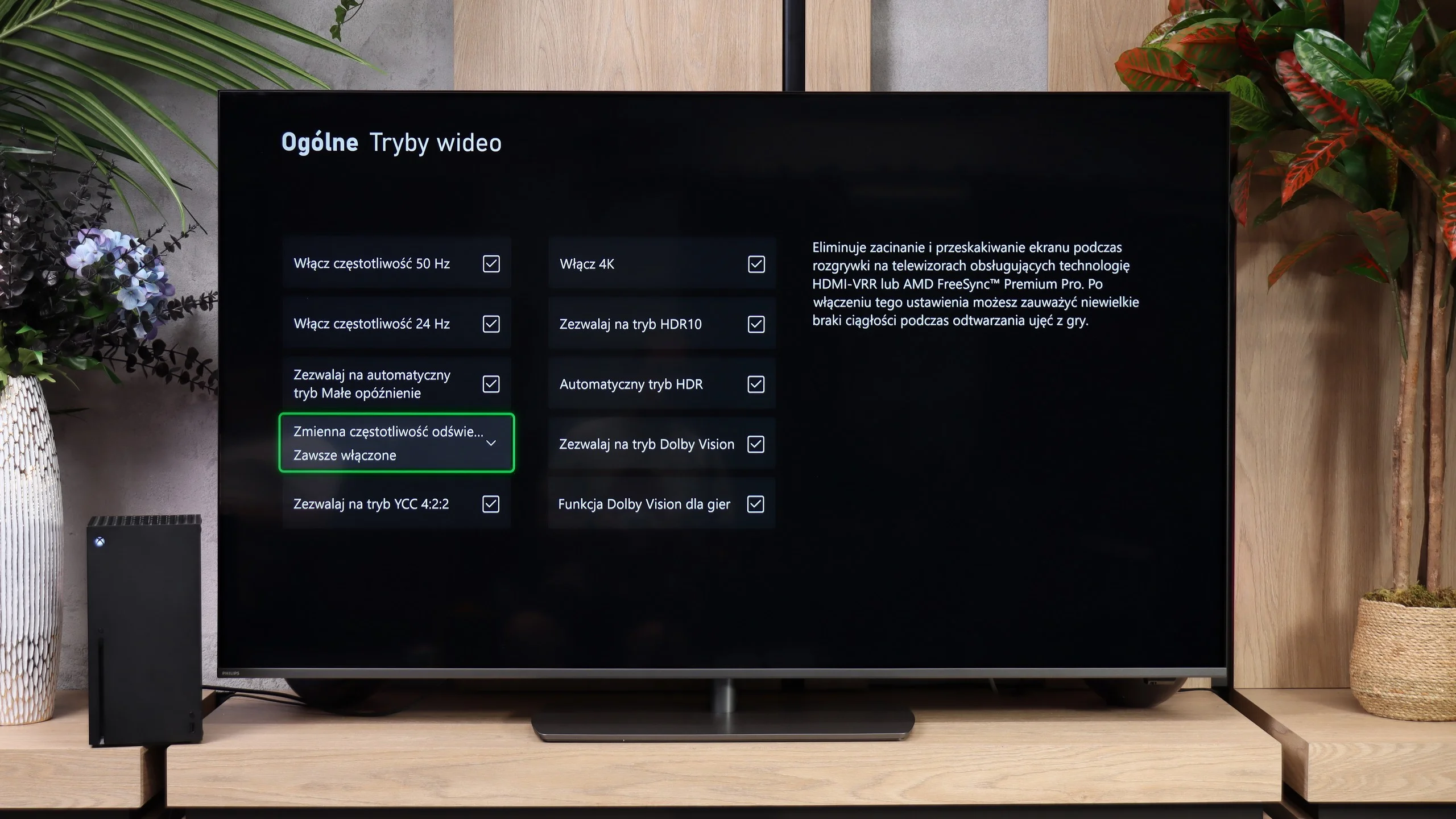
  • Many features for gamers: four HDMI 2.1 ports, VRR, ALLM, HGiG

  • 144 Hz refresh at 4K and 240 Hz at Full HD from a PC

  • Good coverage of a wide colour gamut: PFS LED

  • Dolby Vision, which genuinely helps the TV with HDR content

  • Decent brightness of around 500 nits, useful for daytime viewing

  • Rotating stand

Disadvantages

No like
  • Massive trailing and only a 60Hz panel

  • Poor mini-LED local dimming algorithms

  • Narrow viewing angles (a natural characteristic of VA panels)

  • No VRR and HGiG – features for gamers

  • Odd sound – the audio has a "hole" in the dialogues

  • No local dimming: average blacks in the evening and a limited HDR effect

  • Smaller app library than the competition

  • Poor viewing angles (can be mitigated with a swivel stand)

  • Very high input lag in games with Dolby Vision

  • Significant errors in HDR colour reproduction (no CMS adjustment available)

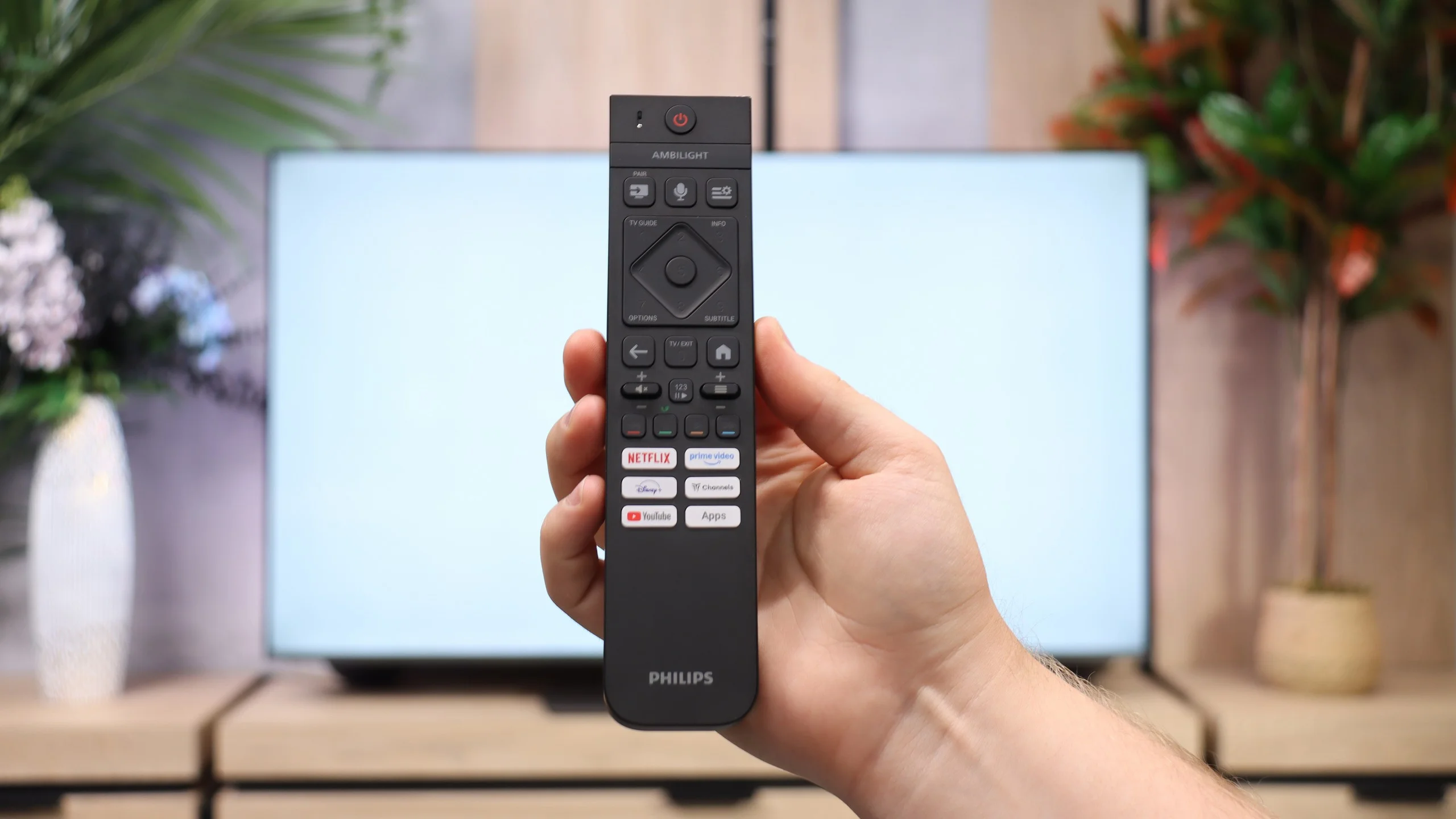
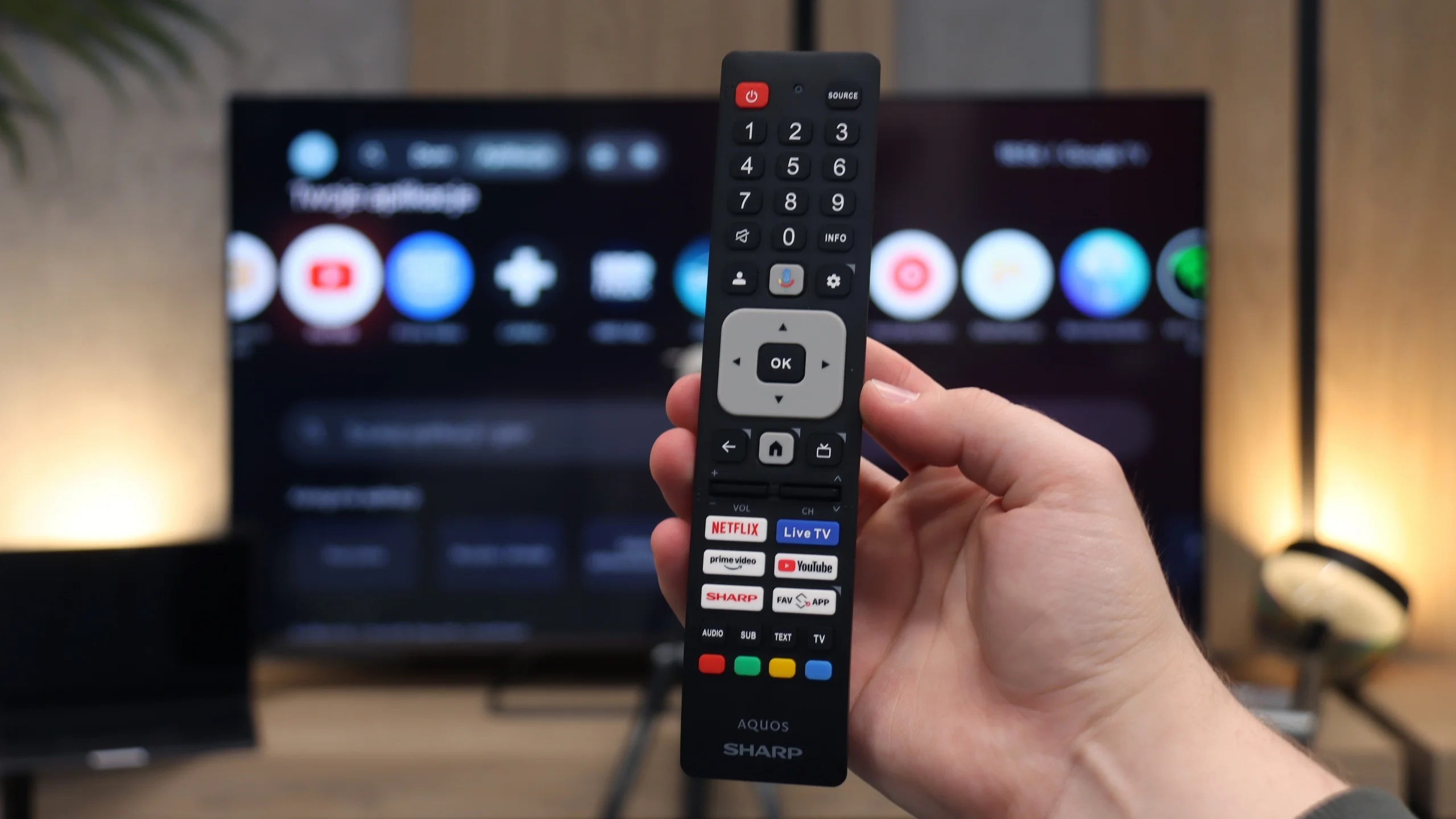
  • IR remote that requires aiming

Our verdict

Sharp JP7765 is yet another offering in the market that tries to prove that Mini-LED technology doesn't have to cost a fortune. The low price is matched by an exceptionally high brightness – a peak of 1000 nits in HDR is a result that is simply impressive in this price range. Although the proprietary processor doesn't always handle backlighting management in demanding scenes perfectly, support for Dolby Vision effectively saves the day. With dynamic metadata, the picture becomes vivid, deep, and simply attractive to the eye. Adding to this the Google TV system, extreme volume, and a rarely found headphone jack, we have a device that is a brilliant option for seniors or less demanding viewers switching from a regular, cheap LCD. In such a scenario, the Sharp JP7 presents itself as a really good and cost-effective choice. However, it's necessary to state the matter clearly: contrary to marketing slogans, this isn't gear for everyone. Gamers or sports fans will definitely not find this suitable. The biggest drawback of the JP7765 model is the slow, 60Hz panel and significant motion blur, which essentially disqualifies this TV for watching fast-paced matches or playing quick titles. The image loses sharpness during rapid movements to such an extent that for a football or racing fan, this could be an unacceptable barrier.

So who is the Sharp JP7765 for? It's a sensible option for budget-conscious individuals who don't have high demands for motion fluidity but value a "kick" of brightness. By choosing the Sharp JP7, you'll definitely make a better deal than buying basic (non-dimming) TVs from competitors. At a similar price, rivals usually offer standard LCD panels that can't compete with the capabilities of even such a basic Mini-LED model as the JP7. Ultimately, it comes down to a simple equation: you accept poorer motion fluidity in exchange for immense brightness, which is hard to find with other manufacturers at this price.

The idea behind The One series has remained practically unchanged for years, and with the Philips PQS9001 this is both an advantage and its biggest weakness. Once again, we get a versatile mid-range TV whose main distinguishing feature is Ambilight. The lighting that follows what is happening on the screen can completely change the atmosphere of an evening movie session, and for many people it will be the main reason to choose this TV. That is hardly surprising, because once you get used to the effect, it can be difficult to go back to watching without it. The picture quality itself is good, but we have already seen a very similar level from this series in previous years. The VA panel provides decent blacks, colours are nicely saturated, and the brightness is sufficient for comfortable viewing in a typical living room. It is a shame, however, that Philips did not take another step forward and introduce at least basic local dimming. In a dark room, blacks can look noticeably bluish, and HDR, while clearly visible, does not make as strong an impression as it could. After so many years of The One being on the market, we would have expected a little more progress here.

There has, however, been a noticeable improvement in Titan OS. Compared with last year, and especially with the version from two years ago, the system has become much more pleasant to use. There are more apps, many smaller functions have been improved, and a number of irritating bugs we previously complained about have been fixed. Overall, it works reasonably well, although we are once again frustrated by the remote control, which still requires you to point it directly at the TV. Philips continues to rely on infrared for regular navigation, even though voice control uses a wireless connection. That makes it even harder to understand why the same connection was not used for navigating the menus. The One also has quite a lot to offer gamers. Four HDMI 2.1 ports and a broad set of gaming features are one thing, but what impressed us most was the panel’s response time. Our unit showed practically no visible smearing, even on dark backgrounds, which is quite rare for an LCD TV with a VA panel. Philips deserves a lot of credit for that. The ability to play at 4K 144 Hz or Full HD 240 Hz also makes the TV an interesting option for PC users. Unfortunately, there is still one unfinished element: using Dolby Vision in games on Xbox results in very high input lag.

The PQS9000 therefore leaves us with mixed feelings. It can surprise with excellent motion handling and shows that Philips has clearly worked on its operating system, but we do not see a similar step forward in picture quality. This is a TV we can recommend primarily to fans of Ambilight. If that lighting system is the main reason you are considering a Philips, then buying The One makes a lot of sense. It is still worth checking, however, whether you can find a Mini LED model with good local dimming at a similar price. Such a TV may offer deeper blacks and more impressive HDR performance. In the end, the choice comes down to what matters more to you: the atmosphere created by Ambilight or better picture quality itself.

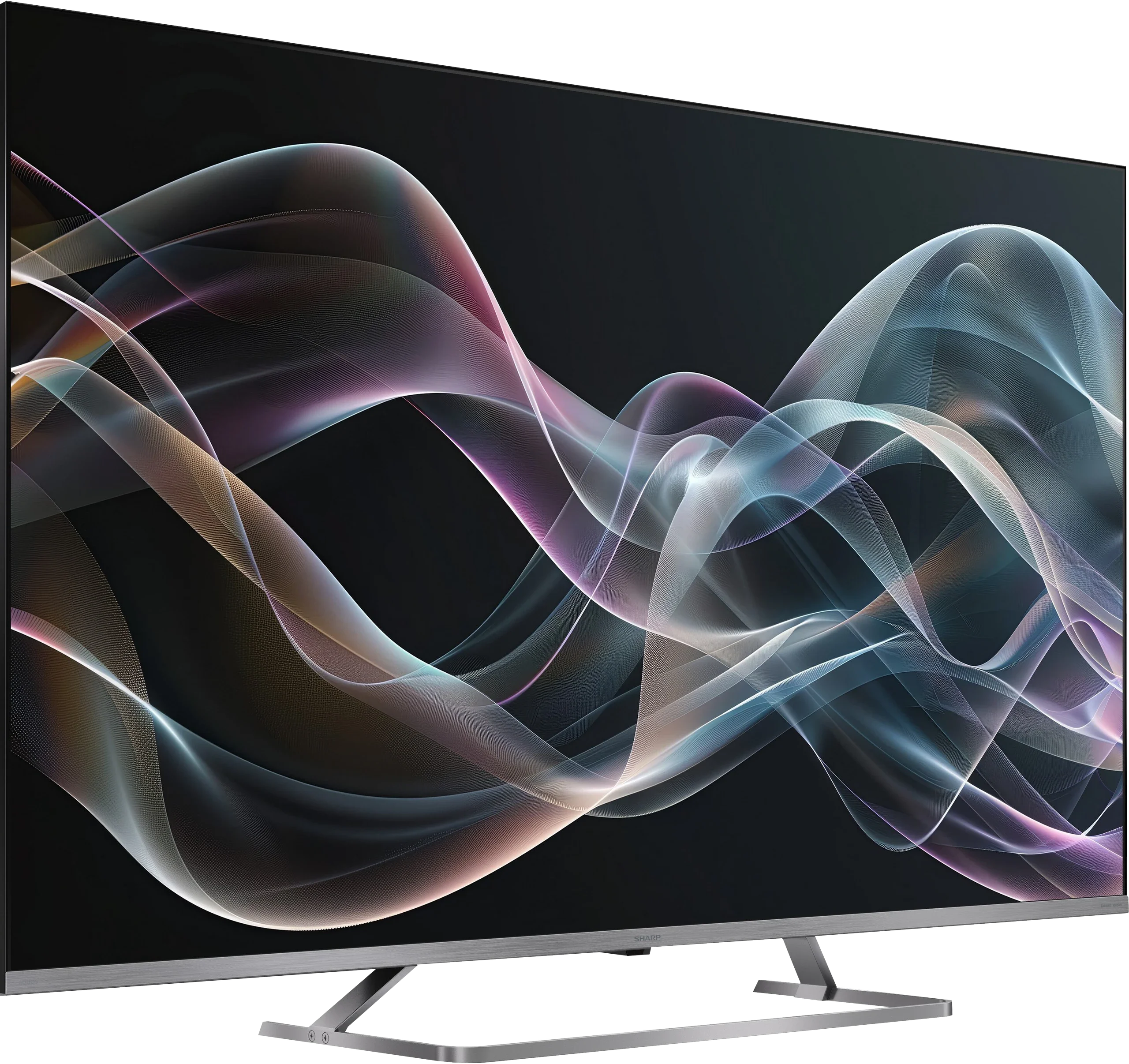
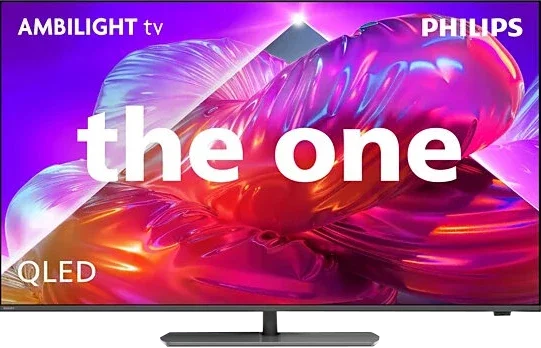
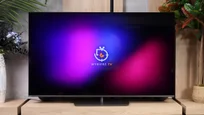
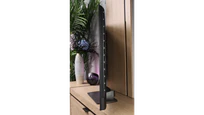
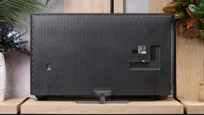
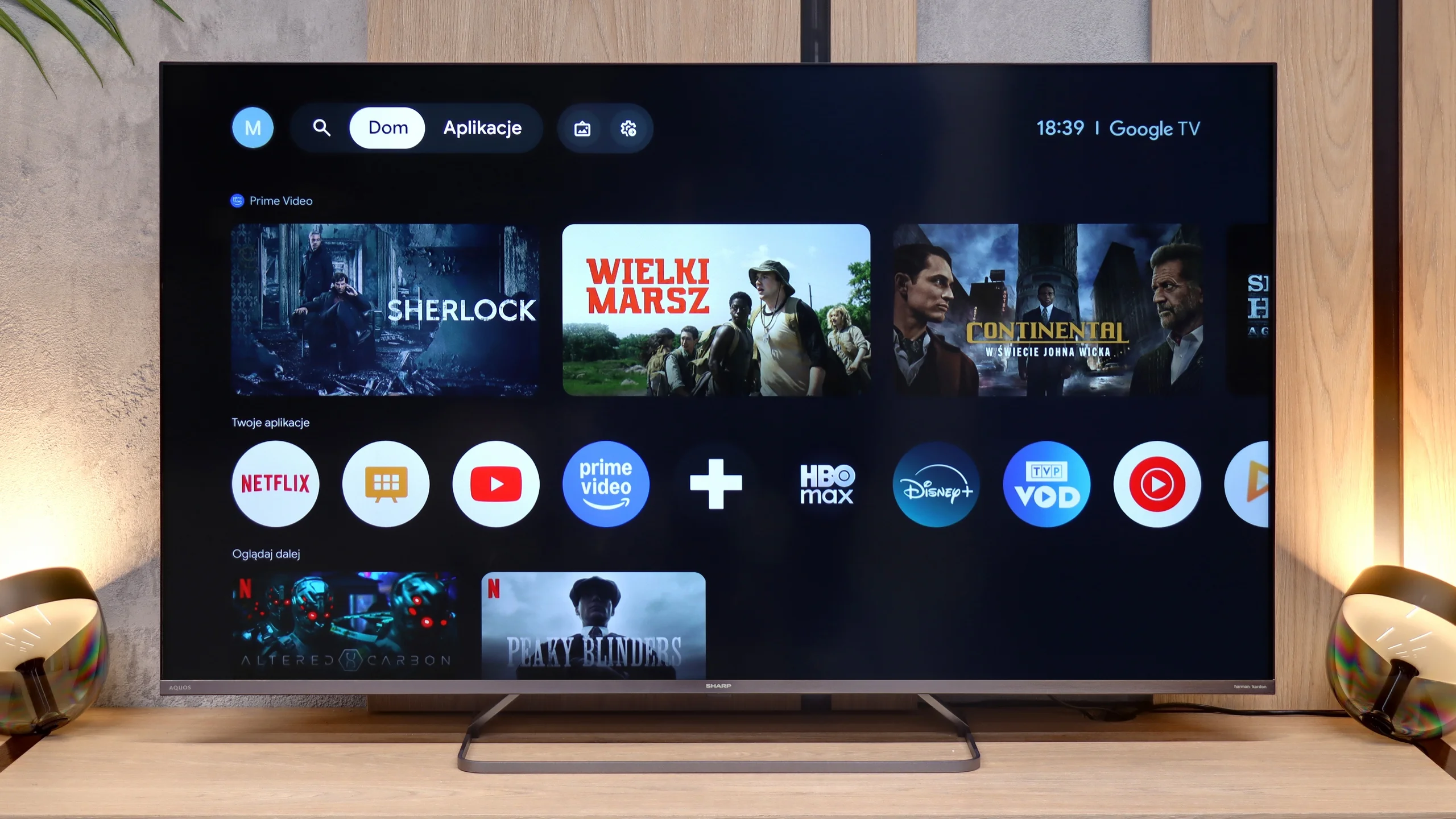
TV appearance

HDMI inputs
4 x HDMI 2.0, 0 x HDMI 2.1
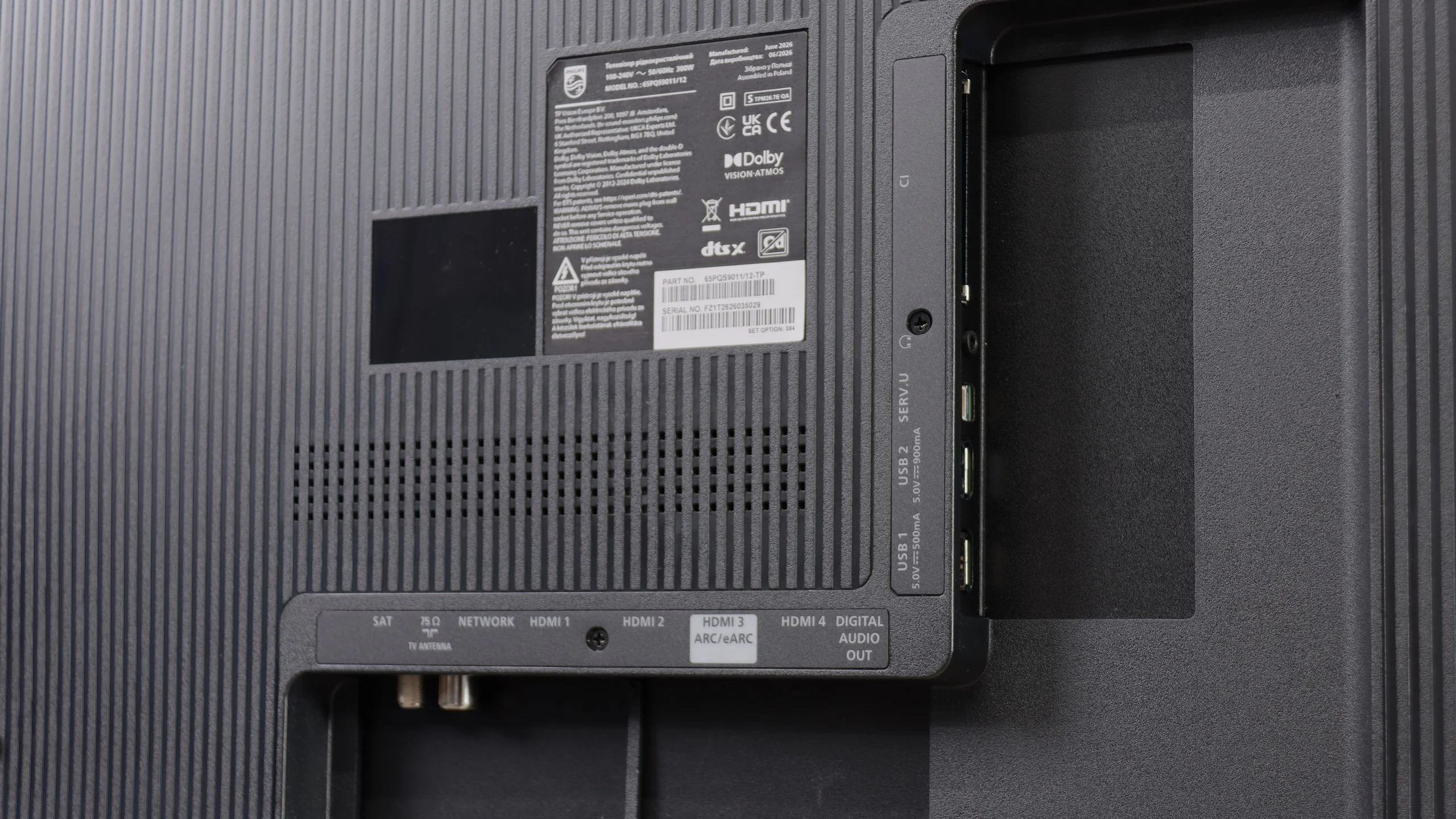
0 x HDMI 2.0, 4 x HDMI 2.1 (48Gbps)
Other inputs
RCA (Chinch)
Outputs
Toslink (Optical audio), eARC (HDMI), ARC (HDMI), Mini-Jack (Headphones)
Network Interfaces
Wi-Fi 2.4GHz, Wi-Fi 5GHz, Ethernet (LAN) 100Mbps
Build quality
Average
Good
Stand type
Central
Central
Bezel color
Silver
Graphite
Stand
Fixed
Fixed
Accessories
Stand
Stand

Contrast and black detail

7.3/10

5.8/10

Local dimming function: Yes, number of zones: 160 (10 x 16)

Local dimming function: No

Contrast:

Review SHARP JP7765E Contrast and black detail

Result

64,100:1

Review SHARP JP7765E Contrast and black detail

Result

18,250:1

Review SHARP JP7765E Contrast and black detail

Result

46,350:1

Review SHARP JP7765E Contrast and black detail

Result

7,000:1

Review SHARP JP7765E Contrast and black detail

Result

4,500:1

Review Philips PQS9011 / PQS9001 (The One 2026) Contrast and black detail

Result

5,500:1

Review Philips PQS9011 / PQS9001 (The One 2026) Contrast and black detail

Result

3,950:1

Review Philips PQS9011 / PQS9001 (The One 2026) Contrast and black detail

Result

5,600:1

Review Philips PQS9011 / PQS9001 (The One 2026) Contrast and black detail

Result

5,750:1

Review Philips PQS9011 / PQS9001 (The One 2026) Contrast and black detail

Result

4,500:1

Halo effect and black detail visibility:

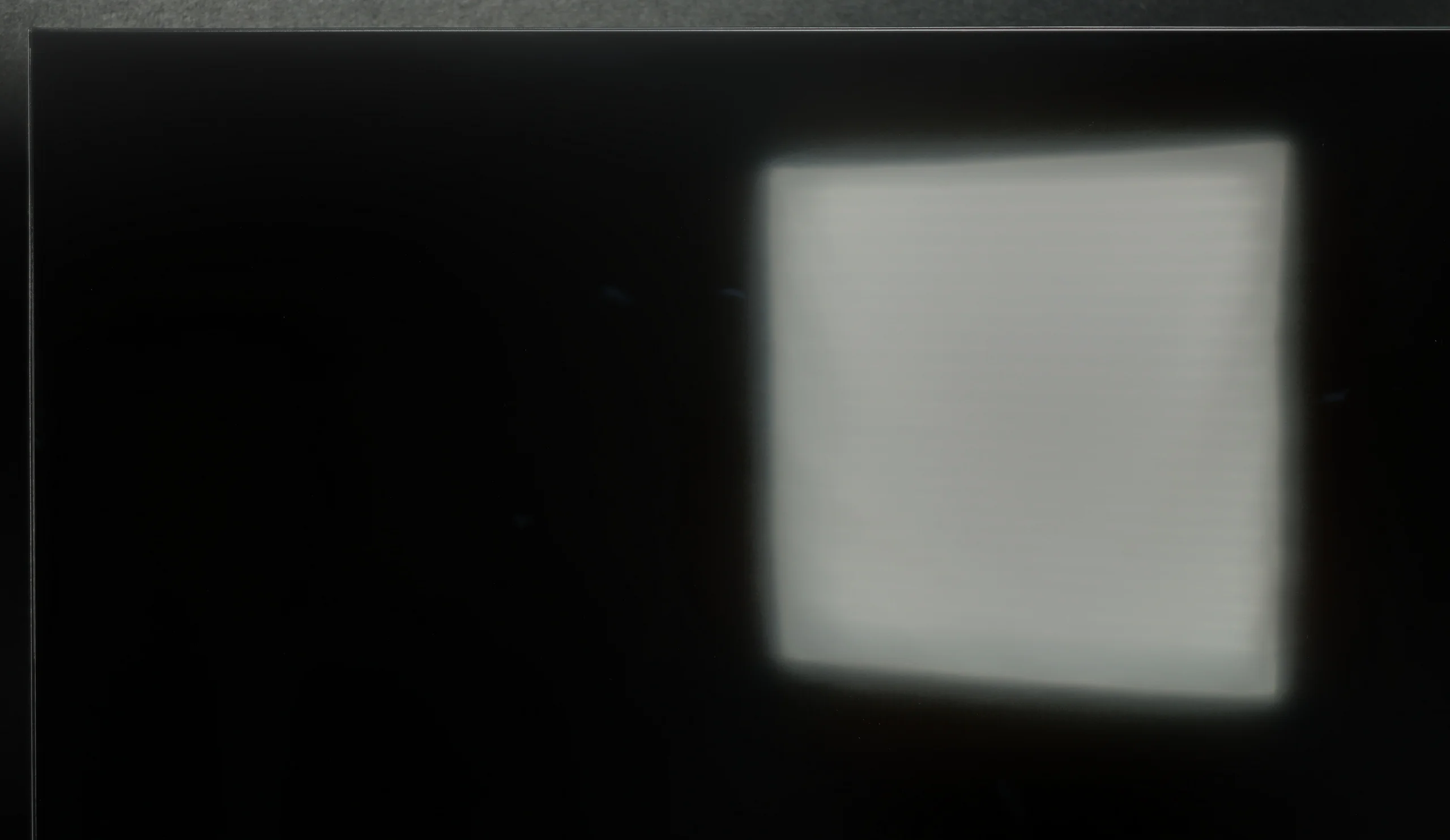
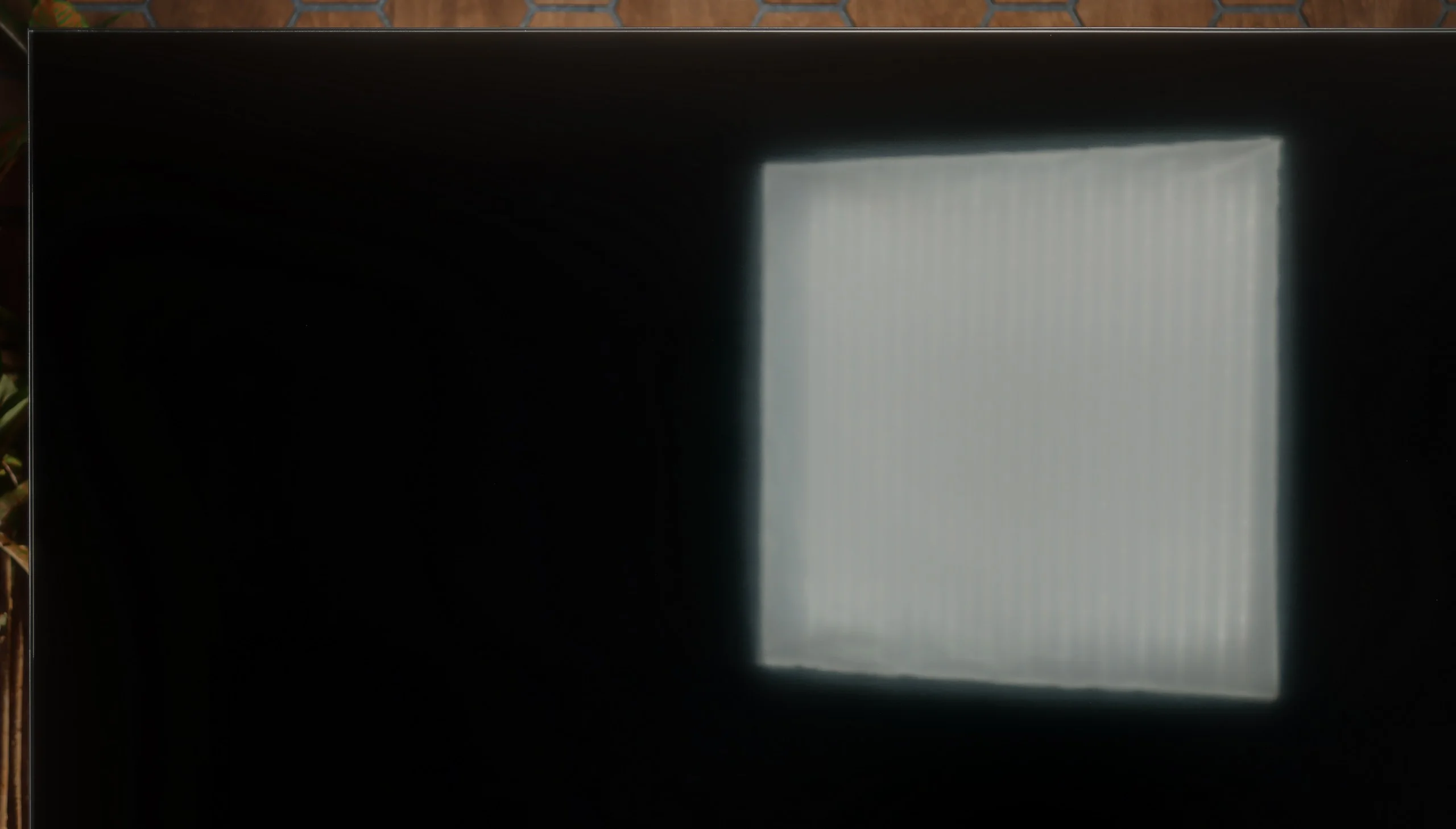
Check the visibility of bright lights on a dark background. Mini-LEDs often struggle with this. The photo does not compare black levels – that’s what the video below is for.

The video accurately shows differences in contrast and black levels between TVs, as well as potential issues: halo around bright objects or Mini-LED zone operation visible as brightness jumps.

When it comes to what’s most important in Mini-LEDs, namely contrast and black levels, the Sharp JP7 in the 55-inch size we've tested uses a VA panel. Combined with backlighting divided into 160 zones (in a 10x16 layout), this promises really solid performance. Measurements on static film test patterns can be downright shocking, with reported contrast reaching five-digit values, even hitting levels of 50,000:1. On paper, this is a result that even much more expensive models would envy, and black levels under such conditions look very appealing.

Unfortunately, a TV is bought for watching movies, not for admiring static test patterns, and here the magic tends to fade. When something more begins to happen on the screen – especially in complex, dark scenes with a lot of small, bright elements – the backlight system in the JP7 starts to literally go haywire. Zones can "dance" before the viewer's eyes, flickering on and off in a manner that can be just plain annoying and distracts from the action. It is clear that Sharp has a huge area for improvement regarding local dimming management. The hardware potential in the form of Mini-LEDs is substantial, but the control algorithms clearly struggle to tame them.

Black levels and contrast on the Philips PQS9000 are decent for an LCD TV without local dimming. That's mainly down to the VA panel — in our movie scenes contrast often exceeded 5000:1, and at weaker points fell to around 4000:1. That delivers an image with quite good depth and a clear advantage over typical IPS panels, where blacks much more easily look grey. Unfortunately, that's about as far as the panel's capabilities go. The TV has no local dimming, so it can't dim a dark background separately while keeping strong highlights in another part of the screen. All it has is global dimming, which brightens or dims the whole backlight at once. In a completely dark room those limitations become visible: blacks take on a dark navy tint, and shadowy scenes lack the depth of a good screen with zoned local dimming. Thankfully Ambilight helps here. The light on the wall makes on-screen blacks appear deeper and helps mask the panel's glow a little. It doesn't change the TV's actual contrast, but it affects how our eyes perceive it. In this case Ambilight is therefore not just decorative, because it can also make evening viewing more pleasant.

HDR effect quality

5.3/10

5.5/10

Supported formats
HDR10, Dolby Vision, HLG
HDR10, HDR10+, Dolby Vision, HLG
Color gamut coverage
DCI P3: 94.0%, Bt.2020: 70.1%
DCI P3: 94.5%, Bt.2020: 75.5%

Luminance measurements in HDR:

Review SHARP JP7765E Brightness measurement

Result

1014 nit

Review SHARP JP7765E Brightness measurement

Result

247 nit

Review SHARP JP7765E Brightness measurement

Result

606 nit

Review SHARP JP7765E Brightness measurement

Result

180 nit

Review SHARP JP7765E Brightness measurement

Result

605 nit

Review Philips PQS9011 / PQS9001 (The One 2026) Brightness measurement

Result

449 nit

Review Philips PQS9011 / PQS9001 (The One 2026) Brightness measurement

Result

467 nit

Review Philips PQS9011 / PQS9001 (The One 2026) Brightness measurement

Result

487 nit

Review Philips PQS9011 / PQS9001 (The One 2026) Brightness measurement

Result

486 nit

Review Philips PQS9011 / PQS9001 (The One 2026) Brightness measurement

Result

507 nit

Scene from the movie “Pan” (about 2800 nits)

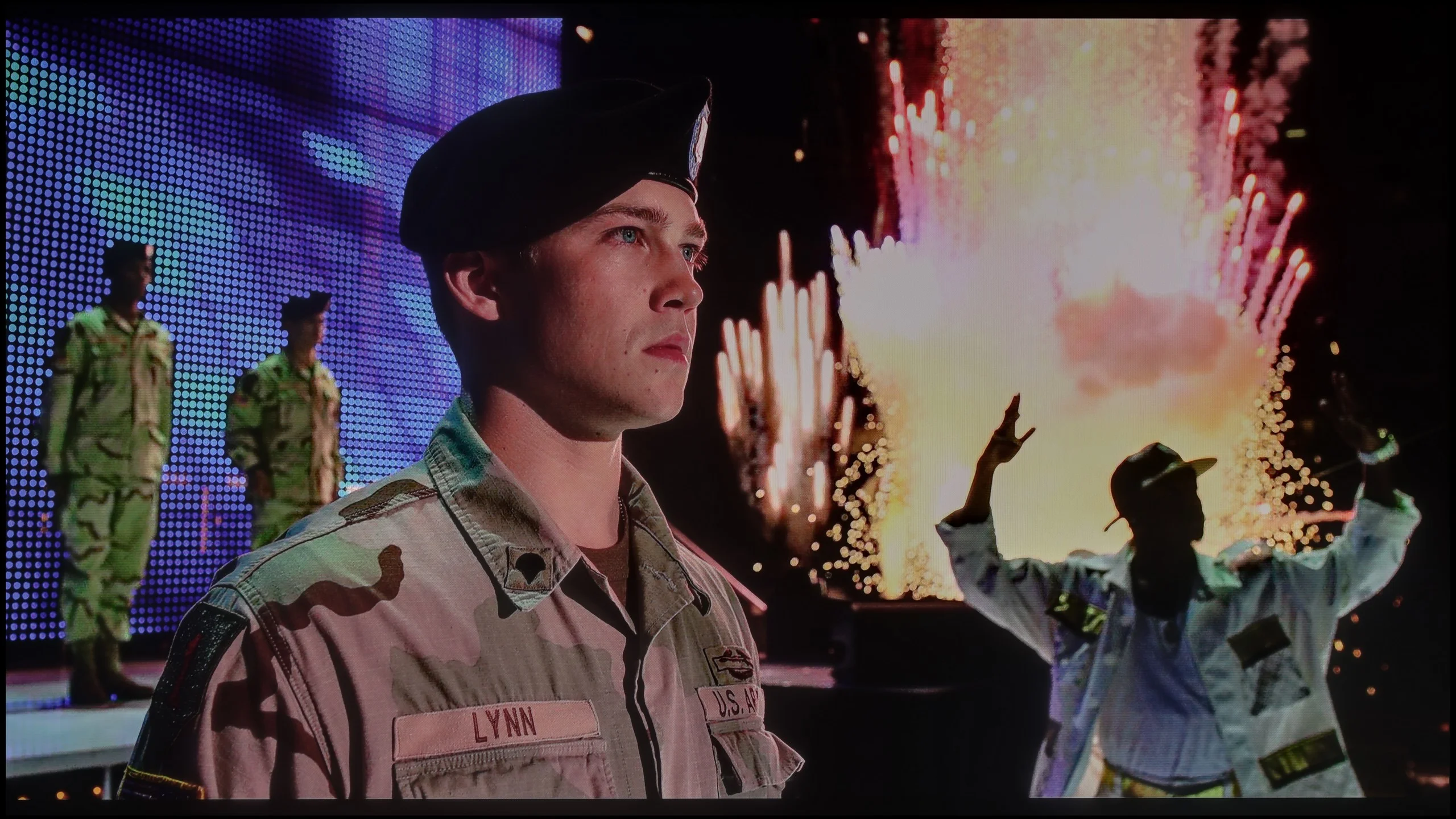
Scene from the movie “Billy Lynn” (about 1100 nits)

The photos show two HDR10 movies. 'Pan' is one of the brightest productions ever made, while 'Billy Lynn' (soldier) has brightness typical of streaming (Netflix, Prime, HBO MAX). Notice the intensity of effects and detail in whites.

Static HDR10

The photos present the visibility of white details in various HDR formats. They do not show brightness differences between TVs (these can be compared in the previous gallery).

Dynamic: Dolby Vision

Dynamic: Dolby Vision

The photos present the visibility of white details in various HDR formats. They do not show brightness differences between TVs (these can be compared in the previous gallery).

HDR luminance chart:

Philips PQS9011 / PQS9001 (The One 2026)

SHARP JP7765E

So how does the brightness of the Sharp JP7 perform in the most demanding titles? Honestly, we were quite surprised at first. The TV is able to achieve over 1000 nits of brightness, which is an outstanding and rare result for a device costing just under 2000 zł (for 55 inches). Watching bright, full-screen scenes, you can get the impression that you are dealing with really good equipment. But unfortunately, we have to return to the issue we mentioned earlier, which is local dimming management. When small, bright spots appear on a dark background (like in test scenes from the films Life of Pi or Sicario 2), it’s clear how poorly the JP7 handles these zones. The TV dims them almost to the maximum, crushing the whole HDR effect, which at such moments resembles a flat SDR image (less than 200 nits). This instability means that in demanding, contrast-rich films, the image on the JP7 unfortunately loses its appeal.

As a consolation, it's worth noting that the panel has the potential to display colours well. A PFS (phosphor) filter has been employed here, which allows the coverage of the DCI-P3 colour gamut to reach a solid 94%. The manufacturer calls its product a “QLED,” even though it technologically relies mainly on the aforementioned PFS filter. Considering the recent market battles between manufacturers over what can and cannot be called QLED, we leave the issue of the correctness of this terminology to your judgement. However, it remains a fact that the potential for reproducing saturated colours in this panel is simply good.

The Philips PQS9000 is a moderately bright TV — in our HDR scenes it reached roughly 450 to just over 500 nits. That’s enough to notice a difference compared with SDR. Sun reflections, lamps or flares have a bit more punch than on basic TVs, whose brightness often tops out around 300 nits. It’s not, however, a level where bright elements look especially striking. The biggest limitation remains contrast. Without local dimming, brightening a bright object also lifts the black level around it. So there’s no clear separation between strong highlights and a dark background, and it’s that kind of pairing that really shows what HDR can do. The PQS9000 offers more than the cheapest models, but despite decent brightness the effect remains fairly basic.

Colours

Philips deserves praise for the colours. Although the manufacturer markets this model as QLED, it actually uses a PFS phosphor instead of quantum dots. The solution itself doesn’t prevent good results. On test patterns and in measurements of film scenes we recorded about 94% DCI-P3 coverage and 75% BT.2020. For this class of TV that’s really good. In practice this means the vast majority of colours used in HDR films and series will have appropriate saturation. Lush greens or intense reds aren’t a problem and add appeal to the picture. Limitations are easier to notice in some games and rarer content that use the most saturated shades of the wide BT.2020 gamut. In those situations, displays with wider colour coverage, such as SQD or RGB LED, can show more. At its price point the PQS9000 has nothing to be ashamed of.

Factory color reproduction

4/10

5.1/10

This gallery shows how colors change after professional TV calibration. If you notice the difference, we recommend ordering this service at SkalibrujTV.com.

Factory Mode

After calibration

This gallery shows how colors change after professional TV calibration. If you notice the difference, we recommend ordering this service at SkalibrujTV.com.

Factory Mode

After calibration

When it comes to colours straight out of the box, the Sharp JP7 was tested in the Film mode, which traditionally offers the most cohesive image compared to the yellowed “Eco” mode or the glaring blue of the “Dynamic” mode. Although this is the best choice among the available settings, the results still fall short of ideal. The white balance clearly lacked red and blue components, causing many scenes to take on an unnatural, greenish hue. Another issue was the gamma – in full-screen scenes, the TV produced excessively bright images, completely robbing it of its cinematic character. All of this resulted in colour reproduction errors, especially in shades of grey, which exceeded the Delta E 10 value. To remind you: errors above 2-3 are already noticeable to the human eye, so here we are dealing with a significant distortion of reality.

In HDR mode, the situation is reversed, but not in a better way. Here, the white balance is dominated by blue, giving the image an unnatural, almost “store-like” sharpness, reminiscent of aggressive demonstration modes. Moreover, the measurements of the EOTF curve emphasise the store-like nature of the image. The graph clearly shows that the TV generates images that are significantly brighter than the standards predict, resulting in an artificially boosted and unrealistic final effect. The Sharp JP7 is evidently trying to appear stronger than it actually is, but it does so at the expense of fidelity to the original content.

The factory picture settings for Movie mode on the PQS9000 unfortunately need tweaking. In SDR the biggest problem is an excess of red in the white balance, which makes whites, greys and skin tones too warm, in places even slightly pink. Gamma runs below the reference across most of the range. The TV therefore brightens midtones and highlights, making the image look flatter than it should.

In HDR the white balance itself performs significantly better. Apart from minor deviations the components sit close together, so there isn’t the same obvious tint as in SDR. The EOTF curve, however, shows a slight brightening of parts of the image, and the biggest issue appears when measuring the wide colour gamut. Many shades deviate substantially from the target, with errors reaching ΔE 8–9. The good gamut coverage we praised earlier therefore doesn’t mean the TV hits specific colours accurately. It can display a wide range of colours, but out of the box it doesn’t use that range very precisely.

Color reproduction after calibration

6.7/10

7.7/10

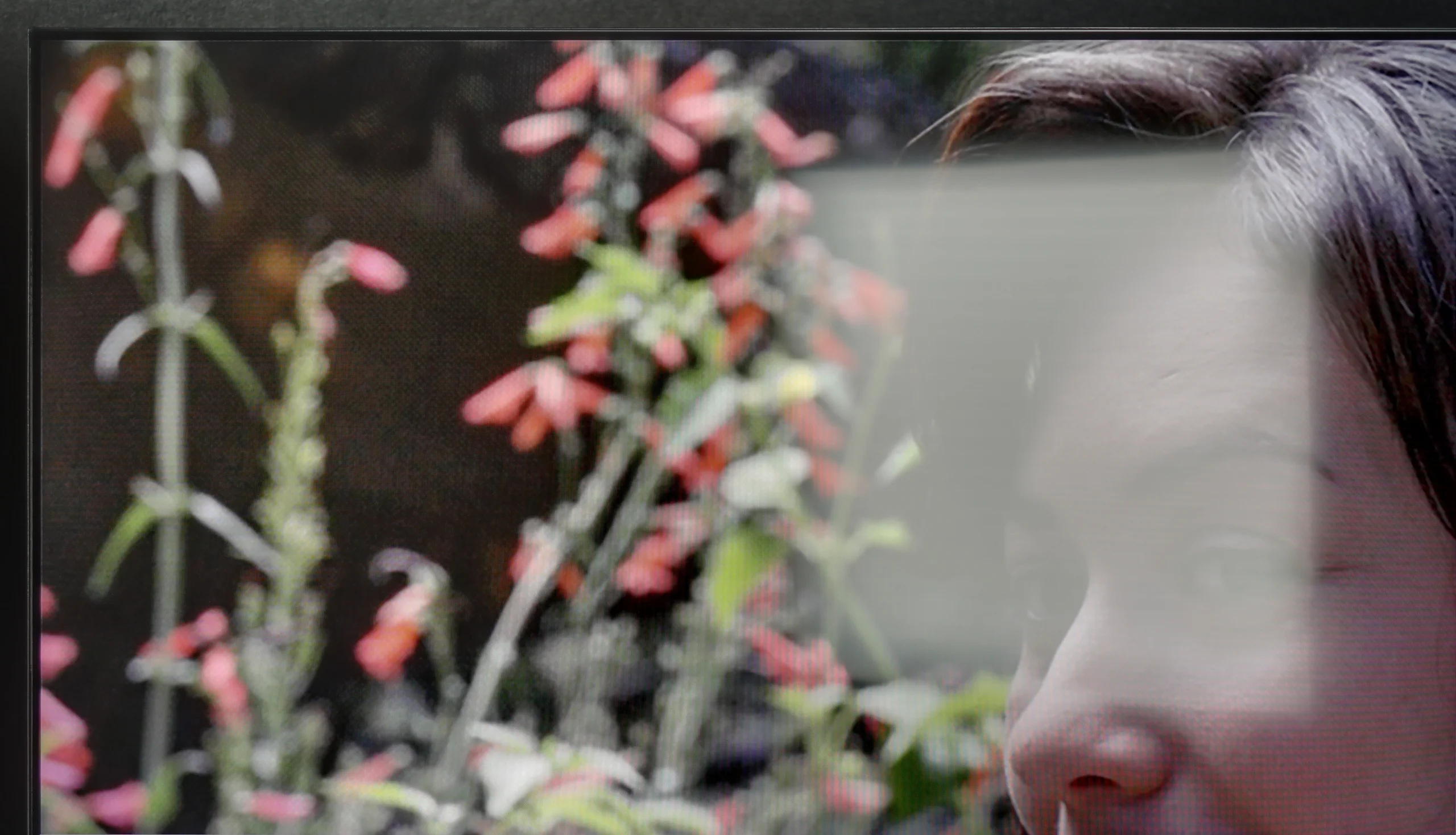
The photos show how movies look on the TV. Pay attention to black detail visibility, colors, and shadow tint.

The photos show how movies look on the TV. Pay attention to black detail visibility, colors, and shadow tint.

We subjected the JP7 to our standard calibration procedure and honestly... the television gained a second life thanks to it, especially with SDR content (YouTube, traditional television, series, or older films). With our precise adjustments to the white balance and stabilisation of the gamma, colour errors dropped to a value of below 3. This is a level at which the human eye struggles to perceive discrepancies. In this scenario, the Sharp JP7 delivers an image with truly excellent colour accuracy, which is a significant advantage in this price range. However, the HDR content turned out to be much more problematic. Here, despite our efforts and interventions in the settings, the television simply refused to cooperate. In the JP7 menu, we won’t find any option to effectively control how brightness is managed (EOTF). Although a significant portion of the colour errors has been reduced, the image still remained unnaturally oversaturated. It’s a bit disappointing because the potential of the mini-LED backlit panel is great, but the software presents a clear barrier.

The conclusion is simple: when watching less demanding content (SDR) on the JP7, you can expect an image that is more than satisfactory, but in HDR you will have to accept a certain degree of "artificiality" that cannot be bypassed even with professional equipment.

Calibration brought a big improvement, especially with SDR content. We managed to even out the white balance and remove the earlier colour cast, and the Color Checker measurements now look very good. Colours are much closer to what they should be on screen, so with regular TV or SDR movies we can be happy with the result. Unfortunately HDR spoils that a bit. On the one hand it's limited by the panel itself, because calibration won't improve contrast or replace local dimming. On the other hand there are colour errors we couldn't correct because the CMS settings, i.e. colour management, were greyed out and inactive. That loses Philips points with us. The white balance can be fine-tuned, but without access to wide gamut controls you can't as effectively sort out colours in HDR. It's a shame, because the SDR results show the potential is there, but we weren't allowed to fully make use of it everywhere.

Smoothness of tonal transitions

7.5/10

8.6/10

These are selected scenes that show smooth tonal transitions from one color to another. If you see distinct banding, it’s the TV panel’s fault.

These are selected scenes that show smooth tonal transitions from one color to another. If you see distinct banding, it’s the TV panel’s fault.

These are selected scenes that show smooth tonal transitions from one color to another. If you see distinct banding, it’s the TV panel’s fault.

These are selected scenes that show smooth tonal transitions from one color to another. If you see distinct banding, it’s the TV panel’s fault.

When it comes to image clarity, posterisation on the Sharp JP7 fortunately doesn’t distract too much from the content being viewed. In most scenes, it’s hard to spot annoying stripes or the so-called “jaggies” of colour, which often ruin the experience during scenes with smooth colours. Of course, you can't expect miracles here, as in some extremely demanding scenes, a trained eye might notice issues in the tonal transitions. However, it’s not at a level that would realistically distract during a film. Well, unless you have good eyesight and are looking for artefacts on the screen – then you’ll probably find something.

Philips PQS9000 handles tonal transitions very well. It looks especially good in dark scenes, where shades blend smoothly into one another without visible banding or clear boundaries between colours. As a result, even on large, uniform areas the image looks smooth. Minor imperfections only appear in the brighter tones, but you have to look closely to notice them. During normal viewing they are unlikely to distract from the film. In this category, Philips performs really well.

Image scaling and smoothness of tonal transitions

3.5/10

7/10

Image without overscan on the SD signal
OK
OK
Smooth transition function
No
OK

Smooth transition function

The match photo shows how the TV smooths weak tonal transitions in low-quality video.

Image scaling SD (576i)

The model photo shows how it handles upscaling of SD material.

When it comes to lower quality materials and how Sharp JP7 handles them, the situation is ambiguous. Let's start with the upscaling itself – here we have no major objections. The process of scaling the image to a higher resolution is correct; the picture remains readable and clear, without the overscan effect, which means no cropped edges. Of course, it's not at the level of top models and at times you can notice slight tearing on the edges, but in this price range, the effect is fully acceptable.

However, the actual digital image processing performs much worse, as aside from the scaling, it practically doesn’t exist. In the JP7 menu, we won’t find any options that would effectively smooth out unwanted tonal transitions or reduce noise in the image. As a result, the signal hits the panel in a very raw form, which with heavily compressed materials (e.g., from YouTube) results in noticeable posterisation. Either this is a programming error or a very strange design decision, because in earlier Sharp models this function was available and, more importantly, worked with noticeable effect. Here, we are stuck with what the source delivers, without any digital support from the image processor.

Digital image processing on the Philips PQS9000 performs well, although we have a few reservations. The "Distortion Reduction" function helps smooth tonal transitions in lower-quality sources, but it works rather unevenly. It can improve one part of the picture, only to, moments later and still within the same scene, lose its way and show banding between shades again. On the plus side, it doesn't strip away film grain or fine noise, so the image retains its texture. We found the "Medium" setting worked best and that's the one we recommend.

The upscaling to 4K itself is adequate, though the image is very soft. Edges are heavily smoothed, which may leave some viewers wanting more clarity. In that case, it's worth slightly increasing the sharpness in the TV menu, as this will help emphasise edges more. Don't overdo the sharpness slider, though, or you'll get artificial halos instead of an improvement.

Blur and motion smoothness

2/10

8.1/10

Maximum refresh rate of the panel
60Hz
144Hz
Film motion smoothing option
OK
OK
Blur reduction option
No
OK
BFI function 60Hz
-
No
BFI function 120Hz
-
No
Brightness drop with BFI
-%
0%

Blur (native resolution, maximum refresh rate):

Blur ():

Blur (1080p@240Hz):

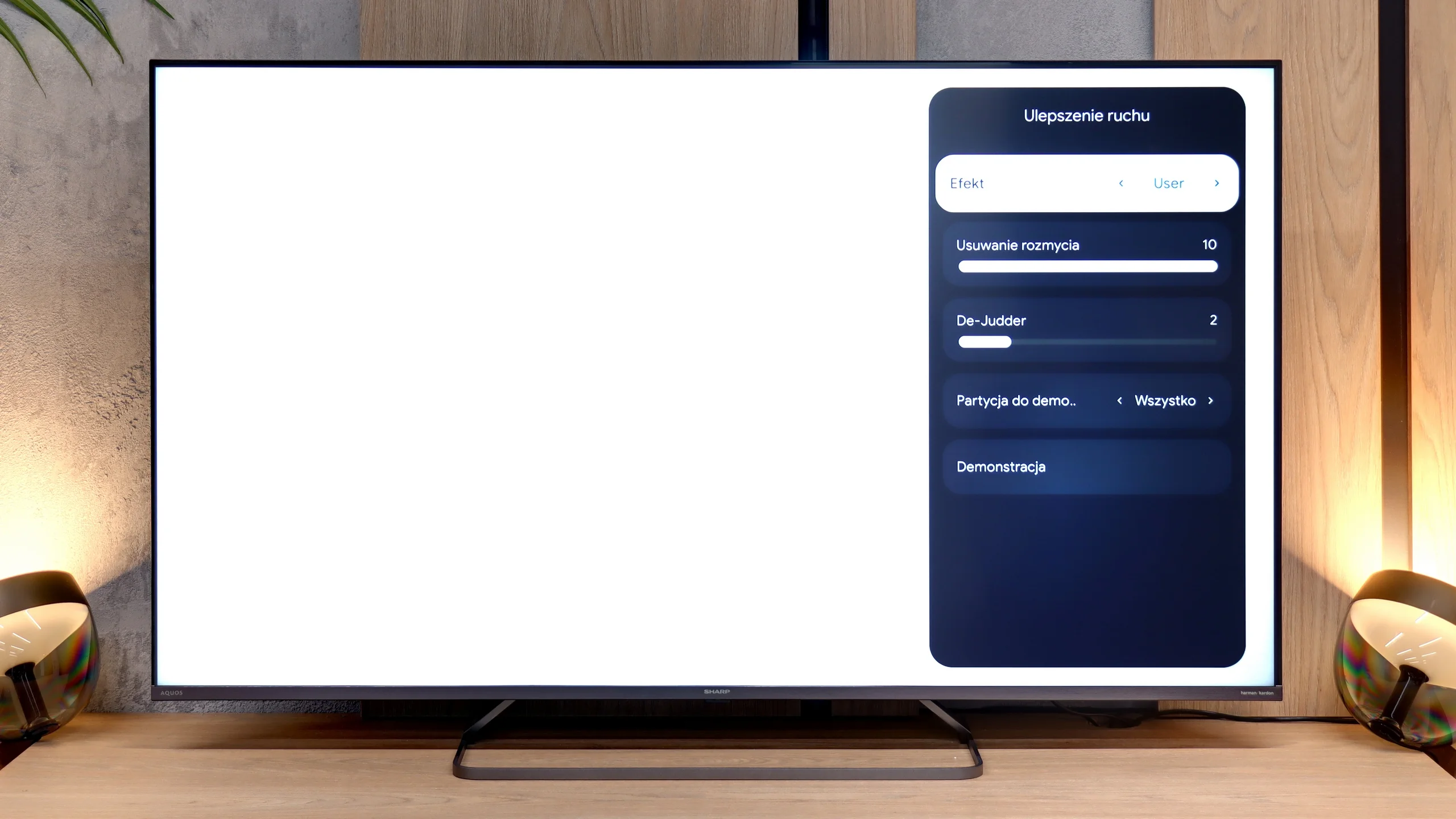
The motion fluidity on the Sharp JP7 is quite average, and the reason is simple: the TV uses a 60Hz panel. This immediately makes it hard to recommend for watching sports or serious gaming, where higher refresh rates are already the standard. The only real plus is the presence of a motion smoother, which we can control in films with a slider called De-judder. Lower settings give a more raw, “cinematic” (framey) image, while higher ones add artificial fluidity. We suggest setting it somewhere in the middle of the scale, around 3-5 – this is the best compromise to avoid the soap opera effect while also getting rid of the annoying image skipping. Interestingly, in the menu, we also find a slider for "motion blur reduction," which usually indicates the presence of a 120Hz panel. However, in the case of the JP7, it doesn’t actually enhance the image and serves more as a dummy – it looks good in the settings, but technically it shouldn’t work on this panel.


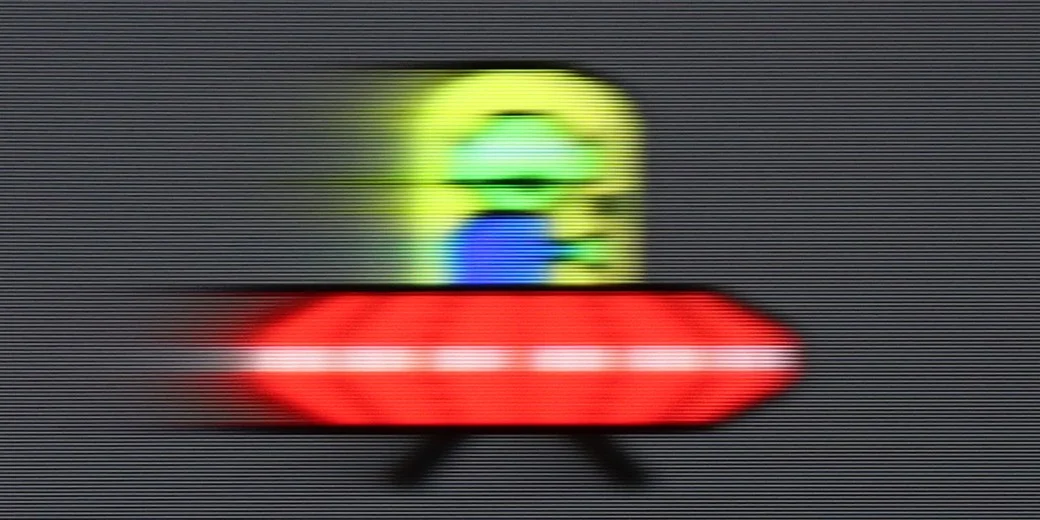
In terms of motion handling the Philips PQS9000 performs exceptionally well for an LCD TV. It's not just about the 144 Hz refresh rate, but above all how quickly the panel itself responds. At 120 Hz you can hardly see the typical trailing smears behind moving objects. What's particularly pleasing is that this also applies to darker backgrounds, where many VA panels clearly struggle. Here motion remains clear, and in this respect Philips has pleasantly surprised us.

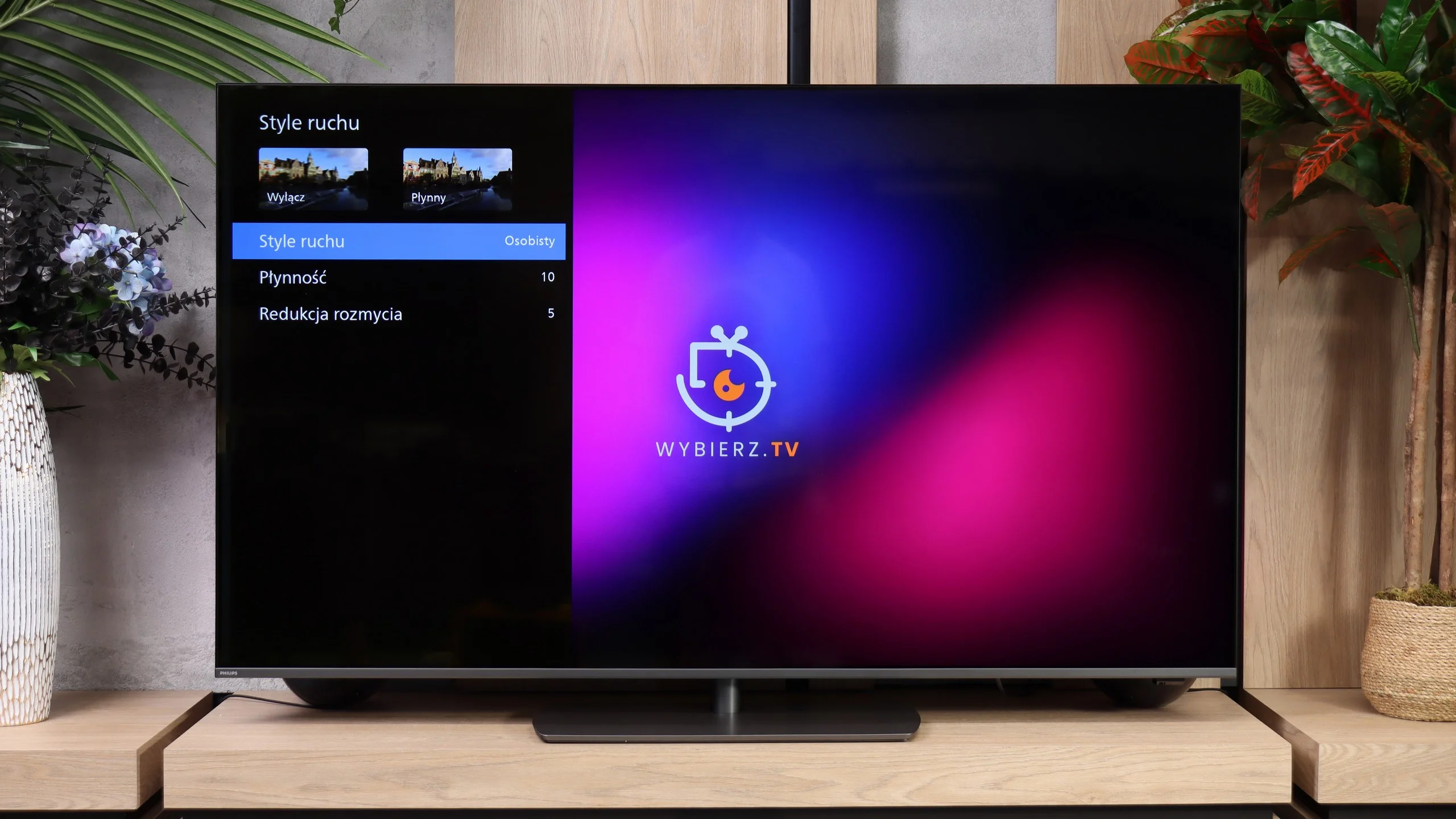
The "Motion Styles" feature is used to adjust how motion is displayed. It includes two sliders: "Smoothness" and "Blur Reduction", allowing you to tailor the effect to the material you're watching and your personal preferences. Our suggested settings are shown in the photo. Treat them as a starting point and see which level of smoothing suits you best.

Console compatibility and gaming features

4/10

9.5/10

  • ALLM
    Yes
    Yes
  • VRR
    No
    Yes
  • VRR range
    No
    48 - 240Hz
  • Dolby Vision Game Mode
    Yes
    Warning Yes, high input lag
  • Correct implementation of HGIG
    No
    Yes
  • 1080p@120Hz
    No
    Yes
  • 1440p@120Hz
    No
    Yes
  • 4K@120Hz
    No
    Yes
  • Game bar
    Yes
    Yes

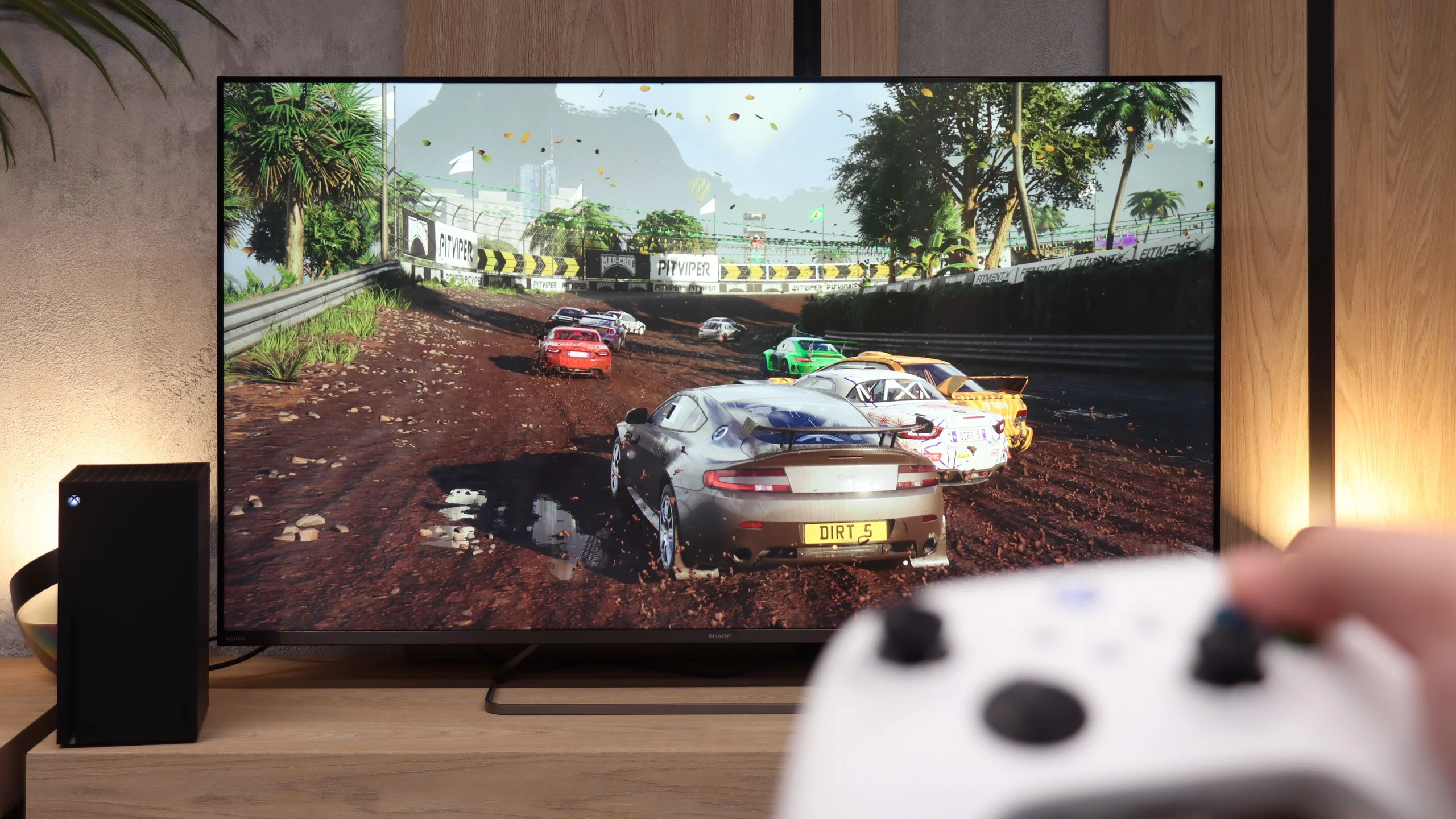
As we mentioned earlier, the 60Hz panel is not a feature that will attract gamers to the Sharp JP7. Perhaps for the casual gamer, whose console still generates most titles at 60 frames per second, there might be something interesting? When it comes to specific additions, we find here:

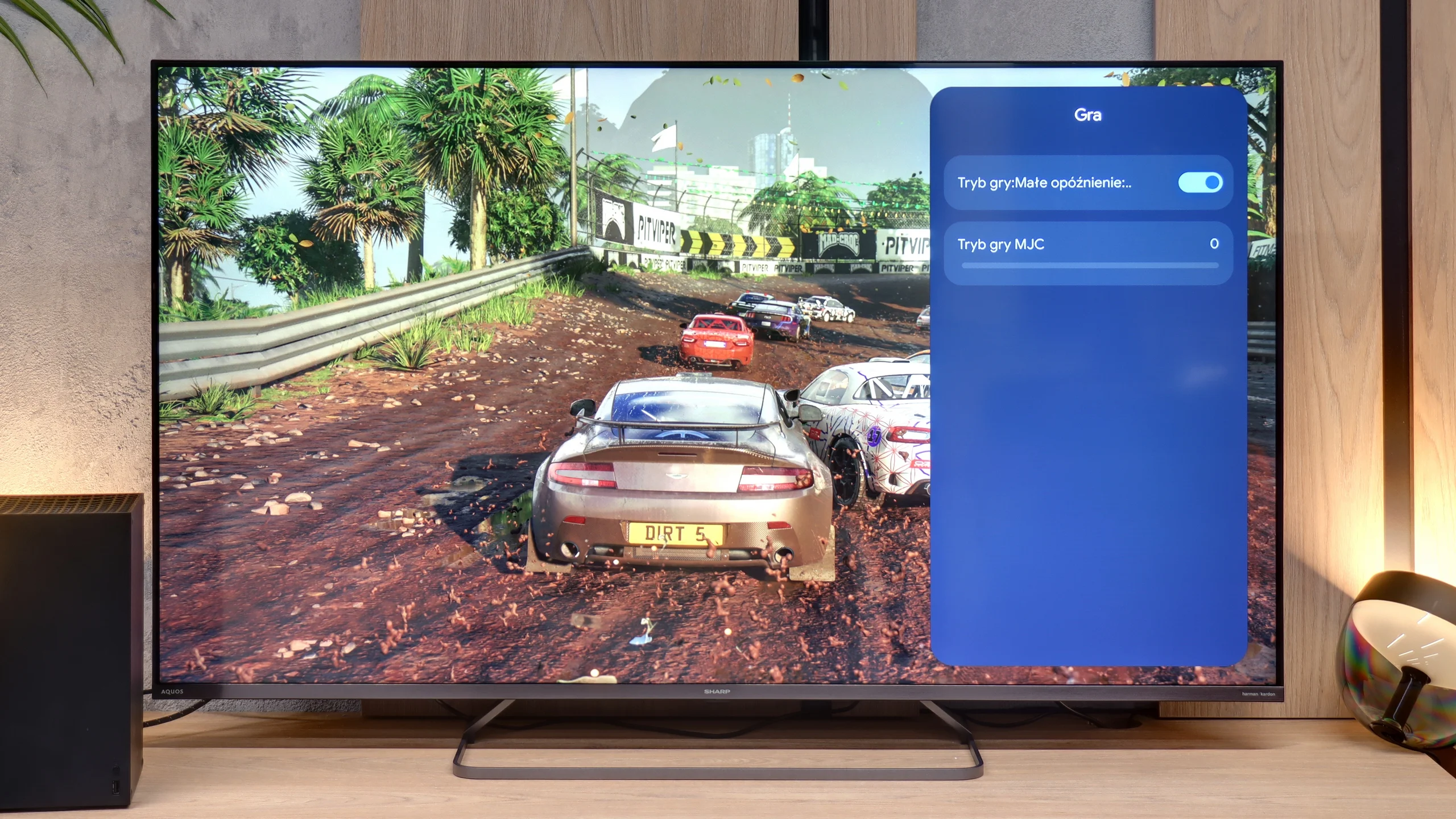
  • ALLM mode: Automatically switches the TV to low latency game mode (input lag).

  • Player menu: Which is hard to call a fully-fledged “Game Bar,” as the functionality is minimal. Aside from enabling ALLM, there’s only a dedicator for gaming which we advise against as it introduces very noticeable artifacts and spoils responsiveness.

  • Dolby Vision Gaming: For Microsoft's consoles.

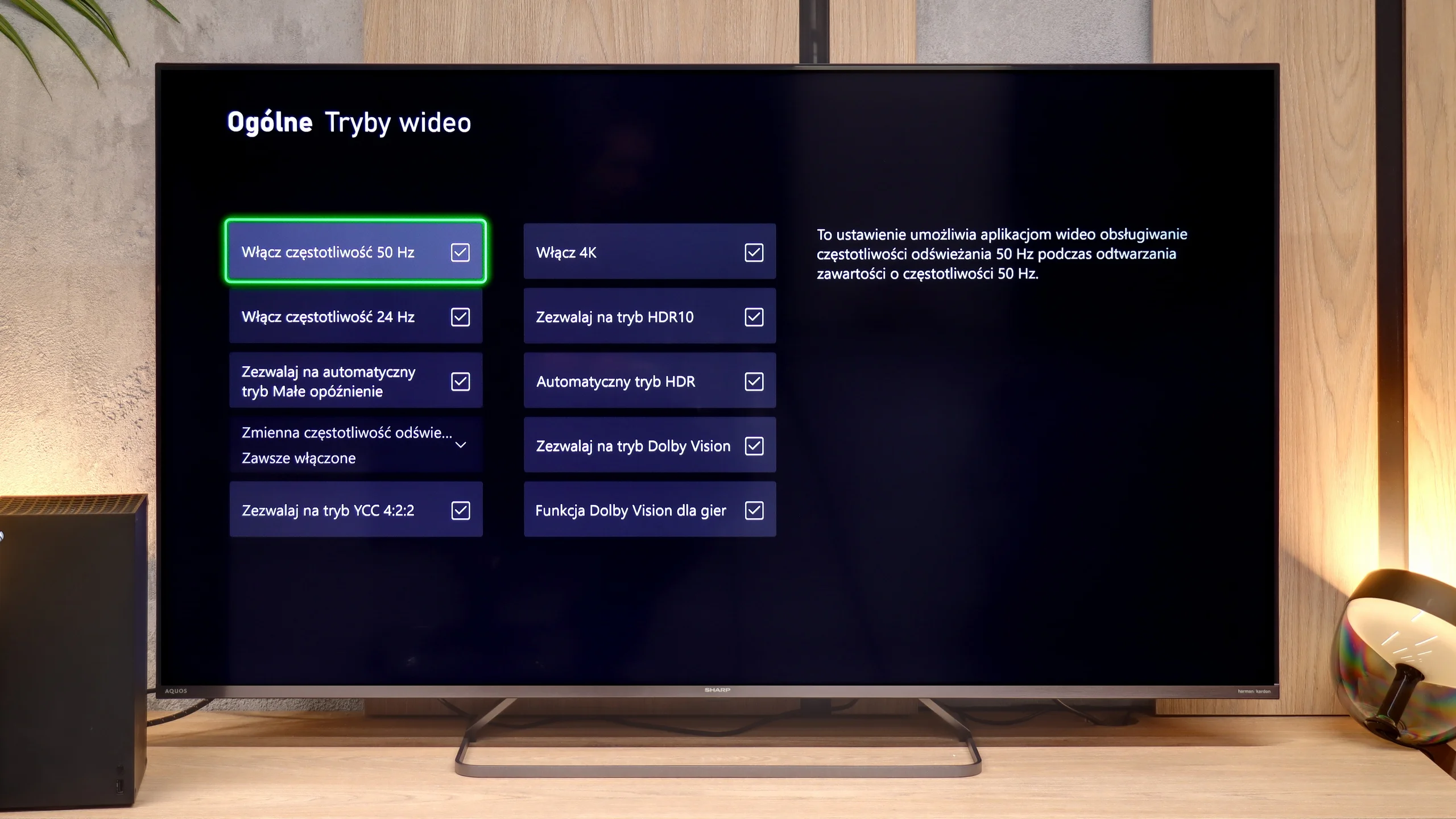
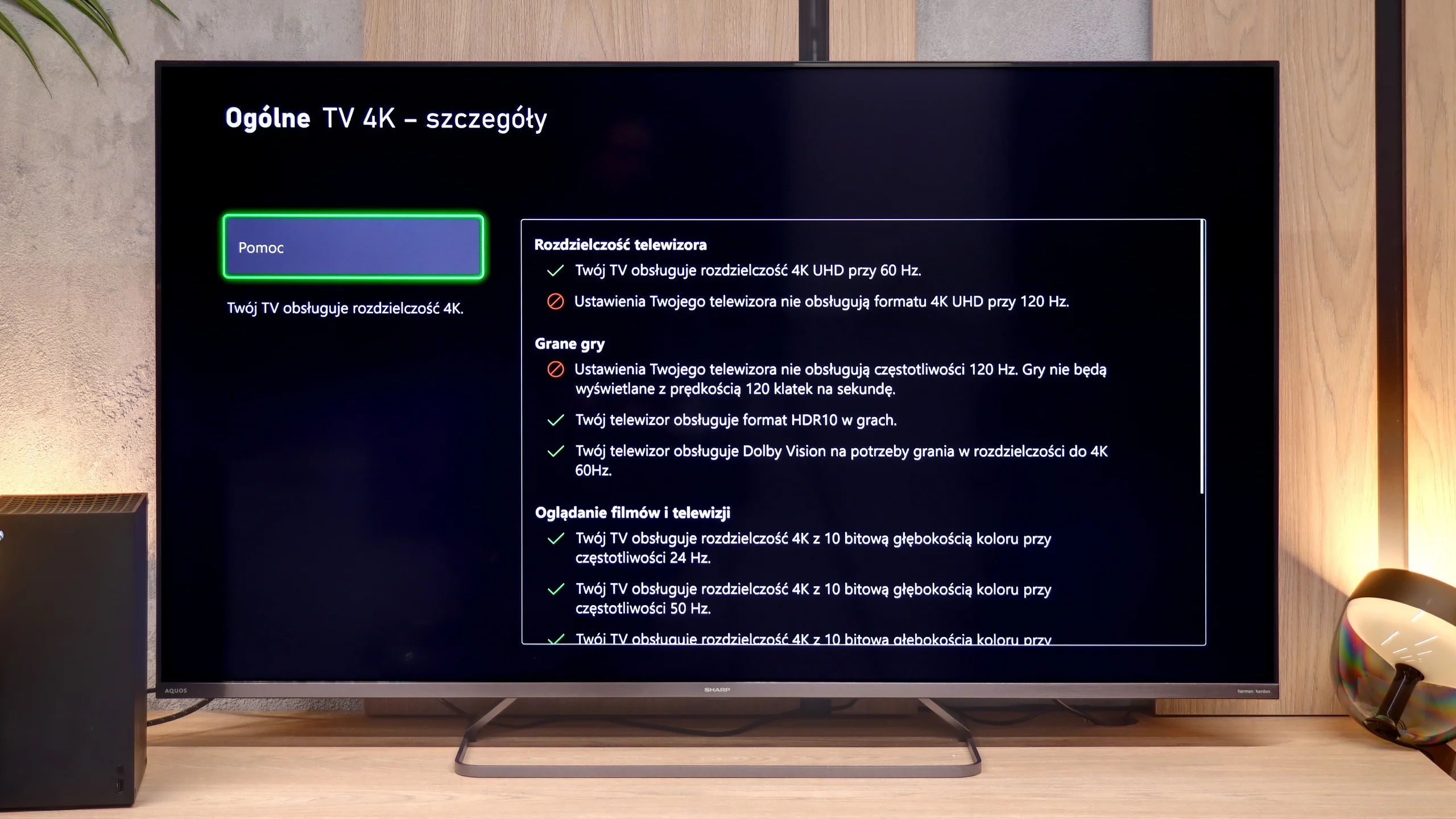
Unfortunately, the list of shortcomings is much longer and more painful than the positives. The biggest disappointment is the lack of support for 120Hz, even when reducing the resolution to Full HD. The presence of 120Hz would allow for performance modes to be activated in many games on the PS5 or Xbox Series X. Another shortcoming is the VRR, which means that during frame drops, we are susceptible to screen tearing. Very problematic is also the lack of proper implementation of the HGiG standard. This results in the fact that during HDR calibration in the console menu, it is very easy to "overshoot" the brightness settings. As a result, instead of clear details in the highlights, we end up with an unnaturally oversaturated image with cut-off details. The Sharp JP7 is a proposal only for those who game very occasionally.

Features for gamers

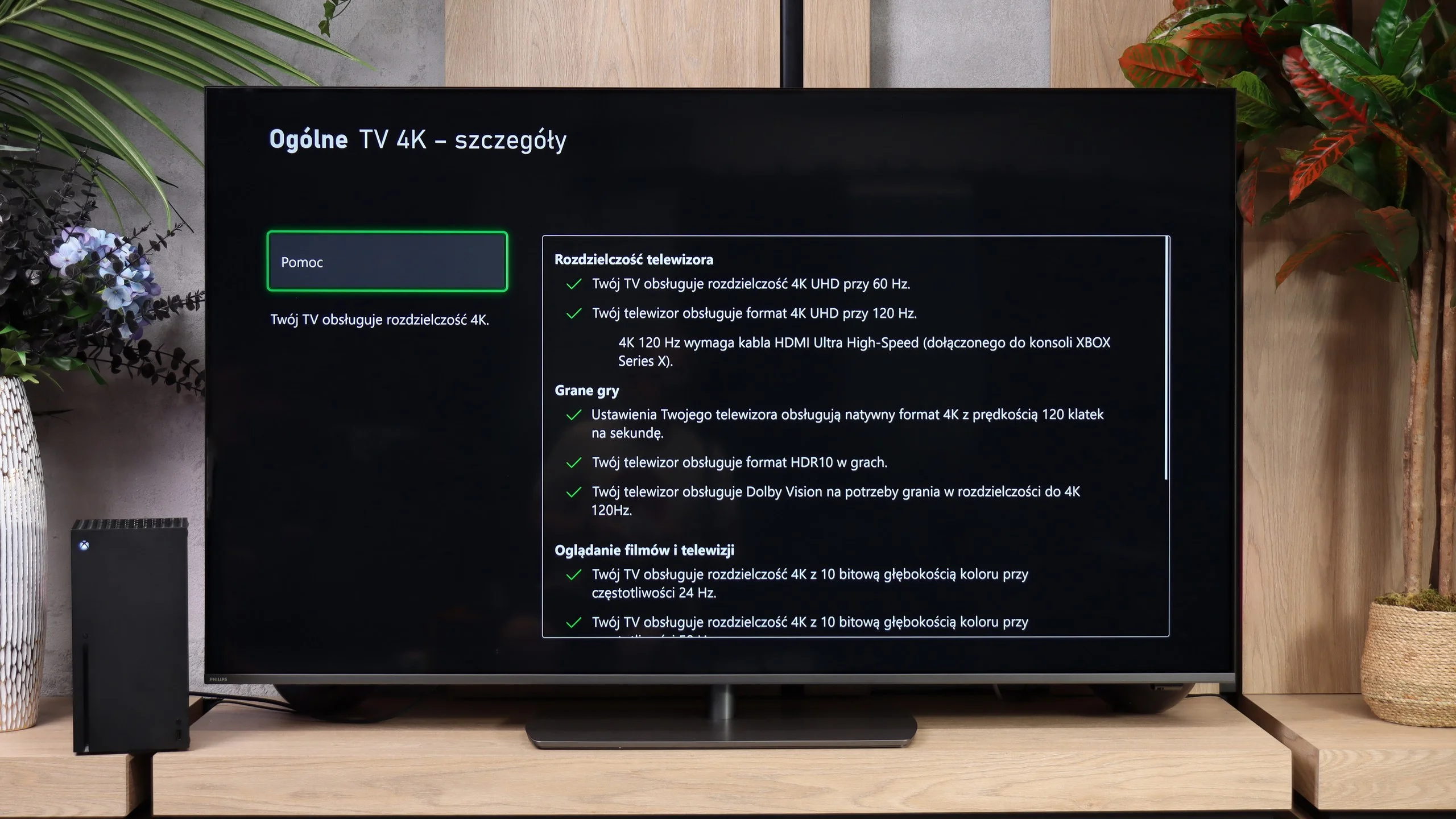
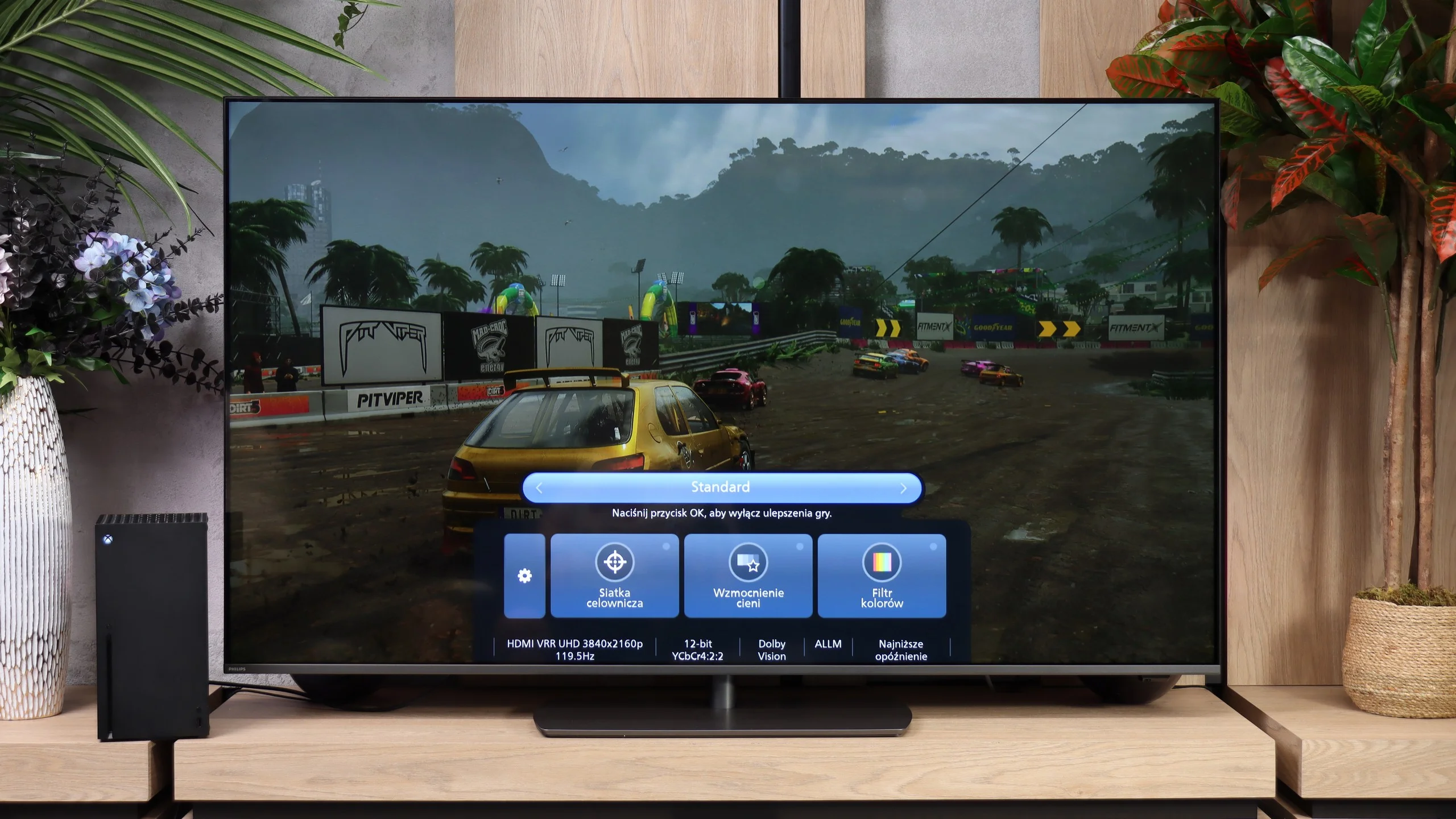
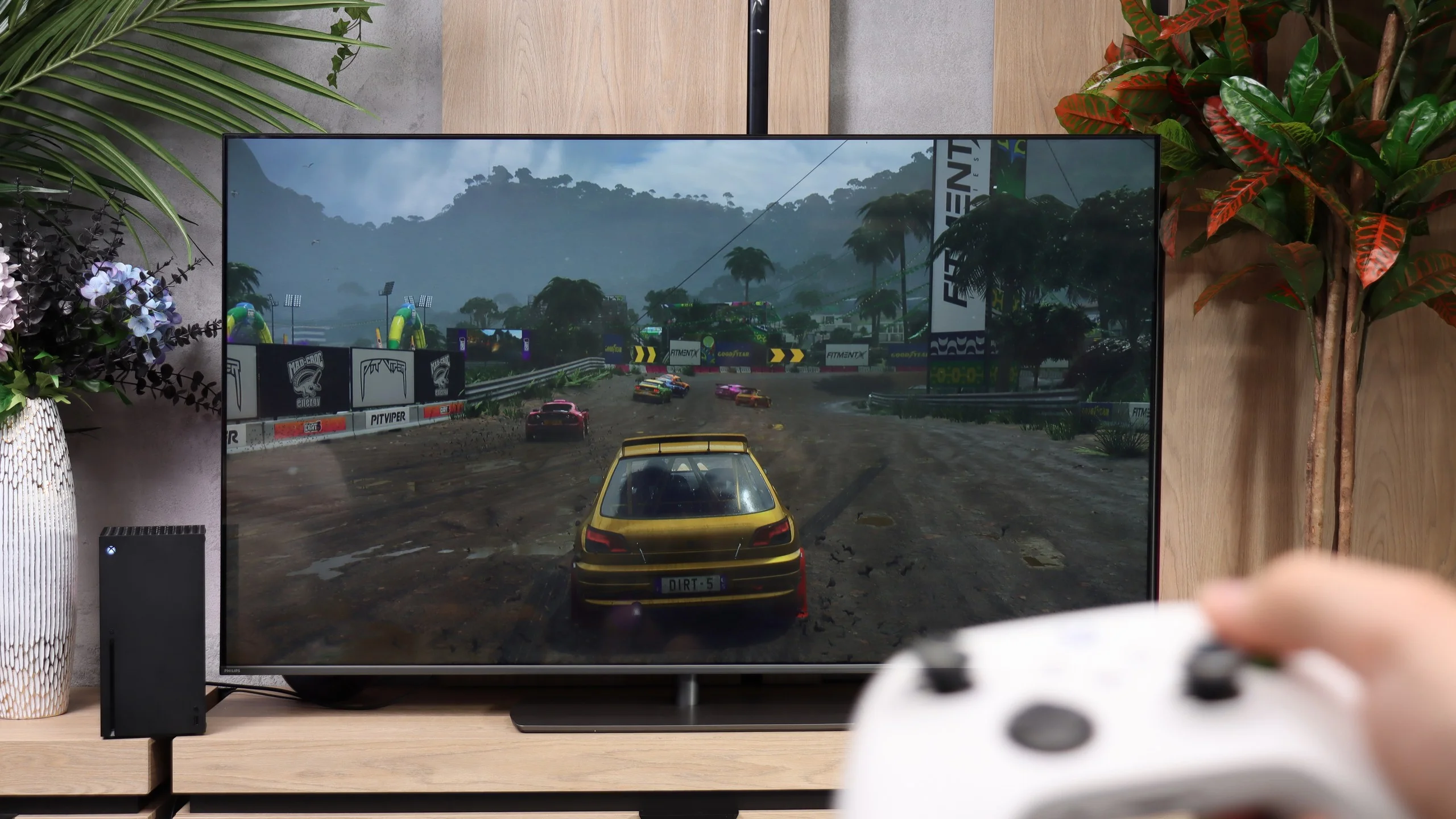
In terms of gaming features the Philips PQS9000 has a lot to offer. Four HDMI 2.1 ports let you connect multiple devices without having to choose which one gets the full capabilities. Consoles can use 120 Hz at Full HD, 1440p and 4K, and a PC can also run 144 Hz at 4K or 240 Hz if you drop to Full HD. There's also VRR, which matches the refresh rate to the frame rate and prevents screen tearing. Its range runs from 48 to 240 Hz, with the upper limit applying to Full HD mode.

It also includes ALLM, so the TV switches itself into game mode, and a properly working HGiG, which is handy when setting HDR on the console. There's a Game Bar for quick access to settings and signal information. The list even includes Dolby Vision gaming, but it's hard to enjoy because of very high input lag. Apart from that caveat, the feature set is really solid.

Input lag

9.3/10

7.2/10

SDR

1080p60
13 ms
32 ms
1080p120
29 ms
16 ms
2160p60
13 ms
32 ms
2160p120
16 ms

HDR

2160p60
13 ms
32 ms
2160p120
16 ms
4320p60

Dolby Vision

2160p60 DV
13 ms
213 ms
2160p120 DV
106 ms

The issue of input lag in the Sharp JP7 is quite intriguing. In all 60Hz modes, the TV boasts a mere 13 ms result. This is truly an excellent result, making the lag practically unnoticeable during gameplay. In this regard, Sharp has risen to the occasion, and even in dynamic titles, the controls remain responsive.

However, during our tests, we encountered a certain technical conundrum. Using our professional Murideo generator, we were able to force and measure input lag at 120Hz refresh rate in Full HD resolution. This sounds promising, but in reality, it is merely a 'paper' curiosity, as standard external devices like consoles or computers were unable to coax the Sharp into operating in that mode. Although professional diagnostic tools see some hidden potential here, for the end user, the JP7 remains just a 60Hz screen.

Input lag is less impressive than the rest of the gaming hardware. At 60 Hz we measured 32 ms, both in SDR and HDR. That's enough for more relaxed games, but in fast shooters you can already feel a slight lag. At 120 Hz the delay drops to 16 ms and gaming is noticeably more pleasant, though rivals can respond even faster. The biggest problem appears when Dolby Vision is enabled. At 60 Hz the delay is as much as 213 ms, and at 120 Hz it reaches 106 ms. The response to controller input is then clearly delayed, which seriously disrupts gameplay. So with the PQS9000 it's definitely better to stick with HDR10. Dolby Vision is supported in games, but its practical usefulness remains limited.

Compatibility with PC

5/10

8.6/10

Chroma 444 (max. resolution and refresh rate)
Yes
Yes
Font clarity
Good
Very Good
Readability of dark text and shapes
Average
Average
Input lag in PC mode (4K, max. refresh rate)
13ms
16ms
Matrix subpixel arrangement
BGR
BGR
Max refresh rate
60Hz
144Hz
G-Sync
No
Yes

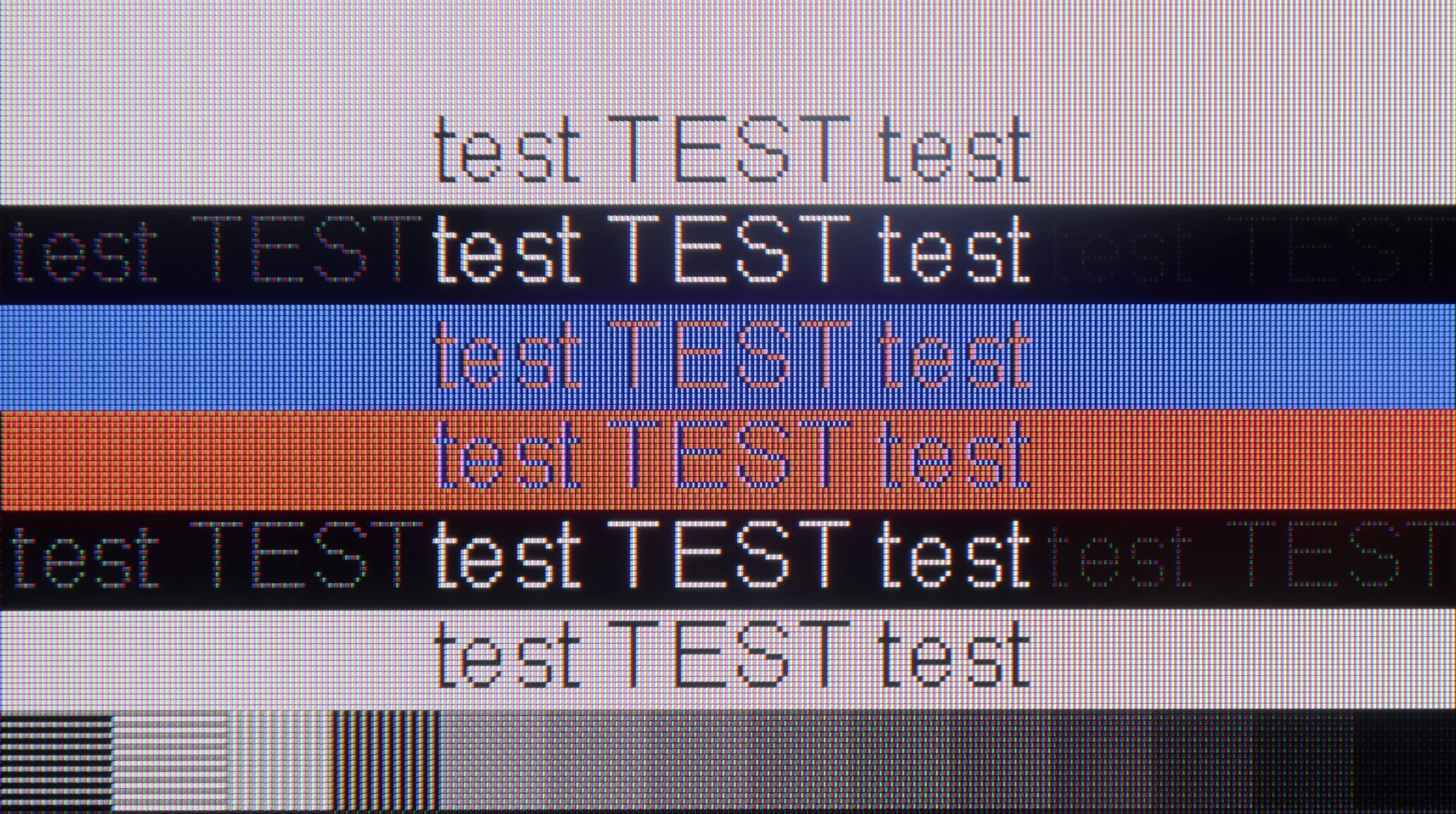
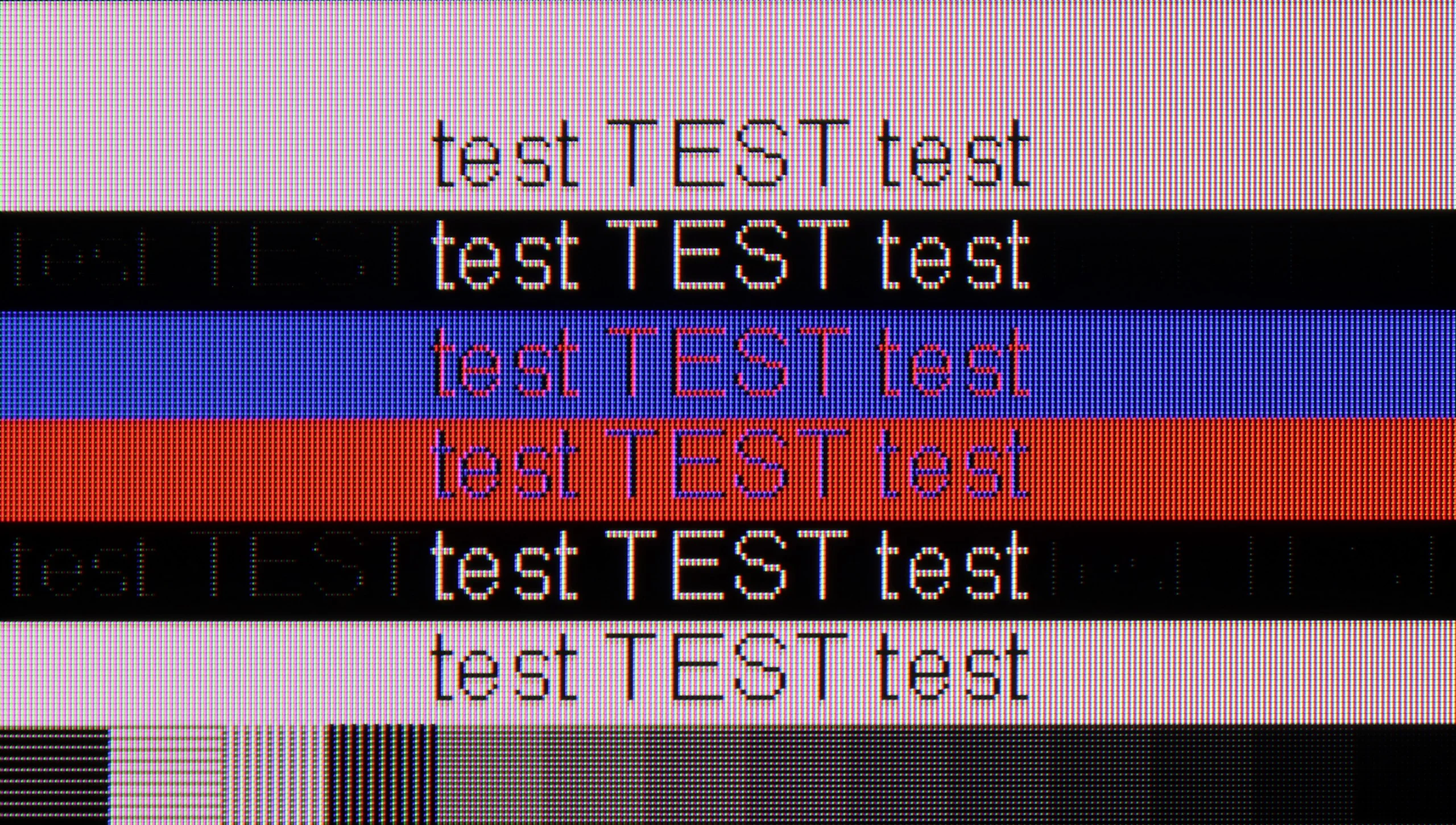
The photo shows the legibility of small fonts. Ideally, lines should be the same thickness on both light and dark text, with minimal pixel gaps.

Sharp JP7 performs moderately as a monitor. While the readability of standard fonts on a white or black background is acceptable, the clarity significantly drops with darker and thinner text, making it difficult to work with text for extended periods. For occasional browsing of news in the browser, this panel is sufficient; however, we definitely do not recommend it as a permanent screen for PC gaming. Besides the rigid limit of 60Hz, the television does not support any form of frame synchronization (no G-Sync or FreeSync), which combined with the significant motion blur of the panel makes the user experience in dynamic scenarios quite poor.

The PQS9000 earns a high mark for PC use mainly thanks to its gaming capabilities. Its 144 Hz refresh rate at 4K and support for G-Sync Compatible and AMD FreeSync Premium Pro let you synchronise frames on compatible NVIDIA and AMD cards. Working with text also fares well. Regular fonts are sharp and legible, and with proper 4:4:4 chroma support coloured letters, icons and small desktop elements do not lose their clarity. The biggest caveat concerns very small, dark text: the horizontal strokes of letters are noticeably darker than the vertical ones, which makes some characters look uneven. You probably won't notice this from the couch, but if someone plans to put The One on their desk and work up close, that flaw may become annoying.

Viewing angles

3.1/10

3.2/10

Brightness drop at an angle of 45 degrees
77%
68%

Sharp JP7 uses a VA panel, which automatically means narrow viewing angles. It's a classic compromise: we get quite good blacks and contrast, but at the cost of image degradation when viewed from the side. At an angle, the colours clearly fade and wash out, losing their saturation, so the JP7 is definitely a device for watching "straight on," rather than from the corner of the couch.

Viewing angles are one of the weakest points of the Philips PQS9001. Just move to the side and the colours noticeably lose saturation, and the image looks washed out and loses contrast. When watching with several people, seats directly in front of the screen will therefore be by far the best.

Unfortunately, this is a typical trait of VA panels. Good contrast when viewed head-on comes at the expense of poorer off‑axis performance. Most TVs with that panel have a similar problem and The One is no exception. The rotating stand helps a little by letting you angle the screen toward the viewer, but with widely spaced seats it won't solve the issue.

Daytime performance

7.3/10

6.1/10

Panel finish
Satin
Satin
Reflection suppression
Decent
Decent
Black levels during daytime
Good
Good

Panel brightness

Philips PQS9011 / PQS9001 (The One 2026): 502 cd/m2

SHARP JP7765E: 708 cd/m2

The satin coating applied in the Sharp JP7 quite effectively reduces reflections, although it’s still far from being fully matte. The real 'gamechanger' in bright rooms, however, is the brightness of the device itself in SDR content. With an average result of 700 nits and peaks around 1000 nits, this is an exceptional performance in the segment under 2000 PLN. Thanks to such high luminance, the television can easily handle even brightly lit living rooms. One just has to watch out for direct reflections, for instance from a window opposite, because the satin used here won’t eliminate them completely, but at this brightness, the picture will remain legible.

Philips PQS9001 performs quite well for daytime viewing. The biggest advantage is a stable brightness of around 500 nits, regardless of how many bright elements appear on the screen. Even when watching winter sports or an all-white scene, the picture doesn't dim. In a typical living room that level is more than enough to comfortably watch TV without having to block out the windows.

The satin finish does a decent job of reducing reflections, though it doesn't remove them completely. A window opposite the screen will be visible and can be distracting, especially in darker scenes. Blacks hold up well in daylight, so the image doesn't become overly washed out. For everyday viewing it's therefore quite good, as long as the sun isn't shining directly on the screen.

Panel details

Backlight Type
Mini-LED PFS LED
PFS LED
Software version during testing
UKN4.250714.091
TPM267E_V167.002.054.151
Image processor
MT5896 2GB RAM

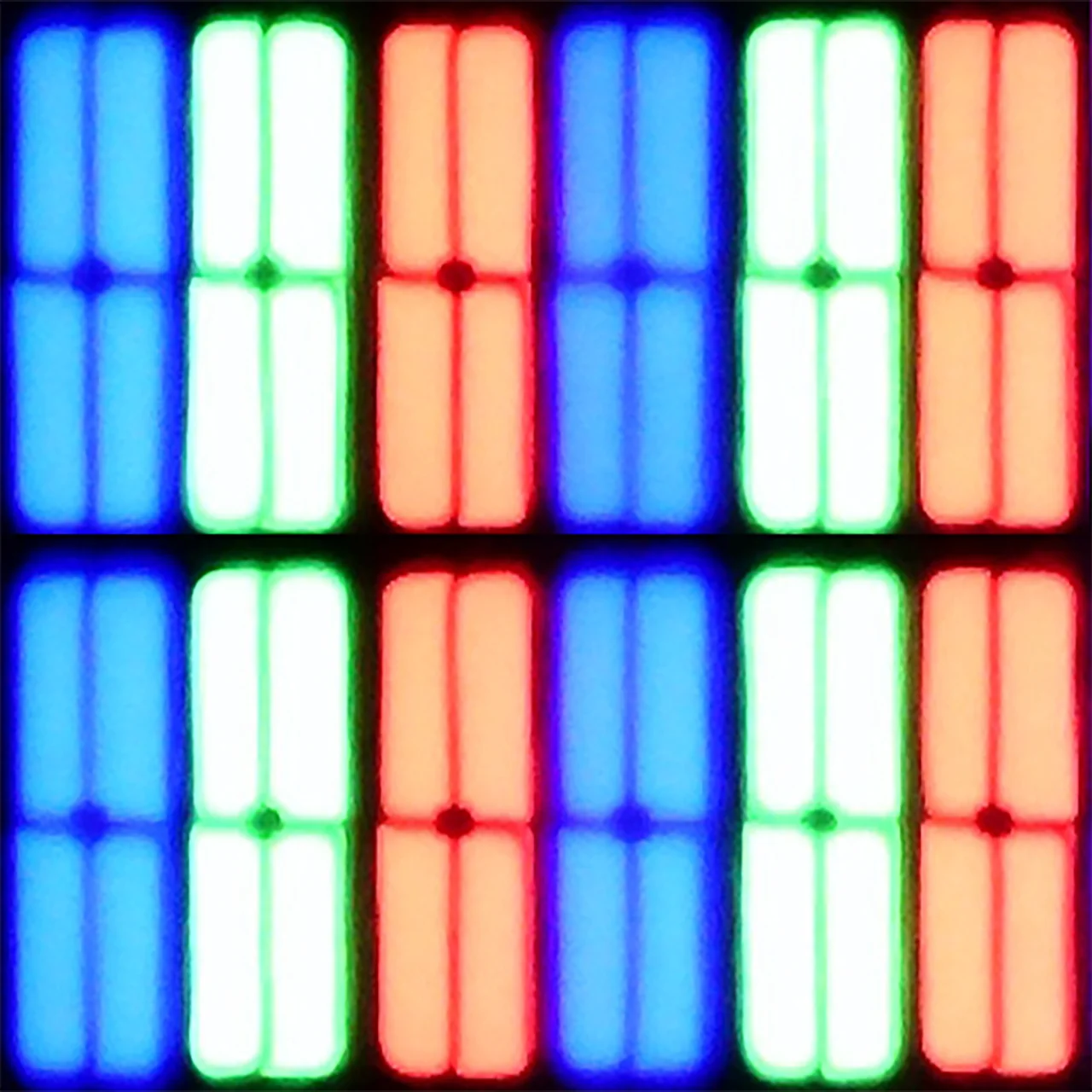
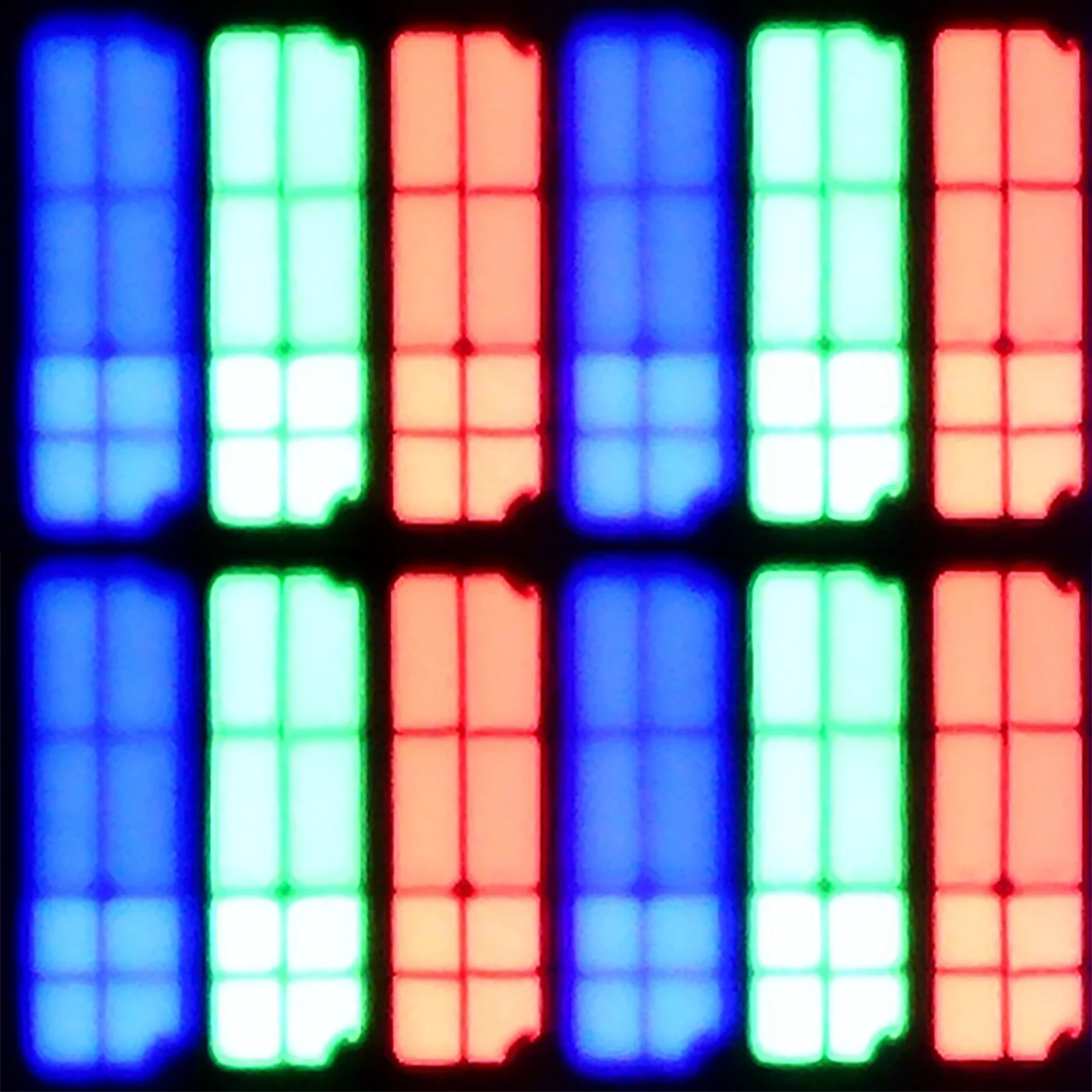
Subpixel Structure:

Panel uniformity and thermal imaging:

Review SHARP JP7765E TV Panel details
Review Philips PQS9011 / PQS9001 (The One 2026) TV Panel details

SHARP JP7765E

Philips PQS9011 / PQS9001 (The One 2026)

TV features

6.4/10

7.6/10

  • System
    Google TV
    Titan OS
  • System performance
    Decent
    Decent
  • HDMI inputs
    4 x HDMI 2.0, 0 x HDMI 2.1
    0 x HDMI 2.0, 4 x HDMI 2.1 48Gbps
  • Other inputs
    RCA (Chinch)
  • Outputs
    Toslink (Optical audio), eARC (HDMI), ARC (HDMI), Mini-Jack (Headphones)
    Toslink (Optical audio), eARC (HDMI), ARC (HDMI), Mini-Jack (Headphones)
  • Network Interfaces
    Wi-Fi 2.4GHz, Wi-Fi 5GHz, Ethernet (LAN) 100Mbps
    Wi-Fi 2.4GHz, Wi-Fi 5GHz, Ethernet (LAN) 100Mbps
  • TV reception
    DVB-T, DVB-T2, DVB-S, DVB-S2, DVB-C
    DVB-T, DVB-T2, DVB-S, DVB-S2, DVB-C

Classic features:

  • Recording to USB (terrestrial TV)
    No
    No
  • Recording programming
    No
    No
  • Picture in Picture (PiP)
    No
    No
  • RF remote control (no need to aim)
    Yes
    No
  • Backlit remote control
    No
    Yes
  • Teletext
    Yes
    Yes
  • Audio only mode
    Yes
    Yes
  • Bluetooth headphones support
    Yes
    Yes
  • Simultaneous Bluetooth headphones & TV audio
    Yes
    Yes

Smart features:

  • AirPlay
    No
    Yes
  • Screen mirroring (Windows Miracast)
    Yes
    Yes
  • Voice search
    Yes
    Yes
  • Voice search in native language
    Yes
    Yes
  • Ability to connect a keyboard and mouse
    Yes
    Yes
Review SHARP JP7765E TV features
Review Philips PQS9011 / PQS9001 (The One 2026) TV features

Sound connection options

  • HDMI audio
    eARC (HDMI), ARC (HDMI)
    eARC (HDMI), ARC (HDMI)
  • Other audio outputs
    Toslink (Optical audio), Mini-Jack (Headphones)
    Toslink (Optical audio), Mini-Jack (Headphones)
  • Wireless audio
    Bluetooth
    Bluetooth

Supported audio formats (external HDMI eARC audio):

  • Dolby Digital Plus 7.1
    Yes
    Yes
  • Dolby True HD 7.1
    Yes
    Yes
  • Dolby Atmos in Dolby Digital Plus (JOC)
    Yes
    Yes
  • Dolby Atmos in Dolby True HD
    No
    Yes
  • DTS:X in DTS-HD MA
    No
    Yes
  • DTS-HD Master Audio
    No
    Yes

Senior accessibility

  • Numeric keyboard on TV
    Yes
    Yes
  • Font size adjustment
    Yes
    Yes
  • Audio description
    Yes
    Yes

Smart TV Features - Google TV

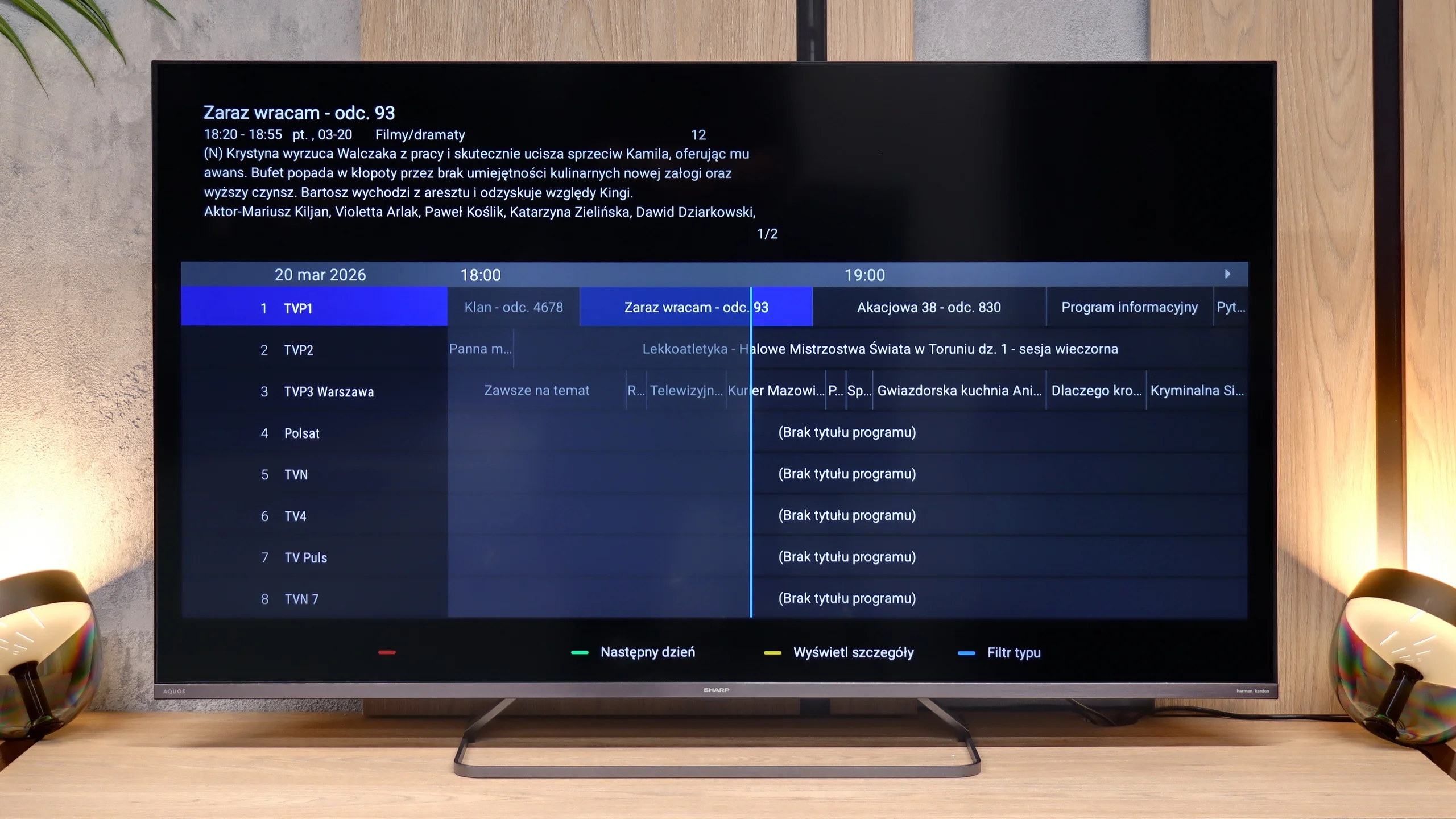
The main advantage of the Sharp JP7 is the Google TV system, which currently offers the widest access to apps on the market. The library is almost limitless – from all popular streaming services to niche VOD solutions and multimedia players. The system provides significant freedom for personalisation and access to the latest versions of popular platforms. In the package, we receive a Bluetooth remote that allows for the use of the built-in voice assistant without the need to point at the television. The only notable shortcoming in the multimedia area that we encountered is the lack of support for AirPlay. Apple device users, such as iPhone or iPad owners, will not be able to wirelessly stream images directly to the screen of this Sharp.

Classic Features and Connections

Regarding traditional TV functions, the Sharp JP7 does not offer anything that goes beyond the market standard. There is no option to record programs to external storage (PVR) or a dual tuner, which excludes the use of picture-in-picture (PiP) functionality. The television provides only basic solutions such as teletext and the ability to wirelessly connect accessories via Bluetooth.

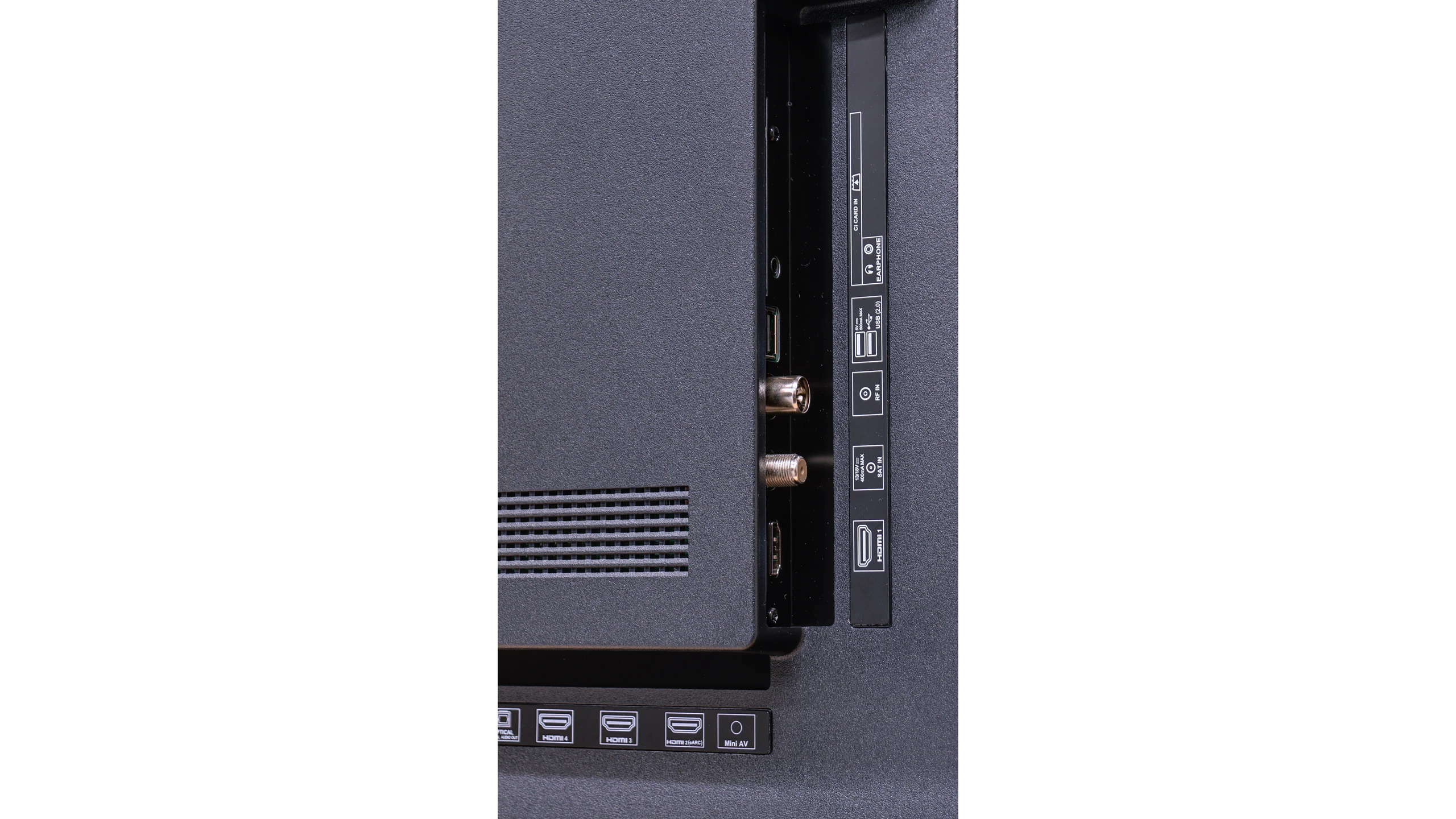
As for connections, the Sharp JP7 offers 4 HDMI ports, which the manufacturer proudly describes as standard 2.1. However, let's make this clear: this is purely a marketing move, as in practice these ports offer only full functionality of standard 2.0 due to the limitations of the television. On the plus side, it is worth noting the presence of a classic mini-jack headphone output, which allows connection of older audio systems or speakers without the need for adapters or HDMI eARC standard. This is a rather rare and very practical addition nowadays.

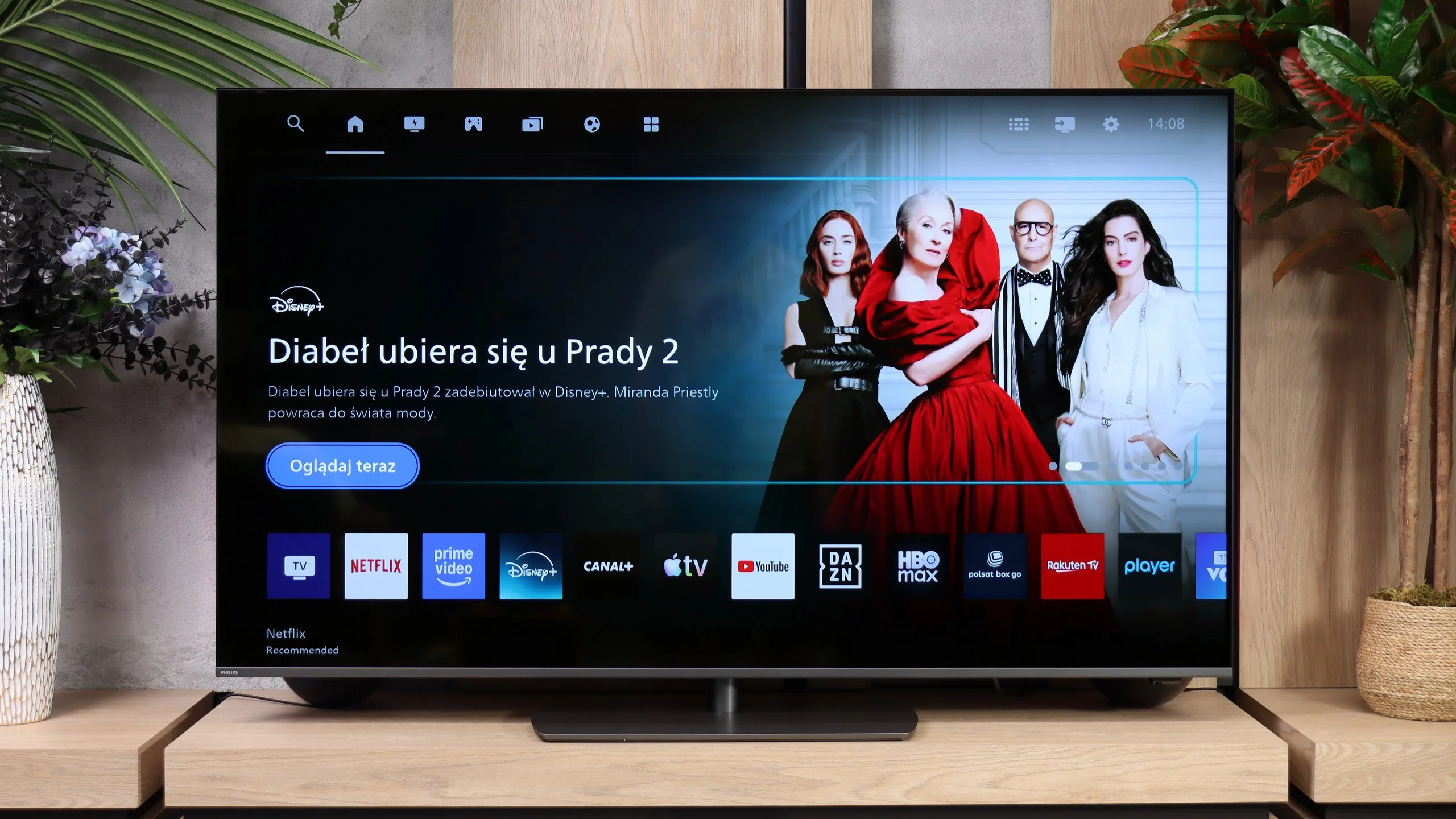
Titan OS in this year’s The One shows that Philips has been working on its system. Compared with last year’s version, many little things and functions that didn’t work properly before have been fixed. Now we can easily use AirPlay, mirror a computer screen via Miracast, or do voice searches in Polish. The system itself runs decently, though it’s far from the fastest. The app library has also grown. It includes Netflix, Prime Video, Disney+, CANAL+, Apple TV and YouTube. The selection is still smaller than on Google TV, but when using popular services Titan increasingly gives fewer reasons to complain.

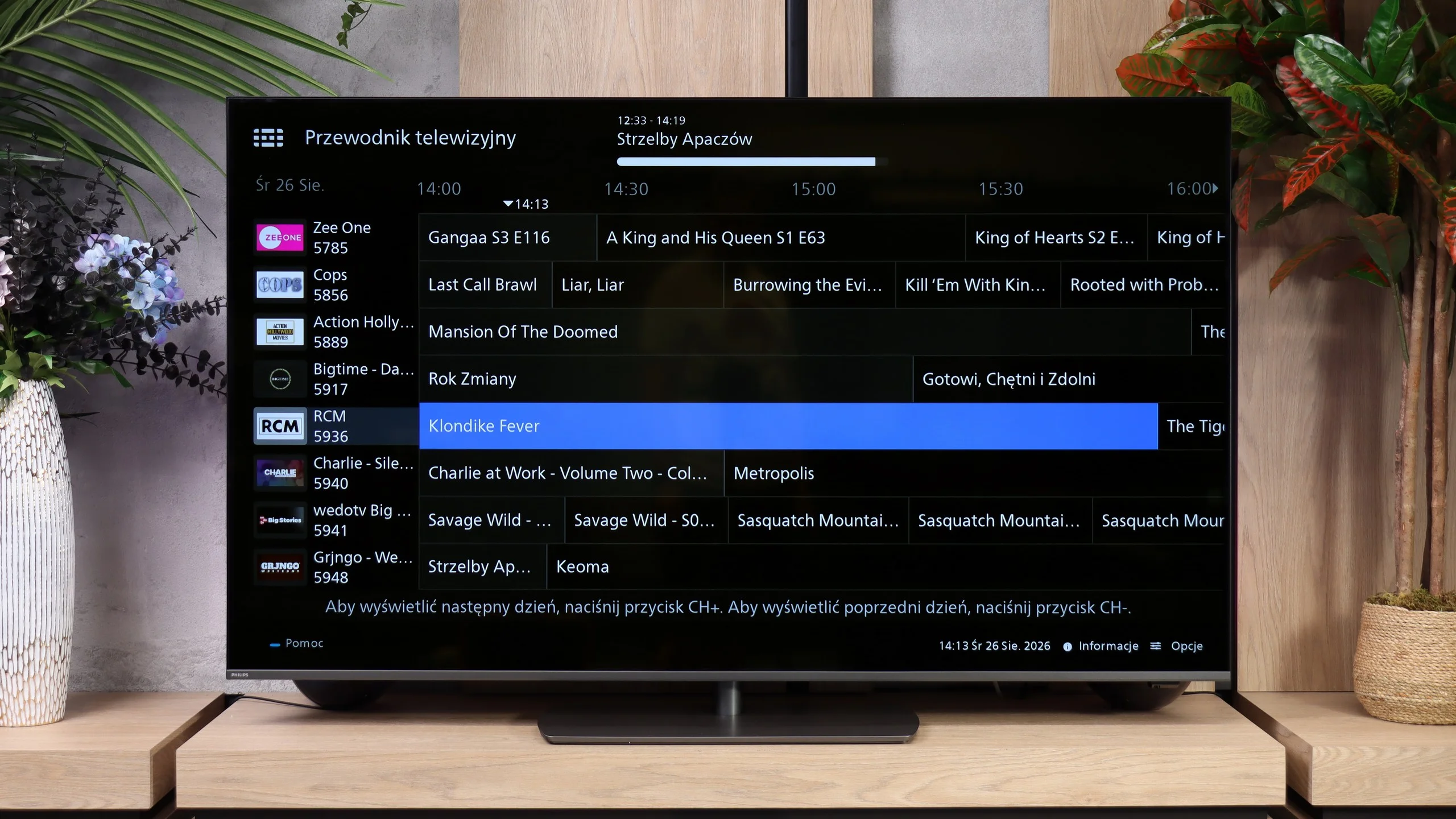
Classic features also show an improvement in everyday convenience. You can connect Bluetooth headphones and listen through them at the same time as the TV speakers. There’s also a mode that turns off the screen and leaves only the audio. Recording to USB and picture-in-picture (PiP) are missing. What’s most disappointing is the remote. Despite backlit buttons, it still controls the TV via infrared, so you have to point it at the screen. The system has picked up a number of useful fixes, but that part of the user experience remains unchanged and can be irritating in everyday use.

Apps

9.6/10

7.2/10

OK
Disney_Plus
OK
Amazon_Prime_Video
OK
Player_TVN
OK
Polsat_Box_Go
OK
Canal_Plus_Online
OK
TVP_VOD
OK
Apple_TV_Plus
OK
SkyShowtime
OK
Rakuten
OK
CDA_Premium_Browser
OK
Spotify
OK
Tidal
OK
Netflix
OK
YouTube
OK
HBO_MAX
OK
Kodi
No
Apple_music
OK
Eleven_sports
No
Xbox Game Pass
OK
GeForce NOW
No
Amazon Luna
OK
Boosteroid
OK
Steam Link
OK
Disney_Plus
OK
Amazon_Prime_Video
OK
Player_TVN
OK
Polsat_Box_Go
OK
Canal_Plus_Online
OK
TVP_VOD
OK
Apple_TV_Plus
No
SkyShowtime
OK
Rakuten
OK
CDA_Premium_Browser
No
Spotify
No
Tidal
OK
Netflix
OK
YouTube
OK
HBO_MAX
No
Kodi
No
Apple_music
No
Eleven_sports
No
Xbox Game Pass
No
GeForce NOW
No
Amazon Luna
OK
Boosteroid
No
Steam Link

Playing files from USB

9.4/10

8.6/10

Supported photo formats:

JPEG
Yes
Yes
HEIC
Yes
Yes
PNG
Yes
Yes
GIF
Yes
Yes
WebP
Yes
No
TIFF
No
No
BMP
Yes
Yes
SVG
No
No

Maximum photo resolution:

4 Mpix
Yes
No
6 Mpix
Yes
No
8 Mpix
Yes
Yes
10 Mpix
Yes
No
12 Mpix
Yes
No
16 Mpix
Yes
Yes
20 Mpix
Yes
No
24 Mpix
Yes
No
28 Mpix
Yes
No
32 Mpix
Yes
Yes

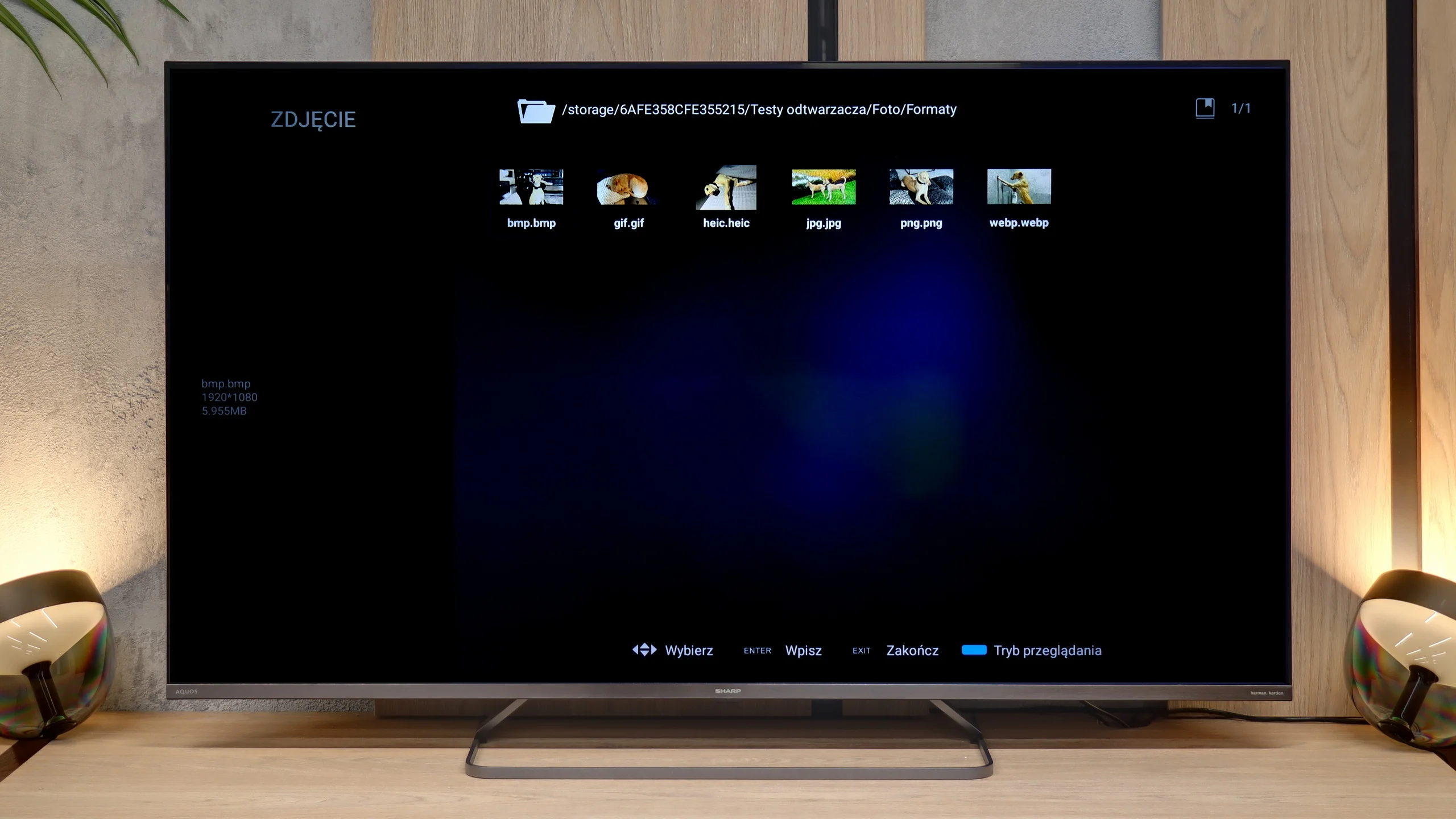
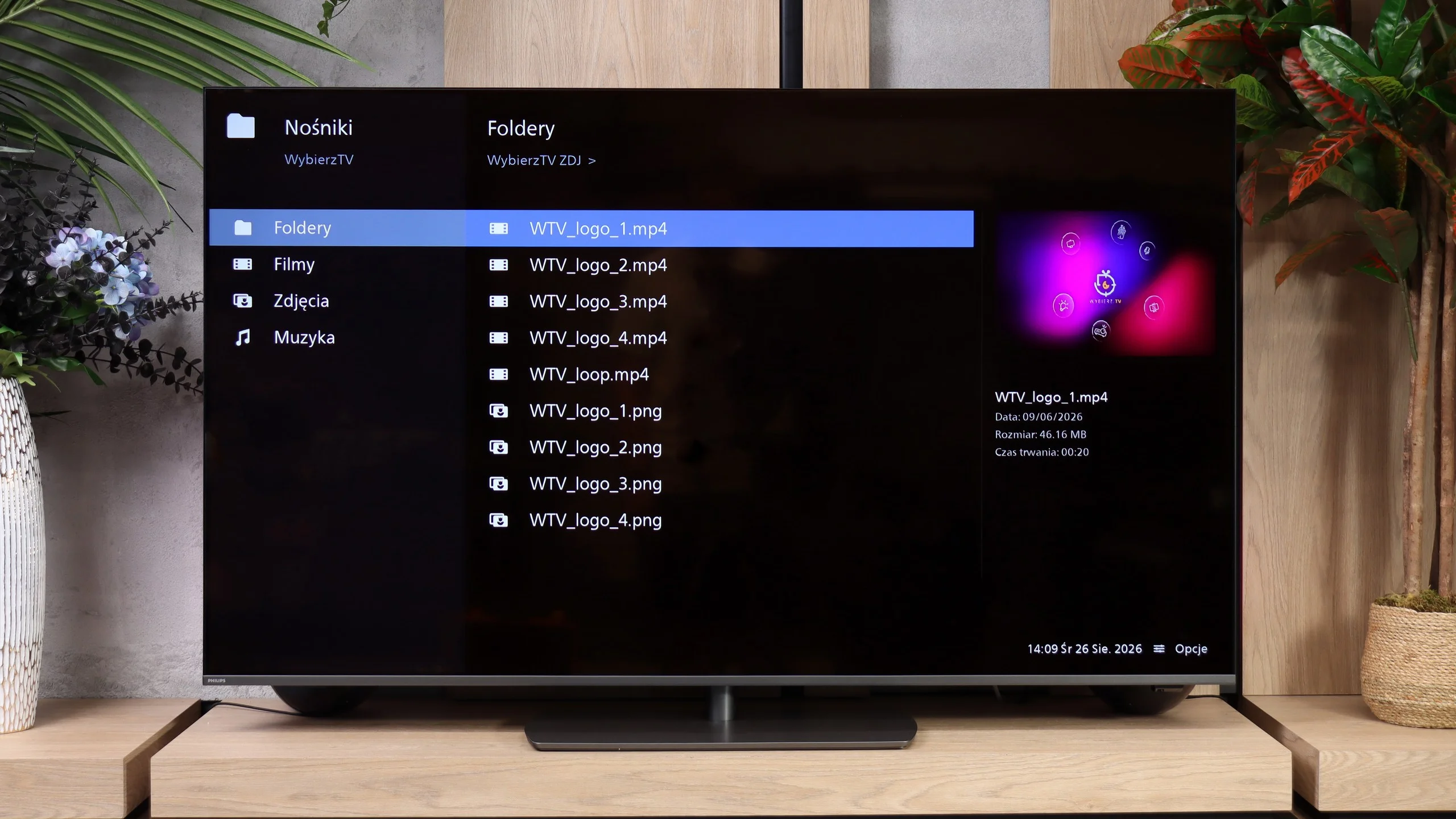
When it comes to multimedia support from external sources, the Sharp JP7 simply excels. The built-in player is a real surprise, as it handled almost every file format we supplied. It even managed to support the HEIC format (mainly used in Apple devices) without any issues, which many TVs struggle with. Here, Sharp displayed the photos without the slightest hitch. Of course, a significant advantage is the presence of the Google TV system, which allows the installation of external apps like VLC or Kodi in case of any problems. However, in our opinion, this would be an unnecessary step as the factory player is refined and versatile enough to satisfy even the most demanding users.

The built-in USB player runs quickly and smoothly and handles most of the files we tested without trouble. Music playback is solid, from common MP3s to FLAC files, including 96 kHz/24-bit. It's perfectly adequate for everyday media playback from a USB stick. However, our biggest complaint is again the handling of photos. The player is quite selective about resolution: it opened our 8, 16 and 32 Mpix files but failed with, among others, 4, 12 and 24 Mpix. It's hard to find any logic in that when a larger photo works but a smaller one doesn't. That can be annoying when browsing holiday photos.

Sound

6/10

6.9/10

  • Maximum volume
    89dB
    96dB
  • Dolby Digital Plus 7.1
    Yes
    Yes
  • Dolby True HD 7.1
    Yes
    Yes
  • Dolby Atmos in Dolby Digital Plus (JOC)
    Yes
    Yes
  • Dolby Atmos in Dolby True HD
    No
    No
  • DTS:X in DTS-HD MA
    No
    Yes
  • DTS-HD Master Audio
    No
    Yes

The sound coming from the JP7765E model can be described as unusual, and even – looking at our measurements – quite peculiar. The first thing that stands out is the massive scale of volume. The TV can reach levels of almost 90 decibels (89 dBC on the chart), which is a record result in this class. Such strong "loudness" is sure to appeal to seniors or those who need a device with very high audibility.

However, a glance at the frequency chart explains why the sound seems so "weird." The characteristic is extremely uneven: we have solid boosts in the lower registers (around 200 Hz) and in the high tones, but the mid-range – where most of the information about the human voice lies (between 500 Hz and 1.5 kHz) – experiences a huge drop. This makes the sound unnatural and can seem "withdrawn" at key moments of dialogues.

On the plus side, there is support for the Dolby Atmos format. However, it must be honestly admitted that to truly feel the potential of this system, connecting at least a decent soundbar will be necessary. The JP7's own speakers, despite being very loud, are unable to convey the cinematic depth and precision required by this standard.

The Philips PQS9001 has a 2.0 audio system with a total power of 40 W, that is, two 10 W speakers on each side. It sounds fairly good and definitely better than most budget TVs. There's plenty of volume, but the sound itself lacks depth. The biggest issue is the lack of low end, so explosions in films or heavier sections of music don't have the proper weight.

High frequencies aren't reproduced evenly either. Measurements show a noticeable dip around 2 kHz, then a boost at 6-7 kHz and a drop above about 8 kHz. That can emphasise sibilance and add a bit of harshness to the sound, despite the rolled-off top end. It's fine for everyday viewing, but for films and music it's worth considering additional audio. All the more so because the TV supports spatial audio formats, including Dolby Atmos and DTS. A compatible soundbar or AV receiver will make better use of those formats than the built-in speakers.

Sound Quality Test

Acoustic Measurements

89dBC (Max)

75dBC

96dBC (Max)

75dBC

Reader comments

Comments are provided by the external service Disqus (Zeta Global). Once loaded, Disqus may set cookies and process data about your activity.

We will remember your choice on this device. Provider's privacy policy