Sharp GR8 is a television created primarily for those who expect an exceptionally smooth image. It is essentially the successor to the FQ8 model, and it's clear that the manufacturer has heavily focused on the aspect of motion dynamics. 144 Hz makes a difference – and not just in games. Sports broadcasts can also look fantastic, without those annoying blurring or "choppiness" that can take the joy out of watching. In terms of image quality, Sharp opted for a VA panel. While it doesn't feature local dimming, you can still count on pleasant contrast. Additionally, there's Dolby Vision, which gives evening movie screenings depth – even if the TV doesn't reach the brightness claimed by the manufacturer. It must be said that when the lights in the room are dimmed, the overall look is really pleasing to the eye. One of the biggest advantages of the GR8 is Google TV. We have access to a full range of applications, voice search in Polish, and a simple, intuitive interface. This means we don't have to limit ourselves to the standard TV functions, as there is always the option to install additional programs and tailor the system to our own needs. Of course, a few things could have been polished. The declared HDR brightness is higher on paper than in reality, which may leave the most discerning cinema enthusiasts feeling unsatisfied. Moreover, a few useful features known from other models are missing: there’s no USB recording or PiP functionality, and Apple device owners will be disappointed by the lack of AirPlay. Nevertheless, this is a television mainly aimed at those who value smooth visuals and high refresh rates. If we primarily care about dynamic gameplay and good support for games, while wanting to quietly enjoy a film in the evenings with pleasing quality, the Sharp GR8 should meet those expectations.
- Matching (Score) |
- Our verdict |
- TV appearance |
- Where to buy |
- Contrast and black detail |
- HDR effect quality |
- Factory color reproduction |
- Color reproduction after calibration |
- Smoothness of tonal transitions |
- Image scaling and smoothness of tonal transitions |
- Blur and motion smoothness |
- Console compatibility and gaming features |
- Input lag |
- Compatibility with PC |
- Viewing angles |
- Daytime performance |
- Panel details |
- TV features |
- Apps |
- Playing files from USB |
- Sound
Sharp GR8 vs Samsung Q8F
 Direct comparison
GR8765E / GR8465E / GR8265E


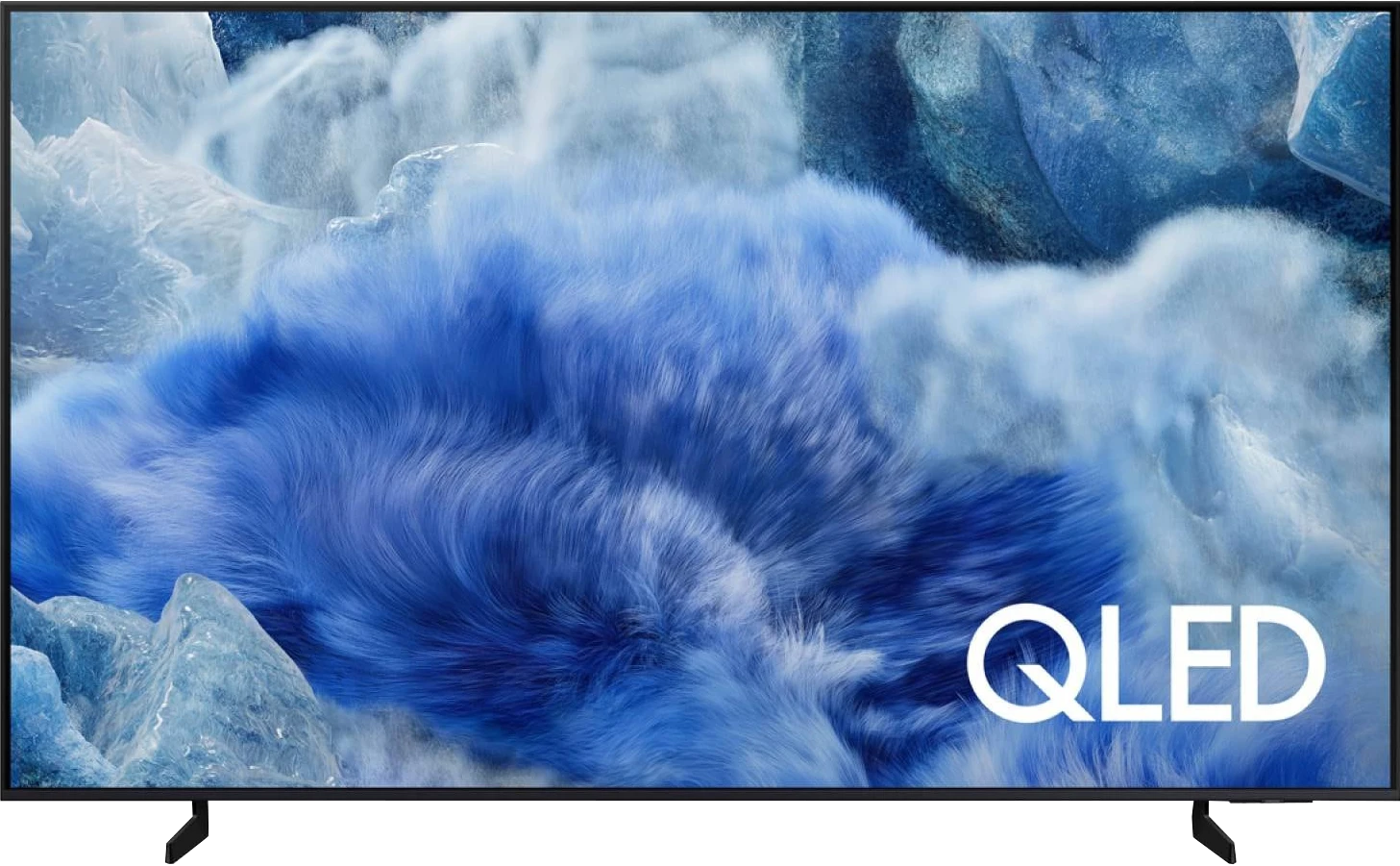
Panel type: LCD VA
Resolution: 3840x2160
System: Google TV
Model year: 2024
Complete the survey to find out the result
Panel type: LCD VA
Resolution: 3840x2160
System: Tizen
Model year: 2025
Complete the survey to find out the result
Overall rating
6.4
6.3
 Movies and series in UHD quality
 6.2
6.3
 Classic TV, YouTube
 6.1
6.0
 Sports broadcasts (TV and apps)
 6.4
5.1
 Gaming on console
 7.8
7.2
 TV as a computer monitor
 4.0
6.0
 Watching in bright light
 4.5
5.6
 Utility functions
 6.0
7.3
 Apps
Apps 9.6
9.3
 Sound quality
 7.0
6.0
Complete the survey to find out what fits your preferences
Advantages

VA matrix with decent contrast
144 Hz refresh rate and two HDMI 2.1 ports – a great option for gamers
Support for VRR and ALLM, low input lag
Dolby Vision support
Google TV with a rich selection of apps, voice search in Polish, and an intuitive interface
Decent sound
Solid contrast thanks to the VA panel
Pretty good brightness in SDR and HDR (up to about 500 nits)
Satin finish does well with reflections
Tizen operating system – fast, intuitive, with a rich app selection
Solar remote with USB-C charging
Integration with the SmartThings ecosystem
Great input lag
Good font readability when working with a PC, suitable as a text work monitor
Adjustable stand on multiple planes
Disadvantages

HDR brightness is lower than claimed by the manufacturer (around 360 nits instead of 500)
In PC mode, it does not support 4:4:4 chroma – text and fonts are therefore less readable
No USB recording and PiP function
No support for AirPlay – Apple device owners may feel disappointed
Severely limited features for gamers
No USB recording or PiP functionality
Average digital image processing
Our verdict
Samsung Q8F is quite a successful continuation of the Q67D model. It offers similar image quality in HDR content, and with a brightness of around 500 nits, it creates an effect that is hard to call ordinary. The support for the HDR10+ format also helps, which has been competing with Dolby Vision for some time and provides comparable experiences in many productions. The contrast is another plus – for a VA panel, it holds up well and allows for enjoyable blacks in movies and series. However, the biggest asset of the Q8F remains its operating system. Tizen runs quickly, provides access to many applications, and works well with the SmartThings ecosystem, so the TV can easily be integrated into a larger network of home devices. Interestingly, the Q8F also has a niche use – thanks to very good font readability, it works excellently as a screen for text work. Additionally, the adjustable stand allows the TV to be placed on virtually any desk or in a narrower TV cabinet. The biggest drawback, in our opinion, is not the image quality itself – as it's hard to expect miracles in this price class – but rather what has happened to the features for gamers. Due to updates, options such as VRR and HGiG, which were available even in simpler constructions in previous generations, have disappeared. In fact, the manufacturer even boasts about the availability of these features in their catalogue. This makes it hard to recommend the Q8F to anyone planning to connect a console and counting on full support for new technologies. Therefore, the Q8F is a TV that can appeal – primarily due to its design, above-average image quality, and efficient Tizen system. But at the same time, a step backward compared to its predecessor is evident. Let's hope Samsung can quickly rectify these shortcomings, as otherwise, even such a successful “everyday” TV may leave some users feeling unsatisfied.
[UPDATE] We have updated our 2025 Samsung TV reviews following the release of firmware version 1131, which officially restores the essential HGiG (HDR Gaming Interest Group) support.
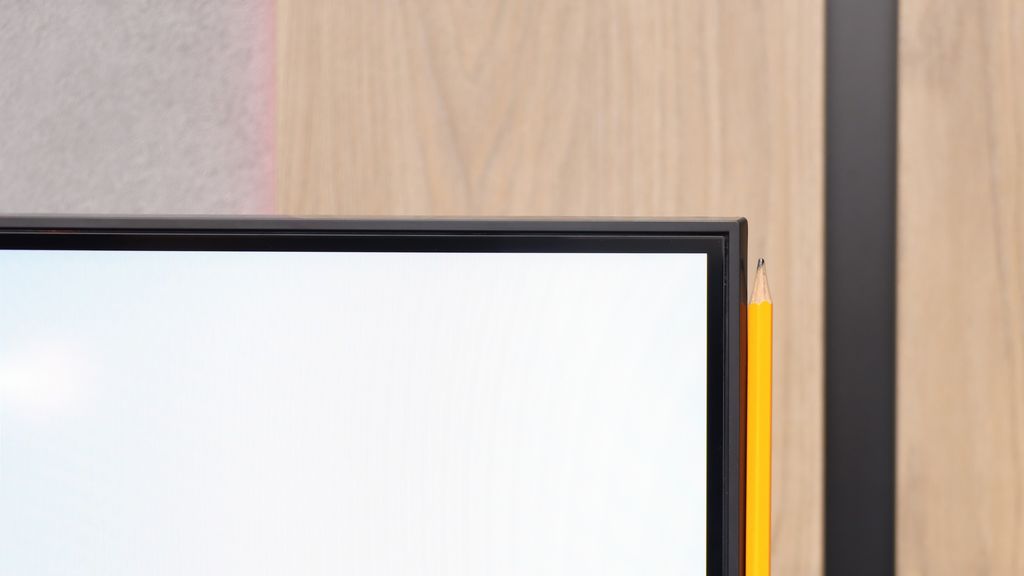
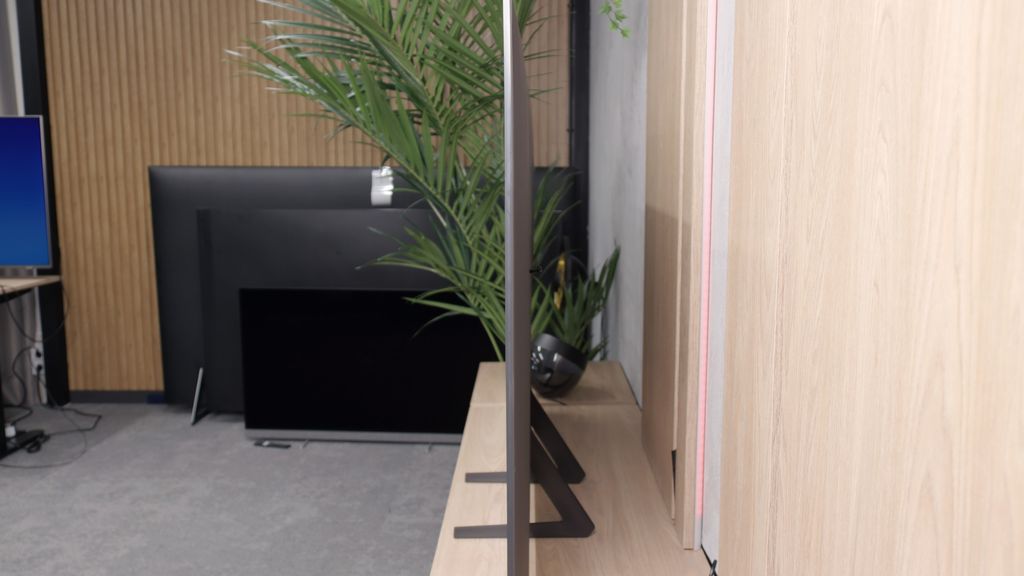
TV appearance


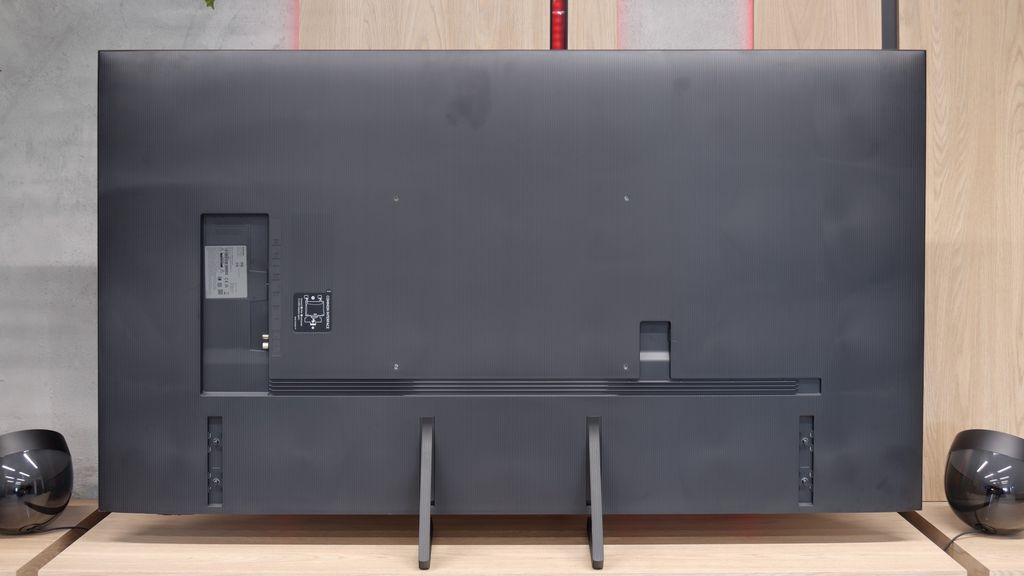

Contrast and black detail
5.9/10
5.5/10
Local dimming function: No
Local dimming function: No
Contrast:


Result
5,300:1

Result
5,800:1

Result
6,600:1

Result
5,650:1

Result
4,700:1
Result
5,200:1
Result
4,650:1
Result
3,650:1
Result
4,100:1
Result
4,150:1
Halo effect and black detail visibility:

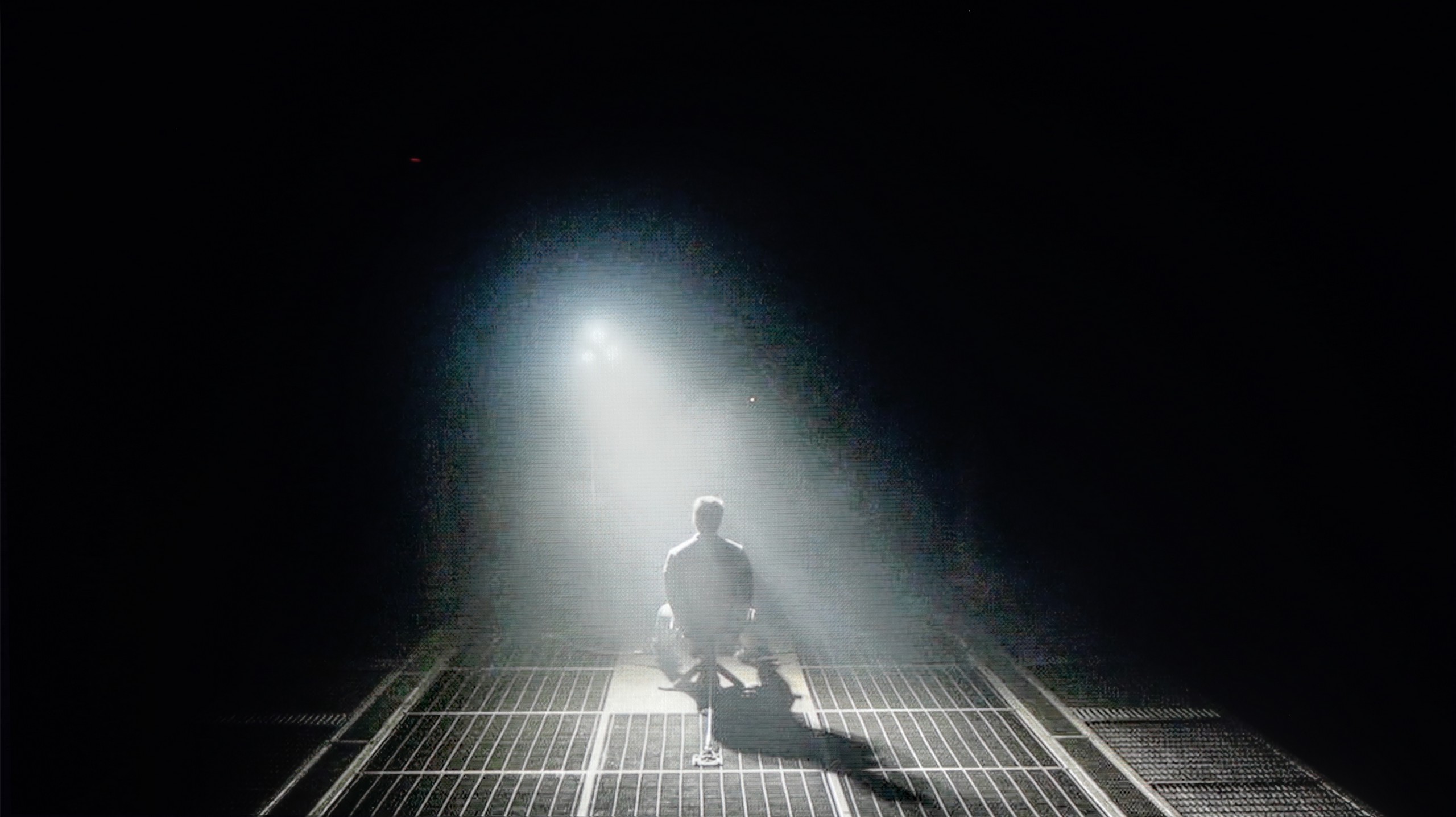
Check the visibility of bright lights on a dark background. Mini-LEDs often struggle with this. The photo does not compare black levels – that’s what the video below is for.
The video accurately shows differences in contrast and black levels between TVs, as well as potential issues: halo around bright objects or Mini-LED zone operation visible as brightness jumps.
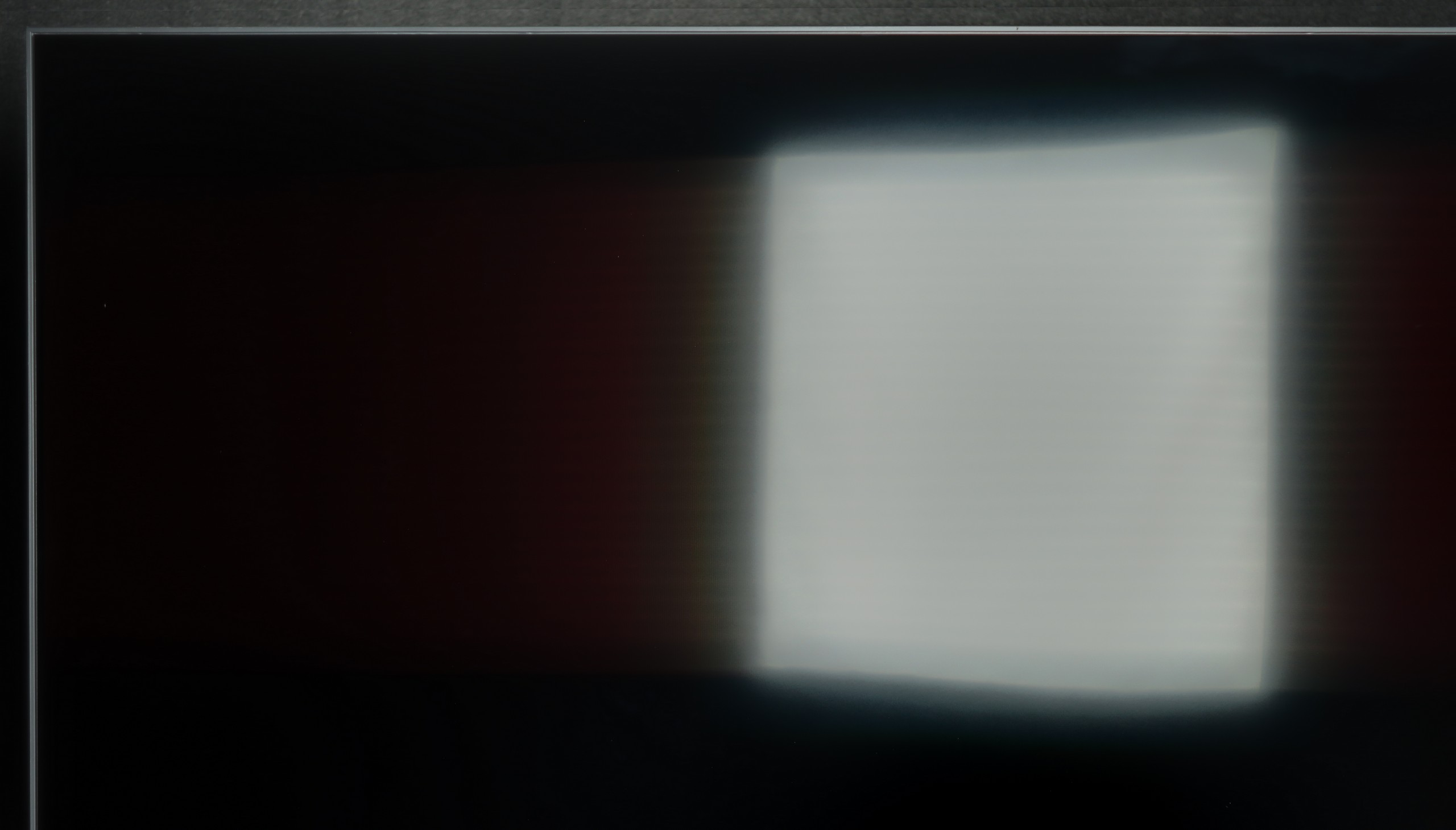
Sharp GR8 uses a VA panel, which can provide quite decent contrast. In tested movie scenes, for example in “Arrival,” the television showed that it can achieve really good results. A contrast ratio of 6600:1 is a figure that can be considered solid in this price segment. However, it should be noted that the television is not equipped with local dimming technology. This is quite obvious, considering the class of the equipment. Despite this, Sharp GR8 performs well with the separation of bright and dark elements, which definitely deserves recognition. However, it's important to remember that televisions without local dimming have their limitations. In very dark conditions, such as during a viewing in a completely dark room, black may take on shades of navy instead of appearing deep and pitch black. Overall, Sharp GR8 offers quite solid contrast that should satisfy most users.
Samsung Q8F uses a VA LCD panel, which immediately puts it in a good position regarding contrast. By nature, such panels offer deeper blacks than IPS panels, and you can actually see this effect here. On test patterns, the contrast ranged from about 4000:1 to even 6000:1, which practically results in a surprisingly engaging image, especially in a slightly dimmed living room. Of course, this is not the level of LCD screens with local dimming, let alone OLED — sometimes the blacks can verge on a shade of navy, and the overall image can appear flat. However, Samsung employs a simple trick: so-called global dimming, which dims the entire screen when there are many dark sections. The effect can be impressive, but it comes at the cost of losing some details, which may not appeal to everyone. Nevertheless, the Q8F still performs significantly better than televisions with IPS panels, offering solid contrast and blacks that can immerse you in the cinematic atmosphere.
HDR effect quality
4.8/10
5.2/10
Luminance measurements in HDR:

Result
305 nit

Result
332 nit

Result
369 nit

Result
365 nit

Result
367 nit
Result
473 nit
Result
417 nit
Result
457 nit
Result
210 nit
Result
471 nit
Scene from the movie “Pan” (about 2800 nits)

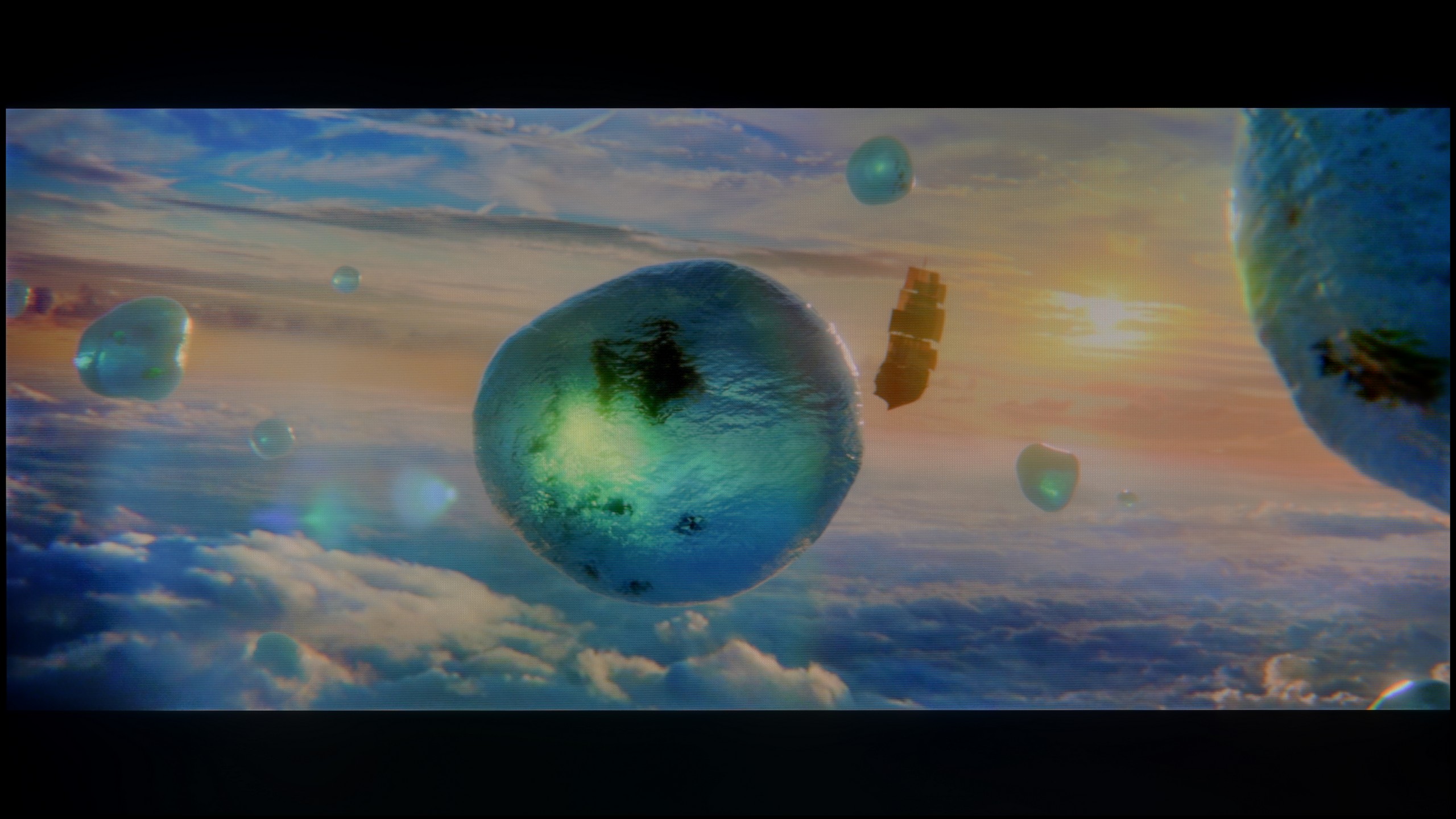
Scene from the movie “Billy Lynn” (about 1100 nits)


The photos show two HDR10 movies. 'Pan' is one of the brightest productions ever made, while 'Billy Lynn' (soldier) has brightness typical of streaming (Netflix, Prime, HBO MAX). Notice the intensity of effects and detail in whites.
Static HDR10


The photos present the visibility of white details in various HDR formats. They do not show brightness differences between TVs (these can be compared in the previous gallery).
Dynamic: Dolby Vision
Dynamic: HDR10+


The photos present the visibility of white details in various HDR formats. They do not show brightness differences between TVs (these can be compared in the previous gallery).
HDR luminance chart:
Samsung Q8F
Sharp GR8
Sharp GR8 in its promotional materials boasts of "very high brightness" at a level of 500 nits. Unfortunately, our tests showed that reality is somewhat different – the average luminance we were able to achieve was around 360 nits. This is rather an average result, especially in the context of the manufacturer's claims. Such brightness does not allow for a full enjoyment of HDR effects. The image is a bit sharper than in standard SDR, but it's hard to talk about true vibrancy and depth of bright elements here. However, the coverage of the DCI-P3 colour palette at 95% deserves praise. This is the result of applying an additional PFS coating, known from QLED technology. As a result, colours are vibrant and have a pleasant, natural tone, which partially compensates for the shortcomings in brightness.
In terms of brightness, the Samsung Q8F performs surprisingly well for a TV without local dimming. It measures up to 500 nits, which in practice means that most movie and series scenes look pleasant, and it cannot be faulted for lacking the "HDR effect." In films like Life of Pi or The Meg, the screen can burst with bright light, delivering a level of lighting effect that is satisfying. It struggles more in challenging moments—such as dark scenes with single bright points. The global dimming used causes the TV to darken the image to maintain deep blacks, but at the expense of detail brightness. This is clearly visible in the scene from Sicario 2, where the brightness of the helicopter lights dropped to around 200 nits. This is a deliberate design choice that gives the impression of deeper blacks but takes some shine away from individual elements, and one should simply keep that in mind. Regarding colour reproduction, the Q8F uses quantum dot technology, which expands the colour gamut. A coverage of the DCI-P3 palette at 91% can be considered a decent result, although it is not a record-breaking figure compared to other QLEDs.
Factory color reproduction
5.4/10
4.6/10


This gallery shows how colors change after professional TV calibration. If you notice the difference, we recommend ordering this service at SkalibrujTV.com.
Factory Mode
After calibration
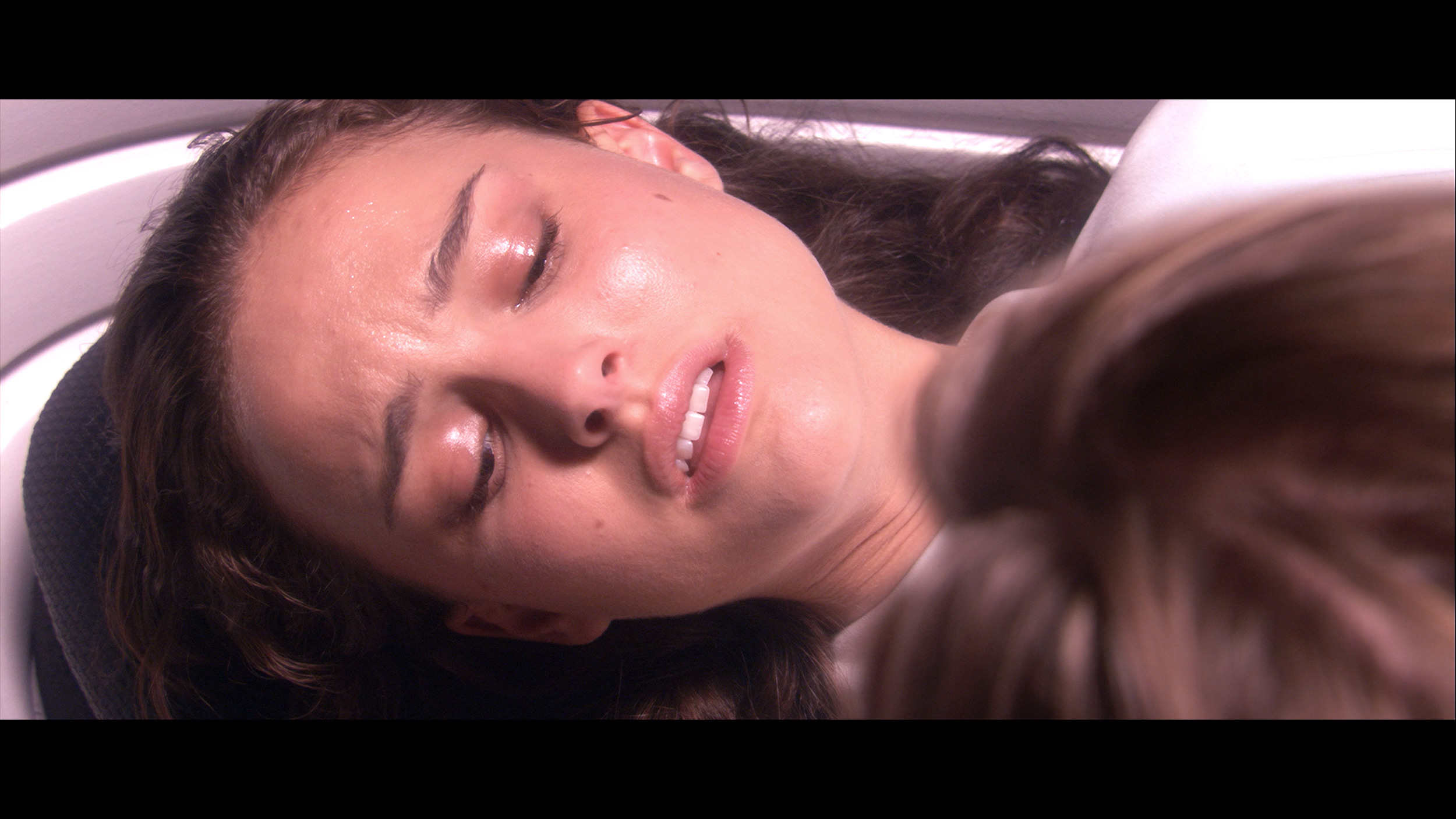
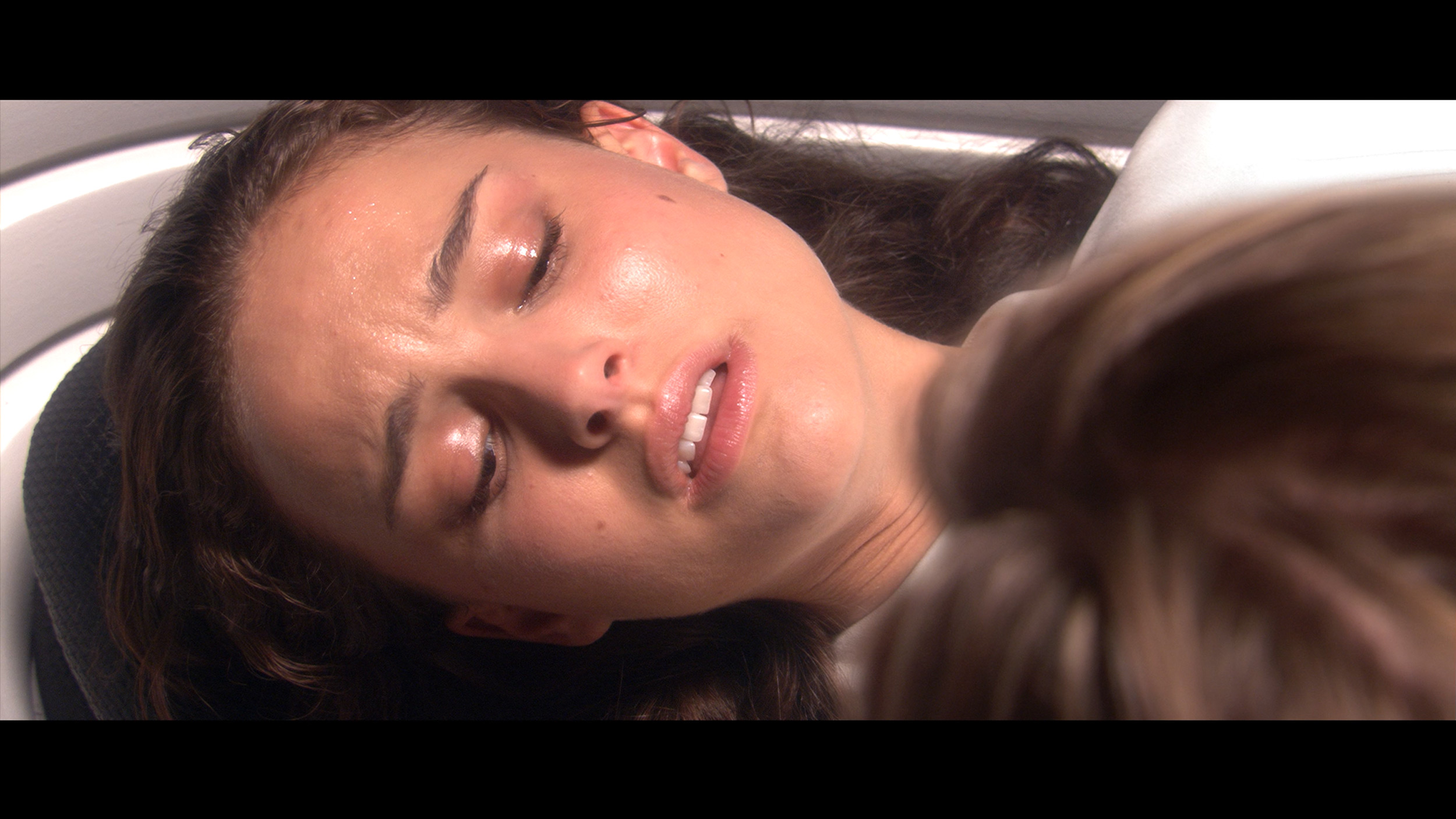
This gallery shows how colors change after professional TV calibration. If you notice the difference, we recommend ordering this service at SkalibrujTV.com.
Factory Mode
After calibration
At the beginning, it's worth noting that colour reproduction tests are always conducted in the best factory picture mode. In the case of Sharp GR8, this is the “Film” mode. When it comes to white balance, which affects how we perceive colours on the screen, in SDR mode the strong dominance of blue immediately stands out. This results in an unnatural cooling of the image – blue elements take on a purple hue, and skin tones appear to have a pink tint, which we can see in the comparative photo from the film STAR WARS. During the Color Checker test, it was clearly visible how the colour samples deviated from the standard values, confirming significant errors in colour reproduction. The gamma was also not ideal – it caused excessive brightening of the entire image, causing the scene to lose depth and proper tonal transitions.
In the 4K HDR mode, the situation looks much better. The dominance of blue is much less noticeable, although there are minor issues with the blending of red and blue. This makes some shades look slightly unnatural. The EOTF curve, which is responsible for image brightness in 4K HDR content, showed another problem – the TV tends to excessively darken the image across the entire surface of the screen.
To summarise, the “Film” mode in Sharp GR8 would require some adjustments in order to fully utilise the potential of this television. Fortunately, we took care of this and proceeded with calibration.
We decided to check out the Filmmaker mode because right out of the box it gave us the best picture. However, that doesn't mean it was perfect. The white balance had too much of a blue and red tint, causing the whites to lean towards a slight purple-pink hue. Such imbalance affected the visibility of virtually all colours, which is clearly seen in the comparison photo below. The brightness characteristics in SDR content were quite well calibrated, although in HDR materials we noticed that the TV didn't always handle its global dimming well — at times the screen was too dim, while at other times it could suddenly brighten up. Fortunately, issues related to colours can be effectively corrected with calibration tools, so we decided to get to work.
Color reproduction after calibration
8/10
7.8/10

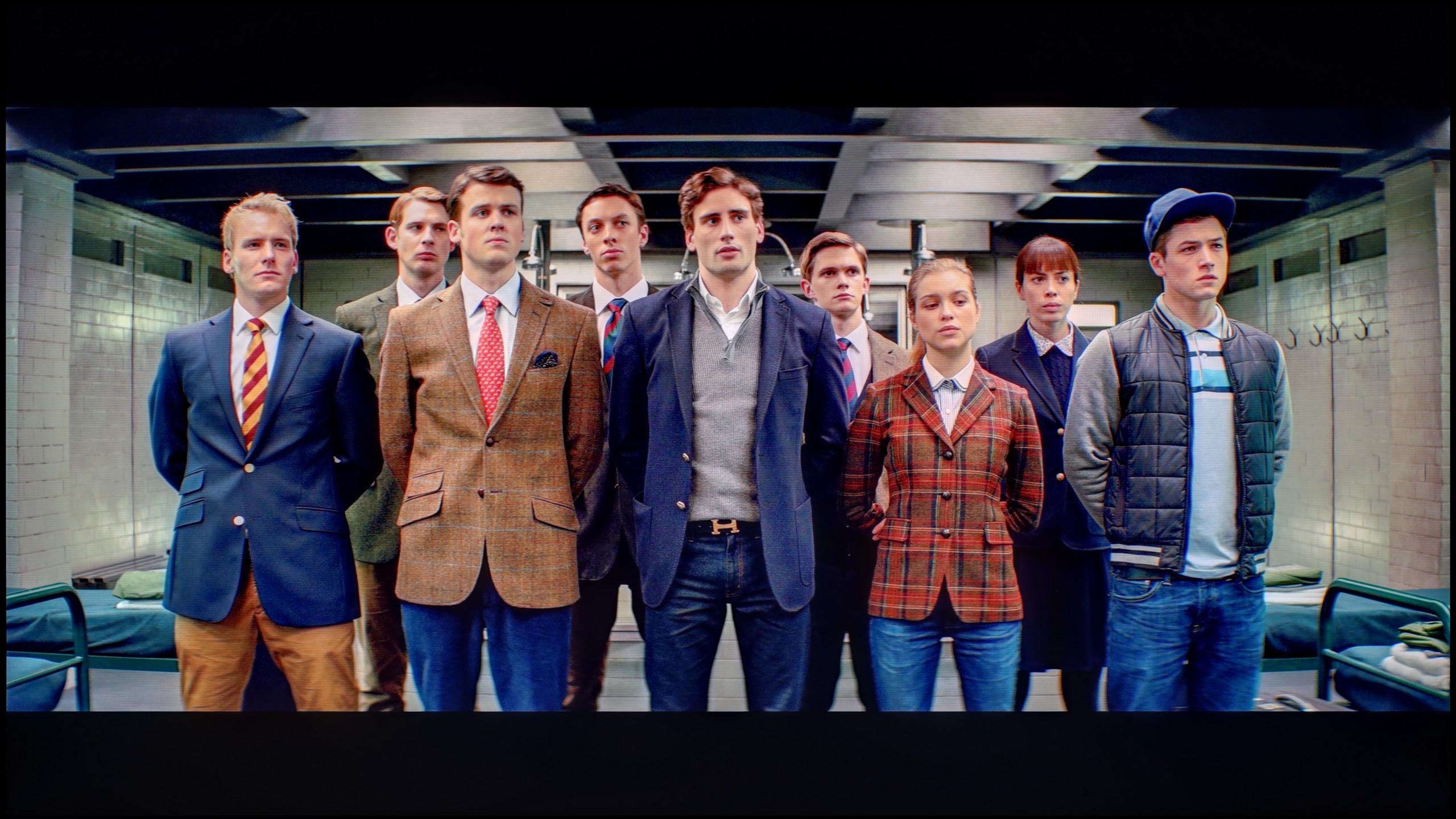
The photos show how movies look on the TV. Pay attention to black detail visibility, colors, and shadow tint.


The photos show how movies look on the TV. Pay attention to black detail visibility, colors, and shadow tint.
Sharp GR8 is one of those televisions that really gains a second life after proper calibration. Both in HD and 4K content, the white balance performs very well, especially considering this model's price segment. The picture becomes significantly closer to what the director intended to show – colours appear natural, and skin tones gain the right depth and warmth. The brightness characteristics also leave a very positive impression. Both the gamma and the EOTF curve demonstrate really solid values. While slight imperfections can be noticed, they are subtle enough that it's difficult to see them during everyday viewing. In summary, calibration allows Sharp GR8 to show its best face, offering a picture that is not only pleasant to the eye but also faithfully conveys the creators' intentions.
After calibration, we managed to correct the white balance to almost perfection. Older SDR content looks fantastic — most errors are within a value of 2, which is definitely below the threshold of human perceptibility. In HDR, we also brought the white balance to an acceptable level, but a different problem arises here. So why are there still relatively large errors in colour reproduction? This is mainly due to the limited colour palette and the way the television manages brightness. The global dimming technique used does not give the user control in the settings, so analysing the EOTF curve in HDR films, it's clear that the Q8F can modify luminance on its own. This can be seen as a limitation, but still, the image after calibration is much more enjoyable to watch than in the factory version.
Smoothness of tonal transitions
8/10
9/10


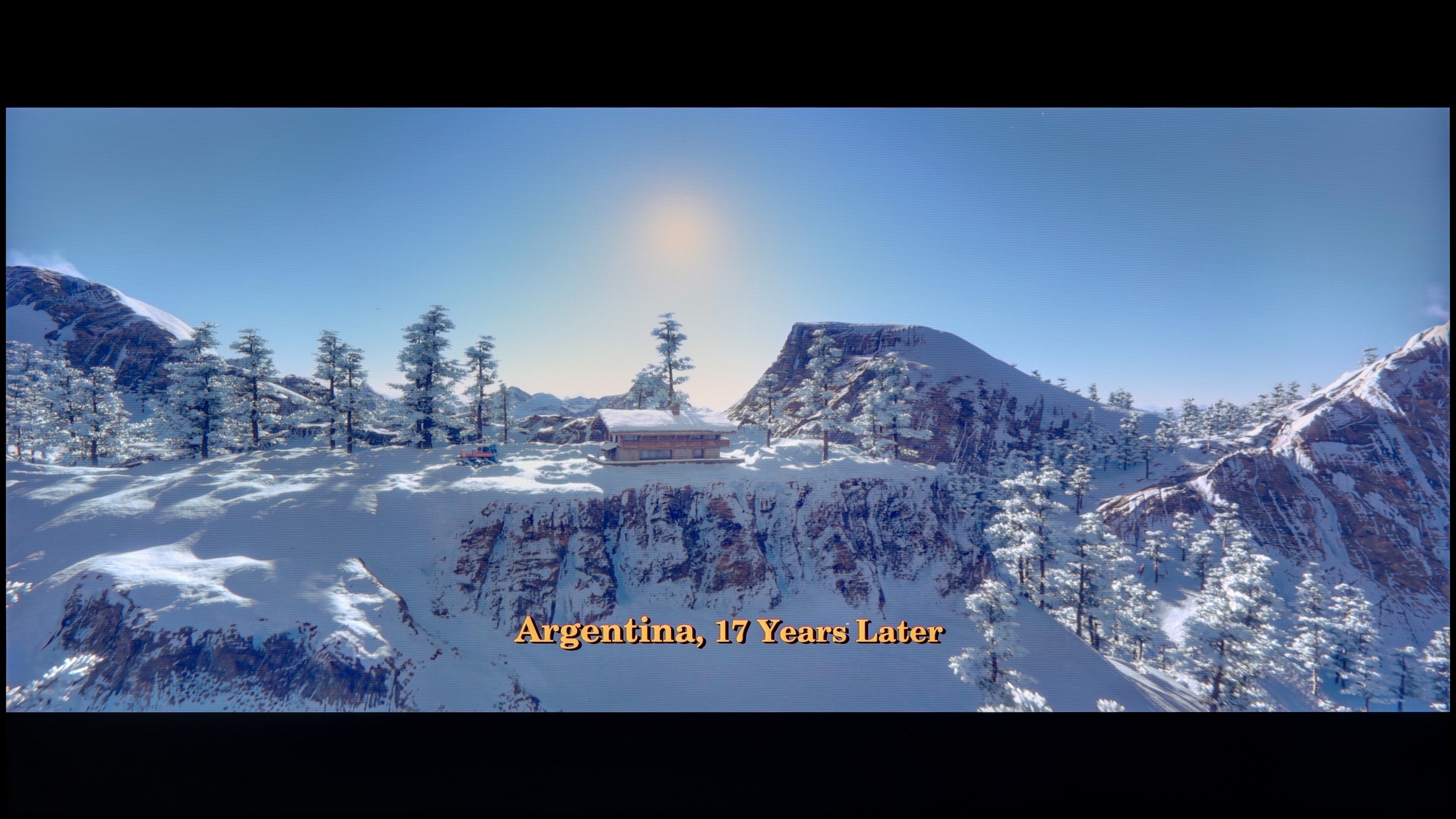
These are selected scenes that show smooth tonal transitions from one color to another. If you see distinct banding, it’s the TV panel’s fault.

These are selected scenes that show smooth tonal transitions from one color to another. If you see distinct banding, it’s the TV panel’s fault.
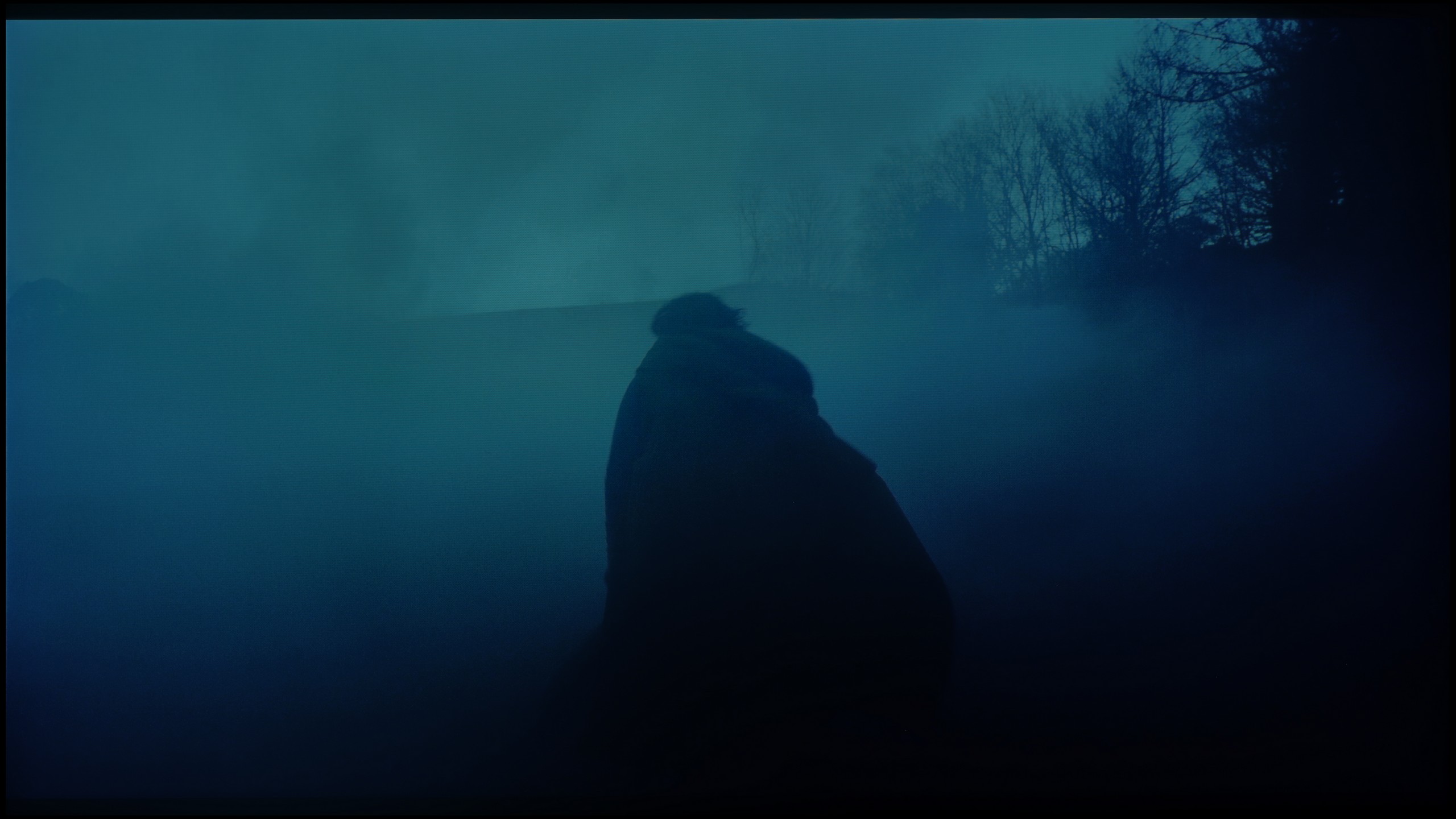
These are selected scenes that show smooth tonal transitions from one color to another. If you see distinct banding, it’s the TV panel’s fault.
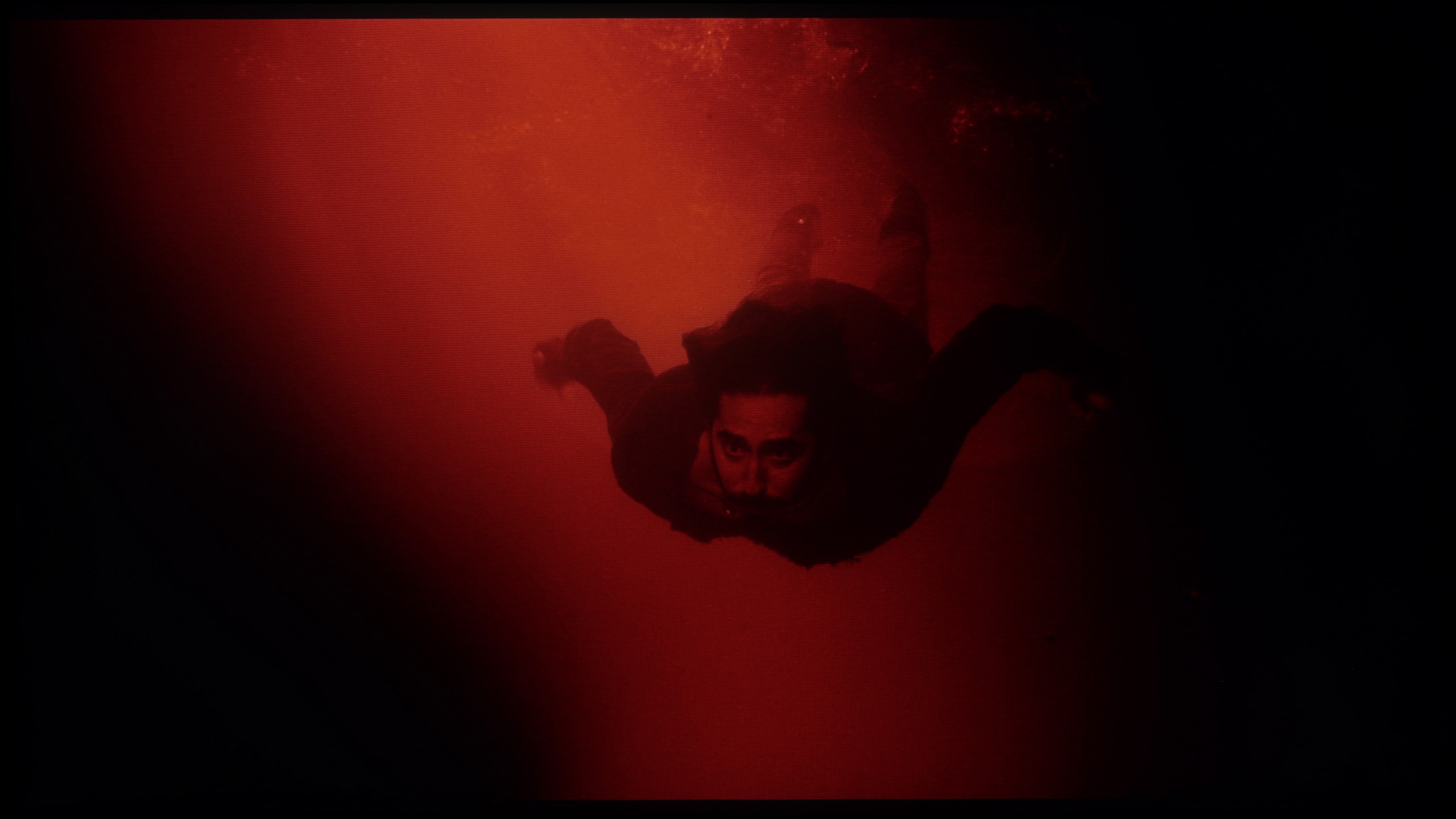
These are selected scenes that show smooth tonal transitions from one color to another. If you see distinct banding, it’s the TV panel’s fault.
When it comes to the fluidity of tonal transitions in high-quality materials such as 4K, Sharp GR8 performs really well. Colour gradients are smooth, and transitions between shades are natural and free from visible artifacts. The television has no issues reproducing subtle differences in colours, even in demanding scenes. Only the most discerning users, who closely examine the image, may notice slight imperfections in the darkest shades. For most viewers, the quality of tonal transitions in the Sharp GR8 will be more than satisfactory and will not negatively affect the perception of the image.
The fluidity of tonal transitions in the Q8F performs really well. The television beautifully blends colours, both in bright segments of the sky and in darker scenes, where visible "steps" in colour can easily occur. Admittedly, sporadic errors do happen, but you have to look closely to catch them. In practice, while watching movies or series, the picture looks cohesive and doesn’t get distracted by any artefacts. Therefore, the rating in this category had to be high. 😉
Image scaling and smoothness of tonal transitions
5.5/10
5/10


Smooth transition function

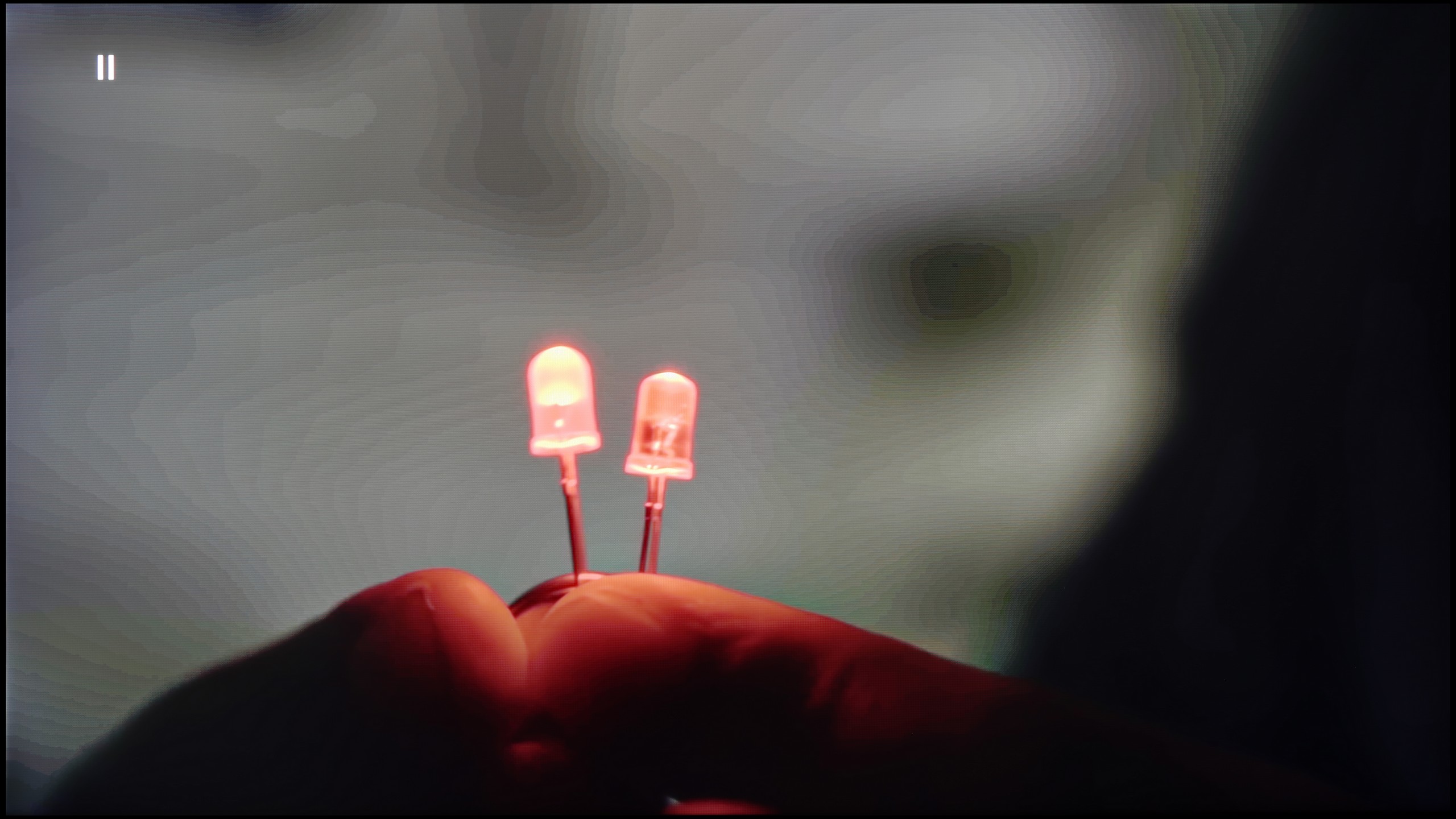
The match photo shows how the TV smooths weak tonal transitions in low-quality video.
Image scaling SD (576i)


The model photo shows how it handles upscaling of SD material.
Sharp GR8 is equipped with a feature called "10-bit colour reproduction," which theoretically should improve the smoothness of tonal transitions. In practice… well, the effect is surprising, but not in a very positive way. Even at the highest settings, it’s hard to notice any impact on the actual tonal transitions. Instead, the feature surprisingly smooths out things it shouldn’t - walls, shirts, or other flat surfaces look almost as if they have been ironed. In the test, we had to note that there is simply no actual impact on tonal transitions.
When it comes to image scaling, Sharp GR8 performs significantly better. The television can give the image a plastic, smooth characteristic, making even lower resolution content look quite good. Of course, with more demanding details, such as thin branches of trees in the background, you can see slight jaggedness, but it’s not something that would significantly affect the viewing comfort.
Let's see how the Q8F handles older content, which often has poor quality. Starting with the positives: the upscaling works really well. The TV performs nicely with both classic television and materials from YouTube, not giving the impression that we're dealing with something completely unattractive. It struggles more with content in very low resolutions, such as 576p — the image can be cropped, and unfortunately, the overscan phenomenon cannot be disabled. Moreover, the digital processing does not look great either. The noise reduction feature, instead of removing unwanted artefacts, smooths out almost everything: film grain (which many viewers desire) disappears along with the texture of the image, and actors' faces start to resemble characters from cheap Turkish soap operas. It's hard to consider this option useful — it's best left completely off. Perhaps Samsung will refine the function’s performance in updates, but for now, it’s difficult to view it as anything other than an unnecessary addition.
Blur and motion smoothness
7.4/10
4.5/10

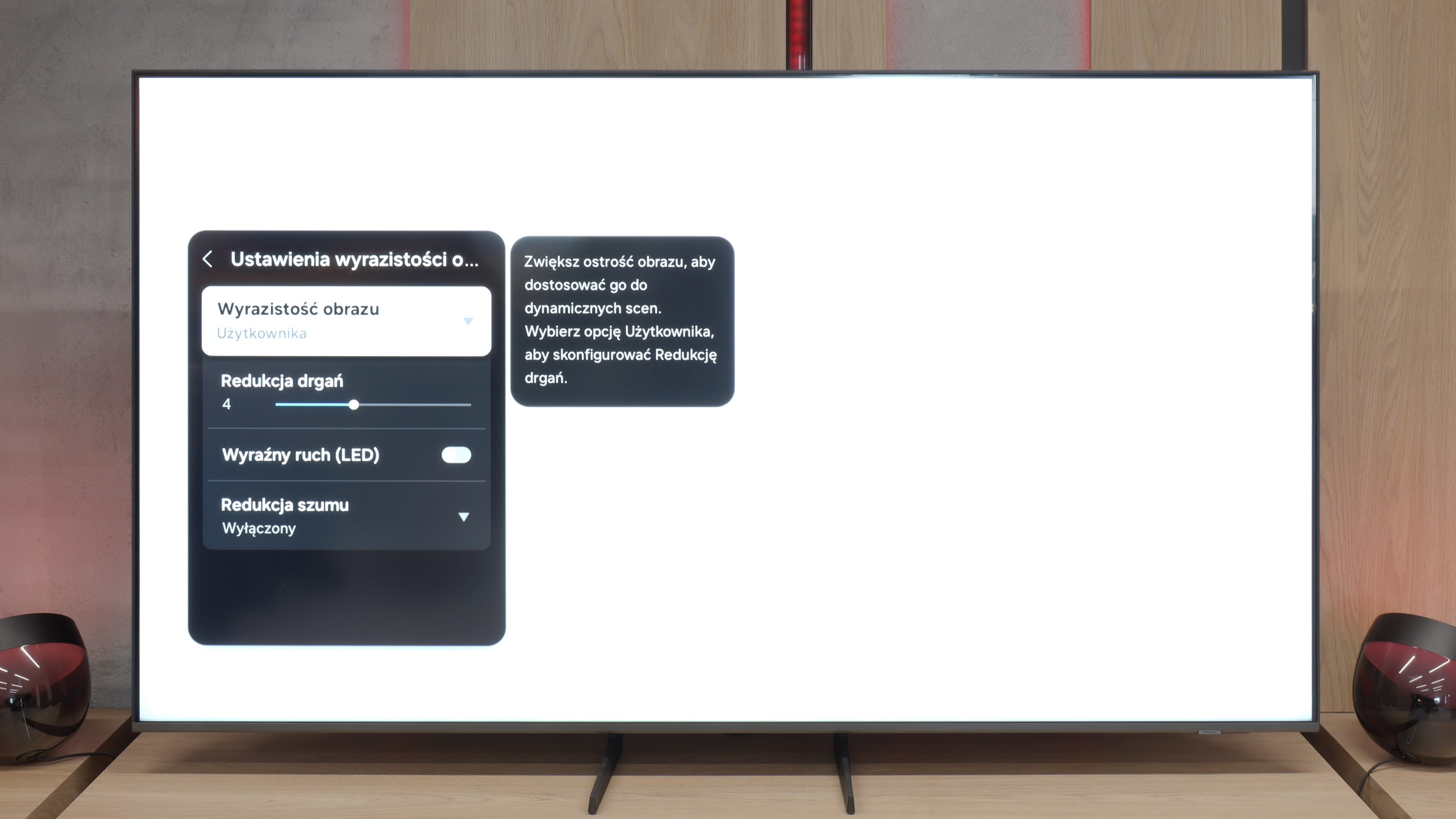
Blur (native resolution, maximum refresh rate):


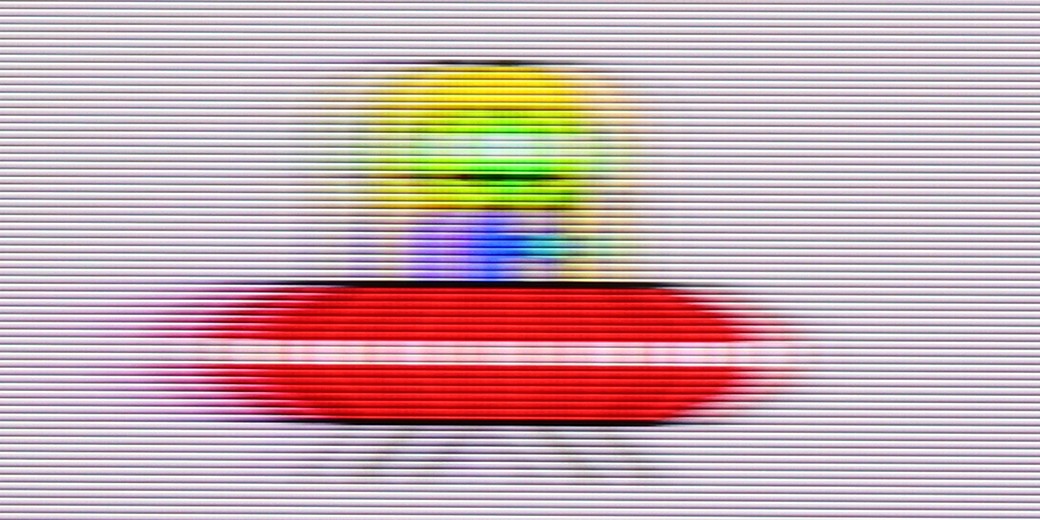
Blur (BFI function enabled):


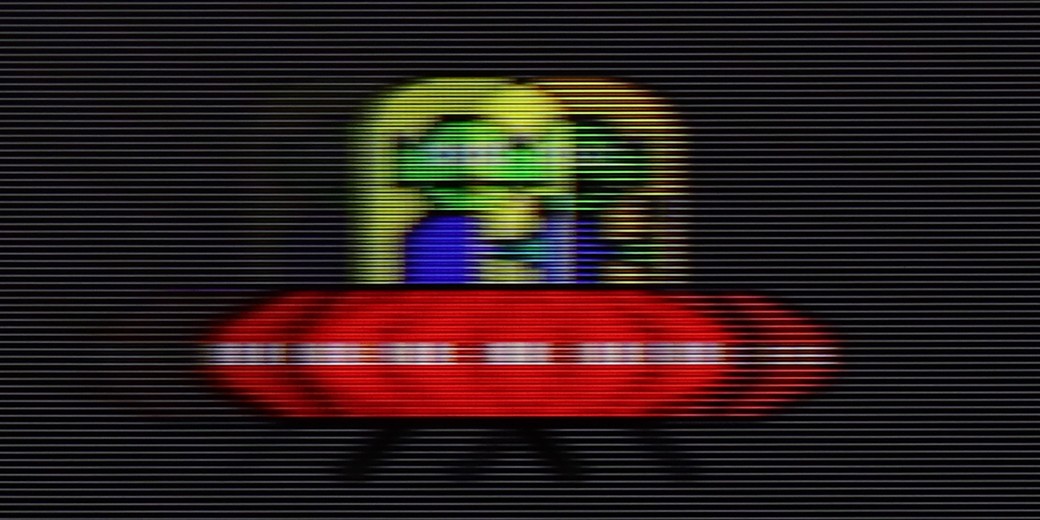
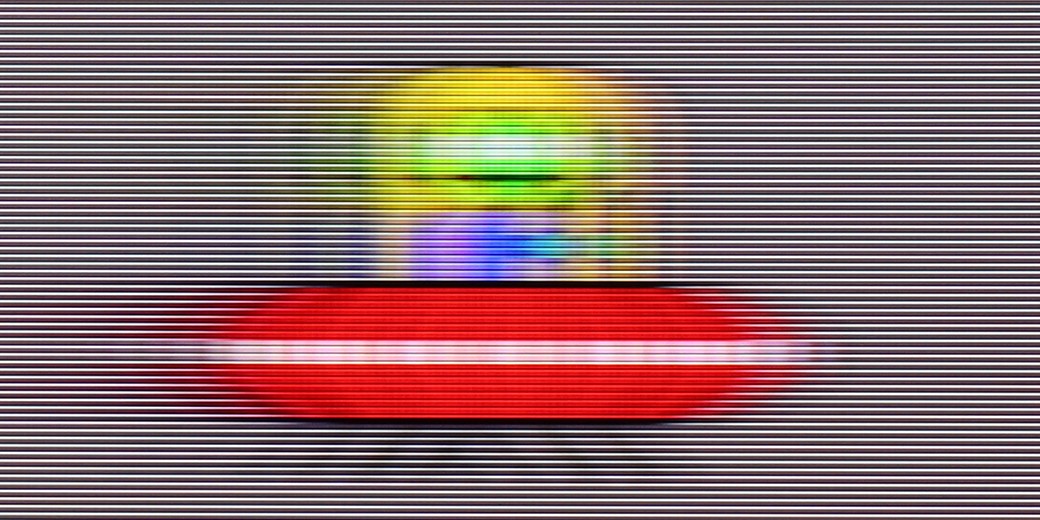
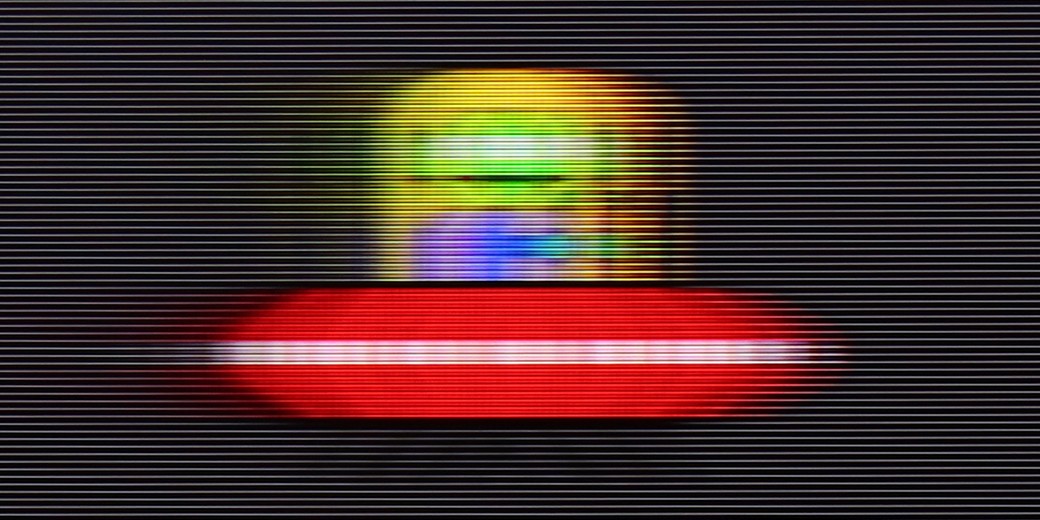
This is where Sharp GR8 has the opportunity to stand out against the competition in its price segment. The television is equipped with a 144 Hz refresh rate panel, which is an impressive result, especially if we plan to use it for dynamic content such as action films, sports broadcasts, or video games. Additionally, the manufacturer has included a motion smoothing feature, commonly known as a 'smoother'. The user has three levels of adjustment available, allowing them to tailor the effect to their personal preferences – from subtle smoothing to a more aggressive intervention in the fluidity of the image. It's a nice addition, particularly for those who mainly watch films and care about smooth, cinematic sequences without annoying judders or stuttering.
Due to the applied 60 Hz panel, it's hard to call the Q8F a television made for gaming or watching sports. The panel isn't particularly fast, making motion blur clearly visible. If you were expecting a spectacular, almost 'stadium-like' experience during broadcasts, you might feel a bit disappointed. Fortunately, for movies and series, Samsung hasn't given up on the motion smoothing function. It's nothing more than a smoother that allows for improved fluidity of productions recorded at 24 or 30 frames per second. This way, you can decide for yourself whether you prefer a more fluid, 'television-like' image or to retain the cinematic character. It all depends on the viewer's preferences, and the ability to adjust this parameter is undoubtedly a plus.
Console compatibility and gaming features
7.8/10
5/10
- ALLM
- VRR
- VRR range48 - 144Hz
- Dolby Vision Game Mode
- Correct implementation of HGIG
- 1080p@120Hz
- 1440p@120Hz
- 4K@120Hz
- Game bar

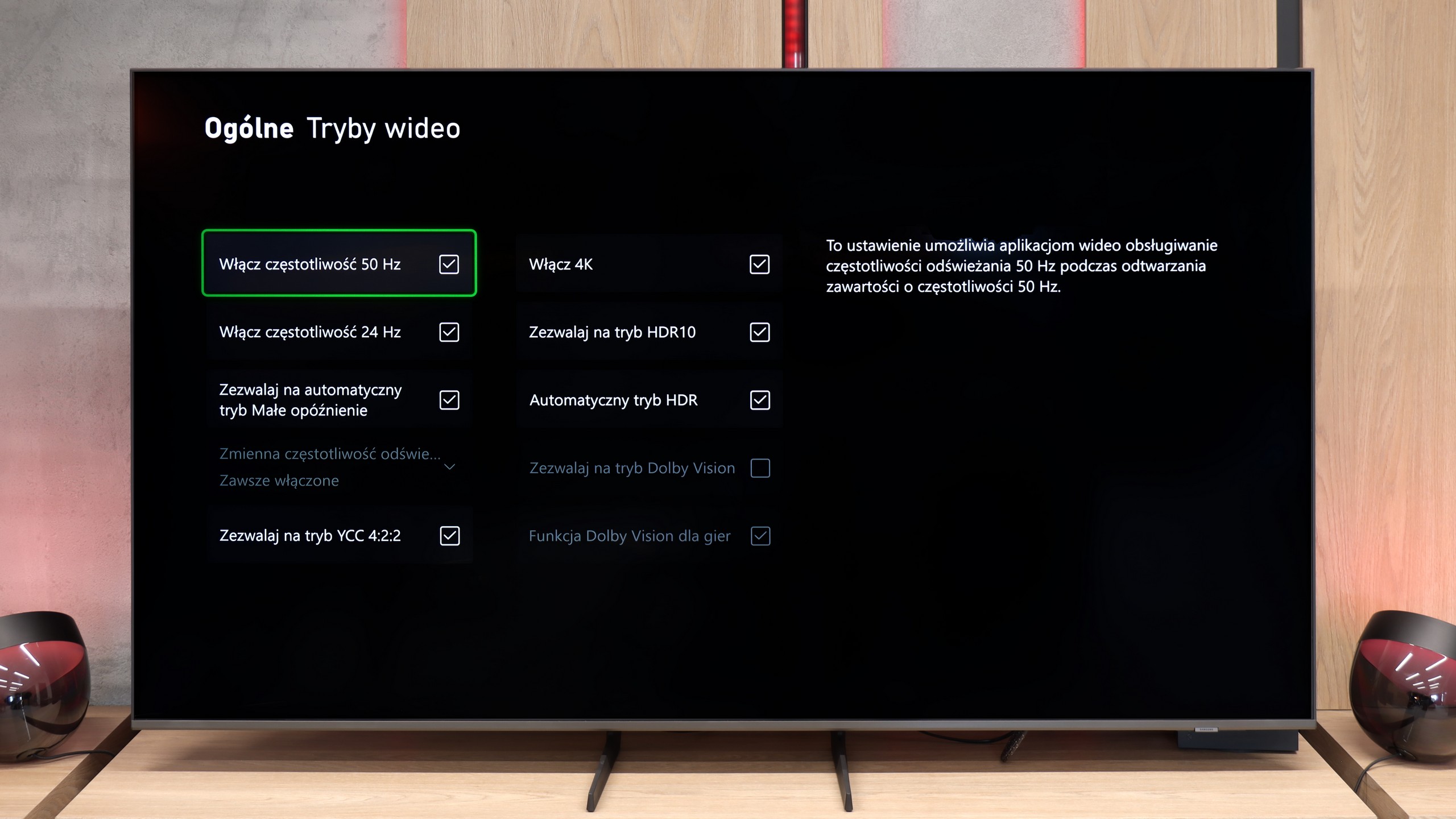

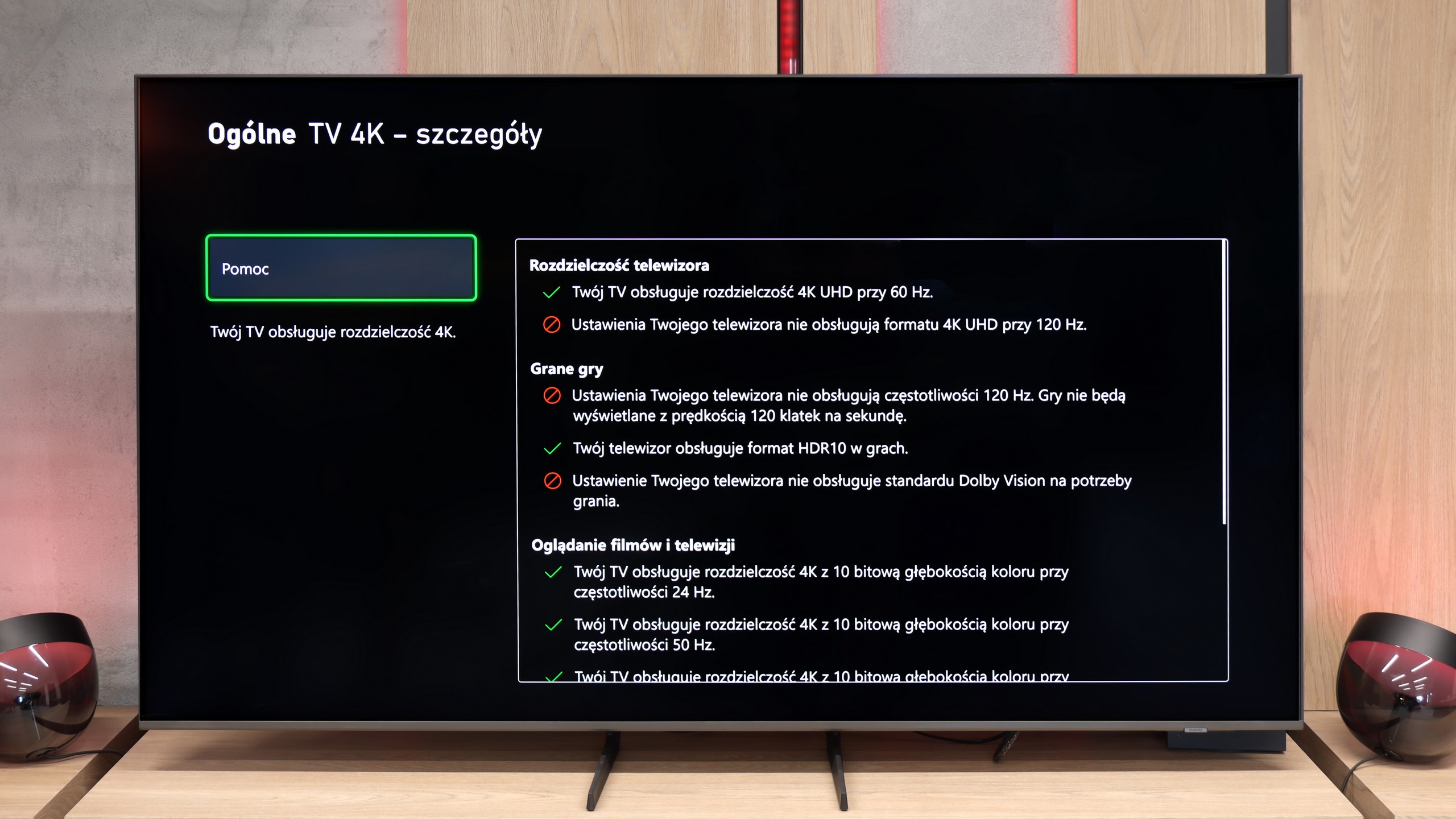

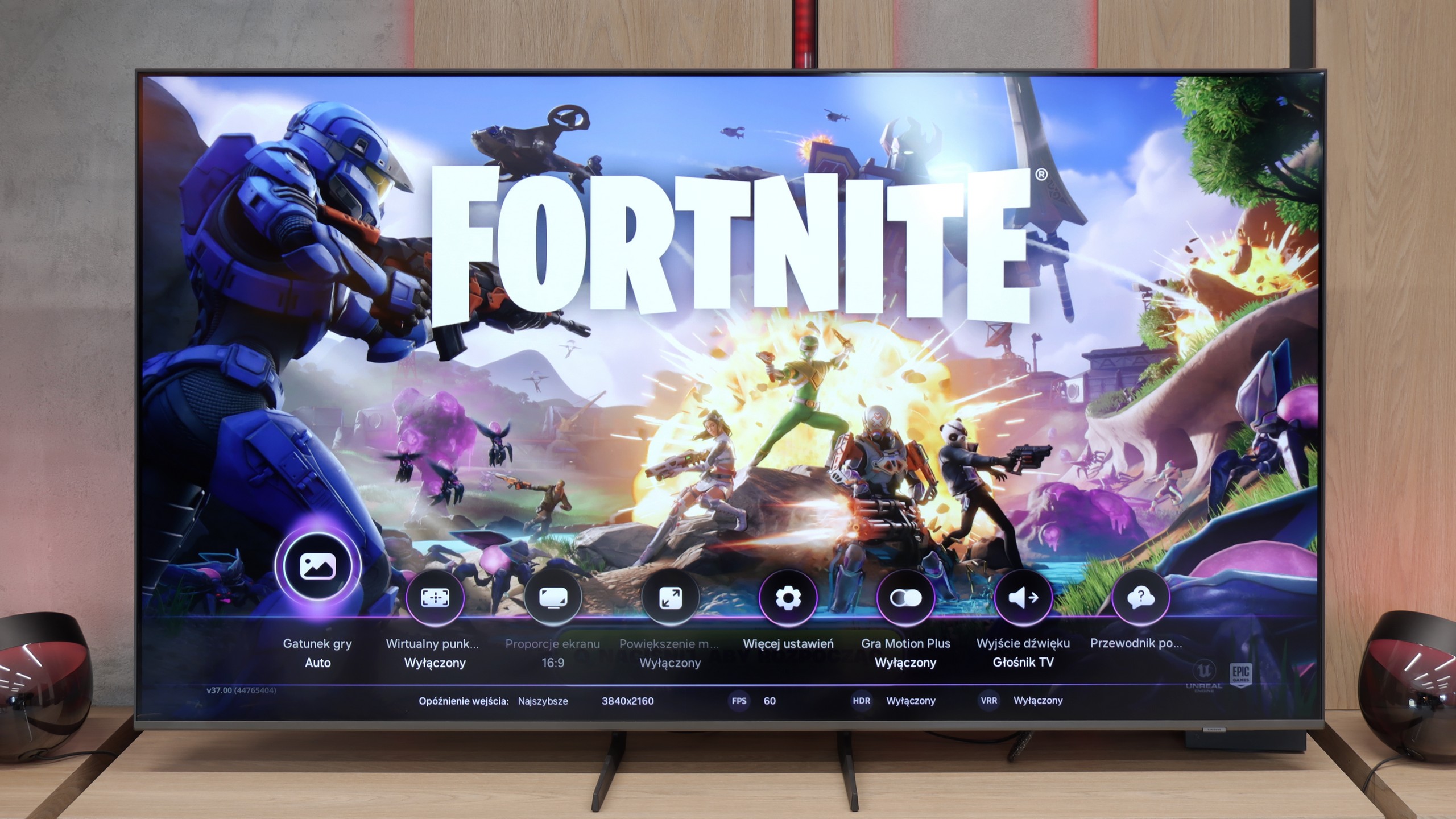

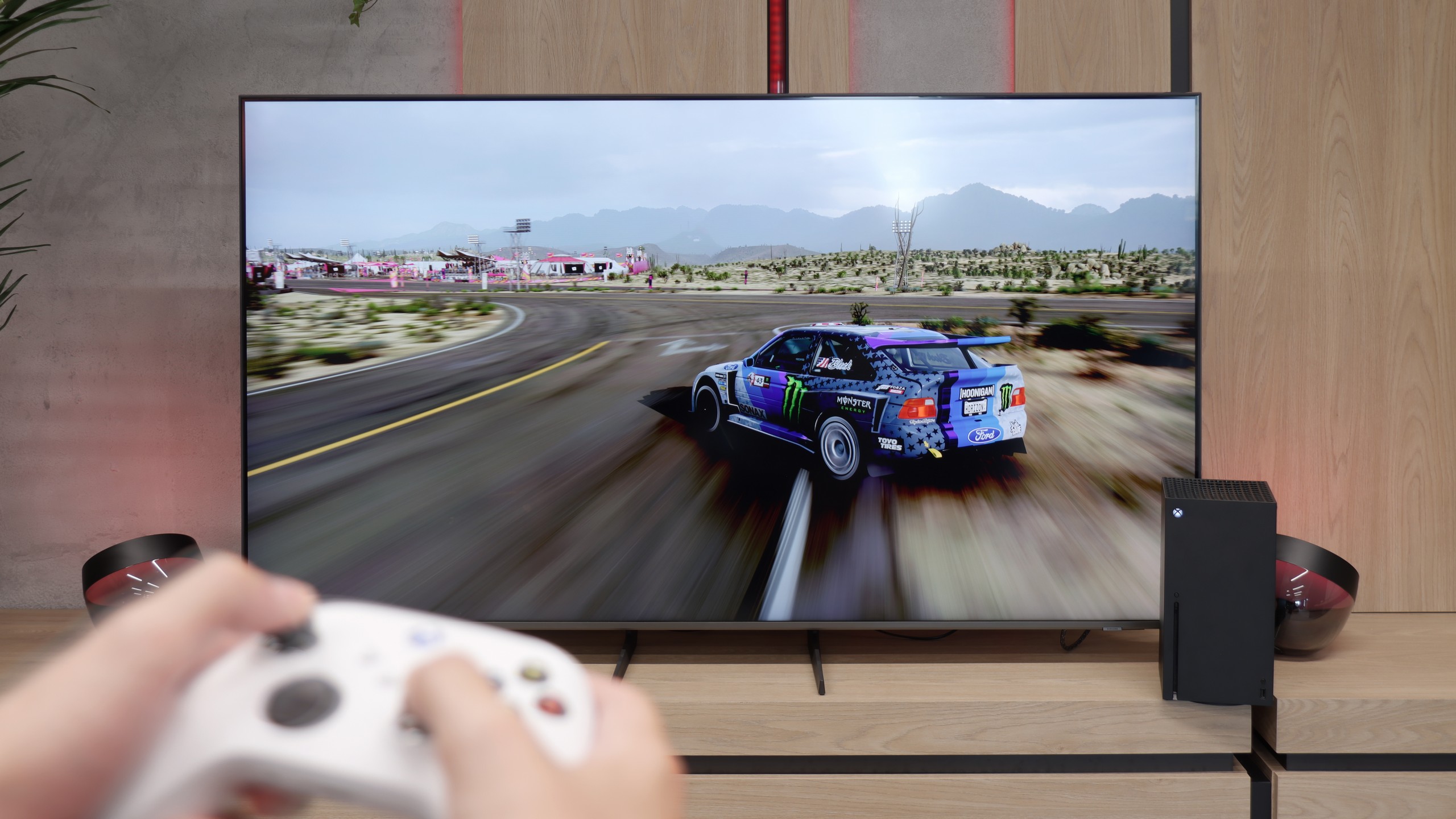
If the television has a 144 Hz panel and two full HDMI 2.1 ports, it’s clear it was designed with gamers in mind. The Sharp GR8 offers exactly that – high refresh rates and the right connections to get the most out of modern consoles and PCs. It also features ALLM, which automatically switches the TV to low latency mode, and VRR, ensuring the picture doesn’t stutter even in more demanding moments. In practice, everything works as it should, and it's difficult to find fault. However, it’s not without its shortcomings. There’s a lack of support for HGiG, which better adjusts HDR for games, as well as Game Bar, which makes it easier to quickly adjust settings without leaving the game. Despite these drawbacks, the Sharp GR8 is a really solid option for gamers.
It's not entirely clear what Samsung has messed up this year with its TVs, but the Q8F isn't free from all the confusion with updates and shortcomings. While its older cousin, the Q67D, could still be recommended with a clear conscience to casual gamers, it's hard to find a reason to do so here. Aside from the automatic game mode and the attractively designed Game Bar, we get practically nothing that could appeal to gamers. The lack of proper HGiG implementation is a major issue, especially since the feature simply disappeared after the 1126 update. The situation with VRR is even worse. Even though it appears in the manufacturer's brochures and shows up in the Game Bar, we couldn't get it to work. The Xbox Series X console wouldn't allow it to be activated at all, and the option remained greyed out and inactive. It's difficult to praise such a TV even to casual gamers, which is a shame because Samsung has had a strong selling point in the gaming segment for years.
[UPDATE] We have updated our 2025 Samsung TV reviews following the release of firmware version 1131, which officially restores the essential HGiG (HDR Gaming Interest Group) support.
Input lag
9.7/10
9.9/10
SDR
HDR
Dolby Vision
Sharp GR8 performs really well in terms of delays. With a refresh rate of 120 Hz, the input lag is only 9 ms, and at 60 Hz – about 18 ms. These values are practically imperceptible even for the most demanding gamers, where every millisecond counts. Importantly, the Dolby Vision mode also works responsively, which is not a standard in TVs within this price range. This is definitely a big plus for those who want to enjoy not only smoothness but also better HDR effects while gaming.
Fortunately, when it comes to gaming, Samsung didn't try to "improve" anything and the input lag remained at an excellent level. Results hovering around 10–15 ms mean that the delays are practically unnoticeable. The controls are instant, and the responses from the console or computer appear on the screen without any noticeable delay. In this regard, the Q8F performs exceptionally well and it's hard to fault it.
Compatibility with PC
4/10
6/10

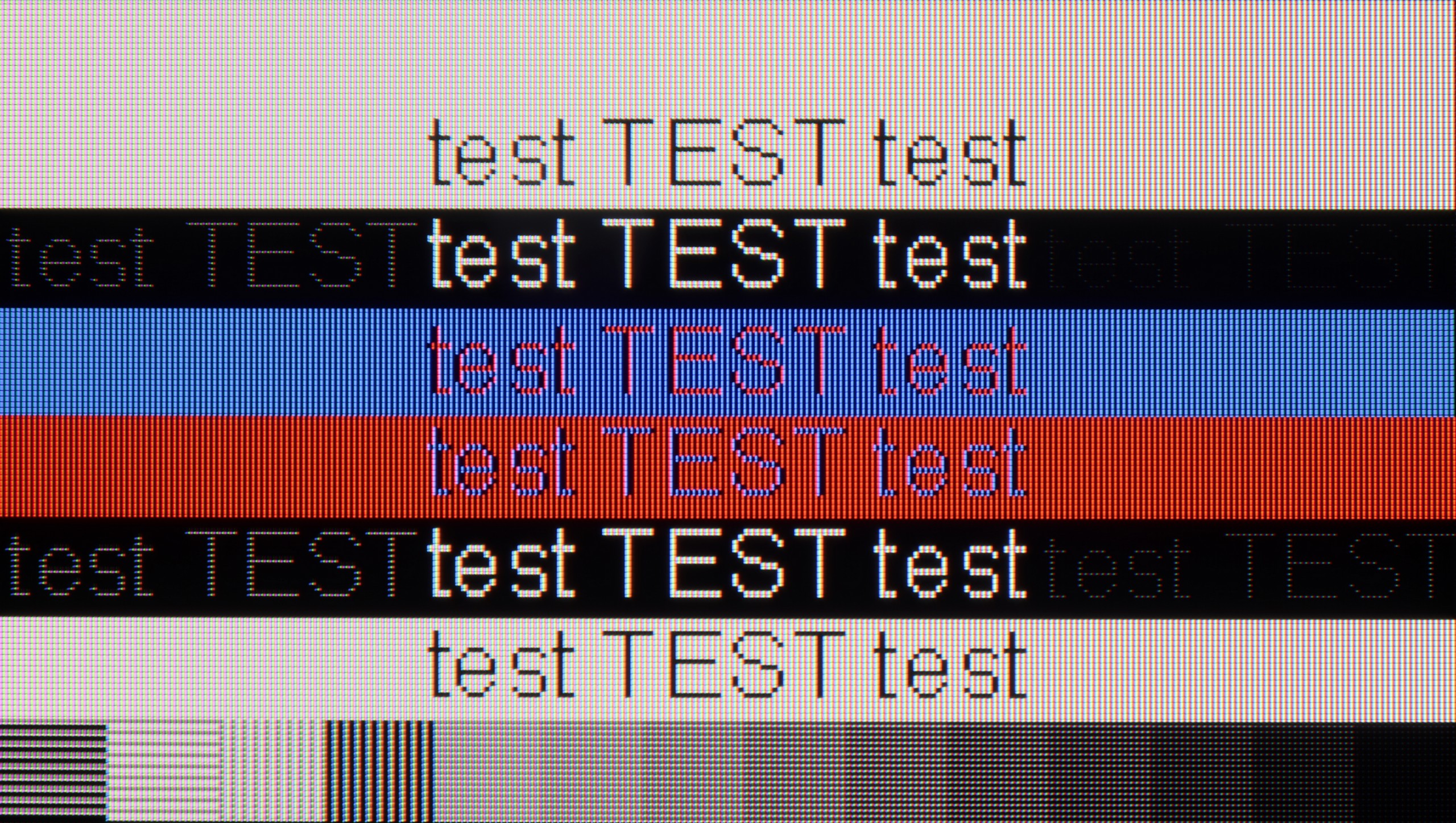
The photo shows the legibility of small fonts. Ideally, lines should be the same thickness on both light and dark text, with minimal pixel gaps.
Sharp GR8 performs quite well as a screen for PC gaming. With a refresh rate of 144 Hz, low input lag, and support for G-Sync and FreeSync technologies, it's a set that guarantees smooth and responsive gameplay. Games look dynamic, and the image remains stable even in the most demanding moments. However, a problem arises when it's time to work with text. The television does not support chroma 4:4:4, which means fonts are blurred and difficult to read. Longer work with documents or browsing websites can become simply tiring on the eyes.
Sharp GR8 is a great choice for PC gamers, but rather poor for office work. If we plan to use this television mainly for gaming, we should be satisfied. However, if we think of it as a monitor for everyday work, it's better to look for another solution.
While playing on the Q8F isn't exactly the most attractive option—it's lacking modes with lower resolution and higher refresh rates, plus there are issues with VRR (G-Sync) and the panel is limited to 60 Hz—it performs excellently as a monitor for work. Font readability is at a very high level, so working with text or spreadsheets in Excel is a pure pleasure. In this regard, the Q8F could be a viable alternative to a large office monitor.
Viewing angles
3.2/10
3.4/10
When it comes to viewing angles, Sharp GR8 doesn't surprise – and it's hard to blame it, considering the use of a VA panel. When watching from a more significant angle, the image loses quality, colours become washed out, and contrast noticeably drops. Additional coatings that widen viewing angles could improve this aspect, but that's a solution we typically find in more expensive LCD TV models. If we plan to watch television mainly straight on, there won't be much of a problem. However, in the case of a larger number of viewers sitting at different angles, it's worth being aware of this limitation.
The viewing angles on the Q8F can be described as average, resulting from the applied VA matrix. Watching the television head-on, the picture looks very good, but just shifting slightly to the side causes it to start fading and losing contrast. Colours gradually lose their saturation, and black takes on a greyish hue. This is a typical limitation of this type of panel, and it’s hard to expect miracles here. Compared to IPS matrices, the difference is clear — while these have weaker contrast, they hold colour better at an angle. The Q8F is best suited for a classic setup, where viewers sit centrally in front of the screen. If you’re planning screenings with a larger group, with people spread wider across the living room, the effect may not be as satisfying.
Daytime performance
4.5/10
5.6/10


Panel brightness
Samsung Q8F: 430 cd/m2
Sharp GR8: 329 cd/m2
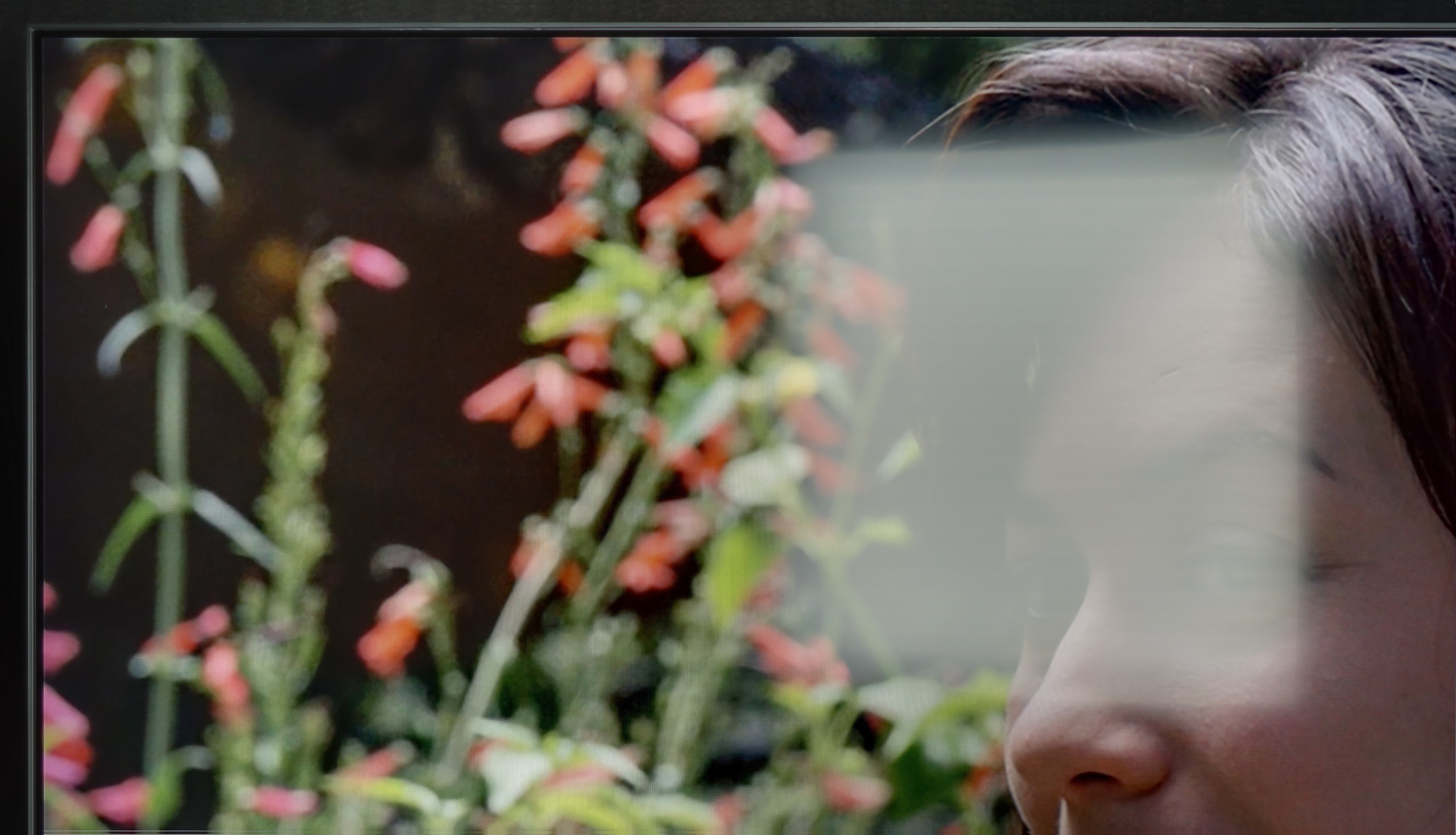
Sharp GR8 has a satin finish display that performs average with reflections. Bright surrounding elements, such as windows or lamps, quite clearly reflect on the screen and can be distracting while viewing. The brightness level of 330 cd/m² in SDR content is also unimpressive. As a result, the television is best suited for rooms where not too much natural light comes in. So, it can be said that the GR8 holds up during the day, but it is certainly not equipment made for brightly lit living rooms. If we mainly watch in the evenings or in controlled lighting, it won’t be a major issue.
The Q8F performs quite well during the day. Its brightness hovers around 450 nits, which proves to be a sufficient level for moderately bright living rooms. It's not a TV that will win a battle against sunlight streaming directly through the window, but in typical home conditions, the picture remains clear and appealing. A big plus is the satin finish of the panel, which effectively reduces light reflections and helps maintain colour saturation even when the room is bright. This makes watching series during the day or evening sports broadcasts with the lights on no problem. The Q8F doesn't aspire to be a cinema TV in full sunlight, but as a daily screen in normal home conditions, it performs really well.
Panel details
Subpixel Structure:

Panel uniformity and thermal imaging:

Sharp GR8
Samsung Q8F
TV features
6/10
7.3/10
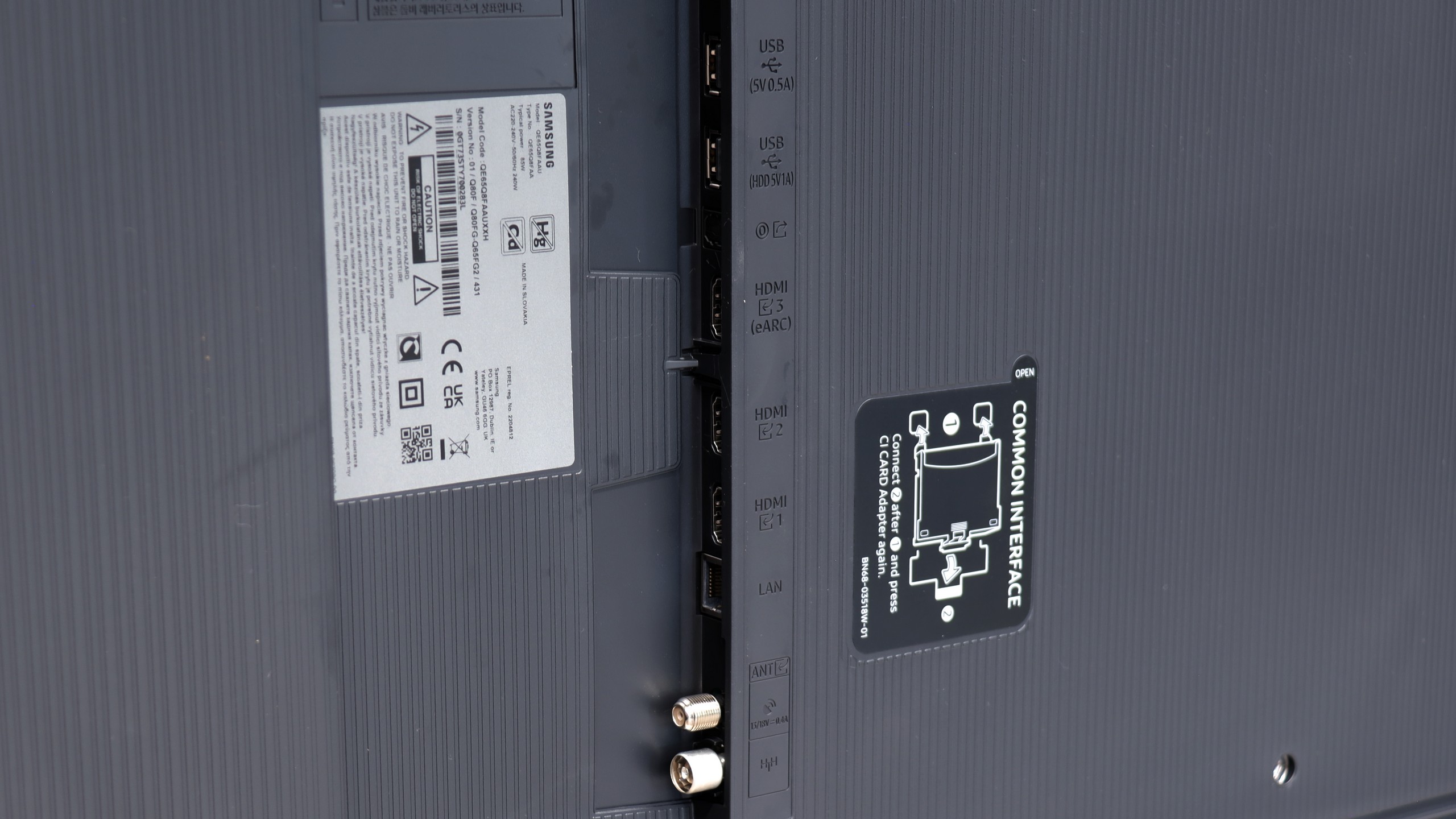
- HDMI inputs2 x HDMI 2.0, 2 x HDMI 2.1 48Gbps3 x HDMI 2.0, 0 x HDMI 2.1
- Other inputsRCA (Chinch)
- OutputsToslink (Optical audio), eARC (HDMI), ARC (HDMI), Mini-Jack (Headphones)Toslink (Optical audio), eARC (HDMI), ARC (HDMI)
- Network InterfacesWi-Fi 2.4GHz, Wi-Fi 5GHz, Ethernet (LAN) 100MbpsWi-Fi 2.4GHz, Wi-Fi 5GHz, Ethernet (LAN) 100Mbps
- TV receptionDVB-T, DVB-T2, DVB-S, DVB-S2, DVB-CDVB-T, DVB-T2, DVB-S, DVB-S2, DVB-C
Classic features:
- Recording to USB (terrestrial TV)
- Recording programming
- Picture in Picture (PiP)
- RF remote control (no need to aim)
- Backlit remote control
- Teletext
- Audio only mode
- Bluetooth headphones support
- Simultaneous Bluetooth headphones & TV audio
Smart features:
- AirPlay
- Screen mirroring (Windows Miracast)
- Voice search
- Voice search in native language
- Ability to connect a keyboard and mouse


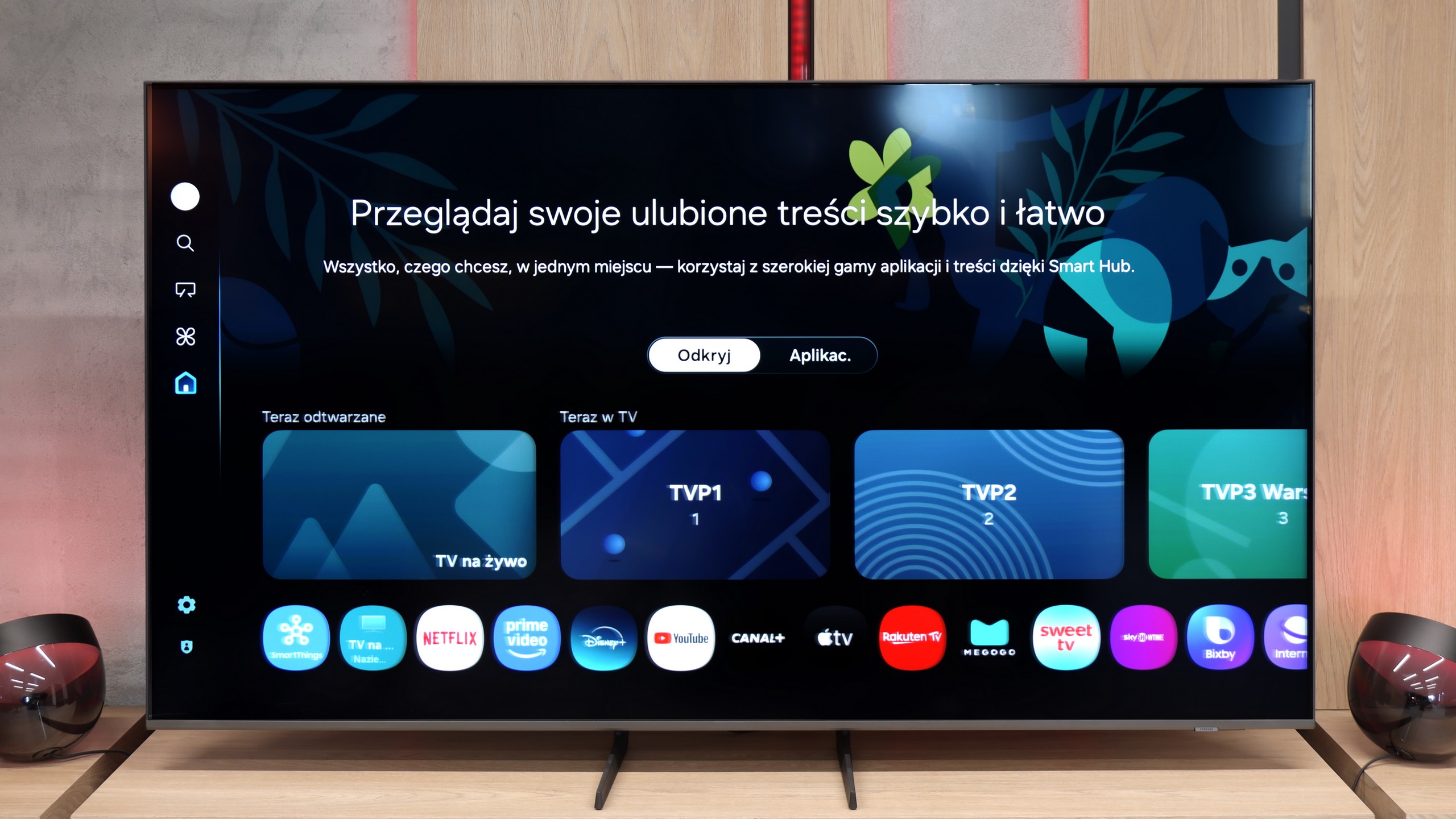
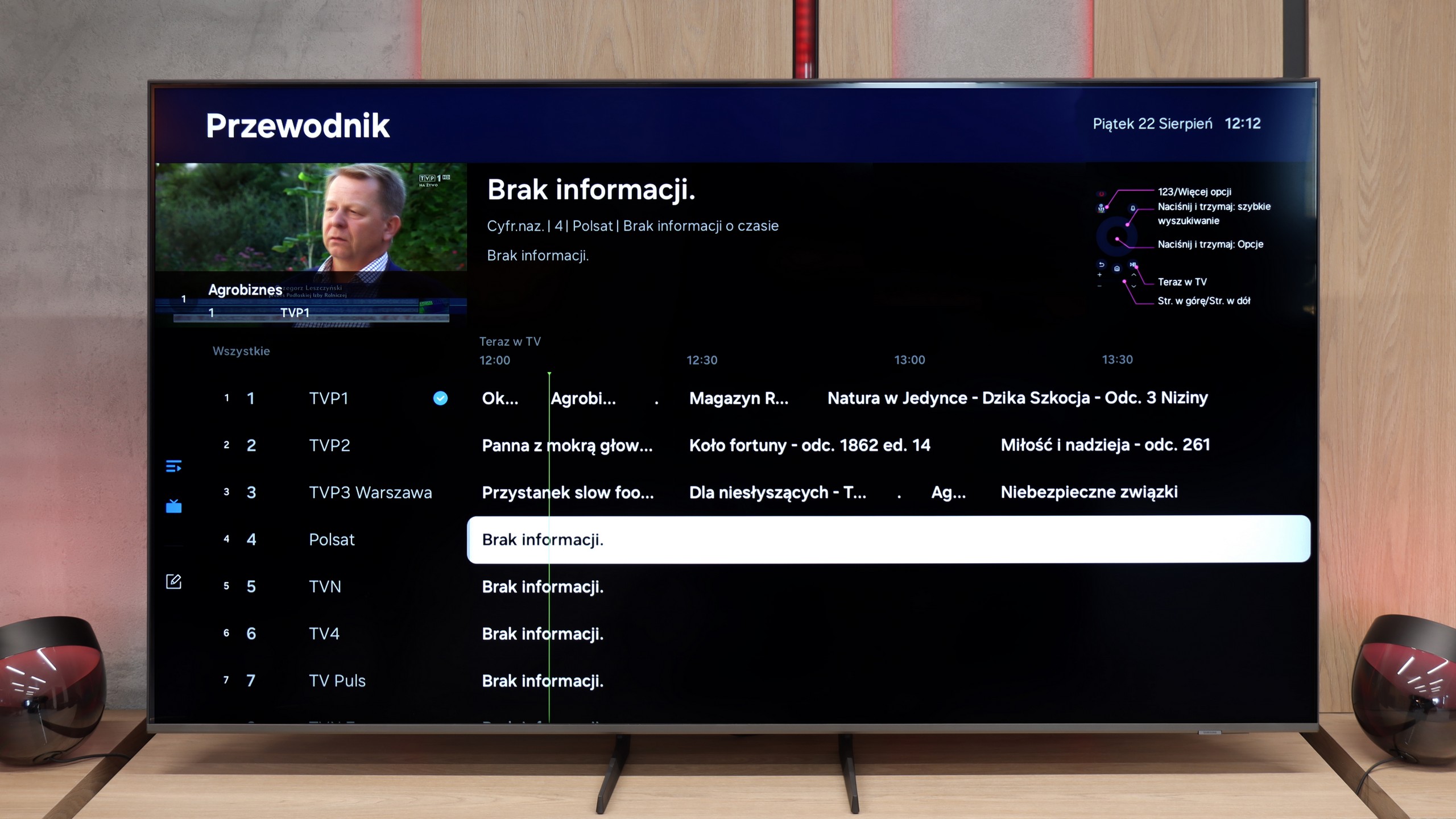
Google TV is definitely the biggest advantage of Sharpa GR8. This system is a true multimedia powerhouse – it includes practically all popular streaming apps, such as Netflix, HBO Max, and Disney+. Voice search works in Polish and, importantly, is really responsive. We can tell the TV what we want to watch, and it quickly finds the right content. Plus, the interface is clear and intuitive, so even people who aren't keen on technological innovations can manage without any problem. In short, Google TV gets the job done.
Unfortunately, when it comes to more classic functions, the GR8 is rather average. There are no options for USB recording or PiP (picture in picture) functionality. Moreover, although the TV supports Bluetooth connectivity, iPhone users may feel disappointed as there is no support for AirPlay.
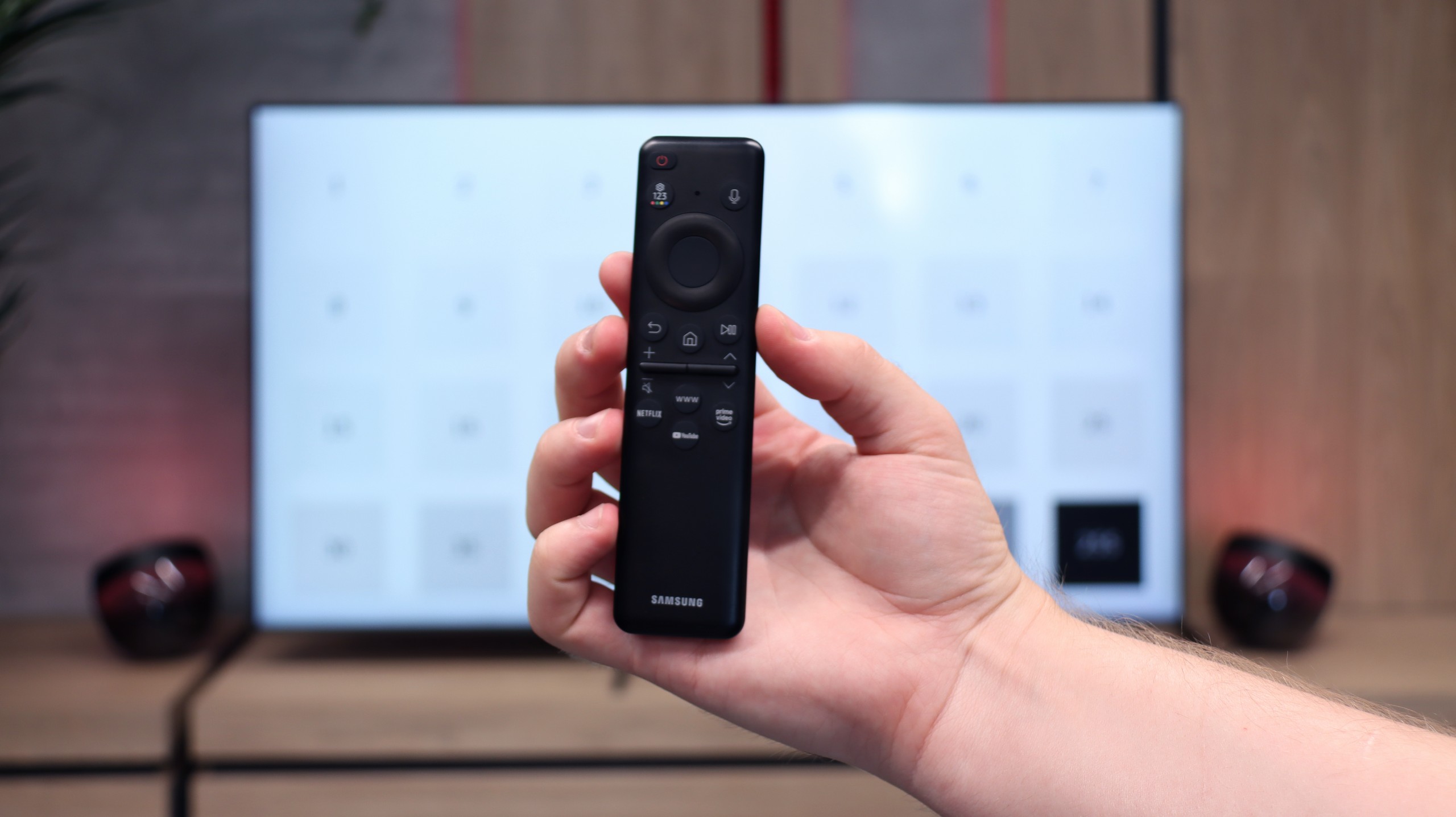
The remote included is simple but well thought out. It has a solar panel on the front, allowing it to be charged by light, and the additional charging port means we don’t have to worry about changing batteries. Also, it’s a plus that the remote doesn’t require aiming at the screen – it works regardless of which way it’s pointed.
SmartTV Features: Tizen
In terms of smart features, the Q8F is right up there with what Samsung has made us accustomed to. It comes with the Tizen system – fast, intuitive, and well integrated with other devices. AirPlay, screen mirroring, and simple voice commands work seamlessly, so the basics are ticked off perfectly. Added to this is SmartThings, an app that turns the TV into the hub of a home ecosystem. You can connect a washing machine, vacuum cleaner, light bulbs, or speakers and control everything from one place, including the TV. There are also plenty of apps in Tizen for watching movies and series – Netflix, YouTube, Disney+, and Prime Video are all readily available. However, it should be noted that Tizen is a closed system, so if someone is hoping to install less popular programs, they might be disappointed.
Traditional Television
Traditional television falls short. The Q8F simply serves as a screen here – it will display the picture, but additional features like USB recording or PiP mode are absent. The remote is small and very minimalist. It looks modern and can be charged via solar batteries on the back cover or through USB-C, but it's worth noting that it might not suit everyone – particularly older users may miss traditional buttons. However, it's fair to say that Samsung has been consistently steering its TVs (and competitors who are copying some of their ideas) towards the smart home direction rather than towards devices "for grandma and grandpa". Given the enormous popularity of the brand, one can assume that most users, even the older ones, have already gotten used to the fact that the era of remotes with a whole range of rubber buttons is slowly coming to an end.
Apps
9.6/10
9.3/10






















Playing files from USB
9.1/10
9.1/10
Supported photo formats:
Maximum photo resolution:

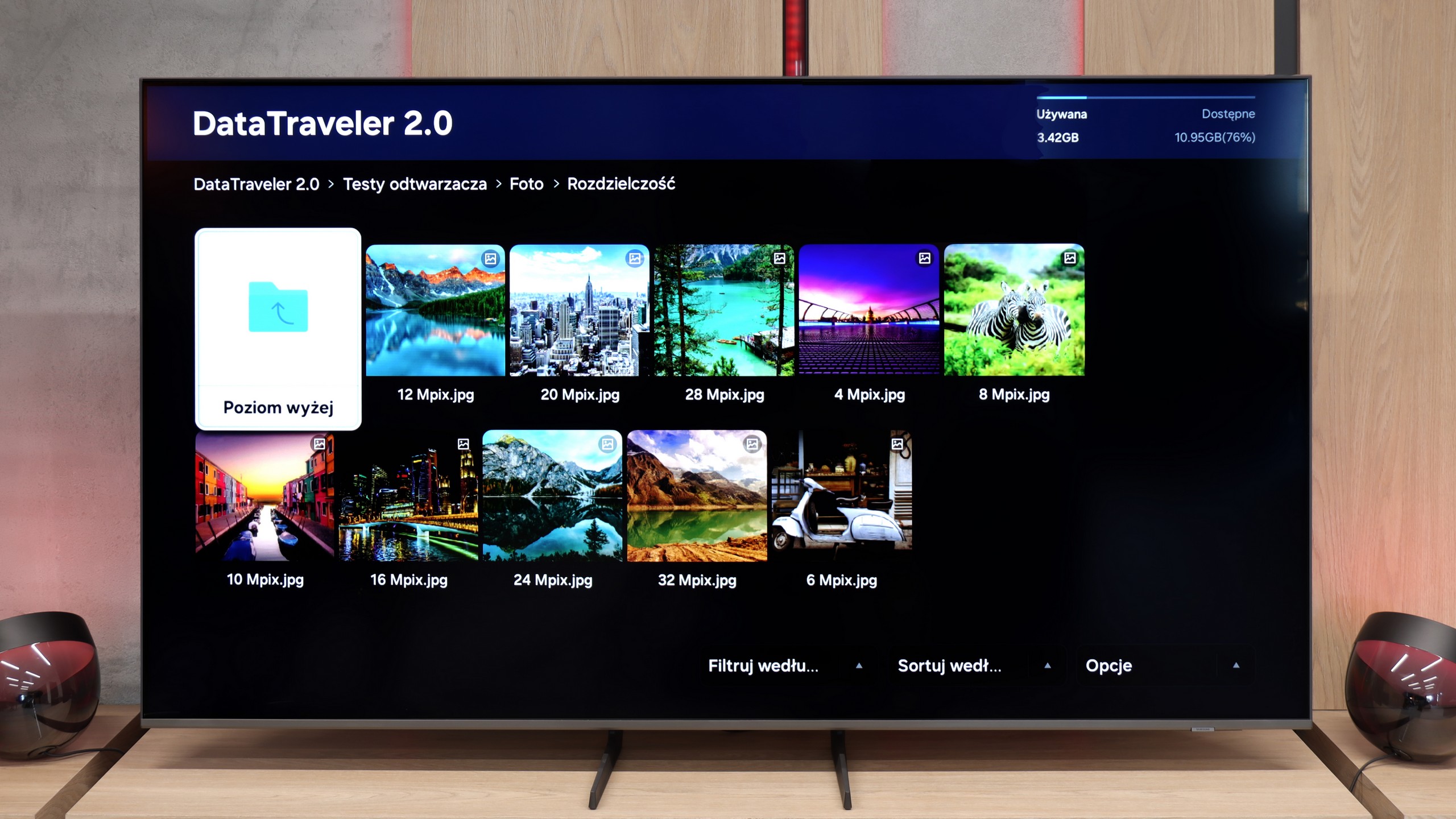
Sharp GR8 handles multimedia playback from USB really well. It supports practically all popular audio and video formats, so we don’t have to worry about any files not playing.
However, the built-in player has its limitations – for instance, we won’t find the option to change the font colour in subtitles here. Fortunately, the Google TV system allows us to bypass this issue. All you need to do is download an alternative media playback app from the Google Play Store that offers more advanced configuration options.
Samsung Q8F handles playback of files from USB quite efficiently. It supports almost all popular video formats as well as photos, so you can easily load a holiday movie or a family album. There are occasional exceptions with less popular photo formats, but the essential JPEG works flawlessly, which will be crucial for most users. It's a shame that Tizen doesn't allow the installation of alternative players, such as VLC. Then even less popular formats wouldn't pose any problem.
Sound
7/10
6/10
- Maximum volume-84dB
- Dolby Digital Plus 7.1
- Dolby True HD 7.1
- Dolby Atmos in Dolby Digital Plus (JOC)
- Dolby Atmos in Dolby True HD
- DTS:X in DTS-HD MA
- DTS-HD Master Audio
Sharp GR8 pleasantly surprises with its sound quality. Although it comes with a standard set of speakers, you can hear the influence of collaboration with Harman/Kardon. The sound is clear, dialogue is well-highlighted, and the overall sound profile is pleasant to the ear. It's not at the level of flagship models with advanced audio systems, but for this price segment – it's really good.
Unfortunately, Sharp has chosen to remove the built-in soundbar that we saw in the previously reviewed model Sharp FQ8. It's a shame because this solution significantly enhanced the sound quality and gave the TV an edge over the competition.
The sound on the Q8F can be described as acceptable. You can hear a slightly defined bass, but it's really minimal – the slim design of the television simply doesn't allow the pair of 2 × 10 W speakers to spread their wings. This is a typical scenario for most televisions: if someone cares about truly cinematic experiences, it's worth considering a soundbar. Samsung has a really wide range in this category across different budgets, so it's easy to find something suitable. The television itself is fine for watching traditional TV and series occasionally, but you wouldn't expect much in terms of audio excitement.
Acoustic Measurements
No acoustic data
84dBC (Max)
75dBC