Sharp GP7 vs TCL P7L / P79L

Direct comparison

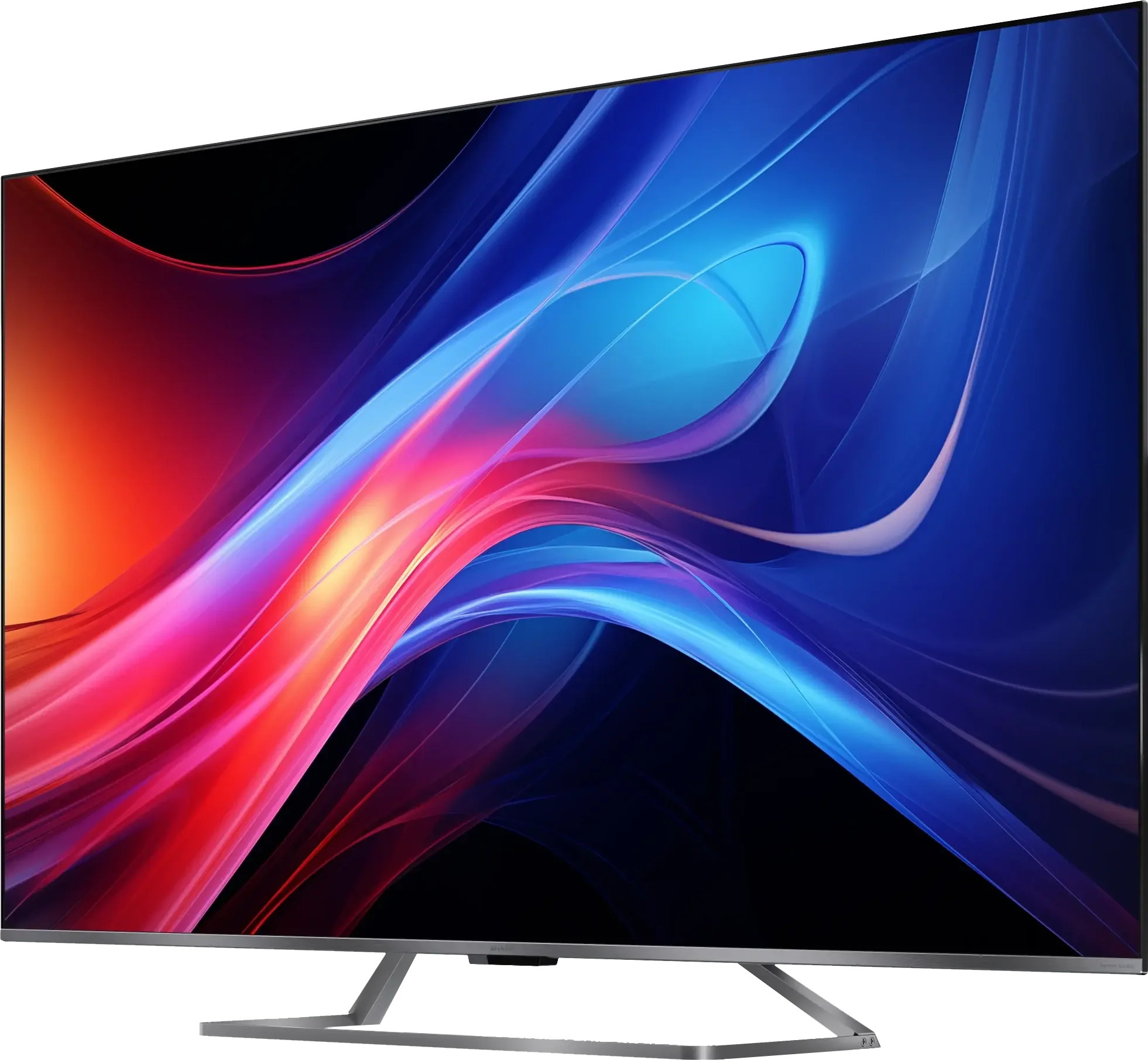
GP7265E / GP7465E / GP7765E

Info

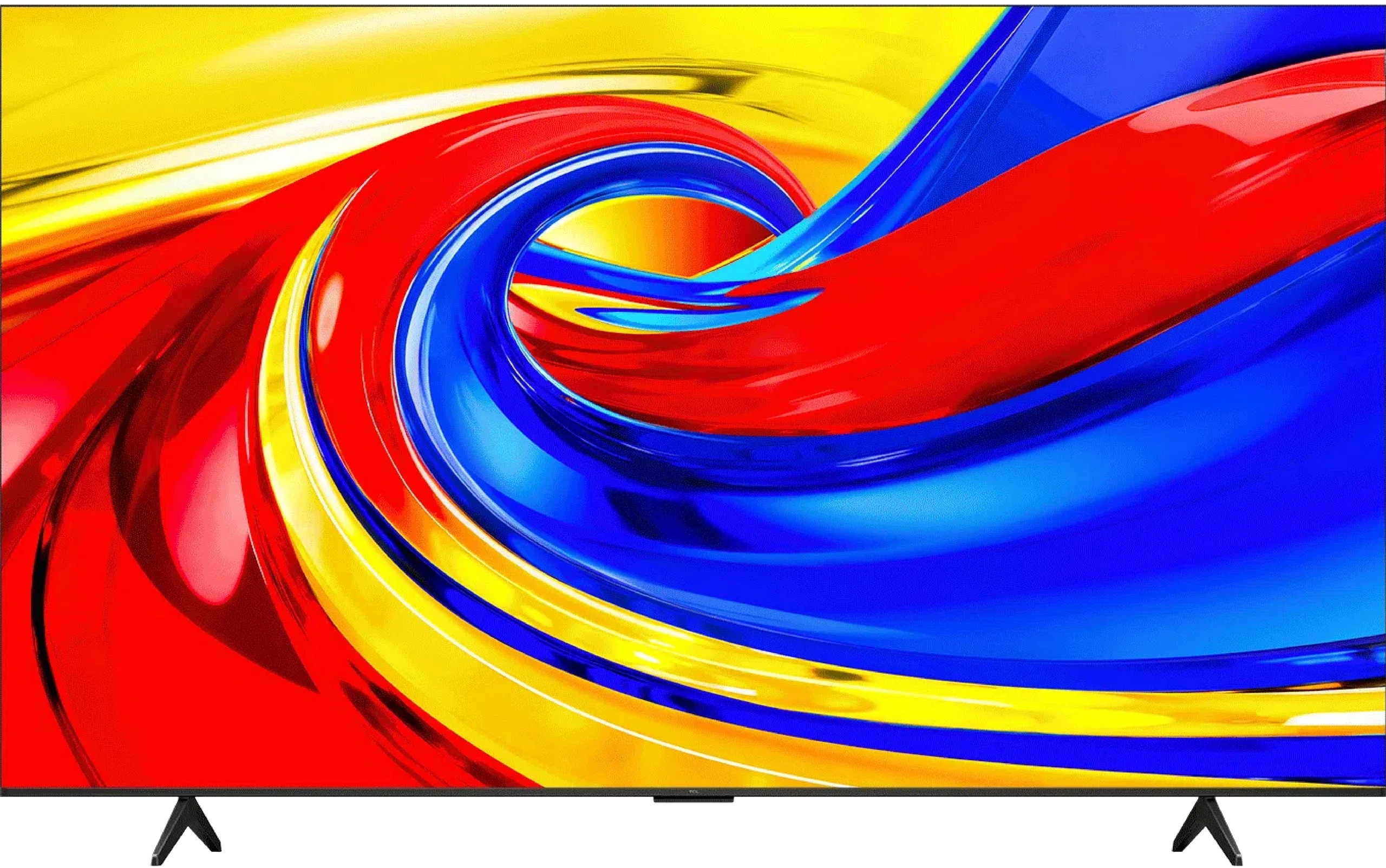
P7L / P79L

Info

Available screen sizes: 55”65”75”

Available screen sizes: 43”50”55”65”75”85”

Panel type: LCD VA

Resolution: 3840x2160

System: Google TV

Model year: 2024

Complete the survey to find out the result

Panel type: LCD VA

Resolution: 3840x2160

System: Google TV

Model year: 2026

Complete the survey to find out the result

Overall rating

6.2

6.3

  • Movies and series in UHD quality

    6.5

    5.8

  • Classic TV, YouTube

    6.3

    6.0

  • Sports broadcasts (TV and apps)

    5.5

    5.7

  • Gaming on console

    6.0

    7.3

  • TV as a computer monitor

    5.7

    5.8

  • Watching in bright light

    5.3

    5.2

  • Utility functions

    5.5

    7.0

  • Apps

    9.6

    9.6

  • Sound quality

    6.6

    6.2

Advantages

  • Google TV system – intuitive, sophisticated interface

  • Good HDR quality with Dolby Vision

  • Strong contrast

  • Decent brightness

  • Good image scaling

  • Gentle tonal transitions

  • Good contrast thanks to a VA panel

  • Rich colours: QLED (PFS)

  • Support for Dolby Vision and HDR10+

  • Audio format support: Dolby Atmos and DTS:X

  • Advanced gaming features: VRR, ALLM

  • Low input lag

  • 120Hz support at lower resolutions

  • Google TV with a wide selection of apps

Disadvantages

No like
  • Average choice for gamers

  • No AirPlay

  • No recording / PiP feature

  • Low brightness

  • Poor viewing angles

  • Average sound quality

Our verdict

Sharp GP7 is a TV that certainly has its strong points, but it also has a few drawbacks. Is it perfect? No, but at its price, it does a really decent job and will serve well as quite a nice choice in many homes. The biggest plus? The Google TV system. Here Sharp GP7 shows its class – we have an enormous selection of apps, probably the largest on the market. It doesn't matter if we want to watch Netflix, YouTube, or something less known – we’ll find everything in one place. Plus, the interface is simple and intuitive, and if we don’t feel like clicking, we can just say what we’re looking for to the remote, as it supports voice commands in Polish. Google TV is definitely something that elevates the value of this TV, as we don't feel like we're missing anything. It just works. When it comes to picture quality, it's also quite good. A brightness level of 500 nits combined with Dolby Vision does the job – movies look really solid for this price range. Colours, thanks to the PFS (QLED) coating, are vivid, and the contrast from the VA panel makes dark scenes have depth, and the whole picture just "comes alive". It’s not at a premium level, but for this price, you can’t really complain too much. It’s a good picture that will satisfy most users. Of course, there are also weaker sides. The TV struggles with dynamic scenes – sports or video games won't look perfect here. The 60 Hz panel and its response time cannot provide the highest fluidity. Additionally, the manufacturer mentions HDMI 2.1, but all we find here is the ALLM function. There's a lack of VRR, G-Sync, or other additions that could attract gamers.

To sum up – Sharp GP7 is a solid TV for everyday viewing of movies and series. It’s not for gamers or fans of sports broadcasts, but for universal use – absolutely. If we value access to a rich ecosystem of apps and good picture quality at a reasonable price, this model might be just right for us.

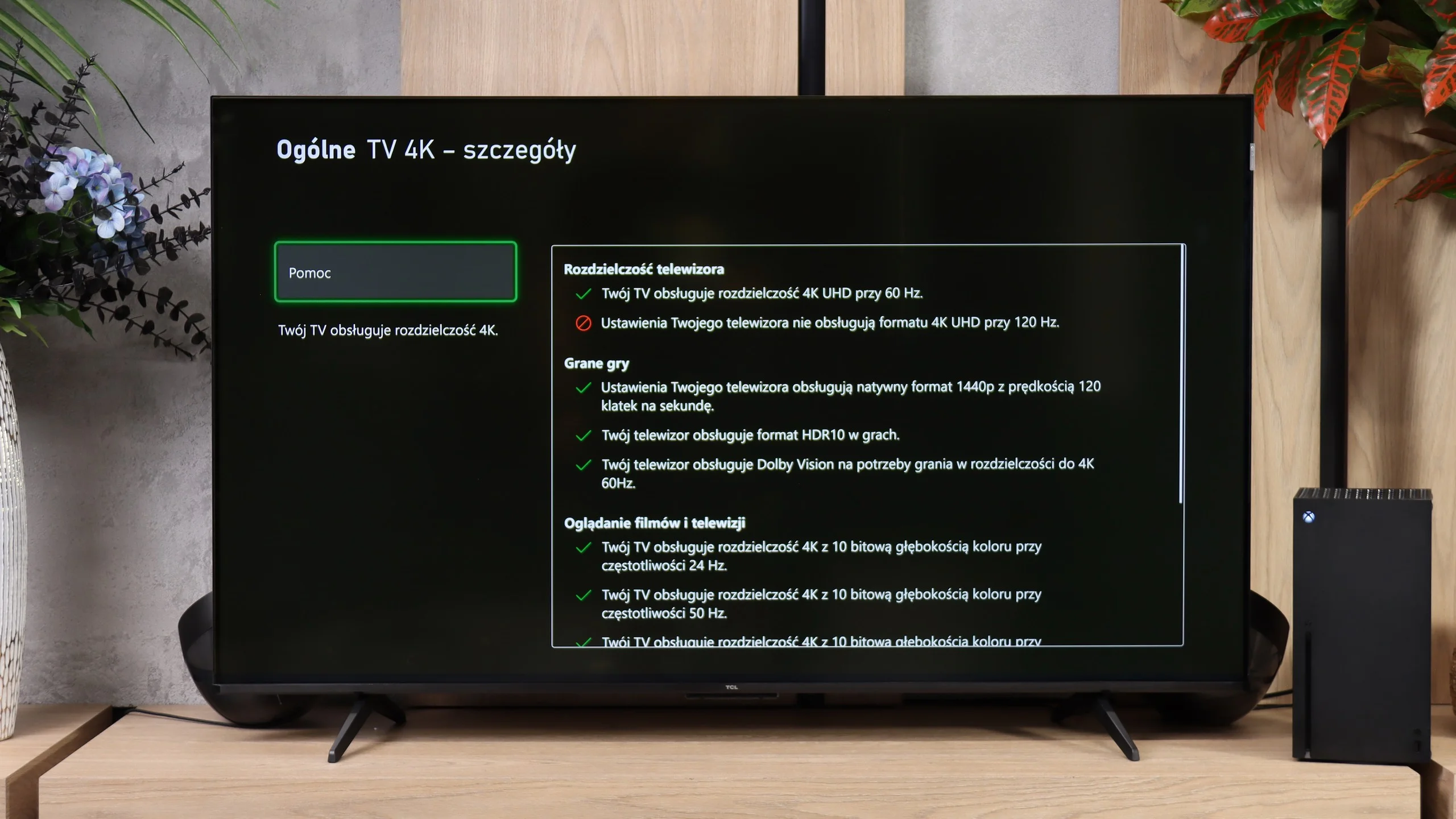
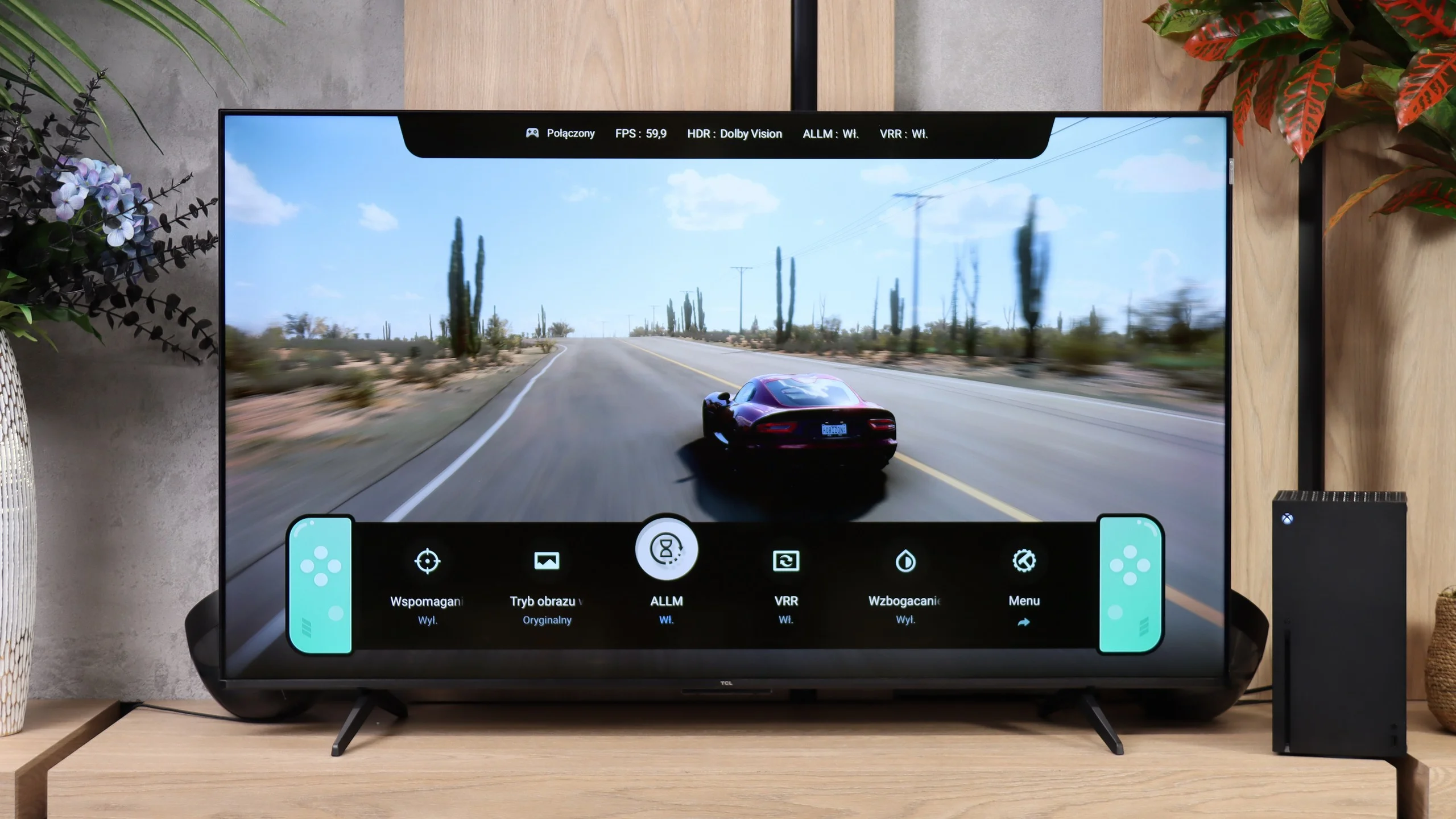
The TCL P7L is a solid budget TV that shows you can get more than just a basic screen for a relatively low price. It doesn't match pricier Mini-LEDs or OLEDs, but in its class it has plenty to offer. Its VA panel delivers decent blacks and contrast, so evening viewing doesn't look as flat as on many cheap IPS models. Colours also look good after calibration. For watching movies and TV shows it's a very capable base, and Google TV gives access to a wide selection of apps and streaming services. The biggest surprise is its gaming abilities. The P7L responds quickly to controller input, supports VRR and automatically switches into game mode. It even offers Dolby Vision Gaming and a Game Bar with settings at hand. What's more, by dropping the resolution to 1080p or 1440p you can play at 120 Hz. In 4K it’s limited to 60 Hz, so you have to choose between finer detail and smoother motion, but it's great to have that choice at this price.

TCL also handles lower-quality source material quite well. Lower-resolution content looks acceptable, and the banding reduction (smoothing tonal transitions) really helps cut visible bands between shades. Its HDR handling is also commendable. The TV sensibly maps content to its capabilities and tries to preserve highlight detail instead of turning bright areas into blobs of white. Dolby Vision helps further, often producing noticeably better results than HDR10. That doesn't mean the HDR effect is awe-inspiring. The P7L's biggest limitation is brightness. Small highlights and reflections lack the punch you'll see on more expensive screens, even if their detail remains visible. For the same reason the TV struggles in a brightly sunlit living room. It performs much better in a moderately lit room.

So the P7L has its limits, but it's hard to argue with its value for money. It's fine for everyday viewing, doesn't restrict your choice of apps and gives surprisingly generous freedom for gaming. If you're after an affordable TV and can accept its flaws, the TCL P7L is a model worth considering.

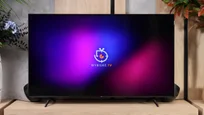
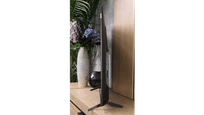
TV appearance

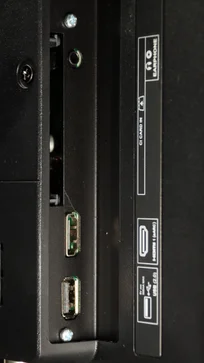
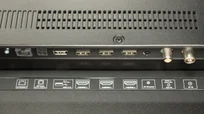
HDMI inputs
4 x HDMI 2.0, 0 x HDMI 2.1
3 x HDMI 2.0, 0 x HDMI 2.1
Other inputs
RCA (Chinch)
Outputs
Toslink (Optical audio), eARC (HDMI), ARC (HDMI), Mini-Jack (Headphones)
Toslink (Optical audio), eARC (HDMI), ARC (HDMI)
Network Interfaces
Wi-Fi 2.4GHz, Wi-Fi 5GHz, Ethernet (LAN) 100Mbps
Build quality
Good
Average
Stand type
Central
Legs
Bezel color
Silver
Graphite
Stand
Fixed
Fixed
Accessories
Stand
Stand

Contrast and black detail

5.8/10

6.1/10

Local dimming function: No

Local dimming function: No

Contrast:

Review Sharp GP7 Contrast and black detail

Result

5,250:1

Review Sharp GP7 Contrast and black detail

Result

5,450:1

Review Sharp GP7 Contrast and black detail

Result

5,950:1

Review Sharp GP7 Contrast and black detail

Result

5,950:1

Review Sharp GP7 Contrast and black detail

Result

4,000:1

Review TCL P7L / P79L Contrast and black detail

Result

7,550:1

Review TCL P7L / P79L Contrast and black detail

Result

7,350:1

Review TCL P7L / P79L Contrast and black detail

Result

5,150:1

Review TCL P7L / P79L Contrast and black detail

Result

6,600:1

Review TCL P7L / P79L Contrast and black detail

Result

4,250:1

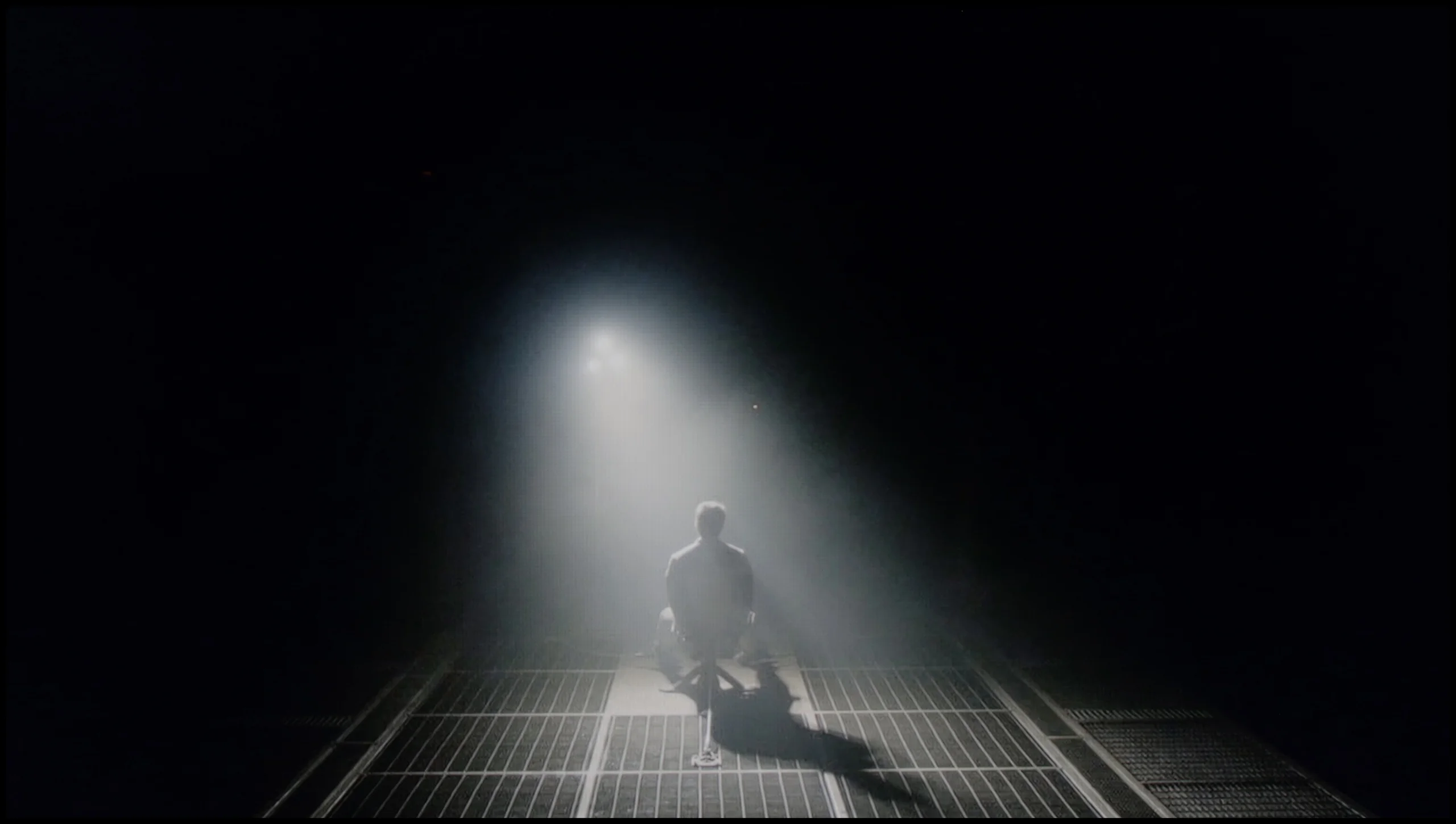
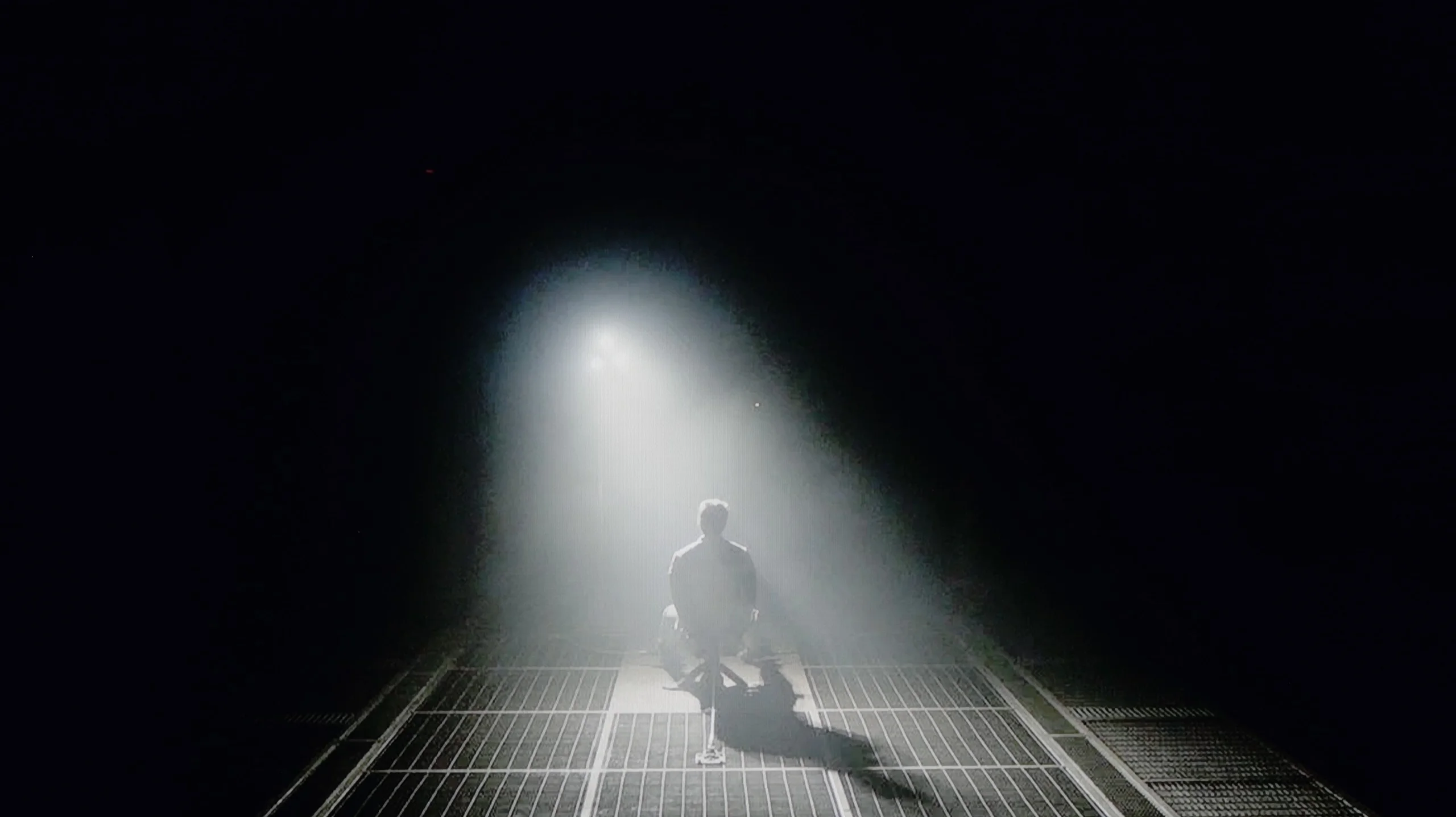
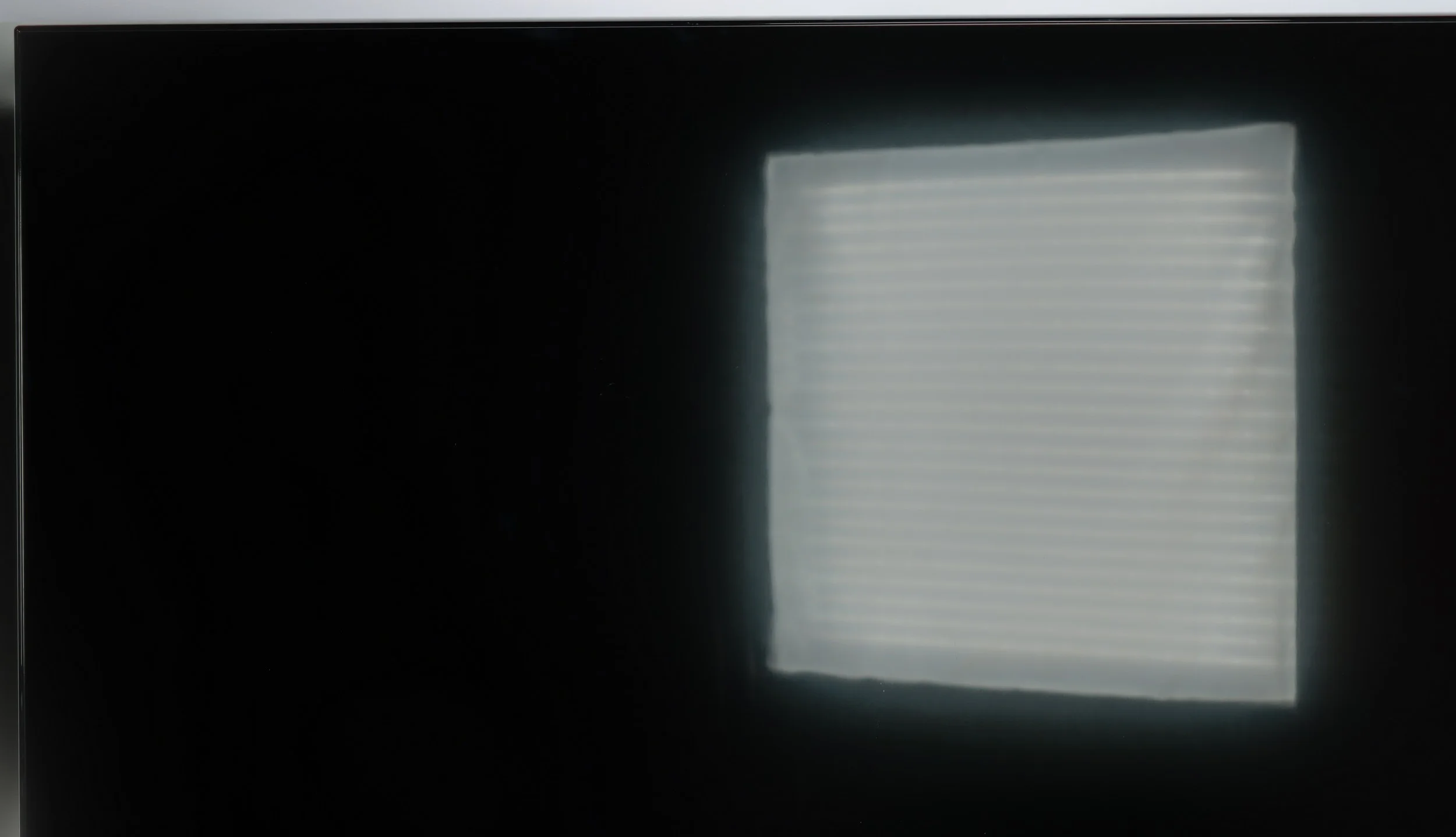
Halo effect and black detail visibility:

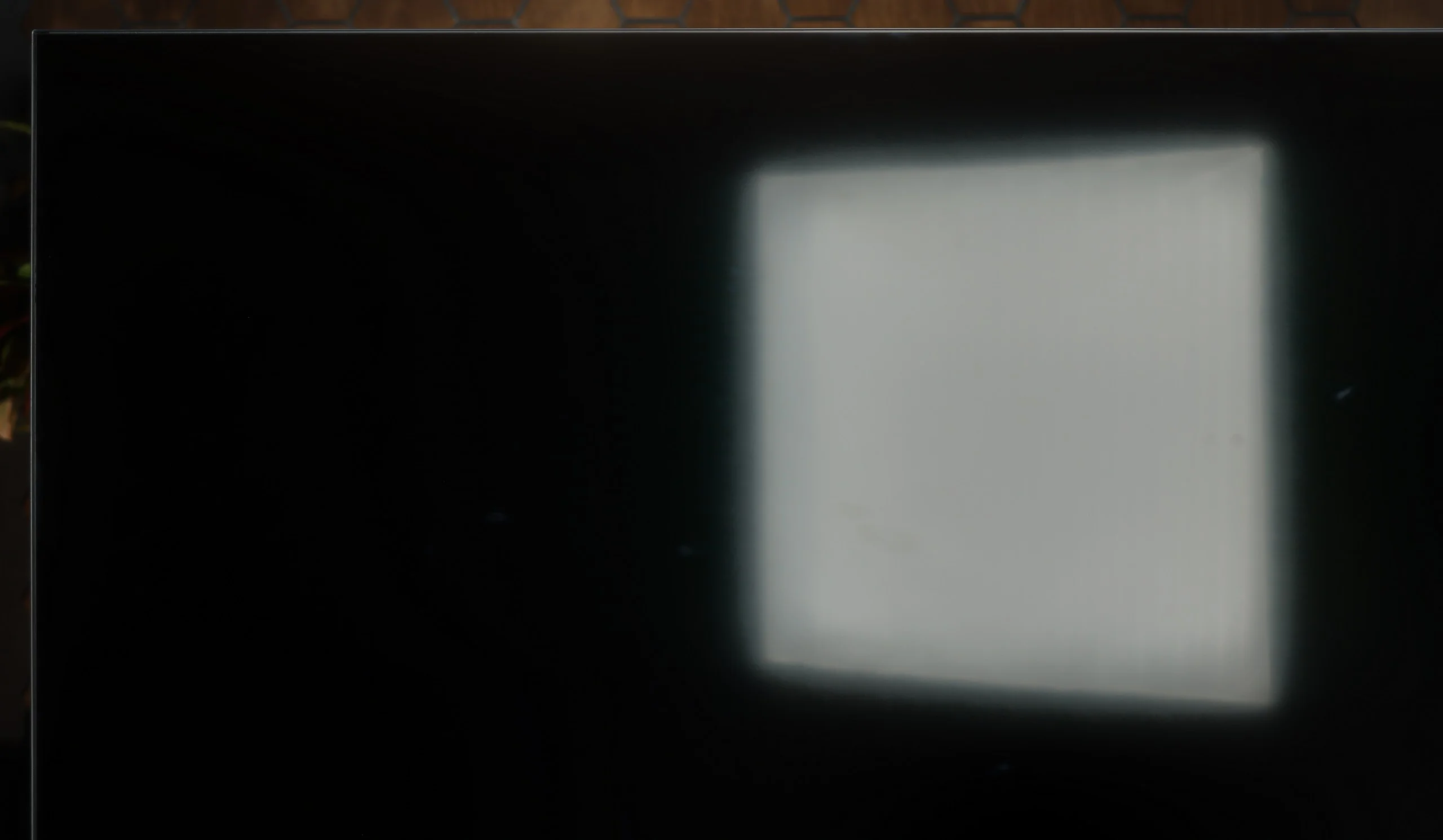
Check the visibility of bright lights on a dark background. Mini-LEDs often struggle with this. The photo does not compare black levels – that’s what the video below is for.

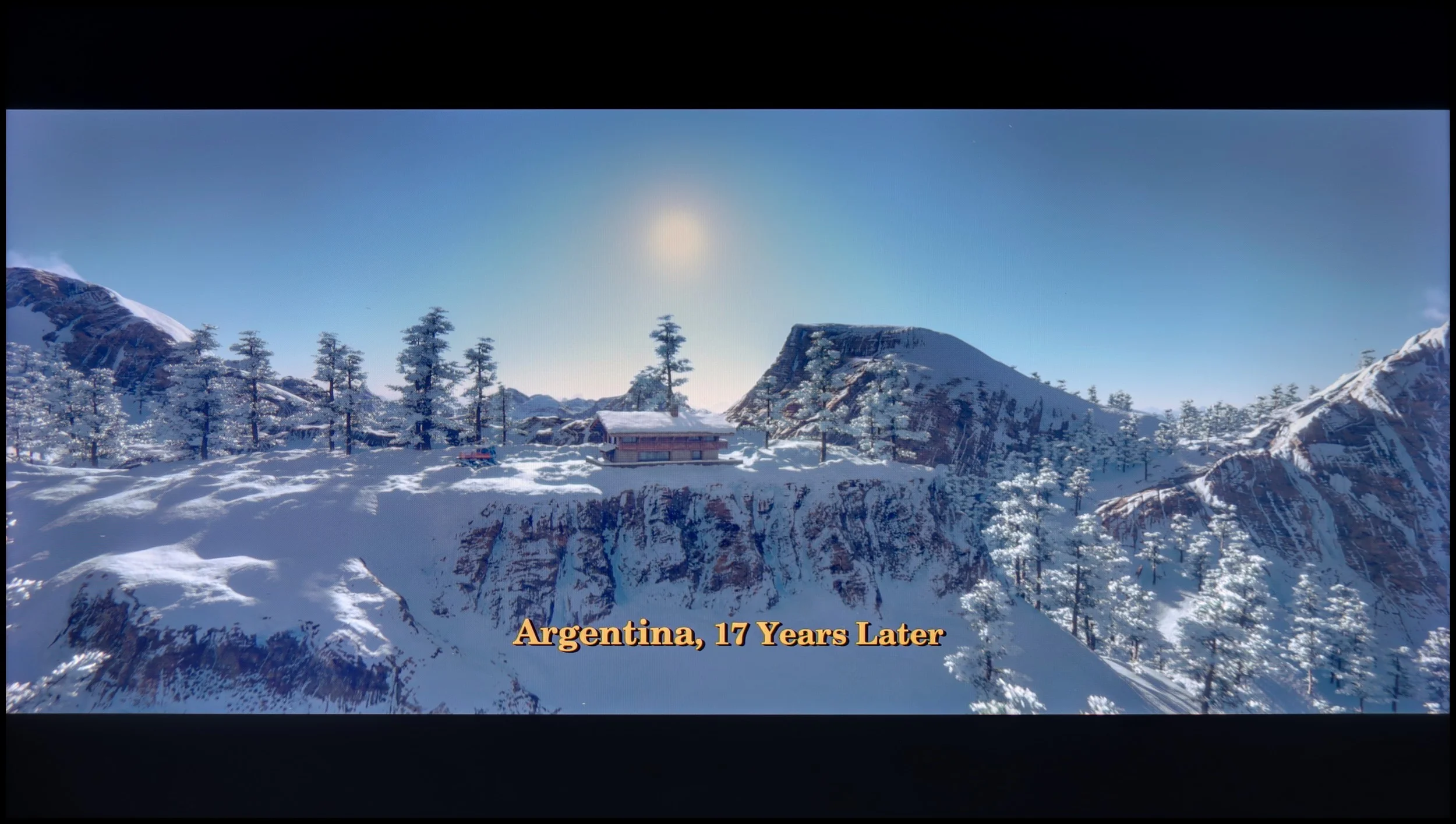
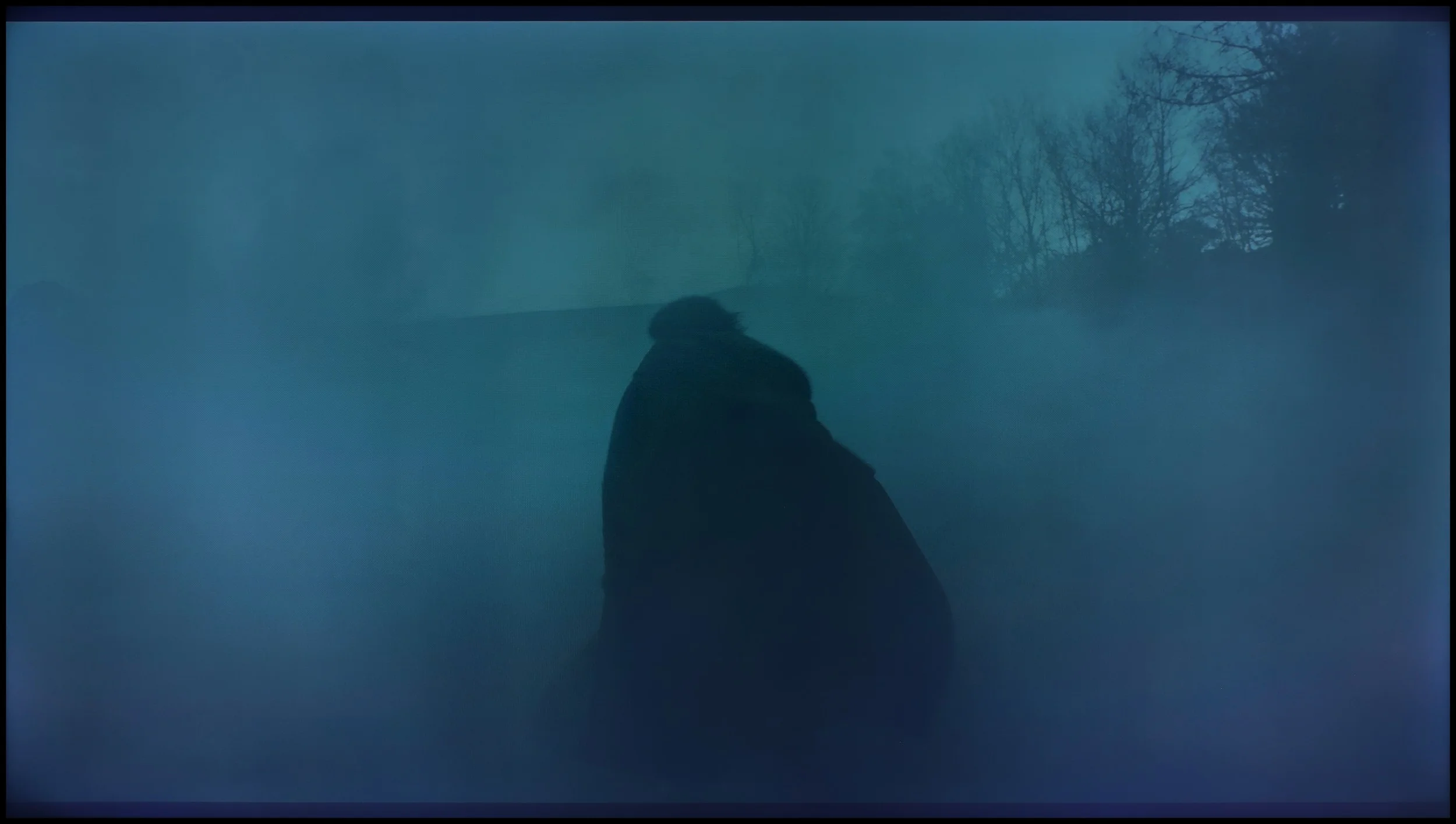
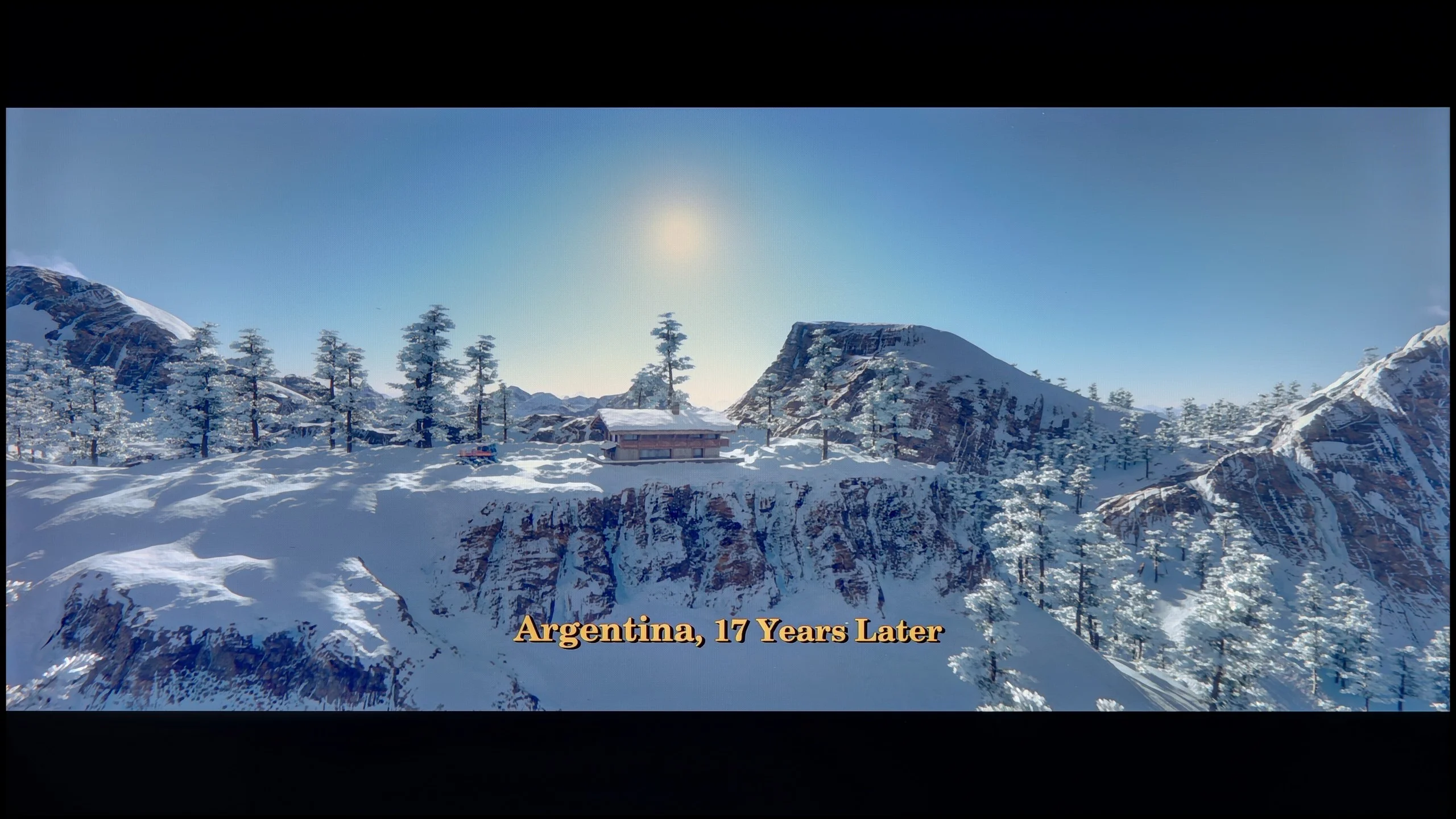
Sharp GP7 uses a VA panel, which allows it to boast quite a decent contrast. In our measurements, we achieved around 5000:1, which is a solid result for this price range. For example, when watching bright, contrasting scenes in Oblivion, we did not have the impression that the lights were merging into a single blot. Clear boundaries between the different light sources are still visible. On the other hand, the lack of local dimming means that in dark areas of the image, blacks often take on blue tones. This is a phenomenon that did not surprise us, as it is difficult to expect absolute perfection in this area at this price point. However, it is worth keeping in mind if we expect the TV to deliver inky blacks rather than what we might experience during the test scene from Sicario 2.

The TCL P7L can surprise with quite respectable blacks, mainly thanks to its VA panel. The panel itself offers contrast of around 4500:1, clearly better than typical IPS screens. The TV also uses global backlight control, so in darker scenes it can drive black levels even lower, and in our measurements it produced results that exceeded the panel's native capabilities.

However, this is not the local dimming seen on Mini LED TVs. The P7L can't dim small parts of the image separately, so when a bright element appears the whole backlight has to run at a similar level. In more demanding scenes the difference compared with models that have zoned dimming becomes apparent fairly quickly, and in a completely dark room blacks can tend to take on a navy tint. Despite these limitations we rate the P7L's overall contrast positively, especially given the segment it occupies.

HDR effect quality

5.5/10

4.5/10

Supported formats
HDR10, Dolby Vision, HLG
HDR10, HDR10+, Dolby Vision, HLG
Color gamut coverage
DCI P3: 95.2%, Bt.2020: 73.0%
DCI P3: 91.6%, Bt.2020: 70.0%

Luminance measurements in HDR:

Review Sharp GP7 Brightness measurement

Result

428 nit

Review Sharp GP7 Brightness measurement

Result

448 nit

Review Sharp GP7 Brightness measurement

Result

492 nit

Review Sharp GP7 Brightness measurement

Result

471 nit

Review Sharp GP7 Brightness measurement

Result

499 nit

Review TCL P7L / P79L Brightness measurement

Result

250 nit

Review TCL P7L / P79L Brightness measurement

Result

300 nit

Review TCL P7L / P79L Brightness measurement

Result

368 nit

Review TCL P7L / P79L Brightness measurement

Result

297 nit

Review TCL P7L / P79L Brightness measurement

Result

347 nit

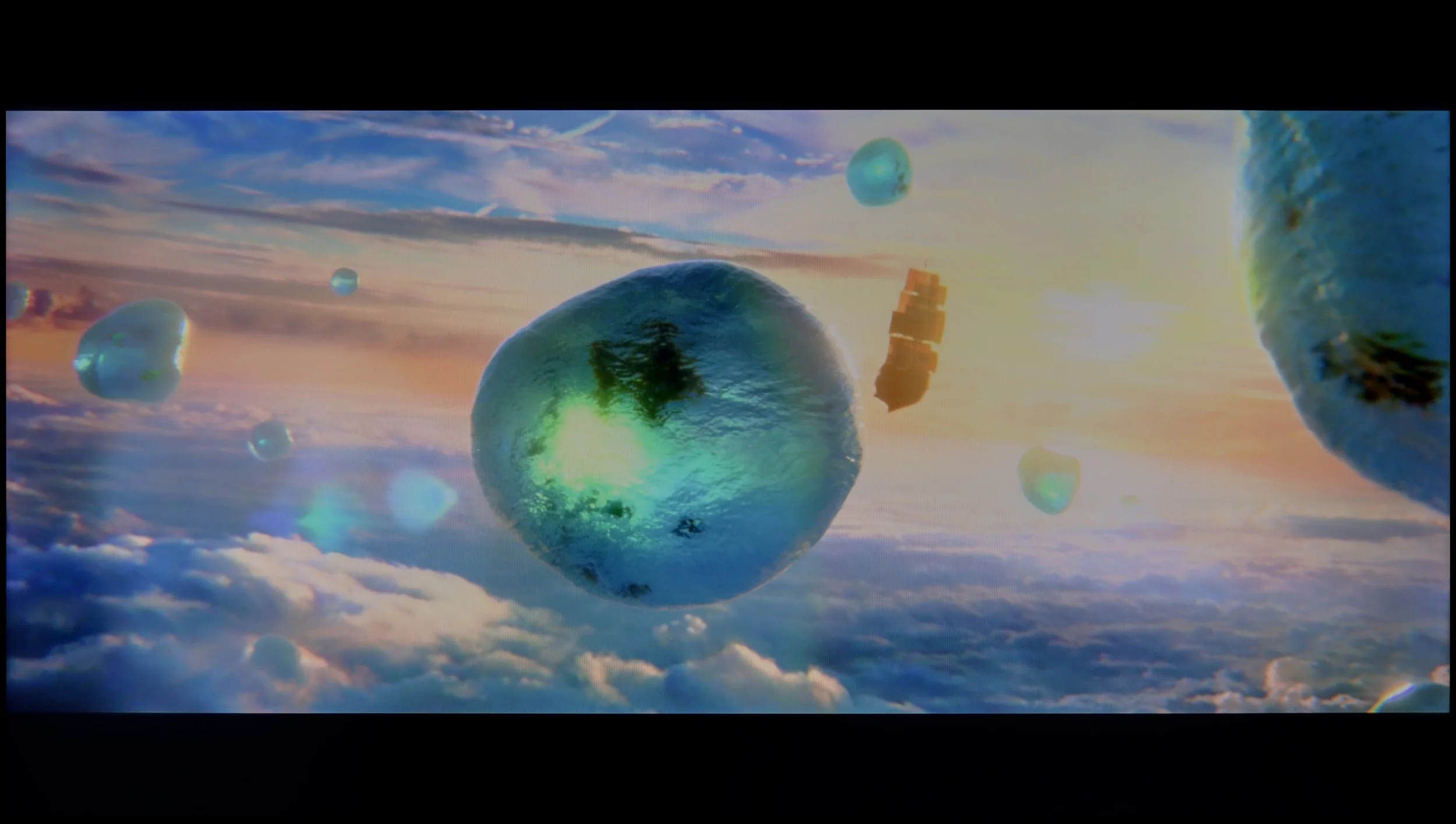
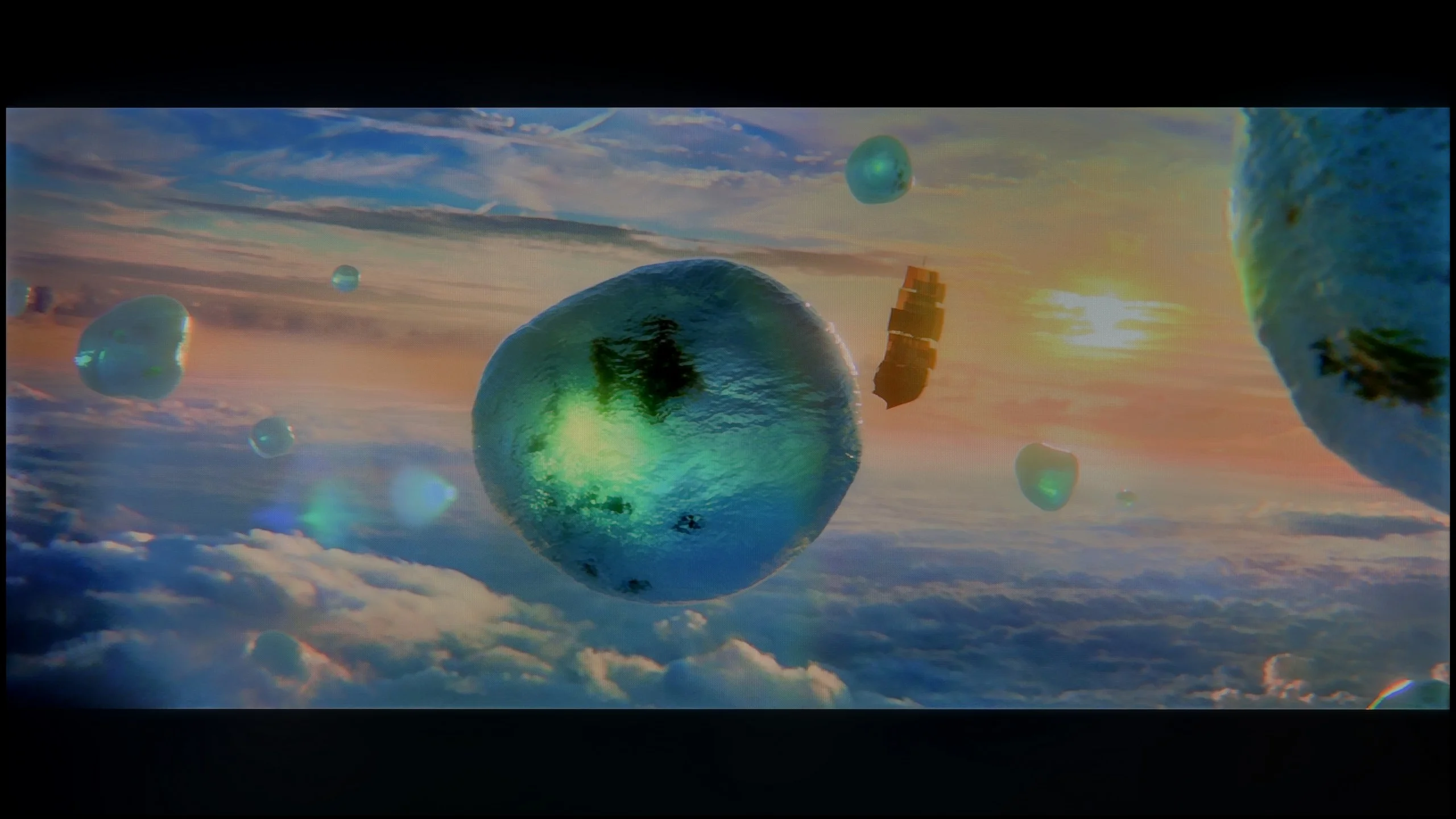
Scene from the movie “Pan” (about 2800 nits)

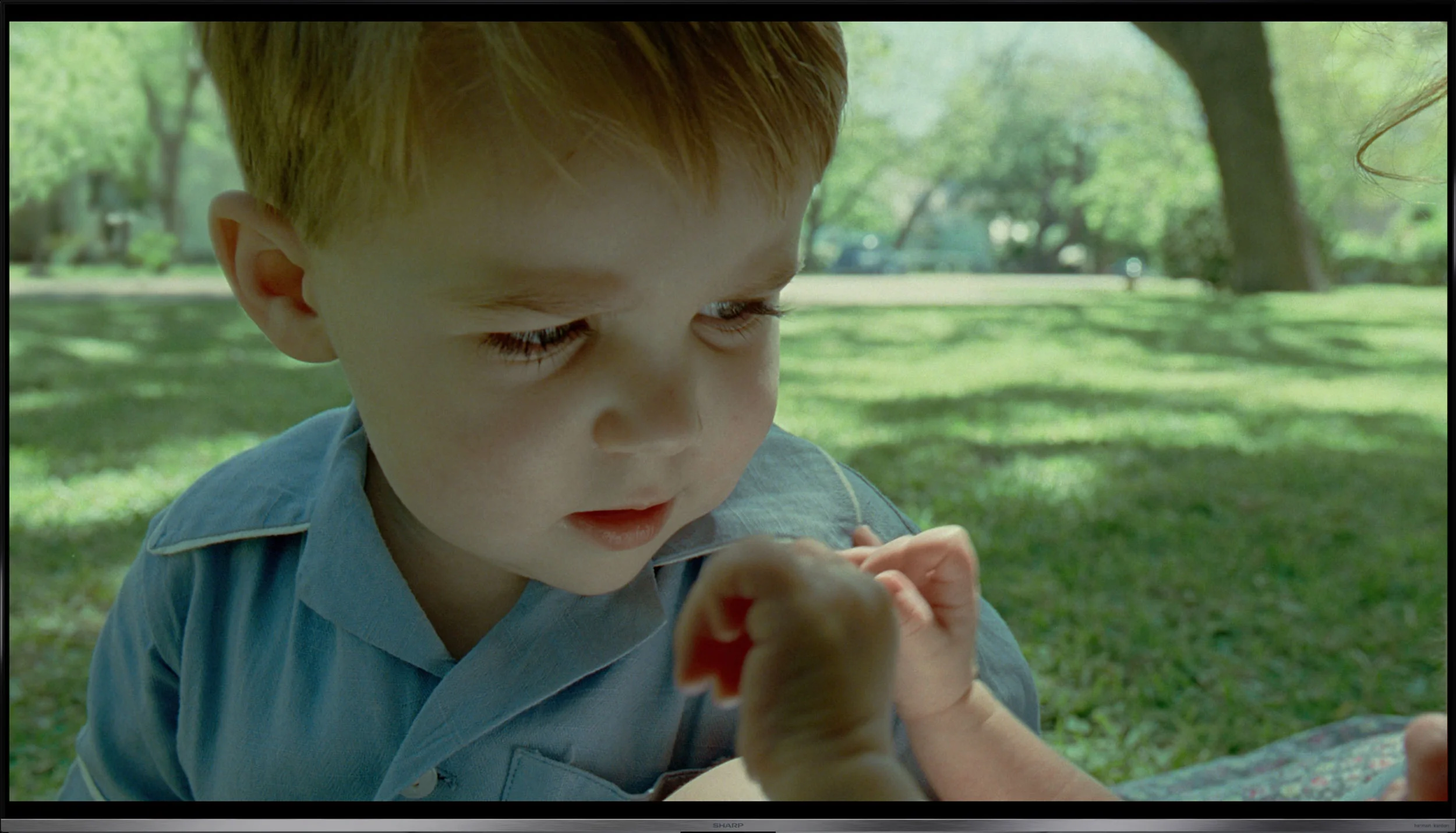
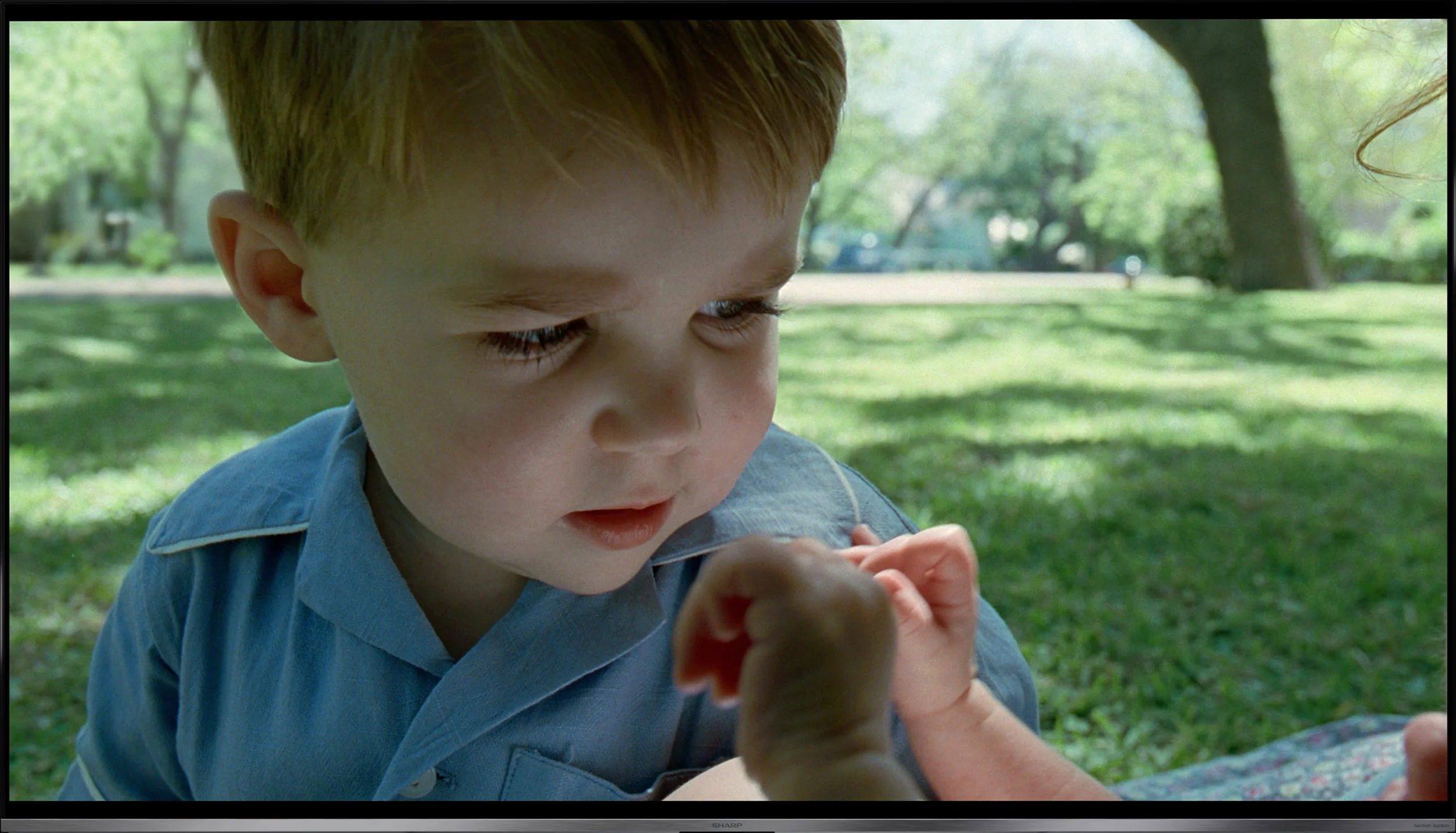
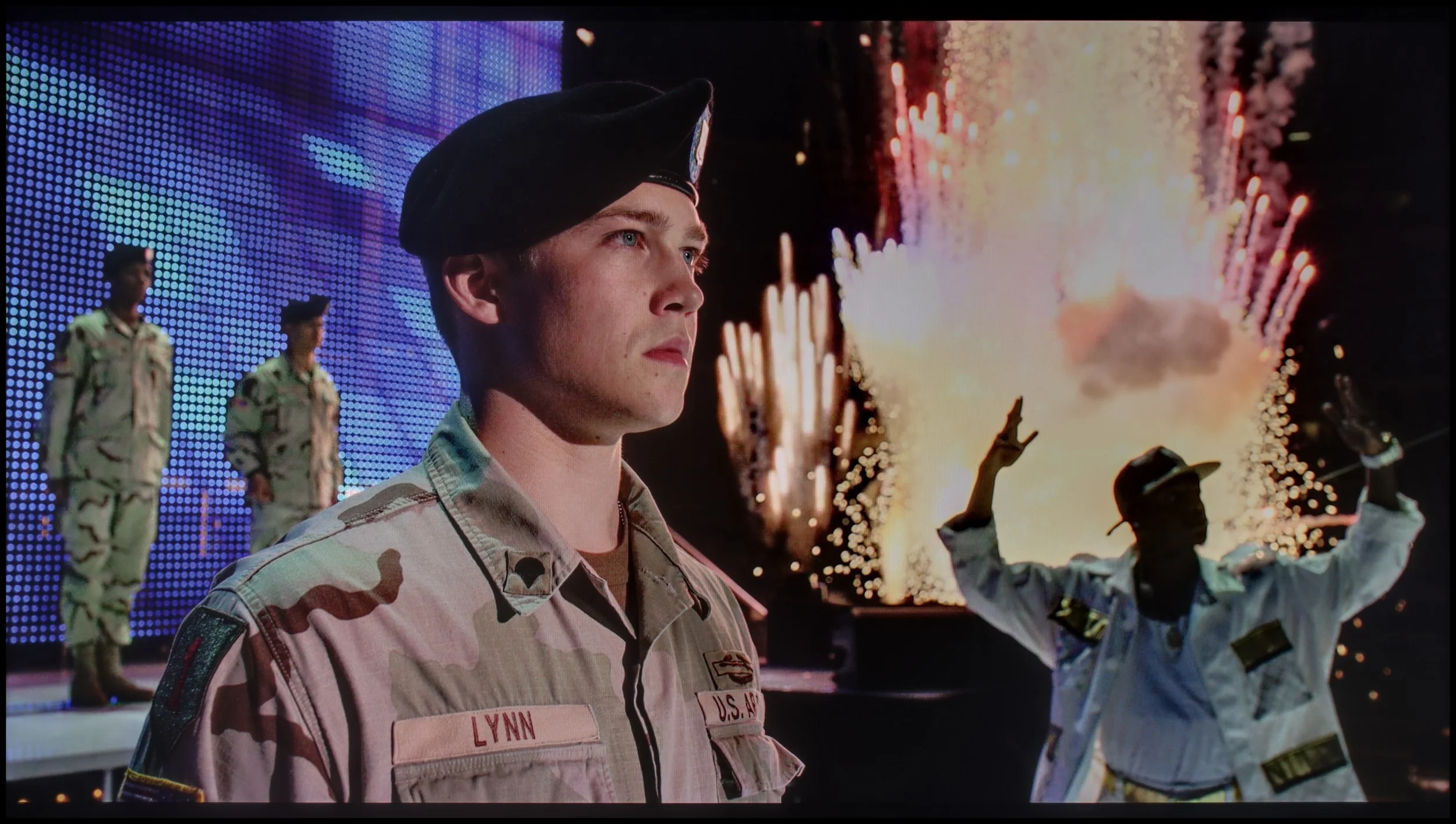
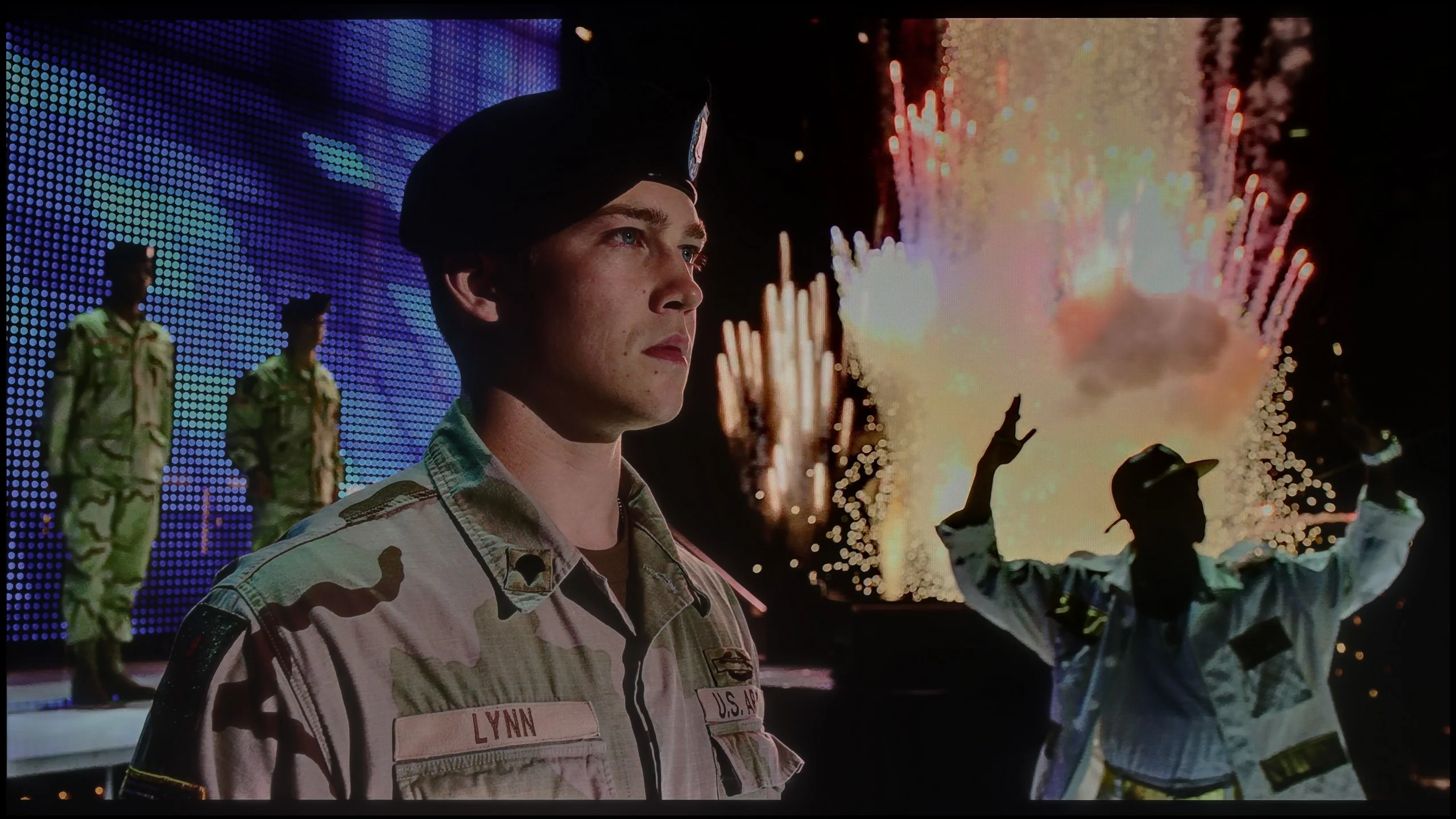
Scene from the movie “Billy Lynn” (about 1100 nits)

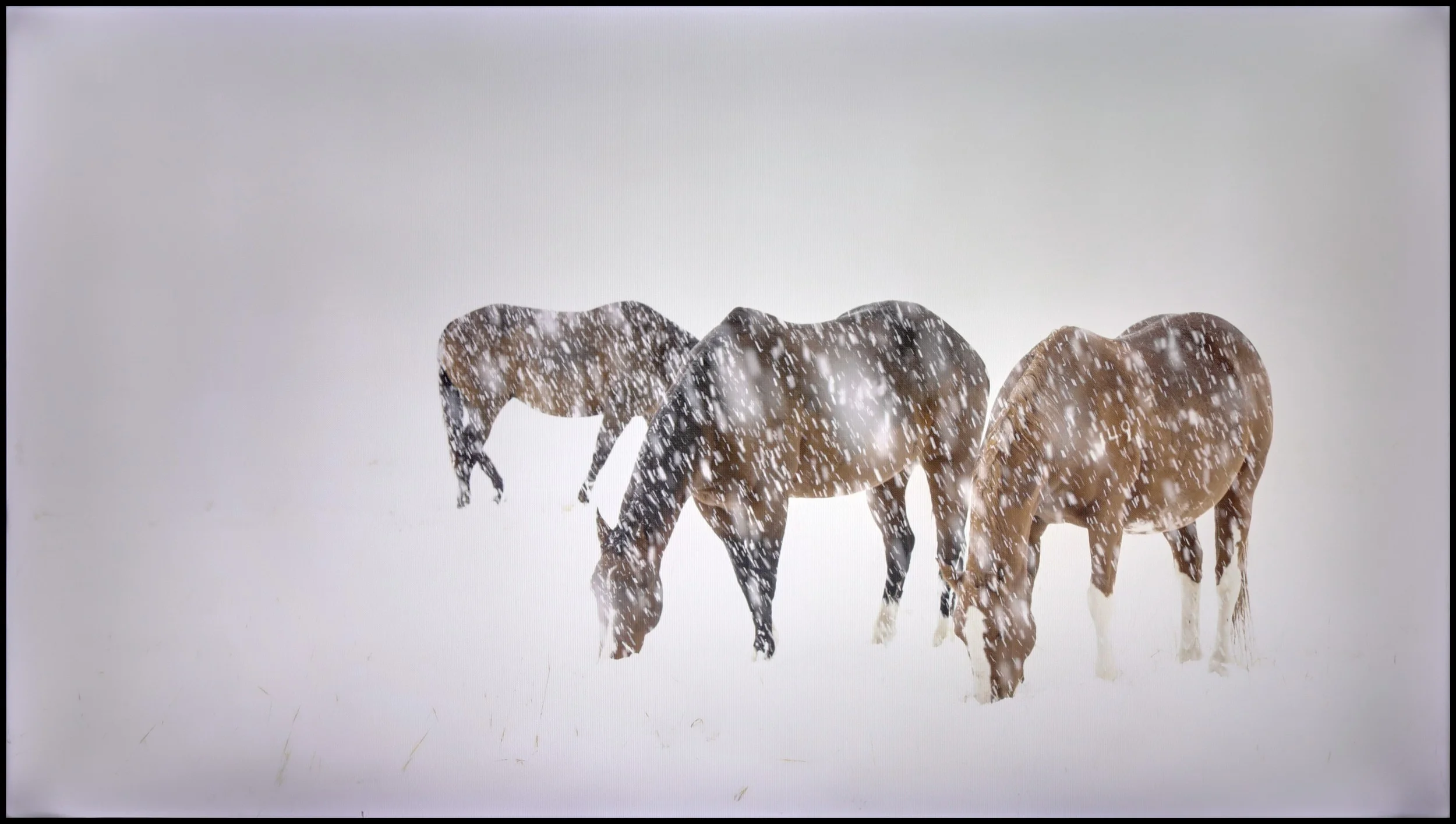
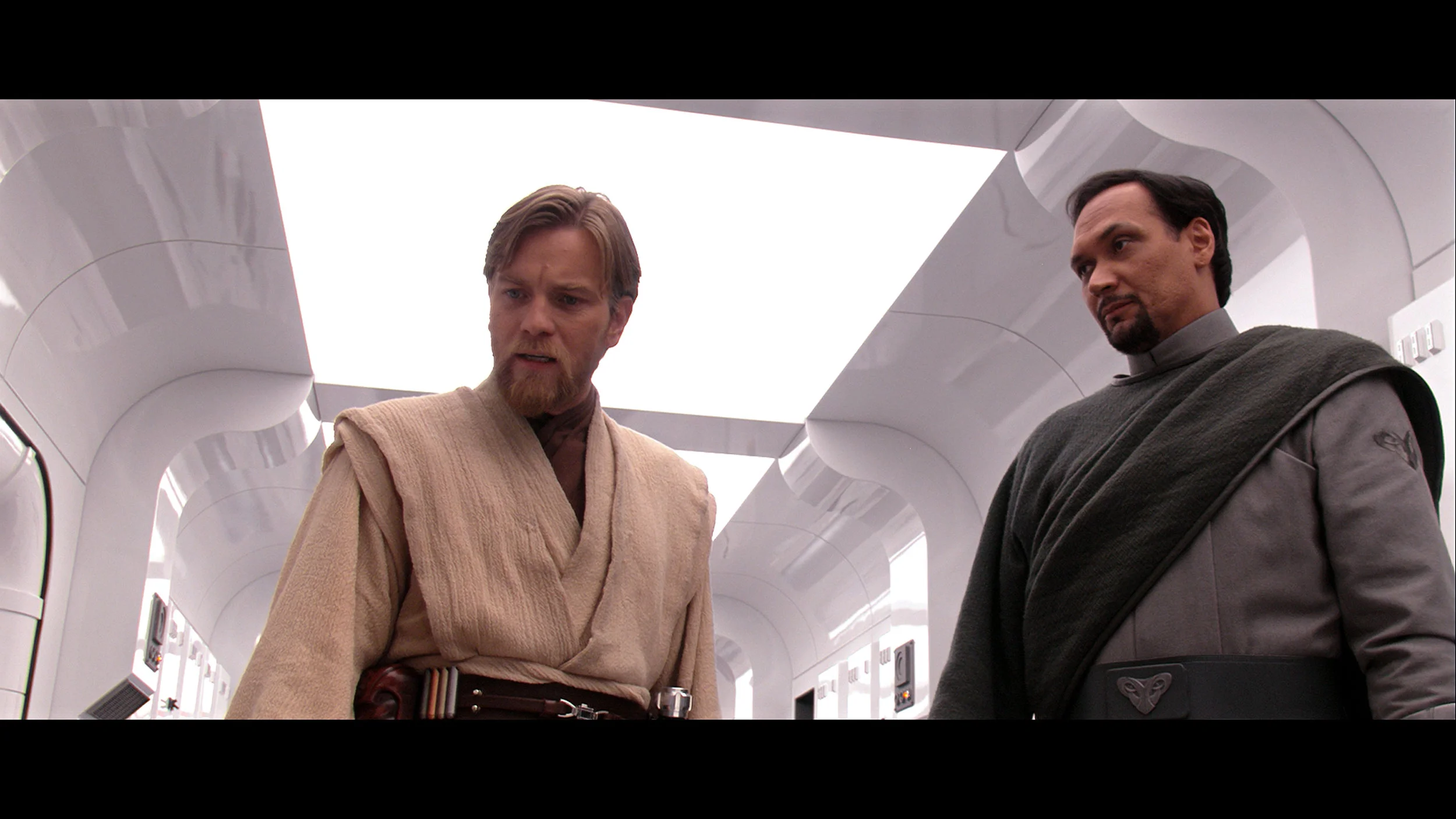
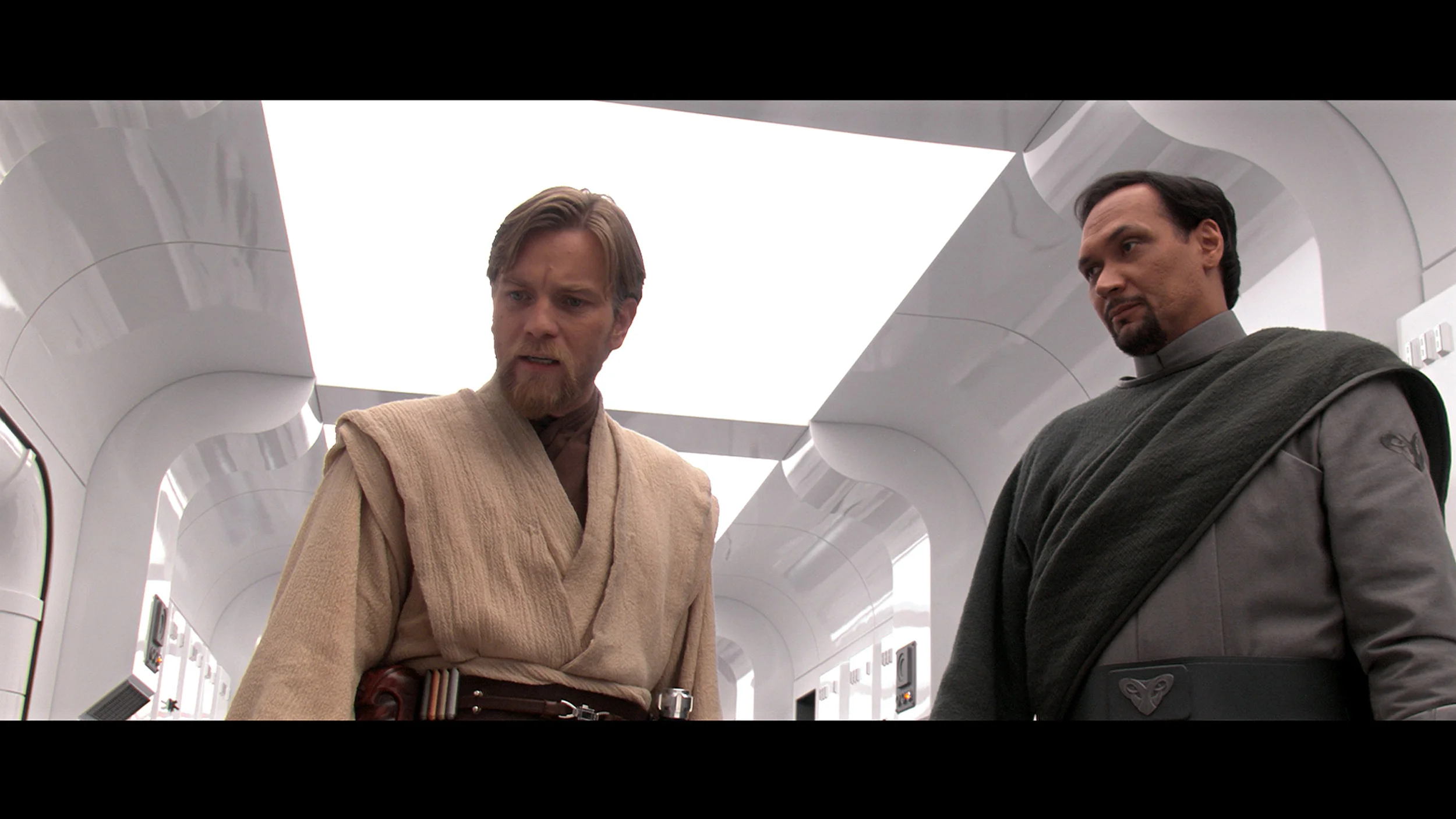
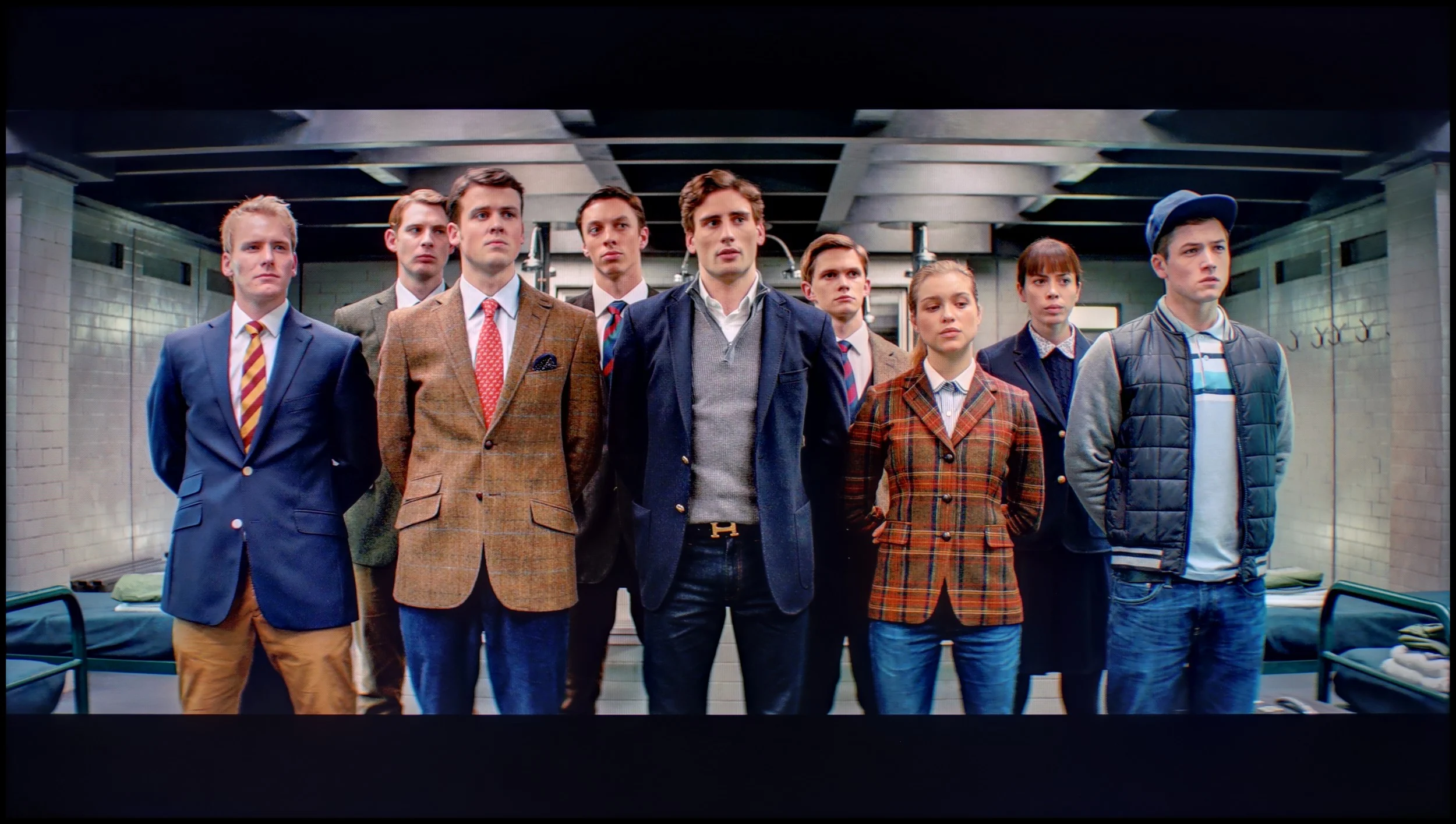
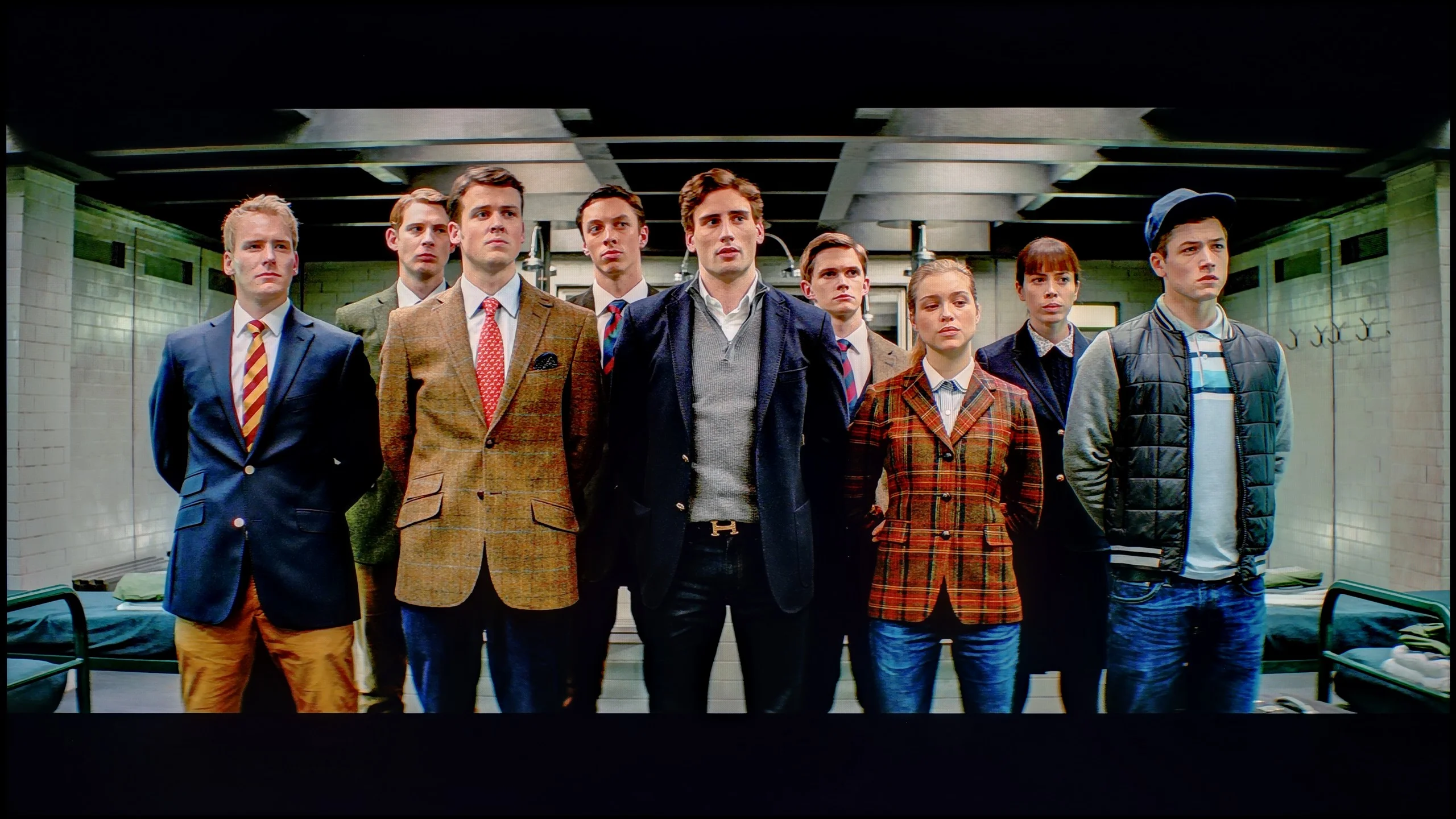
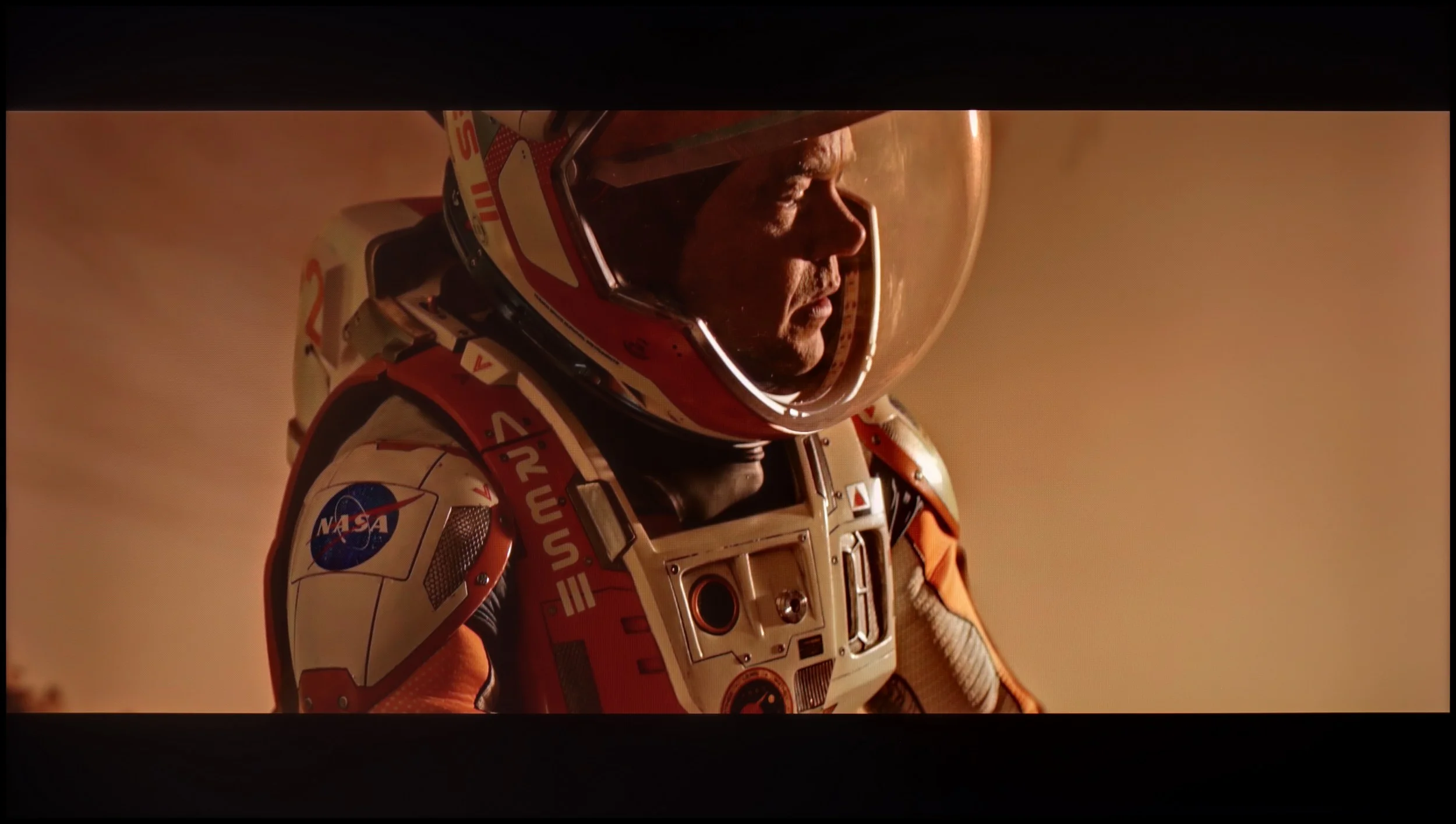
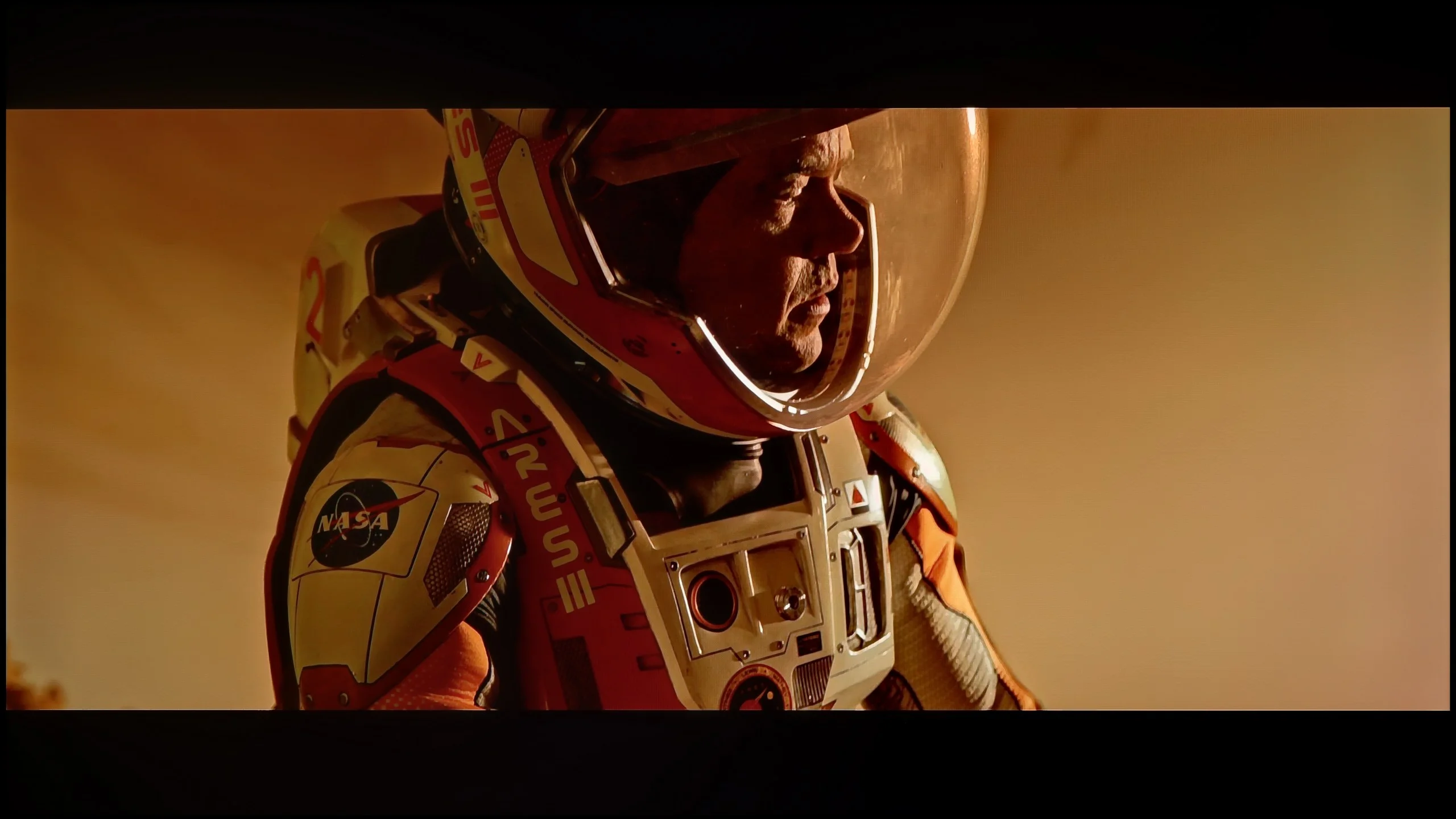
The photos show two HDR10 movies. 'Pan' is one of the brightest productions ever made, while 'Billy Lynn' (soldier) has brightness typical of streaming (Netflix, Prime, HBO MAX). Notice the intensity of effects and detail in whites.

Static HDR10

The photos present the visibility of white details in various HDR formats. They do not show brightness differences between TVs (these can be compared in the previous gallery).

Dynamic: Dolby Vision

Dynamic: Dolby Vision

The photos present the visibility of white details in various HDR formats. They do not show brightness differences between TVs (these can be compared in the previous gallery).

HDR luminance chart:

TCL P7L / P79L

Sharp GP7

In terms of HDR, Sharp GP7 can surprise us pleasantly. The maximum brightness of around 500 nits is the threshold at which the real advantages of high dynamic range begin to be visible. During our tests, we achieved stable values between 430 and 500 nits, which translated to a clearer distinction of elements in both bright and slightly darker scenes. Additionally, it has a DCI-P3 colour gamut coverage of about 95%, allowing for vibrant, visually pleasing colours. Of course, it isn't top-tier, but for this price range – a big plus.

The biggest limitation of the TCL P7L in HDR is simply brightness. The TV doesn't have much luminance headroom, so strong highlights, sunlight or small light sources can't clearly "pop" out of the image. As a result, even well-produced HDR material looks fairly restrained and, in terms of dynamics, is closer to good SDR than to what brighter models show. That doesn't mean the P7L completely fails at HDR; the issue is mainly a lack of sufficient backlight power. Looking at colours, the situation is a bit better. The TV covers roughly 91% of the DCI‑P3 gamut and about 68% of the wide BT.2020 space, so for its price class the colour range is quite decent. TCL markets this model as QLED, although the nature of the solution used is closer to a PFS phosphor‑based backlight than a classic quantum dot layer. What matters most to the viewer is the effect: more saturated colours are on offer.

Factory color reproduction

7.1/10

5.4/10

This gallery shows how colors change after professional TV calibration. If you notice the difference, we recommend ordering this service at SkalibrujTV.com.

Factory Mode

After calibration

This gallery shows how colors change after professional TV calibration. If you notice the difference, we recommend ordering this service at SkalibrujTV.com.

Factory Mode

After calibration

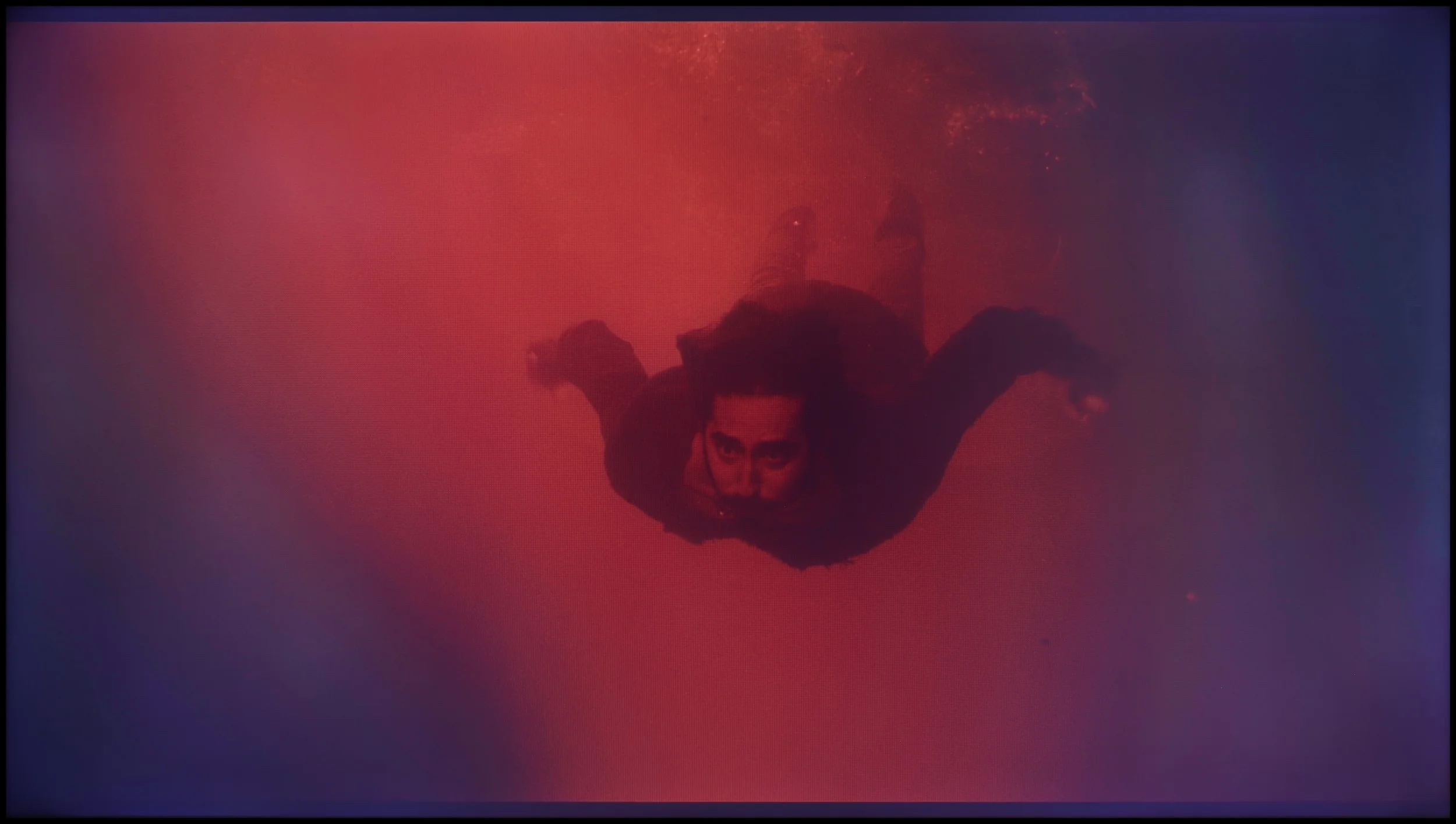
Out of the box, in movie mode, GP7 doesn't fare badly at all. In HD materials, we noticed slight disturbances in white balance - drops in red and blue that made the image take on a somewhat greenish hue. This is noticeable, for instance, on the faces of characters, which become less lifelike. The gamma is slightly brighter in places, resulting in less deep blacks. In 4K HDR content, a cooler, bluish tone also emerges, making the colours appear less natural. On the other hand, looking at it from a "straight out of the box" perspective, these settings aren't bad - a few minor adjustments will suffice, and with the help of special tools, we will try to improve them.

In Film mode the TCL P7L performs quite decently without major tweaks, especially with ordinary SDR material. The white balance is relatively even, although as brightness increases there’s a slight rise in red and blue and a bit too little green. That doesn’t create a strongly visible colour cast and most colours remain close to their reference points. The Colour Checker confirms this, with a large portion of errors falling below the level that should particularly bother during normal viewing. We have more remarks about the gamma response. In the darkest parts of the image the TV drives it noticeably above the reference, so some shadow detail may be a little too dim. The curve then settles and for much of the range it’s close to the intended targets. As a result SDR generally looks natural, but in dark scenes the P7L can lose some subtlety.

In HDR the factory setup is less precise. As brightness increases the excess blue becomes more pronounced, so the picture can look cooler than it should. The number of larger colour deviations also rises, especially in brighter colours. The EOTF curve itself is handled fairly conservatively, with the TV showing the image darker than the reference over much of the range. For such an inexpensive model, the factory Film mode settings are not bad.

Color reproduction after calibration

7.5/10

7/10

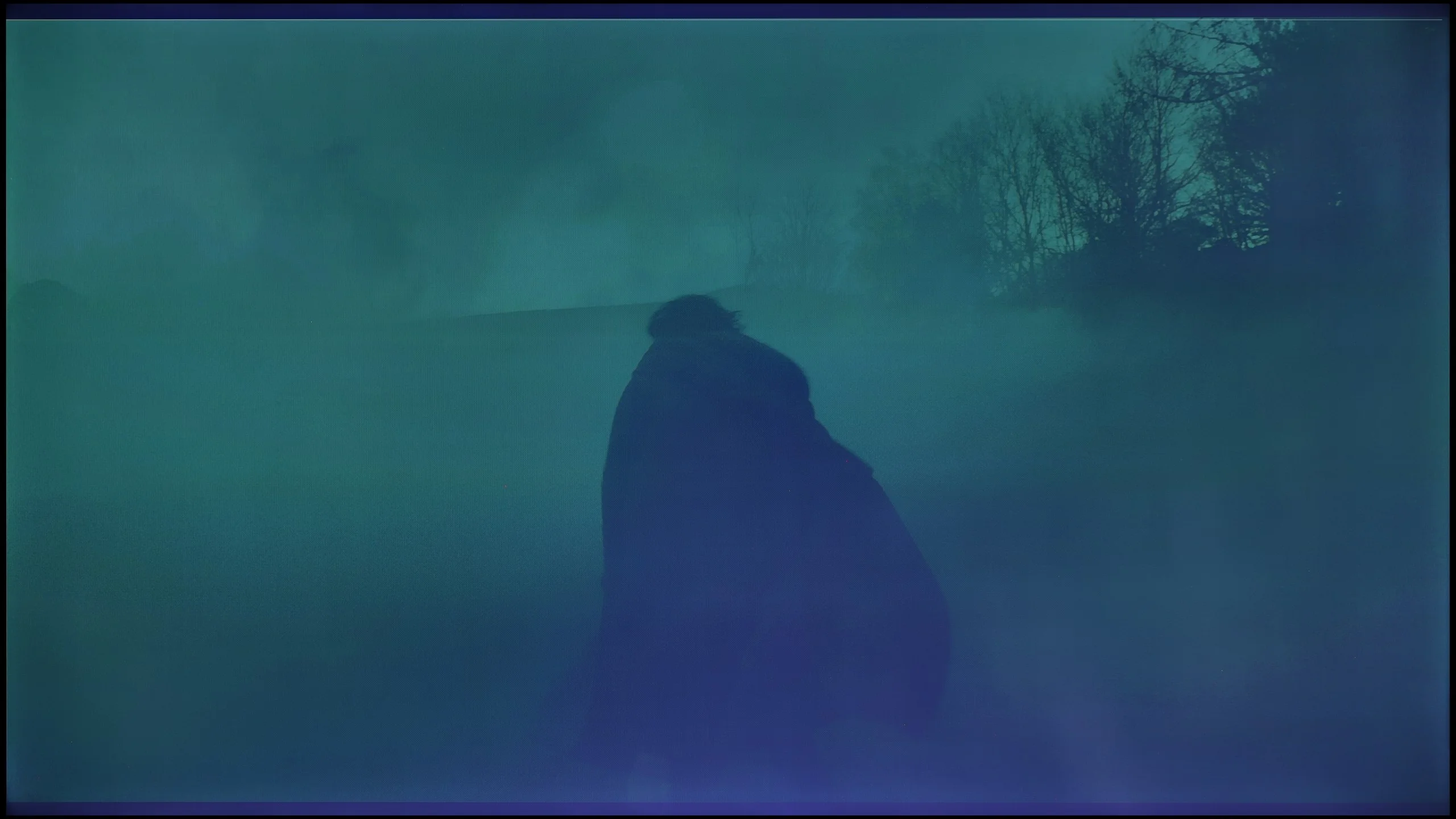
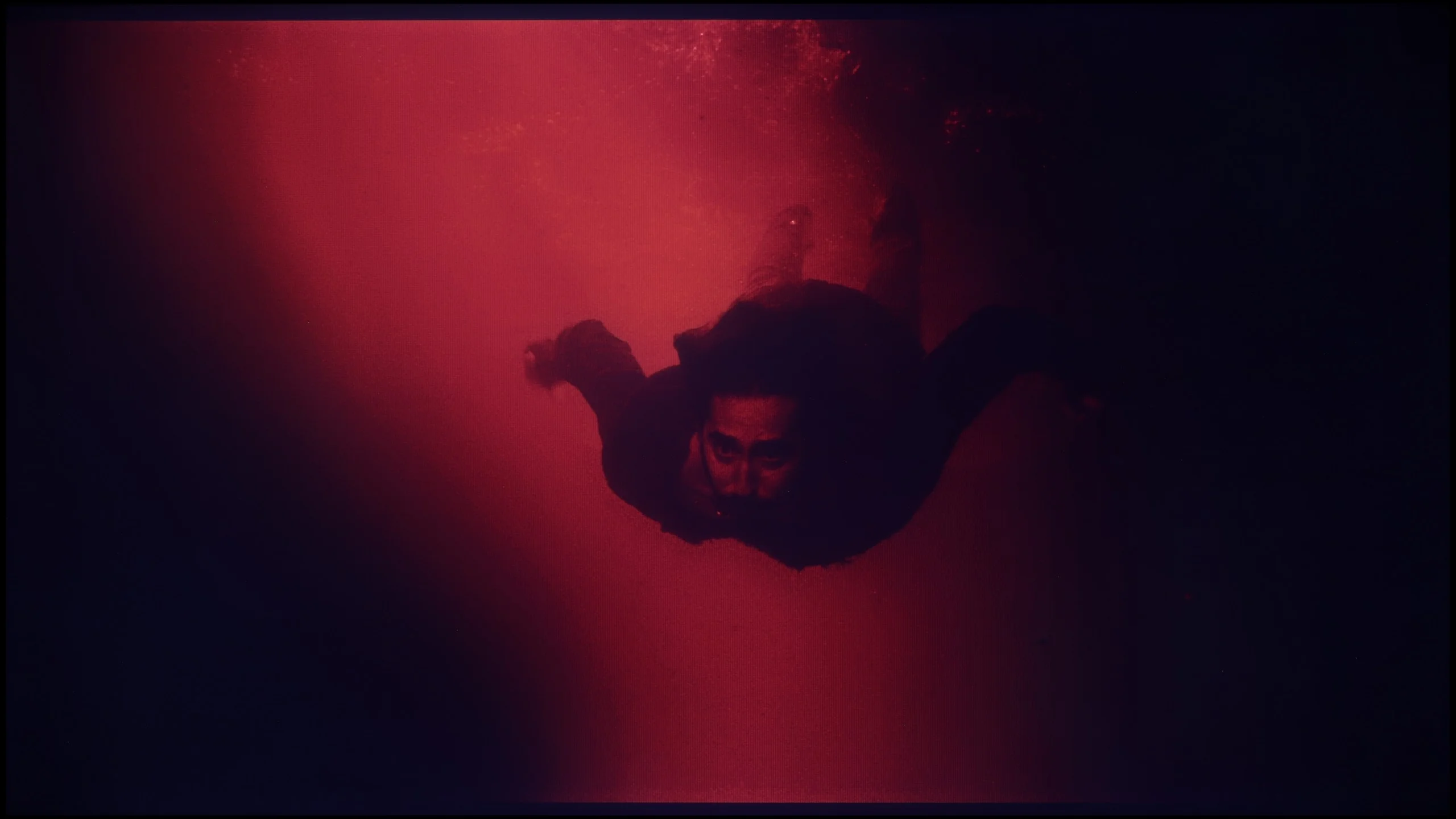
The photos show how movies look on the TV. Pay attention to black detail visibility, colors, and shadow tint.

The photos show how movies look on the TV. Pay attention to black detail visibility, colors, and shadow tint.

Calibration really makes a difference in Sharp GP7. After making adjustments, we achieved a better white balance in HD content, and the colours started to look much more natural, with minimal deviations and no clear dominance of individual hues. In 4K HDR, the change isn't as spectacular, but it's still noticeable. The gamma has been brought to a more neutral level, although a slight boost in the brightest details on the screen is still evident. The inability to control dynamic tone mapping limits our manoeuvrability, but nonetheless, this is a significant step forward compared to the factory settings.

After calibration the TCL P7L can produce a genuinely pleasant picture, especially with conventional SDR material. We managed to even out the white balance very well, and the gamma curve now tracks close to the target value of 2.4. This is also evident in the colour measurements, as most errors have fallen significantly and in everyday viewing it’s hard to notice any major inaccuracies. Films, series, YouTube and regular TV therefore look more natural, without unnecessary warmth or a cool tint. For a model at this price point the SDR result is really very good.

In HDR the situation becomes more complicated. Calibration improved the white balance and corrected some deviations, but here the panel’s limitations become increasingly apparent. The P7L has relatively limited brightness and can’t sustain appropriate luminance for more saturated colours, so some errors remain even after careful tuning. In other words, settings can improve how the TV interprets the signal, but you can’t overcome its physical capabilities. That’s why calibration is most worthwhile for SDR on this model.

Smoothness of tonal transitions

9/10

7/10

These are selected scenes that show smooth tonal transitions from one color to another. If you see distinct banding, it’s the TV panel’s fault.

These are selected scenes that show smooth tonal transitions from one color to another. If you see distinct banding, it’s the TV panel’s fault.

These are selected scenes that show smooth tonal transitions from one color to another. If you see distinct banding, it’s the TV panel’s fault.

These are selected scenes that show smooth tonal transitions from one color to another. If you see distinct banding, it’s the TV panel’s fault.

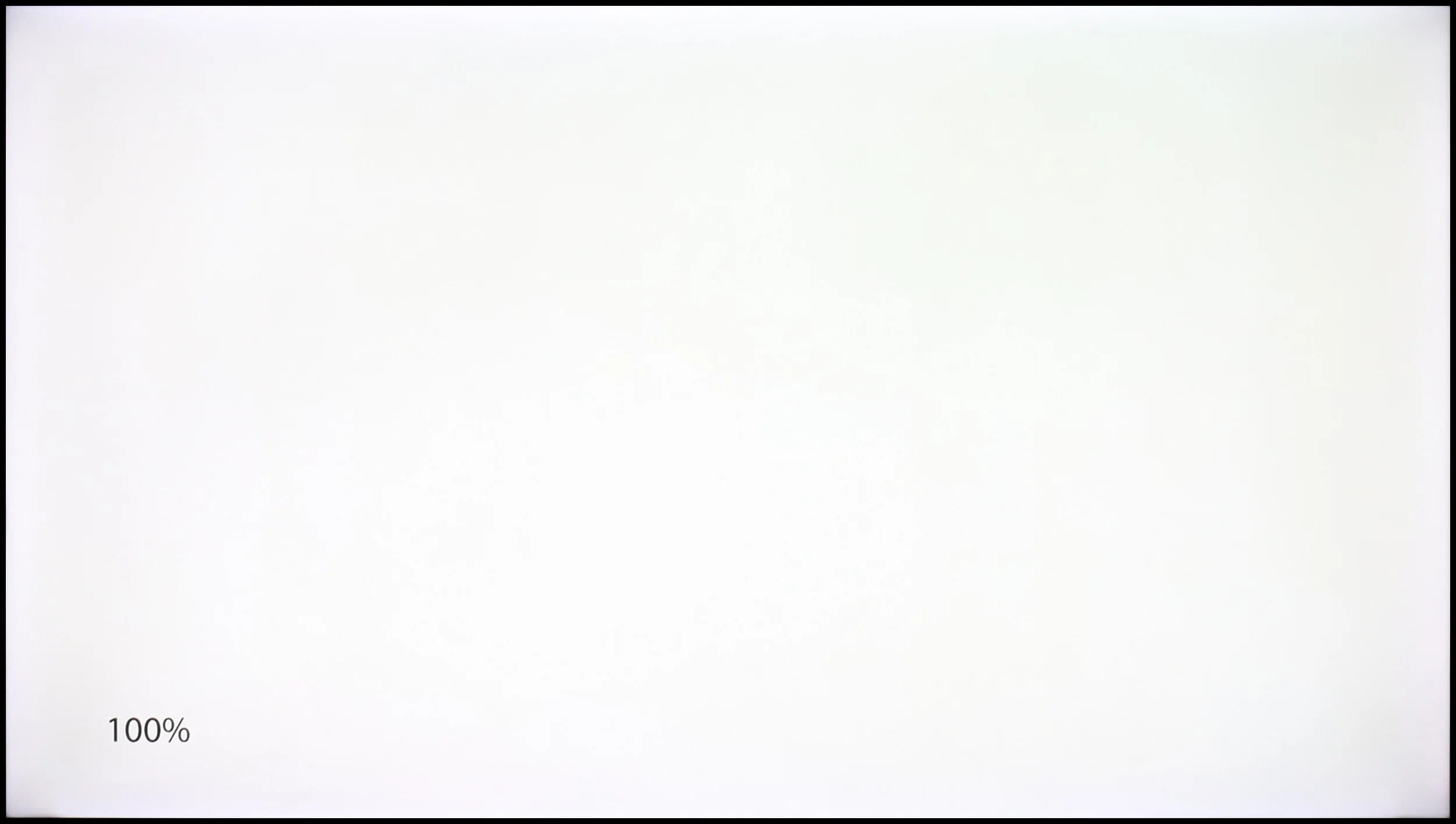
The fluidity of tonal transitions is a strong point of GP7 Sharp. Colour shades flow smoothly, without distinct lines or blotches. Whether we were watching dynamic action scenes or calm, picturesque landscape shots, we did not encounter significant issues with so-called banding. Any potential shortcomings are subtle enough that most of us wouldn't even notice them. The only flaw is the average uniformity of backlighting, which can at times disrupt the perfect effect.

The smoothness of tonal transitions on the TCL P7L is pretty good, but not in every scene. In brighter scenes the TV handles it really well, as shifts between neighbouring shades are gentle, and on skies, bright walls or subtle gradients it's hard to spot anything that would noticeably distract while watching. It gets worse in darker parts of the picture. That's where visible joins between colours and consecutive grey levels appear more often. In dark scenes you can therefore see characteristic banding or more obvious "steps" where the transition should be smoother. It's not a constant problem, but with lower-quality source material or scenes containing a lot of subtle shading it can stand out.

Image scaling and smoothness of tonal transitions

7.1/10

7/10

Image without overscan on the SD signal
OK
OK
Smooth transition function
OK
OK

Smooth transition function

The match photo shows how the TV smooths weak tonal transitions in low-quality video.

Image scaling SD (576i)

The model photo shows how it handles upscaling of SD material.

The TV can scale lower quality content quite well. Our test patterns were well reproduced, and although there was minimal banding with fine, delicate shapes (such as thin branches), it still looked satisfactory. Additionally, Sharp GP7 offers a “10-bit colour reproduction” feature to smooth tonal transitions in poor quality materials. It is useful, but at the cost of some details, so we recommend turning it on only when we're really watching something of poor quality.

In this respect the TCL P7L performs surprisingly well, especially for such an inexpensive TV. The banding reduction feature, which in many budget models does little or nothing, actually manages to improve the picture here. It doesn't remove all banding completely, but it can noticeably reduce posterisation and make trickier gradients look more natural. In this price segment that's a genuinely pleasant surprise.

The upscaling itself also looks good. Lower-resolution material is upscaled properly, without excessive sharpening or adding artificial edges around objects. Of course the P7L won't turn a very poor source into a 4K-quality picture, but for regular TV the result is simply solid. For a model at this price point there are few major complaints to make.

Blur and motion smoothness

4.8/10

5.5/10

Maximum refresh rate of the panel
60Hz
60Hz
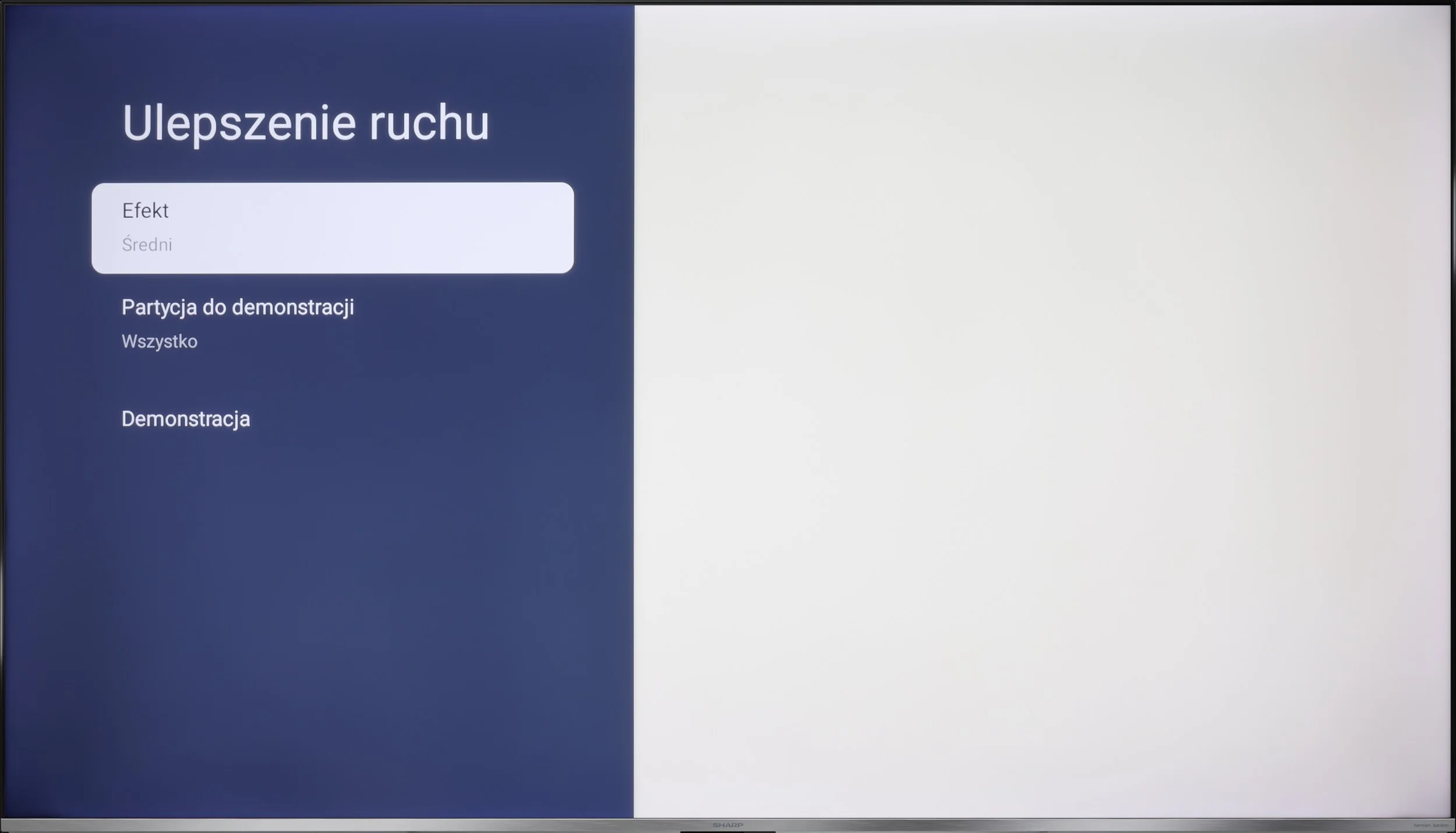
Film motion smoothing option
OK
OK
Blur reduction option
No
No
BFI function 60Hz
No
No
BFI function 120Hz
No
No
Brightness drop with BFI
-%
-%

Blur (native resolution, maximum refresh rate):

Blur ():

Blur (1440p@120Hz):

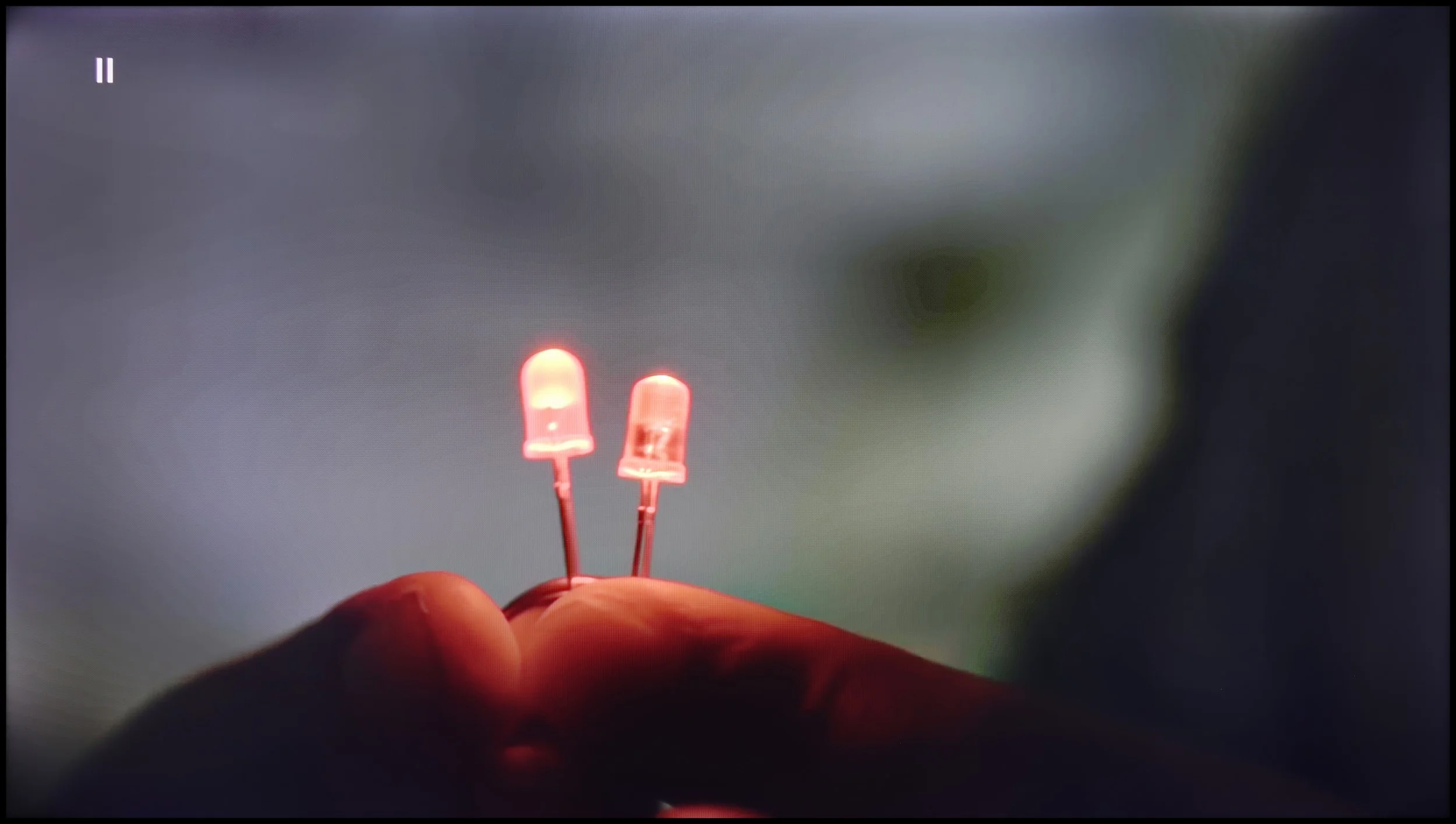
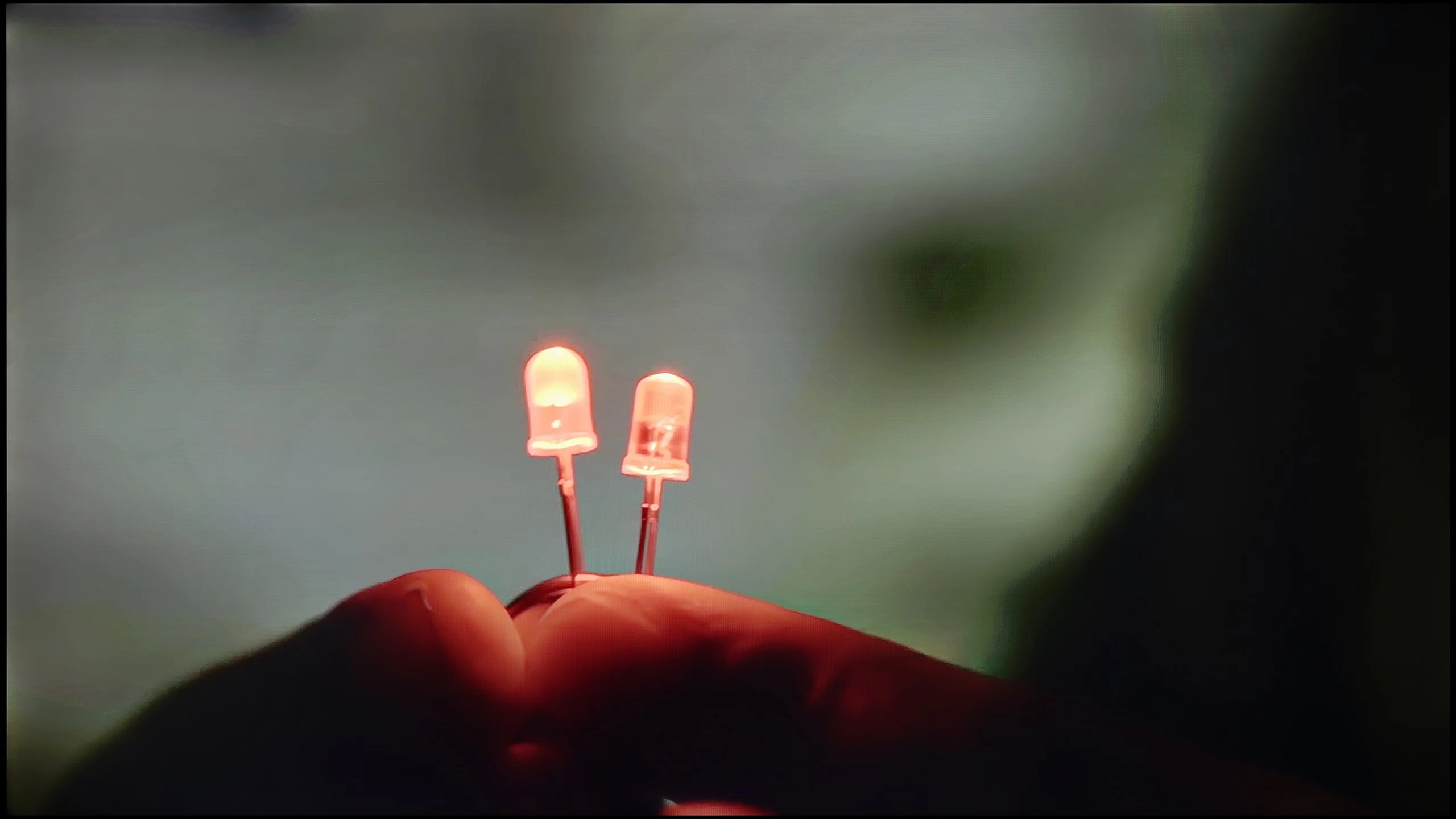
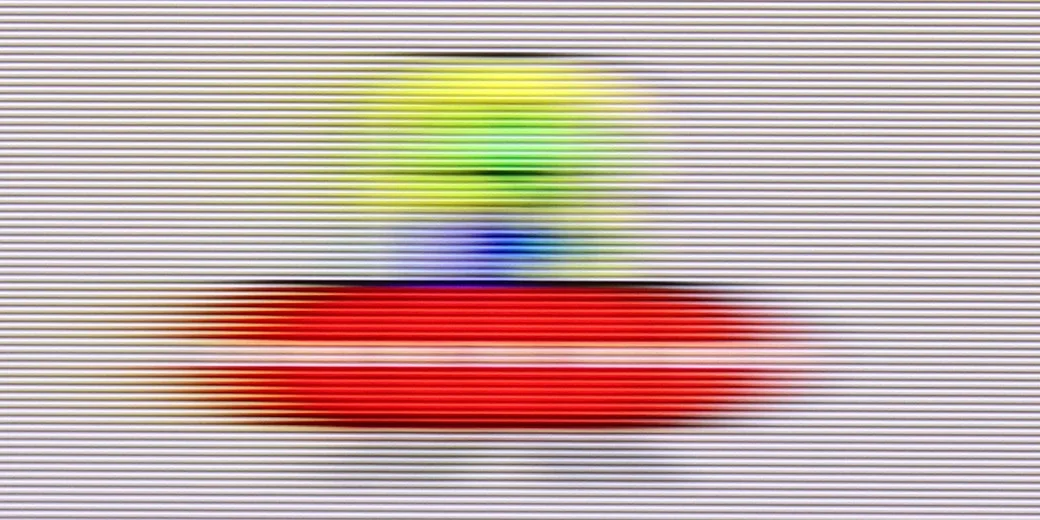
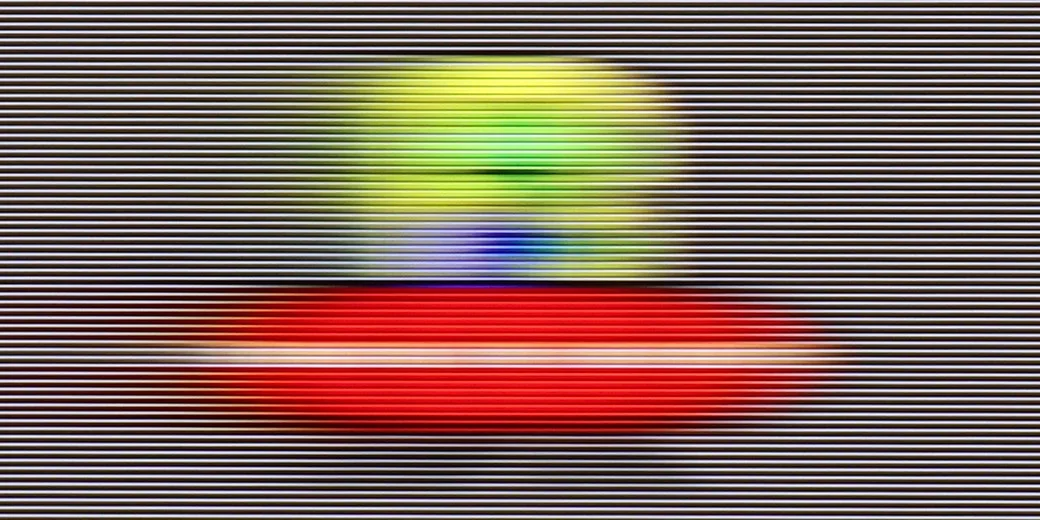
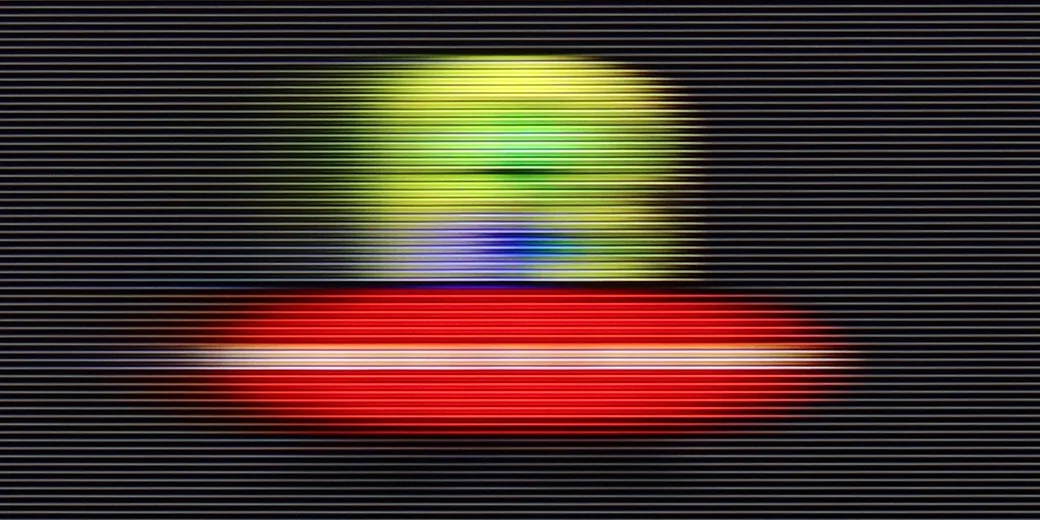
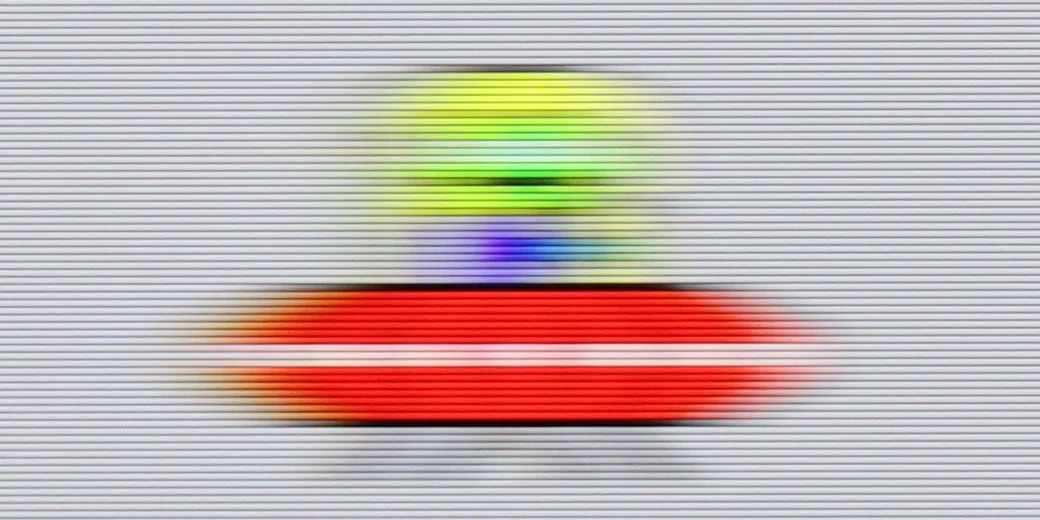
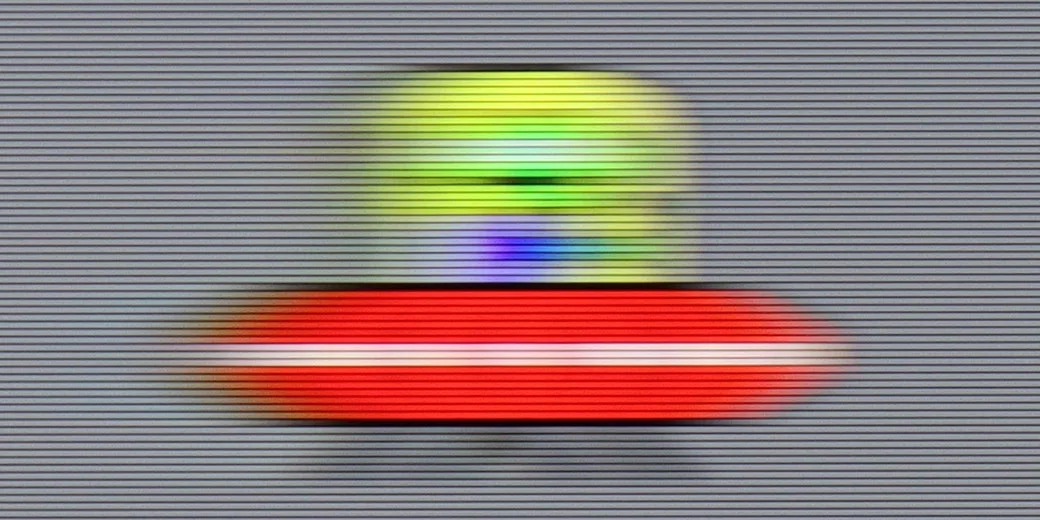
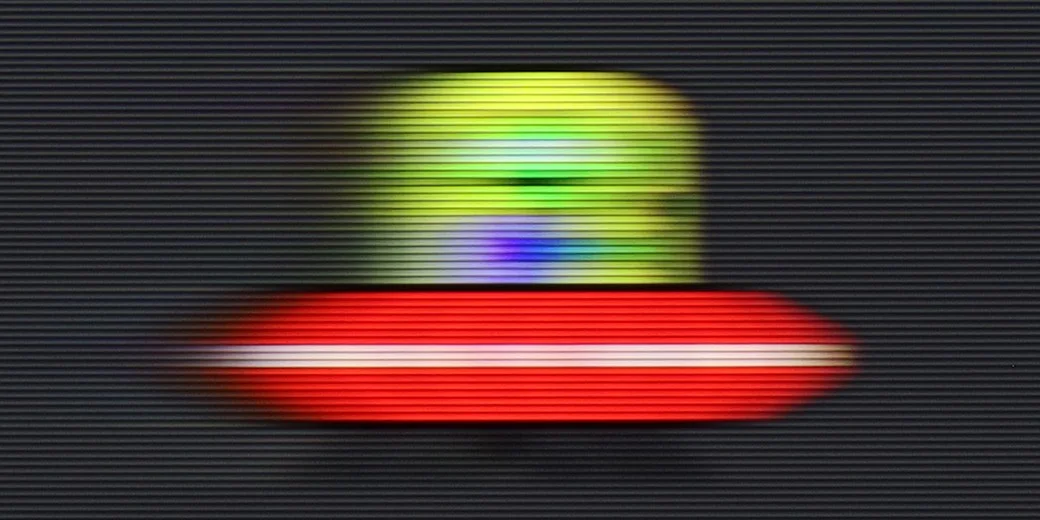
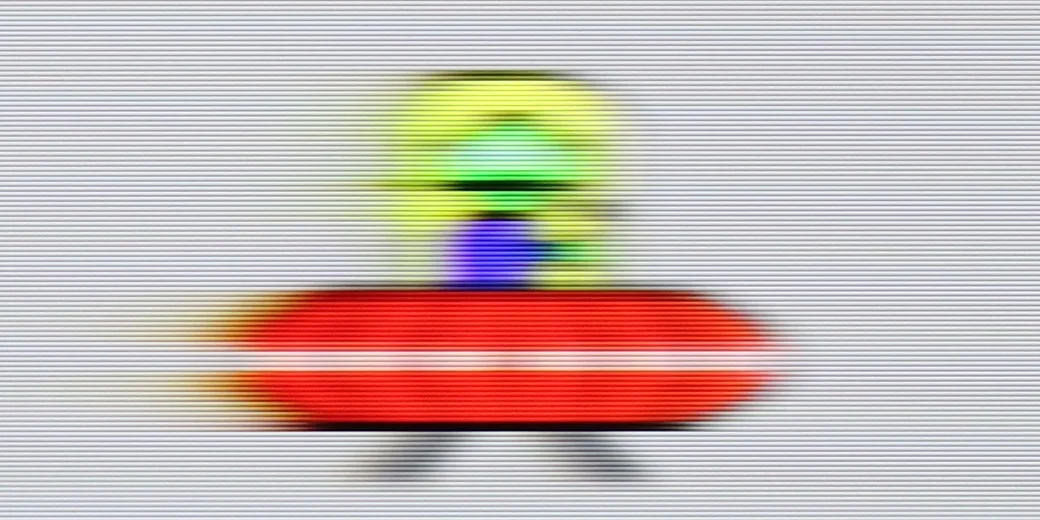
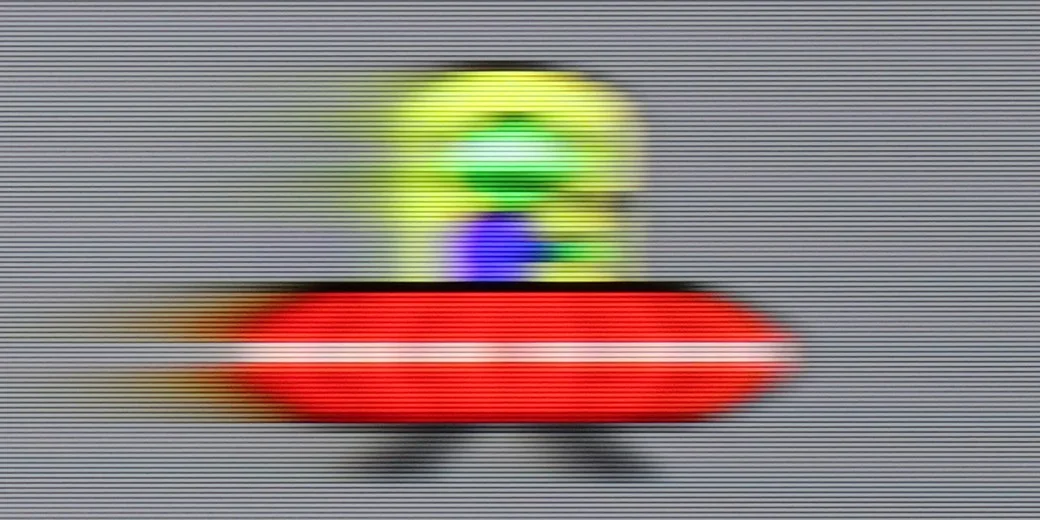
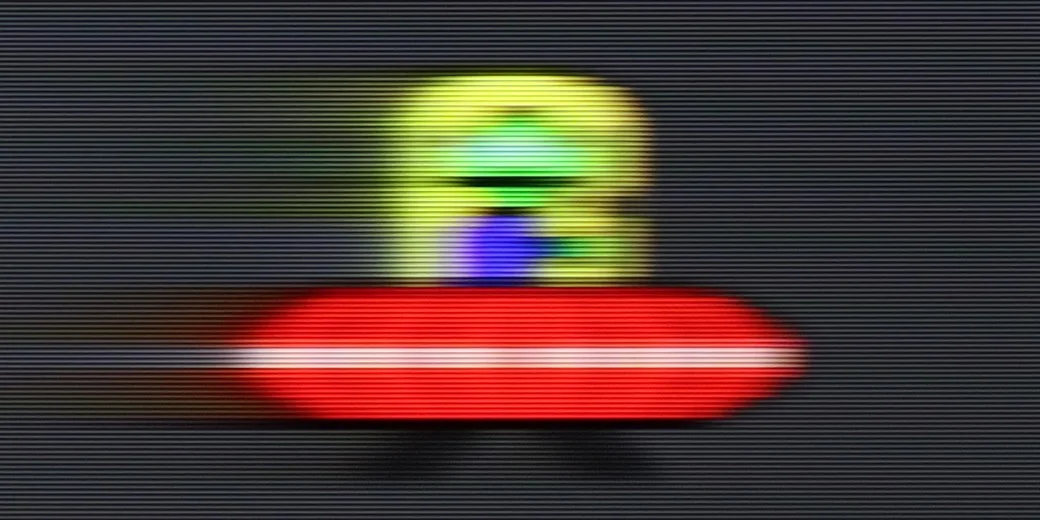
With a 60 Hz panel and average response time, it's hard to expect miraculous smoothness. In dynamic tests, like the one with the “little green man”, it’s clear that the picture can blur and occasionally lose sharpness. For watching movies and series, this is acceptable, especially since you can use the motion smoother with three levels of adjustment. However, if we care about ultra-smooth sports broadcasts or super-responsive gameplay, we might feel a bit dissatisfied.

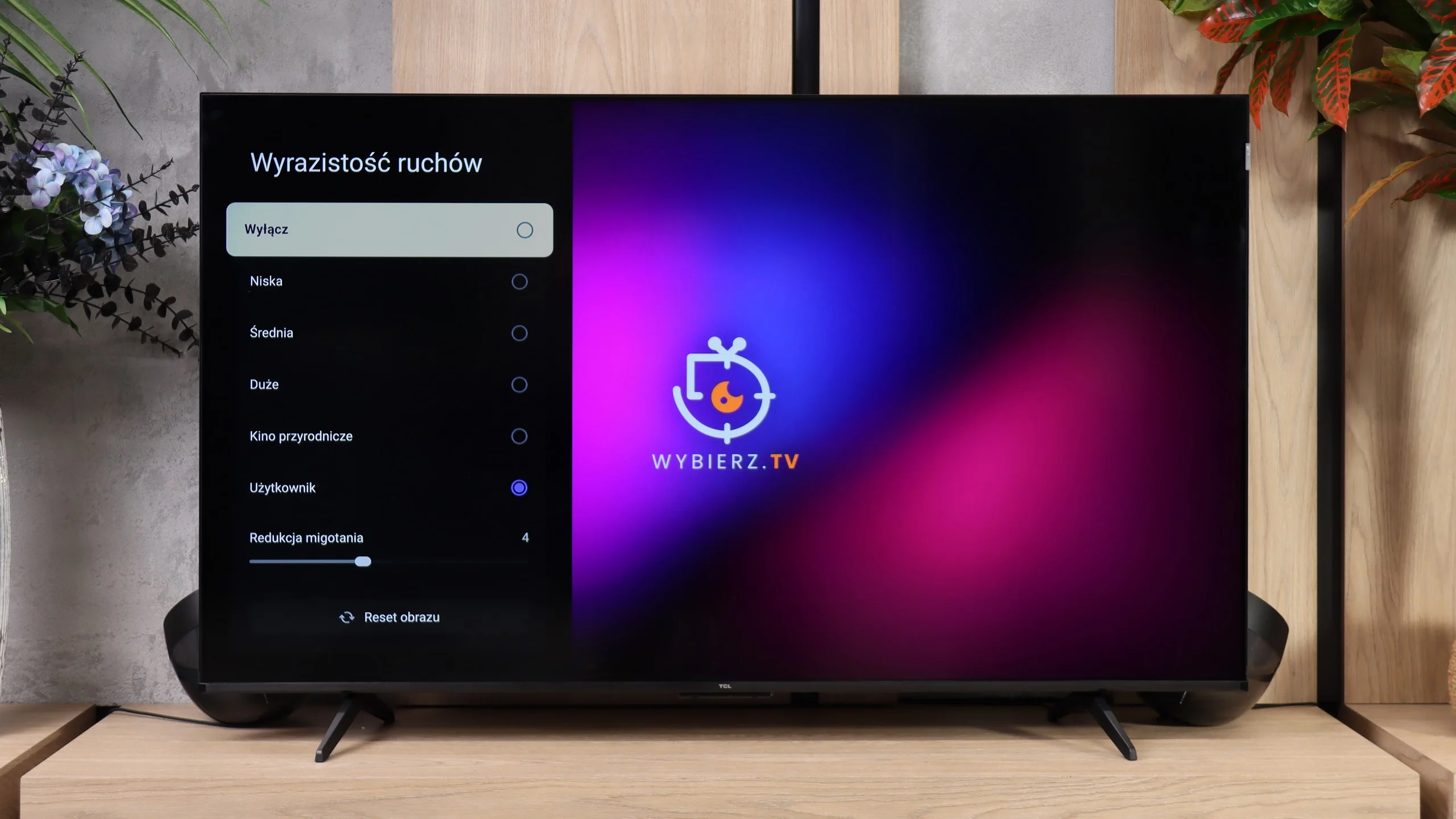
TCL P7L uses a native 60 Hz panel at 4K resolution, and that's how it should be treated in everyday use. For movies the TV mainly offers frame interpolation, so it can smooth motion and reduce noticeable judder, but it doesn't deliver the smoothness typical of true 120 Hz panels.

Console compatibility and gaming features

3.4/10

6.7/10

  • ALLM
    Yes
    Yes
  • VRR
    No
    Yes
  • VRR range
    No
    48 - 120Hz
  • Dolby Vision Game Mode
    Warning Yes, high input lag
    Yes
  • Correct implementation of HGIG
    No
    No
  • 1080p@120Hz
    No
    Yes
  • 1440p@120Hz
    No
    Yes
  • 4K@120Hz
    No
    No
  • Game bar
    No
    Yes

Let's not kid ourselves – GP7 Sharp is not a television for the most demanding console gamers. Yes, we have ALLM, which automatically switches the TV to low latency mode, but it lacks VRR or G-Sync. We also won't find any advanced menu to help adjust settings during gameplay. Dolby Vision in games? It's there, but with such a large input lag that it's hard to talk about comfort. If we play occasionally and don't aim for the highest standards, it can be managed, but tech enthusiasts will face disappointment.

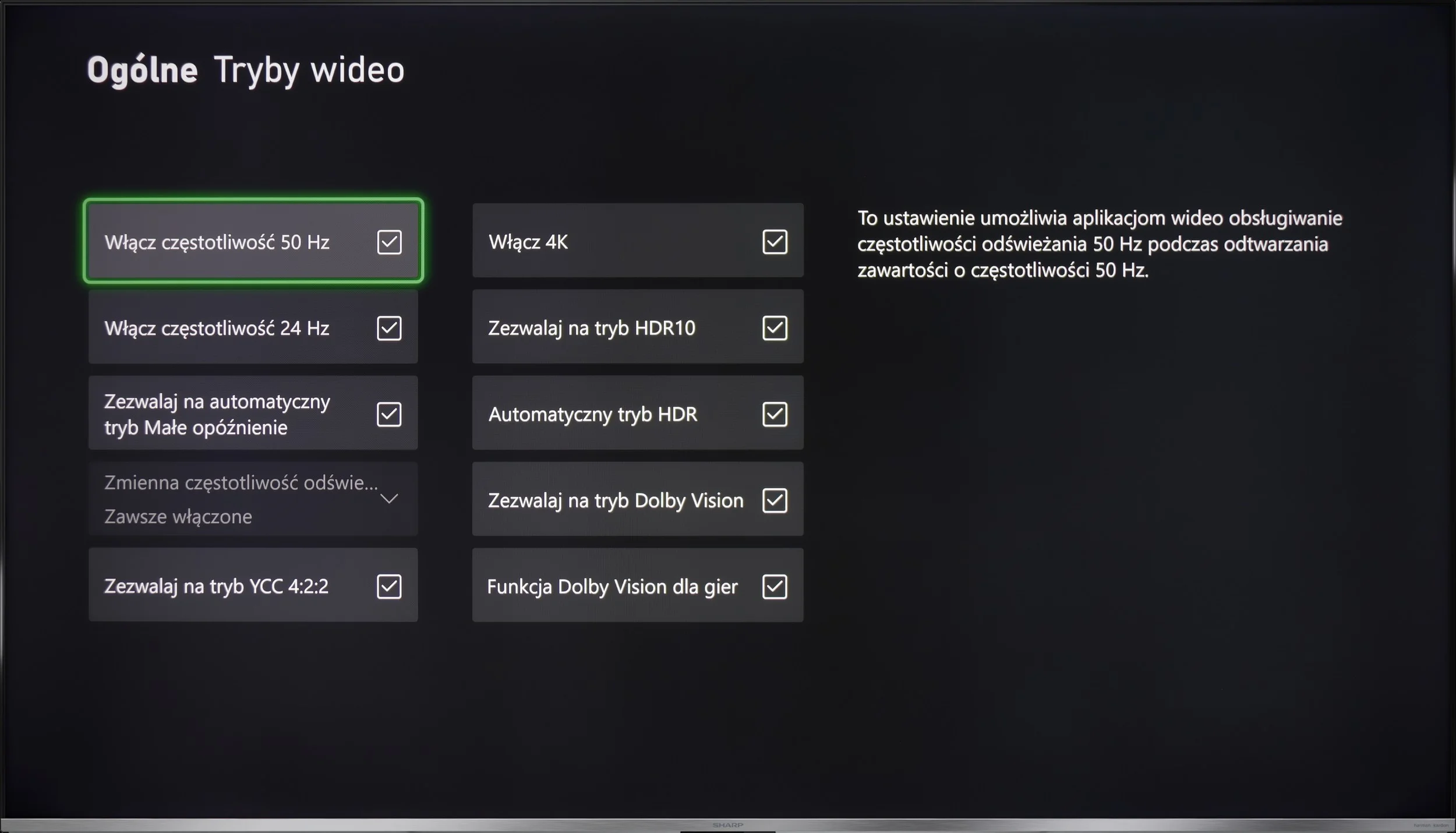
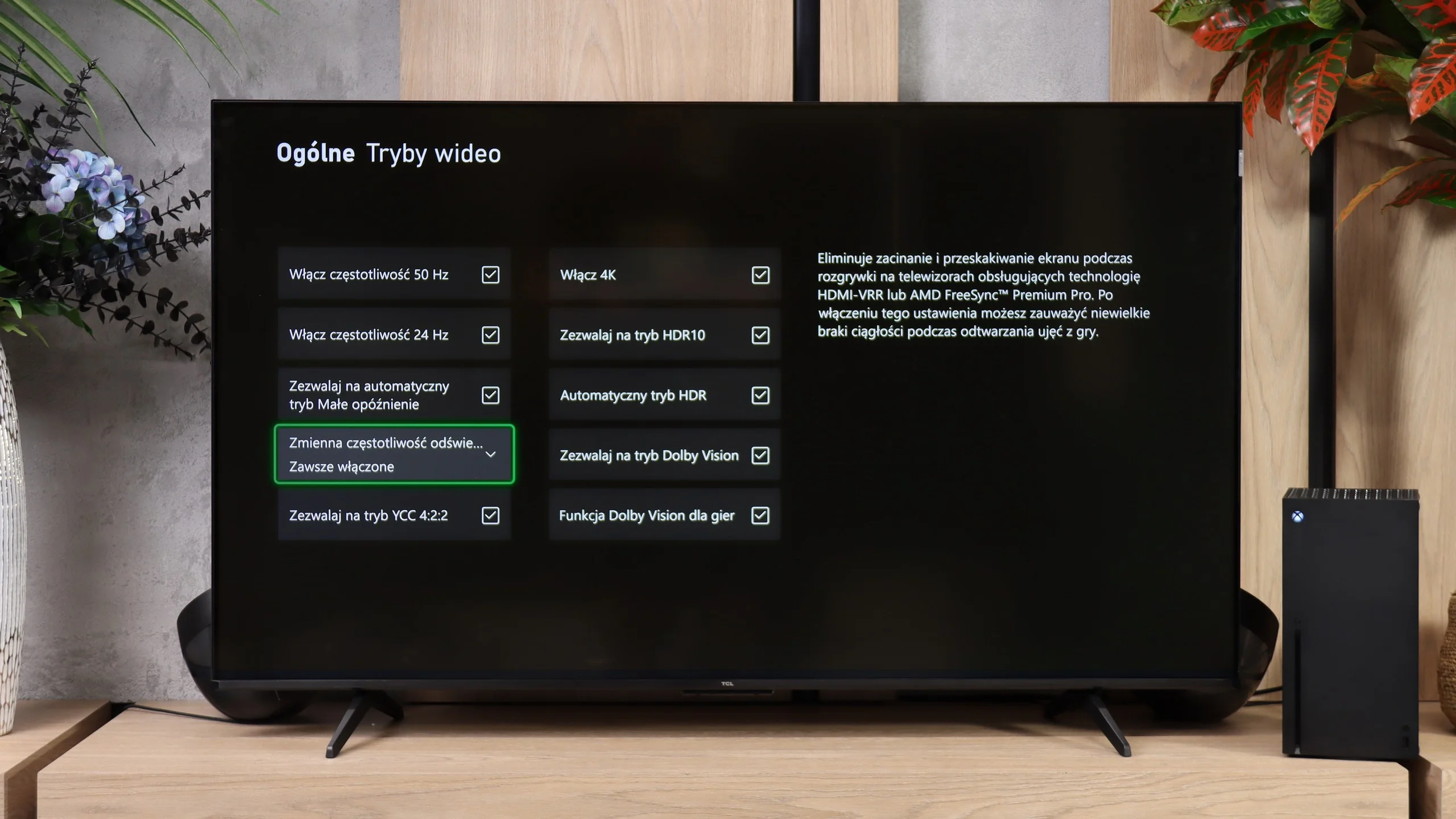
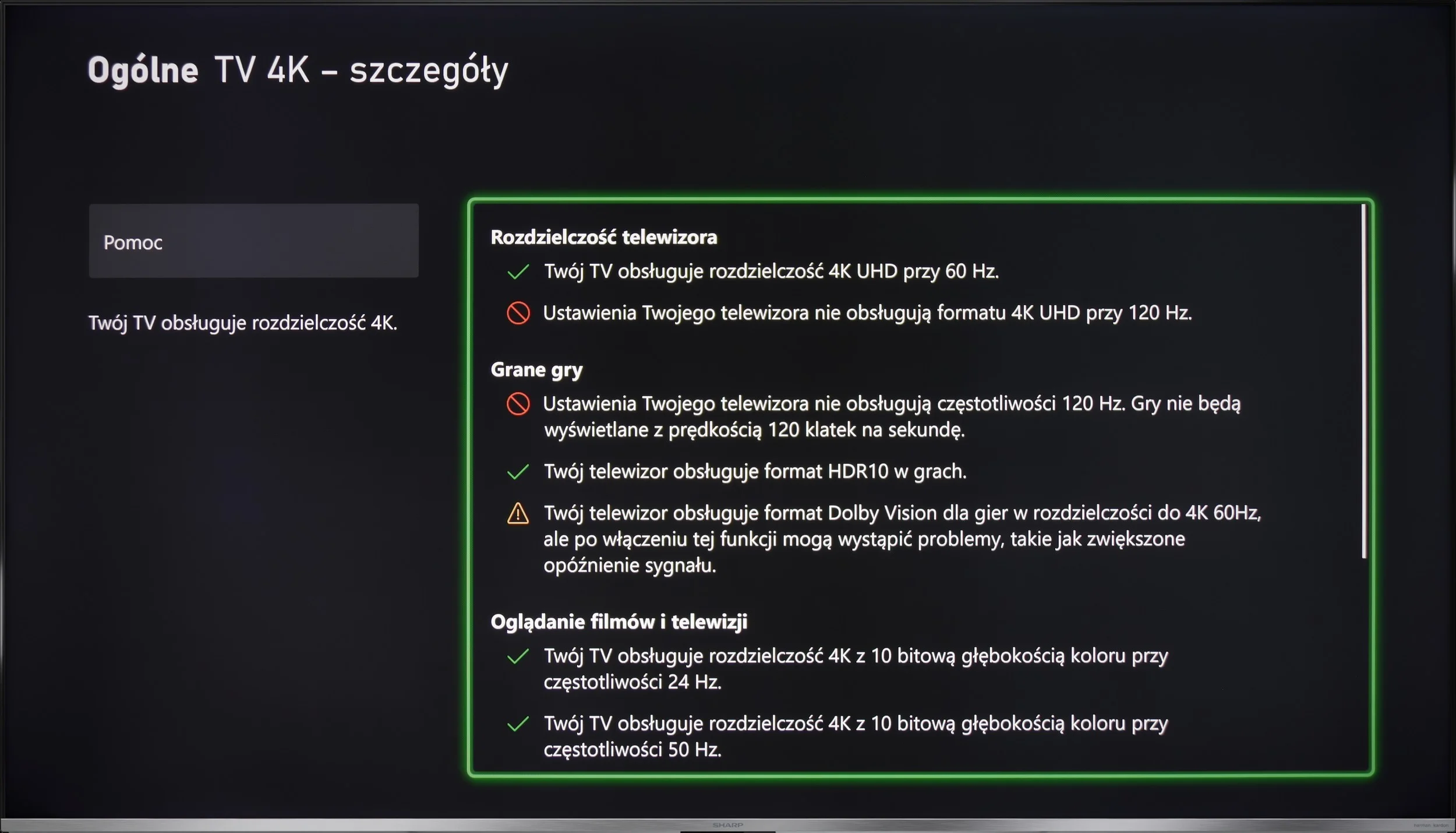
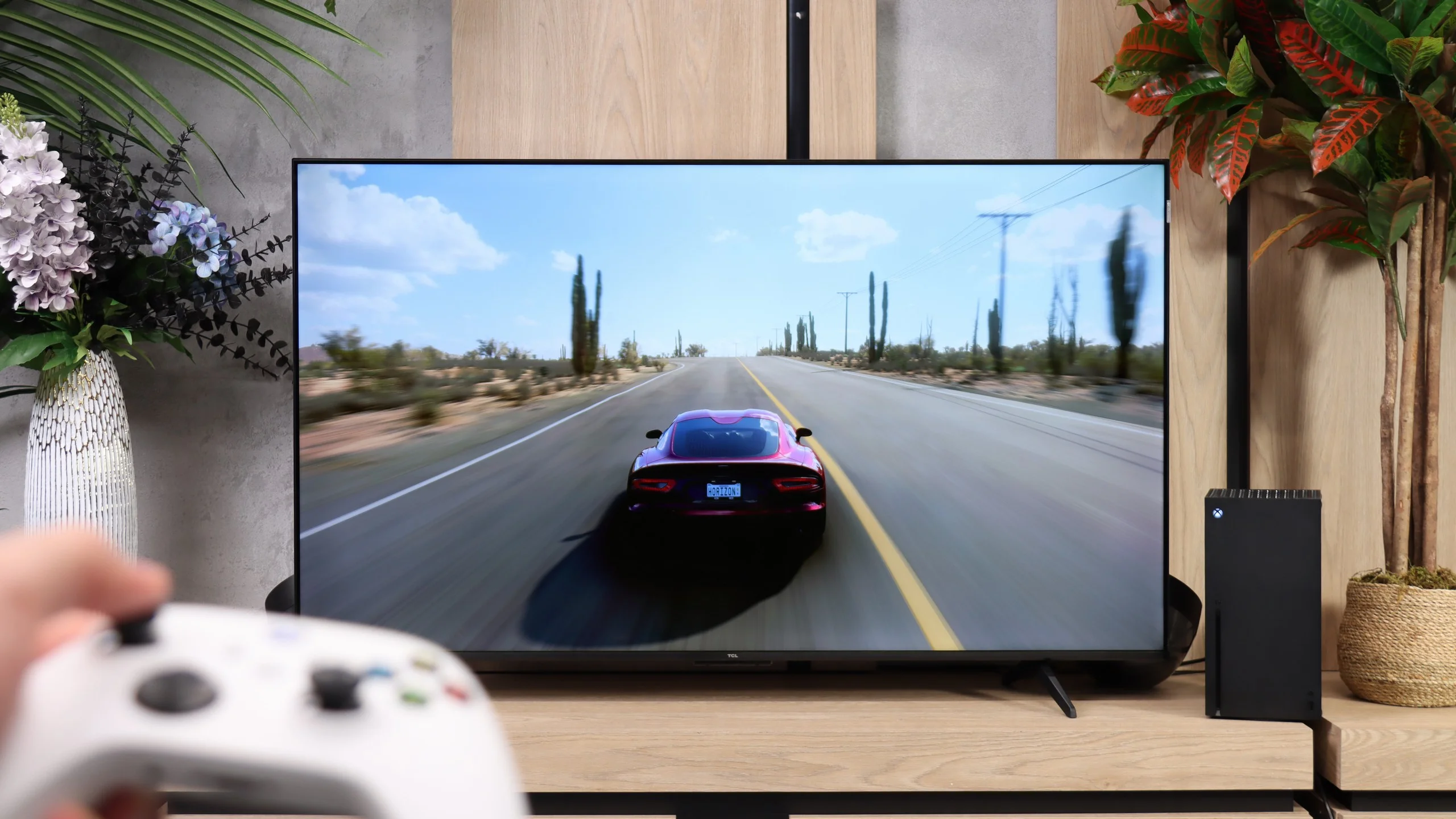
For such an inexpensive TV, the P7L has quite a lot to offer gamers. It has ALLM, VRR and Dolby Vision in games, and TCL also includes its Game Bar, where you can quickly check key information or change some settings without leaving the game. Not everything is perfect, though, because HGiG doesn't work here as it should, but at this price point it's hard to complain much about the feature set. The most interesting part comes when you give up 4K. At that resolution the TV runs at up to 60 Hz, but at 1440p and 1080p it can already display at 120 Hz. And that's not just a spec-sheet curiosity. In fast-paced games that support that frame rate the difference in smoothness is genuinely noticeable, so if you care more about smoother motion than maximum image sharpness, that mode can make a lot of sense. Of course, that doesn't make the P7L a true 120 Hz TV. Still, it's precisely these extra modes that make the P7L perform really well for gaming.

Input lag

8.6/10

10/10

SDR

1080p60
37 ms
13 ms
1080p120
9 ms
2160p60
13 ms
13 ms
2160p120

HDR

2160p60
13 ms
13 ms
2160p120
4320p60

Dolby Vision

2160p60 DV
13 ms
2160p120 DV

When it comes to input lag, we have mixed feelings. In 4K, we achieve around 13 ms, which is a great result and is more than sufficient for most of us. Unfortunately, Dolby Vision raises it to a level that makes gaming practically impossible, and in Full HD, around 37 ms is already a noticeable value for those of us who prioritise quick reactions. It's best to utilise 4K if we're aiming for the highest responsiveness.

As far as latency goes, the TCL P7L performs very well. With a 60 Hz signal, input lag is around 13 ms, whether you're playing in SDR, HDR or Dolby Vision. That's a level where delay should be practically unnoticeable during normal gaming. It gets even better when you switch the TV to 120 Hz at a lower resolution. Then input lag drops to about 9 ms, which nicely complements the modes described above. For gamers, that's another reason why, despite the P7L's budget nature, it's quite well prepared in this respect.
Compatibility with PC

5.7/10

5.8/10

Chroma 444 (max. resolution and refresh rate)
Yes
Yes
Font clarity
Good
Good
Readability of dark text and shapes
Good
Average
Input lag in PC mode (4K, max. refresh rate)
13ms
13ms
Matrix subpixel arrangement
BGR
BGR
Max refresh rate
60Hz
60Hz
G-Sync
No
Yes

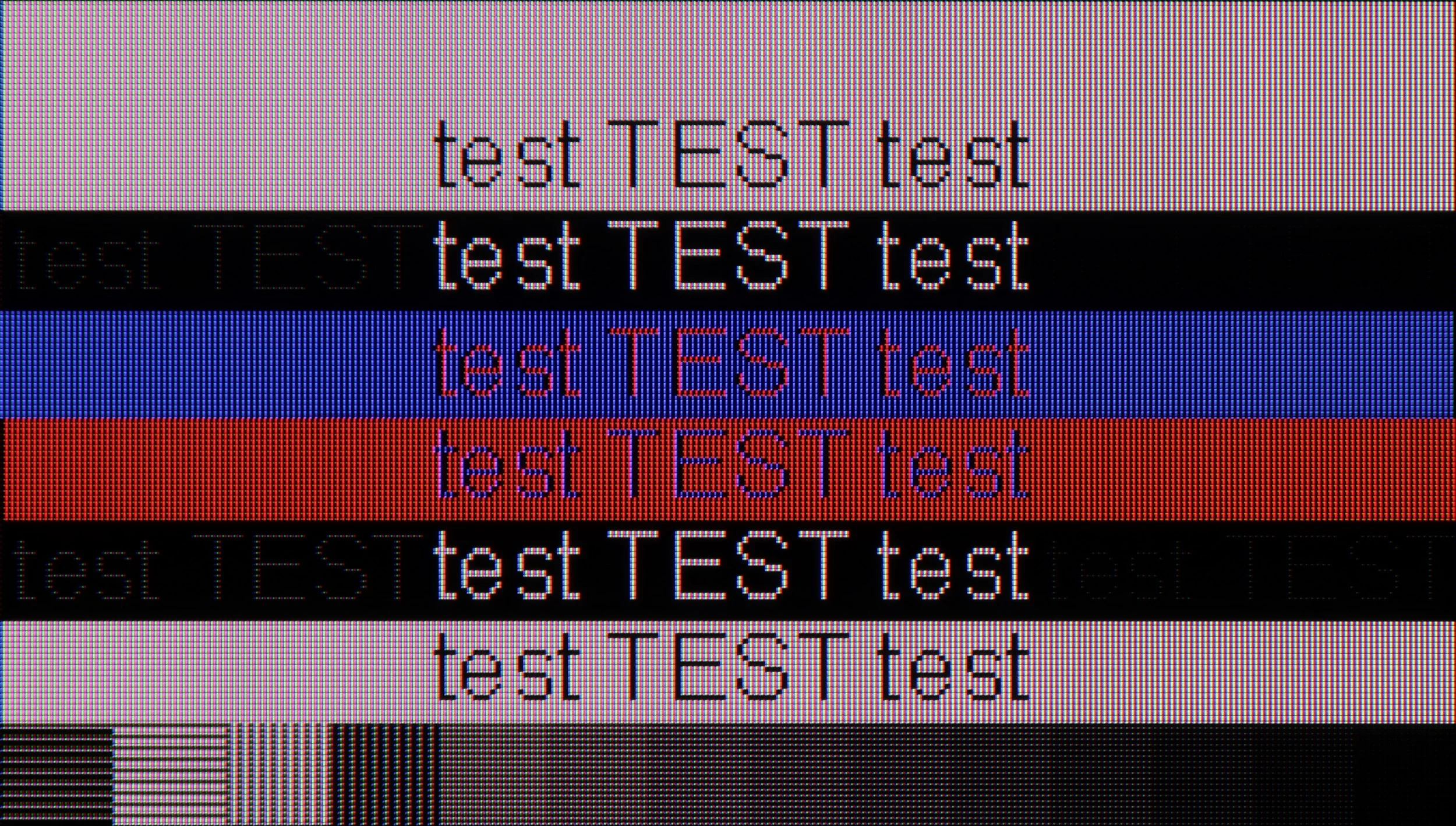
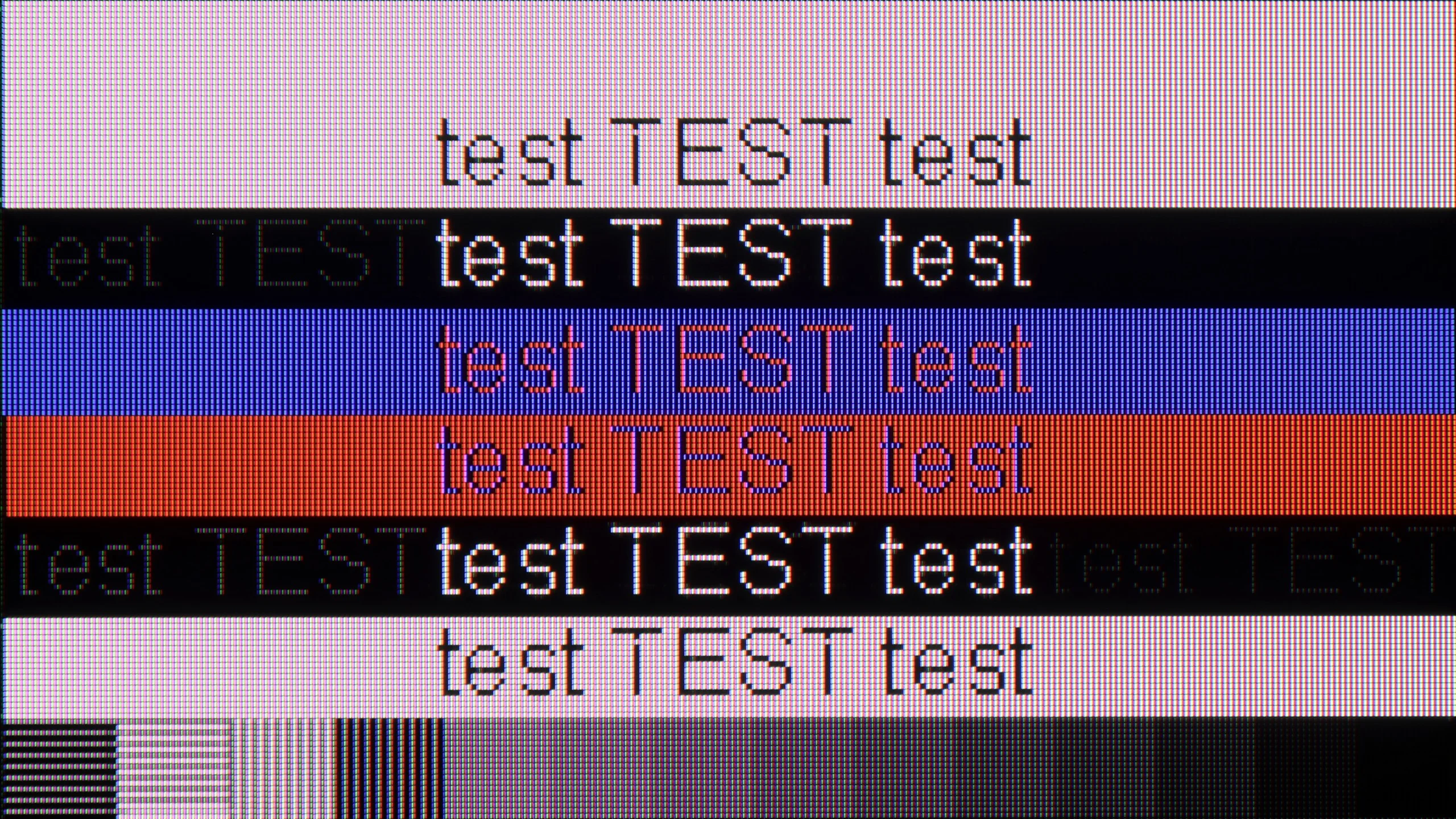
The photo shows the legibility of small fonts. Ideally, lines should be the same thickness on both light and dark text, with minimal pixel gaps.
As a monitor for office work or browsing the internet, Sharp GP7 performs quite well. The Chroma 4:4:4 provides text clarity, although with very small fonts on a dark background, we noticed some minor issues. It's hard to recommend it for PC gaming due to the lack of advanced features and higher refresh rates, but for simple office work or watching movies in the evening – why not?
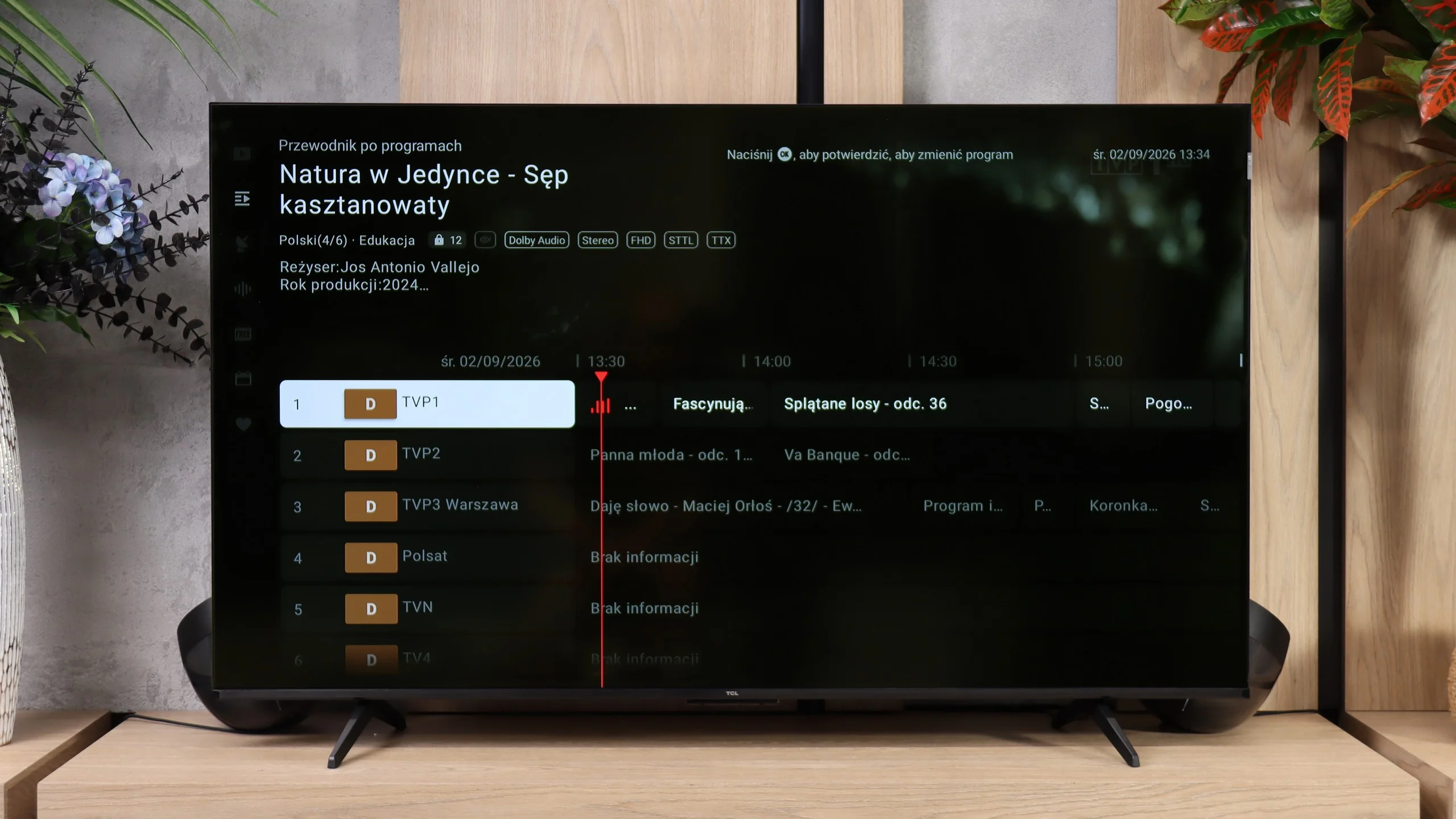
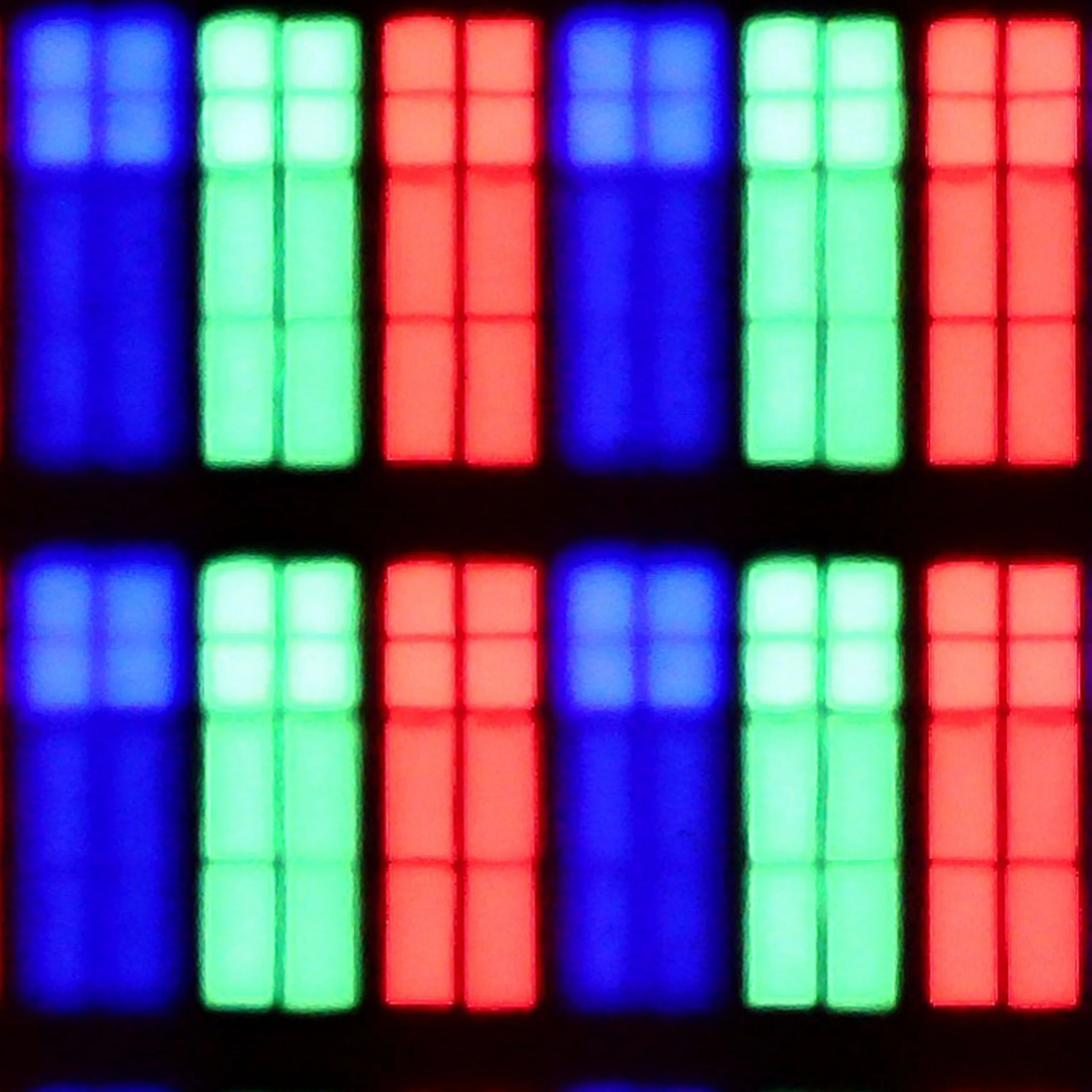
For office work the TCL P7L is unlikely to be the first choice. The TV correctly handles 4:4:4 chroma, so the text itself remains fairly sharp, but the BGR subpixel layout causes some issues with its appearance. On the vertical edges of letters you can notice minor artefacts and characteristic "dots" that can be distracting when sitting close to the screen. For occasional use of a browser or documents this isn't a big problem, but as a monitor for daily text work the P7L performs rather averagely.

It looks much better for gaming on a PC. Low input lag and support for G-Sync and VRR mean the TV works well with a graphics card, and at lower resolutions you can also take advantage of 120 Hz. In 4K we're still limited to 60 Hz, but if the computer is mainly for gaming, the P7L makes a lot more sense in that role than as a typical work monitor.

Viewing angles

3.3/10

3.2/10

Brightness drop at an angle of 45 degrees
71%
84%

In terms of viewing angles, we have the typical limitations of VA panels. If we sit centrally in front of the screen, everything looks good, but if you lean back too far, the colours and contrast begin to fade. This is nothing unusual for this type of panel, so it's worth being aware that when watching with a larger group, the extreme spots on the couch will have a worse view.

Viewing angles on the TCL P7L are rather poor, which is typical for a VA panel. It's the VA panel that gives the TV higher contrast and deeper blacks, but the price for that is a noticeable drop in picture quality when you view the screen from the side. Move just a little off-axis and colours start to lose saturation and blacks look greyer. So the P7L works best when you're seated as directly in front of the screen as possible. With a larger sofa and several people watching, the outer seats will be noticeably less comfortable.

Daytime performance

5.3/10

5.2/10

Panel finish
Satin
Satin
Reflection suppression
Average
Decent
Black levels during daytime
Good
Good

Panel brightness

TCL P7L / P79L: 364 cd/m2

Sharp GP7: 427 cd/m2

The satin matrix doesn’t eliminate reflections as effectively as we would like, so in a bright, highly sunlit room, we might see some glare. Fortunately, the television has quite decent brightness (around 430 cd/m²), which allows us to use it without covering the windows, as long as the sun isn't shining directly on the screen. In extremely sunlit interiors, it may be trickier, but in standard conditions, it’s still usable.

By day the TCL P7L performs quite respectably, although a lot depends on how the TV is positioned relative to windows. The satin screen coating does a good job of diffusing reflections, so under normal living-room light the picture stays readable and doesn’t immediately turn into a mirror. Black levels also hold up well and don’t lose as much depth in daylight. The limitation is brightness. Around 360 nits is enough for normal viewing in a moderately lit room, but with strong sunlight falling directly on the screen the P7L starts to lose out to its surroundings. It will be fine for a typical living room, but if the TV will sit opposite a large window or you mainly watch in a very bright room, it’s worth keeping that in mind.

Panel details

Backlight Type
PFS LED
PFS LED
Software version during testing
RTM7.230903.178
v8-0008t01-lf1v534.002065
Image processor
m7632 2gb ram

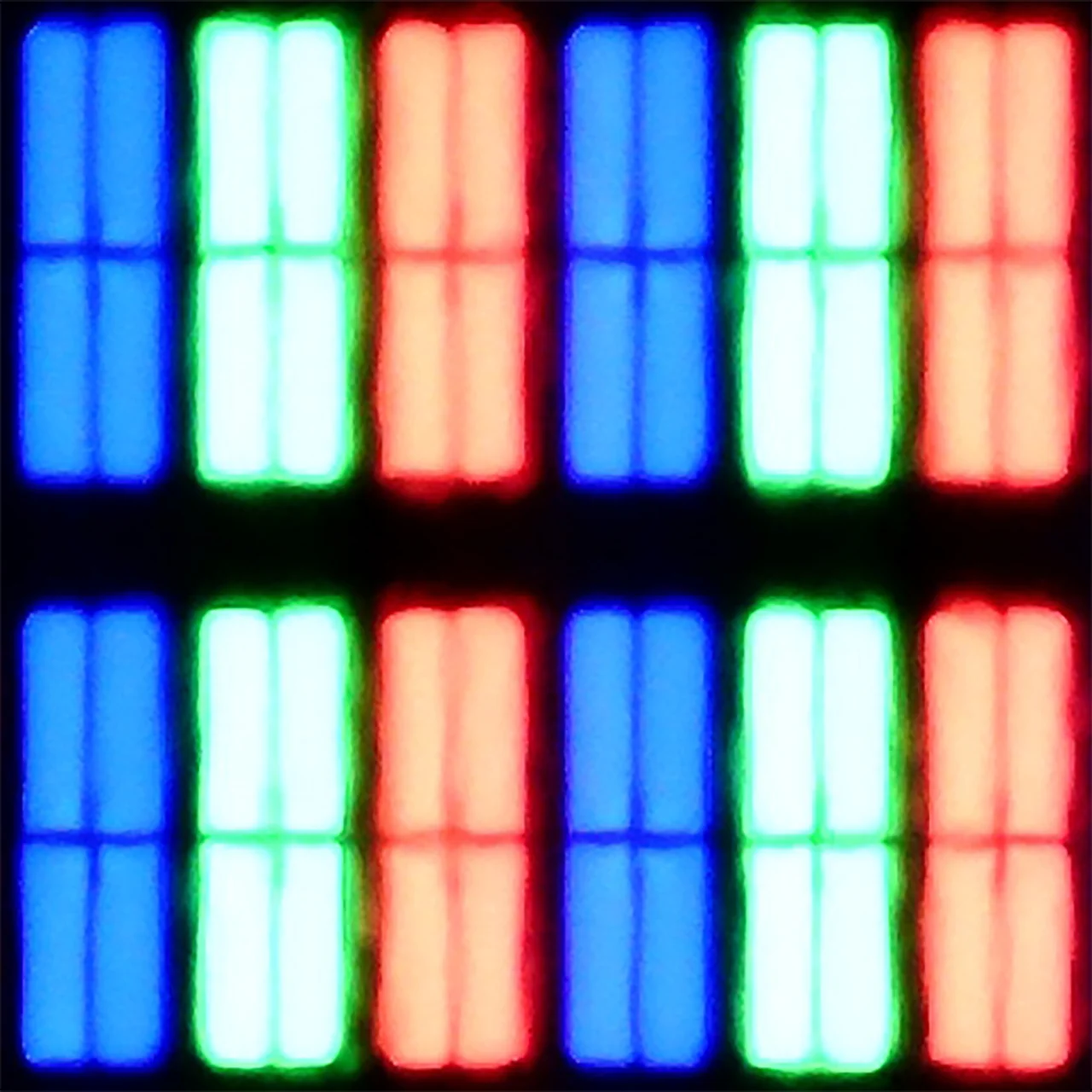
Subpixel Structure:

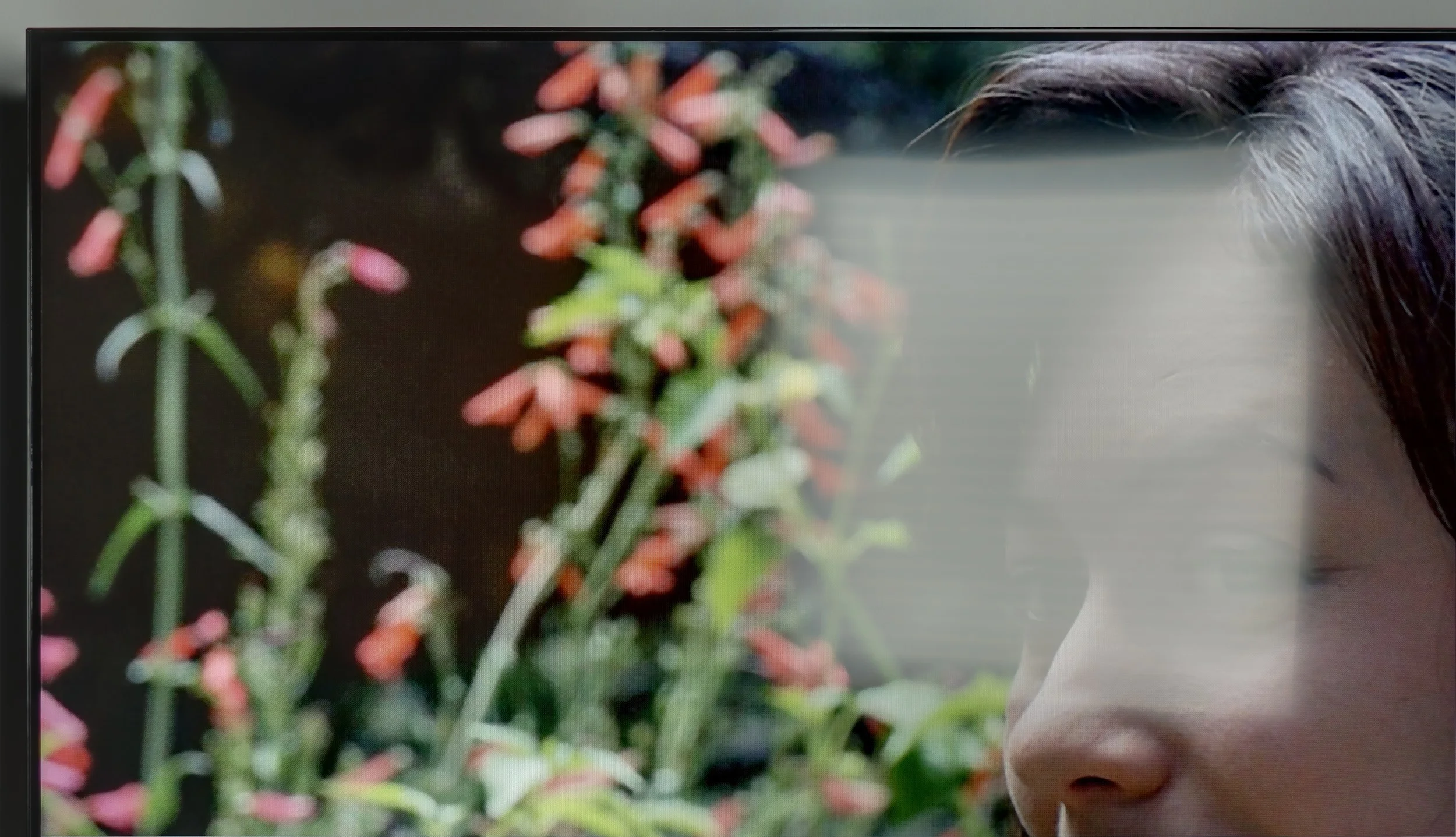
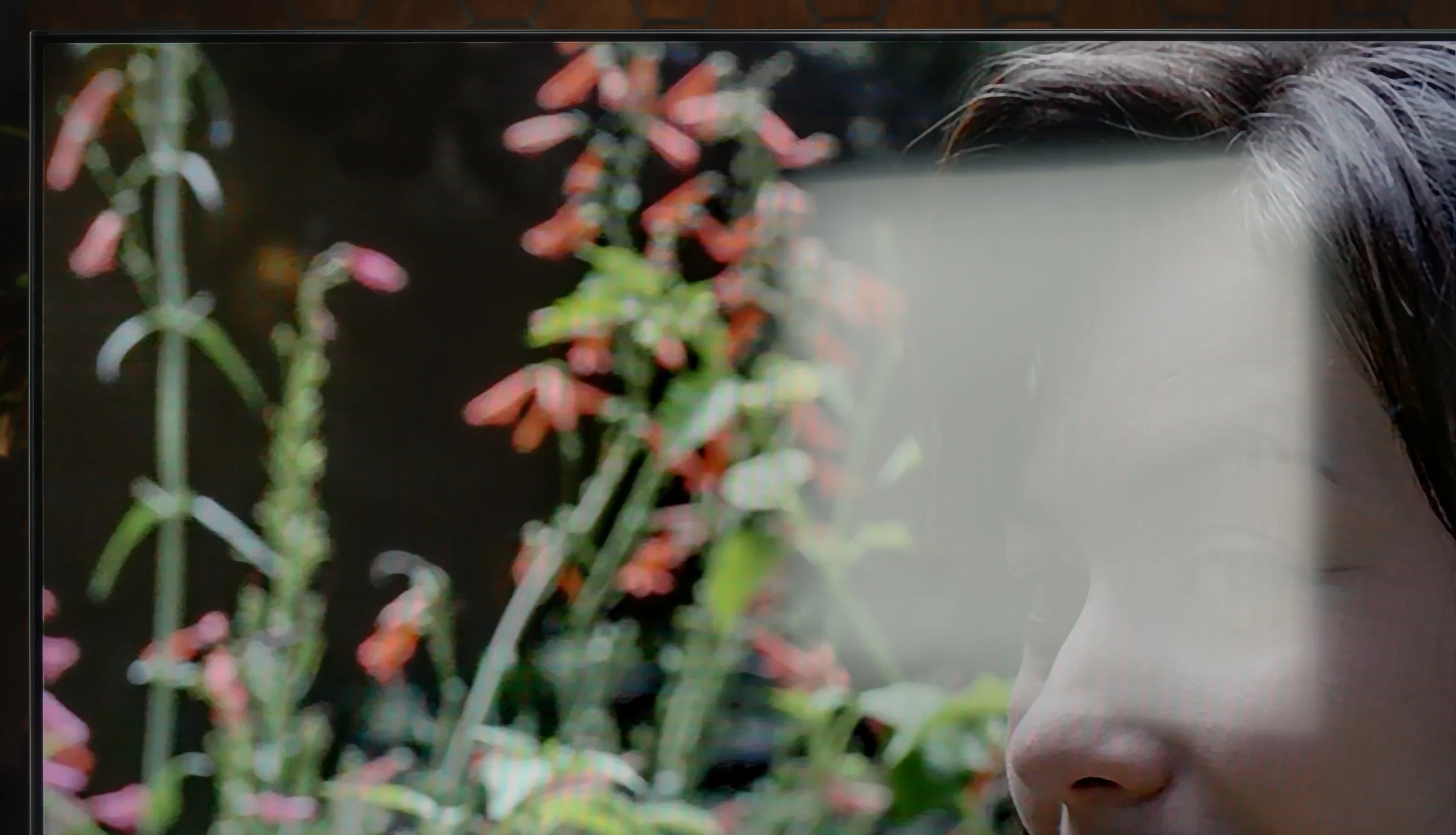
Panel uniformity and thermal imaging:

Review Sharp GP7 TV Panel details
Review TCL P7L / P79L TV Panel details

Sharp GP7

TCL P7L / P79L

TV features

5.5/10

7/10

  • System
    Google TV
    Google TV
  • System performance
    Decent
    Decent
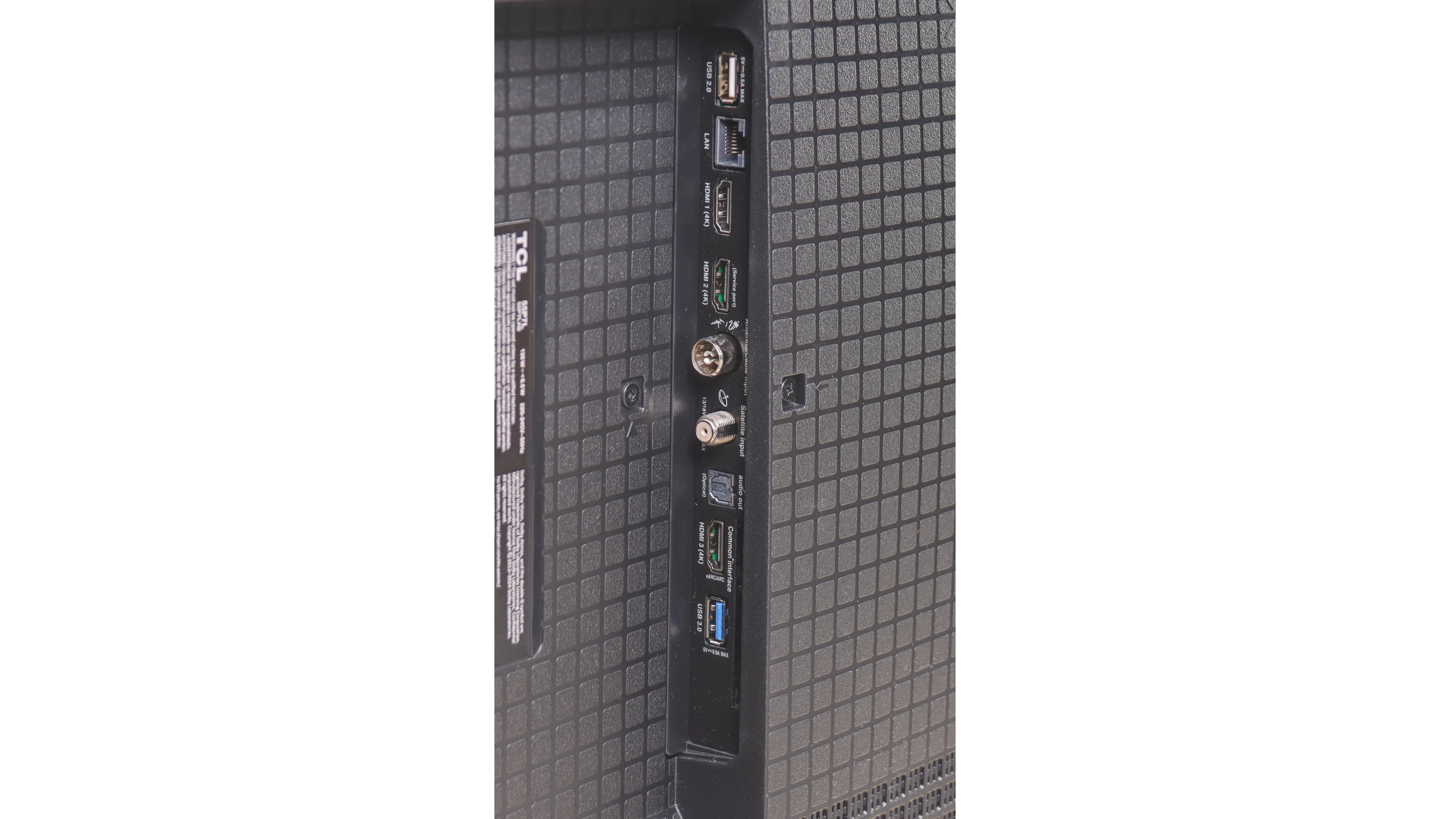
  • HDMI inputs
    4 x HDMI 2.0, 0 x HDMI 2.1
    3 x HDMI 2.0, 0 x HDMI 2.1
  • Other inputs
    RCA (Chinch)
  • Outputs
    Toslink (Optical audio), eARC (HDMI), ARC (HDMI), Mini-Jack (Headphones)
    Toslink (Optical audio), eARC (HDMI), ARC (HDMI)
  • Network Interfaces
    Wi-Fi 2.4GHz, Wi-Fi 5GHz, Ethernet (LAN) 100Mbps
    Wi-Fi 2.4GHz, Wi-Fi 5GHz, Ethernet (LAN) 100Mbps
  • TV reception
    DVB-T, DVB-T2, DVB-S, DVB-S2, DVB-C
    DVB-T, DVB-T2, DVB-S, DVB-S2, DVB-C

Classic features:

  • Recording to USB (terrestrial TV)
    No
    No
  • Recording programming
    No
    No
  • Picture in Picture (PiP)
    No
    No
  • RF remote control (no need to aim)
    Yes
    Yes
  • Backlit remote control
    No
    No
  • Teletext
    Yes
    Yes
  • Audio only mode
    Yes
    Yes
  • Bluetooth headphones support
    Yes
    Yes
  • Simultaneous Bluetooth headphones & TV audio
    No
    Yes

Smart features:

  • AirPlay
    No
    Yes
  • Screen mirroring (Windows Miracast)
    Yes
    Yes
  • Voice search
    Yes
    Yes
  • Voice search in native language
    Yes
    Yes
  • Ability to connect a keyboard and mouse
    Yes
    Yes
Review Sharp GP7 TV features
Review TCL P7L / P79L TV features

Sound connection options

  • HDMI audio
    eARC (HDMI), ARC (HDMI)
    eARC (HDMI), ARC (HDMI)
  • Other audio outputs
    Toslink (Optical audio), Mini-Jack (Headphones)
    Toslink (Optical audio)
  • Wireless audio
    Bluetooth
    Bluetooth

Supported audio formats (external HDMI eARC audio):

  • Dolby Digital Plus 7.1
    Yes
    Yes
  • Dolby True HD 7.1
    No
    No
  • Dolby Atmos in Dolby Digital Plus (JOC)
    Yes
    Yes
  • Dolby Atmos in Dolby True HD
    No
    No
  • DTS:X in DTS-HD MA
    No
    Yes
  • DTS-HD Master Audio
    No
    Yes

Senior accessibility

  • Numeric keyboard on TV
    No
    Yes
  • Font size adjustment
    No
    No
  • Audio description
    No
    Yes

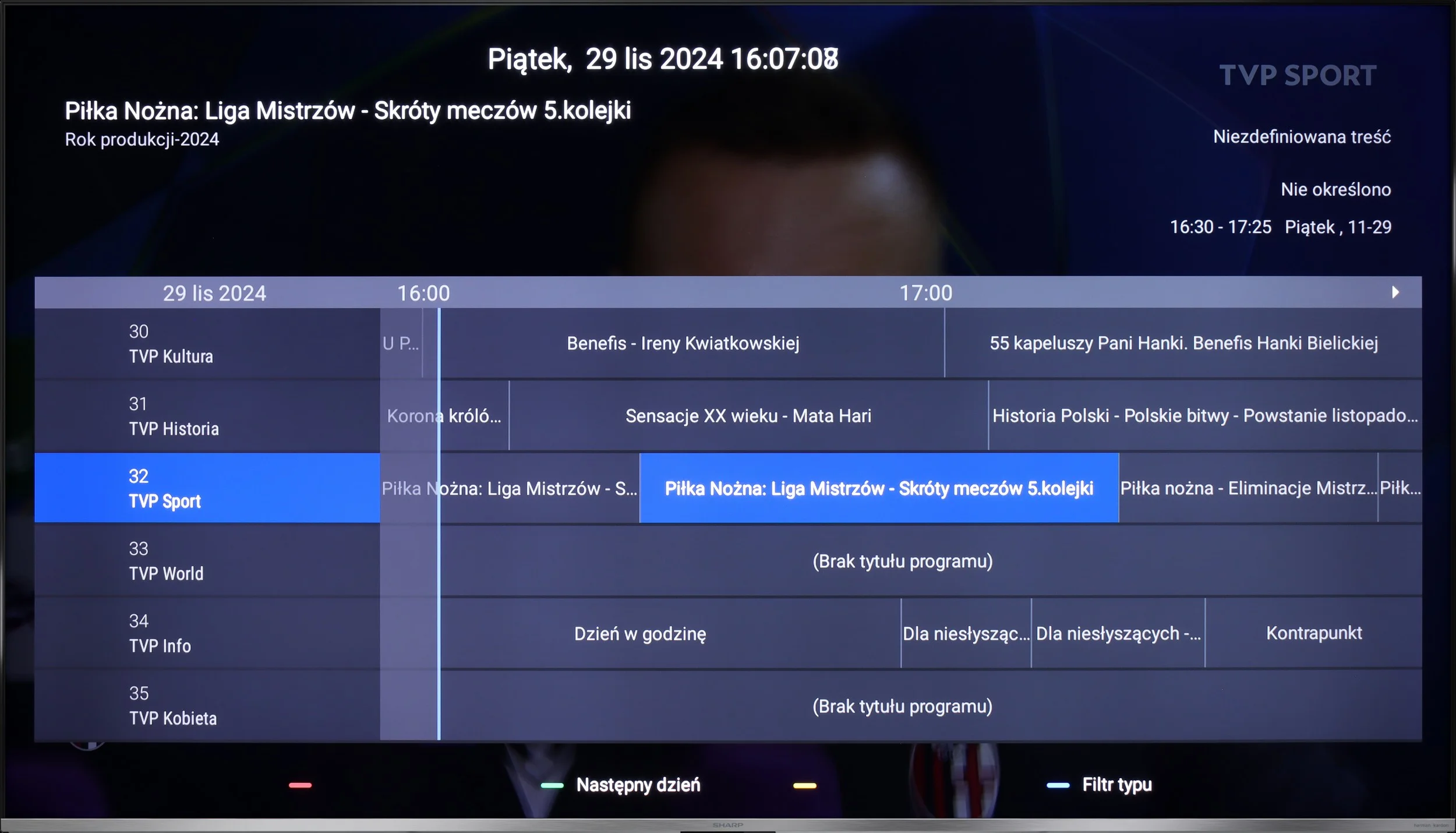
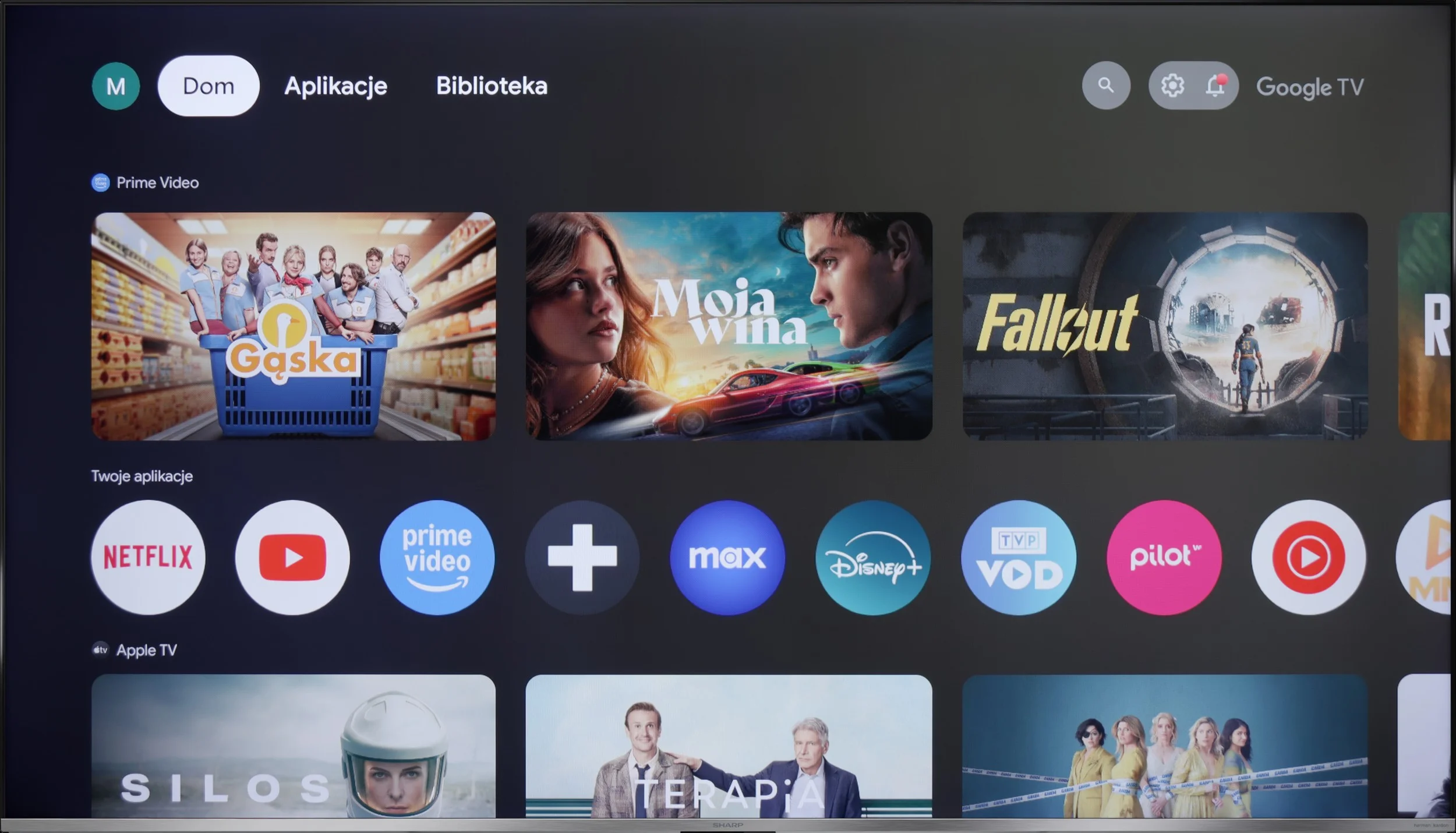
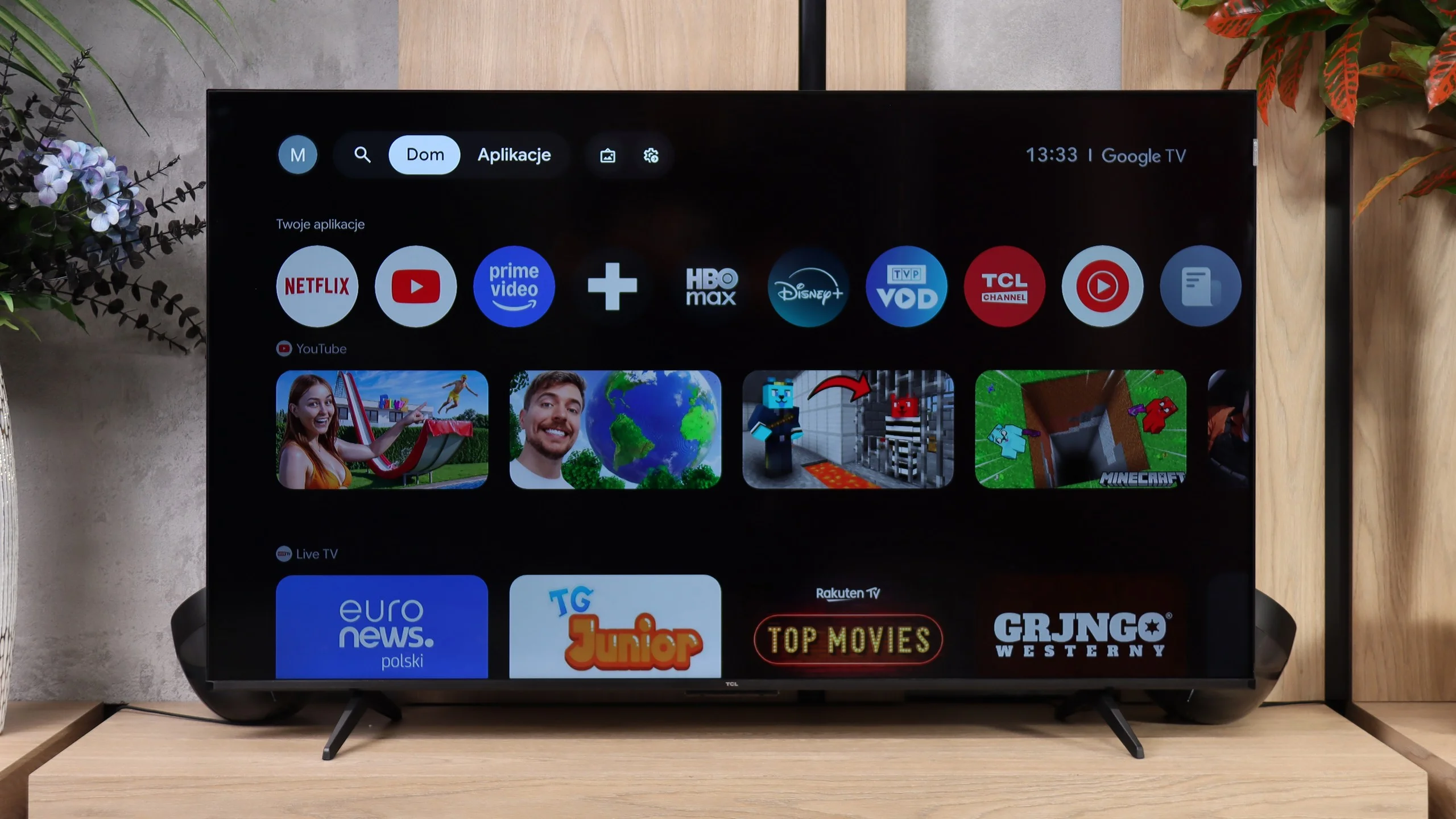
Sharp GP7 operates on the Google TV system, which provides access to a rich library of applications and streaming services. Its main advantage is the clear interface that integrates content from various sources in one place, making it easy to search and manage. Voice control in Polish works perfectly, and with the remote that has a built-in microphone, we can quickly find the content we're interested in, such as movies, series, or music. Regular system updates ensure that Google TV stays current, adapting to new user needs and introducing additional features. It's a convenient and modern solution that makes using the TV intuitive and enjoyable.


Although Google TV is a strong point of the GP7, the other features of the television are not as impressive. It lacks the ability to record programs or picture-in-picture (PiP) mode, and Apple users may feel the absence of support for AirPlay. However, there is Miracast for Windows and Bluetooth, allowing the connection of headphones or a keyboard. This is a sufficient foundation for less demanding users, although those expecting more advanced features may feel unsatisfied. The Sharp GP7 mainly focuses on the smart capabilities offered by Google TV, leaving traditional solutions in the background.

Smart TV

TCL P7L runs on Google TV, and that's definitely one of the model's stronger points. The system gives access to virtually all popular streaming apps, and it also supports AirPlay, screen casting from other devices and voice search, including Polish. The interface itself runs fine. It's not as fast as on pricier TVs, but in everyday use it shouldn't be particularly annoying.

TV features

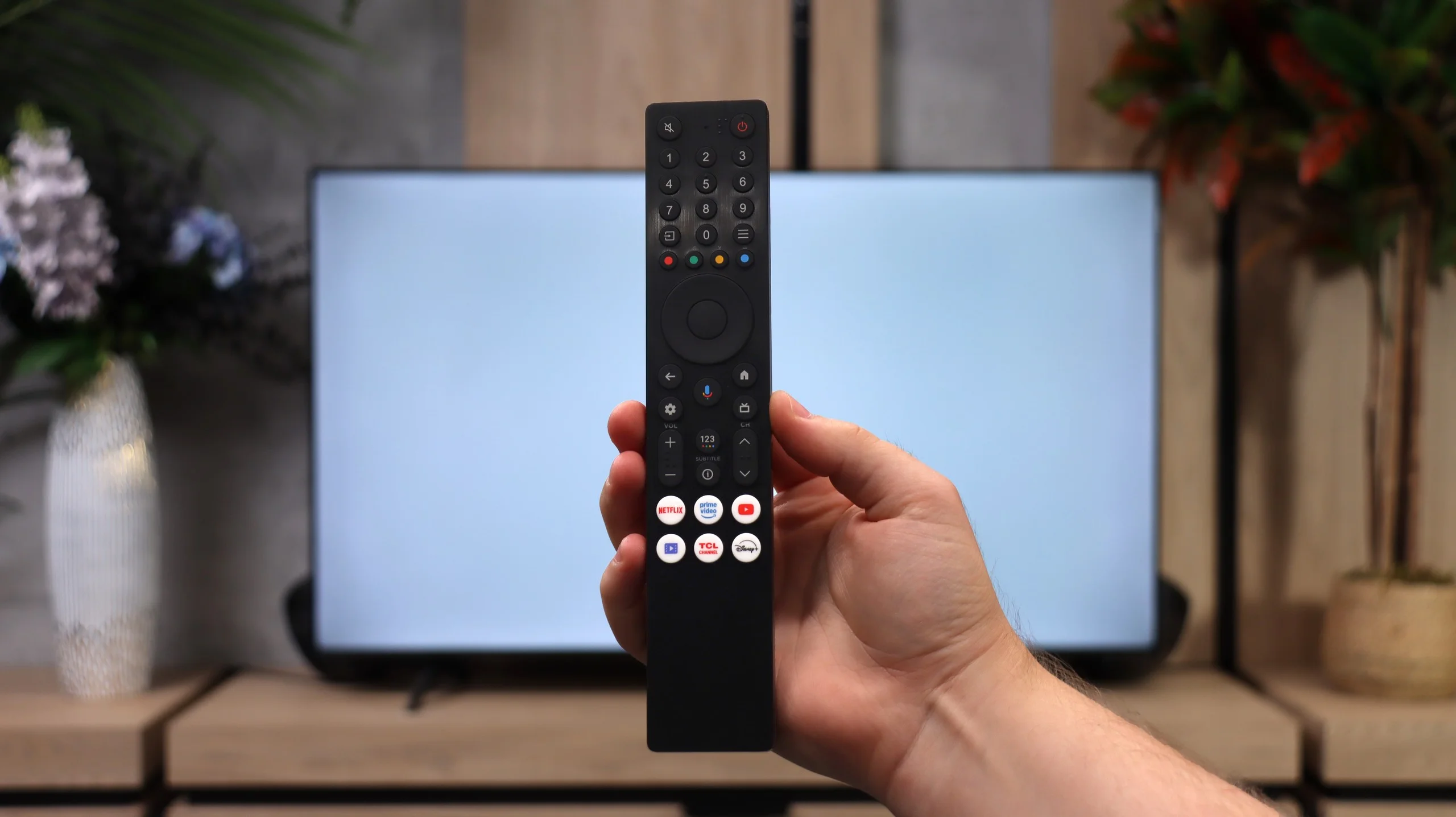
When it comes to more traditional features, the P7L is clearly a more basic TV. There's no USB recording, no scheduled recordings and no picture-in-picture, so people used to those extras on older TVs may miss them. What remains are the basics: teletext, an audio-only mode, support for Bluetooth headphones and the ability to play sound through the TV speakers and headphones at the same time. The remote works over radio, so you don't have to point it directly at the screen, which is simply more convenient in daily use.

Apps

9.6/10

9.6/10

OK
Disney_Plus
OK
Amazon_Prime_Video
OK
Player_TVN
OK
Polsat_Box_Go
OK
Canal_Plus_Online
OK
TVP_VOD
OK
Apple_TV_Plus
OK
SkyShowtime
OK
Rakuten
OK
CDA_Premium_Browser
OK
Spotify
OK
Tidal
OK
Netflix
OK
YouTube
OK
HBO_MAX
OK
Kodi
No
Apple_music
OK
Eleven_sports
No
Xbox Game Pass
OK
GeForce NOW
No
Amazon Luna
OK
Boosteroid
OK
Steam Link
OK
Disney_Plus
OK
Amazon_Prime_Video
OK
Player_TVN
OK
Polsat_Box_Go
OK
Canal_Plus_Online
OK
TVP_VOD
OK
Apple_TV_Plus
OK
SkyShowtime
OK
Rakuten
OK
CDA_Premium_Browser
OK
Spotify
OK
Tidal
OK
Netflix
OK
YouTube
OK
HBO_MAX
OK
Kodi
No
Apple_music
OK
Eleven_sports
No
Xbox Game Pass
OK
GeForce NOW
No
Amazon Luna
OK
Boosteroid
OK
Steam Link

Playing files from USB

9/10

8.7/10

Supported photo formats:

JPEG
Yes
Yes
HEIC
Yes
No
PNG
Yes
Yes
GIF
Yes
Yes
WebP
Yes
No
TIFF
No
Yes
BMP
Yes
Yes
SVG
No
No

Maximum photo resolution:

4 Mpix
Yes
Yes
6 Mpix
Yes
Yes
8 Mpix
Yes
Yes
10 Mpix
Yes
No
12 Mpix
Yes
No
16 Mpix
Yes
Yes
20 Mpix
Yes
No
24 Mpix
Yes
No
28 Mpix
Yes
No
32 Mpix
Yes
Yes

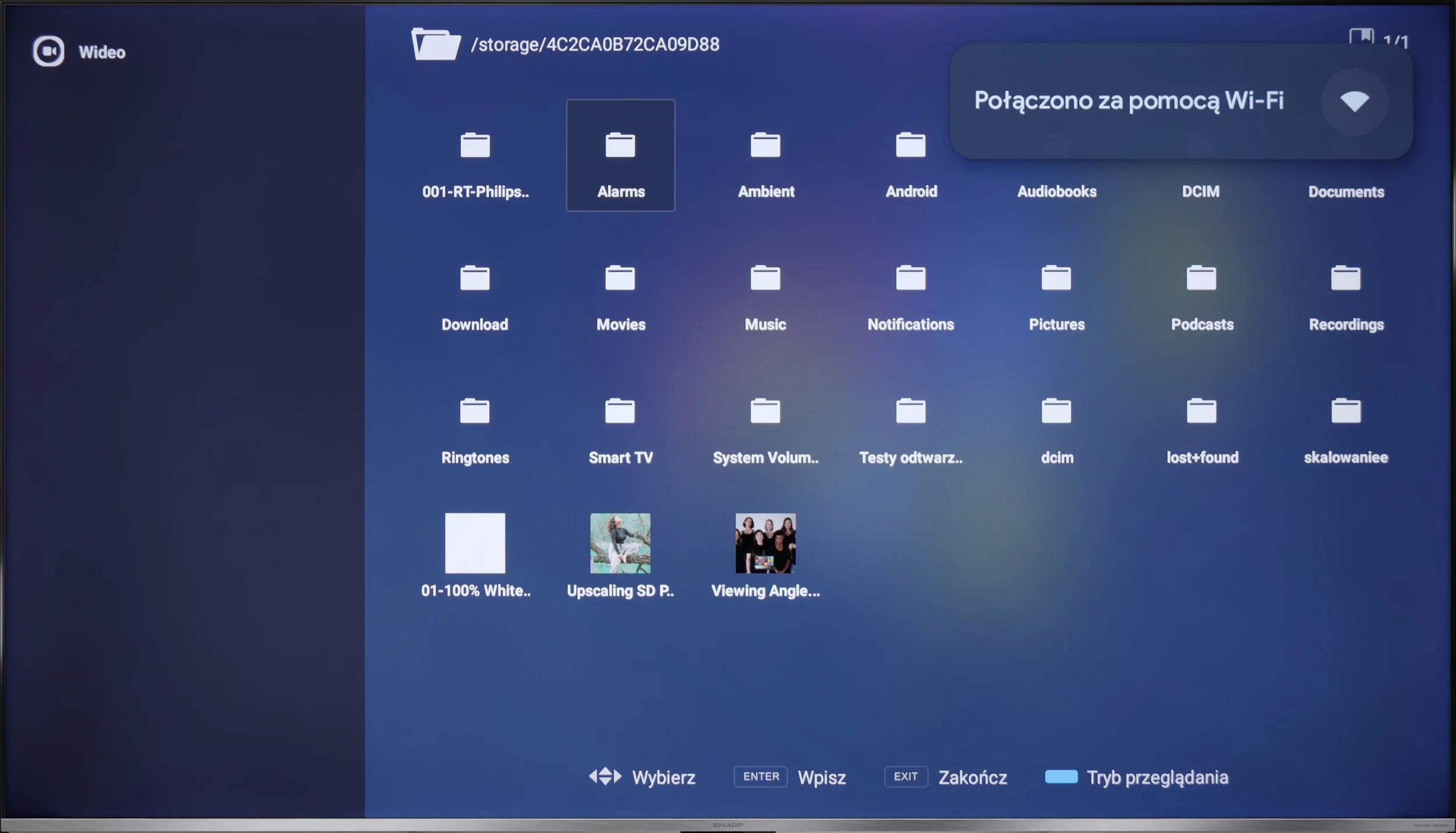
The media player performs quite well, supporting most popular formats. The only minor downside is the inability to change the font colour in subtitles, although for some of us, that’s a detail. We can always install another player from the Google Play store and customise it to our own preferences.

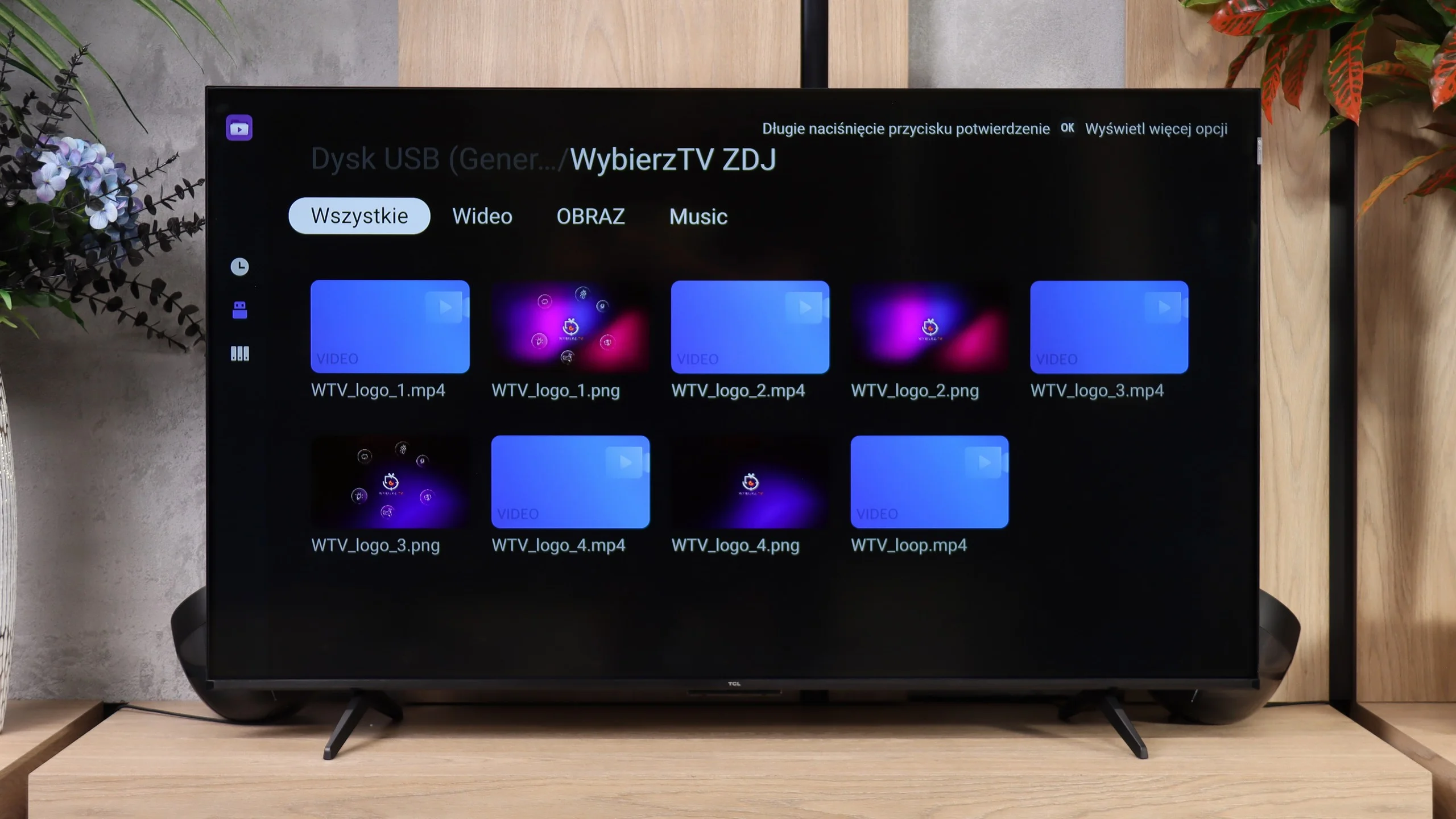
The built-in file player in the TCL P7L performs quite well. The TV handles most common video and subtitle formats and also plays 4K material encoded with newer codecs without any trouble. For occasional viewing of movies from a USB stick or an external drive it is more than enough, and there is little to complain about in that respect. What proved most annoying, however, was photo playback. The P7L did not always open higher-resolution files correctly and was rather selective, with some large photos working and others not. So if you plan to frequently browse photos from your camera or phone on the TV, it’s worth keeping that in mind.

Sound

6.6/10

6.2/10

  • Maximum volume
    -
    89dB
  • Dolby Digital Plus 7.1
    Yes
    Yes
  • Dolby True HD 7.1
    No
    No
  • Dolby Atmos in Dolby Digital Plus (JOC)
    Yes
    Yes
  • Dolby Atmos in Dolby True HD
    No
    No
  • DTS:X in DTS-HD MA
    No
    Yes
  • DTS-HD Master Audio
    No
    Yes

Despite collaborating with Harman Kardon, the speakers perform rather average. The sound is decent, but there's nothing in it that really surprises us. It doesn’t support DTS:X, however, Dolby Atmos is onboard, which, when combined with good material, can slightly enhance the experience. If we care about better audio quality, we will likely consider purchasing an external soundbar or audio system anyway.

The sound on the TCL P7L is fairly conventional for a budget TV. The speakers can get quite loud and dialogue is clear, but they lack depth and, above all, bass. For regular TV, YouTube or news, that setup is perfectly adequate, but in films and music you quickly notice the sound is fairly flat and thin. On the plus side, it supports a wide range of formats, including Dolby Atmos and DTS. However, the TV itself can’t create a full spatial effect from those formats, so if you want stronger sound, especially in the low end, a soundbar will be a much better choice.

Sound Quality Test

No sound test video

Acoustic Measurements

No acoustic data

89dBC (Max)

75dBC

Reader comments

Comments are provided by the external service Disqus (Zeta Global). Once loaded, Disqus may set cookies and process data about your activity.

We will remember your choice on this device. Provider's privacy policy