Sharp GP7 vs Samsung OLED S95H (S99H) (QD-OLED)

Direct comparison

GP7265E / GP7465E / GP7765E

Info

S99H / S95H

Info

Available screen sizes: 55”65”75”

Available screen sizes: 55”65”77”83”

Panel type: LCD VA

Resolution: 3840x2160

System: Google TV

Model year: 2024

Complete the survey to find out the result

Panel type: QD-OLED

Resolution: 3840x2160

System: Tizen

Model year: 2026

Complete the survey to find out the result

Overall rating

6.2

9.0

  • Movies and series in UHD quality

    6.5

    9.7

  • Classic TV, YouTube

    6.3

    9.5

  • Sports broadcasts (TV and apps)

    5.5

    9.0

  • Gaming on console

    6.0

    9.9

  • TV as a computer monitor

    5.7

    8.8

  • Watching in bright light

    5.3

    8.0

  • Utility functions

    5.5

    7.8

  • Apps

    9.6

    9.3

  • Sound quality

    6.6

    8.7

Advantages

  • Google TV system – intuitive, sophisticated interface

  • Good HDR quality with Dolby Vision

  • Strong contrast

  • Decent brightness

  • Good image scaling

  • Gentle tonal transitions

  • Perfect OLED blacks

  • Reference image quality in HDR (after calibration)

  • Very high brightness (over 2800 nits in HDR!)

  • Beautifully saturated QD-OLED colours

  • Excellent glare suppression (matte coating)

  • Very good motion clarity (no smearing, refresh rate up to 165 Hz)

  • Brilliant for gamers (4x HDMI 2.1, low input lag, Game Motion Plus)

  • Fast Tizen OS with 7 years of support

  • Top viewing angles

  • High build quality

Disadvantages

No like
  • Average choice for gamers

  • No AirPlay

  • No recording / PiP feature

  • No wall mount or One Connect included

  • Black takes on a cherry tint in bright light (a characteristic of QD-OLED panels)

  • No DTS:X (for Blu-ray fans)

  • Unusual design 😉

Our verdict

Sharp GP7 is a TV that certainly has its strong points, but it also has a few drawbacks. Is it perfect? No, but at its price, it does a really decent job and will serve well as quite a nice choice in many homes. The biggest plus? The Google TV system. Here Sharp GP7 shows its class – we have an enormous selection of apps, probably the largest on the market. It doesn't matter if we want to watch Netflix, YouTube, or something less known – we’ll find everything in one place. Plus, the interface is simple and intuitive, and if we don’t feel like clicking, we can just say what we’re looking for to the remote, as it supports voice commands in Polish. Google TV is definitely something that elevates the value of this TV, as we don't feel like we're missing anything. It just works. When it comes to picture quality, it's also quite good. A brightness level of 500 nits combined with Dolby Vision does the job – movies look really solid for this price range. Colours, thanks to the PFS (QLED) coating, are vivid, and the contrast from the VA panel makes dark scenes have depth, and the whole picture just "comes alive". It’s not at a premium level, but for this price, you can’t really complain too much. It’s a good picture that will satisfy most users. Of course, there are also weaker sides. The TV struggles with dynamic scenes – sports or video games won't look perfect here. The 60 Hz panel and its response time cannot provide the highest fluidity. Additionally, the manufacturer mentions HDMI 2.1, but all we find here is the ALLM function. There's a lack of VRR, G-Sync, or other additions that could attract gamers.

To sum up – Sharp GP7 is a solid TV for everyday viewing of movies and series. It’s not for gamers or fans of sports broadcasts, but for universal use – absolutely. If we value access to a rich ecosystem of apps and good picture quality at a reasonable price, this model might be just right for us.
The Samsung S99H is probably the best OLED TV we’ve tested so far, and certainly the best Samsung OLED in years. In terms of picture quality it’s really hard to find a weak spot. Blacks are perfect, as you’d expect from an OLED panel, and the HDR performance impresses with brightness and colour saturation. The use of a QD-OLED panel produces an image that in many scenes looks almost reference-level. Practically every parameter related to display performance is excellent. It’s also simply a pleasure to use day to day. Tizen is fast, gives access to all the major apps and comes with seven years of update support. On top of that there are brilliant gaming features, which translated into one of the highest scores in that category on our site. The S99H will therefore perform well in virtually any situation, whether you’re watching movies in the evening, following regular TV in a bright living room, or spending several hours on a console.

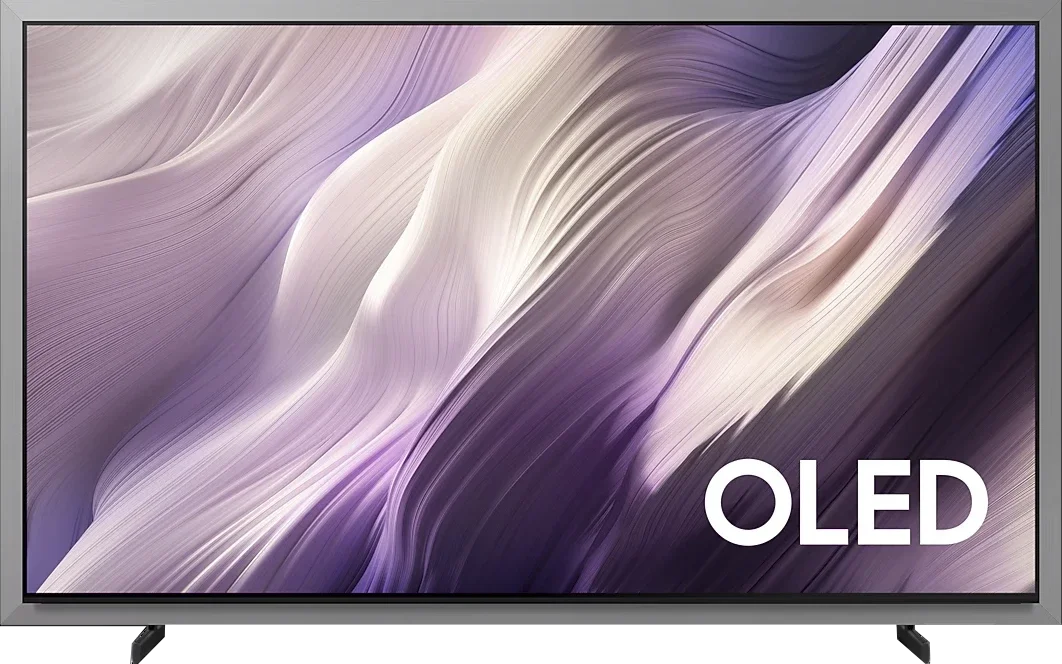
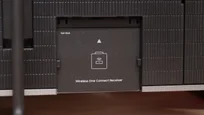
So is it the perfect TV? Not quite. The most controversial aspect is, of course, the design. Its unique look with a wide bezel means you’ll either love it straight away or be put off completely — and that’s purely a matter of taste. We can, however, judge the equipment, and in that respect Samsung left something to be desired. In a model designed primarily for wall mounting there’s no dedicated wall bracket and no One Connect module. Samsung does allow you to buy the wireless version, Wireless One Connect, but for a product at this price point those two items should, in our view, be included.

These are not faults that should rule out the model. The Samsung S99H stands on its picture above all else, and that picture is simply phenomenal. If you like the way it looks and are after the very best TV, it’s hard to point to a better choice today. At the moment the Samsung S99H is the strongest contender for the title of best TV of 2026.

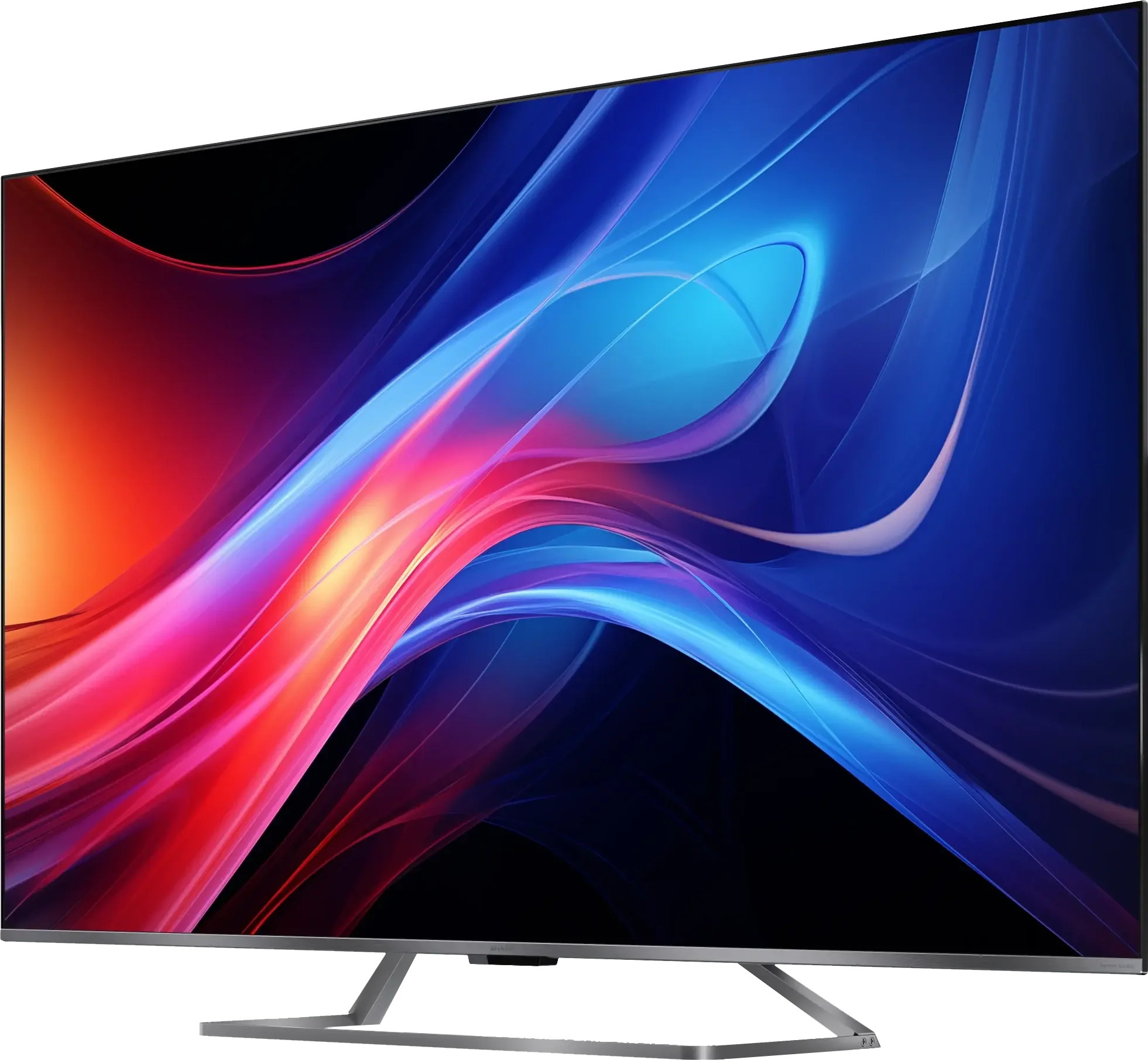
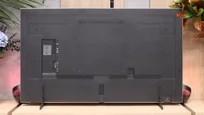
TV appearance

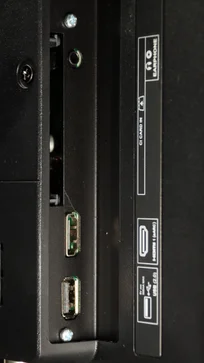
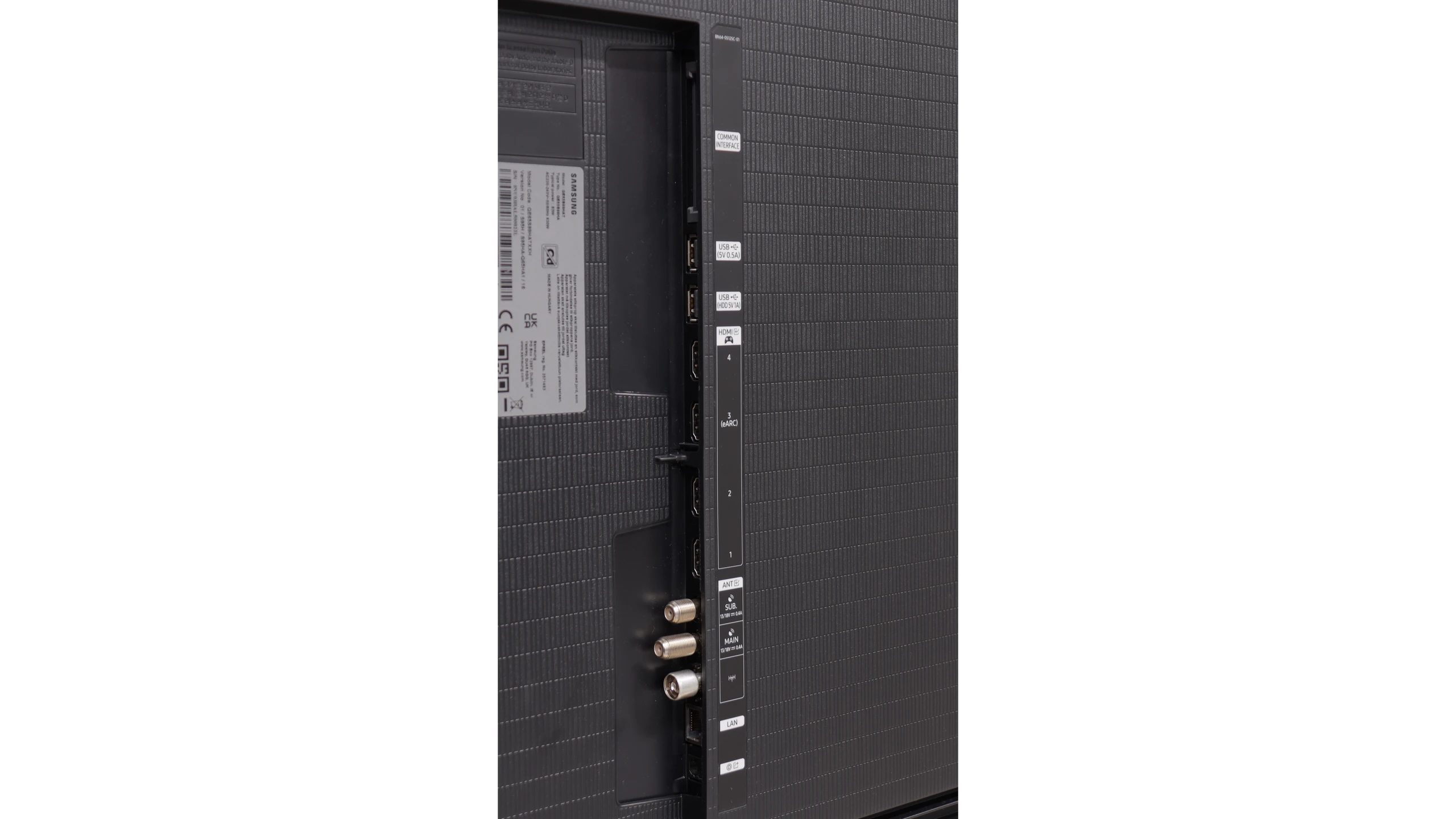
HDMI inputs
4 x HDMI 2.0, 0 x HDMI 2.1
0 x HDMI 2.0, 4 x HDMI 2.1 (48Gbps)
Other inputs
RCA (Chinch)
Outputs
Toslink (Optical audio), eARC (HDMI), ARC (HDMI), Mini-Jack (Headphones)
Toslink (Optical audio), eARC (HDMI), ARC (HDMI)
Network Interfaces
Wi-Fi 2.4GHz, Wi-Fi 5GHz, Ethernet (LAN) 100Mbps
Build quality
Good
Super Premium
Stand type
Central
Legs
Bezel color
Silver
Silver
Stand
Fixed
Fixed
Flat design
No
Yes
Accessories
Stand
Stand

Contrast and black detail

5.8/10

10/10

Local dimming function: No

Contrast:

Review Sharp GP7 Contrast and black detail

Result

5,250:1

Review Sharp GP7 Contrast and black detail

Result

5,450:1

Review Sharp GP7 Contrast and black detail

Result

5,950:1

Review Sharp GP7 Contrast and black detail

Result

5,950:1

Review Sharp GP7 Contrast and black detail

Result

4,000:1

Review Samsung OLED S95H (S99H) (QD-OLED) Contrast and black detail

Result

:1

Review Samsung OLED S95H (S99H) (QD-OLED) Contrast and black detail

Result

:1

Review Samsung OLED S95H (S99H) (QD-OLED) Contrast and black detail

Result

:1

Review Samsung OLED S95H (S99H) (QD-OLED) Contrast and black detail

Result

:1

Review Samsung OLED S95H (S99H) (QD-OLED) Contrast and black detail

Result

:1

Halo effect and black detail visibility:

Check the visibility of bright lights on a dark background. Mini-LEDs often struggle with this. The photo does not compare black levels – that’s what the video below is for.

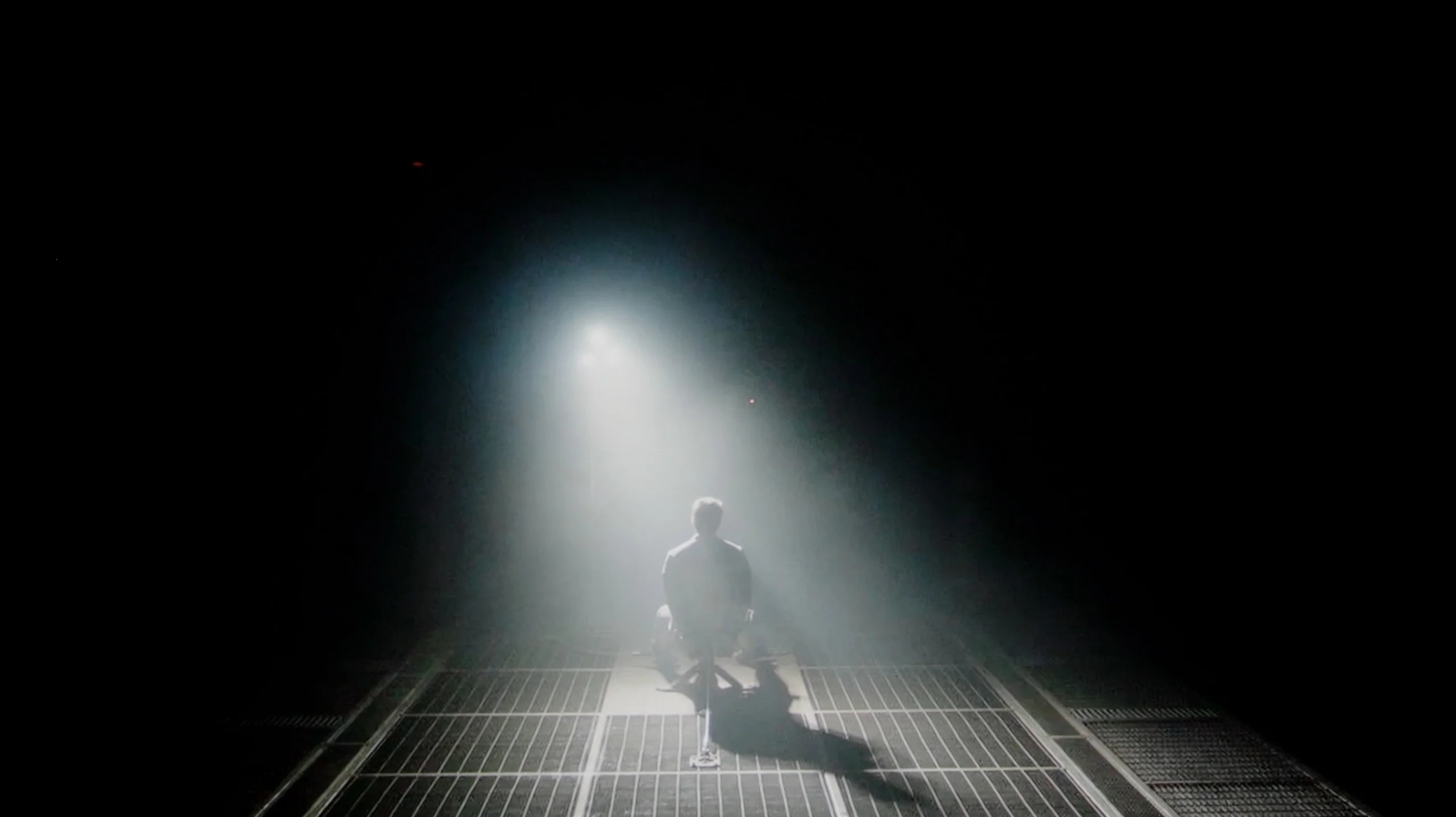
The video accurately shows differences in contrast and black levels between TVs, as well as potential issues: halo around bright objects or Mini-LED zone operation visible as brightness jumps.

Sharp GP7 uses a VA panel, which allows it to boast quite a decent contrast. In our measurements, we achieved around 5000:1, which is a solid result for this price range. For example, when watching bright, contrasting scenes in Oblivion, we did not have the impression that the lights were merging into a single blot. Clear boundaries between the different light sources are still visible. On the other hand, the lack of local dimming means that in dark areas of the image, blacks often take on blue tones. This is a phenomenon that did not surprise us, as it is difficult to expect absolute perfection in this area at this price point. However, it is worth keeping in mind if we expect the TV to deliver inky blacks rather than what we might experience during the test scene from Sicario 2.

As you'd expect from an OLED TV, the Samsung S99H delivers perfect black and virtually infinite contrast. Each pixel can switch off independently, so bright elements cause no haloing and blacks stay black even in the toughest scenes. This gives the picture excellent depth and it looks great in films, TV series and games. Compared with Mini LED LCD TVs, the advantage is particularly noticeable in dark shots with small bright details. Subtitles, stars, headlights and small light sources retain full definition and don't blend into the background. You also don't get the haloing typical of local dimming, nor the dimming down of bright elements just to preserve deep blacks. Importantly, in this respect it doesn't much matter whether we're talking about the QD-OLED panel or Tandem WOLED. In both cases you can expect the same fundamental benefits of organic technology: precise per-pixel control and excellent contrast regardless of the scene.

HDR effect quality

5.5/10

9.4/10

Supported formats
HDR10, Dolby Vision, HLG
HDR10, HDR10+, HLG
Color gamut coverage
DCI P3: 95.2%, Bt.2020: 73.0%
DCI P3: 99.9%, Bt.2020: 89.0%

Luminance measurements in HDR:

Review Sharp GP7 Brightness measurement

Result

428 nit

Review Sharp GP7 Brightness measurement

Result

448 nit

Review Sharp GP7 Brightness measurement

Result

492 nit

Review Sharp GP7 Brightness measurement

Result

471 nit

Review Sharp GP7 Brightness measurement

Result

499 nit

Review Samsung OLED S95H (S99H) (QD-OLED) Brightness measurement

Result

2837 nit

Review Samsung OLED S95H (S99H) (QD-OLED) Brightness measurement

Result

2795 nit

Review Samsung OLED S95H (S99H) (QD-OLED) Brightness measurement

Result

2592 nit

Review Samsung OLED S95H (S99H) (QD-OLED) Brightness measurement

Result

2811 nit

Review Samsung OLED S95H (S99H) (QD-OLED) Brightness measurement

Result

2271 nit

Scene from the movie “Pan” (about 2800 nits)

Scene from the movie “Billy Lynn” (about 1100 nits)

The photos show two HDR10 movies. 'Pan' is one of the brightest productions ever made, while 'Billy Lynn' (soldier) has brightness typical of streaming (Netflix, Prime, HBO MAX). Notice the intensity of effects and detail in whites.

Static HDR10

The photos present the visibility of white details in various HDR formats. They do not show brightness differences between TVs (these can be compared in the previous gallery).

Dynamic: Dolby Vision

Dynamic: HDR10+

The photos present the visibility of white details in various HDR formats. They do not show brightness differences between TVs (these can be compared in the previous gallery).

HDR luminance chart:

Samsung OLED S95H (S99H) (QD-OLED)

Sharp GP7

In terms of HDR, Sharp GP7 can surprise us pleasantly. The maximum brightness of around 500 nits is the threshold at which the real advantages of high dynamic range begin to be visible. During our tests, we achieved stable values between 430 and 500 nits, which translated to a clearer distinction of elements in both bright and slightly darker scenes. Additionally, it has a DCI-P3 colour gamut coverage of about 95%, allowing for vibrant, visually pleasing colours. Of course, it isn't top-tier, but for this price range – a big plus.

When it comes to pure brightness, the S99H is an astronomically bright TV. Its peak brightness in film scenes can exceed 2,800 nits. Whatever the scene, you can expect powerful HDR effects that are almost blinding, which is exactly what we want from a top‑tier display. By nature, an OLED panel can't maintain that extreme brightness in very bright, full‑screen frames the way it can with small bright highlights, but the results are still excellent. In a bright scene from The Meg the sun still exceeded 2,200 nits. That means the S99H was able to hold a higher brightness than most Mini LED screens on the market. In terms of brightness the S99H is currently the best OLED TV we've tested.

Colour gamut coverage

The S99H also handles colours exceptionally well, thanks directly to the QD‑OLED panel used here. Whether the test used synthetic test patterns or measurements with film material in the background, the results remained very high. The S99H easily covers almost 100% of the DCI‑P3 gamut, and in the most demanding space, BT.2020 it reaches nearly 90%. That's absolute top‑tier performance. These results match what we saw in the new SQD‑Mini‑LED displays, and in real film scenes they even surpass RGB Mini LED displays.

Factory color reproduction

7.1/10

7.5/10

This gallery shows how colors change after professional TV calibration. If you notice the difference, we recommend ordering this service at SkalibrujTV.com.

Factory Mode

After calibration

This gallery shows how colors change after professional TV calibration. If you notice the difference, we recommend ordering this service at SkalibrujTV.com.

Factory Mode

After calibration

Out of the box, in movie mode, GP7 doesn't fare badly at all. In HD materials, we noticed slight disturbances in white balance - drops in red and blue that made the image take on a somewhat greenish hue. This is noticeable, for instance, on the faces of characters, which become less lifelike. The gamma is slightly brighter in places, resulting in less deep blacks. In 4K HDR content, a cooler, bluish tone also emerges, making the colours appear less natural. On the other hand, looking at it from a "straight out of the box" perspective, these settings aren't bad - a few minor adjustments will suffice, and with the help of special tools, we will try to improve them.

Samsung offers a whole host of picture modes and features, but we traditionally recommend choosing FILMMAKER mode, especially if you want the most faithful rendering of the creators' intent. Out of the box the TV is tuned very well, though it has minor flaws. These are mainly a slight deviation in white balance in SDR content and a slightly low gamma. As a result, the picture in a dark room can be a little too bright compared with the reference value of 2.4, which is the standard for watching films with the lights off. These are, of course, small issues, because overall colour reproduction remains very good and the errors in ColorChecker measurements are not large. However, we know that for a screen of the S99H's calibre you can and should expect even more, so we subjected it to professional calibration.

Color reproduction after calibration

7.5/10

9.6/10

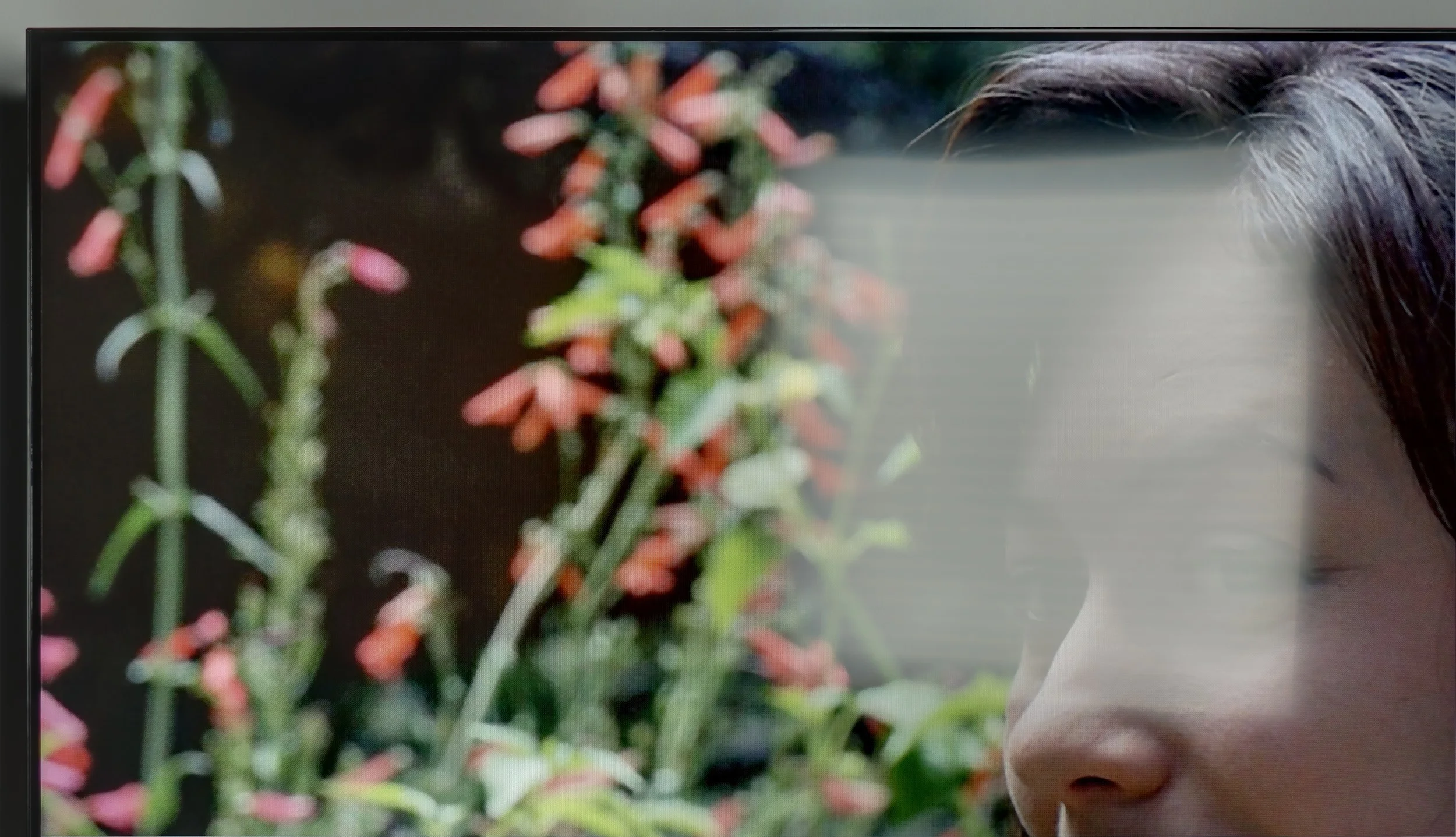
The photos show how movies look on the TV. Pay attention to black detail visibility, colors, and shadow tint.

The photos show how movies look on the TV. Pay attention to black detail visibility, colors, and shadow tint.

Calibration really makes a difference in Sharp GP7. After making adjustments, we achieved a better white balance in HD content, and the colours started to look much more natural, with minimal deviations and no clear dominance of individual hues. In 4K HDR, the change isn't as spectacular, but it's still noticeable. The gamma has been brought to a more neutral level, although a slight boost in the brightest details on the screen is still evident. The inability to control dynamic tone mapping limits our manoeuvrability, but nonetheless, this is a significant step forward compared to the factory settings.

After professional calibration, FILMMAKER mode looks practically perfect. Because Samsung offers a rich set of advanced calibration controls, we were able to tune the colours to an almost perfect level. Above all, we managed to even out the white balance and the gamma curve, which resulted in noticeably improved contrast and correct image modelling. In a profile prepared like this there really isn't a single thing to pick apart or call a fault. After calibration, the S99H can deliver an essentially reference-quality picture.

Smoothness of tonal transitions

9/10

9.6/10

These are selected scenes that show smooth tonal transitions from one color to another. If you see distinct banding, it’s the TV panel’s fault.

These are selected scenes that show smooth tonal transitions from one color to another. If you see distinct banding, it’s the TV panel’s fault.

These are selected scenes that show smooth tonal transitions from one color to another. If you see distinct banding, it’s the TV panel’s fault.

These are selected scenes that show smooth tonal transitions from one color to another. If you see distinct banding, it’s the TV panel’s fault.

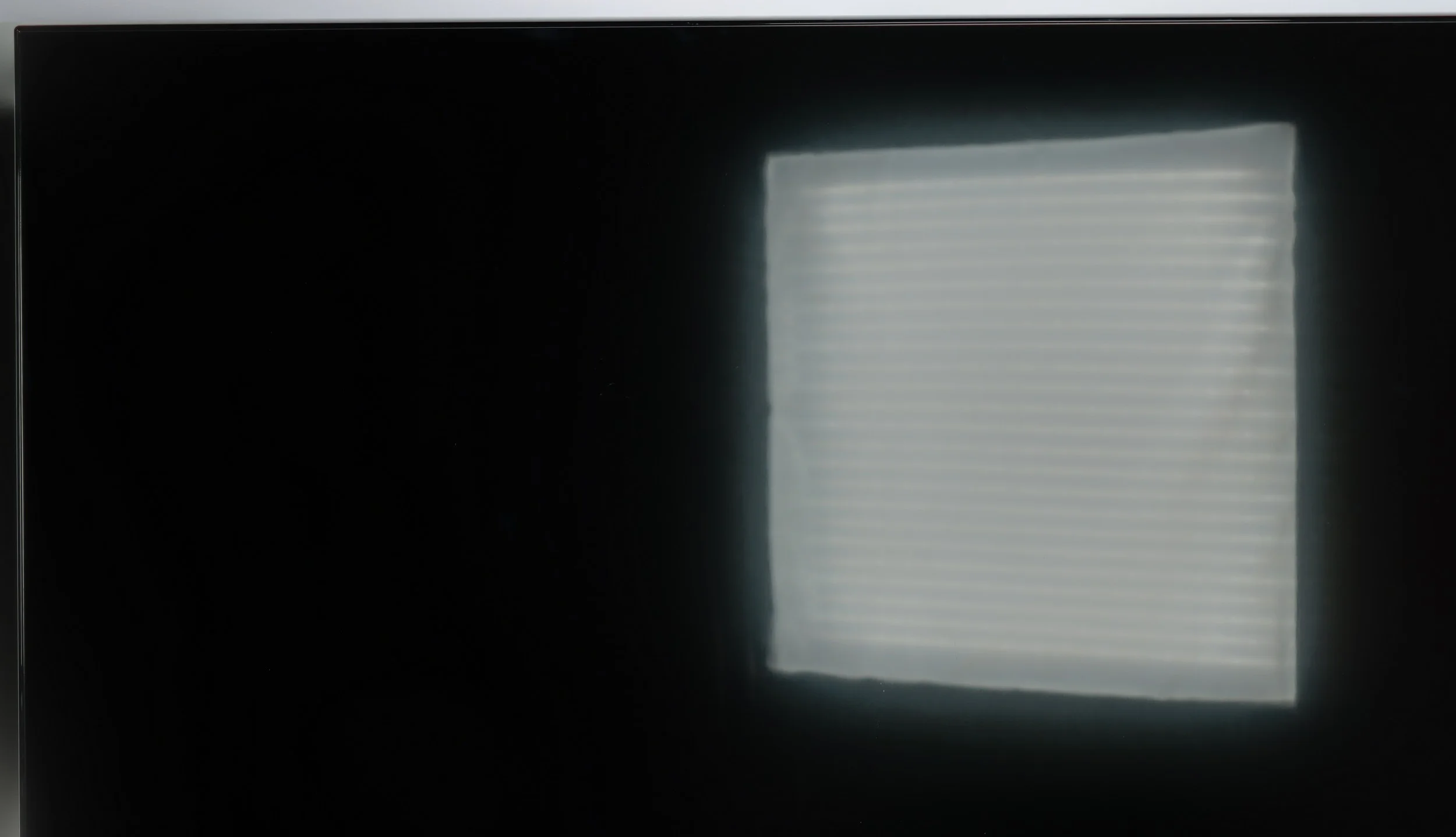
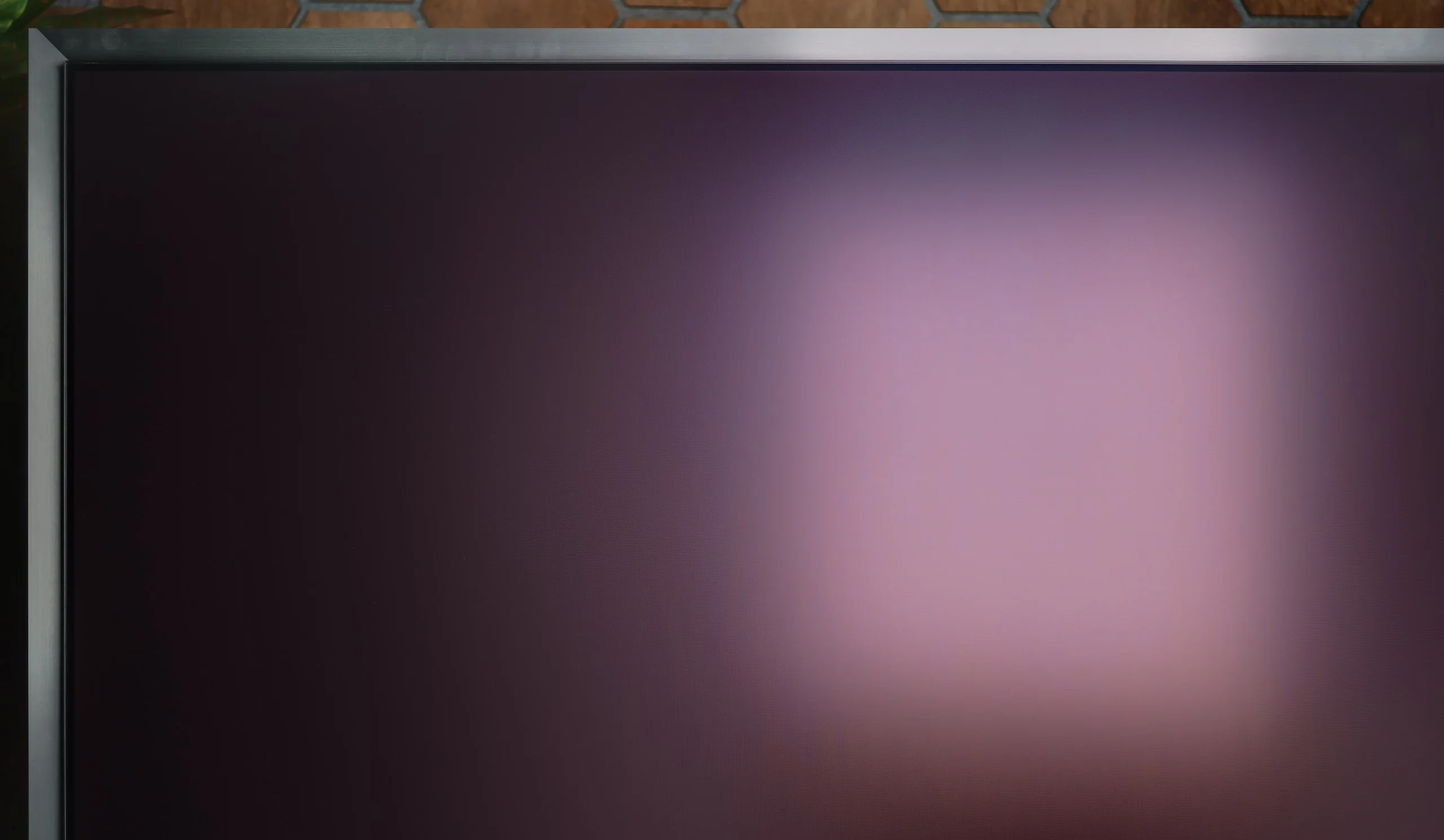
The fluidity of tonal transitions is a strong point of GP7 Sharp. Colour shades flow smoothly, without distinct lines or blotches. Whether we were watching dynamic action scenes or calm, picturesque landscape shots, we did not encounter significant issues with so-called banding. Any potential shortcomings are subtle enough that most of us wouldn't even notice them. The only flaw is the average uniformity of backlighting, which can at times disrupt the perfect effect.

The smoothness of tonal transitions on the Samsung S99H looks very good. Bright scenes fare best, where successive shades blend very smoothly with no visible banding. In darker passages it is also good, though you can occasionally notice small imperfections. In everyday viewing they are practically unnoticeable. It is also worth noting that this is one of the strengths of QD-OLED panels. Compared with WOLED panels, they cope much better with near-black transitions, where competing panels from LG Display more often show posterisation and uneven tonal gradation.

Image scaling and smoothness of tonal transitions

7.1/10

7.5/10

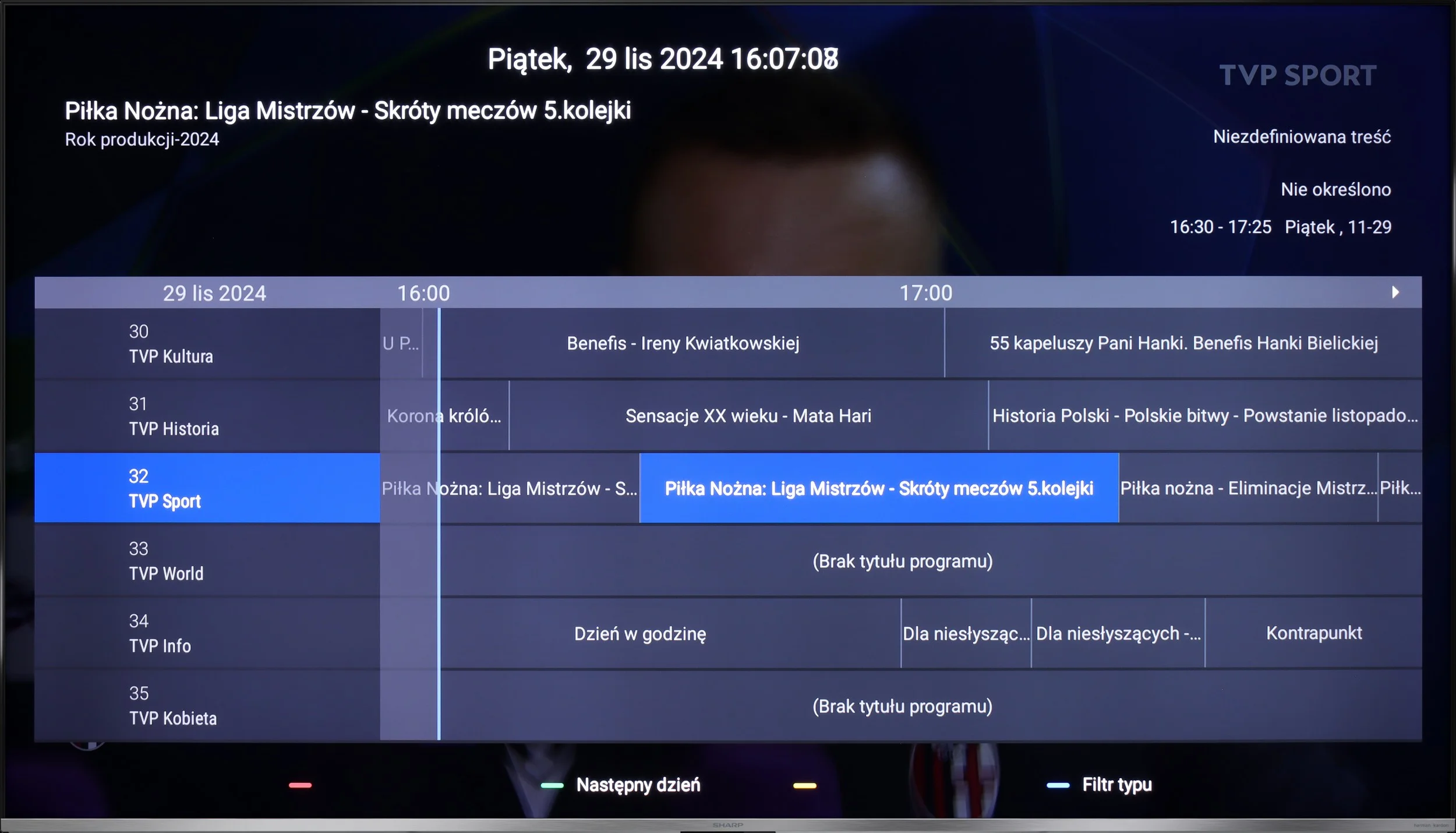
Image without overscan on the SD signal
OK
No
Smooth transition function
OK
OK

Smooth transition function

The match photo shows how the TV smooths weak tonal transitions in low-quality video.

Image scaling SD (576i)

The model photo shows how it handles upscaling of SD material.

The TV can scale lower quality content quite well. Our test patterns were well reproduced, and although there was minimal banding with fine, delicate shapes (such as thin branches), it still looked satisfactory. Additionally, Sharp GP7 offers a “10-bit colour reproduction” feature to smooth tonal transitions in poor quality materials. It is useful, but at the cost of some details, so we recommend turning it on only when we're really watching something of poor quality.

Upscaling and digital image processing are handled by Samsung's proprietary NQ4 Gen3 processor. It copes very well with scaling lower-resolution content to 4K. The picture is clear without looking artificial or overly sharp. The only fairly specific drawback appears with very old material recorded at 480p or lower. In such cases the TV can slightly crop the edges of the image.

The processor also does a decent job with artefacts visible in low-bitrate material, for example in heavily compressed YouTube videos. The noise reduction function effectively smooths the picture and reduces posterisation, but it works quite aggressively. It can remove not only unwanted artefacts but also some fine detail, and even natural film grain. We, wanting to preserve maximum fidelity to the source material, chose not to use it. However, if someone values a clean, as-smooth-as-possible image more than keeping every detail, it may prove useful.

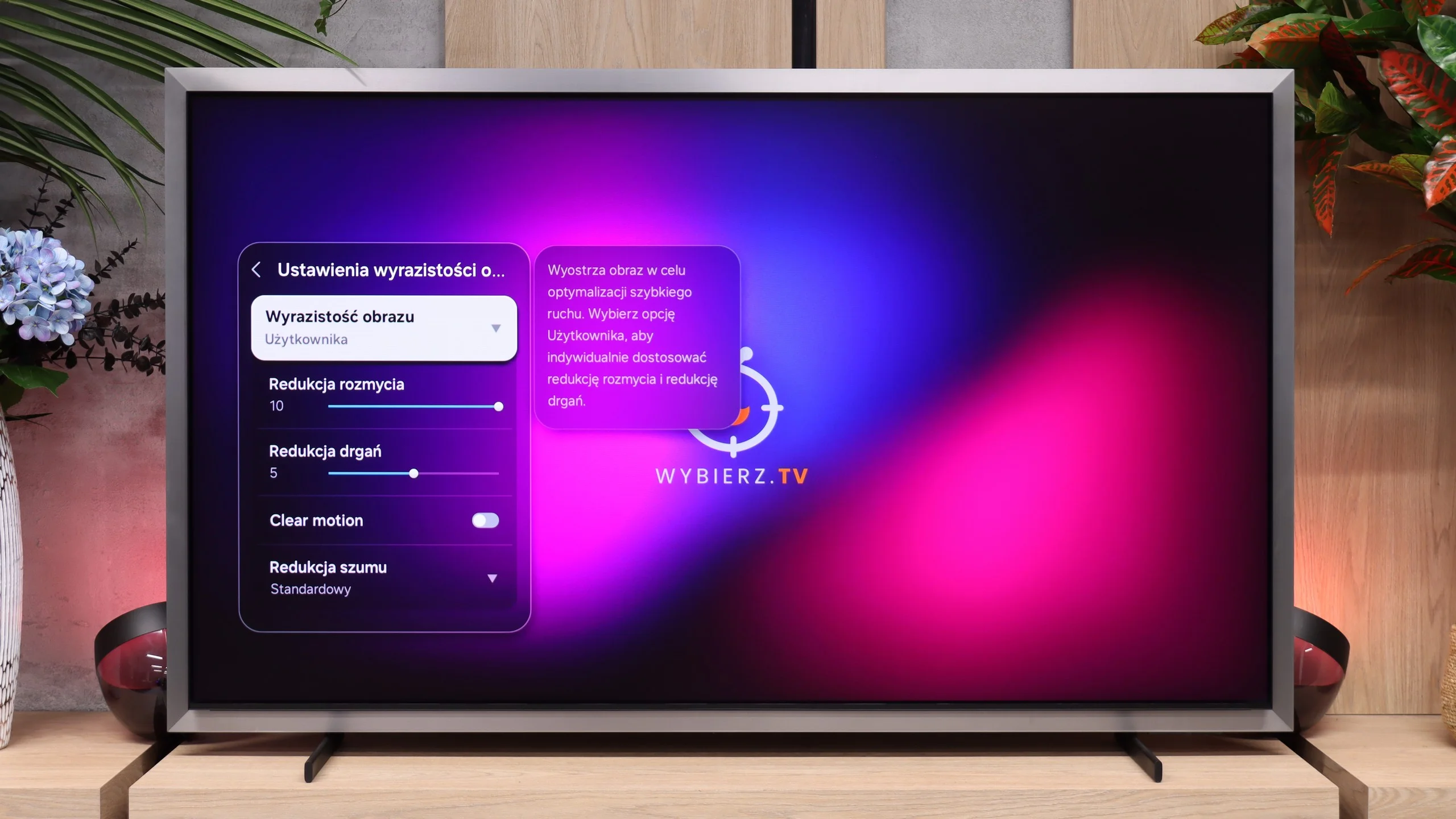
Blur and motion smoothness

4.8/10

8.5/10

Maximum refresh rate of the panel
60Hz
165Hz
Film motion smoothing option
OK
OK
Blur reduction option
No
OK
BFI function 60Hz
No
Yes, 60Hz (image flickers)
BFI function 120Hz
No
No
Brightness drop with BFI
-%
50%

Blur (native resolution, maximum refresh rate):

Blur (BFI function enabled):

Image flickers in this mode

Blur ():

Blur (4K@165Hz):

With a 60 Hz panel and average response time, it's hard to expect miraculous smoothness. In dynamic tests, like the one with the “little green man”, it’s clear that the picture can blur and occasionally lose sharpness. For watching movies and series, this is acceptable, especially since you can use the motion smoother with three levels of adjustment. However, if we care about ultra-smooth sports broadcasts or super-responsive gameplay, we might feel a bit dissatisfied.

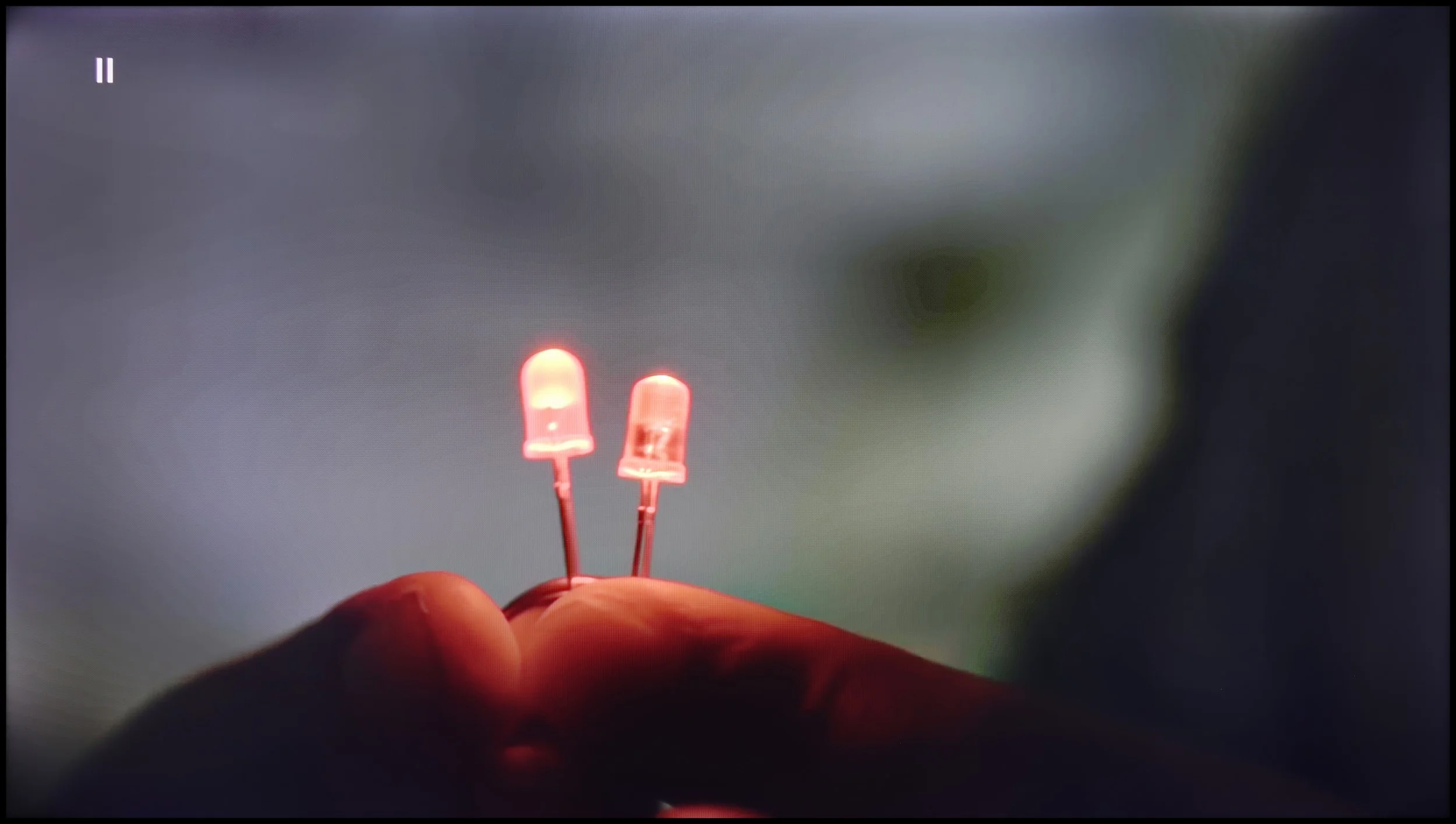
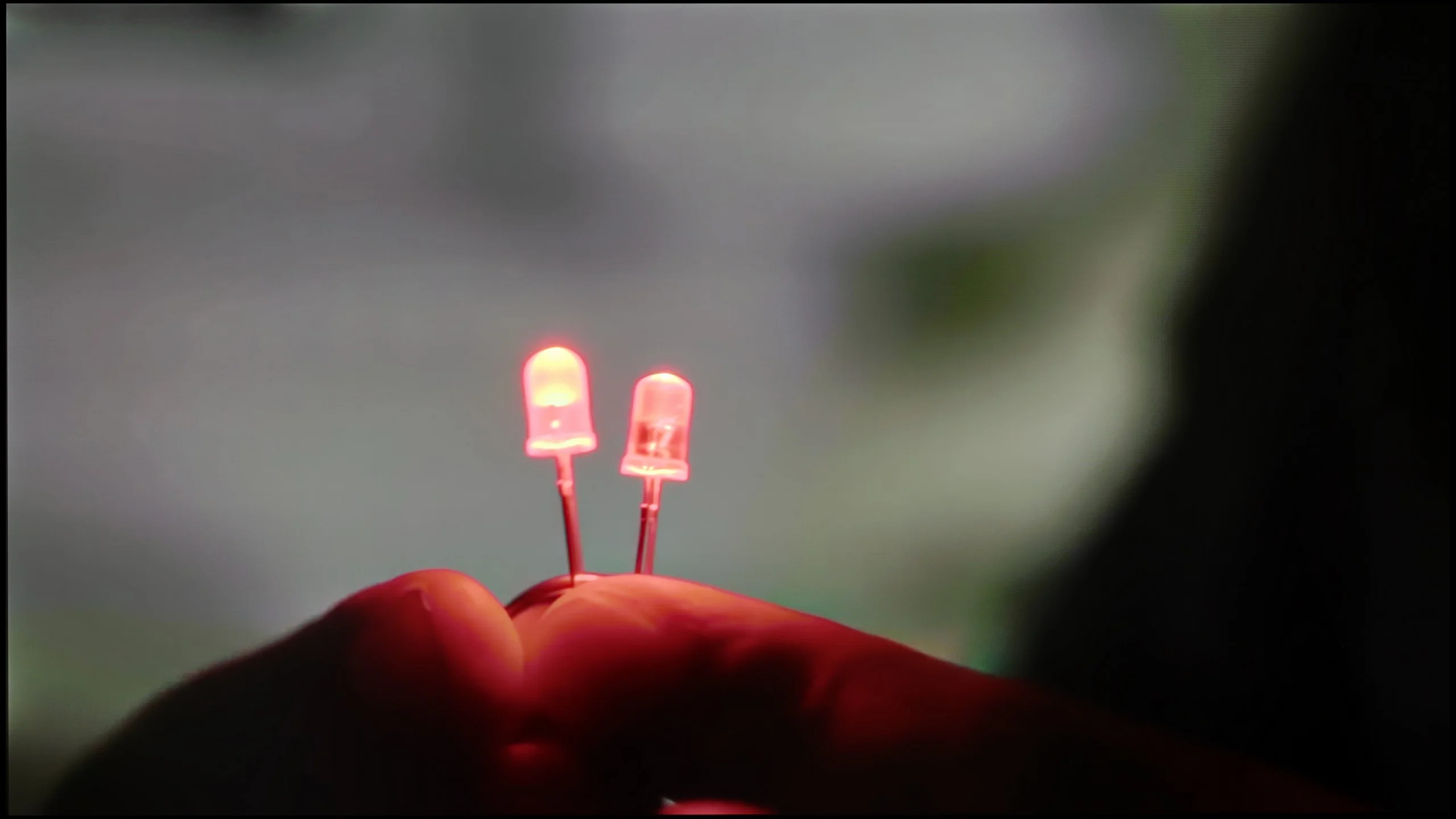
Another major advantage of organic panels is very good motion handling. Thanks to the pixels' near-instant response time, the Samsung S99H shows virtually no smearing. Fast-moving objects don't produce visible halos or trailing artefacts, so the TV performs very well for both sport and gaming. One quirk of OLED screens compared with LCD is the way they render low-frame-rate material. With very slow camera movement the picture can appear noticeably more juddery. This can be quite effectively mitigated using frame interpolation. Samsung lets you adjust judder reduction and motion blur reduction separately, so it's easy to find a compromise between a smoother picture and preserving the cinematic feel of the content.

Console compatibility and gaming features

3.4/10

9.6/10

  • ALLM
    Yes
    Yes
  • VRR
    No
    Yes
  • VRR range
    No
    48 - 165Hz
  • Dolby Vision Game Mode
    Warning Yes, high input lag
    No
  • Correct implementation of HGIG
    No
    Yes
  • 1080p@120Hz
    No
    Yes
  • 1440p@120Hz
    No
    Yes
  • 4K@120Hz
    No
    Yes
  • Game bar
    No
    Yes

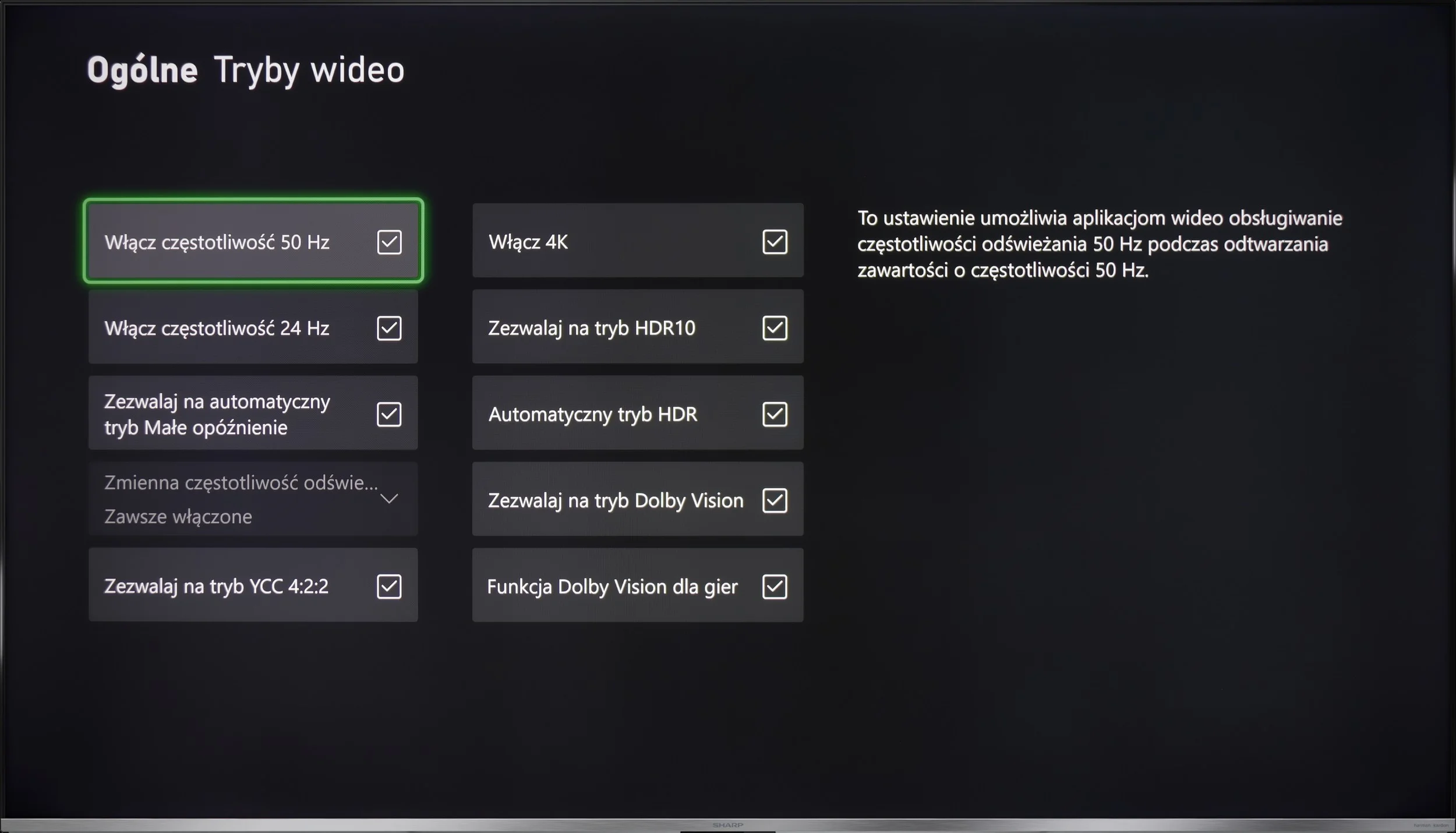
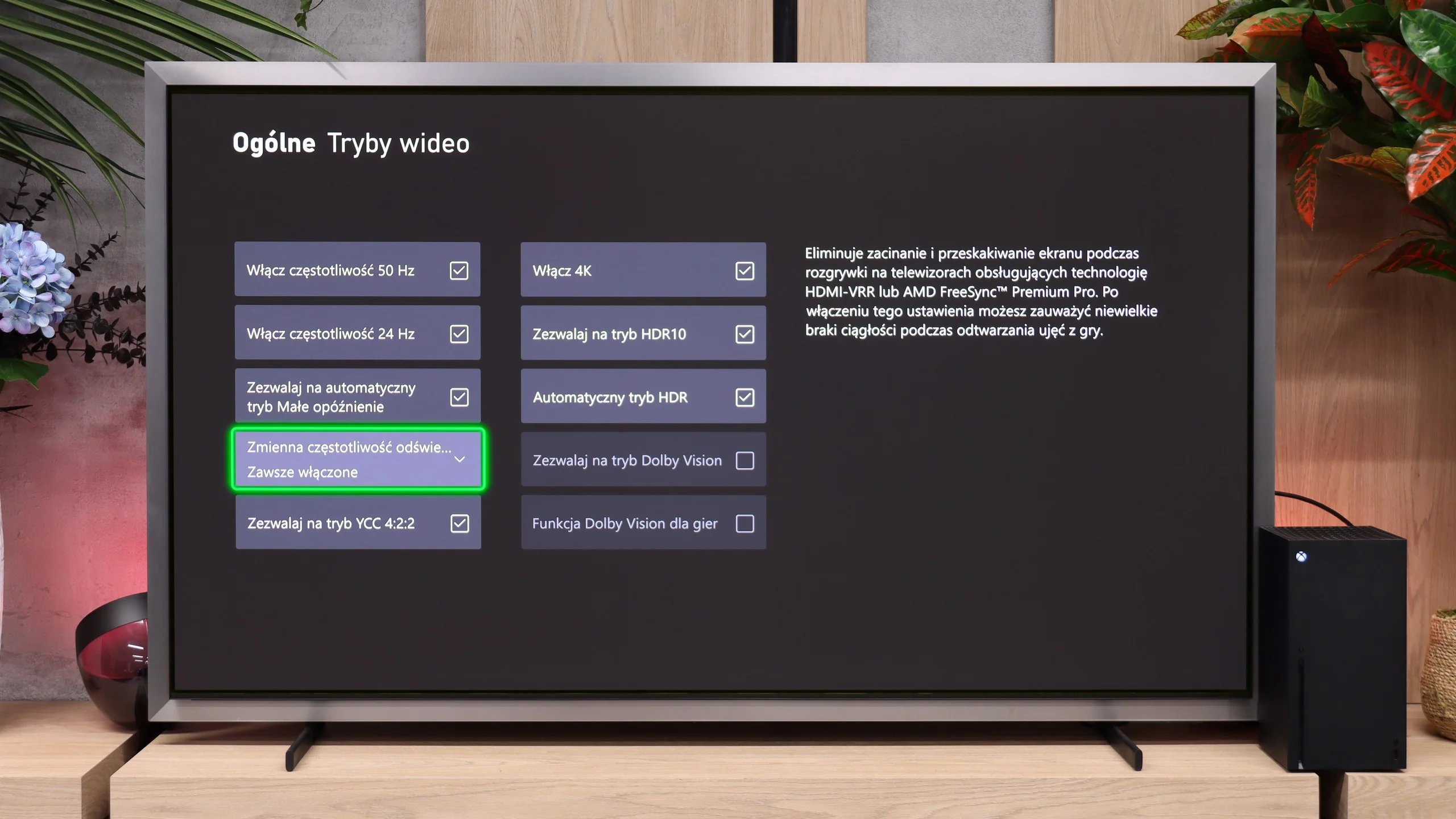
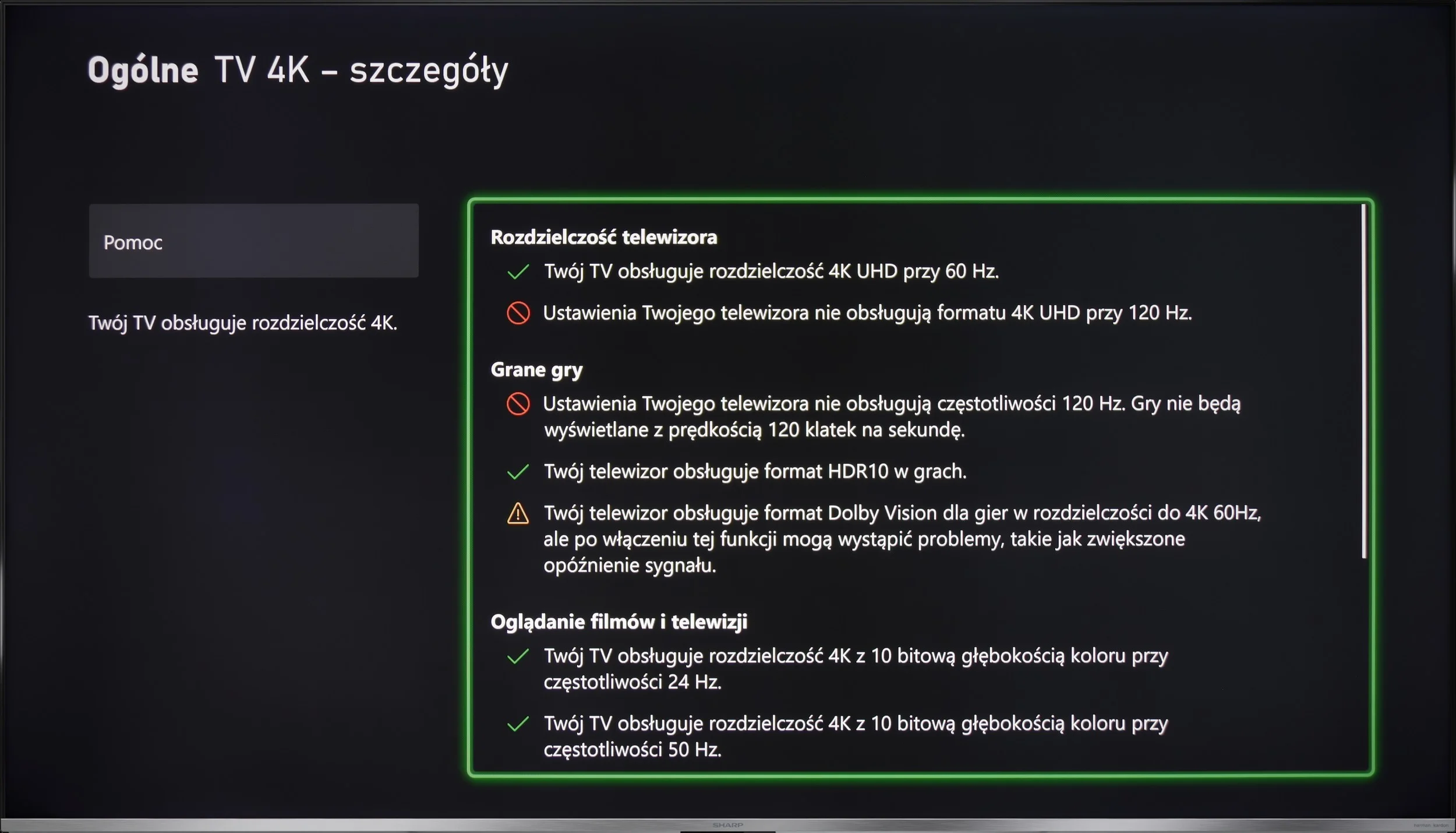
Let's not kid ourselves – GP7 Sharp is not a television for the most demanding console gamers. Yes, we have ALLM, which automatically switches the TV to low latency mode, but it lacks VRR or G-Sync. We also won't find any advanced menu to help adjust settings during gameplay. Dolby Vision in games? It's there, but with such a large input lag that it's hard to talk about comfort. If we play occasionally and don't aim for the highest standards, it can be managed, but tech enthusiasts will face disappointment.

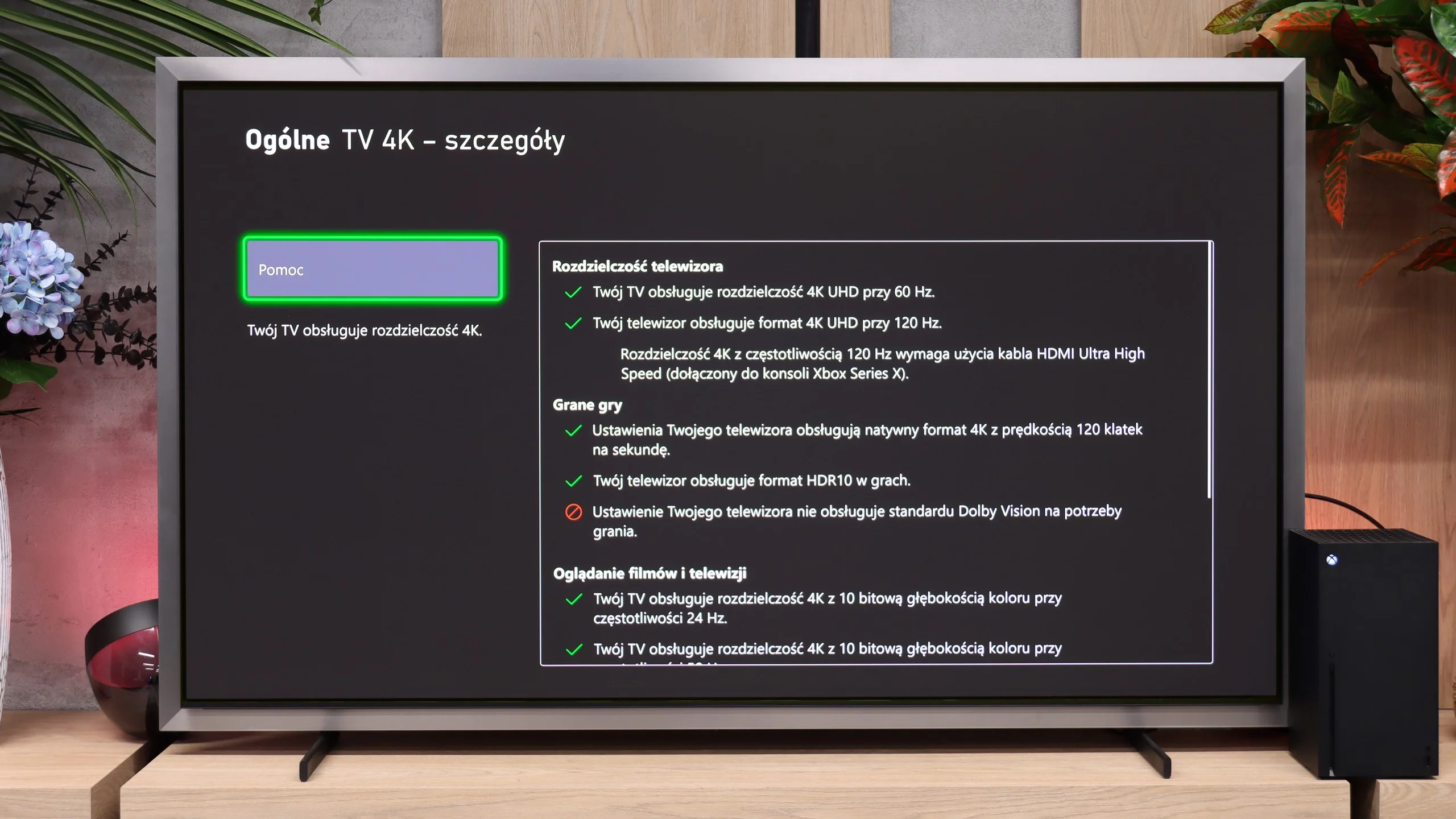
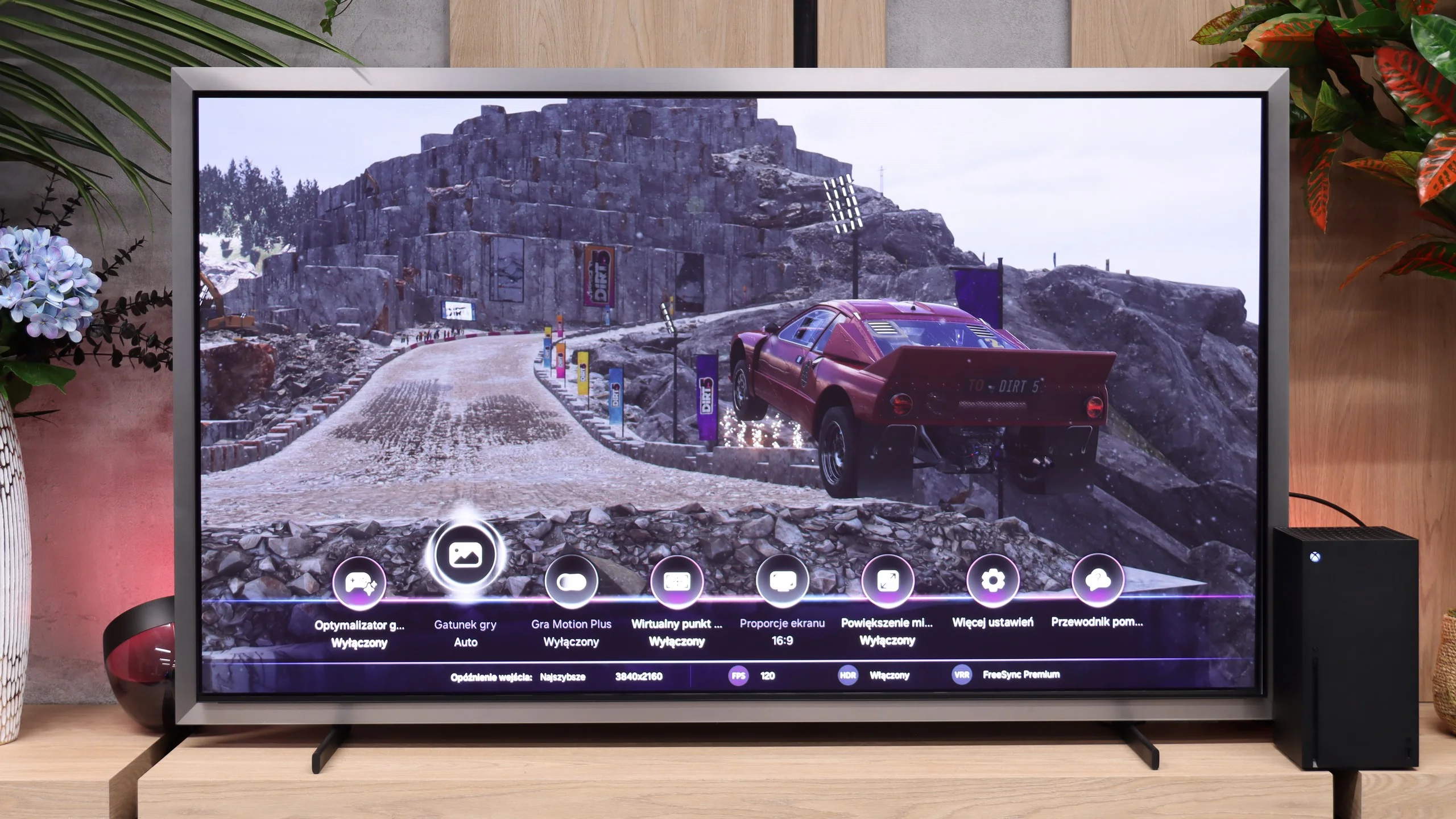
Samsung S99H is also a top TV for gamers. It offers almost every possible and useful feature... well, perhaps except the obvious lack of Dolby Vision for the Xbox console. It’s equipped with four full-fledged HDMI 2.1 ports with the full 48 Gbps bandwidth. That makes it easy to use frame-rate synchronization VRR or automatic low-latency mode (ALLM). This year Samsung also has no issues with proper HGiG support, so HDR setup on a console is quick and free of unnecessary complications. Samsung is also known for interesting extras in its TVs. In the Game Bar menu you’ll find options to add an on-screen crosshair, enlarge the minimap, or change the aspect ratio of the displayed image (PC).

Particularly noteworthy is Samsung’s feature: Game Motion Plus. It’s Samsung’s proprietary motion-smoothing system that uses interpolation to boost smoothness in games. Input lag then rises to around 40 to 50 ms (depending on the strength of the setting), which, compared with the competition, is an excellent result. The system makes gameplay noticeably smoother. So if someone has their eye on a demanding game (e.g. GTA 6 😉) that runs on a console at only 30 fps, the S99H can display it much more smoothly than competing models.

Input lag

8.6/10

10/10

SDR

1080p60
37 ms
10 ms
1080p120
5 ms
2160p60
13 ms
10 ms
2160p120
5 ms

HDR

2160p60
13 ms
10 ms
2160p120
5 ms
4320p60

Dolby Vision

2160p60 DV
2160p120 DV

When it comes to input lag, we have mixed feelings. In 4K, we achieve around 13 ms, which is a great result and is more than sufficient for most of us. Unfortunately, Dolby Vision raises it to a level that makes gaming practically impossible, and in Full HD, around 37 ms is already a noticeable value for those of us who prioritise quick reactions. It's best to utilise 4K if we're aiming for the highest responsiveness.

Input lag is very low regardless of the selected refresh rate. With a 120 Hz signal we measured around 5 ms, and at 60 Hz about 10 ms. After connecting a PC and setting it to 165 Hz, the values were even lower. Response to controller or mouse movement is almost instantaneous, so in that respect the Samsung S99H is suitable even for very fast and demanding games.

Compatibility with PC

5.7/10

8.8/10

Chroma 444 (max. resolution and refresh rate)
Yes
Yes
Font clarity
Good
Good
Readability of dark text and shapes
Good
Very Good
Input lag in PC mode (4K, max. refresh rate)
13ms
5ms
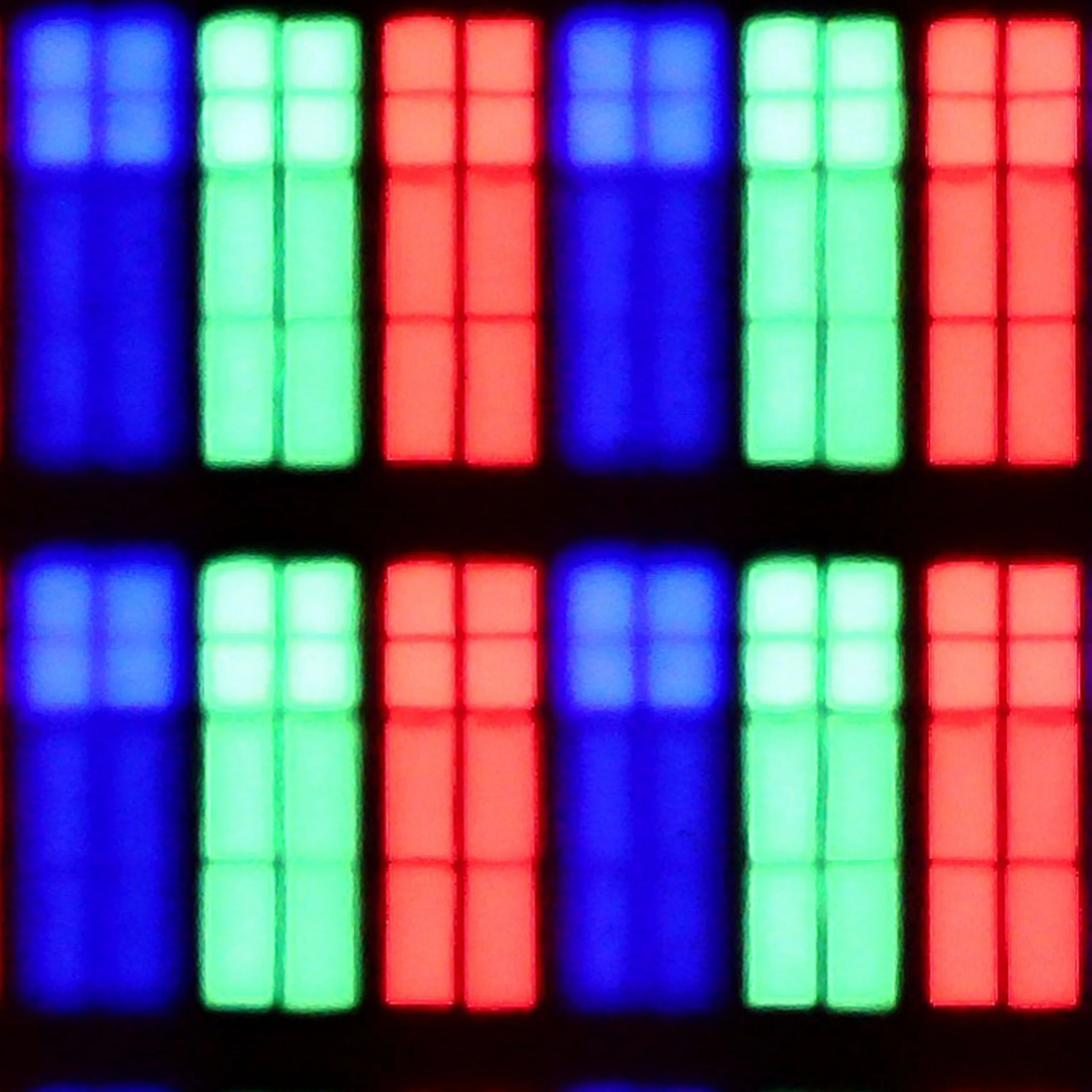
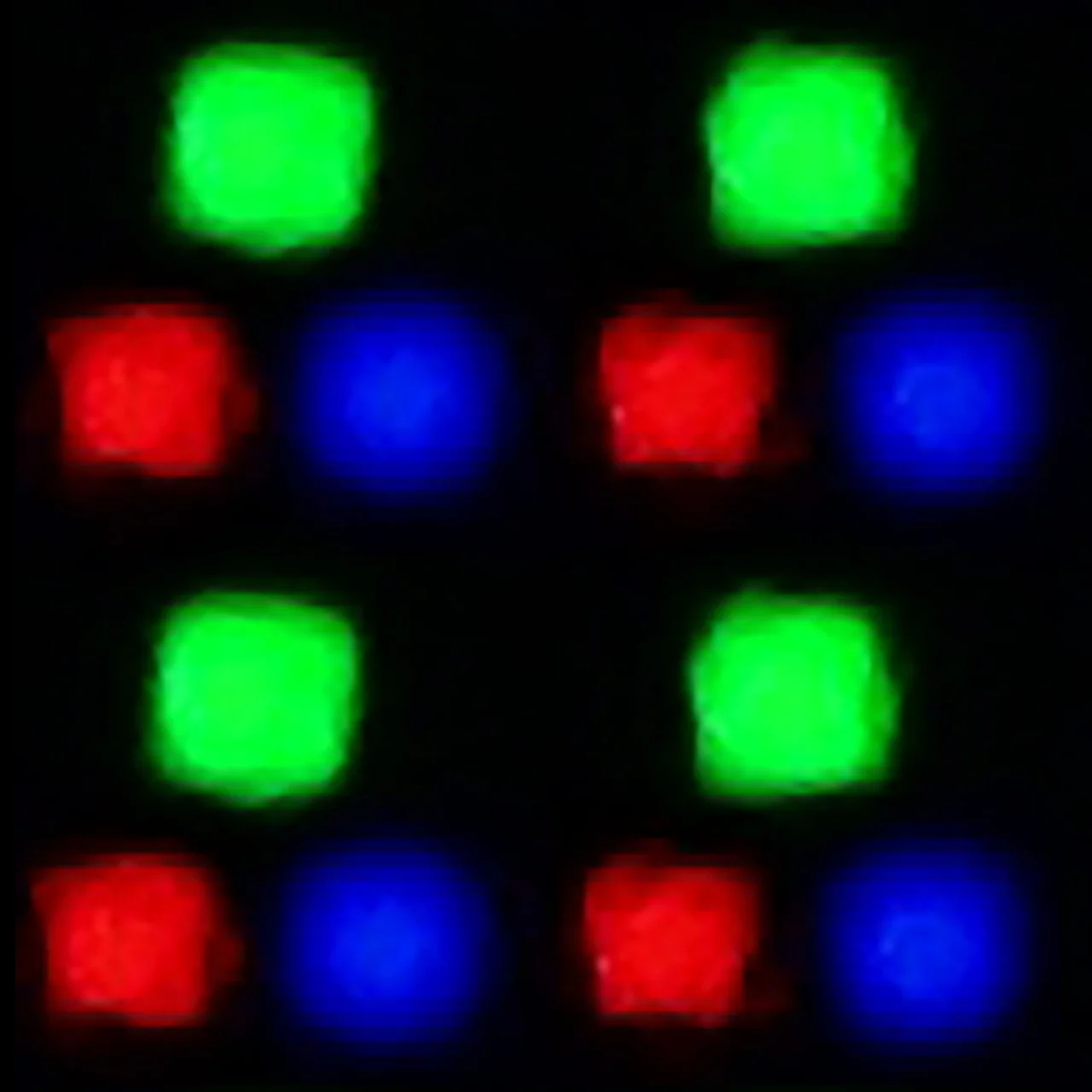
Matrix subpixel arrangement
BGR
RGB (QD-OLED)
Max refresh rate
60Hz
165Hz
G-Sync
No
Yes

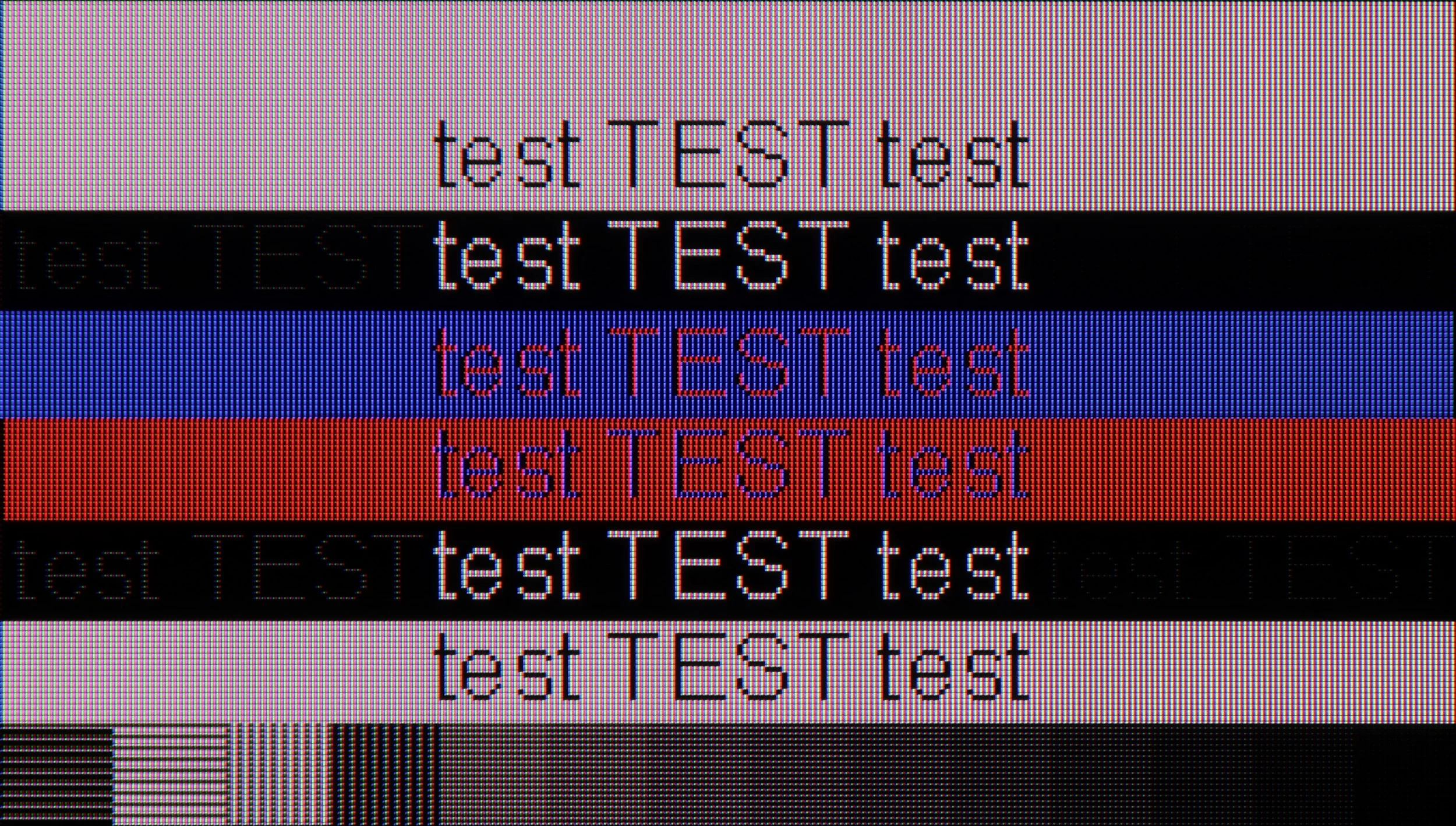
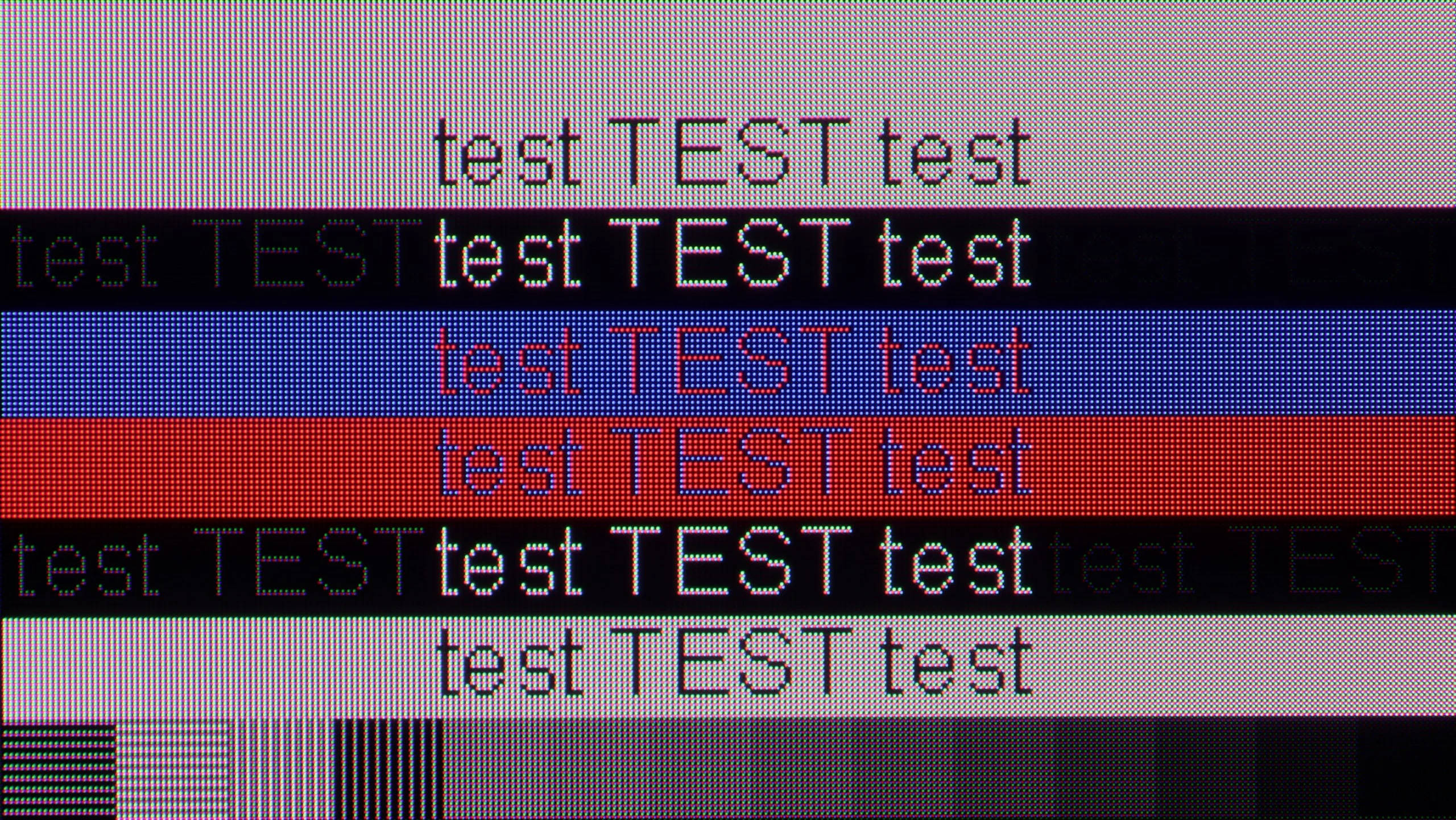
The photo shows the legibility of small fonts. Ideally, lines should be the same thickness on both light and dark text, with minimal pixel gaps.

As a monitor for office work or browsing the internet, Sharp GP7 performs quite well. The Chroma 4:4:4 provides text clarity, although with very small fonts on a dark background, we noticed some minor issues. It's hard to recommend it for PC gaming due to the lack of advanced features and higher refresh rates, but for simple office work or watching movies in the evening – why not?

The S99H also works very well as a large monitor connected to a computer. This is mainly thanks to full support for frame rate synchronisation, with both AMD FreeSync Premium Pro and seamless G-Sync compatibility for NVIDIA cards. The TV also supports refresh rates of up to 165 Hz, which is a nice plus for PC gamers. The only distinctive characteristic of QD-OLED panels is the triangular subpixel layout. Because of this, the sharpness of very small text viewed from extremely close up isn’t perfect. However, given the size of the S99H, this TV is unlikely to sit directly on anyone’s desk, and when working or gaming from more than a metre away the issue becomes irrelevant.

Viewing angles

3.3/10

9.9/10

Brightness drop at an angle of 45 degrees
71%
12%

In terms of viewing angles, we have the typical limitations of VA panels. If we sit centrally in front of the screen, everything looks good, but if you lean back too far, the colours and contrast begin to fade. This is nothing unusual for this type of panel, so it's worth being aware that when watching with a larger group, the extreme spots on the couch will have a worse view.

Viewing angles on the S99H are simply excellent, thanks to the QD-OLED panel. In this respect it's right at the top of the market. Even when viewing the screen from a very steep angle the image remains perfectly legible, with only a negligible drop in brightness or colour saturation. That's a hallmark of QD-OLED panels and gives them the edge over conventional WOLED displays, where viewing angles are somewhat worse.

Daytime performance

5.3/10

8/10

Panel finish
Satin
Matte
Reflection suppression
Average
Very Good
Black levels during daytime
Good
Average

Panel brightness

Samsung OLED S95H (S99H) (QD-OLED): 851 cd/m2

Sharp GP7: 427 cd/m2

The satin matrix doesn’t eliminate reflections as effectively as we would like, so in a bright, highly sunlit room, we might see some glare. Fortunately, the television has quite decent brightness (around 430 cd/m²), which allows us to use it without covering the windows, as long as the sun isn't shining directly on the screen. In extremely sunlit interiors, it may be trickier, but in standard conditions, it’s still usable.

One of the key and most distinctive features of Samsung's OLEDs (including the S99H tested here) is the matte screen coating. It's currently one of the best solutions on the market if you want to minimise reflections. Whether the room has large windows or the lamps are on, any glare is very effectively dispersed. However, this comes at a cost. Because of the matte screen finish and the nature of QD-OLED panels (which in bright surroundings can take on a slightly cherry tint), blacks lose a little of their depth and richness during the day. It's worth noting, though, that this effect mainly occurs when very harsh light falls directly on the panel. Fortunately the S99H is an extremely bright OLED TV, comparable in this regard to the best Mini LED screens on the market. Its average brightness in everyday SDR content reaches close to 850 to 900 nits, so the TV will easily cope even in a strongly sunlit living room.

Panel details

Backlight Type
PFS LED
QD-OLED
Software version during testing
RTM7.230903.178
1204
Image processor
m7632 2gb ram

Subpixel Structure:

Panel uniformity and thermal imaging:

Review Sharp GP7 TV Panel details
Review Samsung OLED S95H (S99H) (QD-OLED) TV Panel details

Sharp GP7

Samsung OLED S95H (S99H) (QD-OLED)

TV features

5.5/10

7.8/10

  • System
    Google TV
    Tizen
  • System performance
    Decent
    Very good
  • HDMI inputs
    4 x HDMI 2.0, 0 x HDMI 2.1
    0 x HDMI 2.0, 4 x HDMI 2.1 48Gbps
  • Other inputs
    RCA (Chinch)
  • Outputs
    Toslink (Optical audio), eARC (HDMI), ARC (HDMI), Mini-Jack (Headphones)
    Toslink (Optical audio), eARC (HDMI), ARC (HDMI)
  • Network Interfaces
    Wi-Fi 2.4GHz, Wi-Fi 5GHz, Ethernet (LAN) 100Mbps
    Wi-Fi 2.4GHz, Wi-Fi 5GHz, Ethernet (LAN) 100Mbps
  • TV reception
    DVB-T, DVB-T2, DVB-S, DVB-S2, DVB-C
    DVB-T, DVB-T2, DVB-S, DVB-S2, DVB-C

Classic features:

  • Recording to USB (terrestrial TV)
    No
    No
  • Recording programming
    No
    No
  • Picture in Picture (PiP)
    No
    Yes
  • RF remote control (no need to aim)
    Yes
    Yes
  • Backlit remote control
    No
    No
  • Teletext
    Yes
    Yes
  • Audio only mode
    Yes
    Yes
  • Bluetooth headphones support
    Yes
    Yes
  • Simultaneous Bluetooth headphones & TV audio
    No
    Yes

Smart features:

  • AirPlay
    No
    Yes
  • Screen mirroring (Windows Miracast)
    Yes
    Yes
  • Voice search
    Yes
    Yes
  • Voice search in native language
    Yes
    Yes
  • Ability to connect a keyboard and mouse
    Yes
    Yes
Review Sharp GP7 TV features
Review Samsung OLED S95H (S99H) (QD-OLED) TV features

Sound connection options

  • HDMI audio
    eARC (HDMI), ARC (HDMI)
    eARC (HDMI), ARC (HDMI)
  • Other audio outputs
    Toslink (Optical audio), Mini-Jack (Headphones)
    Toslink (Optical audio)
  • Wireless audio
    Bluetooth
    Bluetooth

Supported audio formats (external HDMI eARC audio):

  • Dolby Digital Plus 7.1
    Yes
    Yes
  • Dolby True HD 7.1
    No
    Yes
  • Dolby Atmos in Dolby Digital Plus (JOC)
    Yes
    Yes
  • Dolby Atmos in Dolby True HD
    No
    Yes
  • DTS:X in DTS-HD MA
    No
    No
  • DTS-HD Master Audio
    No
    No

Senior accessibility

  • Numeric keyboard on TV
    No
    No
  • Font size adjustment
    No
    Yes
  • Audio description
    No
    Yes

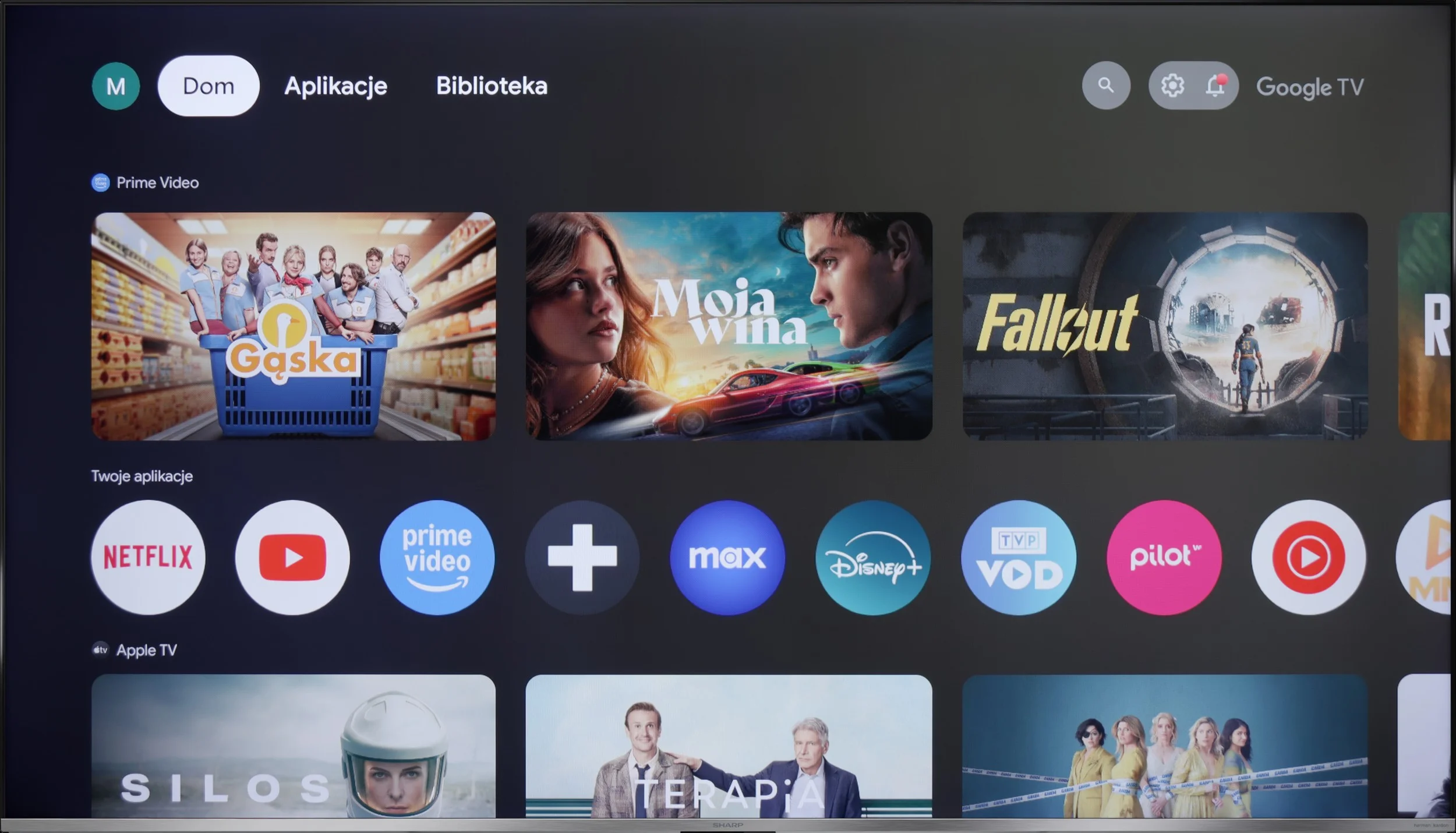
Sharp GP7 operates on the Google TV system, which provides access to a rich library of applications and streaming services. Its main advantage is the clear interface that integrates content from various sources in one place, making it easy to search and manage. Voice control in Polish works perfectly, and with the remote that has a built-in microphone, we can quickly find the content we're interested in, such as movies, series, or music. Regular system updates ensure that Google TV stays current, adapting to new user needs and introducing additional features. It's a convenient and modern solution that makes using the TV intuitive and enjoyable.


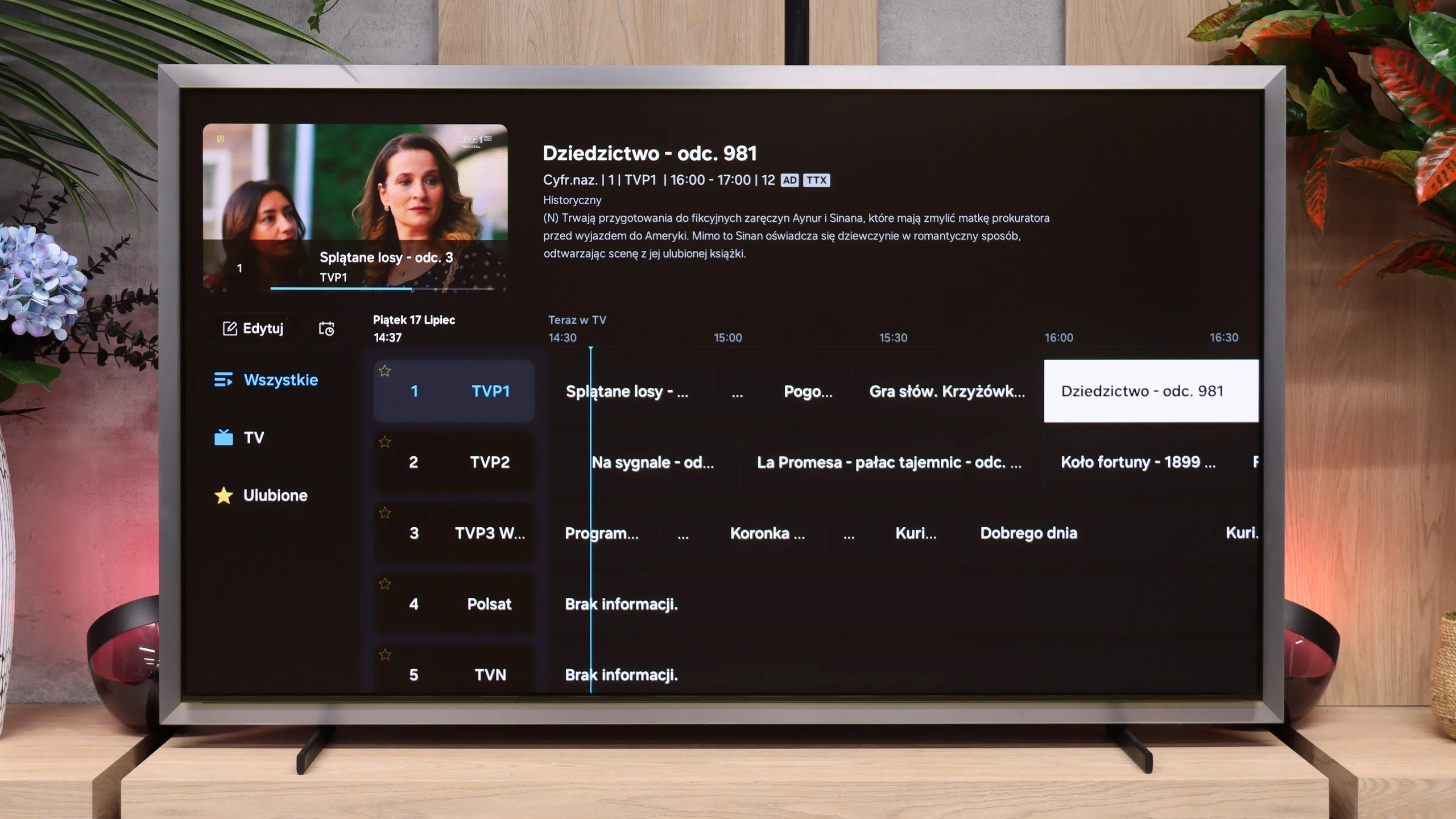
Although Google TV is a strong point of the GP7, the other features of the television are not as impressive. It lacks the ability to record programs or picture-in-picture (PiP) mode, and Apple users may feel the absence of support for AirPlay. However, there is Miracast for Windows and Bluetooth, allowing the connection of headphones or a keyboard. This is a sufficient foundation for less demanding users, although those expecting more advanced features may feel unsatisfied. The Sharp GP7 mainly focuses on the smart capabilities offered by Google TV, leaving traditional solutions in the background.

Smart features: Tizen

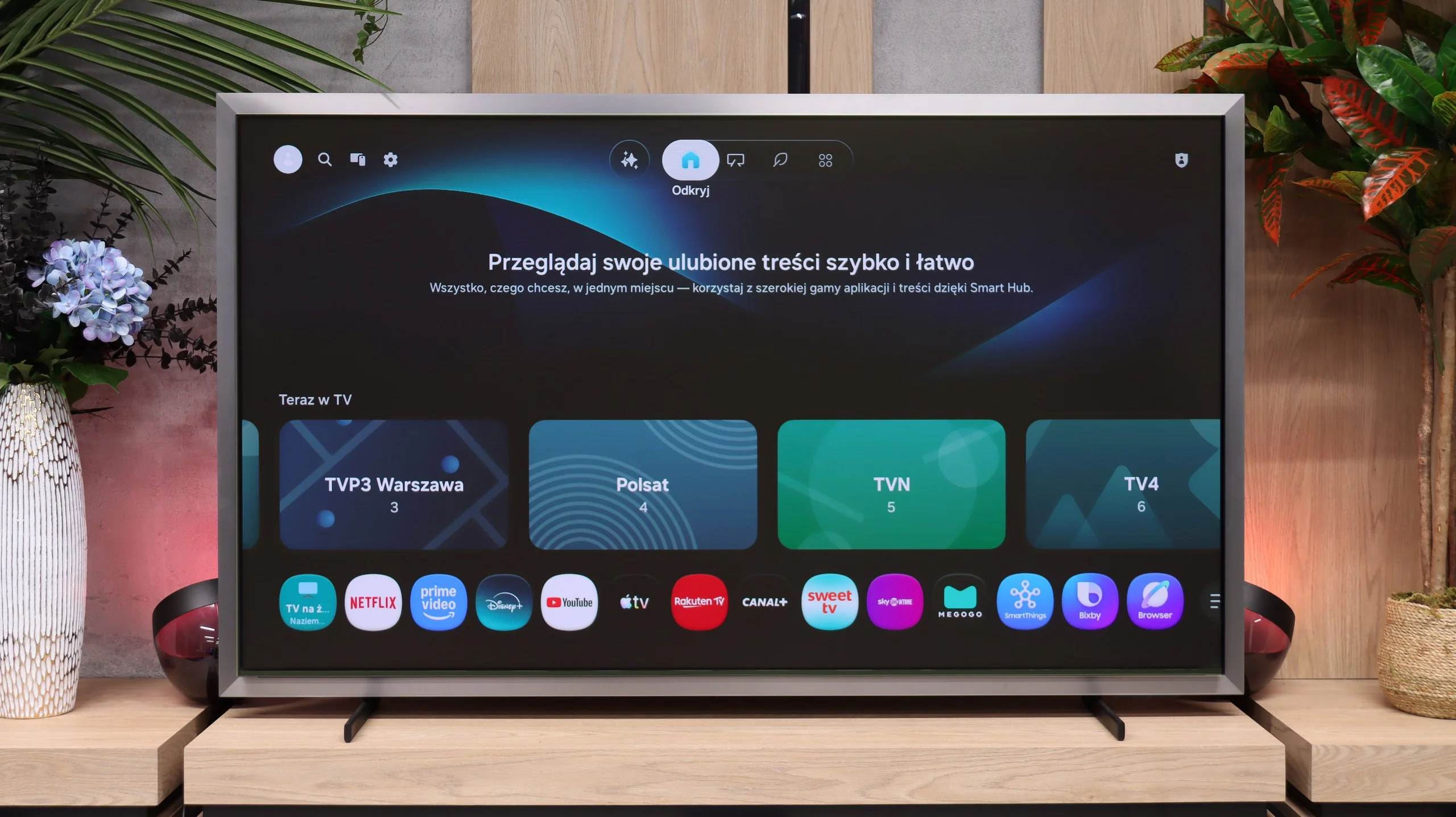
The Tizen system runs exceptionally quickly and stably on the S99H. The broad support for wireless protocols is notable – it includes Apple AirPlay and the recently added Chromecast support. It’s hard to fault Tizen today in terms of app availability. Its catalogue covers all the most popular streaming services and in that respect it matches the capabilities of Google TV.

Art Mode (Art Mode)

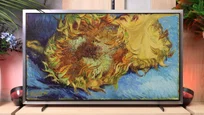
The S99H is the first Samsung OLED TV to be equipped with a dedicated Art Mode, previously seen mainly on The Frame series. That’s a bit of a surprise, because most manufacturers using OLED panels generally advise against long-term display of static images. Here the feature is officially promoted, which suggests Samsung is confident in the panel’s resistance to burn-in. Access to the full art library unfortunately requires a paid subscription. However, there’s a simple workaround: you can upload favourite artworks or your own photos to the TV’s internal storage for free and set them as the background in the dedicated app. It’s worth adding that the set includes an ambient light sensor that adjusts brightness and colour temperature so the displayed image closely mimics a real canvas or print.

Daily use and the remote

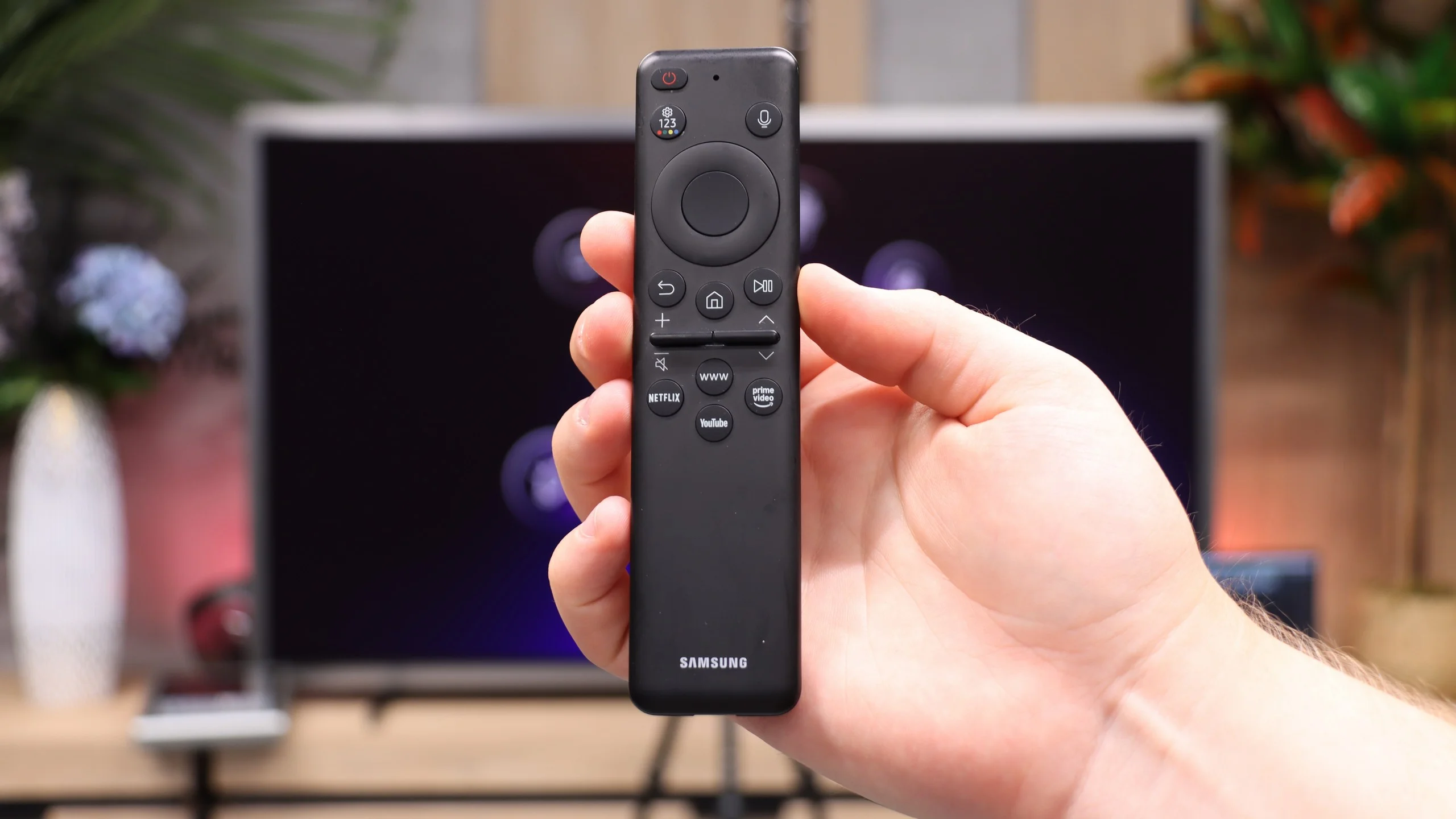
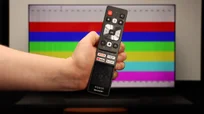
All the classic TV functions perform well on the S99H, although the controls may not appeal to older users. That’s due to the minimalist remote, which lacks a traditional numeric keypad. The advantage of the solar-powered remote is its universal remote function; you can easily pair it and control virtually any device connected to the TV, such as satellite set-top boxes, consoles and media players.

Apps

9.6/10

9.3/10

OK
Disney_Plus
OK
Amazon_Prime_Video
OK
Player_TVN
OK
Polsat_Box_Go
OK
Canal_Plus_Online
OK
TVP_VOD
OK
Apple_TV_Plus
OK
SkyShowtime
OK
Rakuten
OK
CDA_Premium_Browser
OK
Spotify
OK
Tidal
OK
Netflix
OK
YouTube
OK
HBO_MAX
OK
Kodi
No
Apple_music
OK
Eleven_sports
No
Xbox Game Pass
OK
GeForce NOW
No
Amazon Luna
OK
Boosteroid
OK
Steam Link
OK
Disney_Plus
OK
Amazon_Prime_Video
OK
Player_TVN
OK
Polsat_Box_Go
OK
Canal_Plus_Online
OK
TVP_VOD
OK
Apple_TV_Plus
OK
SkyShowtime
OK
Rakuten
OK
CDA_Premium_Browser
OK
Spotify
No
Tidal
OK
Netflix
OK
YouTube
OK
HBO_MAX
No
Kodi
OK
Apple_music
OK
Eleven_sports
OK
Xbox Game Pass
OK
GeForce NOW
OK
Amazon Luna
OK
Boosteroid
No
Steam Link

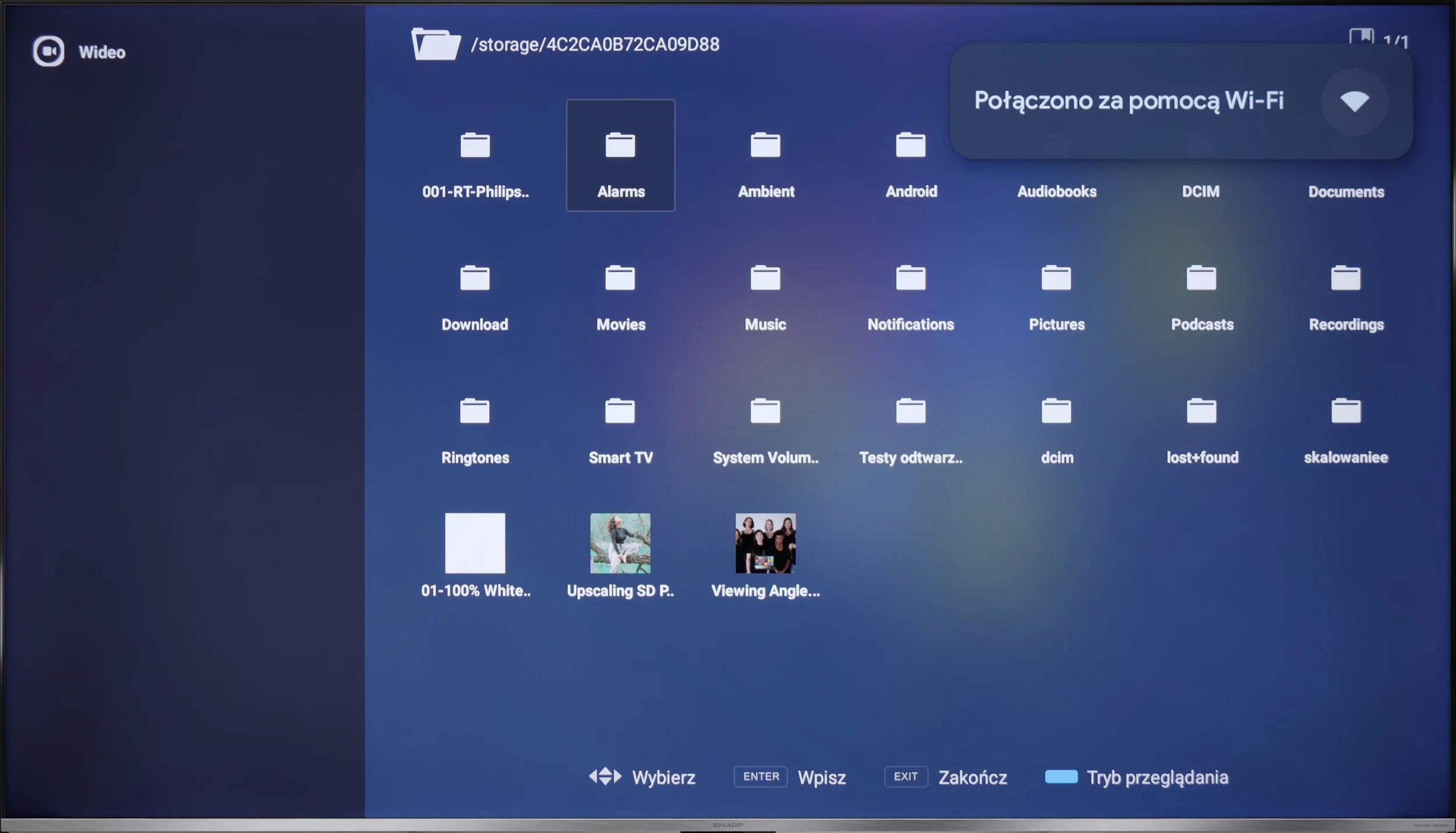
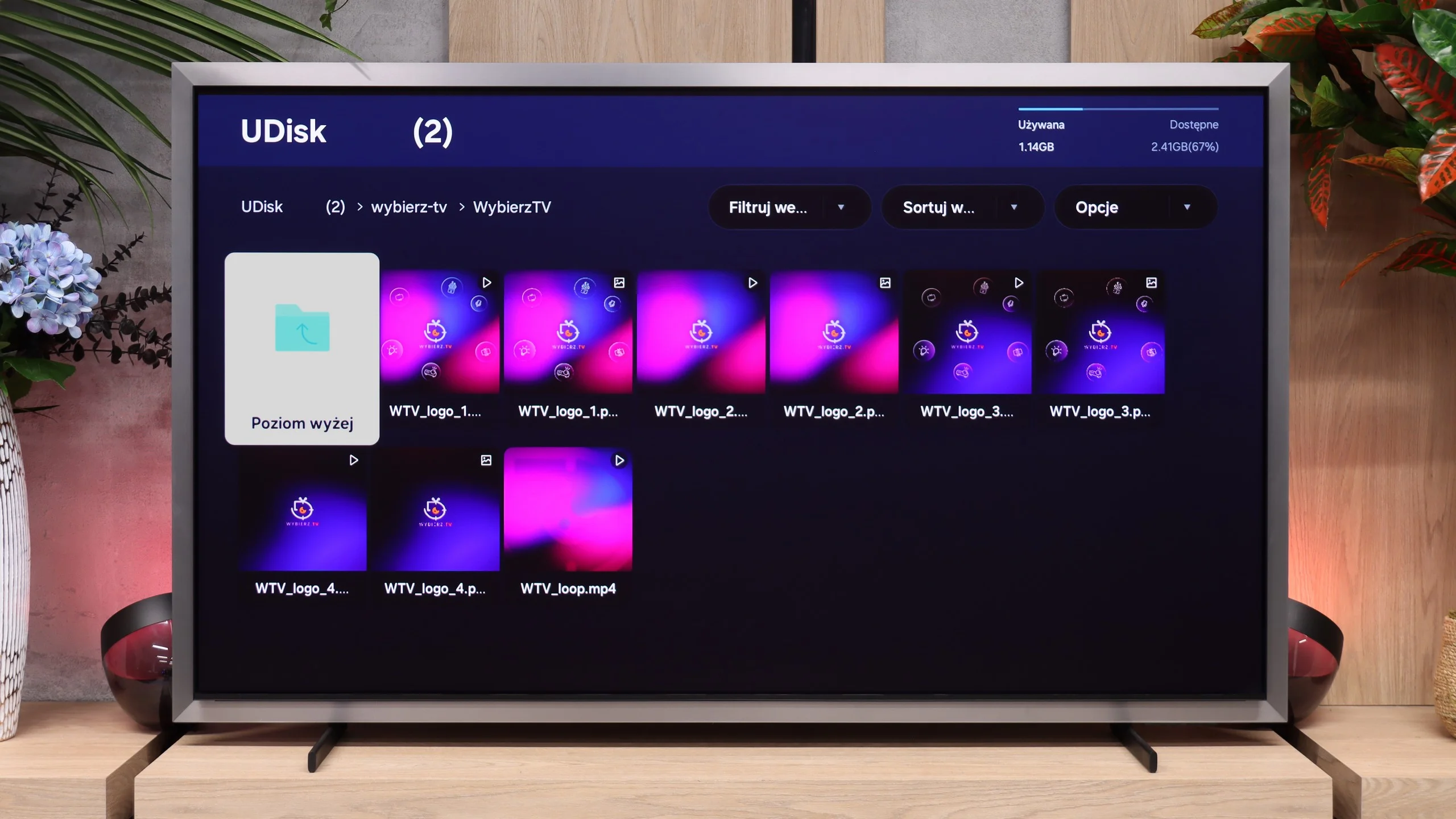
Playing files from USB

9/10

8.8/10

Supported photo formats:

JPEG
Yes
Yes
HEIC
Yes
No
PNG
Yes
Yes
GIF
Yes
No
WebP
Yes
No
TIFF
No
No
BMP
Yes
Yes
SVG
No
No

Maximum photo resolution:

4 Mpix
Yes
Yes
6 Mpix
Yes
Yes
8 Mpix
Yes
Yes
10 Mpix
Yes
Yes
12 Mpix
Yes
Yes
16 Mpix
Yes
Yes
20 Mpix
Yes
Yes
24 Mpix
Yes
Yes
28 Mpix
Yes
Yes
32 Mpix
Yes
Yes

The media player performs quite well, supporting most popular formats. The only minor downside is the inability to change the font colour in subtitles, although for some of us, that’s a detail. We can always install another player from the Google Play store and customise it to our own preferences.

The built-in media player in the S99H runs smoothly and quickly. The TV easily handles most popular video and audio formats, providing smooth playback without stuttering. The only reservations concern support for certain photo formats stored on external drives. The TV reacts rather oddly to files in Apple’s HEIC format... although thumbnails in the browser display correctly, attempting to open a photo at full size causes the interface to freeze. It looks like a software bug that Samsung will likely fix in an upcoming update.

Sound

6.6/10

8.7/10

  • Maximum volume
    -
    95dB
  • Dolby Digital Plus 7.1
    Yes
    Yes
  • Dolby True HD 7.1
    No
    No
  • Dolby Atmos in Dolby Digital Plus (JOC)
    Yes
    Yes
  • Dolby Atmos in Dolby True HD
    No
    No
  • DTS:X in DTS-HD MA
    No
    No
  • DTS-HD Master Audio
    No
    No

Despite collaborating with Harman Kardon, the speakers perform rather average. The sound is decent, but there's nothing in it that really surprises us. It doesn’t support DTS:X, however, Dolby Atmos is onboard, which, when combined with good material, can slightly enhance the experience. If we care about better audio quality, we will likely consider purchasing an external soundbar or audio system anyway.



For such a slim design, the Samsung S99H sounds surprisingly good. At first we were amazed that such a flat screen could produce such a full, room‑filling sound. Importantly, there’s even some bass, while keeping in mind these are built-in TV speakers, not a dedicated home cinema. 😉 The TV easily handles Dolby Atmos decoding and Samsung’s own Q-Symphony system. That makes it simple to pair the screen with a Samsung soundbar (or the new Studio series speakers), so the built-in speakers work together with external audio. For everyday viewing and standard use, though, external audio gear won’t be needed right away. As is traditional for Samsung, there’s no support for DTS. For people who use streaming only that may not be a big loss, but for fans of physical media and Blu-ray discs it will be a noticeable drawback.

Sound Quality Test

No sound test video

Acoustic Measurements

No acoustic data

95dBC (Max)

75dBC

Reader comments

Comments are provided by the external service Disqus (Zeta Global). Once loaded, Disqus may set cookies and process data about your activity.

We will remember your choice on this device. Provider's privacy policy