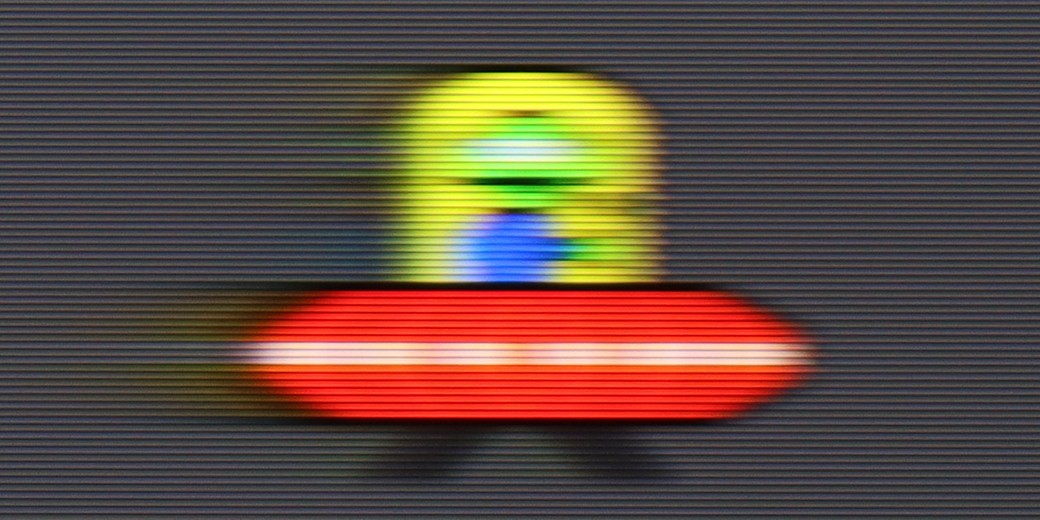
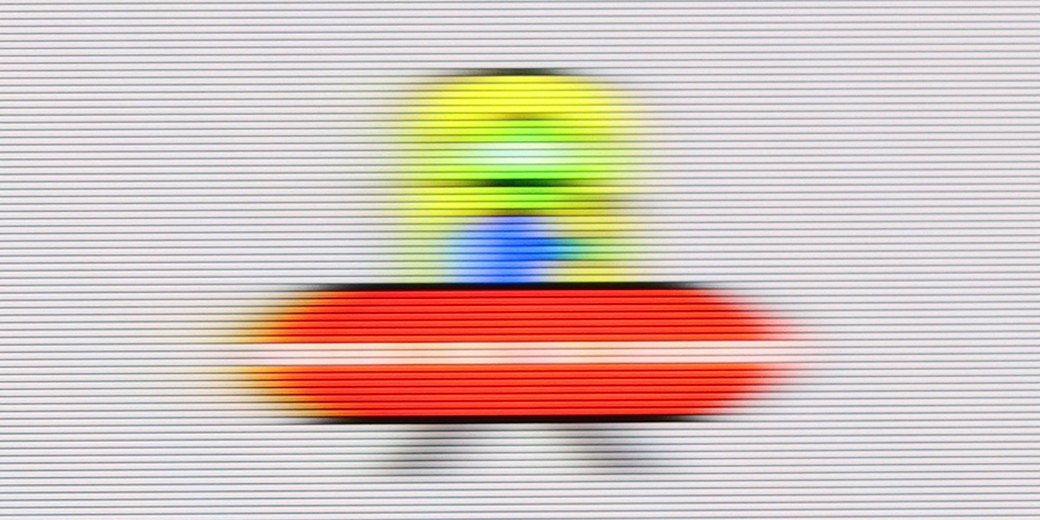
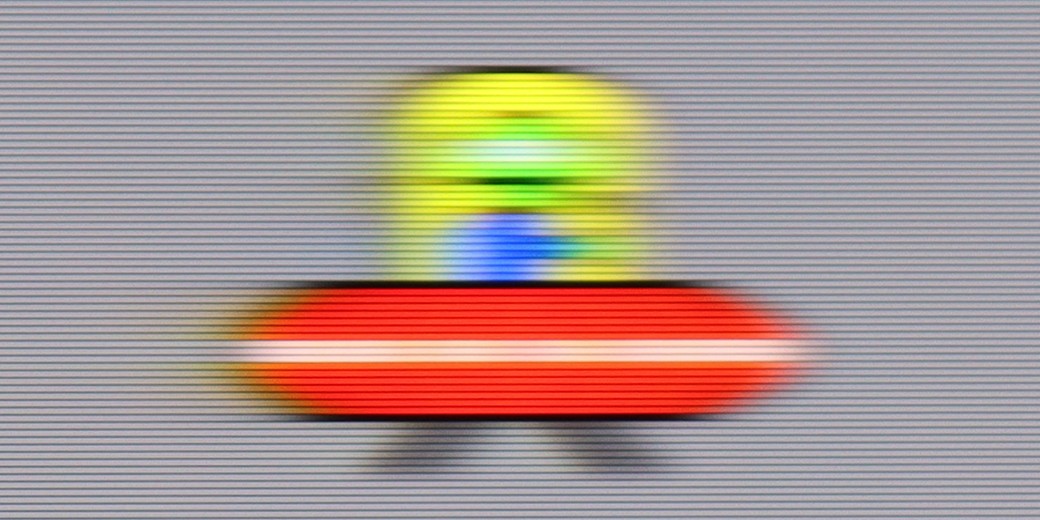
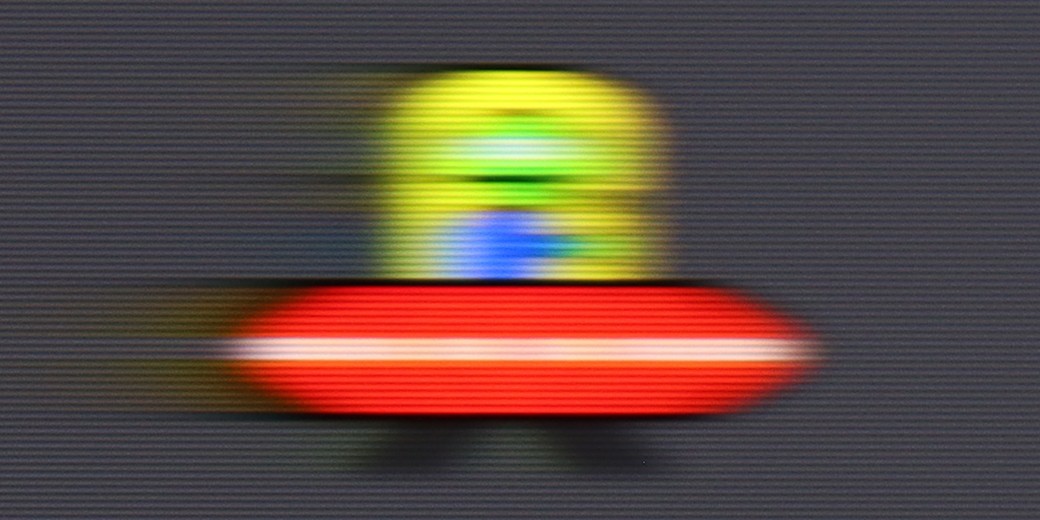
The Sharp FQ8 television offers numerous features that set it apart in its price range. It operates on the Google TV platform, granting access to a wide array of applications and intuitive navigation. A 120 Hz refresh rate panel ensures smooth image rendering, while low input lag makes it an appealing option for gamers. The high native contrast delivers deep, vivid blacks, and the television achieves a respectable brightness of 450 nits, allowing for comfortable HDR content viewing. Additionally, advanced formats like Dolby Vision are supported, and the inclusion of quantum dots (Quantum Dot/QLED) enhances the wide colour gamut coverage.
However, the Sharp FQ8 has its shortcomings. The lack of dynamic tone mapping control in HDR mode may disappoint more demanding users, and despite featuring Dolby Vision IQ, its performance is underwhelming. The panel's average response time can impact the clarity of fast-moving scenes, and limited viewing angles significantly reduce image quality when viewed from the side.
Despite these drawbacks, the Sharp FQ8 stands out as a solid choice, offering a good balance of quality, image fluidity, and an enjoyable audio system, all at a competitive price. While not flawless, it should meet the needs of most users seeking an affordable television with a 120 Hz panel.
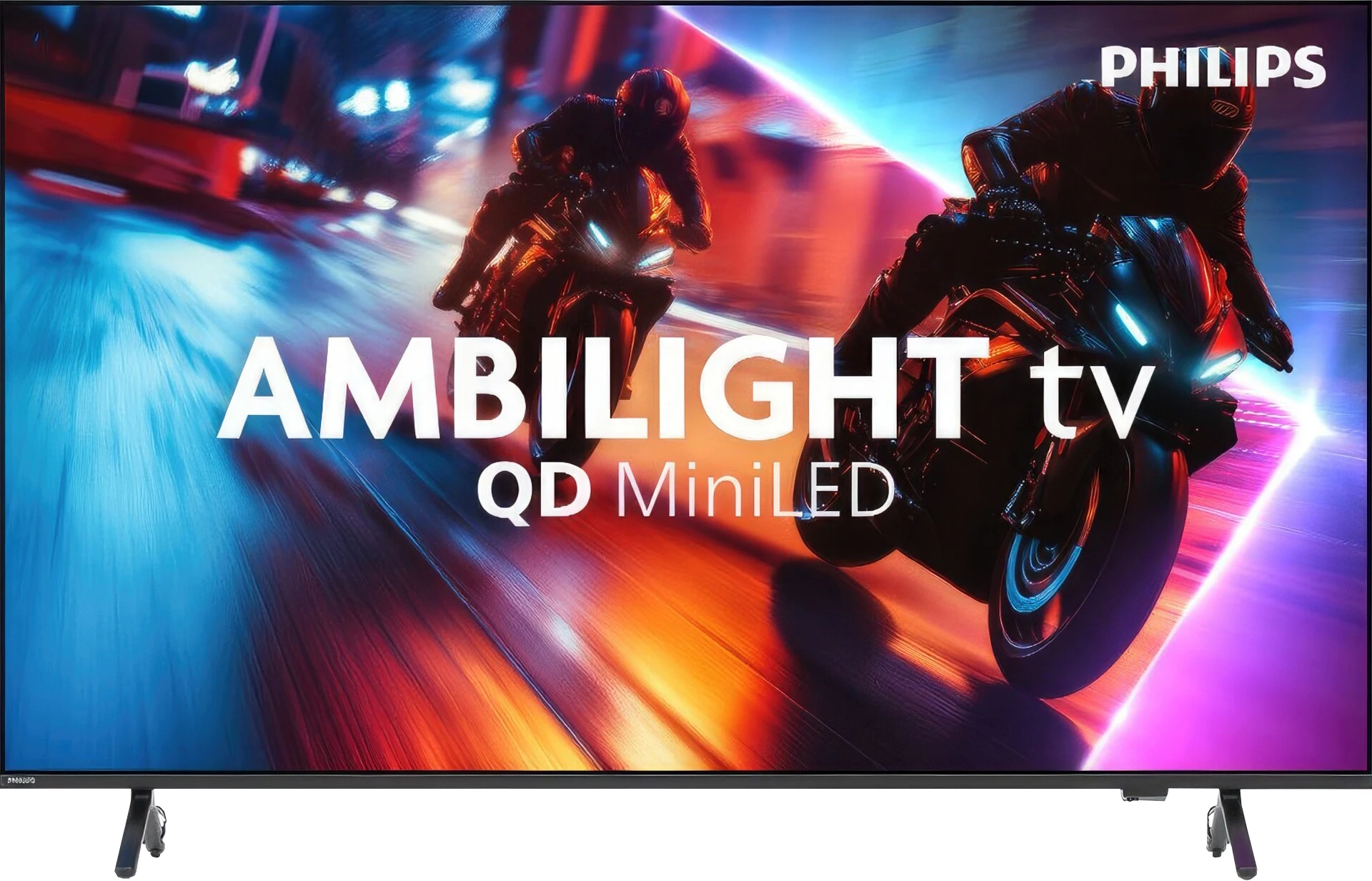
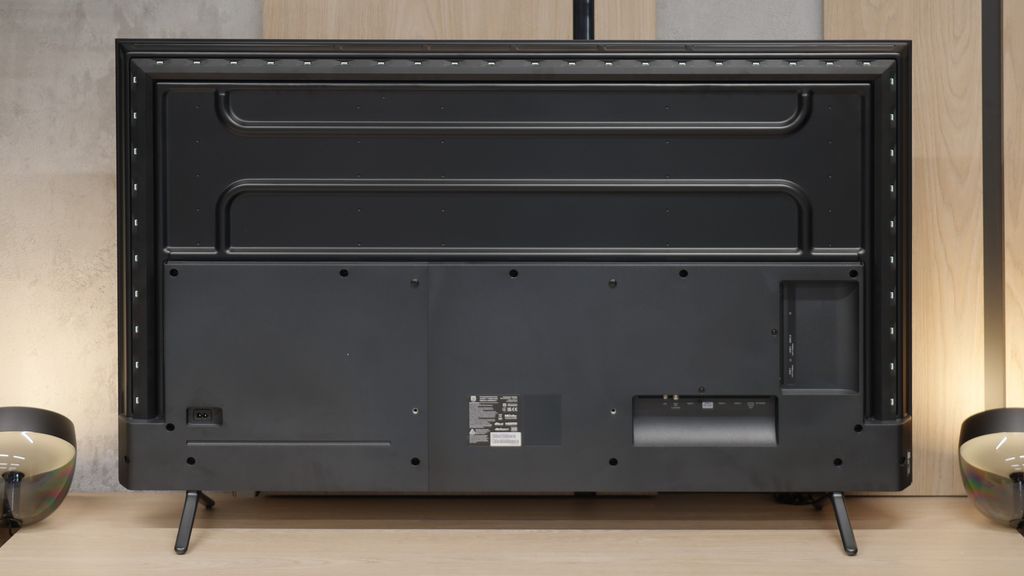
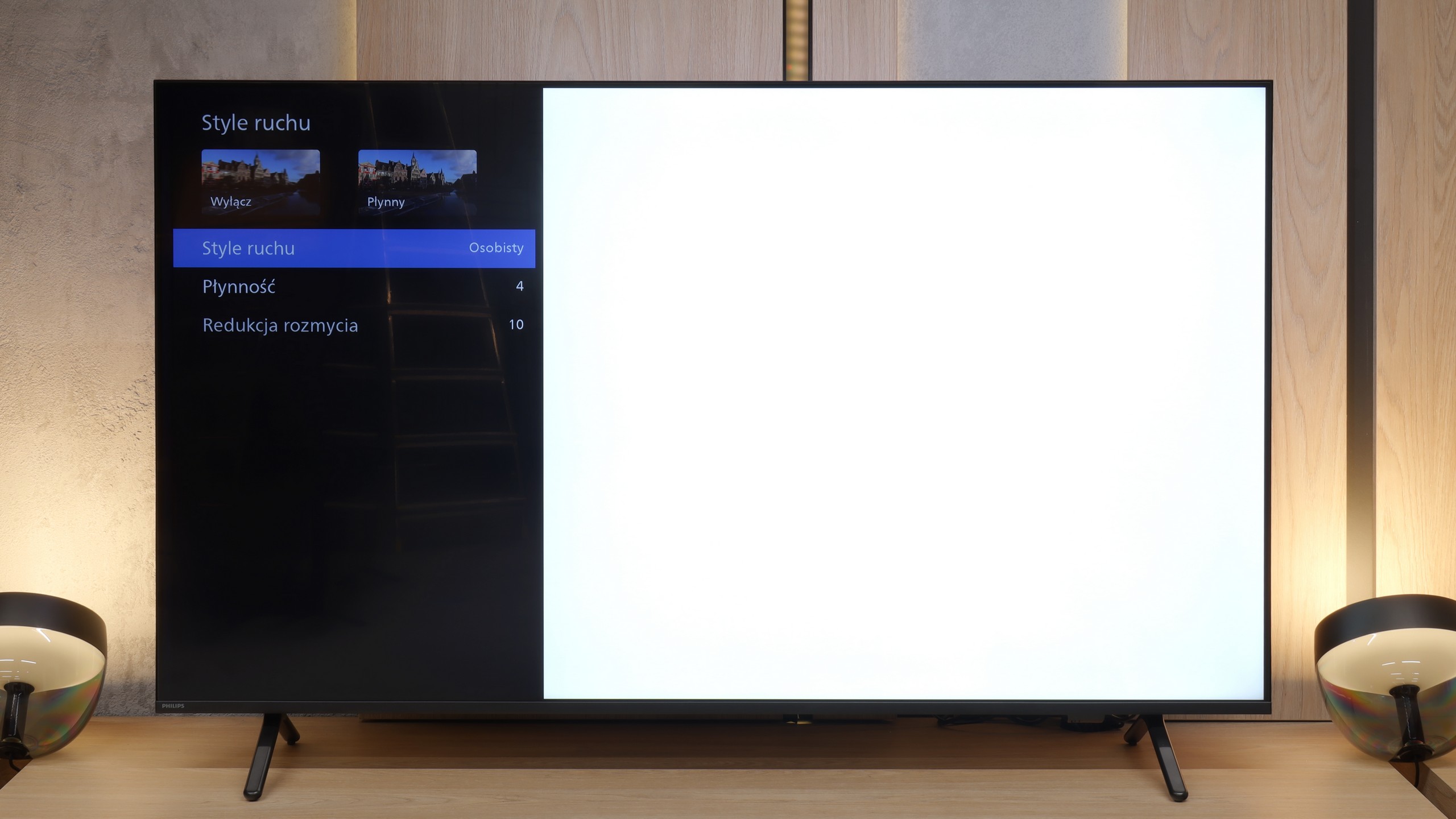
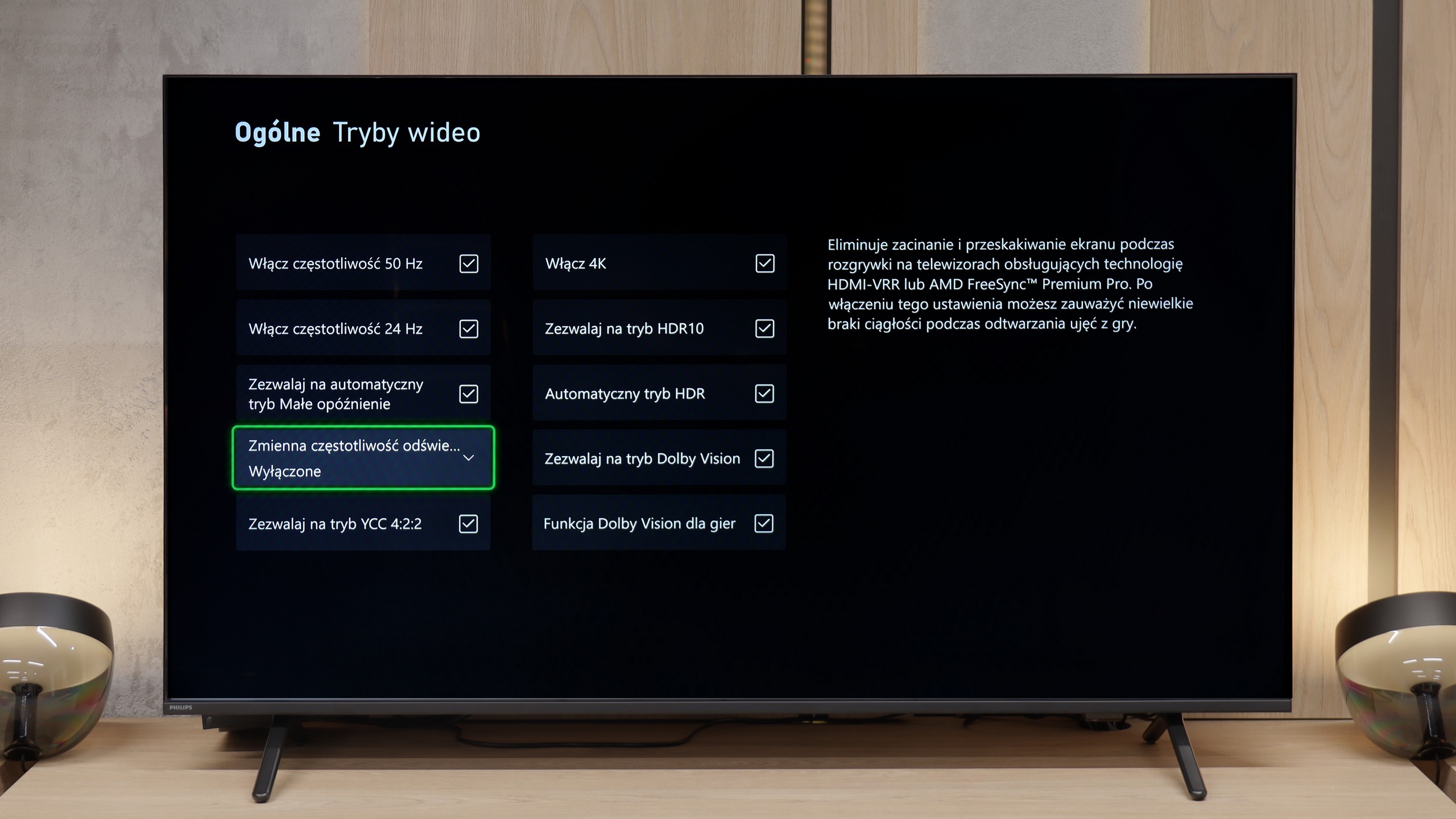
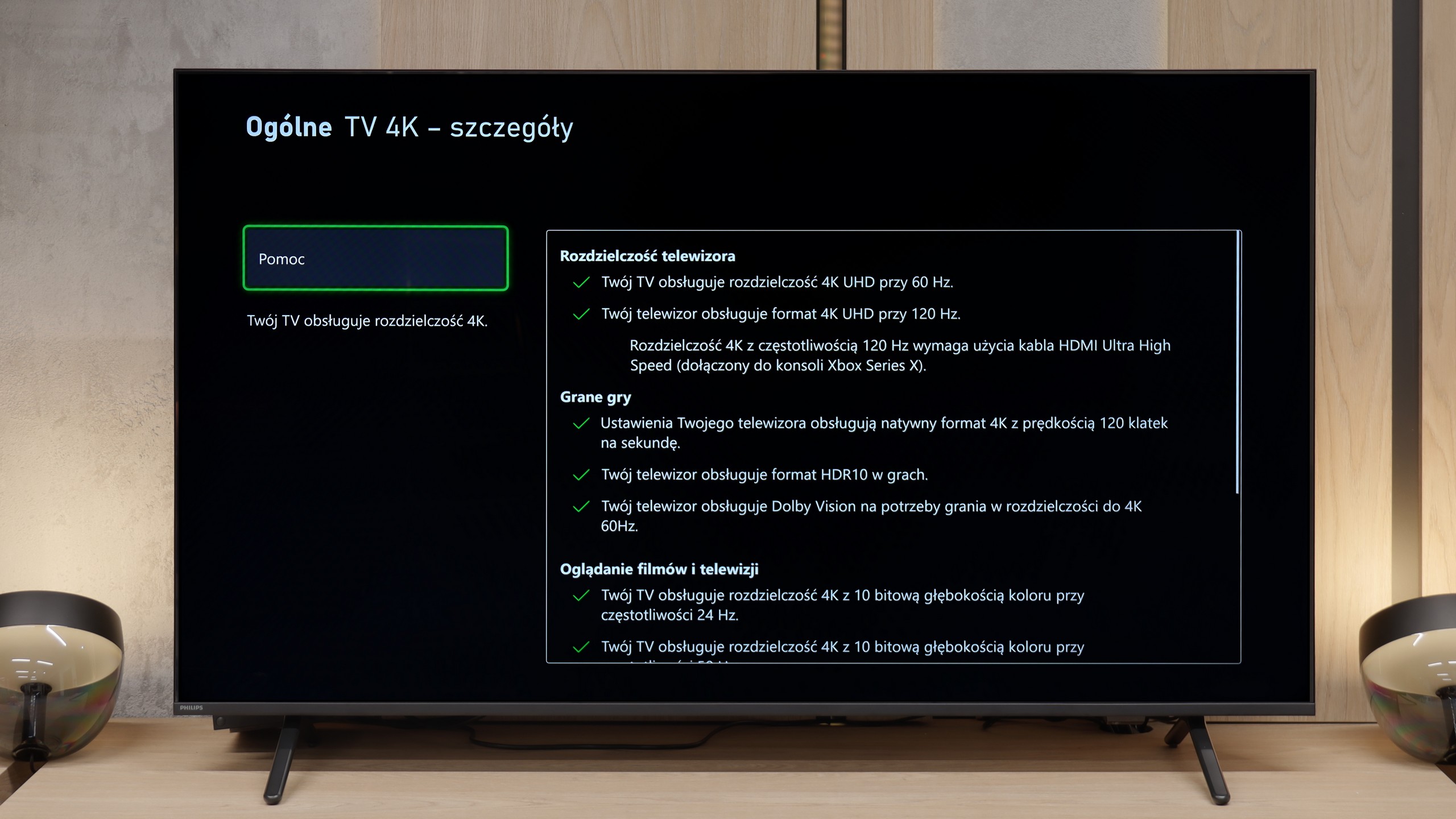
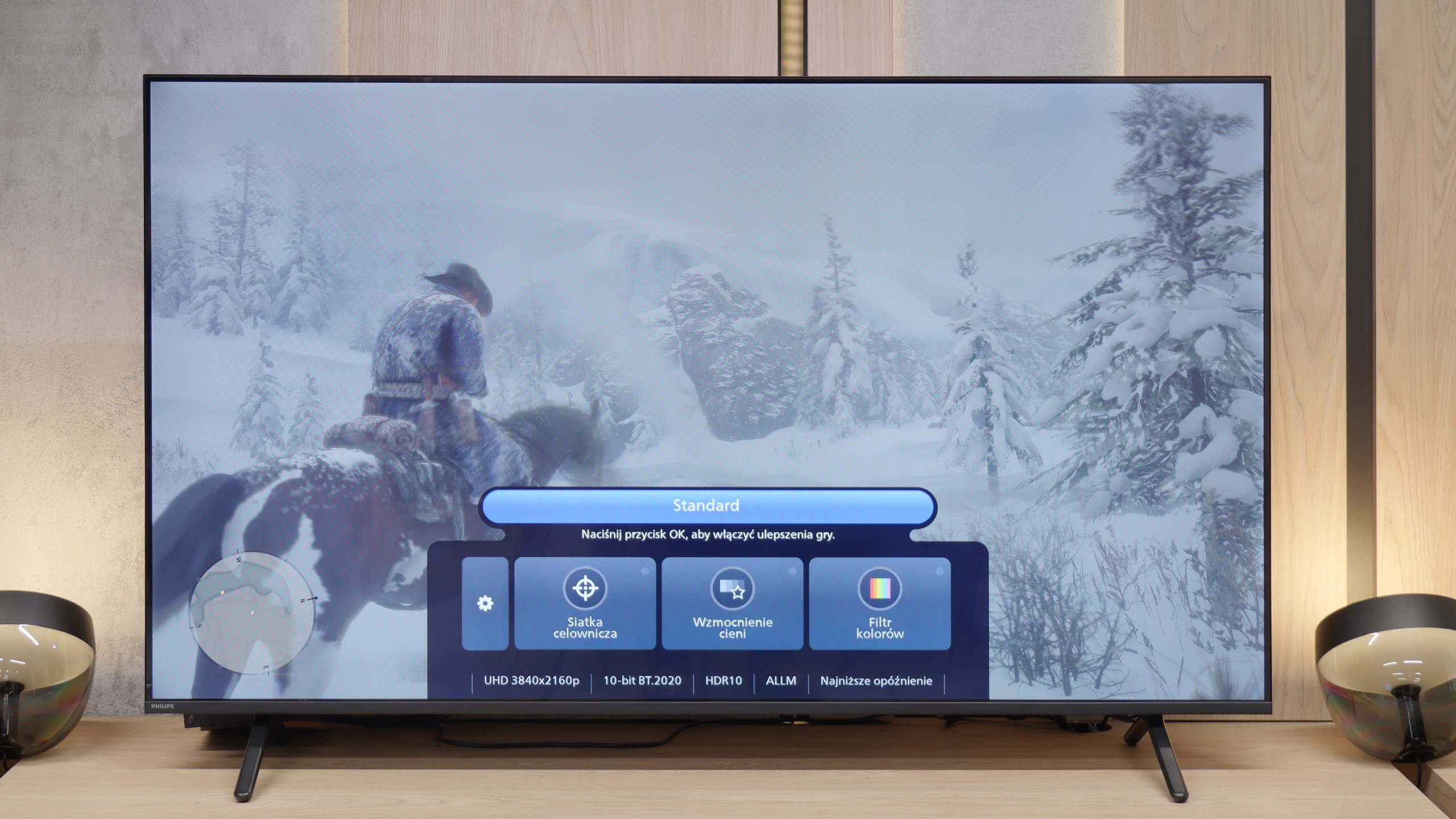
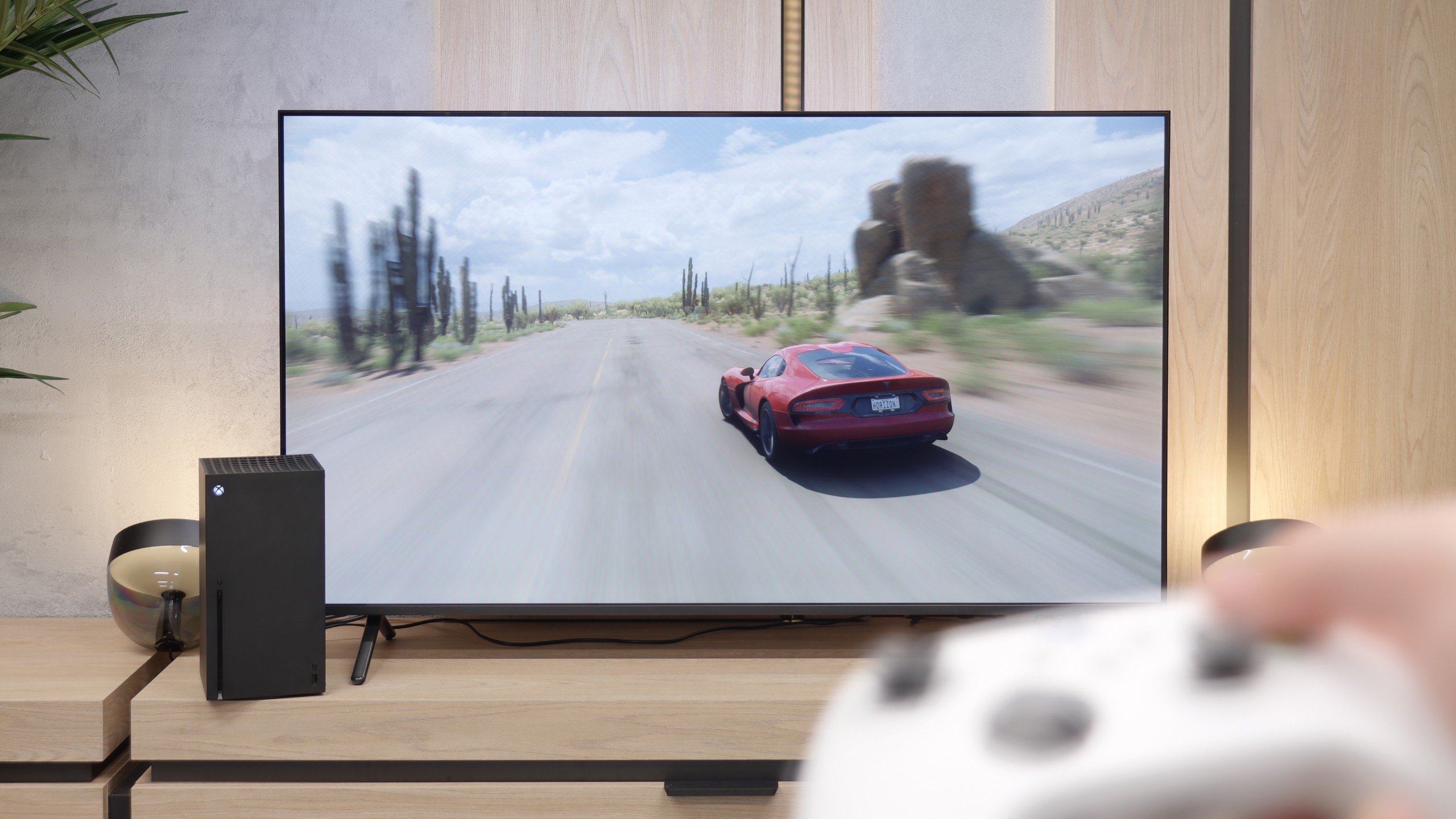
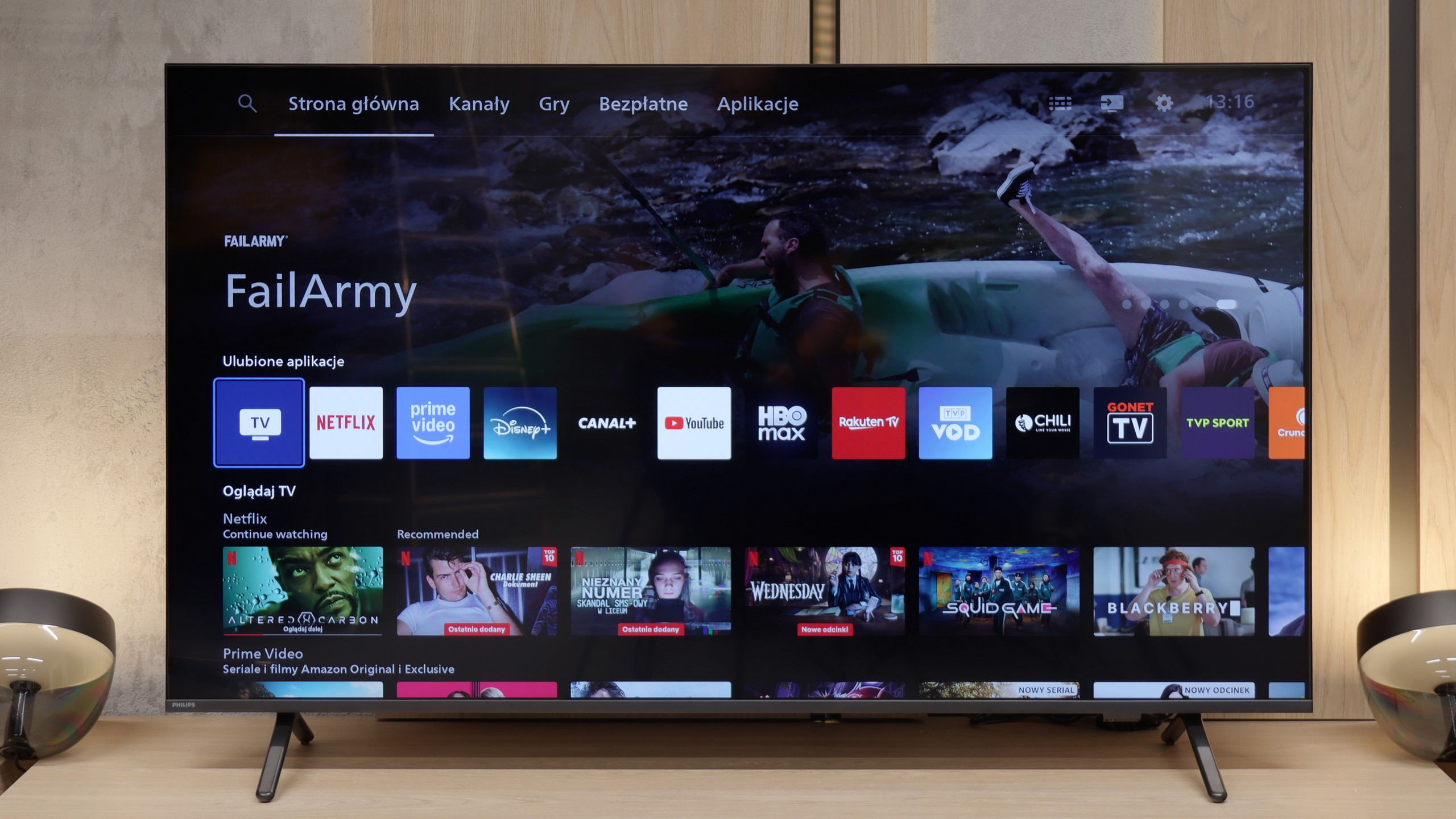
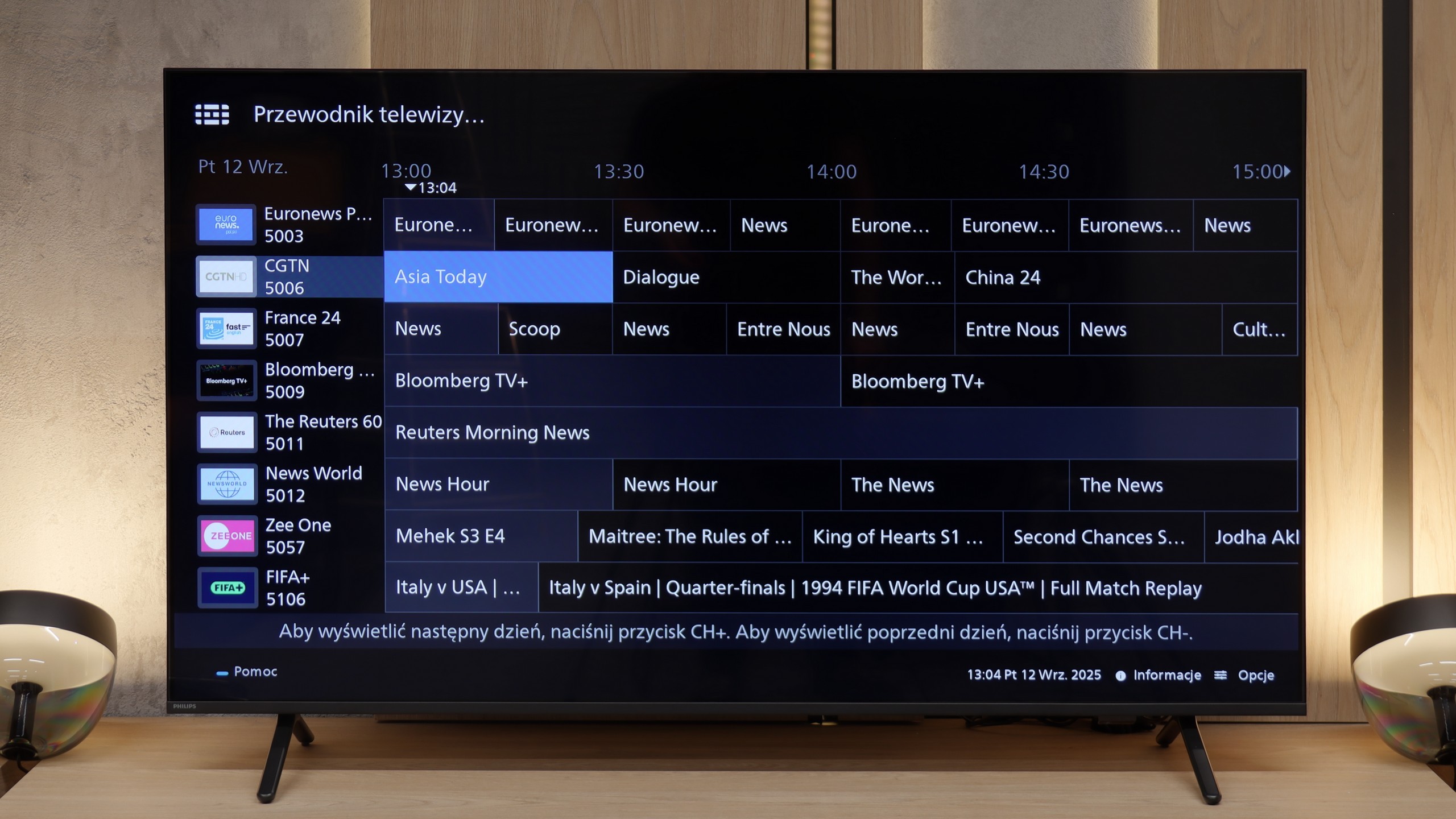
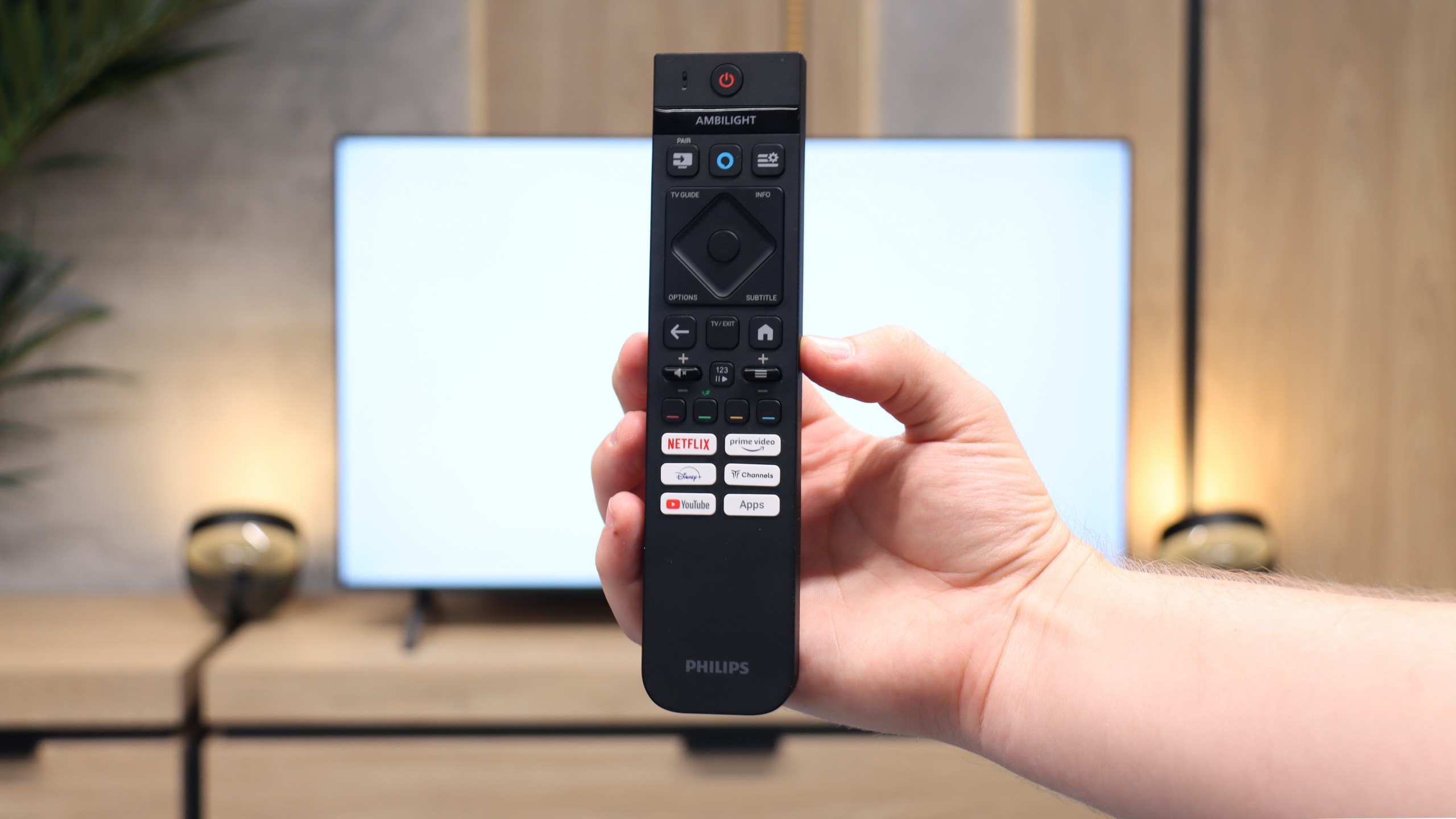
Philips MLED920 is a natural continuation of last year’s PML9000 model, but it’s not a rehash. It’s clear that the manufacturer has done their homework – primarily, the local dimming algorithms have been improved, which last year could really spoil the viewing experience. Now, black levels and contrast are definitely better, and combined with Dolby Vision here, even HDR content looks quite decent. The picture can sometimes shine where it should, and it doesn’t strain the eyes in more challenging scenes. Undoubtedly, the greatest asset of the MLED920 is its unique Ambilight system. The three-sided backlighting can give films and games a whole new atmosphere – it’s as if the screen is extending beyond its boundaries, and the whole room becomes part of the viewing experience. This is something that will be appreciated not only by movie buffs but also by gamers, who, in addition to the lights, get a full set of features typical of modern gaming TVs: 144 Hz, VRR, ALLM, and Dolby Vision Gaming. In this regard, Philips has a lot to offer. But. Well, there’s a big but – this is where we reach the most difficult part of this verdict – it’s still a dual-purpose device. On one hand, we have strong picture quality and the unique Ambilight feature, on the other, there are hardware limitations that are hard to ignore. Titan OS in its current form is a big hindrance, full of bugs and shortcomings that make the TV lag behind the competition. Added to this is the price, which is by no means low for the features offered. Therefore, it’s hard to recommend it unequivocally to everyone. However, if you’re looking for Philips' brightest screen at a reasonable price, with Ambilight, a full set of features for gamers, and basic apps – the MLED920 will be quite a good choice.
 Direct comparison