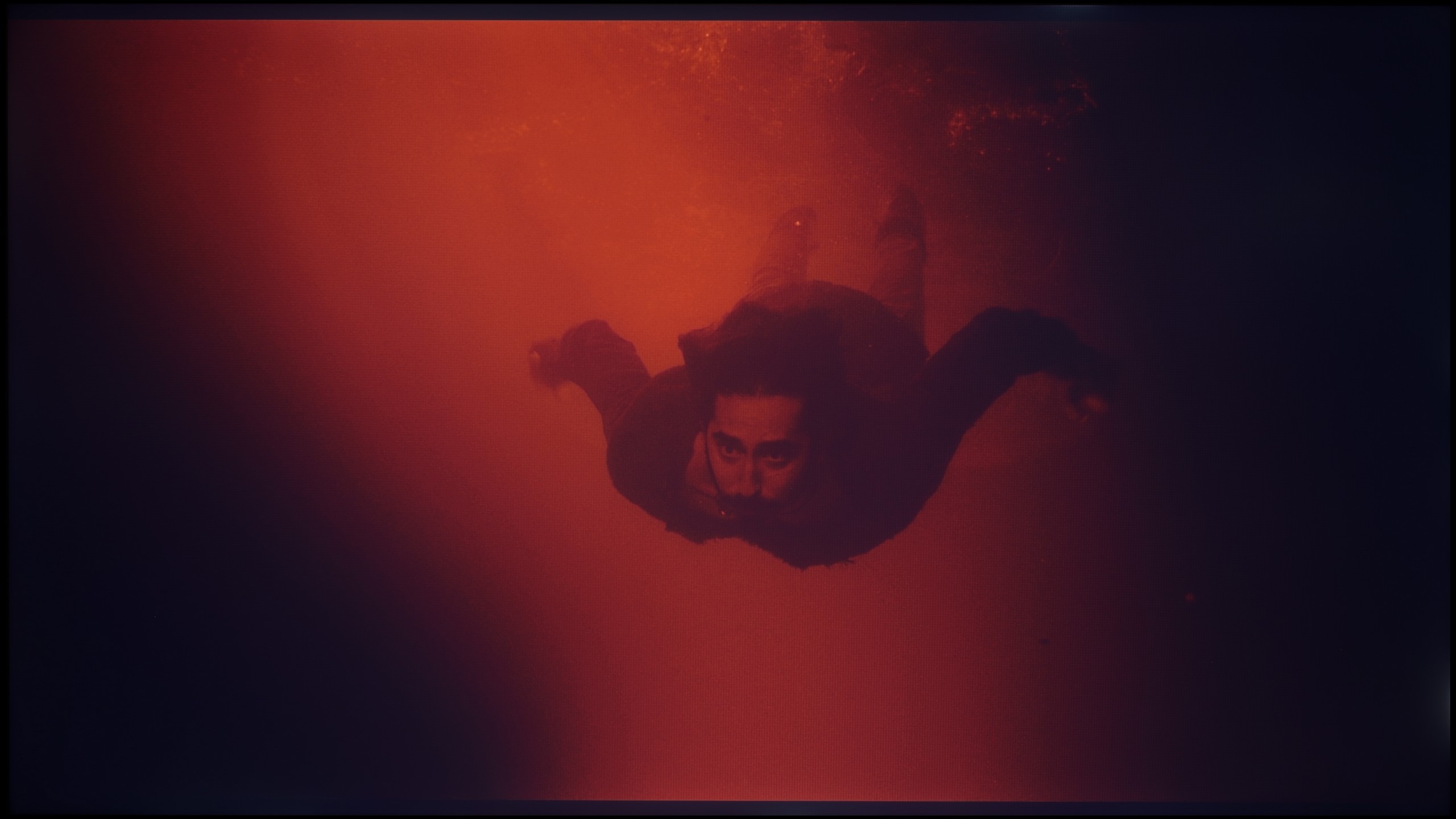
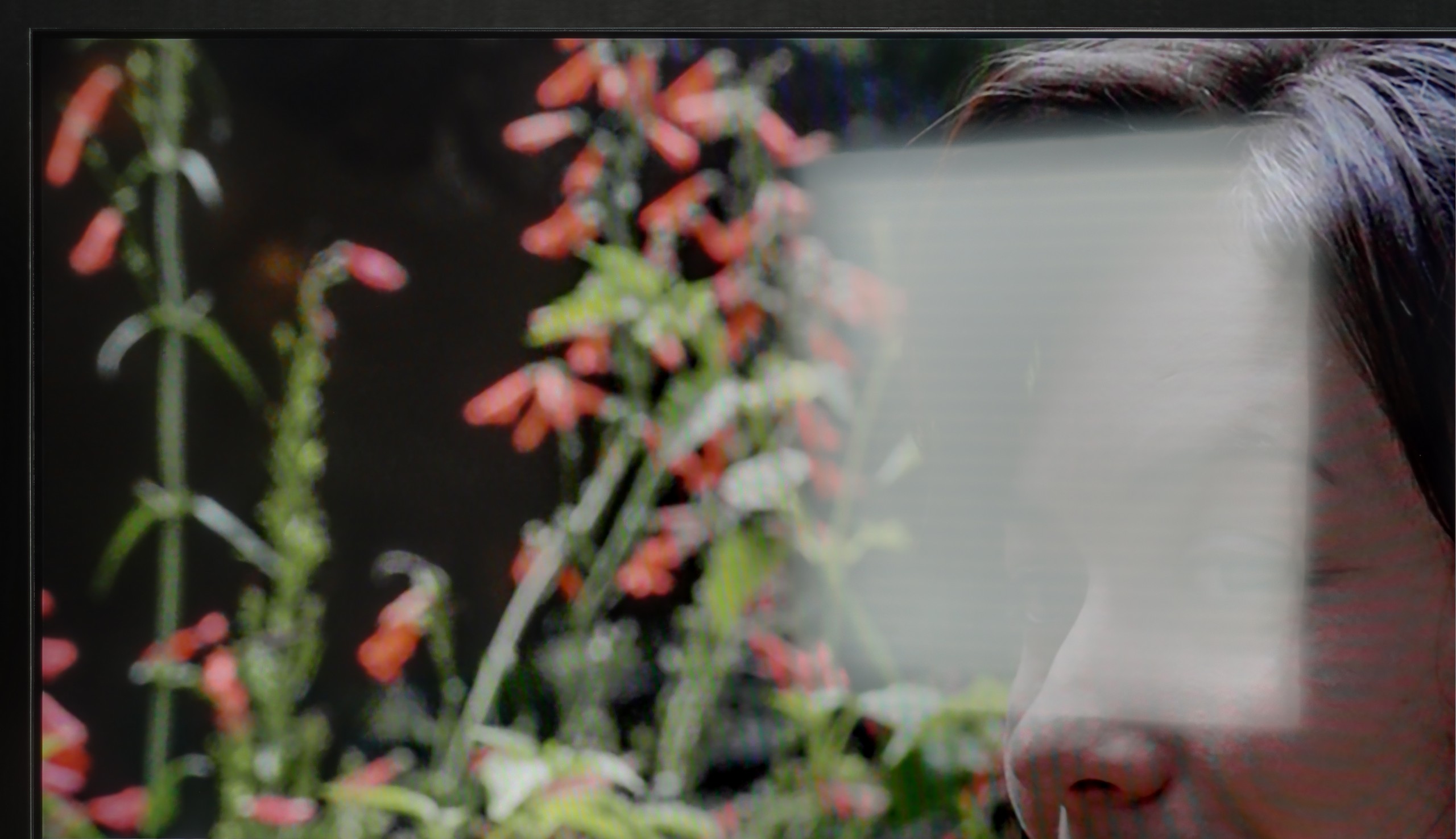
The Sharp FQ8 was evaluated for colour reproduction in its movie mode, which provides the best default settings for achieving realistic visuals. While it performs adequately, certain issues impact the overall image quality. Tests on HD content revealed significant white balance problems, with a marked dominance of red. This is evident in the colour graph, where the red line noticeably rises above the others, and in practical tests, such as a movie scene featuring a child, where the image appears overly warm and unnaturally red. Similar issues persist with 4K HDR content, where an excessive red tint detracts from the accuracy of colour reproduction, an important consideration for viewers prioritising faithful visuals.
For SDR contrast, the gamma graph displayed an unusual anomaly at the start, highlighting reproduction issues. The remainder of the gamma curve lies below the reference line, indicating suboptimal brightness and contrast levels for standard content. In 4K HDR, the EOTF curve also deviates significantly, suggesting inconsistencies in brightness reproduction. These fluctuations can result in less enjoyable viewing experiences for HDR content, particularly in scenes requiring precise light and dark balance.
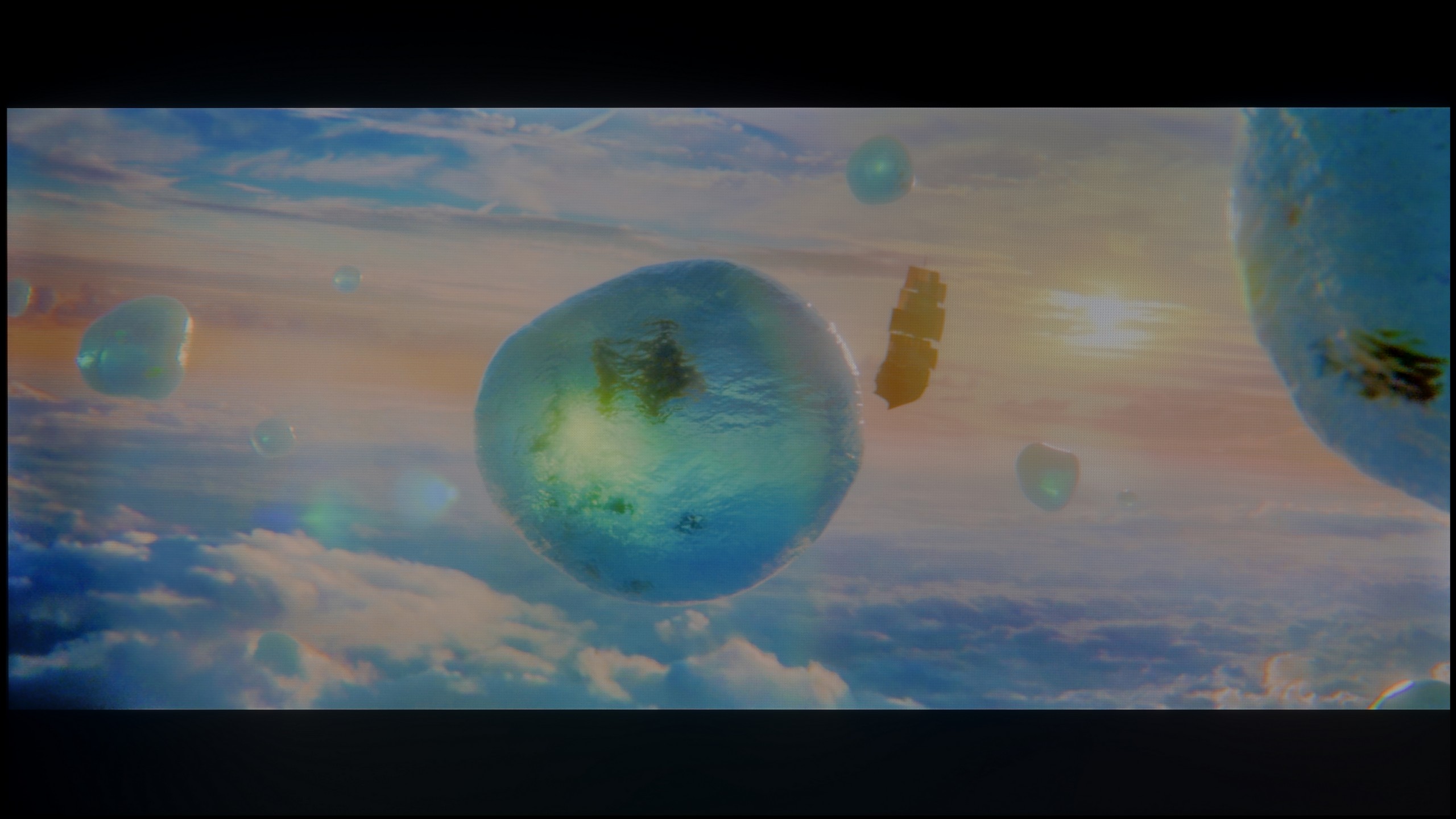
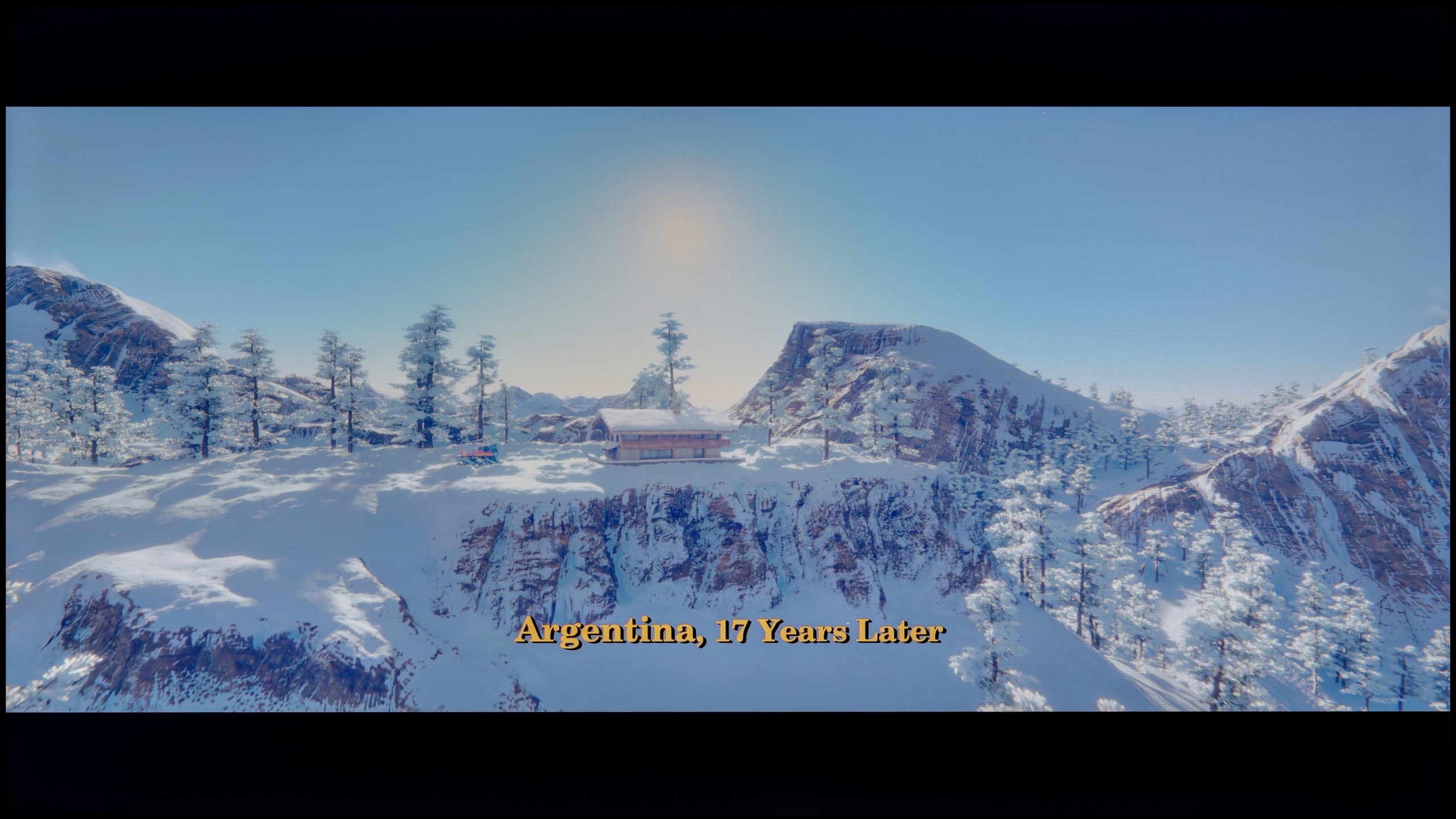
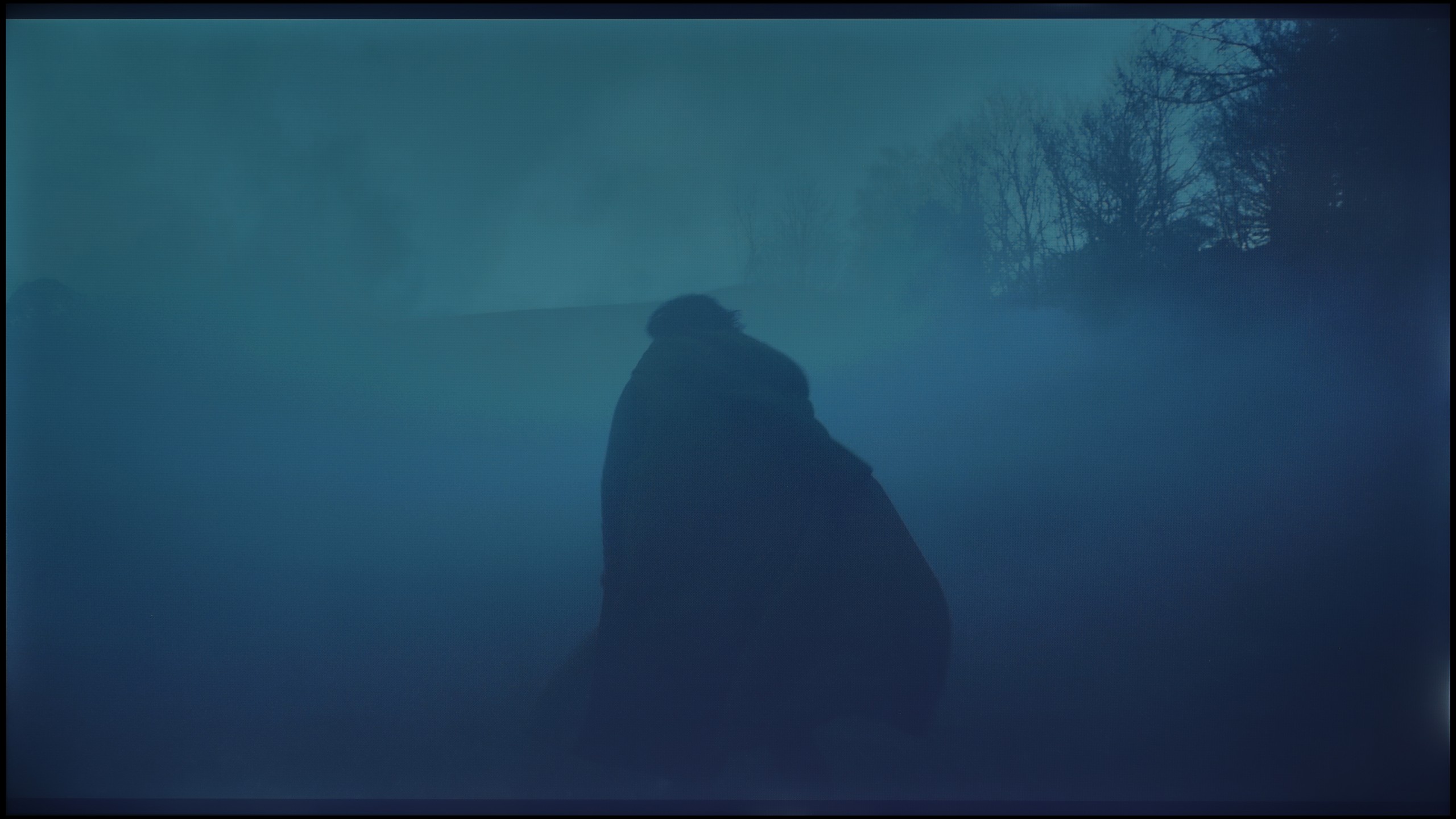
We also took a close look at how Blaupunkt handles colours in movie mode, and here the matter is, to put it simply, twofold. We must once again clearly separate what we see in the standard SDR format from what happens when HDR is switched on, as they are two completely different worlds. Let's start with the better side of the coin. If you're planning to watch traditional TV, YouTube, or older films on this television, you can count on really well-tuned colours. In our test sample, the white balance in movie mode performed exceptionally well, which honestly surprised us. Of course, to avoid being too rosy, we noticed some drawbacks. Looking at the gamma charts, we observed that the processor struggles with properly dimming the image in its brightest areas. Additionally, there is quite a strong, at times overly aggressive, red saturation, which resulted in visible errors in reproducing certain shades. Despite this, overall, the image in SDR is simply solid and watchable without a grimace on your face. Unfortunately, the magic fades when we re-enter the world of HDR. Here, Blaupunkt behaves as if we suddenly switched it to store mode, and in its worst rendition. The excess blue in the white balance is so significant that it’s glaring, ruining any realism in the scene. Furthermore, the television interprets brightness very loosely, which, upon analysing the EOTF curve, clearly showed that for most of the time, colours simply appear washed out and lacking depth. This is also perfectly evident in the colour errors that become apparent in this mode. Once again, we are left with the same conclusion: Blaupunkt in SDR mode looks significantly better and more natural than in HDR, which seems to be forcefully added without proper refinement.
 Direct comparison