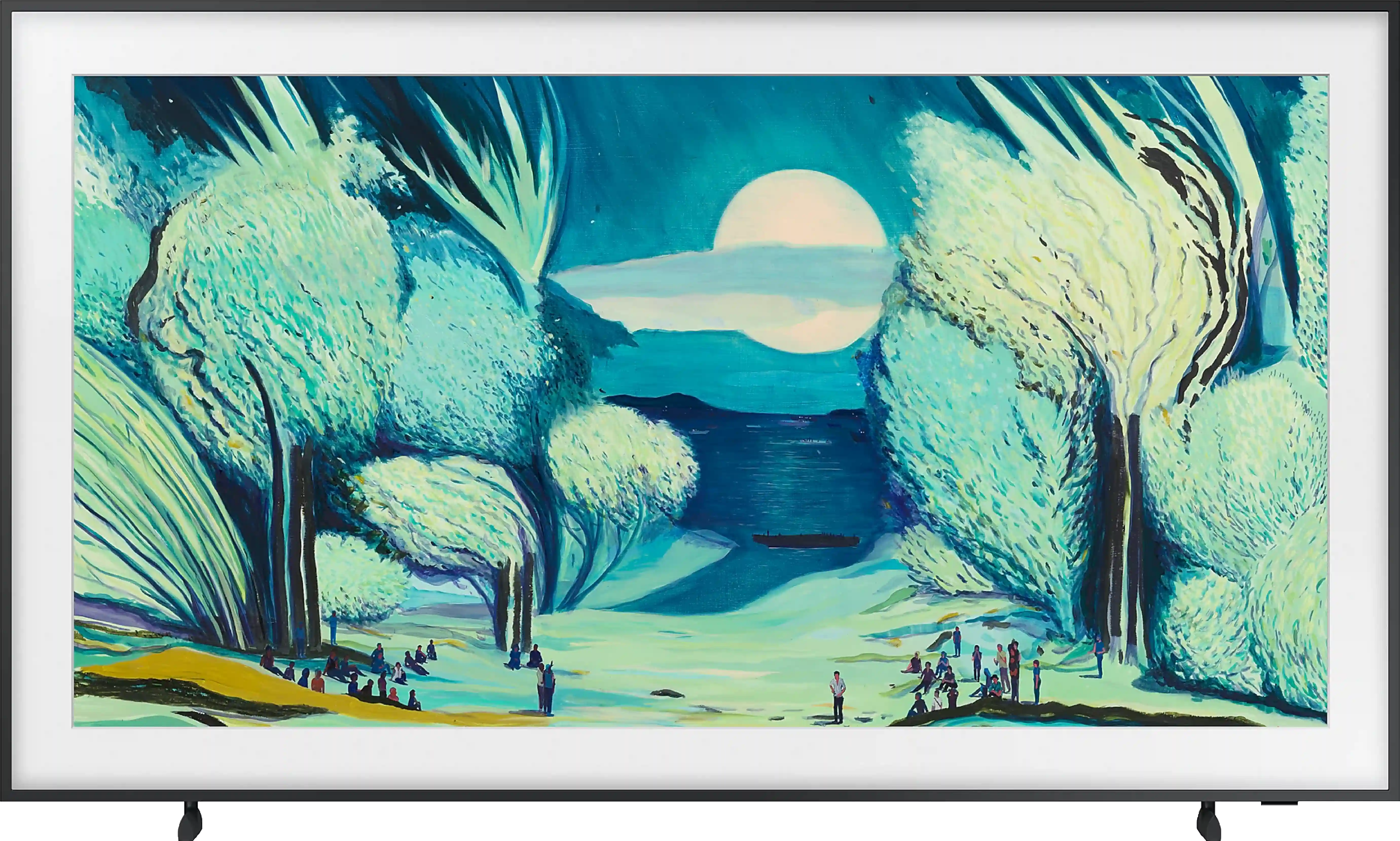
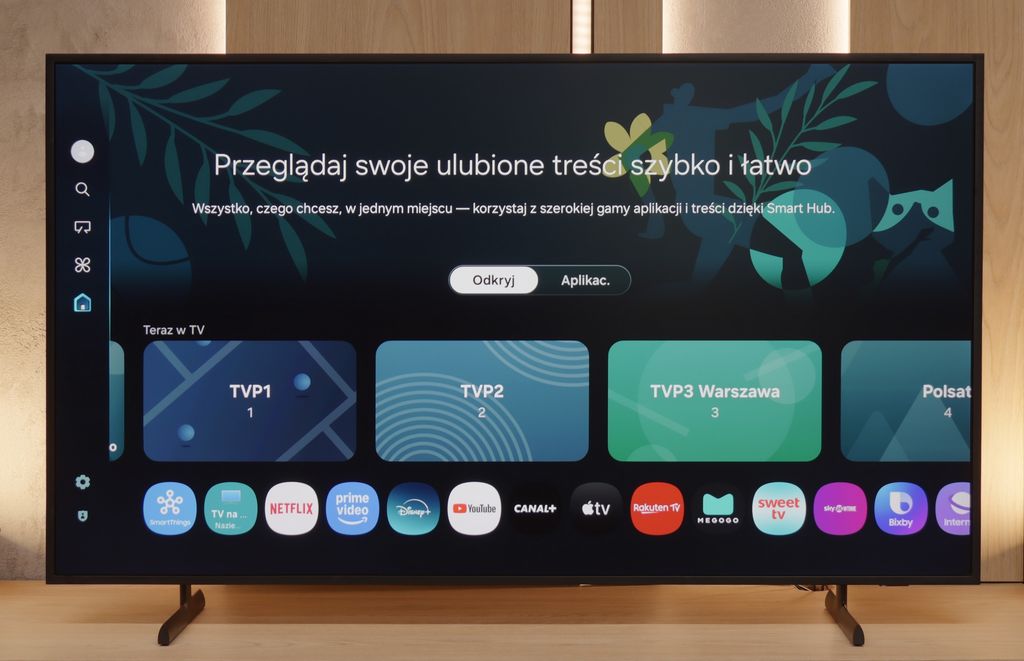
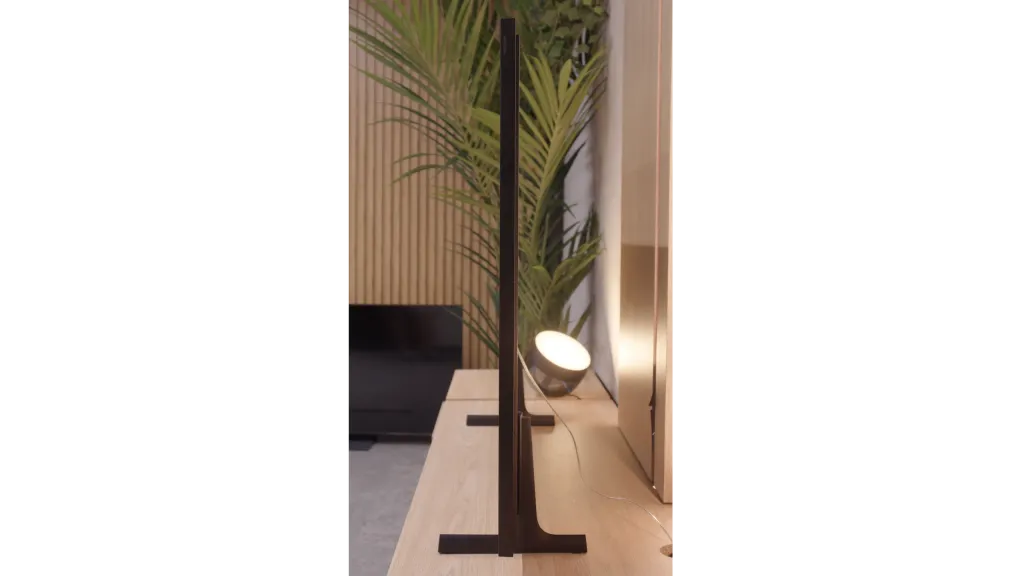
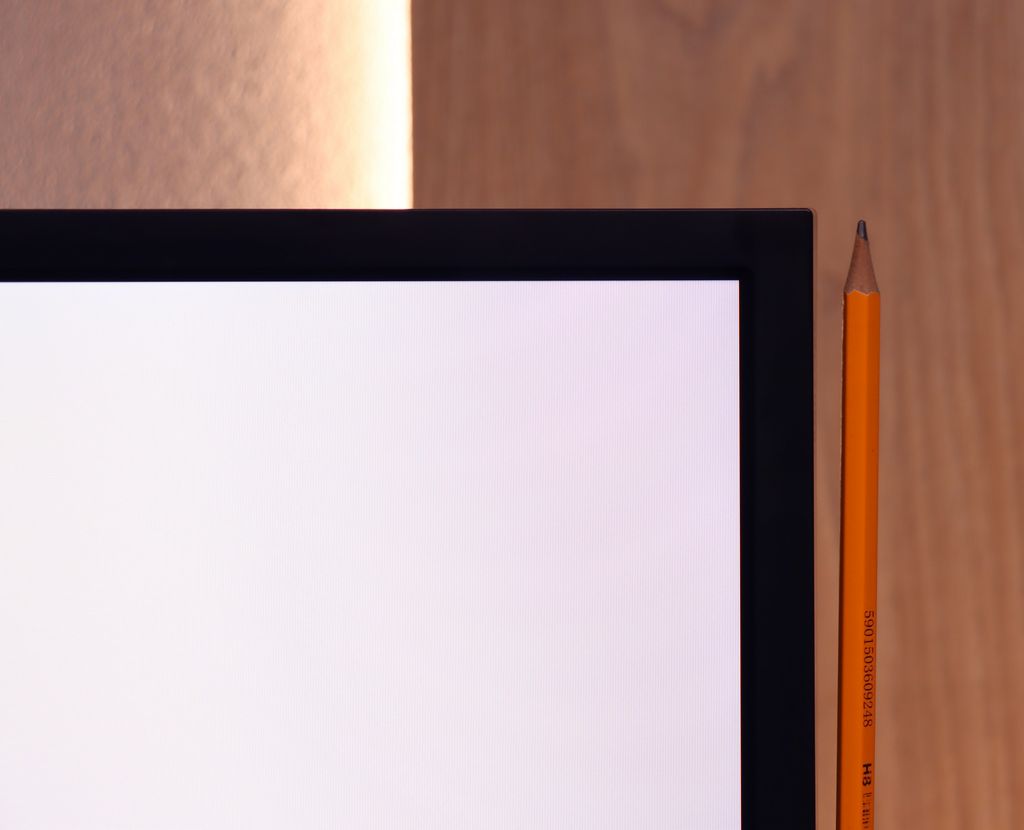
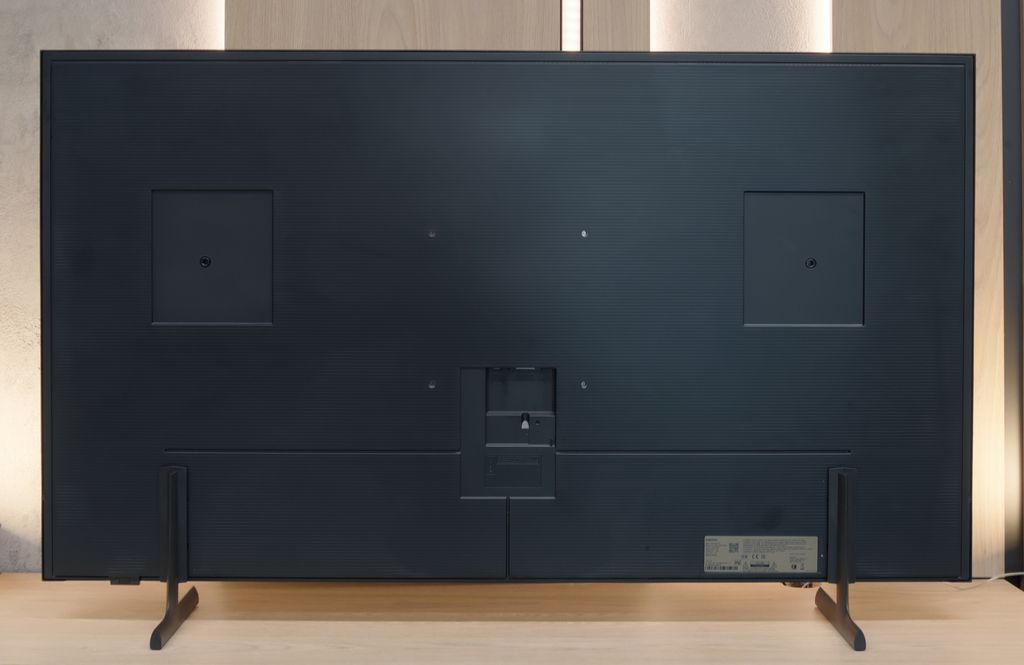
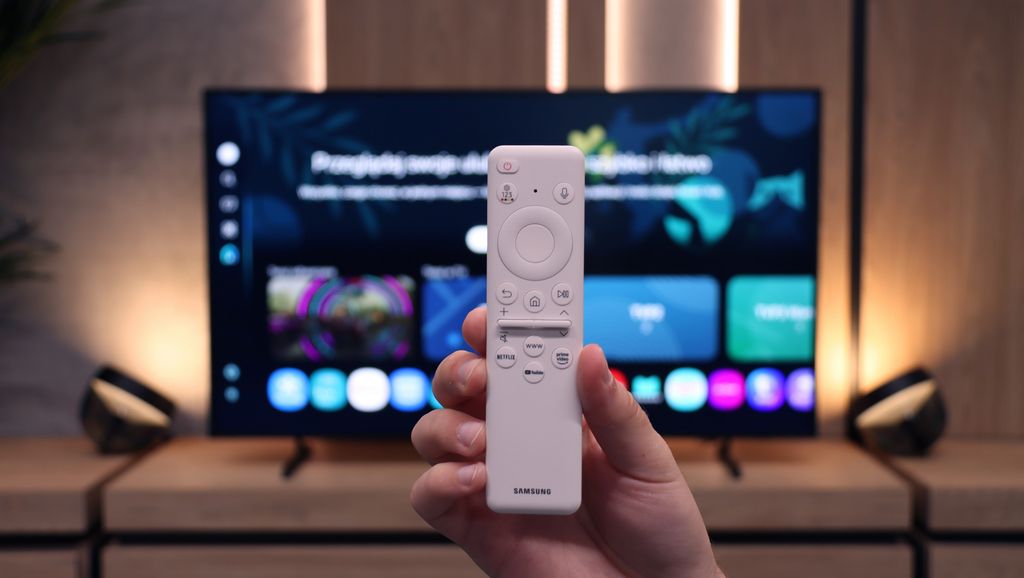
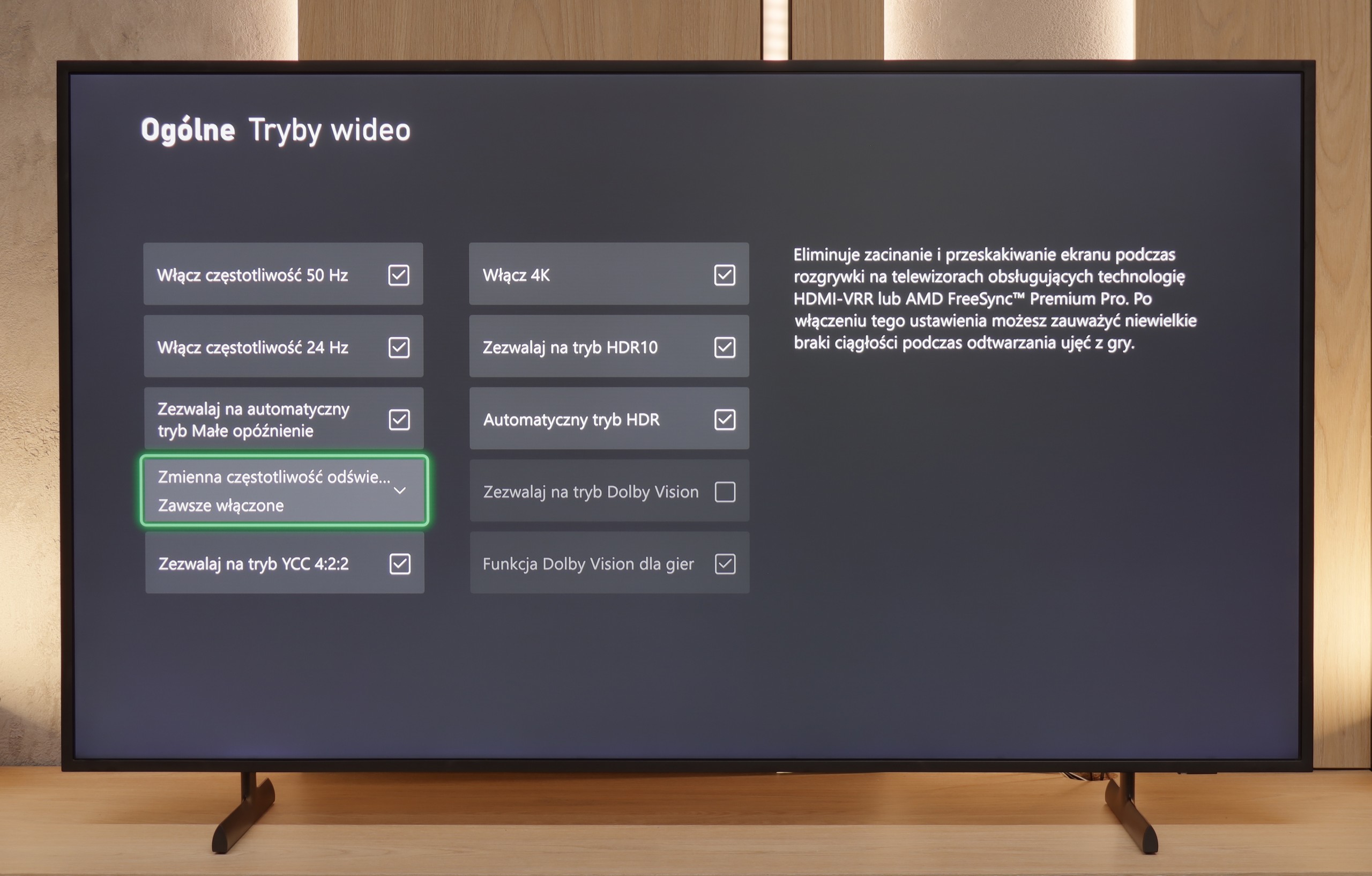
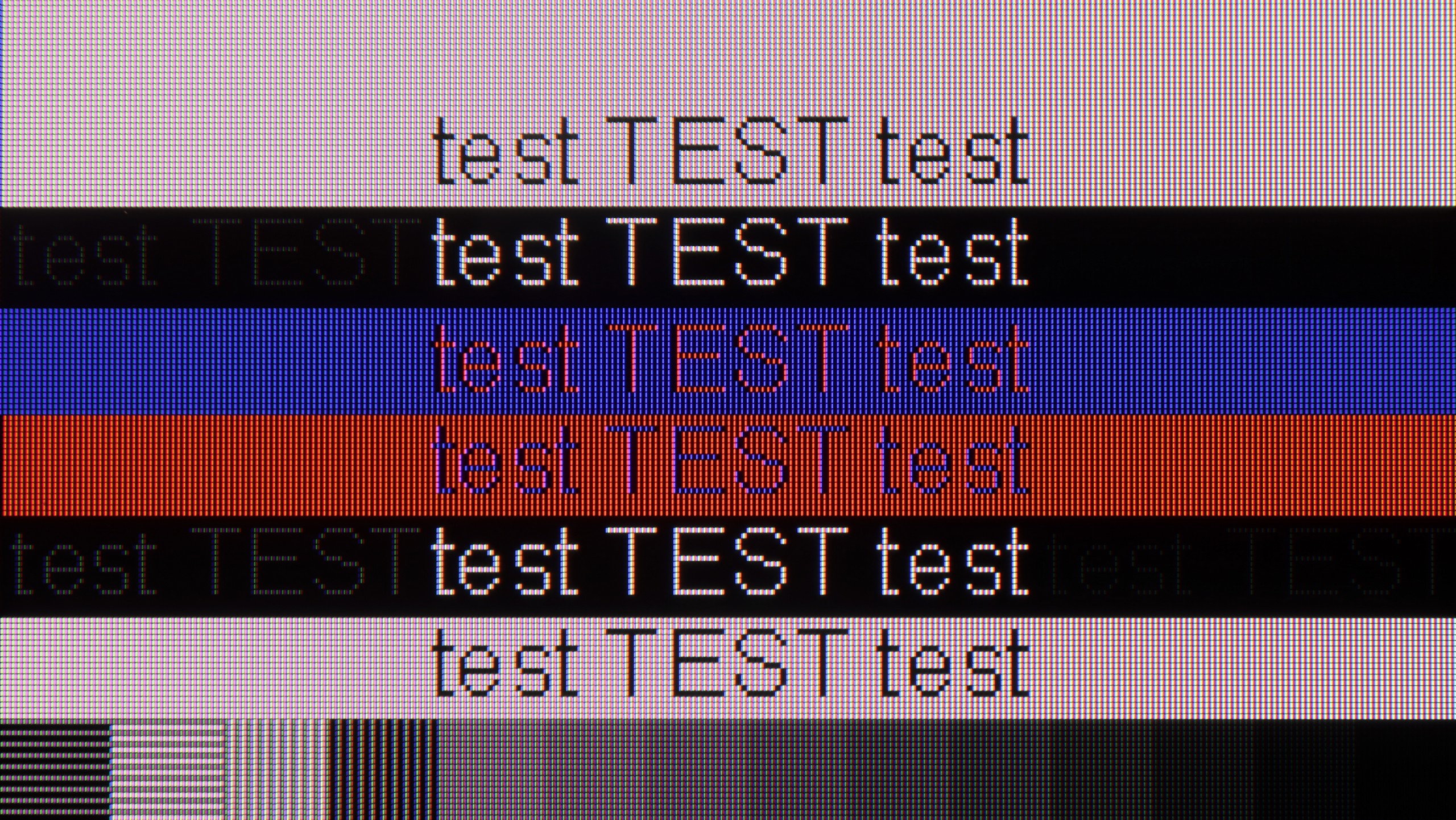
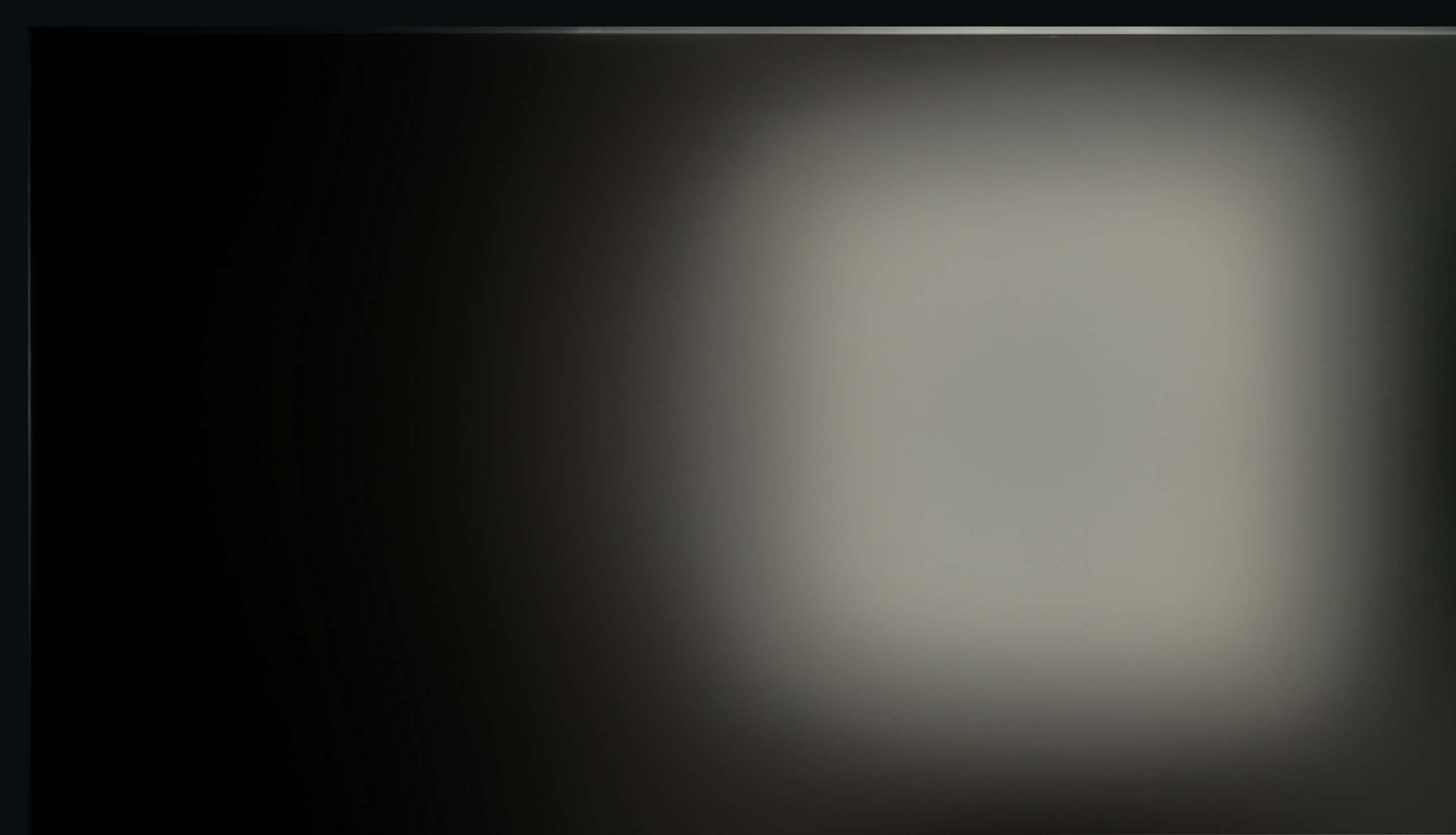
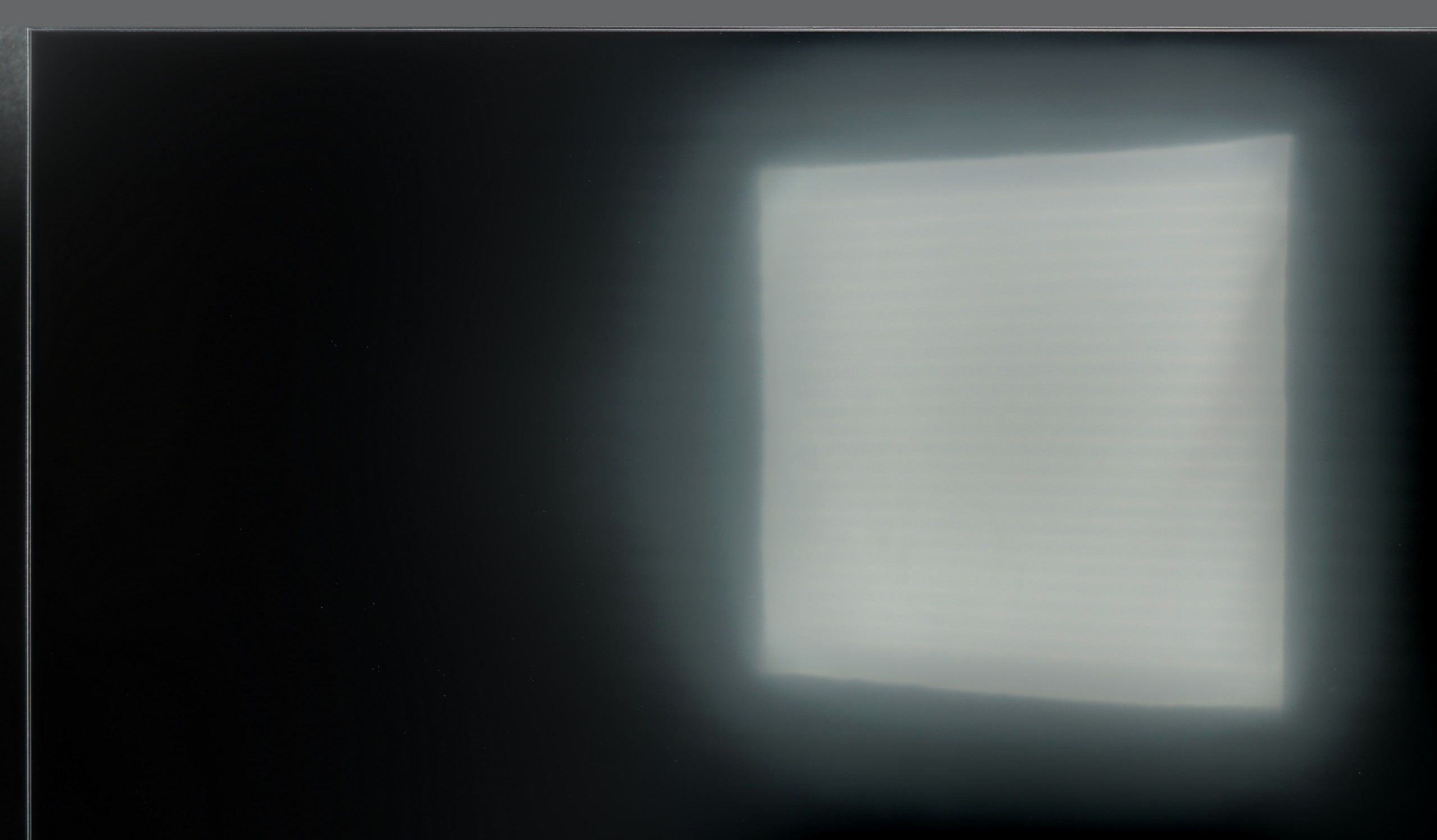
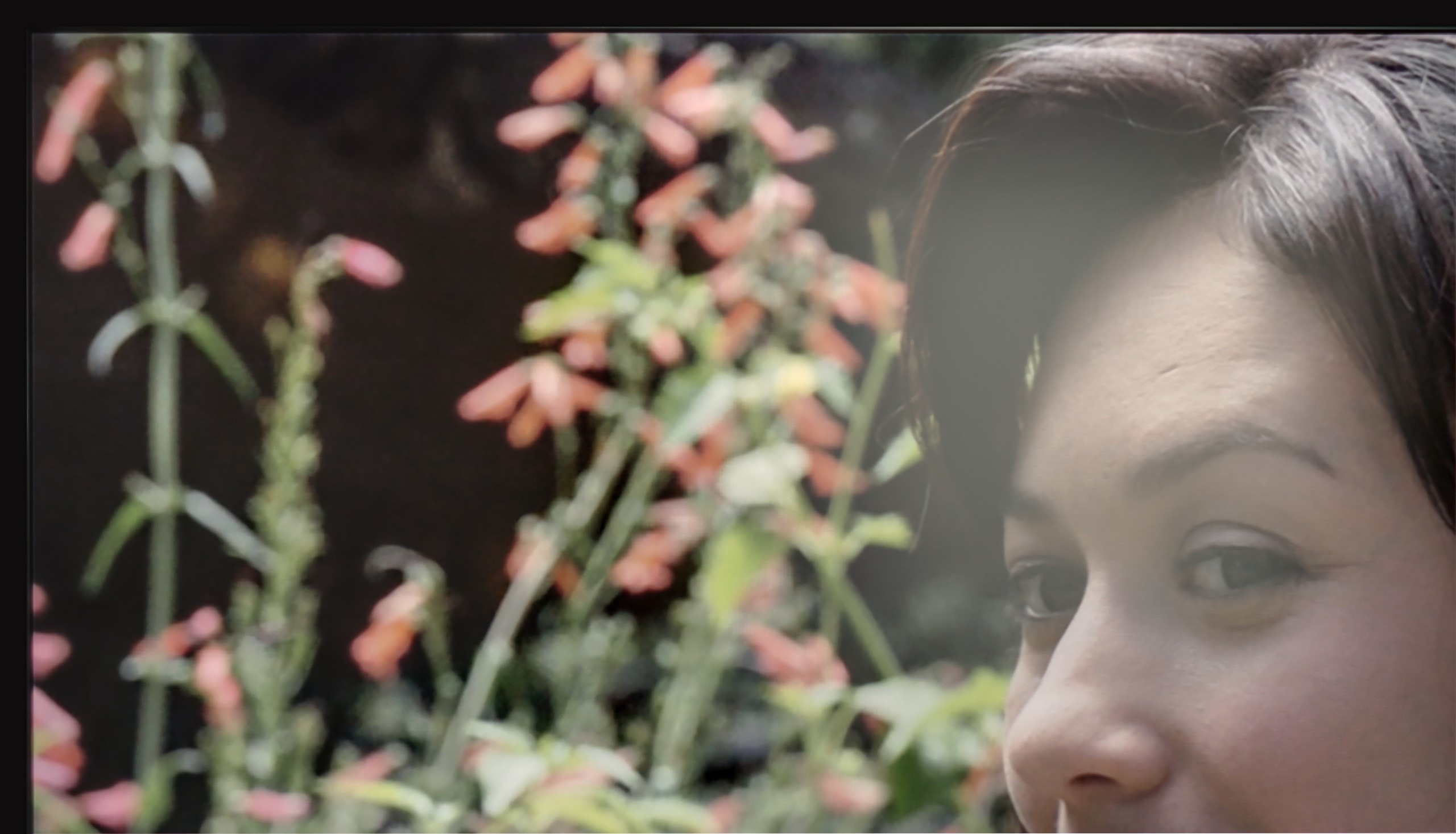
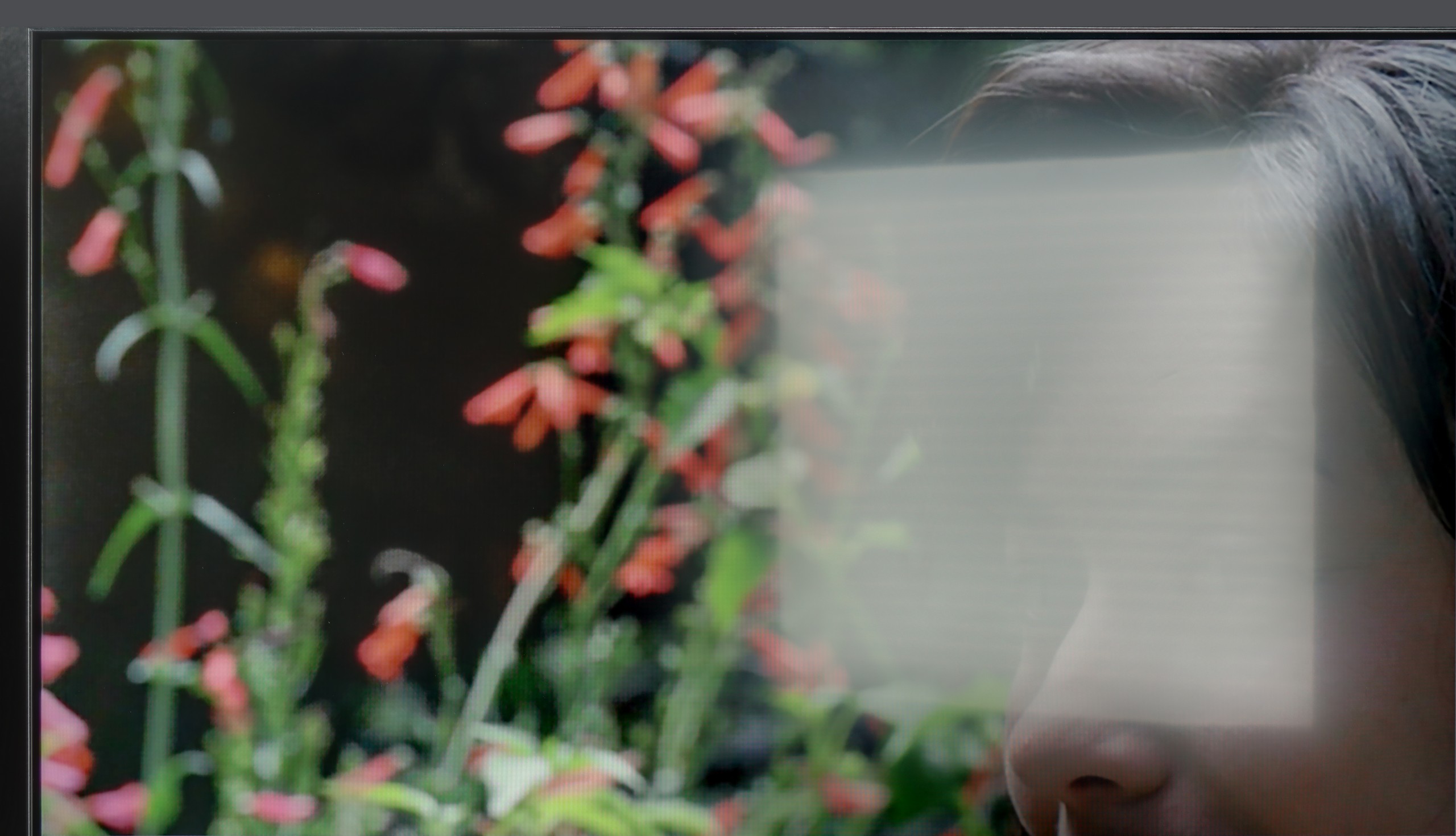
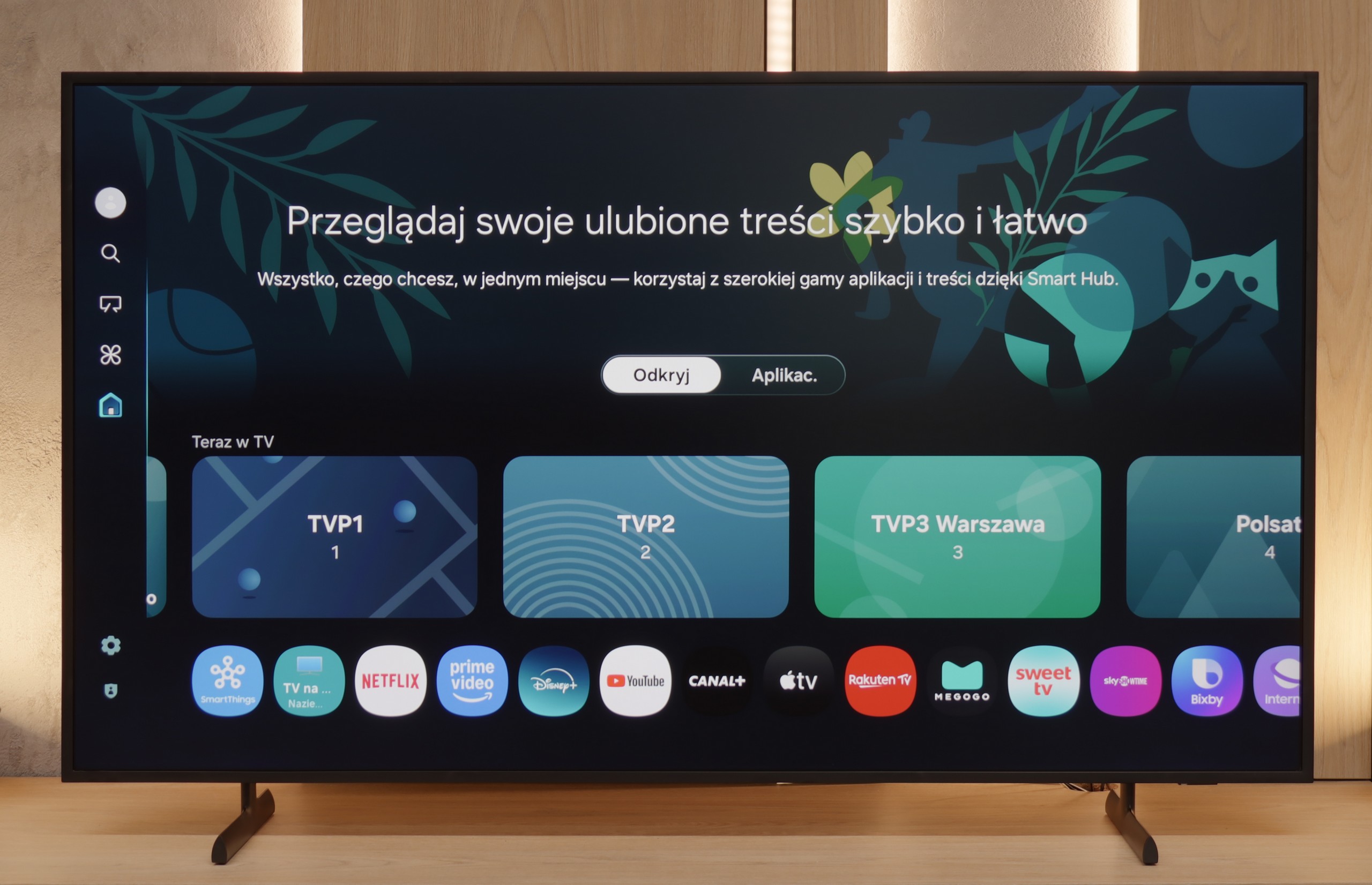
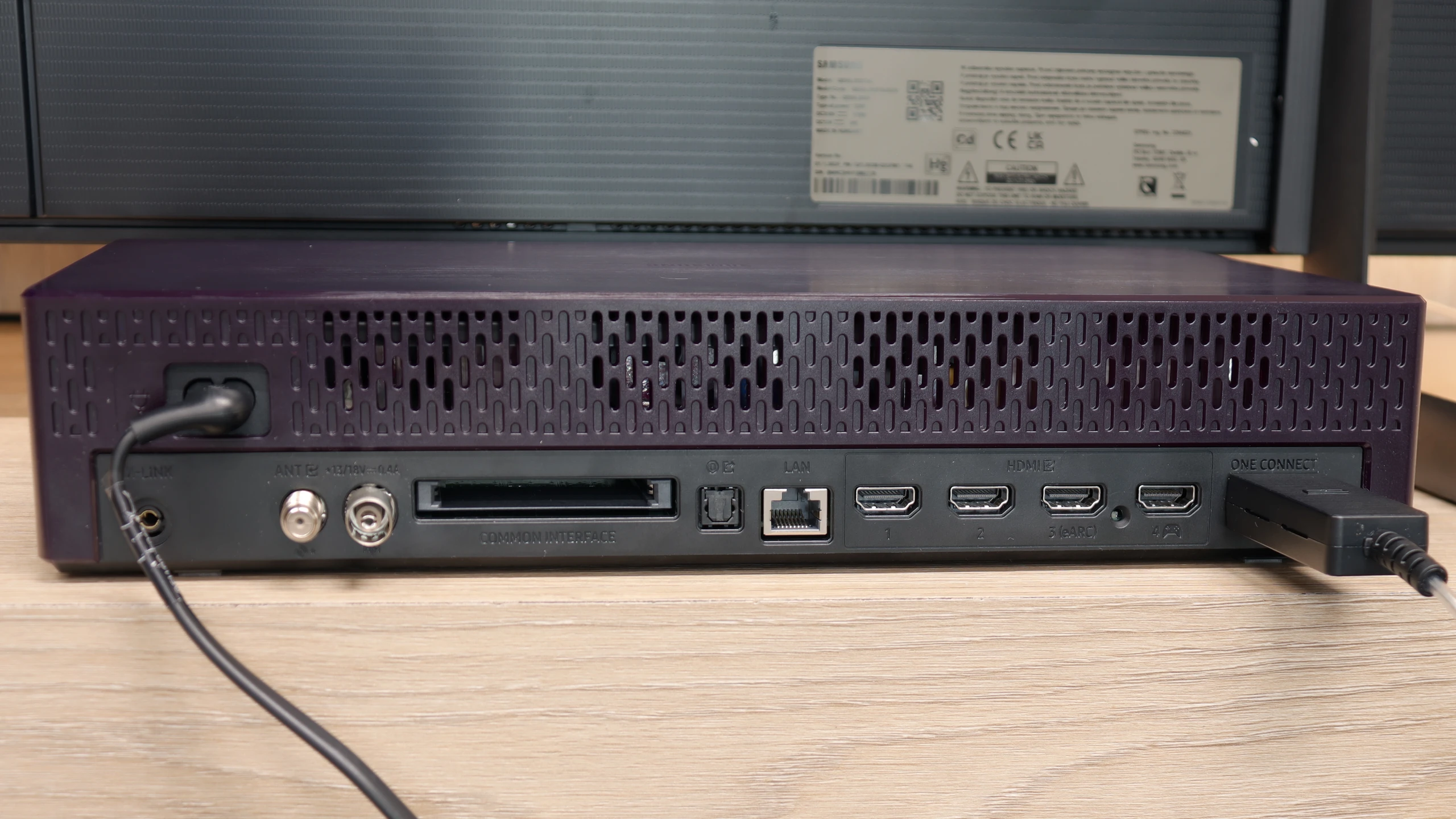
Samsung The Frame 2025 is a TV like no other – and even though competition has emerged, it still does it best. The matte display, flush with the wall, and a single thin cable thanks to the One Connect module make the device resemble a painting more than any other screen. The Art Store app still offers the best art scans on the market (even if they are subscription-based), and with interchangeable frames, we can match the TV to the interior almost like furniture. As for the picture itself, because after all, we are talking about an ordinary TV, there are no significant changes, but also no disappointments compared to last year's LS03D model. The Frame still offers high native contrast and solid brightness at 600 nits, which combined with the matte coating provides very comfortable use during the day. The colours aren't as vibrant as those on glossy screens, but against competitive matte designs – they perform the best. A new feature is the 144 Hz refresh rate, although in practice, it will mainly benefit PC gamers. And indeed – in terms of features for gamers, The Frame has almost everything: low input lag, variable refresh rate (VRR) support, automatic game mode (ALLM), Game Bar, and a one-of-a-kind motion smoother designed for games. Unfortunately, not everything is as perfect as it might seem. Why? Well, because the HGiG mode, which suddenly disappeared from the latest version of the Tizen system, is missing. And Samsung really should respond here, as it is a key element for many gamers when choosing a screen. And we fully understand that. Even though LS03F The Frame 2025 doesn't bring major revolutions, it remains a unique TV that, besides its appearance, offers a quite solid picture and expanded gaming features. It's just a pity that year after year we also get new compromises.
[UPDATE] We have updated our tests of Samsung TVs from the 2025 model year due to the release of software version 1131, which restored the crucial HGiG feature for gamers.
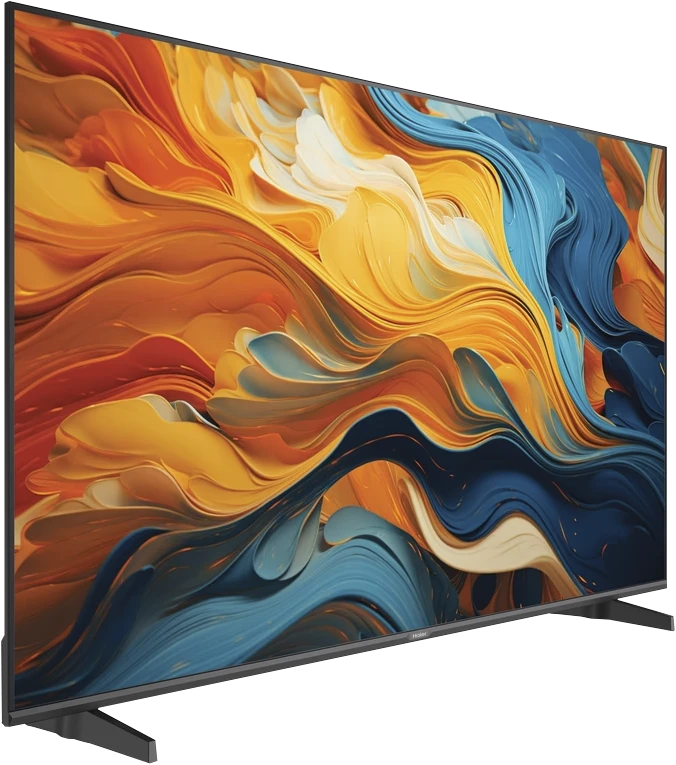
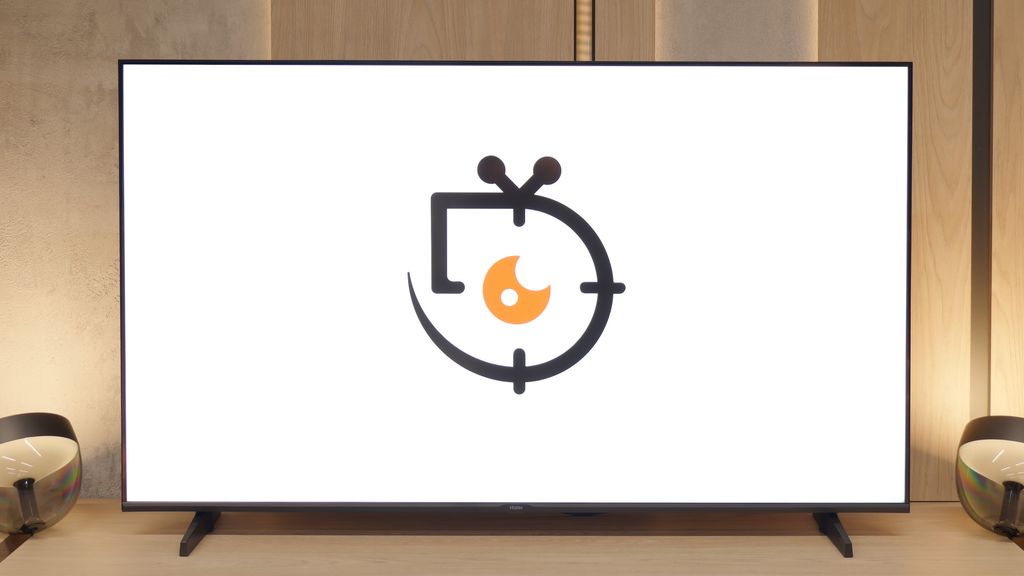
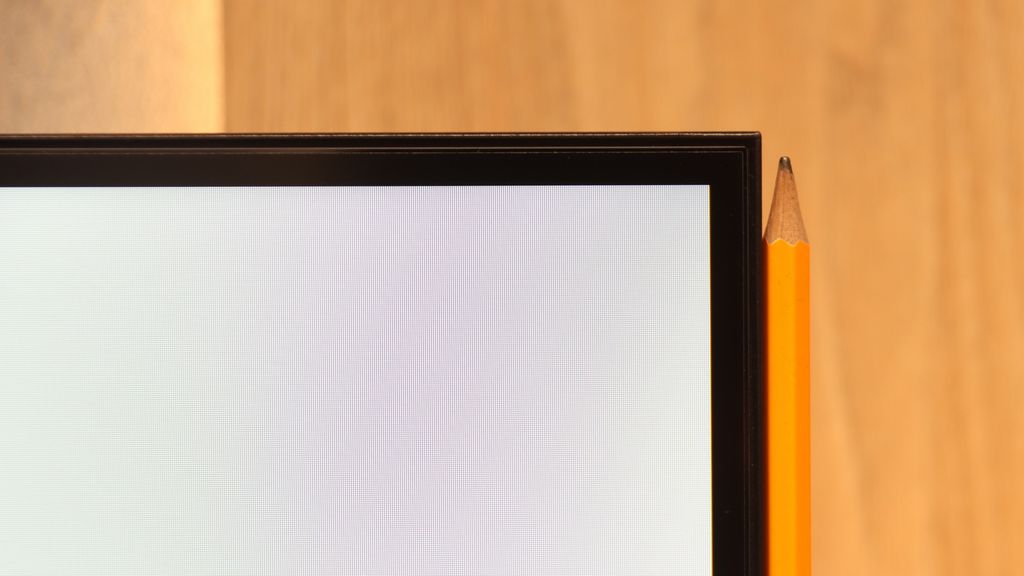
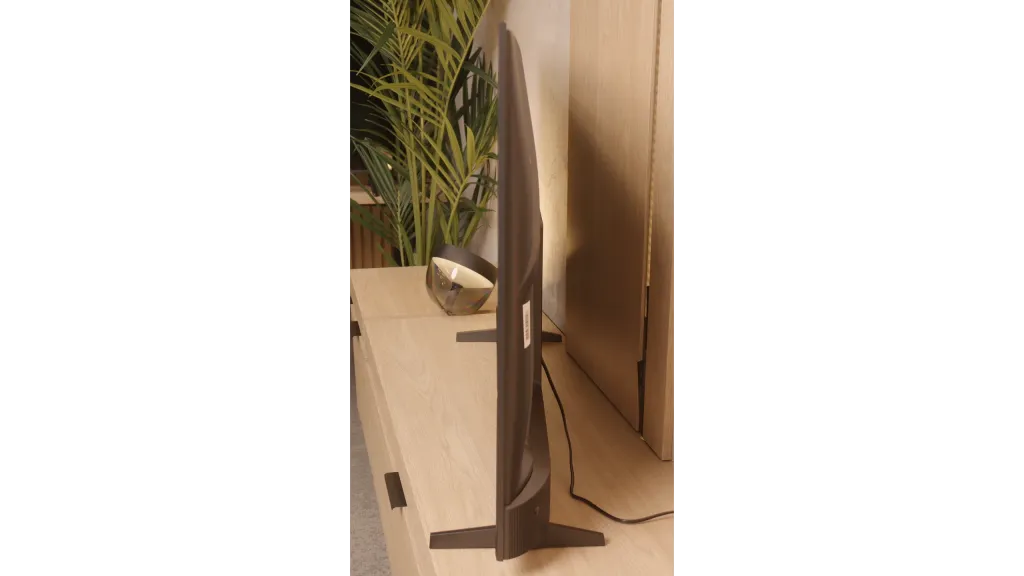
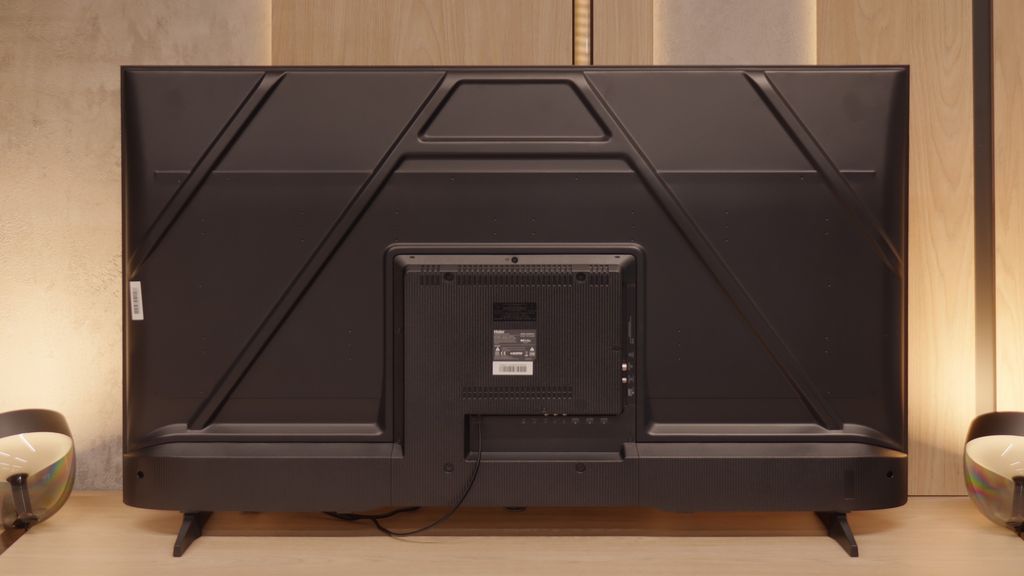
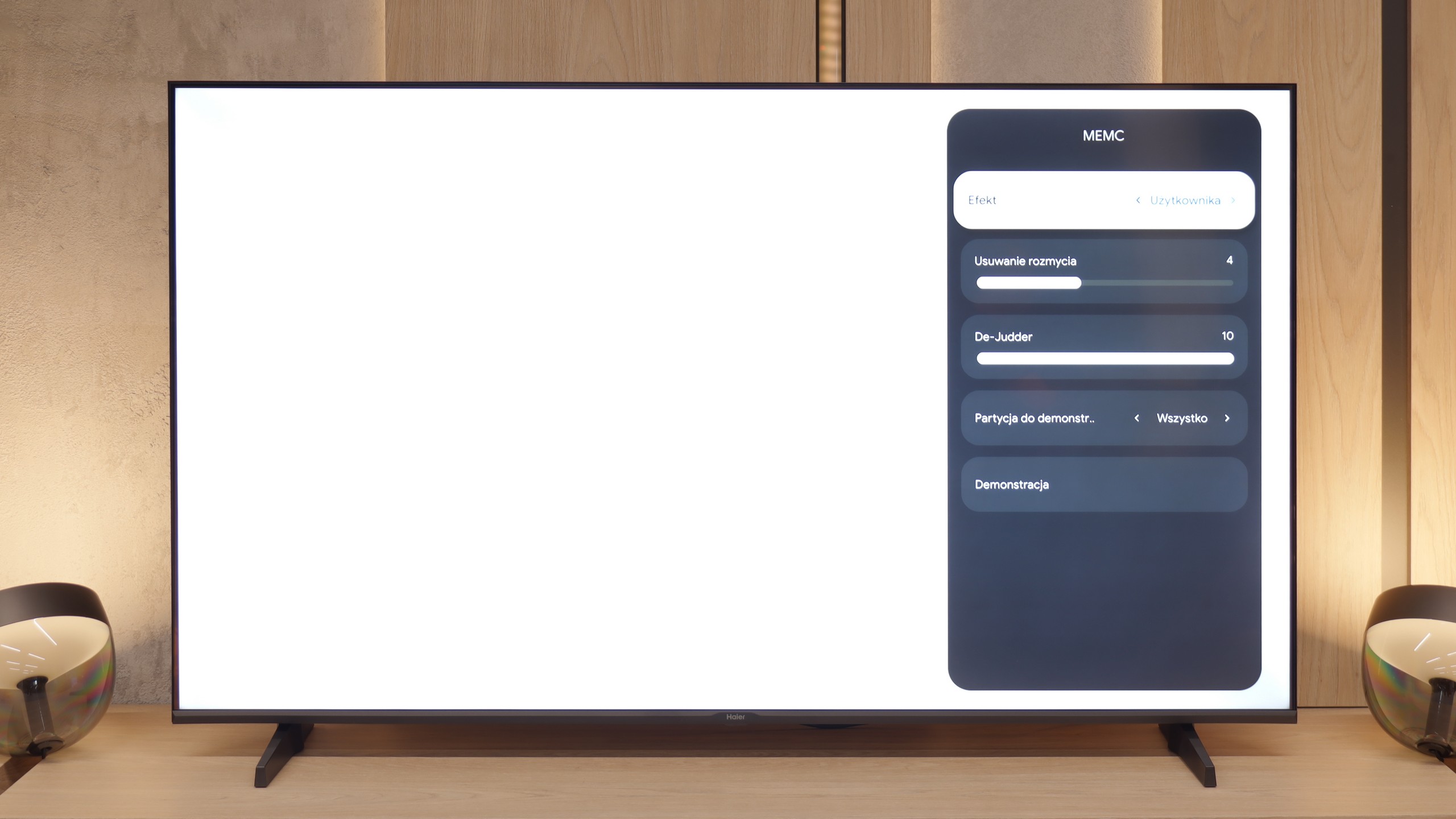
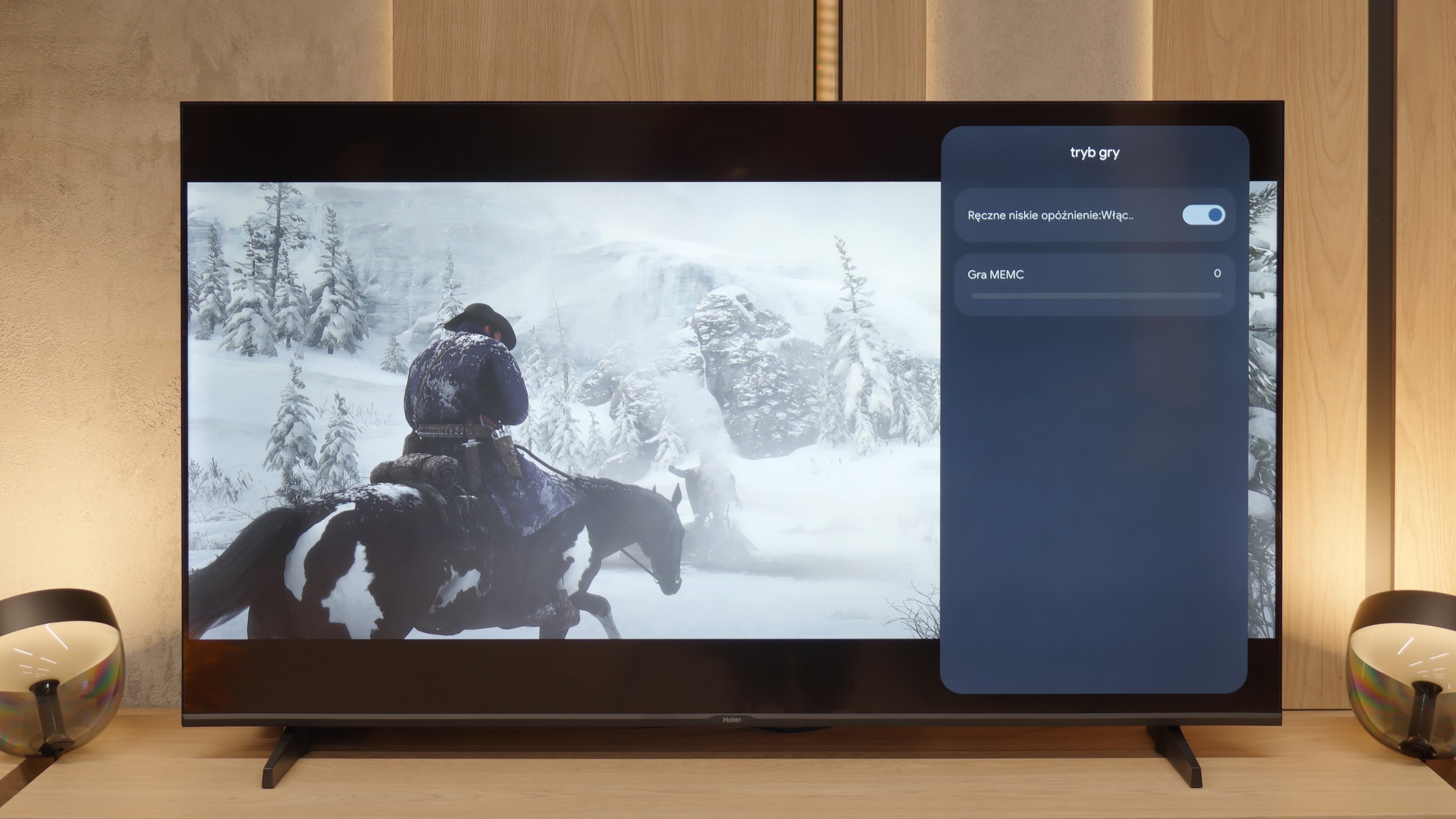
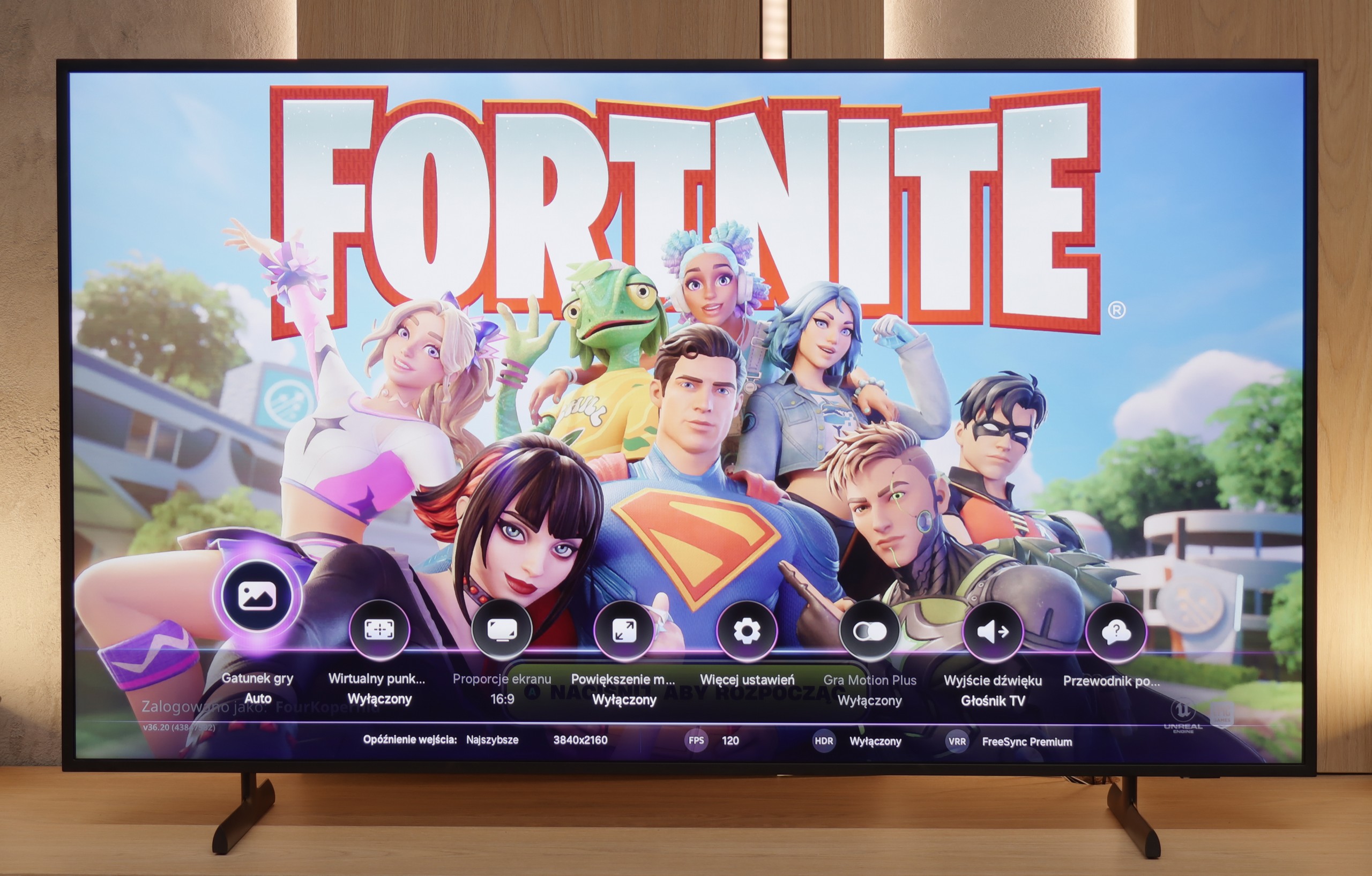
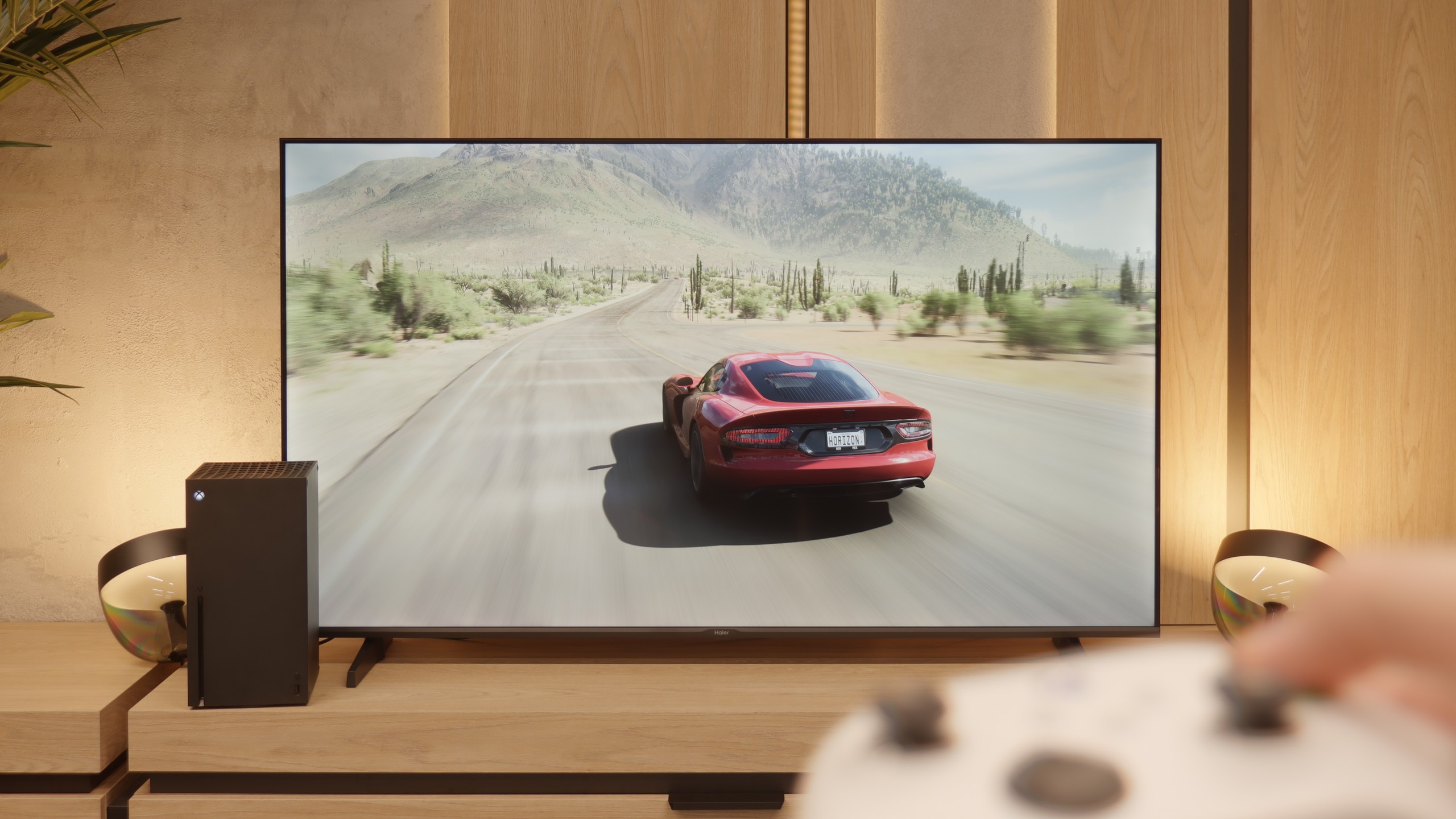
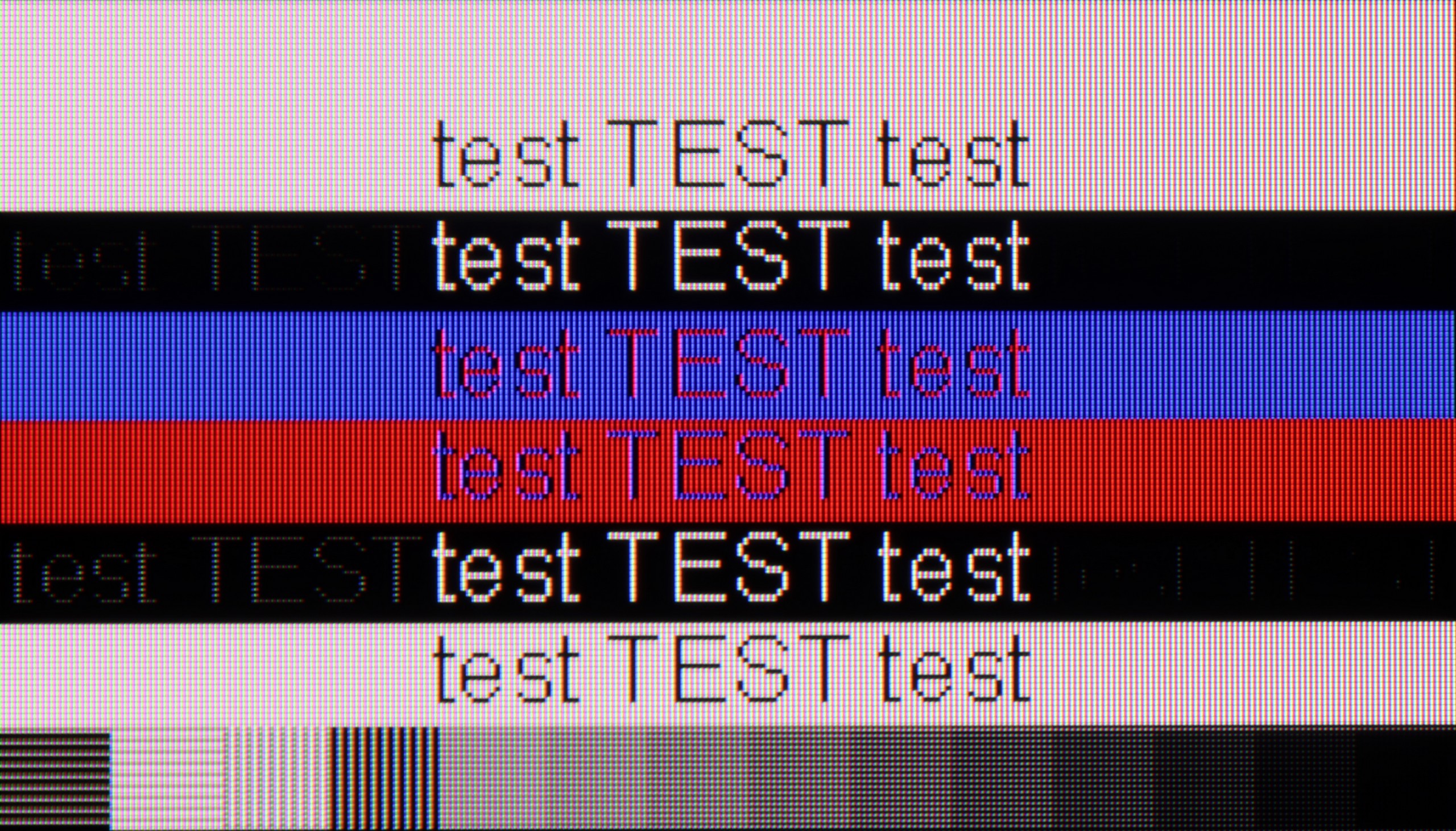
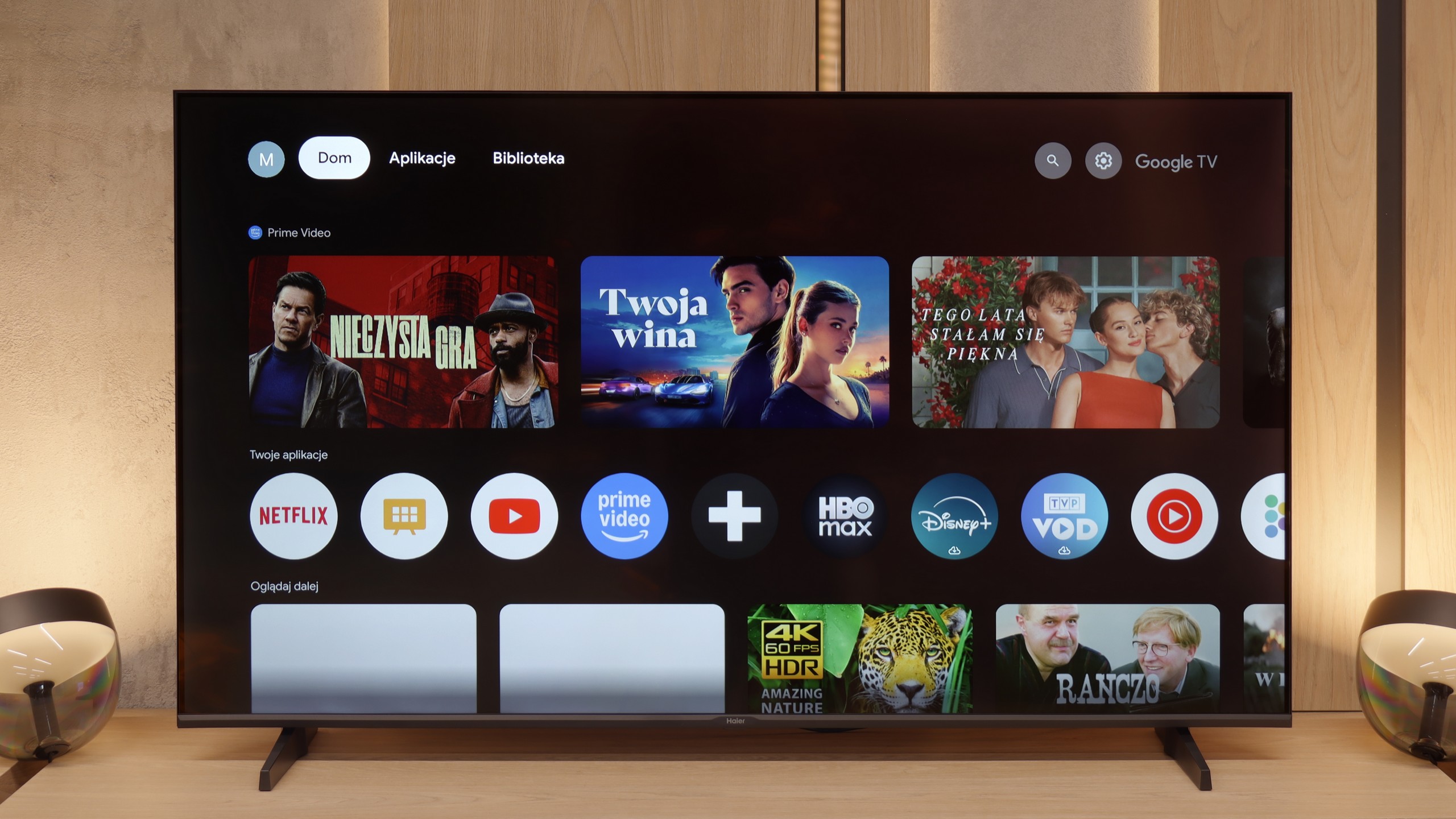
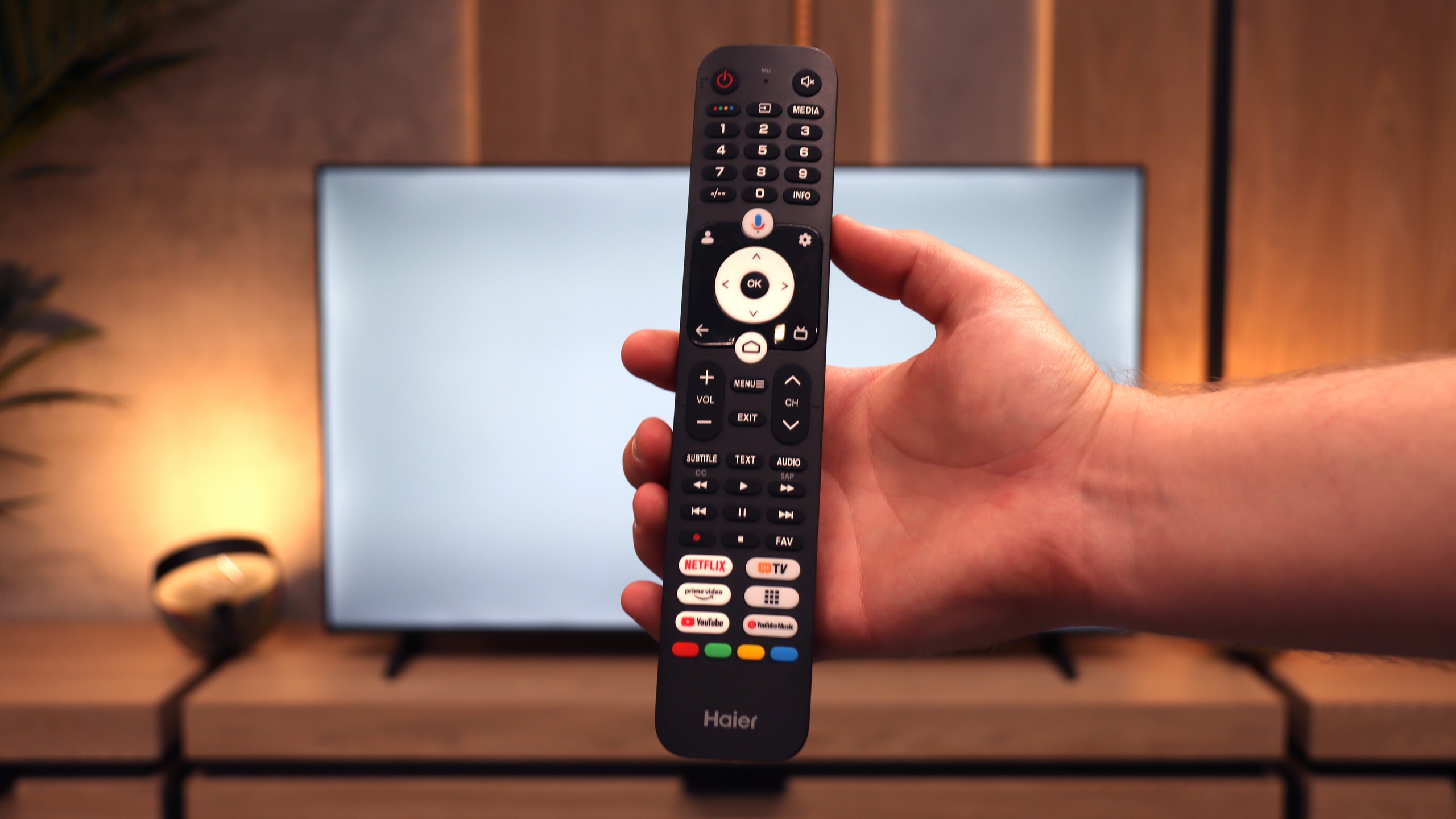
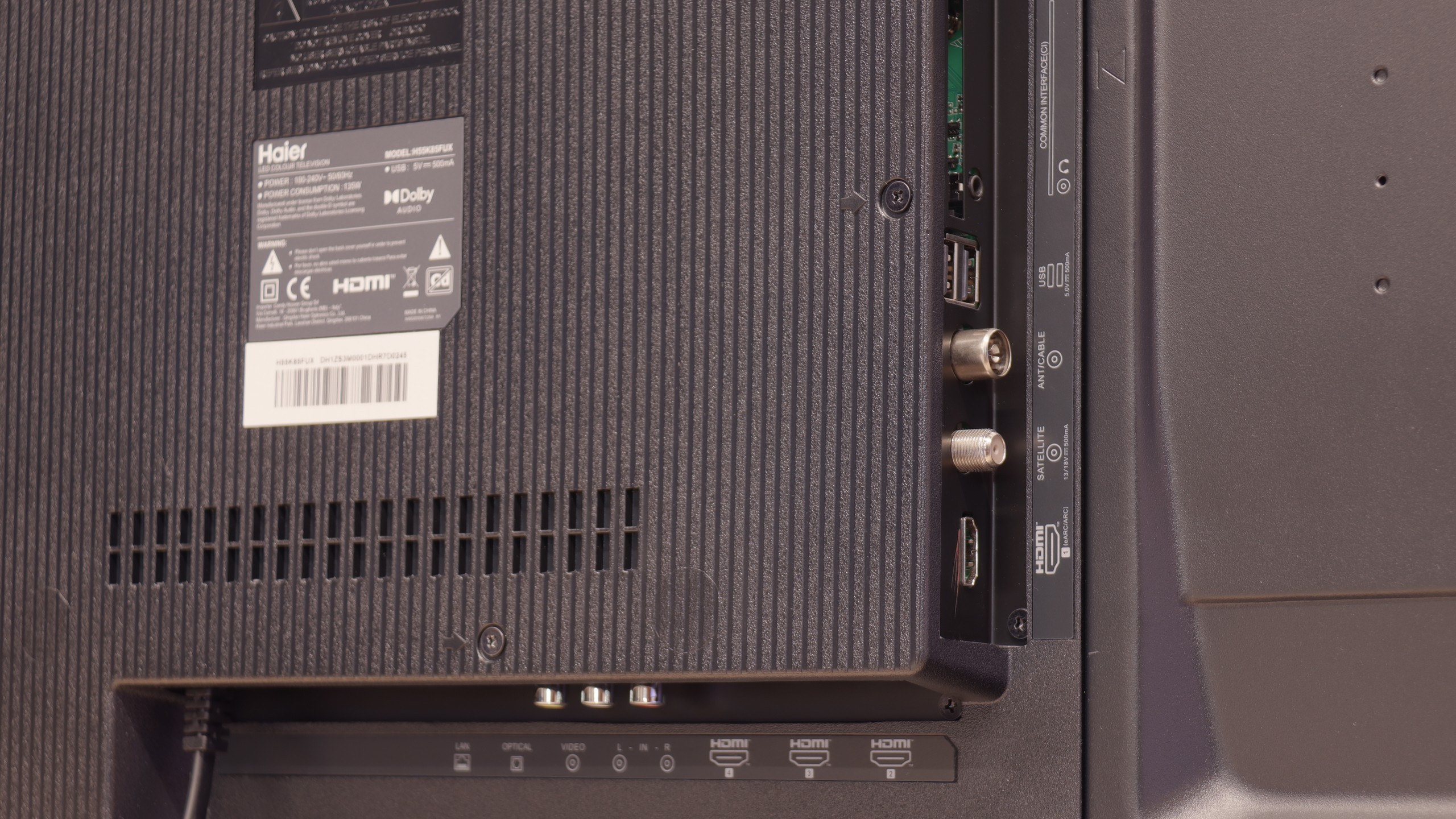
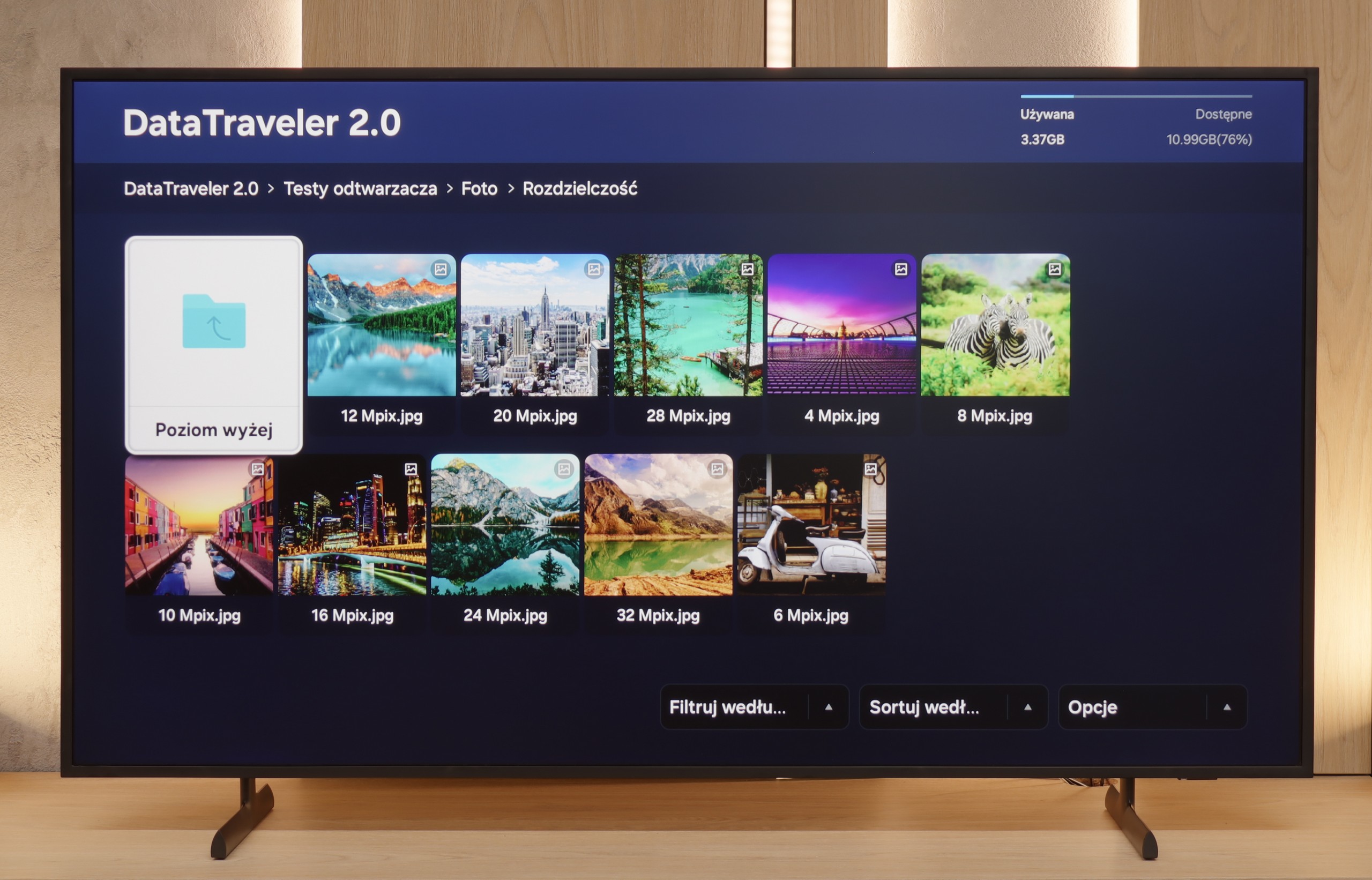
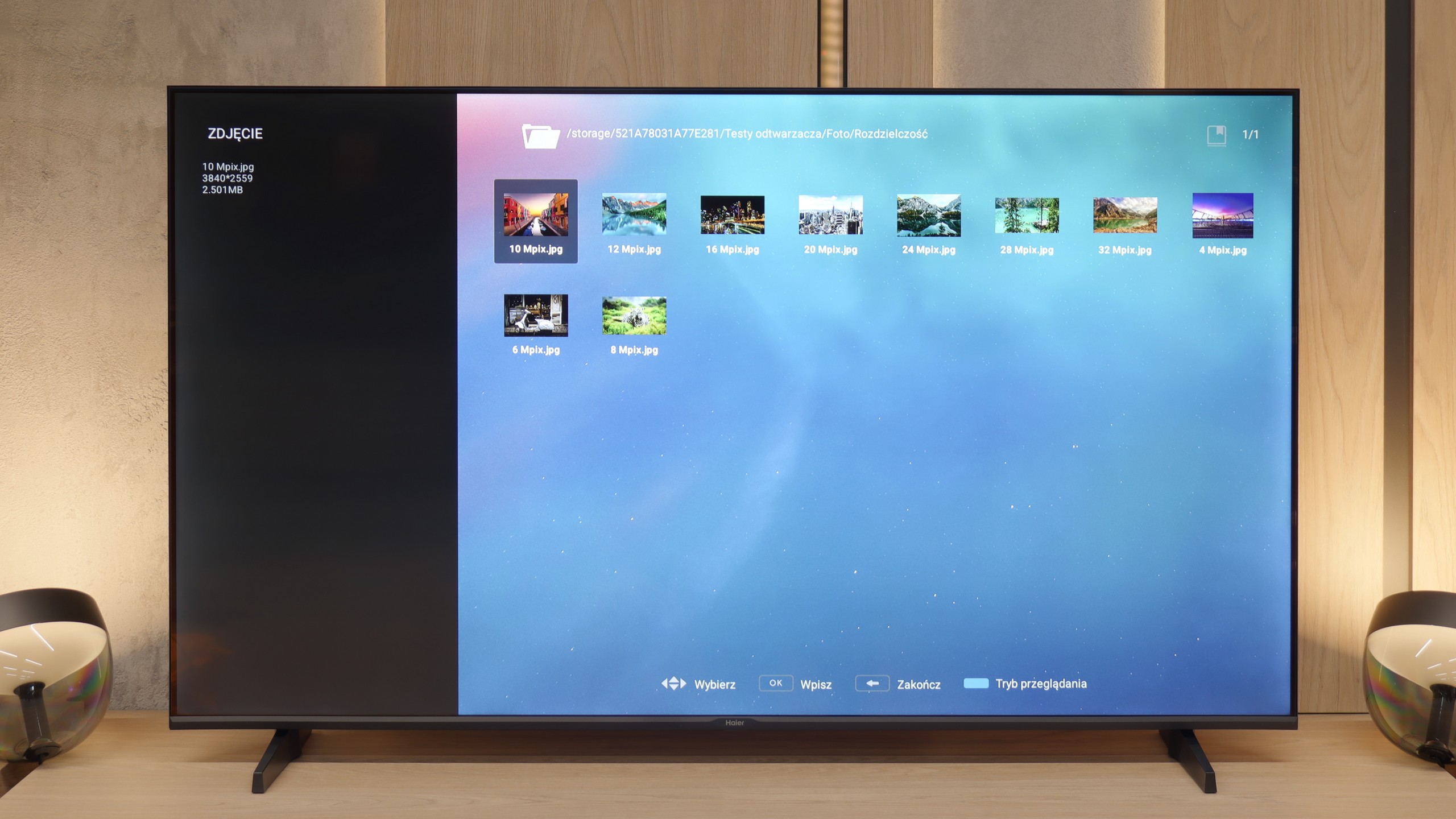
The debut of the Haier brand in the European television market with the K85F model feels quite rushed, and after thorough testing – almost unfinished. Analyzing this product leads to a fundamental conclusion: its biggest problem is not the quality of the panel used. Considering the price segment, it is simply average, with typical VA technology advantages such as high contrast and equally typical disadvantages like poor viewing angles. What truly disqualifies this model as a home entertainment centre is the glaring lack of engineering and, above all, software refinement. The list of shortcomings is long and starts with the first contact with the device. Shoddy assembly, which could have been avoided at the quality control stage, a terribly optimised and poorly translated Google TV system, or annoying issues with basic functions like pairing the remote – all contribute to an impression of a product that seems to have been launched without due diligence. Catastrophic picture quality in HDR mode, resulting not only from low brightness but also from a complete lack of smart adaptation to the signal, only adds to this disappointing picture. However, it turns out that this model has a surprising second face. Just looking at it not through the lens of a home television, but rather as a large and inexpensive display for special tasks, shifts its shortcomings to the background, bringing unexpected strengths to the forefront: a fantastically functioning media player with USB, excellent font readability from a PC, and access to a vast array of applications. In such a role – as a screen in a conference room, hotel lobby or a simple advertising player – the Haier K85F performs surprisingly well. For a typical user searching for a reliable and simply well-functioning television for the living room in 2025, however, the Haier K85F is a proposition that is extremely hard to recommend with a clear conscience. It is a product full of contradictions, which fails in too many areas in its primary, intended function as designed by the manufacturer.
 Direct comparison