Samsung S85D is Samsung's entry-level OLED model for 2024, but it certainly doesn't feel "budget". From the very first contact, the TV demonstrated that OLED technology makes a difference. Deep blacks, excellent contrast, and great viewing angles make watching your favourite films and series pure pleasure, no matter where you sit. It's a screen that can truly immerse you in the action. The Tizen operating system is another strong point of Samsung S85D. It's simple, intuitive, and runs smoothly. Switching between apps like Netflix and YouTube takes a moment, and the ability to support AirPlay and Bluetooth provides plenty of options for connecting other devices. The solar remote not only doesn't need charging, but we also had no trouble using it to control the set-top box or soundbar – these are small details that make daily usage easier. Like any TV, S85D has its minor shortcomings. The lack of a recording feature can be noticeable, especially if we like to go back to our favourite shows or films. The absence of support for DTS soundtracks may require purchasing and directly connecting a Blu-ray to an external audio system. If we want to fully utilise this codec, it's worth keeping this in mind. SDR brightness, while sufficient in most cases, may not always meet expectations in brighter rooms. It's a TV that shows its best side in the evening – that's when the OLED black and contrast really impress. Despite these few drawbacks, S85D left us with very positive impressions. It’s a model that proves excellent picture quality and great technological solutions don't have to come with a high price tag. If we're looking for a TV that performs well in everyday use as well as during evening screenings without ruining our budget, then Samsung S85D OLED is a great choice. It's a device that gives the feeling that we've made a good investment, offering really a lot for a reasonable amount.
- Matching (Score) |
- Our verdict |
- TV appearance |
- Where to buy |
- Contrast and black detail |
- HDR effect quality |
- Factory color reproduction |
- Color reproduction after calibration |
- Smoothness of tonal transitions |
- Image scaling and smoothness of tonal transitions |
- Blur and motion smoothness |
- Console compatibility and gaming features |
- Input lag |
- Compatibility with PC |
- Viewing angles |
- Daytime performance |
- Panel details |
- TV features |
- Apps |
- Playing files from USB |
- Sound
Samsung S85D vs TCL C7K / QM7K 55"-85"
 Direct comparison
S85D
C7K / Q7C / MQLED85K / C79K / C71K / QM7K


Panel type: WRGB OLED
Resolution: 3840x2160
System: Tizen
Model year: 2024
Complete the survey to find out the result
Panel type: LCD VA
Resolution: 3840x2160
System: Google TV
Model year: 2025
Complete the survey to find out the result
Overall rating
7.8
7.4
 Movies and series in UHD quality
 7.7
7.2
 Classic TV, YouTube
 8.5
6.9
 Sports broadcasts (TV and apps)
 8.4
6.8
 Gaming on console
 9.4
8.7
 TV as a computer monitor
 7.6
8.4
 Watching in bright light
 5.0
6.4
 Utility functions
 7.2
7.3
 Apps
Apps 9.3
9.6
 Sound quality
 7.0
7.7
Complete the survey to find out what fits your preferences
Advantages

Outstanding contrast - OLED
Tizen system – fast and intuitive
Solar remote – control of other devices (e.g. decoder)
Excellent viewing angles – OLED
High motion fluidity – 120 Hz panel
Lots of functions for gamers
Unusual design
Price
Very good black - VA panel with a large number of Mini-LED zones
High brightness in HDR - over 1000 nits
Great for gamers - HDMI 2.1, low input lag, VRR, ALLM, etc.
Good motion smoothness - 144Hz panel
Supports multiple HDR formats: HDR10, HDR10+, Dolby Vision
Google TV operating system with access to a huge app library
Pleasant sound from built-in speakers (6.2.2) Bang & Olufsen
Disadvantages

No recording feature from the built-in tuners
Average SDR brightness – 310 nits
No support for DTS audio tracks
Google TV can operate with minor stutters
No USB recording and PiP function
Our verdict
There are TVs that go through testing and at first glance seem to be just another "medium-range" option. The TCL C7K looks just like that - without grand claims of revolution, without ambitions to dethrone OLEDs. Yet, after spending a few days with this model, it's hard not to conclude that it's truly a successful piece of equipment. The biggest advantages? Very good picture quality at a reasonable price. MiniLED combined with a QLED filter provides vibrant colours, high brightness, and contrast that really impresses in this class. Motion in sports or games looks smooth, and the presence of HDMI 2.1 and 144 Hz refresh rate makes gaming on this model a pure pleasure. On top of that, there's the Google TV system – it offers a huge range of possibilities: from voice control, through AirPlay support, to access to all the most important apps.
Are there any drawbacks? Yes. MiniLED still has its limitations, and in the most challenging movie scenes, one can notice compromises in dimming. Google TV also doesn't always function perfectly smoothly. But these are rather minor issues that don't overshadow the overall picture – and that is really positive. It's also worth noting the difference between variants. The 50-inch version we tested can be surprising, but the 55–85 inch models perform noticeably better – they have more local dimming zones, even higher contrast quality, and better sound quality. Therefore, if you're considering purchasing the C7K, it's definitely worth reaching for the larger size.
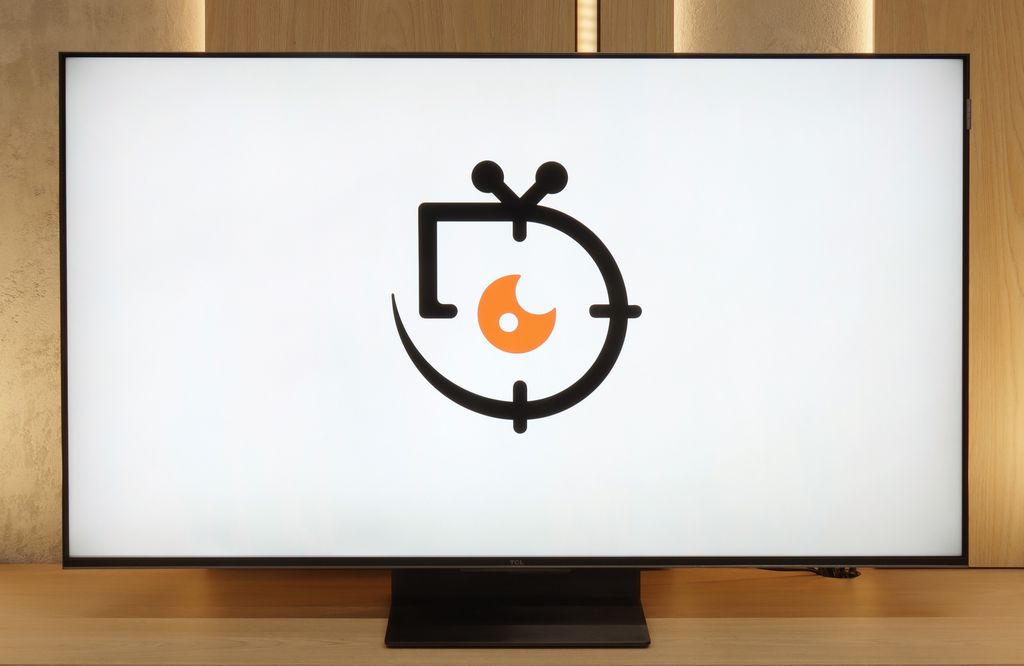
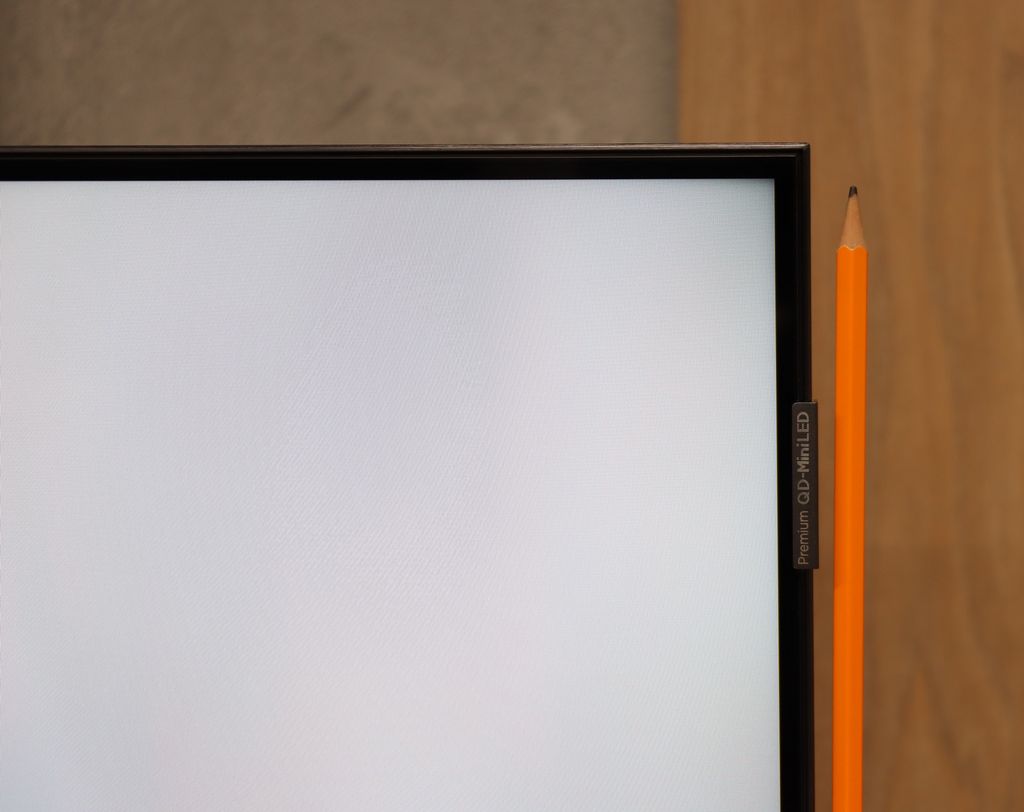
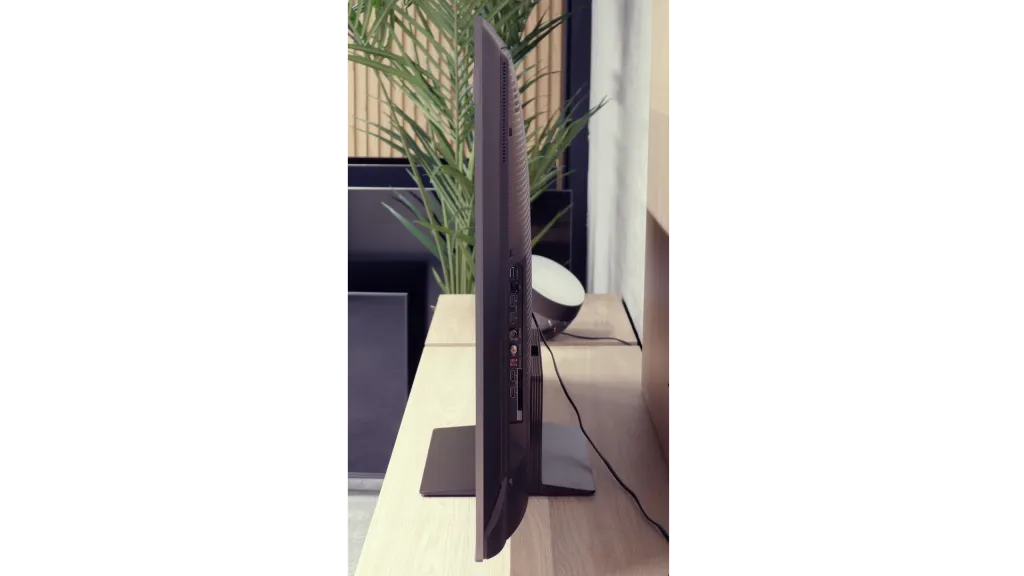
TV appearance



Contrast and black detail
10/10
8.1/10
Local dimming function: Yes, number of zones: 1008 (42 x 24)
Contrast:


Result
∞:1

Result
∞:1

Result
∞:1

Result
∞:1

Result
∞:1
Result
256,000:1
Result
59,850:1
Result
22,200:1
Result
16,850:1
Result
11,400:1
Halo effect and black detail visibility:

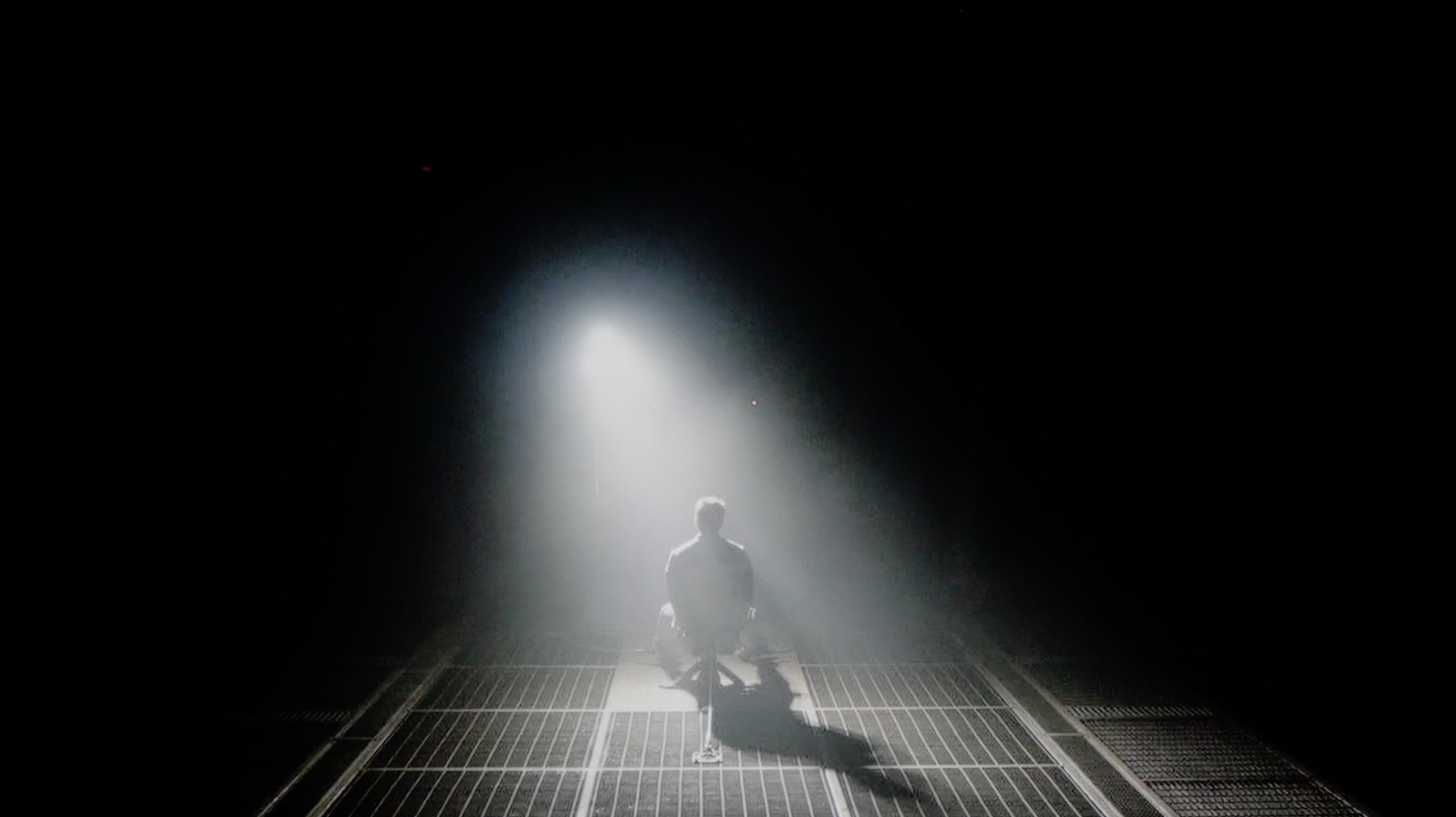
Check the visibility of bright lights on a dark background. Mini-LEDs often struggle with this. The photo does not compare black levels – that’s what the video below is for.
The video accurately shows differences in contrast and black levels between TVs, as well as potential issues: halo around bright objects or Mini-LED zone operation visible as brightness jumps.
Samsung S85D is a television that truly makes a difference when it comes to picture quality. The blacks are so deep it’s hard to believe, and the contrast makes even the most demanding scenes – like those from the film “Oblivion” – look incredibly lifelike. Thanks to OLED technology, dark areas of the screen are perfectly black, without any unwanted glow or blooming.
It’s worth highlighting that, similar to some variants of the S90D model, the Samsung S85D uses a WOLED panel supplied by LG. This panel is a key element that contributes to the amazing contrast quality, which is particularly noticeable in scenes with high dynamic lighting, making it the perfect choice for lovers of high production quality films and series.
The results of the black and contrast tests in models from 55 to 85 inches are very similar, which is why in the main part of the evaluation we refer to the 65-inch version. It’s a natural phenomenon that larger sizes mean a greater number of backlight zones, and in the case of 65 inches, we counted over 1000 of them. The effect is very good – the contrast is at a high level and performs significantly better than in the smallest, 50-inch variant. Typical MiniLED limitations are still noticeable, such as the halo effect or somewhat too aggressive dimming of the image; however, here they are less perceptible than in the smaller model.
For comparison, it’s worth recalling that the 50-inch TCL C7K, despite being surprising with the use of as many as 336 dimming zones, struggled with managing the backlight in more complicated scenes – overexposures or loss of details occurred. In larger sizes, this problem doesn't disappear completely, but thanks to the greater number of zones, its impact on the perception of the image is less bothersome.
HDR effect quality
5.7/10
6.2/10
Luminance measurements in HDR:

Result
570 nit

Result
580 nit

Result
666 nit

Result
629 nit

Result
283 nit
Result
1108 nit
Result
405 nit
Result
865 nit
Result
290 nit
Result
848 nit
Scene from the movie “Pan” (about 2800 nits)


Scene from the movie “Billy Lynn” (about 1100 nits)

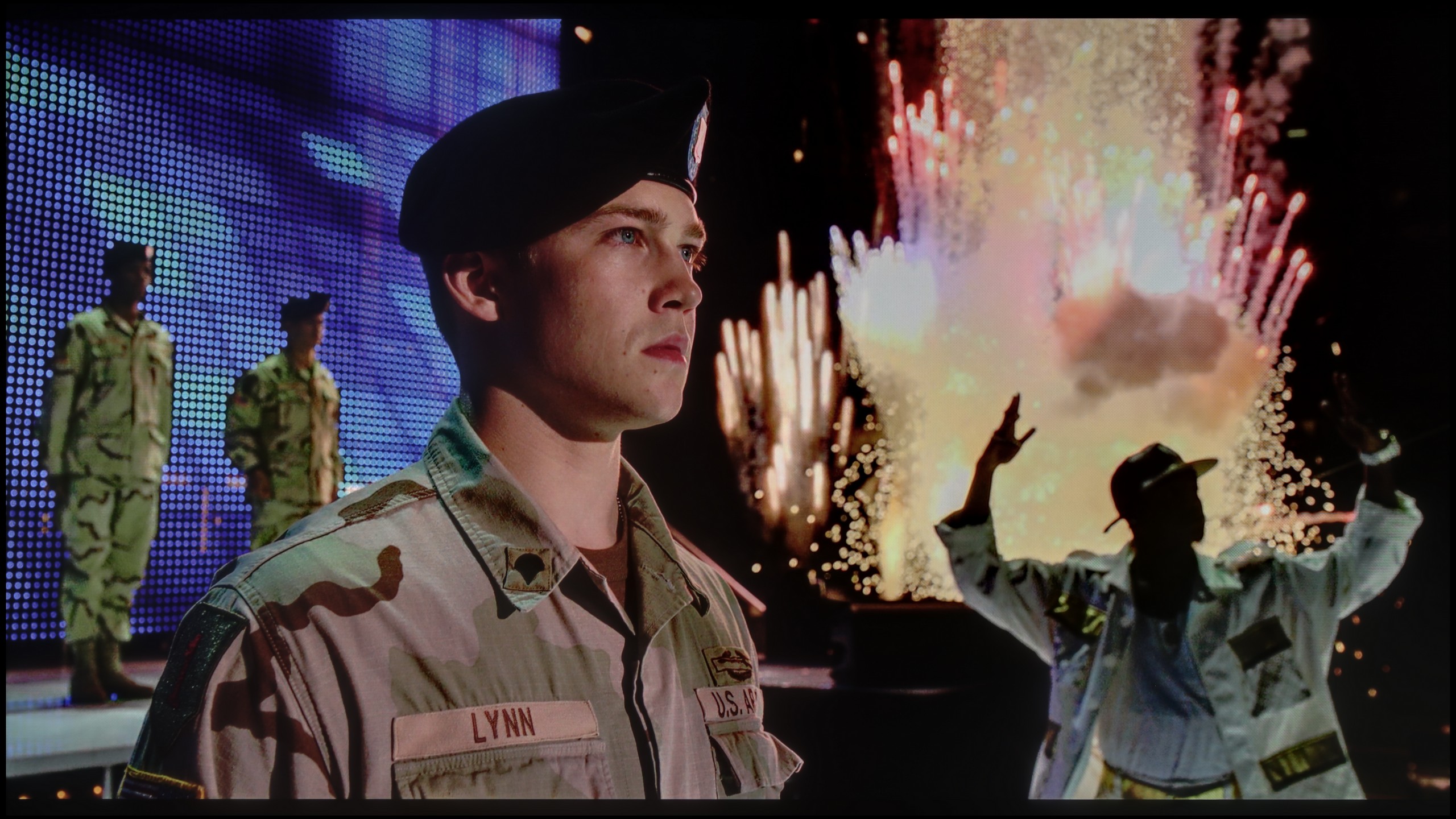
The photos show two HDR10 movies. 'Pan' is one of the brightest productions ever made, while 'Billy Lynn' (soldier) has brightness typical of streaming (Netflix, Prime, HBO MAX). Notice the intensity of effects and detail in whites.
Static HDR10


The photos present the visibility of white details in various HDR formats. They do not show brightness differences between TVs (these can be compared in the previous gallery).
Dynamic: HDR10+
Dynamic: Dolby Vision


The photos present the visibility of white details in various HDR formats. They do not show brightness differences between TVs (these can be compared in the previous gallery).
HDR luminance chart:
TCL C7K / QM7K 55"-85"
Samsung S85D
Luminance of RGB colors
Brightness is a key parameter in televisions, and the S85D Samsung model offers a level comparable to other OLEDs from a few years ago. Though it doesn't impress in this regard, its huge advantage is a very competitive price. A peak brightness of 600 nits provides good image quality in HDR conditions, giving users a taste of cinema-like experiences in the comfort of their home. However, as with many budget OLED models, the biggest problem is very bright, full-screen scenes – in such moments, like the final shot from the movie "The Meg," the television can lose as much as half of its brightness, which is noticeable compared to more expensive OLED models. Despite this, the television offers an impressive DCI-P3 colour gamut coverage of 99%, allowing for the display of vibrant and accurate colours.
In terms of brightness, the models ranging from 55 to 85 inches in the C7K series are truly impressive. Under optimal testing conditions, the 65-inch screen exceeded 1200 nits, which in practice means that the brightest scenes can dazzle with almost cinematic brilliance. These are not just dry figures from measurements – during screenings, bright skies, explosions, or reflections of light on water looked incredibly striking, often giving the impression that the television exceeds its price range. This is particularly effective in scenes with large areas of illumination, where the screen fills with intense brightness – for instance, in sun-drenched shots or during dynamic action sequences. Viewers looking for strong HDR will definitely be satisfied.
However, scenes that require precise backlight control – with tiny points of light against a dark background – prove to be more challenging. Here, the C7K, despite having over a thousand zones, can still dim brightness to maintain deep blacks. The effect is that in films like Sicario 2 or LIFE of Pi, some details, such as a distant lighthouse or single reflections, may appear less distinct or blend into the surroundings. This is a compromise inherent in MiniLED technology – it provides excellent image depth and blacks at a level not offered by standard LCDs, but this comes at the cost of limited visibility of the tiniest lights.
Factory color reproduction
6.6/10
6/10


This gallery shows how colors change after professional TV calibration. If you notice the difference, we recommend ordering this service at SkalibrujTV.com.
Factory Mode
After calibration
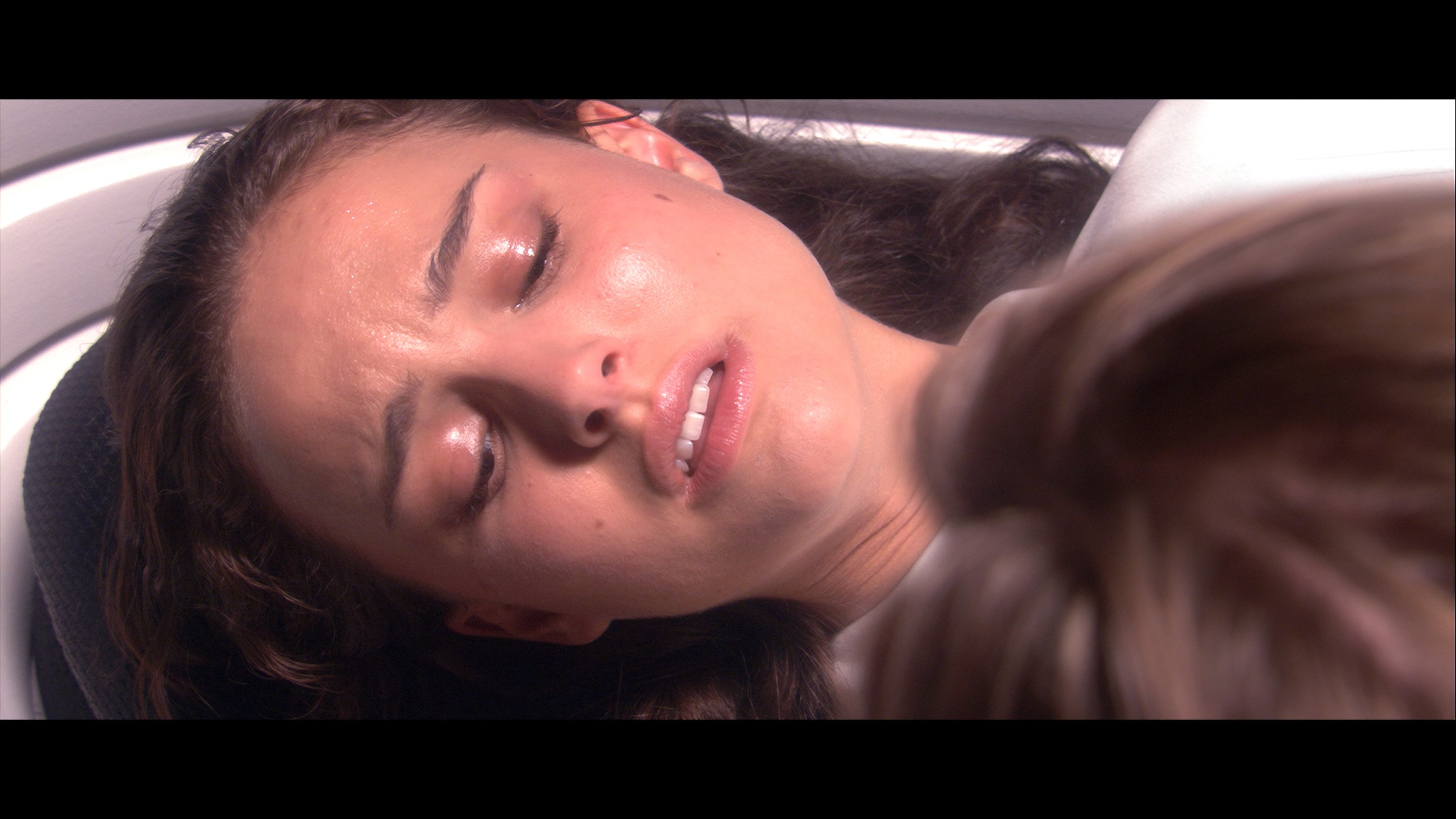
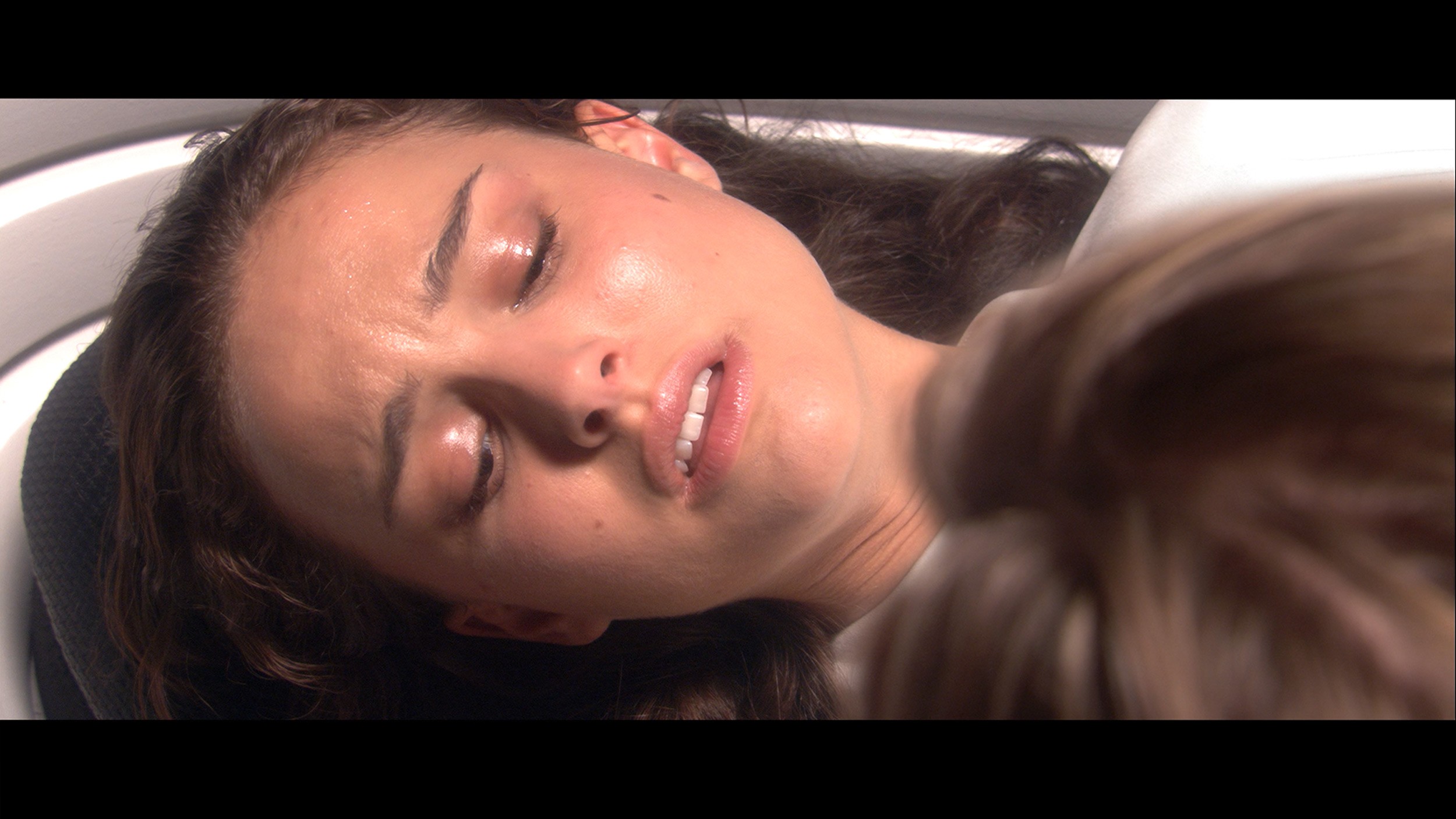
This gallery shows how colors change after professional TV calibration. If you notice the difference, we recommend ordering this service at SkalibrujTV.com.
Factory Mode
After calibration
The Filmmaker mode on Samsung's S85D does indeed offer the best factory settings, but it is not without flaws, particularly evident in colour reproduction. The white balance graph for HD and HDR content shows clear issues – both red and blue colours are significantly weakened, leading to a dominance of green. The result is an unnatural yellowish tint that can affect the perception of realistic scenes. The Color Checker test clearly shows that the colour samples deviate from the expected values – for HD materials, the colours tend to be overly saturated, with a marked shift towards green, which is also evident in the white balance graph. Conversely, for 4K HDR content, the colours appear too dull and lacking in depth, causing the image to lose its appeal and naturalness. This effect is particularly noticeable in delicate scenes where colour precision plays a key role, which can be disappointing for discerning viewers who expect faithful reproduction of details and colour intensity.
When it comes to brightness, the gamma graph for HD content looks quite good; however, there is a clear spike at the end, exceeding the value of 2.4. Although this is not a major issue in most scenes, in more demanding sequences it can affect the clarity of bright details. For 4K content, the EOTF curve, responsible for rendering brightness, proves to be problematic. The initial part of the graph shows a slight spike. This phenomenon can result in excessive boosting of brightness in the brightest areas of the image, leading to a loss of detail in very bright scenes.
Although Samsung S85D offers quite decent factory settings, especially in Filmmaker mode, it is worth considering manual adjustment of settings to improve some imperfections, particularly in colour reproduction.
The new feature in TCL TVs for 2025 is the long-awaited Filmmaker mode, which until now has been found in most competing brands. This is great news, as this mode is regarded as the one that best represents the original vision of the creators and is often recommended by enthusiasts of good picture quality. Unfortunately – as is often the case – the mere presence of it does not guarantee perfection. The Filmmaker mode in the TCL C7K is not without its flaws. One could critique the incorrect white balance, particularly the slight dominance of blue, which caused cool, slightly greyish skin tones. But that was not the biggest issue. The main complaint was the excessive brightness exposure, which is clearly visible on the gamma and EOTF graphs. The picture was simply too bright, at times even blown out, which affected not only the richness of the scenes but also the overall viewing experience. Some details were simply lost, and the whole image looked as if someone had overdone the brightness slider a bit. As always – we decided to see what could be squeezed out of this after calibration. And that’s where it started to get really interesting…
Color reproduction after calibration
8.7/10
7.5/10

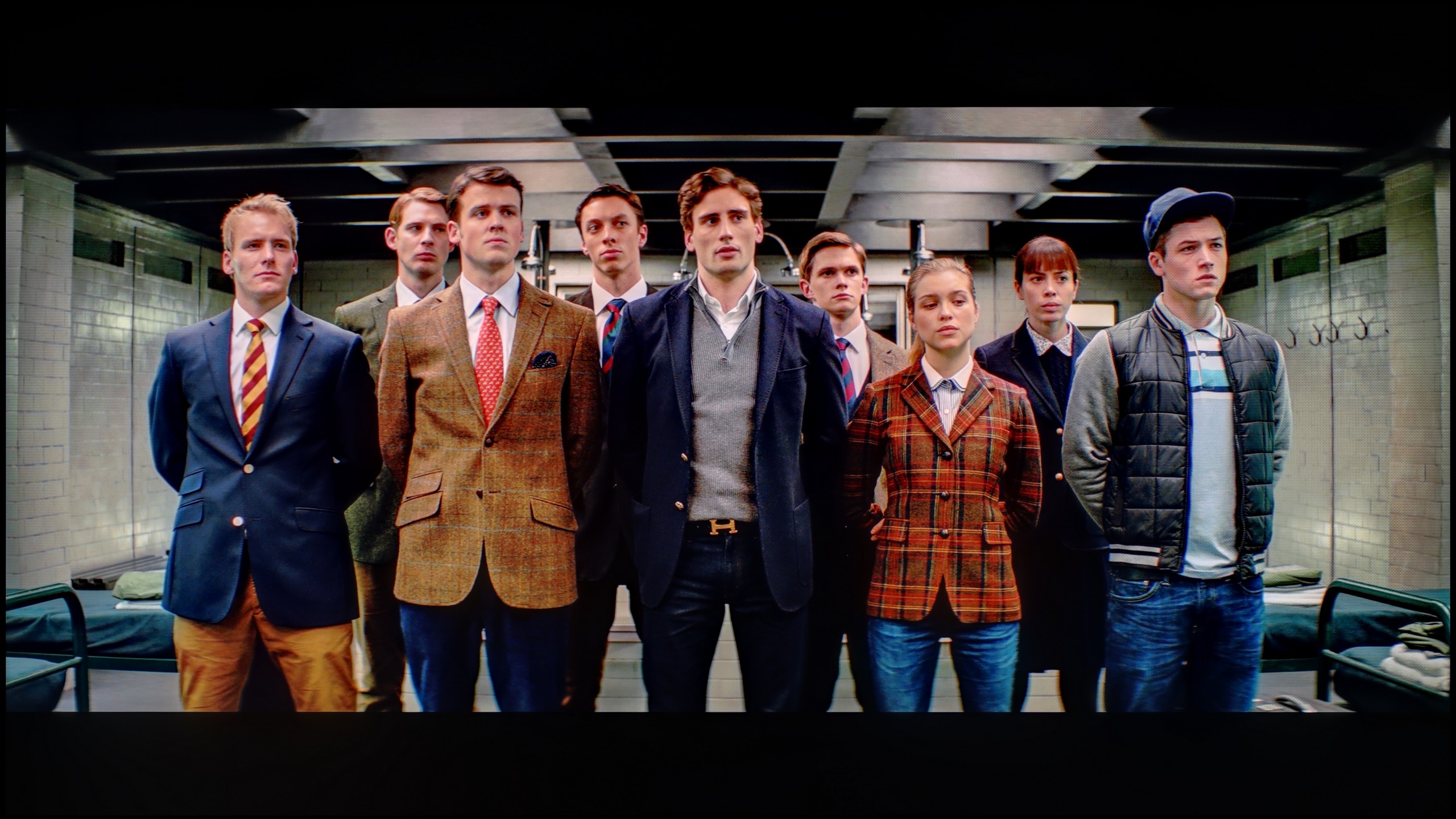
The photos show how movies look on the TV. Pay attention to black detail visibility, colors, and shadow tint.

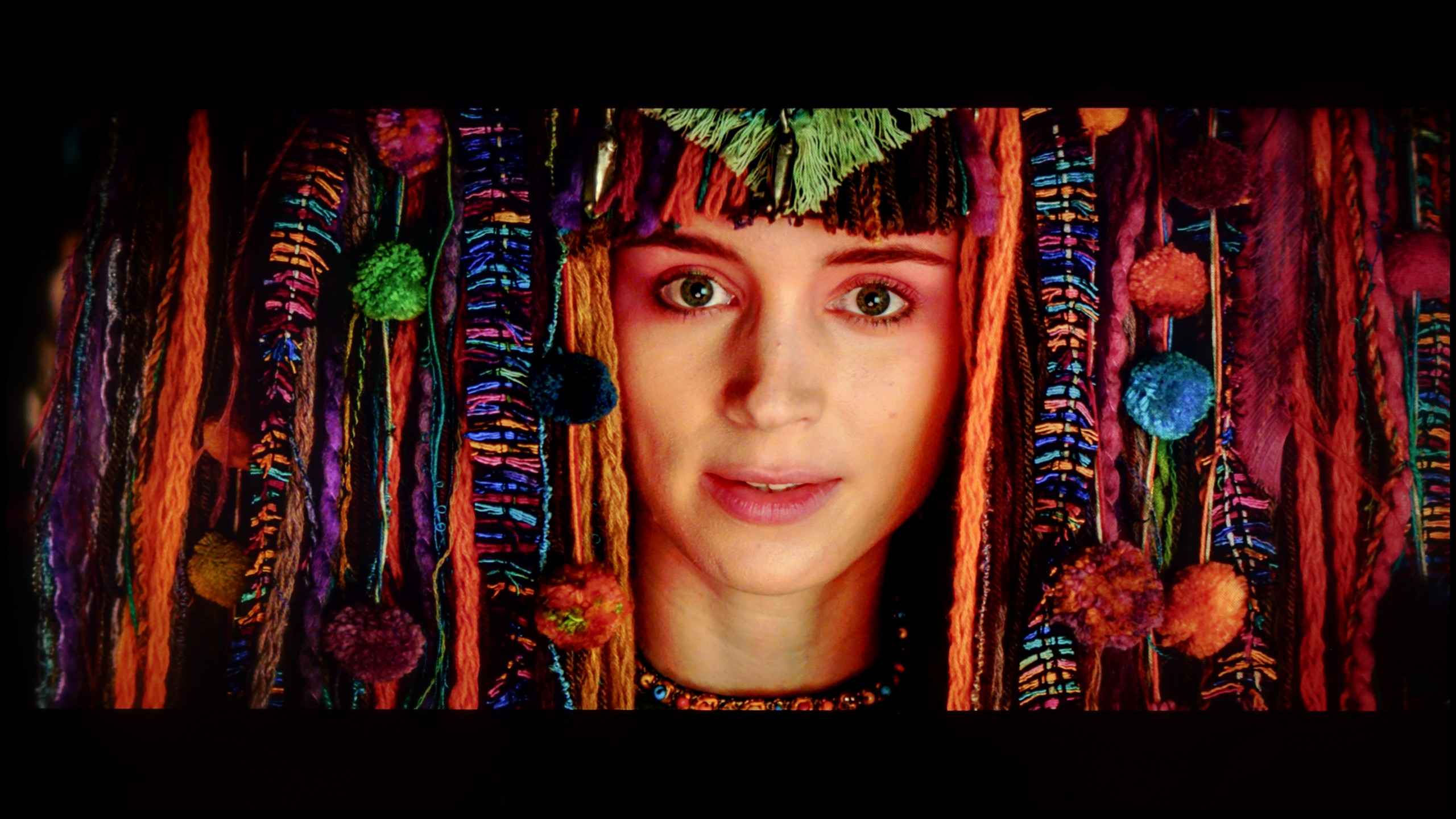
The photos show how movies look on the TV. Pay attention to black detail visibility, colors, and shadow tint.
After calibration, the Filmmaker mode on Samsung S85D really impressed. The white balance, regardless of the type of content, has improved significantly, resulting in more natural colours. The Color Checker test shows that colour reproduction errors are now minimal and rarely exceed acceptable values, which indicates precise colour reproduction. The factory colour representation left a lot to be desired, but now the situation has significantly improved – colours are natural, accurate, and look as if they have been precisely rendered according to the creators' intentions. This is a huge step forward compared to earlier generations, where colours were often distorted or too intense.
The brightness characteristics have also benefited from calibration – it's now more vivid and precise. The gamma, although reasonably good before, has become even more stable, providing a deeper, more natural image. The EOTF curve has been flattened, allowing details in dark areas to be more visible, and the contrast is better balanced. Thanks to all these improvements, the television delivers an image close to reference quality, which definitely enhances the enjoyment of watching films and HDR content.
After calibration, the TCL C7K put on a really good show, especially when it comes to SDR content. We managed to precisely tune the white balance, colour gamut, and brightness characteristics, resulting in colour errors on the ColorChecker palette dropping below a value of 2. For the uninitiated – this is an almost perfect score, meaning the image is very close to what the creators intended. Unfortunately, things didn’t look as good with 4K HDR content. While we managed to slightly calm down the white balance and correct its previous errors, it still shows that the TV has some "MiniLED traits," especially in brightness management. When we checked how the C7K handles the EOTF curve on actual movie scenes, rather than just synthetic test patterns, it turned out that the screen still has a tendency to slightly brighten the entire image. This affects the overall experience – blacks lose some depth, and the image becomes less contrasty than it should be. Despite these minor shortcomings in HDR content, the overall reception of materials – especially in SDR – is really very good. After calibration, the C7K can display an image that can successfully compete with much more expensive models. Good tuning of colours, natural skin tones, and pleasant brightness make movie sessions and everyday content viewing more than satisfying.
Smoothness of tonal transitions
7.2/10
8.6/10


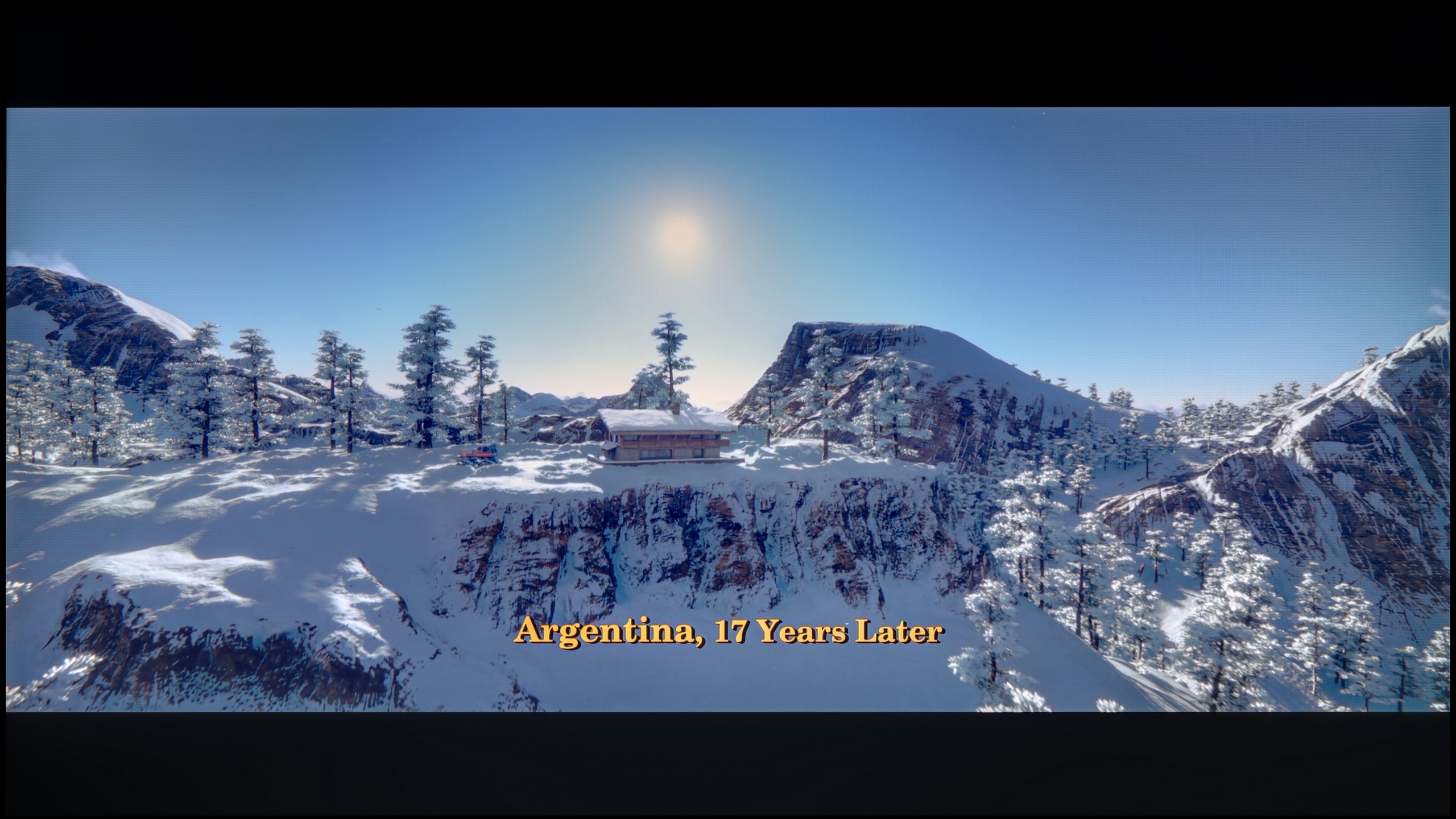
These are selected scenes that show smooth tonal transitions from one color to another. If you see distinct banding, it’s the TV panel’s fault.

These are selected scenes that show smooth tonal transitions from one color to another. If you see distinct banding, it’s the TV panel’s fault.
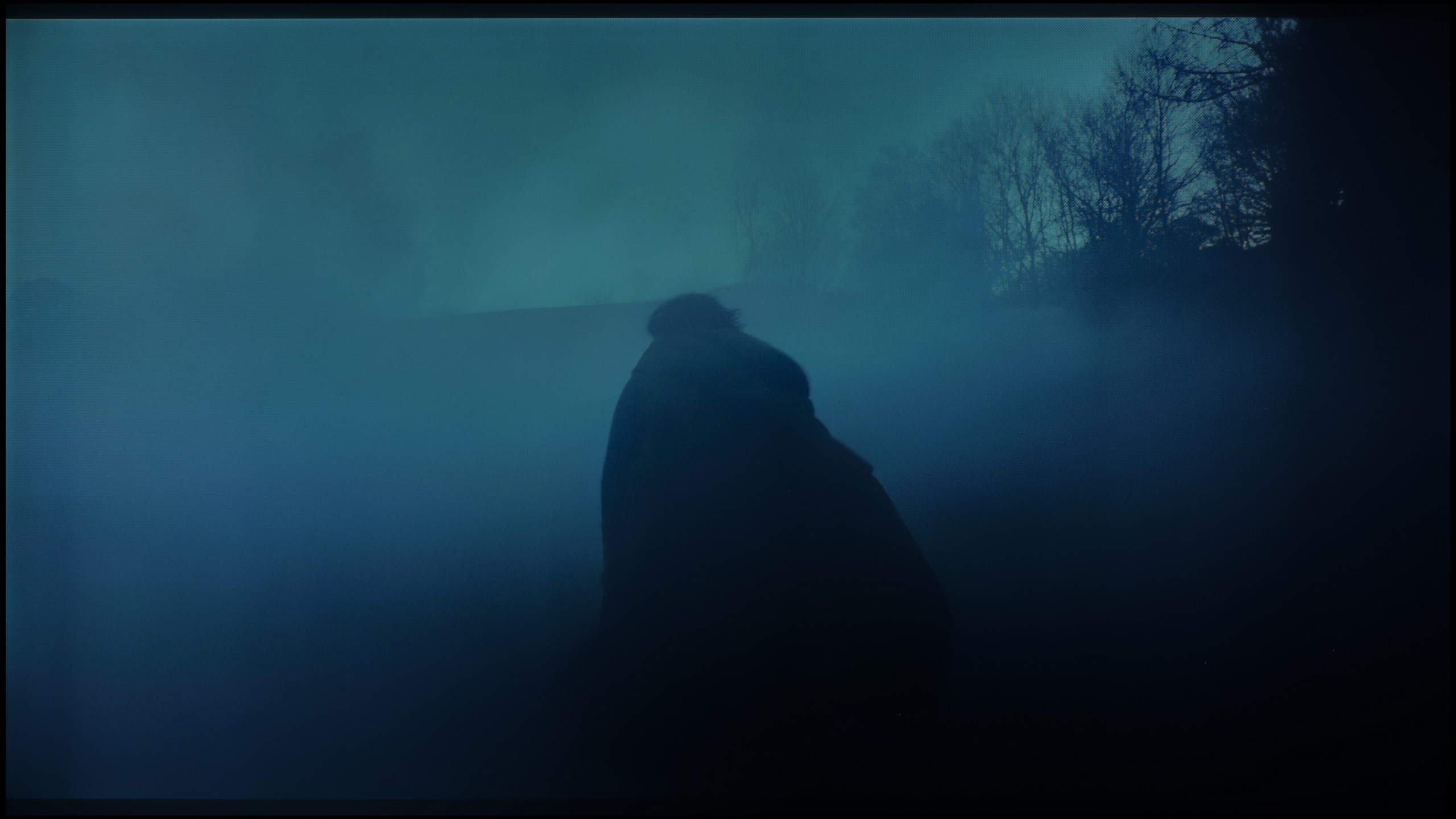
These are selected scenes that show smooth tonal transitions from one color to another. If you see distinct banding, it’s the TV panel’s fault.
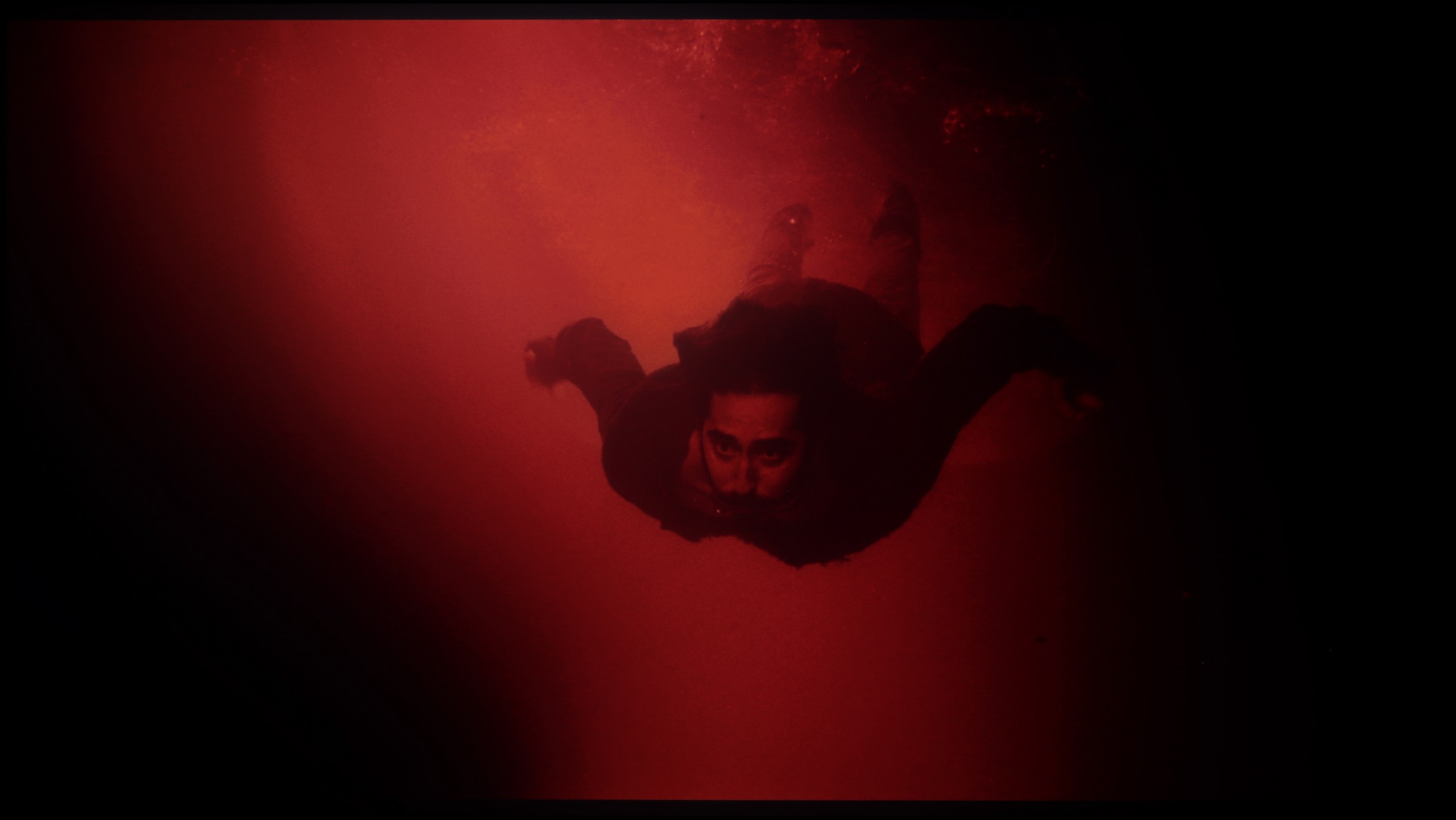
These are selected scenes that show smooth tonal transitions from one color to another. If you see distinct banding, it’s the TV panel’s fault.
Samsung OLED S85D handles tonal transitions very well. There are no major issues, and transitions between different colour levels are smooth and natural. The only minor drawback is slight problems around the reds, where in some scenes, you can notice a bit of interference. Nevertheless, the overall effect is very positive – the television performs excellently with most material.
The TCL C7K performs very well with colour gradation – in most tested scenes, tonal transitions were smooth, and colours blended together without visible edges or an artificial "splotch" effect. In everyday use, it's hard to find any faults – the image looks natural, without jarring transitions or digital artifacts. Some limitations only arise in very dark tones – particularly in a heavily muted grey palette, where the TV may struggle to reproduce an ideal gradation. But this is absolutely understandable, as even many significantly more expensive models in this range simply fail. Fortunately, these situations are rare and do not significantly affect the overall perception.
Image scaling and smoothness of tonal transitions
7.4/10
5.5/10


Smooth transition function

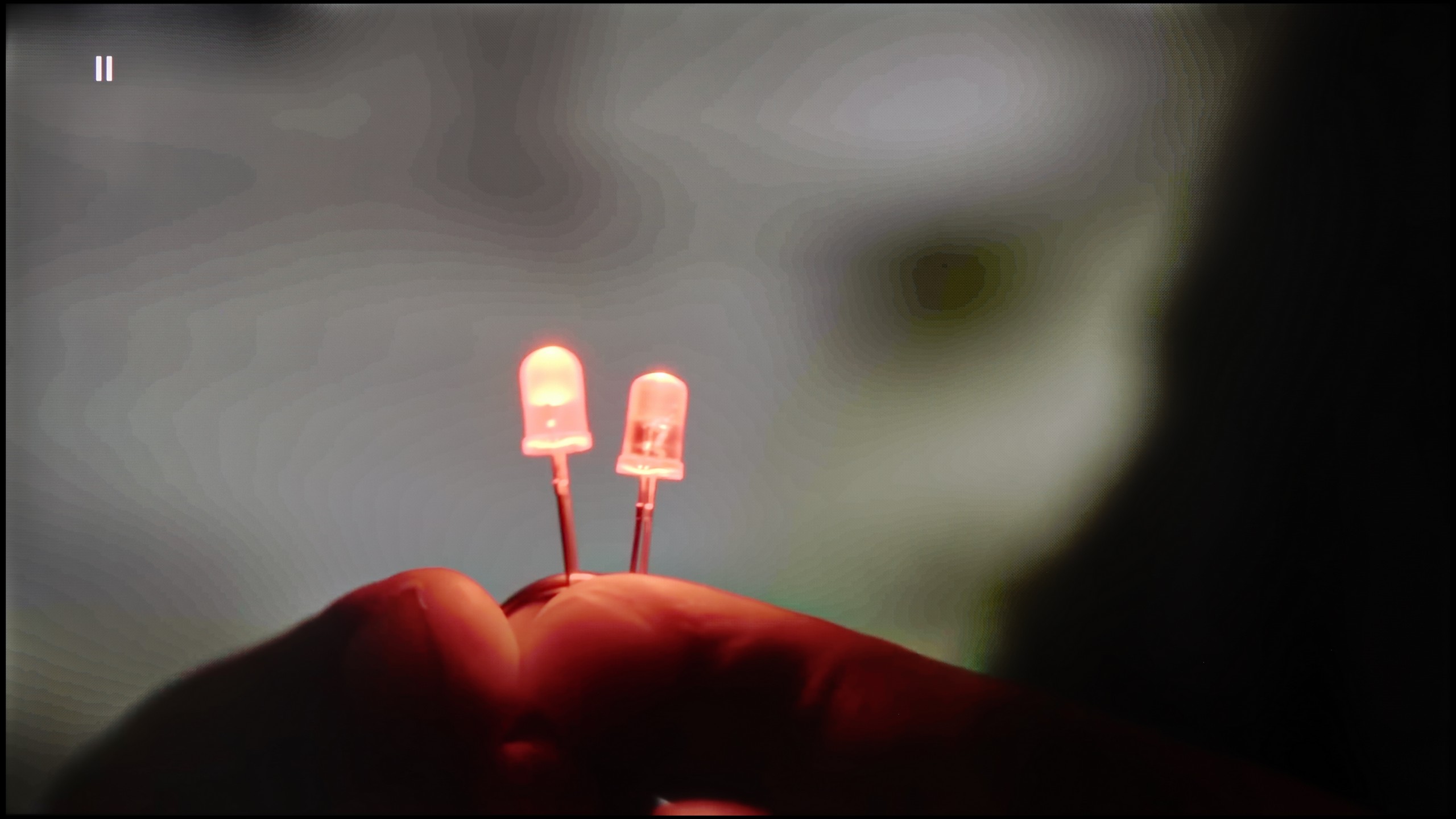
The match photo shows how the TV smooths weak tonal transitions in low-quality video.
Image scaling SD (576i)


The model photo shows how it handles upscaling of SD material.
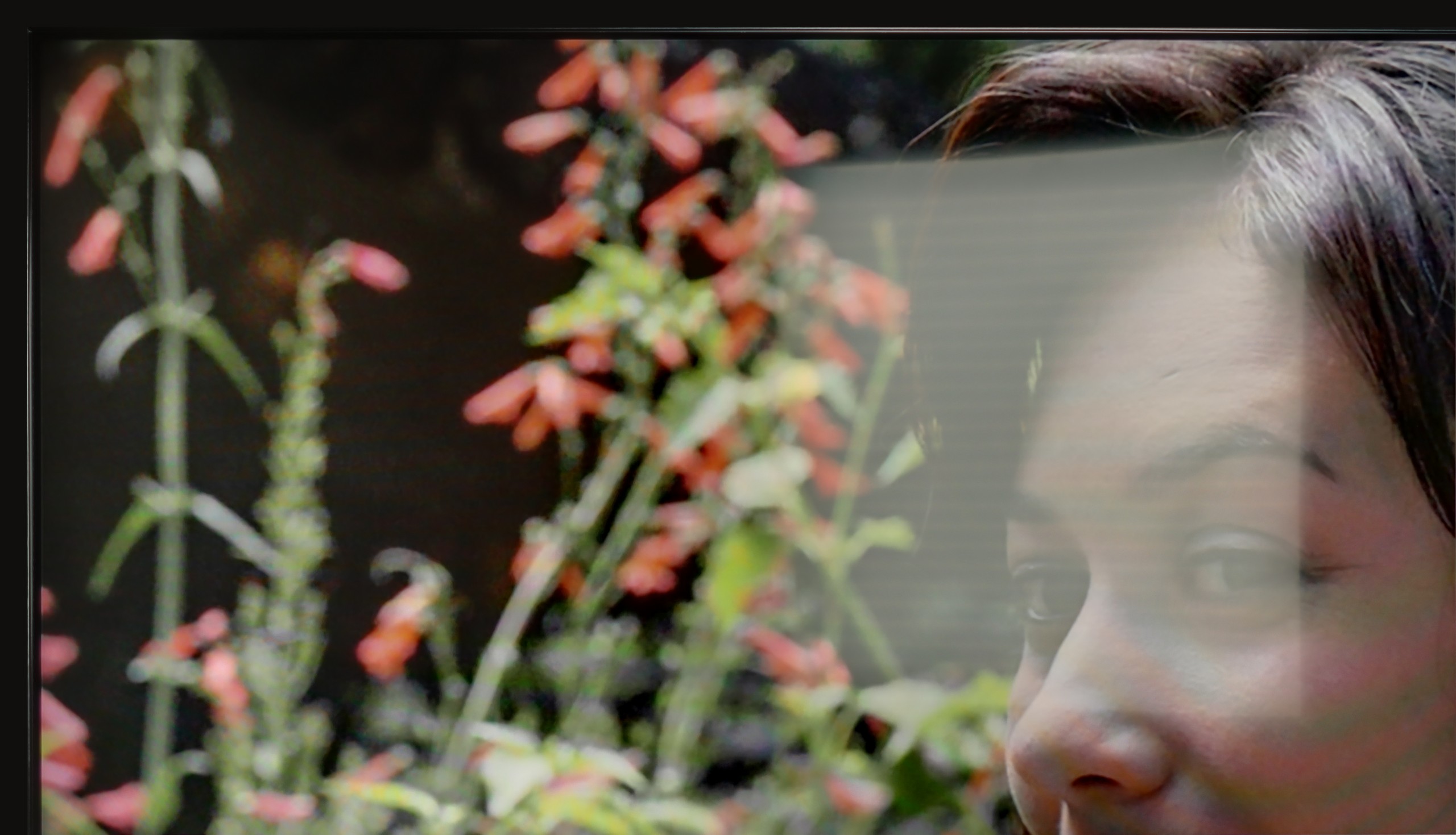
Samsung S85D does a great job of scaling images and smoothing tonal transitions. Like other Samsung models, the television offers three noise reduction modes: off, standard, and high. While it improves gradation well, it unfortunately also removes film grain, which many viewers desire to give the image a cinematic character. This grain often adds authenticity and a certain rawness to films that is lost once it is smoothed out. Removing the grain can make the image appear too sterile and smooth, which takes away some of the charm of the original film material. When it comes to image scaling, the Samsung S85D excels at displaying lower resolution content – the model in the photo and the branches in the background were shown correctly, without major issues with jagged edges. The only noticeable downside is the presence of overscan, which can sometimes cut off parts of the image, which may not appeal to everyone.
TCL C7K comes with a feature that, according to the manufacturer, aims to smooth out unwanted colour transitions – something like a rescue for less successful tonal changes. It's called "Gradual Smoothing" and... well, it sounds ambitious, but in practice, it works very poorly. Regardless of whether we set it to low or high, the difference is minimal. And worse still – the feature can cut out elements from the image that should remain. Fortunately, film grain is left untouched, so at least it doesn't smooth everything indiscriminately, but even so – it's best to just turn this option off.
When it comes to upscaling lower resolution content, it's already better. SD and HD materials look quite decent, although at times we felt that the image loses sharpness and becomes too soft – as if something had taken away its clarity. Fortunately, with very low sources (e.g. 576p), there was no overscan effect, meaning the image wasn't artificially cropped – everything fit on the screen as it should.
Blur and motion smoothness
8.5/10
8.1/10

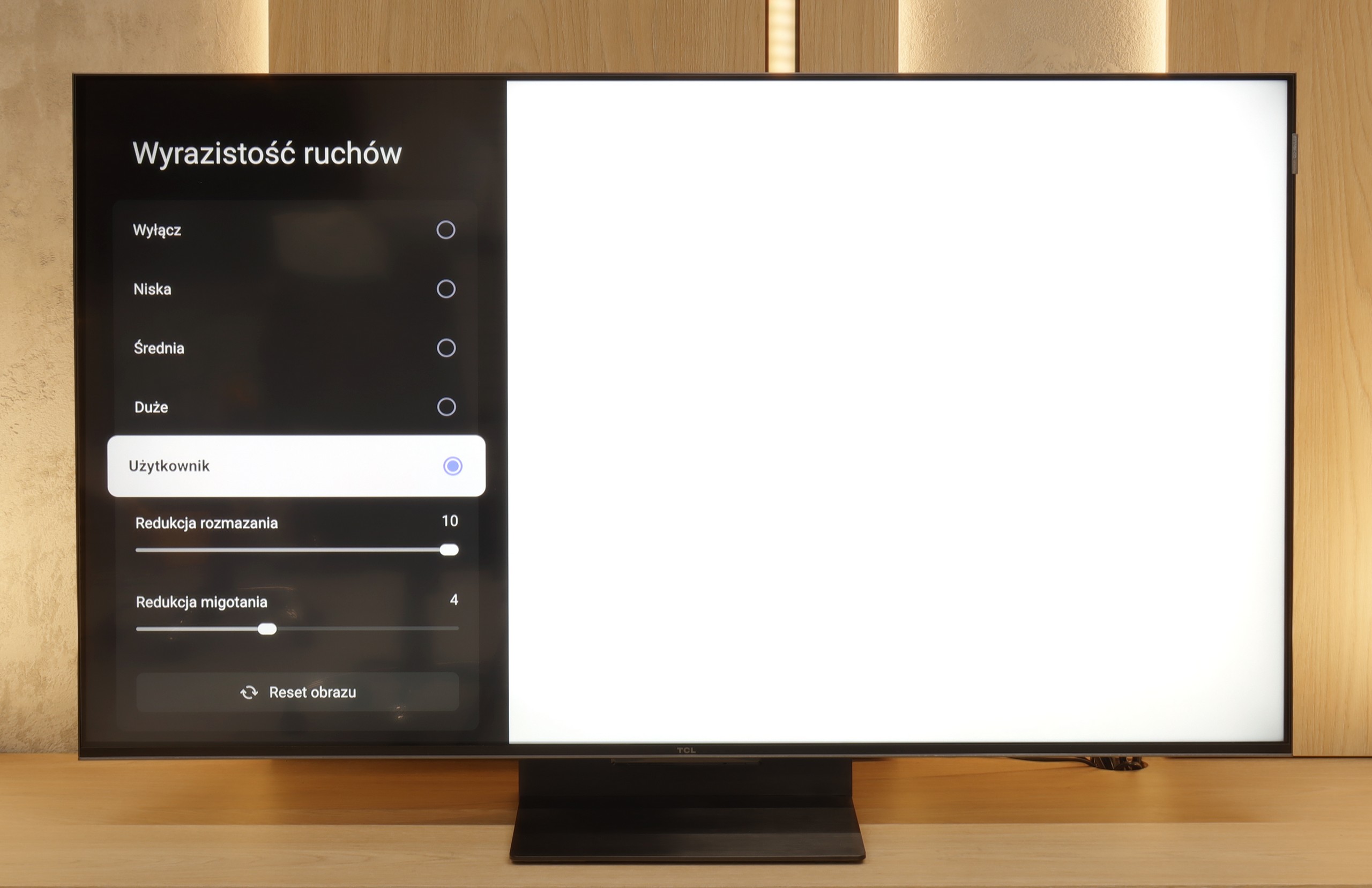
Blur (native resolution, maximum refresh rate):



Blur (BFI function enabled):
Image flickers in this mode



Blur ():
Blur (4K@144Hz):



As befits an OLED television, Samsung S85D offers excellent motion fluidity. Equipped with a 120 Hz panel and a fast response time, the TV delivers very smooth playback of dynamic scenes without visible blurring. For movie enthusiasts, there is a feature called "Picture Clarity Settings," which allows for adjusting the image smoothness to individual preferences on a 10-point scale. Motion blur reduction enhances the sharpness of fast-moving objects, while motion smoothing eliminates the "judder" effect for a smoother motion. This way, every user can set the appropriate level of clarity that best suits their taste, from a more cinematic effect to clearer, smoother movements.
TCL C7K handles motion smoothness really well. The panel used in it offers a refresh rate of 144 Hz, which alone suggests that this TV is more than just a regular "60 Hz" panel. Moreover, if we connect the C7K to a computer and set the resolution to Full HD. But we will write more about this in the section for gamers and PC compatibility. Returning to everyday use – both sports and movies look very good here. Thanks to the quick panel and the well-functioning motion smoothening feature, the C7K is great for watching matches as well as for movie screenings. In the menu, we find two sliders – blur reduction and flicker reduction – that allow adjusting the smoothness effect to personal preferences. At lower settings, we get a more cinematic effect, with a slight judder. At higher settings – the image becomes more theatrical, smoothly even to excess. Whatever your taste, everyone can set it to their liking.
Console compatibility and gaming features
9.5/10
9.8/10
- ALLM
- VRR
- VRR range48 - 120Hz48 - 240Hz
- Dolby Vision Game Mode
- Correct implementation of HGIG
- 1080p@120Hz
- 1440p@120Hz
- 4K@120Hz
- Game bar

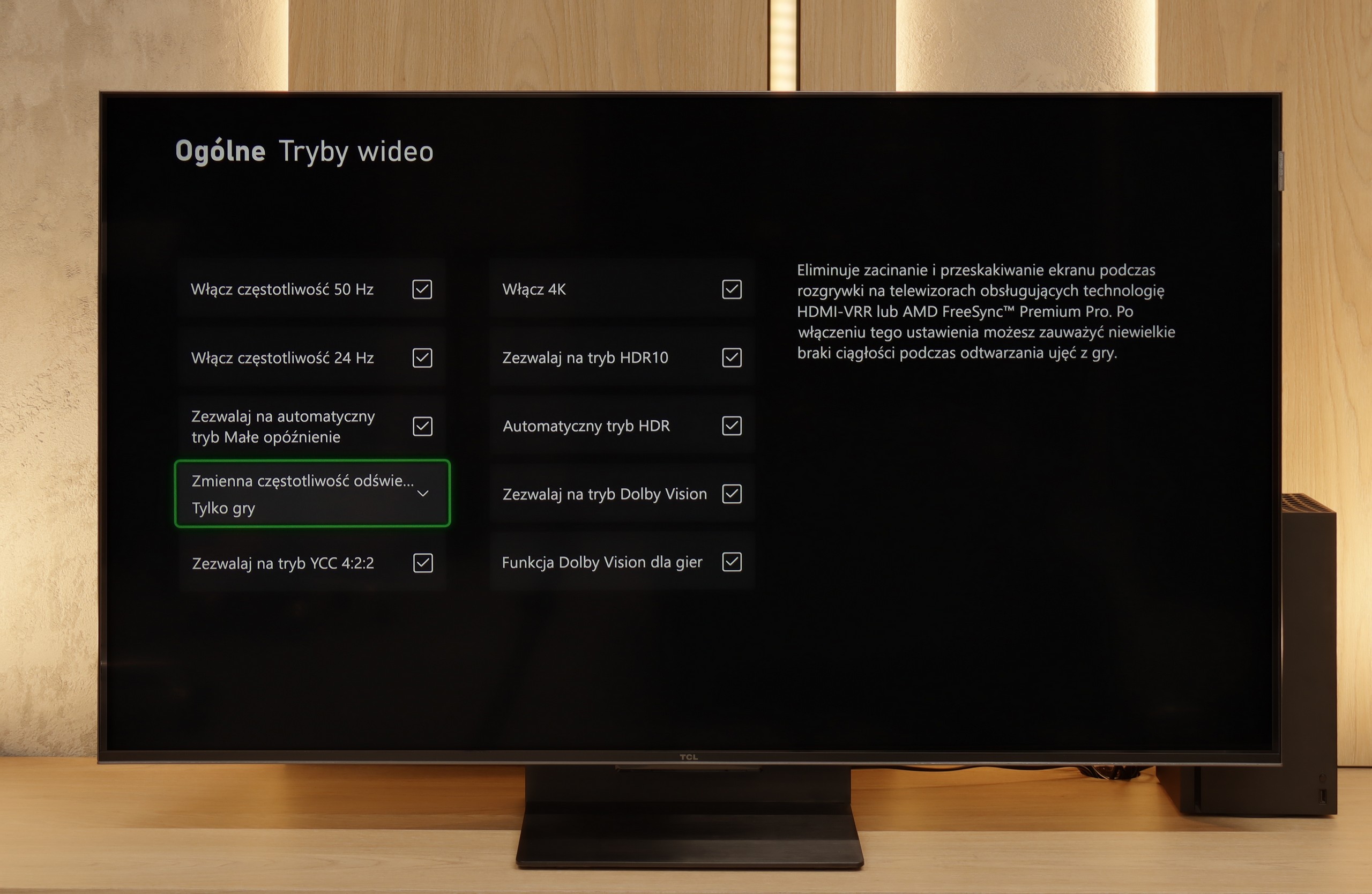

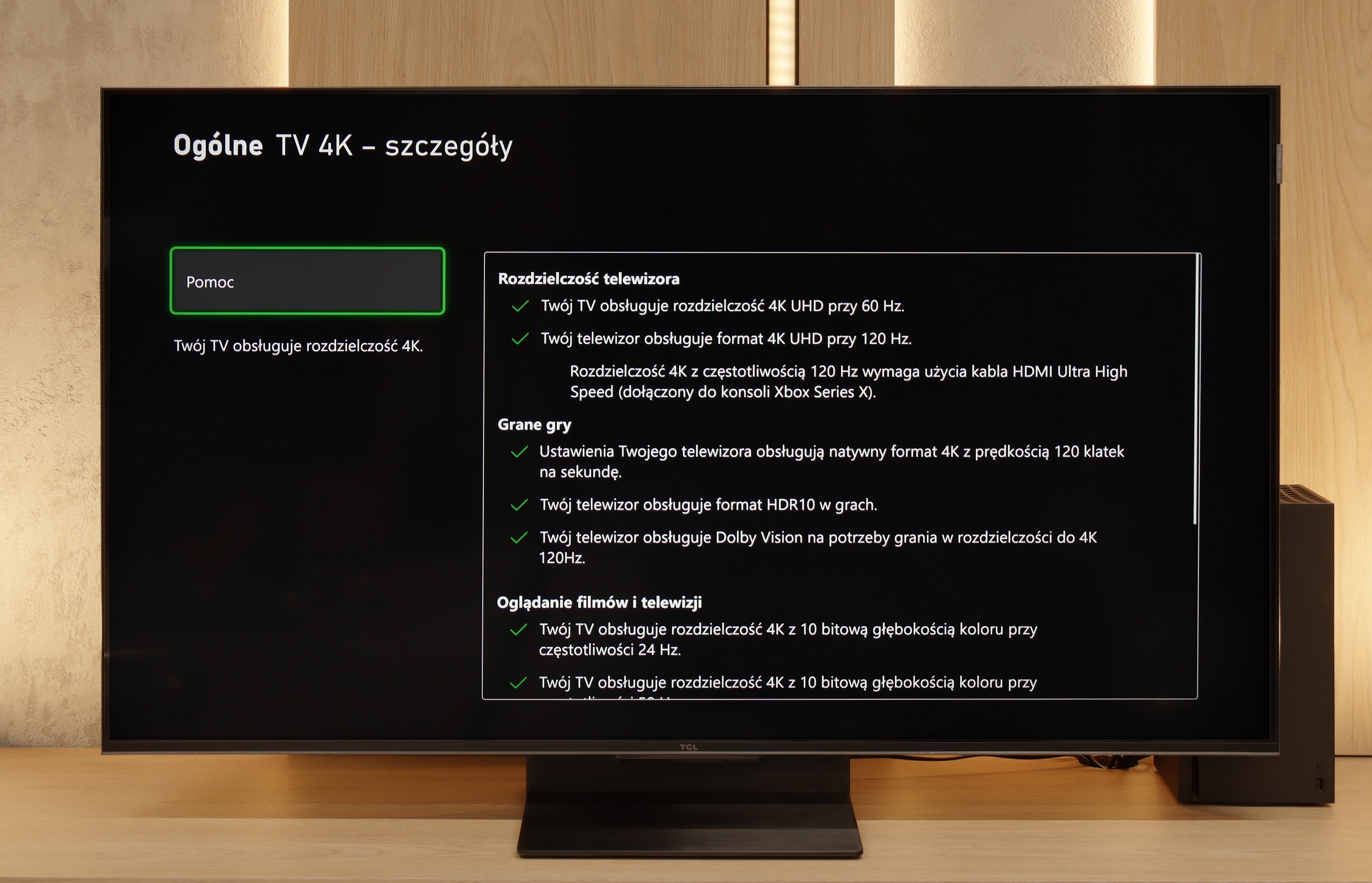

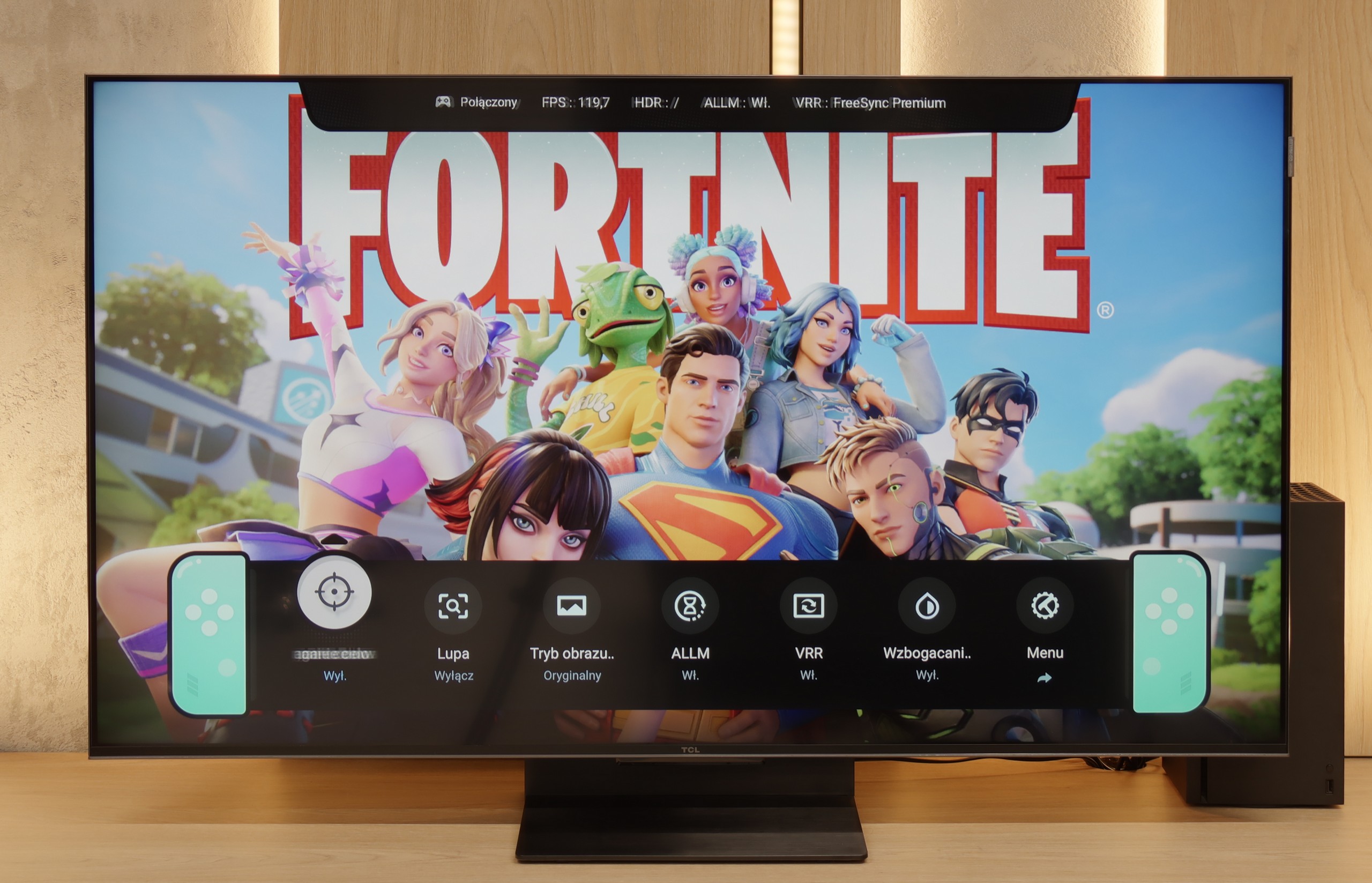

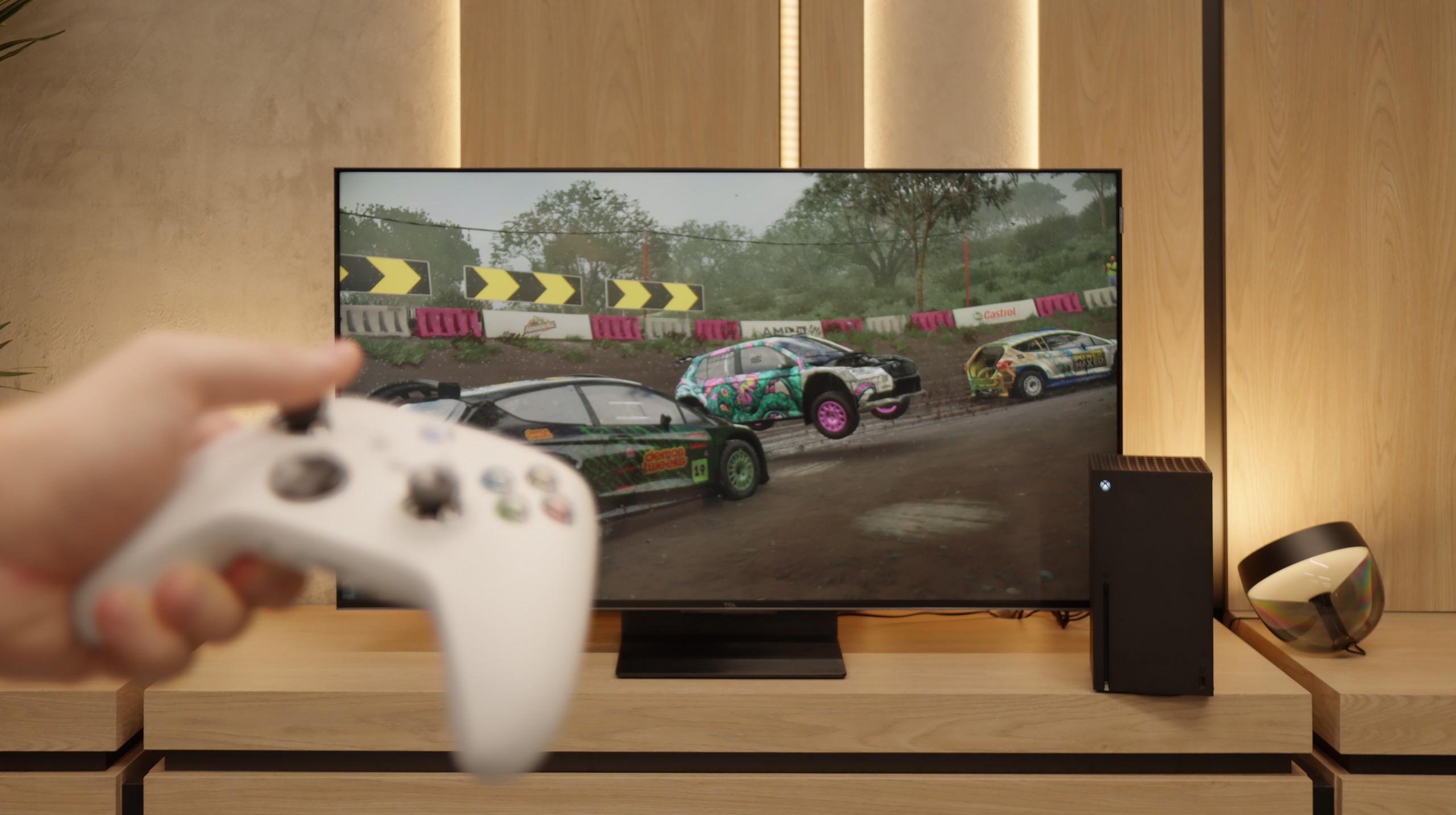
Samsung S85D OLED is an excellent choice for gamers thanks to its many modern features that make gameplay easier and more enjoyable. The TV has four full-bandwidth HDMI 2.1 ports, allowing you to connect the latest consoles without worrying about limitations in image quality or frame rates. This means support for 4K resolution at 120 Hz, which is ideal for modern titles. Additionally, the Samsung S85D has an ALLM (Auto Low Latency Mode) feature that automatically activates low latency mode when it detects a gaming device. This means you don’t have to manually switch settings – the TV takes care of ensuring fast response times, which is crucial in games where every second counts.
The VRR (Variable Refresh Rate) feature and G-Sync support are additional elements that make gameplay smoother. VRR adjusts the refresh rate to match the frame rate generated by the console or computer, eliminating screen tearing and stuttering. This is especially useful in fast-paced games where the frame rate can fluctuate. Auto Motion Plus Game is a feature that Samsung introduced with gamers in mind, and it’s worth appreciating. It makes the picture in games smoother – 30 frames per second looks like 45, and 60 Hz gains in smoothness, giving an effect close to 90 Hz. At the same time, there’s no significant increase in input lag, which remains below 25 ms, making this feature stand out compared to others available on the market. Gamers can enjoy smoother visuals without worrying about reduced responsiveness.
Samsung has also thought of something extra – the TV has a built-in Xbox Game Pass app, which means you can game in the cloud without needing a console. It’s a great solution for those who want to enjoy gaming without investing in additional hardware. All you need is an internet connection, and you have a massive library of games at your fingertips. This makes Samsung S85D an excellent choice for both casual and more advanced gamers.
TCL C7K is a TV that on paper looks like the dream gear for a gamer – and most importantly, it also holds up in practice. First, the good news: we have two HDMI 2.1 ports with full bandwidth, so we can easily connect both a console and a computer, making use of all their capabilities. The panel itself supports a refresh rate of 144 Hz, which gives a considerable advantage in fast-paced games. On top of that, it comes with a full suite of gaming features: VRR (variable refresh rate), ALLM (automatic low latency mode), and Dolby Vision support in games. There’s also an HGiG mode that provides an HDR effect aligned with the creators' intentions. GameBar, which is an information bar for gamers. It operates quickly, looks clear (like a Nintendo console👌), and displays what matters most: the current frame rate, VRR status, and even HDR parameters.
Input lag
9.9/10
9.6/10
SDR
HDR
Dolby Vision
Samsung S85D achieves excellent results in terms of input lag, regardless of refresh rate or resolution. This means that the screen responses are nearly instantaneous, which is particularly important in fast-paced, dynamic games. Gamers can rely on the TV's lightning-fast response to controller movements, providing an edge in competition and greater satisfaction in gameplay. Low input lag is a definite advantage of this model, making the Samsung S85D OLED an ideal choice for gaming enthusiasts.
When it comes to delays, the C7K doesn’t give any reasons to complain. In games at 120 Hz, the input lag is around 10 ms, which means the TV responds really quickly. And interestingly – even in Dolby Vision mode, the result is very similar, which isn’t always the standard. Good job, TCL. At 60 Hz, the lag does increase a bit, but that’s completely normal and applies to pretty much every TV with 120Hz refresh rates and higher. The important thing is that everything still runs smoothly and there’s no feeling that anything is unresponsive to our actions.
Compatibility with PC
7.6/10
8.4/10

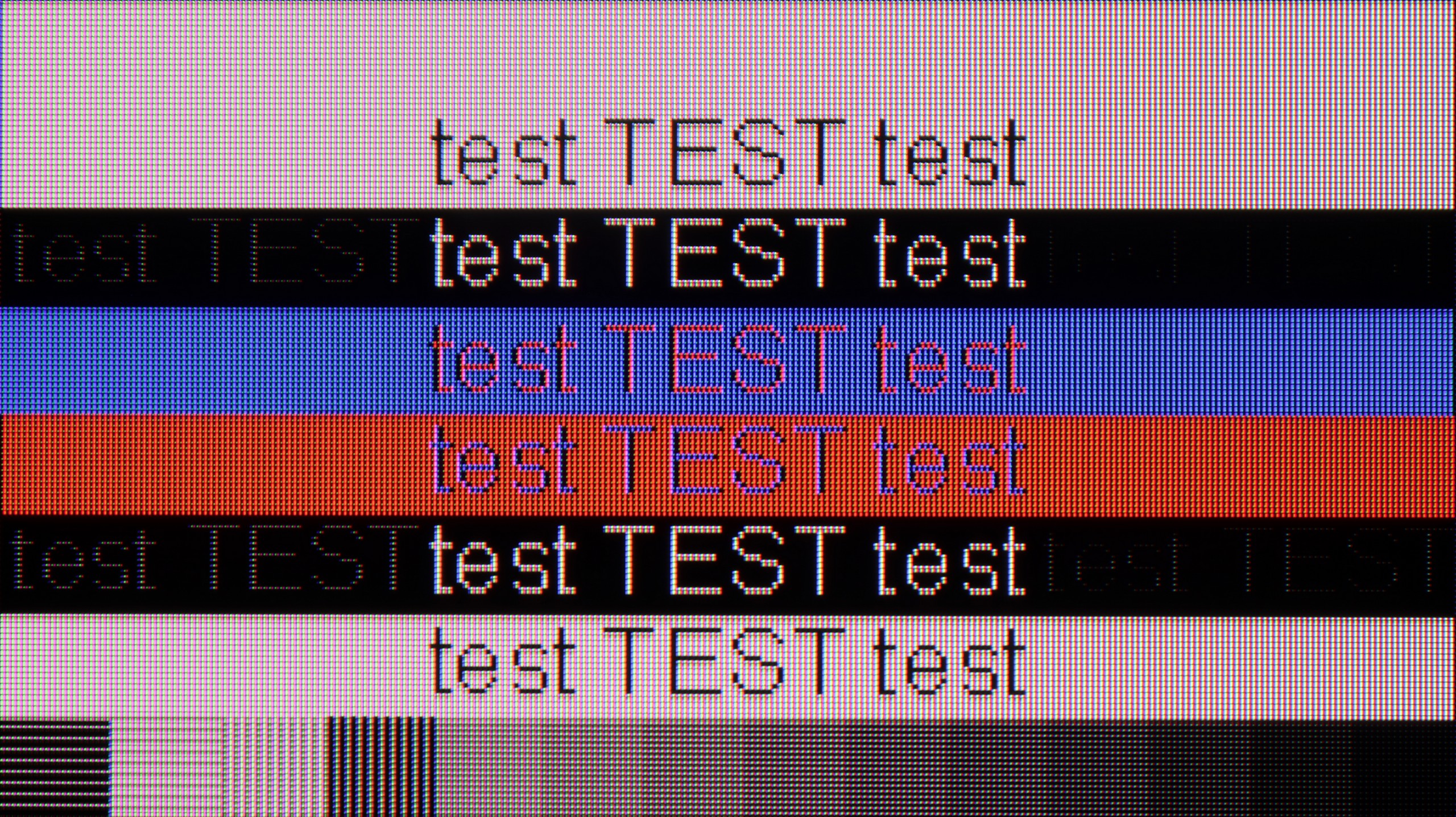
The photo shows the legibility of small fonts. Ideally, lines should be the same thickness on both light and dark text, with minimal pixel gaps.
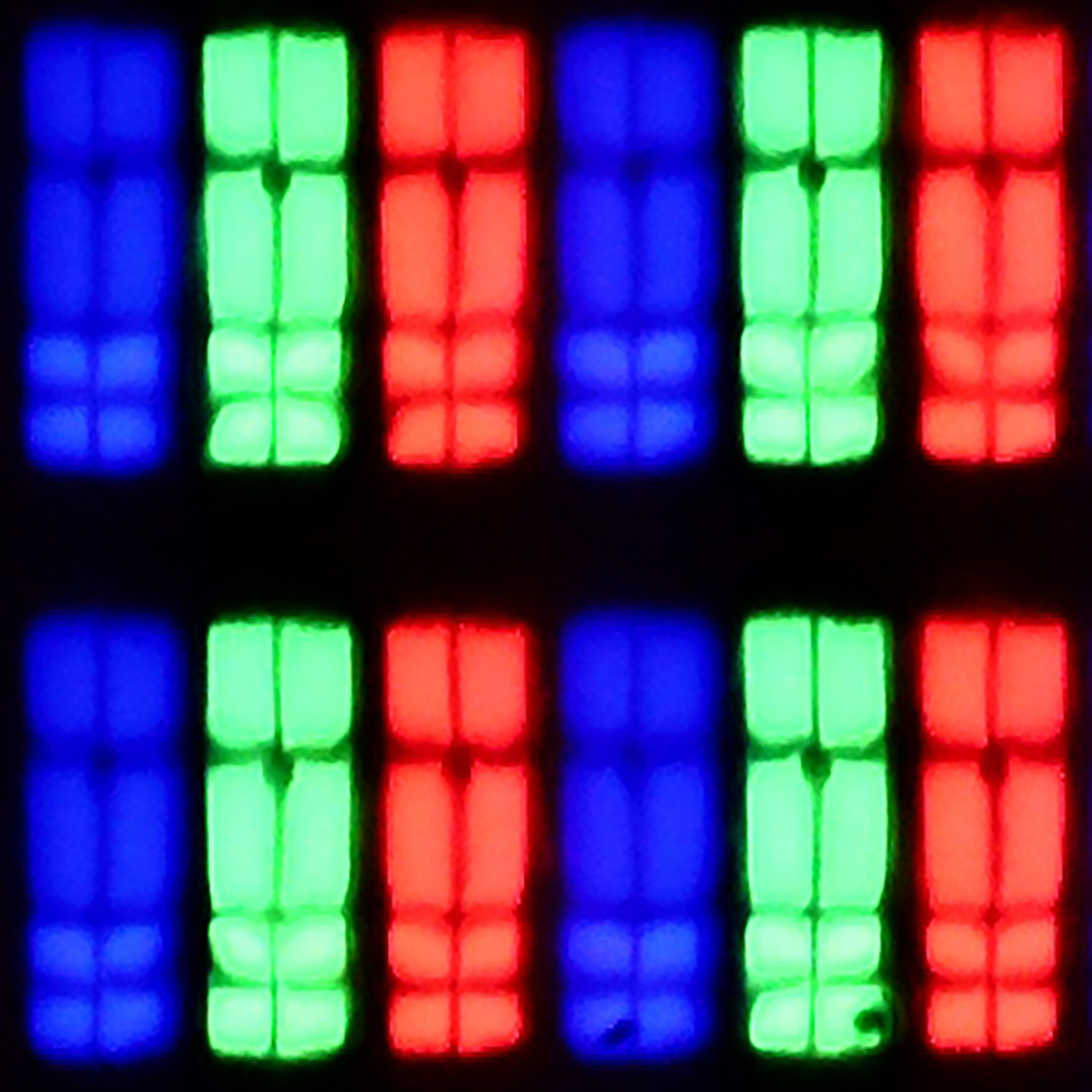
Samsung S85D performs very well as a computer monitor. With clear visibility of text, regardless of the background type, using it is convenient and comfortable. Chroma 4:4:4 support ensures precise reproduction of text and graphics, which is essential for office work, browsing the internet, or editing documents. Samsung S85D is a versatile television that easily serves as a monitor for everyday use. We deducted 0.4 points for the WRGB layout, as is common with every television with such a sub-pixel arrangement.
If we intend to connect the C7K to a computer – especially for gaming – there's definitely something to play with. We've got 4K at 144 Hz, which already sounds fantastic, but if we lower the resolution, the TV can display even 280 Hz. In e-sports, where every fraction of a second counts, this really makes a difference. On top of that, there's support for G-Sync and FreeSync, so no matter what graphics card we have – the image will be smooth, with no stuttering or tearing.
But if we plan to set the C7K on a desk and use it like a monitor, it's a bit less "rosy." Sure, it supports chroma 4:4:4, so fonts should be sharp, but with very dark letters, there's a slight blurriness and dimming of the edges. It's not something that immediately stands out when gaming or watching, but when working with text – it might be distracting. In everyday use – probably without worries, but if we plan to place a 50-inch screen a metre from our face, it's worth keeping this in mind.
Viewing angles
7.5/10
3/10
The viewing angles on the Samsung S85D are excellent, as expected from OLED. The picture remains crisp and doesn't lose quality even when watched at a wide angle, making the TV perfect for larger rooms and shared viewing with family or friends. The only TVs that offer better viewing angles are those with QD-OLED organic matrices or MLA OLED.
There are no surprises here – the C7K has classic viewing angles for a VA panel. That is: we sit directly in front – it's fantastic. Colours look good, contrast is strong, everything is in place. But just shifting slightly to the side makes it worse – the image loses saturation, blacks go grey, and the overall impression diminishes somewhat. So if we're planning to watch together with a few people or have a couch that takes up half the living room – it's worth seating everyone more centrally. You can watch from the side, but don’t expect miracles – it's simply a characteristic of the VA panel.
Daytime performance
5/10
6.4/10

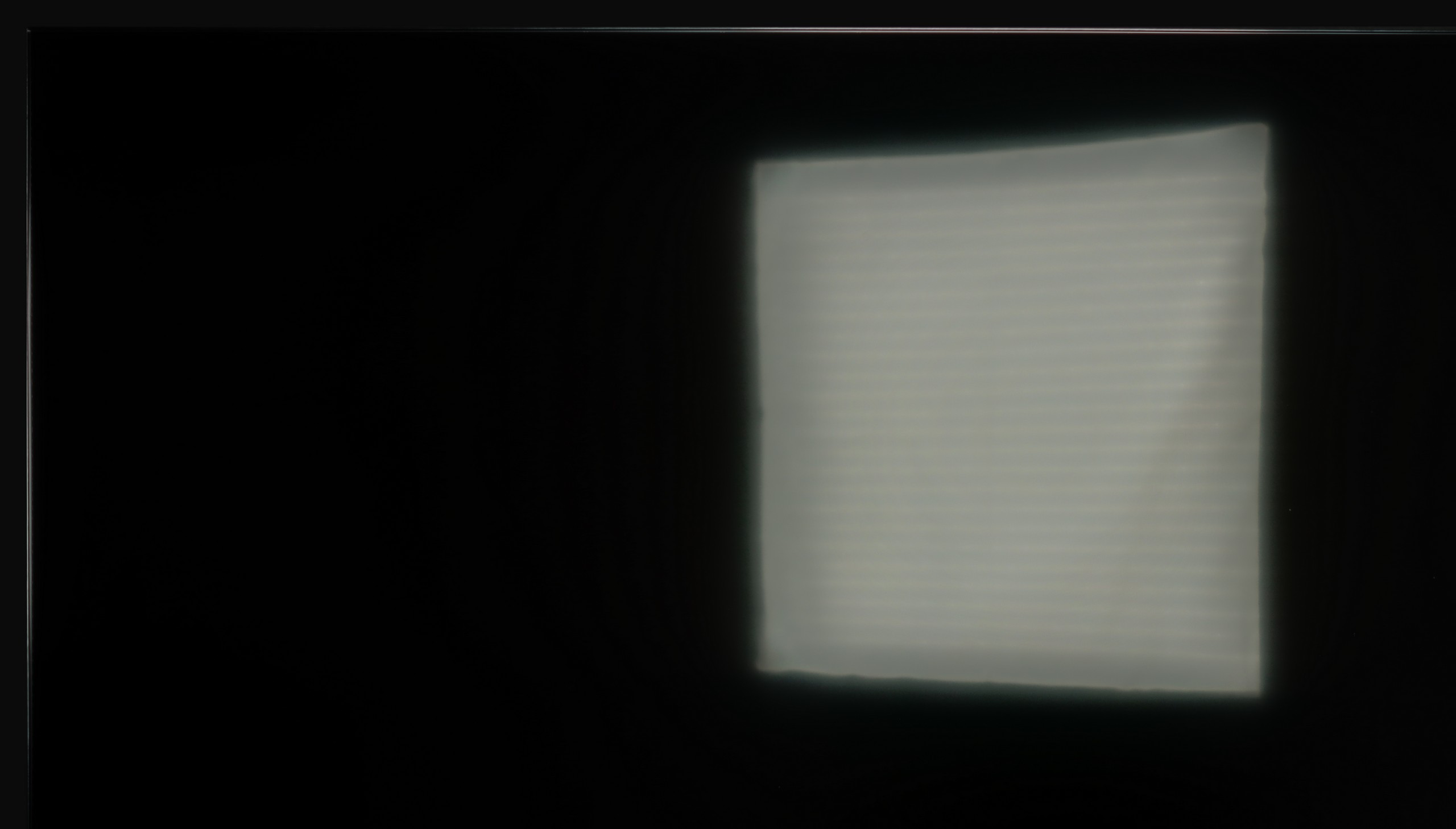

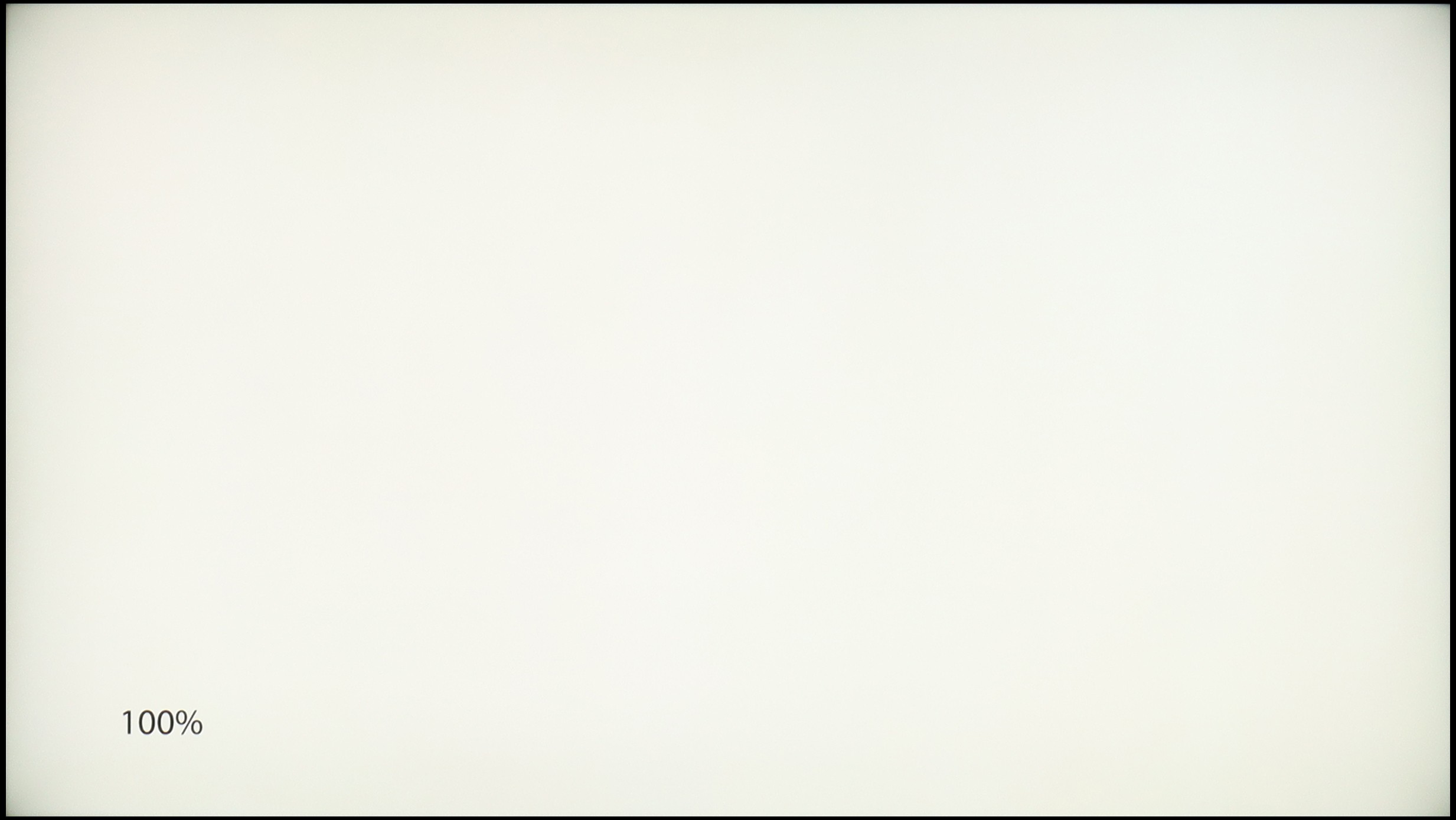
Panel brightness
TCL C7K / QM7K 55"-85": 529 cd/m2
Samsung S85D: 313 cd/m2
Samsung S85D performs quite well with reflections thanks to the matte screen's satin finish, which effectively dampens them. Unfortunately, the SDR brightness of 310 nits is rather average, meaning the TV's effectiveness may be limited in very bright rooms. It’s not an impressive result, so this model will definitely perform better during evening viewing when such brightness will be sufficient. During the day, to achieve better comfort, it may be necessary to draw the blinds or curtains.
Fortunately, the TCL C7K performs quite well in a bright room. The screen has a satin finish, which effectively reduces reflections and means that even on sunny days we don't have to worry about reflections from lamps or windows. Importantly, the colours maintain their intensity and don't wash out as can happen with weaker matte panels. As for brightness, the average for content like YouTube or regular television is a bit below 500 nits. It's not a record-setting result – for example, the MQLED85 (C765) performs better in this regard. However, for everyday viewing during the day, it should work without major issues, as long as we don't plan to place it opposite a south-facing window without curtains.
Panel details
Subpixel Structure:

Panel uniformity and thermal imaging:

Samsung S85D
TCL C7K / QM7K 55"-85"
TV features
7.2/10
7.3/10
- SystemTizenGoogle TV
- System performanceVery goodGood
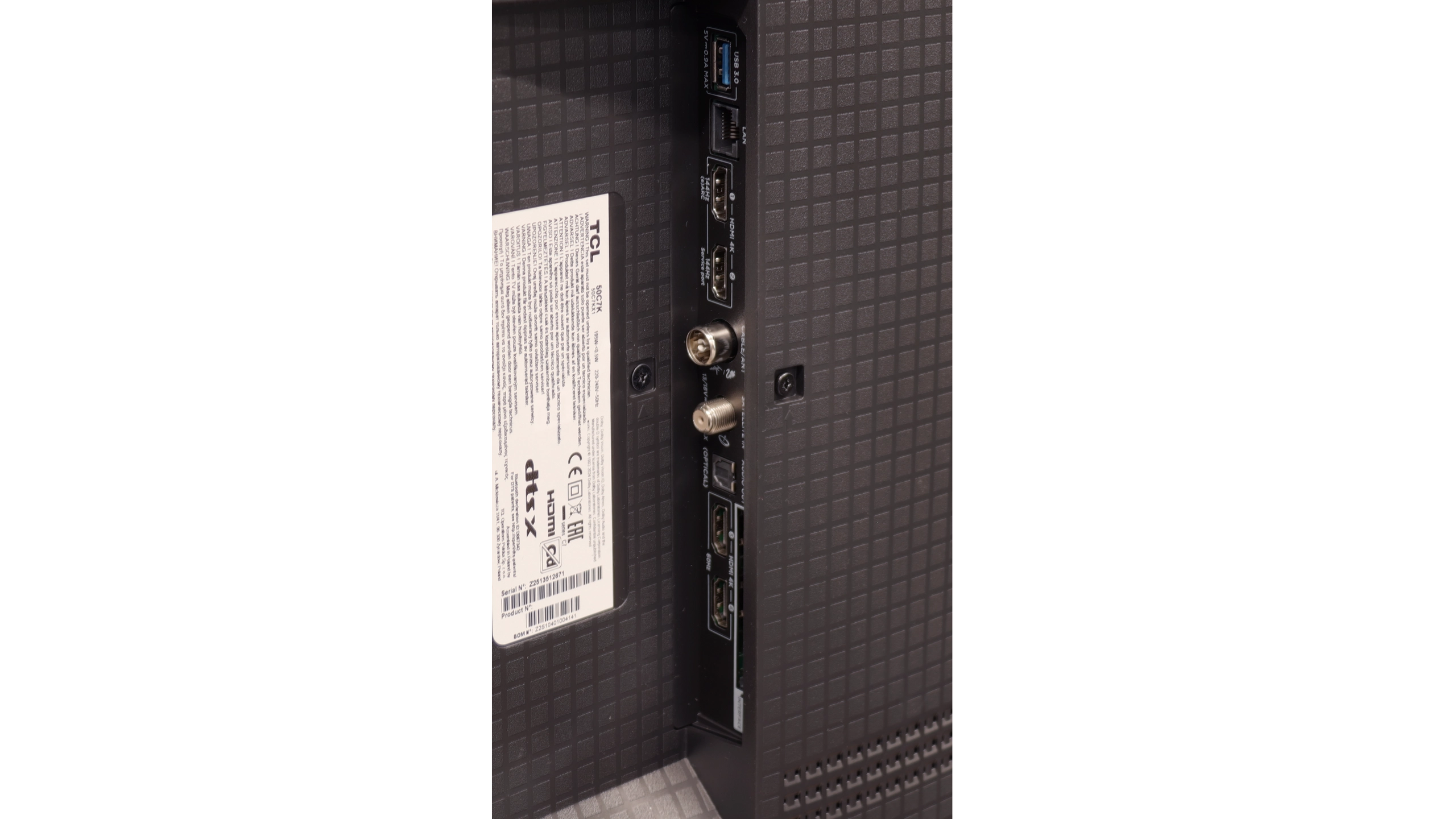
- HDMI inputs0 x HDMI 2.0, 4 x HDMI 2.1 48Gbps2 x HDMI 2.0, 2 x HDMI 2.1 48Gbps
- OutputsToslink (Optical audio), eARC (HDMI), ARC (HDMI)Toslink (Optical audio), eARC (HDMI), ARC (HDMI)
- Network InterfacesWi-Fi 2.4GHz, Wi-Fi 5GHz, Ethernet (LAN) 100MbpsWi-Fi 2.4GHz, Wi-Fi 5GHz, Ethernet (LAN) 100Mbps
- TV receptionDVB-T, DVB-T2, DVB-S, DVB-S2, DVB-CDVB-T, DVB-T2, DVB-S, DVB-S2, DVB-C
Classic features:
- Recording to USB (terrestrial TV)
- Recording programming
- Picture in Picture (PiP)
- RF remote control (no need to aim)
- Backlit remote control
- Teletext
- Audio only mode
- Bluetooth headphones support
- Simultaneous Bluetooth headphones & TV audio
Smart features:
- AirPlay
- Screen mirroring (Windows Miracast)
- Voice search
- Voice search in native language
- Ability to connect a keyboard and mouse


Sound connection options
- HDMI audioeARC (HDMI), ARC (HDMI)eARC (HDMI), ARC (HDMI)
- Other audio outputsToslink (Optical audio)Toslink (Optical audio)
- Wireless audioBluetoothBluetooth
Supported audio formats (external HDMI eARC audio):
- Dolby Digital Plus 7.1
- Dolby True HD 7.1
- Dolby Atmos in Dolby Digital Plus (JOC)
- Dolby Atmos in Dolby True HD
- DTS:X in DTS-HD MA
- DTS-HD Master Audio
Senior accessibility
- Numeric keyboard on TV
- Font size adjustment
- Audio description
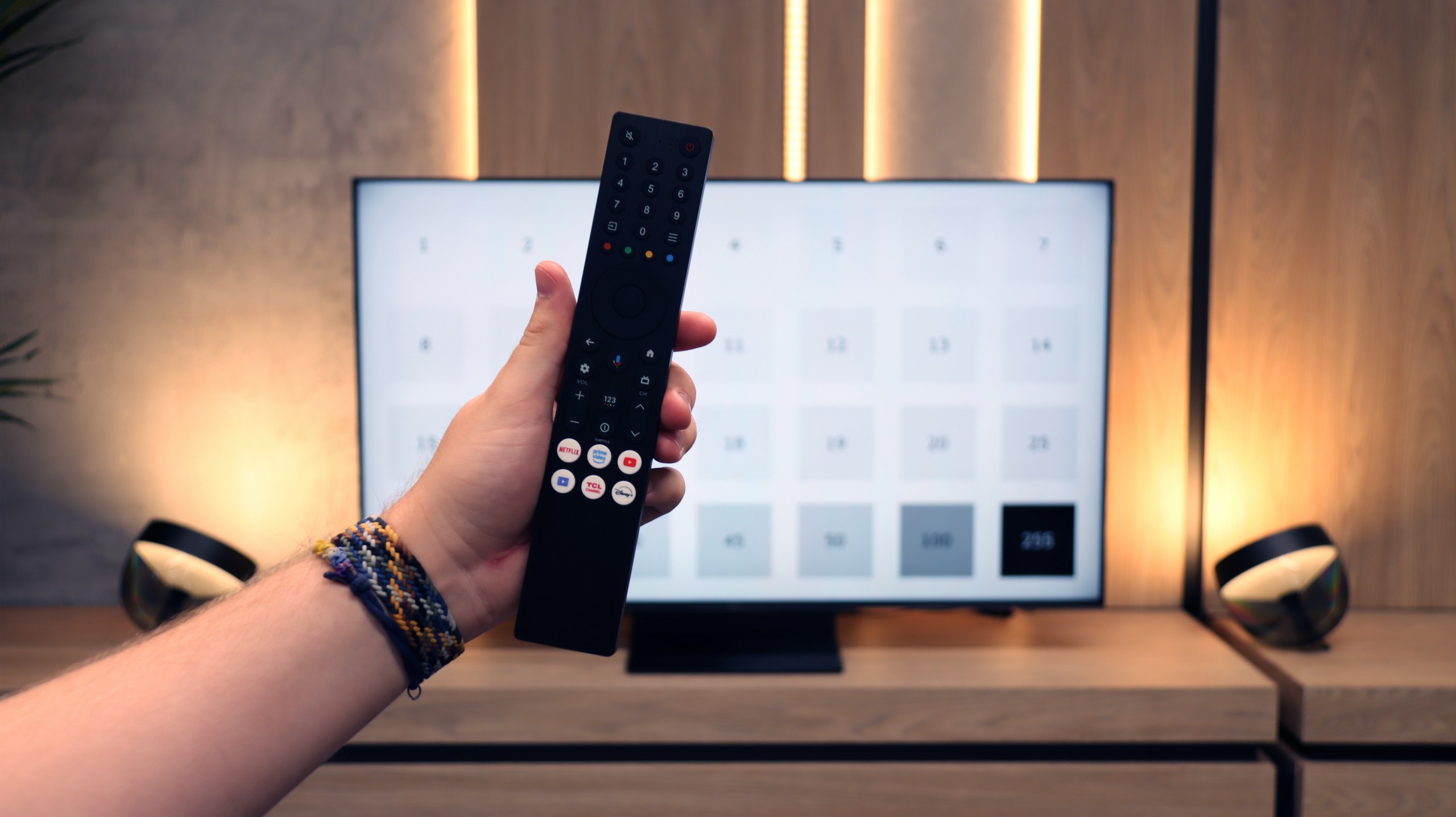
Samsung S85D runs on the Tizen operating system, which is intuitive and provides easy access to many apps and streaming services. The system offers smooth and quick navigation, significantly improving the comfort of using the television. The TV is equipped with a solar-powered remote control, which allows for the control of other devices, such as set-top boxes or home theatre systems, enabling the operation of all home equipment with one device. In terms of connectivity, the Samsung S85D supports AirPlay, making it easier to stream content from Apple devices, and it has a built-in Bluetooth module that enables the connection of peripheral devices, such as keyboards, headphones or speakers.
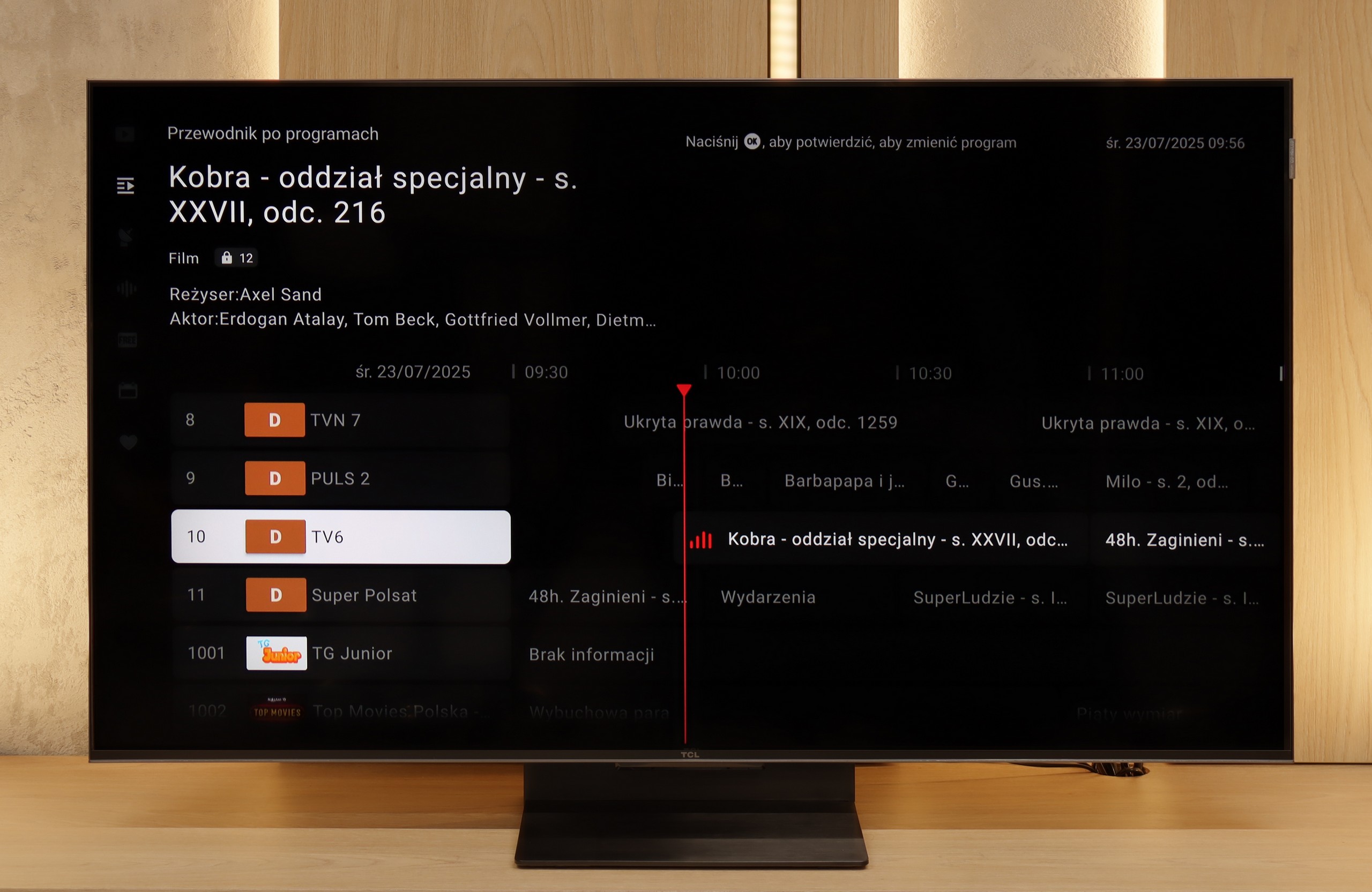
When it comes to everyday use of the television for regular TV shows, the S85D model offers several useful features but also has some drawbacks. One of its advantages is the PIP (Picture-in-Picture) function, which allows for simultaneous viewing of two contents – for example, a match in a small window while the rest of the screen shows a favourite series. This is a convenient solution for those who want to stay up-to-date with various programs. However, it is disappointing that there is no recording capability from the built-in tuners. This limitation makes it impossible to save favourite programs or movies for later, which can be a problem for those who want to flexibly adjust their TV watching to their schedule - however, we believe that the absence of this feature is becoming less of a burden, as users now have wide access to various content online, making the need for recording less significant.
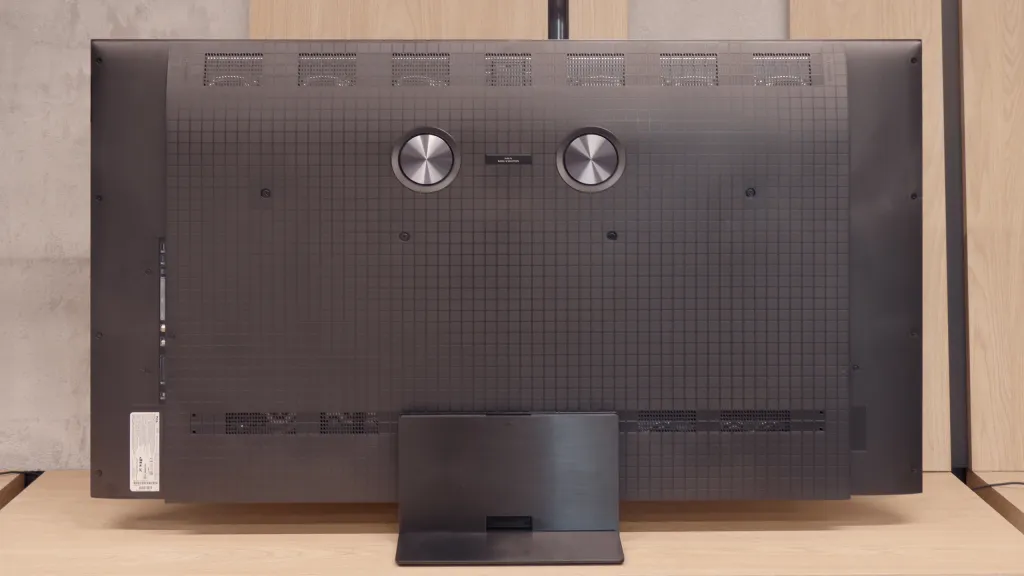
The design of the OLED Samsung S85D stands out with its distinctive, rounded shape at the back, setting it apart from most OLED televisions that typically have a flat back. This unusual design gives it a unique look and attracts attention, making the television appear modern and elegant. The package includes a remote control, a CI+ module, a stand in the form of two feet, and a power cable, allowing for a quick and convenient start to using the television without the need to purchase additional accessories.
SmartTV: GoogleTV
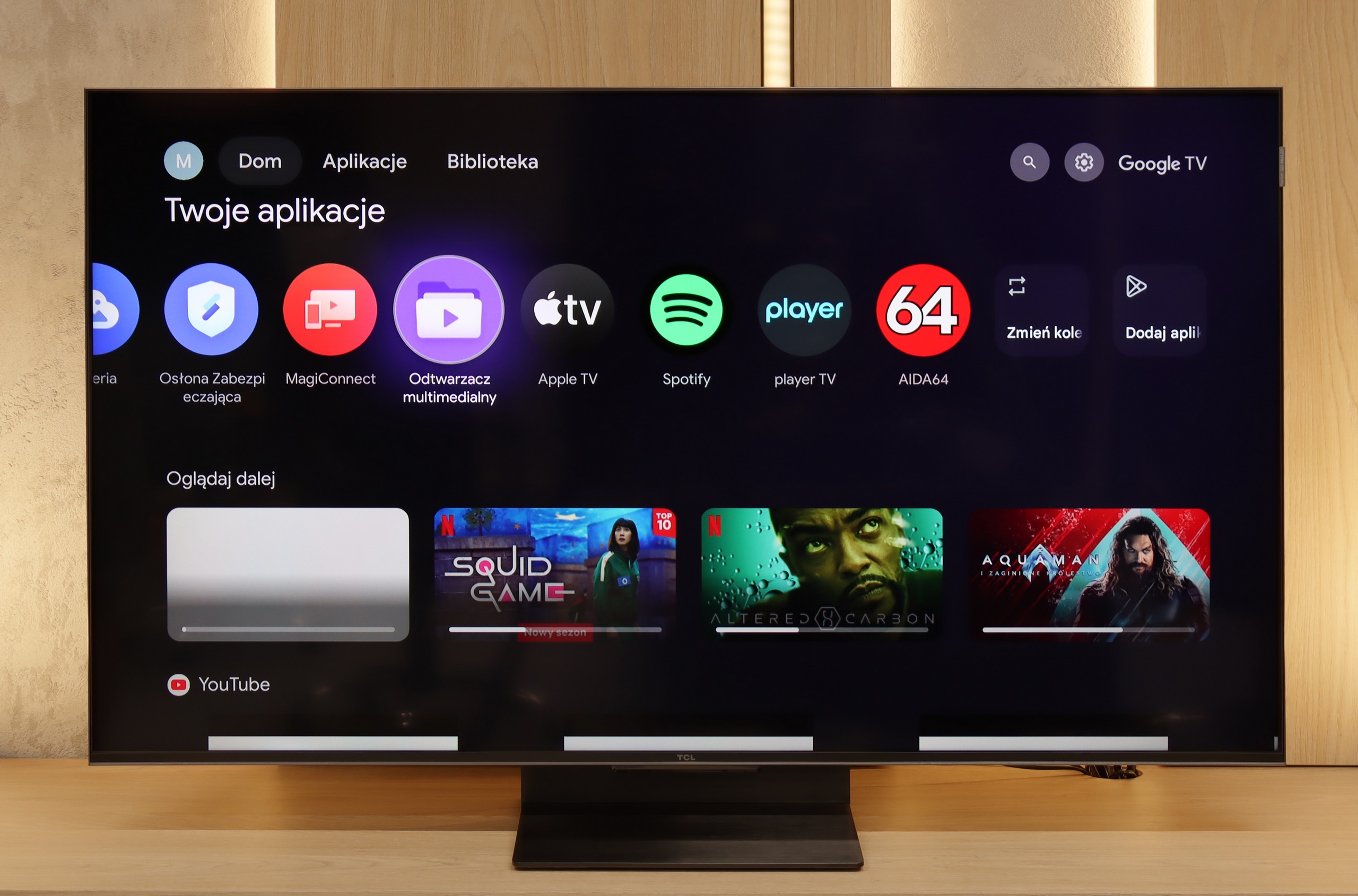
The greatest strength of the TCL C7K in everyday use is undoubtedly the Google TV system. Thanks to it, we have access to an almost endless library of applications, including some more niche ones that are often unavailable on other platforms. The built-in Google Assistant understands Polish, so we can easily ask what’s on TV, what the weather is like, and even give a few voice commands to control the television. The presence of Chromecast and AirPlay, which work smoothly and make life easier, is also a plus.
Useful features
However, the classic features are a bit lacking. Of course, we find the basics here – teletext, EPG or the ability to connect headphones – but that’s pretty much it. There’s a lack of USB recording functions and a picture-in-picture (PiP) mode, which can sometimes still be found with competitors. It's also worth remembering that the Google TV version from TCL can sometimes have strangely translated menu items or minor interface bugs. These are not things that hinder everyday use, but those sensitive to details may notice them.
Apps
9.3/10
9.6/10






















Playing files from USB
9.1/10
9.2/10
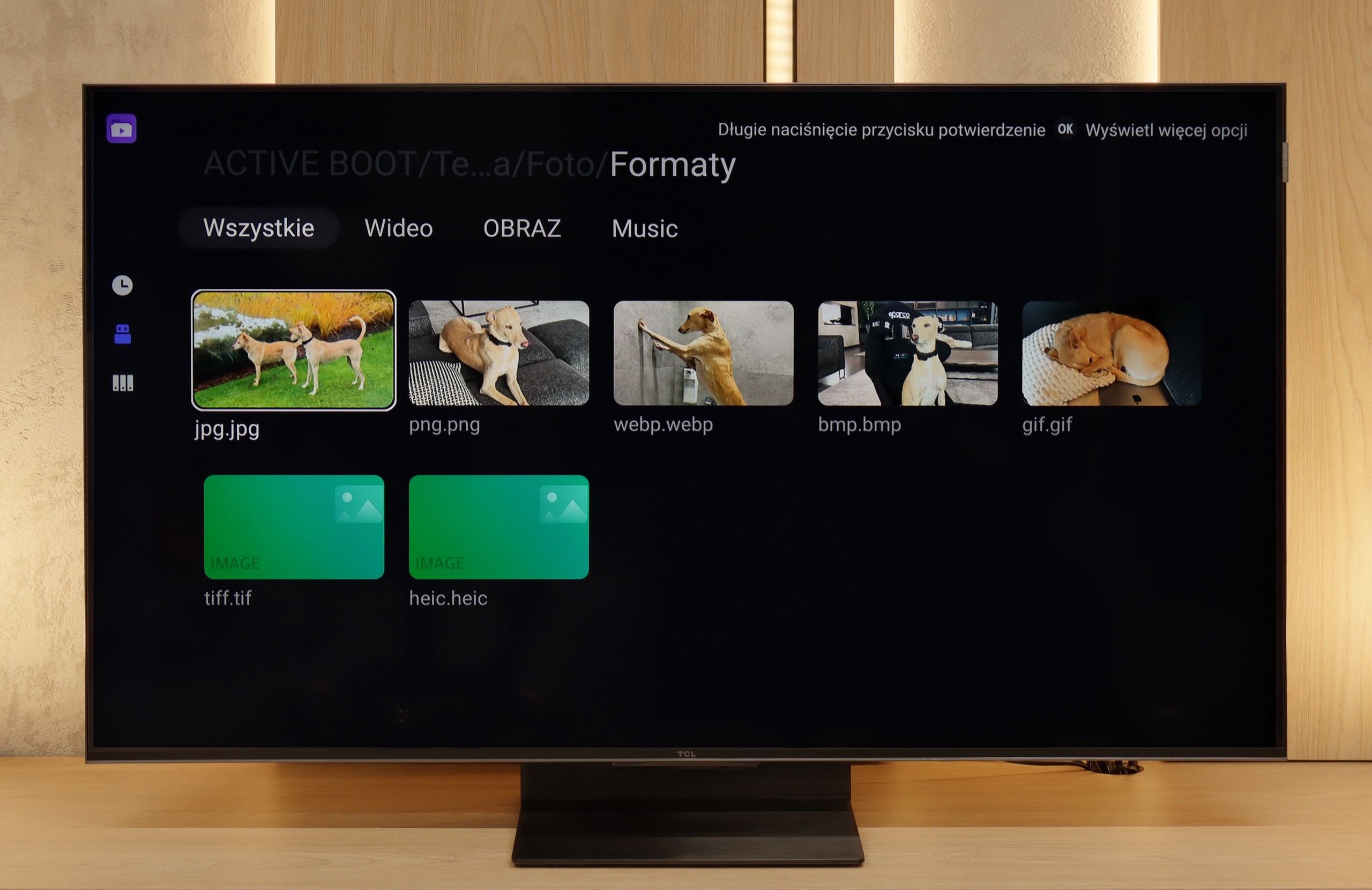
Supported photo formats:
Maximum photo resolution:

Playing multimedia files on Samsung S85D will satisfy most users. The television offers wide compatibility with popular video, audio, and image file formats, providing smooth playback from both USB media and local networks. The built-in media player operates efficiently and is easy to use, although there may be issues with some less common formats.
The built-in file player in the TCL C7K performs really well. It supports most popular audio and video formats, so if we want to quickly throw something from a USB stick and play it – there shouldn't be a problem. Of course, as is often the case, there might be some minor shortcomings – not every exotic codec will work (Apple's HEIC), not all subtitles will be perfectly synchronised (txt.). However, this is where the biggest advantage of this TV comes in, namely Google TV. With access to the Google Play Store, we can easily install an alternative player, such as VLC, and then no files will be a concern for us.
Sound
7/10
7.7/10
- Maximum volume--
- Dolby Digital Plus 7.1
- Dolby True HD 7.1
- Dolby Atmos in Dolby Digital Plus (JOC)
- Dolby Atmos in Dolby True HD
- DTS:X in DTS-HD MA
- DTS-HD Master Audio
Samsung S85D OLED offers quite decent sound, even though the built-in speaker system is not particularly impressive (2x10W). The television supports Dolby Atmos technology, which provides spatial sound, however, it does not support the DTS format. The sound is clear and sufficient for everyday use, although for more demanding users it may be advisable to connect an external audio system for a fuller and more dynamic sound.
In the larger versions of the C7K (from 55 inches and above), the sound makes an even better impression than in the smallest 50-inch variant. This is due to the greater number of built-in speakers and additional channels, which allow for a fuller, more spatial sound. The bass becomes clearer, dialogues gain clarity, and the film effects can really fill the room.
It's worth mentioning the collaboration between TCL and Bang & Olufsen, which appeared in the 2025 models. Even if we don't have a hundred percent certainty that original Danish company drivers are working inside, the final effect is surprisingly positive. For a television without an additional soundbar, the larger C7K models offer sound that can be enjoyed even during longer movie sessions.
Sound Quality Test
No sound test video