Samsung S85D is Samsung's entry-level OLED model for 2024, but it certainly doesn't feel "budget". From the very first contact, the TV demonstrated that OLED technology makes a difference. Deep blacks, excellent contrast, and great viewing angles make watching your favourite films and series pure pleasure, no matter where you sit. It's a screen that can truly immerse you in the action. The Tizen operating system is another strong point of Samsung S85D. It's simple, intuitive, and runs smoothly. Switching between apps like Netflix and YouTube takes a moment, and the ability to support AirPlay and Bluetooth provides plenty of options for connecting other devices. The solar remote not only doesn't need charging, but we also had no trouble using it to control the set-top box or soundbar – these are small details that make daily usage easier. Like any TV, S85D has its minor shortcomings. The lack of a recording feature can be noticeable, especially if we like to go back to our favourite shows or films. The absence of support for DTS soundtracks may require purchasing and directly connecting a Blu-ray to an external audio system. If we want to fully utilise this codec, it's worth keeping this in mind. SDR brightness, while sufficient in most cases, may not always meet expectations in brighter rooms. It's a TV that shows its best side in the evening – that's when the OLED black and contrast really impress. Despite these few drawbacks, S85D left us with very positive impressions. It’s a model that proves excellent picture quality and great technological solutions don't have to come with a high price tag. If we're looking for a TV that performs well in everyday use as well as during evening screenings without ruining our budget, then Samsung S85D OLED is a great choice. It's a device that gives the feeling that we've made a good investment, offering really a lot for a reasonable amount.
- Matching (Score) |
- Our verdict |
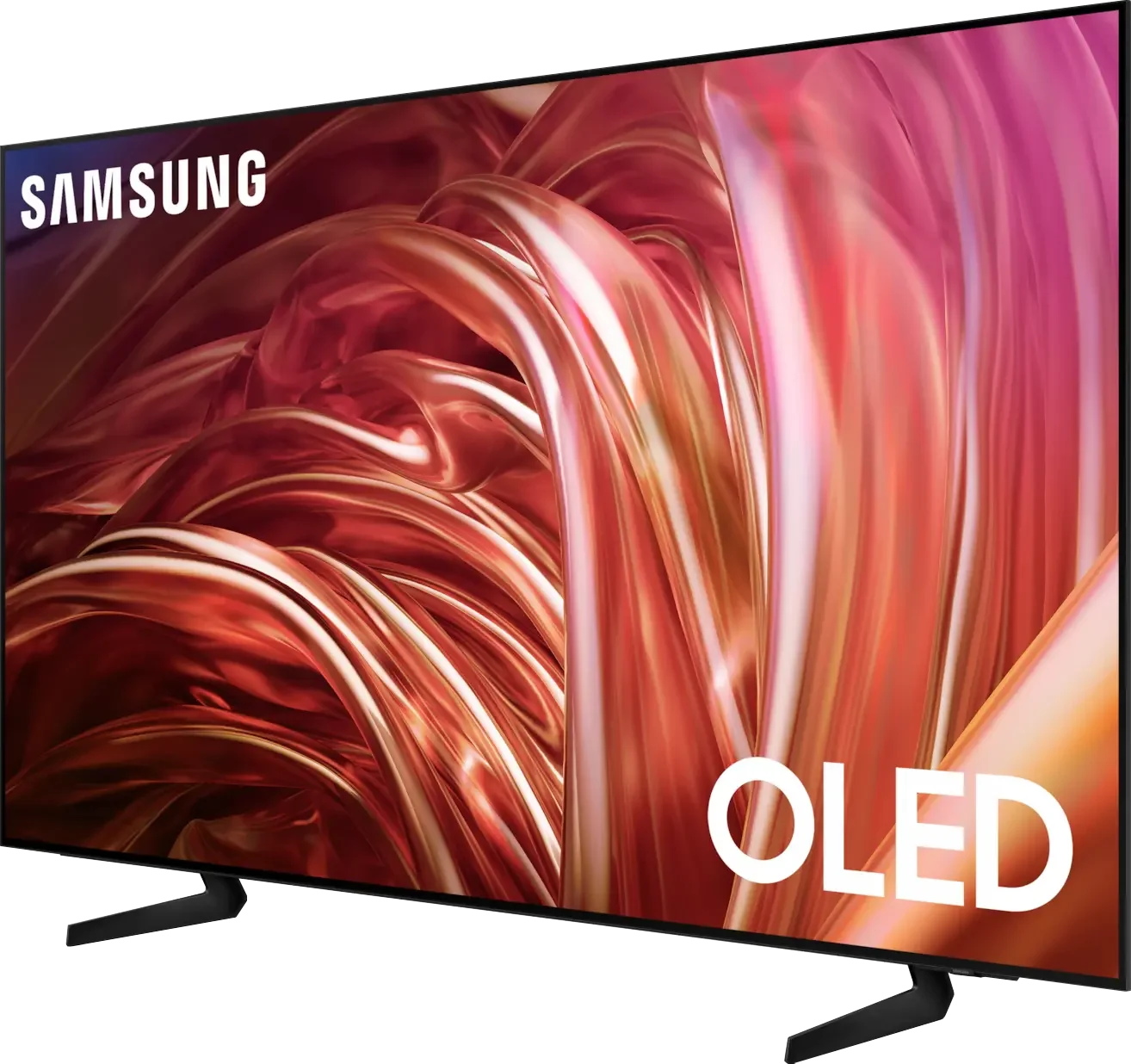
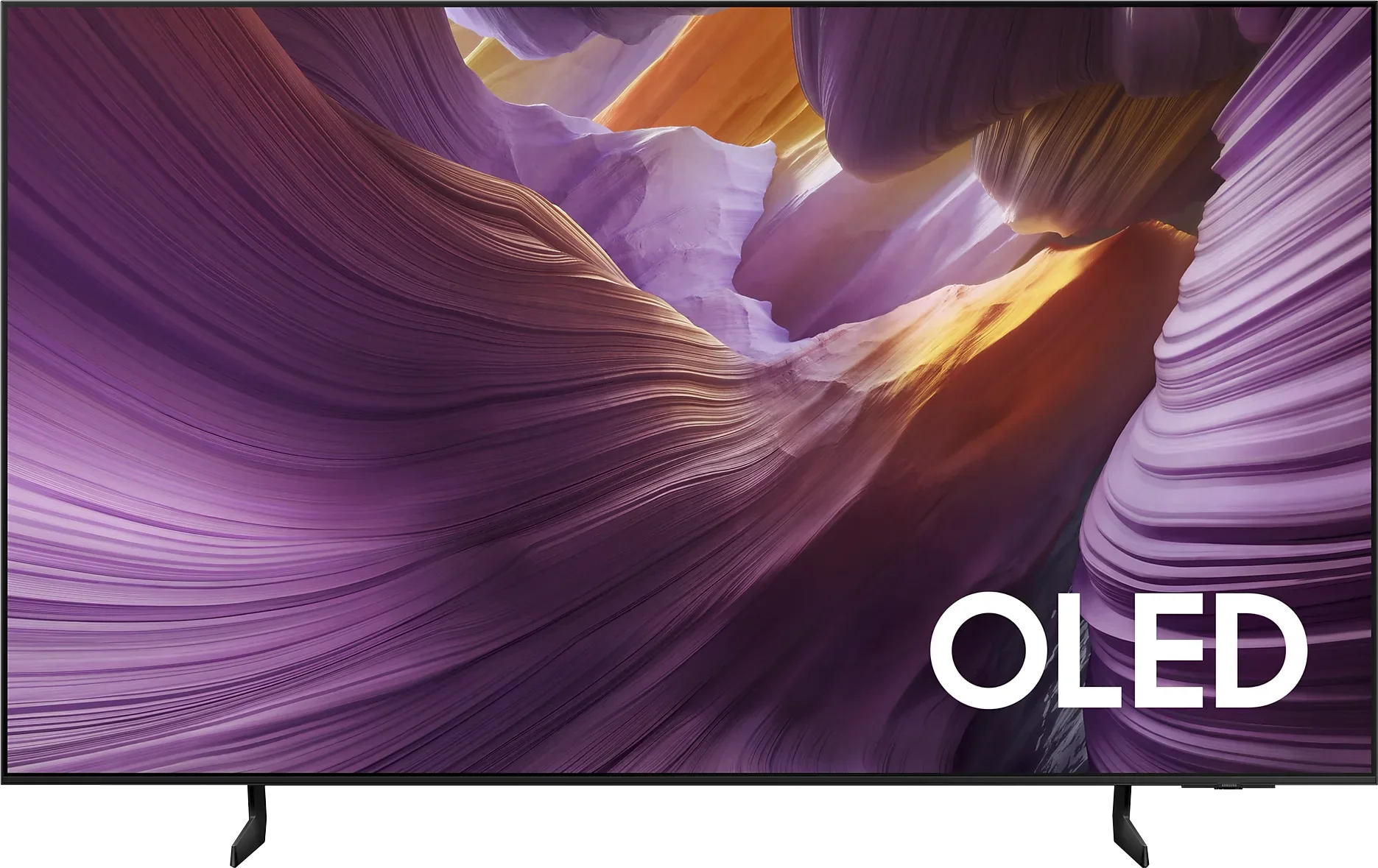
- TV appearance |
- Where to buy |
- Contrast and black detail |
- HDR effect quality |
- Factory color reproduction |
- Color reproduction after calibration |
- Smoothness of tonal transitions |
- Image scaling and smoothness of tonal transitions |
- Blur and motion smoothness |
- Console compatibility and gaming features |
- Input lag |
- Compatibility with PC |
- Viewing angles |
- Daytime performance |
- Panel details |
- TV features |
- Apps |
- Playing files from USB |
- Sound
Samsung S85D vs Samsung S85F OLED
 Direct comparison
S85D
S85F / FAE / FAU

Available screen sizes: 55”
Panel type: WRGB OLED
Resolution: 3840x2160
System: Tizen
Model year: 2024
Complete the survey to find out the result
Panel type: QD-OLED
Resolution: 3840x2160
System: Tizen
Model year: 2025
Complete the survey to find out the result
Overall rating
7.8
8.1
 Movies and series in UHD quality
 7.7
8.4
 Classic TV, YouTube
 8.5
9.2
 Sports broadcasts (TV and apps)
 8.4
8.9
 Gaming on console
 9.4
9.6
 TV as a computer monitor
 7.6
7.6
 Watching in bright light
 5.0
5.1
 Utility functions
 7.2
7.3
 Apps
Apps 9.3
9.3
 Sound quality
 7.0
7.2
Complete the survey to find out what fits your preferences
Advantages

Outstanding contrast - OLED
Tizen system – fast and intuitive
Solar remote – control of other devices (e.g. decoder)
Excellent viewing angles – OLED
High motion fluidity – 120 Hz panel
Lots of functions for gamers
Unusual design
Price
Outstanding black levels and contrast
Amazing colour palette coverage thanks to the QD-OLED panel
Great picture quality in SDR and HDR content
High colour accuracy after calibration
Very good motion smoothness – 120 Hz OLED panel
Rich set of features for gamers: VRR, Game Bar, low input lag
4 HDMI 2.1 ports with full 48 Gbps bandwidth
Advanced and smoothly operating Tizen system
Solar Remote with multiple capabilities
Disadvantages

No recording feature from the built-in tuners
Average SDR brightness – 310 nits
No support for DTS audio tracks
No USB recording function and PiP
No Dolby Vision
Slight cherry black under very strong external light (not visible when watching in cinema conditions)
Our verdict
The Samsung S85F with a QD-OLED panel is capable of surprising – and in a very positive way. Even before the tests, we did not think that in the case of TVs often referred to in the context of "panel lotteries", one could come across something that would benefit the user. Yet, in this case, particularly with the 55-inch version, it has fully succeeded. The QD-OLED panel, as expected from organic technology, offers near-perfect blacks and contrast in cinematic conditions. However, the difference lies in the way the colours are rendered – here it is simply exceptional. The colour gamut coverage is impressive, and after a slight calibration, the colours become almost exemplary. Motion fluidity is also at a very high level. The 120 Hz panel handles both sports and action films excellently. And if someone plans to connect a console to the S85F, they will receive a full set of advantages: low input lag, variable refresh rate, Game Bar, and full HDMI 2.1 support. In everyday use, we were supported by the Tizen system – closed, but extremely polished. It responds quickly, offers a rich selection of apps, and features like AirPlay and voice control make it hard to find anything more complete in this category. True, the S85F is not without its flaws. However, the balance of pros and cons is exceptionally favourable here. One could even get the impression that it is one of the best TVs in its price segment.
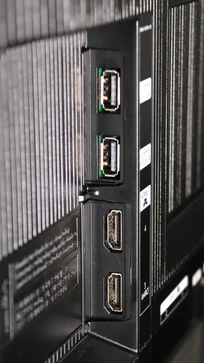
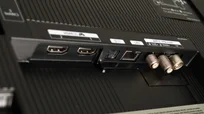
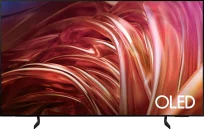
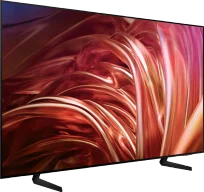
TV appearance


Contrast and black detail
10/10
10/10
Contrast:


Result
∞:1

Result
∞:1

Result
∞:1

Result
∞:1

Result
∞:1
Result
∞:1
Result
∞:1
Result
∞:1
Result
∞:1
Result
∞:1
Halo effect and black detail visibility:
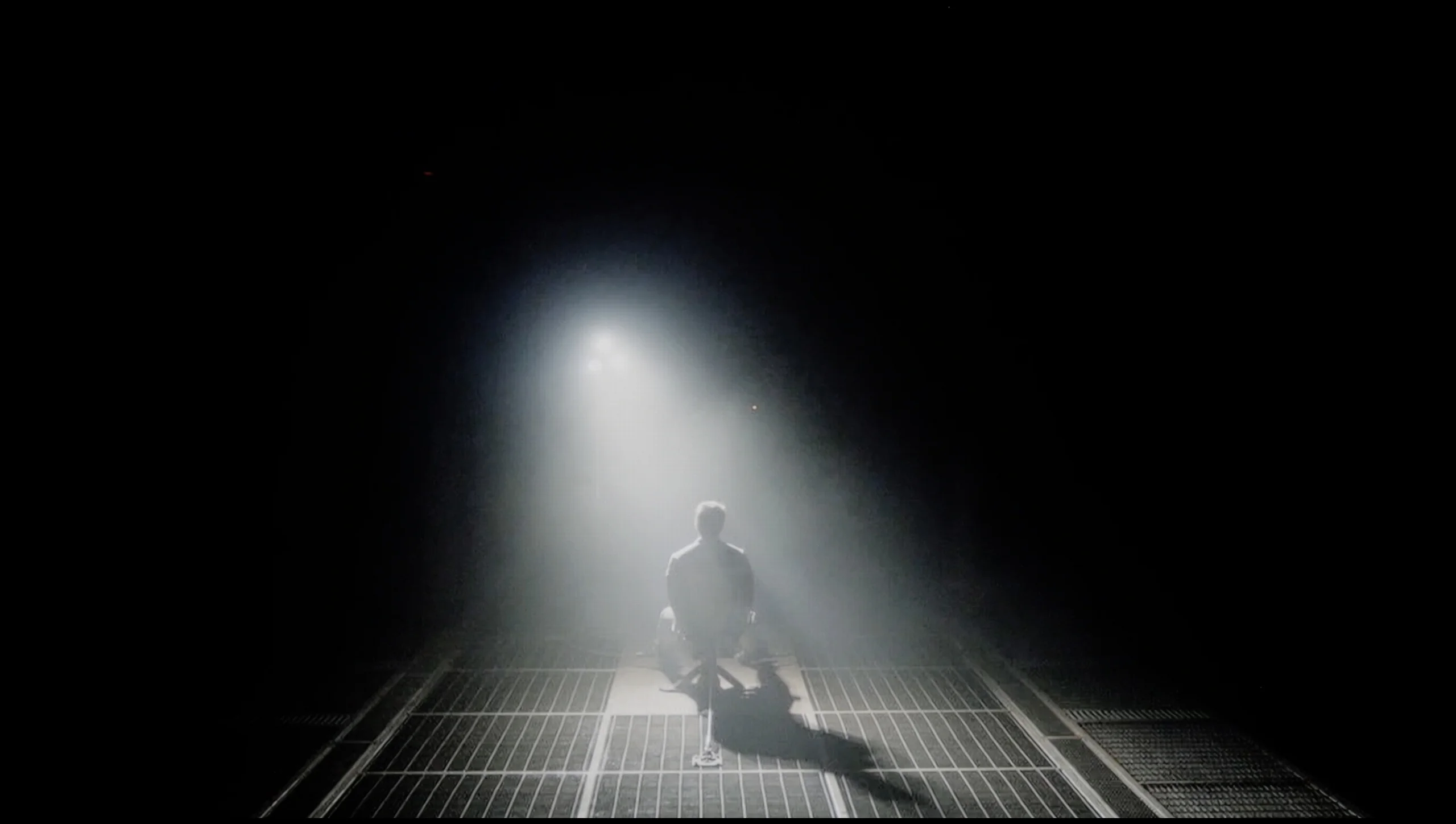
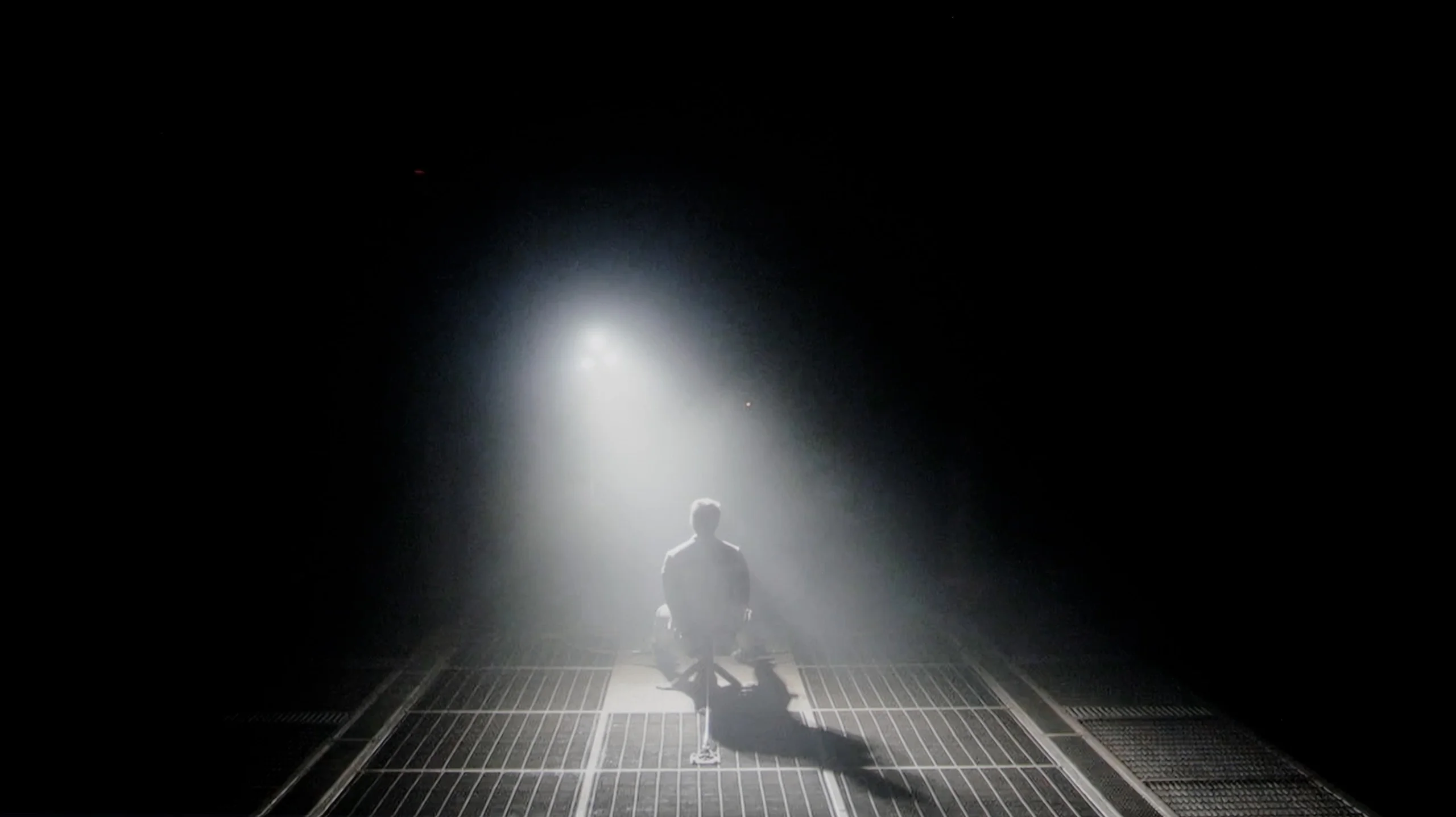
Check the visibility of bright lights on a dark background. Mini-LEDs often struggle with this. The photo does not compare black levels – that’s what the video below is for.
The video accurately shows differences in contrast and black levels between TVs, as well as potential issues: halo around bright objects or Mini-LED zone operation visible as brightness jumps.
Samsung S85D is a television that truly makes a difference when it comes to picture quality. The blacks are so deep it’s hard to believe, and the contrast makes even the most demanding scenes – like those from the film “Oblivion” – look incredibly lifelike. Thanks to OLED technology, dark areas of the screen are perfectly black, without any unwanted glow or blooming.
It’s worth highlighting that, similar to some variants of the S90D model, the Samsung S85D uses a WOLED panel supplied by LG. This panel is a key element that contributes to the amazing contrast quality, which is particularly noticeable in scenes with high dynamic lighting, making it the perfect choice for lovers of high production quality films and series.
Samsung S85F in the 55-inch version has something special – it features a QD-OLED panel. This might sound quite surprising, but that's the fact, at least in Poland. So the question arises: is the difference compared to last year's S85D with a WOLED panel even noticeable? Yes, although in this specific test – black levels and contrast – it practically makes no difference.
Regardless of the scene, the S85F presents infinite contrast and perfect blacks that we expect from any OLED. These results can impress even the most demanding film enthusiasts. It's worth remembering that only TVs with organic panels can provide such deep blacks – and it doesn't matter whether it's WOLED or QD-OLED. So if you dream of a screen that can 'turn off' the light in a scene just as effectively as a boutique cinema in a dark room, the S85F is one of those TVs.
HDR effect quality
5.7/10
6.2/10
Luminance measurements in HDR:

Result
570 nit

Result
580 nit

Result
666 nit

Result
629 nit

Result
283 nit
Result
666 nit
Result
703 nit
Result
742 nit
Result
732 nit
Result
433 nit
Scene from the movie “Pan” (about 2800 nits)


Scene from the movie “Billy Lynn” (about 1100 nits)
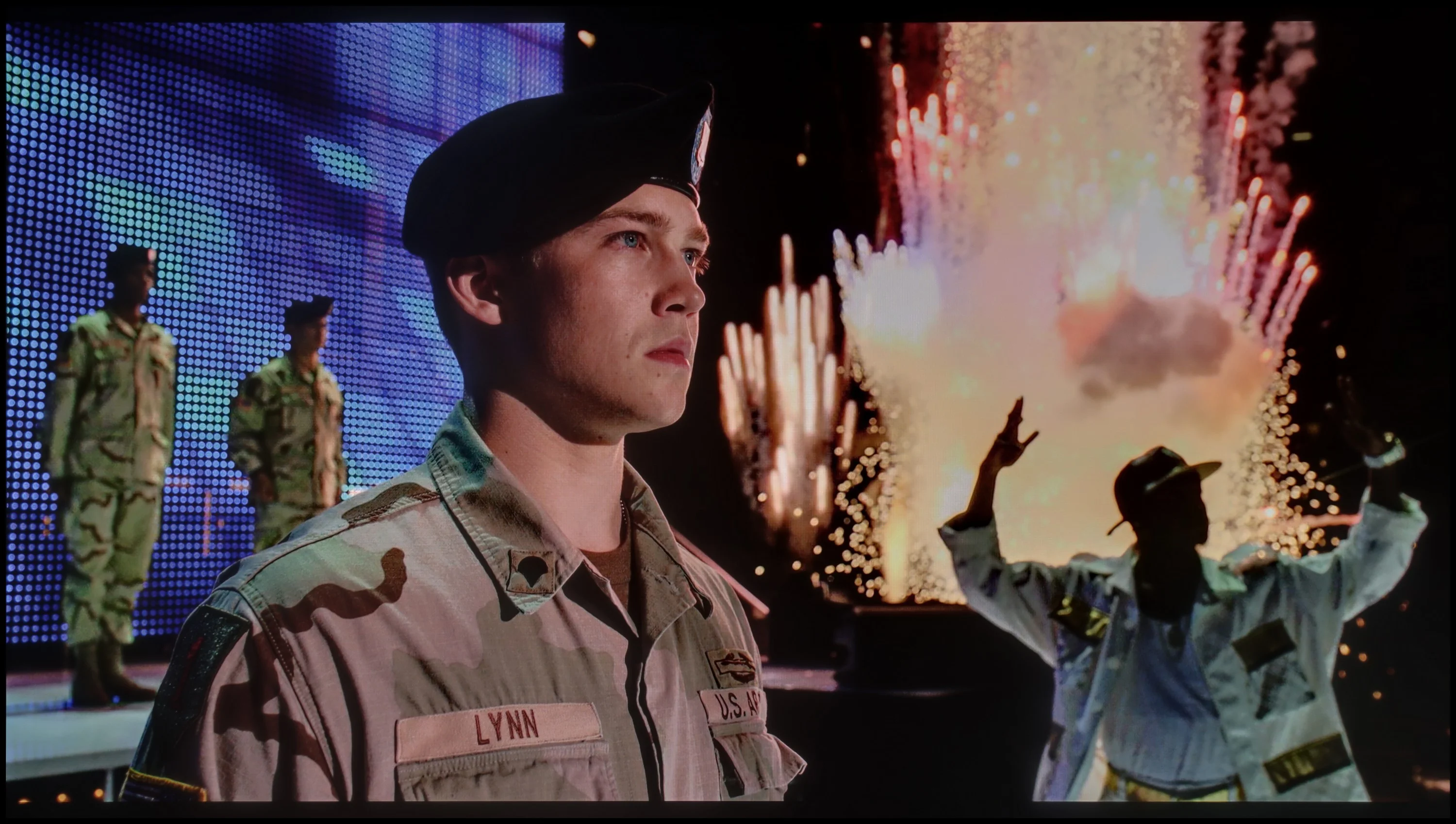

The photos show two HDR10 movies. 'Pan' is one of the brightest productions ever made, while 'Billy Lynn' (soldier) has brightness typical of streaming (Netflix, Prime, HBO MAX). Notice the intensity of effects and detail in whites.
Static HDR10


The photos present the visibility of white details in various HDR formats. They do not show brightness differences between TVs (these can be compared in the previous gallery).
Dynamic: HDR10+
Dynamic: HDR10+


The photos present the visibility of white details in various HDR formats. They do not show brightness differences between TVs (these can be compared in the previous gallery).
HDR luminance chart:
Samsung S85F OLED
Samsung S85D
Luminance of RGB colors
Brightness is a key parameter in televisions, and the S85D Samsung model offers a level comparable to other OLEDs from a few years ago. Though it doesn't impress in this regard, its huge advantage is a very competitive price. A peak brightness of 600 nits provides good image quality in HDR conditions, giving users a taste of cinema-like experiences in the comfort of their home. However, as with many budget OLED models, the biggest problem is very bright, full-screen scenes – in such moments, like the final shot from the movie "The Meg," the television can lose as much as half of its brightness, which is noticeable compared to more expensive OLED models. Despite this, the television offers an impressive DCI-P3 colour gamut coverage of 99%, allowing for the display of vibrant and accurate colours.
As an OLED, the Samsung S85F can shine – literally. In favourable conditions, it can generate brightness exceeding 750 nits. This is significant because most films are created with displays aiming for around 1000 nits. In practice, this means that in scenes with moderately large, bright elements, the picture can look absolutely stunning. However, it's not always so rosy. When an enormous amount of light appears on the screen – whether it's an expansive, bright background or an entire frame filled with white – the S85F must tone it down. Brightness can drop by even four times in such scenes. This limitation is well-known to anyone familiar with OLEDs in this price segment, so we don't view it as a particular fail. However, something that deserves praise is what sets this model apart from the competition – colour gamut coverage. Thanks to the QD-OLED panel, our colour meter indicated values exceeding 100% coverage of DCI-P3 and an impressive 86% for the ultra-wide BT.2020 palette. Such results are hard to find even in televisions that cost several times more.
Factory color reproduction
6.6/10
5.5/10


This gallery shows how colors change after professional TV calibration. If you notice the difference, we recommend ordering this service at SkalibrujTV.com.
Factory Mode
After calibration


This gallery shows how colors change after professional TV calibration. If you notice the difference, we recommend ordering this service at SkalibrujTV.com.
Factory Mode
After calibration
The Filmmaker mode on Samsung's S85D does indeed offer the best factory settings, but it is not without flaws, particularly evident in colour reproduction. The white balance graph for HD and HDR content shows clear issues – both red and blue colours are significantly weakened, leading to a dominance of green. The result is an unnatural yellowish tint that can affect the perception of realistic scenes. The Color Checker test clearly shows that the colour samples deviate from the expected values – for HD materials, the colours tend to be overly saturated, with a marked shift towards green, which is also evident in the white balance graph. Conversely, for 4K HDR content, the colours appear too dull and lacking in depth, causing the image to lose its appeal and naturalness. This effect is particularly noticeable in delicate scenes where colour precision plays a key role, which can be disappointing for discerning viewers who expect faithful reproduction of details and colour intensity.
When it comes to brightness, the gamma graph for HD content looks quite good; however, there is a clear spike at the end, exceeding the value of 2.4. Although this is not a major issue in most scenes, in more demanding sequences it can affect the clarity of bright details. For 4K content, the EOTF curve, responsible for rendering brightness, proves to be problematic. The initial part of the graph shows a slight spike. This phenomenon can result in excessive boosting of brightness in the brightest areas of the image, leading to a loss of detail in very bright scenes.
Although Samsung S85D offers quite decent factory settings, especially in Filmmaker mode, it is worth considering manual adjustment of settings to improve some imperfections, particularly in colour reproduction.
Samsung, as befits a manufacturer with ambitions, has equipped the S85F with a mode called Filmmaker. Its task is simple: to make the colours on the newly purchased television as faithful as possible to what the director intended to show us. Sounds great… but, as is often the case, a theory that sounds wonderful doesn’t always translate into perfect practice.
In the tested unit, it quickly became apparent that the image – due to an excess of blue and red – looked as if someone had gone a bit overboard with the saturation. As a result, there were quite significant colour errors, particularly in 4K content. On top of that, there was an issue with brightness – the S85F could brighten most scenes more than it should, stripping them of the intended mood.
Fortunately, Samsung televisions, including the S85F, offer an impressive number of settings for advanced calibrators. This means that we could see what this panel is really capable of when it gets into the right hands.
Color reproduction after calibration
8.7/10
9.3/10
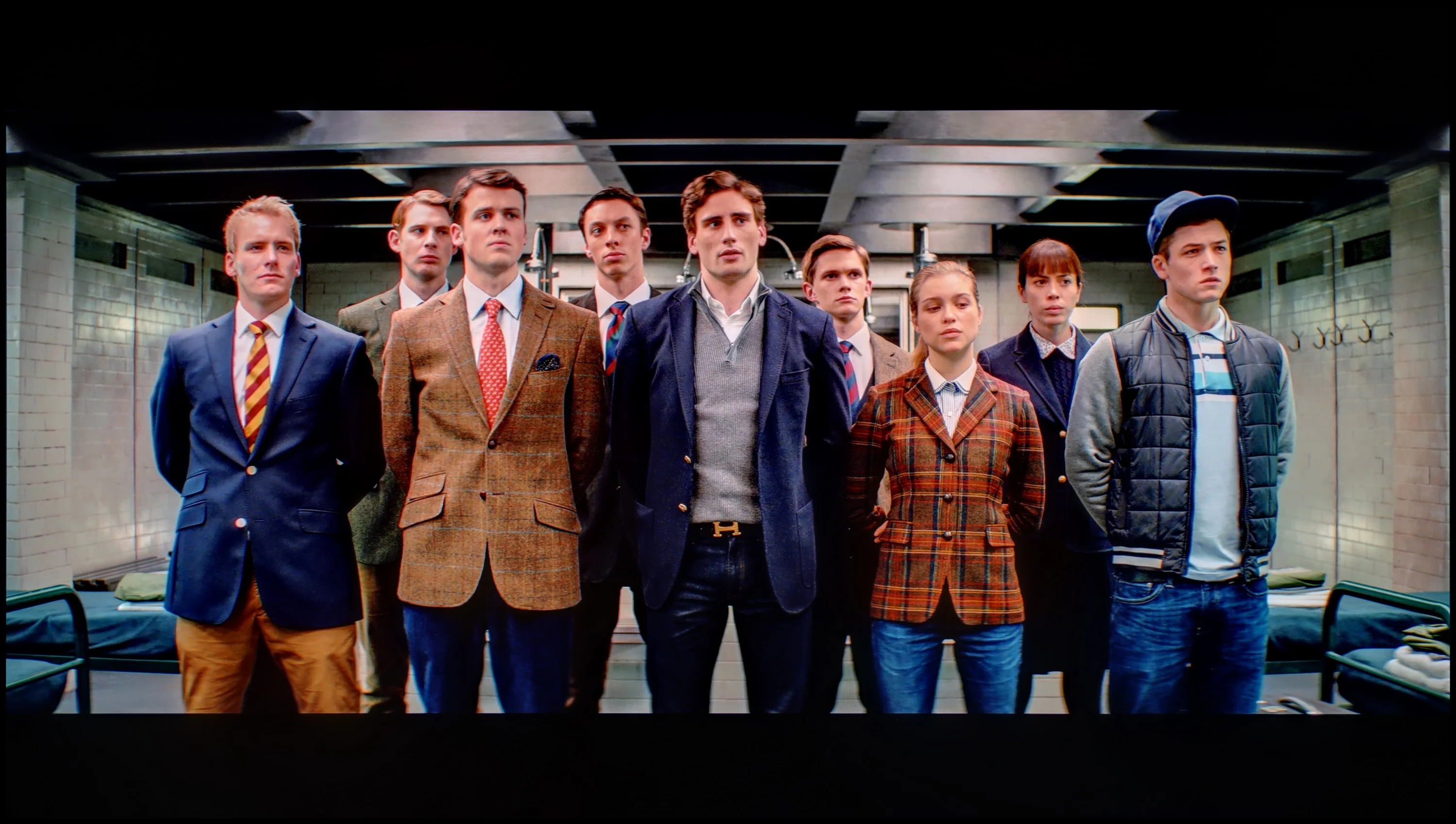
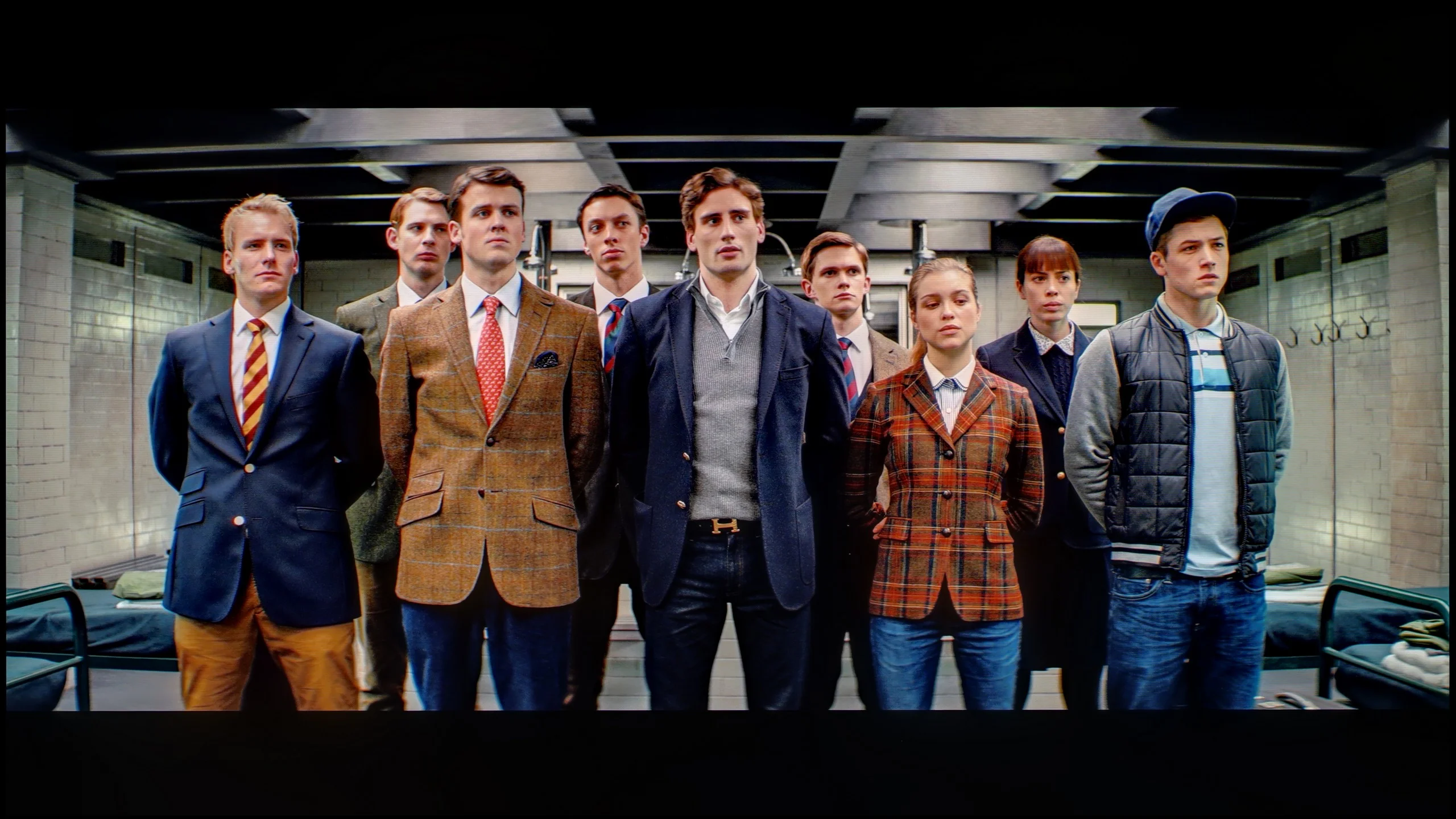
The photos show how movies look on the TV. Pay attention to black detail visibility, colors, and shadow tint.


The photos show how movies look on the TV. Pay attention to black detail visibility, colors, and shadow tint.
After calibration, the Filmmaker mode on Samsung S85D really impressed. The white balance, regardless of the type of content, has improved significantly, resulting in more natural colours. The Color Checker test shows that colour reproduction errors are now minimal and rarely exceed acceptable values, which indicates precise colour reproduction. The factory colour representation left a lot to be desired, but now the situation has significantly improved – colours are natural, accurate, and look as if they have been precisely rendered according to the creators' intentions. This is a huge step forward compared to earlier generations, where colours were often distorted or too intense.
The brightness characteristics have also benefited from calibration – it's now more vivid and precise. The gamma, although reasonably good before, has become even more stable, providing a deeper, more natural image. The EOTF curve has been flattened, allowing details in dark areas to be more visible, and the contrast is better balanced. Thanks to all these improvements, the television delivers an image close to reference quality, which definitely enhances the enjoyment of watching films and HDR content.
Thanks to the huge number of settings in the menu, we managed to bring the S85F almost to perfection. White balance in SDR content? Literally perfect – deviations do not exceed a value of "1". So we can confidently say that in materials with not too high dynamics, we have an image that's close to reference.
In HDR content, minor issues appeared, but they don't have much significance in practice – most errors fall below the threshold of perception, which is a value of "3". We also managed to tame the S85F when it comes to brightness management – the EOTF curve, even in films, holds nearly perfect straight line. This is one of those cases where after calibration, you can comfortably forget about the settings and simply watch movies and series at the highest level.
Smoothness of tonal transitions
7.2/10
8.5/10
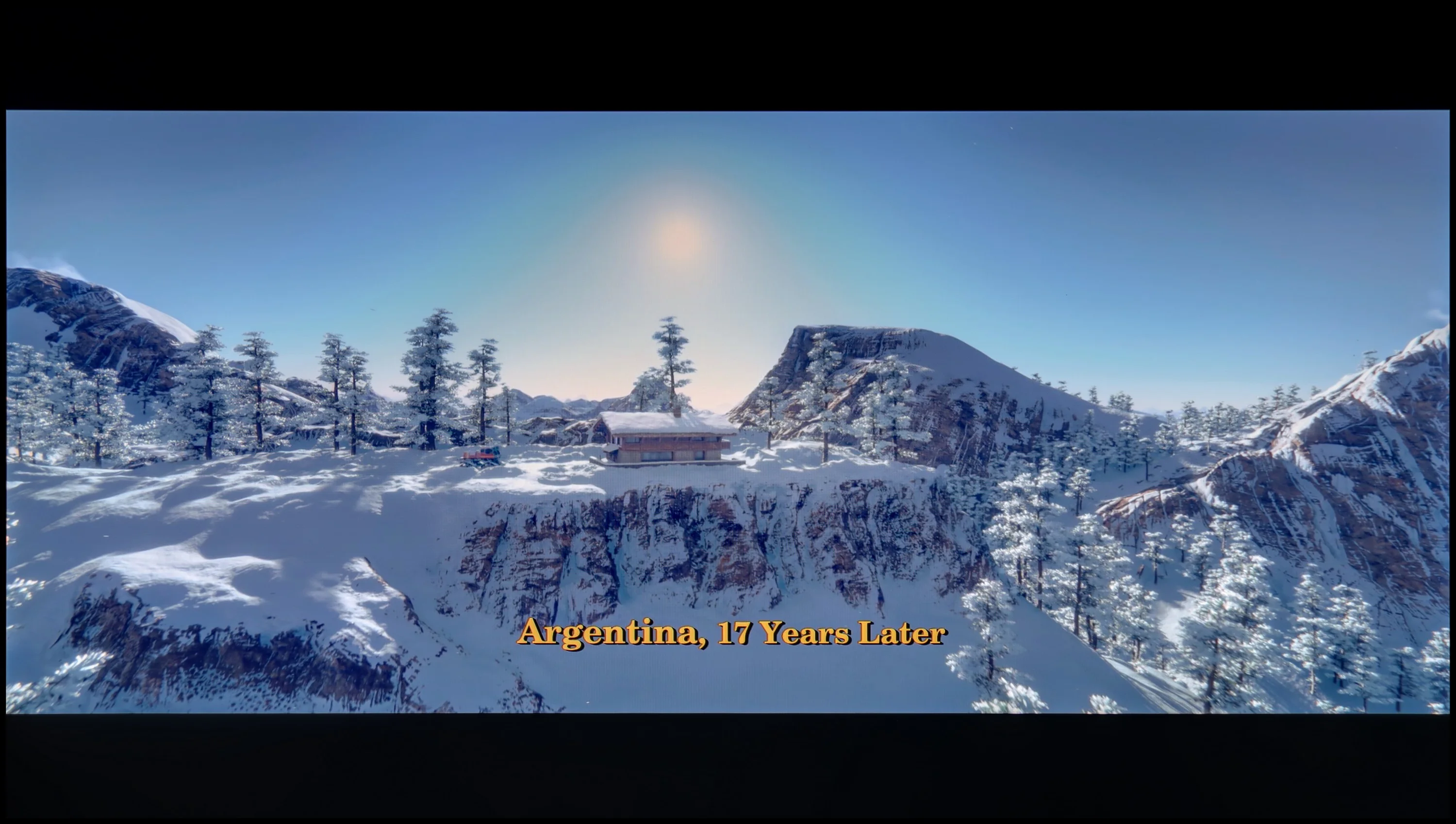

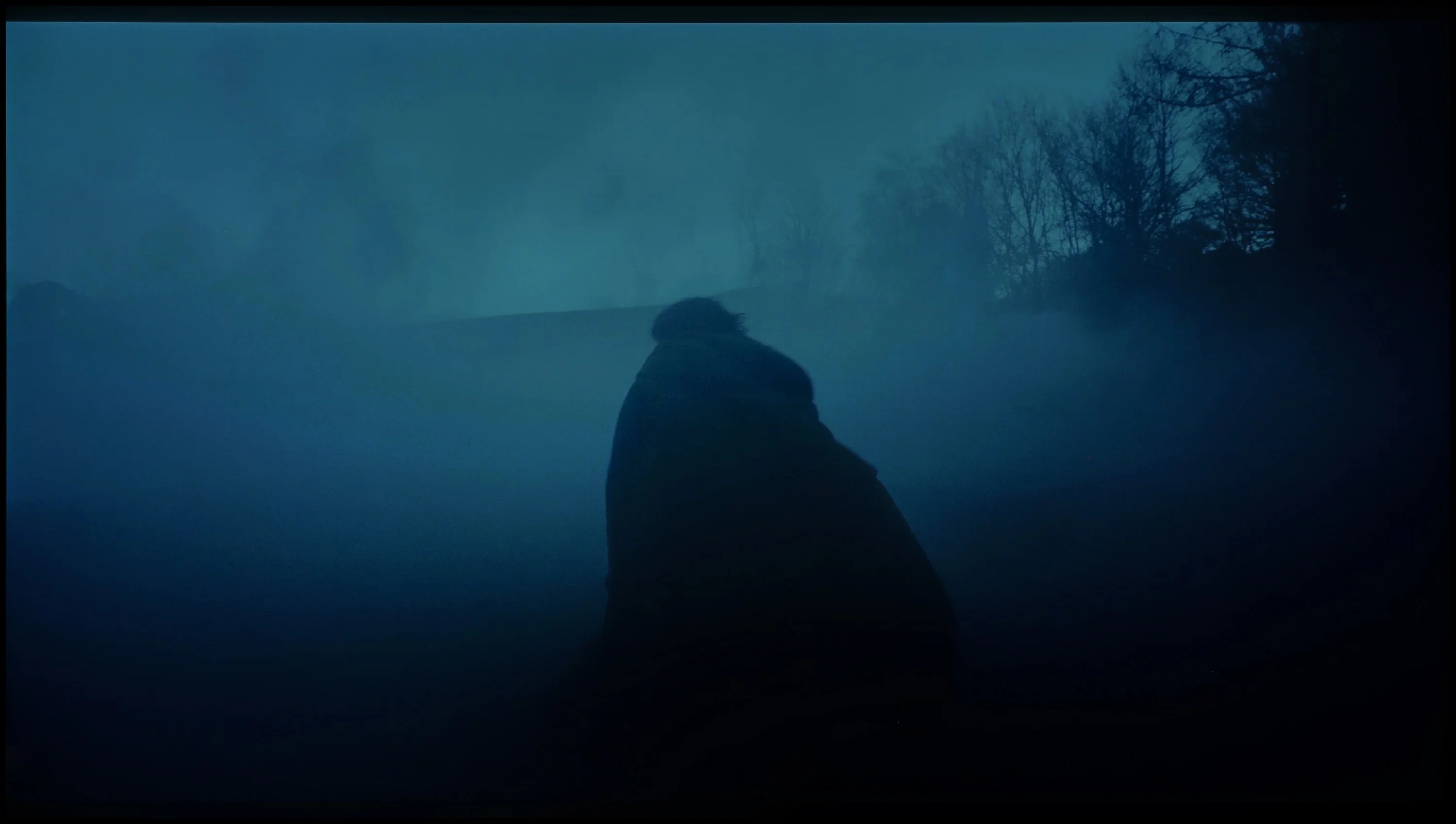
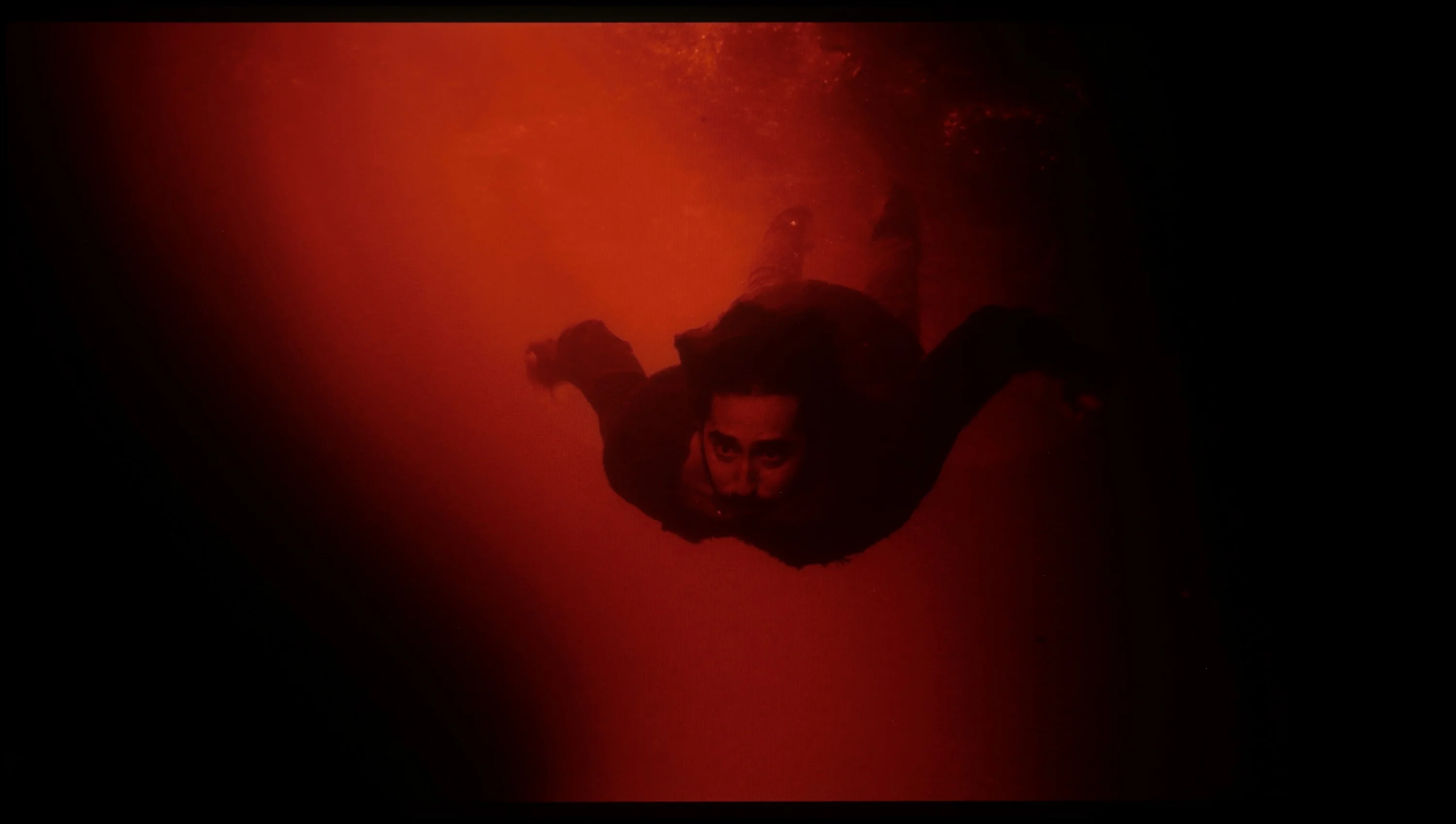
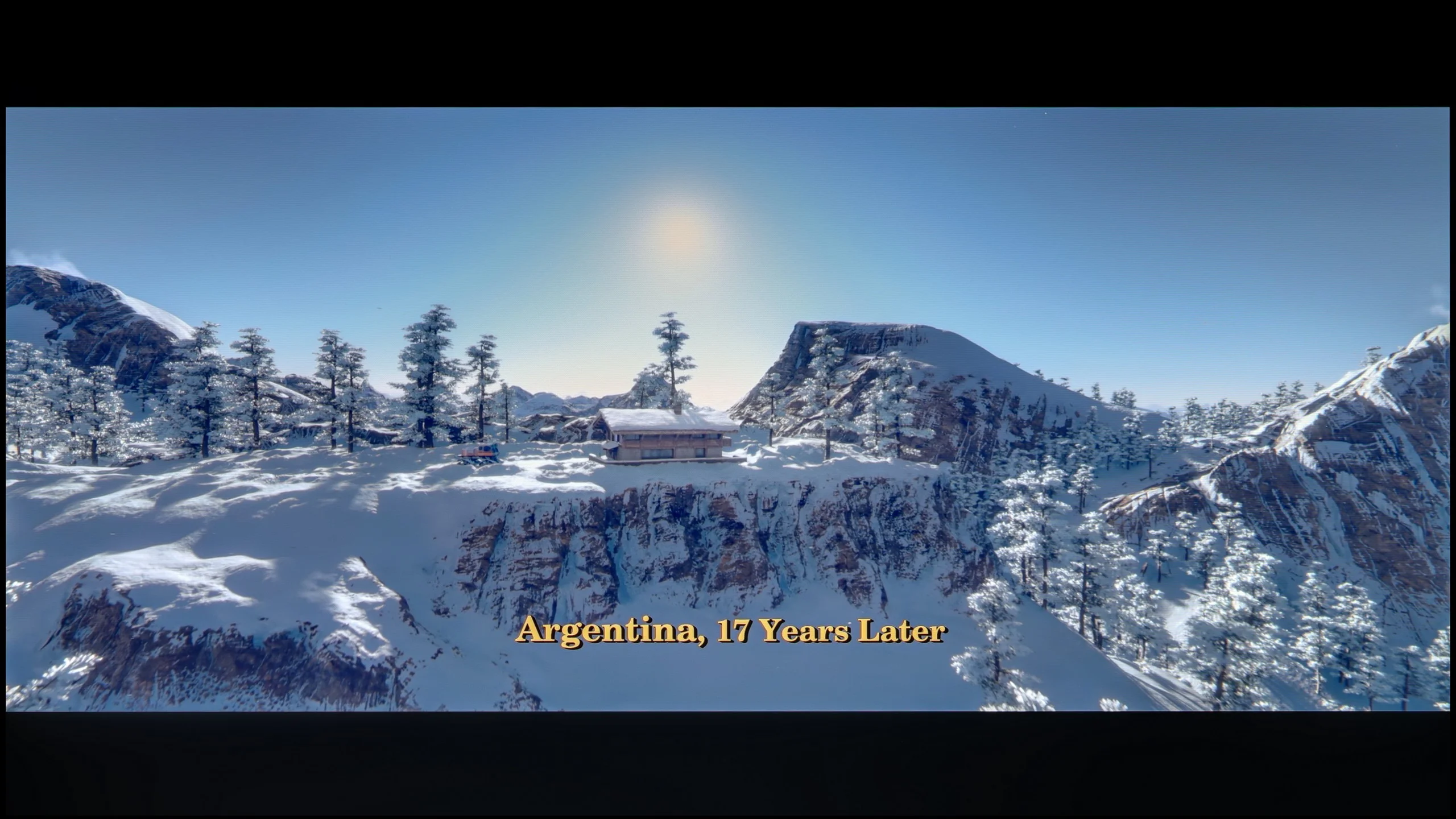
These are selected scenes that show smooth tonal transitions from one color to another. If you see distinct banding, it’s the TV panel’s fault.

These are selected scenes that show smooth tonal transitions from one color to another. If you see distinct banding, it’s the TV panel’s fault.
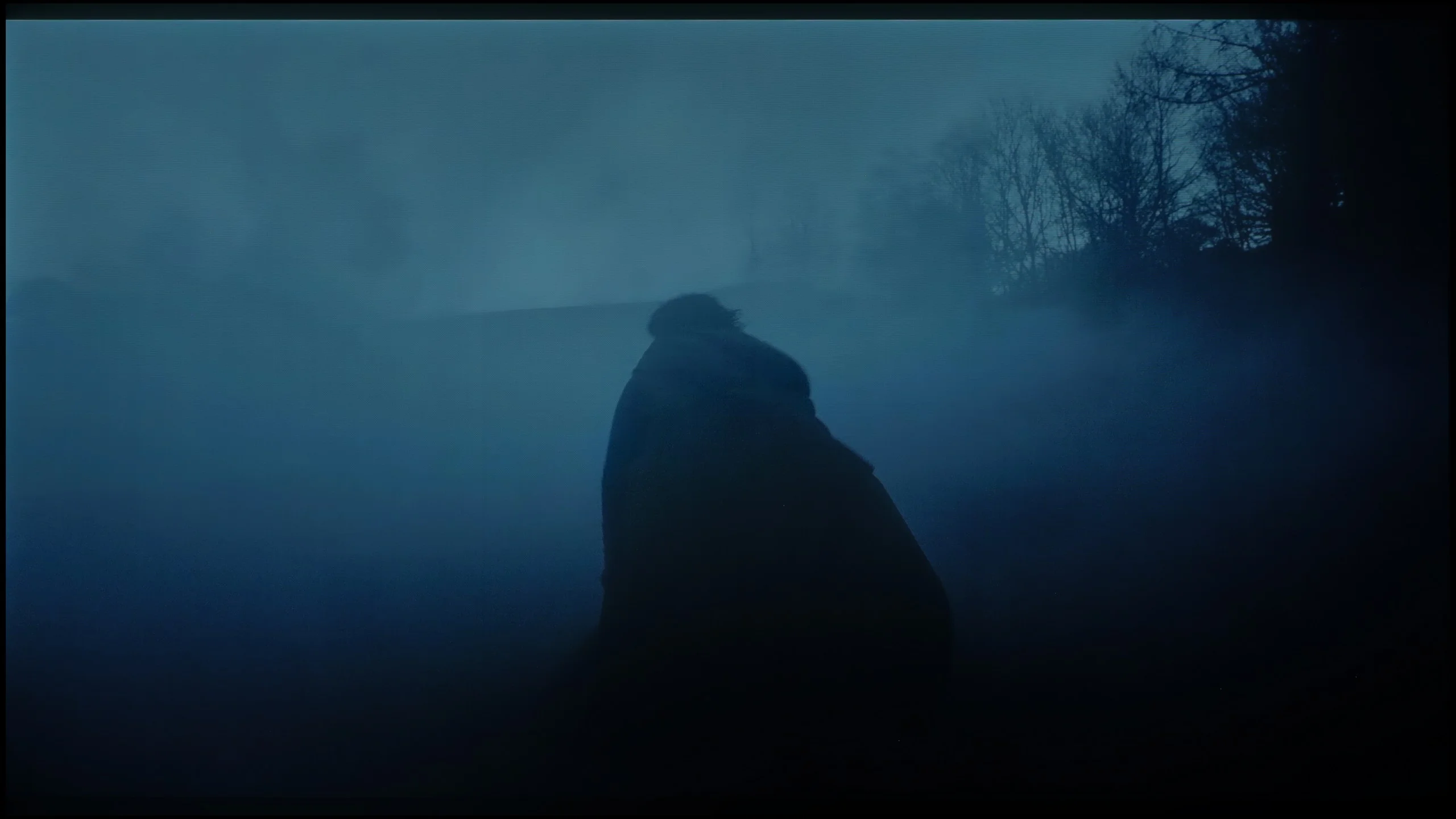
These are selected scenes that show smooth tonal transitions from one color to another. If you see distinct banding, it’s the TV panel’s fault.
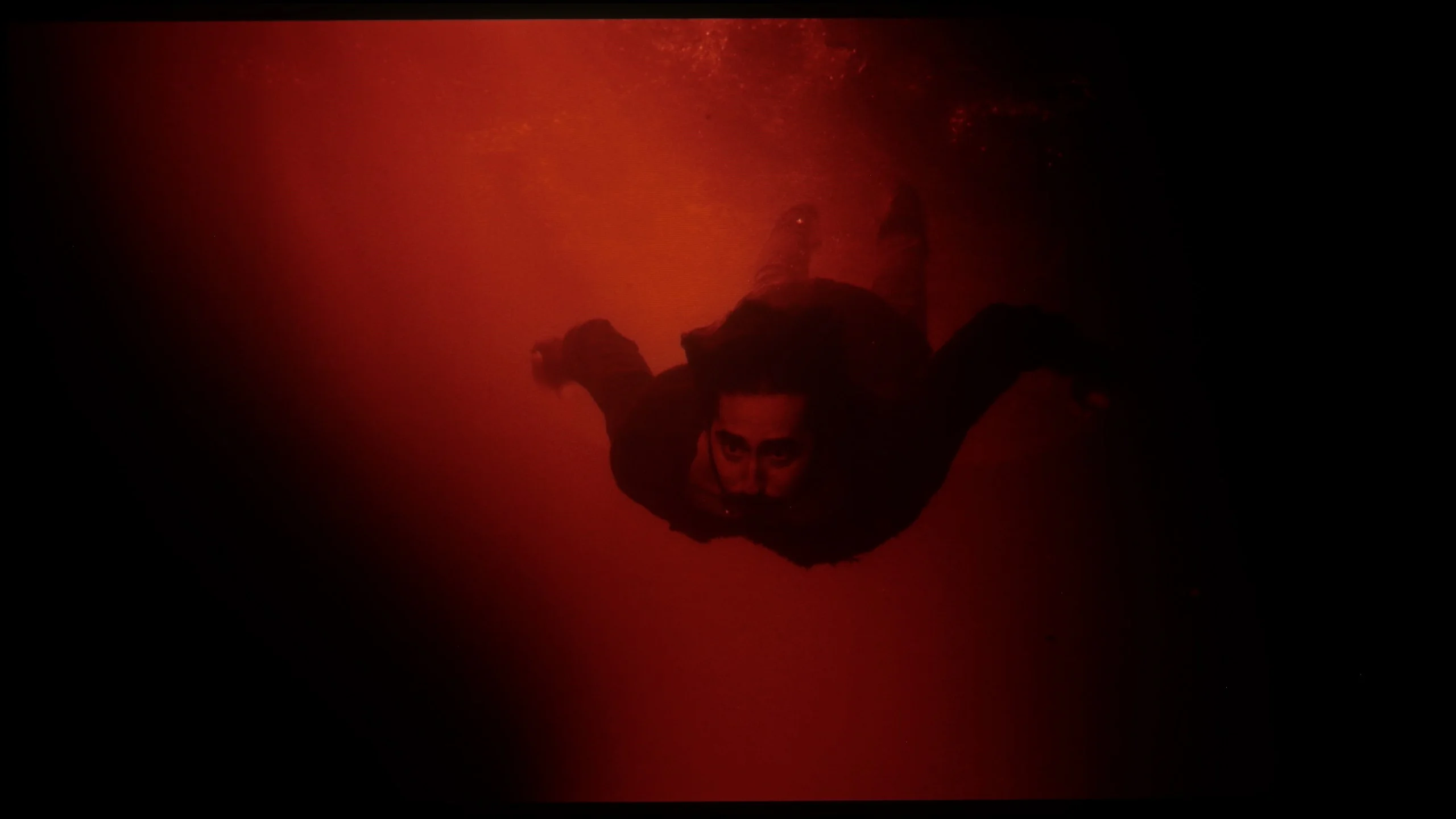
These are selected scenes that show smooth tonal transitions from one color to another. If you see distinct banding, it’s the TV panel’s fault.
Samsung OLED S85D handles tonal transitions very well. There are no major issues, and transitions between different colour levels are smooth and natural. The only minor drawback is slight problems around the reds, where in some scenes, you can notice a bit of interference. Nevertheless, the overall effect is very positive – the television performs excellently with most material.
Thanks to the QD-OLED panel, colour blending on the S85F is really very good. It's particularly worth noting how it performs in the darkest, most demanding scenes – where most TVs start to struggle, this model operates almost perfectly.
Interestingly, a slight stumble can be noticed in those easier, brighter shots. There is minimal colour banding, but it's so subtle that it's hard to believe it would genuinely bother anyone during viewing.
Image scaling and smoothness of tonal transitions
7.4/10
7.5/10


Smooth transition function
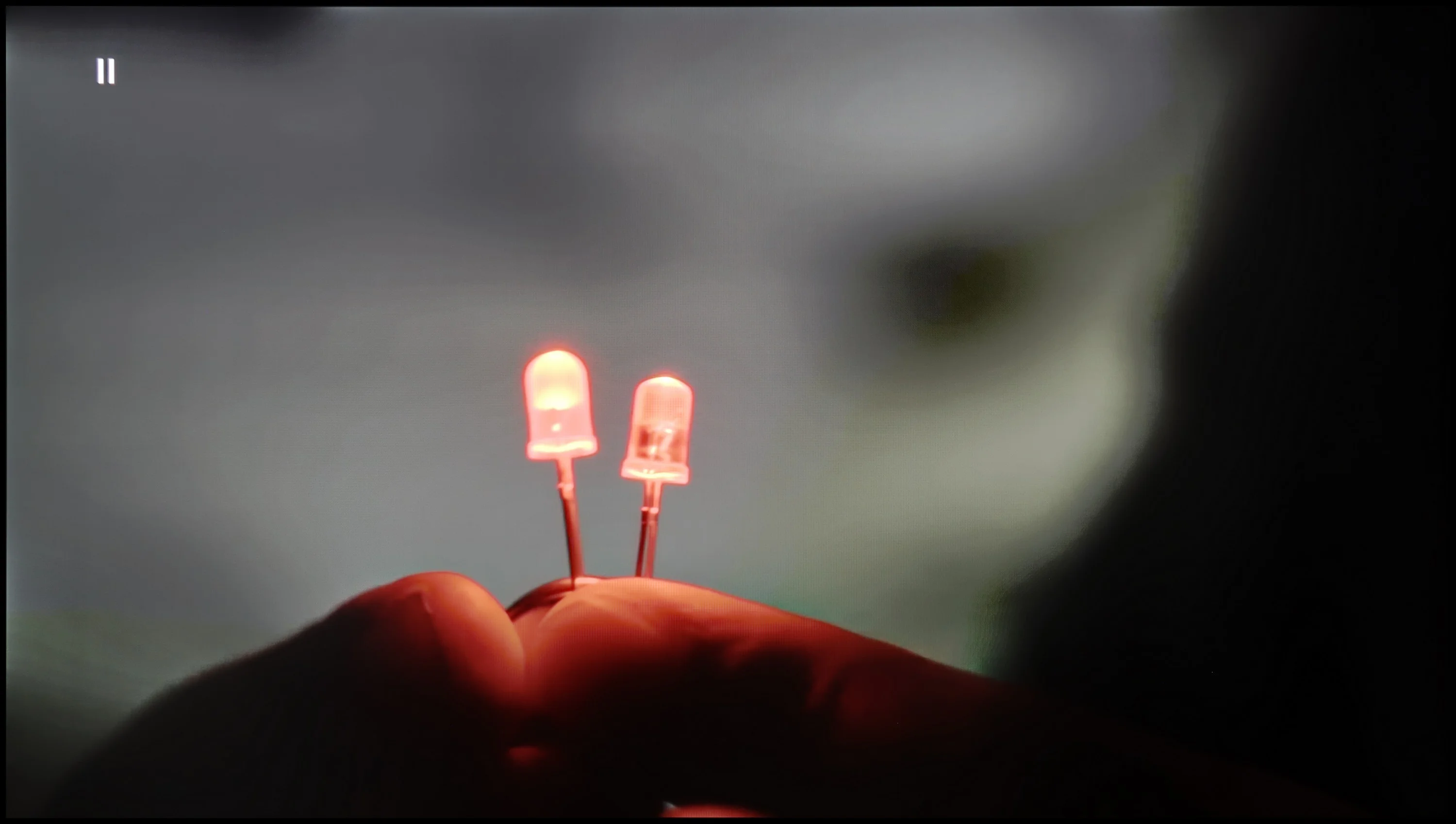
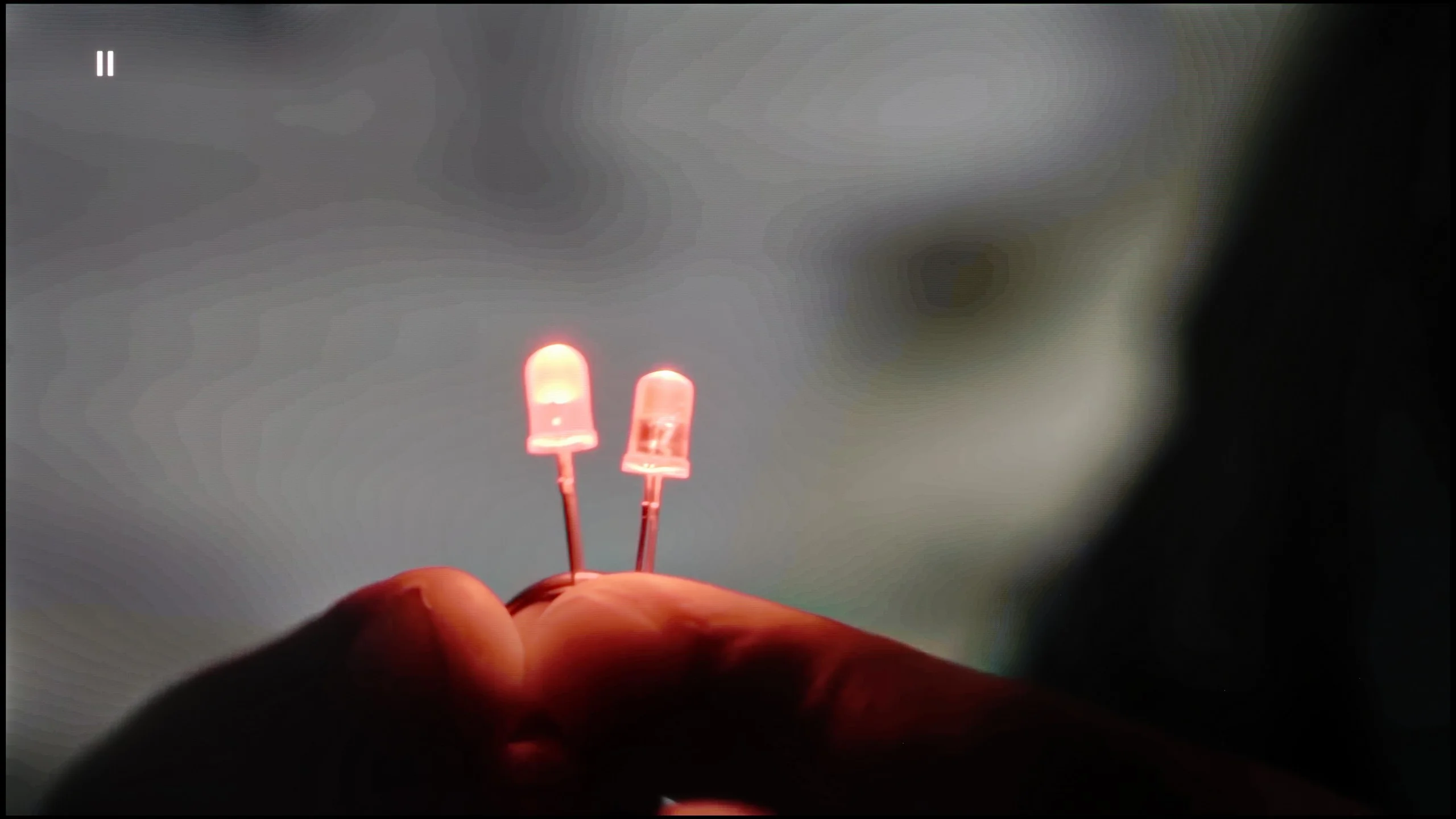
The match photo shows how the TV smooths weak tonal transitions in low-quality video.
Image scaling SD (576i)

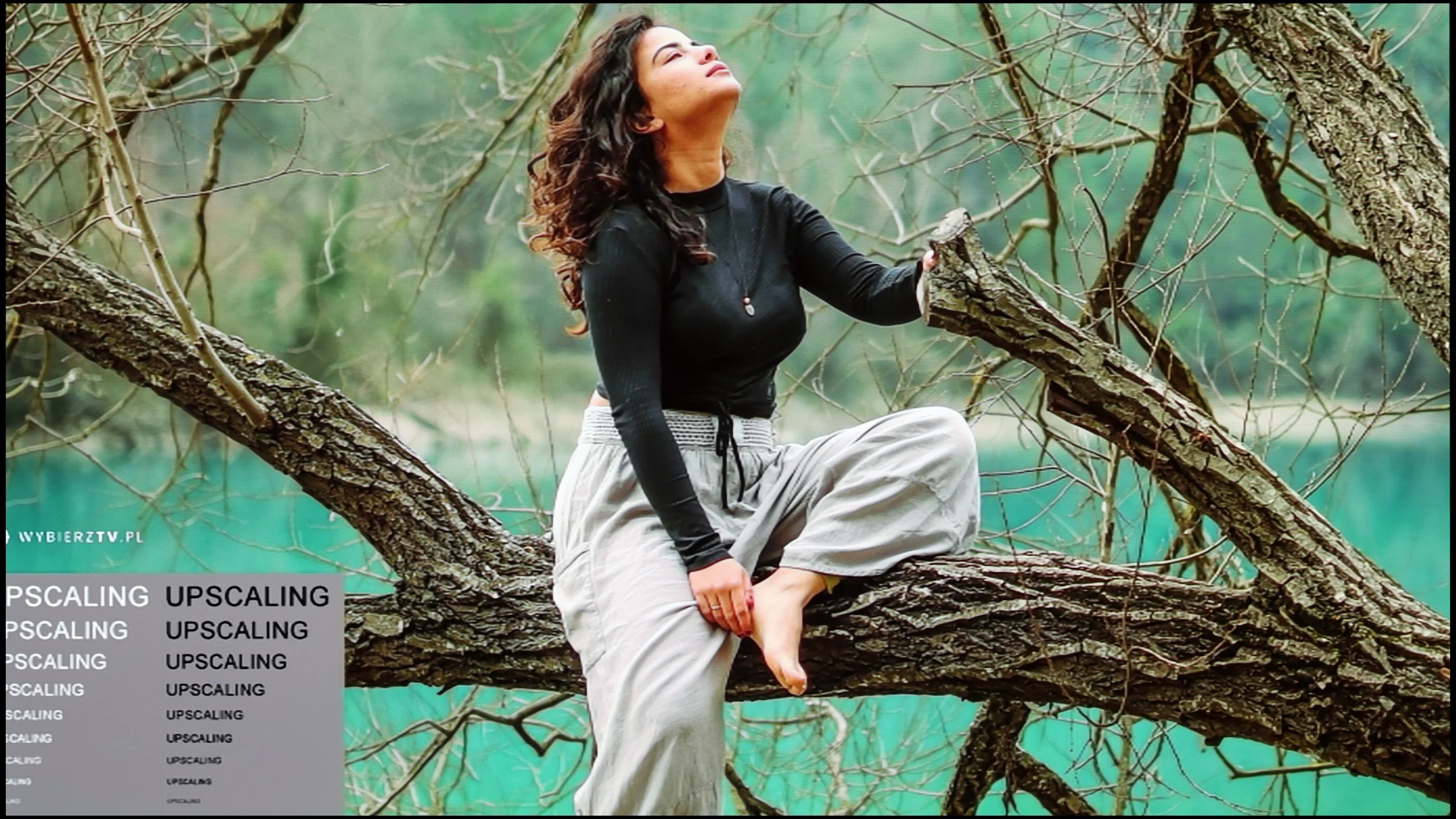
The model photo shows how it handles upscaling of SD material.
Samsung S85D does a great job of scaling images and smoothing tonal transitions. Like other Samsung models, the television offers three noise reduction modes: off, standard, and high. While it improves gradation well, it unfortunately also removes film grain, which many viewers desire to give the image a cinematic character. This grain often adds authenticity and a certain rawness to films that is lost once it is smoothed out. Removing the grain can make the image appear too sterile and smooth, which takes away some of the charm of the original film material. When it comes to image scaling, the Samsung S85D excels at displaying lower resolution content – the model in the photo and the branches in the background were shown correctly, without major issues with jagged edges. The only noticeable downside is the presence of overscan, which can sometimes cut off parts of the image, which may not appeal to everyone.
The tone transition smoothing function in the S85F works really effectively – it can completely eliminate the problem of visible banding in very poor quality material, such as from YouTube. Unfortunately, even the lowest level of this option comes with compromises. The noise reduction is so aggressive that it can smooth out film grain, which many of us consider to be an element of the cinematic atmosphere. At the “Standard” level, we didn’t notice this function removing anything significant from the image, so we can recommend this setting. On the other hand, the “High” level is a different story – it can smooth out not just noise, but also small, desirable details like, for example, the texture of objects.
When it comes to image scaling, the S85F performs very well. The material looks sharp, and the only slight imperfection is the barely noticeable aliasing of edges. And there’s the ongoing issue with Samsung televisions – overscan. This can cause some scenes to be slightly cropped, which is worth noting when watching very old content.
Blur and motion smoothness
8.5/10
8.5/10
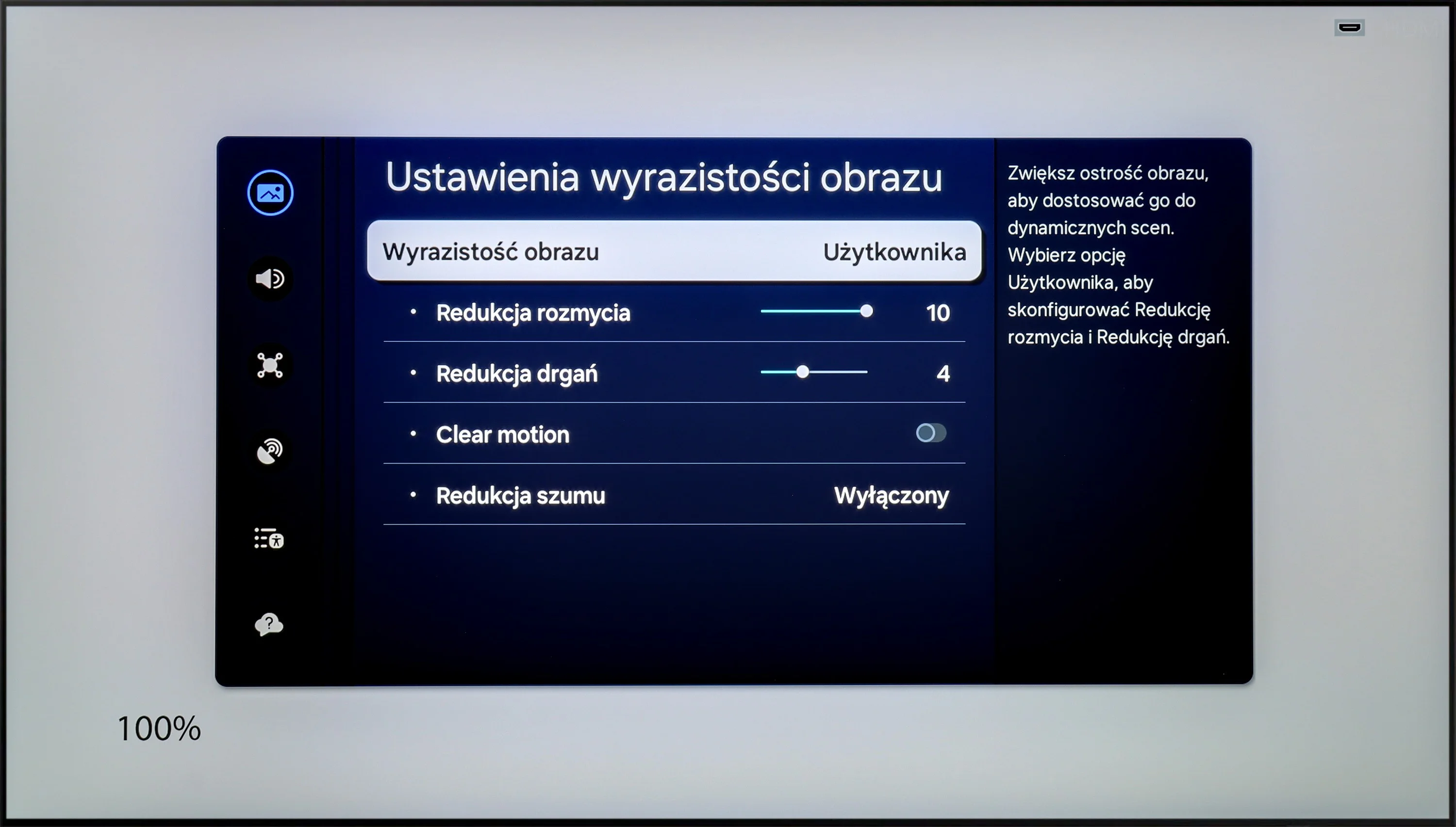
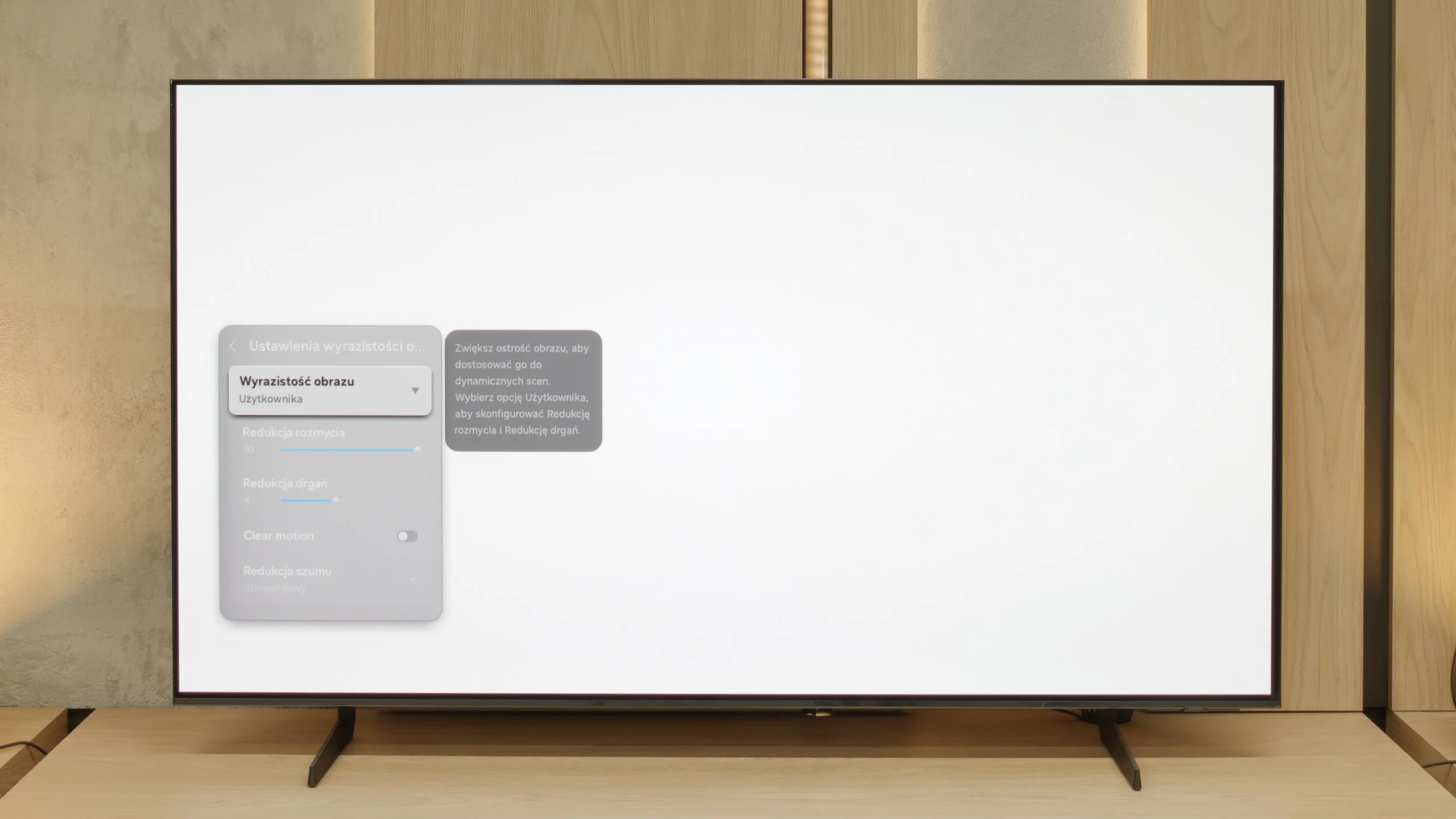
Blur (native resolution, maximum refresh rate):






Blur (BFI function enabled):
Image flickers in this mode
Image flickers in this mode



Blur ():
Blur (4K@60Hz Game Motion Plus):



As befits an OLED television, Samsung S85D offers excellent motion fluidity. Equipped with a 120 Hz panel and a fast response time, the TV delivers very smooth playback of dynamic scenes without visible blurring. For movie enthusiasts, there is a feature called "Picture Clarity Settings," which allows for adjusting the image smoothness to individual preferences on a 10-point scale. Motion blur reduction enhances the sharpness of fast-moving objects, while motion smoothing eliminates the "judder" effect for a smoother motion. This way, every user can set the appropriate level of clarity that best suits their taste, from a more cinematic effect to clearer, smoother movements.
S85F is an incredibly fast television – and that’s not just empty hype. Thanks to the 120 Hz OLED panel, dynamic scenes, whether in games or while watching a live match, look just as they should – smooth, sharp, and without the feeling that something is "slipping" out of frame. The lightning-fast pixel response time, typical of OLEDs, plays a big role here. Transitions between frames are virtually instantaneous, and the image remains clear even during the fastest camera movements. A ball flying across half the field? A car speeding in a chase scene? Everything here is clear and free of the typical "trail" associated with LCDs.
This is exactly what we expect from a good OLED – zero compromises when it comes to motion smoothness. The S85F gives the impression that regardless of the pace of action, we can focus on what’s happening on the screen, rather than on the imperfections of the image.
Console compatibility and gaming features
9.5/10
9.6/10
- ALLM
- VRR
- VRR range48 - 120Hz48 - 120Hz
- Dolby Vision Game Mode
- Correct implementation of HGIG
- 1080p@120Hz
- 1440p@120Hz
- 4K@120Hz
- Game bar
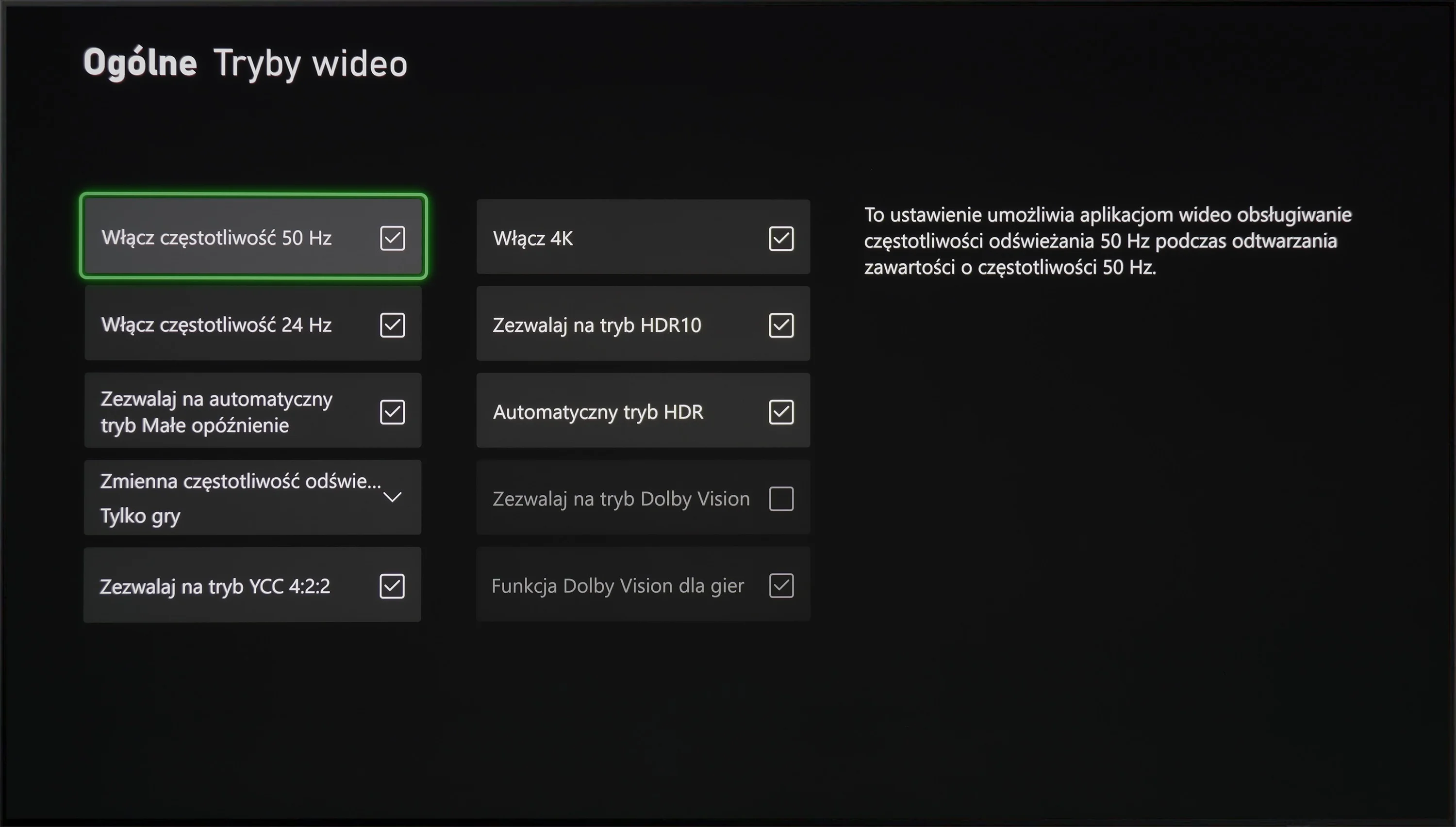
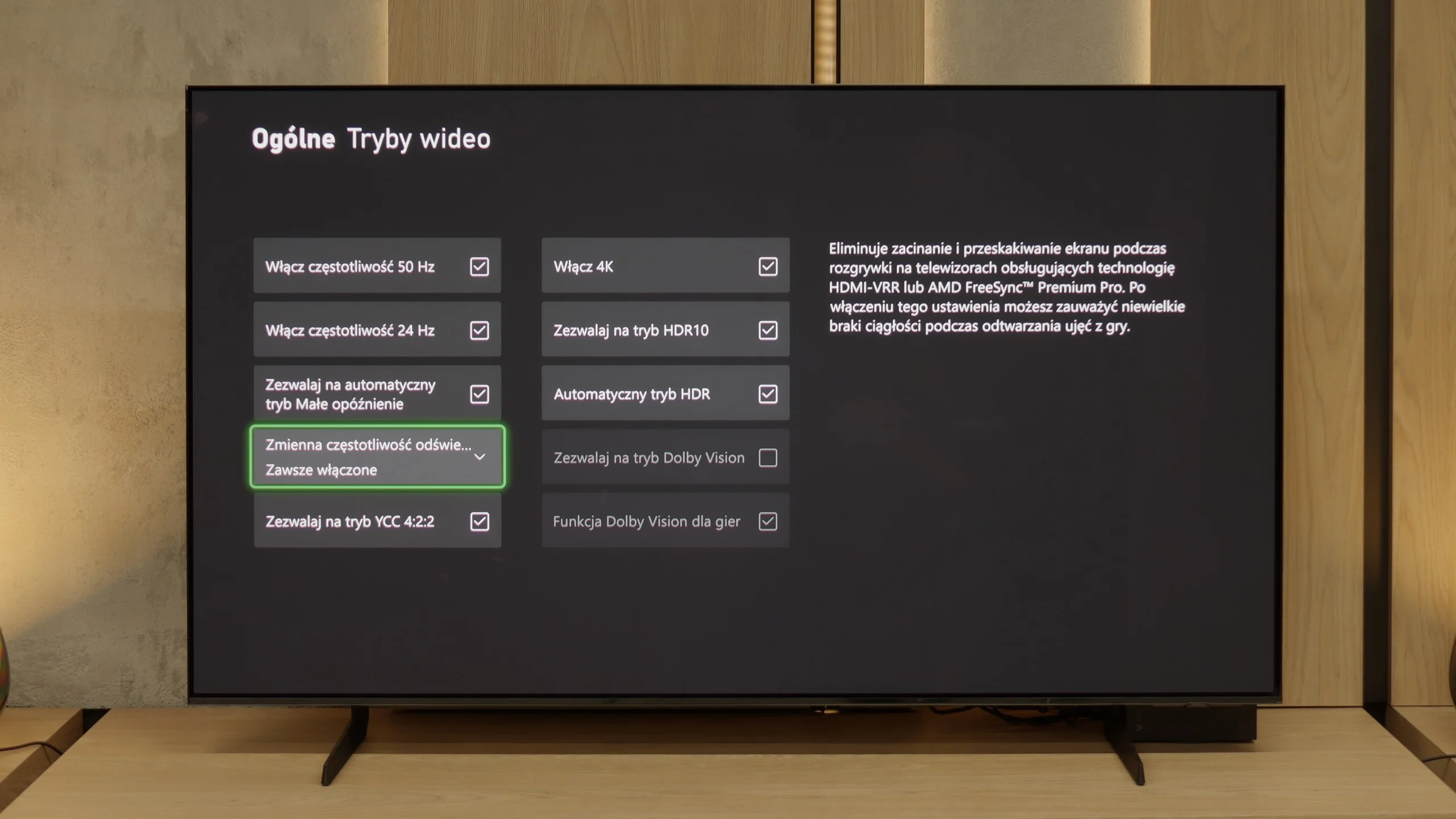
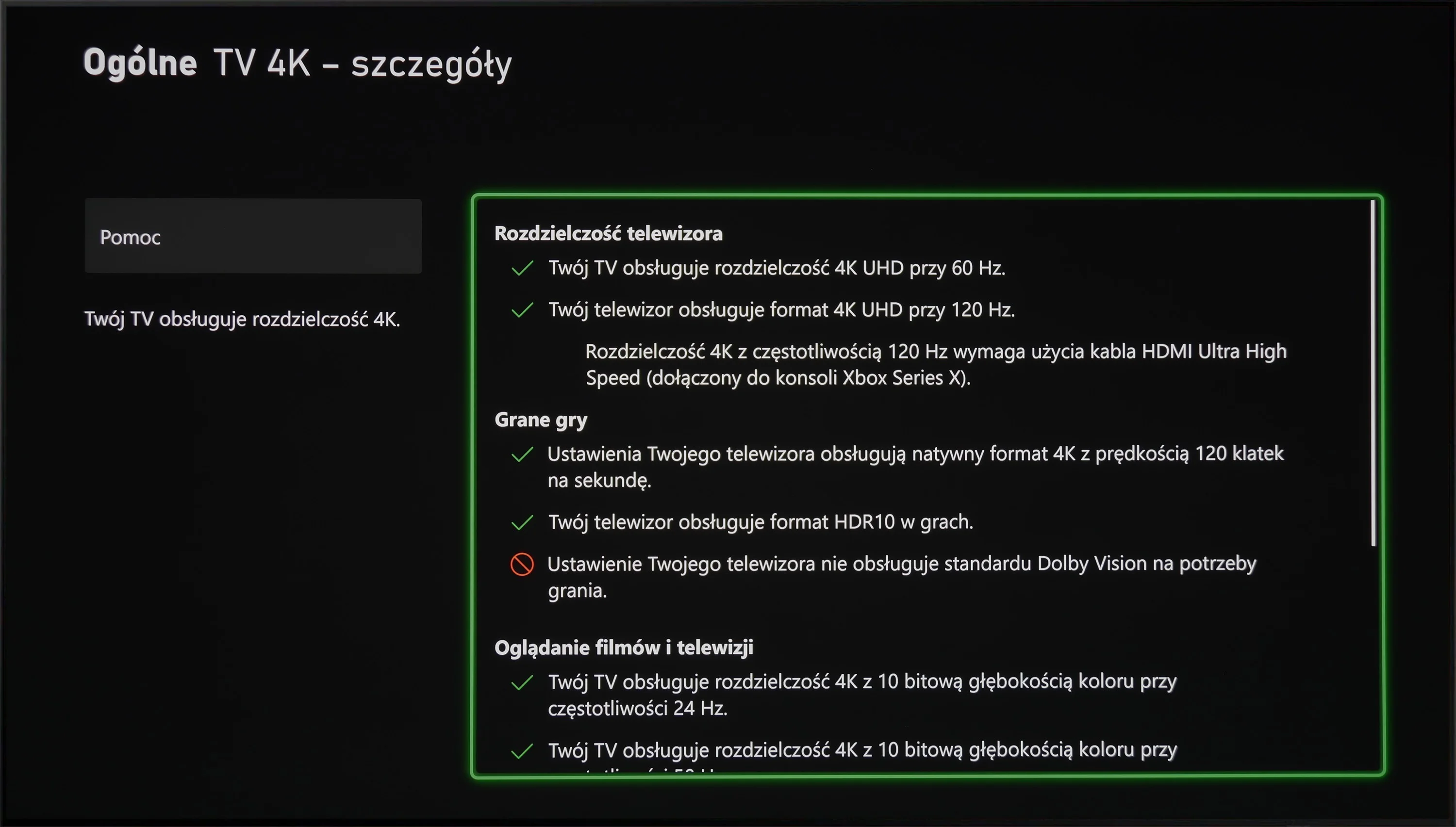
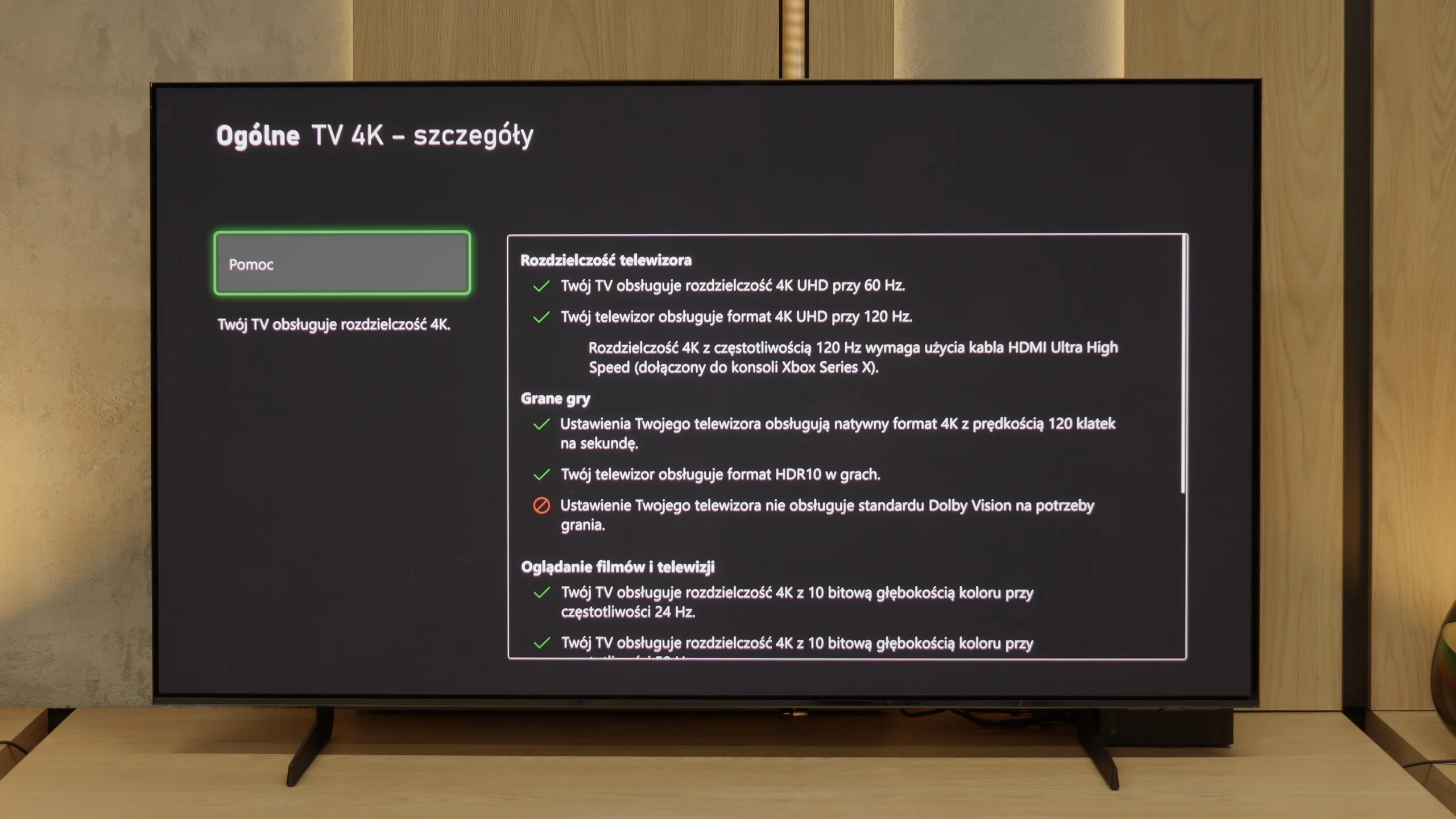
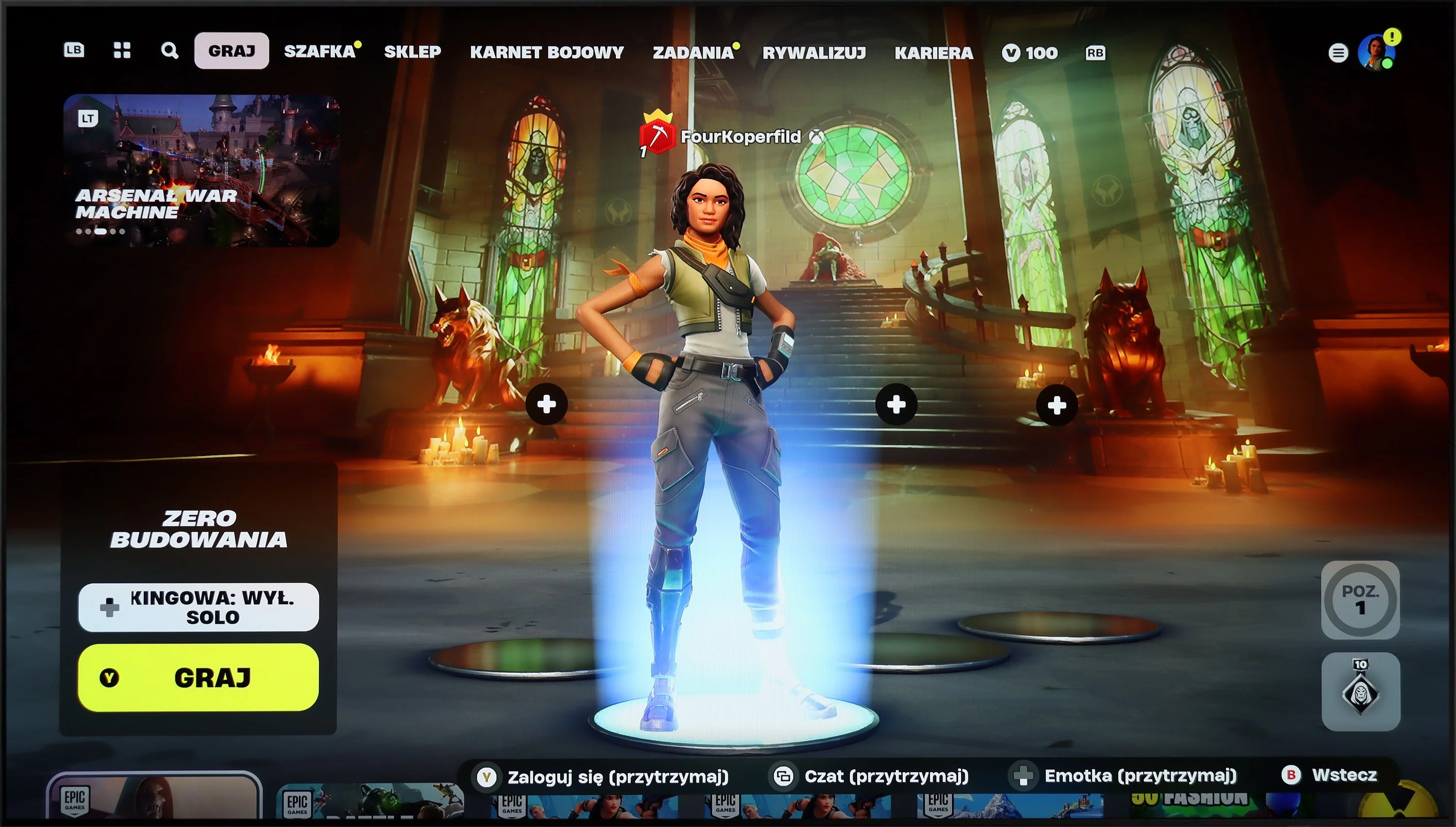
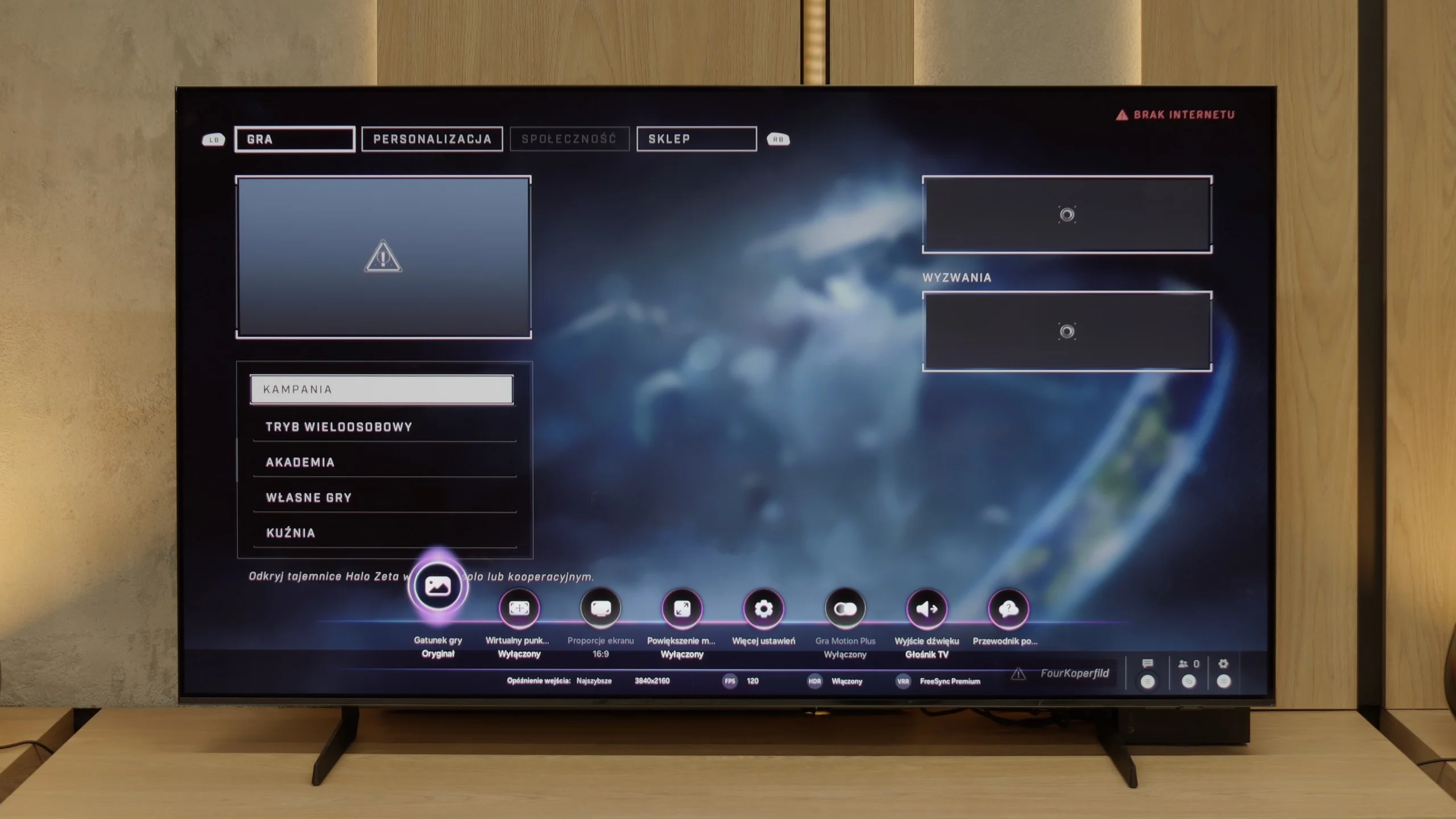
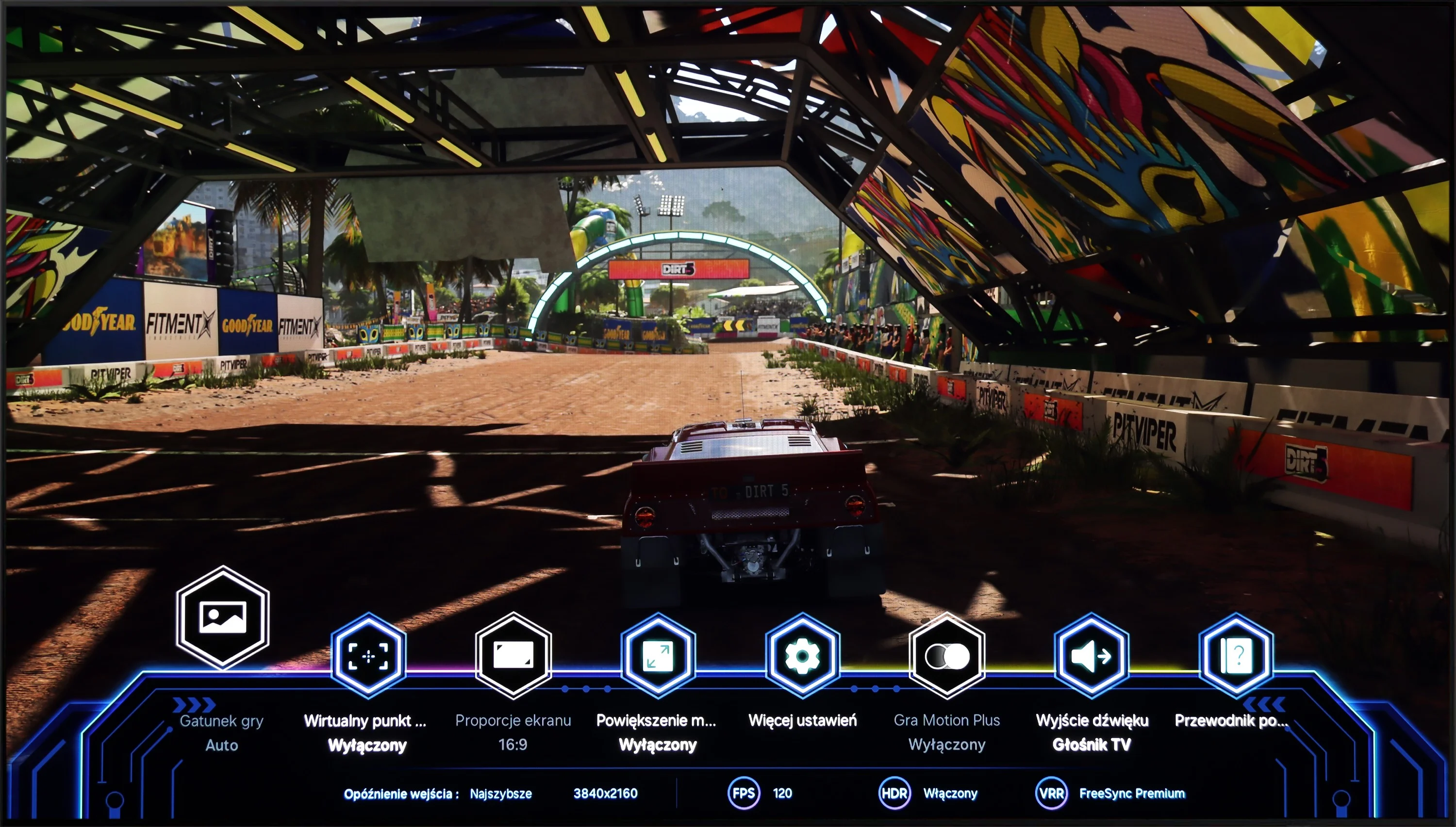
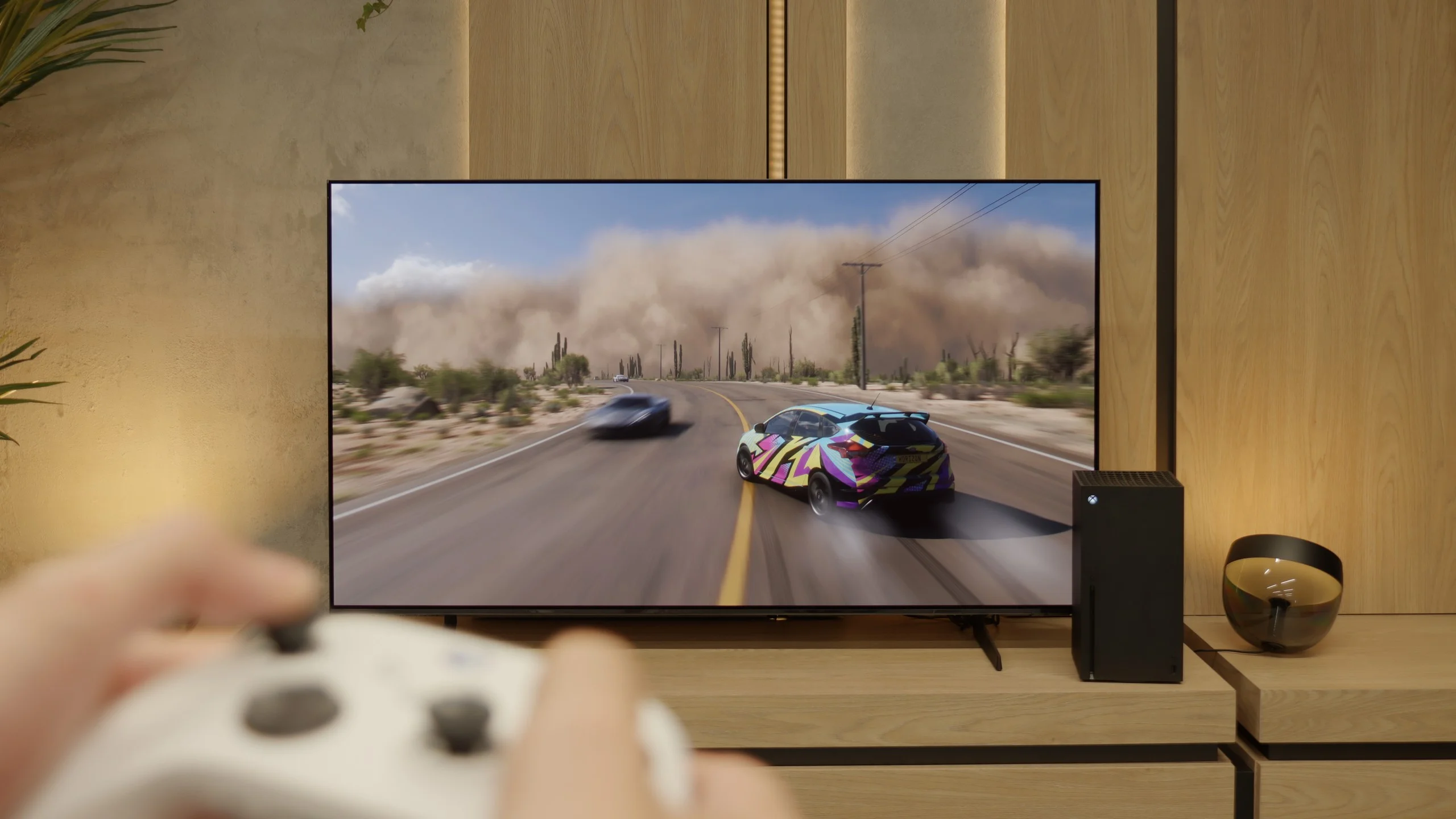
Samsung S85D OLED is an excellent choice for gamers thanks to its many modern features that make gameplay easier and more enjoyable. The TV has four full-bandwidth HDMI 2.1 ports, allowing you to connect the latest consoles without worrying about limitations in image quality or frame rates. This means support for 4K resolution at 120 Hz, which is ideal for modern titles. Additionally, the Samsung S85D has an ALLM (Auto Low Latency Mode) feature that automatically activates low latency mode when it detects a gaming device. This means you don’t have to manually switch settings – the TV takes care of ensuring fast response times, which is crucial in games where every second counts.
The VRR (Variable Refresh Rate) feature and G-Sync support are additional elements that make gameplay smoother. VRR adjusts the refresh rate to match the frame rate generated by the console or computer, eliminating screen tearing and stuttering. This is especially useful in fast-paced games where the frame rate can fluctuate. Auto Motion Plus Game is a feature that Samsung introduced with gamers in mind, and it’s worth appreciating. It makes the picture in games smoother – 30 frames per second looks like 45, and 60 Hz gains in smoothness, giving an effect close to 90 Hz. At the same time, there’s no significant increase in input lag, which remains below 25 ms, making this feature stand out compared to others available on the market. Gamers can enjoy smoother visuals without worrying about reduced responsiveness.
Samsung has also thought of something extra – the TV has a built-in Xbox Game Pass app, which means you can game in the cloud without needing a console. It’s a great solution for those who want to enjoy gaming without investing in additional hardware. All you need is an internet connection, and you have a massive library of games at your fingertips. This makes Samsung S85D an excellent choice for both casual and more advanced gamers.
[UPDATE] We have updated our 2025 Samsung TV reviews following the release of firmware version 1131, which officially restores the essential HGiG (HDR Gaming Interest Group) support.
S85F has practically everything on board to become the dream screen for gaming. Four full HDMI 2.1 ports with a bandwidth of 48 Gb/s, support for VRR, ALLM, a super-detailed Game Bar that clearly shows all parameters – plus a gem in the form of Game Motion Plus. This motion smoother makes animation in games more enjoyable, while input lag increases slightly. It's a rare combination, and that’s a big plus for Samsung. Perhaps Samsung will fix this in the next update – and we have high hopes for that. Because if HGiG comes back, the S85F will become nearly the perfect TV for gamers.
Input lag
9.9/10
10/10
SDR
HDR
Dolby Vision
Samsung S85D achieves excellent results in terms of input lag, regardless of refresh rate or resolution. This means that the screen responses are nearly instantaneous, which is particularly important in fast-paced, dynamic games. Gamers can rely on the TV's lightning-fast response to controller movements, providing an edge in competition and greater satisfaction in gameplay. Low input lag is a definite advantage of this model, making the Samsung S85D OLED an ideal choice for gaming enthusiasts.
Here, dear gamers, the S85F shows its claws. 5 ms with 120 Hz content and around 10 ms with 60 Hz are results that can be described in one word in the world of televisions – phenomenal. This means that the response to our movements is practically instantaneous. We press the button, and the action on the screen happens without any delay, as if the television can read our thoughts. In dynamic games, where a fraction of a second can decide victory or defeat, such values make a huge difference. There's no question of a nervous "wait" for the image to catch up with our movements. The S85F gives us the feeling that everything is under our complete control – and that's how it should be in equipment that aspires to be the ideal screen for a gamer.
Compatibility with PC
7.6/10
7.6/10
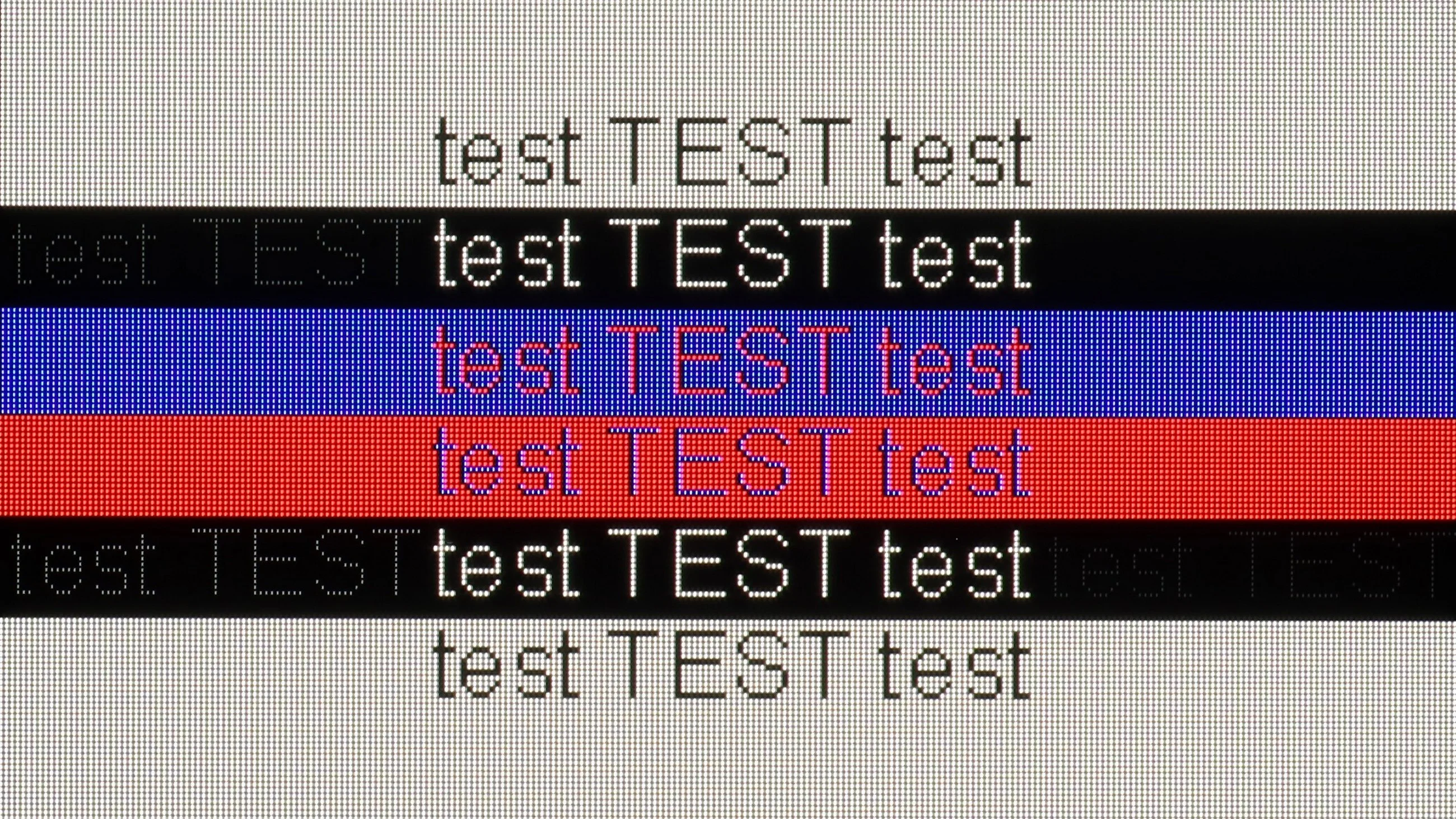
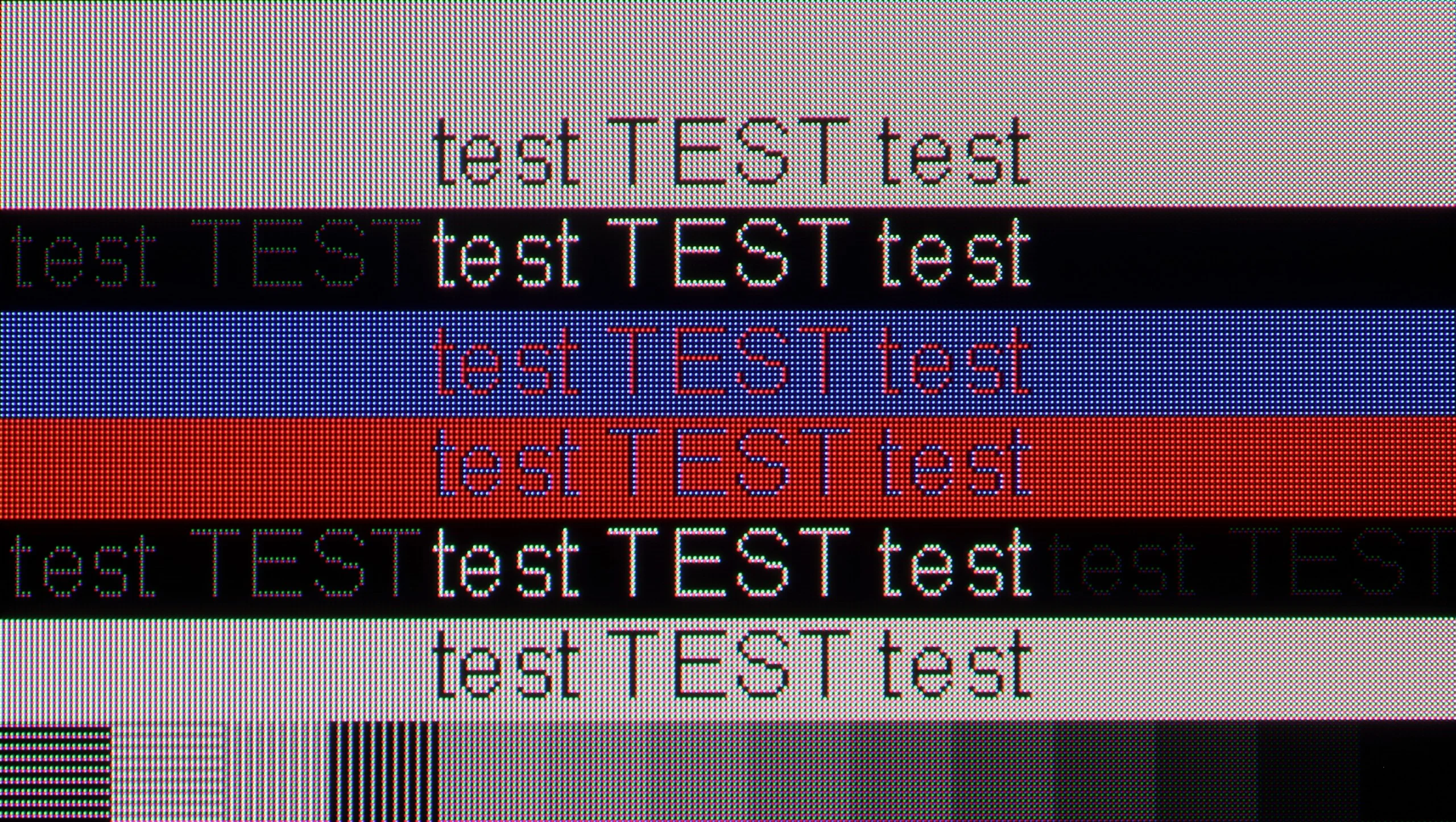
The photo shows the legibility of small fonts. Ideally, lines should be the same thickness on both light and dark text, with minimal pixel gaps.
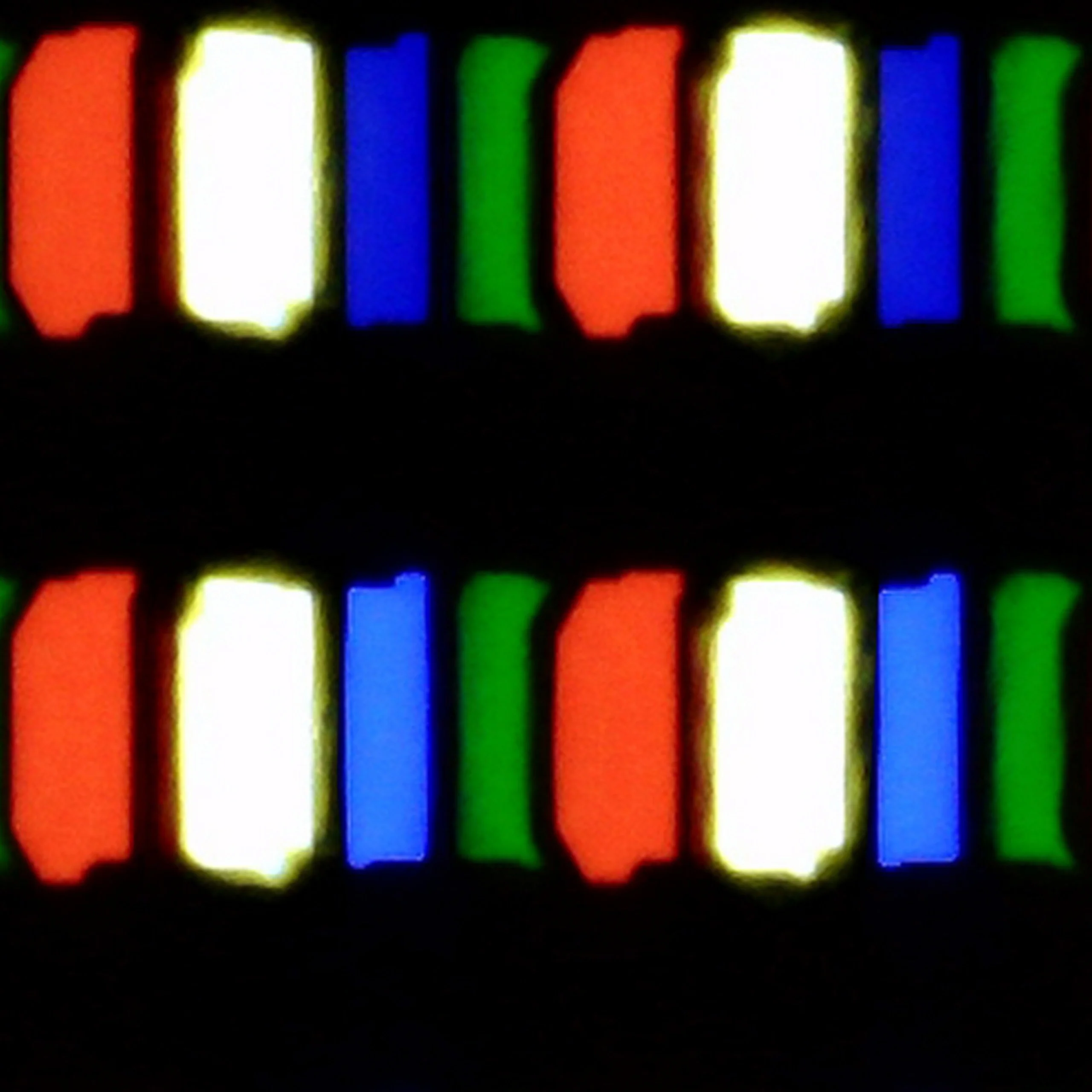
Samsung S85D performs very well as a computer monitor. With clear visibility of text, regardless of the background type, using it is convenient and comfortable. Chroma 4:4:4 support ensures precise reproduction of text and graphics, which is essential for office work, browsing the internet, or editing documents. Samsung S85D is a versatile television that easily serves as a monitor for everyday use. We deducted 0.4 points for the WRGB layout, as is common with every television with such a sub-pixel arrangement.
If you're planning to connect the S85F to a computer, we have good news – this television is perfect for that. Low input lag and a 120 Hz panel make gaming on PC a pure pleasure. Whether we're talking about dynamic shooters or more relaxed RPGs, the response is instantaneous, and the smoothness of the animation can draw you in for hours on end.
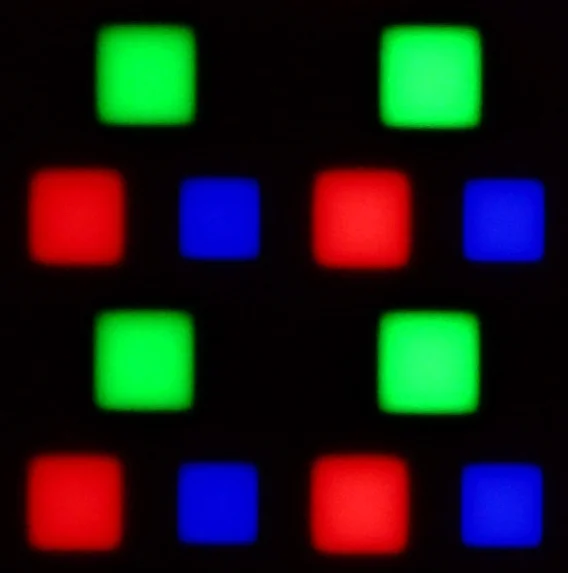
Of course, there’s no rose without thorns. Due to the diamond pixel layout in the QD-OLED panel, there is a slight "rainbow icon" effect, particularly noticeable when sitting close to the screen. Fortunately, this is more of a detail that most of you won’t mind in everyday use. Especially since, thanks to the proper implementation of 4:4:4 chroma, the readability of fonts is at a very good level – documents, websites, and text editors simply look as they should.
Viewing angles
7.5/10
9.8/10
The viewing angles on the Samsung S85D are excellent, as expected from OLED. The picture remains crisp and doesn't lose quality even when watched at a wide angle, making the TV perfect for larger rooms and shared viewing with family or friends. The only TVs that offer better viewing angles are those with QD-OLED organic matrices or MLA OLED.
Here, dear readers, the S85F reaches the absolute peak. The viewing angles are phenomenal – some of the best you can get in a TV today, and it’s thanks to the unique QD-OLED panel from Samsung Display. Of course, WOLED panels can also maintain a high level in this regard, but let’s not kid ourselves – what the QD-OLED shows in the S85F is even more impressive. Colours, contrast, and brightness remain practically unchanged even when viewing the screen from a very large angle. It’s the kind of television where you don’t have to fight for the “best spot on the couch” – everyone will see the picture in all its glory, no matter where they’re sitting.
Daytime performance
5/10
5.1/10
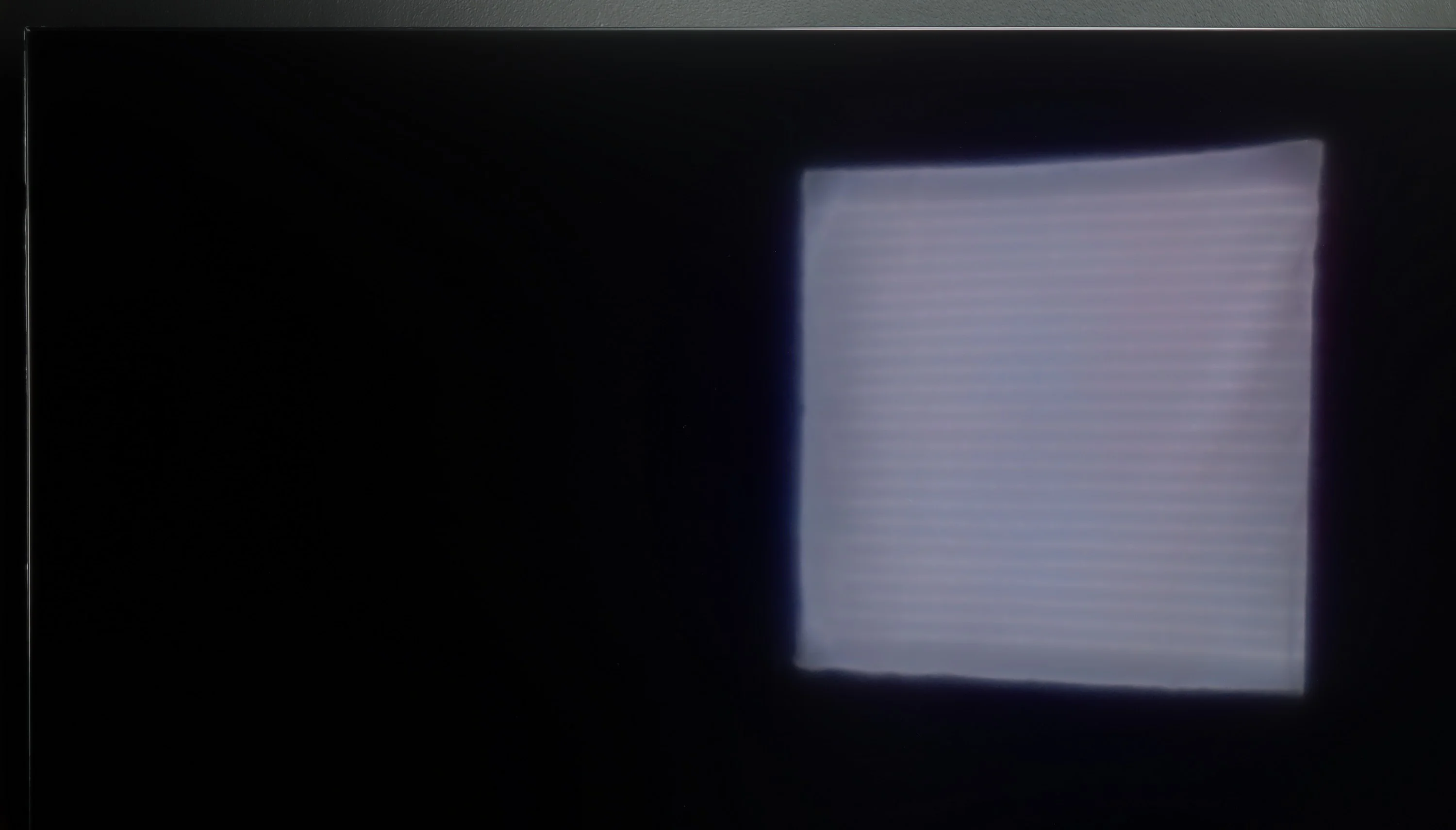
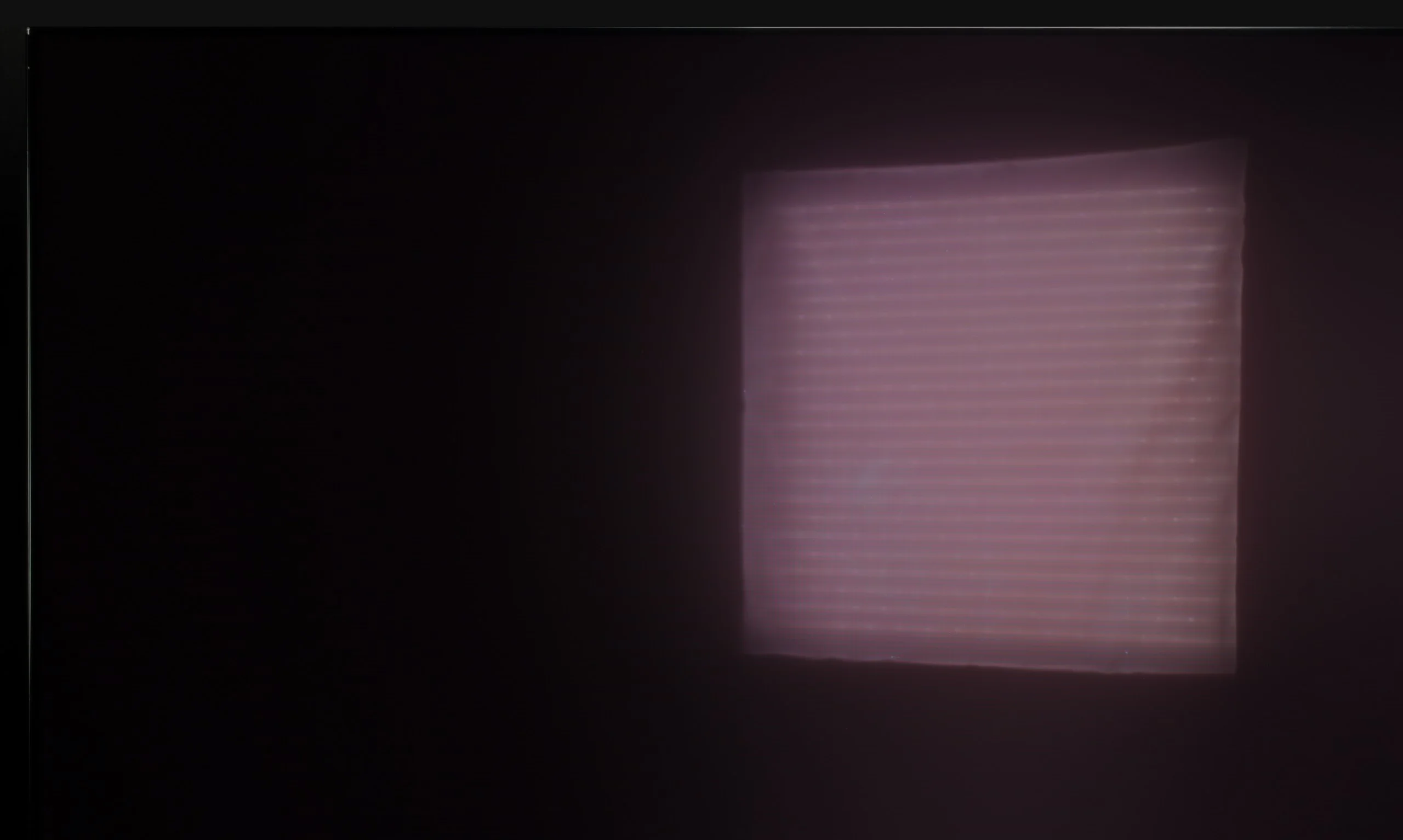
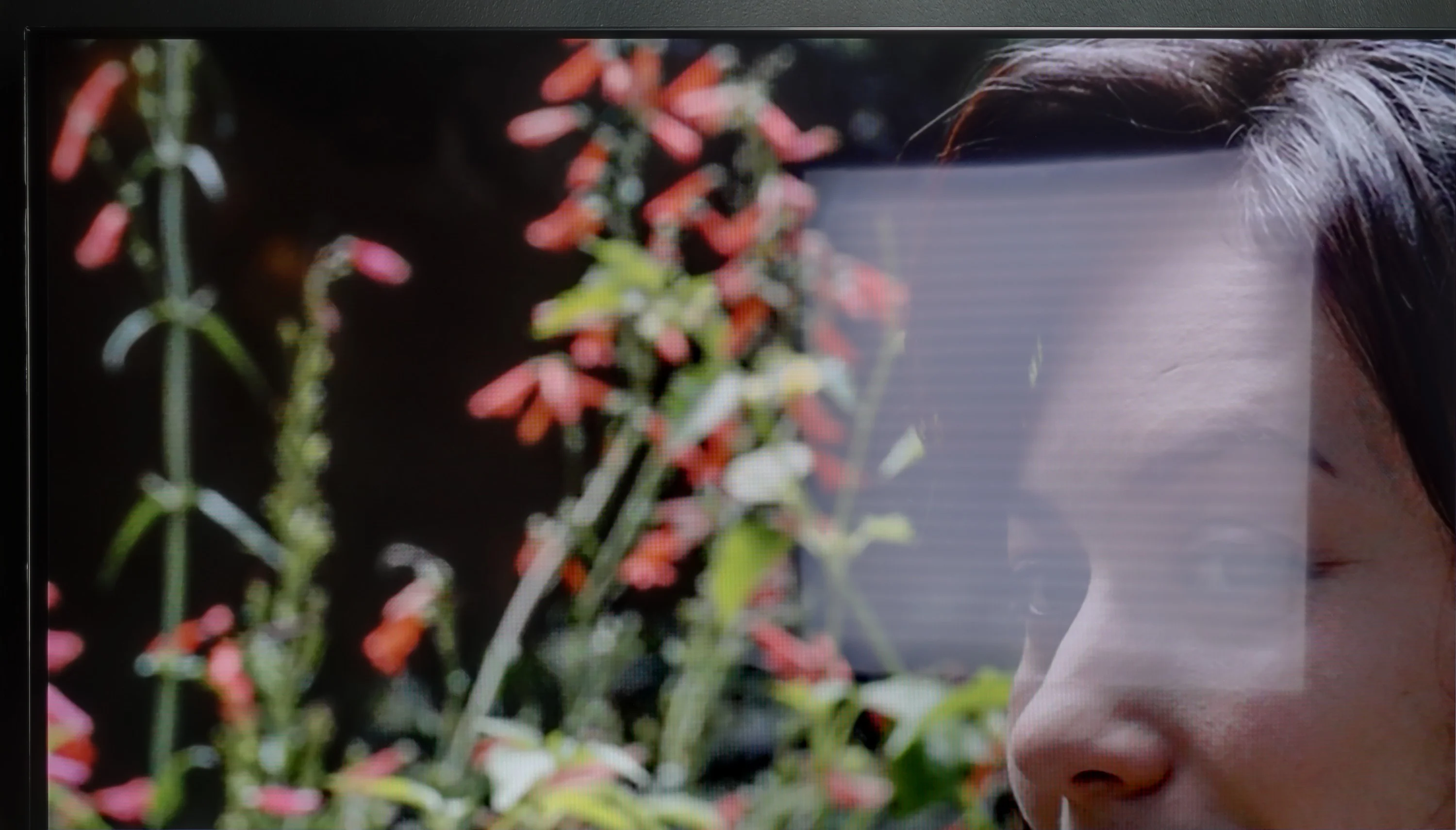
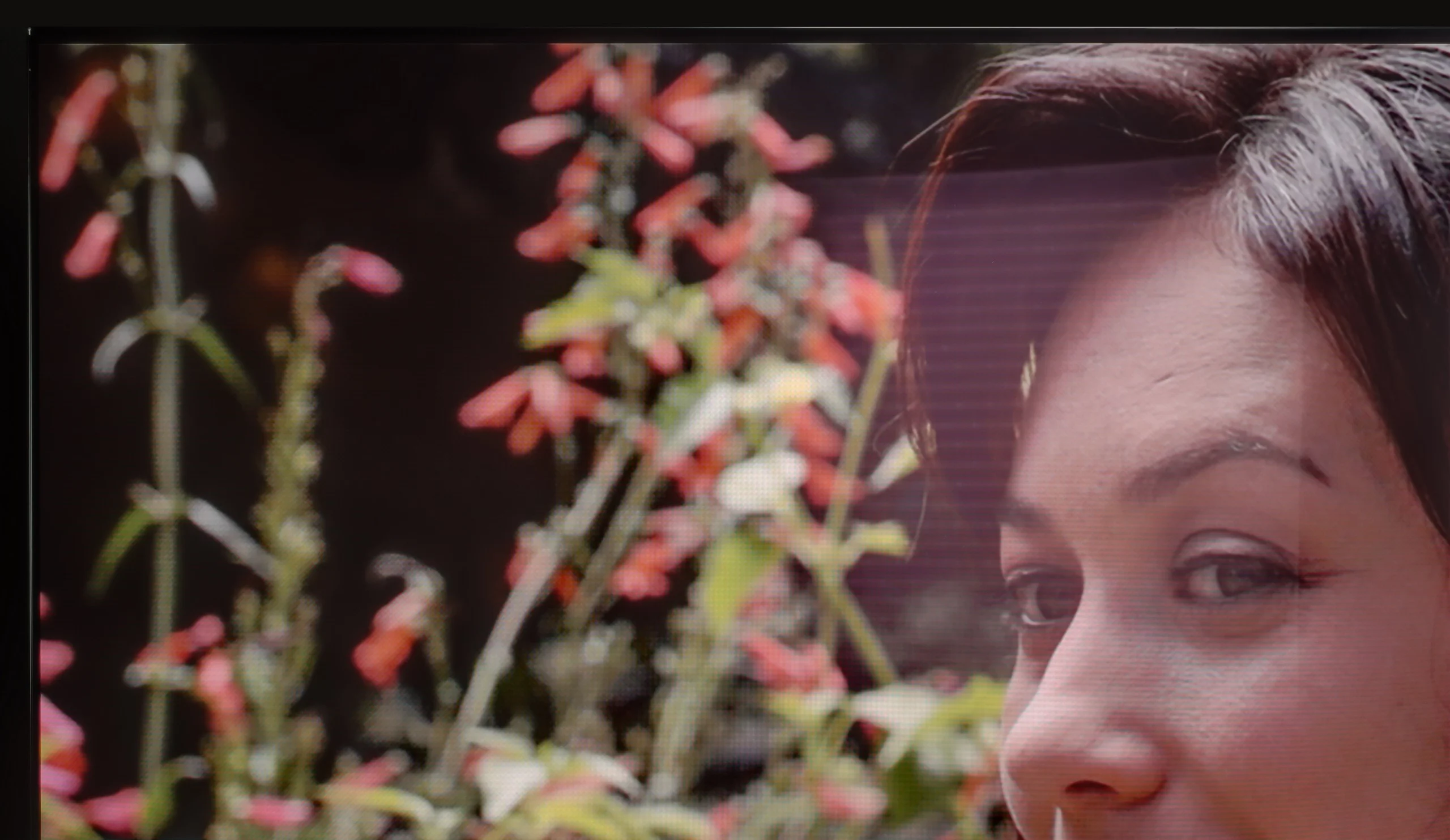
Panel brightness
Samsung S85F OLED: 317 cd/m2
Samsung S85D: 313 cd/m2
Samsung S85D performs quite well with reflections thanks to the matte screen's satin finish, which effectively dampens them. Unfortunately, the SDR brightness of 310 nits is rather average, meaning the TV's effectiveness may be limited in very bright rooms. It’s not an impressive result, so this model will definitely perform better during evening viewing when such brightness will be sufficient. During the day, to achieve better comfort, it may be necessary to draw the blinds or curtains.
We really liked the saying "no rose without thorns," and it fits perfectly with QD-OLED TVs. Especially when we look at their performance in highly lit conditions. As you may notice, under very intense light, the surface of the panel can take on a slightly cherry hue. The effect is subtle in the case of the S85F, but in extreme lighting conditions, black can appear a bit worse than in WOLED panels. But – and this "but" is key here – QD-OLED suppresses direct light reflections much better. This means that reflections will be less bothersome, and the picture will retain clarity even when something bright reflects on the screen. You win some, you lose some.
As for brightness, the S85F is a moderately bright OLED. It’s not a model designed for extremely sunny living rooms. If you plan to place it in a very bright room, we recommend considering blinds or placing it in a location that at least partially protects it from direct light.
Panel details
Subpixel Structure:
Panel uniformity and thermal imaging:


Samsung S85D
Samsung S85F OLED
TV features
7.2/10
7.3/10
- SystemTizenTizen
- System performanceVery goodGood
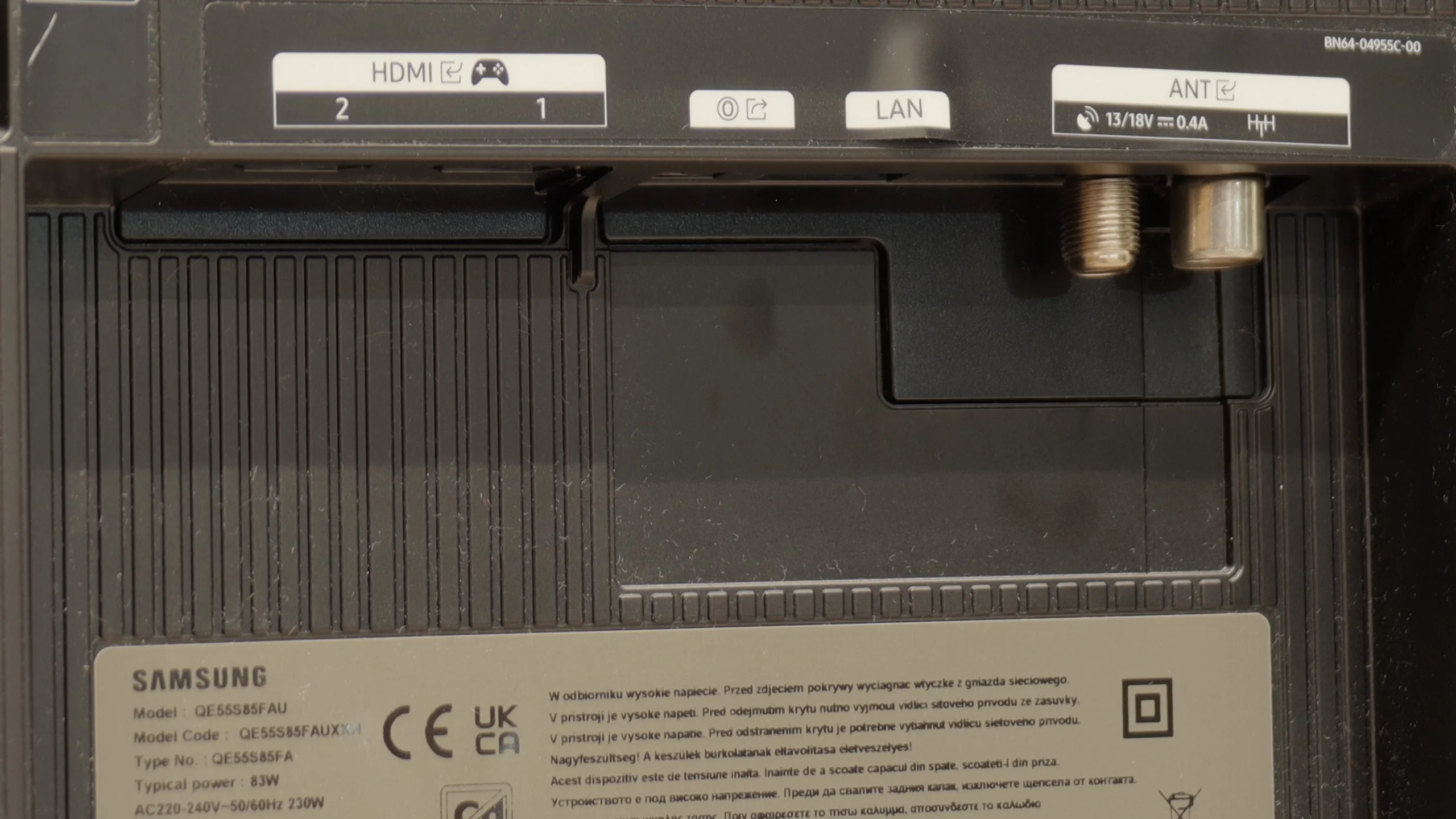
- HDMI inputs0 x HDMI 2.0, 4 x HDMI 2.1 48Gbps0 x HDMI 2.0, 4 x HDMI 2.1 48Gbps
- Other inputsToslink (Optical audio)
- OutputsToslink (Optical audio), eARC (HDMI), ARC (HDMI)Toslink (Optical audio), eARC (HDMI), ARC (HDMI)
- Network InterfacesWi-Fi 2.4GHz, Wi-Fi 5GHz, Ethernet (LAN) 100MbpsWi-Fi 2.4GHz, Wi-Fi 5GHz, Ethernet (LAN) 100Mbps
- TV receptionDVB-T, DVB-T2, DVB-S, DVB-S2, DVB-CDVB-T, DVB-T2, DVB-S, DVB-S2, DVB-C
Classic features:
- Recording to USB (terrestrial TV)
- Recording programming
- Picture in Picture (PiP)
- RF remote control (no need to aim)
- Backlit remote control
- Teletext
- Audio only mode
- Bluetooth headphones support
- Simultaneous Bluetooth headphones & TV audio
Smart features:
- AirPlay
- Screen mirroring (Windows Miracast)
- Voice search
- Voice search in native language
- Ability to connect a keyboard and mouse
Sound connection options
- HDMI audioeARC (HDMI), ARC (HDMI)eARC (HDMI), ARC (HDMI)
- Other audio outputsToslink (Optical audio)Toslink (Optical audio)
- Wireless audioBluetoothBluetooth
Supported audio formats (external HDMI eARC audio):
- Dolby Digital Plus 7.1
- Dolby True HD 7.1
- Dolby Atmos in Dolby Digital Plus (JOC)
- Dolby Atmos in Dolby True HD
- DTS:X in DTS-HD MA
- DTS-HD Master Audio
Senior accessibility
- Numeric keyboard on TV
- Font size adjustment
- Audio description
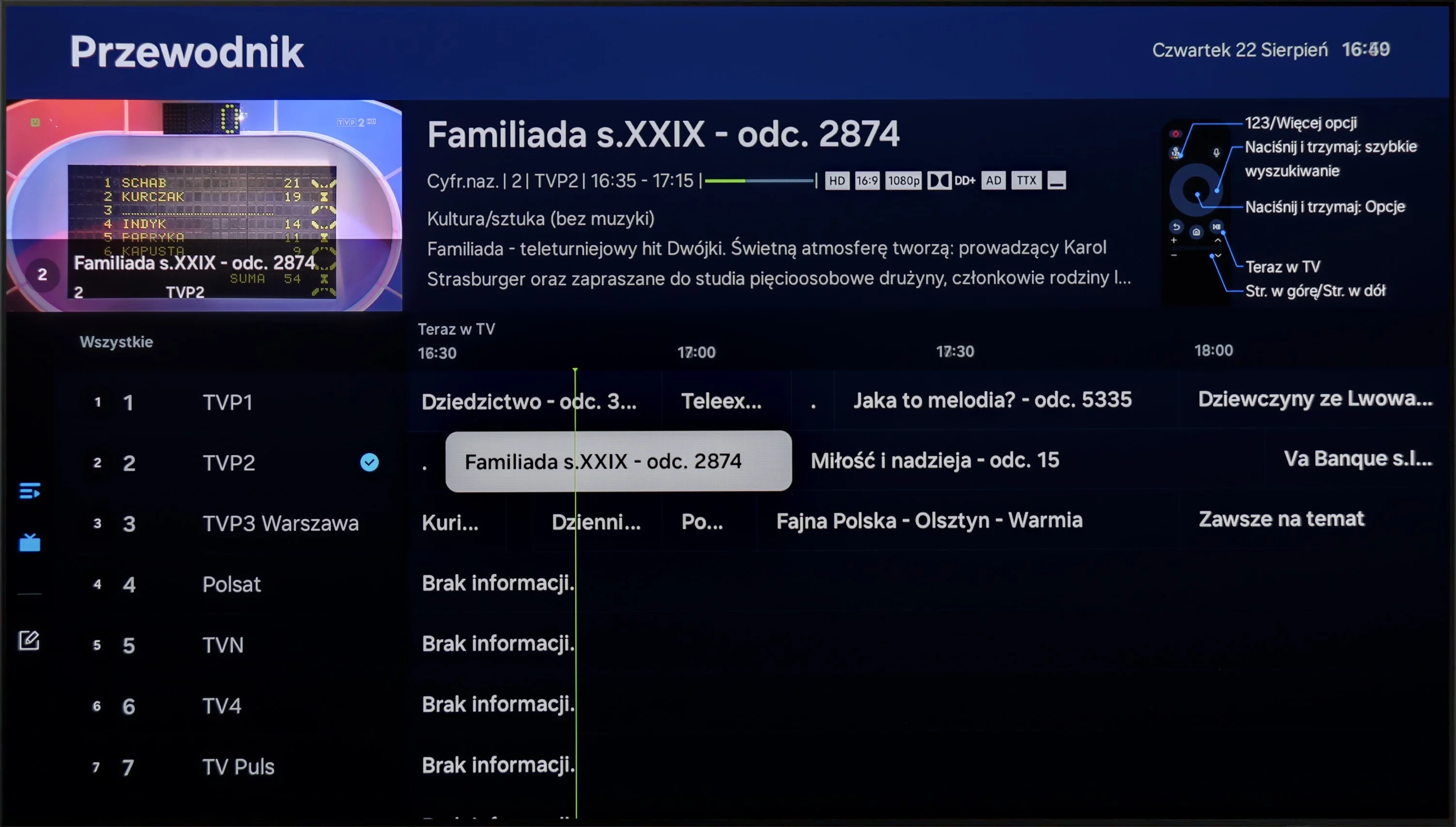
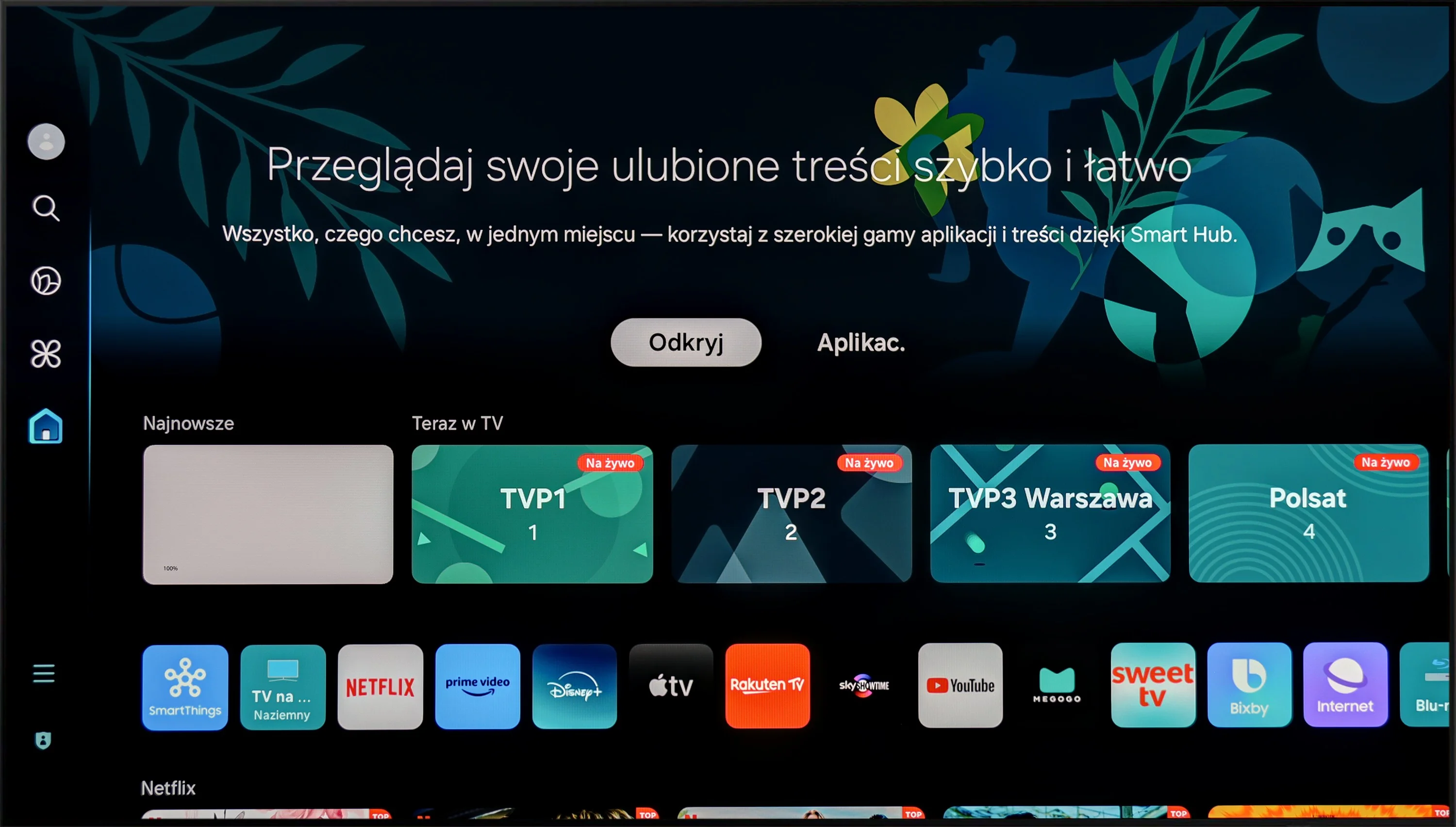
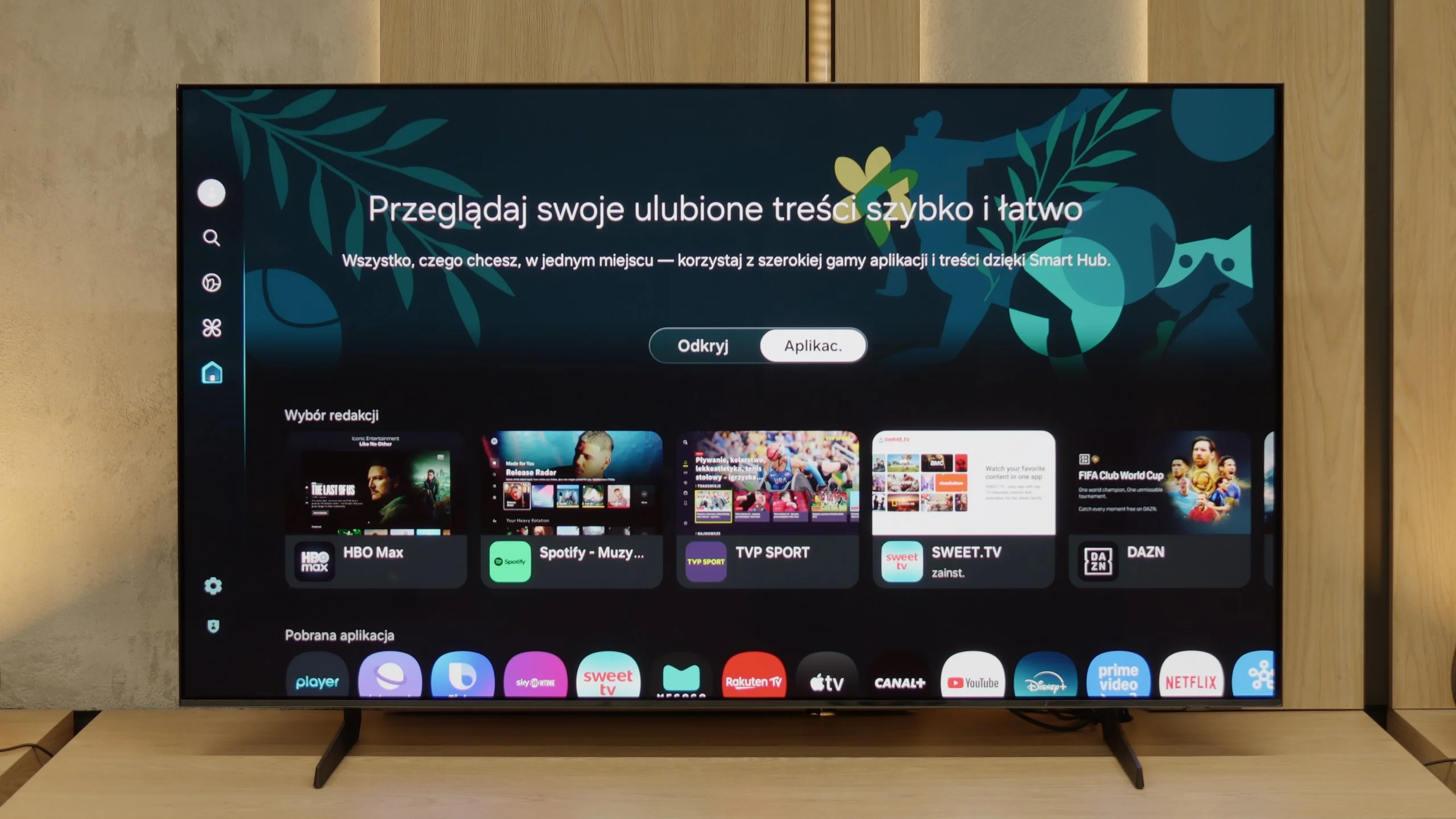
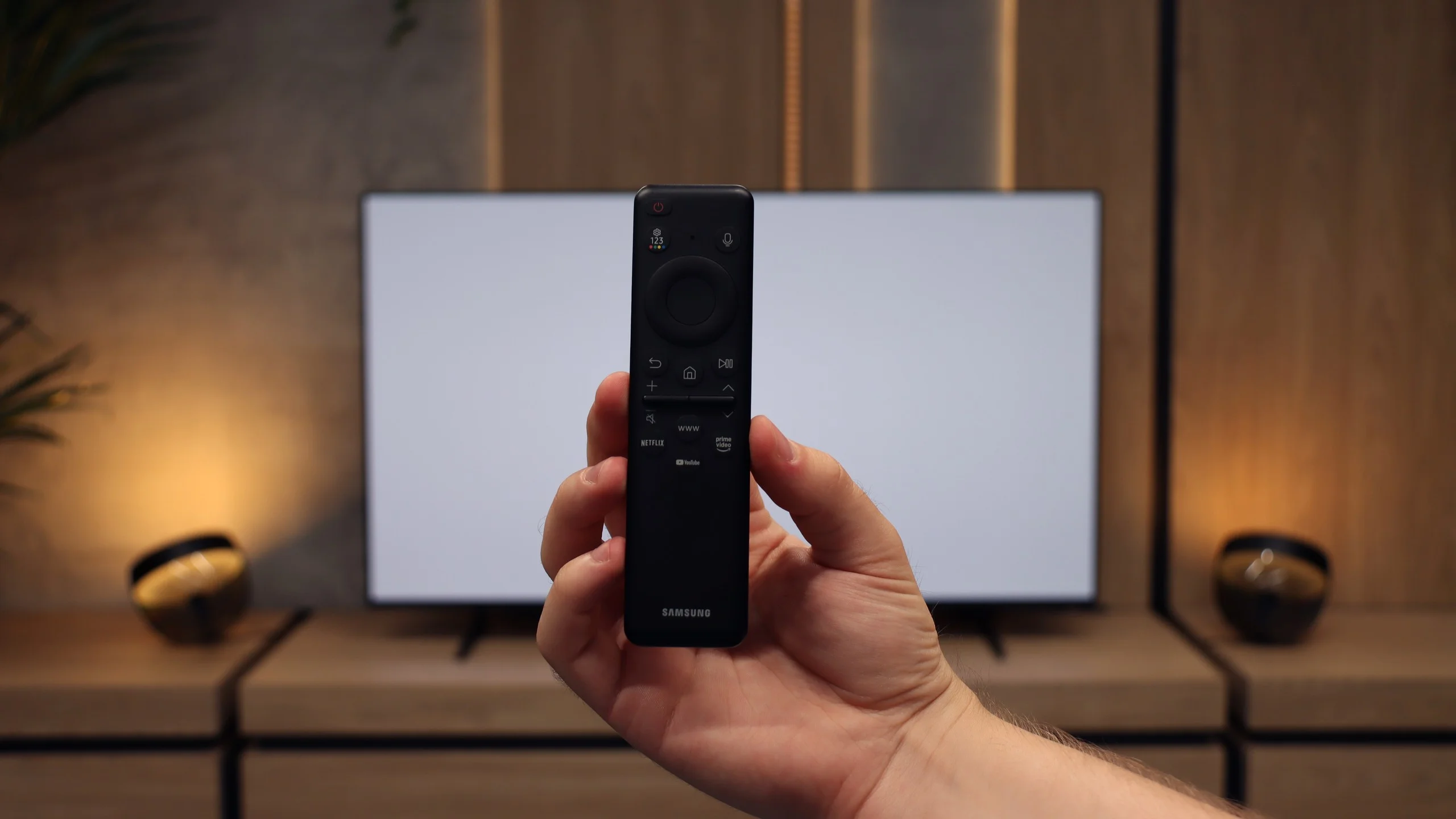
Samsung S85D runs on the Tizen operating system, which is intuitive and provides easy access to many apps and streaming services. The system offers smooth and quick navigation, significantly improving the comfort of using the television. The TV is equipped with a solar-powered remote control, which allows for the control of other devices, such as set-top boxes or home theatre systems, enabling the operation of all home equipment with one device. In terms of connectivity, the Samsung S85D supports AirPlay, making it easier to stream content from Apple devices, and it has a built-in Bluetooth module that enables the connection of peripheral devices, such as keyboards, headphones or speakers.
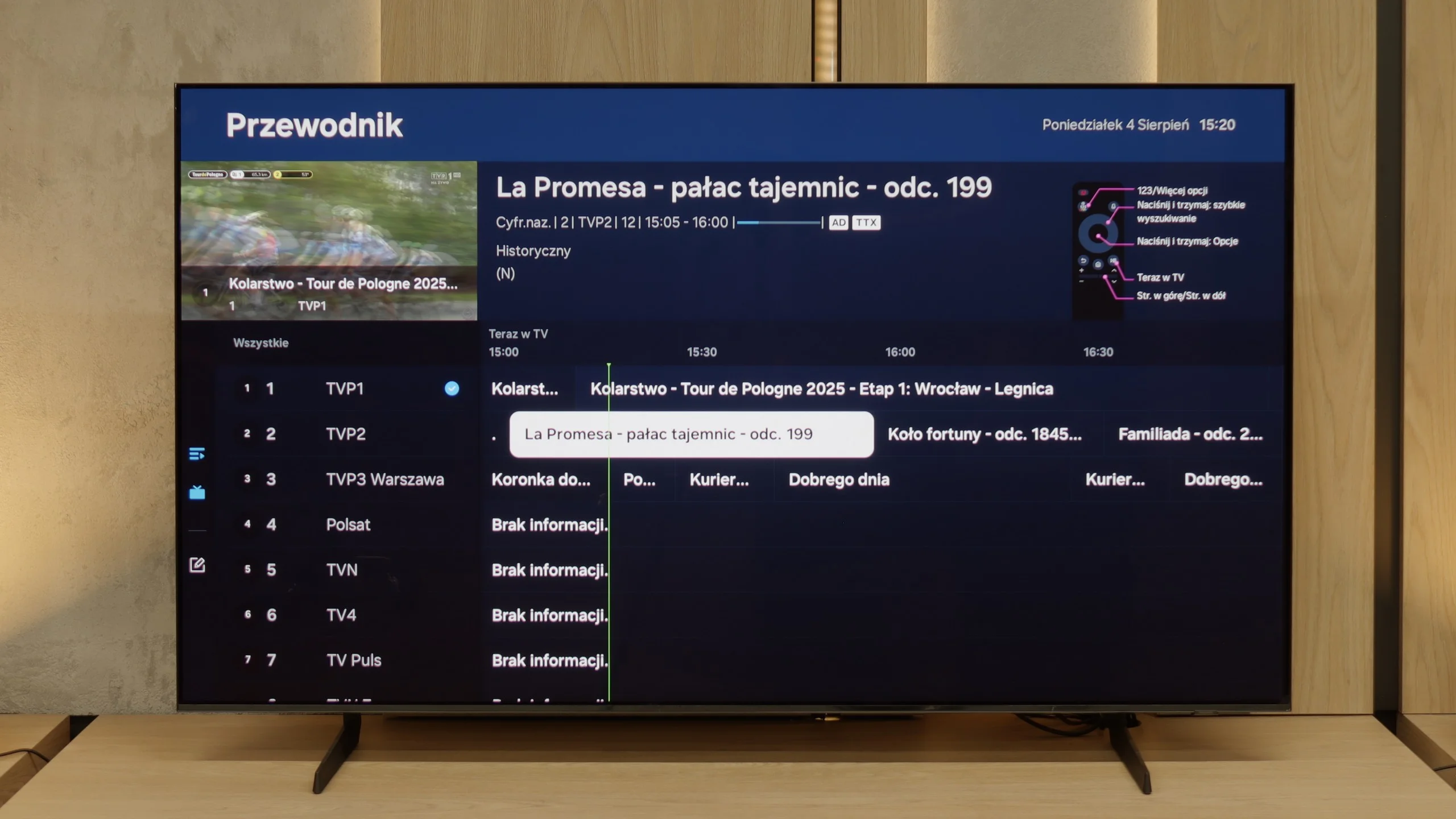
When it comes to everyday use of the television for regular TV shows, the S85D model offers several useful features but also has some drawbacks. One of its advantages is the PIP (Picture-in-Picture) function, which allows for simultaneous viewing of two contents – for example, a match in a small window while the rest of the screen shows a favourite series. This is a convenient solution for those who want to stay up-to-date with various programs. However, it is disappointing that there is no recording capability from the built-in tuners. This limitation makes it impossible to save favourite programs or movies for later, which can be a problem for those who want to flexibly adjust their TV watching to their schedule - however, we believe that the absence of this feature is becoming less of a burden, as users now have wide access to various content online, making the need for recording less significant.
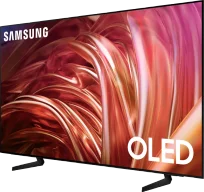
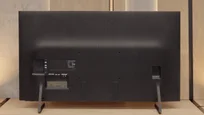
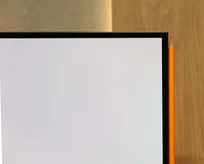
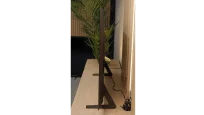
The design of the OLED Samsung S85D stands out with its distinctive, rounded shape at the back, setting it apart from most OLED televisions that typically have a flat back. This unusual design gives it a unique look and attracts attention, making the television appear modern and elegant. The package includes a remote control, a CI+ module, a stand in the form of two feet, and a power cable, allowing for a quick and convenient start to using the television without the need to purchase additional accessories.
Features of the classic S85F television
The S85F was not really designed with fans of classic television in mind. We won’t find a PiP function here (which is somewhat surprising, as Samsung typically offers it) or the ability to record programs onto USB from the built-in tuners. Fortunately, the basics are there – teletext and a clear channel guide – so it’s more than sufficient for regular, everyday viewing. The included remote, although simple at first glance and lacking a numeric keypad, allows for control of multiple devices. This means that when connecting, for example, a Canal+ decoder, you don’t need two remotes on the table – the one for the television is quite enough.
SmartTV S85F: Tizen
The smart part is a completely different story. Tizen is one of the most comprehensive operating systems in televisions. It operates smoothly, supports all popular internet functions – from screen mirroring to AirPlay to voice search. The strongest point of Tizen is its integration with the SmartThings app, which can act as a control centre for the entire home. Of course, like any closed system, Tizen has its limitations – for instance, a smaller app library compared to GoogleTV. However, looking at the current list of available applications, it’s hard to point out anything that might actually be missing.
Apps
9.3/10
9.3/10






















Playing files from USB
9.1/10
9.1/10
Supported photo formats:
Maximum photo resolution:
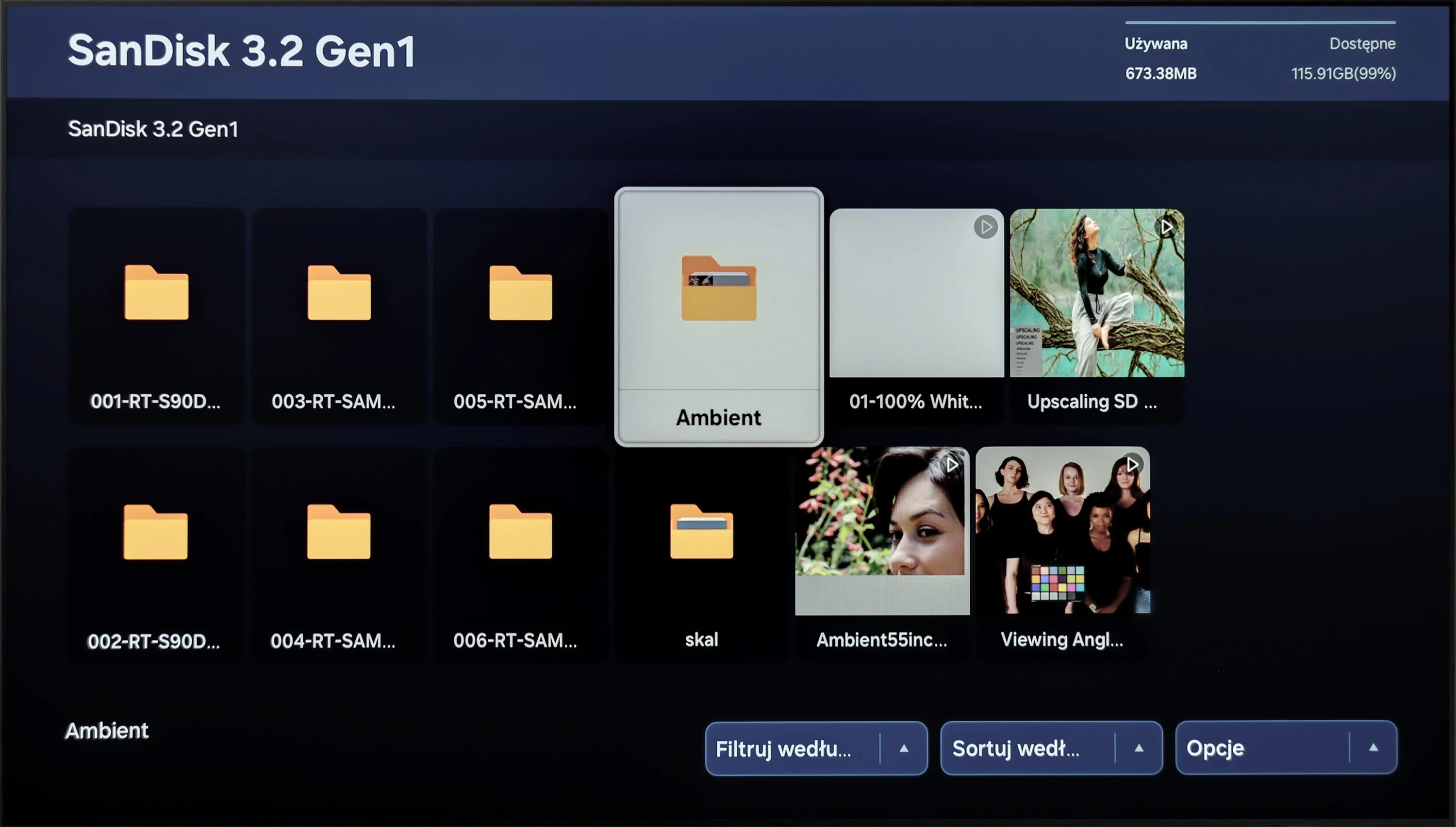
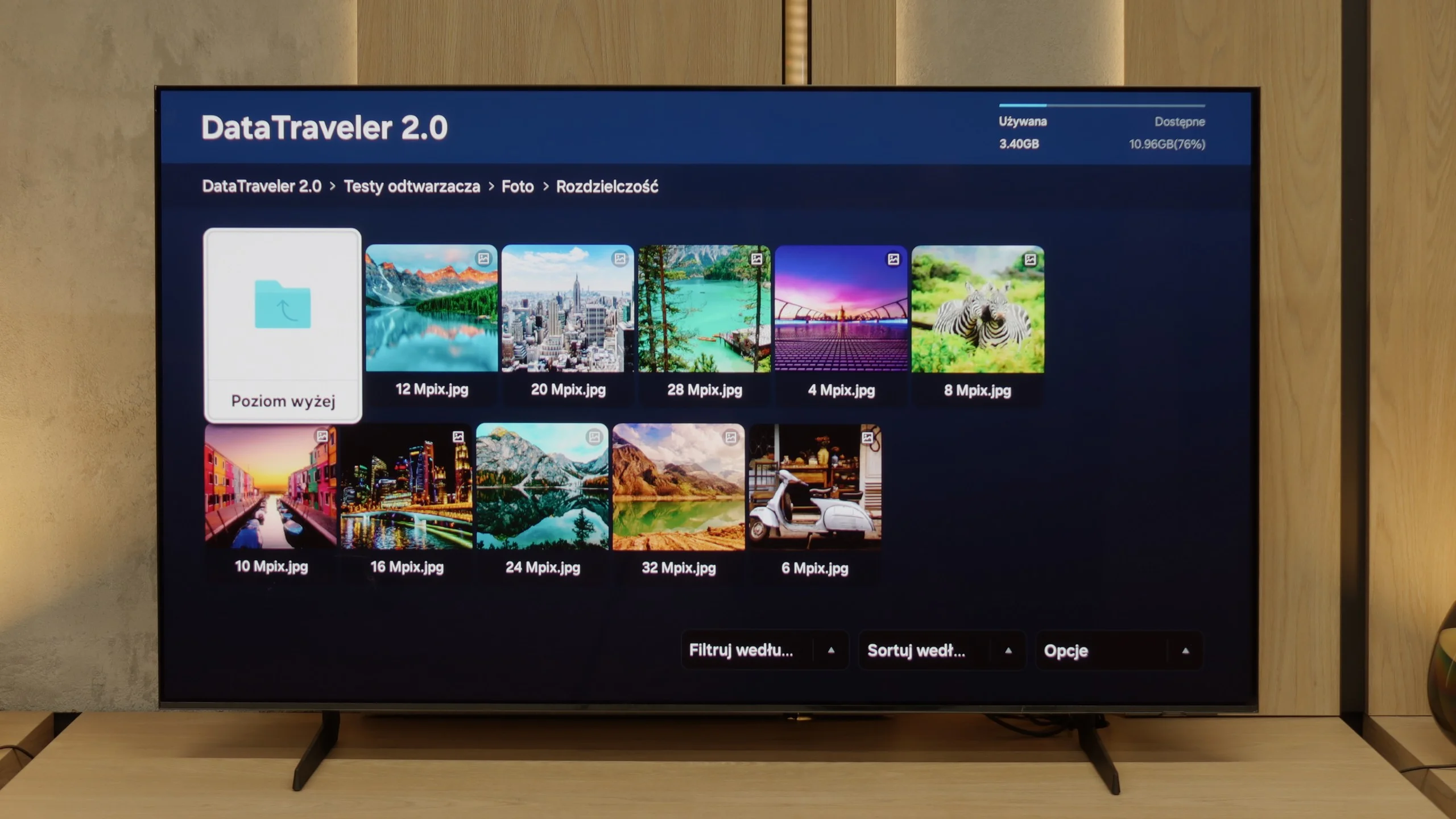
Playing multimedia files on Samsung S85D will satisfy most users. The television offers wide compatibility with popular video, audio, and image file formats, providing smooth playback from both USB media and local networks. The built-in media player operates efficiently and is easy to use, although there may be issues with some less common formats.
The built-in media player in the S85F performs excellently – practically everything you throw on a USB stick or hard drive will be played back without the slightest issue. Minor shortcomings only arise in the support of some less common photo formats, but for the vast majority of you, this will be more than sufficient. Therefore, it can be confidently stated that for home use, the built-in player is more than solid.
Sound
7/10
7.2/10
- Maximum volume-80dB
- Dolby Digital Plus 7.1
- Dolby True HD 7.1
- Dolby Atmos in Dolby Digital Plus (JOC)
- Dolby Atmos in Dolby True HD
- DTS:X in DTS-HD MA
- DTS-HD Master Audio
Samsung S85D OLED offers quite decent sound, even though the built-in speaker system is not particularly impressive (2x10W). The television supports Dolby Atmos technology, which provides spatial sound, however, it does not support the DTS format. The sound is clear and sufficient for everyday use, although for more demanding users it may be advisable to connect an external audio system for a fuller and more dynamic sound.
The built-in speakers rated at 20 W on paper may not seem impressive, but in practice, the S85F can be surprising. It sounds really pleasant, and at times you can even pick up a subtle bass, which is not a given in this class of speakers. The TV does not support the DTS format, which unfortunately became a standard for most manufacturers by 2025. A nice surprise is the support for Dolby Atmos. Of course, talking about "spatial" sound with two speakers located at the bottom of the casing would be a slight exaggeration, but it's good that Samsung offers such a feature in this model at all.
Sound Quality Test
No sound test video
Acoustic Measurements
No acoustic data
80dBC (Max)
75dBC
Reader comments
Comments are provided by the external service Disqus (Zeta Global). Once loaded, Disqus may set cookies and process data about your activity.
We will remember your choice on this device. Provider's privacy policy