Samsung QN990F vs Samsung R95H Micro RGB

Direct comparison

R95H / Mirco RGB

Info

Available screen sizes: 65”75”85”98”

Available screen sizes: 65”75”85”

Panel type: LCD VA (wide viewing angle)

Resolution: 7680x4320

System: Tizen

Model year: 2025

Complete the survey to find out the result

Panel type: LCD VA

Resolution: 3840x2160

System: Tizen

Model year: 2026

Complete the survey to find out the result

Overall rating

7.6

8.2

  • Movies and series in UHD quality

    7.7

    7.8

  • Classic TV, YouTube

    7.7

    7.9

  • Sports broadcasts (TV and apps)

    7.6

    7.5

  • Gaming on console

    9.2

    9.3

  • TV as a computer monitor

    7.9

    8.4

  • Watching in bright light

    5.2

    8.9

  • Utility functions

    7.5

    7.8

  • Apps

    9.3

    9.3

  • Sound quality

    7.9

    7.5

Advantages

  • Amazing Design

  • Wireless module Wiraless One Connect

  • Great black

  • High brightness

  • Matte display effectively reduces reflections

  • Good viewing angles

  • The fastest TV in the world - refresh rate 4K@240Hz and 8K@120Hz great for sports

  • Many features for gamers: HDMI 2.1, VRR, ALLM, HGiG, Gamebar

  • Very fast and intuitive operating system Tizen OS

  • Very high contrast and deep blacks

  • High HDR brightness

  • Very wide colour gamut thanks to Micro RGB

  • Very good tone mapping in HDR

  • High refresh rates: 165 Hz at 4K and 240 Hz at Full HD

  • Extensive gaming features (4x HDMI 2.1, VRR, ALLM, Game Motion Plus and Game Hub)

  • Matte screen coating effectively reduces reflections

  • High build quality and a slim design

  • A comprehensive Tizen system with plenty of features

Disadvantages

No like
  • Very high price

  • Local dimming algorithms could be better refined

  • Missing Dolby Vision and DTS:X

  • High input lag with wireless connection using Wiraless One Connect

  • The Micro RGB colour advantage diminishes in more complex scenes

  • High price compared with the competition

  • Sound quality could be better

  • No Dolby Vision or DTS:X (mainly for Xbox users and Blu-ray fans)

Our verdict

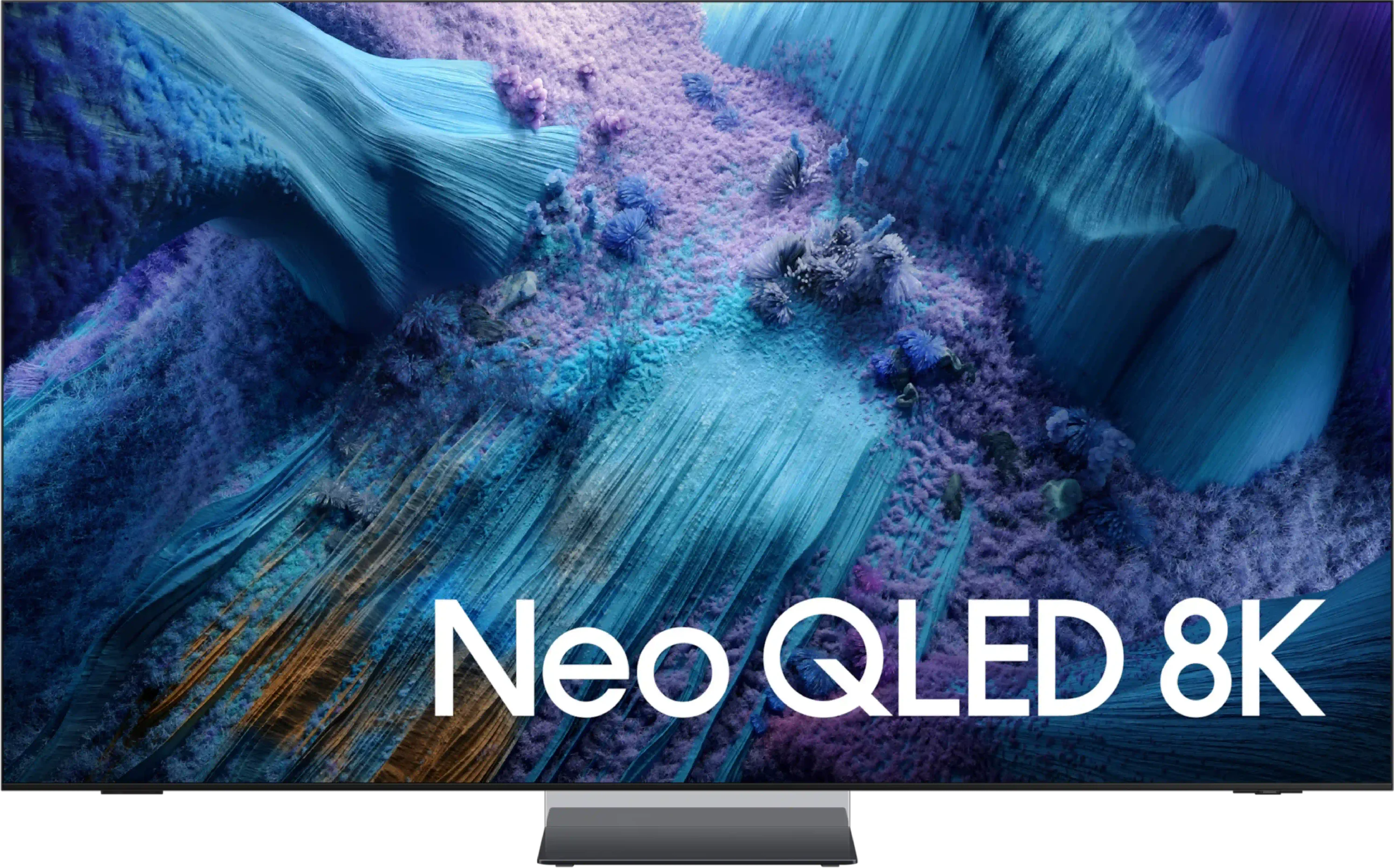
Samsung QN990F is a television that makes a huge impression from the very first moment. It's probably one of the most beautiful models on the market – ultra-slim, with an almost invisible frame and a stand that makes it look like the screen is levitating above the table. On top of that, there's the futuristic Wiraless One Connect module, this time in a wireless version, which helps to reduce the number of cables in the living room and gives the whole setup a modern character. But it doesn't stop at design. The QN990F also boasts a powerful specification. Mini-LED with over a thousand dimming zones can generate contrast that occasionally rivals that of OLEDs. "Additionally, there's very high HDR brightness and a new matte screen that effectively eliminates reflections. And when we add excellent motion smoothness with a refresh rate of up to 240 Hz in 4K, we have a set of features that truly impress. Samsung hasn't forgotten about gamers – we have Game Bar, VRR, ALLM, five HDMI 2.1 ports, and phenomenal input lag at the level of 10–15 ms (when connected via micro HDMI).

And this is where we get to the crux of the matter. Because while the QN990F impresses on paper and in many tests, in practice, some solutions still require fine-tuning. The wireless One Connect module raises input lag to unacceptable levels for gamers, Mini-LED can struggle in challenging scenes with a lot of detail, and the lack of Dolby Vision or DTS:X reminds us that Samsung is stubbornly following its own path, sometimes at the expense of the user. Despite this, the QN990F is a television that shows the direction of industry development. It's not a model for everyone – but for those who love gadgets, technological innovations, and want a screen in their living room that looks like it's from the future. However, if someone is looking solely for the best picture quality, they will even find models within Samsung's portfolio that perform significantly better – maybe without 8K, but with more refined contrast or colours. Because 8K still remains a technology that looks firmly towards the future and QN990F shows what televisions of tomorrow might look like. But are we – the viewers – ready to pay such a high price for this vision and accept the compromises that come with it?


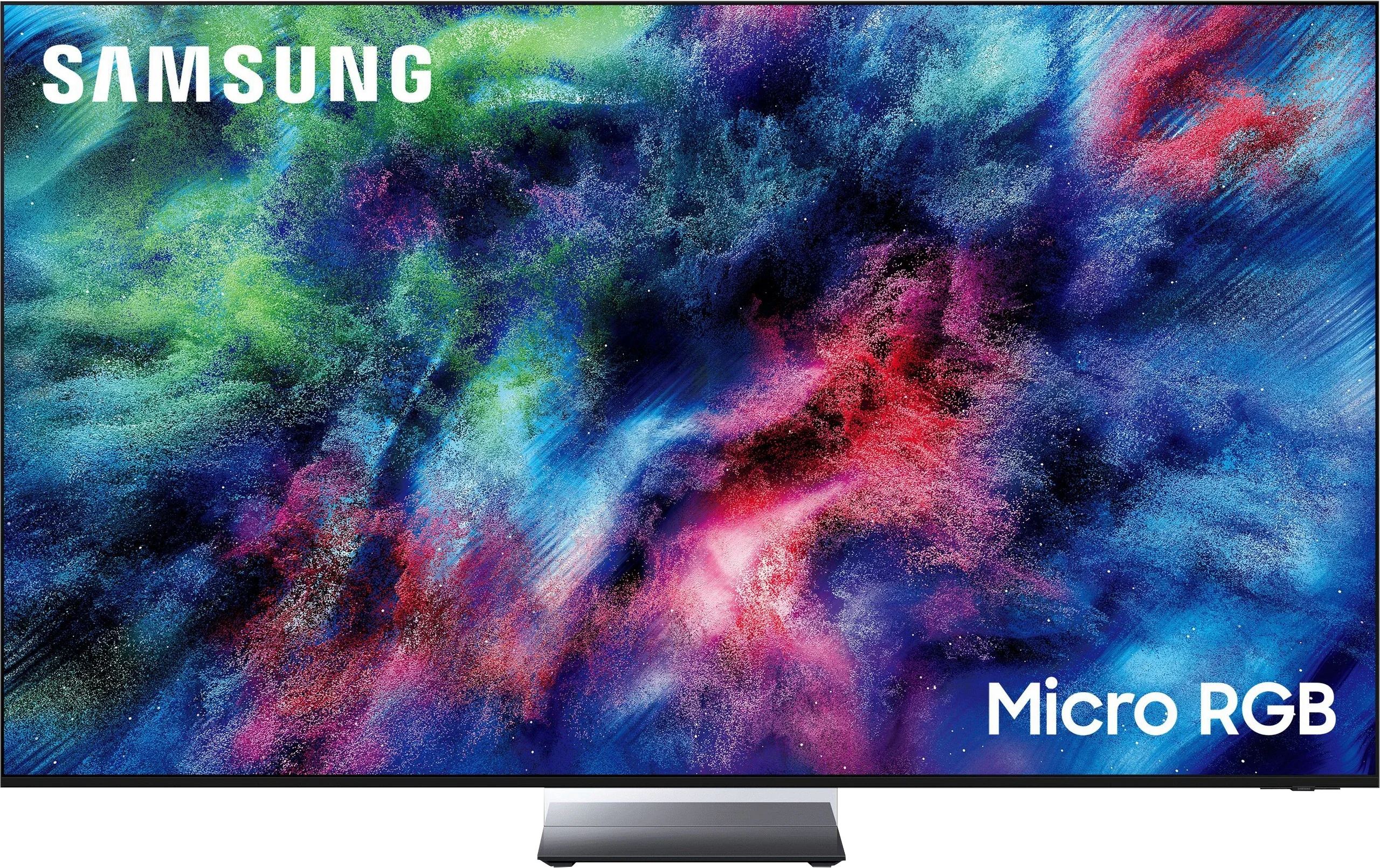
The Samsung R95H is a TV that primarily shows that the classic LCD screen still has a lot to offer. Micro RGB is not just a marketing name here, because in the right scenes it can actually make a difference. When the screen shows strongly saturated, uniform colours, especially reds and greens, the R95H can render them with an intensity that’s hard to find in typical Mini-LED TVs. Add very deep blacks and high HDR brightness, and the picture can look genuinely striking both in the evening and in a bright living room. Importantly, the R95H doesn’t feel like a set built only to perform well on test charts. In everyday use it’s simply very versatile. Movies look dynamic, sports benefits from the high refresh rate, and gamers get pretty much everything you’d expect from a flagship model. On top of that the TV itself is very well built, Tizen is snappy, and the matte finish handles reflections well. It’s hard to find a use case the R95H wouldn’t suit because it’s a very versatile television.

Most questions only arise when you start to look more closely at what Micro RGB actually delivers. In simpler scenes the advantage is indeed clear, but when the image becomes more complex and the backlight has to control many different colours and brightness levels at once, some of that advantage disappears. Then the R95H can come closer to traditional quantum-dot TVs rather than clearly outperforming them. We wouldn’t treat that as a flaw of the model itself, but rather as a limitation of the current generation of RGB panels. Our main reservation is actually its price. The R95H is now one of Samsung’s most expensive TVs, and you always pay a premium for new technology at first. The problem is the manufacturer already has very advanced OLEDs in its range that in many areas can offer a similar or even better picture for less. So the R95H is a good TV, but not necessarily the best value. If you want a flagship LCD and want to see for yourself what three-colour RGB diodes can do, this is a very strong contender. If value for money is the priority, it’s worth taking a close look at the maker’s top OLEDs too, because they are the R95H’s main competition today.

TV appearance

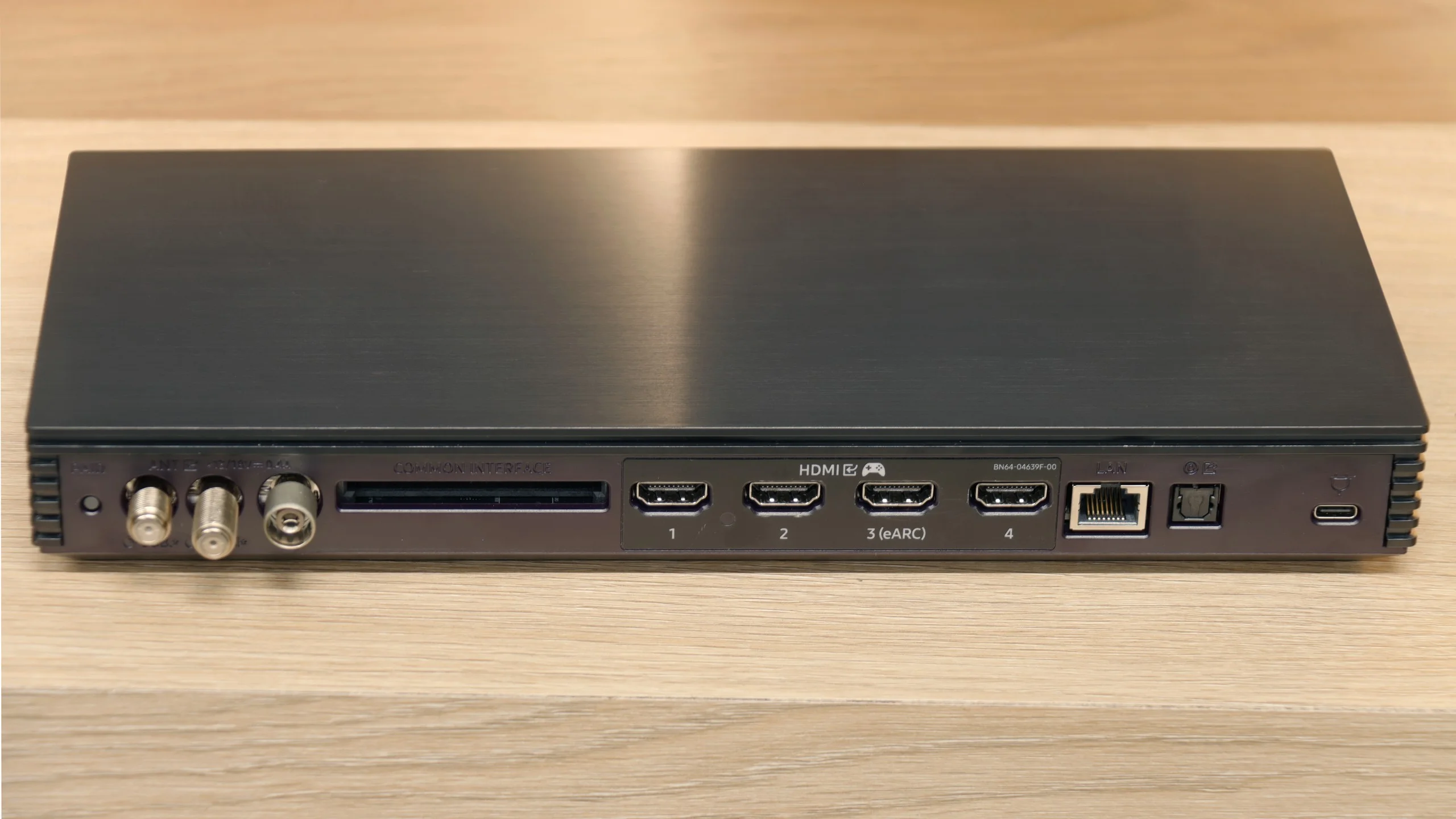
HDMI inputs
0 x HDMI 2.0, 5 x HDMI 2.1 (48Gbps)
0 x HDMI 2.0, 4 x HDMI 2.1 (48Gbps)
Other inputs
Outputs
Toslink (Optical audio), eARC (HDMI), ARC (HDMI)
Network Interfaces
Wi-Fi 2.4GHz, Wi-Fi 5GHz, Ethernet (LAN) 100Mbps
Build quality
Super Premium
Super Premium
Stand type
Central
Central
Bezel color
Silver
Silver
Stand
Fixed
Fixed
Flat design
Yes
Yes
Accessories
Stand, One Connect Box
Stand

Contrast and black detail

7.6/10

8.4/10

Local dimming function: Yes, number of zones: 1344 (28 x 48)

Local dimming function: Yes, number of zones: 1344 (28 x 48)

Contrast:

Review Samsung QN990F Contrast and black detail

Result

:1

Review Samsung QN990F Contrast and black detail

Result

89,250:1

Review Samsung QN990F Contrast and black detail

Result

28,200:1

Review Samsung QN990F Contrast and black detail

Result

12,100:1

Review Samsung QN990F Contrast and black detail

Result

2,050:1

Review Samsung R95H Micro RGB  Contrast and black detail

Result

3,160,000:1

Review Samsung R95H Micro RGB  Contrast and black detail

Result

67,450:1

Review Samsung R95H Micro RGB  Contrast and black detail

Result

44,600:1

Review Samsung R95H Micro RGB  Contrast and black detail

Result

27,300:1

Review Samsung R95H Micro RGB  Contrast and black detail

Result

9,500:1

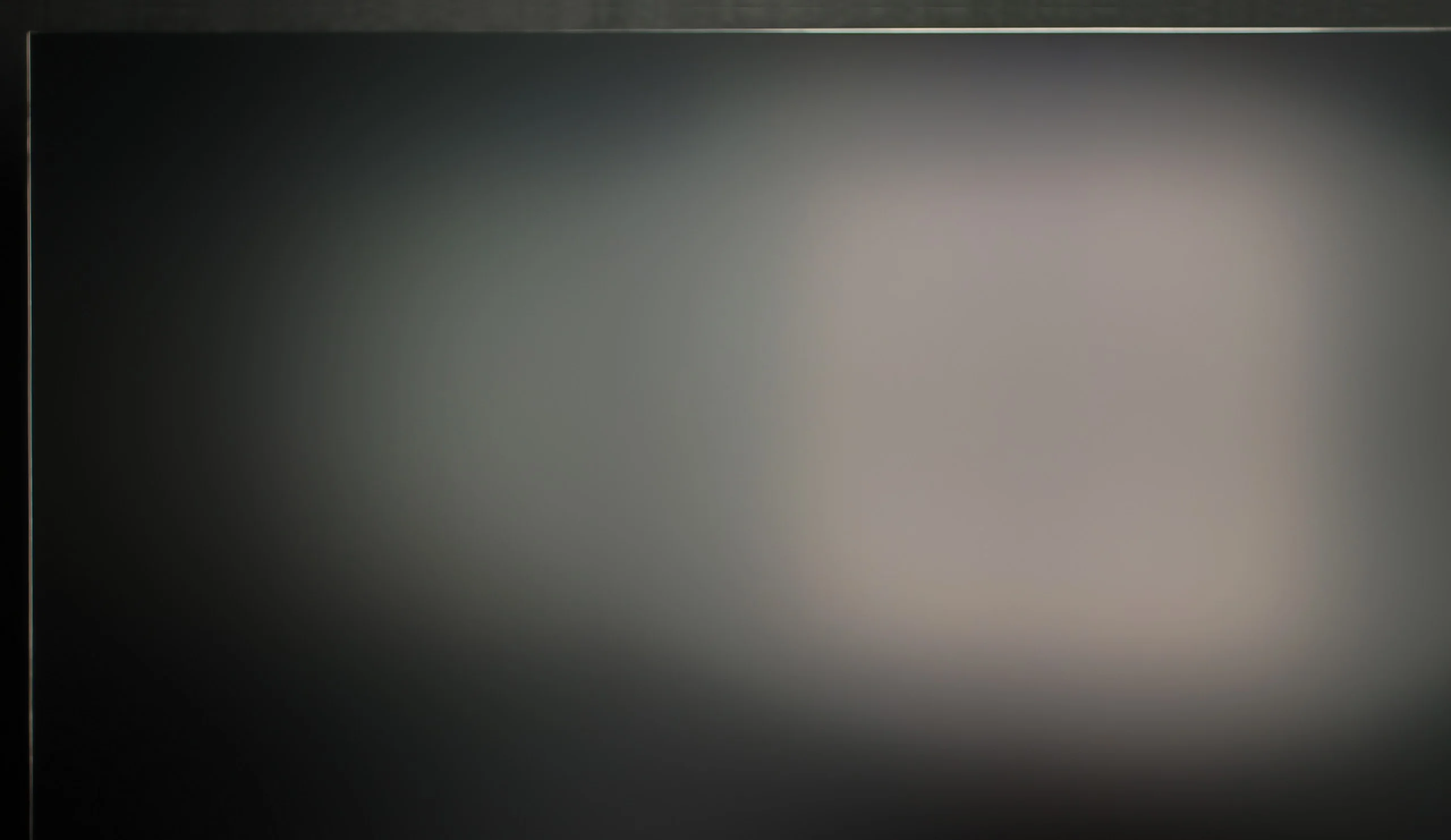
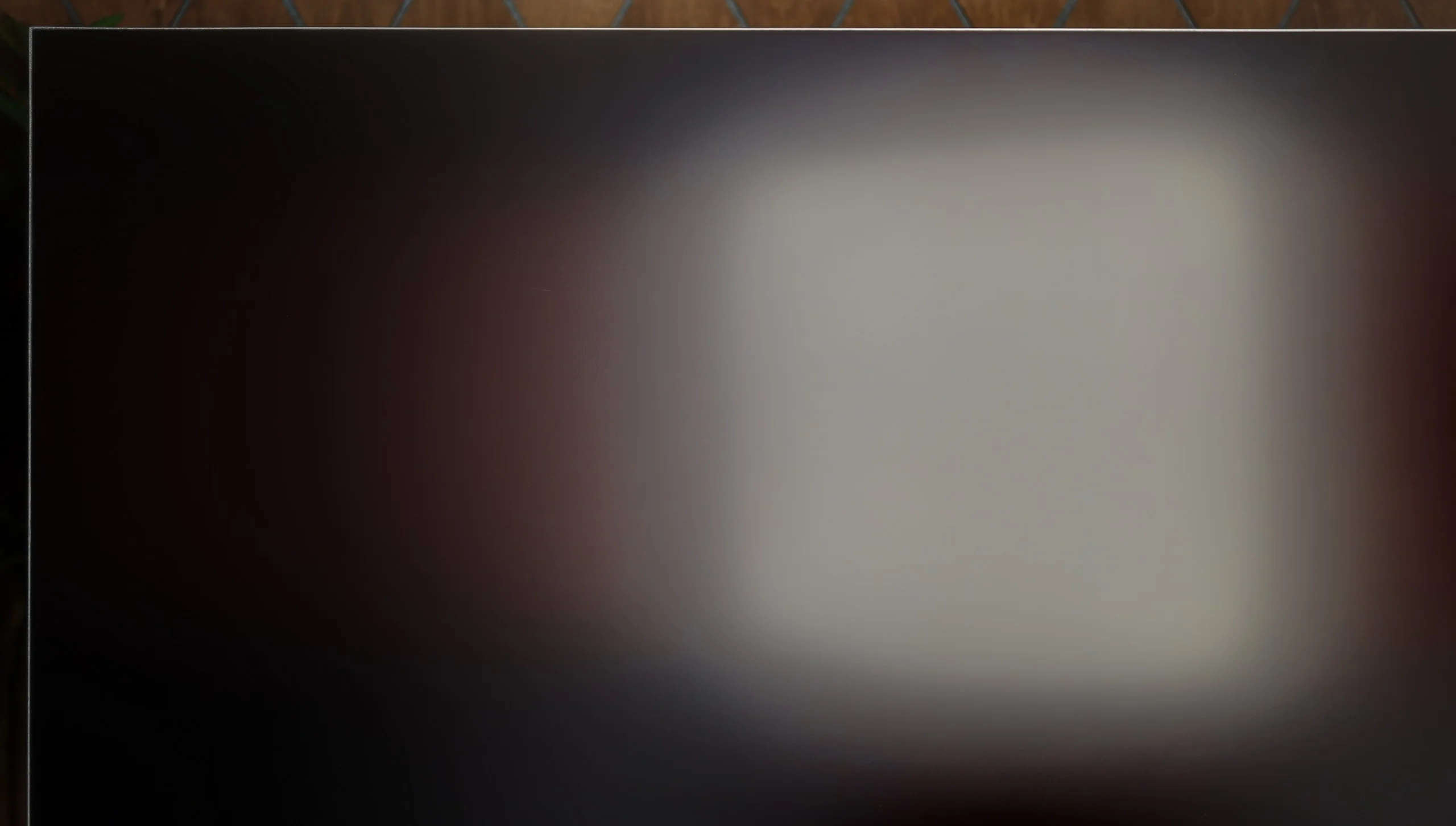
Halo effect and black detail visibility:

Check the visibility of bright lights on a dark background. Mini-LEDs often struggle with this. The photo does not compare black levels – that’s what the video below is for.

The video accurately shows differences in contrast and black levels between TVs, as well as potential issues: halo around bright objects or Mini-LED zone operation visible as brightness jumps.

QN990F is the top representative of the Neo QLED series, so it had to feature Mini-LED technology. The 65-inch unit we tested received a VA panel and as many as 1344 local dimming zones, which looks really impressive on paper. In practice, this can provide a level of contrast that is close to ideal. In less demanding scenes, such as in the film Oblivion, the QN990F performed on par with OLED televisions – the blacks were practically infinite, and the picture looked stunning. However, it wasn't always so rosy. Or perhaps black and white? Like every Mini-LED, the QN990F has its limitations, and in more challenging sequences, it can leave mixed impressions. Where there is a vast amount of fine detail on the screen, the algorithms controlling the zones simply got confused. The contrast dropped, and a noticeable glow appeared around bright elements – the so-called halo effect. Additionally, in films recorded in a 21:9 (2.35:1) format, we noticed that the QN990F was unable to perfectly dim the pitch-black film bars, leaving a silver/blue haze on them. One could say that Samsung in this model prioritized the visibility of details over the perfect depth of black. On one hand, this yields very good results in several scenes, but on the other hand, in a television of this class, we expected the local dimming issue to be refined even further. The end result is simply "okay," and at this price point, we would expect something more than just a satisfactory outcome.

Whether the panel uses classic Mini‑LEDs or the new Micro RGB, their job when it comes to black levels is basically the same: dim the backlight where the image should be dark, while keeping sufficiently high brightness where it’s needed. The R95H also benefits from a high‑contrast VA panel, which on its own delivers much better blacks than IPS/ADS panels. For testing we used the 65‑inch model, in which we counted 1,344 local dimming zones. Larger screen sizes will of course have more zones, but we don’t expect that to fundamentally change how the backlight behaves. The R95H performs best in scenes with only a few bright elements. In those cases the TV can heavily dim the rest of the screen and the blacks look genuinely impressive. In more challenging shots, where more bright objects appear against a dark background, you start to see the usual LCD limitations and the backlight has to work in a more compromised way. Even so, haloing is well controlled, and the TV doesn’t brighten overly large portions of the image just to preserve the brightness of a single element. The R95H can therefore deliver very deep blacks and high contrast, especially in scenes where local dimming has favourable conditions to operate. It’s not the pixel‑perfect blackout you get with OLEDs, but for an LCD TV the results are really very good.

HDR effect quality

6.6/10

6.9/10

Supported formats
HDR10, HDR10+, HLG
HDR10, HDR10+, HLG
Color gamut coverage
DCI P3: 91.1%, Bt.2020: 67.0%
DCI P3: 98.1%, Bt.2020: 93.8%

Luminance measurements in HDR:

Review Samsung QN990F Brightness measurement

Result

802 nit

Review Samsung QN990F Brightness measurement

Result

689 nit

Review Samsung QN990F Brightness measurement

Result

1076 nit

Review Samsung QN990F Brightness measurement

Result

577 nit

Review Samsung QN990F Brightness measurement

Result

735 nit

Review Samsung R95H Micro RGB  Brightness measurement

Result

1423 nit

Review Samsung R95H Micro RGB  Brightness measurement

Result

703 nit

Review Samsung R95H Micro RGB  Brightness measurement

Result

1089 nit

Review Samsung R95H Micro RGB  Brightness measurement

Result

463 nit

Review Samsung R95H Micro RGB  Brightness measurement

Result

1249 nit

Scene from the movie “Pan” (about 2800 nits)

Scene from the movie “Billy Lynn” (about 1100 nits)

The photos show two HDR10 movies. 'Pan' is one of the brightest productions ever made, while 'Billy Lynn' (soldier) has brightness typical of streaming (Netflix, Prime, HBO MAX). Notice the intensity of effects and detail in whites.

Static HDR10

The photos present the visibility of white details in various HDR formats. They do not show brightness differences between TVs (these can be compared in the previous gallery).

Dynamic: HDR10+

Dynamic: HDR10+

The photos present the visibility of white details in various HDR formats. They do not show brightness differences between TVs (these can be compared in the previous gallery).

HDR luminance chart:

Samsung R95H Micro RGB

Samsung QN990F

Samsung QN990F is one of the bright televisions, and this is immediately apparent in tests. In measurements, it achieved around 1300 nits, which in practice allows you to enjoy films as their creators intended. Bright scenes have the right strength, lights shine, and the impression is truly cinematic. In standard test patterns, sequences number 1, 3, and 5 performed the best – there, brightness remained around 800-1000 nits, and the image looked very natural. In more difficult segments, it could dip to around 600 nits, but the level was still sufficient for details to be clearly visible. However, it should be added that with such highly contrasted shots, the halo effect returns – the same one we mentioned regarding blacks. Bright elements can leave a glow on dark backgrounds, and this is immediately noticeable. As we are dealing with a QLED, the colour palette is expanded, and the colours present themselves impressively. The problem is that with such a flagship model, we expected better numbers. 91% coverage of DCI-P3 and about 67% BT.2020 are results that can be considered solid but not outstanding. This gives an image that is vibrant and appealing; however, the competition in this and lower price ranges can show even more.

In terms of brightness the Samsung R95H shows it’s still a top-tier TV, although the results aren’t always as spectacular as you might expect from a flagship Micro RGB model. In synthetic tests the TV can exceed 2400 nits, so it certainly has plenty of power. Crucially, it can maintain high brightness even when bright elements occupy a larger part of the screen. In real movie scenes the situation is a bit more complex. The R95H typically reaches around 1000 to 1400 nits, which still delivers a very good, punchy HDR effect. Bright sun, specular highlights and lights can look really impressive, and the TV has enough power for HDR to stand out clearly from ordinary SDR.

The problem mainly appears in very dark scenes with single, small light sources. Here the local dimming algorithm prioritises deep blacks and reducing halo over the maximum brightness of such elements. As a result, small lights can be noticeably dimmed. Overall, HDR performs well, but not without limitations. The R95H has huge brightness headroom, especially in larger, brighter parts of the image, but in difficult, dark scenes its capabilities are mainly limited by the way local dimming works.

Colours

Colours were meant to be the biggest revolution from the RGB backlight and indeed the R95H shows considerable potential here. The assessment isn’t as simple as synthetic measurements might suggest. On test patterns the TV performs brilliantly – BT.2020 coverage reaches nearly 94% and DCI-P3 98%, so particularly strongly saturated reds and greens can look really impressive. The picture changes a little when, instead of test patterns, we start measuring real movie scenes. Then BT.2020 coverage drops to about 87% and DCI-P3 to 93%. It seems that with more complex imagery the RGB zones are not always able to maintain the same high colour saturation as on simple patterns. They are still saturated, but the advantage of the new backlight isn’t as large as the manufacturer’s figures might suggest.

Factory color reproduction

7/10

4.3/10

This gallery shows how colors change after professional TV calibration. If you notice the difference, we recommend ordering this service at SkalibrujTV.com.

Factory Mode

After calibration

This gallery shows how colors change after professional TV calibration. If you notice the difference, we recommend ordering this service at SkalibrujTV.com.

Factory Mode

After calibration

We tested the QN990F in Filmmaker mode, which is the best out-of-the-box setting available. Right from the start, we noticed a few significant issues. The biggest problem was with white balance. Due to too little blue, as well as incorrect ratios between red and blue, the image—especially in scenes with a lot of white—appeared too yellow, and at times even orange. On the Color Checker palette, these errors didn't look dramatic as they hovered around a value of 4, but in everyday viewing, especially with strong whites, they were most noticeable. We also noticed problems with brightness management—the TV struggled to maintain details in the smallest parts of the image, mainly due to how it manages backlight zones. Fortunately, Samsung provides plenty of room for adjustment when it comes to setting corrections. We know that with proper calibration, much more can be extracted from this screen.

To assess factory colour reproduction we chose Filmmaker mode, the setting that should, in theory, be closest to how the creators prepared the image. Unfortunately the R95H does not fully exploit its panel’s capabilities. The biggest issue in SDR is the gamma. The image is noticeably brightened across almost the entire range, which robs it of some depth and makes it look flatter than it should. The white balance is not ideal either — as brightness increases there is a bias toward red and a lack of blue, making the image too warm. You can see this especially on bright elements and skin tones, which can look more reddish than they should. It’s similar in HDR. The EOTF curve sits above the reference value for a large part of the range, so the R95H again brightens the image compared with how it should appear. Combined with an inaccurate white balance, this means colours here are not as precise as we would expect from a TV of this class. The factory Filmmaker setting is therefore not the R95H’s strongest suit. At first glance the picture may look impressive because it is bright and strongly saturated, but in terms of fidelity to the source material there is still plenty of room for improvement.

Color reproduction after calibration

8.5/10

8.8/10

The photos show how movies look on the TV. Pay attention to black detail visibility, colors, and shadow tint.

The photos show how movies look on the TV. Pay attention to black detail visibility, colors, and shadow tint.

After carrying out the calibration, we managed to bring the white balance into order and eliminate the earlier shortcomings in shades of blue. As a result, the picture no longer looked like it had a slight yellowish filter – the whites are cleaner, and the whole thing presents itself much more naturally. We also managed to tame the brightness characteristic in HDR content to some extent. The television now handles maintaining detail in blacks much better and does not lose them as much as before. However, when we look at the EOTF curve and how the QN990F reproduces brightness in films, it is evident that it still tends to accentuate details in dark areas more strongly. This is a characteristic feature of Mini-LED technology and, more specifically, how it is managed by the QN990F, which is practically impossible to eliminate completely. Despite this, after calibration, the picture looks significantly more natural, mainly due to the correct exposure of white light. The final effect is definitely more pleasant to the eye and closer to what we expect from a flagship television.

The R95H responds very well to calibration. In SDR we were able to set the white balance and gamma almost perfectly, and colour errors dropped to a very low level. The difference compared with the factory settings is therefore substantial, and after calibration the picture looks noticeably more natural. In HDR we can also make significant improvements, especially in terms of white balance and overall colour accuracy. The situation is a bit different when it comes to managing brightness and colour saturation. At a certain point we hit limits caused by the way the RGB backlight and local dimming operate. Individual zones have to control both the brightness and the colour of the light at the same time, so in more demanding scenes you can’t always achieve exactly the same saturation and brightness that the TV shows on simple test patterns. Calibration simply can’t entirely overcome that. Even so, after calibration the R95H delivers accurate image reproduction, and most of the errors we saw with the factory settings can be effectively eliminated.

Smoothness of tonal transitions

9.2/10

8.8/10

These are selected scenes that show smooth tonal transitions from one color to another. If you see distinct banding, it’s the TV panel’s fault.

These are selected scenes that show smooth tonal transitions from one color to another. If you see distinct banding, it’s the TV panel’s fault.

These are selected scenes that show smooth tonal transitions from one color to another. If you see distinct banding, it’s the TV panel’s fault.

These are selected scenes that show smooth tonal transitions from one color to another. If you see distinct banding, it’s the TV panel’s fault.

In terms of tonal transition fluidity, the QN990F shows class. It is one of the best results we have seen so far. In most scenes, there is no question of visible colour banding or typical stair-stepping – the transitions are smooth and natural, and the image gives an impression of being incredibly coherent. Of course, as with practically every television, some issues with gradation can be observed in very dark shots. Banding can be noticeable there, but this is a typical phenomenon and should not affect the evaluation of the QN990F itself. Compared to the competition, it looks really very good, and the experience of viewing is simply excellent, and you can be sure that nothing will distract us from our sight.

R95H also handles tone gradation well. In the bright parts of the image the transitions between individual shades are smooth, although on closer inspection you can notice faint traces of posterization. So it's not perfect, but during normal viewing it's unlikely to draw attention. The same applies to darker scenes. The TV maintains smooth transitions and has no major problems with visible banding or colour stepping. From time to time you can spot minor imperfections, but overall the R95H deals with this aspect very solidly.

Image scaling and smoothness of tonal transitions

6.9/10

7.5/10

Image without overscan on the SD signal
No
No
Smooth transition function
OK
OK

Smooth transition function

The match photo shows how the TV smooths weak tonal transitions in low-quality video.

Image scaling SD (576i)

The model photo shows how it handles upscaling of SD material.

The QN990F deserves the highest praise for its upscaling capabilities. The processor responsible for 'lifting' classic TV to 8K resolution does a really decent job. Watching footage in 576p, we had no illusions that we would suddenly see a miraculous transformation like in an advertisement, where the image magically turns into crystal-clear 8K. Nevertheless, the final effect was surprisingly good; the picture looked clean and sharp. It's just a shame that the TV, like most Samsung models, has an overscan issue, which slightly cuts off the edges of the screen from the left side.

When it comes to image processing, Samsung offers a feature called "noise reduction," which in theory should improve tonal transitions in older materials, where they are usually more noticeable. Unfortunately, here we felt quite disappointed. The feature performs poorly – it struggles with unwanted banding and can even introduce its own artifacts. On the plus side, it’s worth noting that the TV doesn’t remove film grain when using this feature, but in practice, that’s a poor consolation when the noise reduction itself turns out to be practically useless.

The Samsung R95H uses the new Micro RGB AI Processor, but in practice we didn’t notice a big leap compared with the NQ4 AI Gen2 or Gen3 chips found in the manufacturer’s other TVs. Upscaling itself still performs very well. The image is properly smoothed while retaining plenty of sharpness and not looking overly soft. That’s definitely one of Samsung’s strong points. It’s a pity that with very low-resolution material you still can’t completely disable overscan.

The processor also handles banding well and can effectively smooth unwanted posterisation. The noise reduction feature works really effectively, but you need to use it with restraint. At higher settings it can start to interfere quite heavily with the picture and even remove natural film grain. So it’s best to use it only when the source is genuinely heavily compressed.

Blur and motion smoothness

7.9/10

7.8/10

Maximum refresh rate of the panel
240Hz
165Hz
Film motion smoothing option
OK
OK
Blur reduction option
OK
OK
BFI function 60Hz
Yes, 60Hz (image flickers)
BFI function 120Hz
Yes, 240Hz (double contours)
No
Brightness drop with BFI
76%
75%

Blur (native resolution, maximum refresh rate):

Blur (BFI function enabled):

Image flickers in this mode

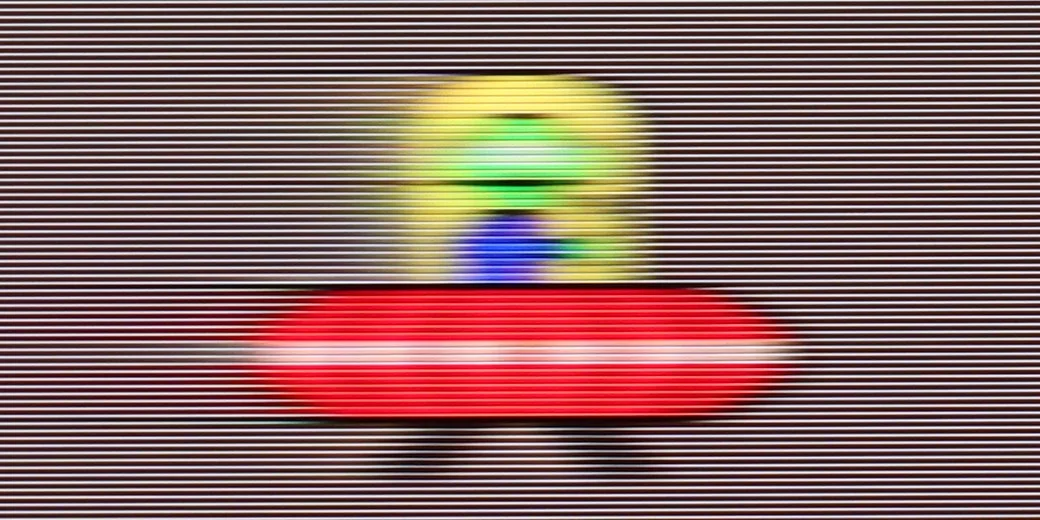
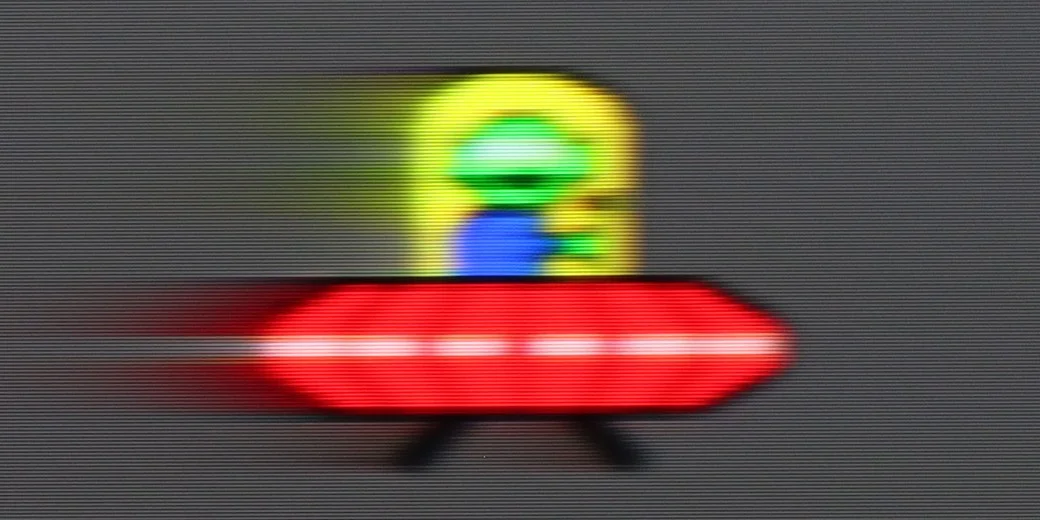
Blur (4K@240Hz):

Blur (4K@165Hz):

QN990F can easily be called one of the fastest TVs in the world. In 4K mode, it can display images at a frequency of up to 240 Hz, which until now was more associated with gaming monitors than with living room TVs. However, in everyday viewing, what's more important is how it handles an 8K signal at 120 Hz – and it performs very well here too. Motion remains smooth, and the TV handles even the most demanding content without breaking a sweat. Additionally, there's the motion smoother, or "Image Clarity." Thanks to this, you can adjust the picture to your preferences – leave it slightly cinematic with a bit of judder or switch to maximum smoothness, which works brilliantly for things like sports broadcasts.

Samsung R95H has a 165Hz panel, so its motion handling is genuinely excellent. At 120Hz, for example when gaming on a console or watching sport, motion blur is minimal, and when you connect a PC you can use the full 165Hz and further improve motion clarity. Bear in mind it's still a VA panel, so it doesn't respond as instantly as OLED. Sometimes you might notice slight ghosting behind a moving object, but from a normal viewing distance it shouldn't be bothersome. For movies and TV shows you can also use the adjustable motion smoothing. You can keep the more cinematic 24 fps look or gradually smooth motion if you prefer a more fluid image. Samsung gives plenty of freedom here, so it's easy to find a setting that suits your preferences.

Console compatibility and gaming features

9.6/10

9.6/10

  • ALLM
    Yes
    Yes
  • VRR
    Yes
    Yes
  • VRR range
    48 - 240Hz
    48 - 240Hz
  • Dolby Vision Game Mode
    No
    No
  • Correct implementation of HGIG
    Yes
    Yes
  • 1080p@120Hz
    Yes
    Yes
  • 1440p@120Hz
    Yes
    Yes
  • 4K@120Hz
    Yes
    Yes
  • Game bar
    Yes
    Yes

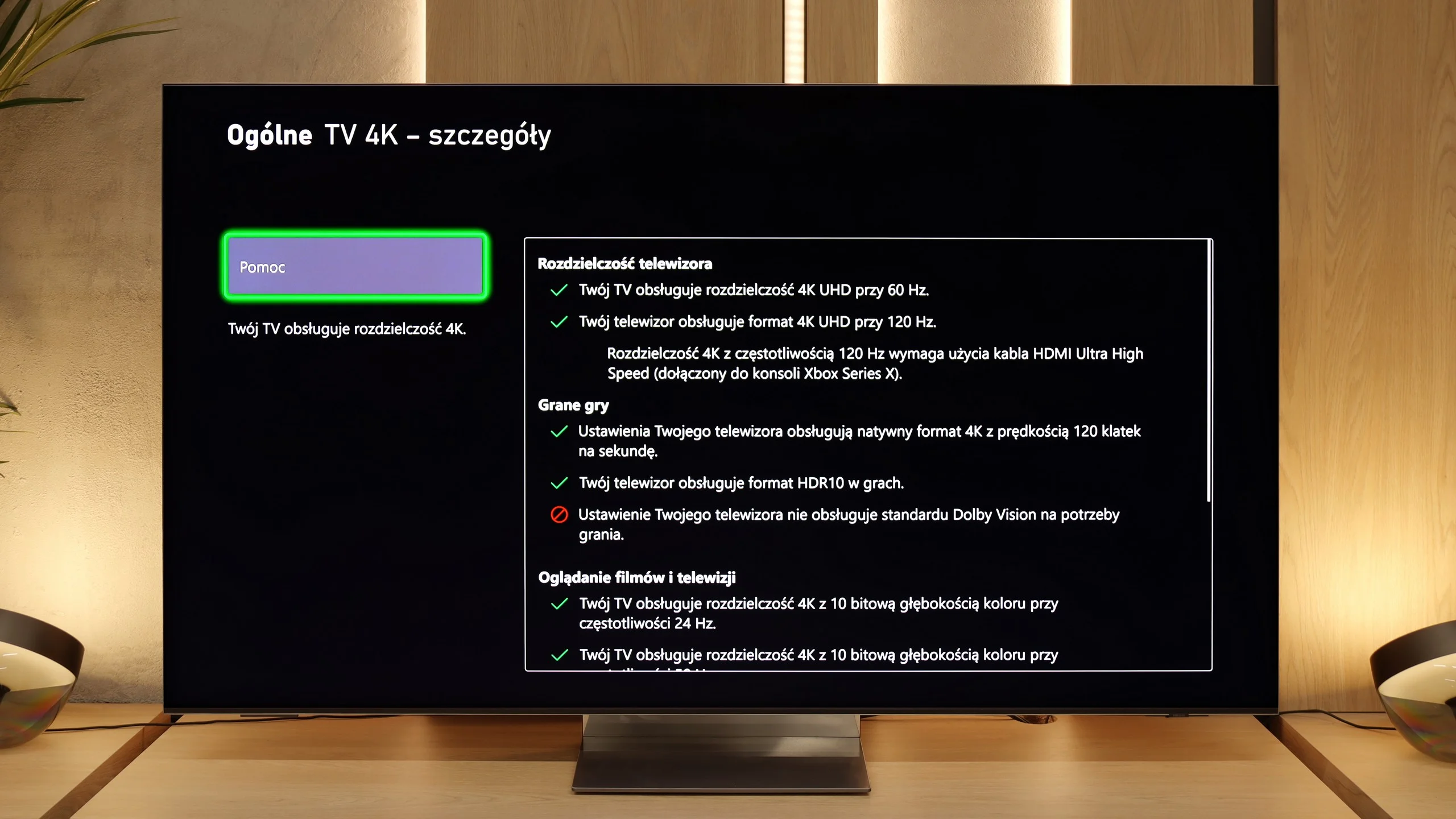
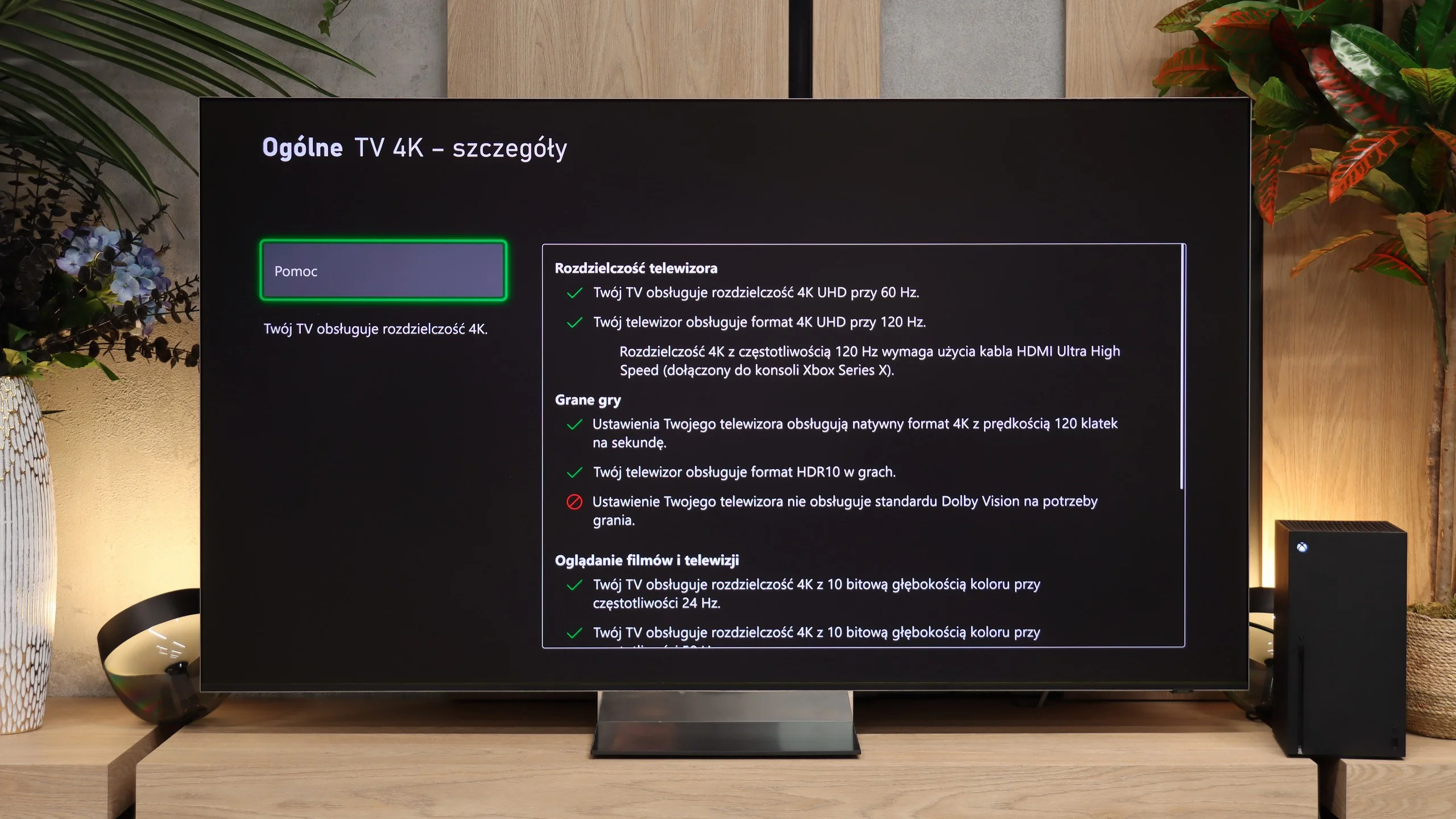
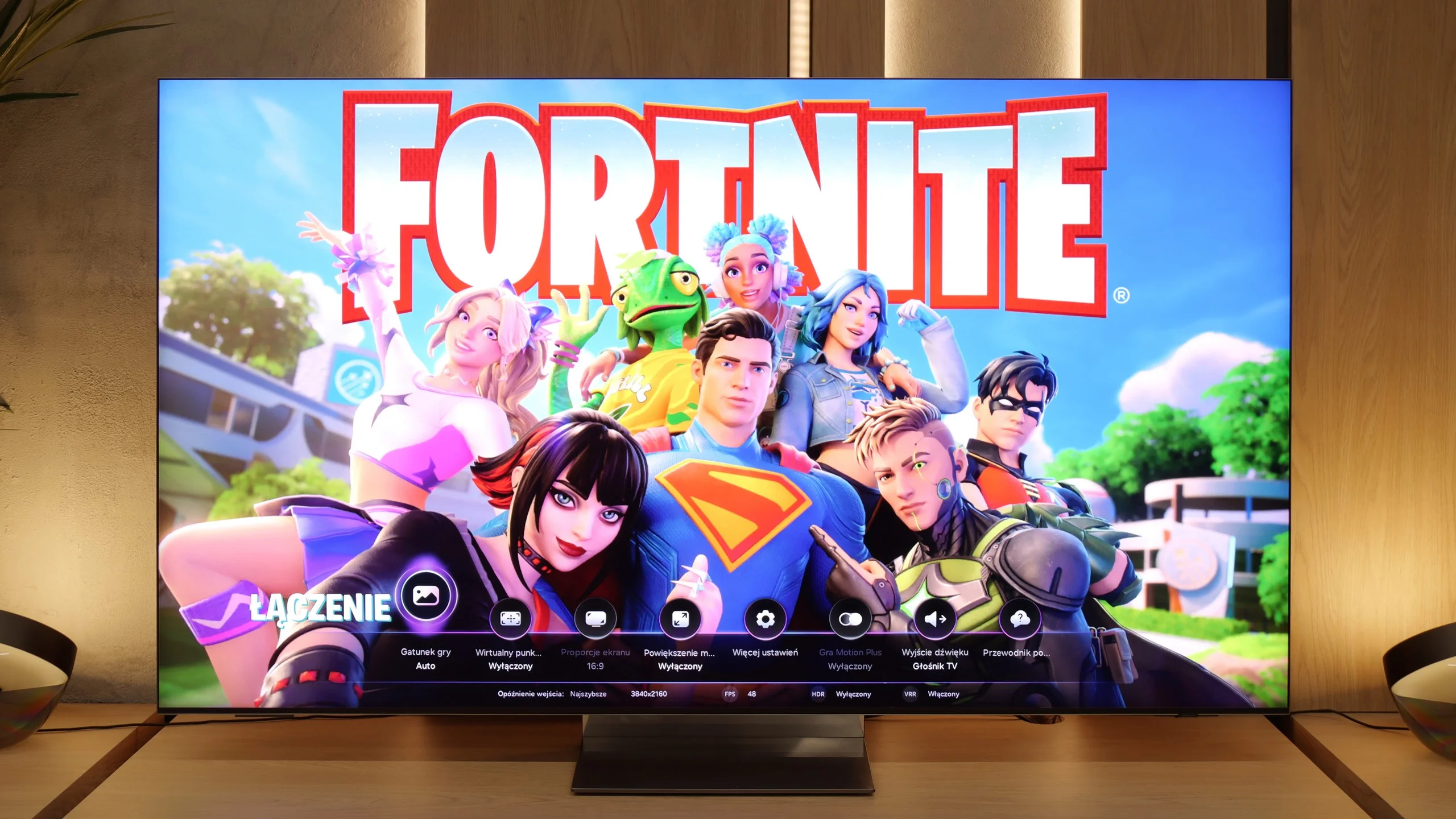
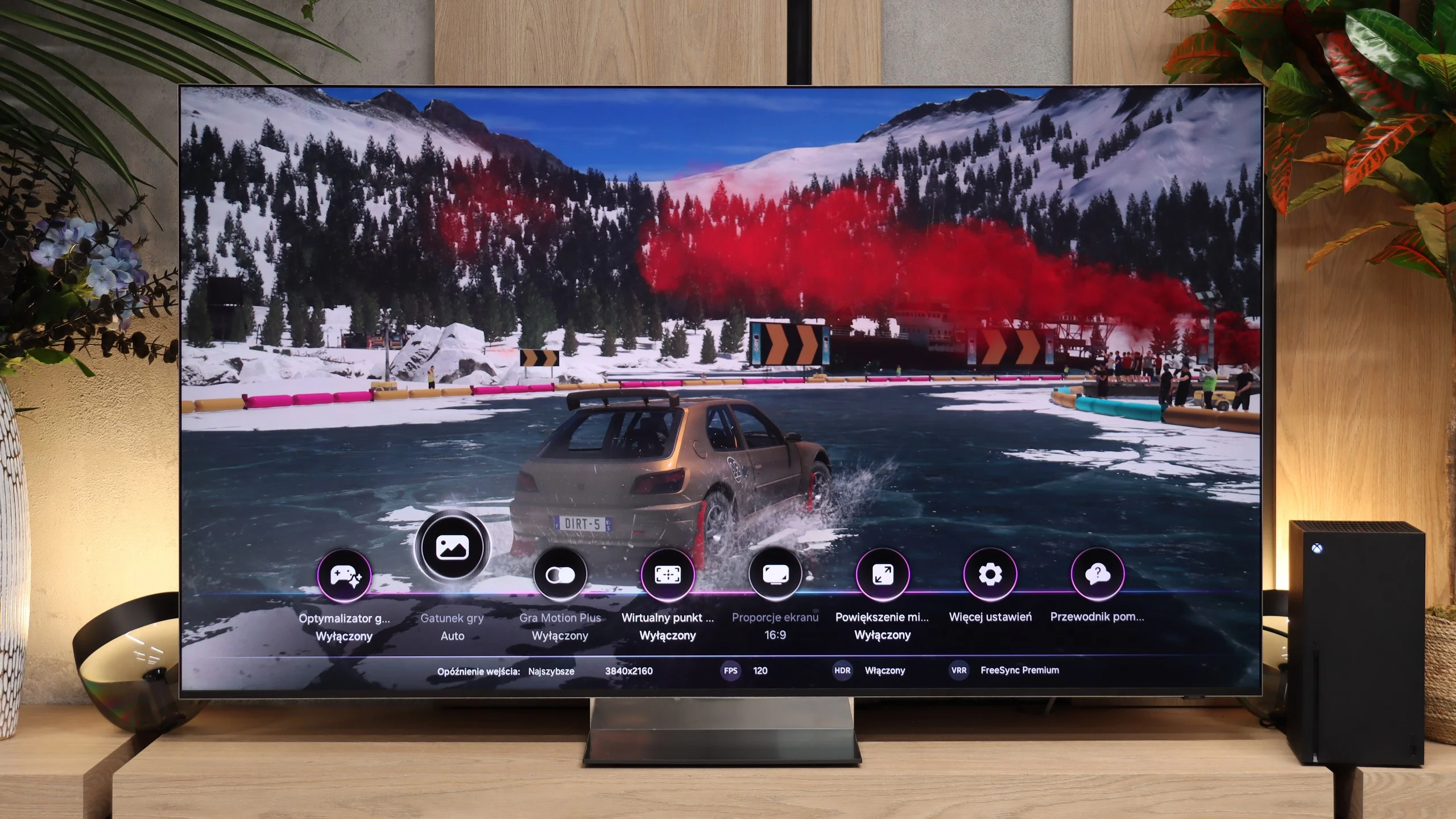
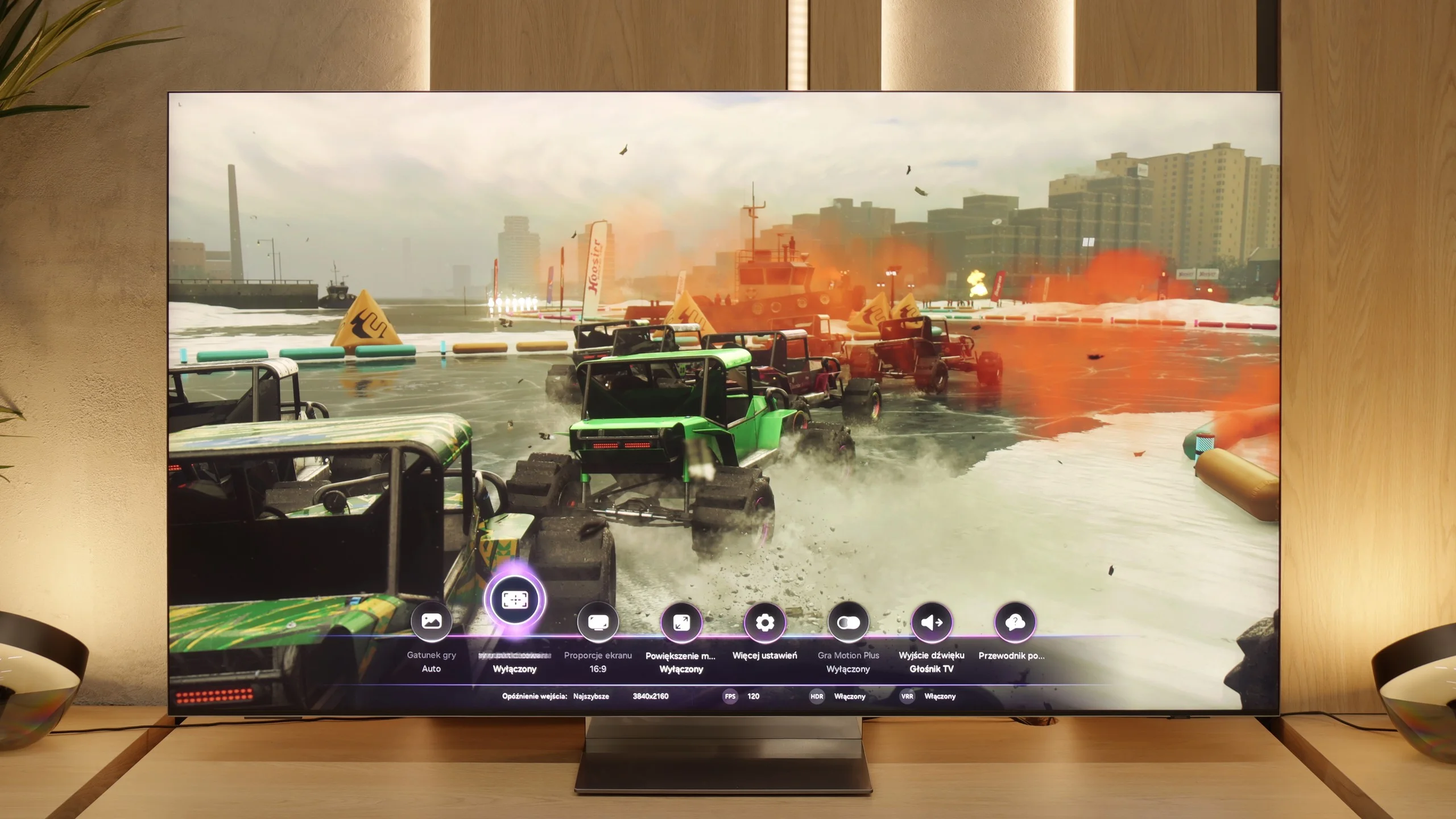
It has to be said straightforwardly – the QN990F is one of those televisions that scream they were designed with gamers in mind. Samsung has been developing its gaming solutions for years, but here we have a true package. Sure, it lacks Dolby Vision support in games, which is a downside that will always come up in discussions. However, aside from that, the list of features is truly impressive. To start, we have the Game Bar – a handy menu that allows you to quickly check and change game-related settings. You can see things like VRR enabled, frame rate, or aspect ratio settings there. It's like a little “dashboard” so you don’t have to dig deep into the menu to fix something. Since the word VRR was mentioned: yes, variable refresh rate is present here and works flawlessly. Plus, there's ALLM, which automatically switches the television to game mode as soon as the console is turned on. These may seem like small details, but together they make using the QN990F simply convenient and hassle-free.

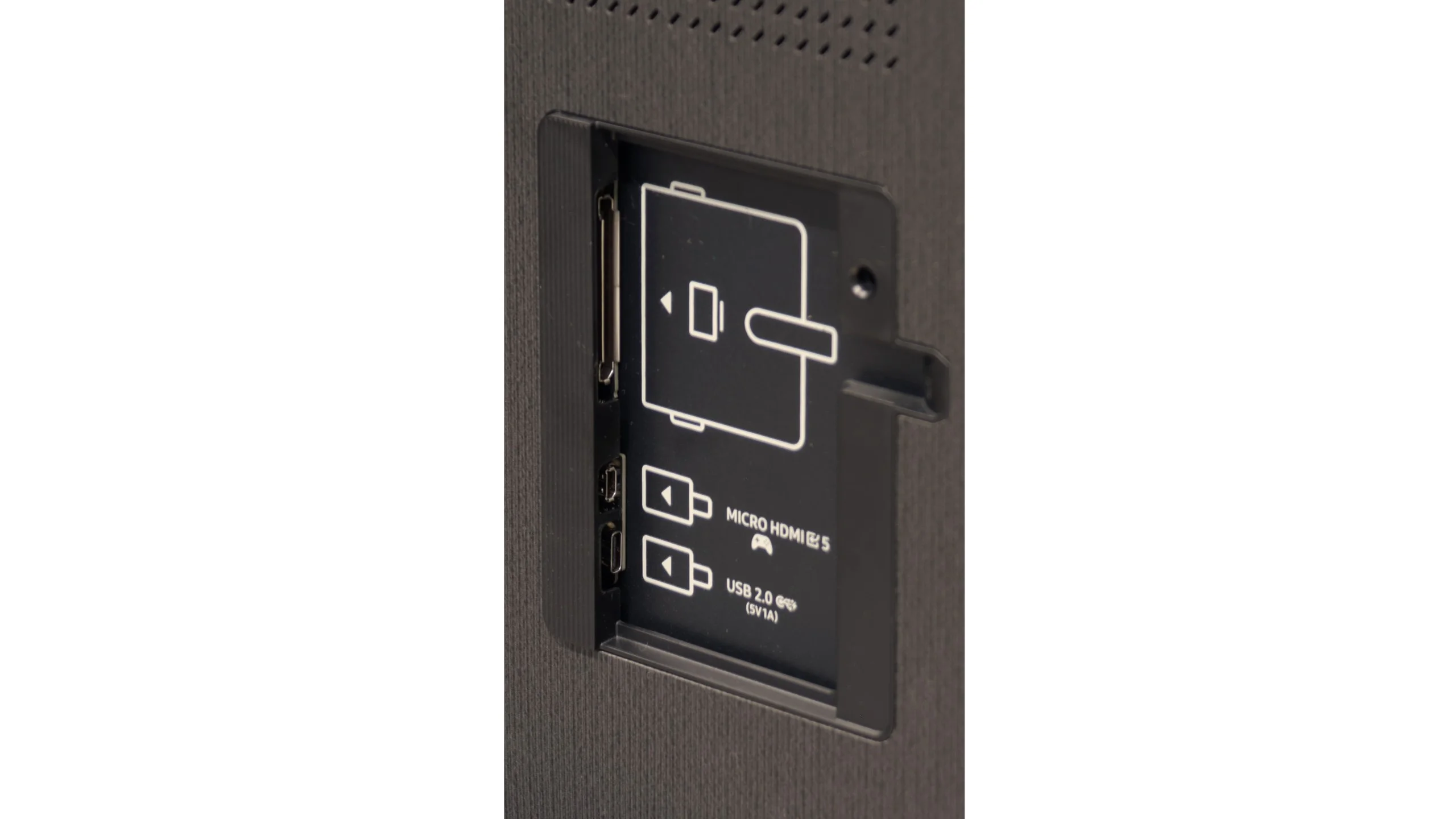
However, the greatest impression comes from the number of ports. Four wireless HDMI 2.1 ports as standard is already great news, as there's no need to choose whether to connect the console, the receiver, or maybe even the PC. There's comfortably enough room for everything here. And if we add another micro HDMI (which we recommend connecting directly to the console), hidden within the casing, then in practice we have five inputs in full 2.1 standard. Let’s also add support for high refresh rates – 120 Hz in 8K or even 240 Hz in 4K – and we get a television that not only keeps up with the new consoles but also feels ready for consoles that aren’t even out yet.

In terms of gaming the Samsung R95H is almost a complete TV. When you connect a PS5 or Xbox Series X you can use 4K at 120 Hz, VRR and ALLM, and the TV also works correctly with HGiG. The only major omission is Dolby Vision Gaming, which Samsung, like on its other sets, simply doesn't support. There's also the Game Bar, already known from other Samsung models, which lets you quickly check the frame rate, VRR status or HDR format and change key settings without leaving the game. You can also brighten darker parts of the picture or change the screen aspect ratio.

Samsung also offers Game Motion Plus, a motion-smoothing feature designed specifically for gaming. It makes most sense in titles running at 30 fps, where it can noticeably improve smoothness and make camera movement feel much nicer. You should just remember this comes at the cost of higher input lag (about 60 ms), so it's not the best choice for online or fast-paced games. It's also worth mentioning the Gaming Hub, which lets you run some games directly from the cloud without connecting a console. In terms of gaming features it's hard to find any major omissions on the R95H.

Input lag

9.9/10

9.7/10

SDR

1080p60
15 ms
20 ms
1080p120
9 ms
10 ms
2160p60
13 ms
20 ms
2160p120
10 ms
10 ms

HDR

2160p60
13 ms
20 ms
2160p120
10 ms
10 ms
4320p60
17 ms

Dolby Vision

2160p60 DV
2160p120 DV

If we look at the table with input lag results, the QN990F performs phenomenally – in the range of 10–15 ms, which is practically on par with gaming monitors. But there are a few "buts". First of all, the measurements taken using an additional micro HDMI, which Samsung cleverly hid in the TV's casing, show its full capabilities. At that point, the image reacts instantly and gaming is pure pleasure. The problem starts when we connect the console to the wireless One Connect module. Here, input lag spikes – the measuring device showed values higher by even 20 ms for the first 1–2 seconds, before the delays stabilised at around 40 ms. That's a level which is noticeable in faster games. Interestingly, the module was sitting nearby, at a distance of 2–3 metres, so the signal did not have any difficult conditions. It's not hard to imagine that if we hide it, for example, behind a couch at a distance of 6–10 metres, input lag could exceed even 100-150 ms. And those are values that are completely unacceptable for gaming.

Input lag measurements for Wireless One Connect from a distance of 2-3m are as follows:

SDR

Input lag

HDR

Input lag

1080p60

39 ms

1080p120

25 ms

2160p60

39 ms

2160p60

39 ms

2160p120

26 ms

2160p120

26 ms

4320p60

43 ms

4320p60

43 ms

Input lag on the R95H is low, though it doesn't reach the level of Samsung's best OLEDs. At 120 Hz it's about 10 ms, and at 60 Hz about 20 ms. On paper the difference looks quite large, but during normal gaming it's really hard to notice. The TV responds quickly and doesn't feel delayed at all.

Compatibility with PC

7.9/10

8.4/10

Chroma 444 (max. resolution and refresh rate)
Yes
Yes
Font clarity
Average
Good
Readability of dark text and shapes
Average
Good
Input lag in PC mode (4K, max. refresh rate)
10ms
10ms
Matrix subpixel arrangement
BGR
RGB
Max refresh rate
240Hz
165Hz
G-Sync
Yes
Yes

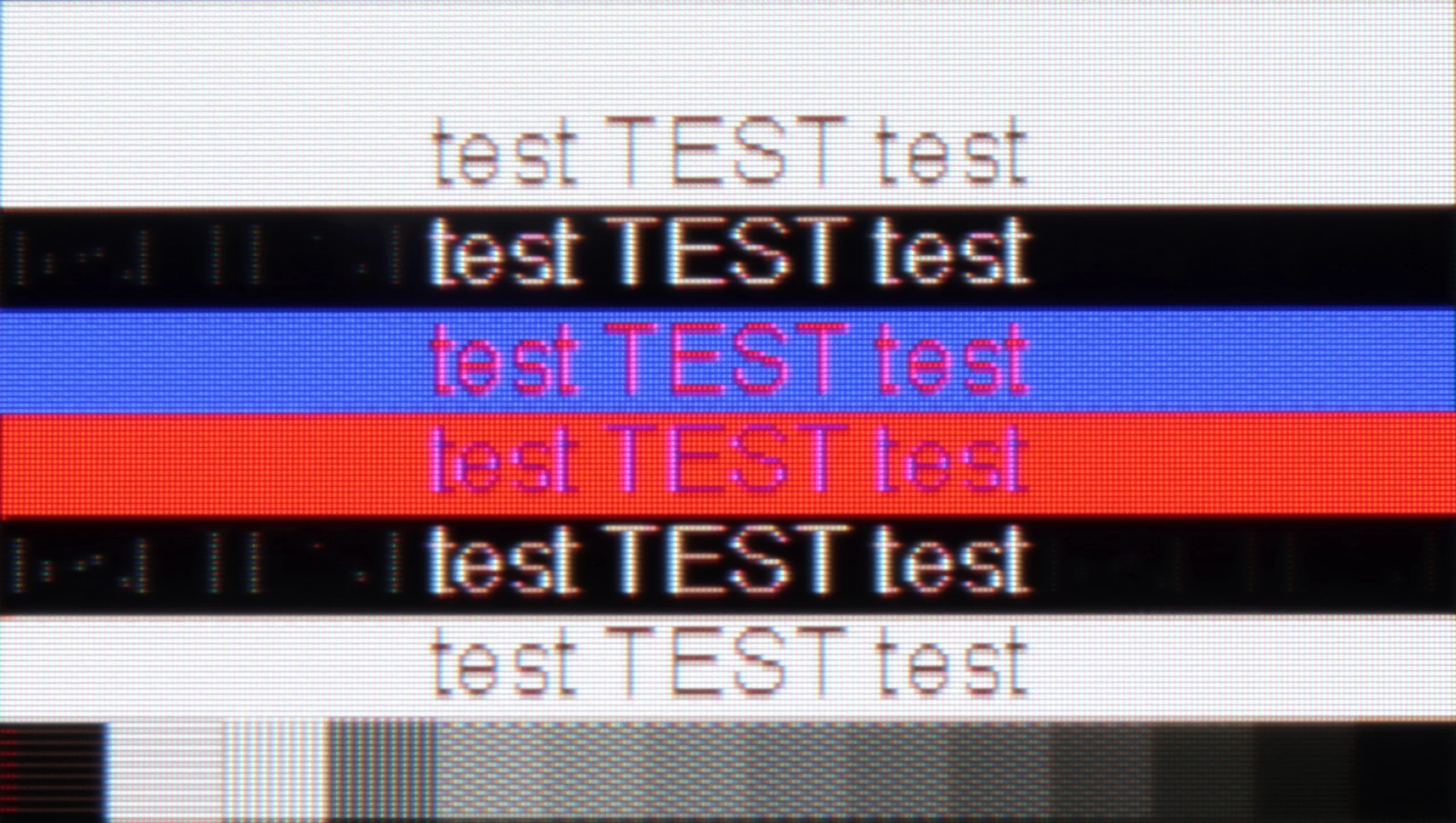
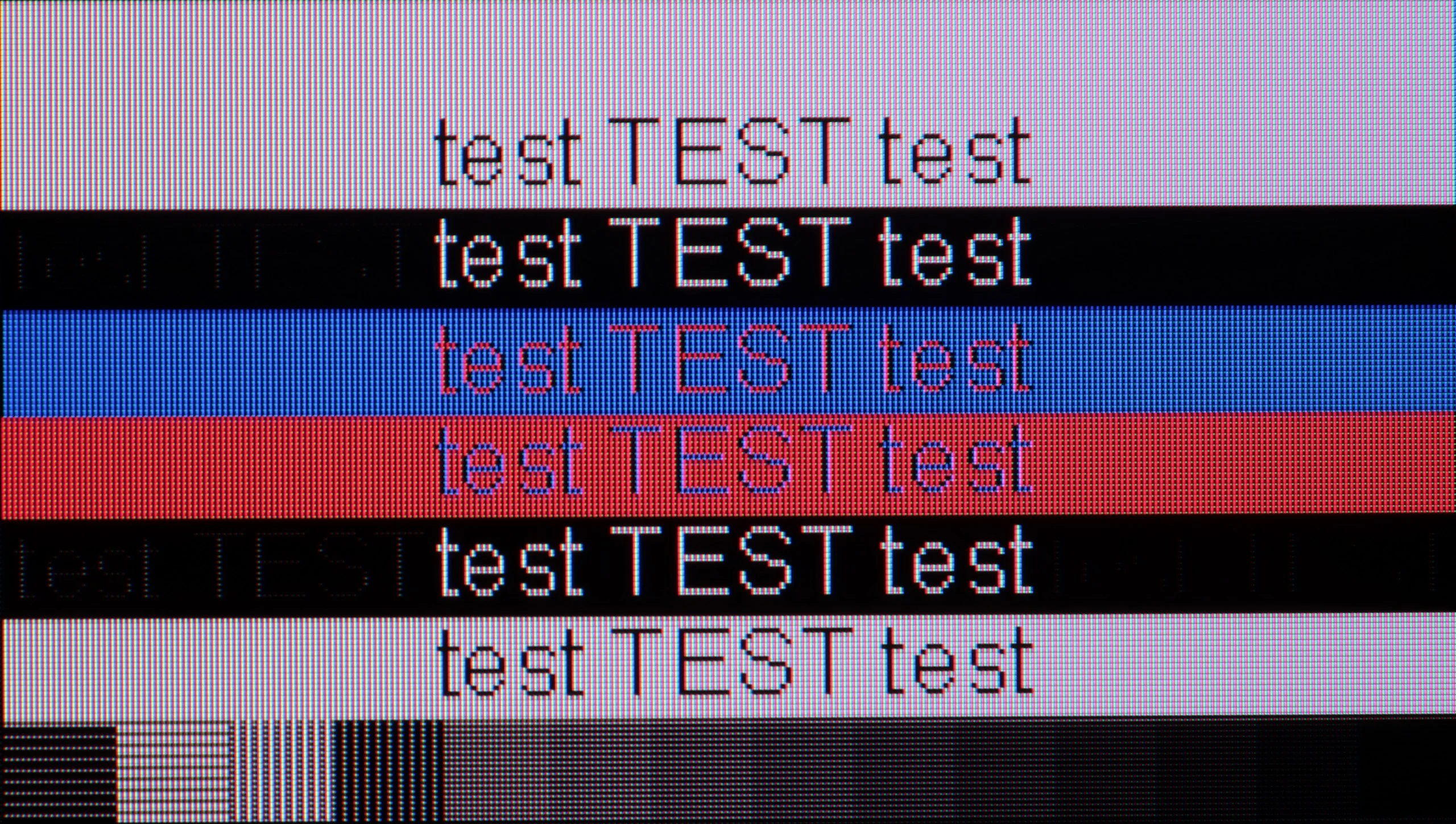
The photo shows the legibility of small fonts. Ideally, lines should be the same thickness on both light and dark text, with minimal pixel gaps.

QN990F can impress when we connect a computer for gaming. The panel with a refresh rate of up to 240 Hz, support for G-Sync, and a really decent input lag make the TV function like a gigantic gaming monitor. For gaming, this setup is a dream come true, and the responsiveness here is at a level rarely seen in regular TVs.

Unfortunately, the situation is much worse for regular PC work. It’s a shame because the 8K resolution theoretically has huge potential - you can put even a 65-inch screen on your desk and sit close to the screen, taking advantage of the high pixel density. However, in practice, the magic fades. Despite proper implementation of chroma 4:4:4, which should guarantee sharp fonts, the readability on the QN990F is not perfect. The letters have slight edge issues, and prolonged work with text is simply not comfortable. It’s a shame, as gamers truly have a lot of room to play here, and the capabilities in games are excellent. However, this TV is not really suitable for everyday office work.

The R95H is also suitable for PC gaming. In 4K you can use the full 165 Hz, and dropping to Full HD raises the refresh rate up to 240 Hz. That's definitely a plus, especially for online multiplayer games, where a powerful PC can easily hit those numbers. The TV also supports G-Sync and FreeSync, so it will work seamlessly with both NVIDIA and AMD graphics cards. The only thing to nitpick here is font legibility. The R95H correctly handles chroma 4:4:4, but at very close distances you can notice the horizontal strokes of letters are slightly darker than the vertical ones. However, it's not noticeable during normal use. Besides, the R95H isn't available in sizes that would make you want to put it on a desk and use it like a regular monitor.

Viewing angles

6.5/10

5/10

Brightness drop at an angle of 45 degrees
57%
67%

Samsung has applied a viewing angle enhancing coating in the QN990F and it actually works. We feel that this year it performs a bit worse than last year's models, but the effect is still impressive. For a VA panel, the viewing angles are really very good – to the point that they can be compared to what IPS panel TVs offer. This means that even when viewing from the side, we do not lose clarity or colour.

Viewing angles on the R95H are quite decent, especially given that the TV uses a VA panel. The RGB backlight helps here, allowing colours to retain their saturation better even when viewing the screen from the side. It's not yet on par with the best RGB-backlit displays on the market, and certainly not with OLEDs, but the difference compared with typical Mini-LED TVs with a similar VA panel is noticeable. Colours at wider angles don't wash out as quickly, and the image keeps its character for longer.

Daytime performance

5.2/10

8.9/10

Panel finish
Matte
Matte
Reflection suppression
Very Good
Very Good
Black levels during daytime
Average
Average

Panel brightness

Samsung R95H Micro RGB : 1172 cd/m2

Samsung QN990F: 363 cd/m2

One of the biggest innovations in this year's Neo QLED 8K TVs is the matte displays. Yes, you read that right – Samsung has implemented a matte finish in its flagship model, and we have to admit that the effect is truly impressive. Reflections practically vanish, the screen doesn’t turn into a mirror, and watching in a bright living room suddenly becomes much more enjoyable. Of course, every rose has its thorns. The matte finish means that black looks a bit washed out during the day, and colours lose some of their vibrancy. It’s a compromise – either we battle reflections, or we maintain maximum depth of colours.

As for brightness, the QN990F is not a record-breaker. In TV mode, it reaches around 370–400 nits, which is acceptable for everyday TV viewing, but in very bright, sunlit rooms, it may prove insufficient to completely "break through" the light coming into the room.

One of the biggest advantages of the R95H as a TV for a bright living room is its matte screen finish. Samsung has been very good with this type of coating for years and here we again have one of the better solutions available on the market. Reflections are effectively suppressed, so windows, lamps and other bright elements in the room don't interfere as much when watching during the day. As with matte screens, there is a compromise. Instead of a clear reflection, light scatters more across the panel surface, so under strong, direct lighting parts of the screen can look slightly brightened. A trade-off, but in a typical living room this solution still works very well.

The R95H also has a second very strong argument – high brightness in SDR. In a bright living room it's worth setting local dimming to High, because the screen can then reach peaks of up to 2000 nits, with an average brightness of around 1200 nits. However, bear in mind that the algorithm then works more aggressively and can sometimes limit visibility of details in the brightest parts of the image. That's why for evening viewing we recommend the Low setting, which interferes less with the picture and helps preserve a more natural character.

Brightness values with local dimming set to "Low":

Local dimming

5%

10%

20%

30%

40%

50%

60%

70%

80%

90%

100%

Average

555

591

612

965

958

949

888

799

705

640

620

Panel details

Backlight Type
Mini-LED QLED
Mini-LED RGB
Software version during testing
T-RSPFDEUC-0090-1050.6 E2500007, BT-S
1204
Image processor

Subpixel Structure:

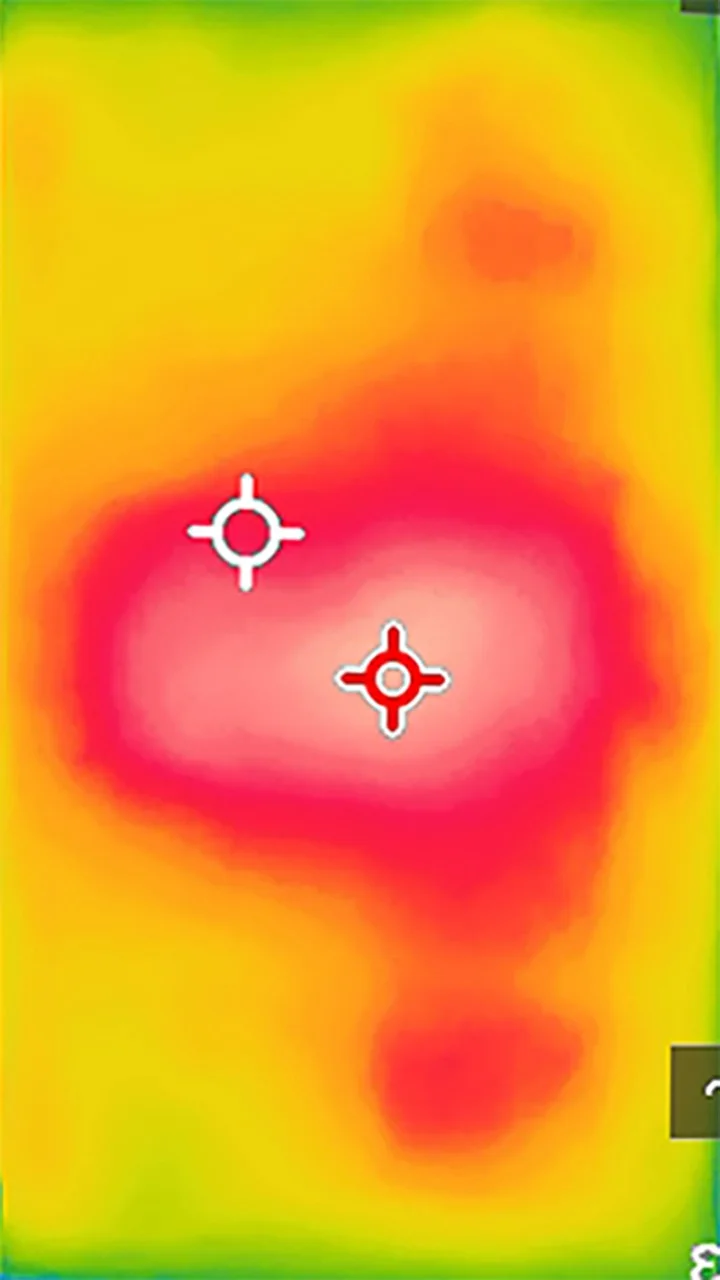
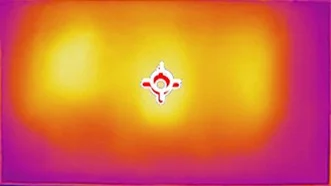
Panel uniformity and thermal imaging:

Review Samsung QN990F TV Panel details
Review Samsung R95H Micro RGB TV Panel details
Review Samsung QN990F TV Panel details
Review Samsung R95H Micro RGB TV Panel details

Samsung QN990F

Samsung R95H Micro RGB

TV features

7.5/10

7.8/10

  • System
    Tizen
    Tizen
  • System performance
    Very good
    Very good
  • HDMI inputs
    0 x HDMI 2.0, 5 x HDMI 2.1 48Gbps
    0 x HDMI 2.0, 4 x HDMI 2.1 48Gbps
  • Outputs
    Toslink (Optical audio), eARC (HDMI), ARC (HDMI)
    Toslink (Optical audio), eARC (HDMI), ARC (HDMI)
  • Network Interfaces
    Wi-Fi 2.4GHz, Wi-Fi 5GHz, Ethernet (LAN) 100Mbps
    Wi-Fi 2.4GHz, Wi-Fi 5GHz, Ethernet (LAN) 100Mbps
  • TV reception
    DVB-T, DVB-T2, DVB-S, DVB-S2, DVB-C
    DVB-T, DVB-T2, DVB-S, DVB-S2, DVB-C

Classic features:

  • Recording to USB (terrestrial TV)
    No
    No
  • Recording programming
    No
    No
  • Picture in Picture (PiP)
    Yes
    Yes
  • RF remote control (no need to aim)
    Yes
    Yes
  • Backlit remote control
    No
    No
  • Teletext
    Yes
    Yes
  • Audio only mode
    Yes
    Yes
  • Bluetooth headphones support
    Yes
    Yes
  • Simultaneous Bluetooth headphones & TV audio
    Yes
    Yes

Smart features:

  • AirPlay
    Yes
    Yes
  • Screen mirroring (Windows Miracast)
    Yes
    Yes
  • Voice search
    Yes
    Yes
  • Voice search in native language
    Yes
    Yes
  • Ability to connect a keyboard and mouse
    Yes
    Yes
Review Samsung QN990F TV features
Review Samsung R95H Micro RGB  TV features

Sound connection options

  • HDMI audio
    eARC (HDMI), ARC (HDMI)
    eARC (HDMI), ARC (HDMI)
  • Other audio outputs
    Toslink (Optical audio)
    Toslink (Optical audio)
  • Wireless audio
    Bluetooth, Samsung Q-Symphony (Speaker extension)
    Bluetooth, Samsung Q-Symphony (Speaker extension)

Supported audio formats (external HDMI eARC audio):

  • Dolby Digital Plus 7.1
    Yes
    Yes
  • Dolby True HD 7.1
    No
    Yes
  • Dolby Atmos in Dolby Digital Plus (JOC)
    Yes
    Yes
  • Dolby Atmos in Dolby True HD
    No
    Yes
  • DTS:X in DTS-HD MA
    No
    No
  • DTS-HD Master Audio
    No
    No

Senior accessibility

  • Numeric keyboard on TV
    No
    No
  • Font size adjustment
    Yes
    Yes
  • Audio description
    Yes
    Yes

Classic Features and Connections

Even though the QN990F looks like a television from the future, if someone just wants to watch regular TV – it's possible to do so quite comfortably. Onboard, we have several practical additions, such as PiP, which allows viewing two sources simultaneously. There's no point even mentioning Bluetooth, as it's already standard. However, special attention should be given to the whole concept of wireless operation. The One Connect module can be placed in a different location than the television itself, which is a significant convenience for those who frequently switch devices. Of course, it still needs to be plugged in, so it’s not completely cable-free, but it’s hard not to see it as a display of Samsung's capabilities – a taste of what televisions of the future may look like.

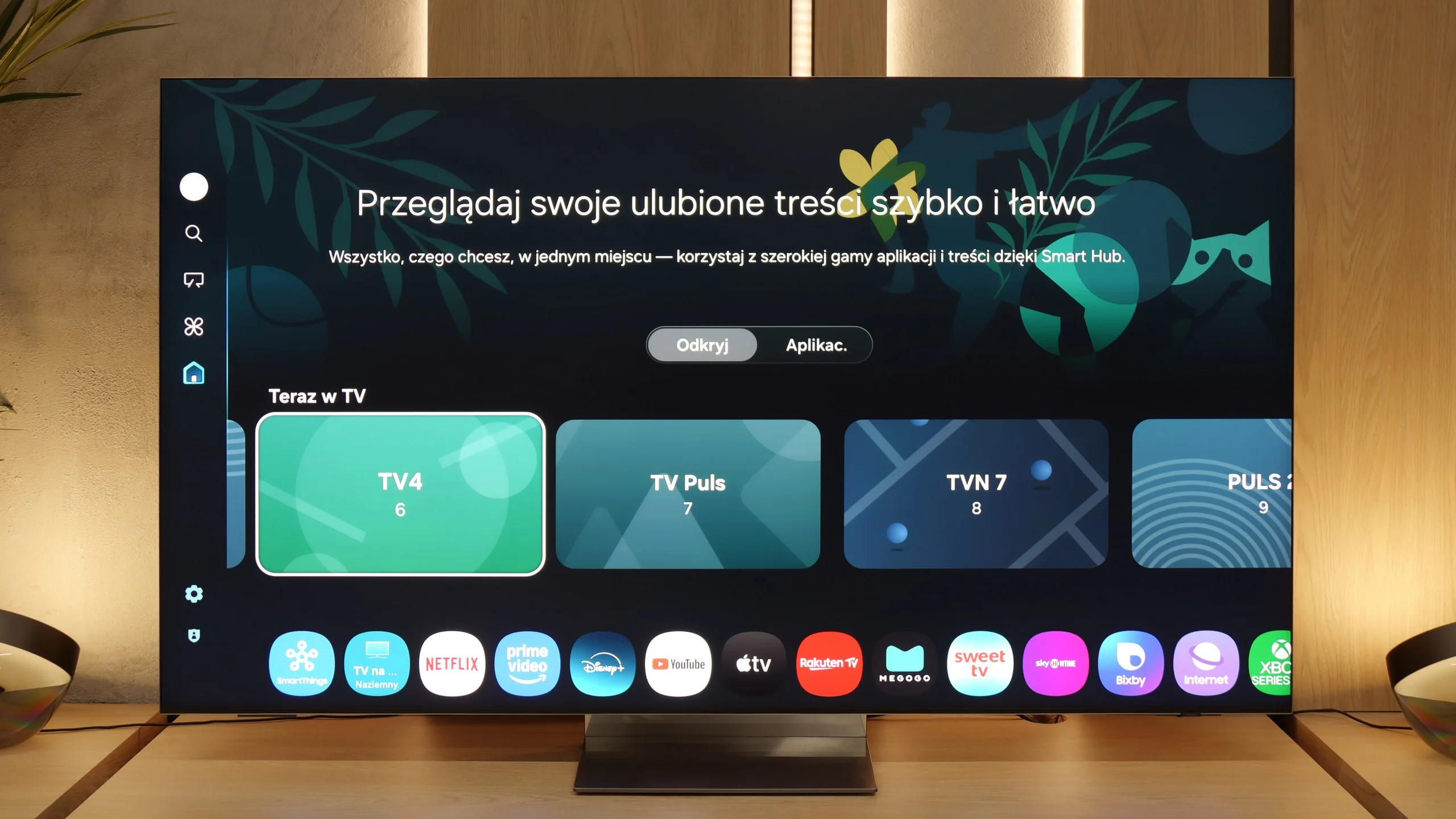
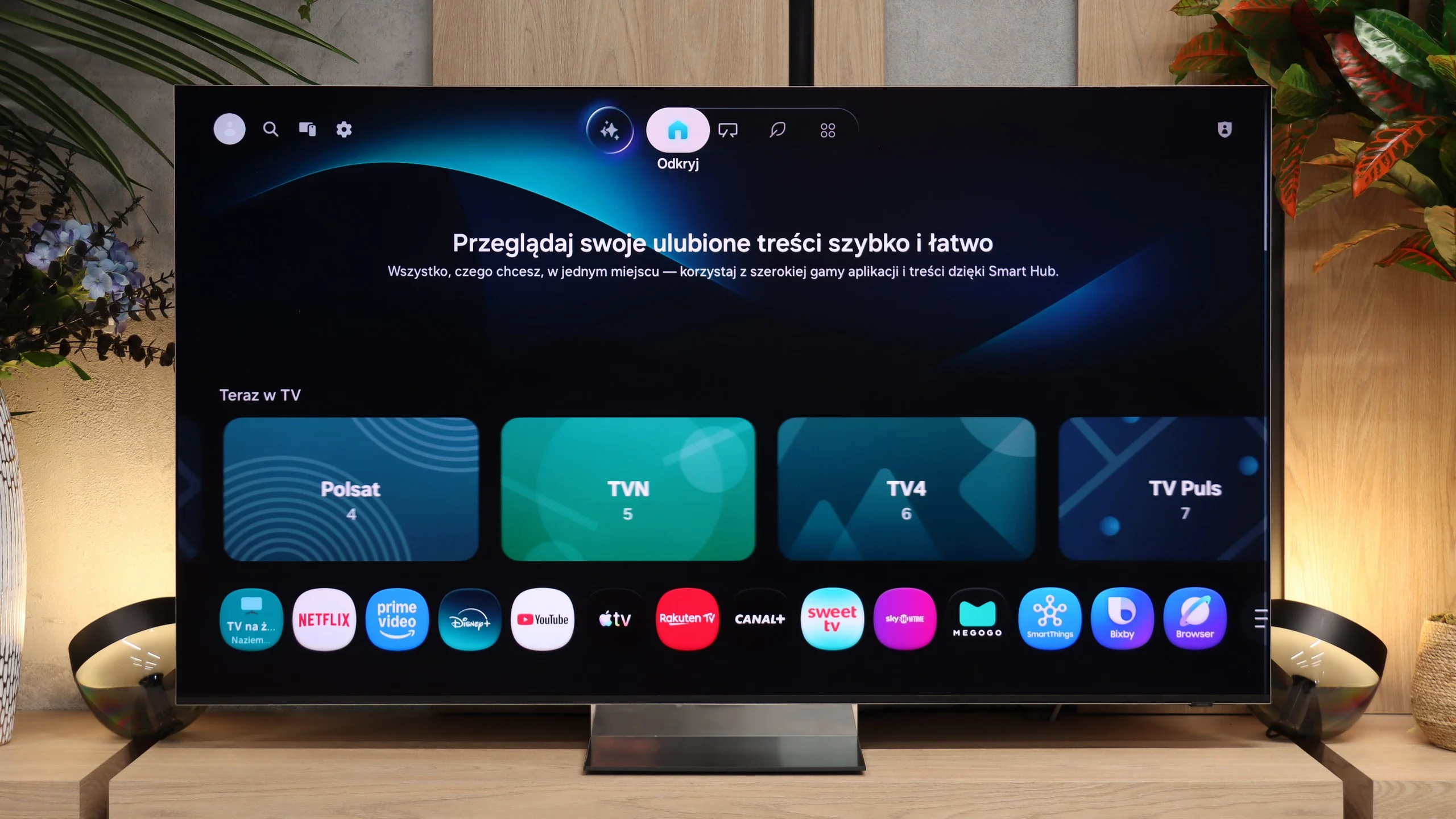
Smart TV System: Tizen

As for the operating system, Samsung has opted for its proprietary Tizen, which, despite being a closed ecosystem, operates incredibly smoothly. It's one of the fastest, if not the fastest operating systems in televisions, and very intuitive at that. All classic smart features are in place: AirPlay, screen mirroring, voice search in multiple languages, and quick access to the most important streaming applications. There may be a few niche programmes missing, but the vast majority of users will find everything they need here.

Smart TV - Tizen

The R95H runs the well-known Tizen system, which offers pretty much everything you can expect from a Smart TV today. You get access to the most popular streaming apps, the system is responsive, and navigating the menus is straightforward. There's also the SmartThings ecosystem, allowing the TV to serve as a control hub for smart-home devices. It also supports AirPlay 2, easy screen casting from an iPhone, and Multi View, which lets you display multiple sources on screen at once.

Classic features

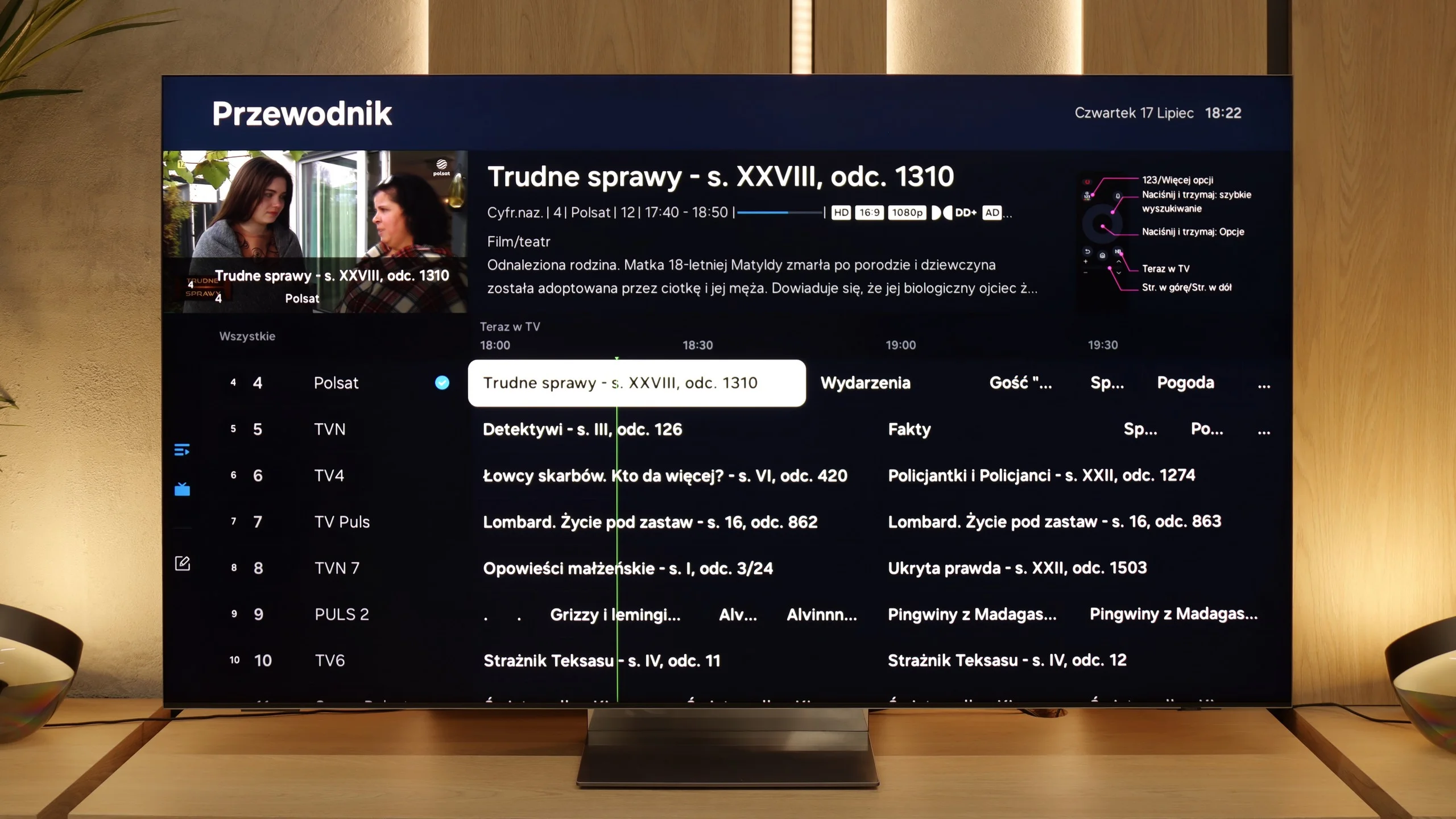
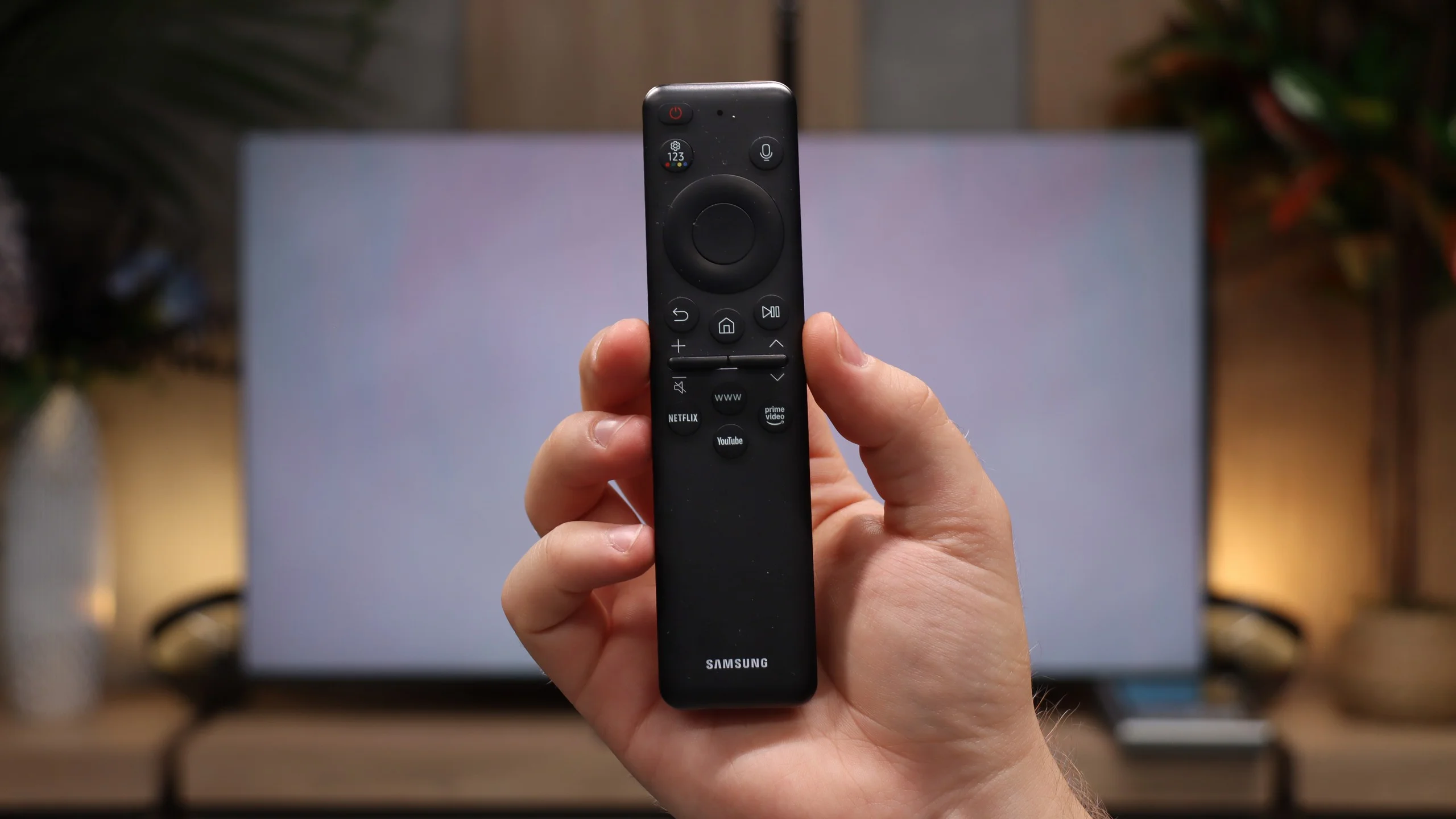
The more traditional side of the R95H is no worse. The TV has a full set of tuners for terrestrial, cable and satellite reception, plus a clear EPG. It's worth praising Samsung for keeping PiP (Picture-in-Picture), which the manufacturer has dropped from some lower-tier models. Here you can still show two sources simultaneously, which can be really useful given the R95H's large screen sizes. The set comes with Samsung's distinctive SolarCell remote. It's compact, has only the essential buttons and doesn't require battery replacements because it can recharge using light or be charged via USB-C. Users who mainly stream will quickly get used to it, though those who watch traditional broadcast TV may miss having a numeric keypad.

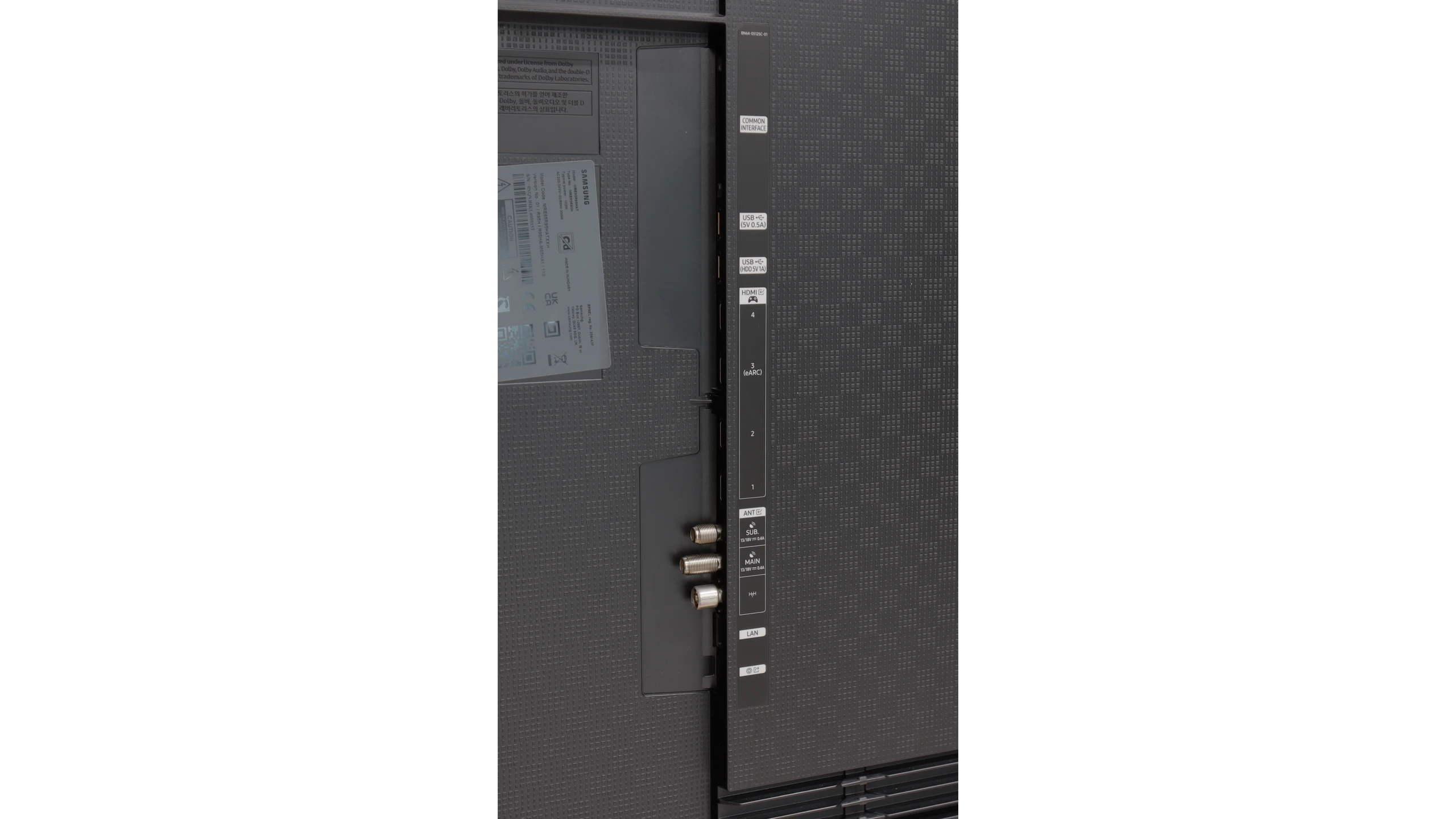
Ports

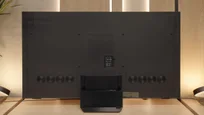
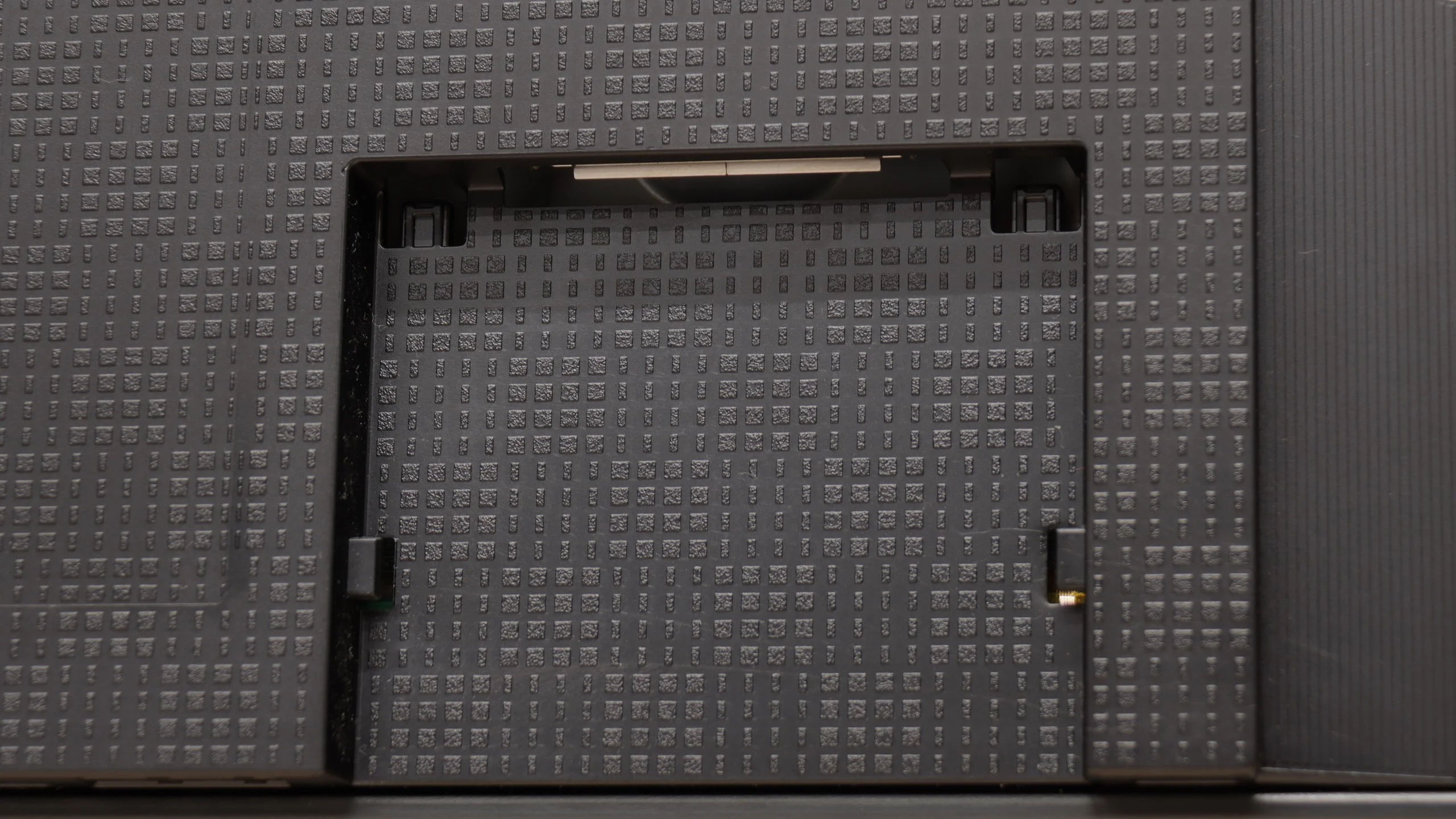
The port layout is interesting too. The R95H has four HDMI 2.1 ports, antenna inputs and an optical output, but it's also equipped with a dedicated connector for a One Connect module. As with the flagship S99H OLED, you can buy a wireless One Connect and move some of the cabling away from the TV. That's an extra cost of $350 / 1500zł, but when mounting very close to the wall it can be a very convenient solution.

Apps

9.3/10

9.3/10

OK
Disney_Plus
OK
Amazon_Prime_Video
OK
Player_TVN
OK
Polsat_Box_Go
OK
Canal_Plus_Online
OK
TVP_VOD
OK
Apple_TV_Plus
OK
SkyShowtime
OK
Rakuten
OK
CDA_Premium_Browser
OK
Spotify
No
Tidal
OK
Netflix
OK
YouTube
OK
HBO_MAX
No
Kodi
OK
Apple_music
OK
Eleven_sports
OK
Xbox Game Pass
OK
GeForce NOW
OK
Amazon Luna
OK
Boosteroid
No
Steam Link
OK
Disney_Plus
OK
Amazon_Prime_Video
OK
Player_TVN
OK
Polsat_Box_Go
OK
Canal_Plus_Online
OK
TVP_VOD
OK
Apple_TV_Plus
OK
SkyShowtime
OK
Rakuten
OK
CDA_Premium_Browser
OK
Spotify
No
Tidal
OK
Netflix
OK
YouTube
OK
HBO_MAX
No
Kodi
OK
Apple_music
OK
Eleven_sports
OK
Xbox Game Pass
OK
GeForce NOW
OK
Amazon Luna
OK
Boosteroid
No
Steam Link

Playing files from USB

9.1/10

9.1/10

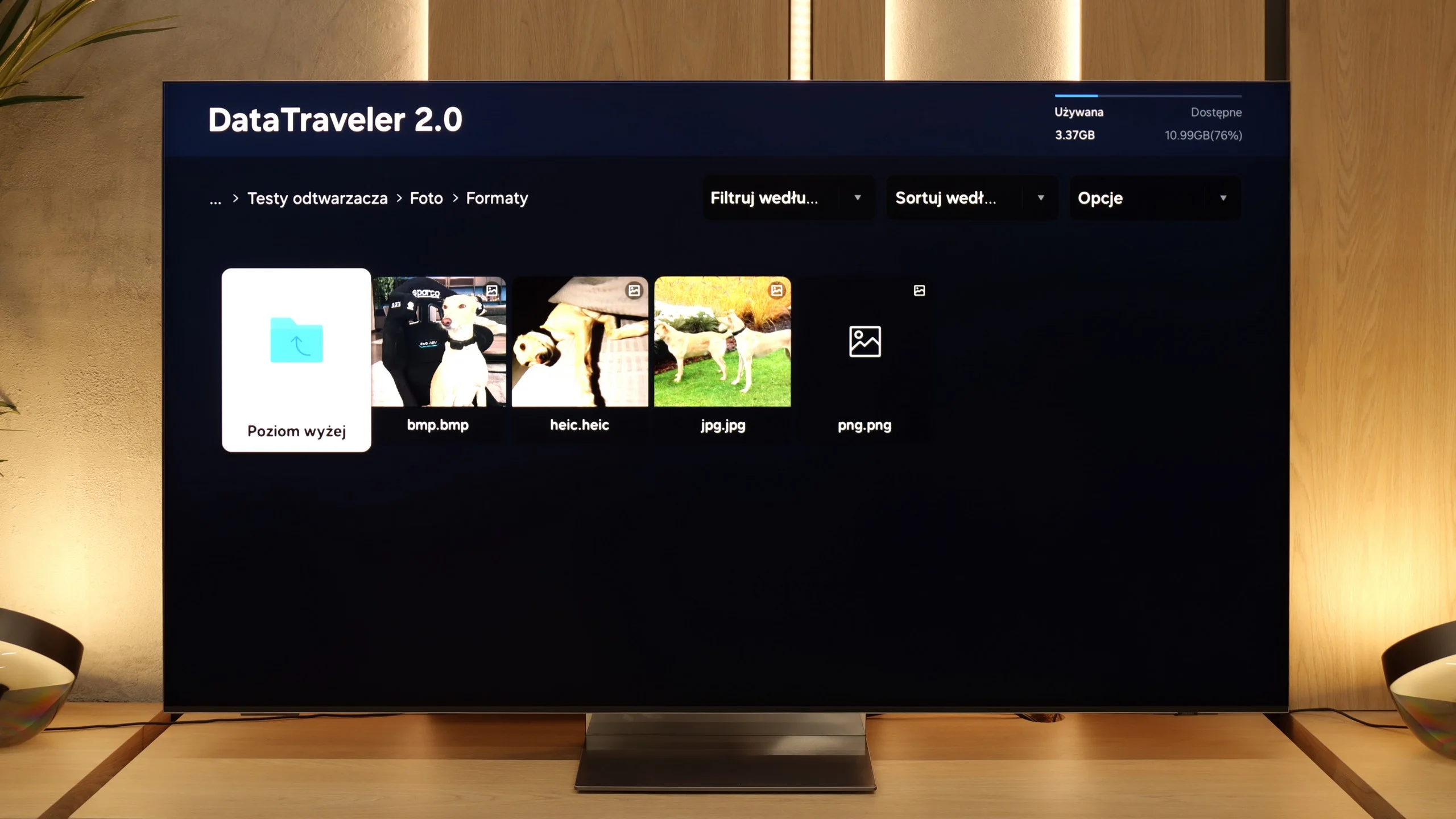
Supported photo formats:

JPEG
Yes
Yes
HEIC
No
No
PNG
No
Yes
GIF
No
No
WebP
No
No
TIFF
No
No
BMP
Yes
Yes
SVG
No
No

Maximum photo resolution:

4 Mpix
Yes
Yes
6 Mpix
Yes
Yes
8 Mpix
Yes
Yes
10 Mpix
Yes
Yes
12 Mpix
Yes
Yes
16 Mpix
Yes
Yes
20 Mpix
Yes
Yes
24 Mpix
Yes
Yes
28 Mpix
Yes
Yes
32 Mpix
Yes
Yes

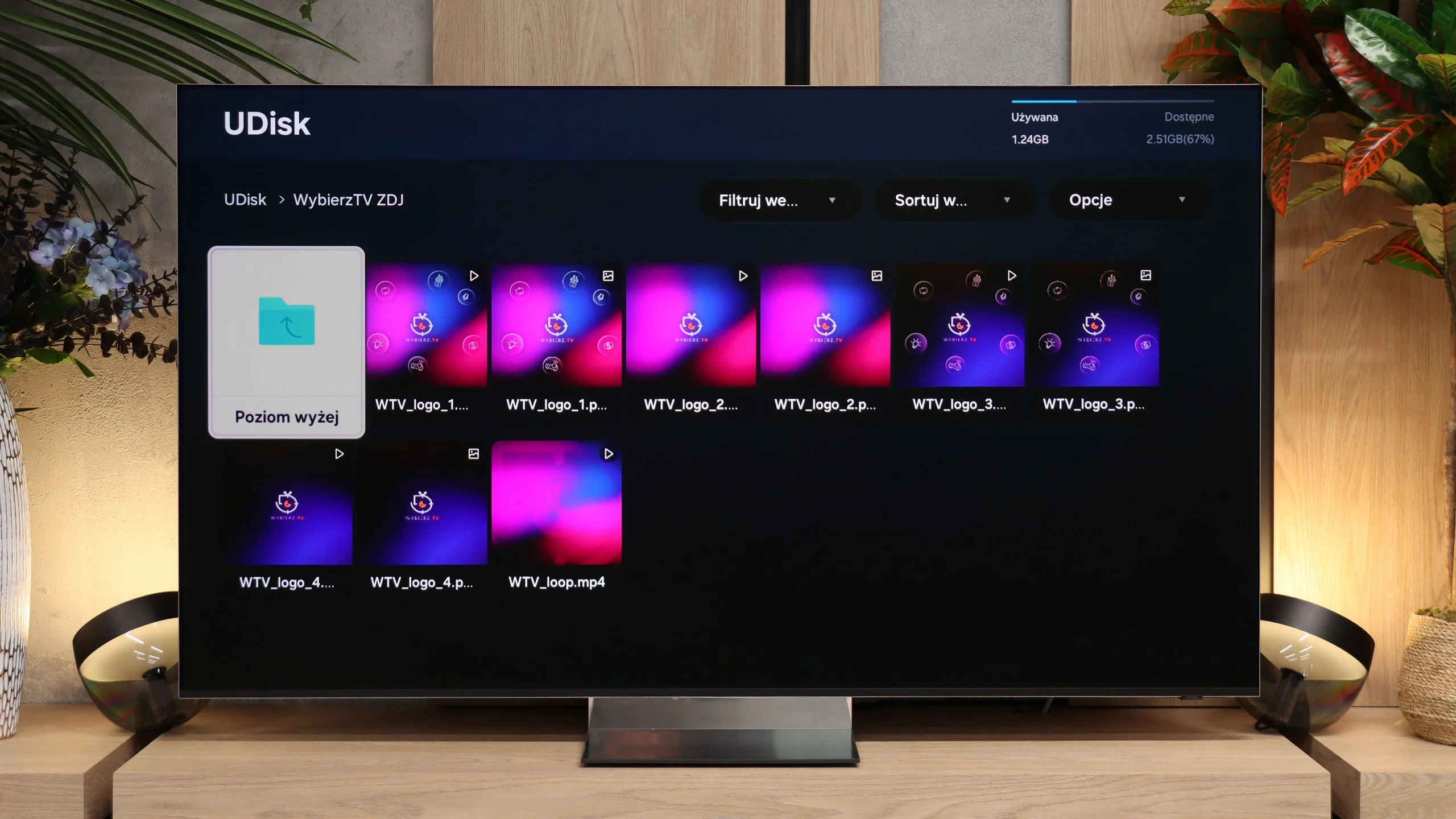
QN990F handles playback of files from USB practically without a hitch. Movies, music, photos – most popular formats work without the slightest issues and there's no need to fiddle with additional players or devices. Only with rarely encountered photo formats may limitations arise. It’s a pity that despite the manufacturer's claims, there is a lack of proper support for HEIC files. The TV detects them in the media browser, but in practice, it can't open them.

When it comes to USB playback, the R95H performs flawlessly. During our tests we didn’t encounter any common video or audio format the TV struggled with, and the media player itself is fast and stable. It’s just a pity Samsung still hasn’t sorted out support for the HEIC format. For photos saved in that format, for example from an iPhone, you still need to convert the files first to a more standard format.

Sound

7.9/10

7.5/10

  • Maximum volume
    -
    89dB
  • Dolby Digital Plus 7.1
    Yes
    Yes
  • Dolby True HD 7.1
    No
    No
  • Dolby Atmos in Dolby Digital Plus (JOC)
    Yes
    Yes
  • Dolby Atmos in Dolby True HD
    No
    No
  • DTS:X in DTS-HD MA
    No
    No
  • DTS-HD Master Audio
    No
    No

QN990F can really play nicely. For such a slim design, the sound is surprisingly clear and detailed, so one can be satisfied for everyday movie watching or gaming. Unfortunately, as is often the case with Samsung's ultra-thin TVs, there’s a lack of bass – and you notice it straight away. Action scenes or more intense effects don't have the depth that a decent soundbar or home theatre system would provide. On the positive side, it does support Dolby Atmos. This is currently the most popular surround sound codec in films and gives a much greater sense of immersion in the action. Unfortunately, as always with Samsung, there is a lack of support for DTS:X. This format is indeed appearing less frequently in new productions, but it is still valued by fans of physical Blu-ray media.

Samsung R95H has been equipped with a fairly elaborate 4.2.2 audio setup with 70 W and, for everyday use, sounds really pleasant. The audio is clean, fairly spacious for a TV and noticeably more powerful than in most mid-range models. For films and TV series the built-in speakers cope comfortably and will satisfy even more demanding users. It only gets a bit worse when the source has a lot of bass. With some tracks we noticed the TV can fall into unpleasant resonances and that’s where the limitations of the built-in audio are most noticeable. If the low end were better, we’d rate it much higher. If you want stronger bass and a more cinematic sound, it’s worth considering a soundbar with a subwoofer or a home theatre system. A soundbar will of course be the simpler and cheaper option, and with Dolby Atmos support you can already build a genuinely solid setup for movies with the R95H. Unless you mainly use physical Blu-ray releases... in that case bear in mind that Samsung does not support DTS formats, so for some audio tracks you may need to use an external player or an AV receiver.

Sound Quality Test

No sound test video

Acoustic Measurements

No acoustic data

89dBC (Max)

75dBC

Reader comments

Comments are provided by the external service Disqus (Zeta Global). Once loaded, Disqus may set cookies and process data about your activity.

We will remember your choice on this device. Provider's privacy policy