Samsung QN900D is undoubtedly the top model for 2024. This television is equipped with Mini LED technology, which offers excellent picture quality – deep blacks and high brightness make films and high-resolution content look fantastic. When watching dynamic scenes in movies, the colours and details were exceptionally good – especially after calibration. HDR also delivers – bright elements have great detail levels, and colours are vibrant and natural. One of the strongest points of QN900D is the smooth motion. Supporting a refresh rate of 240 Hz at 4K resolution is rare in the market. Dynamic scenes in sports or games look incredibly smooth, with no trace of blurring. However, it’s worth adding that the full capabilities of this feature will mainly be utilised by advanced PC users. An input lag of 9 ms additionally ensures very responsive gameplay, which will surely please gamers. Tizen runs smoothly and offers access to all popular applications, such as Netflix, YouTube, or Disney+. Moreover, SmartThings features and support for AirPlay make it easy to connect the television with other devices in the home. This is a great solution if you value convenient control of your smart home. An additional feature is Ambient Mode – the television can blend into the living room decor by displaying decorative graphics. QN900D not only performs well but also looks great. Slim bezels, a central stand, and the One Connect module that allows cables to be hidden make the television present elegantly. If aesthetics are important to us, it will be hard to find something better. As a flagship model, QN900D is simply expensive. Unfortunately, the lack of agreement between Samsung and Dolby Vision may still be a significant downside. Especially when watching content on platforms that utilise this format. In the most demanding HDR scenes, it also happens that the contrast is not as perfect as one might expect. And what about 8K resolution? For now, it’s hard to find content that fully utilises it, unless we are technology enthusiasts of the future. Samsung QN900D is certainly a television for those seeking a top-tier device and are willing to pay for it. However, if we are looking for similar quality at a significantly lower price, it’s worth mentioning the equally good QN95D – it offers a similar picture quality, without the 8K resolution, which is still more of a curiosity than a standard.
- Matching (Score) |
- Our verdict |
- TV appearance |
- Where to buy |
- Contrast and black detail |
- HDR effect quality |
- Factory color reproduction |
- Color reproduction after calibration |
- Smoothness of tonal transitions |
- Image scaling and smoothness of tonal transitions |
- Blur and motion smoothness |
- Console compatibility and gaming features |
- Input lag |
- Compatibility with PC |
- Viewing angles |
- Daytime performance |
- Panel details |
- TV features |
- Apps |
- Playing files from USB |
- Sound
Samsung QN900D Neo QLED 8K vs Hisense UR8S
 Direct comparison
QN900D / Neo QLED / Excellence Line

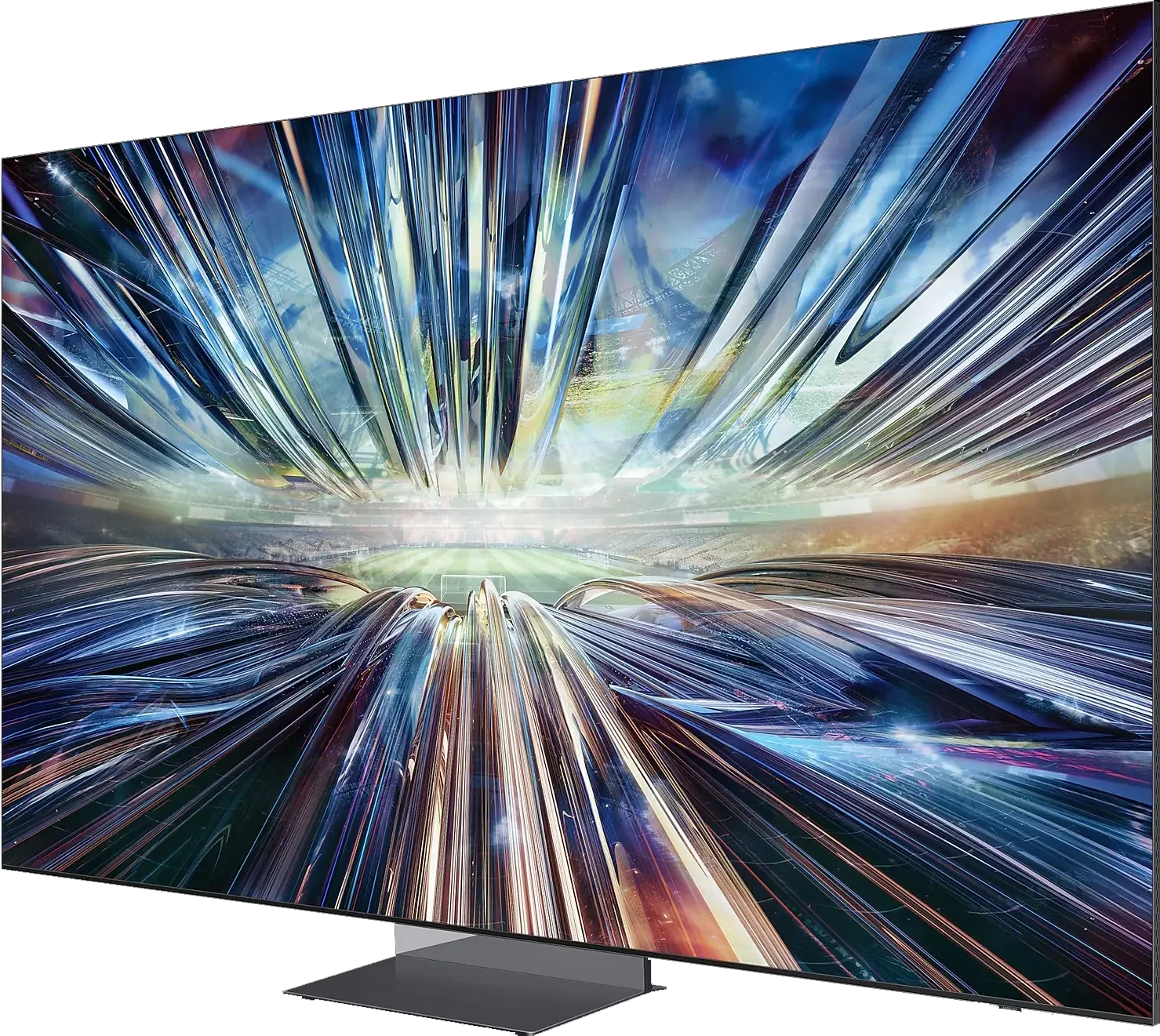
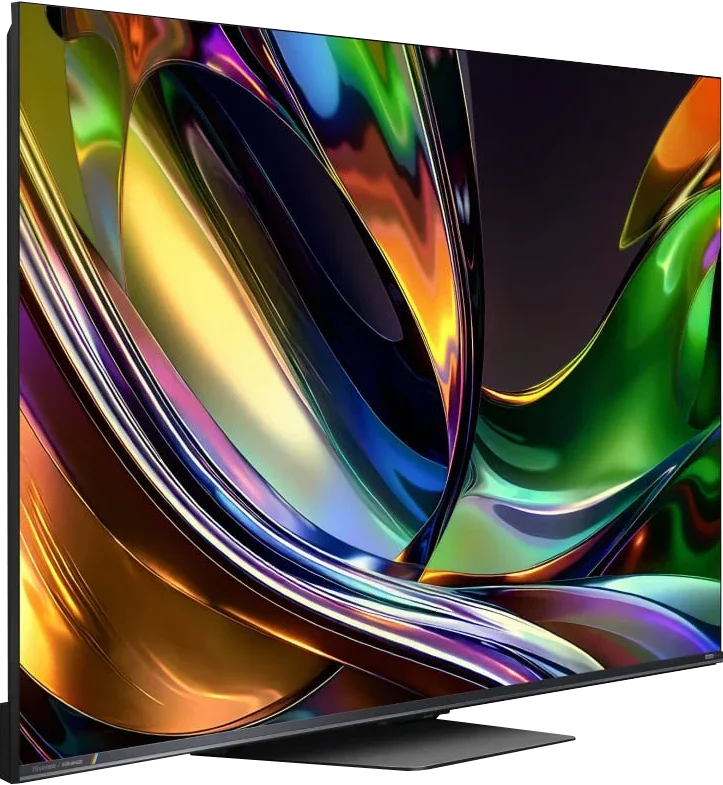
Panel type: LCD VA (wide viewing angle)
Resolution: 7680x4320
System: Tizen
Model year: 2024
Complete the survey to find out the result
Panel type: LCD VA
Resolution: 3840x2160
System: VIDAA
Model year: 2026
Complete the survey to find out the result
Overall rating
7.5
8.2
 Movies and series in UHD quality
 7.6
7.4
 Classic TV, YouTube
 7.8
7.6
 Sports broadcasts (TV and apps)
 7.6
7.4
 Gaming on console
 9.0
8.4
 TV as a computer monitor
 8.0
8.5
 Watching in bright light
 5.0
9.5
 Utility functions
 7.4
9.4
 Apps
Apps 9.3
8.3
 Sound quality
 7.4
7.8
Complete the survey to find out what fits your preferences
Advantages

Great contrast and blacks
High brightness - good HDR effect
The smoothest TV in the world - 4K@240Hz
Great for gaming - low input lag, many features for gamers
Good digital processing - handles low-quality material well
Advanced operating system - Tizen
Great design - super slim, OneConnect, "floating" central stand
Very high contrast and deep blacks
High peak brightness
Potentially wider colour gamut thanks to RGB backlighting
Excellent image processing and upscaling
Panel with refresh rate up to 180 Hz
Very good gaming performance
Good viewing angles for a Mini-LED LCD
Matte finish and great performance in daylight
Fast VIDAA and lots of user features
Support for Dolby Vision, HDR10+, Dolby Atmos and DTS
Disadvantages

Price
No Dolby Vision
The full potential of RGB Mini-LED isn't always realised in films
HDR brightness can deviate from the filmmakers' vision
Lack of proper HGiG implementation
The VIDAA system is still missing a few apps
Our verdict
The Hisense UR8S is above all a very versatile, higher-end TV that in most situations simply performs well or very well. It's not a model aimed only at cinema, gaming or watching in a bright living room. Its biggest advantage is that it can combine all those uses in a single set and doesn't have any one obvious weak point. In terms of picture, the UR8S has a lot to offer. Contrast is high, HDR can look very impressive, and the brightness level is more than enough for daytime viewing. Add very good image processing and smooth motion handling. RGB Mini-LED also gives it a very wide colour palette and it's clear this technology has a lot of potential. However, remember it doesn't completely change the character of an LCD TV. In tougher scenes you can still see the limits of local dimming, and very high colour saturation isn't always maintained to the same degree as on simple test patterns.
A major strength of the UR8S is, first and foremost, its everyday usability. The TV works well for sport, is very suitable for gaming, and the high brightness and matte finish make a big difference in a bright room. On top of that, the VIDAA system runs quickly, and Hisense has kept many features that remain useful for normal TV use. That's why we see the UR8S primarily as a TV for people who want one solid screen for everything. RGB Mini-LED is an interesting extra and provides some real benefits, but the technology itself isn't the only reason this model performs well. What really sells it is that it's complete, well equipped and highly versatile.
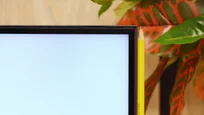
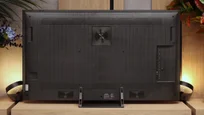
TV appearance


Contrast and black detail
8/10
8/10
Local dimming function: Yes, number of zones: 1344 (56 x 24)
Local dimming function: Yes, number of zones: 936 (26 x 36)
Contrast:


Result
∞:1

Result
205,000:1

Result
89,000:1

Result
7,800:1

Result
4,000:1
Result
267,450:1
Result
48,550:1
Result
19,450:1
Result
14,850:1
Result
10,800:1
Halo effect and black detail visibility:
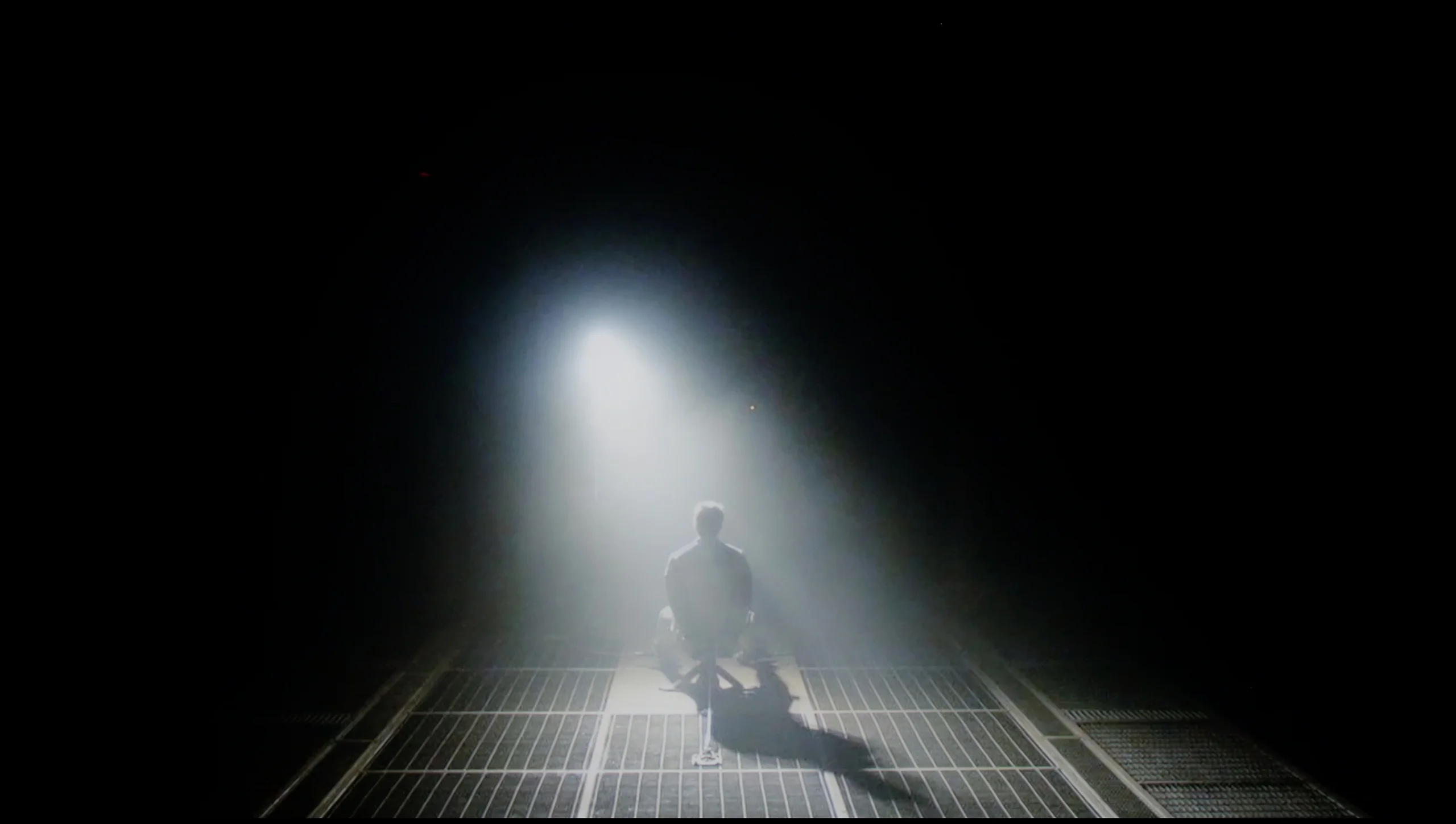
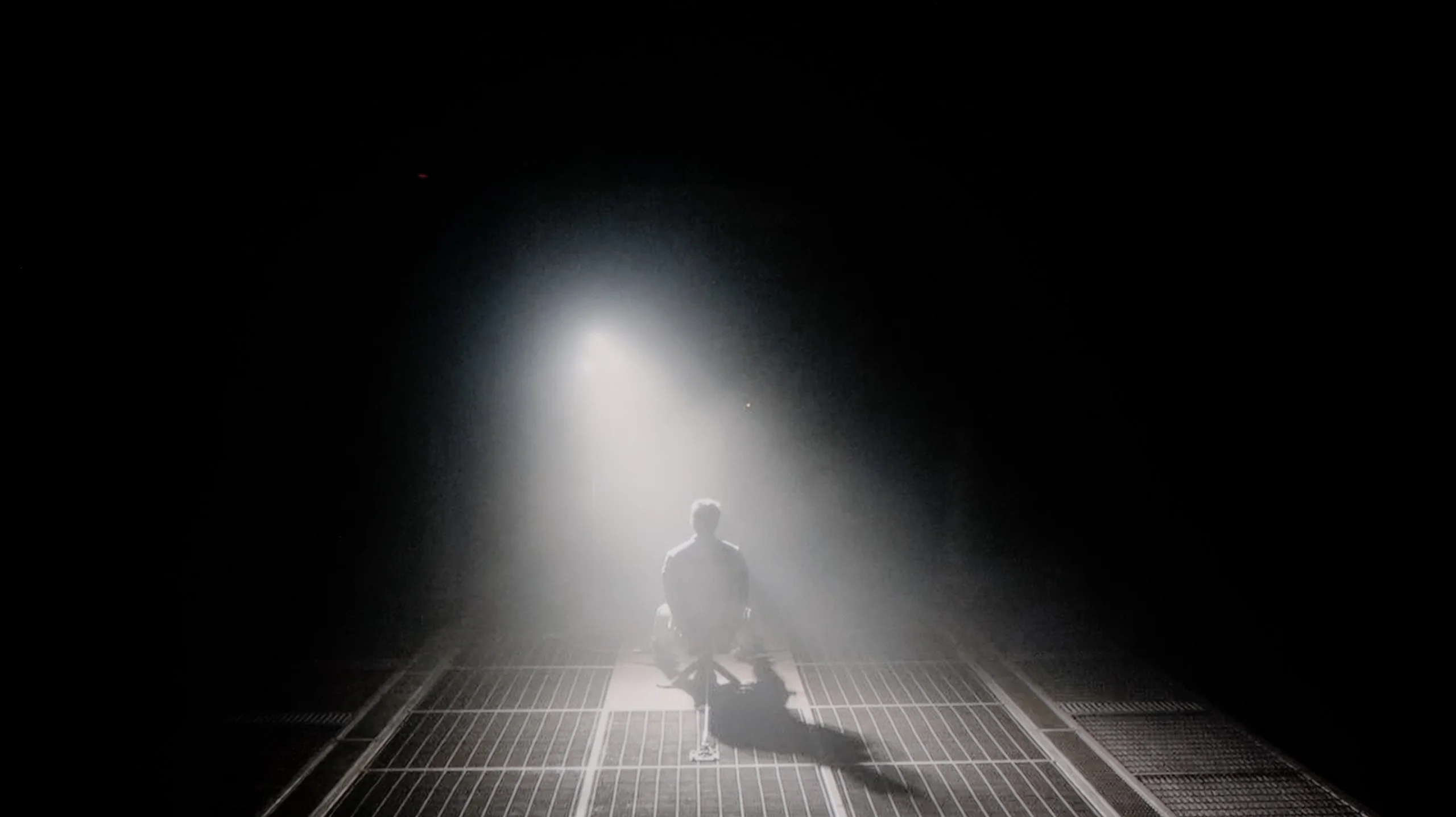
Check the visibility of bright lights on a dark background. Mini-LEDs often struggle with this. The photo does not compare black levels – that’s what the video below is for.
The video accurately shows differences in contrast and black levels between TVs, as well as potential issues: halo around bright objects or Mini-LED zone operation visible as brightness jumps.
As befits the flagship model in the series, the Samsung QN900D television is equipped with a VA panel, which in the 65-inch version offers an impressive number of zones – as many as 1344. It’s worth noting that larger sizes of this television have even more zones, which naturally translates to better contrast. During tests in scenes from the film "Oblivion," the QN900D performs excellently. Contrast values approaching infinity are truly stunning, allowing this television to be confidently compared with OLEDs. Unfortunately, like all LCD televisions, this model also has its limitations. In the case of very small elements, certain irregularities are visible, such as halo effects (e.g., in the film "Sicario 2") and at times significant screen dimming (e.g., in scenes from the film "Gravity"). Despite these imperfections, the QN900D Samsung is undoubtedly one of the best LED televisions available on the market, capable of generating very high contrast.
We tested the Hisense UR8S in the 65-inch size, and this variant uses a VA panel, so the native contrast is already very good and reaches much higher values than IPS panels. The most important thing, though, is the local dimming. In our unit we counted 936 local dimming zones, and you can clearly see they can significantly help in dark scenes. In films where much of the screen is black, the UR8S performs really well. Blacks are deep, black letterbox bars don't glow navy-blue, and in some shots the effect can even slightly resemble OLED. Of course only slightly, because the difference is still noticeable. You notice it most easily with small, bright elements on a black background. Then a slight halo can appear around the object. It's not large and during normal viewing it shouldn't be very distracting, but it shows we're still dealing with a TV with 936 zones, not a display that can switch off every pixel individually.
HDR effect quality
6.6/10
6/10
Luminance measurements in HDR:

Result
1447 nit

Result
665 nit

Result
907 nit

Result
432 nit

Result
793 nit
Result
1241 nit
Result
269 nit
Result
594 nit
Result
188 nit
Result
1452 nit
Scene from the movie “Pan” (about 2800 nits)
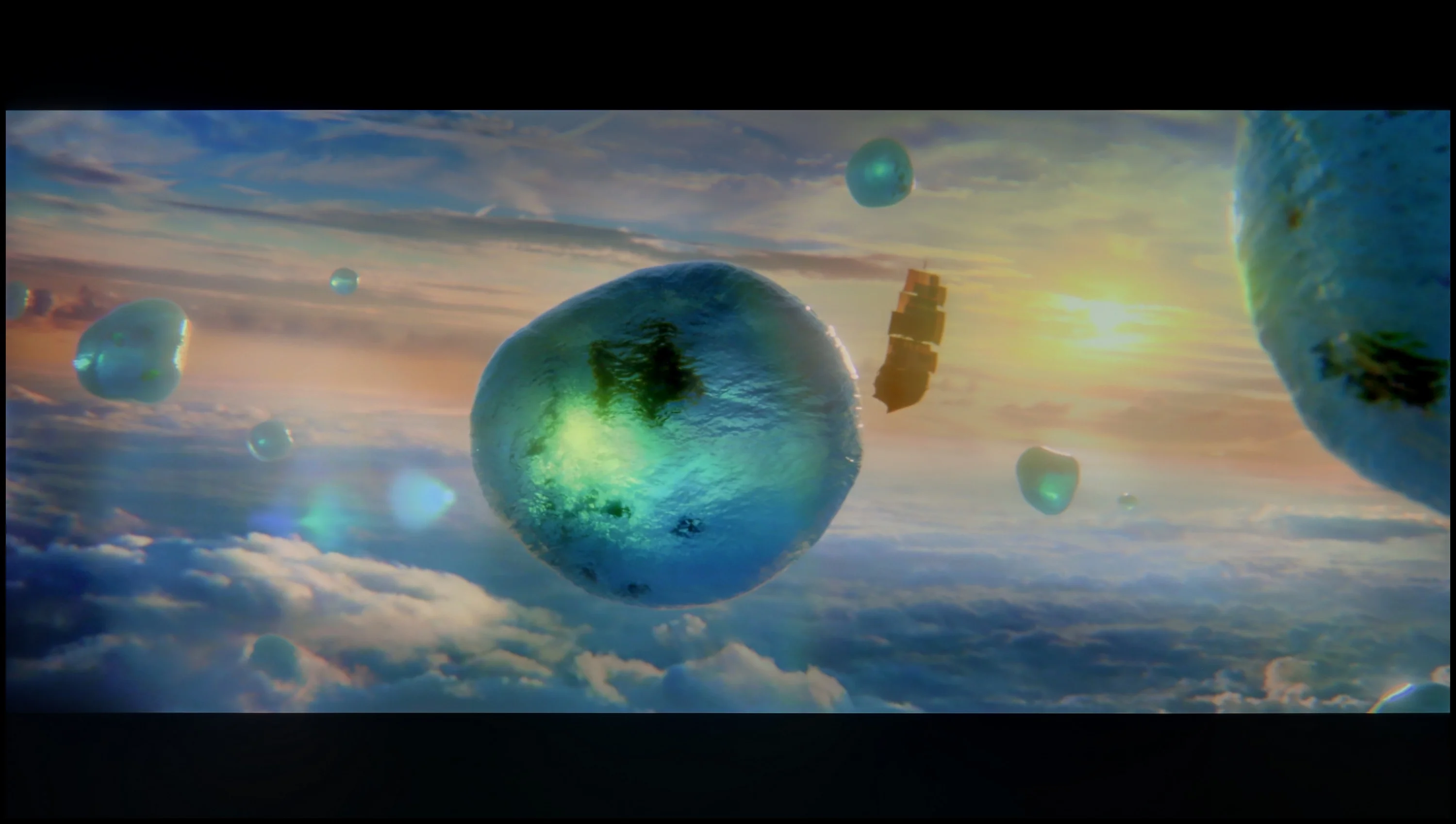
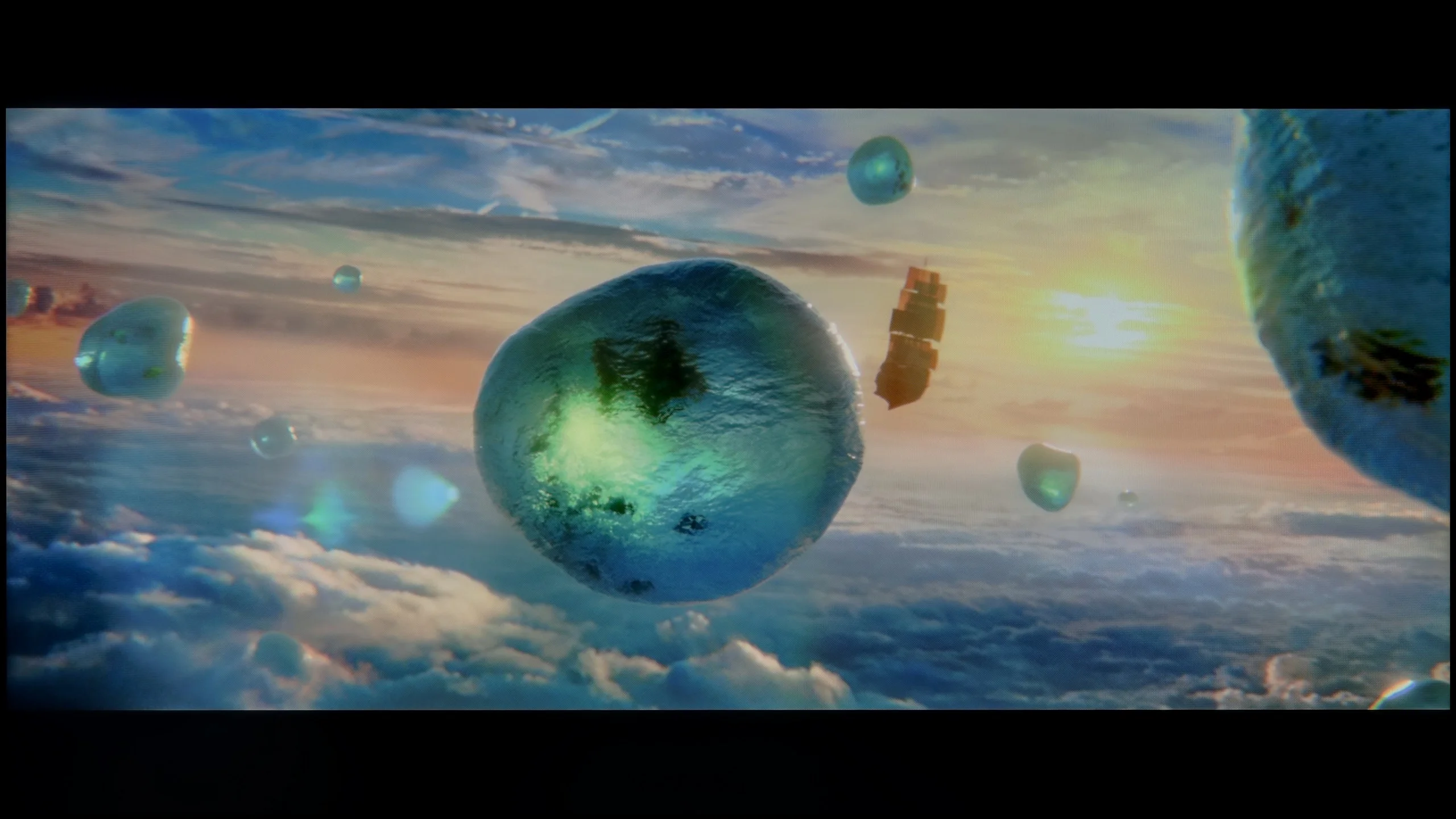
Scene from the movie “Billy Lynn” (about 1100 nits)


The photos show two HDR10 movies. 'Pan' is one of the brightest productions ever made, while 'Billy Lynn' (soldier) has brightness typical of streaming (Netflix, Prime, HBO MAX). Notice the intensity of effects and detail in whites.
Static HDR10


The photos present the visibility of white details in various HDR formats. They do not show brightness differences between TVs (these can be compared in the previous gallery).
Dynamic: HDR10+
Dynamic: Dolby Vision


The photos present the visibility of white details in various HDR formats. They do not show brightness differences between TVs (these can be compared in the previous gallery).
HDR luminance chart:
Hisense UR8S
Samsung QN900D Neo QLED 8K
The Samsung QN900D easily showcases its high capabilities in light production during synthetic tests – 1400 nits is truly an impressive result. It also demonstrated these capabilities in the first scene of the movie "Life of Pi," where we see a brilliant burst of the rising sun. However, due to issues with the dimming algorithm, some problems can be observed here. In the test scenes from "Sicario 2" and the second scene from "Life of Pi," these values are not as high, averaging around 500-600 nits. While this may not be the worst result among Mini LED TVs, more could be expected given the price of the television. Nevertheless, the television deserves praise for covering a wide colour gamut of DCP P3 at 96%. Although there are technologies offering higher values, this result is still satisfactory.
UR8S is a higher-end Mini-LED, so you could expect plenty of brightness. Indeed, on a synthetic test pattern peak brightness reached about 2200 nits. That’s a very good result, but as always what the TV does in normal film scenes matters much more. Here the results are a bit more mixed. In bright scenes with lots of light on screen, the UR8S can deliver very strong HDR. Brightness then gets up to around 1500 nits, so the image is very intense and has a lot of punch. It’s worse with small bright elements on a dark background. The TV noticeably dims them to preserve deep blacks and avoid excessive blooming. As a result, things like single stars or small specular highlights can be only around 200 nits. And here HDR is no longer as impressive. So the local dimming algorithm works effectively, but it comes at a cost — sometimes it sacrifices the brightness of small details too much in favour of contrast.
Colours
For RGB Mini-LED TVs, colours should be evaluated a little differently than usual. If we look only at the panel’s capabilities, the UR8S performs excellently. We measured about 94% coverage of BT.2020 and virtually full DCI-P3. Those are among the highest figures currently seen in LCD TVs, and this is where the potential of the RGB backlight is most apparent. The problem is that this potential isn’t always used in real scenes. When we ran the same measurements on patterns overlaid with a film-like background, saturation of some colours started to fall noticeably. Individual zones can’t always control the three RGB components with the same precision when the scene becomes more complex. It’s most noticeable with blue and magenta. On simple test patches they can look very strong, but in tougher scenes samples of those colours clearly shrink. In other words, the UR8S has huge potential, but the TV can’t always take full advantage of it in every scene.
Factory color reproduction
6.6/10
5.1/10


This gallery shows how colors change after professional TV calibration. If you notice the difference, we recommend ordering this service at SkalibrujTV.com.
Factory Mode
After calibration


This gallery shows how colors change after professional TV calibration. If you notice the difference, we recommend ordering this service at SkalibrujTV.com.
Factory Mode
After calibration
The QN900D television offers a Filmmaker mode that is designed to watch movies in the most natural way possible; however, this mode is not without its flaws. For HD content, the white balance shows a dominance of red and blue, which causes the image to shift towards pink hues. In contrast, for 4K HDR content, the situation is reversed – the reduction of blue and red levels results in warmer scenes and a shift towards yellow tones. This is confirmed by Color Checker tests, which clearly show that the colour samples veer in that direction.
When it comes to brightness and the associated contrast, the gamma is significantly distorted. The biggest issue is a noticeable jump at the beginning of the curve, indicating that dark details are overly brightened, causing the image to lose depth in the darkest areas - this is due to local dimming. For 4K HDR materials, the EOTF curve looks quite good, but it remains below the reference level, impacting the overall dynamics of the image.
For evaluating the factory colours we used Filmmaker mode, which is supposed to show the image as close as possible to how the content was prepared. And if you look at the white balance alone, the UR8S performs quite well. There’s no strong tint that immediately jumps out, although as brightness increases a bit too much blue and red start to appear, with a corresponding lack of green. Colour errors are therefore visible in measurements, but the image itself doesn’t look bad.
We have much bigger reservations about how the UR8S manages image brightness. In SDR the gamma stays around 1.9–2.0 for most of the range instead of the target 2.4. In practice this simply means the image is too bright, especially in the midtones. Shadows are lifted too much, so the picture loses some depth. A similar tendency is visible in HDR. The EOTF curve sits above the reference value for a large part of the range, so the UR8S again brightens the image more than it should. This isn’t a case of the TV lacking brightness, because it has plenty, but of how it manages that brightness. As a result, HDR material can look very striking, but not always exactly as it should.
Color reproduction after calibration
8/10
7.5/10
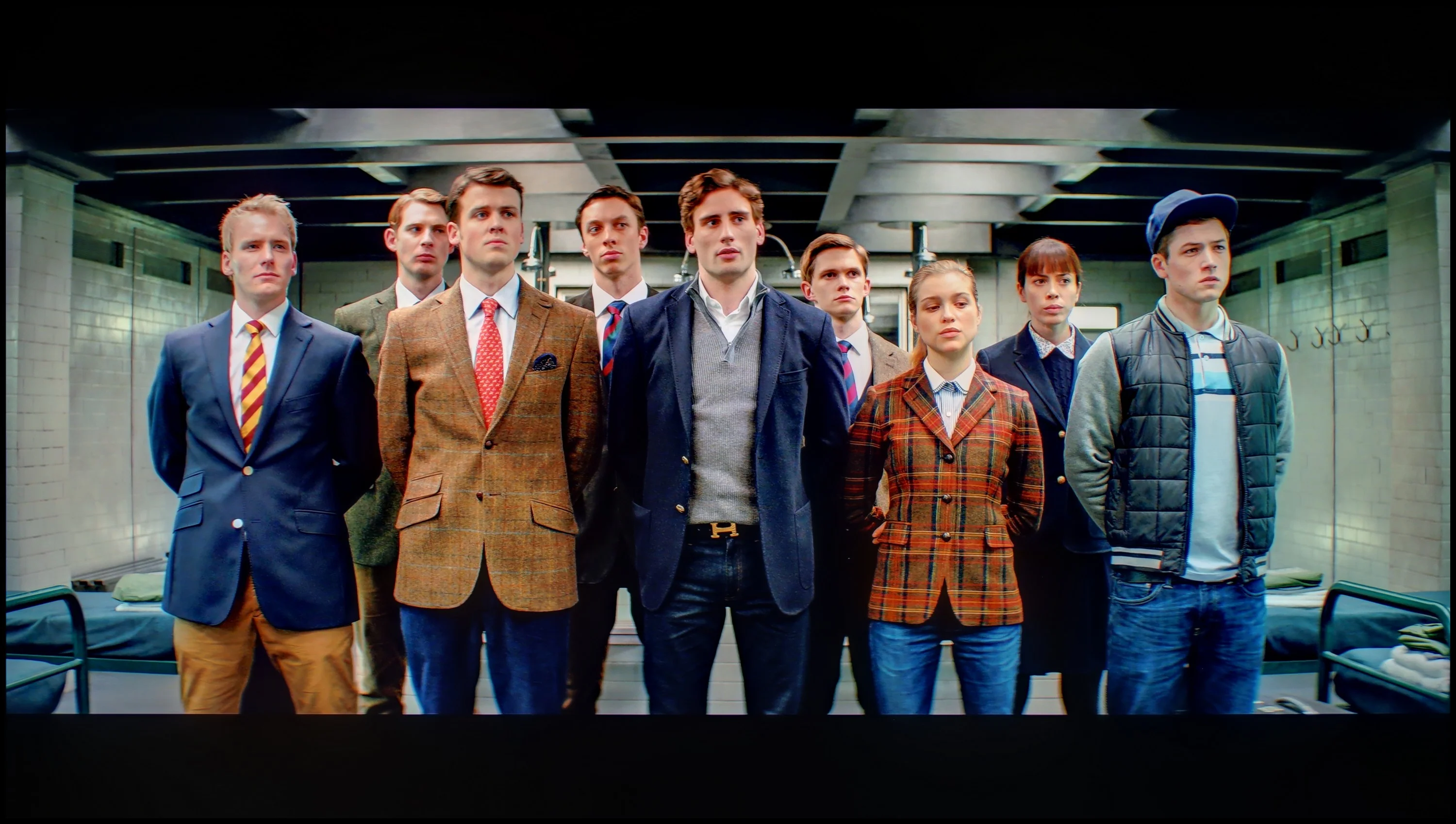
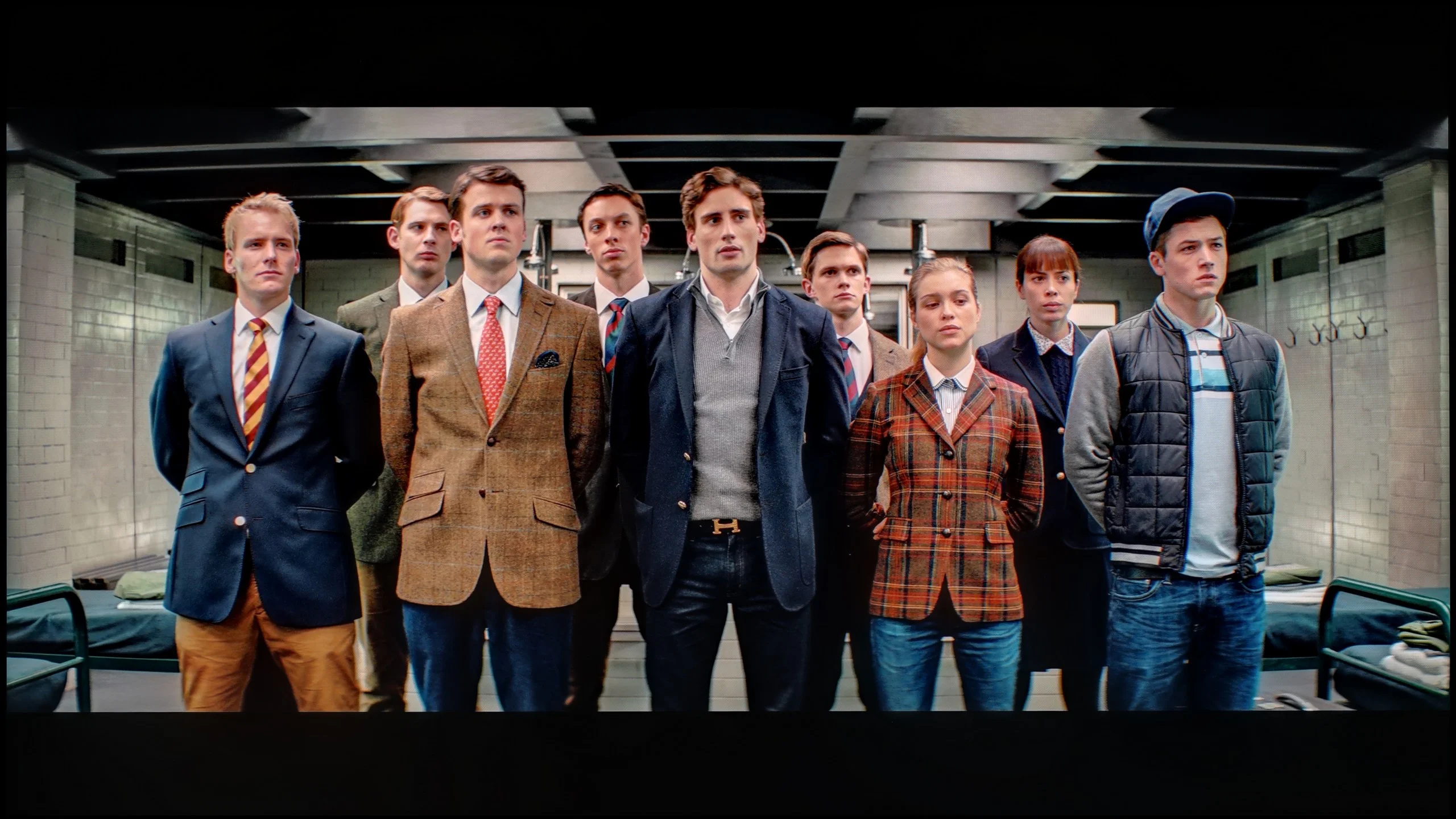
The photos show how movies look on the TV. Pay attention to black detail visibility, colors, and shadow tint.

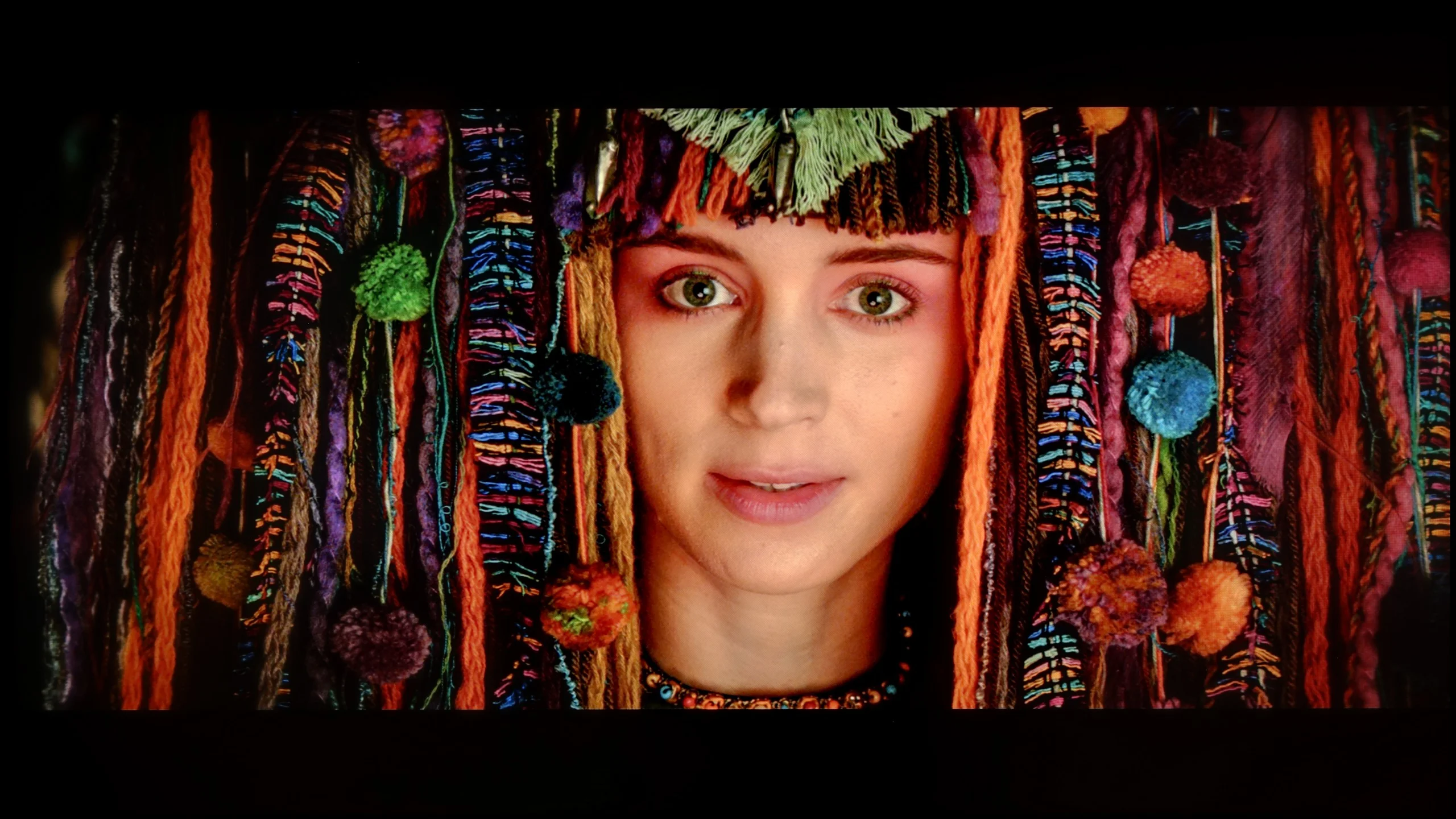
The photos show how movies look on the TV. Pay attention to black detail visibility, colors, and shadow tint.
After calibration, the Filmmaker mode can truly be called worthy of its name. The white balance for both HD and 4K HDR content has significantly improved, resulting in colours that are more natural and consistent. The image has gained in realism, with pink hues in HD content effectively eliminated, as well as the yellow haze in 4K HDR content. Thanks to the calibration, the television now offers much better colour reproduction, positively impacting the viewing experience.
When it comes to brightness, the situation with gamma is now the opposite – a clear drop is visible at the beginning of the graph, making the darkest details harder to discern. The EOTF curve for 4K HDR content has remained largely unchanged and is still below the reference level, indicating that the television still struggles to maintain adequate brightness. This is related to the aggressive dimming algorithm that affects the overall brightness of the image. You can see how the television fights to maintain high brightness or perfect black.
Despite the limitations associated with local dimming, the Samsung QN900D has improved in colour reproduction quality, as confirmed by the Color Checker test results – the colour samples are now much closer to the references, making the image more natural and pleasant to the eye.
Hisense offers quite a lot of calibration options, and in SDR you can achieve a really good result with them. After adjustment the white balance is practically even across the whole range, and colour errors fall to very low values. The UR8S can be set very precisely here. HDR looks a little different. The white balance can also be noticeably improved, although at the highest brightness levels larger deviations start to appear. Most interesting, however, is the behaviour of the EOTF curve. Even after correctly setting it on test patterns, the UR8S can still interpret brightness in its own way when watching films. Depending on the scene, parts of the picture are slightly brightened and others darkened compared with how they should look. This shows that the algorithms controlling the backlight have quite a large influence on the final image. Calibration therefore allows colours to be improved very well, but we are not able to completely 'turn off' the way the UR8S manages brightness in HDR.
Smoothness of tonal transitions
8/10
9.3/10
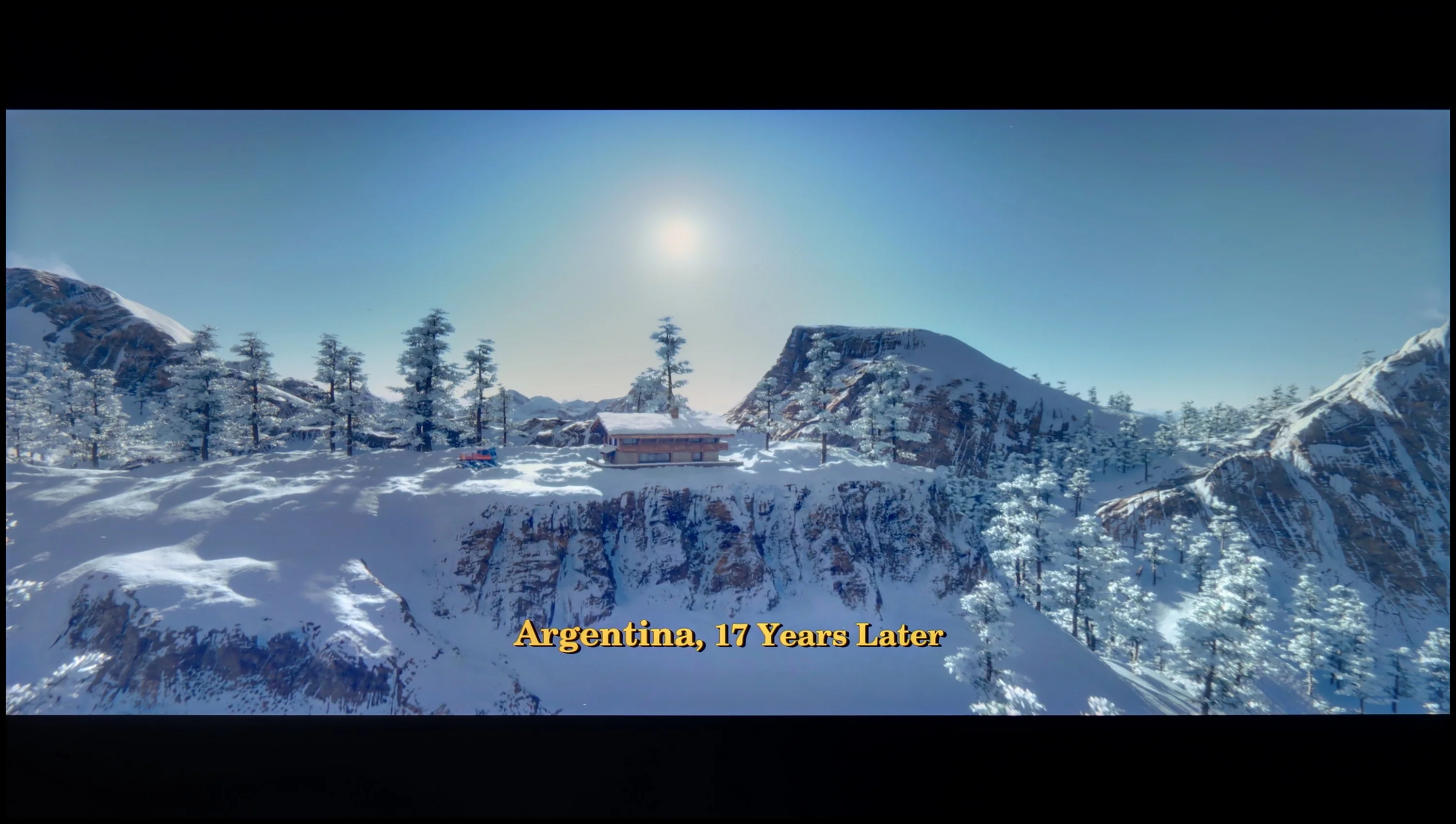

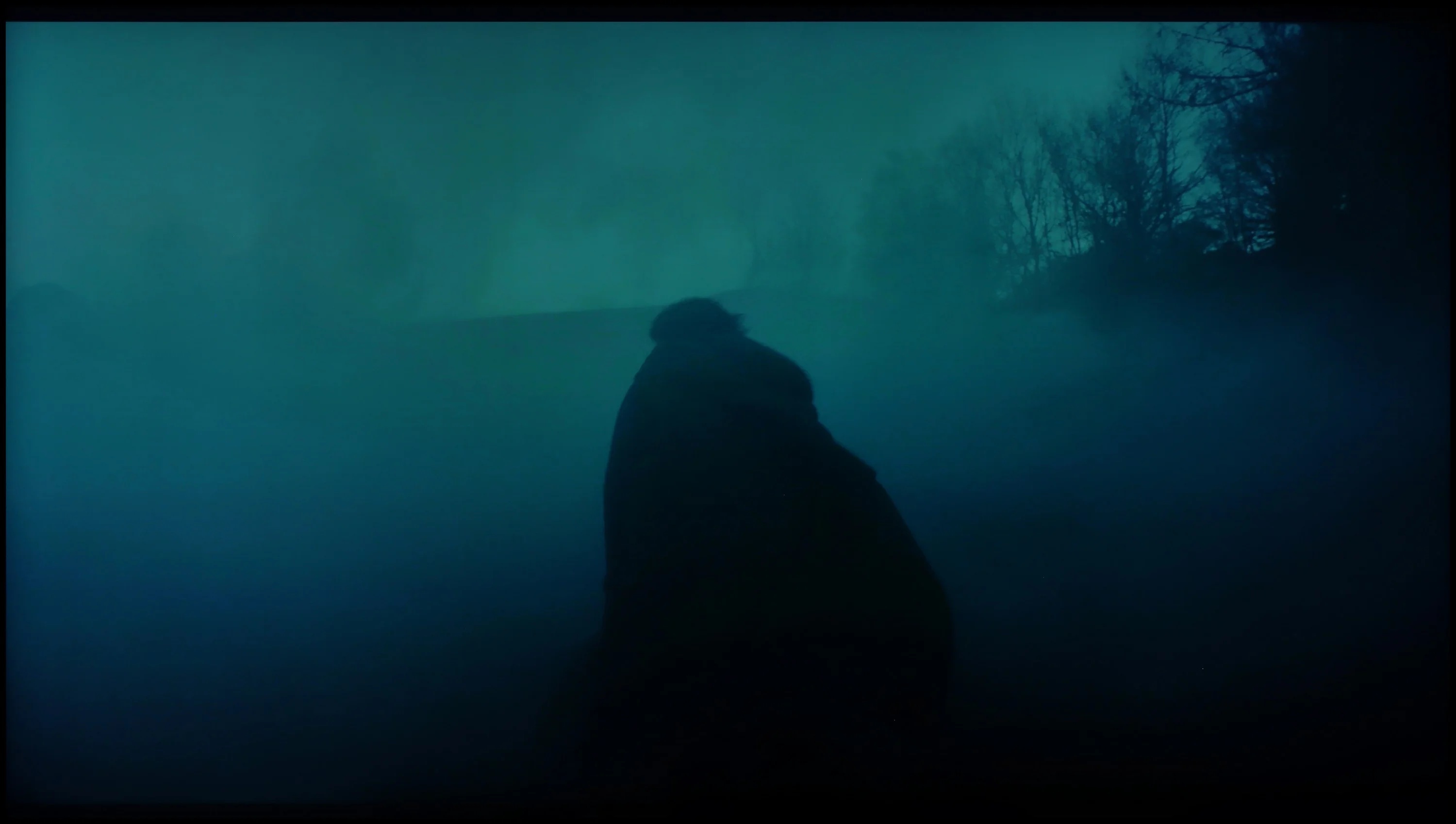
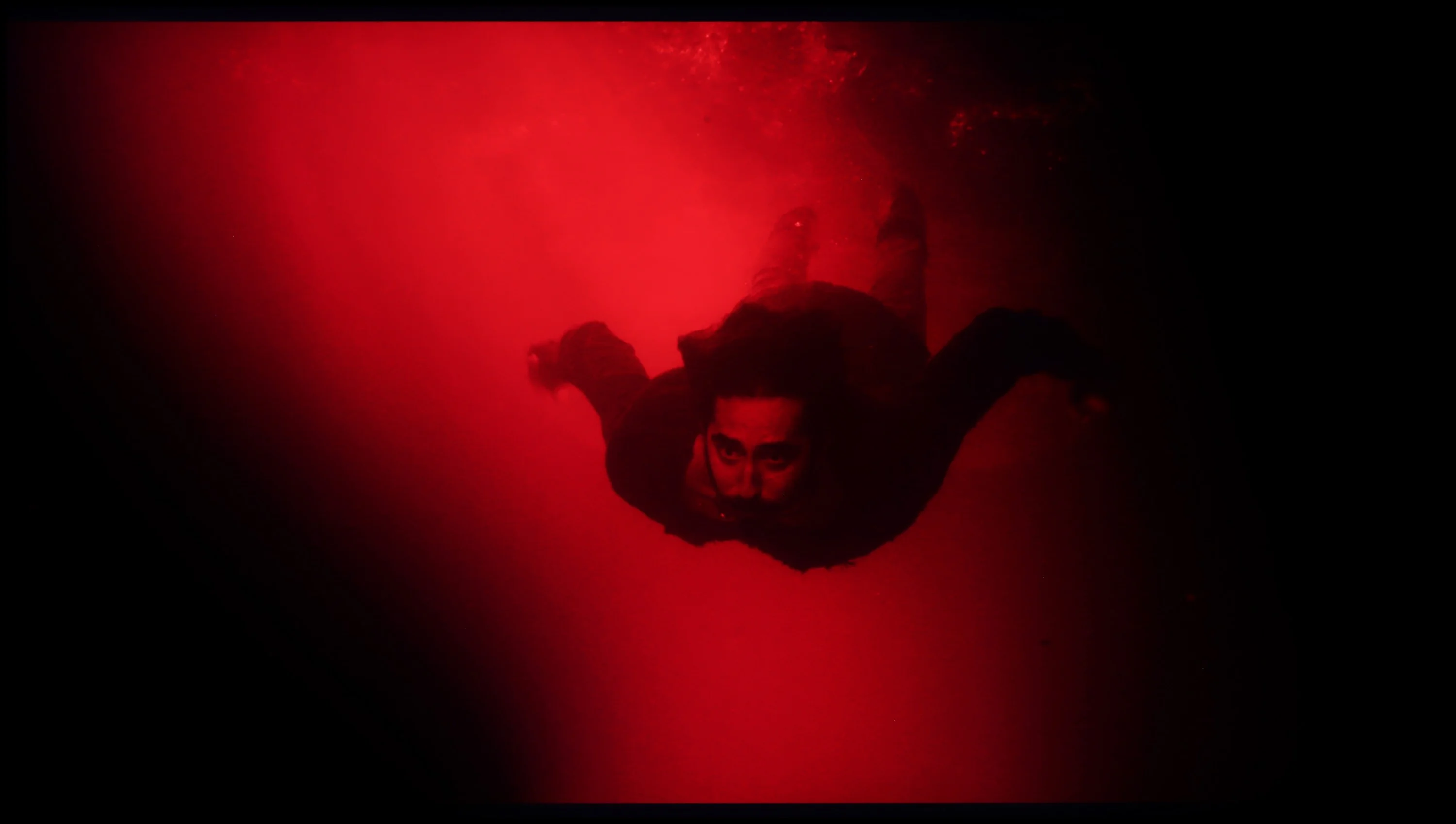
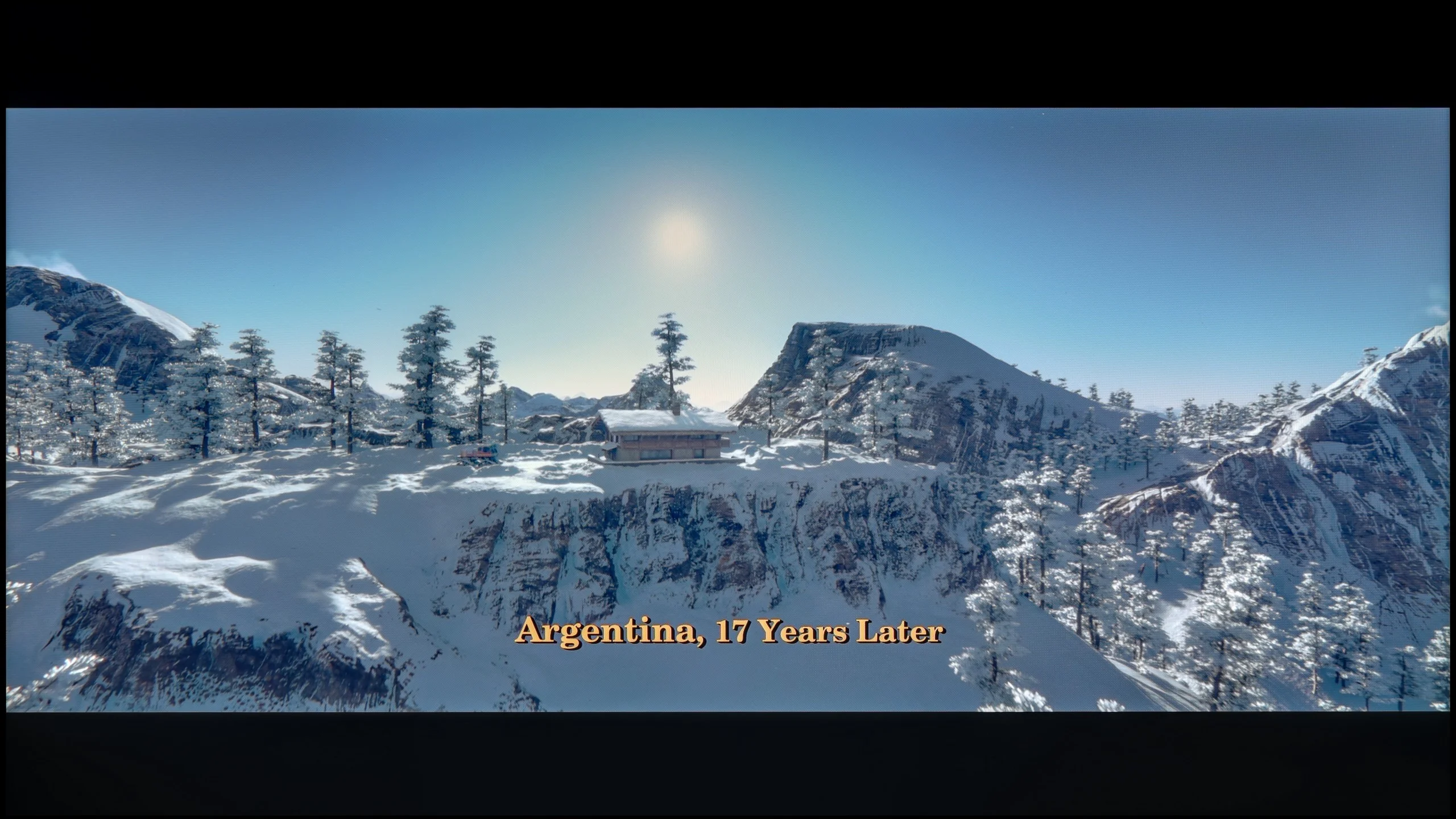
These are selected scenes that show smooth tonal transitions from one color to another. If you see distinct banding, it’s the TV panel’s fault.

These are selected scenes that show smooth tonal transitions from one color to another. If you see distinct banding, it’s the TV panel’s fault.
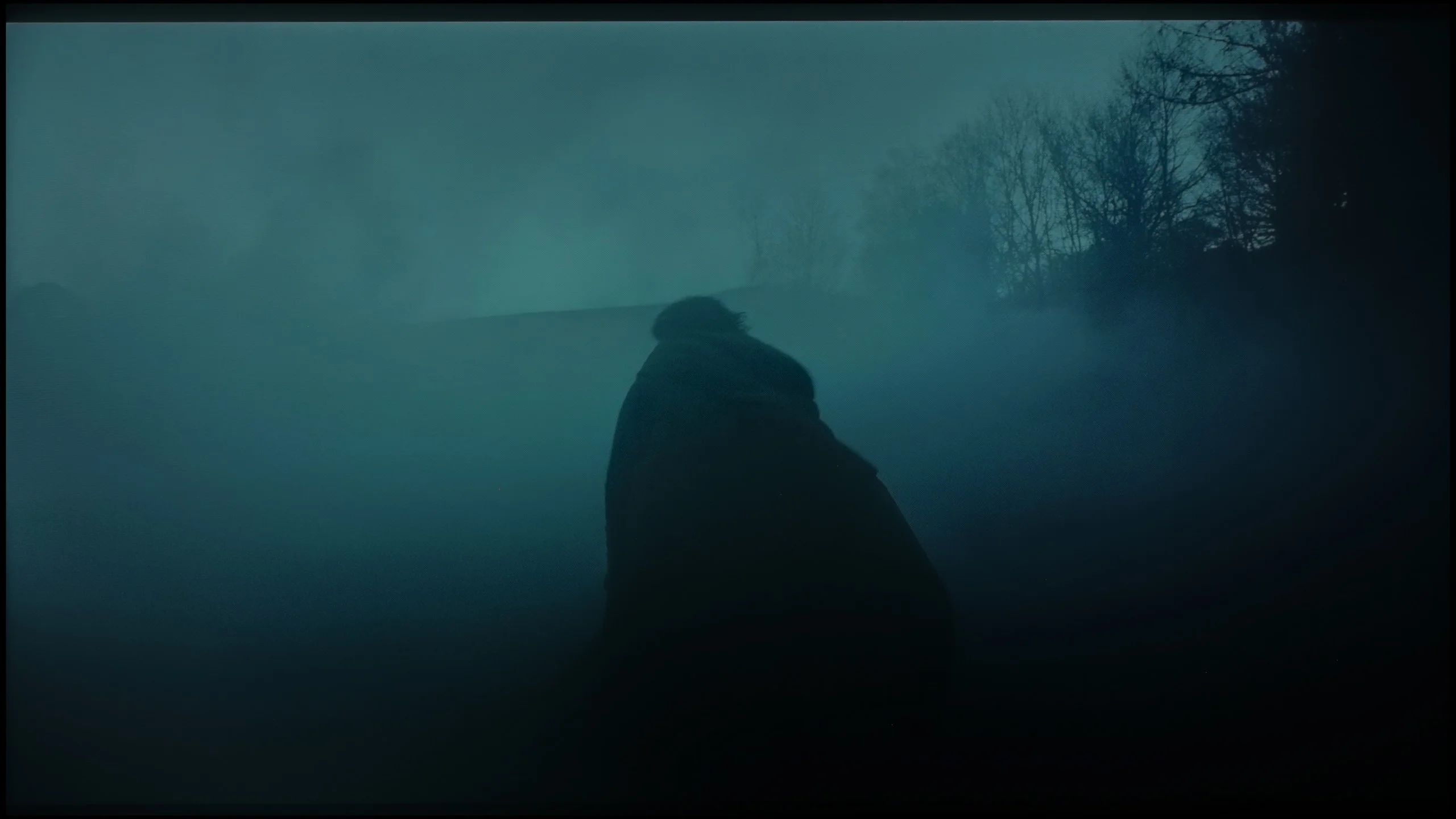
These are selected scenes that show smooth tonal transitions from one color to another. If you see distinct banding, it’s the TV panel’s fault.
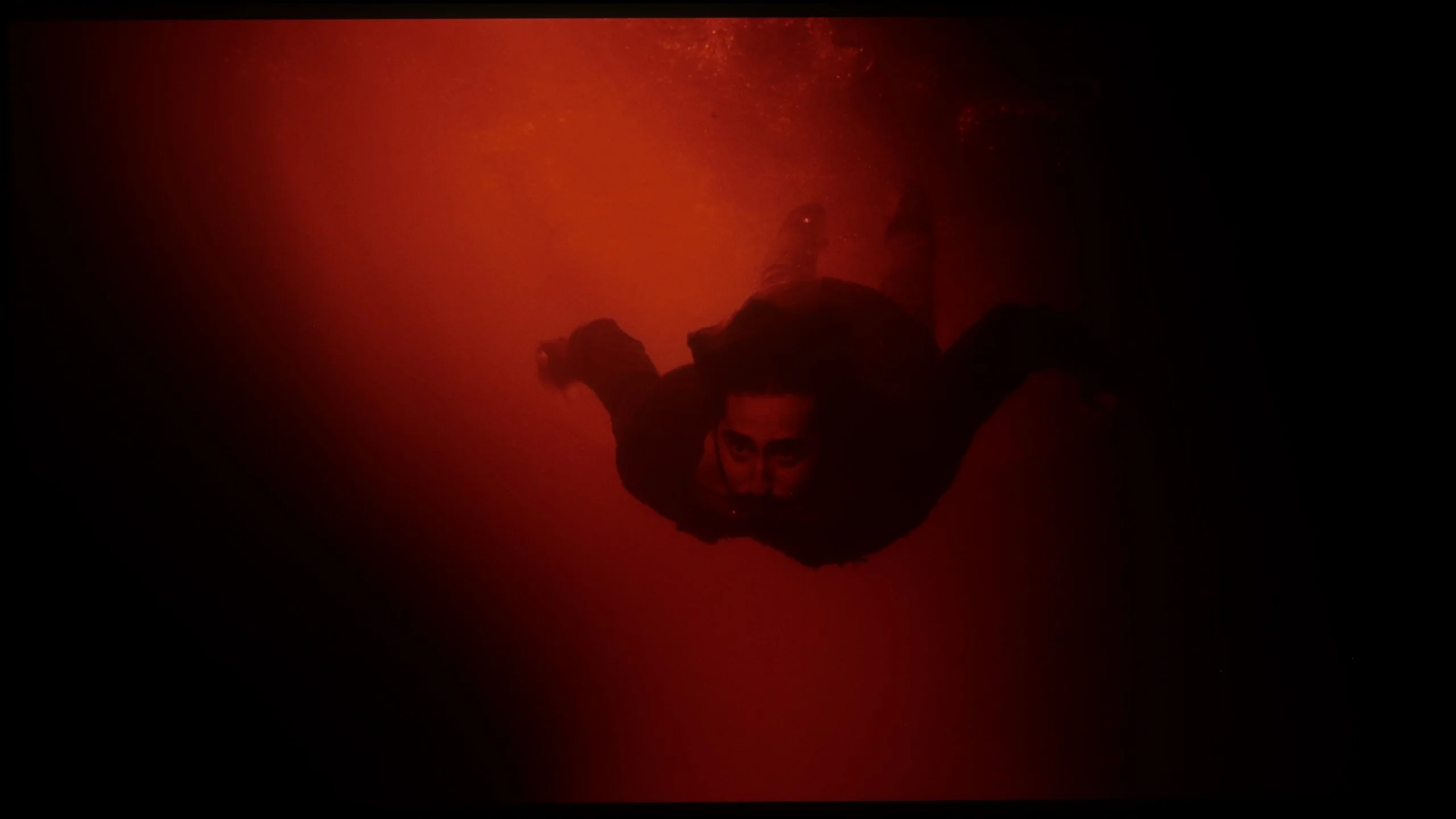
These are selected scenes that show smooth tonal transitions from one color to another. If you see distinct banding, it’s the TV panel’s fault.
The Samsung QN900D TV handles tonal transitions smoothly, deserving a rating of 8/10. The colour gradation is generally good, although not perfect – in darker scenes, some imperfections may be noticeable to more demanding users. Despite these minor flaws, the effect should satisfy most viewers, offering natural transitions.
Tonal transitions on the UR8S perform really well. In most scenes colours shift between successive shades practically without any visible steps or banding. This applies to both darker and lighter parts of the picture. Only in very extreme shades of grey can you notice small imperfections. It's a bit worse with Dolby Vision. In the same scenes faint banding is easier to spot, especially in the darker parts of the picture. It's still good, but because of that difference the rating is slightly lower.
Image scaling and smoothness of tonal transitions
7/10
8/10

Smooth transition function
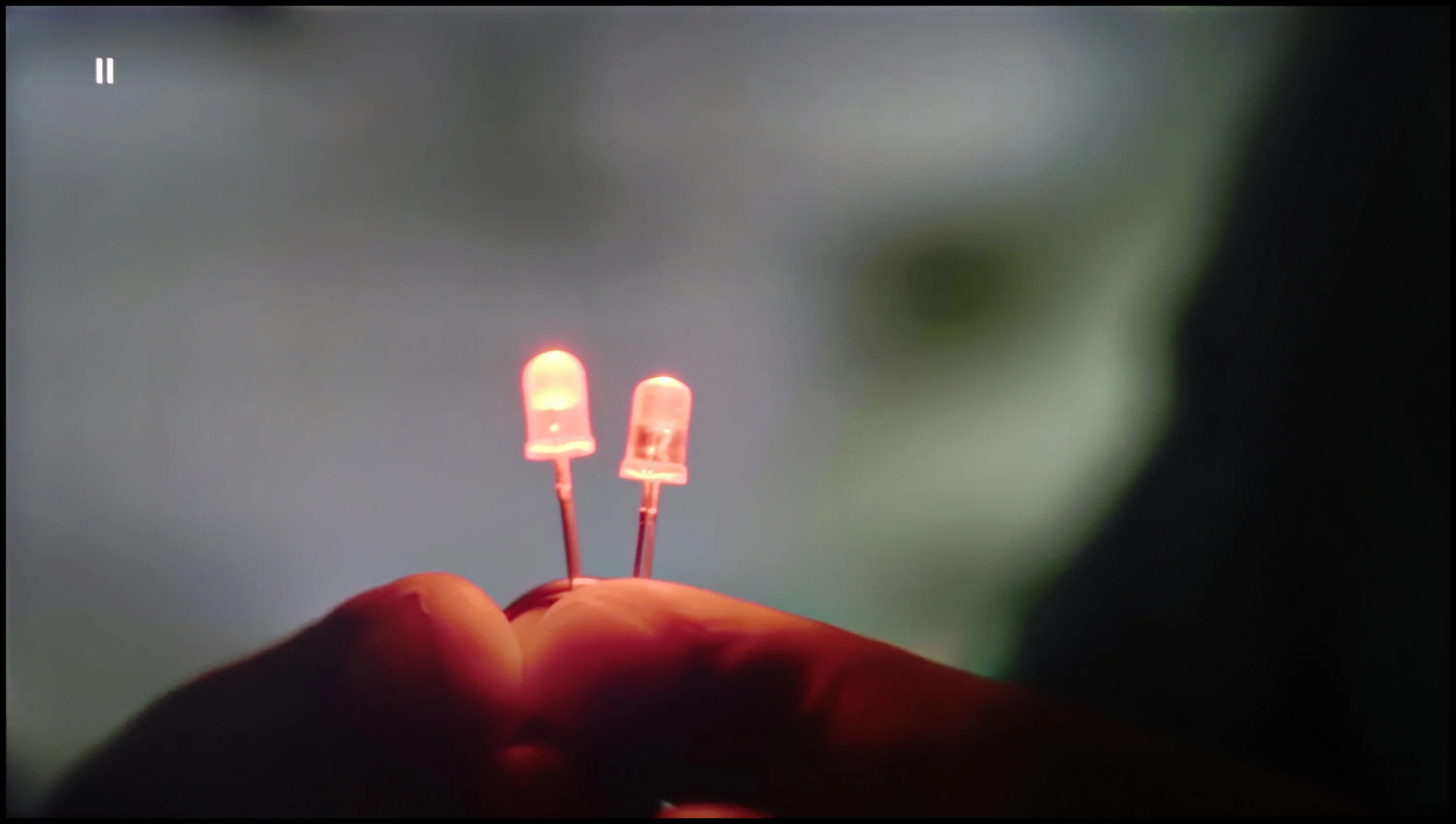
The match photo shows how the TV smooths weak tonal transitions in low-quality video.
Image scaling SD (576i)


The model photo shows how it handles upscaling of SD material.
The fluidity of tonal transitions in lower-quality materials looks fantastic – the Noise Reduction feature very effectively smooths out tonal transitions while getting rid of film grain. Although the removal of grain isn't always desirable, the overall final effect is very aesthetically pleasing, especially for those who prefer a cleaner image.
When it comes to upscaling, or image scaling, QN900D shows the tremendous capabilities of the new processor with AI technology. Photos and materials in lower resolution are scaled while retaining many details – for example, a photo with a model looks amazing, free of unnecessary jagged edges, and the branches in the background are not overly serrated.
The big plus of the UR8S is its use of the MediaTek Pentonic 800 processor, and digital image processing is one of this model’s stronger points. The TV handles smoothing tonal transitions very well, especially with poorer-quality material. The feature responsible for this effect works effectively without overprocessing the picture. Even on a medium setting it can noticeably reduce visible banding and artefacts without heavily blurring details. Upscaling itself also performs very well. Lower-resolution content is displayed cleanly, edges look natural, and the image isn’t over-sharpened. The UR8S simply copes very well with weaker signals, and in that respect it’s one of its clear strengths.
Blur and motion smoothness
7.4/10
7.8/10
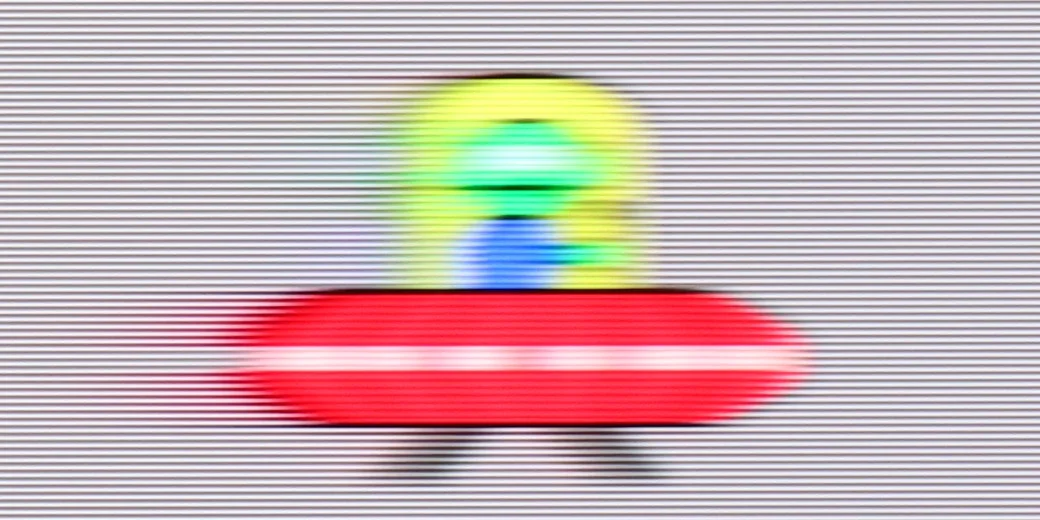
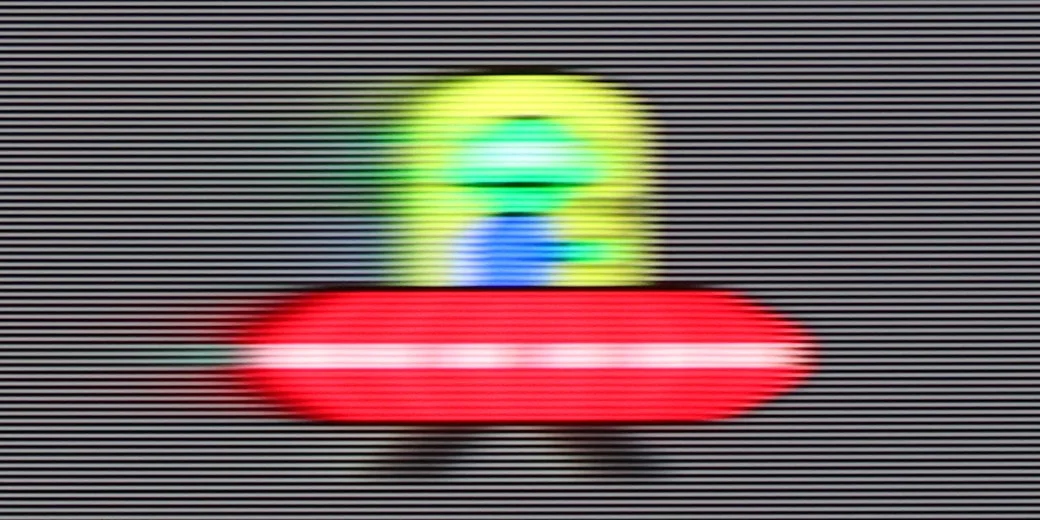
Blur (native resolution, maximum refresh rate):



Blur (BFI function enabled):
Image flickers in this mode



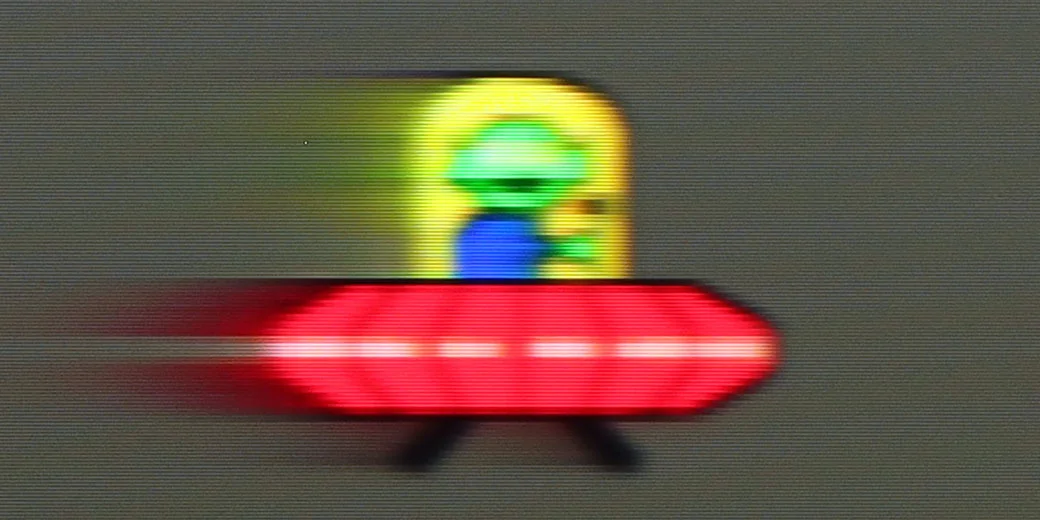
Blur (2160p 240Hz):


Blur (1080P@340Hz):


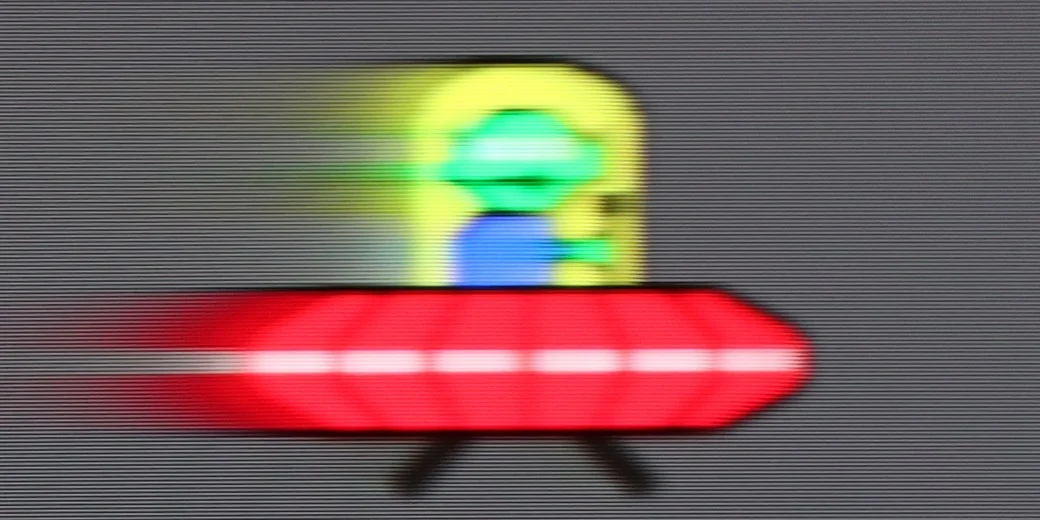
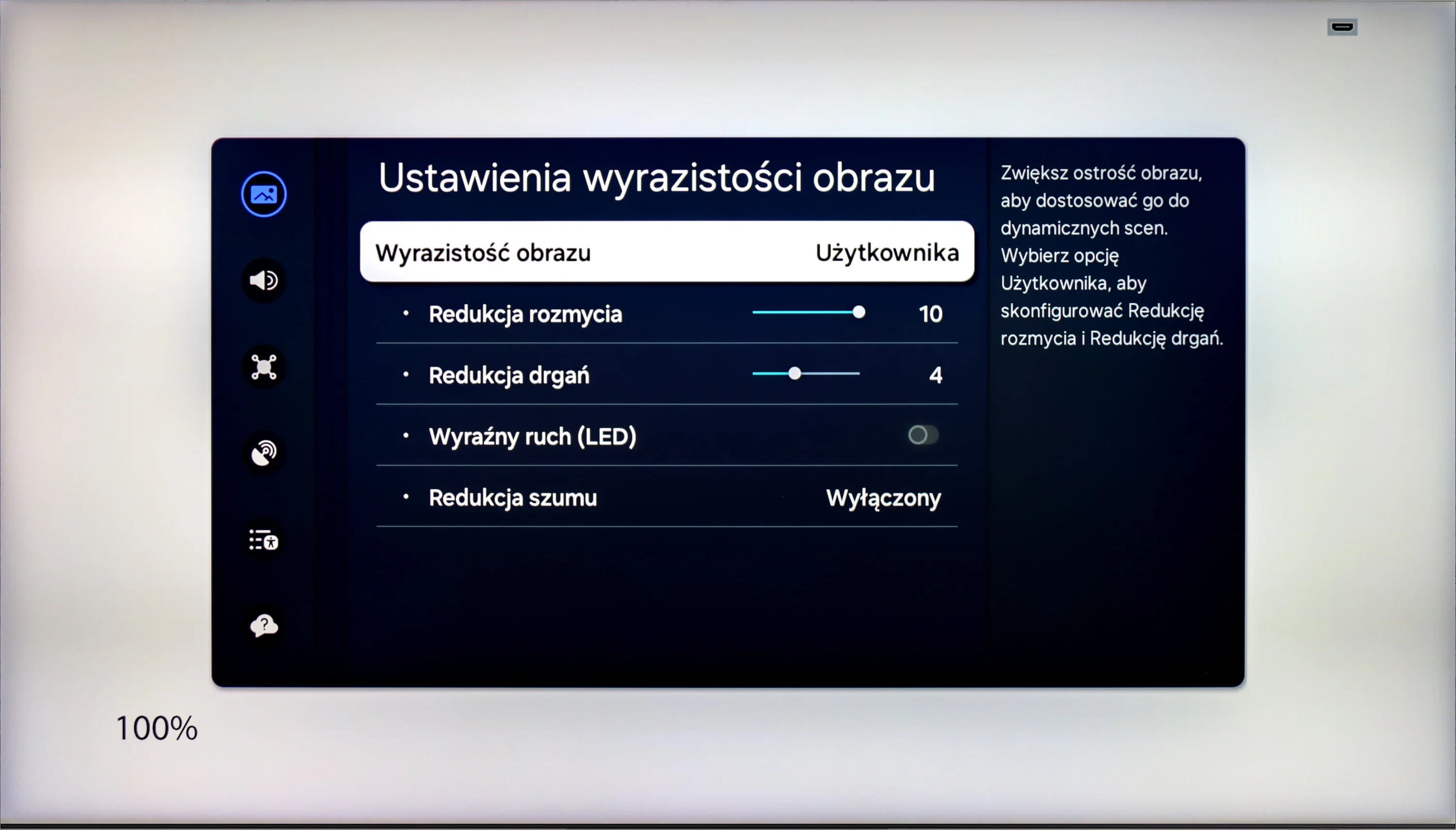
Samsung QN900D is currently the fastest television in the world – literally. A refresh rate of 240 Hz in 4K resolution is an amazing value that PC gamers will surely appreciate. As for movie fans, they won't be disappointed either – Samsung offers a 10-level scale in the picture clarity settings, allowing users to adjust the image. We can choose whether the television should provide a smoother, theatrical effect at the highest settings, or a more cinematic one, with a visible frame, at the lowest settings.
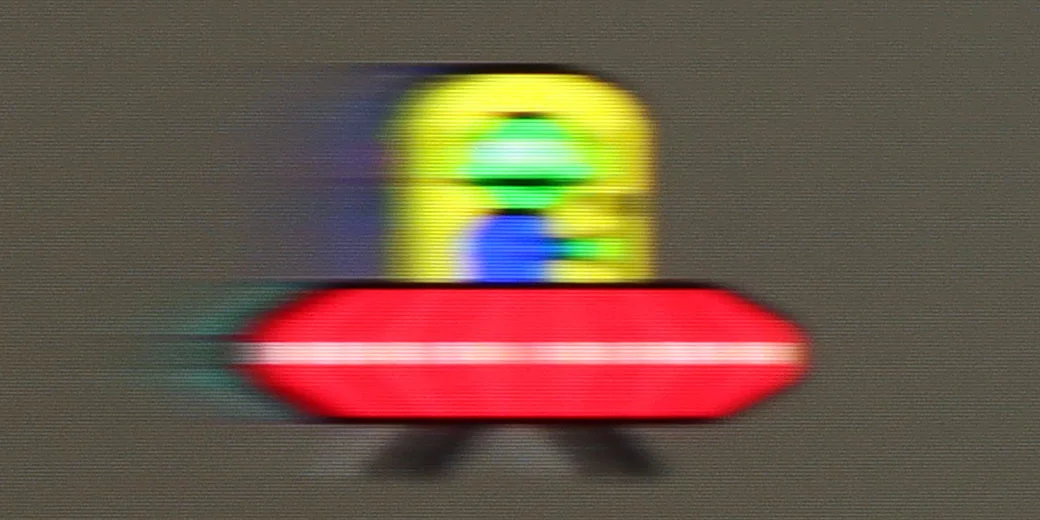
The UR8S is equipped with a panel that has a native 180 Hz refresh rate, so right away it offers very strong potential for smooth motion. The panel itself performs really well, although some limitations typical of VA panels are still visible. Smearing is relatively low for this type of screen, but during faster motion, especially on darker backgrounds, it can still be noticed, particularly if you compare the same image to OLED TVs.
Console compatibility and gaming features
9.5/10
8.5/10
- ALLM
- VRR
- VRR range48 - 240Hz48 - 330Hz
- Dolby Vision Game Mode

- Correct implementation of HGIG
- 1080p@120Hz
- 1440p@120Hz
- 4K@120Hz
- Game bar
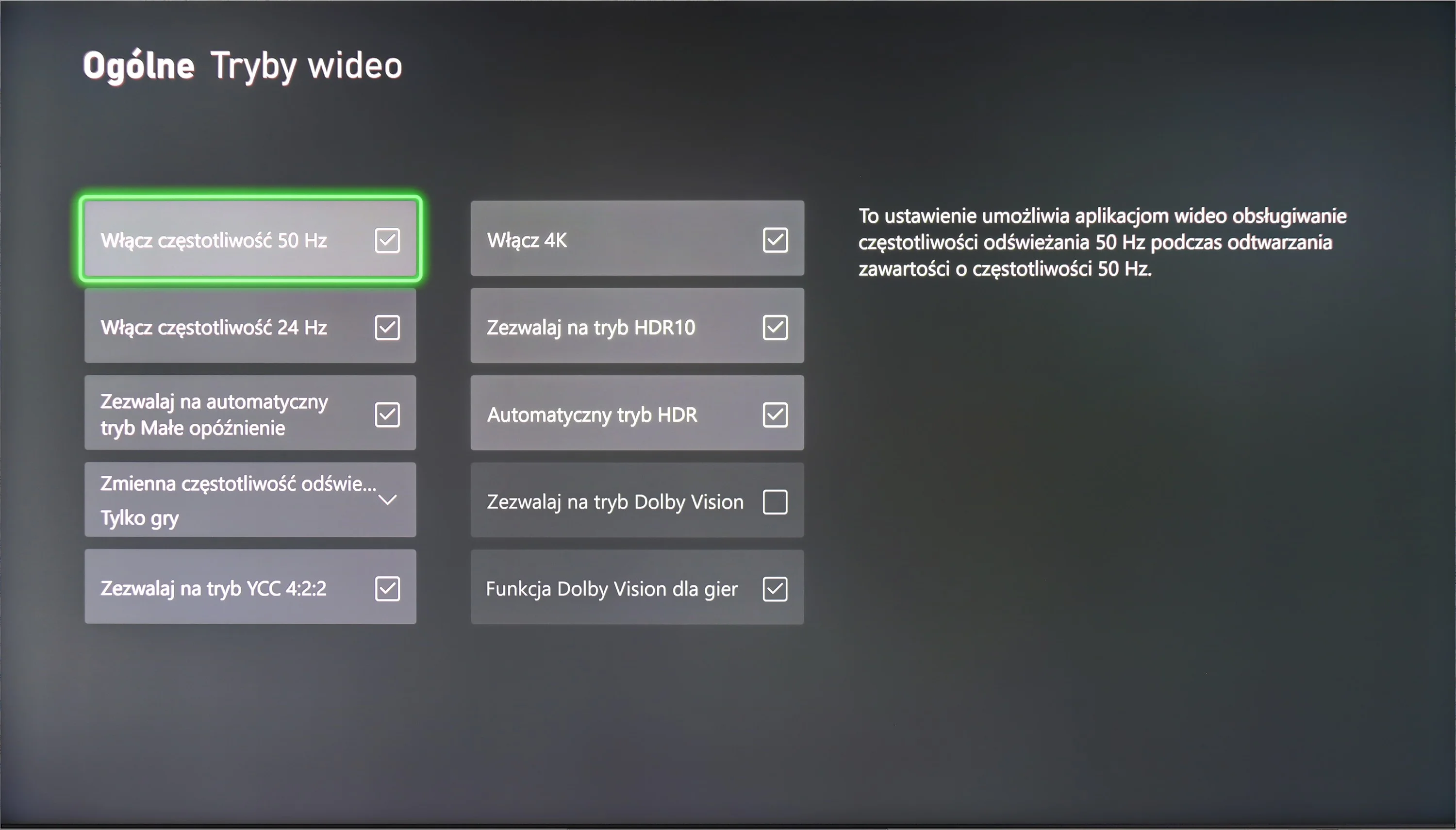
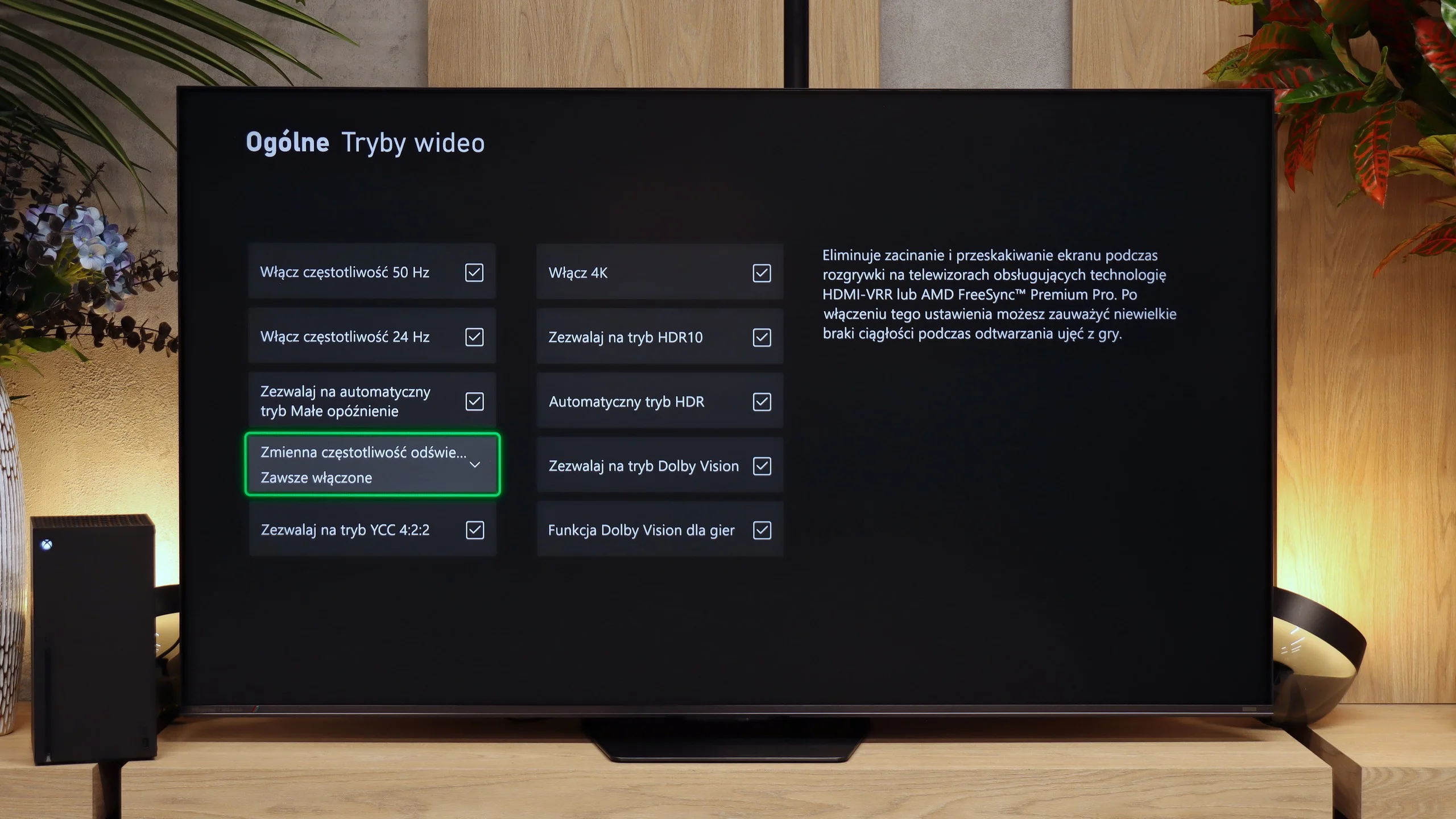
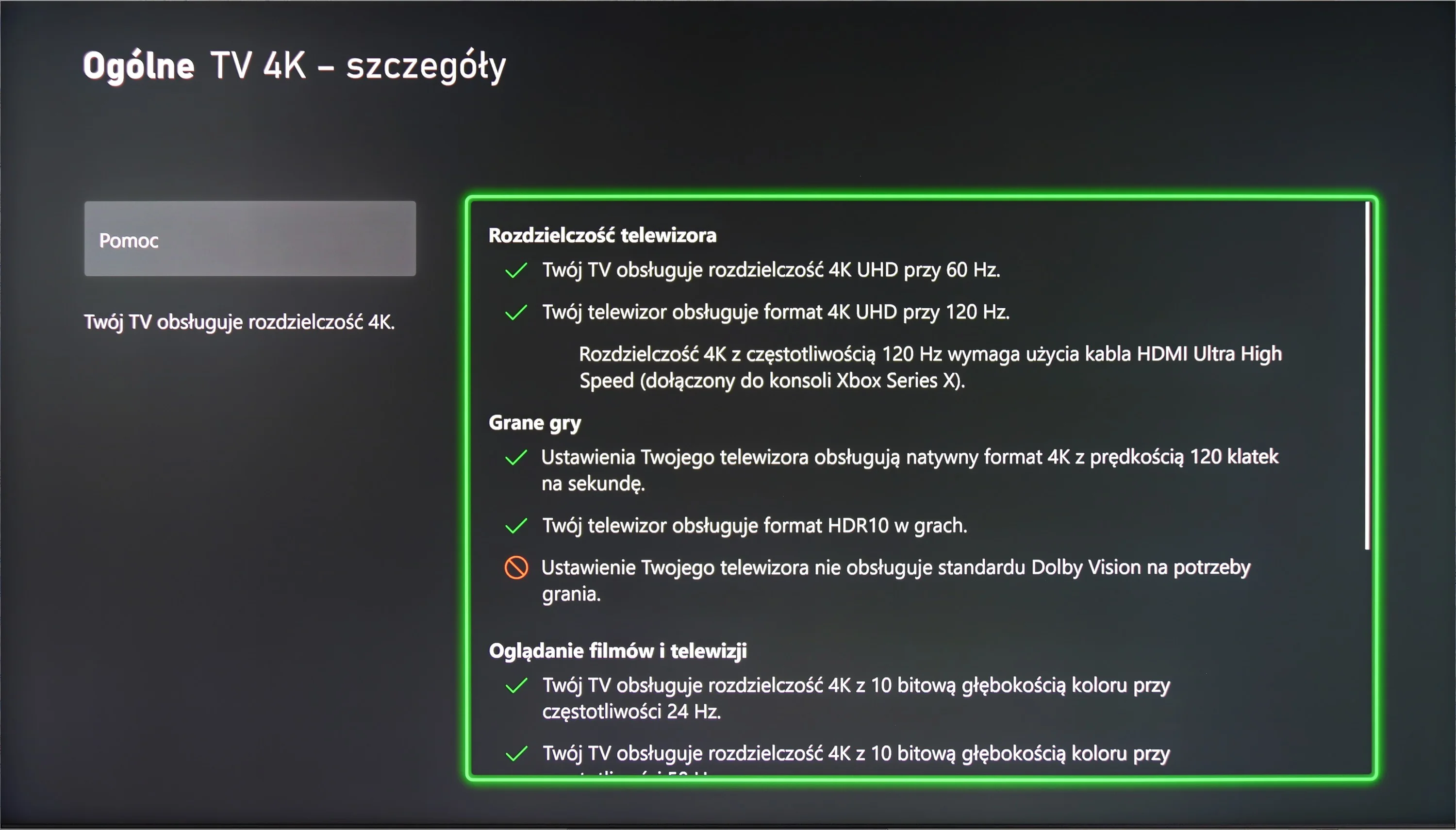
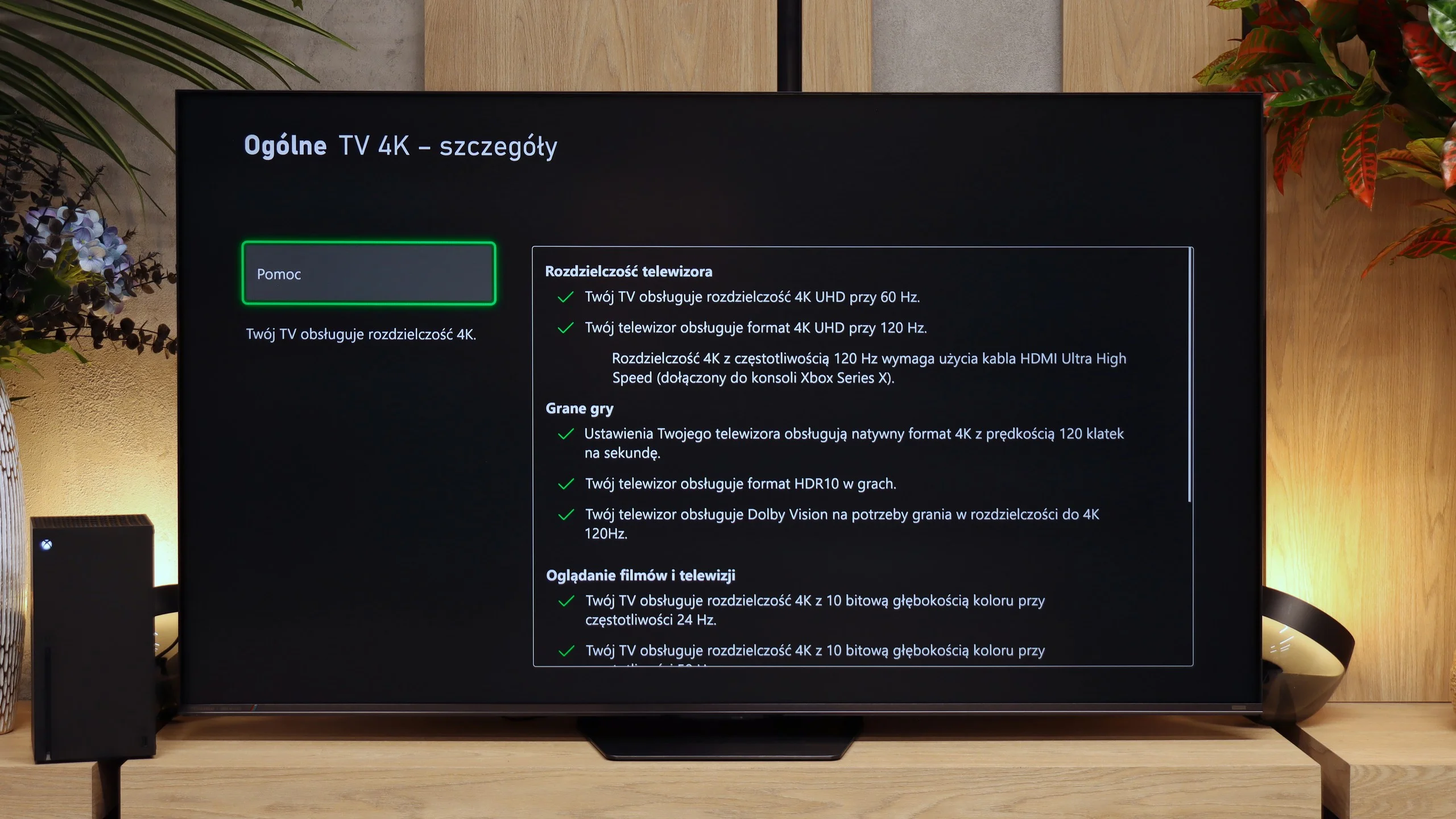
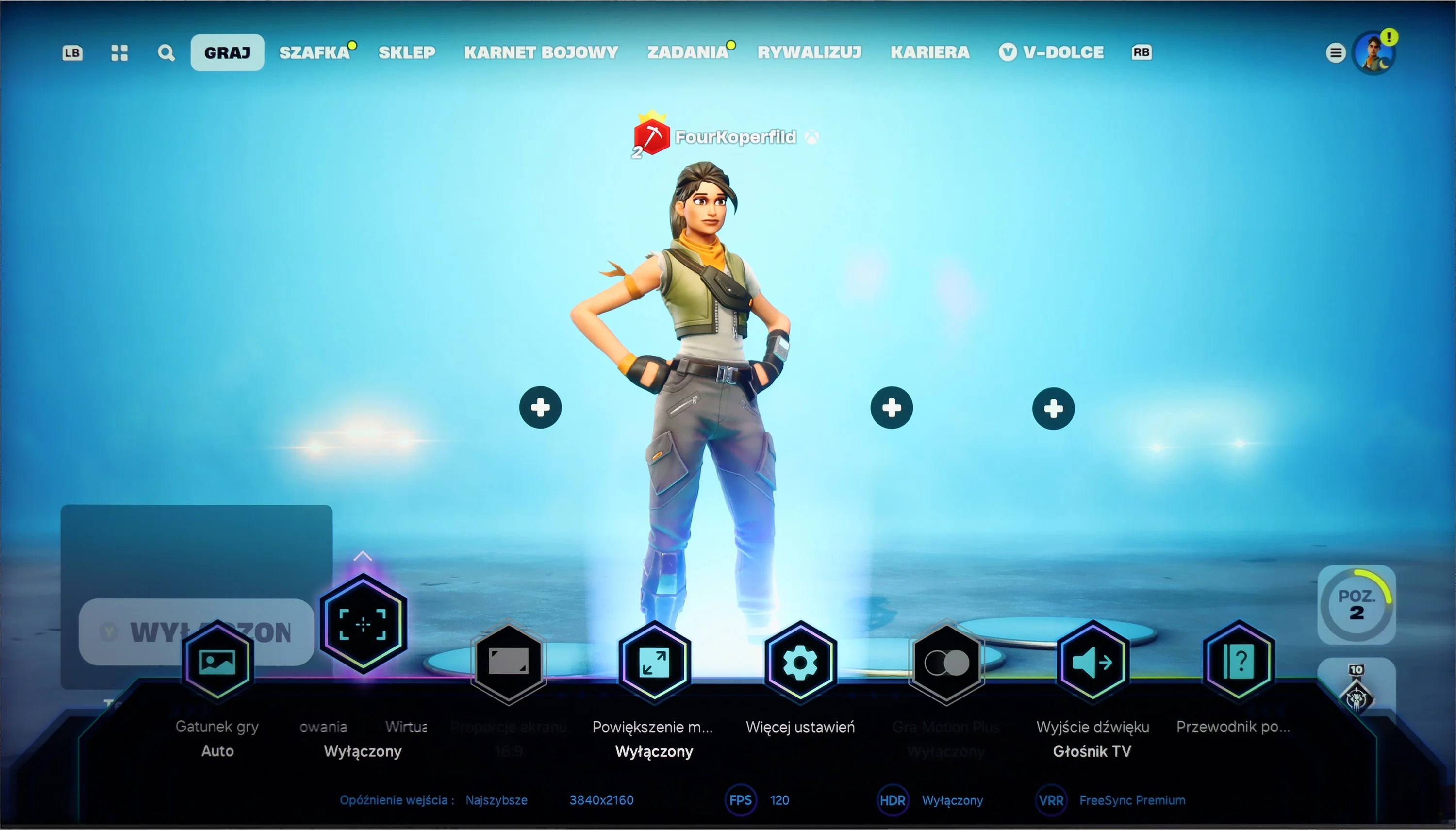
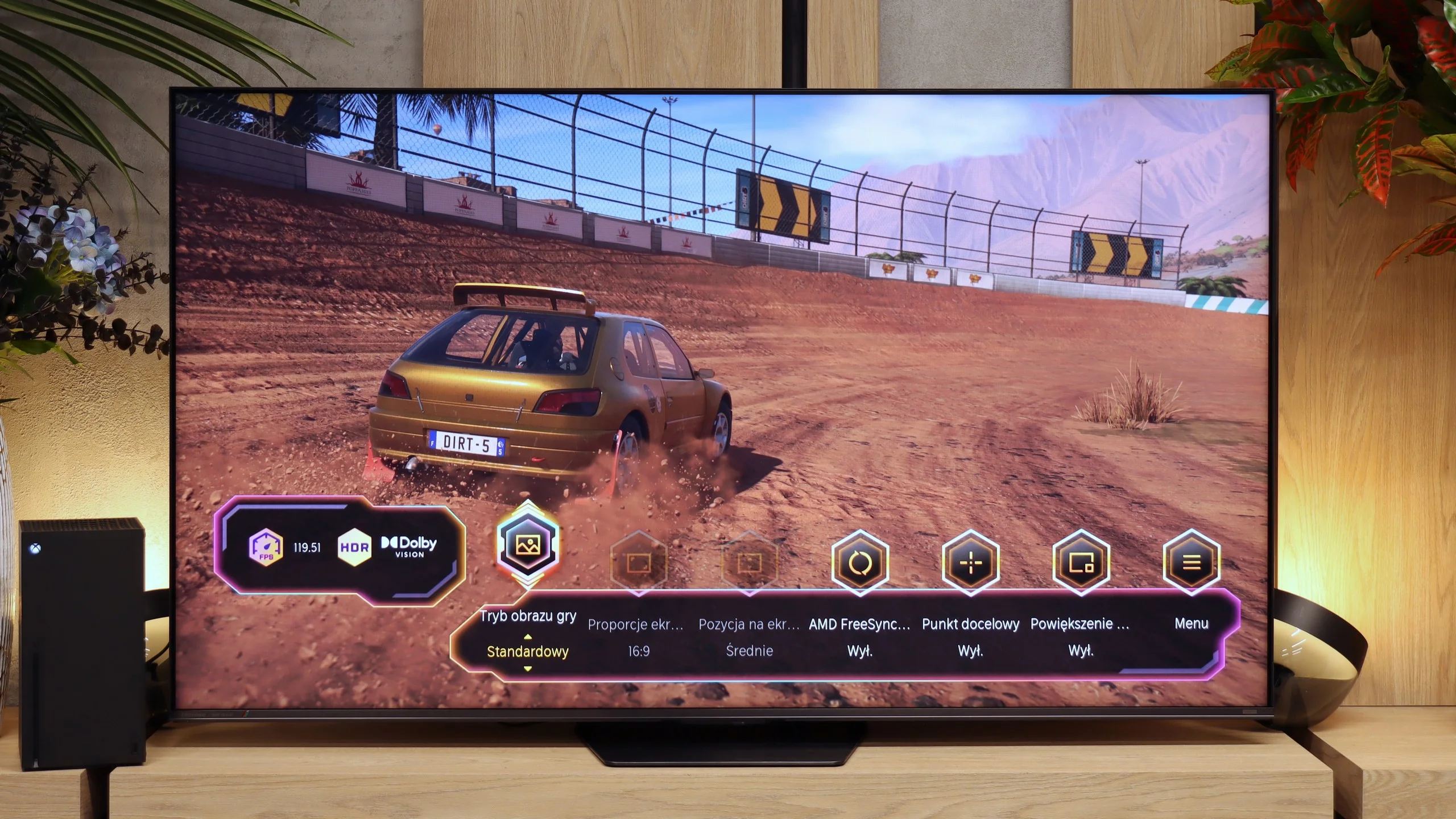
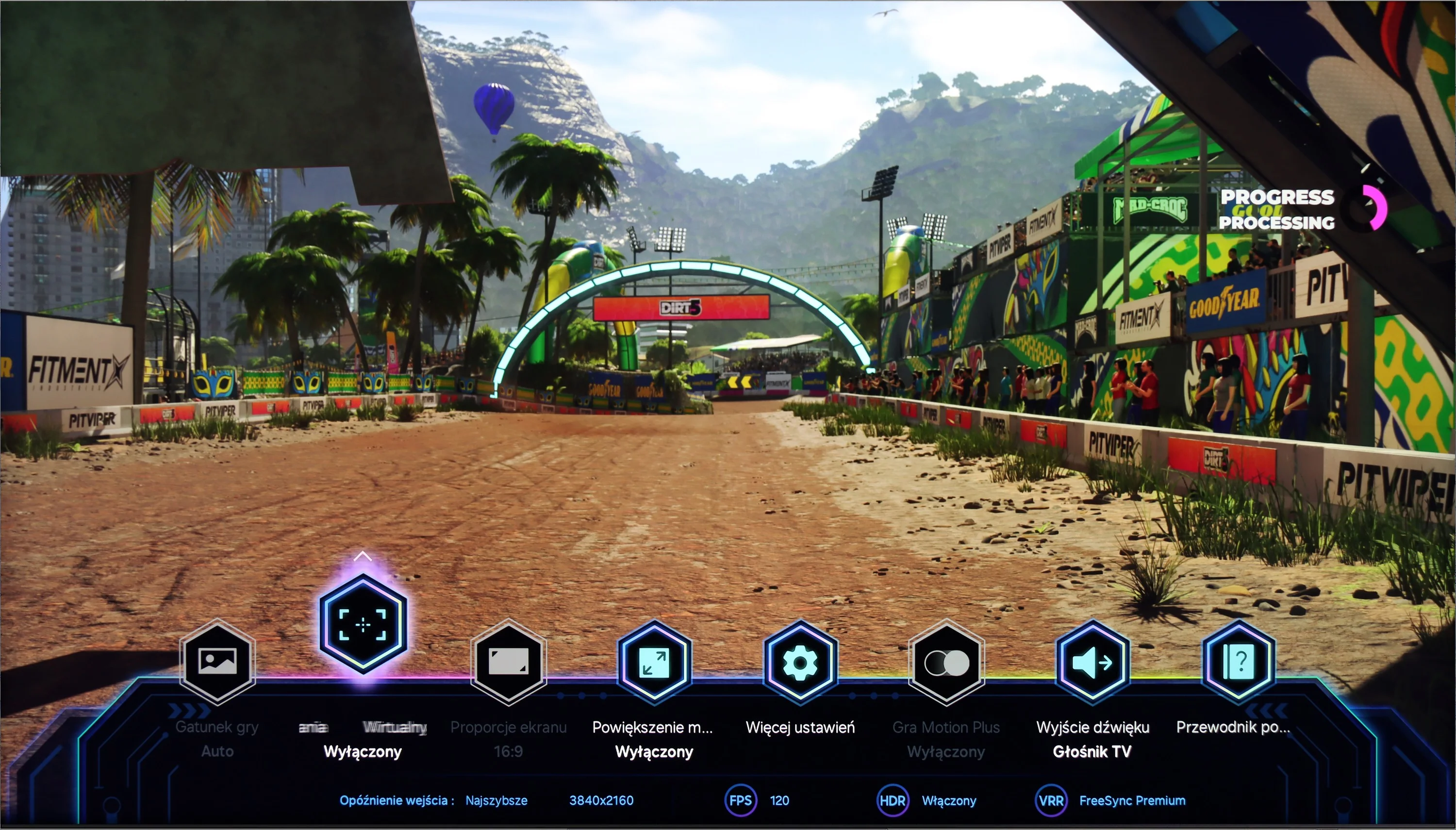
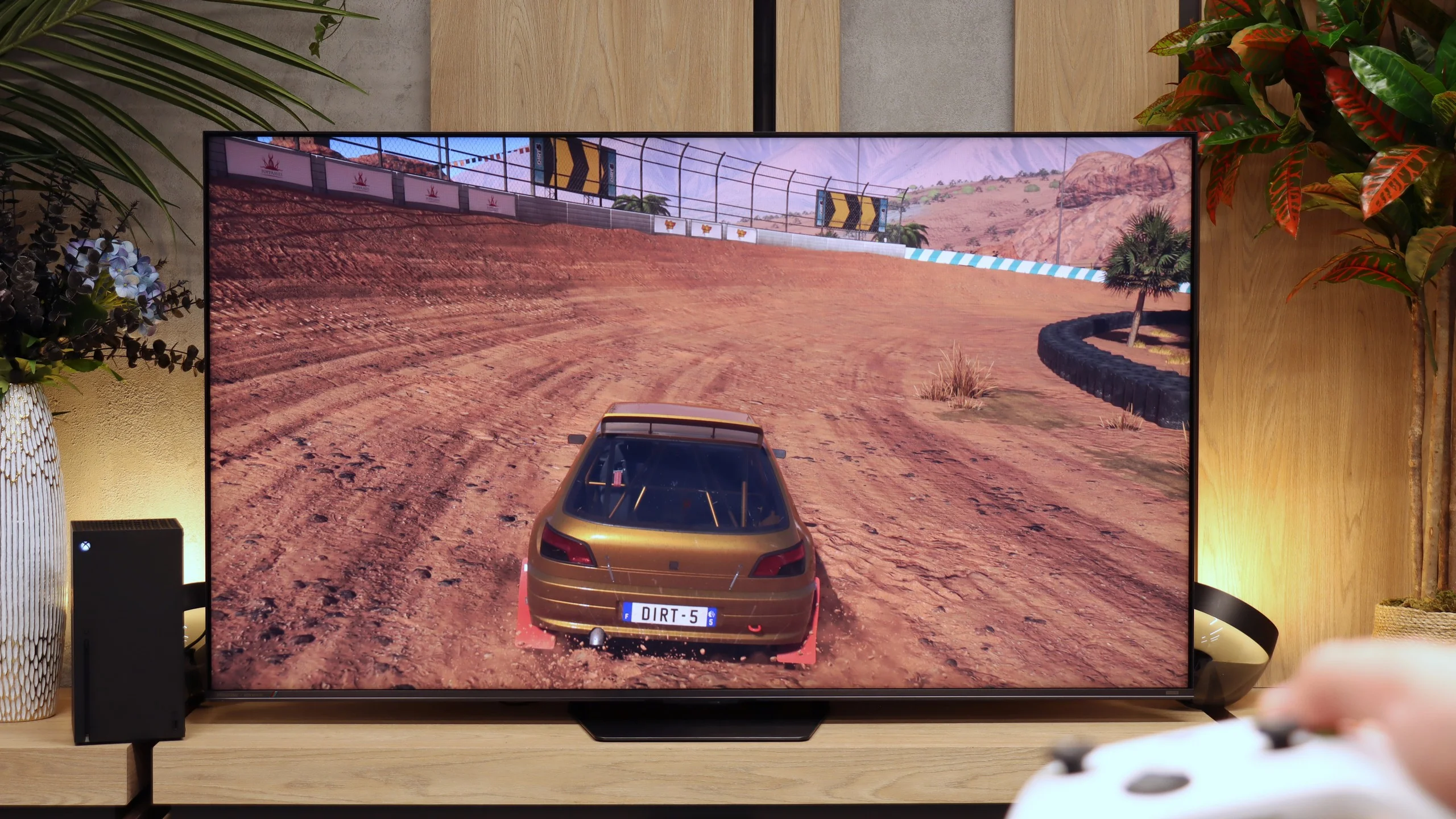
Samsung QN900D is a television that offers excellent compatibility with consoles and a range of features that gamers will appreciate. It has 4 HDMI 2.1 ports, although unfortunately without the full bandwidth of 48 Gb/s. Nonetheless, for the average user, this is more than sufficient. Additionally, the television supports Auto Low Latency Mode (ALLM) and Variable Refresh Rate (VRR), which means smoother images and no screen tearing during dynamic gameplay. The G-Sync and FreeSync technologies are also noteworthy, providing optimal compatibility with consoles and computers equipped with the appropriate graphics cards, minimising stuttering effects and ensuring a smooth picture.
One of the unique features available only in Samsung televisions is the Xbox Game Pass app, which allows for game streaming without the need for a console. This is a very convenient solution that lets you enjoy your favourite games without having to purchase additional hardware. Furthermore, the QN900D has Game Bar – a special panel that enables quick access to gaming-related settings, making game mode setup quick and intuitive.
Another interesting feature is the Auto Motion Plus Game function, which is a special motion smoothing mode that can increase the frame rate (works up to a maximum of 4K@60Hz). Importantly, this does not cause a significant increase in input lag, allowing players to enjoy both greater image fluidity. All these features make the Samsung QN900D an excellent choice for those looking for a gaming television with the highest possible parameters.
In terms of gamer features the UR8S stacks up really well. The TV supports virtually everything you'd expect from a modern console or PC display. It has ALLM, VRR, and 4K at 120 Hz. There's also Dolby Vision in game mode, so when using, for example, an Xbox Series X you don't have to give up that HDR format. PC gamers get even more options. The panel can run at 4K and 180 Hz, and dropping to Full HD can push the refresh rate as high as 330 Hz. There's also a Game Bar that lets you quickly view key info and change gaming-related settings. The only real shortcoming is a proper implementation of HGiG. When enabled, the TV still interferes with HDR brightness mapping, so we don't get the effect intended by that standard. Apart from that, the UR8S is very well equipped for both consoles and a powerful PC.
Input lag
9.8/10
9.8/10
SDR
HDR
Dolby Vision
When it comes to signal delay (input lag), Samsung QN900D achieves impressive results. Values below 15 ms are truly excellent, making the TV an ideal choice for gamers expecting minimal delays during gameplay. The input lag at 8K resolution is also noteworthy, clocking in at just 17 ms – this is also a very good result that allows for enjoying dynamic games in the highest possible resolution without noticeable delays.
The input lag on the UR8S is very low. With a 60 Hz signal we measured around 15 to 16 ms, while switching to 120 Hz brings the delay down to roughly 9 to 10 ms. Importantly, we recorded similar results with HDR and Dolby Vision, so using those formats does not noticeably increase latency. In practice the response to controls is very fast, and even demanding gamers shouldn't have reason to complain.
Compatibility with PC
8/10
8.5/10
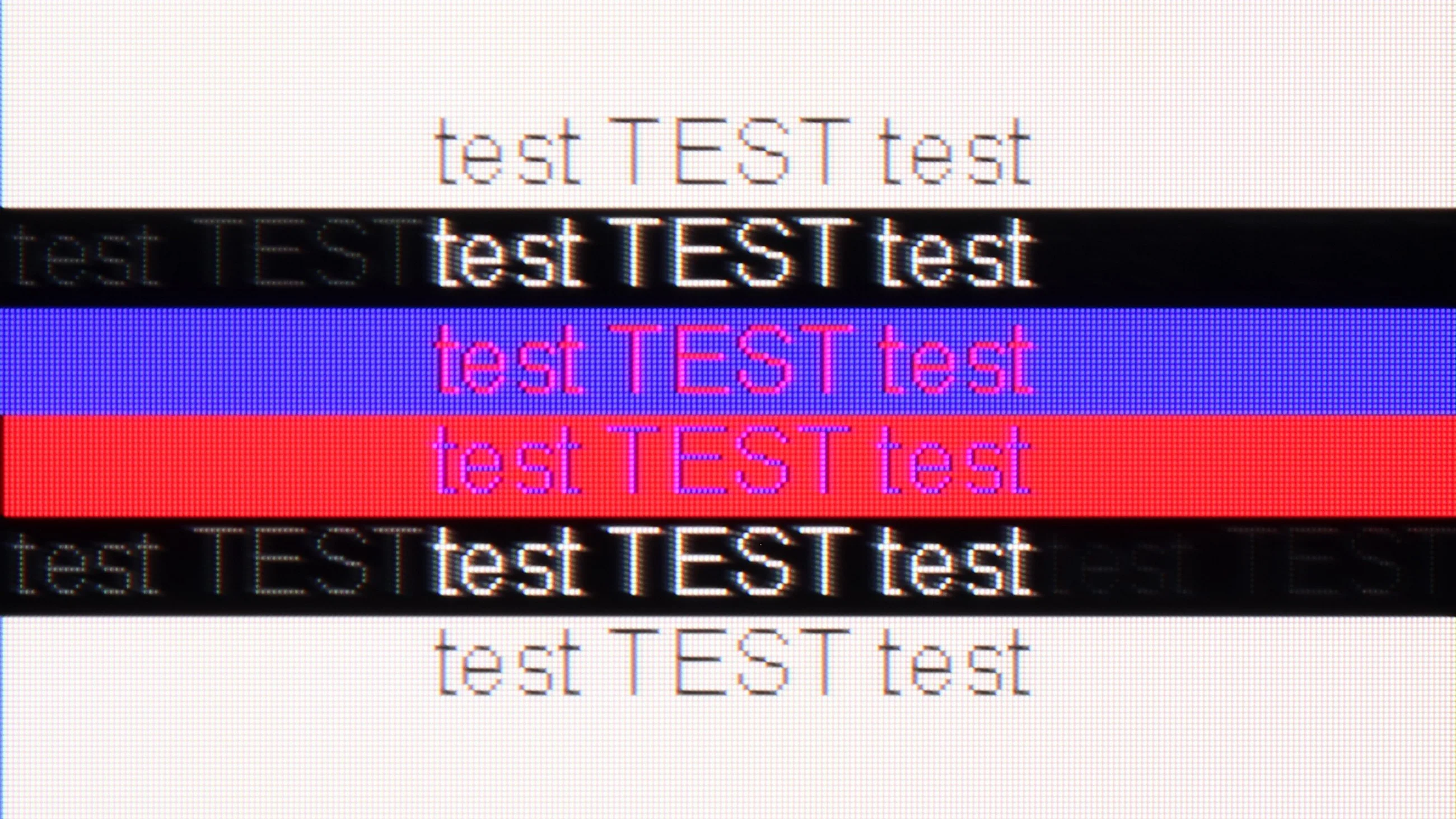
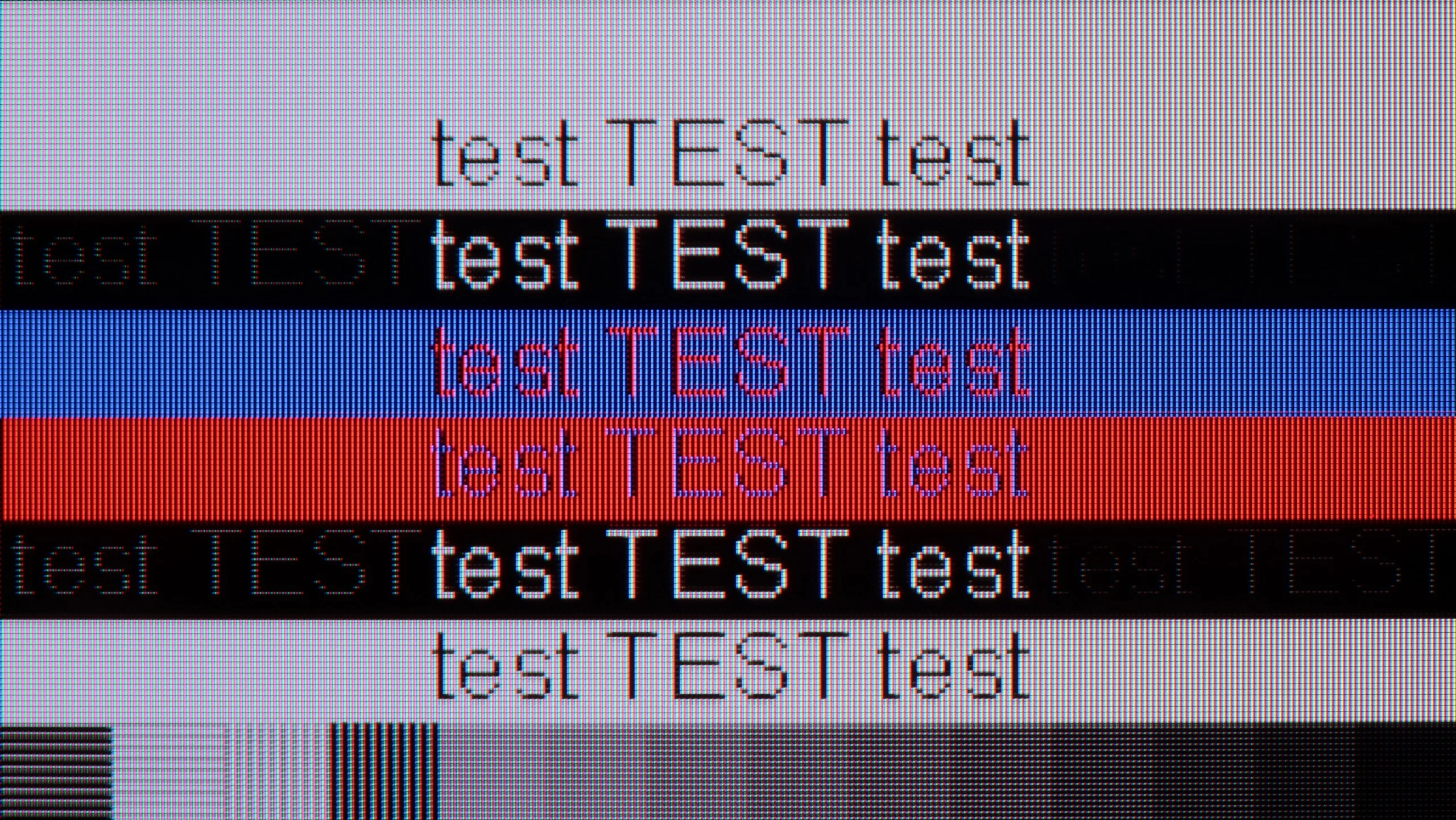
The photo shows the legibility of small fonts. Ideally, lines should be the same thickness on both light and dark text, with minimal pixel gaps.
Samsung QN900D offers excellent compatibility with computers, making it a great choice for users looking for a large screen for work and entertainment. It supports full Chroma 4:4:4 colour reproduction, which translates to better image quality when using text and office applications. Font readability is quite decent, especially considering the 8K resolution, which offers an immense level of detail.
Unfortunately, despite the very high resolution, the television does have some issues with bright fonts on a dark background – one can notice slight shadows created by subpixels. It may not be a critical issue, but for more demanding users, it could impact comfort, especially when working in text applications. Nevertheless, the overall image quality and compatibility with computers are of a high standard. It's also worth praising the television for supporting 240Hz at lower resolutions such as 4K. This allows high-end PCs to showcase their prowess in games.
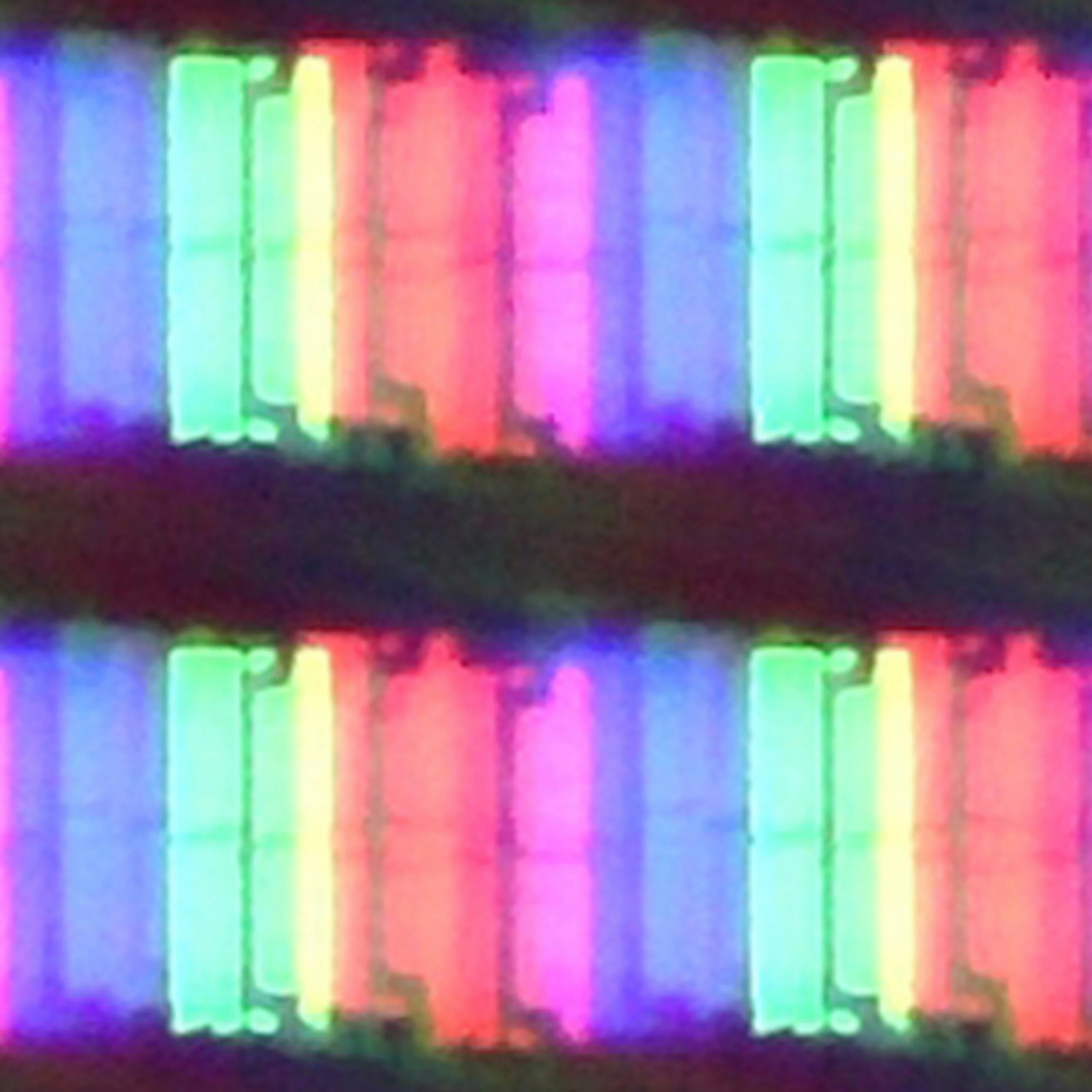
The UR8S also works very well as a large computer monitor. The TV correctly handles 4:4:4 chroma at maximum resolution and refresh rate, so small fonts remain legible and don't have heavily jagged or coloured edges. The BGR subpixel layout used isn't much of an issue here and text still looks good, although nitpicky users will notice they're not perfect.
It also offers a refresh rate of up to 180 Hz at 4K, G-Sync support and very low input lag, which at the maximum refresh rate is about 9 ms. So if you want to use the UR8S not just for a console but also for gaming on a powerful PC, the TV is very well suited to that.
Viewing angles
7.8/10
5.5/10
The viewing angles on the QN900D television are very good, despite the use of a VA panel. Thanks to a special coating that widens the viewing angles, the image remains flawless even when viewed from an angle. This is particularly important when there are more people in the room – every viewer, regardless of their seat, can enjoy excellent image quality without distortion or loss of colour. This makes the Samsung QN900D a great choice for watching movies and sports broadcasts with a larger group.
The viewing angles on the UR8S are quite good, helped by the RGB backlight. Thanks to the three-colour LEDs, colours viewed off-axis hold up better than in many conventional Mini-LED TVs that use white or blue backlights. Of course it’s still not on a par with OLED, and even less so with QD-OLED. At wider viewing angles the picture loses a little contrast and saturation, but for an LCD TV the result is genuinely decent.
Daytime performance
5/10
9.5/10
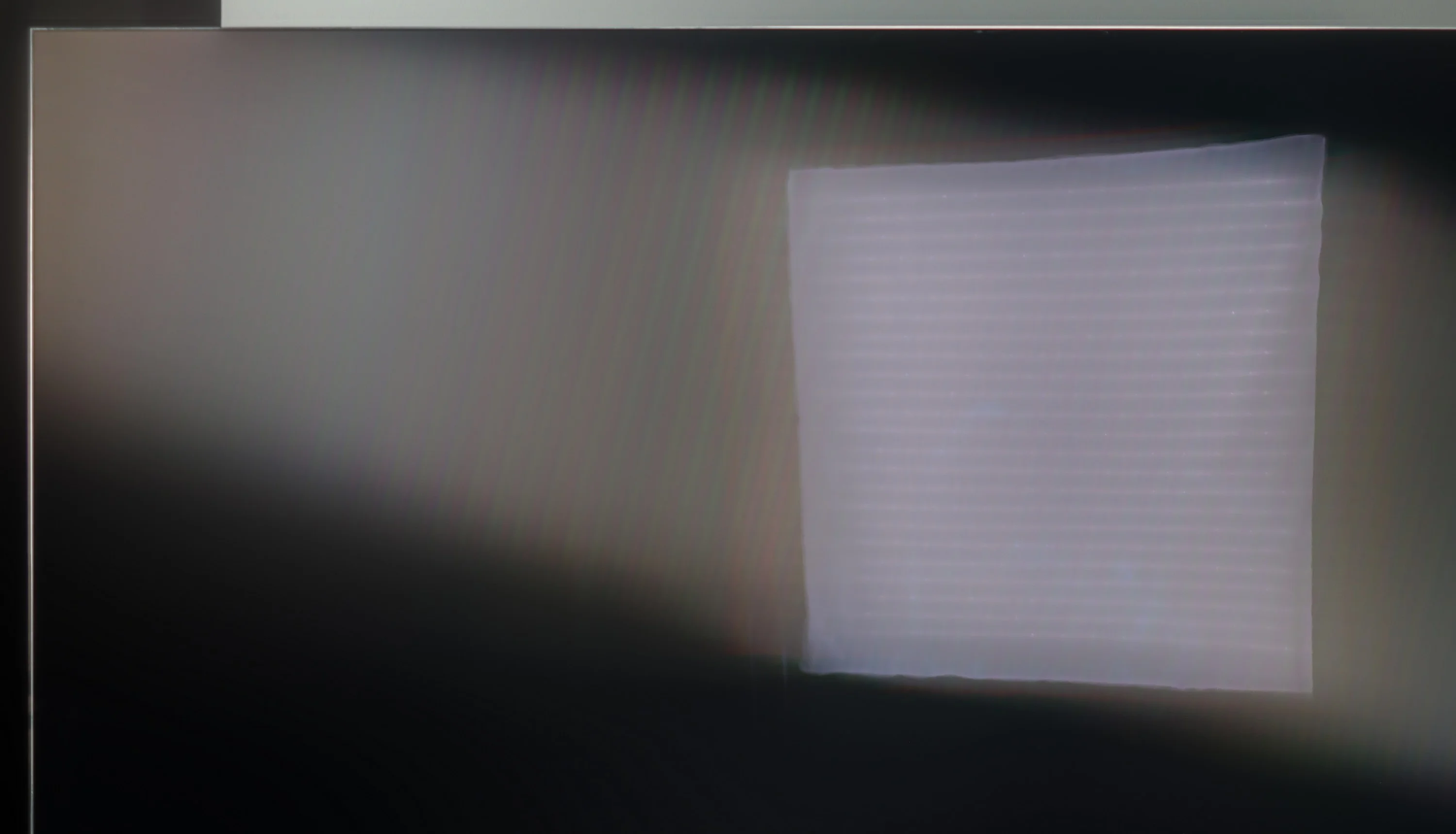
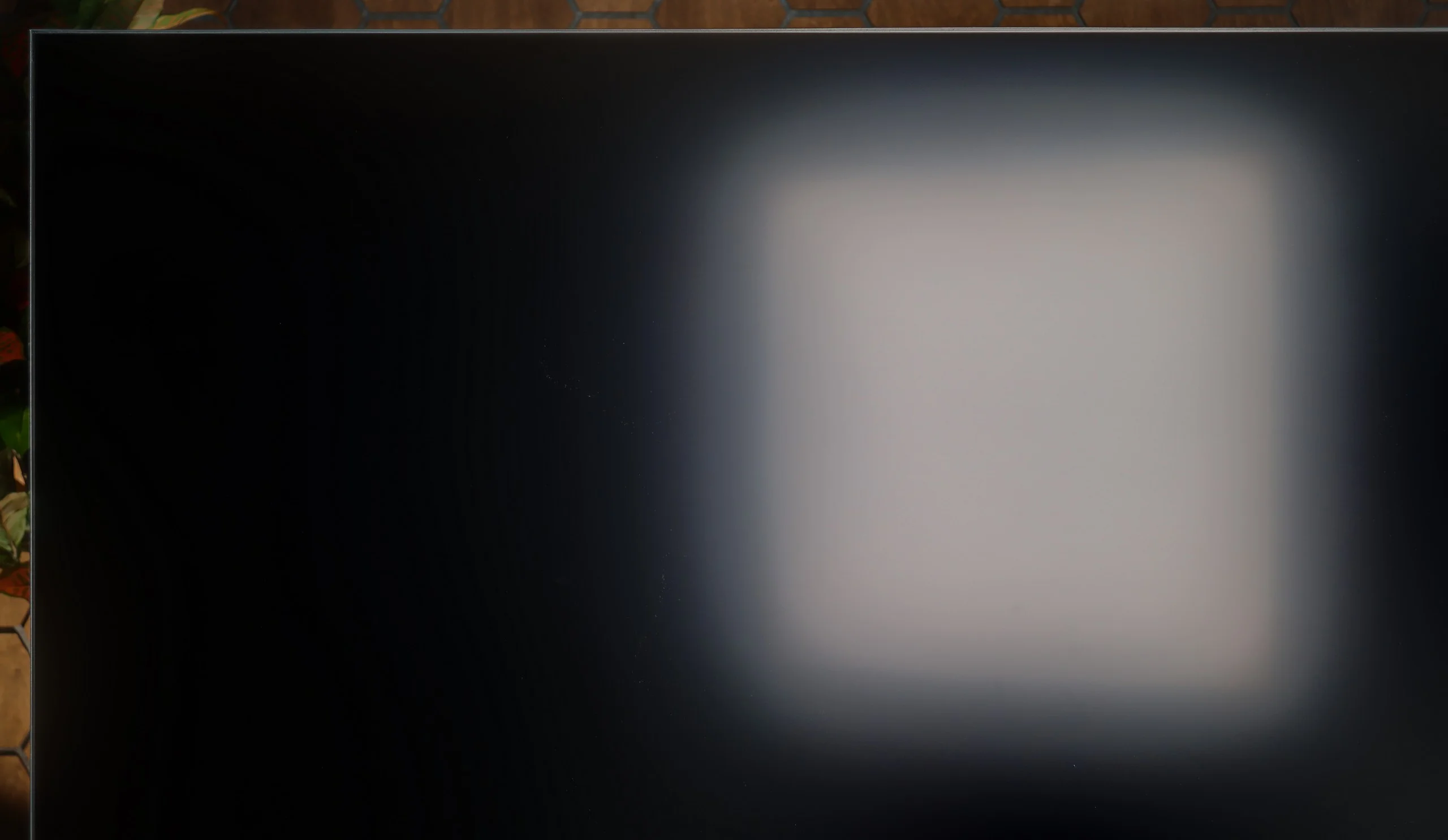
Panel brightness
Hisense UR8S: 1468 cd/m2
Samsung QN900D Neo QLED 8K: 387 cd/m2
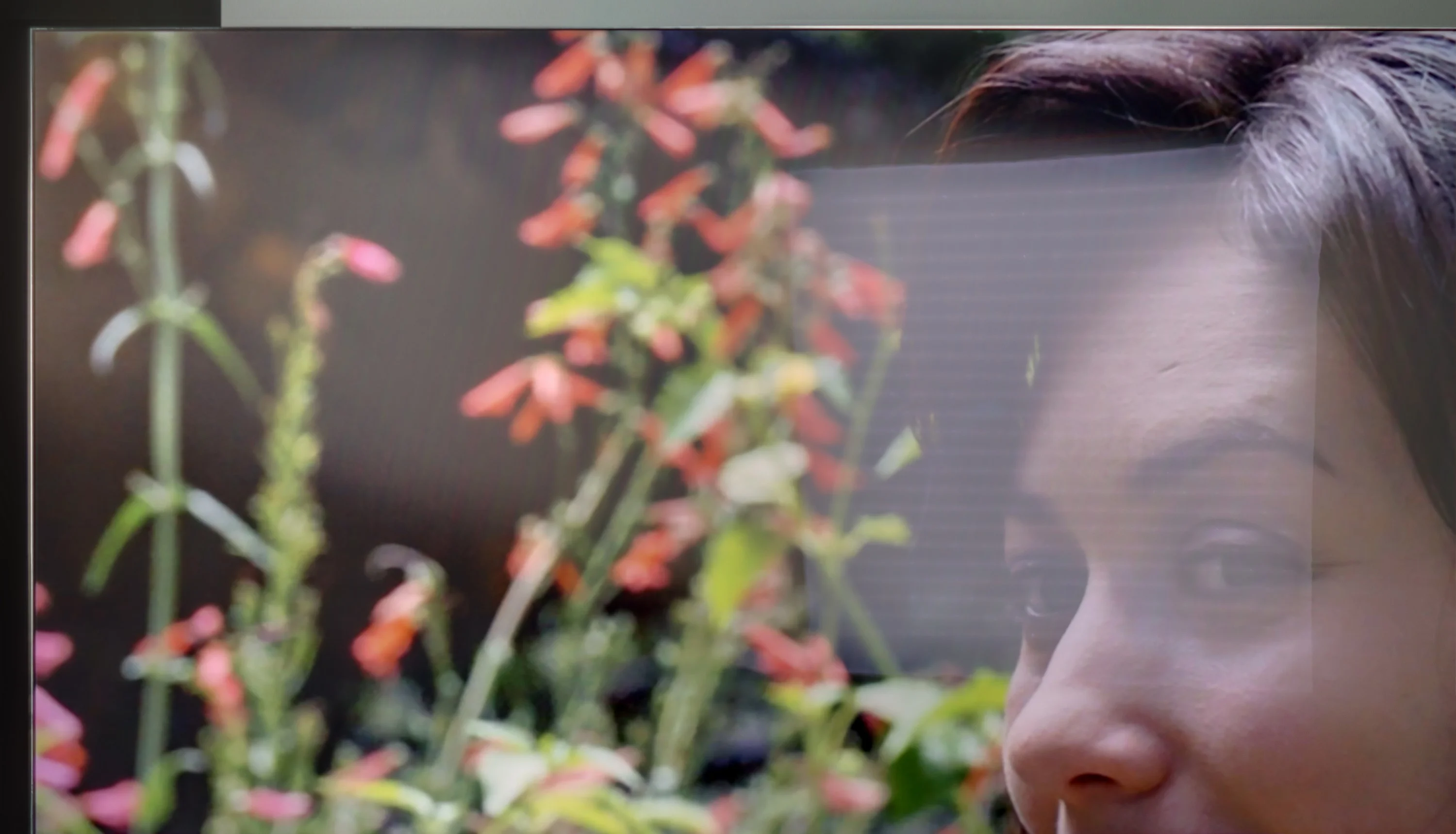
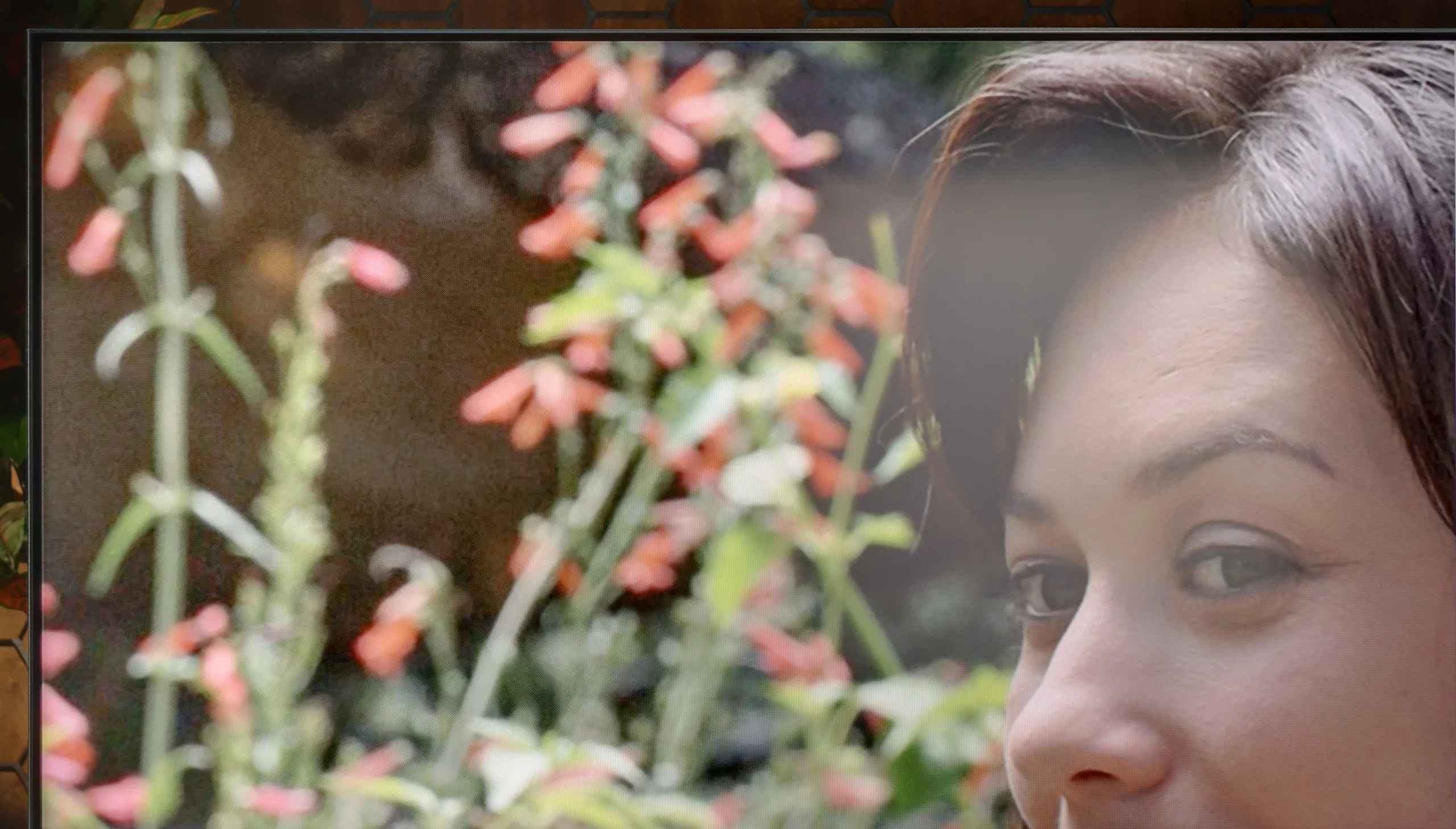
When it comes to the performance of the Samsung QN900D TV in daytime conditions, it generally presents itself as average. The television has a special anti-reflective coating that helps reduce glare, however, due to the VA panel and the angle-enhancing coating, light reflections are strongly dispersed horizontally - resembling the colours of a rainbow. This results in a loss of image richness, especially in bright rooms where intense light sources can negatively affect the quality of the displayed image.
UR8S handles daytime viewing very well. First, it's a very bright TV — in SDR we measured about 1500 nits, so even with a lot of ambient light the picture remains punchy and readable. Another big plus is the matte coating, which disperses reflections from windows and lamps very effectively. Instead of a distinct reflection on the screen, you see more of a soft glow that is much less distracting while watching. That said, the coating works best when you view the TV head-on. From wider angles it begins to resemble a satin finish and reflections become more pronounced and therefore more intrusive. In a brightly lit room blacks also lose some of their depth, but at such high brightness that's not a major issue. Overall, the UR8S is simply a very good choice for a bright living room.
Panel details
Subpixel Structure:
Panel uniformity and thermal imaging:
Samsung QN900D Neo QLED 8K
Hisense UR8S
TV features
7.4/10
9.4/10
- SystemTizenVIDAA
- System performanceVery goodVery good
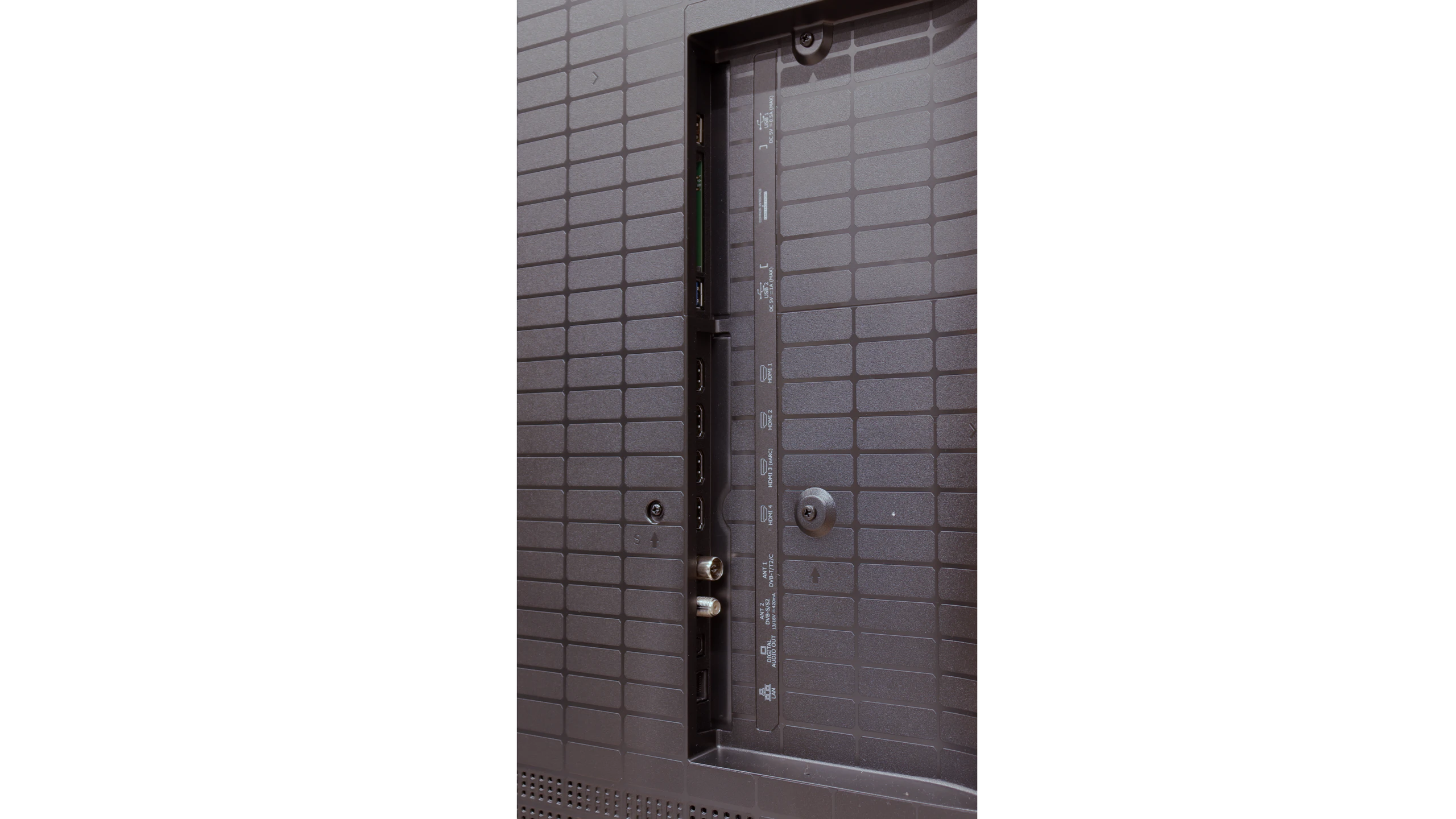
- HDMI inputs0 x HDMI 2.0, 4 x HDMI 2.1 40Gbps0 x HDMI 2.0, 4 x HDMI 2.1 48Gbps
- OutputsToslink (Optical audio), eARC (HDMI), ARC (HDMI)Toslink (Optical audio), eARC (HDMI), ARC (HDMI)
- Network InterfacesWi-Fi 2.4GHz, Wi-Fi 5GHz, Ethernet (LAN) 100MbpsWi-Fi 2.4GHz, Wi-Fi 5GHz, Ethernet (LAN) 100Mbps
- TV receptionDVB-T, DVB-T2, DVB-S, DVB-S2, DVB-CDVB-T, DVB-T2, DVB-S, DVB-S2, DVB-C
Classic features:
- Recording to USB (terrestrial TV)
- Recording programming
- Picture in Picture (PiP)
- RF remote control (no need to aim)
- Backlit remote control
- Teletext
- Audio only mode
- Bluetooth headphones support
- Simultaneous Bluetooth headphones & TV audio
Smart features:
- AirPlay
- Screen mirroring (Windows Miracast)
- Voice search
- Voice search in native language
- Ability to connect a keyboard and mouse
Sound connection options
- HDMI audioeARC (HDMI), ARC (HDMI)eARC (HDMI), ARC (HDMI)
- Other audio outputsToslink (Optical audio)Toslink (Optical audio)
- Wireless audioBluetoothBluetooth
Supported audio formats (external HDMI eARC audio):
- Dolby Digital Plus 7.1
- Dolby True HD 7.1
- Dolby Atmos in Dolby Digital Plus (JOC)
- Dolby Atmos in Dolby True HD
- DTS:X in DTS-HD MA
- DTS-HD Master Audio
Senior accessibility
- Numeric keyboard on TV
- Font size adjustment
- Audio description
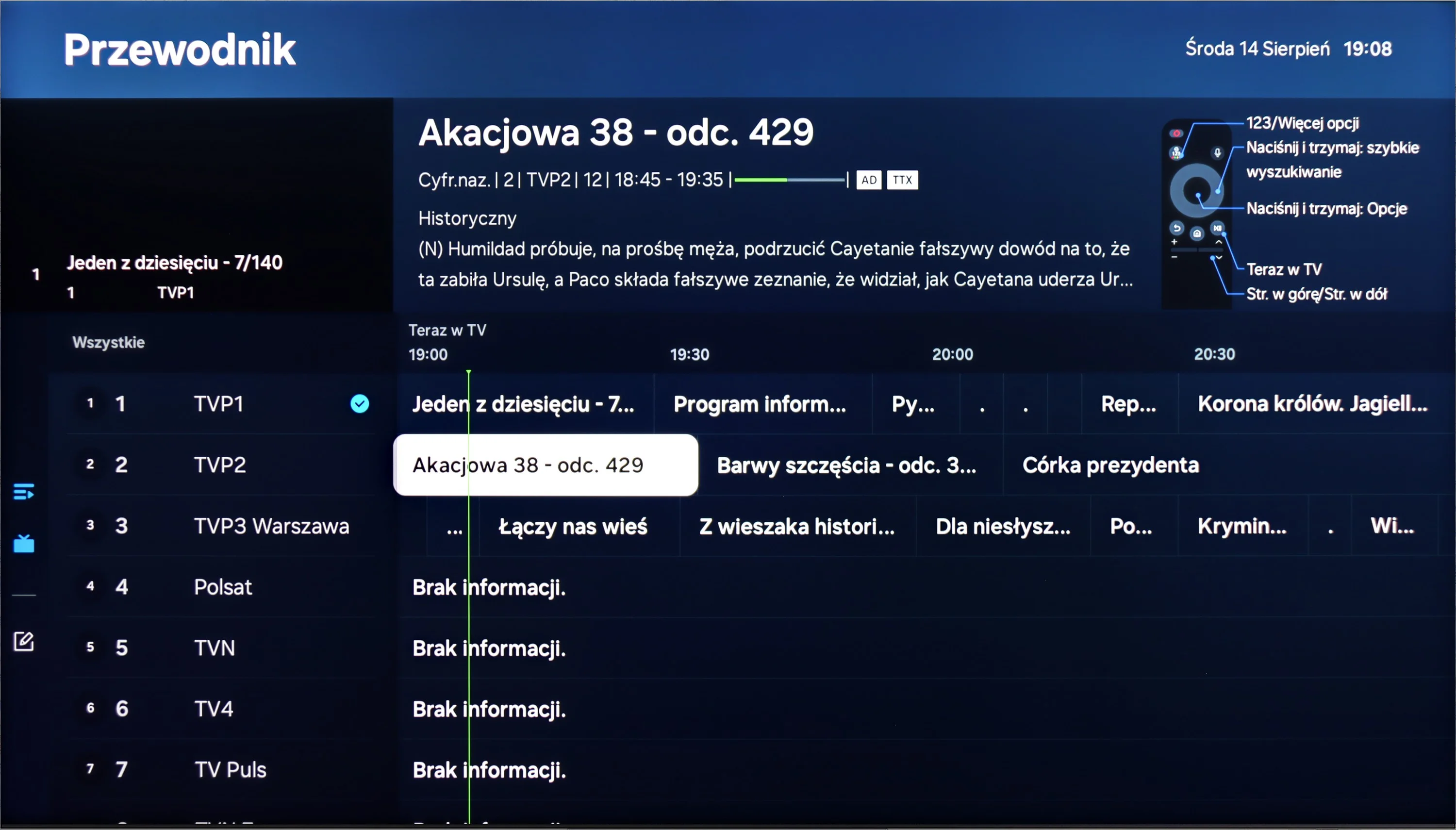
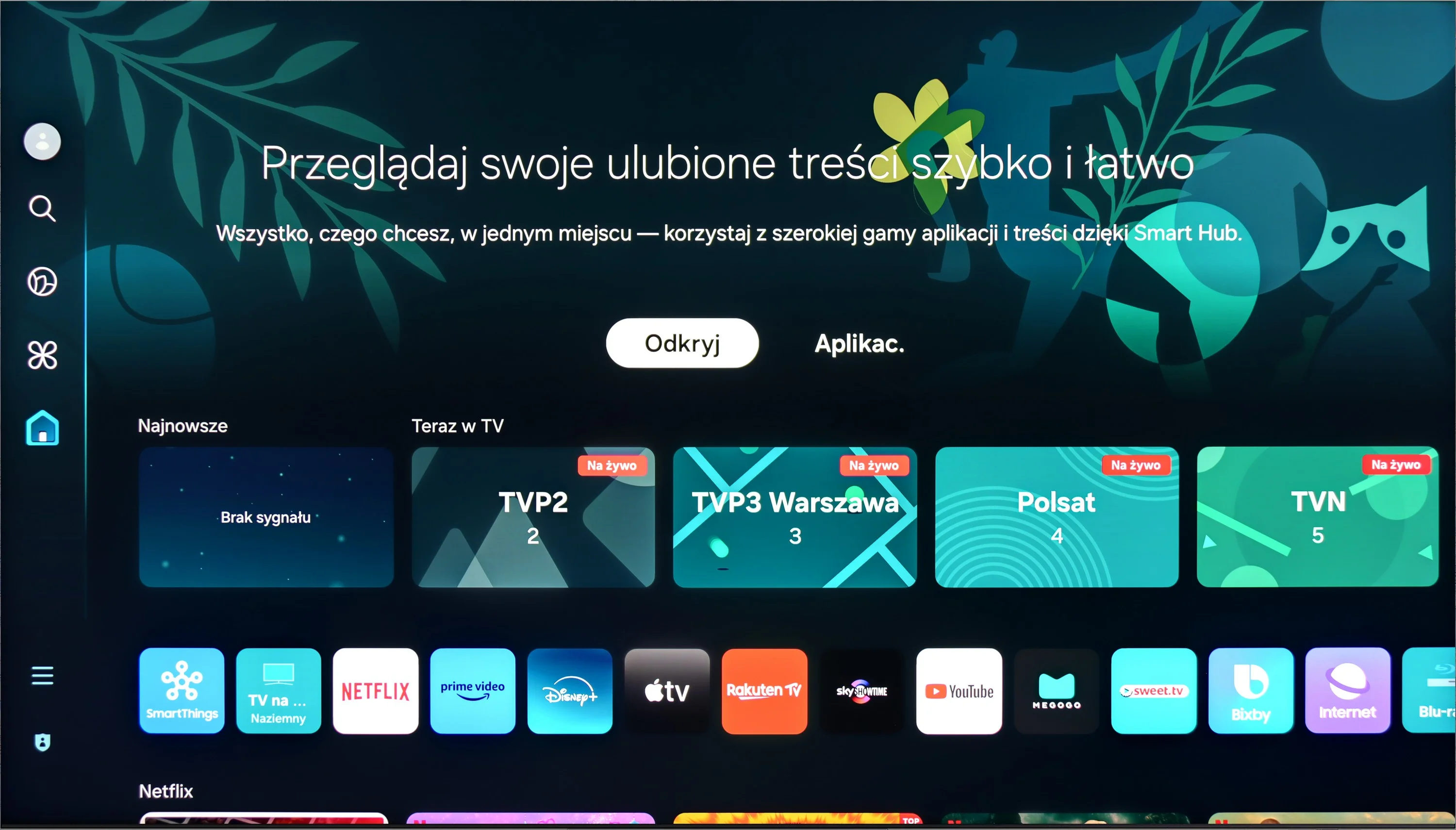
The Tizen system that powers the Samsung QN900D offers excellent integration with other devices, allowing for convenient use of numerous applications, including AirPlay. Users can also control other equipment using the SmartThings app. The television also works with lighting systems such as Philips Hue, which helps create an atmospheric setting during movie screenings.
In everyday use, the QN900D performs brilliantly. The solar remote can control other devices, such as set-top boxes, making the lack of a recording function less of an issue. Additionally, the television offers a Picture-in-Picture (PiP) feature, and with its 8K resolution, it even allows the screen to be split into four sections, making it exceptionally functional and useful for watching multiple programs at once as well as for effective work with various image sources.
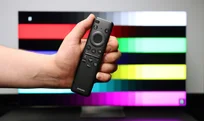
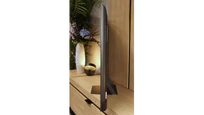
The Samsung QN900D also stands out with its modern design. Its slim profile makes it the thinnest Mini LED television on the market, and the use of the One Connect module enables tidy cable management, giving the area around the TV a neat and elegant appearance. The central stand adds lightness and creates the impression that the television is floating in the air, which imparts a unique character. Additionally, the Ambient Mode feature allows for decorative graphics to be displayed or the image to be adjusted to suit the interior, making the television an integral part of the room, even when it is turned off.
Classic features
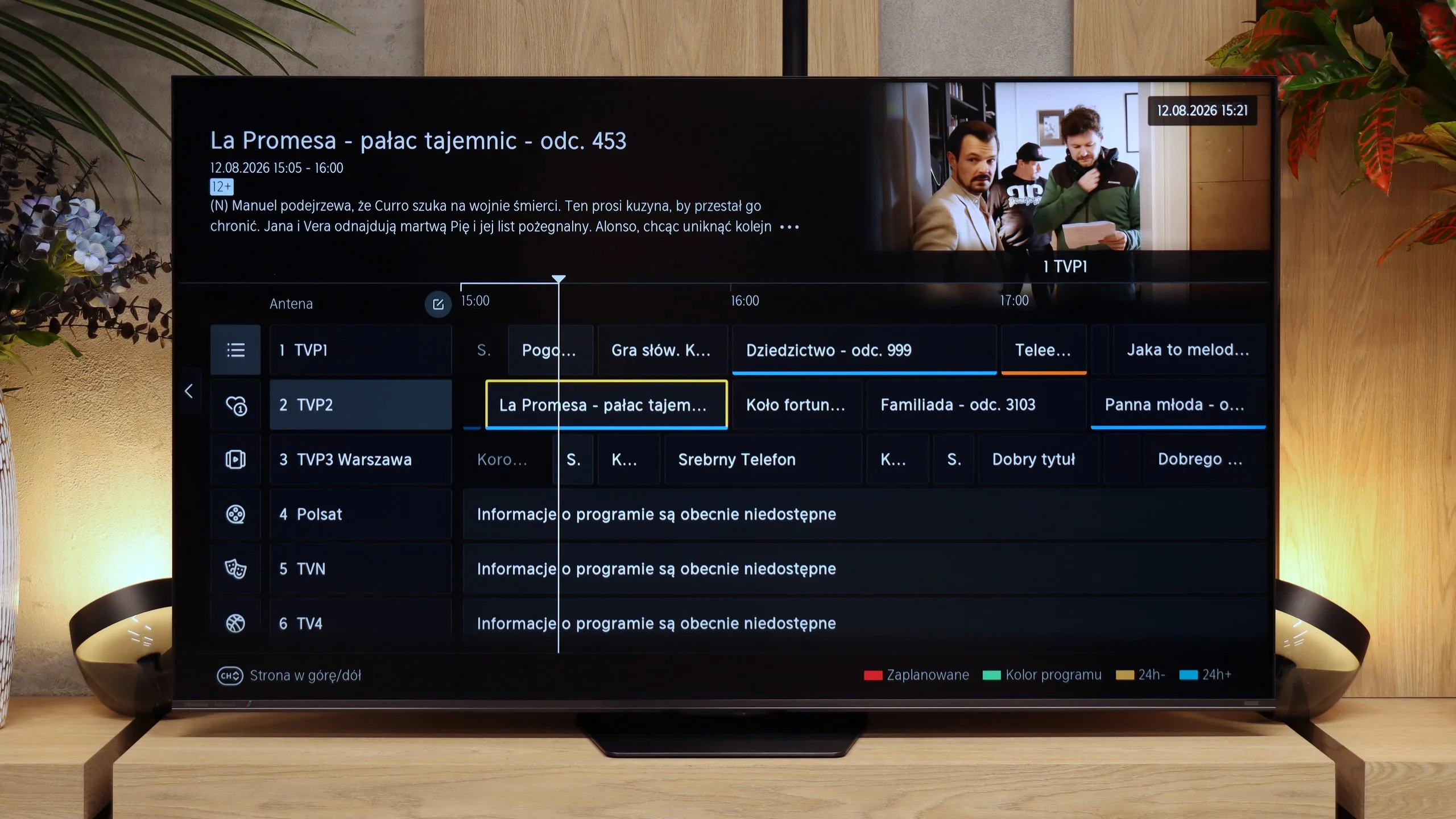
Hisense is one of those manufacturers that, fortunately, hasn’t abandoned the classic TV features. The UR8S lets you record programmes to USB, schedule recordings, has teletext and an "audio-only" mode. You can also use the TV speakers and Bluetooth headphones at the same time. The only real missing feature is picture-in-picture (PiP). The remote control also deserves praise. It’s well made, backlit and has plenty of buttons, so you can access most key functions without digging through menus. It communicates with the TV by radio, so you don’t need to point it directly at the screen.
VIDAA system
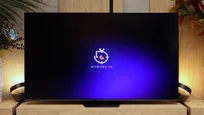
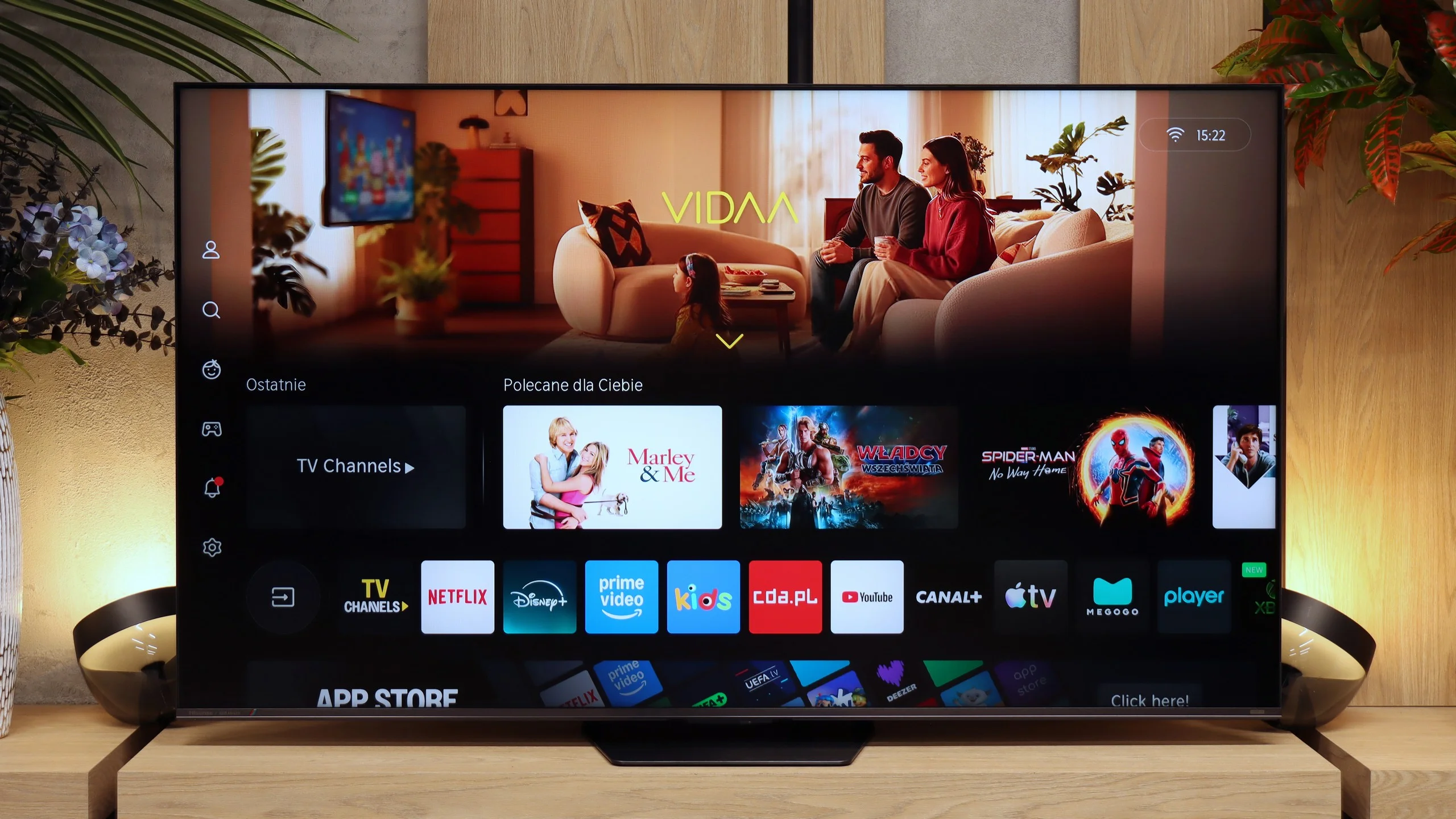
The VIDAA system on the UR8S is very fast and responsive. Apps launch smoothly, navigating the menus is fluid, and during testing we had no major complaints about its performance. The app library is now large enough to include all the major streaming services. There are also extra Smart features. The UR8S supports AirPlay, Miracast, voice search in Polish and the ability to connect a keyboard and mouse. VIDAA may not offer as much freedom as Google TV, but for everyday TV use it essentially provides everything you need.
Apps
9.3/10
8.3/10






















Playing files from USB
9.2/10
8.5/10
Supported photo formats:
Maximum photo resolution:
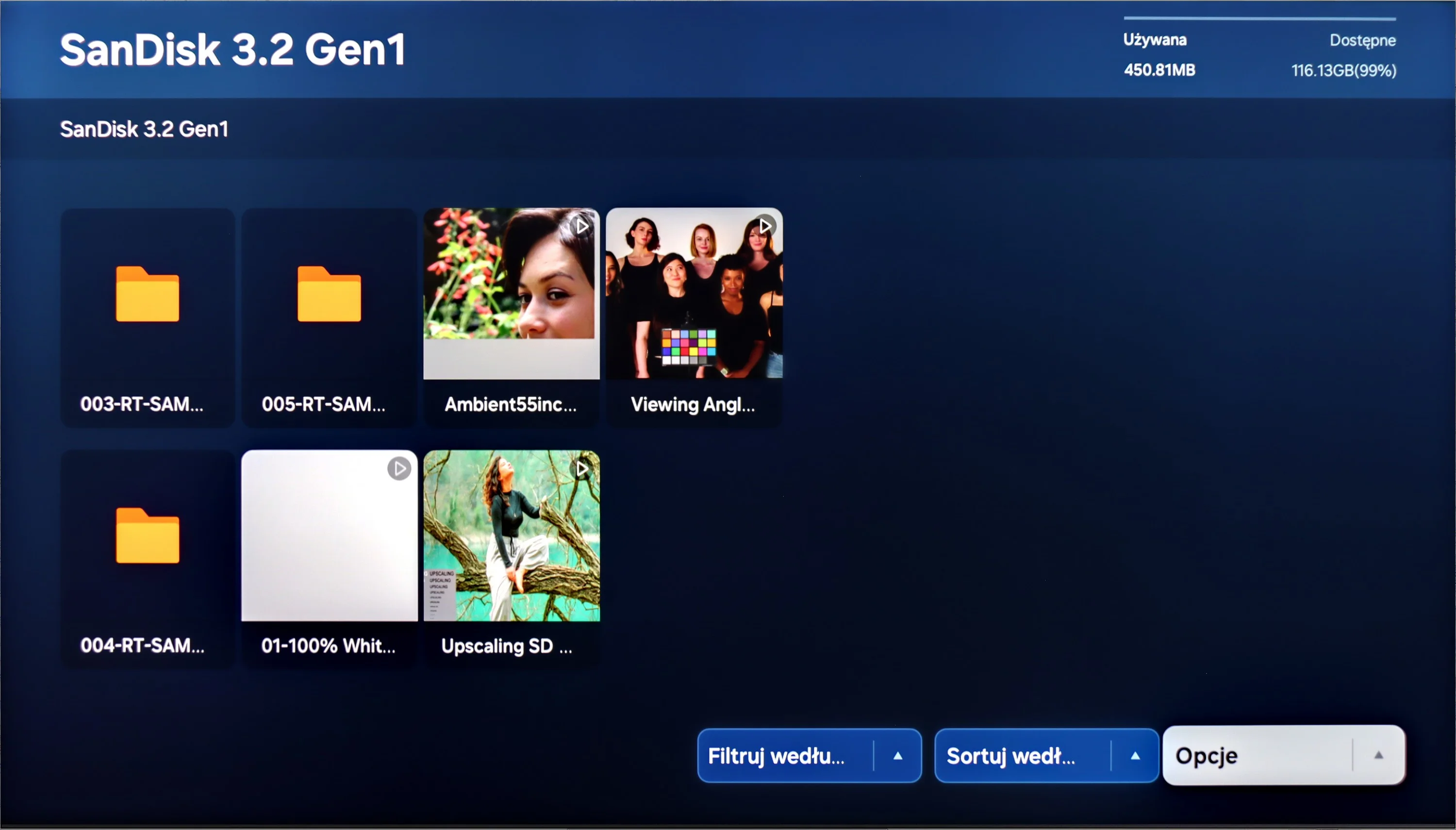
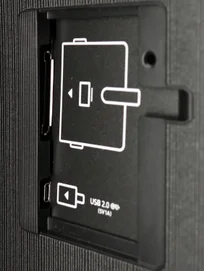
QN900D Samsung plays most popular video and audio formats without any issues. The resolution of photos is also not a challenge for it; however, the television has difficulty opening less common photo formats, including the HEIC format from Apple.
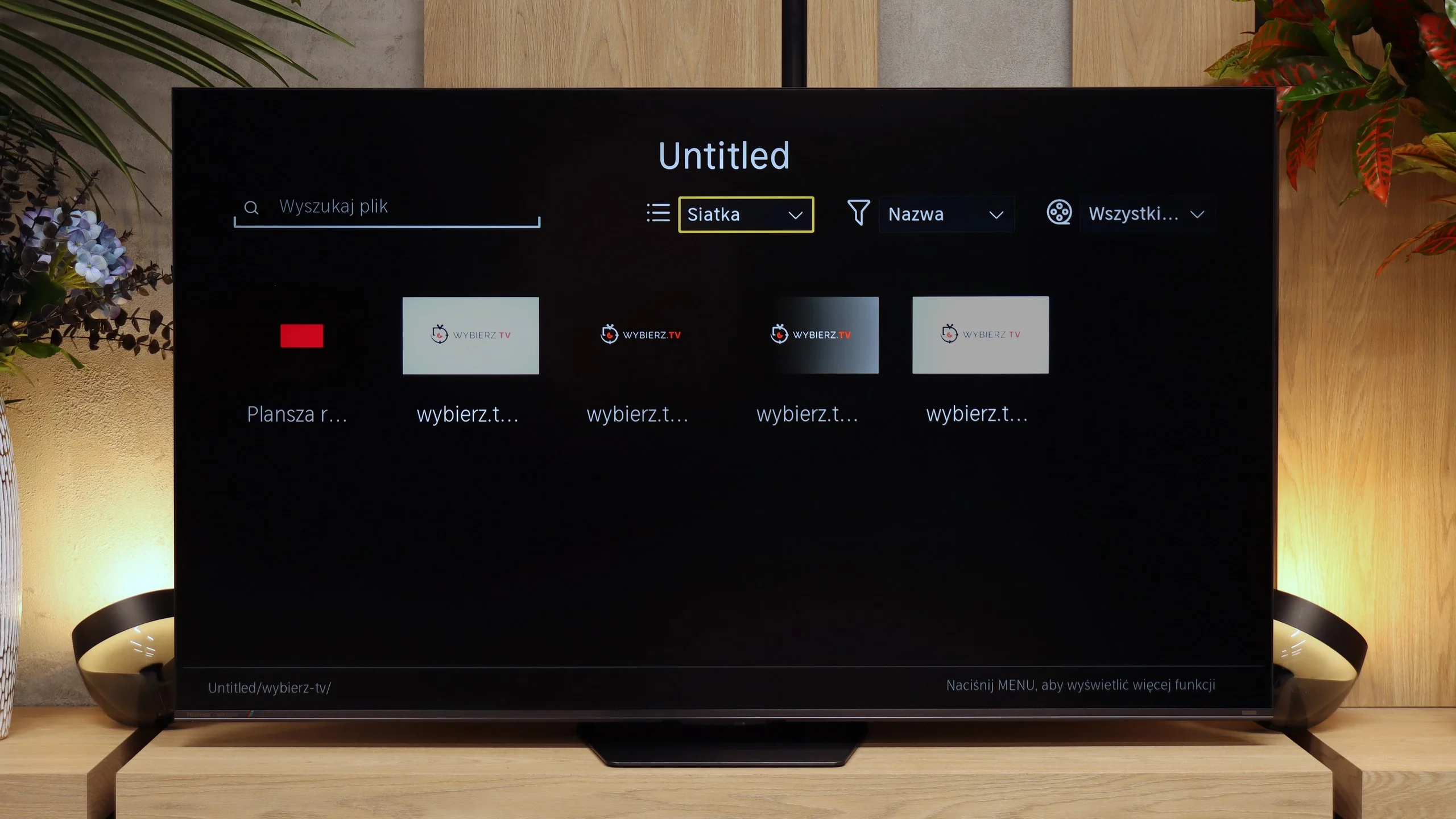
The USB media player works properly and handles most common files without major problems. Our main reservation is the handling of photos. The UR8S is rather selective about image resolutions. For example, it can open 16 or 32 Mpix photos yet refuse to display 10, 12 or 20 Mpix files. It's hard to find any logic in that, so if you often view photos directly from a USB stick you may sometimes run into a file the TV simply won't open.
Sound
7.4/10
7.8/10
- Maximum volume-92dB
- Dolby Digital Plus 7.1
- Dolby True HD 7.1
- Dolby Atmos in Dolby Digital Plus (JOC)
- Dolby Atmos in Dolby True HD
- DTS:X in DTS-HD MA
- DTS-HD Master Audio
Television Samsung QN900D, equipped with an audio system with a power of 90 W in a 6.2.4 channel configuration. Despite its slim design, the sound is clear and immersive, further supported by Dolby Atmos technology, which provides an engaging audio experience. Unfortunately, like many other Samsung televisions, the QN900D does not support DTS audio tracks, which may be significant for home theatre users.
In terms of sound, the UR8S performs very similarly to the lower-tier Hisense U7S Pro, and that's no coincidence. The manufacturer has used practically the same 2.1.2 layout with a total power of 50 W. There's an additional subwoofer at the back of the enclosure, while the other speakers are positioned in the lower part of the TV. For built-in speakers the result is quite good. The subwoofer adds some bass, so the sound isn't as flat as in basic TVs, and the whole setup can also play really loudly. In our measurements the maximum loudness reached about 92 dBC. It's not, of course, a replacement for a good soundbar, but it's perfectly adequate for casual TV watching or YouTube.
Sound Quality Test
No sound test video
Acoustic Measurements
No acoustic data
92dBC (Max)
75dBC
Reader comments
Comments are provided by the external service Disqus (Zeta Global). Once loaded, Disqus may set cookies and process data about your activity.
We will remember your choice on this device. Provider's privacy policy