SmartTV Features: Tizen
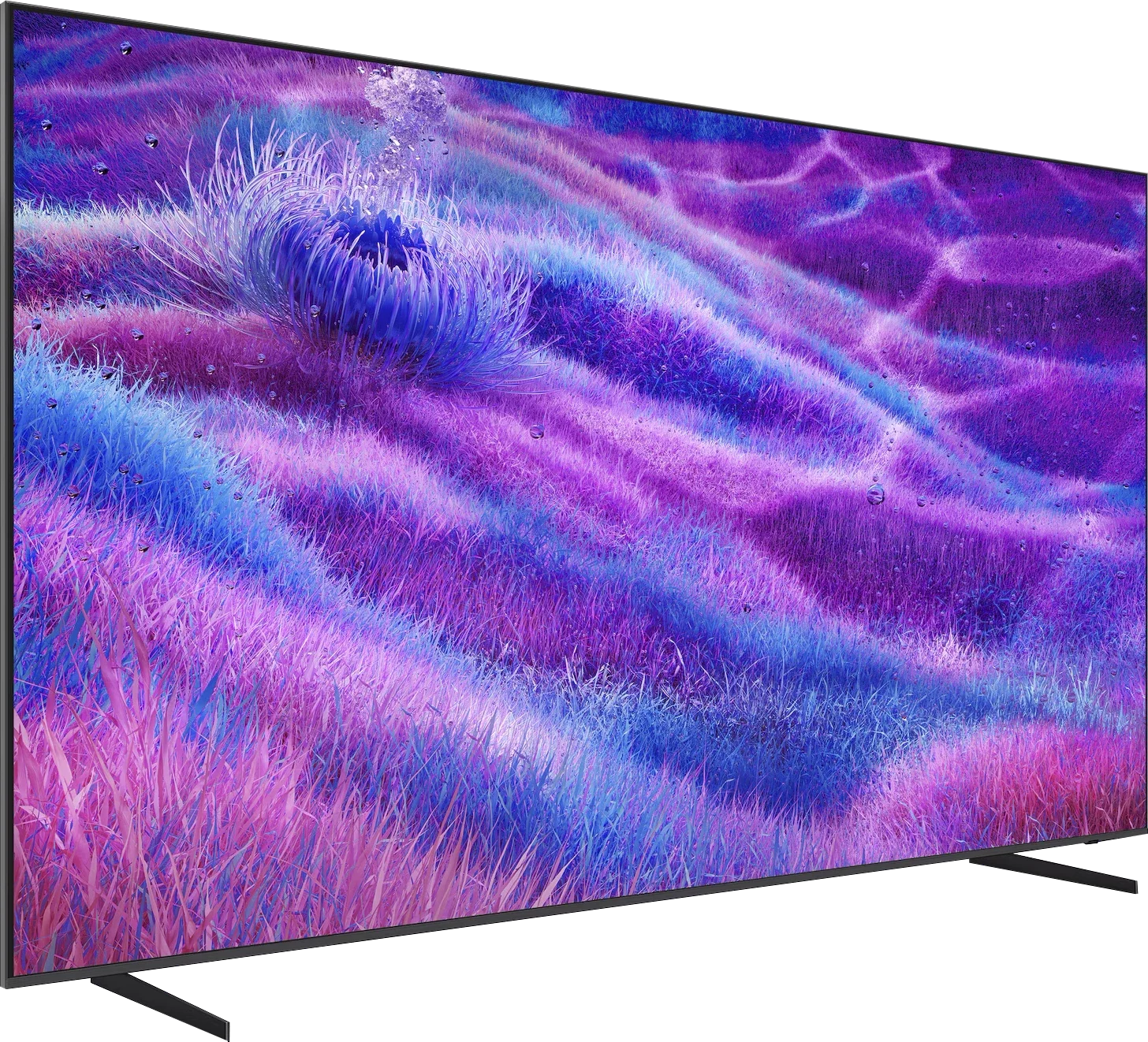
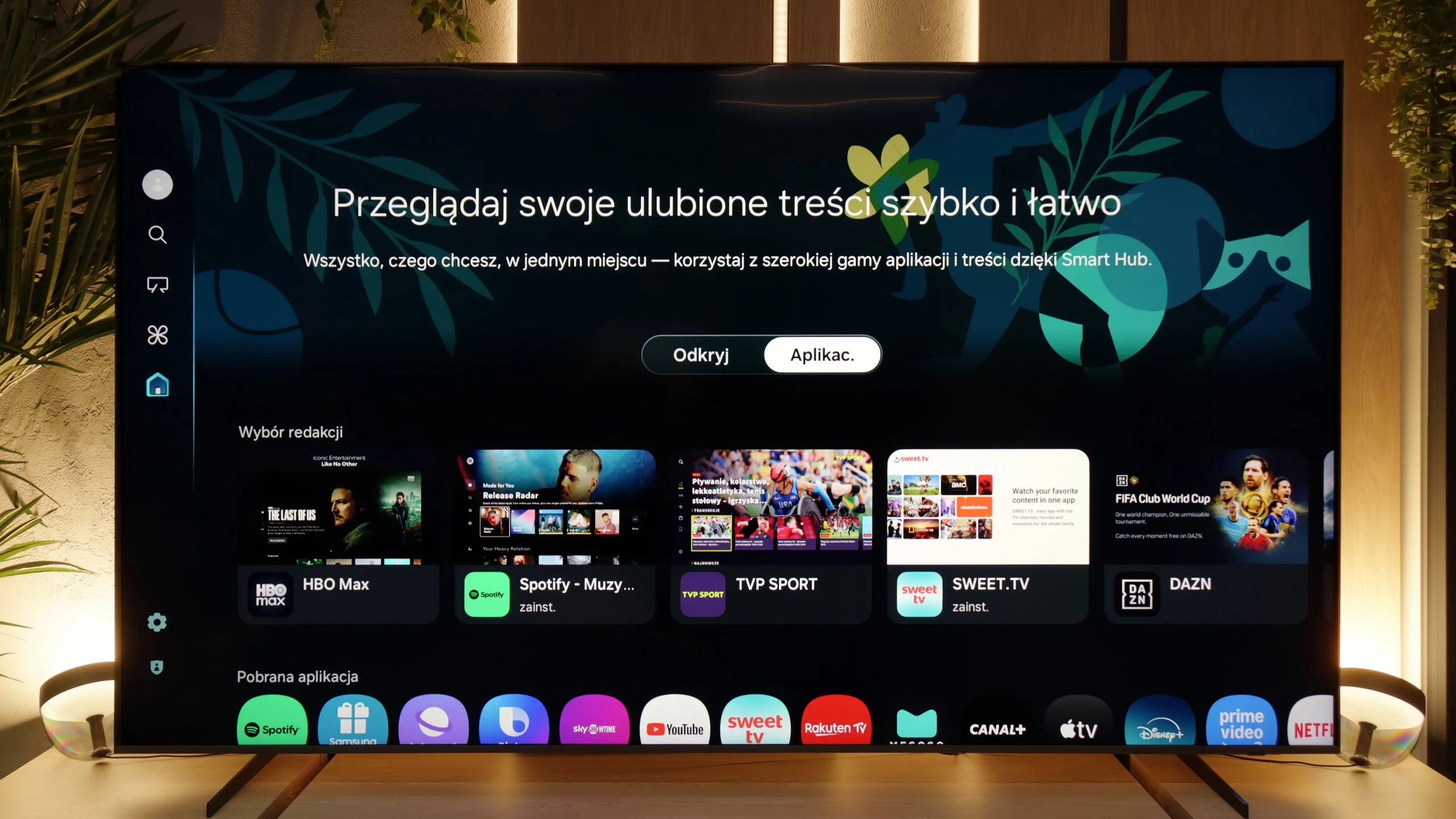
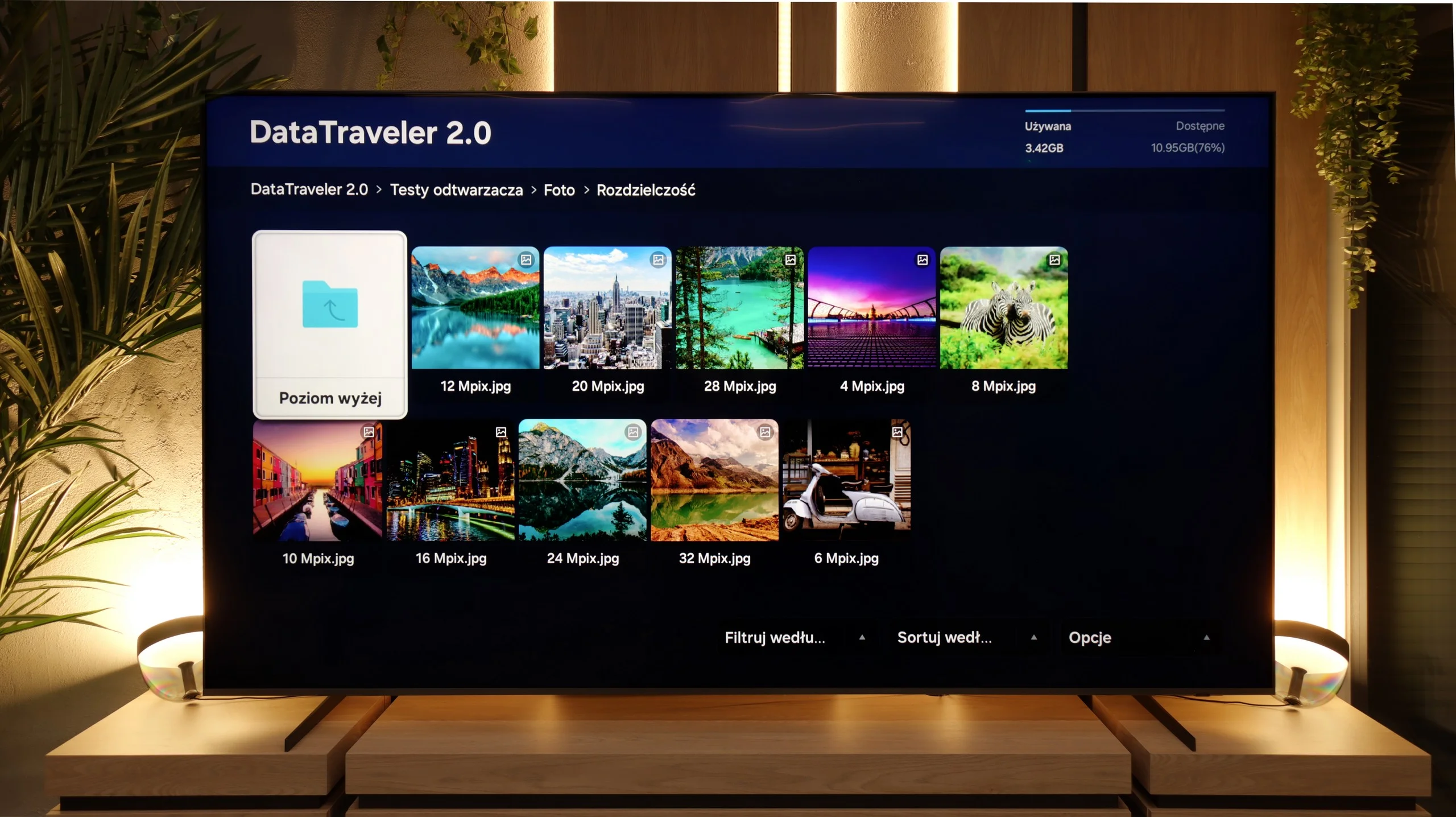
When it comes to smart features, the QN80F has plenty to boast about. Samsung relies on Tizen, and it’s clear that this system has been refined over the years. All the major streaming apps are available, voice search works, and there’s AirPlay and Miracast, so there’s no issue with casting content from your phone or laptop. The most interesting aspect, however, is that the TV can integrate other devices in the home into its ecosystem – with SmartThings and support for the Matter standard, you can connect bulbs, robotic vacuum cleaners, or even devices from other brands. In practice, the QN80F becomes not just a screen for movies, but also a convenient control centre for the entire apartment. Of course, it’s still a closed system, so a few less popular apps might be missing, but let’s be honest – for 99% of users, it has everything they need and even more.
Classic Features
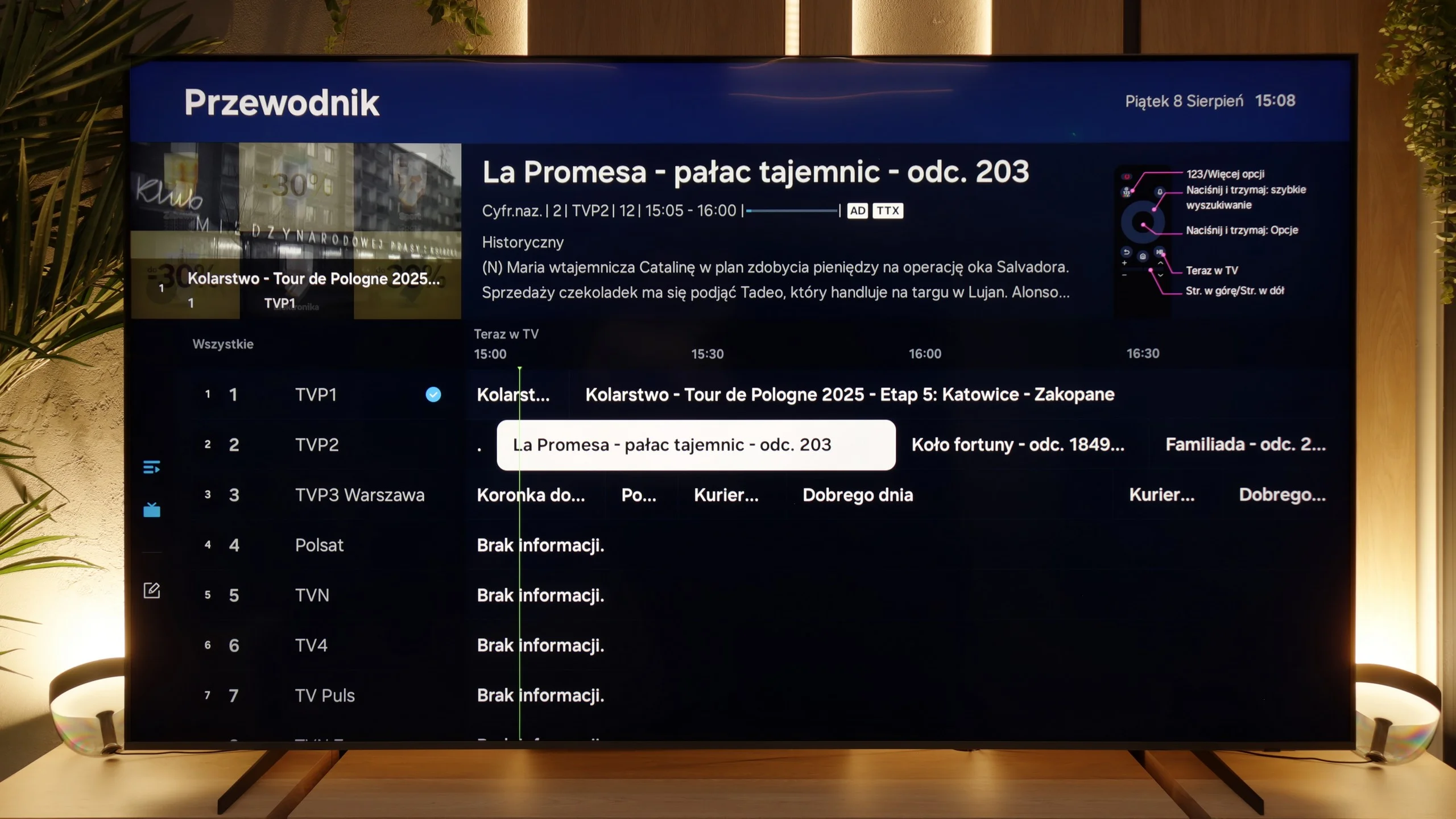
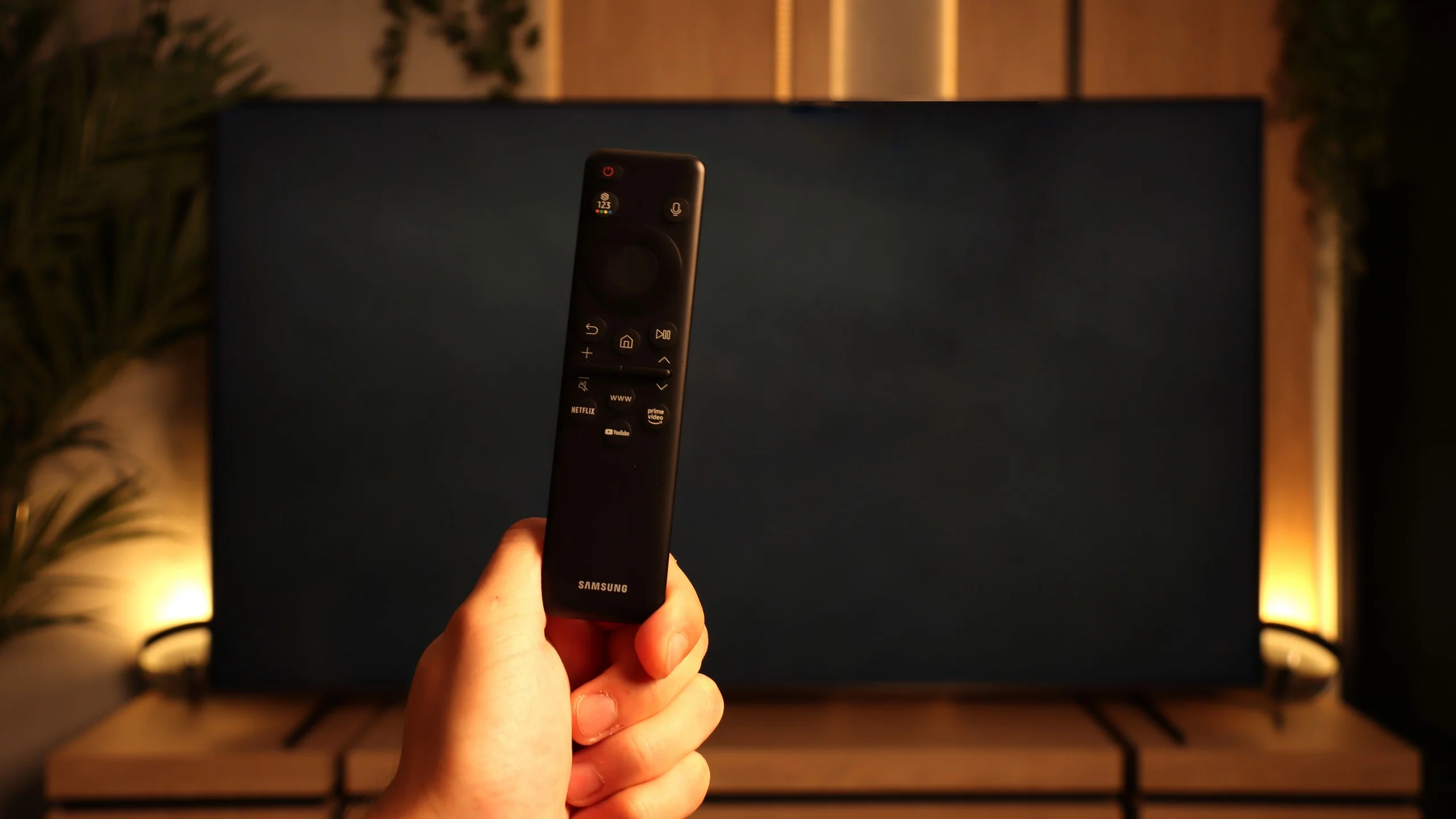
The traditional features on the QN80F perform quite well, although a few things are lacking. On the plus side, it has PiP, or picture-in-picture – a feature that is rarely found these days but can still be very practical. Additionally, we have EPG, still functioning teletext, and Bluetooth support, which makes it easy to pair headphones or a soundbar. On the downside, it lacks USB recording from the built-in tuners, as well as a remote with a traditional numeric keypad. Instead, we get Samsung's signature small remote, which may initially seem too minimalist. It must be noted, however, that this unassuming gadget hides a lot of capabilities and can control other devices, such as satellite decoders, consoles, or Blu-ray players, so in practice, one remote is enough to manage the entire setup in the lounge.
Google TV
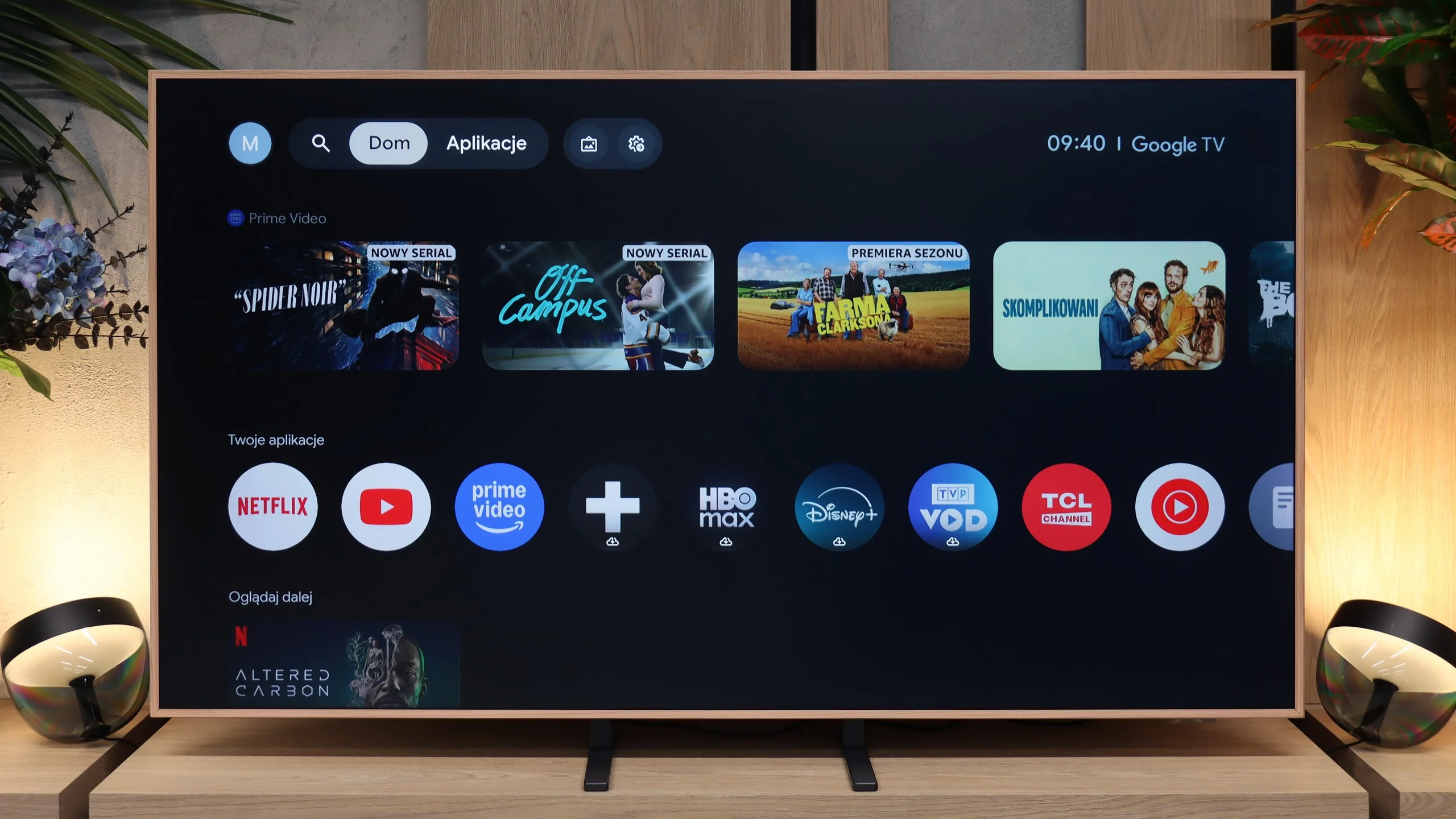
TCL A400 Pro runs on Google TV, so in terms of Smart TV we get a very solid package. All the most important apps are there: YouTube, Netflix, Disney+, Max, Prime Video, Apple TV and the rest of the services you’d expect today. It also includes Chromecast, voice search and Google Assistant. The system itself runs smoothly and is convenient, although, as with Google TV, the home screen can be heavily filled with recommendations and promoted content. Some will like that, others might find it a bit annoying. Functionally, however, it’s hard to seriously fault it.
Digital art gallery
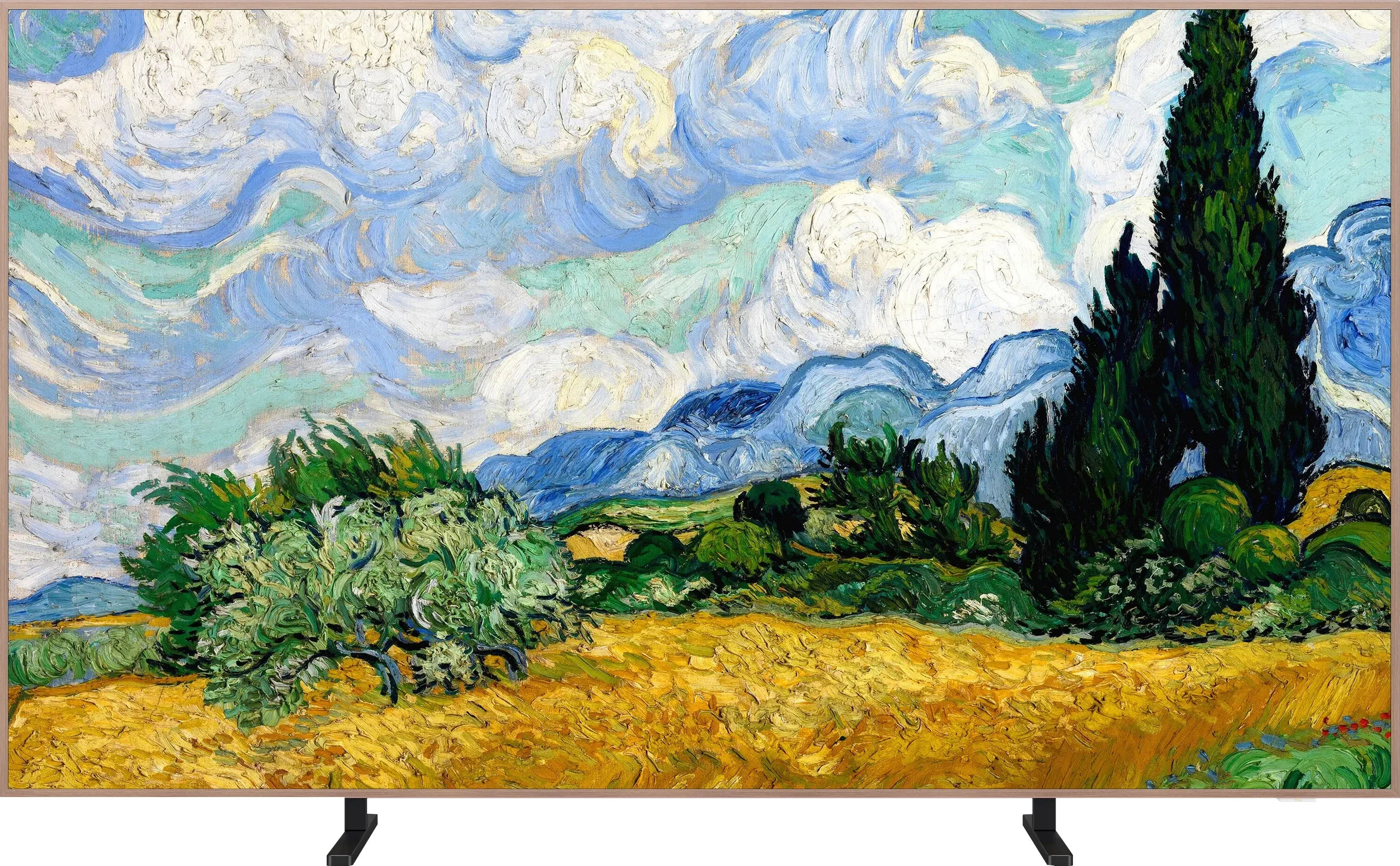
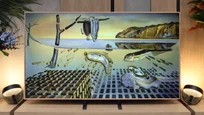
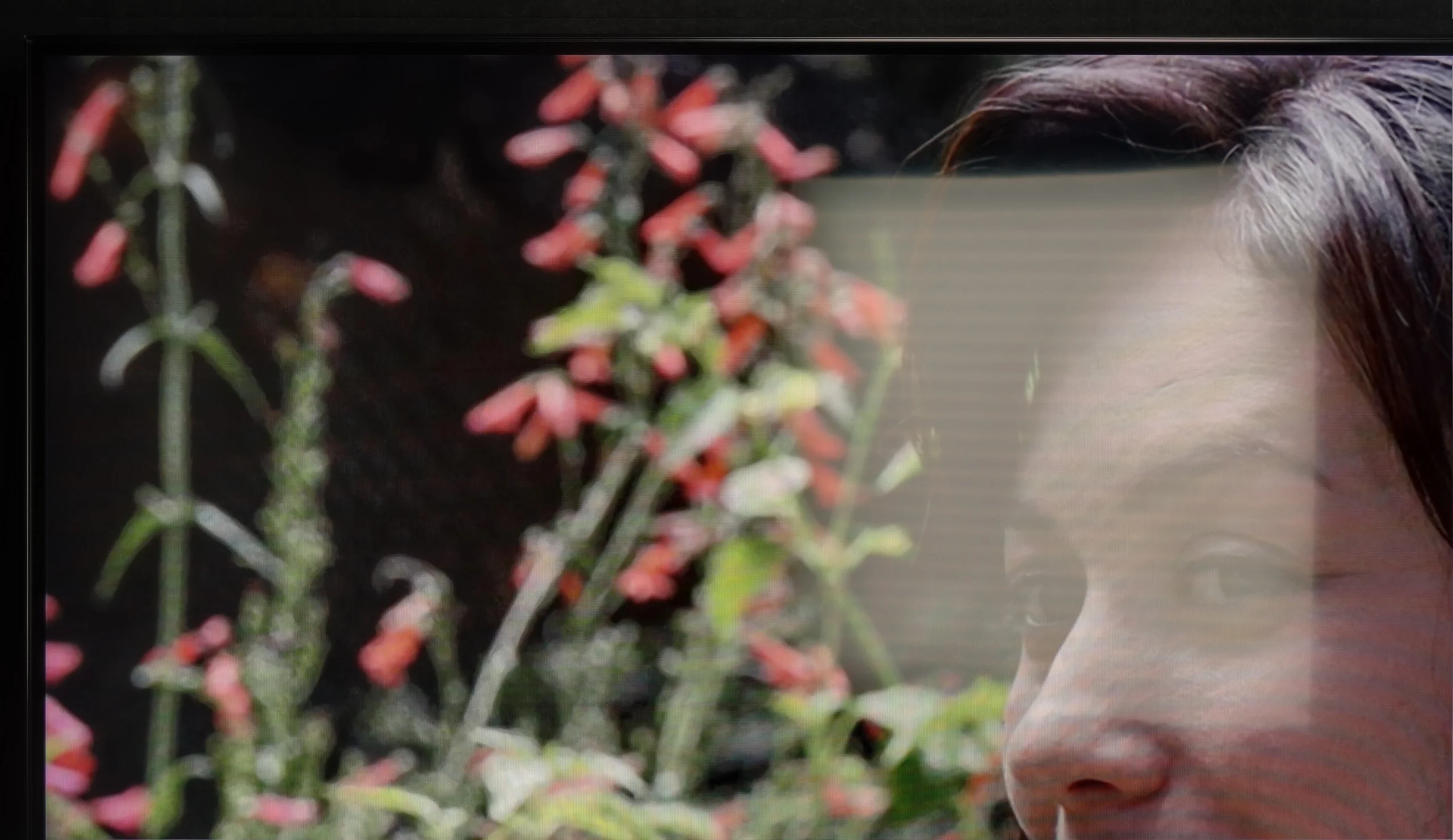
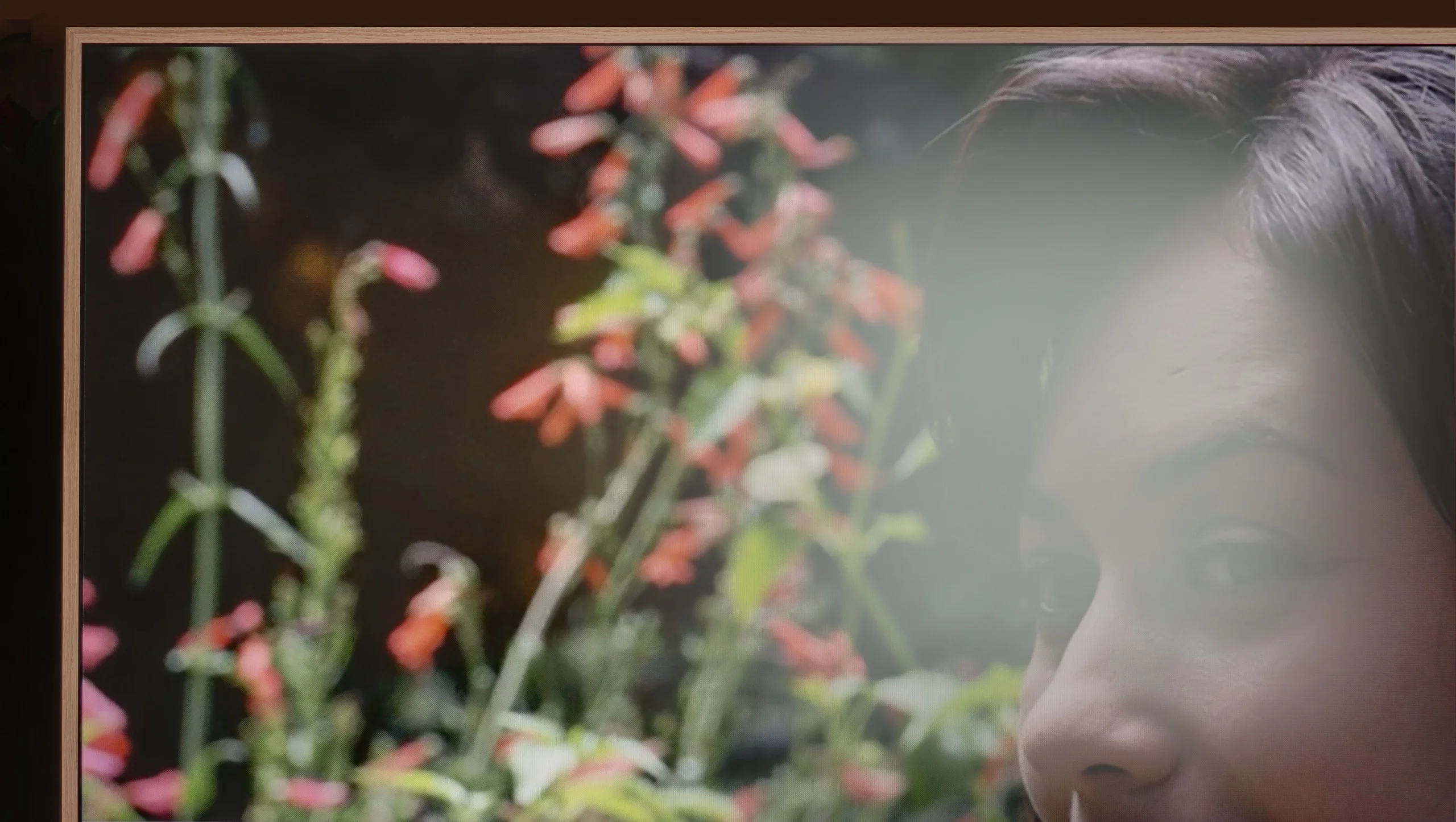
The most interesting part starts with the digital gallery, because this is what is meant to set the A400 Pro apart from ordinary TVs. TCL provides access to over 80 artworks that can be displayed when the screen isn’t being used to watch movies or series. That way the TV doesn’t have to hang on the wall as a black slab but can actually look like a painting. An ambient light sensor, which adjusts the screen to the room’s conditions, helps with this. And here’s some good news compared with the older NXT Vision A300: the annoying brightness issue in art mode has been improved in the A400 Pro. Gallery settings are now separate from normal viewing, so you can set a lower brightness for artworks without disturbing the settings for films or TV. It may seem like a small detail, but in practice it’s very important, because it helps the screen look more like an artwork and less like a glowing TV. TCL also adds the option to create your own images using artificial intelligence. The maker talks about over 100,000 available pieces and variants, so there’s plenty to choose from. You can stick with the ready-made gallery or pick something more in line with your own taste and room decor.
Traditional features
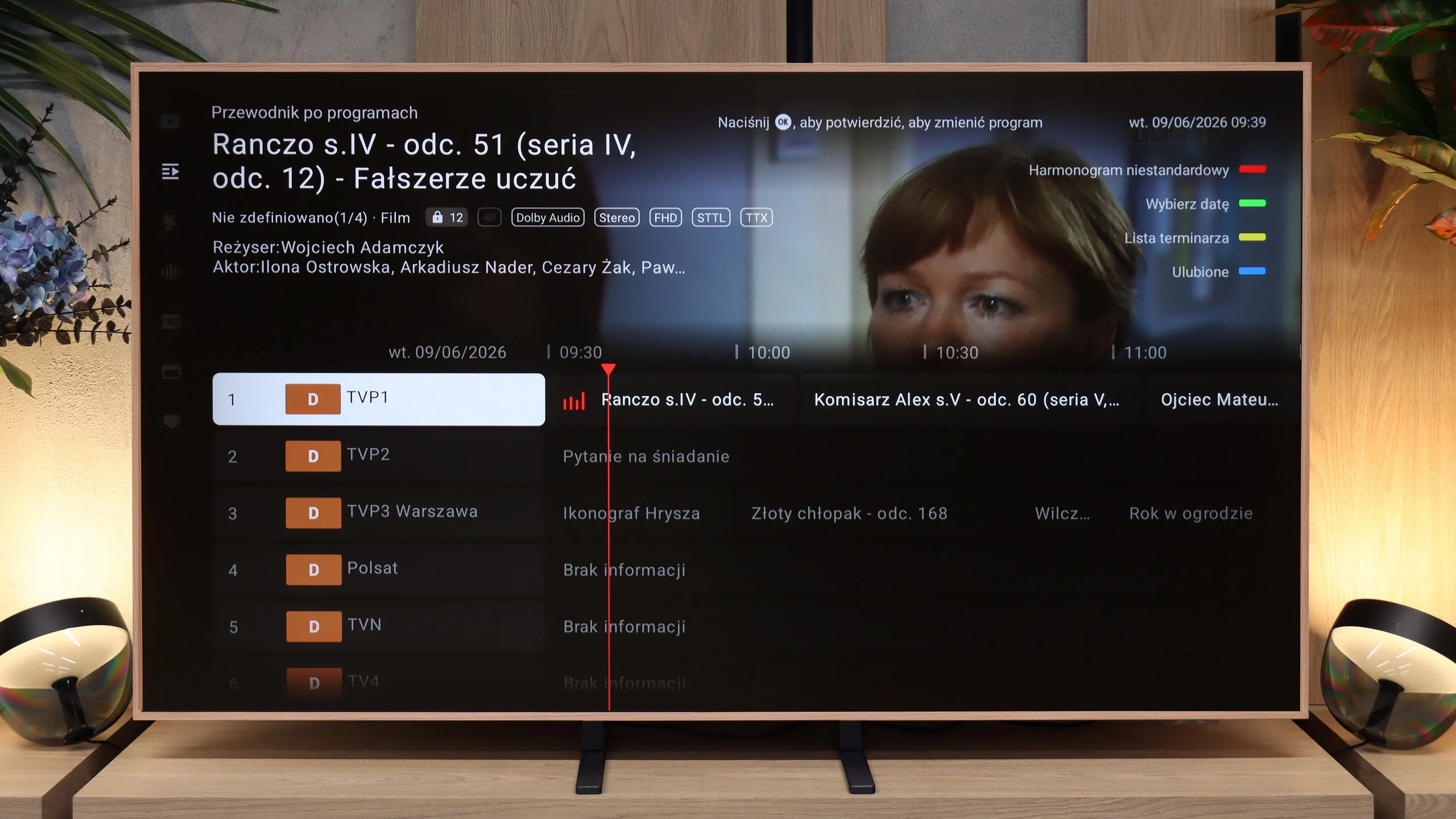
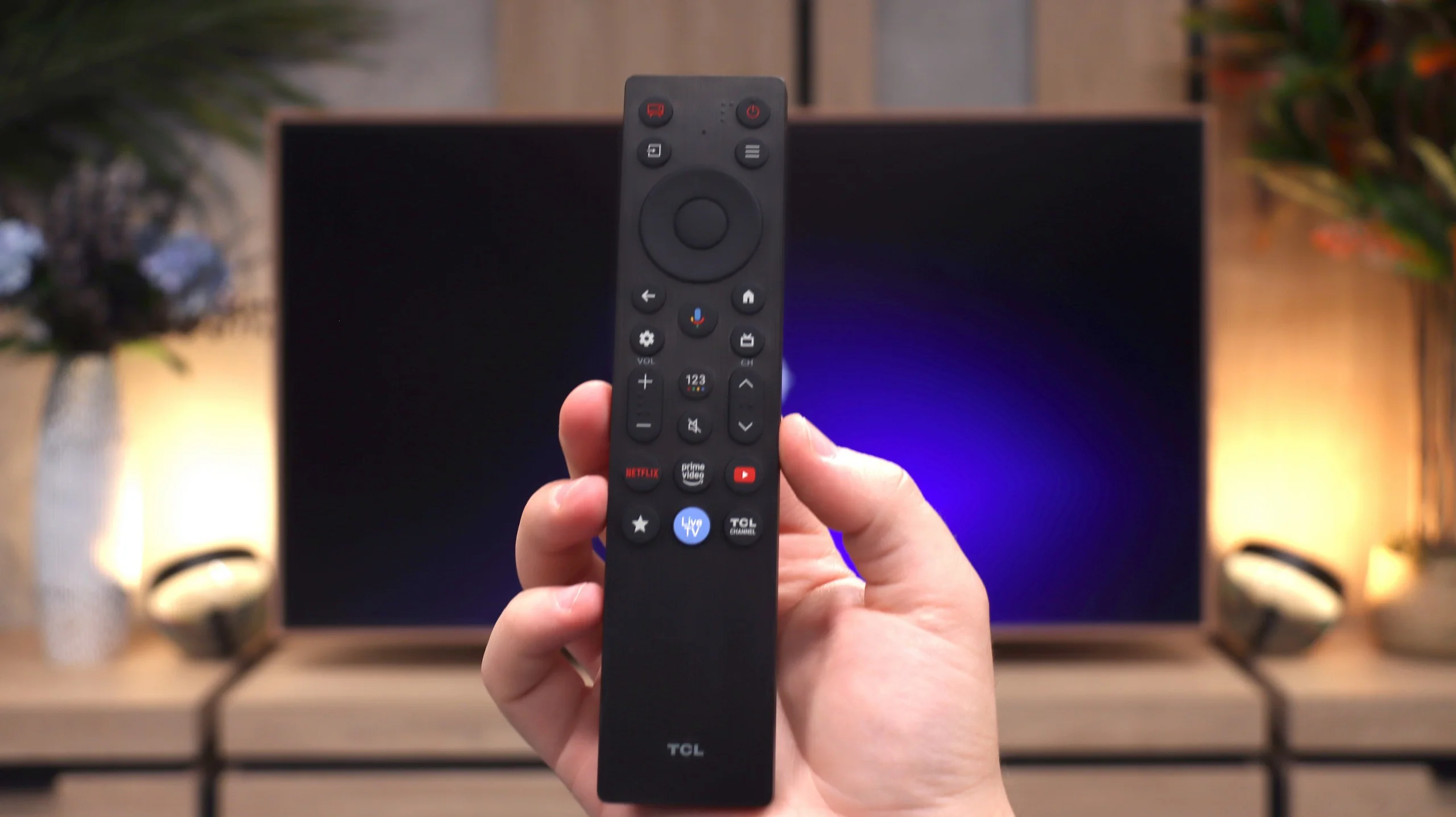
The traditional TV features are much less exciting. The A400 Pro doesn’t stand out here. You get standard broadcast TV, a channel guide and basic options, but no major extras that would change the way you use conventional TV.
 Direct comparison