SmartTV Features: Tizen
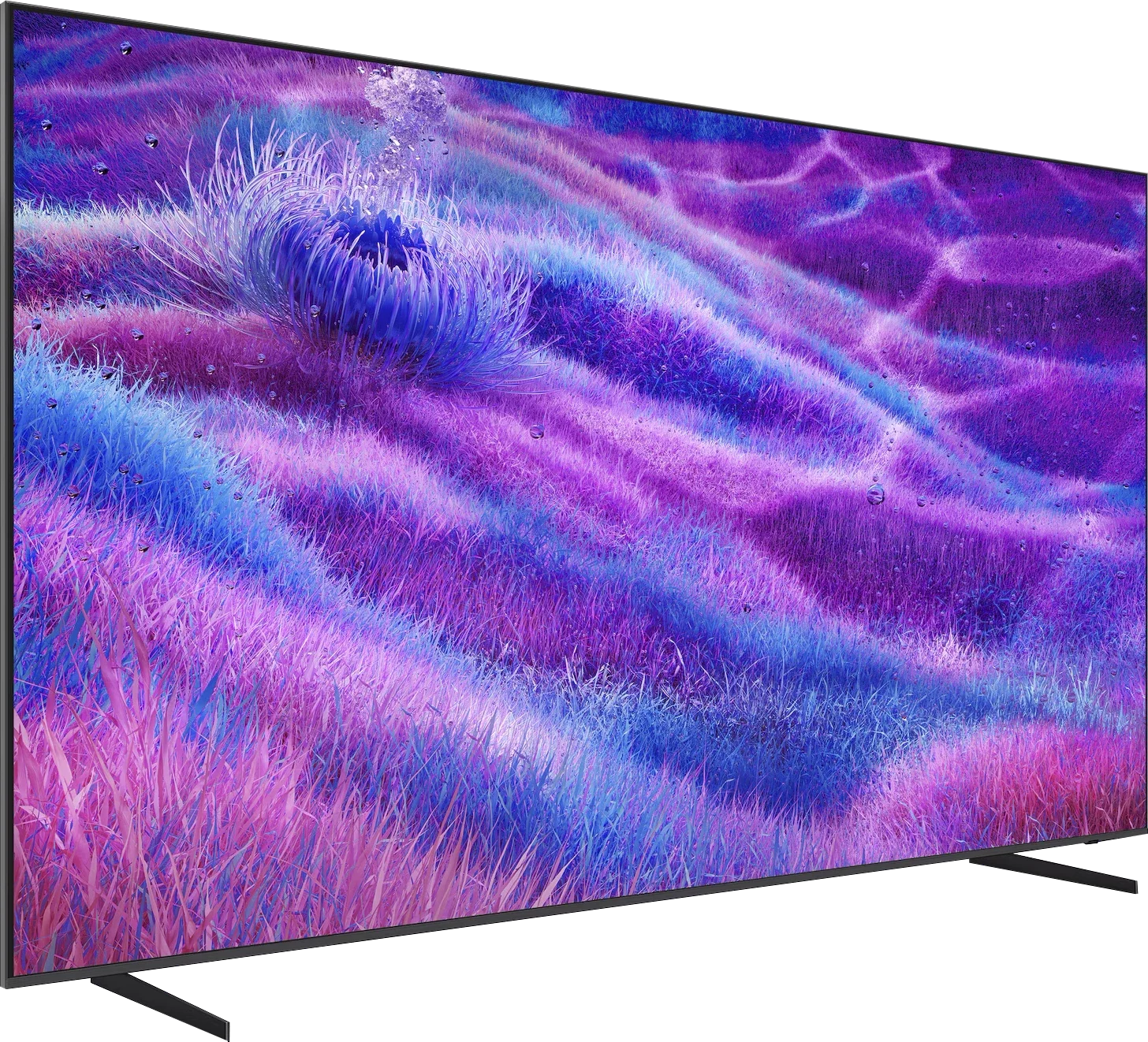
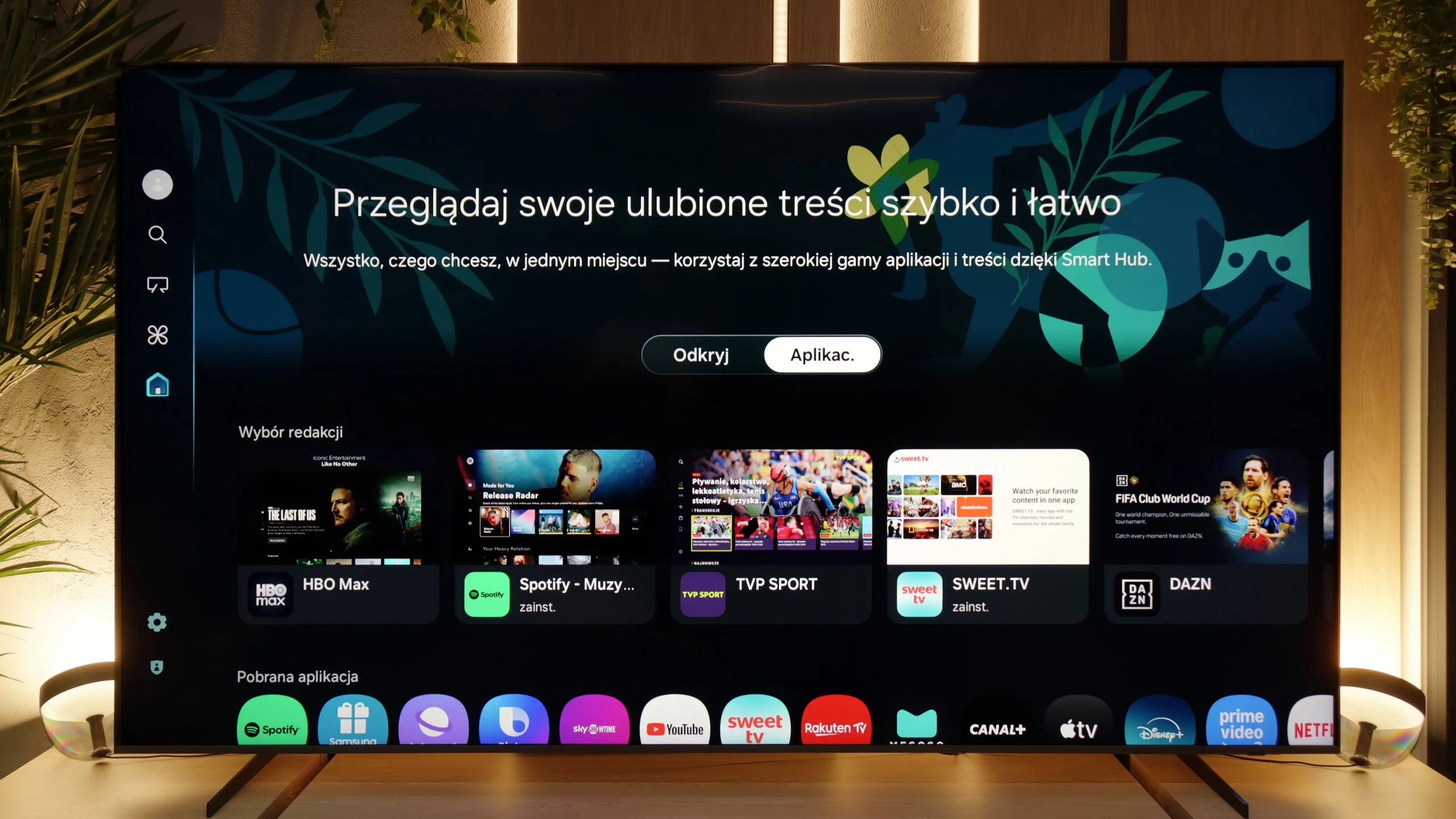
When it comes to smart features, the QN80F has plenty to boast about. Samsung relies on Tizen, and it’s clear that this system has been refined over the years. All the major streaming apps are available, voice search works, and there’s AirPlay and Miracast, so there’s no issue with casting content from your phone or laptop. The most interesting aspect, however, is that the TV can integrate other devices in the home into its ecosystem – with SmartThings and support for the Matter standard, you can connect bulbs, robotic vacuum cleaners, or even devices from other brands. In practice, the QN80F becomes not just a screen for movies, but also a convenient control centre for the entire apartment. Of course, it’s still a closed system, so a few less popular apps might be missing, but let’s be honest – for 99% of users, it has everything they need and even more.
Classic Features
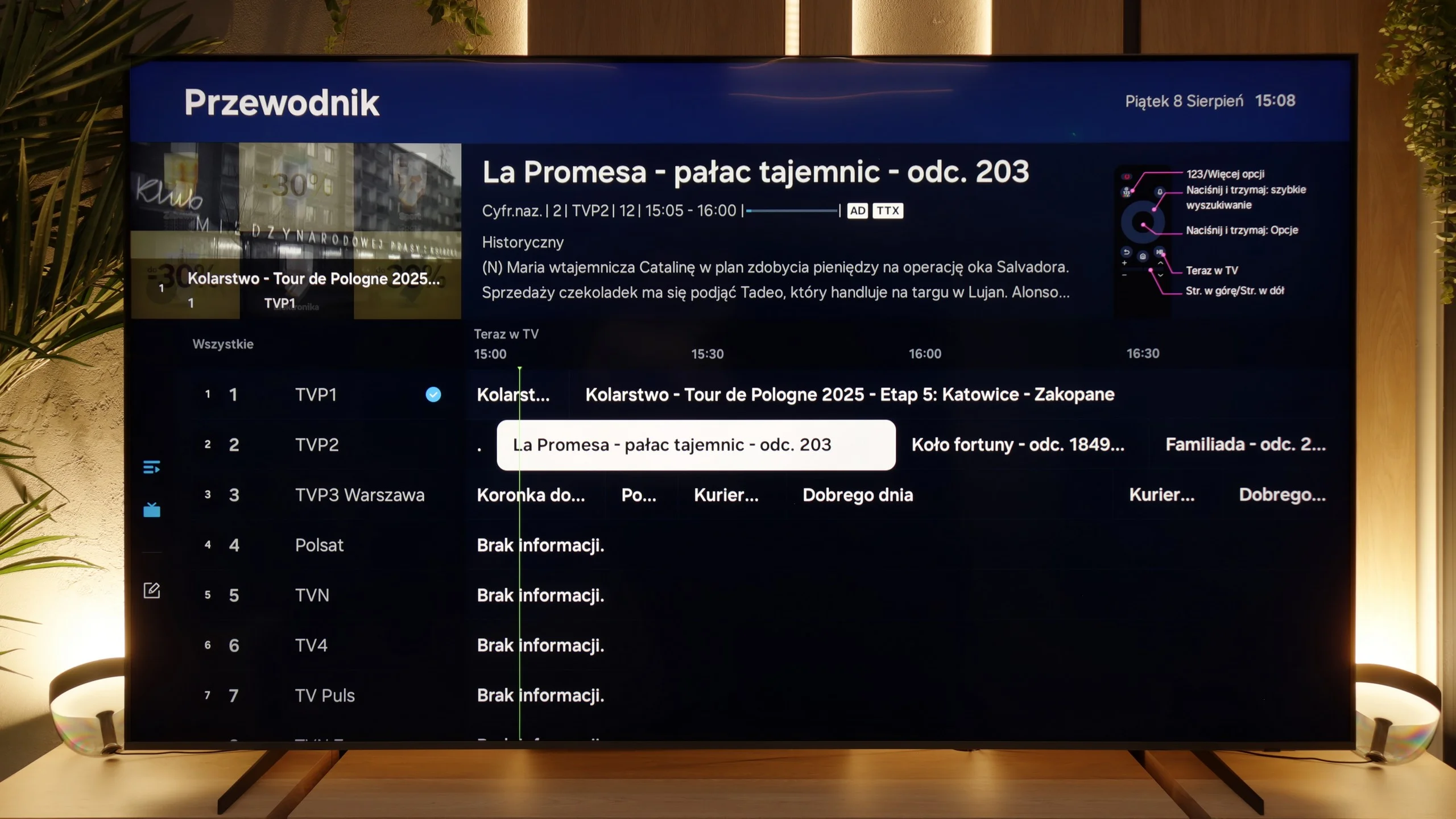
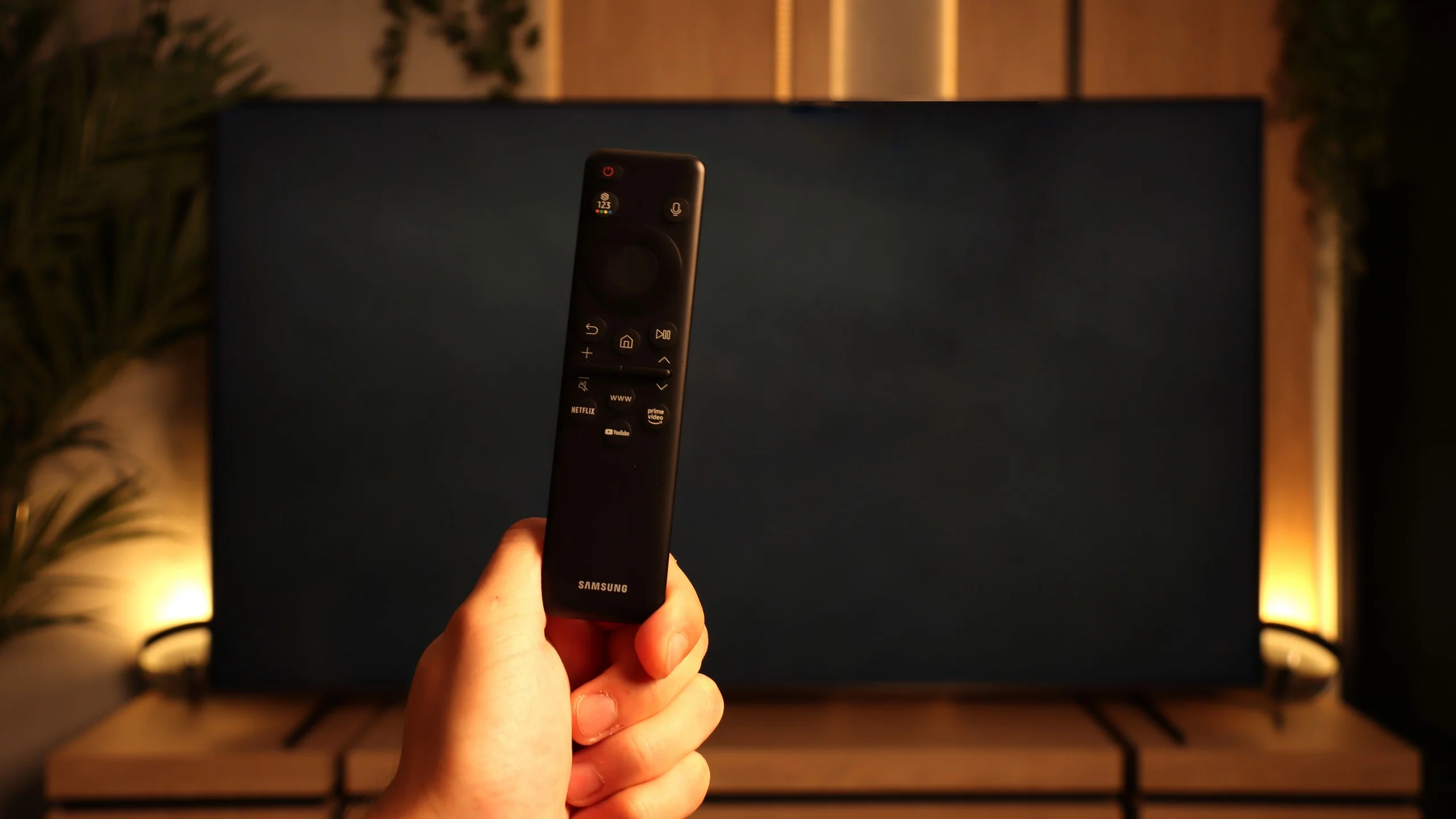
The traditional features on the QN80F perform quite well, although a few things are lacking. On the plus side, it has PiP, or picture-in-picture – a feature that is rarely found these days but can still be very practical. Additionally, we have EPG, still functioning teletext, and Bluetooth support, which makes it easy to pair headphones or a soundbar. On the downside, it lacks USB recording from the built-in tuners, as well as a remote with a traditional numeric keypad. Instead, we get Samsung's signature small remote, which may initially seem too minimalist. It must be noted, however, that this unassuming gadget hides a lot of capabilities and can control other devices, such as satellite decoders, consoles, or Blu-ray players, so in practice, one remote is enough to manage the entire setup in the lounge.
Smart TV features: Google TV
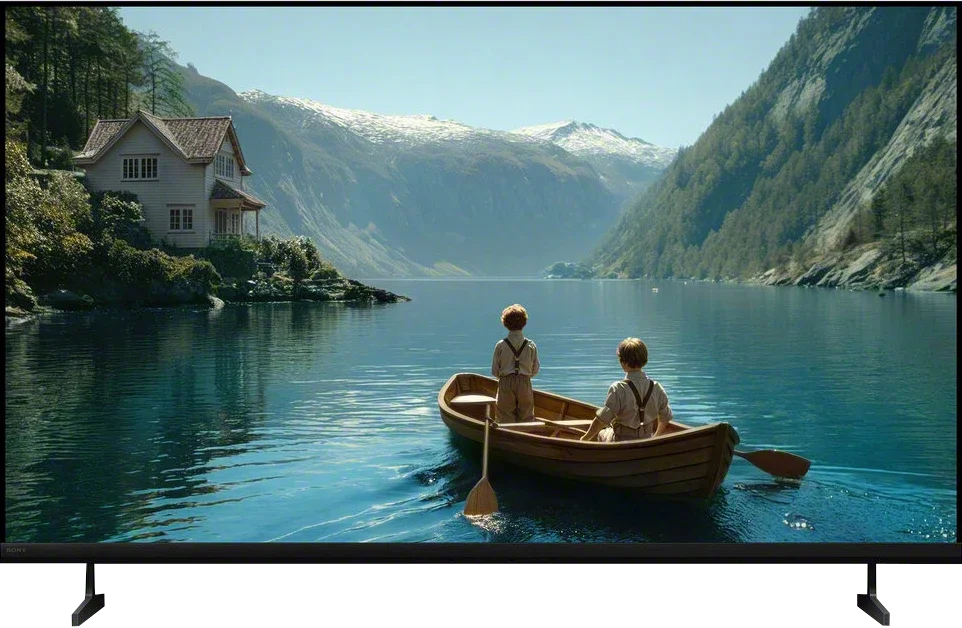
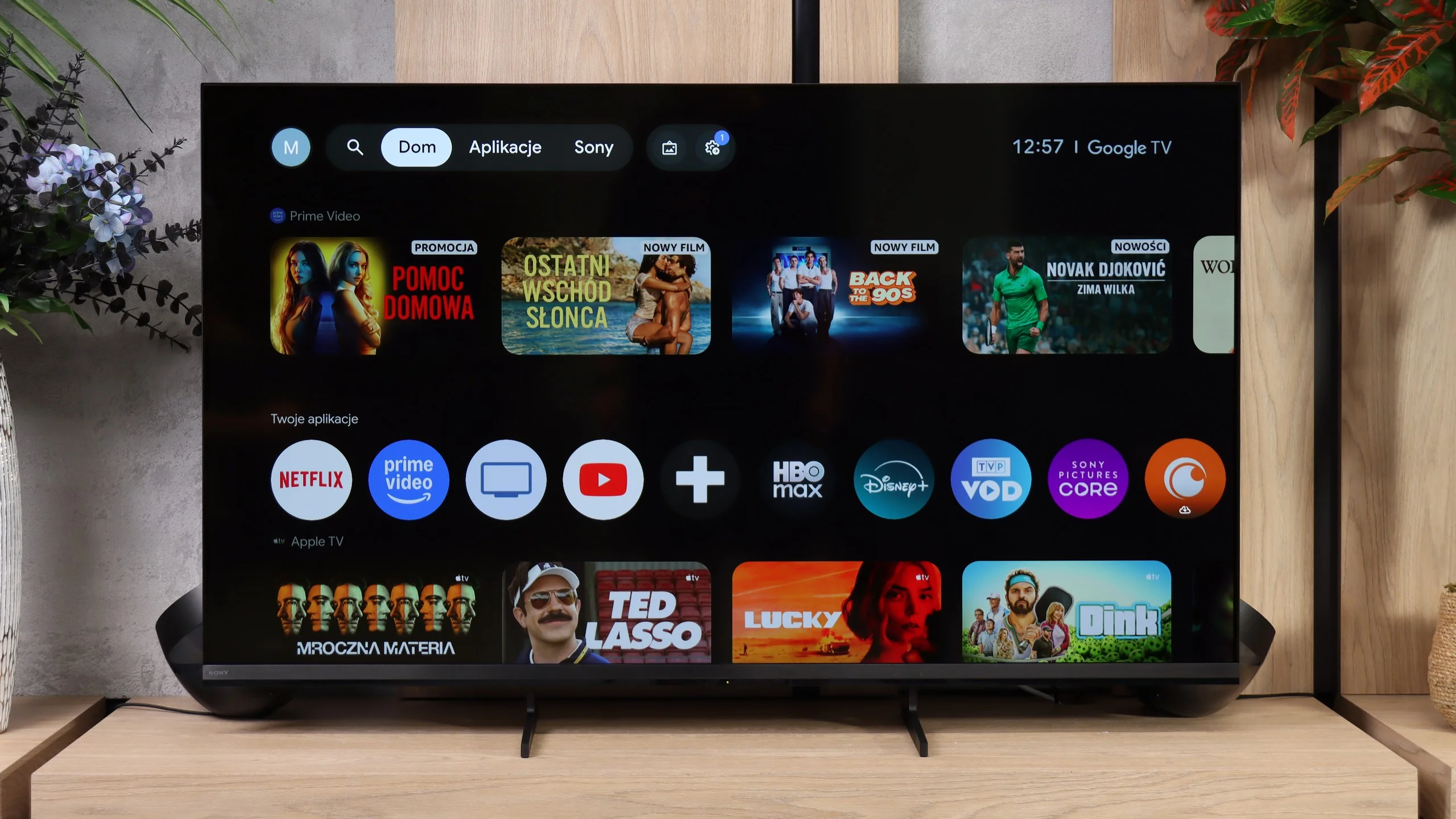
Bravia 3 II runs Google TV and, in terms of capabilities, it’s one of the more fully featured systems you’ll find in TVs today. First and foremost, you get access to a very large number of apps, so beyond the most popular streaming platforms you’ll also find plenty of less obvious services. Sony also supports AirPlay and Chromecast, making it very convenient to cast content from a smartphone. Voice search is good too, powered by Gemini, which handles commands in many languages and can genuinely make using the TV easier. During our tests we did encounter one issue: Bravia 3 II wouldn’t reliably receive a picture from a Windows 11 PC over Miracast. So if you want to use the TV as a secondary screen for a computer, the most reliable solution remains a connection via HDMI.
Traditional TV features
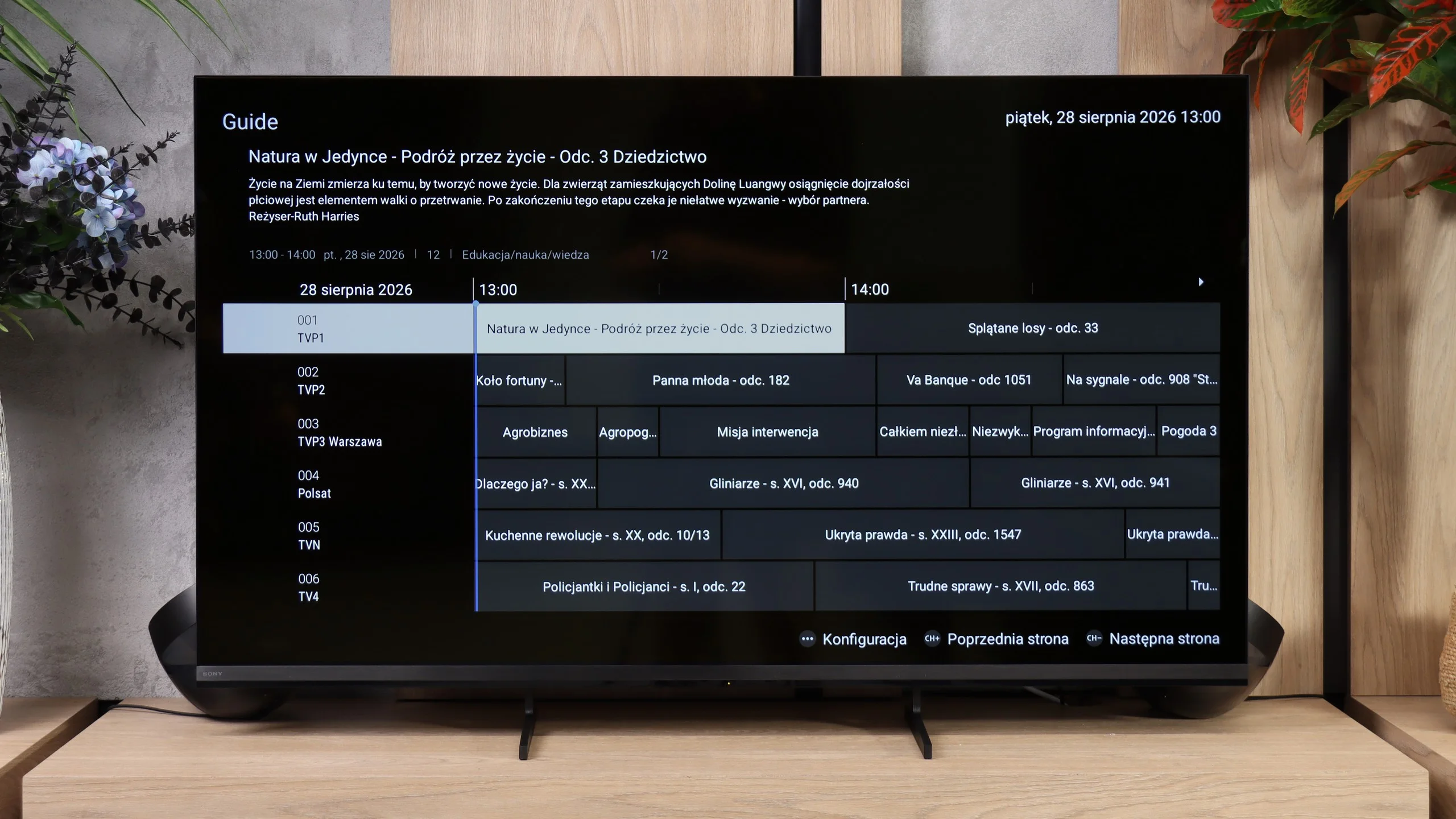
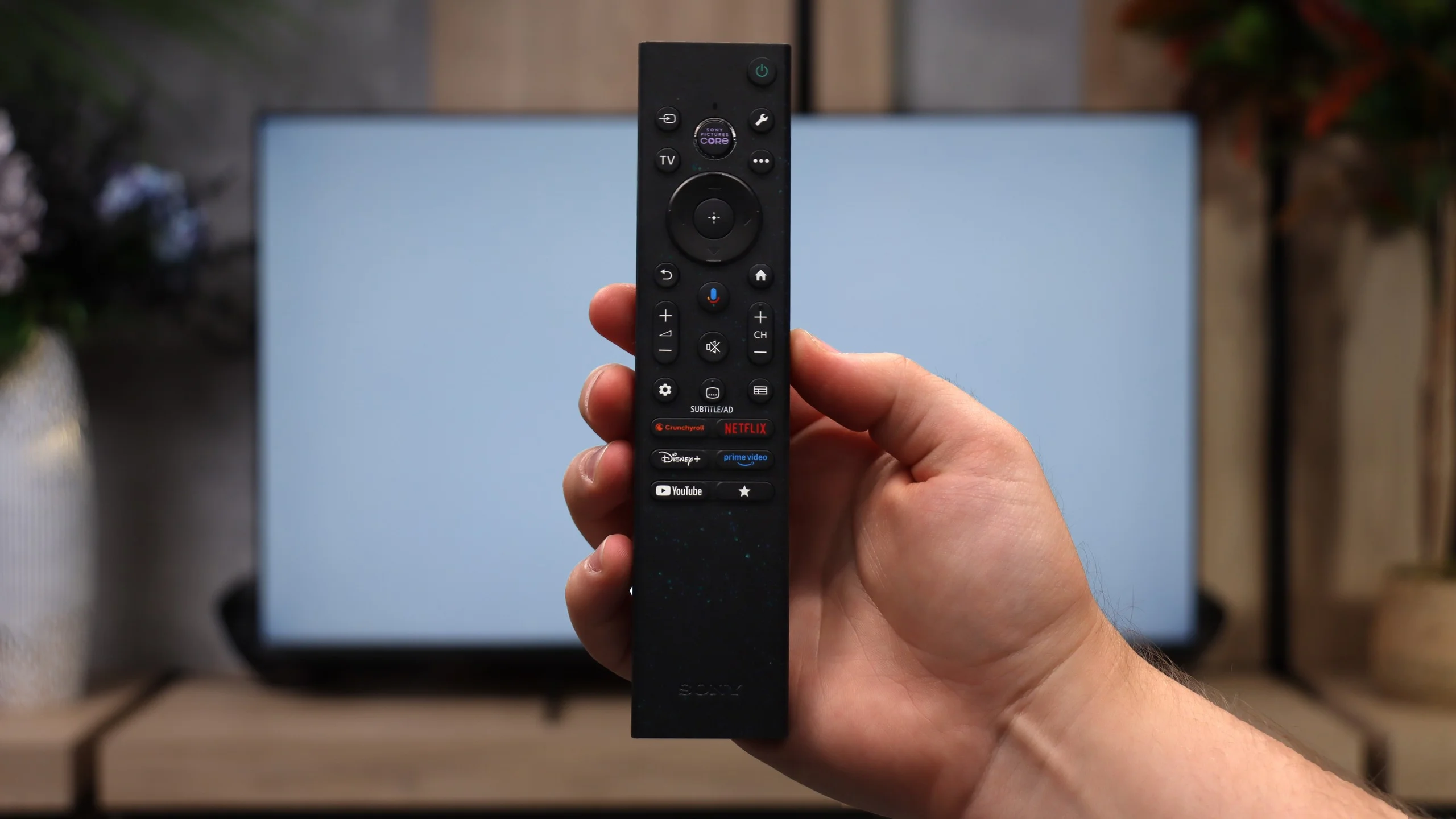
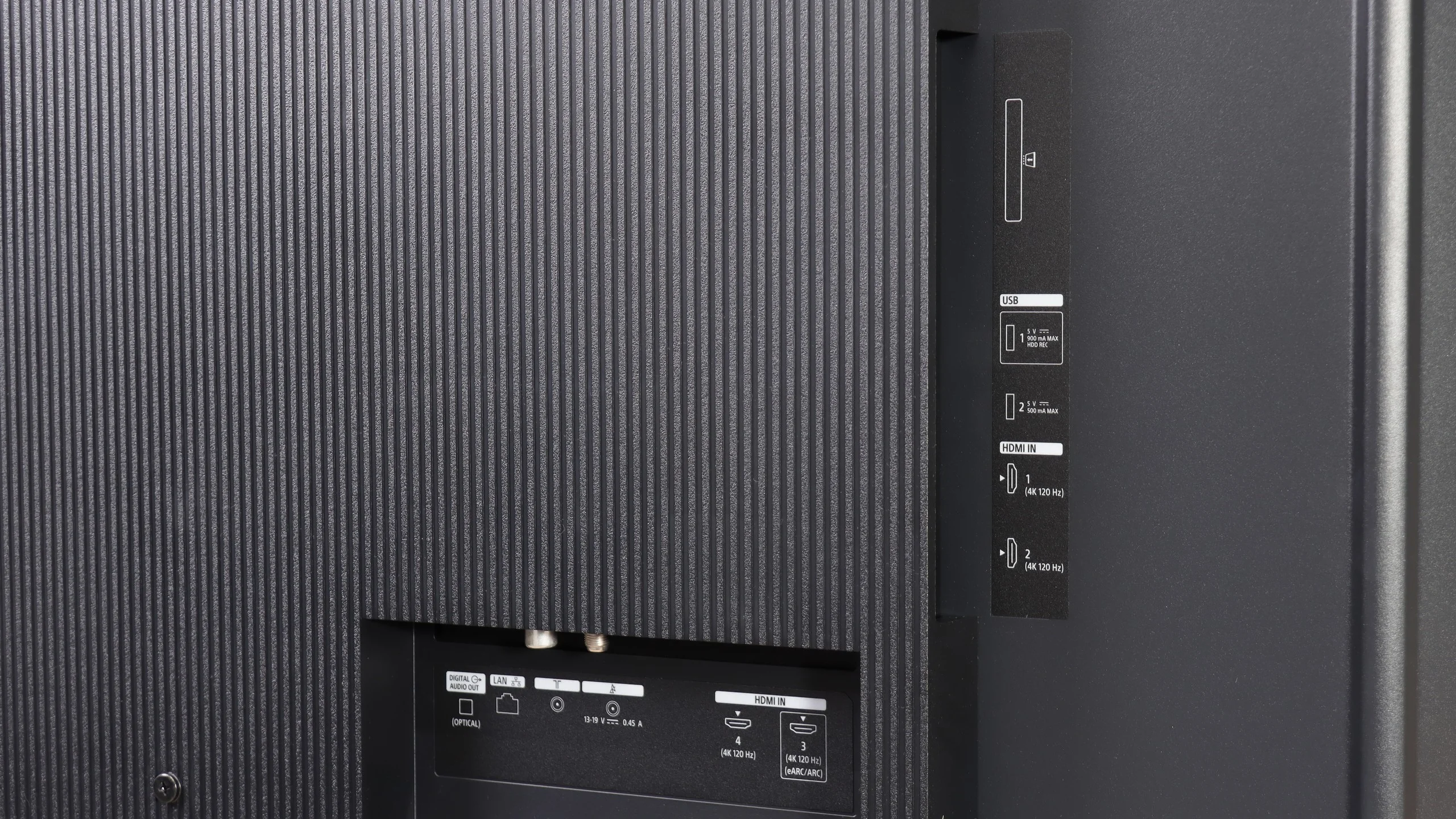
Sony hasn’t forgotten people who still mainly watch regular television. Bravia 3 II supports recording programmes to USB with the ability to schedule them in advance via PVR, which is rare nowadays, especially in cheaper models. There’s also teletext and a clear channel guide, so in terms of basic TV functions we weren’t really missing anything, maybe apart from picture-in-picture (PiP). A curiosity is the two remotes included in the set. The first is modern and pared-back (non-backlit), while the other is a classic design with a full numeric keypad. Although it may look a little old-fashioned, viewers who watch a lot of traditional TV might actually find it more convenient, for example when entering channel numbers.
 Direct comparison