Samsung Q80D is a very versatile television. It’s definitely a piece of equipment that can easily adapt to the needs of both gamers and those looking for a device for everyday viewing. As for the former - namely gamers. Thanks to HDMI 2.1 support, a 120 Hz refresh rate, and low input lag, it makes playing on console or PC pure pleasure. Additionally, the Game Bar feature allows for quick adjustments without the need to exit the game – a small thing, but it makes a difference. It’s also worth mentioning a fantastic feature in the form of an efficient motion smoother that works well in games. It gives the impression that playing on such a television adds a few FPS, thus providing an advantage in the game. During everyday use, the Q80D performs very well too. The Tizen system offers access to popular apps such as Netflix, Prime Video, and Disney+, so nothing is lacking here. The high brightness of the screen ensures that the television performs very well even in well-lit rooms. A nice and interesting addition is the solar remote, which not only does not require battery replacements but also allows control of other devices (e.g. set-top boxes, consoles, soundbars). When it comes to picture quality, the Q80D has a lot to offer. Although it lacks Dolby Vision support, after calibration, the colours look fantastic, and the contrast and black level thanks to FALD technology (full array local dimming) impressed us greatly, considering the television's segment. Thanks to the VA panel enhanced with quantum dots (QLED), the colours on the Q80D can look truly excellent. Watching movies or series in the evening is a real pleasure – especially if we care about good details. However, there are little things that might be bothersome. The lack of a recording feature is a certain limitation, although it may not be a problem for everyone. Another obvious issue will be its viewing angles. These are typical results for this type of panel, so one must reckon with the fact that at the cost of great blacks, the Q80D simply performs average when looked at from the side. Nevertheless, the Samsung Q80D is a great television that performs well in every situation. It offers excellent picture quality, many useful features, and solid build quality for its price range. A few minor shortcomings, however, do not take away its charm, as overall it’s a model that will comfortably meet the expectations of most users – both those who game on consoles and those who simply enjoy evening screenings with good visuals.
- Matching (Score) |
- Our verdict |
- TV appearance |
- Where to buy |
- Contrast and black detail |
- HDR effect quality |
- Factory color reproduction |
- Color reproduction after calibration |
- Smoothness of tonal transitions |
- Image scaling and smoothness of tonal transitions |
- Blur and motion smoothness |
- Console compatibility and gaming features |
- Input lag |
- Compatibility with PC |
- Viewing angles |
- Daytime performance |
- Panel details |
- TV features |
- Apps |
- Playing files from USB |
- Sound
Samsung QLED Q80D vs Philips MLED920 / MLED910
 Direct comparison
Q80D
MLED920 / MLED910


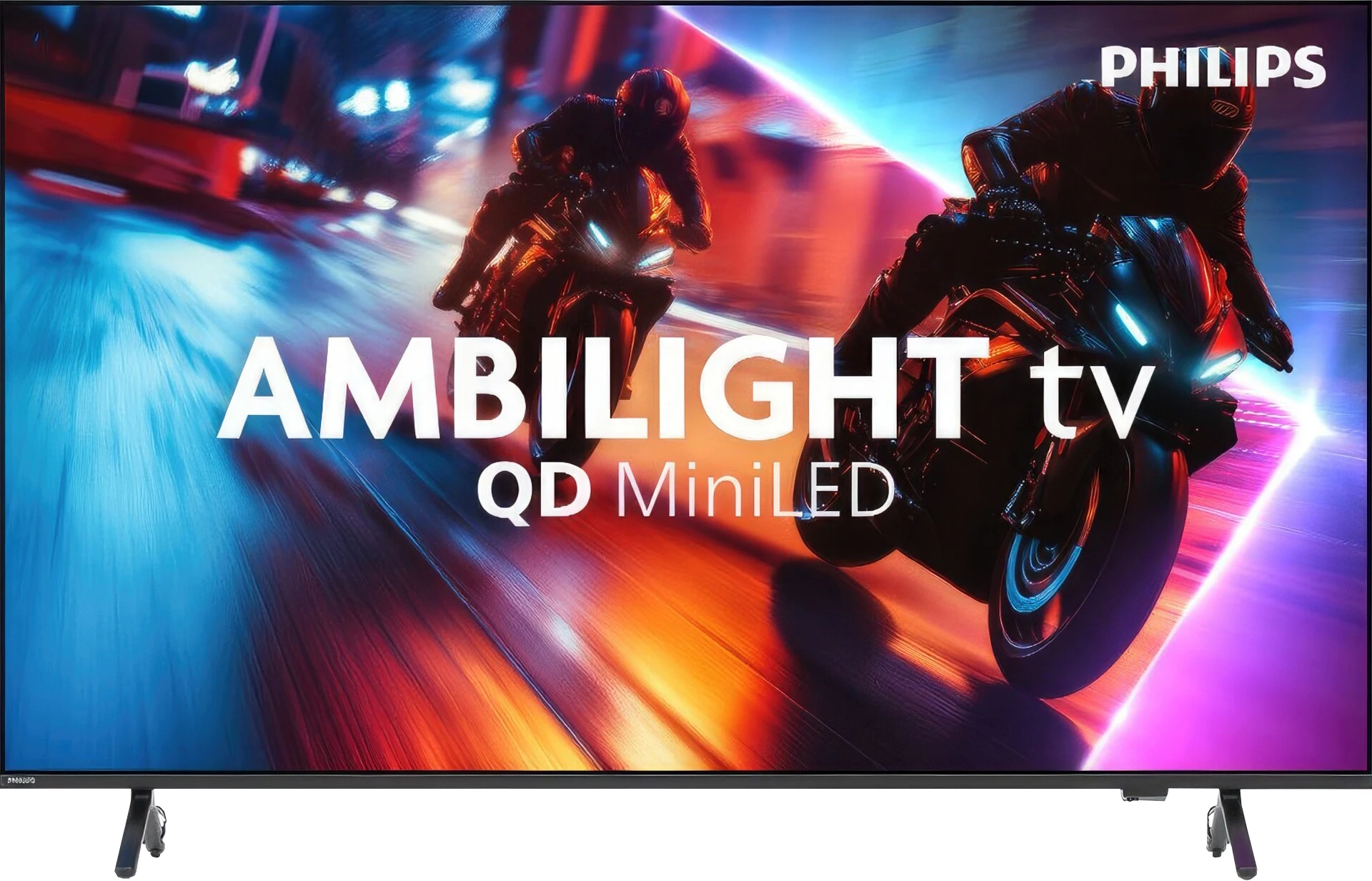
Panel type: LCD VA
Resolution: 3840x2160
System: Tizen
Model year: 2024
Complete the survey to find out the result
Panel type: LCD VA
Resolution: 3840x2160
System: Titan OS
Model year: 2025
Complete the survey to find out the result
Overall rating
7.2
6.5
 Movies and series in UHD quality
 6.8
6.4
 Classic TV, YouTube
 6.7
6.8
 Sports broadcasts (TV and apps)
 6.6
6.8
 Gaming on console
 8.7
8.5
 TV as a computer monitor
 7.6
4.0
 Watching in bright light
 6.0
5.5
 Utility functions
 8.0
5.5
 Apps
Apps 9.3
6.7
 Sound quality
 6.6
6.2
Complete the survey to find out what fits your preferences
Advantages

Great choice for gamers - lots of functionality, low input lag, 120Hz
High brightness of the panel - good performance during the day
Good blacks and contrast - VA panel with local dimming
Excellent tonal transitions
Advanced "Tizen" smart system
Pleasant sound from the built-in speakers
Solid black and high contrast thanks to mini-LED backlighting
HDR brightness reaching 700–800 nits in real movie scenes
Support for multiple HDR formats including Dolby Vision and HDR10+
Ambilight – an element that adds atmosphere, especially in the evening
A lot of supported audio formats: DTS:X, Dolby Atmos, Dolby True HD 7.1
144 Hz panel with support for VRR, ALLM, and Dolby Vision Gaming
Loud sound (up to 88 dB)
Illuminated remote
Disadvantages

Average viewing angles
No recording function
No DTS (may hinder connection to home theatre)
Titan OS is quite underdeveloped – there are significant errors and missing features in the applications
Few user-friendly features
Hybrid infrared remote
Issues with the smoothness of tonal transitions in dark scenes
The television is not suitable (aside from gaming) for working with a PC – strong dithering and poor readability of fonts, especially coloured ones and on dark backgrounds
Our verdict
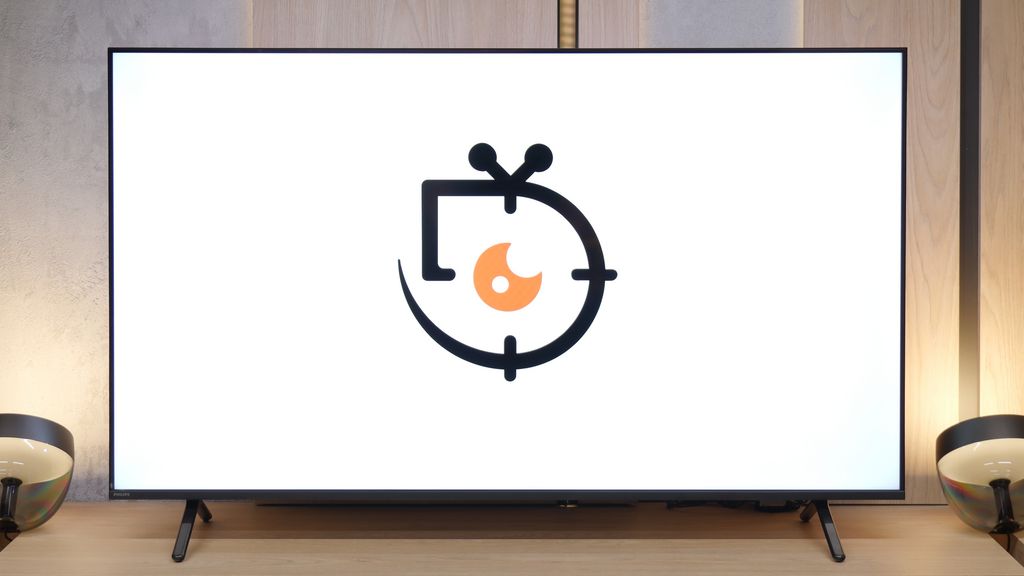
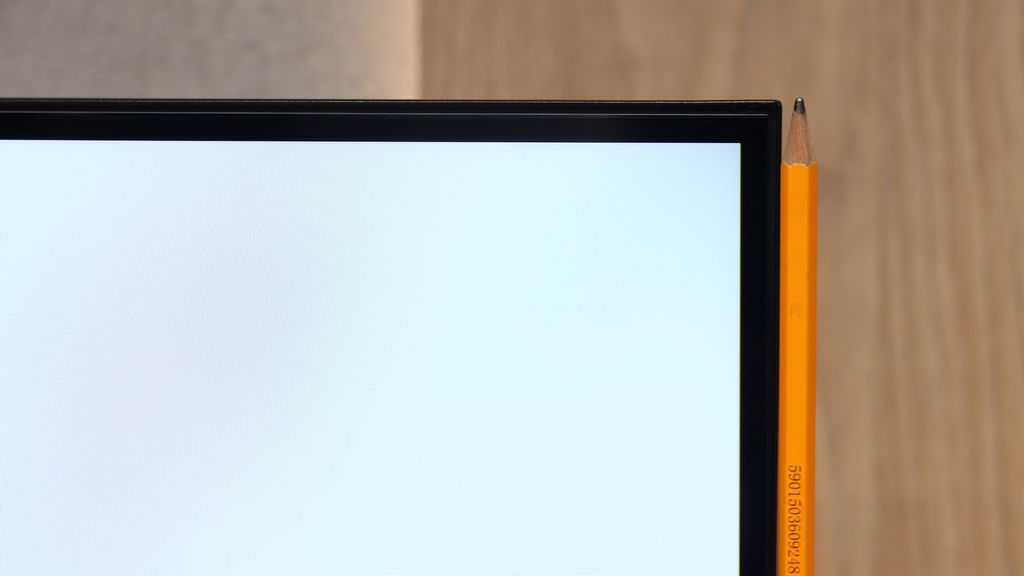
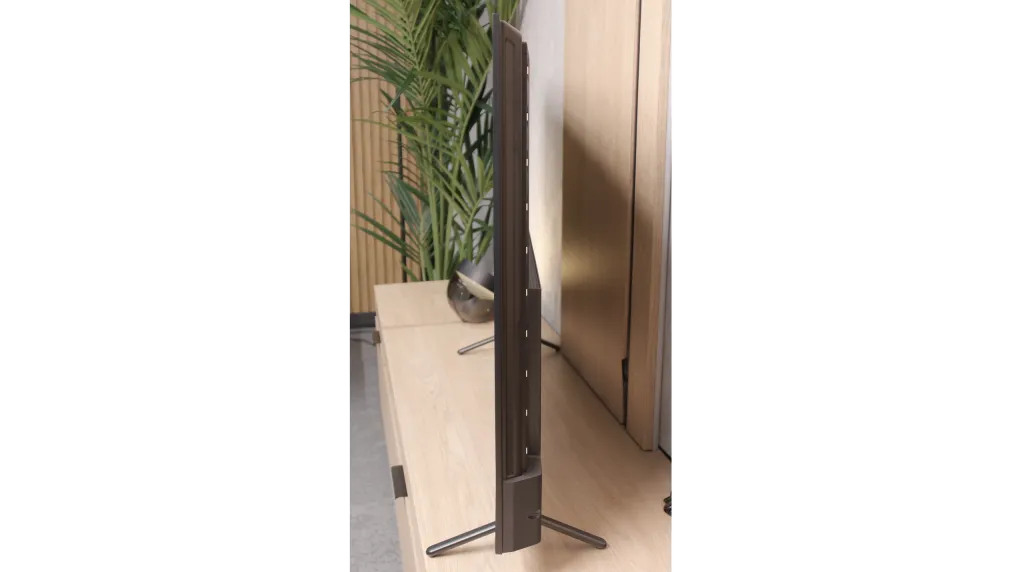
Philips MLED920 is a natural continuation of last year’s PML9000 model, but it’s not a rehash. It’s clear that the manufacturer has done their homework – primarily, the local dimming algorithms have been improved, which last year could really spoil the viewing experience. Now, black levels and contrast are definitely better, and combined with Dolby Vision here, even HDR content looks quite decent. The picture can sometimes shine where it should, and it doesn’t strain the eyes in more challenging scenes. Undoubtedly, the greatest asset of the MLED920 is its unique Ambilight system. The three-sided backlighting can give films and games a whole new atmosphere – it’s as if the screen is extending beyond its boundaries, and the whole room becomes part of the viewing experience. This is something that will be appreciated not only by movie buffs but also by gamers, who, in addition to the lights, get a full set of features typical of modern gaming TVs: 144 Hz, VRR, ALLM, and Dolby Vision Gaming. In this regard, Philips has a lot to offer. But. Well, there’s a big but – this is where we reach the most difficult part of this verdict – it’s still a dual-purpose device. On one hand, we have strong picture quality and the unique Ambilight feature, on the other, there are hardware limitations that are hard to ignore. Titan OS in its current form is a big hindrance, full of bugs and shortcomings that make the TV lag behind the competition. Added to this is the price, which is by no means low for the features offered. Therefore, it’s hard to recommend it unequivocally to everyone. However, if you’re looking for Philips' brightest screen at a reasonable price, with Ambilight, a full set of features for gamers, and basic apps – the MLED920 will be quite a good choice.
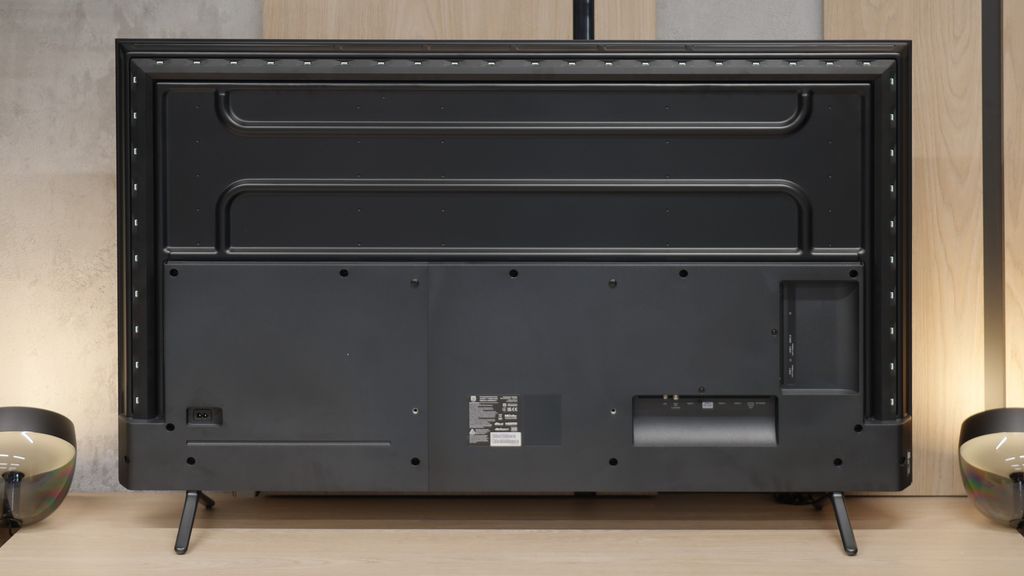
TV appearance



Contrast and black detail
6.7/10
7.9/10
Local dimming function: Yes, number of zones: 100 (10 x 10)
Local dimming function: Yes, number of zones: 144 (12 x 12)
Contrast:


Result
37,350:1

Result
8,850:1

Result
20,350:1

Result
4,300:1

Result
3,800:1
Result
298,900:1
Result
38,500:1
Result
23,950:1
Result
16,850:1
Result
8,000:1
Halo effect and black detail visibility:

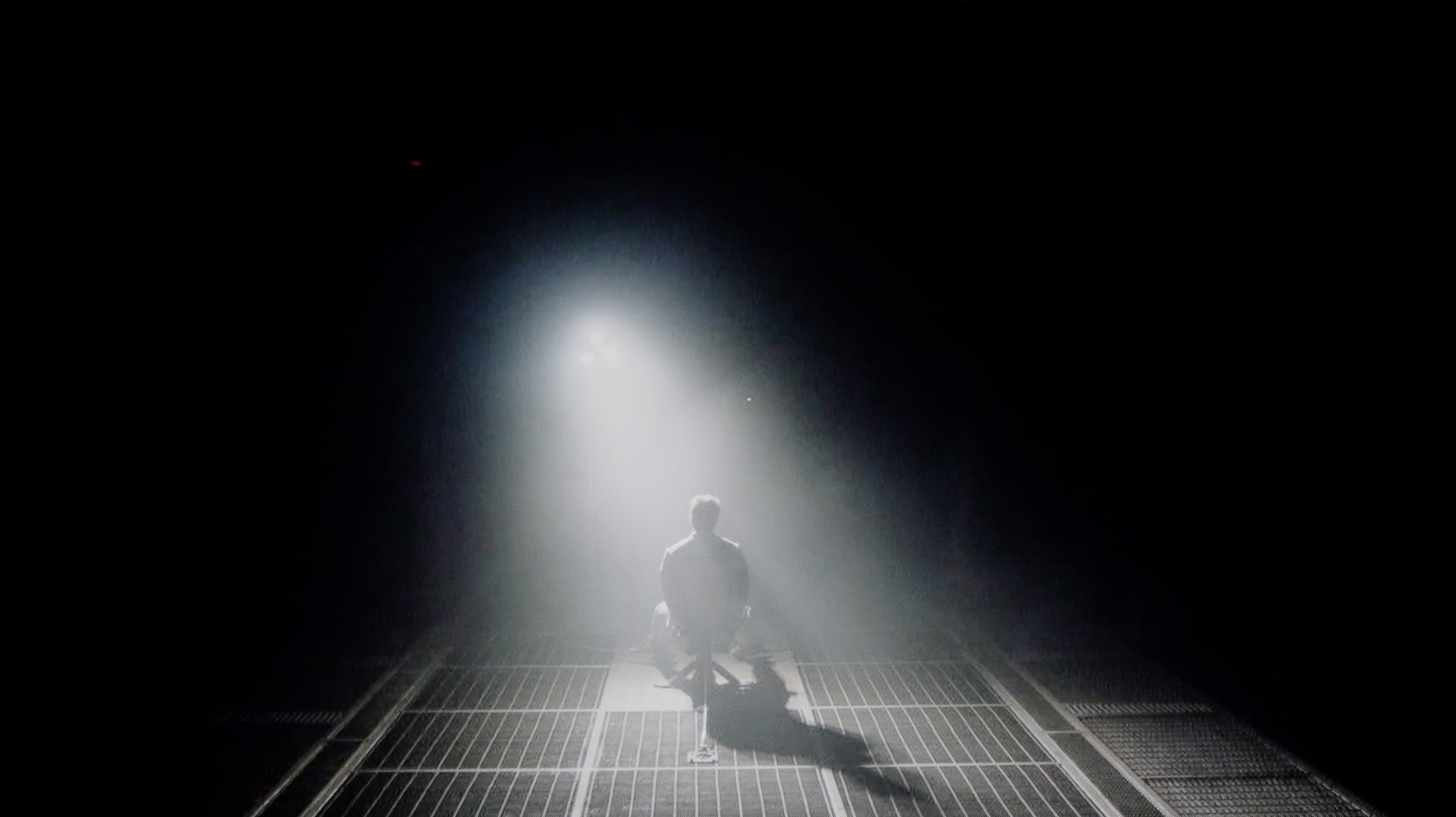
Check the visibility of bright lights on a dark background. Mini-LEDs often struggle with this. The photo does not compare black levels – that’s what the video below is for.
The video accurately shows differences in contrast and black levels between TVs, as well as potential issues: halo around bright objects or Mini-LED zone operation visible as brightness jumps.
The Samsung Q80D television is equipped with a VA panel, which immediately affects the difference in contrast and black reproduction compared to IPS panels. VA panels offer significantly better contrast and deeper blacks, while IPS panels have better viewing angles but poorer contrast. For the 55" model, the television has 100 local dimming zones, and it should be noted that this number may vary depending on the screen size. Thanks to local dimming, blacks look good, but it's worth mentioning that the algorithm of this technology, combined with a limited number of zones, can sometimes go a bit "haywire." Bright objects can be dimmed to achieve better blacks. During testing in a scene from the film Oblivion, the lights merged into one blot, regardless of the dimming settings, showing the limitations of this technology. In the movie Sicario 2, large dimming zones were particularly noticeable, for example, with small helicopter lights, indicating how large the areas controlled by a single dimming zone are. Despite these imperfections, the local dimming technology still offers significantly better picture quality than televisions without this feature or with edge lighting. With the ability to completely turn off individual zones, the television can provide a noticeable boost in brightness in selected areas, which can give the image a cinematic effect, especially in dark rooms.
Philips MLED920 in the 55-inch version that we had the opportunity to test uses a high-contrast VA panel. The panel itself is one thing, but the real standout feature of this model is the mini-LED backlighting. This largely determines how black and contrast look – and it must be said that Philips has taken a big step forward compared to the models from 2024, where the local dimming algorithms performed just average. In this new version, it is significantly better, and the contrast presented by the MLED920 can truly surprise in a positive way. At times, it even approaches the level known from the best LCD TVs on the market – blacks can be deep, the image gains a three-dimensional quality, and viewing experiences in a dark room leave a great impression. Of course, as with any mini-LED TV, this is not an image completely free of compromises. With a large number of small elements on the screen, the local dimming algorithms can sometimes get confused – at times dimming details more than we would like and other times brightening the background, resulting in slight, light blue halos around objects (the so-called halo effect). Despite these imperfections, we must emphasize that black and contrast are truly strengths of the Philips MLED920 and definitely one of the reasons to consider it in the mid-range segment.
HDR effect quality
5.8/10
5/10
Luminance measurements in HDR:

Result
927 nit

Result
423 nit

Result
612 nit

Result
242 nit

Result
856 nit
Result
722 nit
Result
177 nit
Result
775 nit
Result
131 nit
Result
677 nit
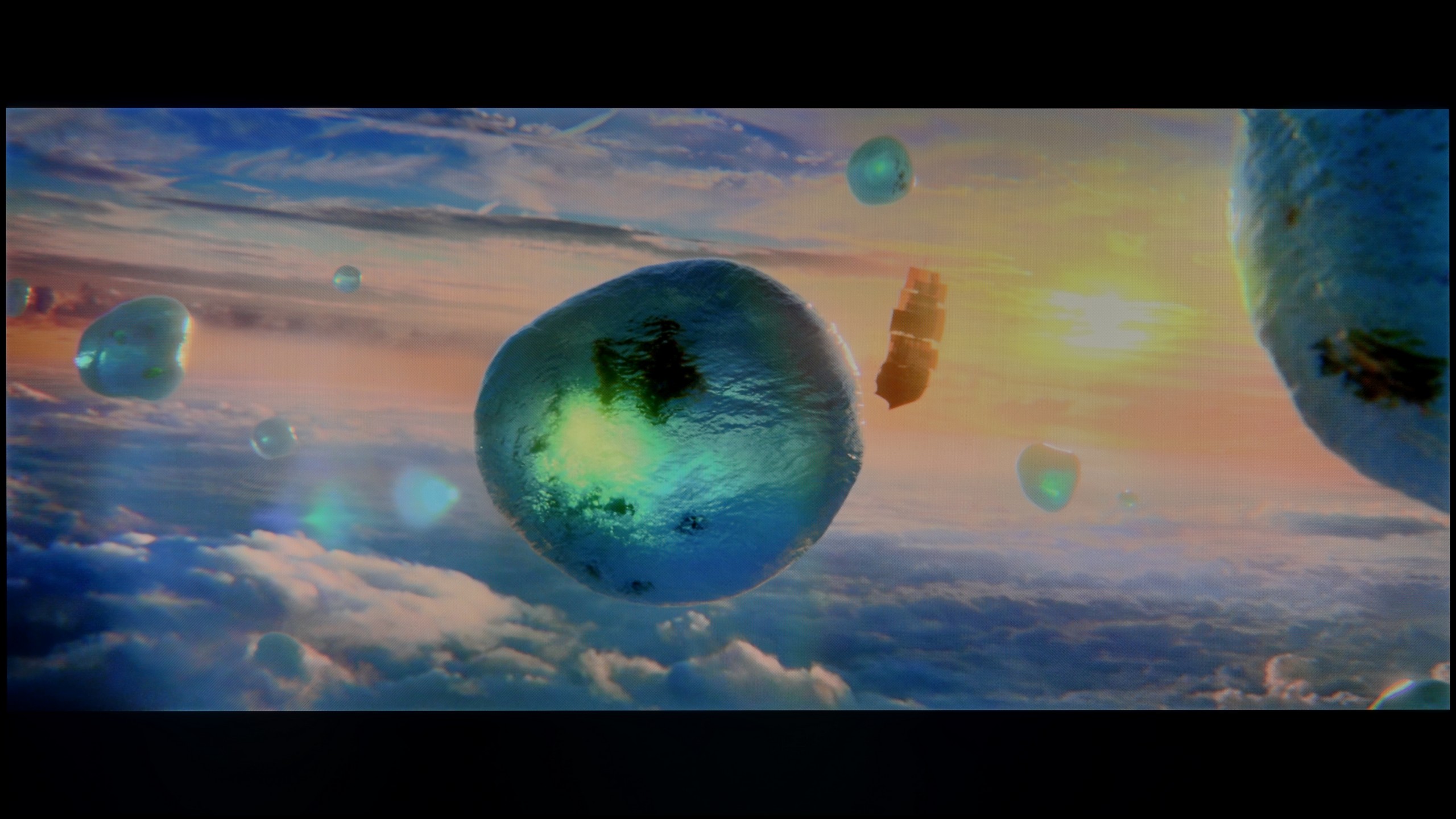
Scene from the movie “Pan” (about 2800 nits)

Scene from the movie “Billy Lynn” (about 1100 nits)

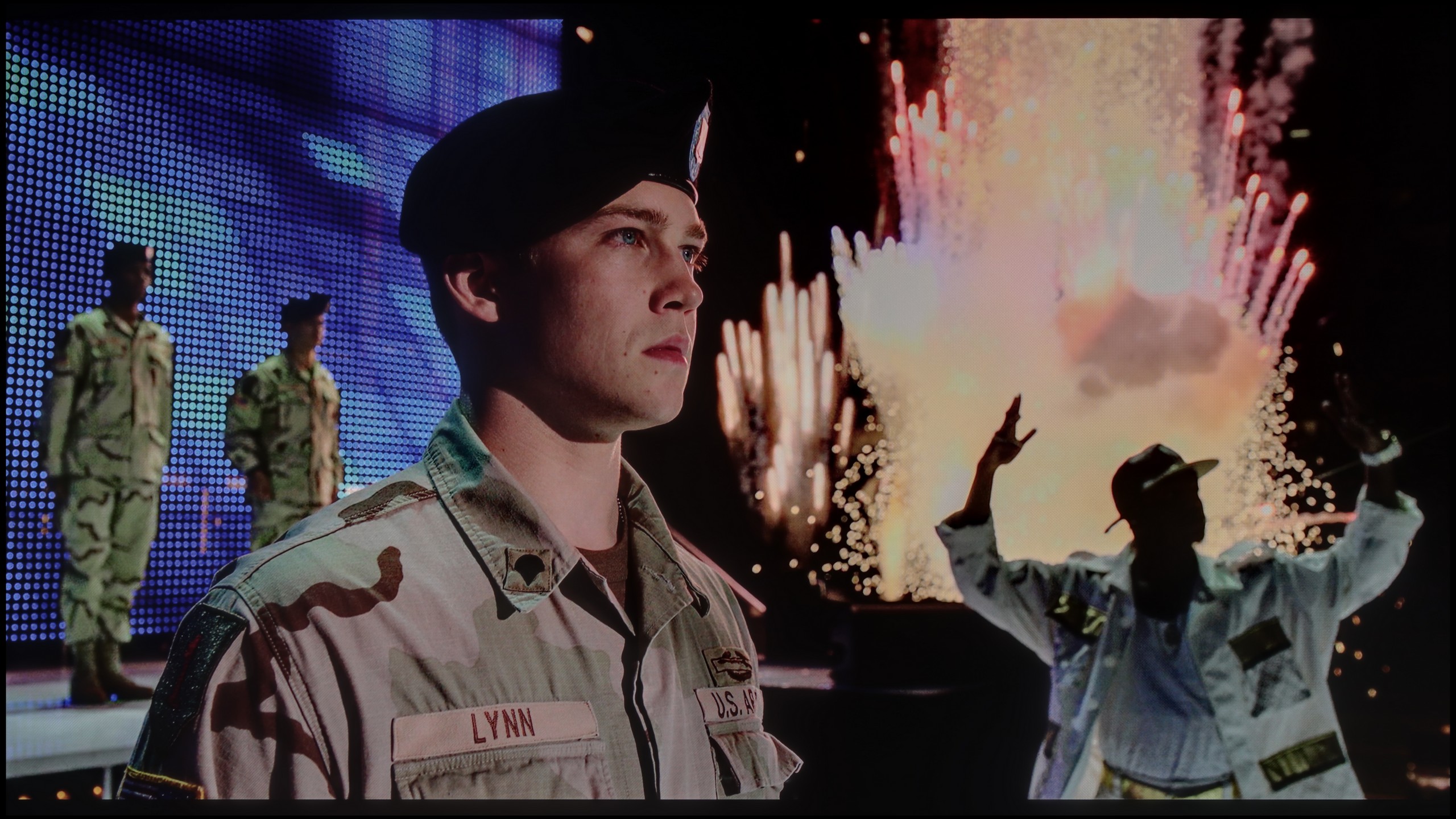
The photos show two HDR10 movies. 'Pan' is one of the brightest productions ever made, while 'Billy Lynn' (soldier) has brightness typical of streaming (Netflix, Prime, HBO MAX). Notice the intensity of effects and detail in whites.
Static HDR10


The photos present the visibility of white details in various HDR formats. They do not show brightness differences between TVs (these can be compared in the previous gallery).
Dynamic: HDR10+
Dynamic: Dolby Vision


The photos present the visibility of white details in various HDR formats. They do not show brightness differences between TVs (these can be compared in the previous gallery).
HDR luminance chart:
Philips MLED920 / MLED910
Samsung QLED Q80D
In the context of HDR, the Samsung Q80D television, as expected, achieves very positive brightness results in the tested movie scenes, where the frame is filled with light, reaching values from 600 to 900 nits, allowing for a great juiciness of the image. Such results enable the user to feel the difference between HDR and SDR quality. Unfortunately, problems arise in situations where small light effects occur against a dark background. In such cases (e.g., the 4th test screen from the film Sicario 2), a noticeable drop in brightness is observed, which is caused by the large size of the dimming zones used here. This limitation, combined with the dimming algorithm, affects how the television handles small bright elements on a dark background. At that point, we may experience an undesired lack of brightness, and the HDR effect resembles that of SDR.
Philips MLED920 in our measurements in static tests even reached around 900 nits, which for a mid-range model is quite an impressive result. In practice, this translates to a lot of satisfaction during viewing – in scenes rich in bright light, such as the first, third, or fifth test patterns, the screen was able to generate around 700 nits, which is sufficient to feel the real "HDR effect". However, it cannot be denied that the limited number of backlight zones and the typical mini-LED compromises in dimming algorithms reveal their flaws in more demanding scenes. In sequences with small light sources – like the moon or a scene from the film Sicario 2 – the television clearly prioritises maintaining deeper blacks at the expense of the brightness of these small elements. For most viewers, this is still a reasonable compromise, as the dark background looks much better, although it should be noted that the details themselves may not dazzle with intensity. The question of colours also leaves a bit to be desired. Although the employed PFS filter (the equivalent of quantum dots known from QLEDs) does its job and the colours appear quite vibrant, the coverage of the DCI-P3 colour space reaches "only" 90%. In everyday viewing, this will be sufficient, but in extremely colourful productions – like the latest Disney animations – one can notice that some tones are not as vivid as they could be in other constructions.
Factory color reproduction
6.8/10
5/10


This gallery shows how colors change after professional TV calibration. If you notice the difference, we recommend ordering this service at SkalibrujTV.com.
Factory Mode
After calibration
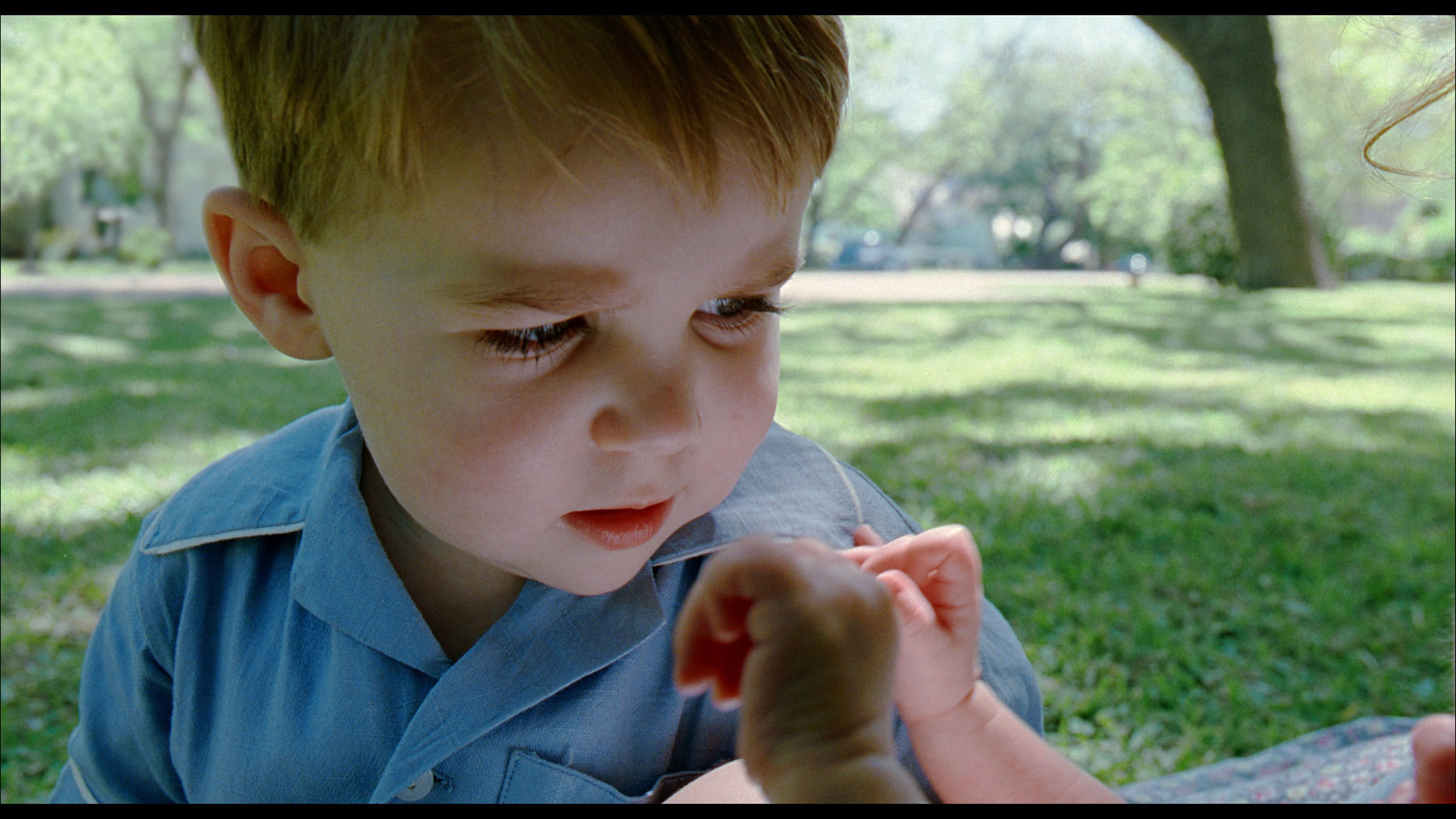
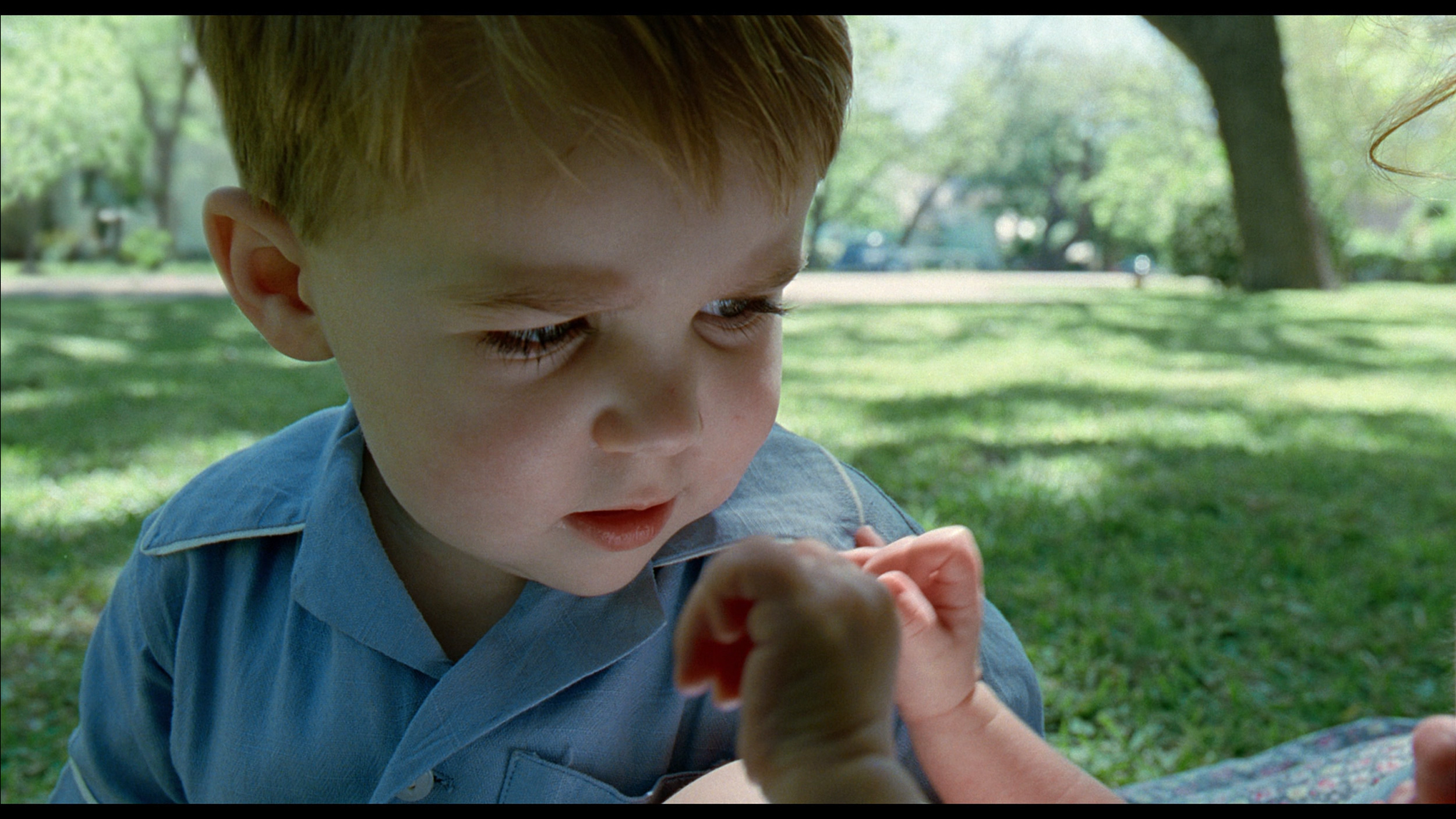
This gallery shows how colors change after professional TV calibration. If you notice the difference, we recommend ordering this service at SkalibrujTV.com.
Factory Mode
After calibration
In "Filmmaker" mode, which is the best choice right out of the box, the Samsung Q80D television shows solid colour reproduction. For SDR content, a noticeable drop at the start of the gamma curve suggests that details in dark scenes may be less clear, affecting the overall viewing experience. Regarding white balance in SDR content, while generally correct, significant drops in blue at screen coverage above 70% can result in less natural shades in both bright and dark scenes. Users may notice that some blue elements in the image may appear less vibrant, and the overall colour will have a warmer hue.
In HDR content, the EOTF curve being above the reference line for most of the time indicates that the television may struggle to accurately reproduce brightness and details in the brighter parts of the image, which can be detrimental for the viewer. It is also worth noting the significant drop at the start of this chart, indicating that the television has difficulty reproducing brightness in the darker parts of the image, as seen in the contrast and black test, where several scenes were unable to show the full capabilities of the television’s brightness. In terms of its white balance, the initially good performance on the graph is promising, but the steep decline in red, coupled with a significant increase in blue, can lead to inaccuracies in reproducing some skin tones and other key colours. This phenomenon may be noticeable to viewers in scenes where colour details are crucial.
Like every Philips TV we've tested, the MLED920 was primarily assessed in Filmmaker mode – the so-called "most honest" mode, designed for films and to faithfully convey the intentions of the creators. Indeed, in terms of colour accuracy, it performs best among all the modes available on the TV, but it is not without flaws. The first thing that stands out is the white balance. The image has a slight tendency towards purple-pink tones, giving it a somewhat unnatural character. However, an even bigger problem turned out to be what we mentioned earlier – image clipping. Just looking at the gamma or EOTF charts reveals that the line deviates significantly from the norm, dropping below a value of 1.8. In practice, this means "bleeding" of the brightest whites, where the image becomes almost milky. Fortunately, most of these issues can be corrected – the MLED920 responds to calibration, and with a few adjustments, image quality can be significantly improved.
Color reproduction after calibration
8.1/10
7.5/10

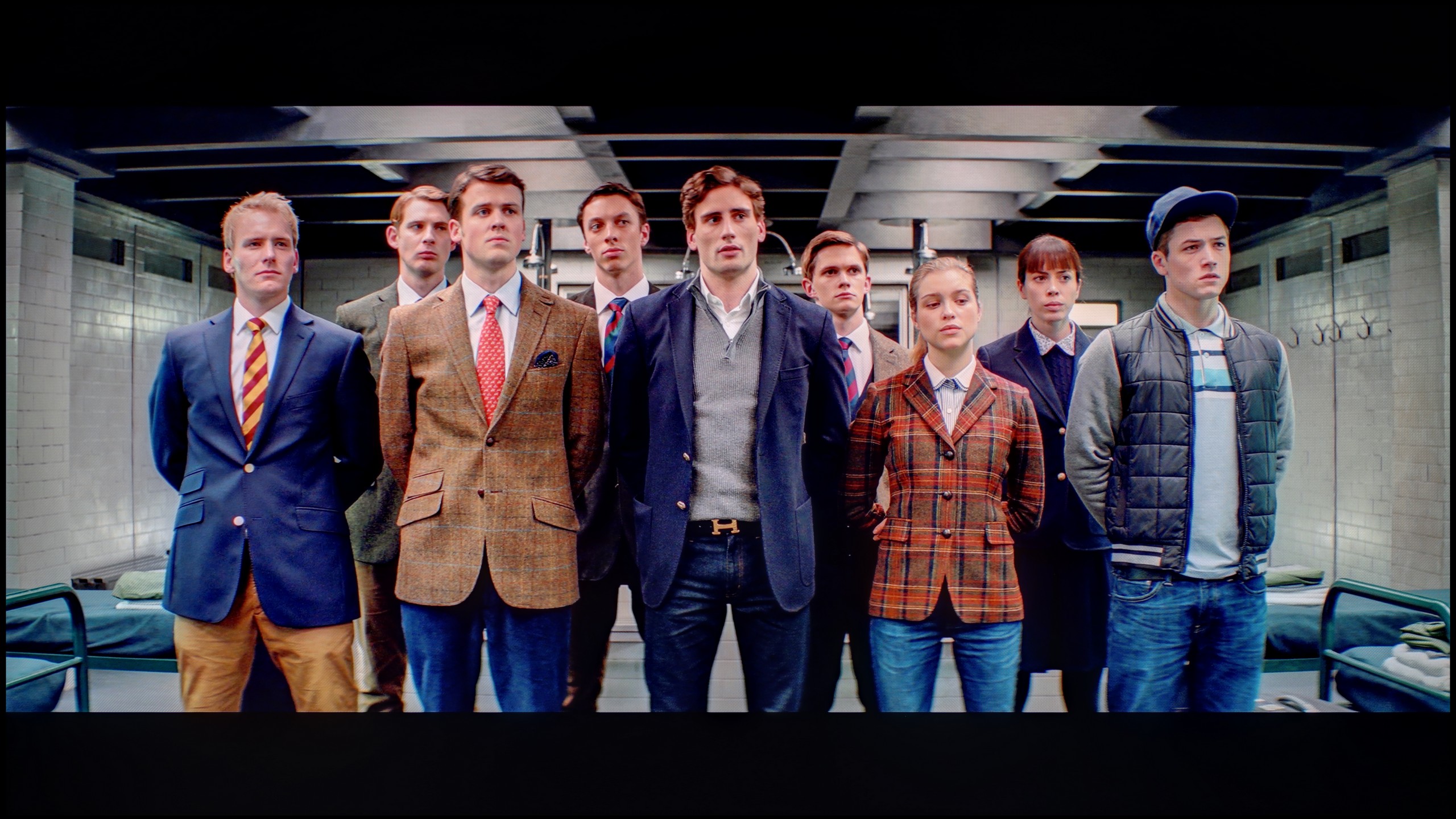
The photos show how movies look on the TV. Pay attention to black detail visibility, colors, and shadow tint.

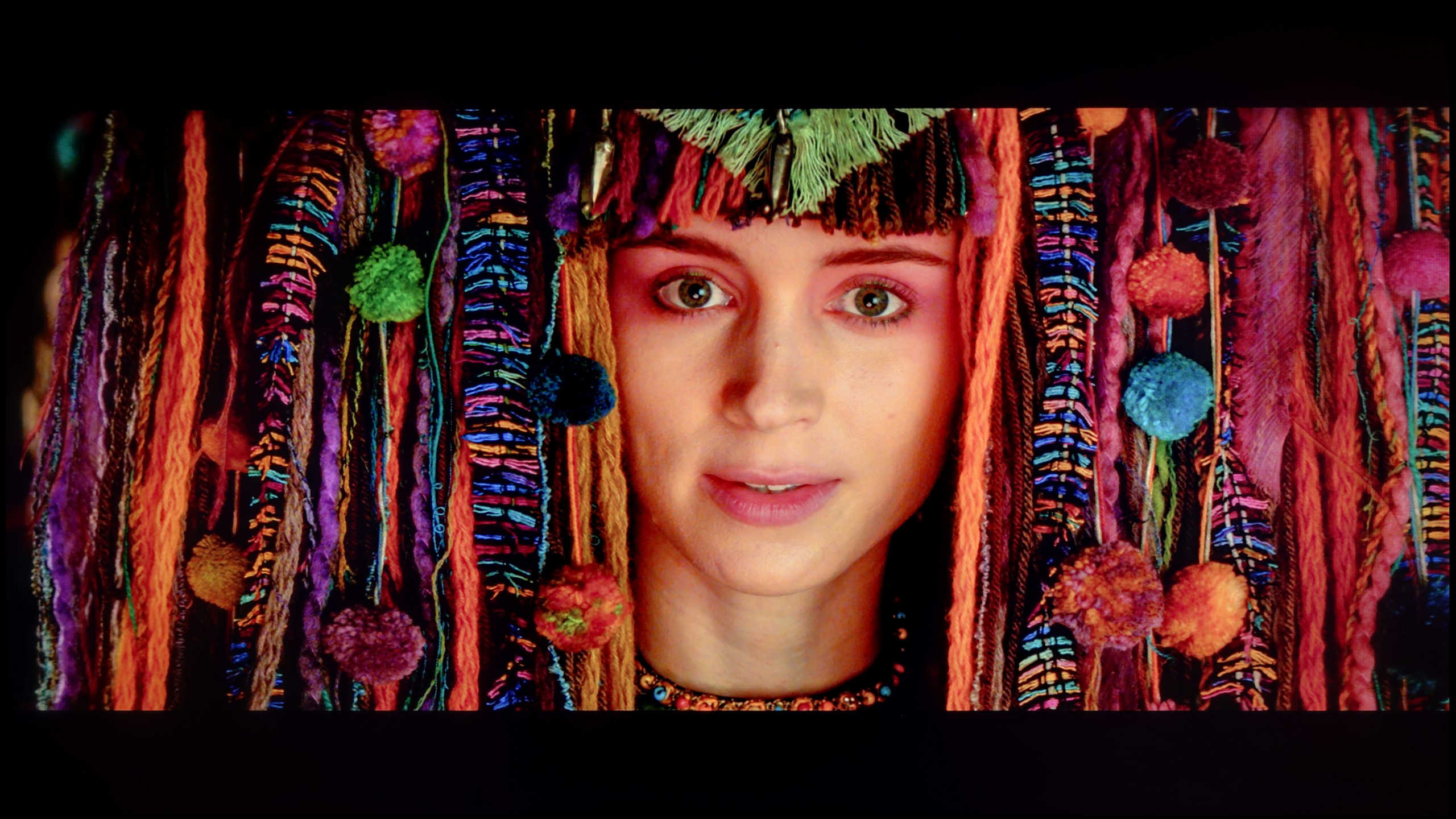
The photos show how movies look on the TV. Pay attention to black detail visibility, colors, and shadow tint.
The movie mode after calibration looks significantly better than the one you see right out of the box. Samsung offers an advanced range of calibration tools in its televisions. Among them are 2- and 20-point greyscale adjustment and CMS (Color Management System). Both in HDR and SDR mode, white balance has improved significantly, although there are slight errors at the end of the graph for HDR content. Contrast has also been greatly improved, and the gamma curve responsible for SDR shows better results. However, when it comes to HDR, the EOTF curve on the television appears to be at an ideal level at first glance. However, when we dig a bit deeper and enable the EOTF graph while watching films, we may notice that all the lines of the curve are above the reference line. You could even say that the television is "cheating" when playing film material. Such a situation, where the EOTF curve is above the reference line, causes the screen – although it may appear brighter, which some users might find appealing – to lose detail in the darker parts of the image. In practice, this means that in scenes with a lot of shadows or dark elements, the television is unable to accurately render the details that should be visible.
After calibration, we managed to largely tame the white balance – to the extent that the average viewer will not be able to detect colour inaccuracies. The characteristic pink-purple glow that previously disrupted the naturalness of the image has also disappeared. The colour palette has been organised, and the colours appear more cohesive and neutral. The gamma in SDR content looks really good after calibration – there’s no sign of the earlier “bleeding” effect in bright scenes. The image has become more contrasty and free from the milky effect that previously severely affected the viewing experience. In the case of HDR content, the improvement is also noticeable, although here it is still evident that the television goes “its own way”. The EOTF curve cannot be fully adjusted, as Philips simply does not offer tools for precise control of this parameter in its settings. In many films, the television still exposes the image “in its own way”. Despite these limitations, calibration has brought a lot of good – the majority of colour inaccuracies have been minimised and the overall image balance has significantly improved. However, one must remember that certain barriers arise from the very hardware construction and simply cannot be overcome.
Smoothness of tonal transitions
8.8/10
6.5/10


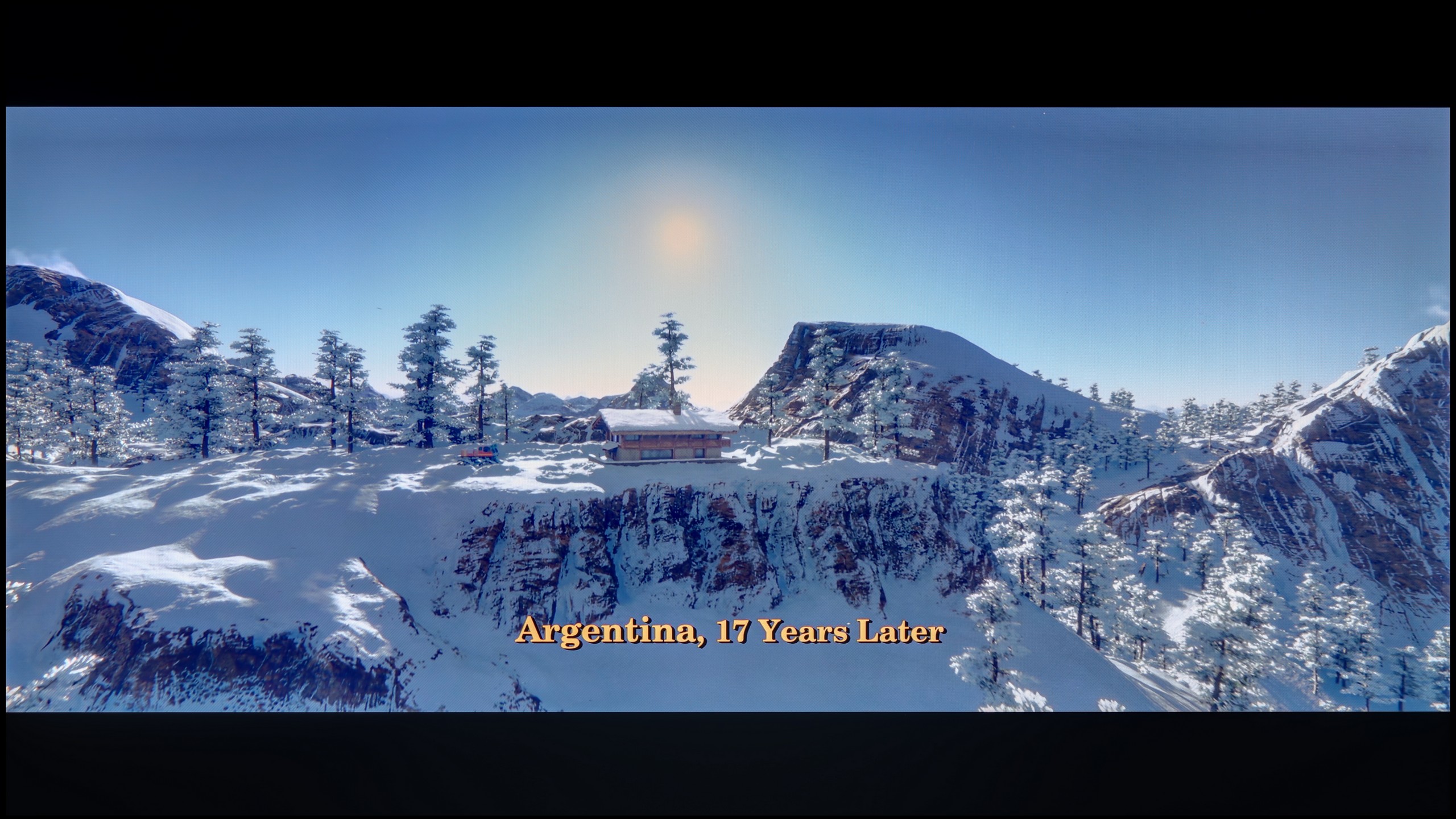
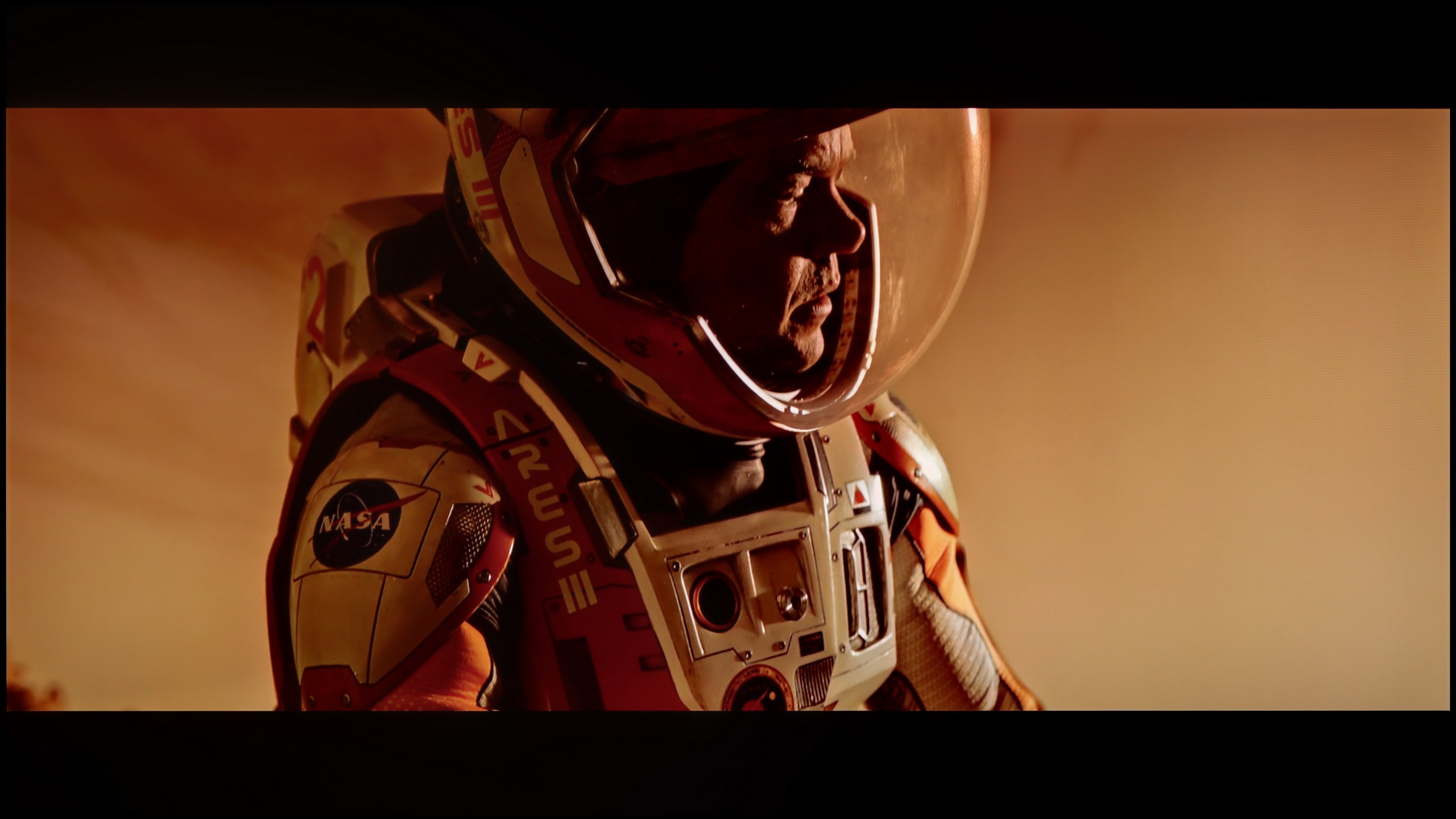
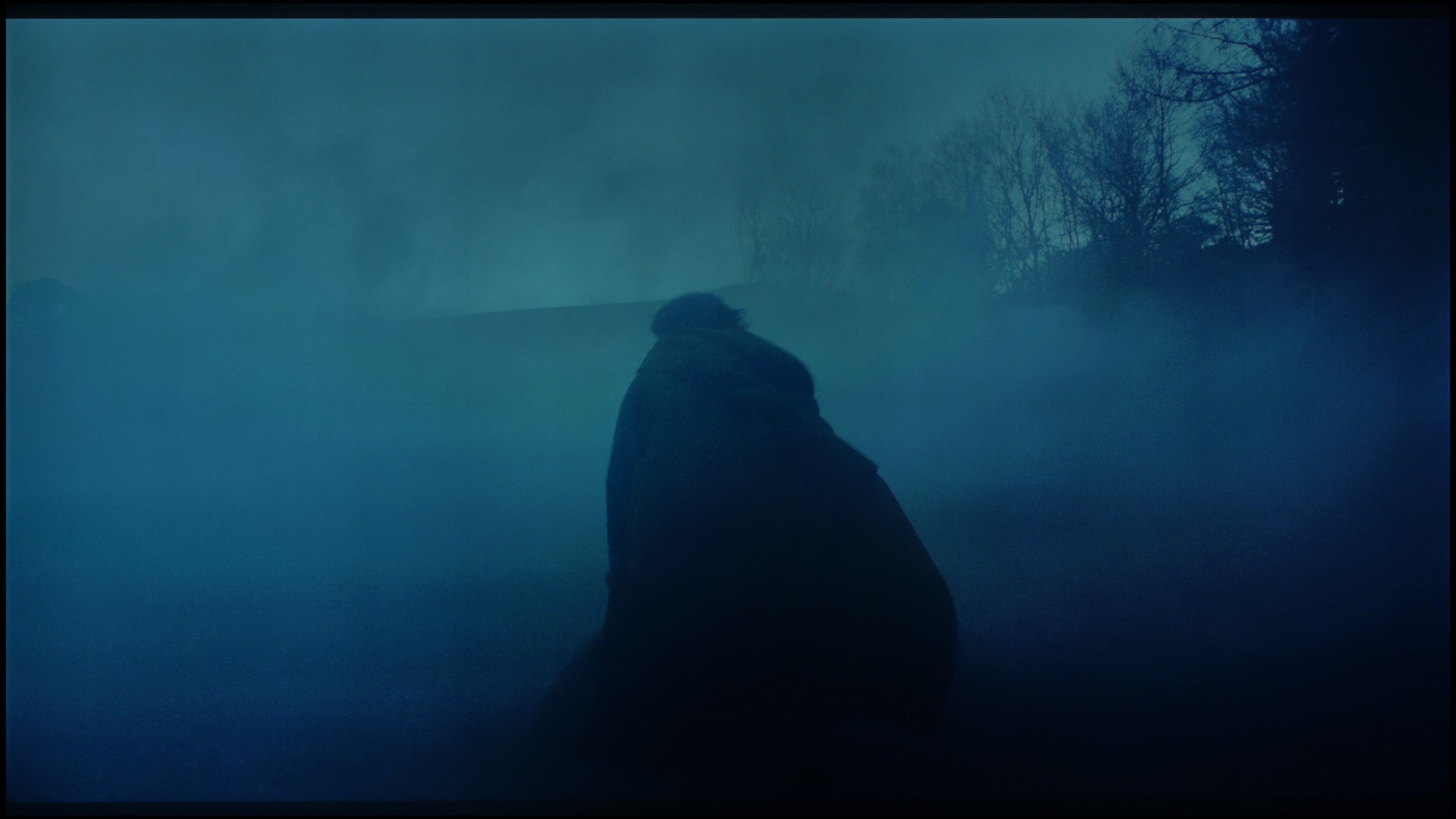
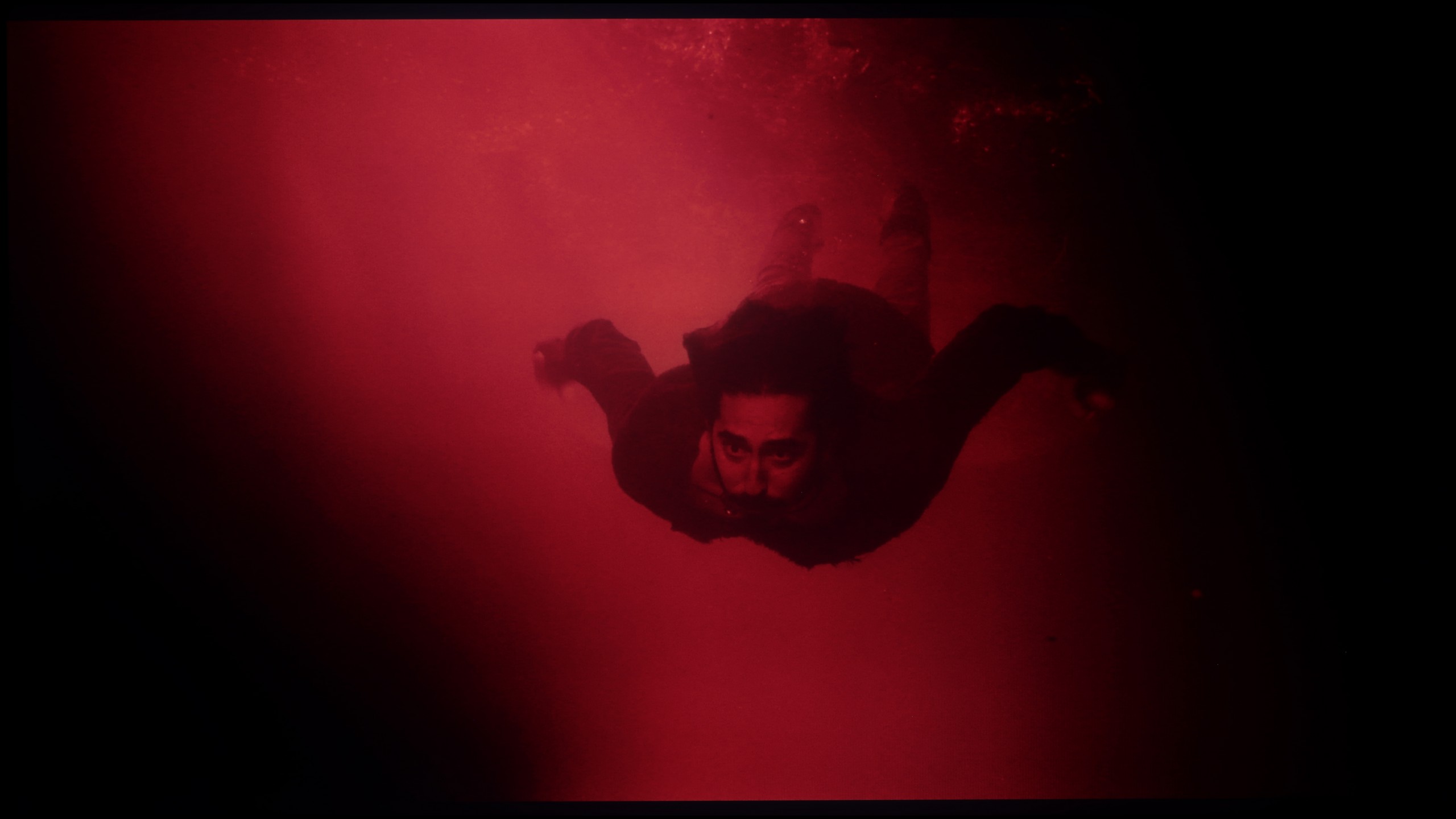
These are selected scenes that show smooth tonal transitions from one color to another. If you see distinct banding, it’s the TV panel’s fault.
These are selected scenes that show smooth tonal transitions from one color to another. If you see distinct banding, it’s the TV panel’s fault.
These are selected scenes that show smooth tonal transitions from one color to another. If you see distinct banding, it’s the TV panel’s fault.
These are selected scenes that show smooth tonal transitions from one color to another. If you see distinct banding, it’s the TV panel’s fault.
The tonal gradation on the Samsung Q80D television is excellent and can be considered one of its strong points. Even in the most demanding scenes from the films we tested, it performs superbly. Any potential issues with smoothing transitions in colours are minimal and subtle. The average viewer is unlikely to notice them, which translates to an overall positive visual experience in everyday use.
The fluidity of tonal transitions in the Philips MLED920 is not its strongest suit. In our tests, we quickly noticed that the television has noticeable issues in darker scenes – examples include segments from the film The Green Knight or test grey palettes. There, you can see characteristic banding of colours and too harsh transitions between shades, which can be quite noticeable in productions with a darker aesthetic. Fortunately, the situation looks better in brighter scenes – there, the image presents smoothly and without significant artifacts.
Image scaling and smoothness of tonal transitions
7/10
7/10

Smooth transition function

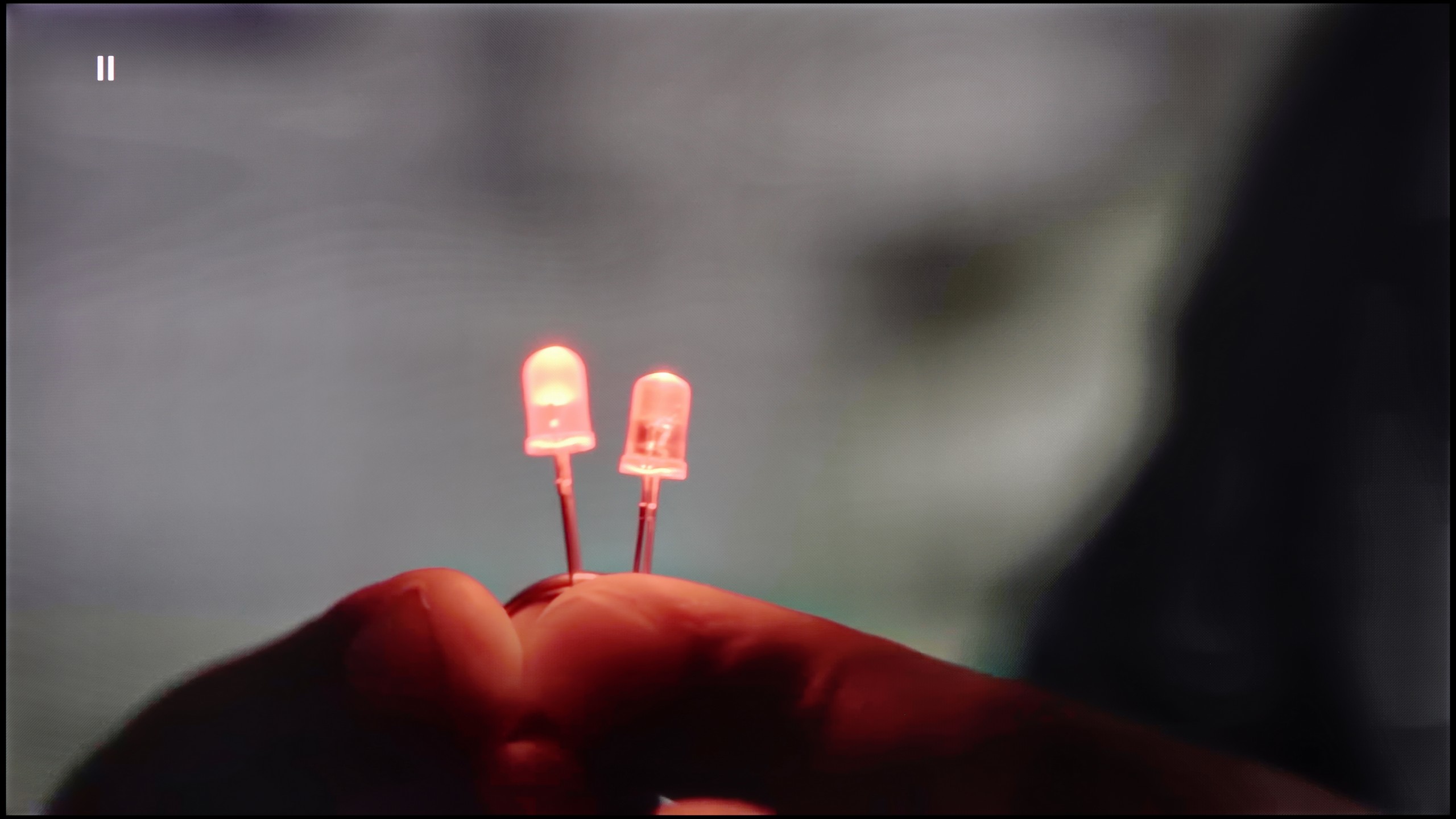
The match photo shows how the TV smooths weak tonal transitions in low-quality video.
Image scaling SD (576i)


The model photo shows how it handles upscaling of SD material.
Samsung Q80D performs very well with low-quality materials. The noise reduction works on the principle of gentle gradation, making it very effective in smoothing out unwanted image disturbances. Unfortunately, this same effectiveness also causes it to blur elements that shouldn't be smoothed, such as film grain. For those who prioritise a plastic, smooth image, this can be seen as a significant advantage, especially with lower-quality content.
In terms of image scaling, Samsung Q80D stands out positively in this aspect, significantly enhancing the viewing comfort. The TV handles the conversion of lower-resolution materials, improving their quality and details. For example, in the attached image featuring a model, there are no visible artefacts or excessive fraying of branches, which demonstrates advanced image processing technology.
The manufacturer has equipped this model with several features that improve signal quality, and although we usually approach such “enhancers” with caution, here they prove to be really helpful. The key option is called “distortion reduction” – it works best at a medium level because, on one hand, it effectively smooths out unwanted steps and colour transitions, and on the other, it doesn’t excessively cut details, meaning the image still looks natural.
It’s a bit worse when it comes to upscaling. Lower quality materials – such as the test video with the model – appeared soft and lacking sharpness. Of course, it can be partially adjusted with the sharpness slider in the menu, but the result still falls short compared to what competitors offer at a similar price. Philips still needs to work on this aspect because, in light of the successful improvement of tonal transitions, the upscaling simply comes off weak.
Blur and motion smoothness
7.3/10
7.7/10

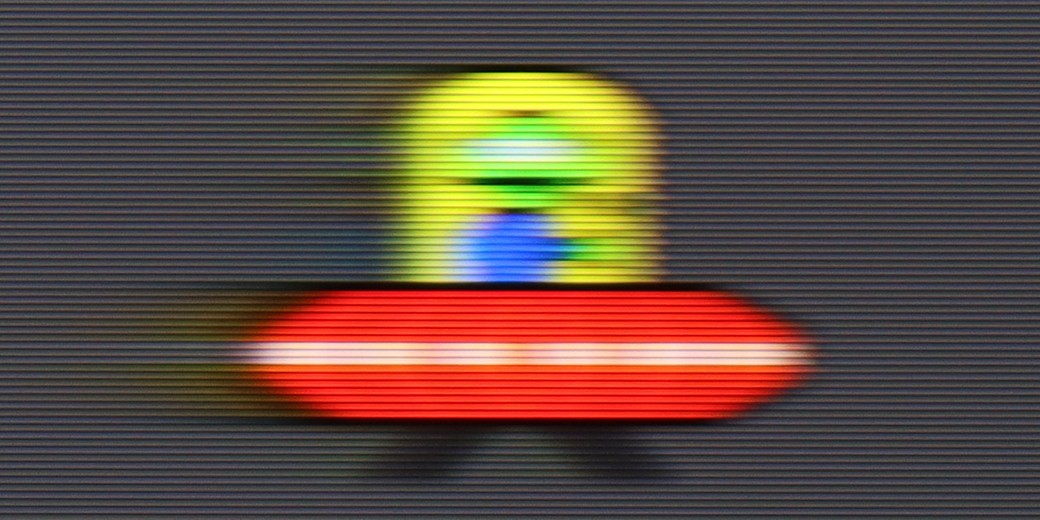
Blur (native resolution, maximum refresh rate):




Blur (BFI function enabled):
Image flickers in this mode


Blur ():
Blur (4K@144Hz):
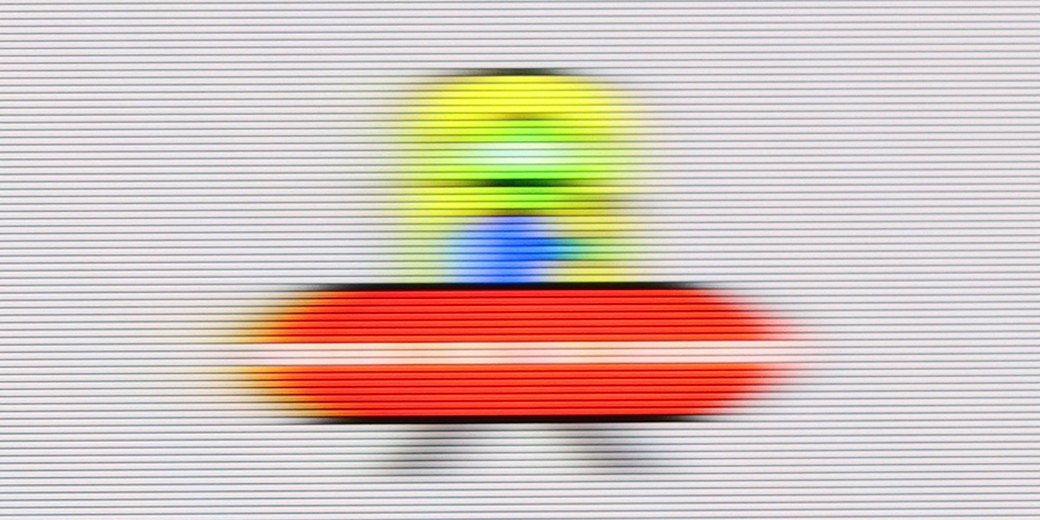
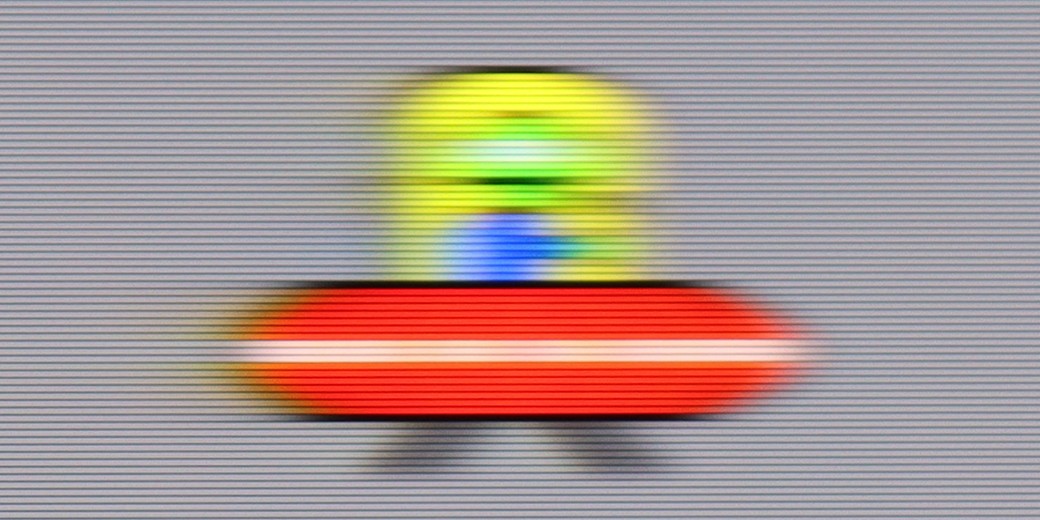
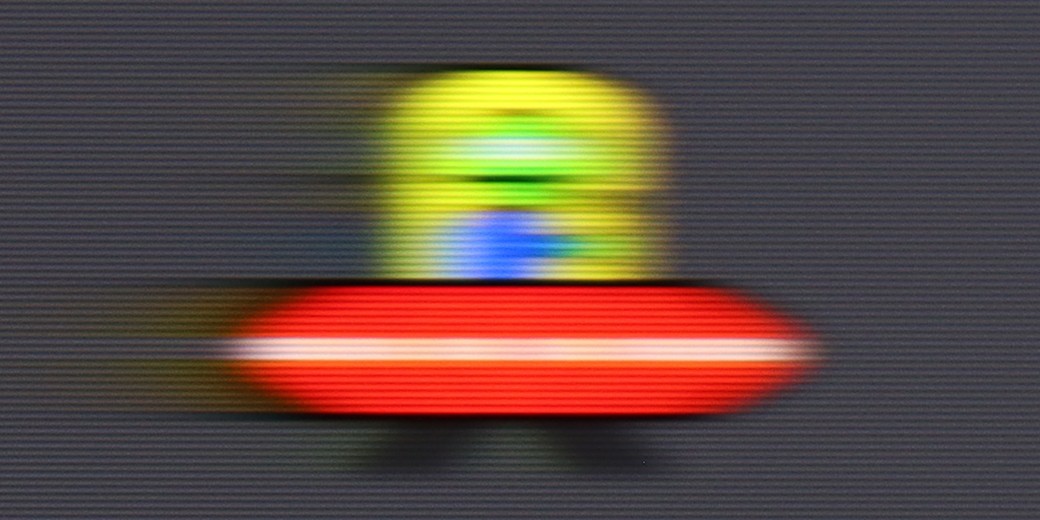
The Samsung Q80D television stands out very positively in terms of motion fluidity and minimizing blur, mainly due to the 120Hz panel and above-average panel response time. Users have two options for adjusting fluidity: "Motion Smoothing," which allows for adjustments in a 10-step scale, and "Blur Reduction," particularly effective at higher refresh rates, improving the sharpness of fast-moving objects. In the UFO test, there is no blurring behind the moving object, and the image is not cloned forward, indicating the absence of an overshoot effect.
Philips MLED920 features a 144 Hz panel, which immediately suggests that we shouldn’t complain about motion smoothness. And indeed – for a VA panel, the motion blur is relatively low here, and while you can sometimes notice slight issues on darker backgrounds, they’re not something that will catch the eye of most people during regular viewing.
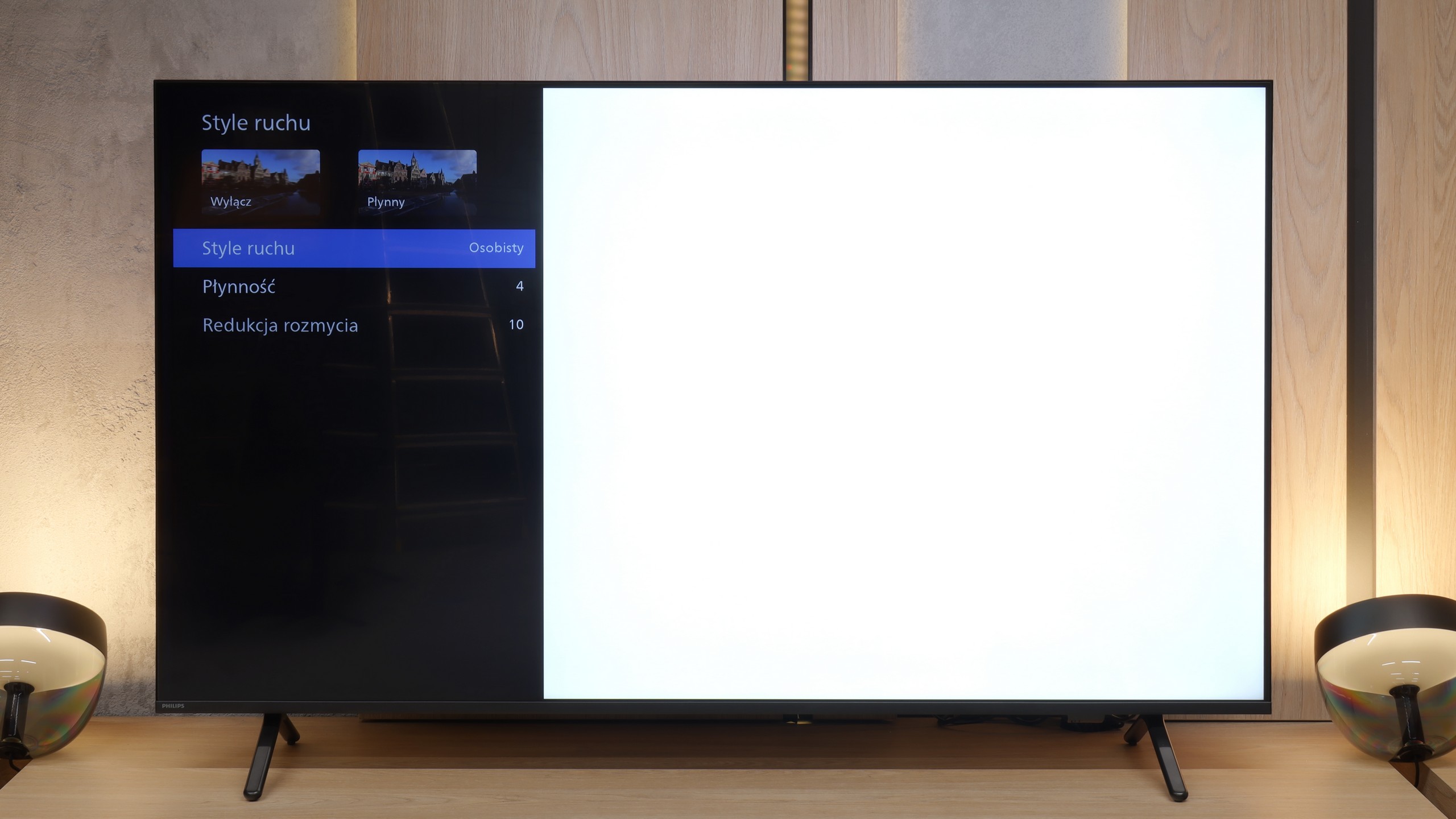
A big plus is also the presence of a motion smoother called “Motion Style.” It allows you to adjust the smoothness to your own preferences – if someone prefers a more “theatrical,” almost television-like character of the image, they can increase the sliders, and if they want to maintain the natural “judders” of a cinematic frame, they just need to set lower values. This way, everyone can find a happy medium.
Console compatibility and gaming features
9.5/10
9.8/10
- ALLM
- VRR
- VRR range48 - 120Hz48 - 144Hz
- Dolby Vision Game Mode

- Correct implementation of HGIG
- 1080p@120Hz
- 1440p@120Hz
- 4K@120Hz
- Game bar

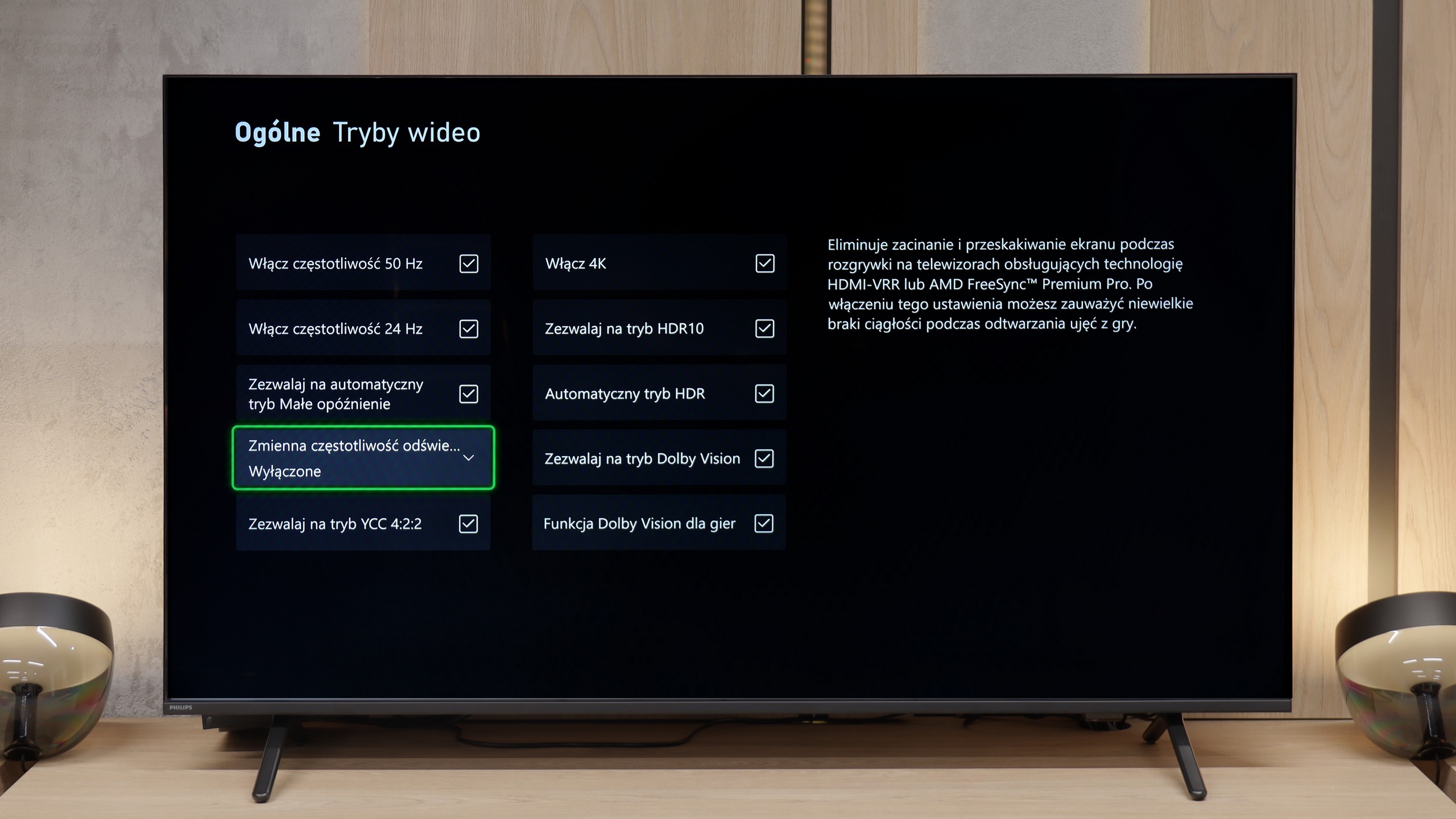

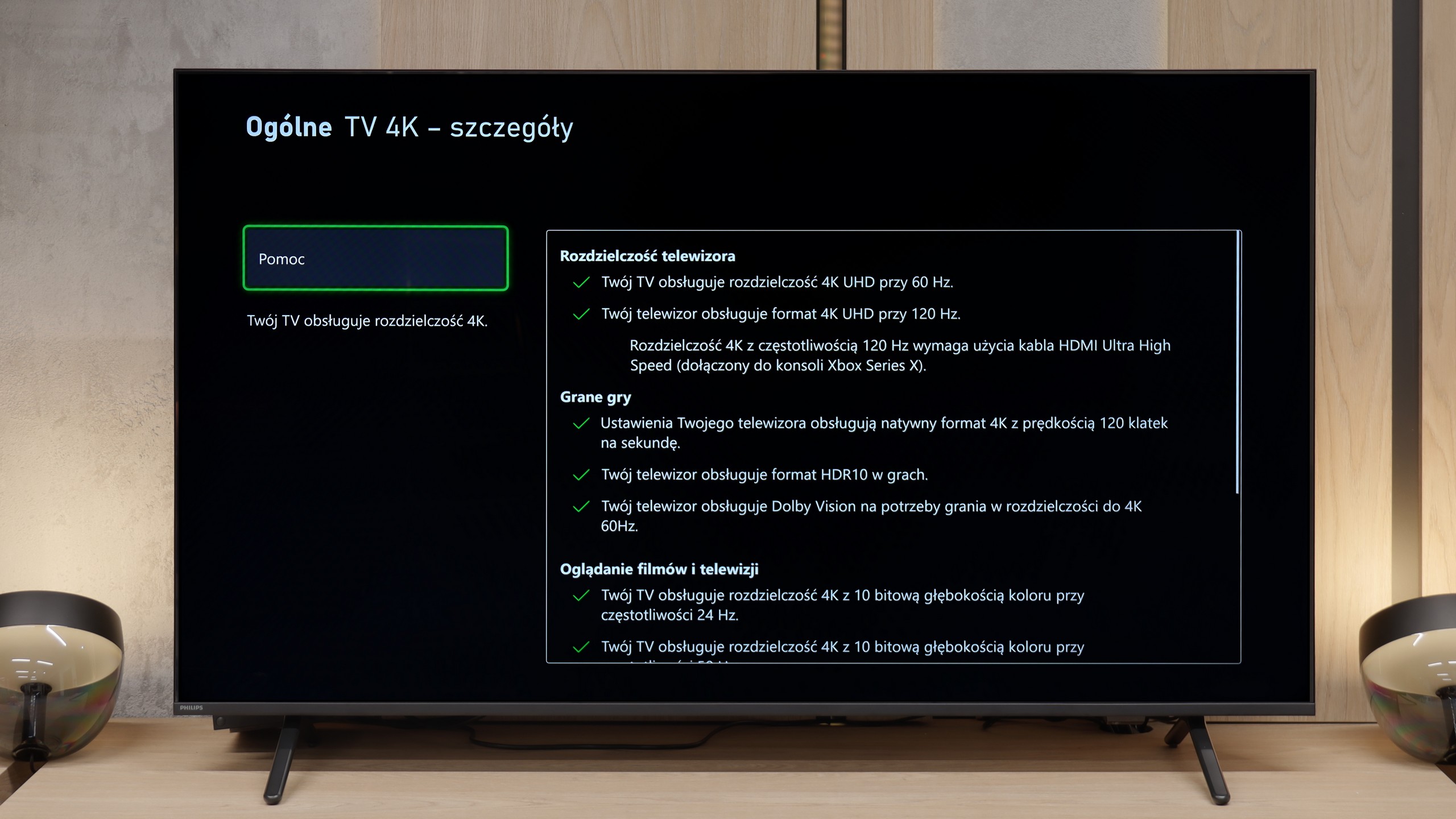

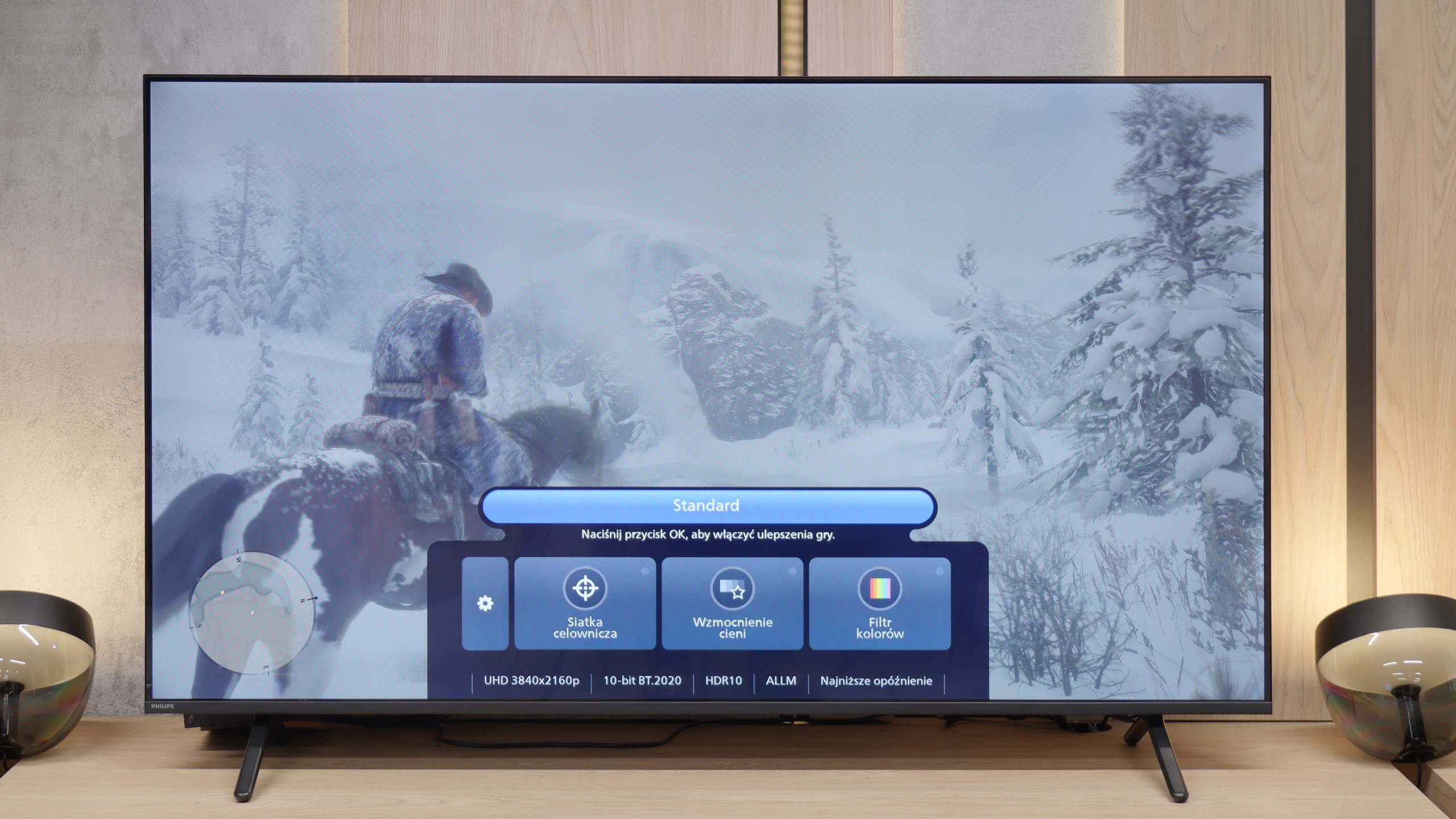

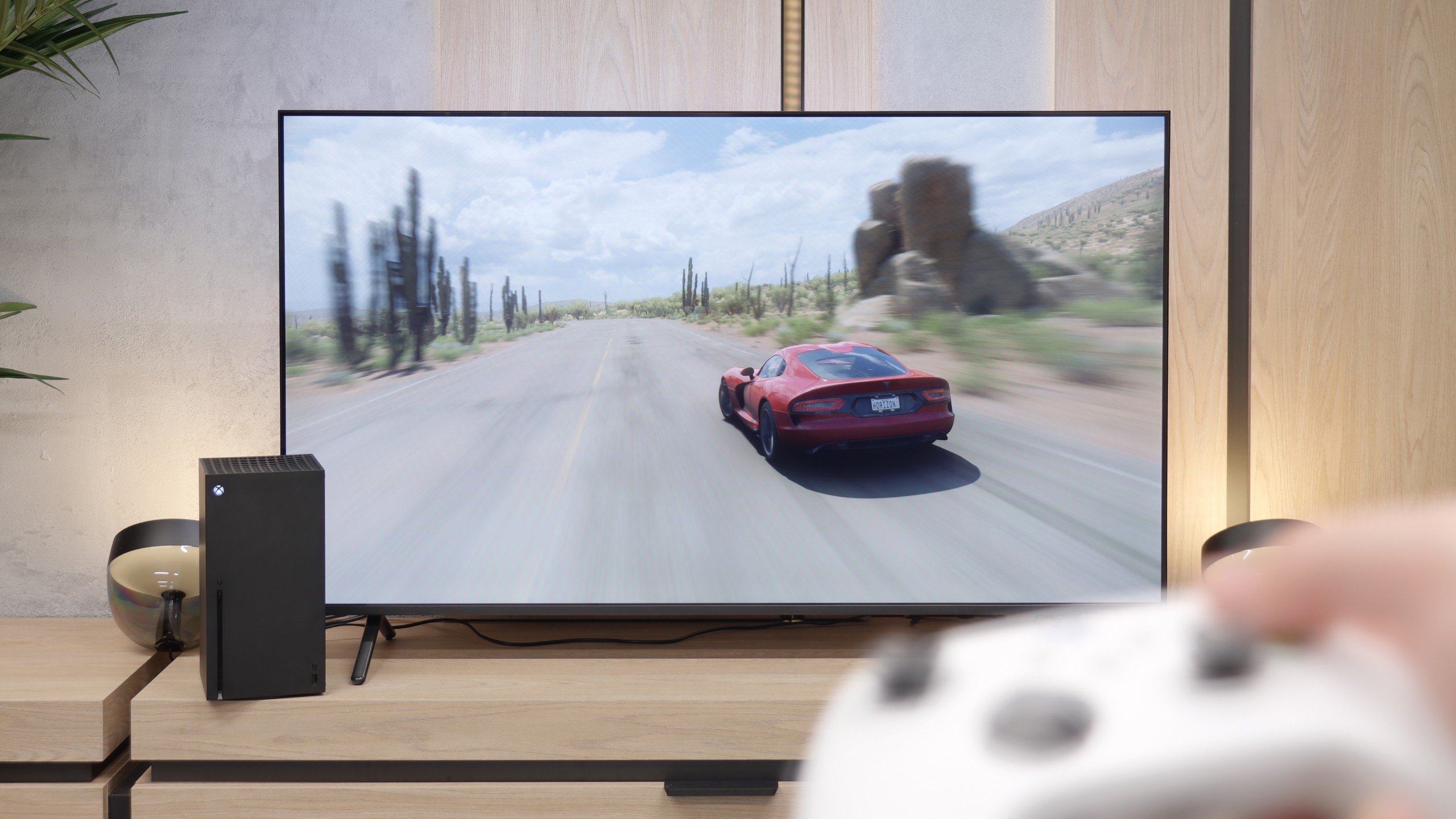
The Samsung Q80D TV is a real gem for gamers. It is equipped with four HDMI 2.1 ports, which is a rarity, especially in this price range. This allows users to enjoy features such as ALLM (Auto Low Latency Mode), VRR (Variable Refresh Rate), and 120Hz at 4K resolution. These features ensure smoothness and responsiveness of the image, which is a key aspect during dynamic gameplay. The TV also supports HGIG (HDR Gaming Interest Group), enabling optimal HDR content display in games. Additionally, it comes with a Game Bar, providing quick access to gaming settings. Users with Nvidia graphics cards will also be pleased with the implementation of G-Sync. This feature eliminates stuttering and screen tearing. The only downside is the lack of support for Dolby Vision, which may be disappointing for users looking for that HDR format. It's also worth mentioning that since 2022, thanks to the collaboration with Microsoft, Samsung TVs offer the Xbox Game Pass app, allowing for cloud gaming. This is an added bonus for gamers who want to take advantage of a wide library of games without needing a console.
For gamers, the Philips MLED920 is truly a complete tool. The manufacturer has taken care of everything that is now considered standard in televisions for consoles and PCs. It has ALLM, so the console automatically switches the screen to game mode, there’s VRR and a 144 Hz refresh rate that ensures smooth gameplay even in fast-paced titles. All key HDR formats are supported – including HGiG and Dolby Vision Gaming for Xbox – which means that regardless of what you’re playing and on which console, the television will be able to extract the maximum potential from the image. In everyday gaming, the Game Bar proves useful too – a relatively simple implementation by Philips, but a functional panel where you can quickly check image parameters, enable VRR, or adjust details without leaving the game. It’s not as elaborate as the competition, but it does its job without any complaints. And finally, something that sets Philips apart from the competition – Ambilight. The three-sided LED backlighting can make a huge impression in games, especially in the evening. It’s also a way to slightly 'expand' the screen and create a greater sense of immersion. And since coloured LEDs have recently become almost an essential element of a gamer’s room, the MLED920 fits perfectly into this trend.
Input lag
9.8/10
9.6/10
SDR
HDR
Dolby Vision
What more can I say, the input lag at this level is simply outstanding. It's hard to achieve a better result that will satisfy gamers! The television performed excellently at every tested resolution and refresh rate, both in SDR and HDR.
The input lag on the Philips MLED920 is really very good – in 120 Hz mode, we measured values below 10 ms, which places this model among the absolute top of LCD TVs in terms of responsiveness. Even at 60 Hz, a result of around 18 ms is fully acceptable and won't interfere with any type of gameplay. One exception is the Dolby Vision mode at 60 frames, where the latency can increase to as much as 35 ms. This is a result that may be a bit glaring for esports players, but it must be stated honestly – for most so-called "casual gamers," it will be absolutely imperceptible. Especially since we're talking about values that still allow for comfortable gaming without major compromises.
Compatibility with PC
7.6/10
4/10

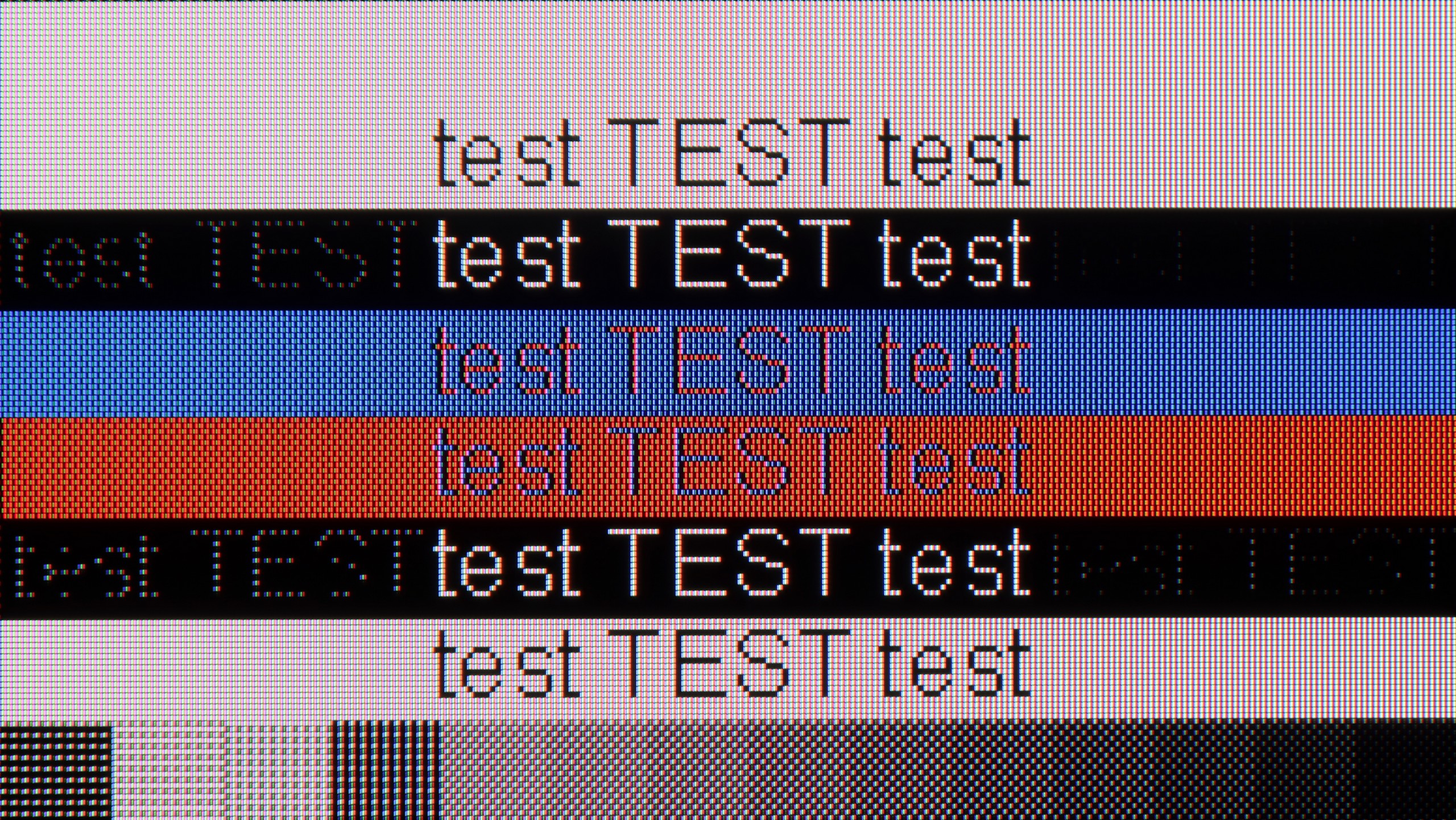
The photo shows the legibility of small fonts. Ideally, lines should be the same thickness on both light and dark text, with minimal pixel gaps.
Samsung Q80D performs well as a computer monitor. With support for chroma 4:4:4 (only works in "Game" mode), text on the screen is sharp and readable, which is very important for those who want to work on such a TV with text documents or spreadsheets. One of the biggest advantages of this model is its exceptionally low input lag in “PC” mode, which is only 9 ms. This is a reference-level result that ensures smoothness and responsiveness, which is crucial for both gamers and video editing professionals. The only thing we can nitpick is that there is a certain issue with font rendering on dark backgrounds. When we zoom in on the tested font image, we notice that the horizontal lines are darker compared to the vertical ones. This means that the sub-pixels in the TV do not fully illuminate in this case. This could be due to an oversight by the manufacturer regarding the optimisation of the algorithm responsible for displaying thin lines, which affects the quality of details in text rendering on dark backgrounds. Nevertheless, Samsung Q80D is a very good choice as a PC monitor.
When it comes to working with a PC, the Philips MLED920 evokes quite mixed feelings. On one hand, it looks impressive on paper – we have 144 Hz, support for G-Sync and FreeSync, so in terms of gaming on PC, the TV does not disappoint. Anyone looking for a large screen for computer games gets a solid package of features here. However, when we try to use it as a typical monitor for everyday work, its limitations quickly become apparent. The fonts do not look the best – there is noticeable strong dithering, coloured letters can be jagged, and with very dark text, there are even strange anomalies, as if the panel is losing thin lines and having trouble reproducing them correctly. In short: For PC gaming, yes. For any work and reading text: a definite no.
Viewing angles
3/10
3.2/10
Samsung Q80D, equipped with a VA panel, unfortunately doesn't perform well with viewing angles. When we watch the screen at a 45-degree angle, there is a noticeable loss of brightness. The image becomes less sharp, which can be problematic if we plan to watch TV from different spots in the room. However, the VA panel has its advantages. When we look directly at the screen, black is deep and well-saturated. Moreover, even at an angle, dark colours retain their depth, which is rare for this type of panel.
The viewing angles on the MLED920 are classic for VA type panels – even a slight tilt from the centre causes the image to start losing colours, contrast weakens, and the overall picture becomes quite flat and less appealing. There are no miracles here. So if you’re watching films with a larger group and everyone is sitting a bit to the side, this will be slightly noticeable. On the other hand, you get what you pay for: thanks to this panel, the MLED920 can display a much deeper black than TVs with IPS panels.
Daytime performance
6/10
5.5/10


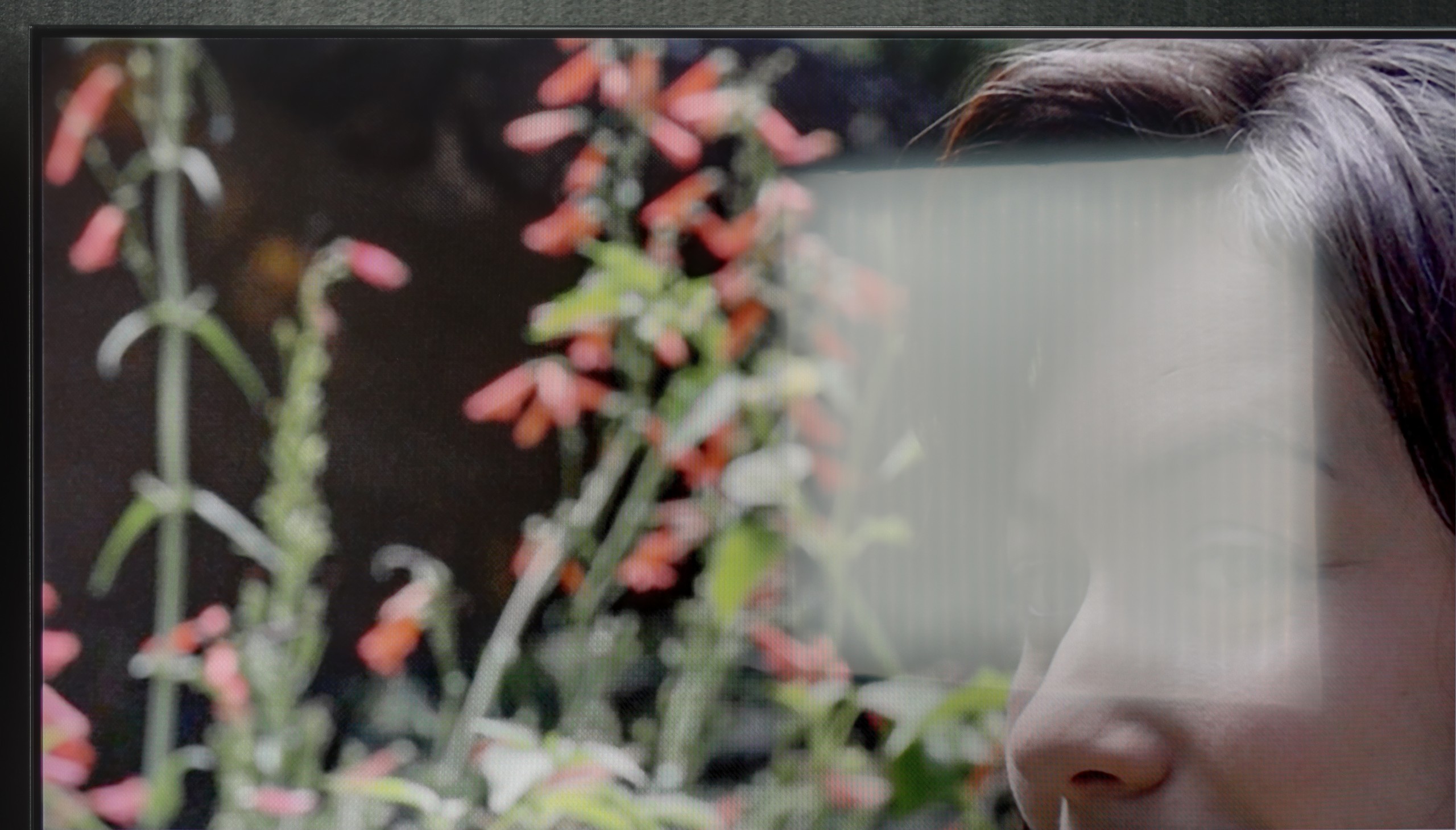
Panel brightness
Philips MLED920 / MLED910: 421 cd/m2
Samsung QLED Q80D: 550 cd/m2
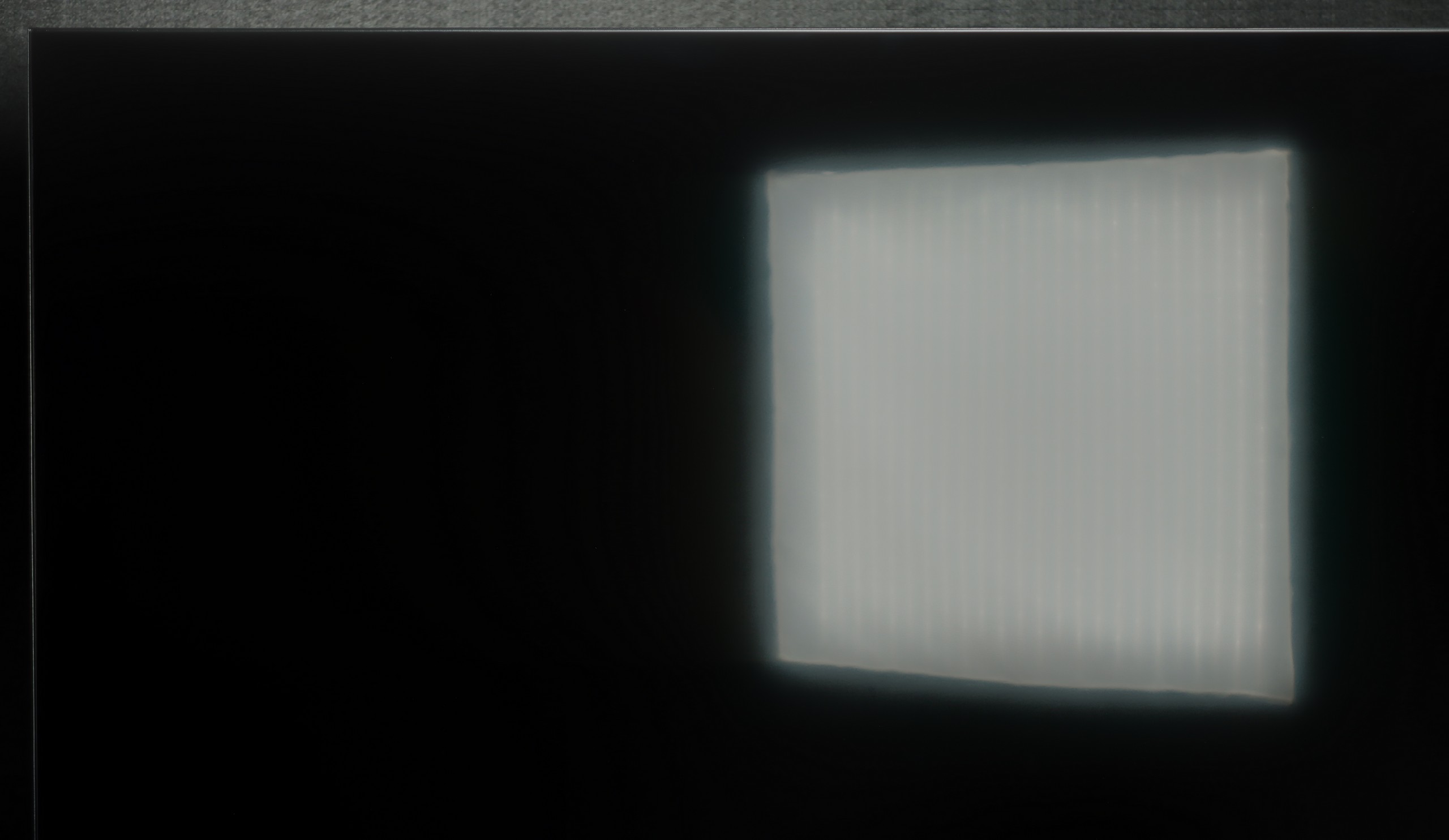
The Samsung Q80D television stands out with very good brightness, averaging 550 nits, which is an impressive result, especially as it maintains this brightness across the entire surface of the screen. As a result, the picture is sharp and clearly visible even in bright rooms, which is a big plus when watching television during the day. However, despite the matte coating on the panel, the television struggles somewhat with glare suppression. In bright lighting conditions, unwanted reflections can occur, which may disrupt viewing comfort. This is particularly noticeable when there are light sources in the room that directly hit the screen.
Philips MLED920 performs quite well in everyday use. The satin finish on the panel effectively reduces reflections, and in most moderately sunny living rooms, it manages unwanted glare quite well. However, it's important to remember that this is not a TV that dazzles with brightness – the average value in SDR hovers around 450 nits. In very bright rooms, particularly with large south-facing windows, the screen doesn't always stand up to the intense daylight. In such situations, it's worth supporting it with even light curtains, so viewing comfort doesn't suffer too much.
Panel details
Subpixel Structure:

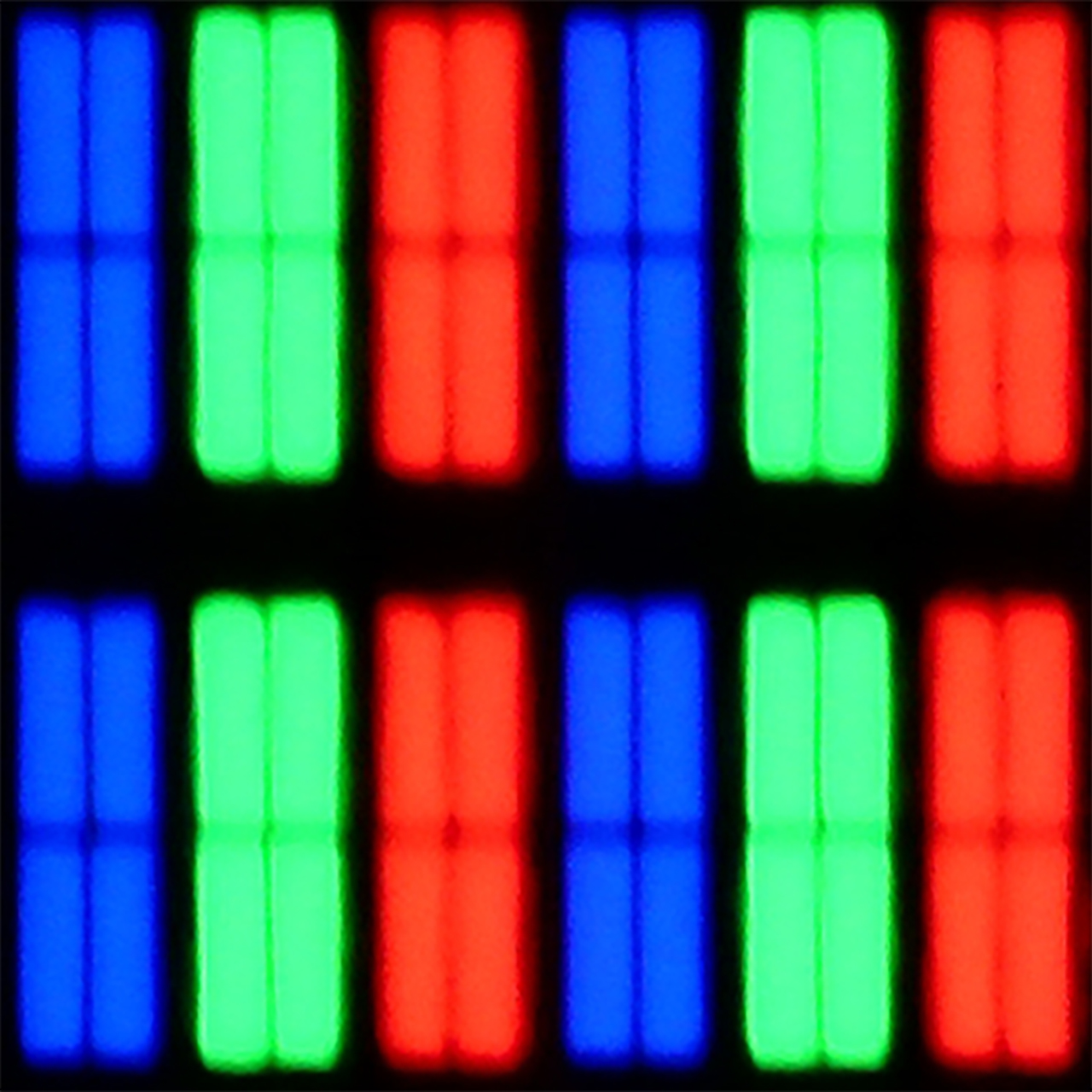
Panel uniformity and thermal imaging:


Samsung QLED Q80D
Philips MLED920 / MLED910
TV features
8/10
5.5/10
- SystemTizenTitan OS
- System performanceVery goodDecent
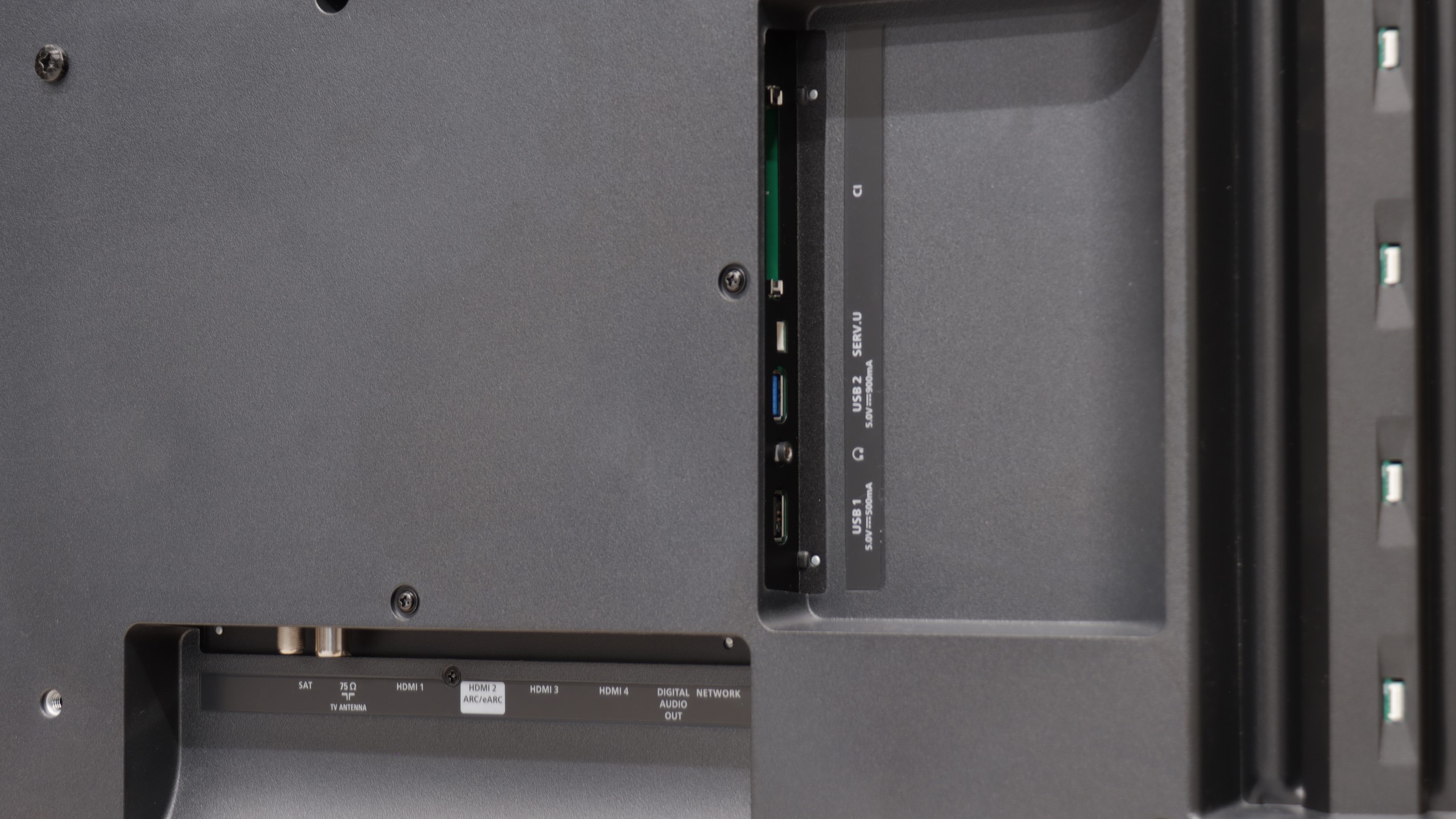
- HDMI inputs0 x HDMI 2.0, 4 x HDMI 2.1 48Gbps0 x HDMI 2.0, 4 x HDMI 2.1 48Gbps
- OutputsToslink (Optical audio), eARC (HDMI), ARC (HDMI)Toslink (Optical audio), eARC (HDMI), ARC (HDMI), Mini-Jack (Headphones)
- Network InterfacesWi-Fi 2.4GHz, Wi-Fi 5GHz, Ethernet (LAN) 100MbpsWi-Fi 2.4GHz, Wi-Fi 5GHz, Ethernet (LAN) 100Mbps
- TV receptionDVB-T, DVB-T2, DVB-S, DVB-S2, DVB-CDVB-T, DVB-T2, DVB-S, DVB-S2, DVB-C
Classic features:
- Recording to USB (terrestrial TV)
- Recording programming
- Picture in Picture (PiP)
- RF remote control (no need to aim)
- Backlit remote control
- Teletext
- Audio only mode
- Bluetooth headphones support
- Simultaneous Bluetooth headphones & TV audio
Smart features:
- AirPlay
- Screen mirroring (Windows Miracast)
- Voice search
- Voice search in native language
- Ability to connect a keyboard and mouse


Sound connection options
- HDMI audioeARC (HDMI), ARC (HDMI)eARC (HDMI), ARC (HDMI)
- Other audio outputsToslink (Optical audio)Toslink (Optical audio), Mini-Jack (Headphones)
- Wireless audioBluetoothBluetooth
Supported audio formats (external HDMI eARC audio):
- Dolby Digital Plus 7.1
- Dolby True HD 7.1
- Dolby Atmos in Dolby Digital Plus (JOC)
- Dolby Atmos in Dolby True HD
- DTS:X in DTS-HD MA
- DTS-HD Master Audio
Senior accessibility
- Numeric keyboard on TV
- Font size adjustment
- Audio description
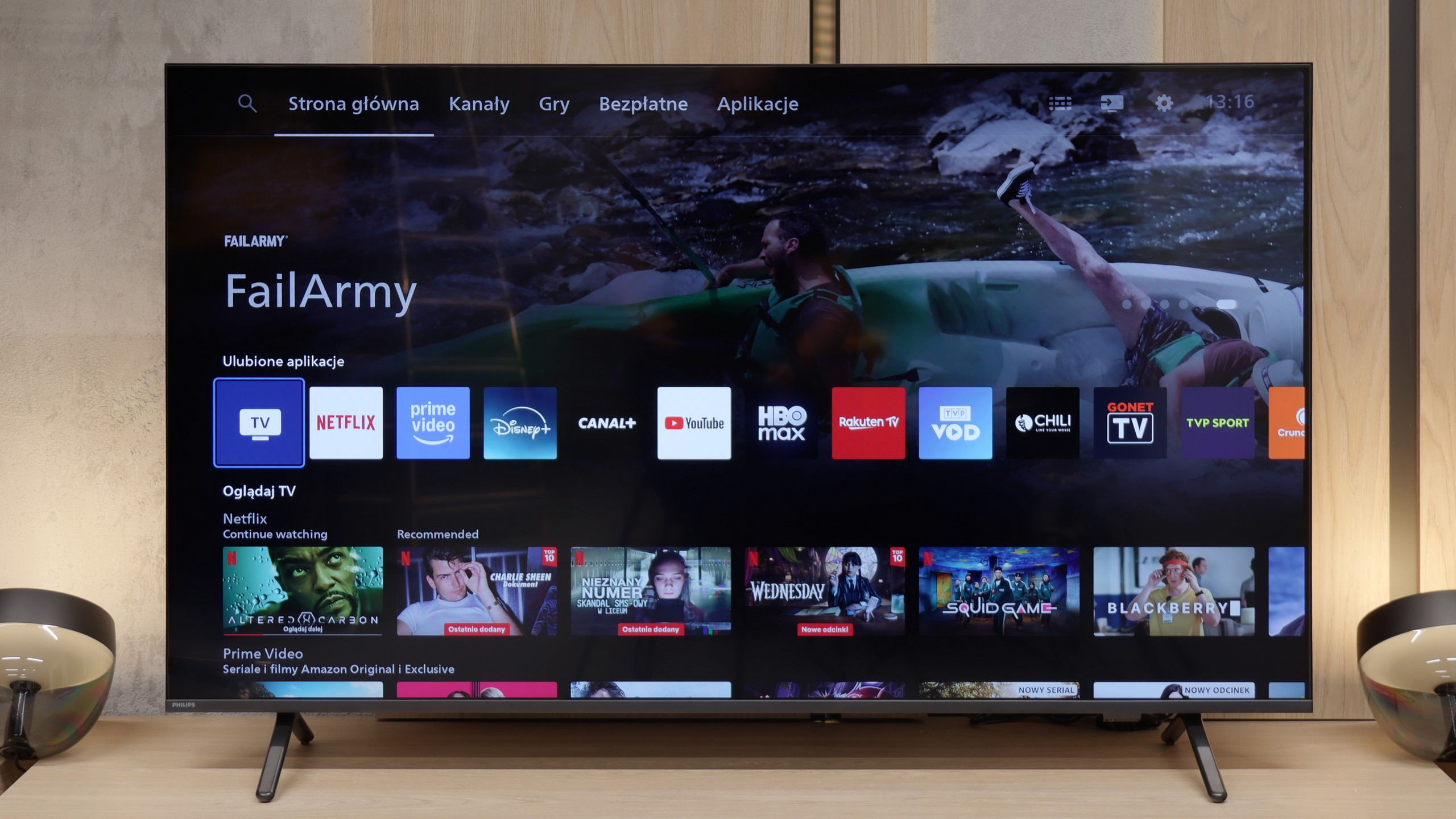
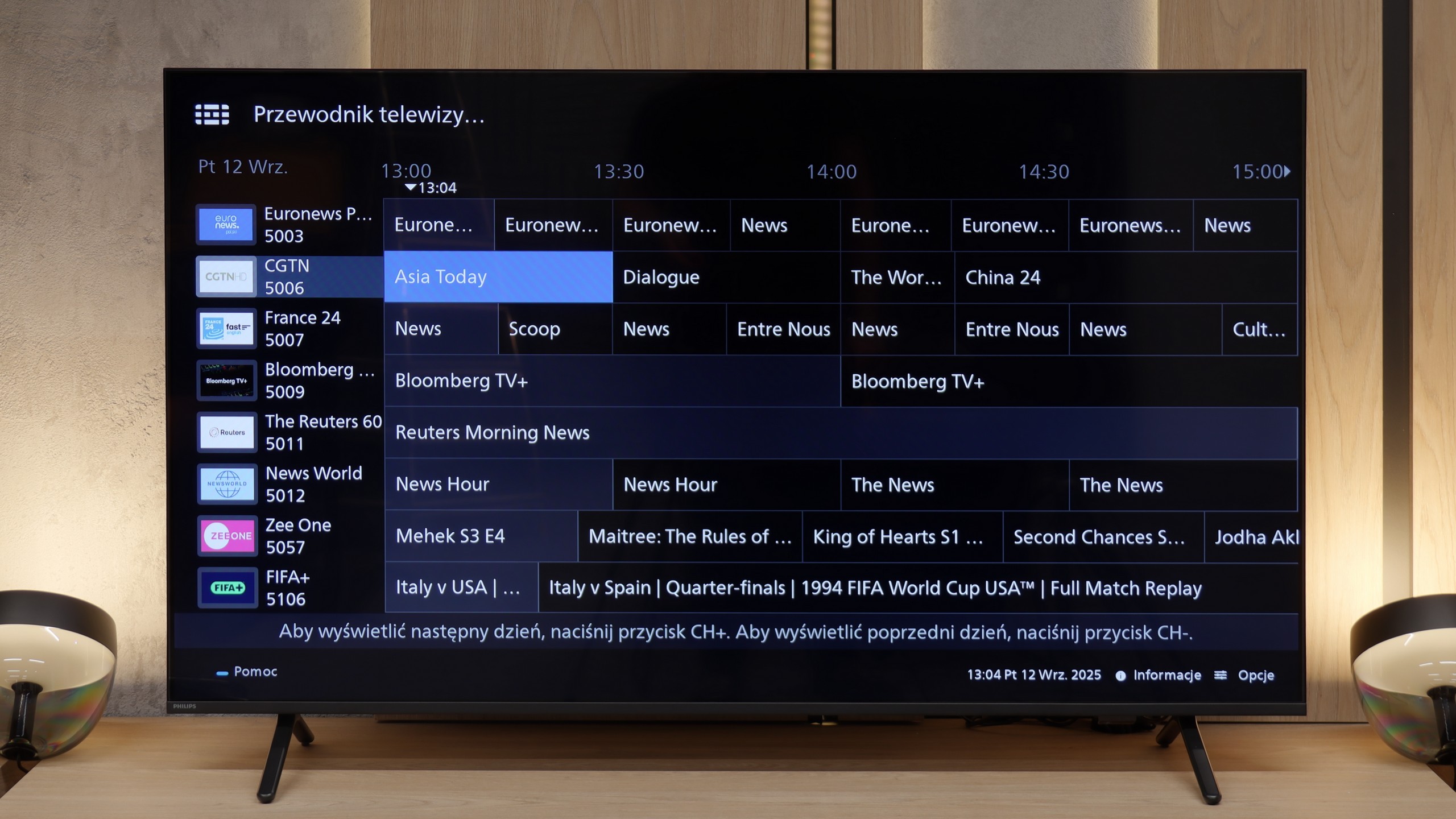
The Samsung Q80D television offers a range of features that significantly enhance user comfort. The Tizen system is an advanced platform that provides users with an intuitive and smooth experience. Thanks to its user-friendly interface, navigating through apps and settings is quick and easy. Tizen supports a rich set of applications, including popular streaming services, allowing access to a wide range of entertainment content without the need for additional devices, and a new feature for 2024 is support for the Polish language. It's also worth mentioning the solar remote control, which is not only eco-friendly but also convenient for everyday use. The solar cell remote can easily control other devices such as home theatres, set-top boxes (e.g., Canal+), or gaming consoles, which is quite a challenge for other manufacturers. Returning to the console, Samsung Q80D offers several features that gamers may appreciate. Firstly, the television supports VRR (Variable Refresh Rate) technology, which enables smoother game display, eliminating issues like tearing and stuttering. Additionally, with low input lag, reactions in games are quick and precise. The Samsung Q80D is also equipped with a Game Bar feature, which allows quick access to key gaming settings without the need to exit the game. From this interface, we can check and adjust parameters like VRR, input lag, frames per second (FPS), as well as screen ratios and sound settings. This means gamers can continuously optimise their experience by adjusting settings according to their current gaming needs. The television supports AirPlay, allowing easy content sharing from Apple devices, and enables connection to various Bluetooth devices such as mice or headphones, increasing its versatility. The only downside is the lack of USB recording support and the fact that the Q80D unfortunately does not support the DTS sound format. This means that if we have content encoded in this format, the device will not be able to properly play back the audio track. This could pose a problem for those using Blu-ray discs or media files that often utilise DTS to provide high-quality surround sound. To achieve complete audio experiences, it may be necessary to use an external player or soundbar that supports this format.
Smart TV – Titan OS
Philips MLED920 uses the proprietary Titan OS, which is just starting its adventure in the TV market and unfortunately, this is evident at every turn. On one hand, we have basic features – such as AirPlay support or the ability to mirror content from a smartphone, but on the other hand, its limitations quickly become apparent. Screen mirroring works only with a phone, but not with a laptop. Voice search? Yes, but it only works with Amazon Alexa and in languages supported by this assistant. The system operates fairly quickly, but every now and then it can "fail" and gives the impression of something that is underdeveloped and still evolving.
Classic TV Functions
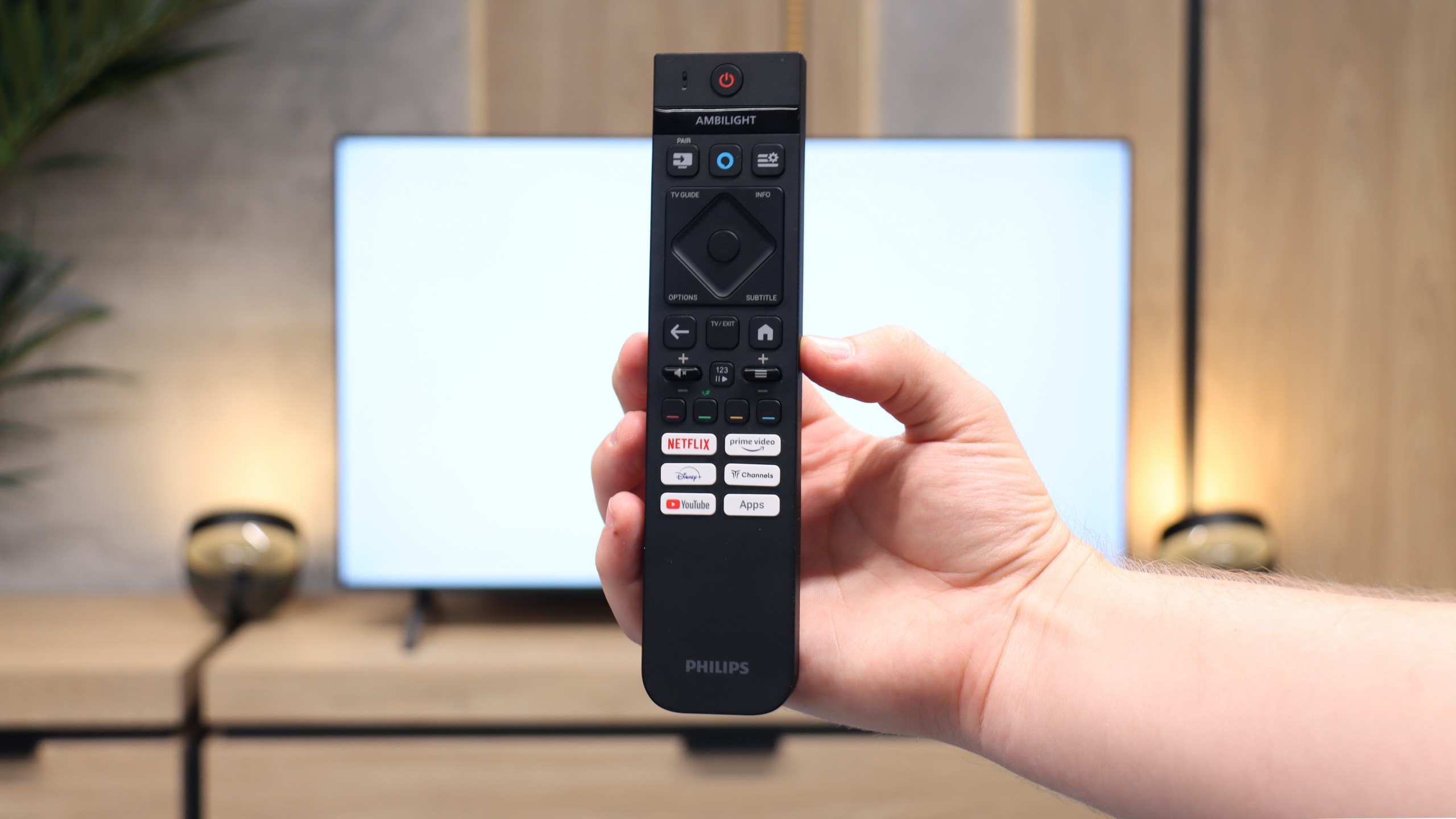
Titan OS also doesn't excel in terms of classic TV functions. Aside from the hybrid remote with a numeric keypad – which is indeed backlit and thoughtfully designed in two modes, it unfortunately operates on infrared – there’s nothing here that would truly set the MLED920 apart from the competition. There’s a lack of USB recording or a PiP function, and such solutions could be useful in this class. From unusual additions, we have an analog output in the form of a jack, which allows for connecting headphones or older speakers. It’s a small nod to users who still use older equipment.
Ambilight TV
What definitely draws attention away from the shortcomings of Titan OS is the unique, three-sided Ambilight system. Here, Philips still plays in its own league and can impress those who haven't experienced this feature before. The colour backlighting that reacts to the content on the screen adds a unique atmosphere to viewing sessions and is something that the competition does not offer in a similar form. It is precisely Ambilight that is meant to ensure that other shortcomings – both system-related and functional – take a back seat.
Apps
9.3/10
6.7/10






















Playing files from USB
9.1/10
8.5/10
Supported photo formats:
Maximum photo resolution:

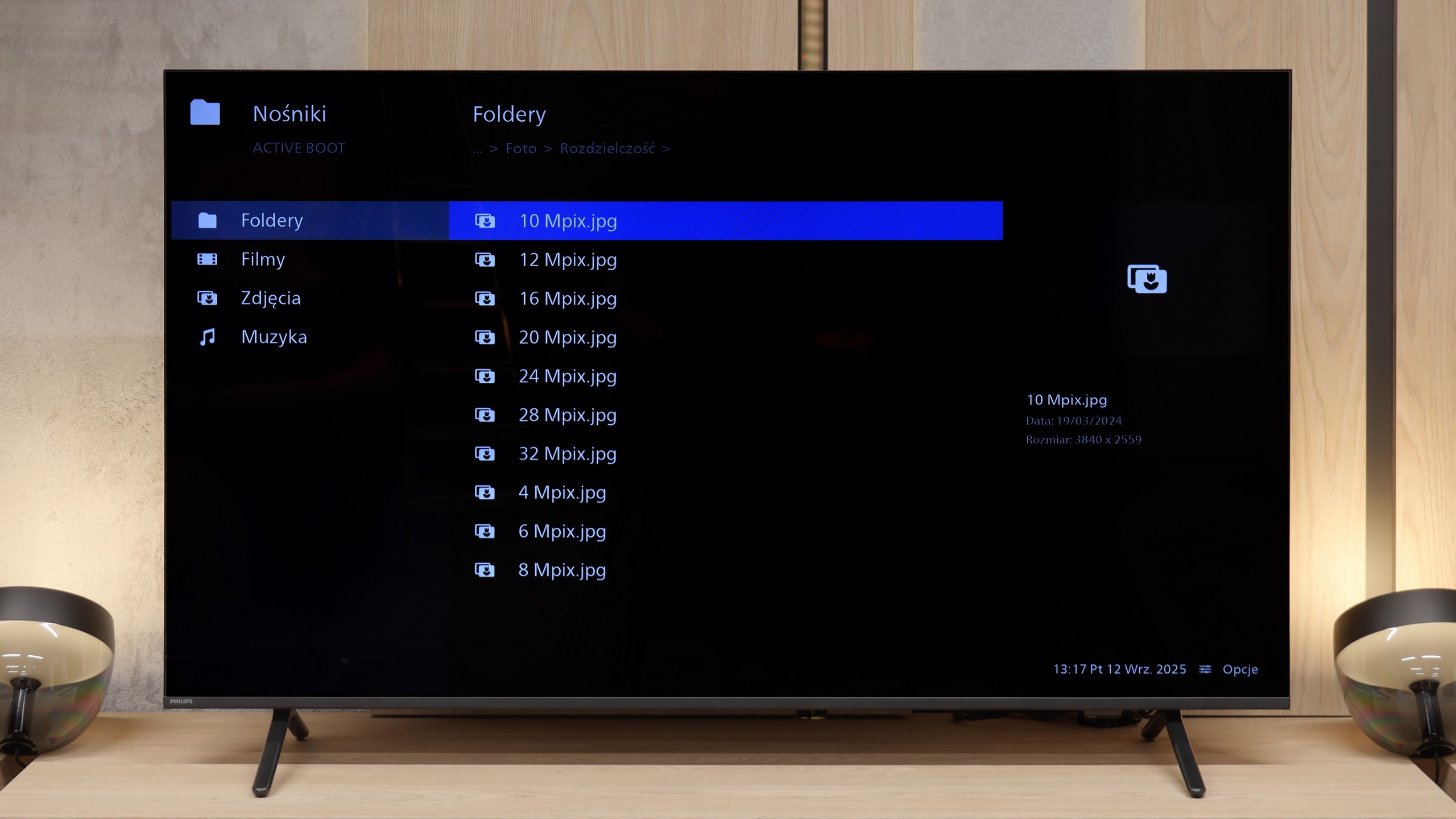
The built-in player in the Samsung Q80D television is definitely one of its strong points. It handles almost all video and audio files that we tested exceptionally well. The only exceptions are the Dolby Vision format, which is not surprising, and less common codecs. On the plus side, it supports Polish characters and offers the ability to customise font colours. On the downside, the TV struggles a bit with photo formats, as it only supports JPEG among the popular ones, while lacking support for formats like PNG or Apple HEIC.
The built-in player in the Philips MLED920 works quite well and handles most popular audio and video files without any major issues – just as you can see in our test table. So there’s no worry about typical movie or music formats. The only complaint we can have is regarding its rather selective support for photo formats and some resolutions.
Sound
6.6/10
6.2/10
- Maximum volume-88dB
- Dolby Digital Plus 7.1
- Dolby True HD 7.1
- Dolby Atmos in Dolby Digital Plus (JOC)
- Dolby Atmos in Dolby True HD
- DTS:X in DTS-HD MA
- DTS-HD Master Audio
The Samsung Q80D television is equipped with a decent audio system with a power of 40W in a 2.2 configuration, providing quite good sound experiences. This system supports all popular Dolby codecs, allowing for the use of advanced audio formats during movie watching or gaming. However, it is worth noting one drawback: the television does not support DTS functionality. Nonetheless, the lack of this feature can be bypassed by connecting an external audio system, which can significantly improve sound quality and provide a more immersive audio experience. Additionally, Samsung offers a wide portfolio of soundbars that can be integrated with the television, as well as the Q-Symphony system, which allows for sound synchronization between the television and soundbar.
The sound in the Philips MLED920 is probably not the element that will impress you the most. It sounds fairly flat, lacking depth and clearer bass, which means movies or concerts don't have that extra layer of immersion that a better audio system can provide. However, it must be said that the volume is at a really decent level – the TV can ramp up to even 88 decibels. A big plus of the MLED920 is not so much the sound quality itself, but the support for audio formats. Philips has ensured compatibility with virtually all the major standards, including Dolby Atmos, DTS, and Dolby TrueHD 7.1. This means that if someone decides to connect an external soundbar or amplifier, they won't encounter any limitations and will be able to enjoy the full cinema sound.
Sound Quality Test
No sound test video
Acoustic Measurements
No acoustic data
88dBC (Max)
75dBC