Classic TV Features:
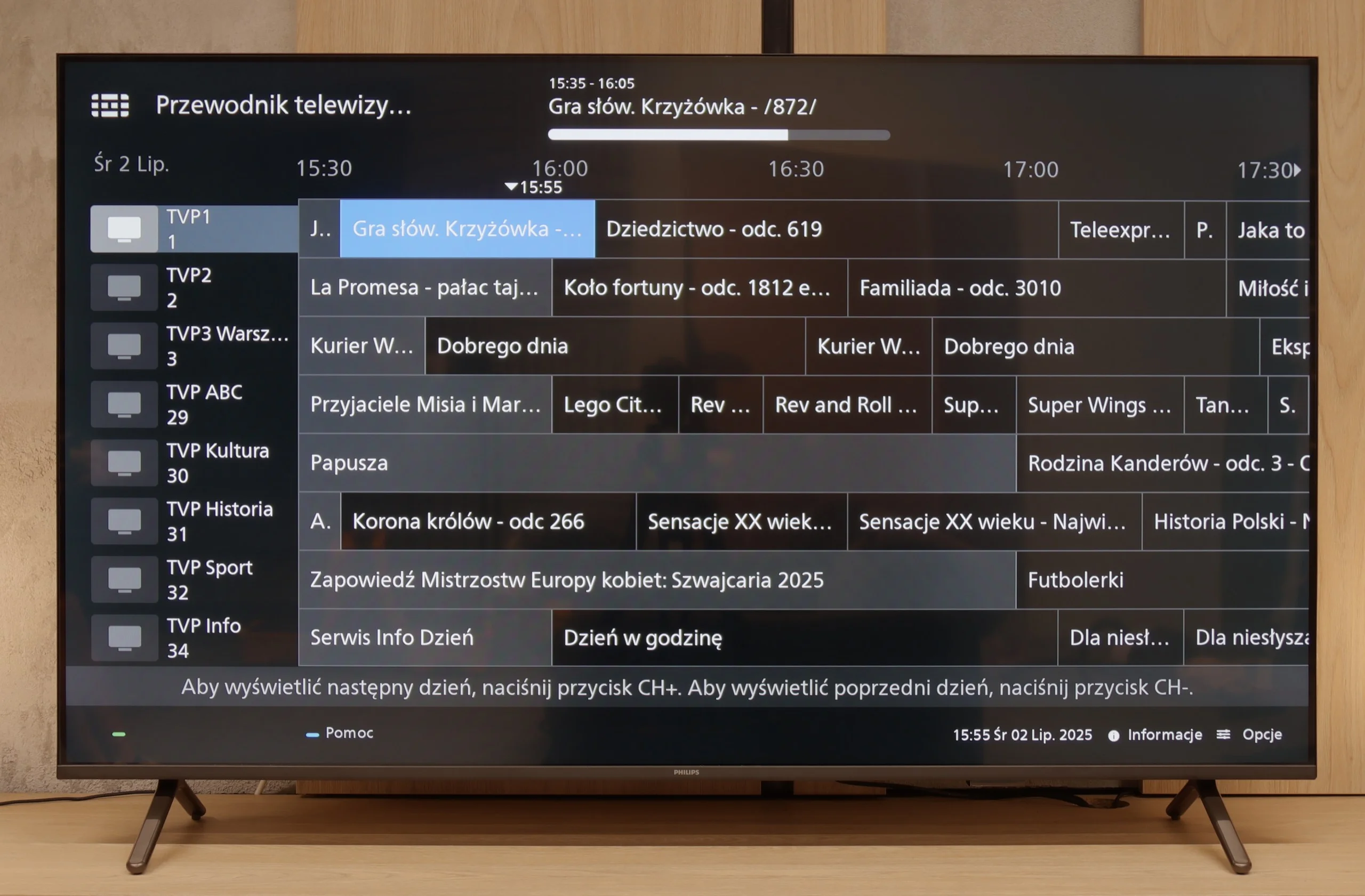
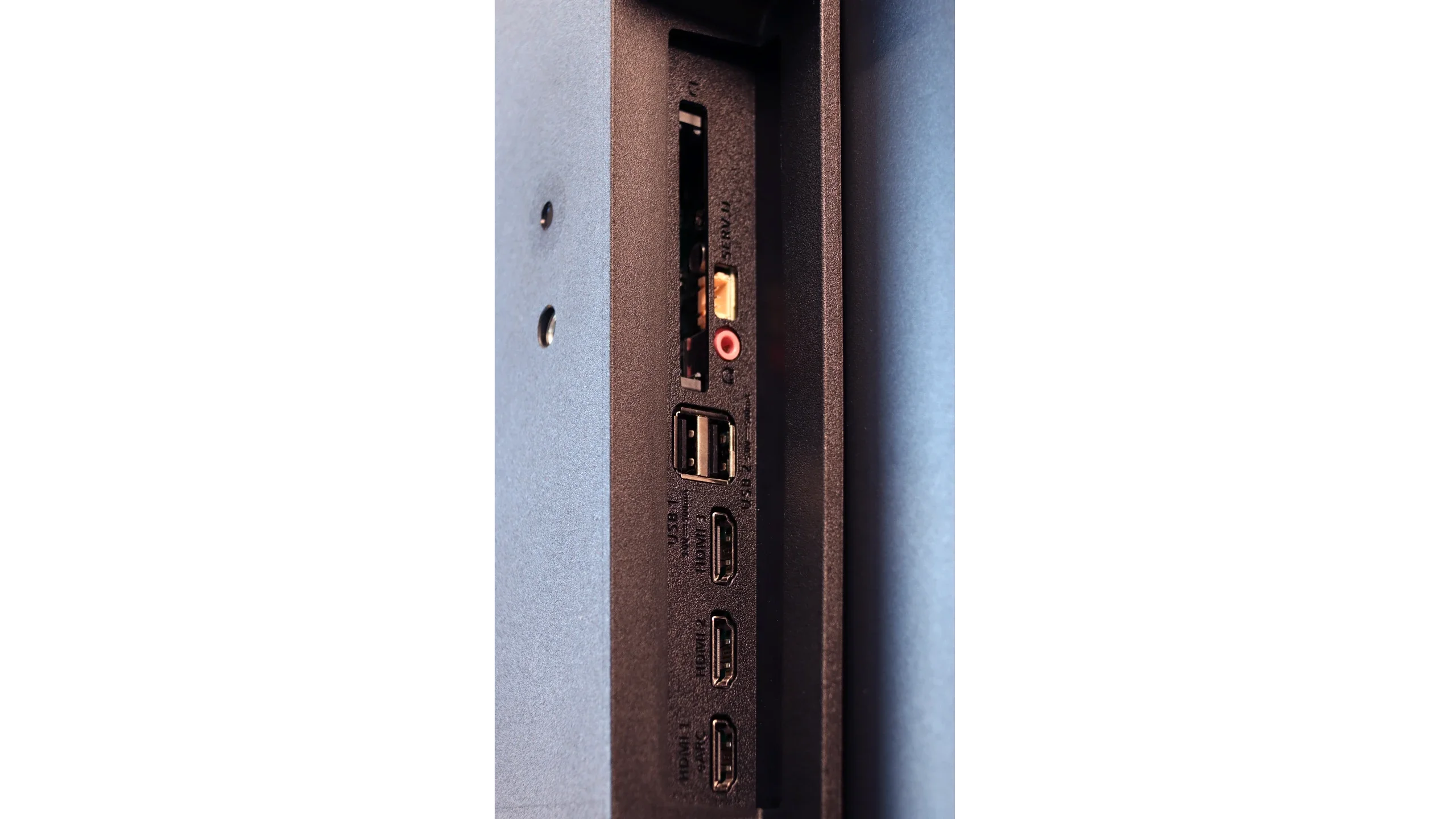
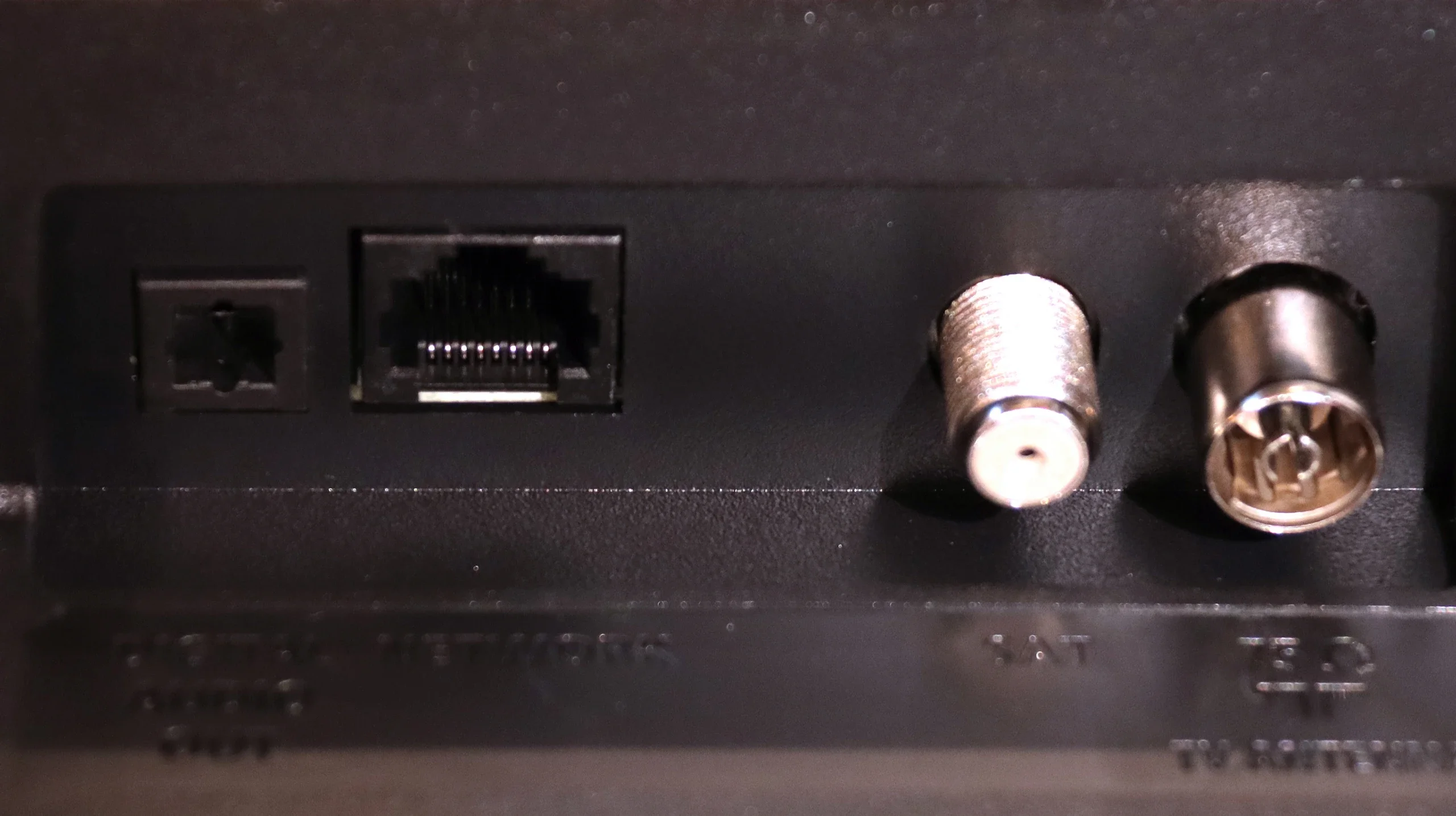
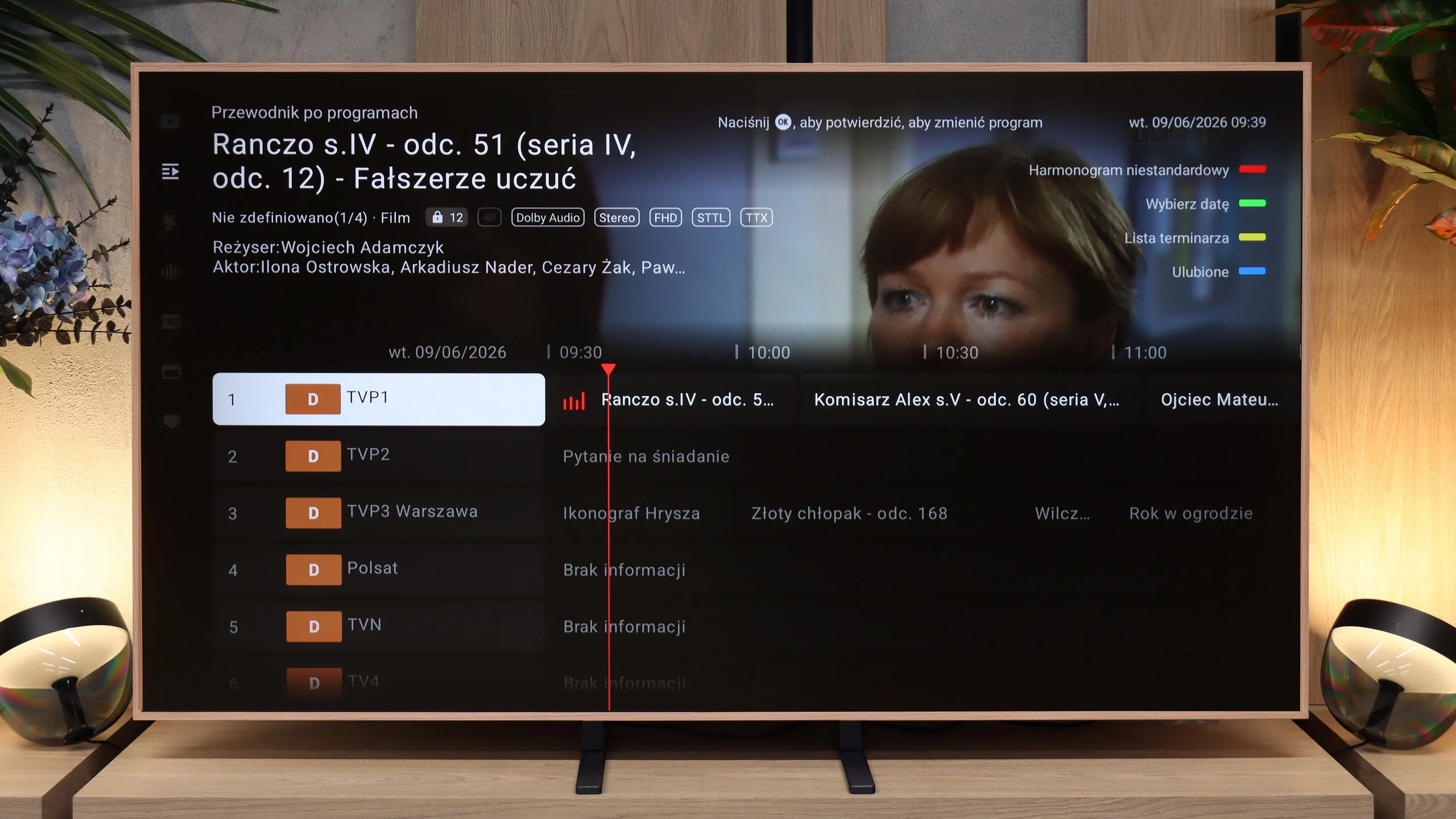
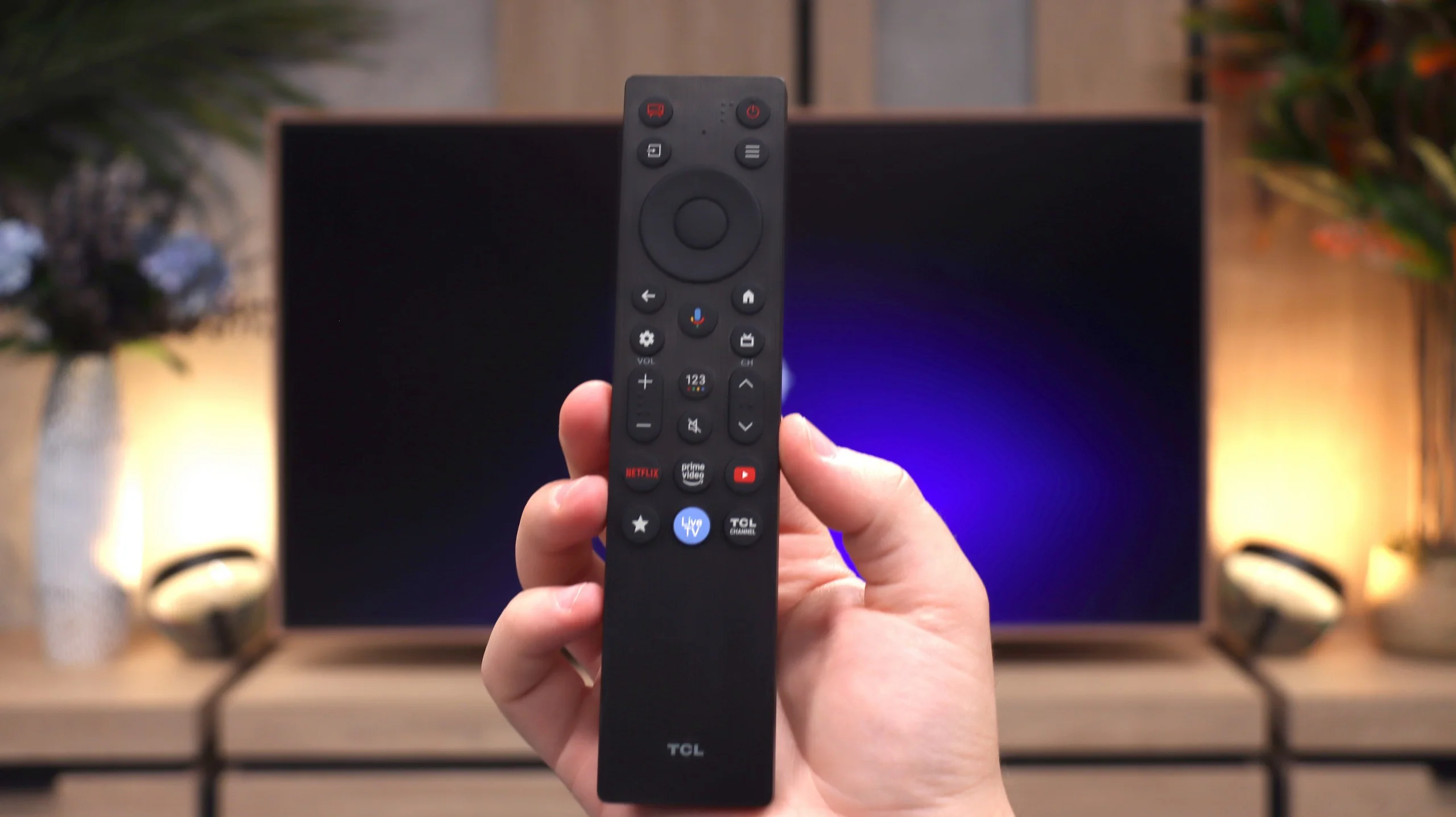
If you’re looking for a TV that, in the basic sense, “works” – the PUS8560 will fill that role. In terms of classic features, we have a rather minimalist set. On the plus side, there’s an electronic program guide (EPG), teletext, a backlit remote with a classic numeric keypad, and a headphone jack input. It sounds a bit like a dream set for seniors – and there’s some truth to that. However, it must be said clearly: this is a TV with very limited capabilities. We won’t find USB recording from DVB tuners here, and there’s no Picture-in-Picture mode or other conveniences known from more expensive models.
Smart TV:
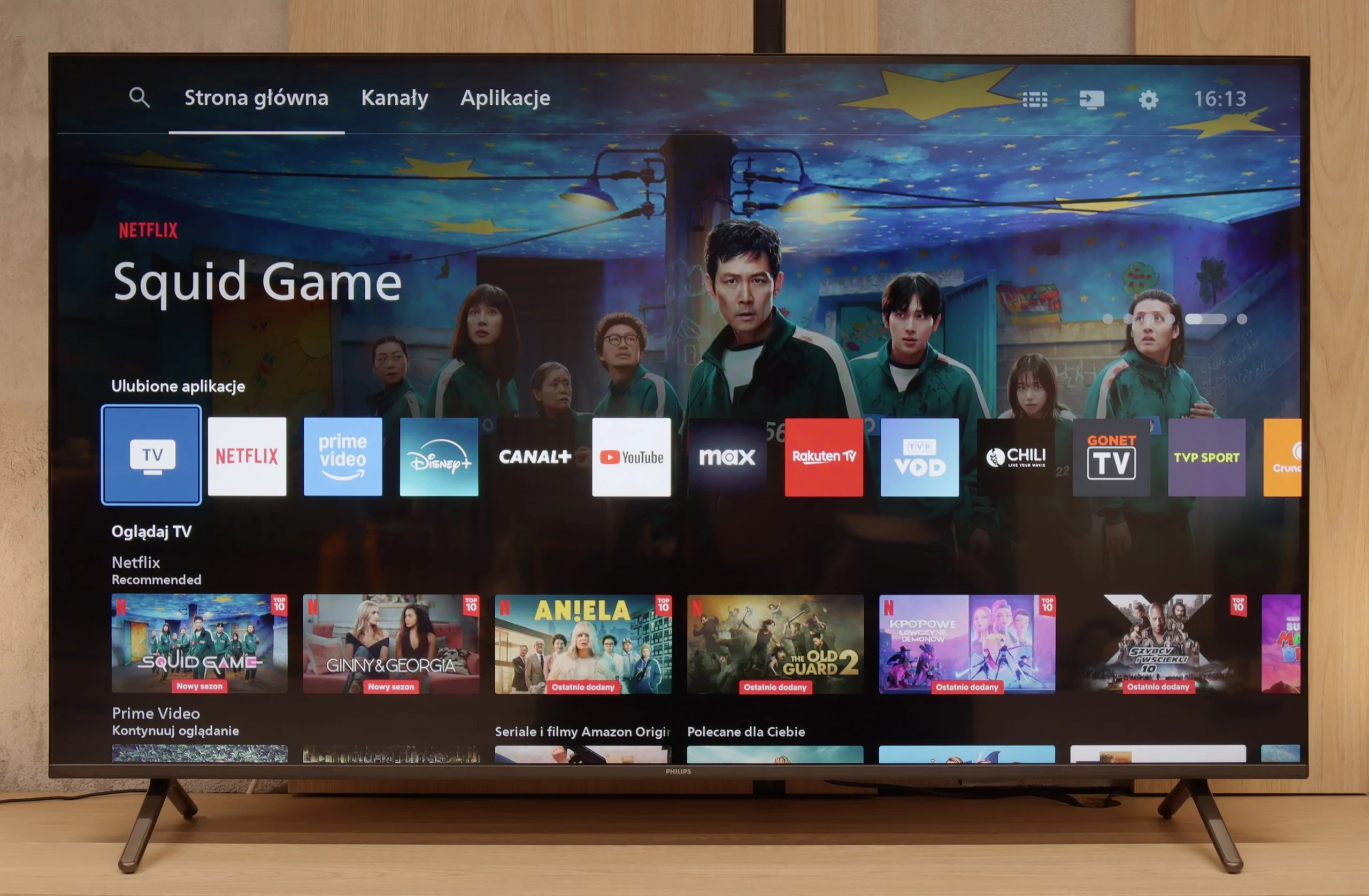
How does SmartTV fare on the PUS8560? Well, it gets a bit trickier here. The PUS8560 runs on the Titan OS, which in this particular implementation posed significant issues. Some functions, though present “on paper,” simply didn’t work. For example: Wireless screen mirroring features like Chromecast or Miracast – we tried to activate them with several different phones and laptops… without success. Perhaps this will be fixed in the future, but at the time of testing – it didn’t work. Also, the speed of the system left much to be desired – switching applications or home screens was simply slow. A substantial portion of the functions in the menu seem to be heavily hidden in the depths of a poorly organised system. To make matters worse, the library of available applications is quite limited. Although the situation with apps is better than last year, it’s still far from ideal. A modern remote tries to save the situation – slim, elegant, backlit and really well-made. Unfortunately, it operates on classic infrared, so you have to aim it at the screen. The only exception is voice control, which works via Bluetooth… it’s just a pity it doesn’t support Polish.
Google TV
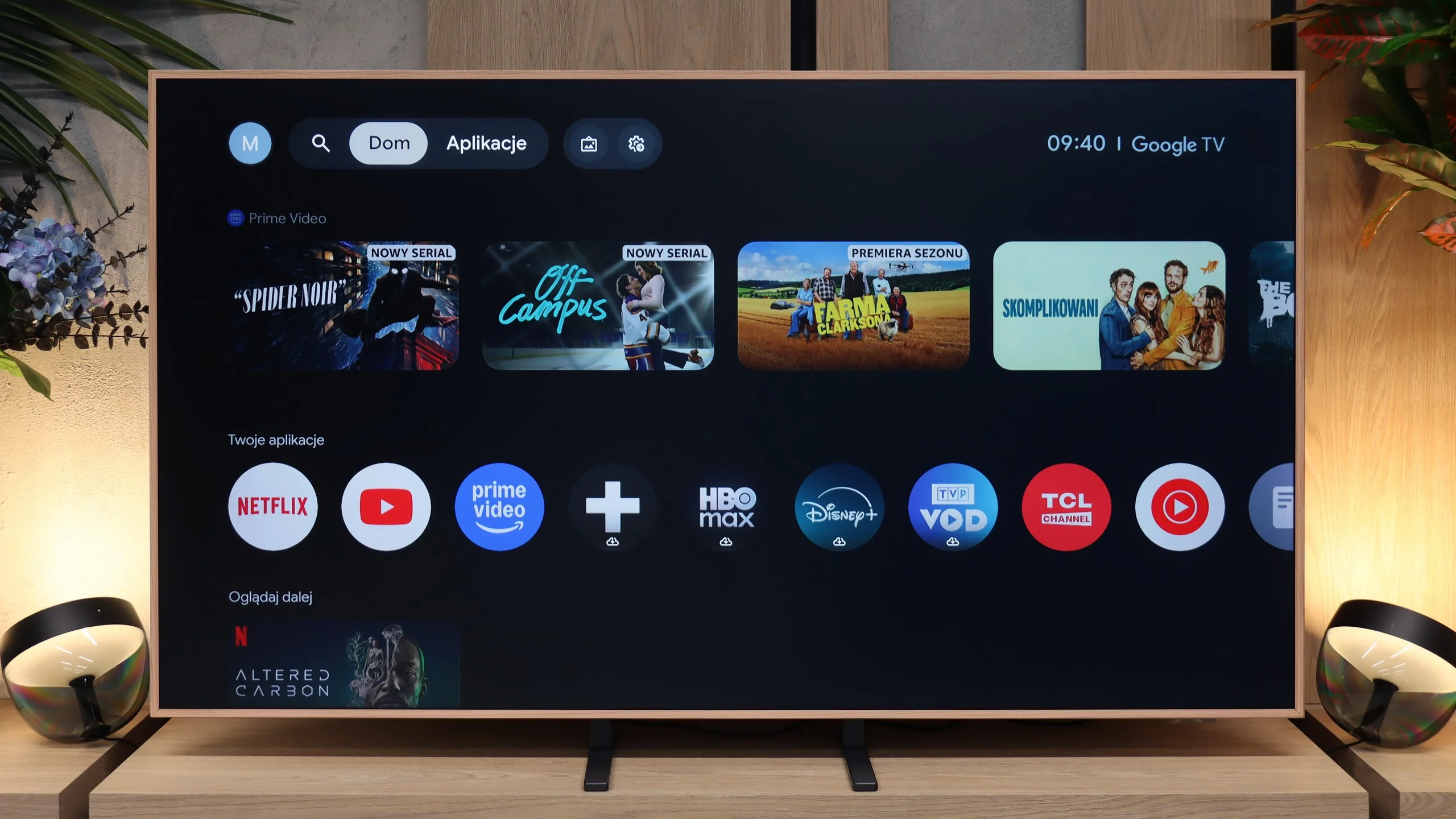
TCL A400 Pro runs on Google TV, so in terms of Smart TV we get a very solid package. All the most important apps are there: YouTube, Netflix, Disney+, Max, Prime Video, Apple TV and the rest of the services you’d expect today. It also includes Chromecast, voice search and Google Assistant. The system itself runs smoothly and is convenient, although, as with Google TV, the home screen can be heavily filled with recommendations and promoted content. Some will like that, others might find it a bit annoying. Functionally, however, it’s hard to seriously fault it.
Digital art gallery
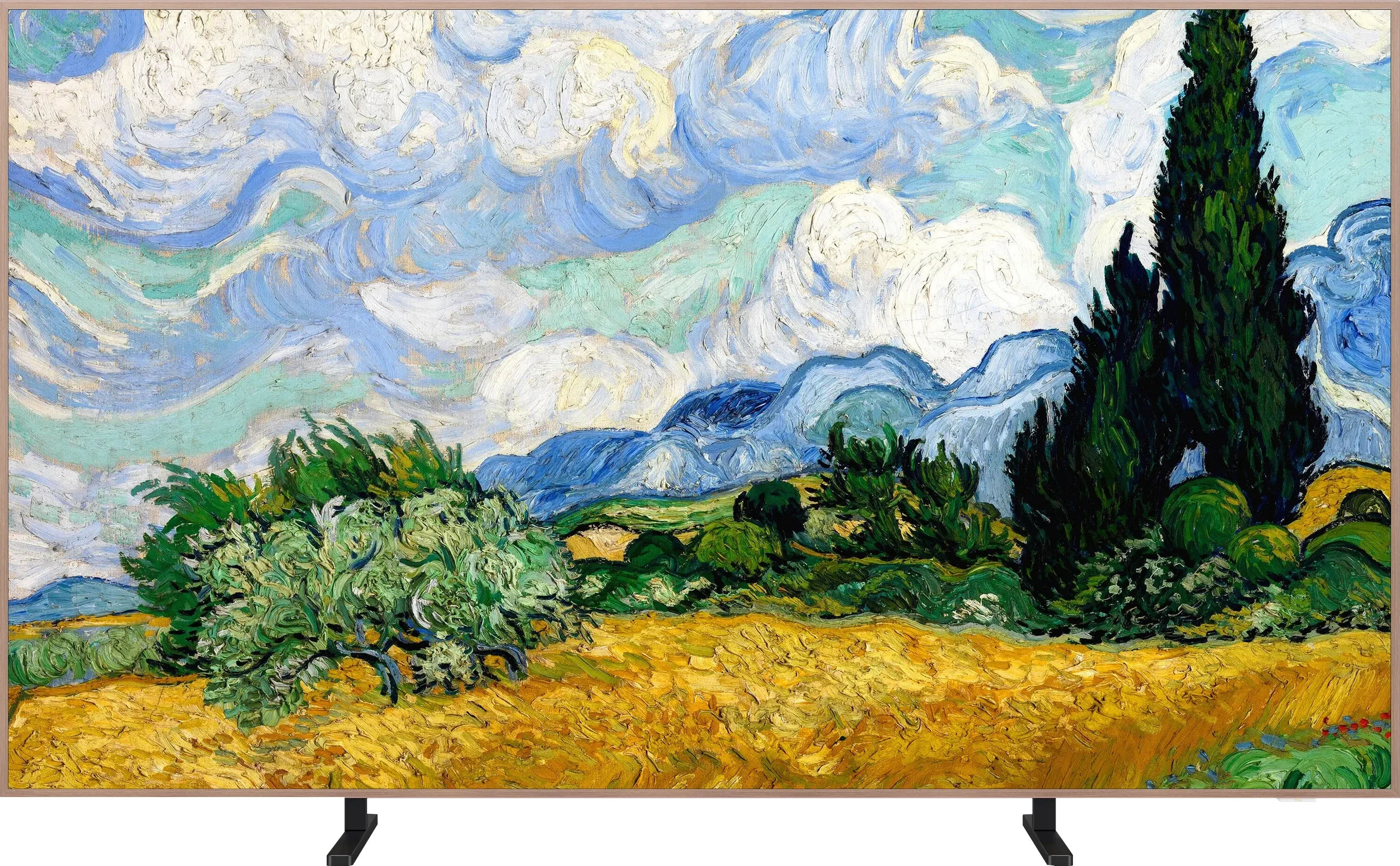
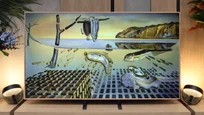
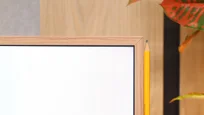
The most interesting part starts with the digital gallery, because this is what is meant to set the A400 Pro apart from ordinary TVs. TCL provides access to over 80 artworks that can be displayed when the screen isn’t being used to watch movies or series. That way the TV doesn’t have to hang on the wall as a black slab but can actually look like a painting. An ambient light sensor, which adjusts the screen to the room’s conditions, helps with this. And here’s some good news compared with the older NXT Vision A300: the annoying brightness issue in art mode has been improved in the A400 Pro. Gallery settings are now separate from normal viewing, so you can set a lower brightness for artworks without disturbing the settings for films or TV. It may seem like a small detail, but in practice it’s very important, because it helps the screen look more like an artwork and less like a glowing TV. TCL also adds the option to create your own images using artificial intelligence. The maker talks about over 100,000 available pieces and variants, so there’s plenty to choose from. You can stick with the ready-made gallery or pick something more in line with your own taste and room decor.
Traditional features
The traditional TV features are much less exciting. The A400 Pro doesn’t stand out here. You get standard broadcast TV, a channel guide and basic options, but no major extras that would change the way you use conventional TV.
 Direct comparison