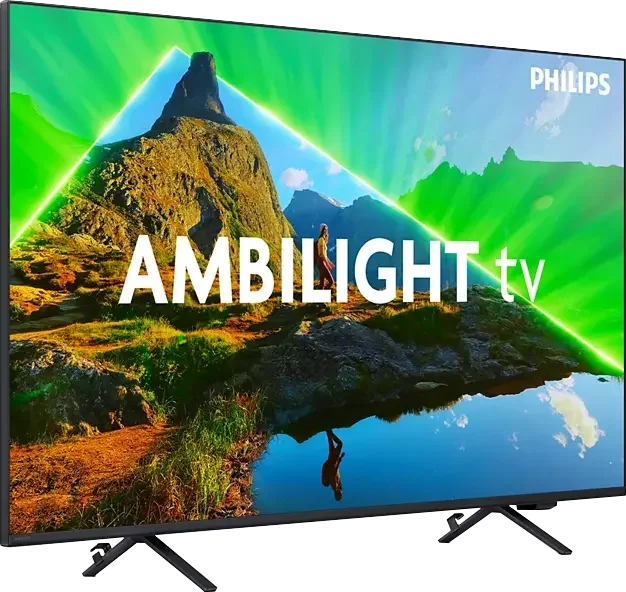
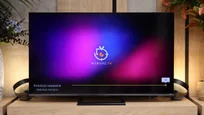
Philips PUS8359 in 50" is a fairly simple television, yet sufficiently advanced for a large portion of consumers. Its biggest distinguishing feature (as well as the entire brand) is the Ambilight backlighting, which at this price point is definitely an added value and something that may encourage a purchase. In this price range, it's hard to find anything that will give us flawless picture quality, although we can look for units that offer something more. And in our opinion, this tested television is precisely that. In this context, we pay particular attention to the quality of tonal transitions, colour reproduction after calibration, and the television's performance when connected to a computer. Thanks to its low input lag, a casual gaming session will be quite enjoyable. However, we must also point out the unit's drawbacks. Without a doubt, these will be low luminance in HDR content and narrow coverage of the DCI-P3 colour space. Although it’s worth noting that the dynamic tone mapping feature works very effectively. We will also briefly mention the contrast and black levels, which, while not exceptional, are definitely better than in units based on IPS/ADS panels. The operating system of the television can be considered one of the better ones, although it is in development and lacks many features, which we will discuss more in a dedicated paragraph. It also does not have as wide a library of applications as its competitors, although this will likely change soon. Who is the PUS8359 for? One could say it’s for anyone looking for a balance between quality and price.
- Matching (Score) |
- Our verdict |
- TV appearance |
- Where to buy |
- Contrast and black detail |
- HDR effect quality |
- Factory color reproduction |
- Color reproduction after calibration |
- Smoothness of tonal transitions |
- Image scaling and smoothness of tonal transitions |
- Blur and motion smoothness |
- Console compatibility and gaming features |
- Input lag |
- Compatibility with PC |
- Viewing angles |
- Daytime performance |
- Panel details |
- TV features |
- Apps |
- Playing files from USB |
- Sound
Philips PUS8359 (VA) vs Hisense U7S / U77SE
 Direct comparison
PUS8349 / PUS8359
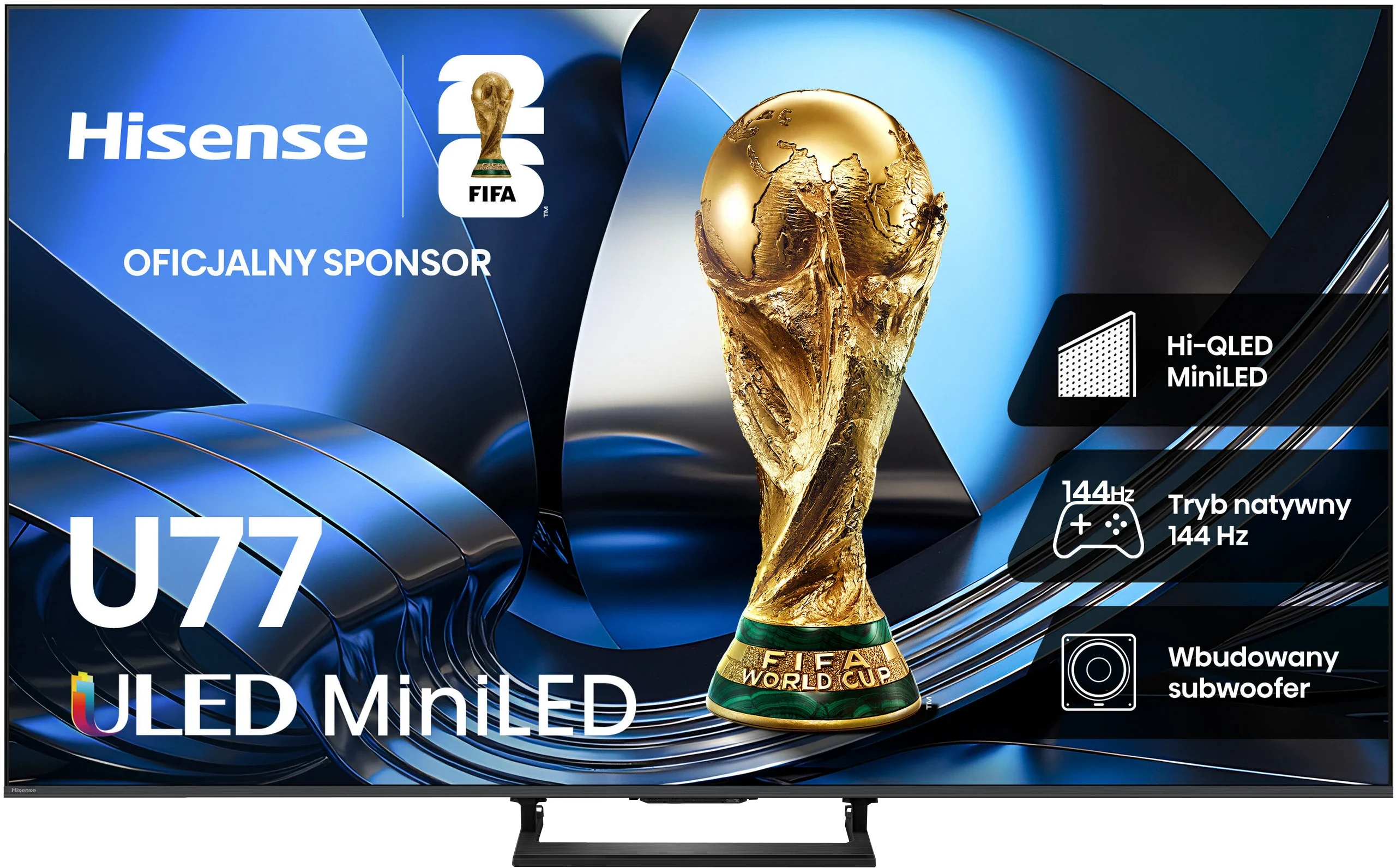
U7S / U77S

Available screen sizes: 50”
Panel type: LCD VA
Resolution: 3840x2160
System: Titan OS
Model year: 2024
Complete the survey to find out the result
Panel type: LCD VA
Resolution: 3840x2160
System: VIDAA
Model year: 2026
Complete the survey to find out the result
Overall rating
5.4
7.3
 Movies and series in UHD quality
 5.2
6.9
 Classic TV, YouTube
 5.4
6.9
 Sports broadcasts (TV and apps)
 4.5
6.4
 Gaming on console
 6.4
8.2
 TV as a computer monitor
 6.0
8.2
 Watching in bright light
 4.7
7.0
 Utility functions
 5.3
8.9
 Apps
Apps 6.7
8.3
 Sound quality
 6.1
7.2
Complete the survey to find out what fits your preferences
Advantages

Colour representation after calibration
Dynamic tone mapping function - recovers details that are too bright for the television
Smooth tonal transitions
Very good compatibility with computers and consoles - low input lag, chroma 4:4:4
Deep blacks thanks to a MINI-LED backlight and a VA panel
Bright, clear picture even in daylight
Natural colours after calibration when watching regular TV and SDR content
Plenty of options for PC and console gamers
Low input lag
Extensive VIDAA system
Support for many audio and video formats, including Dolby Vision, Dolby Atmos and DTS
Pleasant sound with subtle bass
Disadvantages

Low brightness of HDR materials
Missing a significant number of essential applications
Poor viewing angles
Pronounced ghosting on the VA panel
HDR image is overly bright, clearly at odds with the creators' intent
HGiG not working correctly, making it hard to set up HDR in games
Poor viewing angles
Some apps missing from the VIDAA system
Our verdict
Hisense U7S is the latest iteration of the U7 series, whose biggest advantage remains its price-to-performance ratio. You get a Mini LED TV with local dimming, which genuinely improves black levels and gives the picture more depth for evening viewing. During the day a generous brightness reserve helps, so you don't have to rush to close the curtains. It's not a device without compromises, but as an everyday TV it makes a lot of sense. Gamers get a lot too. The U7S supports high refresh rates from consoles and PCs, has an extensive set of gaming features and responds very quickly to controller input. Pleasingly, the low input lag is maintained even in Dolby Vision. On top of that there's the smooth-running VIDAA, which offers both Smart features and handy extras for regular TV. Overall it's quite versatile, although compared with last year's U7Q it's hard to call it a big step forward.
Unfortunately there are also things that clearly bother us. The first is motion smearing. The panel has a high refresh rate, but its pixels don't always keep up, so moving objects leave noticeable trails. Fans of sport and fast-paced games will feel this most. The second issue is HDR, which the TV handles a bit 'its own way'. Instead of sticking to the brightness encoded in the content, it aggressively brightens parts of the image. The aim was probably to make things more striking, but often the opposite happens: a scene becomes overbright, loses depth and clearly departs from the creators' intent. It's a shame that this behaviour can't be effectively corrected even during calibration.
Despite these caveats the U7S remains an interesting choice if you're after as much as possible for a reasonable price. Compared with basic LCDs without local dimming, which you can still find at similar price points, it primarily offers much better black levels. And that's where its biggest strength lies. You don't need to reach for an expensive model to get a Mini LED whose benefits are actually visible in viewing. If you accept its flaws, the Hisense U7S can above all be a very good-value purchase.
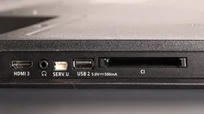
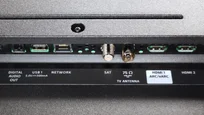
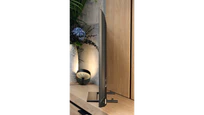
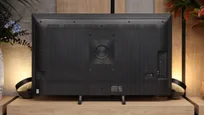
TV appearance

Contrast and black detail
5.6/10
8/10
Local dimming function: No
Local dimming function: Yes, number of zones: 192 (8 x 24)
Contrast:


Result
4,400:1

Result
4,950:1

Result
4,500:1

Result
5,650:1

Result
3,800:1
Result
507,800:1
Result
51,250:1
Result
30,900:1
Result
21,250:1
Result
5,650:1
Halo effect and black detail visibility:
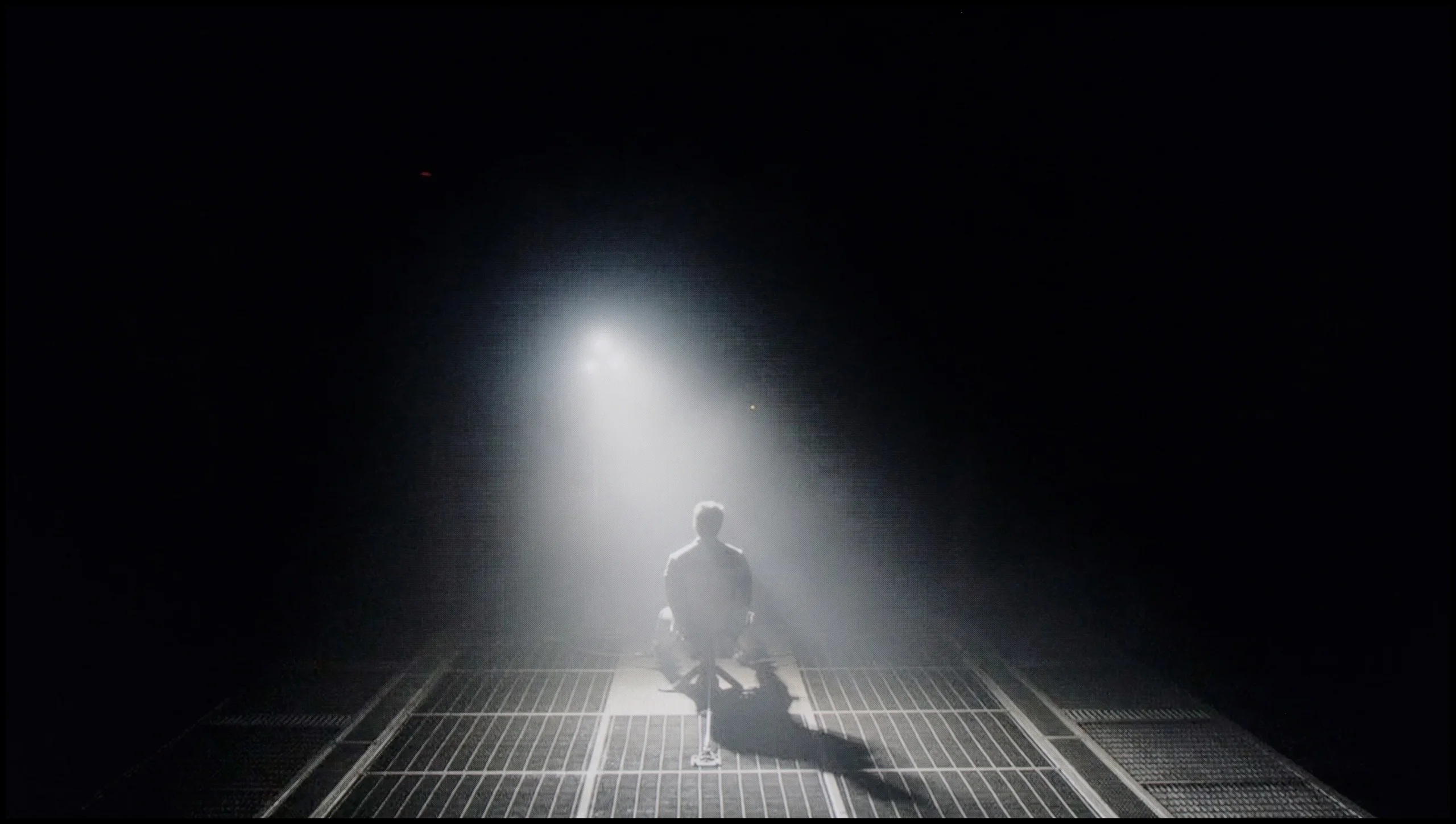
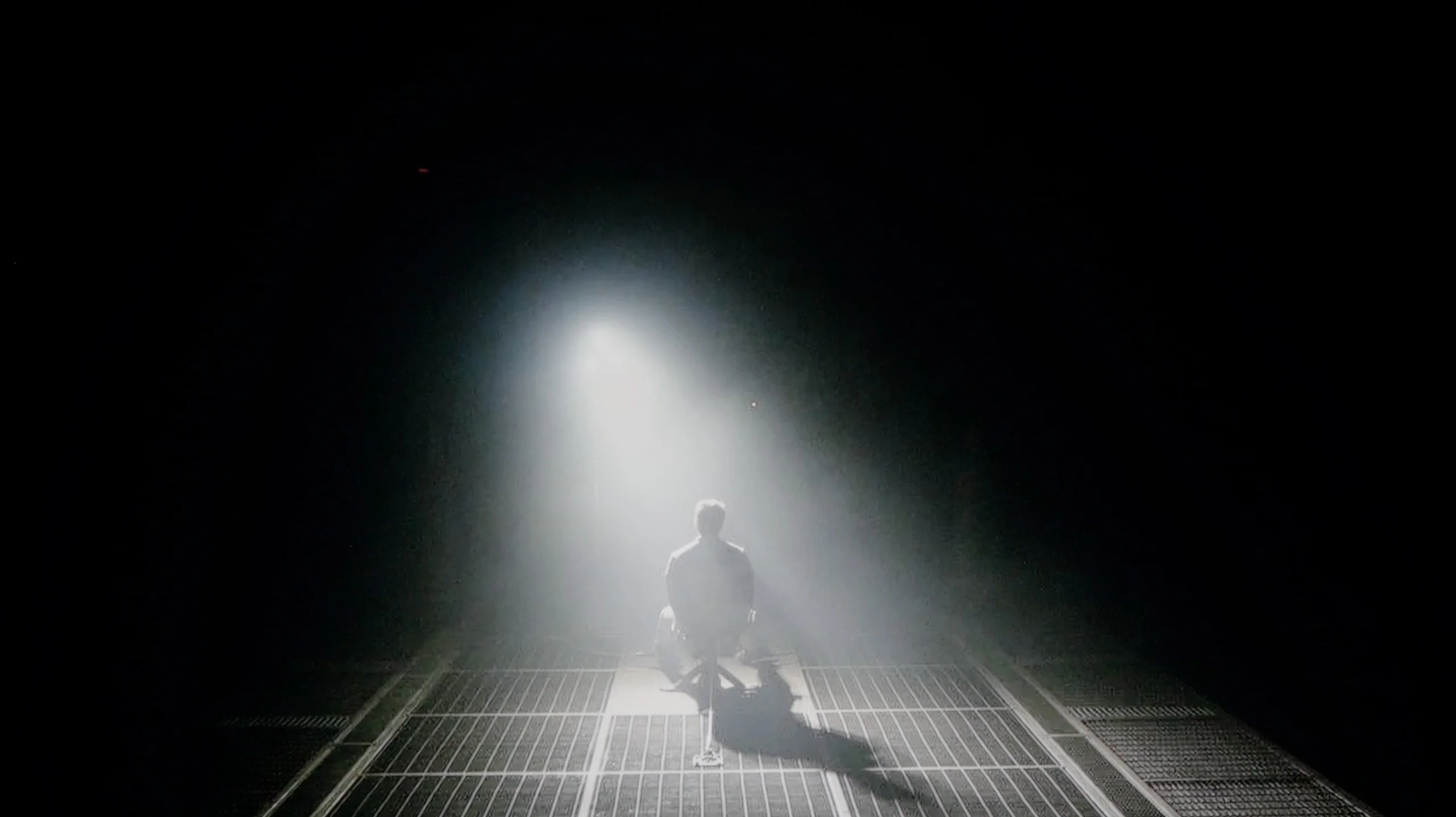
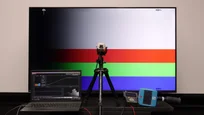
Check the visibility of bright lights on a dark background. Mini-LEDs often struggle with this. The photo does not compare black levels – that’s what the video below is for.
The video accurately shows differences in contrast and black levels between TVs, as well as potential issues: halo around bright objects or Mini-LED zone operation visible as brightness jumps.
Philips PUS8359/12 in the 50-inch version is equipped with a VA panel. We highlight this quite strongly, as the manufacturer is known for intermittently using IPS/ADS panels depending on the diagonal size. This is particularly important in the context of contrast and black levels, which are the primary criteria in assessing image quality. The panel itself uses direct LED backlighting; however, it has not been supported by any local dimming system, which is rather obvious when considering the device's price range. Nevertheless, the use of this type of screen allows for several rows of better black levels and contrast compared to the aforementioned panels that do not have advanced backlighting systems. The simple design of the television has positively affected the visibility of details in the blacks. Our first test scene from the film "Oblivion" showcased quite good blacks, but also excellent separation of lights, which is not an easy task even for much more expensive units. The second material prepared from the film Sicario 2 also presented itself decently. Although due to construction flaws, some light bleeding can be noticed, the details themselves are well visible, and it's hard to criticize them. The fact remains, the black levels could be deeper.
The Hisense U7S shows good black levels, especially for one of the entry-level mini-LED models. The 55-inch test size uses 192 local dimming zones that work well with the VA panel. In most of our scenes contrast ranged from about 21,000:1 to over 51,000:1, and in one it even exceeded 500,000:1. In many films you can plainly see it — dark scenes have depth, and blacks don’t glow grey like on many cheaper LCDs without local dimming.
It’s worse when the screen shows lots of small bright objects against a dark background (for example the scene shown below). There aren’t enough zones to light each of them individually, so you can see a bright halo around small objects. This so-called halo effect is easiest to spot when watching in a dark room. In the most demanding shot the contrast dropped to about 5,650:1, and here the backlight limitations are clearly noticeable. Despite that, given the TV’s class, it’s hard to call this a fault, because many mini-LED TVs in a similar price range will have similar problems.
HDR effect quality
4.6/10
5.5/10
Luminance measurements in HDR:

Result
281 nit

Result
280 nit

Result
324 nit

Result
290 nit

Result
320 nit
Result
700 nit
Result
297 nit
Result
640 nit
Result
154 nit
Result
745 nit
Scene from the movie “Pan” (about 2800 nits)


Scene from the movie “Billy Lynn” (about 1100 nits)
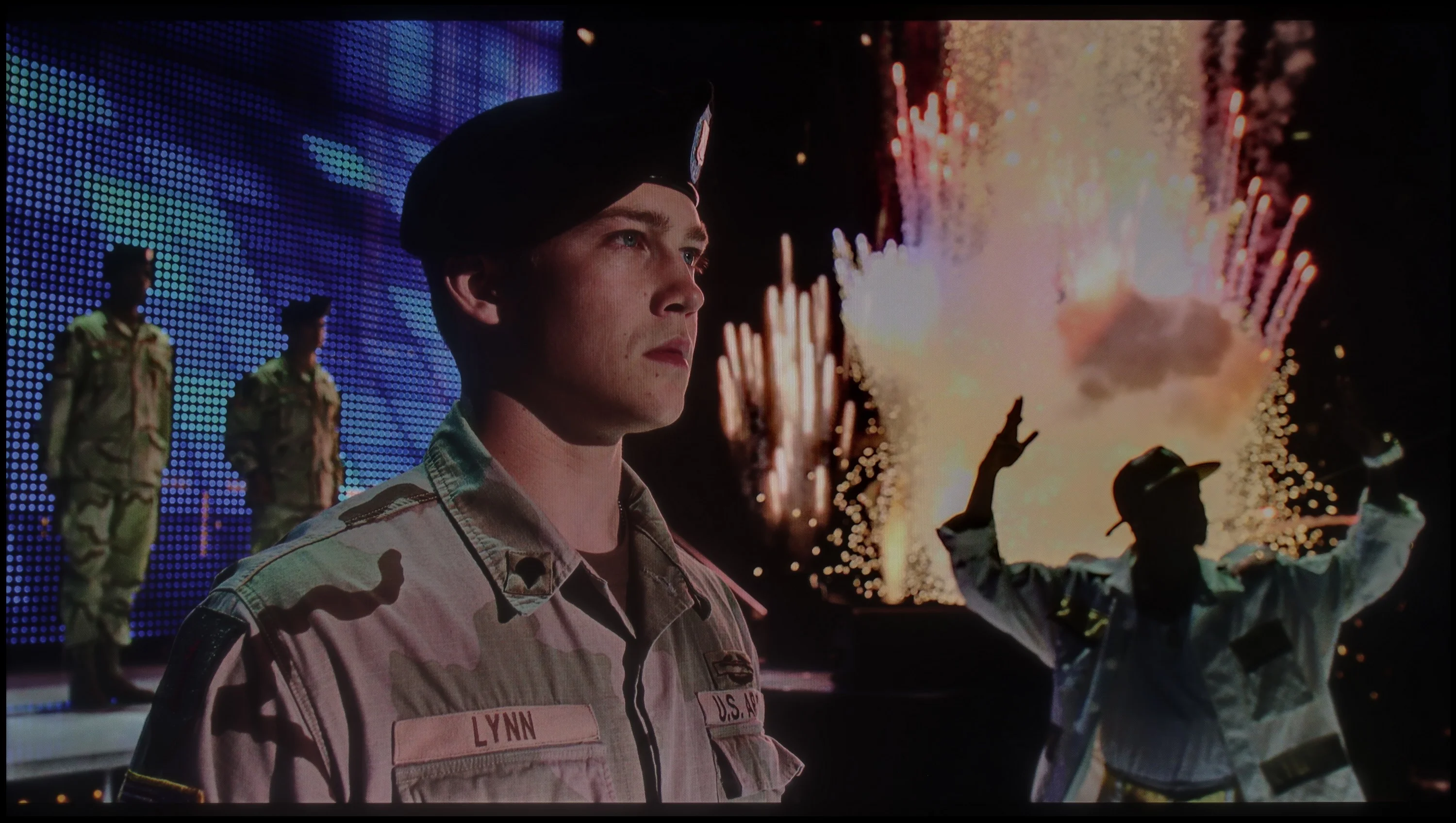
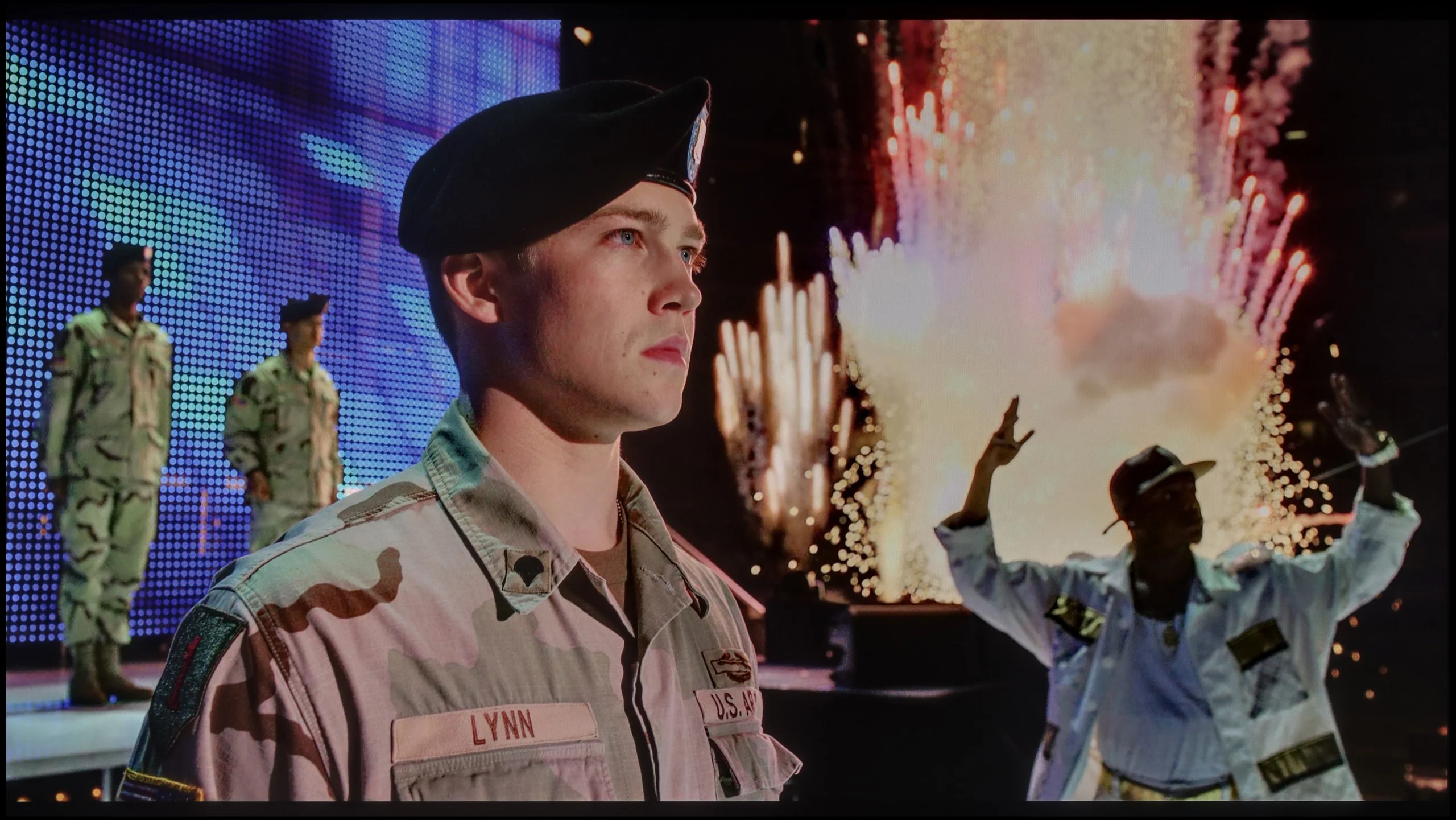
The photos show two HDR10 movies. 'Pan' is one of the brightest productions ever made, while 'Billy Lynn' (soldier) has brightness typical of streaming (Netflix, Prime, HBO MAX). Notice the intensity of effects and detail in whites.
Static HDR10


The photos present the visibility of white details in various HDR formats. They do not show brightness differences between TVs (these can be compared in the previous gallery).
HDR luminance chart:
Hisense U7S / U77SE
Philips PUS8359 (VA)
Philips PUS8359 didn't impress us with its performance in HDR materials. This model is capable of generating a maximum brightness of 320 nits, and often even less. Such results, combined with the lack of support for HDR Dolby Vision, mean that the image will be significantly darker compared to the source material. Therefore, it would be more beneficial for this television to play SDR content. This is also suggested by the quite low coverage of the DCI-P3 colour gamut at 83%, resulting in significant colour deficiencies. The fact remains that the television supports an HDR format based on dynamic metadata; however, HDR10+ is such a niche format that it doesn't offer any major advantages.
The Hisense U7S has considerable HDR potential, but it can’t make full use of it in every scene. On a test pattern it reaches about 1100 nits, so the backlight is genuinely strong. In our brighter film scenes we measured around 640 to 745 nits. That’s still enough for the sun or bright highlights to have a distinct bloom and to show an advantage over SDR material. When the TV needs to light a larger portion of the image, it handles it quite well.
The problem appears with small lights on a dark background. Each of the 192 zones covers an area considerably larger than a tiny point on the screen. If the TV were to drive such a zone strongly, it would brighten the surrounding area along with the light. Hisense tries to avoid that and dims the whole zone. Blacks look better as a result, but a small bright object that should draw the eye also loses intensity. That’s why in two tougher scenes we recorded only 297 and 154 nits. The difference is large: in one shot HDR can impress, and in the next small highlights are noticeably muted. The U7S therefore prioritises keeping deep blacks, even at the expense of bright details. With this number of zones it’s an understandable compromise, but it’s worth remembering that the peak 1100 nits tells us about the backlight’s capability, not how brightly the TV will show every element of a film.
Colours
Hisense markets the U7S as ULED, but that’s a marketing name; the wider colour gamut here is achieved by a PFS phosphor backlight. In our measurements the TV covered about 91% of the DCI-P3 space and 71% of BT.2020. Those are good results, though a little short of the best screens on the market. The biggest shortfall is in green — the TV doesn’t even reach the DCI-P3 boundary there, so the most intense green hues will be less saturated than they should be. Most colours in HDR films and series still look suitably vivid, however. A positive is the repeatability of the results: gamut coverage on test patterns and in film scenes is practically identical.
Factory color reproduction
4/10
5.8/10


This gallery shows how colors change after professional TV calibration. If you notice the difference, we recommend ordering this service at SkalibrujTV.com.
Factory Mode
After calibration


This gallery shows how colors change after professional TV calibration. If you notice the difference, we recommend ordering this service at SkalibrujTV.com.
Factory Mode
After calibration
The best factory mode in terms of fidelity to the source material was "Film". This is what we used during our tests. Just like every other factory mode in televisions, it had its drawbacks. So we'll check what exactly was wrong with both SDR and HDR materials. In both cases, the white balance exhibited an excessive dominance of the green and red colour combination. This created a yellow tint spreading across the entire image, causing issues such as yellowed whites and problems with skin tones. This state of affairs was perfectly illustrated on the "ColourChecker" palette, where each of the tested samples was pushed towards its warmer counterparts. The foundation of the image is primarily contrast and black. These are represented by gamma charts and the EOTF curve. Looking at the first one, we can see a true rollercoaster, as both elevated and lowered gamma can be observed. The heavily elevated gamma caused visibility issues in black levels, whereas the lowered gamma resulted in a dramatic reduction in contrast. In this context, the EOTF curve performed significantly better, as it only slightly brightened the image.
Factory colours on the Hisense U7S are decent, but there are a few things to fix. In SDR the white balance favours red, so the image looks too warm, in places with a slightly pink tint. You can see this on faces and bright, neutral surfaces. Gamma also runs below the target, so the TV brightens the image, especially in darker areas. That makes it easier to see shadow detail, but the scene loses some of its depth.
In HDR the white balance is a bit more even, but not completely neutral, with midtones lacking blue and the brightest parts lacking red. A bigger problem is the way brightness is reproduced. The EOTF curve shows that a large portion of the midtones is boosted, making the image appear brighter than the source material intends. Color Checker measurements also fare worse than in SDR: many errors are around 3 to 4, and individual ones reach as high as 8. Colours can therefore look attractive, but they're not always faithful to what we should be seeing. There’s room for improvement and we’ll see how much can be corrected with calibration.
Color reproduction after calibration
5/10
7.5/10

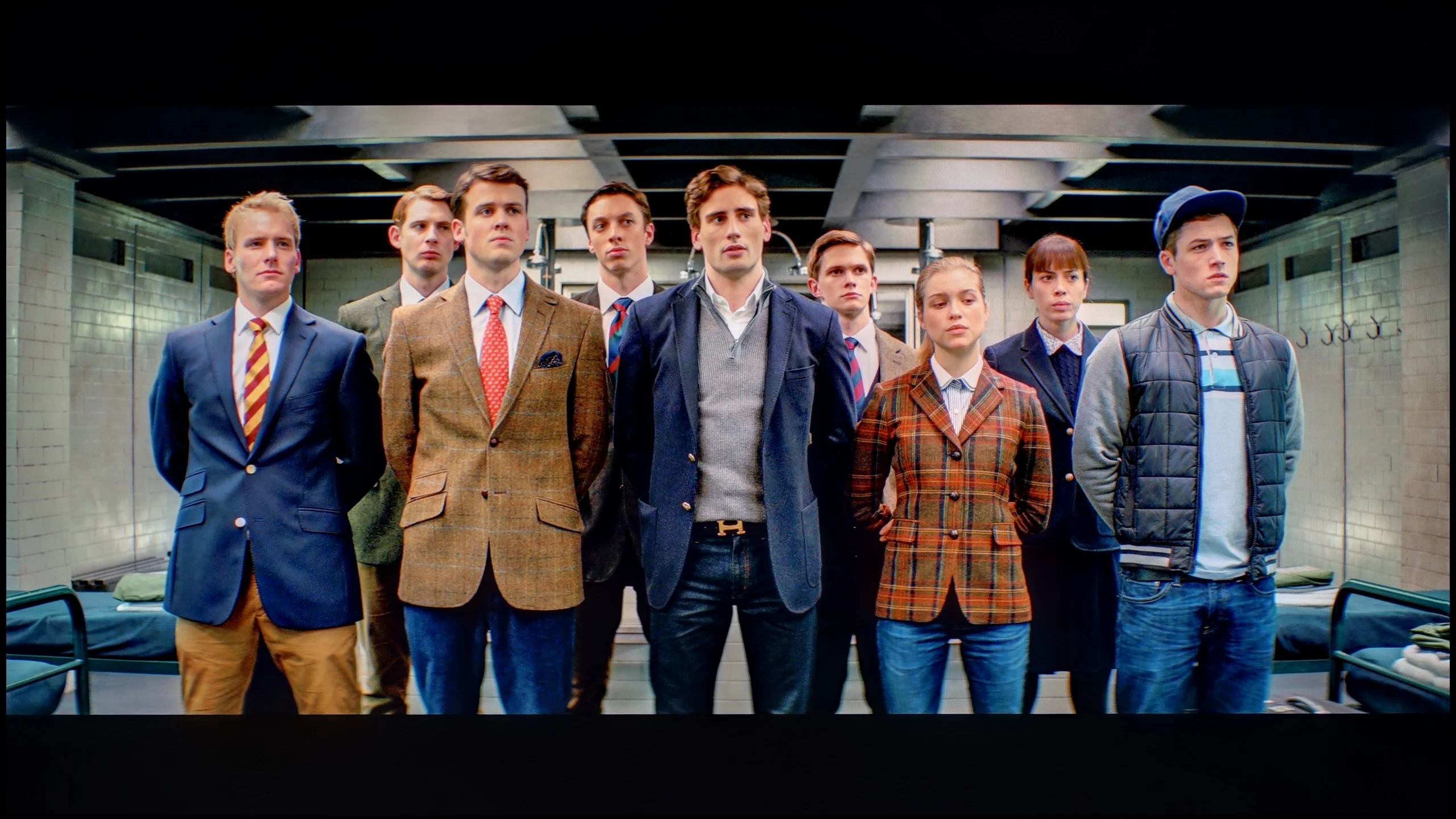
The photos show how movies look on the TV. Pay attention to black detail visibility, colors, and shadow tint.


The photos show how movies look on the TV. Pay attention to black detail visibility, colors, and shadow tint.
Philips provides a wide range of image calibration tools in both its higher-end and budget models. We utilised these tools and got to work, which wasn’t as easy as many of you might think. While we managed to model the white balance, significantly improve the gamma, and refine the EOTF curve in both cases, the deltaE errors remained exceptionally high. There are several reasons for this situation, which are directly related to the low coverage of the DCI-P3 colour gamut and the maximum brightness of the unit in HDR material.
Calibrating the Hisense U7S did the most for SDR content. We managed to even out the white balance, so the earlier warm tint is gone and whites and greys look neutral. Gamma now sits very close to the reference, so the TV no longer brightens the image unnecessarily and darker scenes have regained depth. Color Checker measurements confirm the improvement: most errors are below 2. For watching regular TV and SDR films, this delivers a really well calibrated picture. Calibration in HDR wasn’t as smooth. The TV lacks an effective way to correct the EOTF curve, so Hisense still interprets the film’s brightness a bit on its own. It brightens parts of the image and, depending on the scene and local dimming, can tone down the brightest elements. That couldn’t be eliminated by calibration. This also shows up in the Color Checker results, where many errors remain around 3–4 and some exceed 7. In SDR the result is therefore very good, but in HDR we have to accept that the TV adds its own interpretation of brightness to the image.
Smoothness of tonal transitions
7.4/10
8.5/10
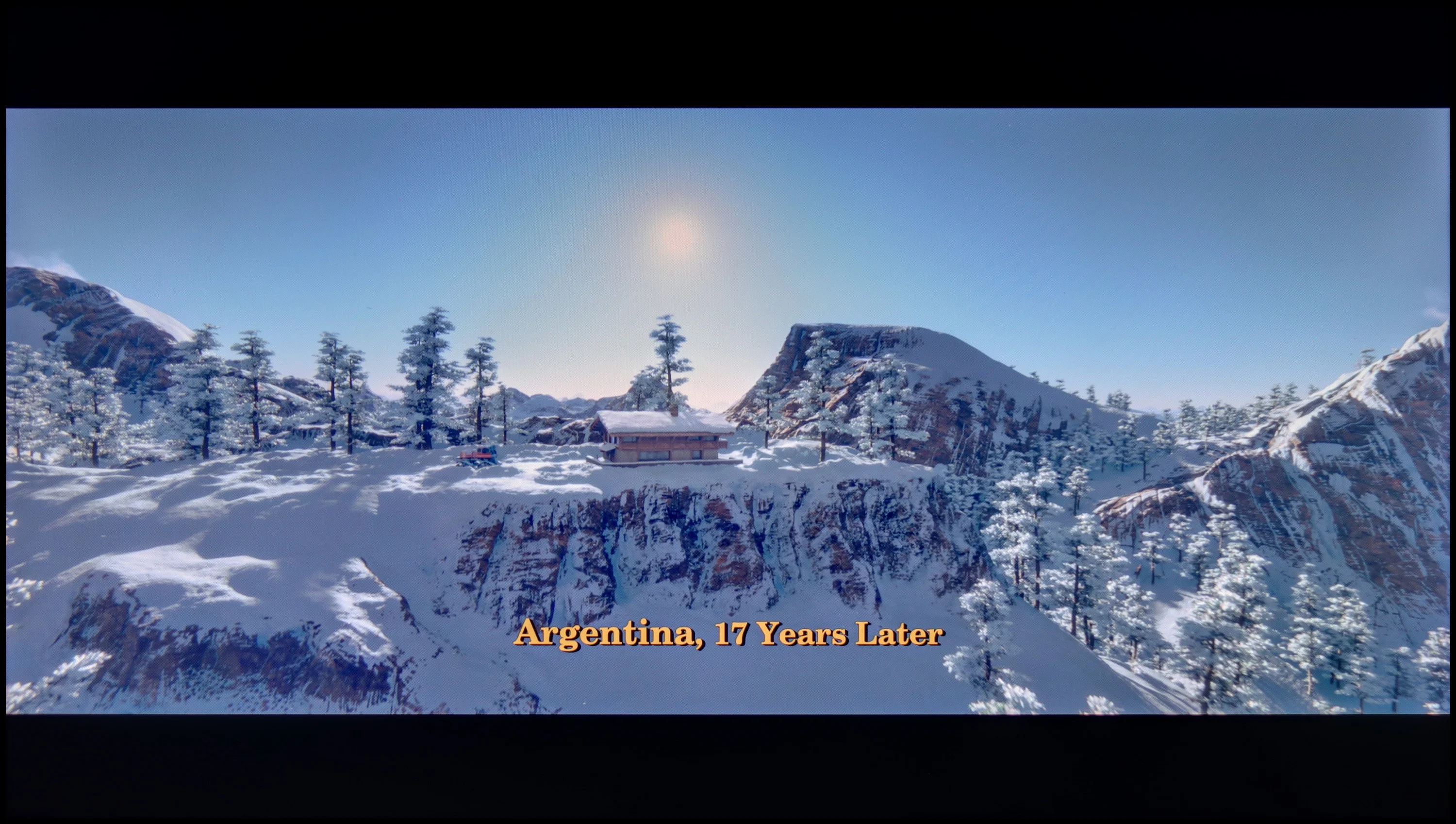

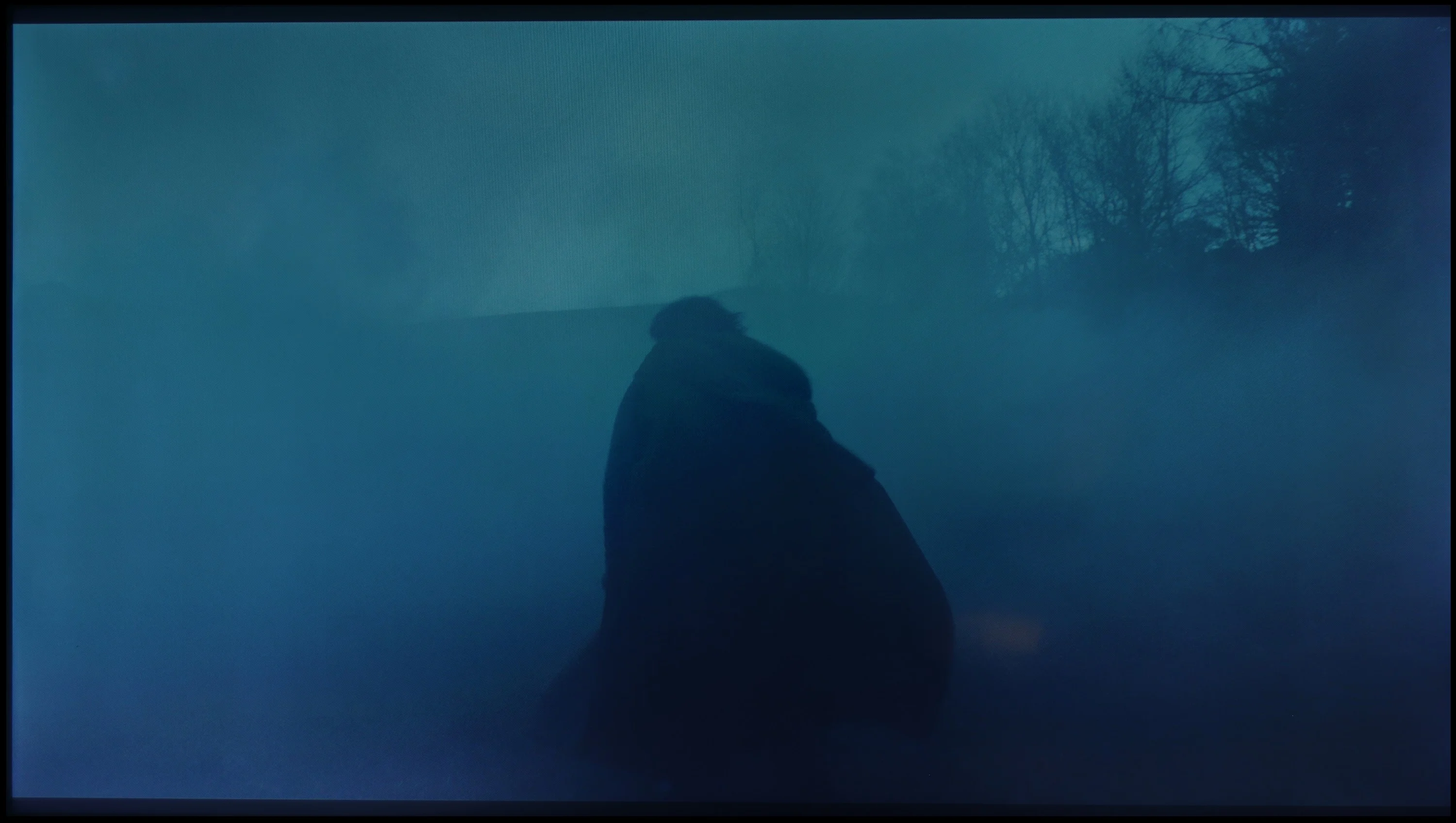
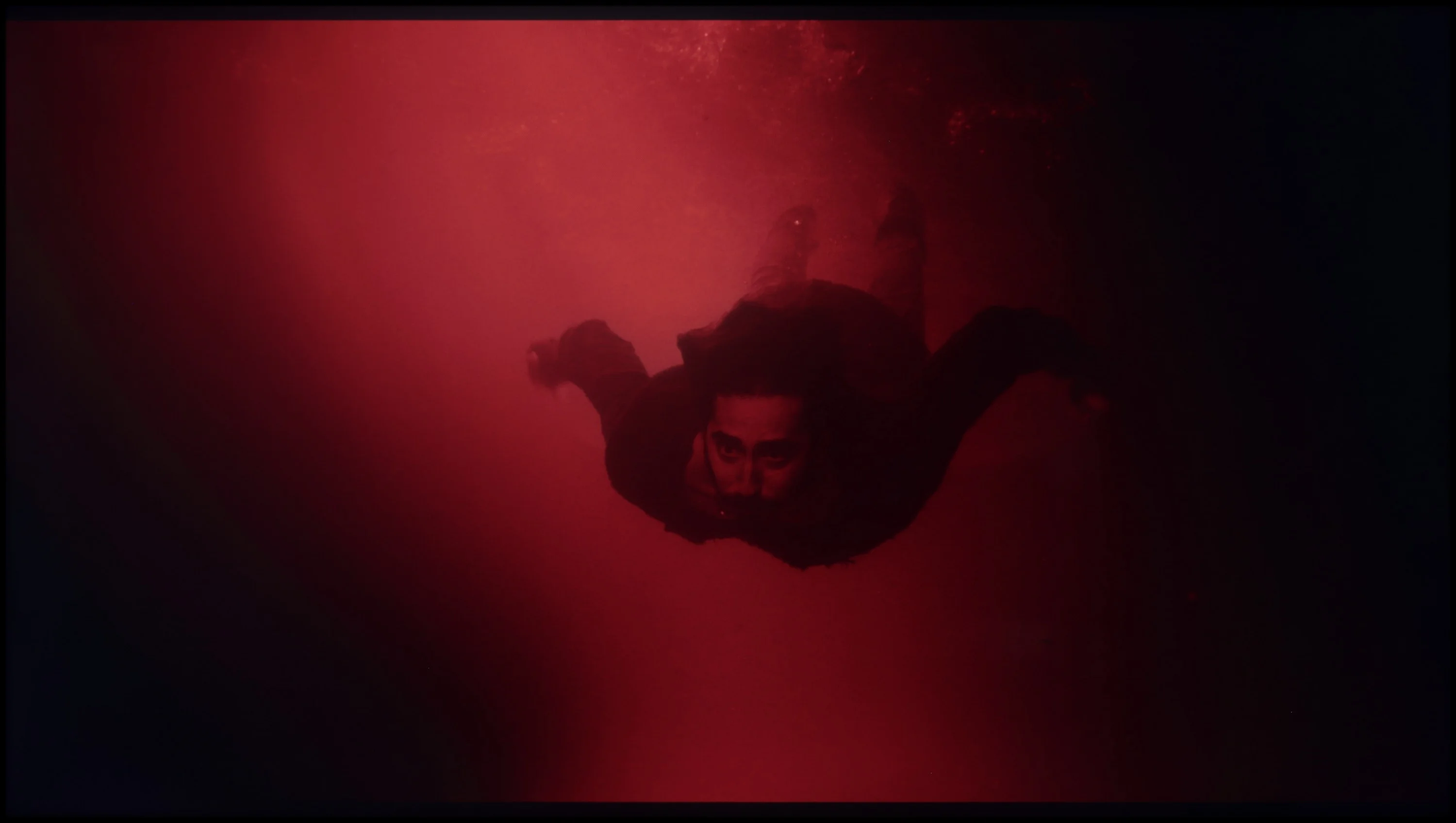
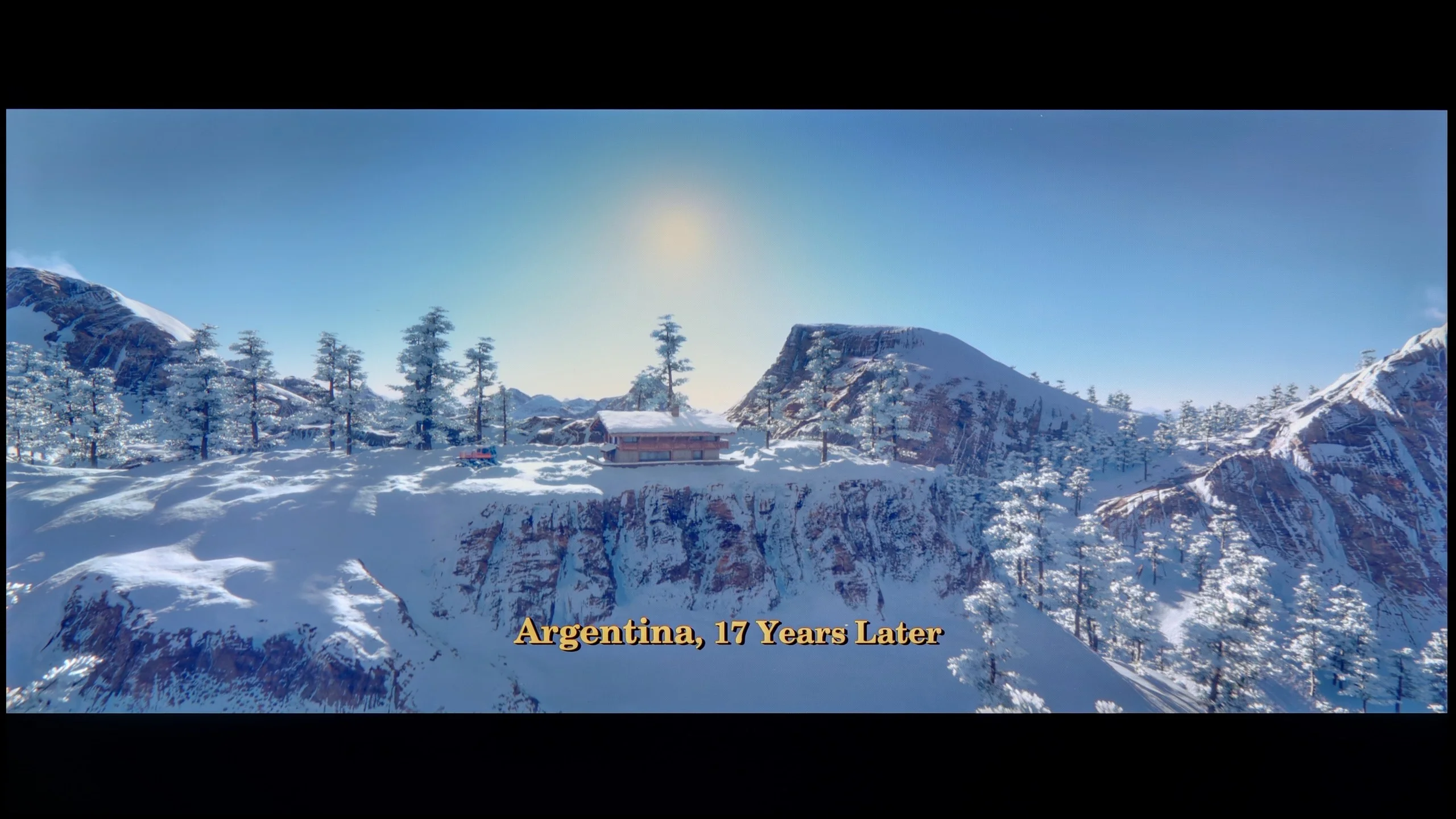
These are selected scenes that show smooth tonal transitions from one color to another. If you see distinct banding, it’s the TV panel’s fault.

These are selected scenes that show smooth tonal transitions from one color to another. If you see distinct banding, it’s the TV panel’s fault.
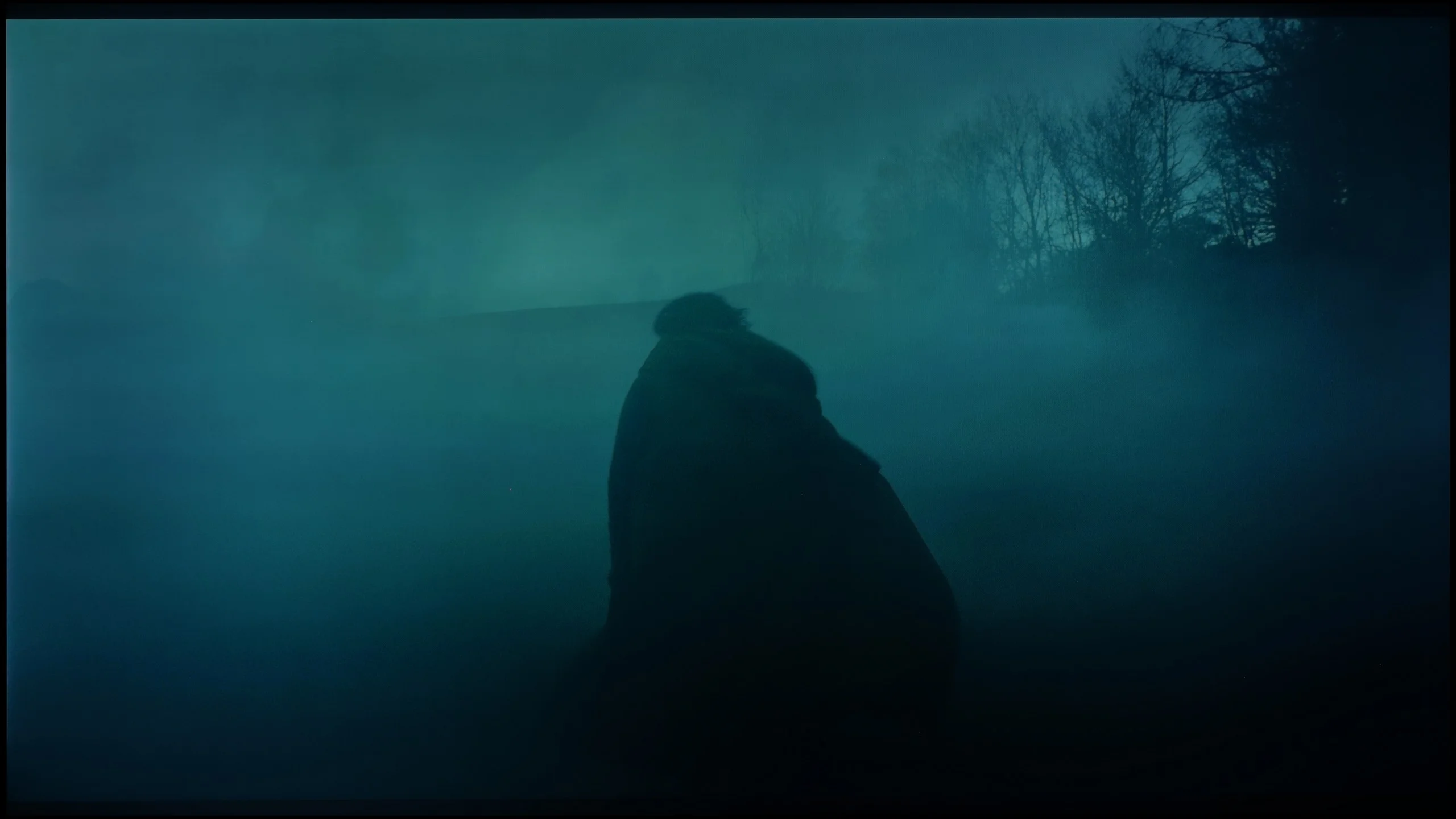
These are selected scenes that show smooth tonal transitions from one color to another. If you see distinct banding, it’s the TV panel’s fault.
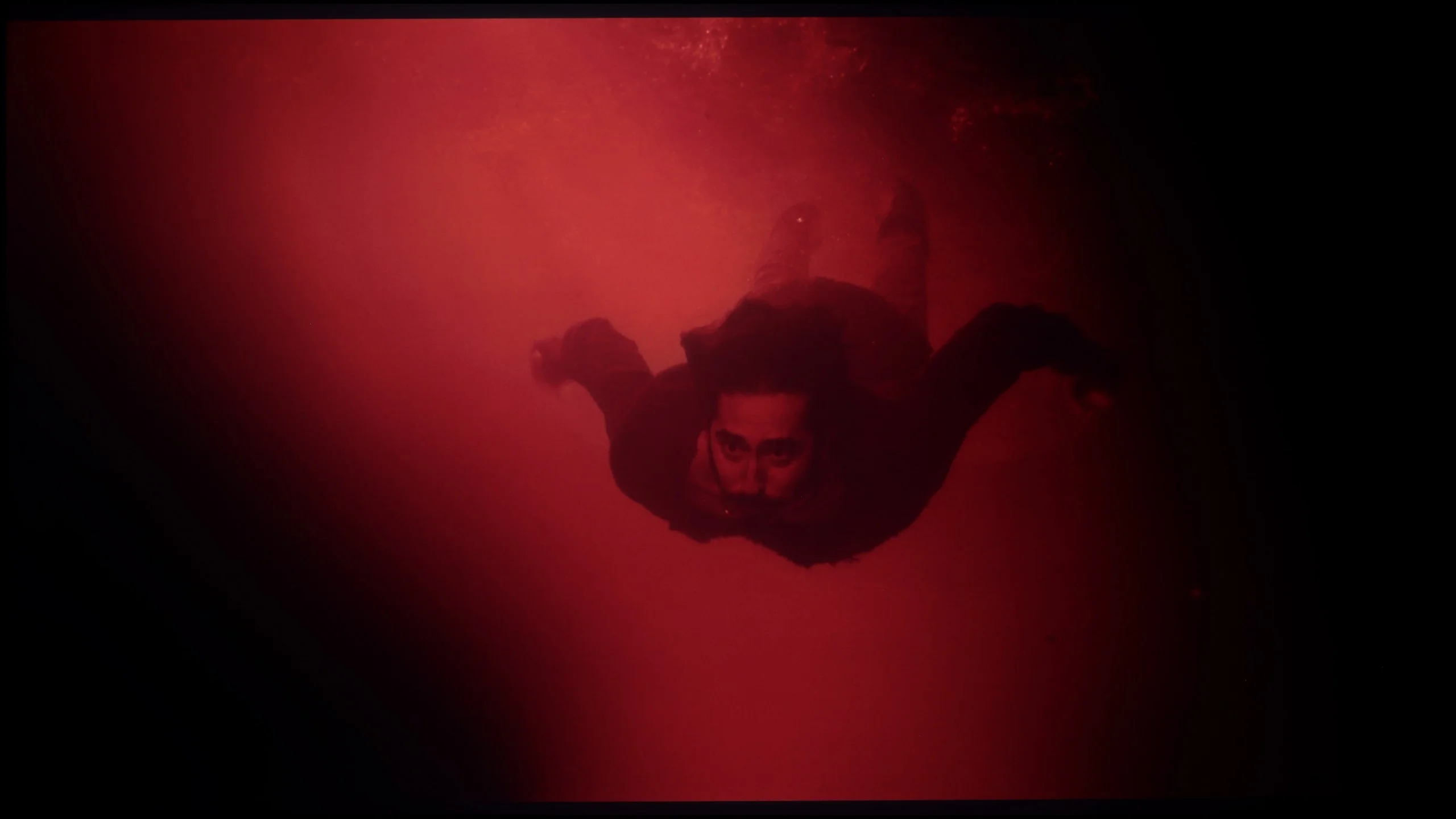
These are selected scenes that show smooth tonal transitions from one color to another. If you see distinct banding, it’s the TV panel’s fault.
The fluidity of gradation in PUS8359 is at a good level. Practically every scene has preserved tonal transitions. The most difficult scene, which is the second from the film "The Green Knight", turned out not to be the proverbial "killer" and showed that the tested television, given its price range, performs excellently. The only thing we can "pick at" is the darkest scenes, where some inconsistencies can be seen here and there, but this is rather selective. Nonetheless, we rate the fluidity of tonal transitions very well. However, we must mention that this feature is not available in HDR materials.
The smoothness of tonal transitions is one of the Hisense U7S’s stronger points. HDR10 content performs particularly well, with colours gently flowing from one to another without noticeable banding. Even in dark scenes it's hard to find significant issues. Minor tone joins only become visible in brighter shots, but during normal viewing they rarely draw attention. It's a bit worse with Dolby Vision, where the boundaries between tones can be more apparent. That's why Hisense loses some points with us, although overall it's still a very good result and one of the better performers in its class.
Image scaling and smoothness of tonal transitions
6/10
6/10


Smooth transition function
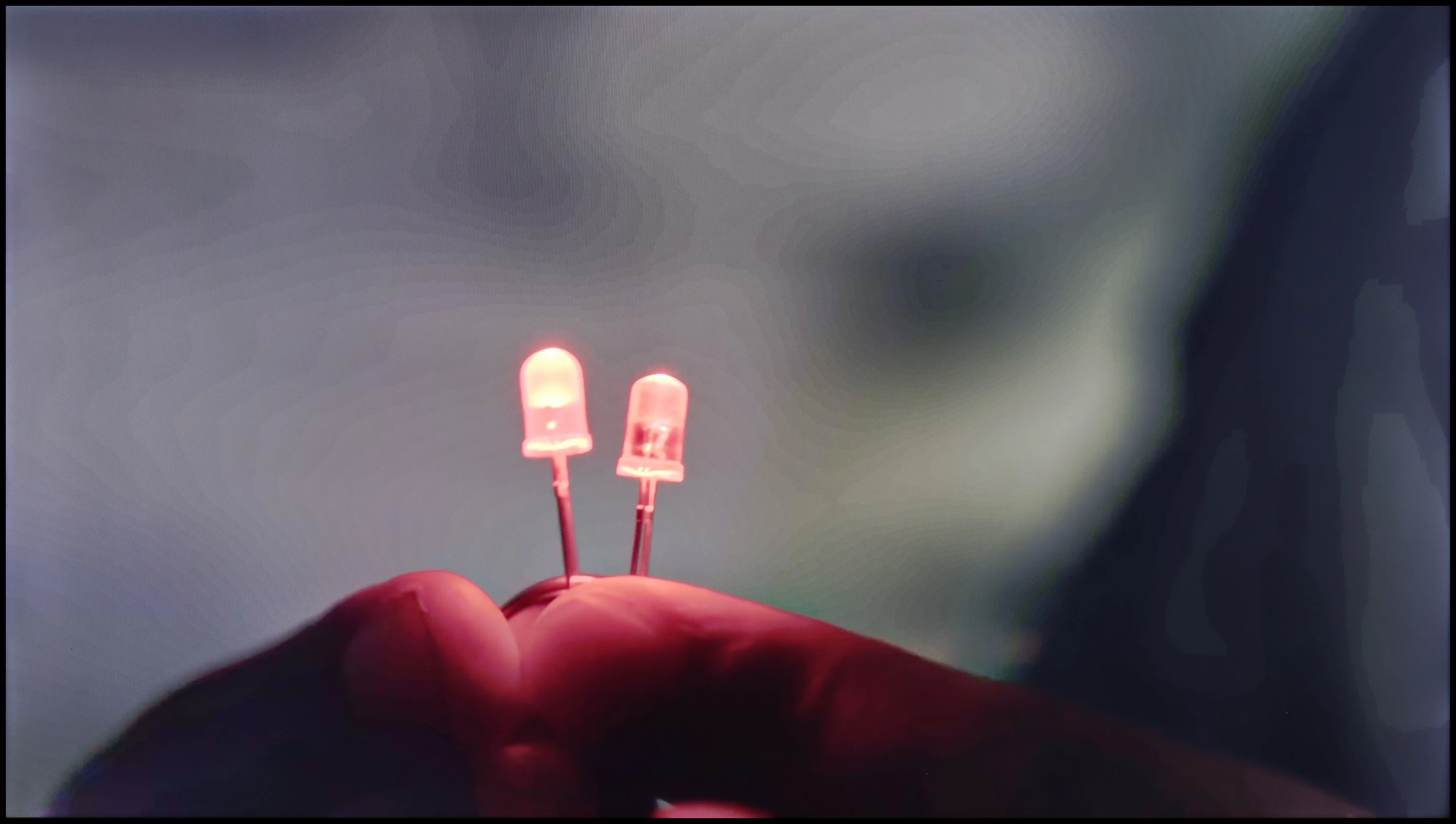
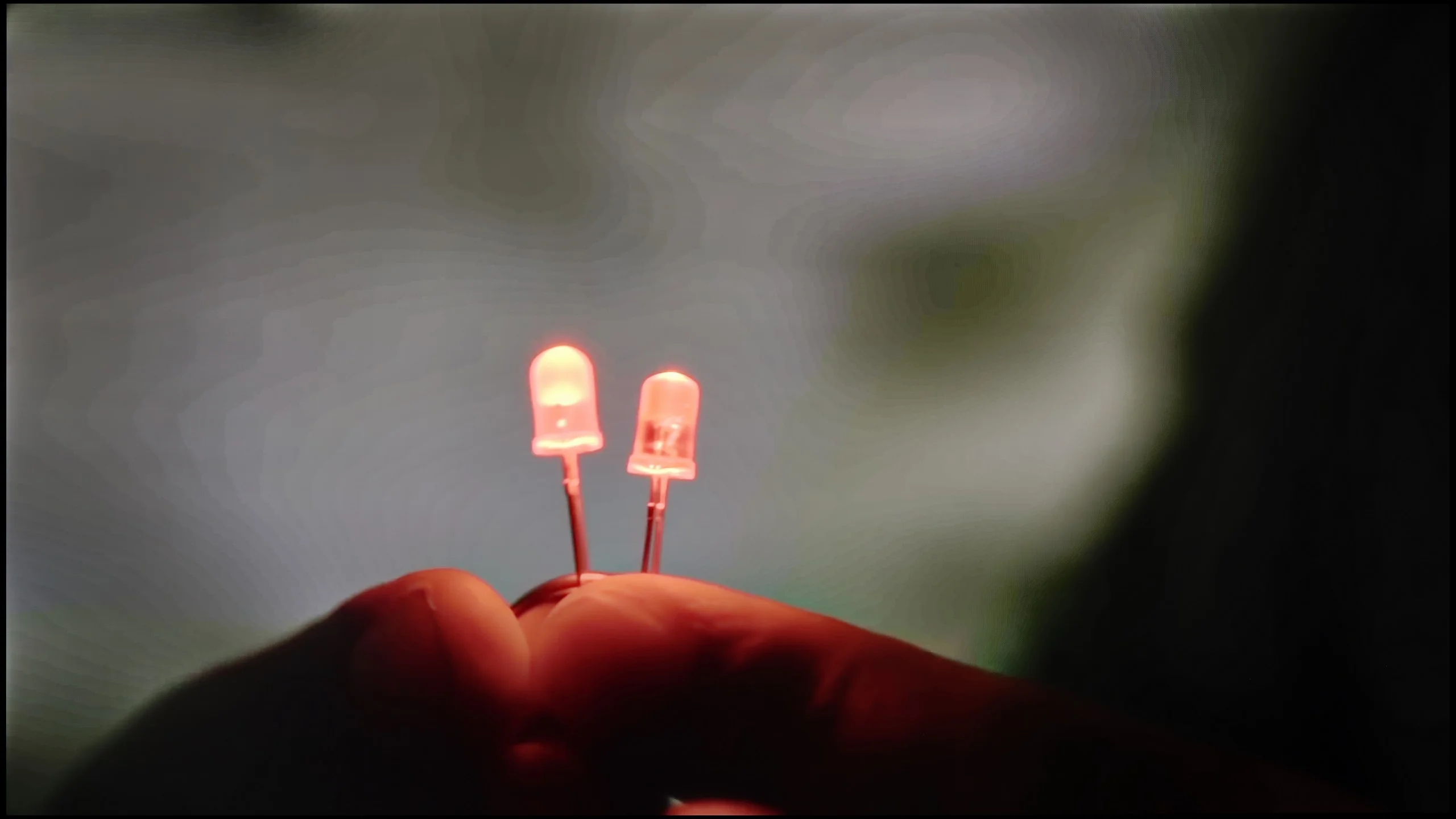
The match photo shows how the TV smooths weak tonal transitions in low-quality video.
Image scaling SD (576i)


The model photo shows how it handles upscaling of SD material.
In this paragraph, we will look at two functionalities. We will once again take a look at the feature responsible for tonal transitions, but we will also check how the television handles image scaling. The option responsible for smooth gradation is called "Distortion Reduction." As we have established, it quite effectively smooths out inconsistencies. However, we must point out two things: we cannot enable it for HDR material, and it blurs details in films.
The tested television does not boast the best image scaling. The overall blurriness of the image is quite noticeable, but what’s worse, it blurs details. This is particularly evident on the branches and hair of the model. There is also a characteristic white halo around the character.
The processing of lower-quality material in the Hisense U7S is fairly average. The Pentonic 700 chipset used here doesn't cope particularly well with the effects of heavy compression. There's a "Smooth and Gradient Picture" function in the menu, but its performance leaves a lot to be desired. At the low setting it's hard to see any improvement in tonal transitions, though at least the picture doesn't suffer. Medium and high settings still don't remove visible banding between tones and begin to blur details; in our clips parts of characters' faces even vanished. Interestingly, film grain remains untouched at every level. If you do use this function, stick to the low setting. Its current performance needs refinement, but that's mainly down to the processor used here.
Upscaling to 4K performs much better. Lower-resolution content gains clarity, edges are well reproduced and fine details look sharp. That doesn't mean the TV can recover details that weren't in the recording, but it makes good use of what's provided by the source. Another plus is the lack of edge cropping, even with an SD signal.
Blur and motion smoothness
3.8/10
7/10
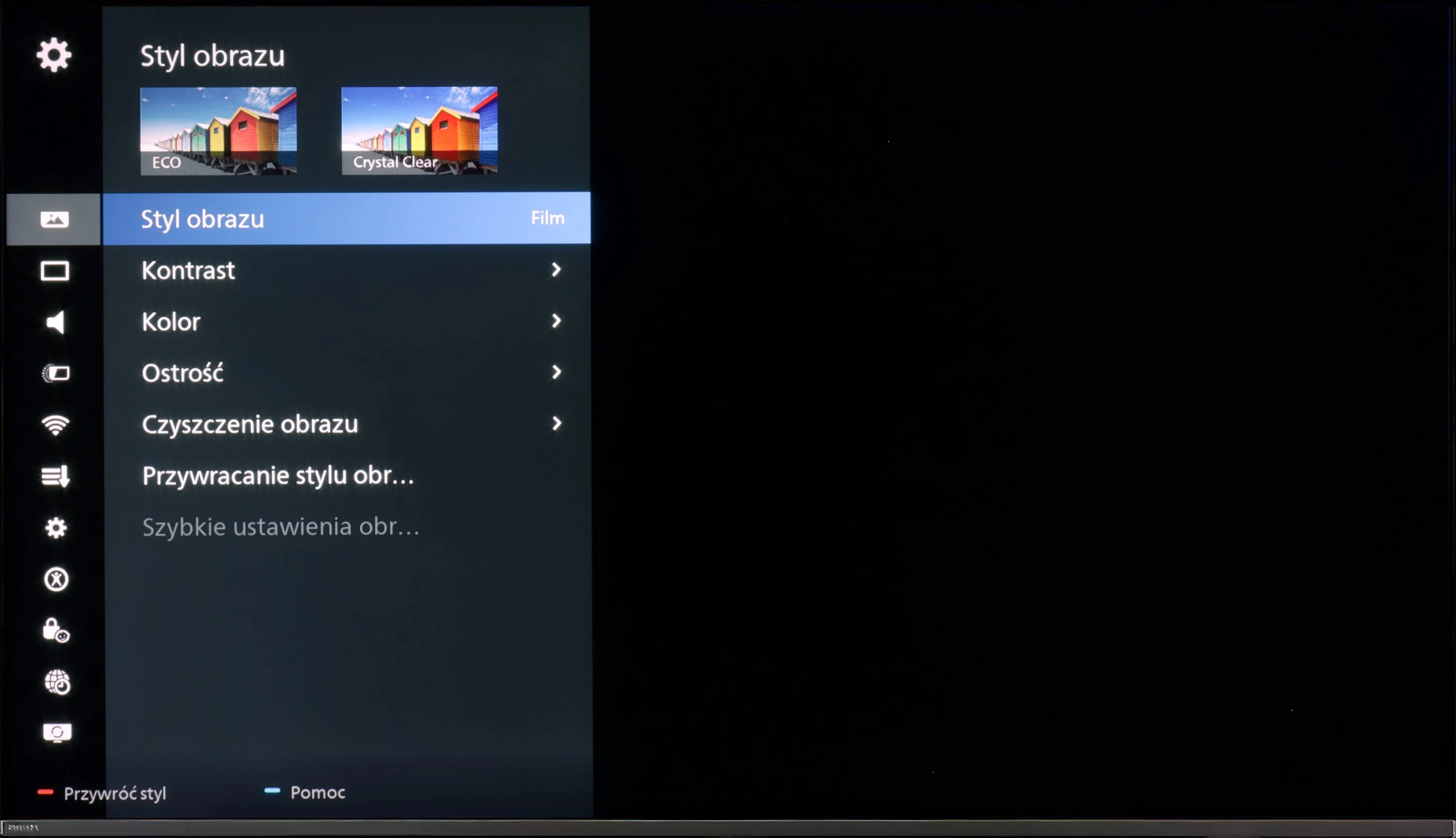
Blur (native resolution, maximum refresh rate):





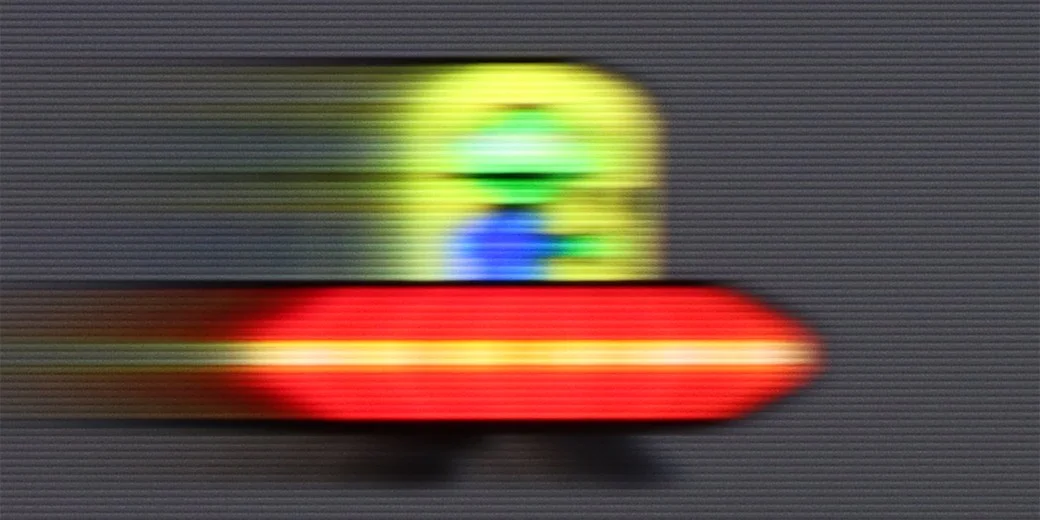
Blur (BFI function enabled):


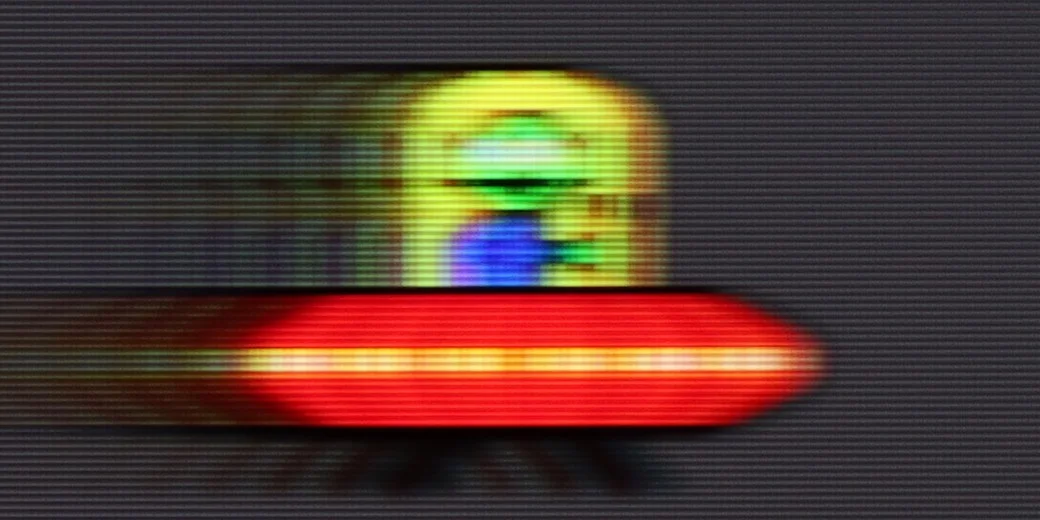
Blur ():
Blur (1080p@240Hz):



Philips PUS8359 will not be the best television for sports. The reason for this is the lack of implementation of even the basic motion smoothing feature, which was to be expected given the price of the device. We also note that we are dealing with a VA panel, whose sharpness does not stand at the highest level by itself. This type of panel is mainly associated with high contrast, which comes with a rather slow response time, as we can clearly read from the matrix analysis results. As you can see, from the pictures captured in fast motion, the image is blurred typically for this type of panel. While it may not be the ideal option, it can conditionally be used for watching sports; however, one must keep in mind the less-than-sharp motion. It is worth mentioning that movies will be characterised by judder since the television does not possess any, not even the simplest, motion smoother.
Motion handling on the Hisense U7S is decent thanks to its 144 Hz refresh rate. For films there's also a motion smoothing option with adjustable judder and blur reduction. You can keep a more cinematic feel to motion or increase smoothness if choppy camera pans bother you. High refresh is also useful for sport and gaming, but unfortunately it doesn't solve the panel's biggest problem.
The issue is pixel response time. Fast-moving objects leave long, distinct trails, as our UFO test shows. It's worst on dark backgrounds, where the trail is particularly pronounced. So motion can be smooth, but the moving object loses sharpness, and that difference on the U7S is fairly easy to spot.
Console compatibility and gaming features
4.7/10
8.5/10
- ALLM
- VRR
- VRR range6048 - 240Hz
- Dolby Vision Game Mode
- Correct implementation of HGIG
- 1080p@120Hz
- 1440p@120Hz
- 4K@120Hz
- Game bar
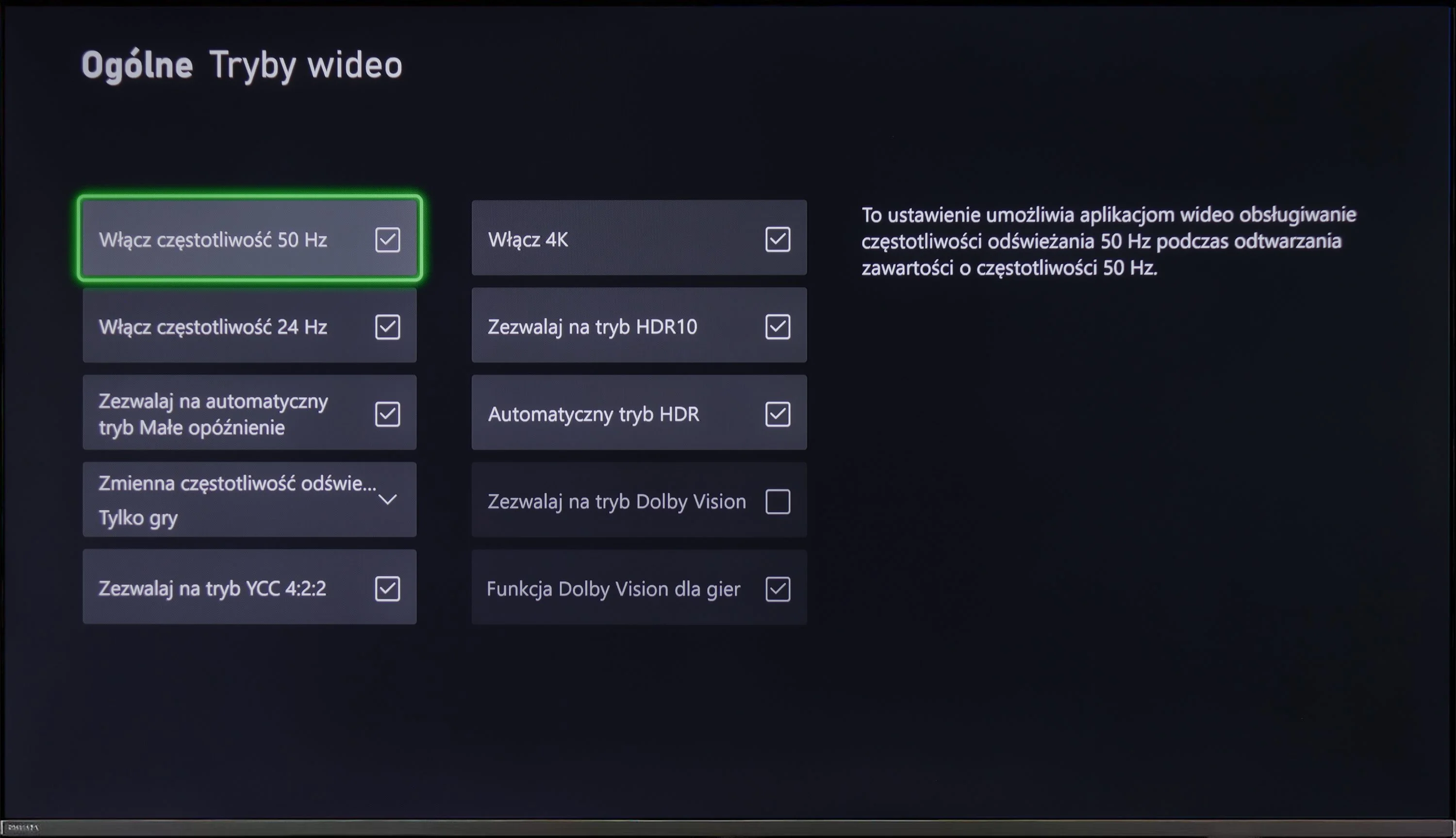
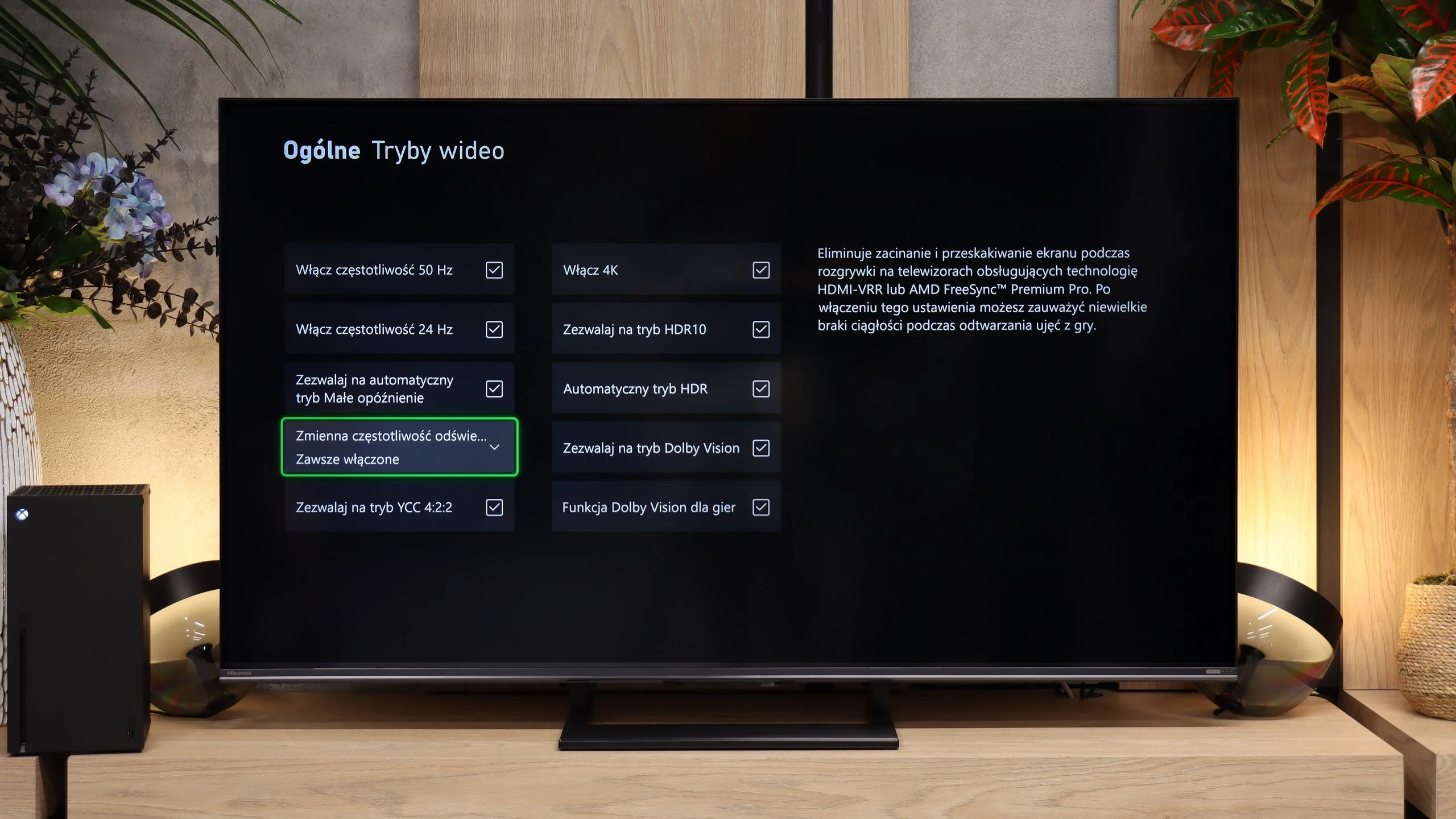
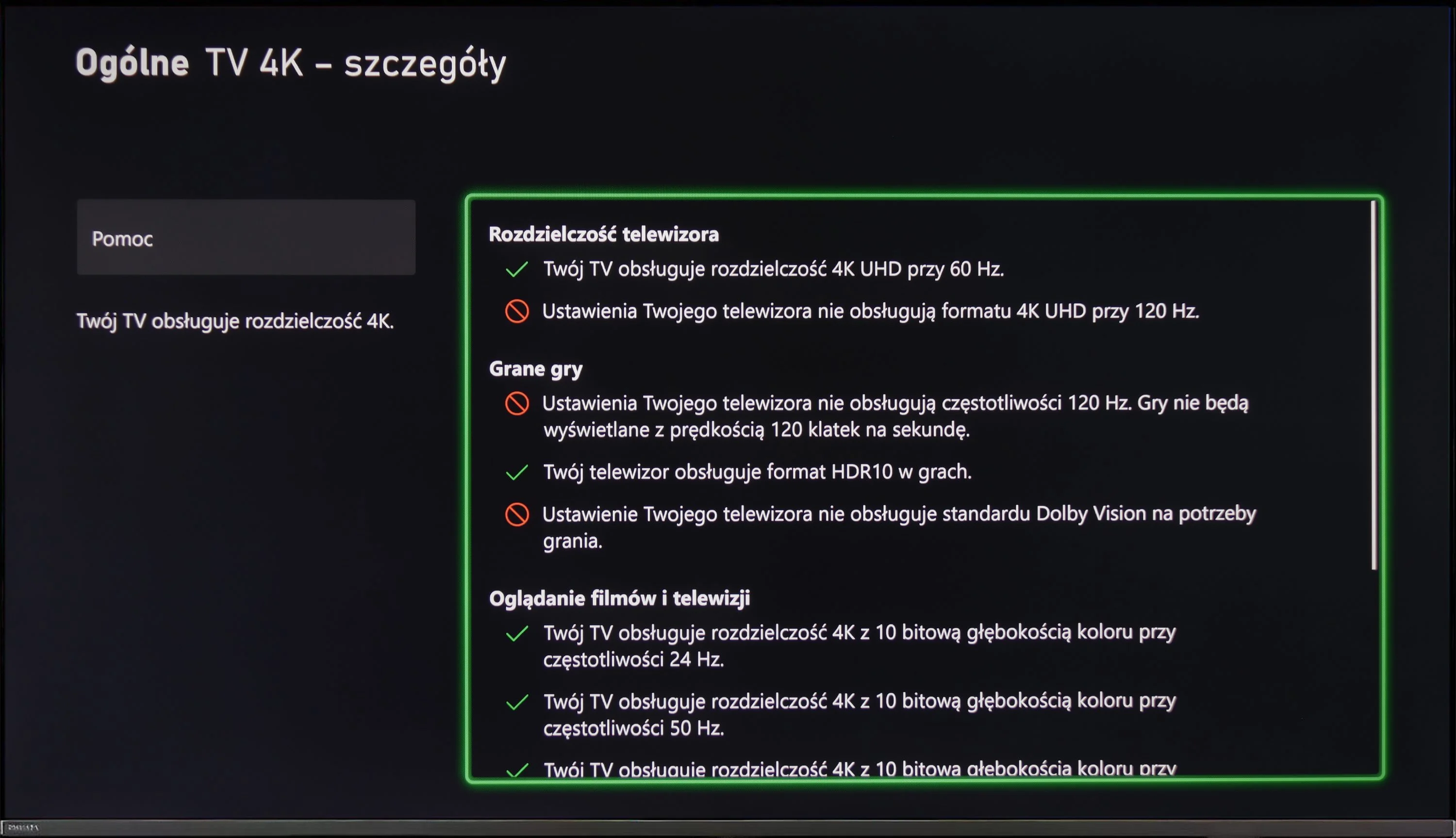
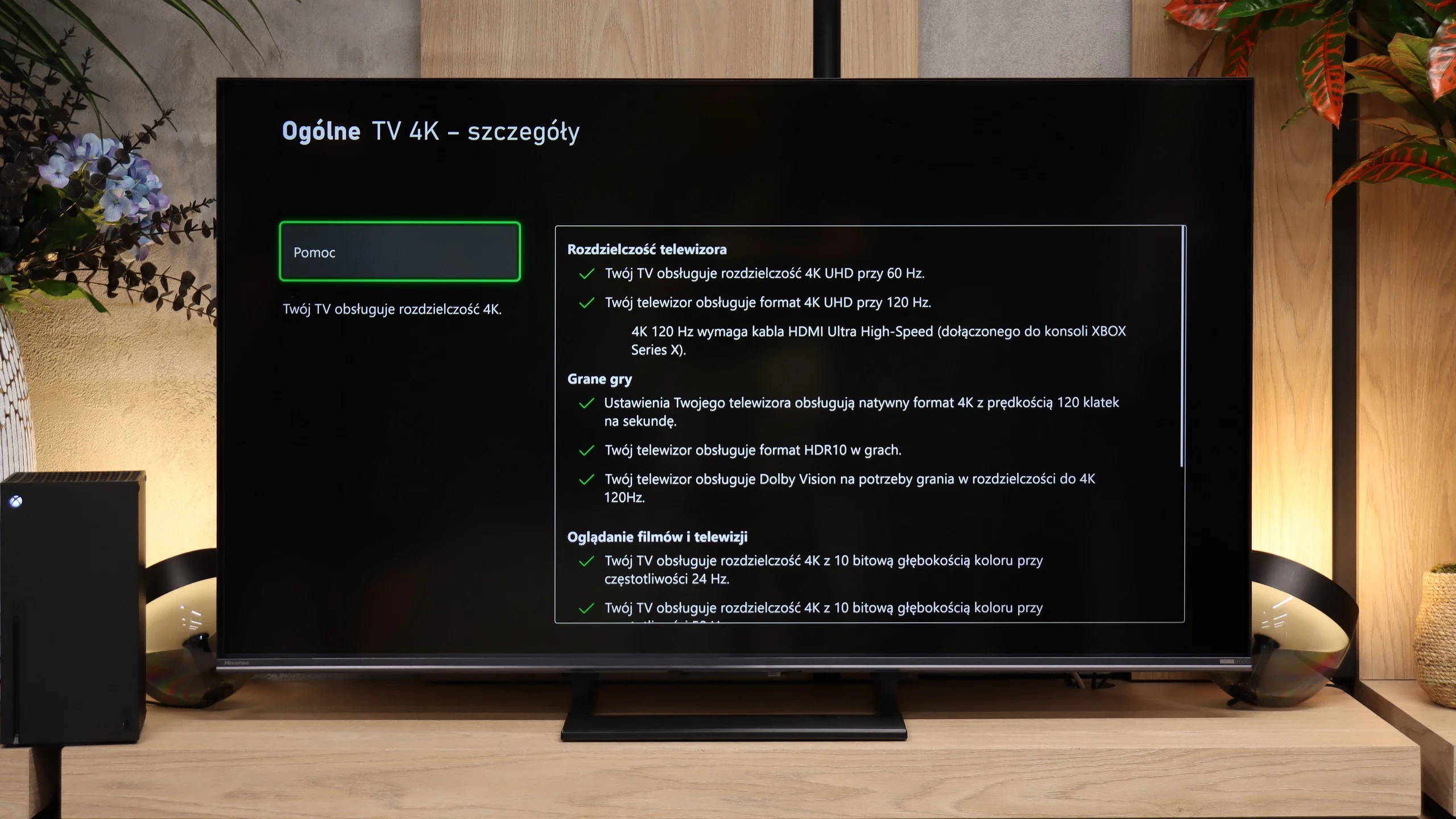
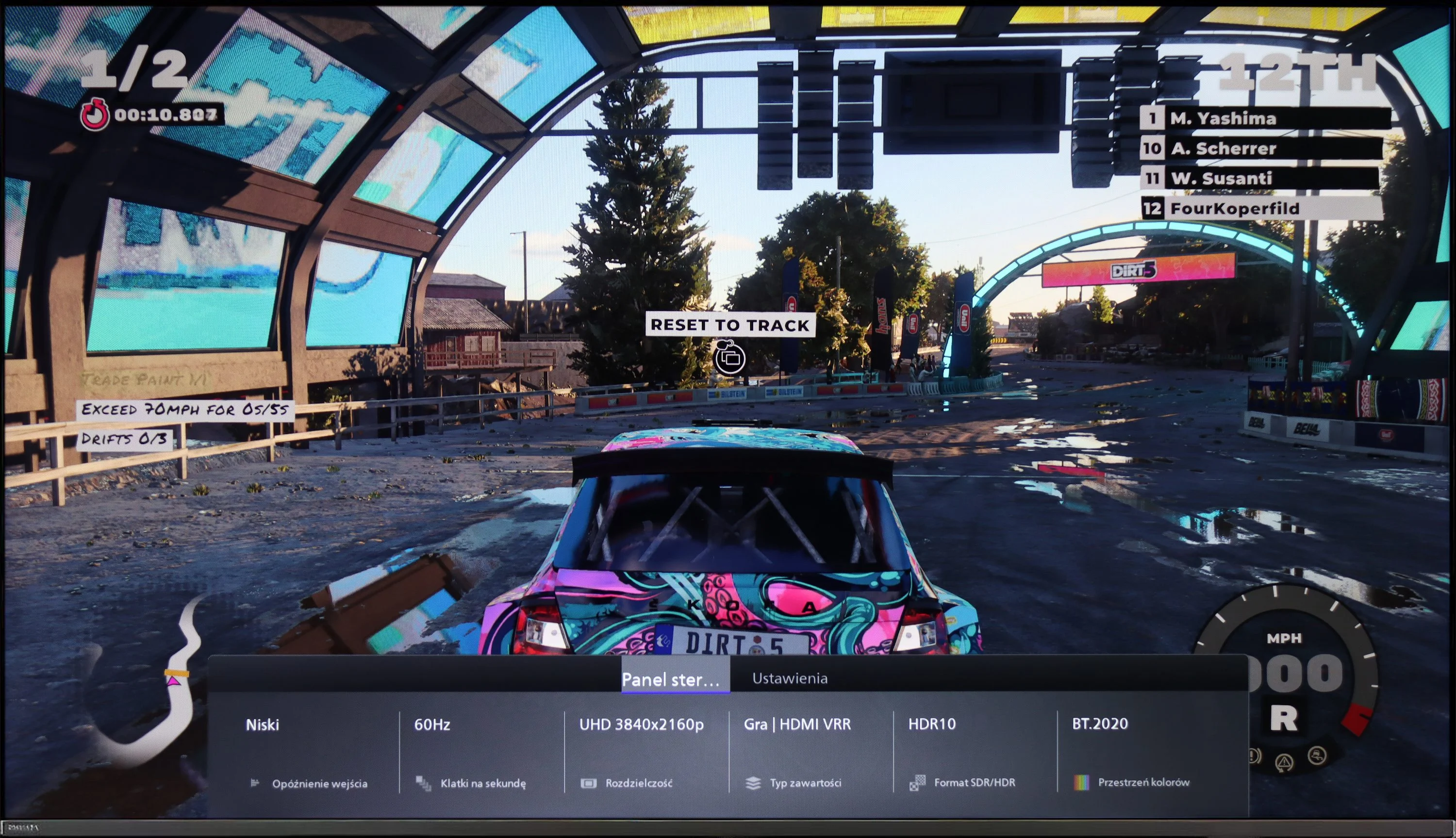
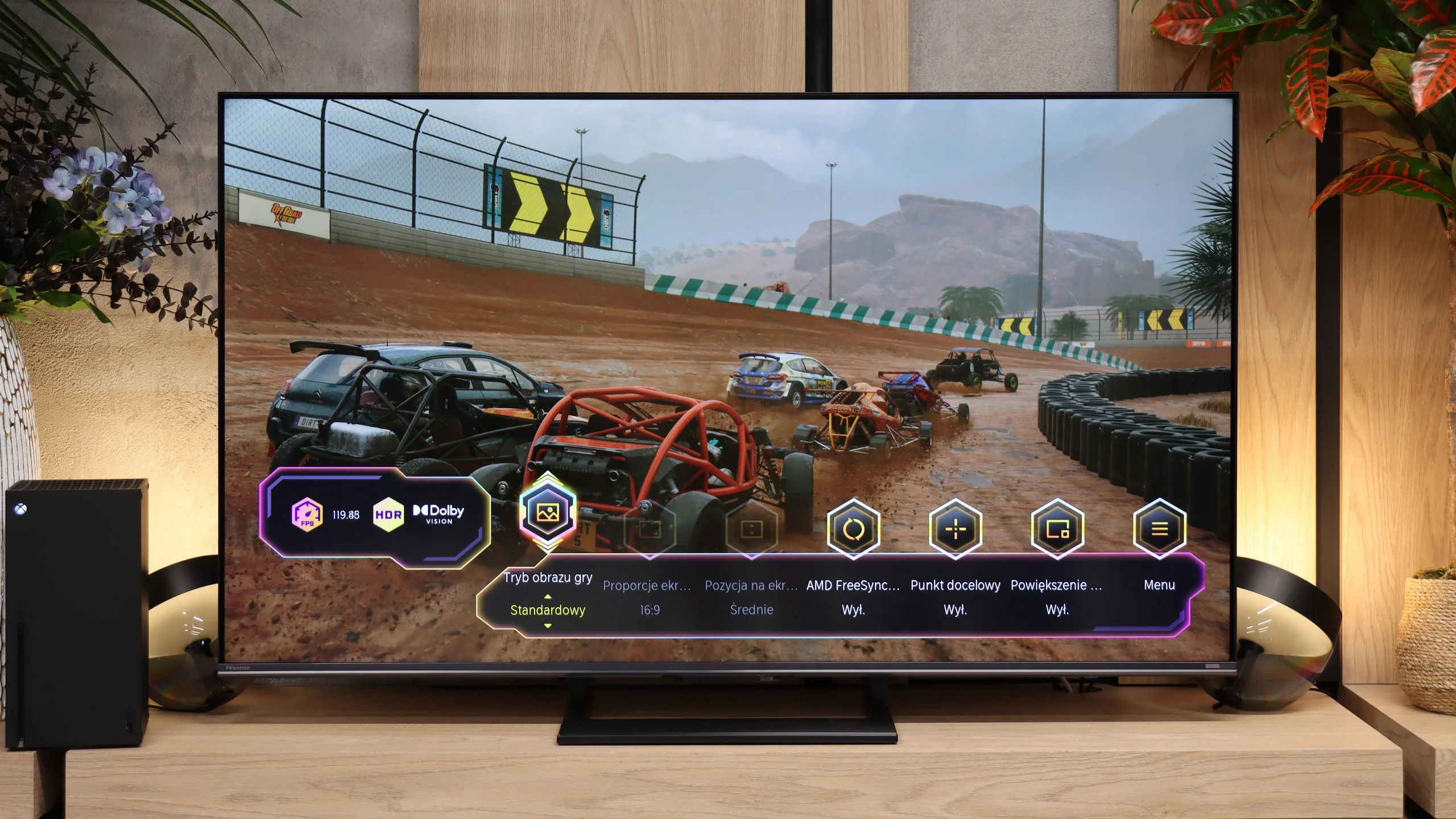
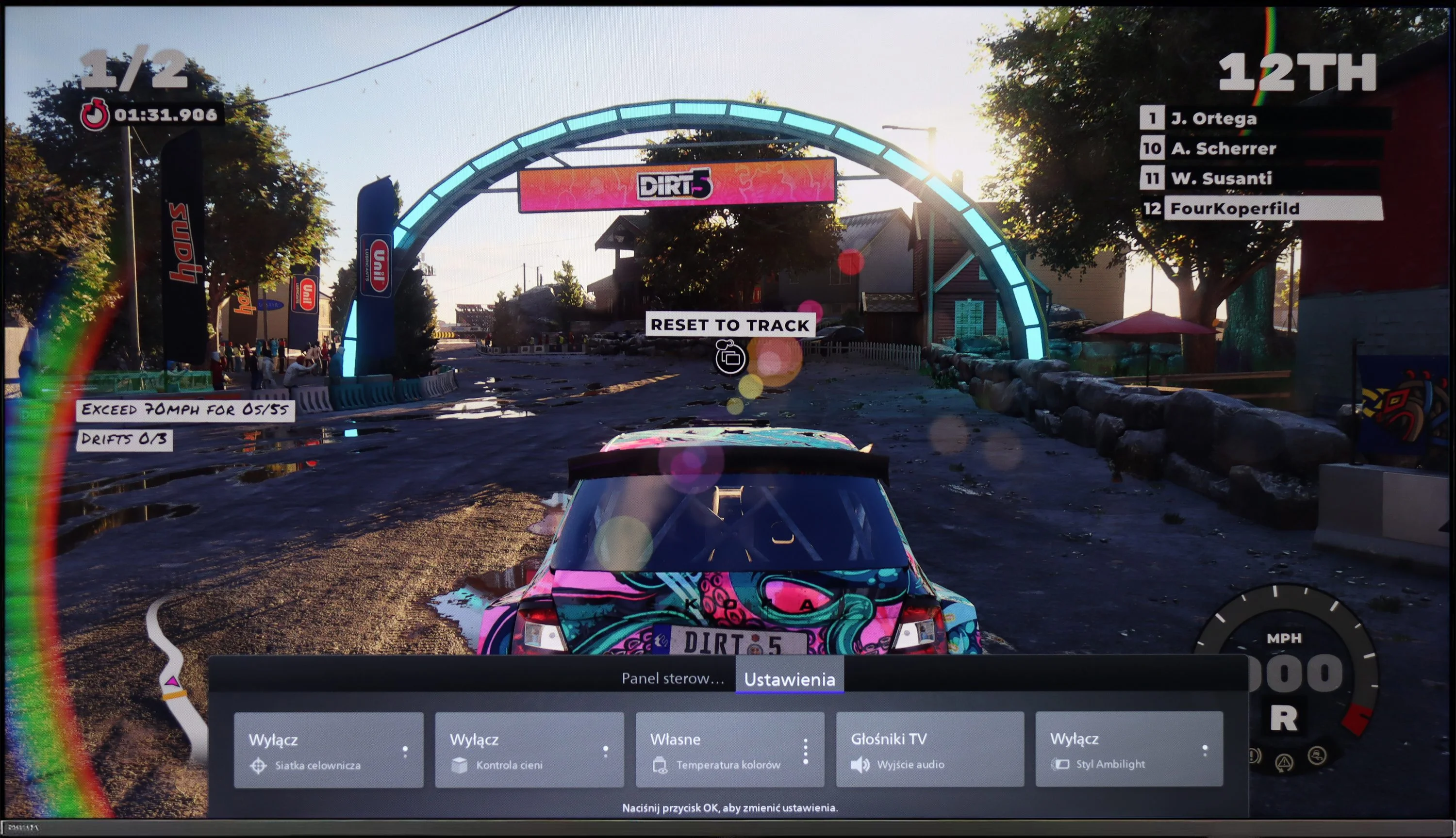
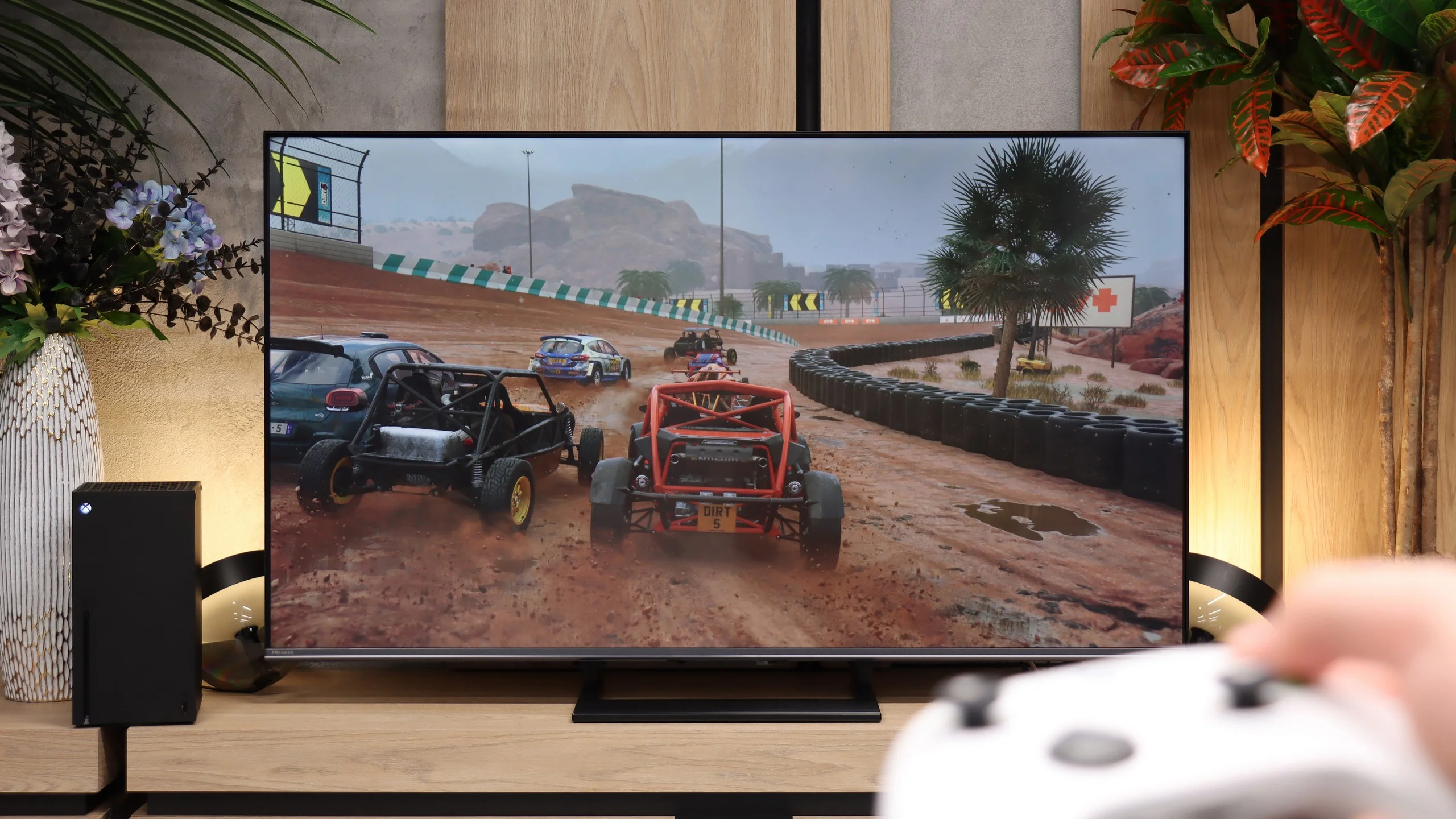
It won’t be a surprise if we say that Philips PUS8359/12 only has the most basic support for consoles. Once we connect the console, we can expect features like VRR and ALLM. This is quite pleasing for the former, as life has shown that even in more expensive units, there can be issues with this. A nice touch is the implementation of a special GameBar that allows changing settings on the "fly", so we won't have to exit the gameplay and become unnecessarily distracted. This feature also allows for adapting the gameplay to the needs of individuals with disabilities, which will certainly be extremely beneficial.
The Hisense U7S has plenty to offer gamers. You get two HDMI 2.1 ports and support for 120 Hz in Full HD, 1440p and 4K, so modern consoles’ capabilities are well utilised. When connected to a PC you can use 144 Hz at 4K or switch the resolution to Full HD and run 240 Hz. So there’s a lot of choice, although it’s worth remembering the motion smearing mentioned earlier, which the high refresh rate doesn’t eliminate. VRR and ALLM are present as well. VRR helps keep the picture tear-free when a game’s frame rate changes. ALLM automatically switches the TV into game mode, so you don’t have to go into the menu each time. VRR works from 48 to 240 Hz, with the highest refresh rate available in Full HD. Xbox users can also play in Dolby Vision at 120 Hz. Importantly, that format does not cause significant input lag here. The Game Bar also looks great. It’s clear and attractive, and lets you quickly check what signal the TV is receiving. Handy gaming settings are close to hand too, including shadow brightening. If it’s hard to spot an opponent in a dark game, you can improve visibility without digging through the whole menu.
Our biggest complaint is HGiG. Hisense keeps doing its own tone mapping, which makes setting up HDR on the console confusing. You adjust the checkerboard pattern, and the TV continually alters its appearance. As a result, the point at which the pattern disappears does not correctly indicate the display’s brightness limit, and it’s easy to set the value too high. For this model it’s better to set the target HDR brightness on the console to around 900 to 1000 nits, rather than rely on the configurator.
Input lag
10/10
9.9/10
SDR
HDR
Dolby Vision
The measured input lag when connected to the console was very good, with nothing to pick at. Both at FHD and 4K settings, we recorded delays of 12ms, and when adding the HDR format to the higher resolution, the lag dropped to 11ms. Each of these results should be considered more than satisfactory, as such a level allows for gameplay that is practically free of delays between controller, eye, and screen.
In terms of input lag the Hisense U7S performs excellently. At 60 Hz we measured 14–16 ms, and at 120 Hz just 9–10 ms. Input is responsive and even in fast-paced games the TV doesn't introduce any noticeable delay. Importantly, Dolby Vision performs just as well: 14 ms at 60 Hz and 9 ms at 120 Hz mean you don't have to forgo the format for fear of added latency. The smearing described earlier is a separate issue. The screen reacts quickly to inputs, but the pixels don't always keep up with colour changes.
Compatibility with PC
6/10
8.2/10
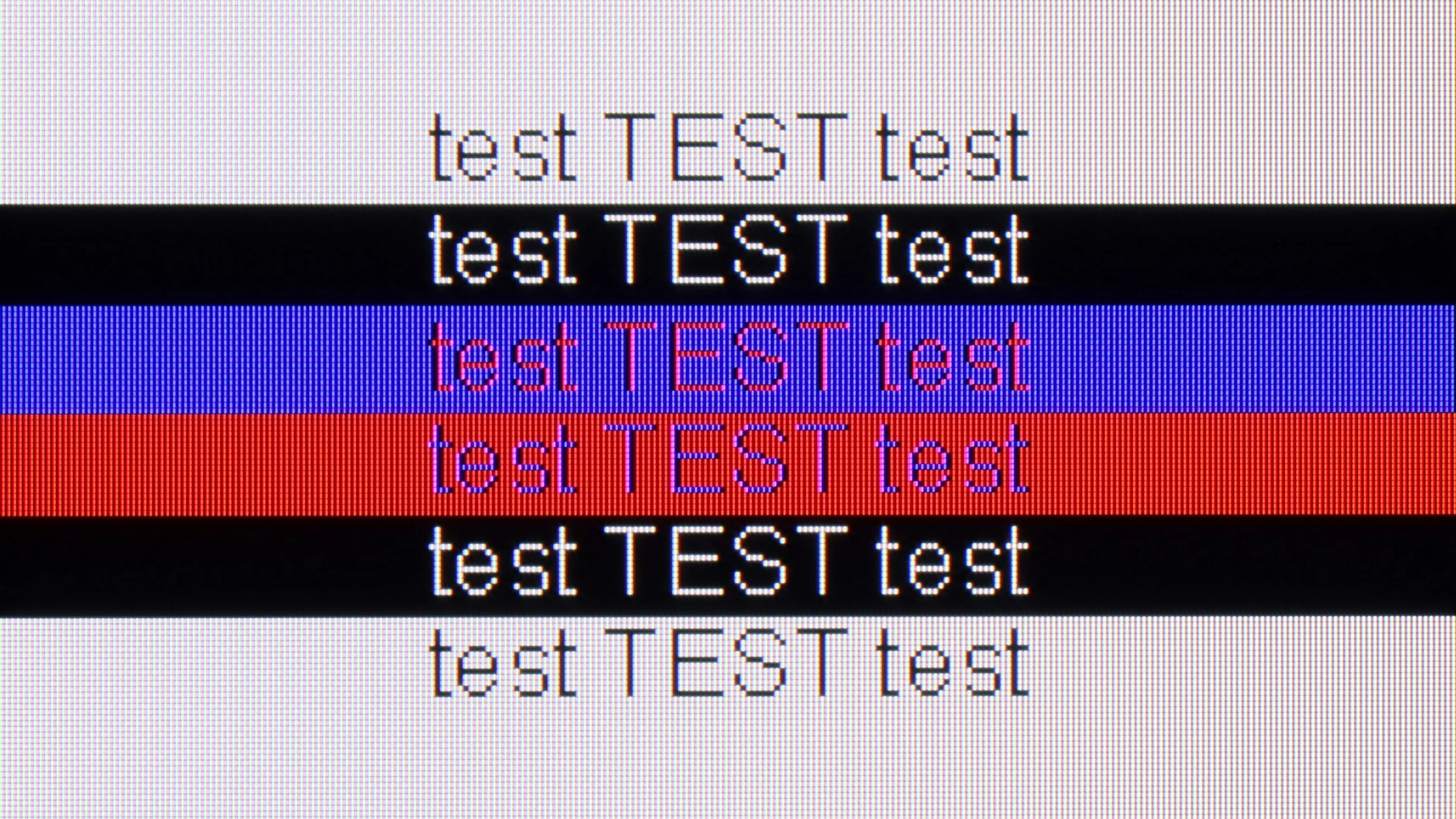
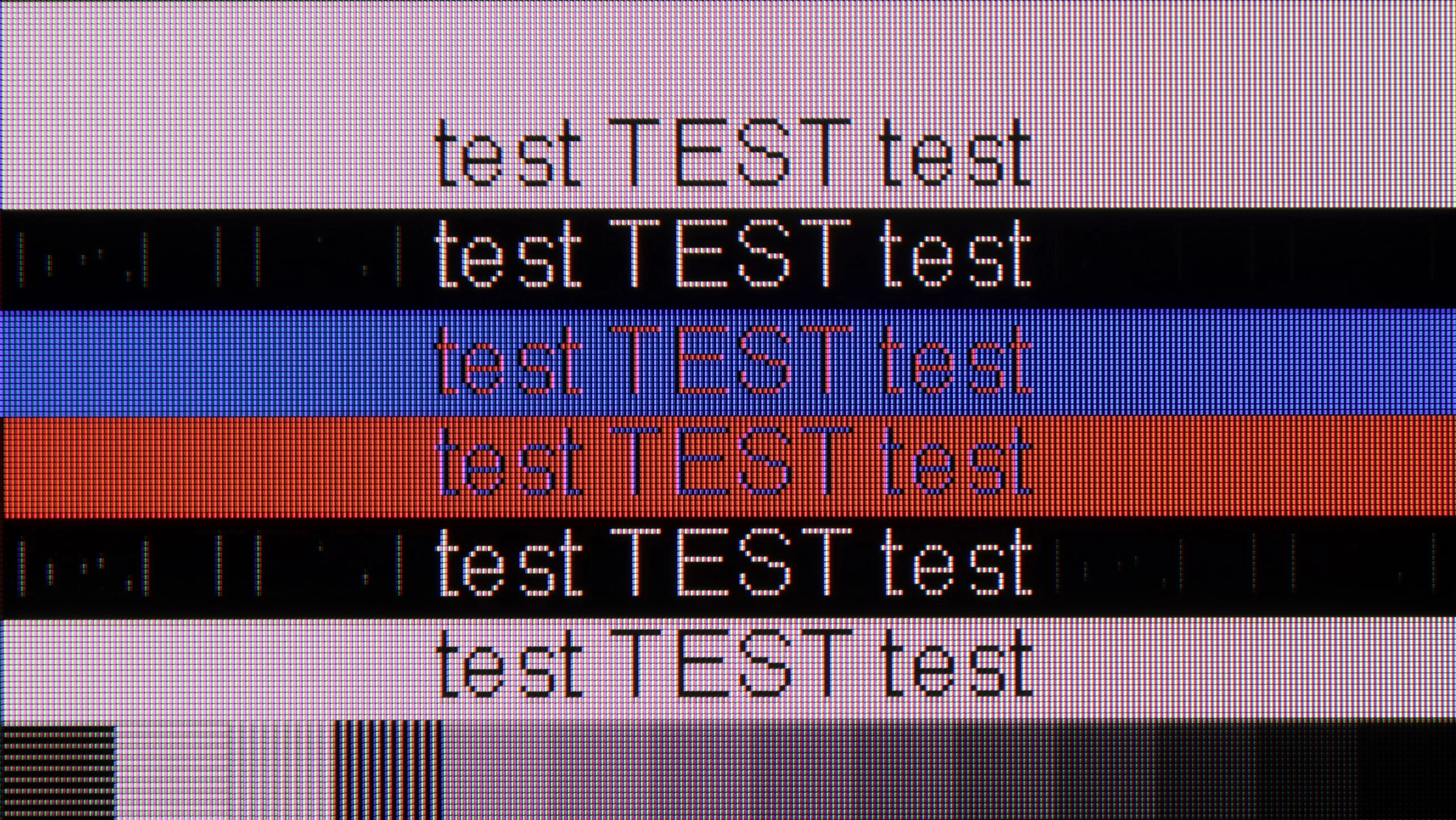
The photo shows the legibility of small fonts. Ideally, lines should be the same thickness on both light and dark text, with minimal pixel gaps.
Connecting the Philips PUS8359 to a computer won't create major complications in terms of gaming. The latency is at a very good level, and working at 4K HDR settings was associated with an 11 ms input lag, which is an imperceptible value on the line from eye to screen to mouse. The tested TV also supports chroma 4:4:4, making work with text files convenient. This model does not support G-Sync and offers a refresh rate of 60 Hz, which can be a significant drawback for PC gamers. Therefore, the gaming rating is lower, although the device performs excellently in everyday office tasks.
Po podłączeniu komputera możemy korzystać z 4K przy 144 Hz, działającego G-Sync i opóźnienia na poziomie 10 ms. To dobry zestaw do grania, choć w dynamicznych scenach nadal daje o sobie znać smużenie matrycy. Poprawnie działa też chroma 4:4:4, również przy maksymalnym odświeżaniu, dzięki czemu kolorowe napisy i drobne elementy pulpitu pozostają czytelne.
Do przeglądania internetu czy okazjonalnej pracy U7S nadaje się całkiem dobrze, ale nie wszystkie czcionki wyglądają równie wyraźnie. Najwięcej uwag mamy do drobnego, ciemnego tekstu — cienkie fragmenty liter potrafią zanikać i znaki wyglądają nierówno. Z kanapy trudno to zauważyć, natomiast przy pracy z bliska, szczególnie z tekstem czy arkuszami, może już przeszkadzać.
Viewing angles
3.4/10
3.1/10
The decrease in brightness at a 45-degree angle is 65%. This means that even a slight shift from the center of the screen can cause discomfort related to color degradation and image fading. This is rather a characteristic feature of the vast majority of VA panels that lack an angle coating.
Viewing angles are unfortunately a weak point of the Hisense U7S. Even after shifting to the side, colours lose saturation, blacks become lighter and the picture looks washed out. At a 45-degree angle we measured a brightness drop of as much as 74%, so the difference compared with watching straight on is really significant. That's a typical limitation of VA panels. When seated centrally we can appreciate its good contrast, but people sitting at the far ends of a wide couch will see a noticeably worse picture. The U7S is therefore best suited to setups where viewing positions are as close to directly in front of the screen as possible.
Daytime performance
4.7/10
7/10
Panel brightness
Hisense U7S / U77SE: 664 cd/m2
Philips PUS8359 (VA): 318 cd/m2
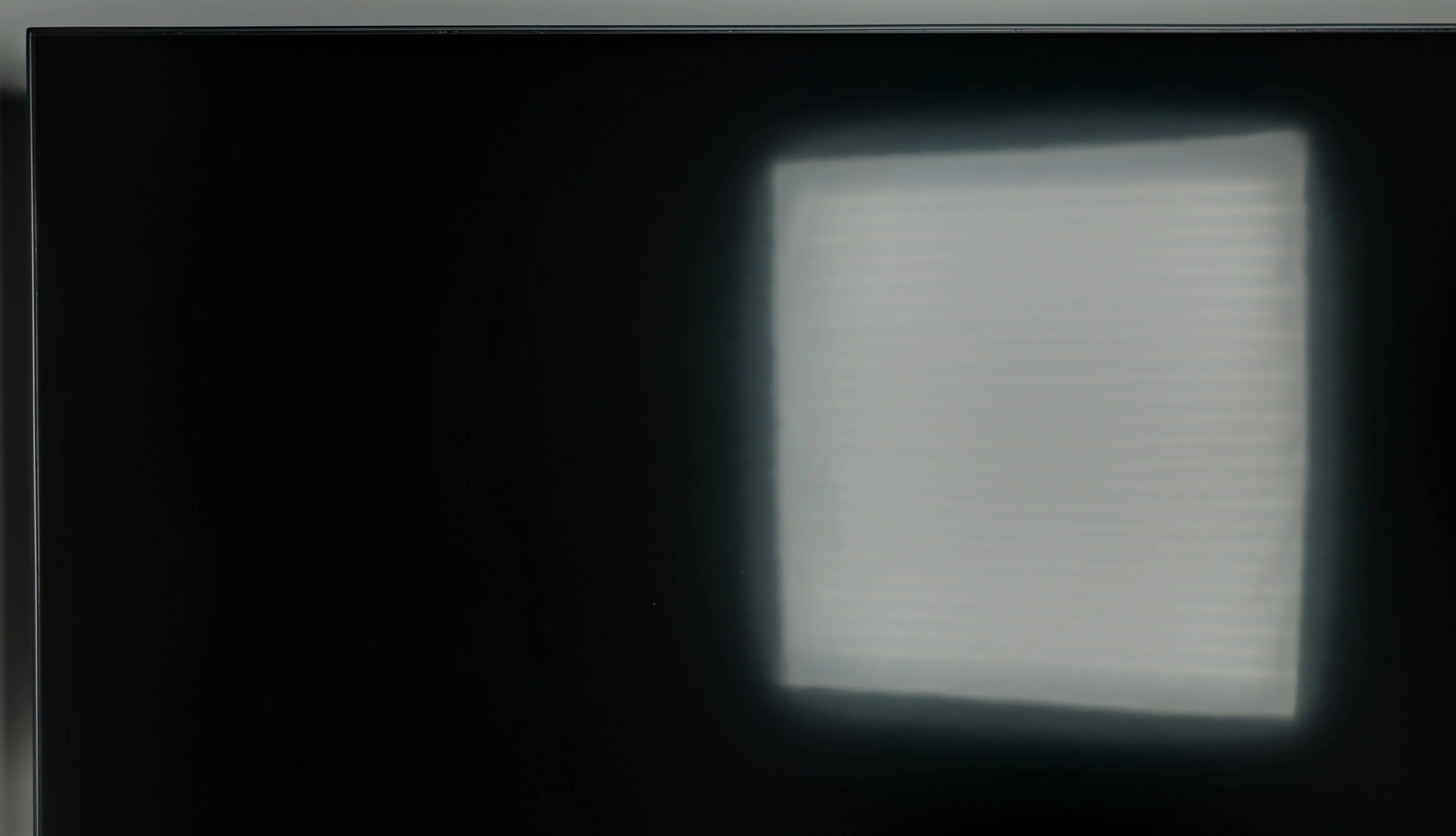
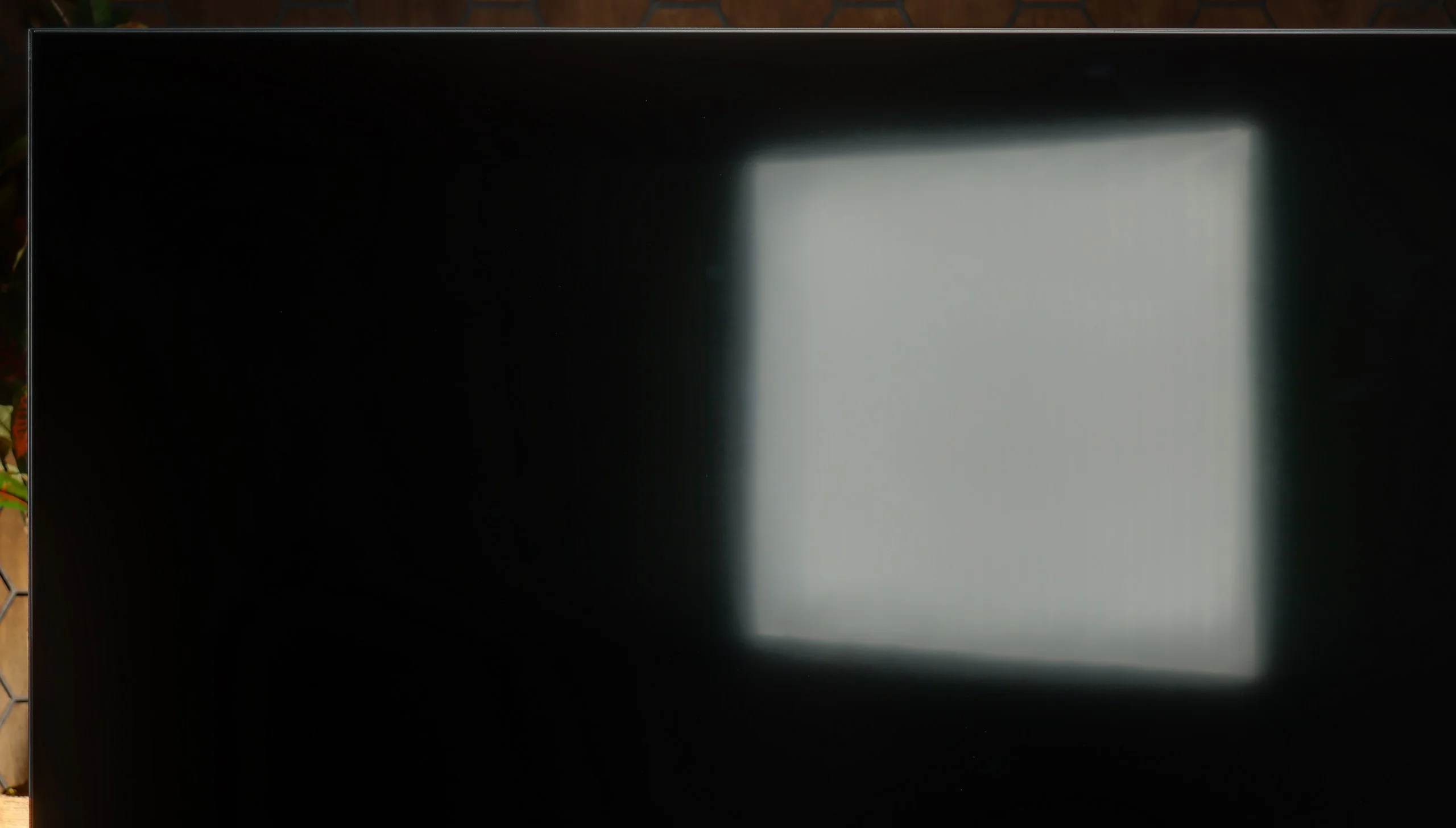
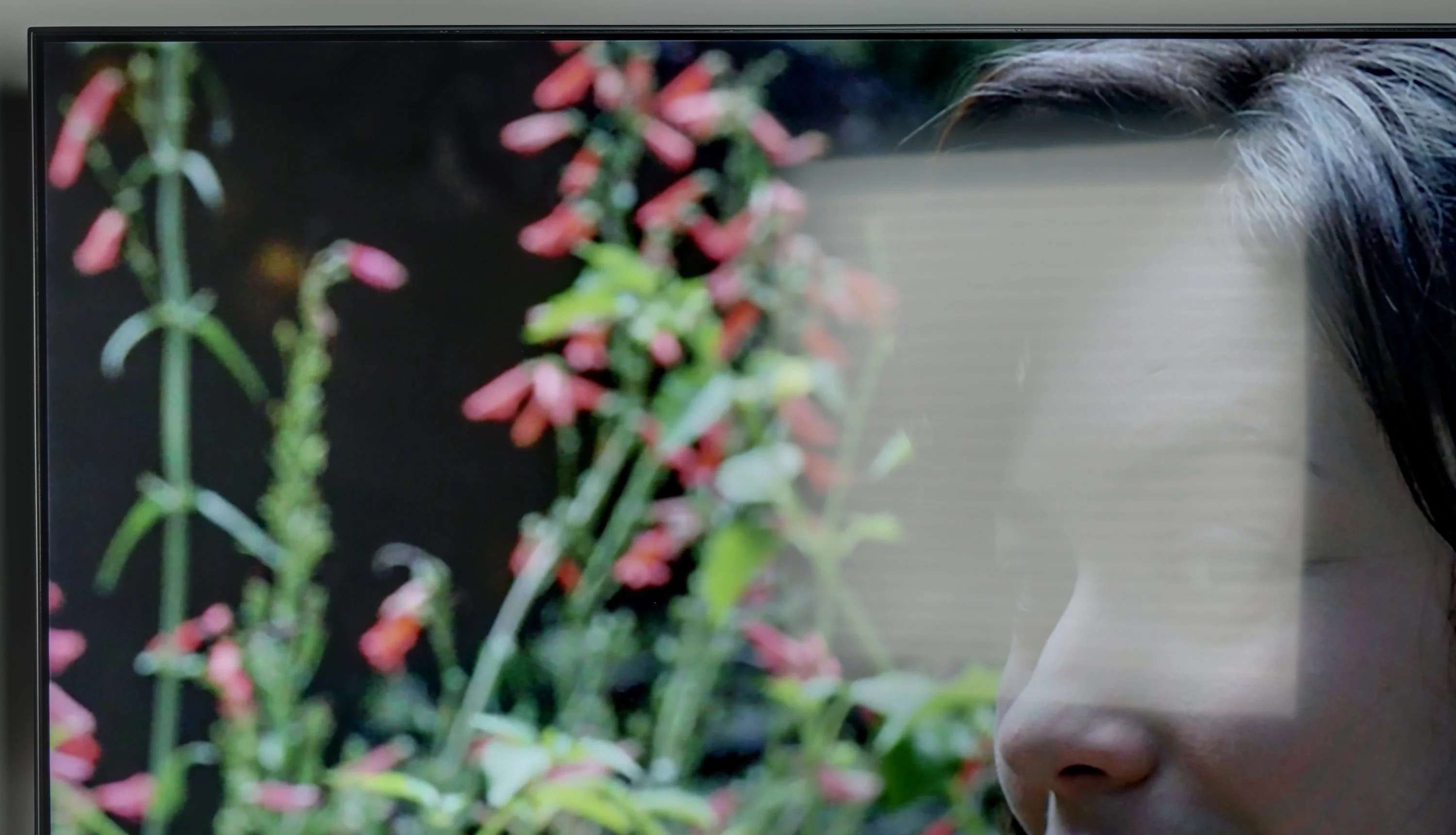
The screen Philips PUS8359/12 has a satin finish. This type of panel finish allows for quite good performance in keeping light reflections in check and provides fairly comfortable viewing of the television during the day. It’s worth mentioning that the maximum brightness of the television in SDR content is about 320 nits, which is a reasonable result, especially since the brightness is maintained even at 100% screen white fill.
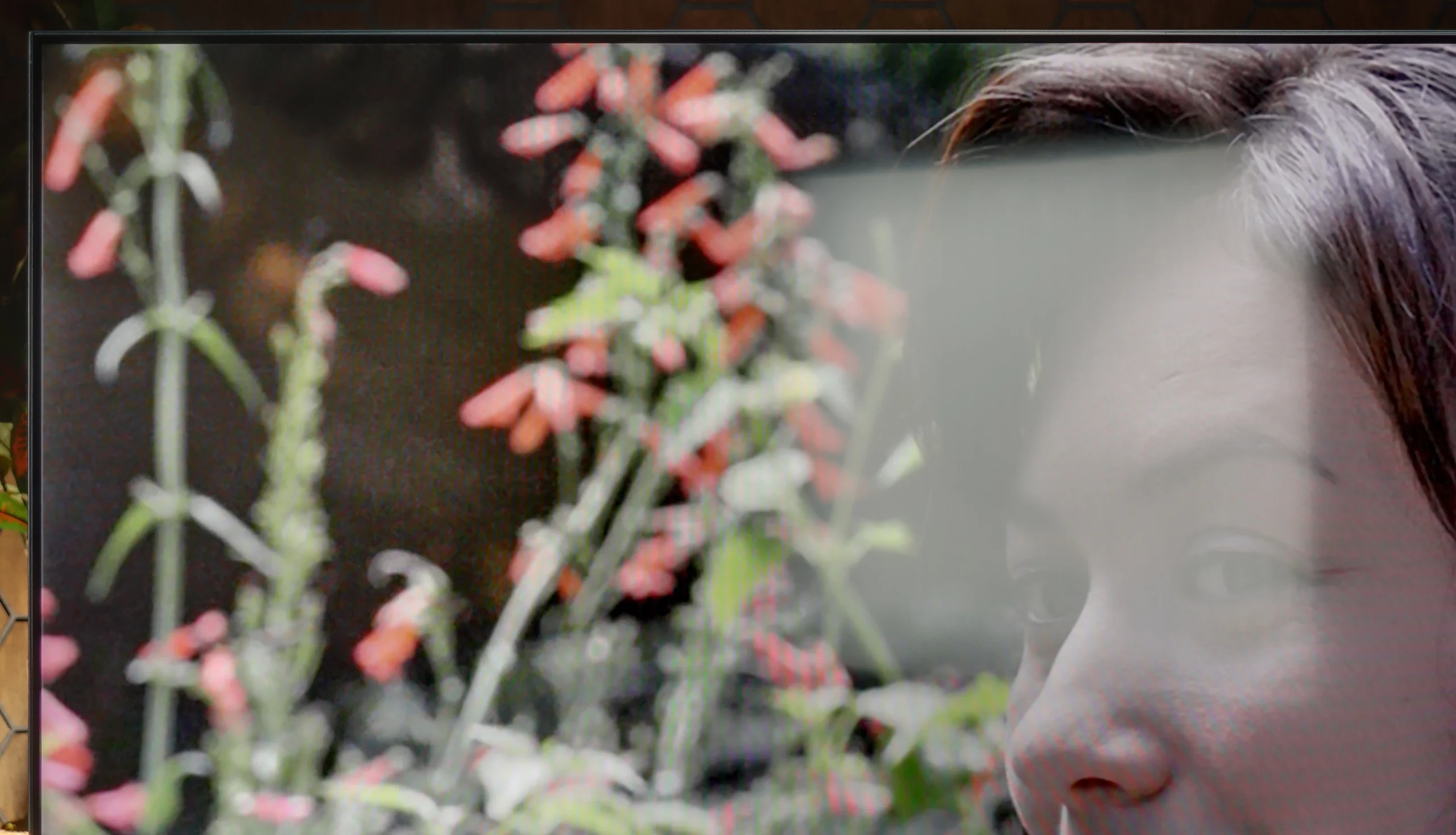
Hisense U7S handles daytime viewing well. In SDR we measured on average about 664 nits, and depending on the onscreen content the brightness ranged roughly between 500 and 800 nits. Even with an all-white image it stays above 500 nits, so a sports broadcast or a bright TV programme won't suddenly look dim. That's enough headroom for comfortable viewing in most living rooms. The satin finish does a decent job of suppressing reflections, but a window opposite the TV will still be visible. The photo shows clearly that its reflection can obscure part of the picture, so high backlight alone doesn't solve everything. On the plus side, blacks and colours hold up in daylight and don't become overly grey. Overall the U7S will work well in a bright room, although it's worth positioning it to avoid direct window reflections.
Panel details
Subpixel Structure:
Panel uniformity and thermal imaging:
Philips PUS8359 (VA)
Hisense U7S / U77SE
TV features
5.3/10
8.9/10
- SystemTitan OSVIDAA
- System performancePoorGood
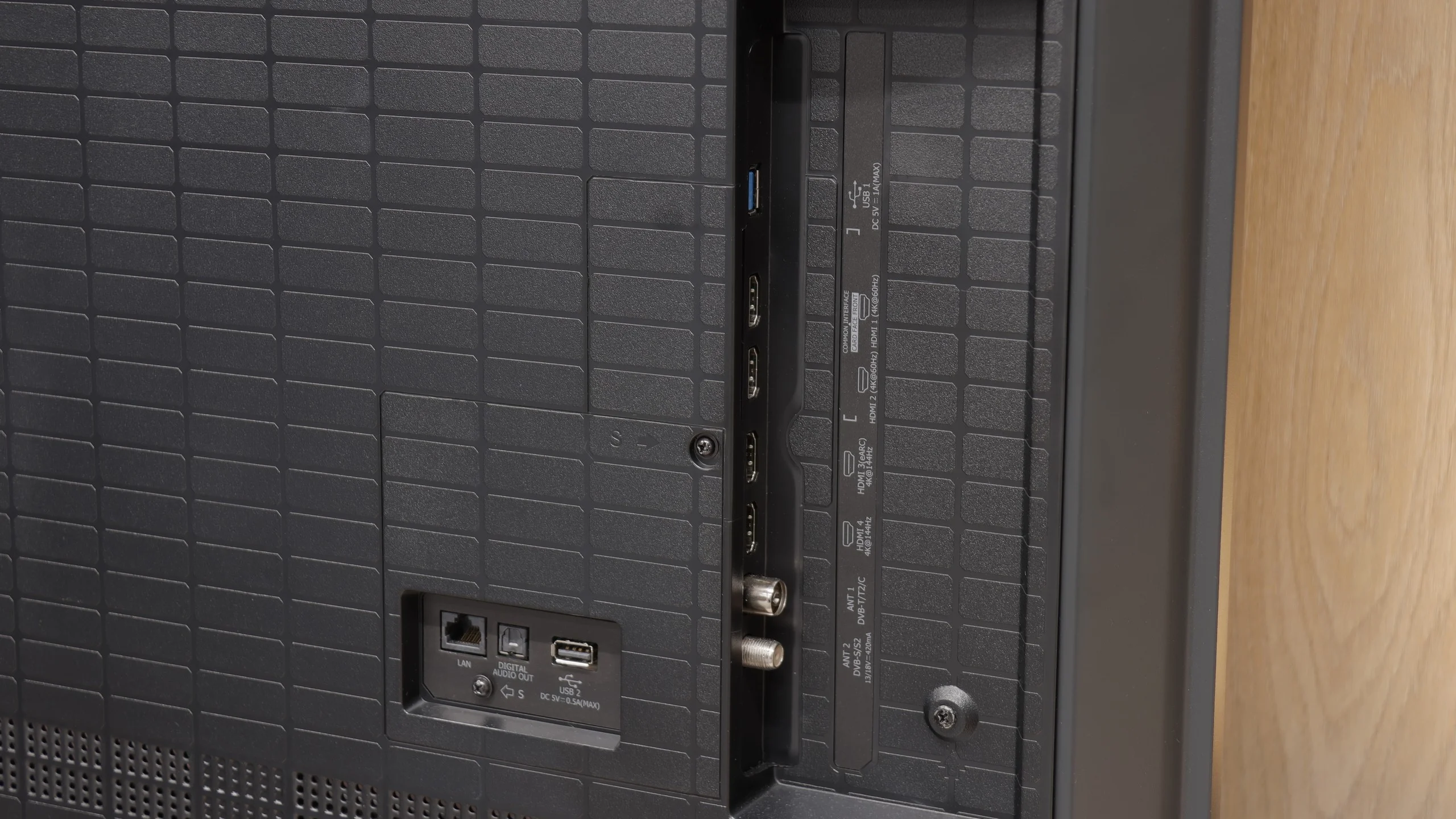
- HDMI inputs3 x HDMI 2.0, 0 x HDMI 2.12 x HDMI 2.0, 2 x HDMI 2.1 48Gbps
- OutputsToslink (Optical audio), eARC (HDMI), ARC (HDMI), Mini-Jack (Headphones)Toslink (Optical audio), eARC (HDMI), ARC (HDMI)
- Network InterfacesWi-Fi 2.4GHz, Wi-Fi 5GHz, Ethernet (LAN) 100MbpsWi-Fi 2.4GHz, Wi-Fi 5GHz, Ethernet (LAN) 100Mbps
- TV receptionDVB-T, DVB-T2, DVB-S, DVB-S2, DVB-CDVB-T, DVB-T2, DVB-S, DVB-S2, DVB-C
Classic features:
- Recording to USB (terrestrial TV)
- Recording programming
- Picture in Picture (PiP)
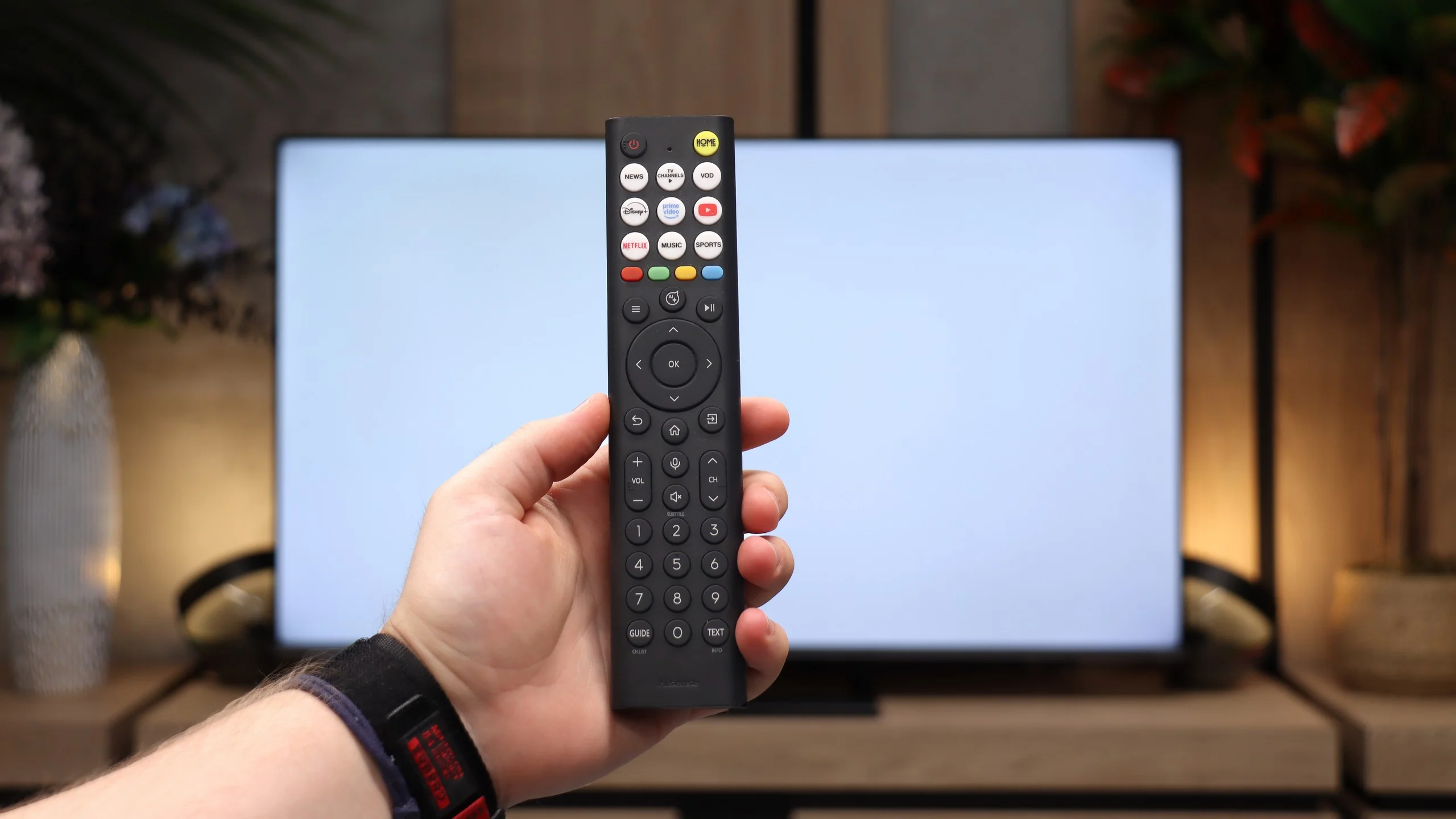
- RF remote control (no need to aim)
- Backlit remote control
- Teletext
- Audio only mode
- Bluetooth headphones support
- Simultaneous Bluetooth headphones & TV audio
Smart features:
- AirPlay
- Screen mirroring (Windows Miracast)
- Voice search
- Voice search in native language
- Ability to connect a keyboard and mouse
Sound connection options
- HDMI audioeARC (HDMI), ARC (HDMI)eARC (HDMI), ARC (HDMI)
- Other audio outputsToslink (Optical audio), Mini-Jack (Headphones)Toslink (Optical audio)
- Wireless audio
Supported audio formats (external HDMI eARC audio):
- Dolby Digital Plus 7.1
- Dolby True HD 7.1
- Dolby Atmos in Dolby Digital Plus (JOC)
- Dolby Atmos in Dolby True HD
- DTS:X in DTS-HD MA
- DTS-HD Master Audio
Senior accessibility
- Numeric keyboard on TV
- Font size adjustment
- Audio description
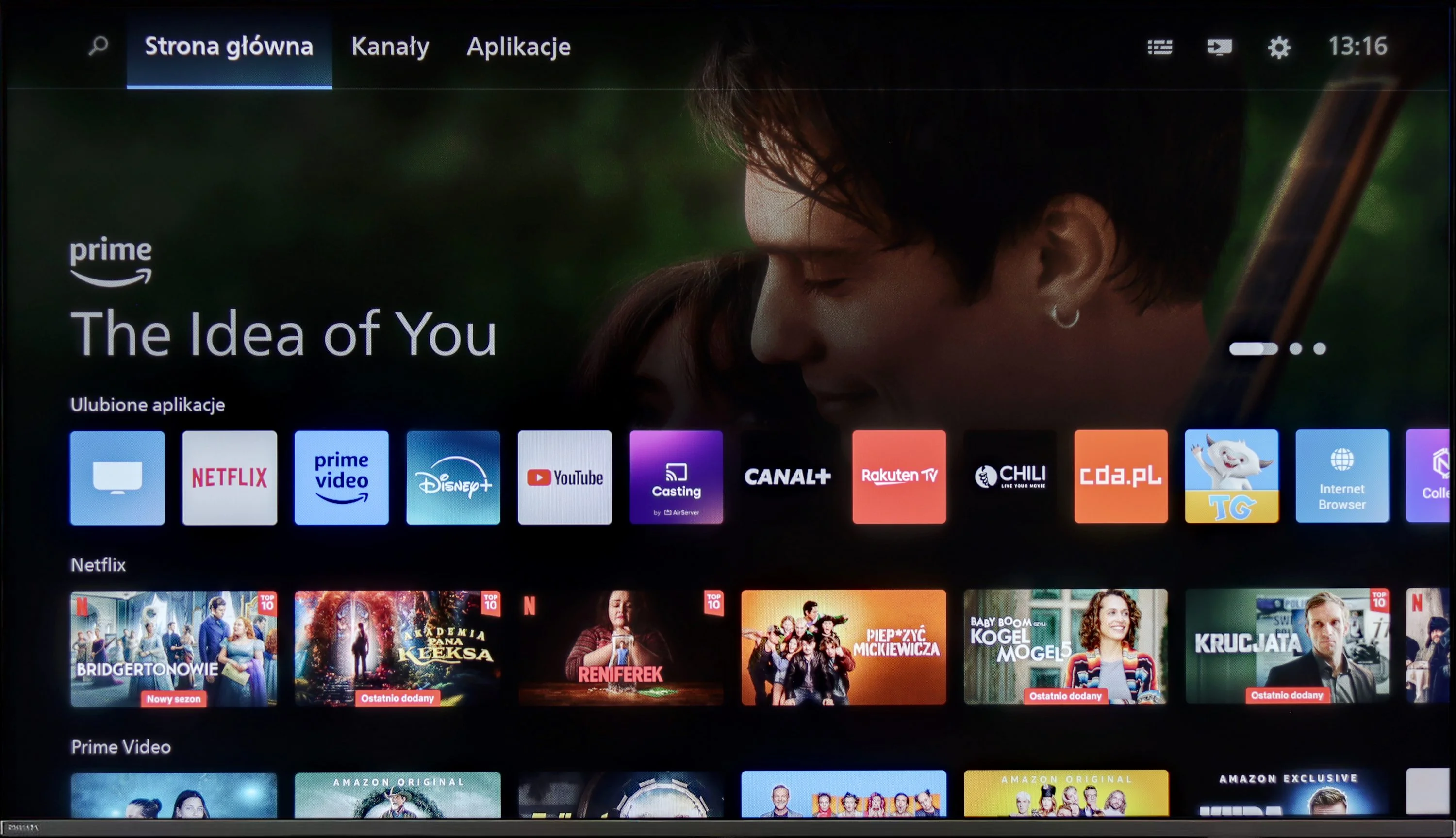
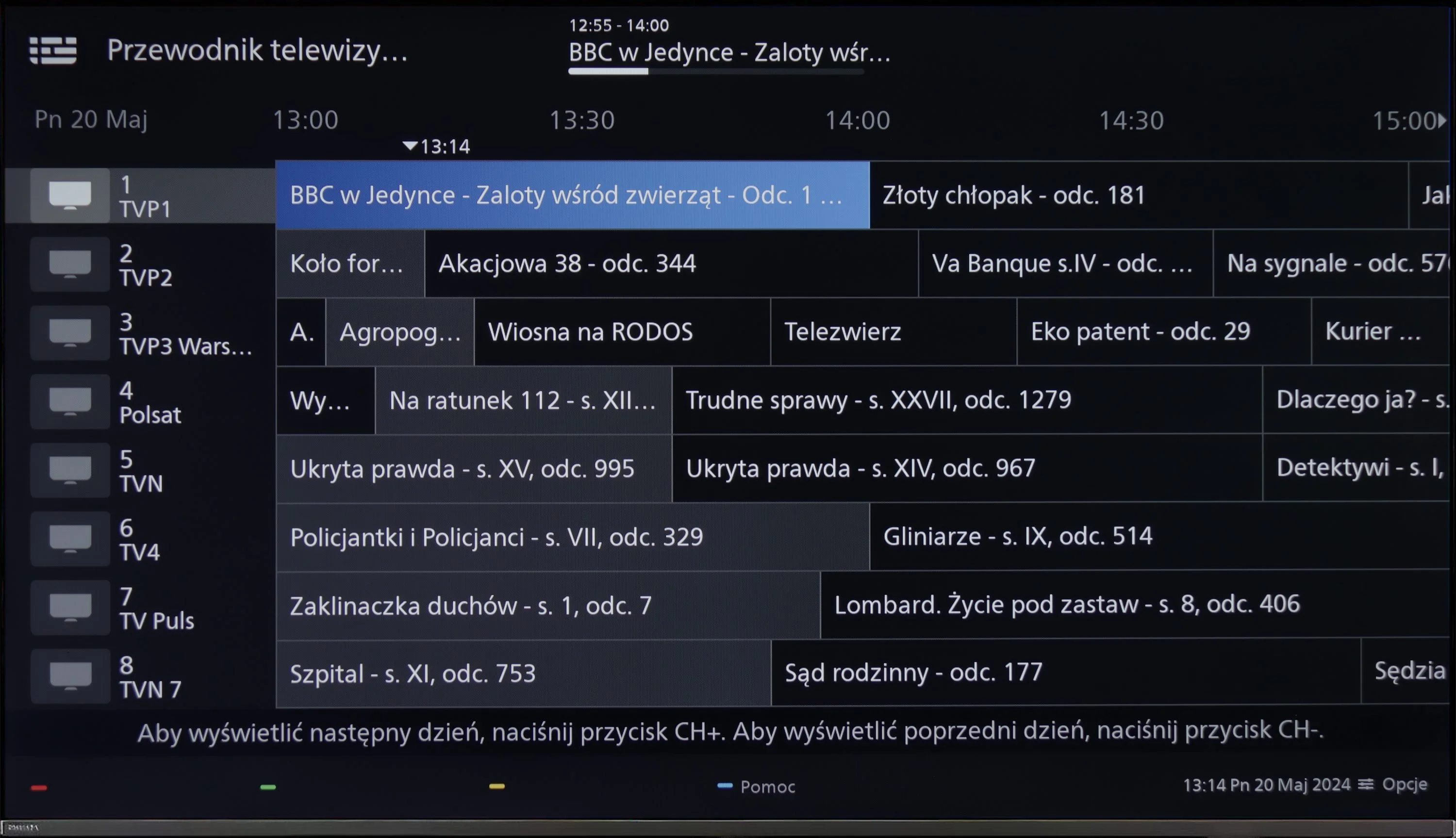
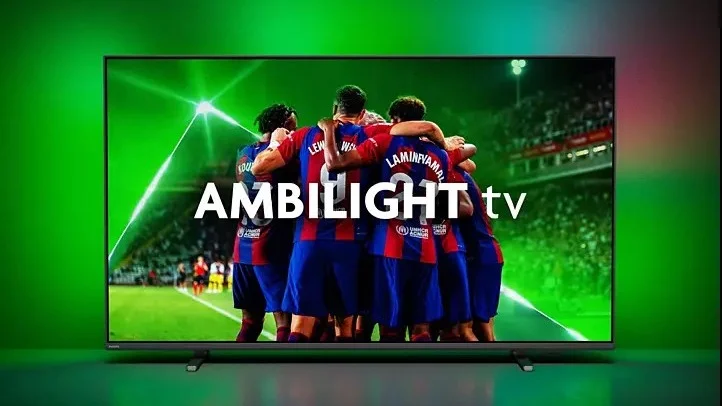
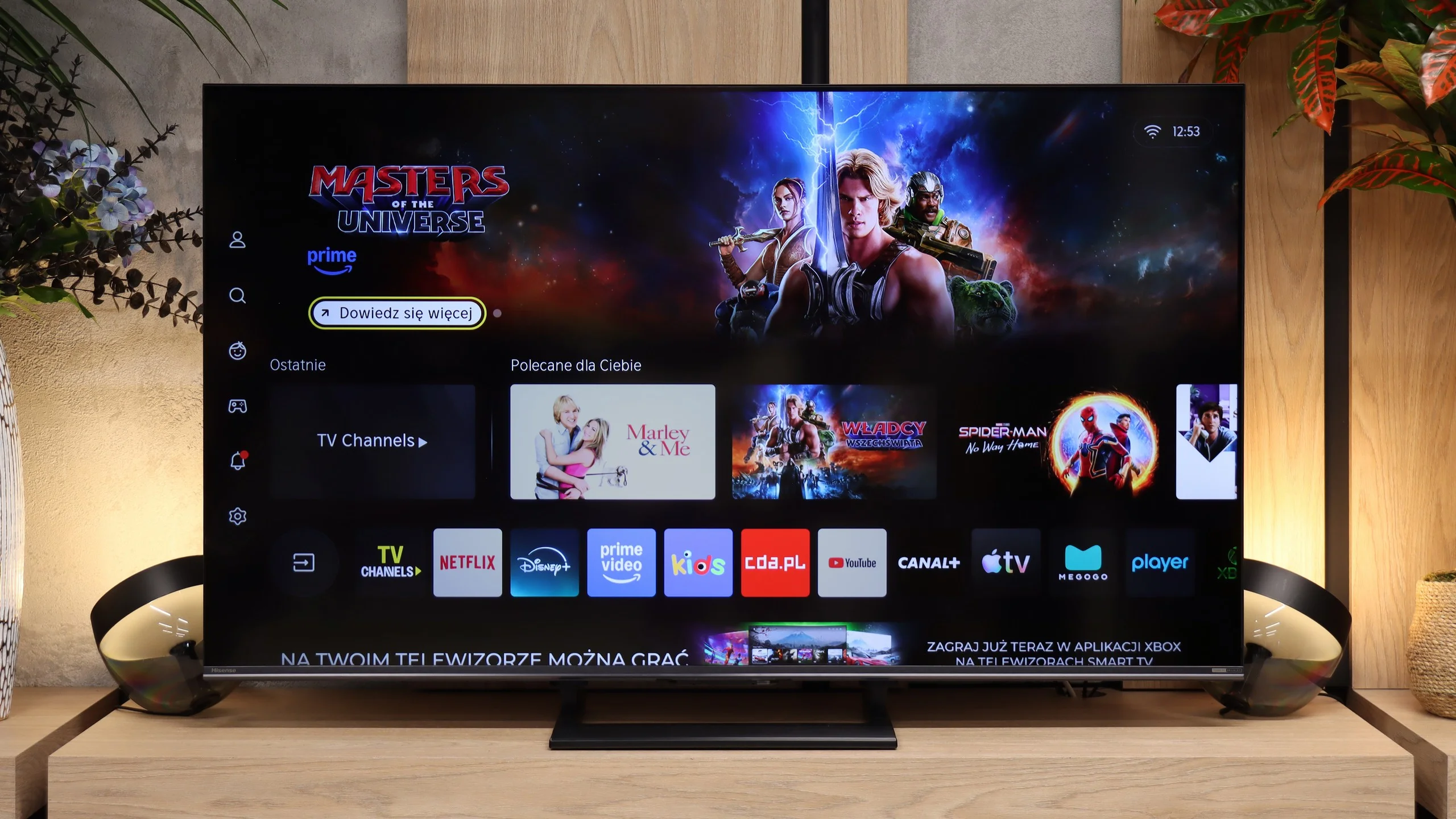
It’s hard not to mention the biggest differentiator of the manufacturer’s TVs first. We’re of course talking about the colorful Ambilight backlighting, which is placed on the back of the device and displays colours customised to what’s happening on the screen, often allowing for an even greater immersive experience. The operating system responsible for the TV’s functioning is Philips' proprietary system cleverly named TitanOs. It is definitely more closed off and limited in terms of app resources than is the case with this manufacturer’s TVs based on GoogleTv. Besides the lack of significant applications, its closed nature also reveals itself in another aspect. We won’t be able to do basic things like programming recordings or recording to USB. People using Apple devices may also feel disappointed by the absence of AirPlay, which allows for easy screen streaming. Fortunately, there is an option to connect a keyboard and mouse for easier navigation through the TV’s menu. It’s worth mentioning that there is the possibility of connecting headphones, but only wired ones. If we plug them in, we can also play audio through the TV’s speakers. It’s also worth adding that controlling the TV happens via IR, not Bluetooth, which is quite inconvenient these days.
In summary: TitanOs has quite a few “buts,” especially when we are aware users needing and using various streaming platforms. It’s rather an option for those limiting themselves to the so-called holy trinity, which is Netflix, YouTube, and CDA.
Smart TV: VIDAA
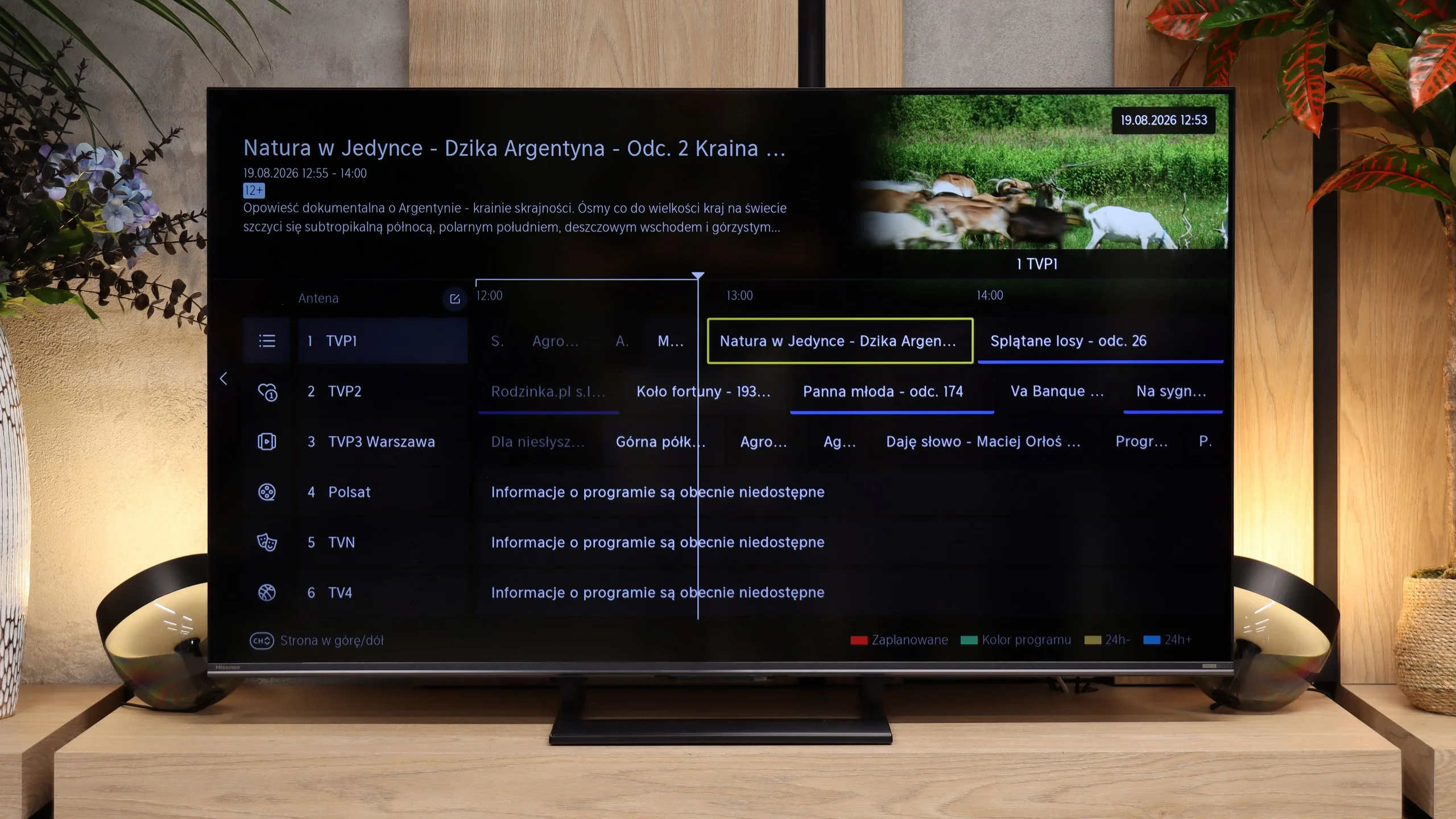
VIDAA HOME OS on the Hisense U7S is feature-rich, yet runs quickly and doesn't complicate everyday use. Besides apps, there is AirPlay for streaming from Apple devices and Miracast, which lets you mirror a computer screen. Voice search in Polish also works, so instead of typing a film title with the remote you can just say it. You can also connect a keyboard and mouse. It's hard to complain about the Smart features, though before buying it's worth checking the availability of the specific apps you use, because the selection isn't as extensive as on competing systems.
Classic features and the remote
Hisense hasn't forgotten viewers who watch regular TV. The U7S lets you record programmes from terrestrial TV to USB and schedule recordings for later. There's teletext, the option to listen to audio with the screen off, and support for Bluetooth headphones. Usefully, headphones can operate at the same time as the TV speakers, so one person, for example a senior, can use them while others continue to listen normally. The main omission is really picture-in-picture, PiP.
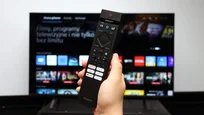
We weren't keen on the remote itself. It's quite plasticky and looks rather "cheap", but it does its job well. It has a full numeric keypad, plenty of shortcuts and controls the TV via radio, so you don't have to point it at the screen. It's just a shame the buttons aren't backlit. Hisense reserves more elegant remote versions for higher-end models, such as the U7S Pro.
Apps
6.7/10
8.3/10






















Playing files from USB
8/10
8.4/10
Supported photo formats:
Maximum photo resolution:
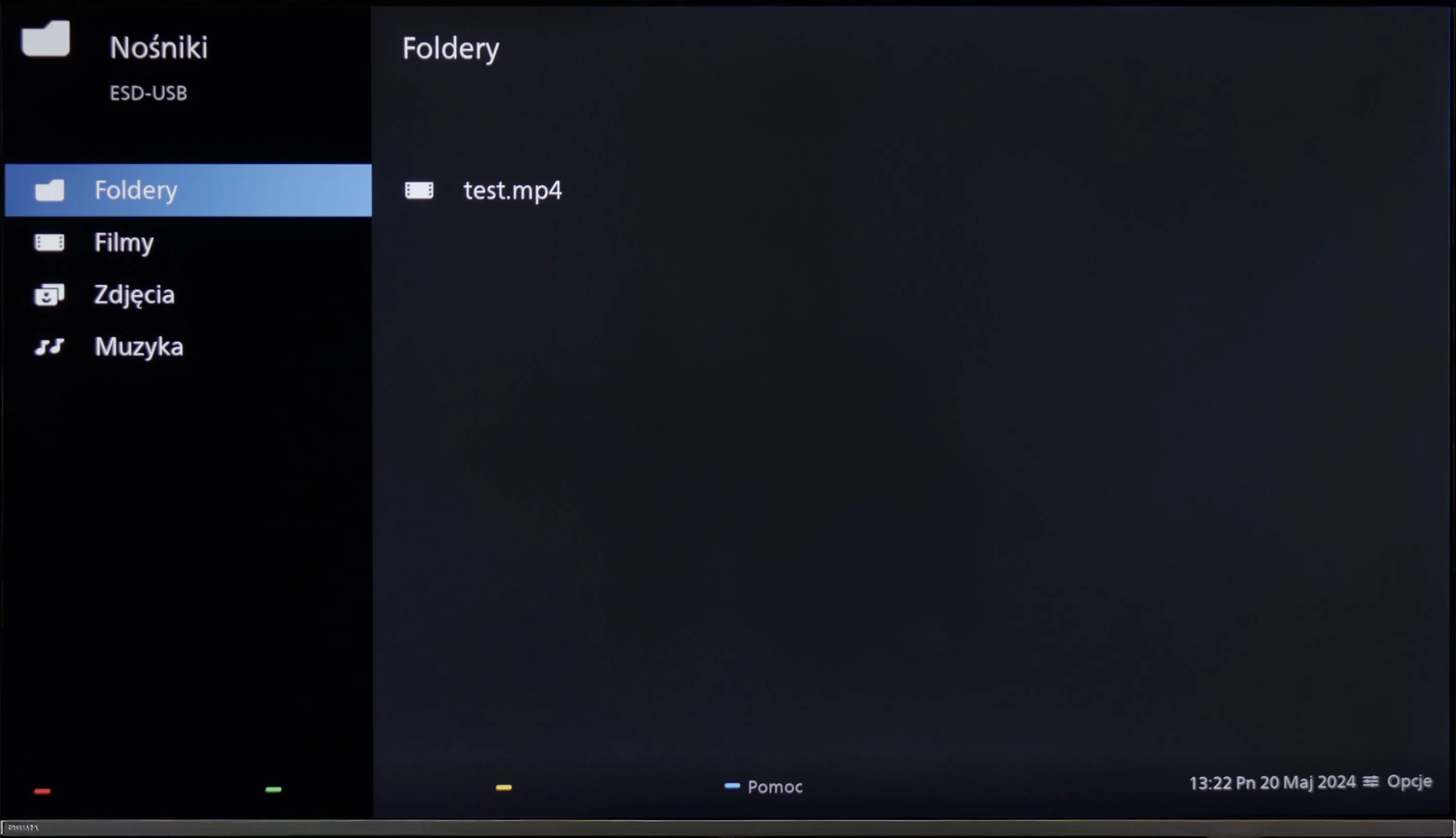
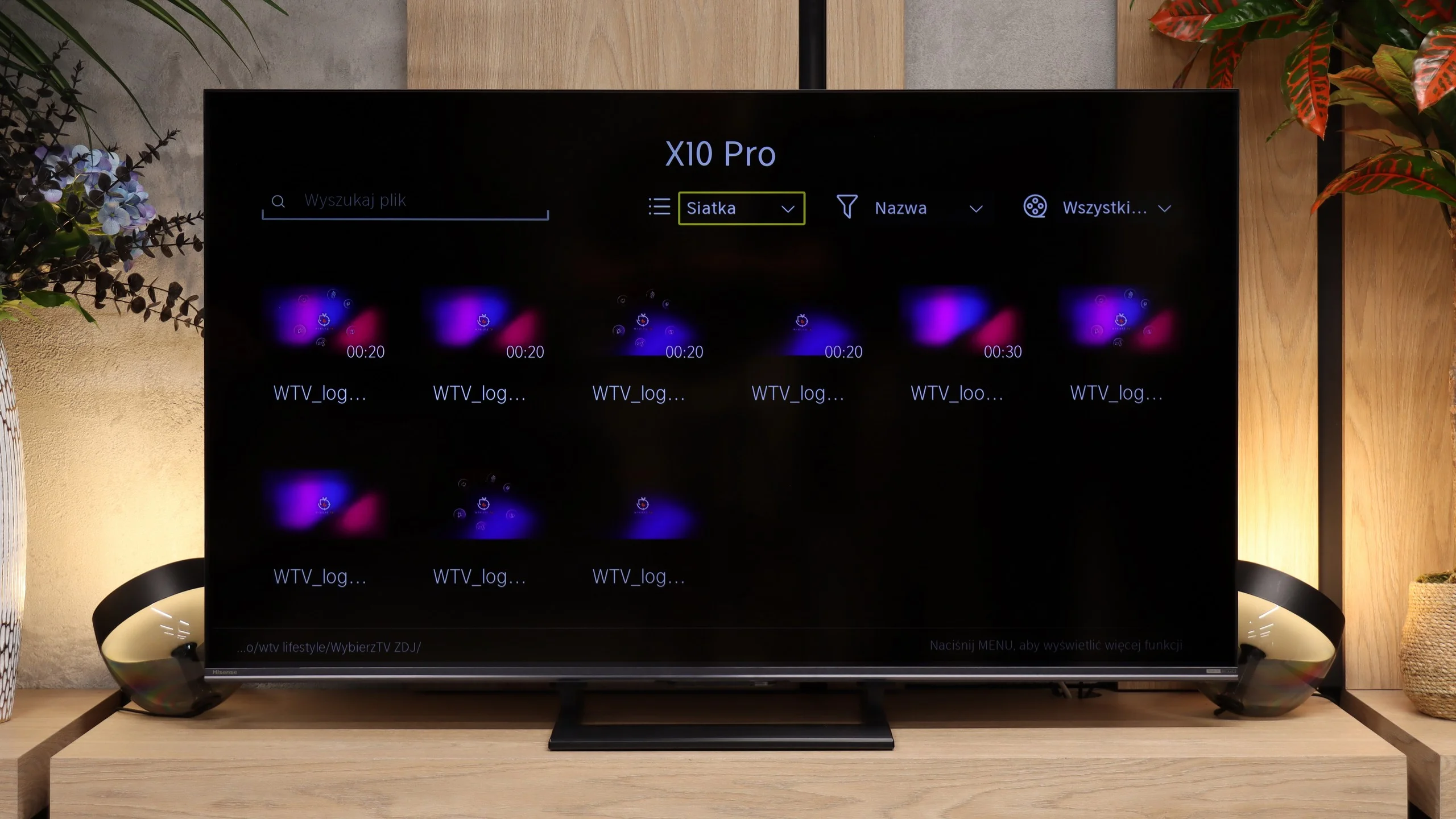
The default media player built into Philips PUS8359/12 offers quite a wide range of capabilities, but it also has its limitations. It plays virtually all video formats, with the obvious exception of Dolby Vision and the less obvious .asf, which is not commonly encountered. However, the issue lies in the lack of the H.265 HEVC codec at high bitrate. When it comes to photos, the player performs adequately, but it lacks support for some popular resolutions and formats, such as HEIC, used on Apple devices. The player performs best with audio, where it can be praised. Unfortunately, due to system limitations, there is no possibility to expand its features, which means we are left with what the manufacturer has provided.
The USB player in the Hisense U7S handles most common files. It played our H.264 and H.265 material without any problems, including high-bitrate 4K recordings and a Dolby Vision test file. SRT and SUB subtitles work, as do Polish characters and font colour changes. Not everything could be run, though. AV1 and H.266 VVC files failed to play, as did ASS and TXT subtitles. Audio support is good, from simple MP3s to FLAC 96 kHz/24 bit, although AIFF and DSD are not supported.
Our biggest issues are with photos. The selection of supported formats is wide — besides JPEG and PNG it also handles WebP and TIFF, but HEIC won’t open. The way it handles resolution is odd too. The TV displayed images at 4, 6, 8, 16 and 32 Mpix, but couldn’t cope with 10, 12 or 24 Mpix files. So it’s not a straightforward size limit. The player is perfectly adequate for movies and music, but when showing holiday photos you may find some files need converting first.
Sound
6.1/10
7.2/10
- Maximum volume-88dB
- Dolby Digital Plus 7.1
- Dolby True HD 7.1
- Dolby Atmos in Dolby Digital Plus (JOC)
- Dolby Atmos in Dolby True HD
- DTS:X in DTS-HD MA
- DTS-HD Master Audio
The built-in audio system in the Philips PUS8359 consists of a basic connection of speakers 2x 10 W each. As you can probably guess, you can't expect too much from such a configuration. Nevertheless, if we don't exceed 50% of the maximum volume, it won't give us any negative thoughts. We definitely recommend connecting even cheaper soundbars. These, due to a range of codecs prepared by the manufacturer, will certainly work very well. It's worth noting the implementation of Dolby Atmos and DTS-HD Master Audio.
The USB player in the Hisense U7S handles most common movies and music well. It supports 4K content, including a Dolby Vision file we tested, and displays Polish characters correctly in subtitles. It should therefore be sufficient for everyday use with a USB stick, although it can struggle with less common formats. Our biggest reservations concern photos. The TV treats image resolutions quite selectively and may open a larger photo but refuse to display a smaller one. When browsing a holiday album this can be annoying, because you can't be sure all the photos will work. Some will need to be prepared on a computer beforehand.
Sound Quality Test
No sound test video
Acoustic Measurements
No acoustic data
88dBC (Max)
75dBC
Reader comments
Comments are provided by the external service Disqus (Zeta Global). Once loaded, Disqus may set cookies and process data about your activity.
We will remember your choice on this device. Provider's privacy policy