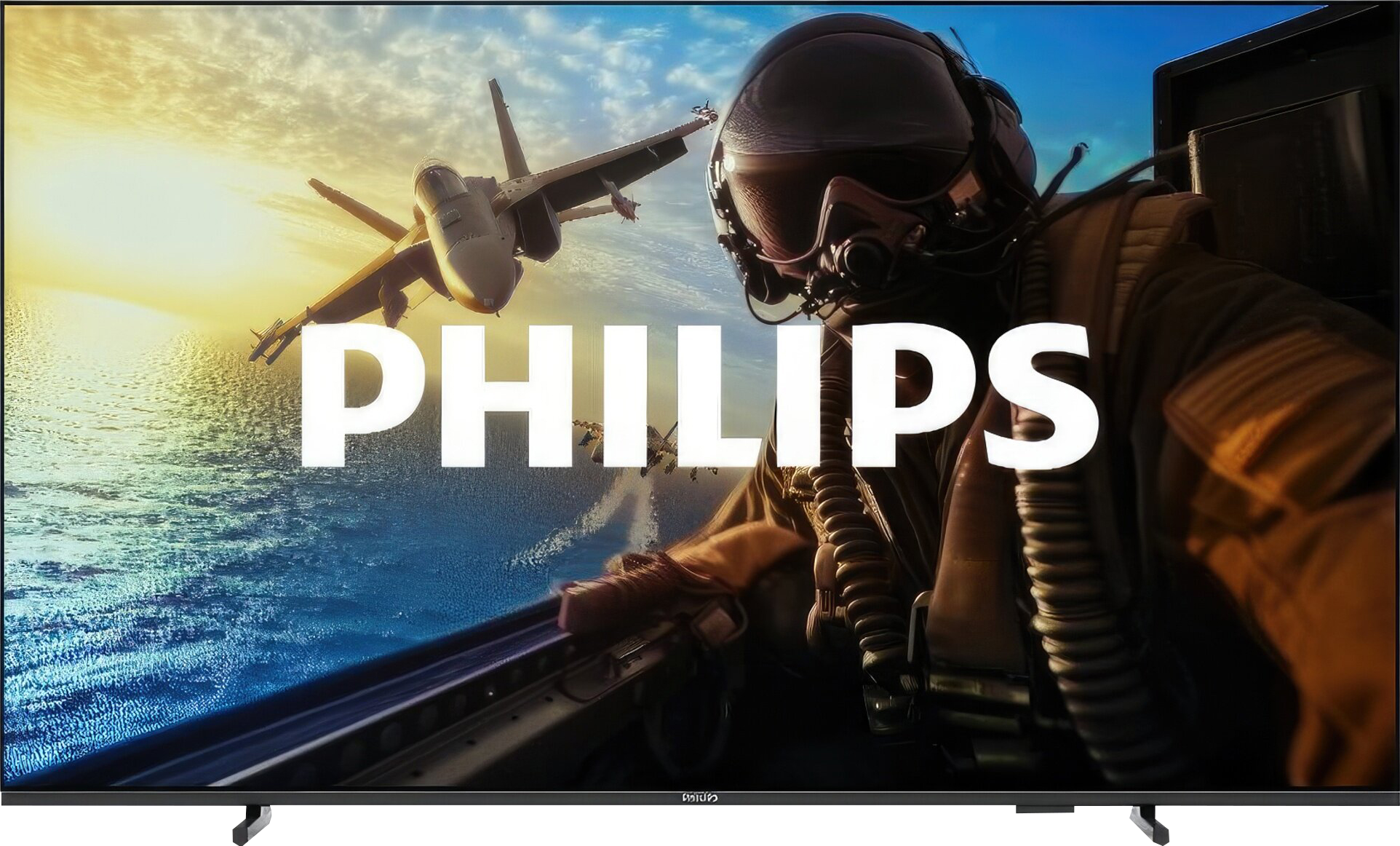
The Philips PUS8209 is a model that stands out primarily due to its unique Ambilight system. The three-sided backlighting behind the television dynamically adjusts to the image, adding an exceptional atmosphere while watching movies or gaming. This solution, for which Philips is renowned, makes a difference and could be a great choice for those looking for something more unique for everyday use. In terms of picture quality, the television performs quite well, especially in this price range. The VA panel provides solid contrast and decent black levels, which is particularly effective in the evenings in dimly lit rooms. Watching movies in such conditions is truly enjoyable, although the screen brightness (280 nits) leaves much to be desired – in bright rooms, the picture can look washed out, and HDR content does not impress. When it comes to gaming, the PUS8209 also has a few advantages. Support for VRR, ALLM, and a low input lag of 13 ms makes gameplay smooth and responsive. Of course, this is not hardware for advanced gamers, but for those who occasionally pick up a controller, it should suffice. The biggest downside is the operating system, Titan OS. Many popular apps are missing, and the interface doesn't always run as smoothly as one would like. The remote control, which requires pointing at the television, can be frustrating, especially in situations where quick access is expected. In summary: the Philips PUS8209 is a television that works well for basic applications. Ambilight adds uniqueness and enhances the atmosphere while watching. In everyday use or occasional gaming, it does the job, but its limitations – particularly in screen brightness and operating system – may be problematic for more demanding users. If we are looking for straightforward equipment with an unusual visual addition, this model is worth considering.
- Matching (Score) |
- Our verdict |
- TV appearance |
- Where to buy |
- Contrast and black detail |
- HDR effect quality |
- Factory color reproduction |
- Color reproduction after calibration |
- Smoothness of tonal transitions |
- Image scaling and smoothness of tonal transitions |
- Blur and motion smoothness |
- Console compatibility and gaming features |
- Input lag |
- Compatibility with PC |
- Viewing angles |
- Daytime performance |
- Panel details |
- TV features |
- Apps |
- Playing files from USB |
- Sound
Philips PUS8209 vs Philips PUS7000
 Direct comparison
PUS8209

Panel type: LCD VA
Resolution: 3840x2160
System: Titan OS
Model year: 2024
Complete the survey to find out the result
Panel type: LCD VA
Resolution: 3840x2160
System: Titan OS
Model year: 2025
Complete the survey to find out the result
Overall rating
5.3
5.3
 Movies and series in UHD quality
 5.4
4.8
 Classic TV, YouTube
 6.1
5.7
 Sports broadcasts (TV and apps)
 4.9
4.9
 Gaming on console
 6.6
6.5
 TV as a computer monitor
 2.0
5.8
 Watching in bright light
 4.4
3.5
 Utility functions
 4.7
5.0
 Apps
Apps 6.7
6.7
 Sound quality
 5.0
5.8
Complete the survey to find out what fits your preferences
Advantages

High native contrast
Three-sided Ambilight system – unique backlighting for the wall behind the TV that enhances immersion while watching
Low input lag – around 13 ms
Has essential features for gamers - VRR and ALLM
Support for Polish characters and subtitle customization – built-in player allows for changing the colour and size of the font
Support for Dolby Atmos and DTS – wide range of supported audio codecs
Attractive price
High contrast VA panel
Very low input lag
Gaming features – presence of VRR, ALLM, and a dedicated Game Bar
Supports HDR10+
Quite decent image processing (for such a cheap TV)
Good readability of fonts – suitable as a large monitor
Backlit remote with numeric keypad
Disadvantages

Titan OS operating system – limited number of applications
Poor brightness (280 nits) – issues with viewing in bright conditions
Poor viewing angles – typical of VA panels,
Issues with font rendering
Very low brightness – 200 nits
No Ambilight
Lack of any features to improve fluidity makes the image feel very "raw"
Titan OS system – the interface is slow, lacking many popular applications
The remote works on infrared
Our verdict
If you're looking for a specific reason to buy the Philips PUS7000, the price is pretty much it. This model is primarily meant to be cheap, and it fulfills that role perfectly. It could be a decent choice for someone who is still using an old Full HD screen and wants to finally upgrade to 4K without emptying the wallet. Interestingly, even though this is a "budget 60 Hz" model, Philips hasn't forgotten about gamers. We get VRR and ALLM, which realistically improve the gaming experience when connected to a console and make everything quite responsive. But... indeed. The biggest problem with this TV is its brightness, or rather the lack thereof. 200 nits is a figure that makes the PUS7000 simply capitulate on a sunny day. The picture will be pale and not very clear despite the fact that it features a high-contrast VA panel. HDR is essentially just a label on the box here. With such a dim panel, HDR materials look artificial and simply lack the necessary punch, so it's better to forget about them and stick to standard SDR. Is it worth buying? At this price, every manufacturer makes similar compromises, so the PUS7000 doesn’t drastically stand out from the other budget screens. The question is whether you'll get along with the Titan OS system, which is still a bit raw and lacks many apps that are standard with competitors. Given today's prices, where Chinese brands like TCL and Hisense are churning out QLEDs and Mini-LEDs like there’s no tomorrow, the Philips PUS7000 faces a really tough battle. If you value the logo of a well-known brand and a low price: you can go ahead. However, if you’re looking for picture quality... it’s better to double-check your budget before making a purchase.
TV appearance


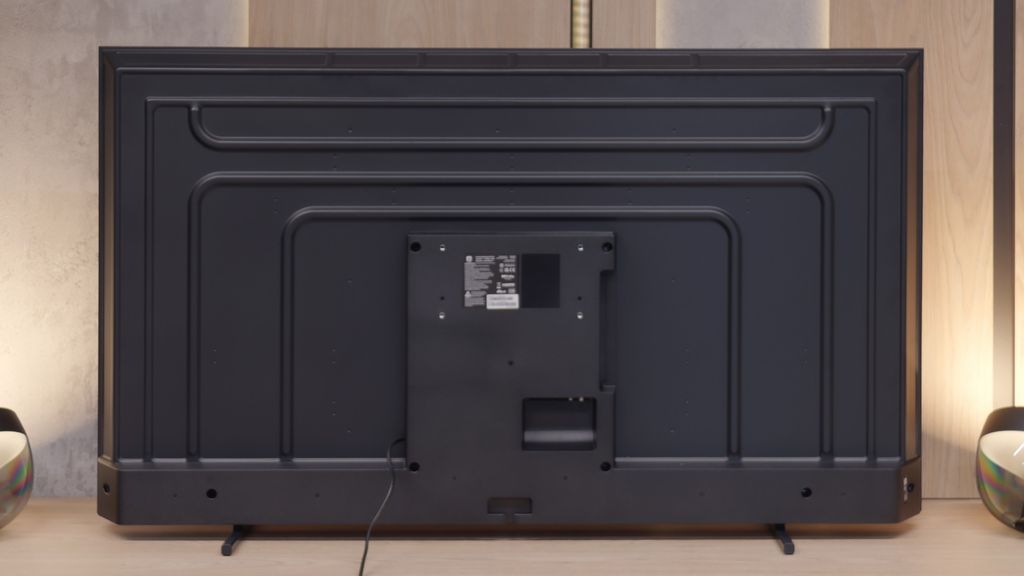

Contrast and black detail
6.6/10
5.9/10
Local dimming function: No
Local dimming function: No
Contrast:


Result
8,050:1

Result
7,300:1

Result
10,200:1

Result
9,050:1

Result
8,200:1
Result
5,950:1
Result
4,950:1
Result
5,500:1
Result
5,550:1
Result
5,150:1
Halo effect and black detail visibility:

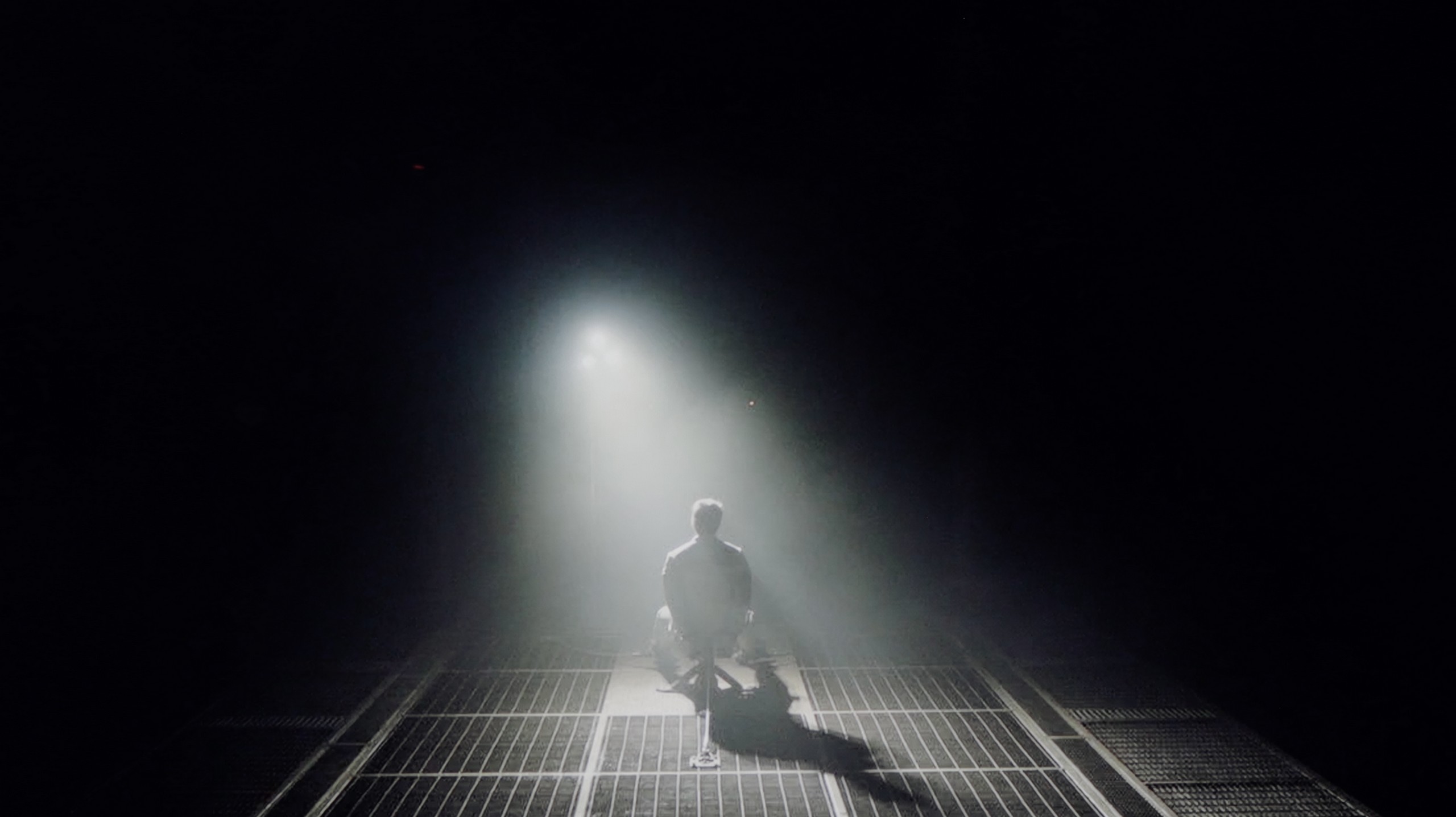
Check the visibility of bright lights on a dark background. Mini-LEDs often struggle with this. The photo does not compare black levels – that’s what the video below is for.
The video accurately shows differences in contrast and black levels between TVs, as well as potential issues: halo around bright objects or Mini-LED zone operation visible as brightness jumps.
Philips PUS8209 positively surprised us in terms of contrast, which is quite solid for its price class. Thanks to the use of a VA panel, it managed to achieve a contrast ratio of 8000:1, which is considered a very good result in this price category. In tests using scenes from the film Oblivion, the television performed well, offering visible light separation. Three independent light sources in the test scene were reproduced without major issues. Similarly, in the case of the film Sicario 2, the black levels, while not perfect, present reasonably well, allowing for the distinction of details in the darker areas of the image. The lack of local dimming technology is noticeable, however, the manufacturer has implemented a "global dimming" feature. This mechanism allows the television to automatically darken or brighten the entire screen depending on the content, which somewhat improves the perception of contrast. Philips PUS8209 offers solid contrast and decent results in tests. Although it lacks the precision of local dimming, its capabilities at this price point are satisfactory and will please most users.
The model PUS7000 we tested, measuring 55 inches, is equipped with a VA panel. This is crucial for black quality, as in such budget constructions, we won't find local dimming systems that could assist the screen in dark scenes. Therefore, all the work relies on the panel itself, which, thanks to its characteristics, offers decent contrast at a level of 6000:1. In practice, this translates to significantly better experiences during evening viewings compared to competing TVs with IPS panels. The blacks here are better separated from bright elements, so dark parts of the image don’t appear washed out, and details in the shadows remain visible. However, it’s worth noting that with completely turned off lights, the black may slightly lean towards shades of navy blue and won't be as perfectly “pitch-black” as in more expensive models. To mitigate this effect and improve the perception of depth, it’s advisable to watch the TV with some light, additional illumination in the room. Usually, this problem was somewhat resolved by the well-known Ambilight system in Philips TVs, which optically increases contrast through the glow on the wall. Unfortunately, in the PUS7000 model, the manufacturer opted to seek savings, which is why we won’t find this lighting system here, which is standard in higher series like PUS8000.
HDR effect quality
3.8/10
3.3/10
Luminance measurements in HDR:

Result
231 nit

Result
268 nit

Result
278 nit

Result
274 nit

Result
281 nit
Result
193 nit
Result
202 nit
Result
197 nit
Result
209 nit
Result
230 nit
Scene from the movie “Pan” (about 2800 nits)


Scene from the movie “Billy Lynn” (about 1100 nits)


The photos show two HDR10 movies. 'Pan' is one of the brightest productions ever made, while 'Billy Lynn' (soldier) has brightness typical of streaming (Netflix, Prime, HBO MAX). Notice the intensity of effects and detail in whites.
Static HDR10


The photos present the visibility of white details in various HDR formats. They do not show brightness differences between TVs (these can be compared in the previous gallery).
Dynamic: HDR10+
Dynamic: HDR10+


The photos present the visibility of white details in various HDR formats. They do not show brightness differences between TVs (these can be compared in the previous gallery).
HDR luminance chart:
Philips PUS7000
Philips PUS8209
Unfortunately, this is where the problems start. A maximum brightness of 280 nits is definitely too low to experience the true effect of HDR. In practice, the image resembles standard SDR more, so it's hard to talk about deeper visual experiences. On the plus side, the colour gamut coverage is 91.4% DCI-P3, which will be sufficient for most films. It's also worth noting that the image is stable and there are no issues with sudden brightness or colour changes. Overall, HDR on this television is more of a formality than an actual added value. If we're looking for genuine HDR emotions, this model may not meet expectations.
Unfortunately, the PUS7000 is not suitable for watching HDR content. This screen is simply too dark. A brightness level of 200 nits is insufficient to display this format correctly. Even if a HDR signal message appears on the screen, the image will resemble a standard SDR recording. Therefore, it’s better to stick with the latter format to avoid errors in displaying bright scenes, as you will read below. The situation is worsened by the fact that this is a classic LCD model without additional layers that improve colours, such as QLED or PFS. As a result, colours in HDR may seem washed out. Ultimately, this provides a worse effect than in the standard SDR format, which is simply better suited to the capabilities of this panel.
Factory color reproduction
6/10
5.3/10


This gallery shows how colors change after professional TV calibration. If you notice the difference, we recommend ordering this service at SkalibrujTV.com.
Factory Mode
After calibration
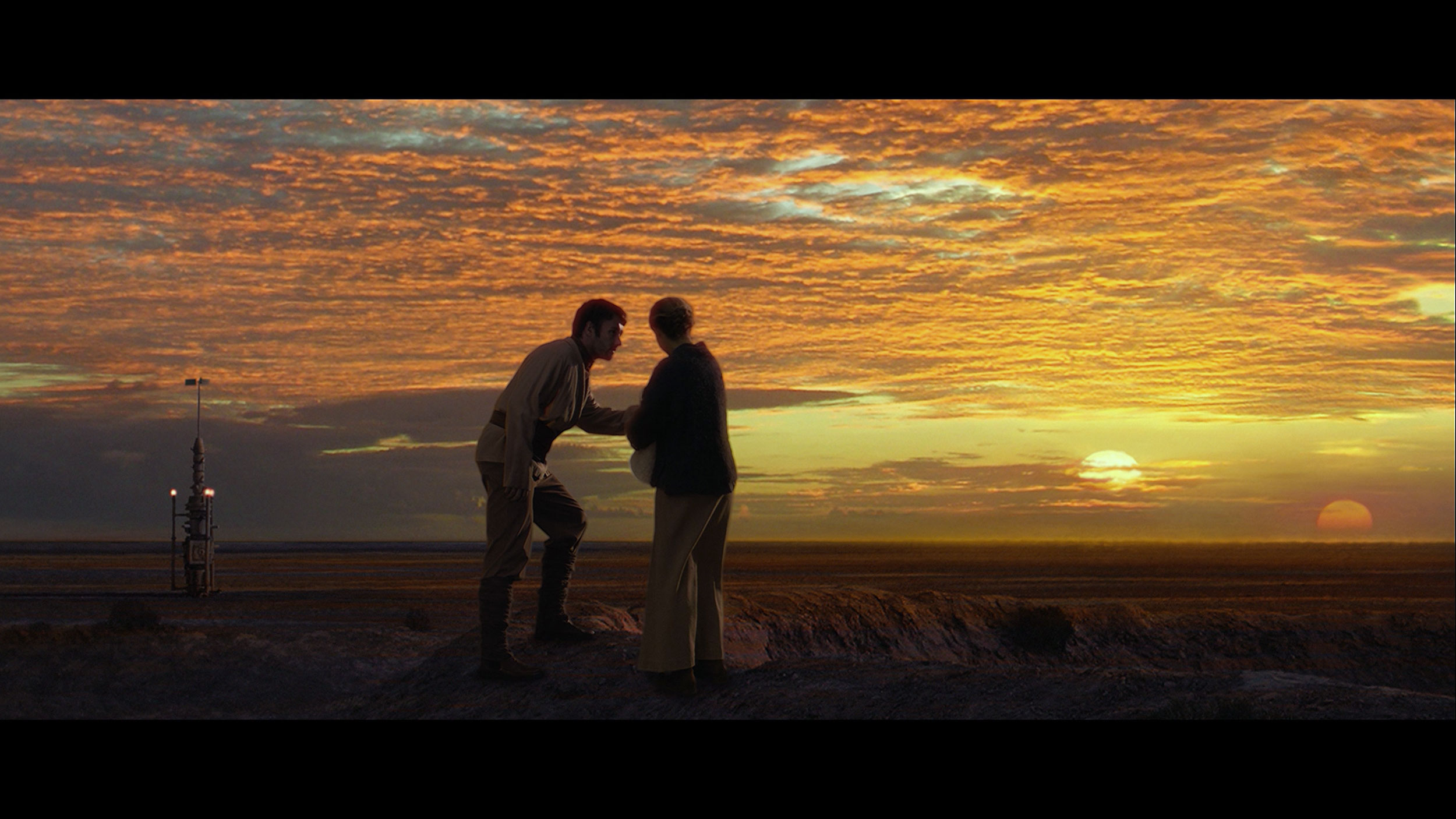
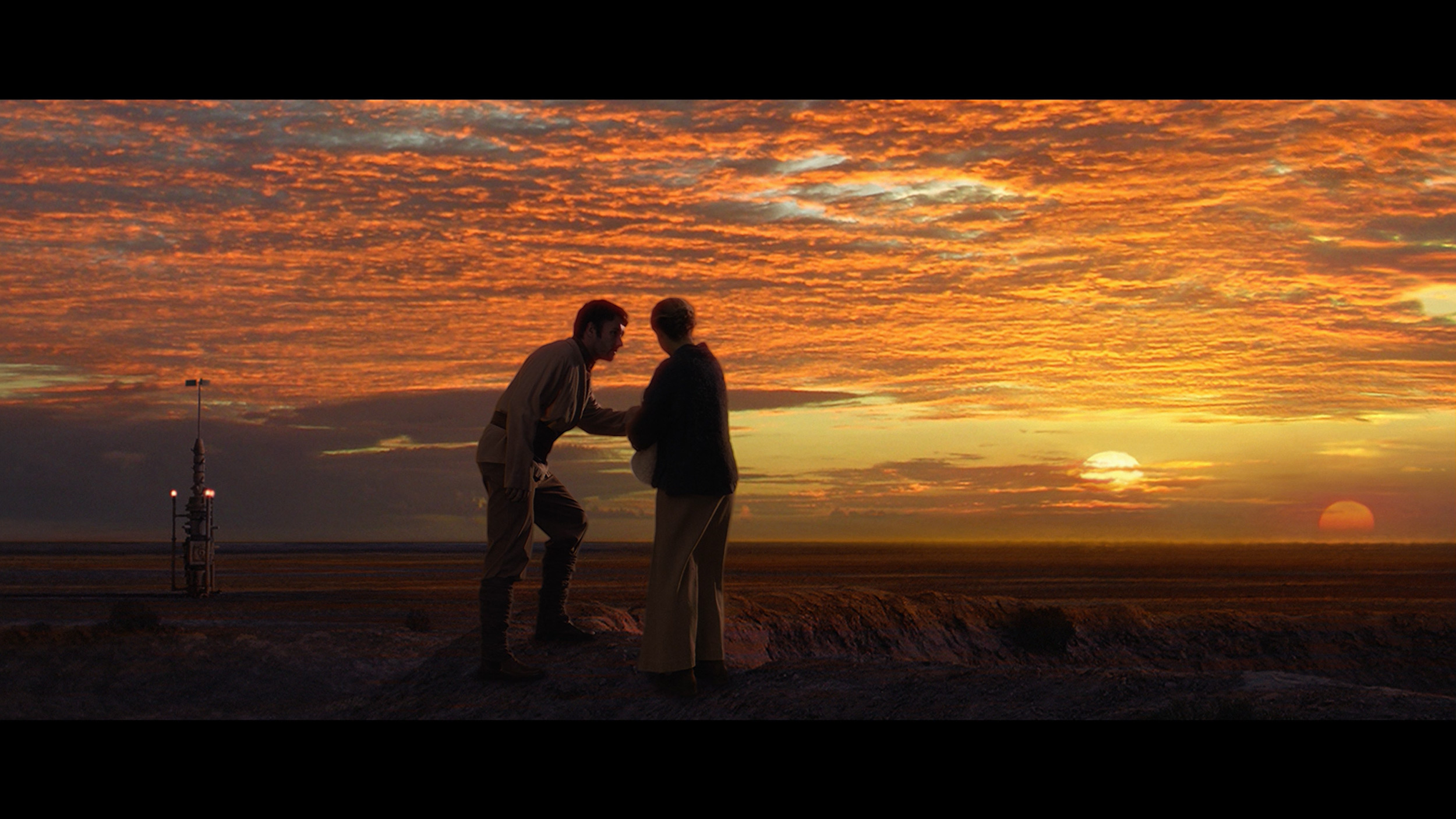
This gallery shows how colors change after professional TV calibration. If you notice the difference, we recommend ordering this service at SkalibrujTV.com.
Factory Mode
After calibration
Philips PUS8209 offers many picture modes, but the best of them, without a doubt, is the Filmmaker mode. Despite its proud name, it has its distinct problems. For HD content, the white balance is characterised by a strong dominance of red, causing the image to be significantly warmer than it should be in reality. The brightness characteristic (gamma), although correct in mid-tones, has serious issues at the beginning and end of the graph. Drops in shadows result in a loss of detail in dark areas, and spikes in bright areas make some elements look unnatural.
For high-quality content in 4K HDR, the situation reverses. In this case, blue dominates, leading to an artificial image boost effect, reminiscent of unnatural retail settings. Such an image looks unappealing and does not align with the creators' intentions. An additional problem is the EOTF curve, responsible for brightness in HDR materials. It deviates significantly from the reference graph, causing the image to appear too dark, stripping depth and detail from HDR content.
Against this backdrop, the errors in the Color Checker test and deviations in colour palette reproduction are exceptionally large, which further negatively affects the overall image quality. The Filmmaker mode, while the best among those available, requires substantial corrections to truly convey the full vision of the director.
We tested the television in movie mode, which theoretically should provide the best and most natural colours. And indeed, this mode is quite correct; however, when we connected the calibration equipment, its biggest flaw became apparent. The PUS7000 has significant shortcomings in displaying reds. Poorly tuned white balance and too low saturation of this colour cause the image to appear too cool. As a result, one might get the impression that the displayed content lacks vibrant colours. The situation is worsened by the fact that both SDR and HDR content are excessively brightened. This is confirmed by the gamma curve and EOTF graphs, which show that the television displays the image brighter than it should. This causes scenes to lose their depth and can make them seem slightly washed out. Fortunately, in the Philips menu, we find plenty of features to improve these aspects, so we immediately proceeded to calibration to see what we could extract from this screen.
Color reproduction after calibration
8.3/10
7/10


The photos show how movies look on the TV. Pay attention to black detail visibility, colors, and shadow tint.


The photos show how movies look on the TV. Pay attention to black detail visibility, colors, and shadow tint.
After calibration, the white balance for HD and 4K content has significantly improved. While we haven't achieved a perfectly flat characteristic, the result is definitely better than before. The image on the television no longer appears either artificially warm or overly cold, which significantly enhances the naturalness of the displayed content. The brightness characteristic (gamma) has also been adjusted – the most significant issues at the beginning and end of the graph have been mitigated. The EOTF curve, which is responsible for brightness in 4K HDR materials, has been stabilised, eliminating problems with excessive dimming of the image. In the colour palette test, some imperfections can still be seen due to the average coverage of the wide colour gamut, which is a limitation of the hardware itself. Nevertheless, the final result is clearly better than pre-calibration – the image looks more natural and approaches the expectations for Filmmaker mode.
After professional calibration, it’s evident that the PUS7000 responds well to image adjustments. In this price range, that’s not a given. The effects are best evaluated in two scenarios, depending on the content we plan to watch. SDR performs the best. After our adjustments, the image looks really good. Most colour errors have dropped below level 3, which is the threshold at which discrepancies usually become visible to the naked eye. Movies, series, sports, and regular television present naturally, without unpleasant deviations. If someone mainly watches classic channels or streams in HD quality, the difference after calibration will be noticeable straight away. However, it must be said clearly that the PUS7000 is still not a television suited for proper HDR, and calibration doesn't change much in this regard. The reason lies in the hardware: colours remain too unsaturated. The television lacks solutions that widen the colour gamut, such as PFS filters or a quantum dot layer, so the panel simply cannot display the intense colours required by HDR. This is most evident in reds, which still look washed out. This limitation cannot be circumvented through menu settings, as it stems from the design of the backlighting and the panel itself.
Smoothness of tonal transitions
6.5/10
6/10


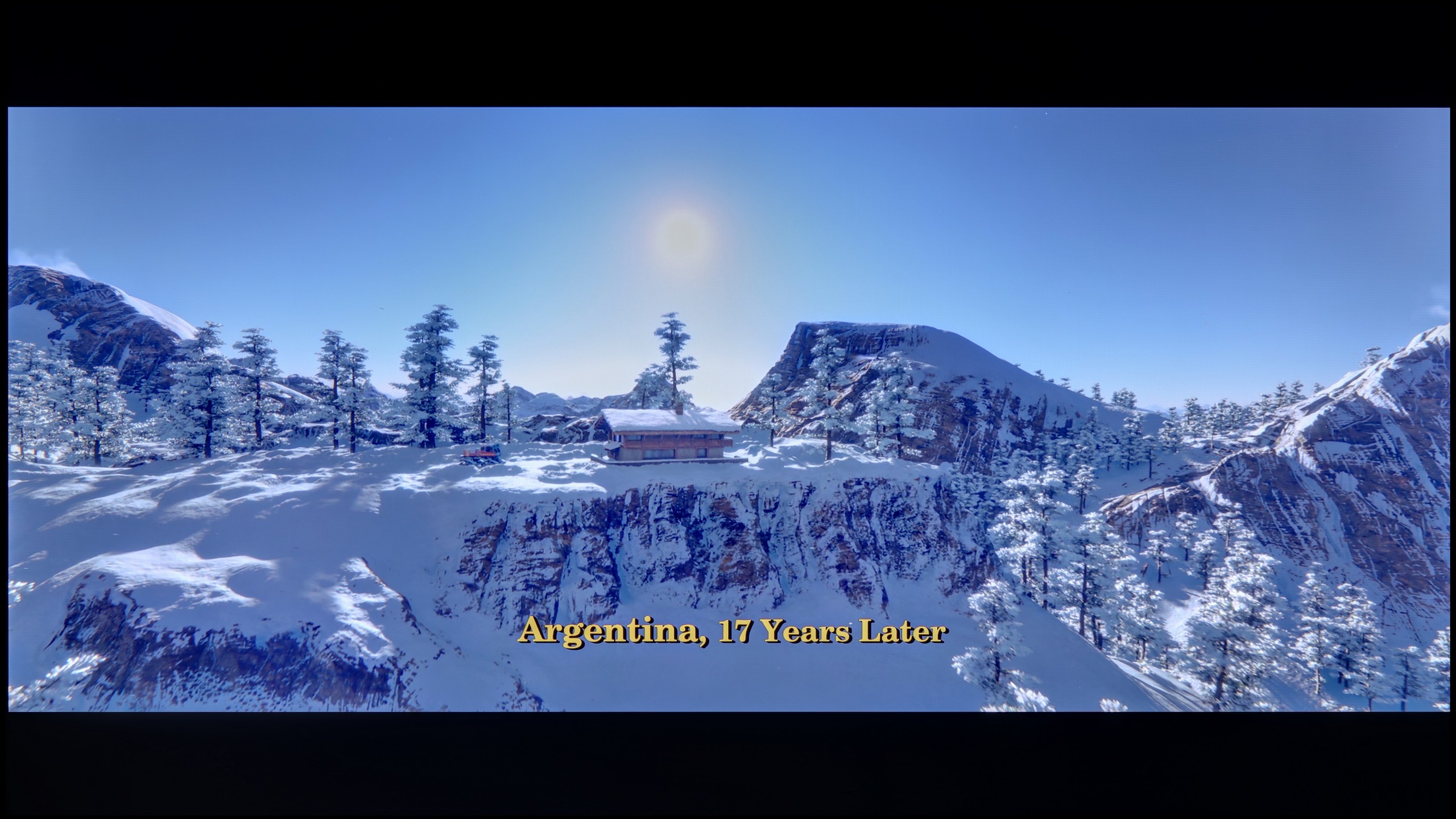
These are selected scenes that show smooth tonal transitions from one color to another. If you see distinct banding, it’s the TV panel’s fault.

These are selected scenes that show smooth tonal transitions from one color to another. If you see distinct banding, it’s the TV panel’s fault.

These are selected scenes that show smooth tonal transitions from one color to another. If you see distinct banding, it’s the TV panel’s fault.
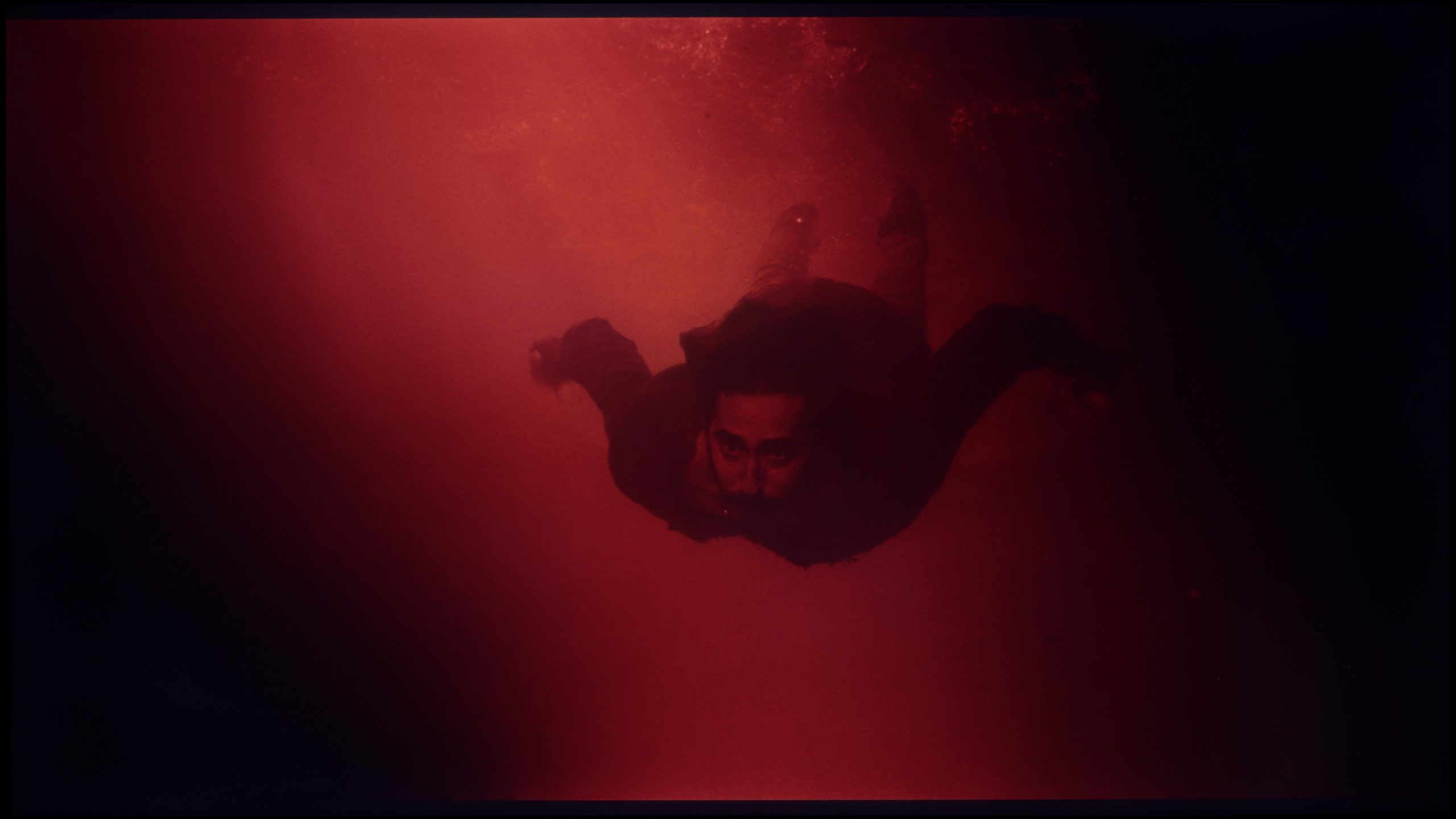
These are selected scenes that show smooth tonal transitions from one color to another. If you see distinct banding, it’s the TV panel’s fault.
Philips PUS8209 presents a decent gradation in bright scenes, where the tonal transitions are smooth enough not to be jarring. Unfortunately, in darker scenes, such as red water, the TV struggles noticeably. Issues with blending shades and a lack of precision in reproducing subtle colour differences are very apparent here.
When it comes to colour gradation in bright scenes, the PUS7000 model performs surprisingly well. It's hard to have any major complaints here. The colour transitions are natural and smooth, which means there are no disturbing bands or jumps between shades on a bright background. During the viewing of cheerful scenes, nothing should distract your attention from the screen. However, the situation changes dramatically when darker shades of grey or simply very dark colours appear on the screen. Unfortunately, quite strong "banding" of colours becomes noticeable then. Instead of smooth transitions, we get distinct breaks between the individual tones. In dark, atmospheric films, this can be quite annoying and detract from the viewing experience, as the tonal transitions are not as clean as in the bright areas of the image.
Image scaling and smoothness of tonal transitions
5.5/10
6.5/10

Smooth transition function

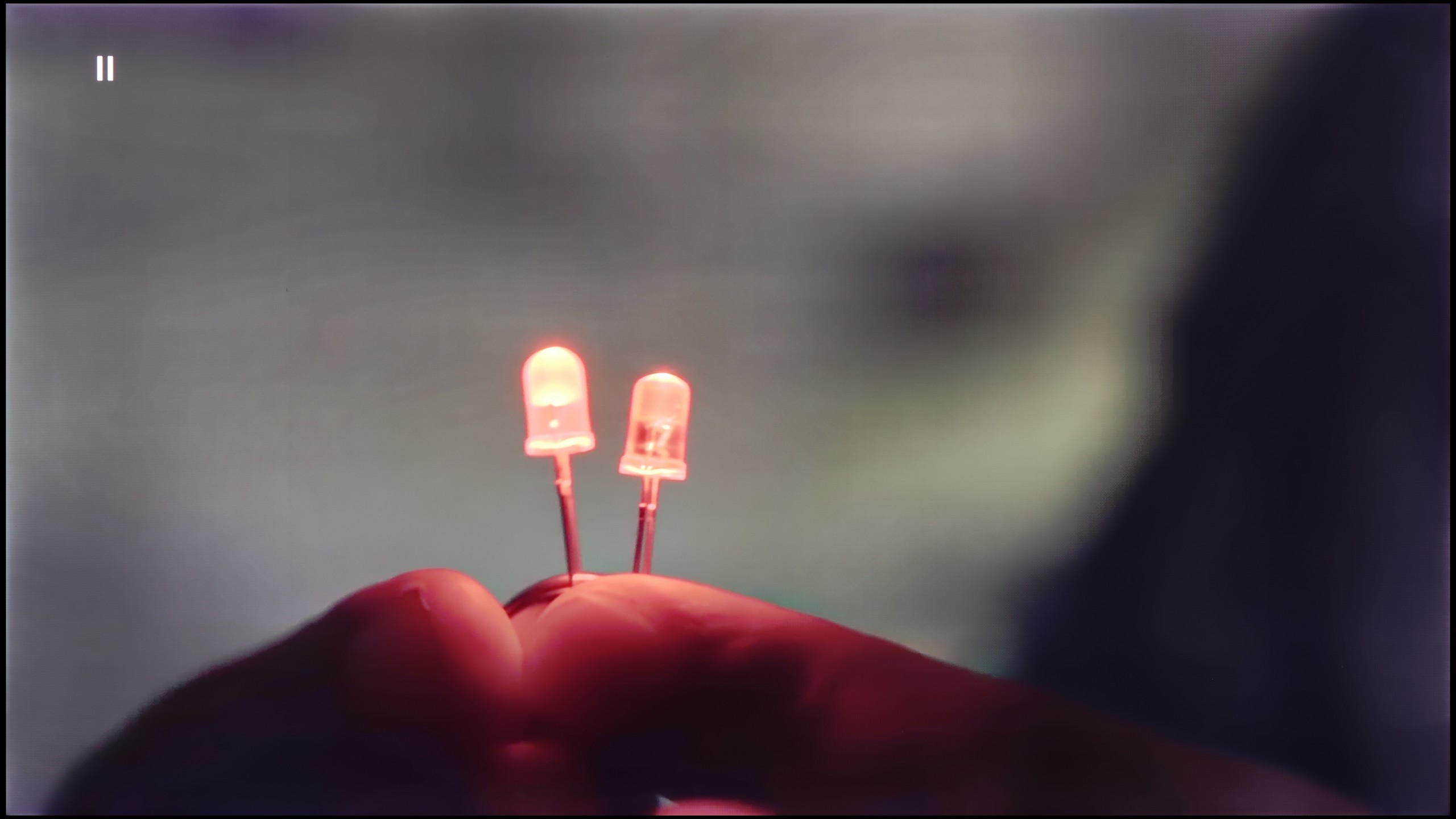
The match photo shows how the TV smooths weak tonal transitions in low-quality video.
Image scaling SD (576i)


The model photo shows how it handles upscaling of SD material.
The television offers a “Distortion Reduction” feature that effectively improves the gradation of tonal transitions, particularly when set to the minimum level. Unfortunately, this comes at a cost – the feature also smooths out details like material textures. On the plus side, it’s worth noting that the operation of this option does not negatively affect the film grain, which remains intact.
As for image scaling (upscaling), the television generates a plastic, soft image that generally looks pleasant. However, in the background, issues with aliasing of certain elements, such as branches or small details, can sometimes be noticed, which may decrease the quality of the reception. Despite these minor imperfections, the overall experience of scaling is satisfactory.
The PUS7000 handles digital image processing quite well. The distortion reduction feature deserves praise, as it effectively smooths unwanted tonal transitions even at a low setting. However, it has its downside: with too aggressive operation, it can introduce undesirable artifacts on the screen. It would be a good idea to experiment with this setting to find the golden mean between a smooth image and the clarity of details.
The upscaling, or enhancing the quality of lower materials to 4K, is decent. The image after processing is very "soft," which is typical of almost all Philips TVs. The edges are plastic and smooth, making the image look cohesive. If someone finds it too soft, it can always be adjusted with the sharpness slider in the menu for a more pronounced effect.
Blur and motion smoothness
3.8/10
3.9/10

Blur (native resolution, maximum refresh rate):





The 60 Hz panel in the Philips PUS8209 is mainly suited for watching movies, but here you can also feel a certain shortcoming. The television does not offer any motion smoothing that would allow you to adjust the fluidity of the picture to individual preferences, which for some users may be disappointing.
In this regard, we actually have no good news. It might seem that the biggest downside is the lack of a 120 Hz panel, but in this price range, that's actually the norm, and it's hard to expect more. However, the worst part is that the television has no motion smoothing features. There are no supporting systems in place for either movies or sports. We have to come to terms with the fact that the image on the PUS7000 is processed "raw." This means that during dynamic scenes or fast camera movements, motion can appear choppy or unclear. We have no option to enable any smoothers that could alleviate this effect.
Console compatibility and gaming features
4.7/10
4.7/10
- ALLM
- VRR
- VRR range48 - 60Hz48 - 60Hz
- Dolby Vision Game Mode
- Correct implementation of HGIG
- 1080p@120Hz
- 1440p@120Hz
- 4K@120Hz
- Game bar

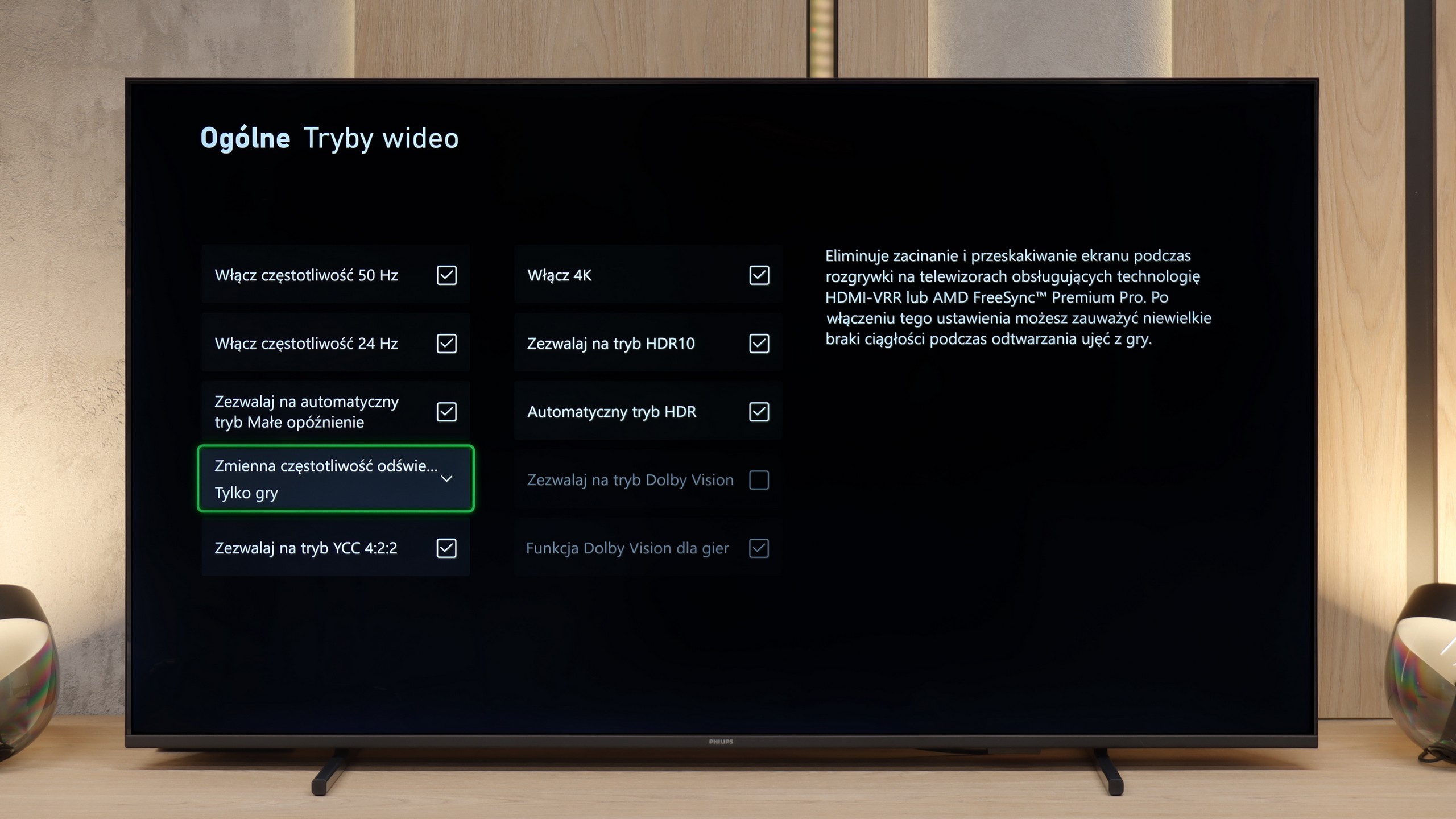

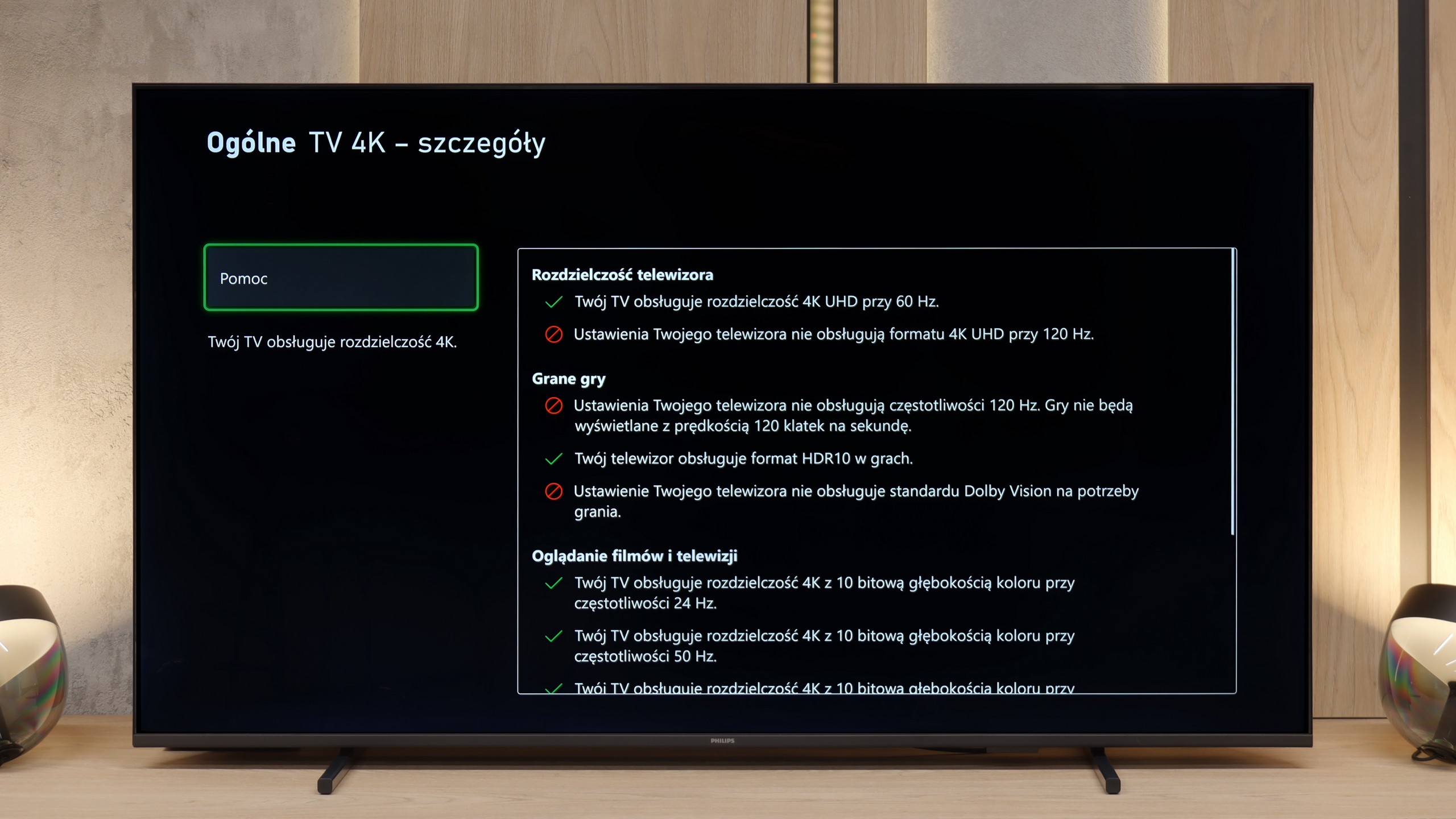

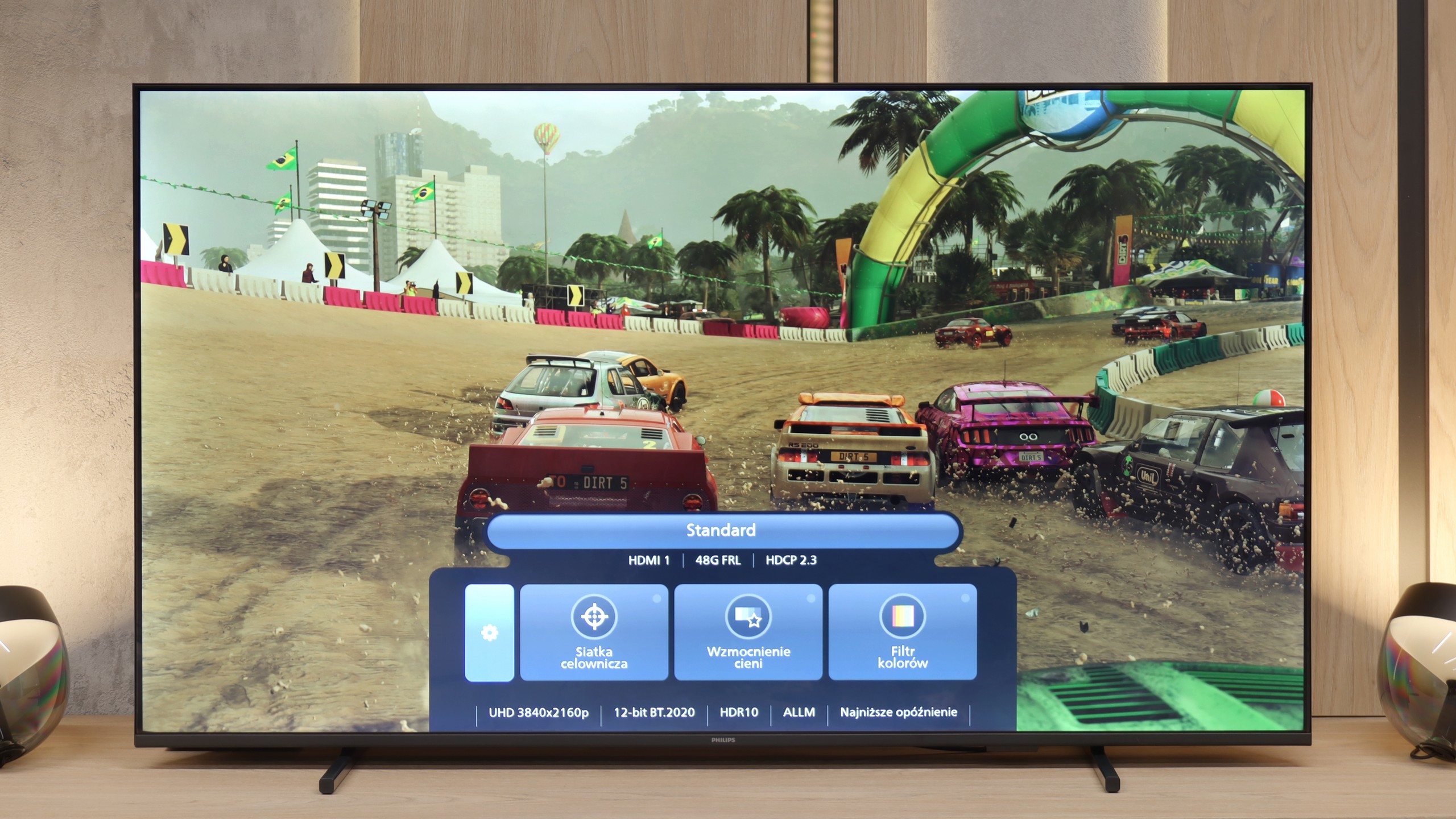

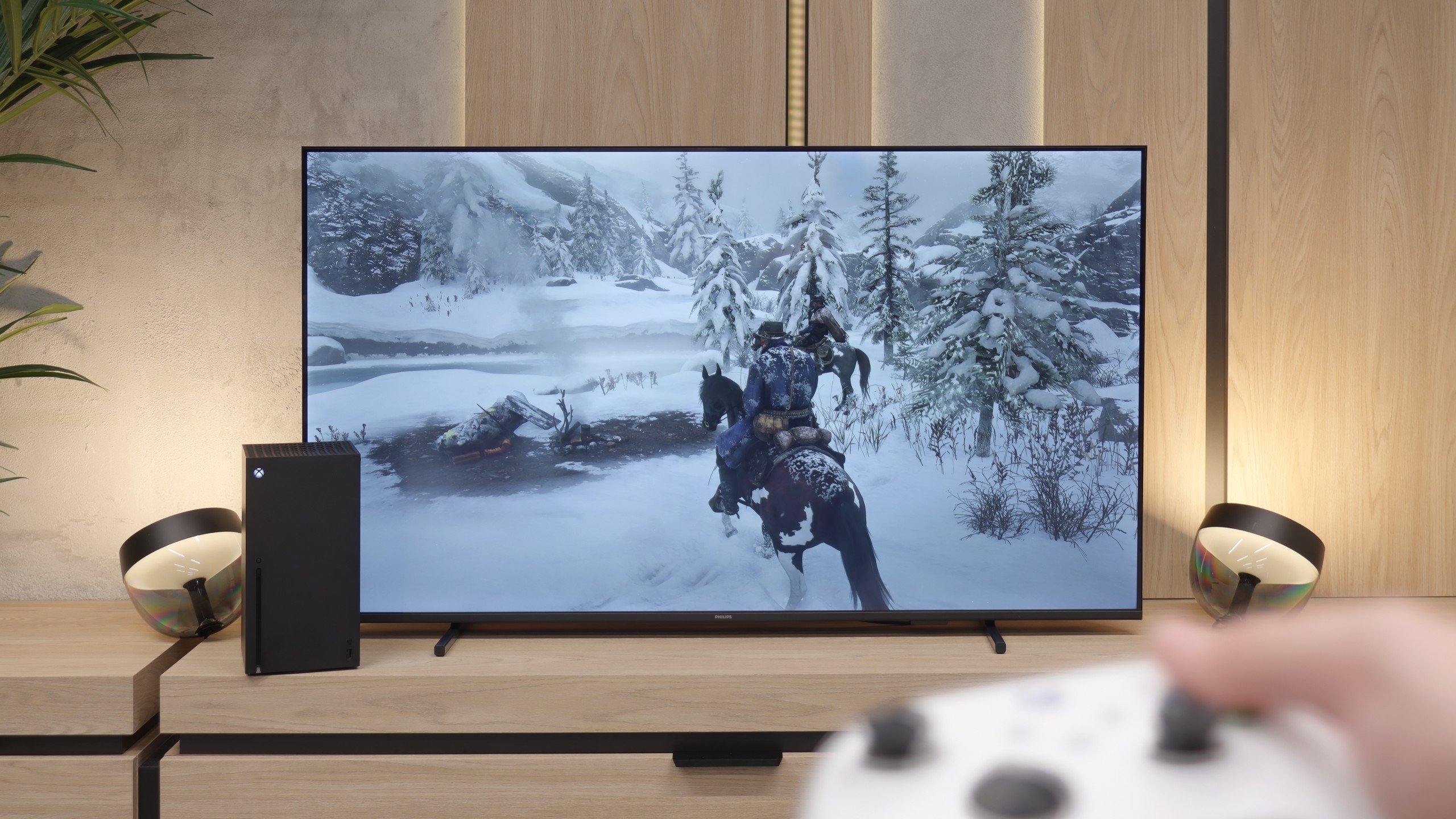
Philips PUS8209 offers basic features useful for gamers, such as variable refresh rate (VRR), automatic low latency mode (ALLM), and Game Bar, which makes managing settings easier.
Unfortunately, due to the 60 Hz panel, the TV will not meet the expectations of more demanding gamers who are looking for higher fluidity and precision of image. Additionally, this model does not support any HDR mode dedicated to gaming, such as HGiG or Dolby Vision, which further limits its capabilities in this regard.
Even though the PUS7000 isn’t marketed as a gaming TV, it doesn't perform as poorly in this category as one might expect. True, it doesn't support 120 Hz refresh rates, which is understandable at this price point, but the manufacturer has included several important features that significantly improve the console gaming experience. The most important of these are VRR and ALLM technologies. VRR is responsible for synchronising the screen with the number of frames generated by the console. This means the image doesn't "tear" and remains consistent even during sudden drops in frame rates while playing. On the other hand, ALLM is a solution that automatically switches the TV to a mode with the lowest latency immediately after detecting a signal from the console. All these parameters are easily accessible thanks to the Game Bar feature. This is a special control panel for gamers that can be brought up on the screen at any time. It allows for a quick view of current settings and connection status without interrupting gameplay, which is a very convenient solution.
Input lag
10/10
10/10
SDR
HDR
Dolby Vision
Input lag in the Philips PUS8209 is one of its strongest points. With a value of around 13 ms, the TV provides a very quick response time, which should satisfy most gamers, both casual and more advanced. Such a result allows for comfortable gameplay even in dynamic games.
Another plus for gamers is the very low input lag at around 12 ms. In this price range, the result is impressive. The delay is so minimal that the response to controller movements feels instantaneous, and in practice, it’s hard to notice at all. Gaming remains comfortable even in fast, dynamic titles where every millisecond counts. In this respect, the PUS7000 can keep up with much more expensive televisions.
Compatibility with PC
2/10
5.8/10

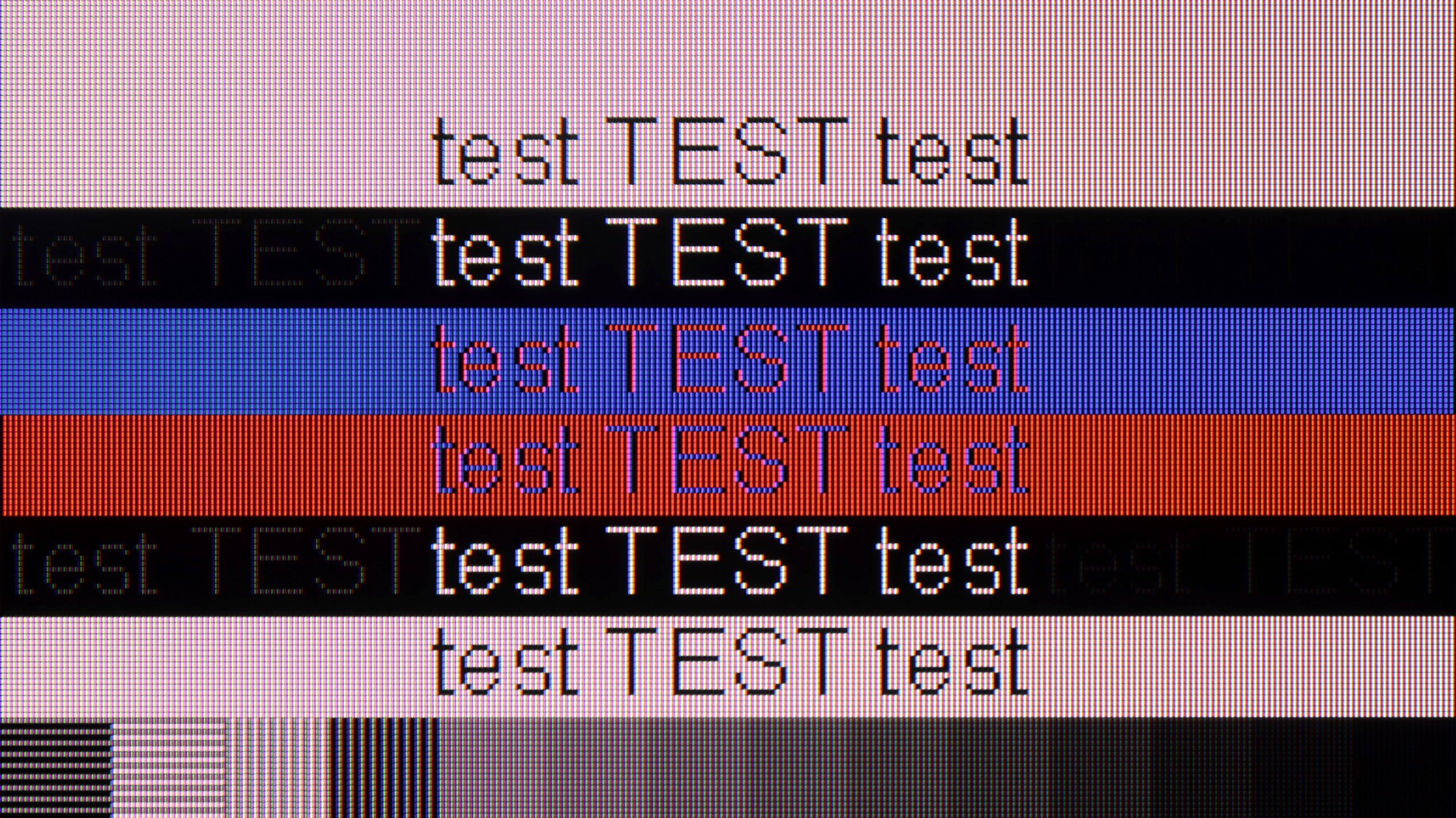
The photo shows the legibility of small fonts. Ideally, lines should be the same thickness on both light and dark text, with minimal pixel gaps.
On paper, collaboration with a PC seems promising, particularly due to support for 4:4:4 chroma, which should ensure good font readability and detail reproduction. In practice, however, the television has significant issues with displaying text, especially on dark backgrounds, where the so-called pixelation is clearly visible, negatively impacting work comfort.
Additionally, the lack of support for technologies like G-Sync means that gaming smoothness when connected to a PC leaves much to be desired, making this model less attractive for users looking for a television for gaming on a computer.
When it comes to connecting a computer, the possibilities for gaming are quite limited. The screen supports a maximum of 60 Hz and does not offer G-Sync technology, so it’s not equipment for demanding PC gamers. However, the PUS7000 surprisingly performs well for text work. The readability of fonts is at a very high level. The television correctly handles 4:4:4 chroma subsampling. This means that each letter, regardless of its size or colour, is displayed sharply and without any distortion on the edges. As a result, office work or browsing the internet on this screen is simply comfortable and doesn’t strain the eyes like some cheap panels that struggle with clean font rendering.
Viewing angles
2.1/10
3.1/10
The viewing angles on the Philips PUS8209 are poor, which is typical for a VA panel. When watched at an angle, the brightness of the image drops significantly, and the colours lose their depth, which can greatly affect viewing comfort, especially in larger groups or in an unusual setup of the television in relation to the viewer.
The viewing angles on this model are weak, which is directly due to the use of a VA-type panel. Although this panel provides decent contrast, as I mentioned earlier, it has one major flaw: it requires you to sit directly in front of the screen. Just shifting slightly to the side is enough for the colours to start losing saturation, and the image becomes noticeably worse.
Daytime performance
4.4/10
3.5/10

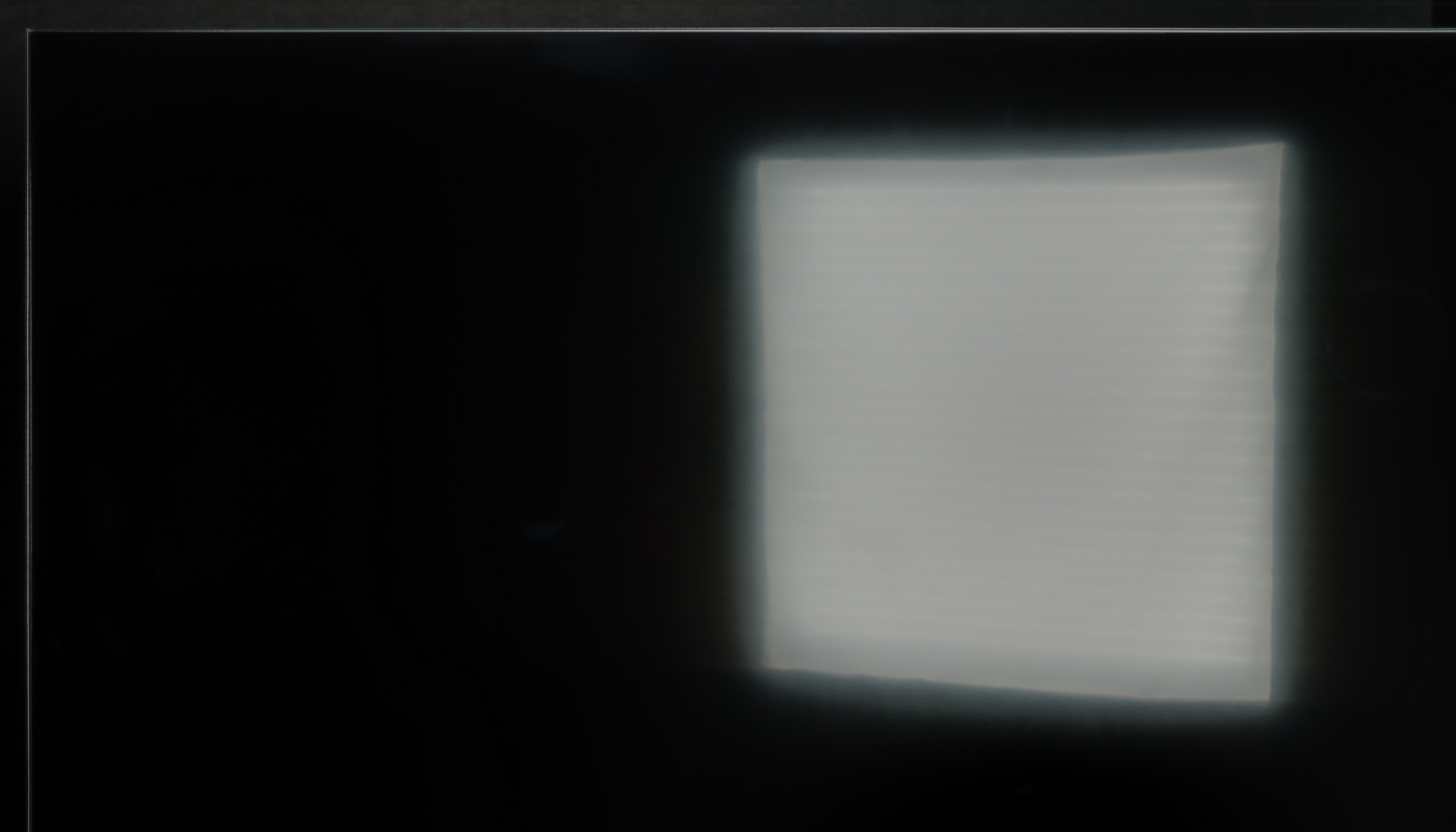

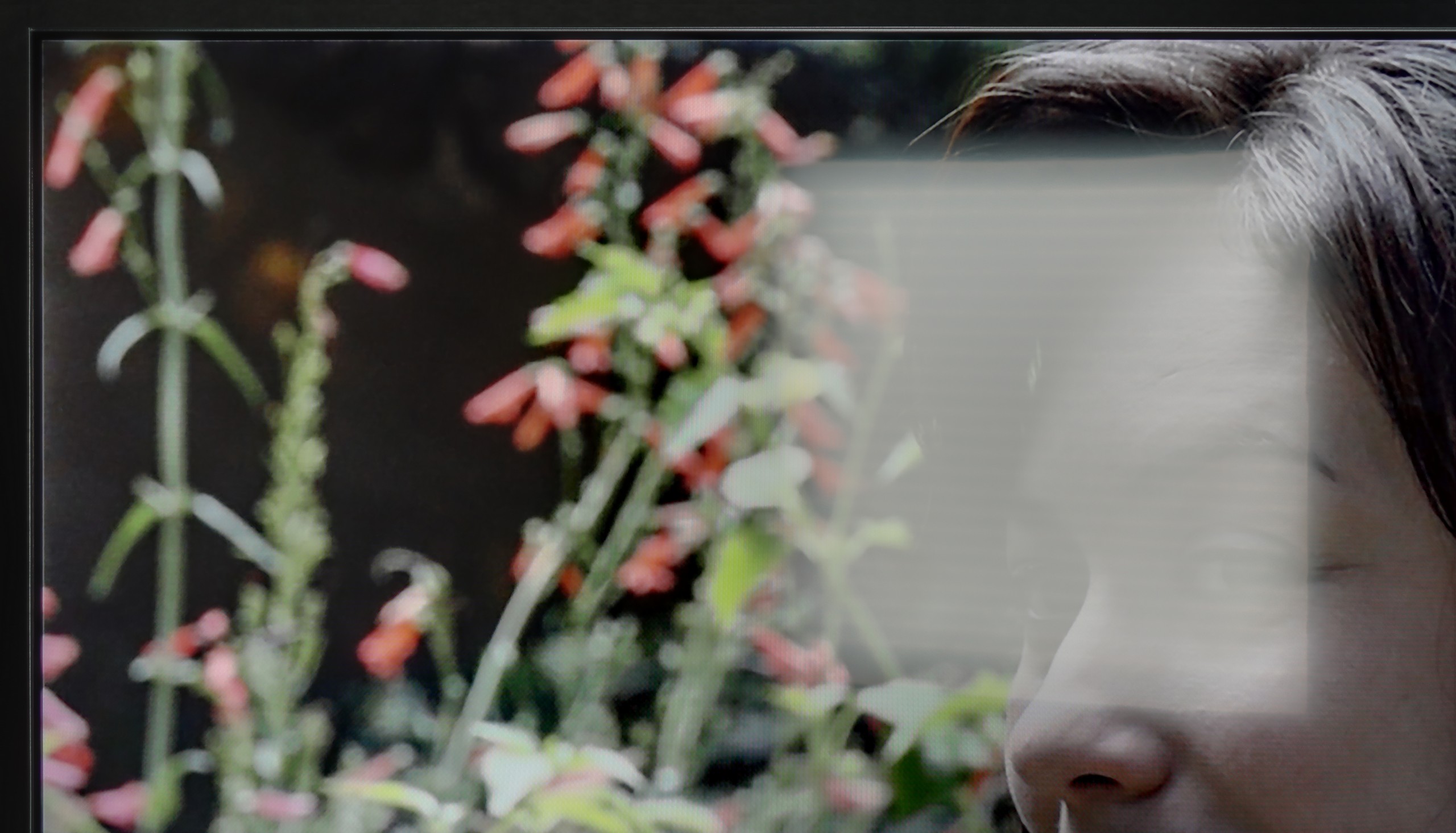
Panel brightness
Philips PUS7000: 202 cd/m2
Philips PUS8209: 277 cd/m2
The Philips PUS8209 features a satin screen coating that only moderately suppresses reflections, which may be inadequate in bright room lighting. However, the biggest issue is the low brightness at just 280 nits. In practice, this means that watching content during the day, especially in strong sunlight, can be a challenge as the picture appears too dark to provide comfortable viewing.
In a sunny room, the PUS7000 performs poorly. This is due to the fact that the display is simply too dim. A brightness level of 200 nits is very low, which does not allow for comfortable viewing in a lot of daylight. On the plus side, the satin screen coating does a decent job of reducing reflections. Thanks to this, reflections are not overly noticeable on the display, but it's not enough to save the situation. The brightness of this model is too low to cut through strong sunlight, so in very bright rooms, the image will simply be quite unclear.
Panel details
Subpixel Structure:

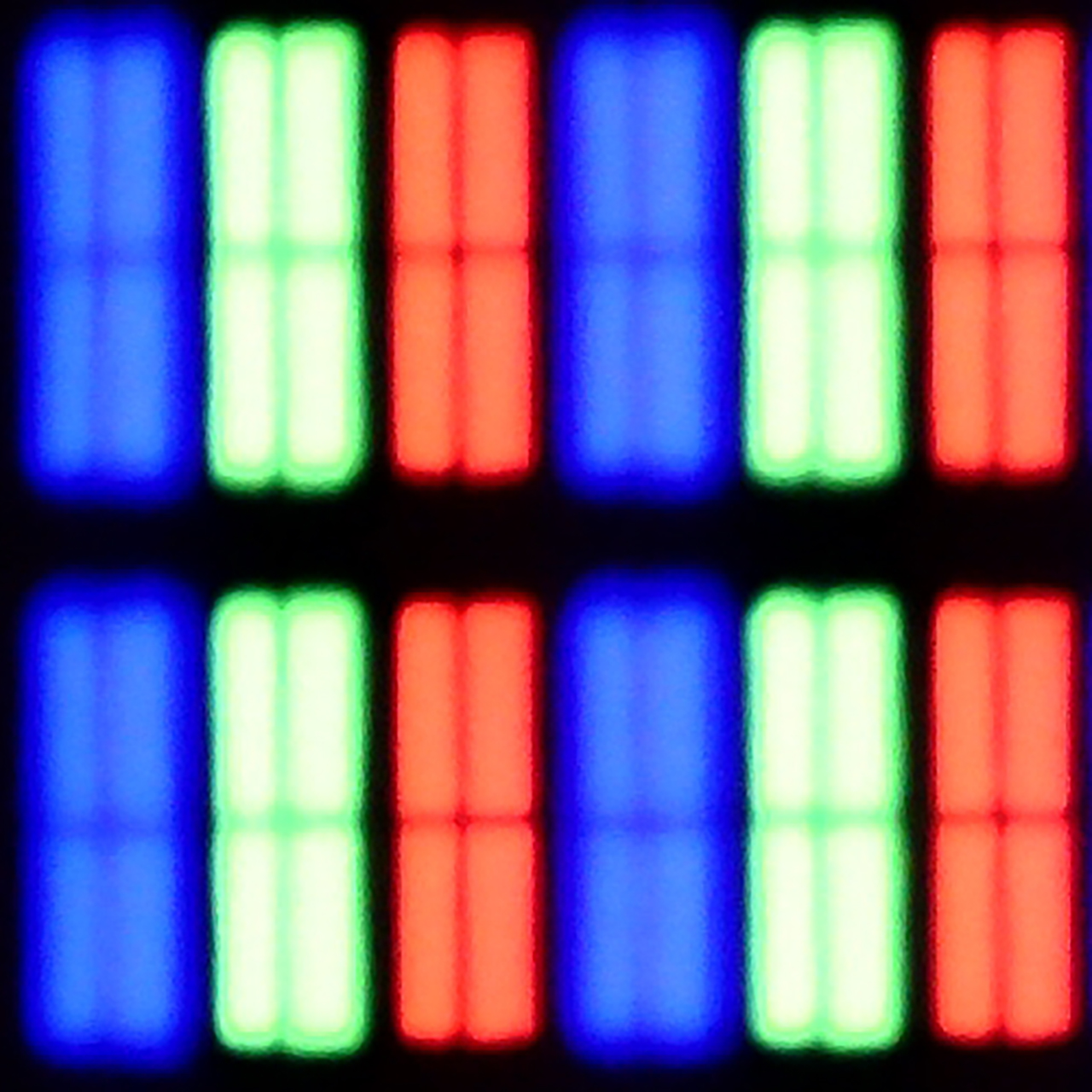
Panel uniformity and thermal imaging:


TV features
4.7/10
5/10
- HDMI inputs3 x HDMI 2.0, 0 x HDMI 2.13 x HDMI 2.0, 0 x HDMI 2.1
- OutputseARC (HDMI), ARC (HDMI)Toslink (Optical audio), eARC (HDMI), ARC (HDMI), Mini-Jack (Headphones)
- Network InterfacesWi-Fi 2.4GHz, Ethernet (LAN) 100MbpsWi-Fi 2.4GHz, Wi-Fi 5GHz, Ethernet (LAN) 100Mbps
- TV receptionDVB-T, DVB-T2, DVB-S, DVB-S2, DVB-CDVB-T, DVB-T2, DVB-S, DVB-S2, DVB-C
Classic features:
- Recording to USB (terrestrial TV)
- Recording programming
- Picture in Picture (PiP)
- RF remote control (no need to aim)
- Backlit remote control
- Teletext
- Audio only mode
- Bluetooth headphones support
- Simultaneous Bluetooth headphones & TV audio
Smart features:
- AirPlay
- Screen mirroring (Windows Miracast)
- Voice search
- Voice search in native language
- Ability to connect a keyboard and mouse


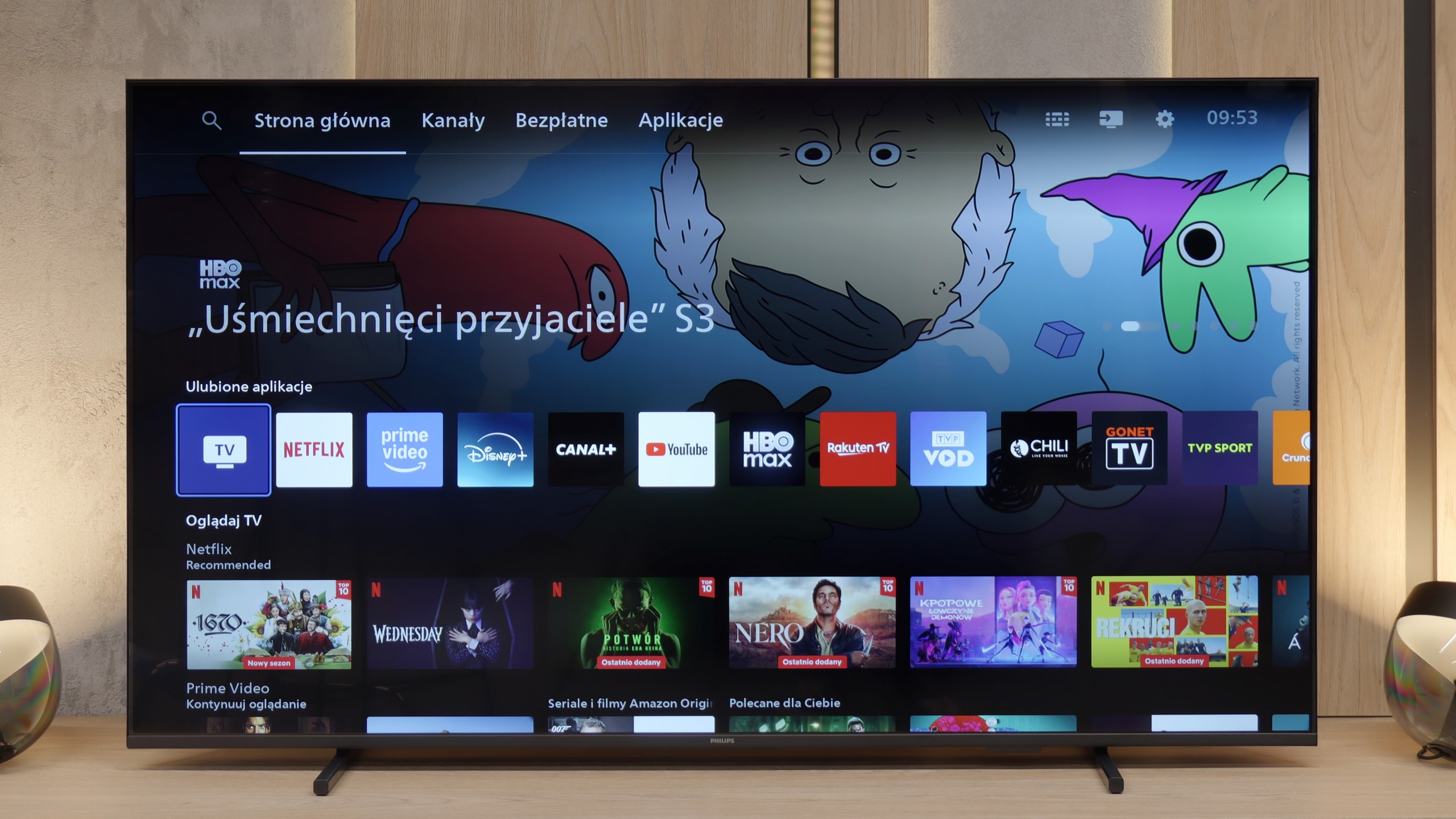
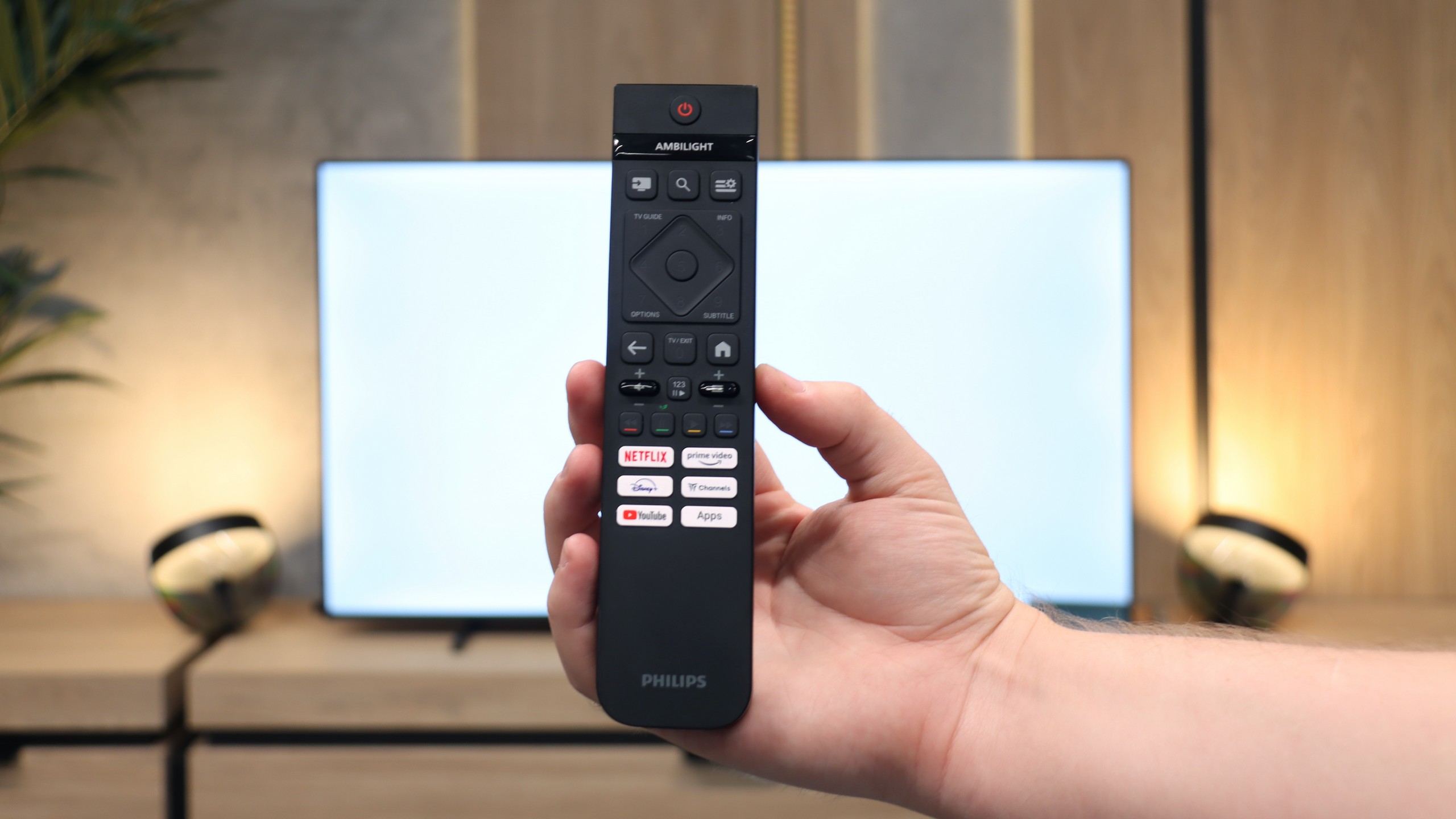
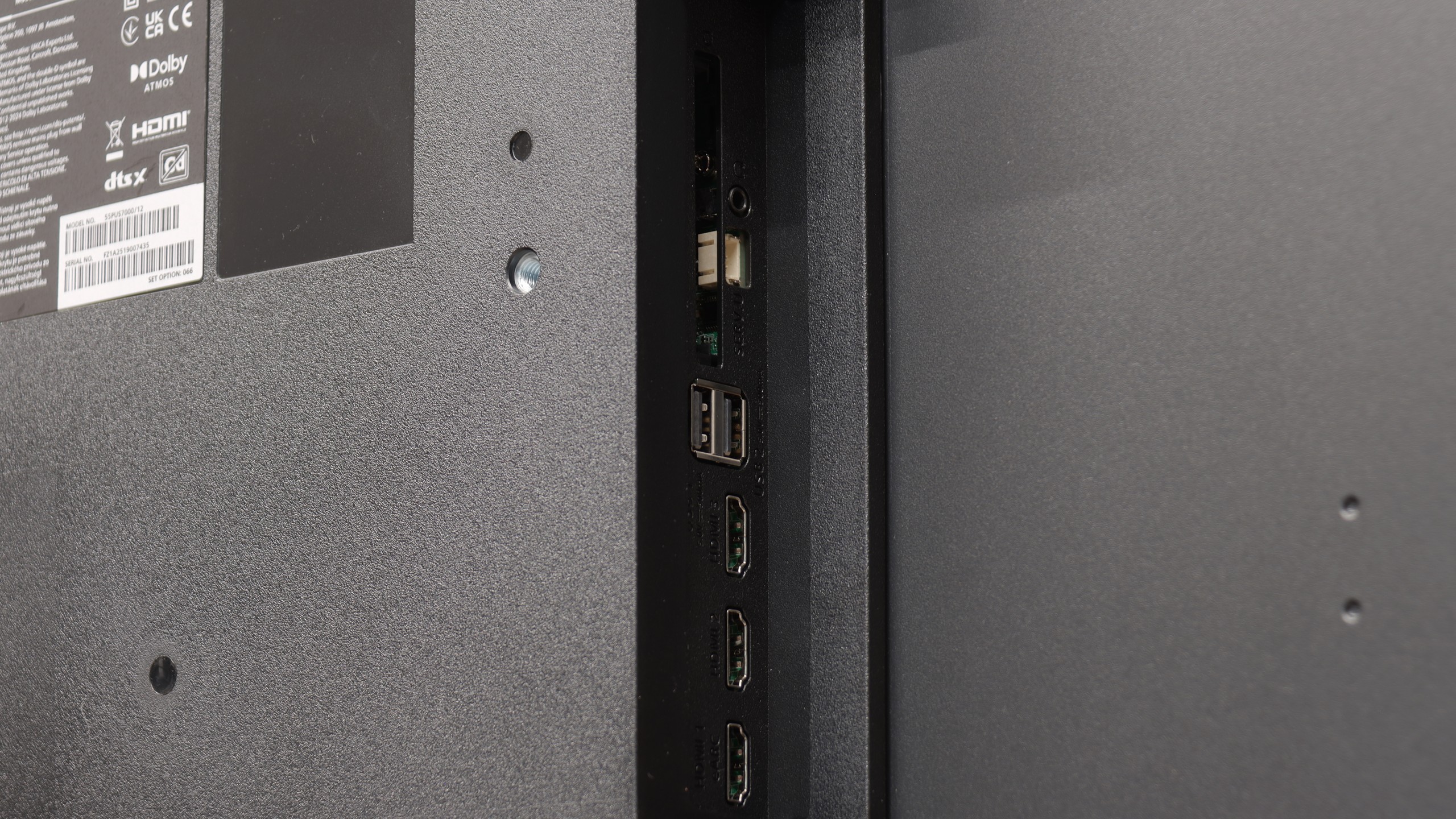

Philips PUS8209 uses the Titan OS operating system, which, while simple to use, remains limited in terms of functionality. The available number of applications is small compared to more developed ecosystems like Google TV, which may be disappointing for users accustomed to broader capabilities. Additionally, the lack of support for AirPlay restricts compatibility with Apple devices, reducing the flexibility of the television in streaming content. The remote, though interesting, requires aiming at the screen, which may not appeal to everyone.
The absence of more advanced features such as PiP (Picture-in-Picture) or program recording further limits the device's capabilities in everyday use.
Philips PUS8209 is a television that catches attention with its interesting feature of a three-sided Ambilight system, which is a dynamic backlighting of the wall behind the television that adjusts its colours and intensity to the content displayed on the screen. This effect creates the impression of greater image depth and enhances immersion, especially in darkened rooms. Unfortunately, its potential is limited by the Titan OS operating system, which leaves much to be desired. The limited number of applications and the lack of support for popular features such as AirPlay can be a significant drawback for more demanding users. While Ambilight distinguishes this model from the competition, shortcomings in the operating system significantly affect the overall functionality of the television.
Titan OS System
Titan OS is still a fairly new operating system, and unfortunately, this is noticeable in everyday use. The whole system operates sluggishly, at times even clumsily. The response to commands from the remote is slow, which is further complicated by the fact that the device uses infrared connectivity instead of Bluetooth / RF. This means we need to aim the remote fairly precisely at the television for the system to respond at all. During testing, we again failed to launch the screen mirroring feature with computers running Windows. Fortunately, transmitting video from Apple devices via AirPlay worked without any issues. Another downside of Titan OS is its very modest app library. The selection is much smaller than in systems like webOS or Tizen, not to mention Google TV, where the choice of programs is almost unlimited.
Classic Features
On the other hand, the PUS7000 might be a good choice for people who primarily watch traditional television. Here, we find a properly functioning teletext and a clear EPG interface, which is an electronic program guide. The remote included is backlit, which makes it very handy to use after dark, and it features standard numeric buttons for quick channel selection. An interesting addition is the presence of a classic jack headphone input. This is a rarely seen feature in new televisions, allowing for the connection of older home theatre systems or wired headphones without the need to purchase adapters.
Apps
6.7/10
6.7/10






















Playing files from USB
8/10
8.2/10
Supported photo formats:
Maximum photo resolution:

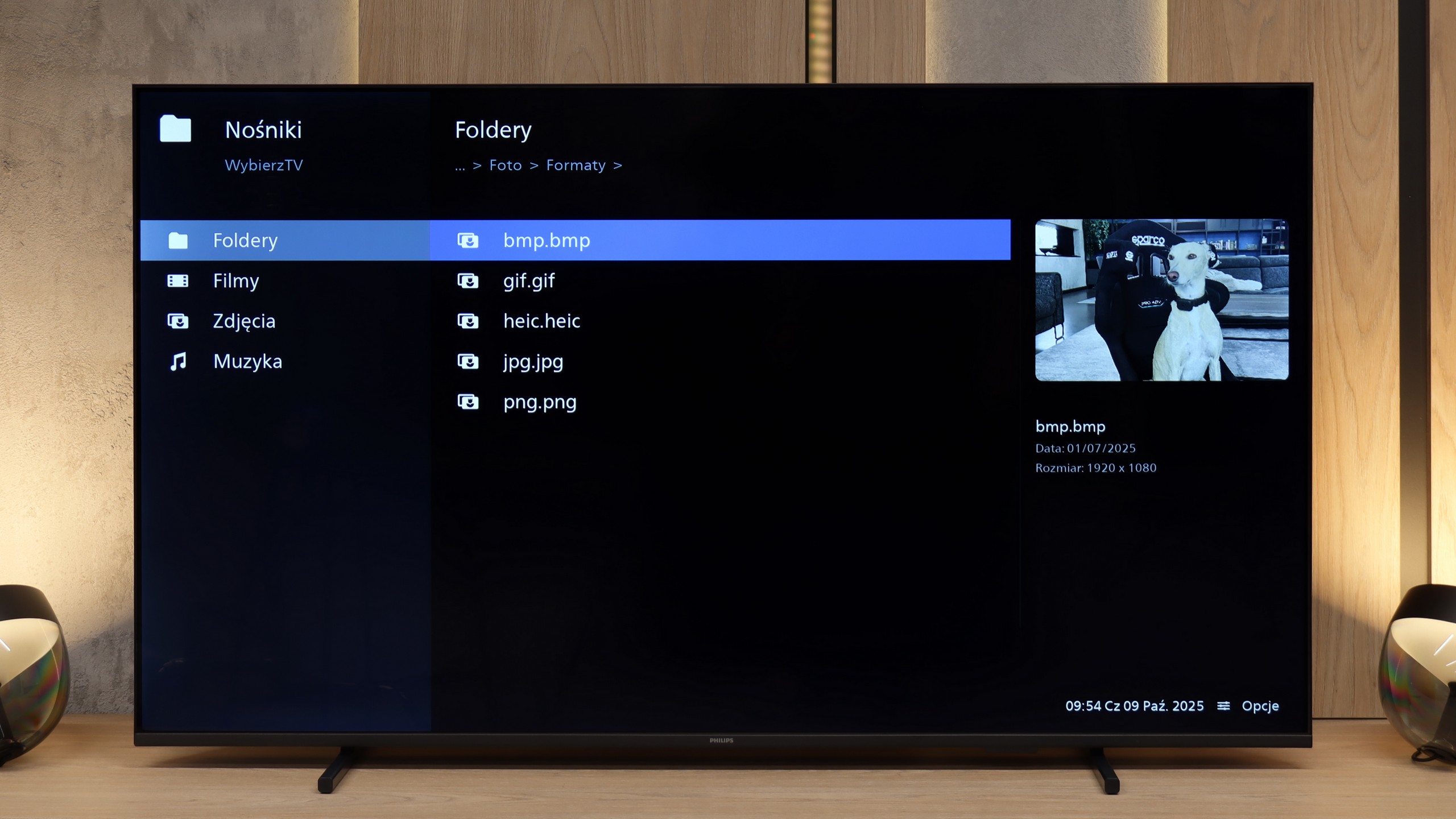
The built-in media player in the Philips PUS8209 performs well in everyday use. It smoothly handles Polish characters in subtitles and allows for adjustments to the colour and size of the font, which significantly enhances the comfort of using this feature. More demanding users may notice some limitations in the supported file formats, however, for most applications in everyday use, this player should be fully sufficient.
The built-in media player works quite well and handles most popular video formats without any major issues. The television easily reads subtitles from files and manages various audio formats, so those who keep movies on a drive or USB shouldn't feel restricted. The only hitch concerns the photo browser – not everything worked properly, and some files, especially in selected resolutions, did not open at all.
Sound
5/10
5.8/10
- Maximum volume-81dB
- Dolby Digital Plus 7.1
- Dolby True HD 7.1
- Dolby Atmos in Dolby Digital Plus (JOC)
- Dolby Atmos in Dolby True HD
- DTS:X in DTS-HD MA
- DTS-HD Master Audio
The sound on the Philips PUS8209 can be described as average, typical for televisions in this price range. The 2x10 W speakers do not offer exceptional quality or depth; however, they are sufficient for everyday TV watching. On the plus side, it should be noted that there is a wide range of supported audio codecs, such as Dolby Atmos and DTS, which can significantly enhance audio quality when paired with external sound systems, like soundbars or home theatre setups.
The sound is pretty much at a budget level. It's sufficient for news and talk shows, but with films and music, it quickly lacks depth and bass. At this price, it's hard to expect much more, so if we’re after better experiences, it’s worth considering a soundbar or connecting external audio, even just through the headphone jack.
Sound Quality Test
No sound test video
Acoustic Measurements
No acoustic data
81dBC (Max)
75dBC