The Philips OLED820 is a very successful and significant step forward compared to last year's model, the OLED 819. For many people, the main reason for purchasing will, of course, be Ambilight: a multicoloured backlighting system that distinguishes Philips televisions from the competition. It's no surprise, as it made a huge impression on us as well. It’s not just an impressive gadget, but a real addition that can change the perception of the content being watched and add depth to it. However, Ambilight should not overshadow what the OLED820 offers as a screen. We have almost infinite contrast, high brightness in HDR films, and excellent colour reproduction, which becomes even better after a slight adjustment or professional calibration. This set guarantees one of the best images available on the market today, and we are also aware that the television offers something unique and unprecedented anywhere else. It is also equipment that will perform well in gaming. The 144 Hz panel and HDMI 2.1 ports provide access to the full capabilities of next-generation consoles, and the low input lag makes gameplay exceptionally responsive. The operating system – Google TV – also deserves praise. It’s a much better solution than the proprietary Titan OS found in lower Philips models, such as the OLED770. This is a significant argument for paying extra for this model. A larger library of applications, a more efficient voice assistant, and fewer system errors translate to a clearly better everyday experience. Of course, the Philips OLED 820 is not free from minor shortcomings – there are some software gaps, and some features could be better refined. Nevertheless, the overall presentation is very solid. Perhaps the OLED820 is not a revolutionary television, but it is a very successful and well-balanced offering in Philips' lineup. It combines excellent picture quality, a full set of features for gamers, and a unique addition in the form of Ambilight. If you are looking for a solid mid-range OLED that gives not only a good picture but also something distinctive and exceptional, the OLED820 should be high on your shopping list.
- Matching (Score) |
- Our verdict |
- TV appearance |
- Where to buy |
- Contrast and black detail |
- HDR effect quality |
- Factory color reproduction |
- Color reproduction after calibration |
- Smoothness of tonal transitions |
- Image scaling and smoothness of tonal transitions |
- Blur and motion smoothness |
- Console compatibility and gaming features |
- Input lag |
- Compatibility with PC |
- Viewing angles |
- Daytime performance |
- Panel details |
- TV features |
- Apps |
- Playing files from USB |
- Sound
Philips OLED820 vs Samsung Q6F (IPS)
 Direct comparison
Q6F
Available screen sizes: 55”
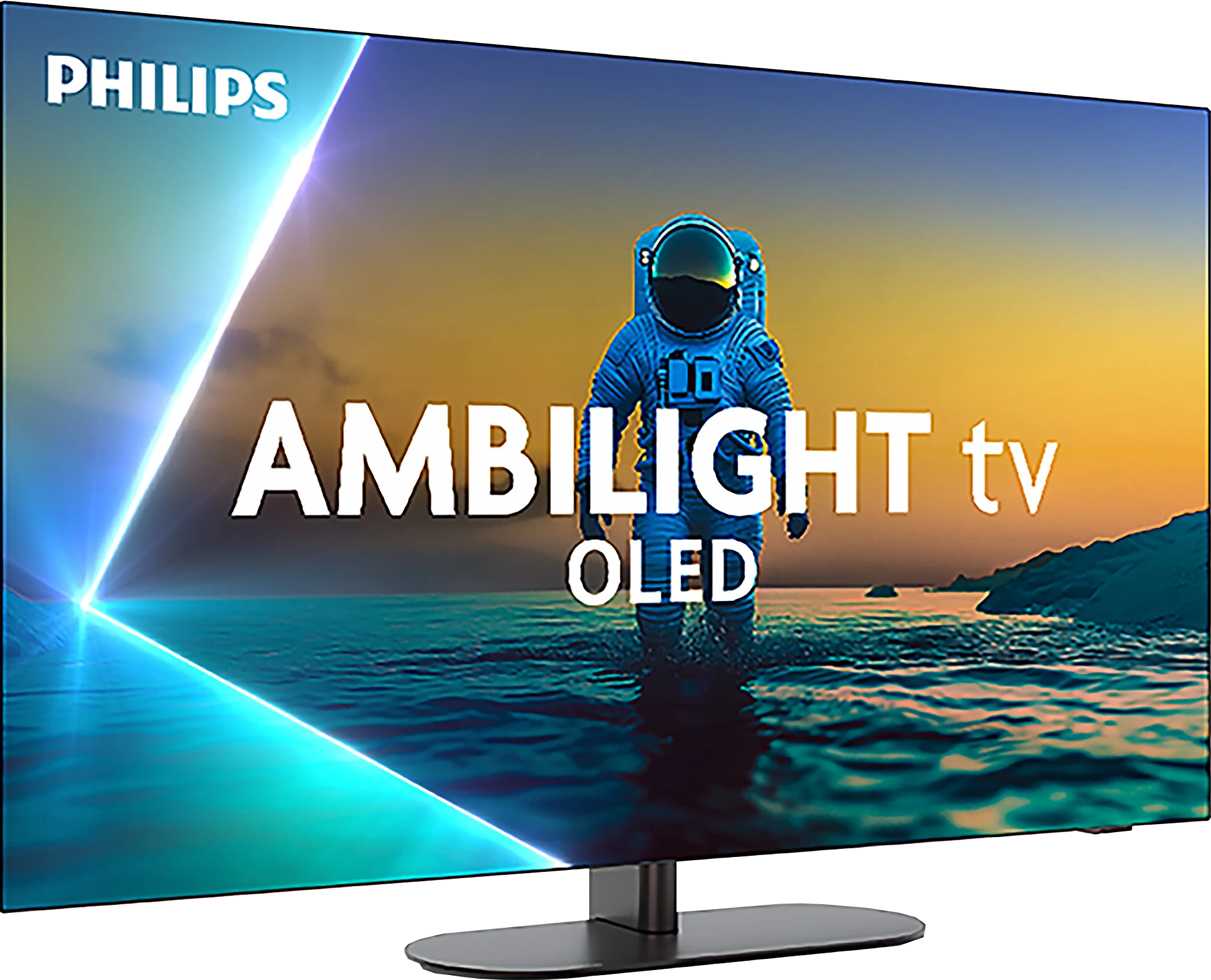
Panel type: WRGB OLED
Resolution: 3840x2160
System: Google TV
Model year: 2025
Complete the survey to find out the result
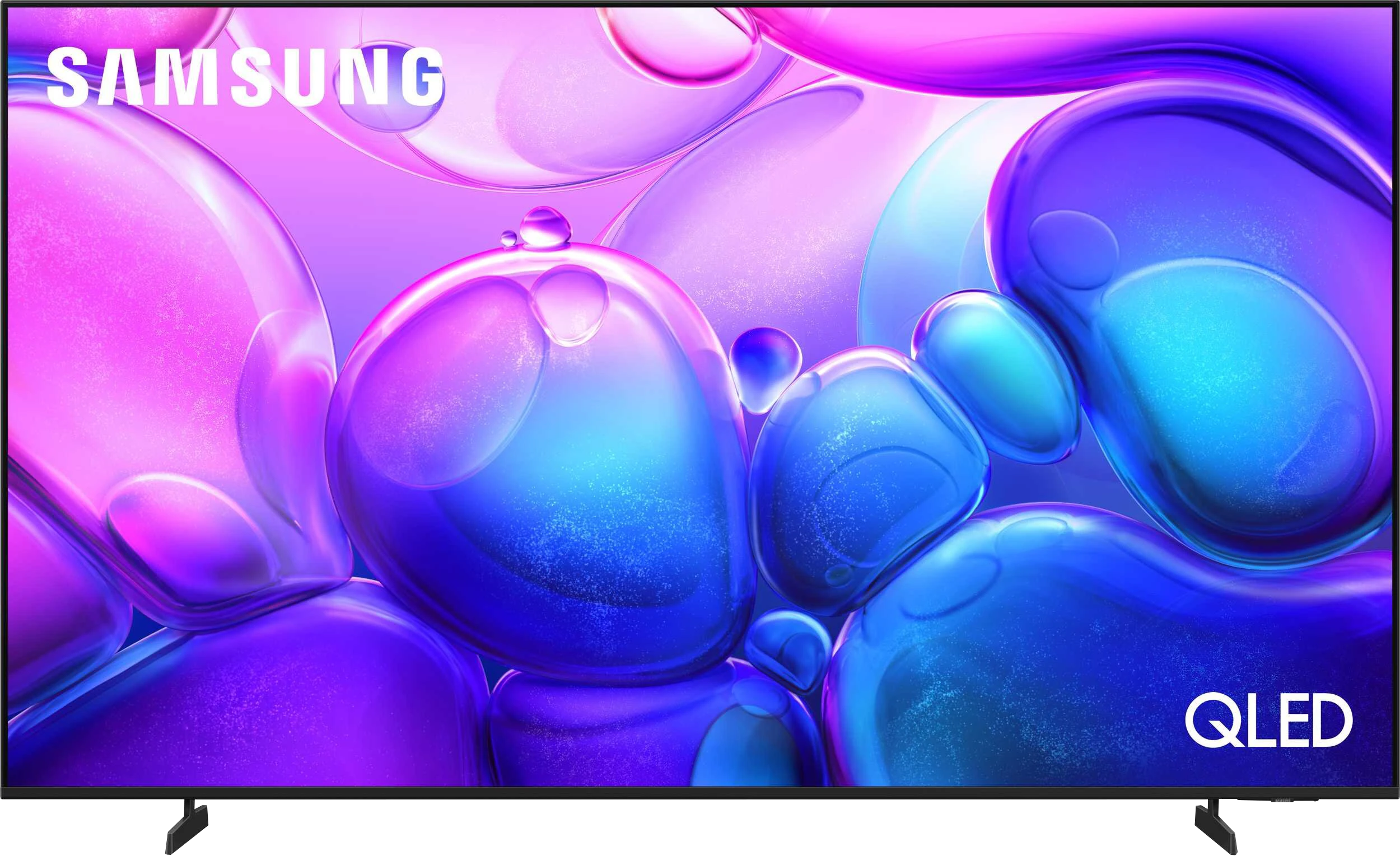
Panel type: LCD IPS
Resolution: 3840x2160
System: Tizen
Model year: 2025
Complete the survey to find out the result
Overall rating
8.0
5.1
 Movies and series in UHD quality
 8.3
4.8
 Classic TV, YouTube
 8.6
4.7
 Sports broadcasts (TV and apps)
 8.4
4.9
 Gaming on console
 9.4
6.4
 TV as a computer monitor
 6.5
6.0
 Watching in bright light
 5.7
1.8
 Utility functions
 6.8
5.9
 Apps
Apps 9.6
9.3
 Sound quality
 7.7
5.8
Complete the survey to find out what fits your preferences
Advantages

Perfect contrast and black level thanks to the WOLED panel
High HDR brightness (up to 1300 nits) and wide coverage of the DCI-P3 colour space (99%)
Support for multiple HDR formats including Dolby Vision and HDR10+
Excellent motion smoothness, no blur, refresh rate up to 144 Hz
Full support for gamers: HDMI 2.1 (2 ports), VRR, ALLM, HGiG, Dolby Vision in games, low input lag
Ambilight, which significantly enhances the viewing experience and sets the TV apart from the competition
Google TV system with a massive app base and an excellent voice assistant
Extras including: Backlit remote and swivel stand
Support for audio formats Dolby Atmos and DTS:X
Tizen System: Works quickly, doesn't lag and
Large app library (Netflix, YouTube, HBO, Disney)
IPS matrix provides a good picture even when you're not sitting directly in front
Great font readability – good as a large monitor for text work
Basic features for gamers: VRR and ALLM
Very low input lag
Senior-friendly remote: Classic layout with numeric buttons
Very attractive price
Disadvantages

Only two HDMI 2.1 ports (with 2 consoles and a soundbar, we are forced to "juggle" the cables)
Lack of many classic "TV" features such as USB recording or PiP mode, infrared remote may be annoying
Slight issues with colour matching (much better than last year but still far from the competition)
Issues with font readability when working with PC (lack of full Chroma 4:4:4 support)
Brightness of 250 nits is too low to feel any difference in HDR mode
Low contrast of the IPS panel ruins night movie sessions
Average brightness of 150 nits during the day makes it hard to see anything in a sunny room
No optical output
Infrared remote (requires aiming at the screen)
Our verdict
Samsung Q6F is a television that’s difficult to assess through the lens of typical QLED models. We must remember that this is a budget offering aimed at a very specific audience. If you’re looking for an inexpensive device with the logo of a well-known manufacturer that simply needs to work, display multimedia, and offer basic remote control with buttons – the Q6F could be an interesting option for you. It’s a great choice for seniors or anyone who needs a large screen “on the cheap” for everyday television, where its IPS panel and good viewing angles really make a difference. However, we must say it plainly: the biggest drawback of this model is its very low brightness and poor blacks. These are the two foundations on which image quality is built, and here they are simply very fragile. It’s definitely not a television we would recommend for watching HDR content – this format exists here in name only. Although the Q6F has a QLED filter and belongs to the Quantum Dot family, fully utilizing the potential of this technology is practically impossible, as the device is technically unsuitable for such content. We know it’s tempting with its very low price and may appeal to many people with modest expectations. However, you should know that the suffix “QLED” suggesting a premium product is, in this case, far from what Samsung has accustomed us to in recent years. It’s a ticket into the world of Samsung, but in a very basic version.
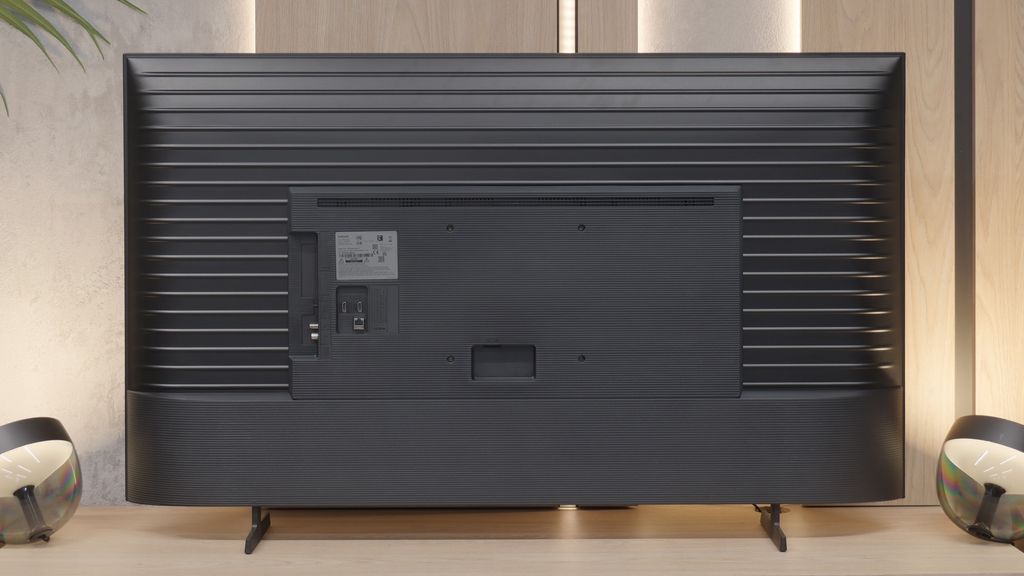
TV appearance
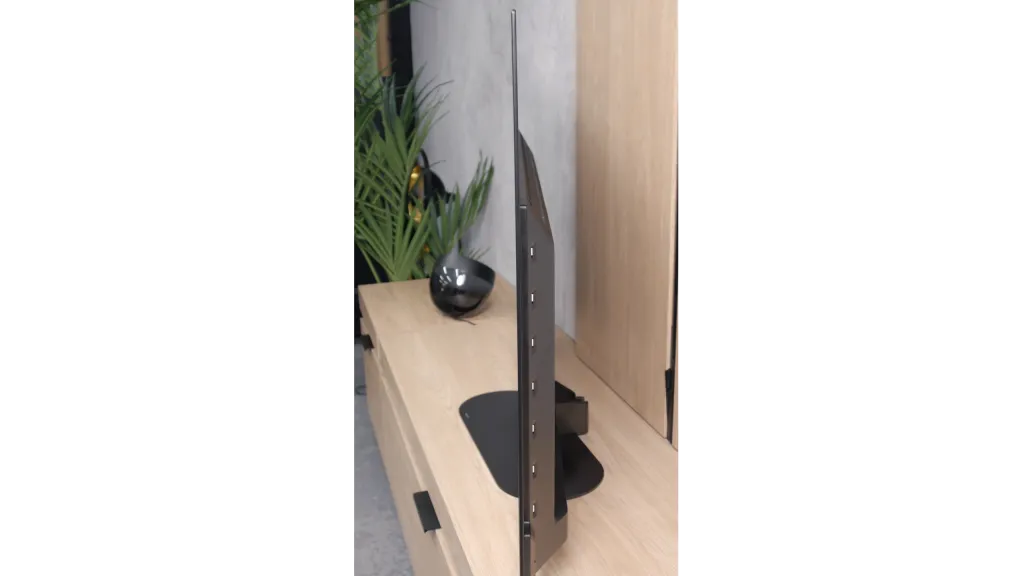
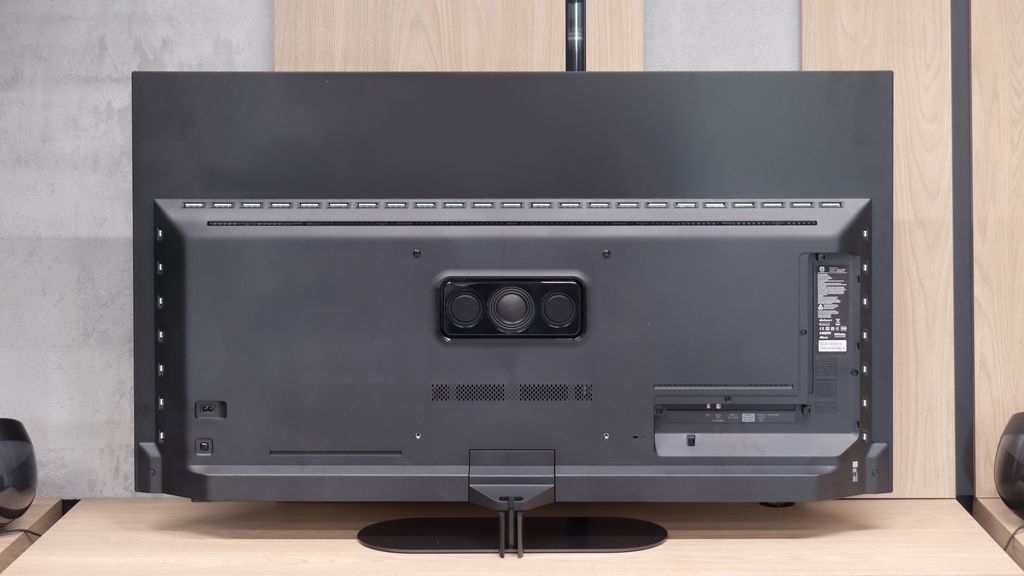
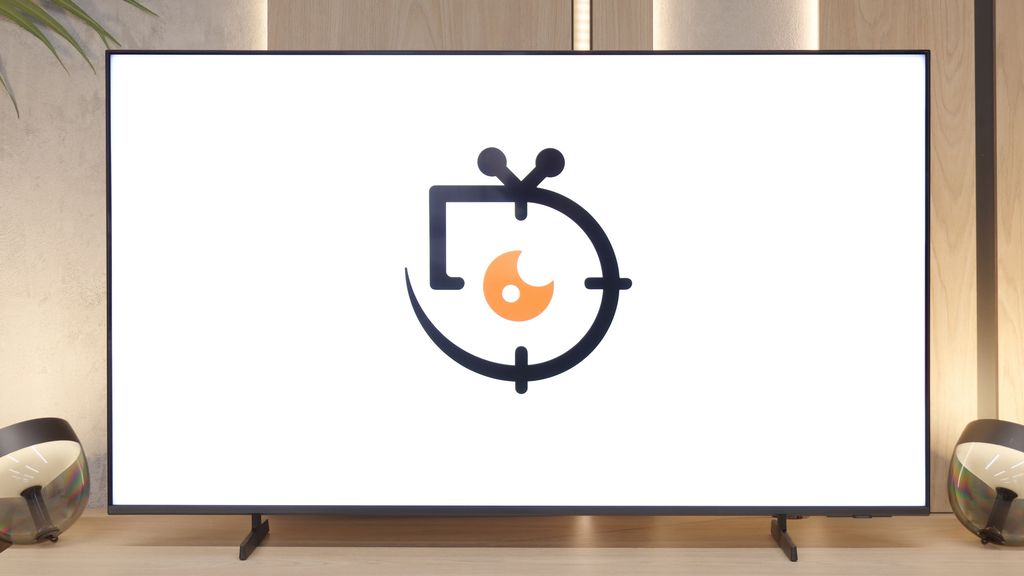

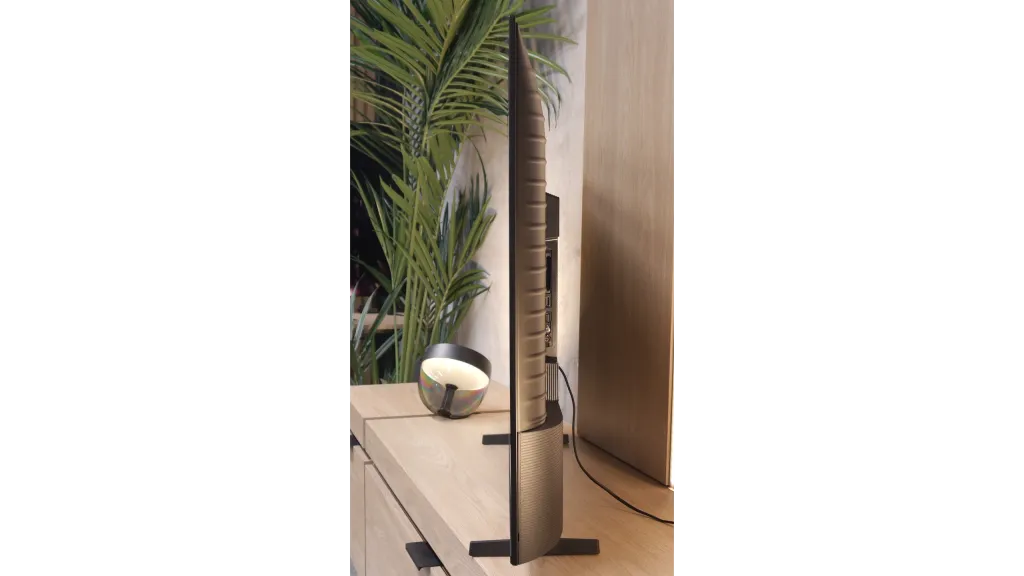

Contrast and black detail
10/10
1.9/10
Local dimming function: No
Contrast:


Result
∞:1

Result
∞:1

Result
∞:1

Result
∞:1

Result
∞:1
Result
900:1
Result
1,000:1
Result
1,050:1
Result
1,050:1
Result
900:1
Halo effect and black detail visibility:
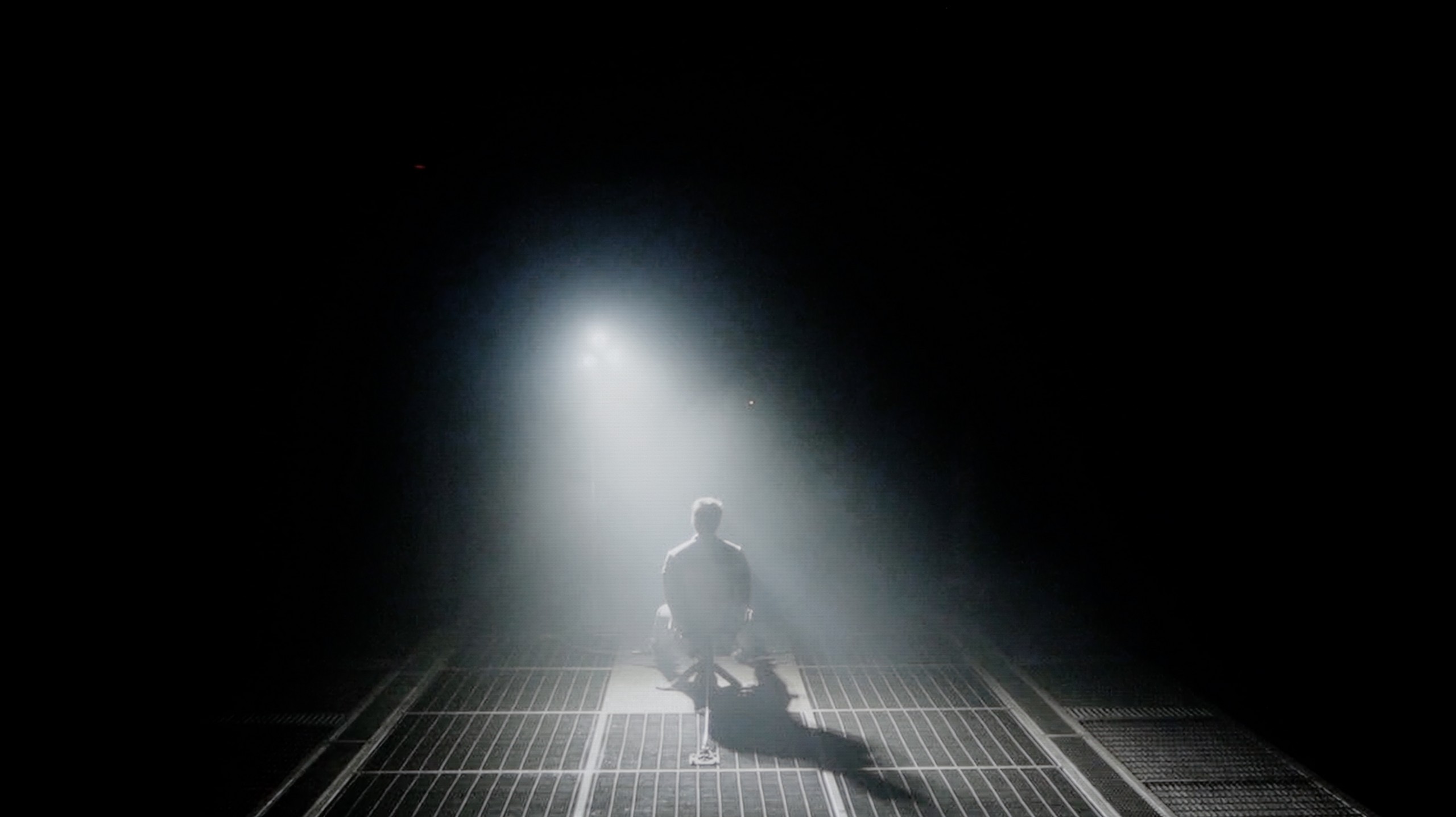
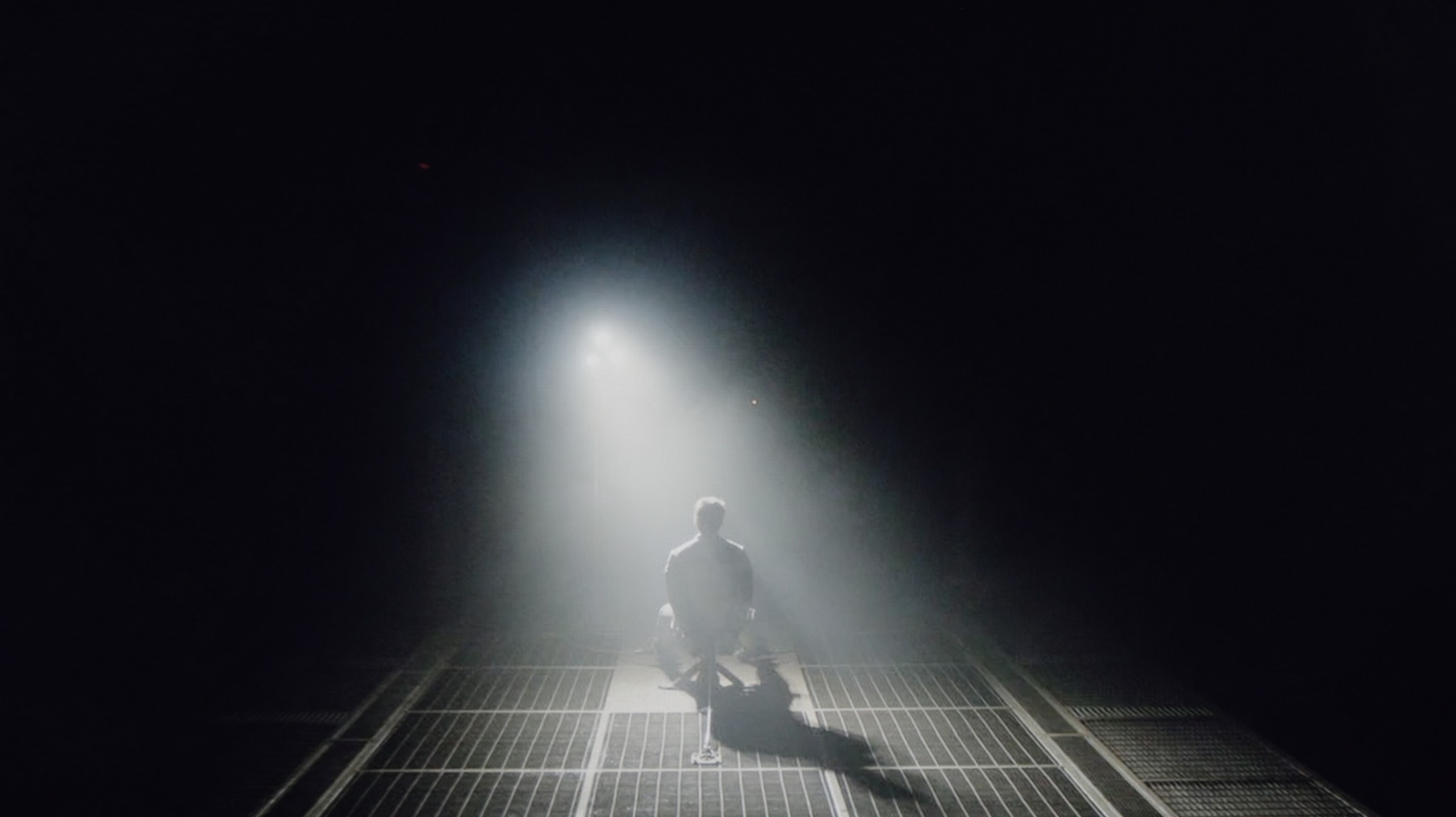
Check the visibility of bright lights on a dark background. Mini-LEDs often struggle with this. The photo does not compare black levels – that’s what the video below is for.
The video accurately shows differences in contrast and black levels between TVs, as well as potential issues: halo around bright objects or Mini-LED zone operation visible as brightness jumps.
Contrast and black are the domain of OLEDs, and the Philips OLED820 is no exception. The WOLED panel from LG Display works exactly like the models LG C5 or Samsung S90F and delivers precisely what we expect – perfect black and infinite contrast. Whether we're watching challenging scenes full of fine details or simpler shots drenched in uniform black, the television always performs superbly. It separates light from dark with surgical precision, creating an extraordinary sense of depth in the image. And while there can be discussions about different technologies, in this category OLED simply rules, and the Philips OLED820 only confirms this rule.
It’s clear here where the manufacturer decided to cut costs. The IPS panel used, despite the support of QLED technology, highlights issues with lack of depth in the image. Results at a level of 1000:1 speak for themselves – the black in this model unfortunately resembles grey. You can try to salvage the situation by turning on the lights in the room, and best of all, placing them directly behind the television, which can somewhat trick our eyes. However, no matter what, the contrast in the Q6F with the IPS panel is simply weak and this will be noticeable in dark scenes.
HDR effect quality
7.5/10
3/10
Luminance measurements in HDR:

Result
1035 nit

Result
1235 nit

Result
1356 nit

Result
1315 nit

Result
521 nit
Result
202 nit
Result
152 nit
Result
247 nit
Result
93 nit
Result
256 nit
Scene from the movie “Pan” (about 2800 nits)


Scene from the movie “Billy Lynn” (about 1100 nits)


The photos show two HDR10 movies. 'Pan' is one of the brightest productions ever made, while 'Billy Lynn' (soldier) has brightness typical of streaming (Netflix, Prime, HBO MAX). Notice the intensity of effects and detail in whites.
Static HDR10


The photos present the visibility of white details in various HDR formats. They do not show brightness differences between TVs (these can be compared in the previous gallery).
Dynamic: Dolby Vision
Dynamic: HDR10+


The photos present the visibility of white details in various HDR formats. They do not show brightness differences between TVs (these can be compared in the previous gallery).
HDR luminance chart:
Samsung Q6F (IPS)
Philips OLED820
Luminance of RGB colors
When it comes to HDR quality, the Philips OLED820 uses the same class of WOLED panel found in its biggest rivals – the LG C5 and the Samsung S90F. This means we can expect really solid results. This year, mid-range OLED panels can exceed the threshold of a thousand nits, and the tested model reaches around 1300 nits in some films. This is an outstanding result, allowing the director's vision to be conveyed with incredible precision, as this is the brightness range in which modern productions are mastered. Of course, there are situations where even the OLED820 has to compromise. Full-screen scenes flooded with white, like those in the film The Meg, can drop brightness to 400–500 nits, which clearly diminishes the effect. This is a characteristic of OLED technology that has not yet been fully eliminated. Despite this limitation, it's hard not to appreciate the HDR in this model – high luminance and a wide coverage of the DCI-P3 colour palette at 99% make the image look simply fantastic.
Unfortunately, the Samsung Q6F is a very dark model. Its peak brightness in HDR does not exceed 250 nits, which is definitely too low to even talk about any "high dynamic range" or HDR effect. In practice, it's better to stick to content in SDR format, which simply looks more predictable on this TV. Another issue is the global dimming technique – in scenes with a lot of black, the TV drastically dims the entire screen to artificially improve the black levels. This results in the image becoming even darker, with brightness sometimes dropping below 100 nits. The only consolation is the QLED technology, but even here it's average. The applied quantum dot layer is not of the highest quality, as the coverage of the DCI-P3 colour gamut does not exceed 90%. Because of this, colours in HDR content may simply appear unsaturated.
Factory color reproduction
6.7/10
5.1/10


This gallery shows how colors change after professional TV calibration. If you notice the difference, we recommend ordering this service at SkalibrujTV.com.
Factory Mode
After calibration


This gallery shows how colors change after professional TV calibration. If you notice the difference, we recommend ordering this service at SkalibrujTV.com.
Factory Mode
After calibration
The colour reproduction in the factory settings really surprised us, and in a positive way. The Philips OLED820, switched to Filmmaker mode, immediately showed that it was quite well tuned in terms of colour. The white balance was relatively accurate, although there was a slight deficiency in the blue hue, which sometimes gave the image a slightly yellowish tint. However, this is not a drawback that particularly interferes with everyday viewing. A bigger problem arose with the brightness characteristics. The gamma chart clearly deviated from the ideal, as the line was below the expected values, causing the image to be excessively brightened, and the colours looked as if they were covered with a light milky filter. This effect was also noticeable in tests using the Colour Checker pattern, where more pronounced errors appeared.
We tested the television in Filmmaker mode, which showed us two completely different sides of this model. Looking at SDR content, we were honestly shocked at how good this television looks straight out of the box. It was really hard to pick on anything here. Despite a slight 'messiness' in white balance and some slightly brightened details in the blacks (which directly stems from the IPS panel construction), colour errors hovered around the '2' level. This is not only a surprisingly good result but rather phenomenal, considering the price of the device.
On the other hand, what the Q6F showed in terms of colours when switched to HDR mode was a very unpleasant surprise. The errors in colour reproduction and palette were so massive that our charts literally ran out of scale. Of course, since Samsung even in such a budget model offers very extensive calibration options, we decided to approach the issue professionally and see what could be done during calibration.
Color reproduction after calibration
9.3/10
6.5/10


The photos show how movies look on the TV. Pay attention to black detail visibility, colors, and shadow tint.


The photos show how movies look on the TV. Pay attention to black detail visibility, colors, and shadow tint.
After calibration, both the Filmmaker mode and the gaming mode improved quite a bit. A slight adjustment of the white balance and enhancement of the brightness characteristics yielded excellent results with SDR content – the image looked nearly perfect, natural, and very close to the reference. For HDR material, the situation was similar; the colours looked fantastic, and it was hard to find fault with anything. However, we did notice a certain characteristic, which we had already pointed out when comparing scenes from the film Billy Lynn. The analysis of the EOTF curve showed that the TV has a slight tendency to dim details in the blacks, meaning that the darkest parts are not always displayed exactly as the director intended. Nevertheless, the effect after calibration is superb, and the OLED820 is emerging as one of the more interesting screens in its class. A little bit of fine-tuning is all that’s needed, and there’s really nothing to worry about.
After our calibration, the colours in SDR mode looked even better – the result is truly surprising, as colour errors at a level of "1" are something typically seen in devices costing several thousand dollars. In this respect, the Q6F is really a great screen for everyday television, less demanding series, or movies. Unfortunately, our intervention in HDR mode did not yield a noticeable improvement. The television, due to its weak blacks and low coverage of a wide colour gamut, still has significant issues with proper colour saturation, especially reds. This is an example of a device where HDR primarily exists as a label on the box – for everyday use, we definitely recommend watching content in SDR format.
Smoothness of tonal transitions
6.5/10
9/10
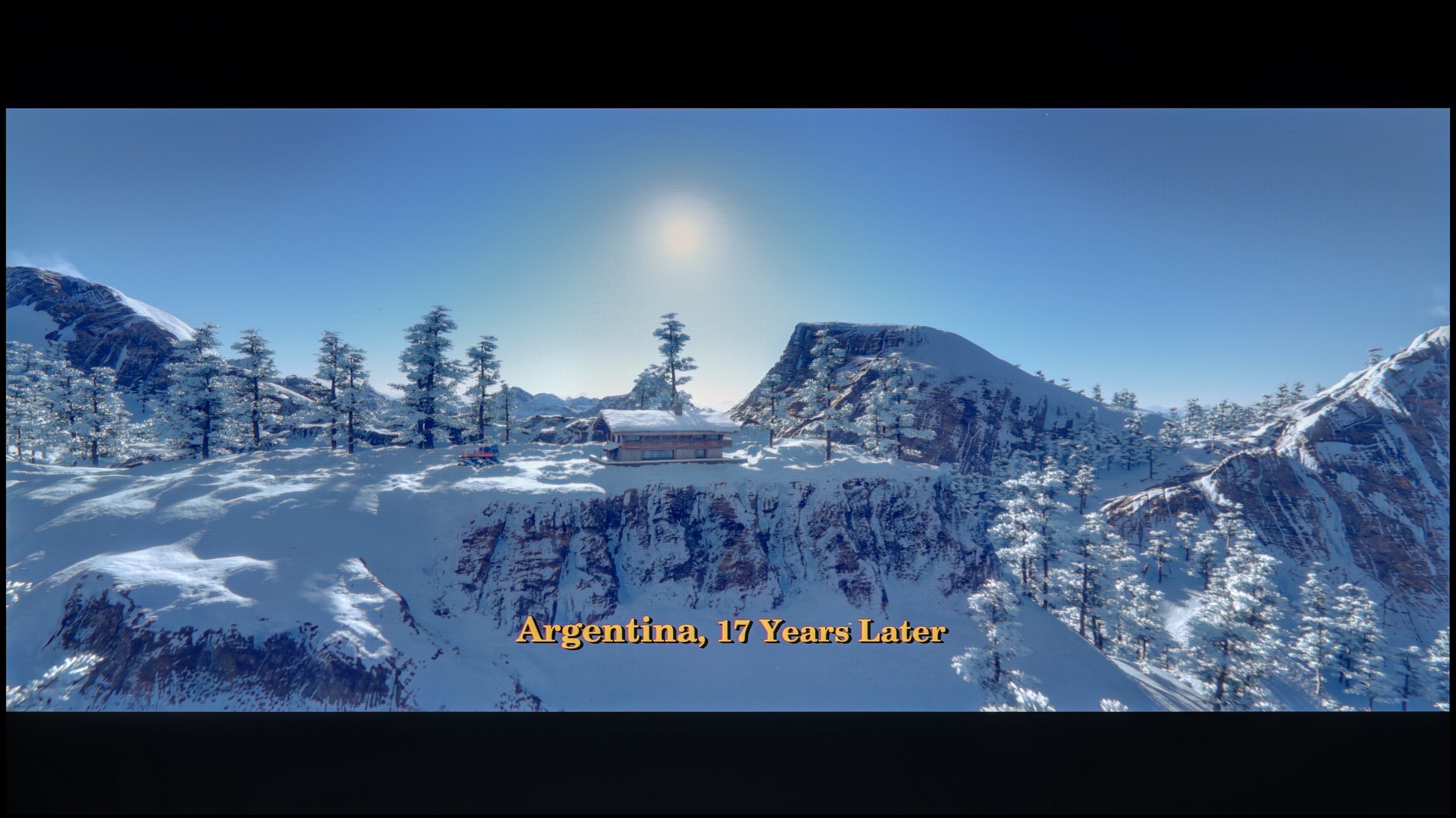

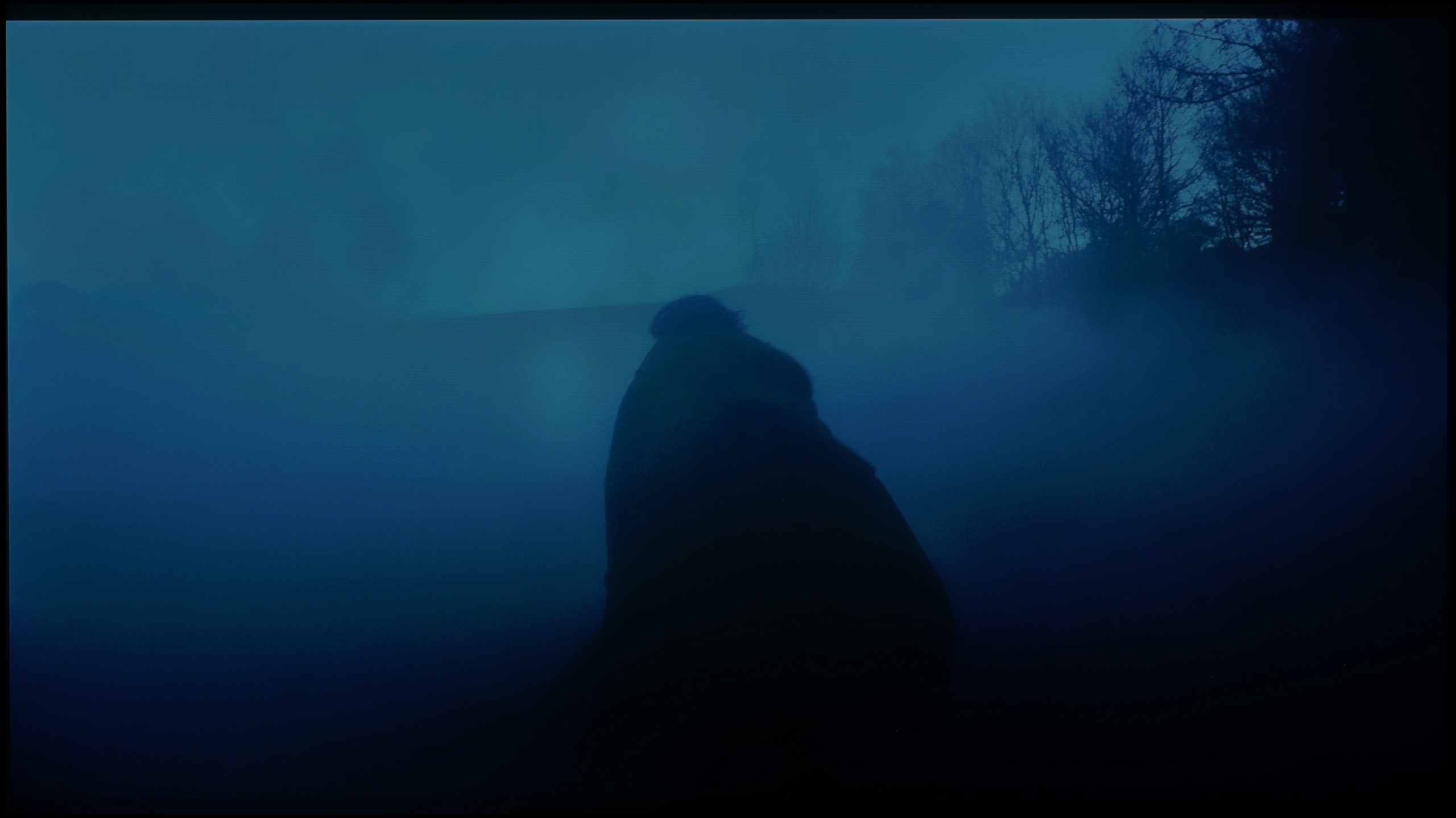
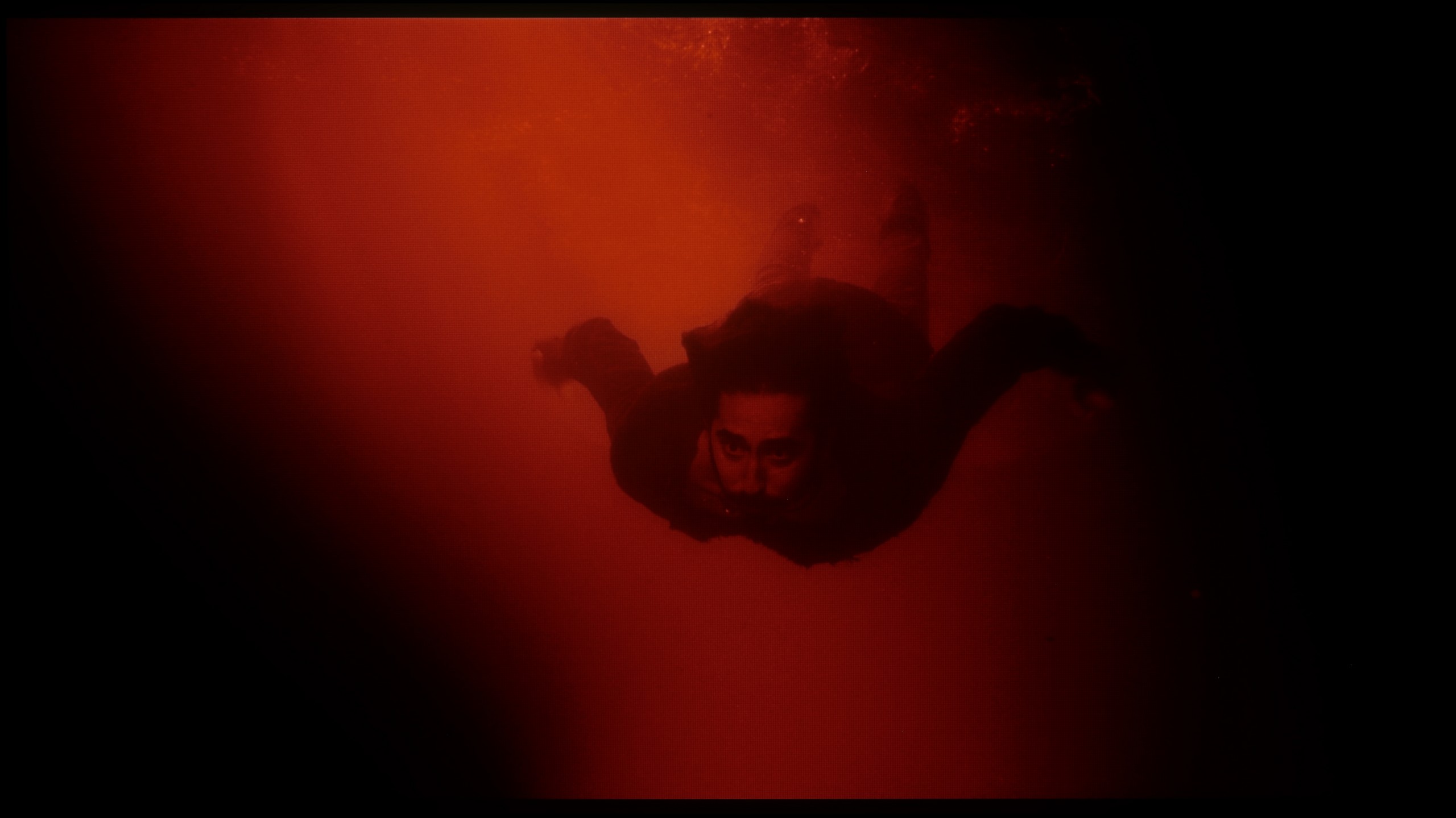
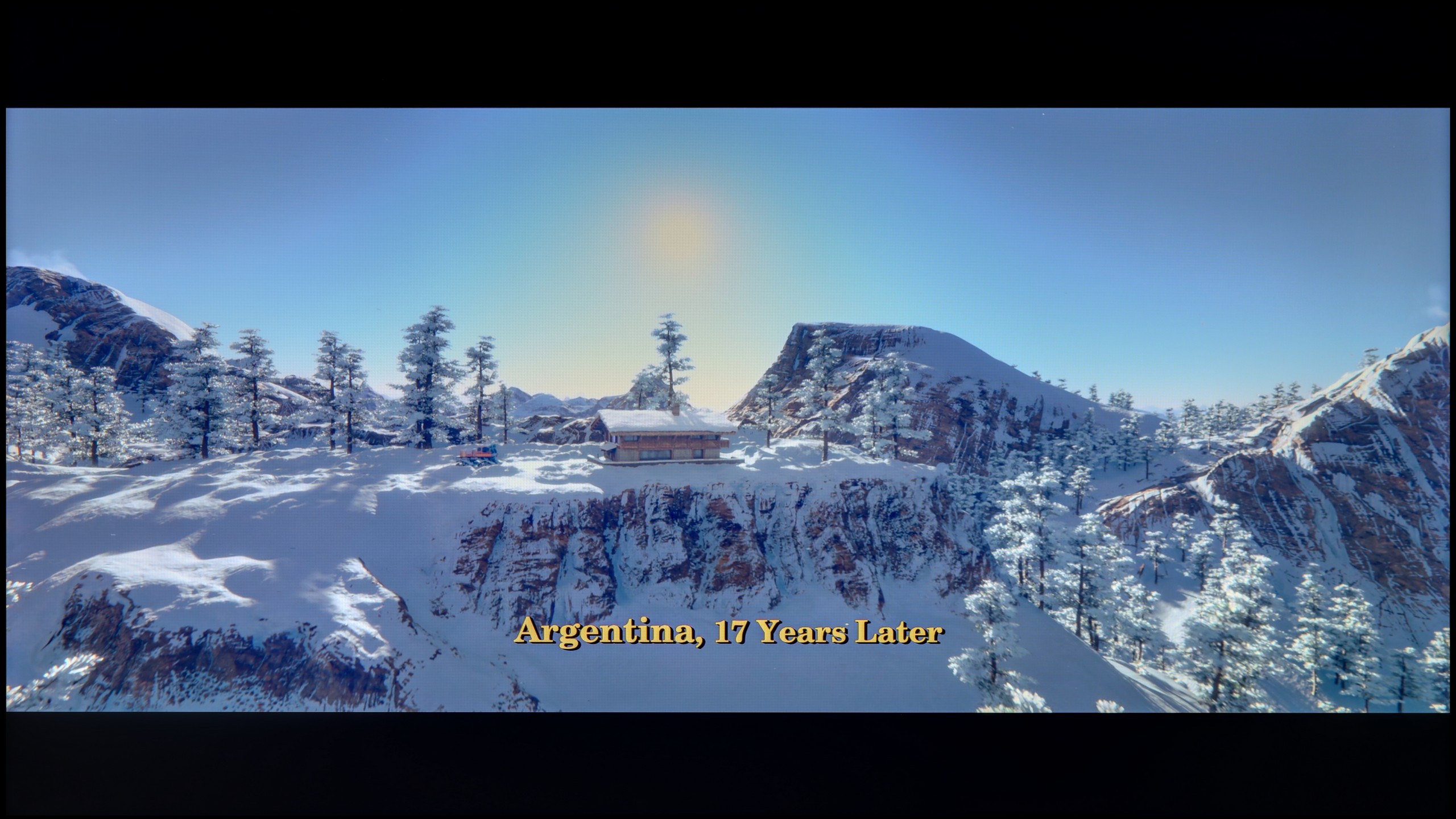
These are selected scenes that show smooth tonal transitions from one color to another. If you see distinct banding, it’s the TV panel’s fault.

These are selected scenes that show smooth tonal transitions from one color to another. If you see distinct banding, it’s the TV panel’s fault.

These are selected scenes that show smooth tonal transitions from one color to another. If you see distinct banding, it’s the TV panel’s fault.
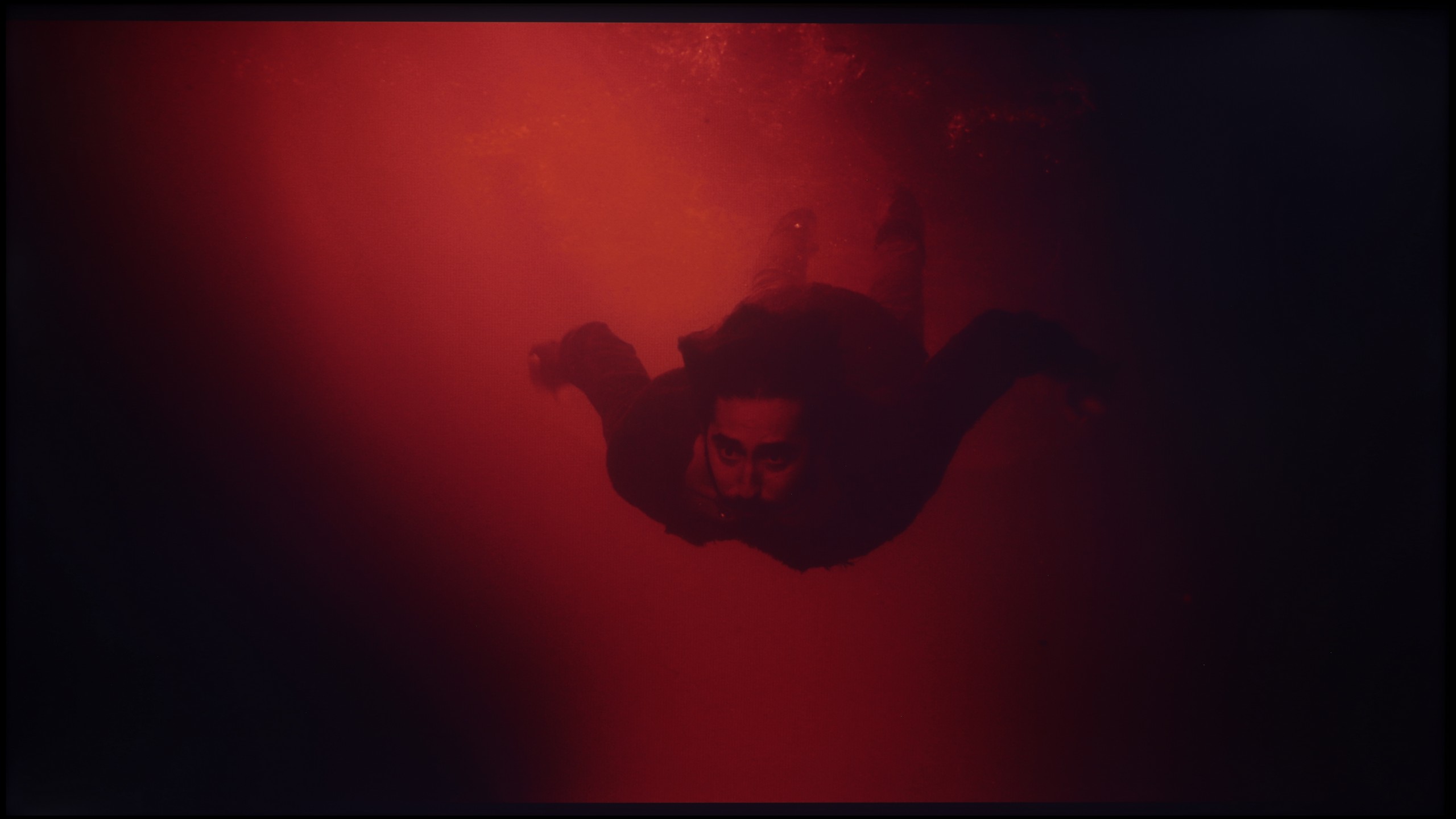
These are selected scenes that show smooth tonal transitions from one color to another. If you see distinct banding, it’s the TV panel’s fault.
The fluidity of tonal transitions is unfortunately the Achilles' heel of the Philips OLED820. During testing, we noticed slight issues with colour blending – both in bright and darker scenes, there is a noticeable banding that detracts from the naturalness of the image. It must be said that compared to last year's model, the OLED 819, there is a significant improvement, but nonetheless, the competition performs better in this category.
Samsung Q6F handles the phenomenon of posterization very well. In most scenes, the colour transitions are smooth and there are no problematic "steps" when blending colours. Only in very extreme moments, particularly in scenes with brightness close to pure grey, can slight banding be noticed. However, to be honest, we personally found the issue of slight clouding (uneven backlighting) and the poor contrast of the IPS panel to be much more bothersome than the tonal transitions themselves.
Image scaling and smoothness of tonal transitions
7/10
5/10


Smooth transition function
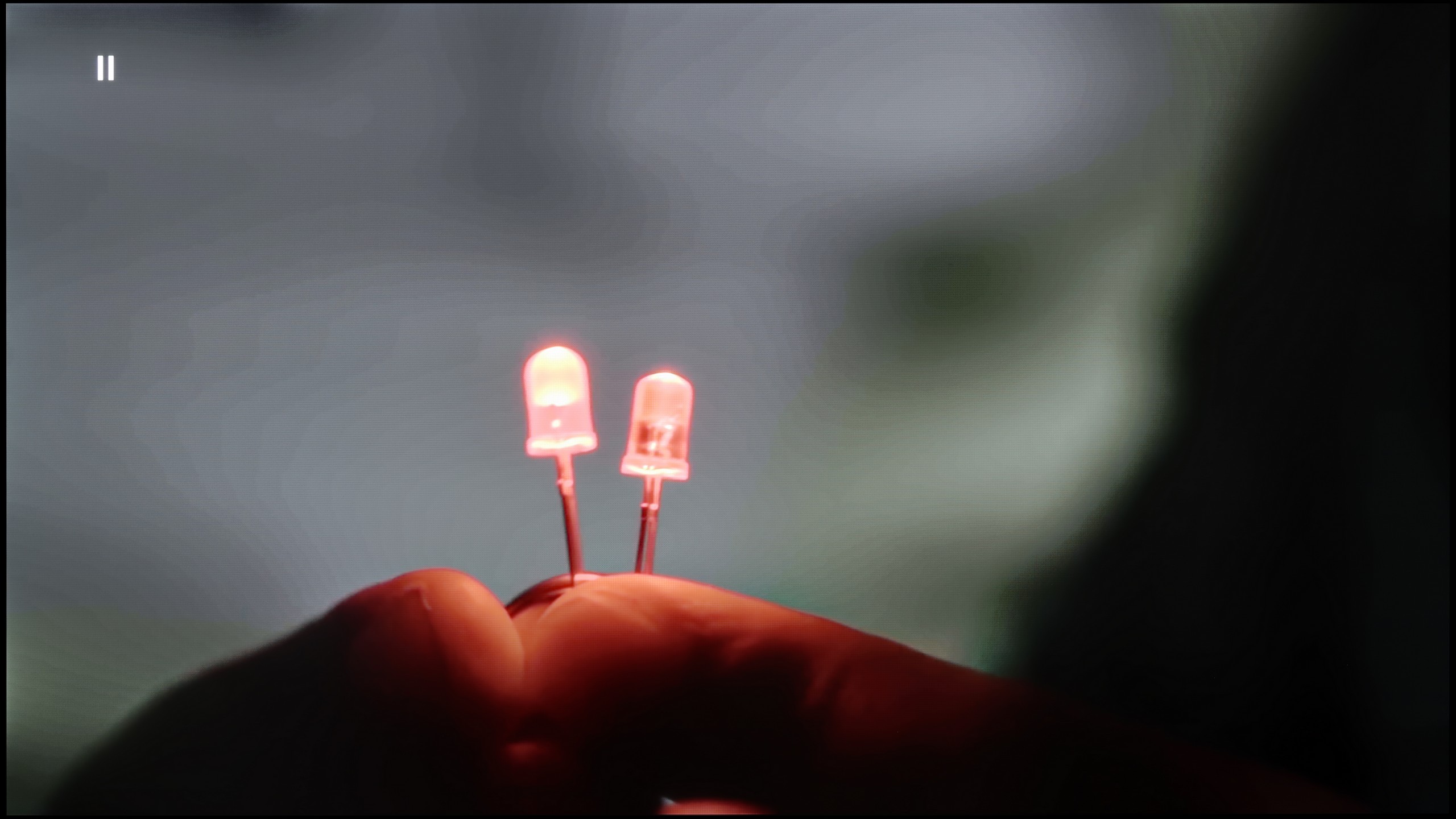
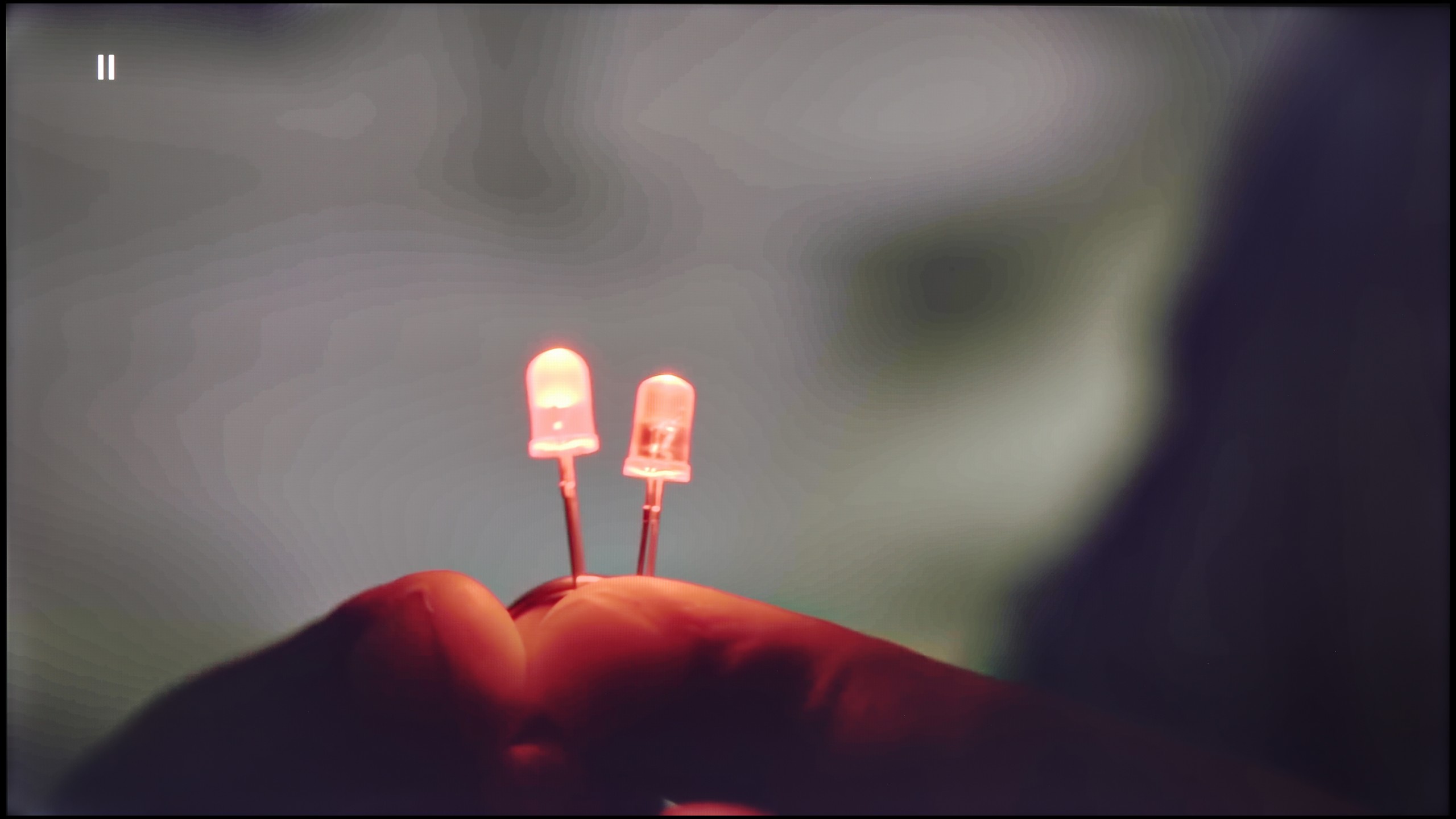
The match photo shows how the TV smooths weak tonal transitions in low-quality video.
Image scaling SD (576i)


The model photo shows how it handles upscaling of SD material.
Fortunately, the earlier effects of the mentioned posterisation can be quite effectively mitigated. The "distortion reduction" feature set to medium handles unwanted colour banding well, improving the smoothness of tonal transitions. It does sometimes work a bit too aggressively and smooths out some details – such as the minor imperfections of the actors’ skin – but despite that, it can be considered worth using without major compromises. The upscaling in the OLED820 also performs well. The test image with the model is exceptionally soft, sometimes perhaps too much, although this can be remedied with a slight increase in sharpness in the picture menu – that's a matter of individual preference. The absence of overscan issues with very low-resolution content is also commendable, allowing us to not worry about the image being unnecessarily cropped.
Q6F handles upscaling lower resolution content to native 4K very well. The scaling is surprisingly good, even for such an inexpensive QLED model. The only downside is when watching very low-resolution materials like 576p (typical for old DVD players) – the image may appear slightly cropped. This is because the TV does not allow the option to turn off the Overscan feature, which is a common issue with Samsung devices.
The situation is completely different when it comes to digital processing, or the attempt to smooth the image of unwanted artifacts. Here, the TV completely fails. Although in the menu we find a feature called "Noise Reduction," it does not produce any noticeable results regardless of the slider setting. The only thing it seems to do is introduce undesirable errors into the image. Despite its presence in the system, we definitely do not recommend using it.
Blur and motion smoothness
8.5/10
4.6/10
Blur (native resolution, maximum refresh rate):






Blur (BFI function enabled):
Image flickers in this mode



Blur (4K@144Hz):



Blur ():
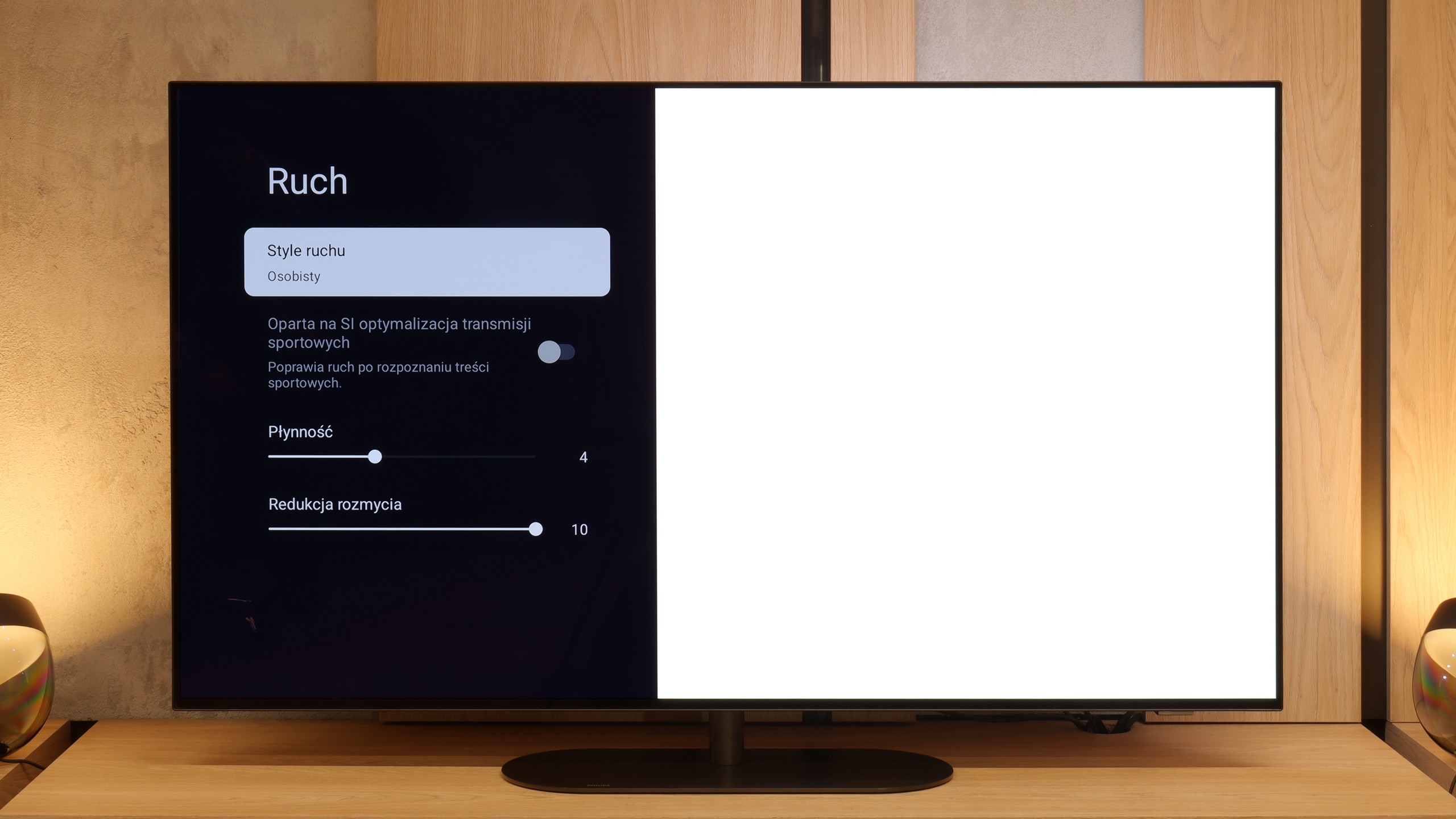
Motion fluidity is an area where OLEDs always shine, and the Philips OLED820 confirms this rule. The panel itself offers a refresh rate of 144 Hz, which will mainly benefit PC gamers, but even with standard TV sources or consoles, where it operates at 120 Hz, motion is fast, sharp, and simultaneously smooth, without any signs of smearing. This is thanks to the remarkable response time between pixels, which ensures the image maintains clarity in every dynamic scene. The manufacturer has also added their own smoothness enhancer called "Motion Style." In the menu, we find two sliders – the first, responsible for smoothness, allows for the adjustment of the number of artificially added frames in films. This way, we can choose a raw, cinematic character with clearly visible film frames or a more theatrical image with smooth motion. The second slider is for motion blur reduction, particularly useful in sports broadcasts. Here, we definitely recommend setting it to the maximum value, as the effect is truly excellent.
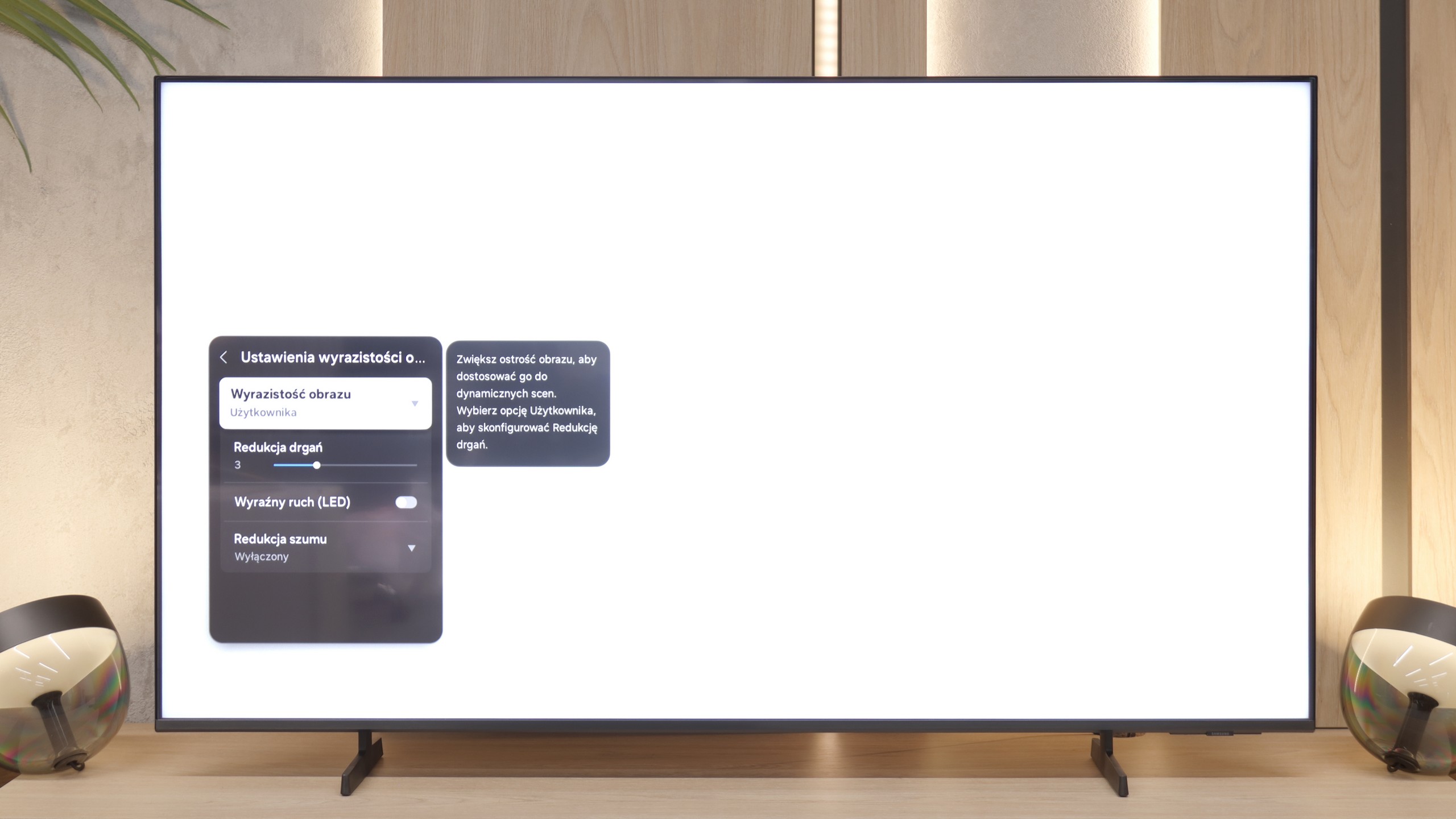
The 60 Hz panel in the Samsung Q6F is standard in this price range, making it a rather average model for dynamic sports or gaming. However, when it comes to movies, the TV performs quite well thanks to its smoothing feature. The "Motion Vibration Reduction" option allows you to adjust the motion smoothness to your own preferences – from preserving a cinematic feel to full smoothness.
Console compatibility and gaming features
9.8/10
5.3/10
- ALLM
- VRR
- VRR range48 - 144Hz48 - 60Hz
- Dolby Vision Game Mode
- Correct implementation of HGIG
- 1080p@120Hz
- 1440p@120Hz
- 4K@120Hz
- Game bar
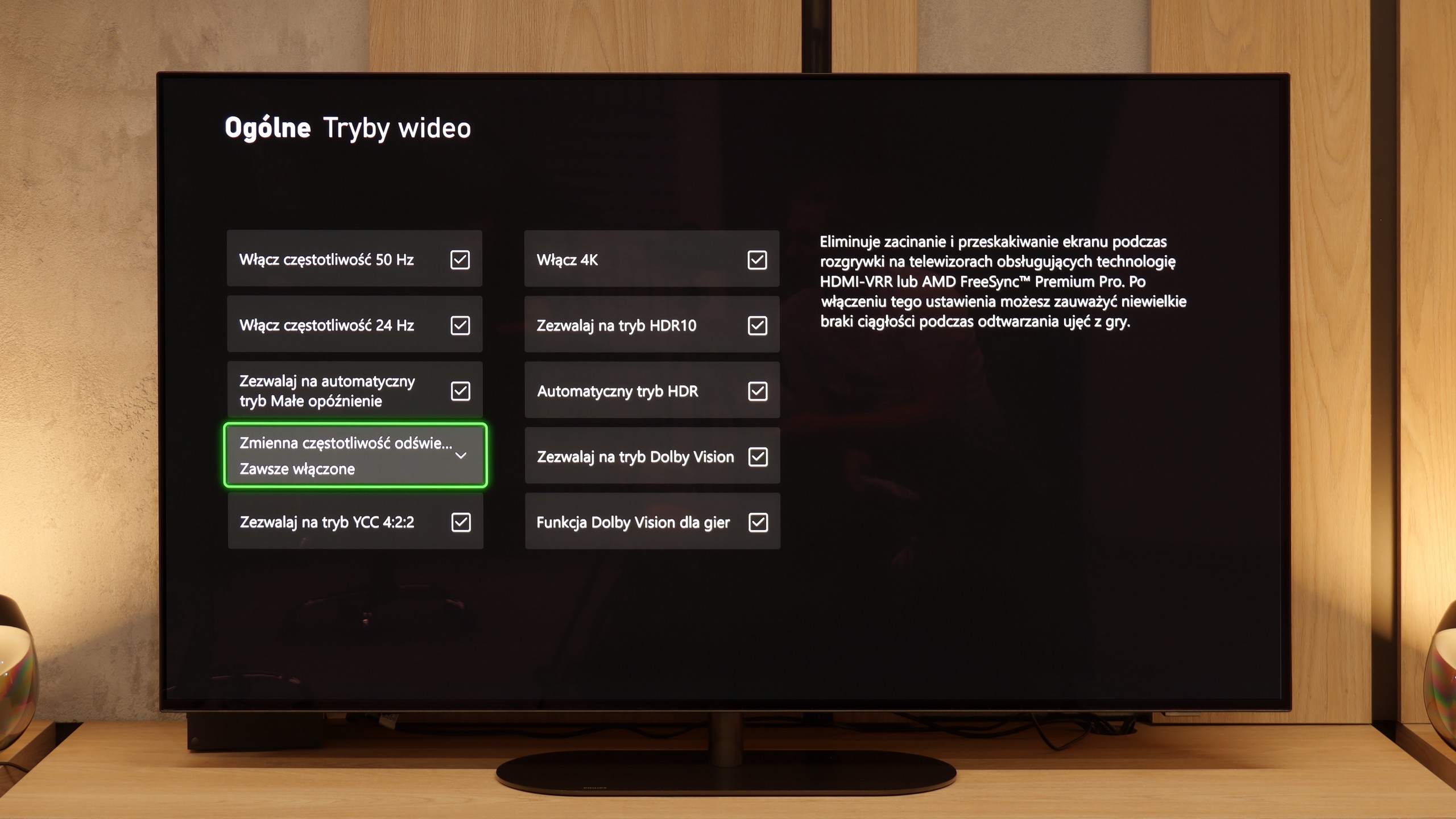
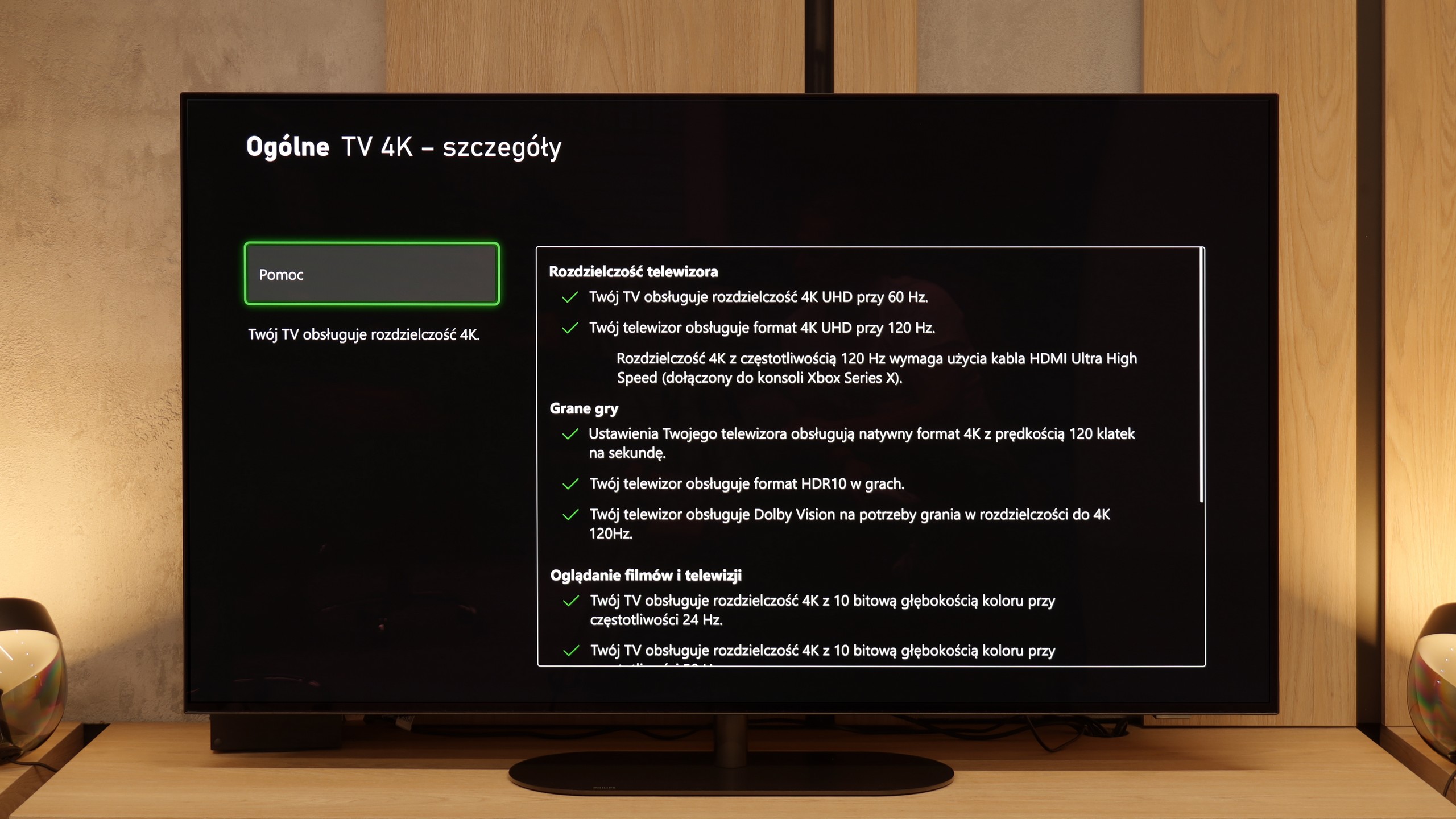
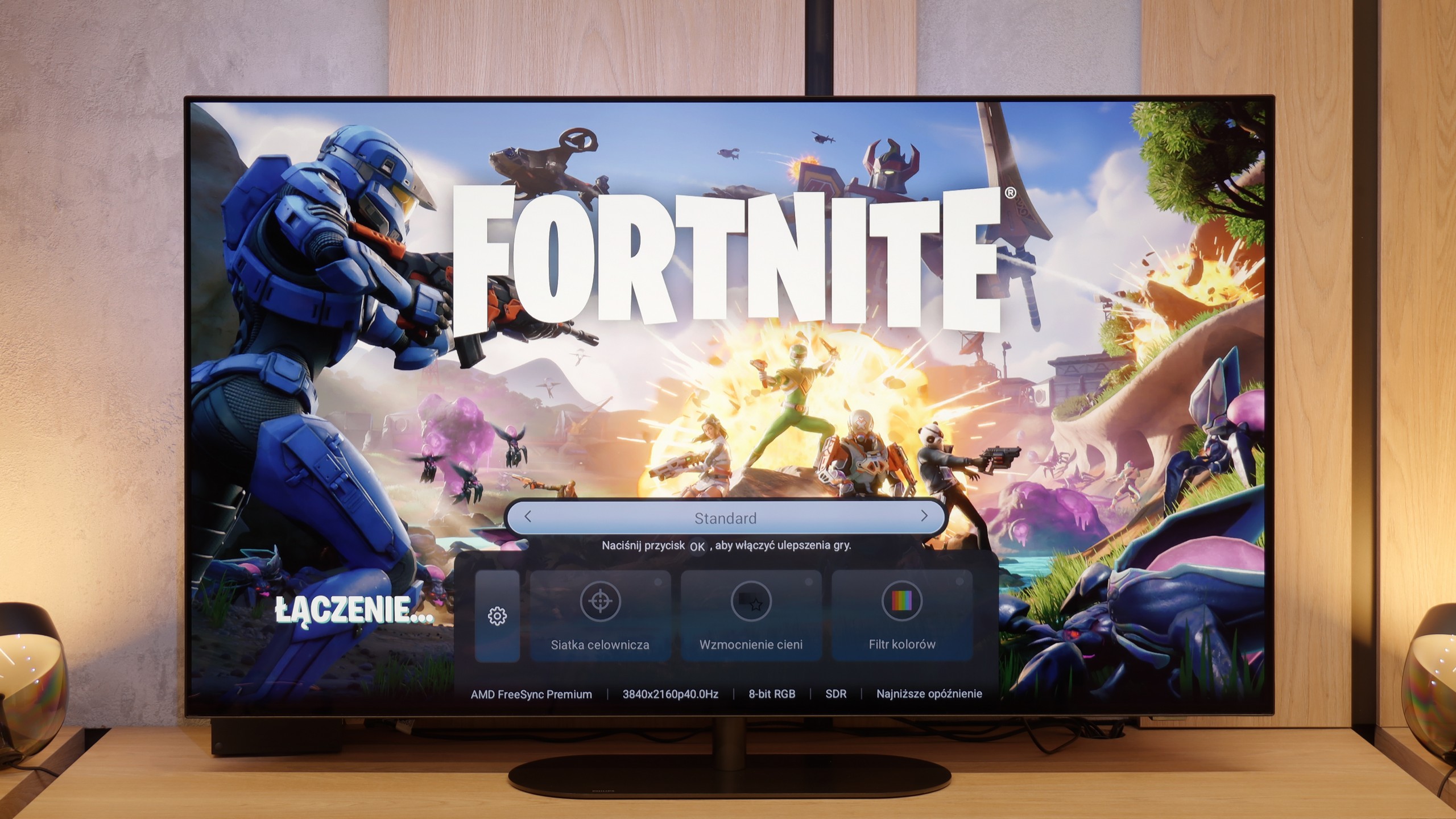
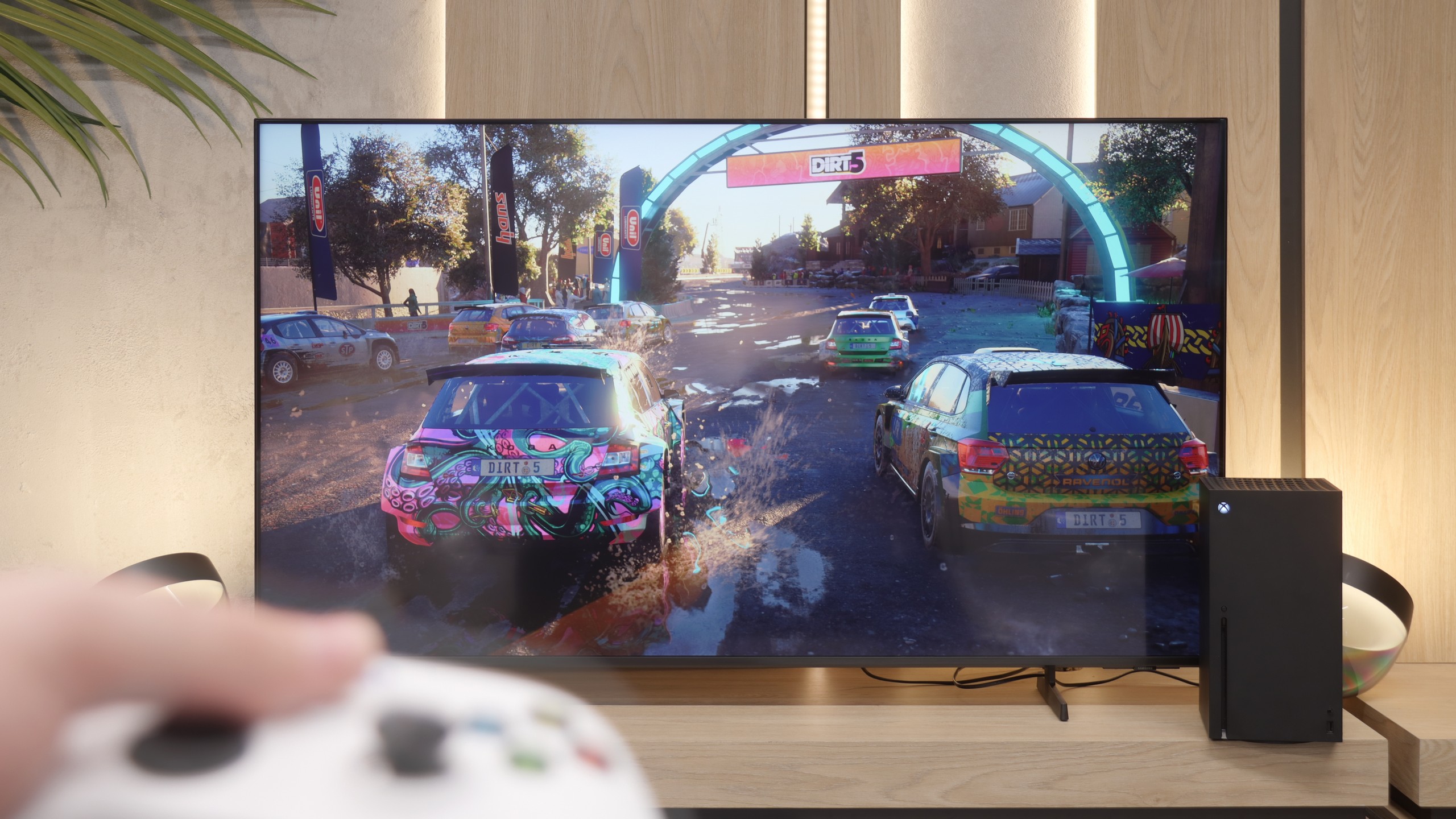
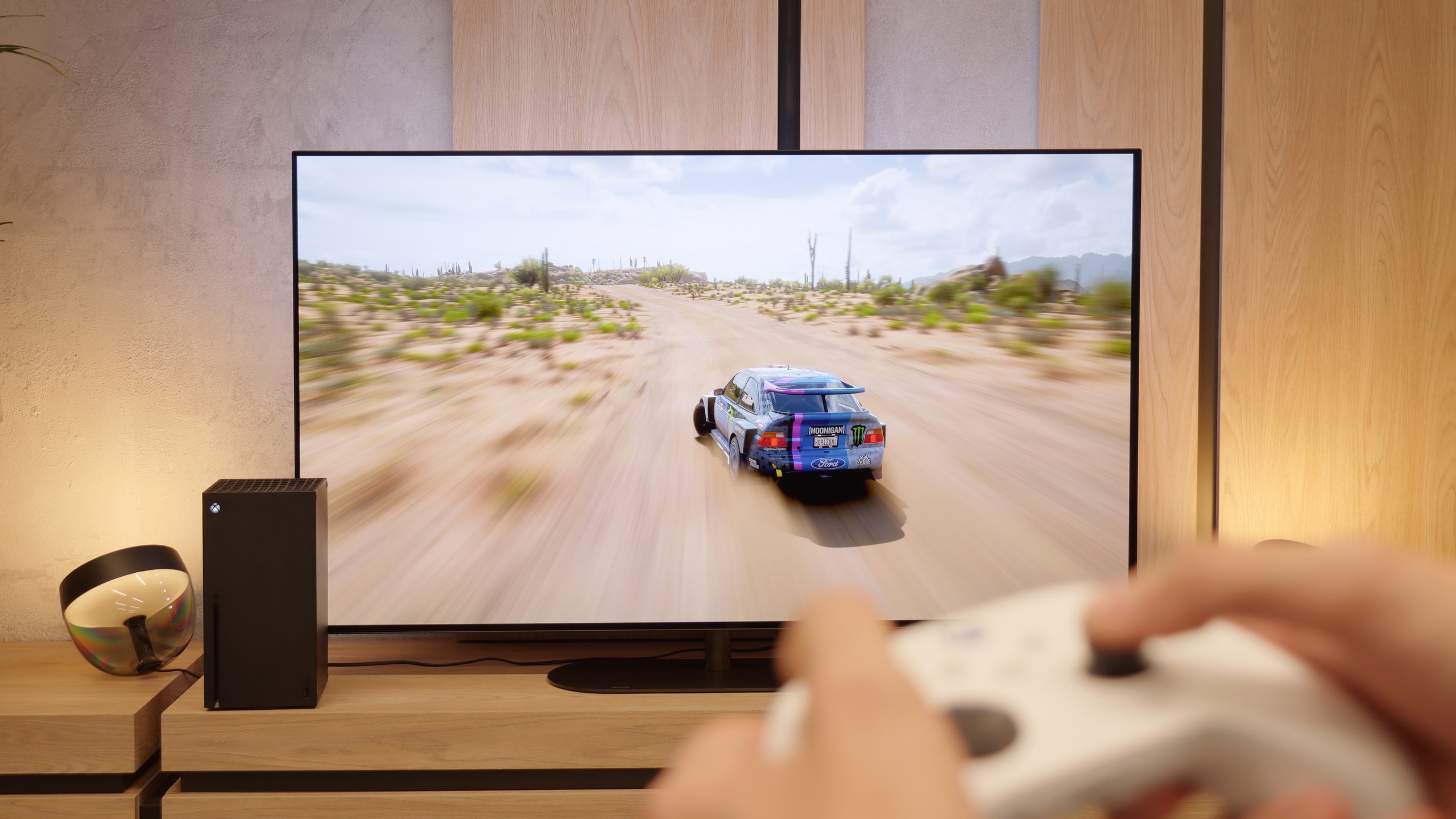
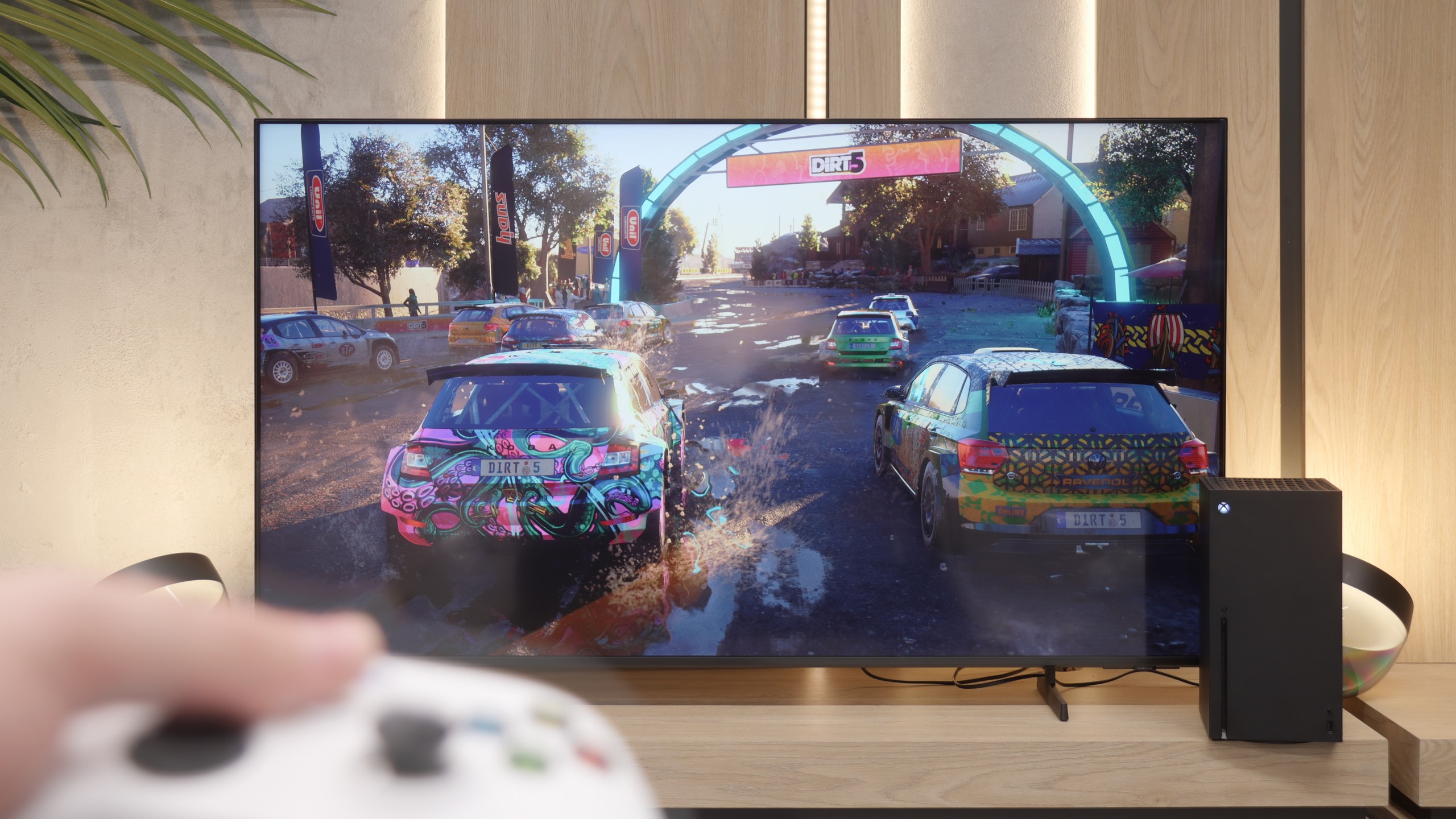
The Philips OLED820 is one of the most comprehensive TVs for gamers. Onboard, we find practically everything one could expect: two HDMI 2.1 ports with full bandwidth of 48 Gbps (shame there aren't four), Variable Refresh Rate (VRR), Auto Low Latency Mode (ALLM), support for Dolby Vision in games, and a good implementation of the HGiG mode. The TV also handles lower resolutions at 120 Hz without issue, so you can count on great flexibility when choosing different picture modes on your console. Philips also adds a Game Bar – a panel that allows you to change picture modes, add a crosshair, or preview parameters. Although it looks a bit clunky and is less refined than its competitors, it gets the job done. In practice, therefore, the OLED820, in addition to a full set of four HDMI 2.1 connections, offers almost everything a gamer could need.
We won’t beat around the bush – the Q6F is not a television designed with gamers in mind. While it does include features like ALLM (Auto Low Latency Mode) and VRR frame syncing for consoles, that's pretty much where the list of advantages ends. Beyond these basics, the television offers nothing more that could satisfy those who spend a lot of time in front of a console. It's a real shame that a useful tool like Game Bar, which allows for quick control of game parameters in higher-end Samsung models, is missing here. In terms of gaming, this is an absolutely basic model and it will only suit 'casual' gamers.
Input lag
10/10
10/10
SDR
HDR
Dolby Vision
The input lag on the Philips OLED820 is truly at a reference level. Measurements showed values below 5 ms, placing it among the very best TVs available on the market. Even the Dolby Vision mode does not cause it any issues in this regard, which is quite a rare phenomenon. In practice, this means an instantaneous response to every movement, no noticeable delays, and complete comfort in dynamic games. In short, excellent results that will please even the most demanding gamers.
As a consolation for the modest list of features for gamers, it's worth mentioning that the Q6F has absolutely no issues with input lag. The response to the controller's movements is immediate, and the television does not introduce any additional delay regardless of the resolution we are currently playing in. In this respect, the control is very precise and comfortable, which is a big plus in this class of equipment.
Compatibility with PC
6.5/10
6/10
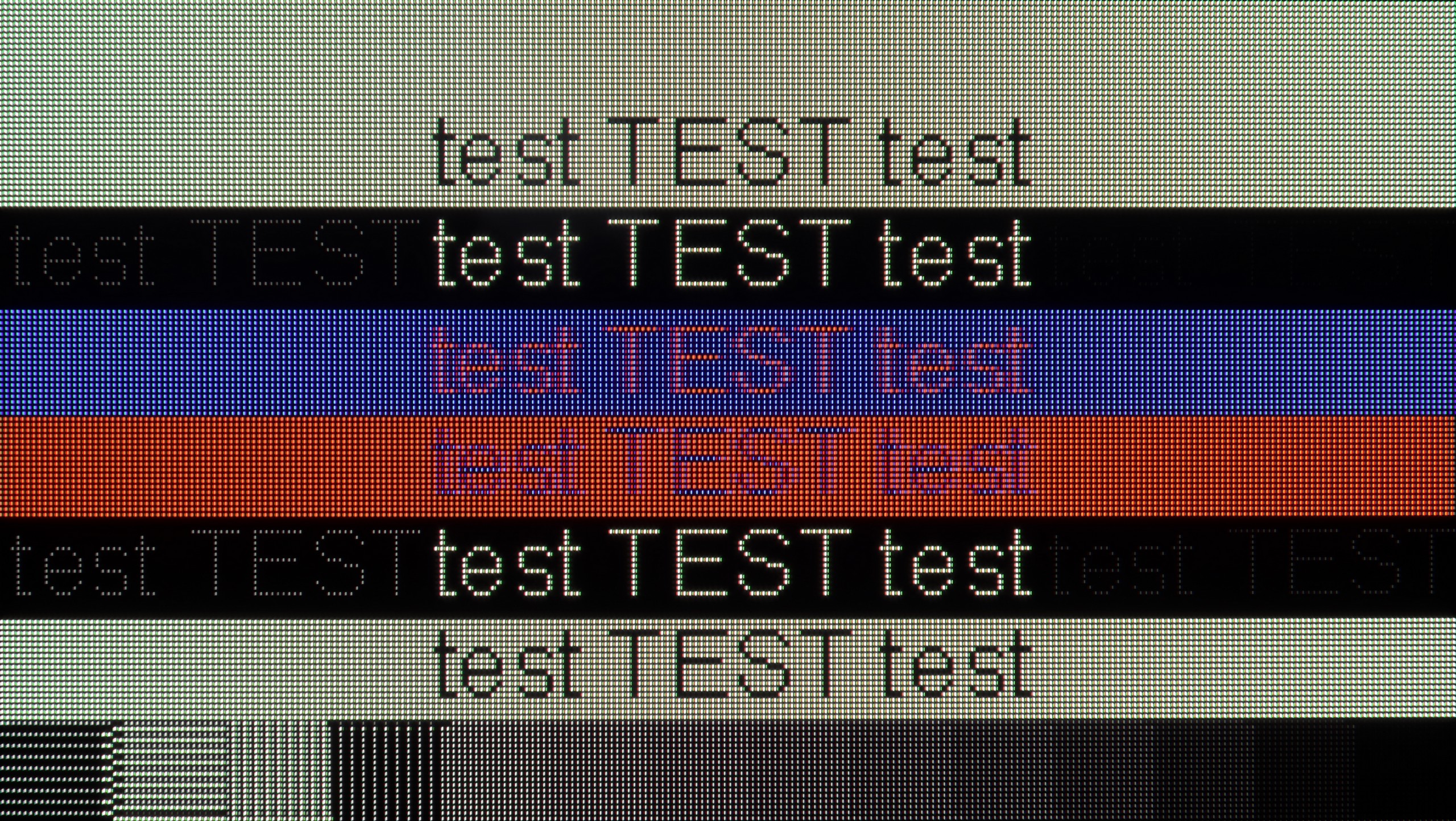
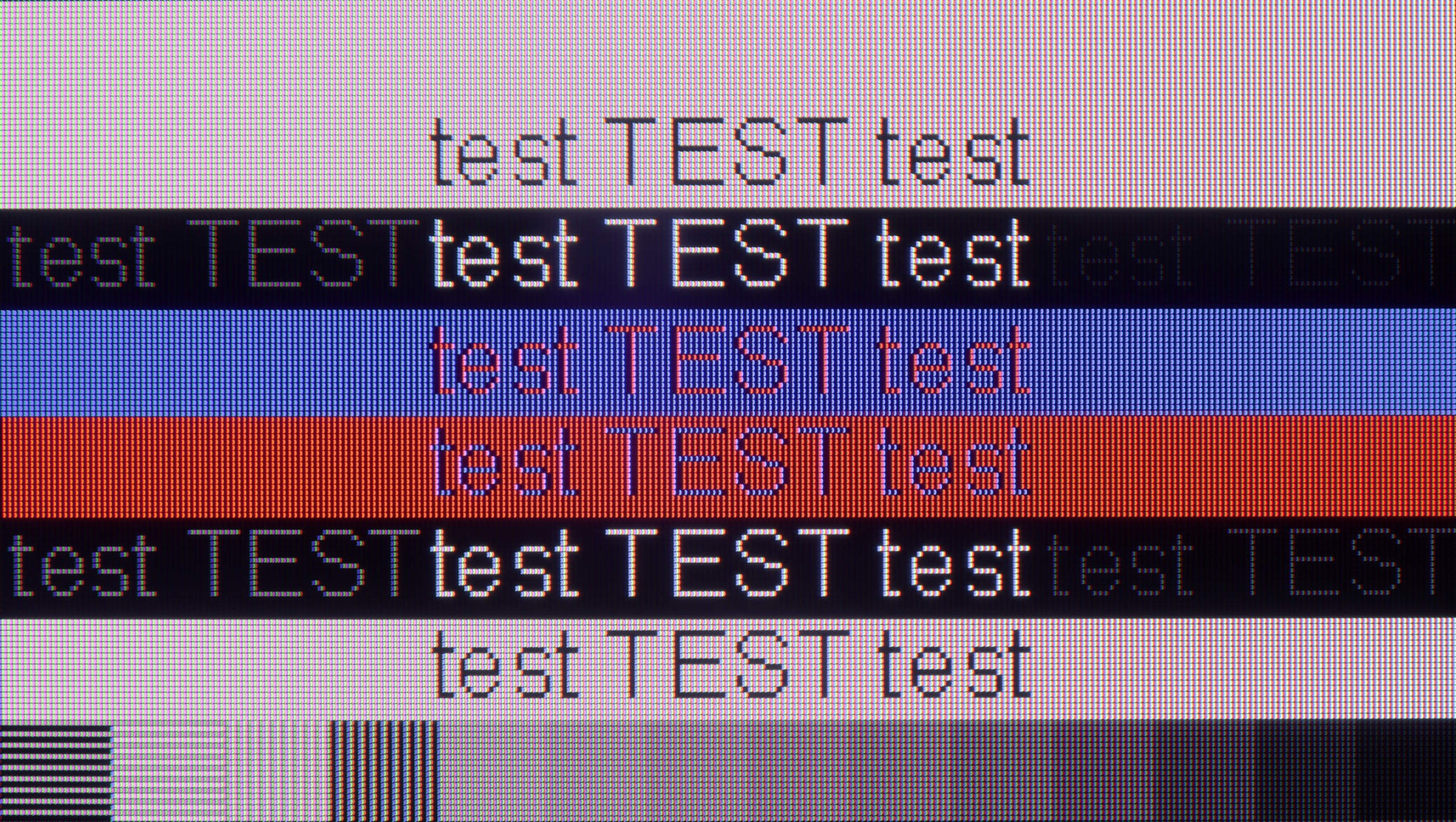
The photo shows the legibility of small fonts. Ideally, lines should be the same thickness on both light and dark text, with minimal pixel gaps.
Cooperation with a PC for the Philips OLED820 varies depending on the usage. It performs exceptionally well for gaming: the high refresh rate of 144 Hz combined with G-Sync support provides a smoothness and responsiveness that other TVs would envy. However, the situation is less favourable for text work. The lack of proper implementation of chroma 4:4:4 means that fonts on coloured backgrounds can appear slightly blurry, which significantly lowers the comfort of working. Therefore, it’s hard to recommend the OLED820 as a screen for office work with text or numbers. It's a pity that the manufacturer couldn’t learn from last year’s models, and this flaw continues to persist.
Although the Q6F isn't a screen designed specifically for PC gaming, it deserves praise for how well it handles font display. As a monitor for text work, browsing websites, or daily news reading, the television performs exceptionally well. The readability of text is at a very high level, thanks to the proper implementation of the Chroma 4:4:4 signal and the use of an IPS panel. If you're looking for a cheap, large screen for office work, the Q6F holds up really well in this regard. Especially since Samsung offers very good integration with the Windows system and built-in Microsoft Office tools.
Viewing angles
7.4/10
5.6/10
The viewing angles on the Philips OLED820 are another advantage that should please you. OLEDs have always been characterised by nearly perfect angles, so regardless of where we're looking from, the image remains clear and readable. True, the classic WOLED panel doesn't measure up to technologies like MLA OLED or QD-OLED, but it's still hard to find fault here. The angles are simply excellent.
The viewing angles are one of the better aspects of the Q6F model, which is directly attributed to the use of an IPS matrix. They are much better than in televisions based on VA panel technology. As a result, the image viewed at an angle remains clear and does not become "washed out" or faded. However, it is worth noting that while the colours look really good, the drop in brightness at a greater angle is already quite noticeable. Nonetheless, this is a solid result for those who don't always sit directly in front of the screen.
Daytime performance
5.7/10
1.8/10
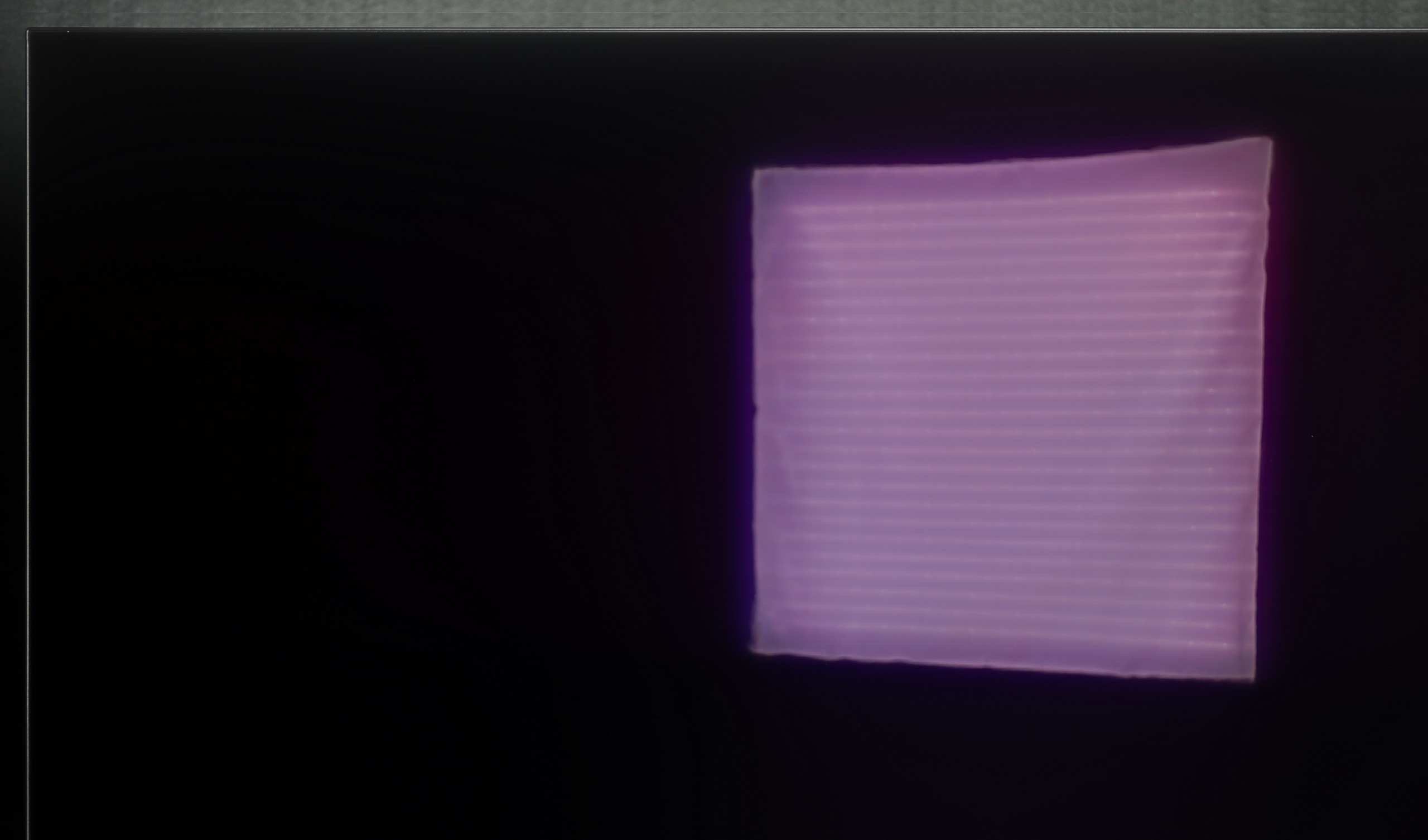
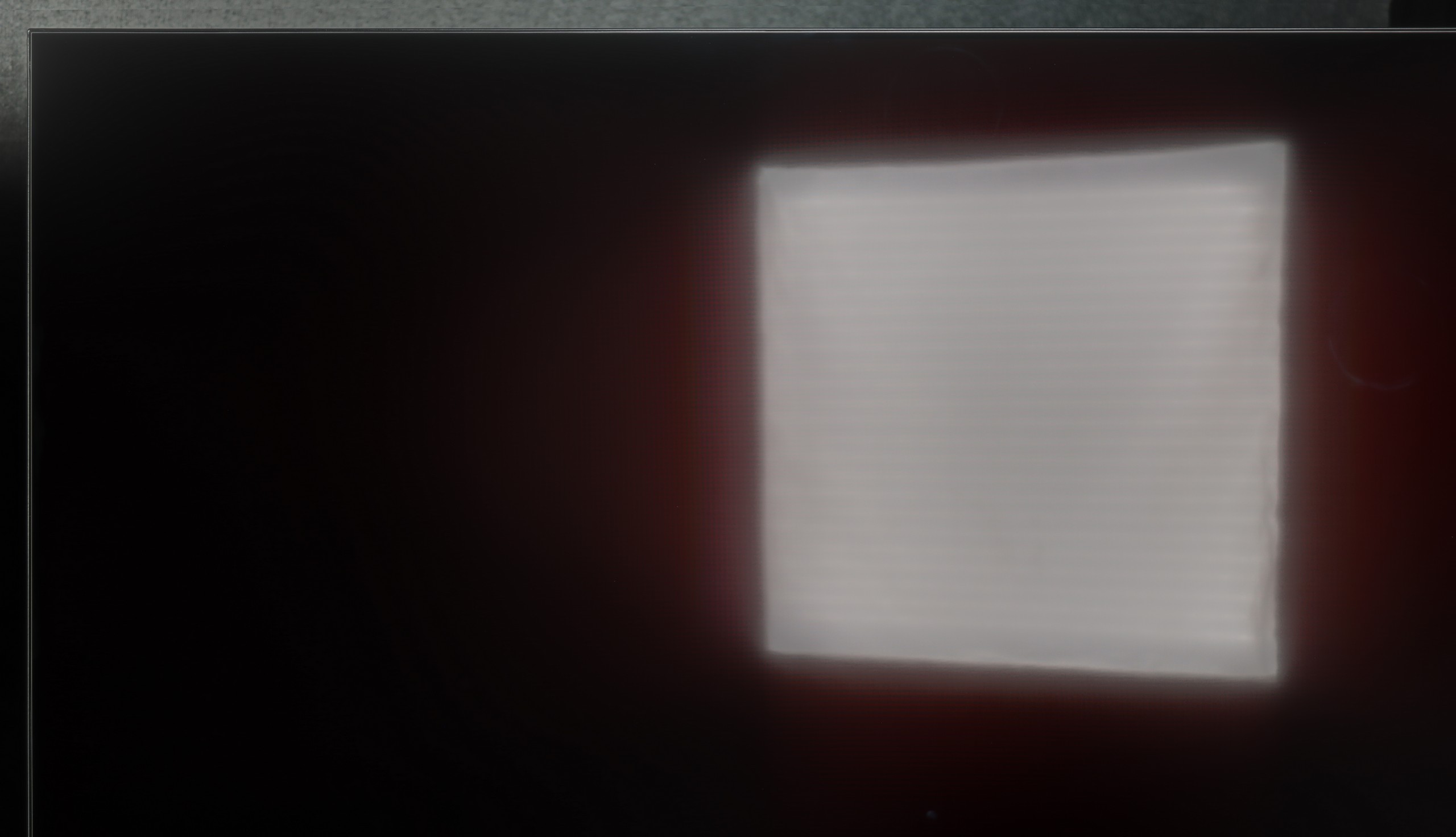
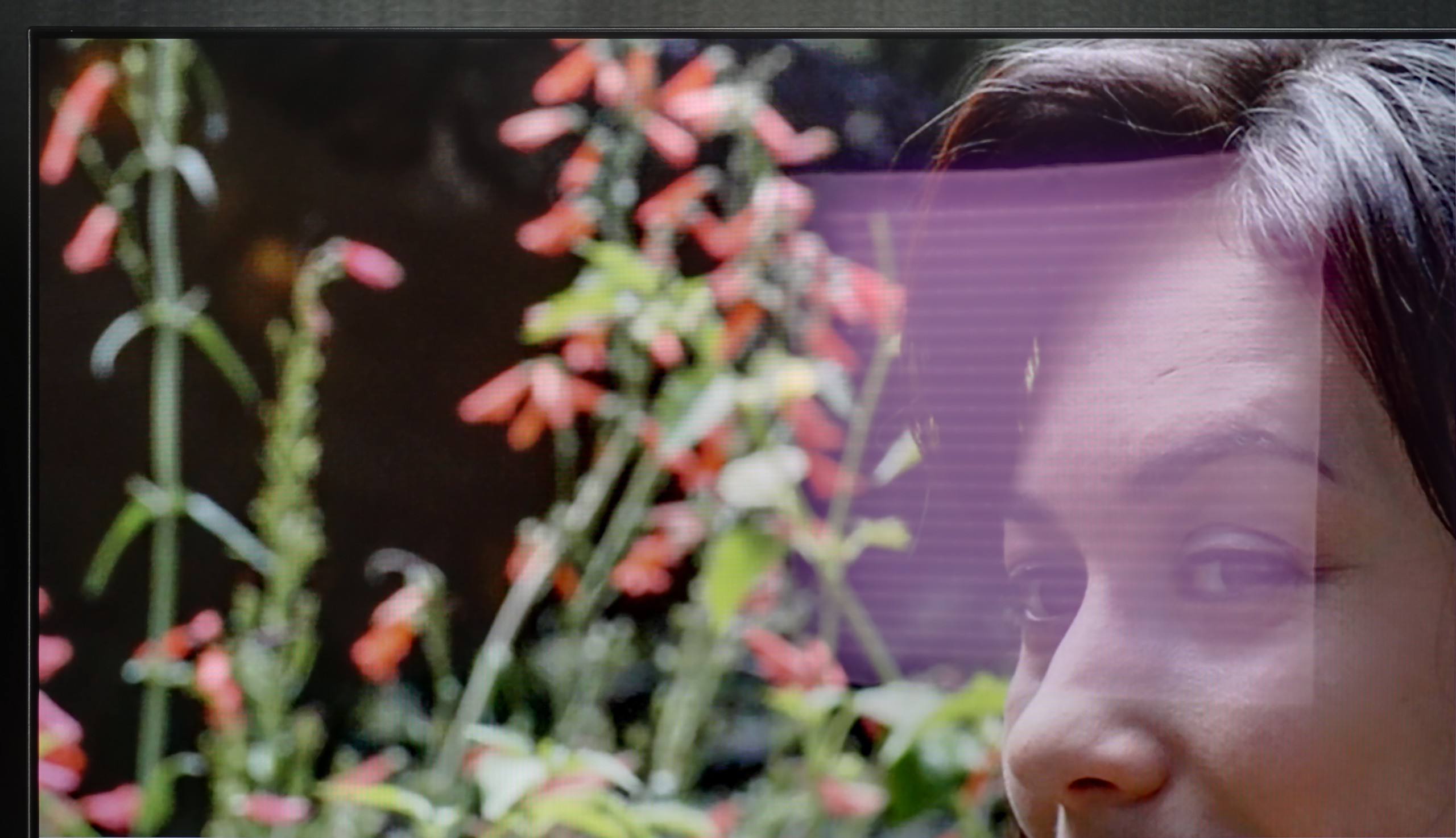
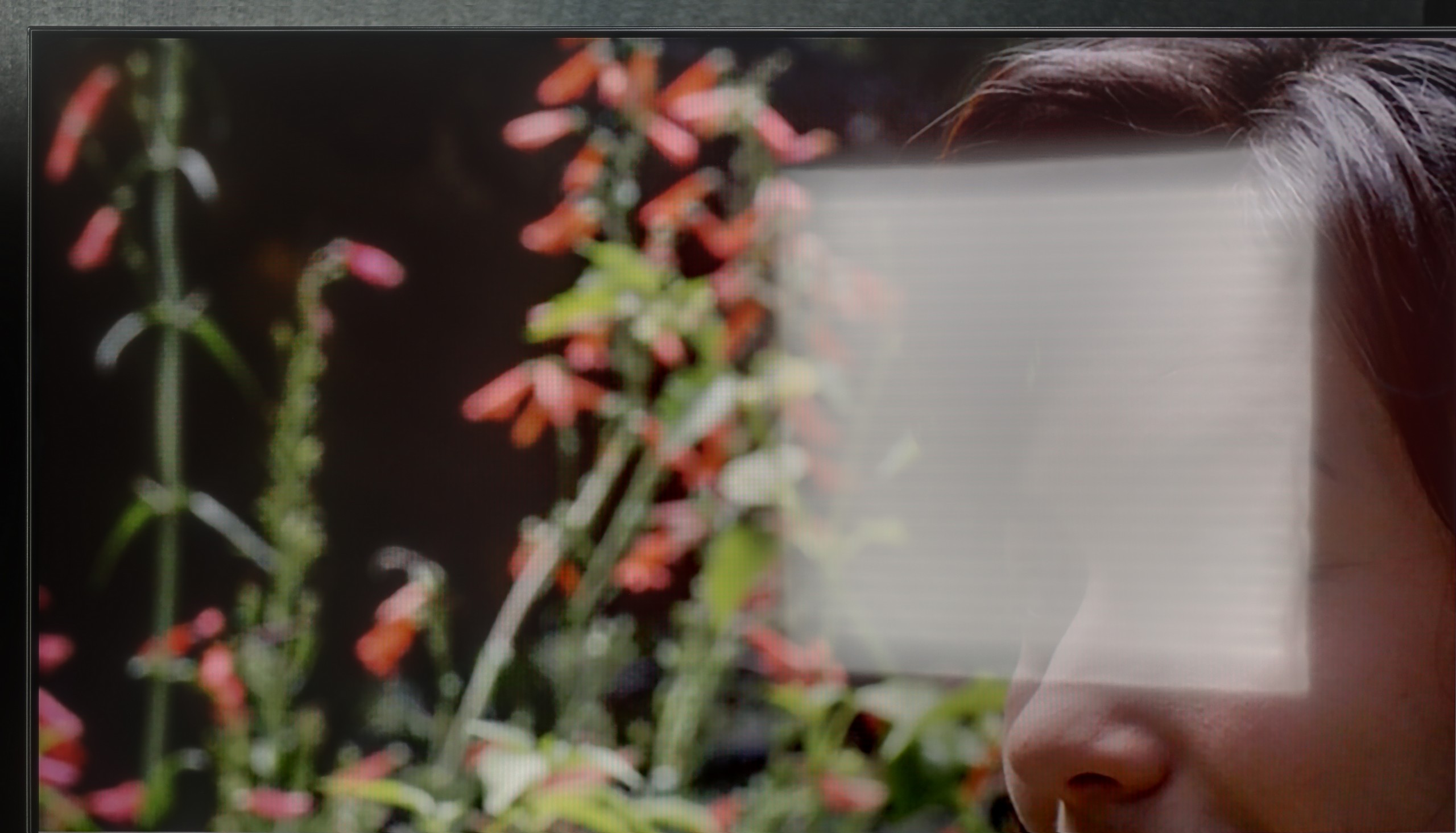
Panel brightness
Samsung Q6F (IPS): 125 cd/m2
Philips OLED820: 345 cd/m2
What more can I say – aside from the satin finish of the panel, which barely reduces reflections, the Q6F is dark enough that it’s not suitable even for moderately lit rooms. A brightness of around 150 nits is simply astronomically low by today’s standards. With such a result, any larger light source in the room will make the image hard to read. This is definitely not a model for a sunlit living room.
Panel details
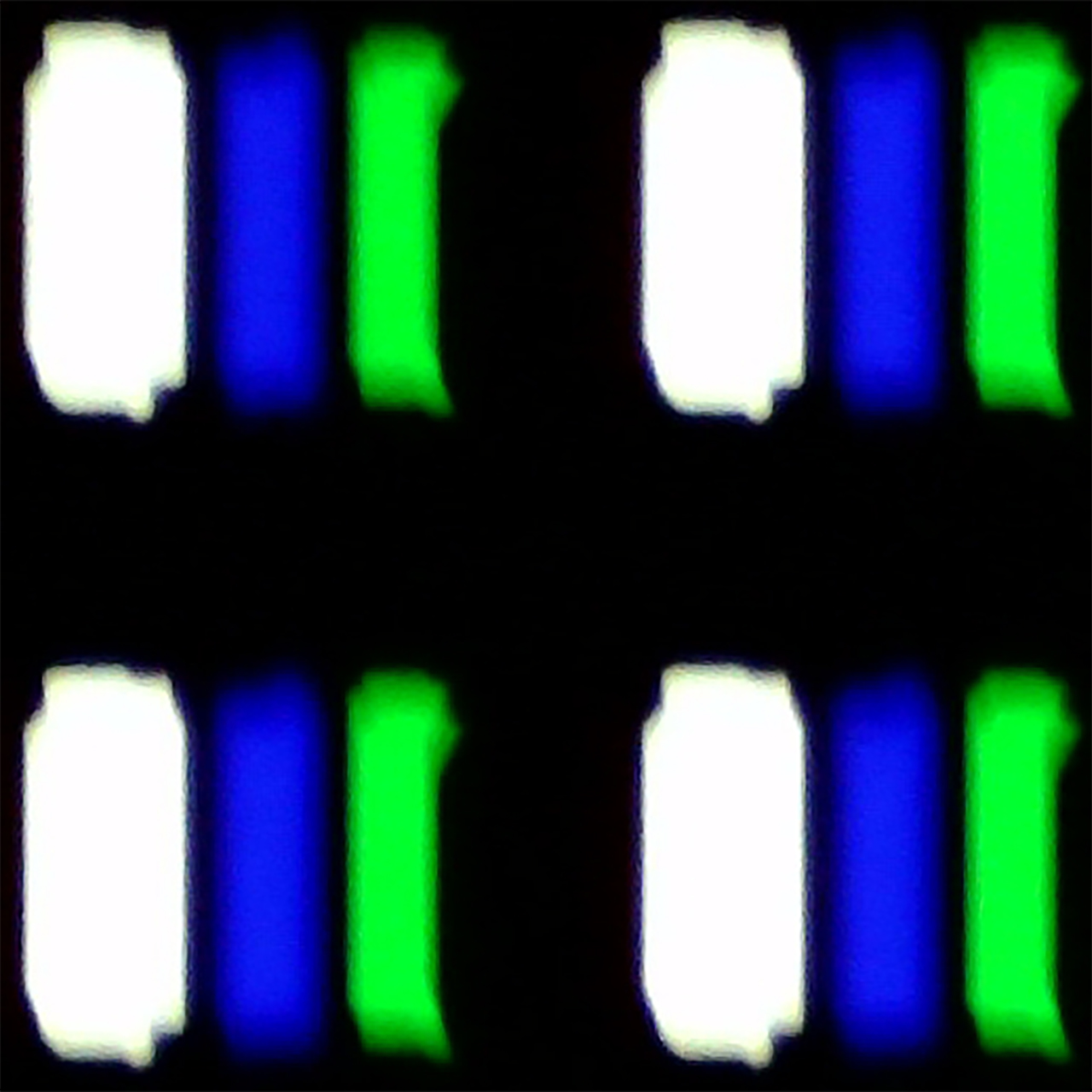
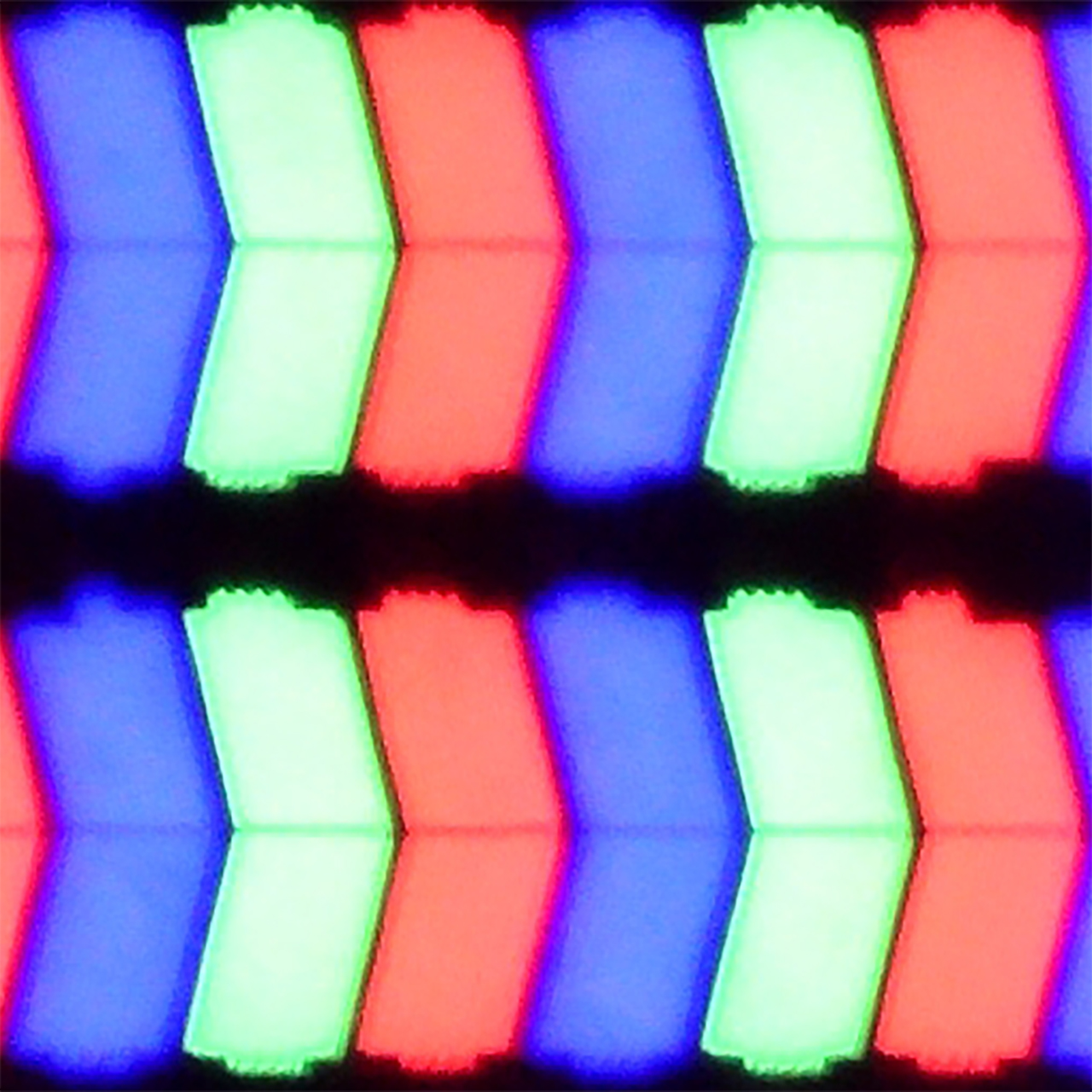
Subpixel Structure:
Panel uniformity and thermal imaging:


TV features
6.8/10
5.9/10
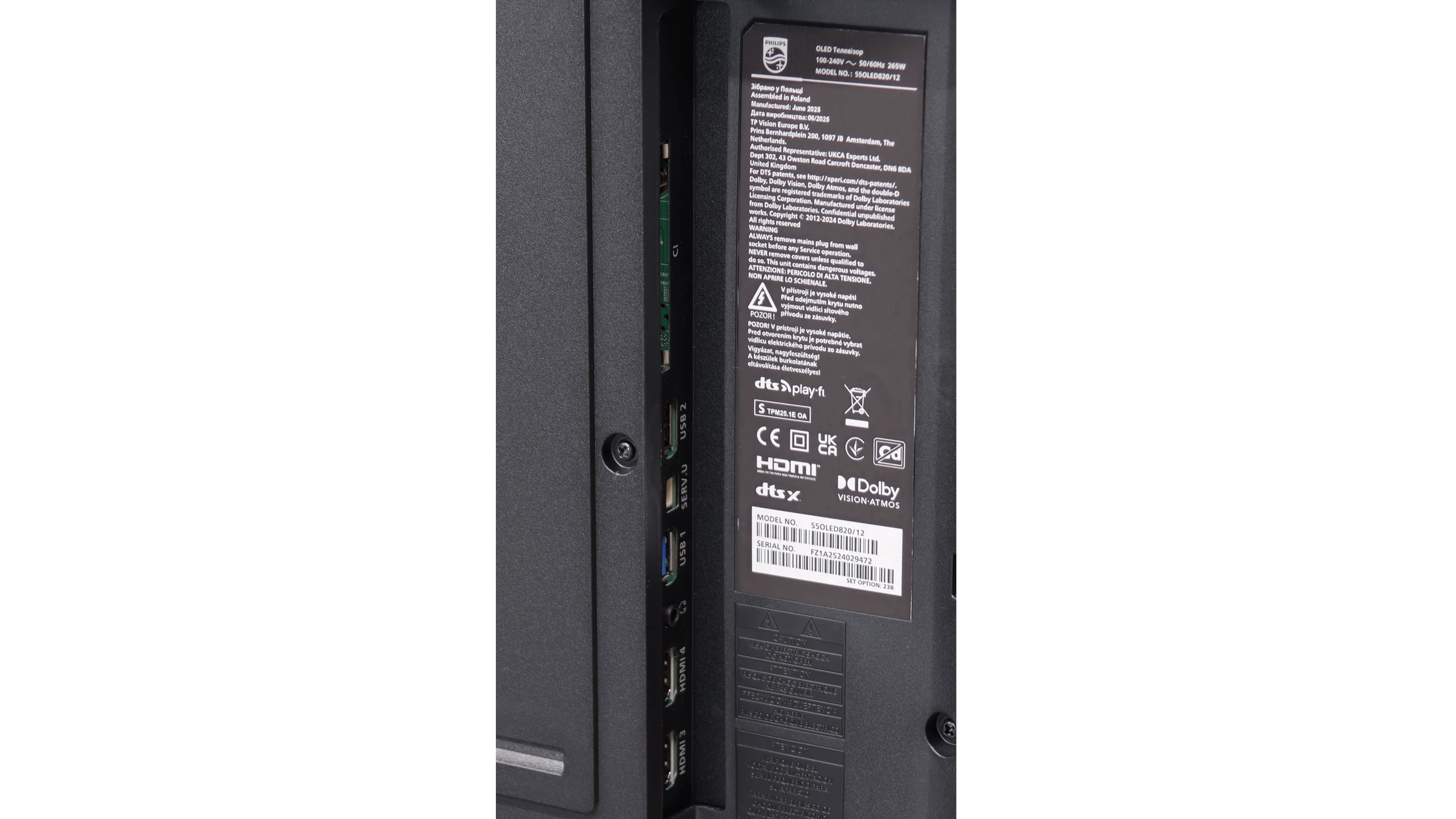
- HDMI inputs2 x HDMI 2.0, 2 x HDMI 2.1 48Gbps3 x HDMI 2.0, 0 x HDMI 2.1
- OutputsToslink (Optical audio), eARC (HDMI), ARC (HDMI), Mini-Jack (Headphones)eARC (HDMI), ARC (HDMI)
- Network InterfacesWi-Fi 2.4GHz, Wi-Fi 5GHz, Ethernet (LAN) 100MbpsWi-Fi 2.4GHz, Wi-Fi 5GHz, Ethernet (LAN) 100Mbps
- TV receptionDVB-T, DVB-T2, DVB-S, DVB-S2, DVB-CDVB-T, DVB-T2, DVB-S, DVB-S2, DVB-C
Classic features:
- Recording to USB (terrestrial TV)
- Recording programming
- Picture in Picture (PiP)
- RF remote control (no need to aim)
- Backlit remote control
- Teletext
- Audio only mode
- Bluetooth headphones support
- Simultaneous Bluetooth headphones & TV audio
Smart features:
- AirPlay
- Screen mirroring (Windows Miracast)
- Voice search
- Voice search in native language
- Ability to connect a keyboard and mouse
GoogleTV on OLED820
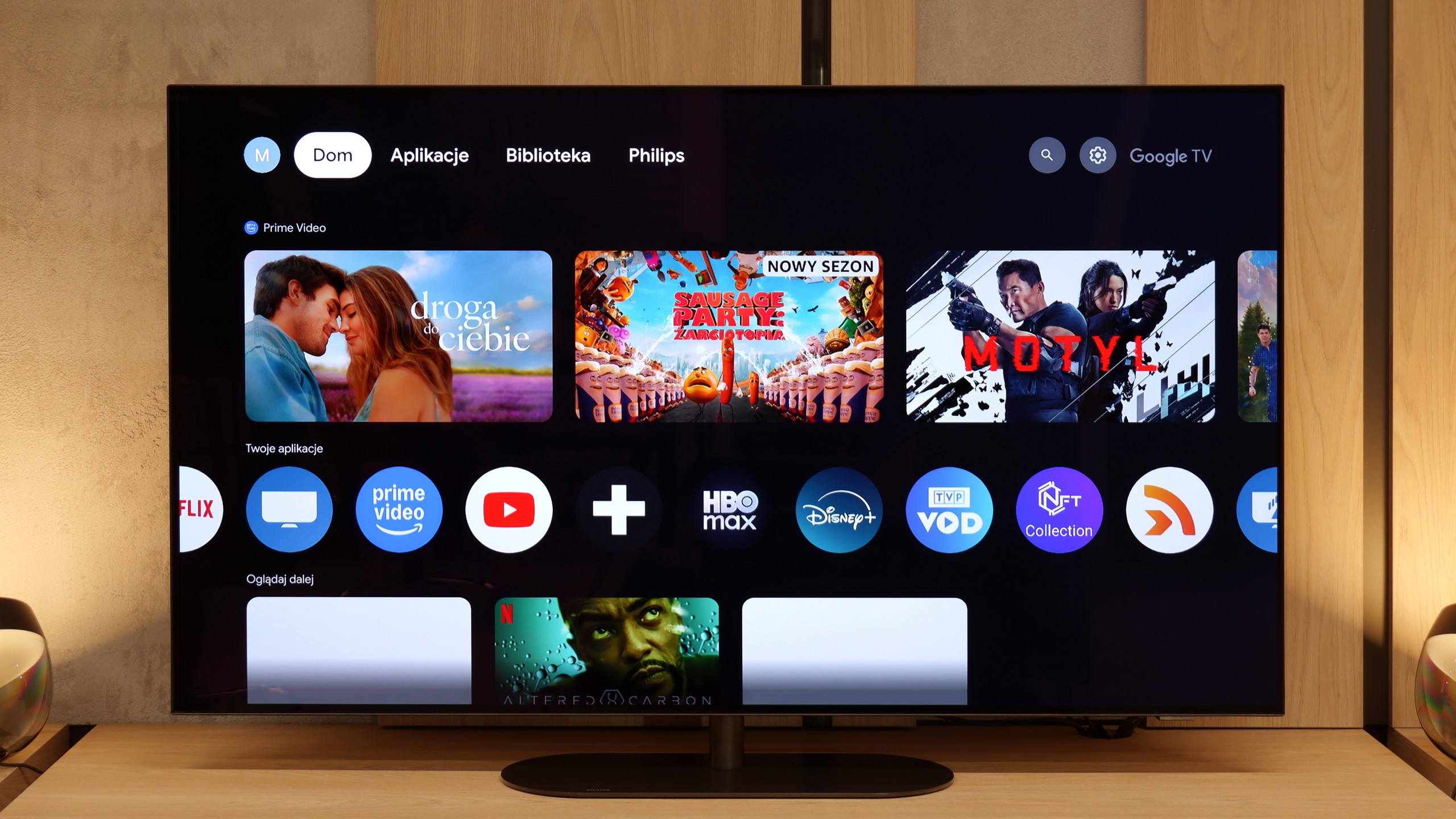
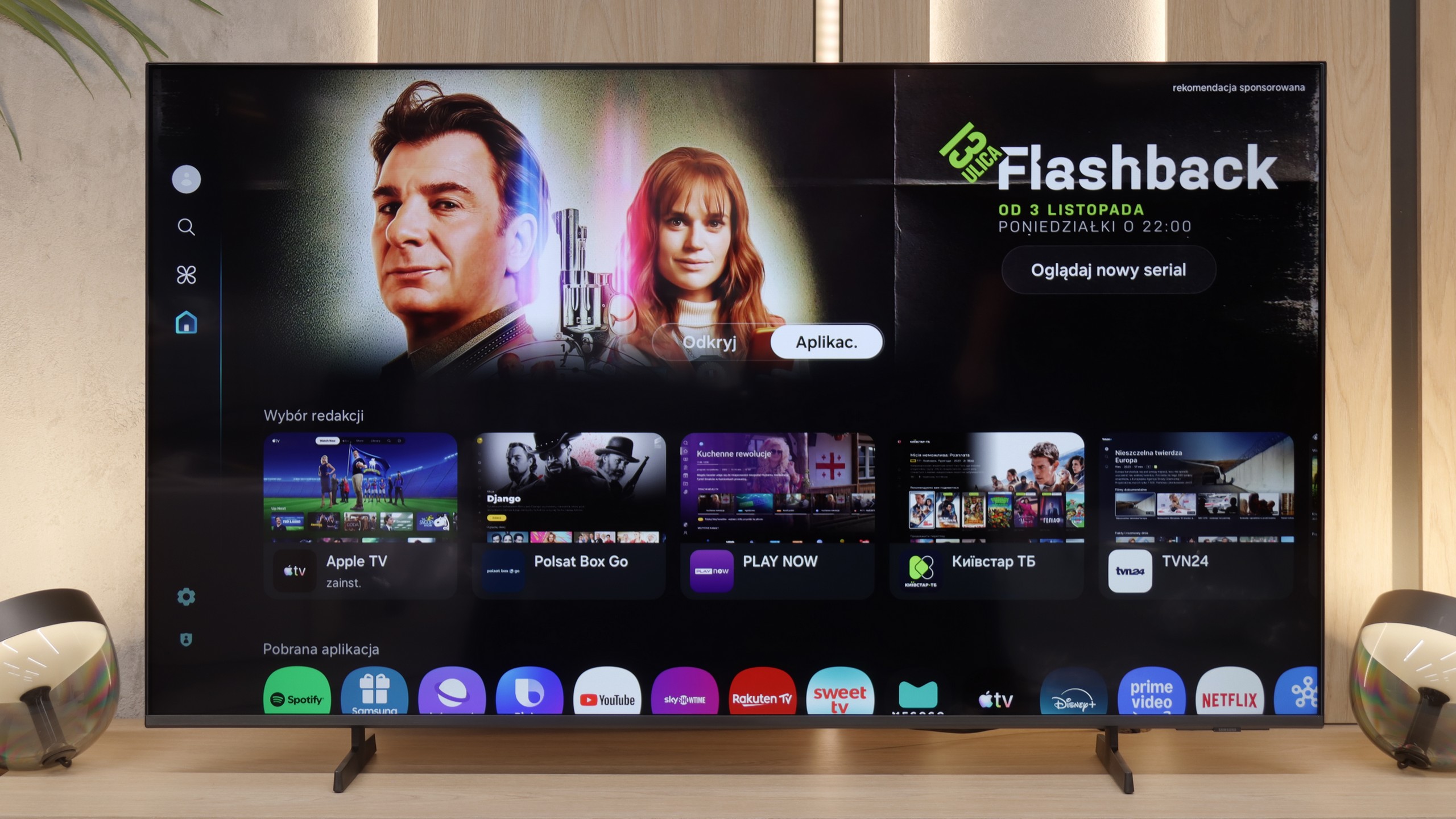
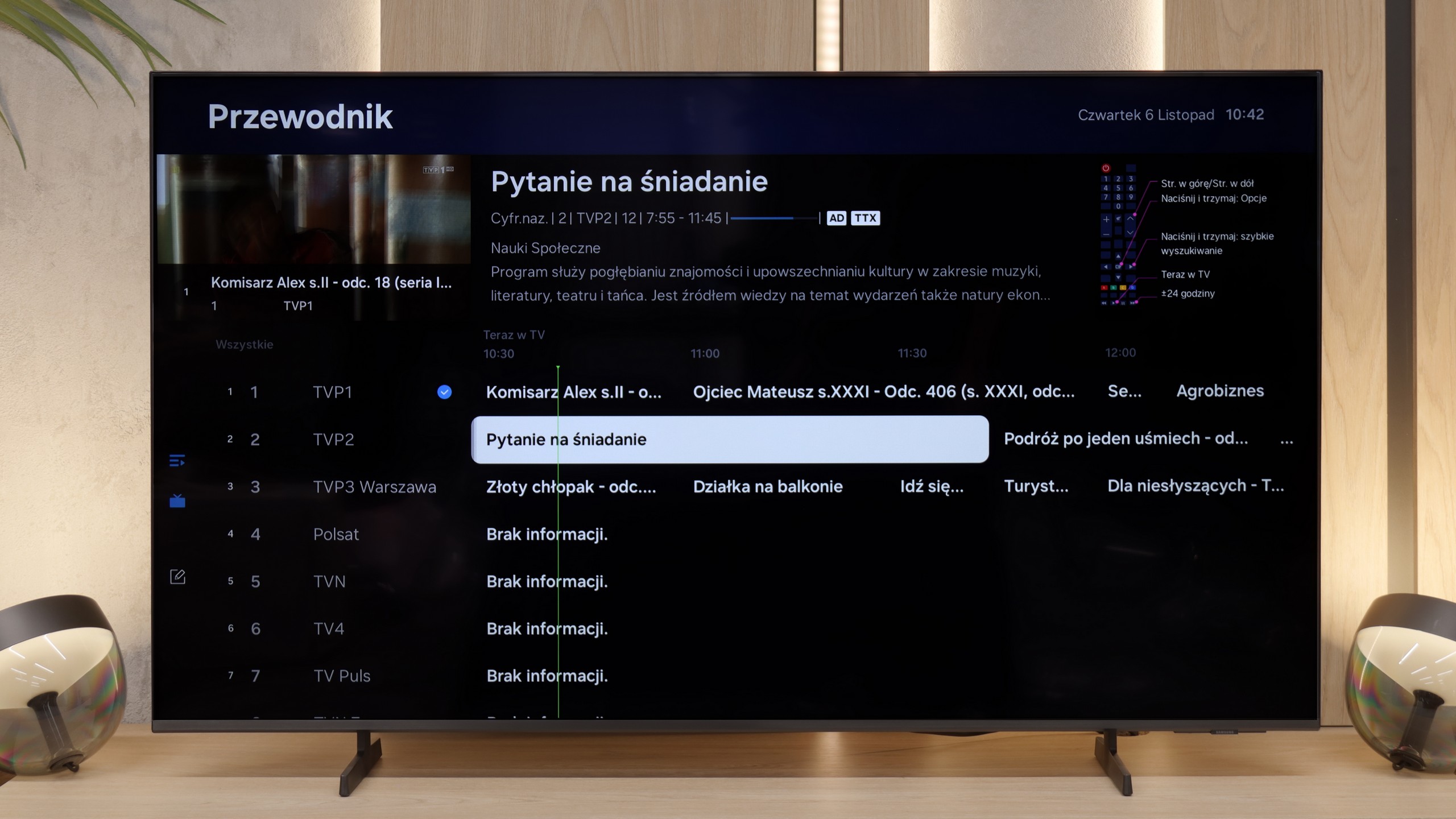
Philips OLED820 runs on the Google TV system, which immediately places it among televisions that truly provide user freedom. It’s a fantastic platform that doesn’t need any introduction – we find almost an endless number of apps here, from popular VOD services to niche programmes or games. Google TV also allows for personalisation of the home screen, tailoring content to our preferences, so the television actually “learns” our viewing style. A huge plus is also the Google voice assistant – fast, natural, and effective. It can understand even less obvious questions, and in practice, it works significantly better than many competitors. Unfortunately, there was a hiccup – the screen mirroring function simply didn’t work during testing. This can be seen as a minor issue, but in 2025, such things simply shouldn’t happen.
Classic Features of OLED820
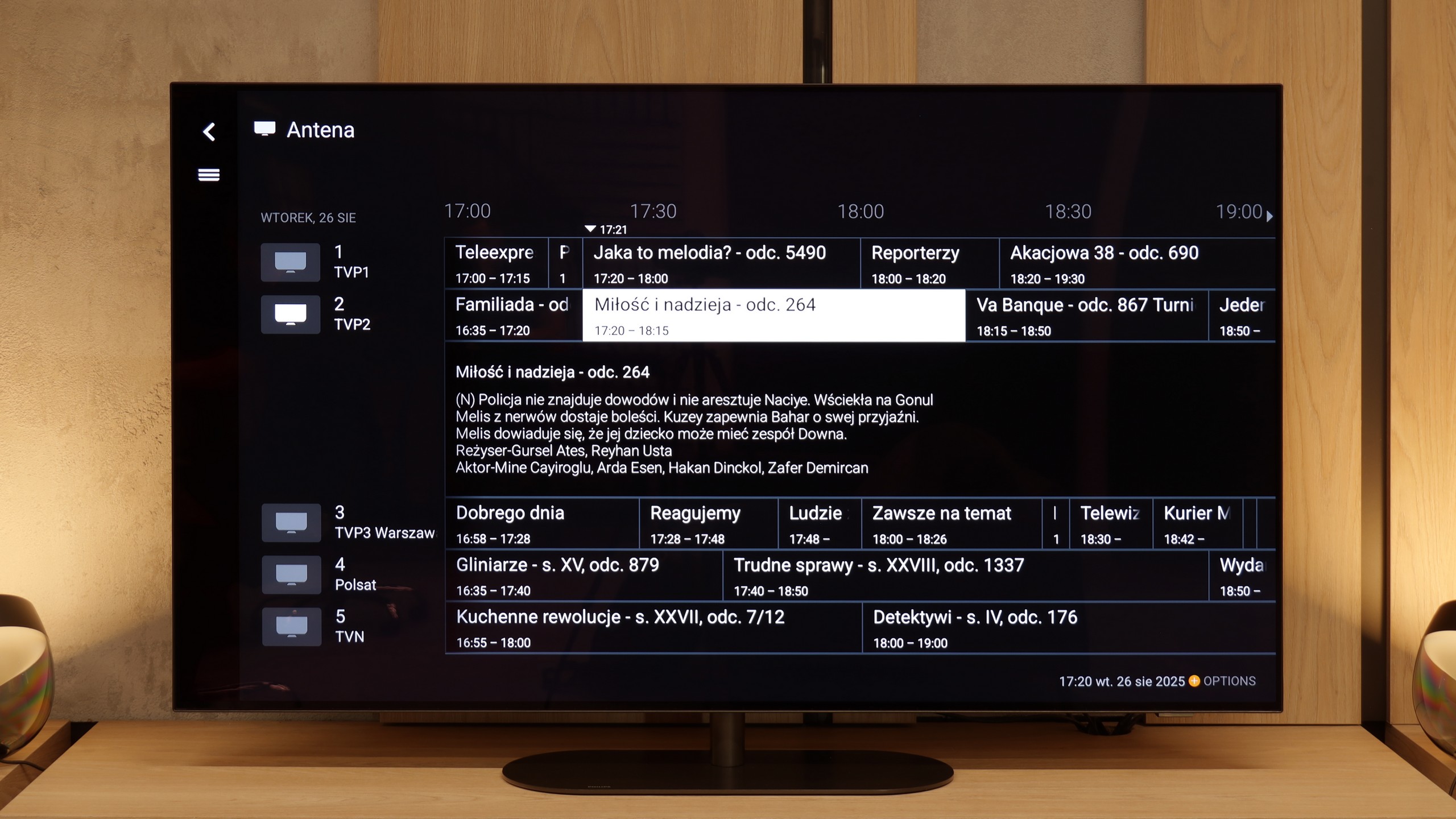
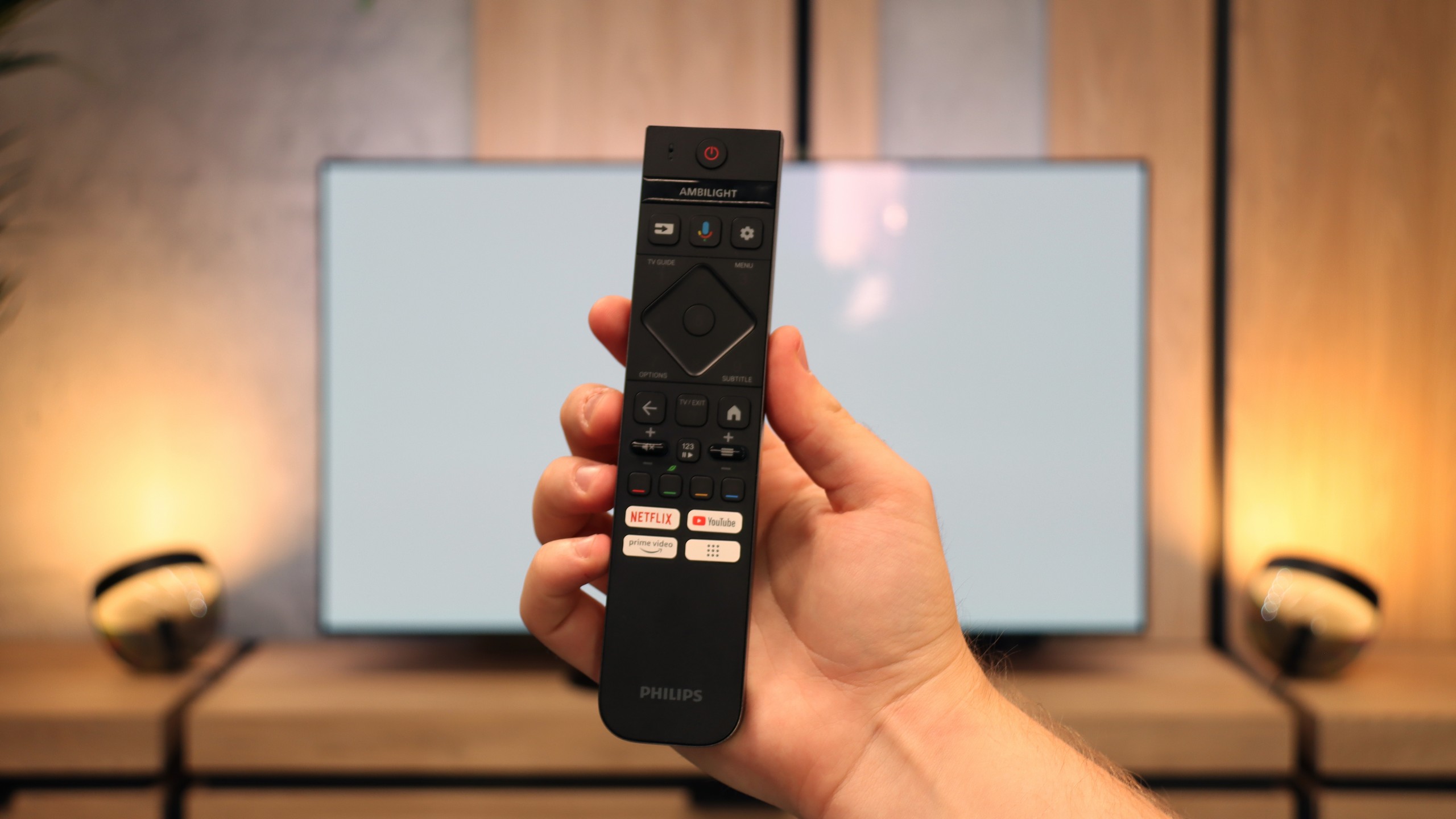
When it comes to classic features, the OLED820 doesn’t attempt to play conservatively. On one hand, we get a backlit remote control with a numeric keypad, which is quite well organised and comfortable to use. On the other hand, you have to aim it at the screen, as it works on infrared, which is more reminiscent of equipment from a decade ago than a modern television. It also lacks a few features that are often found in competitors – there’s no USB recording from tuners or a PiP mode. A nice touch among the classic solutions is the mini jack analogue input for headphones. This is rare nowadays and can be quite useful – whether for a senior citizen with an additional headphone station or for someone wanting to connect older speakers.
AmbilightTV OLED820
You can’t overlook Ambilight, which is a hallmark of Philips. This solution impacts not only the appearance of the television but also the reception of content. The lighting system can be set in various ways, from a multi-coloured mode dynamically tracking the image to calmer, static lighting. We definitely recommend the latter option, as the gentle light behind the screen makes the content viewed, in combination with the OLED matrix, appear even deeper and more engaging. It’s a simple yet very striking addition that has characterised Philips televisions for years.
It’s really great that Samsung TVs – even the most budget-friendly ones – the Tizen system simply doesn’t slow down. The speed of operation isn’t quite on par with the most expensive models, but it’s definitely better than Google TV at a similar price. Thanks to Tizen, we have access to a truly vast library of apps, AirPlay, and other Smart TV features.
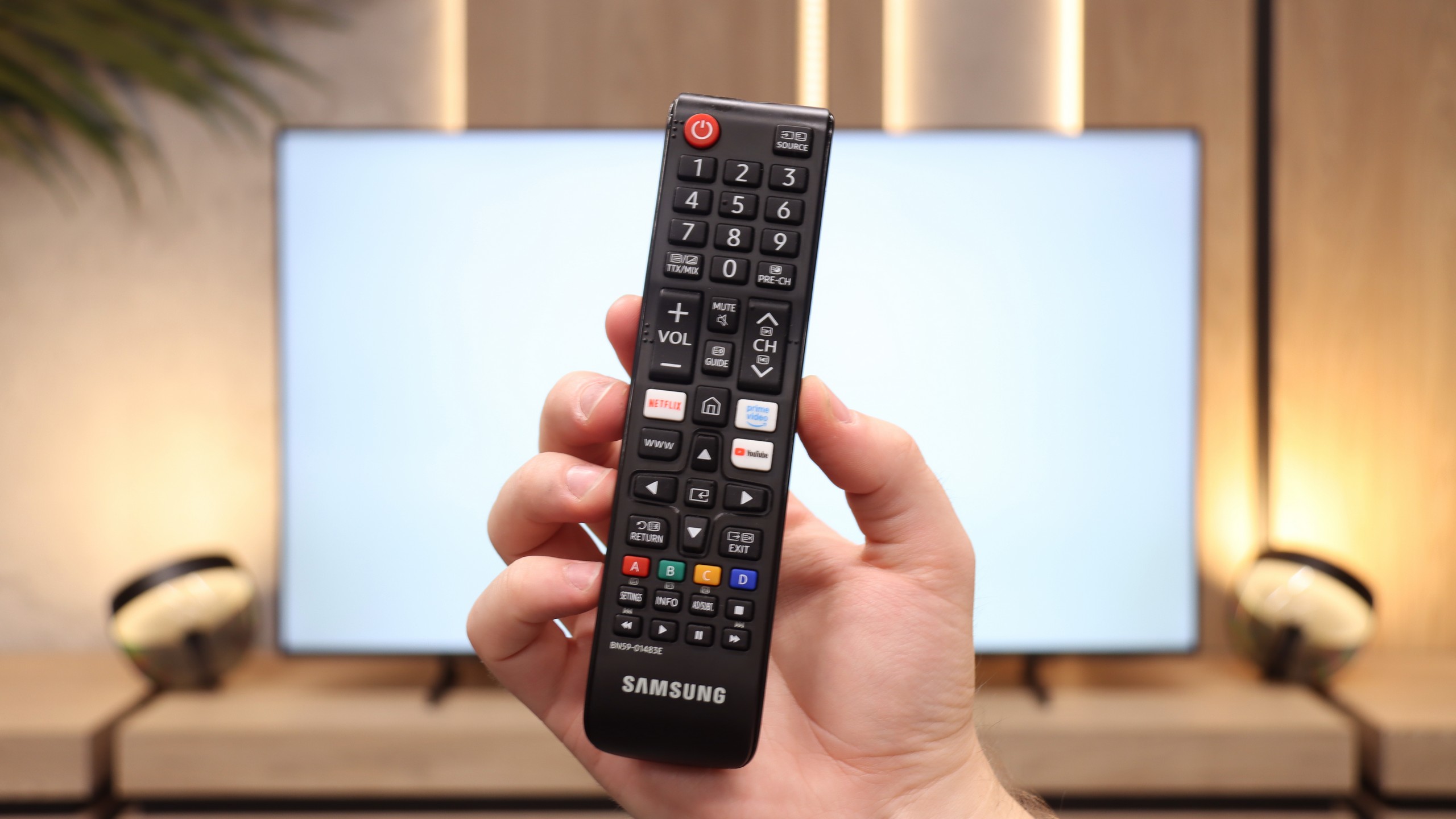
It’s worth noting that the remote control included with the Q6F is an older yet somewhat modernised version of the classic Samsung infrared controller, equipped with a full numeric keypad. Although it works via infrared, it has plenty of buttons, which might appeal to older users who watch traditional television – it simply makes channel switching easier. We also find a clear EPG interface, teletext, and support for Bluetooth headphones. It sounds a bit like a senior's dream come true, and there’s definitely something to that.
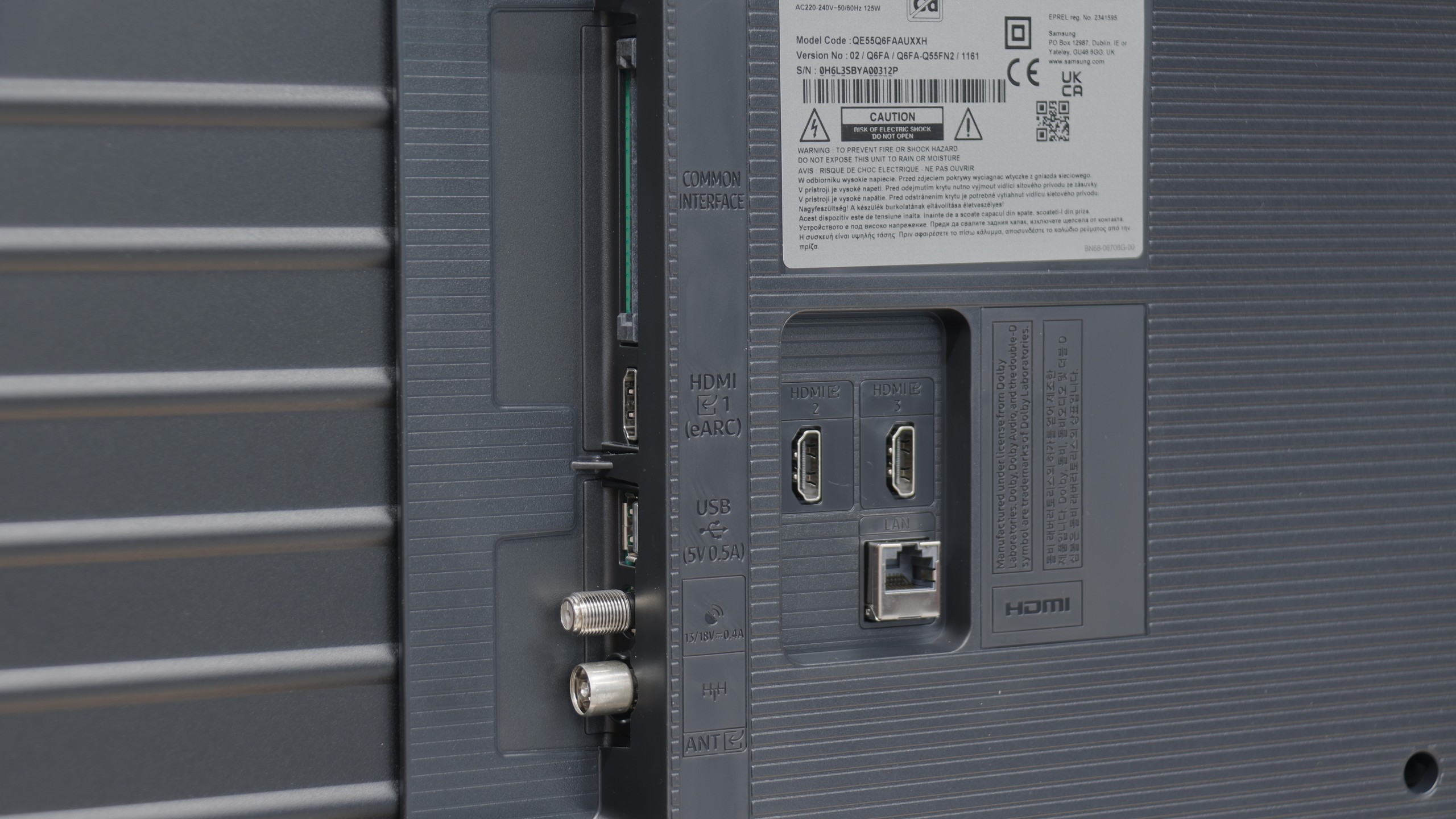
However, we must note a serious shortcoming regarding connections: this model lacks an optical output for audio devices. The only option available is an HDMI eARC connection, which could be a significant hassle if we have an external audio system.
Apps
9.6/10
9.3/10






















Playing files from USB
9.5/10
9.3/10
Supported photo formats:
Maximum photo resolution:
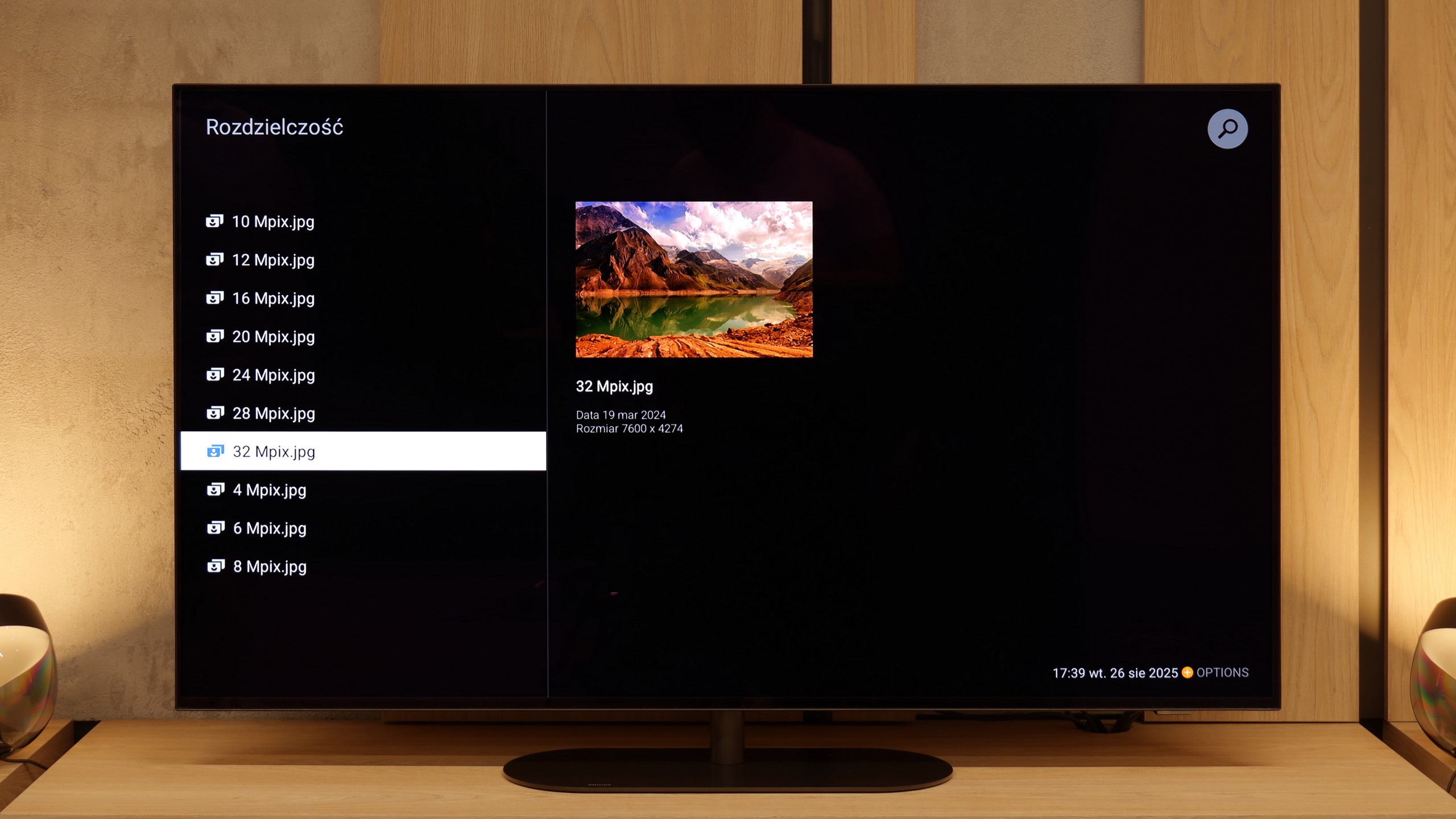
The Philips OLED820 has a built-in file player with USB, which at first glance looks quite clunky, but in practice works surprisingly well. You could even say it's one of the best built-in players available in televisions. It handles virtually every type of file: photos, videos, or music, with minor exceptions that most of the competition also does not support. And if someone still finds something missing, there's always the option to install the VLC app from the Google Play library and the problem disappears.
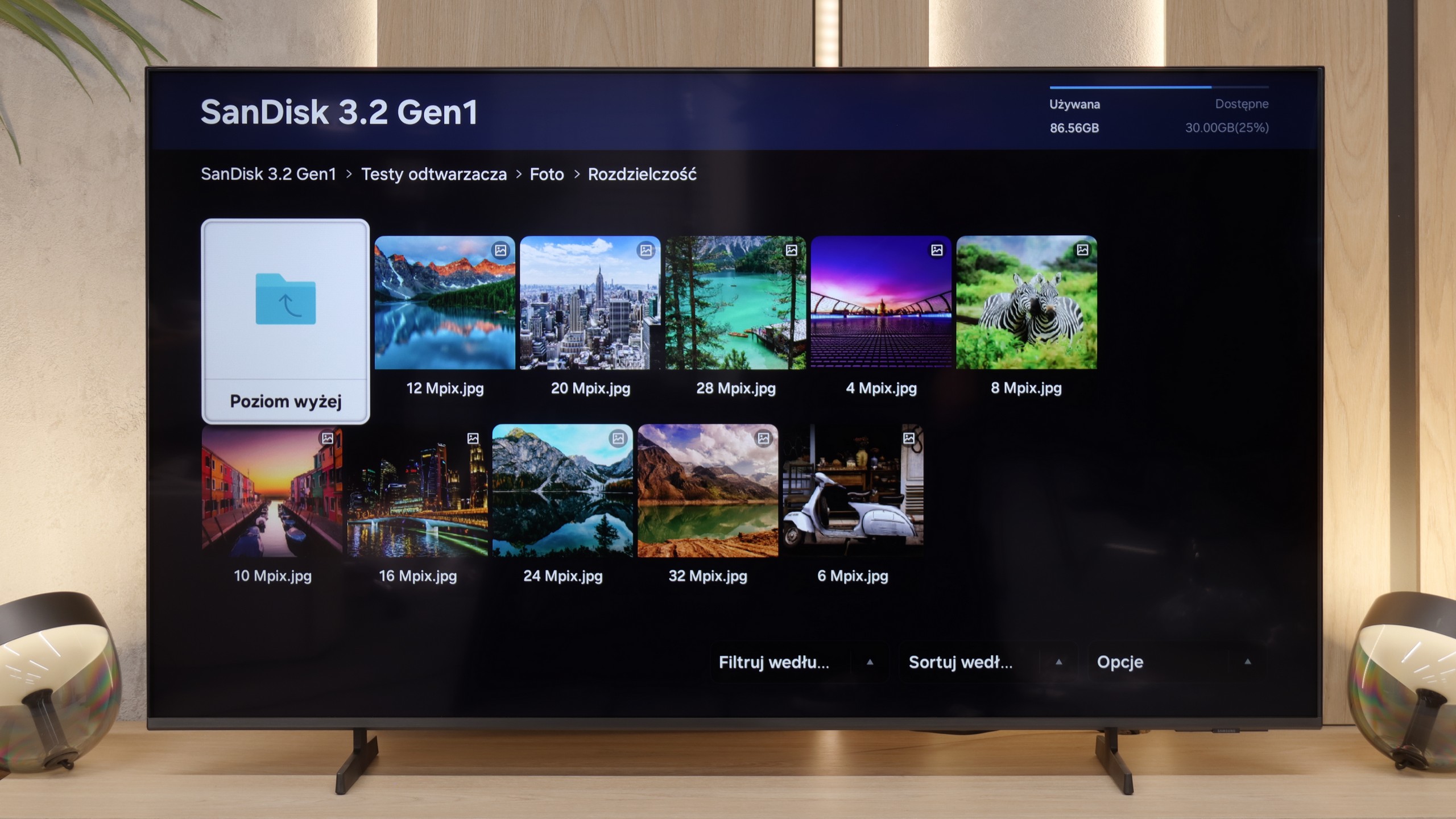
When it comes to handling multimedia from external sources, the Samsung Q6F performs exceptionally well, especially considering that we are dealing with a closed system. The TV has no issues with most popular video, audio, or image formats (EVEN HEIC!). The media player operates steadily and quickly loads the contents of USB drives or network servers. It's a solid device for browsing your own film archives or home photo galleries.
Sound
7.7/10
5.8/10
- Maximum volume81dB-
- Dolby Digital Plus 7.1
- Dolby True HD 7.1
- Dolby Atmos in Dolby Digital Plus (JOC)
- Dolby Atmos in Dolby True HD
- DTS:X in DTS-HD MA
- DTS-HD Master Audio
Philips OLED 820 features a built-in 4.1 speaker system with a total output of 70 W. At the back of the casing, there’s a subwoofer that delivers quite solid and deep bass. The classic speakers responsible for the remaining sound range are located at the bottom of the television, which means that the audio doesn't always distribute as we would like. However, the overall sound quality can be considered satisfactory – series, TV shows, or the occasional music listening all perform well with a slight bass enhancement. For everyday use, this should be sufficient, although we still recommend purchasing even an inexpensive soundbar, which will significantly improve the user experience.
When it comes to sound, the Samsung Q6F plays... well, flat. However, the sound is clear and loud enough that it's perfectly suitable for watching news or regular television. The voices of the presenters are understandable and don't get lost in the background. However, if someone values even decent experiences when watching films, we definitely recommend purchasing a soundbar. Even the cheapest model from the Korean manufacturer's range will make a huge difference and save the situation.
Sound Quality Test
No sound test video
Acoustic Measurements
81dBC (Max)
75dBC
0dBC (Max)
75dBC