Philips OLED 809 is quite a versatile television that appeals to a wide range of consumers. Its standout feature among all the TV models on the market is the multicoloured Ambilight backlighting. It often allows for even greater immersion and engagement in the world of film. What is most important in televisions—contrast, black levels, and colour reproduction—are all at a high standard, which is something that will always impress in OLED TVs. The tested television, while performing quite well in our tests, does have some notable drawbacks. These include the quality of tonal transitions and the jumpy operation of the dynamic tone mapping feature. In some cases, these can be slightly irritating to sensitive eyes. However, Philips OLED 809 performs really well in other aspects, particularly in two areas: gaming performance and motion smoothing. The former stands out significantly, as each of the implemented features operates without the slightest hiccup, allowing for an even more immersive gaming experience. As for motion smoothness, it matches the high level of support for gaming. Thanks to two sliders, whose effects are noticeable at every position, every user is able to find the best level of smoothing for themselves. One cannot overlook the Google TV system, which operates very smoothly and during the tests, there were no instances of any "stuttering".
- Matching (Score) |
- Our verdict |
- TV appearance |
- Where to buy |
- Contrast and black detail |
- HDR effect quality |
- Factory color reproduction |
- Color reproduction after calibration |
- Smoothness of tonal transitions |
- Image scaling and smoothness of tonal transitions |
- Blur and motion smoothness |
- Console compatibility and gaming features |
- Input lag |
- Compatibility with PC |
- Viewing angles |
- Daytime performance |
- Panel details |
- TV features |
- Apps |
- Playing files from USB |
- Sound
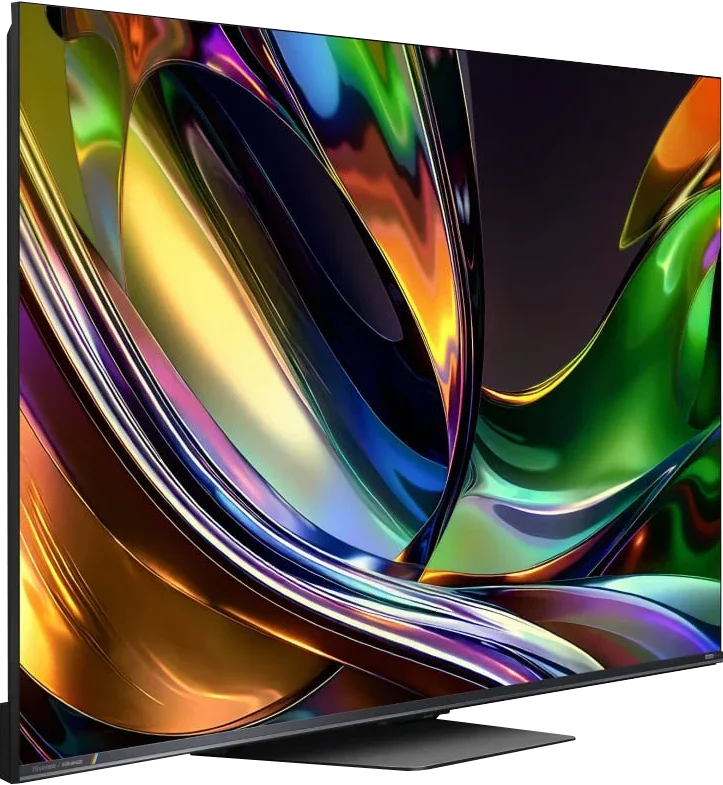
Philips OLED809/819 vs Hisense UR8S
 Direct comparison
OLED809 / OLED819 / AMIBLIGHT TV

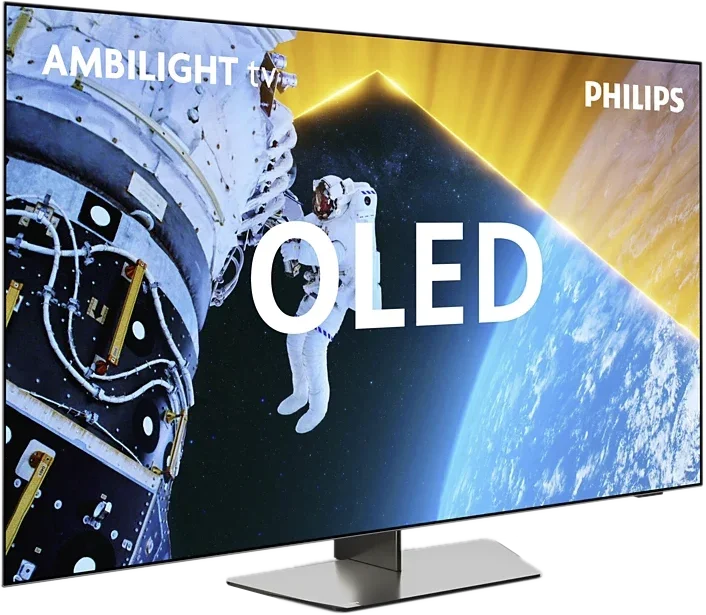
Panel type: WRGB OLED
Resolution: 3840x2160
System: Google TV
Model year: 2024
Complete the survey to find out the result
Panel type: LCD VA
Resolution: 3840x2160
System: VIDAA
Model year: 2026
Complete the survey to find out the result
Overall rating
7.6
8.2
 Movies and series in UHD quality
 7.3
7.4
 Classic TV, YouTube
 7.9
7.6
 Sports broadcasts (TV and apps)
 8.2
7.4
 Gaming on console
 9.2
8.4
 TV as a computer monitor
 6.4
8.5
 Watching in bright light
 5.5
9.5
 Utility functions
 7.9
9.4
 Apps
Apps 9.6
8.3
 Sound quality
 7.1
7.8
Complete the survey to find out what fits your preferences
Advantages

Extensive Google TV system with good app support
Very good collaboration with the console
Good image smoothness and an extensive system for improving it
Multicoloured Ambilight backlighting
Very high contrast and deep blacks
High peak brightness
Potentially wider colour gamut thanks to RGB backlighting
Excellent image processing and upscaling
Panel with refresh rate up to 180 Hz
Very good gaming performance
Good viewing angles for a Mini-LED LCD
Matte finish and great performance in daylight
Fast VIDAA and lots of user features
Support for Dolby Vision, HDR10+, Dolby Atmos and DTS
Disadvantages

Poor factory colour reproduction (can be fixed through calibration)
Strongly contrasting tonal transitions
Average legibility of fonts when connected to a computer
The full potential of RGB Mini-LED isn't always realised in films
HDR brightness can deviate from the filmmakers' vision
Lack of proper HGiG implementation
The VIDAA system is still missing a few apps
Our verdict
The Hisense UR8S is above all a very versatile, higher-end TV that in most situations simply performs well or very well. It's not a model aimed only at cinema, gaming or watching in a bright living room. Its biggest advantage is that it can combine all those uses in a single set and doesn't have any one obvious weak point. In terms of picture, the UR8S has a lot to offer. Contrast is high, HDR can look very impressive, and the brightness level is more than enough for daytime viewing. Add very good image processing and smooth motion handling. RGB Mini-LED also gives it a very wide colour palette and it's clear this technology has a lot of potential. However, remember it doesn't completely change the character of an LCD TV. In tougher scenes you can still see the limits of local dimming, and very high colour saturation isn't always maintained to the same degree as on simple test patterns.
A major strength of the UR8S is, first and foremost, its everyday usability. The TV works well for sport, is very suitable for gaming, and the high brightness and matte finish make a big difference in a bright room. On top of that, the VIDAA system runs quickly, and Hisense has kept many features that remain useful for normal TV use. That's why we see the UR8S primarily as a TV for people who want one solid screen for everything. RGB Mini-LED is an interesting extra and provides some real benefits, but the technology itself isn't the only reason this model performs well. What really sells it is that it's complete, well equipped and highly versatile.
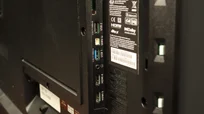
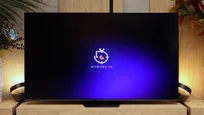
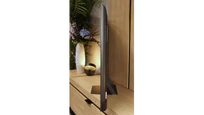
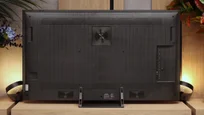
TV appearance

Contrast and black detail
10/10
8/10
Local dimming function: Yes, number of zones: 936 (26 x 36)
Contrast:


Result
∞:1

Result
∞:1

Result
∞:1

Result
∞:1

Result
∞:1
Result
267,450:1
Result
48,550:1
Result
19,450:1
Result
14,850:1
Result
10,800:1
Halo effect and black detail visibility:
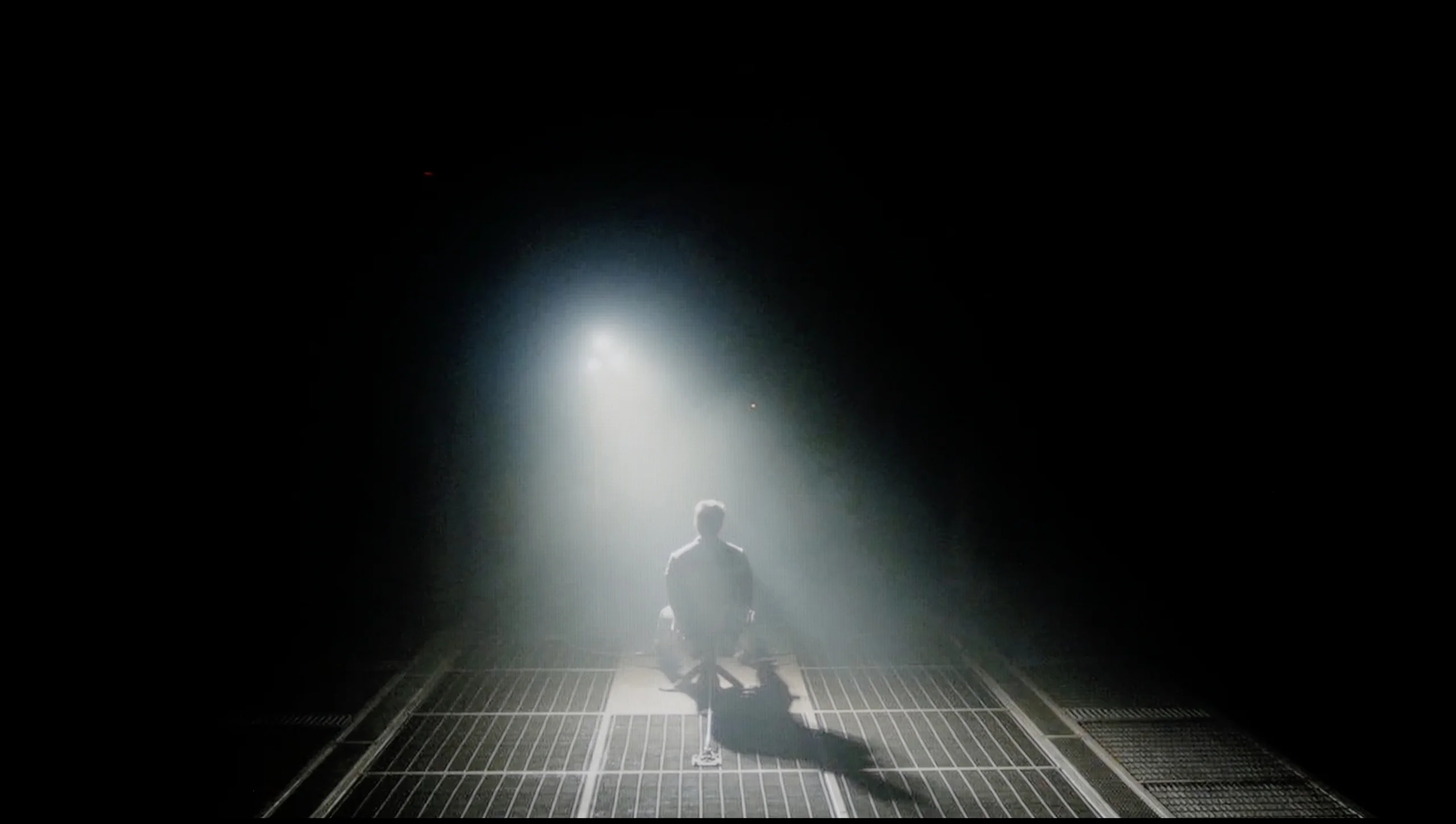
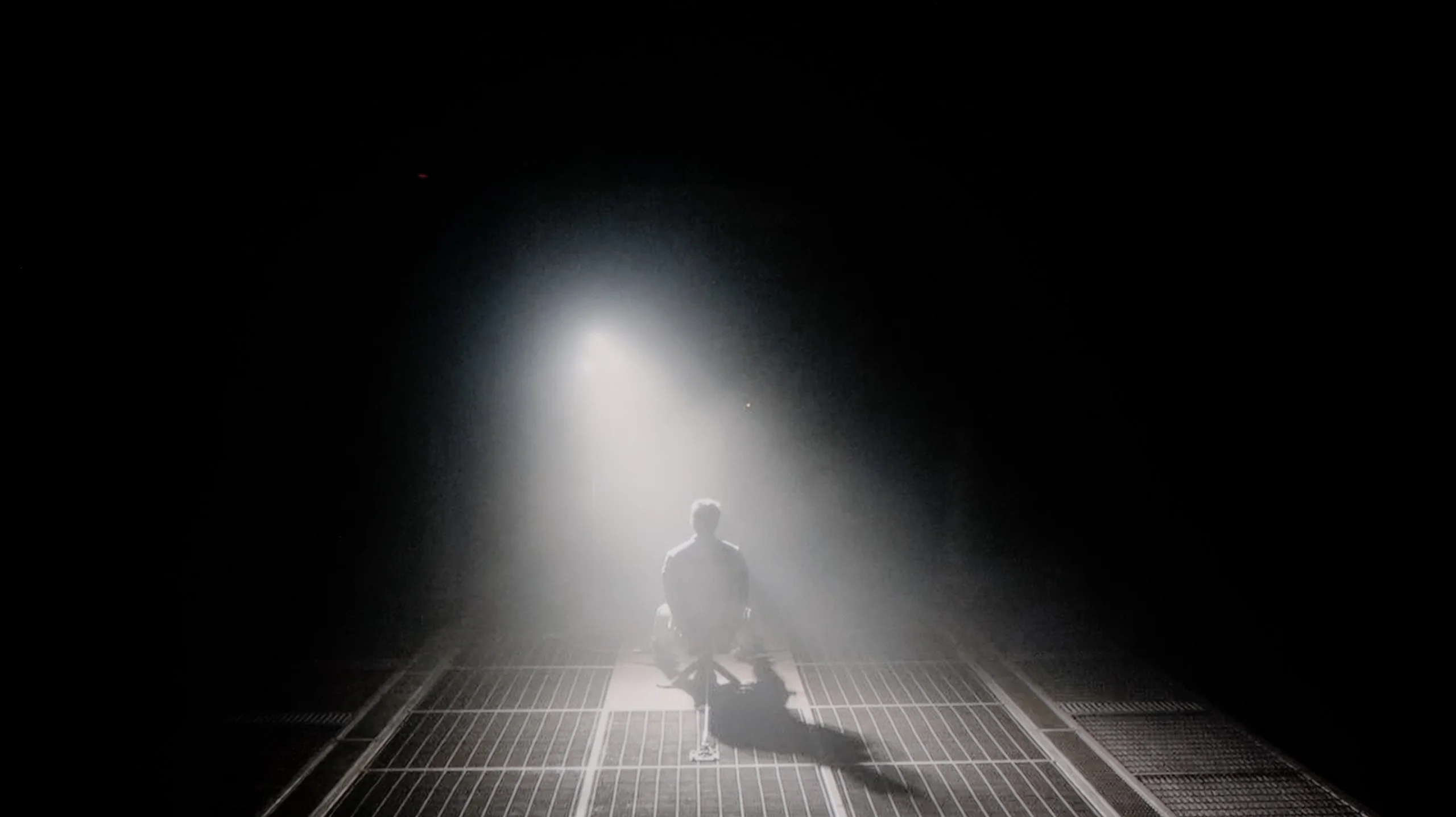
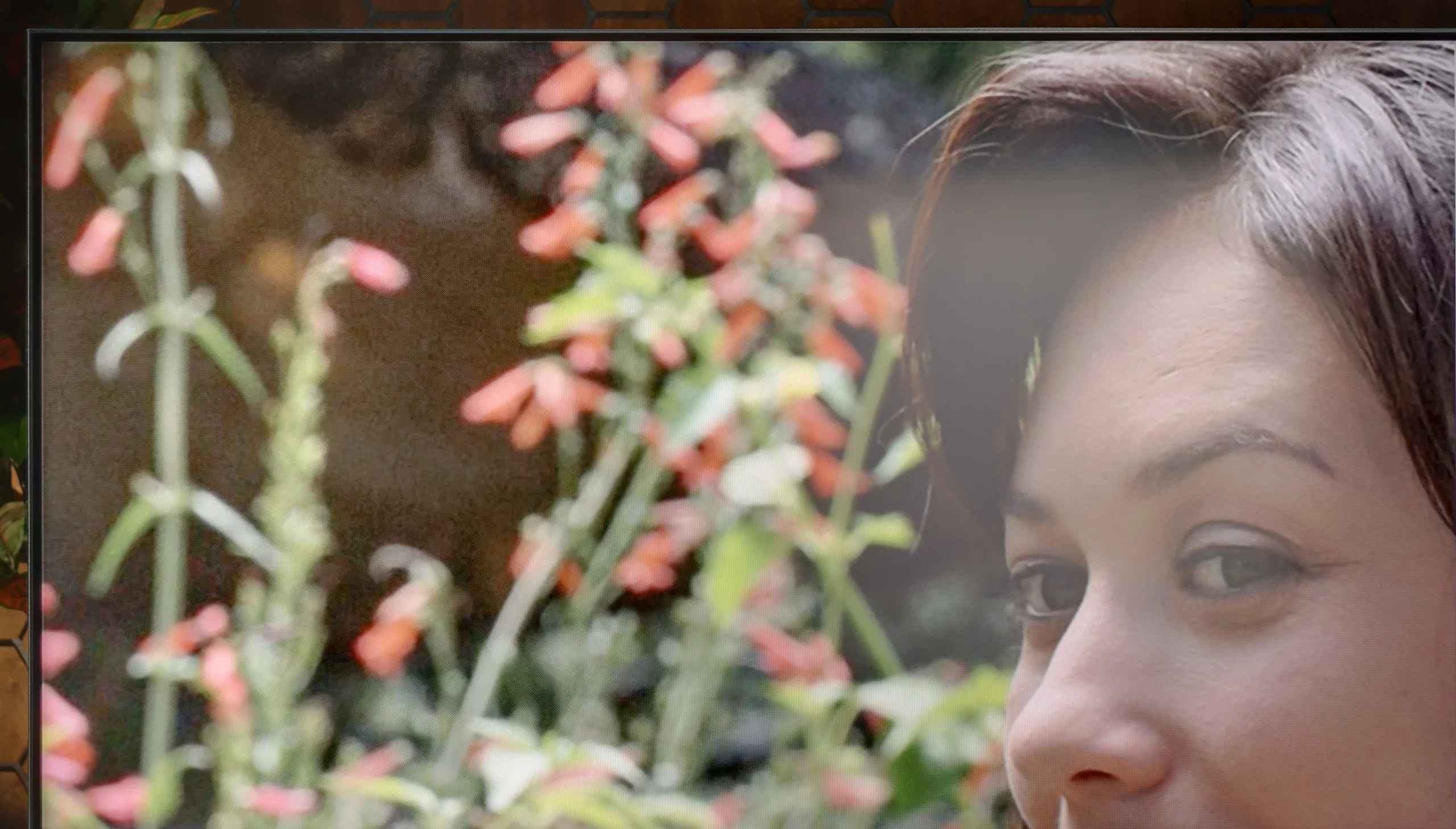
Check the visibility of bright lights on a dark background. Mini-LEDs often struggle with this. The photo does not compare black levels – that’s what the video below is for.
The video accurately shows differences in contrast and black levels between TVs, as well as potential issues: halo around bright objects or Mini-LED zone operation visible as brightness jumps.
Philips OLED 809, as the name suggests, uses an organic matrix. Like the vast majority of manufacturers, it comes from the LG Displays factory, which is not surprising, as other leading manufacturers, such as Sony and Panasonic, also use them. The application of this type of panel allows for achieving an ideal result in the contrast and black tests. Thanks to such results, the image is incredibly plastic and free from any blooming effect of bright texts on a dark background, which has become an inherent feature of televisions with local dimming. This is enabled by the very construction of the panel, which is not made up of many layers of filters, but of organic conductive polymers, controlled by electrical impulses. Therefore, if we want to achieve black, the pixel turns off to a value of 0, rather than being covered up. The lights present in the test image are perfectly separated from each other, which is extremely difficult, and often impossible for LCD televisions. One of the strongest points of Philips OLED 809 is its ability to render contrasts. Philips OLED809 test showed that the television handles the separation of bright elements, such as headlights, from the dark background excellently.
We tested the Hisense UR8S in the 65-inch size, and this variant uses a VA panel, so the native contrast is already very good and reaches much higher values than IPS panels. The most important thing, though, is the local dimming. In our unit we counted 936 local dimming zones, and you can clearly see they can significantly help in dark scenes. In films where much of the screen is black, the UR8S performs really well. Blacks are deep, black letterbox bars don't glow navy-blue, and in some shots the effect can even slightly resemble OLED. Of course only slightly, because the difference is still noticeable. You notice it most easily with small, bright elements on a black background. Then a slight halo can appear around the object. It's not large and during normal viewing it shouldn't be very distracting, but it shows we're still dealing with a TV with 936 zones, not a display that can switch off every pixel individually.
HDR effect quality
6.9/10
6/10
Luminance measurements in HDR:

Result
921 nit

Result
970 nit

Result
1039 nit

Result
1022 nit

Result
425 nit
Result
1241 nit
Result
269 nit
Result
594 nit
Result
188 nit
Result
1452 nit
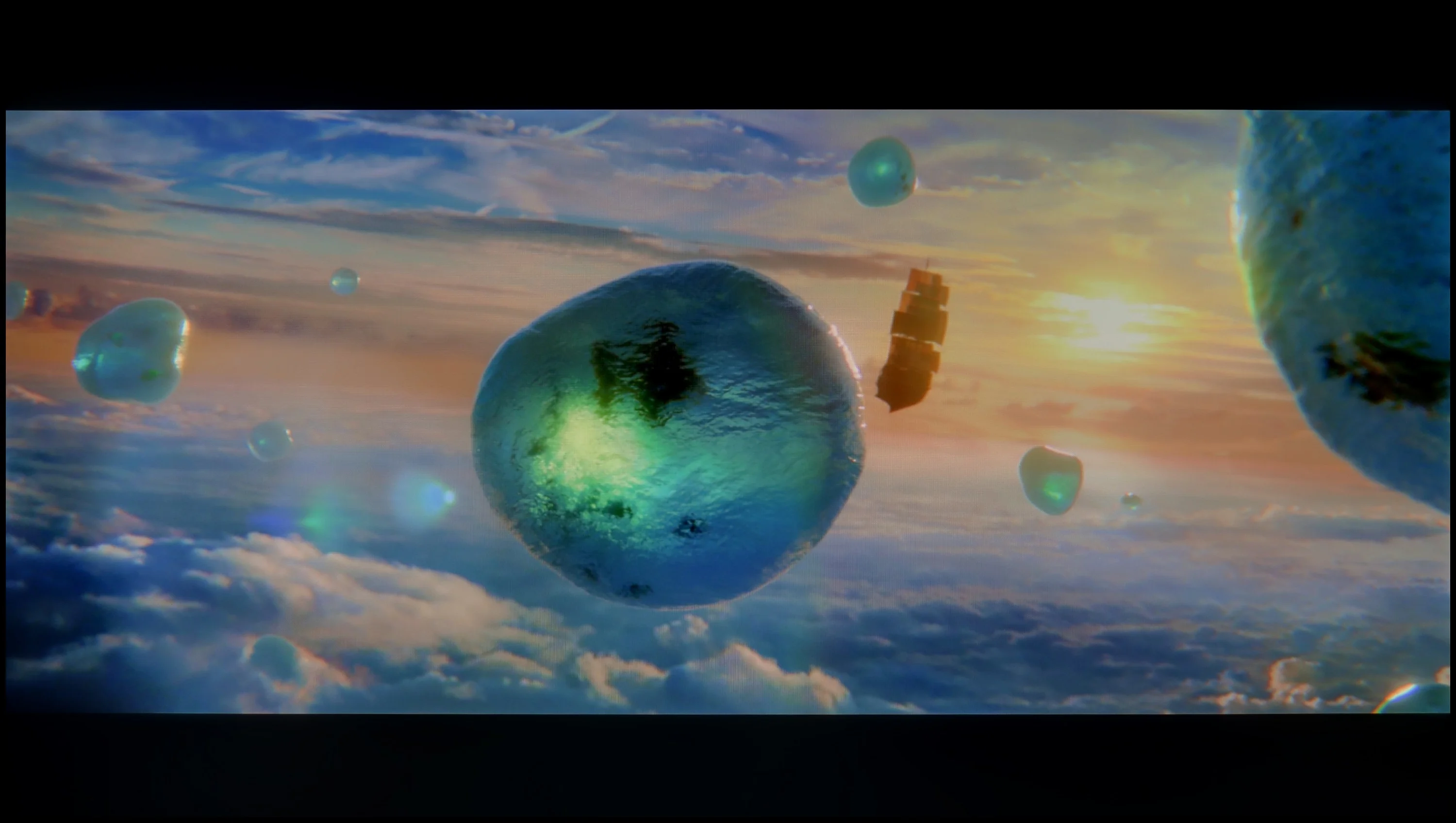
Scene from the movie “Pan” (about 2800 nits)

Scene from the movie “Billy Lynn” (about 1100 nits)
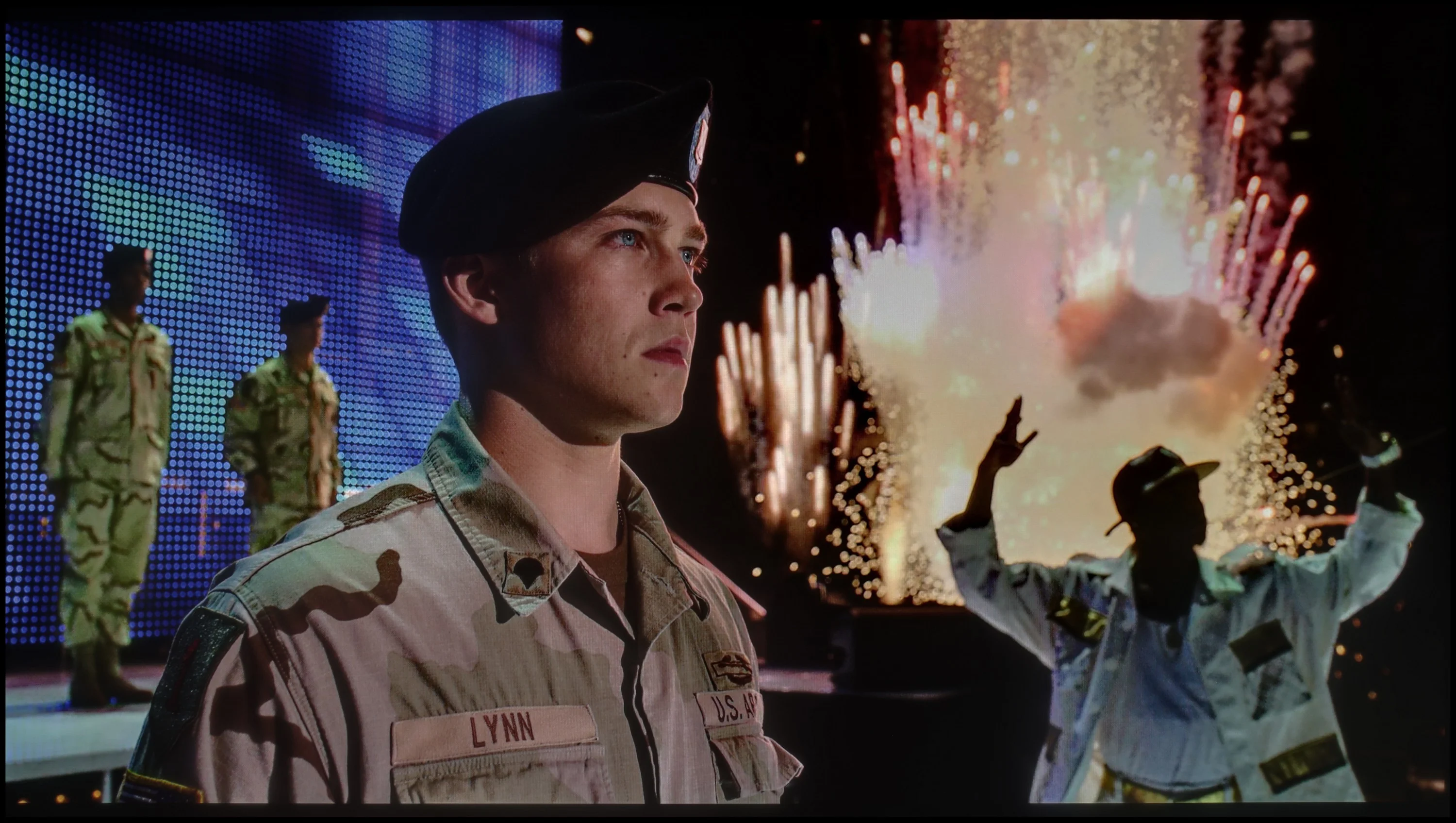
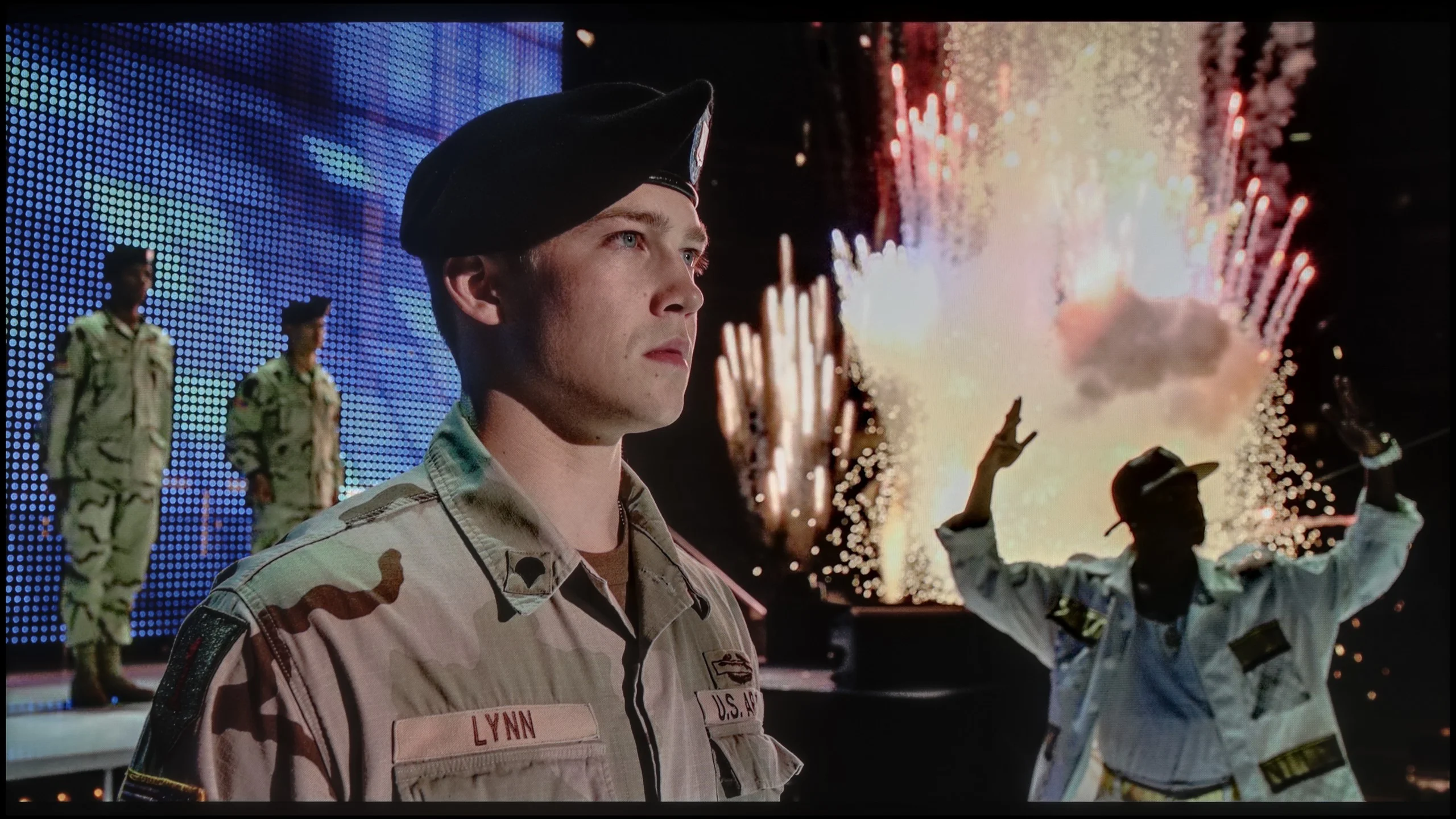
The photos show two HDR10 movies. 'Pan' is one of the brightest productions ever made, while 'Billy Lynn' (soldier) has brightness typical of streaming (Netflix, Prime, HBO MAX). Notice the intensity of effects and detail in whites.
Static HDR10


The photos present the visibility of white details in various HDR formats. They do not show brightness differences between TVs (these can be compared in the previous gallery).
Dynamic: Dolby Vision
Dynamic: Dolby Vision


The photos present the visibility of white details in various HDR formats. They do not show brightness differences between TVs (these can be compared in the previous gallery).
HDR luminance chart:
Hisense UR8S
Philips OLED809/819
Luminance of RGB colors
Philips OLED 809 delivers a more than satisfactory HDR effect. The television is capable of generating luminance exceeding 900 nits in almost every scene, and sometimes even over 1000. This result allows for a full experience of materials with a wide tonal range. The only moment when Philips OLED 809 cannot generate higher brightness is in a scene from the film "The Meg," which features a large amount of bright white across much of the screen. However, it cannot be said that this is a weak result, as it represents a significant improvement over its predecessor. Overall, such values for OLED panels produced by LG Display, which do not have MLA technology, are very, very good. Combined with high coverage of the DCI-P3 colour gamut, they allow for an HDR experience in a remarkable dimension. Philips OLED 809 test indicated that this television supports popular HDR formats such as Dolby Vision and HDR10+.
UR8S is a higher-end Mini-LED, so you could expect plenty of brightness. Indeed, on a synthetic test pattern peak brightness reached about 2200 nits. That’s a very good result, but as always what the TV does in normal film scenes matters much more. Here the results are a bit more mixed. In bright scenes with lots of light on screen, the UR8S can deliver very strong HDR. Brightness then gets up to around 1500 nits, so the image is very intense and has a lot of punch. It’s worse with small bright elements on a dark background. The TV noticeably dims them to preserve deep blacks and avoid excessive blooming. As a result, things like single stars or small specular highlights can be only around 200 nits. And here HDR is no longer as impressive. So the local dimming algorithm works effectively, but it comes at a cost — sometimes it sacrifices the brightness of small details too much in favour of contrast.
Colours
For RGB Mini-LED TVs, colours should be evaluated a little differently than usual. If we look only at the panel’s capabilities, the UR8S performs excellently. We measured about 94% coverage of BT.2020 and virtually full DCI-P3. Those are among the highest figures currently seen in LCD TVs, and this is where the potential of the RGB backlight is most apparent. The problem is that this potential isn’t always used in real scenes. When we ran the same measurements on patterns overlaid with a film-like background, saturation of some colours started to fall noticeably. Individual zones can’t always control the three RGB components with the same precision when the scene becomes more complex. It’s most noticeable with blue and magenta. On simple test patches they can look very strong, but in tougher scenes samples of those colours clearly shrink. In other words, the UR8S has huge potential, but the TV can’t always take full advantage of it in every scene.
Factory color reproduction
5.1/10
5.1/10
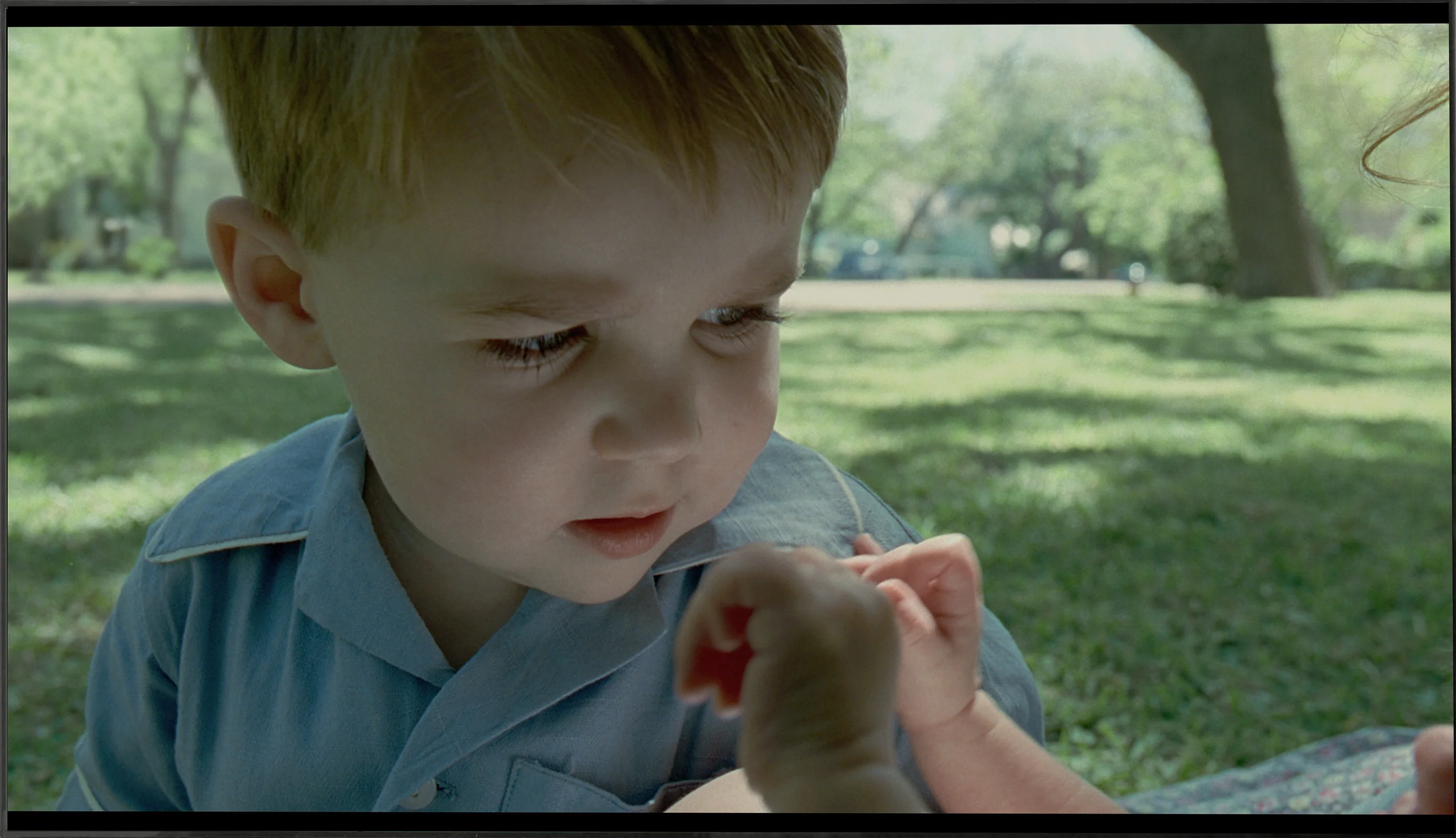
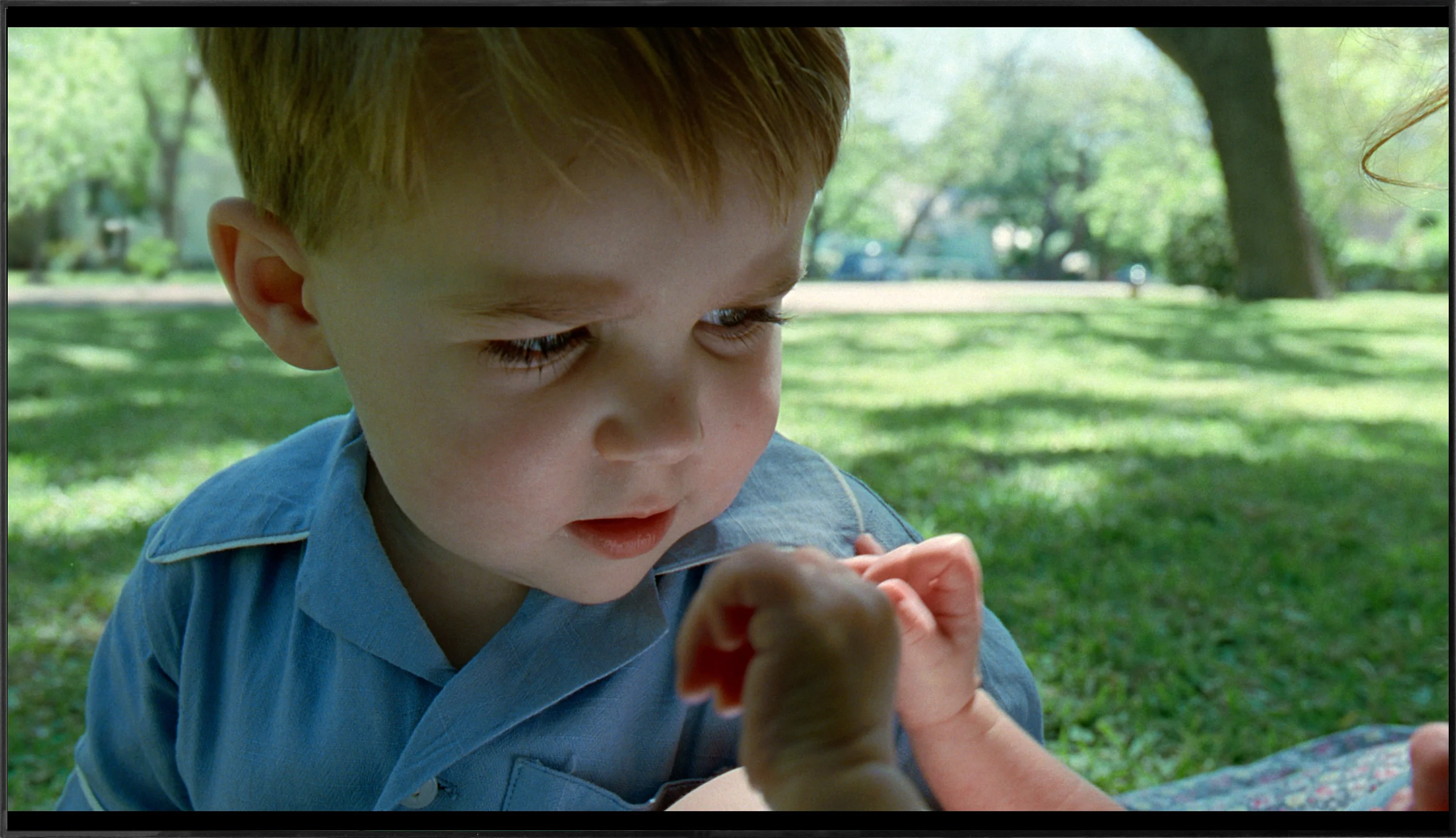
This gallery shows how colors change after professional TV calibration. If you notice the difference, we recommend ordering this service at SkalibrujTV.com.
Factory Mode
After calibration


This gallery shows how colors change after professional TV calibration. If you notice the difference, we recommend ordering this service at SkalibrujTV.com.
Factory Mode
After calibration
The best factory mode in which we conducted all our tests was "Filmmaker", which is now quite standard in televisions from this manufacturer. However, let's take a look at its characteristics before we start the calibration process. The first aspect we will examine is white balance, as despite being inconspicuous, it determines whether the image will be free from any tints. The graph clearly shows that in both SDR and HDR content, two colours dominated: red and green, which caused a strong yellow tint that was pervasive throughout the image. This is perfectly visible on the "ColourChecker" palette, where all colours shifted towards their warmer counterparts. The second thing we will scrutinise are, in our opinion, the two most important graphs in the context of image quality assessment: gamma and the EOTF curve. Both are intended to maintain appropriate brightness and contrast. The first describes the level of brightness in SDR materials, while the second depicts the rate of luminance increase. Analysing the first one, we can see that it has been remarkably lowered compared to the reference value indicated by the orange line. This situation resulted primarily in a sharp increase in brightness and a significant decrease in contrast, reminiscent of what one would expect from OLED televisions. The EOTF curve showed greater "caution" and only slightly brightened the entire image to 50% of the maximum brightness.
For evaluating the factory colours we used Filmmaker mode, which is supposed to show the image as close as possible to how the content was prepared. And if you look at the white balance alone, the UR8S performs quite well. There’s no strong tint that immediately jumps out, although as brightness increases a bit too much blue and red start to appear, with a corresponding lack of green. Colour errors are therefore visible in measurements, but the image itself doesn’t look bad.
We have much bigger reservations about how the UR8S manages image brightness. In SDR the gamma stays around 1.9–2.0 for most of the range instead of the target 2.4. In practice this simply means the image is too bright, especially in the midtones. Shadows are lifted too much, so the picture loses some depth. A similar tendency is visible in HDR. The EOTF curve sits above the reference value for a large part of the range, so the UR8S again brightens the image more than it should. This isn’t a case of the TV lacking brightness, because it has plenty, but of how it manages that brightness. As a result, HDR material can look very striking, but not always exactly as it should.
Color reproduction after calibration
9/10
7.5/10
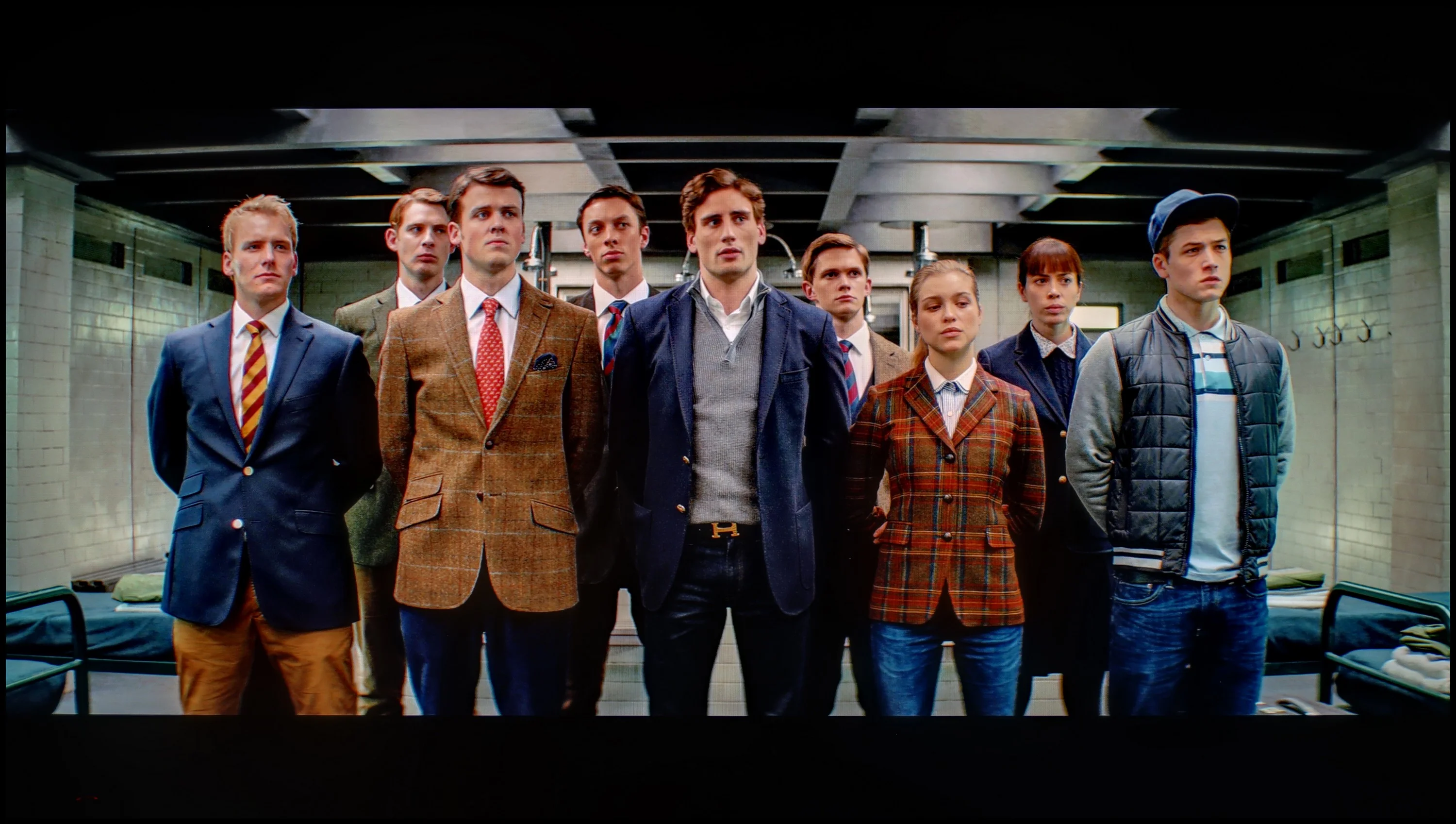
The photos show how movies look on the TV. Pay attention to black detail visibility, colors, and shadow tint.

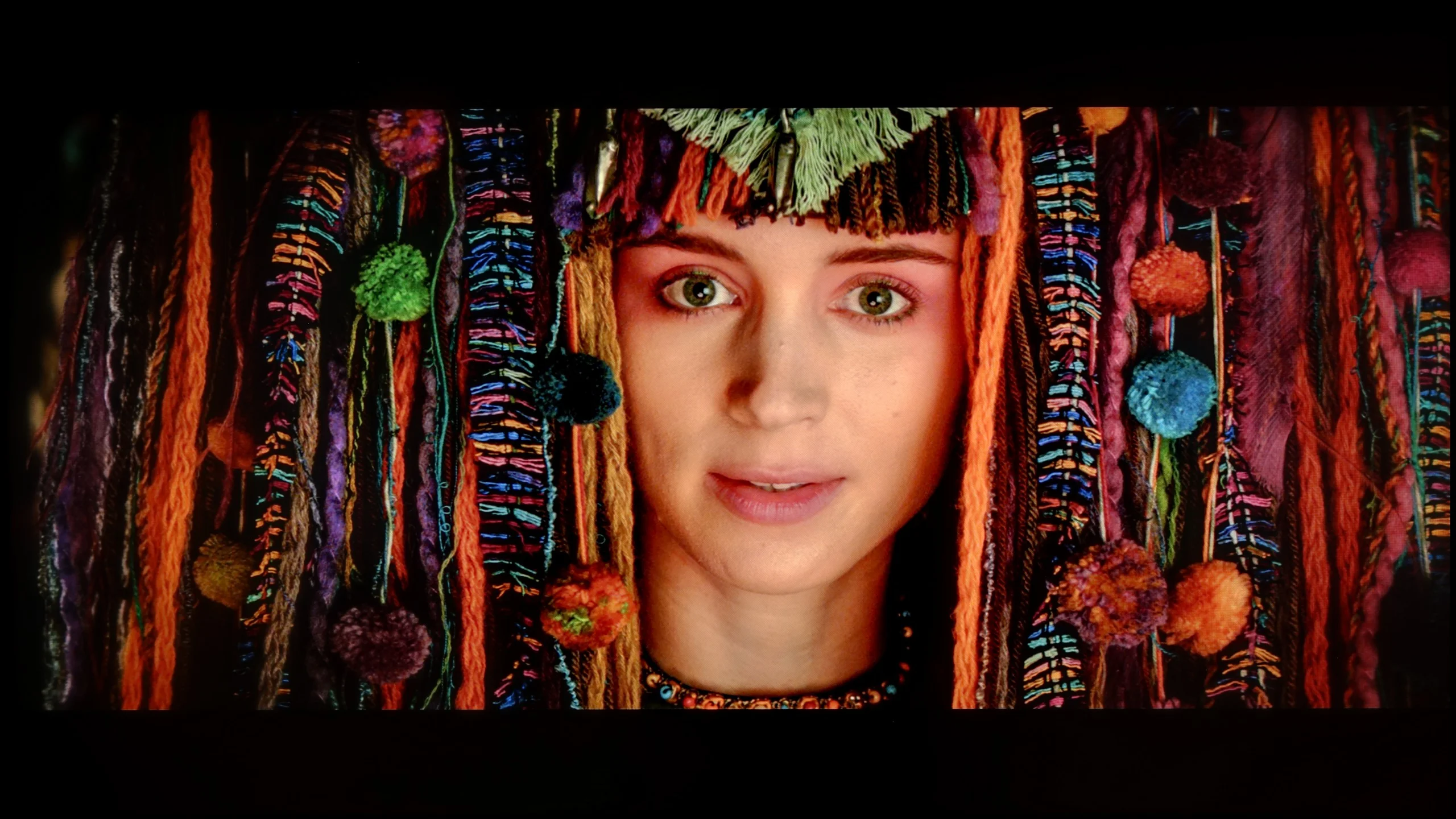
The photos show how movies look on the TV. Pay attention to black detail visibility, colors, and shadow tint.
Philips, like most leading manufacturers, has been providing advanced tools for the calibration process for years. Here, we find 2- and 20-point grey scale adjustments as well as an advanced CMS (Color Management System). As you can see, this has brought extremely beneficial results and fundamentally changed the perceived image. Practically every one of the elements mentioned above has undergone a transformation and has been returned to its natural state. This is particularly evident on the "ColourChecker" palette, where the measured samples are harmoniously in their places. It must be said that the white balance has turned out exceptionally well, allowing us to enjoy a clean image free from any tint in both SDR and HDR materials. The biggest issue with OLED809, which is gamma, has been properly modelled and only occasionally shows minor errors that won't affect the overall picture. The EOTF curve, on the other hand, has been stripped of that slight brightening and now presents itself almost referentially.
Hisense offers quite a lot of calibration options, and in SDR you can achieve a really good result with them. After adjustment the white balance is practically even across the whole range, and colour errors fall to very low values. The UR8S can be set very precisely here. HDR looks a little different. The white balance can also be noticeably improved, although at the highest brightness levels larger deviations start to appear. Most interesting, however, is the behaviour of the EOTF curve. Even after correctly setting it on test patterns, the UR8S can still interpret brightness in its own way when watching films. Depending on the scene, parts of the picture are slightly brightened and others darkened compared with how they should look. This shows that the algorithms controlling the backlight have quite a large influence on the final image. Calibration therefore allows colours to be improved very well, but we are not able to completely 'turn off' the way the UR8S manages brightness in HDR.
Smoothness of tonal transitions
2.4/10
9.3/10

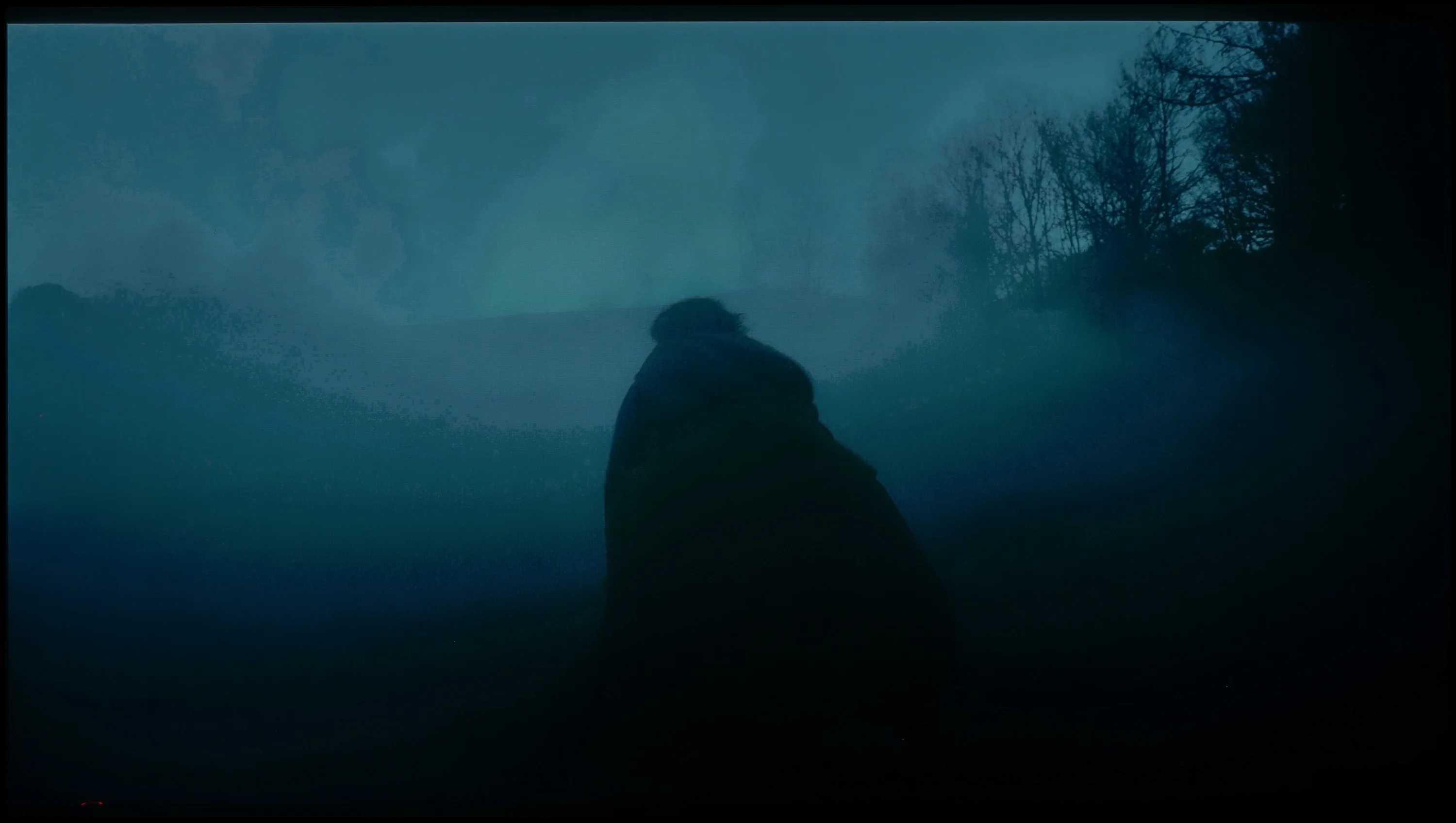
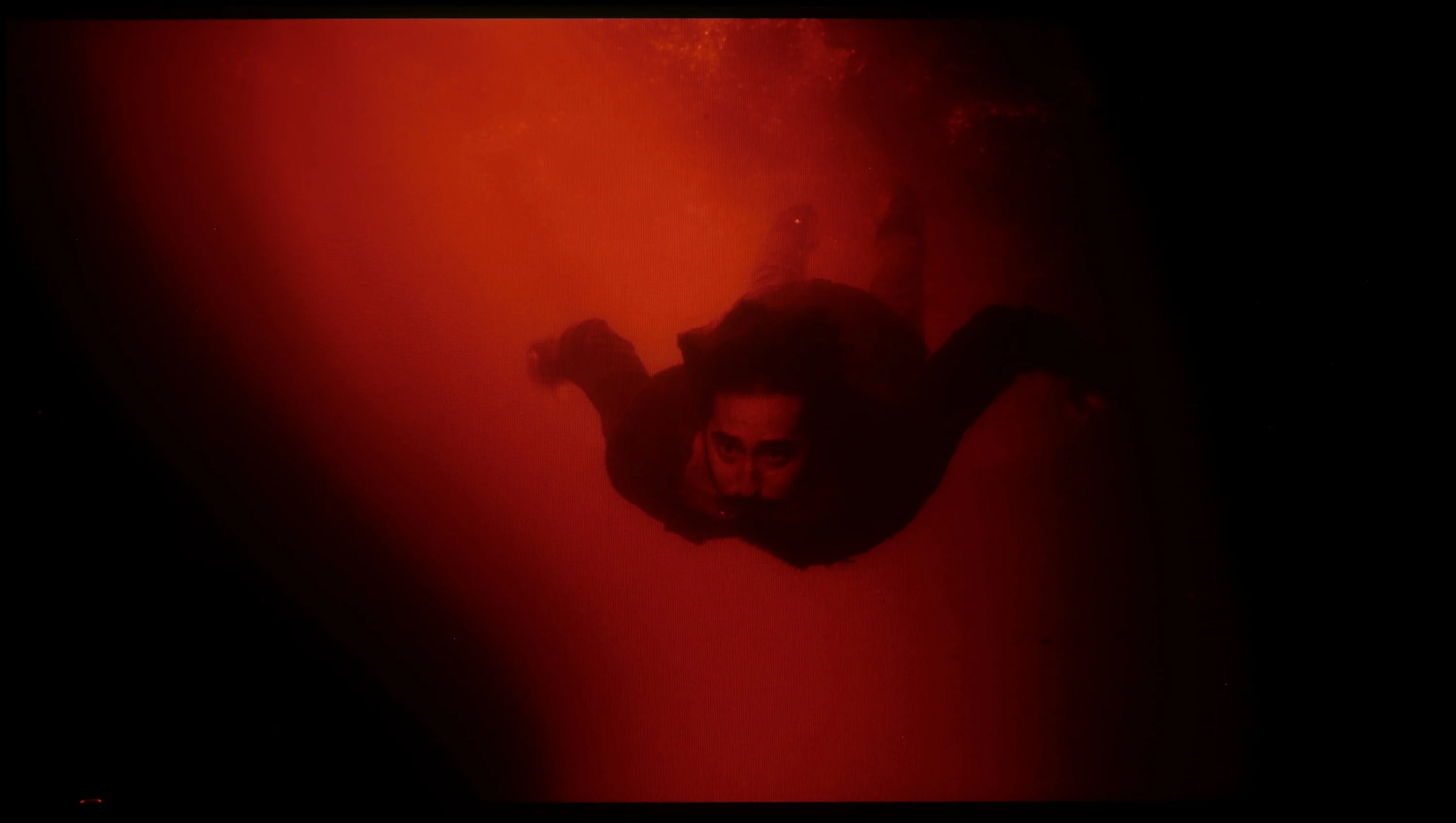
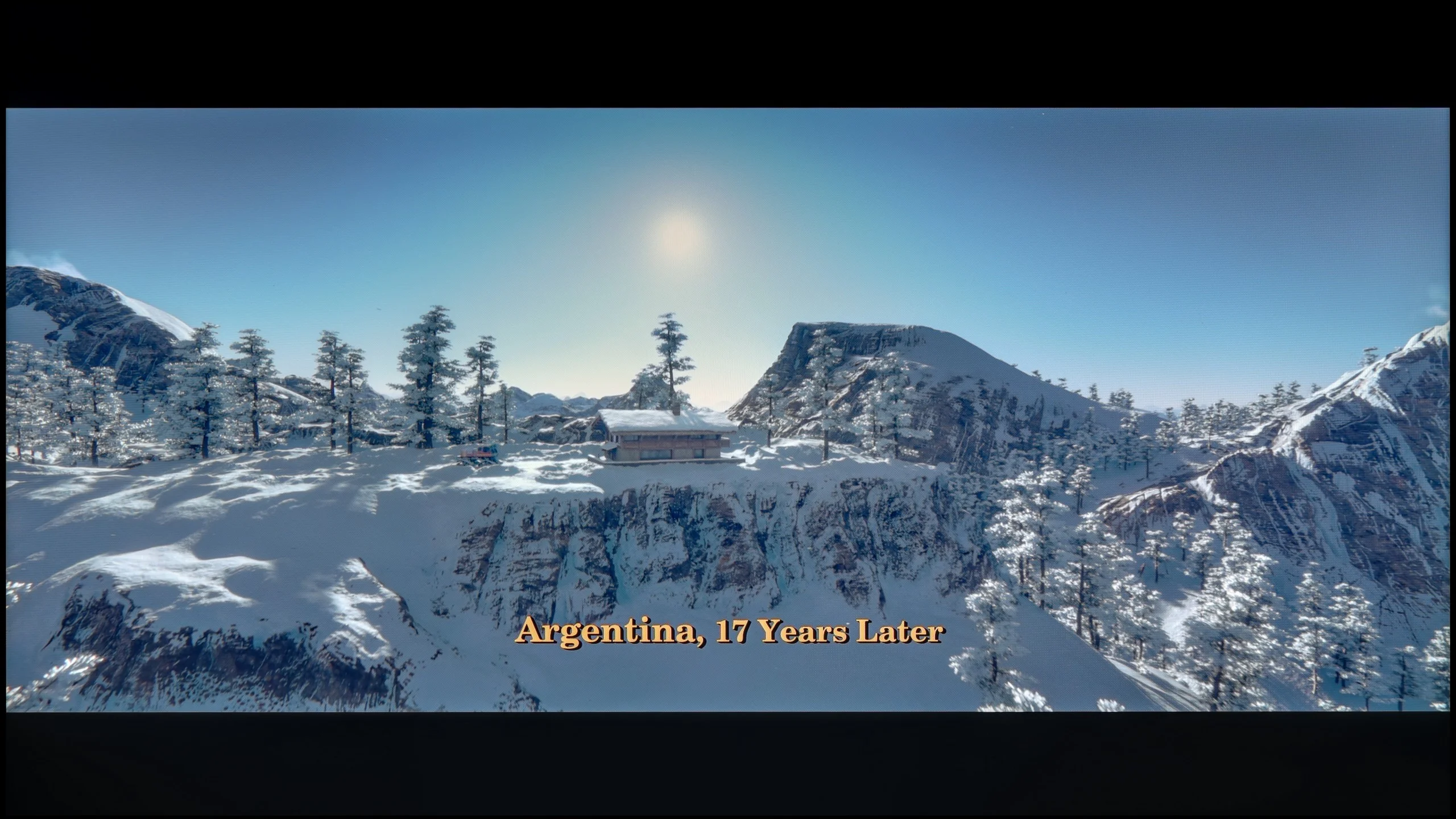
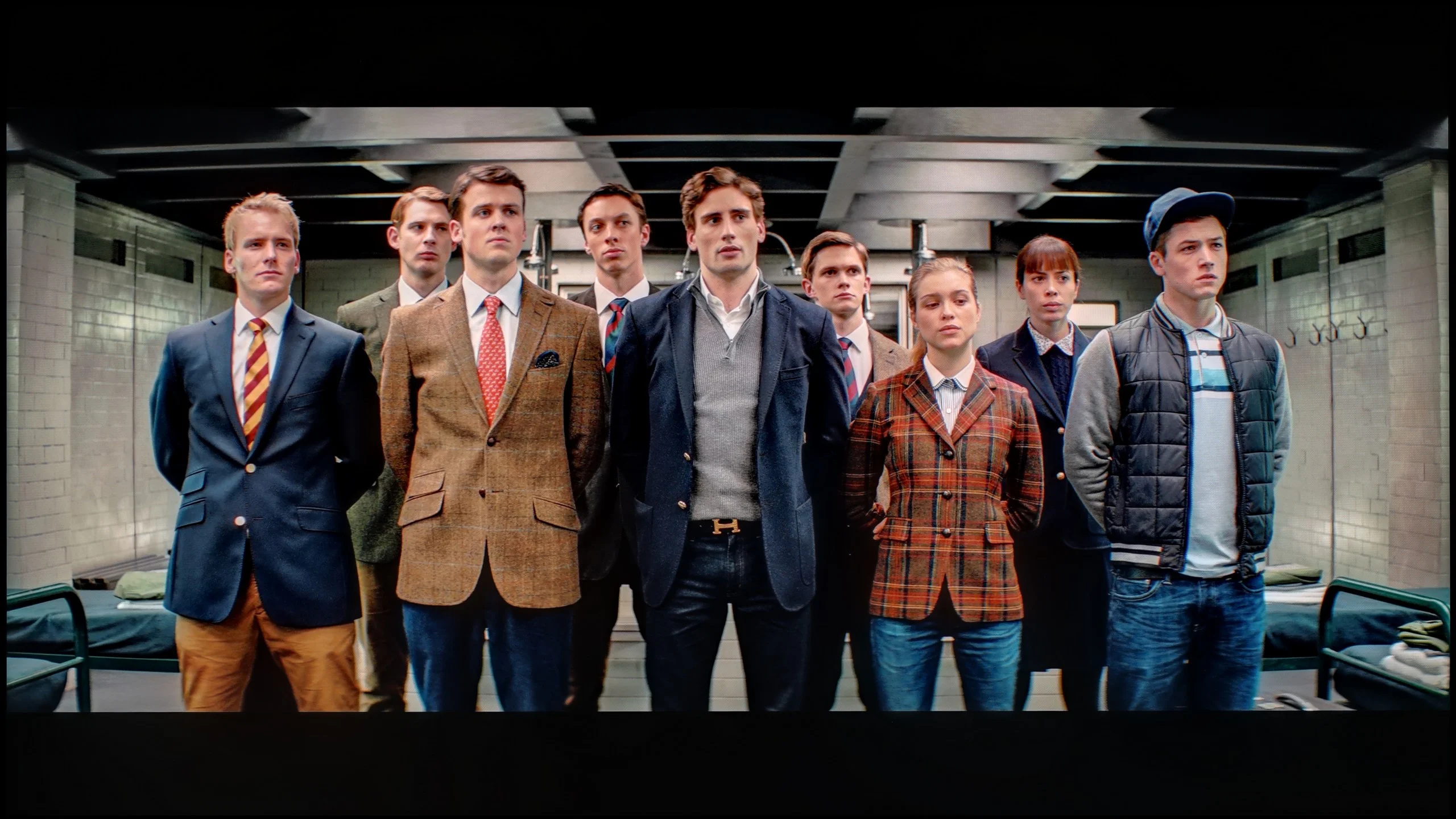
These are selected scenes that show smooth tonal transitions from one color to another. If you see distinct banding, it’s the TV panel’s fault.

These are selected scenes that show smooth tonal transitions from one color to another. If you see distinct banding, it’s the TV panel’s fault.
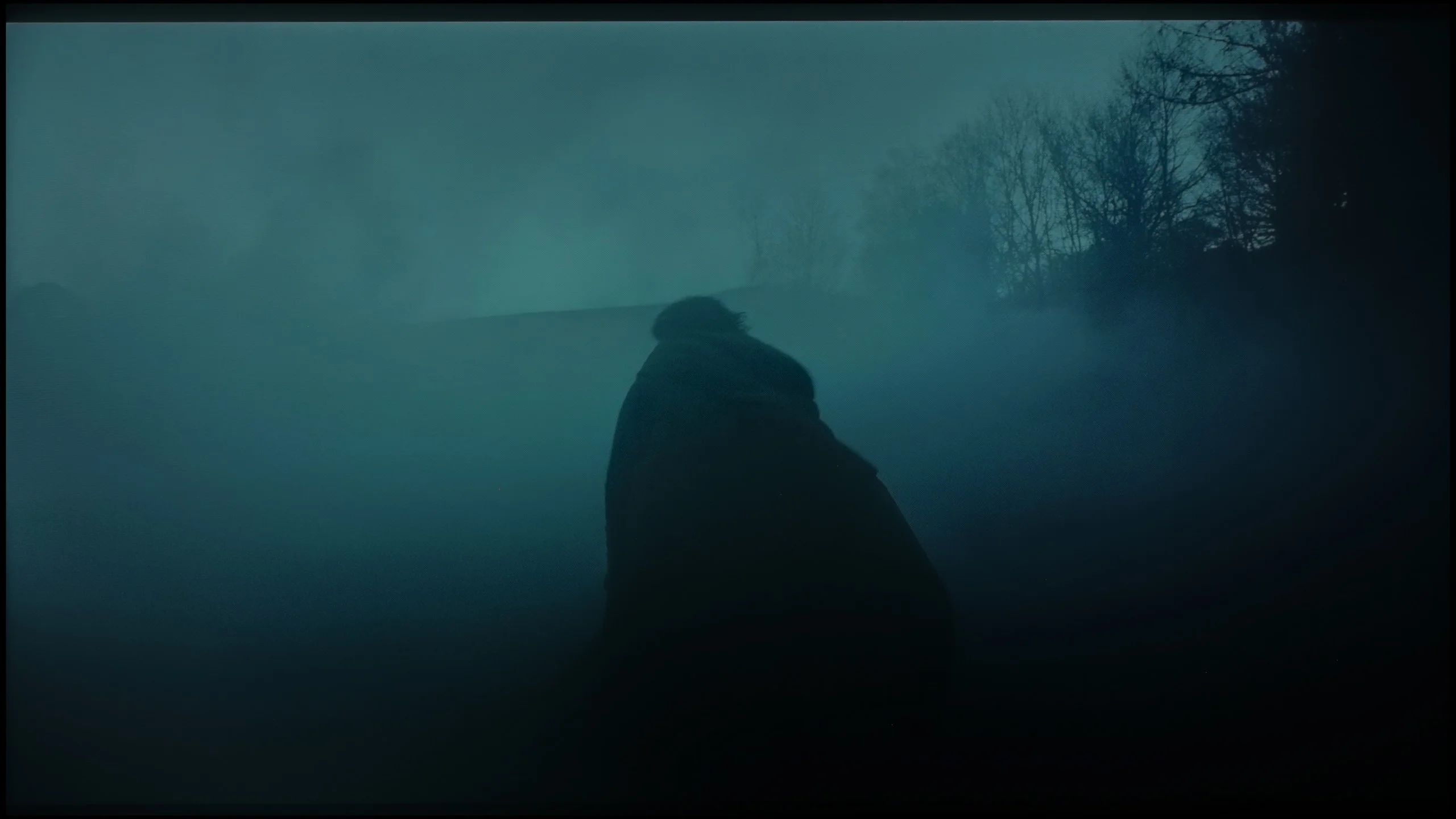
These are selected scenes that show smooth tonal transitions from one color to another. If you see distinct banding, it’s the TV panel’s fault.
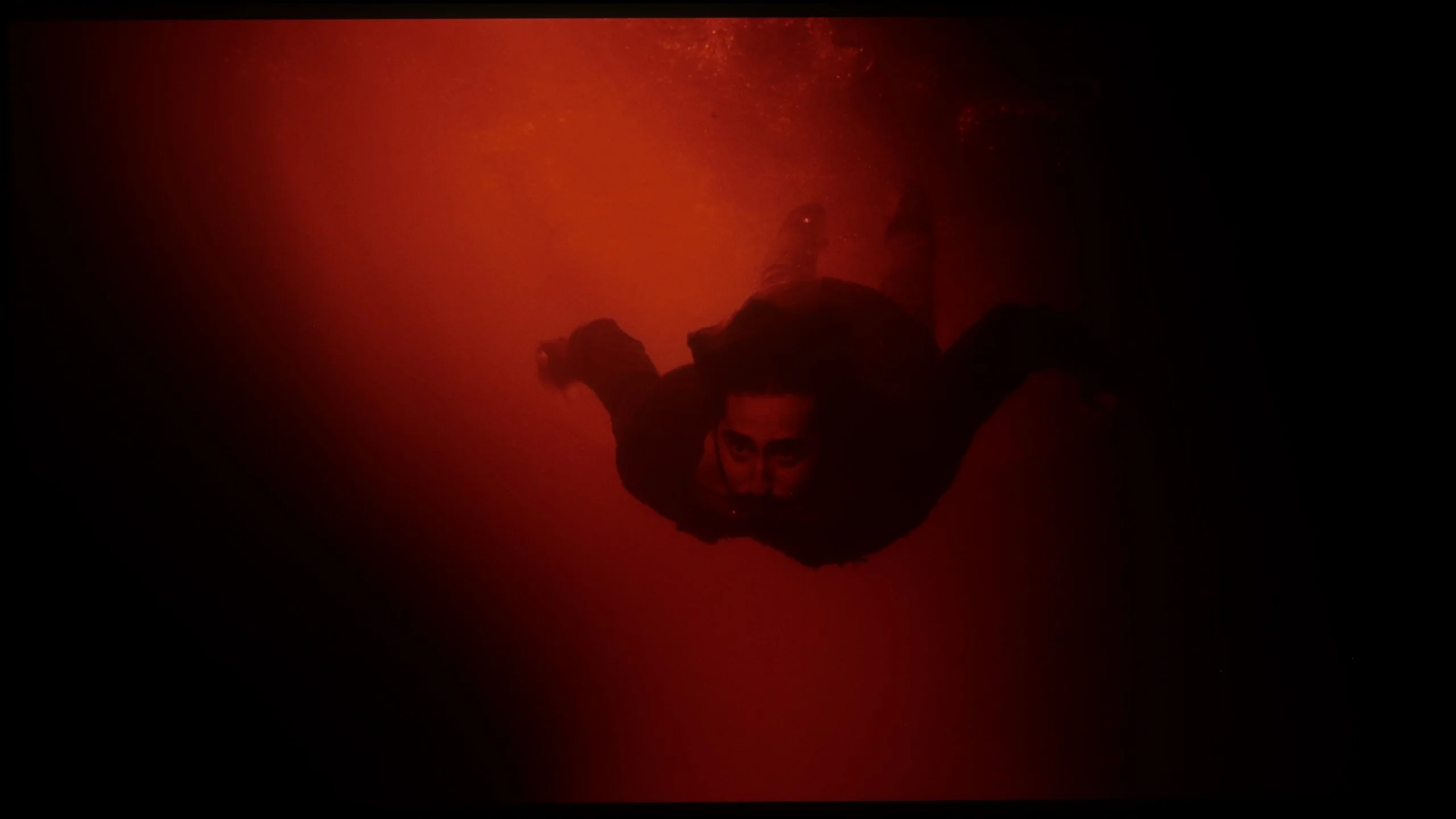
These are selected scenes that show smooth tonal transitions from one color to another. If you see distinct banding, it’s the TV panel’s fault.
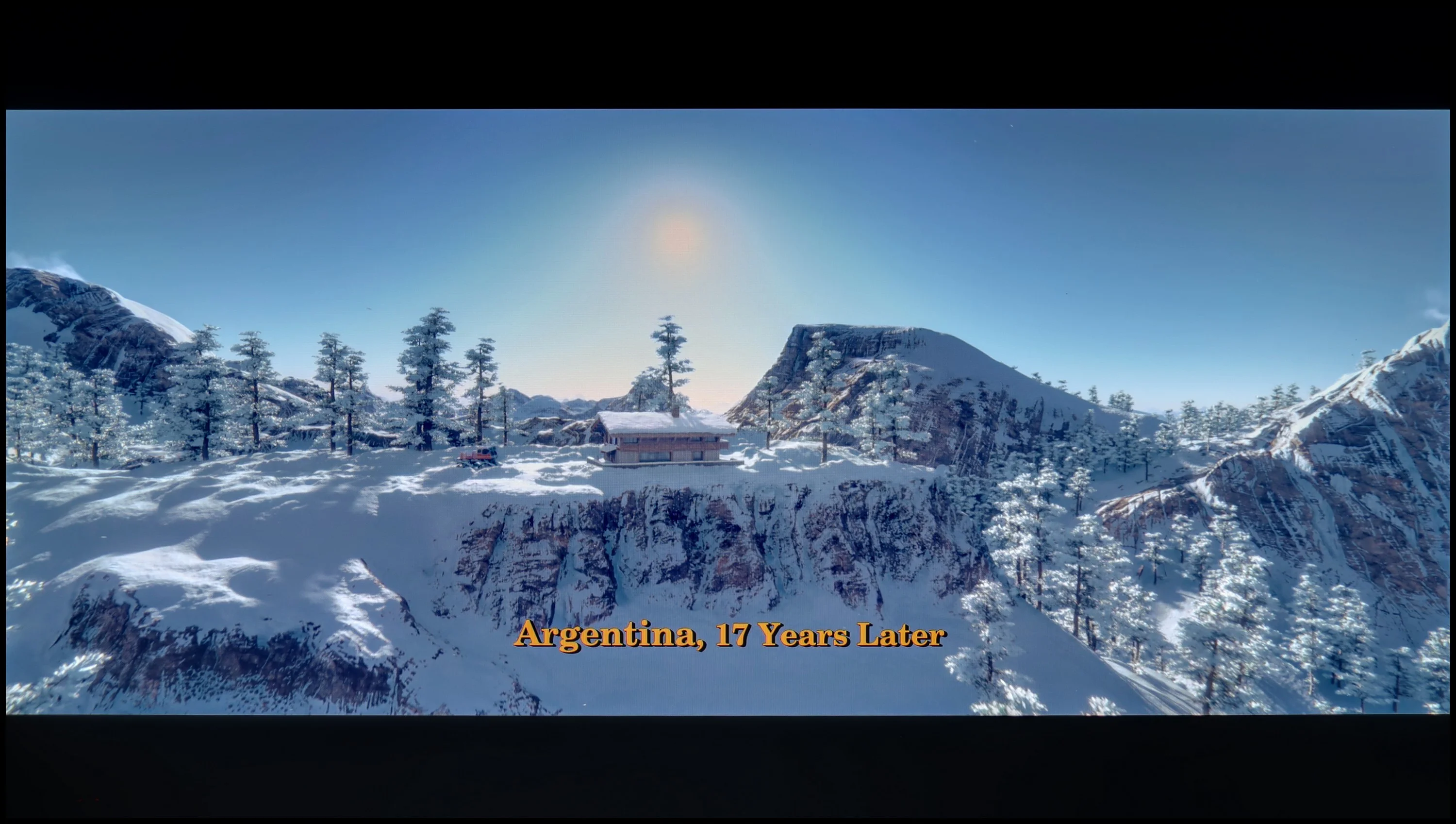
Equally important as colours, black and contrast in the context of image quality assessment, is its purity. The quality of tonal transitions can also be included in this category. How many of you have experienced the “banding” effect on your older screens? It is extremely annoying and often effectively hinders immersion in the series or film being watched. Philips OLED 809 unfortunately has some of those issues that are better left unmentioned. However, out of editorial duty, they deserve to be examined and assessed, which will be quite simple given their lack of complexity. As you can see, practically every scene showed a lack of fluidity between colours. And just like in the movie “Kingsman,” this is still acceptable, but in other productions, you really cannot leave a dry thread on them, especially when looking at “The Green Knight.” There, the dense fog has practically been replaced by horizontal bands and indistinct geometric shapes. There are televisions that can manage tonal transitions perfectly, but unfortunately, Philips OLED 809 doesn't belong to that group. During testing, we could see the banding effect, particularly in demanding scenes, which negatively impacts the viewing experience. Philips OLED 809 test indicates that even the options for removing posterization are not sufficiently helpful, which can be considered a serious flaw.
Tonal transitions on the UR8S perform really well. In most scenes colours shift between successive shades practically without any visible steps or banding. This applies to both darker and lighter parts of the picture. Only in very extreme shades of grey can you notice small imperfections. It's a bit worse with Dolby Vision. In the same scenes faint banding is easier to spot, especially in the darker parts of the picture. It's still good, but because of that difference the rating is slightly lower.
Image scaling and smoothness of tonal transitions
5.5/10
8/10


Smooth transition function
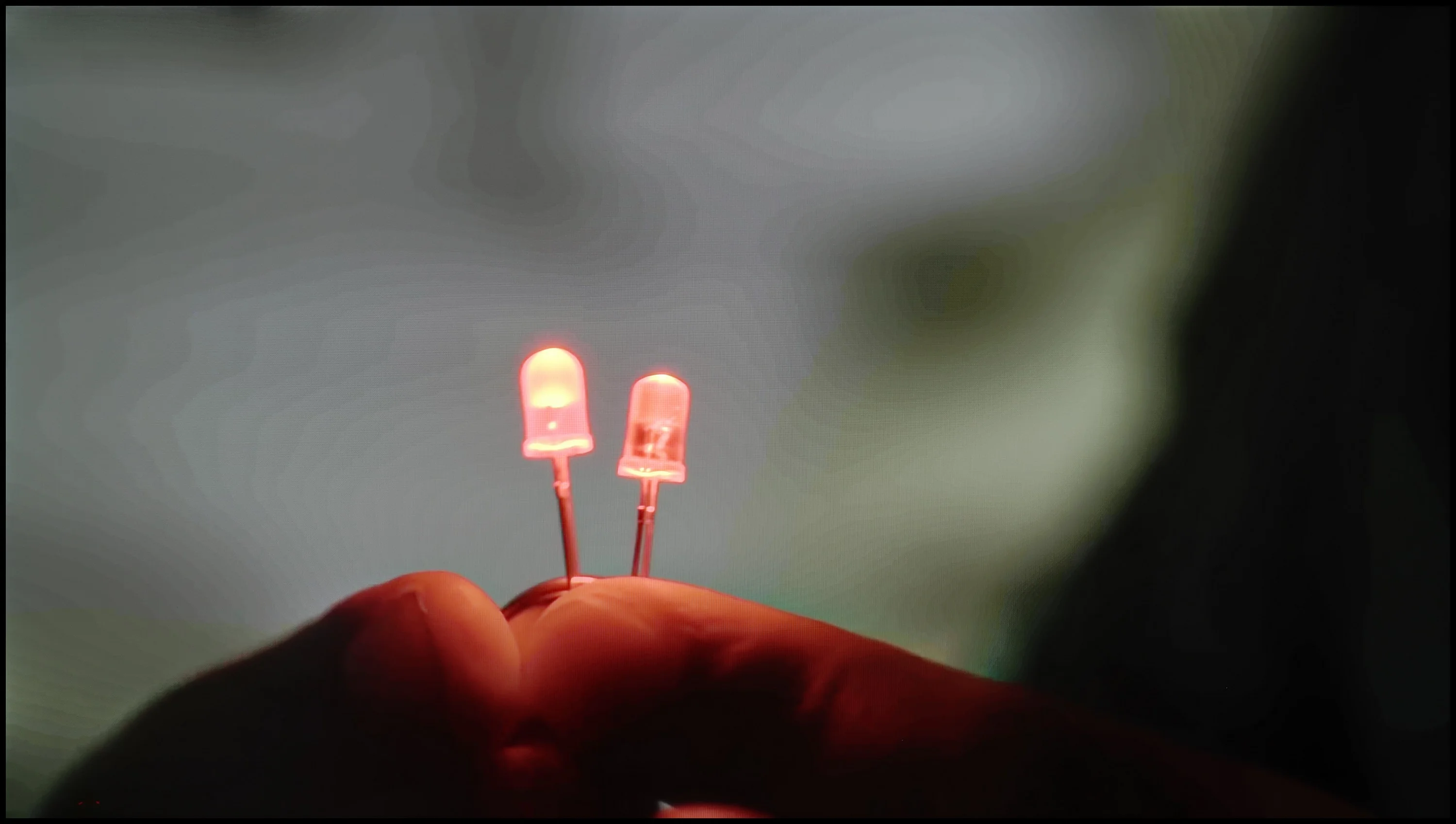
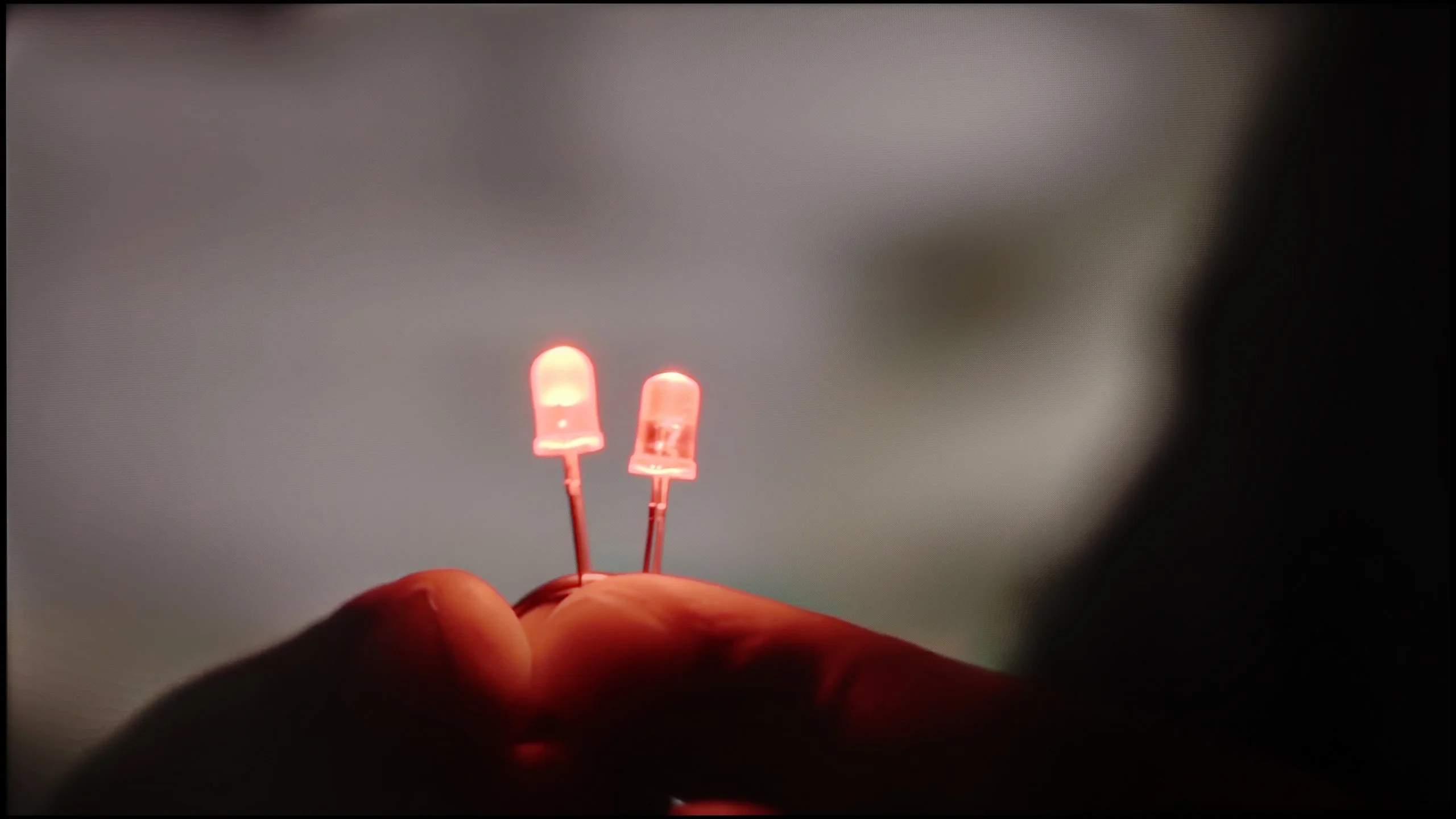
The match photo shows how the TV smooths weak tonal transitions in low-quality video.
Image scaling SD (576i)


The model photo shows how it handles upscaling of SD material.
Philips OLED 809 didn't perform too well in the test for the smoothness of tonal transitions. Moving on to the part of the test where we assess the behaviour of the TV's algorithms, we will again check the function responsible for removing posterisation. In fact, such a function exists in the menu and has several options available. As you can see in the photo on the left, although its presence has been confirmed by us, it is not useful. Only at the highest setting does it effectively remove disruptions, but it blurs the entire image in the process. Therefore, it is completely unusable.
Time and again, you and we find ourselves watching materials of lower quality. In this case, the quality of the image upscaling algorithms can have a salvaging effect. We must admit that those implemented in OLED 809 work quite efficiently and improve the image quality without visible artefacts. You can only notice slight edge blurring, but it is unlikely to be noticeable during normal viewing.
The big plus of the UR8S is its use of the MediaTek Pentonic 800 processor, and digital image processing is one of this model’s stronger points. The TV handles smoothing tonal transitions very well, especially with poorer-quality material. The feature responsible for this effect works effectively without overprocessing the picture. Even on a medium setting it can noticeably reduce visible banding and artefacts without heavily blurring details. Upscaling itself also performs very well. Lower-resolution content is displayed cleanly, edges look natural, and the image isn’t over-sharpened. The UR8S simply copes very well with weaker signals, and in that respect it’s one of its clear strengths.
Blur and motion smoothness
8.5/10
7.8/10
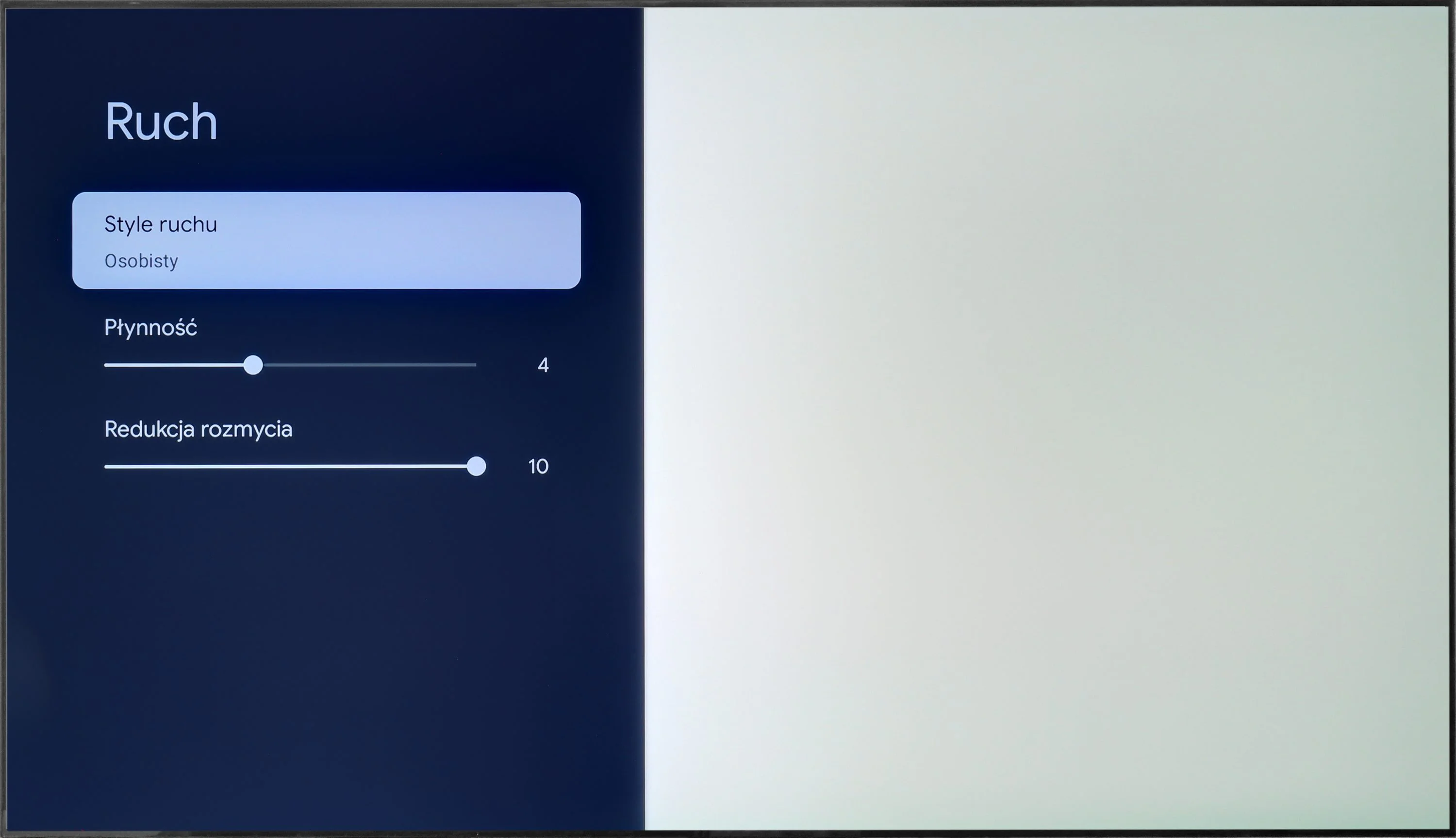
Blur (native resolution, maximum refresh rate):




Blur (BFI function enabled):


Blur ():
Blur (1080P@340Hz):
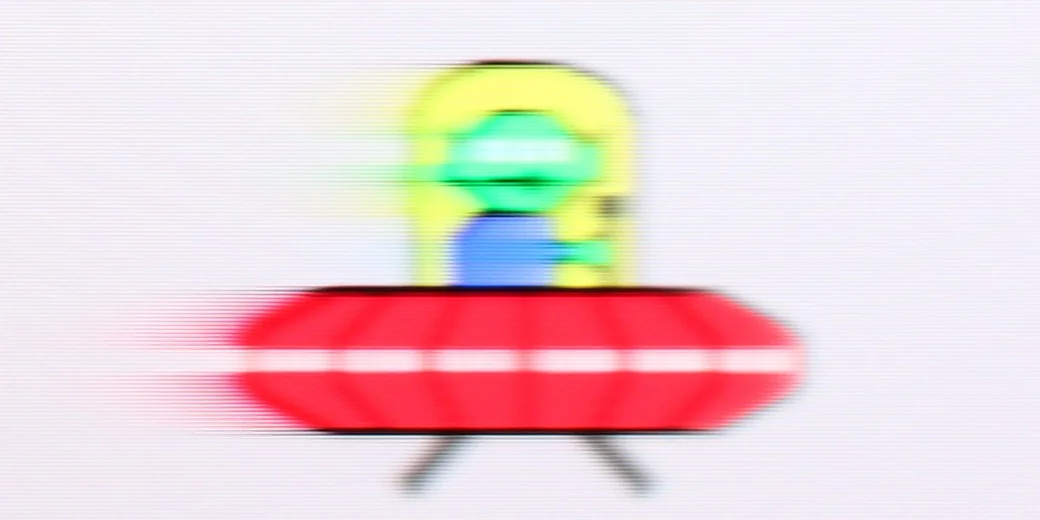
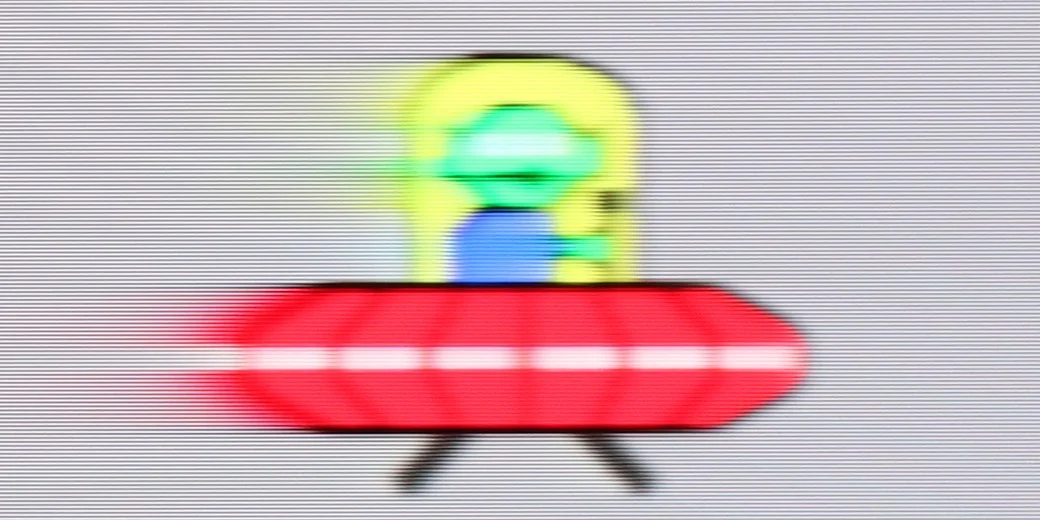
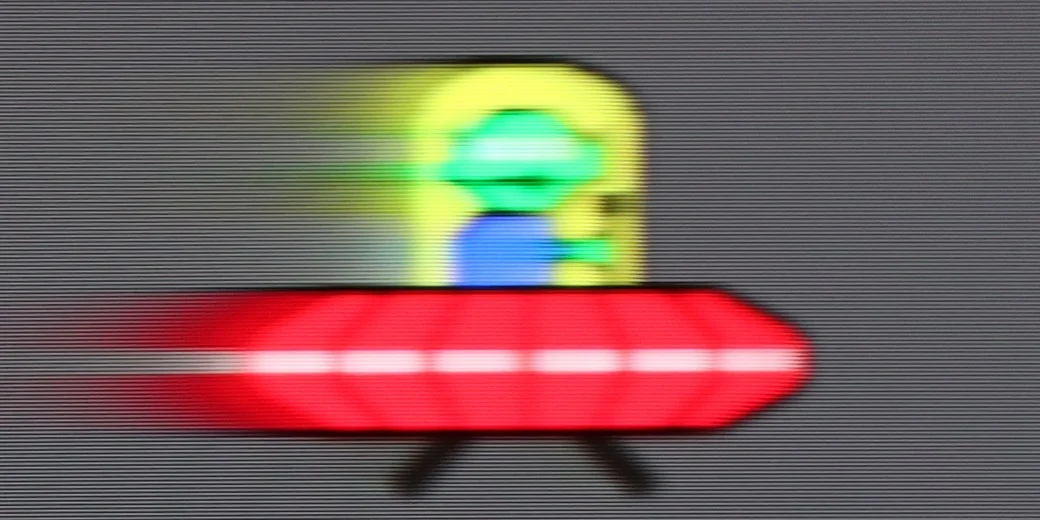
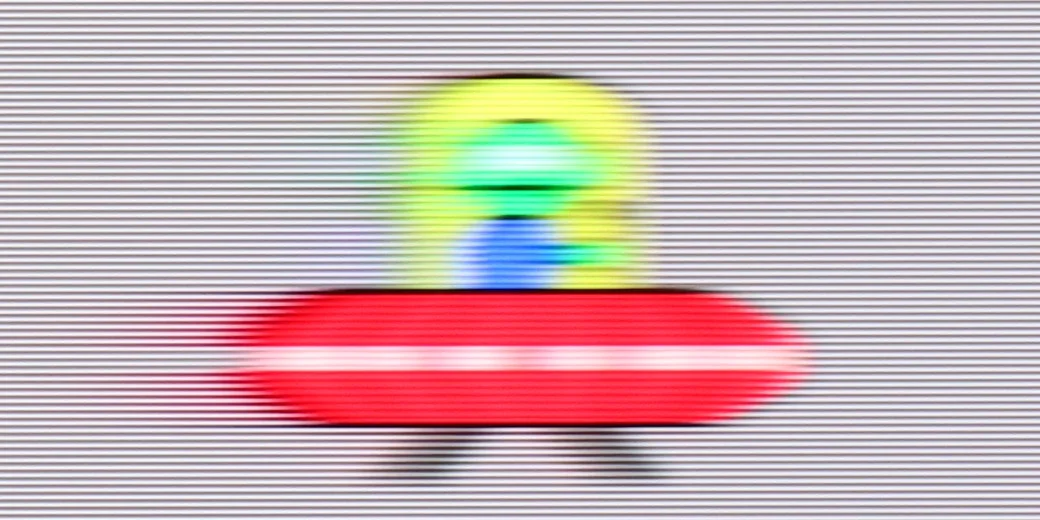
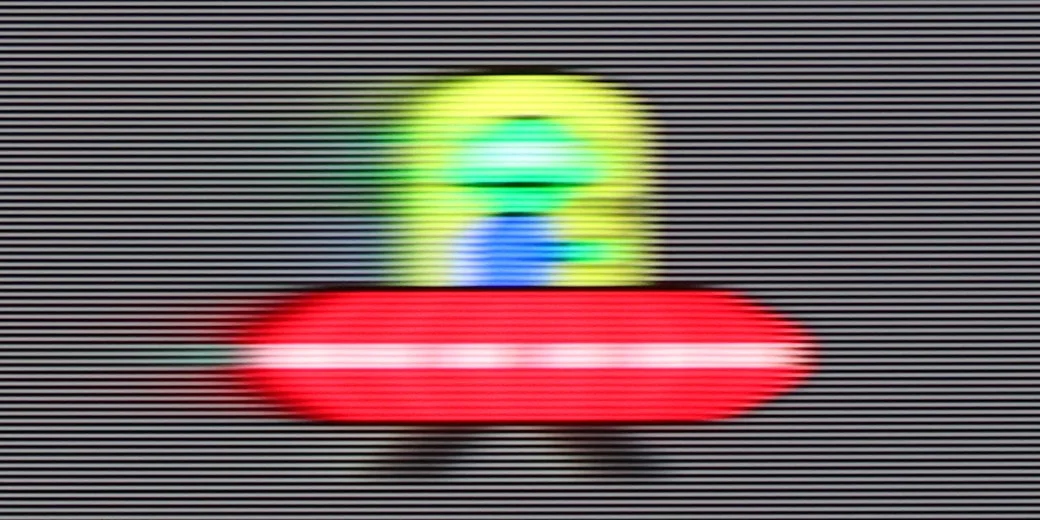
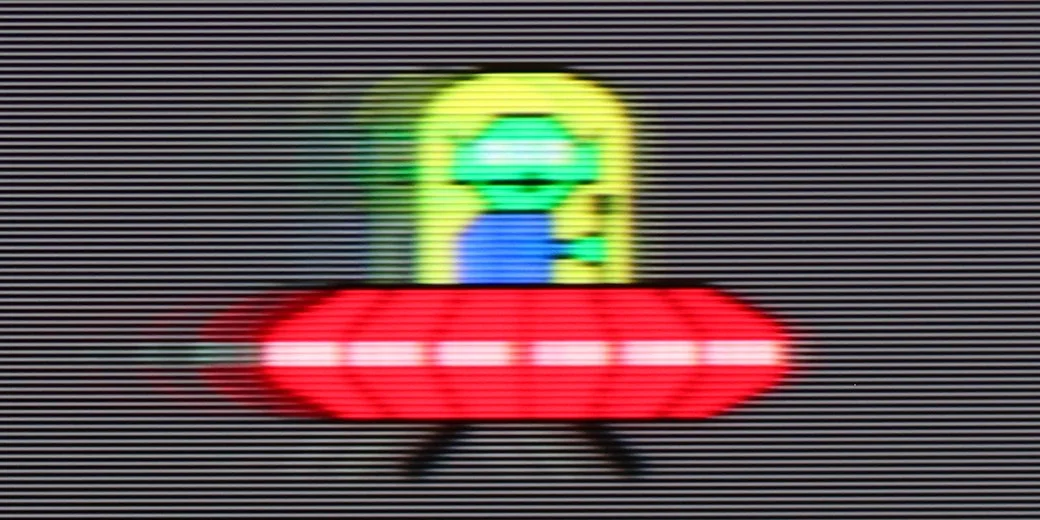
The maximum refresh rate we can set on the tested television is 144 Hz. This value can be achieved by connecting it to a really powerful PC. In the case of consoles or television, everything remains the same. For those who require high movement fluidity or dislike the characteristic judder of films recorded at 24 fps, the manufacturer has prepared a fairly advanced motion smoothing system. In the dedicated tab, we will find the “Smoothness” slider responsible for eliminating judder and “Blur Reduction”, which helps increase the sharpness of dynamic elements. The function works very well and granularly, meaning each of the settings has a real impact on the perception of motion. We also mention that it works at a refresh rate of 120 Hz, as it operates on the multiples of film or television materials. Thanks to such an extensive set, every user will find their happy medium. In the photo, we present our choice, which is slight smoothing without the soap opera effect.
Motion is influenced not only by the settings on the television but also by the response time of the panel itself. OLED televisions feature the best response time on the market, which in the case of 809 is about 0.1 ms. There are no IPS/ADS or even VA panels that significantly come close to the results of organic panels.
The UR8S is equipped with a panel that has a native 180 Hz refresh rate, so right away it offers very strong potential for smooth motion. The panel itself performs really well, although some limitations typical of VA panels are still visible. Smearing is relatively low for this type of screen, but during faster motion, especially on darker backgrounds, it can still be noticed, particularly if you compare the same image to OLED TVs.
Console compatibility and gaming features
10/10
8.5/10
- ALLM
- VRR
- VRR range40 - 144Hz48 - 330Hz
- Dolby Vision Game Mode
- Correct implementation of HGIG
- 1080p@120Hz
- 1440p@120Hz
- 4K@120Hz
- Game bar
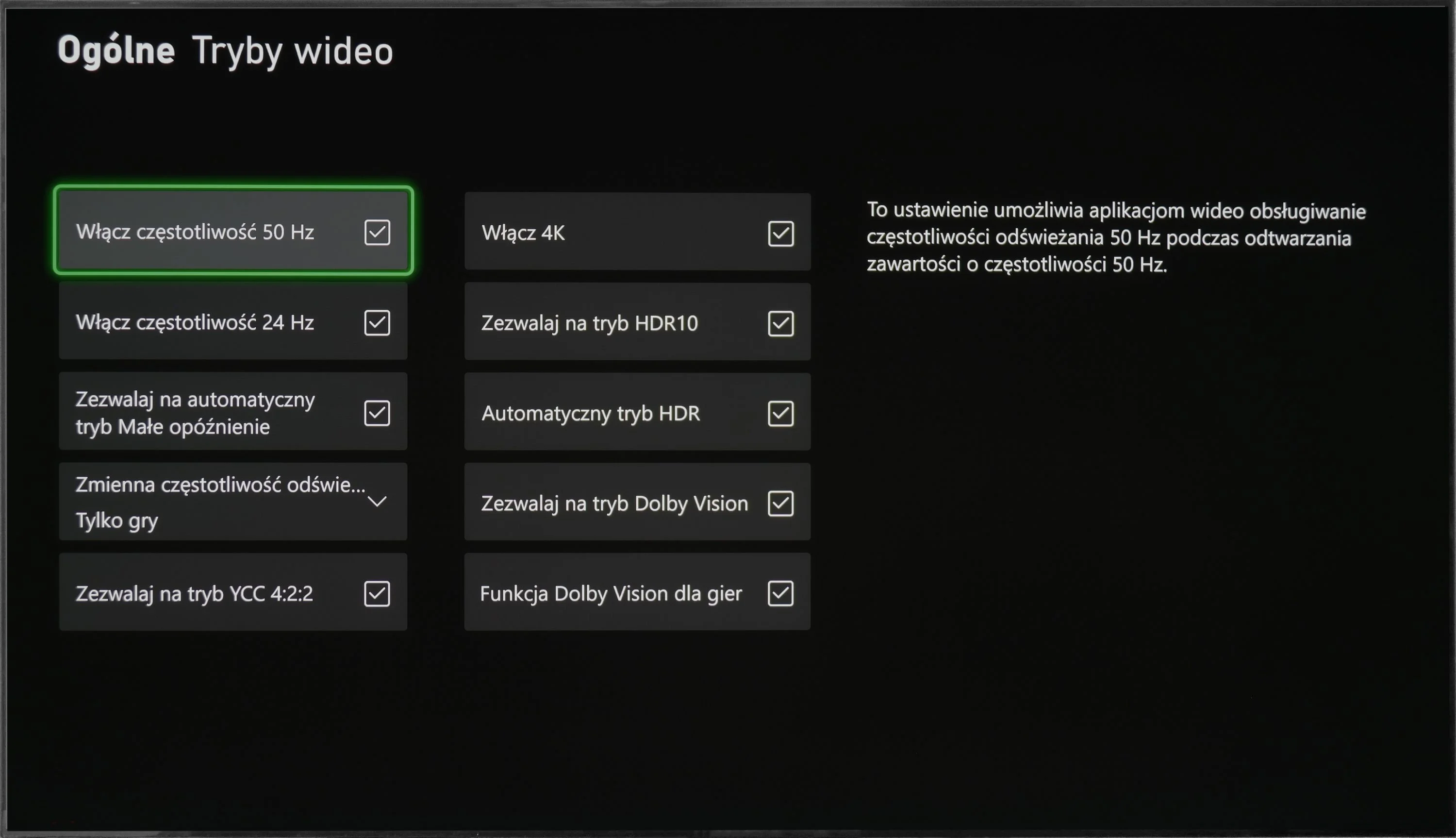
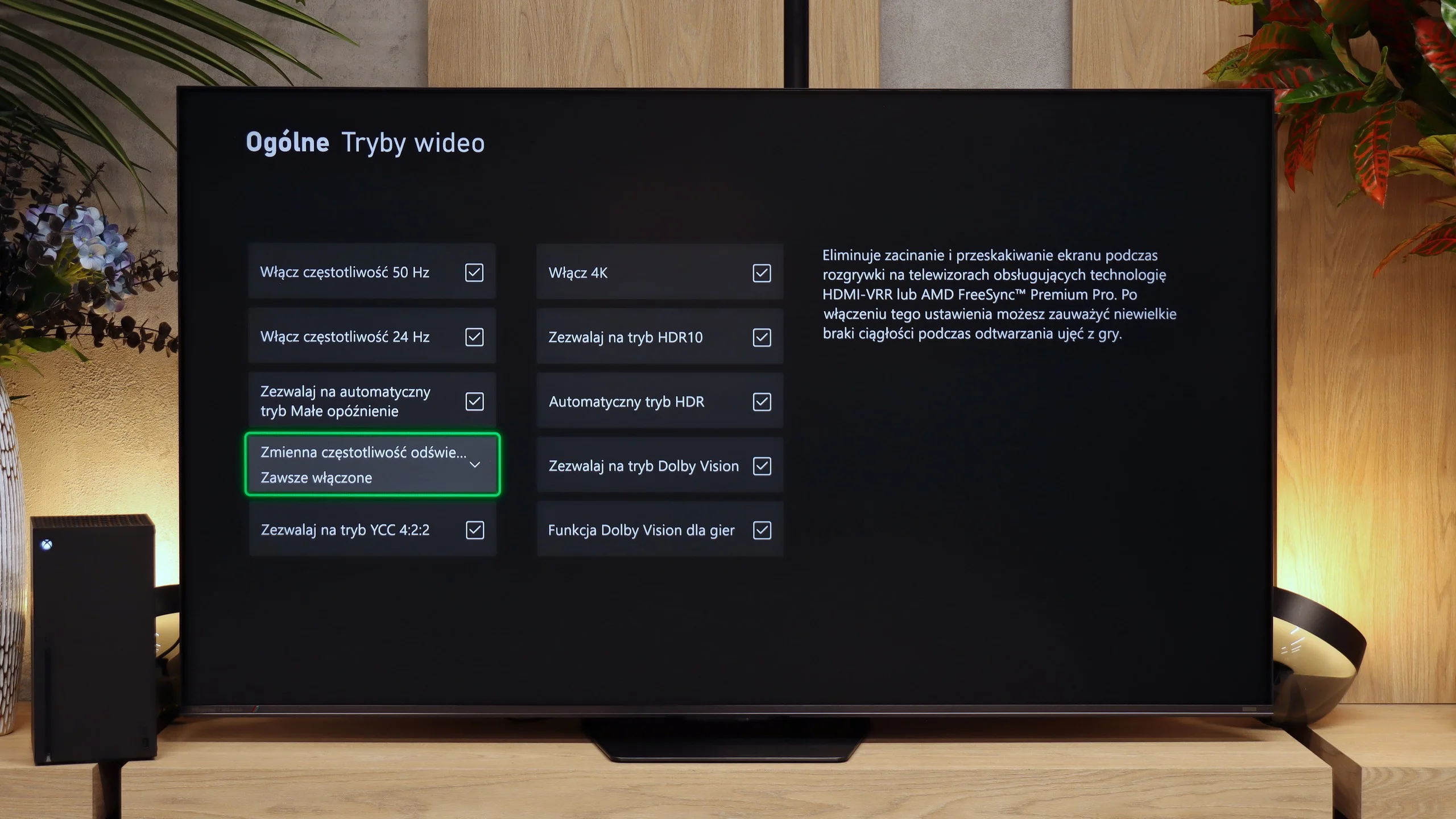
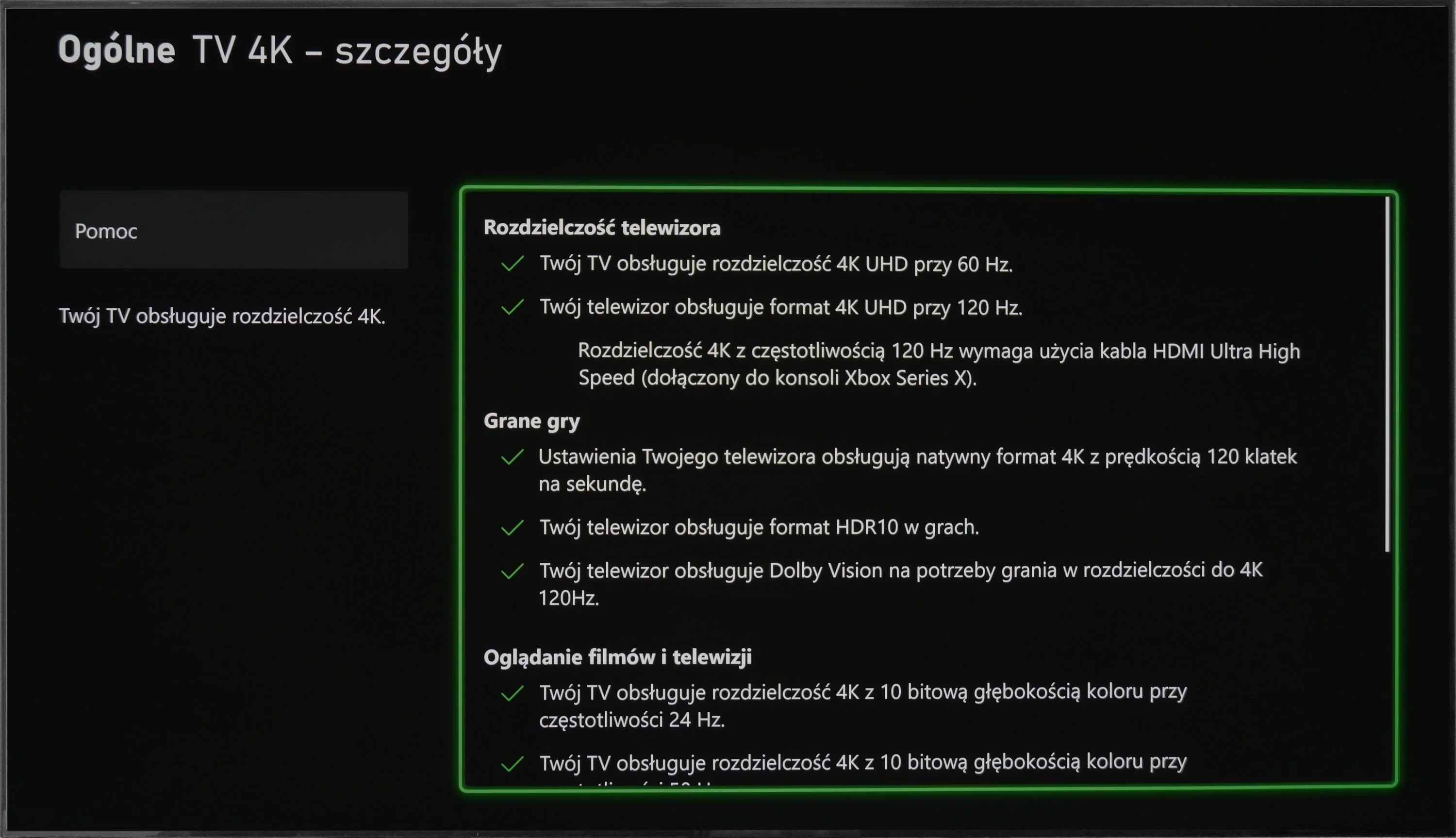
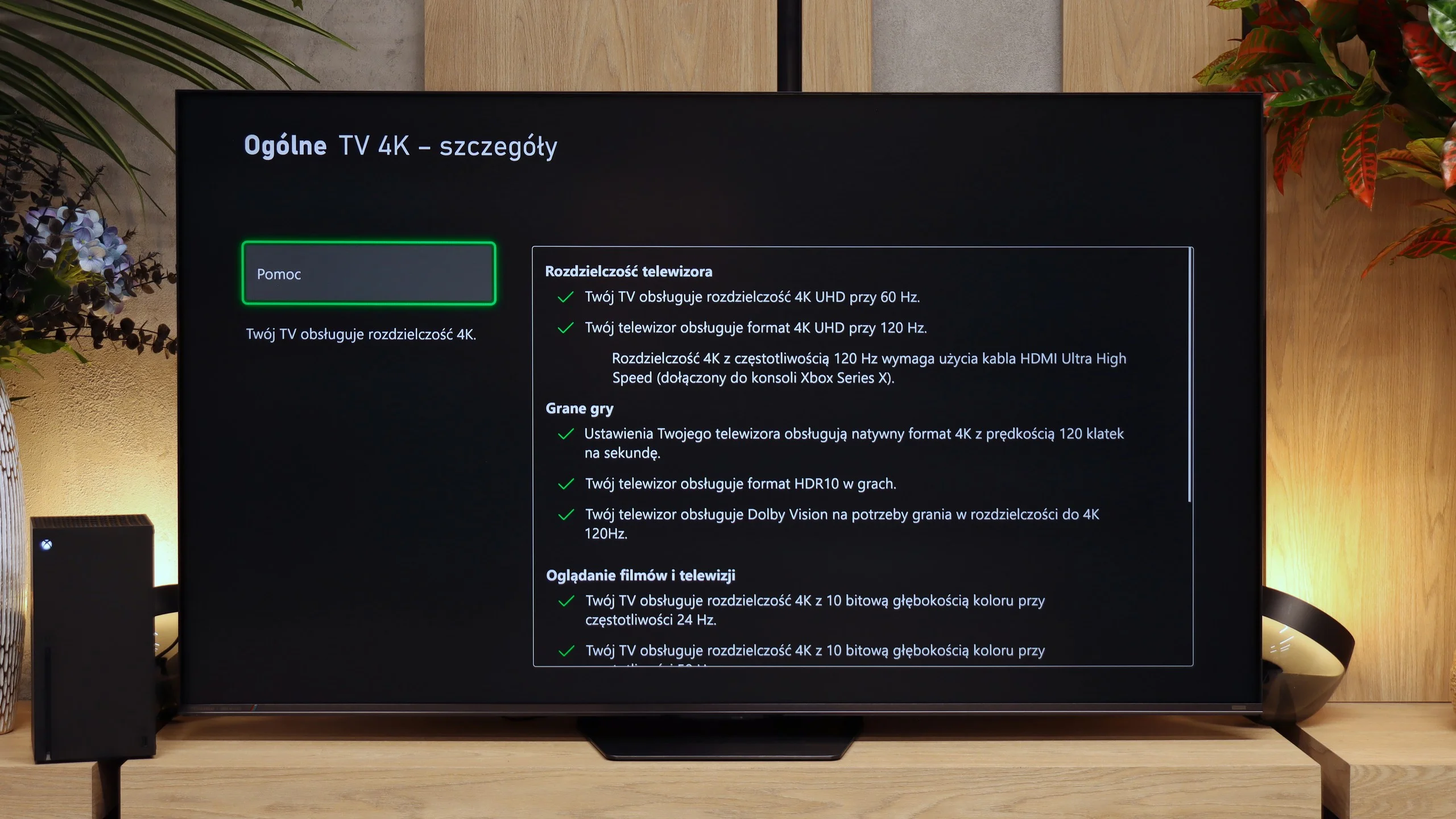
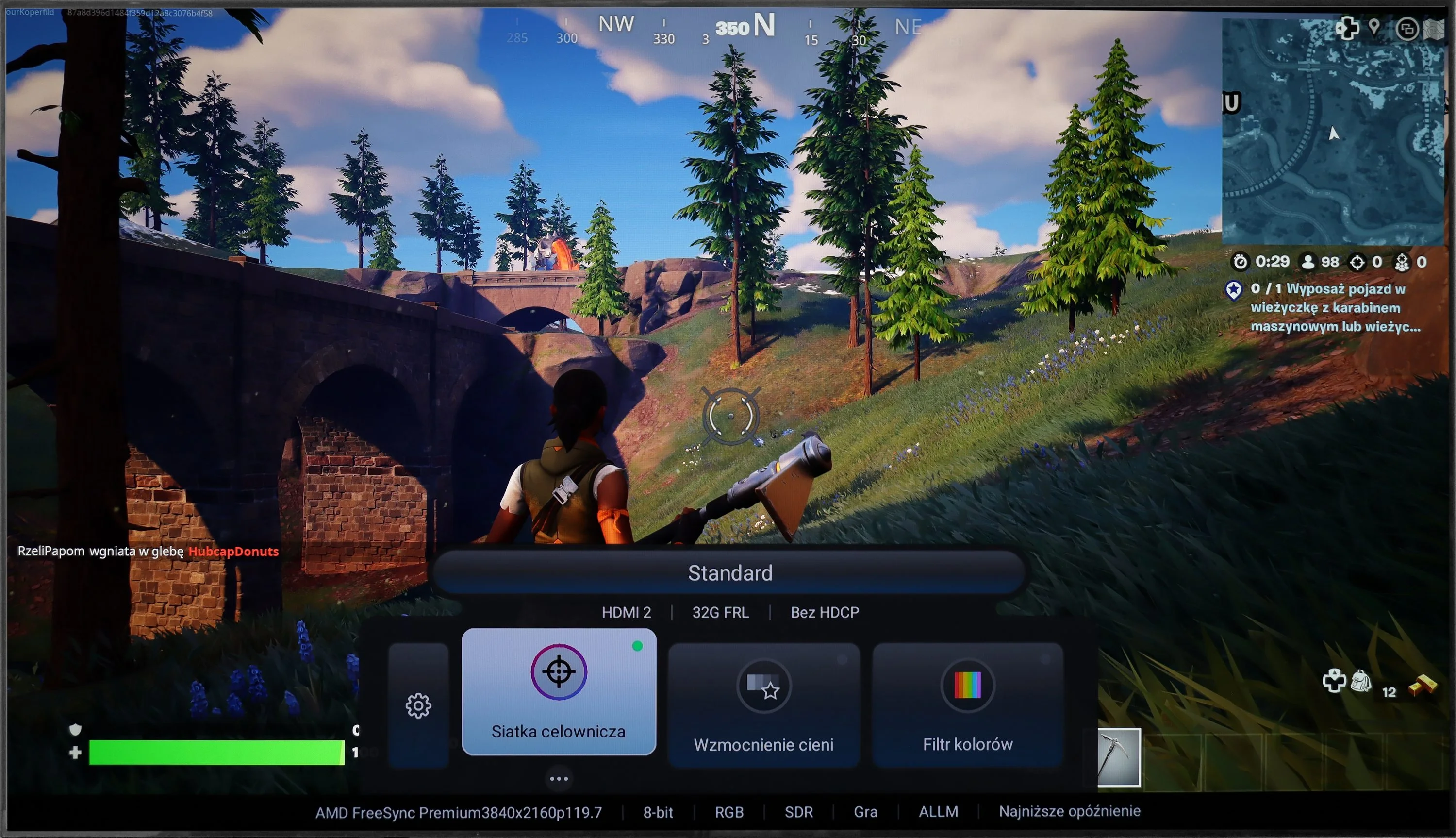
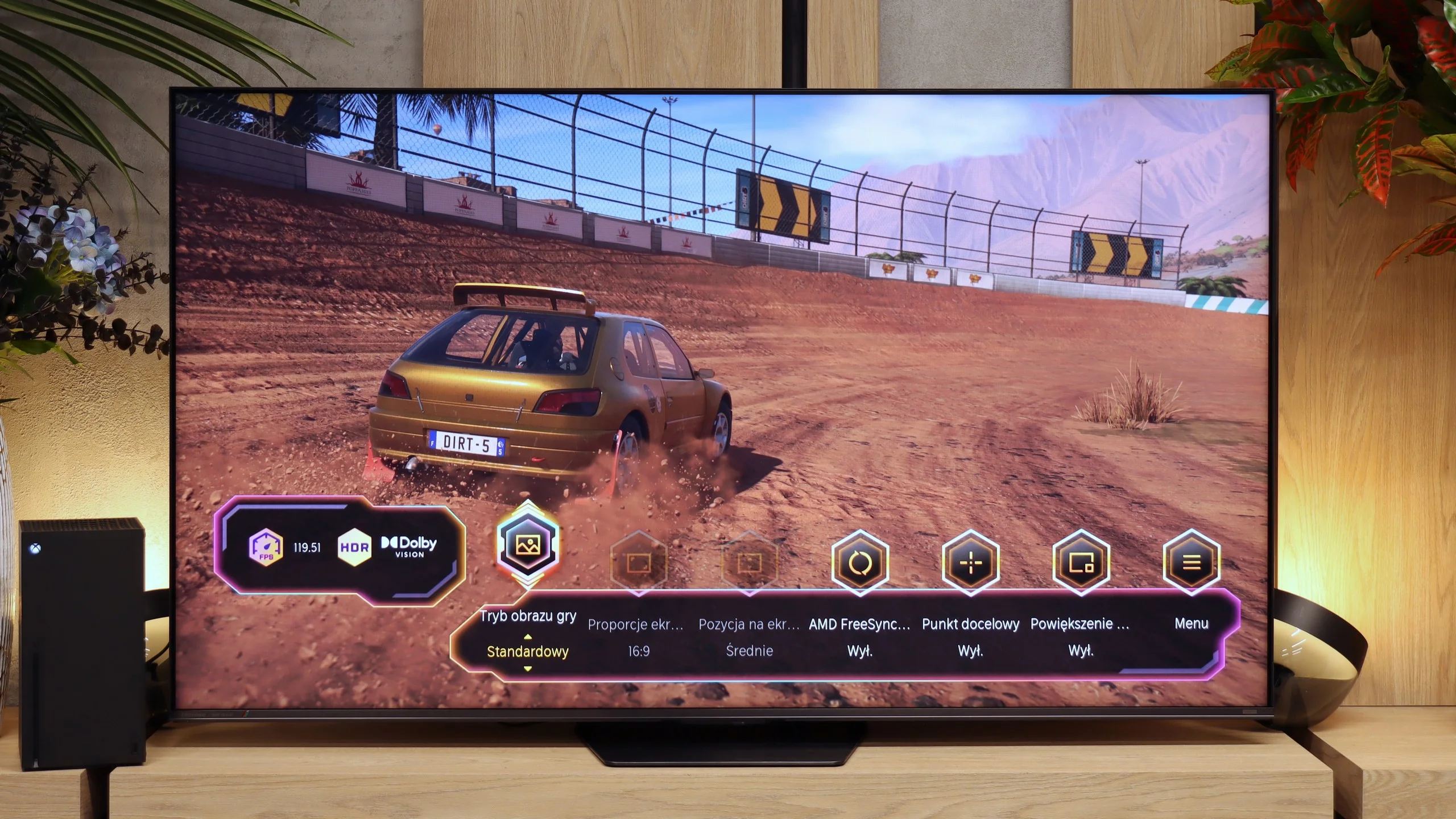
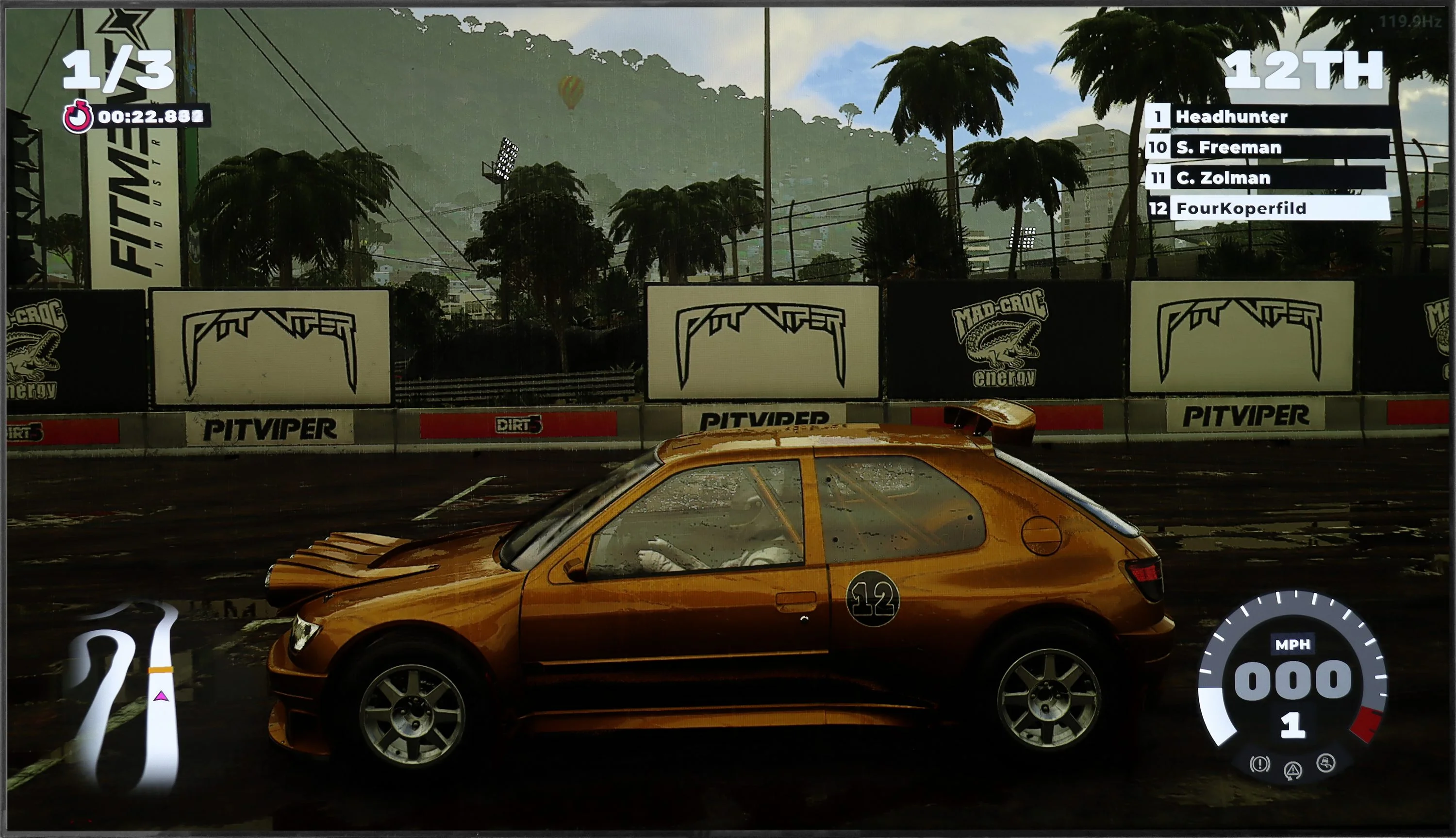
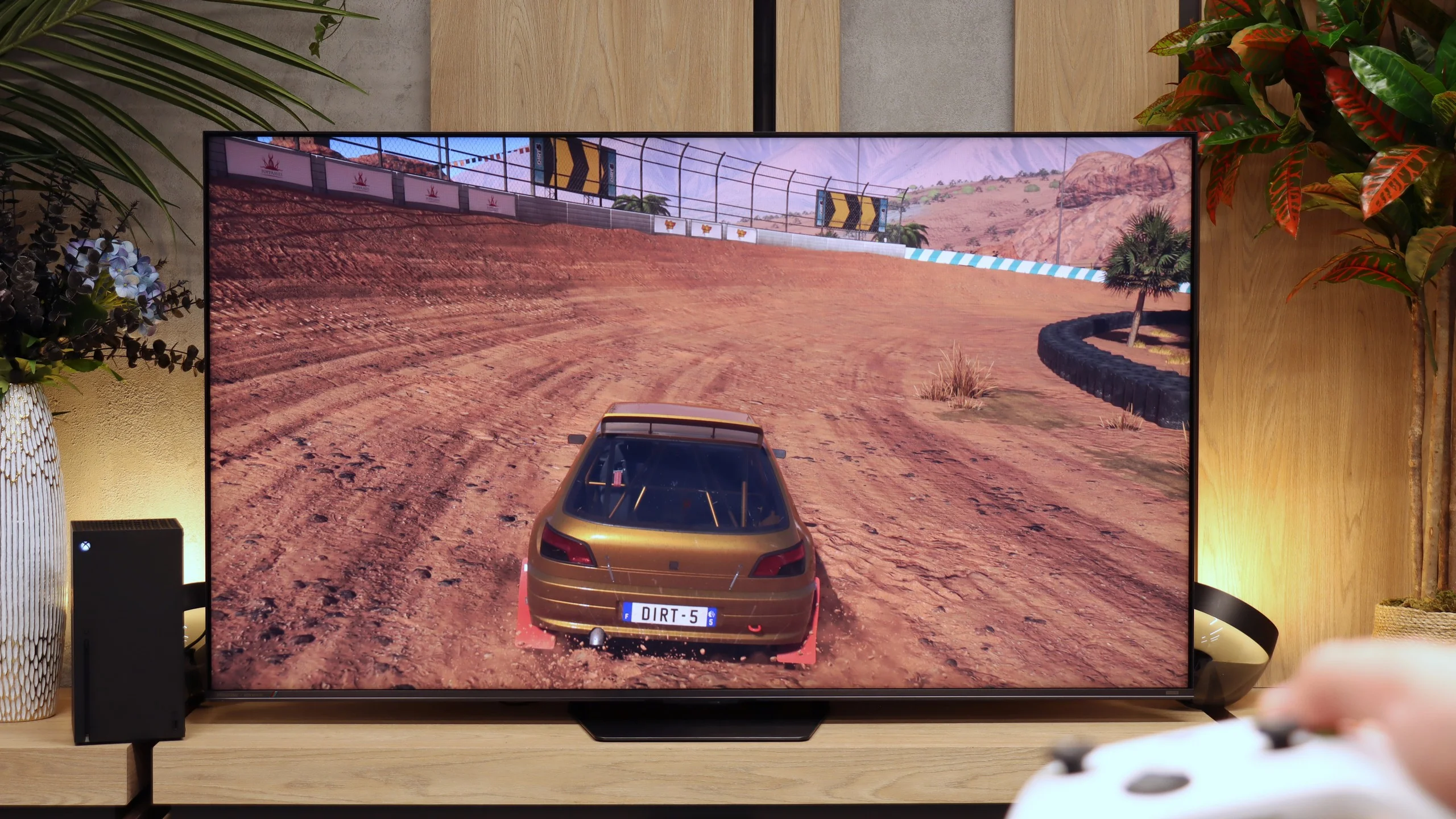
The Philips OLED 809 supports all the technologies included in the HDMI 2.1 standard, and during our tests, each one activated without any problems. Therefore, we must state that this television is perfect for all gamers, both those using a console and a computer. It's worth mentioning that the manufacturer has implemented the HGIG mode, which is a great alternative to Dolby Vision, which unfortunately on the OLED809 is unplayable due to the very high input lag.
A nod to gamers is also the inclusion of a dedicated GameBar, which allows monitoring of current gameplay parameters and quick adjustments of settings. There is also a function to activate a crosshair, which will be very useful when shooting from a sniper rifle, but from the so-called hip. Additionally, we can also find a shadow enhancement function for better visibility in shadows and a colour filter for gamers with visual impairments.
In summary, the OLED 809 is a very good and versatile device for gamers. Anyone who purchases this television for gaming does not need to worry about anything, as it is simply designed for gaming. Especially since features such as VRR, ALLM, G-Sync, FreeSync, and HDR Dolby Vision gameplay will allow for an even deeper immersion in their favourite title. Lastly, we should note that the only downside of the television in game mode is the artificial sharpening of the image, regardless of the settings, and it cannot be 'softened.'
In terms of gamer features the UR8S stacks up really well. The TV supports virtually everything you'd expect from a modern console or PC display. It has ALLM, VRR, and 4K at 120 Hz. There's also Dolby Vision in game mode, so when using, for example, an Xbox Series X you don't have to give up that HDR format. PC gamers get even more options. The panel can run at 4K and 180 Hz, and dropping to Full HD can push the refresh rate as high as 330 Hz. There's also a Game Bar that lets you quickly view key info and change gaming-related settings. The only real shortcoming is a proper implementation of HGiG. When enabled, the TV still interferes with HDR brightness mapping, so we don't get the effect intended by that standard. Apart from that, the UR8S is very well equipped for both consoles and a powerful PC.
Input lag
9.5/10
9.8/10
SDR
HDR
Dolby Vision
The results of the input lag measurements on the Philips OLED 809 are at a high level, regardless of the signal or resolution. All gamers will surely appreciate the manufacturer's efforts, thanks to which a game running at 4K120Hz with HDR has only 5 ms of lag, which is practically unnoticeable even in online games. One should not forget about the proper implementation of the game mode with Dolby Vision, which can be praised for a similar response time of 13 ms. In this case, the Philips OLED 809 receives our highest score.
The input lag on the UR8S is very low. With a 60 Hz signal we measured around 15 to 16 ms, while switching to 120 Hz brings the delay down to roughly 9 to 10 ms. Importantly, we recorded similar results with HDR and Dolby Vision, so using those formats does not noticeably increase latency. In practice the response to controls is very fast, and even demanding gamers shouldn't have reason to complain.
Compatibility with PC
6.4/10
8.5/10
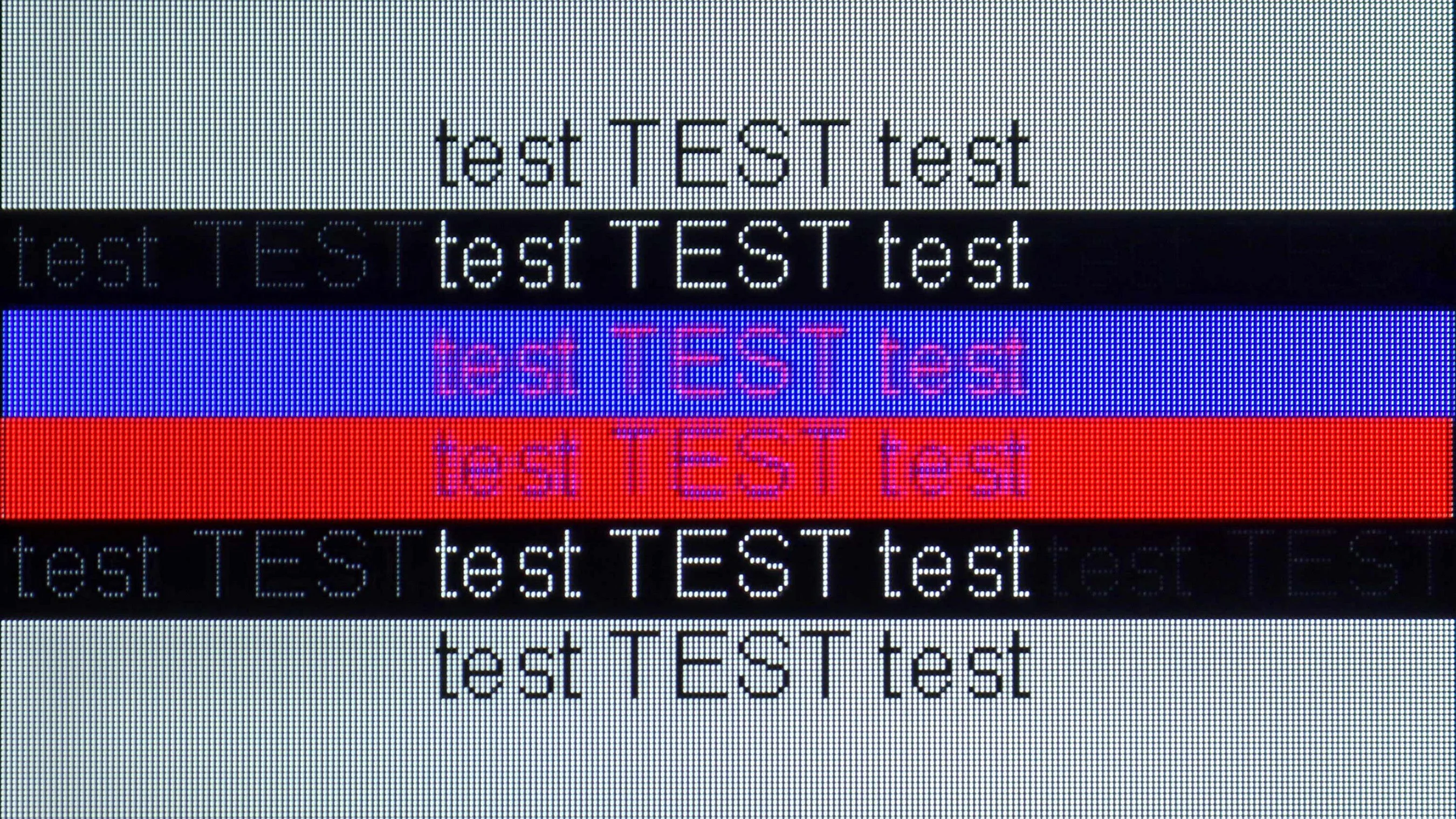
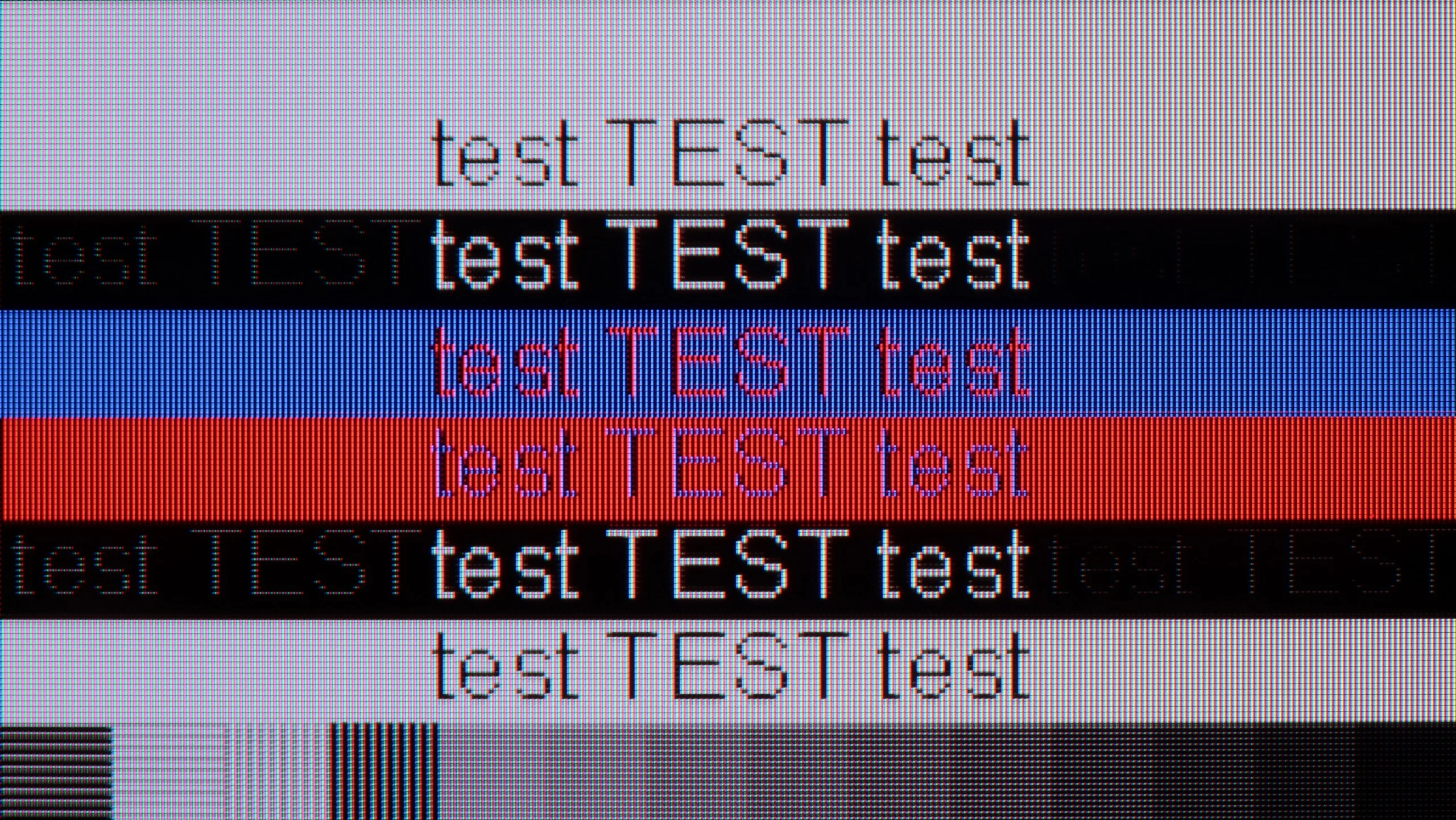
The photo shows the legibility of small fonts. Ideally, lines should be the same thickness on both light and dark text, with minimal pixel gaps.
Just like in games, the tested television performs excellently, but when it comes to everyday text work, it doesn't quite measure up. Its latency is very low; however, the issue lies elsewhere. The television does not support chroma 4:4:4, which results in unpleasant font blurriness, regardless of the given refresh rate. While this is not usually a problem in games, it can be quite annoying during text work due to poor readability. Additionally, the pixel layout in WOLED matrices doesn't make things easier for it.
The UR8S also works very well as a large computer monitor. The TV correctly handles 4:4:4 chroma at maximum resolution and refresh rate, so small fonts remain legible and don't have heavily jagged or coloured edges. The BGR subpixel layout used isn't much of an issue here and text still looks good, although nitpicky users will notice they're not perfect.
It also offers a refresh rate of up to 180 Hz at 4K, G-Sync support and very low input lag, which at the maximum refresh rate is about 9 ms. So if you want to use the UR8S not just for a console but also for gaming on a powerful PC, the TV is very well suited to that.
Viewing angles
7.7/10
5.5/10
A widely known advantage of OLED panels is their efficiency when viewed even at sharp angles. There is no noticeable drop in contrast or colour saturation. However, a characteristic feature of panels produced by LG Display, which are not used in top models, is a tint in marine or cyan shades when viewed from a wide angle.
The viewing angles on the UR8S are quite good, helped by the RGB backlight. Thanks to the three-colour LEDs, colours viewed off-axis hold up better than in many conventional Mini-LED TVs that use white or blue backlights. Of course it’s still not on a par with OLED, and even less so with QD-OLED. At wider viewing angles the picture loses a little contrast and saturation, but for an LCD TV the result is genuinely decent.
Daytime performance
5.5/10
9.5/10
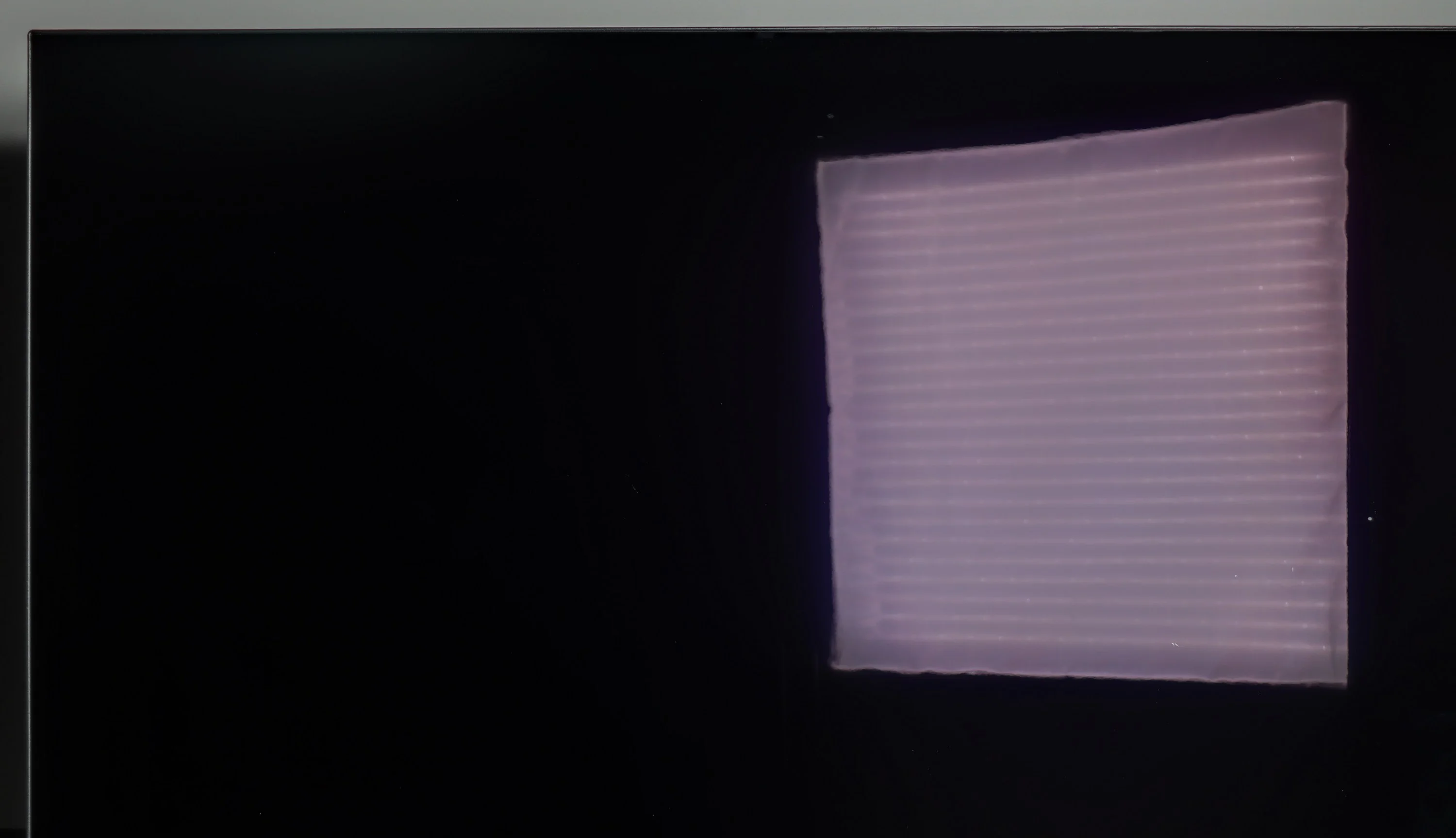
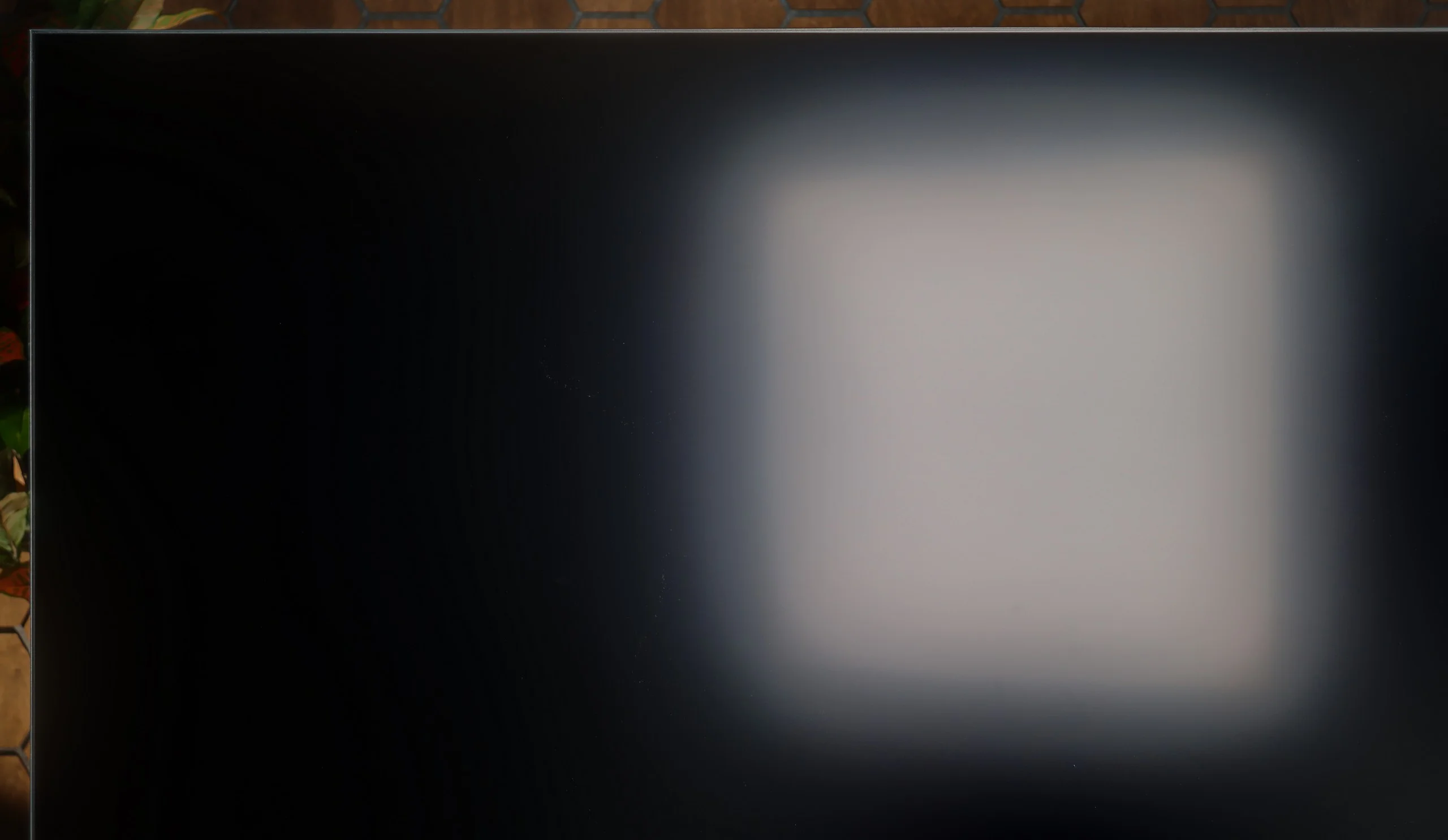
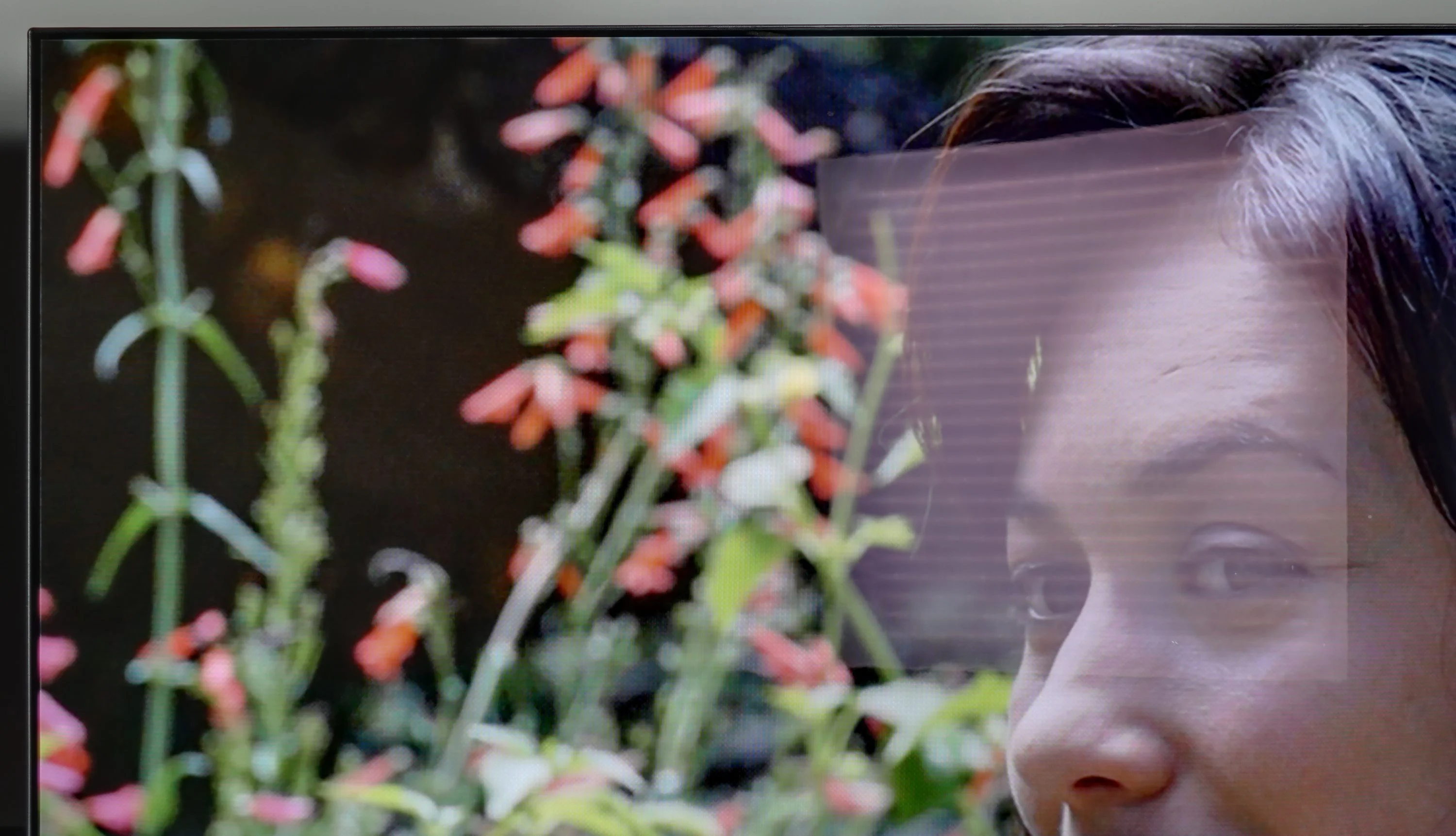
Panel brightness
Hisense UR8S: 1468 cd/m2
Philips OLED809/819: 322 cd/m2
For many years, the issue of the performance of OLED TVs during the day has been raised. Many people still believe that these are not receivers intended for such use. They probably have a point, particularly when it comes to screens from several years ago. Technology has advanced, and currently, there are no objections to recommending such a TV for today. Admittedly, a glossy screen doesn't sound like something that would support this claim, however, it's hard to argue against the pictures that you can see for yourself. Another point we would like to highlight is the contrast during daytime use. This, in contrast to QD-OLED panels, and even OLEDs equipped with MLA technology, is higher. This is due to the absence of excited quantum dots and micro-lenses.
UR8S handles daytime viewing very well. First, it's a very bright TV — in SDR we measured about 1500 nits, so even with a lot of ambient light the picture remains punchy and readable. Another big plus is the matte coating, which disperses reflections from windows and lamps very effectively. Instead of a distinct reflection on the screen, you see more of a soft glow that is much less distracting while watching. That said, the coating works best when you view the TV head-on. From wider angles it begins to resemble a satin finish and reflections become more pronounced and therefore more intrusive. In a brightly lit room blacks also lose some of their depth, but at such high brightness that's not a major issue. Overall, the UR8S is simply a very good choice for a bright living room.
Panel details
Subpixel Structure:
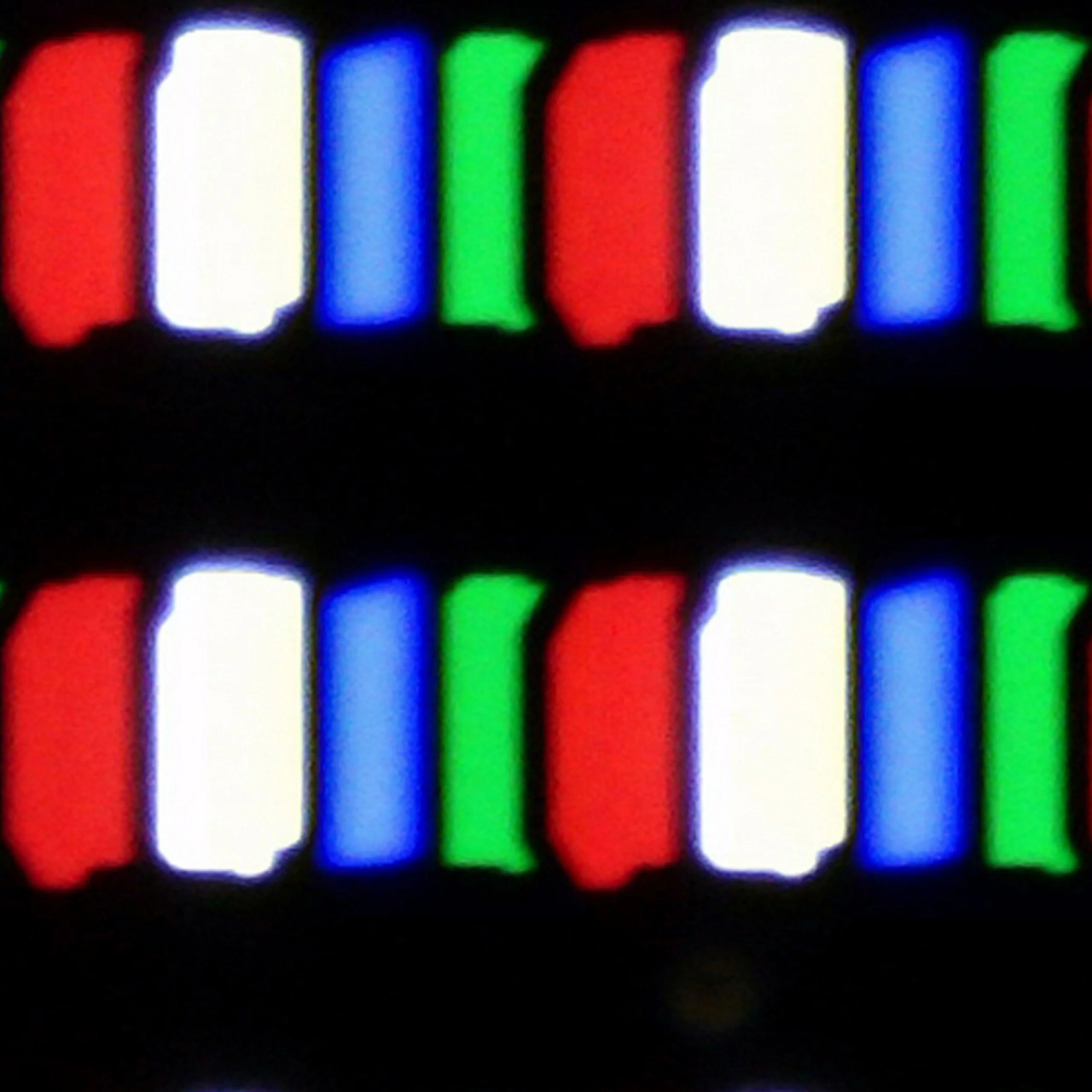
Panel uniformity and thermal imaging:
Philips OLED809/819
Hisense UR8S
TV features
7.9/10
9.4/10
- SystemGoogle TVVIDAA
- System performanceGoodVery good
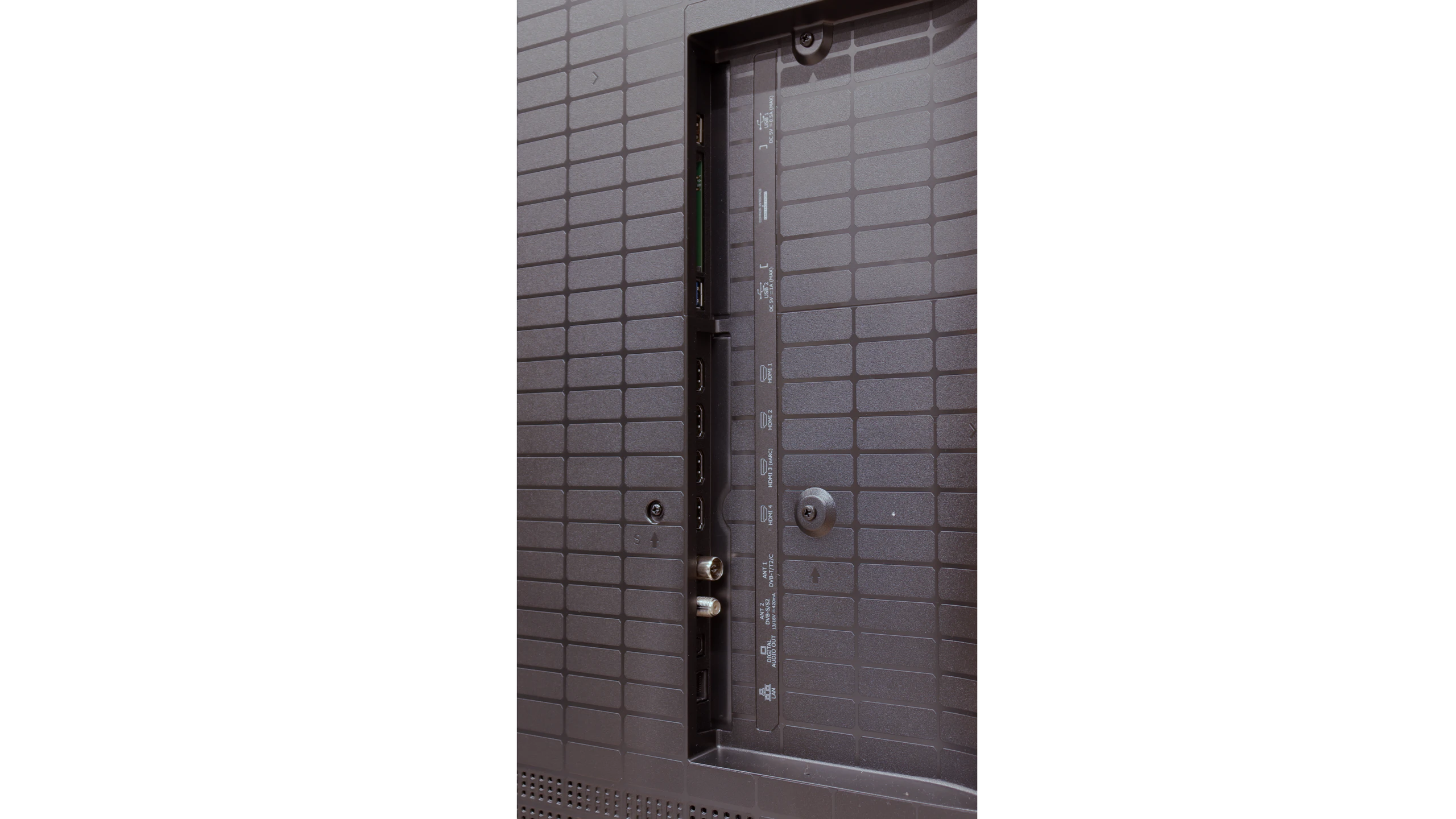
- HDMI inputs2 x HDMI 2.0, 2 x HDMI 2.1 48Gbps0 x HDMI 2.0, 4 x HDMI 2.1 48Gbps
- OutputsToslink (Optical audio), eARC (HDMI), ARC (HDMI)Toslink (Optical audio), eARC (HDMI), ARC (HDMI)
- Network InterfacesWi-Fi 2.4GHz, Wi-Fi 5GHz, Ethernet (LAN) 100MbpsWi-Fi 2.4GHz, Wi-Fi 5GHz, Ethernet (LAN) 100Mbps
- TV receptionDVB-T, DVB-T2, DVB-S, DVB-S2, DVB-CDVB-T, DVB-T2, DVB-S, DVB-S2, DVB-C
Classic features:
- Recording to USB (terrestrial TV)
- Recording programming
- Picture in Picture (PiP)
- RF remote control (no need to aim)
- Backlit remote control
- Teletext
- Audio only mode
- Bluetooth headphones support
- Simultaneous Bluetooth headphones & TV audio
Smart features:
- AirPlay
- Screen mirroring (Windows Miracast)
- Voice search
- Voice search in native language
- Ability to connect a keyboard and mouse
Sound connection options
- HDMI audioeARC (HDMI), ARC (HDMI)eARC (HDMI), ARC (HDMI)
- Other audio outputsToslink (Optical audio)Toslink (Optical audio)
- Wireless audioBluetoothBluetooth
Supported audio formats (external HDMI eARC audio):
- Dolby Digital Plus 7.1
- Dolby True HD 7.1
- Dolby Atmos in Dolby Digital Plus (JOC)
- Dolby Atmos in Dolby True HD
- DTS:X in DTS-HD MA
- DTS-HD Master Audio
Senior accessibility
- Numeric keyboard on TV
- Font size adjustment
- Audio description
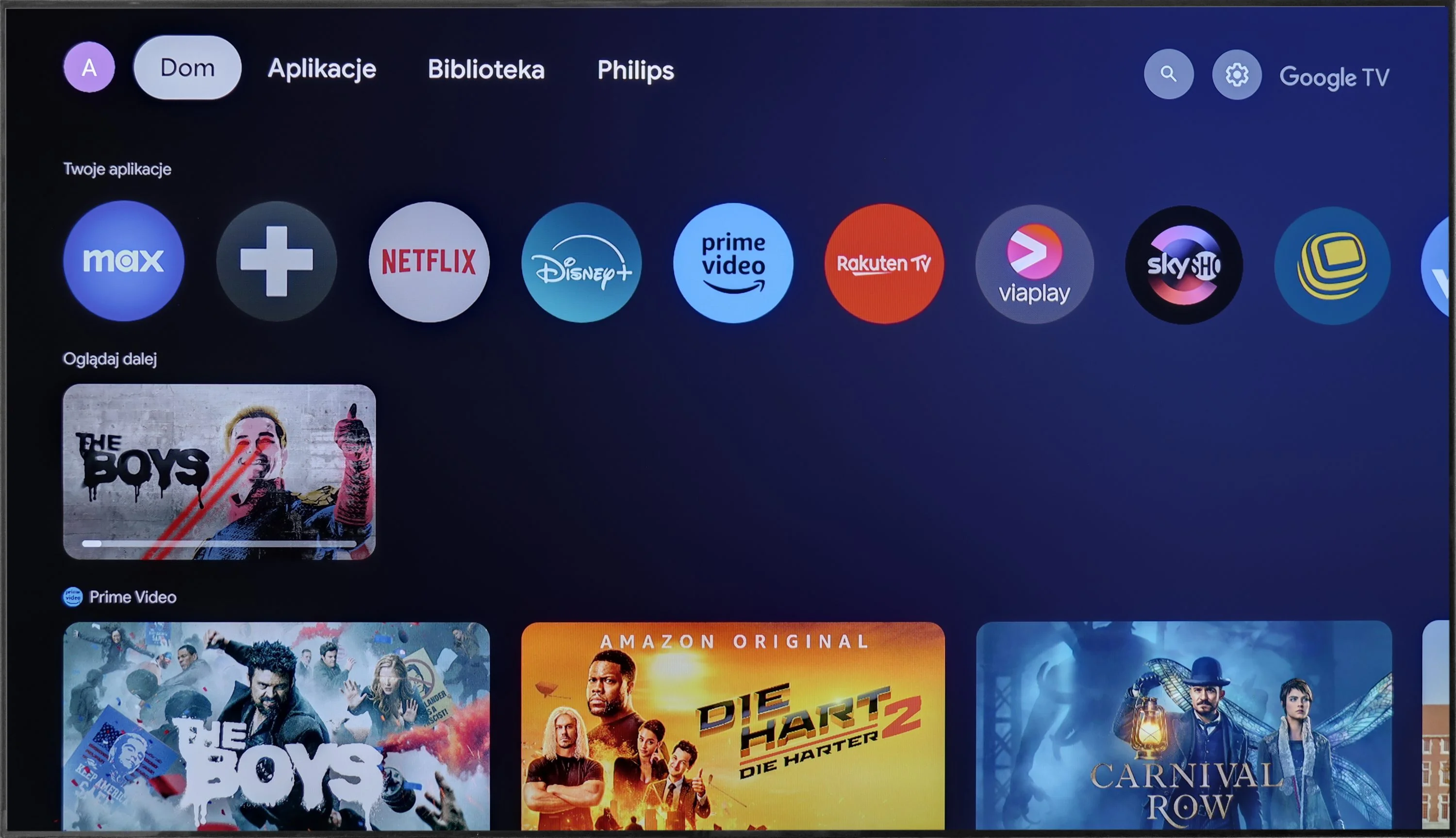
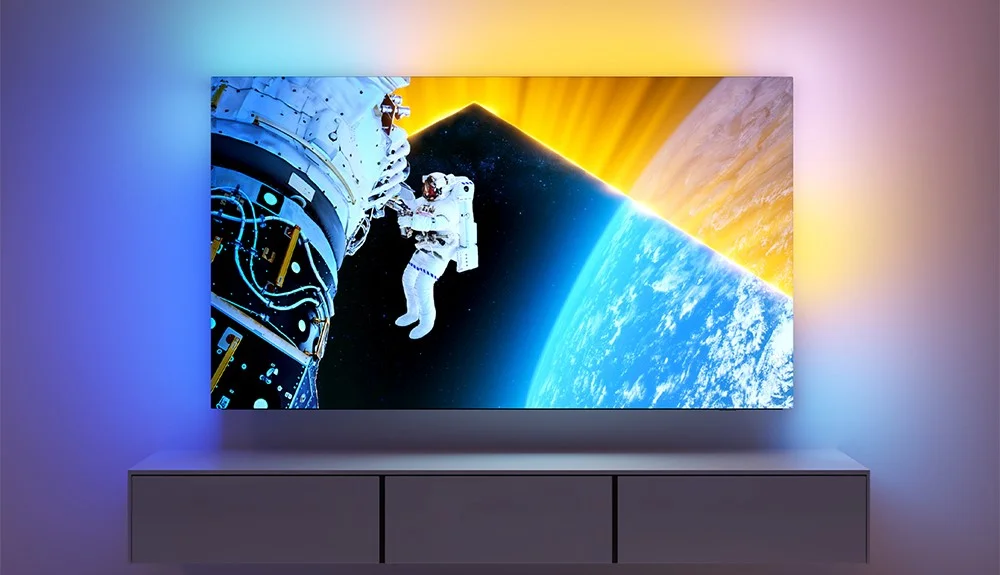
Before we dive into the software that controls the television, it’s impossible not to mention the biggest distinguishing feature of the manufacturer's televisions. This is, of course, the multicoloured Ambilight backlighting, which is located on the back of the device and displays colours tailored to what's happening on the screen, often allowing for an even greater immersive experience. The Philips OLED 809 is powered by the Google TV system. This is an undeniable advantage compared to some other models from the manufacturer, which use the proprietary TitanOS system, significantly more closed off and limited in terms of available applications. With Google TV, we can install practically any application, both from the store and directly from online repositories via an APK file.
The Google TV system also offers many conveniences related to control. We can easily connect a keyboard with a touchpad, which greatly simplifies typing queries and navigation. Additionally, thanks to integration with Google, we can issue voice commands using the remote, which are quickly and accurately interpreted by the system.
In summary: Google TV is currently one of the most popular systems on the market. Thanks to a powerful CPU, it runs very smoothly and stably, without freezing or stuttering during testing. This is definitely the best option for those who want to get the most out of their television's capabilities and appreciate the openness and versatility of the system.
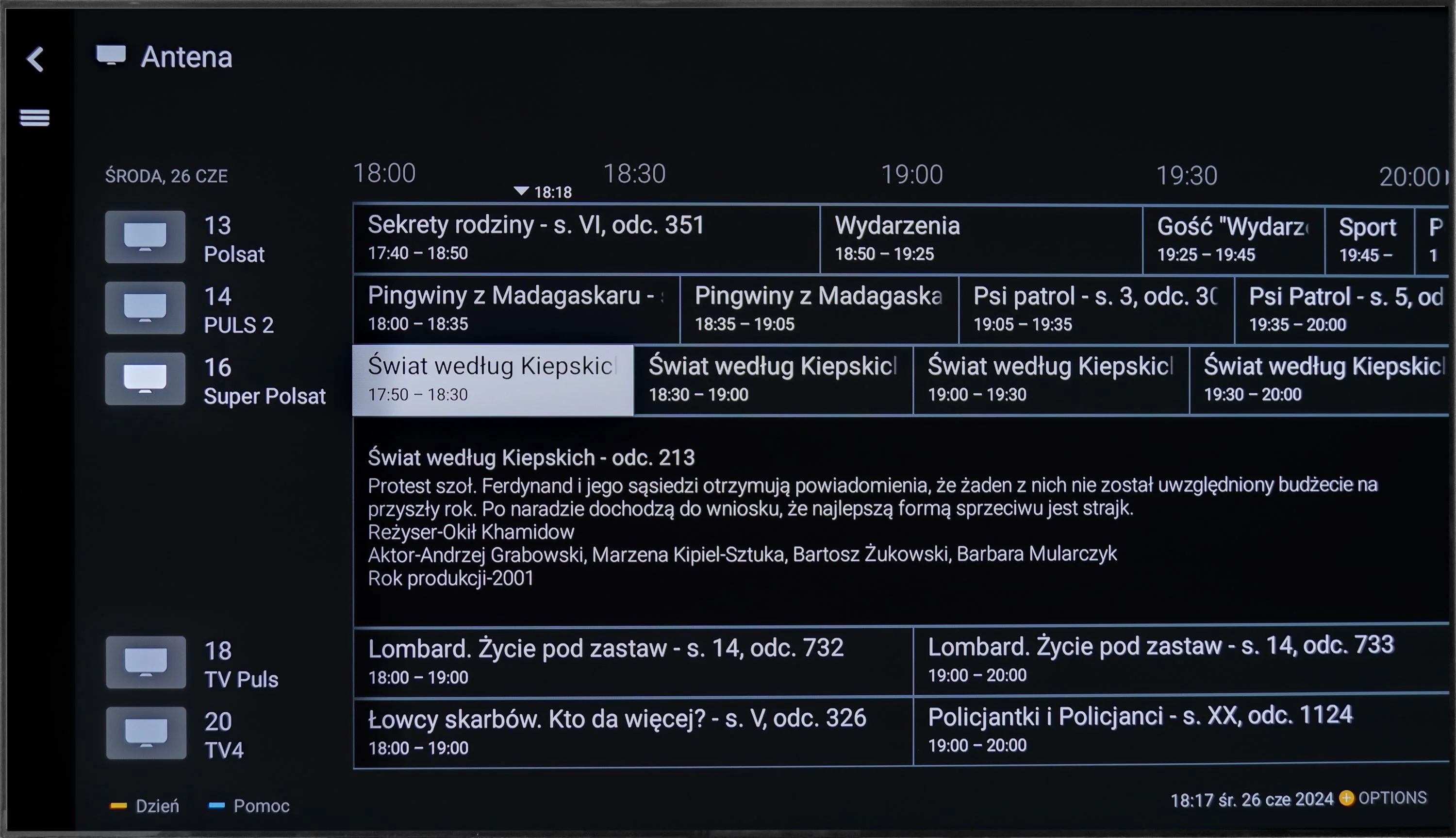
Classic features
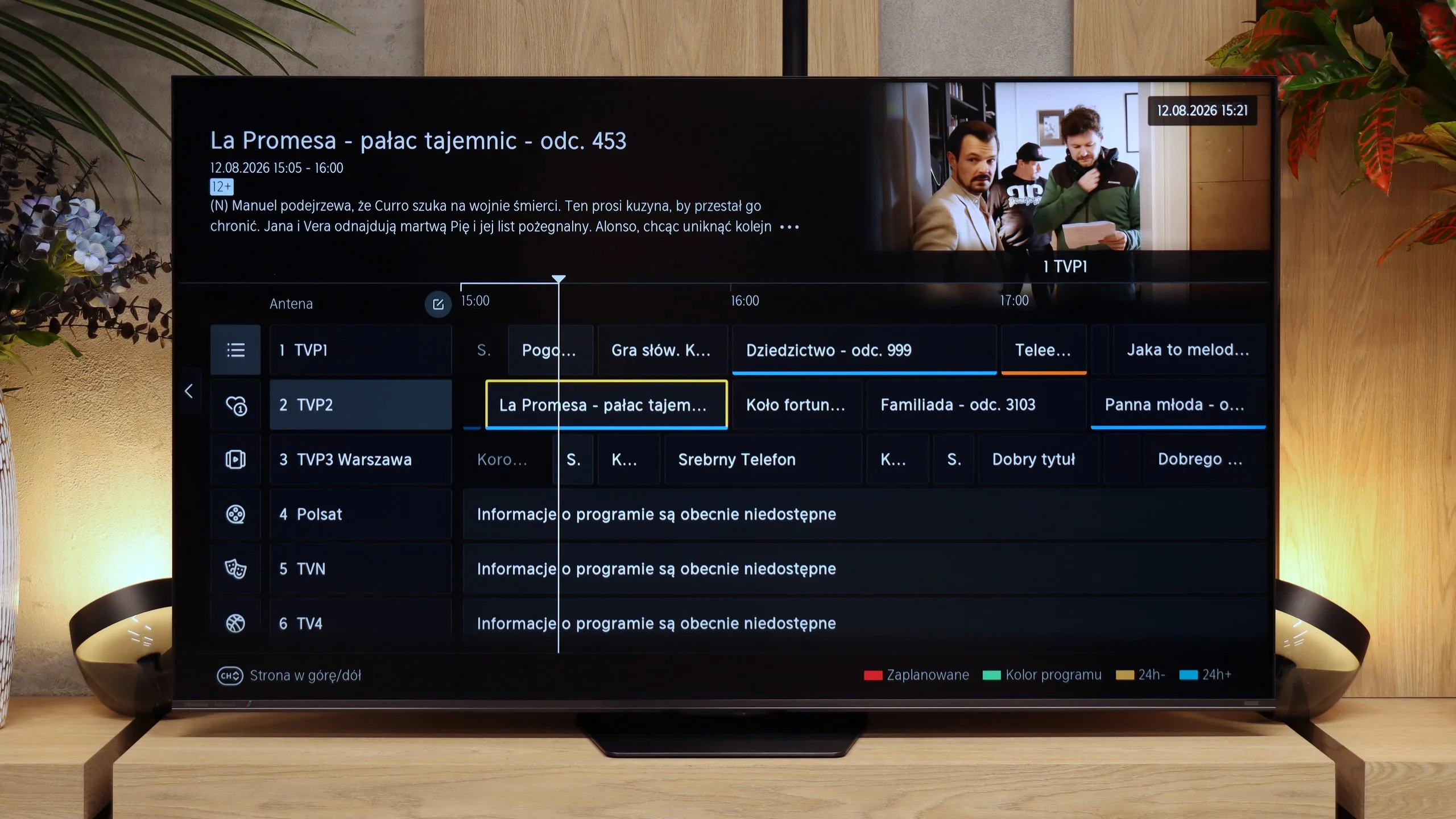
Hisense is one of those manufacturers that, fortunately, hasn’t abandoned the classic TV features. The UR8S lets you record programmes to USB, schedule recordings, has teletext and an "audio-only" mode. You can also use the TV speakers and Bluetooth headphones at the same time. The only real missing feature is picture-in-picture (PiP). The remote control also deserves praise. It’s well made, backlit and has plenty of buttons, so you can access most key functions without digging through menus. It communicates with the TV by radio, so you don’t need to point it directly at the screen.
VIDAA system
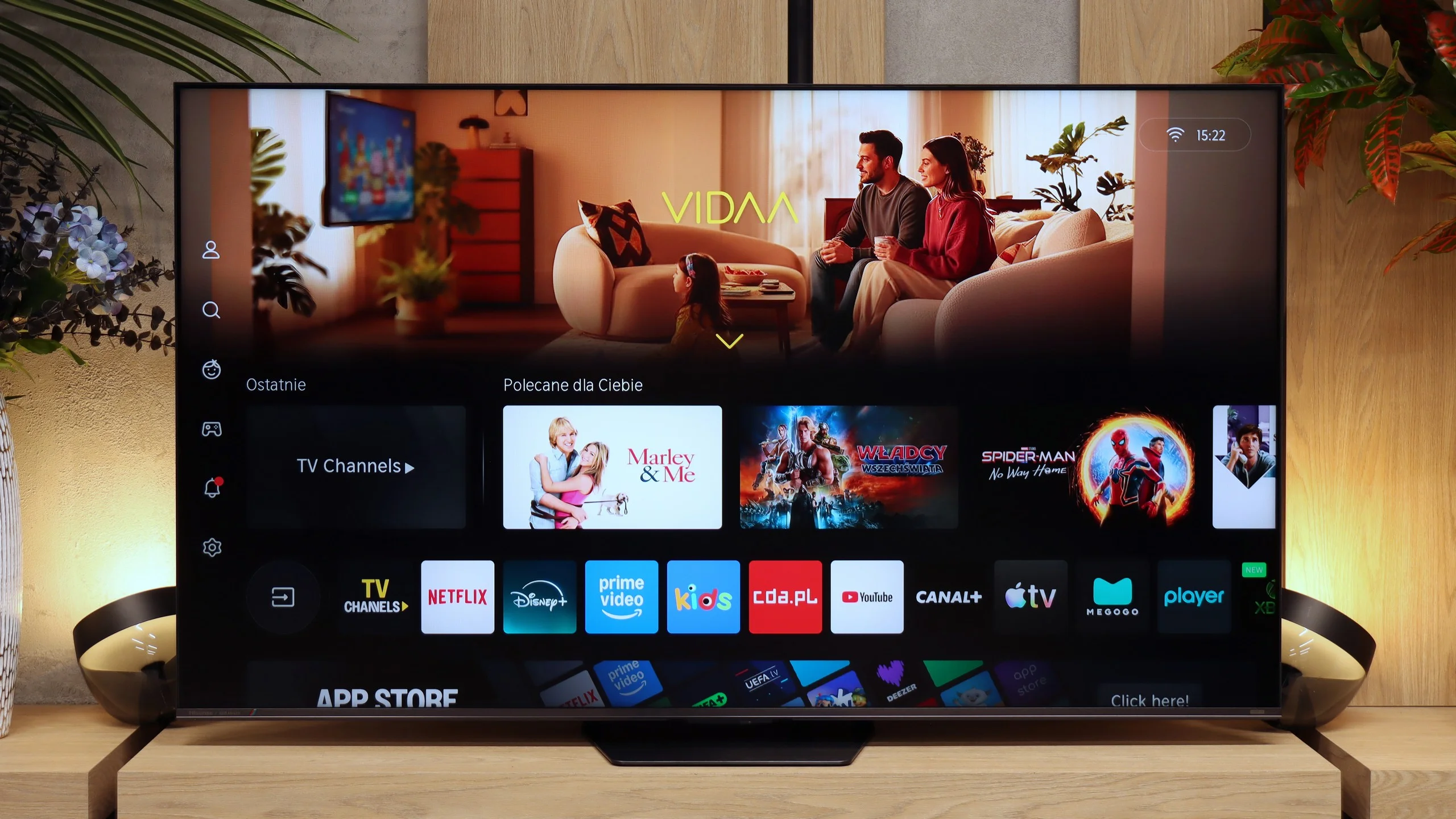
The VIDAA system on the UR8S is very fast and responsive. Apps launch smoothly, navigating the menus is fluid, and during testing we had no major complaints about its performance. The app library is now large enough to include all the major streaming services. There are also extra Smart features. The UR8S supports AirPlay, Miracast, voice search in Polish and the ability to connect a keyboard and mouse. VIDAA may not offer as much freedom as Google TV, but for everyday TV use it essentially provides everything you need.
Apps
9.6/10
8.3/10






















Playing files from USB
9.5/10
8.5/10
Supported photo formats:
Maximum photo resolution:
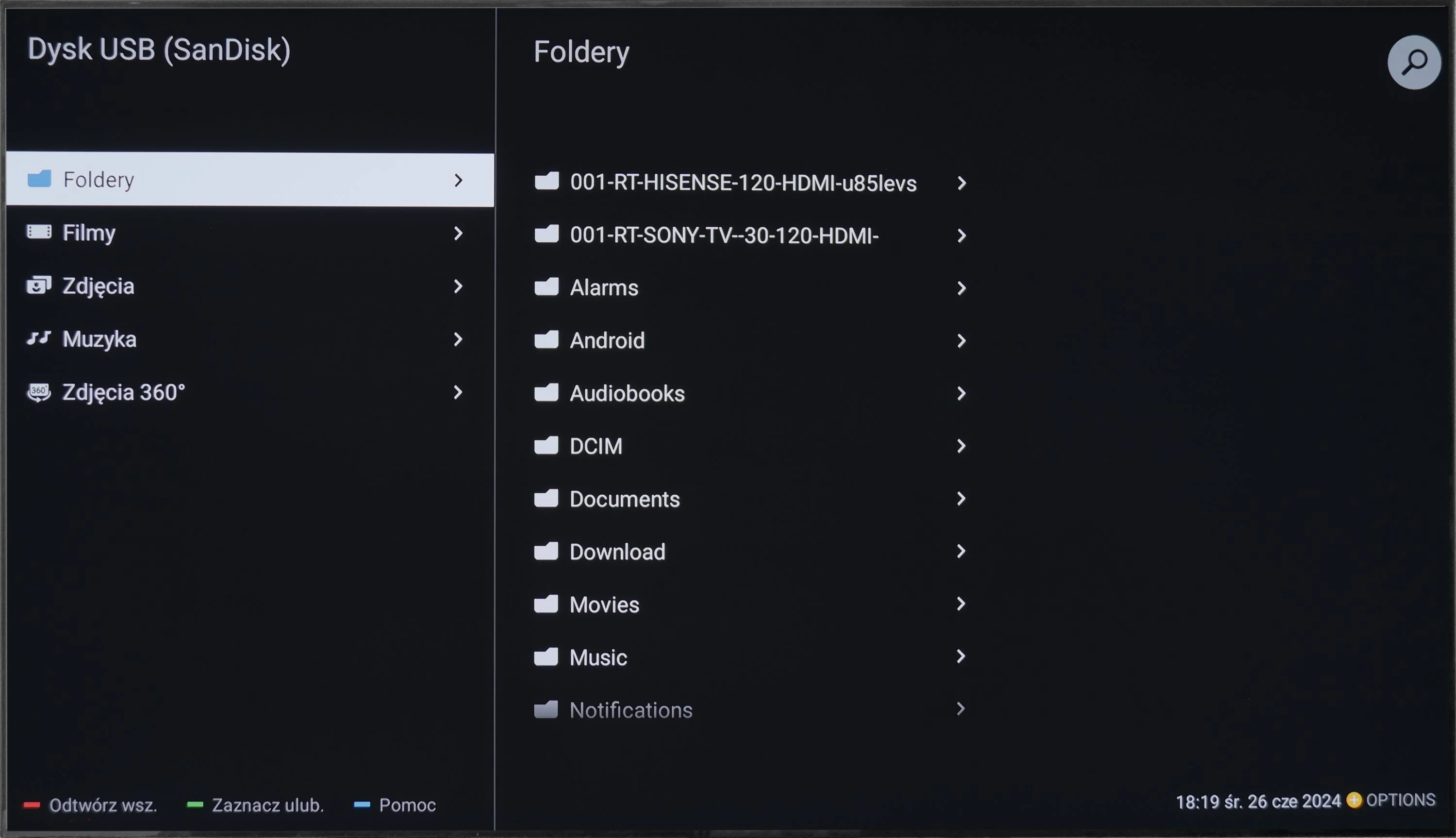
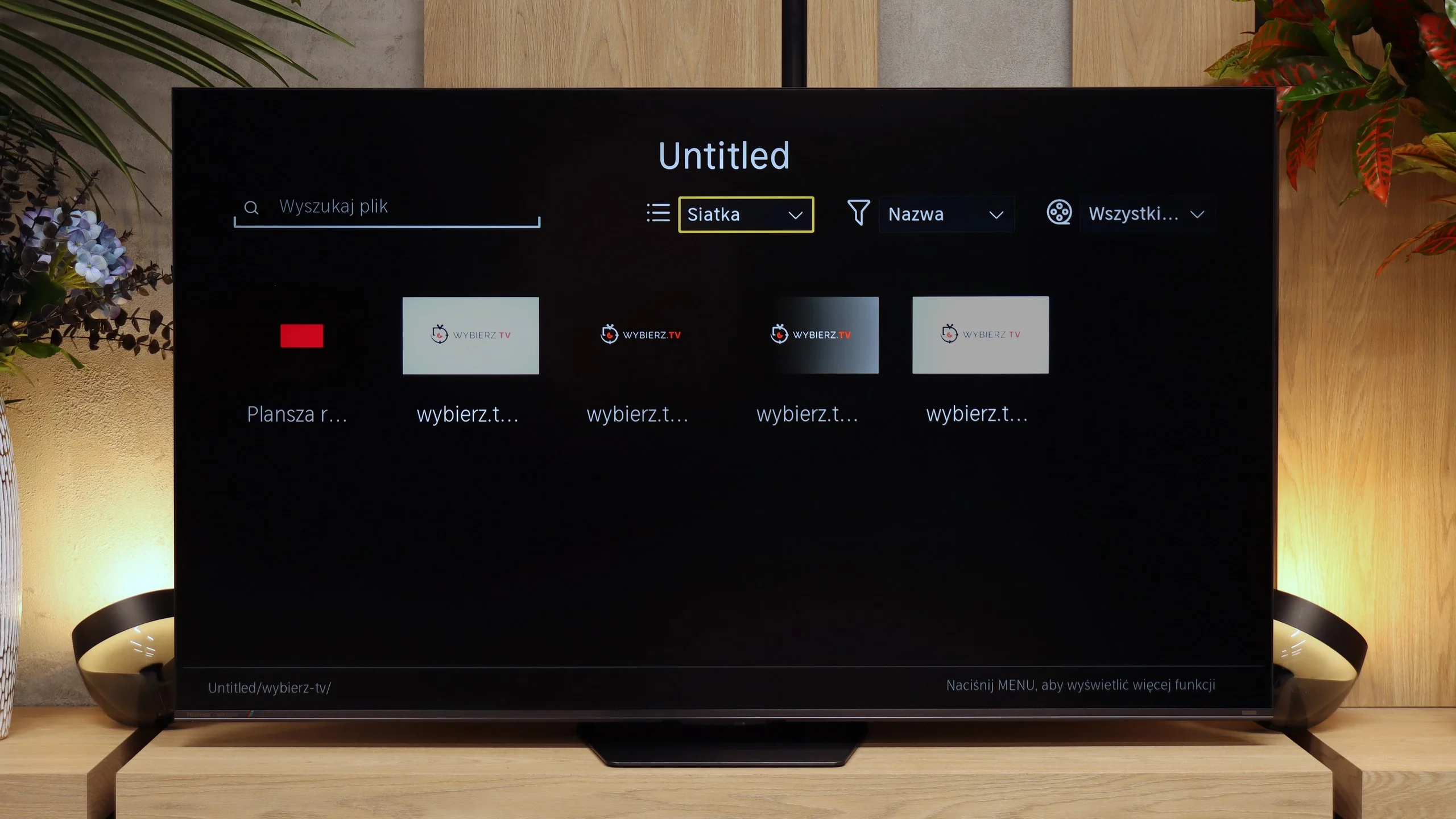
The default file player on the Philips OLED 809 is quite impressive, although it does have some drawbacks. It handles a wide range of video file formats exceptionally well, except for two less common ones. It deserves high praise for its inclusion of all the checkboxes confirming playback of various subtitle formats. The TV can manage any photo resolution, making it an excellent screen for viewing family albums or studio photos. The rest, including supported photo and audio formats, is satisfactory, and those formats the TV cannot play are either uncommon or obsolete. Moreover, it's not a problem, as we can download an app from the app store that will solve these issues.
The USB media player works properly and handles most common files without major problems. Our main reservation is the handling of photos. The UR8S is rather selective about image resolutions. For example, it can open 16 or 32 Mpix photos yet refuse to display 10, 12 or 20 Mpix files. It's hard to find any logic in that, so if you often view photos directly from a USB stick you may sometimes run into a file the TV simply won't open.
Sound
7.1/10
7.8/10
- Maximum volume-92dB
- Dolby Digital Plus 7.1
- Dolby True HD 7.1
- Dolby Atmos in Dolby Digital Plus (JOC)
- Dolby Atmos in Dolby True HD
- DTS:X in DTS-HD MA
- DTS-HD Master Audio
At the outset of this paragraph, it should be noted that sound quality is always subjective. In our opinion, the audio system that the manufacturer has equipped the Philips OLED 809 is at quite a high level. The bass is well-defined, but at the same time, it does not overshadow the mid and high tones. Looking at it from another perspective, when choosing a TV in this price range, we are more likely to already have an additional audio system. In this context, the tested television will definitely not disappoint, as it supports practically every important standard, including Dolby Atmos and, more importantly, DTS-HD Master Audio.
In terms of sound, the UR8S performs very similarly to the lower-tier Hisense U7S Pro, and that's no coincidence. The manufacturer has used practically the same 2.1.2 layout with a total power of 50 W. There's an additional subwoofer at the back of the enclosure, while the other speakers are positioned in the lower part of the TV. For built-in speakers the result is quite good. The subwoofer adds some bass, so the sound isn't as flat as in basic TVs, and the whole setup can also play really loudly. In our measurements the maximum loudness reached about 92 dBC. It's not, of course, a replacement for a good soundbar, but it's perfectly adequate for casual TV watching or YouTube.
Sound Quality Test
No sound test video
Acoustic Measurements
No acoustic data
92dBC (Max)
75dBC
Reader comments
Comments are provided by the external service Disqus (Zeta Global). Once loaded, Disqus may set cookies and process data about your activity.
We will remember your choice on this device. Provider's privacy policy