
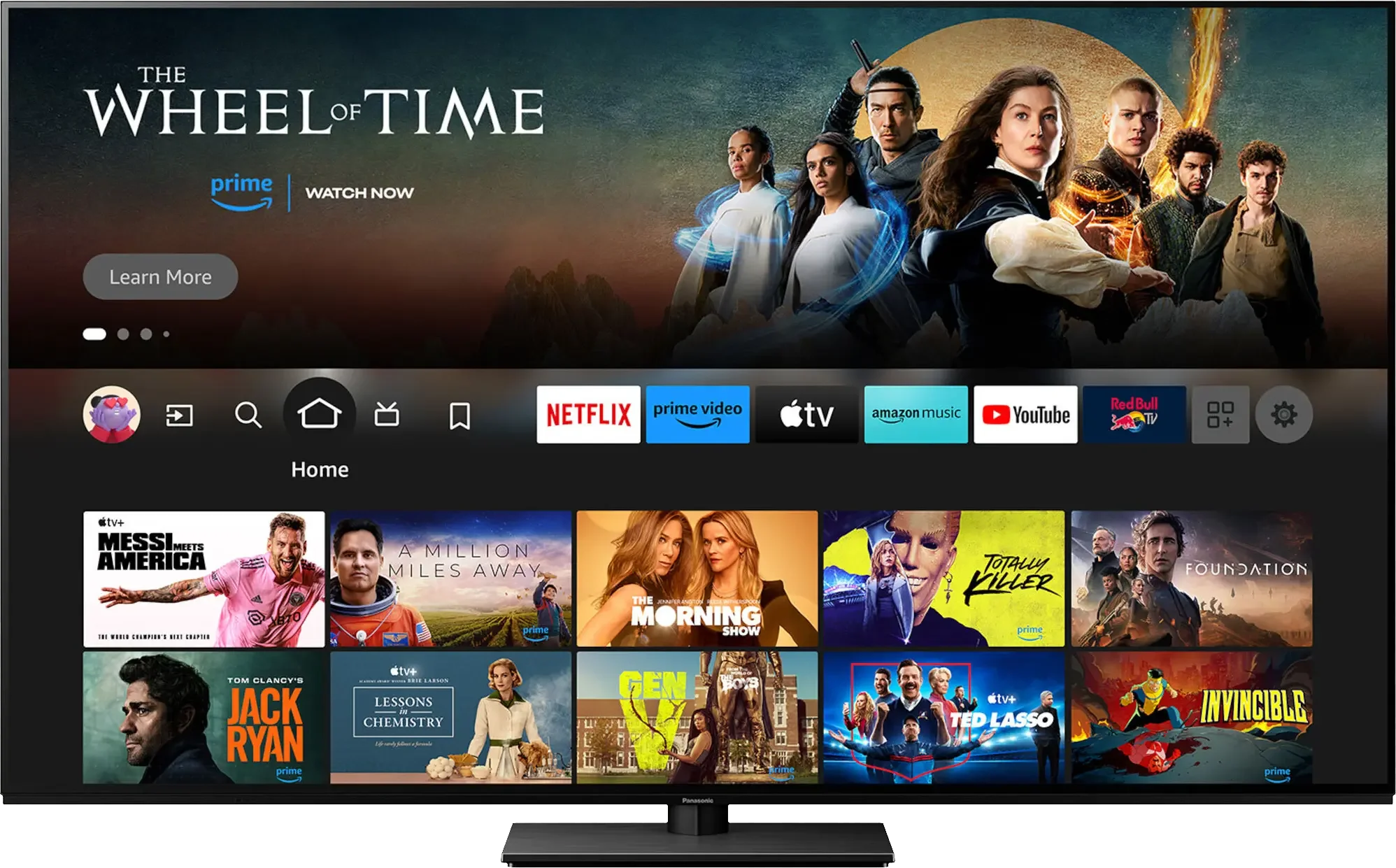
The Panasonic Z85A is a basic OLED model from the Japanese manufacturer that fully utilises the potential of its panel. Thanks to OLED technology, we can expect phenomenal image quality in the highest resolution – perfect blacks, excellent contrast, and great HDR effect, especially after professional calibration. Additionally, it supports a full set of HDR formats, so we can easily choose a movie in the best possible quality. Although Panasonic is usually associated with home cinema equipment, the Z85A performs just as well with sports and games. The 120 Hz panel, support for VRR, ALLM, and even functional Dolby Vision in games ensure smooth gameplay without motion blur. The sound is also commendable – although there isn't an impressive soundbar like in the model Z95A, it is still quite pleasant with noticeable bass. Downsides? Primarily the Amazon Fire TV – the operating system that still has teething problems. Many popular apps are missing, and some features are either unavailable or poorly translated (e.g., lack of support for external subtitles). Another issue is the not-so-high brightness, typical of older WOLED panels – in a brightly lit room, this can be a problem. Despite these shortcomings, the Panasonic Z85A is a great option for movie enthusiasts and gamers looking for a versatile TV with outstanding image quality and solid sound. If we can overlook certain system limitations and the less-than-optimal brightness, the Z85A still has a lot to offer. However, if full comfort of use and a richer app ecosystem are crucial for us, then it's worth considering other OLED TVs from competitors as well.
- Matching (Score) |
- Our verdict |
- TV appearance |
- Where to buy |
- Contrast and black detail |
- HDR effect quality |
- Factory color reproduction |
- Color reproduction after calibration |
- Smoothness of tonal transitions |
- Image scaling and smoothness of tonal transitions |
- Blur and motion smoothness |
- Console compatibility and gaming features |
- Input lag |
- Compatibility with PC |
- Viewing angles |
- Daytime performance |
- Panel details |
- TV features |
- Apps |
- Playing files from USB |
- Sound
Panasonic Z85A vs TCL C8K
 Direct comparison
C8K / QM8K

Panel type: WRGB OLED
Resolution: 3840x2160
System: Amazon FireTV
Model year: 2024
Complete the survey to find out the result
Panel type: LCD VA
Resolution: 3840x2160
System: Google TV
Model year: 2025
Complete the survey to find out the result
Overall rating
7.7
7.7
 Movies and series in UHD quality
 8.2
7.5
 Classic TV, YouTube
 8.7
7.1
 Sports broadcasts (TV and apps)
 8.5
6.7
 Gaming on console
 9.3
8.8
 TV as a computer monitor
 7.6
8.6
 Watching in bright light
 4.8
6.9
 Utility functions
 7.0
7.7
 Apps
Apps 5.7
9.6
 Sound quality
 7.4
7.9
Complete the survey to find out what fits your preferences
Advantages

Perfect black and infinite contrast thanks to the WOLED panel
Great HDR quality with good coverage of the DCI-P3 colour gamut (98%)
Excellent picture quality after professional calibration
Full HDR package: HDR10, HDR10+, Dolby Vision
Low input lag: 5 ms (120 Hz) and 13 ms (60 Hz)
Support for ALLM, VRR, HGIG and Dolby Vision in games
Very good viewing angles
Smooth motion without blurring thanks to the 120 Hz OLED panel
Ability to record to USB and PiP function
AirPlay support
Pleasant sound quality with noticeable bass
Great contrast and black levels
Very high HDR brightness
Support for all popular HDR formats
Fast 4K@144 Hz panel
Many features for gamers (VRR, ALLM, Game Bar, Low input lag)
GoogleTV operating system with many apps
Improved viewing angles thanks to WHVA panel
Very good sound: Collaboration with Bang & Olufsen
Disadvantages

SDR brightness at 300 nits – too low for brightly lit rooms
The Amazon Fire TV system has a limited number of apps
Some system functions are poorly translated into Polish
No support for external subtitles in USB player
No support for DTS:X audio on the television
No smaller variants, e.g. 55"
Very weak dimming algorithms
Colour reproduction out of the box needs improvement
Only 2 HDMI 2.1 ports and one USB.
No recording function from built-in tuners and PiP
Our verdict
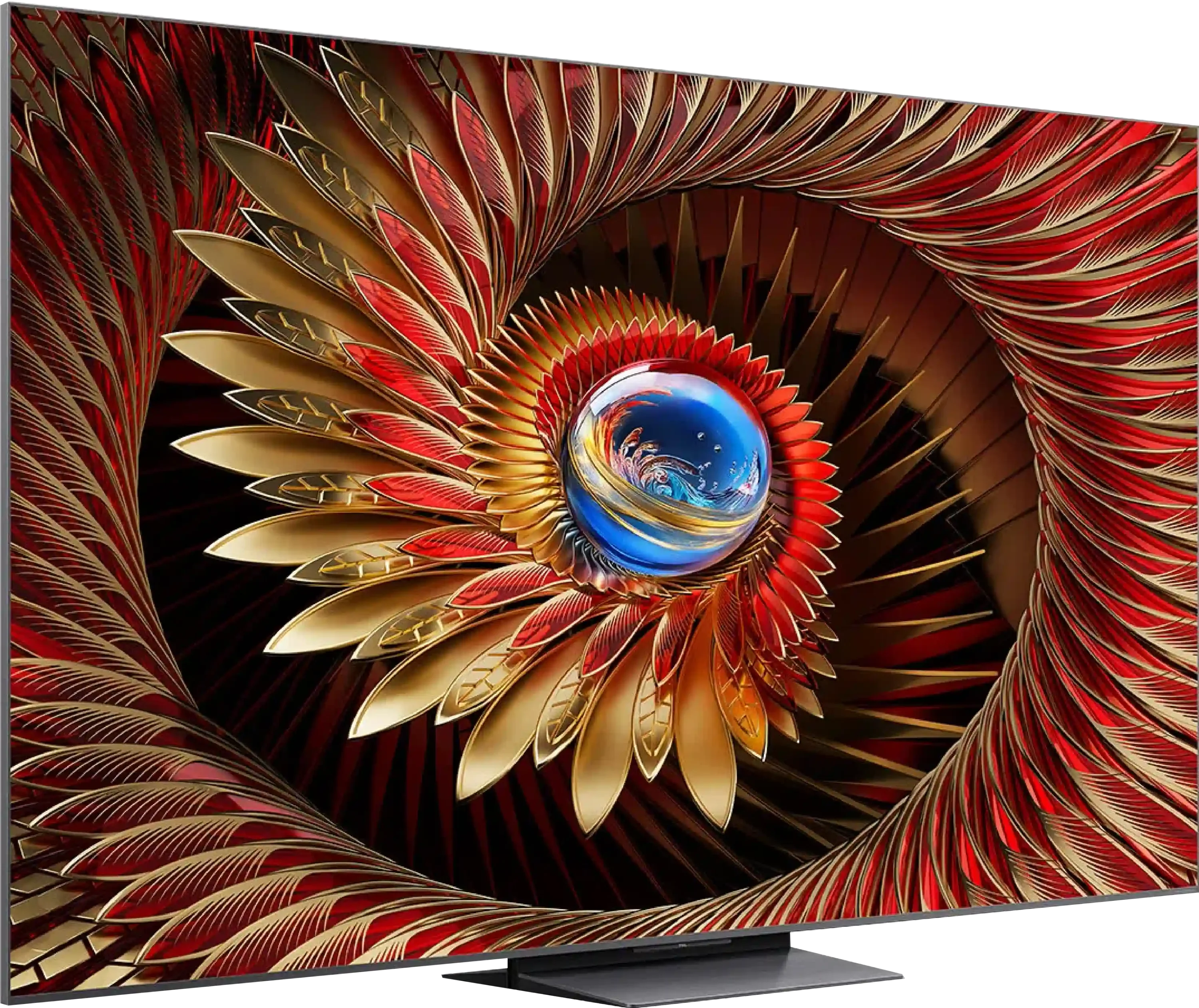
The C8K is proof that premium Mini LED technology doesn't have to cost as much as a premium product. With a high number of dimming zones and a new WHVA panel, the television offers excellent contrast, deep blacks, and very high brightness – everything we expect from a good viewing experience in the living room. The improved viewing angles are also impressive, as they no longer detract from the enjoyment of watching when sitting outside the centre of the frame. The C8K also shines in the gaming world – with a 144 Hz refresh rate, support for 288 Hz in Full HD, a full set of gaming features, very low input lag, and sensible compatibility with PCs, it's hard to put down the controller or keyboard. It also comes with Google TV – currently the most advanced and versatile Smart TV platform. There is access to all the key apps, great voice control, and an intuitive interface. It may lack some classic TV features like USB recording from built-in tuners or picture-in-picture (PiP), but most users won't even notice that. On top of all this, the sound is quite decent – a new collaboration with Bang & Olufsen.
Of course, it's not a screen without its flaws. HDR, while impressive, still has some 'mini LED' traits – bright scenes can be overly bright or dimmed, and the system lacks a few classic features known from other brands. But when we consider its price in comparison to the competition, it's hard not to ask the question – why pay more?
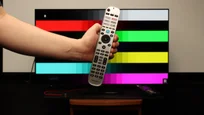
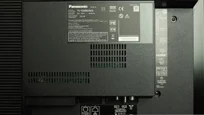
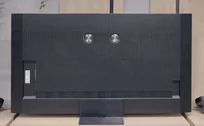
TV appearance



Contrast and black detail
10/10
8.2/10
Local dimming function: Yes, number of zones: 1680 (30 x 56)
Contrast:


Result
∞:1

Result
∞:1

Result
∞:1

Result
∞:1

Result
∞:1
Result
714,300:1
Result
68,100:1
Result
25,050:1
Result
17,800:1
Result
12,500:1
Halo effect and black detail visibility:
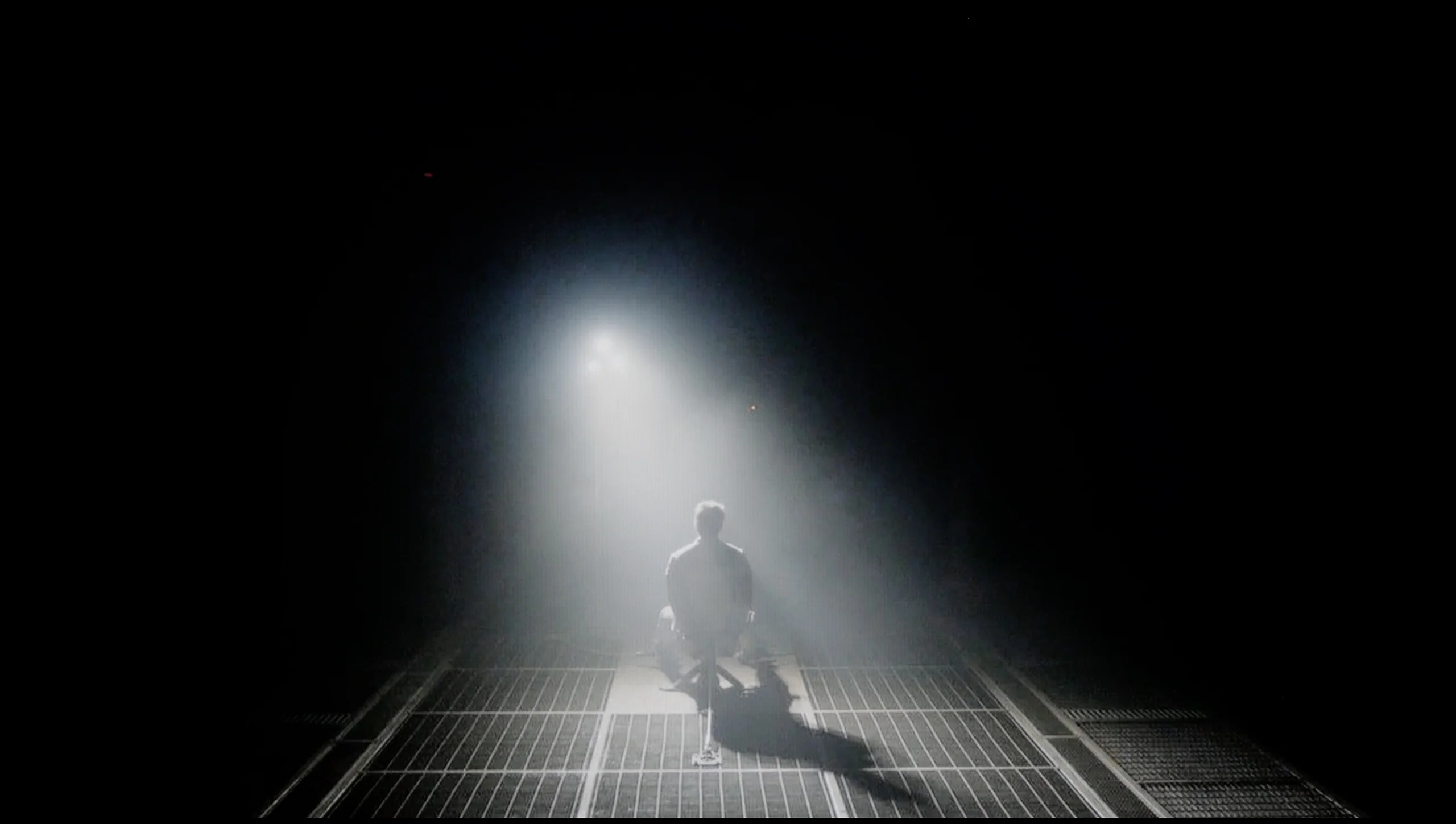
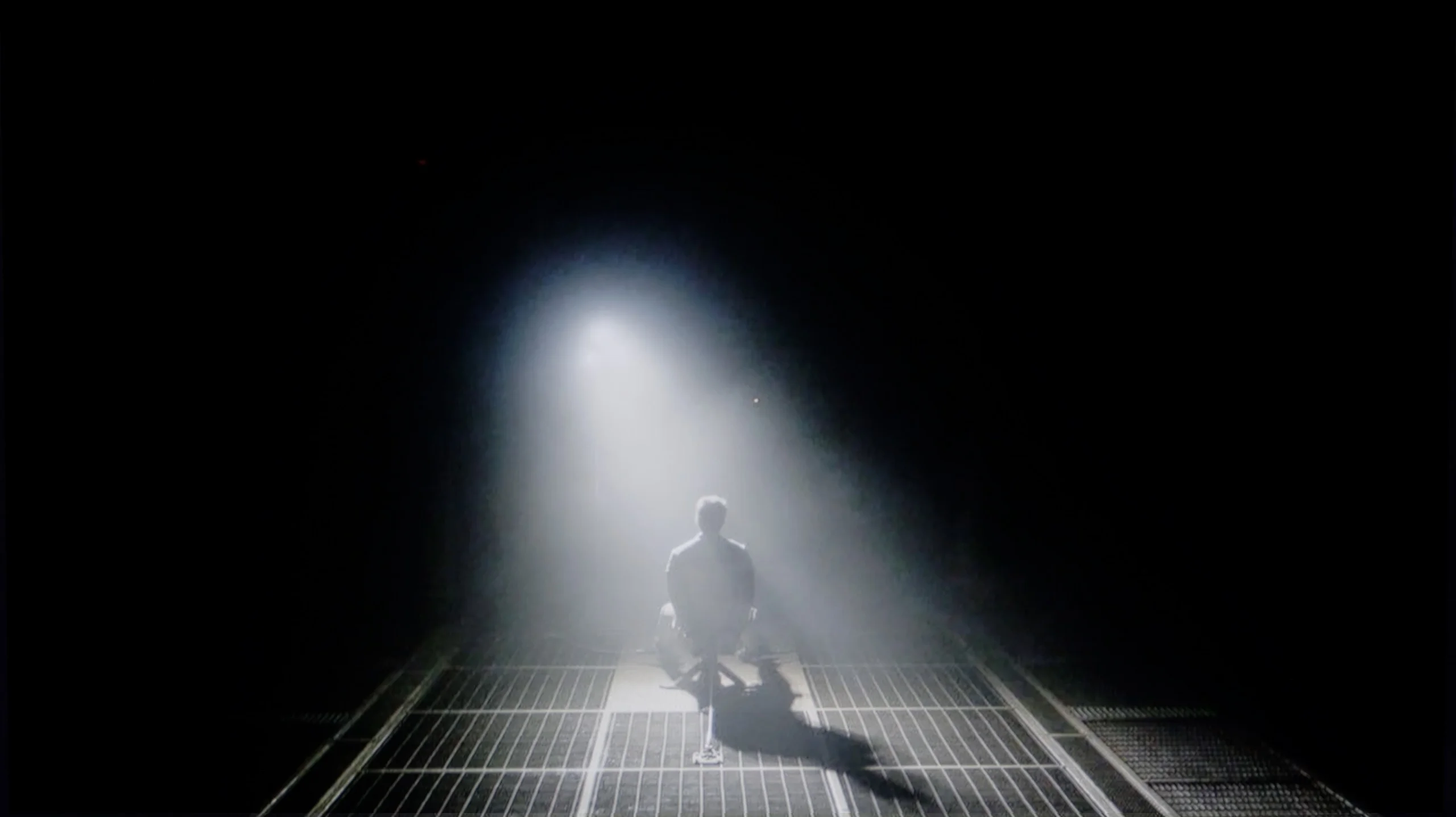
Check the visibility of bright lights on a dark background. Mini-LEDs often struggle with this. The photo does not compare black levels – that’s what the video below is for.
The video accurately shows differences in contrast and black levels between TVs, as well as potential issues: halo around bright objects or Mini-LED zone operation visible as brightness jumps.
The Panasonic Z85A uses a WOLED panel, and that means one thing – perfect blacks and infinite contrast. Each pixel lights up and turns off independently, so there’s no smudging or halo effect around bright objects on the screen. Even in the most demanding scenes, the picture looks simply exemplary. In this regard, there’s no room for compromises, which are still present even in the most expensive LCD televisions. Here, Panasonic shines, utilizing organic technology supplied by LG Displays, and does so in truly impressive style.
TCL C8K is a representative of the Mini LED class of TVs and – importantly – it uses a VA panel. This means high native contrast right from the start, but the true strength of this model reveals itself only when we combine it with an impressive number of dimming zones. In the 75-inch version we tested, we counted nearly 1700 independent zones – and you can feel it. In many scenes, the effect of black levels and contrast is nothing short of phenomenal. In less demanding scenes – where dimming algorithms don’t have to “work hard” – the screen can resemble OLEDs. The contrast can be nearly infinite, and the separation between bright and dark elements makes a fantastic impression.
However – as is often the case with Mini LEDs – this is not an organic screen, and some compromises have to be expected. Brightness is a huge asset, but it can also reveal the weaknesses of this solution – especially in dark scenes. Parts of very challenging scenes to display – such as those famous ones with a starry sky or sequences from the iconic Pioneer Kuro – become noticeable with what’s known as haloing, which is a glow around small bright details. Sometimes the whole screen also lightens slightly when the system tries to reconcile contrast with extreme luminance. However, this is a characteristic of the technology, not a flaw of a specific model. And although such compromises can somewhat diminish the final impression in certain scenes, TCL C8K is among the very best when it comes to contrast among Mini LED TVs.
HDR effect quality
6.5/10
6.9/10
Luminance measurements in HDR:

Result
812 nit

Result
775 nit

Result
812 nit

Result
808 nit

Result
390 nit
Result
1241 nit
Result
510 nit
Result
1180 nit
Result
375 nit
Result
1421 nit
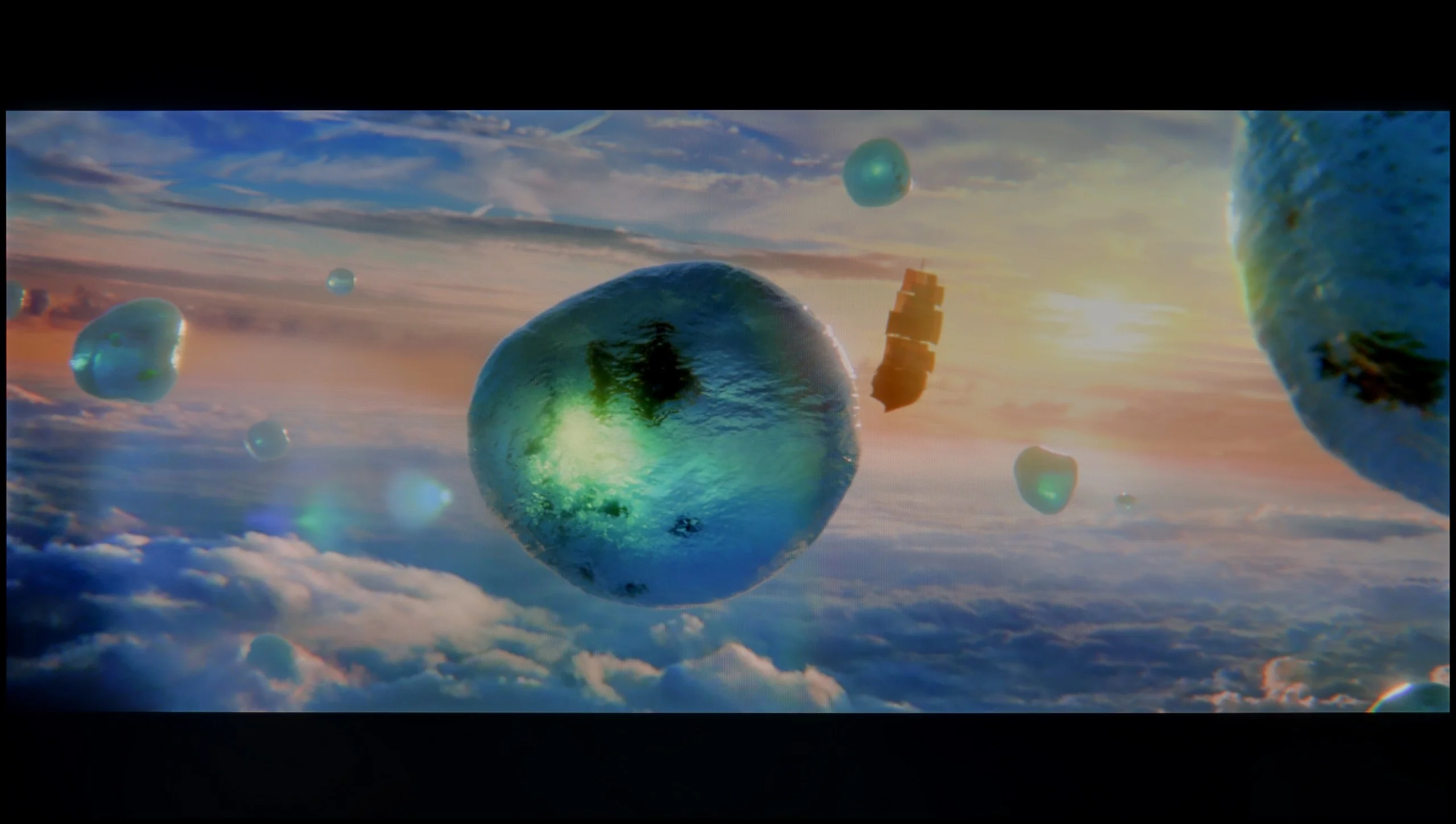
Scene from the movie “Pan” (about 2800 nits)

Scene from the movie “Billy Lynn” (about 1100 nits)

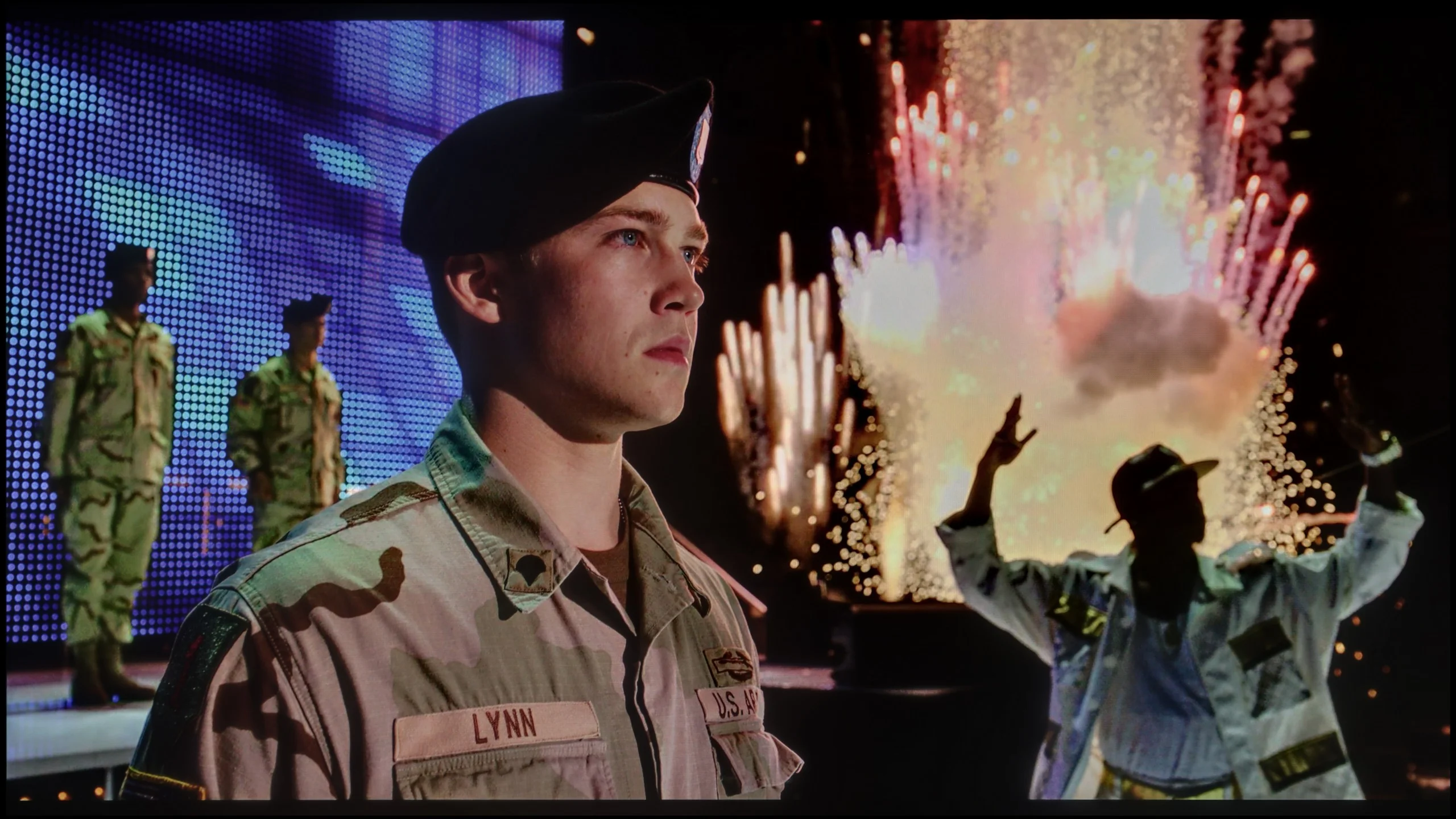
The photos show two HDR10 movies. 'Pan' is one of the brightest productions ever made, while 'Billy Lynn' (soldier) has brightness typical of streaming (Netflix, Prime, HBO MAX). Notice the intensity of effects and detail in whites.
Static HDR10


The photos present the visibility of white details in various HDR formats. They do not show brightness differences between TVs (these can be compared in the previous gallery).
Dynamic: Dolby Vision
Dynamic: Dolby Vision


The photos present the visibility of white details in various HDR formats. They do not show brightness differences between TVs (these can be compared in the previous gallery).
HDR luminance chart:
TCL C8K
Panasonic Z85A
Luminance of RGB colors
The Panasonic Z85A is an OLED television, so you can immediately expect excellent effects in films. And indeed – our tests showed that the WOLED panel can achieve around 800 nits of peak brightness in optimal conditions. This is a solid result, performing well in most demanding HDR scenes, allowing viewers to enjoy a dynamic and detailed picture. However, like every OLED, the Z85A also has its limits. In very bright scenes that fill the entire screen – like the final sequence from the movie The Meg – the television reduces brightness to around 400 nits. This is standard behaviour for this technology, so if someone plans to watch films in a heavily sunlit living room, it is worth keeping this in mind. The coverage of the DCI-P3 colour gamut at 98% also deserves high praise. This allows the television to reproduce a wide range of colours that stand out with vibrancy and depth, while details in HDR scenes are sharp and precise. In short – the Panasonic Z85A delivers a solid HDR effect that will satisfy any film enthusiast.
TCL C8K is a really bright television. In synthetic conditions – that is, during tests with brightness charts – it was able to achieve even 3500 nits peak brightness in movie mode. That's an impressive result and brings the C8K close to the market leaders, at least when it comes to panel brightness. More importantly – these aren't just numbers on paper. In films with a lot of bright scenes, such as Life of Pi or The Meg, the brightness clearly exceeds 1000 nits, providing a true sense of HDR effect. The picture in those moments looks very dynamic, colors are saturated thanks to excellent coverage of the color palette, and the lights are – spot on and intense. Exactly how it should be.
However, this doesn’t mean that everything is perfect. Just like in contrast tests, here too, in more demanding scenes, compromises appear. In sequences with very fine light elements – such as stars in the night sky or reflections in dark rooms – the local dimming algorithm can… get confused. Instead of bringing those details up, the television sometimes decides to dim them significantly – down to around 300 nits – to maintain deep blacks. On one hand, this is quite a sensible approach (better deep black than a grey/navy blue screen), but on the other – there may be moments when certain elements of the picture become difficult to see or even disappear into darkness.
TEST UPDATE (20/08/2025): The brightness control algorithm in this model is quite problematic – attempting to calibrate the picture so that it doesn’t drastically overexpose the brightest scenes results in unnatural shifts: improvement in one part of the image results in deterioration in another. The television may achieve slightly higher readings in brightness measurements, but in practice, this comes with a heavily overexposed image that looks very unnatural!
For the record, we provide brightness values without this adjustment:
1463 nits
640 nits
1368 nits
468 nits
1025 nits
Factory color reproduction
8.4/10
4.8/10
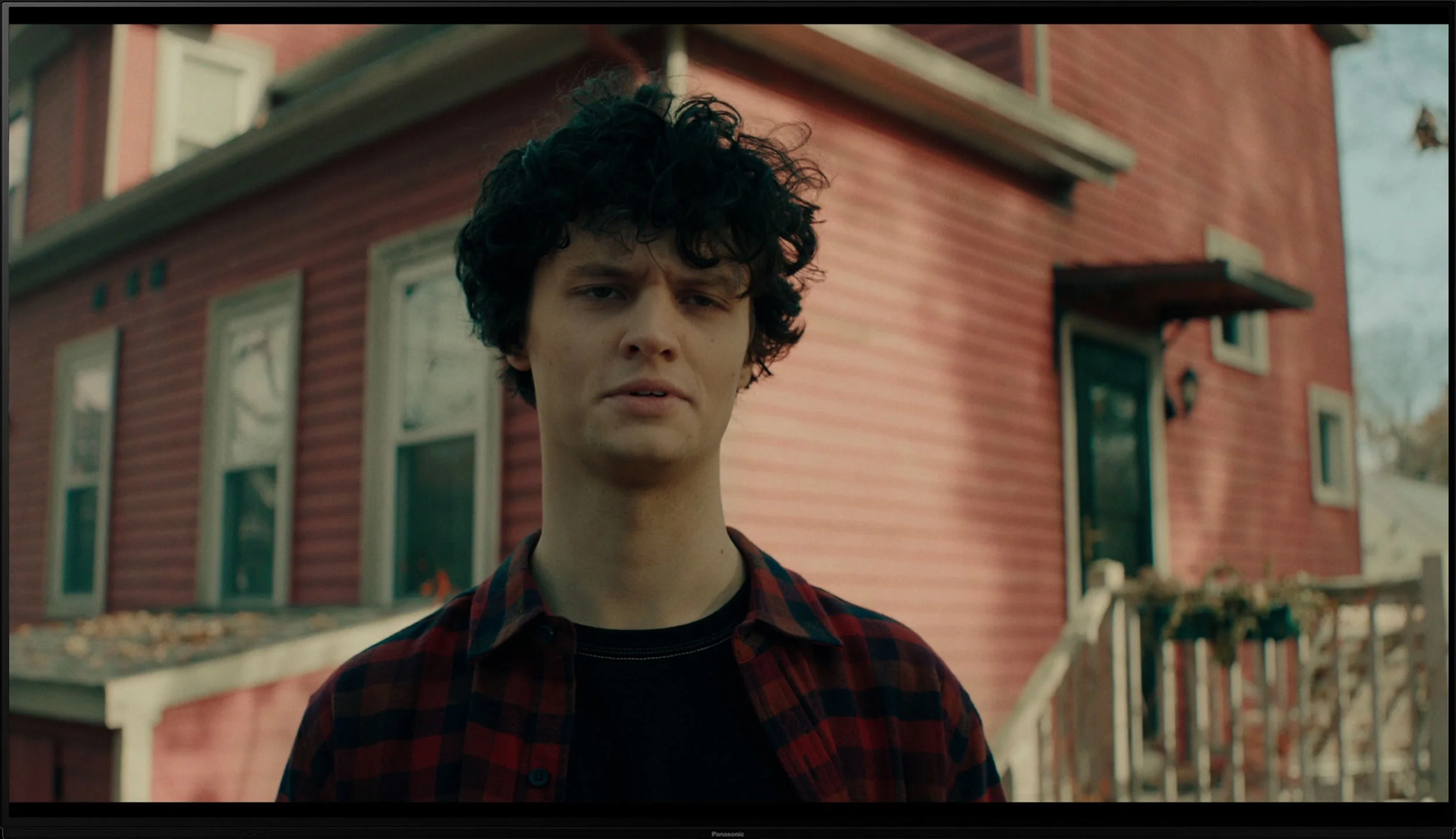
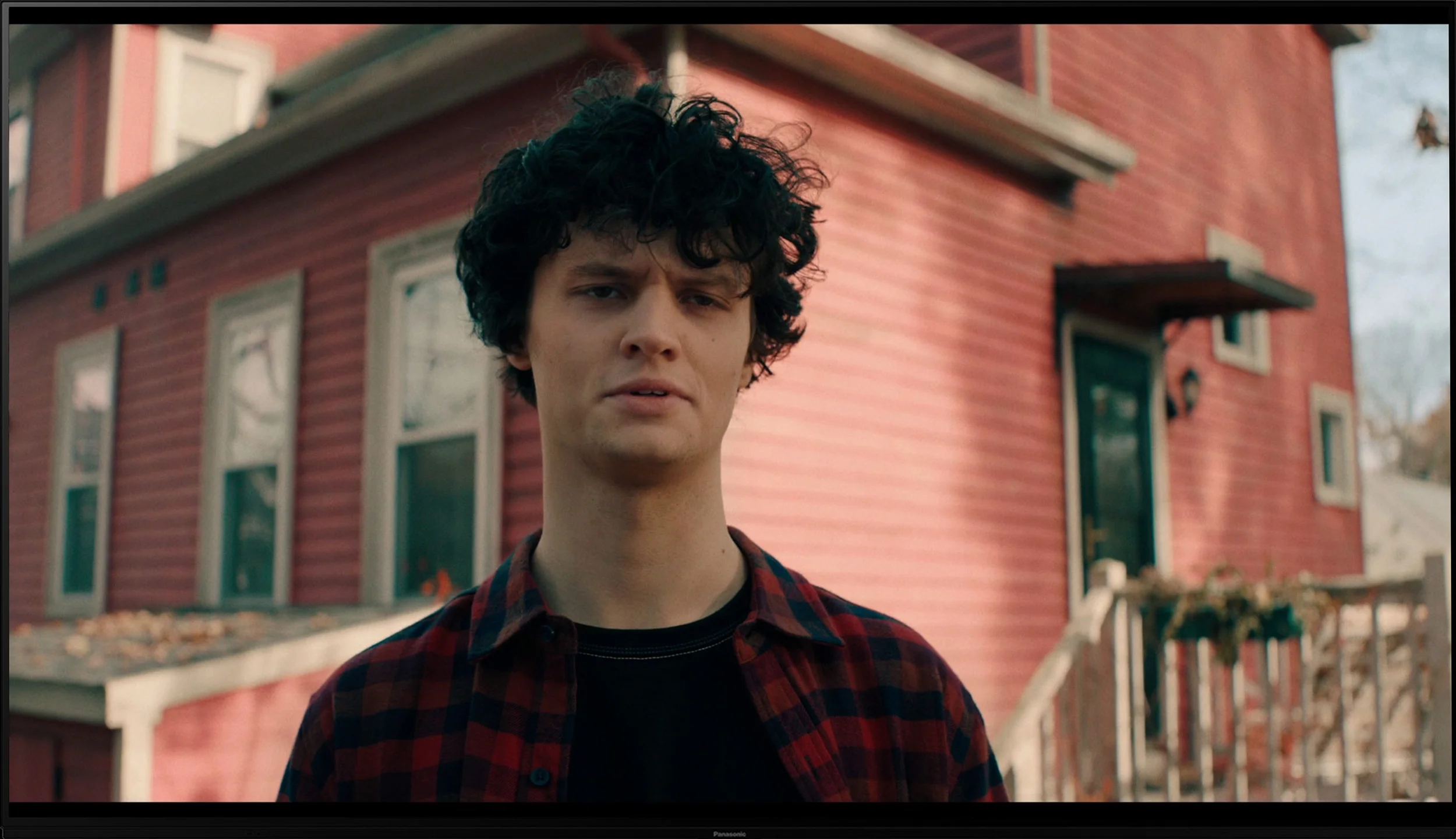
This gallery shows how colors change after professional TV calibration. If you notice the difference, we recommend ordering this service at SkalibrujTV.com.
Factory Mode
After calibration


This gallery shows how colors change after professional TV calibration. If you notice the difference, we recommend ordering this service at SkalibrujTV.com.
Factory Mode
After calibration
The Panasonic Z85A offers many picture modes, but the Filmmaker mode definitely stands out from the rest. It's rare for a TV straight out of the box to be so well calibrated, and the unit we had the opportunity to test truly impressed us.
However, there were some minor shortcomings. In the SDR signal, we noticed a slight deficit of red and blue, which made the picture appear cooler than it should have been. This is particularly evident in the comparison image. In contrast, with 4K HDR material, the situation was the opposite – the surplus of red made the image seem warmer than intended by the creators. In terms of brightness characteristics (gamma) and maintaining an appropriate EOTF curve, it's hard to find faults. There are slight deviations, but they are so minimal that the average viewer is unlikely to notice them.
It's also worth highlighting that our observations relate to a specific unit of the TV. Two identical models may differ from each other due to natural production variances. Nevertheless, the piece we had in hand looks really solid and deserves praise. Now it's time for our calibration – we'll see if we can squeeze even more out of this screen!
In the C8K, a new picture mode has appeared: Filmmaker Mode. This is something we've known for years from televisions of other brands – a mode designed to deliver the director's vision as faithfully as possible, without unnecessary image enhancements. Unfortunately, at TCL, it seems to still be in the "to be refined" stage. Right from the first glance, the screen appears too warm – the image veers into reds, which may not appeal to everyone. The white balance was markedly skewed – the screen looked distinctly warm, and the red colour dominated almost every scene. There was a lack of blue, which led to an unpleasant yellowing and distortion of the image. But that’s not all. Regardless of whether we were watching regular TV, YouTube, or HDR films – the television had a clear tendency to excessively brighten the image. In tests of gamma curves and EOTF, the lines strayed instead of adhering to the standard, resulting in an overly bright and less contrasting image. Additionally, in colour reproduction tests, significant deviations were noticeable – on the colour wheel, some points were actually "drifting away." It must be said plainly: Filmmaker Mode in the C8K, in its current form, is not very cinematic.
Color reproduction after calibration
9.4/10
7.5/10
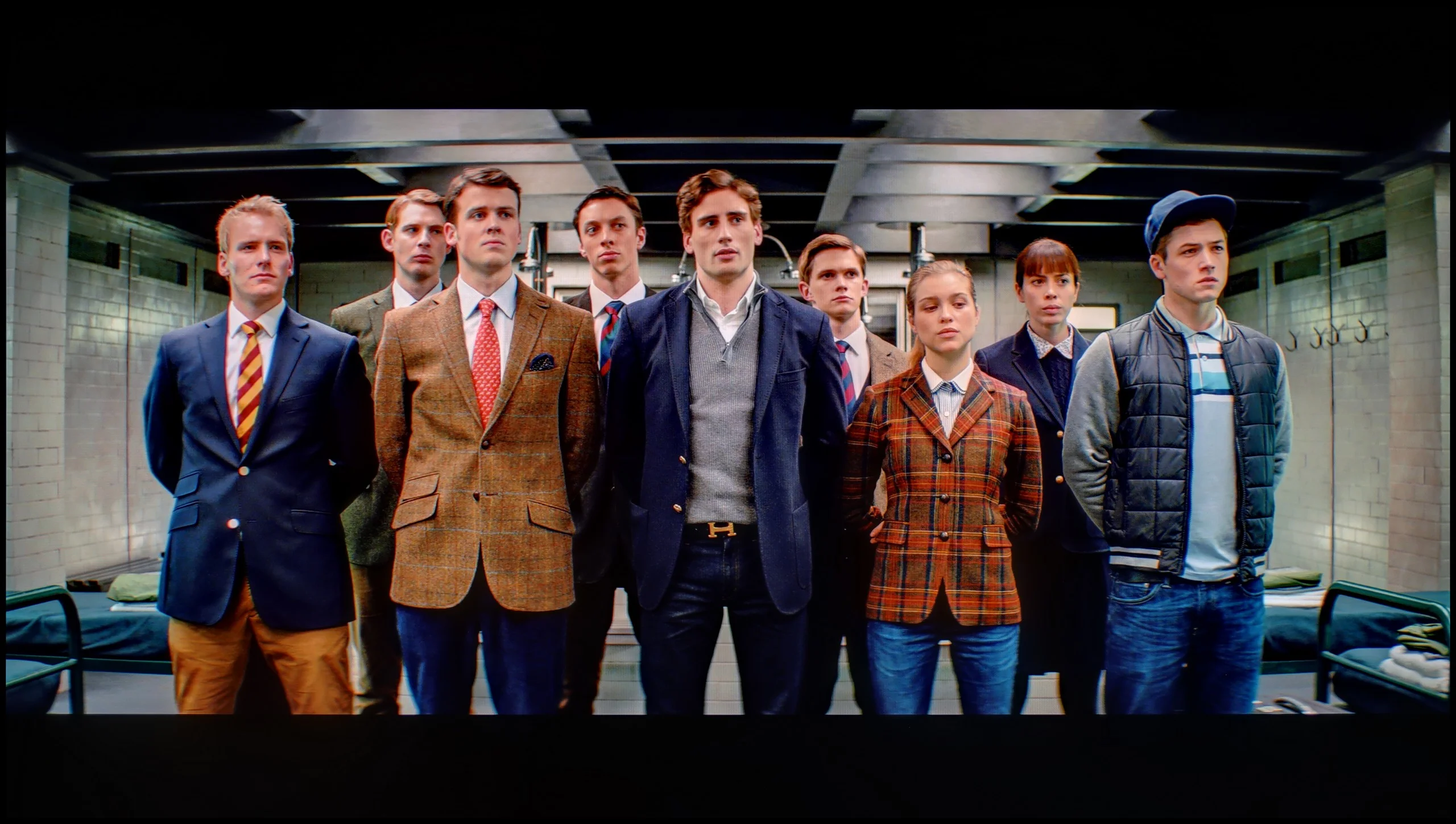

The photos show how movies look on the TV. Pay attention to black detail visibility, colors, and shadow tint.


The photos show how movies look on the TV. Pay attention to black detail visibility, colors, and shadow tint.
The Panasonic Z85A offers truly wide-ranging capabilities when it comes to picture settings, so we eagerly set about calibrating it. Although we mainly focused on adjusting the white balance, the final effect exceeded our expectations. Both HD and 4K HDR content now showcases nearly perfect colour reproduction, with minimal errors that are hard to catch with the naked eye. Well-calibrated TVs are a rarity, and we must admit – it’s truly satisfying. While the gamma and EOTF curve didn't require drastic adjustments, we managed to further stabilise their characteristics across the entire brightness scale. After calibration, the Panasonic Z85A is a true gem for home cinema enthusiasts. The picture is precise, the colours are natural, and every scene looks exactly as the director intended.
After professional calibration, the TCL C8K has made a huge leap forward. In SDR content, the white balance has been almost perfectly set – the screen has finally stopped being too warm and has taken on a neutral character. The gamma curve, which is responsible for how brightness is represented, now looks very good – the image is more coherent and realistic. In HDR content, we also improved the white balance – within the limits of what the television itself allows. Unfortunately, the C8K still interprets brightness management a bit "in its own way." When we look at the EOTF chart in films, it’s clear that the television brightens entire scenes more than it should. Before calibration, this effect was quite bothersome – now the situation is much better, although it still falls a bit short of perfection. This, however, is a limitation of the device itself, which – despite our efforts – does not allow us to fully tame its nature.
Smoothness of tonal transitions
7.5/10
8.7/10
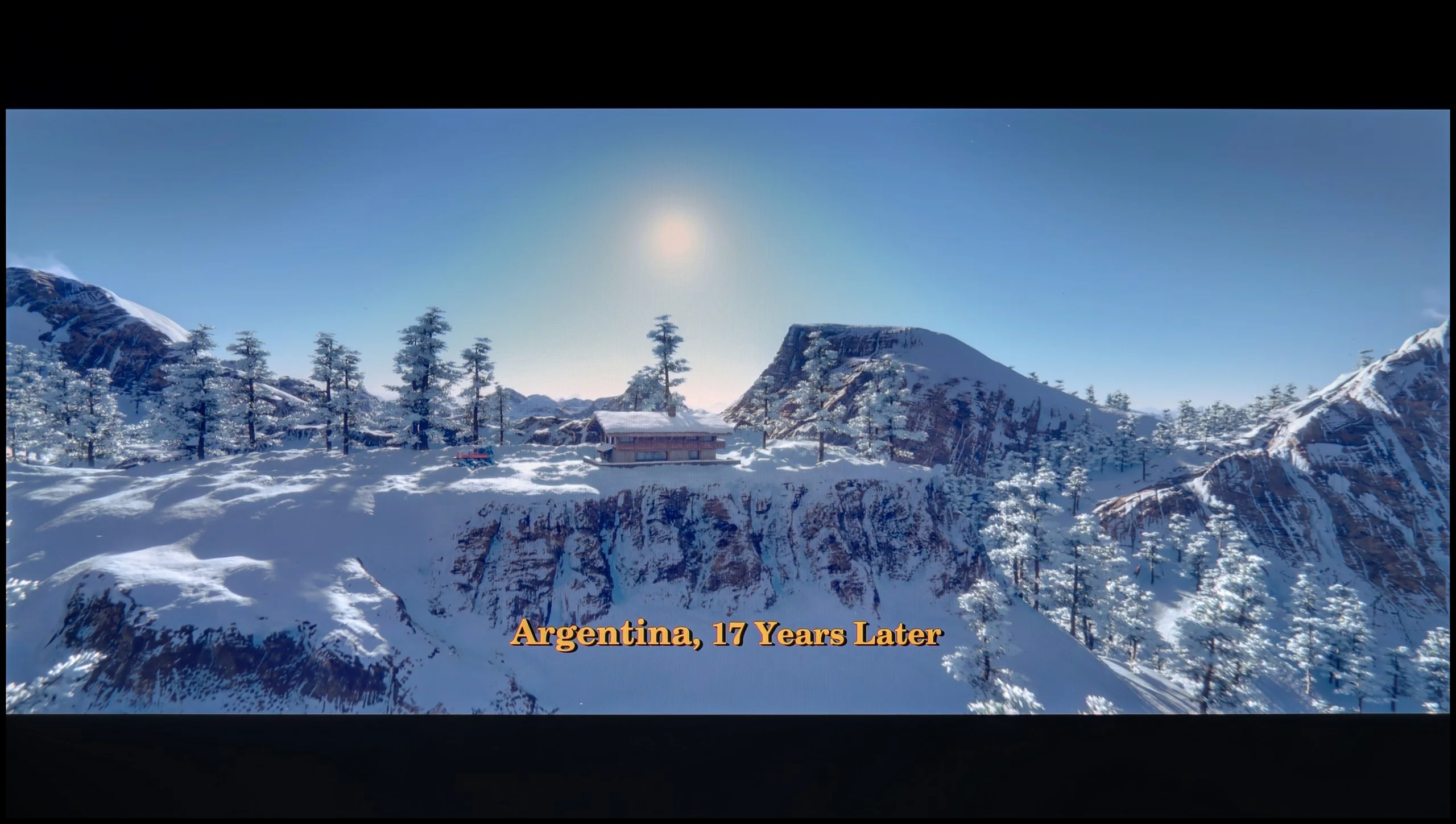

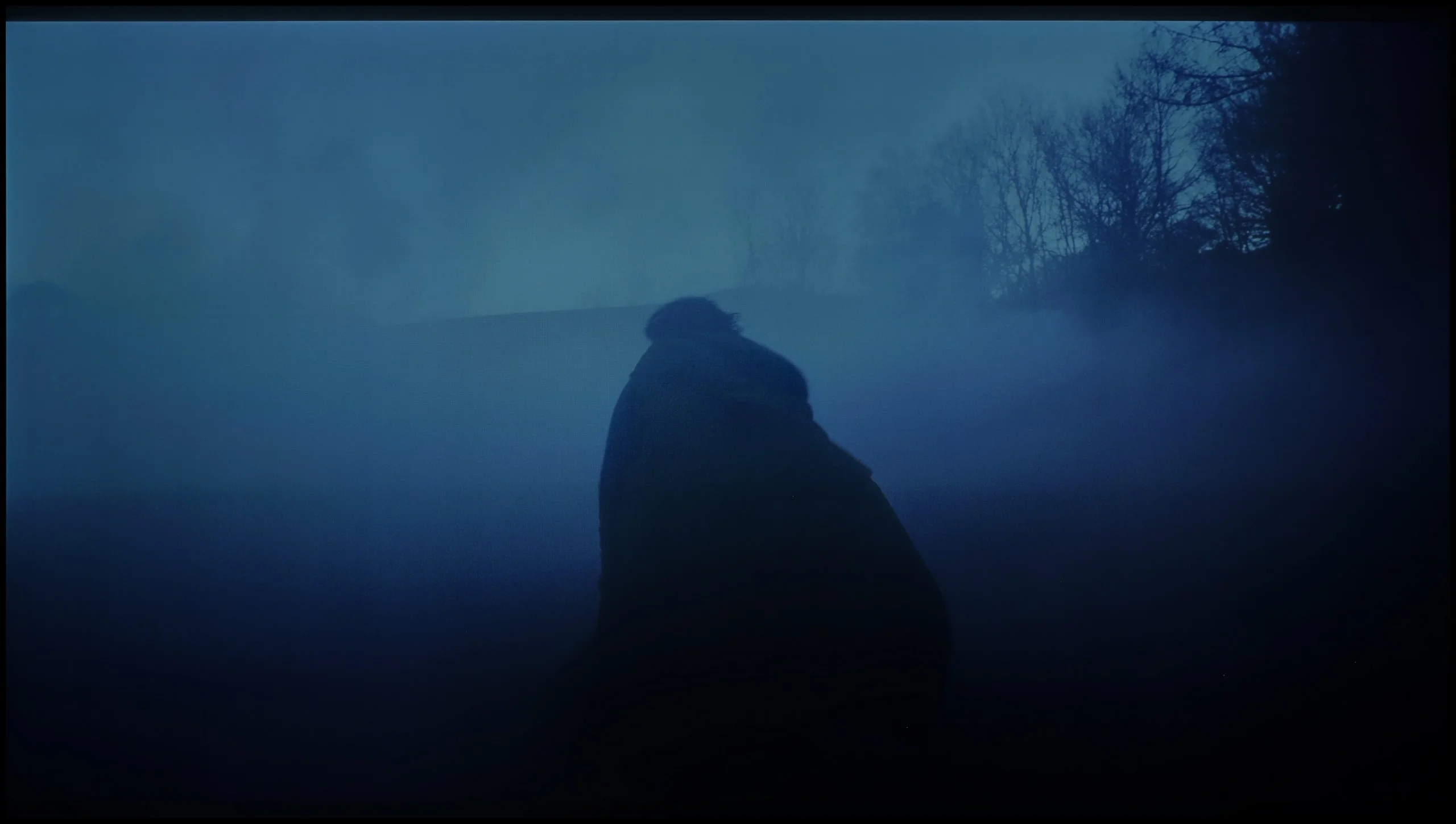
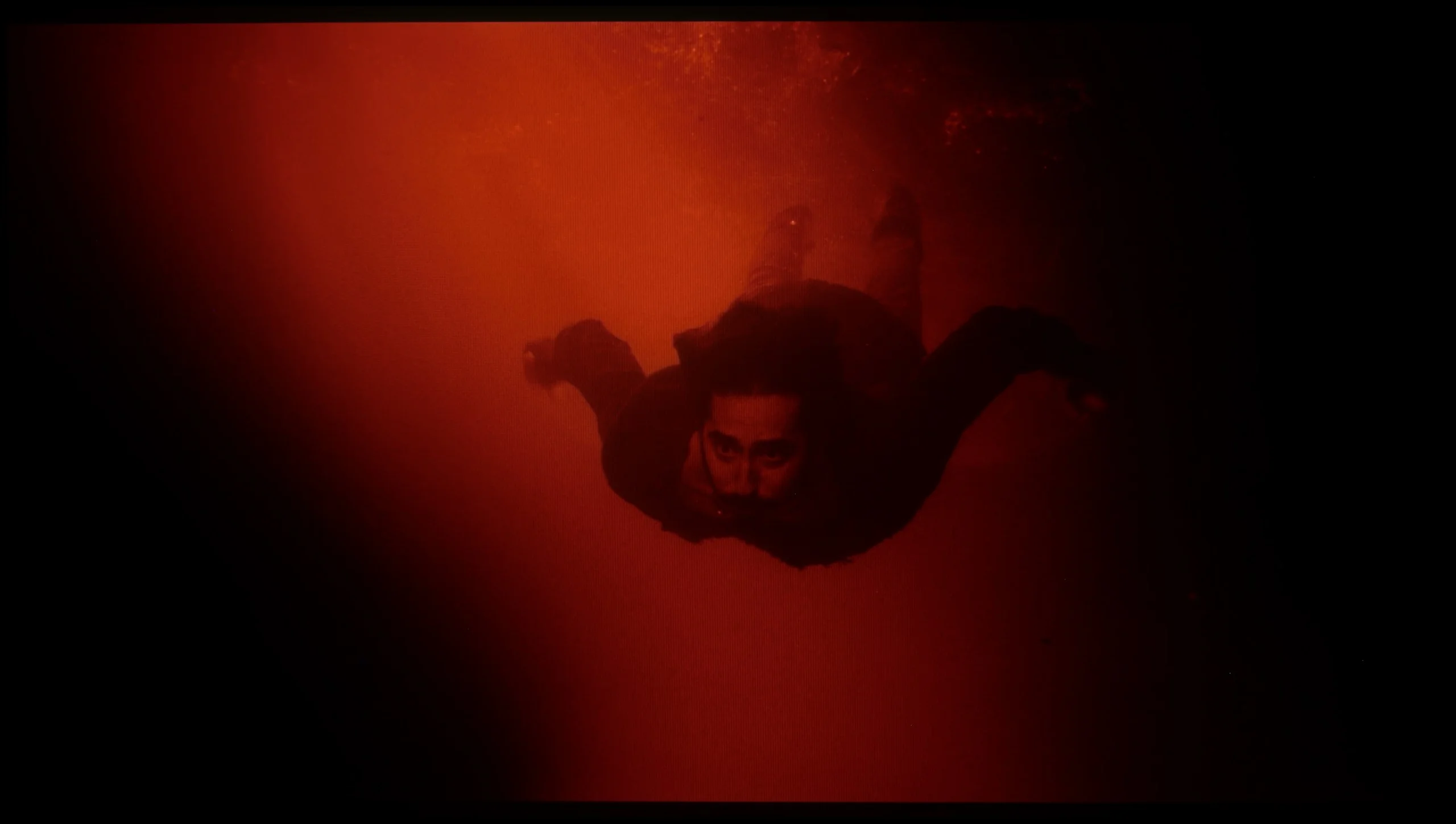
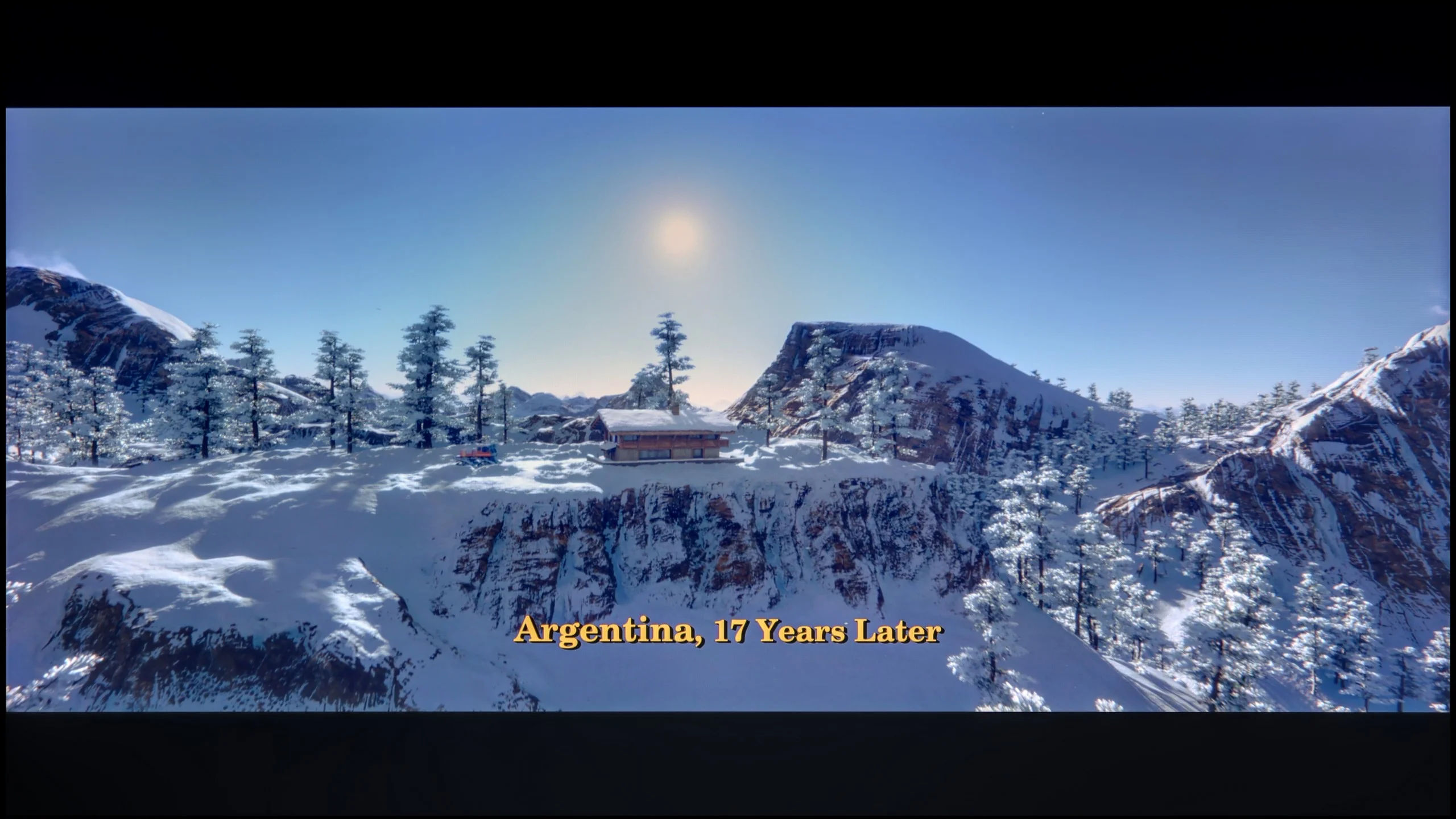
These are selected scenes that show smooth tonal transitions from one color to another. If you see distinct banding, it’s the TV panel’s fault.

These are selected scenes that show smooth tonal transitions from one color to another. If you see distinct banding, it’s the TV panel’s fault.
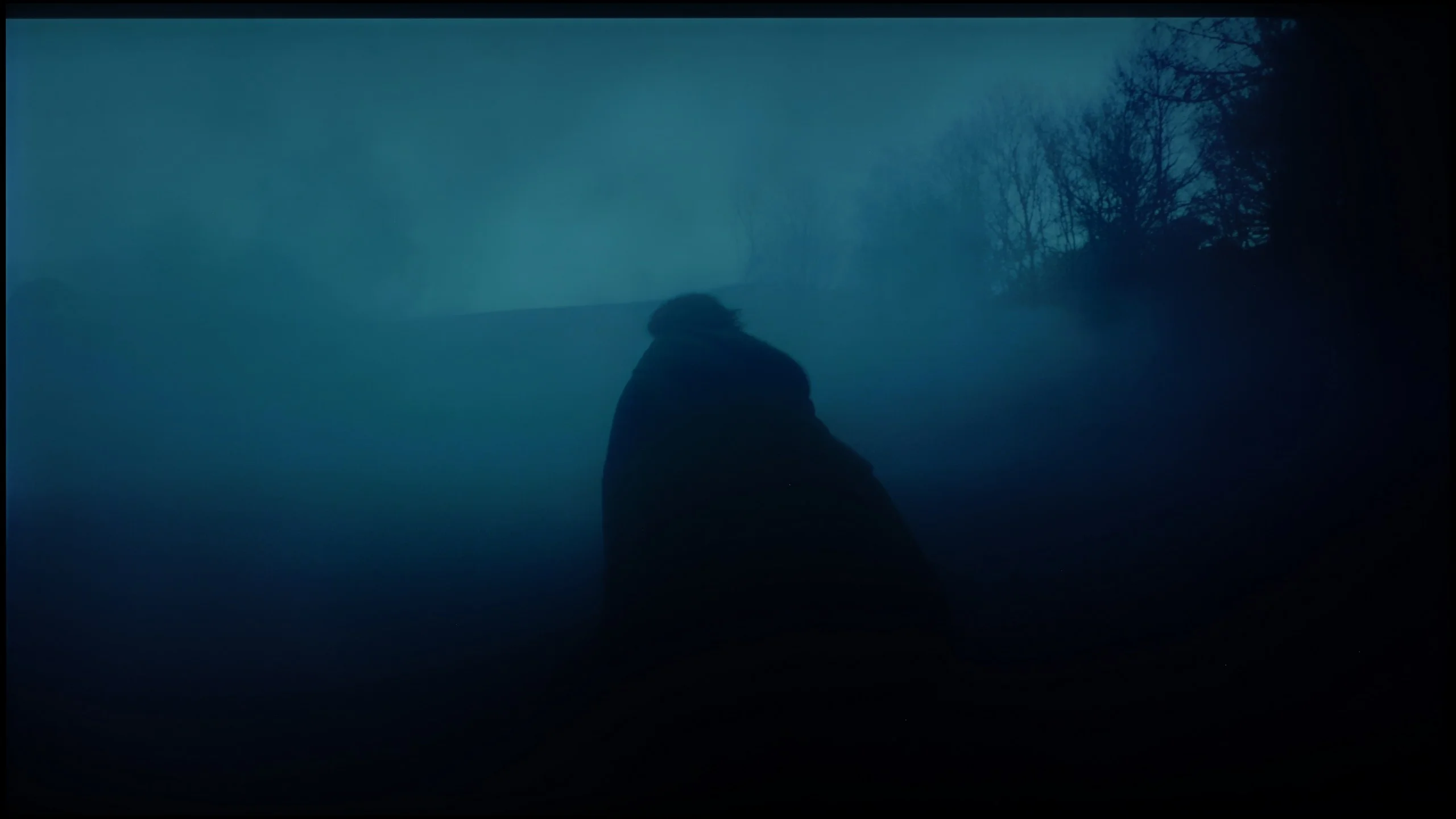
These are selected scenes that show smooth tonal transitions from one color to another. If you see distinct banding, it’s the TV panel’s fault.
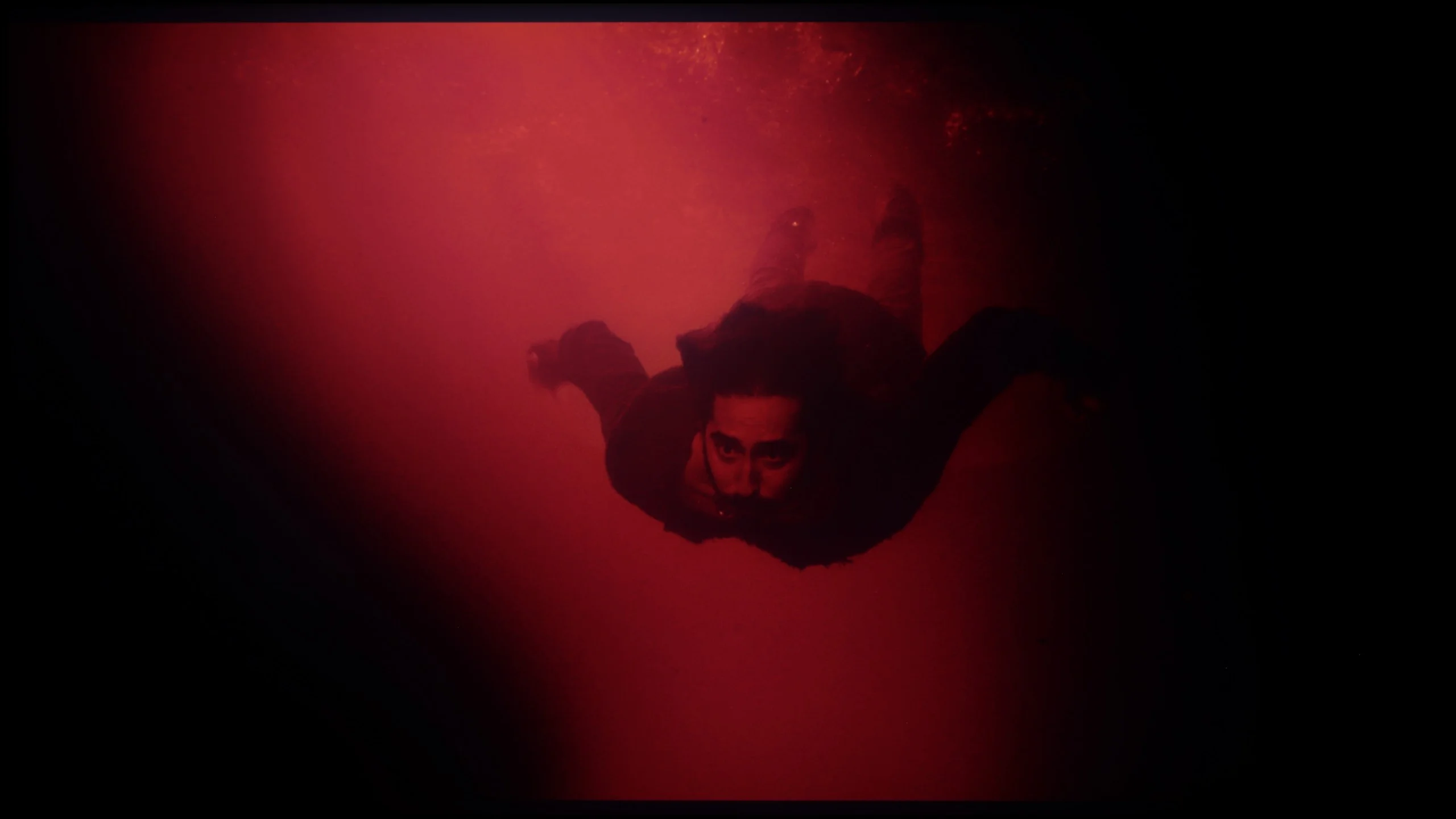
These are selected scenes that show smooth tonal transitions from one color to another. If you see distinct banding, it’s the TV panel’s fault.
The Panasonic Z85A handles tonal transition fluidity really well. Colours blend naturally together without noticeable disruptions or visible bands. However, in brighter scenes, such as the opening sequence in the film Kingsman, slight imperfections can be seen. This is typical for WOLED panels, which have their limitations compared to Samsung Display's QD-OLED designs due to the use of white sub-pixels. The differences aren’t colossal, but a discerning eye will catch them, especially in more demanding scenes with subtle colour gradients. Despite these minor reservations, the Z85A presents a level that will satisfy the overwhelming majority of users. Tonal transitions are smooth, and the image maintains consistency even in complex scenes. This is a solid result that will rarely cause issues in everyday viewing of movies or series.
In this regard, the TCL C8K performs really well. The transitions between colours look natural and cohesive – there are no strange bands or strong banding that could disrupt the viewing experience. Especially in bright scenes, everything looks very smooth. In the darkest parts of the image, particularly in shades of grey, you might occasionally notice slight inconsistencies, but they are subtle enough that they shouldn't bother anyone.
Image scaling and smoothness of tonal transitions
7.4/10
5.5/10

Smooth transition function
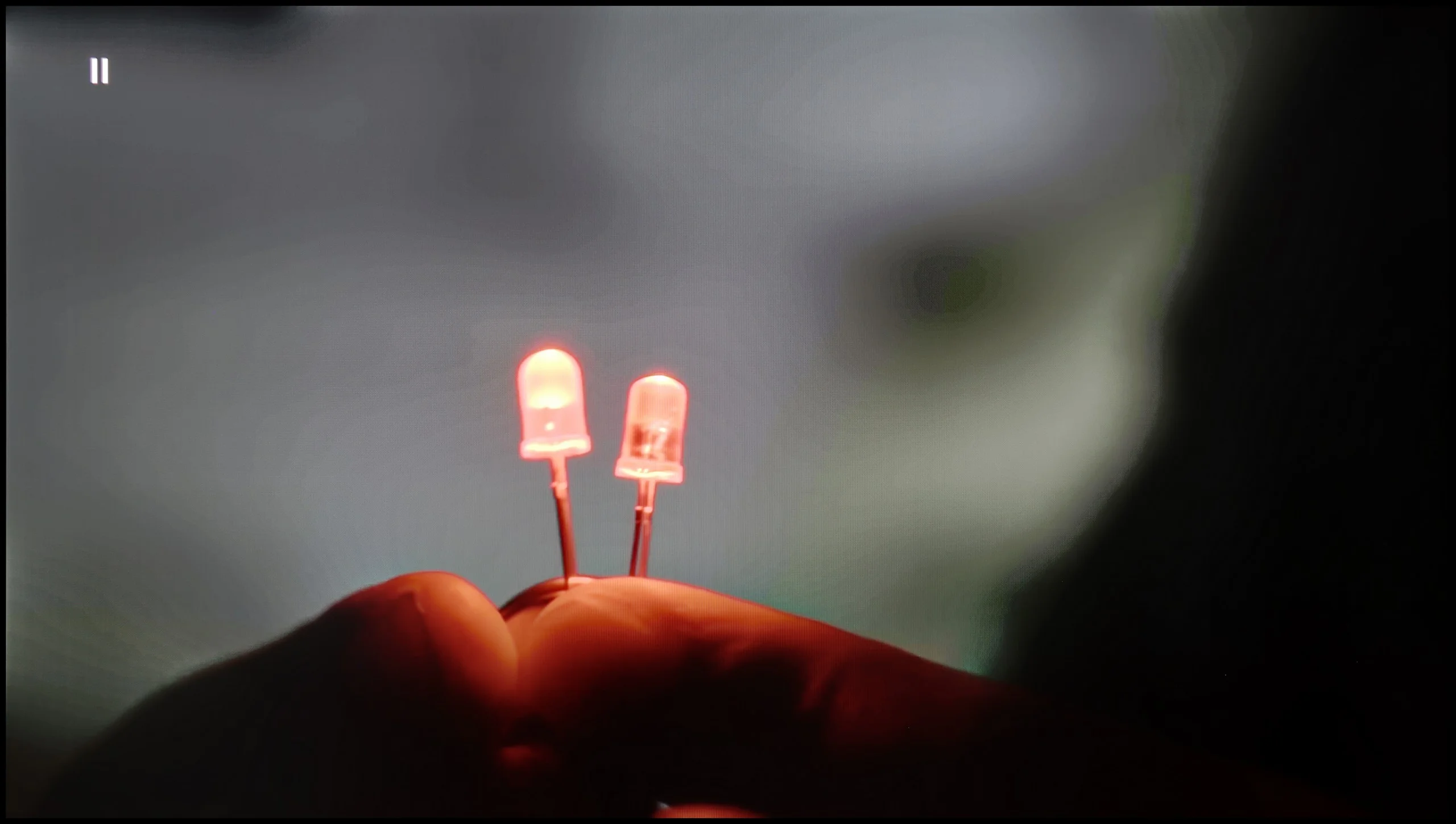
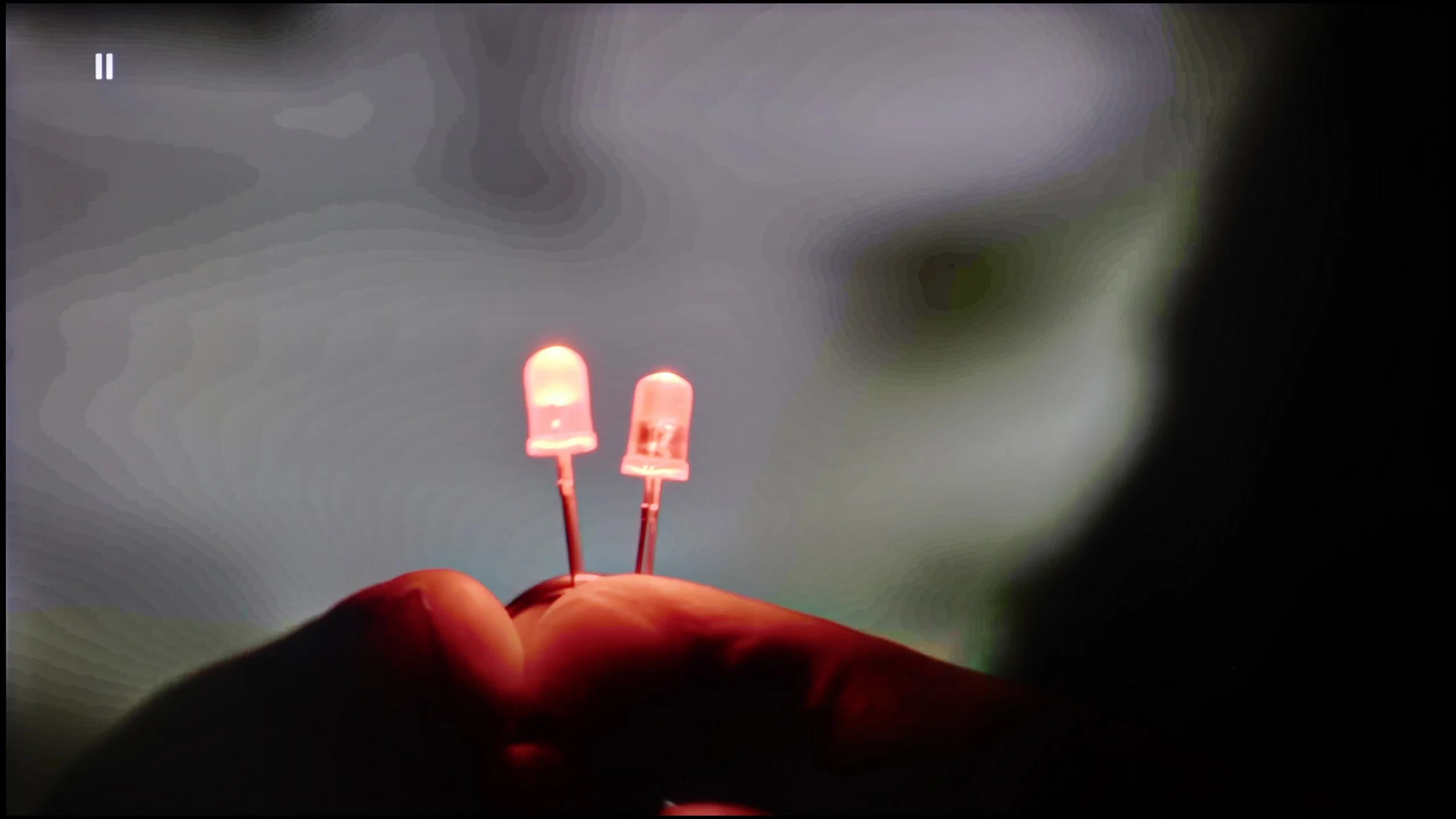
The match photo shows how the TV smooths weak tonal transitions in low-quality video.
Image scaling SD (576i)


The model photo shows how it handles upscaling of SD material.
Now that we know how the Panasonic Z85A handles tonal transitions in 4K material, it’s time to take a look at its "Gradation Smoothing" function. It works, but unfortunately not entirely effectively. Regardless of the chosen value – whether it’s low, medium, or high level – we couldn’t achieve perfectly smooth tonal transitions in our test sequence. We recommend setting this function to an intermediate level. While this may slightly blur fine details, at least it avoids the problem of losing film grain, which can be crucial for many viewers when watching classic productions.
When it comes to image scaling, the TV performs quite well. It’s noticeable that the image is slightly sharpened, and thin lines can sometimes appear a bit jagged. However, this is standard for most TVs, and fortunately, it can be adjusted using the sharpness slider. This gives us full control – we can achieve a more vivid, blurred image or a clearer one, although it may appear more "harsh" and artificially sharp. It all depends on the user's preferences and the type of content we’re watching. Overall, the scaling is at a solid level and should satisfy most users who are using lower resolution material.
How does the TCL C8K handle lower quality materials? One could say: fairly well, though without much enthusiasm. The television offers a tonal transition enhancement feature designed to smooth out unwanted gradients. In practice, there's a slight improvement visible, but it's not at a level that eliminates all imperfections. The feature subtly softens harsh transitions, but it doesn't work miracles. Film grain isn't completely suppressed, and subtle banding on grey backgrounds can still be noticeable. But maybe that's for the best? – at least the image doesn't lose its texture or depth, as is often the case with televisions that overdo digital processing. When it comes to upscaling, which is enhancing picture quality from lower resolutions, the C8K performs quite well. The image is sharp, and details – though sometimes a bit softened – remain discernible. However, it's not on par with the best picture processors from the competition. On the plus side, there's no issues with overscan, which is the artificial cropping of the image that can still surprise in some models from other brands.
Blur and motion smoothness
8.5/10
7.6/10
Blur (native resolution, maximum refresh rate):






Blur (BFI function enabled):
Image flickers in this mode



Blur ():
Blur (288HZ 1080p):



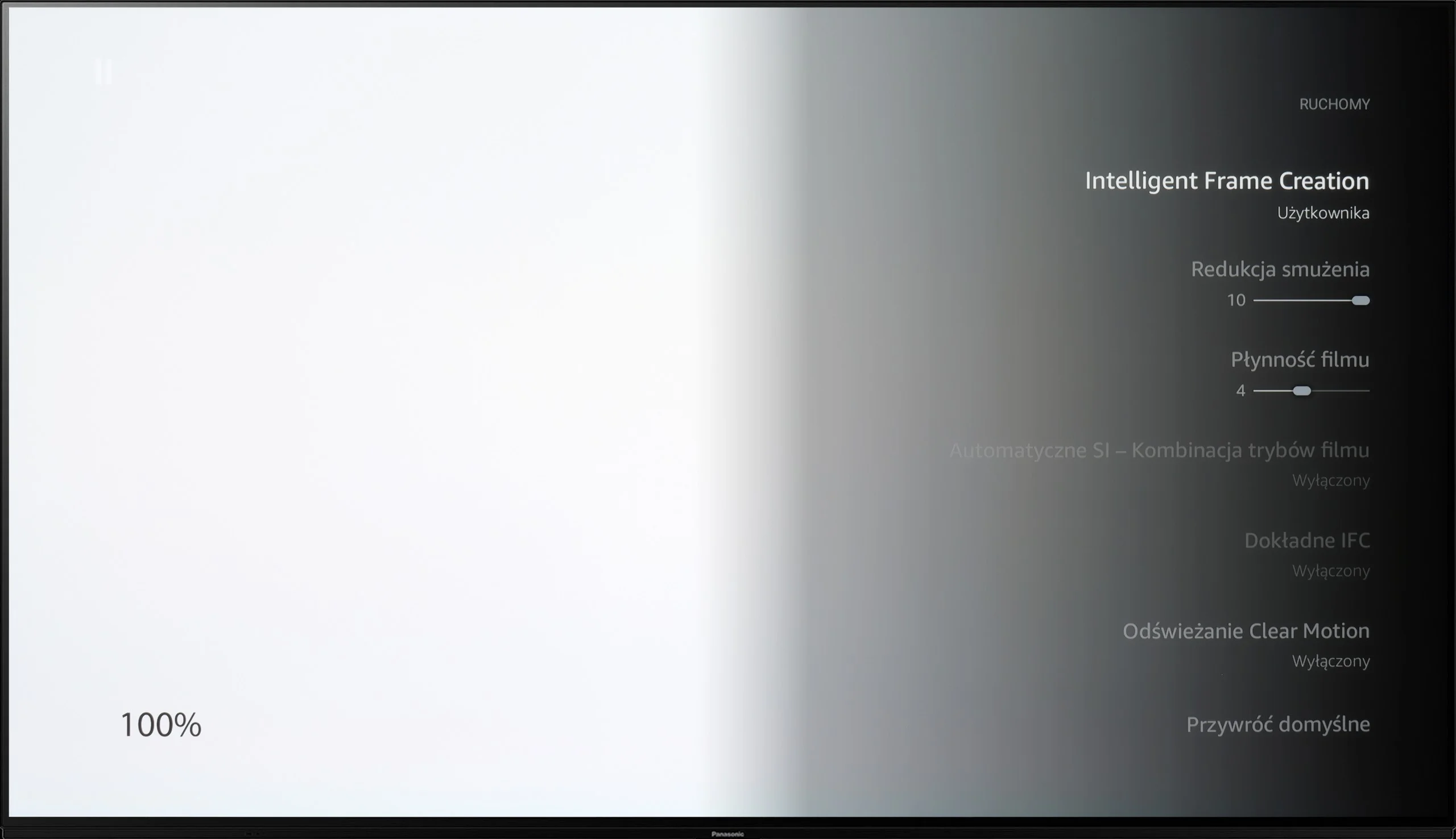
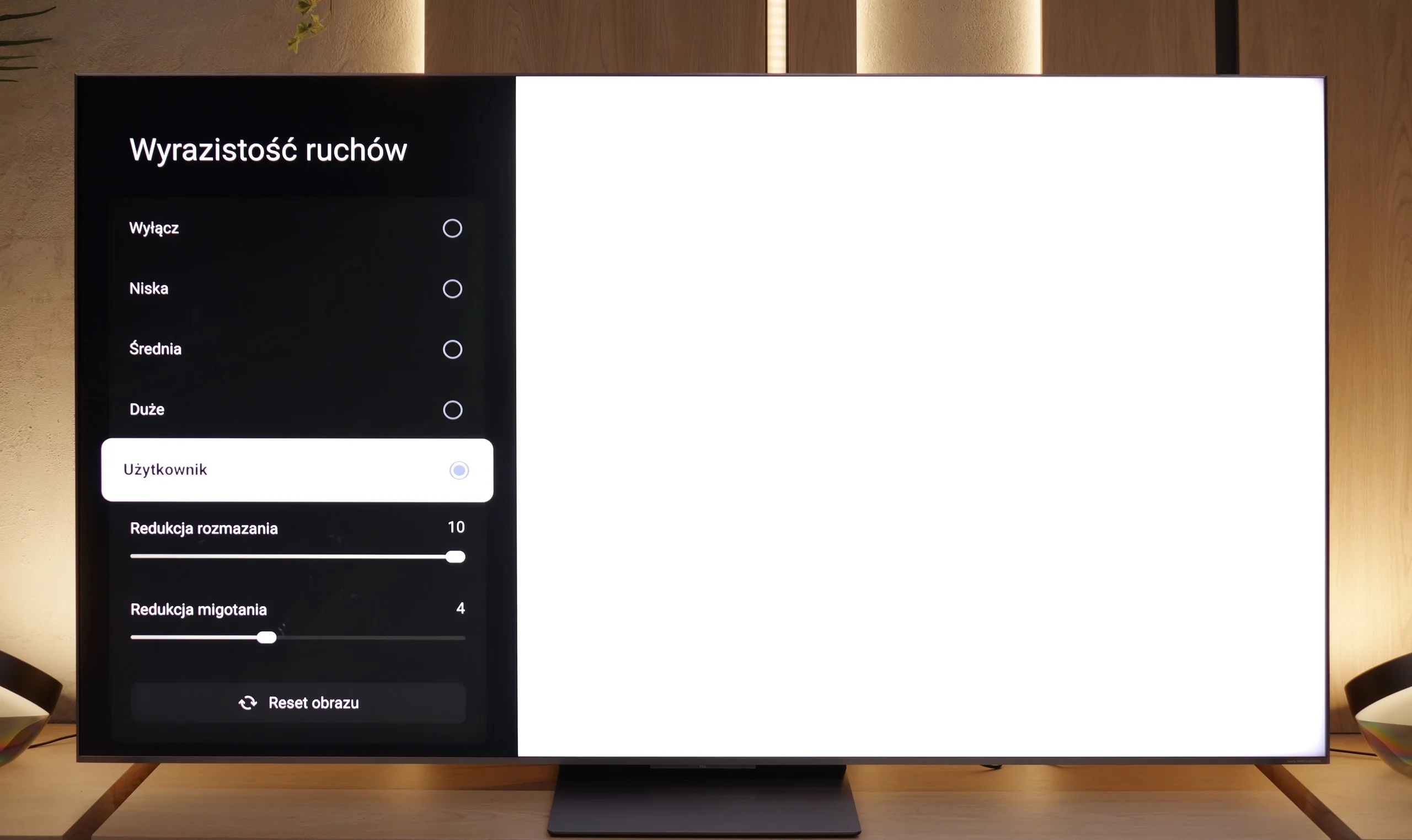
The Panasonic Z85A features a 120 Hz panel, which will surely please both gamers and sports fans. Sure, it’s not 144 Hz like some gaming TVs, but in practice, the difference is really hard to notice. In games, the picture is stable and sharp, and during fast action, there’s no sign of any blurring. The same goes for sports – a player’s quick run or a car’s dynamic maneuver looks smooth and natural. The TV also has an “Intelligent Frame Creation” feature, which is a motion smoother. There are two sliders here – one controls motion blur reduction, while the other adjusts motion smoothness. With these, you can tailor the picture to your own preferences – whether you prefer a more cinematic effect with gentle transitions between frames or a maximally smooth image ideal for watching sport.
If you're planning a weekend with the Champions League or a marathon of F1 racing – the TCL C8K won't let you down. The television is equipped with a 144 Hz panel, so it should inherently handle fast motion well. And indeed – it performs very well. The fluidity of motion is at a very good level here, and the "Motion Clarity" feature with two sliders (blur reduction and flicker reduction) allows you to easily adjust the effect to your own preferences. Want to slightly smooth things out – no worries. Prefer a cinematic look – no problem.
Console compatibility and gaming features
10/10
9.8/10
- ALLM
- VRR
- VRR range40 - 120Hz48 - 288Hz
- Dolby Vision Game Mode
- Correct implementation of HGIG
- 1080p@120Hz
- 1440p@120Hz
- 4K@120Hz
- Game bar
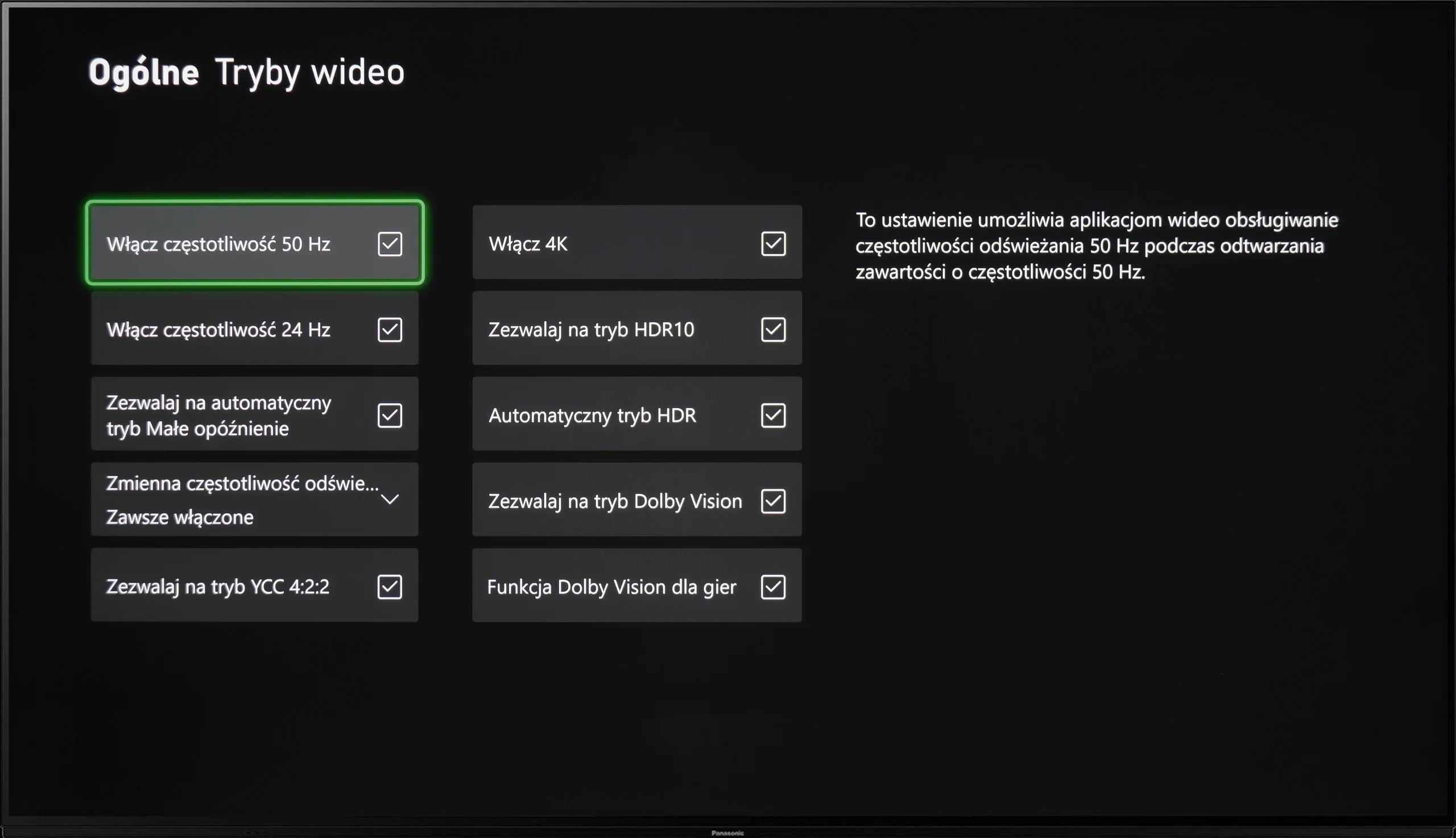
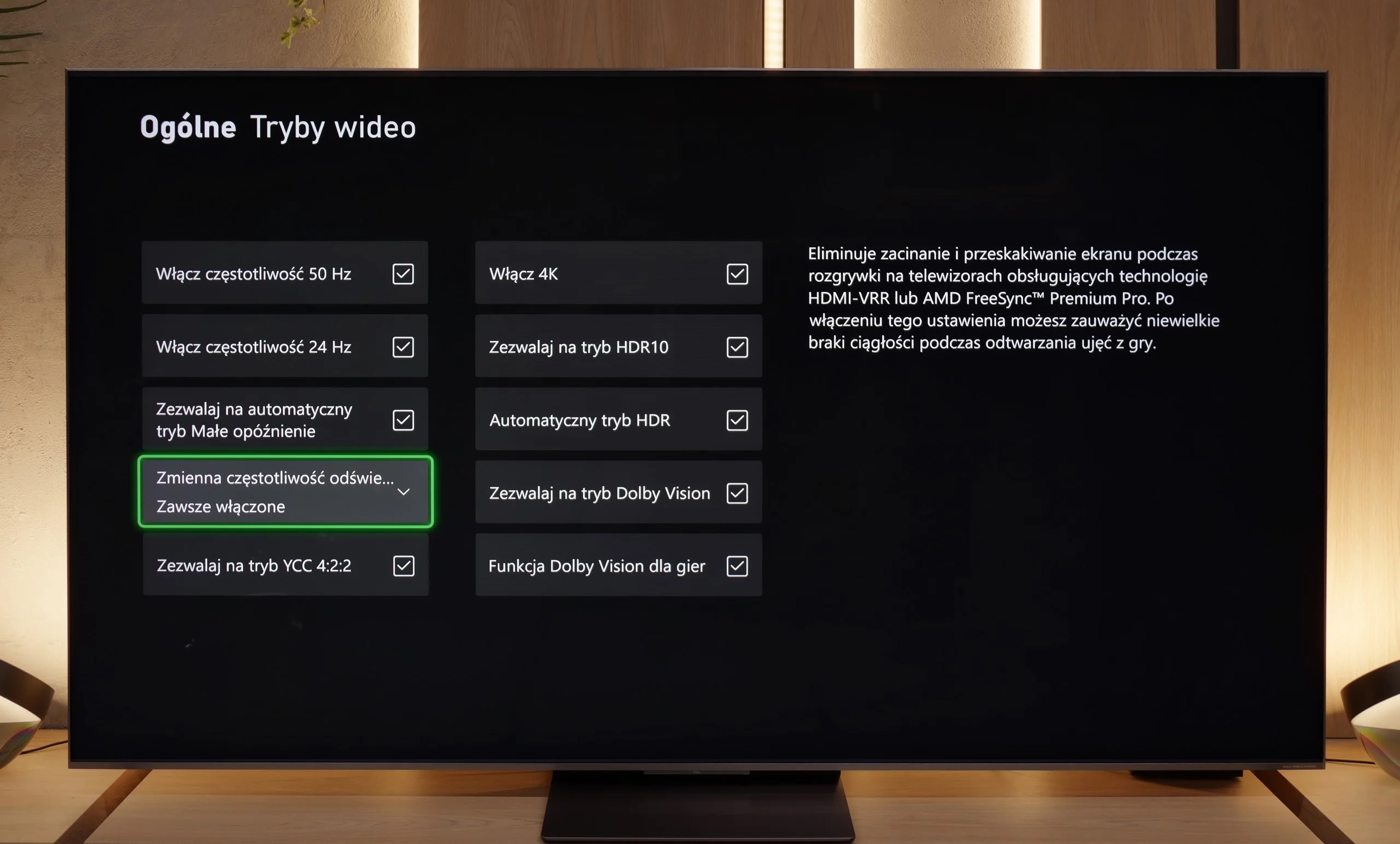
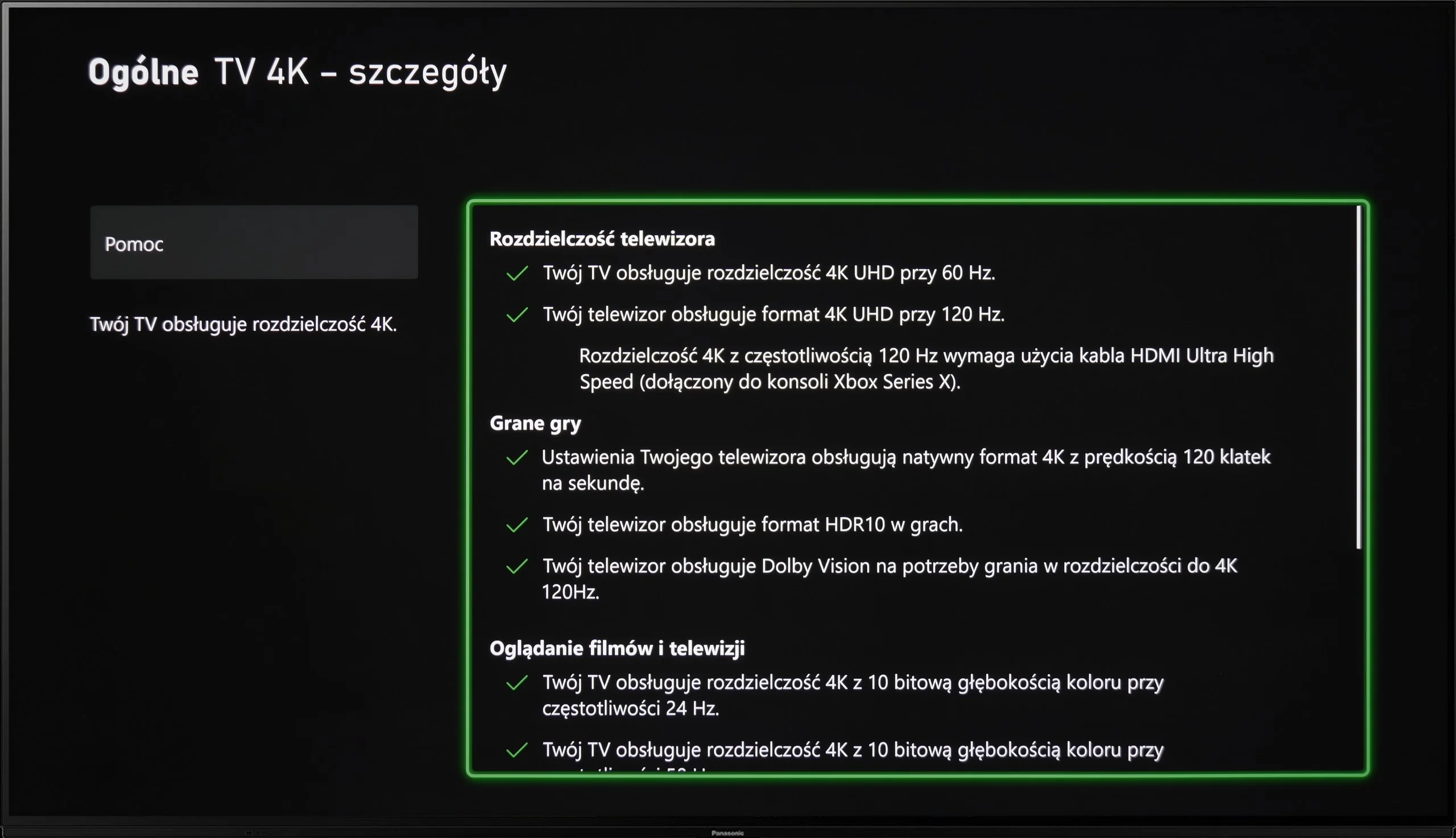
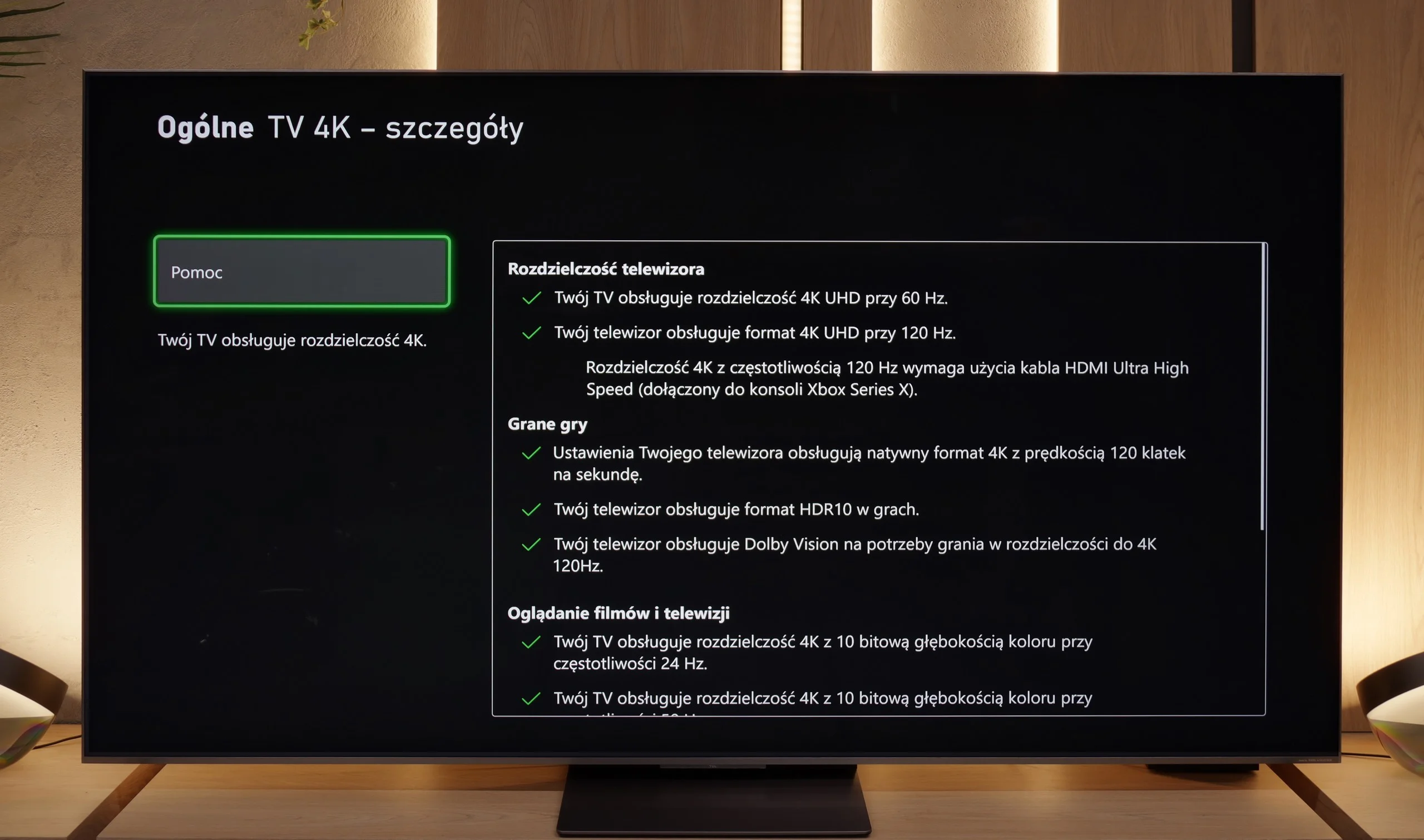
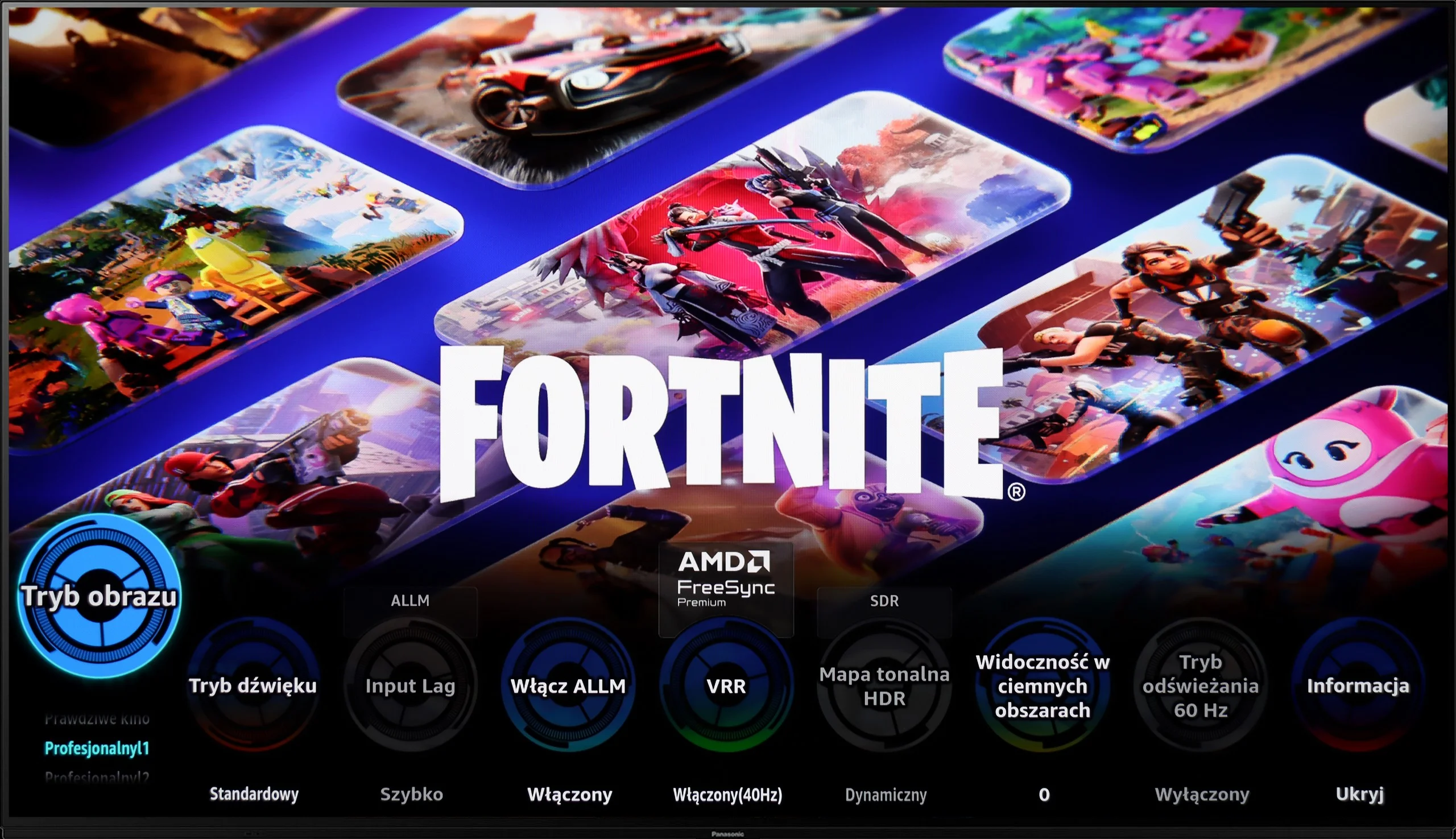
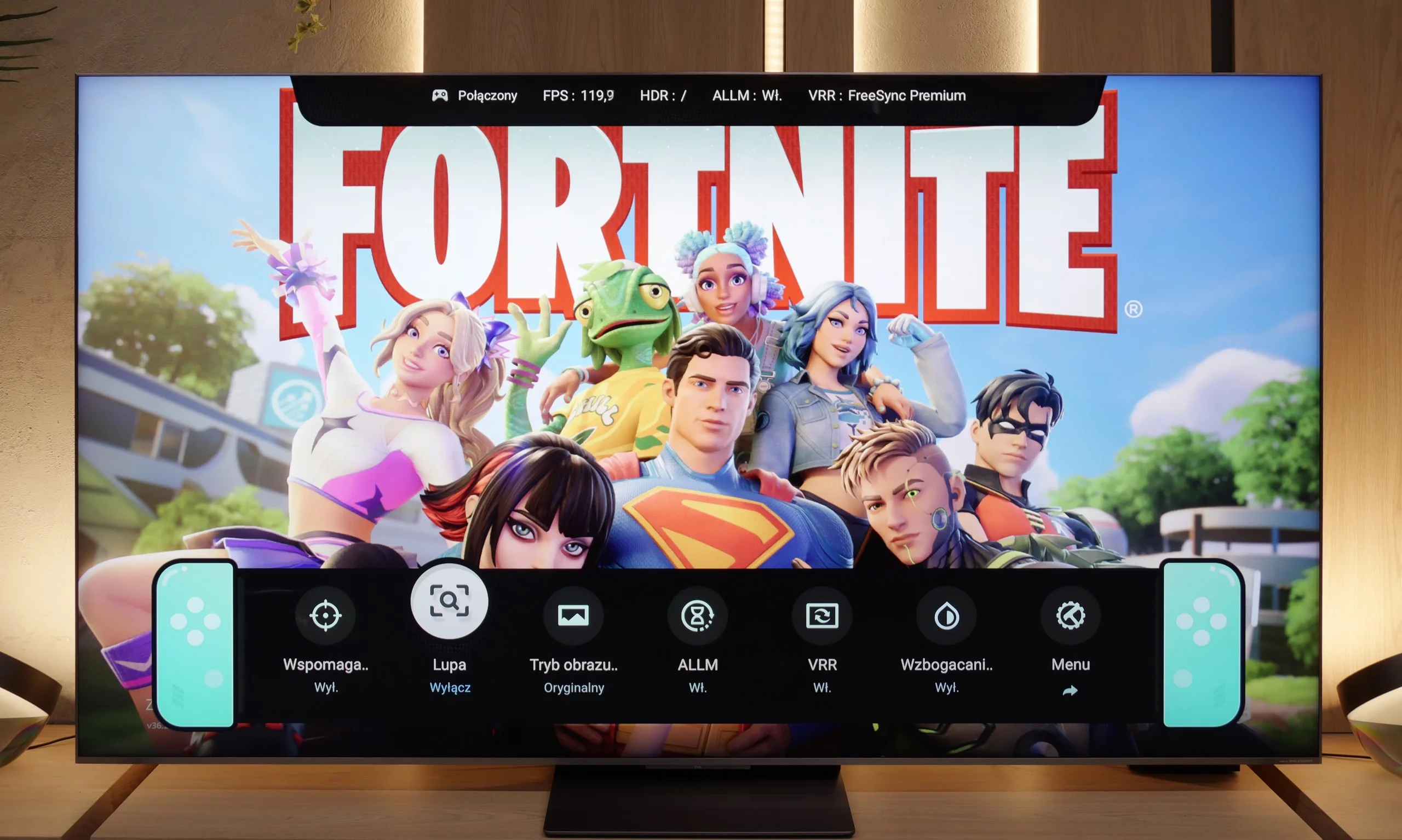
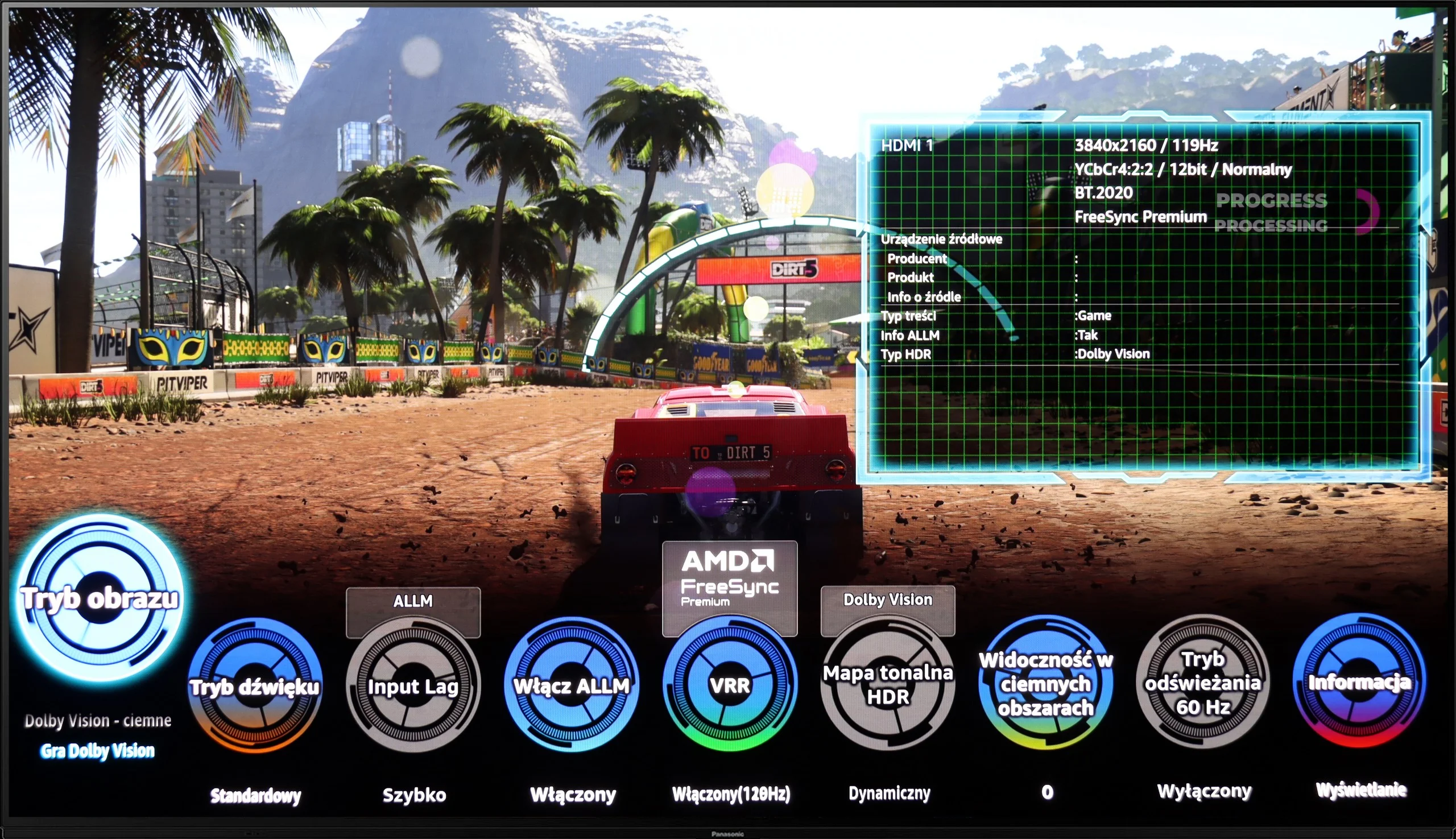
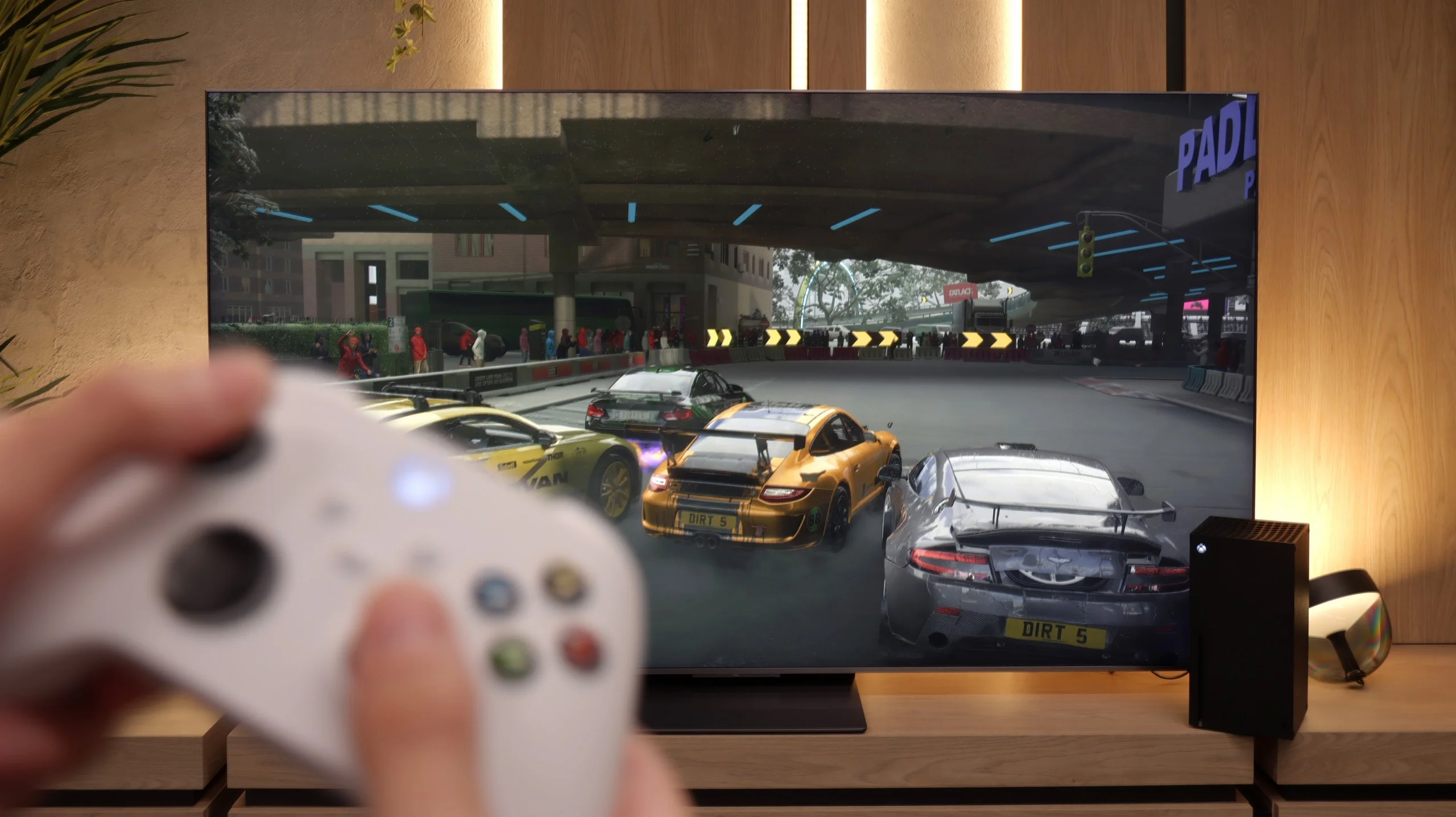
Panasonic is mainly associated with home cinema televisions, but the Z85A shows that it can also step into the gaming world with a truly strong punch. It's a device that can easily be called a gaming beast – it has everything needed for comfortable gameplay.
Even though it has only two HDMI 2.1 ports, both operate at full bandwidth, so we can easily connect both a next-gen console and a gaming PC. All the key features are supported: ALLM automatically switches the television into game mode, VRR provides smooth visuals without stuttering and tearing, and with properly implemented HGIG and Dolby Vision, HDR games look really good – colours are vivid, details are sharp, and dark scenes are clear. We also find a Game Bar in the form of a transparent, circular menu. It may not look as impressive as the competition's, but it's intuitive and includes all the most important settings we’d want at hand during gameplay.
In summary – the Panasonic Z85A is a device that truly surprises with its gaming capabilities. It's a television where both console gamers and PC gamers will feel at home. It's smooth, dynamic, and just good.
TCL C8K offers practically everything we could expect from a screen for gamers. It has variable refresh rate (VRR), automatic game mode (ALLM), Dolby Vision in games, and a well-functioning implementation of HGiG, which helps preserve the creators' intent in HDR titles. The TV also supports 120 Hz in lower resolutions without any problems, and it can even display a staggering 288 Hz in Full HD – a figure that will surely appeal to fans of dynamic shooters and sports games on PC.
On board, we also find the GameBar – a graphical interface that somewhat resembles an elongated Nintendo Switch console. Thanks to this, we gain quick access to information about the current game mode, frame count, HDR format, and other little details that really make life easier for the gamer. We obviously couldn’t resist and ran a couple of races in Forza Horizon on the C8K – and we must admit, it looked and worked really well.
However, there is a slight drawback – in such a fast and clearly gaming-oriented device, it's a bit unfortunate that the manufacturer opted for the implementation of only two HDMI 2.1 ports. For some users, who use several next-gen consoles and, for example, a soundbar with eARC, this could be a limitation that’s hard to overcome.
Input lag
10/10
9.9/10
SDR
HDR
Dolby Vision
Since the Panasonic Z85A has also been designed with gamers in mind, the input lag had to be refined. And indeed – the results are really excellent. At 120 Hz, the lag is just 5 ms, and at 60 Hz it's 13 ms. These are values that will satisfy even the most demanding gamers, whether we're talking about fast-paced shooters or precise fighting games. The responses to our movements on the controller are practically instantaneous, and the gameplay is smooth and responsive. Importantly, the Dolby Vision mode also works perfectly here. Just a few years ago, using Dolby Vision in games often came with high input lag, but in the Z85A, this problem has been effectively eliminated.
In terms of delays, the TCL C8K pleasantly surprised us. Whether we were playing in 4K at 60 Hz, 120 Hz, or even in Full HD with Dolby Vision – the input lag remained at a very low level. This is a rare sight, as many TVs lose their advantage here, especially with more demanding Dolby Vision GAMING picture settings.
Compatibility with PC
7.6/10
8.6/10
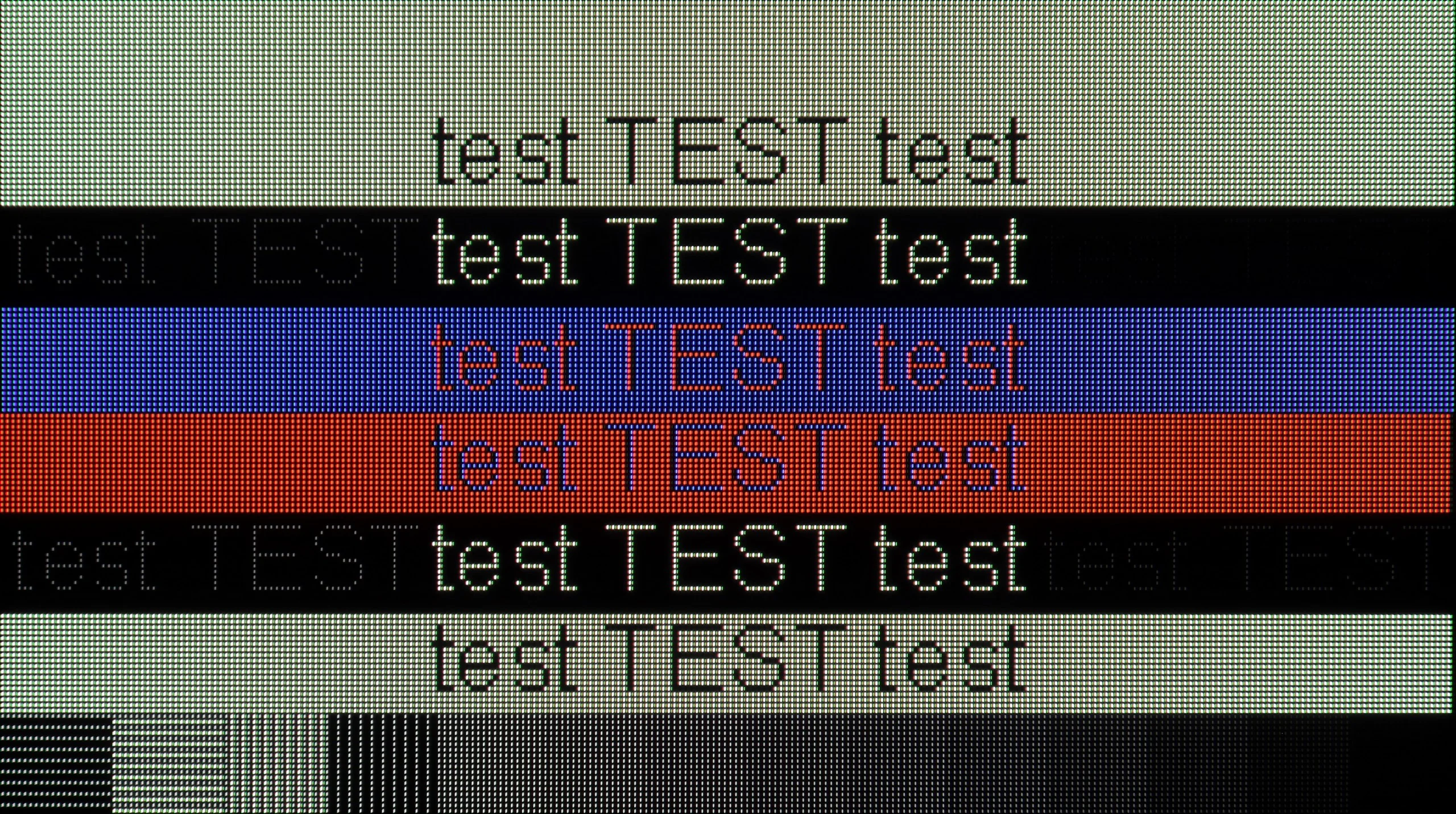
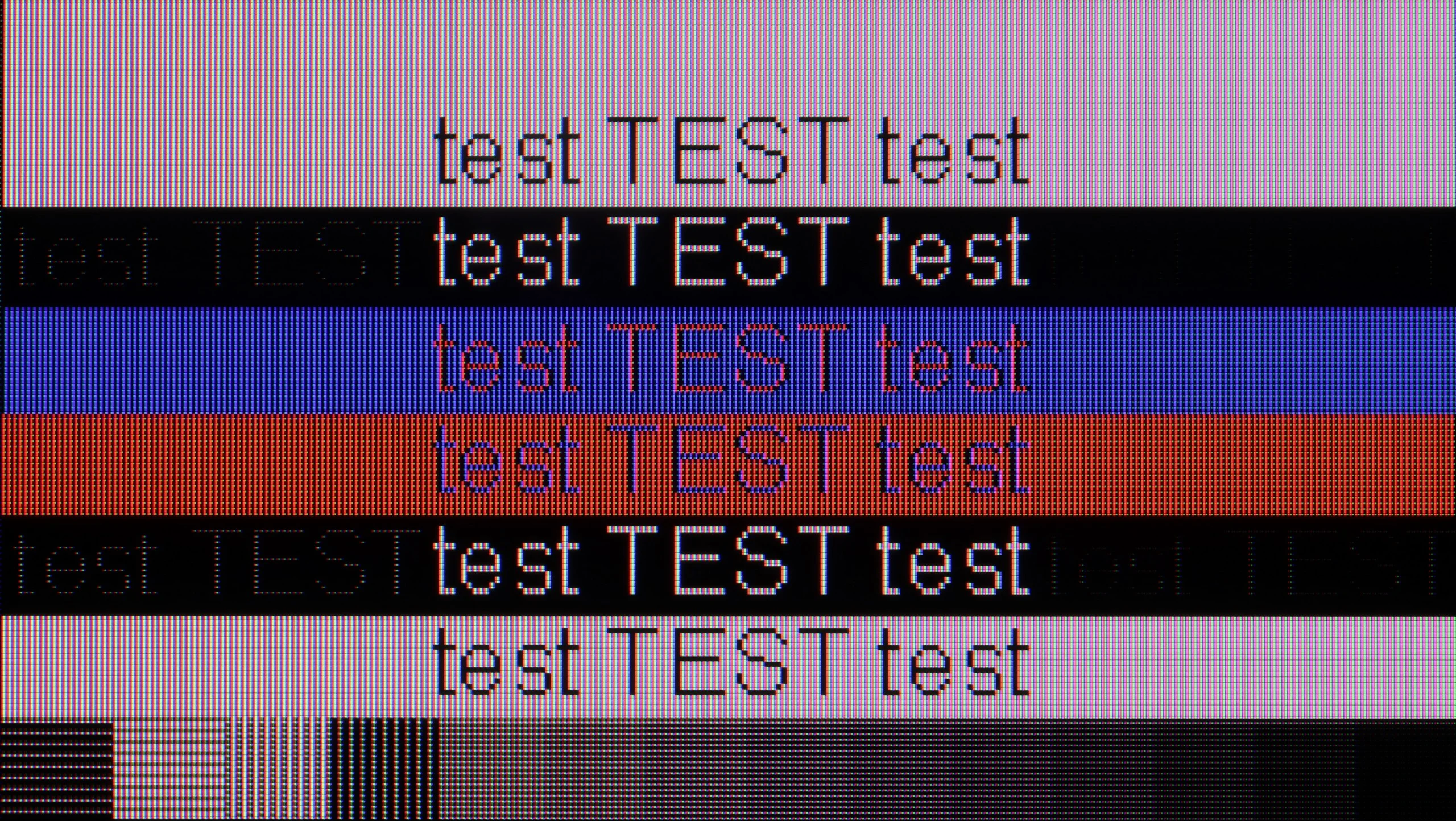
The photo shows the legibility of small fonts. Ideally, lines should be the same thickness on both light and dark text, with minimal pixel gaps.
Using the Panasonic Z85A as a computer monitor performs really well. The text is readable and clear, making web browsing or working with documents not a major issue. However, one must keep in mind certain limitations of the WOLED panel – the characteristic way of displaying fonts may be bothersome for more demanding users, especially those who spend long hours working with text. In terms of gaming on PC, the television performs just as well as it does with consoles. Low input lag, 120 Hz refresh rate, and proper implementation of G-Sync and FreeSync ensure a smooth and responsive image without annoying stutters or tearing.
As we mentioned before, the C8K is a TV designed with gamers in mind – and not just console gamers. Connecting a PC is an absolute joy. The low input lag is practically unnoticeable, and the 4K panel at 144 Hz (or even 288 Hz in Full HD) makes gameplay exceptionally smooth. It's equipment that's really hard to pull away from when we connect a keyboard and mouse.
It also performs well for office work or everyday computer use. Fonts – regardless of size – are clear and sharp thanks to Chroma 444. However, we have a small note: with very thin horizontal lines, you can see slight imperfections. We assume that very few will notice this because, after all, hardly anyone plans to place the smallest 65-inch monster 50 cm from their face and use it like a regular monitor.
Viewing angles
7.4/10
4/10
The viewing angles on the Panasonic Z85A are really good – after all, it’s OLED. Whether we’re looking at the screen straight on or at a steep angle, the colours remain vibrant, and the contrast hardly loses quality. Of course, the Z85A falls slightly behind TVs with MLA micro-lenses or Samsung's QD-OLED panels, which currently set the highest standard in this respect. However, the differences are subtle enough that most users won’t notice them during regular viewing.
One of the innovations in this year's TCL series is the WHVA panel, which has finally made a step forward in terms of viewing angles for the Chinese manufacturer. And while you can't completely cheat physics – brightness does indeed drop noticeably when viewed from the side – the image itself remains clear and doesn’t drastically lose colours or contrast. This is a significant change, as VA panels typically fall short compared to IPS panels in this category. Meanwhile, in the C8K, it’s clear that TCL has made an effort so that even a viewer sitting a little to the side can still enjoy the full image – something that everyone who doesn't sit "right in the perfect middle of the sofa" will appreciate.
Daytime performance
4.8/10
6.9/10
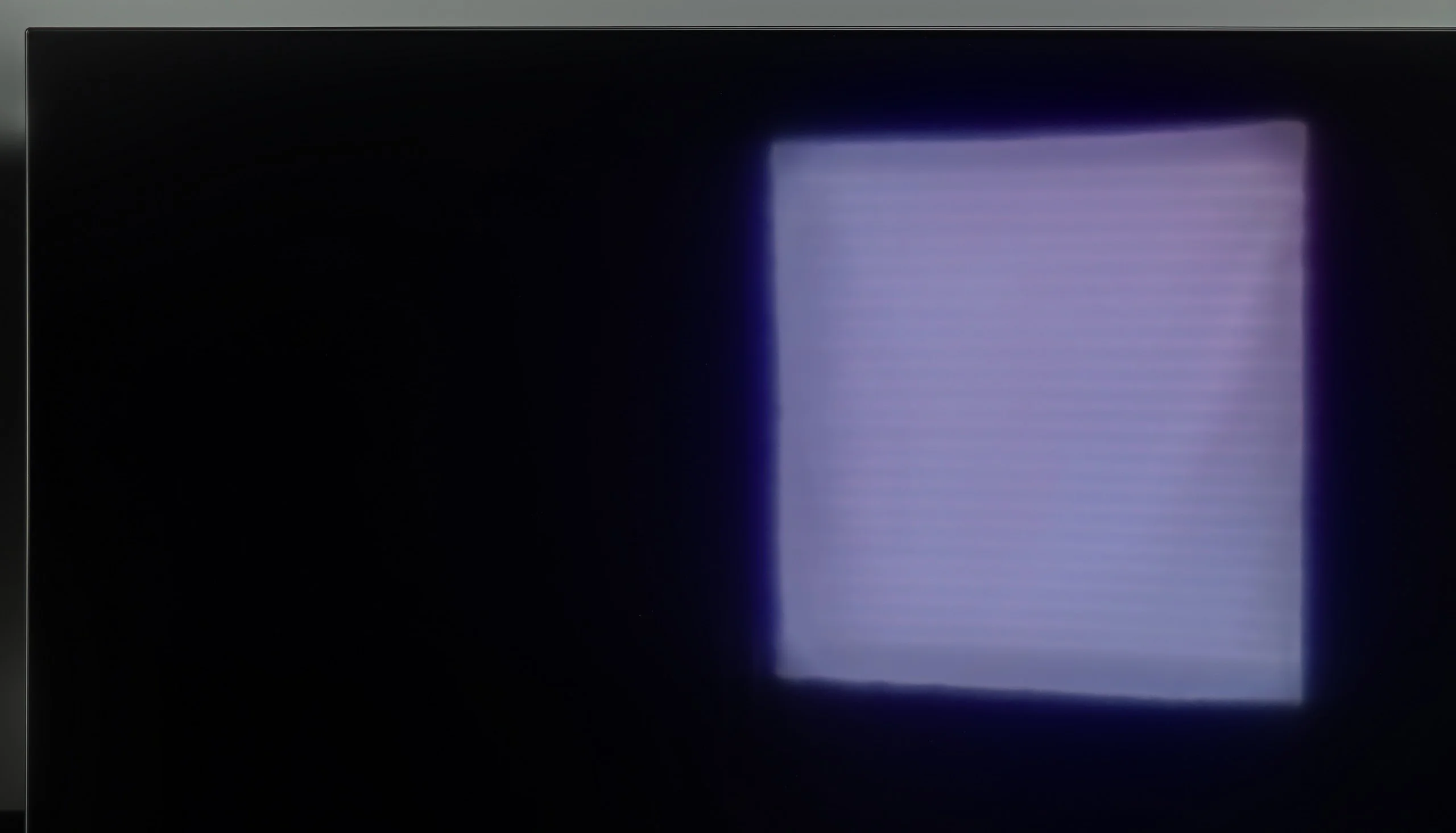
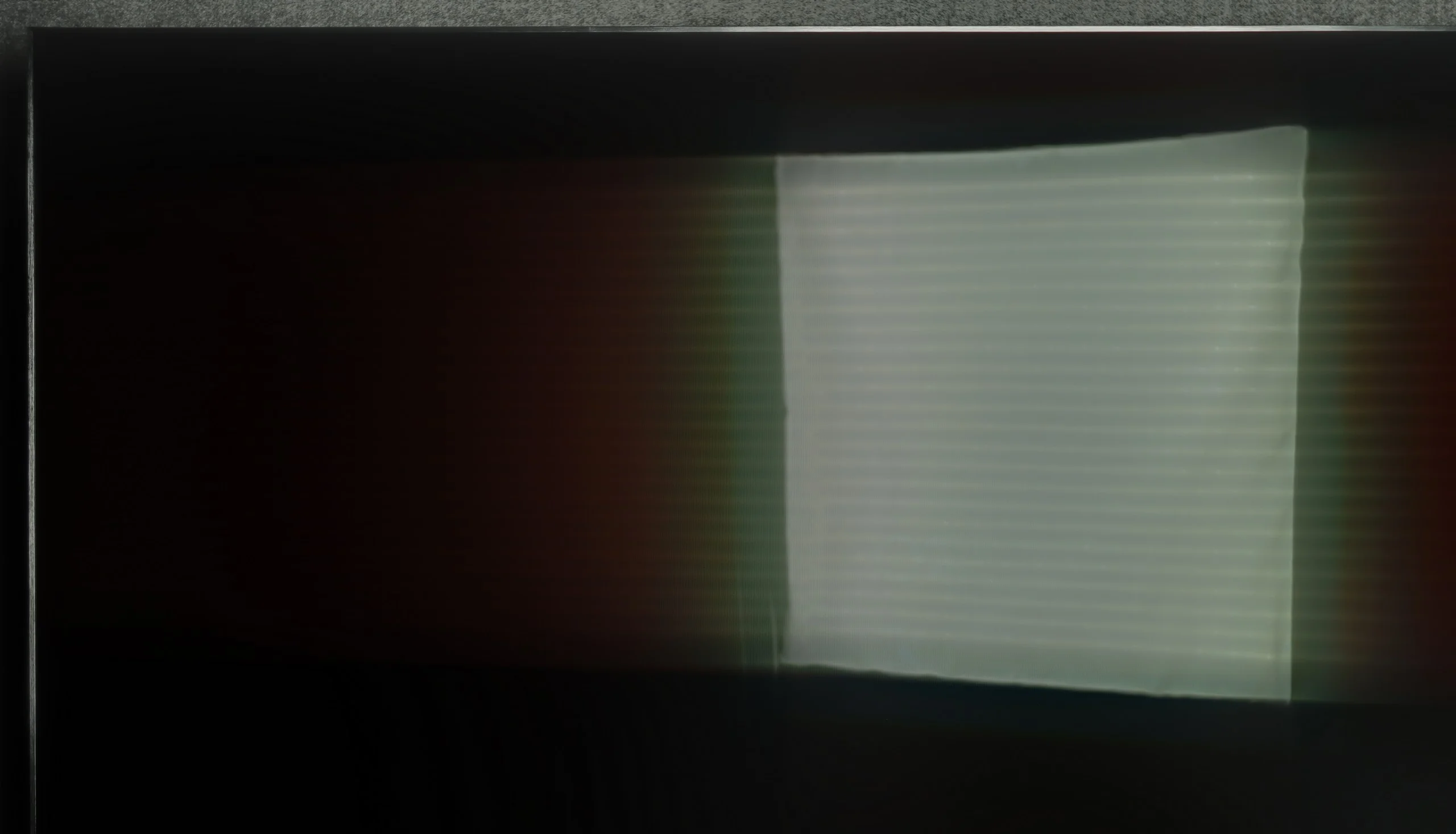
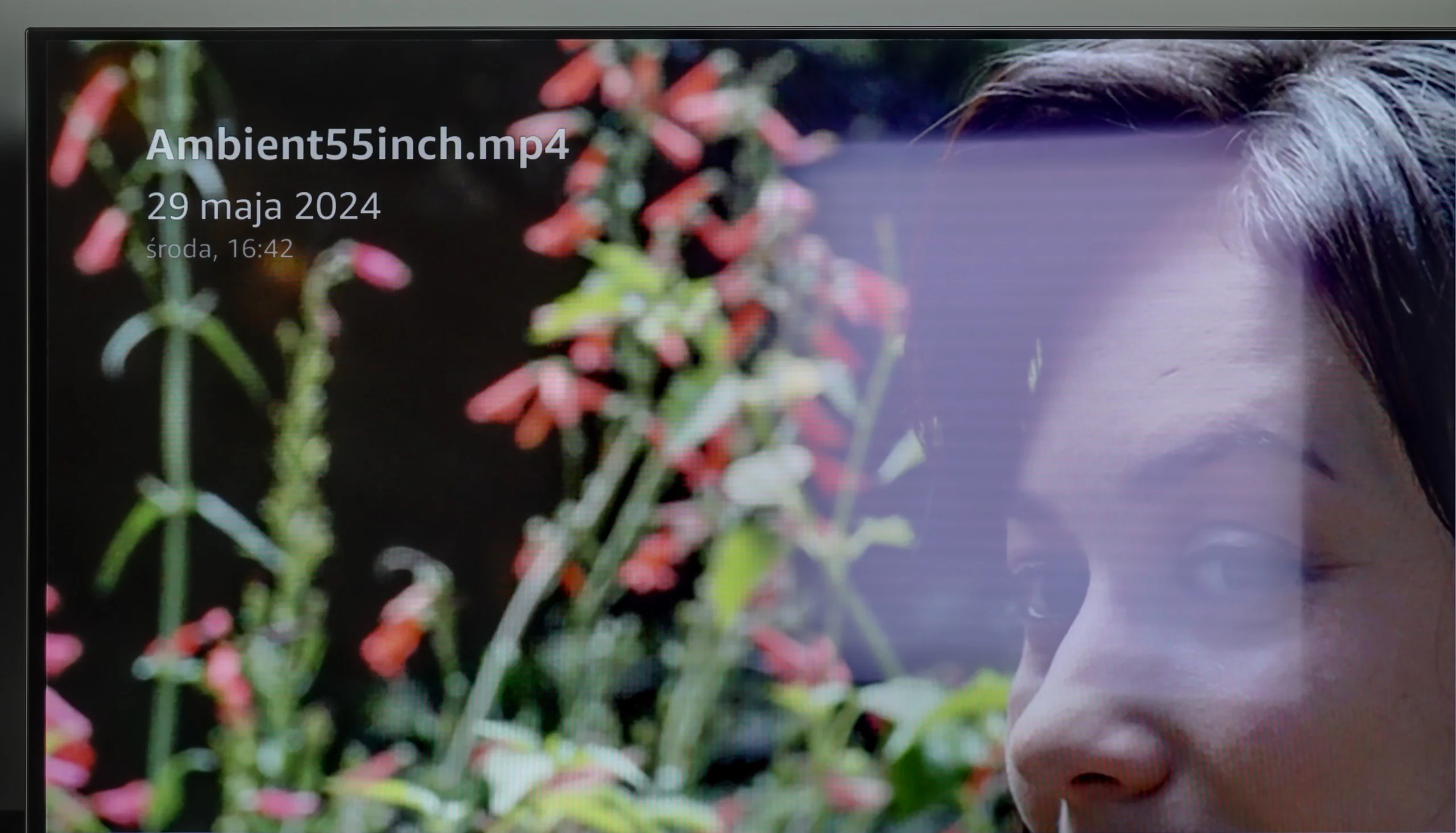
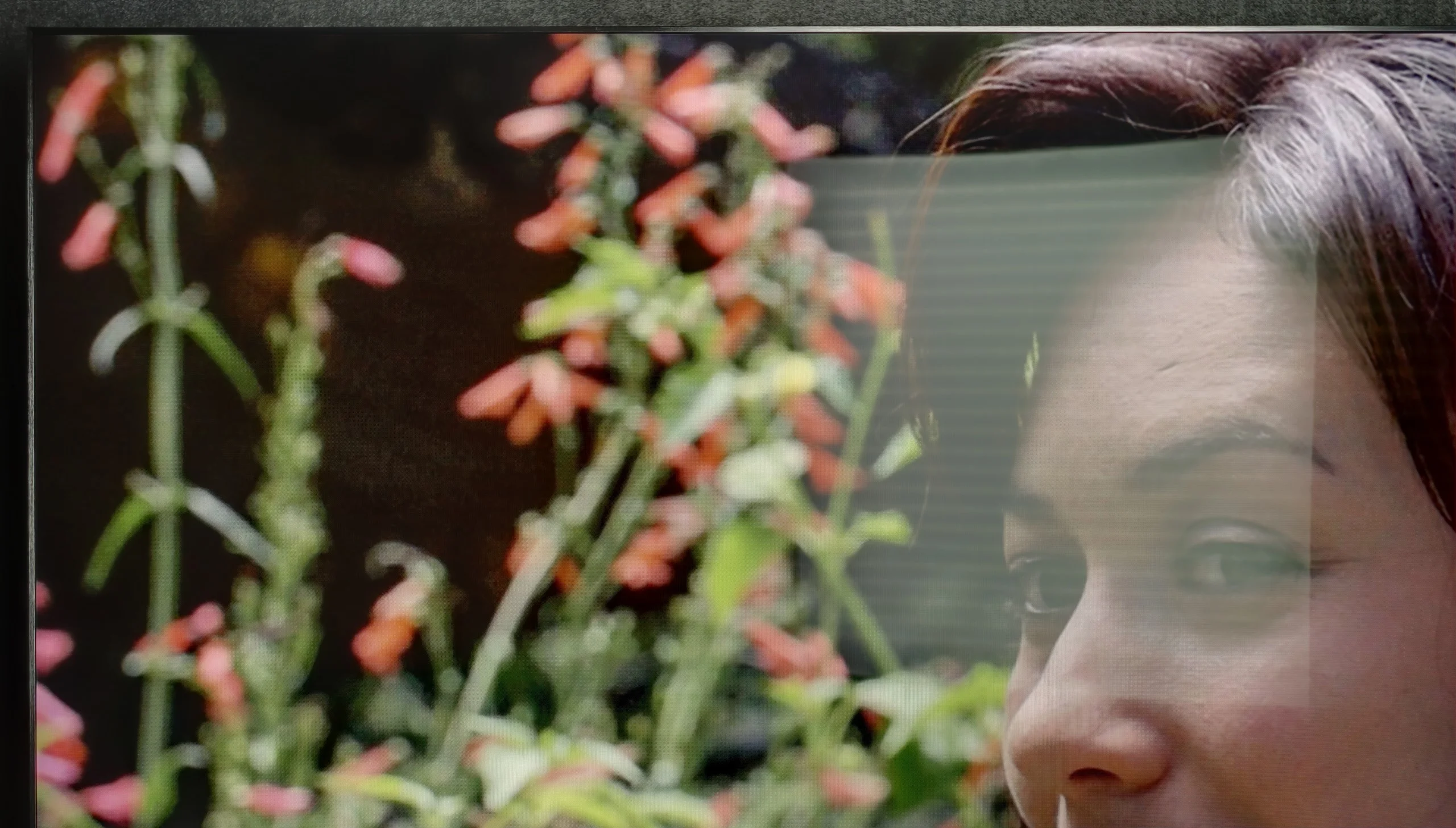
Panel brightness
TCL C8K: 613 cd/m2
Panasonic Z85A: 286 cd/m2
The Panasonic Z85A leaves a bit to be desired during the day. The panel, although satin finish, mediocrely suppresses reflections, which can be noticeable in bright rooms. The reflections are not excessively visible, but there is one catch – they take on a bluish hue. In some situations, especially in strong daylight, this can be slightly annoying and distract from the content on the screen. On top of that, the maximum brightness is just under 280 cd/m². That’s simply not enough to comfortably watch TV in a heavily sunlit room. If you plan to watch in the middle of a sunny day, you’ll need to close the windows to ensure the picture looks good.
C8K is a really bright performer, and not just in theory. In SDR content, it can reach an impressive 700 nits, which translates to very good image readability even in brightly lit rooms. So if you have a bright living room with large windows – this TV won’t have much of a problem. However, it’s worth mentioning one little detail: the WHVA panel used here with improved viewing angles causes light reflections to be more diffused to the sides. In practice, this means that, for example, wall sconces or floor lamps directly opposite the screen may reflect in a slightly more extensive way than in typical glossy/satin panels.
Panel details
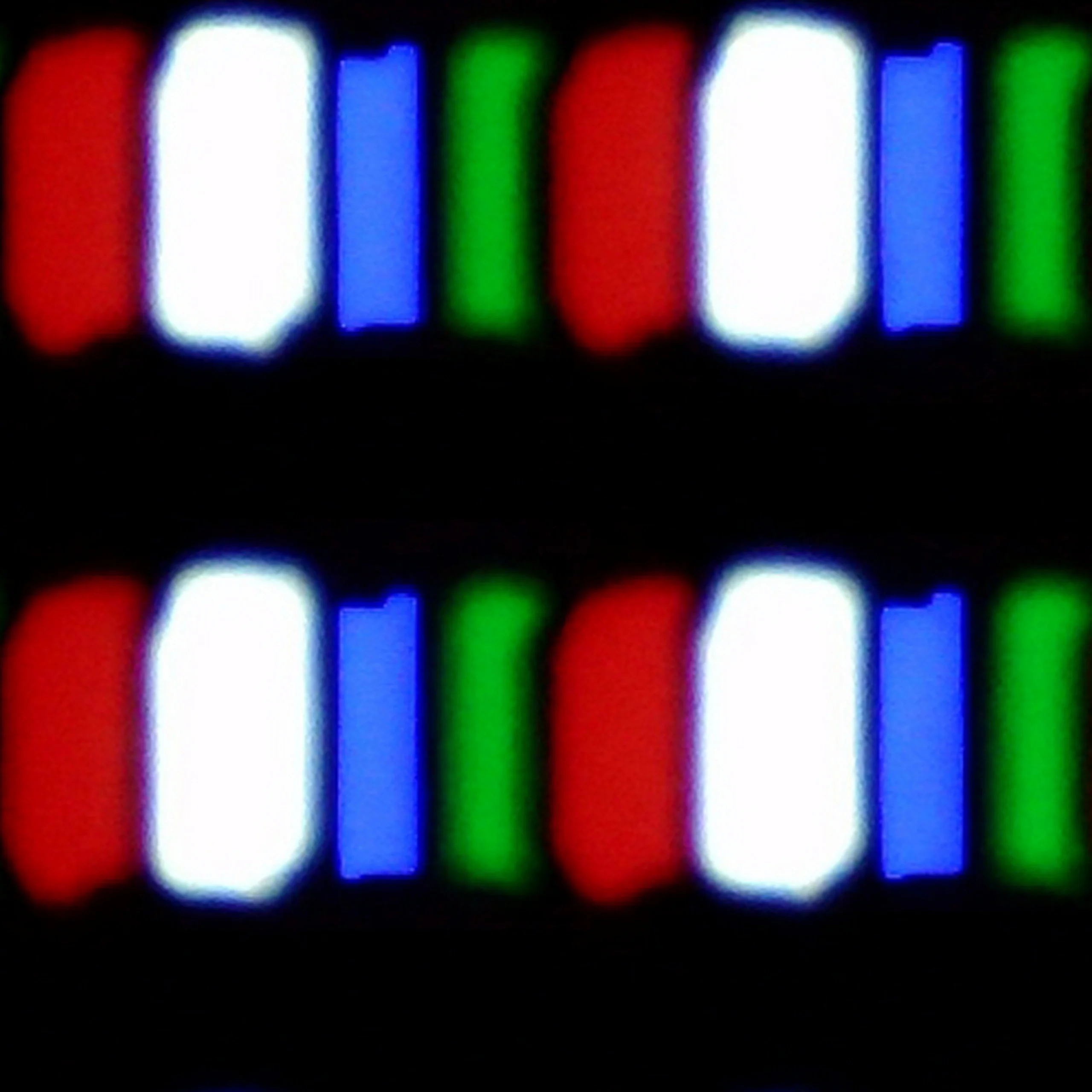
Subpixel Structure:
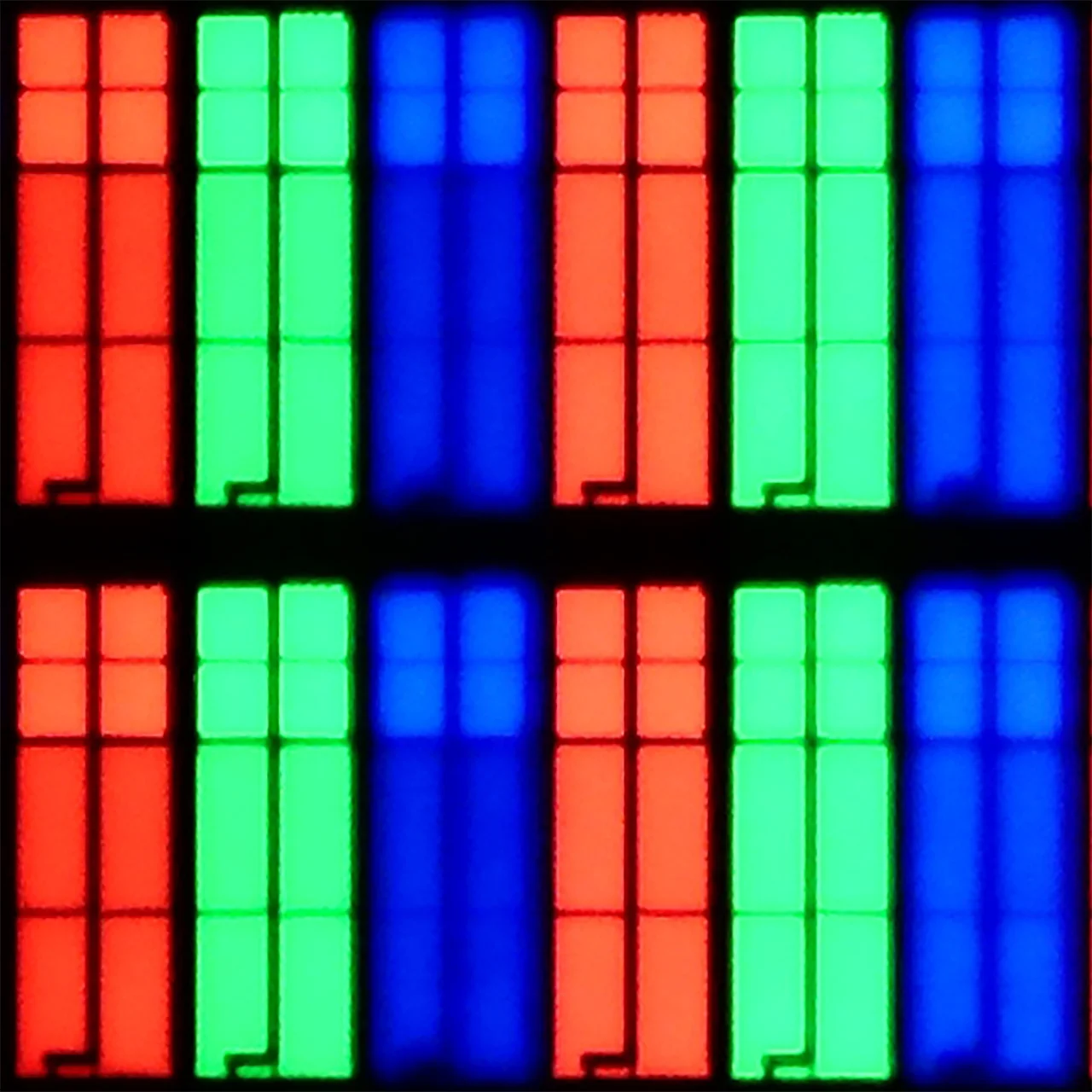
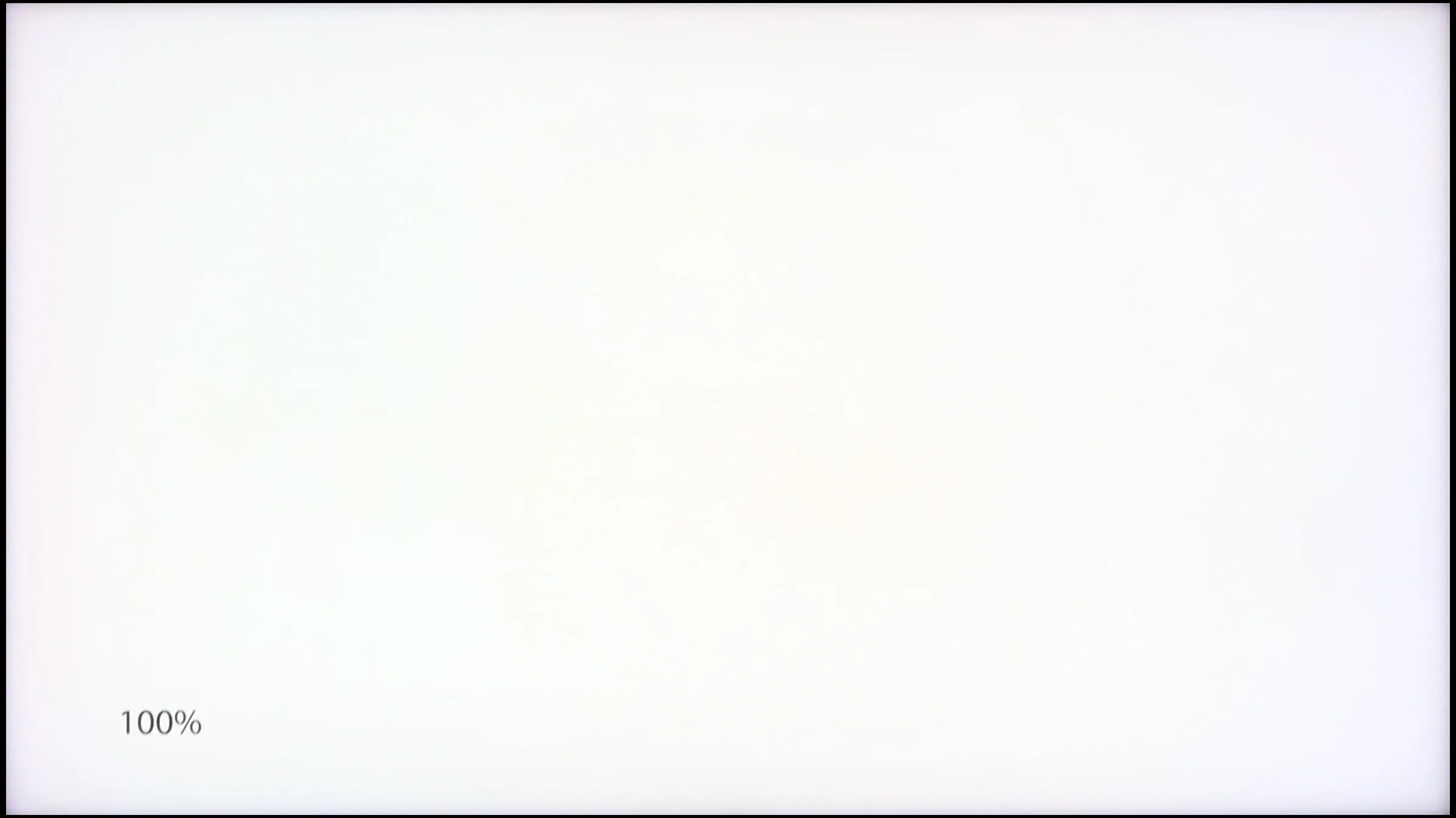
Panel uniformity and thermal imaging:

TV features
7/10
7.7/10
- SystemAmazon FireTVGoogle TV
- System performanceDecentGood
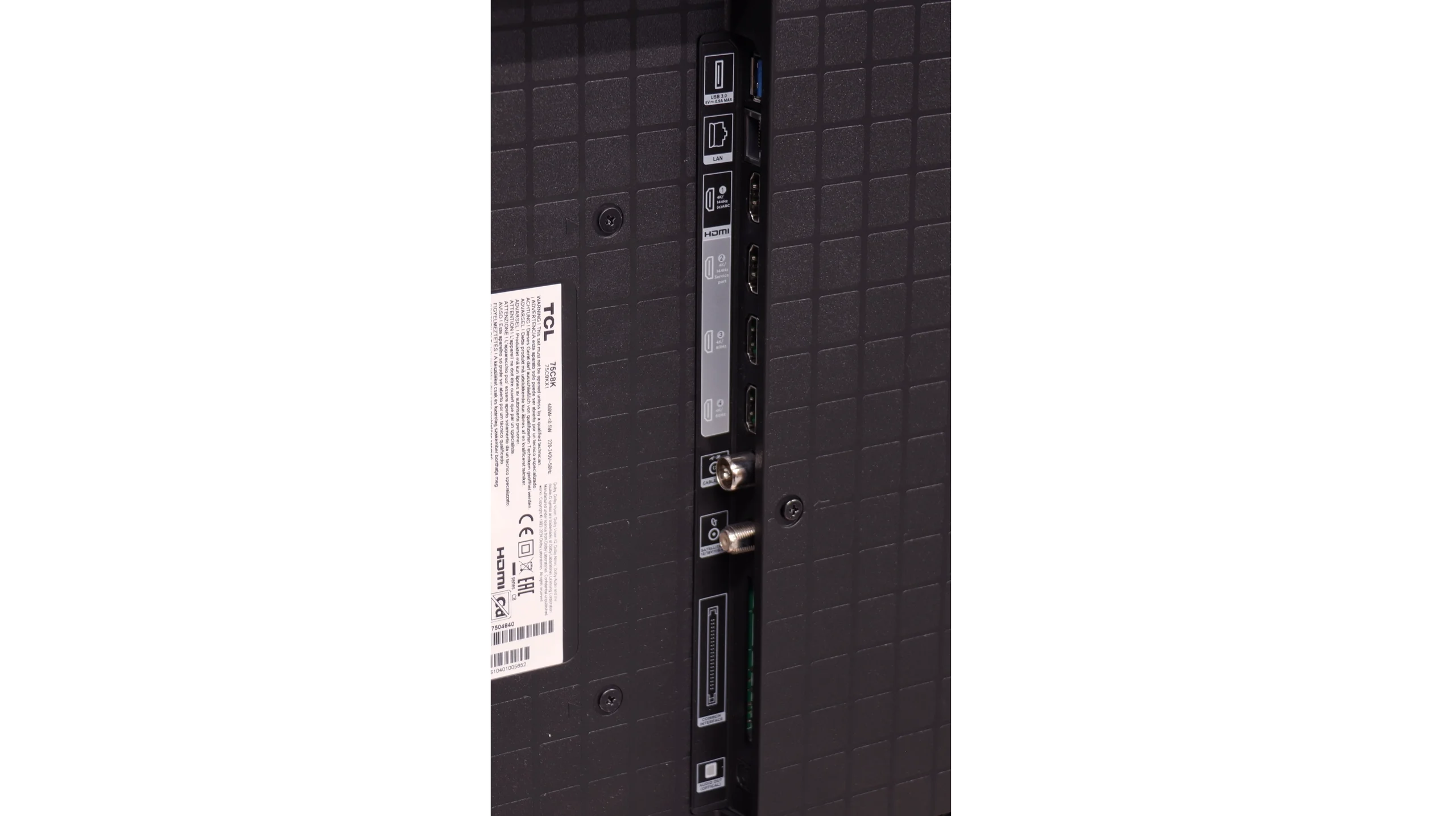
- HDMI inputs2 x HDMI 2.0, 2 x HDMI 2.1 48Gbps2 x HDMI 2.0, 2 x HDMI 2.1 48Gbps
- OutputsToslink (Optical audio), eARC (HDMI), ARC (HDMI), Mini-Jack (Headphones)Toslink (Optical audio), eARC (HDMI), ARC (HDMI)
- Network InterfacesWi-Fi 2.4GHz, Wi-Fi 5GHz, Ethernet (LAN) 100MbpsWi-Fi 2.4GHz, Wi-Fi 5GHz, Ethernet (LAN) 100Mbps
- TV receptionDVB-T, DVB-T2, DVB-S, DVB-S2, DVB-CDVB-T, DVB-T2, DVB-S, DVB-S2, DVB-C
Classic features:
- Recording to USB (terrestrial TV)

- Recording programming
- Picture in Picture (PiP)
- RF remote control (no need to aim)
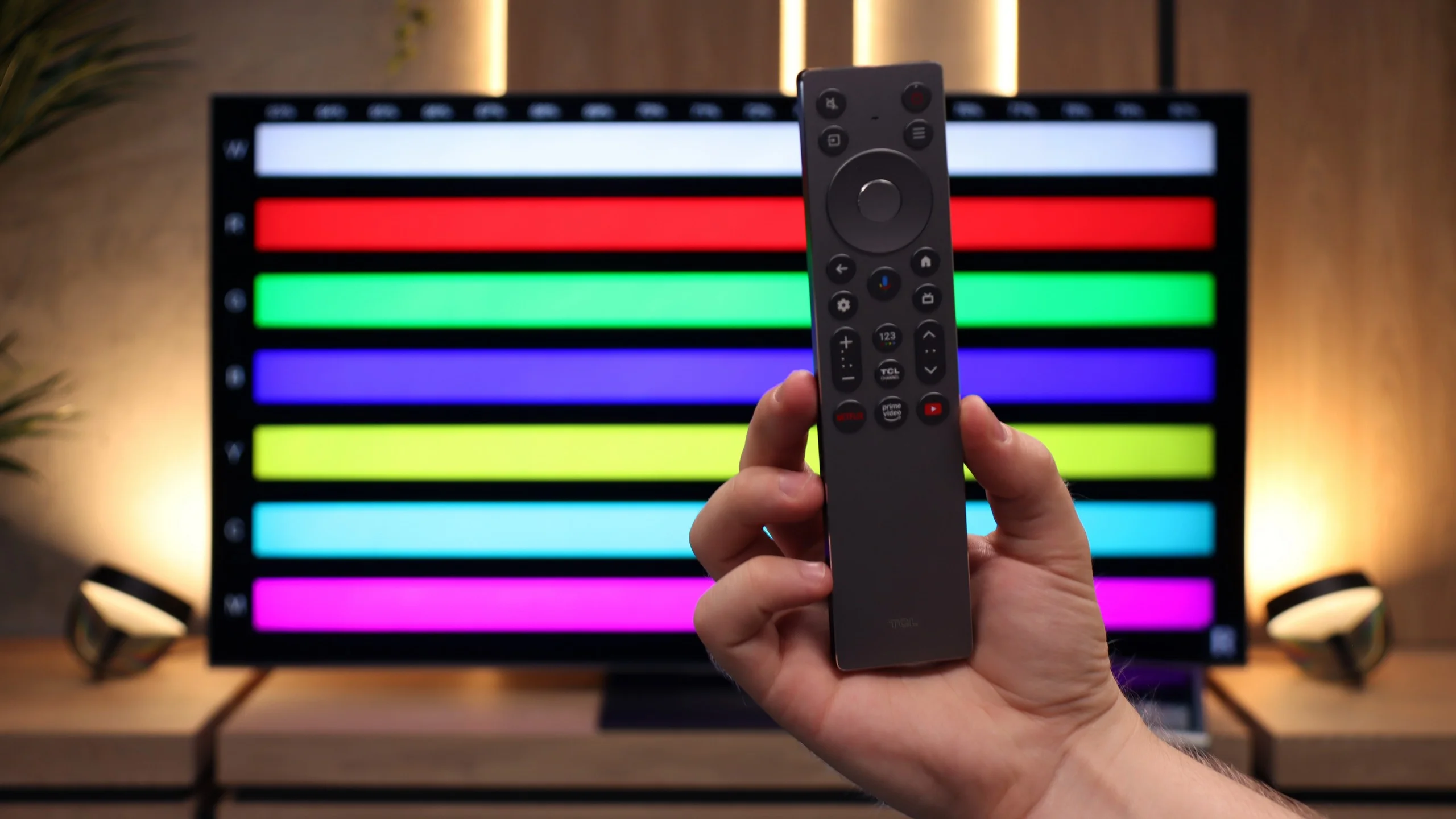
- Backlit remote control
- Teletext
- Audio only mode
- Bluetooth headphones support
- Simultaneous Bluetooth headphones & TV audio
Smart features:
- AirPlay
- Screen mirroring (Windows Miracast)
- Voice search
- Voice search in native language
- Ability to connect a keyboard and mouse
Sound connection options
- HDMI audioeARC (HDMI), ARC (HDMI)eARC (HDMI), ARC (HDMI)
- Other audio outputsToslink (Optical audio), Mini-Jack (Headphones)Toslink (Optical audio)
- Wireless audioBluetoothBluetooth
Supported audio formats (external HDMI eARC audio):
- Dolby Digital Plus 7.1
- Dolby True HD 7.1
- Dolby Atmos in Dolby Digital Plus (JOC)
- Dolby Atmos in Dolby True HD
- DTS:X in DTS-HD MA
- DTS-HD Master Audio
Senior accessibility
- Numeric keyboard on TV
- Font size adjustment
- Audio description
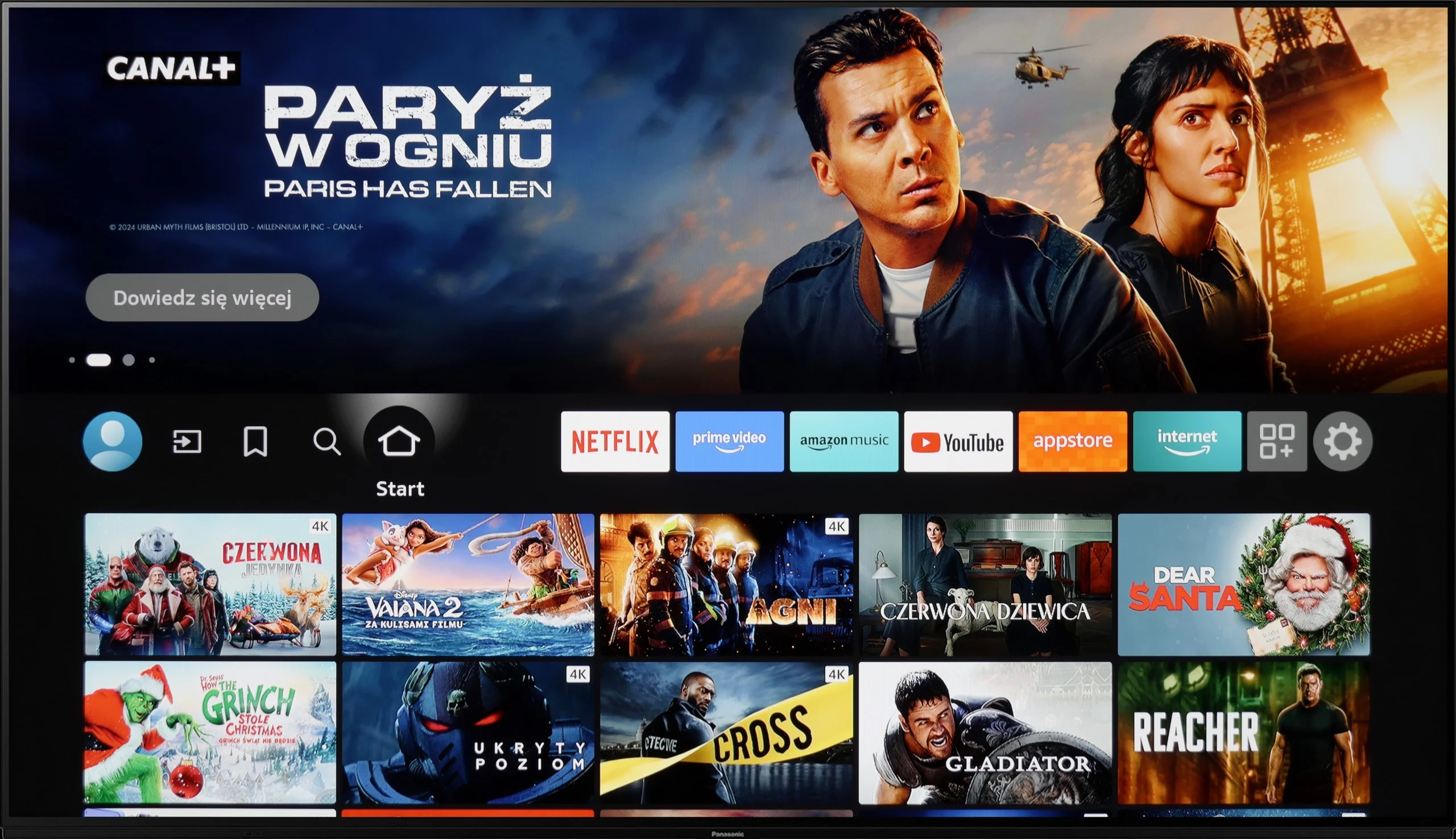
The operating system in the Panasonic Z85A is Amazon Fire TV, which is still a relatively new solution in the Australian market. Until now, we mainly associated it with portable smart devices, and now it is also arriving on televisions – similar to the flagship model Z95A.
On the plus side, the system operates smoothly and responsively. It is also quite intuitive, so navigation poses no major problems. Unfortunately, when it comes to the availability of applications, it's somewhat lacking. While the Amazon store does have icons for popular services like SkyShowtime, Rakuten, or Viaplay, they cannot be downloaded. This is a significant disadvantage for those who use these platforms regularly. Additionally, some functions are poorly translated, meaning that in certain areas, you have to guess what they are referring to. However, we believe that these are just growing pains and that over time they will be improved – both in terms of translations and application availability.
As for user features, things are much better. The television supports USB recording and the PiP (picture-in-picture) function. There is also support for AirPlay, which will certainly please users of Apple devices. It also has Bluetooth, but unfortunately, you cannot connect headphones to it – it only works with a keyboard or other controlling devices. Fortunately, you can connect headphones or a home theatre system via wired connection, which resolves this issue.
In summary – the Panasonic Z85A offers a solid set of user features that will perform well in everyday use. The Amazon Fire TV system is a step in the right direction, especially when compared to Panasonic's old system. However, at this time, it is difficult to praise it unequivocally. There is potential, but the manufacturer still has a lot of work ahead to ensure everything functions as it should.
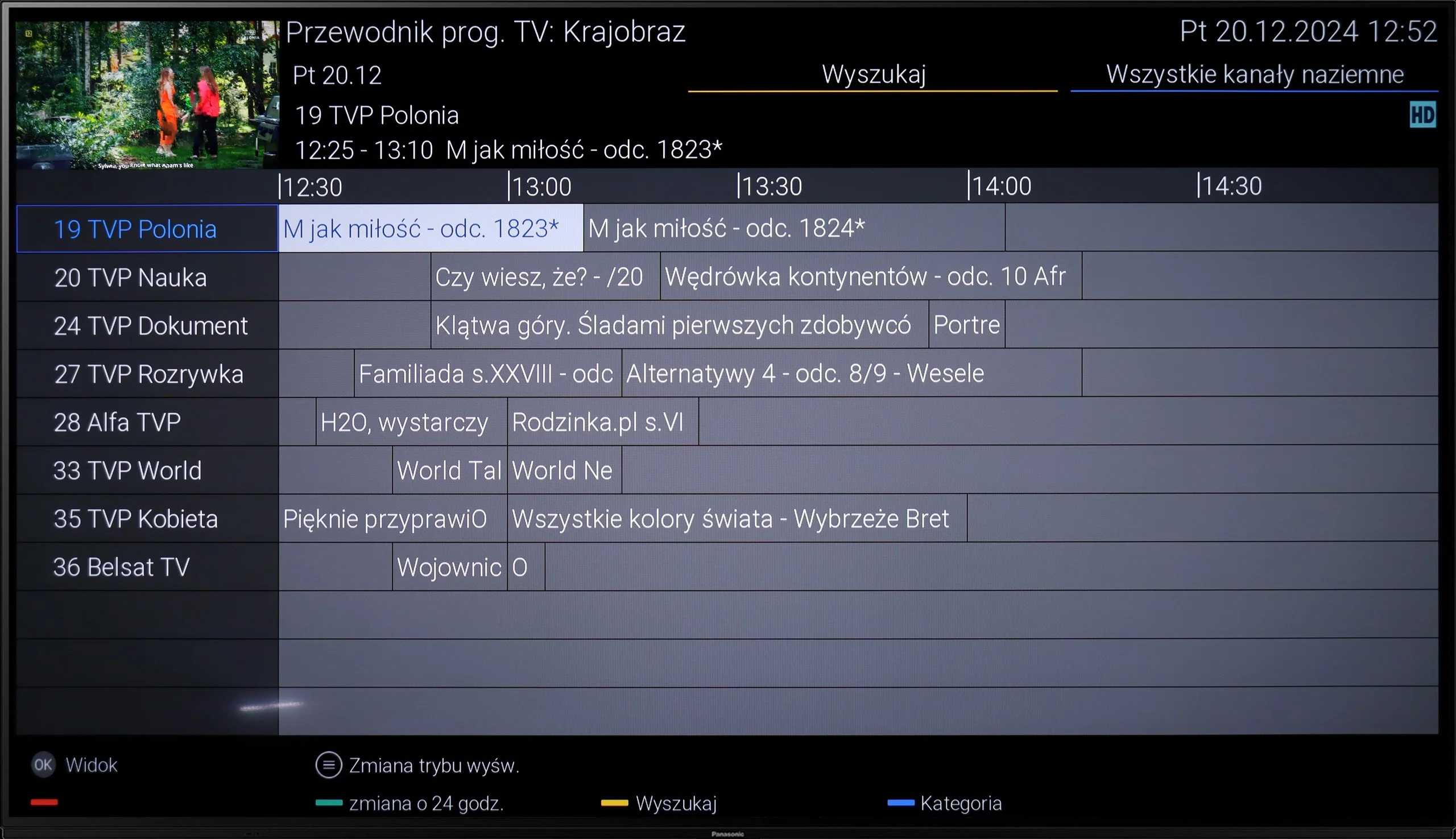
Classic TV Features
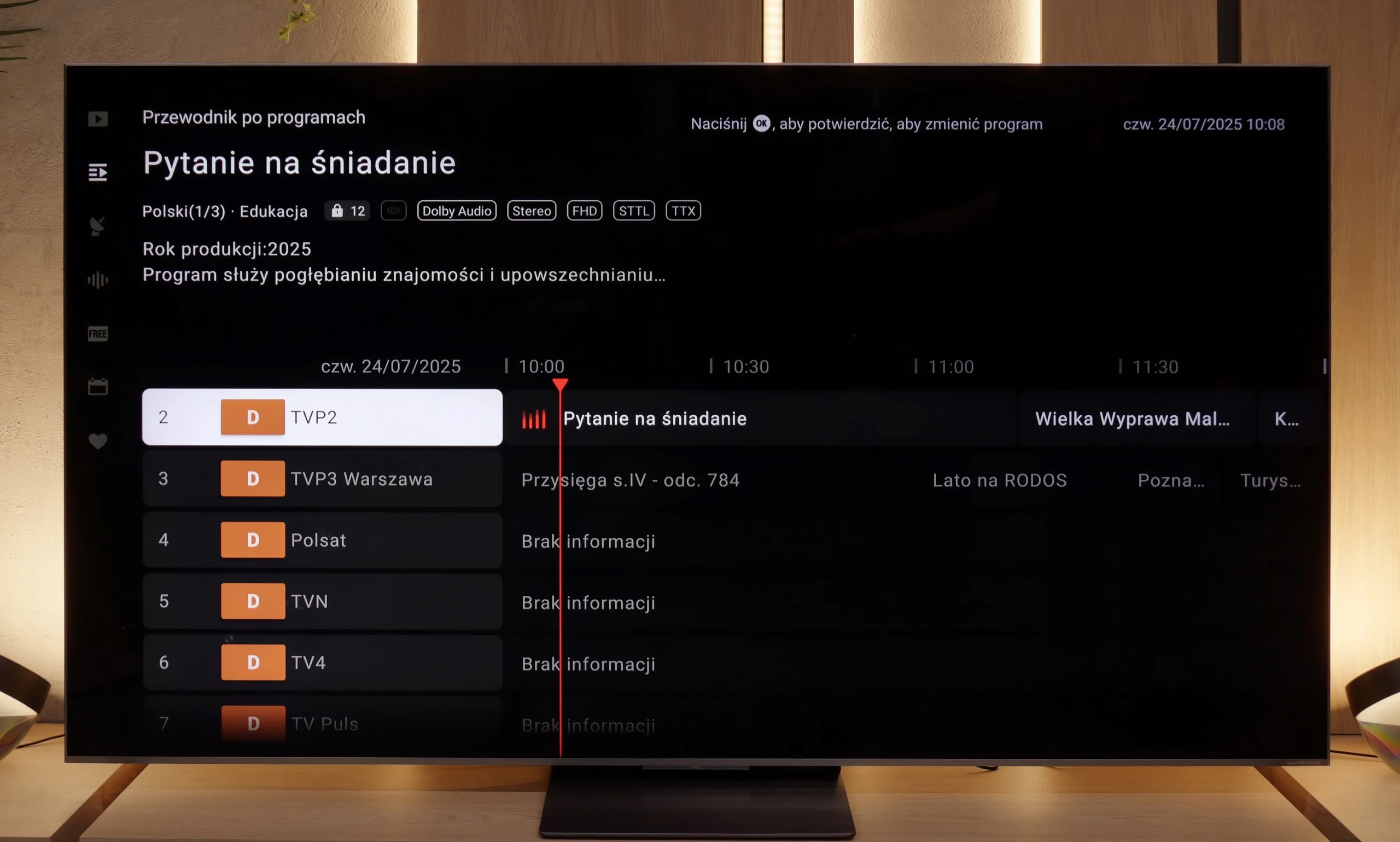
TCL C8K offers the vast majority of features that we consider essential today. It has a classic and clear program guide (EPG), teletext functionality, and connecting a keyboard, mouse, or Bluetooth headphones was no problem at all. It's a bit of a shame that the Google TV system – like many other TCL models – lacks more advanced options such as program recording or picture-in-picture (PiP) functionality. For some users, this could be a downside, especially if they are used to these options with other manufacturers. There can also be some concerns about the number of USB ports – there is only one. However, in practice, most people will find this sufficient to connect a drive with movies or a USB stick.
Smart Features
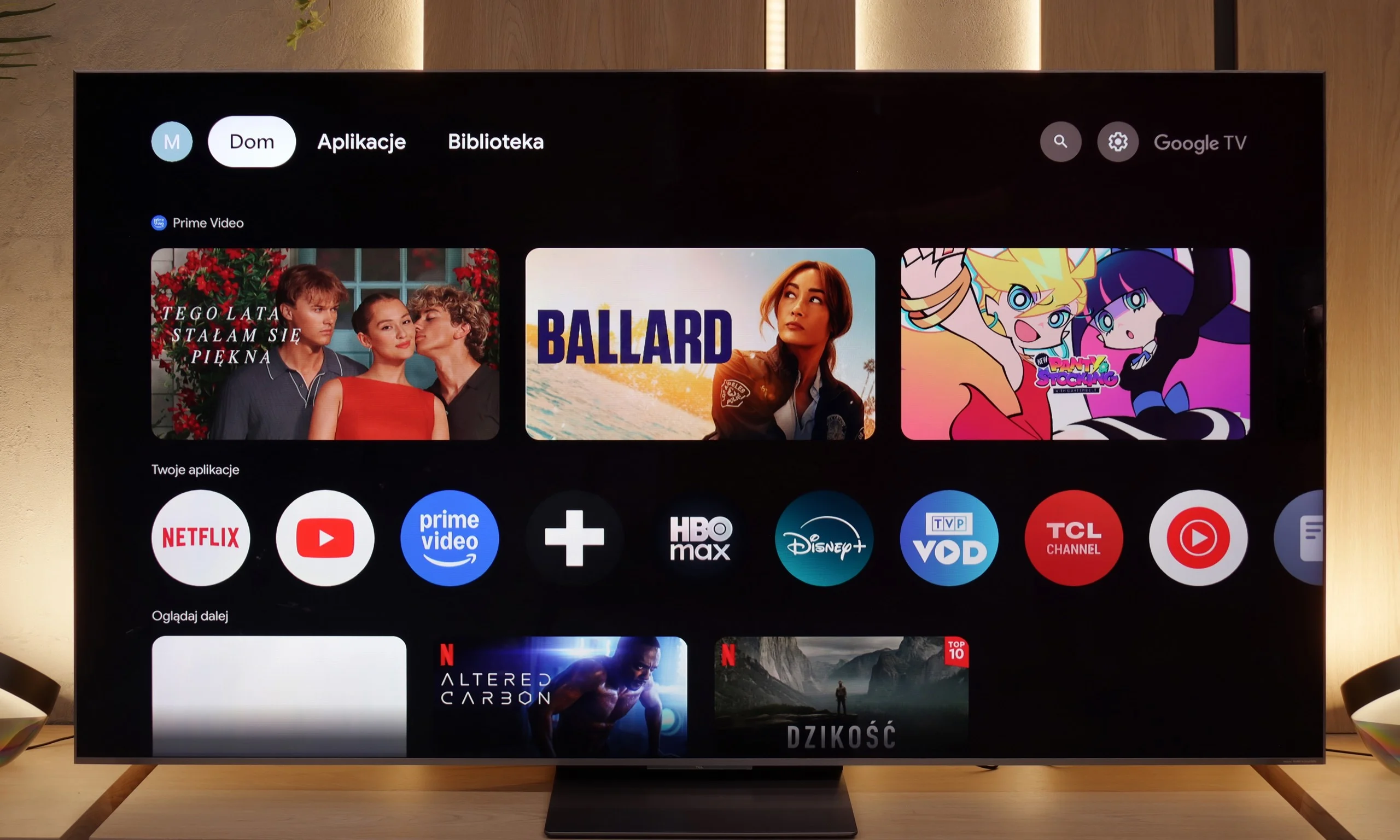
While the classic TV features are not the strong suit of the C8K, when it comes to smart features, this TV really shows its claws. The Google TV system used is the largest and most popular platform on the market – and it shows at every turn. The availability of apps is phenomenal. Netflix, YouTube, Disney+, HBO Max, Amazon Prime – you can find all of these here without the slightest problem. Only really niche or closed ecosystems (e.g. Apple Music) may not be available. The built-in voice assistant works very efficiently – you can ask it to change the channel, launch an app, search for a movie, or check the weather. The system responds naturally and quickly, providing a genuine sense of convenience and modernity. This is where the C8K definitely outpaces much of the competition – after all, that’s why we have smart TVs, to do more than just display an image.
Apps
5.7/10
9.6/10






















Playing files from USB
3.1/10
9.2/10
Supported photo formats:
Maximum photo resolution:
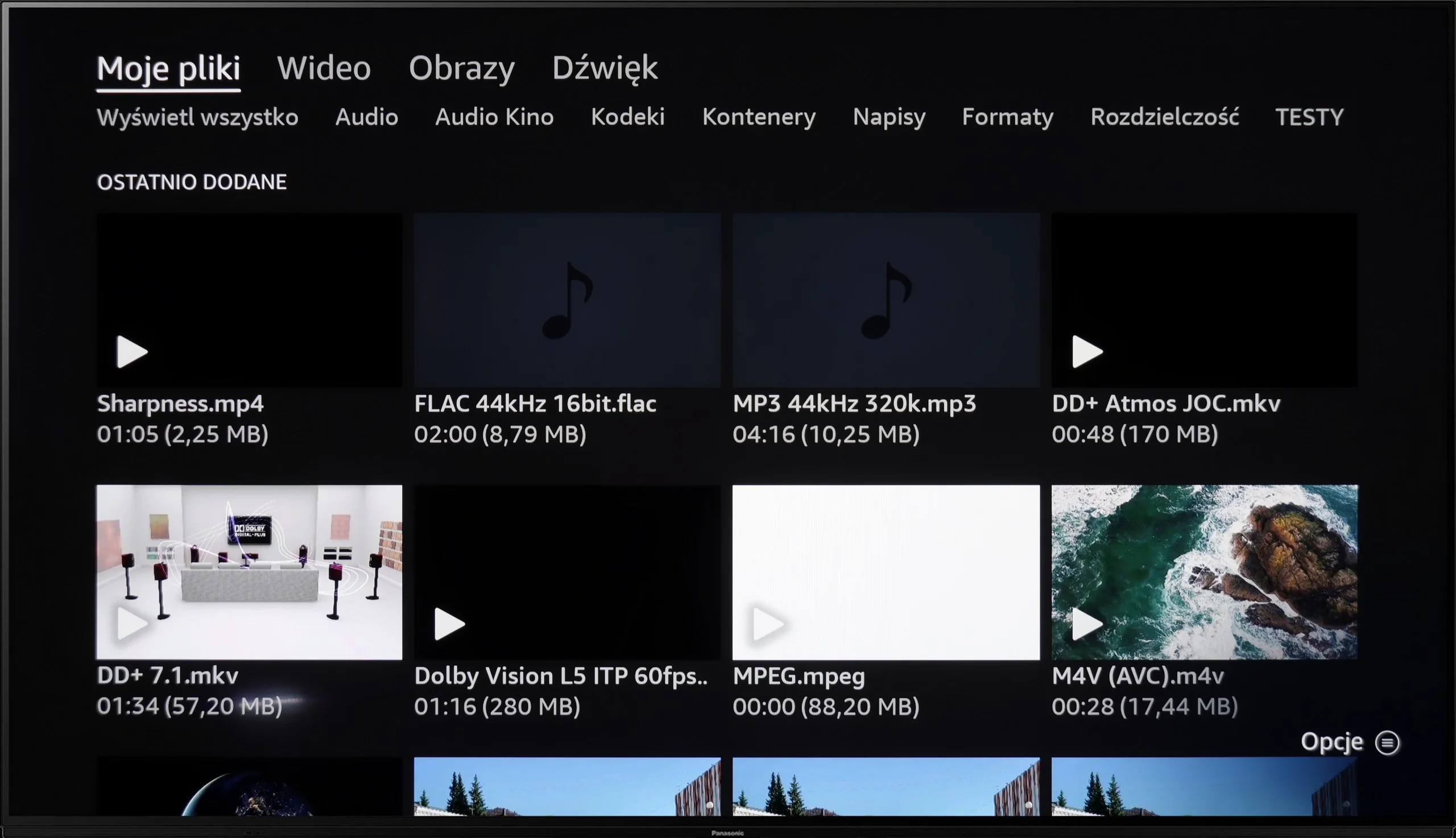
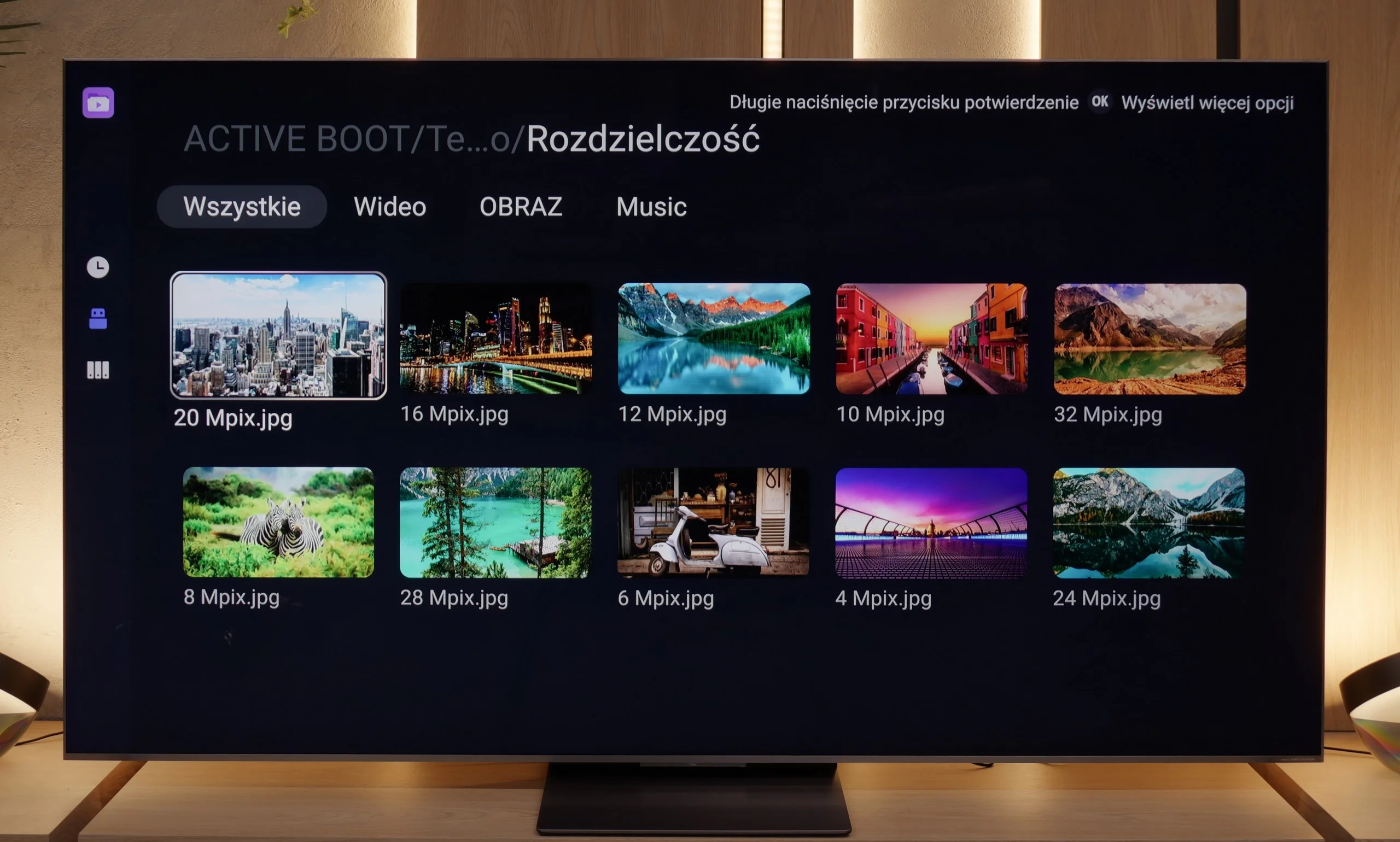
In terms of playback of files from USB, the Panasonic Z85A performs rather mediocrely. The built-in media player does handle most popular video formats, but it has one significant drawback – it does not support external subtitles. So, if we have older films on our drive or USB stick with separate subtitle files, we have to reckon with the fact that the television simply won't display them. This is quite a downside, especially for those who rely on their own media library rather than streaming services. Of course, this issue can be circumvented by using an external media player (e.g. via a console or Smart TV box), but it's an extra step that could be avoided if the built-in application were better developed.
We weren't expecting miracles, but... we got more than we anticipated. The TCL C8K handled most of the files we threw at it on the USB stick without issue. Movies in MKV, older AVI, audio tracks in DTS or AC3 – everything worked without a hitch. If we had to nitpick, it would be the usual complaint about the lack of support for the HEIC format from Apple devices, but that's a standard shortfall that one can live with. The most important thing, however, is that if someone is missing something, they can simply... install a better player. And this is where the advantage of Google TV is felt.
Sound
7.4/10
7.9/10
- Maximum volume-77dB
- Dolby Digital Plus 7.1
- Dolby True HD 7.1
- Dolby Atmos in Dolby Digital Plus (JOC)
- Dolby Atmos in Dolby True HD
- DTS:X in DTS-HD MA
- DTS-HD Master Audio
In terms of sound, the Panasonic Z85A is pleasantly surprising. The television delivers enjoyable and clear audio, and can generate noticeable bass that adds depth to both movies and music. The surround effect is also quite well reproduced, making watching films or playing games more immersive. Unfortunately, there is one “but”. The television does not support the DTS:X format, which is quite popular among more advanced home theatre systems. So, if we plan to use this audio standard, it will be necessary to connect the audio equipment first to the amplifier or soundbar, and only then to the television.
In terms of sound, we usually don’t have high expectations. After all, a TV isn’t a Hi-Fi system. But... the C8K positively surprised us. A new feature in the latest top models from TCL is the collaboration with Bang & Olufsen, and – most importantly – you can really hear that it’s not just a marketing gimmick. After just a few minutes with the TV, it was clear that it sounds different than a typical “flat screen”. The sound is full with a slight but noticeable bass. Of course, we’re still talking about sound from the television, so it won’t compete with the cheapest soundbar with a subwoofer, but for the standards of built-in speakers – it's very good.
*During loudness tests, we noticed unusual behaviour from the audio system. When the slider was set to 100%, the TV reached about 76–78 dB, but you could tell it was trying to generate more power, after which the volume level was immediately corrected to the mentioned value. On the other hand, when we lowered the volume to about 70%, it initially dropped as expected, but then slowly rose back to the same level of 76 dB. This effect gives the impression of an aggressive limiter at work, which, regardless of the position of the slider, always brings the volume back to one level. We checked this behaviour several times, and in every case, the result was identical – no additional “smart” volume adjustment or AI functions were activated.
Sound Quality Test
No sound test video
Acoustic Measurements
No acoustic data
77dBC (Max)
75dBC
Reader comments
Comments are provided by the external service Disqus (Zeta Global). Once loaded, Disqus may set cookies and process data about your activity.
We will remember your choice on this device. Provider's privacy policy