Panasonic W95B is one of those televisions that not only impresses with its specifications on paper but also delights in practice. It features a fantastic Mini LED screen, offering excellent blacks, very high brightness, and smooth motion, which combined with refined local dimming creates an image close to perfection. Most content looks simply amazing on it, and the low latency game mode with support for key technologies makes it a good choice for gaming as well. However, it's important to remember that the W95B is aimed at a fairly specific group of users – those who are willing to accept weaker usability features in exchange for great picture quality. The Fire TV system in this version is not well refined: some apps are missing, certain functions operate clumsily, and the built-in file player does not even support subtitles. Despite these shortcomings, the Panasonic W95B is a solid, well-crafted piece of equipment that demonstrates that Mini LED can be a true alternative for those who, for some reason, do not want an OLED TV. It is one of the few televisions of this type that can be wholeheartedly recommended, provided that picture quality is the priority, rather than the system and apps.
- Matching (Score) |
- Our verdict |
- TV appearance |
- Where to buy |
- Contrast and black detail |
- HDR effect quality |
- Factory color reproduction |
- Color reproduction after calibration |
- Smoothness of tonal transitions |
- Image scaling and smoothness of tonal transitions |
- Blur and motion smoothness |
- Console compatibility and gaming features |
- Input lag |
- Compatibility with PC |
- Viewing angles |
- Daytime performance |
- Panel details |
- TV features |
- Apps |
- Playing files from USB |
- Sound
Panasonic W95B vs SHARP JP7765E
 Direct comparison
JP7
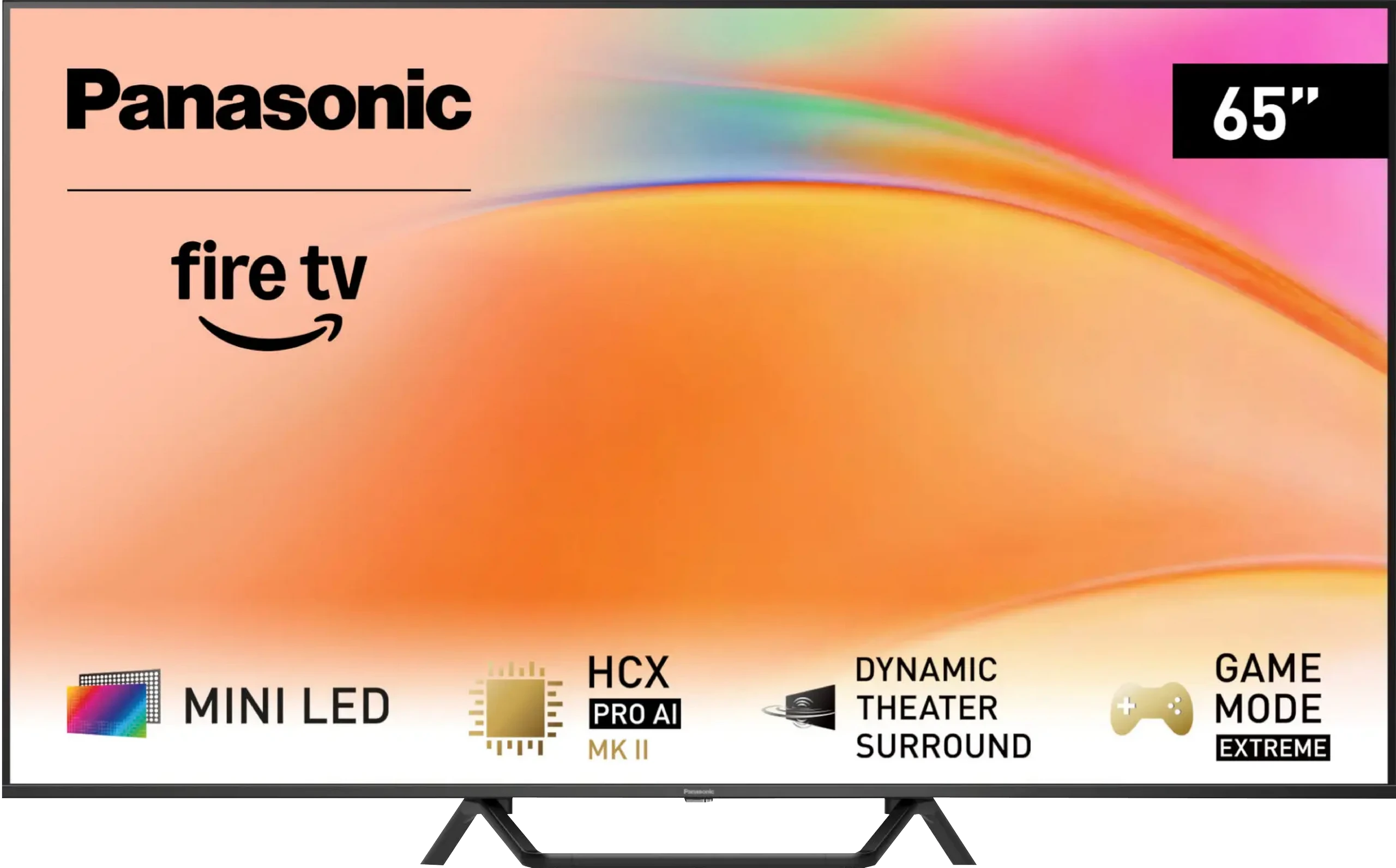
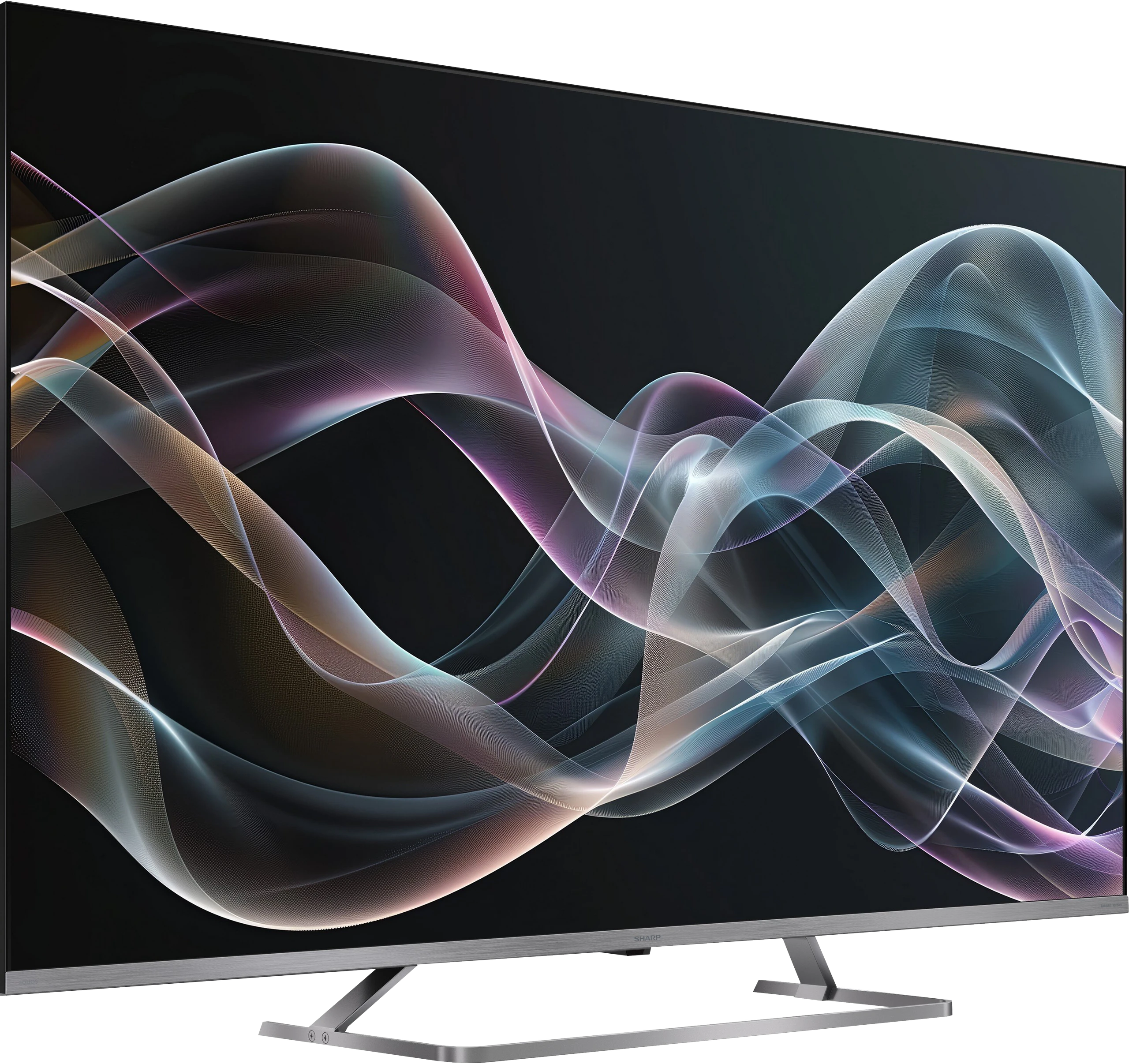
Panel type: LCD VA
Resolution: 3840x2160
System: Amazon FireTV
Model year: 2025
Complete the survey to find out the result
Panel type: LCD VA
Resolution: 3840x2160
System: Google TV
Model year: 2026
Complete the survey to find out the result
Overall rating
7.5
6.2
 Movies and series in UHD quality
 7.3
6.4
 Classic TV, YouTube
 7.4
6.0
 Sports broadcasts (TV and apps)
 7.2
3.9
 Gaming on console
 8.6
6.1
 TV as a computer monitor
 8.4
5.0
 Watching in bright light
 7.2
7.3
 Utility functions
 6.8
6.4
 Apps
Apps 7.2
9.6
 Sound quality
 7.9
6.0
Complete the survey to find out what fits your preferences
Advantages

Great blacks and contrast thanks to 504 local dimming zones and a VA panel
Very high HDR brightness (up to 1400 nits)
Good motion smoothness. 144 Hz panel – perfect for gaming and dynamic content
Support for Dolby Vision, HDR10+
Many features for gamers including: HGiG, ALLM, FreeSync and G-Sync
Low input lag
Well-functioning upscaling and subtle digital image processing
High brightness during the day and effective glare reduction
Pleasant sound with Dolby Atmos support
Ability to record to USB, Bluetooth and jack connection
Good black and contrast – mini-LED backlighting with a VA panel
High brightness – will handle bright living rooms
Google TV system – unlimited app base and smart features
Very good file player – plays almost everything
Mini-jack output – rare and useful headphone connection
Extremely loud – up to 90 dB (ideal for seniors)
Very attractive price
Disadvantages

Fire TV system poorly developed in Europe – lacks many applications
Clumsy interface operation and software bugs, e.g. lack of subtitles when playing movies from USB
Local dimming does not work in VRR mode
Narrow viewing angles – typical for VA panels
Only two HDMI 2.1 ports
Massive trailing and only a 60Hz panel
Poor mini-LED local dimming algorithms
Narrow viewing angles (a natural characteristic of VA panels)
No VRR and HGiG – features for gamers
Odd sound – the audio has a "hole" in the dialogues
Our verdict
Sharp JP7765 is yet another offering in the market that tries to prove that Mini-LED technology doesn't have to cost a fortune. The low price is matched by an exceptionally high brightness – a peak of 1000 nits in HDR is a result that is simply impressive in this price range. Although the proprietary processor doesn't always handle backlighting management in demanding scenes perfectly, support for Dolby Vision effectively saves the day. With dynamic metadata, the picture becomes vivid, deep, and simply attractive to the eye. Adding to this the Google TV system, extreme volume, and a rarely found headphone jack, we have a device that is a brilliant option for seniors or less demanding viewers switching from a regular, cheap LCD. In such a scenario, the Sharp JP7 presents itself as a really good and cost-effective choice. However, it's necessary to state the matter clearly: contrary to marketing slogans, this isn't gear for everyone. Gamers or sports fans will definitely not find this suitable. The biggest drawback of the JP7765 model is the slow, 60Hz panel and significant motion blur, which essentially disqualifies this TV for watching fast-paced matches or playing quick titles. The image loses sharpness during rapid movements to such an extent that for a football or racing fan, this could be an unacceptable barrier.
So who is the Sharp JP7765 for? It's a sensible option for budget-conscious individuals who don't have high demands for motion fluidity but value a "kick" of brightness. By choosing the Sharp JP7, you'll definitely make a better deal than buying basic (non-dimming) TVs from competitors. At a similar price, rivals usually offer standard LCD panels that can't compete with the capabilities of even such a basic Mini-LED model as the JP7. Ultimately, it comes down to a simple equation: you accept poorer motion fluidity in exchange for immense brightness, which is hard to find with other manufacturers at this price.
TV appearance
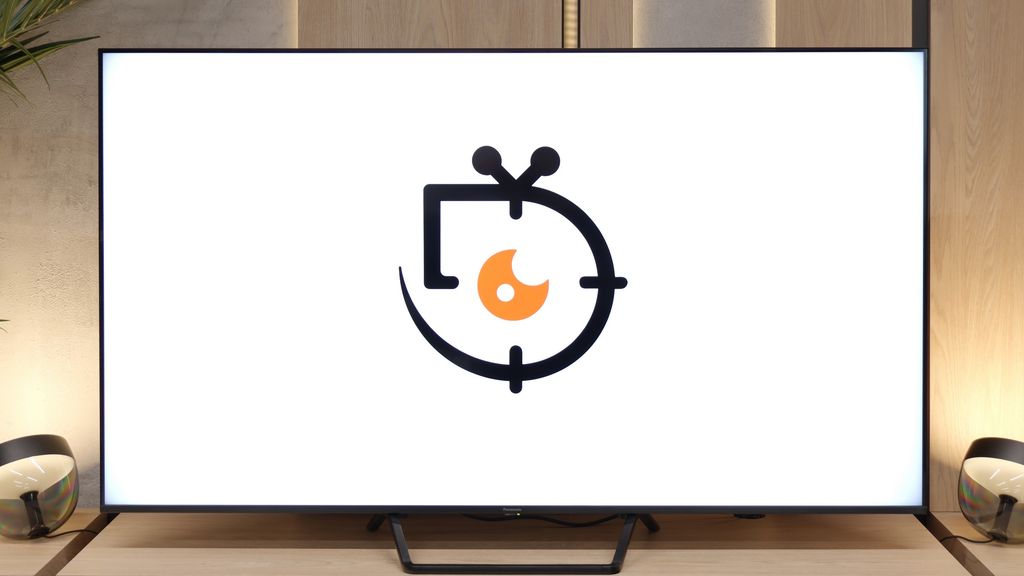

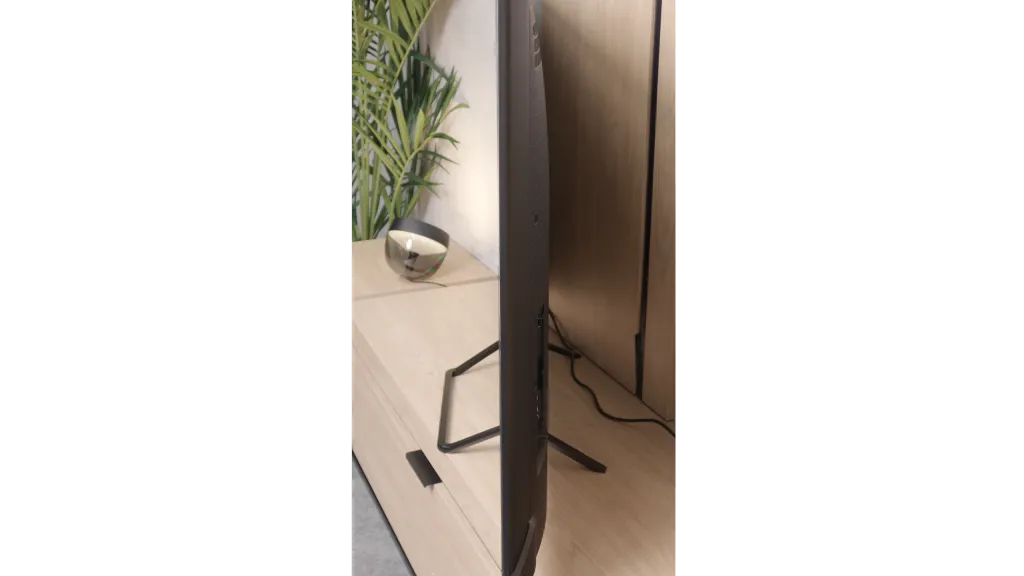
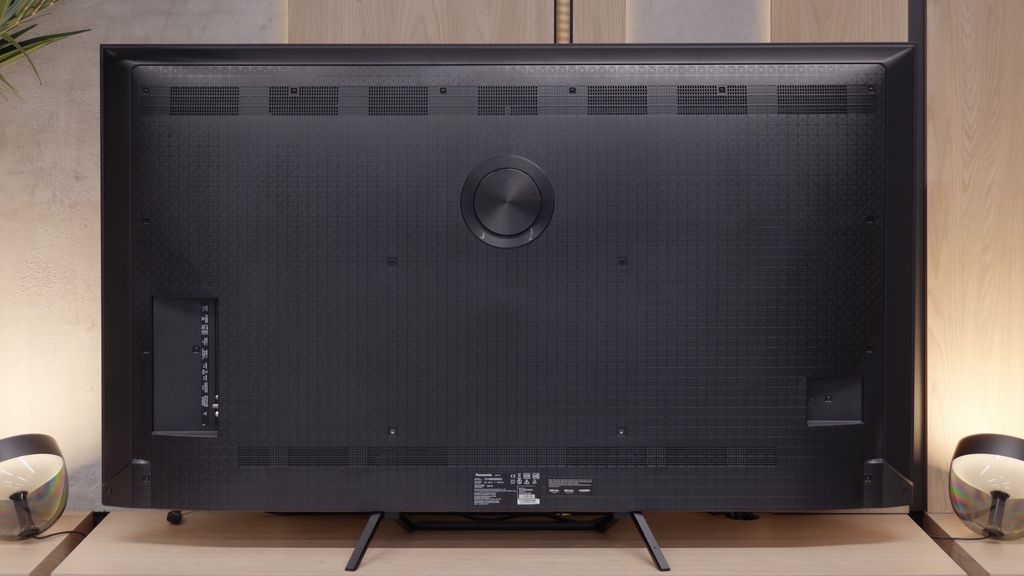
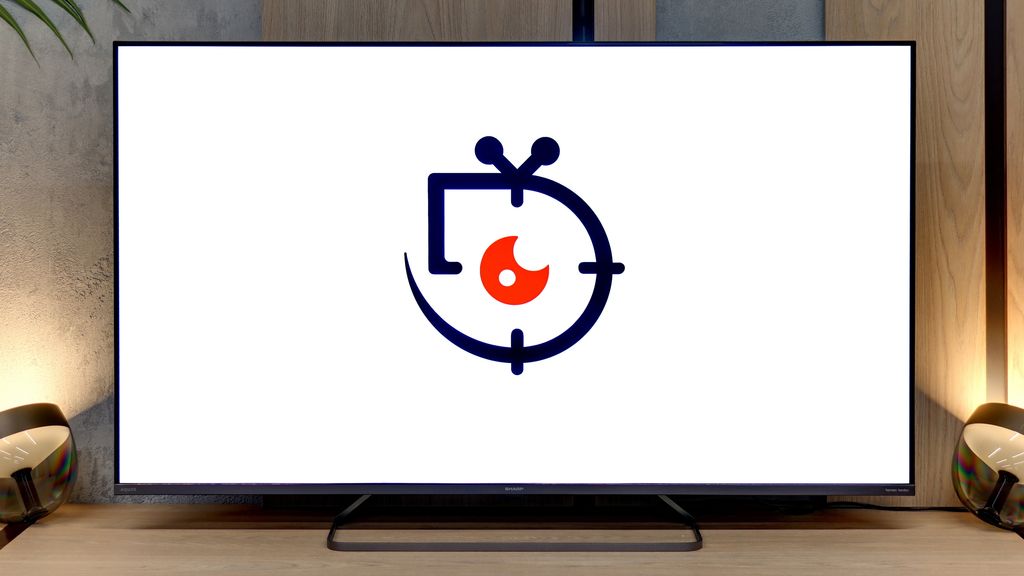
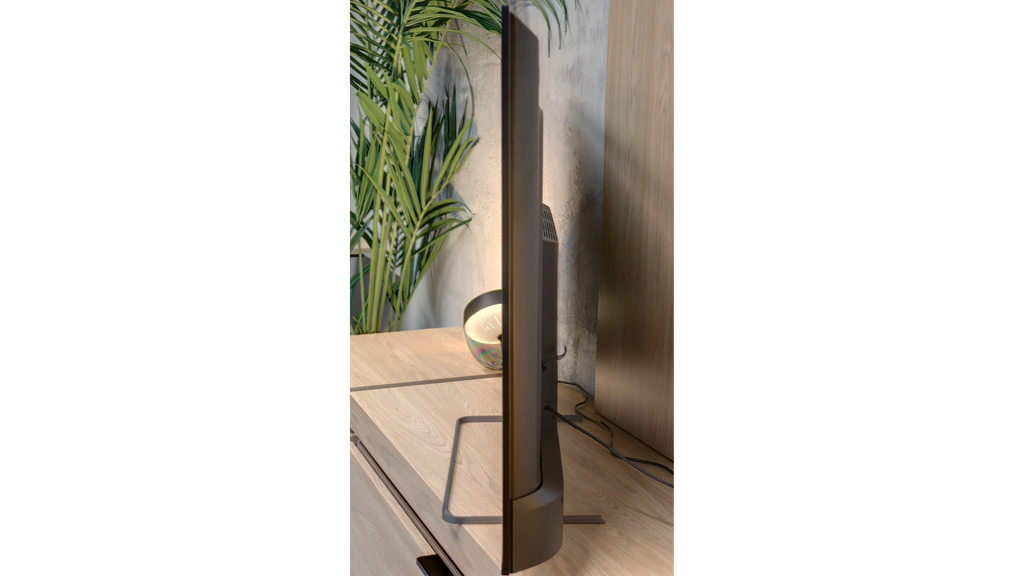

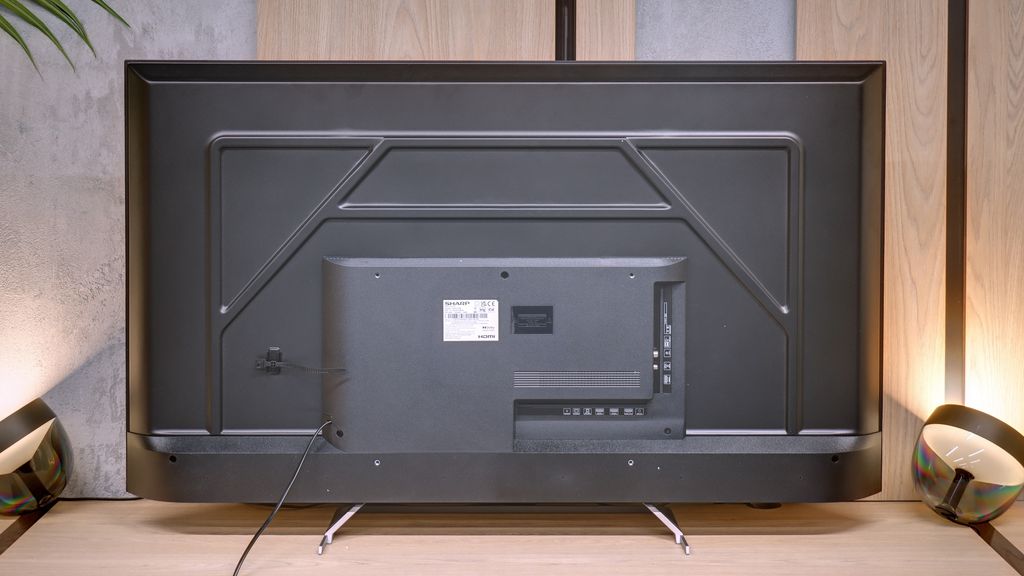

Contrast and black detail
7.5/10
7.3/10
Local dimming function: Yes, number of zones: 504 (18 x 28)
Local dimming function: Yes, number of zones: 160 (10 x 16)
Contrast:


Result
175,300:1

Result
28,450:1

Result
19,450:1

Result
8,600:1

Result
5,400:1
Result
64,100:1
Result
18,250:1
Result
46,350:1
Result
7,000:1
Result
4,500:1
Halo effect and black detail visibility:
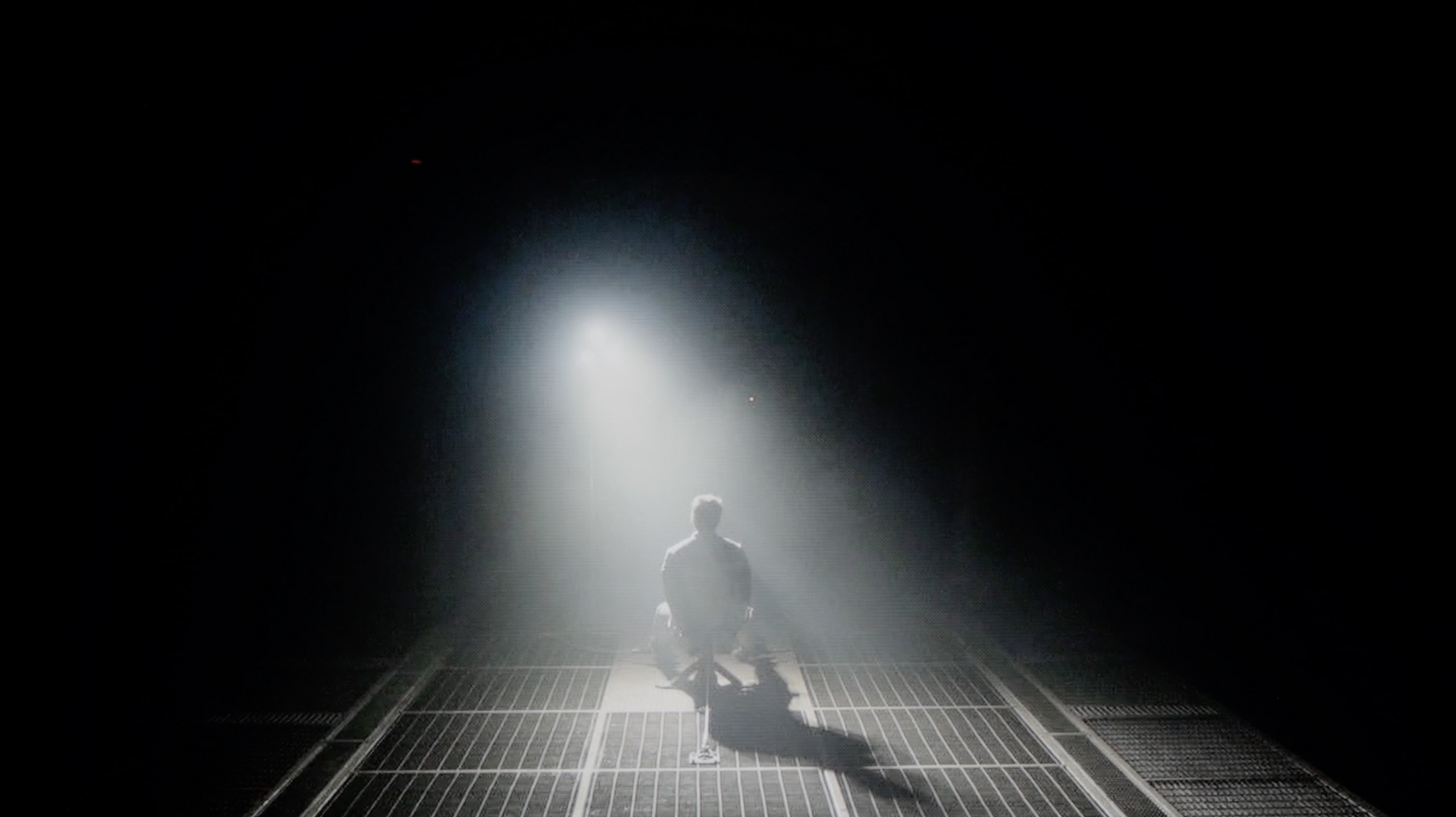
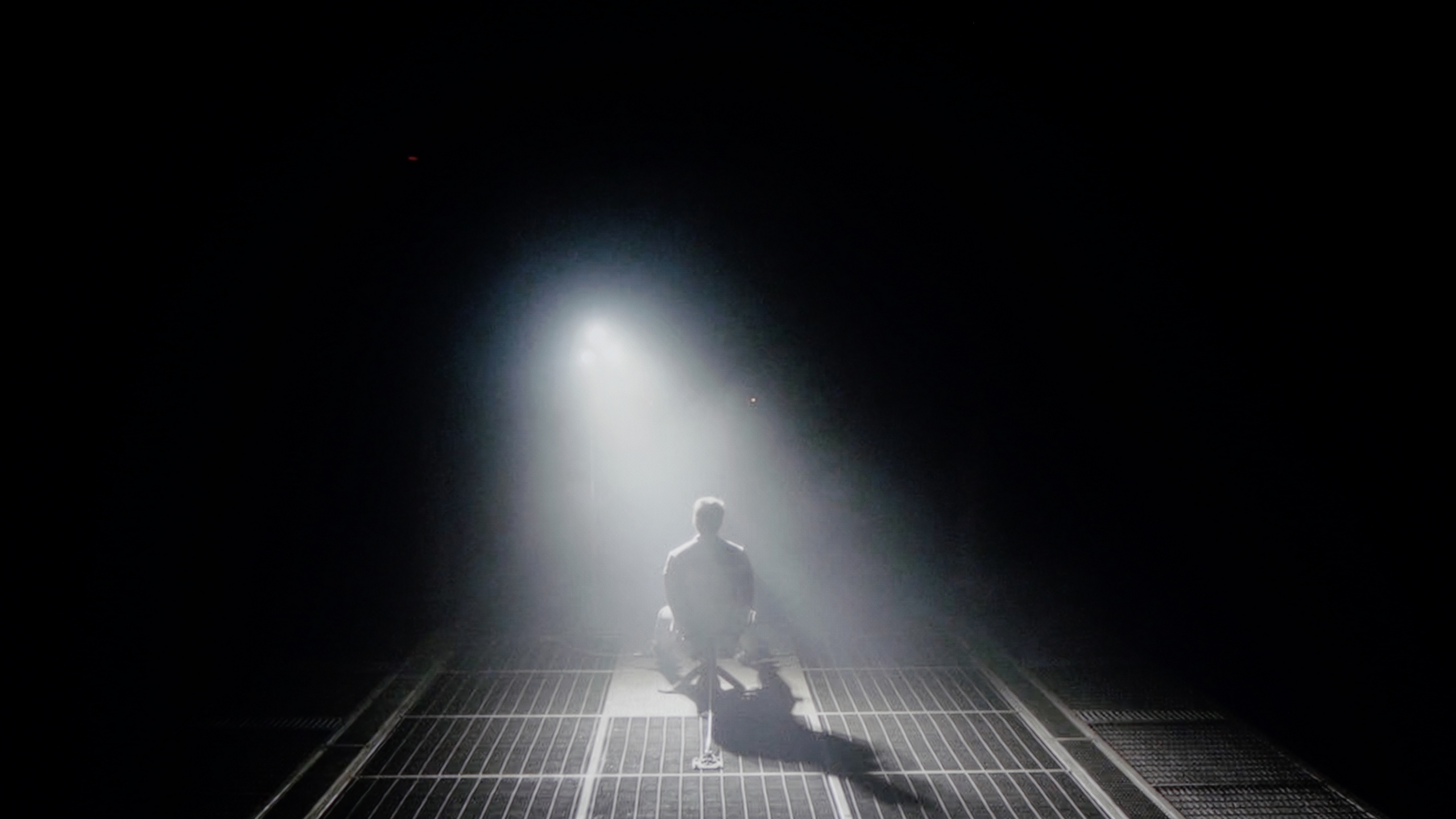
Check the visibility of bright lights on a dark background. Mini-LEDs often struggle with this. The photo does not compare black levels – that’s what the video below is for.
The video accurately shows differences in contrast and black levels between TVs, as well as potential issues: halo around bright objects or Mini-LED zone operation visible as brightness jumps.
We tested the 65-inch variant, equipped with as many as 504 local dimming zones. The Panasonic W95B is an LCD television with a VA panel, but the most important feature is the use of Mini LED backlighting with precise zone control. The results we achieved are truly impressive – in easier scenes, the contrast can reach six-digit values, making it at times easy to mistake this screen for an OLED. Of course, this model is not an OLED, and in more demanding sequences, certain limitations related to zone performance are visible; however, it must be said that Panasonic has refined its algorithms to near perfection. Local dimming is practically invisible in action – the image remains consistent, without noticeable defects or the effect of excessive "bleeding" of light. Details in dark areas are preserved, and transitions between brightness and black look exceptionally natural.
When it comes to what’s most important in Mini-LEDs, namely contrast and black levels, the Sharp JP7 in the 55-inch size we've tested uses a VA panel. Combined with backlighting divided into 160 zones (in a 10x16 layout), this promises really solid performance. Measurements on static film test patterns can be downright shocking, with reported contrast reaching five-digit values, even hitting levels of 50,000:1. On paper, this is a result that even much more expensive models would envy, and black levels under such conditions look very appealing.
Unfortunately, a TV is bought for watching movies, not for admiring static test patterns, and here the magic tends to fade. When something more begins to happen on the screen – especially in complex, dark scenes with a lot of small, bright elements – the backlight system in the JP7 starts to literally go haywire. Zones can "dance" before the viewer's eyes, flickering on and off in a manner that can be just plain annoying and distracts from the action. It is clear that Sharp has a huge area for improvement regarding local dimming management. The hardware potential in the form of Mini-LEDs is substantial, but the control algorithms clearly struggle to tame them.
HDR effect quality
5.7/10
5.3/10
Luminance measurements in HDR:

Result
1145 nit

Result
229 nit

Result
636 nit

Result
198 nit

Result
740 nit
Result
1014 nit
Result
247 nit
Result
606 nit
Result
180 nit
Result
605 nit
Scene from the movie “Pan” (about 2800 nits)


Scene from the movie “Billy Lynn” (about 1100 nits)


The photos show two HDR10 movies. 'Pan' is one of the brightest productions ever made, while 'Billy Lynn' (soldier) has brightness typical of streaming (Netflix, Prime, HBO MAX). Notice the intensity of effects and detail in whites.
Static HDR10


The photos present the visibility of white details in various HDR formats. They do not show brightness differences between TVs (these can be compared in the previous gallery).
Dynamic: Dolby Vision
Dynamic: Dolby Vision


The photos present the visibility of white details in various HDR formats. They do not show brightness differences between TVs (these can be compared in the previous gallery).
HDR luminance chart:
SHARP JP7765E
Panasonic W95B
The Panasonic W95B is truly a bright screen, capable of achieving peak luminance levels of around 1400 nits. In brighter, well-lit movie scenes, this value translates into spectacular HDR effects that can leave a big impression. However, knowing our test setup, you probably see that in very demanding shots – such as the moon in the distance or the lights of a helicopter in a scene from Sicario 2 – the television doesn’t impress. In such situations, brightness drops to around 200 nits, making the HDR effect much less noticeable. This happens because Panasonic focuses on maintaining deep blacks, not illuminating the background – which shouldn’t be a concern for many users. However, it’s important to remember that in such moments, the picture starts to resemble SDR content. The coverage of the colour palette also deserves praise, as it reaches around 93% of the DCI-P3 space thanks to the use of the PFS filter (also known from QLED technology). This means that most films look very good in terms of saturation and colours, maintaining a cinematic quality to the image.
So how does the brightness of the Sharp JP7 perform in the most demanding titles? Honestly, we were quite surprised at first. The TV is able to achieve over 1000 nits of brightness, which is an outstanding and rare result for a device costing just under 2000 zł (for 55 inches). Watching bright, full-screen scenes, you can get the impression that you are dealing with really good equipment. But unfortunately, we have to return to the issue we mentioned earlier, which is local dimming management. When small, bright spots appear on a dark background (like in test scenes from the films Life of Pi or Sicario 2), it’s clear how poorly the JP7 handles these zones. The TV dims them almost to the maximum, crushing the whole HDR effect, which at such moments resembles a flat SDR image (less than 200 nits). This instability means that in demanding, contrast-rich films, the image on the JP7 unfortunately loses its appeal.
As a consolation, it's worth noting that the panel has the potential to display colours well. A PFS (phosphor) filter has been employed here, which allows the coverage of the DCI-P3 colour gamut to reach a solid 94%. The manufacturer calls its product a “QLED,” even though it technologically relies mainly on the aforementioned PFS filter. Considering the recent market battles between manufacturers over what can and cannot be called QLED, we leave the issue of the correctness of this terminology to your judgement. However, it remains a fact that the potential for reproducing saturated colours in this panel is simply good.
Factory color reproduction
5.1/10
4/10


This gallery shows how colors change after professional TV calibration. If you notice the difference, we recommend ordering this service at SkalibrujTV.com.
Factory Mode
After calibration


This gallery shows how colors change after professional TV calibration. If you notice the difference, we recommend ordering this service at SkalibrujTV.com.
Factory Mode
After calibration
In Filmmaker mode, the Panasonic W95B offers an image with quite accurate colour reproduction, although it is not without minor imperfections. The white balance slightly leans towards red, which can cause a subtle warm tint to the image, and the gamma curve is slightly elevated, making the screen appear a bit brighter. It's good that the manufacturer has included this mode – even in its factory configuration, it provides a fairly natural look for films. However, knowing how susceptible Panasonic televisions are to calibration, we decided to check how much the image could be improved after professional tuning.
When it comes to colours straight out of the box, the Sharp JP7 was tested in the Film mode, which traditionally offers the most cohesive image compared to the yellowed “Eco” mode or the glaring blue of the “Dynamic” mode. Although this is the best choice among the available settings, the results still fall short of ideal. The white balance clearly lacked red and blue components, causing many scenes to take on an unnatural, greenish hue. Another issue was the gamma – in full-screen scenes, the TV produced excessively bright images, completely robbing it of its cinematic character. All of this resulted in colour reproduction errors, especially in shades of grey, which exceeded the Delta E 10 value. To remind you: errors above 2-3 are already noticeable to the human eye, so here we are dealing with a significant distortion of reality.
In HDR mode, the situation is reversed, but not in a better way. Here, the white balance is dominated by blue, giving the image an unnatural, almost “store-like” sharpness, reminiscent of aggressive demonstration modes. Moreover, the measurements of the EOTF curve emphasise the store-like nature of the image. The graph clearly shows that the TV generates images that are significantly brighter than the standards predict, resulting in an artificially boosted and unrealistic final effect. The Sharp JP7 is evidently trying to appear stronger than it actually is, but it does so at the expense of fidelity to the original content.
Color reproduction after calibration
9.1/10
6.7/10


The photos show how movies look on the TV. Pay attention to black detail visibility, colors, and shadow tint.


The photos show how movies look on the TV. Pay attention to black detail visibility, colors, and shadow tint.
After professional calibration, the Panasonic W95B shows what it’s really capable of. Colour errors have mostly dropped below values of 2–3, making them practically invisible to the human eye. The excess red in the white balance has also been corrected, which means the image is no longer slightly tinted pink, and details in dark areas no longer get lost due to excessive dimming in the gamma. The improvement in HDR content is also noticeable – colour saturation is now more stable and doesn’t lean towards blue as distinctly as it did before. It’s truly a fantastic television for watching movies and series in the highest possible quality. While we know that Mini LED screens are not always perfectly suited for this, the W95B is a prime example that with proper tuning, a result close to OLEDs can be achieved.
We subjected the JP7 to our standard calibration procedure and honestly... the television gained a second life thanks to it, especially with SDR content (YouTube, traditional television, series, or older films). With our precise adjustments to the white balance and stabilisation of the gamma, colour errors dropped to a value of below 3. This is a level at which the human eye struggles to perceive discrepancies. In this scenario, the Sharp JP7 delivers an image with truly excellent colour accuracy, which is a significant advantage in this price range. However, the HDR content turned out to be much more problematic. Here, despite our efforts and interventions in the settings, the television simply refused to cooperate. In the JP7 menu, we won’t find any option to effectively control how brightness is managed (EOTF). Although a significant portion of the colour errors has been reduced, the image still remained unnaturally oversaturated. It’s a bit disappointing because the potential of the mini-LED backlit panel is great, but the software presents a clear barrier.
The conclusion is simple: when watching less demanding content (SDR) on the JP7, you can expect an image that is more than satisfactory, but in HDR you will have to accept a certain degree of "artificiality" that cannot be bypassed even with professional equipment.
Smoothness of tonal transitions
9.5/10
7.5/10
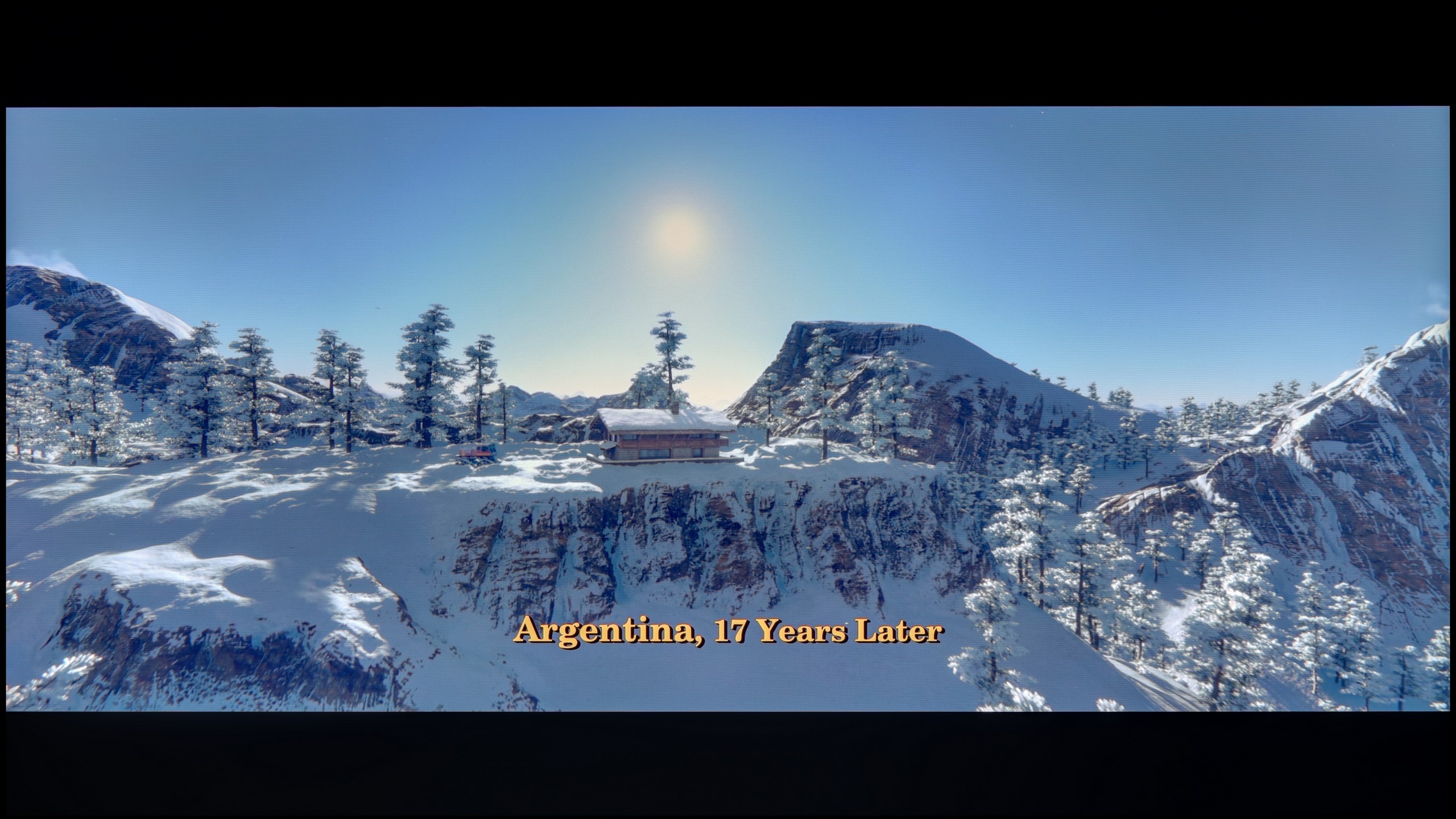



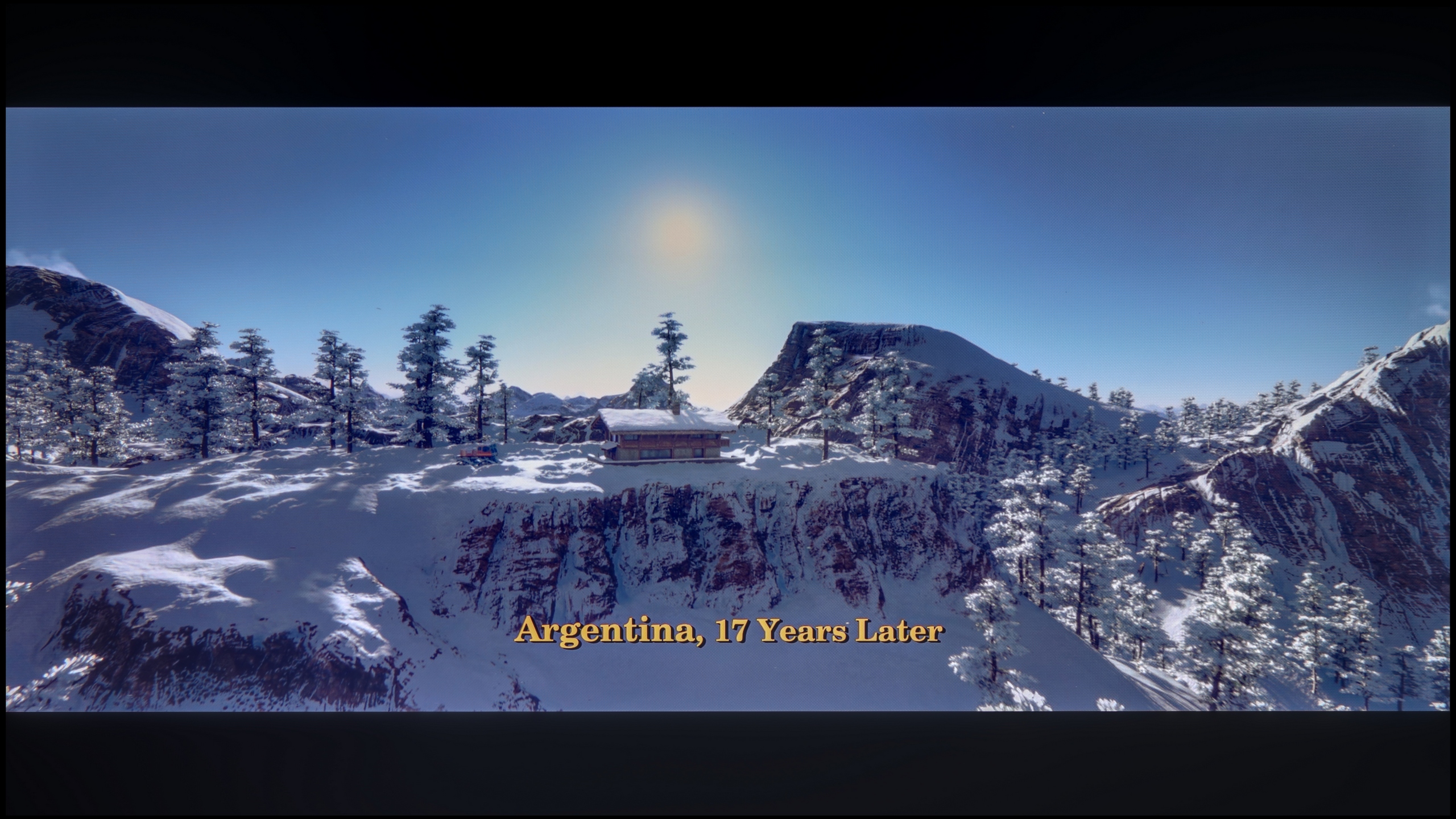
These are selected scenes that show smooth tonal transitions from one color to another. If you see distinct banding, it’s the TV panel’s fault.

These are selected scenes that show smooth tonal transitions from one color to another. If you see distinct banding, it’s the TV panel’s fault.

These are selected scenes that show smooth tonal transitions from one color to another. If you see distinct banding, it’s the TV panel’s fault.

These are selected scenes that show smooth tonal transitions from one color to another. If you see distinct banding, it’s the TV panel’s fault.
In terms of tonal transition fluidity, the Panasonic W95B performs exceptionally well. In the vast majority of scenes, the gradation is practically unnoticeable, which makes the image look exceptionally smooth and natural. Minimal issues only arise in extreme shades of grey, which occur extremely rarely and are difficult to catch with the naked eye. This is a level that will satisfy even the most demanding users.
When it comes to image clarity, posterisation on the Sharp JP7 fortunately doesn’t distract too much from the content being viewed. In most scenes, it’s hard to spot annoying stripes or the so-called “jaggies” of colour, which often ruin the experience during scenes with smooth colours. Of course, you can't expect miracles here, as in some extremely demanding scenes, a trained eye might notice issues in the tonal transitions. However, it’s not at a level that would realistically distract during a film. Well, unless you have good eyesight and are looking for artefacts on the screen – then you’ll probably find something.
Image scaling and smoothness of tonal transitions
7.8/10
3.5/10


Smooth transition function
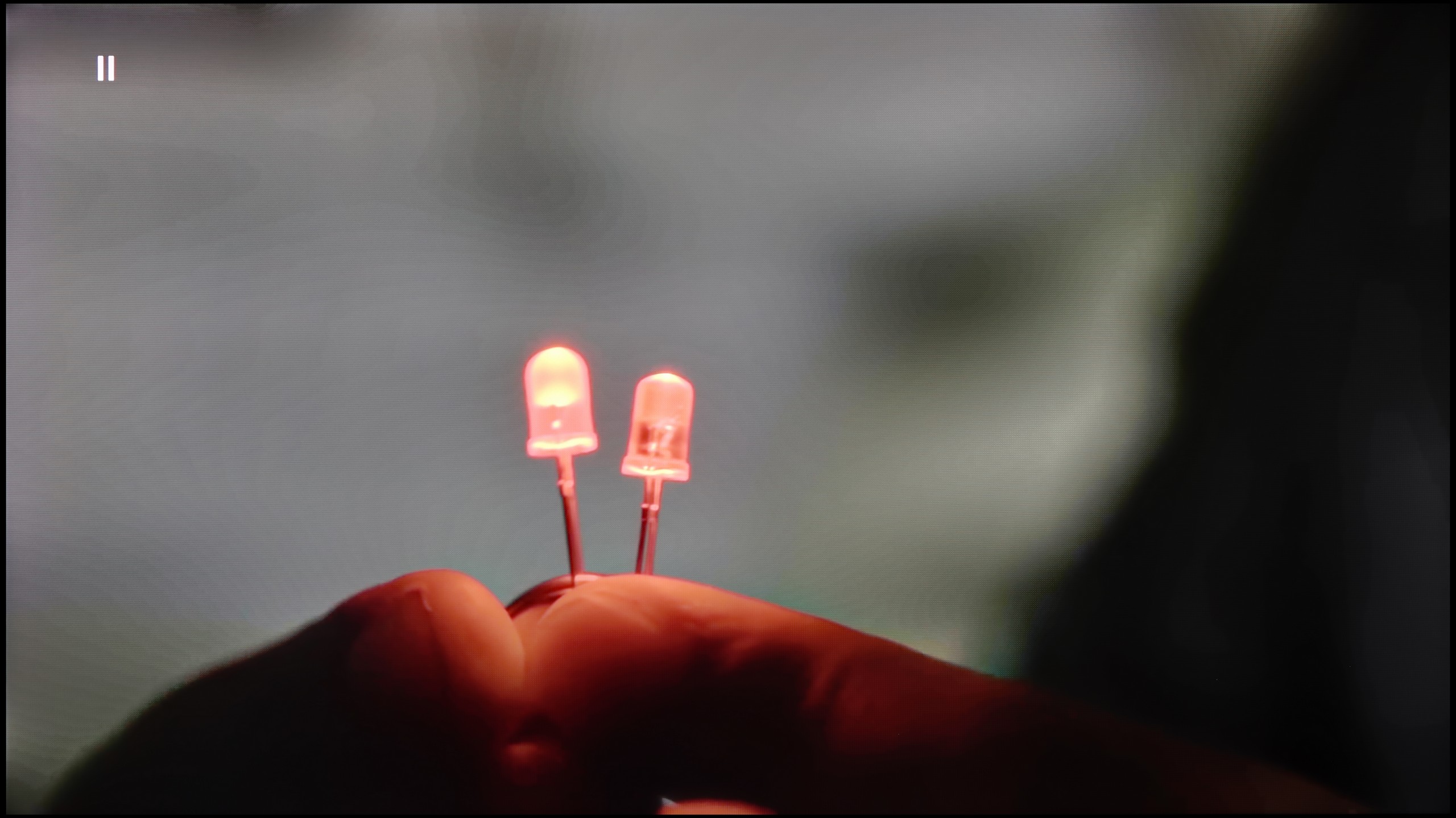
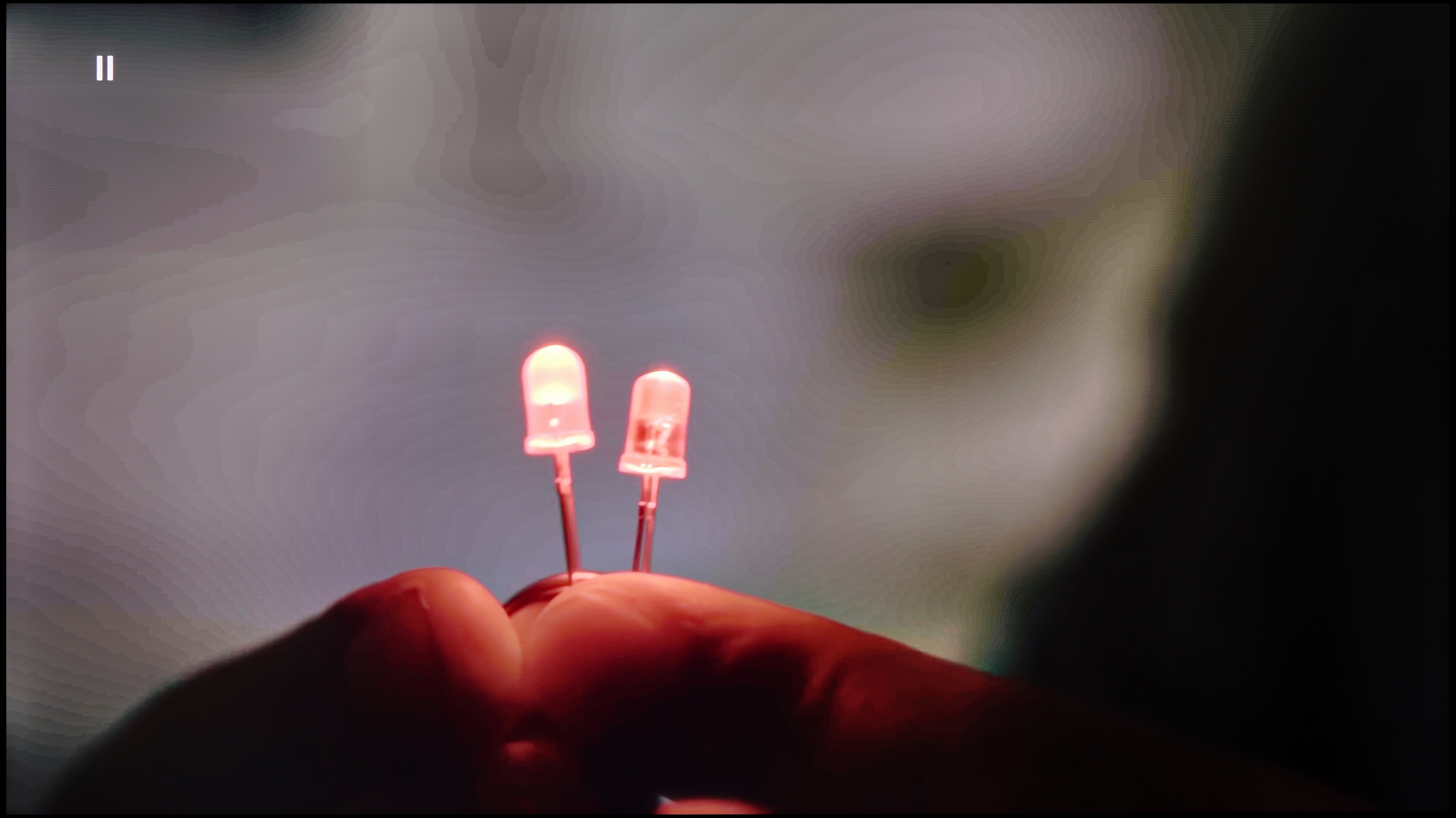
The match photo shows how the TV smooths weak tonal transitions in low-quality video.
Image scaling SD (576i)


The model photo shows how it handles upscaling of SD material.
In terms of image processing, the Panasonic W95B performs exceptionally well. The proprietary processor responsible for digital image processing effectively upscales lower resolution content to 4K, maintaining a high level of detail and a natural look to contours. The end result is impressive – the upscaling is truly top-notch, and Full HD content can look surprisingly good. Also noteworthy is how the TV smooths tonal transitions in low-quality materials. The algorithm doesn’t operate as aggressively as in some competing models, which helps avoid the loss of detail or the blurring of film grain.
When it comes to lower quality materials and how Sharp JP7 handles them, the situation is ambiguous. Let's start with the upscaling itself – here we have no major objections. The process of scaling the image to a higher resolution is correct; the picture remains readable and clear, without the overscan effect, which means no cropped edges. Of course, it's not at the level of top models and at times you can notice slight tearing on the edges, but in this price range, the effect is fully acceptable.
However, the actual digital image processing performs much worse, as aside from the scaling, it practically doesn’t exist. In the JP7 menu, we won’t find any options that would effectively smooth out unwanted tonal transitions or reduce noise in the image. As a result, the signal hits the panel in a very raw form, which with heavily compressed materials (e.g., from YouTube) results in noticeable posterisation. Either this is a programming error or a very strange design decision, because in earlier Sharp models this function was available and, more importantly, worked with noticeable effect. Here, we are stuck with what the source delivers, without any digital support from the image processor.
Blur and motion smoothness
7.8/10
2/10
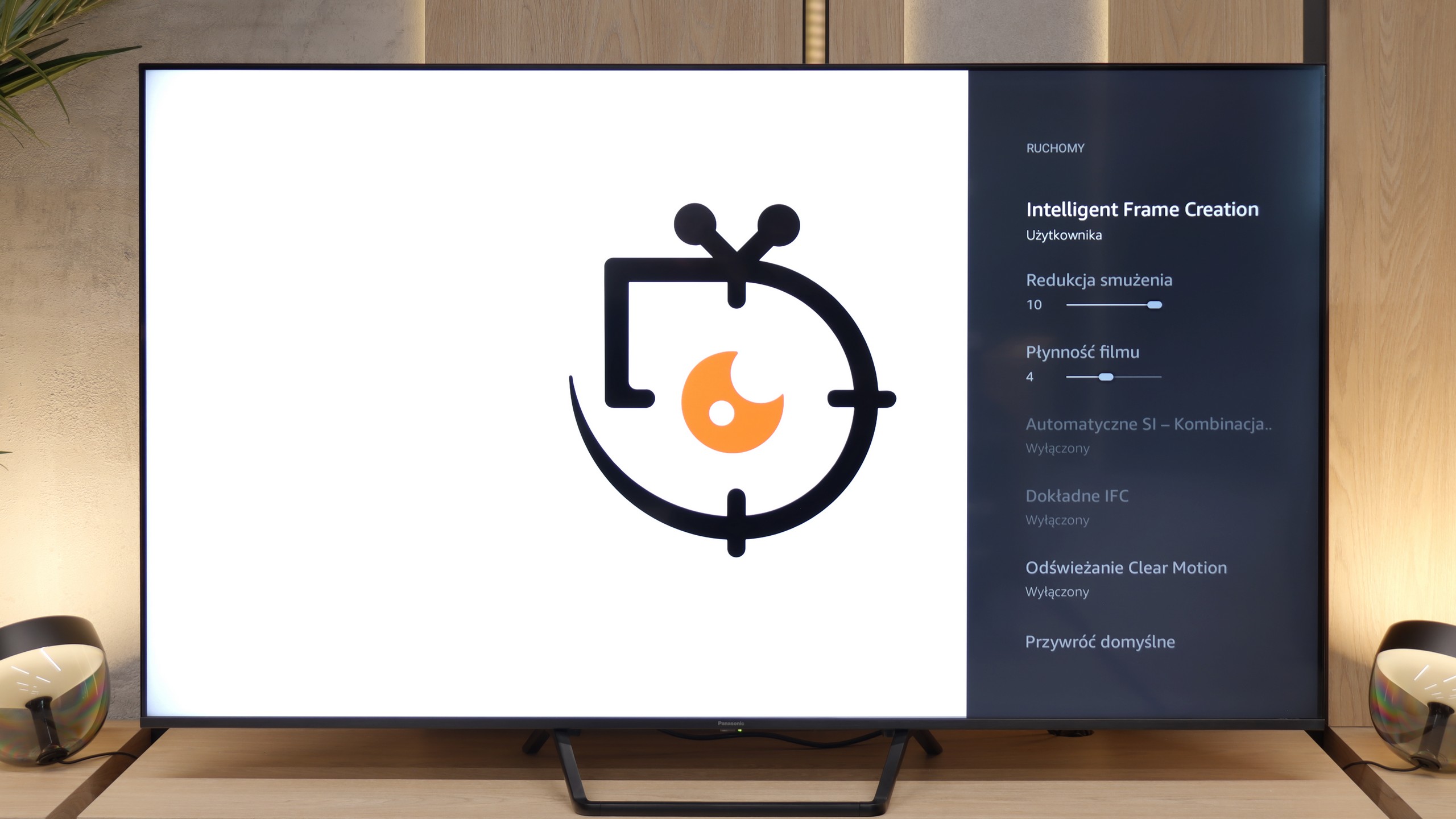
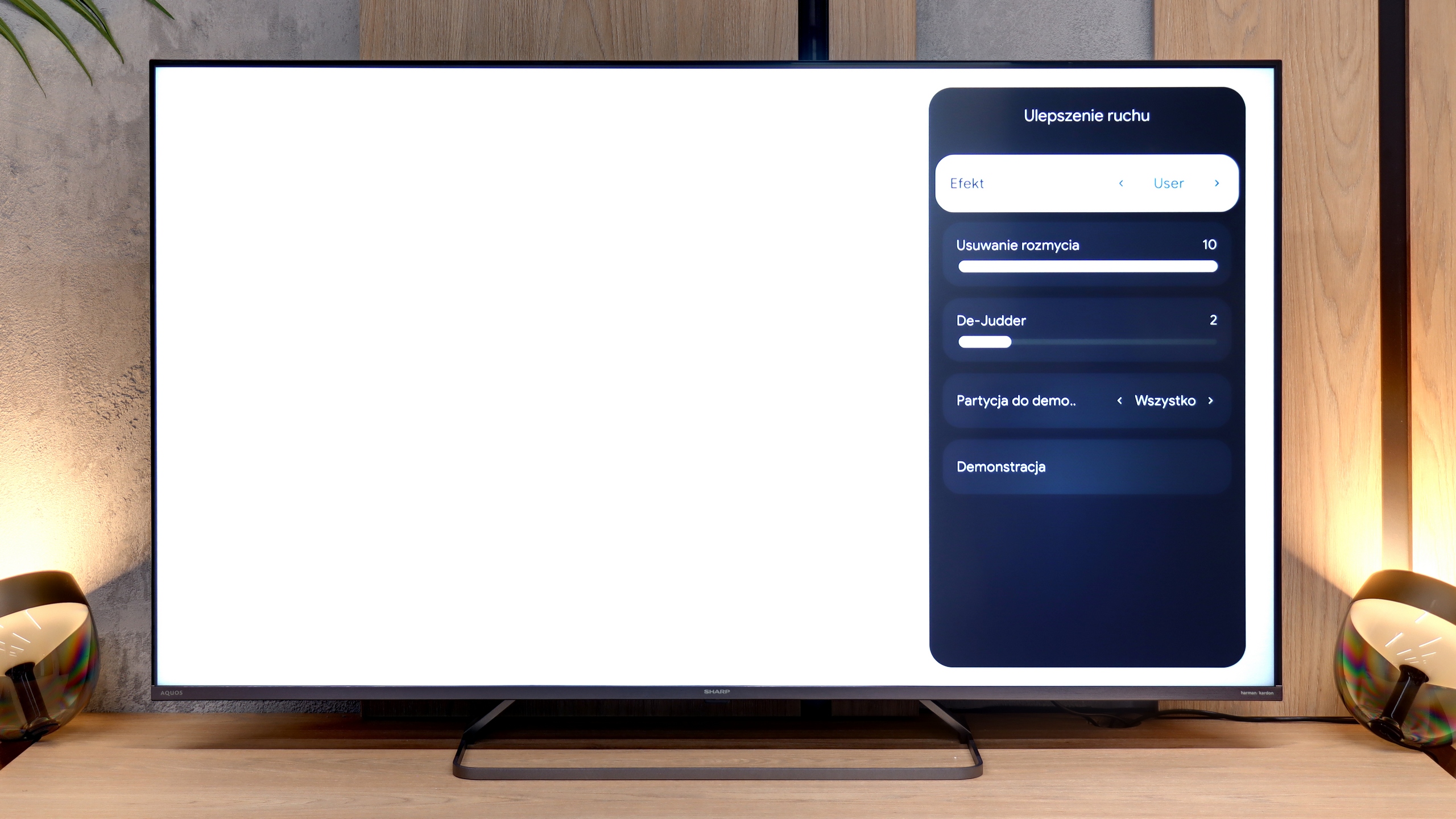
Blur (native resolution, maximum refresh rate):






Blur (BFI function enabled):



Blur (4K@144Hz):



Blur ():
The 144 Hz panel used in the Panasonic W95B offers excellent smoothness, although in practice, given how television content looks or how new-generation consoles are limited, it’s worth looking at its performance when refreshing at 120 Hz. In this mode, the television performs exceptionally well – despite being a VA panel, which is not known for the fastest pixel response times, motion blur is minimal and difficult to detect with the naked eye.
The motion fluidity on the Sharp JP7 is quite average, and the reason is simple: the TV uses a 60Hz panel. This immediately makes it hard to recommend for watching sports or serious gaming, where higher refresh rates are already the standard. The only real plus is the presence of a motion smoother, which we can control in films with a slider called De-judder. Lower settings give a more raw, “cinematic” (framey) image, while higher ones add artificial fluidity. We suggest setting it somewhere in the middle of the scale, around 3-5 – this is the best compromise to avoid the soap opera effect while also getting rid of the annoying image skipping. Interestingly, in the menu, we also find a slider for "motion blur reduction," which usually indicates the presence of a 120Hz panel. However, in the case of the JP7, it doesn’t actually enhance the image and serves more as a dummy – it looks good in the settings, but technically it shouldn’t work on this panel.
Console compatibility and gaming features
9.8/10
4/10
- ALLM
- VRR
- VRR range48 - 144Hz
- Dolby Vision Game Mode
- Correct implementation of HGIG
- 1080p@120Hz
- 1440p@120Hz
- 4K@120Hz
- Game bar
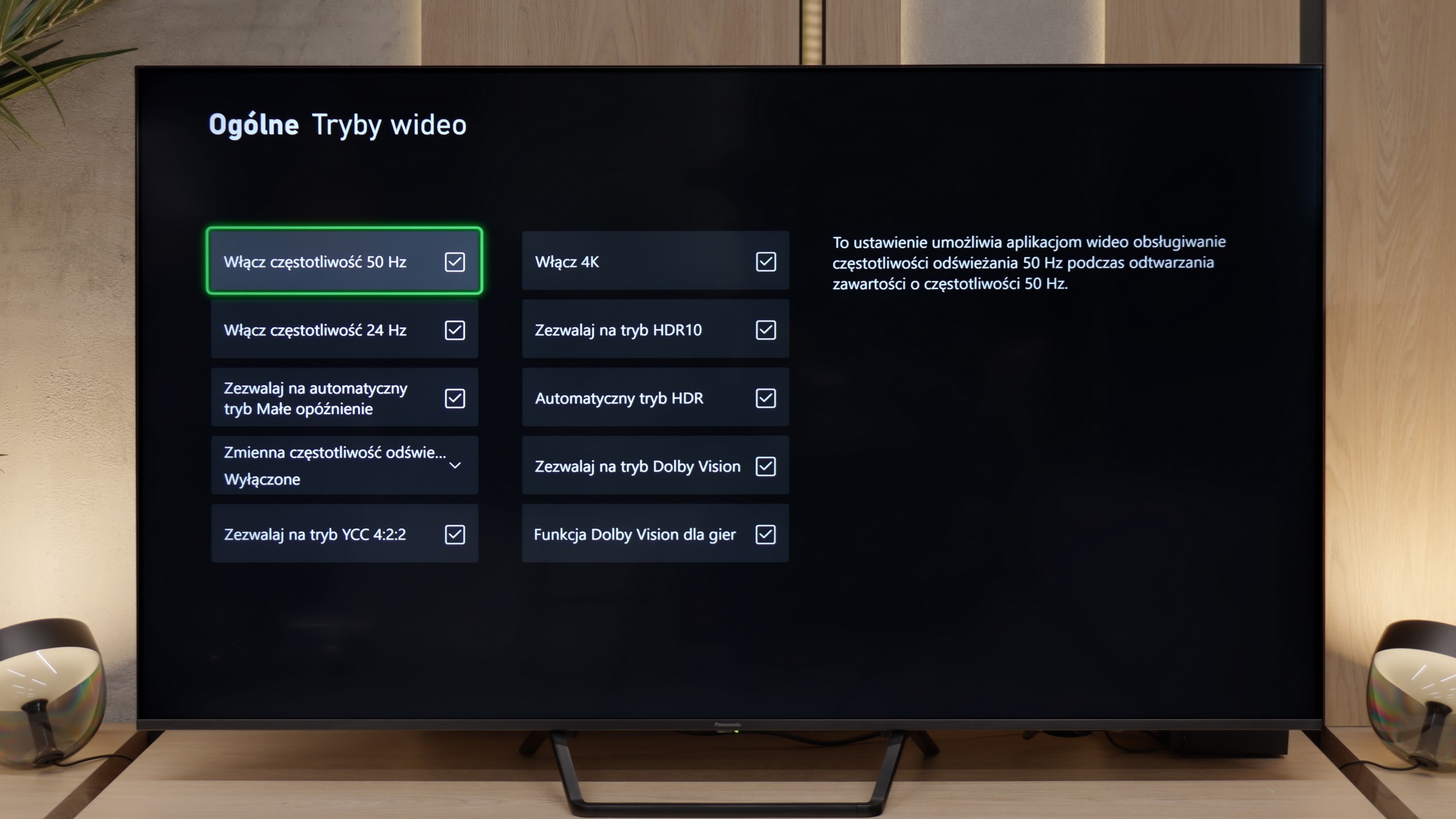
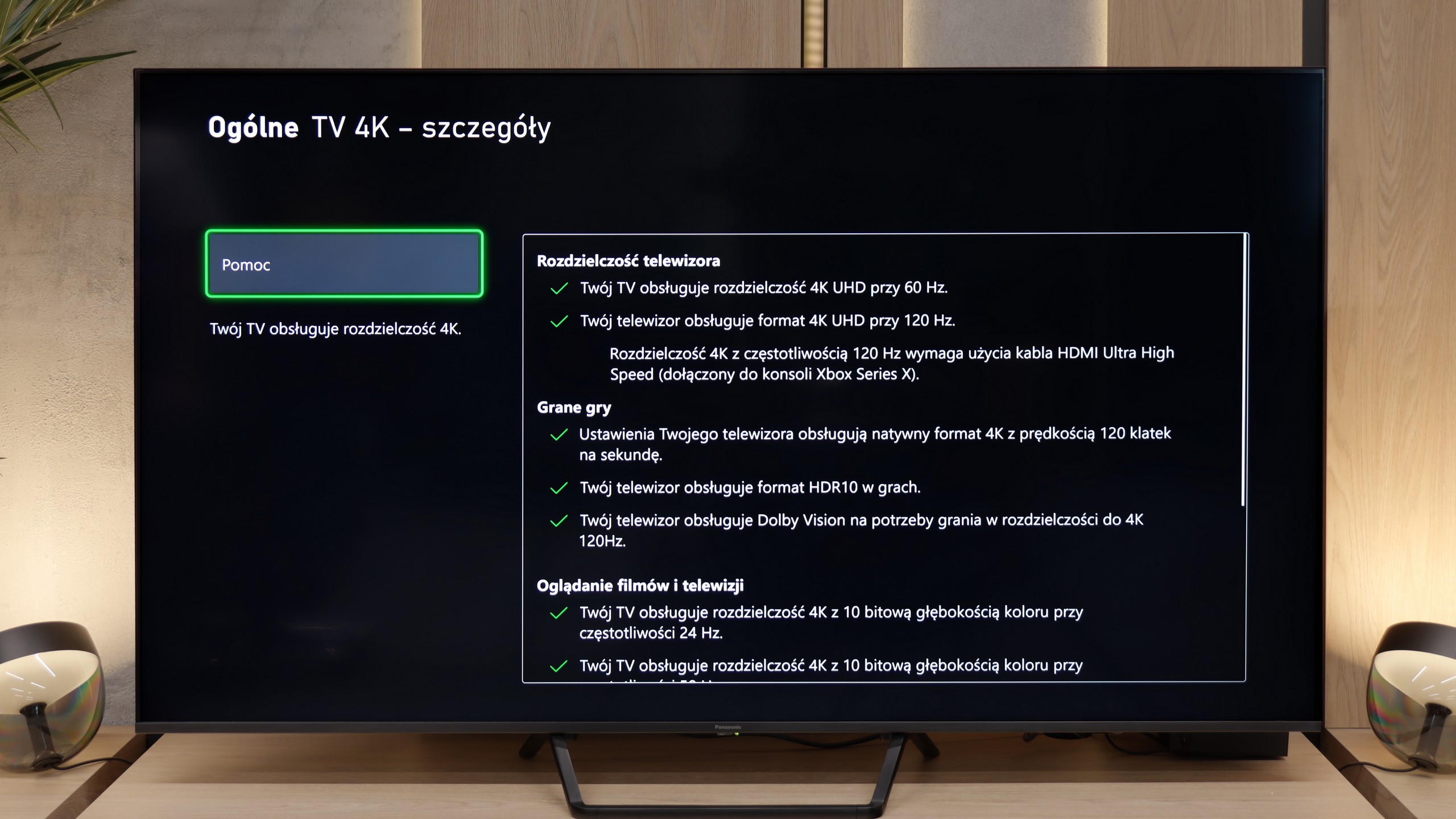
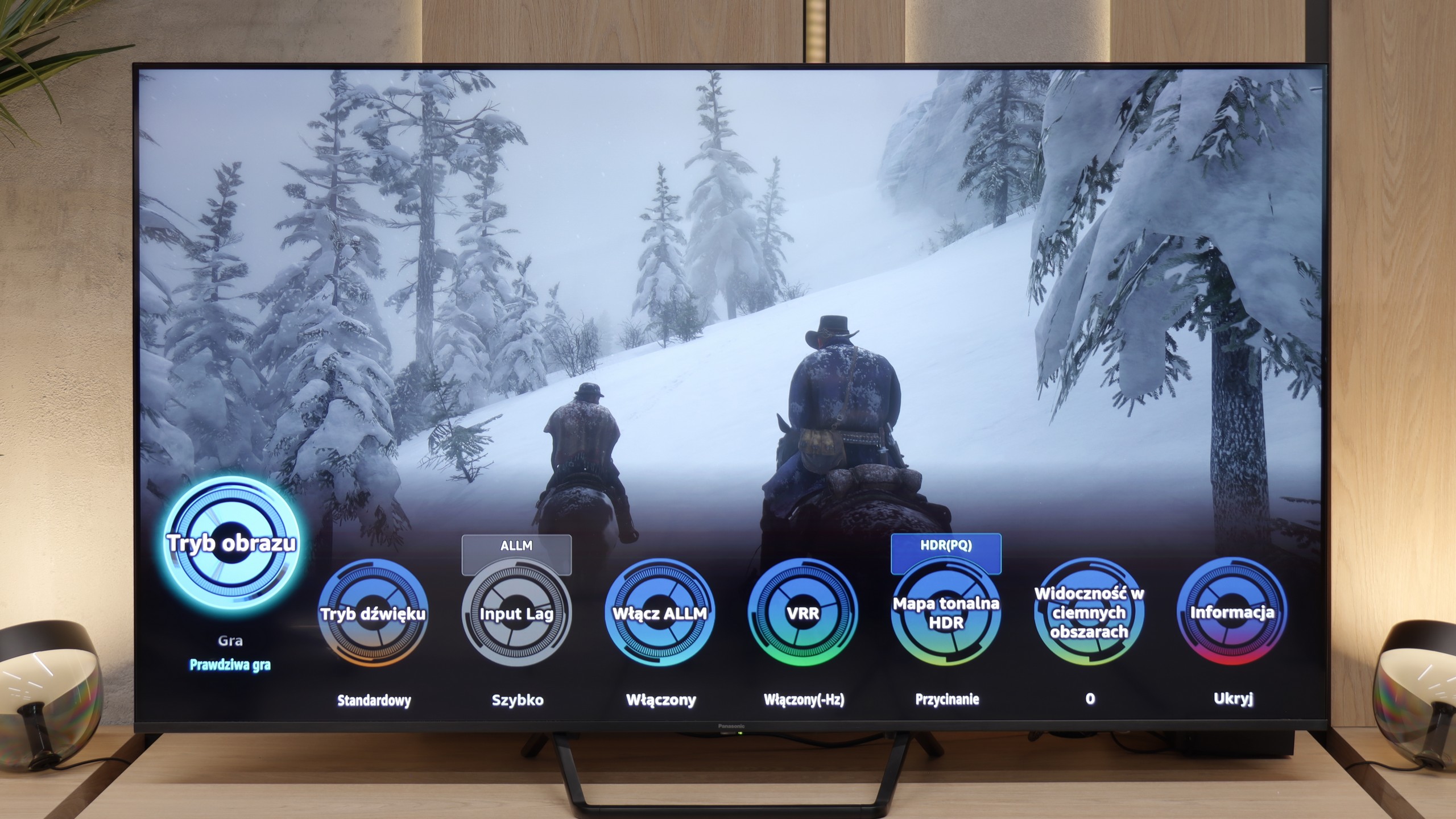
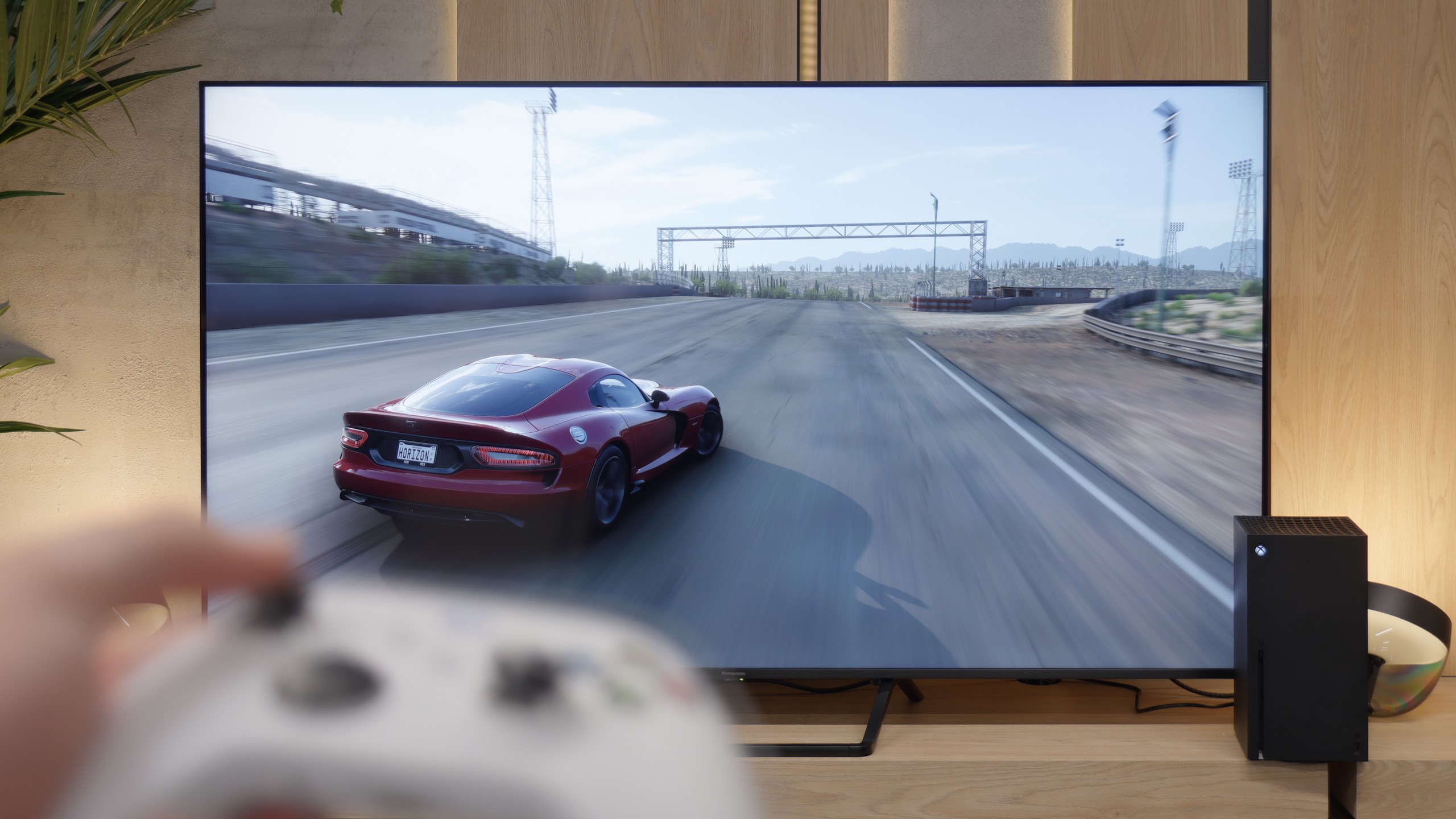
Aside from the previously mentioned issue related to VRR mode, where local dimming does not work, the Panasonic W95B is a true gaming beast. The TV offers practically everything that gamers could expect – perhaps apart from four HDMI 2.1 ports, as there are only two available. On board, we find automatic low latency mode (ALLM), correctly implemented HDR modes for gamers, including HGiG, as well as support for Dolby Vision in games. The whole package is complemented by an interestingly designed Game Bar, presented in the form of circles. It may not be the most visually attractive, but it fulfills its purpose – allowing quick access to key game parameters and adjusting settings without diving into the system menu.
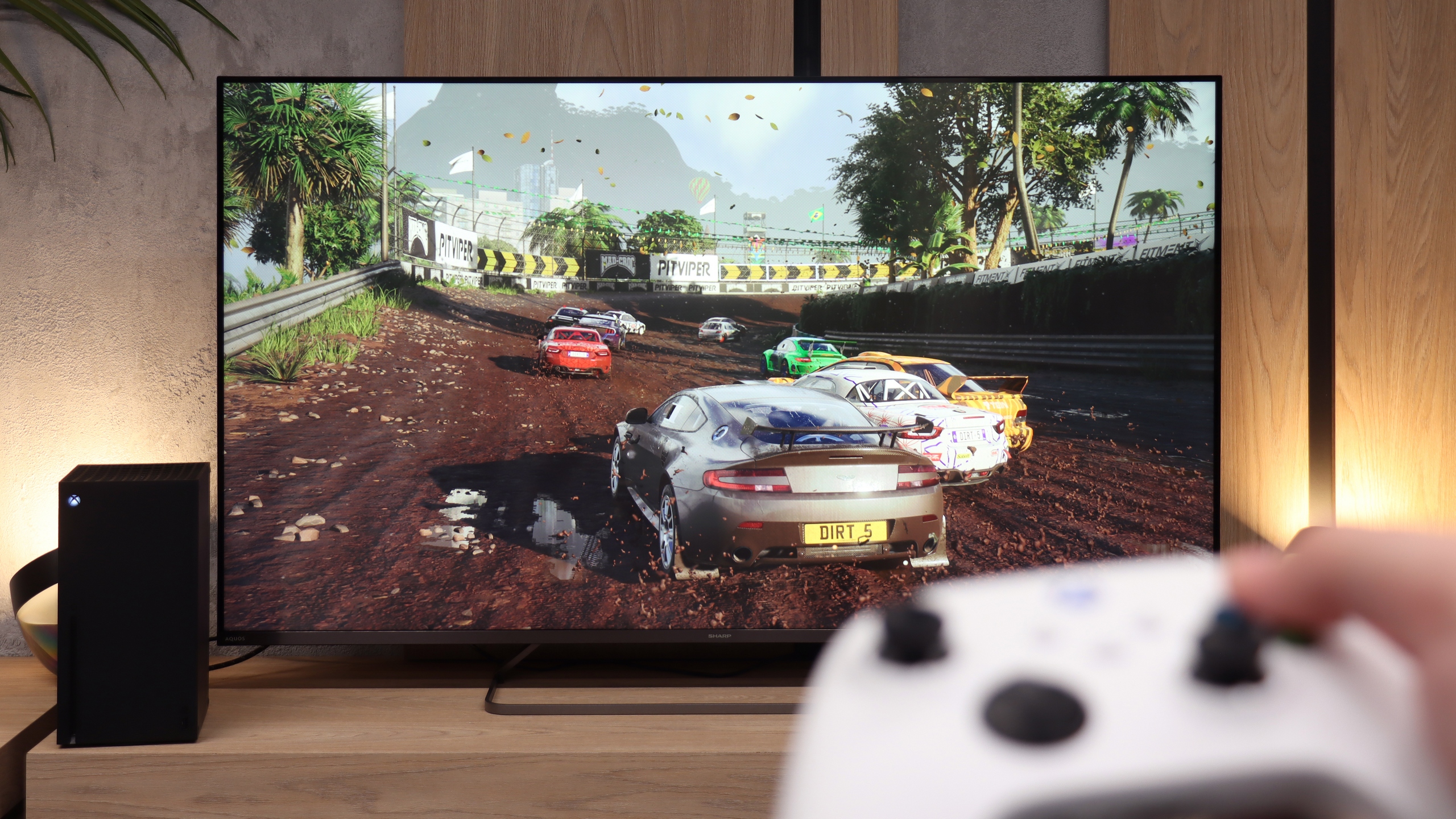
As we mentioned earlier, the 60Hz panel is not a feature that will attract gamers to the Sharp JP7. Perhaps for the casual gamer, whose console still generates most titles at 60 frames per second, there might be something interesting? When it comes to specific additions, we find here:
ALLM mode: Automatically switches the TV to low latency game mode (input lag).
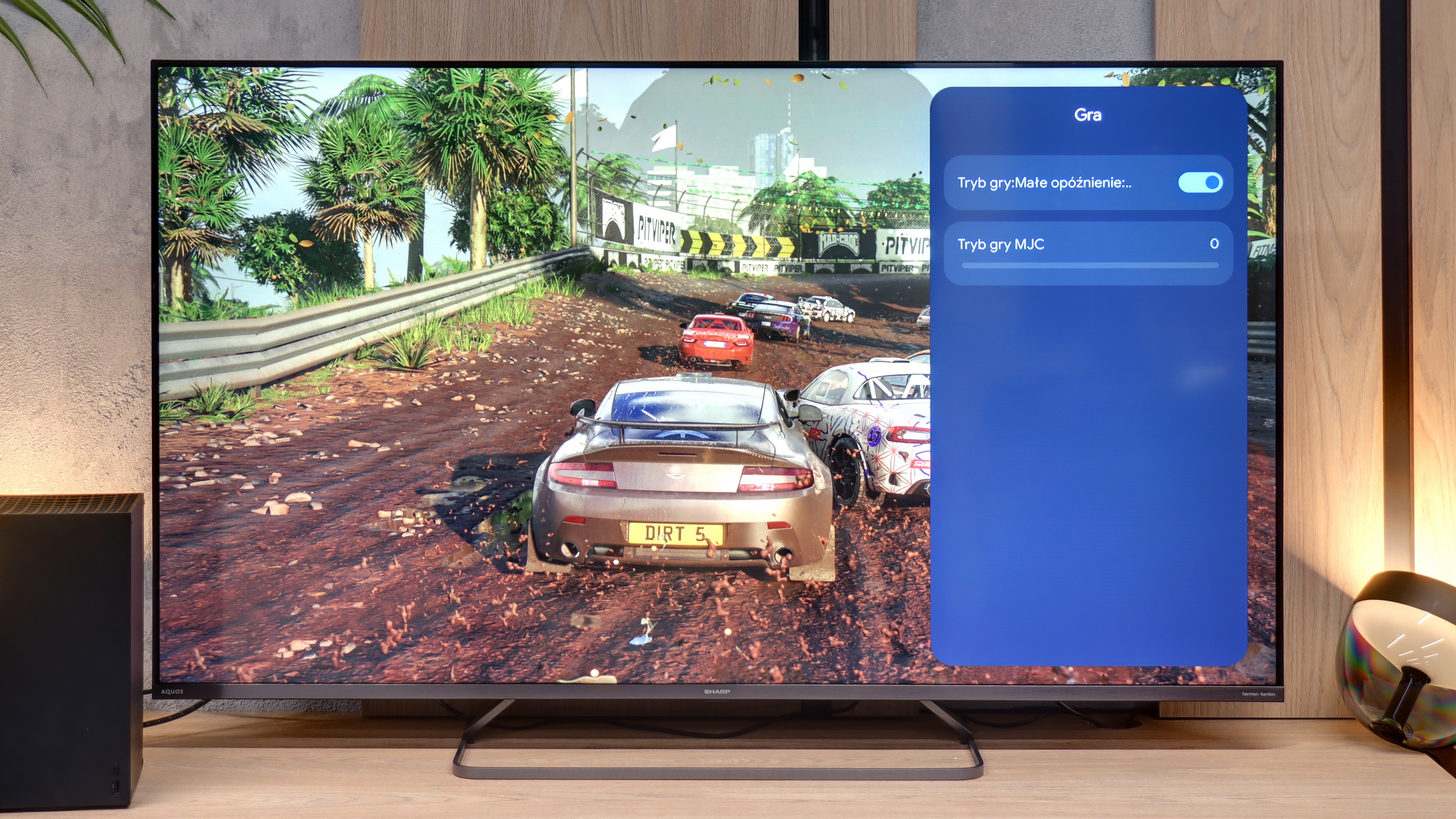
Player menu: Which is hard to call a fully-fledged “Game Bar,” as the functionality is minimal. Aside from enabling ALLM, there’s only a dedicator for gaming which we advise against as it introduces very noticeable artifacts and spoils responsiveness.
Dolby Vision Gaming: For Microsoft's consoles.
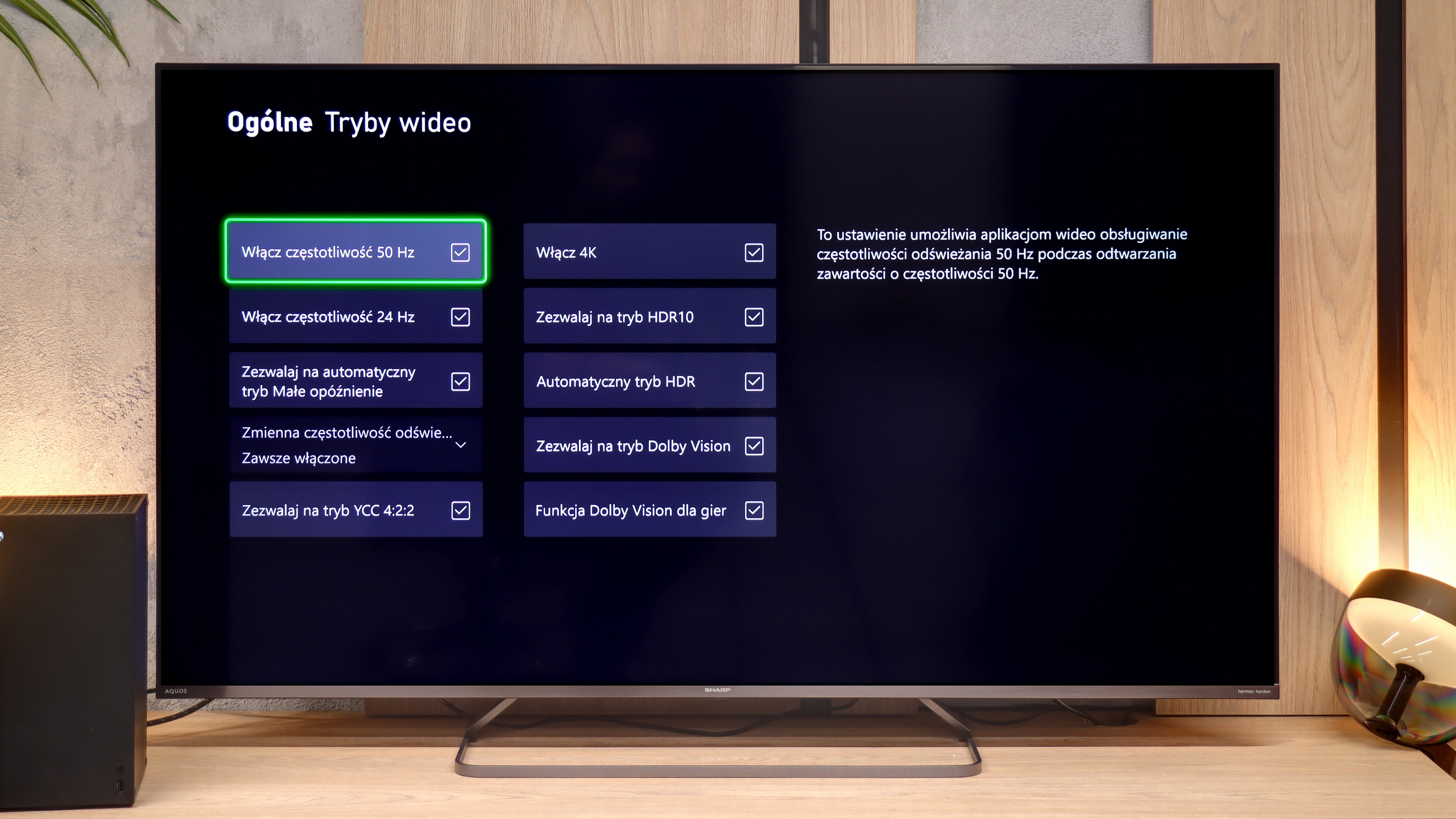
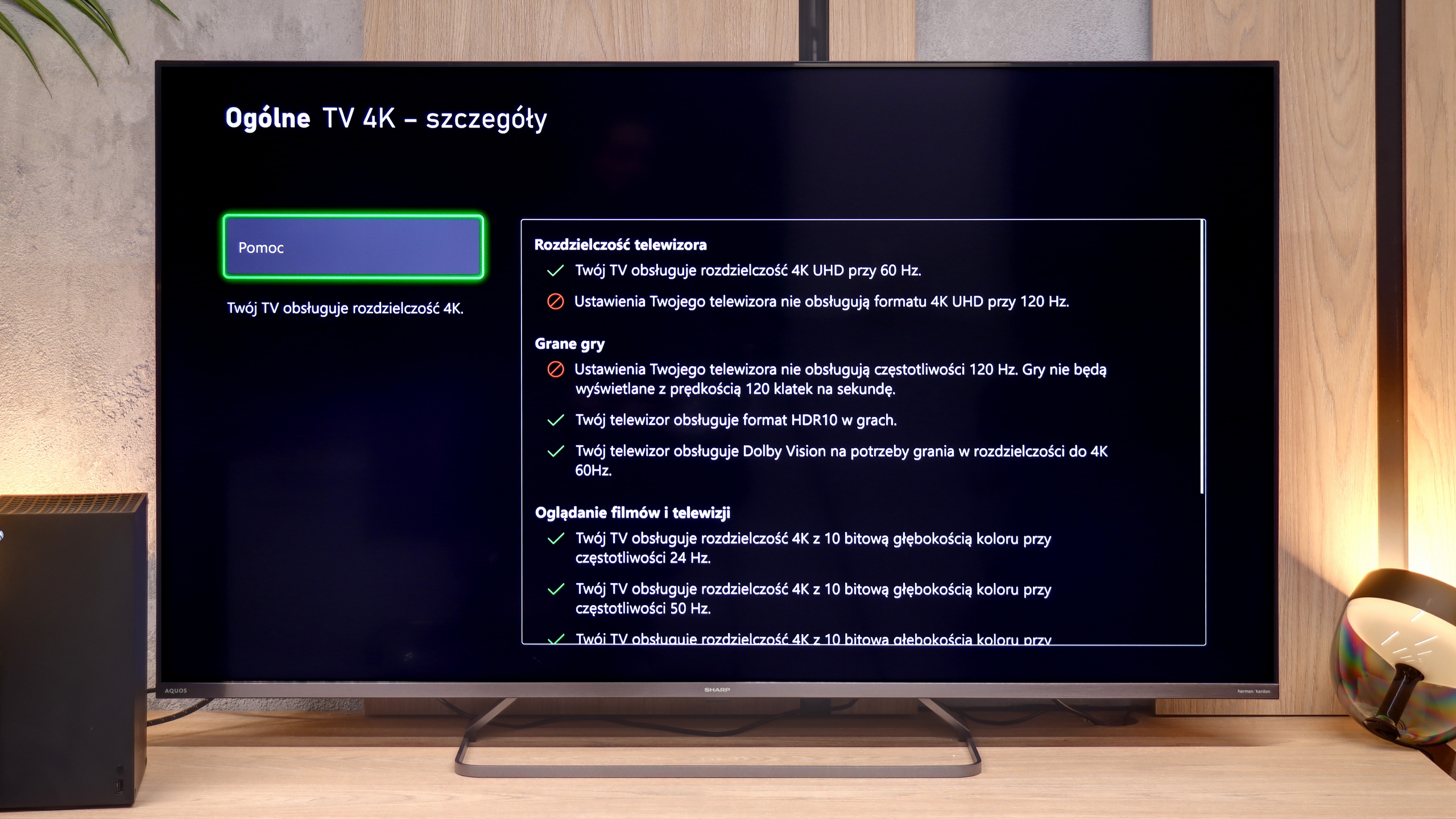
Unfortunately, the list of shortcomings is much longer and more painful than the positives. The biggest disappointment is the lack of support for 120Hz, even when reducing the resolution to Full HD. The presence of 120Hz would allow for performance modes to be activated in many games on the PS5 or Xbox Series X. Another shortcoming is the VRR, which means that during frame drops, we are susceptible to screen tearing. Very problematic is also the lack of proper implementation of the HGiG standard. This results in the fact that during HDR calibration in the console menu, it is very easy to "overshoot" the brightness settings. As a result, instead of clear details in the highlights, we end up with an unnaturally oversaturated image with cut-off details. The Sharp JP7 is a proposal only for those who game very occasionally.
Input lag
9.8/10
9.3/10
SDR
HDR
Dolby Vision
Panasonic W95B offers very low input lag – around 11 ms at 120 Hz content and 20 ms at 60 Hz. While these aren't record-breaking results that would impress the most demanding esports players on paper, in practice the difference is virtually imperceptible. During testing, even in dynamic, fast-paced titles we didn’t notice any response delays. The TV responds instantly, and gameplay remains smooth and comfortable. This level is more than sufficient for both console gaming and more demanding online productions.
The issue of input lag in the Sharp JP7 is quite intriguing. In all 60Hz modes, the TV boasts a mere 13 ms result. This is truly an excellent result, making the lag practically unnoticeable during gameplay. In this regard, Sharp has risen to the occasion, and even in dynamic titles, the controls remain responsive.
However, during our tests, we encountered a certain technical conundrum. Using our professional Murideo generator, we were able to force and measure input lag at 120Hz refresh rate in Full HD resolution. This sounds promising, but in reality, it is merely a 'paper' curiosity, as standard external devices like consoles or computers were unable to coax the Sharp into operating in that mode. Although professional diagnostic tools see some hidden potential here, for the end user, the JP7 remains just a 60Hz screen.
Compatibility with PC
8.4/10
5/10
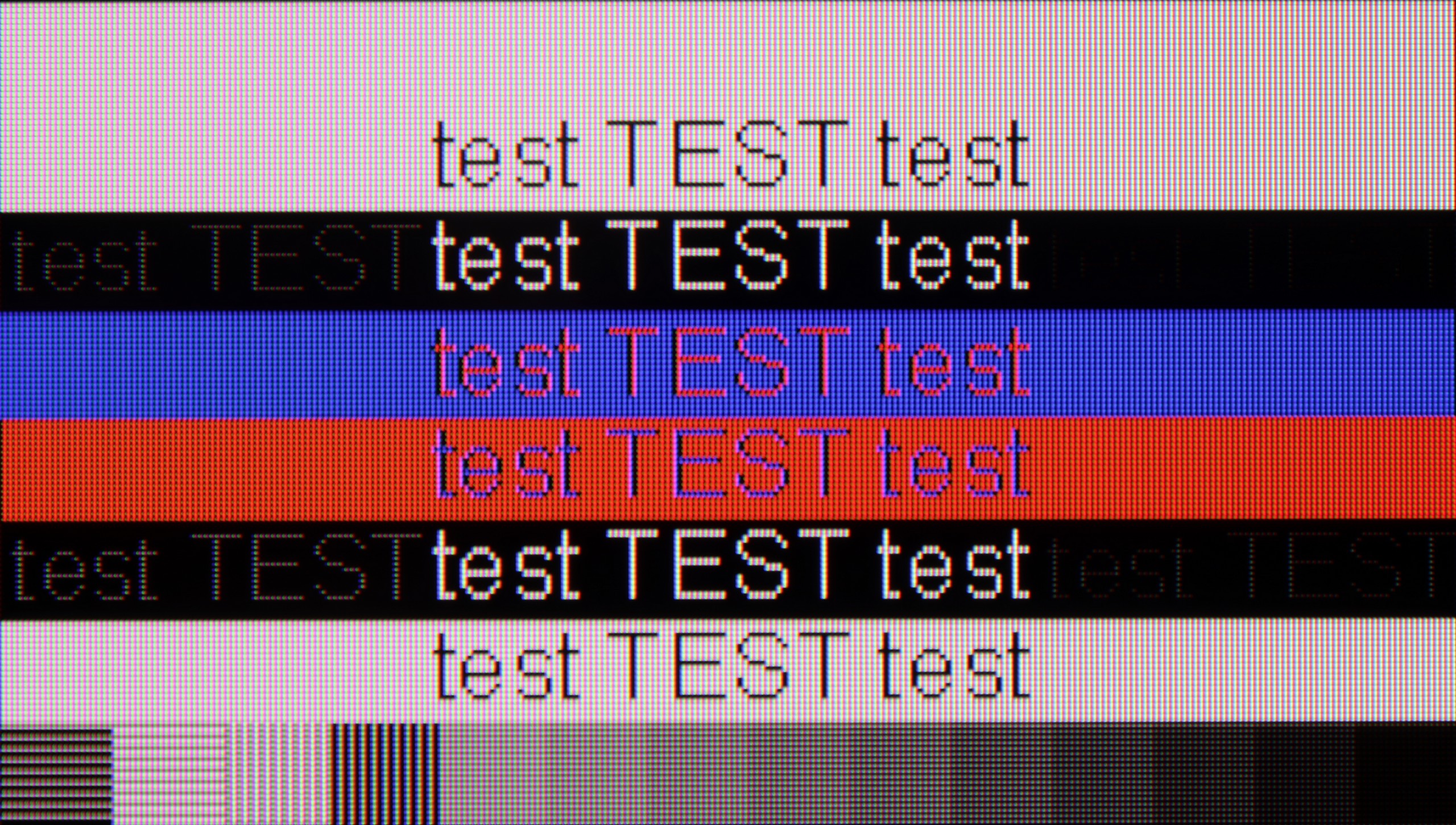
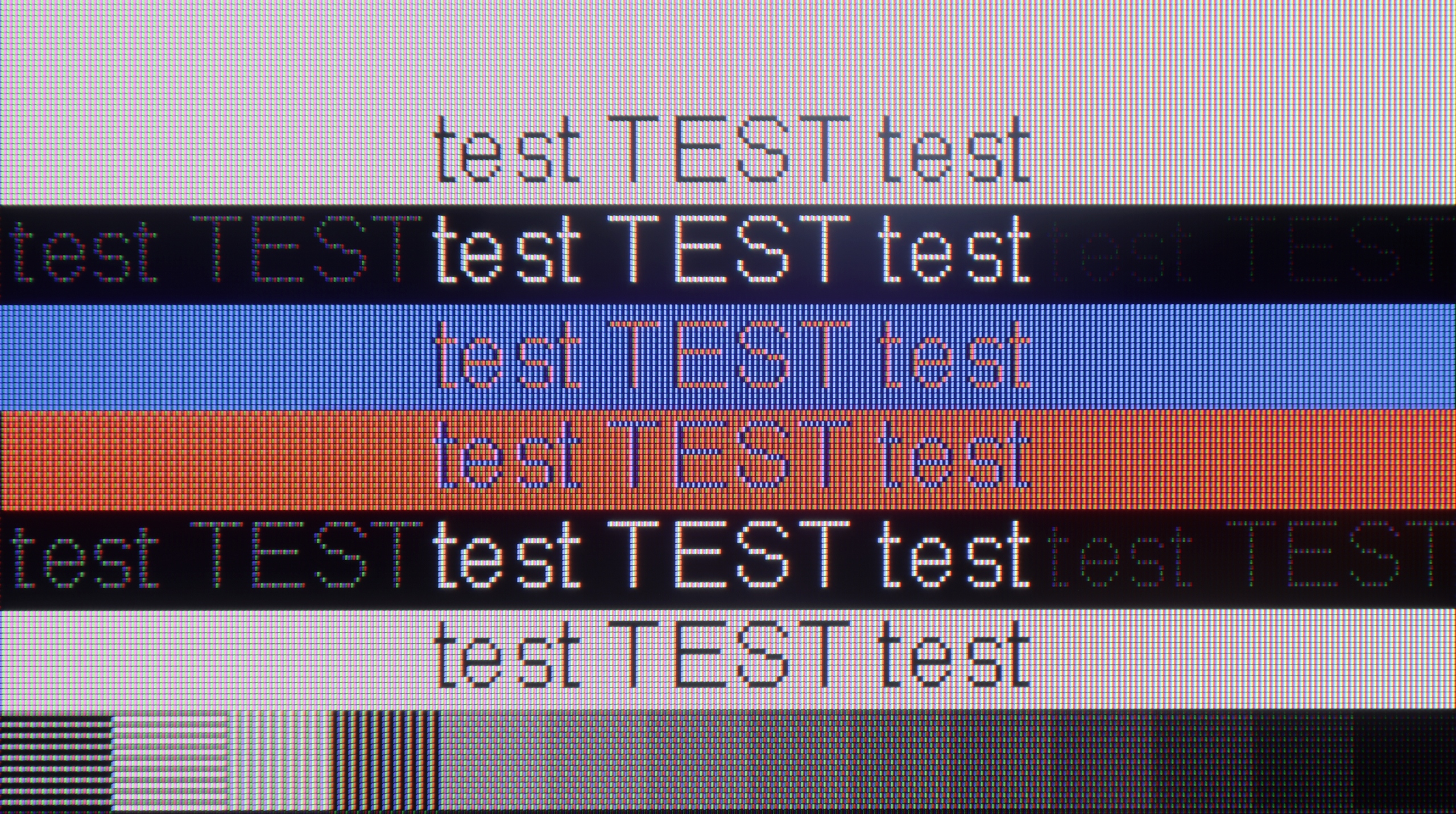
The photo shows the legibility of small fonts. Ideally, lines should be the same thickness on both light and dark text, with minimal pixel gaps.
The Panasonic W95B performs very well when connected to a computer. With its gaming monitor featuring a 144 Hz refresh rate and support for G-Sync and AMD FreeSync, the screen delivers smooth visuals without frame tearing, which will be appreciated not only by gamers but also by those using the TV as a large monitor. It can also be comfortably used for daily work – fonts are legible, and the image is sharp. While they may not be as clear as those from IPS panels, the display quality for text will be fully satisfactory for most users.
Sharp JP7 performs moderately as a monitor. While the readability of standard fonts on a white or black background is acceptable, the clarity significantly drops with darker and thinner text, making it difficult to work with text for extended periods. For occasional browsing of news in the browser, this panel is sufficient; however, we definitely do not recommend it as a permanent screen for PC gaming. Besides the rigid limit of 60Hz, the television does not support any form of frame synchronization (no G-Sync or FreeSync), which combined with the significant motion blur of the panel makes the user experience in dynamic scenarios quite poor.
Viewing angles
2.9/10
3.1/10
Unfortunately, this is the Achilles heel of the Panasonic W95B model – as with most TVs equipped with a VA panel without additional coatings to widen viewing angles. Colours start to fade with even a slight deviation from the screen axis, and the contrast noticeably drops. For this reason, when watching, it’s best to sit directly in front of the television to fully utilise the image's potential.
Sharp JP7 uses a VA panel, which automatically means narrow viewing angles. It's a classic compromise: we get quite good blacks and contrast, but at the cost of image degradation when viewed from the side. At an angle, the colours clearly fade and wash out, losing their saturation, so the JP7 is definitely a device for watching "straight on," rather than from the corner of the couch.
Daytime performance
7.2/10
7.3/10
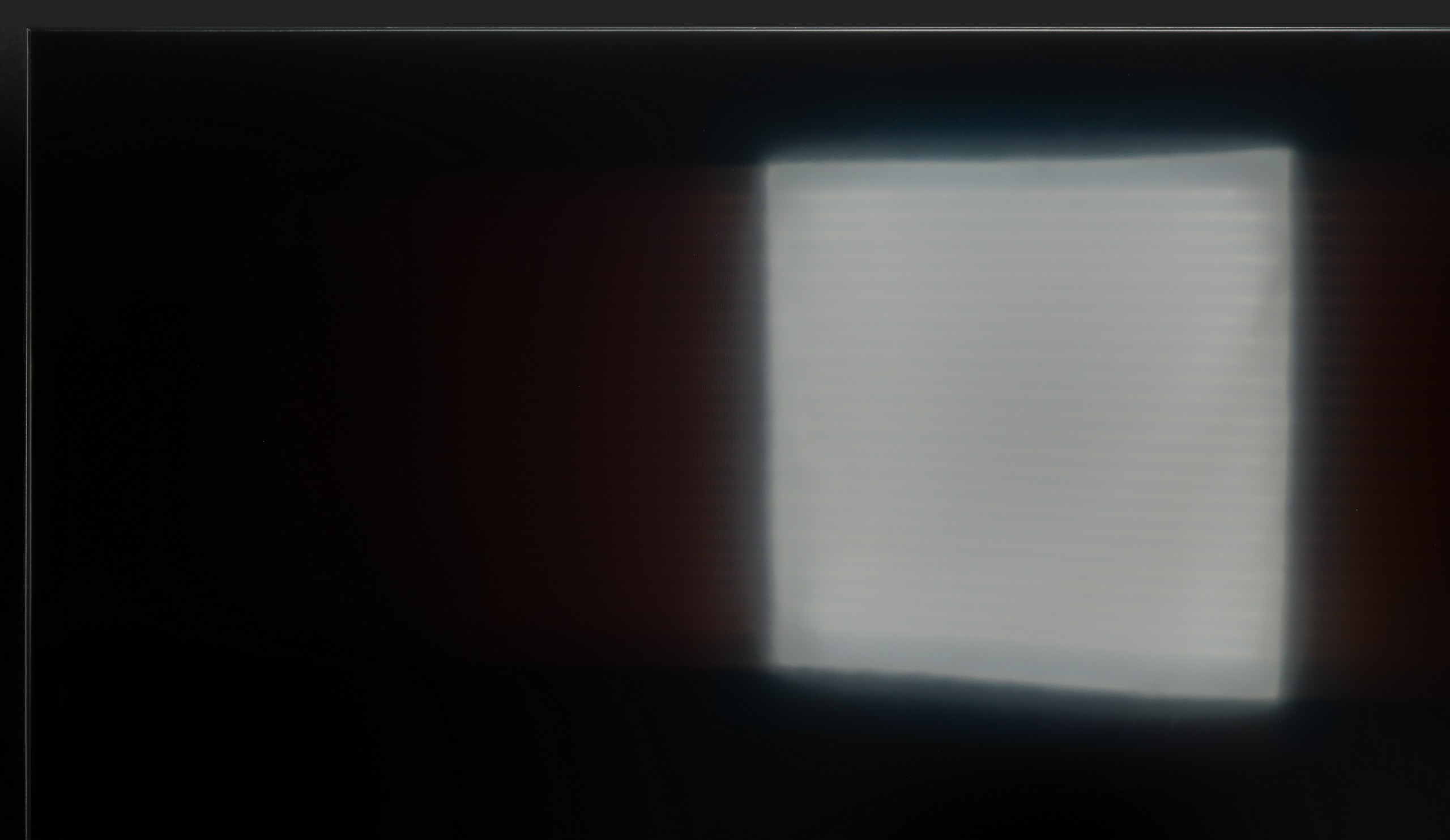
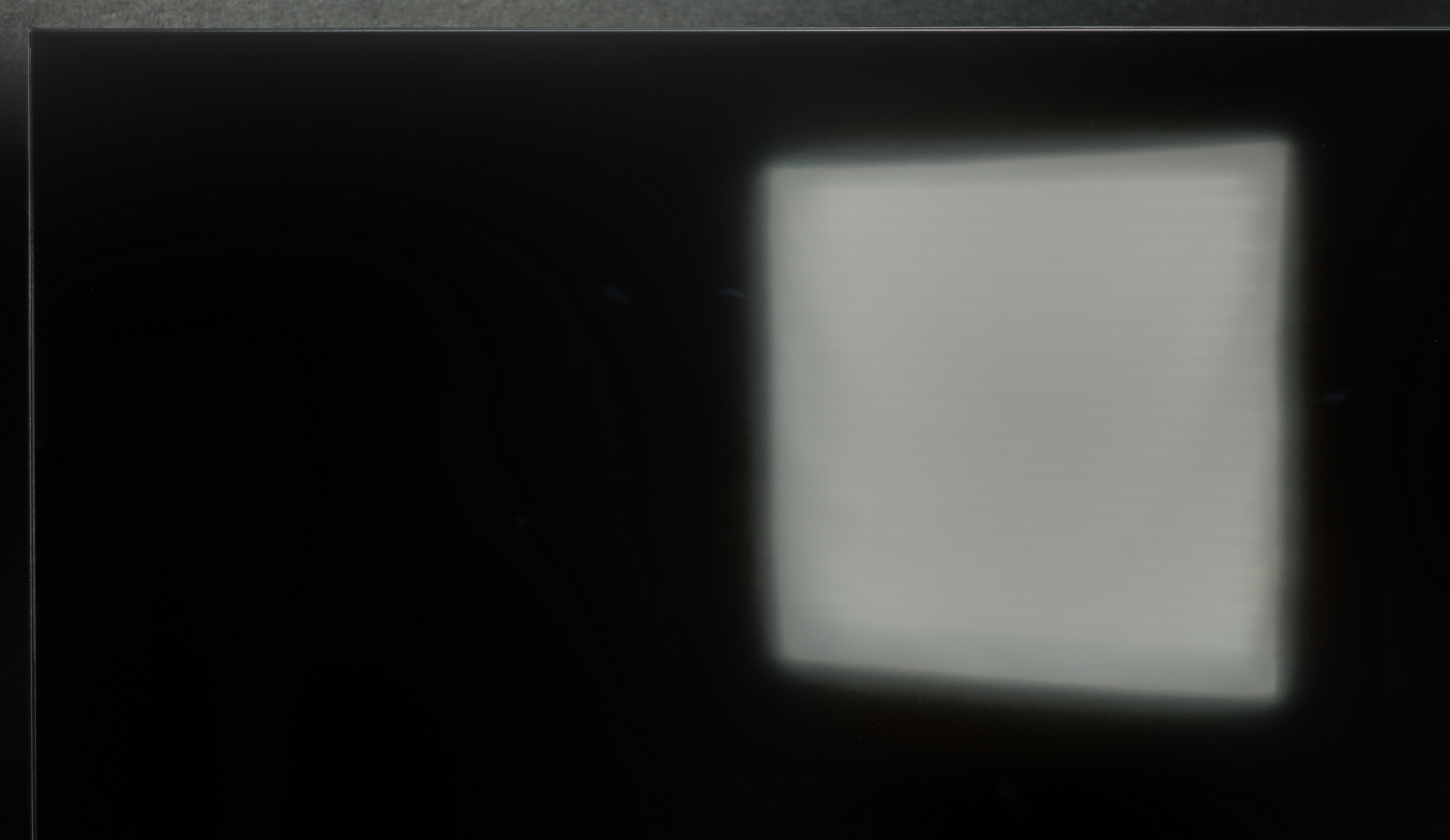

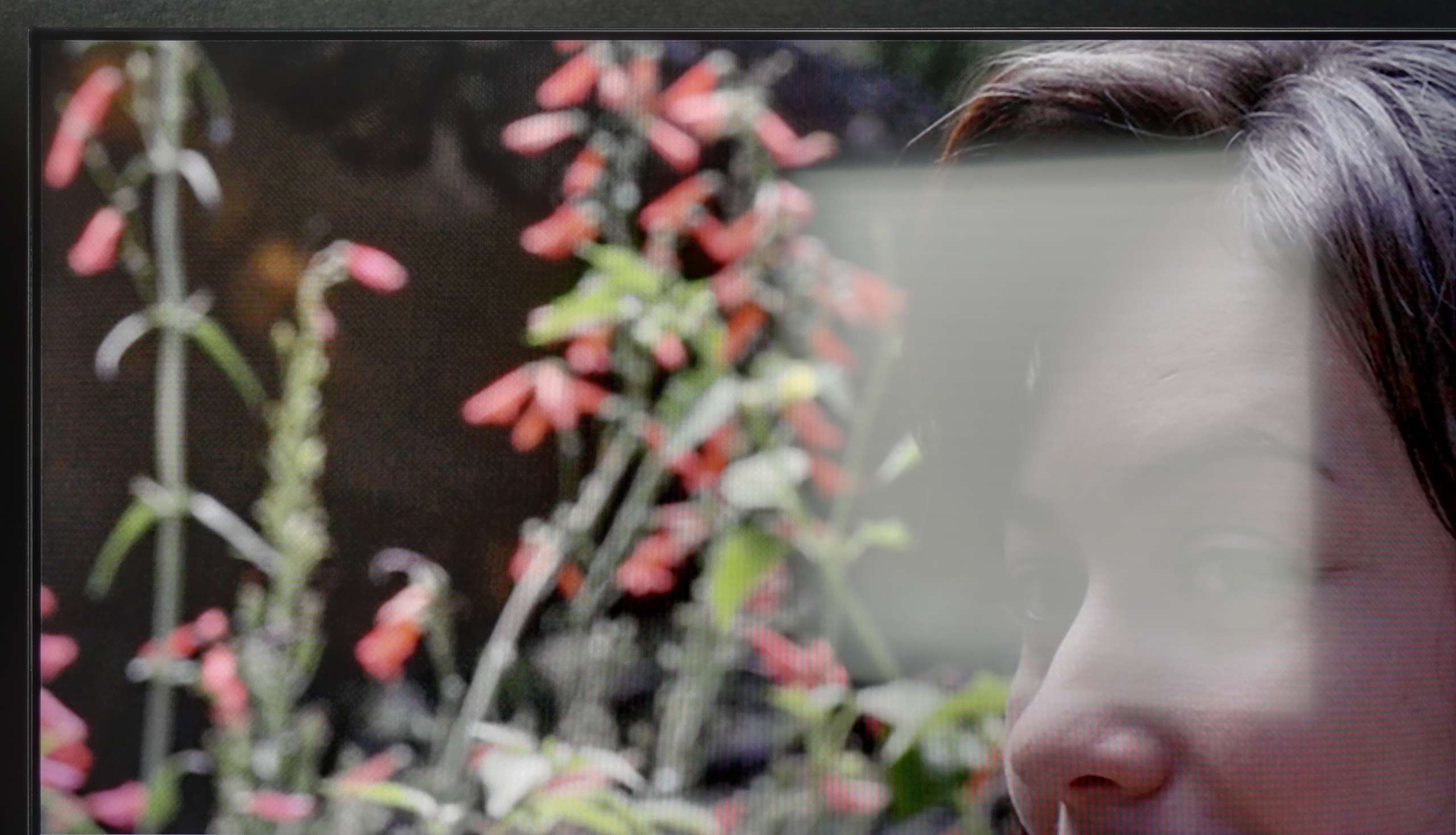
Panel brightness
SHARP JP7765E: 708 cd/m2
Panasonic W95B: 673 cd/m2
The satin coating applied in the Panasonic W95B effectively reduces light reflections, ensuring that the screen remains readable even in brightly lit rooms. However, the greatest advantage of this model is its high brightness – when watching everyday content, it reaches around 700 nits, which is more than sufficient even in very demanding daylight conditions. The television performs excellently in living rooms with large windows or when watching on a sunny day, maintaining appropriate contrast and colour saturation without sacrificing visual comfort.
The satin coating applied in the Sharp JP7 quite effectively reduces reflections, although it’s still far from being fully matte. The real 'gamechanger' in bright rooms, however, is the brightness of the device itself in SDR content. With an average result of 700 nits and peaks around 1000 nits, this is an exceptional performance in the segment under 2000 PLN. Thanks to such high luminance, the television can easily handle even brightly lit living rooms. One just has to watch out for direct reflections, for instance from a window opposite, because the satin used here won’t eliminate them completely, but at this brightness, the picture will remain legible.
Panel details
Subpixel Structure:
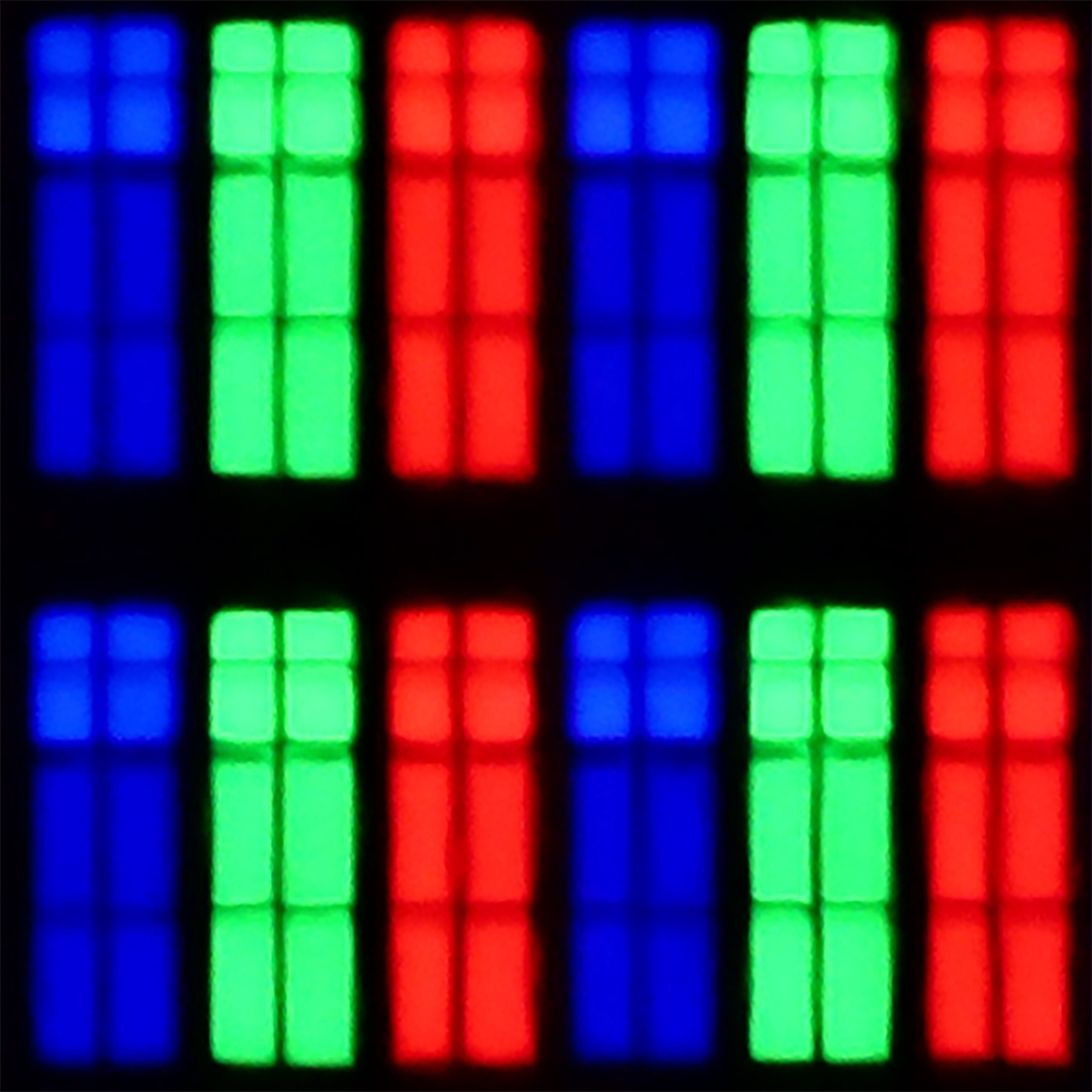
Panel uniformity and thermal imaging:


Panasonic W95B
SHARP JP7765E
TV features
6.8/10
6.4/10
- SystemAmazon FireTVGoogle TV
- System performanceAverageDecent
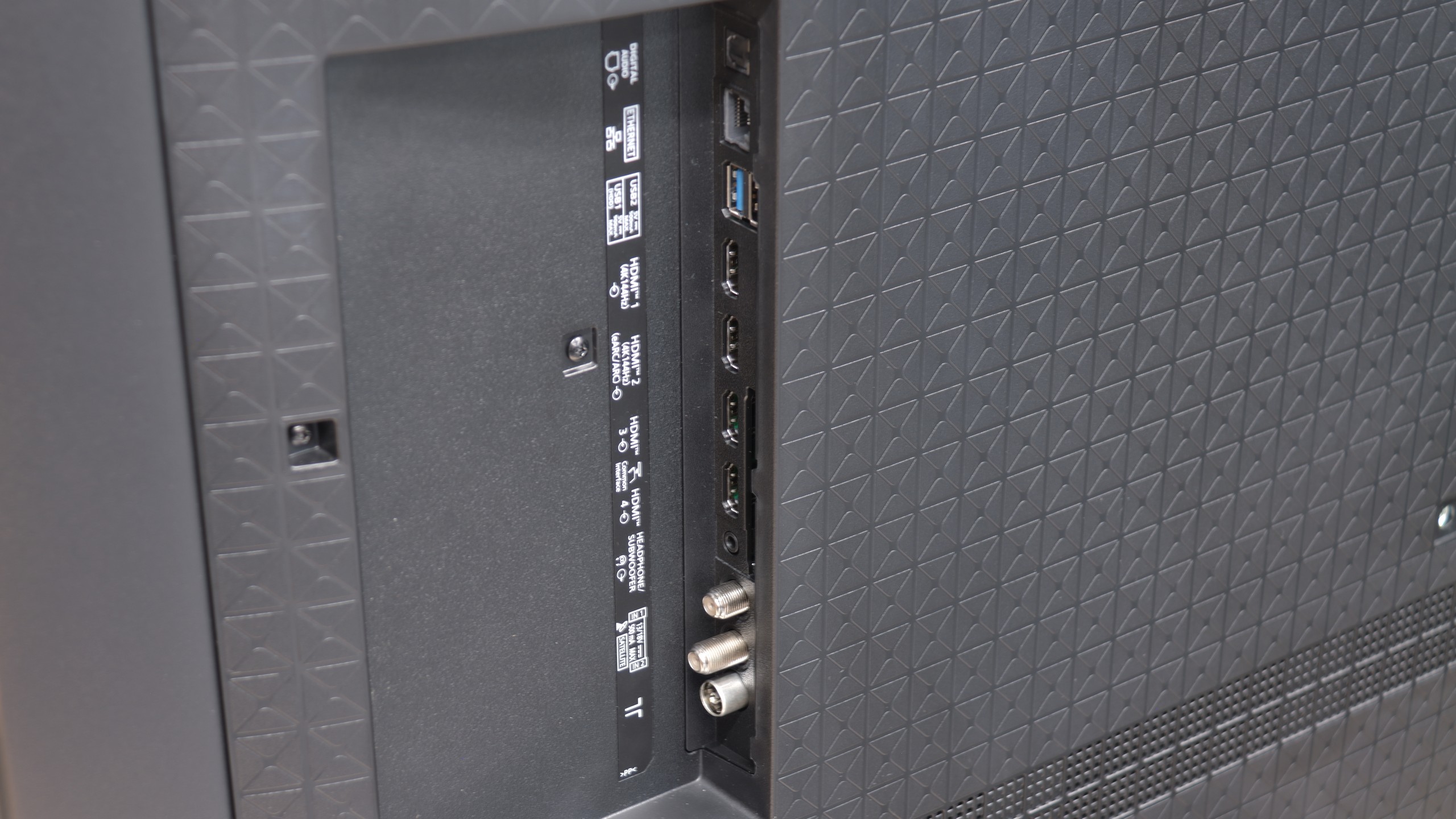
- HDMI inputs2 x HDMI 2.0, 2 x HDMI 2.1 48Gbps4 x HDMI 2.0, 0 x HDMI 2.1
- Other inputsRCA (Chinch)
- OutputsToslink (Optical audio), eARC (HDMI), ARC (HDMI), Mini-Jack (Headphones)Toslink (Optical audio), eARC (HDMI), ARC (HDMI), Mini-Jack (Headphones)
- Network InterfacesWi-Fi 2.4GHz, Wi-Fi 5GHz, Ethernet (LAN) 100MbpsWi-Fi 2.4GHz, Wi-Fi 5GHz, Ethernet (LAN) 100Mbps
- TV receptionDVB-T, DVB-T2, DVB-S, DVB-S2, DVB-CDVB-T, DVB-T2, DVB-S, DVB-S2, DVB-C
Classic features:
- Recording to USB (terrestrial TV)
- Recording programming
- Picture in Picture (PiP)
- RF remote control (no need to aim)
- Backlit remote control
- Teletext
- Audio only mode
- Bluetooth headphones support
- Simultaneous Bluetooth headphones & TV audio
Smart features:
- AirPlay
- Screen mirroring (Windows Miracast)
- Voice search
- Voice search in native language
- Ability to connect a keyboard and mouse
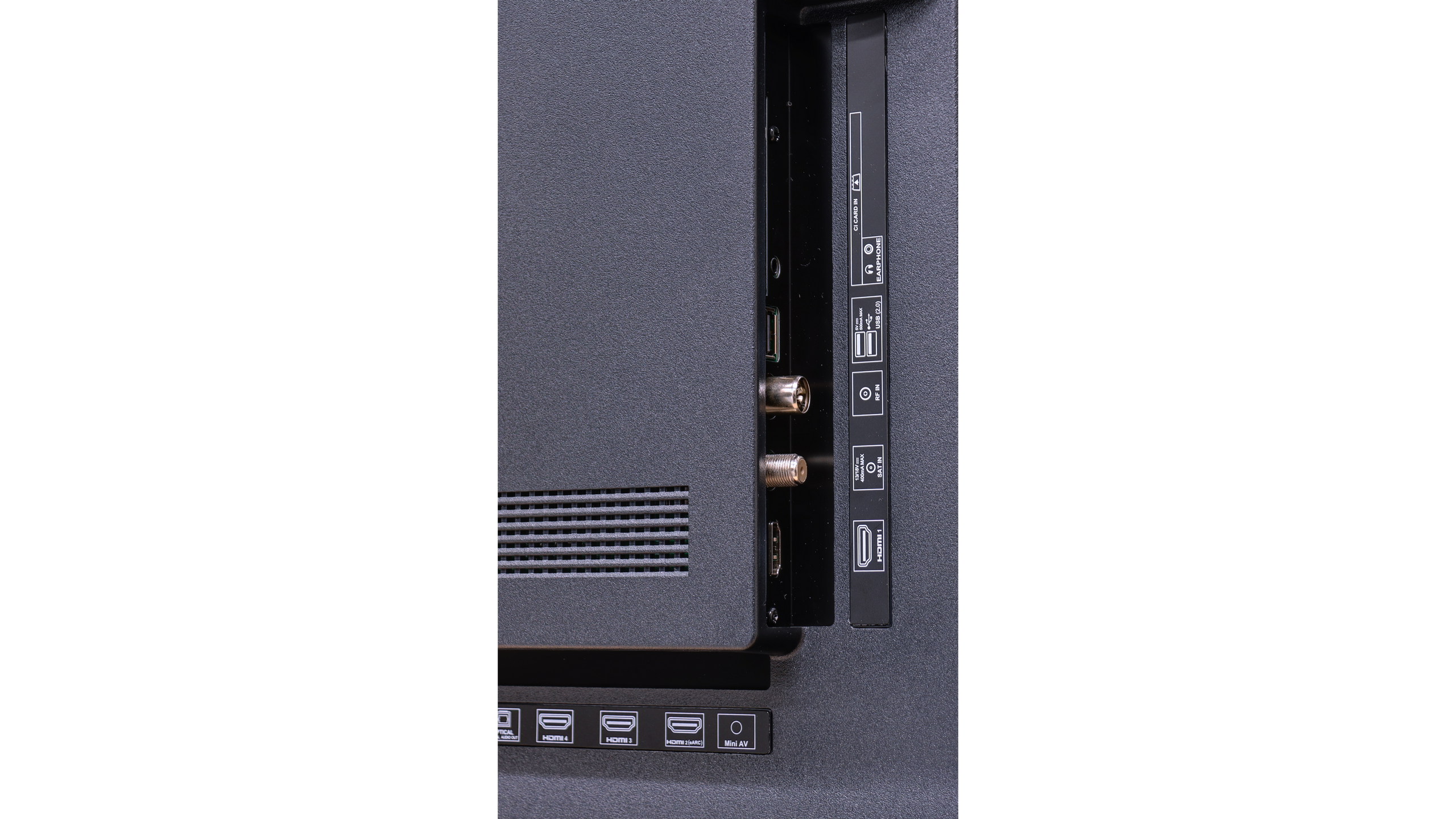
Sound connection options
- HDMI audioeARC (HDMI), ARC (HDMI)eARC (HDMI), ARC (HDMI)
- Other audio outputsToslink (Optical audio), Mini-Jack (Headphones)Toslink (Optical audio), Mini-Jack (Headphones)
- Wireless audioBluetoothBluetooth
Supported audio formats (external HDMI eARC audio):
- Dolby Digital Plus 7.1
- Dolby True HD 7.1
- Dolby Atmos in Dolby Digital Plus (JOC)
- Dolby Atmos in Dolby True HD
- DTS:X in DTS-HD MA
- DTS-HD Master Audio
Senior accessibility
- Numeric keyboard on TV
- Font size adjustment
- Audio description
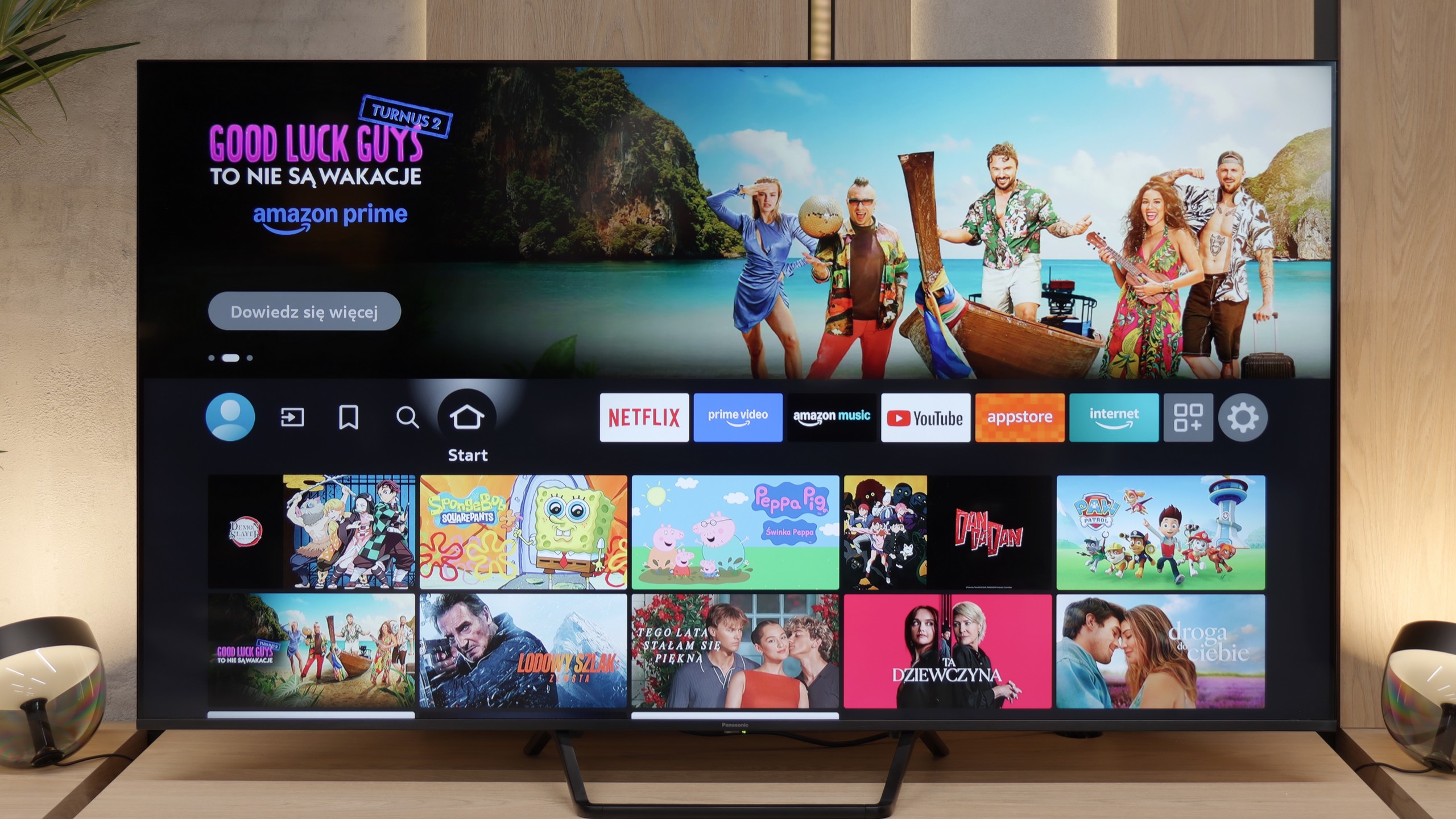
SmartTV Features W95B
Unfortunately, this is yet another Achilles' heel of the Panasonic W95B model. The Fire TV operating system used here in its European version is poorly refined – it lacks many key applications, and the interface operates sluggishly and clumsily in places. While it does have basic features like AirPlay and Screen Mirroring, it's a poor consolation compared to how smoothly platforms from other manufacturers operate. As a result, despite the excellent picture quality, the television falls short of expectations in terms of software.
User Features W95B
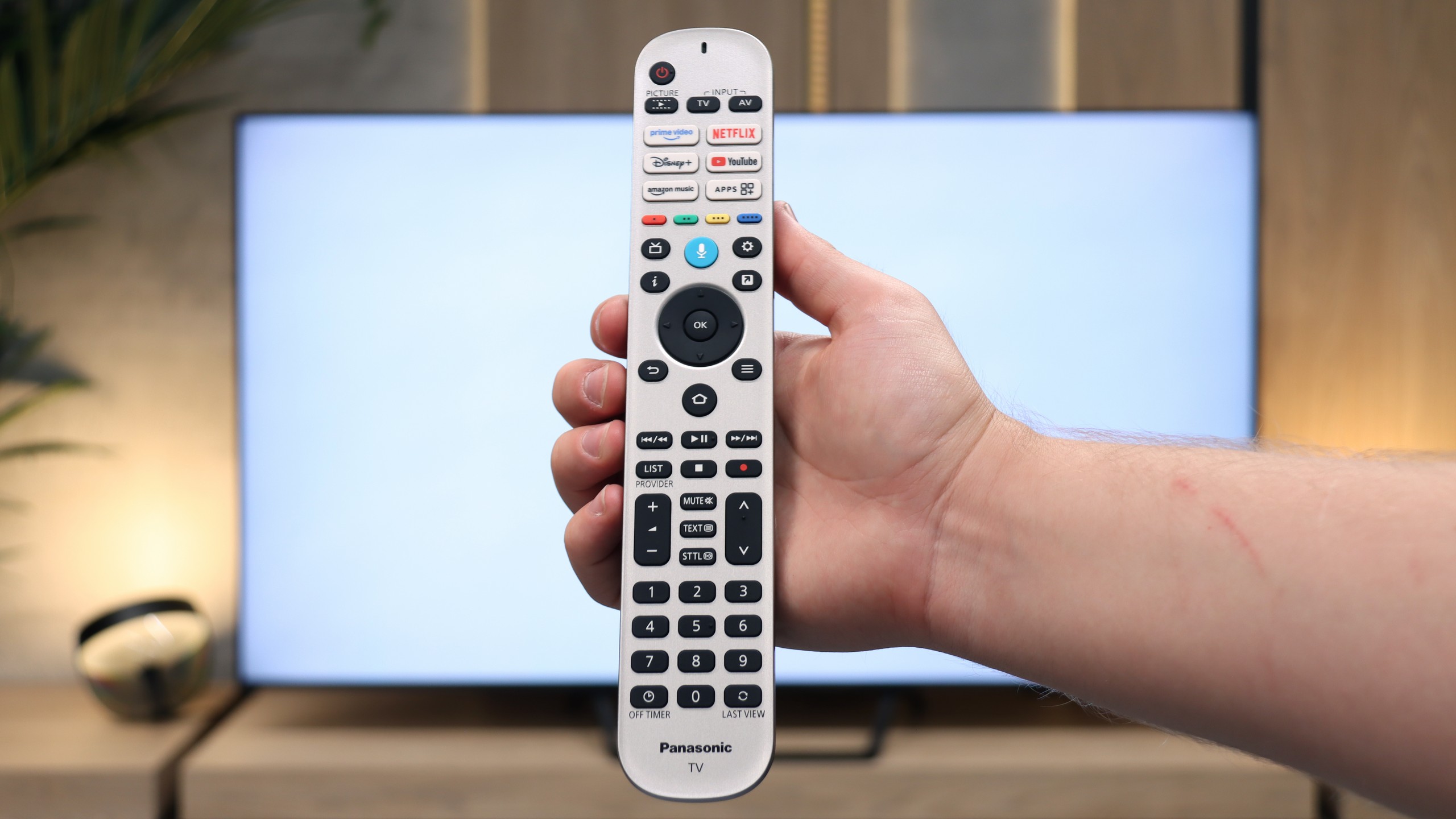
In terms of user features, the Panasonic W95B performs much better. The television offers Bluetooth, a classic well-equipped remote control, and the ability to record programs to USB from built-in terrestrial TV tuners – a rarity that many competing models lack. An additional advantage is the presence of a headphone jack, which will certainly please users of older home cinema systems or traditional wired headphones. In terms of hardware equipment, the W95B is therefore a solid and complete television.
Smart TV Features - Google TV
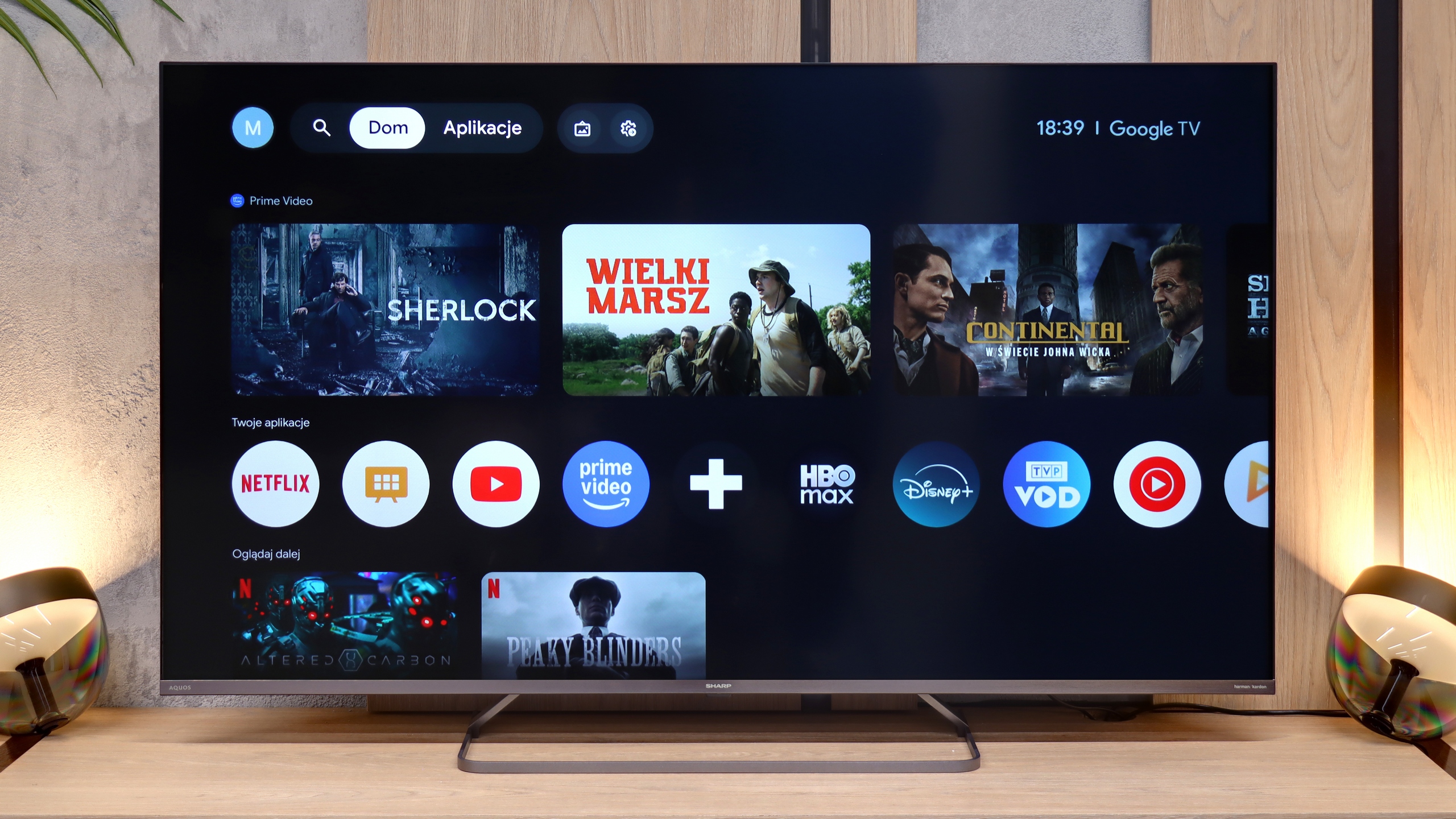
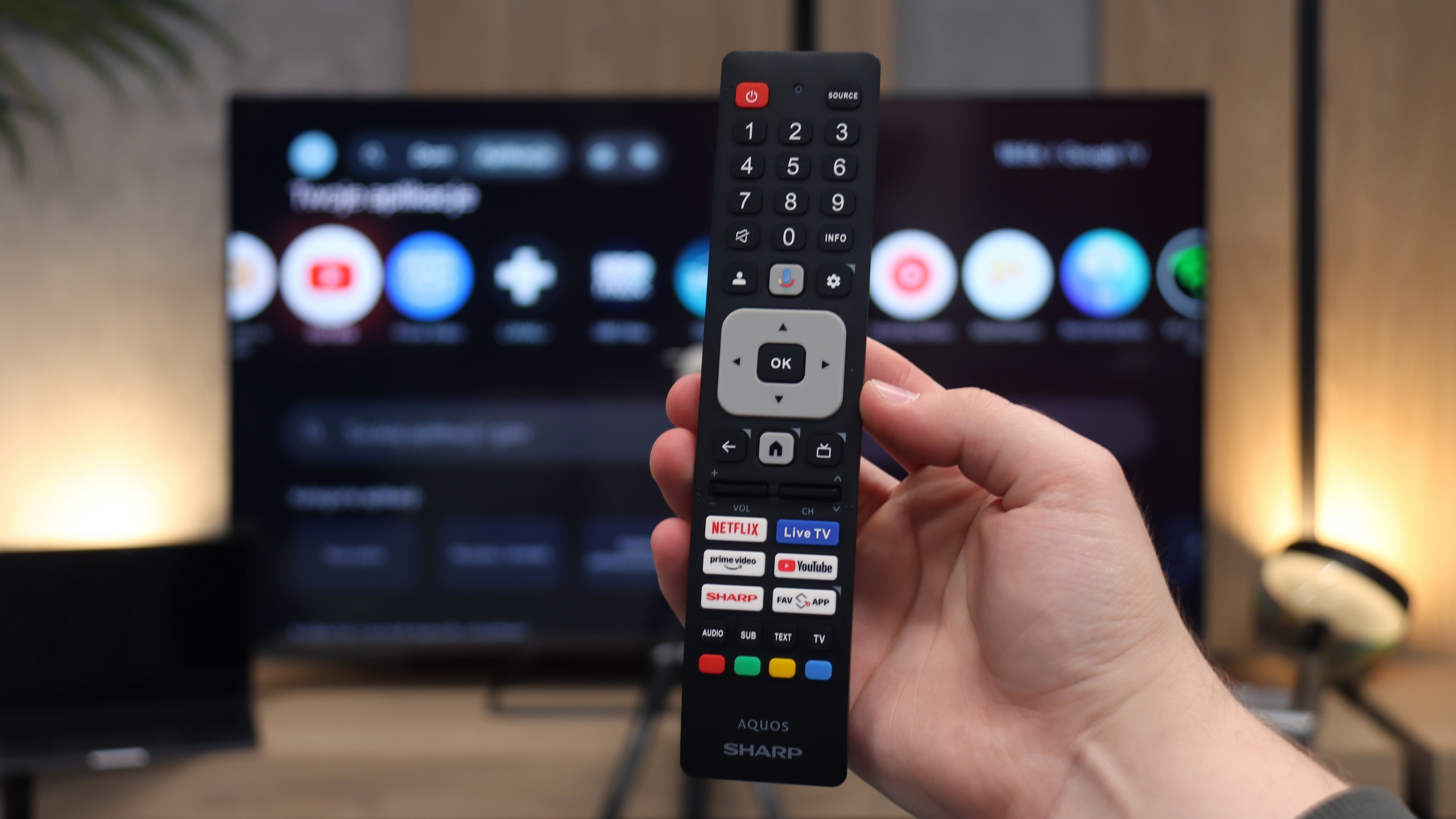
The main advantage of the Sharp JP7 is the Google TV system, which currently offers the widest access to apps on the market. The library is almost limitless – from all popular streaming services to niche VOD solutions and multimedia players. The system provides significant freedom for personalisation and access to the latest versions of popular platforms. In the package, we receive a Bluetooth remote that allows for the use of the built-in voice assistant without the need to point at the television. The only notable shortcoming in the multimedia area that we encountered is the lack of support for AirPlay. Apple device users, such as iPhone or iPad owners, will not be able to wirelessly stream images directly to the screen of this Sharp.
Classic Features and Connections
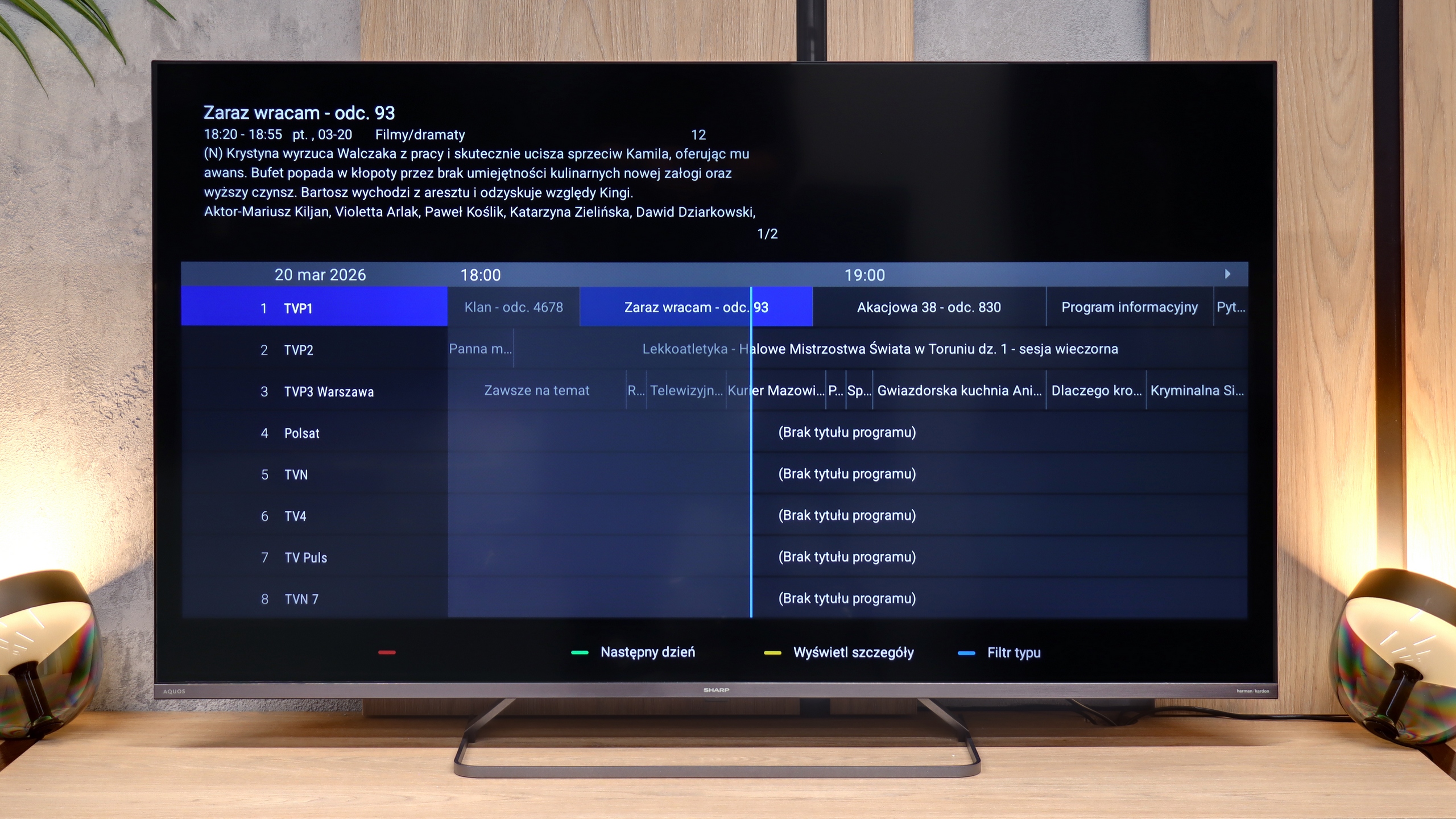
Regarding traditional TV functions, the Sharp JP7 does not offer anything that goes beyond the market standard. There is no option to record programs to external storage (PVR) or a dual tuner, which excludes the use of picture-in-picture (PiP) functionality. The television provides only basic solutions such as teletext and the ability to wirelessly connect accessories via Bluetooth.
As for connections, the Sharp JP7 offers 4 HDMI ports, which the manufacturer proudly describes as standard 2.1. However, let's make this clear: this is purely a marketing move, as in practice these ports offer only full functionality of standard 2.0 due to the limitations of the television. On the plus side, it is worth noting the presence of a classic mini-jack headphone output, which allows connection of older audio systems or speakers without the need for adapters or HDMI eARC standard. This is a rather rare and very practical addition nowadays.
Apps
7.2/10
9.6/10






















Playing files from USB
3.1/10
9.4/10
Supported photo formats:
Maximum photo resolution:
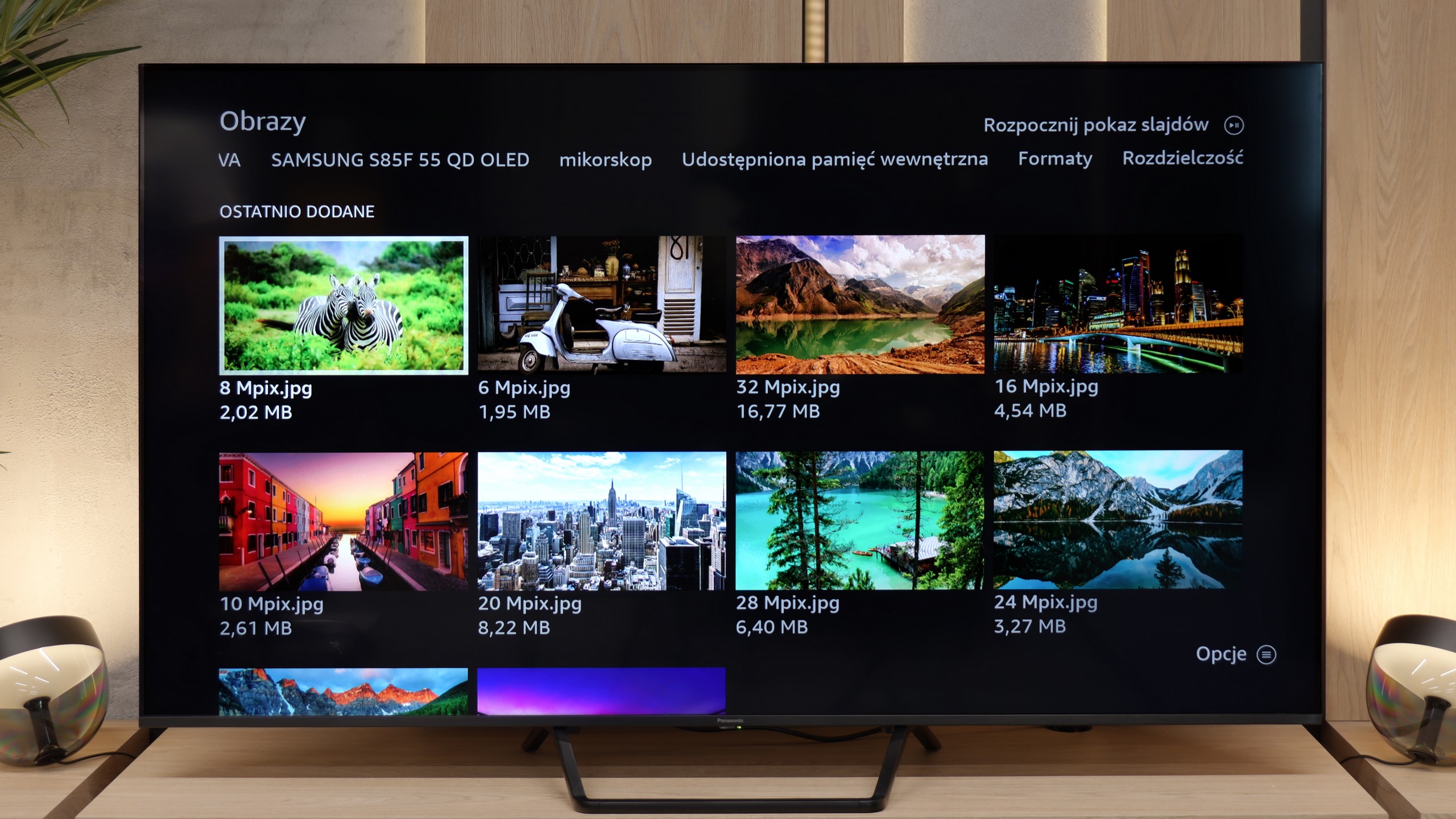
This is another issue with the Fire TV system used in the Panasonic W95B. If someone has their own movie library and plans to play them directly from a USB drive or external hard drive, they may be disappointed. The TV handles displaying photos, like from holidays, reasonably well, but video playback is quite limited. The biggest problem is the lack of subtitle display when playing movies from USB. Therefore, if you care about watching files from your own collection, it's definitely better to use an external media player.
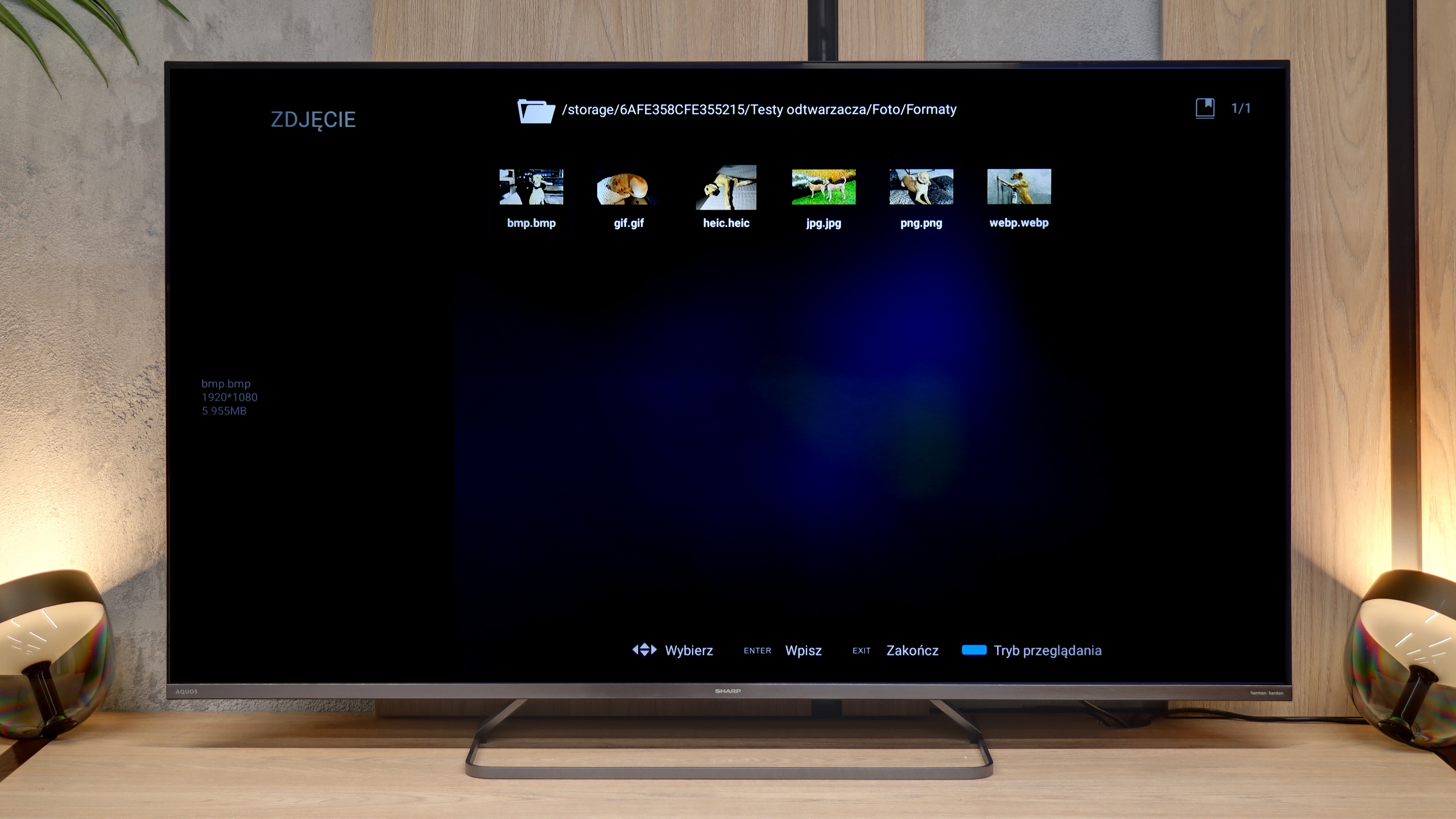
When it comes to multimedia support from external sources, the Sharp JP7 simply excels. The built-in player is a real surprise, as it handled almost every file format we supplied. It even managed to support the HEIC format (mainly used in Apple devices) without any issues, which many TVs struggle with. Here, Sharp displayed the photos without the slightest hitch. Of course, a significant advantage is the presence of the Google TV system, which allows the installation of external apps like VLC or Kodi in case of any problems. However, in our opinion, this would be an unnecessary step as the factory player is refined and versatile enough to satisfy even the most demanding users.
Sound
7.9/10
6/10
- Maximum volume82dB89dB
- Dolby Digital Plus 7.1
- Dolby True HD 7.1
- Dolby Atmos in Dolby Digital Plus (JOC)
- Dolby Atmos in Dolby True HD
- DTS:X in DTS-HD MA
- DTS-HD Master Audio
The Panasonic W95B performs surprisingly well for a television. The sound is clear and spacious, and thanks to the subwoofer located at the back, you can even hear a slightly perceptible bass, which is not often found in TVs of this class. The overall sound quality is at a very high level, allowing for comfortable viewing of movies and series without the need to connect an external audio system. Of course, as is well known, if someone wants to watch truly high-quality, it’s worth connecting a soundbar – especially since the Panasonic W95B supports Dolby Atmos format, which allows it to transmit spatial sound without any issues. The only thing missing is support for the less popular DTS:X format, which simply isn’t available in this model.
The sound coming from the JP7765E model can be described as unusual, and even – looking at our measurements – quite peculiar. The first thing that stands out is the massive scale of volume. The TV can reach levels of almost 90 decibels (89 dBC on the chart), which is a record result in this class. Such strong "loudness" is sure to appeal to seniors or those who need a device with very high audibility.
However, a glance at the frequency chart explains why the sound seems so "weird." The characteristic is extremely uneven: we have solid boosts in the lower registers (around 200 Hz) and in the high tones, but the mid-range – where most of the information about the human voice lies (between 500 Hz and 1.5 kHz) – experiences a huge drop. This makes the sound unnatural and can seem "withdrawn" at key moments of dialogues.
On the plus side, there is support for the Dolby Atmos format. However, it must be honestly admitted that to truly feel the potential of this system, connecting at least a decent soundbar will be necessary. The JP7's own speakers, despite being very loud, are unable to convey the cinematic depth and precision required by this standard.
Sound Quality Test
Acoustic Measurements
82dBC (Max)
75dBC
89dBC (Max)
75dBC