The Panasonic W85B is a television that aims to prove that the Japanese brand can produce not only high-end devices but also something more "for the people." And indeed — on paper, it looks quite good: a VA panel with solid contrast, high refresh rates of 120/144 Hz, two full HDMI 2.1 ports, and low input lag. It sounds like an excellent set for a gamer or someone who simply wants a cheap television with good fundamentals. However, the reality is a bit more complicated. The W85B performs well primarily with SDR content, especially after calibration, and it will suit typical daily use. But when we start to demand more from it — e.g. expecting strong HDR effects or greater immersion in games with that mode enabled — the television quickly reveals its limitations. Its brightness is low, and the lack of local dimming is noticeably problematic during evening viewing. Therefore, we see the W85B more as a "daily" television — ideal for someone who watches terrestrial TV, YouTube, or streaming in SDR and wants to connect a console or PC at 120/144 Hz (but without HDR). In that role, it works very well. Is it a television for everyone? Definitely not. But if we accept its limitations and approach it without lofty expectations, the W85B can deliver quite a bit of enjoyment for relatively reasonable money.
- Matching (Score) |
- Our verdict |
- TV appearance |
- Where to buy |
- Contrast and black detail |
- HDR effect quality |
- Factory color reproduction |
- Color reproduction after calibration |
- Smoothness of tonal transitions |
- Image scaling and smoothness of tonal transitions |
- Blur and motion smoothness |
- Console compatibility and gaming features |
- Input lag |
- Compatibility with PC |
- Viewing angles |
- Daytime performance |
- Panel details |
- TV features |
- Apps |
- Playing files from USB |
- Sound
Panasonic W85 vs LG QNED80A6A (VA)
 Direct comparison
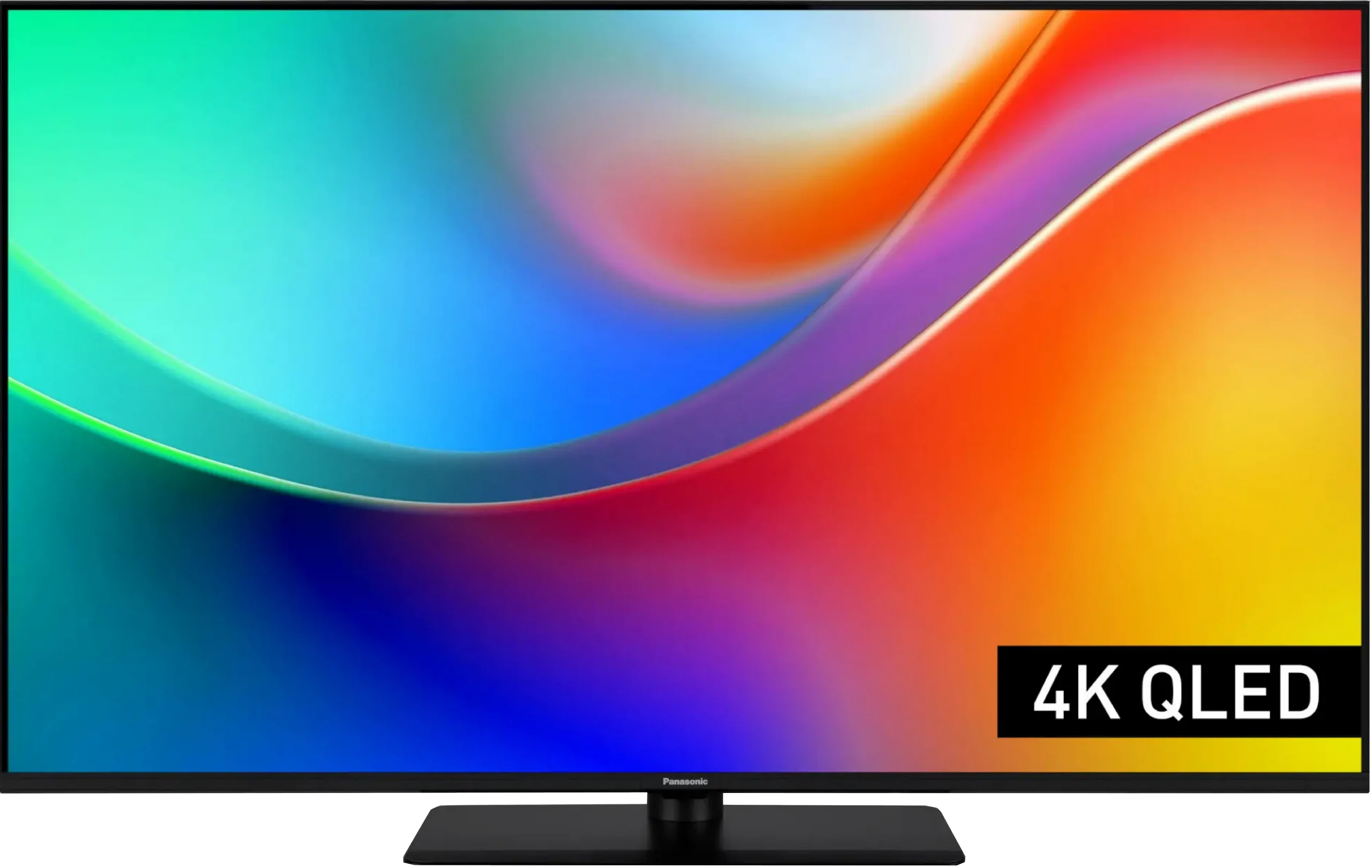
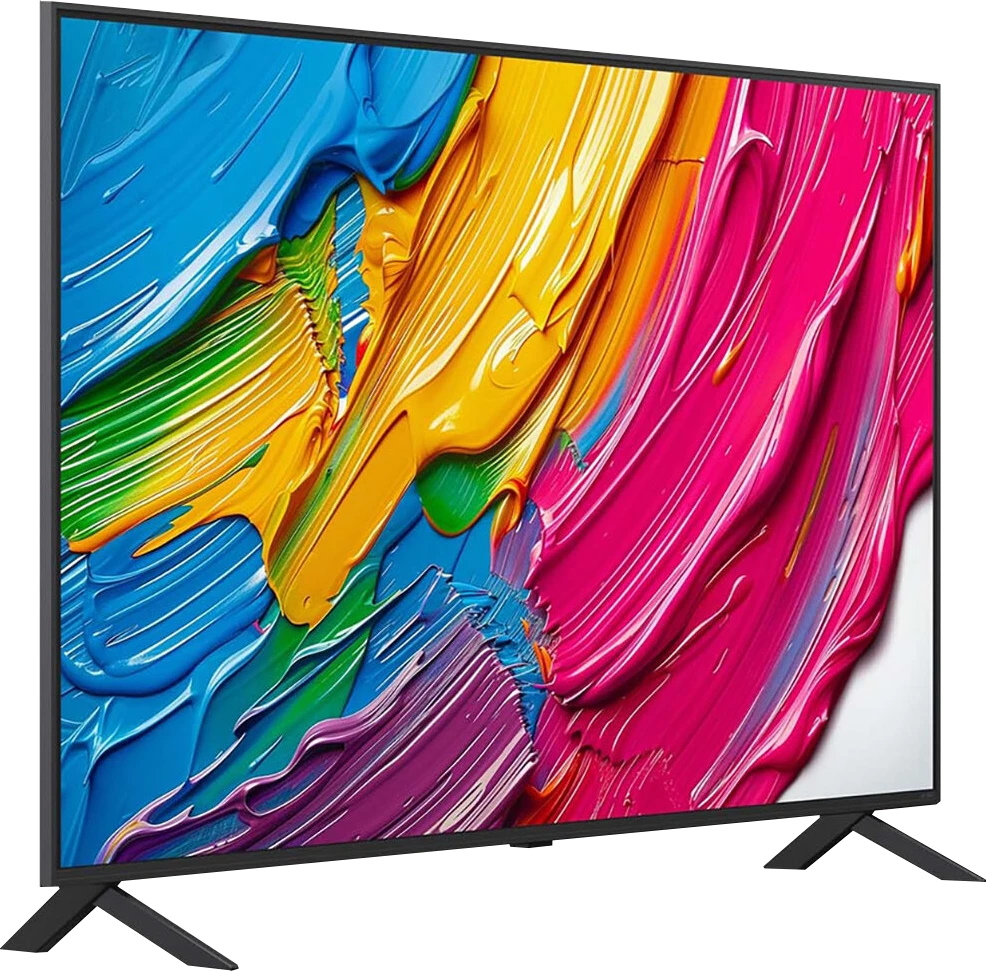
Panel type: LCD VA
Resolution: 3840x2160
System: Amazon FireTV
Model year: 2025
Complete the survey to find out the result
Panel type: LCD VA
Resolution: 3840x2160
System: WebOS
Model year: 2025
Complete the survey to find out the result
Overall rating
6.1
6.2
 Movies and series in UHD quality
 5.5
6.3
 Classic TV, YouTube
 5.8
6.5
 Sports broadcasts (TV and apps)
 5.8
5.5
 Gaming on console
 7.7
7.0
 TV as a computer monitor
 8.6
5.8
 Watching in bright light
 4.2
4.4
 Utility functions
 6.8
6.8
 Apps
Apps 7.6
9.1
 Sound quality
 5.8
6.0
Complete the survey to find out what fits your preferences
Advantages

VA matrix with high native contrast
High refresh rate of 120/144 Hz
Two HDMI 2.1 ports with support for ALLM, VRR, and Dolby Vision in gaming
Very low input lag
Fairly good colour gamut coverage thanks to the QLED filter
Support for multiple HDR formats including Dolby Vision and HDR10+
Sturdy central stand
Great compatibility with PC – full chroma 4:4:4, clear fonts
High native contrast (over 6000:1) providing deep blacks in movies
Excellent colour saturation (DCI-P3 colour gamut coverage above 90%) thanks to PFS technology (QNED).
Good detail reproduction in HDR
Outstanding WebOS 25 system – fast, intuitive, and guaranteed updates
Magic Remote included – cursor control
Effective upscaling and smoothing function for tonal transitions
Decent features for gamers (VRR, ALLM, HGiG), despite the 60Hz panel
Low input lag
Smooth tonal transitions – no visible "steps" in colour gradients
Good readability of fonts when connected to PC (sharp text).
Disadvantages

Low brightness (below 270 nits) – no real HDR
HDR mode in games is poorly refined, with incorrect HGiG implementation
Poor multimedia file player
The FireTV system in Europe is poorly refined: there are micro stutters and awkward translations, lacking many apps
Average sound quality, lacking depth
Motion smoother won’t work
Narrow viewing angles – the image loses quality when viewed from the side
Aggressive local dimming – in difficult scenes, it causes visible blooming.
60Hz panel
No support for Dolby Vision and HDR10+
Average brightness
Flat sound lacking bass – a soundbar is recommended
Our verdict
Looking at the QNED80A in the VA version as a whole, we are dealing with a television that has a very specific character. It's a piece of equipment that movie lovers seeking savings will appreciate, as long as... they accept certain shortcomings. We get really solid blacks and contrast here, but we pay for it with narrow viewing angles. There's no denying it: this is a TV for those who have their favourite spot in the middle of the couch. Of course, you can feel some budget cuts here – the 60Hz panel or edge dimming, which sometimes struggles with difficult scenes, are elements that remind you that this isn't the highest tier of televisions. However, LG cleverly makes up for these hardware shortcomings with excellent software. It's quite surprising how well this TV handles pulling out details in HDR or upscaling lower quality cable materials – the processor does a great job here, making the picture look more expensive than it is in reality. If we add to that the great WebOS system and gaming features that, despite the lack of 120Hz, manage to deliver, we get a very successful screen for home cinema. It requires some understanding, but in return, it rewards you with a really vibrant image at an affordable price.
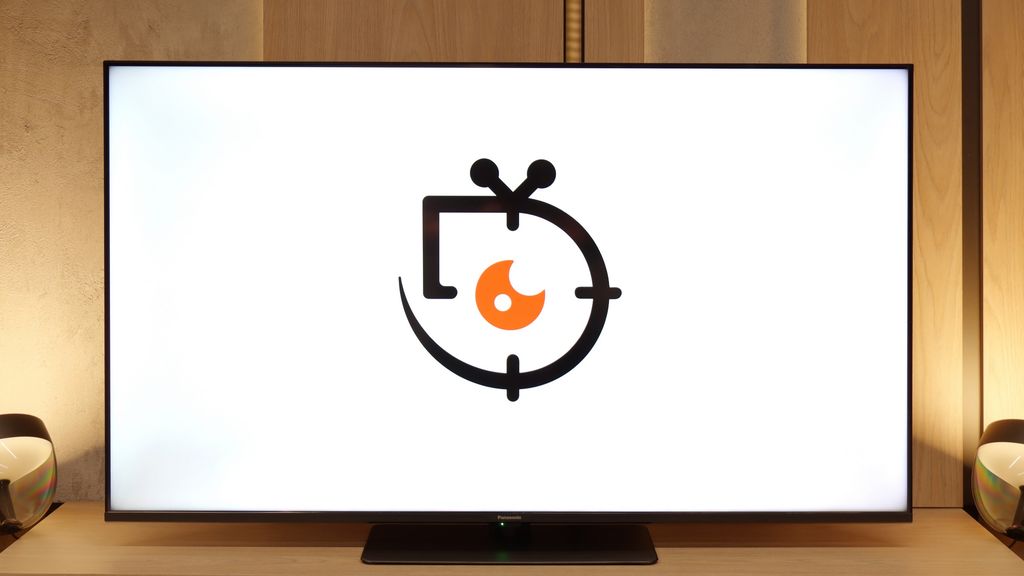
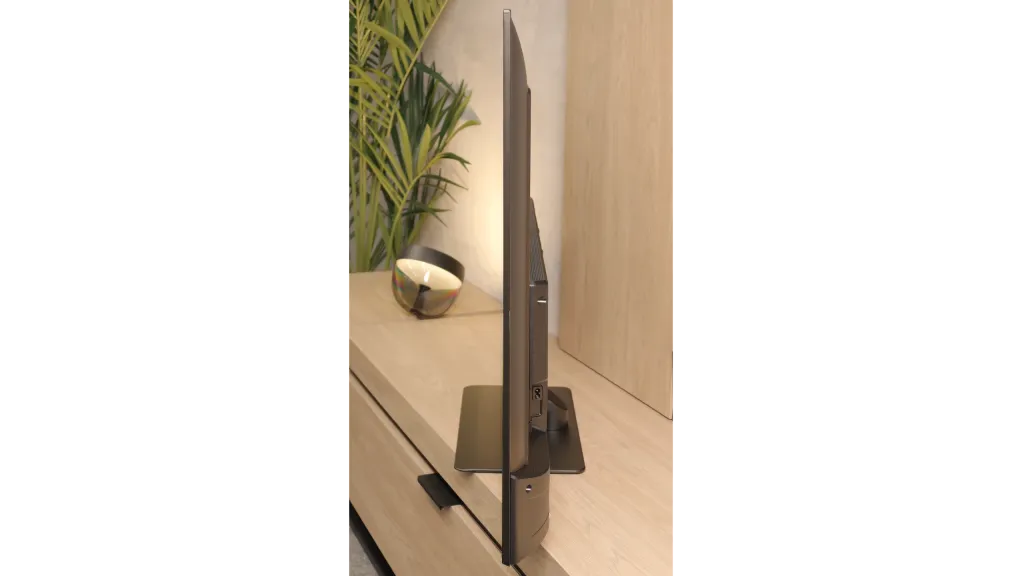
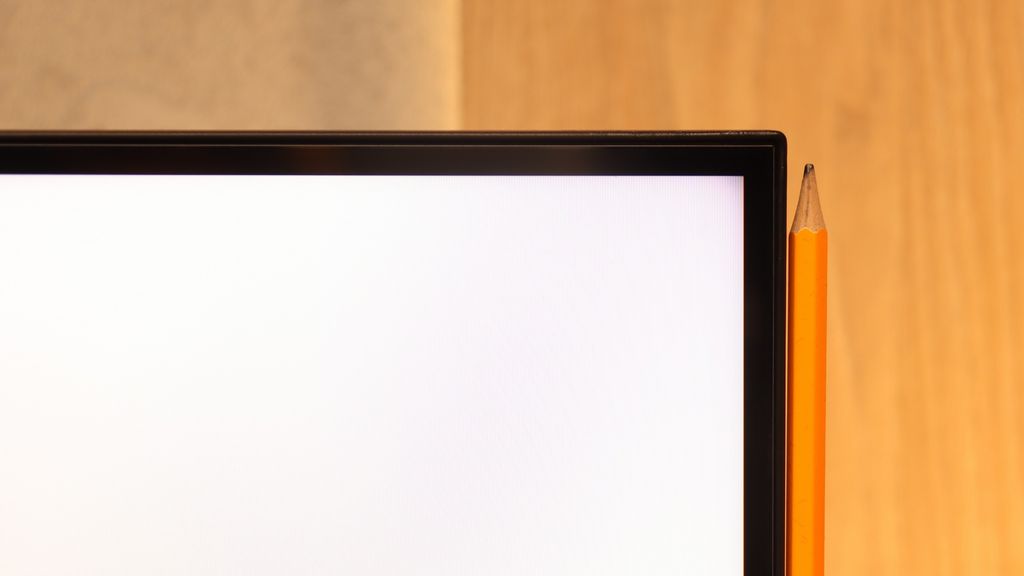
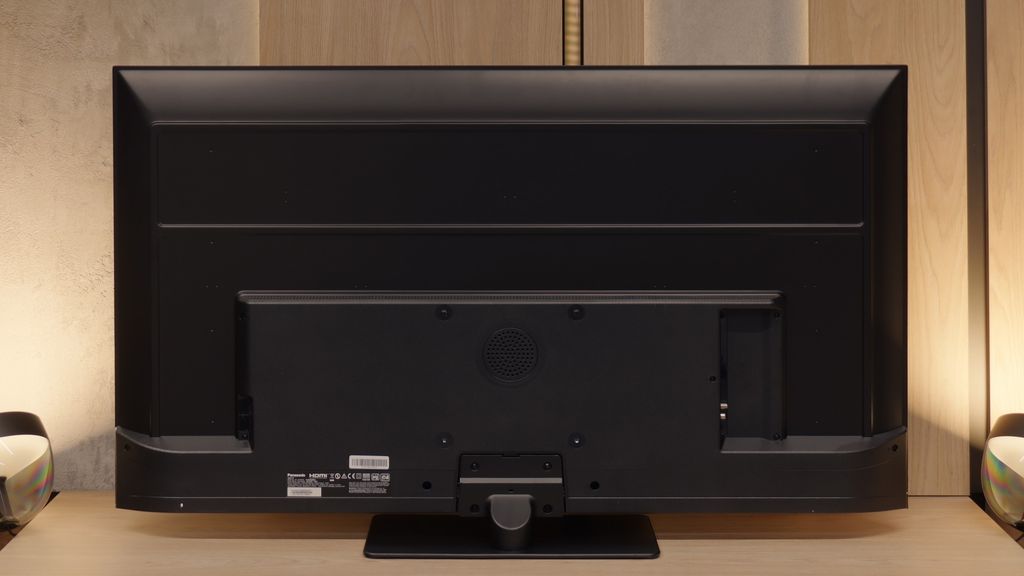
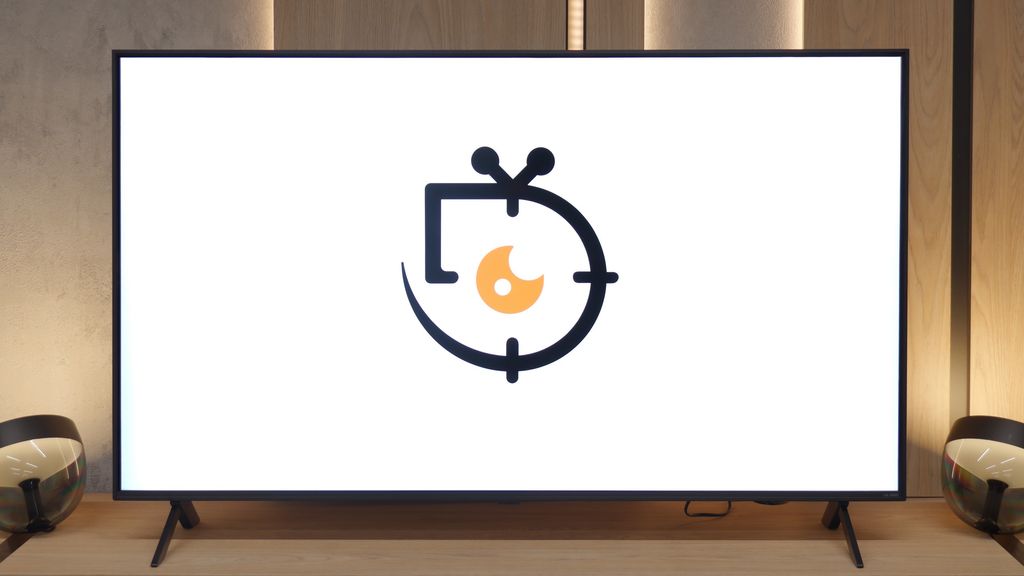
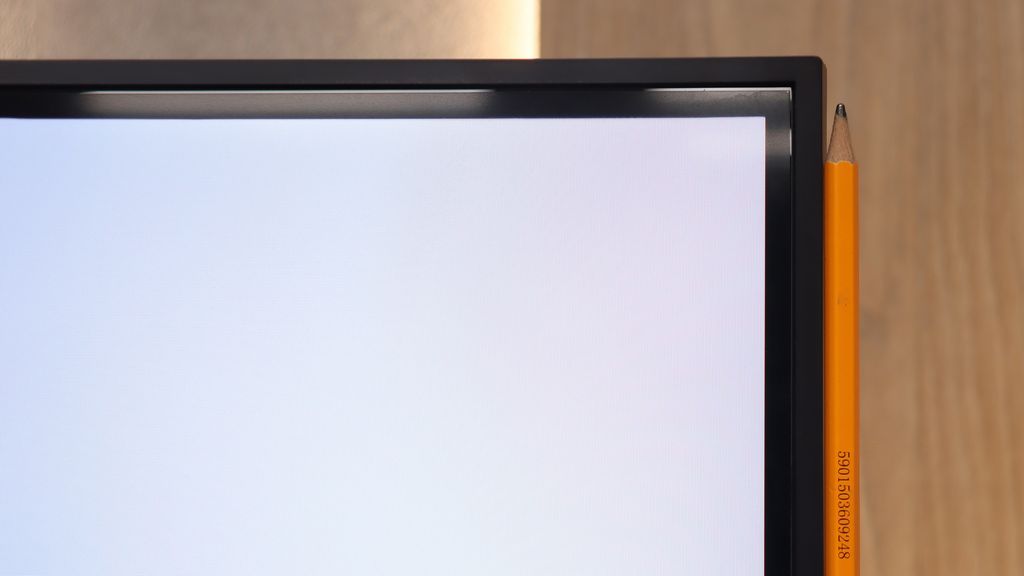
TV appearance
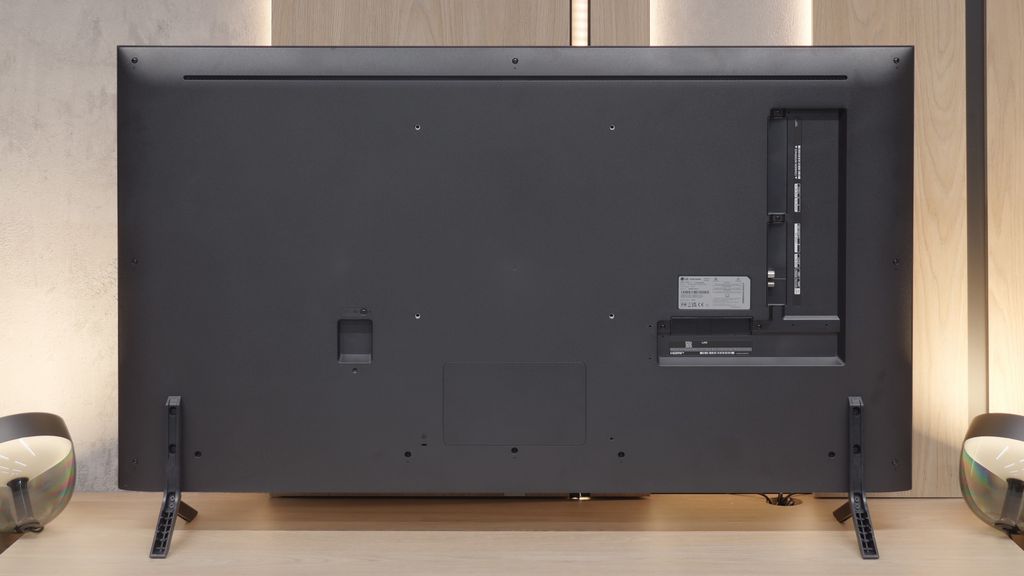
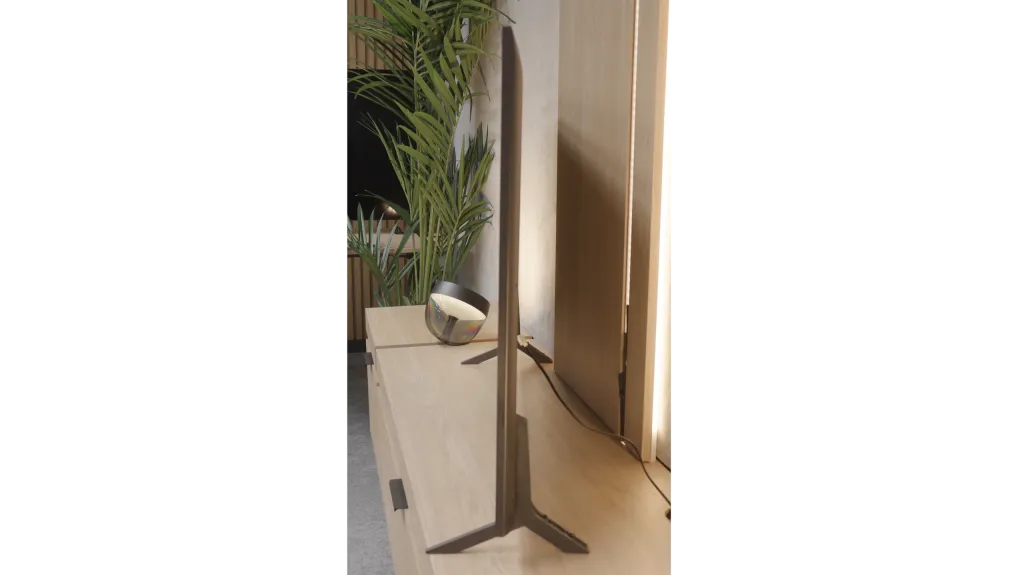

Contrast and black detail
5.3/10
6.3/10
Local dimming function: No
Local dimming function: Yes, number of zones: 6 (1 x 6)
Contrast:


Result
4,300:1

Result
4,250:1

Result
4,200:1

Result
4,400:1

Result
3,150:1
Result
24,550:1
Result
7,900:1
Result
22,150:1
Result
6,700:1
Result
5,550:1
Halo effect and black detail visibility:
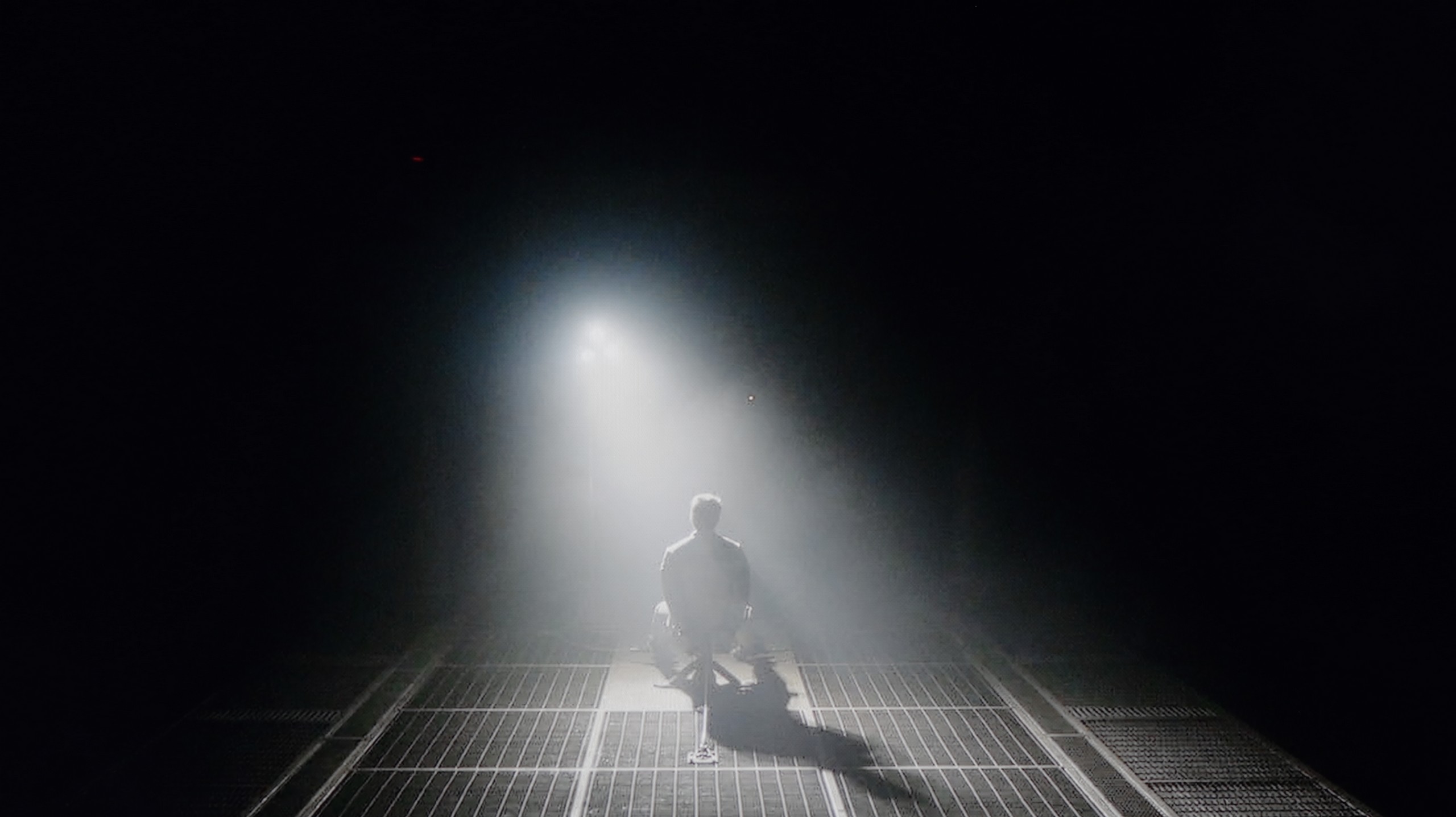
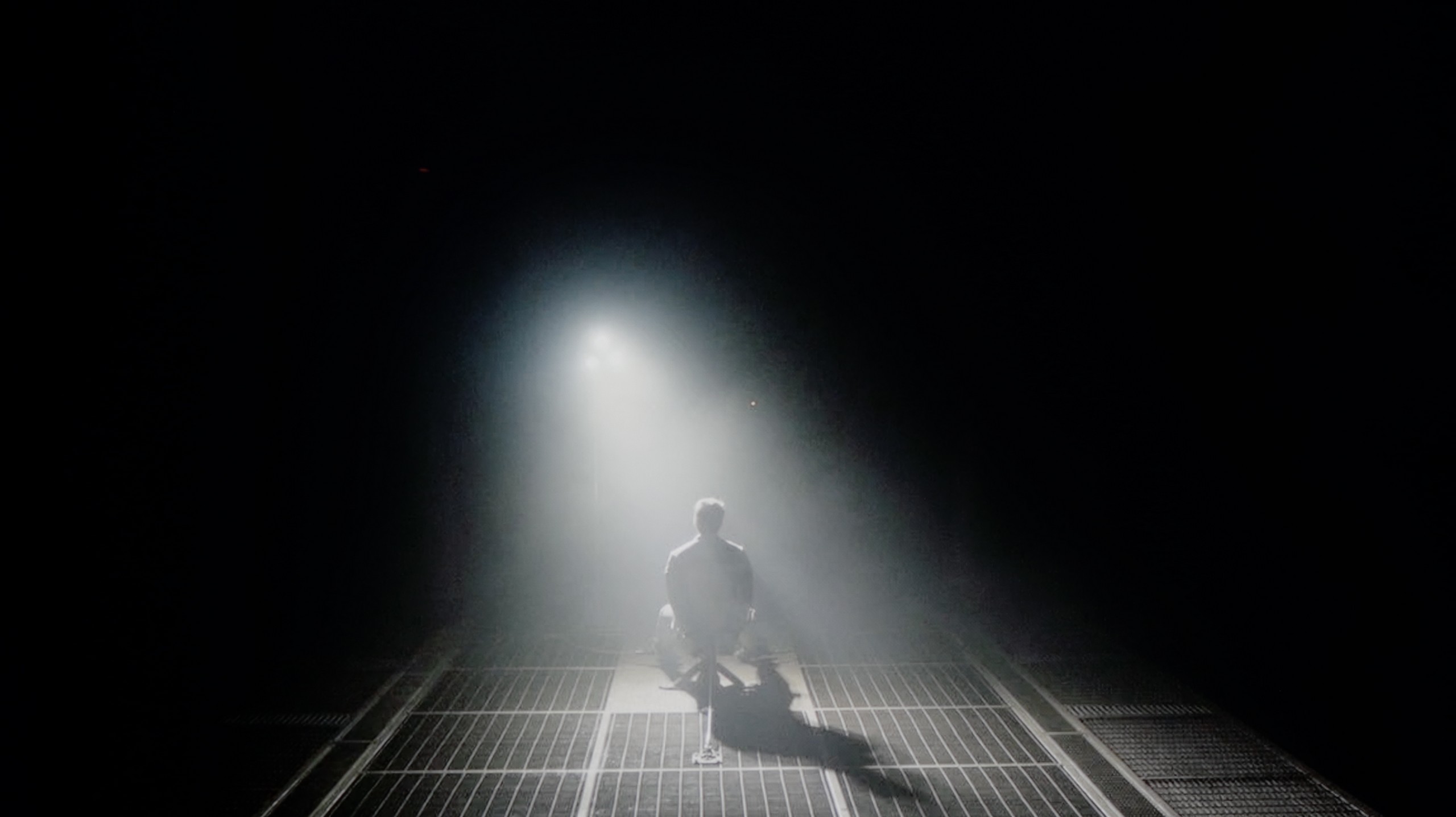
Check the visibility of bright lights on a dark background. Mini-LEDs often struggle with this. The photo does not compare black levels – that’s what the video below is for.
The video accurately shows differences in contrast and black levels between TVs, as well as potential issues: halo around bright objects or Mini-LED zone operation visible as brightness jumps.
W85B is Panasonic's entry-level LCD, so you shouldn't expect miracles in this category, but… the VA panel really does a great job here. Its biggest advantage is simply better contrast than in popular IPS panels – there, blacks often look like grey, but here you can actually see deeper tones. In the scenes we tested, the contrast held around 4000:1, which translates to roughly four times better performance than in IPS displays. Of course, there's no local dimming, so in challenging conditions, when the room gets really dark, the blacks can resemble navy more than absolute pitch black. This is the difference you can see when comparing it to OLEDs or Mini-LEDs. But for everyday viewing – series, matches, evening movies in the living room – this contrast is more than sufficient. The image has the right depth, and the W85B does not give the feeling of a “washed-out” television.
The model we tested, with a diagonal of 55 inches, is equipped with a VA-type panel. Here’s the great news: this is a huge advantage over the IPS version if you care about deep blacks and a vivid image. Our measurements showed that in typical movie scenes, the native contrast is really solid, exceeding values around 6000:1. In practice, this means that black is black, not grey, which works very well for occasional evening viewing and is not irritating. However, there are moments when our measuring devices indicated contrast levels over 20 000:1. Where does such a leap come from? The LG QNED80A is equipped with a Local Dimming system. However, this is an edge-lit system. This means that the TV can dim vertical strips of backlighting where the image is supposed to be dark. In theory, this sounds great and indeed allows for "better numbers" in tables than in a classic LCD screen. Unfortunately, practice can be brutal. The use of edge dimming is a double-edged sword that can disrupt the viewing experience in challenging scenes. An ideal example is the scene with the helicopter in the film Sicario 2. When there is a lot of black on the screen and small, bright points, the dimming system starts to operate very aggressively and... not very precisely. You can clearly see how entire vertical strips of the screen brighten and dim, trying to keep up with the object. Instead of deep blacks, we then see blooming, which simply looks bad and strongly distracts from the plot. Although the dimming system improves measurable contrast, in everyday use – especially with the lights off – its aggressive operation can be annoying. Often, a better option may be to... turn off this feature or set it to minimum, to enjoy stable, natural blacks from the VA panel itself.
HDR effect quality
4.2/10
4.6/10
Luminance measurements in HDR:

Result
228 nit

Result
249 nit

Result
283 nit

Result
282 nit

Result
297 nit
Result
354 nit
Result
335 nit
Result
354 nit
Result
301 nit
Result
271 nit
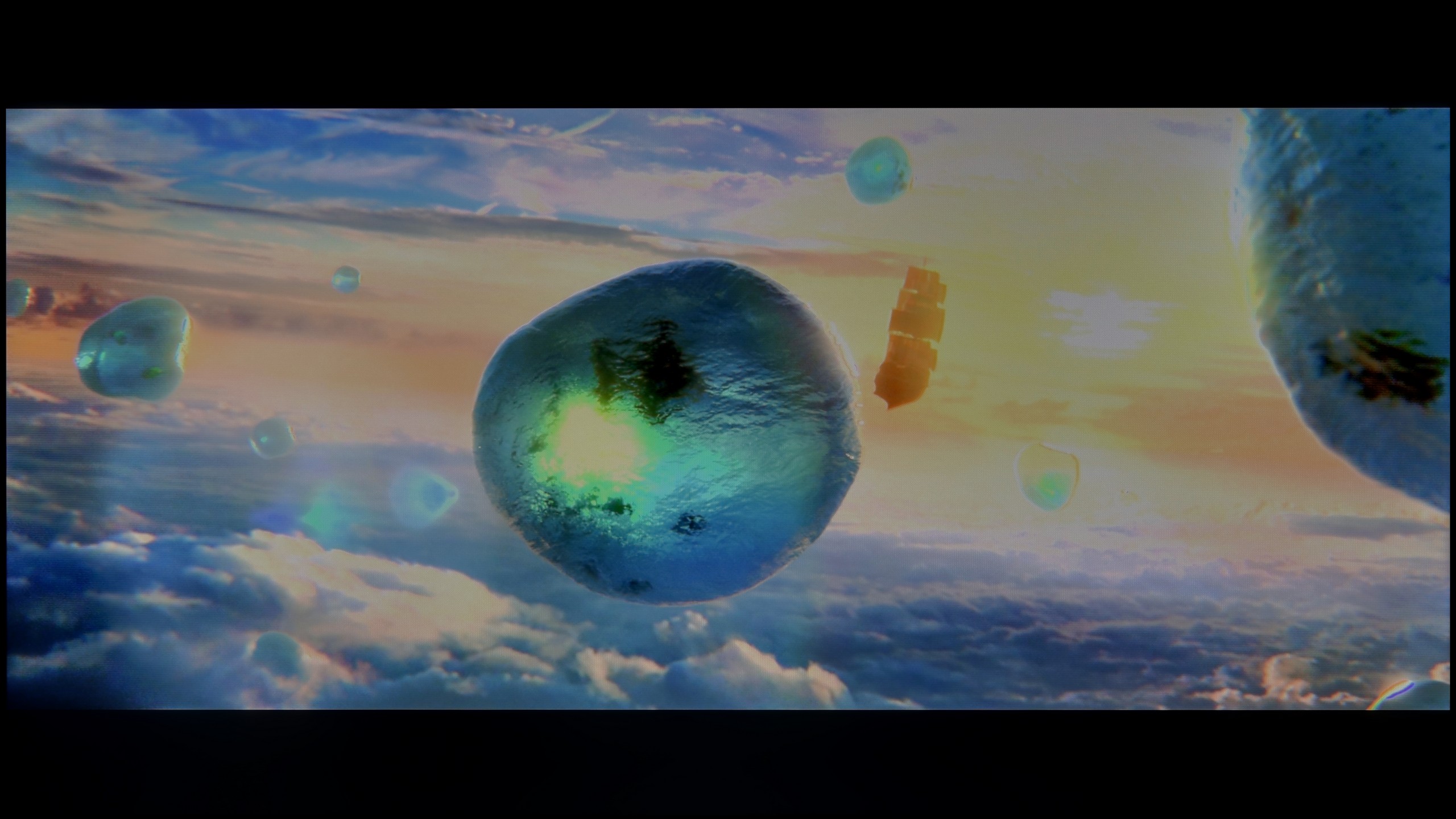
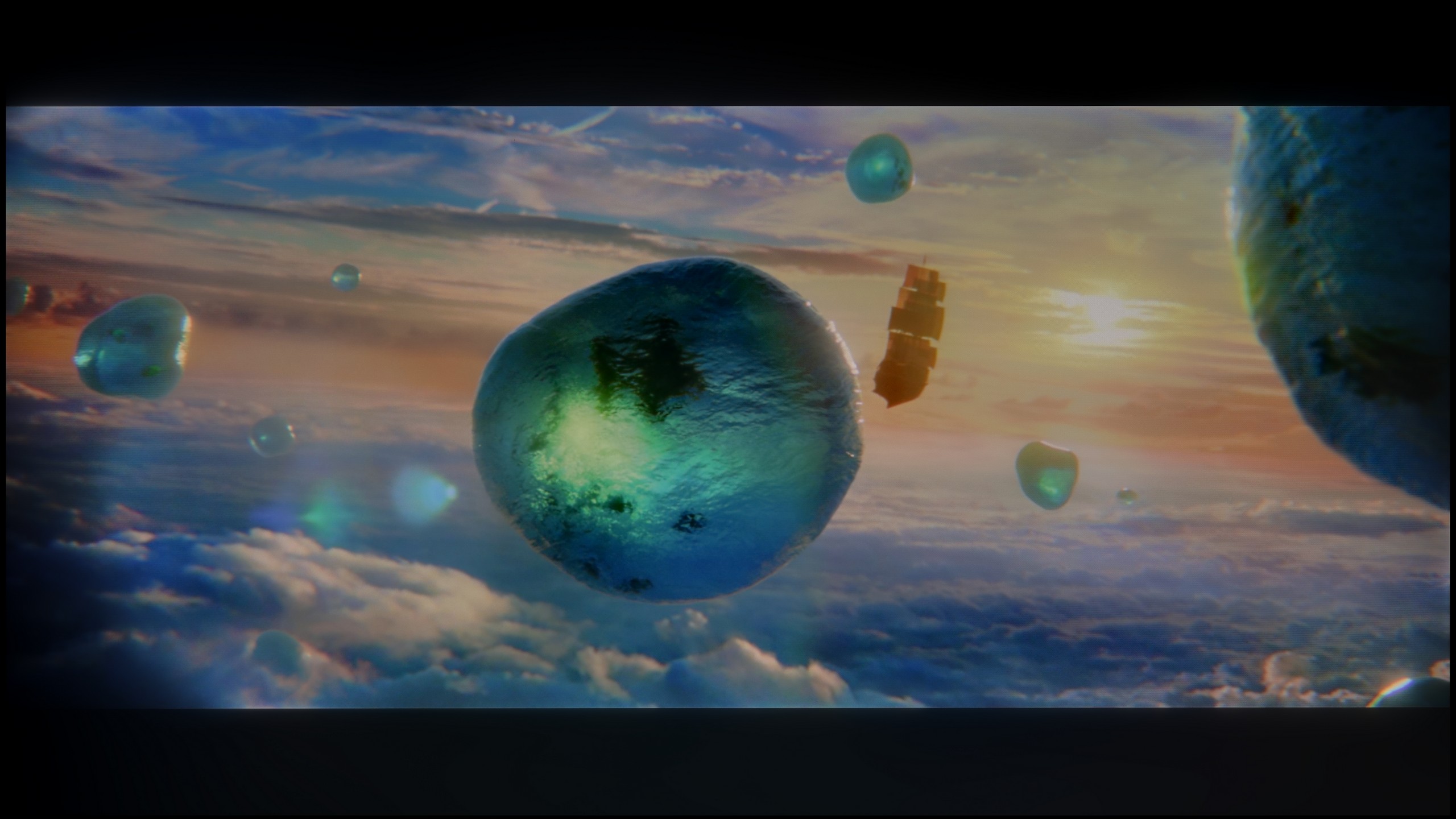
Scene from the movie “Pan” (about 2800 nits)
Scene from the movie “Billy Lynn” (about 1100 nits)
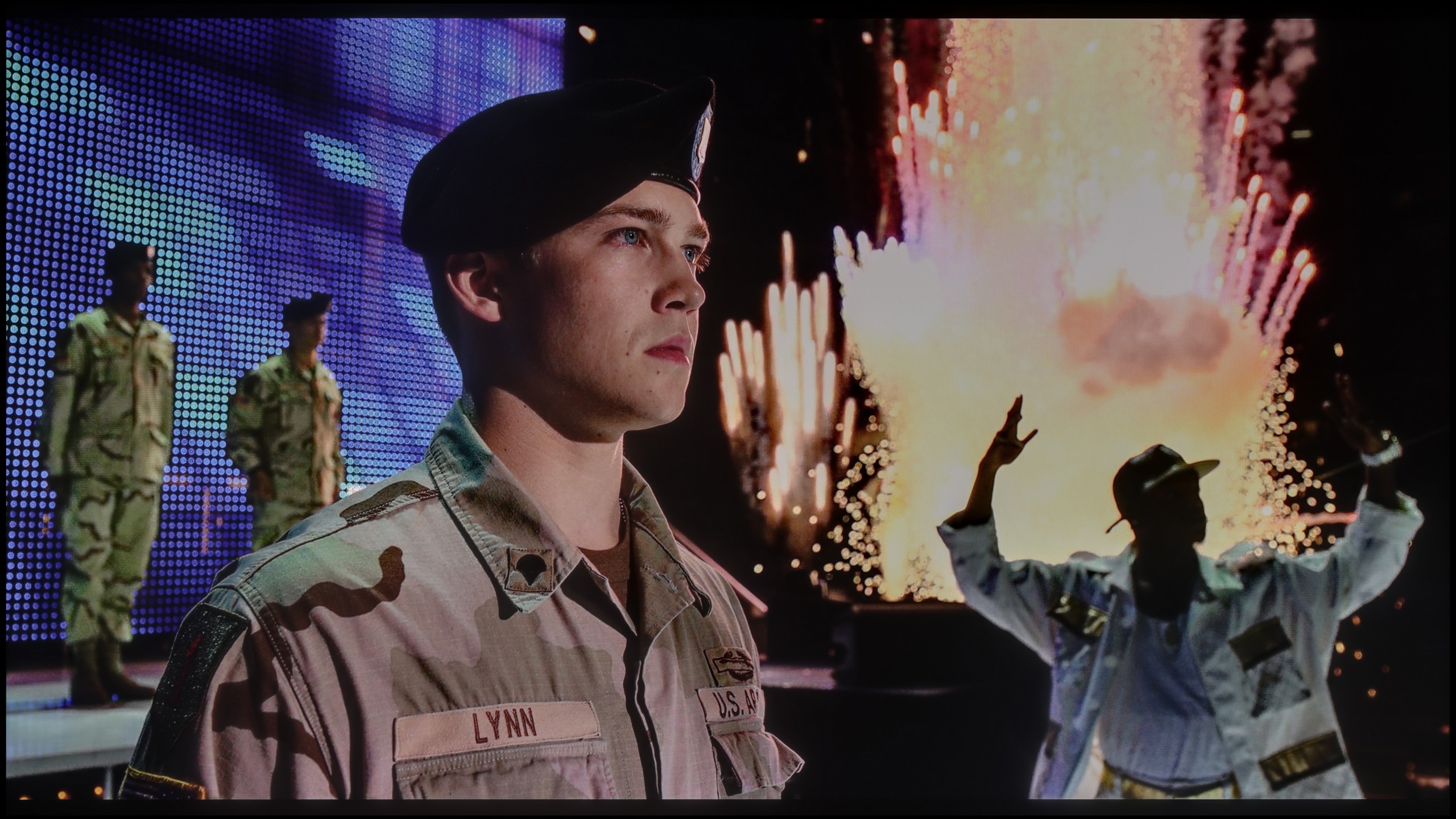

The photos show two HDR10 movies. 'Pan' is one of the brightest productions ever made, while 'Billy Lynn' (soldier) has brightness typical of streaming (Netflix, Prime, HBO MAX). Notice the intensity of effects and detail in whites.
Static HDR10


The photos present the visibility of white details in various HDR formats. They do not show brightness differences between TVs (these can be compared in the previous gallery).
HDR luminance chart:
LG QNED80A6A (VA)
Panasonic W85
Unfortunately, we don't have good news here. The Panasonic W85B is quite a dark television – its peak brightness doesn't exceed 300 nits, making it hard to talk about any real HDR effect. In practice, this means that scenes which can 'shine' and impress on other screens simply look like regular SDR with a slight colour boost here. Our measurements and film tests confirmed this – regardless of the content, the W85B won't draw anything more from HDR. So if someone is looking for a television specifically for HDR, it's better to look at other models. On a positive note, the W85B does quite well in terms of colours. It's a QLED television, so its colour gamut coverage is wide, and most films and series look natural, without a noticeable 'faded' effect. The colours are saturated, so in everyday viewing, there's no feeling that something is seriously off.
Let's talk now about how this TV shines. If you’re expecting dazzling light effects, we need to cool your enthusiasm. The LG QNED80A is a moderately bright television. Our measurements in most film scenes indicated values around 350-400 nits. That’s not enough to speak of a full, cinematic HDR experience and the feeling of that famous “high dynamic range” that flagship products offer. However, brightness is not everything. Although the QNED80A is not a “light monster,” it makes up for it in another key category: colours. This is where PFS technology comes into play, which LG marketers hide under the name QNED/NanoCell. With this trick, the TV offers a significantly wider colour palette than classic LCD constructions. In our tests, the coverage of the cinematic DCI-P3 palette reached a solid 93-94%. What does that mean for you? That even at lower brightness, when watching films in HDR, the colours will be vibrant, deep, and properly saturated. The image is not washed out but juicy, which is a significant advantage in this price range.
Factory color reproduction
4.2/10
4.4/10


This gallery shows how colors change after professional TV calibration. If you notice the difference, we recommend ordering this service at SkalibrujTV.com.
Factory Mode
After calibration
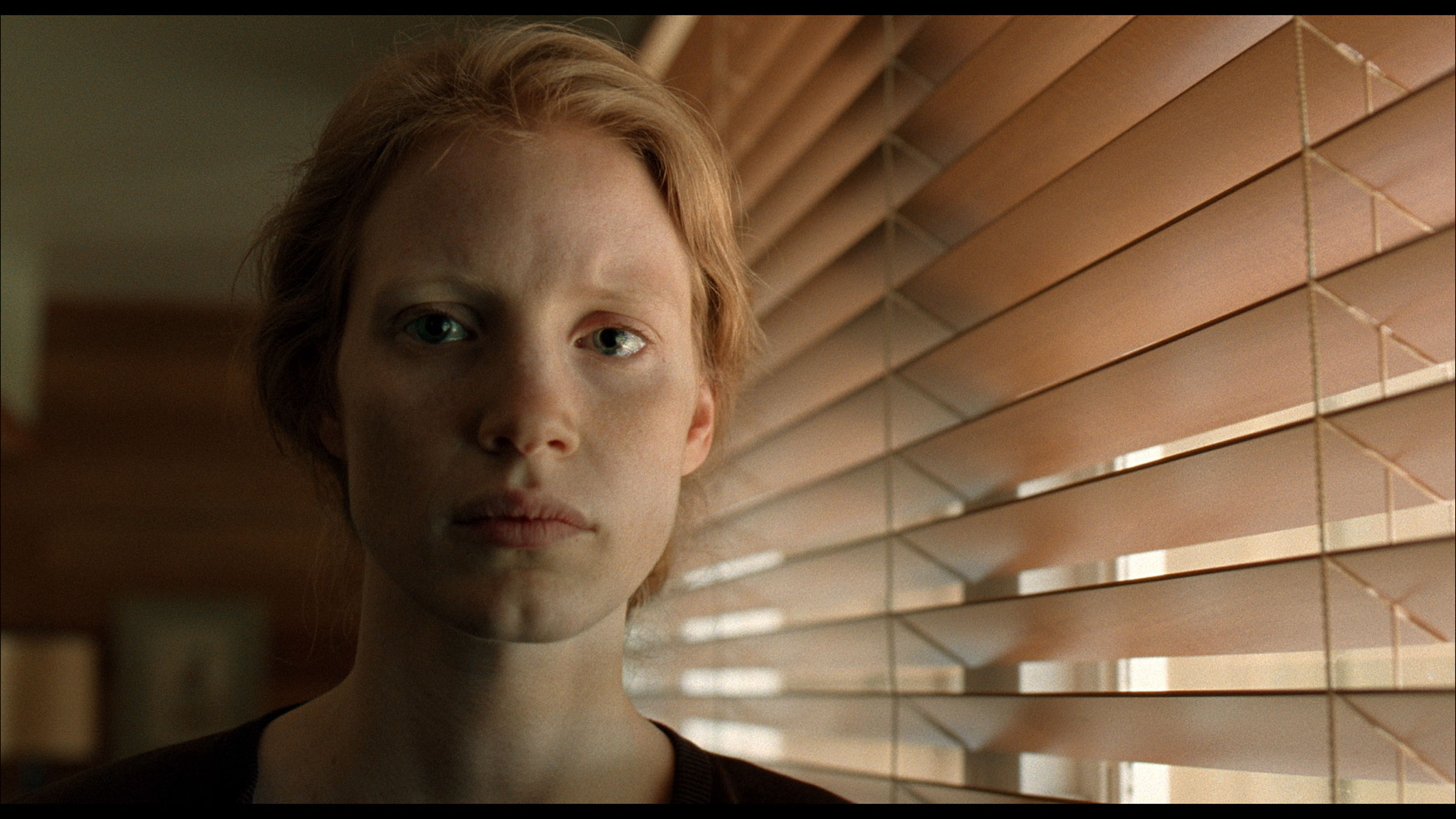
This gallery shows how colors change after professional TV calibration. If you notice the difference, we recommend ordering this service at SkalibrujTV.com.
Factory Mode
After calibration
Testing the Panasonic W85B, we obviously started with the Filmmaker mode, as it's the gold standard for watching content "the way the director intended." The problem is that this TV is quite far from those intentions. The biggest issue turned out to be an excess of red – both in SDR and HDR. The image often looked too warm because of this, and in some scenes, it was almost "on fire." Added to this is the issue of brightness management. When we looked at the gamma and EOTF charts, it was clear as day that in most scenes, the TV brightens the image more than it should. The effect was easy to predict. Details can get lost, leading to flattening and clipping across the entire screen. We obviously know how to fix this, but to be fair, it does require a lot of calibration work. Out of the box, the W85B doesn't produce an image close to reference quality – it's more of a TV that, without professional adjustments, will always interpret colours and brightness a bit "in its own way." Unfortunately, this is to the detriment of the viewer.
It might seem that since the QNED80A is one model, it should offer the same picture regardless of the version. However, practice shows something completely different. Analyzing the variant with the VA panel in the best factory setting – that is, in Filmmaker Mode – we noticed a specific characteristic. This TV "out of the box" delivers a picture with a clear dominance of red and a deficiency of blue. Overall, it is very warm, almost hot. Many users might describe it as an "overly cinematic" picture, leaning towards sepia. Additionally, there is the issue of gamma curve – the TV has a tendency to slightly and artificially brighten scenes (gamma is too low), which causes the picture to lose some of its plasticity. The good news is that these are not panel errors, but merely software issues. As always in our tests, we performed professional calibration, which completely eliminated these drawbacks, restoring natural white balance and correct saturation.
Color reproduction after calibration
6.9/10
7.5/10
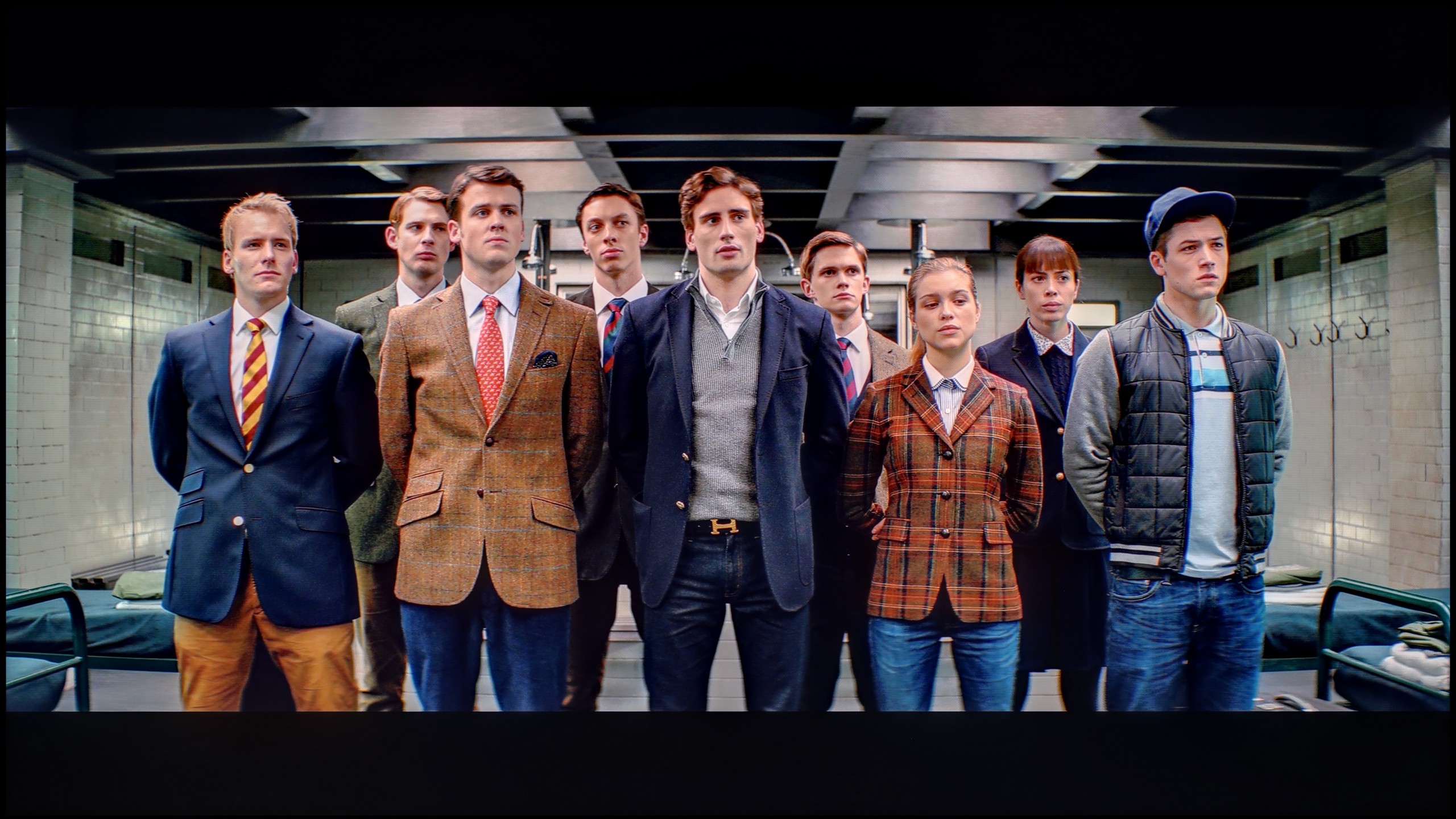
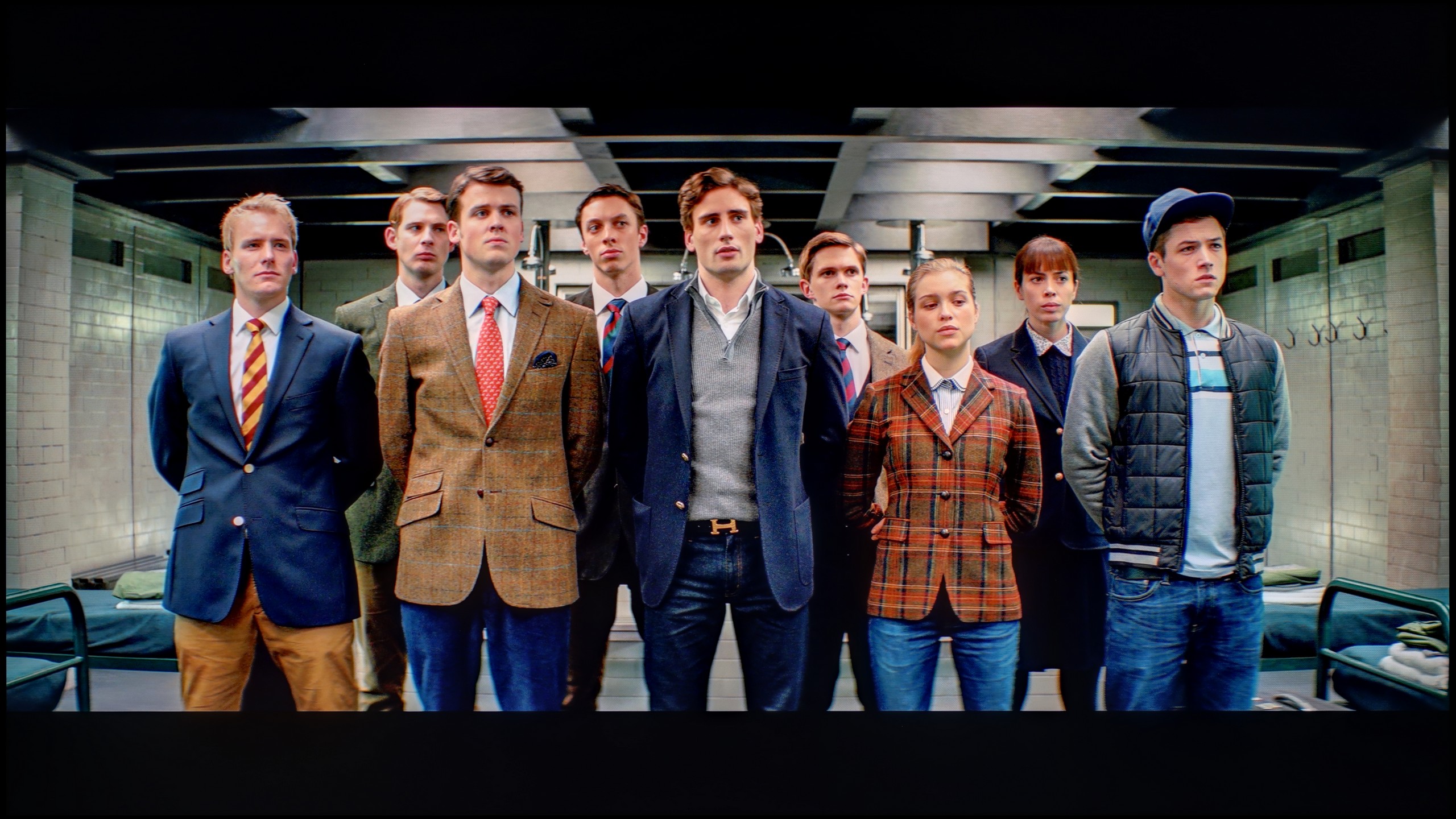
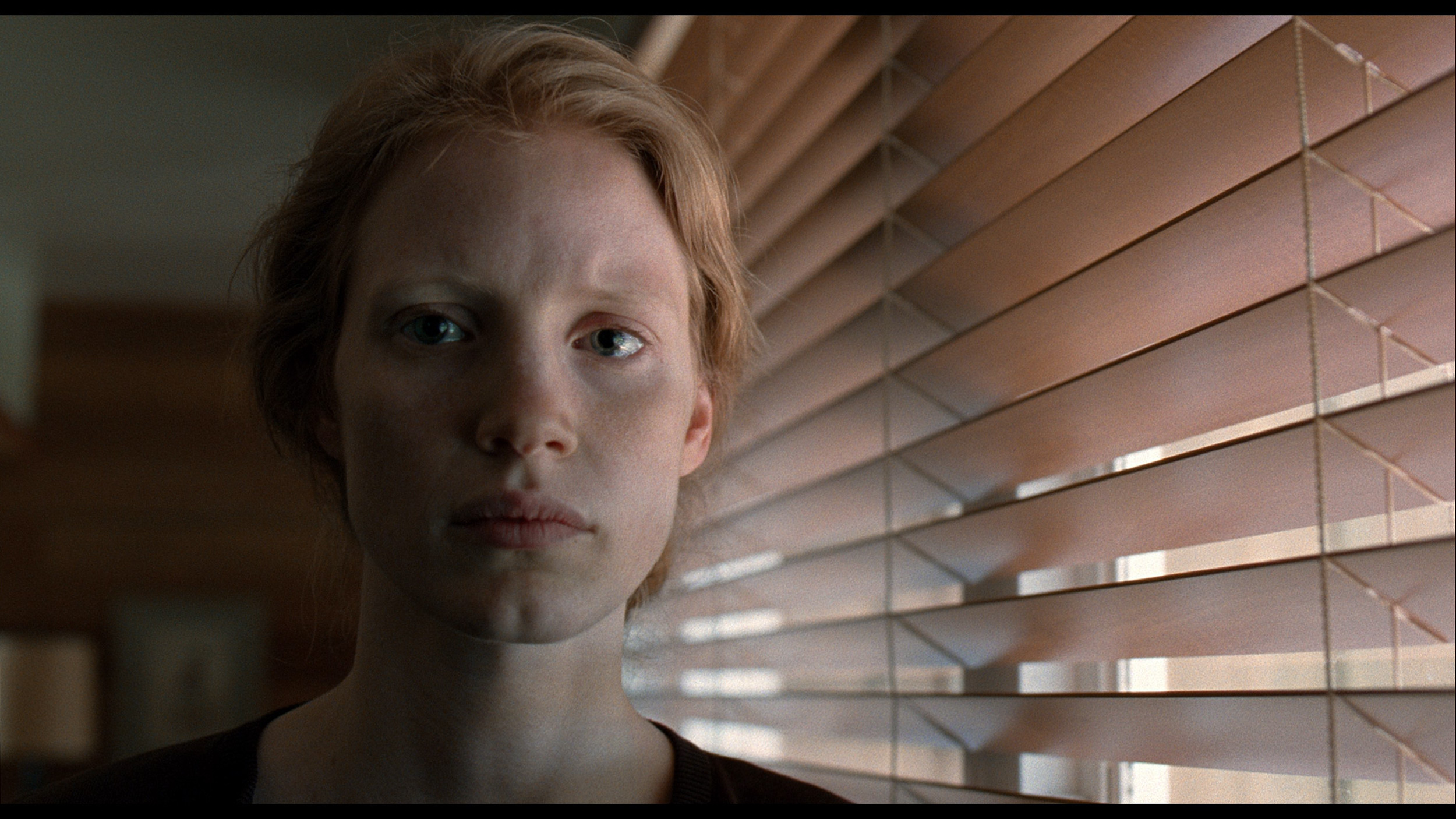
The photos show how movies look on the TV. Pay attention to black detail visibility, colors, and shadow tint.
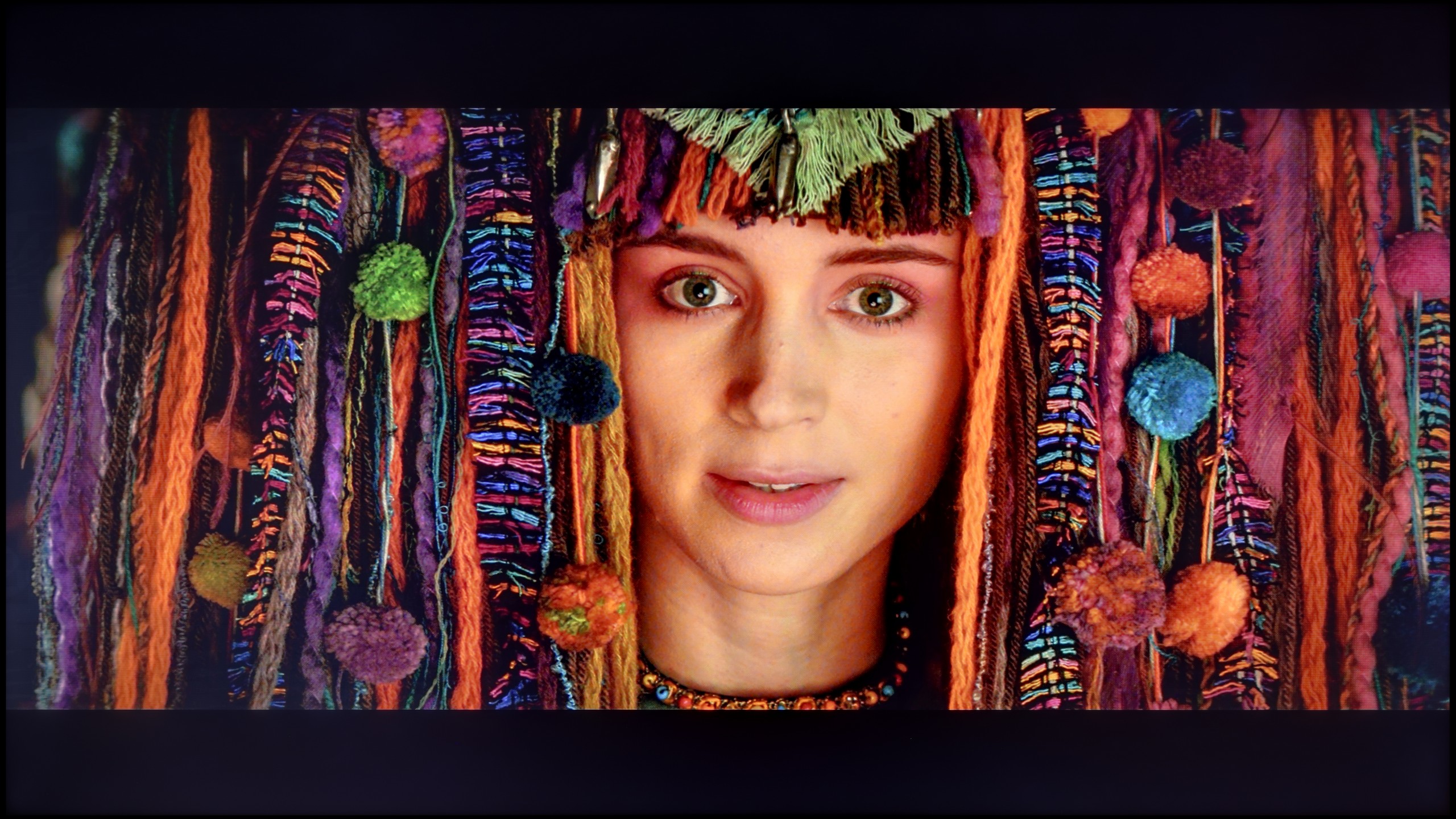

The photos show how movies look on the TV. Pay attention to black detail visibility, colors, and shadow tint.
Fortunately, calibration made a significant difference for the Panasonic W85B, especially for SDR content. Here, the improvement was quite evident – we managed to even out the white balance and reasonably tame the TV's tendency to overly brighten the entire image. The picture became more coherent and the colours gained the naturalness that was lacking in the factory settings. Admittedly, the results from the Color Checker are not perfect, as the W85B has noticeable issues with green saturation, but overall, we rate the post-calibration effect in SDR quite positively. The situation with HDR is a bit different. Here too, we managed to reduce the tendency to warm up the entire scene, so the image performed definitely better than in the factory settings. However, there is still the same problem we mentioned earlier – the TV interprets the image too strongly "in its own way" and brightens the whole screen. And the lack of local dimming only exacerbates this effect. In summary, briefly, in SDR content, the W85B performs really well after calibration and is perfectly suitable for everyday viewing. However, in HDR, even after adjustments, it is still difficult to unambiguously recommend it for more serious viewing.
Was it worth spending time on calibration? Definitely yes. We managed to tame the initial, overly warm white balance and, most importantly, correct the gamma curve. The television stopped artificially brightening scenes, resulting in a deeper image. The biggest gains are visible in SDR content, such as when watching regular television, YouTube, or playing games without HDR. Here, the QNED80A shows its class – colour reproduction errors (DeltaE) fell below a value of 2. In technical terms, this means the errors are essentially invisible to the human eye. The image in everyday use has simply become very attractive, natural, and correct. The difficulties start with HDR content. Although we managed to improve the white balance, the EOTF curve (responsible for brightness at various levels) shows that the television still "interprets" the image in its own way. This results from the nature of the edge-lit backlighting with local dimming and the fact that LG gives the calibrator very little control over this parameter. In short: the television struggles to hide its hardware shortcomings, sometimes ignoring our commands. Nevertheless, the final image is significantly more accurate and pleasant to view than the factory settings, even if it still lacks a bit compared to studio perfection.
Smoothness of tonal transitions
9.1/10
9.2/10
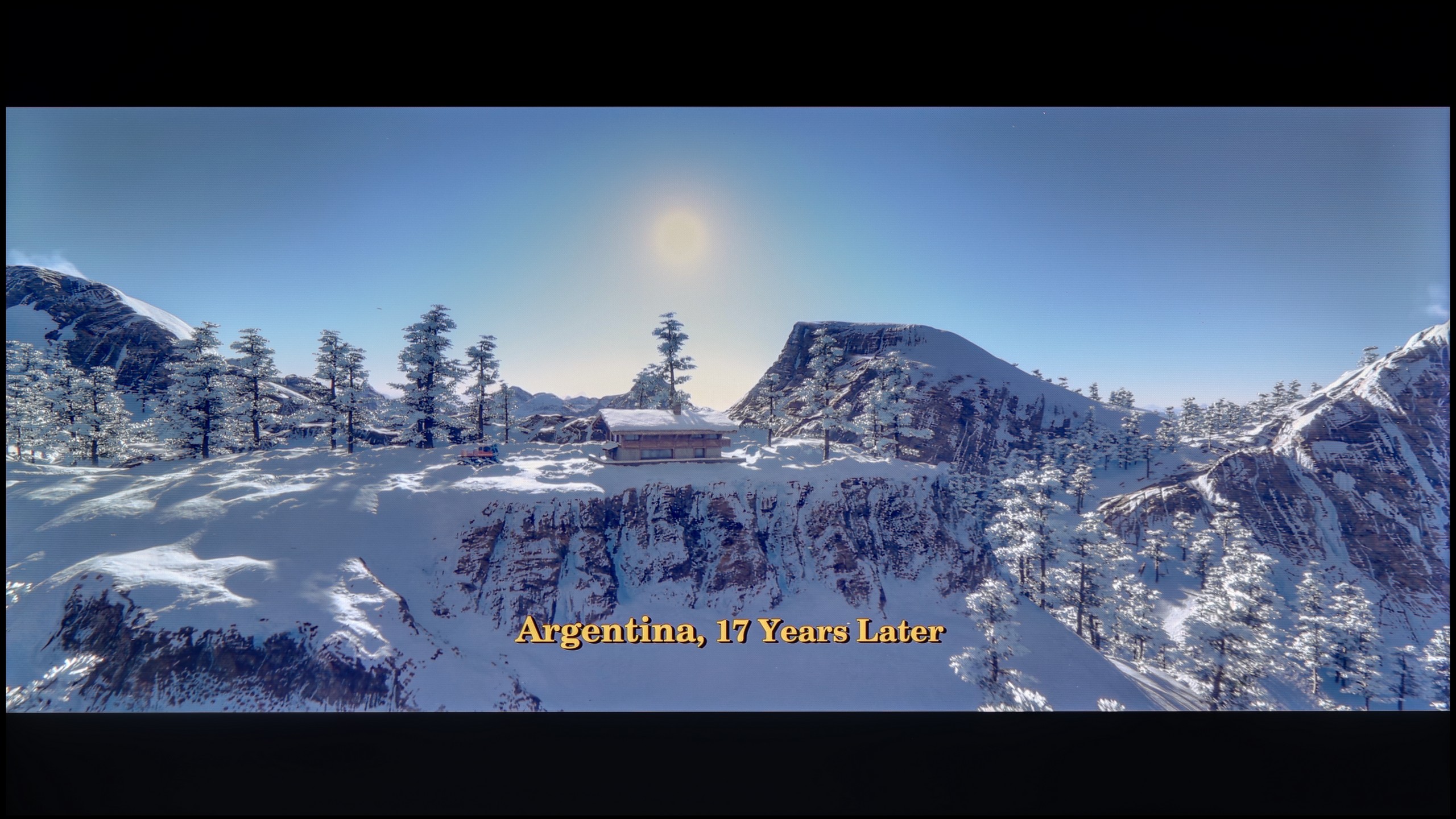

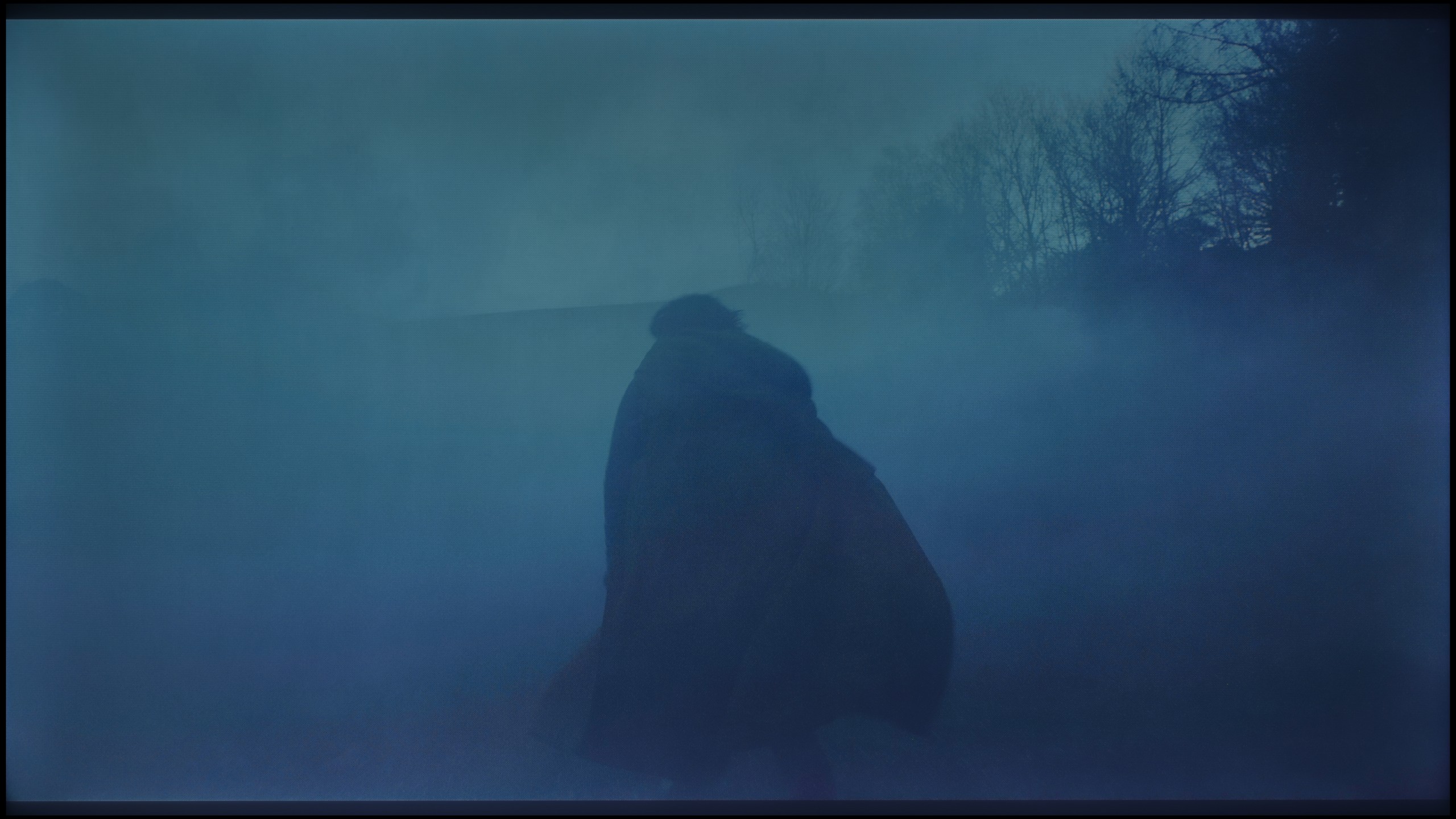
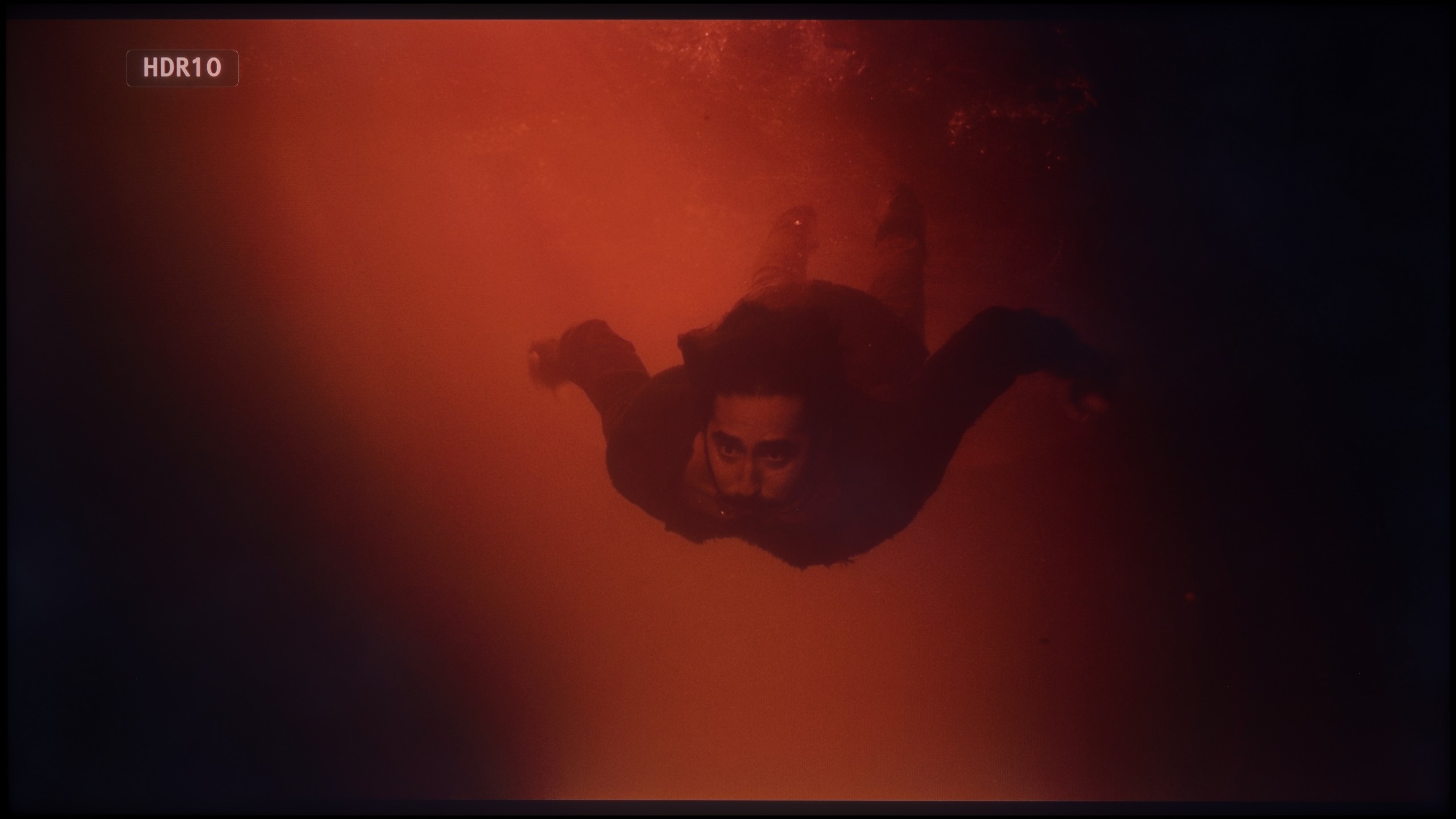
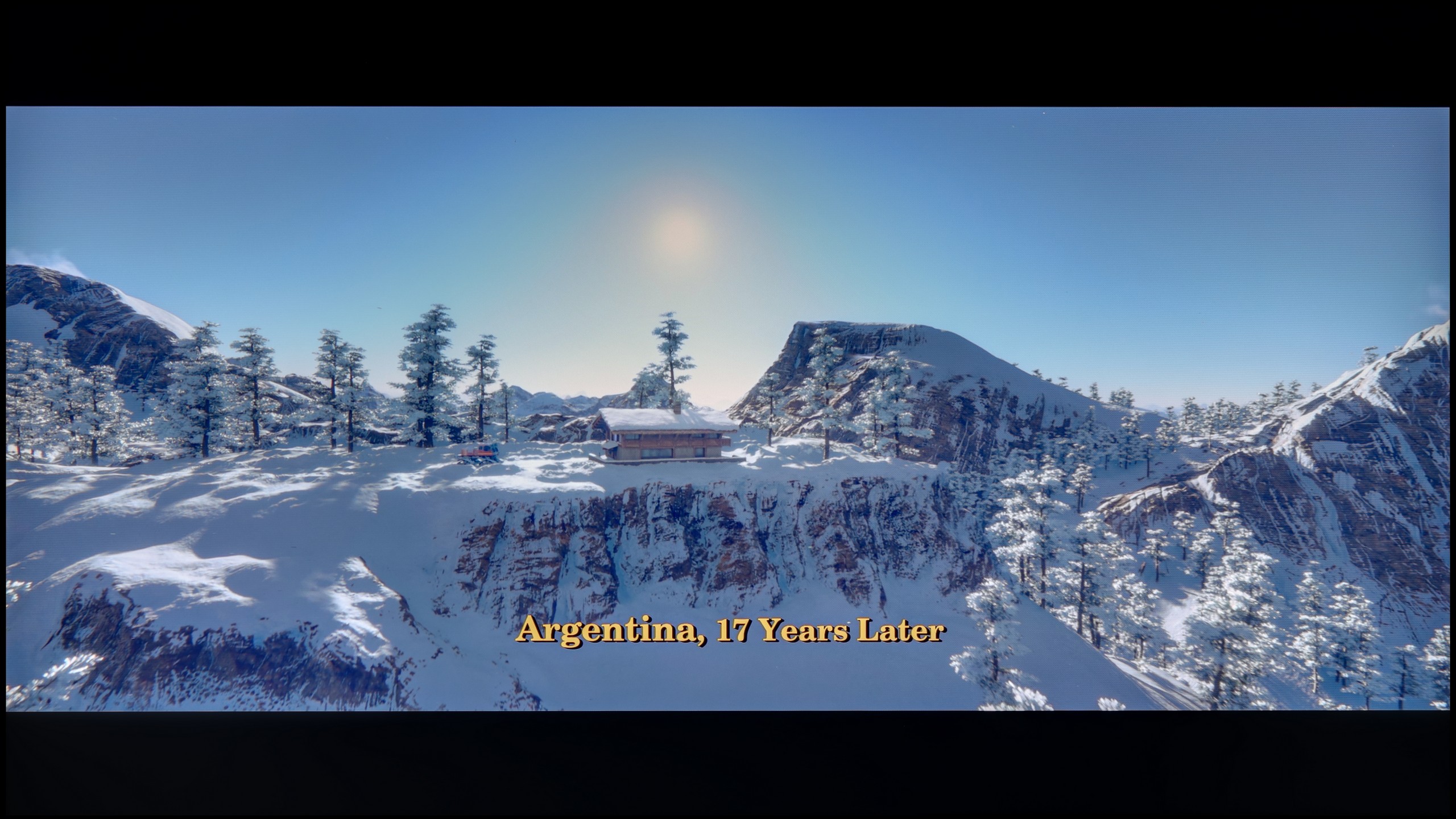
These are selected scenes that show smooth tonal transitions from one color to another. If you see distinct banding, it’s the TV panel’s fault.
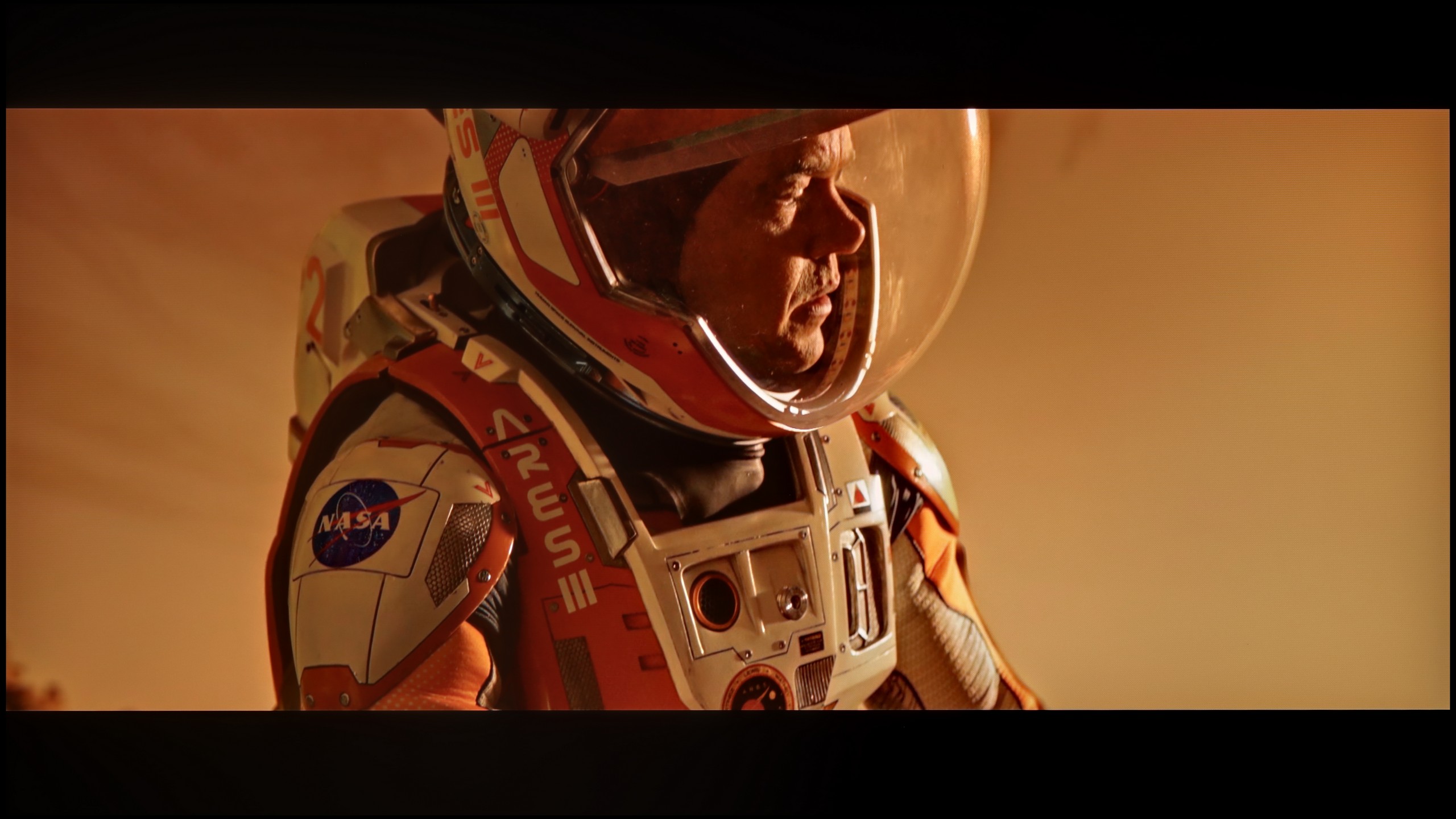
These are selected scenes that show smooth tonal transitions from one color to another. If you see distinct banding, it’s the TV panel’s fault.
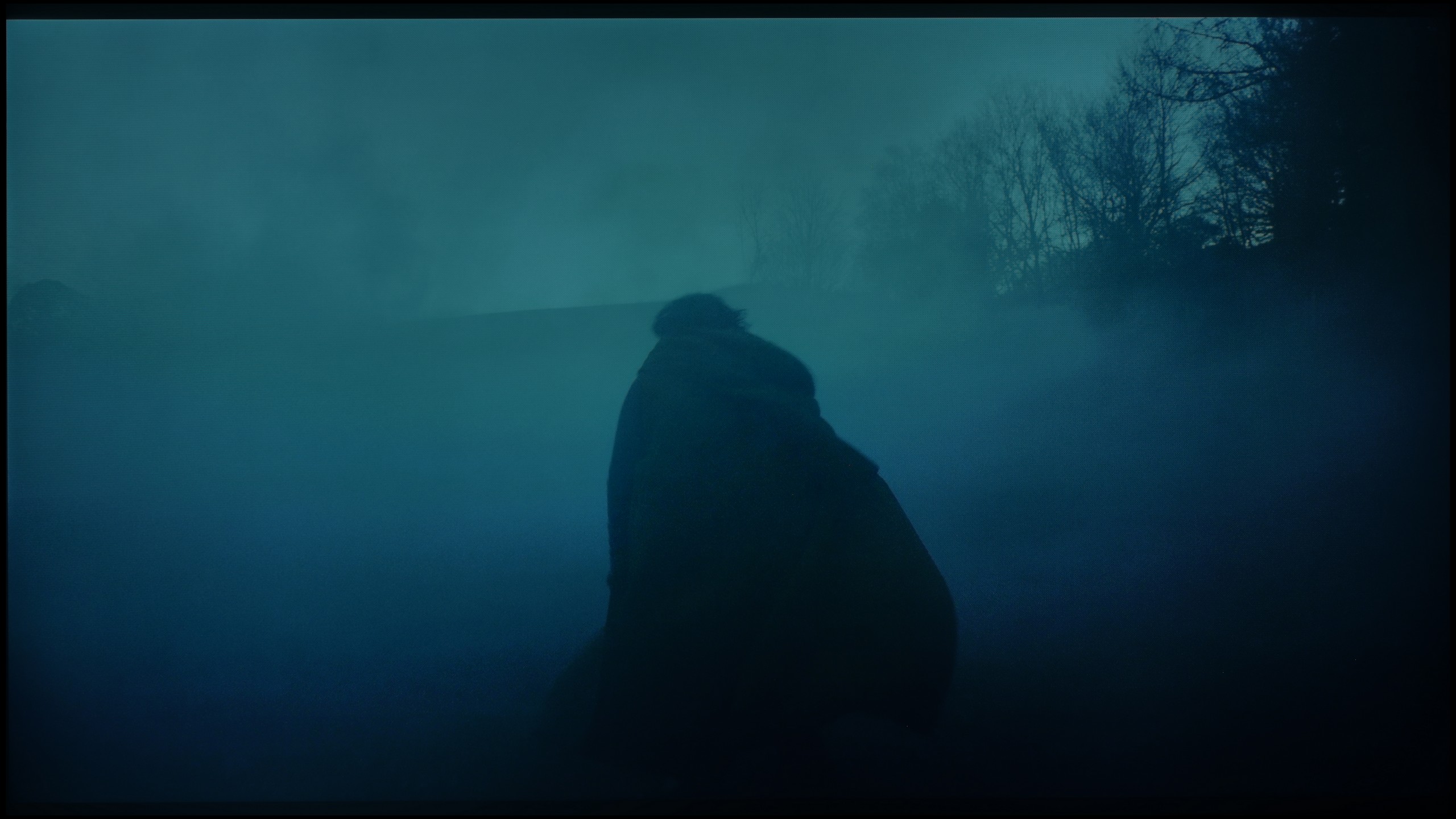
These are selected scenes that show smooth tonal transitions from one color to another. If you see distinct banding, it’s the TV panel’s fault.
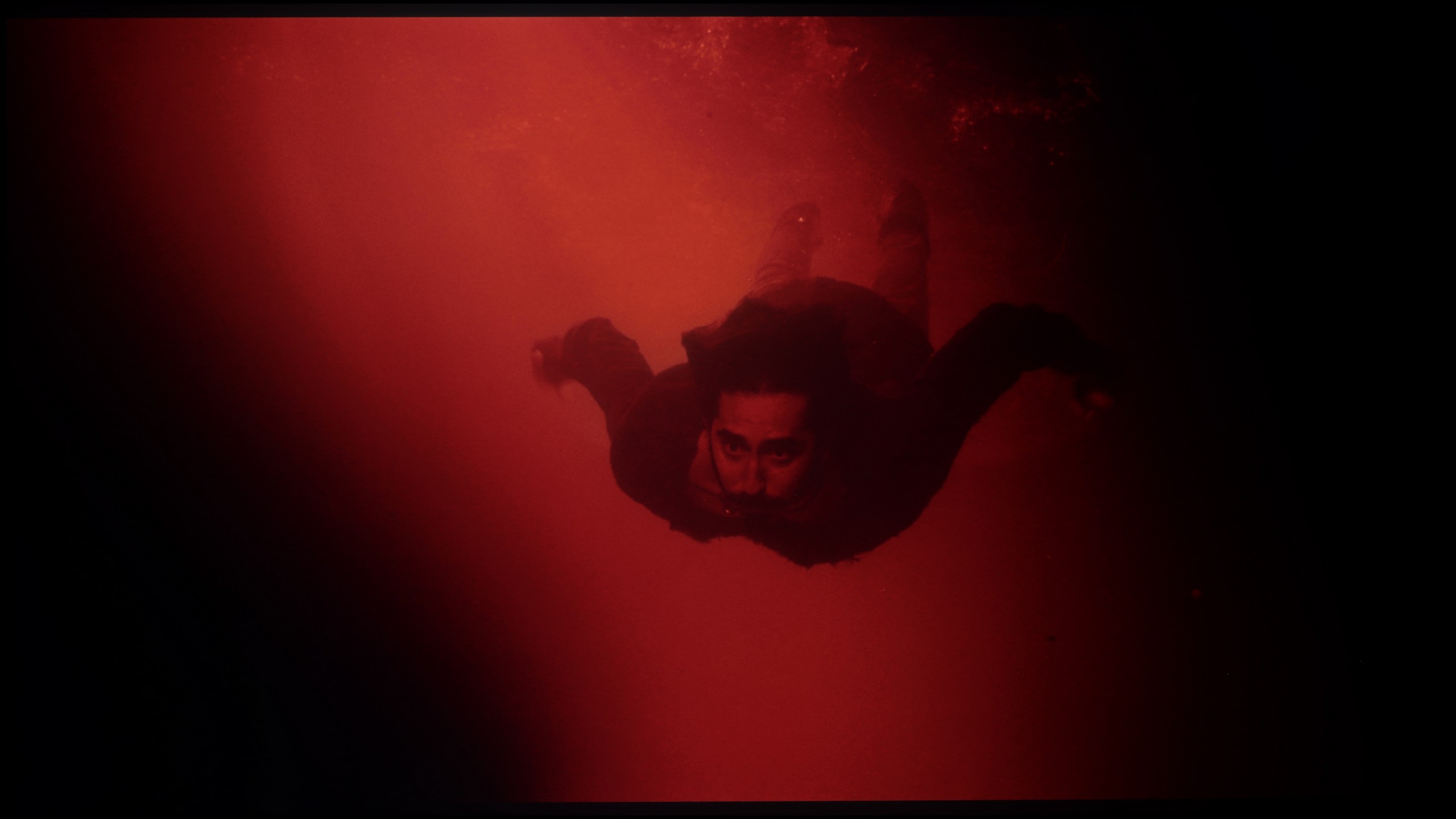
These are selected scenes that show smooth tonal transitions from one color to another. If you see distinct banding, it’s the TV panel’s fault.
Here we can calmly praise the Panasonic W85B. The TV handles colour blending and tonal transitions remarkably well. Gradients appear smooth, without visible banding or artificial contours. As a result, the image gains a sense of naturalness, and sequences with a lot of subtle shades – like the sky or blurred backgrounds – look exceptionally good for this class of equipment.
We've also got excellent news for those sensitive to digital artifacts. Regardless of which version of the panel you get, the LG QNED80A excels at gradation, or the smooth blending of colours. In this price range, it's common to see ugly, separated bands instead of a smooth transition (e.g., from bright sky blue to navy). Here, this problem hardly exists. In our tests, both in very bright parts of the image (like sunsets) and in challenging, dark shades of grey, the picture remained uniform and natural. We didn't notice the annoying effect of "banding" or distinct lines connecting colours.
Image scaling and smoothness of tonal transitions
6/10
7/10


Smooth transition function
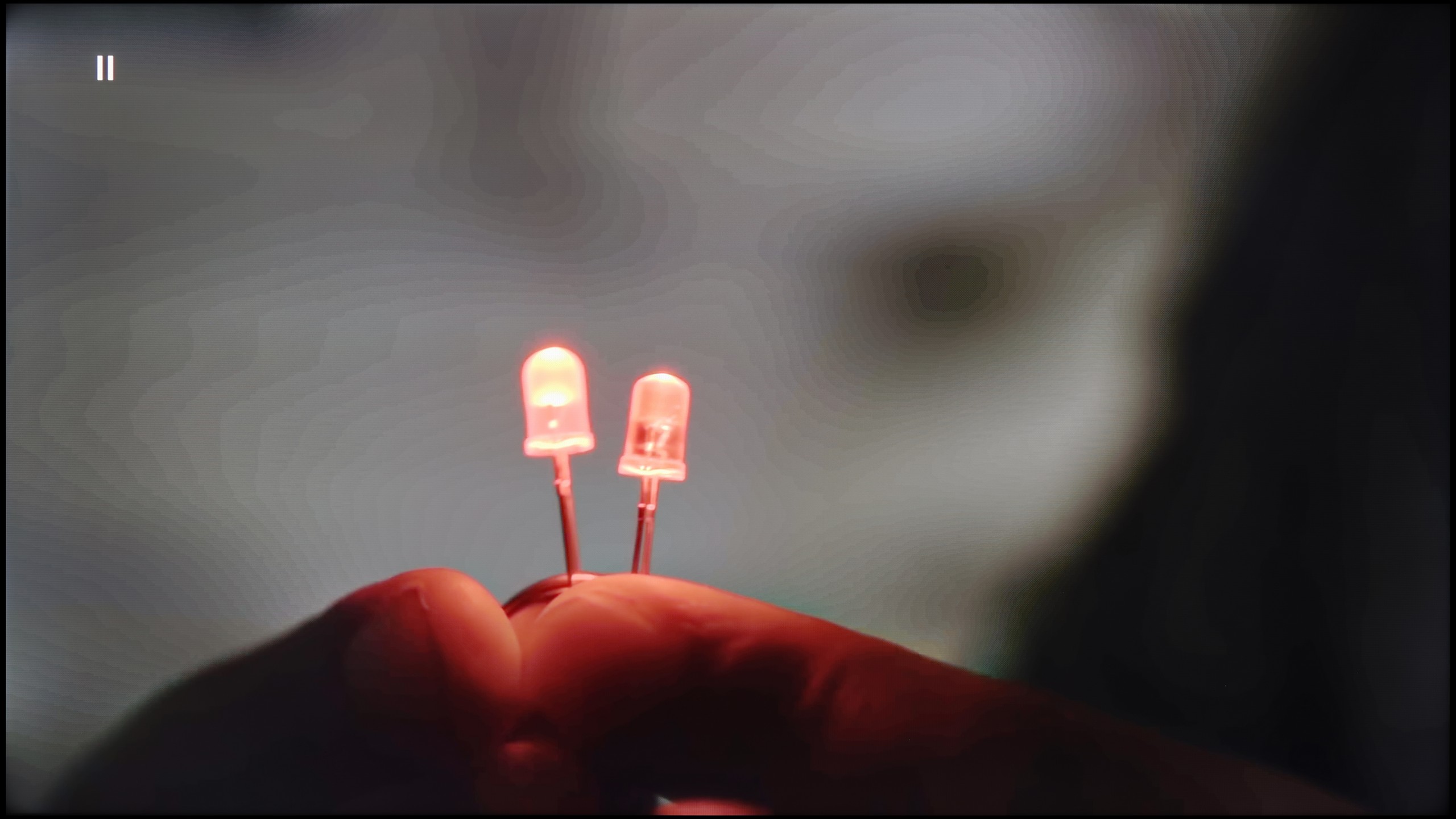
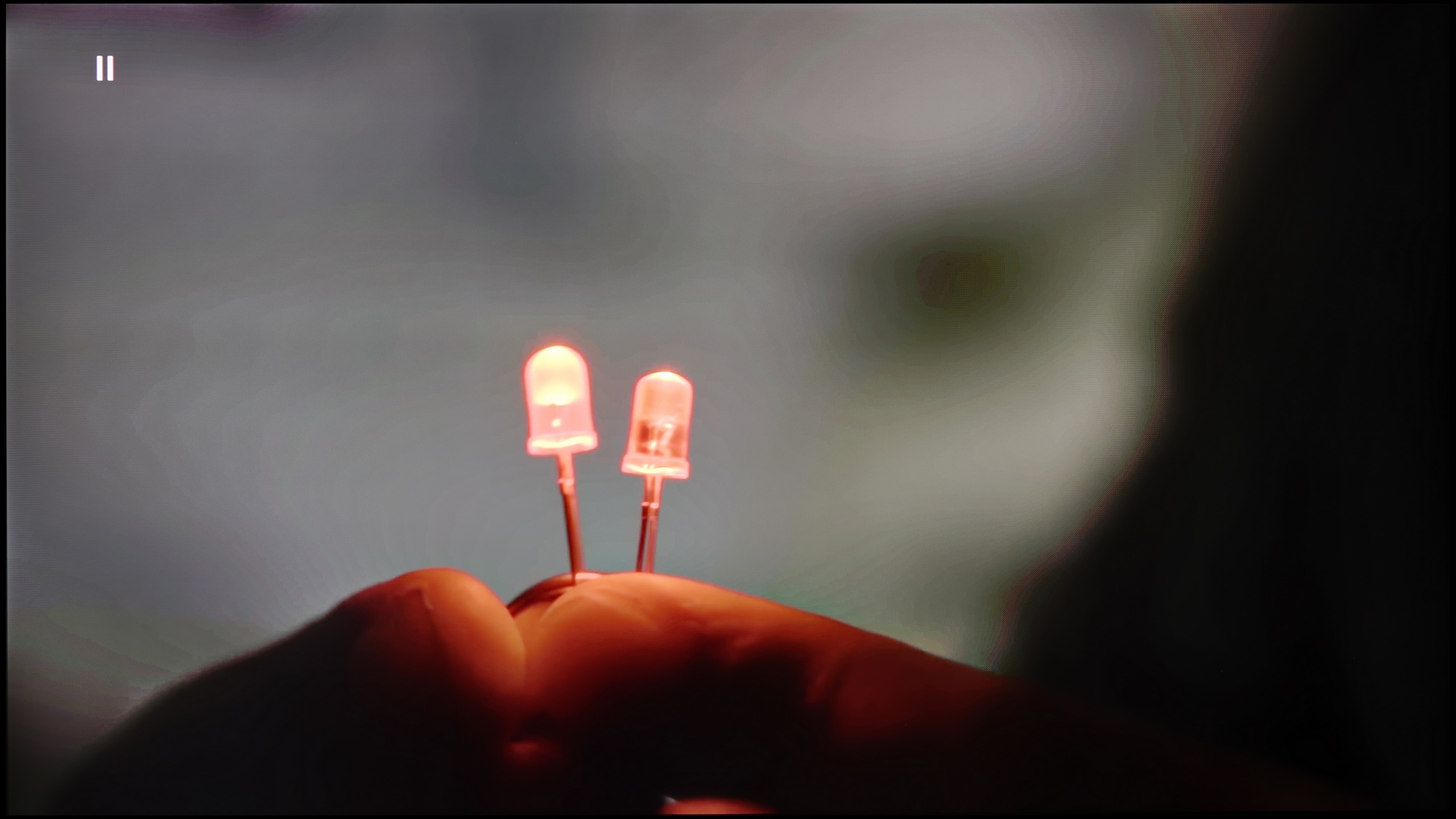
The match photo shows how the TV smooths weak tonal transitions in low-quality video.
Image scaling SD (576i)


The model photo shows how it handles upscaling of SD material.
With native SDR content, the Panasonic W85B performs very well – tonal transitions are smooth and natural, without artificial bands or clear outlines. However, the situation is worse with lower resolution materials. This is where the TV has the biggest problem with "beautifying" the image. The lack of any menu option to improve gradation means that with older films or materials from YouTube, one can sometimes notice slight issues with colour blending.
Fortunately, upscaling, or enhancing the quality of lower resolution content, performs much better. This is definitely a strong point of this model – the image is scaled cleanly and in detail, and the TV handles this better than one might expect from such an inexpensive setup. This is thanks to the HCX processor, which Panasonic has been developing for years, and it shows that even in the lower series, it can do a good job.
In this category, the QNED80A turns out to be a true "dark horse". It's a fantastic, affordable television for those who often watch lower quality content – for example, from traditional cable TV. The processor used here handles upscaling incredibly well, enhancing low resolutions to native 4K. The image after processing is natural, smooth, and most importantly – it is not overly jagged or artificially sharpened. In the menu, we also find a dedicated option for smoothing tonal transitions in low-quality content. This feature works really effectively, eliminating the annoying "banding" of colours during heavy video compression. However, we must remain vigilant. Remember, we are not dealing with the top-tier processor known from flagship OLED models. In more challenging scenes, the system might struggle and introduce minor artefacts or distortions. Nevertheless, it's definitely worth giving this feature a chance, because in the majority of cases, the quality improvement is visible to the naked eye.
Blur and motion smoothness
6.5/10
4.8/10
Blur (native resolution, maximum refresh rate):
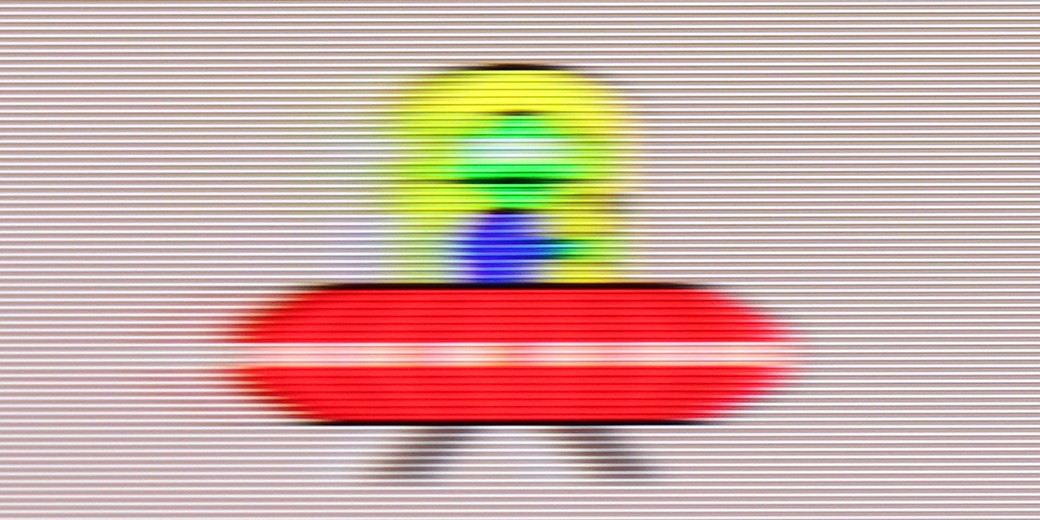

Blur (4K@144Hz):

Blur ():
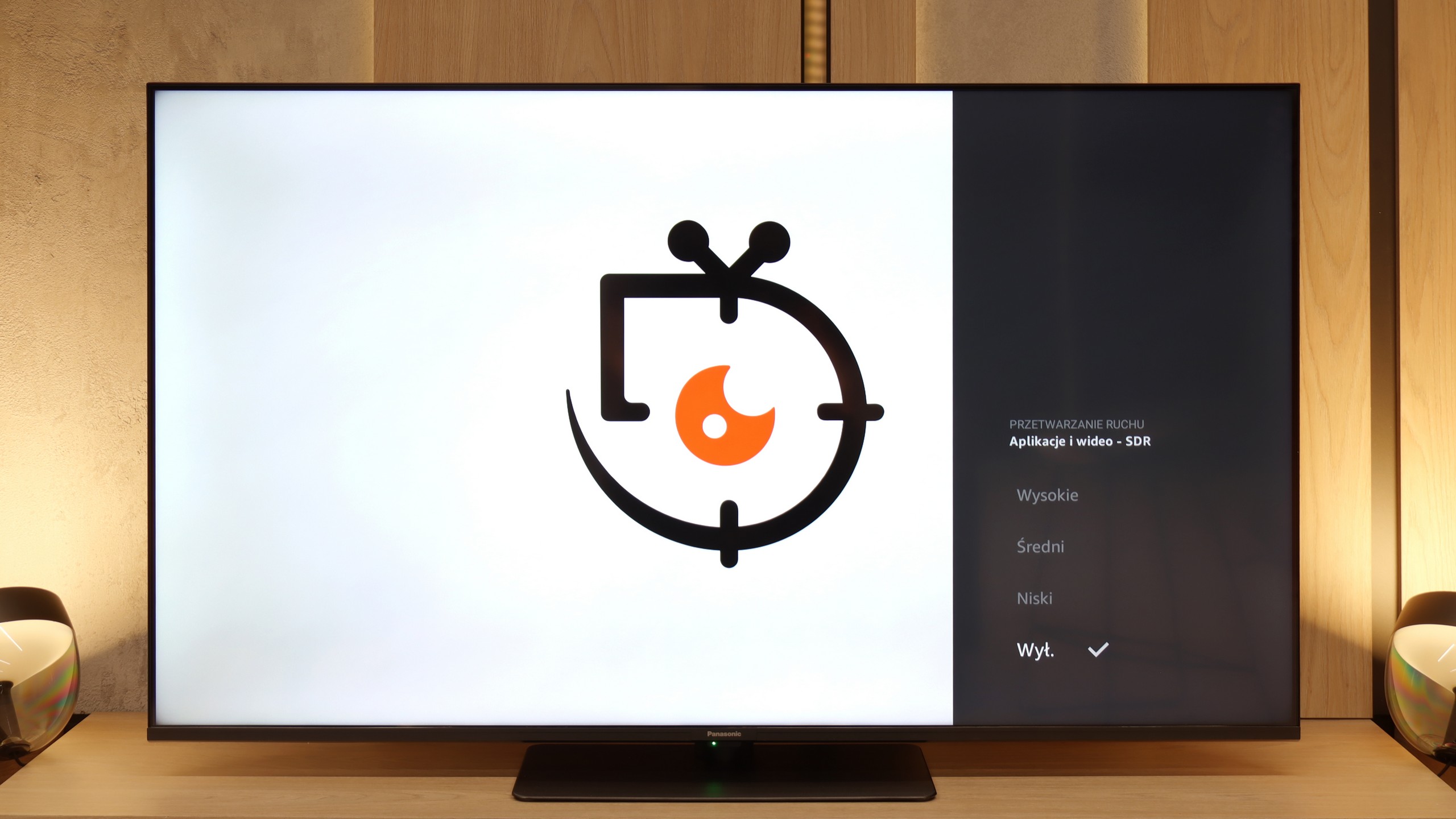
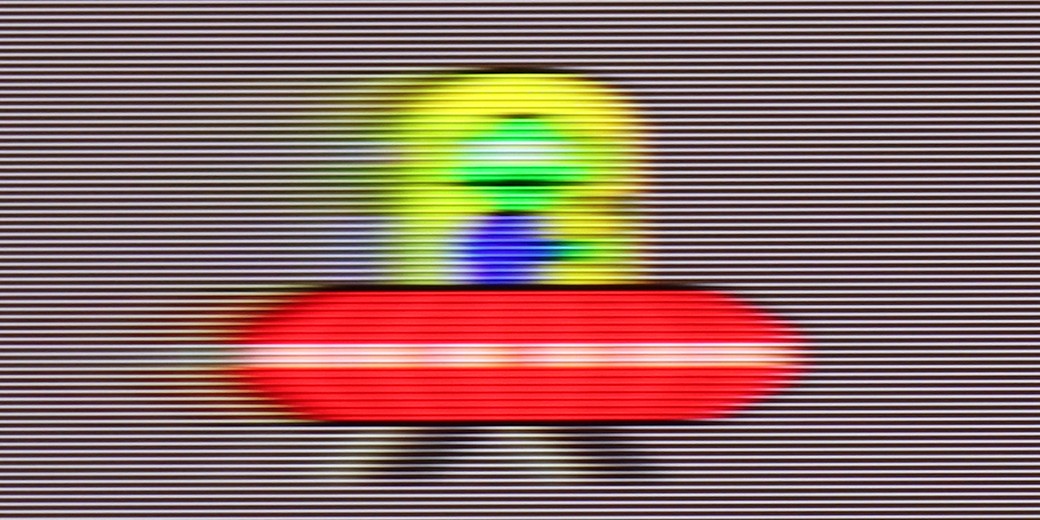
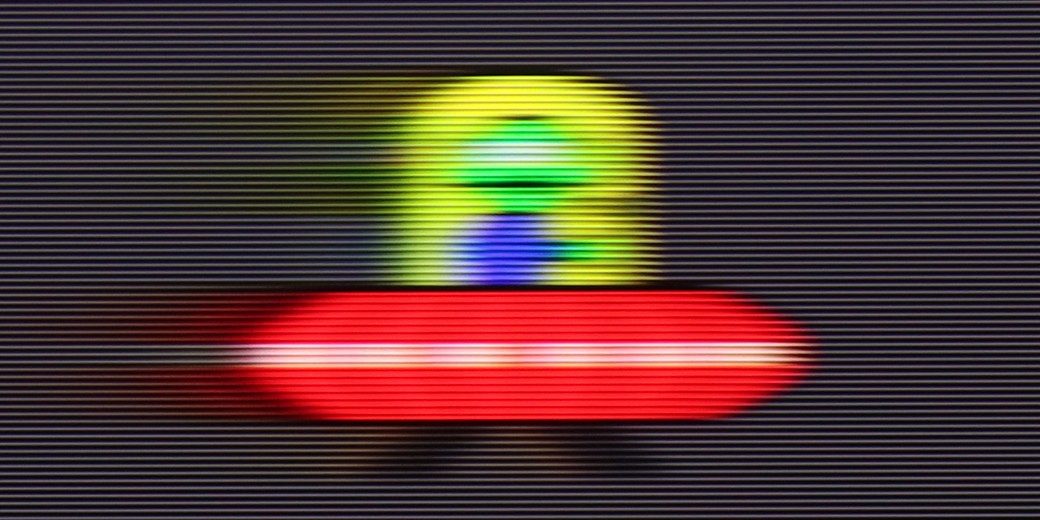
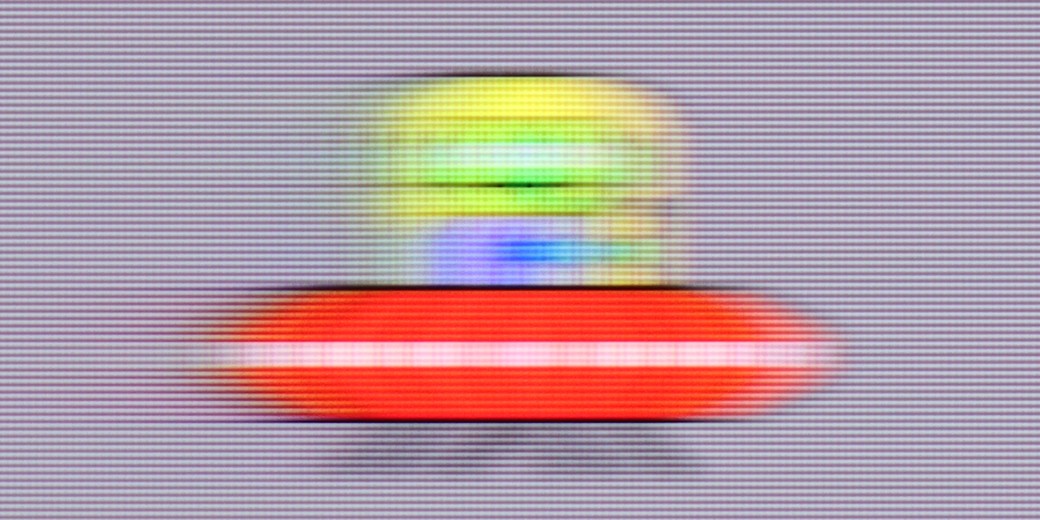
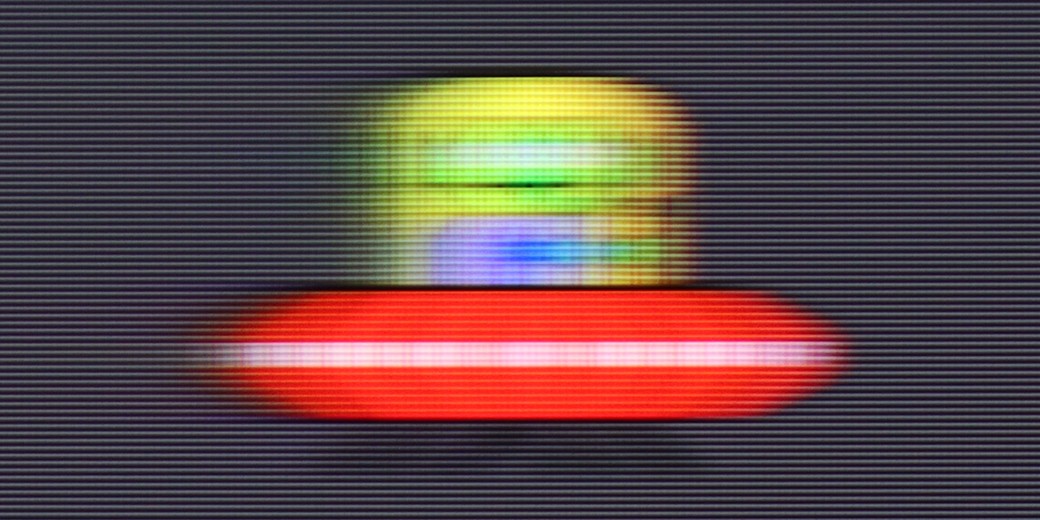
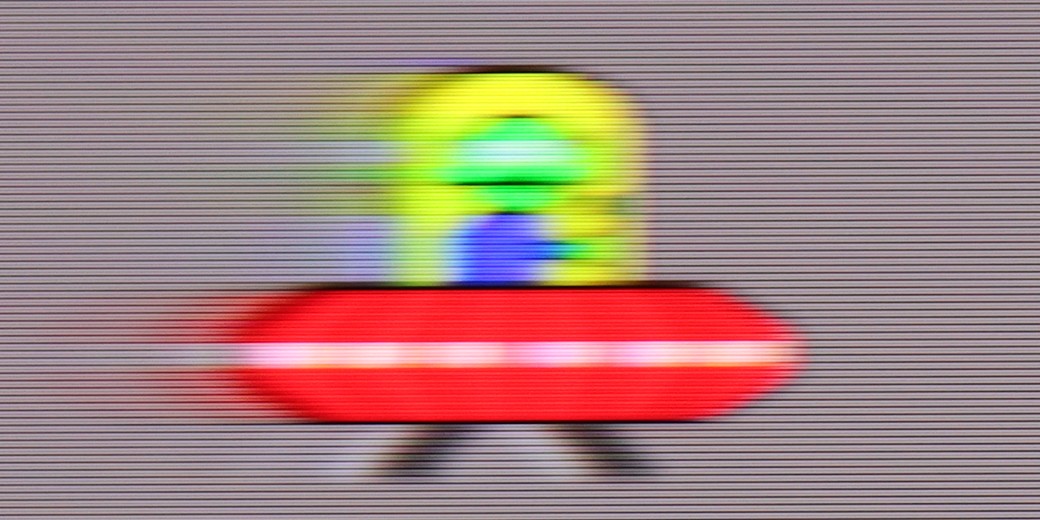
At first glance, everything looks good – the Panasonic W85B has a 120 Hz panel and even a 144 Hz mode, so it seems like it should handle smooth motion really well. The problem starts when we delve into the settings. The options for improving fluidity are supposedly present in the menu, but in practice… they don't change anything. No matter what we choose, the image looks the same. On top of that, there’s a lack of BFI, or black frame insertion, which in many TVs helps sharpen motion. And suddenly, it turns out that despite the strong panel, the W85B doesn’t give us any real tools to adjust that motion to our needs. It’s only good when the source itself operates at a higher frequency – for example, games at 120 Hz. But when it comes to movies or sports, we just have to accept what the TV shows us because there’s nothing more that can be done about it.
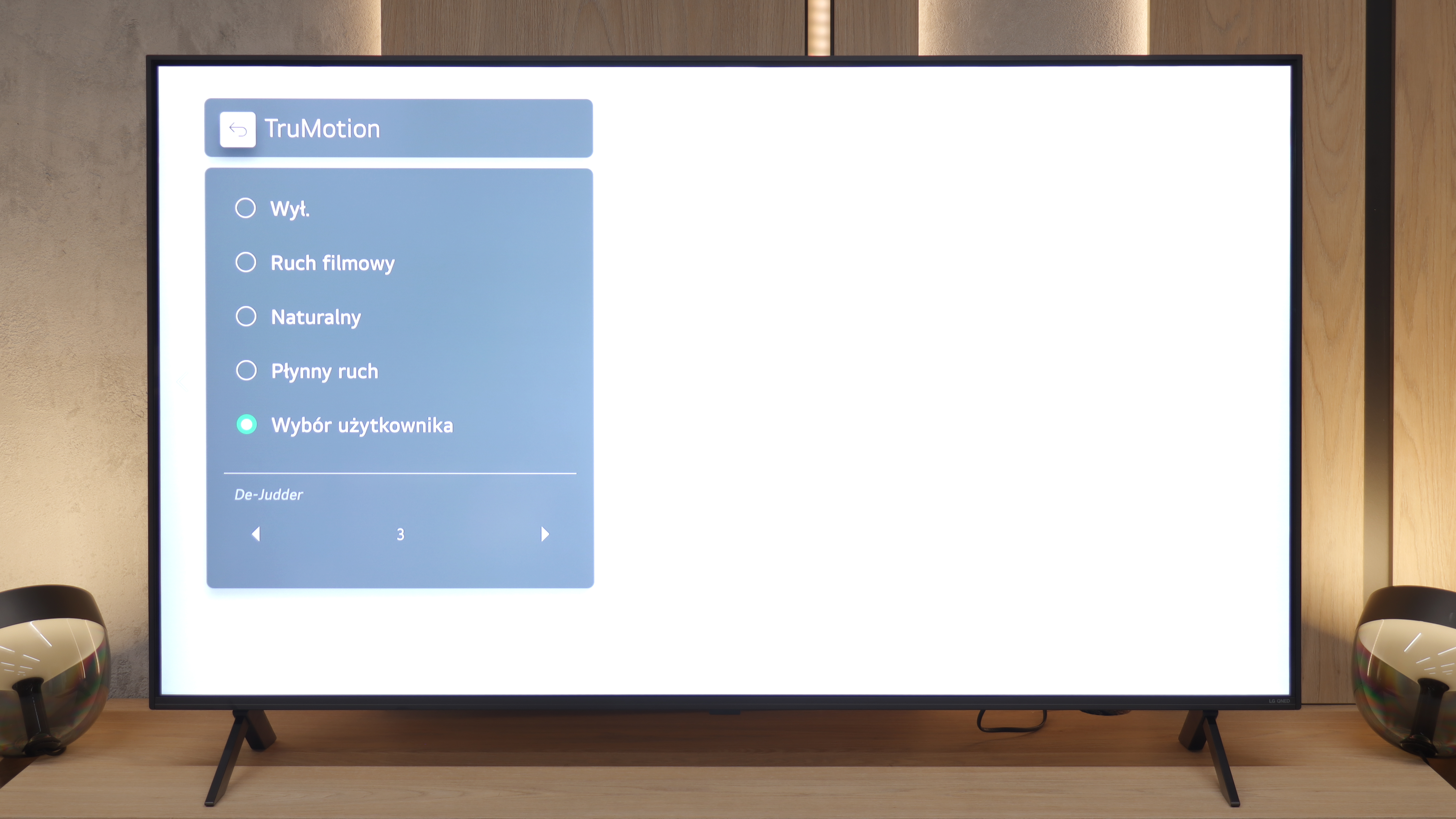
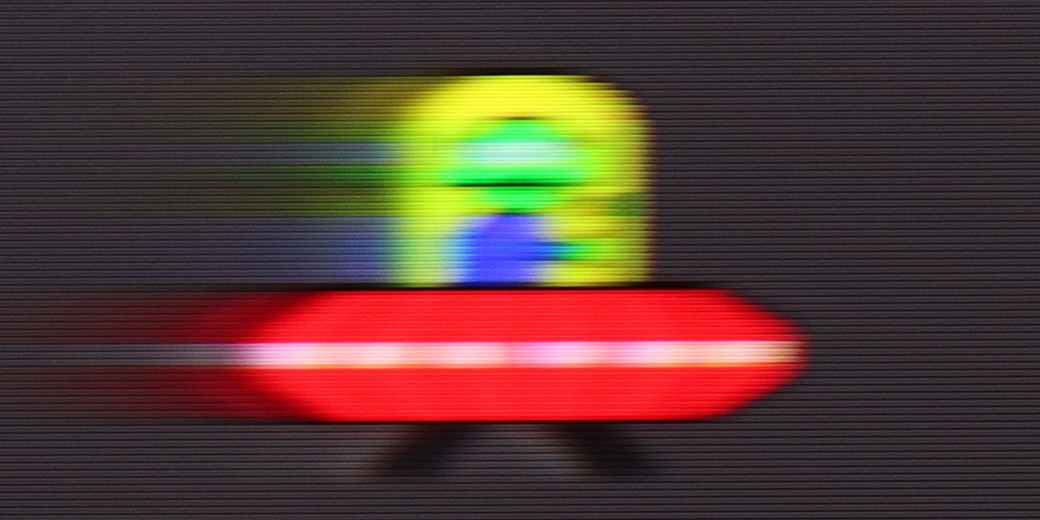
We move on to a topic that may be crucial for many. Unfortunately, here we must point out the biggest "Achilles' heel" of the QNED80A model. This television is equipped with a panel that has a native refresh rate of 60Hz. There’s no denying it – at this price, we were hoping for more as we know that Chinese manufacturers can offer 120Hz screens for similar money. Due to this parameter, dynamic scenes in sports or fast-paced games are not the strongest point of this screen. Fortunately, LG has equipped the television with a proven smoothing system called TruMotion. It works quite well with film material (24 frames). We suggest playing around with the De-Judder slider – from our experience, setting it in the range of 2-4 provides the best compromise: motion becomes smoother, yet still looks natural, without the artificial "television theatre" effect.
Console compatibility and gaming features
8.5/10
6/10
- ALLM
- VRR
- VRR range48 - 144Hz48 - 60Hz
- Dolby Vision Game Mode
- Correct implementation of HGIG
- 1080p@120Hz
- 1440p@120Hz
- 4K@120Hz
- Game bar
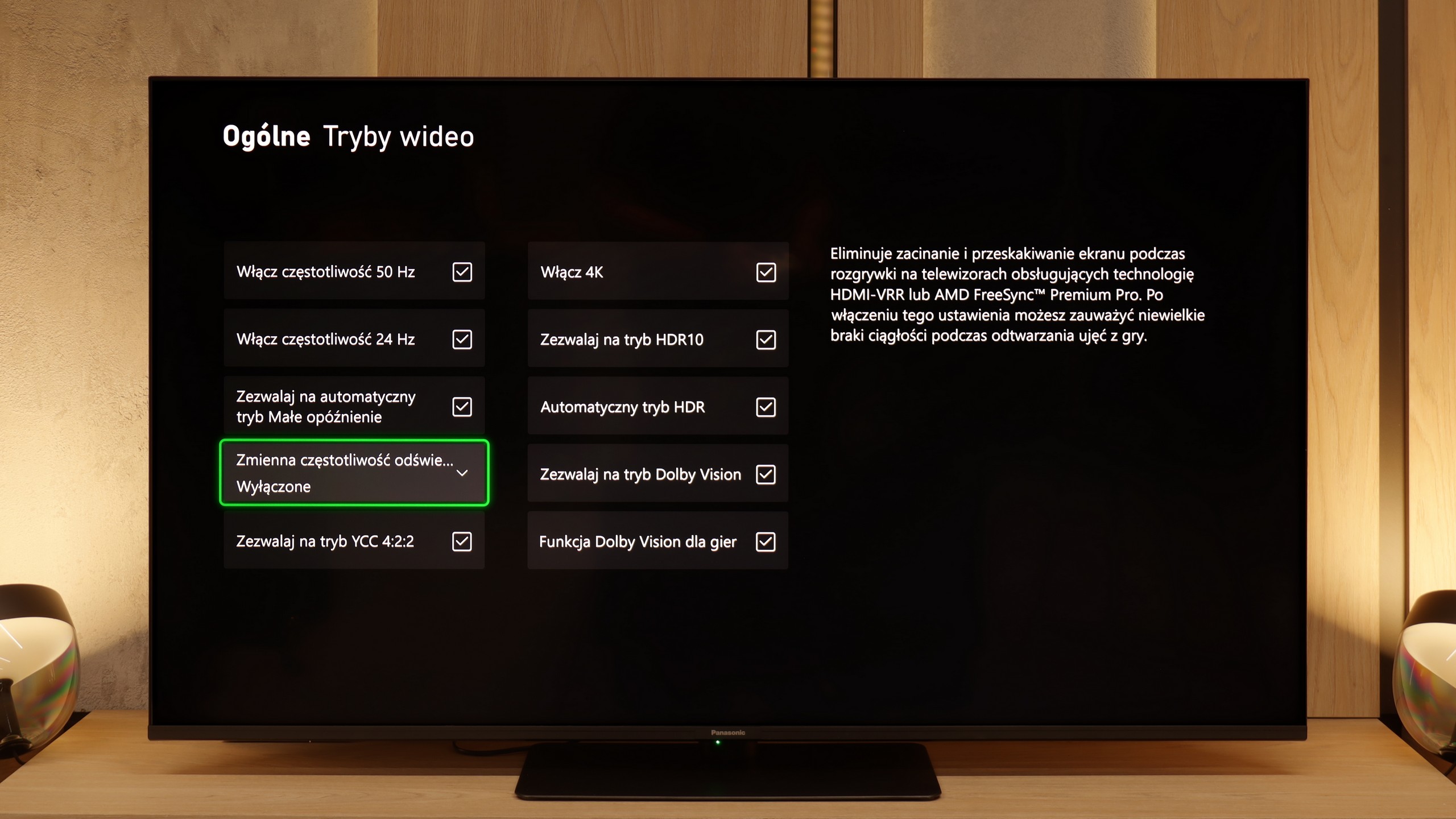
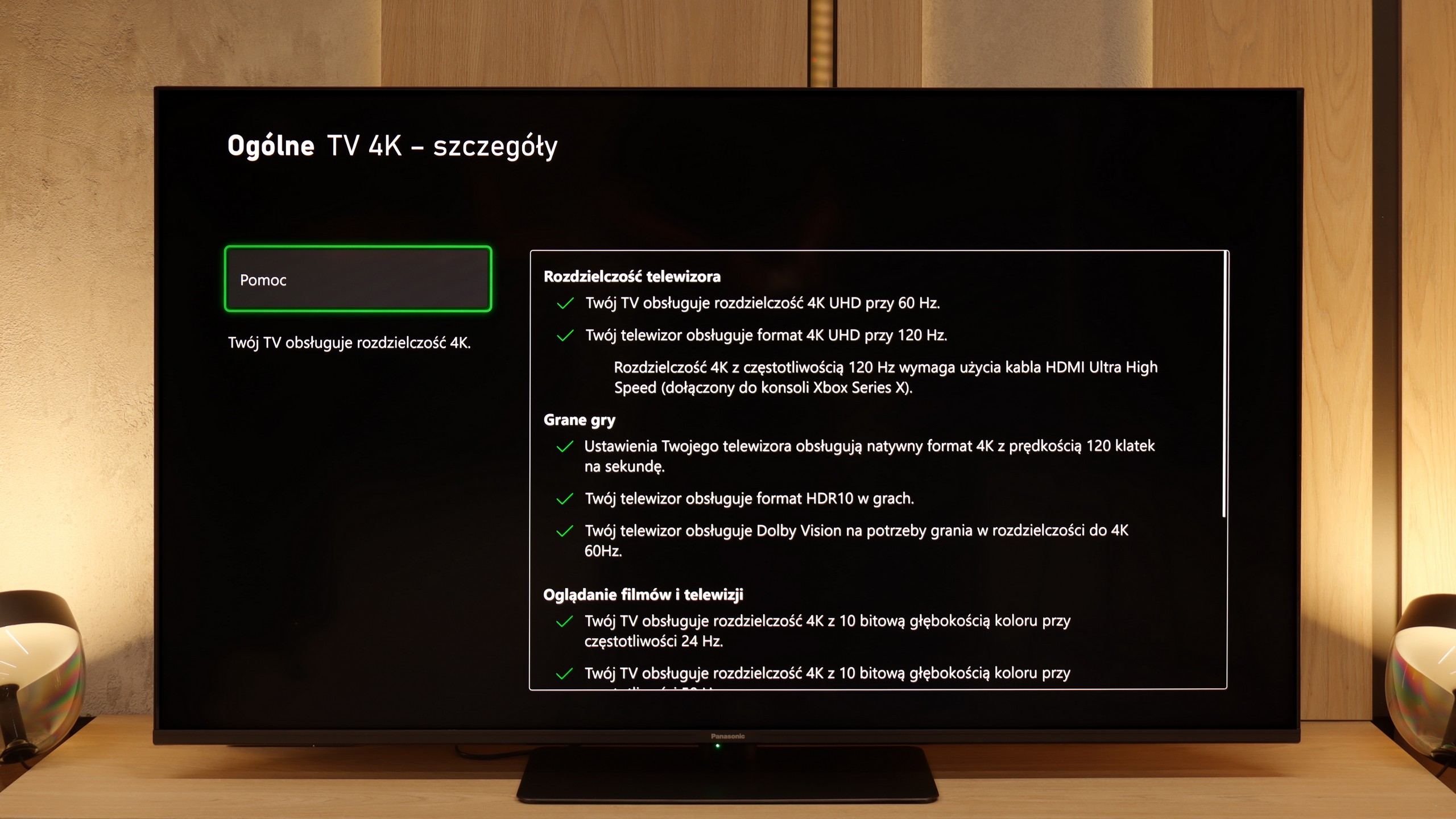
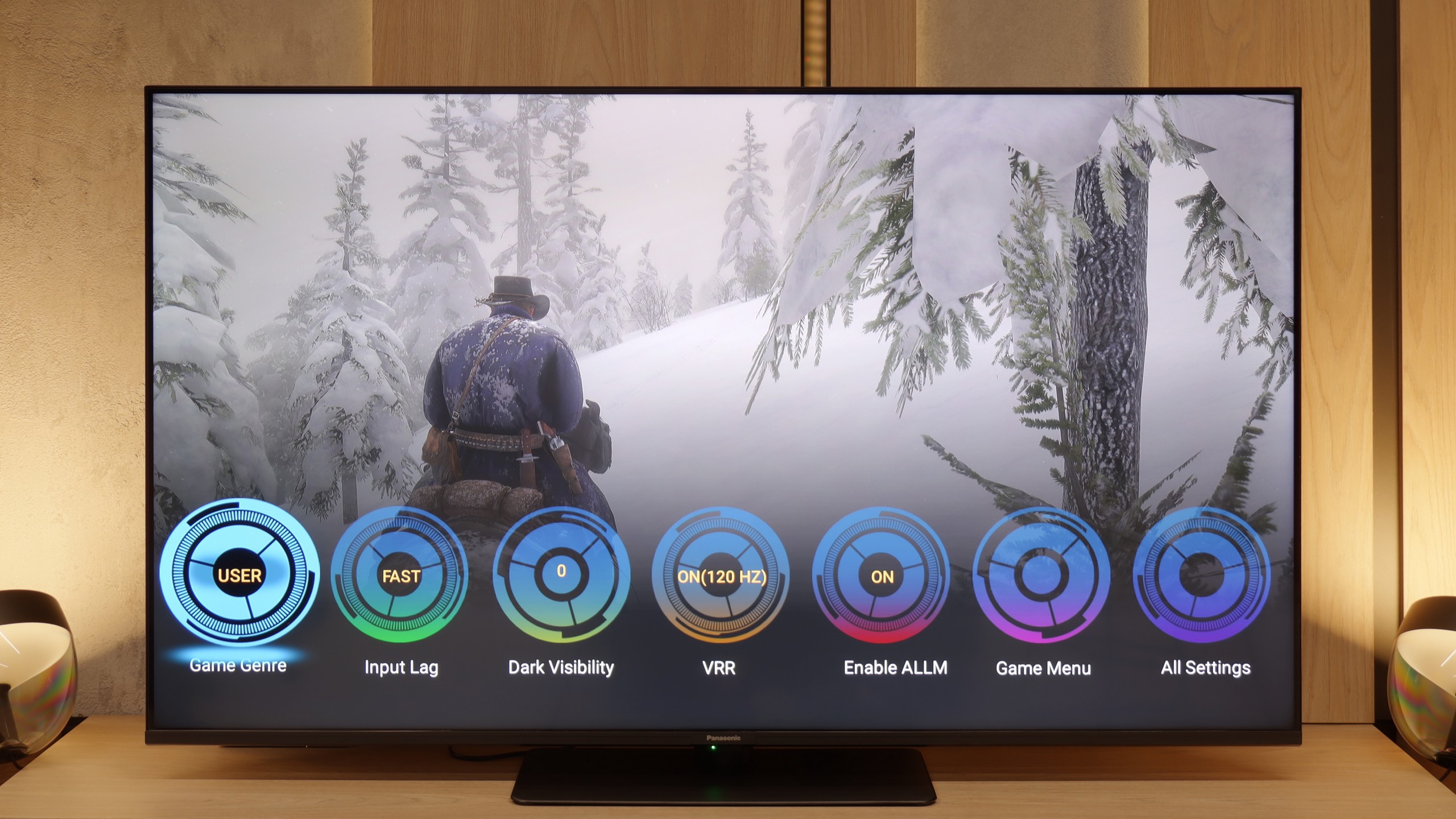
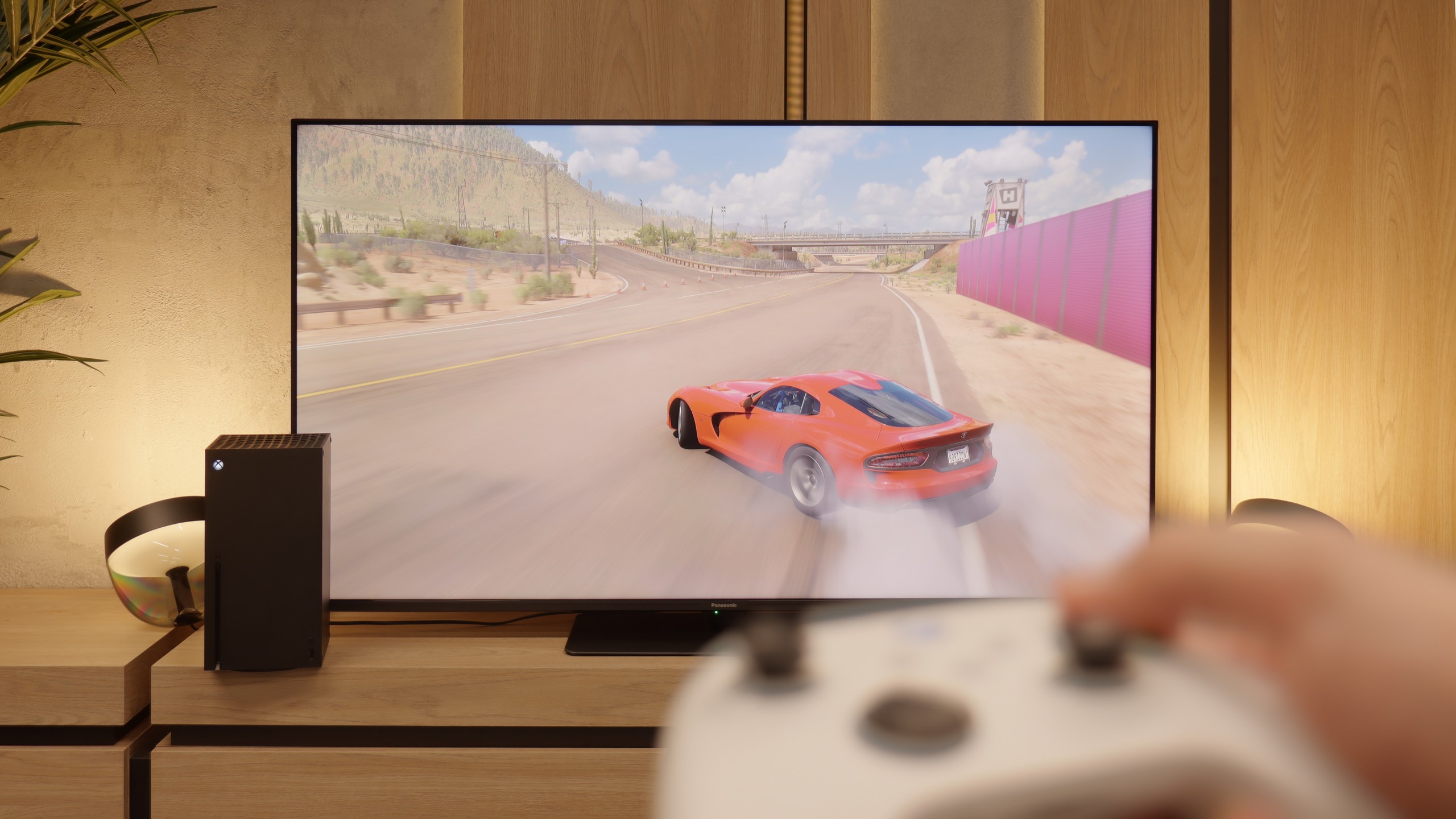
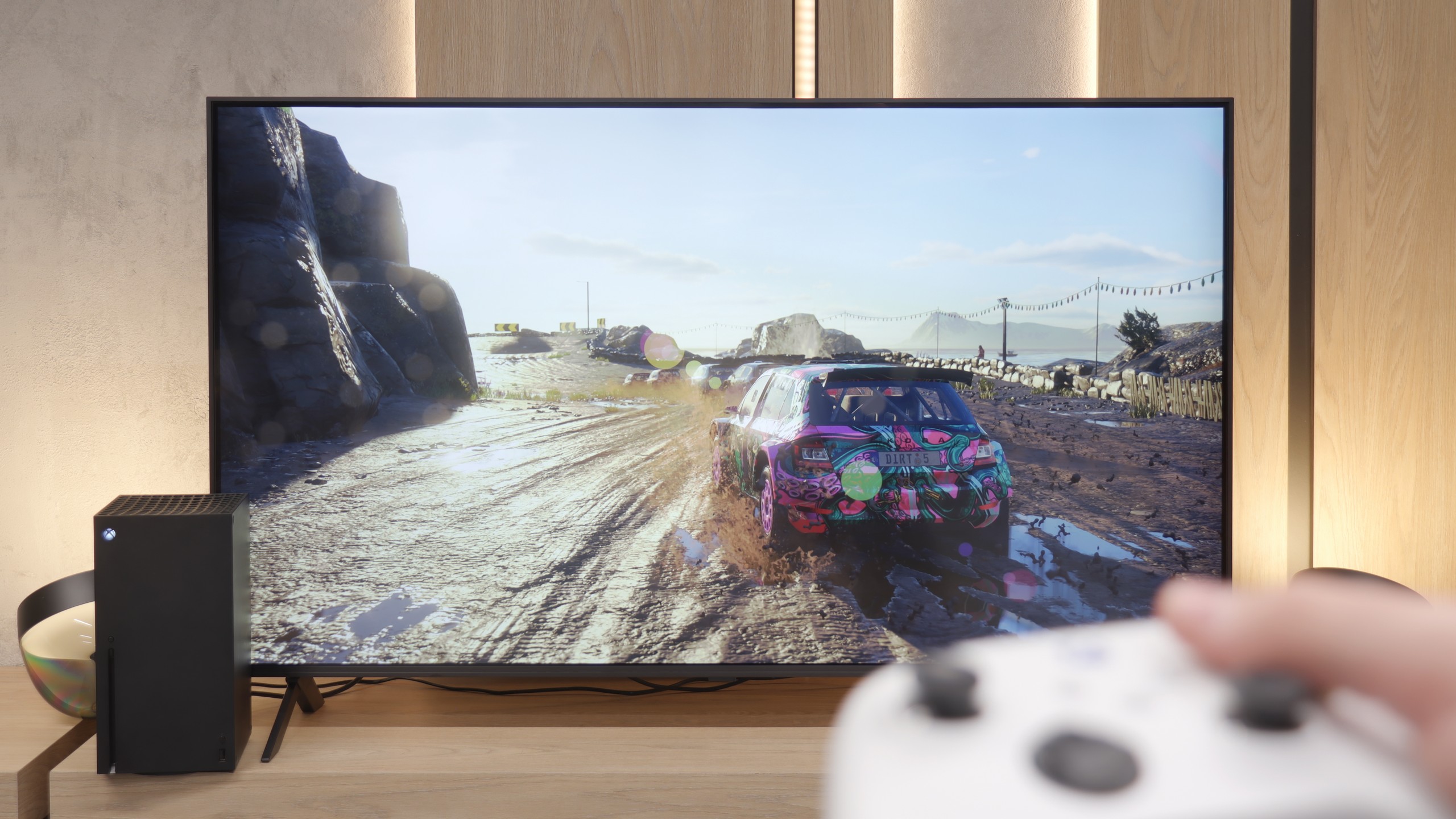
On paper, the Panasonic W85B looks really solid. It has two full HDMI 2.1 ports, support for ALLM, variable refresh rates, Dolby Vision in games, and of course, a high refresh rate for the panel itself. Additionally, there's the characteristic Panasonic game bar, which allows you to view key parameters with a single click and quickly change them if needed. It sounds great, but the problem arises when we enable HDR. Here, the W85B really struggles because the implementation of HGiG is practically nonexistent – the TV poorly manages brightness, and instead of faithful images, we get scenes that are too bright, sometimes even blown out. The solution? The simplest one – turn off HDR in the console settings and keep everything in SDR. And here it gets really interesting, because in this scenario, the W85B shows its better side. Low input lag, high smoothness thanks to 120 Hz – all of this makes gaming look phenomenal. Yes, HDR can be skipped, but if responsiveness and smooth gameplay are the priorities, the W85B provides plenty of fun.
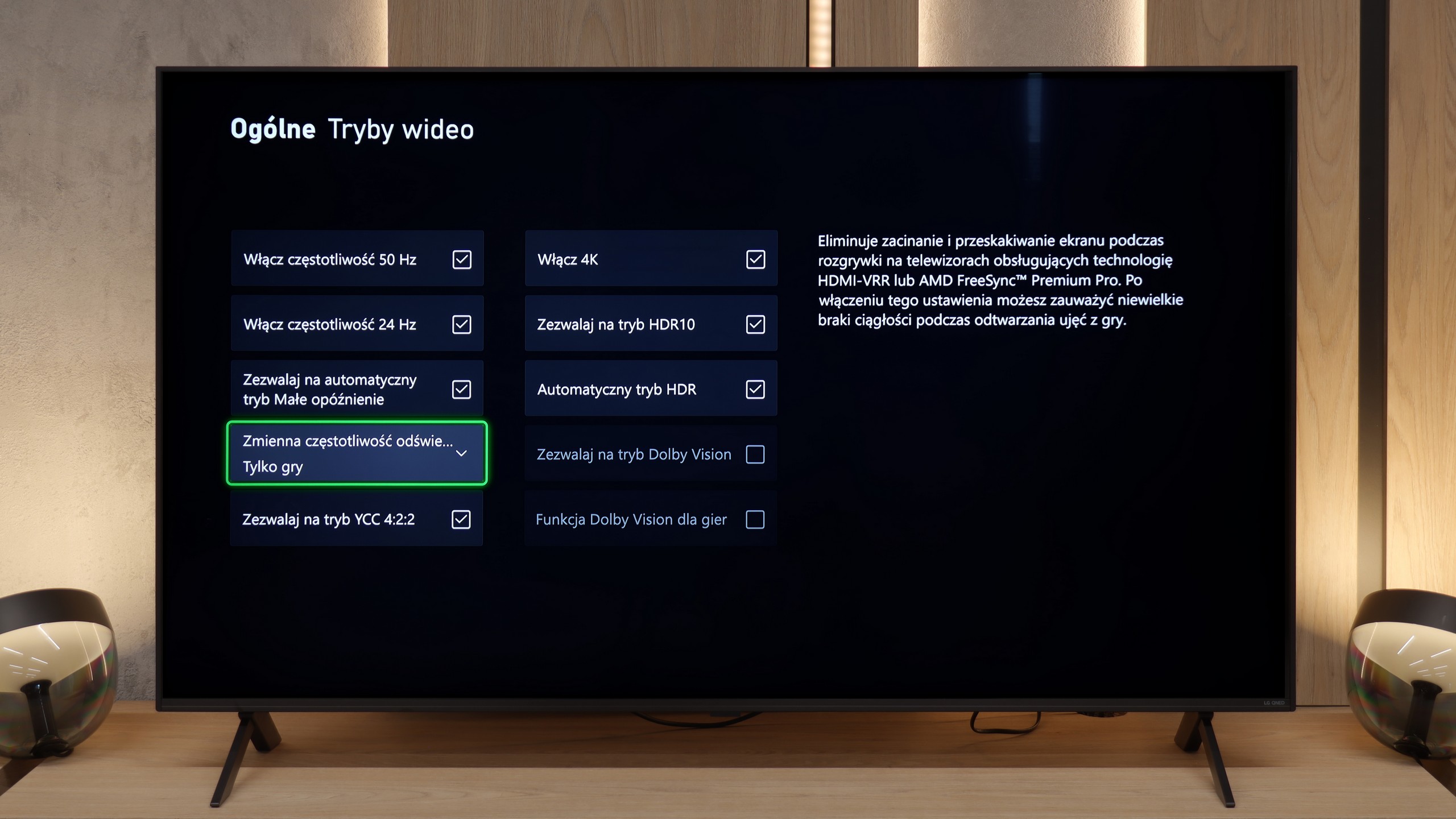
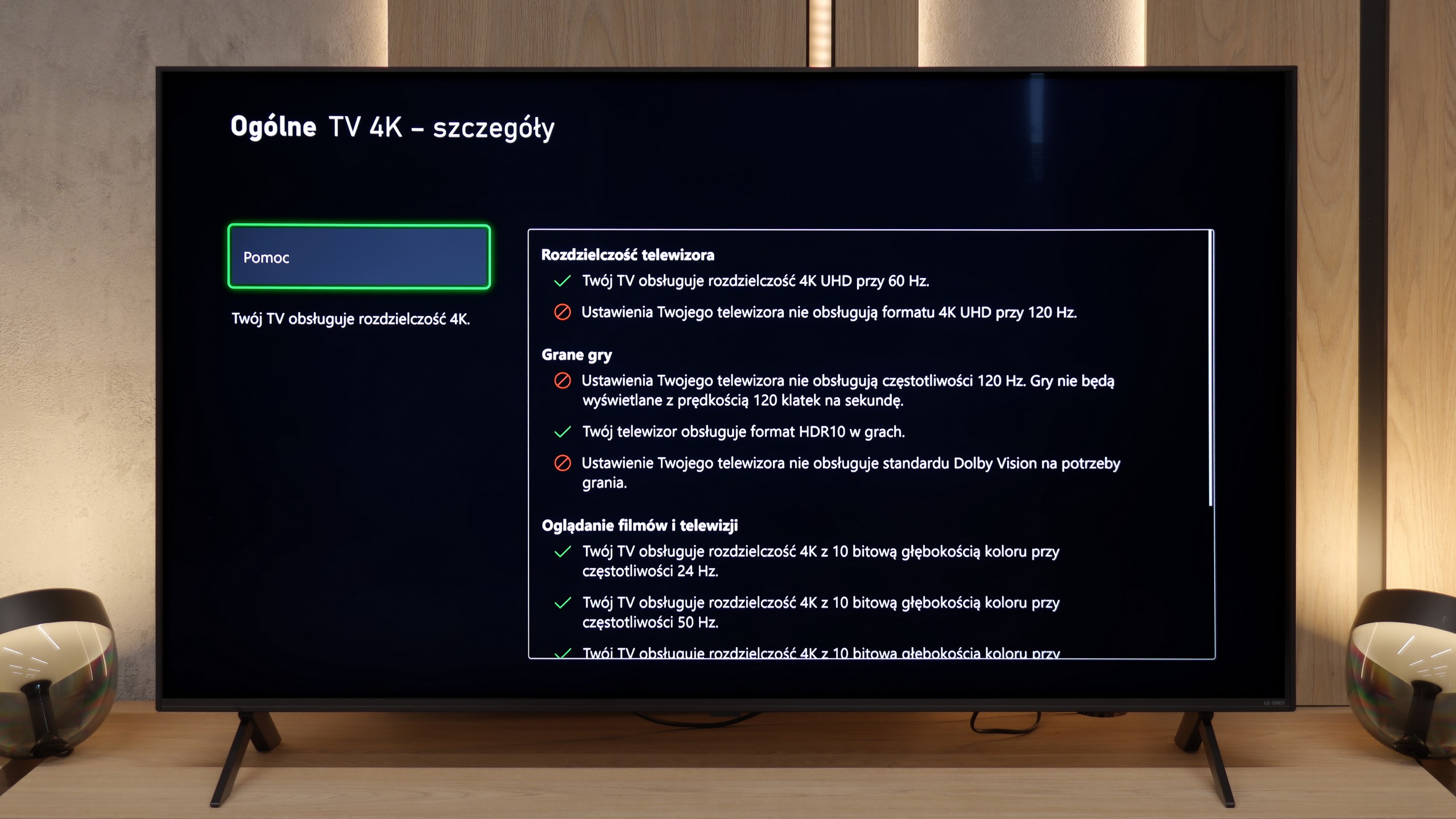
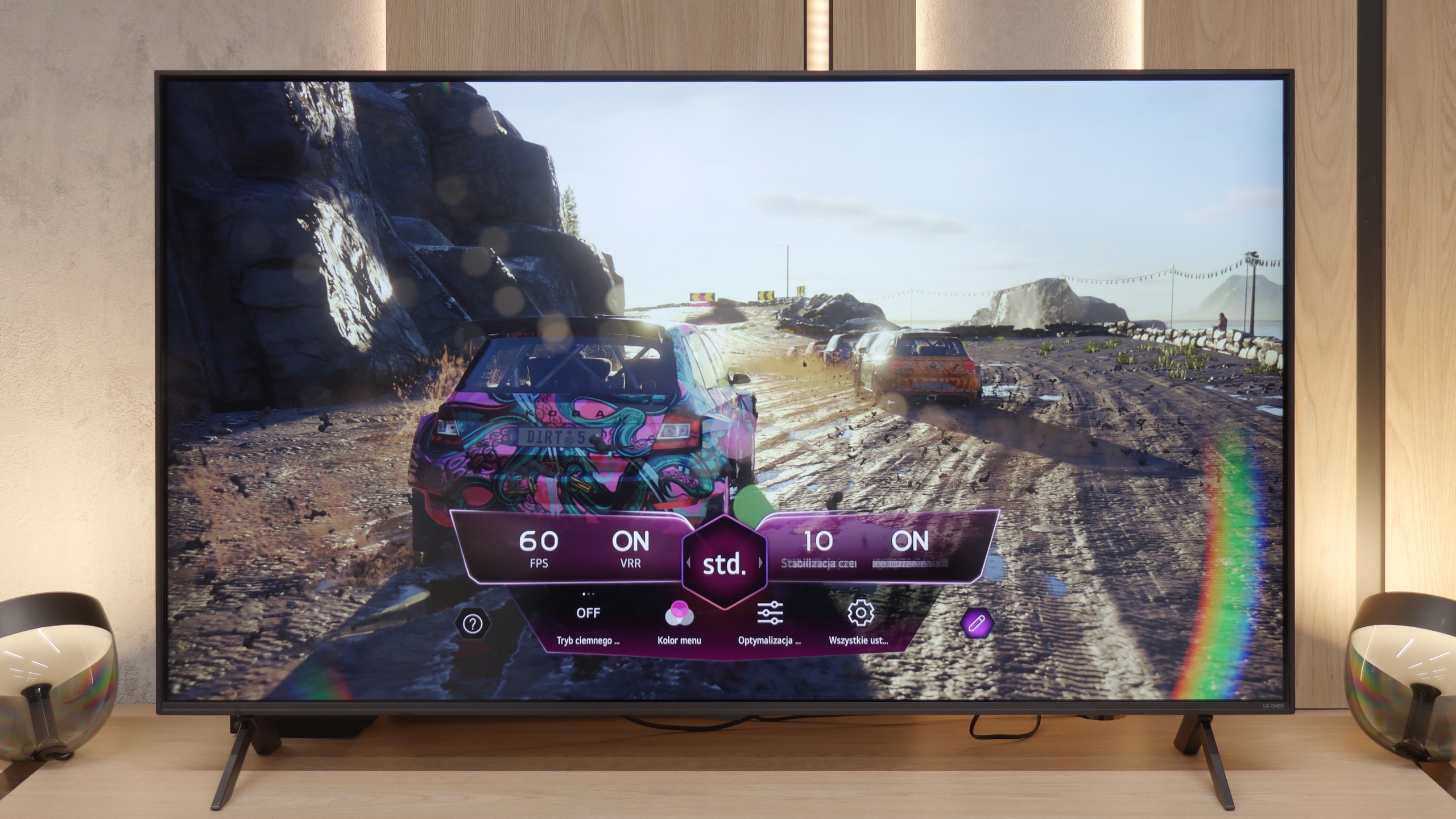
Since we've already established that the QNED80A is a 60Hz TV, we must say it straight: we won't be gaming here at 120 frames per second at any resolution. Does this disqualify the device in the eyes of gamers? Not necessarily, especially for those "casual" players. LG decided to sweeten this technical limitation by packing in quite a few useful features. We have support for VRR (Variable Refresh Rate) in the range of 48-60Hz and an automatic game mode ALLM, which instantly reduces input lag upon detecting a console. We manage all of this via a very convenient, purple Game Optimizer menu (Player Panel), which has become LG's hallmark. The manufacturer deserves big points for consistency regarding HDR. Although the TV does not support Dolby Vision in games on Xbox consoles, LG adds a well-implemented HGiG standard. Thanks to this, even on a screen with moderate brightness, playing in HDR is clear, and the details in shadows and highlights are accurately rendered, rather than being "clipped".
Input lag
9.8/10
9.8/10
SDR
HDR
Dolby Vision
There’s really nothing to worry about here. The Panasonic W85B reacts instantly to our movements, and the values measured in tests can easily compete with gaming monitors. At a 120 Hz signal, the input lag is around 8–10 ms, and at 60 Hz it hovers around 17–20 ms. In practice, this means one thing – no delays, no frustration! You press the button, and the action happens immediately on the screen.
At the end of the gaming section, let's take a look at how quickly the TV responds to our commands. The input lag measured by us in the QNED80A model is approximately 15 ms (at 60Hz signal). These may not be values that will revolutionise the market or amaze professional e-sports players fighting for every millisecond. However, for the typical console gamer, this result is more than sufficient. During gameplay testing, we did not experience any annoying "float" of the reticle or delay between pressing the button on the controller and the reaction on the screen. The entertainment is smooth and comfortable, and that is the most important thing in home gaming.
Compatibility with PC
8.6/10
5.8/10
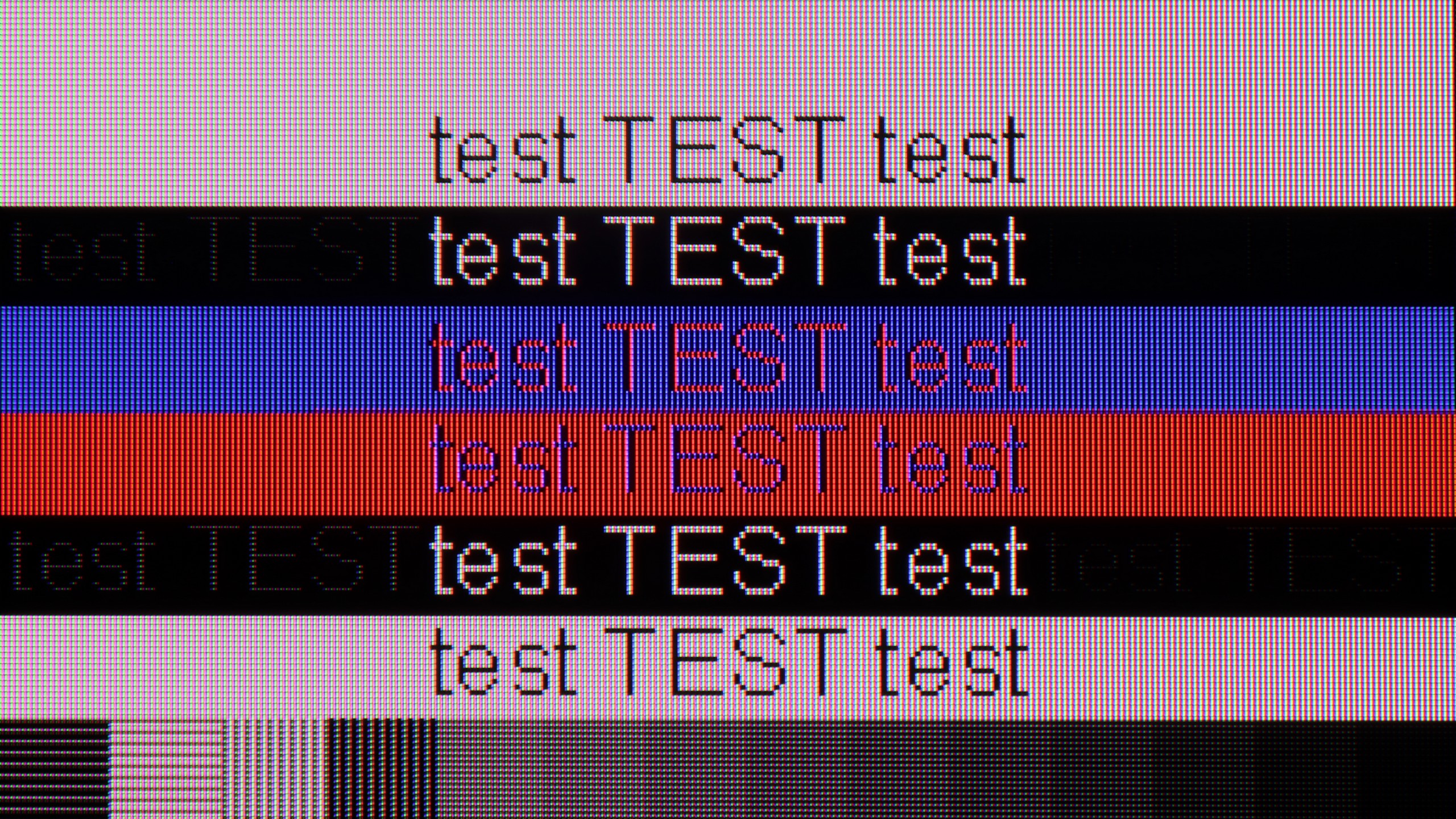
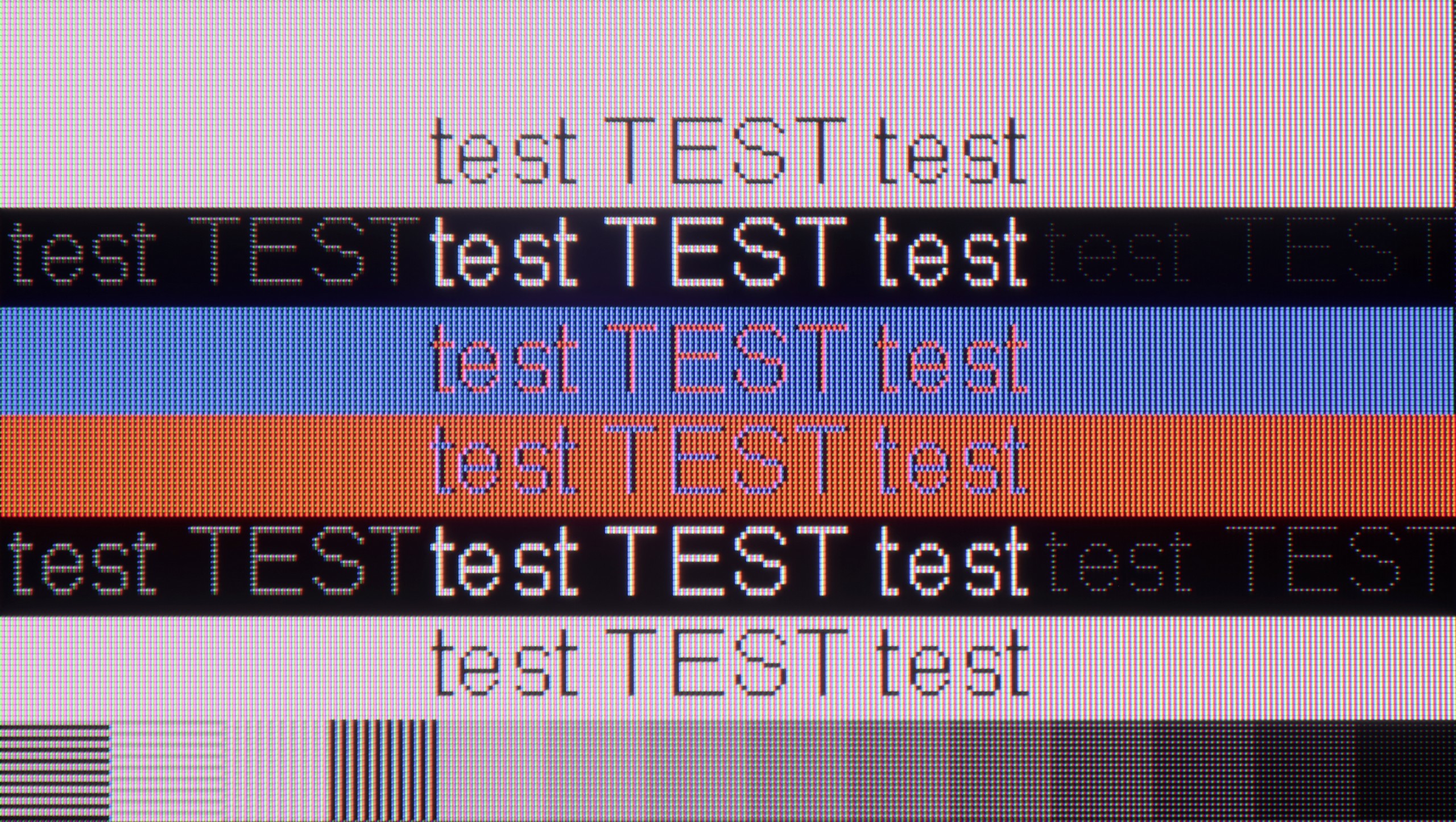
The photo shows the legibility of small fonts. Ideally, lines should be the same thickness on both light and dark text, with minimal pixel gaps.
The Panasonic W85B performs surprisingly well as a computer monitor. It is perfect for office work – the fonts are sharp and very readable thanks to full 4:4:4 chroma support, so writing, browsing the web, or working on spreadsheets is a breeze. But the real "fun" starts when gaming. The TV handles up to 144 Hz refresh rates for PC effortlessly, and it supports popular image synchronisation technologies like NVIDIA G-Sync and AMD FreeSync. This means we don't have to worry about screen tearing or micro-stuttering – gameplay is smooth and looks simply fantastic.
Is the QNED80A suitable for connecting a computer? For the version with a VA panel, the answer is: absolutely. If you plan to use this TV as a massive monitor for work, you won’t be disappointed. The readability of the fonts is very high – text is sharp, clear, and doesn’t strain the eyes, which isn’t always a given with large screens. Added to that is the low input lag we mentioned earlier. This makes mouse work precise, and you won’t feel that characteristic “floating” of the cursor. Of course, due to the 60Hz refresh rate, it’s not the ideal gear for e-sports players on PC, but for text work, browsing the web, or occasional strategy gaming, it will perform brilliantly.
Viewing angles
3.2/10
3.2/10
Here you can see the biggest price we pay for the high quality of the VA matrix contrast. The W85B, like most TVs with this type of panel, doesn't perform well when viewed at wider angles. Colours lose intensity and the image begins to fade as soon as you move away from the screen's axis. This is not a flaw of Panasonic itself, but rather a characteristic of VA technology – great contrast in exchange for poorer viewing angles. So, if you plan to watch movies with a larger group and often sit "off to the side", it's something to keep in mind.
Deciding on the VA panel version, you need to be aware of a certain compromise. You get great blacks and contrast, but you pay for it with narrow viewing angles. This is a typical feature of this technology, and the QNED80A is no exception. If you sit perfectly straight in front of the screen, the picture will be brilliant. However, simply moving to the side of the sofa or stepping away to the kitchenette will reveal image degradation. Colours begin to lose their saturation, becoming washed out, and the deep black that we praised starts to grey. Therefore, this variant of the television is best suited for those who have their favourite spot in the middle of the sofa and rarely watch TV in a large group spread out across the living room.
Daytime performance
4.2/10
4.4/10
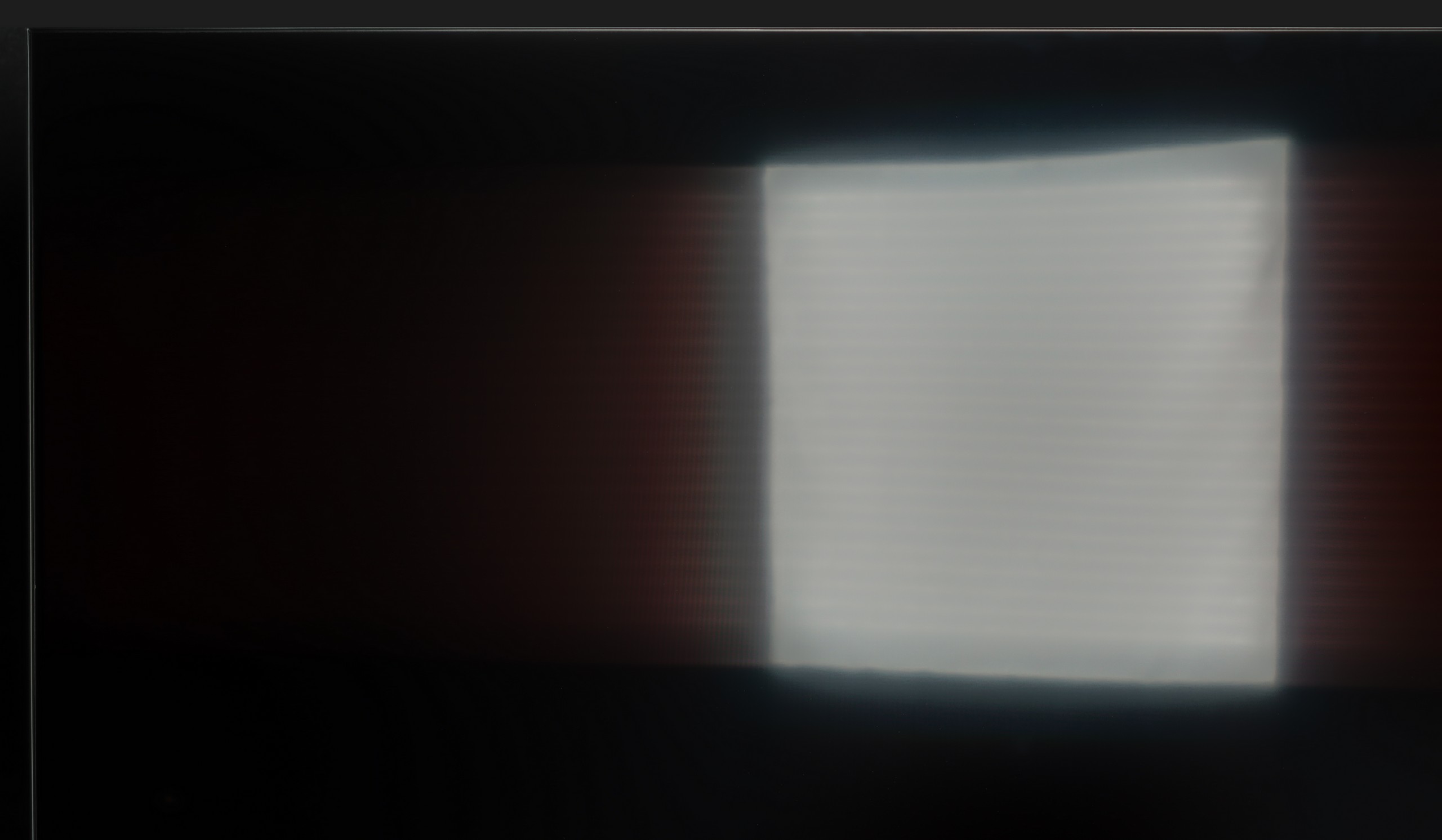
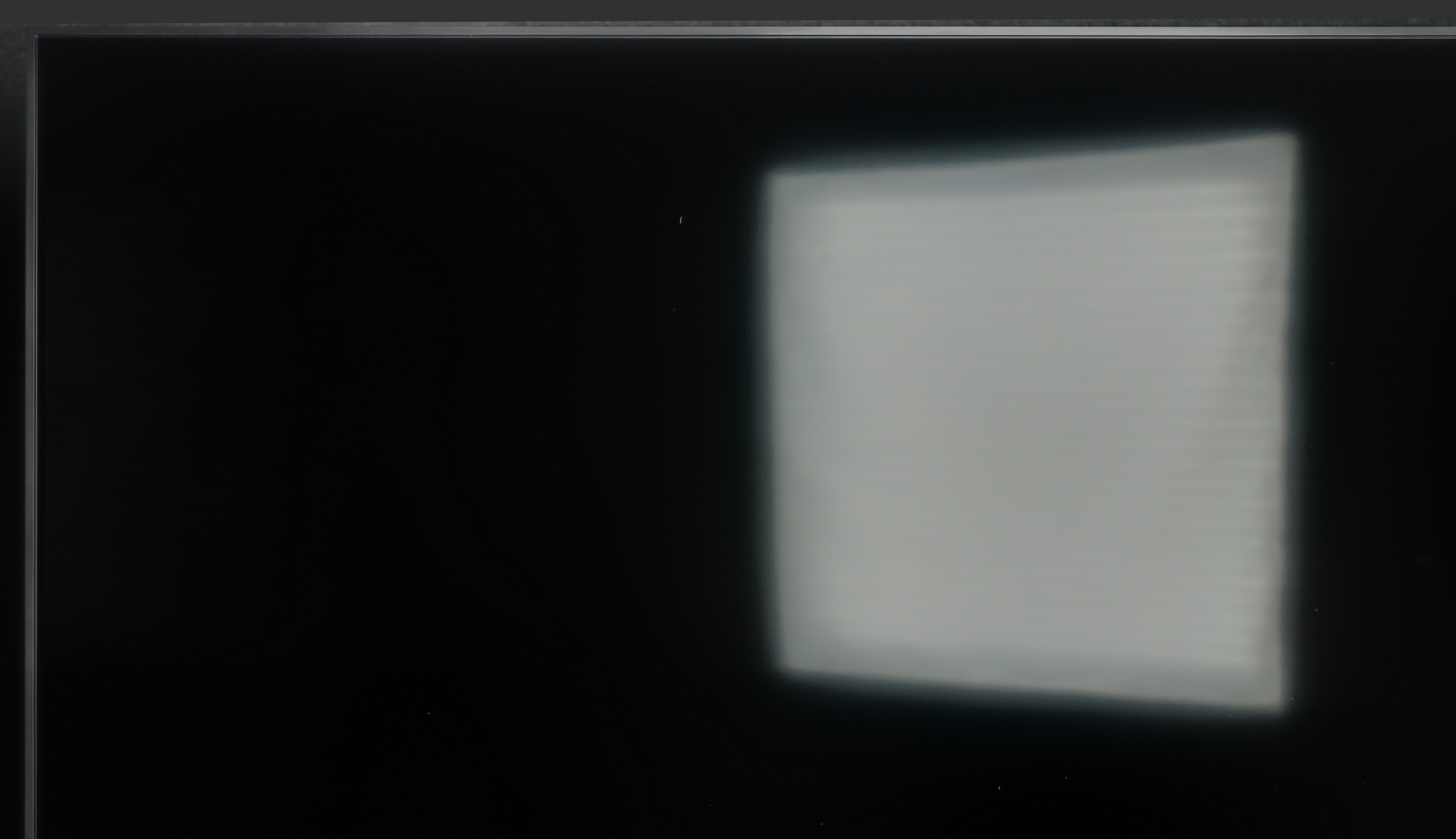
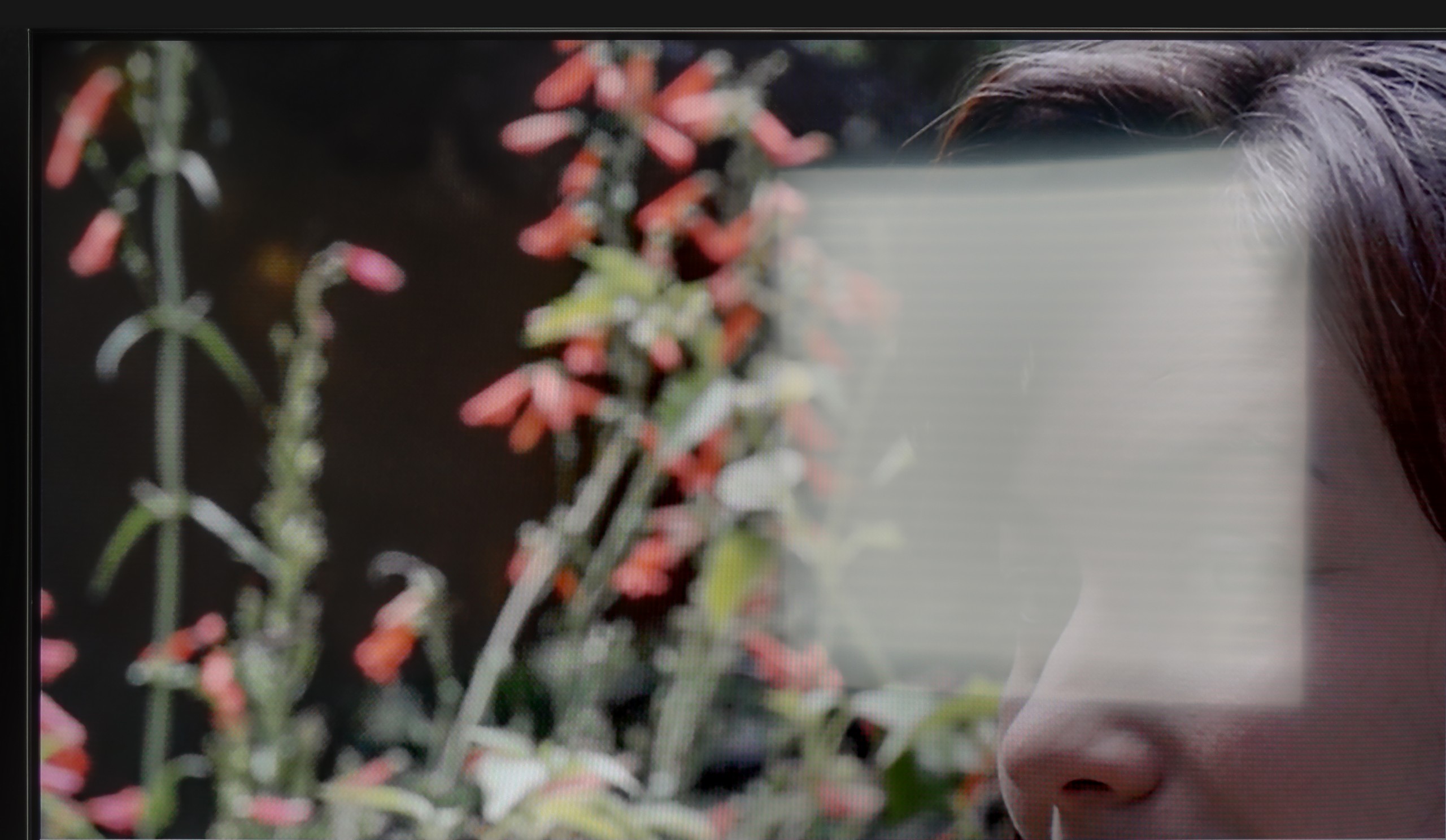
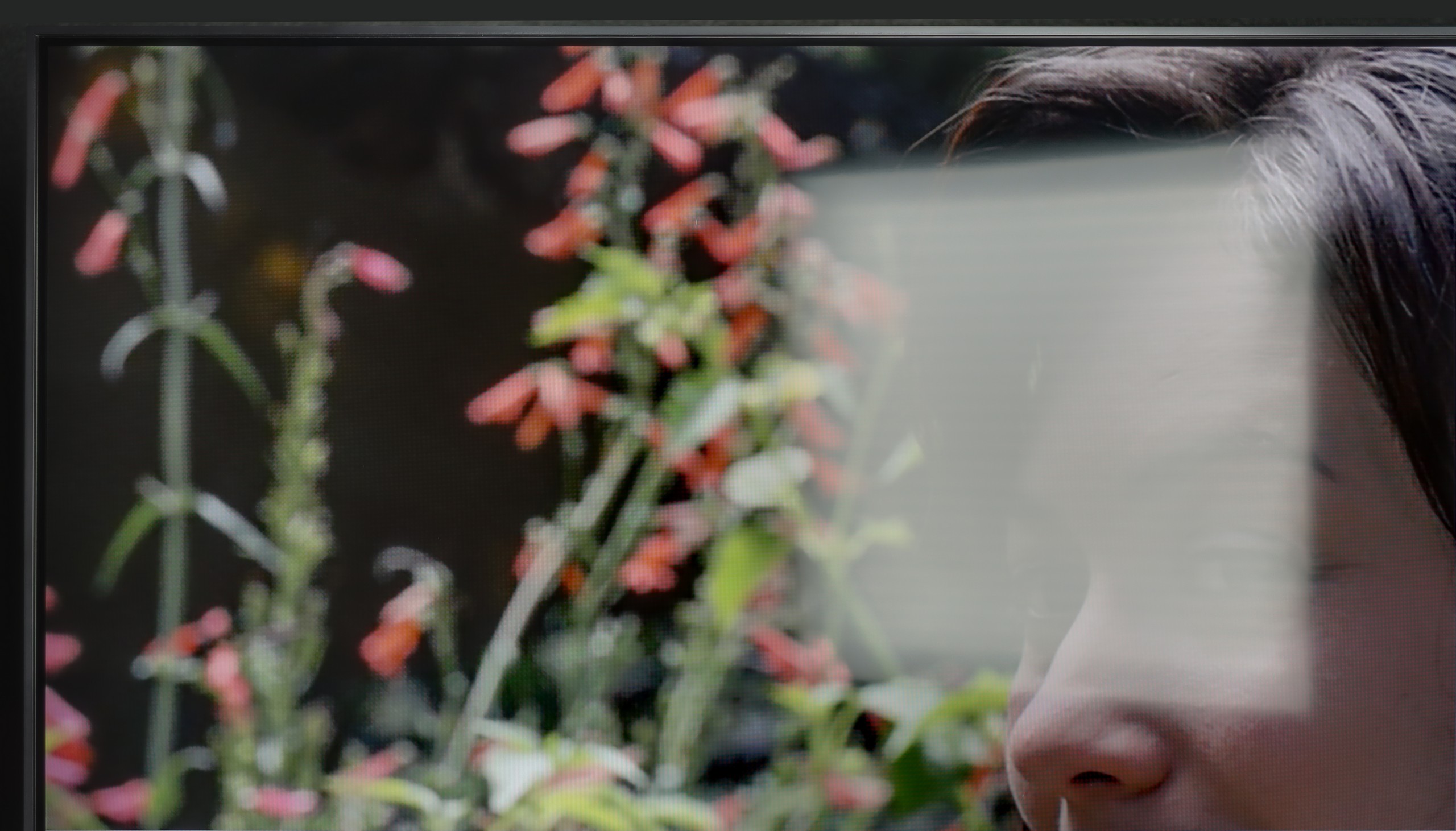
Panel brightness
LG QNED80A6A (VA): 280 cd/m2
Panasonic W85: 263 cd/m2
The Panasonic W85B features a satin-finished panel that does quite well in reducing reflections and maintaining colours even in bright light coming from windows or lamps. There’s no ‘mirror’ effect here, so in a typical lounge during the day, watching TV is comfortable. However, the problem arises when you’re in really bright rooms – the TV doesn’t have high brightness, so it won’t cut through very strong sunlight. It’s simply a screen that performs best in controlled conditions.
How does the QNED80A perform when we don’t have the curtains drawn? Let’s be clear: it’s not the brightest TV on the market, so if your living room resembles a glasshouse at noon, this screen may struggle against the intense sunlight. For extremely challenging lighting conditions, we would suggest looking for something with higher brightness (e.g. Mini LED). However, the TV excels in another way – the type of coating used on the panel. The manufacturer has opted for a satin finish (semi-matte). This is a great decision. Unlike glossy coatings that act like mirrors, this coating effectively dampens and diffuses light reflections. As a result, in typical, moderate lighting conditions, a lamp beside it or a window to the side won’t be distracting, and the viewing experience will remain enjoyable.
Panel details
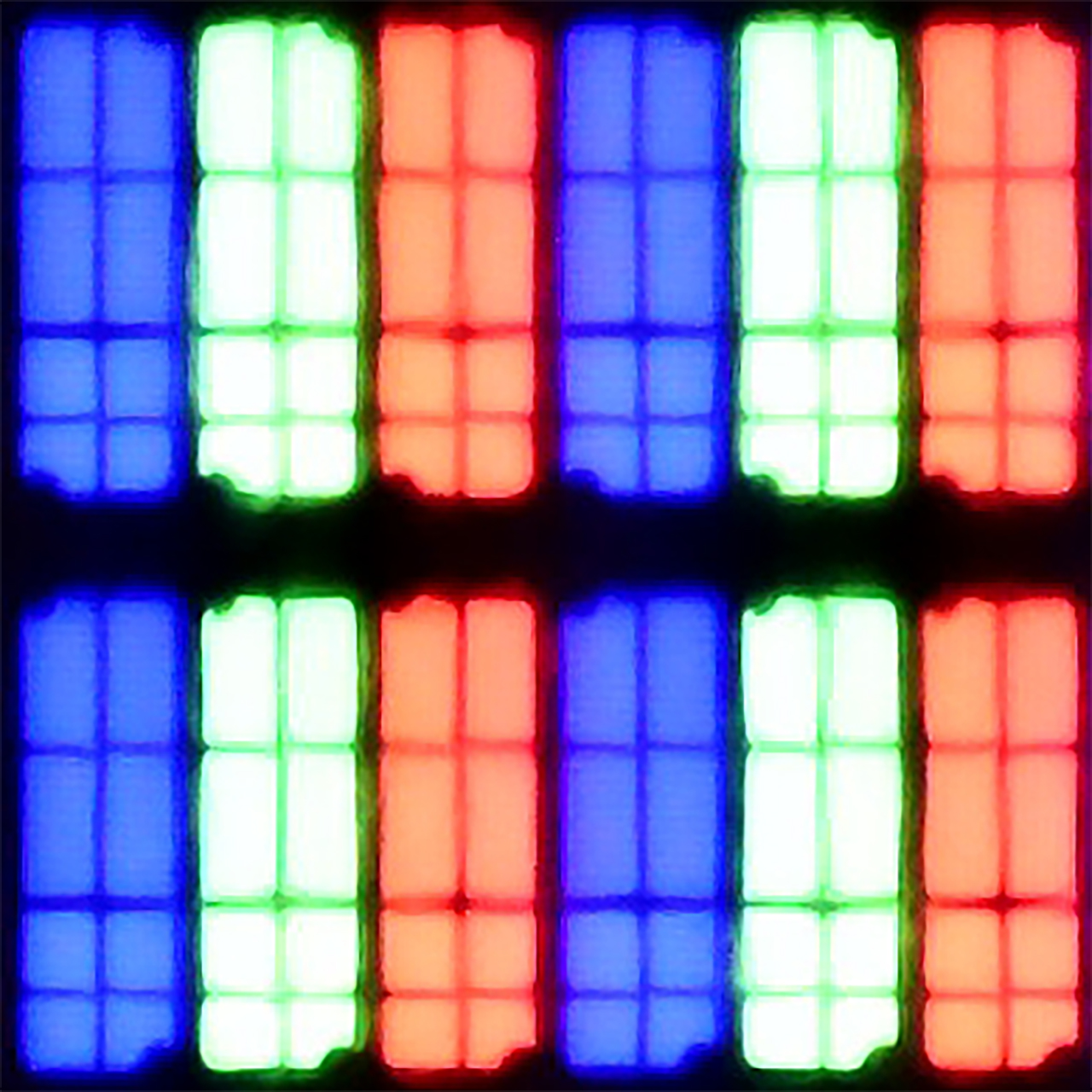
Subpixel Structure:
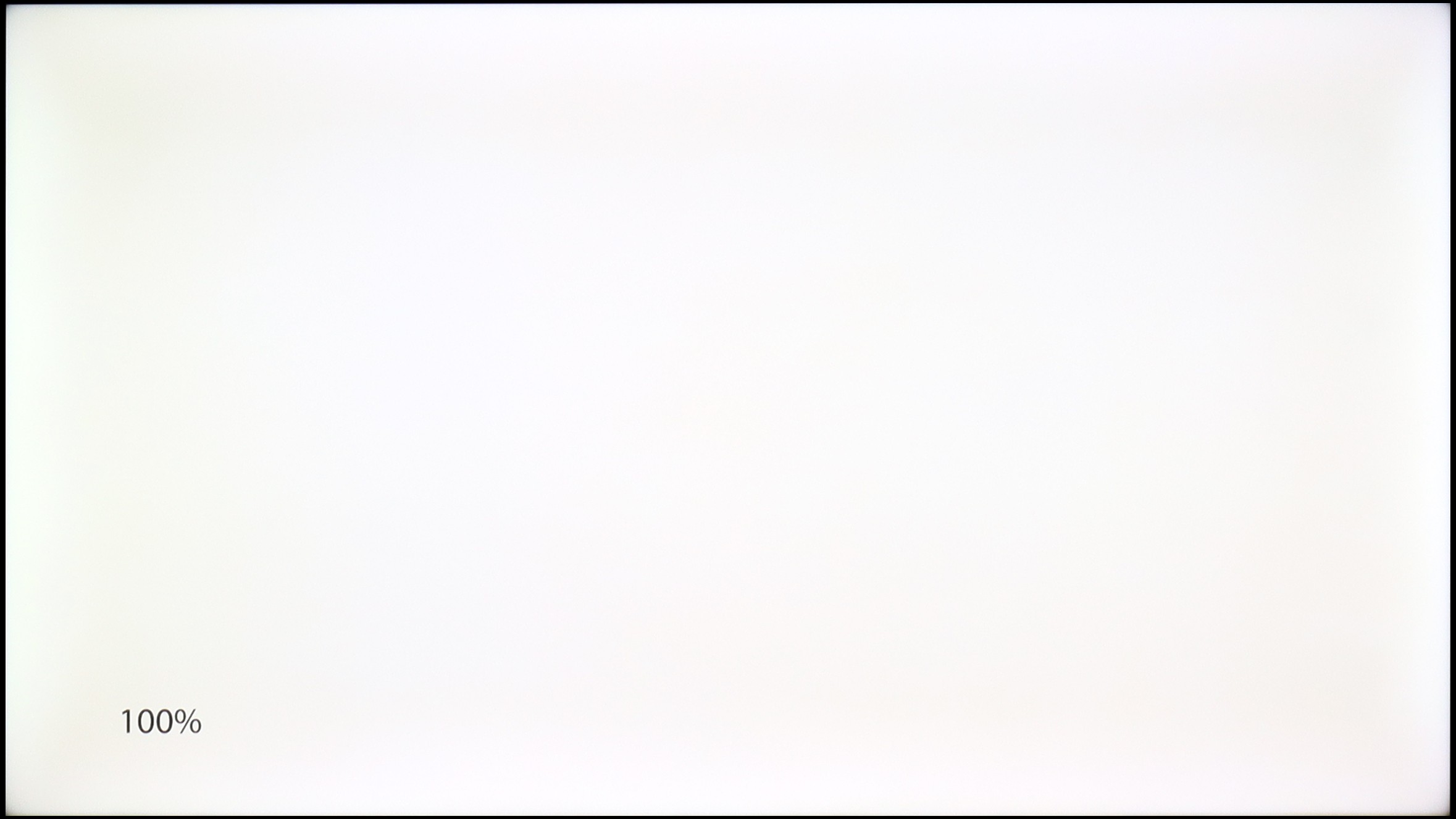
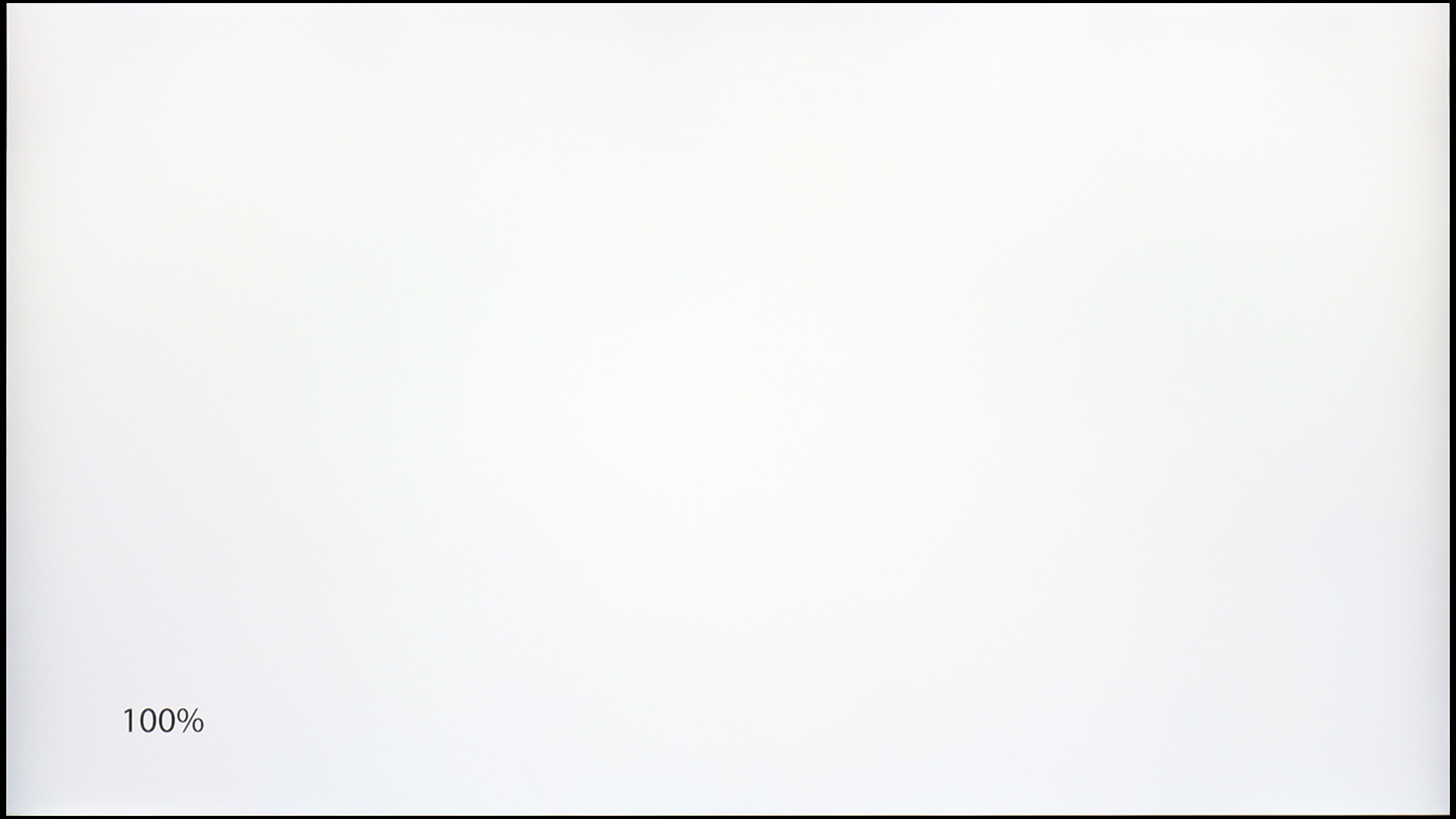
Panel uniformity and thermal imaging:
Panasonic W85
LG QNED80A6A (VA)
TV features
6.8/10
6.8/10
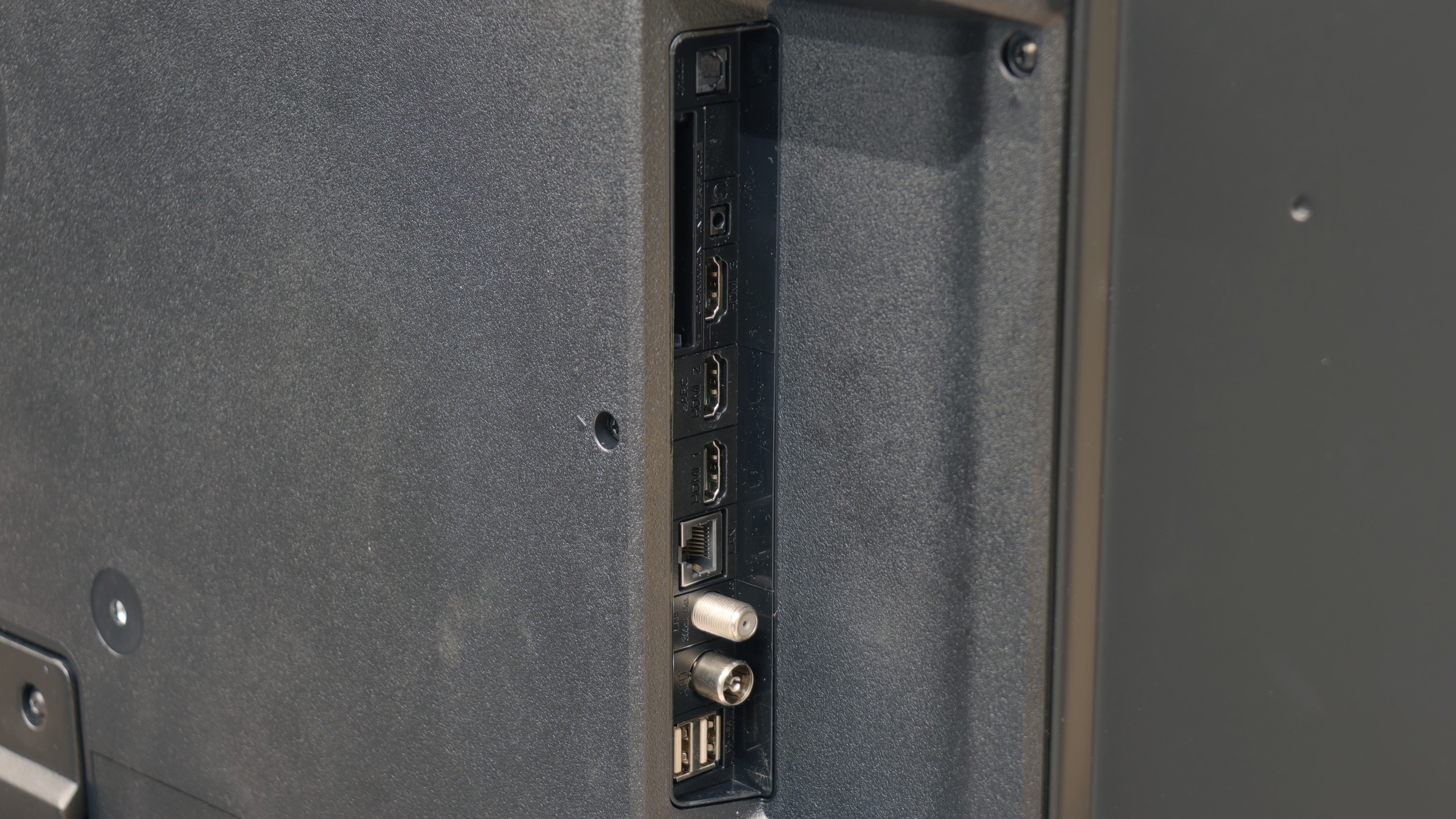
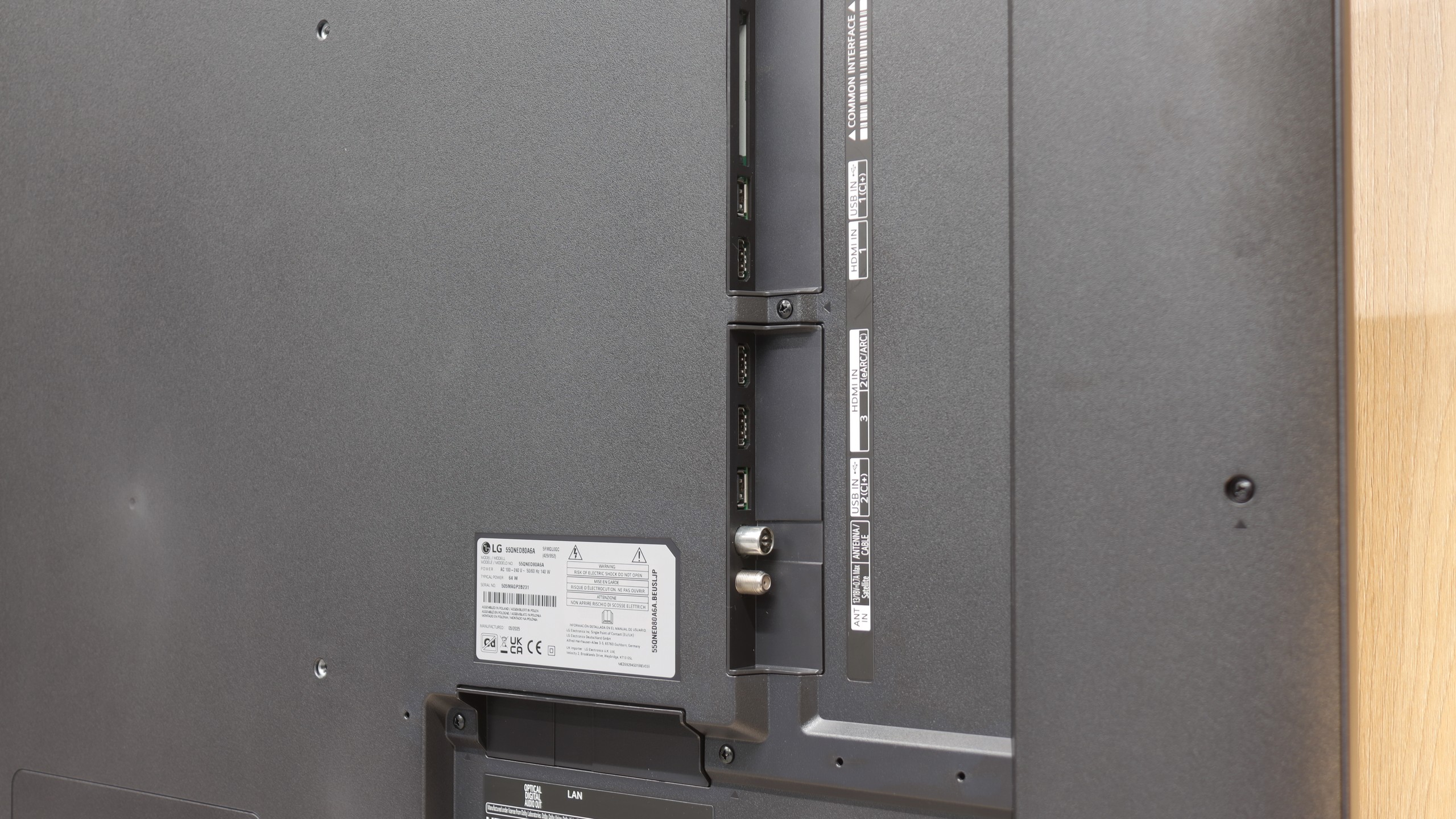
- HDMI inputs1 x HDMI 2.0, 2 x HDMI 2.1 48Gbps3 x HDMI 2.0, 0 x HDMI 2.1
- OutputsToslink (Optical audio), eARC (HDMI), ARC (HDMI), Mini-Jack (Headphones)Toslink (Optical audio), eARC (HDMI), ARC (HDMI)
- Network InterfacesWi-Fi 2.4GHz, Wi-Fi 5GHz, Ethernet (LAN) 100MbpsWi-Fi 2.4GHz, Wi-Fi 5GHz, Ethernet (LAN) 100Mbps
- TV receptionDVB-T, DVB-T2, DVB-S, DVB-S2DVB-T, DVB-T2, DVB-S, DVB-S2, DVB-C
Classic features:
- Recording to USB (terrestrial TV)
- Recording programming
- Picture in Picture (PiP)
- RF remote control (no need to aim)
- Backlit remote control
- Teletext
- Audio only mode
- Bluetooth headphones support
- Simultaneous Bluetooth headphones & TV audio
Smart features:
- AirPlay
- Screen mirroring (Windows Miracast)
- Voice search
- Voice search in native language
- Ability to connect a keyboard and mouse
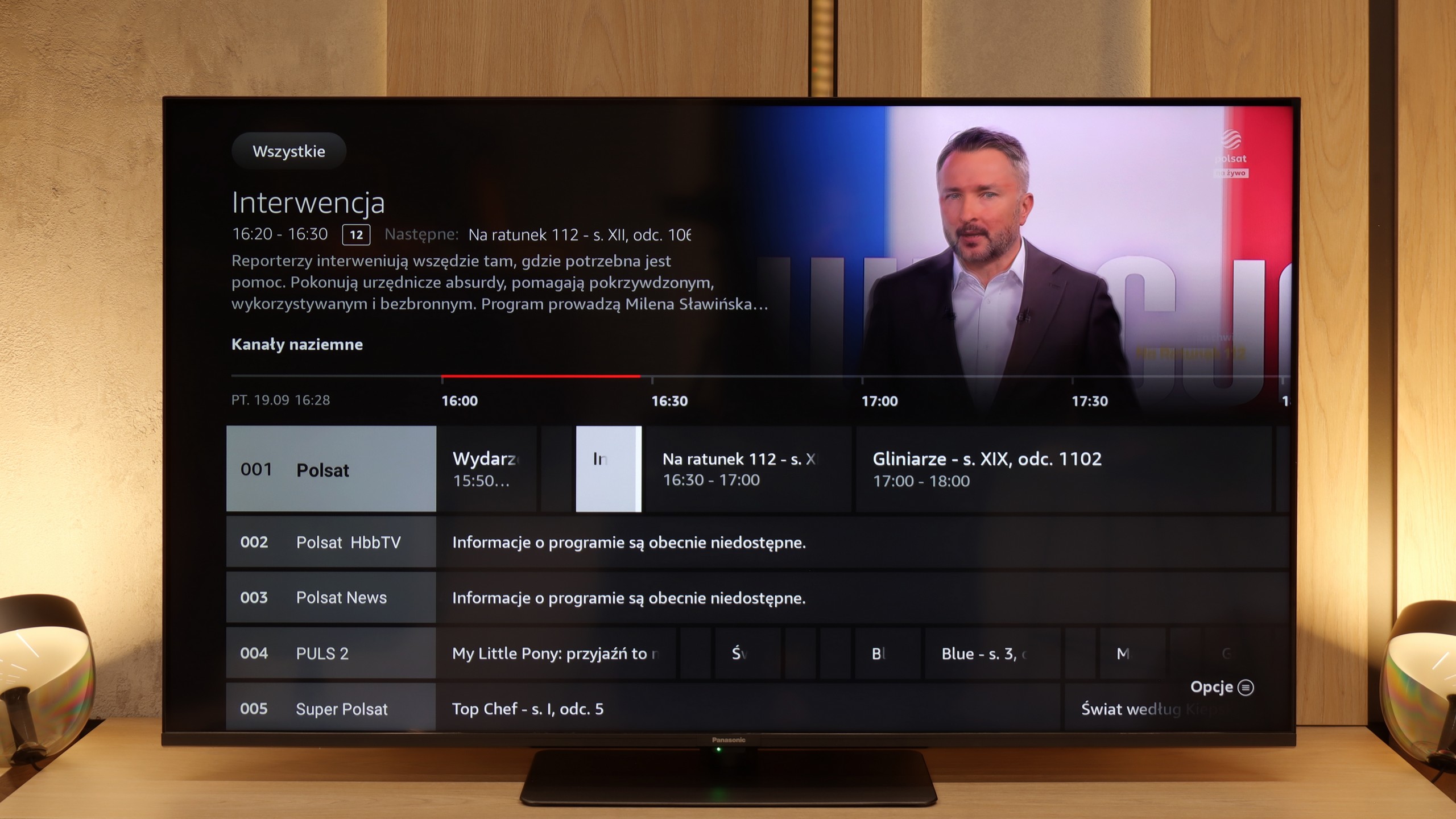
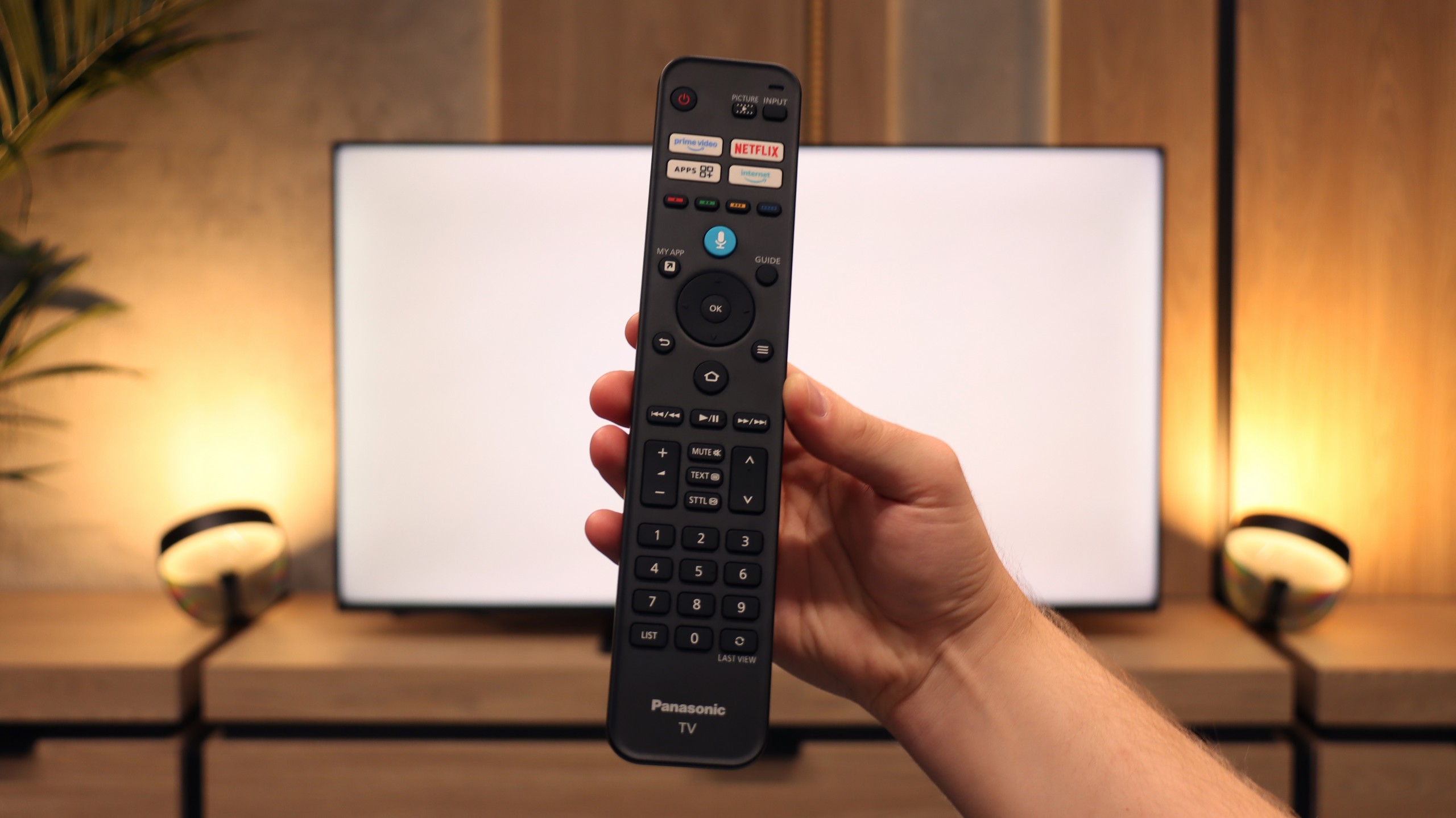
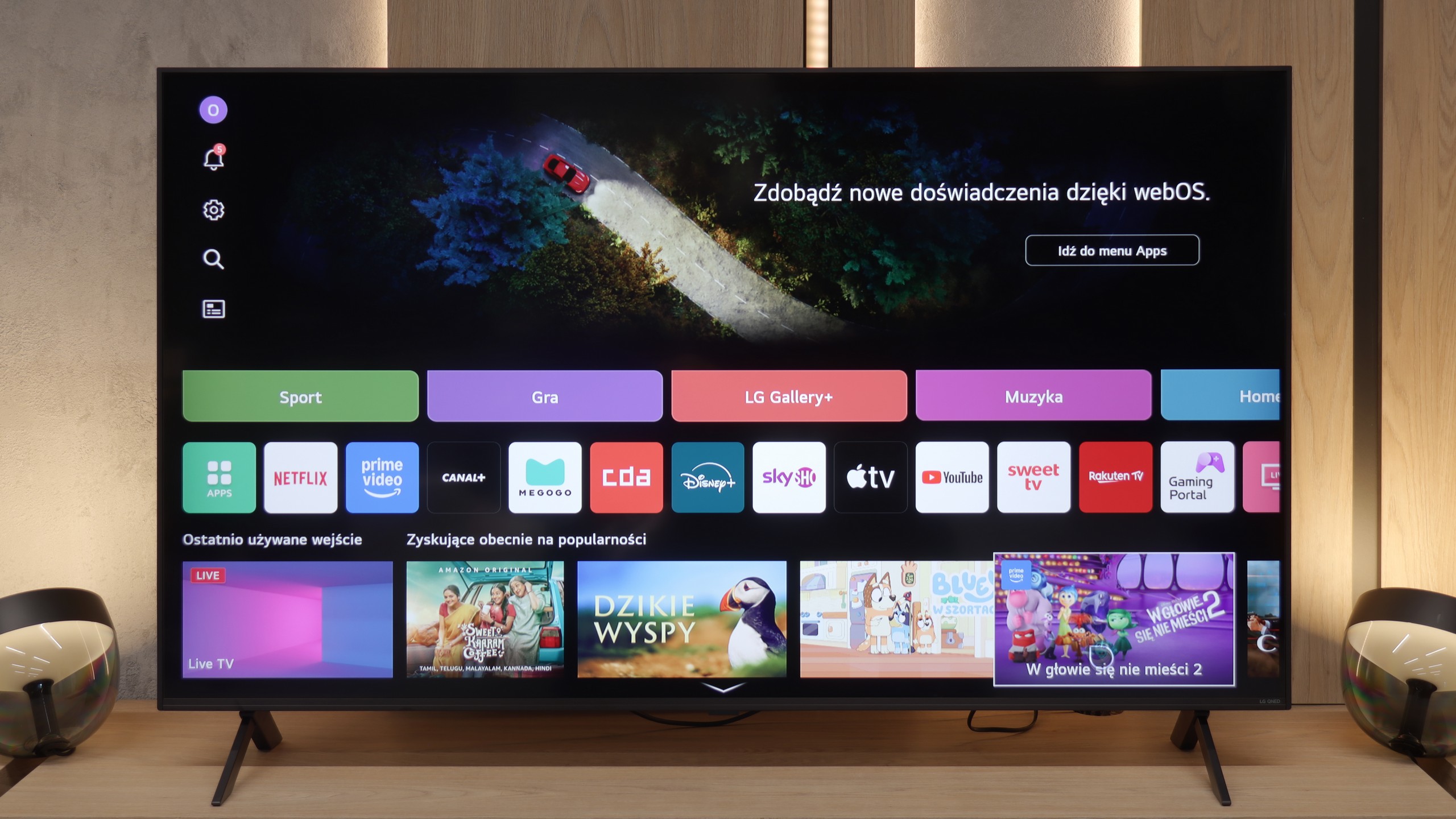
SmartTV: FireTV
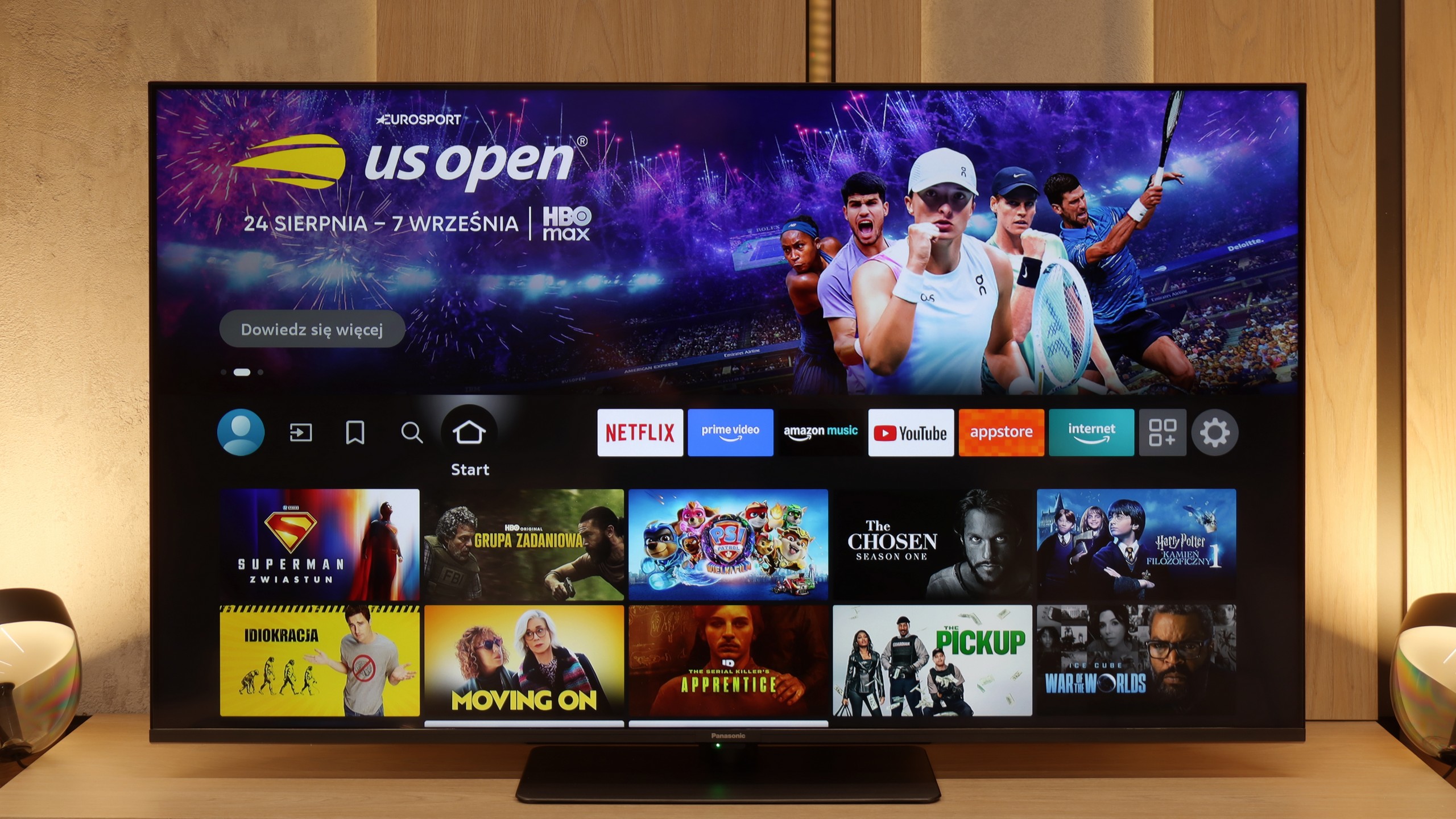
The W85B runs on the Fire TV system and it must be said – it’s a significant step forward compared to Panasonic's previous proprietary solutions. We have support for AirPlay, screen mirroring, and even voice control via Alexa. It sounds modern and, in practice, it actually offers quite a lot of possibilities. The problem is that in Europe Fire TV still looks a bit like a “guest with luggage.” It works decently, but there are occasional micro-stutters, the interface doesn’t always respond as smoothly as we would like, and the menu can have awkward translations. It’s not yet at the level of the biggest players like Google TV or even Tizen, but it's still an improvement over what Panasonic had before. The worst part of it all is that the Fire TV app library is quite modest, and that is its biggest drawback.
Classic TV Functions
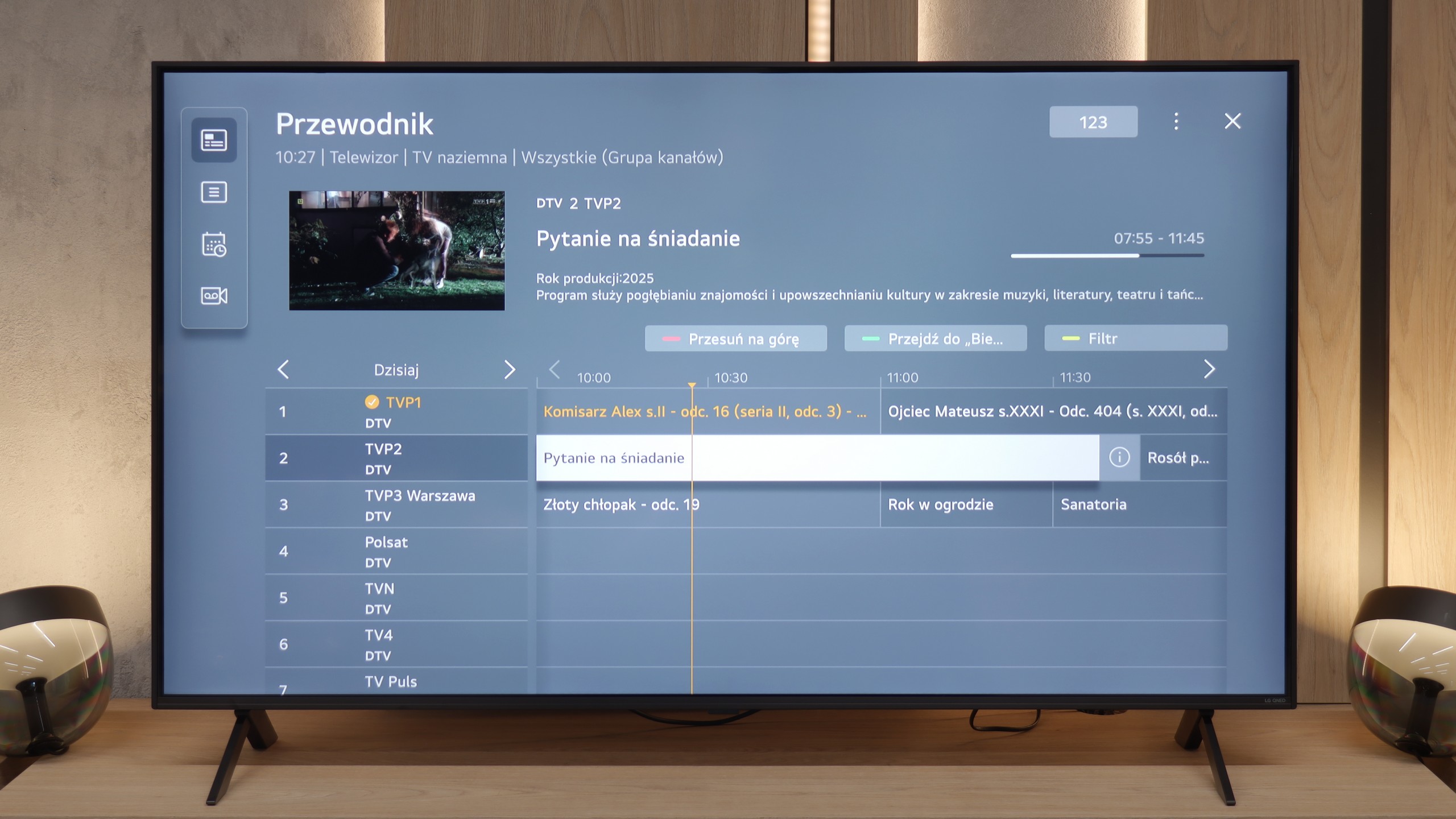
In terms of typical TV features, it’s quite good – we have a classic remote with a full numeric keypad, a clear EPG guide, and the ability to record programs from the built-in tuner onto an external USB drive (e.g. a flash drive). The downside is the lack of an option to schedule recordings in advance – you can record “here and now,” but can't set recordings for later.
Smart TV System and WebOS
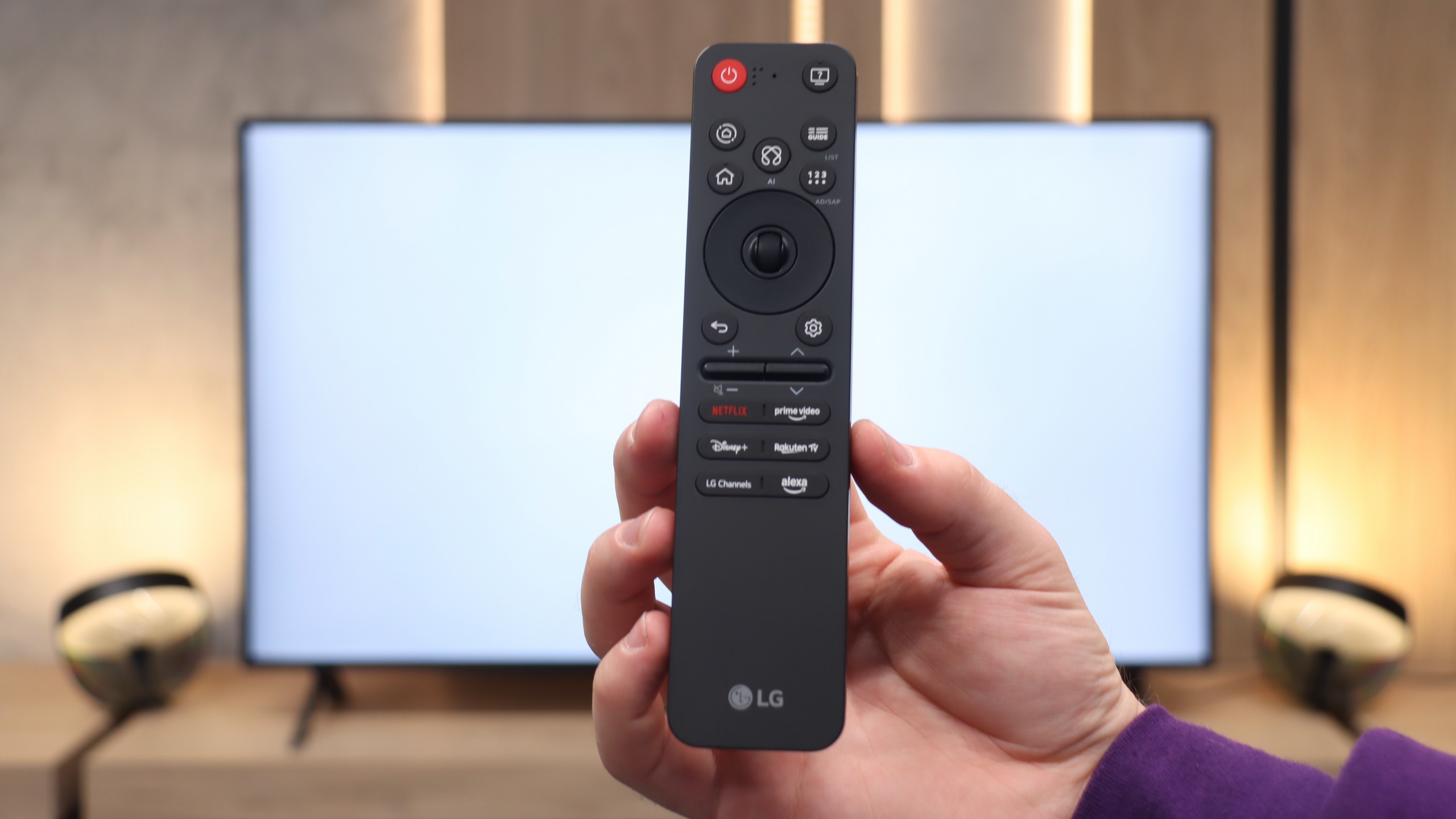
A major plus for LG TVs – even those in the lower or mid-price range – is that the manufacturer does not treat them "shabbily" regarding software. The QNED80A runs on the latest version of the WebOS system, which performed excellently during our tests. The interface operated smoothly, responded quickly to commands, and most importantly – was very intuitive. Much of the credit goes to the famous Magic Remote control, which acts like a computer mouse – we control the cursor on the screen with wrist movements. However, there’s a surprise in store for you. In the 2025 model, the controller underwent quite a drastic transformation. It has been minimised and slimmed down. Modern users are likely to appreciate this change, as the remote fits nicely in the hand and looks more "premium". However, traditionalists may feel disappointed – miniaturisation has come at a cost, including the removal of the classic numerical keypad, which may make quickly selecting channels more difficult.
Classic Functions and Multimedia
When it comes to so-called classic functions, the QNED80A does not attempt to be a revolutionary device. It is simply solid equipment that does what it was designed to do. There are no hidden "gizmos" here, but we also didn’t feel like anything was missing. The traditional Teletext works flawlessly, and the wireless connectivity modules (like Bluetooth and Wi-Fi) are stable and quickly pair with external devices, such as headphones or a soundbar. In this regard, the TV doesn’t throw any obstacles in our way – it functions as we expect, not standing out in any particular way from the competition, but also not giving us any reasons to complain.
Apps
7.6/10
9.1/10






















Playing files from USB
3.1/10
8.2/10
Supported photo formats:
Maximum photo resolution:
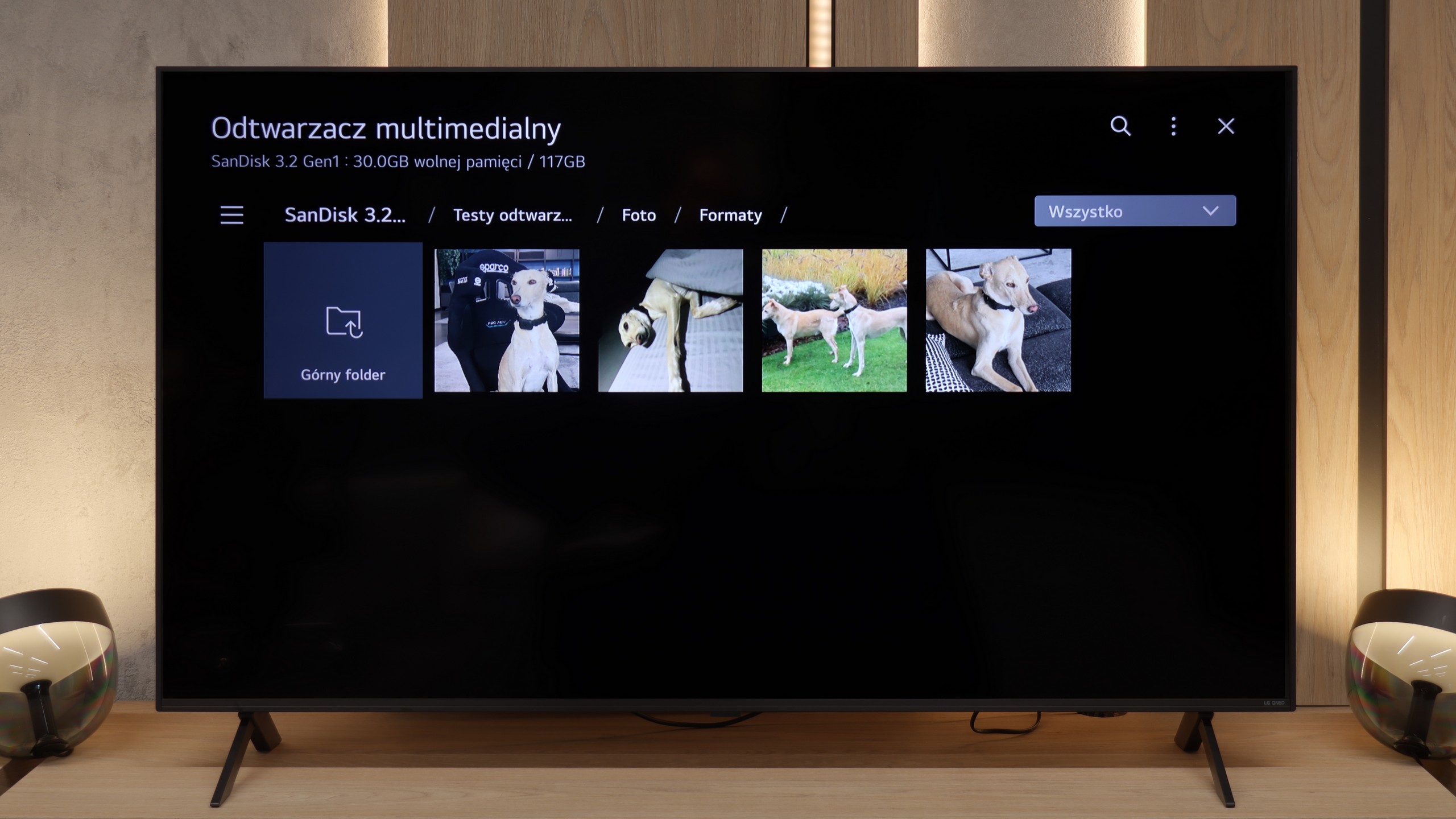
The biggest pain point of the built-in player with Fire TV is the lack of support for external subtitle files. If you have your own movie library and use text files, you simply won't be able to display them on this TV. The player itself handles basic video formats, but if someone wants to fully utilise files from USB, they'll probably end up installing an additional app from the store (e.g., VLC).
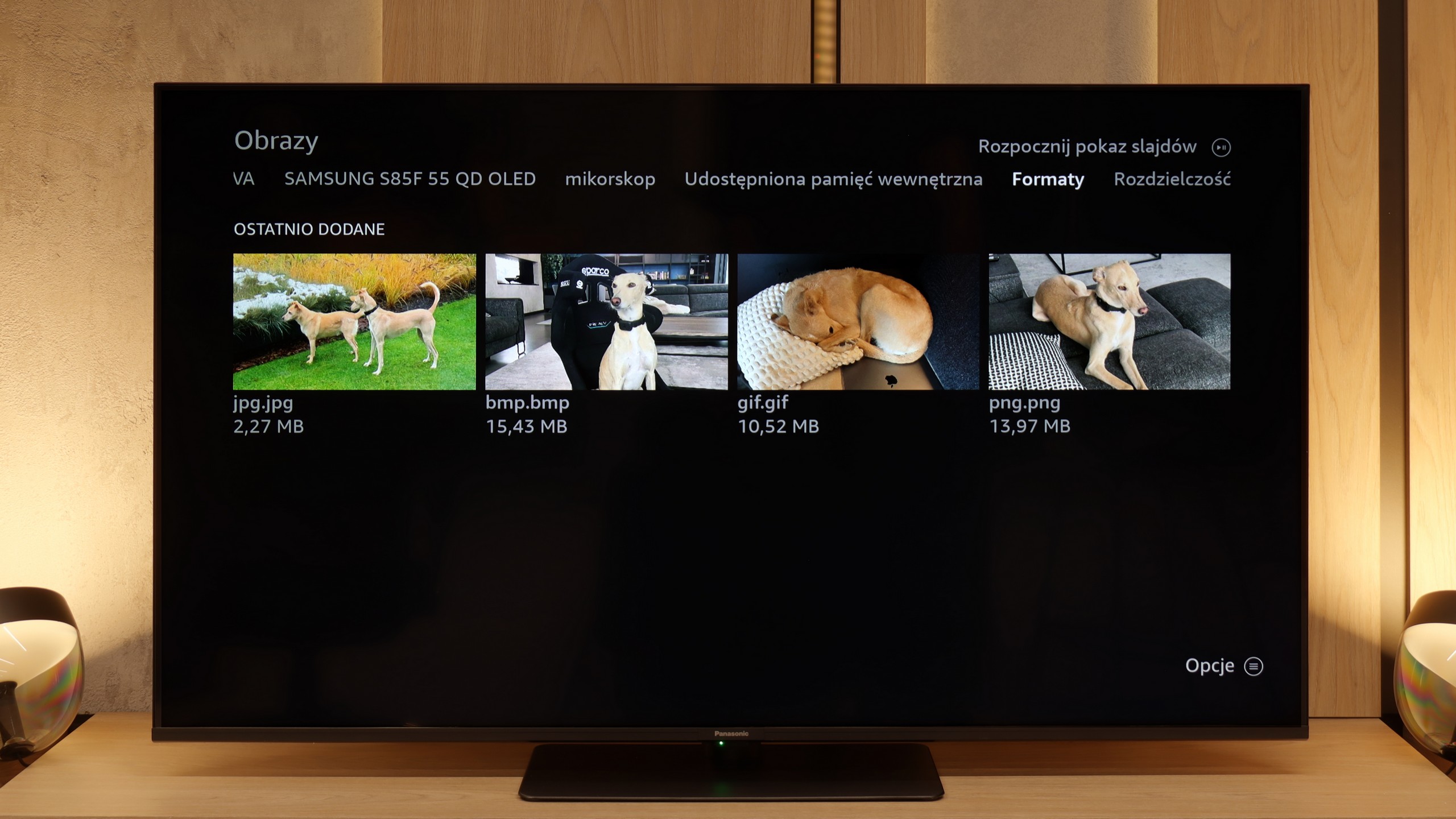
How does the QNED80A perform as a home multimedia centre? After connecting an external drive or USB stick, the television effortlessly recognises and plays the vast majority of popular video and audio formats. One can confidently say that in everyday use, you will rarely encounter a file that refuses to play. However, we must point out a certain catch resulting from the software architecture. WebOS is a closed system. What does this mean for you? It means that if the built-in player cannot handle some exotic format, we do not have a "lifebuoy." We cannot just go to the store and download an external application like VLC that "plays everything," as is the case with Android or Google TV. The specific shortcomings we managed to identify mainly concern graphic files. The television does not support the HEIC format, which is a standard in Apple devices (iPhone/iPad). Photos with very high resolution (in the range of 20-28 Mpix) also proved problematic – when trying to open them, the system often faltered. It is worth keeping this in mind if you plan to view holiday photos directly from the drive.
Sound
5.8/10
6/10
- Maximum volume87dB81dB
- Dolby Digital Plus 7.1
- Dolby True HD 7.1
- Dolby Atmos in Dolby Digital Plus (JOC)
- Dolby Atmos in Dolby True HD
- DTS:X in DTS-HD MA
- DTS-HD Master Audio
Here the Panasonic W85B unfortunately has nothing to brag about. The speakers sound flat and quite “plasticky”, so there’s definitely no cinematic experience to be had here. There's no depth, no clear bass – just basic sound that’s simply meant to “be”. It's a pity because we thought the external subwoofer used here would actually make a difference. Unfortunately, we were mistaken. The only advantage is that the TV can play really loud. This may appeal to older users who often need higher volume to comfortably watch programs or news. For everyday TV watching, it’s sufficient, but if someone is thinking about movies and games – an additional soundbar or audio system is basically a requirement.
When it comes to audio, the LG QNED80A doesn't try to enchant us. It simply performs like... a typical flat-screen TV. The built-in speaker system with a total power of 20W isn't the strongest aspect of this set. If you're expecting a cinematic punch or depth known from pricier models equipped with subwoofers, you'll feel a bit shortchanged. There's simply a lack of bass here, and the sound is quite flat. However, we must give this model credit in one aspect: clarity of transmission. When scenes based on conversations appear on the screen, the QNED80A handles it quite well. Dialogues are clear, separated, and – importantly – undistorted. There’s no crackling effect at higher volumes. It's sufficient for everyday TV, but for films, we definitely recommend purchasing at least a basic soundbar.
Sound Quality Test
Acoustic Measurements
87dBC (Max)
75dBC
81dBC (Max)
75dBC