The Panasonic W85B is a television that aims to prove that the Japanese brand can produce not only high-end devices but also something more "for the people." And indeed — on paper, it looks quite good: a VA panel with solid contrast, high refresh rates of 120/144 Hz, two full HDMI 2.1 ports, and low input lag. It sounds like an excellent set for a gamer or someone who simply wants a cheap television with good fundamentals. However, the reality is a bit more complicated. The W85B performs well primarily with SDR content, especially after calibration, and it will suit typical daily use. But when we start to demand more from it — e.g. expecting strong HDR effects or greater immersion in games with that mode enabled — the television quickly reveals its limitations. Its brightness is low, and the lack of local dimming is noticeably problematic during evening viewing. Therefore, we see the W85B more as a "daily" television — ideal for someone who watches terrestrial TV, YouTube, or streaming in SDR and wants to connect a console or PC at 120/144 Hz (but without HDR). In that role, it works very well. Is it a television for everyone? Definitely not. But if we accept its limitations and approach it without lofty expectations, the W85B can deliver quite a bit of enjoyment for relatively reasonable money.
- Matching (Score) |
- Our verdict |
- TV appearance |
- Where to buy |
- Contrast and black detail |
- HDR effect quality |
- Factory color reproduction |
- Color reproduction after calibration |
- Smoothness of tonal transitions |
- Image scaling and smoothness of tonal transitions |
- Blur and motion smoothness |
- Console compatibility and gaming features |
- Input lag |
- Compatibility with PC |
- Viewing angles |
- Daytime performance |
- Panel details |
- TV features |
- Apps |
- Playing files from USB |
- Sound
Panasonic W85 vs Dreame Q100
 Direct comparison
Q100
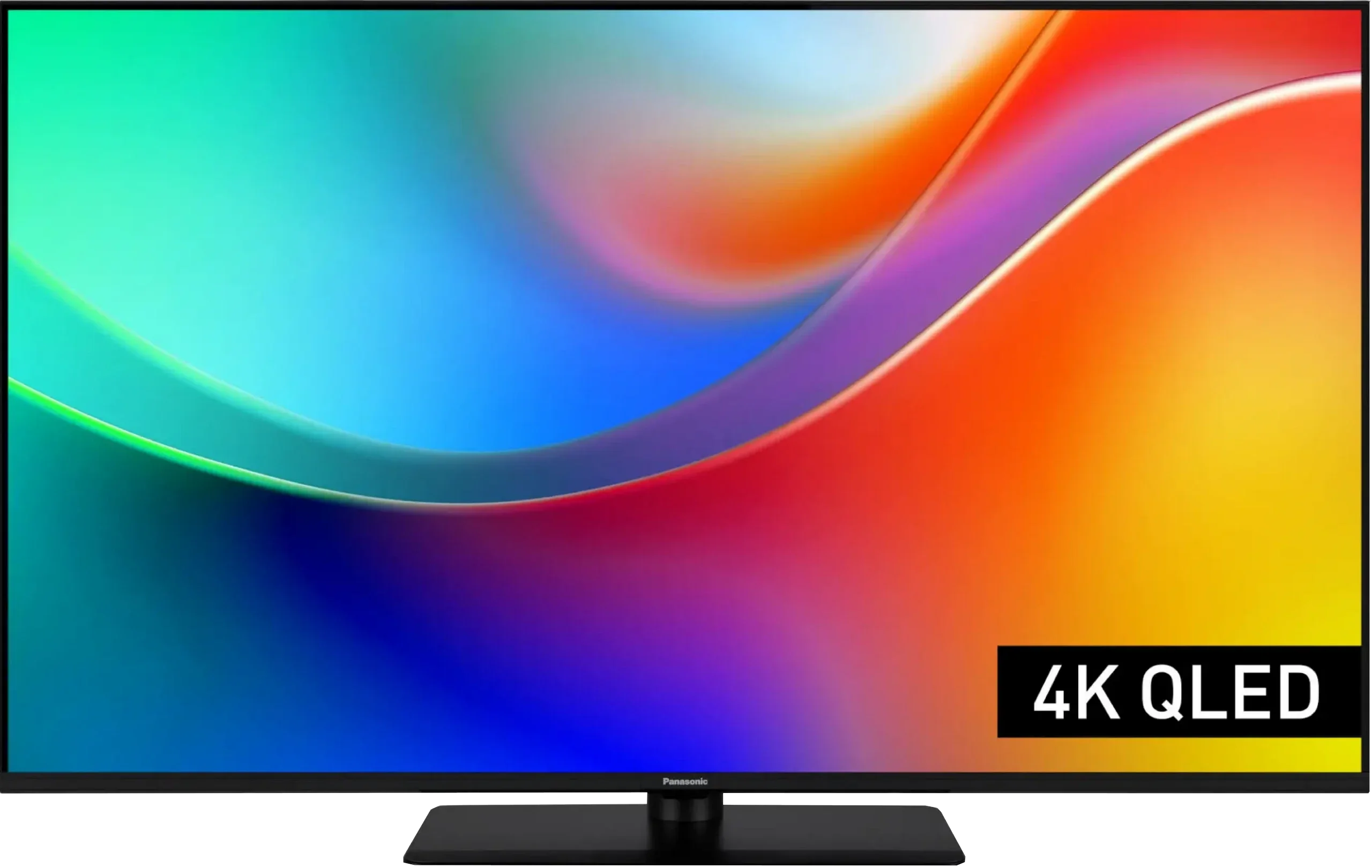
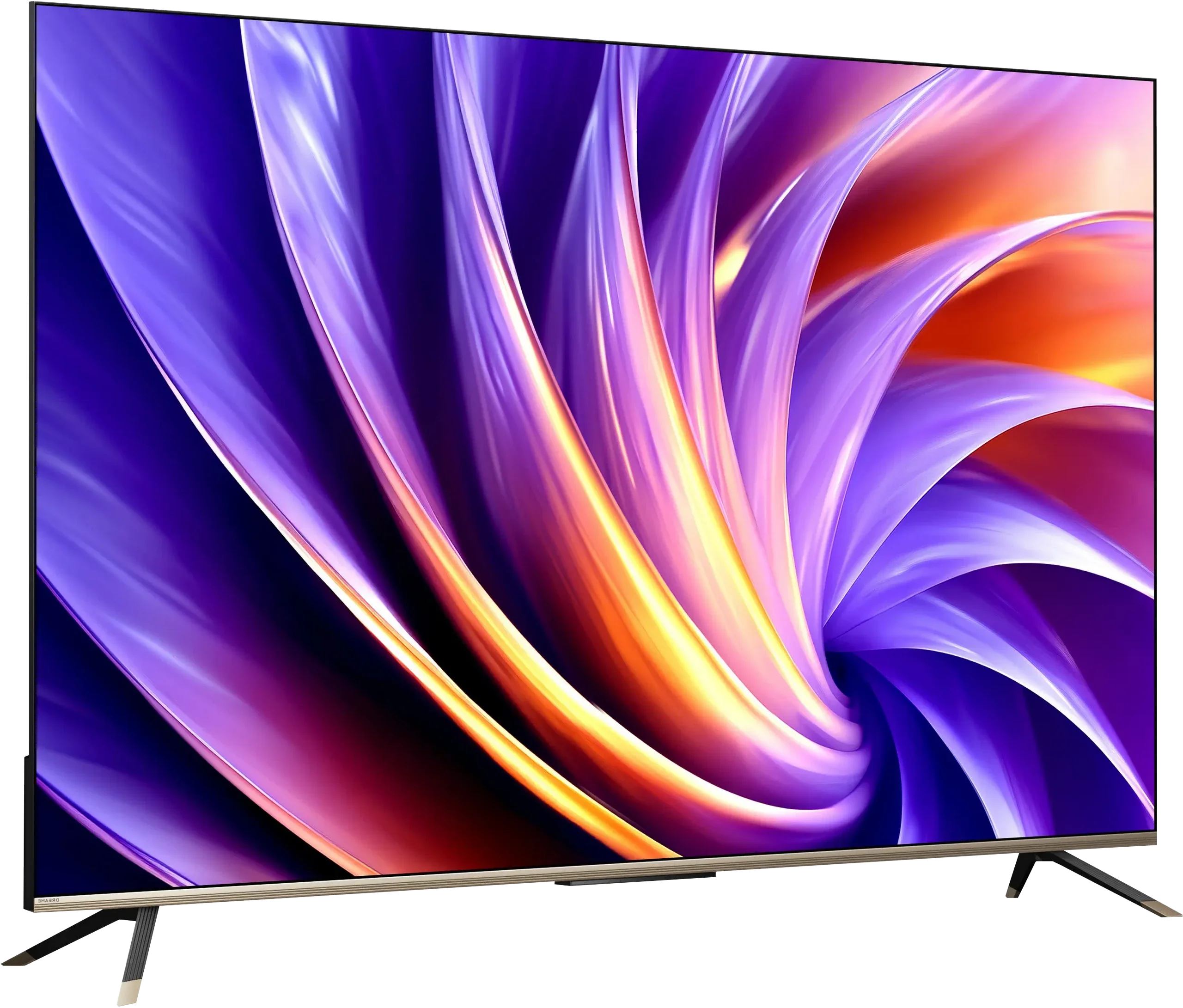
Panel type: LCD VA
Resolution: 3840x2160
System: Amazon FireTV
Model year: 2025
Complete the survey to find out the result
Panel type: LCD VA
Resolution: 3840x2160
System: Google TV
Model year: 2026
Complete the survey to find out the result
Overall rating
6.1
5.6
 Movies and series in UHD quality
 5.5
5.8
 Classic TV, YouTube
 5.8
5.4
 Sports broadcasts (TV and apps)
 5.8
4.6
 Gaming on console
 7.7
7.0
 TV as a computer monitor
 8.6
4.0
 Watching in bright light
 4.2
4.4
 Utility functions
 6.8
5.2
 Apps
Apps 7.6
9.6
 Sound quality
 5.8
5.0
Complete the survey to find out what fits your preferences
Advantages

VA matrix with high native contrast
High refresh rate of 120/144 Hz
Two HDMI 2.1 ports with support for ALLM, VRR, and Dolby Vision in gaming
Very low input lag
Fairly good colour gamut coverage thanks to the QLED filter
Support for multiple HDR formats including Dolby Vision and HDR10+
Sturdy central stand
Great compatibility with PC – full chroma 4:4:4, clear fonts
Google TV with a wide selection of apps
Support for Dolby Vision
Wide colour gamut, QLED PFS filter
Decent VA panel contrast
Smooth tonal transitions
Gaming features: VRR and ALLM
120 Hz at Full HD
Game Bar
Low input lag
Disadvantages

Low brightness (below 270 nits) – no real HDR
HDR mode in games is poorly refined, with incorrect HGiG implementation
Poor multimedia file player
The FireTV system in Europe is poorly refined: there are micro stutters and awkward translations, lacking many apps
Average sound quality, lacking depth
Motion smoother won’t work
Low brightness, around 300 nits
Weak HDR performance
Average image processing
No AirPlay
Average audio
Our verdict
The Dreame Q100 is the entry-level model in the manufacturer's line-up, and its price alone hints at what to expect. It's not a TV that aims to win on picture quality. Its strengths lie elsewhere: it runs Google TV, offers a surprisingly large number of features for gamers, and is fairly inexpensive. In terms of picture, the Q100 performs similarly to many other TVs in this segment. The VA panel delivers decent contrast, colours are quite respectable thanks to the QLED filter (PFS), but its roughly 300 nits of brightness quickly becomes a limiting factor. Especially in HDR, where it simply lacks the punch. It's good Dreame didn't ditch Dolby Vision, because for a TV like this that format really helps. Films and series from streaming platforms are better matched to the screen's capabilities and can look quite good as a result. The Q100 therefore makes most sense if you're after an affordable TV for casual viewing, Netflix, YouTube or the occasional console connection. There are no big surprises in picture quality, but you can't expect them from one of the cheapest models in the range. For Dreame's first attempt at this part of the market, the Q100 is a pretty interesting start, all the more so since until recently the brand name was much more likely to be associated with a vacuum cleaner than a TV.
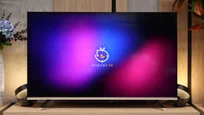
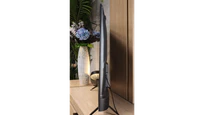
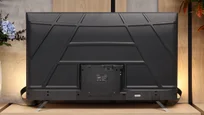
TV appearance




Contrast and black detail
5.3/10
5.3/10
Local dimming function: No
Local dimming function: No
Contrast:


Result
4,300:1

Result
4,250:1

Result
4,200:1

Result
4,400:1

Result
3,150:1
Result
4,350:1
Result
3,850:1
Result
4,100:1
Result
4,450:1
Result
3,400:1
Halo effect and black detail visibility:
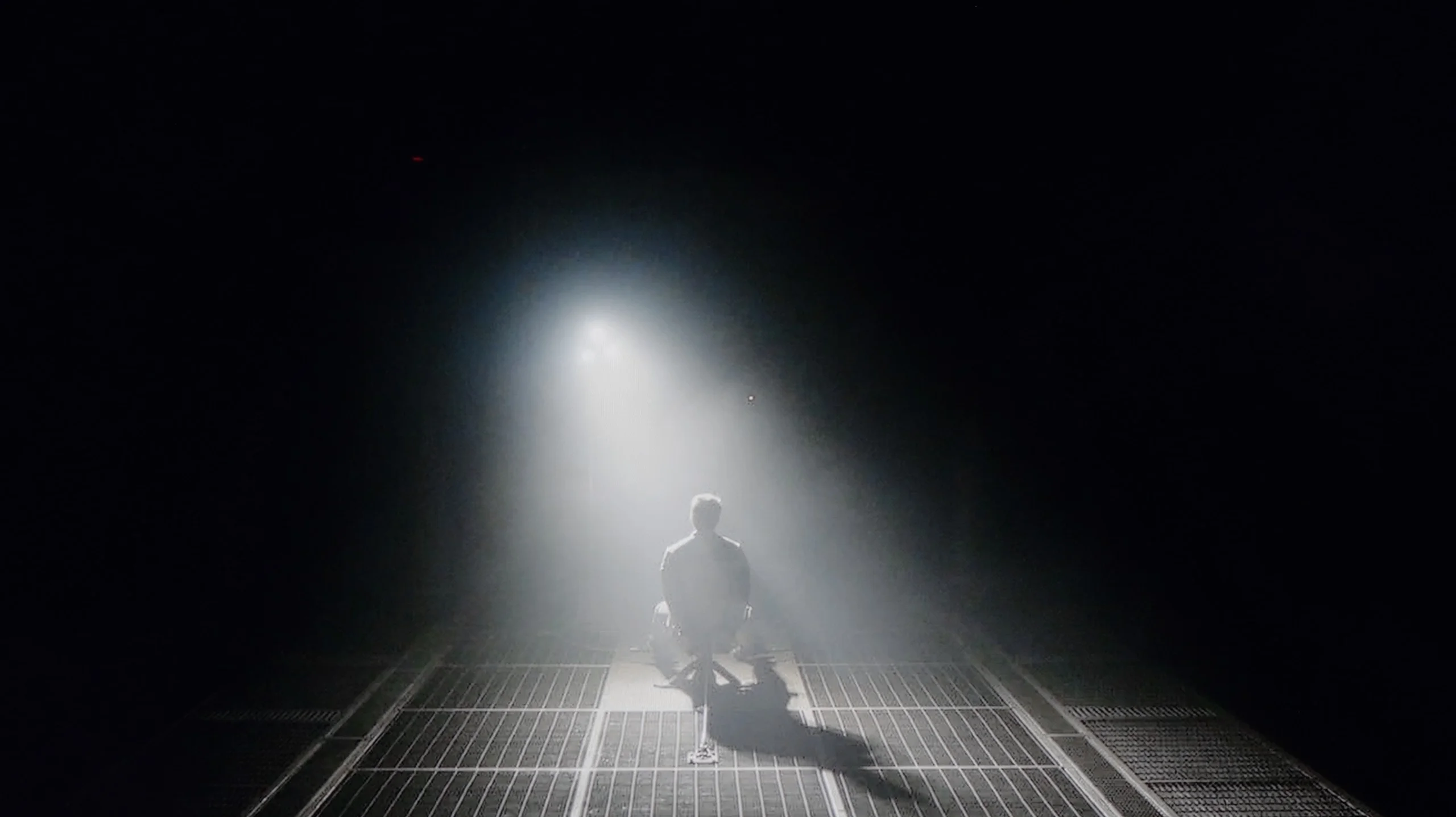
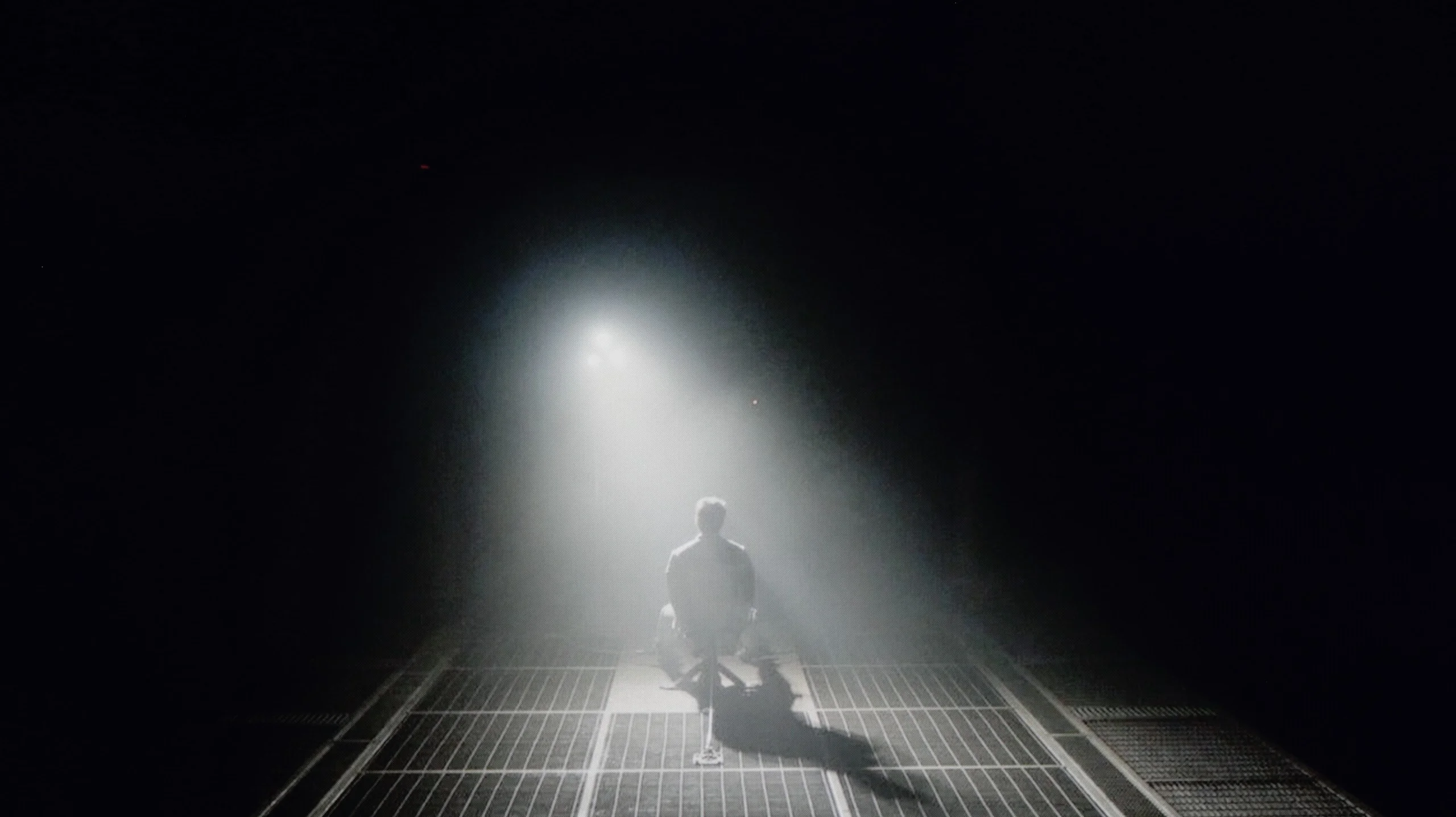
Check the visibility of bright lights on a dark background. Mini-LEDs often struggle with this. The photo does not compare black levels – that’s what the video below is for.
The video accurately shows differences in contrast and black levels between TVs, as well as potential issues: halo around bright objects or Mini-LED zone operation visible as brightness jumps.
W85B is Panasonic's entry-level LCD, so you shouldn't expect miracles in this category, but… the VA panel really does a great job here. Its biggest advantage is simply better contrast than in popular IPS panels – there, blacks often look like grey, but here you can actually see deeper tones. In the scenes we tested, the contrast held around 4000:1, which translates to roughly four times better performance than in IPS displays. Of course, there's no local dimming, so in challenging conditions, when the room gets really dark, the blacks can resemble navy more than absolute pitch black. This is the difference you can see when comparing it to OLEDs or Mini-LEDs. But for everyday viewing – series, matches, evening movies in the living room – this contrast is more than sufficient. The image has the right depth, and the W85B does not give the feeling of a “washed-out” television.
The Dreame Q100 is a basic LCD TV, so its black level and contrast performance depend mainly on the panel itself. It uses a VA panel that achieves a native contrast of around 4500:1. For this class of device that's a pretty good result. In practice this mainly means noticeably deeper blacks than in similarly priced TVs with IPS or ADS panels. You can see the difference especially in the evening, when dark scenes have more depth and don't look so grey.
Bear in mind, however, that the Q100 has no local dimming. The backlight therefore stays on constantly, with no way to dim specific parts of the image. In a very dark room the blacks can therefore take on a navy tint and are a long way from what better Mini LEDs, and even more so OLEDs, can do in this respect. That said, this is not surprising, as the same limitation affects most basic LCD TVs in this price range.
HDR effect quality
4.2/10
4.2/10
Luminance measurements in HDR:

Result
228 nit

Result
249 nit

Result
283 nit

Result
282 nit

Result
297 nit
Result
230 nit
Result
252 nit
Result
285 nit
Result
298 nit
Result
298 nit
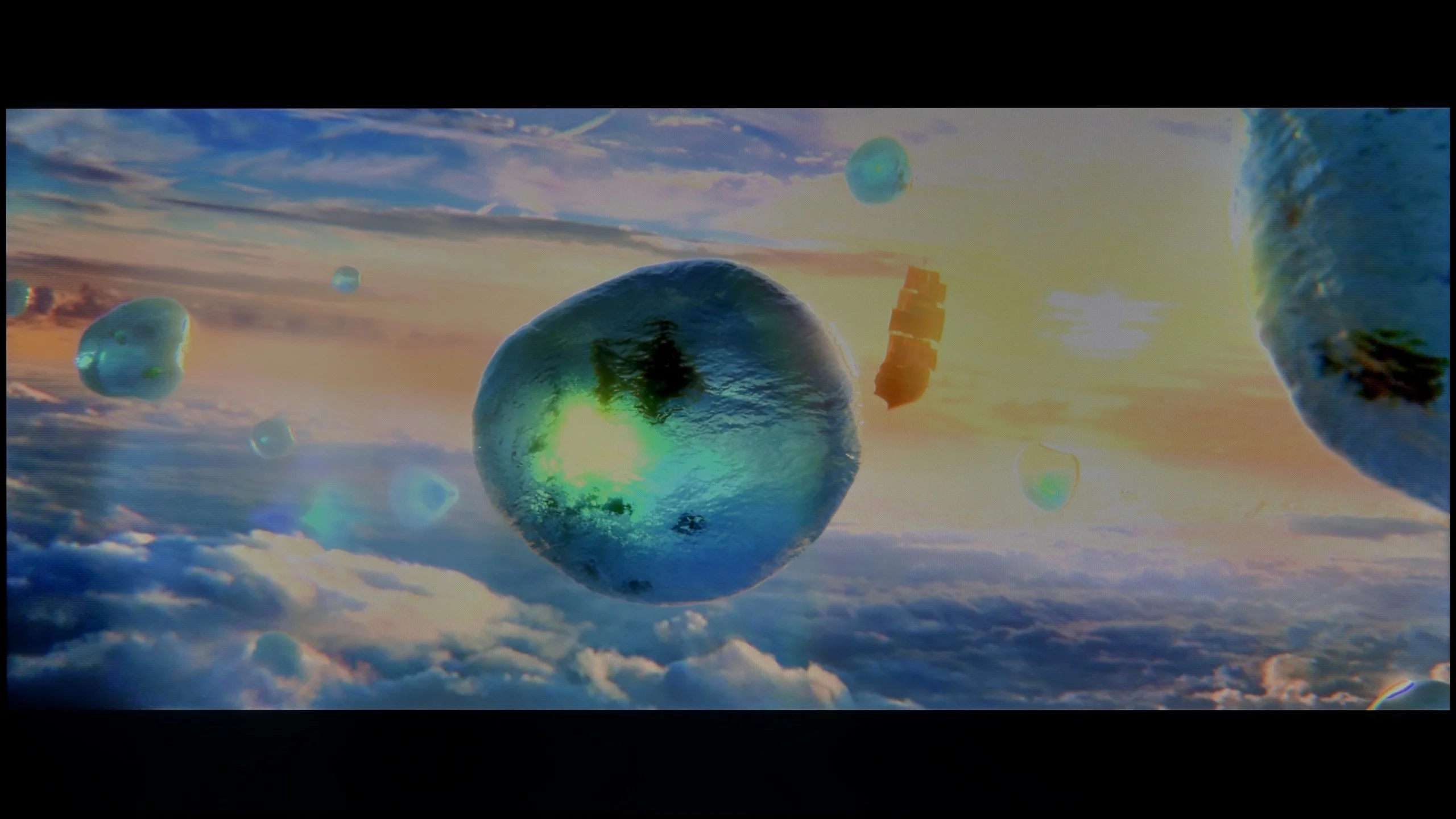
Scene from the movie “Pan” (about 2800 nits)
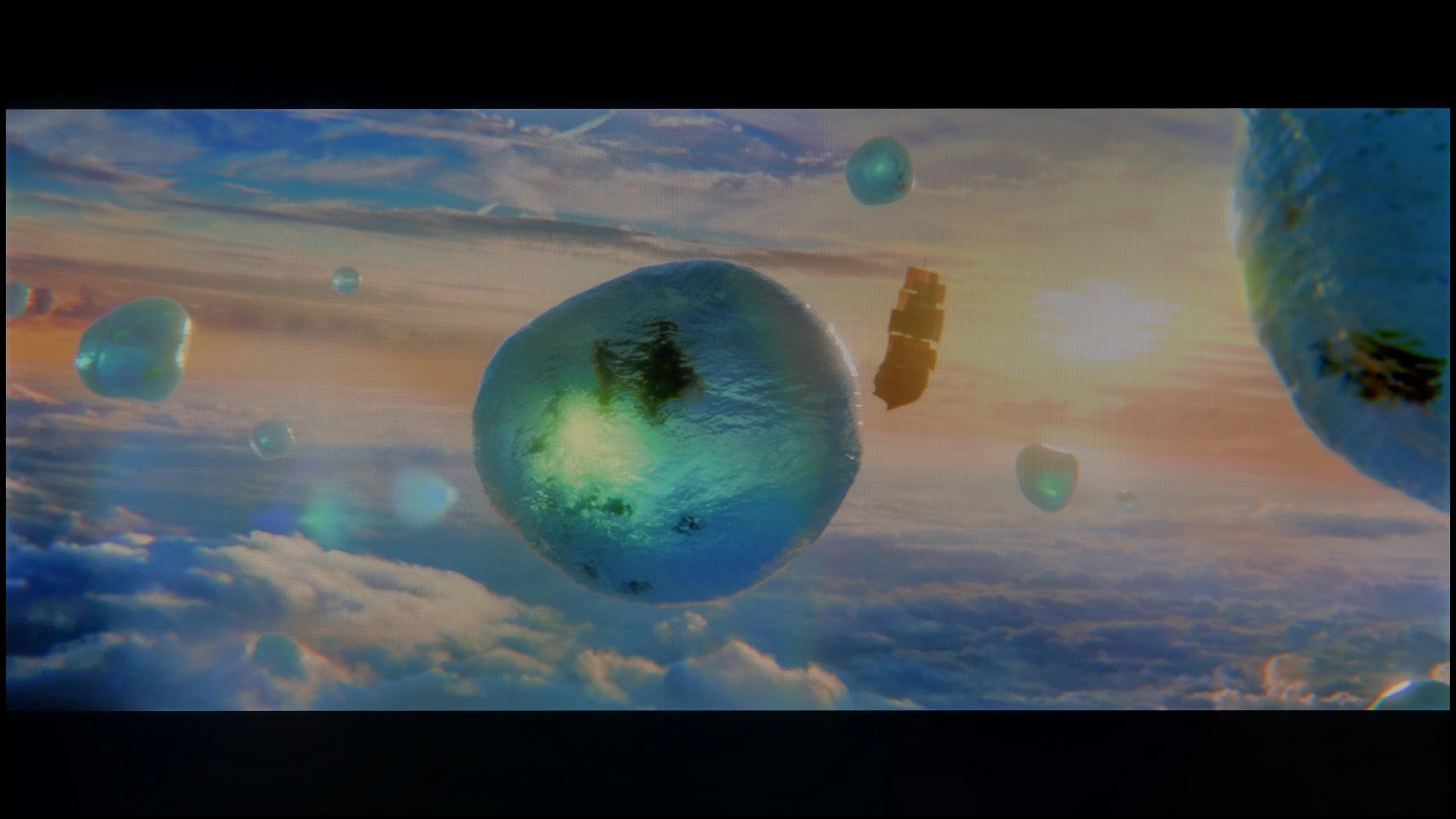
Scene from the movie “Billy Lynn” (about 1100 nits)


The photos show two HDR10 movies. 'Pan' is one of the brightest productions ever made, while 'Billy Lynn' (soldier) has brightness typical of streaming (Netflix, Prime, HBO MAX). Notice the intensity of effects and detail in whites.
Static HDR10


The photos present the visibility of white details in various HDR formats. They do not show brightness differences between TVs (these can be compared in the previous gallery).
Dynamic: Dolby Vision
Dynamic: Dolby Vision


The photos present the visibility of white details in various HDR formats. They do not show brightness differences between TVs (these can be compared in the previous gallery).
HDR luminance chart:
Dreame Q100
Panasonic W85
Unfortunately, we don't have good news here. The Panasonic W85B is quite a dark television – its peak brightness doesn't exceed 300 nits, making it hard to talk about any real HDR effect. In practice, this means that scenes which can 'shine' and impress on other screens simply look like regular SDR with a slight colour boost here. Our measurements and film tests confirmed this – regardless of the content, the W85B won't draw anything more from HDR. So if someone is looking for a television specifically for HDR, it's better to look at other models. On a positive note, the W85B does quite well in terms of colours. It's a QLED television, so its colour gamut coverage is wide, and most films and series look natural, without a noticeable 'faded' effect. The colours are saturated, so in everyday viewing, there's no feeling that something is seriously off.
The Dreame Q100 is unfortunately too simple, and above all too dim, to really deliver a true HDR effect. Our measured peak brightness reaches at most around 300 nits, which is definitely too low for bright parts of the image to really "hit" you with light. In fact, this is a level we more often associate with SDR material than with HDR. It therefore lacks the brightness headroom offered by more expensive TVs, which makes highlights, reflections and the sun look noticeably more impressive.
HDR colours
Fortunately the Q100 makes up for some of that elsewhere. The manufacturer markets it as a QLED TV, although in practice a PFS filter is responsible for widening the colour palette. Our measurements show coverage of about 92% of DCI-P3 and around 67% of BT.2020. These are not top-tier numbers, but still clearly better than basic LCD TVs without an extra layer to expand the gamut. That means HDR material can at least offer more saturated and varied colours, even if the brightness alone does not yet allow you to speak of a fully convincing HDR effect.
Factory color reproduction
4.2/10
6.5/10


This gallery shows how colors change after professional TV calibration. If you notice the difference, we recommend ordering this service at SkalibrujTV.com.
Factory Mode
After calibration


This gallery shows how colors change after professional TV calibration. If you notice the difference, we recommend ordering this service at SkalibrujTV.com.
Factory Mode
After calibration
Testing the Panasonic W85B, we obviously started with the Filmmaker mode, as it's the gold standard for watching content "the way the director intended." The problem is that this TV is quite far from those intentions. The biggest issue turned out to be an excess of red – both in SDR and HDR. The image often looked too warm because of this, and in some scenes, it was almost "on fire." Added to this is the issue of brightness management. When we looked at the gamma and EOTF charts, it was clear as day that in most scenes, the TV brightens the image more than it should. The effect was easy to predict. Details can get lost, leading to flattening and clipping across the entire screen. We obviously know how to fix this, but to be fair, it does require a lot of calibration work. Out of the box, the W85B doesn't produce an image close to reference quality – it's more of a TV that, without professional adjustments, will always interpret colours and brightness a bit "in its own way." Unfortunately, this is to the detriment of the viewer.
For testing we chose the "Film" mode and we think it’s by far the best of the available presets. There are none of the heavily boosted, unnatural colours you see in Vivid/Dynamic mode. The picture looks quite reasonable straight away, although it falls short of perfect. In SDR material the most noticeable issue was a slight warming of the image. The white balance had too much red, which made whites lean towards a warmer tint, and a similar cast was visible in the greys. In HDR the situation was a little different. Here blue had a slight advantage, making the image a touch cooler. These are not major faults. For such an inexpensive TV the factory settings on our unit were pretty decent, and the "Film" mode already delivers a relatively natural picture without much fiddling with the settings.
Color reproduction after calibration
6.9/10
7/10


The photos show how movies look on the TV. Pay attention to black detail visibility, colors, and shadow tint.


The photos show how movies look on the TV. Pay attention to black detail visibility, colors, and shadow tint.
Fortunately, calibration made a significant difference for the Panasonic W85B, especially for SDR content. Here, the improvement was quite evident – we managed to even out the white balance and reasonably tame the TV's tendency to overly brighten the entire image. The picture became more coherent and the colours gained the naturalness that was lacking in the factory settings. Admittedly, the results from the Color Checker are not perfect, as the W85B has noticeable issues with green saturation, but overall, we rate the post-calibration effect in SDR quite positively. The situation with HDR is a bit different. Here too, we managed to reduce the tendency to warm up the entire scene, so the image performed definitely better than in the factory settings. However, there is still the same problem we mentioned earlier – the TV interprets the image too strongly "in its own way" and brightens the whole screen. And the lack of local dimming only exacerbates this effect. In summary, briefly, in SDR content, the W85B performs really well after calibration and is perfectly suitable for everyday viewing. However, in HDR, even after adjustments, it is still difficult to unambiguously recommend it for more serious viewing.
Contrary to appearances, the Dreame Q100 is actually quite well prepared for picture calibration. The menu contains plenty of advanced picture settings that allow fairly precise adjustment of its characteristics. In our case the white balance required the most work, both in SDR and HDR. After correction SDR material looked very good. We managed to achieve an almost neutral white balance and natural colours, with the main limitation remaining the black level itself, stemming from the panel design and the lack of local dimming.
In HDR we were also able to improve white balance and colour reproduction, but here the TV’s electronics reveal their limitations more quickly. Even after very precise EOTF curve adjustment, the Q100 doesn't always stick to it properly during real-world scenes. In some content it can also brighten the image, making some parts look brighter than they should, and some detail in bright areas can be lost as a result.
Smoothness of tonal transitions
9.1/10
9/10
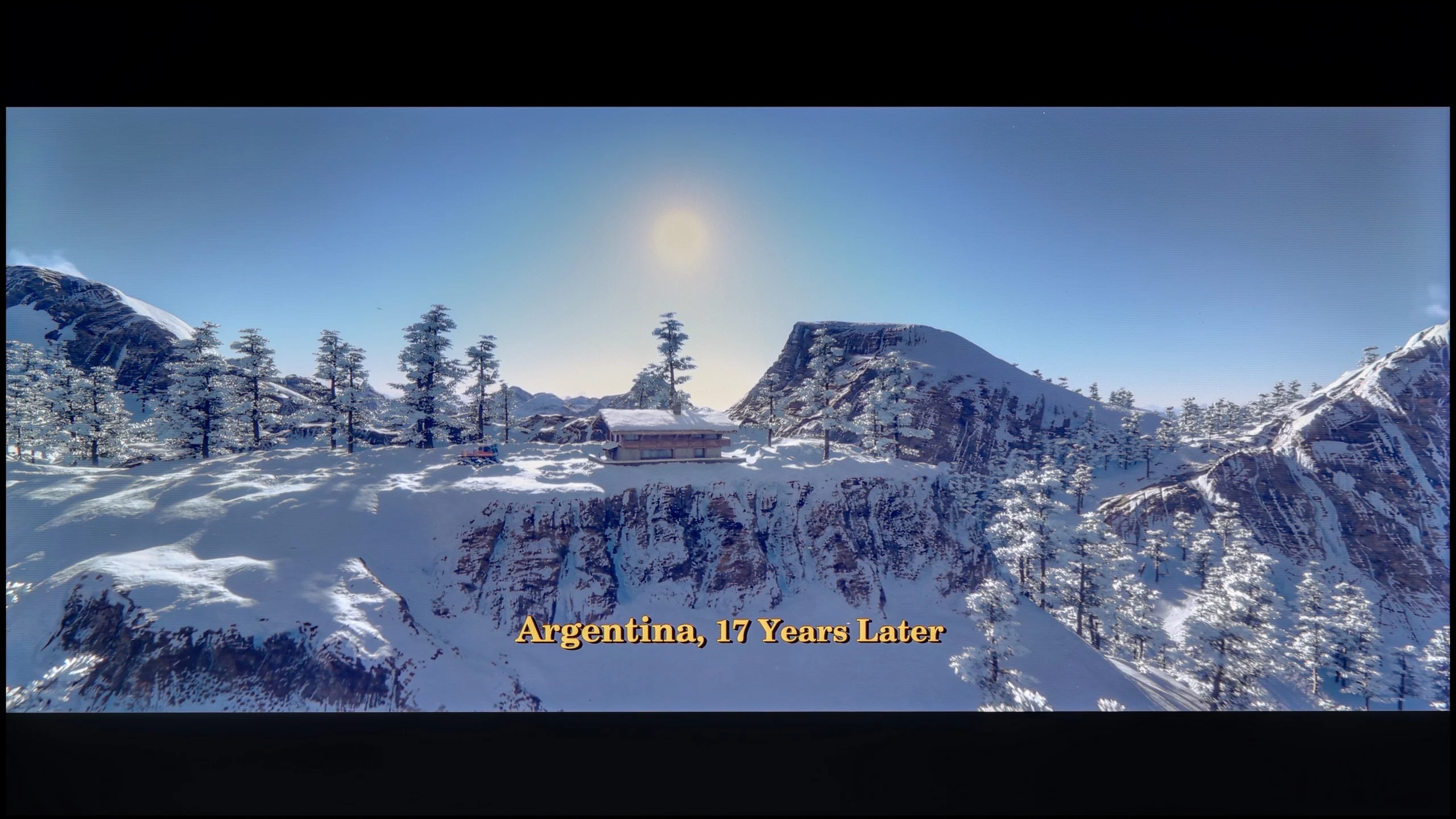

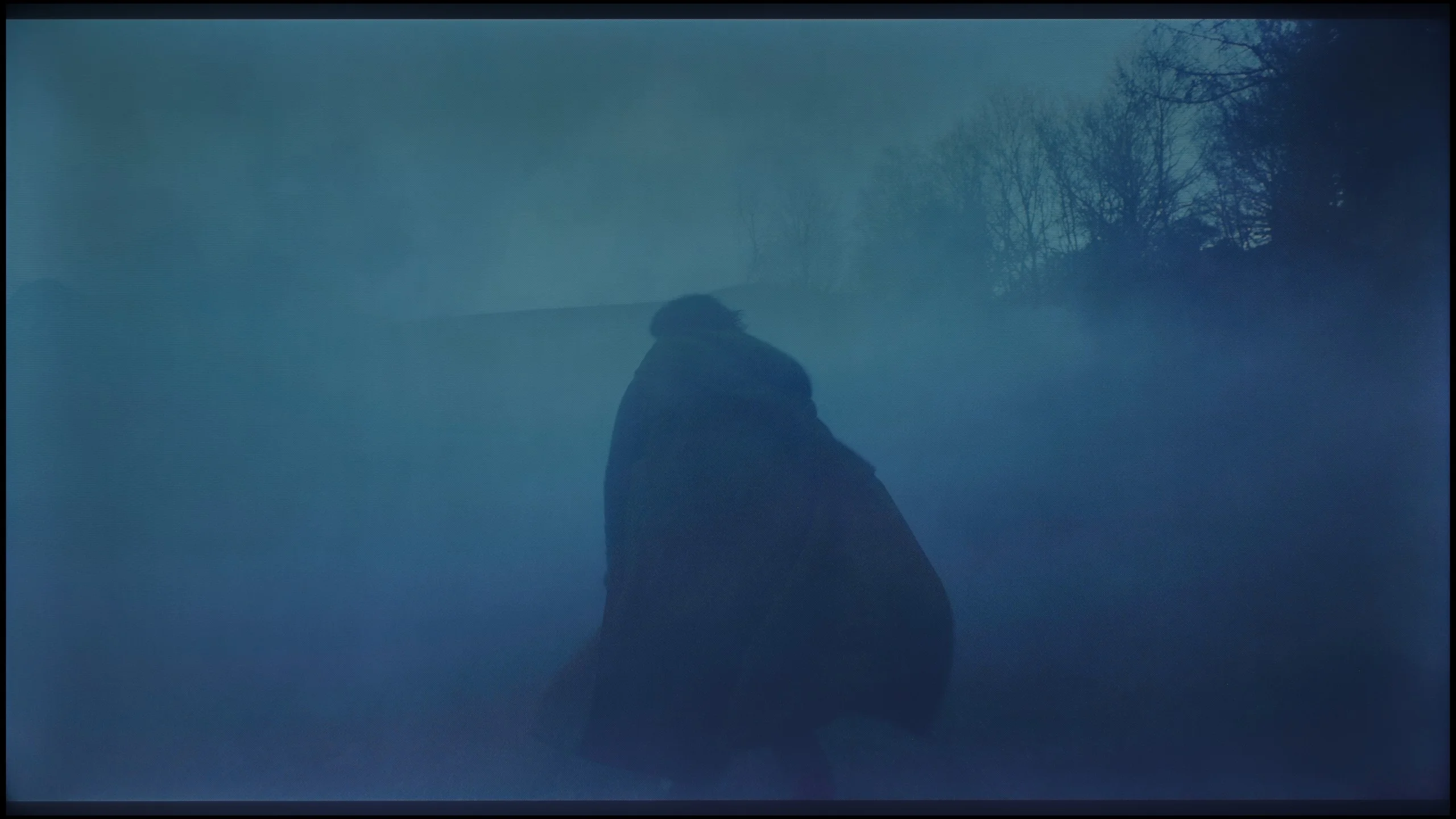
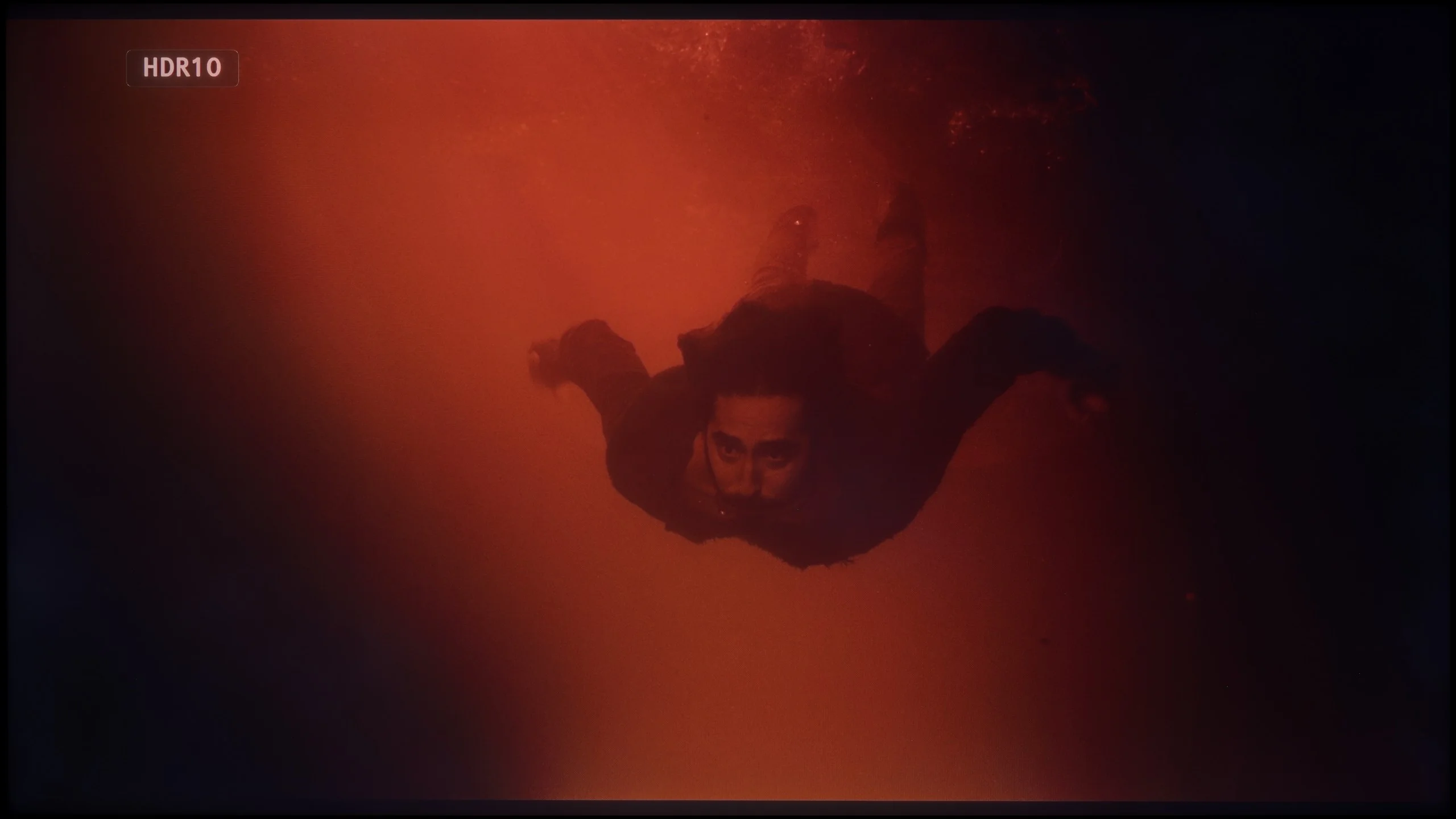
These are selected scenes that show smooth tonal transitions from one color to another. If you see distinct banding, it’s the TV panel’s fault.

These are selected scenes that show smooth tonal transitions from one color to another. If you see distinct banding, it’s the TV panel’s fault.
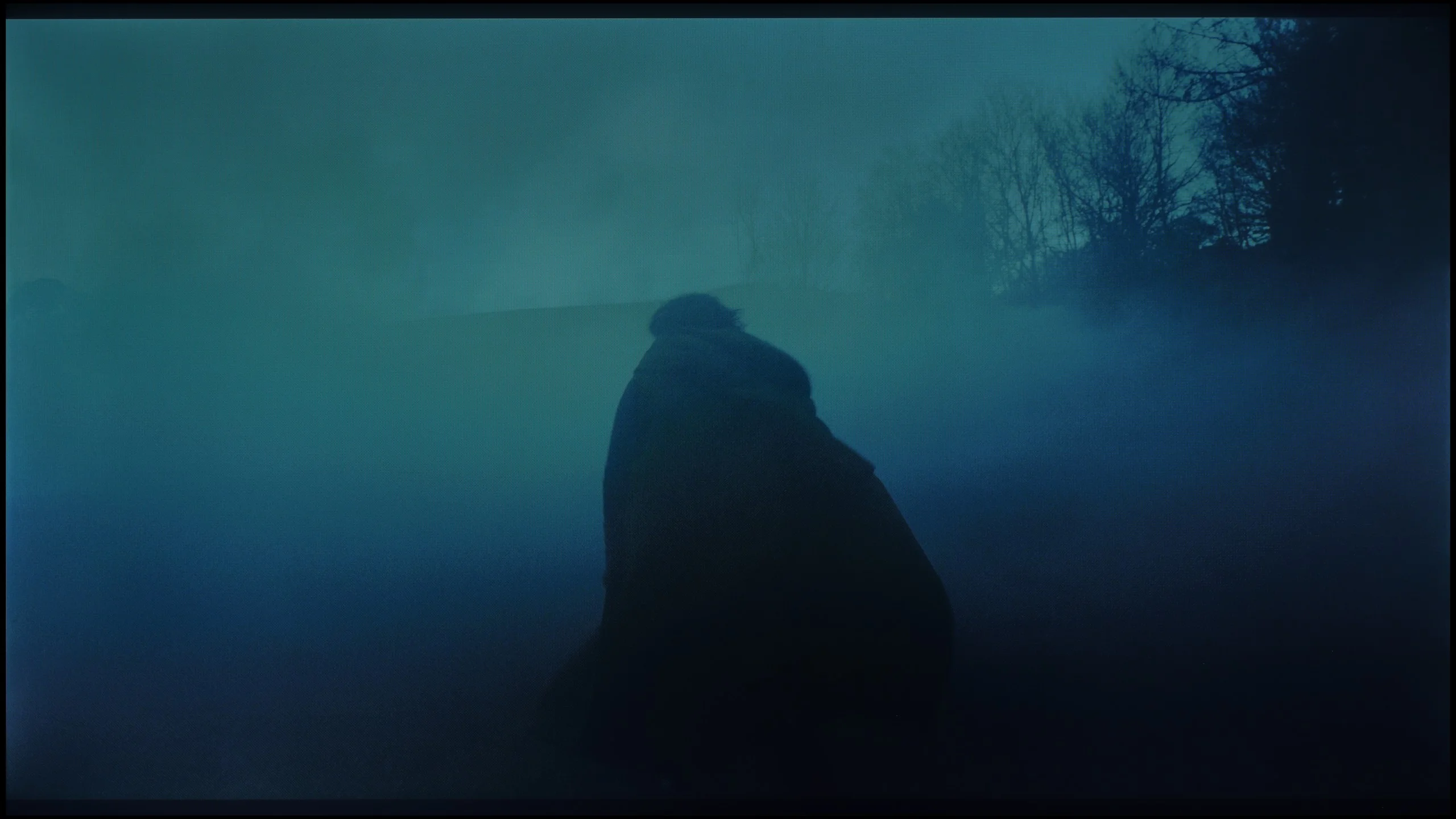
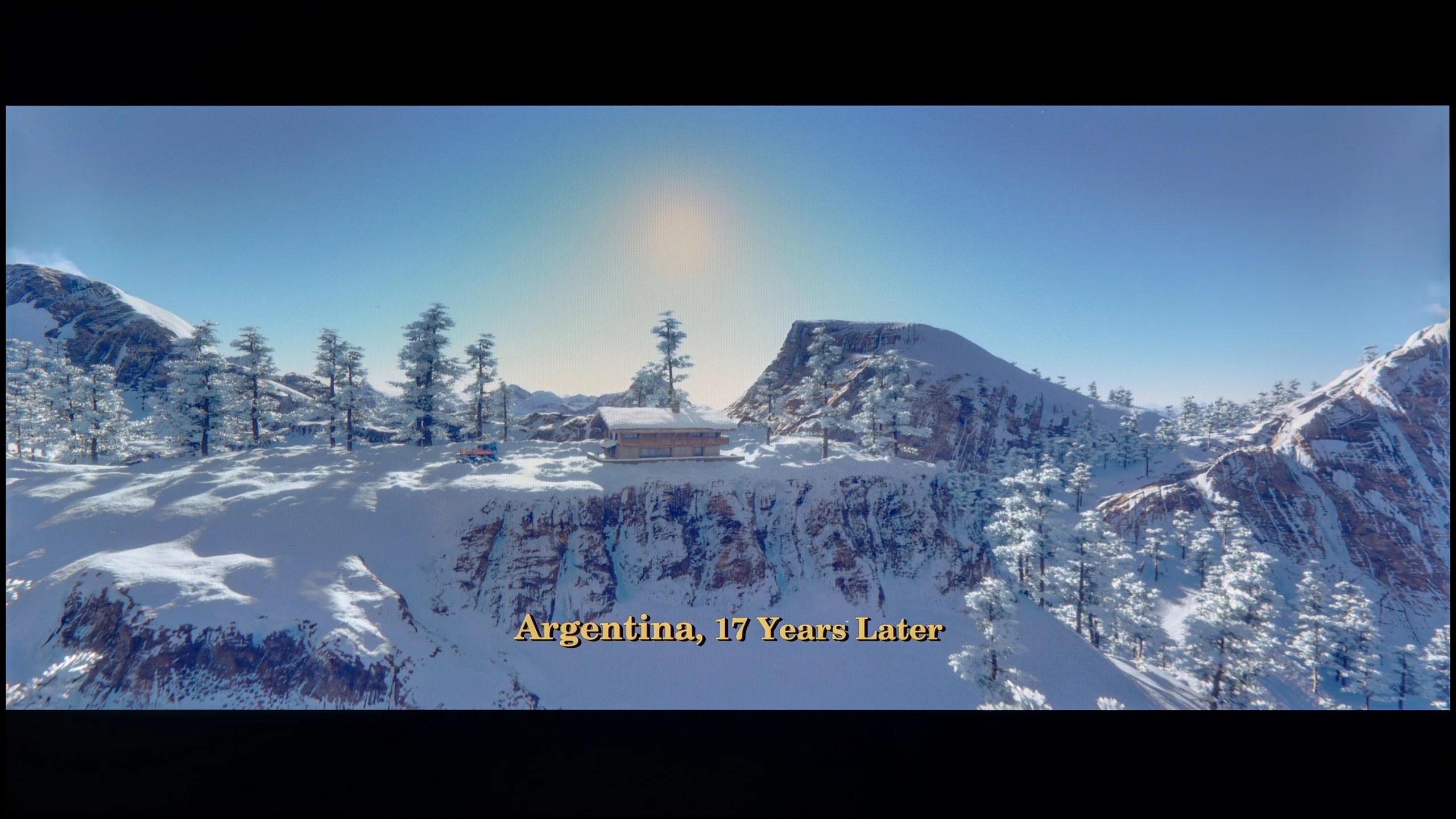
These are selected scenes that show smooth tonal transitions from one color to another. If you see distinct banding, it’s the TV panel’s fault.

These are selected scenes that show smooth tonal transitions from one color to another. If you see distinct banding, it’s the TV panel’s fault.
Here we can calmly praise the Panasonic W85B. The TV handles colour blending and tonal transitions remarkably well. Gradients appear smooth, without visible banding or artificial contours. As a result, the image gains a sense of naturalness, and sequences with a lot of subtle shades – like the sky or blurred backgrounds – look exceptionally good for this class of equipment.
The Dreame Q100 handles the smoothness of tonal transitions very well. In most scenes the gradients are smooth, and transitions between lighter and darker tones look natural, without obvious banding or posterization. Minor imperfections may only appear in very demanding scenes, but these are situations that much more expensive TVs can struggle with too. Overall, the Q100 performs really well in this regard.
Image scaling and smoothness of tonal transitions
6/10
3/10


Smooth transition function
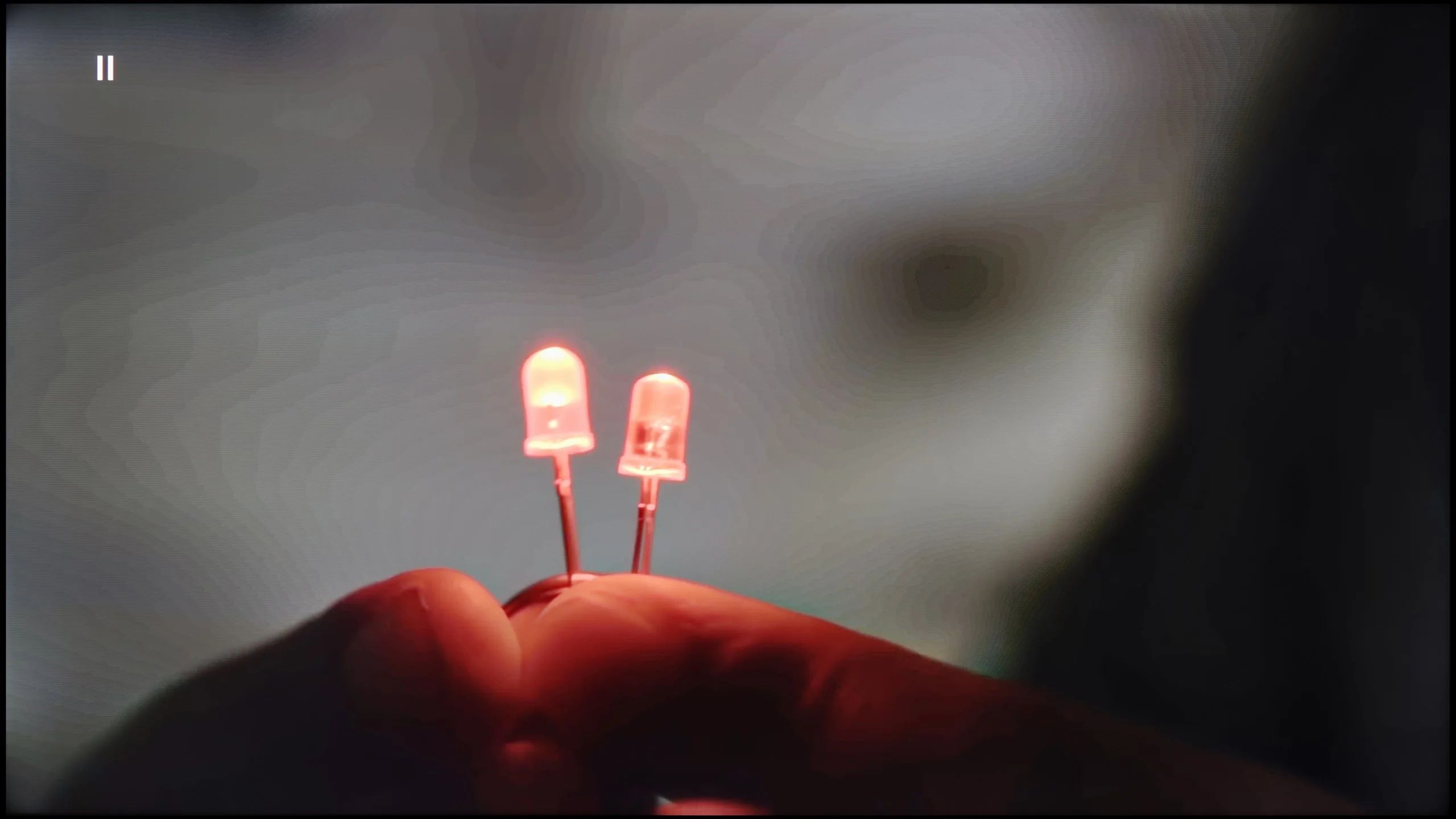
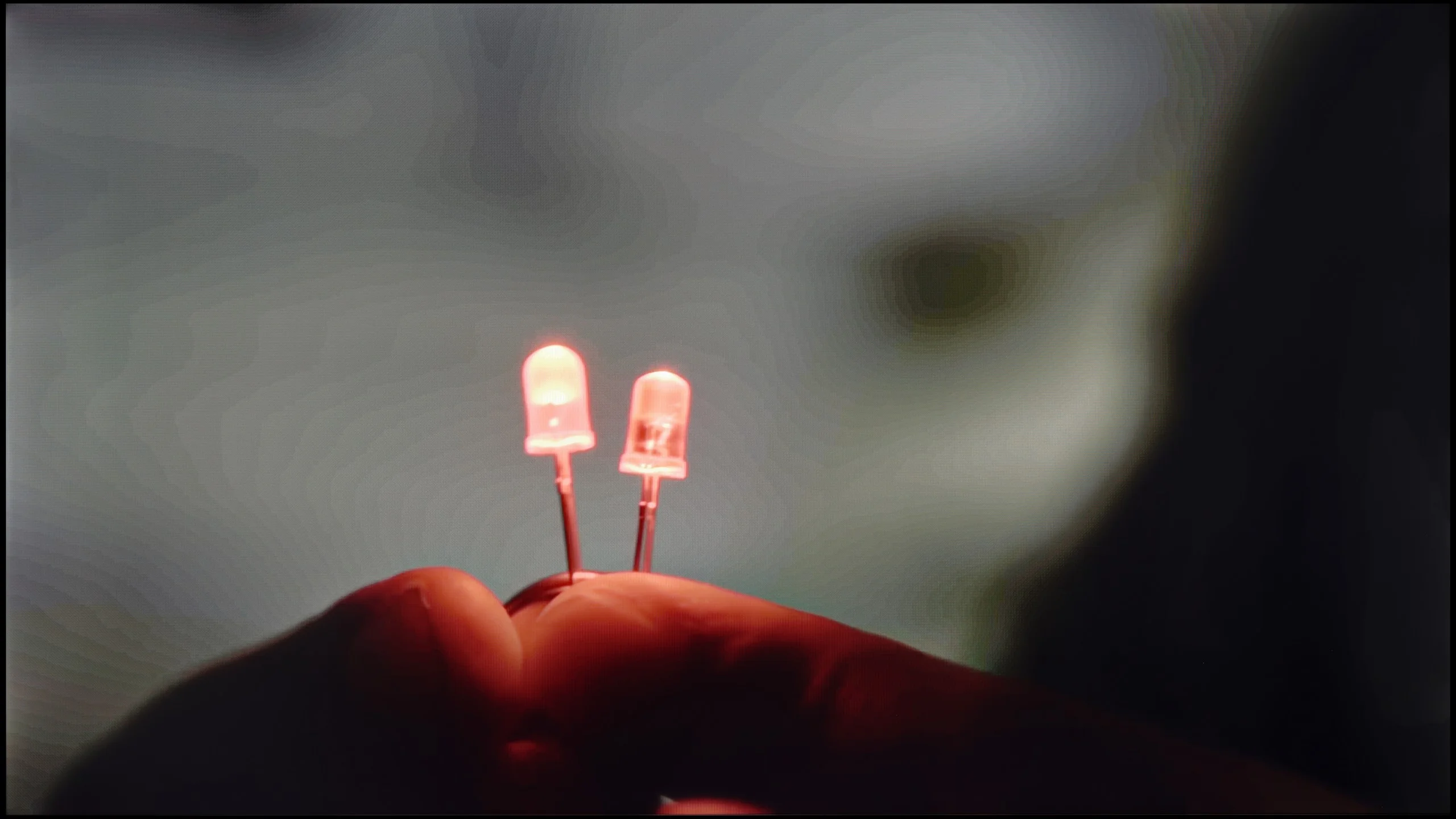
The match photo shows how the TV smooths weak tonal transitions in low-quality video.
Image scaling SD (576i)


The model photo shows how it handles upscaling of SD material.
With native SDR content, the Panasonic W85B performs very well – tonal transitions are smooth and natural, without artificial bands or clear outlines. However, the situation is worse with lower resolution materials. This is where the TV has the biggest problem with "beautifying" the image. The lack of any menu option to improve gradation means that with older films or materials from YouTube, one can sometimes notice slight issues with colour blending.
Fortunately, upscaling, or enhancing the quality of lower resolution content, performs much better. This is definitely a strong point of this model – the image is scaled cleanly and in detail, and the TV handles this better than one might expect from such an inexpensive setup. This is thanks to the HCX processor, which Panasonic has been developing for years, and it shows that even in the lower series, it can do a good job.
The weakest point of the Dreame Q100 is its digital image processing. The processor used does a fairly average job of improving weaker material, and the menu offers no function that effectively smooths ugly tonal transitions or reduces visible posterisation. The upscaling itself is also unimpressive. With low-resolution material the image is rather soft and lacks better reproduction of fine detail. Additionally, the Q100 tends to overscan, meaning it slightly crops the edges of the image with very poor sources, for example 480p material. In everyday viewing of HD or 4K content this won’t be a major issue, but with older recordings the processor’s limitations are clearly visible.
Blur and motion smoothness
6.5/10
4.6/10
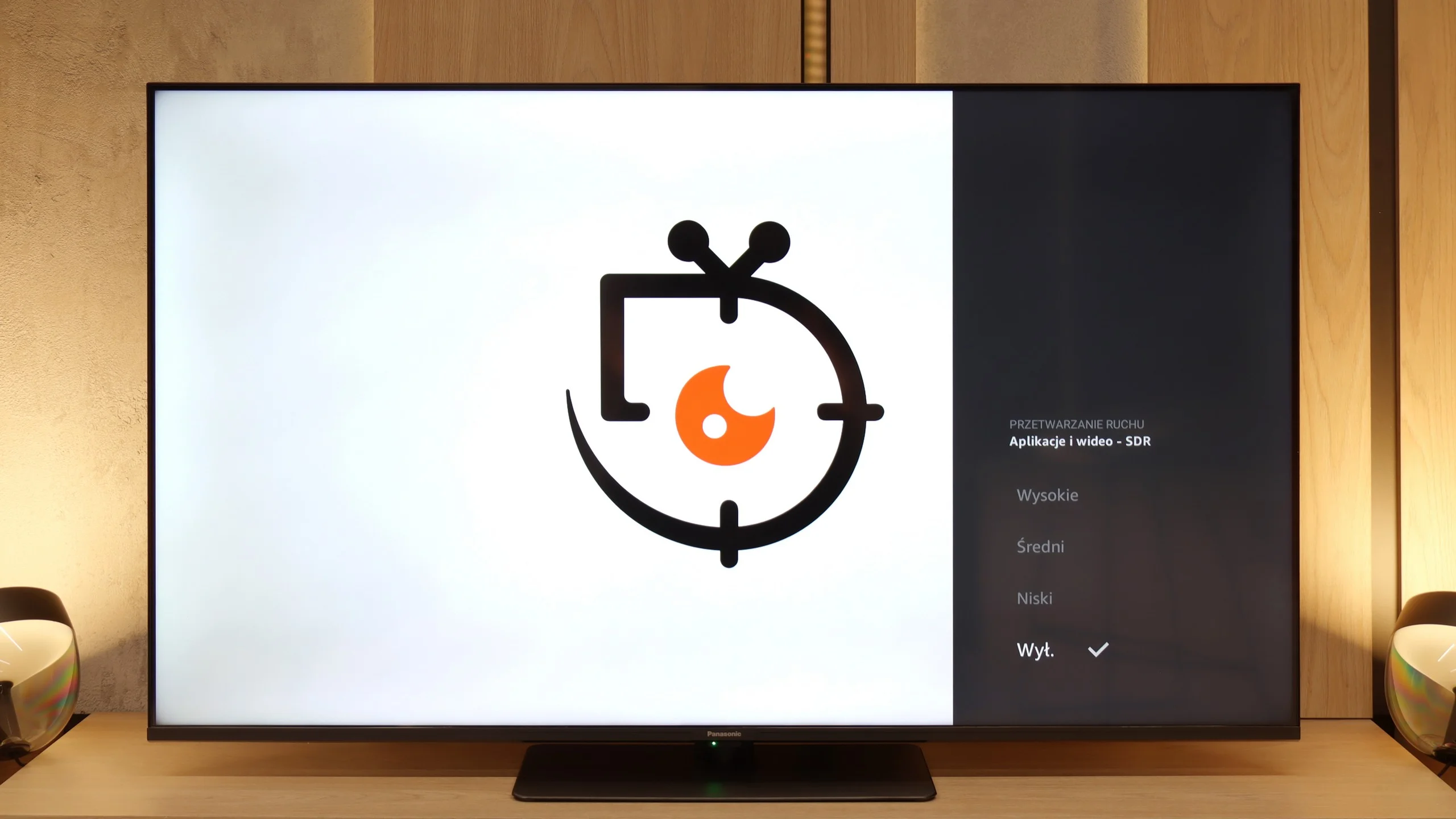
Blur (native resolution, maximum refresh rate):






Blur (4K@144Hz):



Blur (1080p@120Hz):



At first glance, everything looks good – the Panasonic W85B has a 120 Hz panel and even a 144 Hz mode, so it seems like it should handle smooth motion really well. The problem starts when we delve into the settings. The options for improving fluidity are supposedly present in the menu, but in practice… they don't change anything. No matter what we choose, the image looks the same. On top of that, there’s a lack of BFI, or black frame insertion, which in many TVs helps sharpen motion. And suddenly, it turns out that despite the strong panel, the W85B doesn’t give us any real tools to adjust that motion to our needs. It’s only good when the source itself operates at a higher frequency – for example, games at 120 Hz. But when it comes to movies or sports, we just have to accept what the TV shows us because there’s nothing more that can be done about it.
The VA panel in the Dreame Q100 has a native refresh rate of 60 Hz, so right from the start it's not a television built for the most demanding sports fans or gamers. The manufacturer does note the option to run at 120 Hz and that mode is indeed available, but it's primarily intended for a gaming mode. In everyday use the Q100 should therefore be treated as a standard 60 Hz TV. That means less smooth motion during fast sports broadcasts or quick gameplay than in models with 120 Hz or higher panels. One positive is the panel's response time. The VA panel doesn't smear excessively, so motion stays fairly clear and doesn't leave strong, blurred trails behind objects. For films we can also use a simple motion smoothing system. The manufacturer has prepared several presets that help reduce the characteristic judder in material shot at 24 frames per second.
Console compatibility and gaming features
8.5/10
6.3/10
- ALLM
- VRR
- VRR range48 - 144Hz48 - 120Hz
- Dolby Vision Game Mode
- Correct implementation of HGIG
- 1080p@120Hz
- 1440p@120Hz
- 4K@120Hz
- Game bar
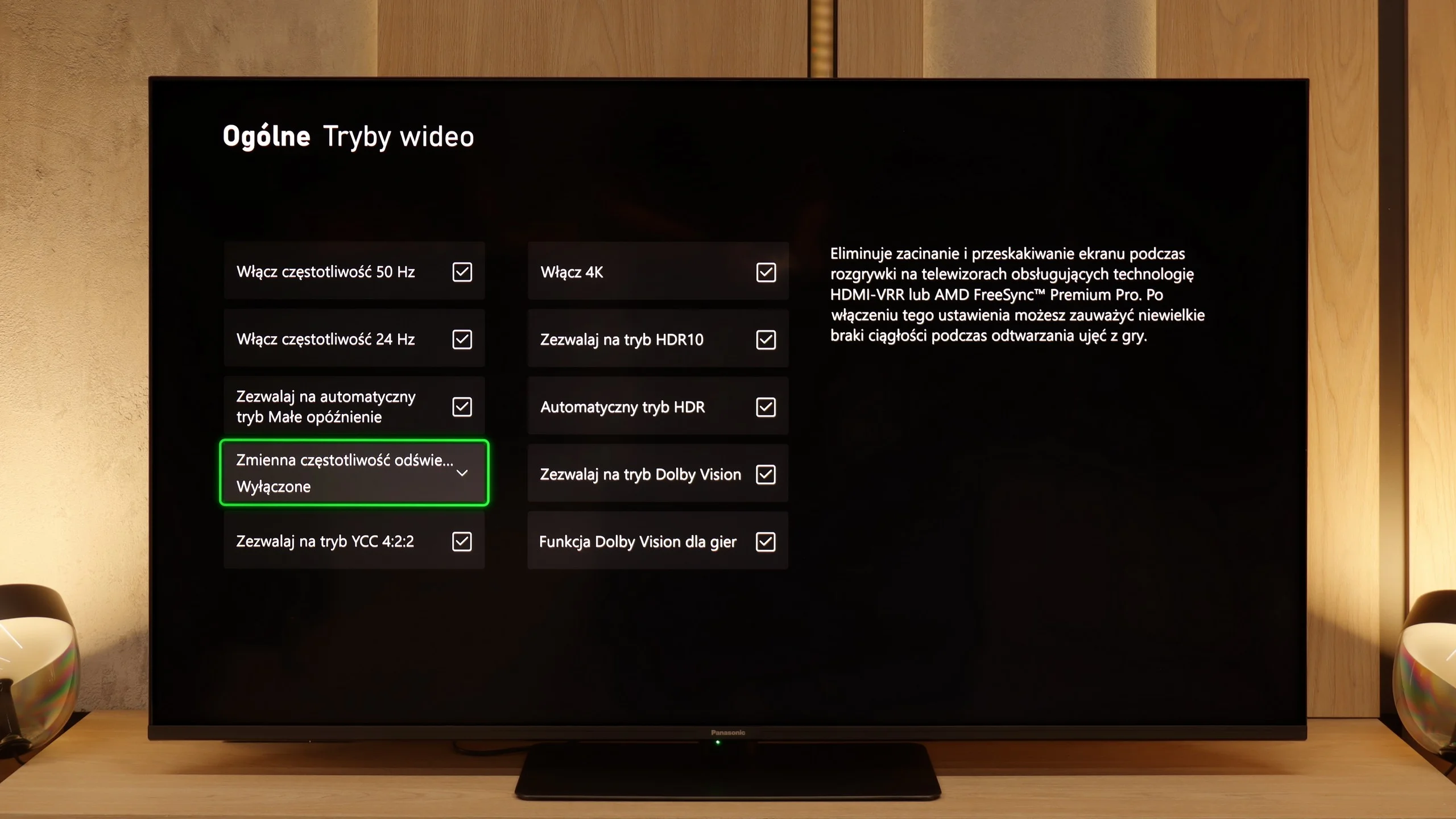
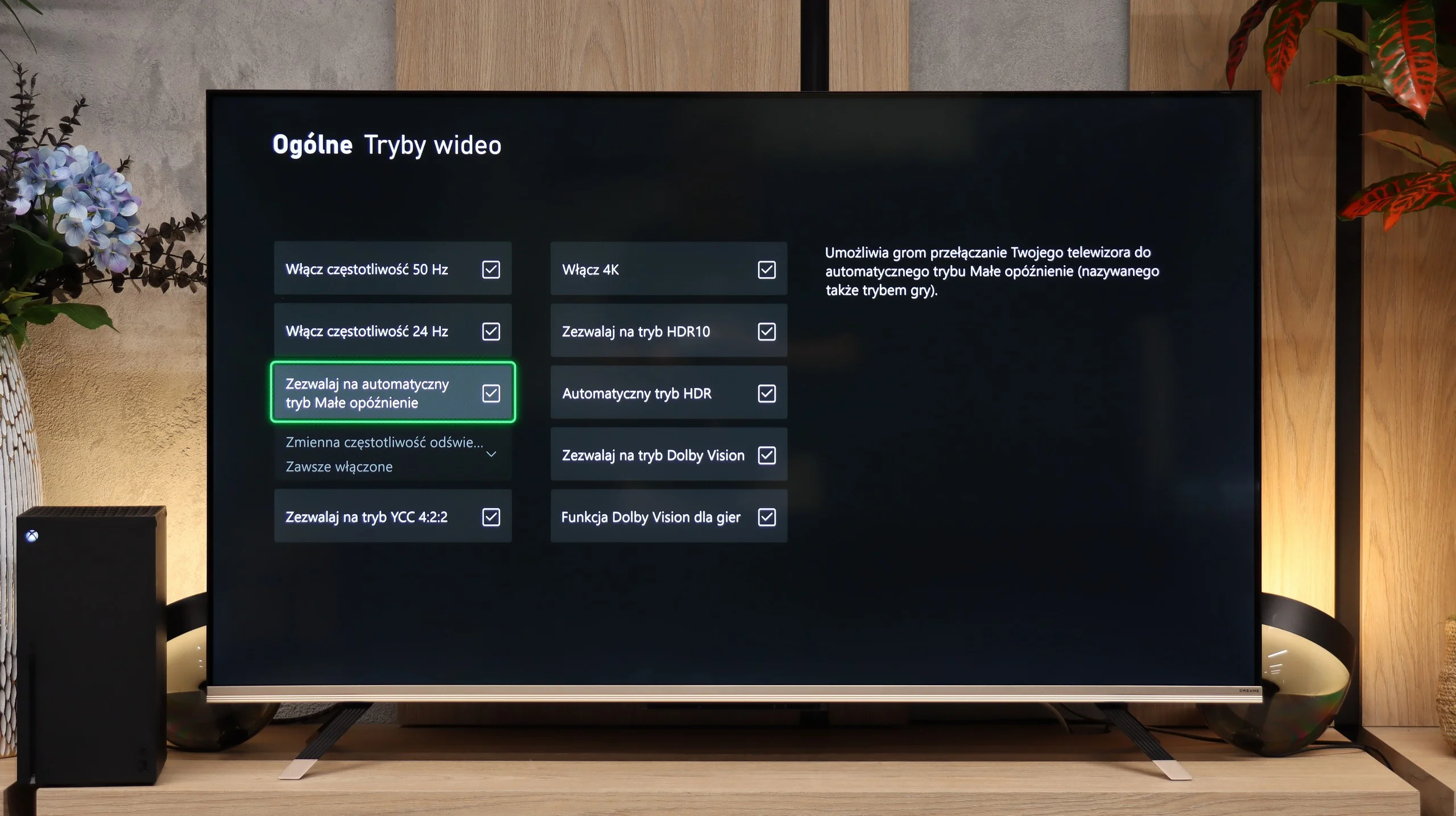
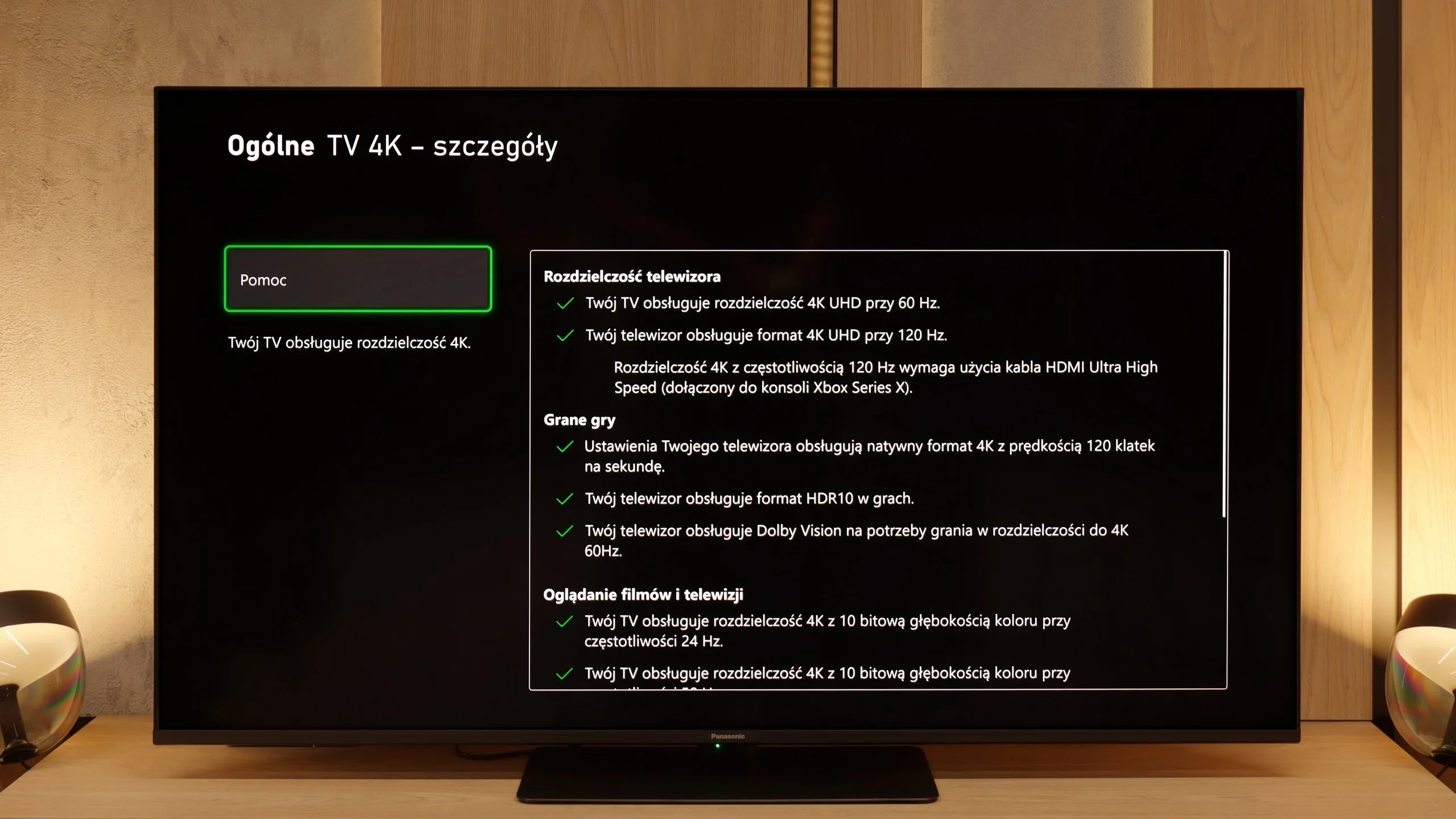
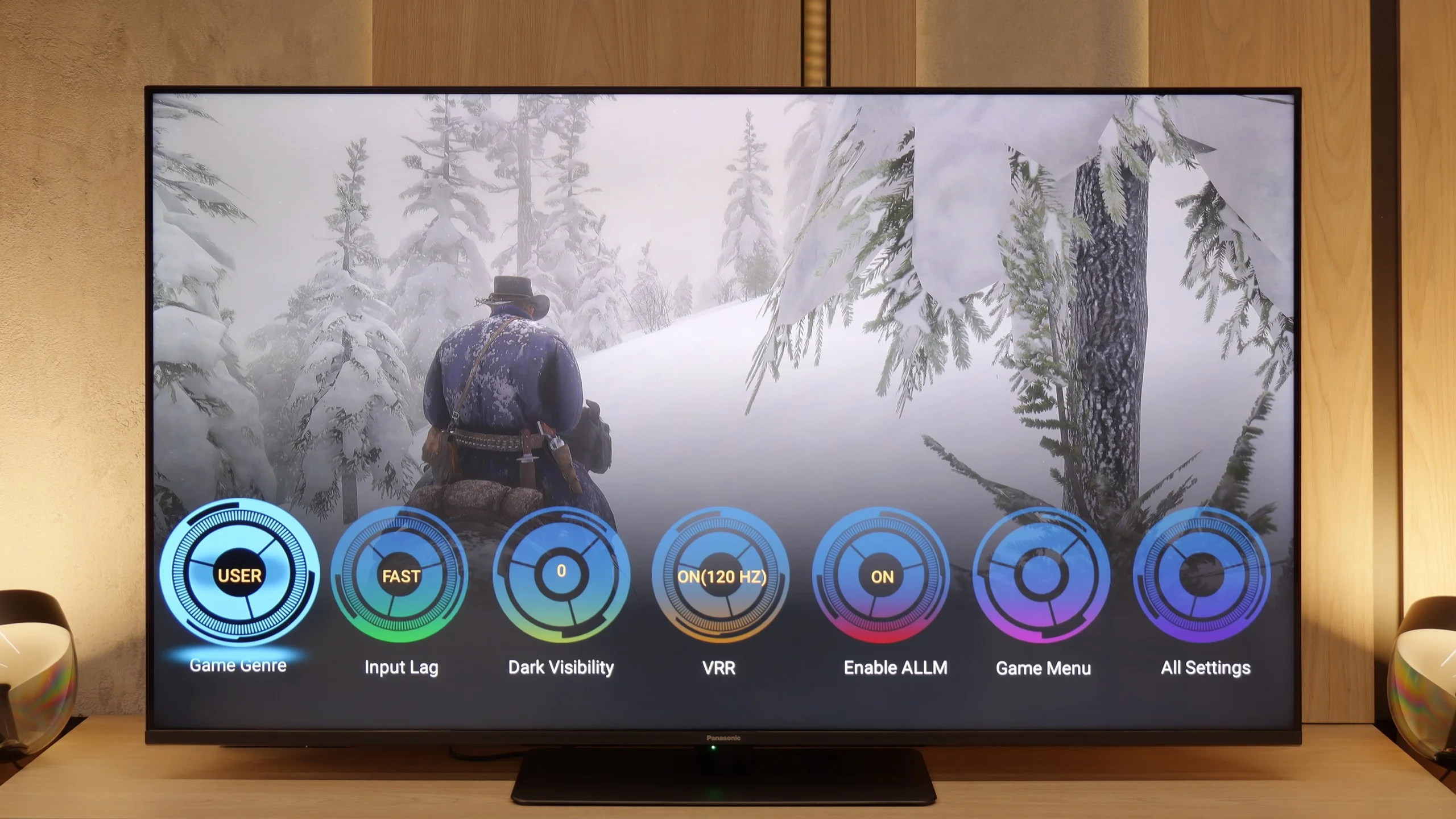
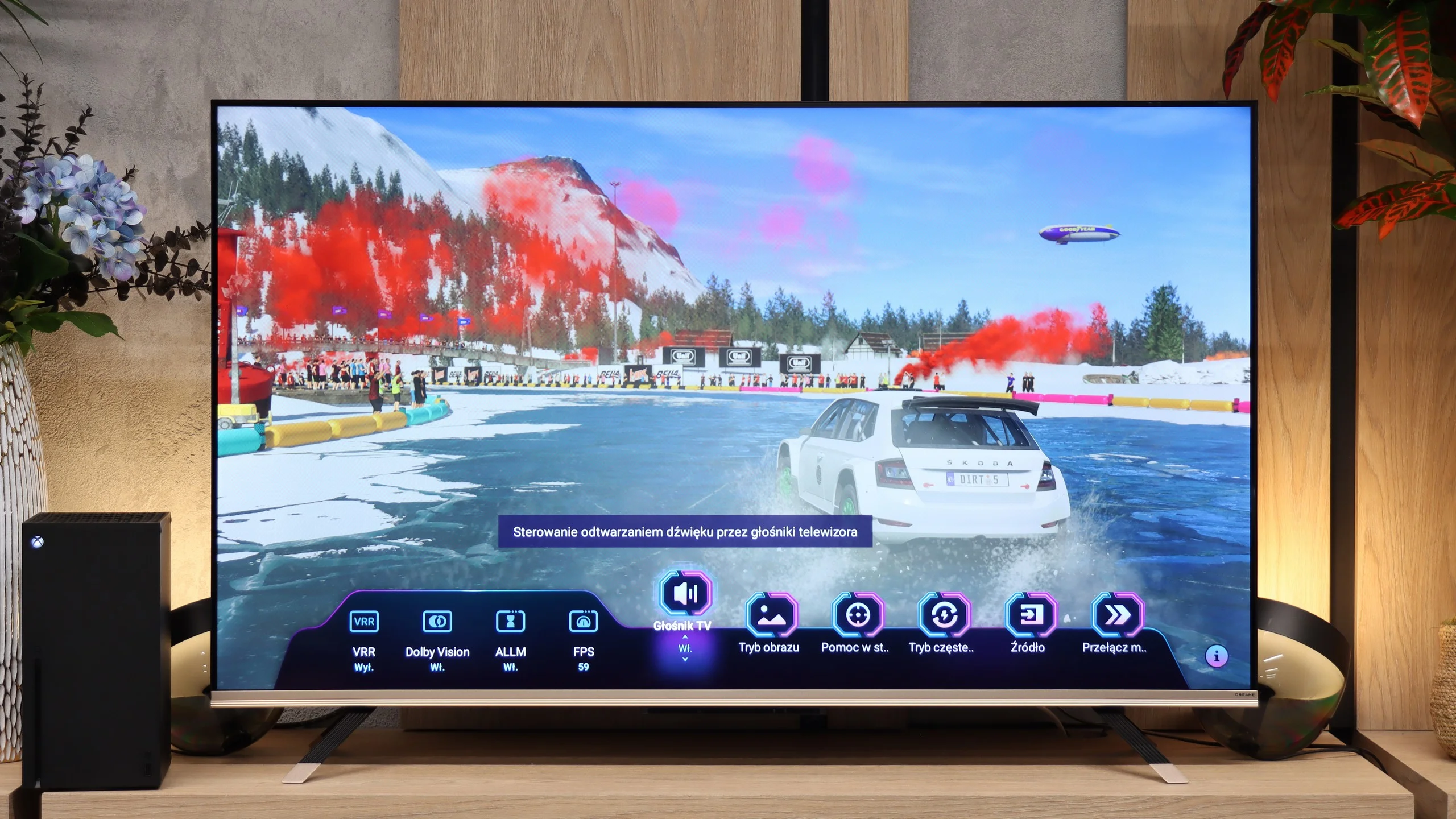
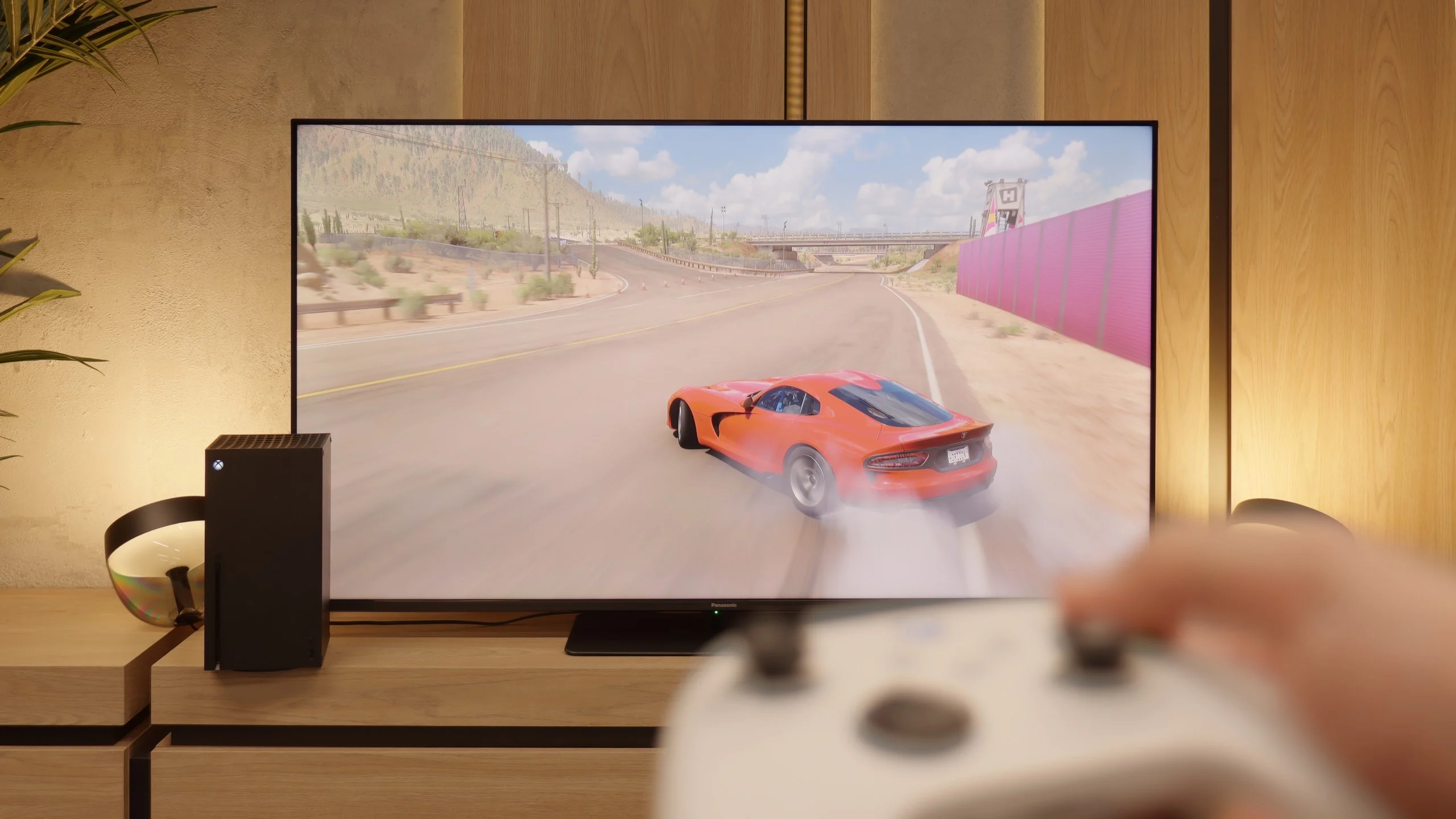
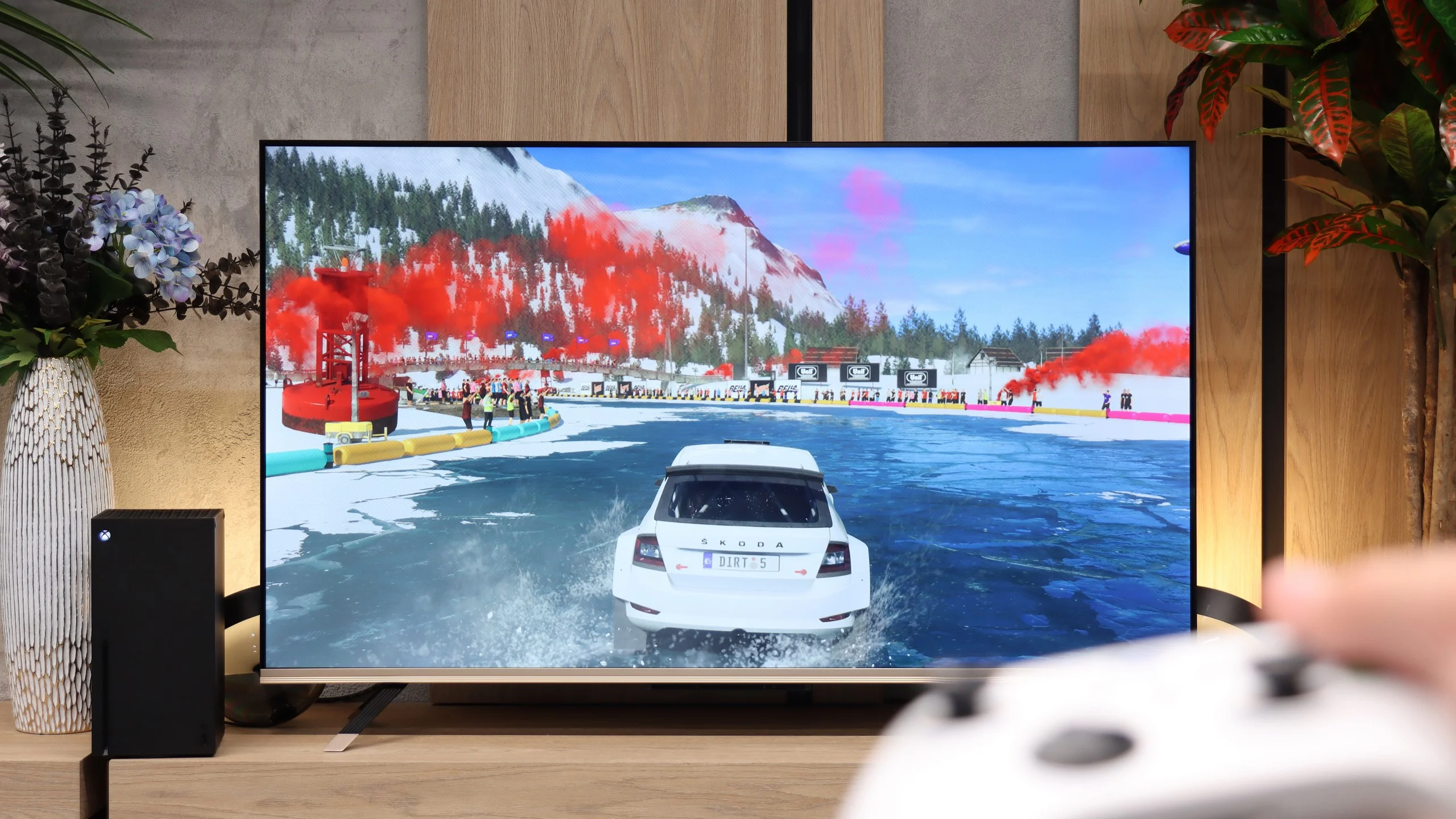
On paper, the Panasonic W85B looks really solid. It has two full HDMI 2.1 ports, support for ALLM, variable refresh rates, Dolby Vision in games, and of course, a high refresh rate for the panel itself. Additionally, there's the characteristic Panasonic game bar, which allows you to view key parameters with a single click and quickly change them if needed. It sounds great, but the problem arises when we enable HDR. Here, the W85B really struggles because the implementation of HGiG is practically nonexistent – the TV poorly manages brightness, and instead of faithful images, we get scenes that are too bright, sometimes even blown out. The solution? The simplest one – turn off HDR in the console settings and keep everything in SDR. And here it gets really interesting, because in this scenario, the W85B shows its better side. Low input lag, high smoothness thanks to 120 Hz – all of this makes gaming look phenomenal. Yes, HDR can be skipped, but if responsiveness and smooth gameplay are the priorities, the W85B provides plenty of fun.
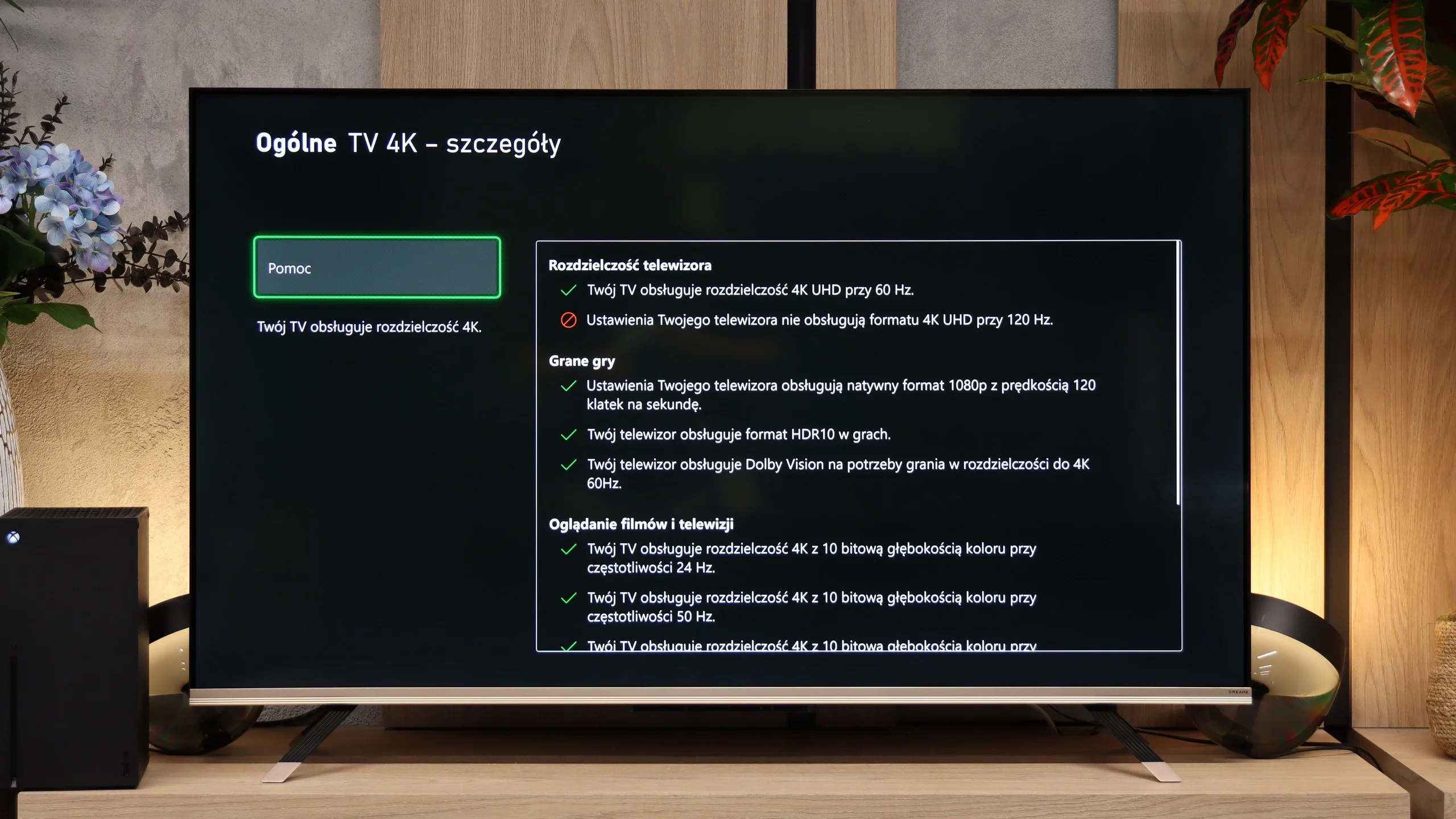
Dreame Q100 is not strictly a gaming device, but for console use it offers a pretty sensible package. You get VRR to eliminate screen tearing and ALLM, which automatically switches the TV to a low-latency mode when it detects a console signal. An interesting compromise is support for 120 Hz. The panel won't reach that refresh rate in 4K, but drop to 1080p and you can play at 120 frames per second. If a title prioritises smoothness over resolution (and the game offers such a mode), it's worth using. It also includes a handy Game Bar that lets you quickly change screen settings, switch the refresh mode or add a virtual crosshair. The HGiG implementation is a bit weak, but credit is due for Dolby Vision Gaming support on Xbox Series X and S. This isn't a panel for tech purists, but for casual console gaming, especially when trading 4K for smoother Full HD, it performs very well.
Input lag
9.8/10
10/10
SDR
HDR
Dolby Vision
There’s really nothing to worry about here. The Panasonic W85B reacts instantly to our movements, and the values measured in tests can easily compete with gaming monitors. At a 120 Hz signal, the input lag is around 8–10 ms, and at 60 Hz it hovers around 17–20 ms. In practice, this means one thing – no delays, no frustration! You press the button, and the action happens immediately on the screen.
The measured input lag is low enough that it shouldn’t be an issue while gaming. In 60 Hz mode the delay stays under 15 ms, and when switched to 120 Hz it falls below 10 ms. These very low values provide highly responsive gameplay.
Compatibility with PC
8.6/10
4/10
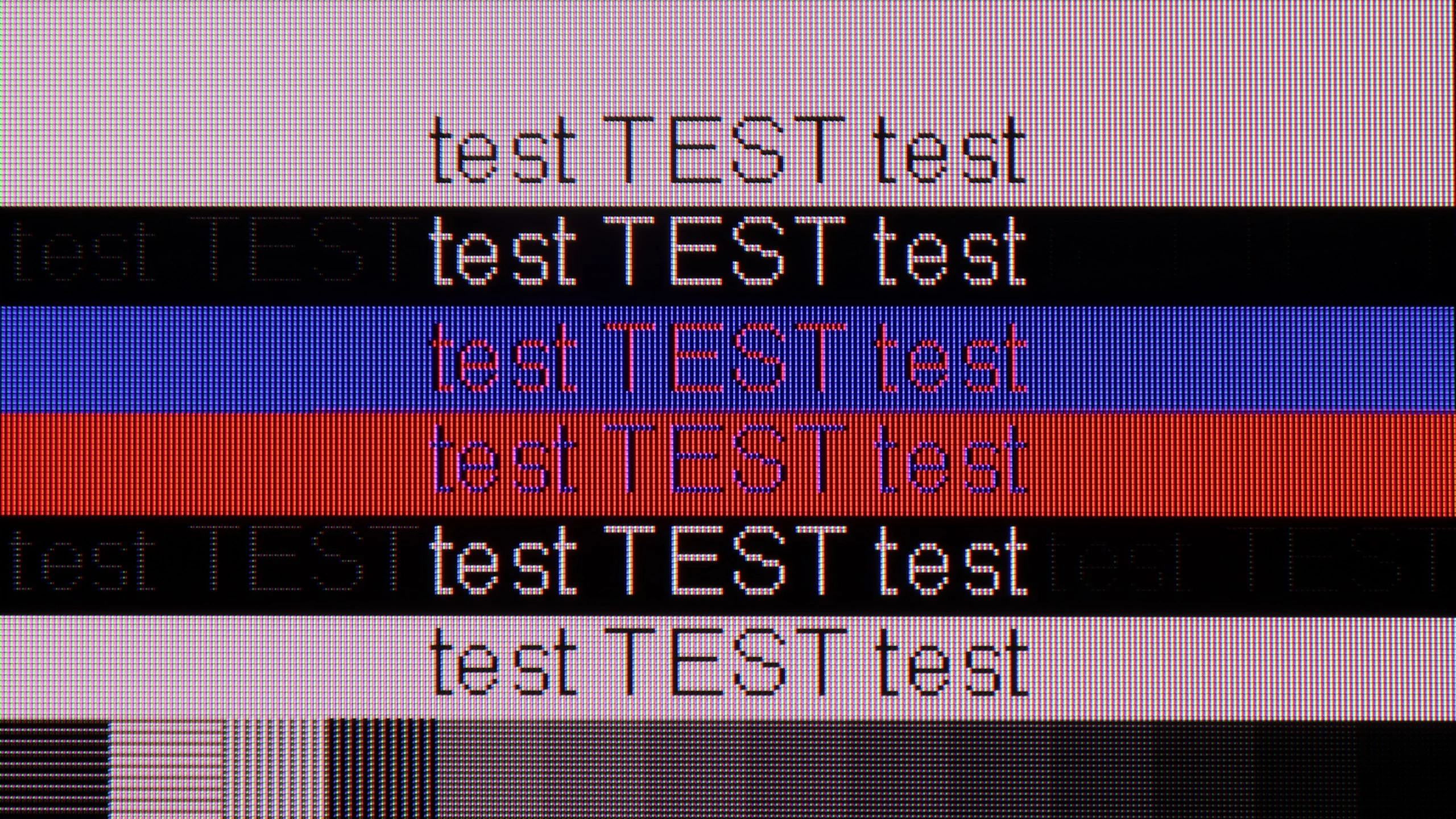
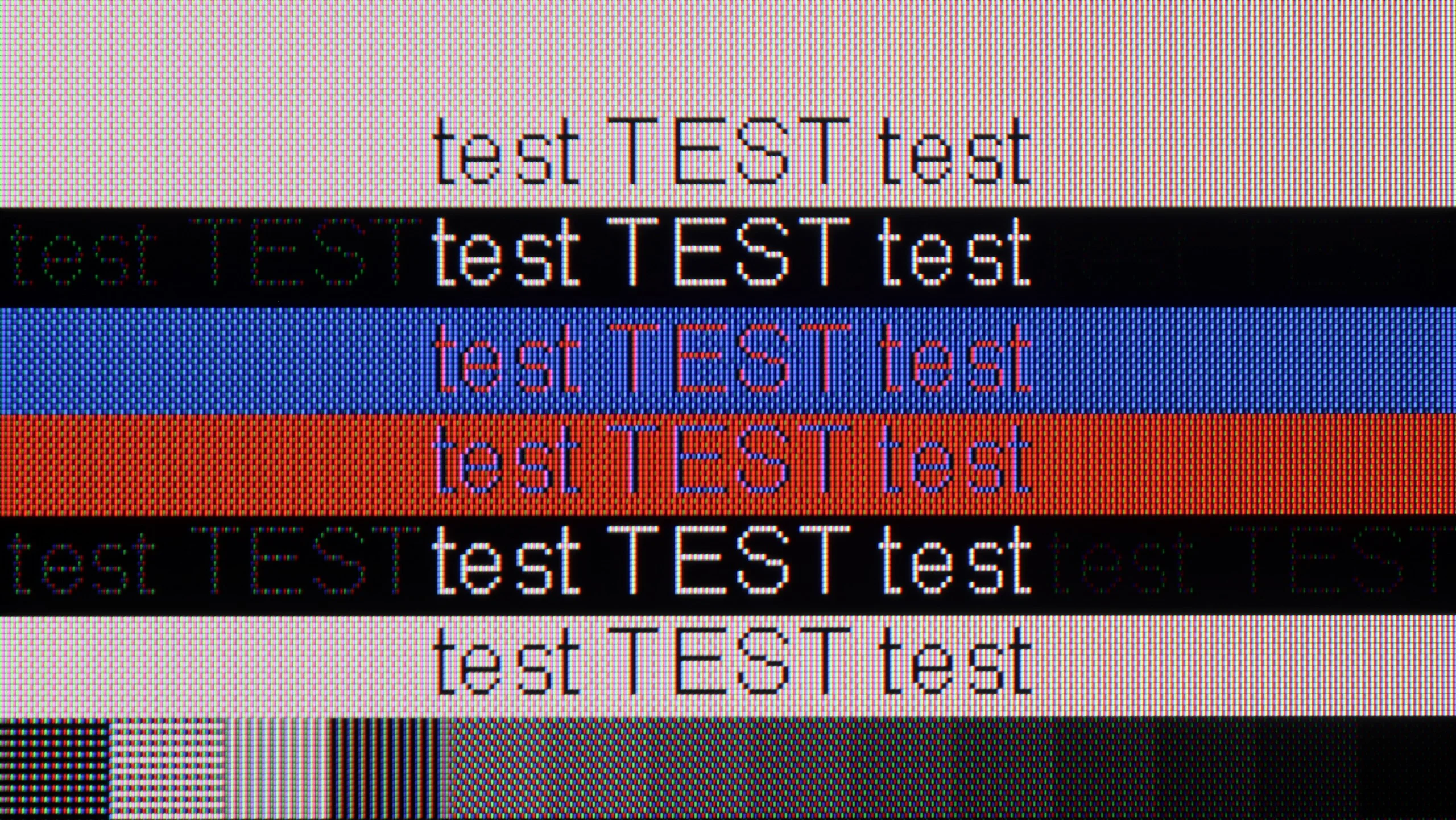
The photo shows the legibility of small fonts. Ideally, lines should be the same thickness on both light and dark text, with minimal pixel gaps.
The Panasonic W85B performs surprisingly well as a computer monitor. It is perfect for office work – the fonts are sharp and very readable thanks to full 4:4:4 chroma support, so writing, browsing the web, or working on spreadsheets is a breeze. But the real "fun" starts when gaming. The TV handles up to 144 Hz refresh rates for PC effortlessly, and it supports popular image synchronisation technologies like NVIDIA G-Sync and AMD FreeSync. This means we don't have to worry about screen tearing or micro-stuttering – gameplay is smooth and looks simply fantastic.
The Dreame Q100 can serve as a large screen connected to a computer from time to time, but it performs much worse in the role of a monitor. Above all, the TV does not correctly support 4:4:4 chroma subsampling, so coloured text and fine interface elements are not as sharp and legible as they should be. Black text on a light background looks much better, but during normal computer use this limitation quickly becomes apparent. There's also the matter of refresh rate. The Q100 can run at 120 Hz, but only after dropping the resolution to Full HD. At native 4K we remain at 60 Hz. It's fine for the occasional connection of a laptop or PC, but we wouldn't recommend it as a permanent monitor.
Viewing angles
3.2/10
2.9/10
Here you can see the biggest price we pay for the high quality of the VA matrix contrast. The W85B, like most TVs with this type of panel, doesn't perform well when viewed at wider angles. Colours lose intensity and the image begins to fade as soon as you move away from the screen's axis. This is not a flaw of Panasonic itself, but rather a characteristic of VA technology – great contrast in exchange for poorer viewing angles. So, if you plan to watch movies with a larger group and often sit "off to the side", it's something to keep in mind.
One of the typical limitations of VA panels is viewing angles, and the Dreame Q100 is no exception. Sit noticeably to the side and the picture begins to lose saturation and the colours become paler. In this respect IPS or ADS panels perform considerably better. However, it's a compromise: the VA panel offers much better contrast and deeper blacks when watching the TV head-on.
Daytime performance
4.2/10
4.4/10
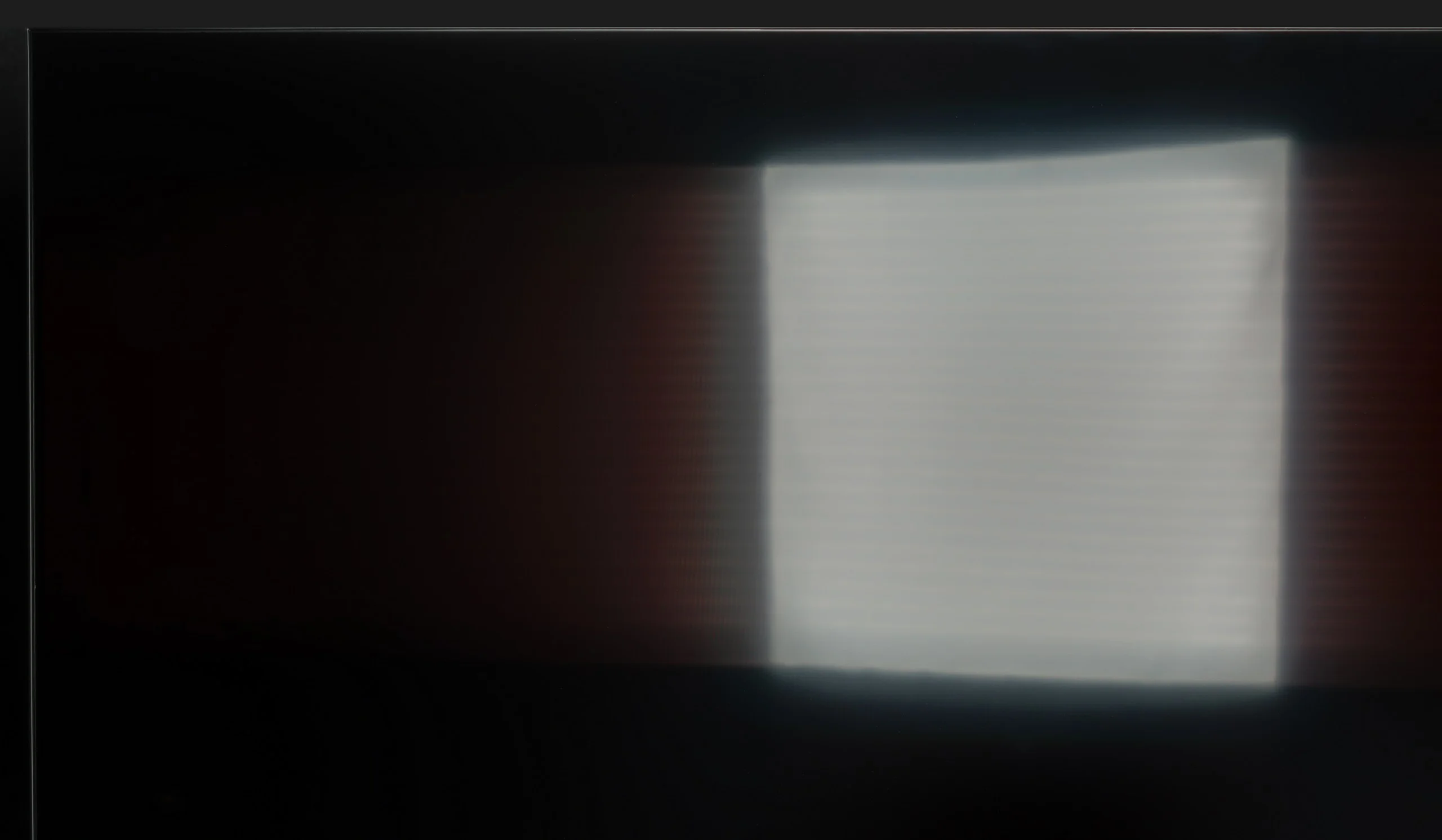
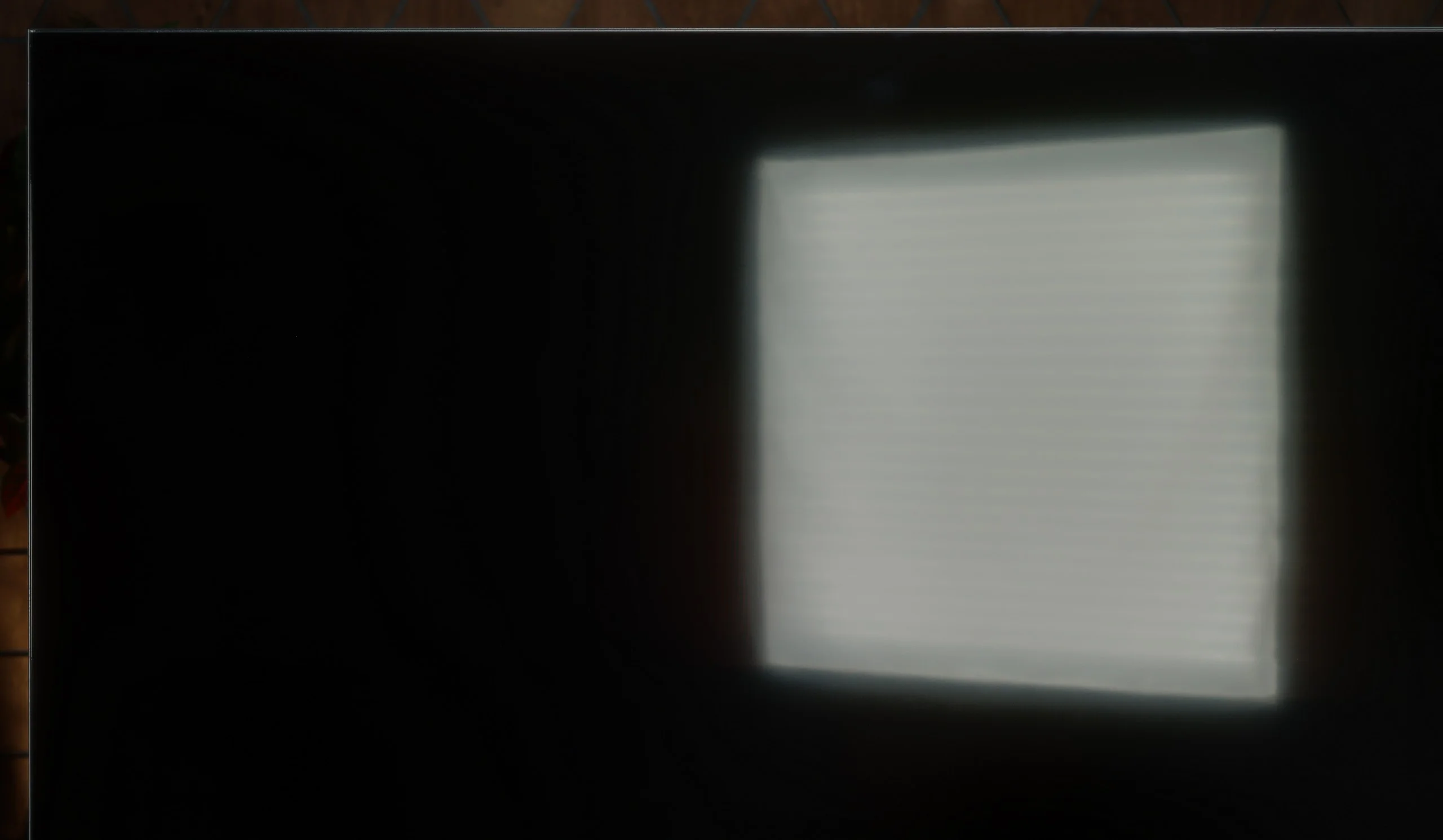
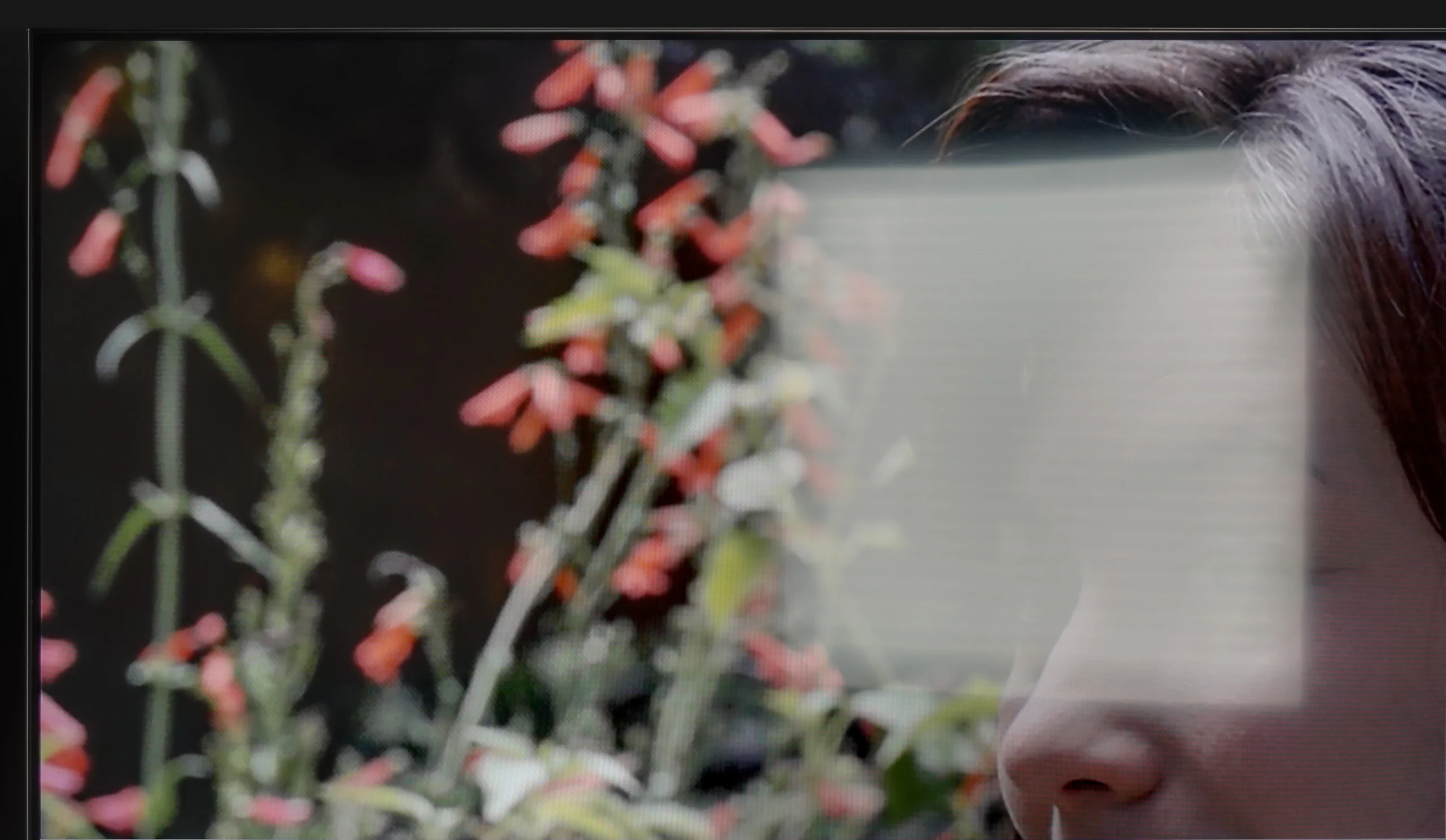
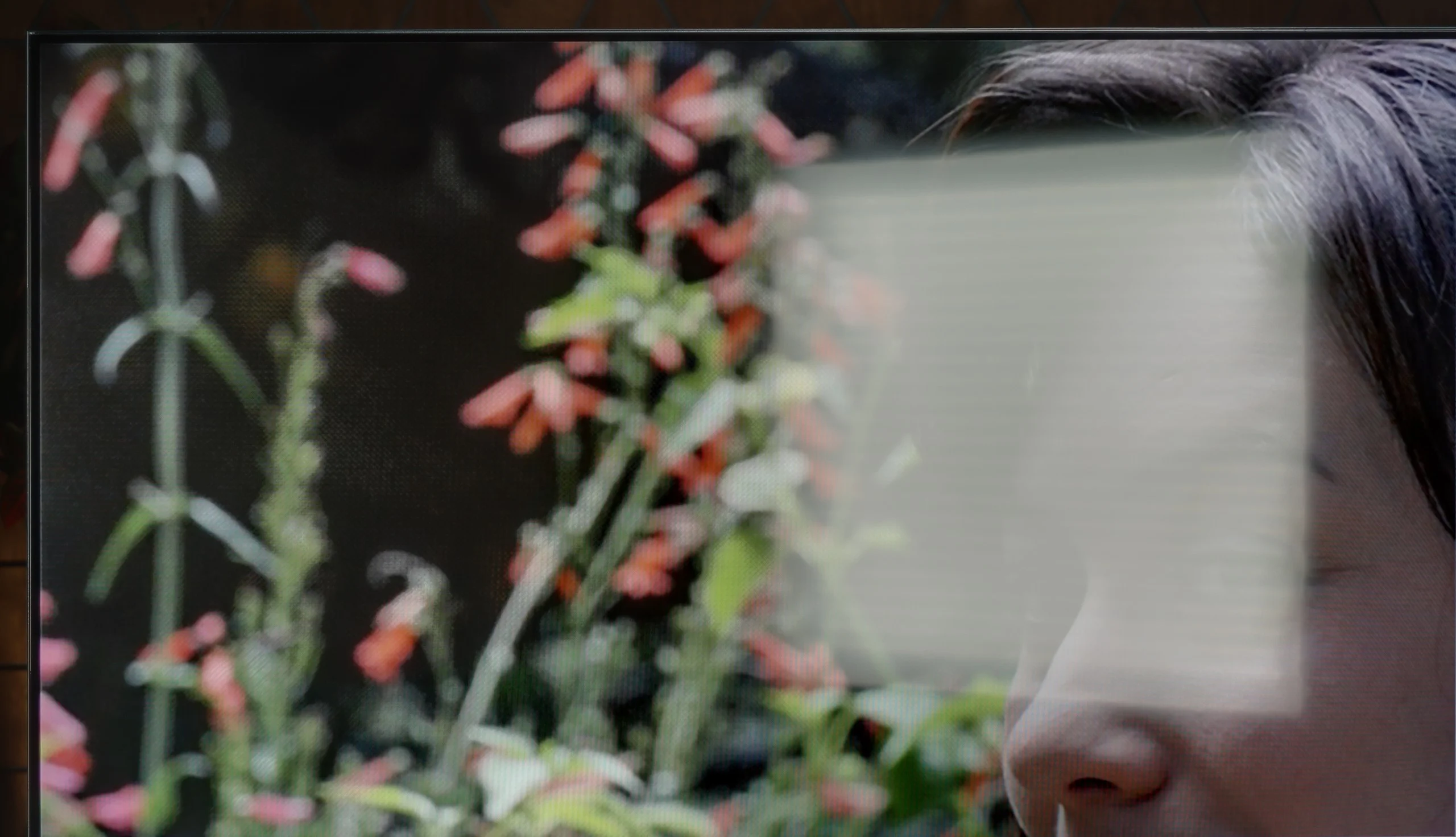
Panel brightness
Dreame Q100: 282 cd/m2
Panasonic W85: 263 cd/m2
The Panasonic W85B features a satin-finished panel that does quite well in reducing reflections and maintaining colours even in bright light coming from windows or lamps. There’s no ‘mirror’ effect here, so in a typical lounge during the day, watching TV is comfortable. However, the problem arises when you’re in really bright rooms – the TV doesn’t have high brightness, so it won’t cut through very strong sunlight. It’s simply a screen that performs best in controlled conditions.
The Dreame Q100 isn't designed for very bright rooms. Around 300 nits of brightness is too little for the image to remain clearly readable in a strongly sunlit living room, especially during the day. The satin screen coating doesn't help either, coping only moderately well with direct reflections. With a lamp or window opposite the TV, reflections can be quite noticeable. In a typical, moderately lit room the Q100 will cope adequately, but for a really bright living room it's worth looking for something with higher brightness and a better anti-reflective coating.
Panel details
Subpixel Structure:
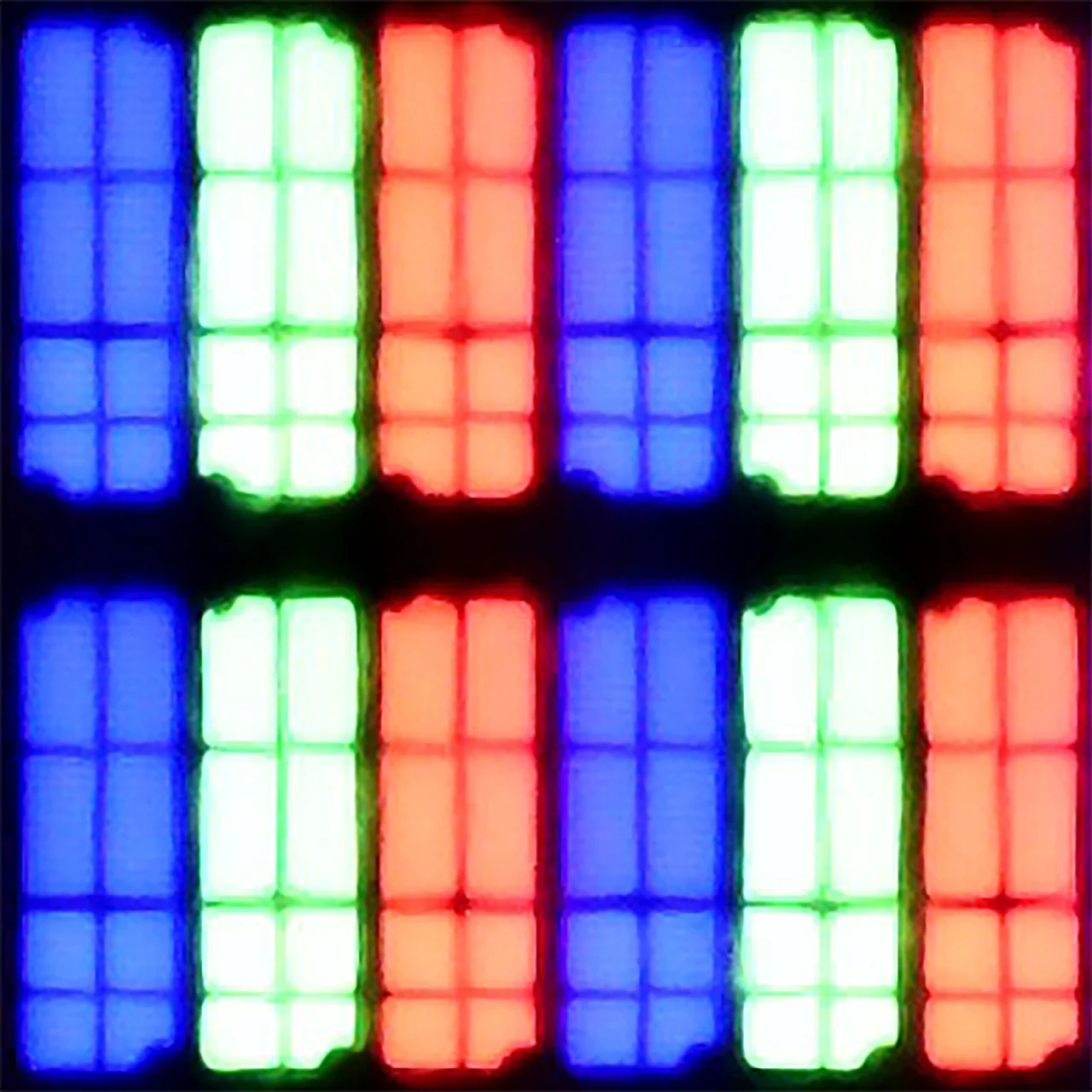
Panel uniformity and thermal imaging:


Panasonic W85
Dreame Q100
TV features
6.8/10
5.2/10
- SystemAmazon FireTVGoogle TV
- System performanceAverageAverage
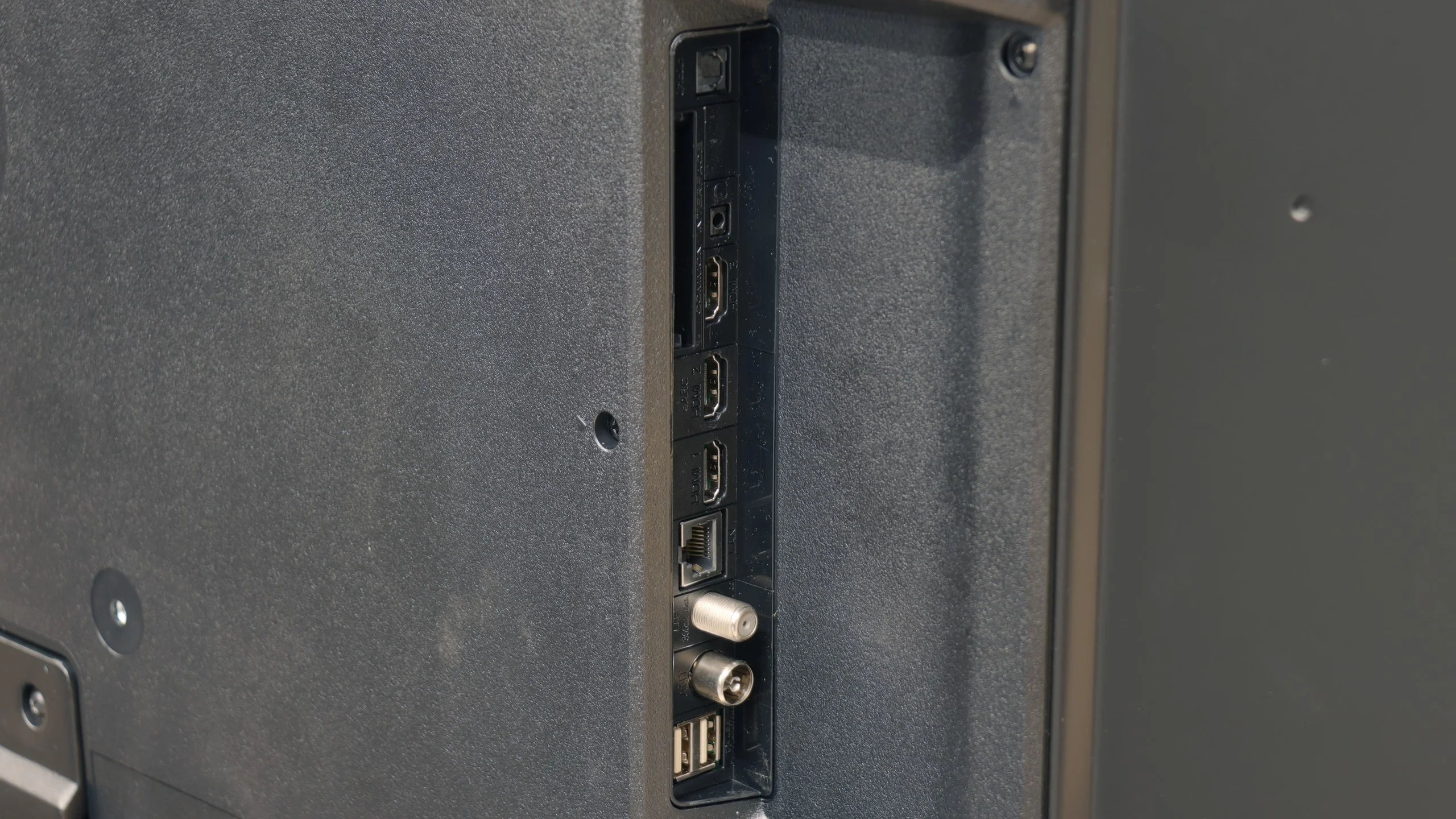
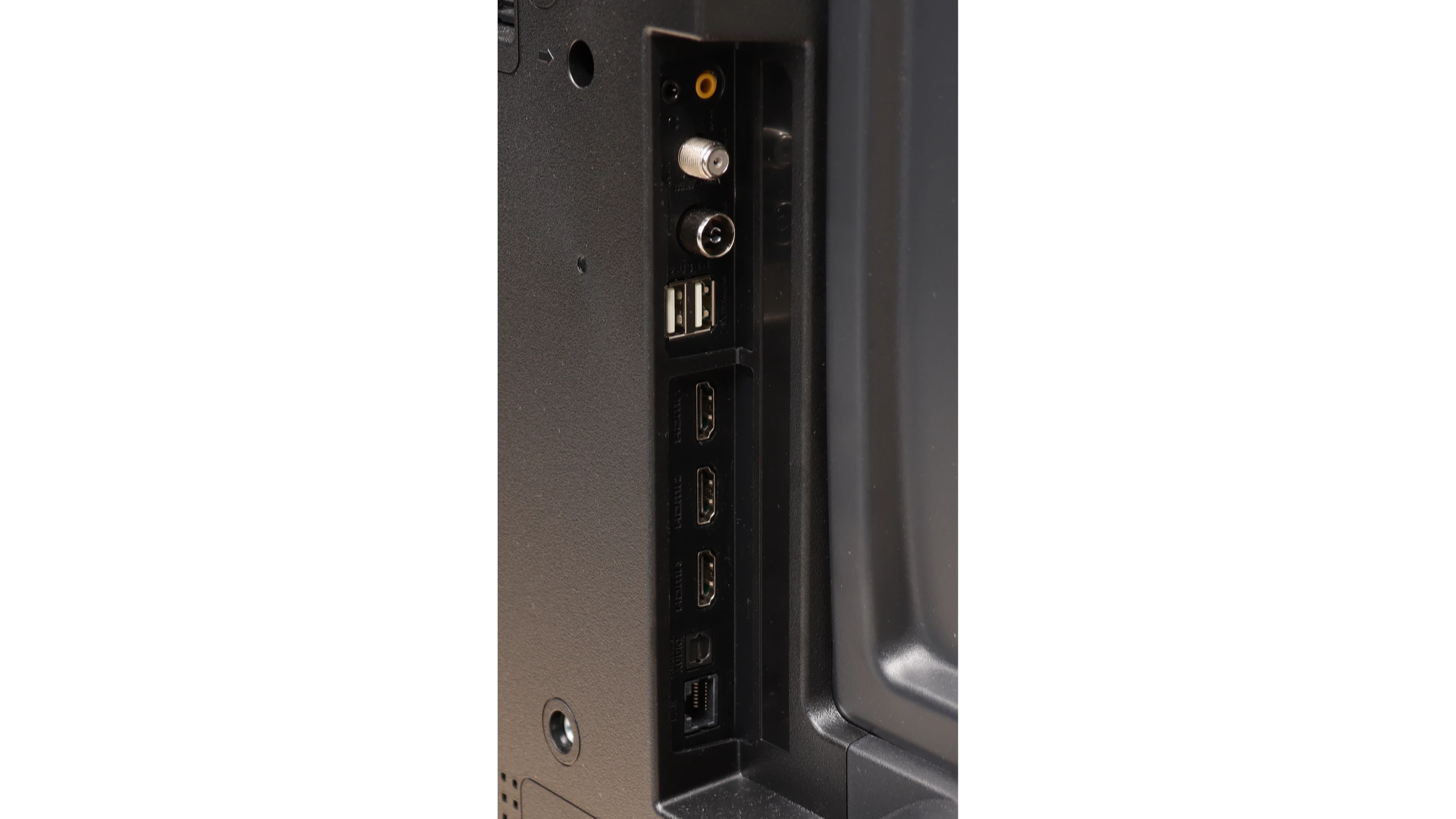
- HDMI inputs1 x HDMI 2.0, 2 x HDMI 2.1 48Gbps3 x HDMI 2.0, 0 x HDMI 2.1
- Other inputsRCA (Chinch)
- OutputsToslink (Optical audio), eARC (HDMI), ARC (HDMI), Mini-Jack (Headphones)SPDIF (Coaxial audio), eARC (HDMI), ARC (HDMI), Mini-Jack (Headphones)
- Network InterfacesWi-Fi 2.4GHz, Wi-Fi 5GHz, Ethernet (LAN) 100MbpsWi-Fi 2.4GHz, Wi-Fi 5GHz, Ethernet (LAN) 100Mbps
- TV receptionDVB-T, DVB-T2, DVB-S, DVB-S2DVB-T, DVB-T2, DVB-S, DVB-S2, DVB-C
Classic features:
- Recording to USB (terrestrial TV)
- Recording programming
- Picture in Picture (PiP)
- RF remote control (no need to aim)
- Backlit remote control
- Teletext
- Audio only mode
- Bluetooth headphones support
- Simultaneous Bluetooth headphones & TV audio
Smart features:
- AirPlay
- Screen mirroring (Windows Miracast)
- Voice search
- Voice search in native language
- Ability to connect a keyboard and mouse
Sound connection options
- HDMI audioeARC (HDMI), ARC (HDMI)eARC (HDMI), ARC (HDMI)
- Other audio outputsToslink (Optical audio), Mini-Jack (Headphones)AuxiliaryOutput-SPDIF (Coaxial audio), Mini-Jack (Headphones)
- Wireless audioBluetoothBluetooth
Supported audio formats (external HDMI eARC audio):
- Dolby Digital Plus 7.1
- Dolby True HD 7.1
- Dolby Atmos in Dolby Digital Plus (JOC)
- Dolby Atmos in Dolby True HD
- DTS:X in DTS-HD MA
- DTS-HD Master Audio
Senior accessibility
- Numeric keyboard on TV
- Font size adjustment
- Audio description
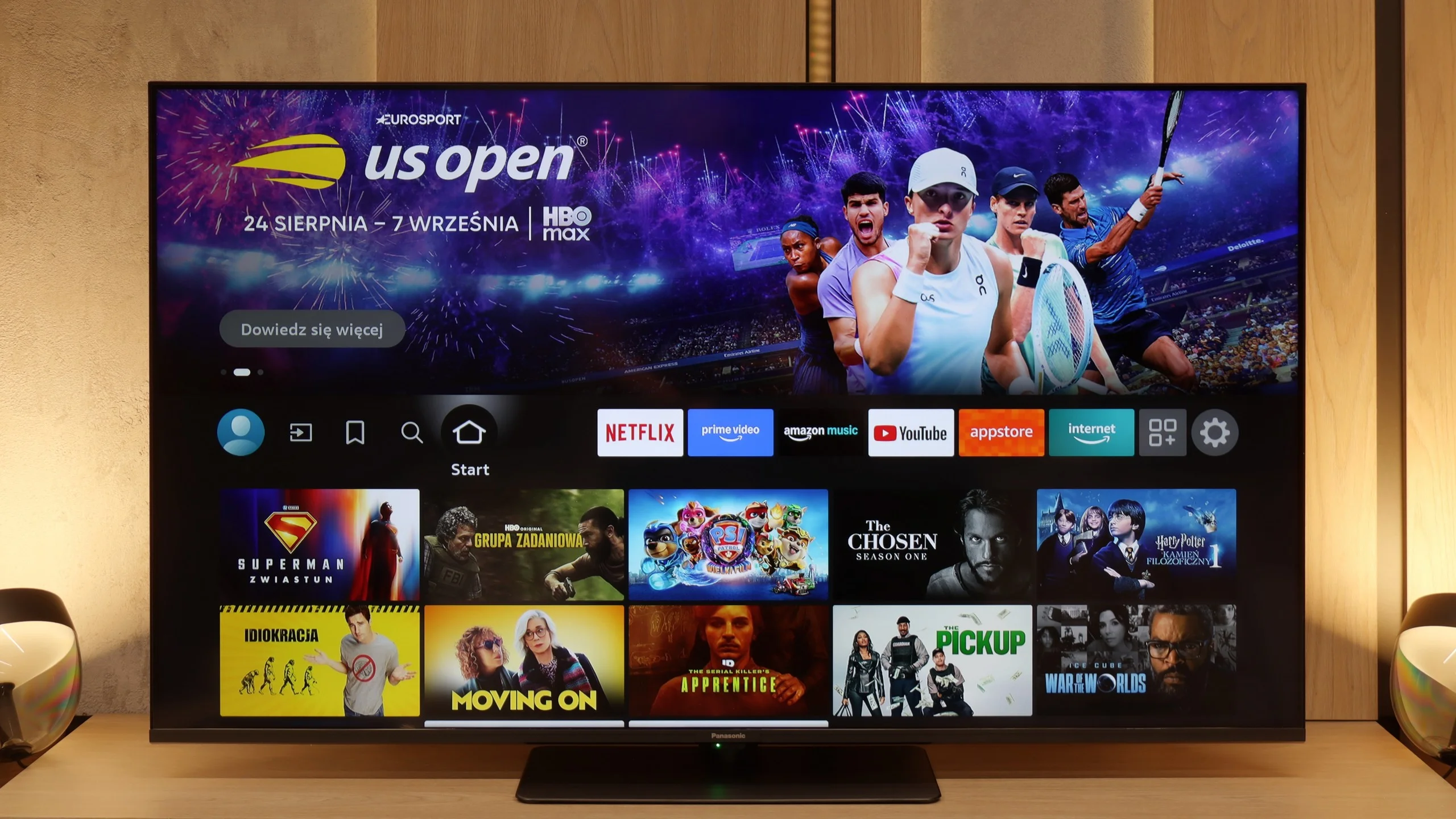
SmartTV: FireTV
The W85B runs on the Fire TV system and it must be said – it’s a significant step forward compared to Panasonic's previous proprietary solutions. We have support for AirPlay, screen mirroring, and even voice control via Alexa. It sounds modern and, in practice, it actually offers quite a lot of possibilities. The problem is that in Europe Fire TV still looks a bit like a “guest with luggage.” It works decently, but there are occasional micro-stutters, the interface doesn’t always respond as smoothly as we would like, and the menu can have awkward translations. It’s not yet at the level of the biggest players like Google TV or even Tizen, but it's still an improvement over what Panasonic had before. The worst part of it all is that the Fire TV app library is quite modest, and that is its biggest drawback.
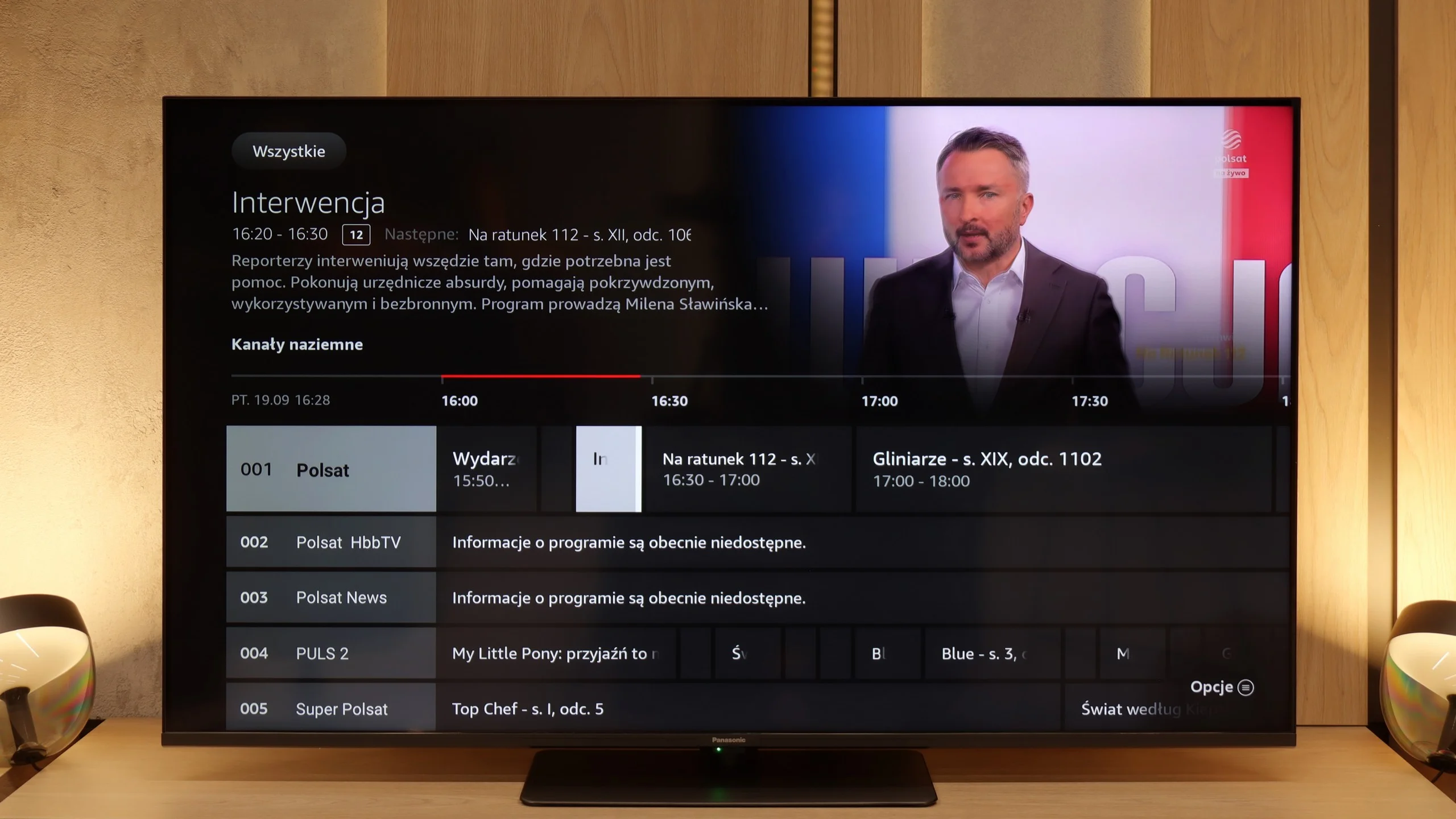
Classic TV Functions
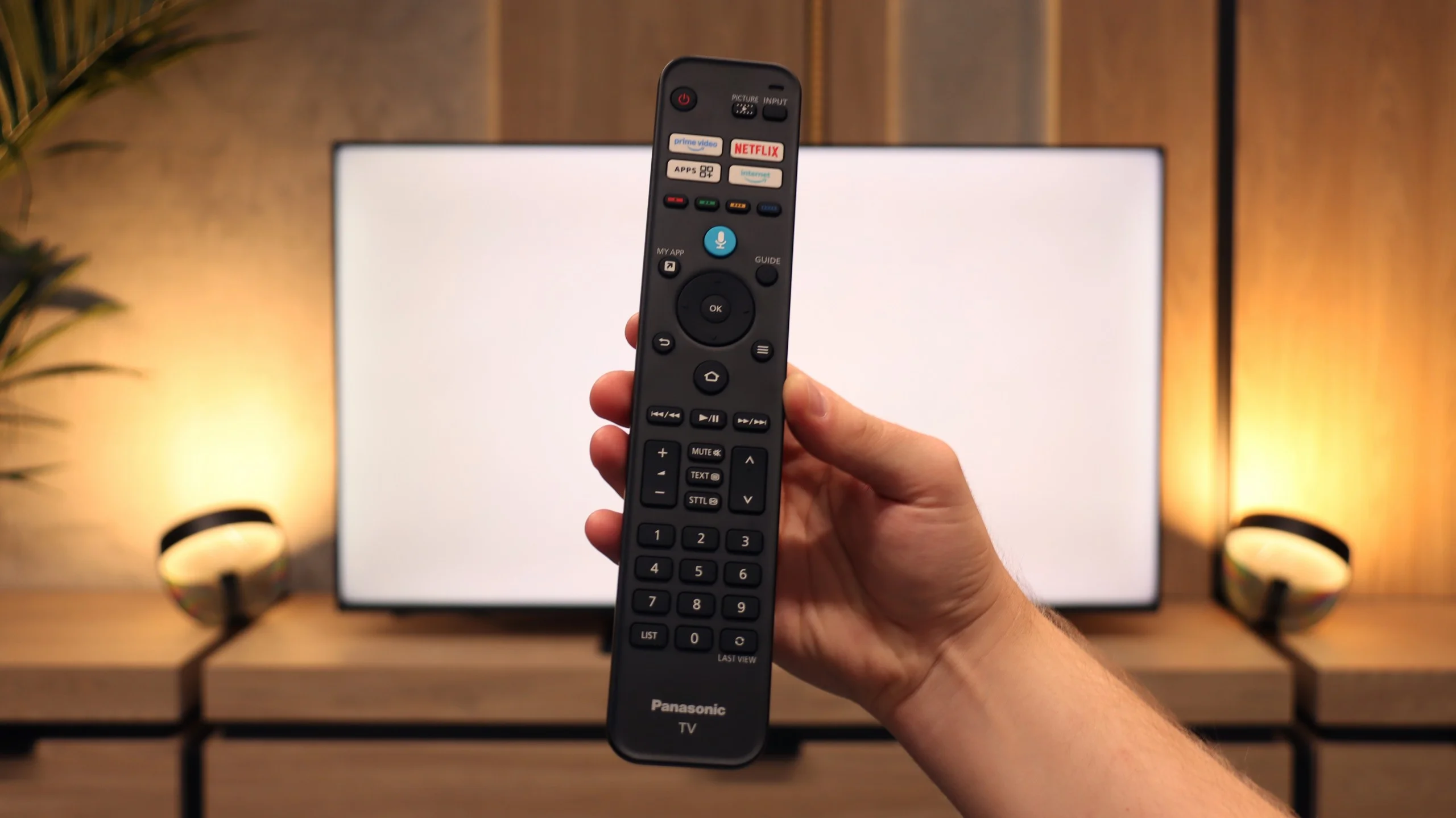
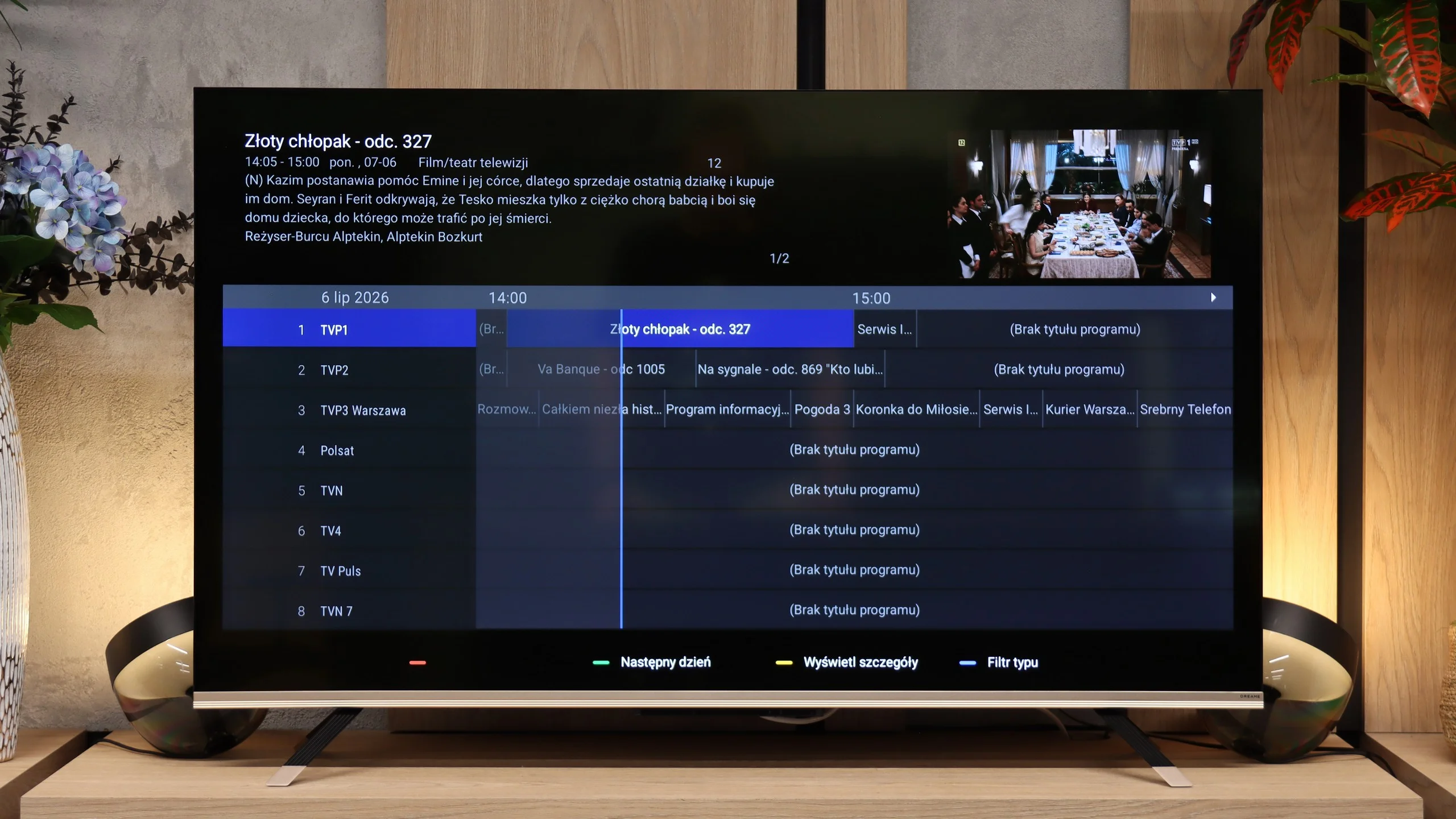
In terms of typical TV features, it’s quite good – we have a classic remote with a full numeric keypad, a clear EPG guide, and the ability to record programs from the built-in tuner onto an external USB drive (e.g. a flash drive). The downside is the lack of an option to schedule recordings in advance – you can record “here and now,” but can't set recordings for later.
Google TV
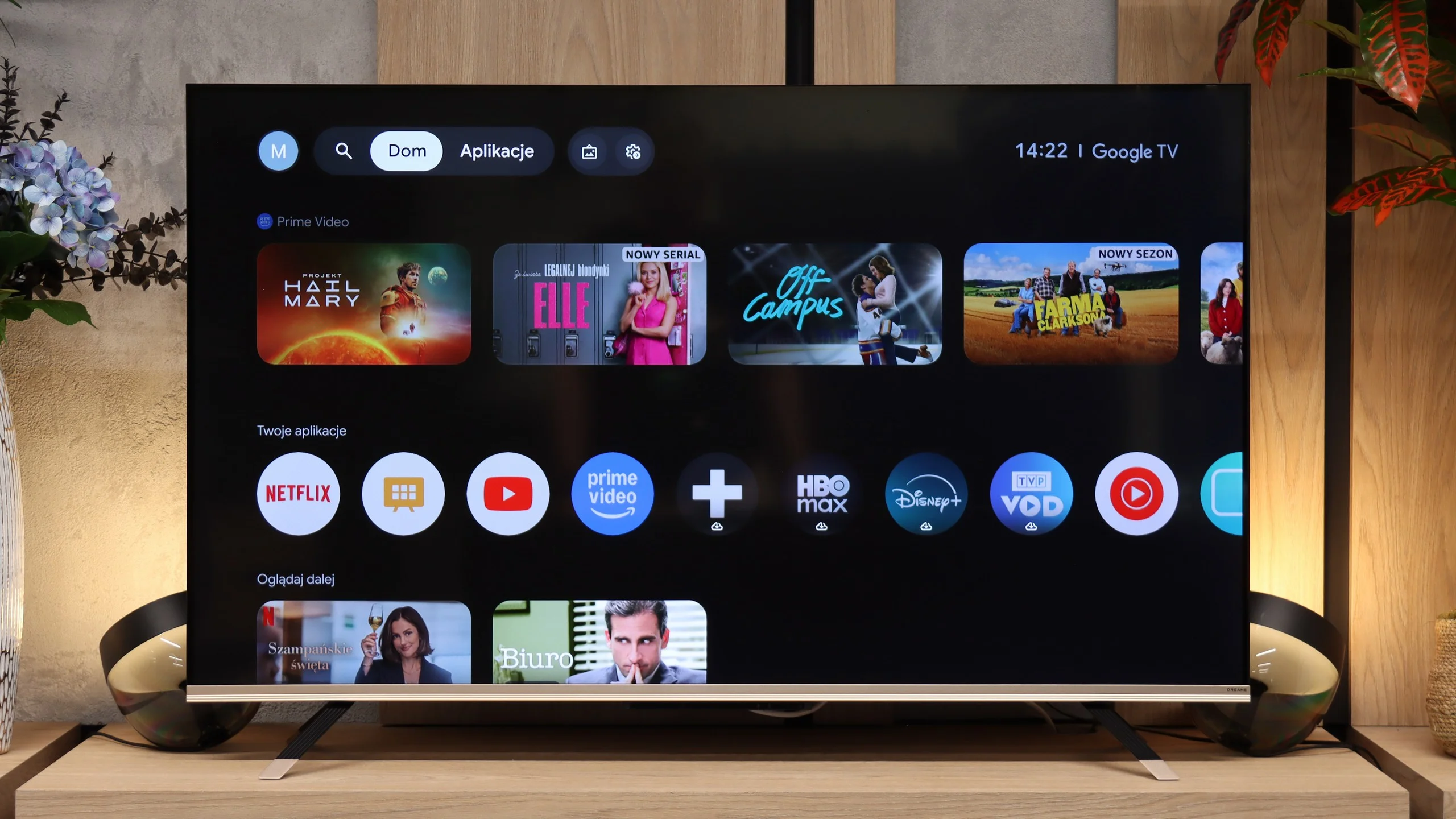
The Dreame Q100 runs Google TV, so it’s hard to fault when it comes to app access. You get all the most popular streaming services, the ability to install additional apps from the Google Play store and support for a Google account. The system therefore offers much the same capabilities as many far more expensive TVs. During our tests we couldn’t connect to the TV from an iPhone, so AirPlay is not available on this model.
Classic features
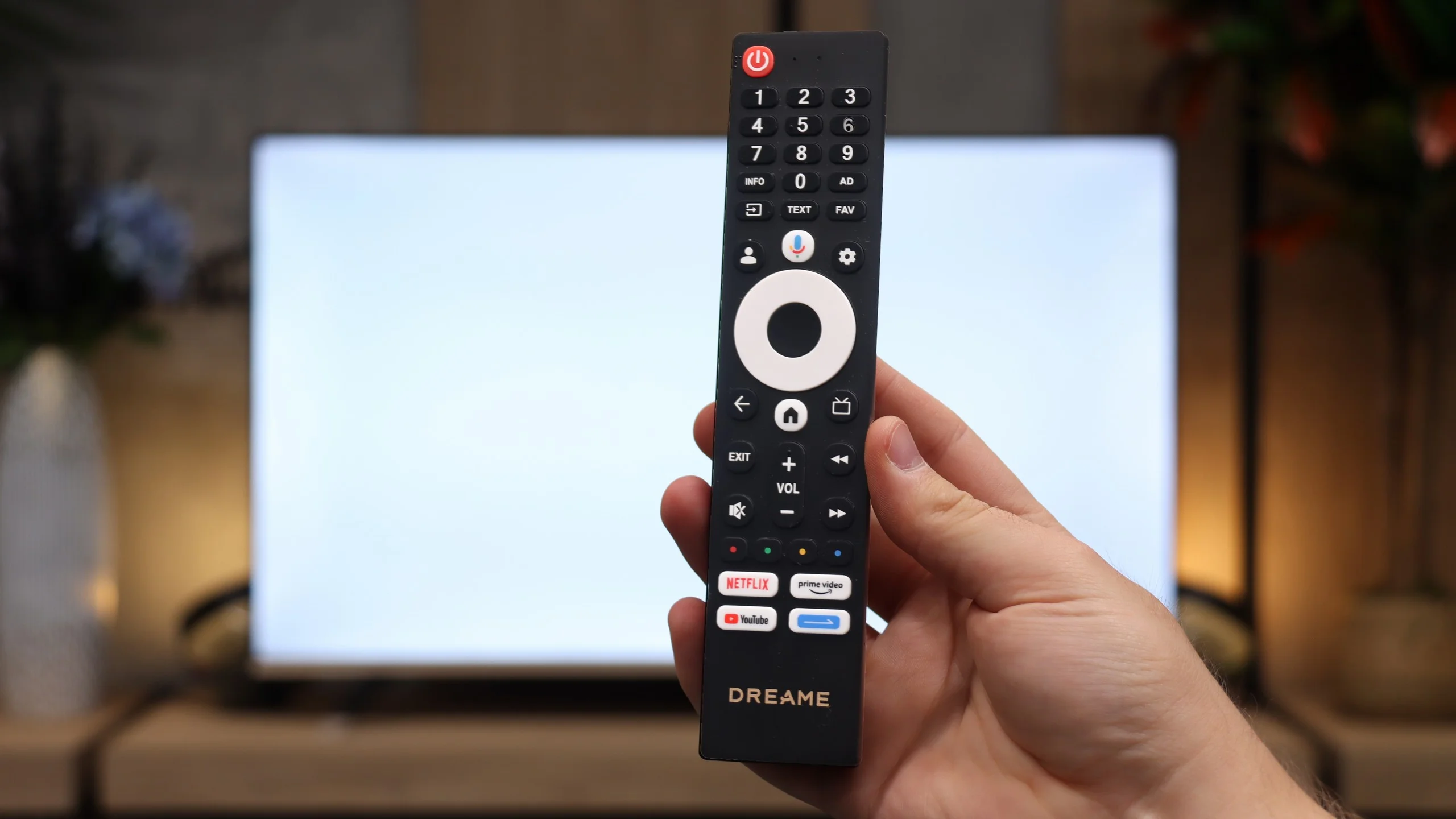
For regular TV watching the Q100 will do the job without major problems, but it’s fairly basic in terms of extra features. There’s no option to record programmes to USB or to schedule recordings. More advanced functions found on pricier models are also missing, such as viewing from two tuners at once or PiP mode. The supplied remote is rather modestly built, but thankfully the manufacturer has kept a full numeric keypad on it, which is still very handy for traditional TV. On the plus side, it includes analogue connectors. The Q100 even has a classic 3.5mm headphone jack, which you see less and less on new TVs these days.
Apps
7.6/10
9.6/10






















Playing files from USB
3.1/10
8.9/10
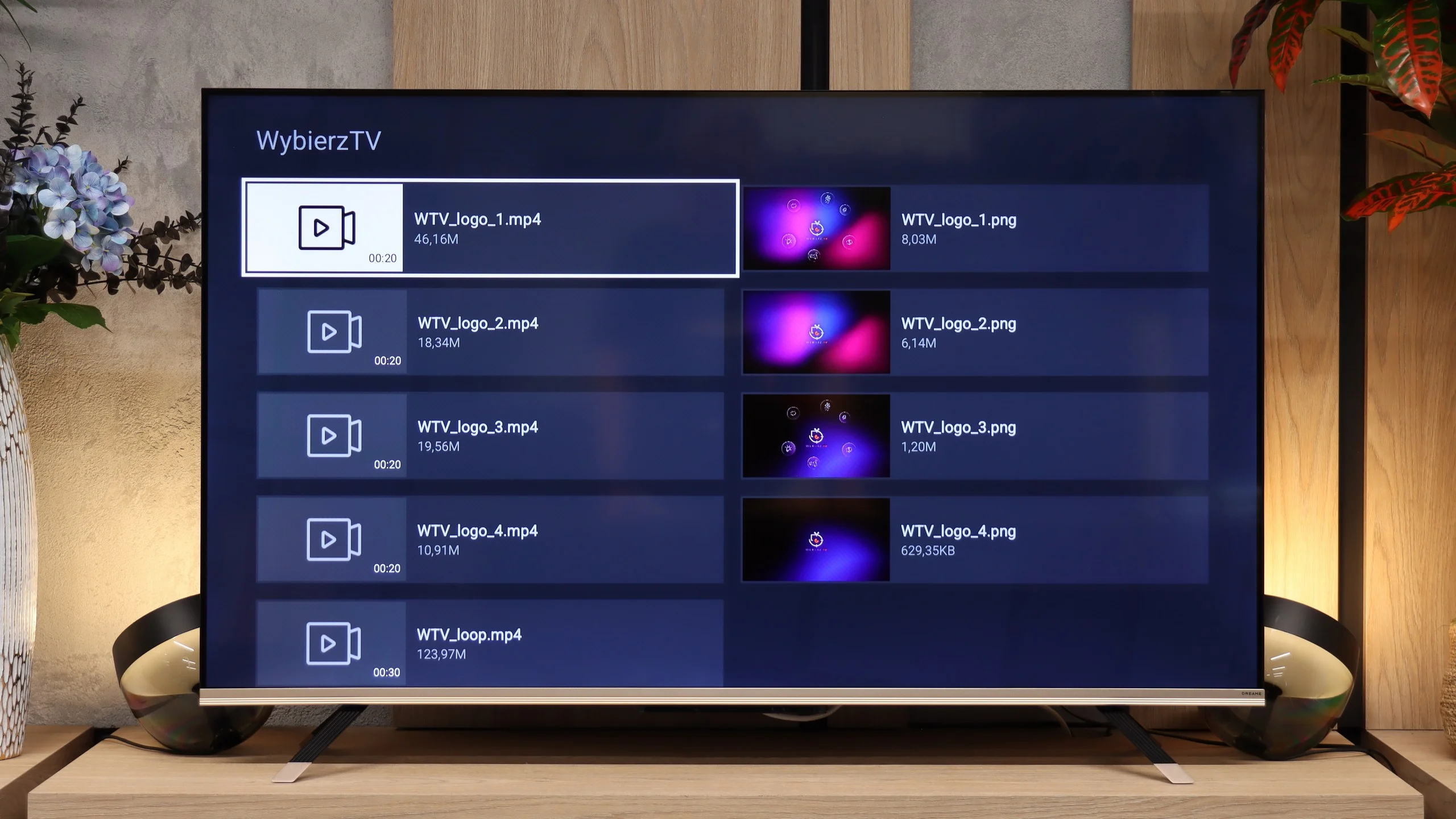
Supported photo formats:
Maximum photo resolution:
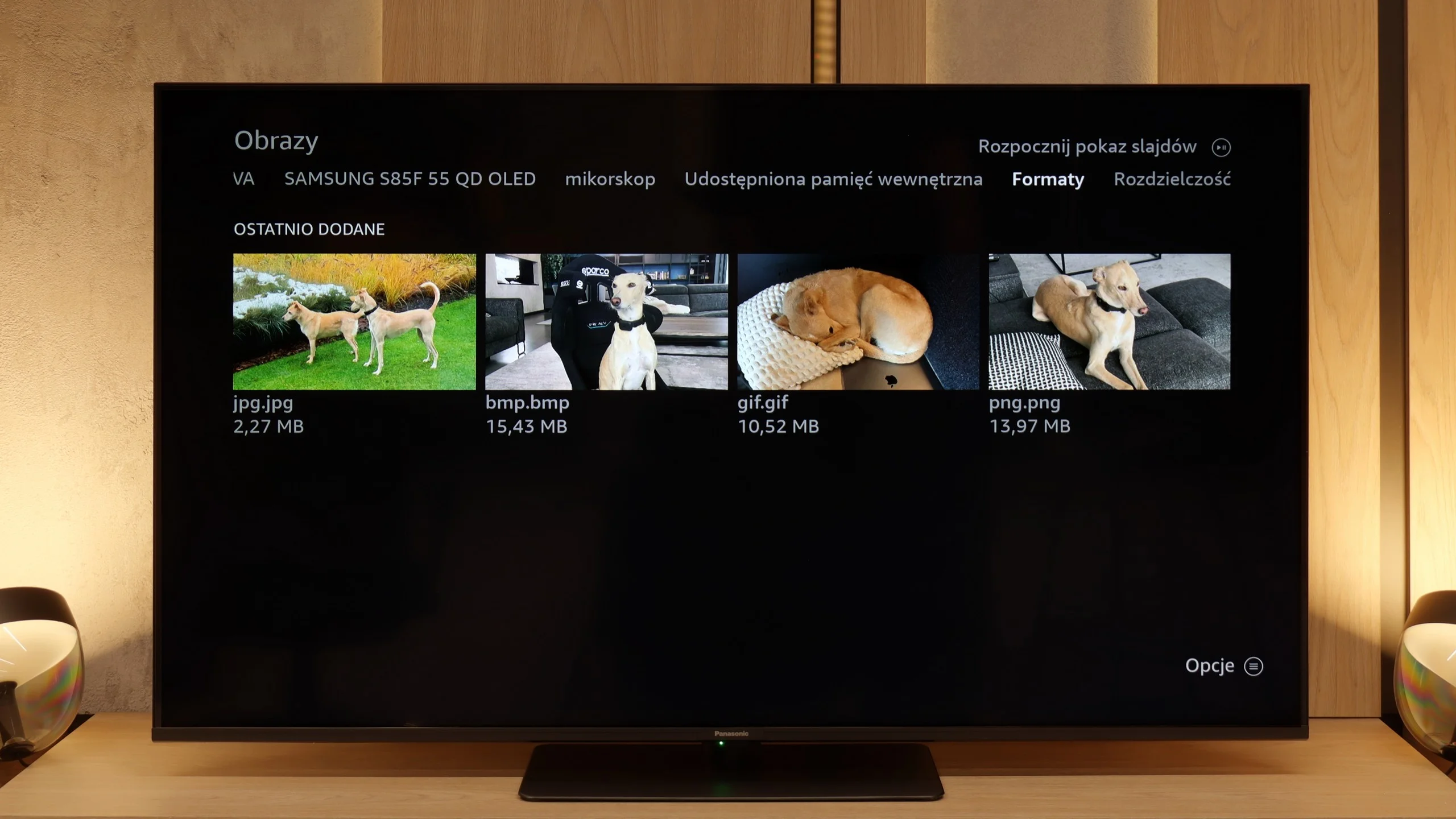
The biggest pain point of the built-in player with Fire TV is the lack of support for external subtitle files. If you have your own movie library and use text files, you simply won't be able to display them on this TV. The player itself handles basic video formats, but if someone wants to fully utilise files from USB, they'll probably end up installing an additional app from the store (e.g., VLC).
Dreame Q100 handles playback of files from a USB drive very well. During tests it played most common video and audio formats without major problems. The only limitations were with subtitles; the TV wouldn't play some formats, such as .SUB or .TXT.
Sound
5.8/10
5/10
- Maximum volume87dB87dB
- Dolby Digital Plus 7.1
- Dolby True HD 7.1
- Dolby Atmos in Dolby Digital Plus (JOC)
- Dolby Atmos in Dolby True HD
- DTS:X in DTS-HD MA
- DTS-HD Master Audio
Here the Panasonic W85B unfortunately has nothing to brag about. The speakers sound flat and quite “plasticky”, so there’s definitely no cinematic experience to be had here. There's no depth, no clear bass – just basic sound that’s simply meant to “be”. It's a pity because we thought the external subwoofer used here would actually make a difference. Unfortunately, we were mistaken. The only advantage is that the TV can play really loud. This may appeal to older users who often need higher volume to comfortably watch programs or news. For everyday TV watching, it’s sufficient, but if someone is thinking about movies and games – an additional soundbar or audio system is basically a requirement.
The sound in the Dreame Q100 is simply average. It noticeably lacks bass, which makes the overall sound fairly flat and doesn’t give much of a sense of space. Fortunately, even at higher volumes there are no unpleasant crackles, squeaks or resonance from the plastic parts of the casing. A plus is Dolby Atmos support, although the TV’s speakers themselves can’t really show what the format is capable of. If you want better spatial sound, you’ll probably need a soundbar or a home theatre system.
Sound Quality Test
Acoustic Measurements
87dBC (Max)
75dBC
87dBC (Max)
75dBC
Reader comments
Comments are provided by the external service Disqus (Zeta Global). Once loaded, Disqus may set cookies and process data about your activity.
We will remember your choice on this device. Provider's privacy policy