Panasonic W70A vs Samsung Neo QLED QN70F / QN74F / QN77F

Direct comparison

QN70F / QN74F / QN77F

Info

Available screen sizes: 43”50”55”65”

Available screen sizes: 55”65”75”85”

Panel type: LCD IPS

Resolution: 3840x2160

System: Google TV

Model year: 2024

Complete the survey to find out the result

Panel type: LCD VA

Resolution: 3840x2160

System: Tizen

Model year: 2025

Complete the survey to find out the result

Overall rating

5.6

7.1

  • Movies and series in UHD quality

    5.2

    6.7

  • Classic TV, YouTube

    5.2

    6.6

  • Sports broadcasts (TV and apps)

    5.3

    6.7

  • Gaming on console

    6.8

    8.5

  • TV as a computer monitor

    6.0

    8.2

  • Watching in bright light

    4.0

    6.3

  • Utility functions

    5.2

    7.2

  • Apps

    8.3

    8.7

  • Sound quality

    6.6

    6.4

Advantages

  • Wide viewing angles thanks to the IPS panel

  • Efficient and intuitive Google TV system

  • Supports Dolby Vision

  • Suitable for occasional gaming - VRR, ALLM, Low input lag of 12 ms

  • Readable fonts when working with PC thanks to chroma 4:4:4

  • Bluetooth and voice search on the remote

  • Decent sound quality for a TV in this class

  • Great black levels and contrast

  • Above average panel brightness

  • High refresh rate of 144Hz

  • Many features for gamers: ALLM, VRR, Game Bar, etc.

  • Low input lag

  • 4 HDMI 2.1 ports

  • Feature-rich and smooth Tizen operating system

  • Super slim design

Disadvantages

No like
  • Poor blacks and low contrast - IPS panel

  • Brightness at 270 cd/m² is too low for comfortable viewing in a bright room

  • Software bugs (features are either poorly translated or are in the wrong places)*

  • No AirPlay support

  • No USB recording feature and no PIP mode

*This state of affairs applies at the time of publishing this review, which is December 2024. We hope that Panasonic will manage to address these significant shortcomings in future updates.

  • No USB recording feature

  • No DTS format

  • Issues with the HGIG feature (for gamers)

  • Symbolic local dimming (Is this really MINI-LED?)

Our verdict

The Panasonic W70A draws attention primarily because of its advanced Google TV operating system, which gives us access to a multitude of popular applications (YouTube, Netflix, Disney+, HBO Max, etc.). In terms of picture quality, the IPS panel offers wide viewing angles, so colours do not lose their intensity even when you watch a film from an angle. Gamers will also not be disappointed, as it features VRR and ALLM, along with low input lag (around 12 ms) – all of this translates to pleasant experiences during occasional gaming, despite the standard 60 Hz refresh rate.

However, it's worth noting that this is rather a basic model and has its limitations. The contrast and blacks are simply weak, which is a typical phenomenon for IPS panels, especially in dark rooms. A brightness level of around 270 cd/m² is also insufficient in heavily sunlit rooms, so the picture can seem washed out. Certain shortcomings in the software itself cannot be overlooked either. Google TV is a great foundation, but sometimes settings are scattered in surprising places, and the quality of translations leaves a lot to be desired.

It must be considered that the competition is offering more and more in a similar (or slightly higher) price range. Can the Panasonic W70A hold its own in such an environment? On one hand, it tempts with a rich app base and decent support for gamers, but on the other – the market is flooded with more polished TVs equipped with better specifications. However, if wide viewing angles and straightforward access to Google TV services are priorities, we can give it a chance. In other cases, it’s worth exploring among competitive models that often offer better blacks, higher brightness, and fewer annoying issues in the menu at a similar price.

Samsung QN70F is a pretty decent mid-range TV. Its strongest point is definitely the smoothness of the image – thanks to the 144 Hz panel, low input lag, and a host of extras for gamers, we have here the recipe for nearly an ideal gaming screen. It will work just as well for sports fans – the image is fast, clear, and it doesn't tear. When it comes to image quality – it's really not bad. The VA panel delivers good blacks, brightness is above average, and colours look great after calibration. Samsung markets the QN70F as Neo QLED, which means Mini LED, and in a way, you can look at it that way – but only partially. The backlighting is edge-lit, so it’s far from full-fledged Mini LEDs with local dimming. It's a shame because marketing has its way, and the user might feel a bit misled. There are also some minor drawbacks – no USB recording, no DTS support. But still, the QN70F leaves a really good impression. It might not be a “true” Mini LED, but for its price, it's a solid piece of television – especially for gamers and those who enjoy fast, dynamic content.

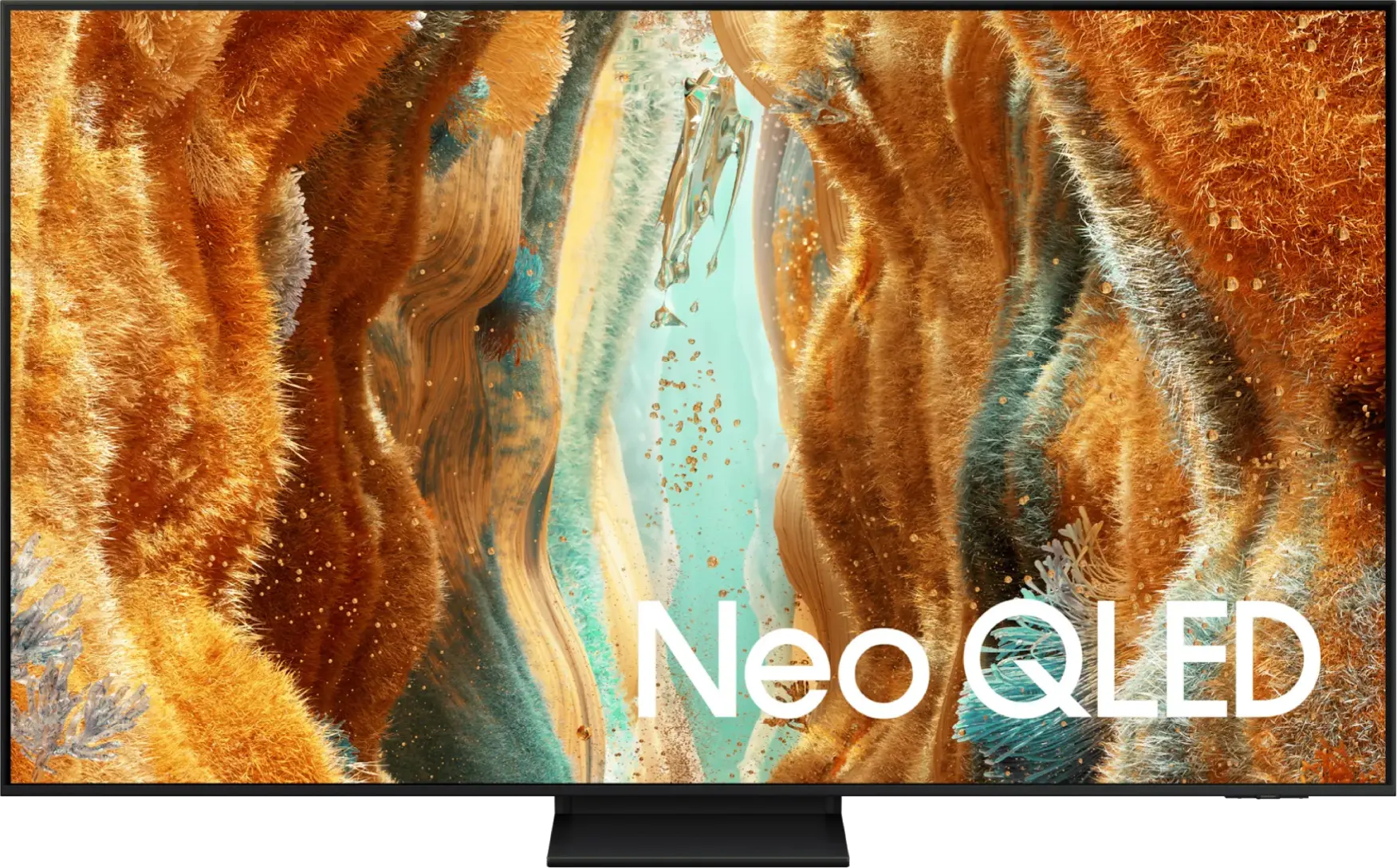
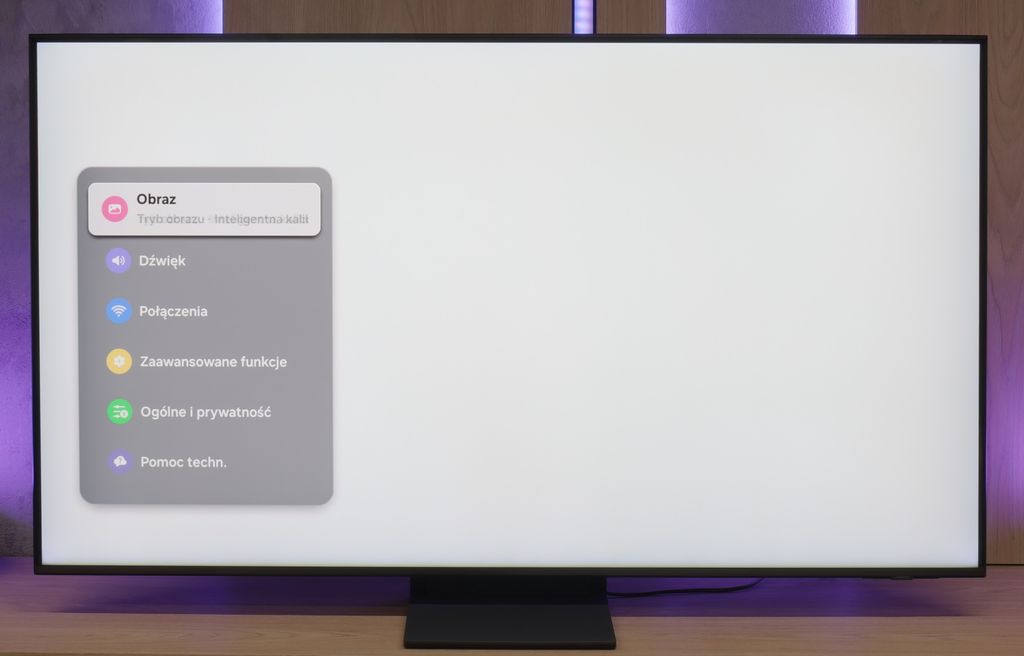
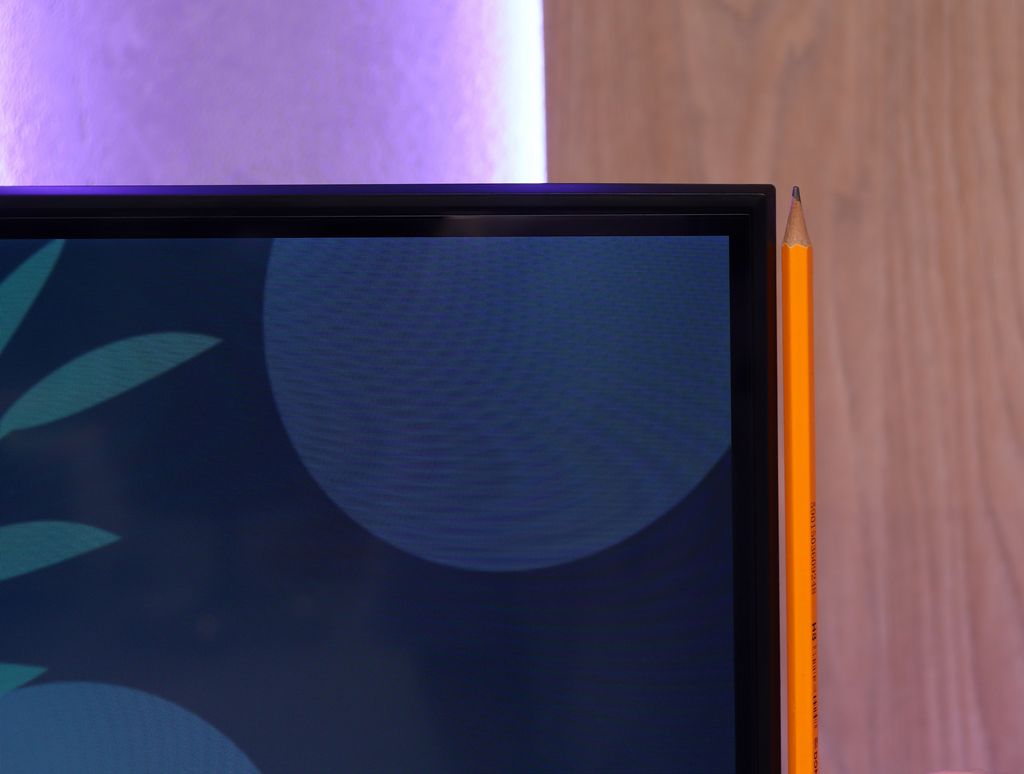
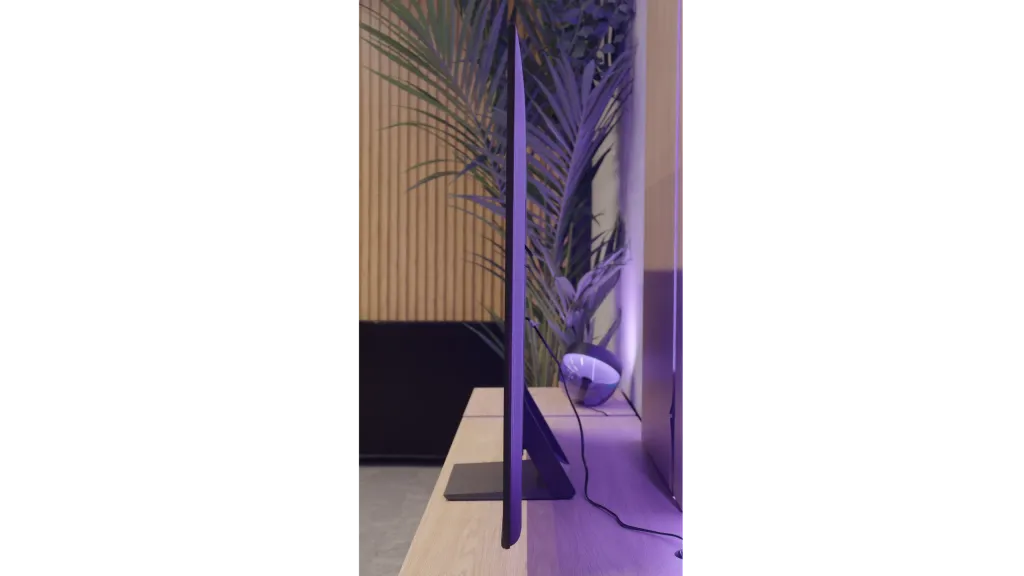
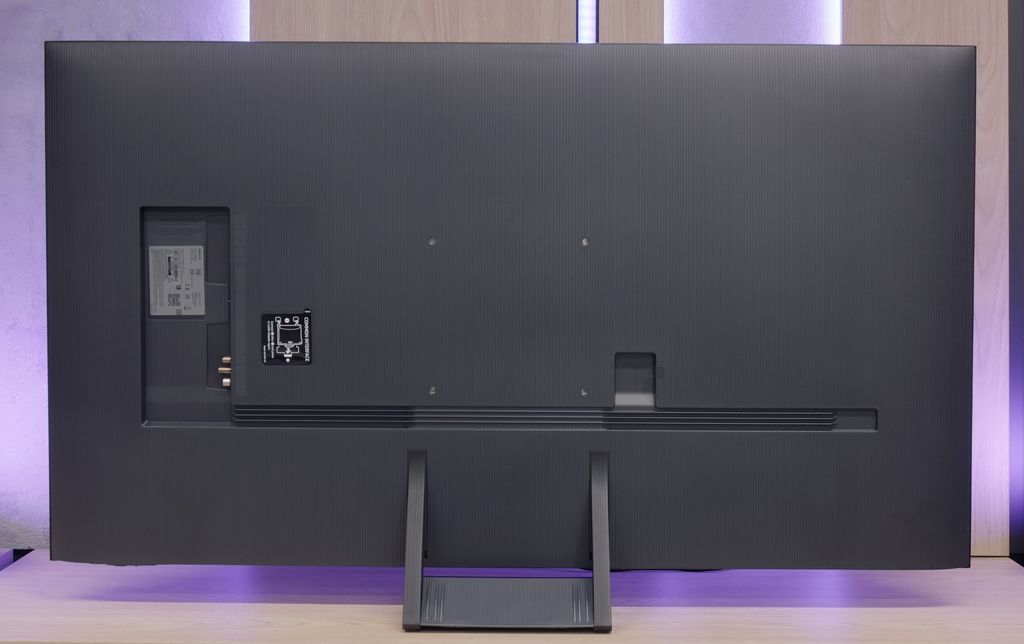
TV appearance

HDMI inputs
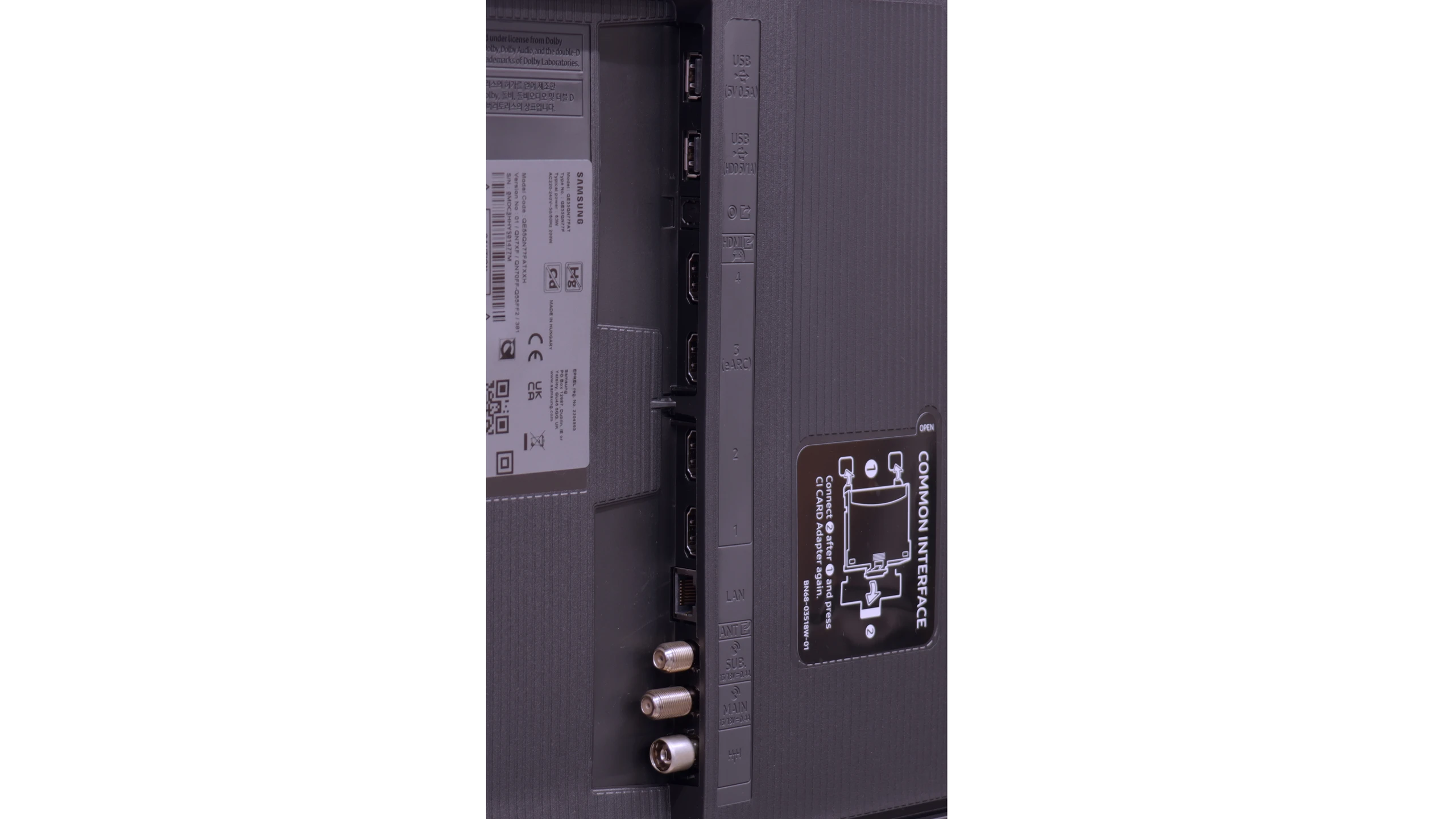
3 x HDMI 2.0, 0 x HDMI 2.1
0 x HDMI 2.0, 4 x HDMI 2.1 (48Gbps)
Other inputs
Outputs
Toslink (Optical audio), eARC (HDMI), ARC (HDMI), Mini-Jack (Headphones)
Toslink (Optical audio), eARC (HDMI), ARC (HDMI)
Network Interfaces
Wi-Fi 2.4GHz, Wi-Fi 5GHz, Ethernet (LAN) 100Mbps
Build quality
Average
BuildQuality-Good
Stand type
Central
Central
Bezel color
Black
Graphite
Stand
Fixed
Fixed
Flat design
No
Yes
Accessories
Stand
Stand

Contrast and black detail

2.5/10

6.2/10

Local dimming function: No

Local dimming function: Yes, number of zones: 20 (1 x 20)

Contrast:

Review Panasonic W70A Contrast and black detail

Result

1,100:1

Review Panasonic W70A Contrast and black detail

Result

1,250:1

Review Panasonic W70A Contrast and black detail

Result

1,300:1

Review Panasonic W70A Contrast and black detail

Result

1,250:1

Review Panasonic W70A Contrast and black detail

Result

1,050:1

Review Samsung Neo QLED QN70F / QN74F / QN77F Contrast and black detail

Result

9,200:1

Review Samsung Neo QLED QN70F / QN74F / QN77F Contrast and black detail

Result

7,000:1

Review Samsung Neo QLED QN70F / QN74F / QN77F Contrast and black detail

Result

5,350:1

Review Samsung Neo QLED QN70F / QN74F / QN77F Contrast and black detail

Result

5,700:1

Review Samsung Neo QLED QN70F / QN74F / QN77F Contrast and black detail

Result

5,300:1

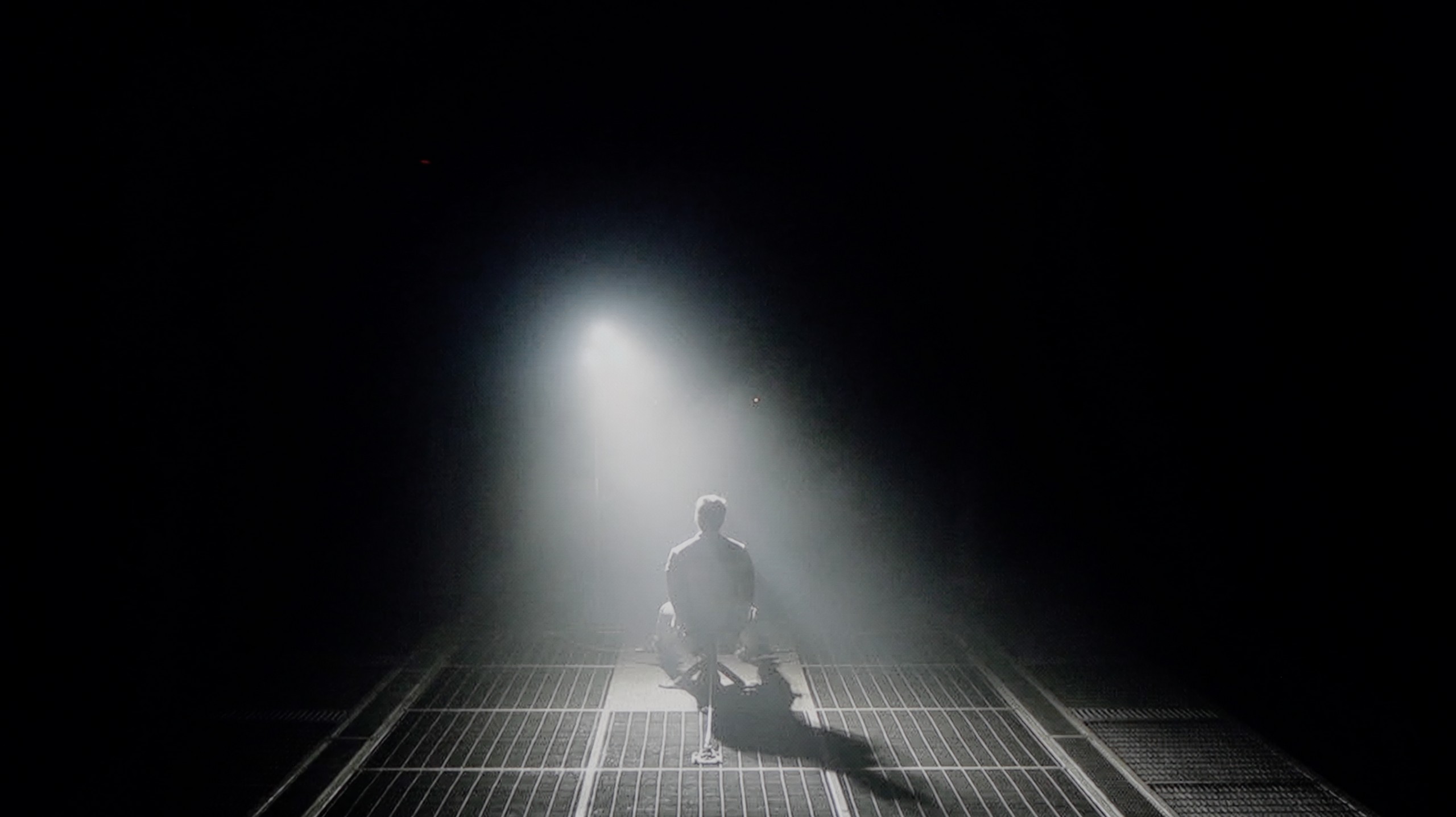
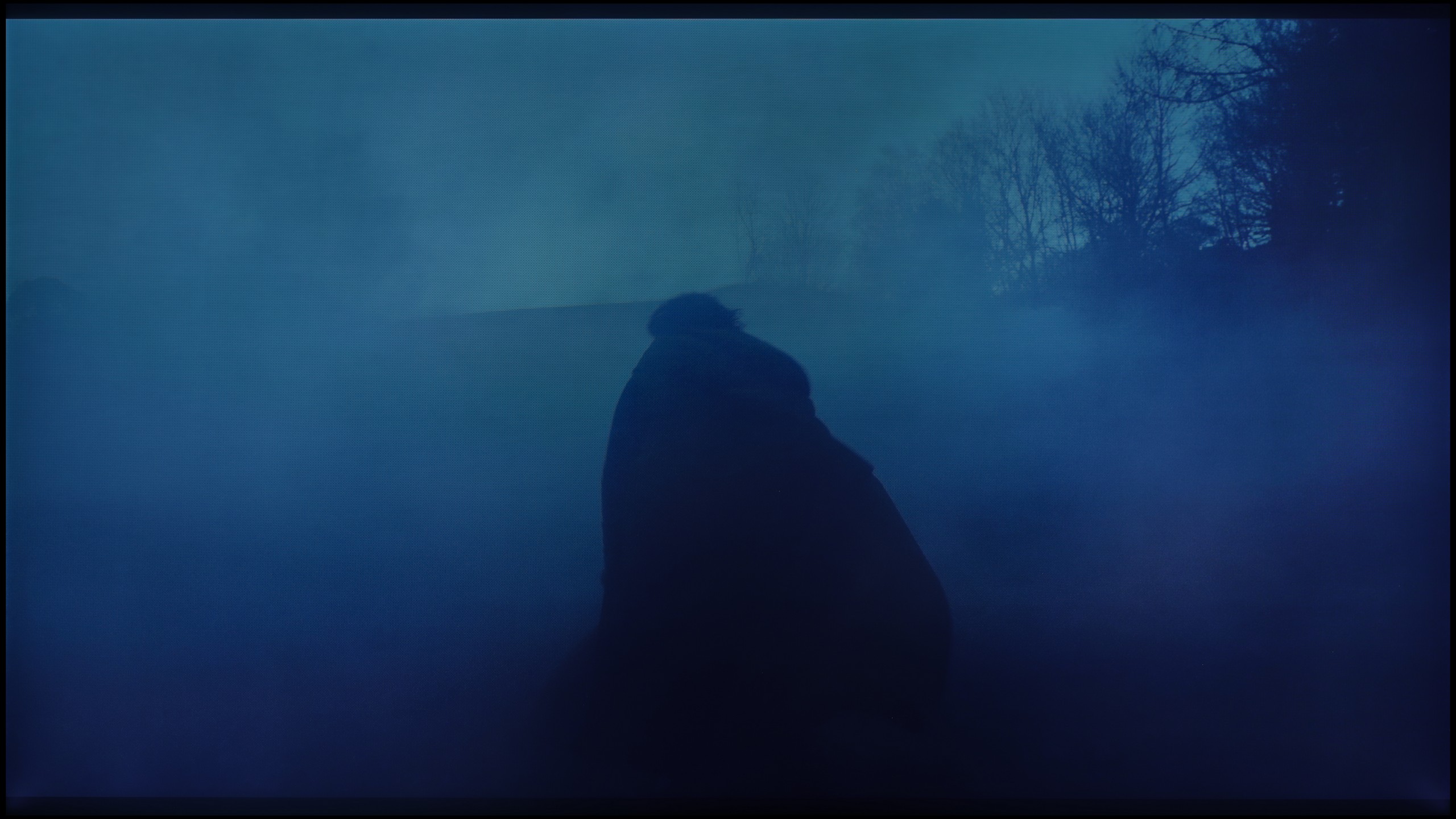
Halo effect and black detail visibility:

Review Panasonic W70A Contrast and black detail
Review Samsung Neo QLED QN70F / QN74F / QN77F Contrast and black detail
Review Panasonic W70A Contrast and black detail
Review Samsung Neo QLED QN70F / QN74F / QN77F Contrast and black detail

The Panasonic W70A is equipped with an IPS panel, which unfortunately is not the best choice if we care about deep blacks and high contrast. Additionally, the lack of local dimming means that instead of pitch-black areas on the screen, we see rather silvery and navy-blue patches. This was particularly noticeable in our tests on demanding screens with dark scenes. The contrast value, which hovers around 1000:1, is far from satisfactory – especially if we plan to watch movies in a darkened room. Scenes that should mesmerise with the depth of darkness instead look flat and lose their atmosphere.

QN70F is equipped with a VA panel, which offers a high native contrast – a good starting point for black, especially for evening viewing. But theoretically, this is just the beginning of its capabilities. The television is branded as Neo QLED, which means it features Mini LED technology and a local dimming system. And indeed – the QN70F has such a function. The problem is that we’re not talking about classic local dimming with LEDs placed directly behind the panel. Instead, edge lighting with an overall dimming mechanism, known as global dimming, has been used. The effect of this is that instead of selective brightness control in individual zones, the entire screen is slightly dimmed when a dark scene appears. In practical terms, this means the contrast is average compared to Mini LED models that offer true local dimming. The black isn't bad – that’s thanks to the VA panel itself – but one can't speak of the precise light control that advanced systems with multiple zones provide. And here arises the question: is the QN70F series of televisions really a Mini LED television, or just a marketing variation on the Q70 series? Looking at the technical aspects – it’s hard to consider this model a full-fledged representative of this technology. But in everyday use, the black looks decent and for many people it can be fully satisfying.

HDR effect quality

4.5/10

5.6/10

Supported formats
HDR10, Dolby Vision, HLG
HDR10, HDR10+, HLG
Color gamut coverage
DCI P3: 78.0%, Bt.2020: 57.0%
DCI P3: 93.7%, Bt.2020: 75.7%

Luminance measurements in HDR:

Review Panasonic W70A Brightness measurement

Result

247 nit

Review Panasonic W70A Brightness measurement

Result

257 nit

Review Panasonic W70A Brightness measurement

Result

278 nit

Review Panasonic W70A Brightness measurement

Result

289 nit

Review Panasonic W70A Brightness measurement

Result

293 nit

Review Samsung Neo QLED QN70F / QN74F / QN77F Brightness measurement

Result

619 nit

Review Samsung Neo QLED QN70F / QN74F / QN77F Brightness measurement

Result

449 nit

Review Samsung Neo QLED QN70F / QN74F / QN77F Brightness measurement

Result

500 nit

Review Samsung Neo QLED QN70F / QN74F / QN77F Brightness measurement

Result

422 nit

Review Samsung Neo QLED QN70F / QN74F / QN77F Brightness measurement

Result

483 nit

Scene from the movie “Pan” (about 2800 nits)

Review Panasonic W70A HDR effect quality
Review Samsung Neo QLED QN70F / QN74F / QN77F HDR effect quality

Scene from the movie “Billy Lynn” (about 1100 nits)

Review Panasonic W70A HDR effect quality
Review Samsung Neo QLED QN70F / QN74F / QN77F HDR effect quality

Static HDR10

Review Panasonic W70A HDR effect quality
Review Samsung Neo QLED QN70F / QN74F / QN77F HDR effect quality

Dynamic: Dolby Vision

Dynamic: HDR10+

Review Panasonic W70A HDR effect quality
Review Samsung Neo QLED QN70F / QN74F / QN77F HDR effect quality

HDR luminance chart:

Samsung Neo QLED QN70F / QN74F / QN77F

HDR luminance

Panasonic W70A

HDR luminance

HDR on the Panasonic W70A unfortunately does not impress. A brightness level of 250–300 nits is simply too low to feel the true magic of cinematic effects in dynamic, bright scenes. Images that should “explode” with light appear rather flat, and fine details in bright areas often get lost in the average luminance of the panel. On the plus side, the HDR effect is at least stable. The TV does not suffer from excessive brightening nor lose details with sudden scene changes. Everything is predictable and calm, though unfortunately lacking in impact. Another issue is the colour gamut coverage. The W70A is not equipped with an additional layer of quantum dots (often known as QLED), which is why the colours appear rather average. There is a lack of depth in reds, saturation in greens, and precision in reproducing subtle shades.

QN70F is a television that can positively surprise when it comes to brightness. In ideal testing conditions, it reaches even 800 nits, which – for this price range – is a really solid value. Of course, that’s a result from test patterns, so we decided to check how it performs in practice, on real films. Here, the television somewhat tempers its capabilities. In most of the tested scenes – e.g. in "The Meg" – the actual HDR brightness remained around 500 nits. That’s still a decent result, allowing you to enjoy HDR effects, although it’s far from perfection. On the other hand, we have a QLED screen with a quantum dot layer, which means very good colour reproduction capabilities. Colours are vivid and saturated. QN70F covers about 94% of the DCI-P3 colour space, and in the wider BT.2020 palette, it exceeds 75%, so in this respect, there’s nothing to be ashamed of.

Factory color reproduction

3.9/10

7/10

Review Panasonic W70A Factory color reproduction
Review Samsung Neo QLED QN70F / QN74F / QN77F Factory color reproduction

Factory Mode

After calibration

Review Panasonic W70A Factory color reproduction
Review Samsung Neo QLED QN70F / QN74F / QN77F Factory color reproduction

Factory Mode

After calibration

The Panasonic W70A was tested in movie mode, which theoretically should guarantee the most natural image reproduction. Unfortunately, as is often the case with budget televisions, reality turned out to be far from ideal.

In HD (SDR) content, the white balance was significantly disrupted by an excess of red and a noticeable drop in blue tones. The result? The image had a distinctly warm, almost yellowish glow, which is clearly visible in the comparison photo. In the case of 4K HDR materials, the situation reversed. Here, the image became excessively cold and bluish, causing scenes to lose their naturalness and depth. The differences are visible even to the naked eye, especially in the bright areas of the image. The Colour Checker palette test confirmed our observations. Most colour samples did not hit their intended points, 'drifting' towards warmer shades in SDR and cooler ones in HDR. In terms of brightness characteristics, both gamma and the EOTF curve showed significant issues. The image tended to excessively brighten certain areas, disrupting the balance and leading to a loss of detail in both darker and brighter regions.

In summary – the factory colour reproduction settings in the Panasonic W70A leave much to be desired. The image is far from neutral, and errors in white balance and gamma mean that solid calibration is needed to extract the full potential from this television.

We tested the QN70F in the best default picture mode, which is Filmmaker Mode. And it must be admitted that in this particular test unit, the factory settings performed quite well. The picture was calm, natural, and despite slight deviations – pleasant to watch. The biggest error was a slight dominance of red in the white balance, which caused a slight pinkish tint over the entire scene. However, it wasn't a glaring flaw – rather subtle and only noticeable when directly compared to a properly calibrated screen. A slightly bigger issue arose in the brightness characteristics. The TV tends to lower the brightness of parts of the image that should be displayed brighter. As a result, some details can appear slightly dimmed – they don't completely disappear, but they don't stand out as clearly as they should. Nonetheless, as for a TV in this range and in these settings – we consider the result a good starting point for further calibration.

Color reproduction after calibration

5.7/10

8.5/10

Review Panasonic W70A Color reproduction after calibration
Review Samsung Neo QLED QN70F / QN74F / QN77F Color reproduction after calibration
Review Panasonic W70A Color reproduction after calibration
Review Samsung Neo QLED QN70F / QN74F / QN77F Color reproduction after calibration

Panasonic W70A, despite its limitations, gave us plenty of room to manoeuvre during calibration. Thanks to well-developed tools, we were able to achieve a much better white balance in both HD (SDR) and 4K HDR content. The issues with excessive red in SDR and overly cool images in HDR have disappeared. The gamma brightness characteristics have also been improved, now maintaining stability and not leading to excessive brightening or loss of detail in darker areas.

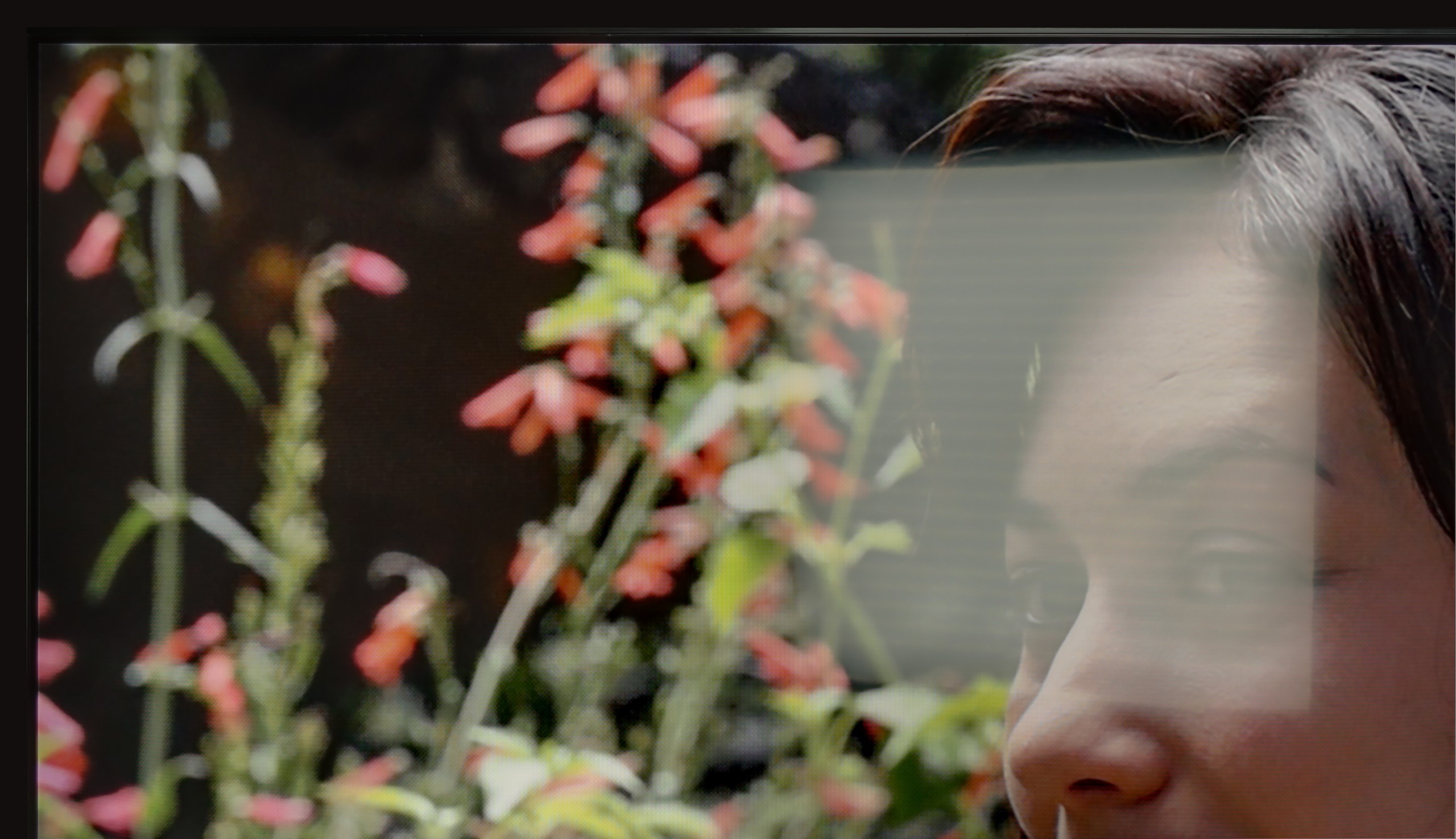
So where is the problem? Unfortunately, there are barriers that even professional calibration cannot overcome. Poor coverage of a wide colour gamut means the television cannot fully convey colours in HDR materials. There is a lack of saturation, and subtle colour transitions still appear somewhat “flattened.” Another limitation is the brightness management due to the IPS panel used. In a comparison photograph with an actress's face in colourful clothing, it is clearly visible how some shades are distinctly muted, and colours lose their depth and vibrancy.

Calibration has extracted from the W70A as much as it could. The image is now much more natural, and the factory setting errors have been effectively corrected. Unfortunately, the hardware limitations in the form of poor colour gamut coverage and an average panel mean that even after calibration, we are unable to achieve spectacular effects, especially in HDR content.

After calibration, the QN70F shows that it can offer a really high level of colour reproduction. It has managed to nearly perfectly balance the white point, and the values in the Color Checker test dropped below level 3 – that is, below the threshold at which the average eye can notice differences. The image looks natural, and the colours are faithfully reproduced, without excessive saturation or the coolness known from factory settings. It must be acknowledged that Samsung provides very extensive calibration options – not only for enthusiasts but also for professionals. The QN70F takes advantage of this potential and, after appropriate settings, can come close to significantly more expensive models in terms of colour accuracy. The only thing that could still be picked on is the brightness characteristic. There is still a tendency to brighten the smallest sections of the image – particularly those that should remain darker. However, this is a design feature of this model, not a calibration error. Despite this, the final result definitely deserves recognition.

Smoothness of tonal transitions

8.3/10

9/10

Review Panasonic W70A Smoothness of tonal transitions
Review Samsung Neo QLED QN70F / QN74F / QN77F Smoothness of tonal transitions
Review Panasonic W70A Smoothness of tonal transitions
Review Samsung Neo QLED QN70F / QN74F / QN77F Smoothness of tonal transitions
Review Panasonic W70A Smoothness of tonal transitions
Review Samsung Neo QLED QN70F / QN74F / QN77F Smoothness of tonal transitions
Review Panasonic W70A Smoothness of tonal transitions
Review Samsung Neo QLED QN70F / QN74F / QN77F Smoothness of tonal transitions

In terms of the smoothness of tonal transitions, the Panasonic W70A performs really well. The transitions between colours are smooth, without any noticeable and annoying "banding" or sudden jumps in hue. Even more demanding scenes, where subtle gradients dominate, look surprisingly good. Of course, a trained eye will notice some imperfections, especially in the brighter areas of the screen, where slight colour banding can be observed. However, this is not something that significantly affects the viewing experience and will be practically unnoticeable for most users.

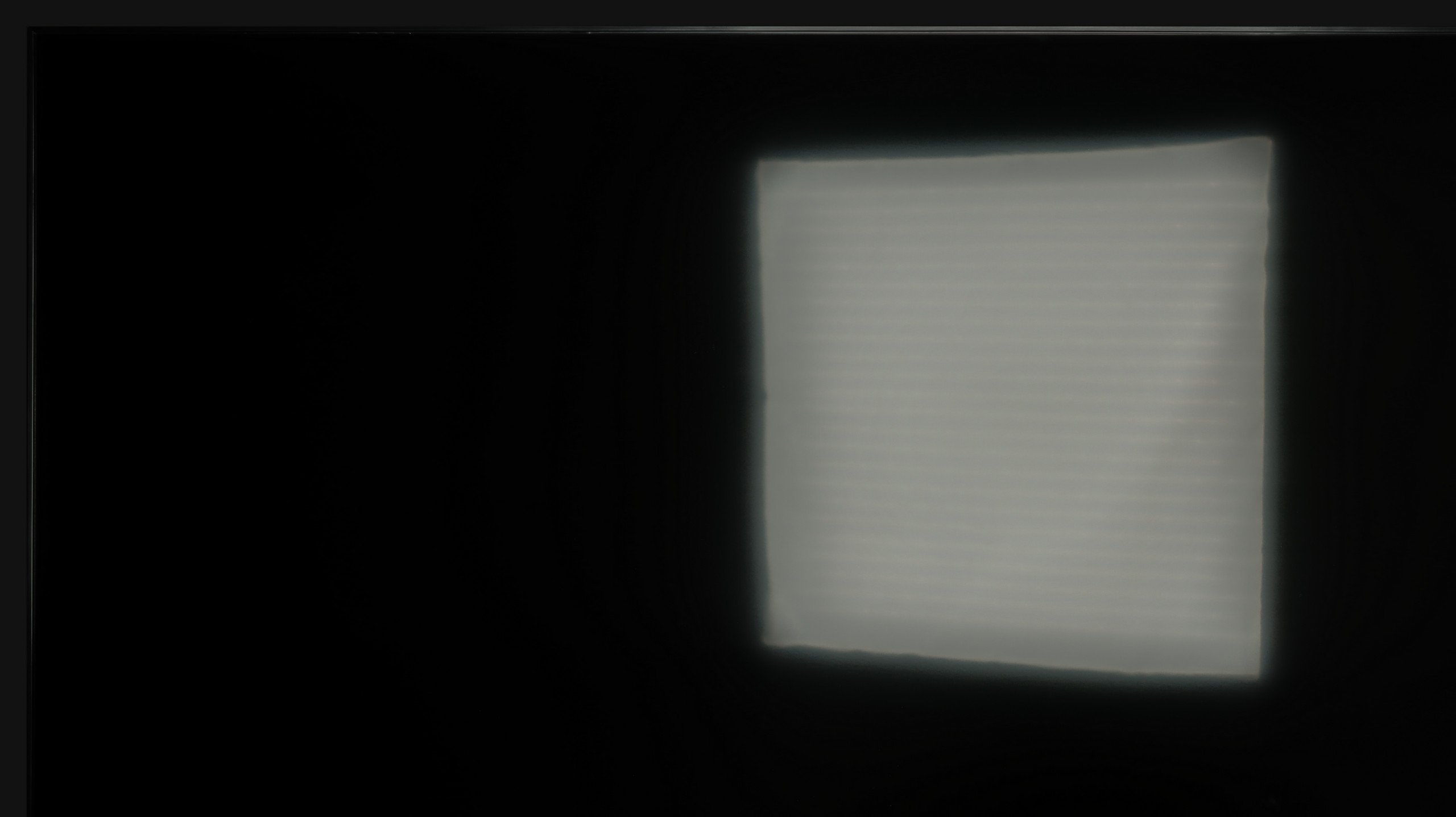
Unfortunately, what detracts from the overall effect is the unevenness of the backlighting of the panel, which is quite noticeable and can distract from the quality of the tonal transitions themselves. This is particularly evident on uniform backgrounds, where the differences in brightness between various areas of the screen become more pronounced.

In terms of the smoothness of tonal transitions, the QN70F performs really well. Gradients are smooth, and colours blend into each other without distinct thresholds or banding. Even in more challenging movie scenes – particularly those that are very dark – any potential imperfections are minimal, and you really have to pay attention to notice them. In everyday viewing, most users should not encounter any issues with colour blending. The picture looks clean and cohesive, without artificial smoothing or distortions. This is another aspect in which the QN70F impresses positively.

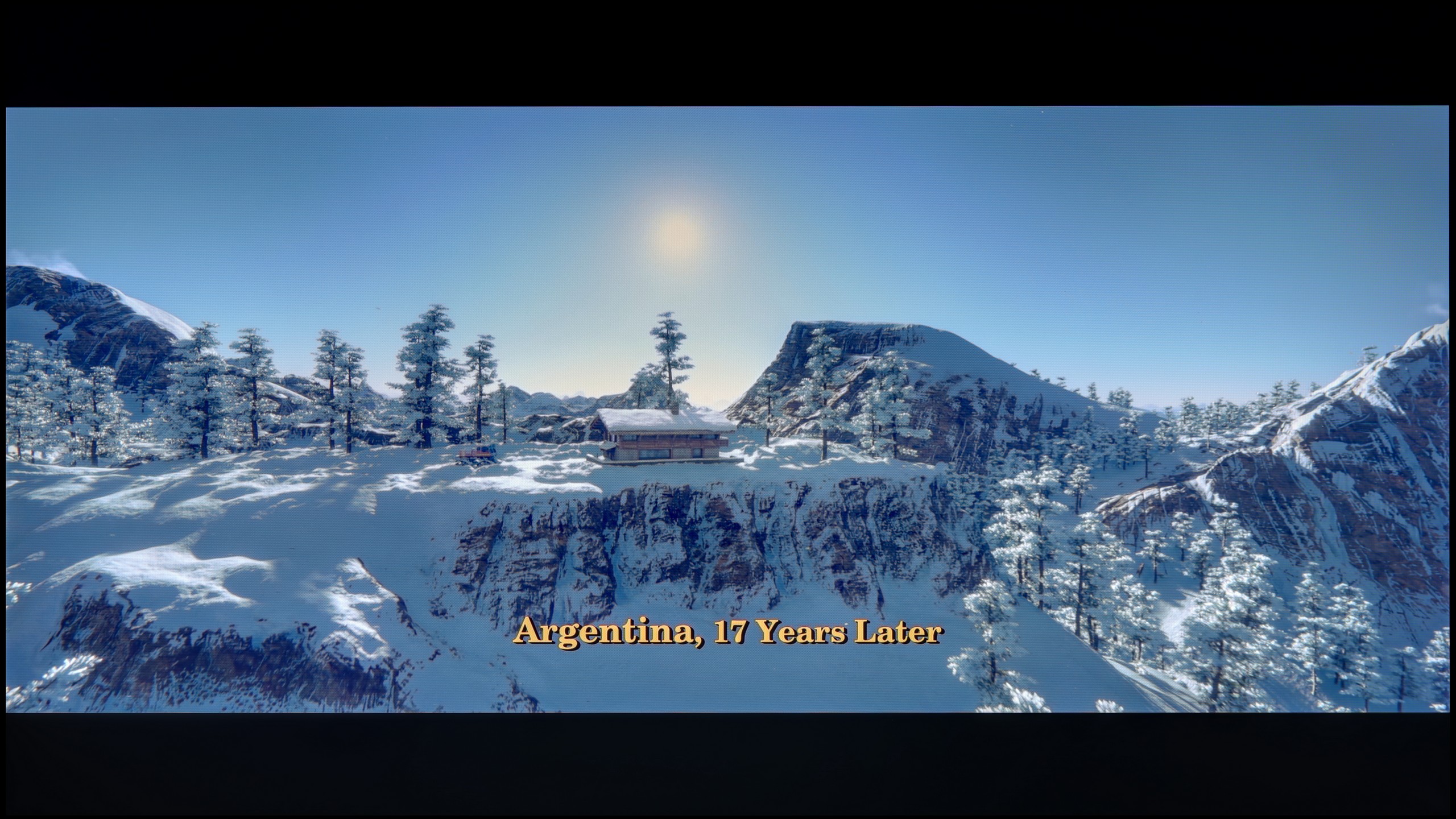
Image scaling and smoothness of tonal transitions

7.8/10

6.9/10

Image without overscan on the SD signal
No
No
Smooth transition function
OK
OK

Smooth transition function

Review Panasonic W70A Image scaling and smoothness of tonal transitions
Review Samsung Neo QLED QN70F / QN74F / QN77F Image scaling and smoothness of tonal transitions

Image without overscan on the SD signal

Review Panasonic W70A Image scaling and smoothness of tonal transitions
Review Samsung Neo QLED QN70F / QN74F / QN77F Image scaling and smoothness of tonal transitions

We checked how the Panasonic W70A handles upscaling content that is lower quality than 4K, and I must admit that the TV performs quite decently in this regard. The feature responsible for smoothing tonal transitions is called "Zeroing Counter." The optimal setting turned out to be the Average option, which effectively smooths out colour gradation issues while not ruining the film grain. This is the setting we recommend for most users, as it provides a balance between enhancing the smoothness of transitions and maintaining the naturalness of the image.

When it comes to image scaling, the Panasonic W70A performed really well. The test chart with the model looked positive – details in her clothing were well reproduced, and the contours of her face maintained sharpness. In the background, we noticed a slight "jagginess" on thin branches, but these are details that only a very attentive eye will catch. However, it's worth noting a certain quirk of this model – the TV has a tendency to overscan, meaning it slightly crops the edges of the image. It’s not a very intense phenomenon, and for most users, it will be practically unnoticeable, but if we care about perfectly framing the shot, it's worth keeping this in mind.

Samsung QN70F offers a distortion reduction feature that improves the smoothness of tonal transitions. In "Standard" mode, it works quite well – smoothing out problematic transitions without significantly interfering with the structure of the image. Film grain is partially removed, but details like texture and skin structure remain visible. "High" mode operates much more aggressively. The smoothing is stronger, but at the cost of a noticeable loss of detail. Therefore, in practice, we recommend sticking with the "Standard" setting or turning off this feature altogether. The improvement in gradation may be less spectacular, but the image retains more naturalness.

When it comes to upscaling low-quality content, the QN70F performs very well. Tests with lower resolution images went really well. Despite some slight aliasing of contours, everything looks clean and clear, even if the original content was very poor quality. It's just a pity that the television has an overscan issue that cannot be completely turned off. As a result, images with very low resolution may be slightly cropped, which is mainly noticeable on subtitles or the interface.

Blur and motion smoothness

4.7/10

7.5/10

Maximum refresh rate of the panel
60Hz
144Hz
Film motion smoothing option
OK
OK
Blur reduction option
No
OK
BFI function 60Hz
No
Yes, 60Hz (image flickers)
BFI function 120Hz
No
No
Brightness drop with BFI
-%
63%

Blur (native resolution, maximum refresh rate):

Blur (BFI function enabled):

Image flickers in this mode

Blur ():

Blur (4K 144Hz):

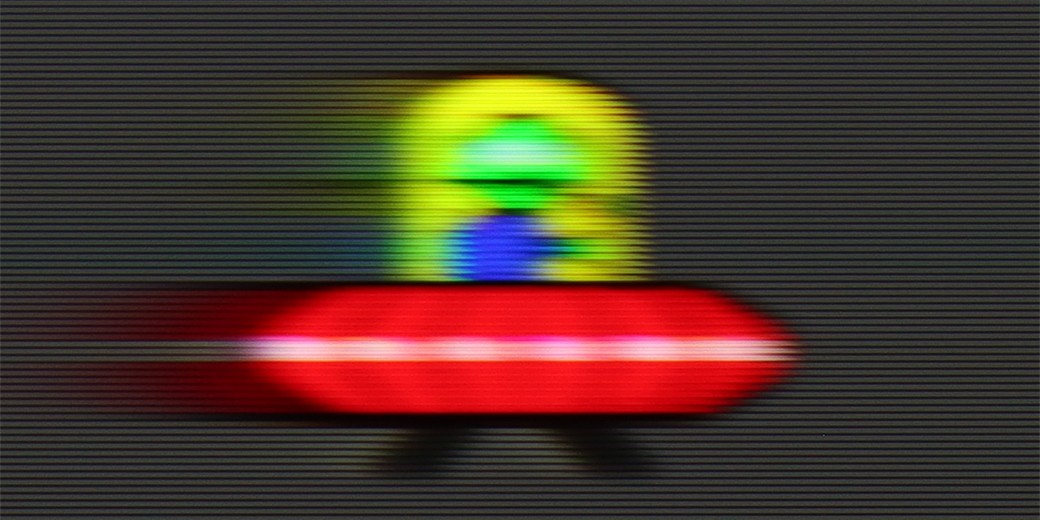
The Panasonic W70A is equipped with a 60 Hz panel, which immediately suggests that the TV is best suited for watching movies, series, or everyday television content. In more dynamic scenes, such as sports broadcasts or games, the limitations of the panel become more noticeable. However, it is worth noting the presence of a motion smoother called “Effect”, which offers three levels of adjustment – low, medium, and high.

Each setting allows you to adjust the smoothness of motion to your own preferences, minimizing the motion blur effect and improving the clarity of dynamic shots. In practice, the Medium setting seems to be the most universal – it offers better smoothness without the excessive “soap opera effect” that can look artificial in feature films. The High setting may work well for sports broadcasts, but in movies, it can disrupt the natural character of motion.

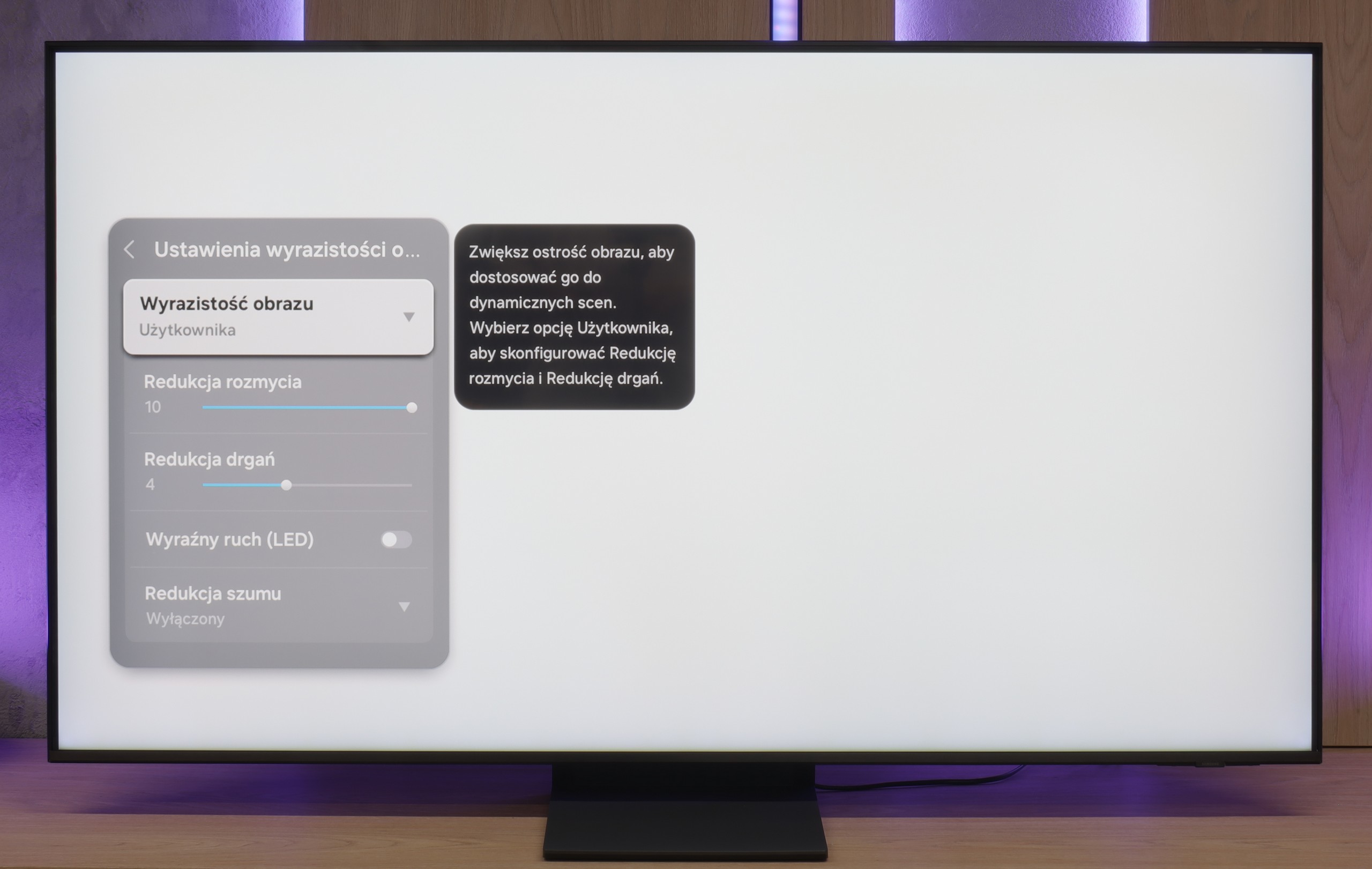
The QN70F is a television with a refresh rate of 144 Hz, which in itself places it among the best when it comes to image smoothness. Whether we're watching fast-paced sports broadcasts or gaming on a console – the picture looks fantastic. There's no sense of stuttering, clipping, or the typical "judder" seen in lower-end models during fast motion. Samsung also allows you to adjust the smoothness to your own preferences. In the picture clarity settings, we find options such as motion blur reduction and judder reduction – each of which can be adjusted independently. This is especially useful when we are watching content with a lower frame rate and want to give it a smoother, more cinematic feel – or conversely, maintain the natural filmic "feel" of 24 frames.

Console compatibility and gaming features

6.2/10

8.2/10

  • ALLM
    Yes
    Yes
  • VRR
    Yes
    Yes
  • VRR range
    47 - 60Hz
    48 - 144Hz
  • Dolby Vision Game Mode
    Yes
    No
  • Correct implementation of HGIG
    Yes
    No
  • 1080p@120Hz
    No
    Yes
  • 1440p@120Hz
    No
    Yes
  • 4K@120Hz
    No
    Yes
  • Game bar
    No
    Yes

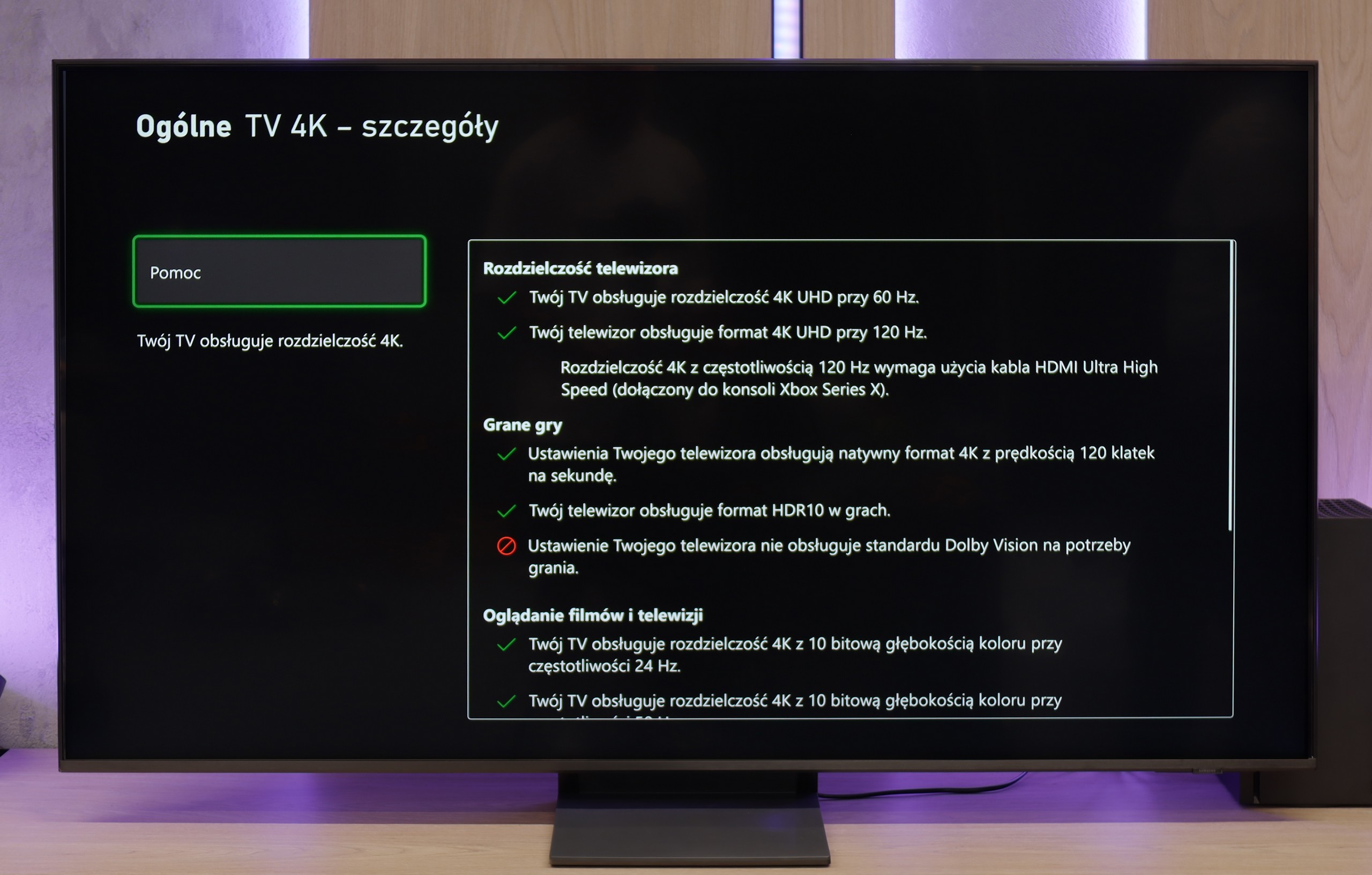
The Panasonic W70A is a TV that is likely to suit casual gamers more than hardcore players. The 60 Hz refresh rate doesn't fully utilise the potential of next-gen consoles, especially in dynamic titles. The lack of HDMI 2.1 slightly limits its capabilities, but fortunately, it includes features like ALLM, which automatically switches to game mode, and VRR, which helps minimise screen tearing. It's also worth noting the support for Dolby Vision in games and HGiG, making HDR more predictable and looking solid. It's a pity, though, that it lacks Game Bar. This feature is now standard in many TVs and provides quick access to the most important settings for gamers. The W70A performs well for gaming, but it does have its limitations. It will do fine with more laid-back titles, but more demanding gamers may feel unsatisfied.

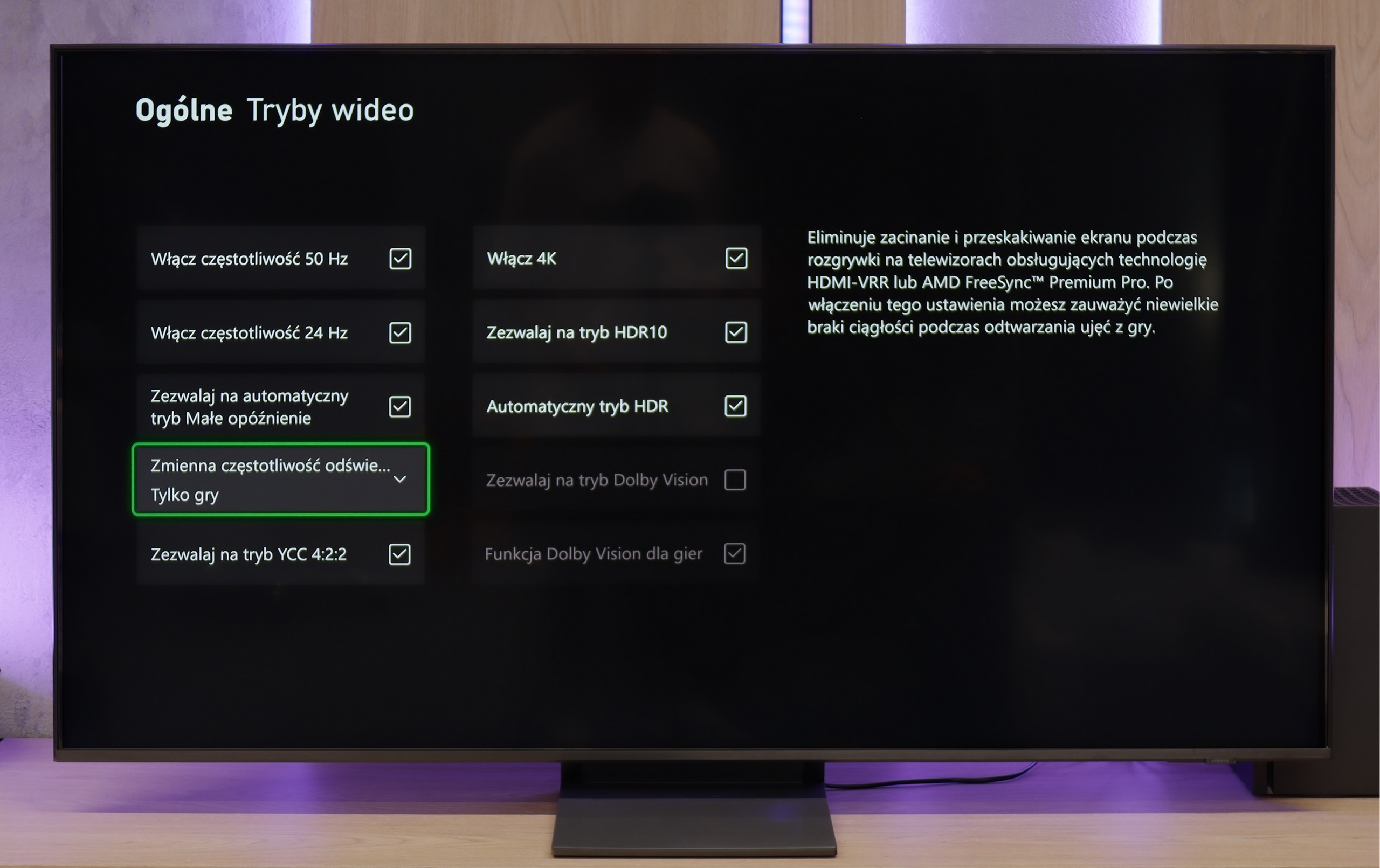
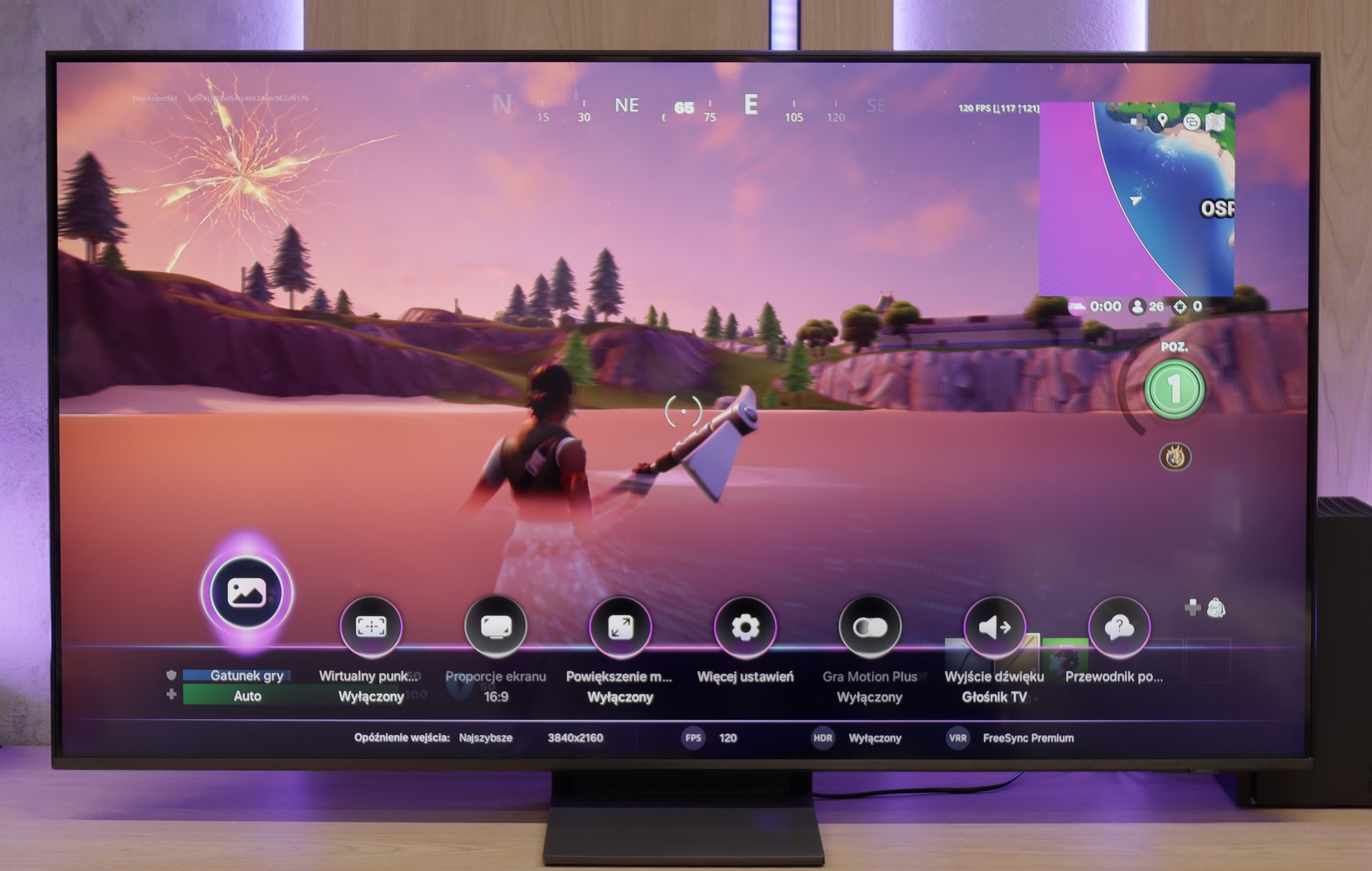
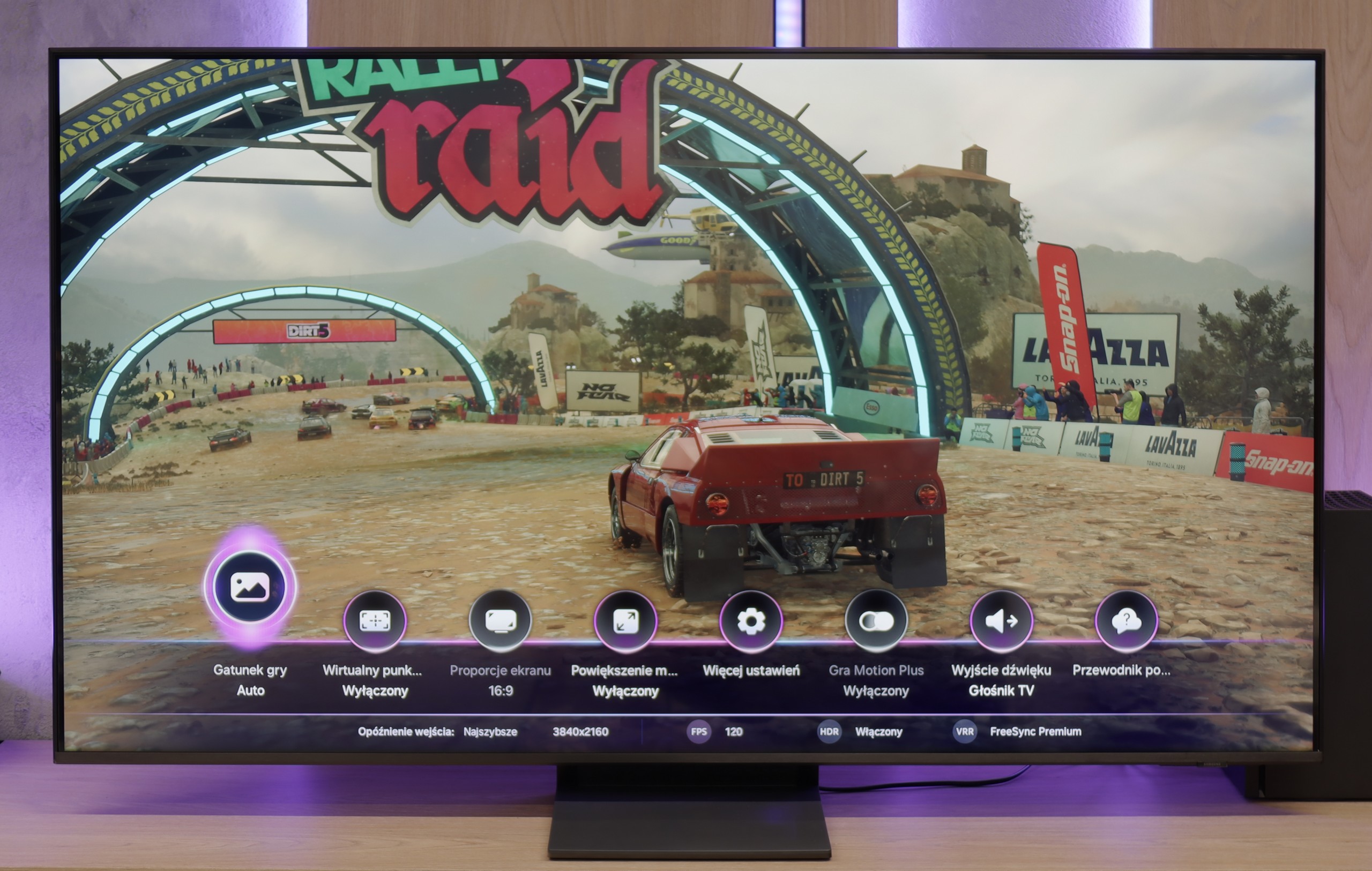
Samsung QN70F is a really solid choice for gamers. It features four HDMI 2.1 ports with full bandwidth of 48 Gbps, which means full support for gaming in 4K at 144 Hz refresh rate. Plus, it has all the basic features we expect today: automatic game mode (ALLM), variable refresh rate (VRR), and a very well-designed, intuitive Game Bar that displays information about the mode, resolution, and frame rate.


The Game Motion Plus feature is also worth noting, as it allows for the addition of artificial frames to games running at 60 fps or less. It works surprisingly well and improves gameplay smoothness in many titles—especially in those where consoles struggle to maintain a stable frame rate—without significant latency.

Unfortunately, there are some drawbacks. The lack of support for Dolby Vision mode is not surprising—it’s a standard for Samsung. However, the absence of the HGiG feature is far more disappointing. Worse still, it was removed in a software update, which might catch users who previously relied on it off guard. Without HGiG, one cannot manually set the maximum HDR brightness from the console, resulting in some games looking slightly overexposed—especially if the TV misinterprets the tonal range. Why Samsung, a brand that has set the standards for gaming features for years, decided to take such a step is hard to say. At the time of writing this review, the tested TV was running on software version 1110—and frankly, if you care about full support for gamers, it’s better to hold off on updates for now.

Input lag

10/10

10/10

SDR

1080p60
12 ms
14 ms
1080p120
8 ms
2160p60
12 ms
14 ms
2160p120
7 ms

HDR

2160p60
12 ms
13 ms
2160p120
7 ms
4320p60

Dolby Vision

2160p60 DV
12 ms
2160p120 DV

In terms of signal delay, the Panasonic W70A performs really well. With a score of 12 ms, it's a value that is practically below the threshold where noticeable lag can be mentioned. Playing on this TV is responsive, and character movements or reactions in games are immediate. Interestingly, even in Dolby Vision mode, which often poses issues with input lag, the TV handled it very well. This is a pleasant surprise, as many manufacturers struggle with this, and HDR often increases the lag to a level that becomes noticeable during fast-paced games.

The QN70F doesn't disappoint in terms of response time either. For 120 Hz content, the input lag hovers around 8 ms, which can be considered a very good result – especially in the context of online competition or dynamic action games. The screen responds to controller movements almost instantly, with no noticeable delay. This makes for smooth and comfortable gameplay, even in more demanding titles. In this category, Samsung continues to maintain a high standard, and it's hard to find anything that could raise concerns.

Compatibility with PC

6/10

8.2/10

Chroma 444 (maximum resolution and refresh rate)
Yes
Yes
Font clarity
Very Good
Good
Readability of dark text and shapes
Very Good
Poor
Input lag in PC mode (4K, maximum refresh rate)
12ms
9ms
Matrix subpixel arrangement
RGB
BGR
Max refresh rate
60Hz
144Hz
G-Sync
No
Yes
Review Panasonic W70A Compatibility with PC
Review Samsung Neo QLED QN70F / QN74F / QN77F Compatibility with PC

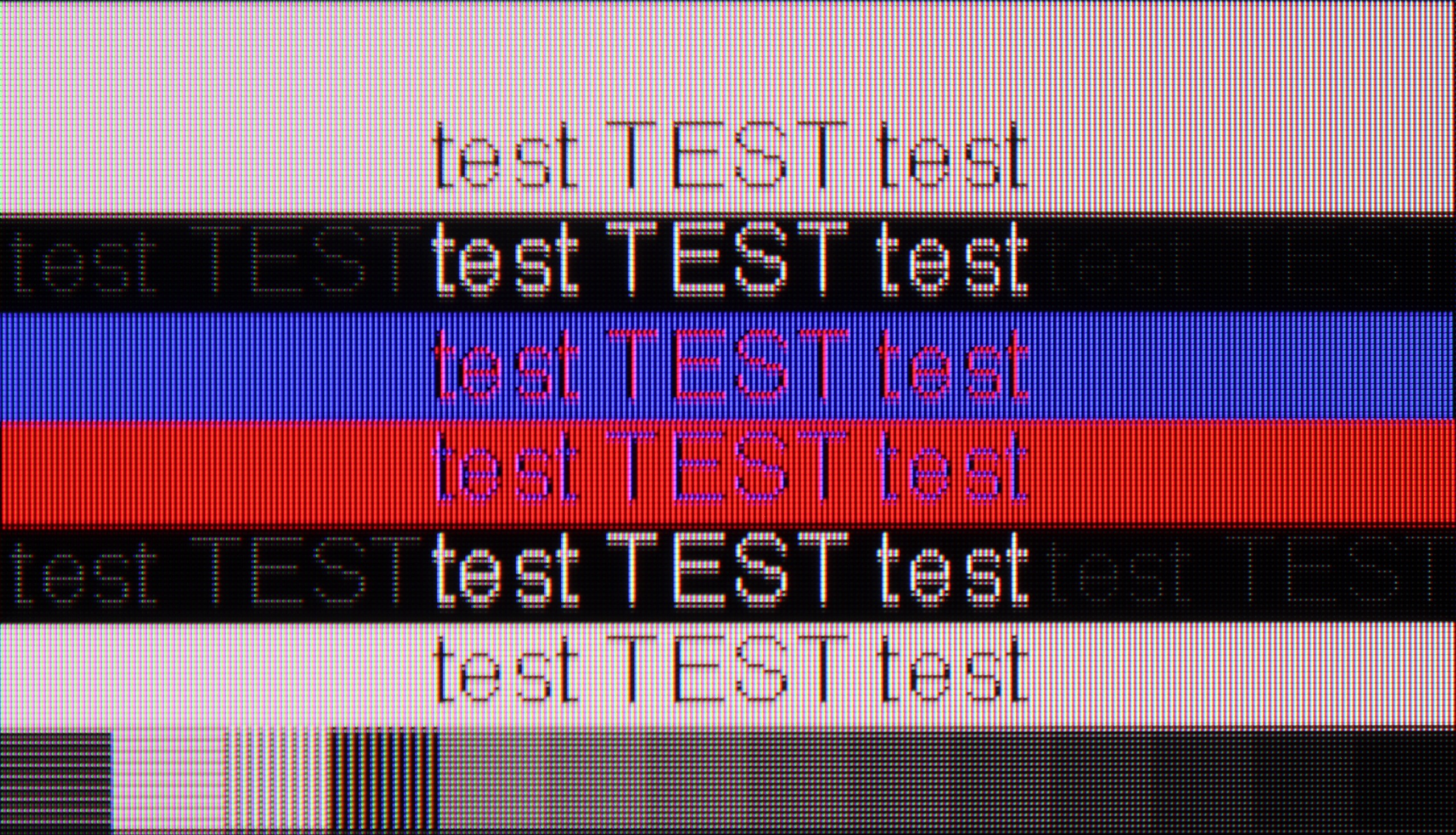
The Panasonic W70A handles itself quite well as a work monitor. Thanks to its IPS panel and 4:4:4 chroma support, the text is clear, sharp, and readable. Even small fonts look good, without any blurring or jagged edges. For office work, web browsing, or document writing, this television is really suitable.

Gaming on PC is a bit of a different story. The 60 Hz panel means that more dynamic titles don’t look as smooth as they could on a higher refresh rate screen. The lack of G-Sync or FreeSync support doesn’t help either, so screen tearing may occur.

Let's start with the best part when it comes to connecting the QN70F to a computer – that is, gaming. With a refresh rate of 144 Hz, support for G-Sync compatible VRR, and very low input lag, it’s the recipe for almost the perfect screen for PC gamers. In this role, the QN70F really doesn't disappoint – games look smooth, responsiveness is at a very high level, and everything runs steadily.

However, the situation is a bit worse when it comes to working with text. At 4K resolution and a refresh rate of 144 Hz, there is a noticeable slight blurriness in the edges of fonts – text may appear slightly smeared, with a minor “layering” of outlines. This is not a problem that disqualifies the QN70F's usability as a monitor, but those planning to do office work or text editing on this screen should bear this in mind.

Viewing angles

6.2/10

3.1/10

Brightness drop at an angle of 45 degrees
69%
74%

For a TV with an IPS panel, the viewing angles on the Panasonic W70A are really impressive. The image maintains decent quality even when viewed at a wider angle. Colours don't significantly lose saturation, and details remain well visible. Of course, everything comes at a cost. In this case, it's the weaker blacks, which become even more washed out when viewed at an angle. However, this is a standard compromise with IPS panels and is hard to consider surprising.

For a VA panel, the viewing angles on the QN70F are typical – meaning rather average. The image quickly loses contrast and saturation when we start looking at the screen from a greater angle. Compared to IPS panels, it performs significantly worse. On the other hand – thanks to this panel, we gain better black levels and higher contrast when viewing straight on, which for many users will be more important than wide visibility from the sides.

Daytime performance

4/10

6.3/10

Panel finish
Satin
Satin
Reflection suppression
Average
Good
Black levels during daytime
Good
Very Good
Review Panasonic W70A Daytime performance
Review Samsung Neo QLED QN70F / QN74F / QN77F Daytime performance
Review Panasonic W70A Daytime performance
Review Samsung Neo QLED QN70F / QN74F / QN77F Daytime performance

Panel brightness

Average luminance SDR

Samsung Neo QLED QN70F / QN74F / QN77F: 492 cd/m2

Panasonic W70A: 272 cd/m2

The Panasonic W70A is fitted with a satin matrix that average manages to reduce reflections of light. Glare isn't overly bothersome, but in bright rooms, especially in direct sunlight, it can be noticeable. The main issue, however, is the brightness at a level of 270 cd/m². It's simply too little to comfortably watch television in full sun. The image becomes washed out, and darker scenes lose detail and depth.

The QN70F handles a bright lounge without any issues. The screen has a satin finish that effectively reduces reflections, so you don't have to immediately draw the blinds to see anything. Even when there's quite a bit of light in the room – for example, with a window on the side – the image still looks sharp and vibrant. The brightness is also at a solid level. In SDR mode, the television averages around 500 nits, which is more than adequate for daytime viewing. It may not be the level of top-end models, but in practice – for everyday watching of TV, sports, or YouTube – it performs very well.

Panel details

Backlight Type
White LED
QLED
Software version during testing
R3.1.1.0.0.V0.0.20.26
1110
Image processor
m7632 2gb ram

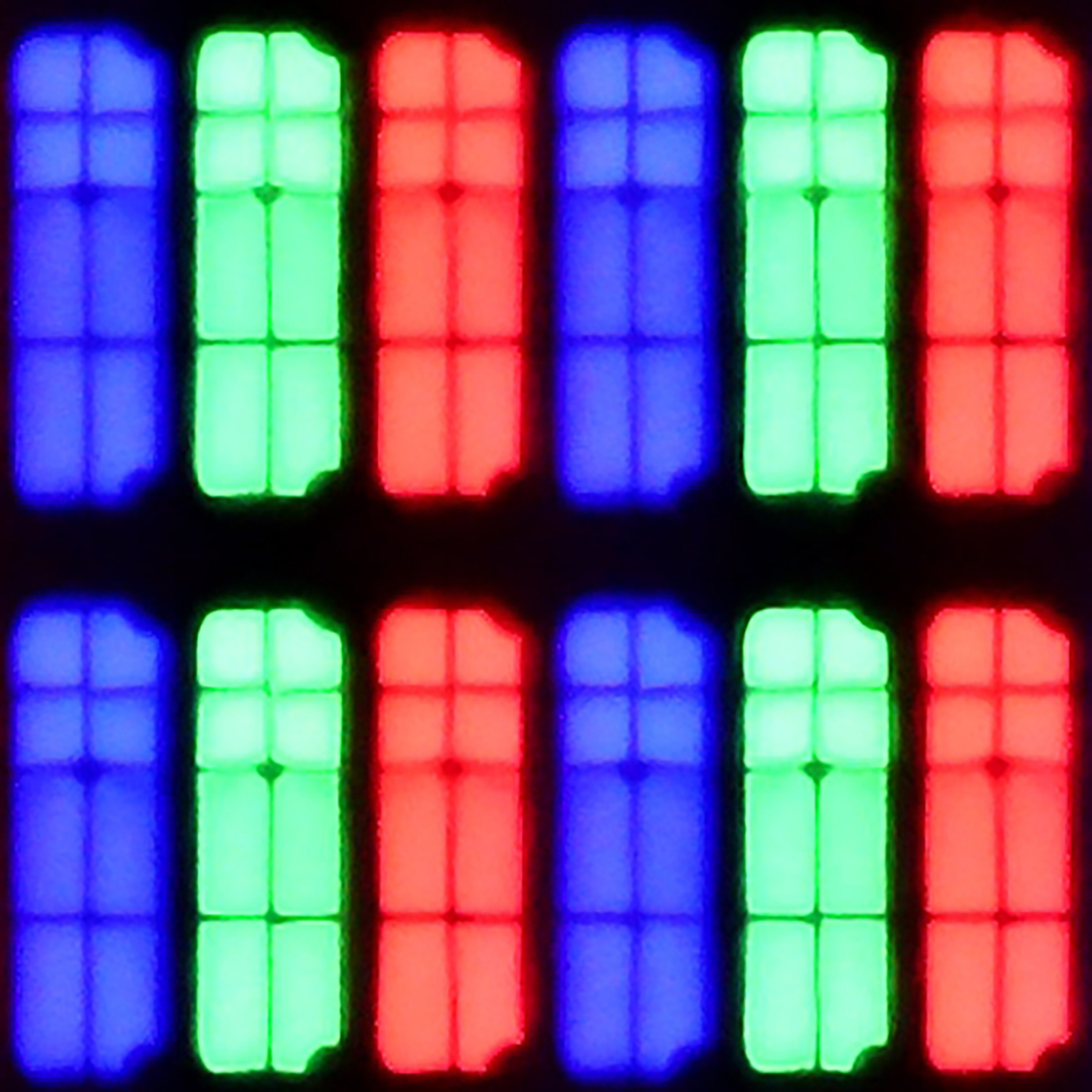
Subpixel Structure:

Panel uniformity and thermal imaging:

Review Panasonic W70A TV Panel details
Review Samsung Neo QLED QN70F / QN74F / QN77F TV Panel details

Panasonic W70A

Samsung Neo QLED QN70F / QN74F / QN77F

TV features

5.2/10

7.2/10

  • HDMI inputs
    3 x HDMI 2.0, 0 x HDMI 2.1
    0 x HDMI 2.0, 4 x HDMI 2.1 48Gbps
  • Outputs
    Toslink (Optical audio), eARC (HDMI), ARC (HDMI), Mini-Jack (Headphones)
    Toslink (Optical audio), eARC (HDMI), ARC (HDMI)
  • Network Interfaces
    Wi-Fi 2.4GHz, Wi-Fi 5GHz, Ethernet (LAN) 100Mbps
    Wi-Fi 2.4GHz, Wi-Fi 5GHz, Ethernet (LAN) 100Mbps
  • TV reception
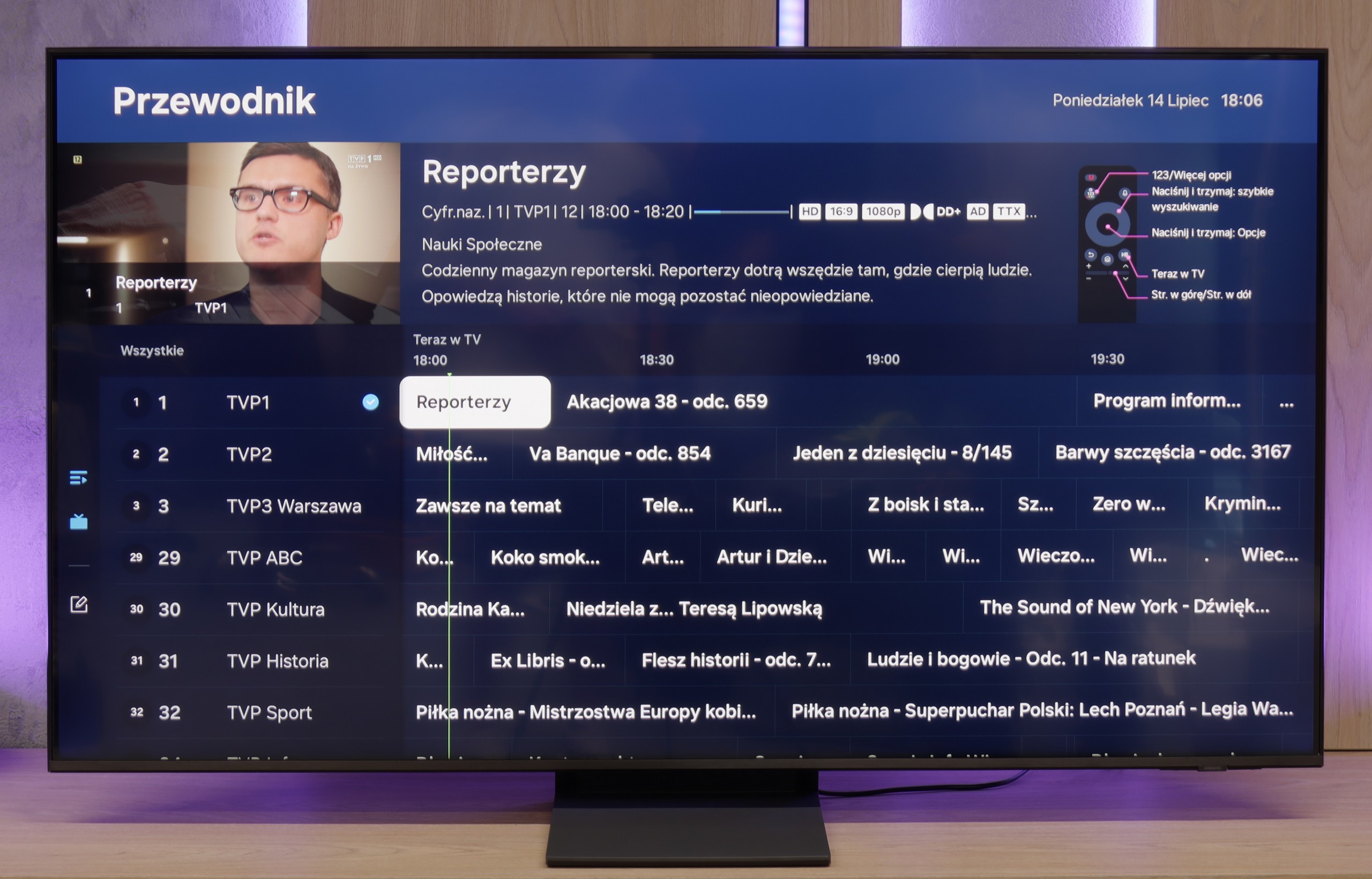
    DVB-T, DVB-T2, DVB-S, DVB-S2, DVB-C
    DVB-T, DVB-T2, DVB-S, DVB-S2, DVB-C

Classic features:

  • Recording to USB (terrestrial TV)
    No
    No
  • Recording programming
    No
    No
  • Picture in Picture (PiP)
    No
    Yes
  • RF remote control (no need to aim at the screen)
    Yes
    Yes
  • Backlit remote control
    No
    No
  • Teletext
    Yes
    Yes
  • Audio only mode
    Yes
    Yes
  • Bluetooth headphones support
    Yes
    Yes
  • Simultaneous Bluetooth headphones & TV audio
    No
    Yes

Smart features:

  • AirPlay
    No
    Yes
  • Screen mirroring (Windows Miracast)
    Yes
    Yes
  • Voice search
    Yes
    Yes
  • Voice search in native language
    Yes
    Yes
  • Ability to connect a keyboard and mouse
    Yes
    Yes
Review Panasonic W70A TV features
Review Samsung Neo QLED QN70F / QN74F / QN77F TV features

Panasonic W70A runs on the Google TV system and it's fair to say that this is one of its strong points. There are really a lot of applications – all the popular streaming services, YouTube, and even less known platforms. The system runs smoothly, and navigating through the menu is intuitive and hassle-free. The remote has a built-in microphone, so you can use voice search in Polish. This is a significant convenience, especially when you need to quickly find a movie or an application. Additionally, there's Bluetooth, which allows you to connect headphones or other wireless devices. However, there are some shortcomings. There's no AirPlay here, which could be a problem for users of Apple equipment. There's also a lack of USB recording options and picture-in-picture (PIP) functionality.

Panasonic W70A makes up for this with the functionality of Google TV and its straightforward operation. It has everything you need for using a Smart TV, but if someone is counting on more advanced options related to traditional television, they may feel slightly underwhelmed.

Television Features

QN70F does not forget about the classic features that still matter to many users. Onboard, we find, among other things, a picture-in-picture (PiP) mode, thanks to the presence of two tuners, teletext, and a "Sound Only" mode – perfect if we want to use the television like a radio. We can easily pair headphones or a soundbar via Bluetooth, and the remote – despite lacking a numeric keypad – works reliably, allowing control of other devices and additionally does not require us to aim at the screen. It should be noted, however, that like all new Samsung models – we will not find the USB recording feature here. This is a systemic limitation, to which the brand apparently consistently adheres.

Smart TV QN70F – Tizen

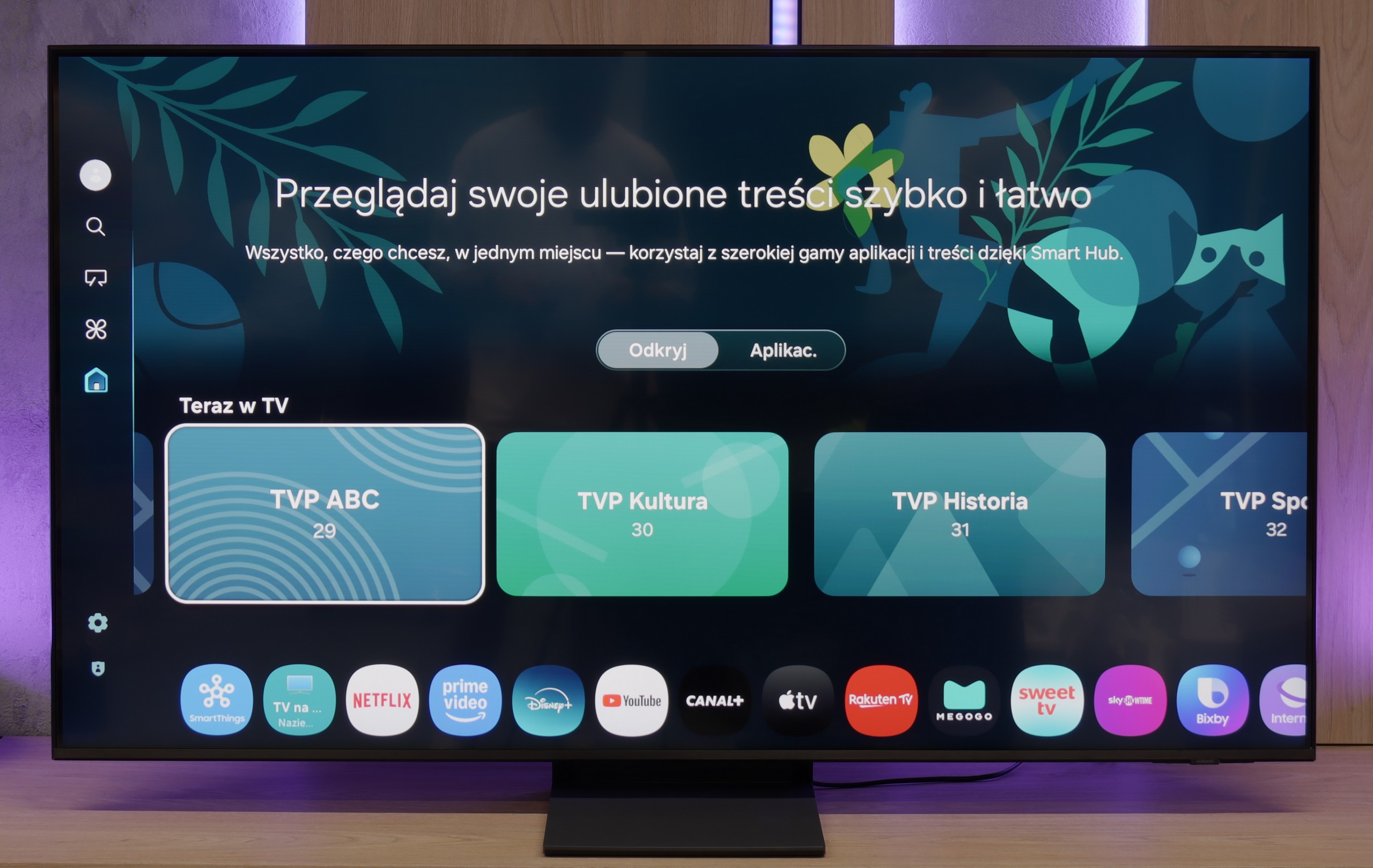
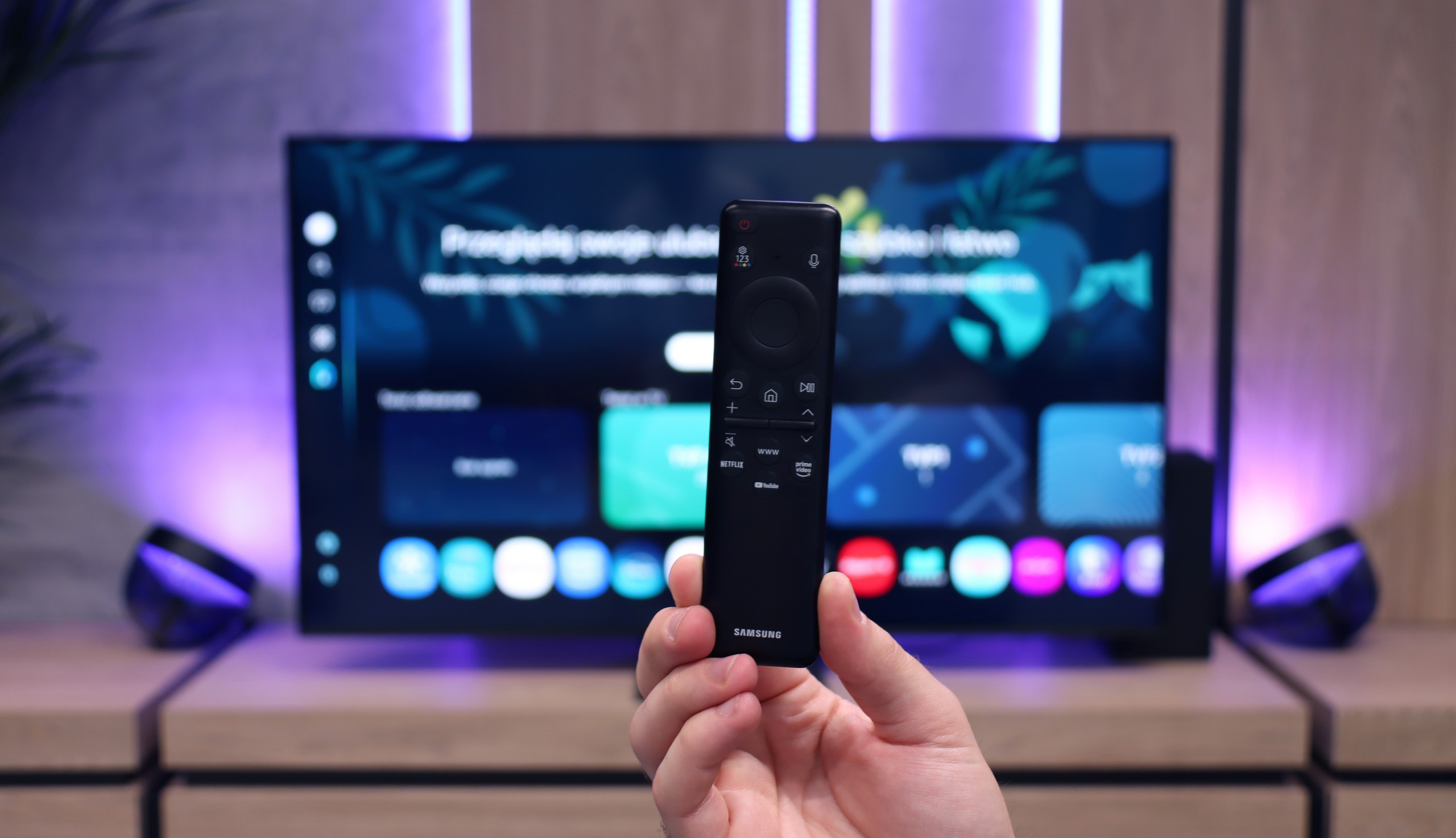
The Tizen system, developed by Samsung for years, is one of the most refined Smart TV interfaces. It is fast, clear, and feature-rich. The QN70F supports voice search (also in Polish), wireless image streaming from a phone (both via AirPlay and Miracast), as well as integration with watches and other devices in the Samsung ecosystem. All of this is tied together by the SmartThings app, which allows you to control devices, automate tasks, and connect devices in one network. (Not just Samsung brand). However, it is not perfect. Tizen is a closed system, so the choice of apps can be somewhat limited – especially compared to Google TV. All the major streaming services are available, but if you are using less popular services, it's worth checking in advance whether they are available in the Samsung store.

Playing files from USB

7.7/10

9/10

Supported photo formats:

JPEG
Yes
Yes
HEIC
Yes
No
PNG
Yes
No
GIF
Yes
No
WebP
Yes
No
TIFF
No
No
BMP
Yes
Yes
SVG
No
No

Maximum photo resolution:

4 Mpix
Yes
Yes
6 Mpix
Yes
Yes
8 Mpix
Yes
Yes
10 Mpix
Yes
Yes
12 Mpix
Yes
Yes
16 Mpix
Yes
Yes
20 Mpix
Yes
Yes
24 Mpix
Yes
Yes
28 Mpix
Yes
Yes
32 Mpix
Yes
Yes

The built-in media player in the Panasonic W70A unfortunately has its limitations. Firstly, it doesn't support Polish subtitles, which can be a significant issue for many people. Additionally, there are difficulties with playing certain file formats, which sometimes results in an error message or a lack of sound.

Fortunately, thanks to the Google TV system, it's easy to install alternative media players that can handle these shortcomings. In the Google Play Store, we can find several reliable apps that support both Polish subtitles and less popular video formats.

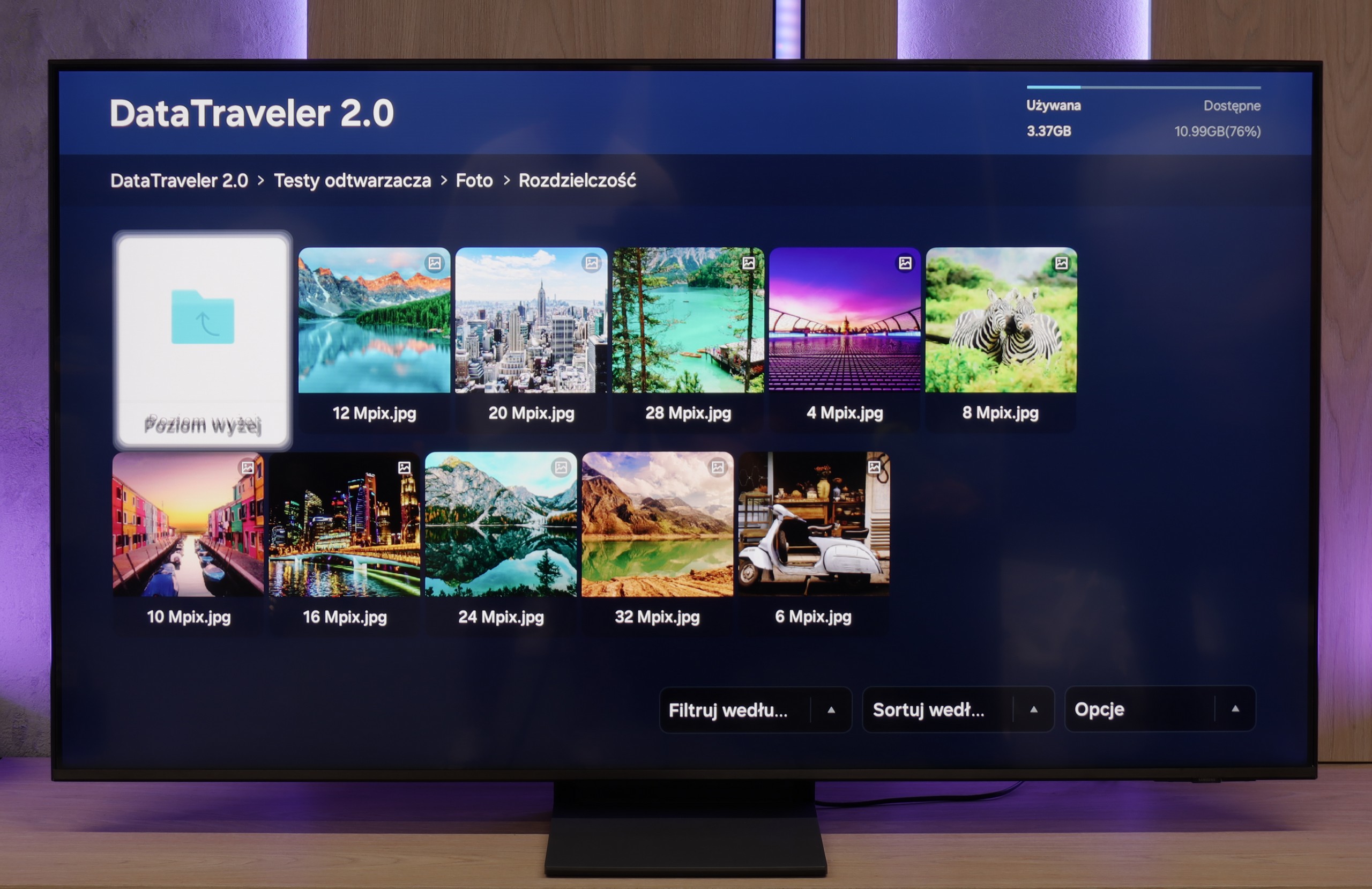
Samsung QN70F handles multimedia playback well – it easily runs photos, music, and videos in the most commonly used formats. During testing, it opened JPG files, MP4s, and TXT subtitles without any trouble, so for most people, this will simply be sufficient. However, there were a few files – despite having the correct extensions – that refused to play. It may be an issue with a particular version of the system, and the problem might disappear after future updates.

Apps

8.3/10

8.7/10

OK
Disney_Plus
OK
Amazon_Prime_Video
OK
Player_TVN
OK
Polsat_Box_Go
OK
Canal_Plus_Online
OK
TVP_VOD
OK
Apple_TV_Plus
OK
SkyShowtime
OK
Rakuten
OK
CDA_Premium_Browser
OK
Spotify
OK
Tidal
OK
Netflix
OK
YouTube
No
HBO_MAX
OK
Kodi
No
Apple_music
No
Eleven_sports
No
Xbox Game Pass
No
GeForce Now!
OK
Amazon Luna
No
Boosteroid
No
Steam Link
OK
Disney_Plus
OK
Amazon_Prime_Video
OK
Player_TVN
OK
Polsat_Box_Go
OK
Canal_Plus_Online
OK
TVP_VOD
OK
Apple_TV_Plus
OK
SkyShowtime
OK
Rakuten
OK
CDA_Premium_Browser
OK
Spotify
No
Tidal
OK
Netflix
OK
YouTube
OK
HBO_MAX
No
Kodi
OK
Apple_music
No
Eleven_sports
OK
Xbox Game Pass
OK
GeForce Now!
OK
Amazon Luna
OK
Boosteroid
No
Steam Link

Sound

6.6/10

6.4/10

  • Maximum volume
    -
    84dB
  • Dolby Digital Plus 7.1
    Yes
    Yes
  • Dolby True HD 7.1
    No
    No
  • Dolby Atmos in Dolby Digital Plus (JOC)
    Yes
    Yes
  • Dolby Atmos in Dolby True HD
    No
    No
  • DTS:X in DTS-HD MA
    No
    No
  • DTS-HD Master Audio
    No
    No

The sound on the Panasonic W70A is surprisingly decent for a TV in this class. It's quite well balanced, and the low tones are subtly noticeable, which adds some depth when watching movies or listening to music. Dialogue is clear, and the overall sound quality is clean and pleasant. Of course, don't expect a cinematic experience or powerful bass – it’s still a standard audio system in a TV, and the physical limitations of its slim design take their toll.

The Samsung QN70F is quite average in terms of sound, which shouldn't come as a surprise considering the exceptionally slim design of the television. The built-in speakers will adequately handle daily watching of news or simpler content, but it's hard to talk about any depth or spaciousness of sound here. It's simply a compromise that must be accepted when choosing an elegant and thin design over a bulkier casing with a better audio system.

Sound Quality Test

No sound test video

Acoustic Measurements

No acoustic data

84dBC (Max)

75dBC