LG UR781 is currently the cheapest model from the Korean manufacturer. It features an excellent WebOS system, which is the main advantage of this television. It satisfies most users with access to various streaming platforms and capabilities. The TV offers adequate picture quality for its price, which will certainly meet the expectations of many basic users. Although its HDR capabilities are somewhat limited by the lack of Dolby Vision or HDR10+, it supports basic formats such as HDR10 and HLG. The television handles low-quality content quite well, thanks to the smooth transition smoothing feature, which provides smooth and clear transitions, particularly appreciated when watching films from low-quality sources (e.g., free-to-air television). When it comes to gaming, the television has a very low input lag, which is a fundamental criterion. If we are looking for a budget option, it is quite a nice choice for those willing to compromise on a 120Hz panel for the sake of price. Although the brightness of the television is lower than in competing models, and the colour gamut coverage is limited, the LG UR781 still offers impeccable HDR content appearance due to the presence of dynamic tone mapping. With proper calibration, the television can achieve better colour reproduction and optimal sharpness, significantly enhancing comfort and enjoyment while watching.
- Matching (Score) |
- Our verdict |
- TV appearance |
- Where to buy |
- Contrast and black detail |
- HDR effect quality |
- Factory color reproduction |
- Color reproduction after calibration |
- Smoothness of tonal transitions |
- Image scaling and smoothness of tonal transitions |
- Blur and motion smoothness |
- Console compatibility and gaming features |
- Input lag |
- Compatibility with PC |
- Viewing angles |
- Daytime performance |
- Panel details |
- TV features |
- Apps |
- Playing files from USB |
- Sound
LG UR781 vs Hisense A7NQ
 Direct comparison
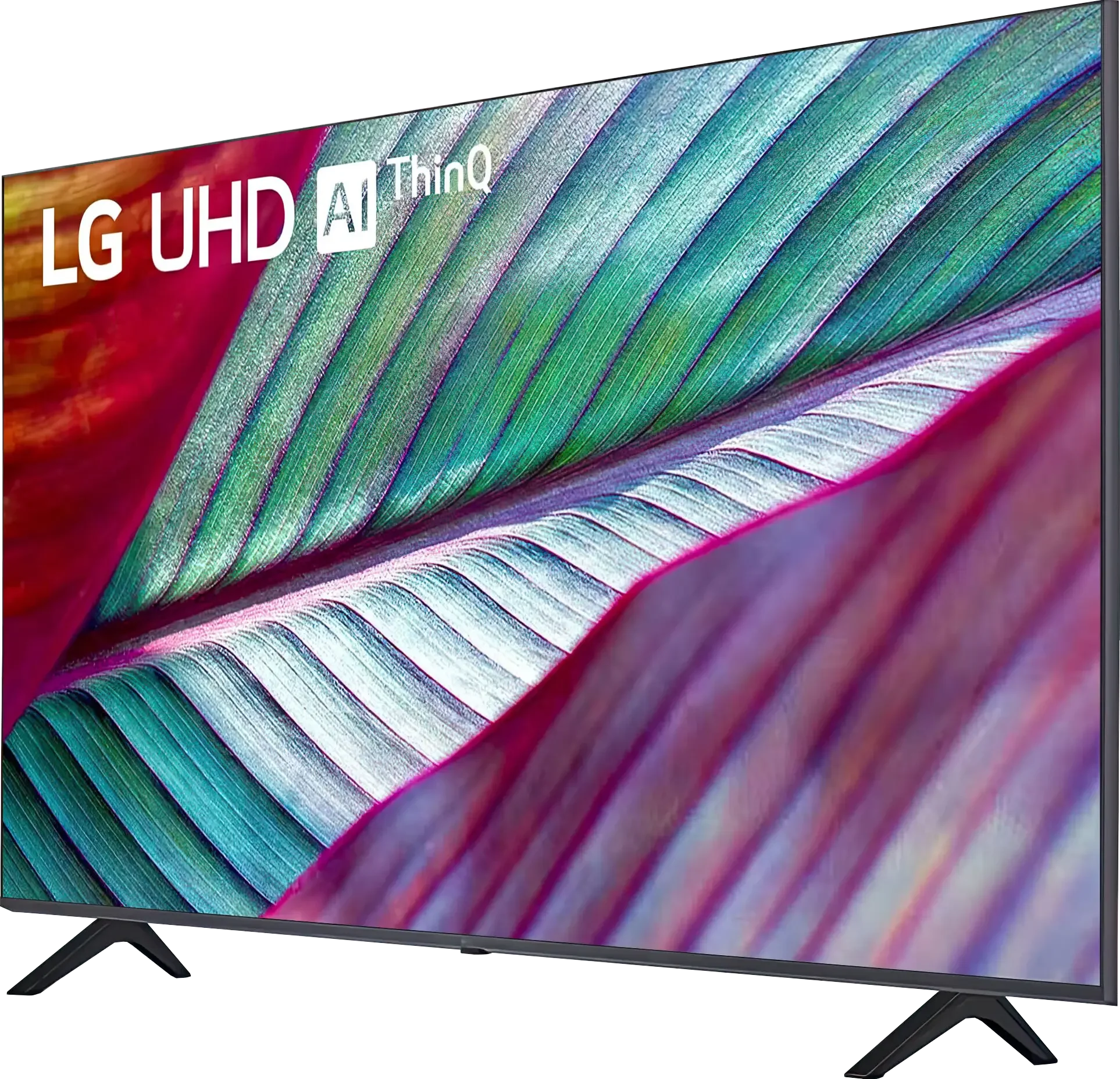
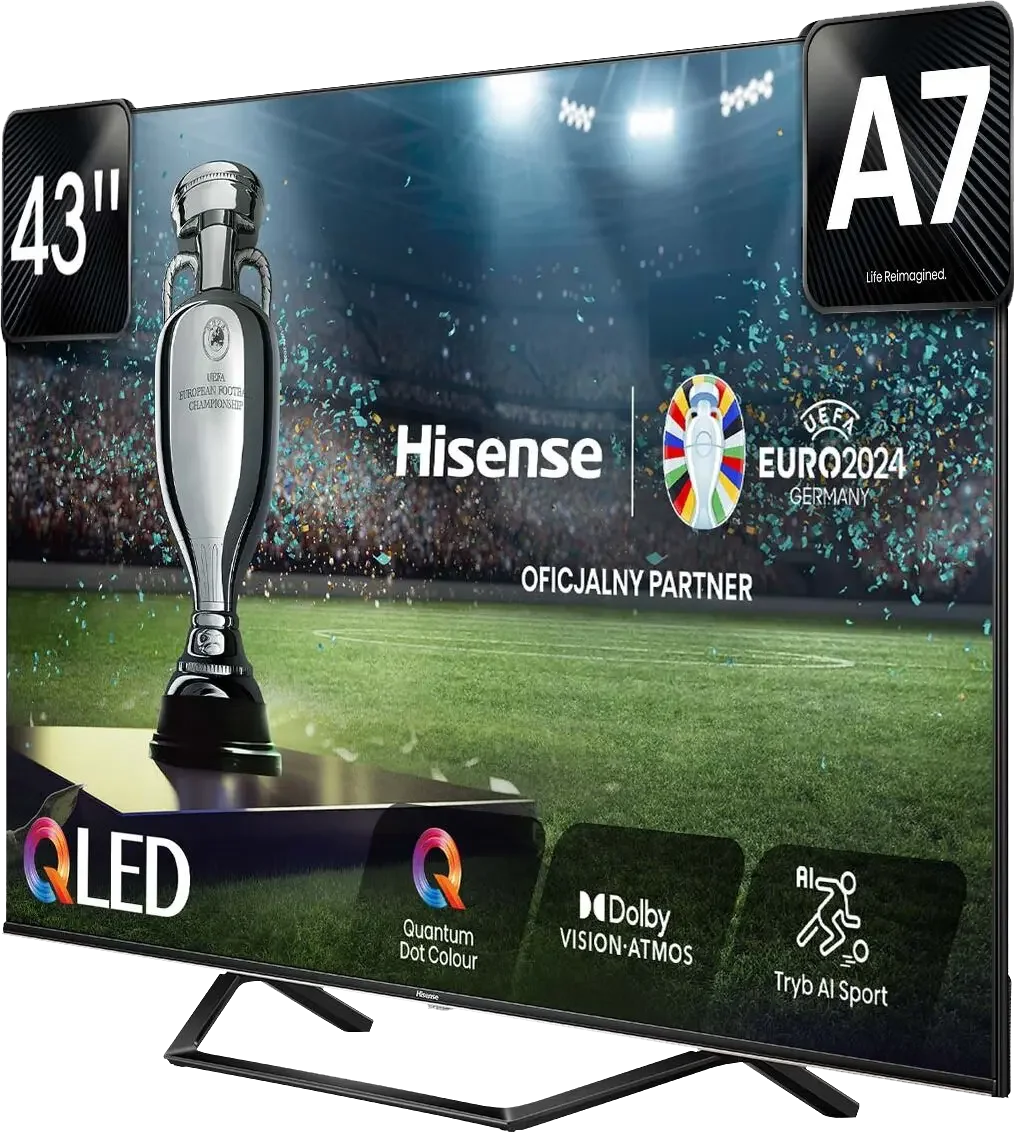
Panel type: LCD VA
Resolution: 3840x2160
System: WebOS
Model year: 2023
Complete the survey to find out the result
Panel type: LCD VA
Resolution: 3840x2160
System: VIDAA
Model year: 2024
Complete the survey to find out the result
Overall rating
5.5
6.2
 Movies and series in UHD quality
 5.4
6.4
 Classic TV, YouTube
 5.8
6.2
 Sports broadcasts (TV and apps)
 4.2
4.9
 Gaming on console
 6.2
7.0
 TV as a computer monitor
 6.0
5.8
 Watching in bright light
 3.9
4.9
 Utility functions
 6.4
8.7
 Apps
Apps 9.1
7.7
 Sound quality
 5.2
5.9
Complete the survey to find out what fits your preferences
Advantages

WebOS with a large number of applications
Low input lag values
Works great with PC
High native contrast
Game Bar
Good native contrast
Very low input lag, even in Dolby Vision
ALLM, VRR, Game Bar and 120 Hz (Full HD) – useful features for gamers
Recording to USB from built-in tuners
Simplicity and speed of the Vidaa system
Support for AirPlay and Miracast
Support for Dolby Atmos and DTS:X surround sound
Disadvantages

Very low brightness
Poor viewing angles
The system can "lag"
Average performance in HDR content
Considerable motion blur
No support for subtitles from USB (as of the date of this test)
No support for HGiG
Our verdict
The Hisense A7NQ is one of the simplest QLED TVs available on the market, primarily enticing with its very attractive price. Equipped with a VA panel, it offers solid native contrast, and the additional PFS coating (a different type of QLED) allows for vibrant colours, particularly in older SDR content. This is a TV that works well for those who use the television more occasionally but are looking for a device with useful features. The Vidaa system, which has strengthened its position in the Polish market over time, is another plus. It supports most popular streaming apps available in Poland and offers features like USB recording, which can be rare in this class of equipment. It's clear that the manufacturer listens to user feedback and strives to implement improvements, which is a nice touch. When it comes to picture quality, it is… simply average. Brightness is limited, so the TV will not be the best choice for watching 4K HDR content. However, it performs better with older materials or regular TV, where high brightness is not crucial, and colours can look really good, especially after professional calibration. Is it a good screen for gamers? The A7NQ is not a gaming monster – the 60 Hz panel and significant motion blur may deter more demanding users. However, the manufacturer has included a few features for gamers, such as VRR, ALLM, and even 120 Hz display at a lower resolution. Additionally, there is an intuitive and user-friendly Game Bar that makes adjusting settings during gameplay easier. Despite this, the TV is not without its shortcomings. One of the stranger issues we encountered was the complete disregard for Polish subtitles from USB. We hope this is a matter of updates, but at the moment it’s hard not to notice. In short, the Hisense A7NQ is a solid mid-range option. While it may not be equipment that wins every test or aspires to be the "Formula 1 of TVs," it will certainly satisfy many people – especially those looking for something simple and affordable. It's a good choice for someone who wants to enjoy content on a large screen without having to spend a fortune.
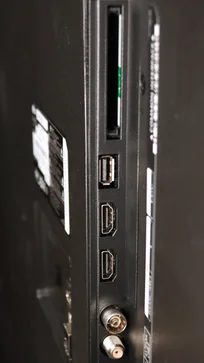
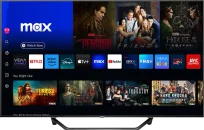
TV appearance


Contrast and black detail
5.5/10
6.3/10
Local dimming function: No
Local dimming function: No
Contrast:


Result
4,450:1

Result
4,550:1

Result
4,500:1

Result
4,750:1

Result
3,650:1
Result
8,300:1
Result
7,200:1
Result
6,200:1
Result
6,500:1
Result
6,200:1
Halo effect and black detail visibility:
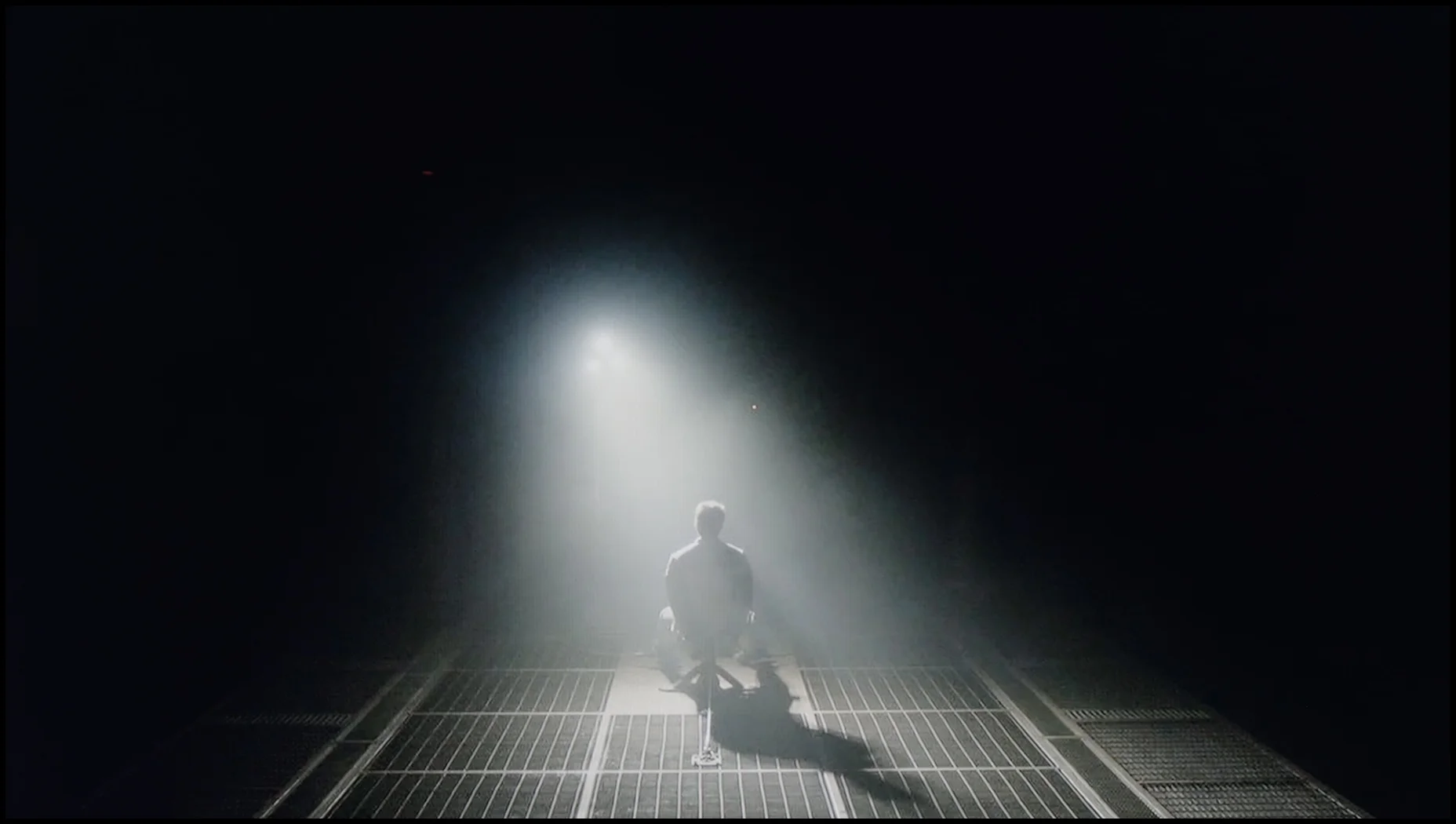
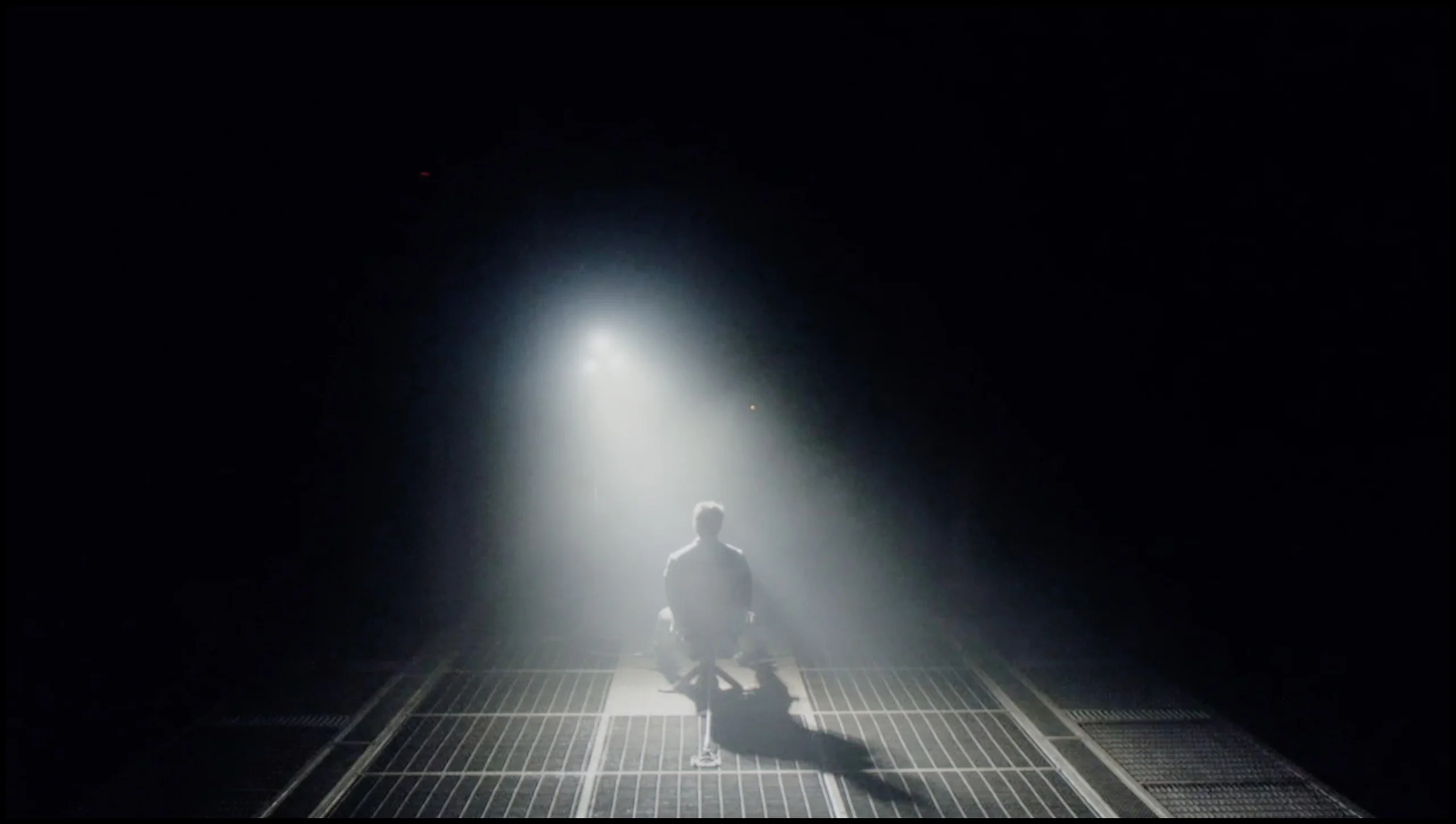
Check the visibility of bright lights on a dark background. Mini-LEDs often struggle with this. The photo does not compare black levels – that’s what the video below is for.
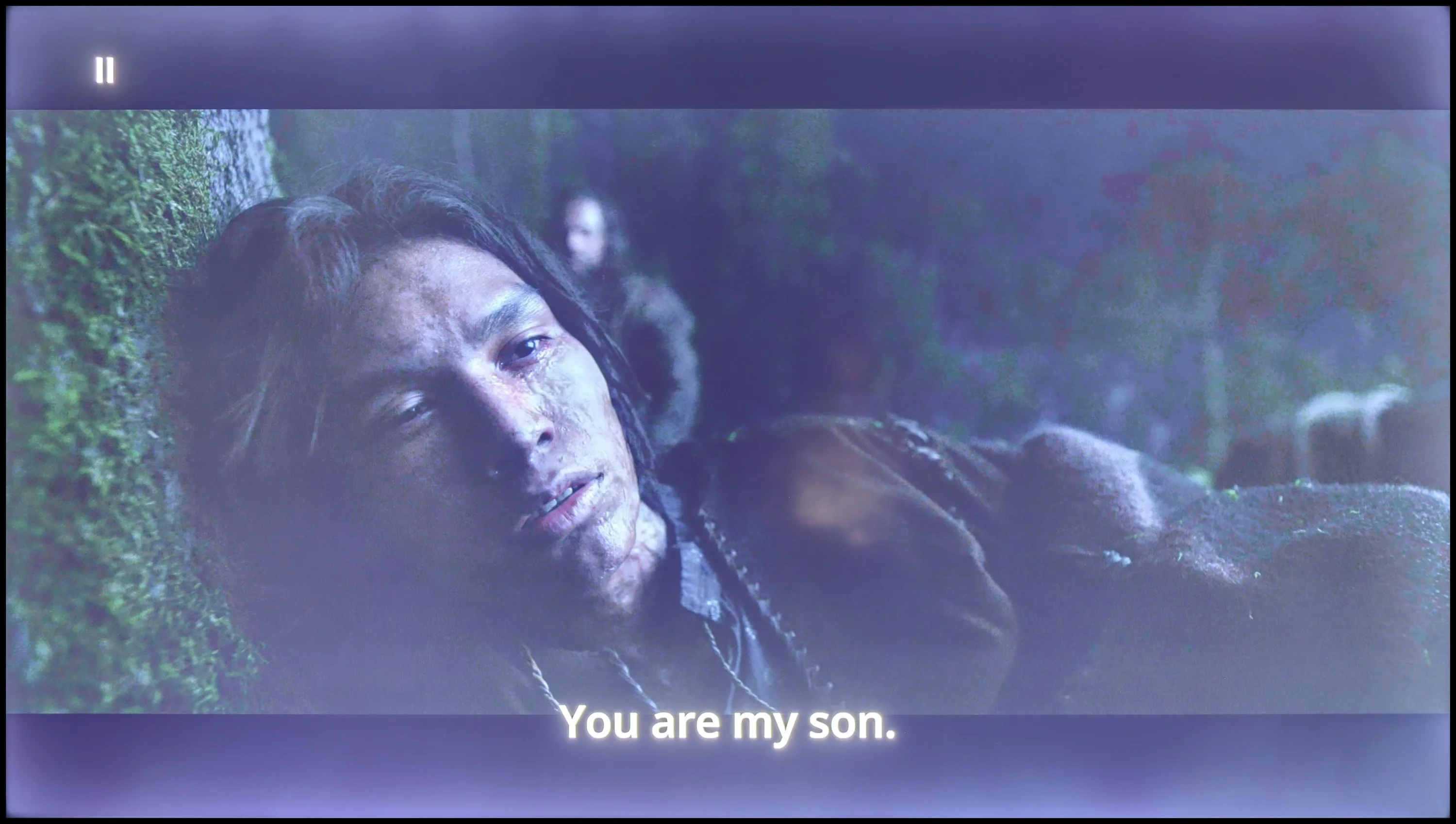
The video accurately shows differences in contrast and black levels between TVs, as well as potential issues: halo around bright objects or Mini-LED zone operation visible as brightness jumps.
LG UR781 is a TV with a VA panel that stands out for its good native contrast, significantly better than that of IPS or ADS screens. Thanks to this technology, bright elements on a dark background look natural and there is no issue with distortion. Unfortunately, the lack of local dimming means that in darker rooms, the blacks are not ideal – they take on a bluish hue, which can be noticeable during nighttime viewing.
Despite this, the LG UR781 offers sufficiently good quality in dark scenes, especially for movie fans. The blacks are deeper than those of IPS panels, allowing for a more cinematic experience. The VA panel also provides stronger contrast, making the image look sharper and details in darker shots more visible. It's a solid choice for those who appreciate better picture quality in evening conditions.
Hisense A7NQ uses a VA panel, which by definition provides better contrast than IPS panels, and indeed – it’s quite good here. A contrast level of around 6500:1 gives the image a noticeable depth, and scenes like the one from Oblivion can look really good. We see decent separation of highlights from the darker areas of the image. However, there is one "but" – lack of local dimming. In this price range, that’s obviously standard, but unfortunately, it affects the quality of blacks. In some scenes, the blacks take on blue hues instead of that truly deep, inky black. It’s not dramatic, but if we're watching movies in a dark room, the differences can be more noticeable. In short, the contrast performs well for a VA panel – it’s solid. For the average user, this will be more than sufficient, especially in well-lit rooms. There are no fireworks here, but it’s a fair result for this class of equipment.
HDR effect quality
3.3/10
5/10
Luminance measurements in HDR:

Result
209 nit

Result
185 nit

Result
241 nit

Result
147 nit

Result
234 nit
Result
295 nit
Result
348 nit
Result
379 nit
Result
315 nit
Result
348 nit
Scene from the movie “Pan” (about 2800 nits)

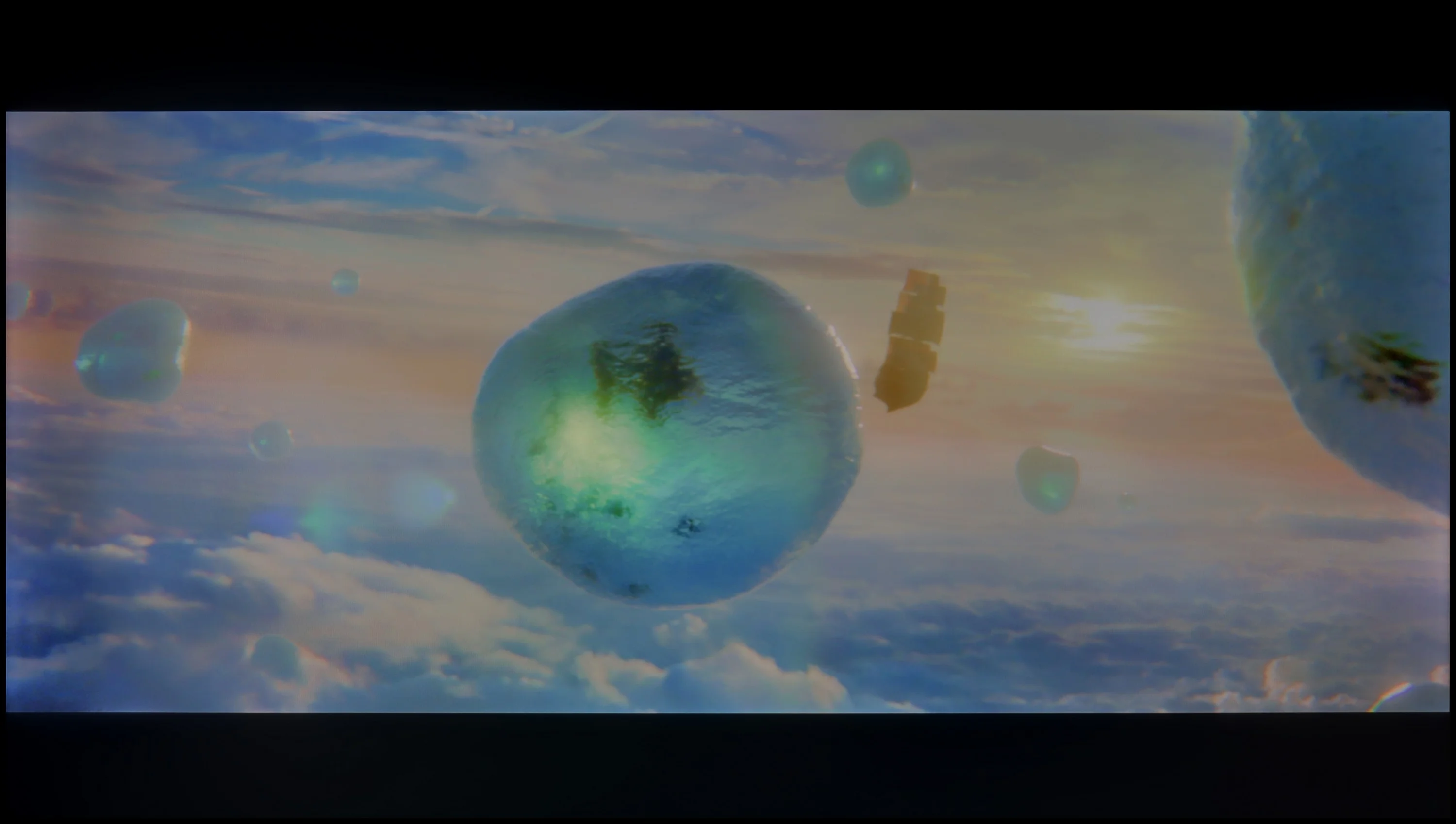
Scene from the movie “Billy Lynn” (about 1100 nits)


The photos show two HDR10 movies. 'Pan' is one of the brightest productions ever made, while 'Billy Lynn' (soldier) has brightness typical of streaming (Netflix, Prime, HBO MAX). Notice the intensity of effects and detail in whites.
Static HDR10


The photos present the visibility of white details in various HDR formats. They do not show brightness differences between TVs (these can be compared in the previous gallery).
HDR luminance chart:
Hisense A7NQ
LG UR781
In HDR mode, LG UR781 unfortunately does not impress with its brightness. In tests on five screens, the television achieved only around 200 nits, which is quite a low value for HDR standards. This brightness is comparable to levels typical for SDR, which means that HDR effects are not sufficiently vivid, and the picture may look less impressive, especially in dynamic, bright scenes. In HDR mode, it has certain limitations in colour reproduction. This means that colours may not be as intense and rich as in televisions that handle a wider colour gamut better. In practice, this can make the image less vibrant and dynamic, and HDR effects may not be as spectacular as one might expect. Additionally, UR781 LG has some issues with accurate colour representation in HDR mode, which makes content look less lively.
We checked how the Hisense A7NQ performs with HDR, and there's no surprise here. The luminance chart showed a maximum brightness of 370 nits. The result? Exactly what one could expect – average. At around 350 nits, HDR doesn’t stand out much compared to SDR. Sure, there’s a subtle difference in more brightly lit scenes, but it’s not a show-stopping effect. In terms of wide colour gamut coverage, the result was 92% for DCI-P3 and 70.2% for BT.2020. These are decent values for a TV in this class, which uses a PFS coating – the same one that’s sometimes promoted as QLED. The colours look alright, but don’t expect something that competes with the best screens on the market. HDR on the Hisense A7NQ is more of an add-on than a "game changer". For those looking for solid image quality on a moderate budget – it’s definitely acceptable. However, if we expect full HDR capabilities, it’s worth looking at models from the higher price range.
Factory color reproduction
3.9/10
6.1/10


This gallery shows how colors change after professional TV calibration. If you notice the difference, we recommend ordering this service at SkalibrujTV.com.
Factory Mode
After calibration
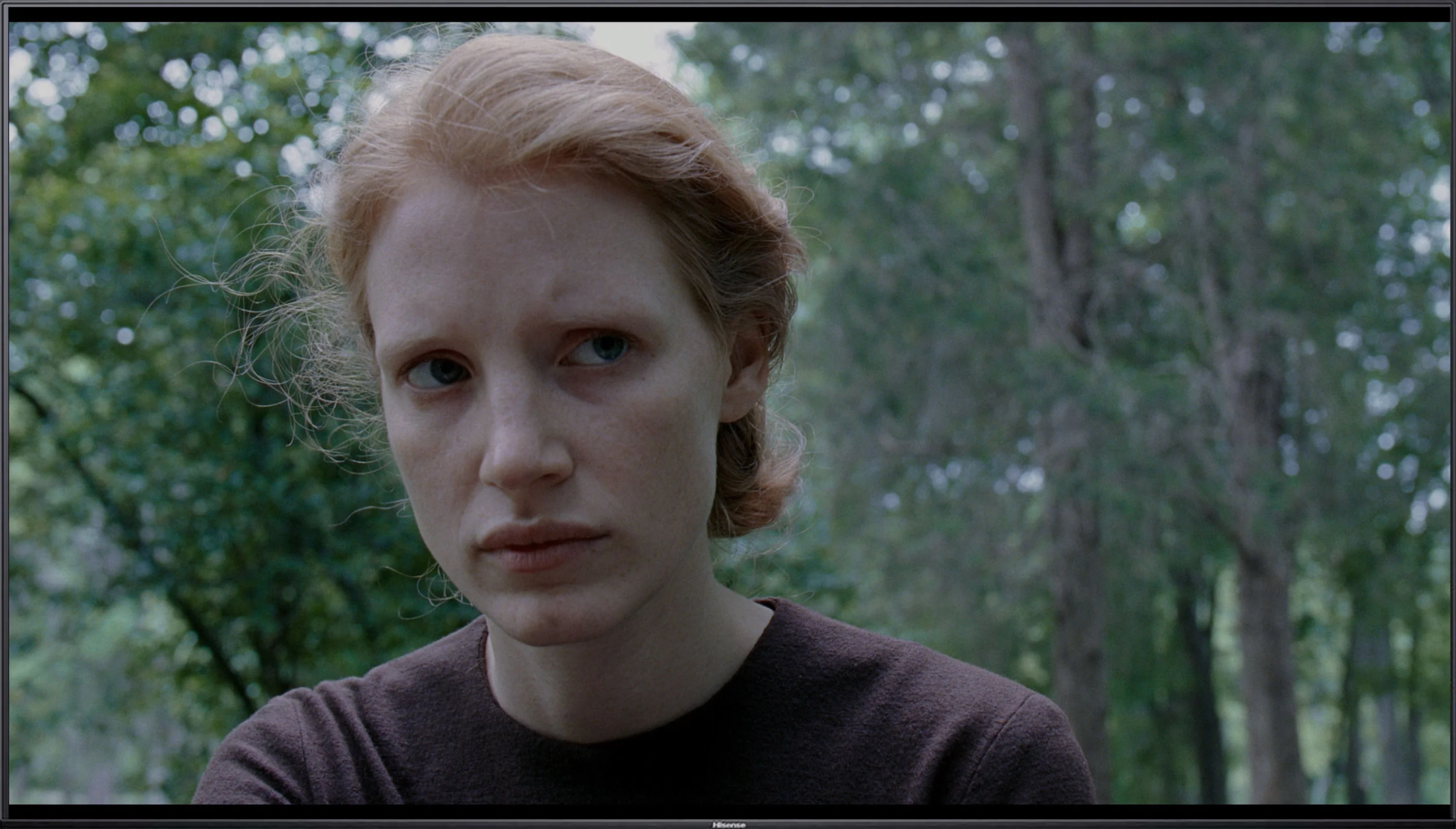
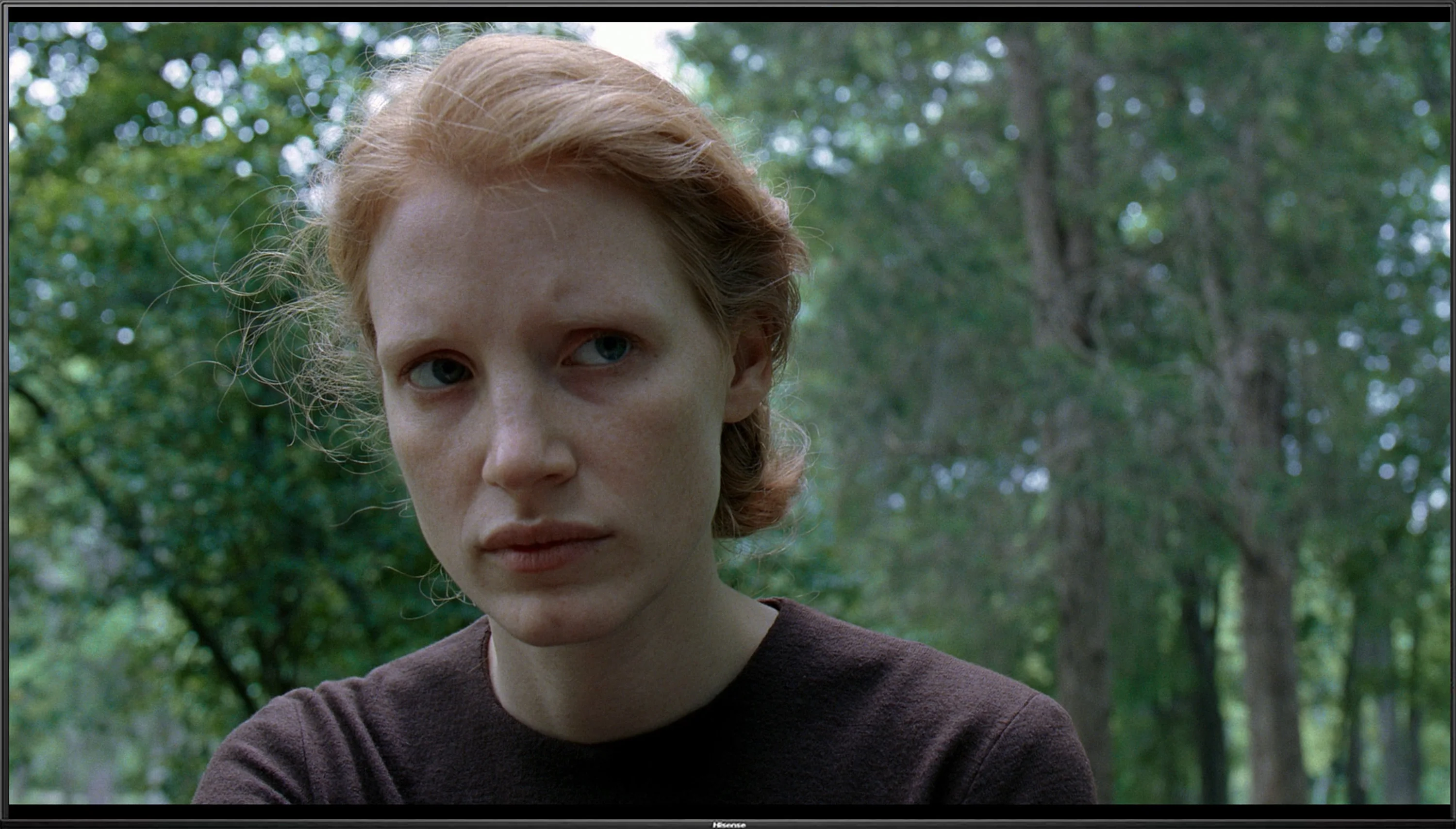
This gallery shows how colors change after professional TV calibration. If you notice the difference, we recommend ordering this service at SkalibrujTV.com.
Factory Mode
After calibration
Colour reproduction in LG UR781 in Filmmaker Mode, which although it is the best mode available from factory settings, is not without its flaws. First and foremost, the issue is with white balance, where the graph shows dips in the blue colour level. This phenomenon results in a shift towards yellow hues, making the image warmer than it should be. Such deviation means that the colours on the screen are not reproduced naturally, which may be particularly noticeable in scenes with white or neutral backgrounds. This can be confirmed by the Color Checker Test, which showed that some colours "escape" into other shades, indicating that the LG UR781 TV does not display colours accurately. This distortion can affect visual experiences, making film scenes seem less realistic and details may be displayed in incorrect colours, negatively impacting overall picture quality.
In terms of contrast, analysis of the gamma graph revealed drops to a level of 2.0, while the optimal value should be 2.4. This means that the TV may display darker parts of the image brighter in some scenes, reducing their depth and dynamism. Additionally, on the EOTF curve, which is responsible for brightness reproduction, an unnatural spike was noticed at the beginning. This phenomenon may result in excessive brightness boosting in the brightest parts of the image, leading to a loss of details in very bright scenes.
When testing the Hisense A7NQ in Filmmaker mode, we hoped for alignment with the manufacturer's intentions, but unfortunately, reality looks different. The main issue, as with most TVs, is the white balance. In the case of the A7NQ, we noticed a clear dominance of blue, which affected both lower-quality materials and 4K HDR content. The Color Checker test results confirm this, and the comparative images speak for themselves – the lead actress in "factory" mode looks cool and pale. It appears as though she has been stripped of life.
As for brightness characteristics, both gamma and the EOTF curve show that the image is overly bright. As a result, everything seems flat, lacking depth and contrast. This state of affairs certainly does not work in favour of the A7NQ and makes the image reception in factory mode leave much to be desired. If we expect natural colour reproduction and appropriate image depth, the A7NQ in Filmmaker mode is unlikely to impress us. It’s a TV that requires significant adjustment to bring out its potential.
Color reproduction after calibration
6/10
7.6/10
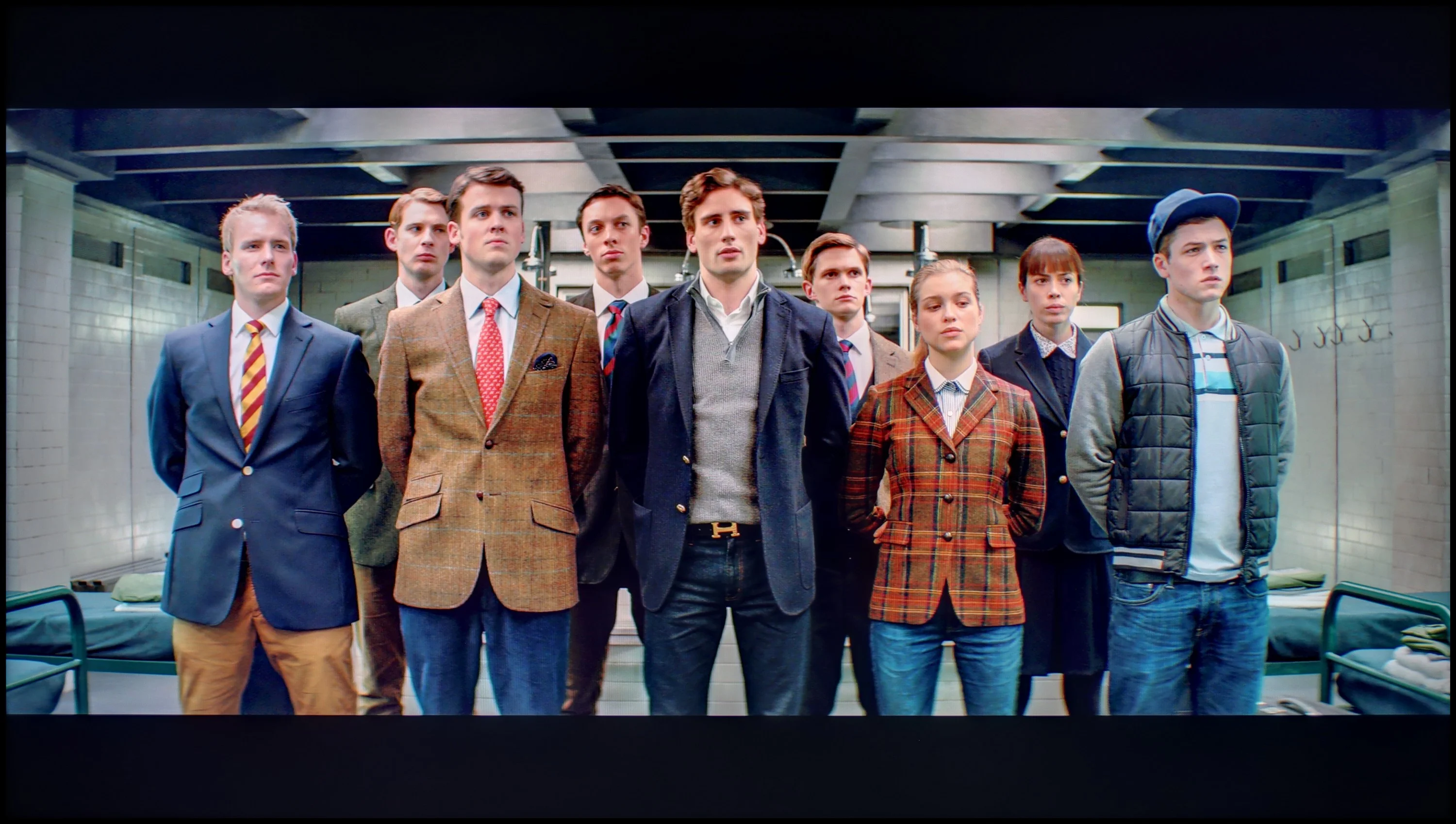

The photos show how movies look on the TV. Pay attention to black detail visibility, colors, and shadow tint.


The photos show how movies look on the TV. Pay attention to black detail visibility, colors, and shadow tint.
After calibration, colour reproduction in SDR content is quite good. The white balance has been effectively improved, resulting in natural, balanced hues across different scenes. The gamma has also been adjusted, providing a more precise representation of details in the shadows and bright areas of the image. As a result, the LG UR781 TV performs well in everyday use, offering solid colour quality and clear, well-balanced images in SDR mode.
However, the situation is less favourable for HDR content. The LG UR781 TV does not support a wide colour gamut, which limits the depth and richness of colours that HDR can provide. The EOTF curve deviates from the ideal, leading to excessive highlighting of details in the bright areas of the image. Unfortunately, this approach results in significant colour reproduction errors, as confirmed by tests on the Colour Checker. Additionally, the low brightness level of the panel further negatively impacts HDR image quality, causing the effects of dynamic range to not be fully realised and colours to appear washed out.
Despite some shortcomings in HDR mode, the TV has significantly improved after calibration, especially in SDR content. The enhancement of white balance and gamma has notably increased image quality, providing a more natural and cohesive colour reproduction. Compared to its pre-calibration state, the difference is clear, and the LG UR781 TV now offers better performance in everyday use, particularly in standard dynamic range.
Hisense A7NQ offers several tools that allow you to improve image quality, so we decided to take matters into our own hands and do some "digging" in the settings. Thanks to professional tools and measurements, we managed to correct the white balance, eliminating excessive dominance of blue in both HD and 4K content. This is a significant step forward, as in the Color Checker test, the errors in colour reproduction in lower-quality content dropped to a much more acceptable level. Unfortunately, 4K content still falls short of perfection – colour distortions are significant here and stem from the limitations of the television.
As for the gamma, we managed to set it at the correct level, which significantly reduced the excessive brightening of the image. However, the issue with the brightness characteristics in 4K content remains unresolved – the EOTF curve still shows excessive brightness across the entire screen. It's possible that a proper implementation of dynamic tone mapping could make a difference here, but as we mentioned earlier, this feature in Hisense A7NQ works rather poorly, instead of helping. Nevertheless, the calibration significantly improved the overall image perception. The director's vision is now much better represented than in the factory settings, which more demanding viewers will definitely appreciate.
Smoothness of tonal transitions
8.6/10
9/10
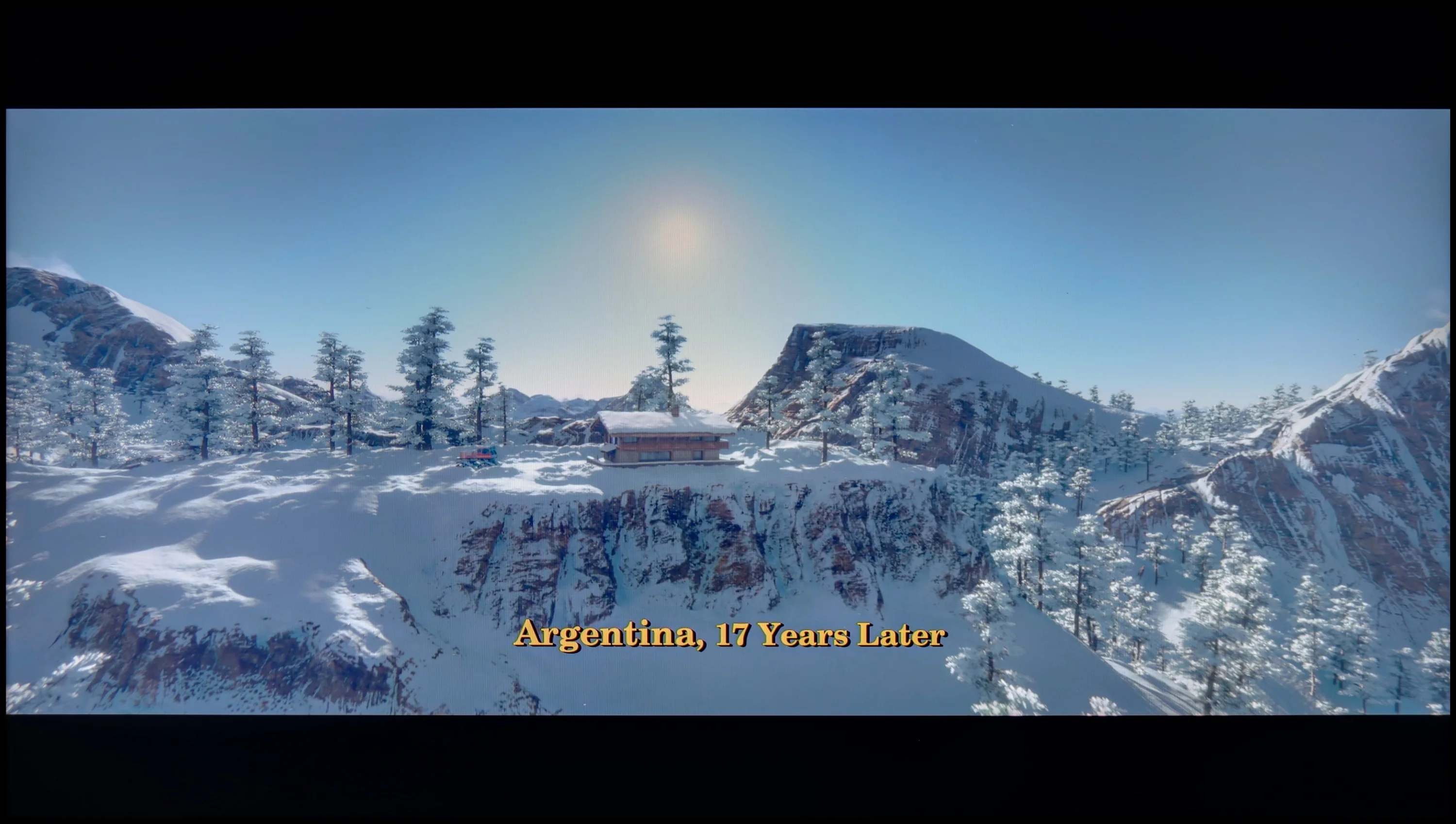

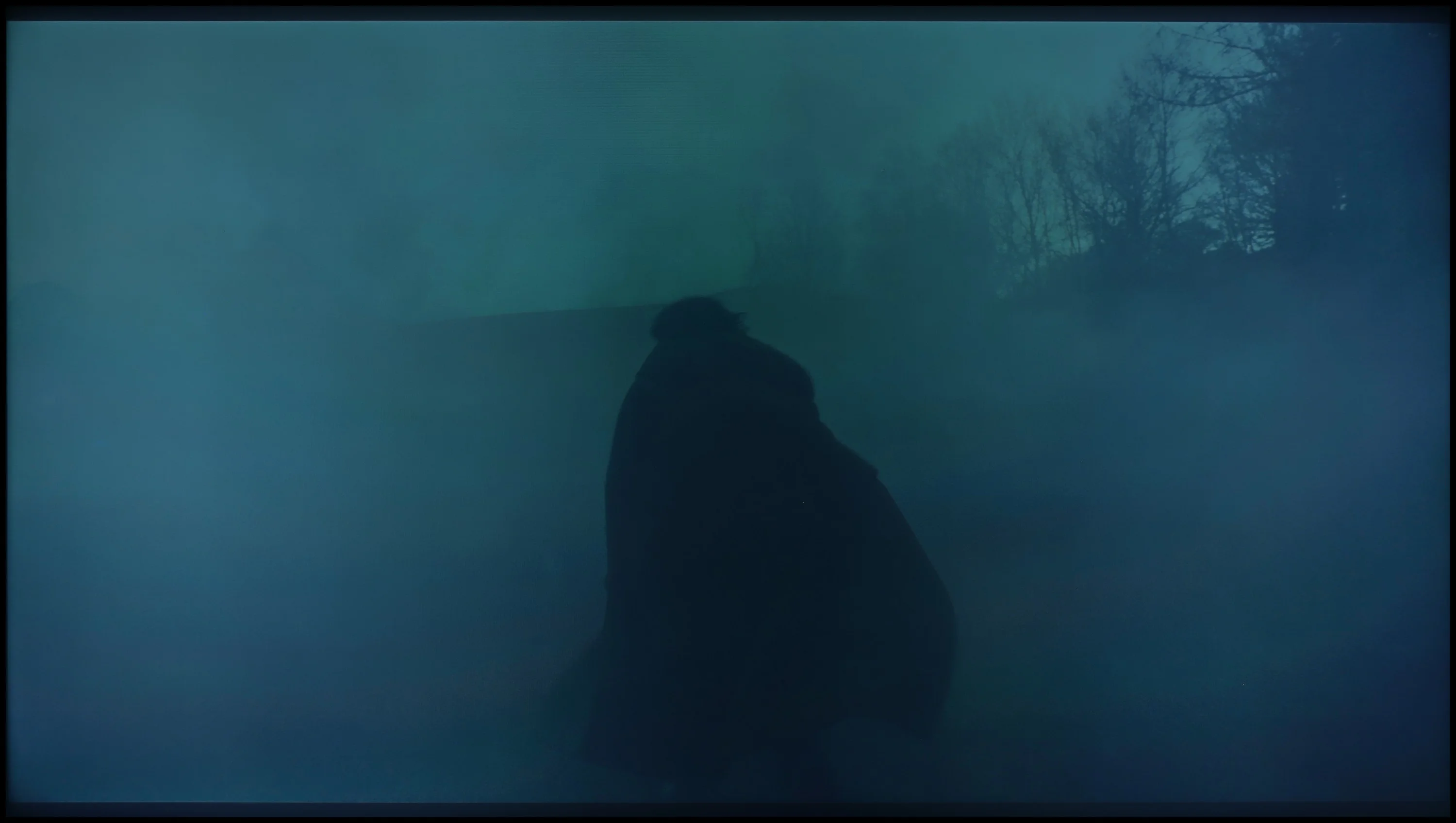
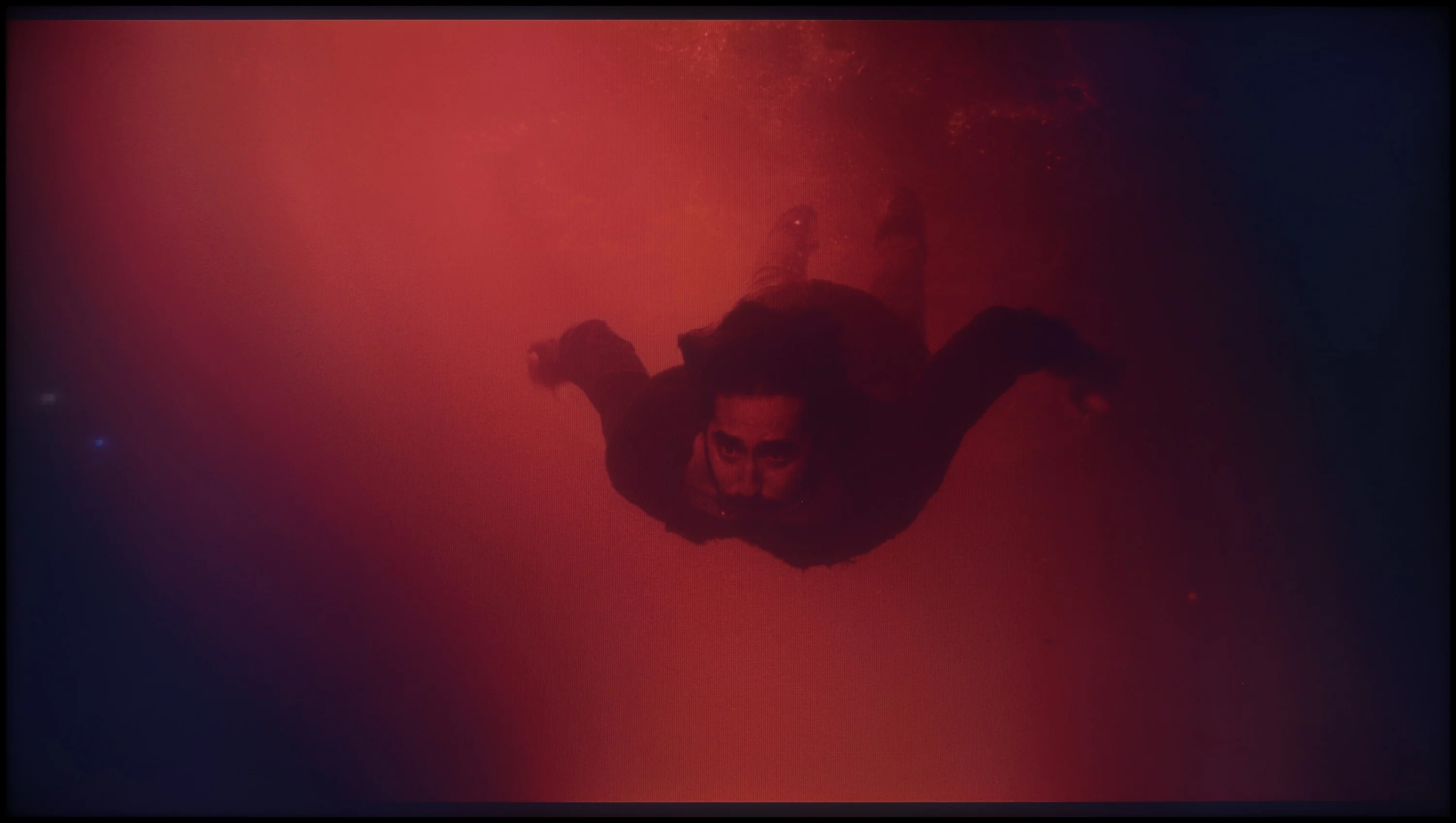
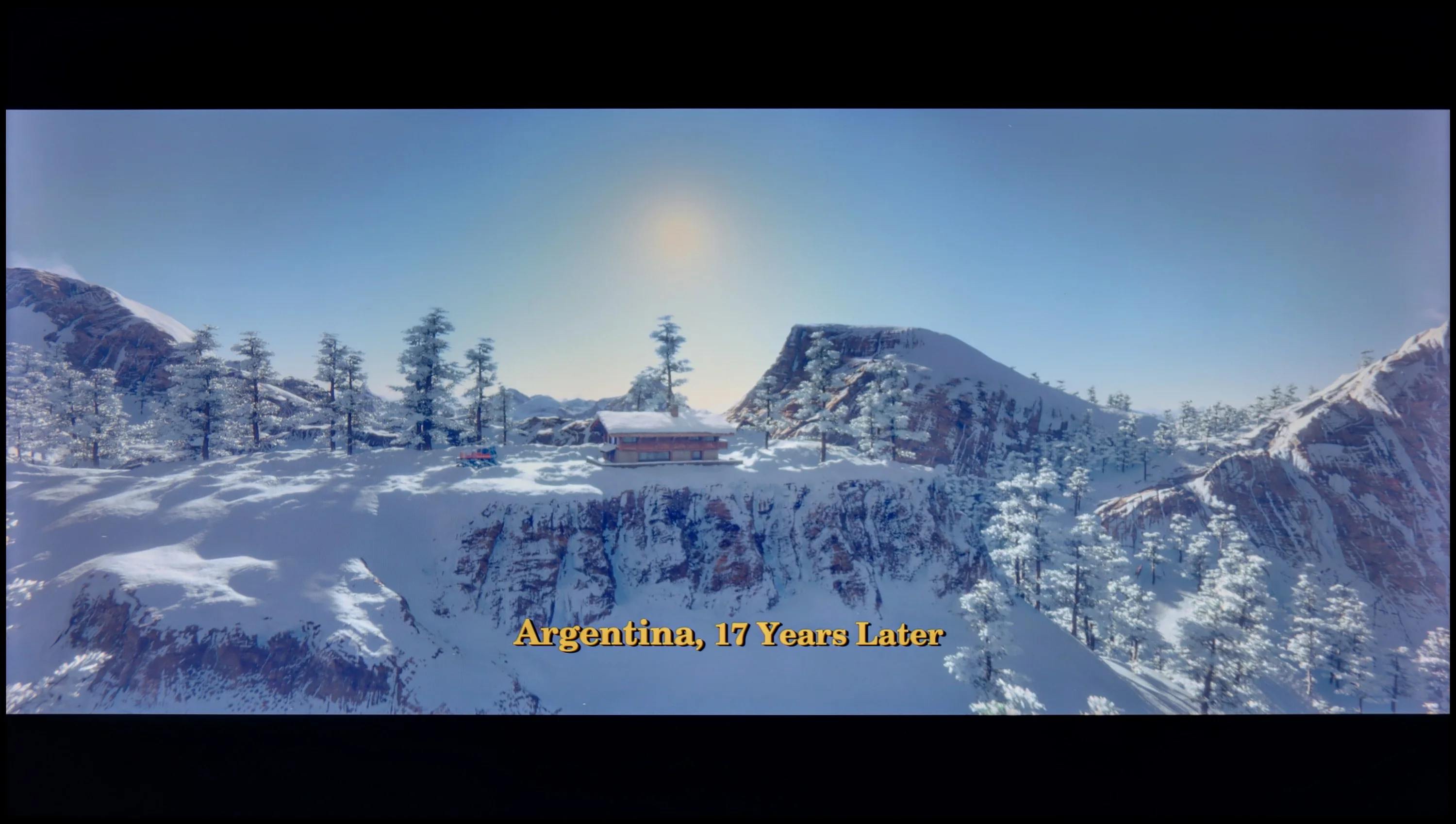
These are selected scenes that show smooth tonal transitions from one color to another. If you see distinct banding, it’s the TV panel’s fault.

These are selected scenes that show smooth tonal transitions from one color to another. If you see distinct banding, it’s the TV panel’s fault.
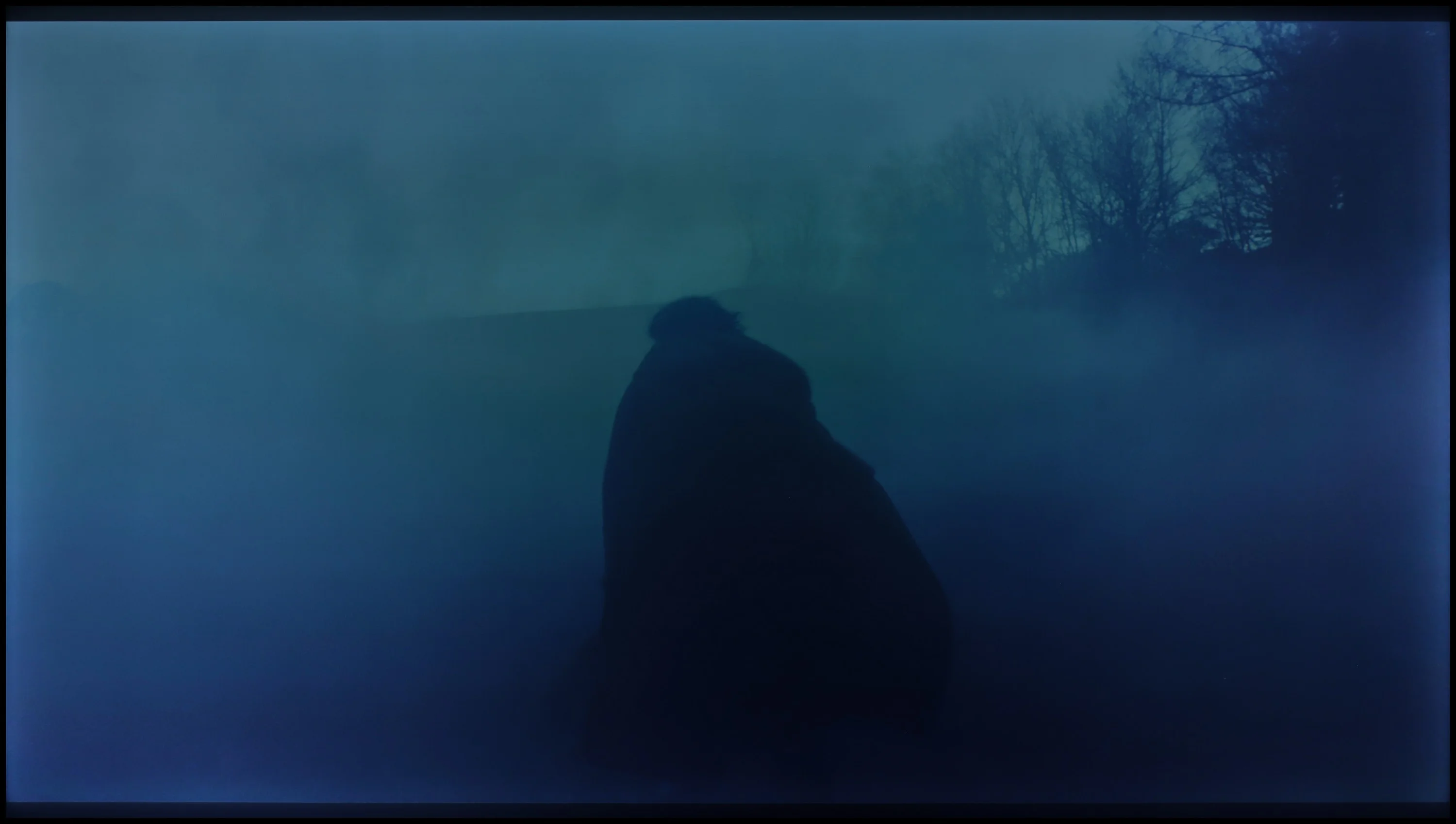
These are selected scenes that show smooth tonal transitions from one color to another. If you see distinct banding, it’s the TV panel’s fault.
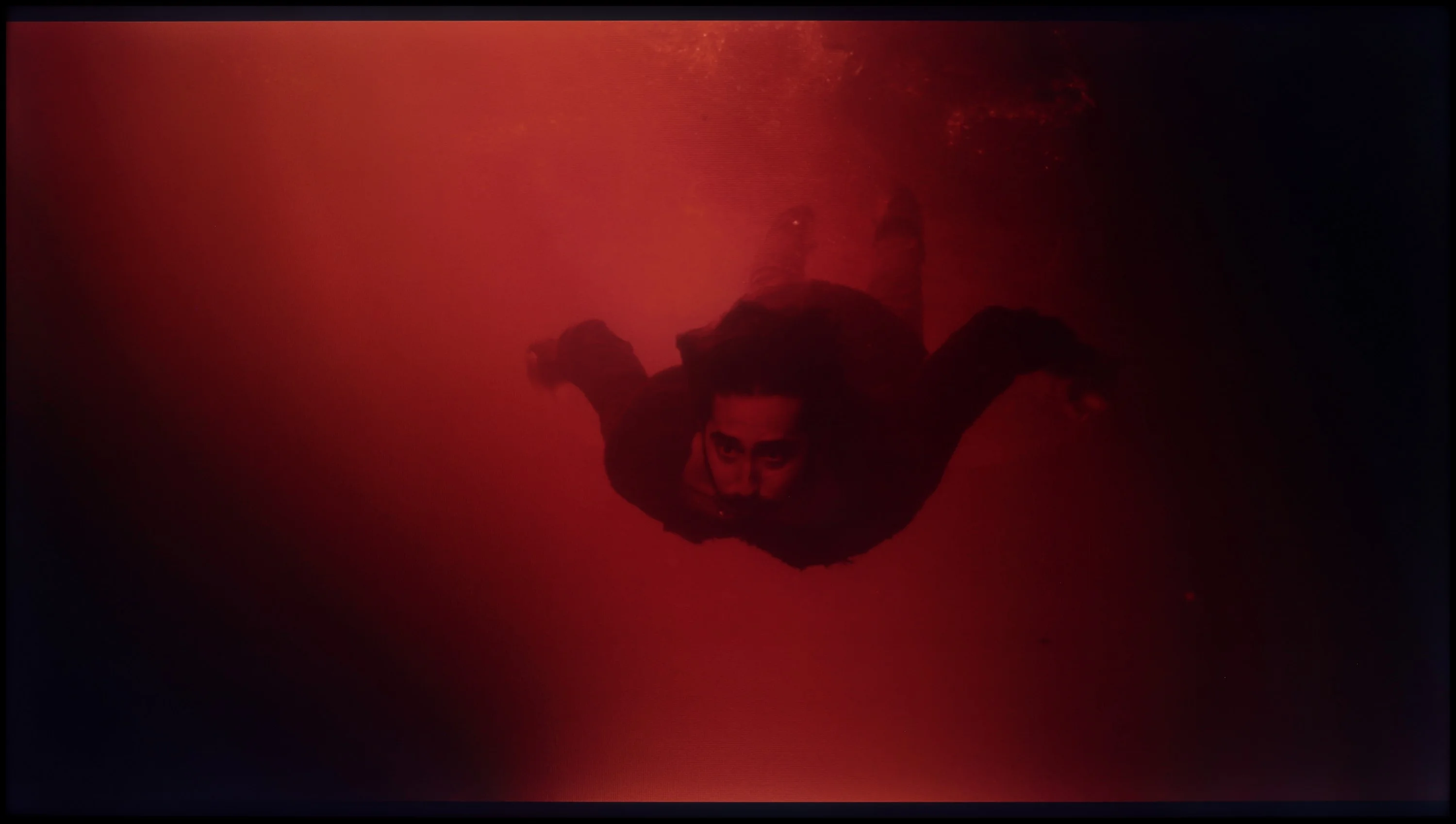
These are selected scenes that show smooth tonal transitions from one color to another. If you see distinct banding, it’s the TV panel’s fault.
TV LG UR781 handles tonal transitions exceptionally well, delivering very high picture quality in all scenes. Issues with gradation only arise in darker colours; however, they are subtle and not glaringly obvious. People with particularly sensitive eyes may notice these imperfections, but overall, the television provides very smooth tonal transitions.
It's one of the biggest advantages of this television. The Hisense A7NQ handles tonal transitions smoothly, even in the most demanding scenes. The colour blends are practically invisible, resulting in very smooth graduations and a naturally looking image. Of course, if we are purists and look at the screen with a "hawk eye", we may notice slight joins, especially in the darker parts of the image. However, these are subtle imperfections that most users won't even notice.
Image scaling and smoothness of tonal transitions
6.8/10
5.5/10


Smooth transition function
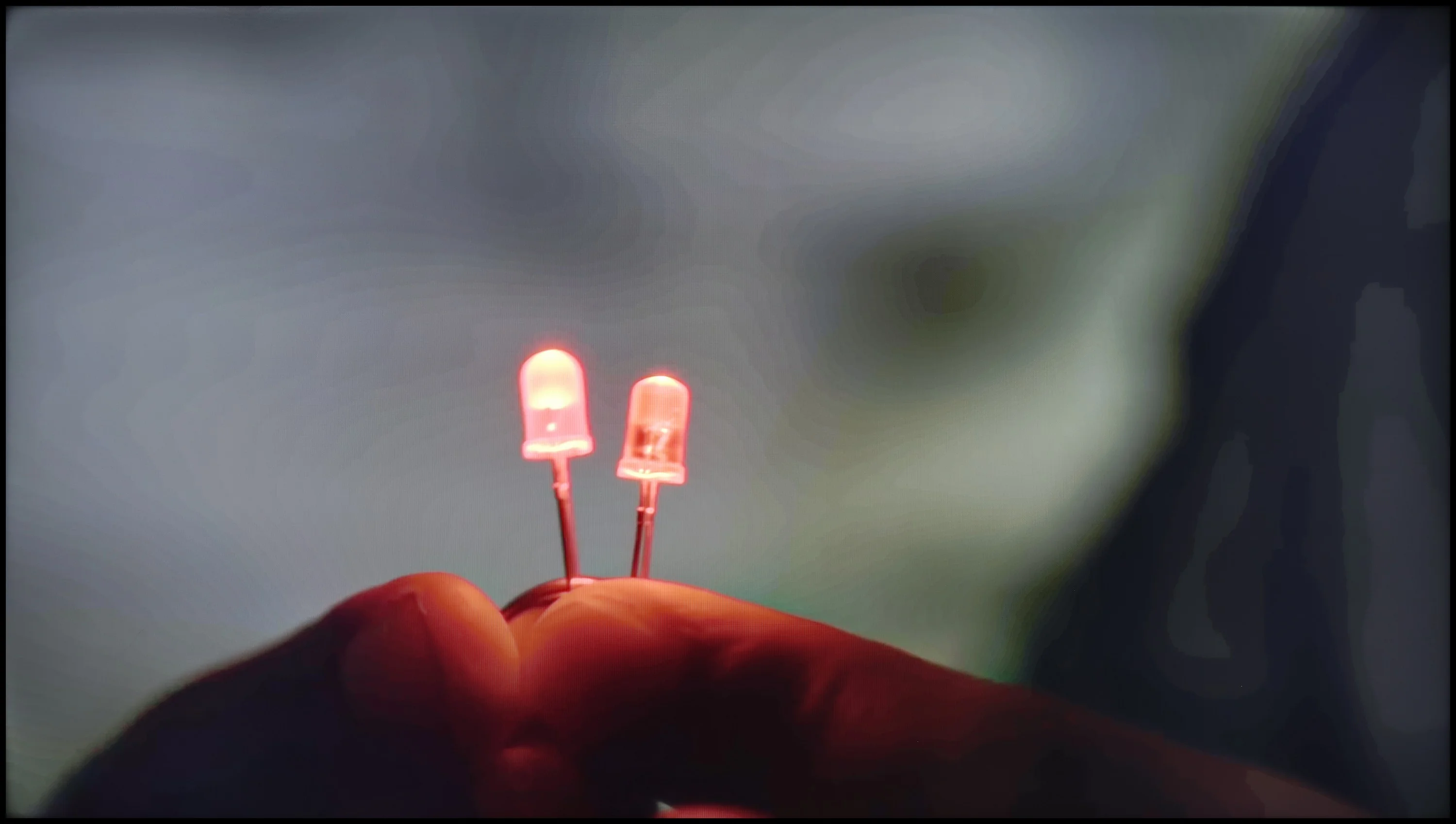
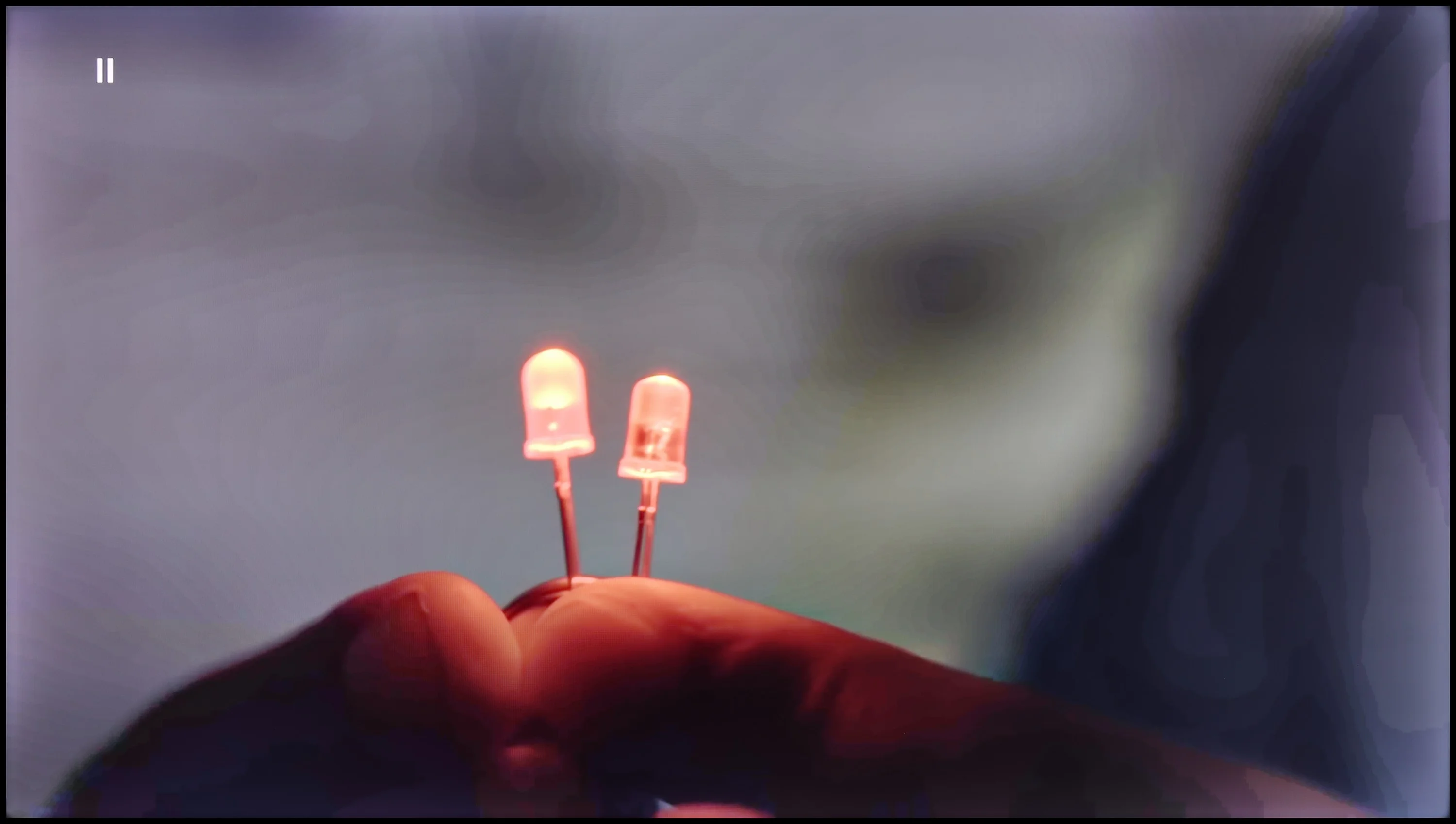
The match photo shows how the TV smooths weak tonal transitions in low-quality video.
Image scaling SD (576i)


The model photo shows how it handles upscaling of SD material.
Let's now address the function of smoothing tonal transitions and its impact on overall picture quality. As illustrated by the photo on the left, this function performs exceptionally mediocre; we chose the "low" level, which does not enhance quality but also does not blur the film grain. There is a possibility to increase the strength of this function, which could soften this gradation, but one must consider that the image will be too softened in certain scenes.
On the other hand, regarding image scaling, the television does not perform outstandingly, which may be particularly noticeable with lower resolution content. The LG UR781 television applies a slight, artificial sharpening boost, making the image appear sharper; however, this mainly results from the application of artificial contours. For some users, this may be an advantage, as they prefer more vivid, pronounced details. However, this is a subjective matter—such an effect may not appeal to everyone, especially if they desire a more natural appearance of the image.
The Hisense A7NQ impresses with its smooth tonal transitions in 4K content, but unfortunately, we won't find any features here that improve this aspect in older, lower-quality materials. In such cases, colour transitions become more noticeable, which can slightly detract from the overall picture quality, especially in scenes with a lot of gradients.
When it comes to upscaling, the television performs surprisingly well. The image is clearly improved, though it comes with certain compromises. It can be seen that the TV adds a touch of artificial sharpness, and background elements, like branches, tend to exhibit slight "jaggies." However, these are details that will mainly catch the eye of those who pay attention to such nuances.
Blur and motion smoothness
2.2/10
3.8/10
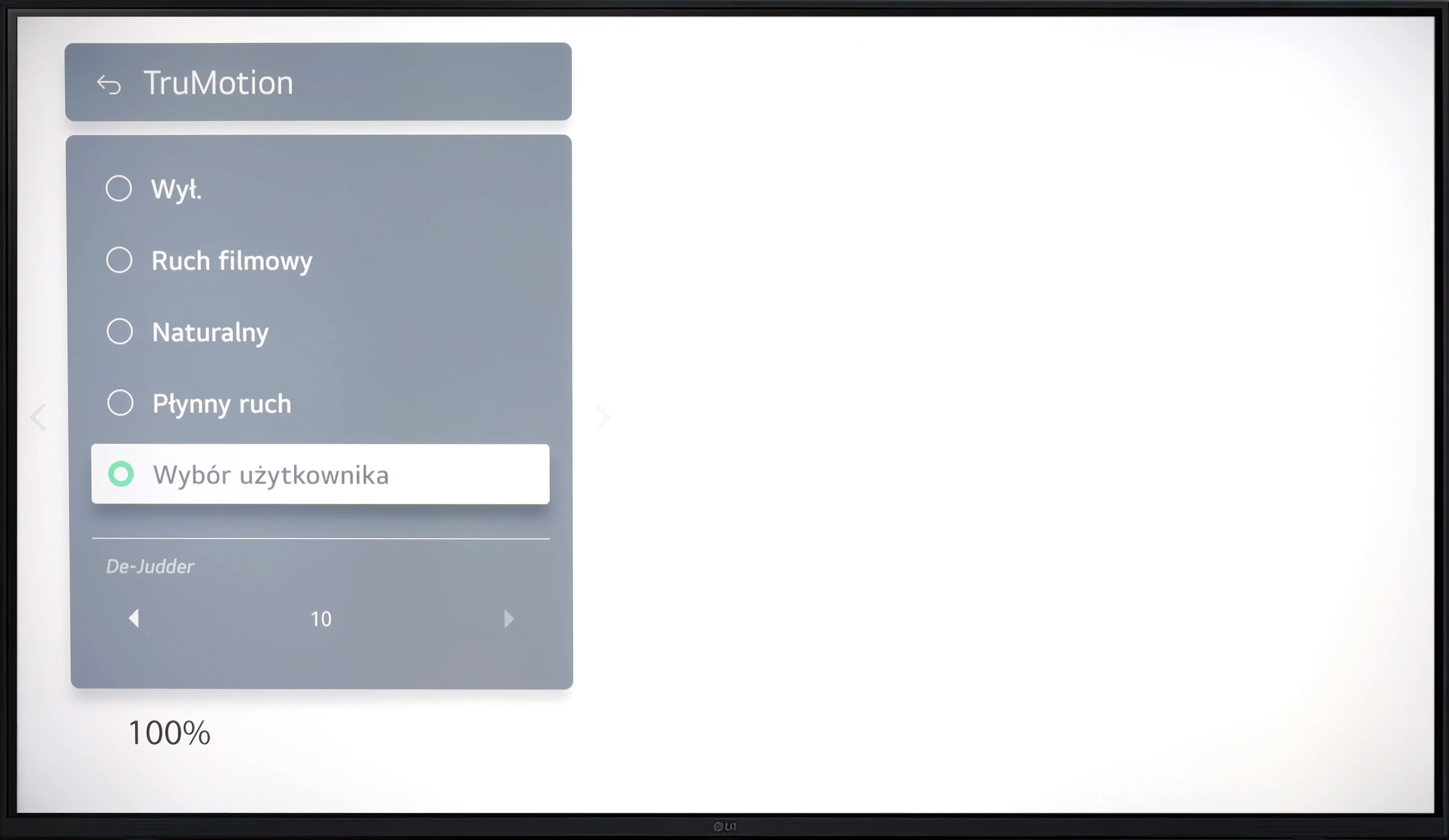
Blur (native resolution, maximum refresh rate):

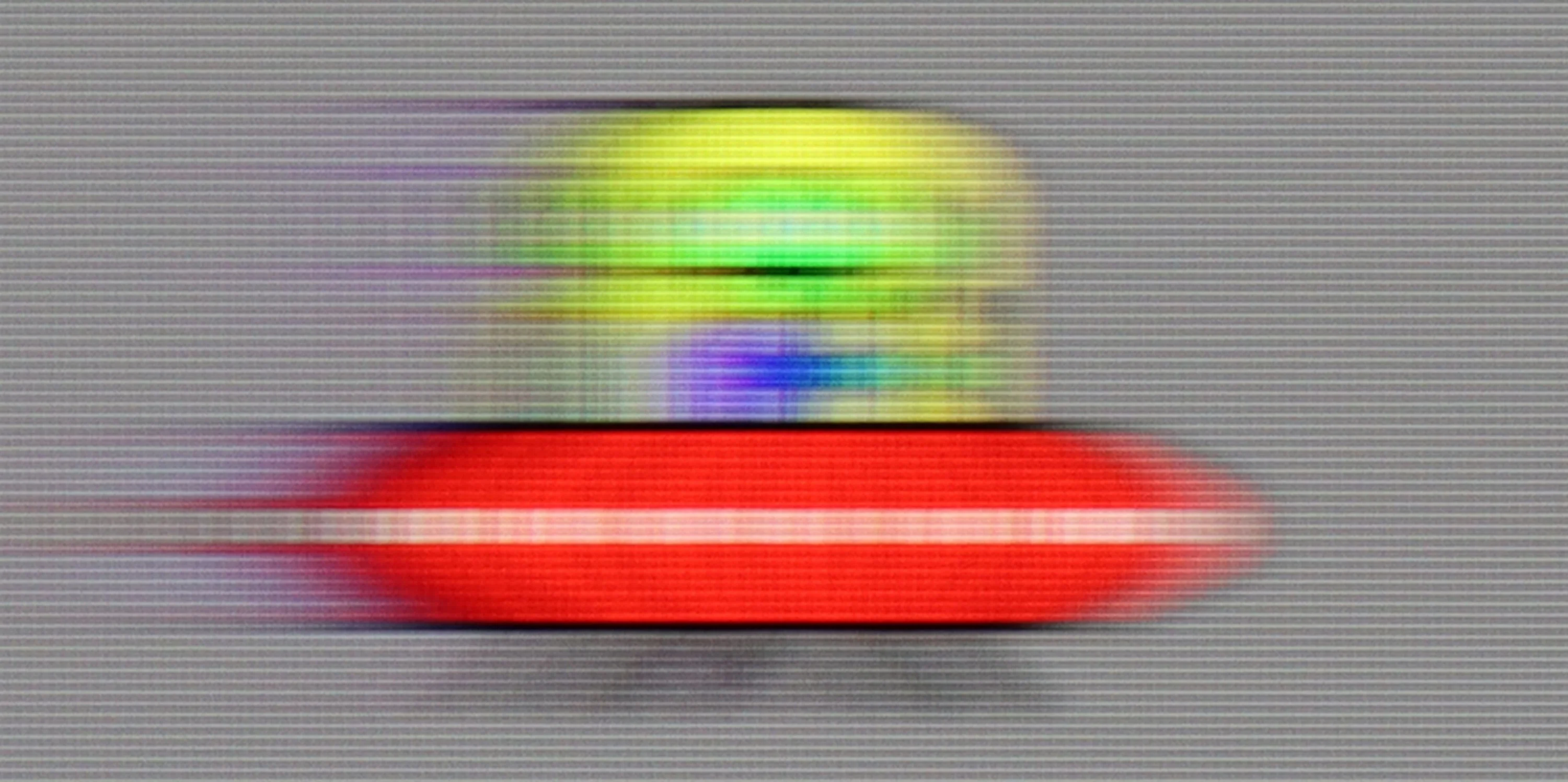
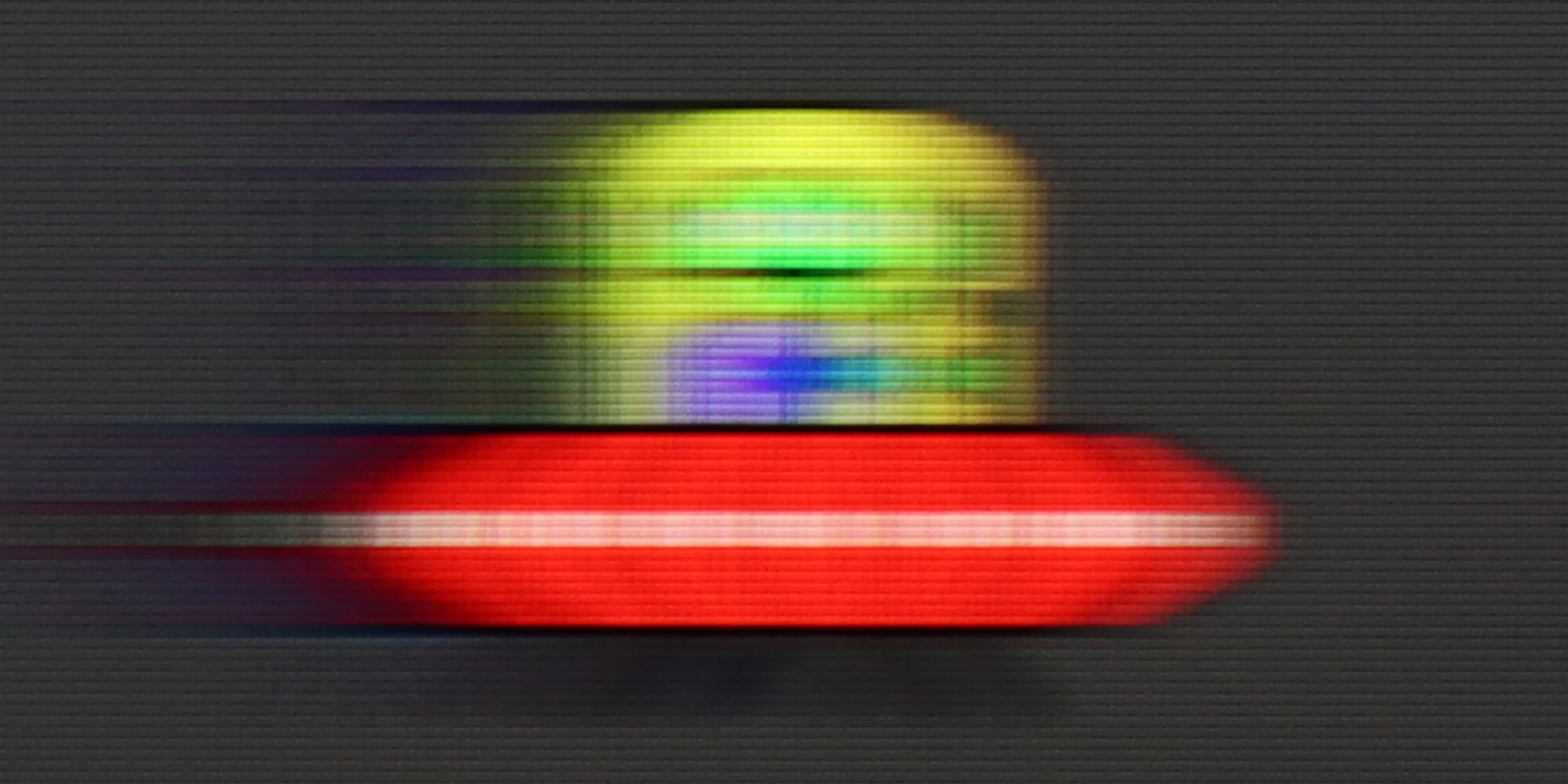

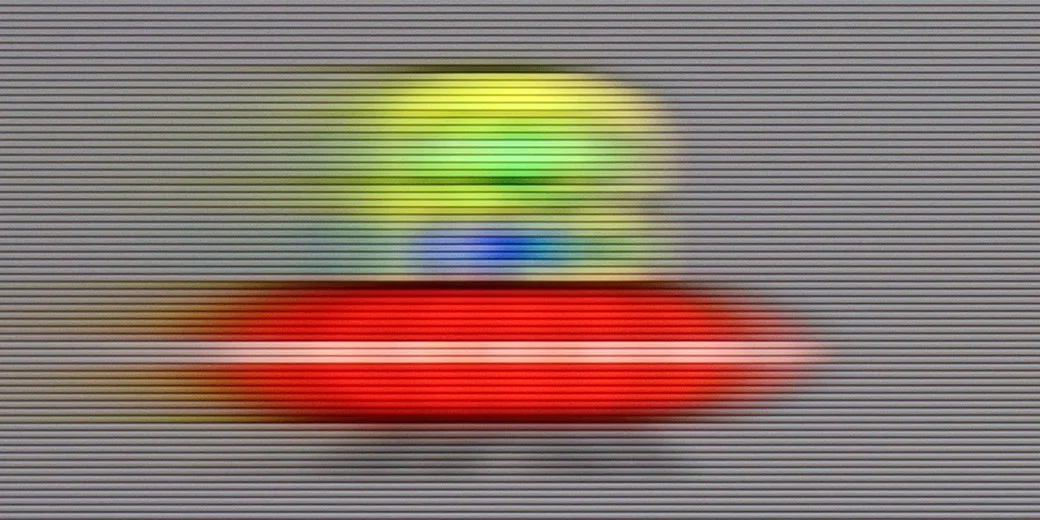
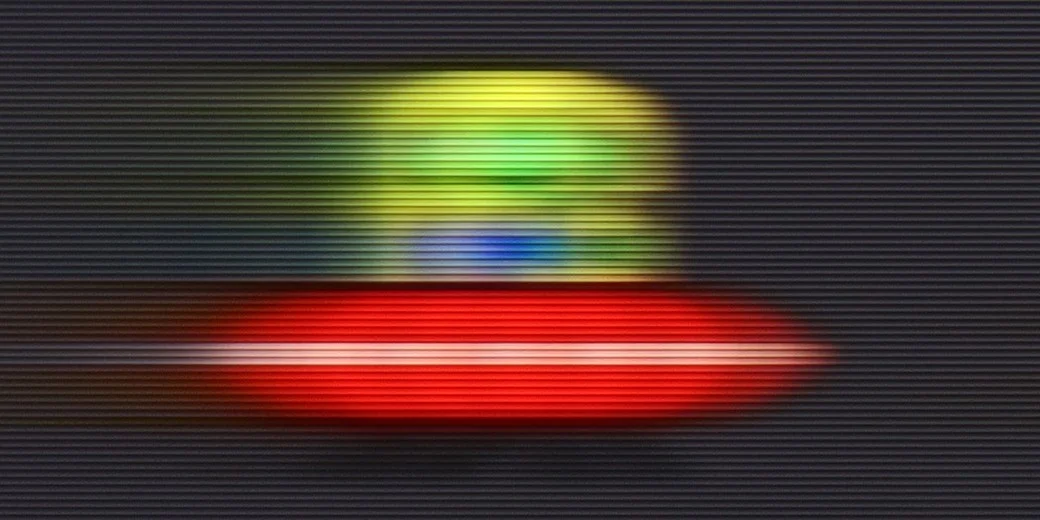
The LG UR781 TV offers quite decent smoothness for movies, thanks to the "True Motion" option, which allows users to adjust the motion smoothing level on a scale from 0 to 10. Users can choose whether they want to maintain a more traditional, cinematic effect with a slight stutter (lower settings) or prefer a smoother image with a theatrical quality, which, although slightly deviating from the cinematic standard, may appeal to many.
In dynamic sports content and gaming, the LG UR781 TV performs worse. The TV has a 60Hz panel, which limits its interpolation capabilities to these values; therefore, smoothness can be improved in films, but motion blur cannot be reduced. Additionally, the lack of support for 120 Hz and BFI (Black Frame Insertion) technology means that fast-moving objects become blurred, and the panel's response time is too slow, negatively affecting clarity in fast scenes. As a result, the TV may not meet the expectations of gamers and sports fans who are counting on a smooth, clear image without motion blur.
The Hisense A7NQ is equipped with a 60 Hz panel, which means that dynamic scenes – for example in sports or gaming – come across as rather average here. This is standard in this class of equipment, but it's worth noting that watching more intense, fast-moving content can leave a lot to be desired. However, when it comes to movies, the TV offers a motion smoothing feature that works on a 10-point scale. The "judder reduction" option allows you to adjust the smoothness of the image to your own preferences. At the lowest setting, you get a natural film frame rate, which will appeal to cinema purists. Conversely, the maximum setting provides a very smooth, theatrical image, which may be appreciated by those who prefer a more "smeared" motion.
Console compatibility and gaming features
4.7/10
6.3/10
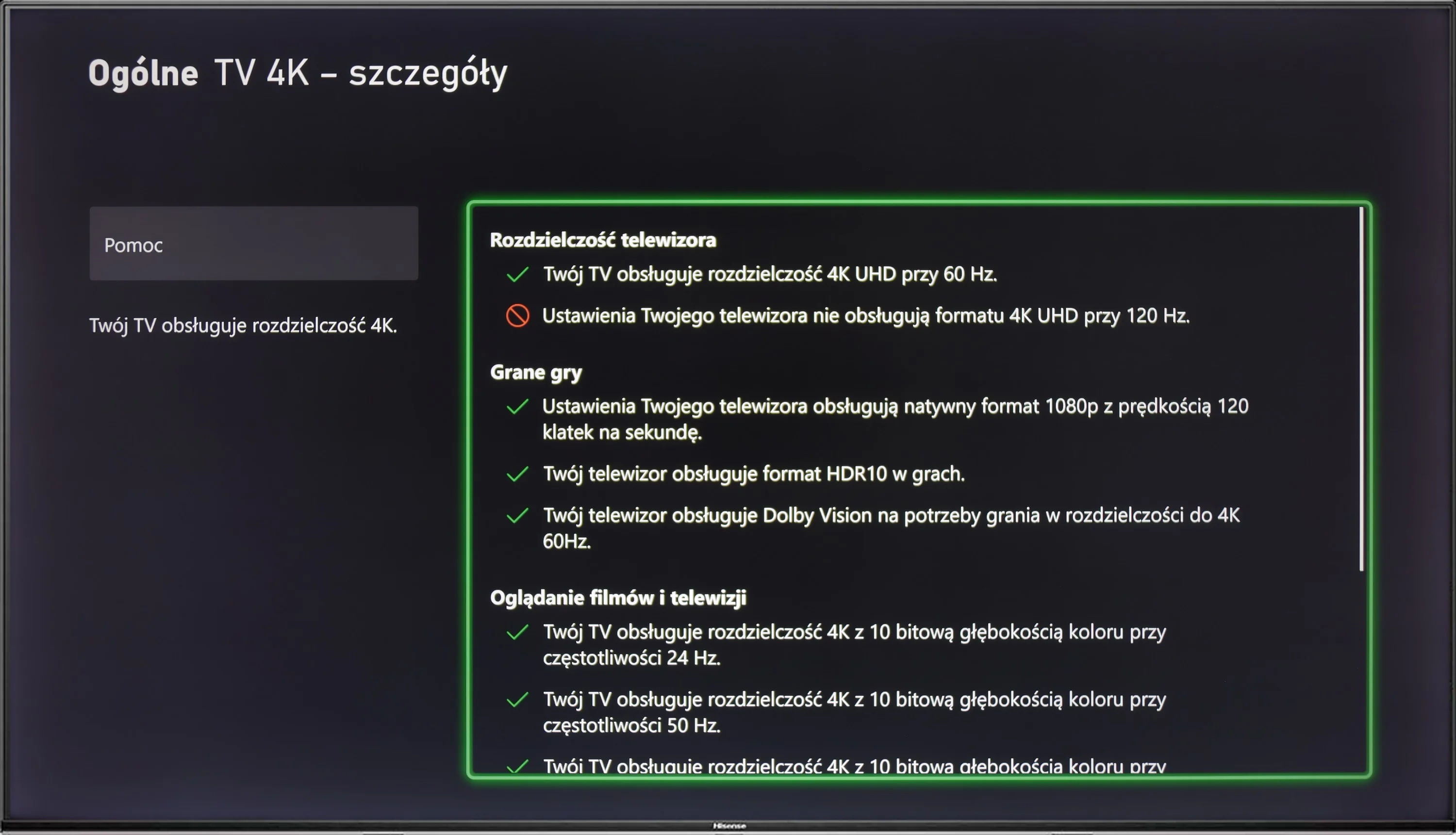
- ALLM
- VRR
- VRR range 48 - 60Hz
- Dolby Vision Game Mode
- Correct implementation of HGIG
- 1080p@120Hz
- 1440p@120Hz
- 4K@120Hz
- Game bar
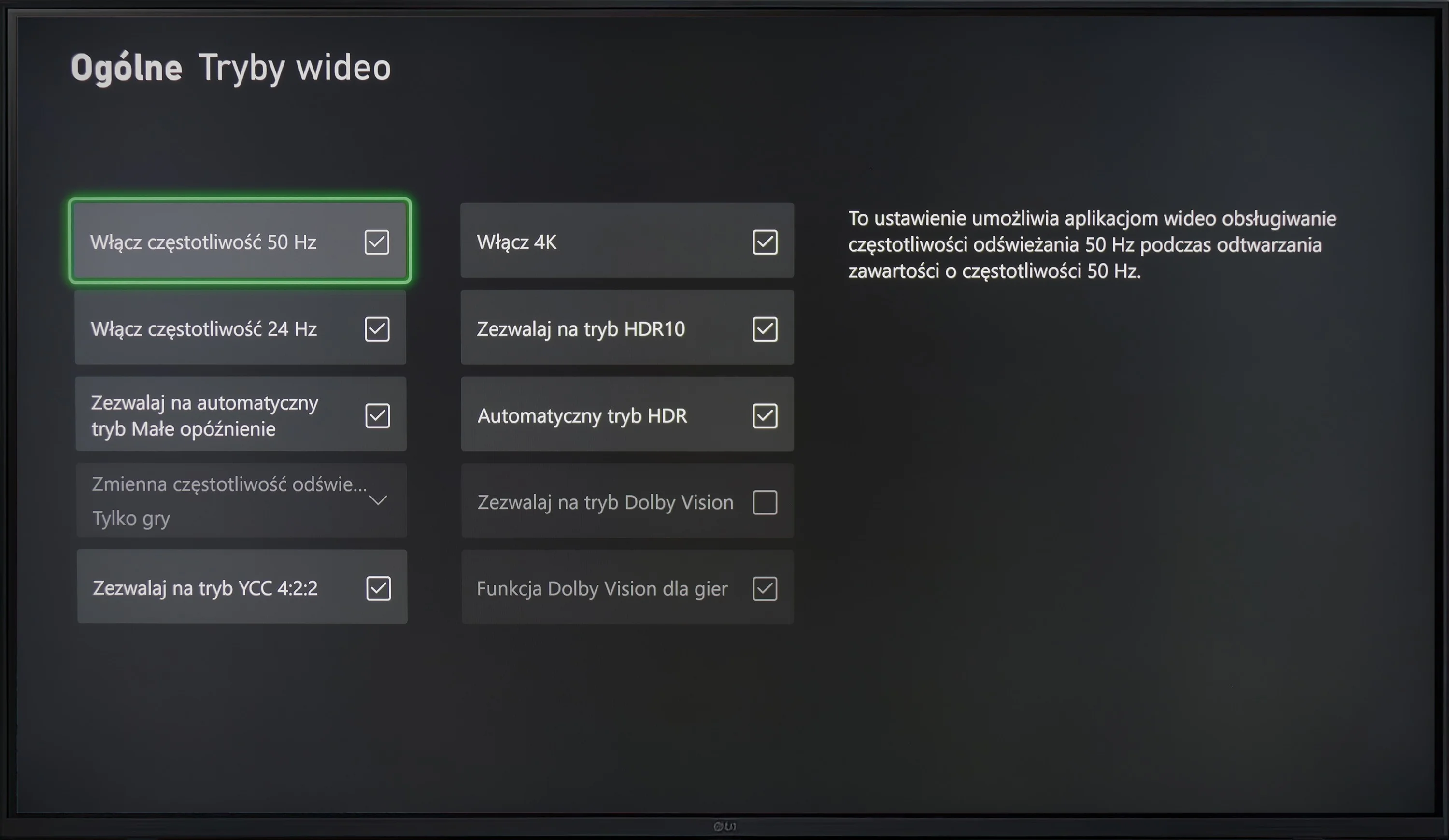
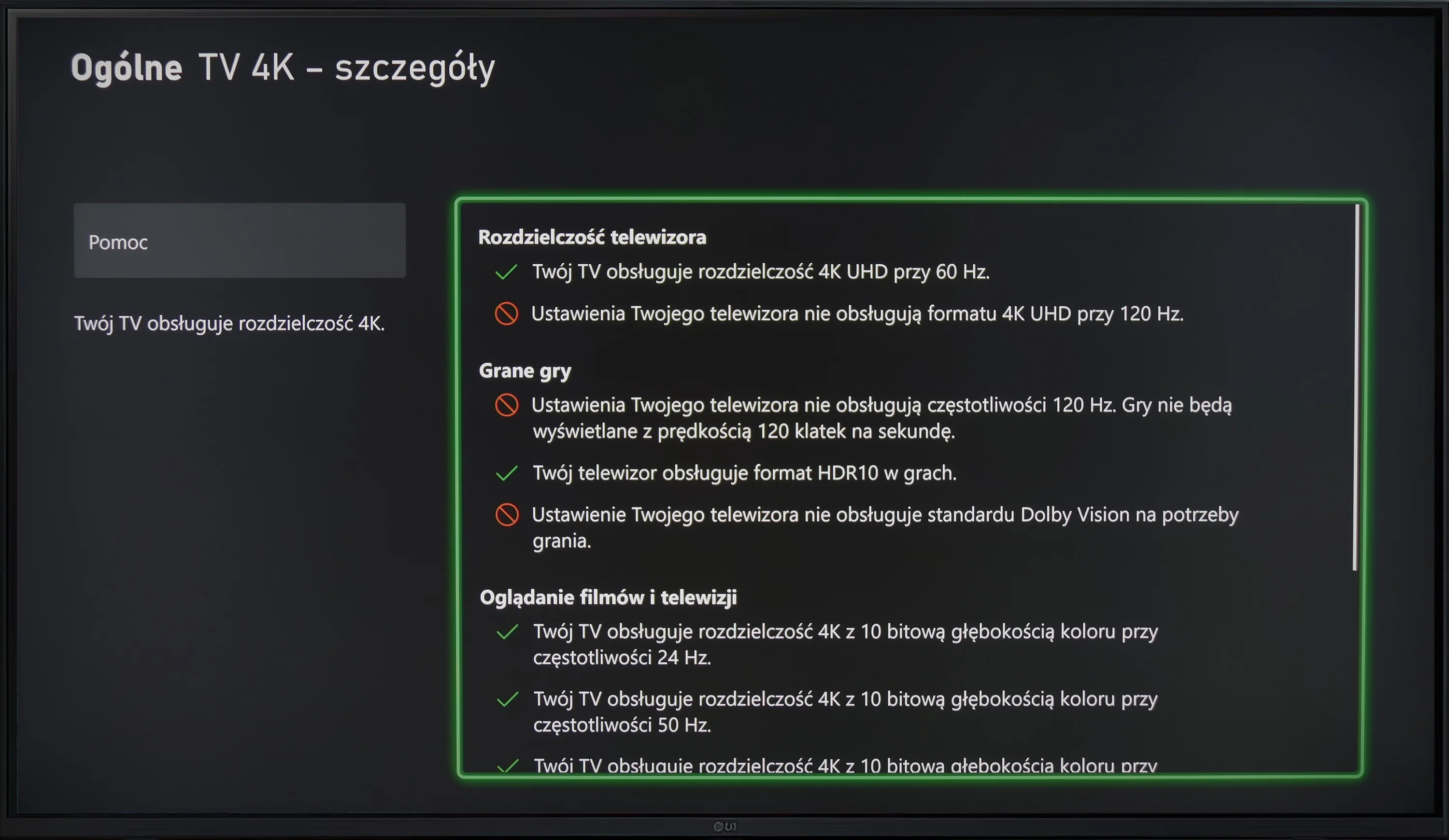
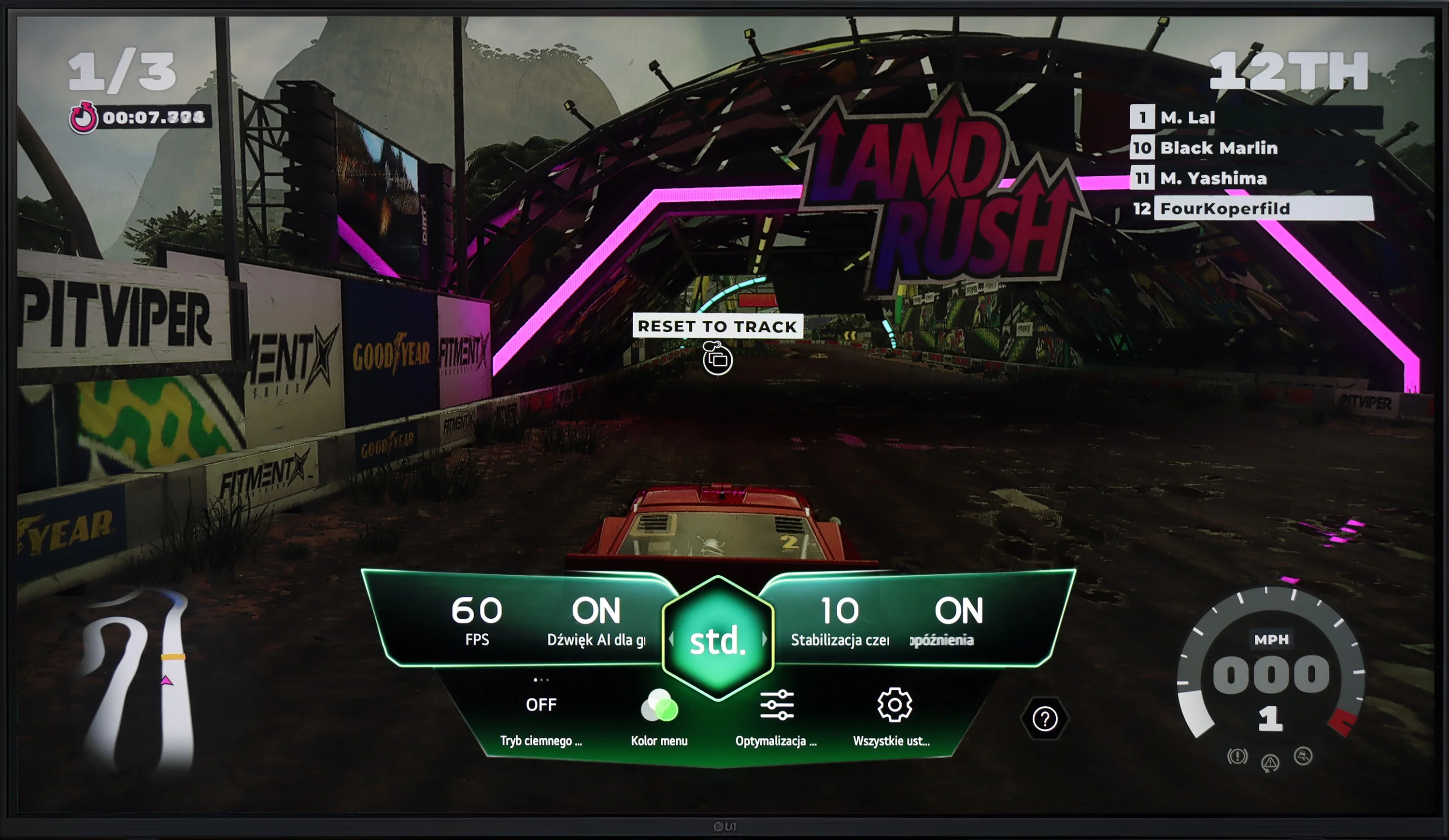
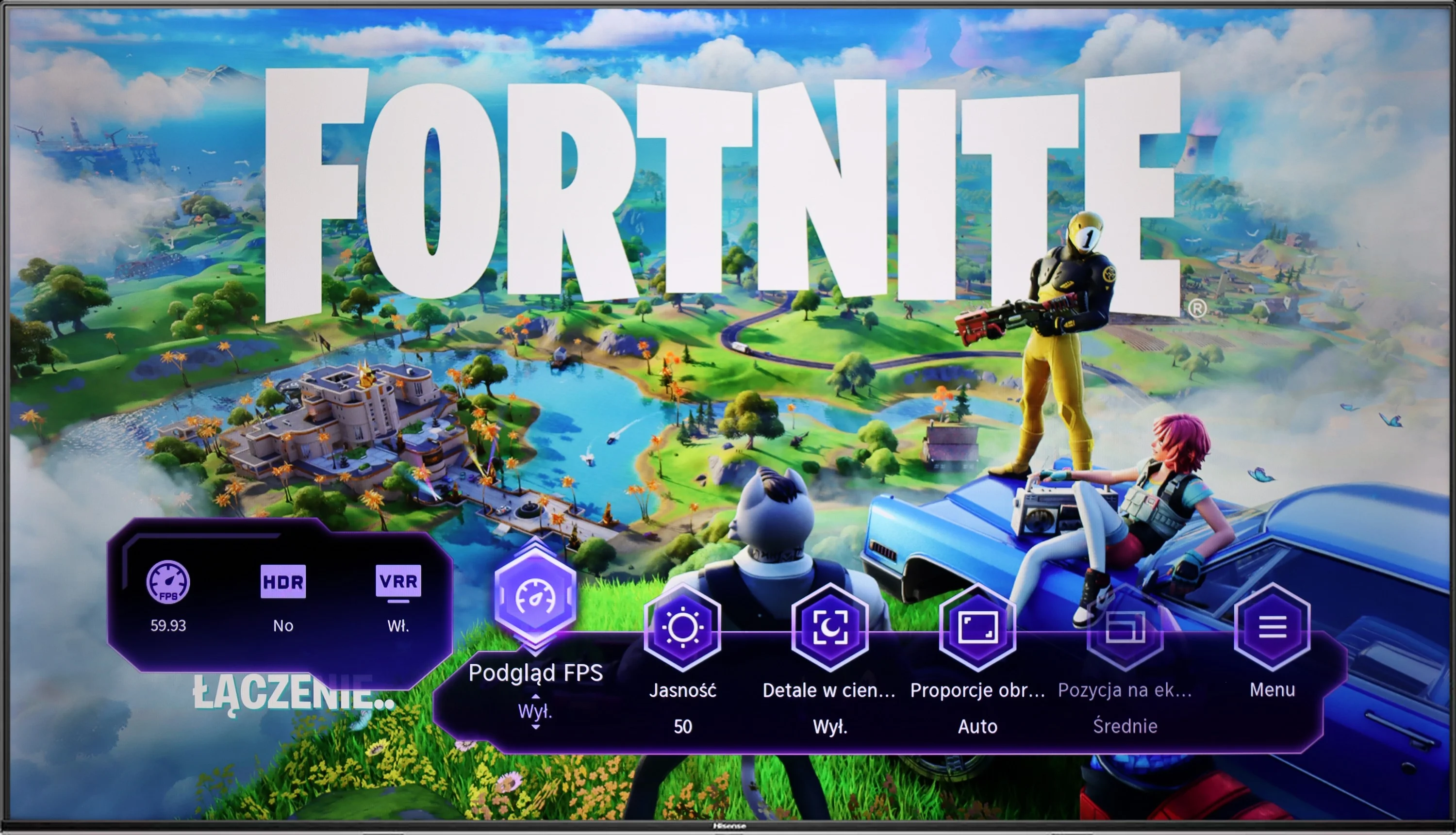
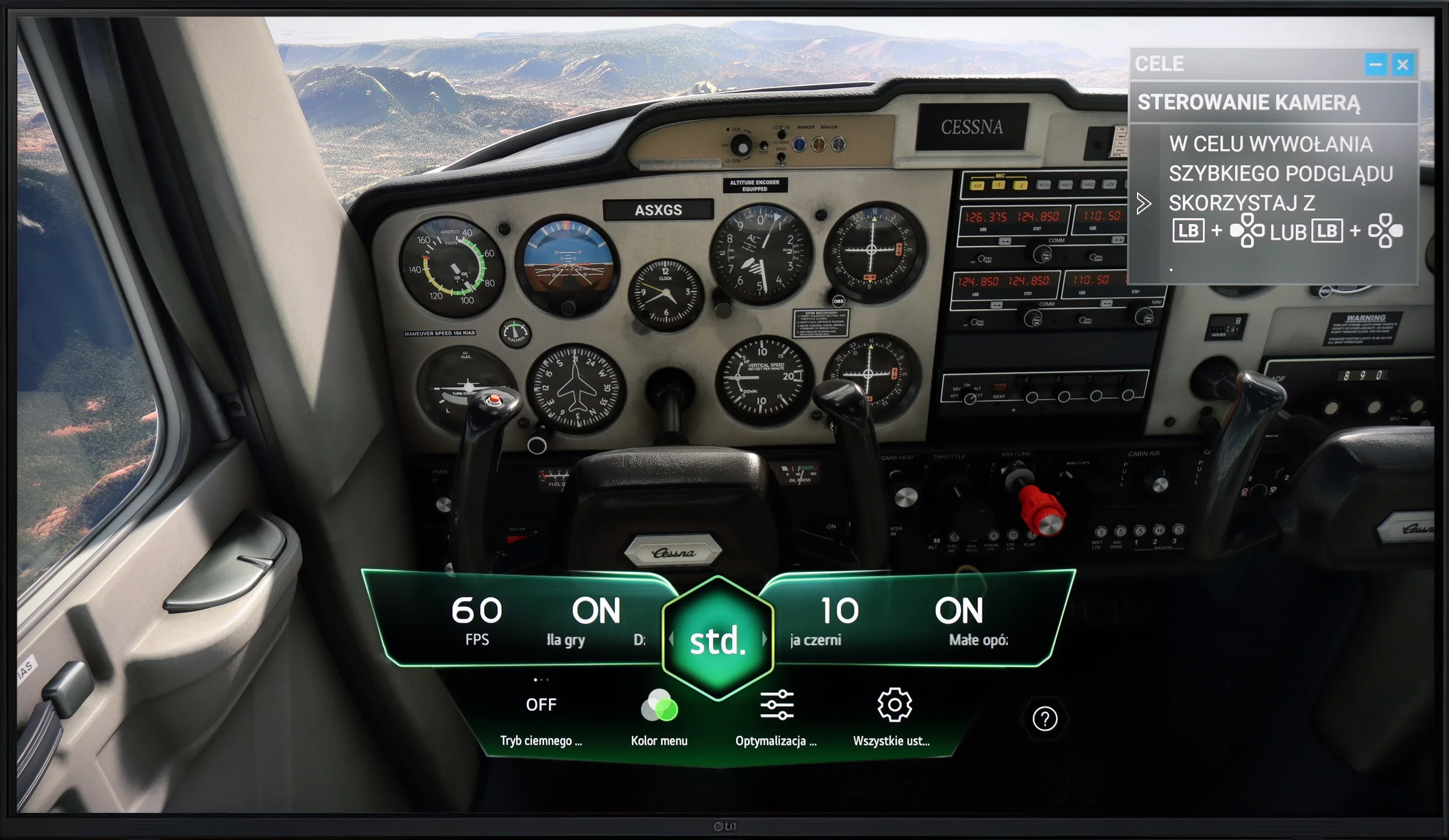
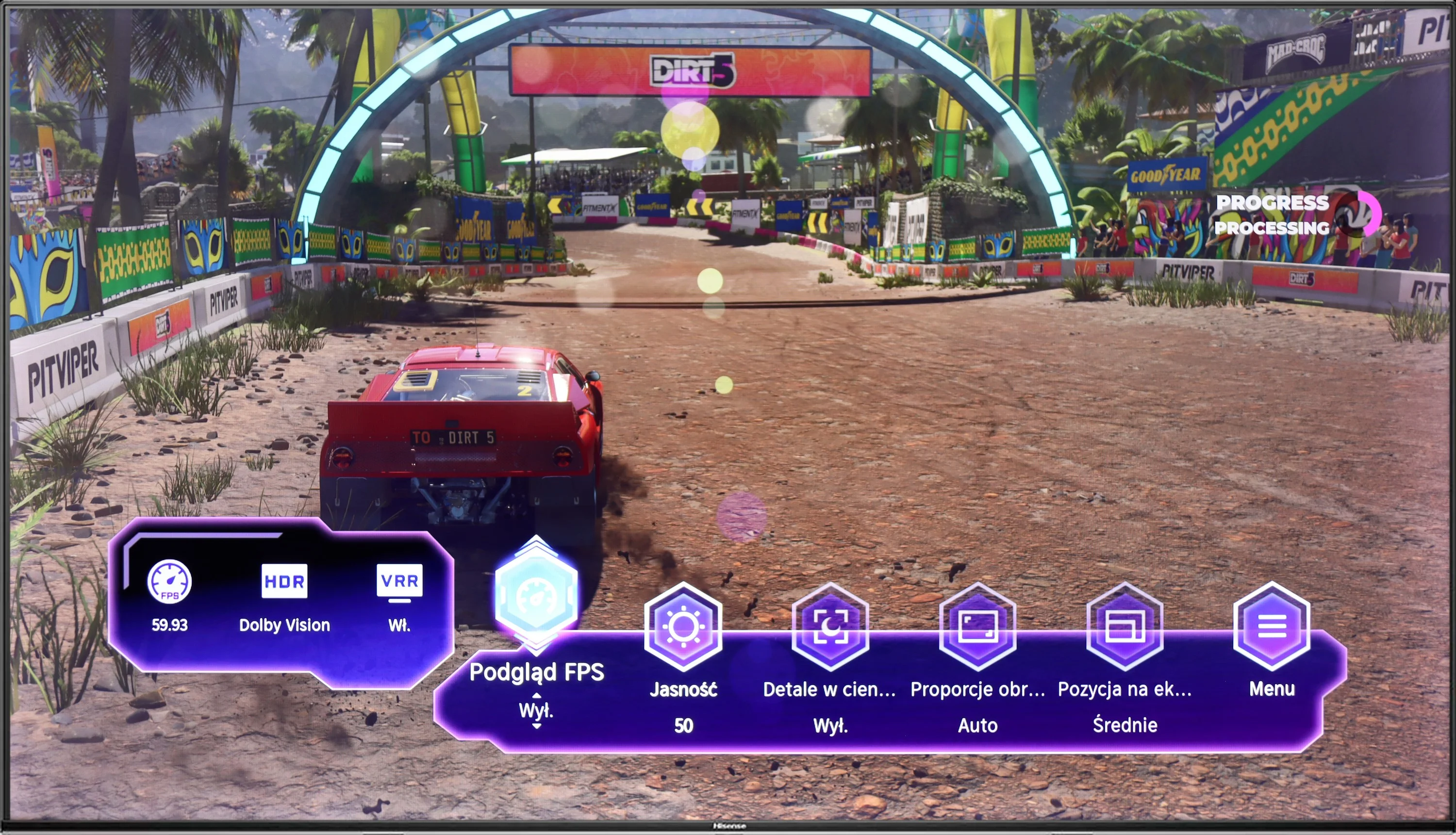
When playing on a console, the LG UR781 TV offers several significant features that can affect the gaming experience, but it also has some limitations. On the plus side, it includes ALLM (Auto Low Latency Mode), which automatically optimises the picture settings by switching the LG UR781 TV to low latency mode, which is beneficial for gamers. The TV also supports correct implementation of HGiG, meaning HDR games look as intended by the creators.
Unfortunately, it lacks support for Variable Refresh Rate (VRR), which can result in worse gameplay smoothness, especially in more dynamic games. It also does not support Dolby Vision mode for gaming, which limits HDR picture quality in games using this format. The TV has a 60Hz panel, so it does not support higher frequencies at other resolutions, such as 1080p@120Hz, 1440p@120Hz, or 4K@120Hz, which is a significant downside for gamers expecting smoother gameplay at higher resolutions. There is also no support for G-Sync technology, which limits image synchronisation in games.
On the positive side, the presence of a Game Bar feature allows for quick access to settings for gamers and makes it easier to adjust picture parameters during gameplay.
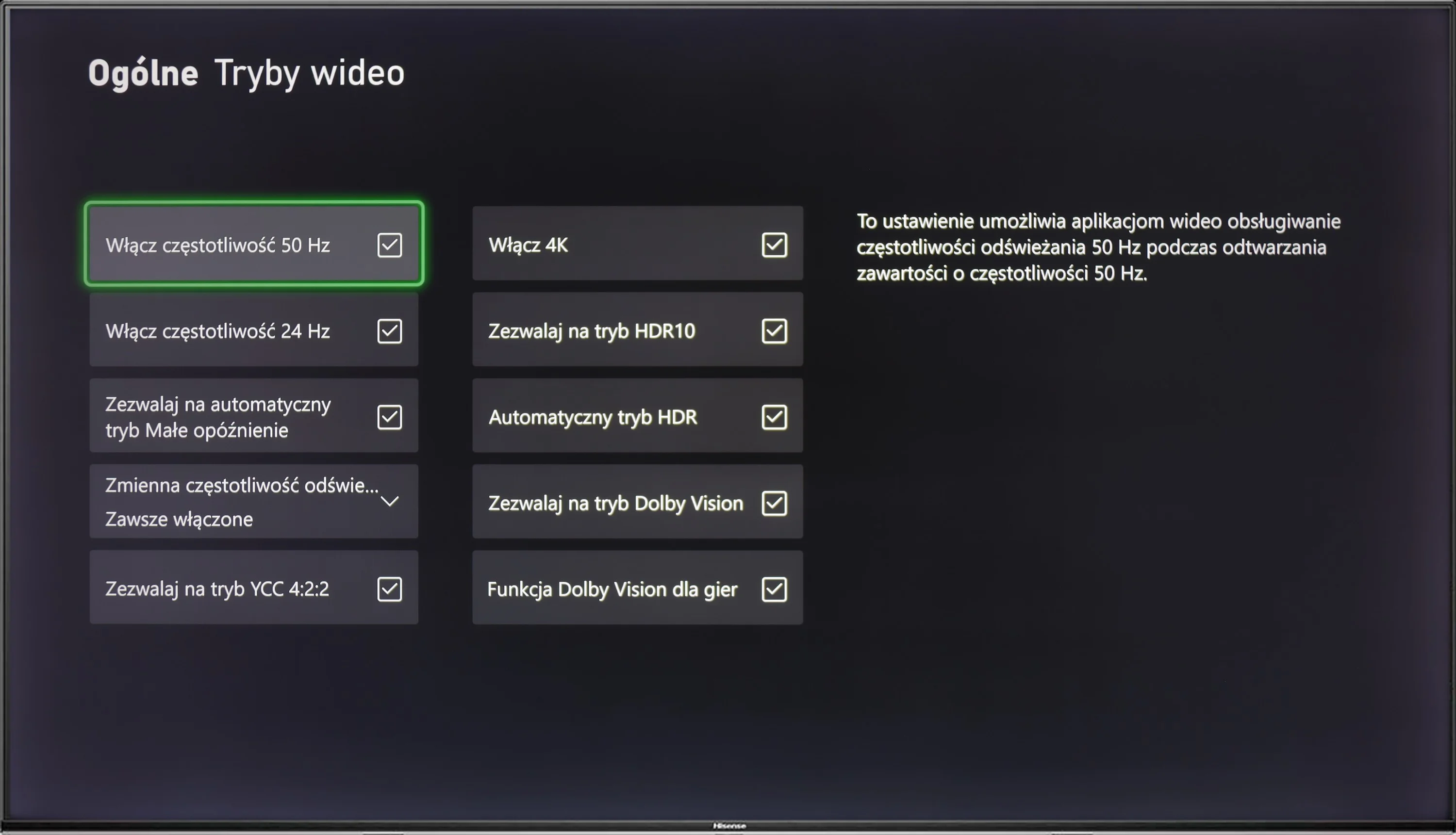
Hisense A7NQ is a piece of gear that may pleasantly surprise gamers, although it's not without its flaws. The fact that it has a 60 Hz panel immediately suggests that the TV is not designed for the most demanding gaming scenarios. The motion blur we mentioned earlier can also be a drawback, especially in fast-paced games.
However, there are a few things worth praising. The TV supports ALLM (Auto Low Latency Mode) and VRR (Variable Refresh Rate), which is not always standard in this price range. The biggest surprise, however, is that the A7NQ can display visuals at 120 Hz – albeit only in Full HD resolution, but it's still a significant nod to gamers. This provides the option to choose between smoothness and resolution, which is not obvious in TVs at this price.
A nice addition is the Game Bar, which is clear and practical – all the essential features are at hand without having to dig through the settings. However, it lacks support for HGiG, which could be a disappointment for gamers seeking perfect HDR in games.
Input lag
10/10
9.9/10
SDR
HDR
Dolby Vision
Measuring input lag on the LG UR781 television turns out very well, regardless of the signal or resolution. Gamers will surely appreciate the manufacturer's efforts, as gameplay in 4K at 60 Hz with HDR enabled achieves only 13 ms of lag. This is an exceptionally low score that provides smooth and responsive experiences, even in fast-paced online games where every millisecond counts.
Hisense A7NQ definitely has some impressive features when it comes to input lag. It is really very low, which is immediately noticeable while gaming – both in standard game mode and with Dolby Vision enabled. Regardless of the settings, the response is instant, making game control smooth and responsive. This is a definite plus for any gamer who doesn’t want to worry about delays. Even more dynamic gameplay on this television won’t be an issue. In this category, Hisense A7NQ really stands out from the competition.
Compatibility with PC
6/10
5.8/10
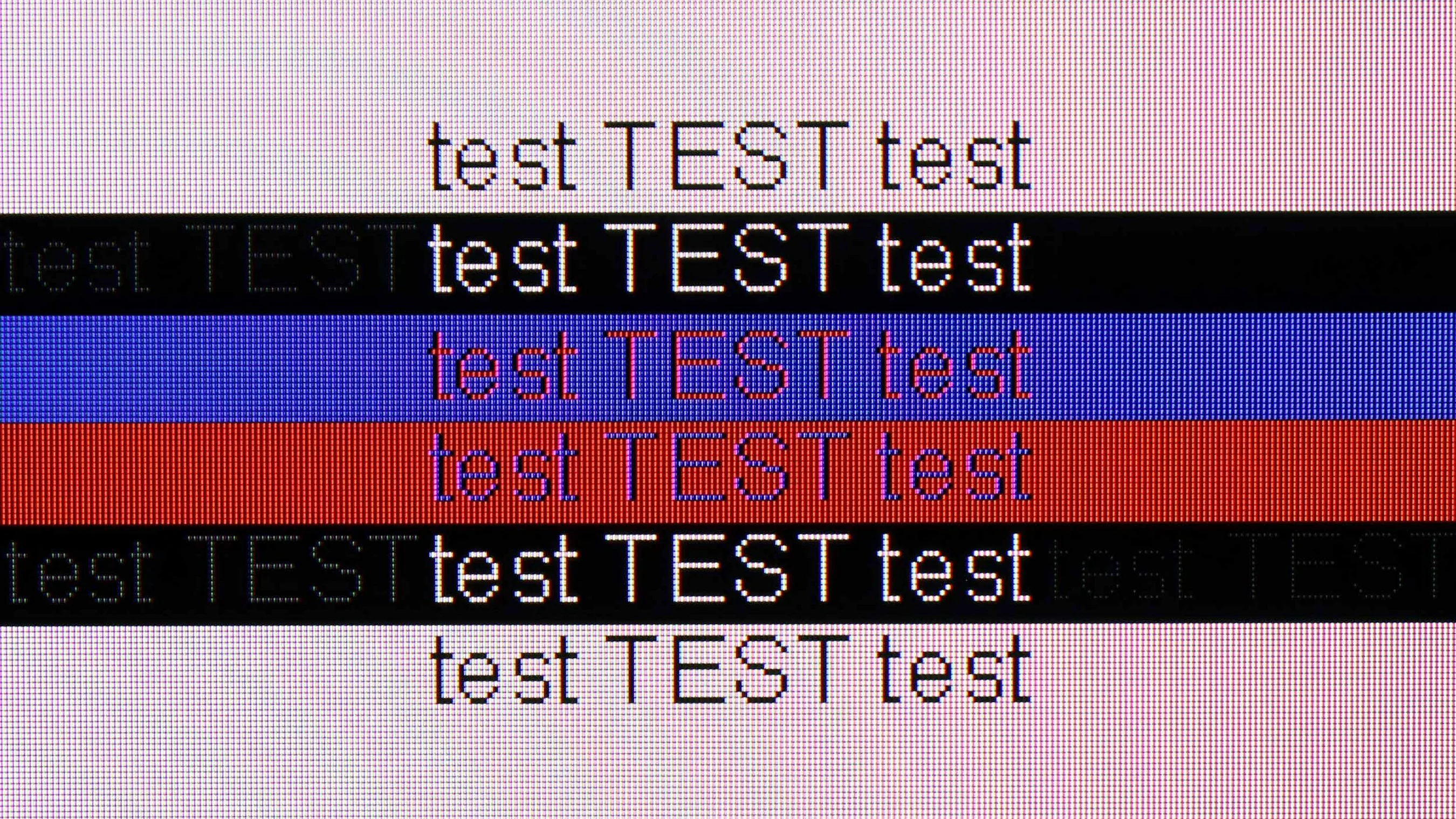
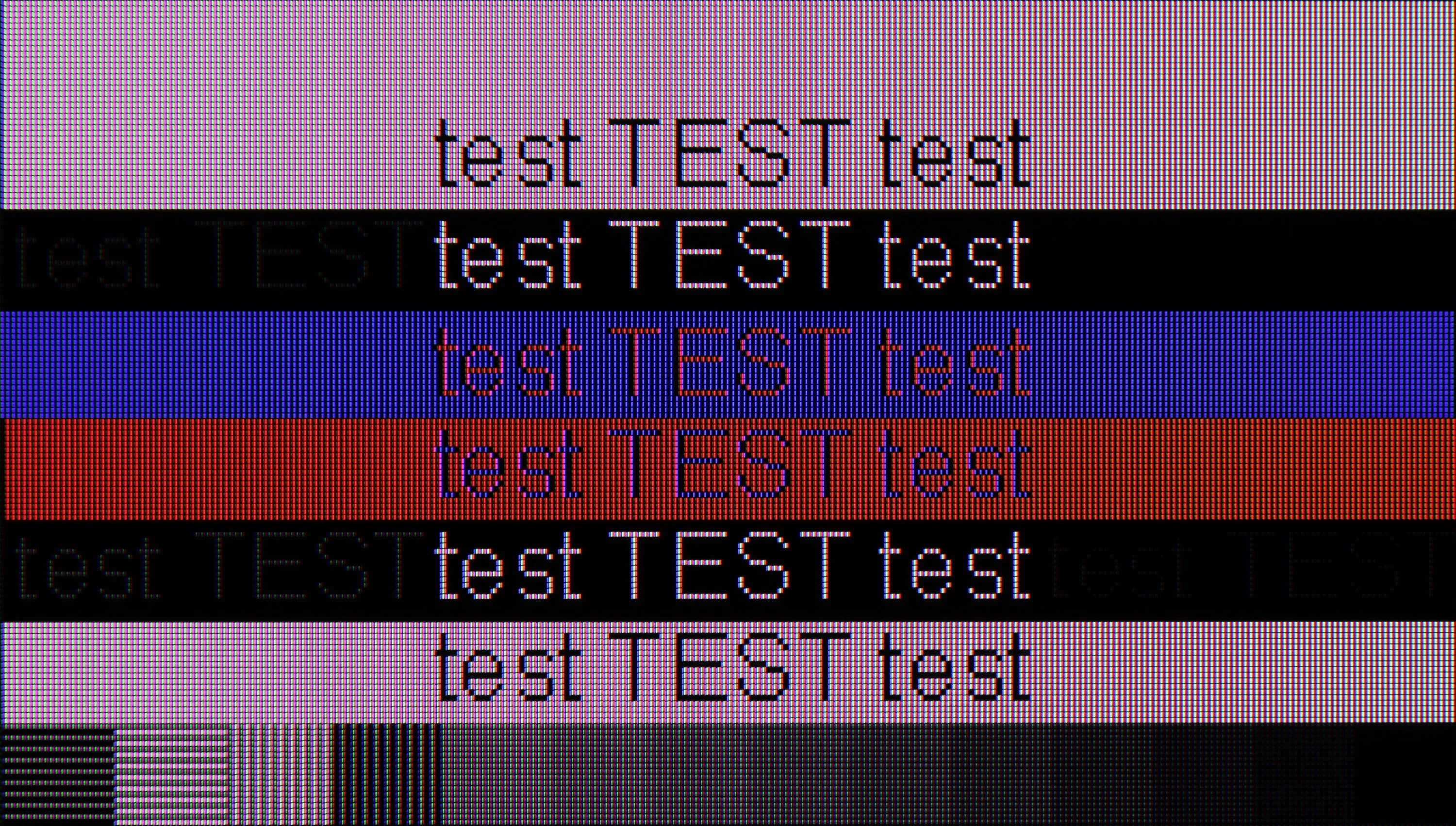
The photo shows the legibility of small fonts. Ideally, lines should be the same thickness on both light and dark text, with minimal pixel gaps.
Displaying text in 4K resolution at 60 Hz is exceptionally sharp, with excellent colour reproduction, meaning that even fine details like grey letters are clearly visible, despite the use of a BGR pixel layout. An input lag of 14 ms ensures quick responses, making the television ideal for work. Unfortunately, the employed 60 Hz panel and lack of G-Sync do not meet the needs of gamers using a computer, resulting in a lower rating for gaming. Nonetheless, the television performs well in office tasks and media viewing, which compensates for its use at work.
Hisense A7NQ does the job if we want to use it as a monitor for work. Thanks to 4:4:4 chroma support, the text is sharp and readable, regardless of the background. This is a big plus because working with documents or browsing websites on this TV is quite good. When it comes to PC gaming, the situation is less optimistic. The 60 Hz panel unfortunately doesn’t allow for smoother experiences, which may disappoint gamers looking for something more. Even the presence of G-SYNC and low input lag doesn’t change the fact that dynamic titles may look mediocre.
Viewing angles
3.5/10
3/10
A characteristic feature of VA panels is the noticeable drop in image quality at angles. In the case of this model, when viewed at a 45-degree angle, brightness decreases by as much as 70%, which significantly affects the depth of black and overall image quality. The LG UR781 televisions with VA panels do have better contrast when viewed head-on, but their viewing angles are limited compared to other technologies, such as IPS.
Hisense A7NQ doesn’t surprise in this category. The viewing angles are typical for a VA panel – which means that if we sit directly in front, everything looks fine, but just shifting a little to the side causes the picture to start losing quality. Colours become less saturated, and black starts to take on shades of grey. This is standard for VA panels, and it’s rather hard to expect anything different. So if we plan on watching TV with a larger group of people, it’s worth considering positioning the television so that everyone has a chance to sit as close to the centre of the screen as possible.
Daytime performance
3.9/10
4.9/10
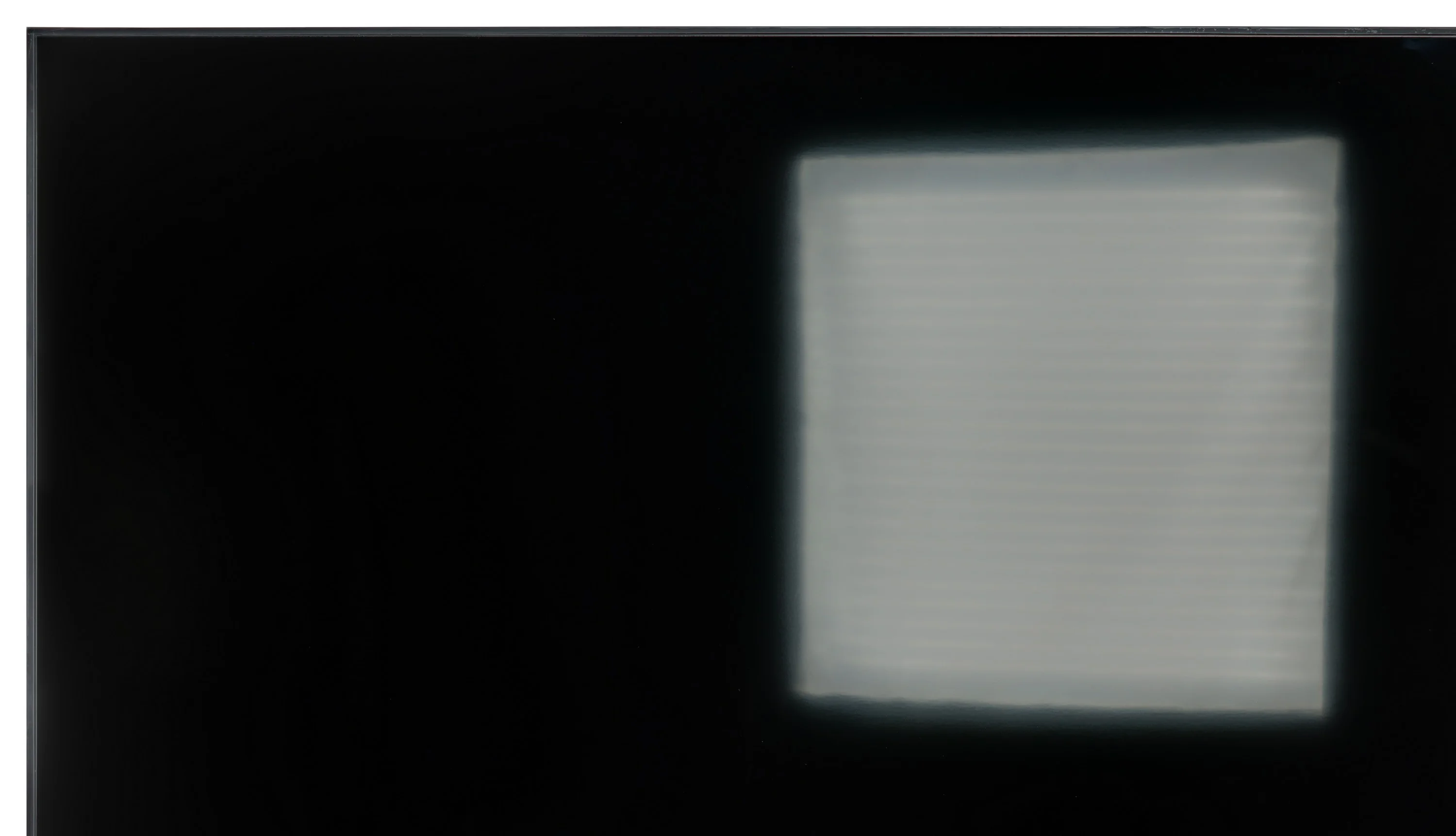
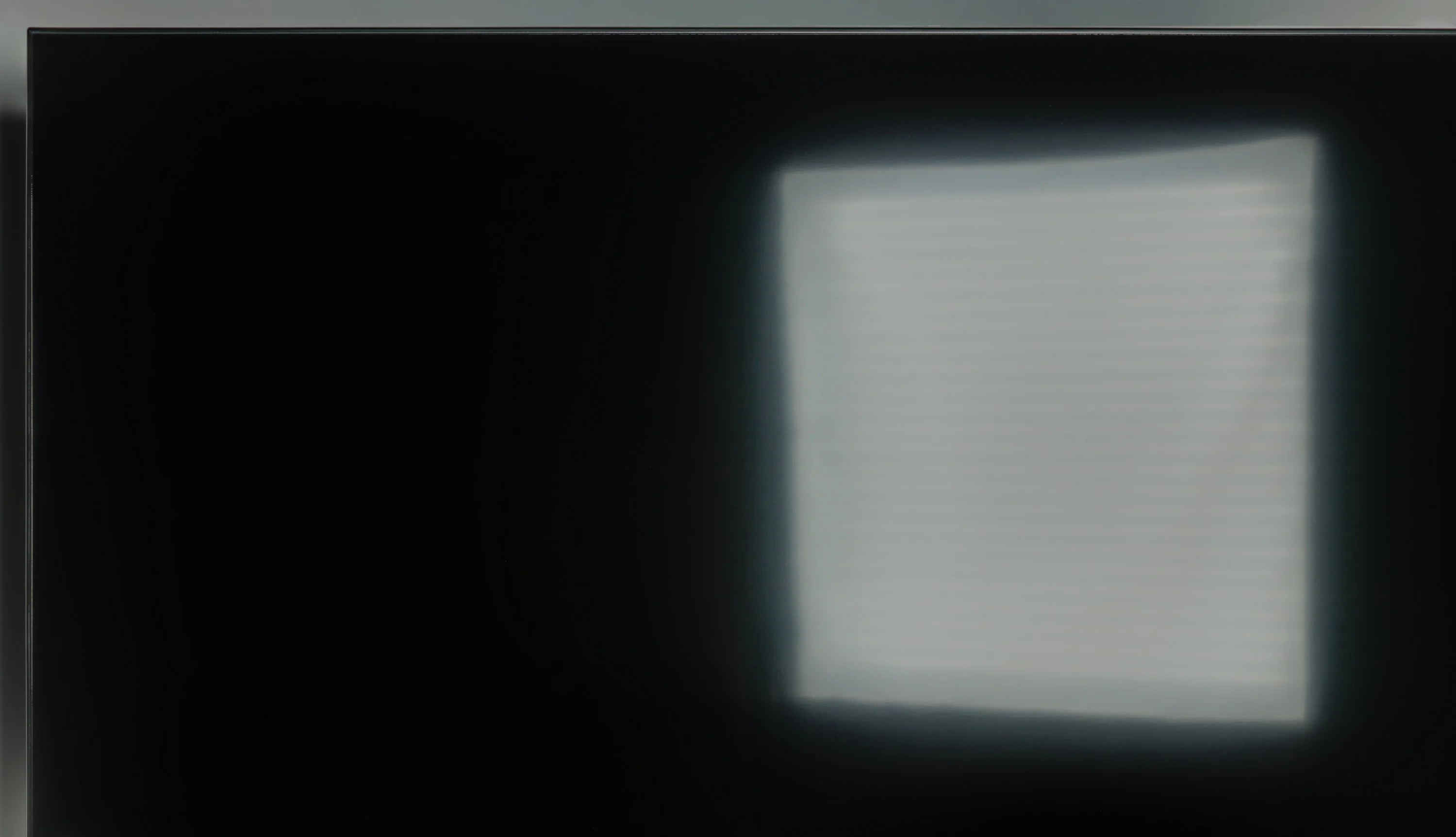
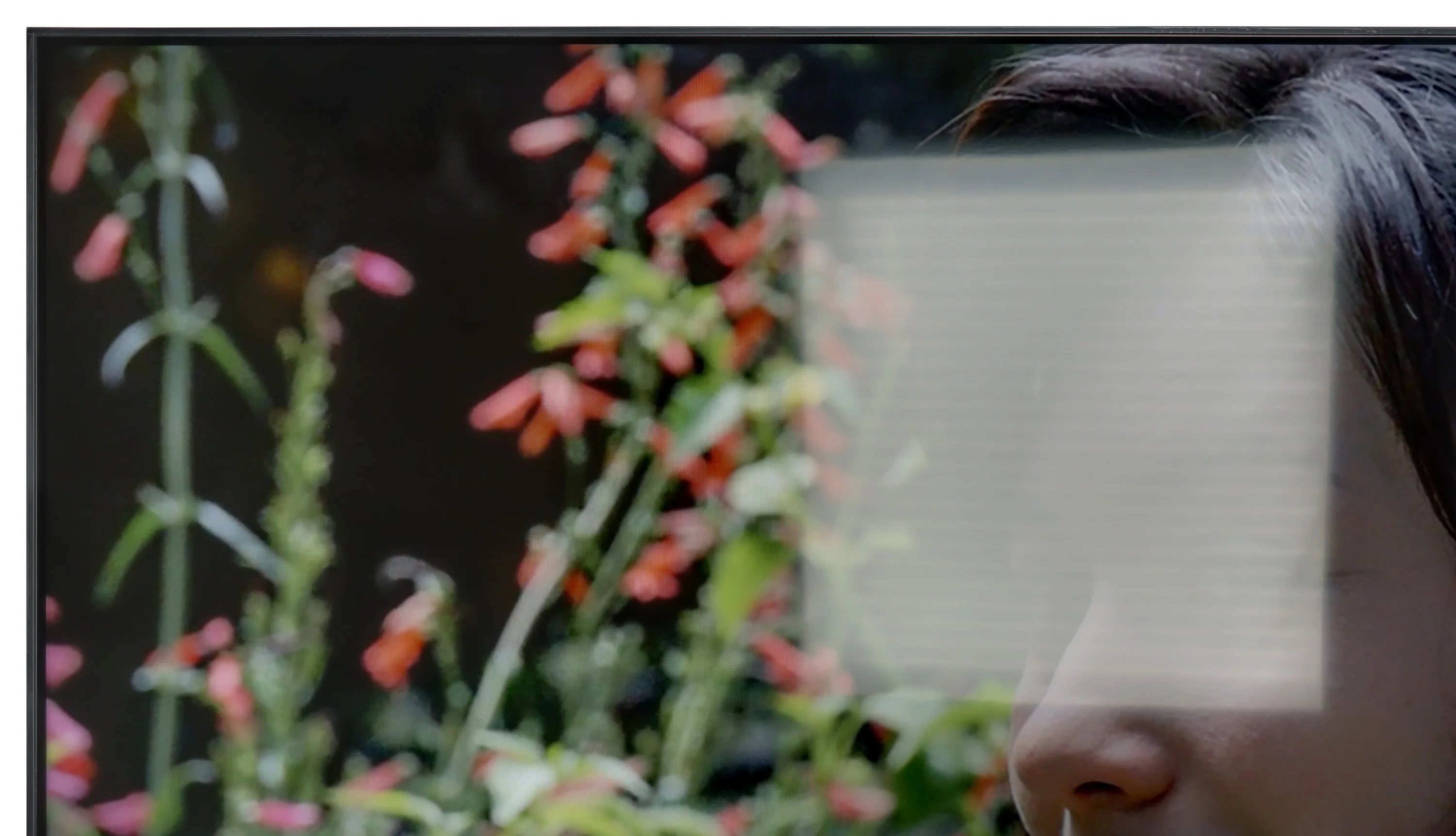
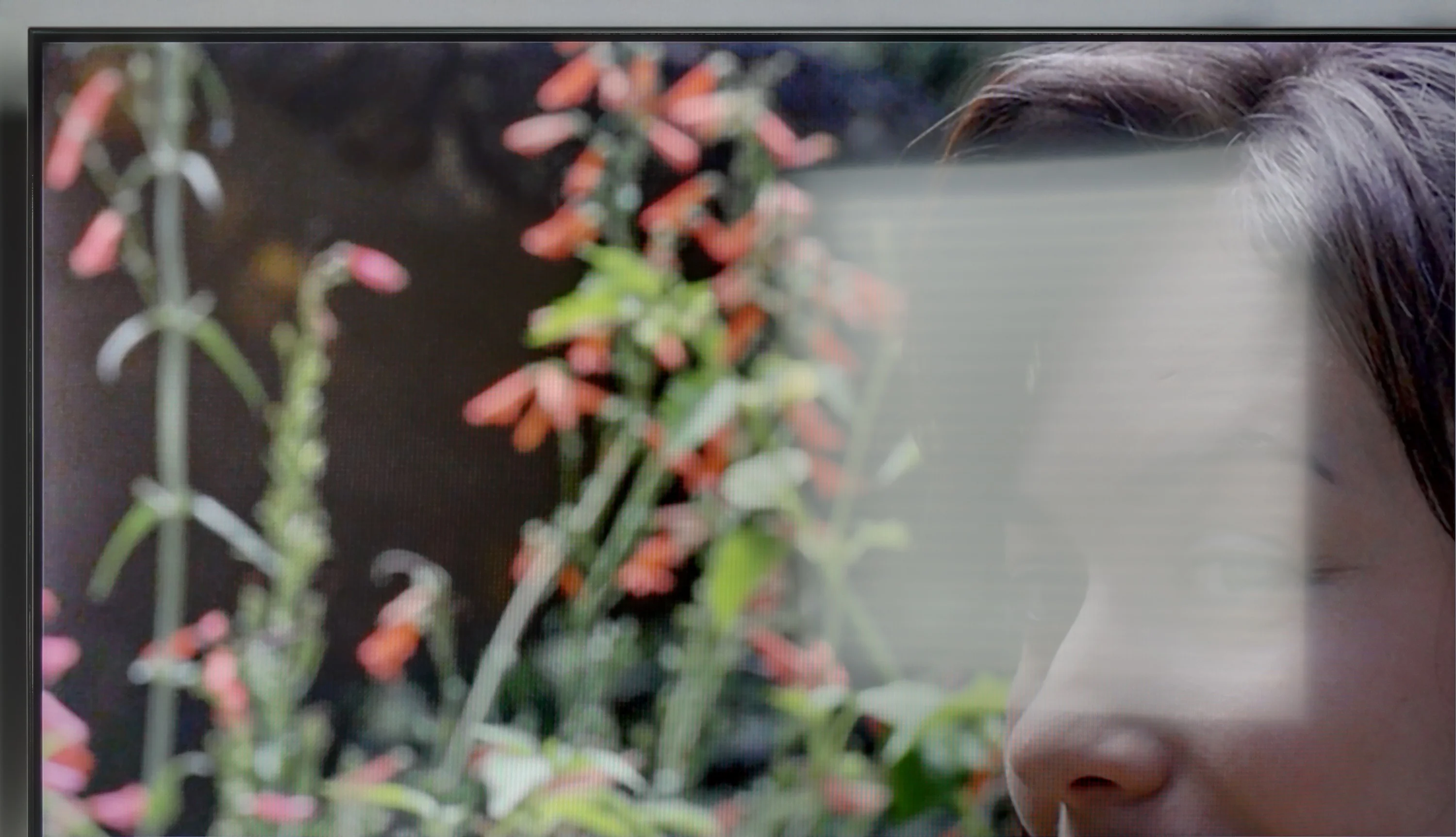
Panel brightness
Hisense A7NQ: 371 cd/m2
LG UR781: 231 cd/m2
Thanks to its satin finish, it handles glare well during daytime viewing, making reflections less bothersome. However, due to its low brightness in SDR mode, which is only 231 nits, it may struggle to display images clearly in brighter rooms, especially on sunny days. Watching in such conditions may result in poorer visibility and reduced image clarity.
The Hisense A7NQ doesn't make the best impression in brightly lit rooms. The panel handles glare reduction averagely, so if there's a lot of light coming in through the windows, the screen can turn into a mirror. Additionally, a brightness level of 370 cd/m² is only suitable for moderately sunny rooms. In more demanding conditions, where the sun is directly hitting the screen, the picture starts to lose visibility and it's hard to see all the details. If we plan to use the TV mainly during the day in a brightly lit room, it's worth considering this, as in such conditions the A7NQ may not be the best choice.
Panel details
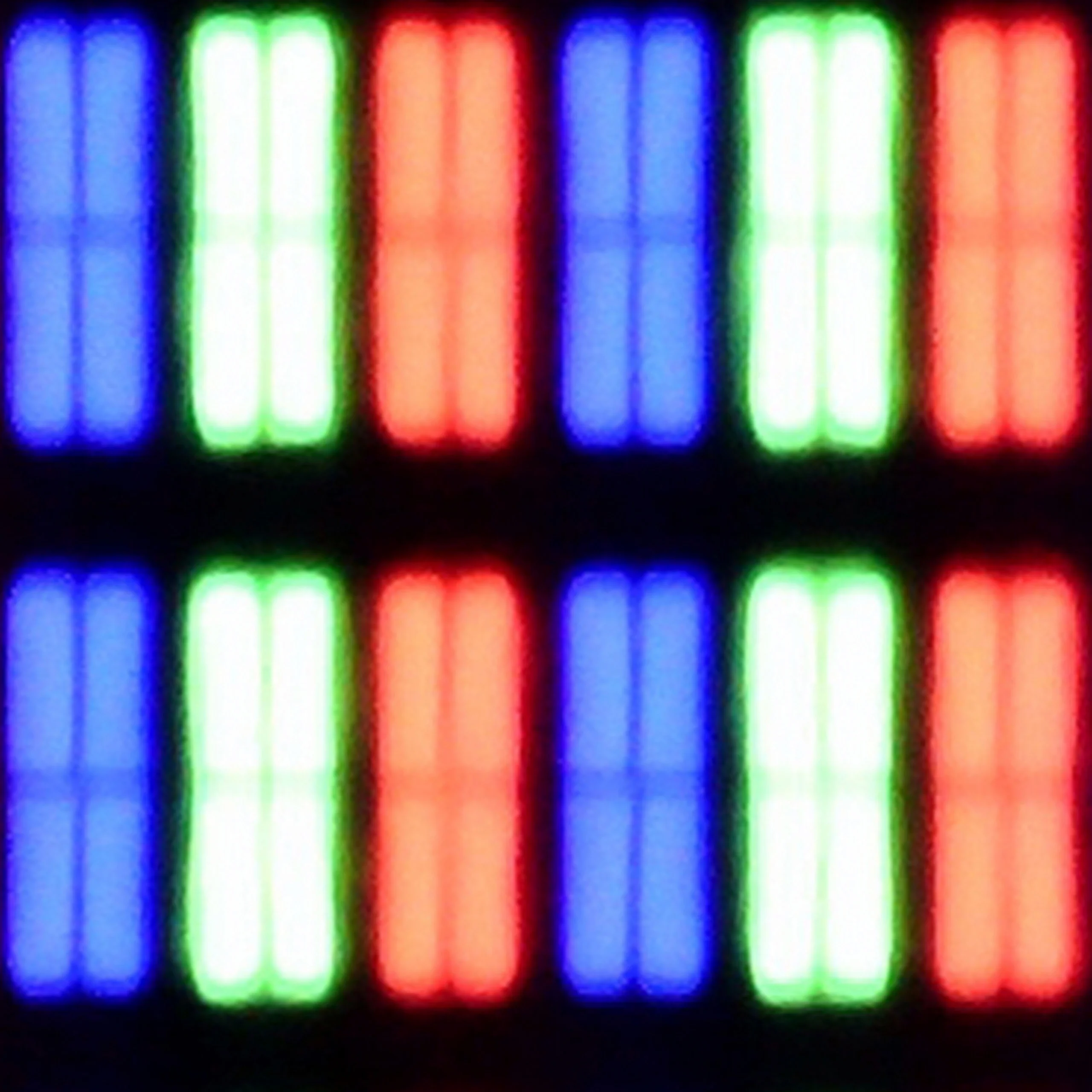
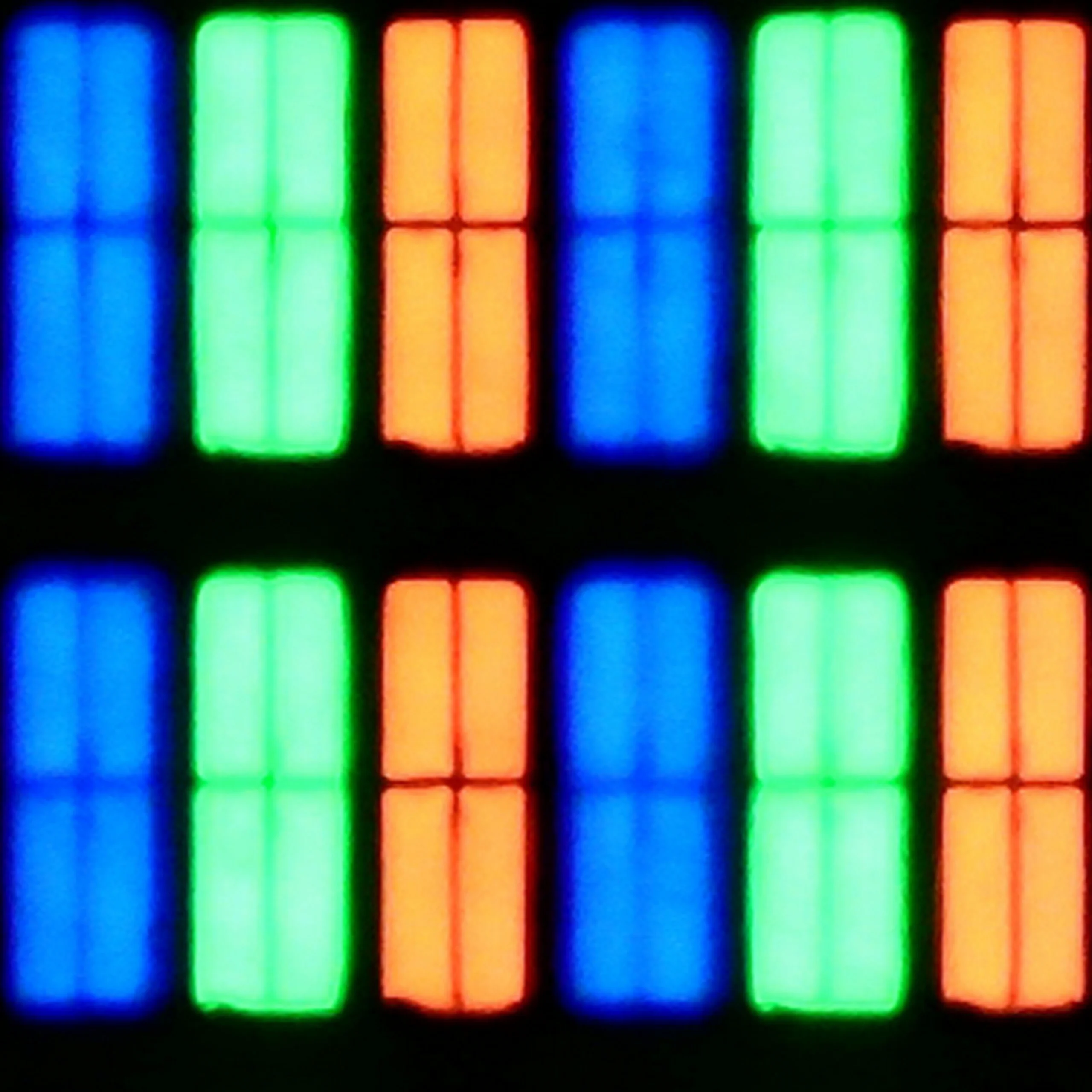
Subpixel Structure:
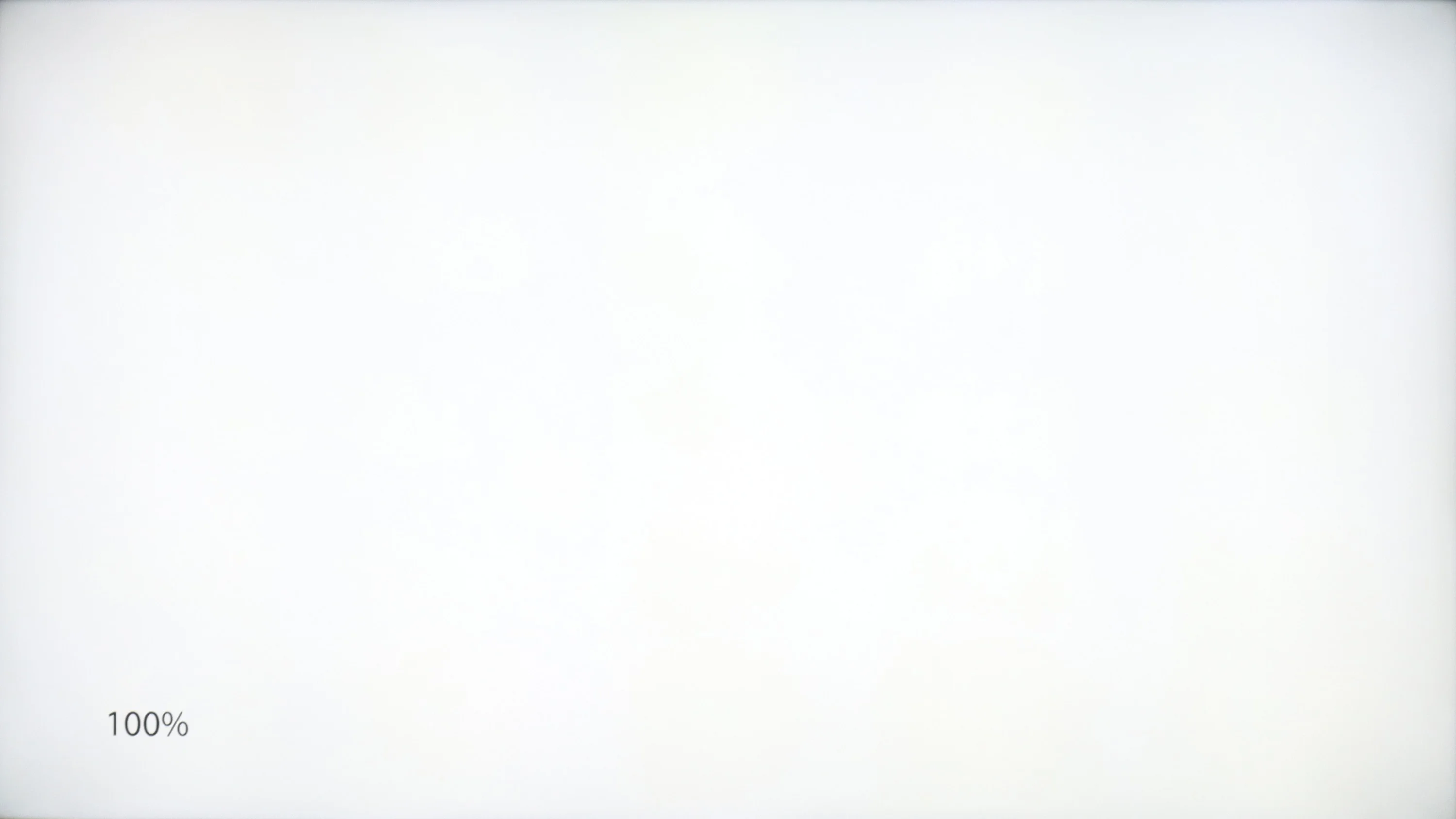
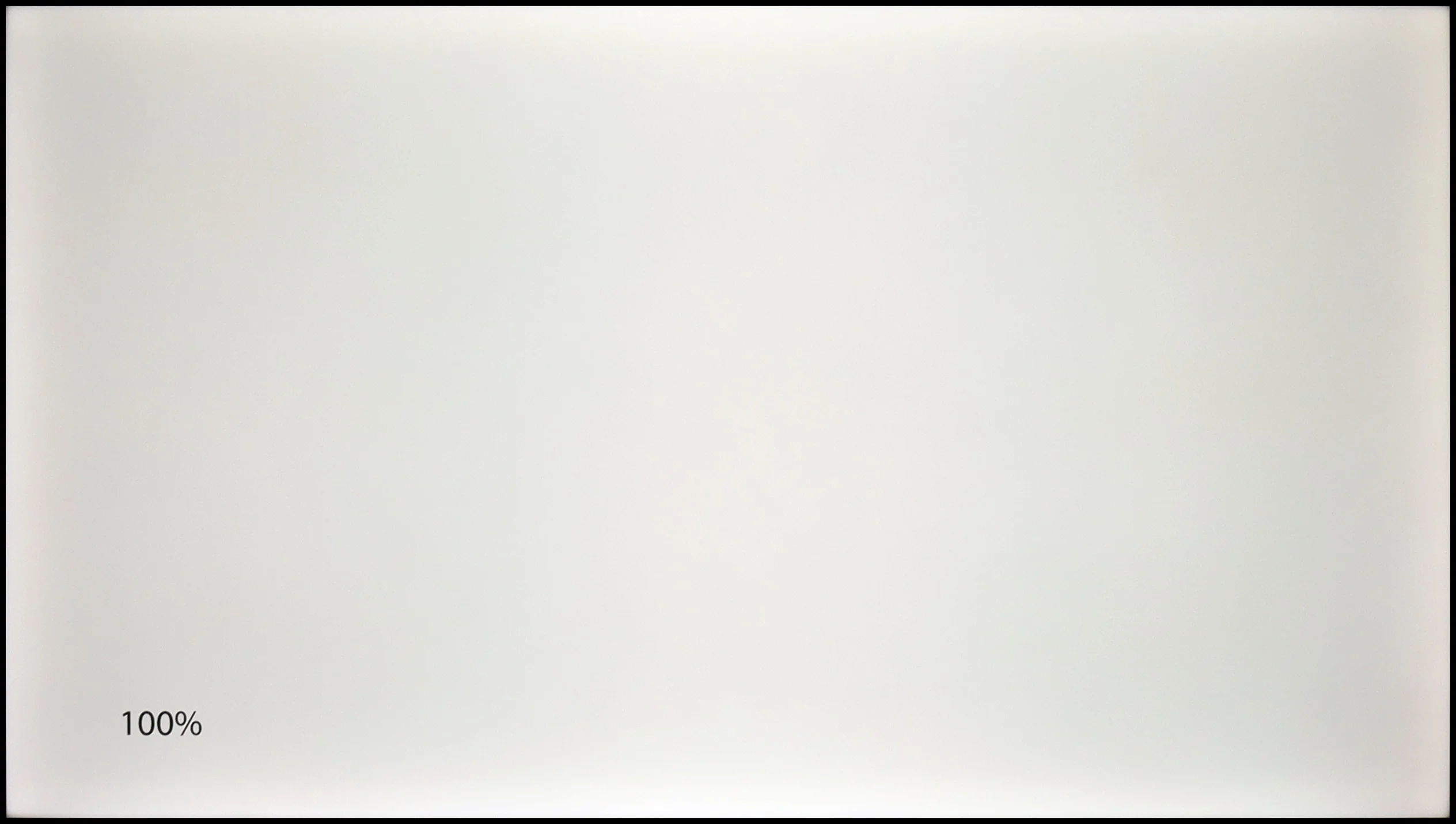
Panel uniformity and thermal imaging:
TV features
6.4/10
8.7/10
- SystemWebOSVIDAA
- System performanceDecentDecent
- HDMI inputs3 x HDMI 2.0, 0 x HDMI 2.13 x HDMI 2.0, 0 x HDMI 2.1
- Other inputsRCA (Chinch)
- OutputsToslink (Optical audio), eARC (HDMI), ARC (HDMI)Toslink (Optical audio), eARC (HDMI), ARC (HDMI), Mini-Jack (Headphones)
- Network InterfacesWi-Fi 2.4GHz, Wi-Fi 5GHz, Ethernet (LAN) 100MbpsWi-Fi 2.4GHz, Wi-Fi 5GHz, Ethernet (LAN) 100Mbps
- TV receptionDVB-T, DVB-T2, DVB-S, DVB-S2, DVB-CDVB-T, DVB-T2, DVB-S, DVB-S2, DVB-C
Classic features:
- Recording to USB (terrestrial TV)
- Recording programming
- Picture in Picture (PiP)
- RF remote control (no need to aim)
- Backlit remote control
- Teletext
- Audio only mode
- Bluetooth headphones support
- Simultaneous Bluetooth headphones & TV audio
Smart features:
- AirPlay
- Screen mirroring (Windows Miracast)
- Voice search
- Voice search in native language
- Ability to connect a keyboard and mouse
Sound connection options
- HDMI audioeARC (HDMI), ARC (HDMI)eARC (HDMI), ARC (HDMI)
- Other audio outputsToslink (Optical audio)Toslink (Optical audio), Mini-Jack (Headphones)
- Wireless audioBluetoothBluetooth
Supported audio formats (external HDMI eARC audio):
- Dolby Digital Plus 7.1
- Dolby True HD 7.1
- Dolby Atmos in Dolby Digital Plus (JOC)
- Dolby Atmos in Dolby True HD
- DTS:X in DTS-HD MA
- DTS-HD Master Audio
Senior accessibility
- Numeric keyboard on TV
- Font size adjustment
- Audio description
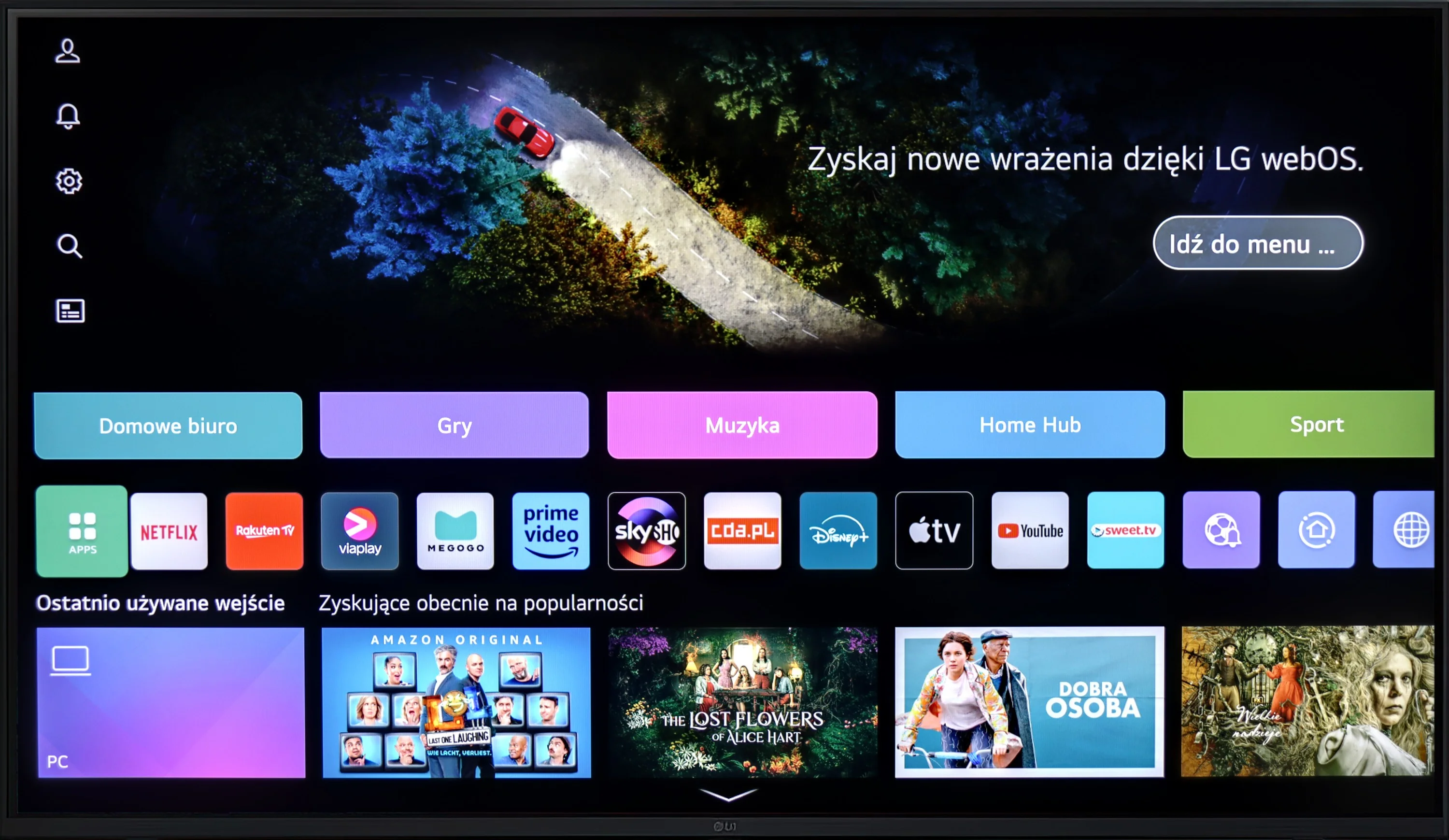
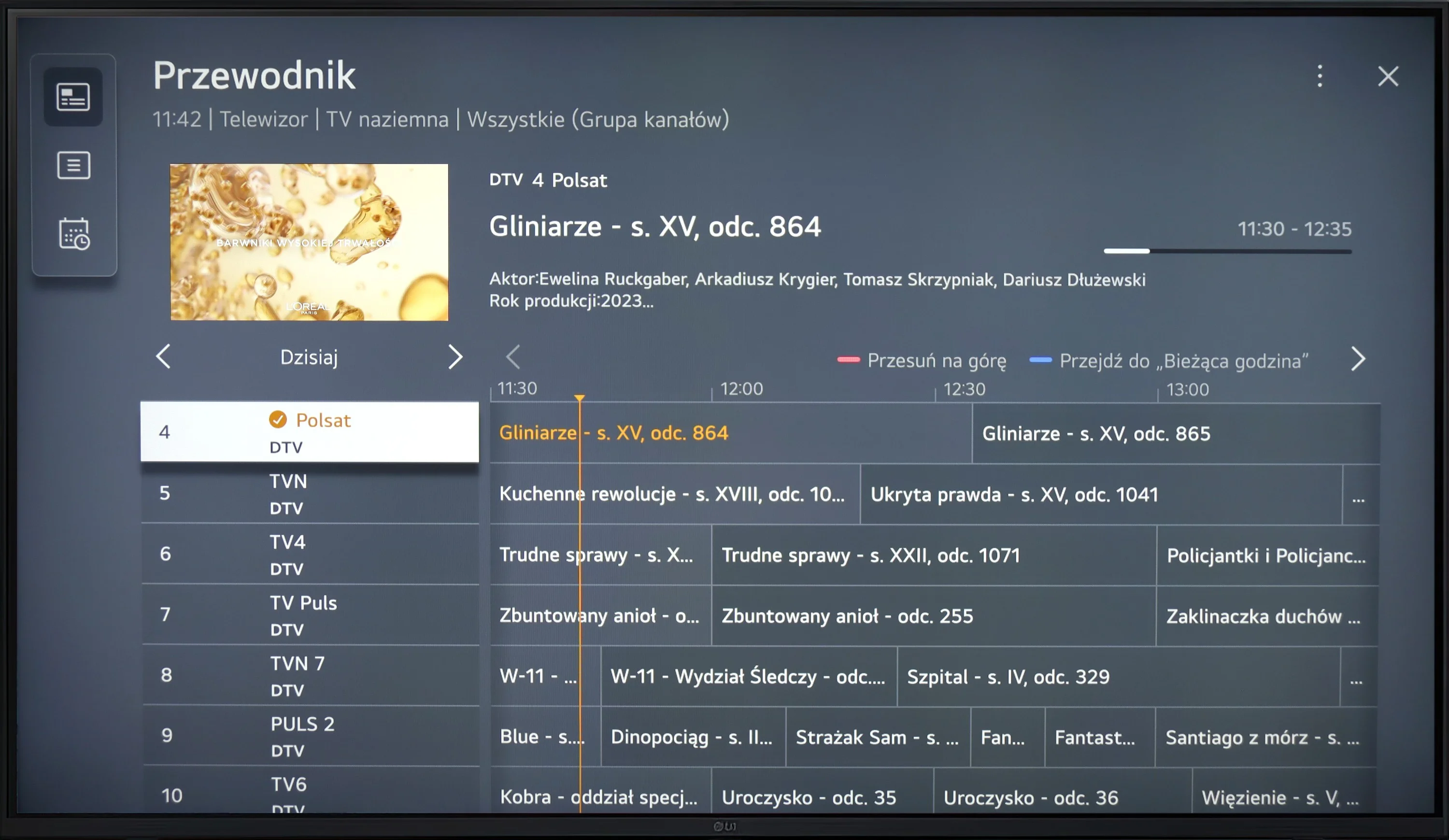
WebOS in LG UR781 televisions is a modern, intuitive system that provides easy access to popular streaming apps like Netflix and YouTube, among others. It features a simple interface and supports functions such as Screen Mirroring, AirPlay, and Bluetooth. The system supports the connection of external devices like keyboards and headphones, offering rich personalisation options and advanced multimedia features. Unfortunately, the base model of the LG does not come with a Magic remote (on-screen cursor), which is a shame! It's also worth noting that in the case of this model, WebOS was not particularly responsive and can be a bit annoying.
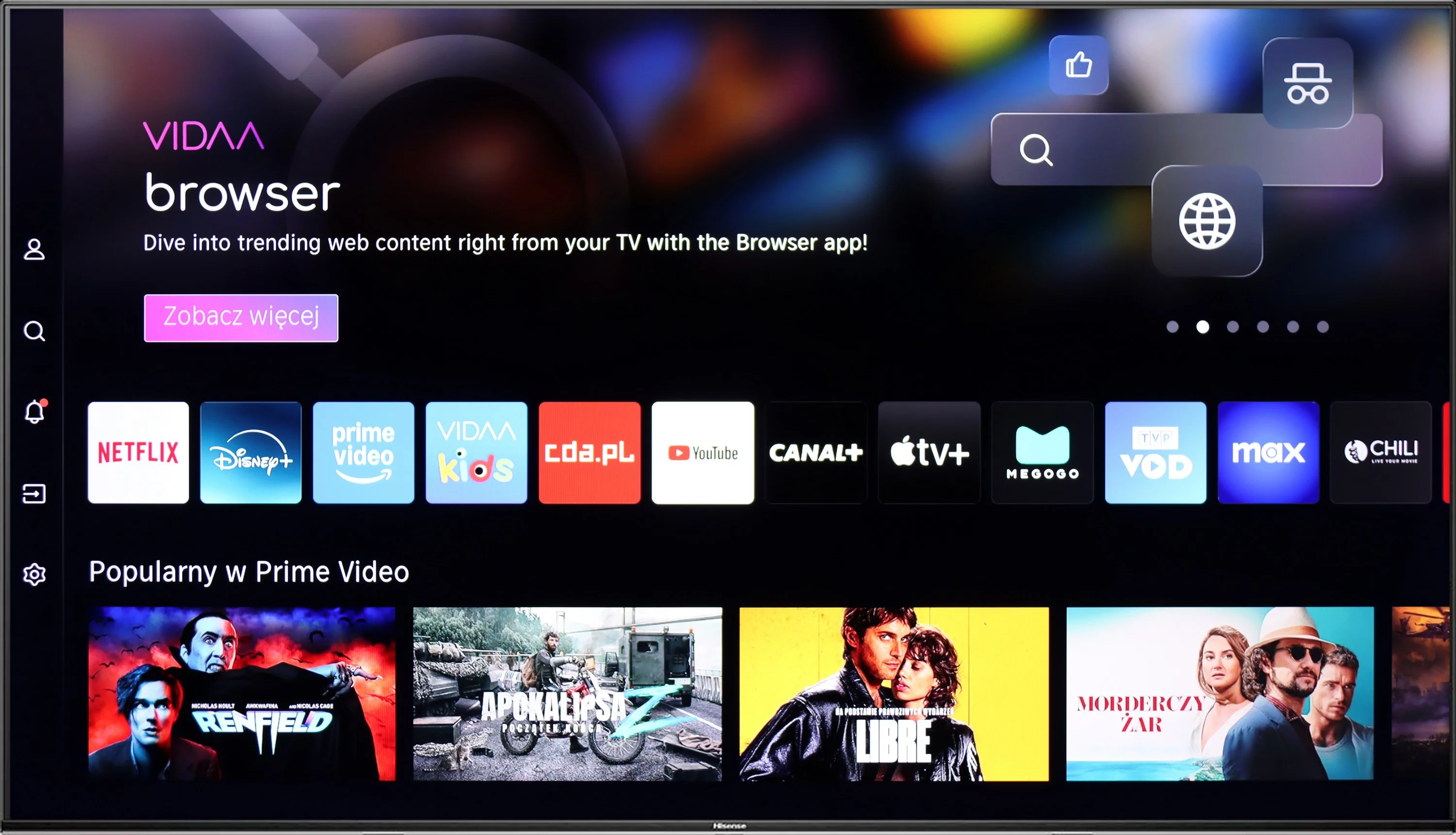
Hisense A7NQ runs on the Vidaa system, which may not be as extensive as those from the Korean giants, but it does what it needs to do. It's clear that Hisense is starting to understand the Australian market – the latest updates have added the most important streaming apps. You can easily find the most popular streaming applications here. Unfortunately, if someone is hoping for Tidal or Spotify, they won’t find them here – it's a bit of a shame, as that would further enhance the system. The Vidaa system itself works surprisingly well. The menu is simple, and the voice control in English is a nice touch that makes everyday use easier. There are no unnecessary complications, everything is at your fingertips and works without significant delays.
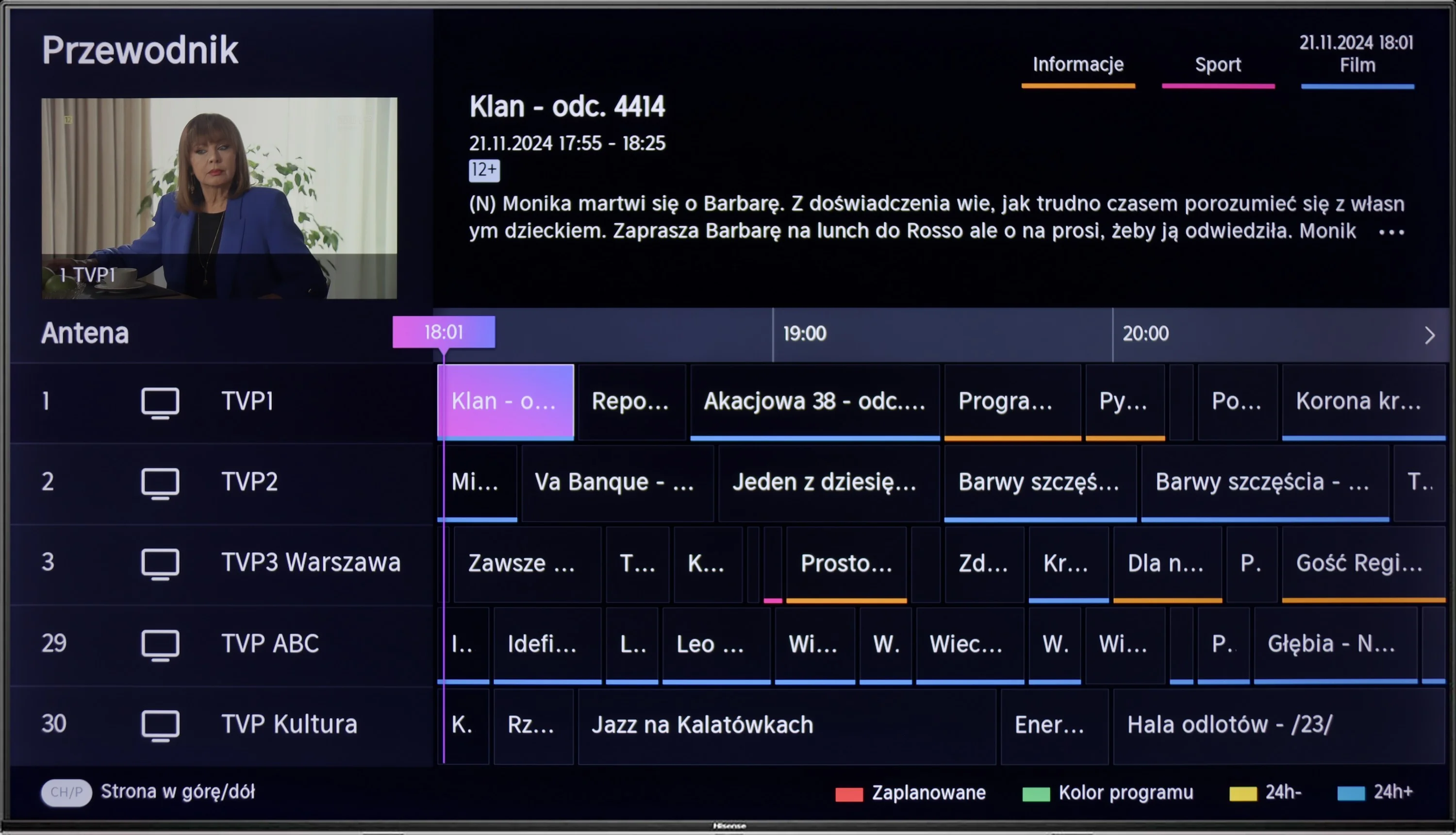
In terms of features, the TV performs well too. USB recording works thanks to the built-in tuners, and connecting additional devices via Bluetooth or USB is seamless. AirPlay and Miracast are additional bonuses – it’s easy to share content from your phone or laptop.
There is a lack of PiP (picture-in-picture) functionality, but that’s something that only those who really need it will notice. Similarly, USB recording is nice to have, but not everyone will use it.
Apps
9.1/10
7.7/10






















Playing files from USB
8.2/10
5.5/10
Supported photo formats:
Maximum photo resolution:
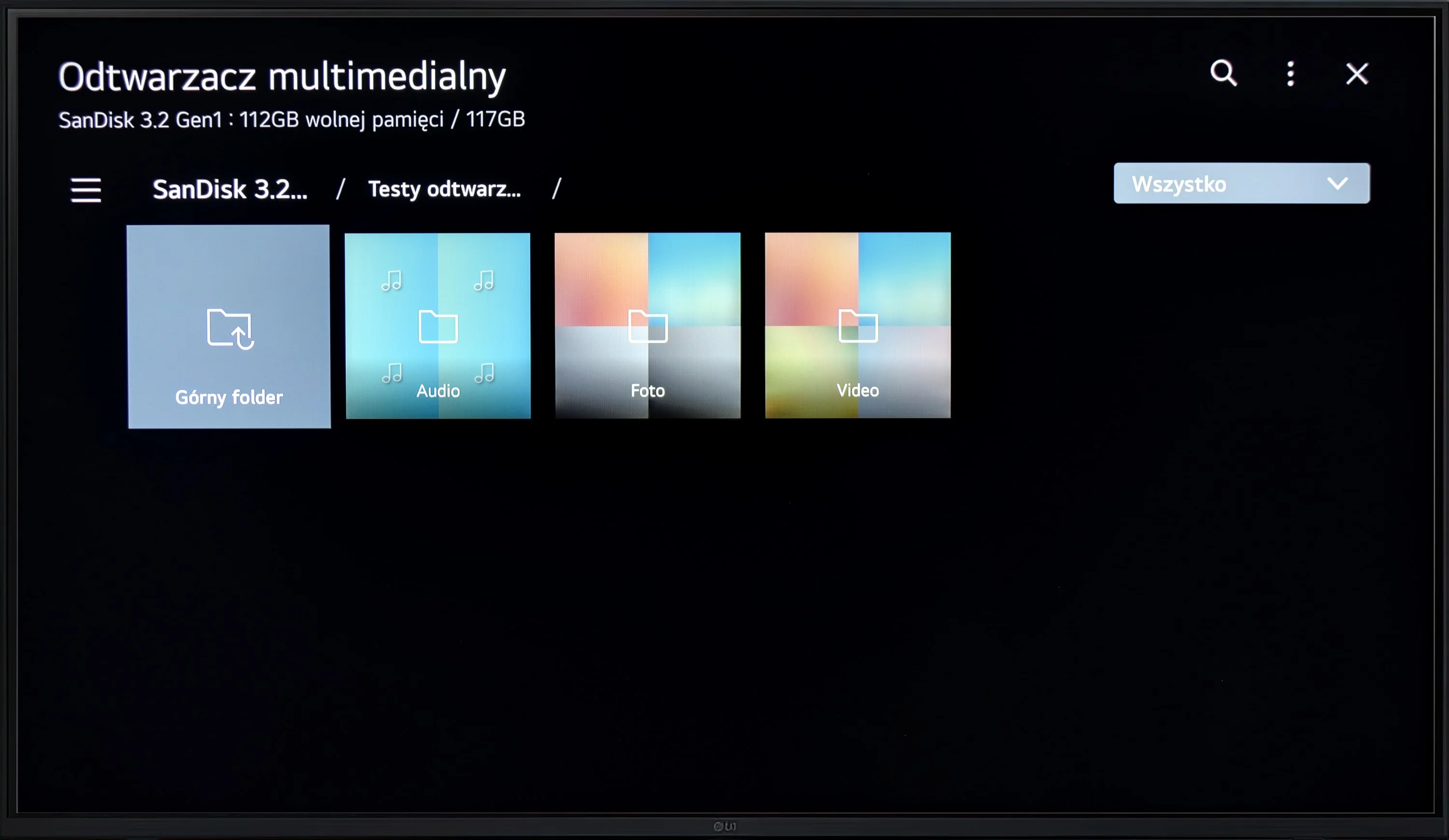
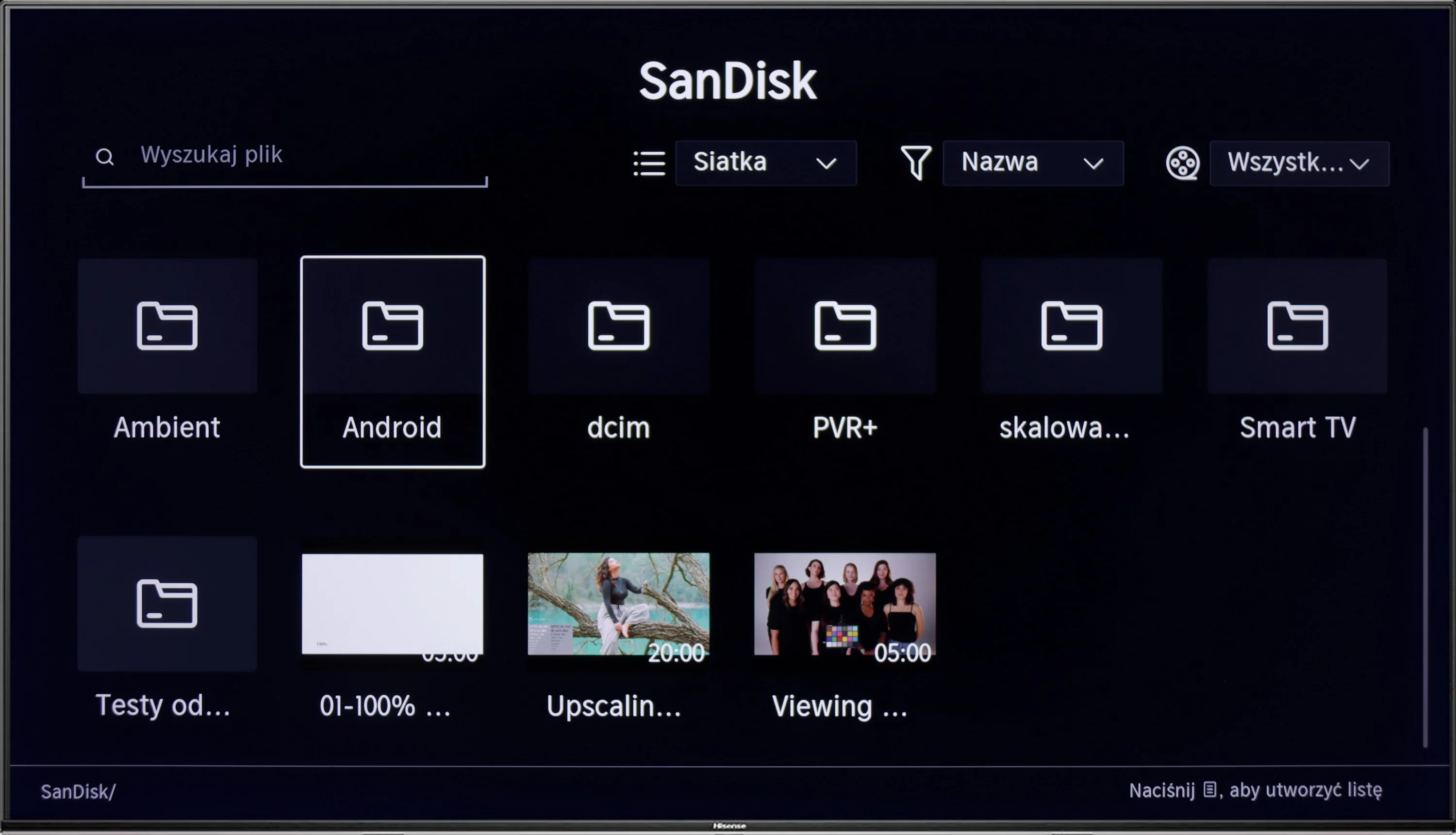
Television LG UR781 will play most files and video codecs, and when subtitles are added to the film, you can even change the colour or size of the font. The biggest downside is the lack of support for less popular photo formats.
During testing of the USB file player, we encountered something really odd. Normally, we check if the TV handles external subtitle files so that we can comfortably watch foreign productions in Polish. Unfortunately, despite the presence of various subtitle formats on our USB drive, the TV did not display any of them. Interestingly, there was an option in the menu to change the font colour, so it seems that the feature should work. We believe this is something to be fixed in an update, but for now, the situation is just strange and somewhat concerning. As for other types of files, it's much better. The TV handles most popular audio and photo formats, so playing music or browsing holiday photos will not be a problem.
Sound
5.2/10
5.9/10
- Maximum volume--
- Dolby Digital Plus 7.1
- Dolby True HD 7.1
- Dolby Atmos in Dolby Digital Plus (JOC)
- Dolby Atmos in Dolby True HD
- DTS:X in DTS-HD MA
- DTS-HD Master Audio
Although the TV offers a certain hint of bass, the overall sound quality is average. The television does not support most advanced surround sound codecs, which limits its capabilities in fully reproducing audio effects. The only support for surround sound is the ability to stream audio to an external device, such as a soundbar, using Dolby Digital Plus.
The Hisense A7NQ performs like most mid-range televisions – it’s adequate, but without much excitement. The sound does its job in everyday use, but if you’re looking for strong experiences, it’s worth considering purchasing a soundbar. On the plus side, the television supports practically all popular surround sound formats, including Dolby Atmos and DTS:X. As a result, if we have the appropriate external equipment, we can enjoy a more immersive sound.
Reader comments
Comments are provided by the external service Disqus (Zeta Global). Once loaded, Disqus may set cookies and process data about your activity.
We will remember your choice on this device. Provider's privacy policy