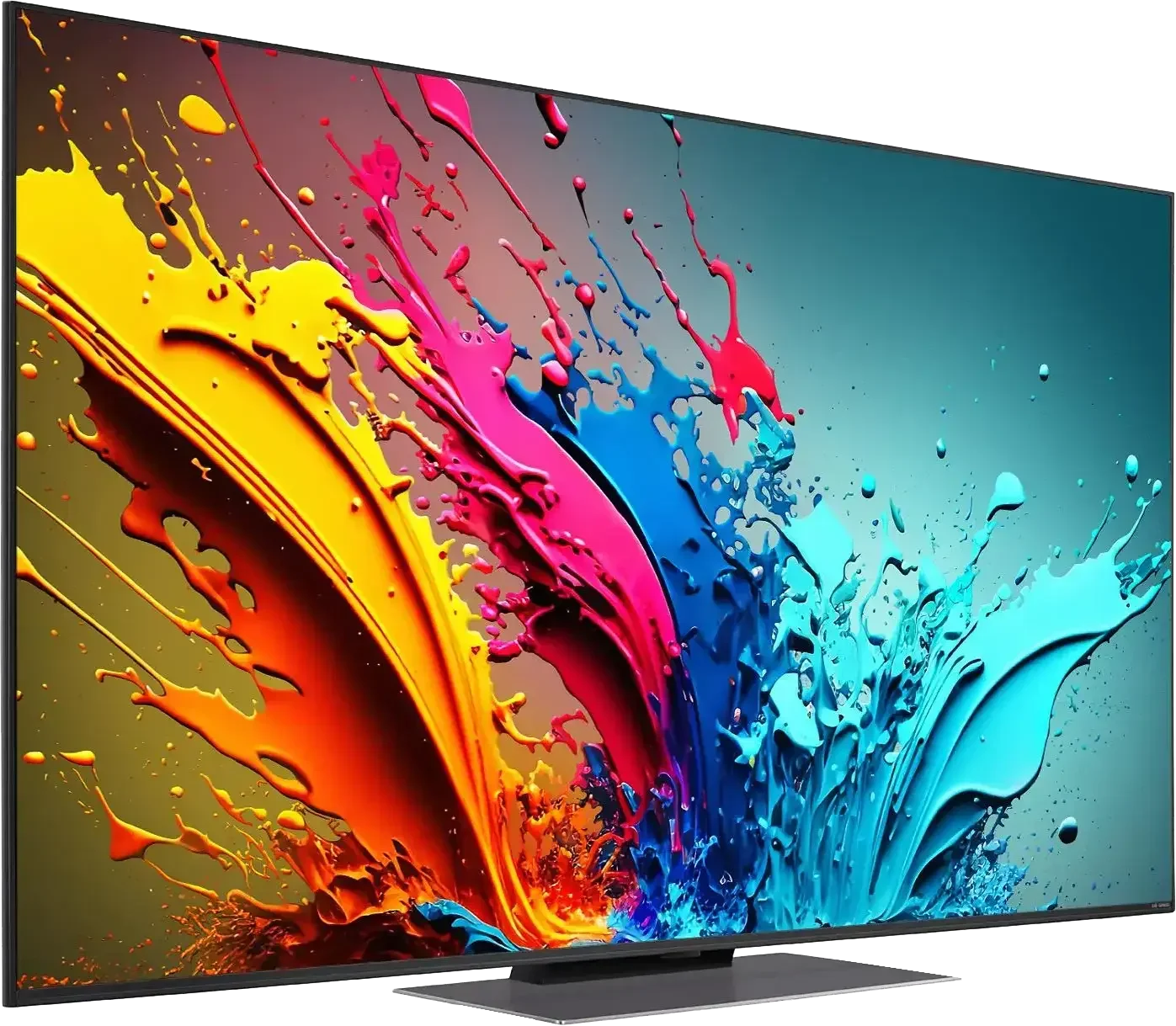
LG QNED87T is a television that definitely stands out. It's a bit unconventional – it doesn't try to forcefully compete with top OLED models, but it makes up for it with modern features and user-friendly operation. It's equipment that works great for those who value comfort and versatility. The 120 Hz panel, VRR, and ALLM make the television perform well with dynamic content. Games run smoothly, the picture is sharp, and the responses are quick. If we spend time on a console, we will appreciate the lack of lag or blurring. When watching sports, quick actions are clear, without stutters. On a daily basis, LG QNED87T is simply comfortable. WebOS operates intuitively, apps launch quickly, and the Magic Remote control significantly eases operation. Voice control saves time, especially when searching for movies or series. Features like USB recording or Bluetooth provide more options, enhancing its versatility. The IPS panel is a big advantage regarding viewing angles. No matter where we sit in the room, the picture looks good. It's a great solution in larger spaces where not everyone has a direct view of the screen. Older films or standard television from built-in tuners also present quite well – the improvement in the quality of lower resolution materials works surprisingly well. However, there are certain things that can be eye-catching. The contrast is simply terrible. In dark scenes, there are no details at all. In the evening, in a darkened room, this is very noticeable. During the day, these imperfections are less felt, so LG QNED87T performs better in well-lit places. LG QNED87T is a television that has its strengths. It handles dynamic materials well, is easy to use, and is excellent for bright rooms. It's not the ideal model for evening viewings in darkness, but in everyday use, it definitely stands out. It's a universal device worth considering when choosing a new television.
- Matching (Score) |
- Our verdict |
- TV appearance |
- Where to buy |
- Contrast and black detail |
- HDR effect quality |
- Factory color reproduction |
- Color reproduction after calibration |
- Smoothness of tonal transitions |
- Image scaling and smoothness of tonal transitions |
- Blur and motion smoothness |
- Console compatibility and gaming features |
- Input lag |
- Compatibility with PC |
- Viewing angles |
- Daytime performance |
- Panel details |
- TV features |
- Apps |
- Playing files from USB |
- Sound
LG QNED87T6B vs LG OLED C5
 Direct comparison

Check the best price offer:
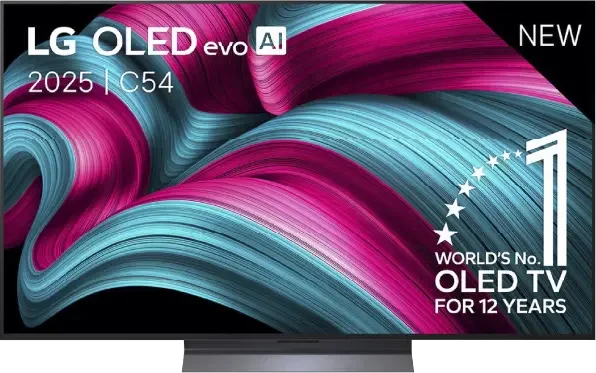
LG OLED C5C5 / C54 / C5ELB / C51

Panel type: LCD IPS
Resolution: 3840x2160
System: WebOS
Model year: 2024
Complete the survey to find out the result
Panel type: WRGB OLED
Resolution: 3840x2160
System: WebOS
Model year: 2025
Complete the survey to find out the result
Overall rating
6.8
8.2
 Movies and series in UHD quality
 6.1
8.5
 Classic TV, YouTube
 6.1
8.9
 Sports broadcasts (TV and apps)
 7.2
8.6
 Gaming on console
 8.2
9.4
 TV as a computer monitor
 7.6
8.6
 Watching in bright light
 4.8
6.2
 Utility functions
 8.8
7.9
 Apps
Apps 8.3
9.1
 Sound quality
 6.0
7.2
Complete the survey to find out what fits your preferences
Advantages

Fantastic for gamers and sport - 120hz, HDMI 2.1
Wide viewing angles
Good choice for regular TV - excellent digital processing and extensive user features
One of the better choices as a PC monitor
Remote with cursor - Magic
Great black and endless contrast thanks to the OLED panel
Above-average brightness (for an OLED TV)
Nearly reference-quality picture after calibration
Full suite of features for gamers: 4xHDMI 2.1, low input lag, HGiG, VRR and more
Very good motion smoothness – 144 Hz OLED panel
Intuitive and modern WebOS system
Convenient Magic remote control with a gyroscope
Disadvantages

Tragic contrast
Missing Dolby Vision, HDR 10+
Different versions of the remote in derivative models – it's hard to predict which version we'll get
Average reflection damping – this may be an issue under very bright light
No support for DTS:X – an external amplifier is required for full support of this format
Our verdict
LG C5 is a very successful continuation, and in several aspects, even a step forward compared to last year's C4 model. The biggest change is the significantly higher brightness – for the first time in the history of the C series, the barrier of 1000 nits has been exceeded, which significantly improves the quality of HDR effects. Both movies and TV shows look more dynamic as a result, and bright scenes finally have the appropriate “shine.” After calibration, the picture quality is almost reference-level, and one gets the impression that we are dealing with equipment much more expensive than its price suggests. C5 is also one of the best choices for gamers – four full HDMI 2.1 ports, low input lag, support for VRR, G-Sync, and correctly implemented HGiG. Additionally, the 144 Hz panel makes not only gaming but also watching sports pure pleasure. The convenient WebOS system and the Magic remote with cursor control functionality deserve a mention as well – everything works smoothly and intuitively. This is a television that you simply want to use.
However, there are a few minor reservations. This year, LG decided to abandon support for DTS codecs, which may be troublesome for people using physical media and Blu-ray film collections. It's also worth noting the confusion regarding the different versions of the remote – depending on the model designation, we may receive a completely different remote than the one we held during our tests. Despite these few comments, LG C5 is a television that makes an excellent impression in almost every respect. Brightness, colours, gaming features, fluidity of the image, and overall build quality make it one of the best OLEDs in its class.
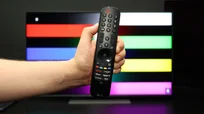
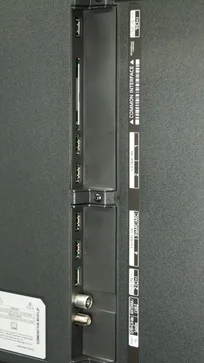
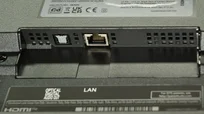
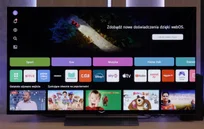
TV appearance
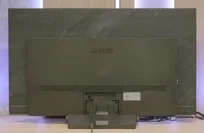
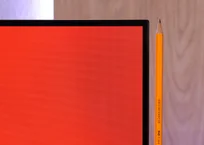


Contrast and black detail
3.3/10
10/10
Local dimming function: Yes, number of zones: 6 (6 x 1)
Contrast:


Result
2,350:1

Result
1,250:1

Result
2,500:1

Result
1,450:1

Result
1,050:1
Result
∞:1
Result
∞:1
Result
∞:1
Result
∞:1
Result
∞:1
Halo effect and black detail visibility:
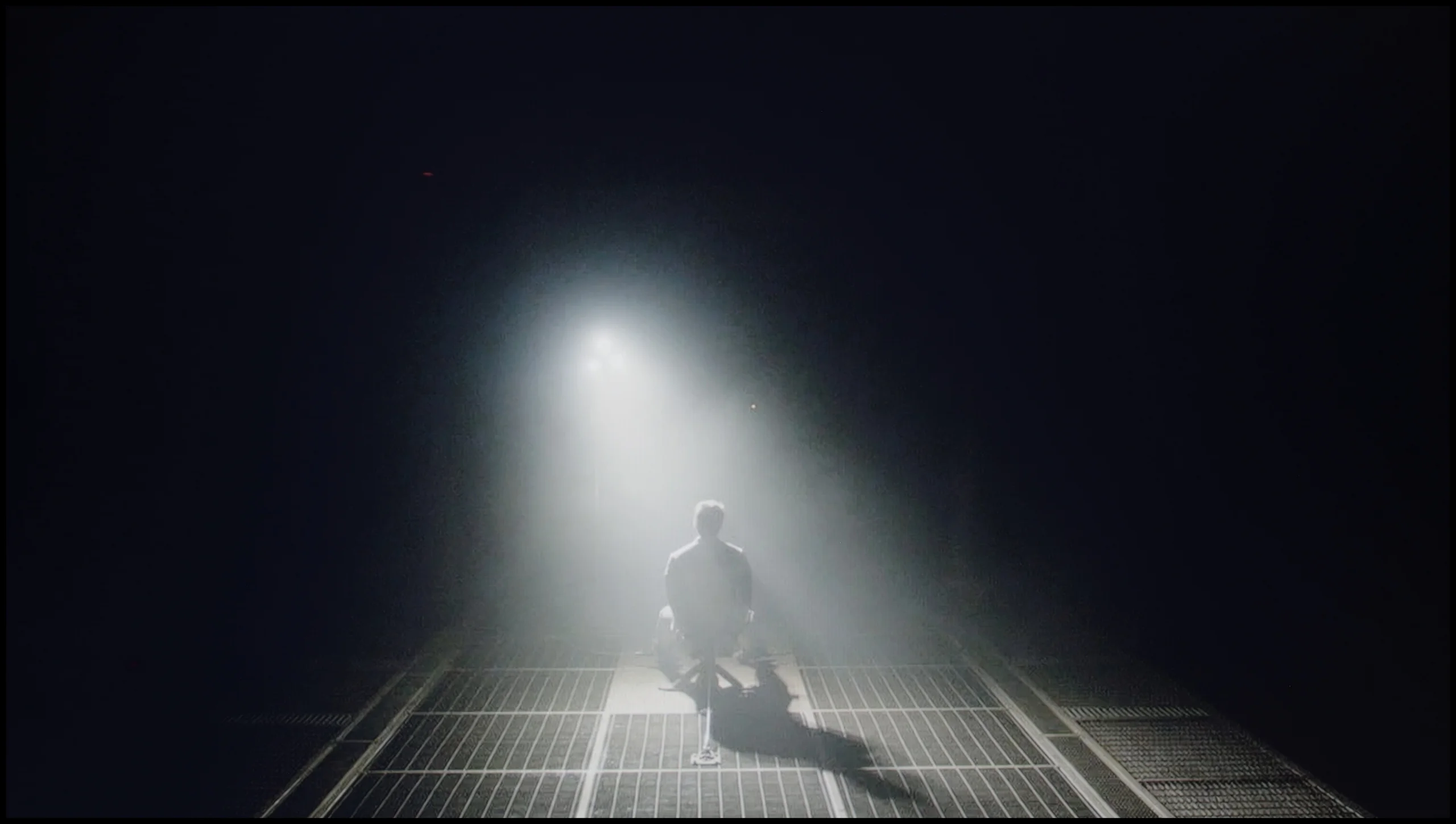
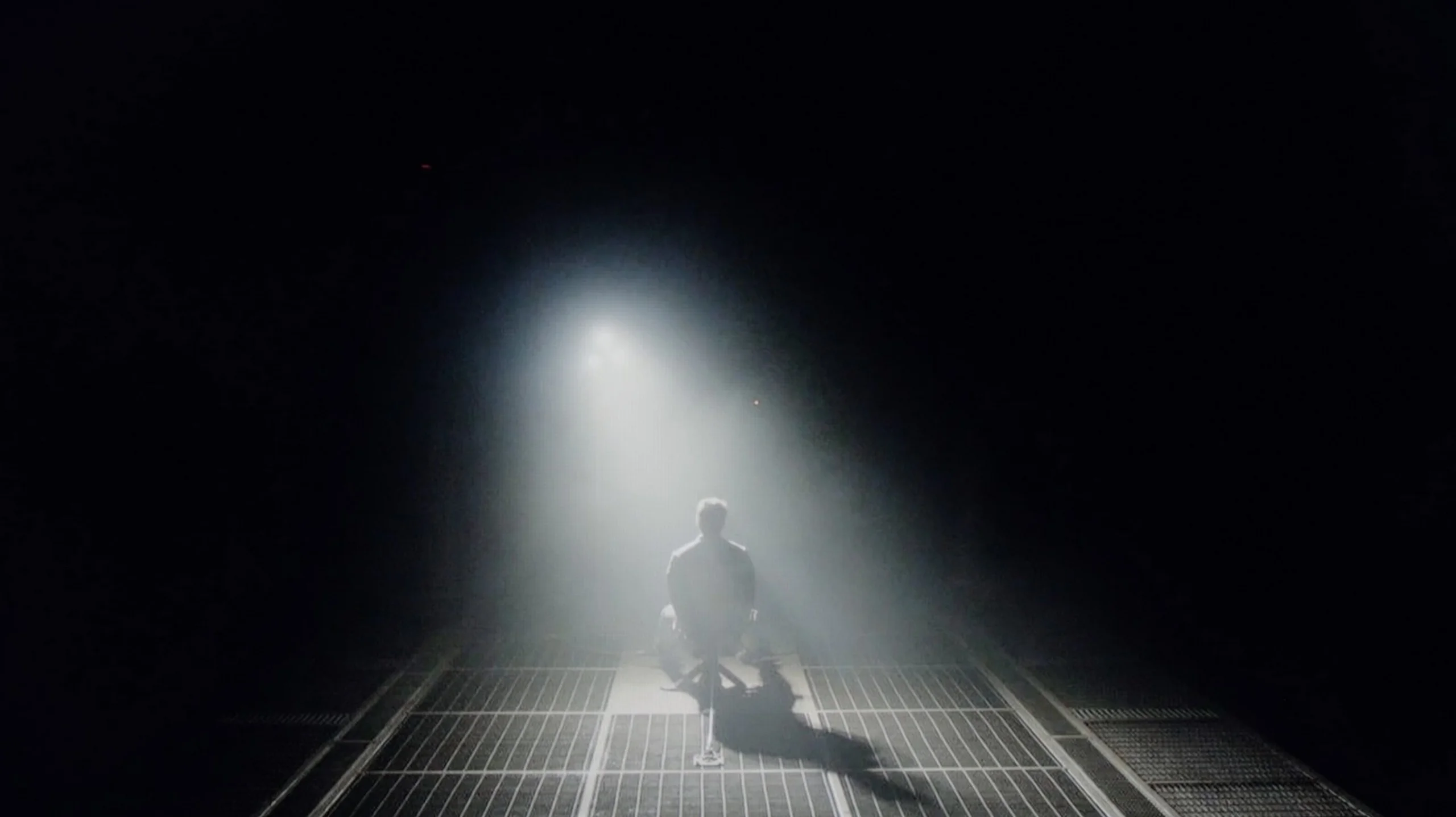
Check the visibility of bright lights on a dark background. Mini-LEDs often struggle with this. The photo does not compare black levels – that’s what the video below is for.
The video accurately shows differences in contrast and black levels between TVs, as well as potential issues: halo around bright objects or Mini-LED zone operation visible as brightness jumps.
In the category of black levels and contrast, the television LG QNED87T6B faces some challenges. Equipped with an IPS panel, it doesn't match the VA panel models in terms of performance in this area. Additionally, edge-lit dimming affects its poor results in this category. It's worth mentioning that the exception is the 50-inch variant, which has a VA panel and is not subject to this test.
Despite the manufacturer offering a dimming control option, the effects remain relatively weak. Test patterns show that the contrast is really poor, and in the test clip from the film "Sicario 2," it's clear to see how the television struggles with the backlighting, illuminating a large portion of the screen from below. This indicates that in more demanding scenes, the television has difficulties maintaining an appropriate level of contrast and black levels, which negatively impacts the overall visual experience.
In the category of black and contrast, the LG C5 fits perfectly into what we've come to expect from OLED TVs – it's simply ideal. Thanks to the use of an organic matrix (WOLED), each pixel lights up independently, resulting in infinite contrast and perfect black. There are no halos, streaks, or other typical LCD TV artifacts here. Details in bright parts of the image are excellently visible, and watching with the lights off is pure enjoyment. If someone is looking for a TV for evening viewing with great contrast – the C5 is a very strong contender.
HDR effect quality
5.3/10
7.2/10
Luminance measurements in HDR:

Result
409 nit

Result
486 nit

Result
574 nit

Result
464 nit

Result
439 nit
Result
1079 nit
Result
1059 nit
Result
1120 nit
Result
1094 nit
Result
707 nit
Scene from the movie “Pan” (about 2800 nits)


Scene from the movie “Billy Lynn” (about 1100 nits)
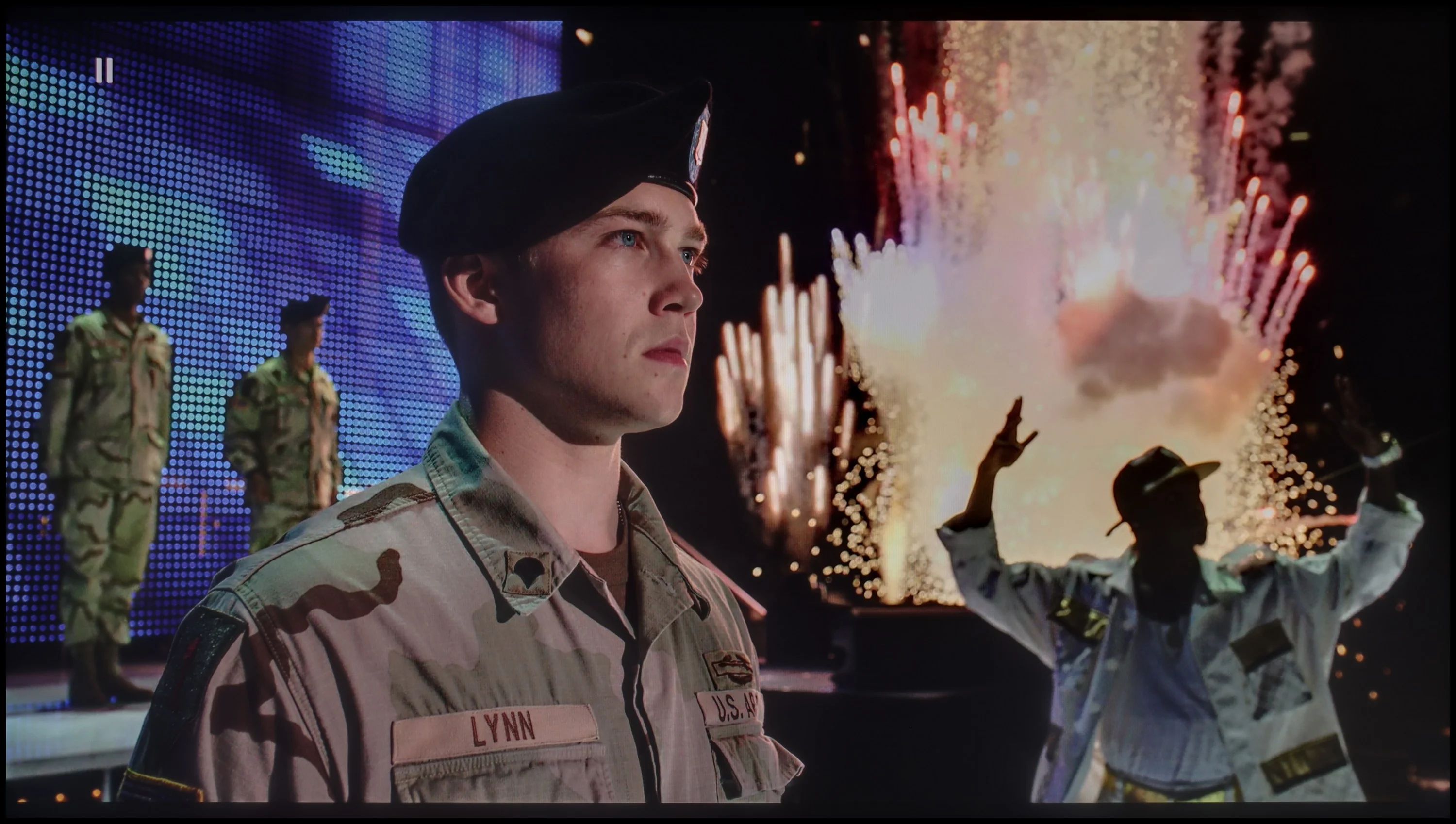
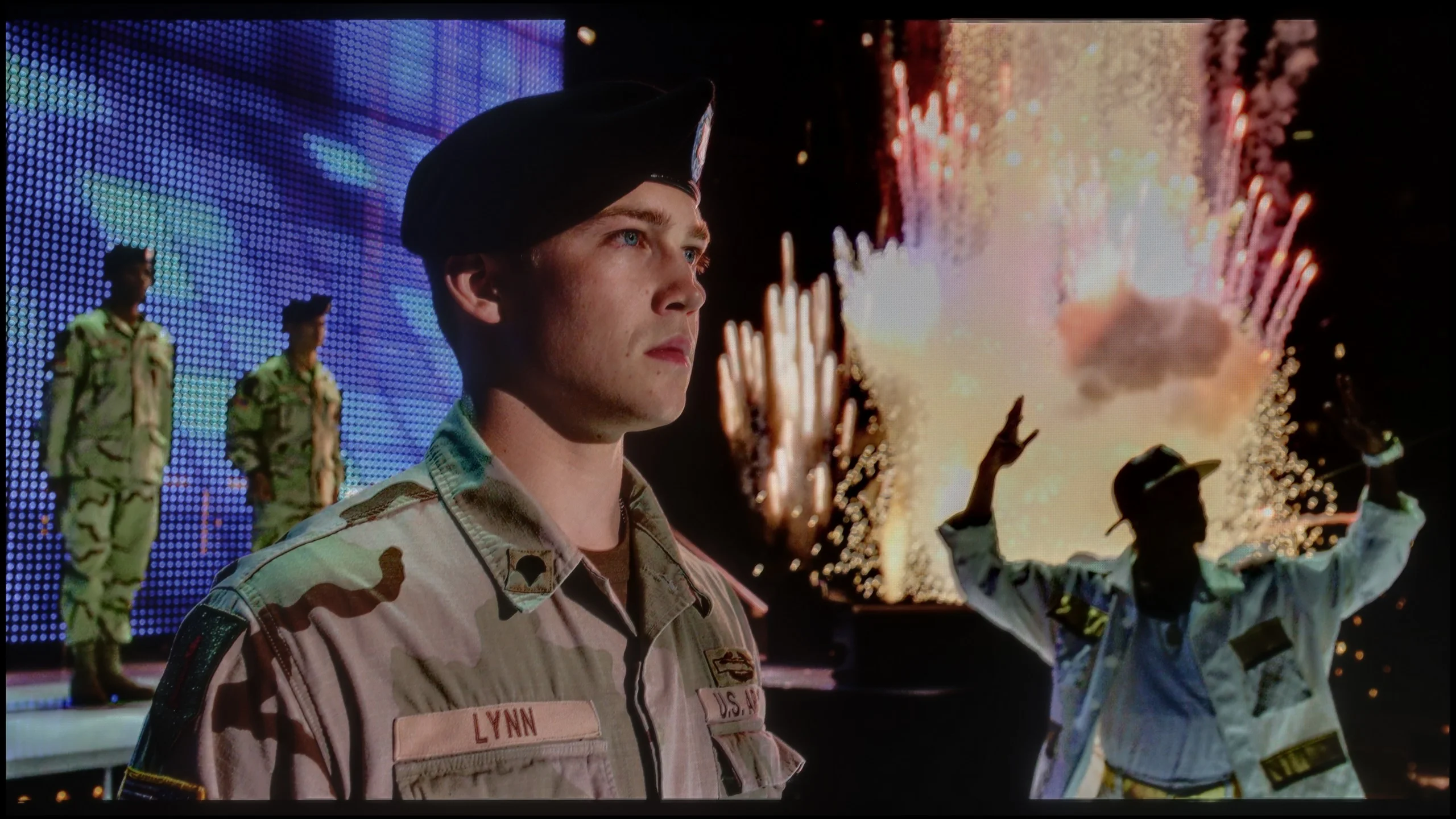
The photos show two HDR10 movies. 'Pan' is one of the brightest productions ever made, while 'Billy Lynn' (soldier) has brightness typical of streaming (Netflix, Prime, HBO MAX). Notice the intensity of effects and detail in whites.
Static HDR10


The photos present the visibility of white details in various HDR formats. They do not show brightness differences between TVs (these can be compared in the previous gallery).
HDR luminance chart:
LG OLED C5
LG QNED87T6B
Luminance of RGB colors
LG QNED87T6B delivers truly decent visual experiences when it comes to HDR. During our tests on test patterns, the television achieved brightness close to 500 nits, which is a satisfactory result and allows for good visibility of details in high dynamic range scenes. Support for basic HDR formats such as HDR10 and HLG ensures proper image quality. Unfortunately, the television does not support more advanced standards such as Dolby Vision or HDR10+, which are particularly important at this screen brightness. The lack of support for dynamic metadata means that in certain scenes, the television may struggle to fully reproduce details, especially in very bright areas – this is precisely when dynamic metadata could significantly improve image quality. Nevertheless, it is worth noting the excellent coverage of the wide DCI-P3 colour gamut, reaching as much as 96.4%. As a result, the colours displayed by the QNED87T6B model are more vivid and natural, enhancing the quality of 4K content viewed with a wide colour palette.
LG C5 has finally done what we've been waiting for years in the C series – it exceeds 1000 nits of brightness! This is a significant change compared to previous models in the series and very important – because most HDR content on streaming platforms is created around such luminance today. The image finally has the right "glow," and details in the highlights look as they should even without the use of dynamic metadata. However, there are scenes where the C5, like most OLED TVs, has certain issues. Especially when the screen has to light up entirely. In our test sequences, like the bright scene from the movie The Meg, brightness noticeably drops. Don't get us wrong, this result is not bad; it’s more of a reminder that OLED technology still has its limitations. Year by year, they are getting smaller, but they still exist.
Now, what about the colours? They are very good. Although the C5 doesn't match OLEDs with QD-OLED or Tandem RGB panels, its coverage of the DCI-P3 gamut at 97% and 73% of BT.2020 will satisfy even the more demanding viewers. The colours are saturated, natural, and very consistent in HDR materials.
Factory color reproduction
5.4/10
8.2/10


This gallery shows how colors change after professional TV calibration. If you notice the difference, we recommend ordering this service at SkalibrujTV.com.
Factory Mode
After calibration
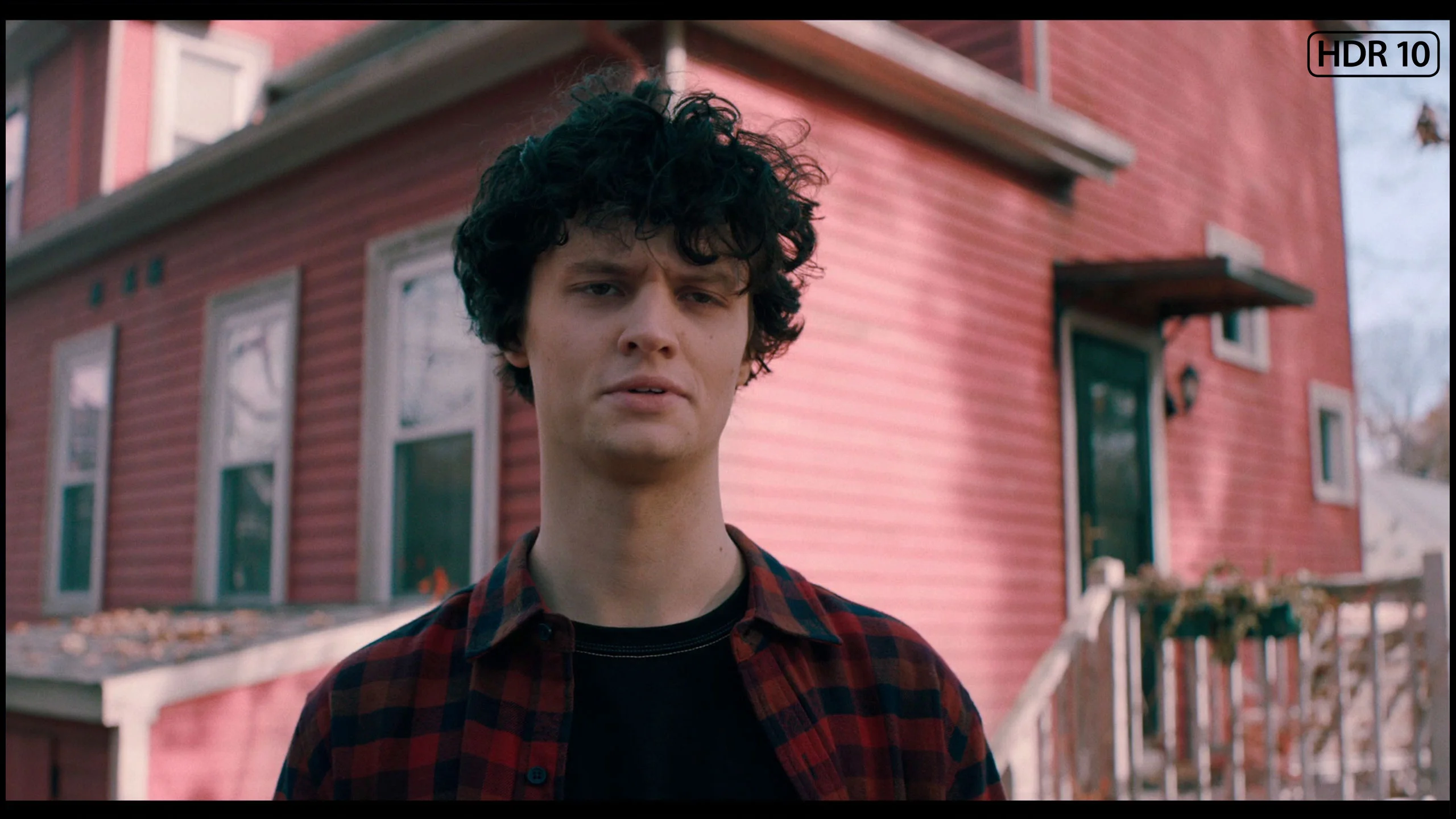
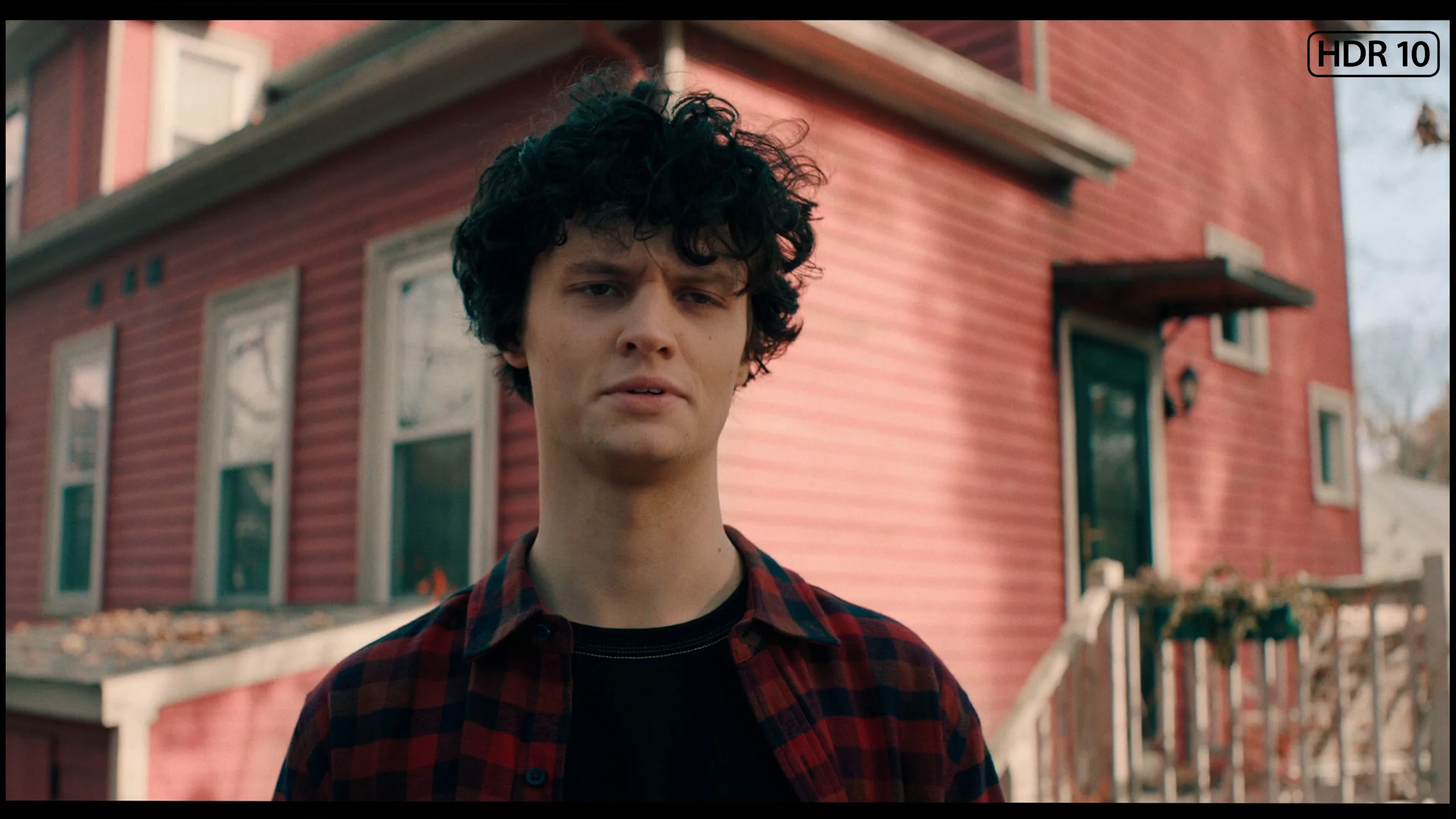
This gallery shows how colors change after professional TV calibration. If you notice the difference, we recommend ordering this service at SkalibrujTV.com.
Factory Mode
After calibration
The colour accuracy in the LG QNED, even in Filmmaker Mode, which is the best factory setting, is not without its flaws. The main issue is white balance – we noticed that the level of blue on the graph tends to drop. This results in a shift in colours towards yellow, making the image have a warmer tone than it should. This deviation affects the naturalness of colour reproduction, especially in scenes with a white or neutral background. The Color Checker test confirmed that some colours are distorted and deviate from reality. Such distortion can make film scenes appear less realistic, and details are presented in incorrect colours, negatively impacting the overall image quality.
Regarding contrast, the gamma graph analysis showed significant drops, while the optimal value should be 2.4. This means that the television may display darker parts of the image brighter in some scenes, which reduces their depth and dynamics. Additionally, on the EOTF curve, which is responsible for brightness reproduction, an unnatural drop was noted at the beginning. This phenomenon can result in less accuracy in reproducing dark scenes, which in turn affects the overall image quality. The television may not convey full black depth, causing more demanding scenes to lose realism and detail. As a result, viewers may notice that details in the darker parts of the image become less distinct.
LG C5, like other TVs we tested, was checked in the best possible factory mode – which remains the Filmmaker Mode. And here we have good news: in SDR materials, LG has once again done a solid job. The white balance and colour reproduction right out of the box are at a very high level. Most errors – both in balance and in the Colour Checker test – did not exceed a ΔE value of 3, which is the threshold above which differences become visible to the naked eye. Such factory settings are what we'd like to see in many more TVs!
However, the situation is different for HDR content, which is what the C series was truly designed for. Here, the C5 performs weaker. An excessive amount of blue in the white balance causes the image to appear distinctly cooler – which affects things like unnaturally pale skin tones or somewhat shifted tonality of the entire scene. Fortunately, LG provides very precise calibration tools, and we – as always – made use of them.
Color reproduction after calibration
7.8/10
9.4/10
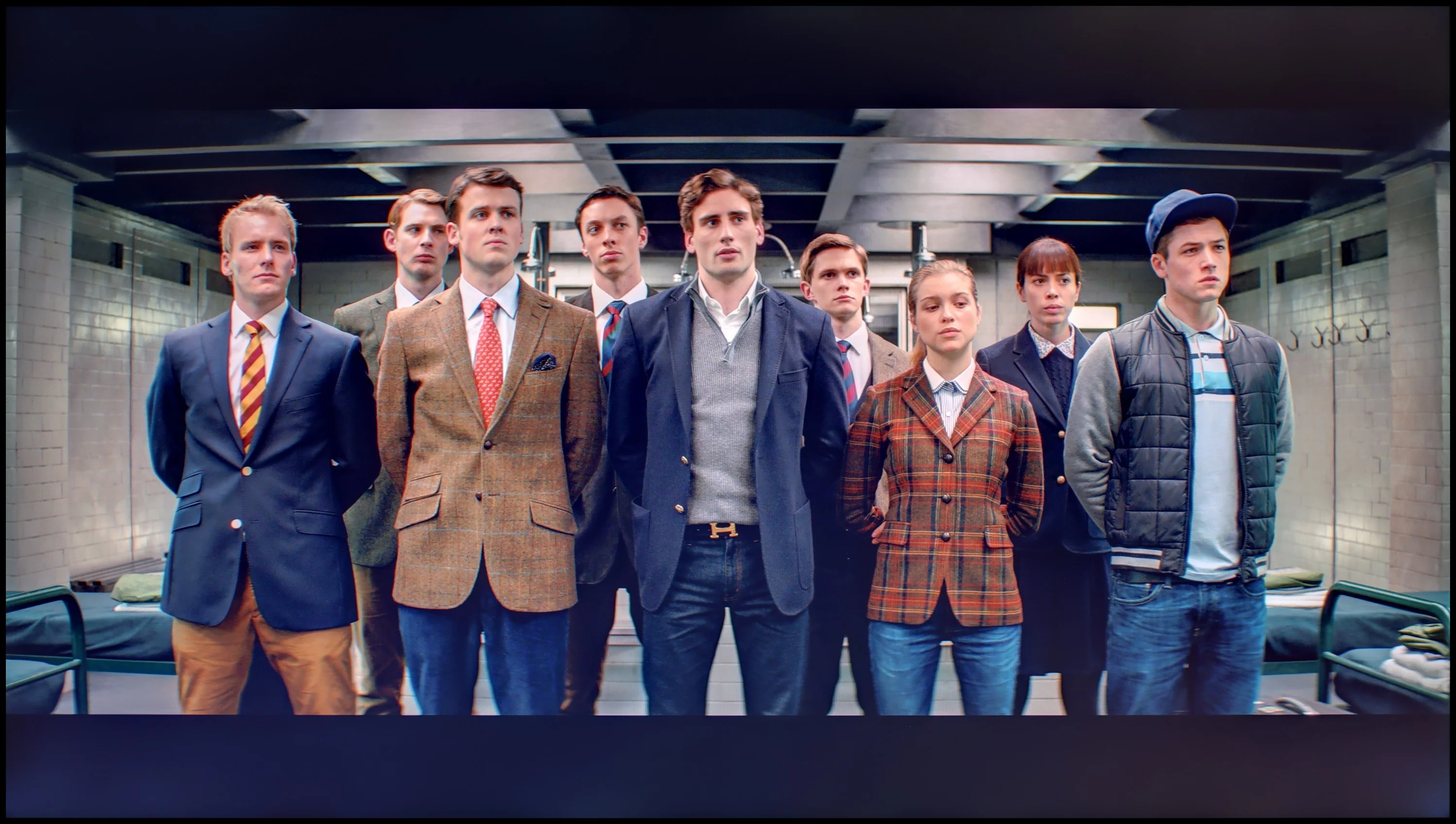

The photos show how movies look on the TV. Pay attention to black detail visibility, colors, and shadow tint.


The photos show how movies look on the TV. Pay attention to black detail visibility, colors, and shadow tint.
After calibration, the colours in SDR content look very good. The improved white balance translates to natural and harmonious shades in various scenes. Thanks to precise gamma tuning, details in shadows and bright areas of the image are accurately reproduced. The television performs excellently in everyday use, offering vibrant, well-balanced images and solid colour quality in HD. The biggest beneficiary here is also contrast. The gamma graph has been stripped of significant errors, giving the television a new dimension.
As for the white balance in 4K HDR, it has also been significantly improved. However, some errors still appear at the end of the graph. This may be due to the television's overly aggressive local dimming, which in some scenes affects the inaccurate reproduction of colours. It's difficult to talk about an improvement in brightness represented by the EOTF curve. The television, due to its construction limitations, has some drawbacks, and we can't overlook them. The Color Checker test confirms the issue with colour saturation – even though the television offers a wide colour palette, it fails to fully convey the director's intent.
Despite these shortcomings, the overall picture quality after calibration is significantly better than before. Adjustments in white balance and gamma tuning make the images more vivid and the colours closer to reality.
We must honestly admit – in the case of the LG C5, it took very little to achieve an almost perfect image. After carrying out calibration, we managed to achieve compliance with reference screens at a level that impresses even compared to significantly more expensive models. The image after our adjustments looks exactly as filmmakers and series creators would want – with no colour distortion, natural depth, and subtle plasticity. LG has done a great job this year regarding factory settings and calibration potential. Hats off!
Smoothness of tonal transitions
8.6/10
8.2/10
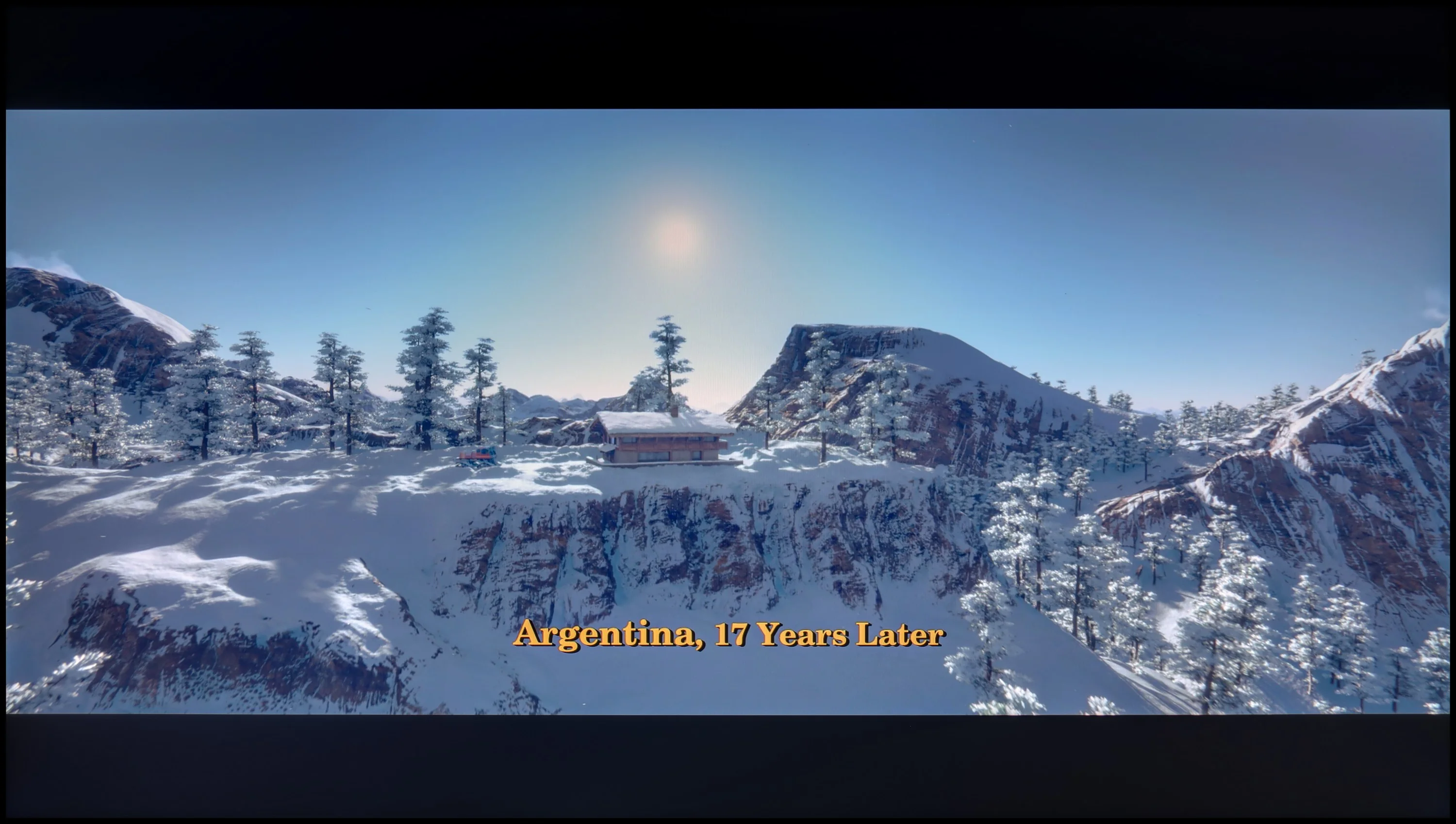

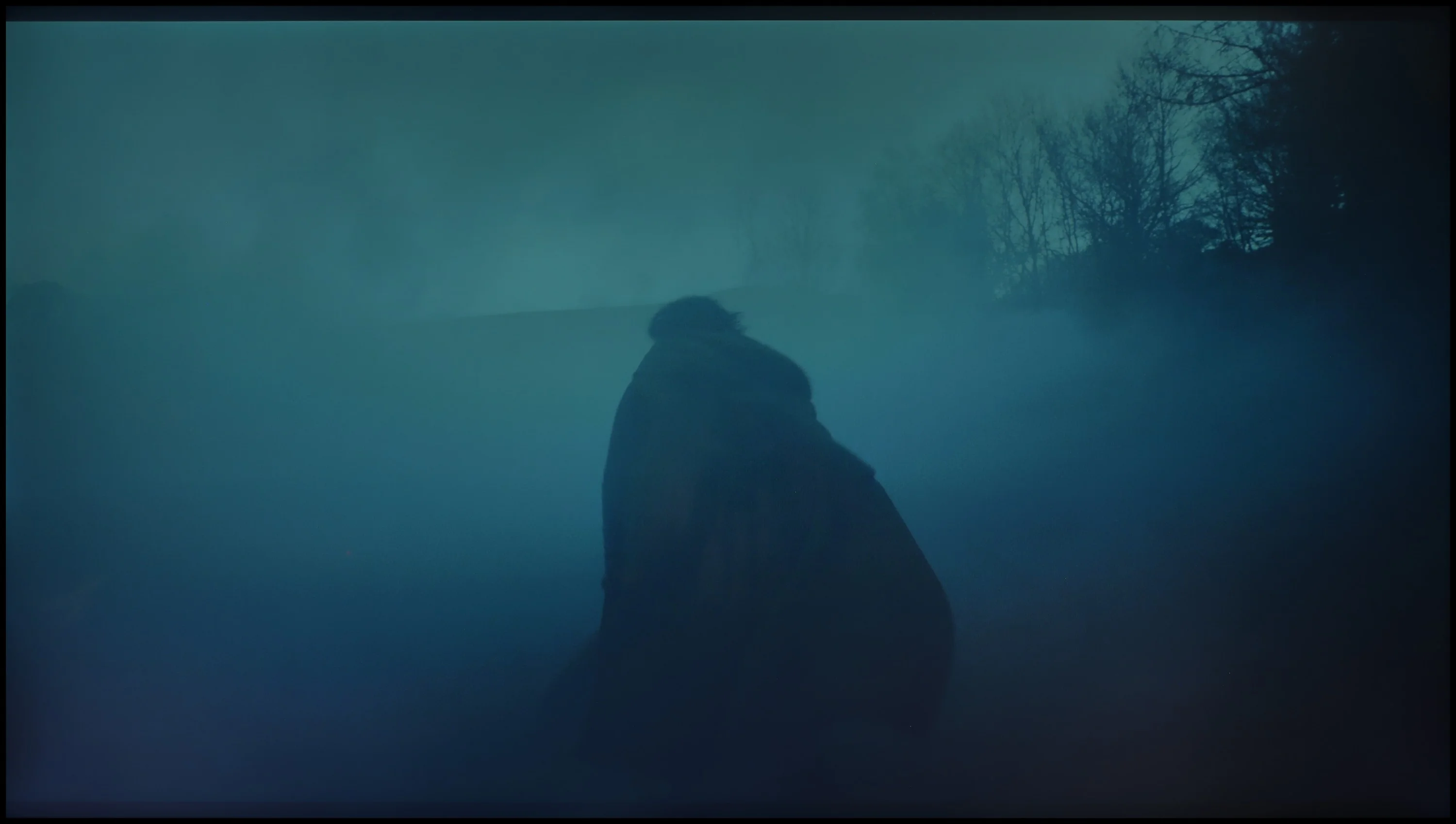
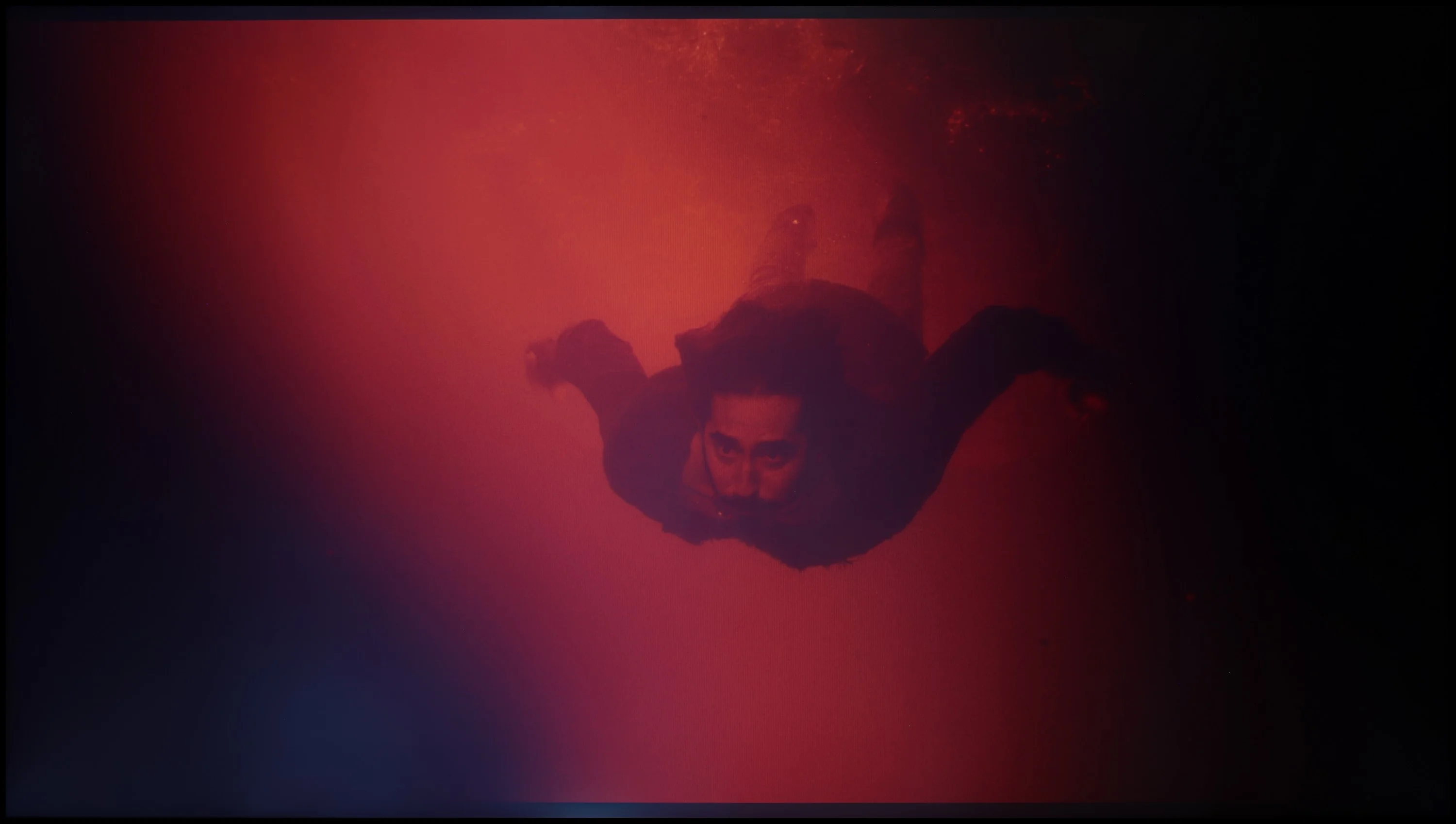
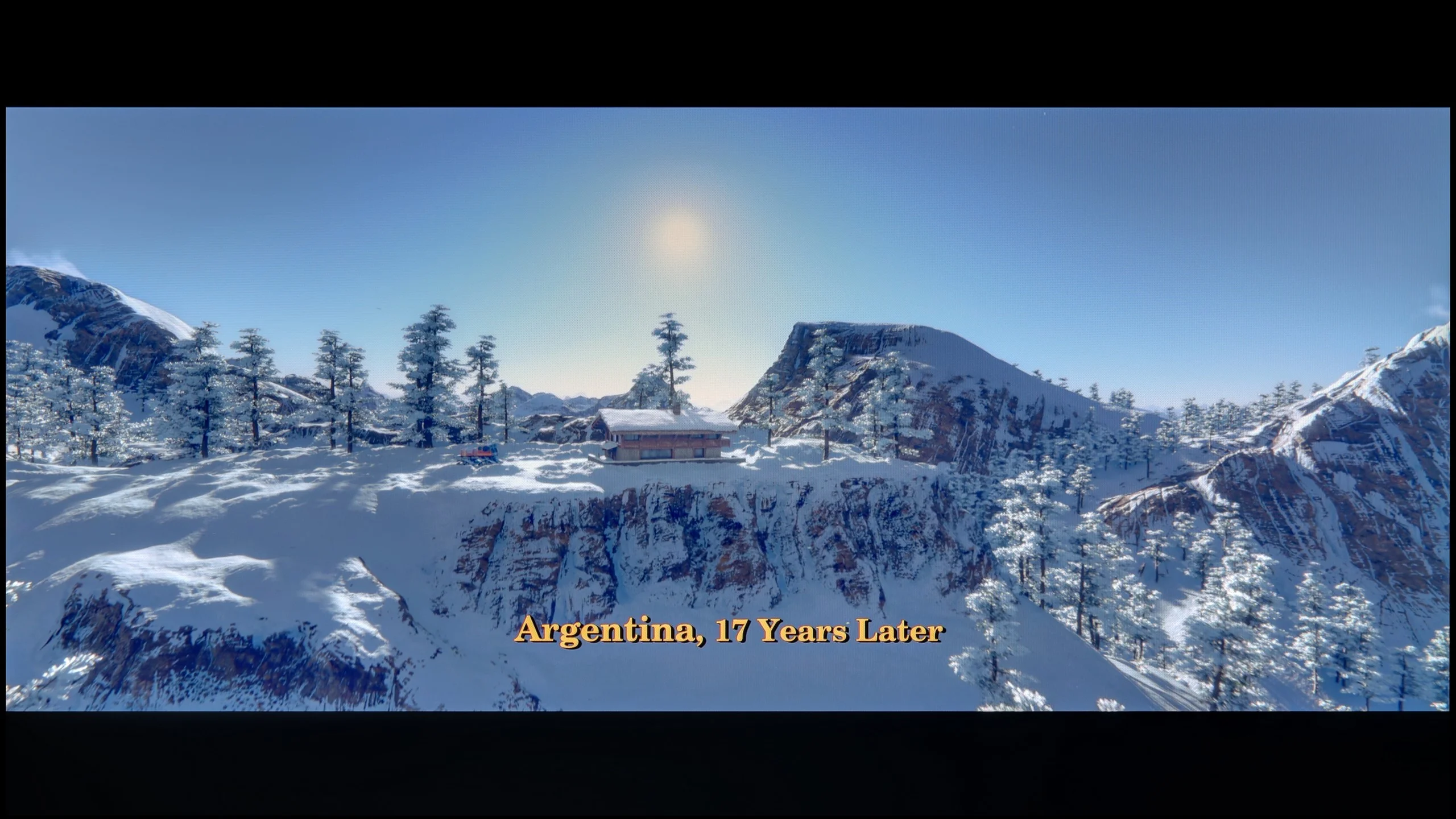
These are selected scenes that show smooth tonal transitions from one color to another. If you see distinct banding, it’s the TV panel’s fault.

These are selected scenes that show smooth tonal transitions from one color to another. If you see distinct banding, it’s the TV panel’s fault.
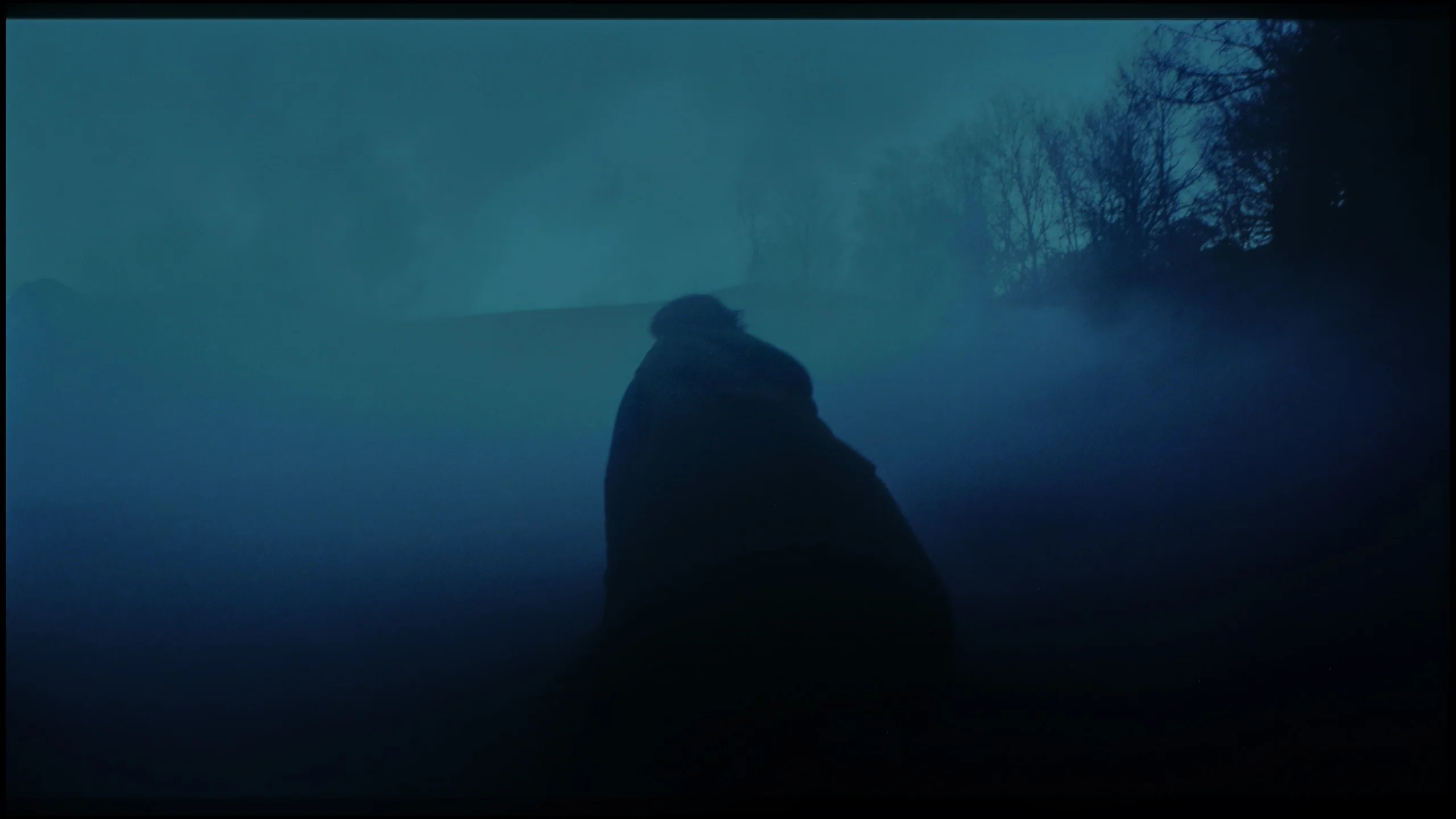
These are selected scenes that show smooth tonal transitions from one color to another. If you see distinct banding, it’s the TV panel’s fault.
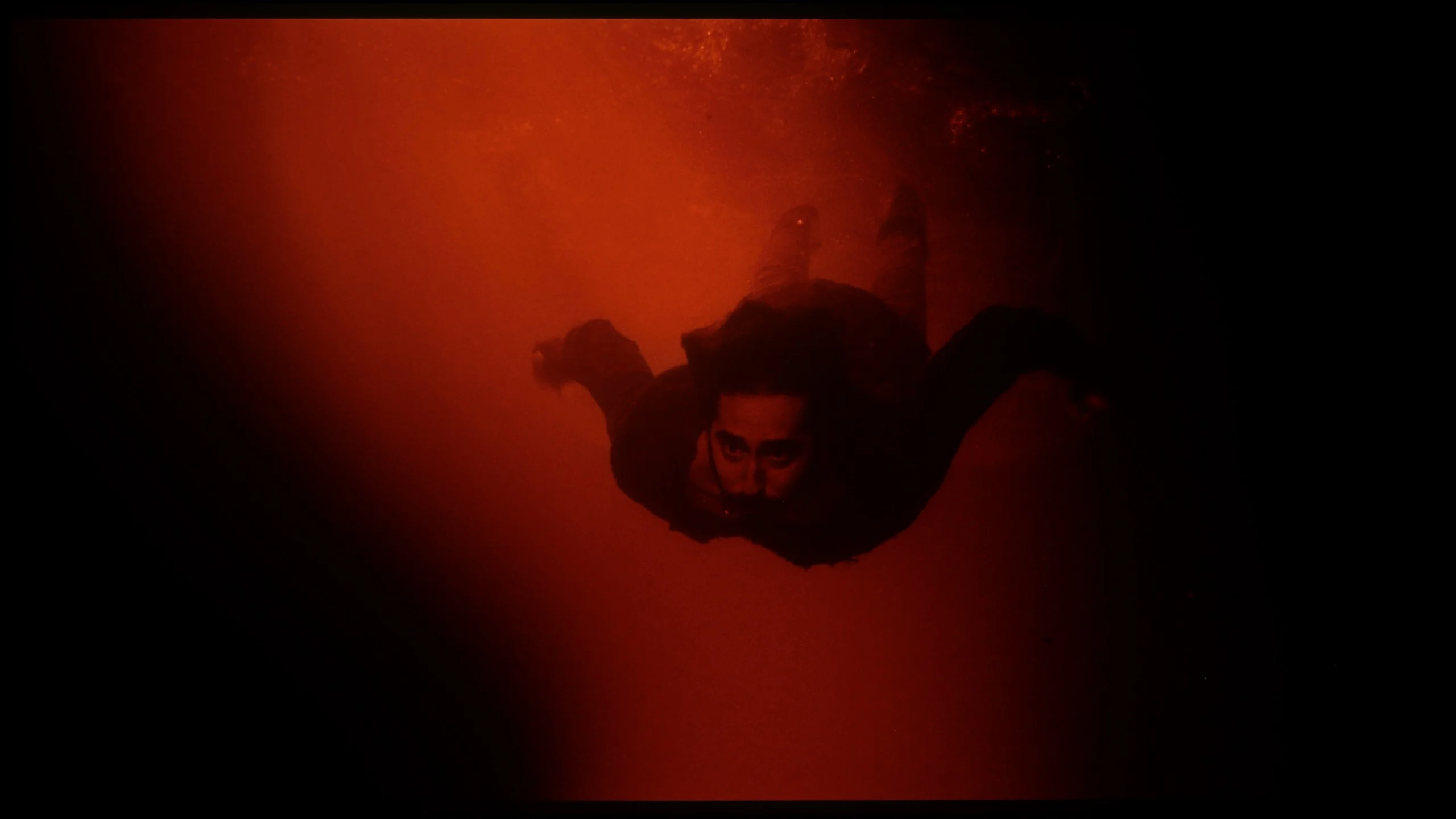
These are selected scenes that show smooth tonal transitions from one color to another. If you see distinct banding, it’s the TV panel’s fault.
The gradation in LG QNED is quite good, despite minor issues on the colourful dark sky. These small drawbacks do not detract from the fact that the gradation is one of the positive aspects of this model. Overall, the television handles smooth colour transitions well.
WOLED TVs have not been known for perfect smoothness in tonal transitions until now. It was often noticeable to see delicate bands between colours – especially in darker parts of the image – which gave the impression that the colours do not transition smoothly, but rather slightly "step". This year, LG has made significant progress. In the C5 model, this issue has been largely eliminated. Indeed, in very dark scenes, you can still see subtle boundaries between colours, but they are non-intrusive enough that hardly anyone except for more demanding viewers will notice them. For most users, the smoothness of tonal transitions in the C5 will simply be impeccable.
Image scaling and smoothness of tonal transitions
8/10
7.8/10

Smooth transition function
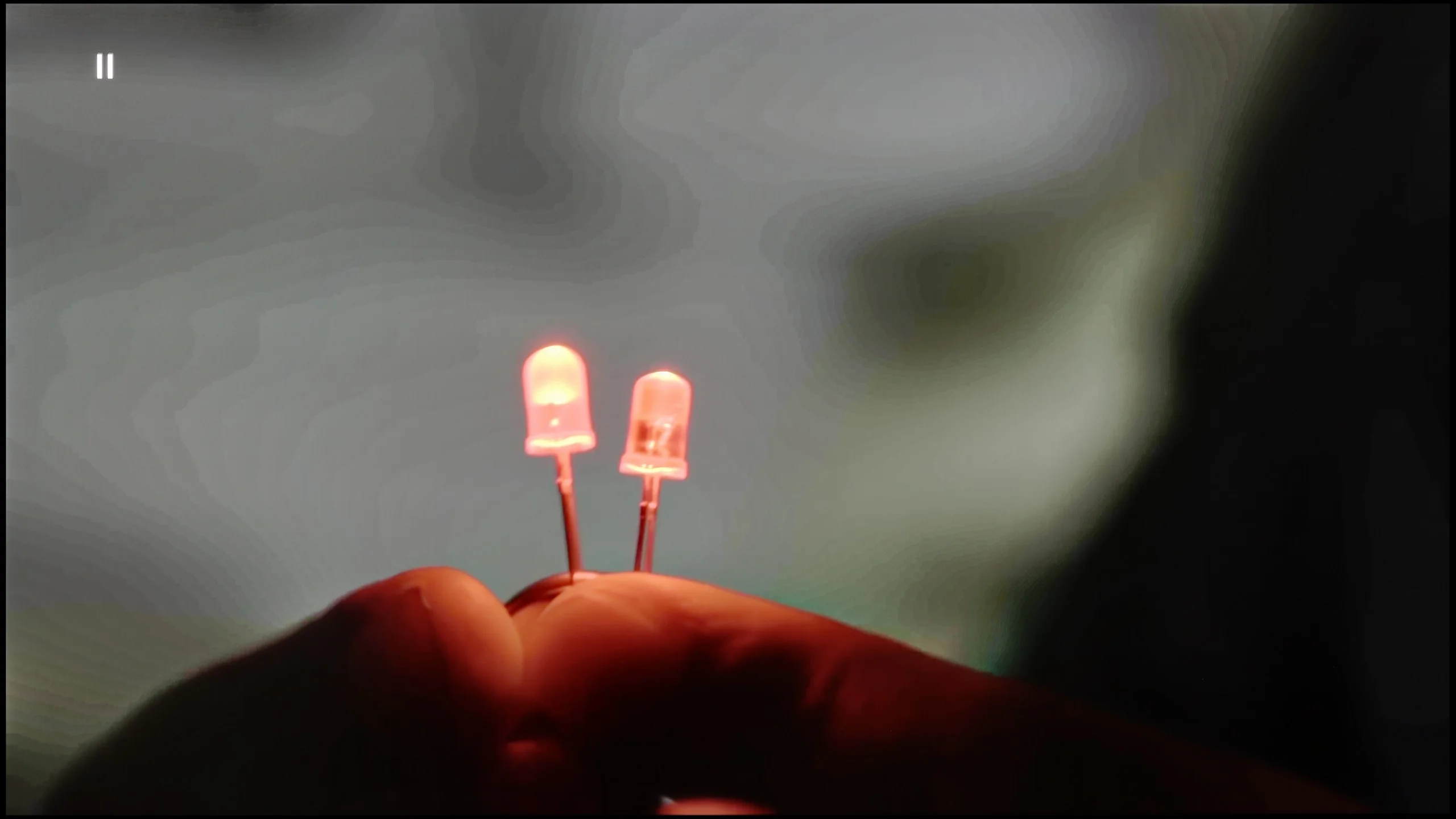
The match photo shows how the TV smooths weak tonal transitions in low-quality video.
Image scaling SD (576i)


The model photo shows how it handles upscaling of SD material.
When it comes to lower quality materials, the gradation looks really good. The feature called "Smooth Gradation" effectively smooths out the most problematic parts of the image, while not negatively affecting the film grain. For the best effect, it’s worth setting it to a low level. This solution significantly improves the quality of the displayed content, making the viewing of lower resolution materials more enjoyable and smoother.
In terms of digital processing, the image is displayed without cropping, known as overscan. Although slight fraying of the branches can be noticed against the model's background, everything looks very good. Users should be satisfied with the image quality when watching low-quality materials like standard television. The TV handles this task exceptionally well, providing a satisfying visual experience, even with lower quality content.
LG C5 handles lower quality materials exceptionally well. One of the main issues that older WOLEDs faced was posterisation – unwanted “steps” in colour transitions. The C5 utilises a system function that smooths these transitions, and it works surprisingly effectively. The banding effect is nearly completely eliminated, and the image gains consistency. Compared to last year's model, we feel that this function operates slightly weaker – but the good news is that it doesn't compromise the image structure. Film grain, textures, and details remain on the screen – nothing is forcefully smoothed out.
The C5 also excels at enhancing the quality of older recordings. Thanks to the α9 Gen6 (8th gen) processor, "scaling to 4K" is impressively solid. The image is clear, details are sharp, and the only minor drawback might be a slightly noticeable aliasing on some edges. However, there is no problem with overscan here – the image is not artificially cropped or shifted, which is a significant plus and still not a given.
Blur and motion smoothness
7.8/10
8.5/10
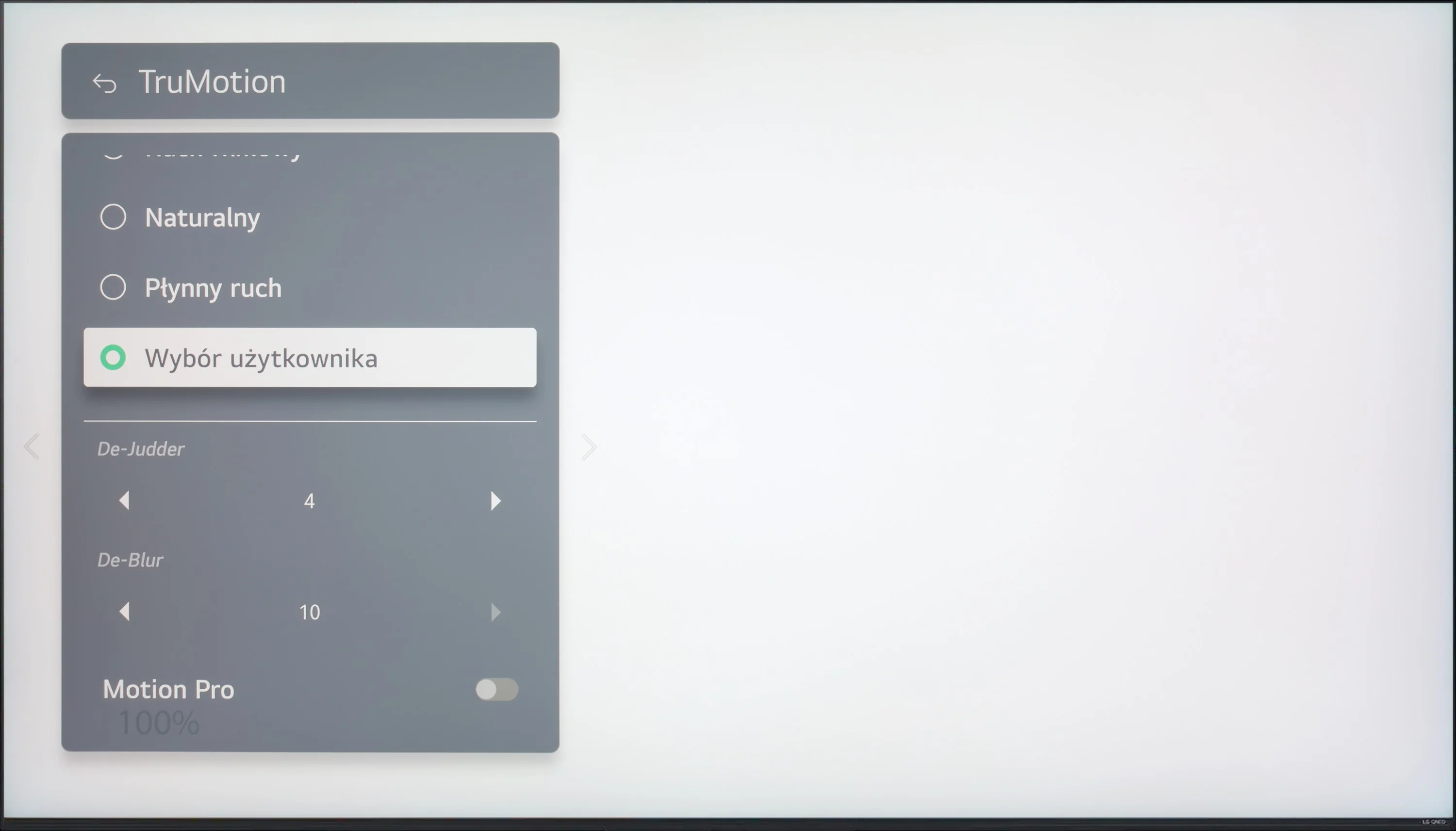
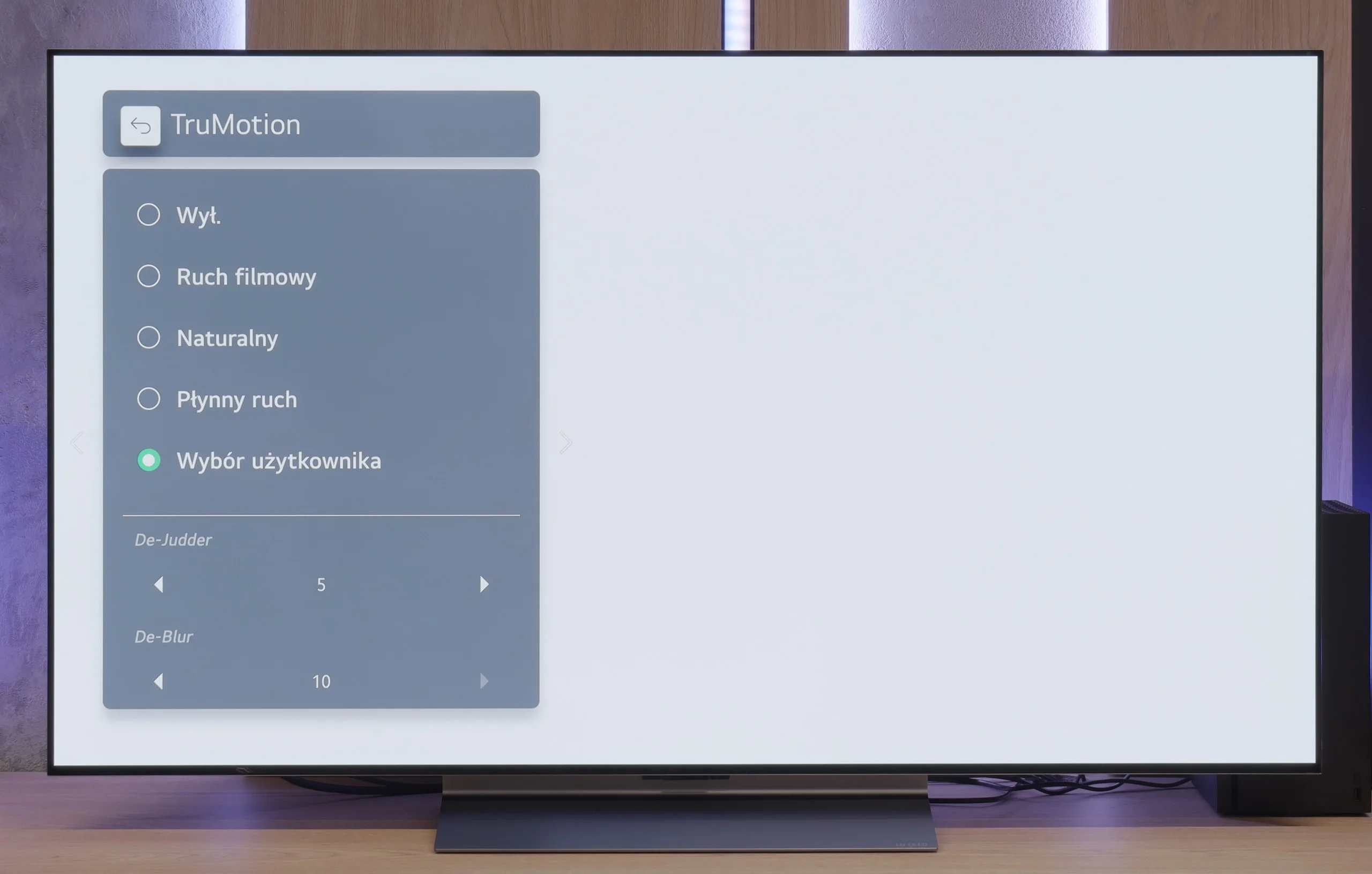
Blur (native resolution, maximum refresh rate):

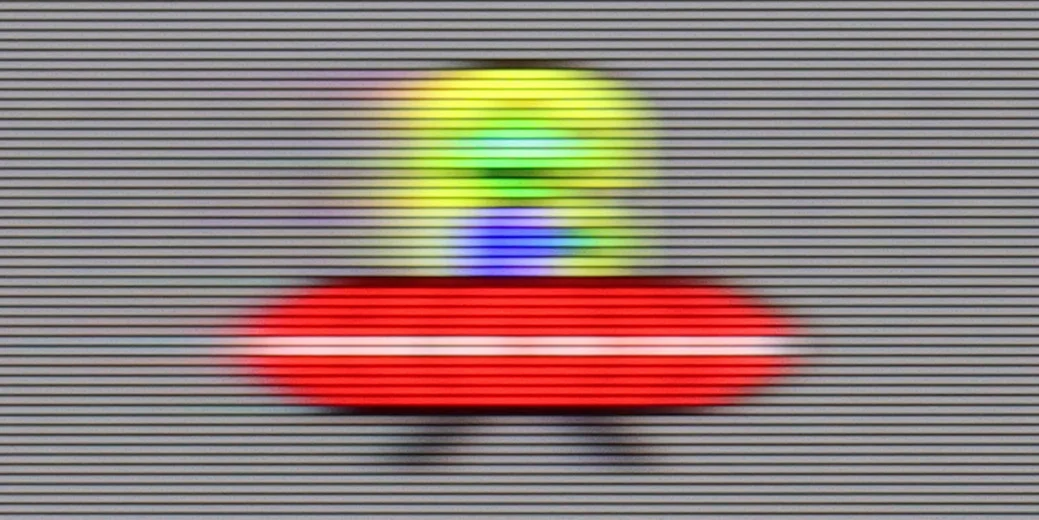
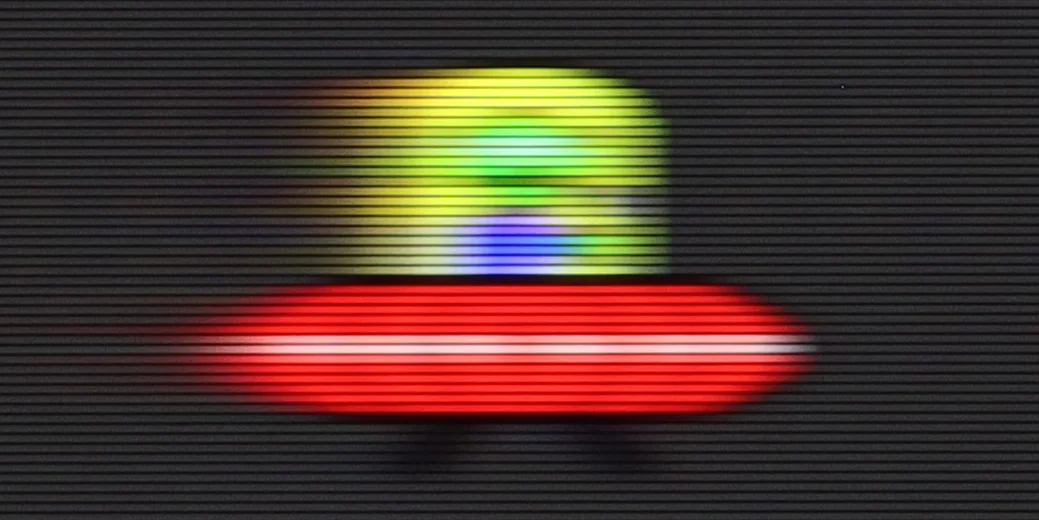



Blur (BFI function enabled):



Image flickers in this mode
The television provides decent smoothness when watching movies, thanks to the “Tru Motion” feature, which allows adjustment of motion smoothing from 0 to 10. De-Judder regulates motion smoothness, while De-Blur adjusts motion sharpness. Users have the option to choose between a traditional cinematic effect with subtle juddering motion (lower settings) and a smoother, theatrical image. Although the latter deviates slightly from the cinematic standard, it may be appealing to many viewers.
As for gamers and sports fans, the LG QNED87 television with a 120Hz panel will surely not disappoint. And with the use of an IPS panel, the response time is typically better than that of VA panels available at a similar price. This ensures smoother gameplay and dynamic experiences when watching sports events.
The LG C5 is equipped with a 144 Hz display, and this, combined with virtually zero response time of the OLED pixels, makes it one of the best screens for watching dynamic content. It doesn’t matter whether it’s sports, fast-paced games, or just action – the image is razor sharp.
And what about movies at 24 frames? LG has thought of that too. The built-in "TruMotion" smoother allows you to adjust the picture to your own preferences. The “de-judder” slider increases fluidity in films, while “de-blur” subtly reduces motion blur – although to be honest, it’s practically invisible here.
Console compatibility and gaming features
9.2/10
10/10
- ALLM
- VRR
- VRR range48 - 120Hz40 - 144Hz
- Dolby Vision Game Mode

- Correct implementation of HGIG
- 1080p@120Hz
- 1440p@120Hz
- 4K@120Hz
- Game bar
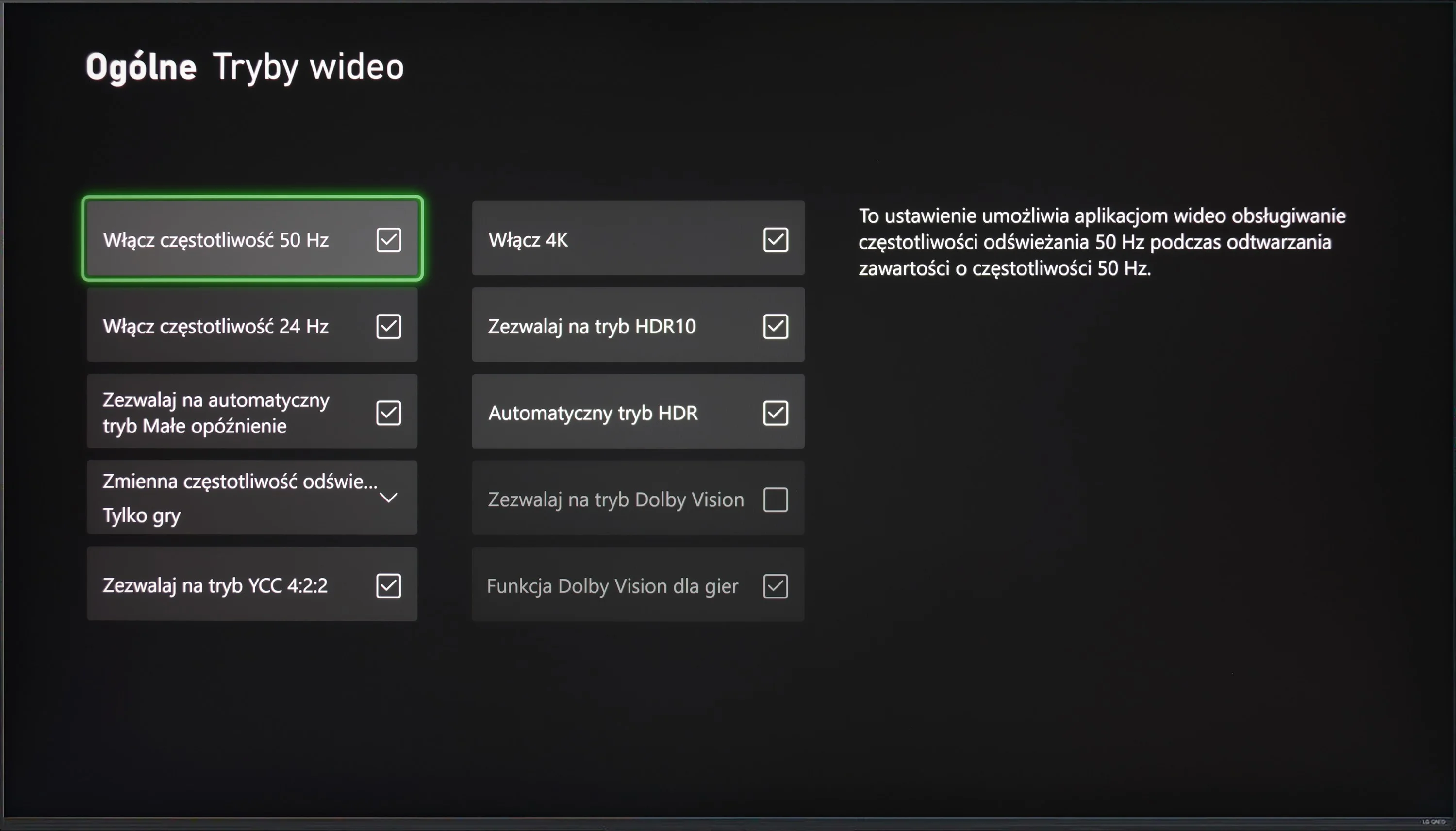
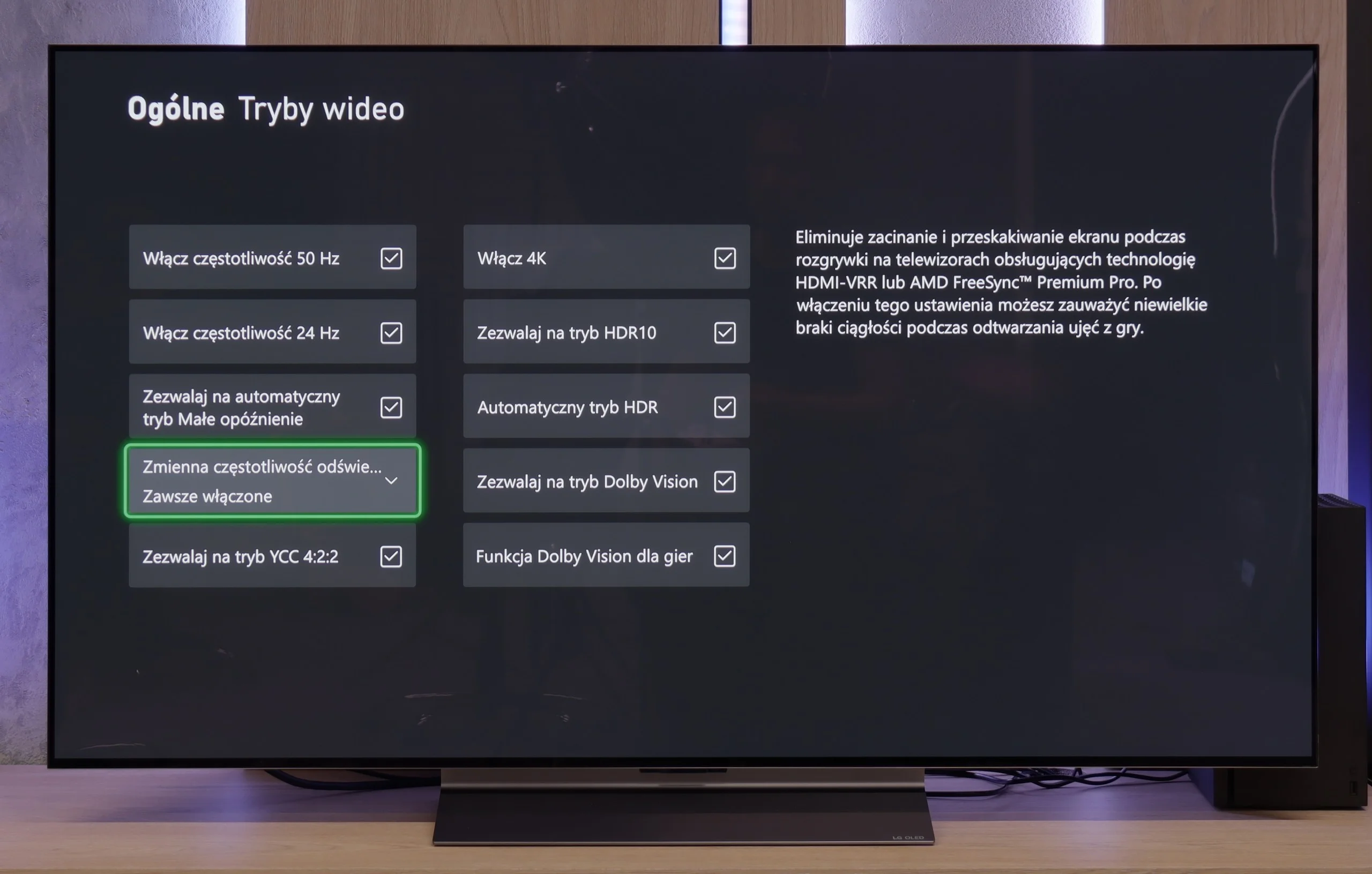
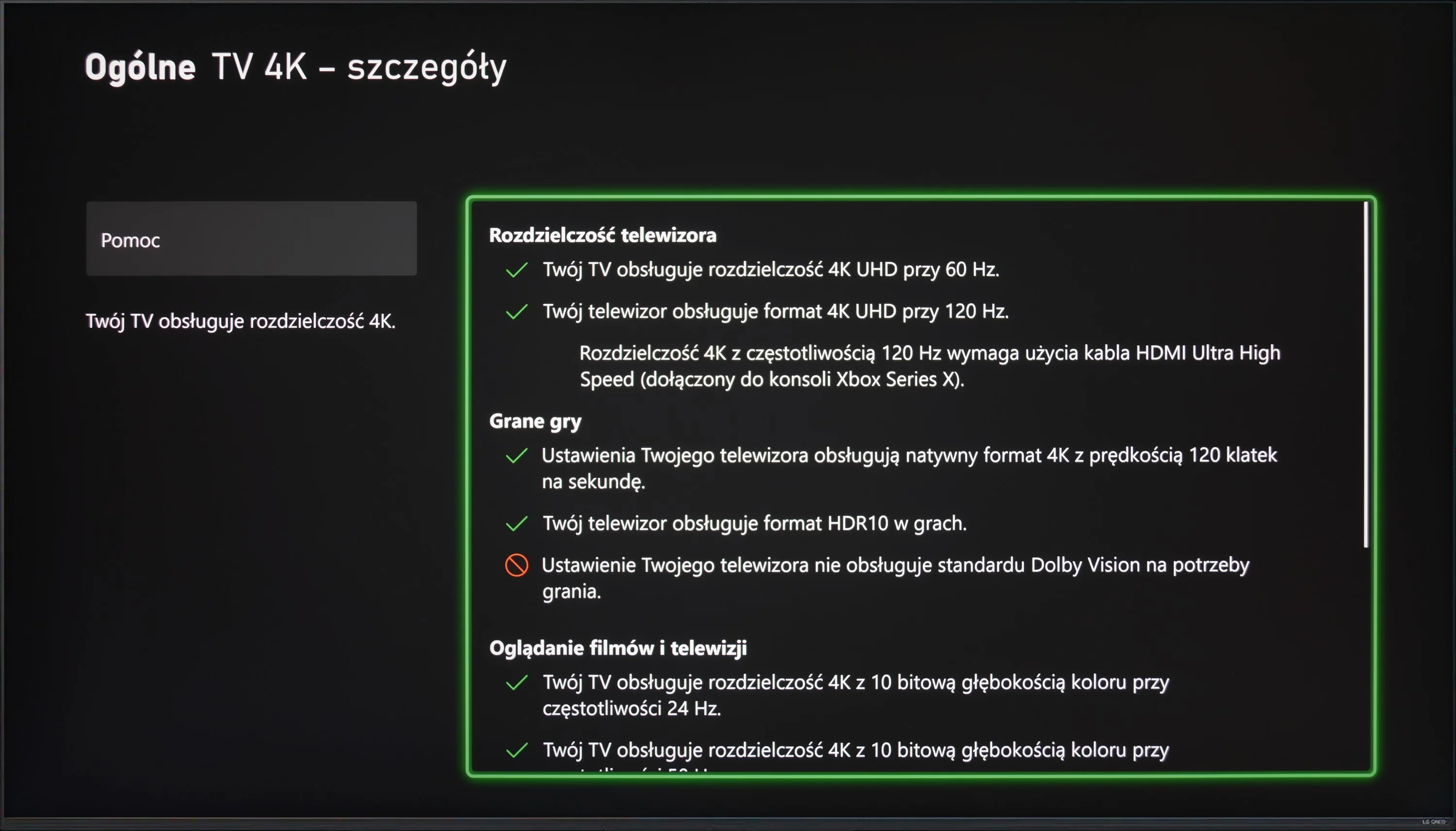
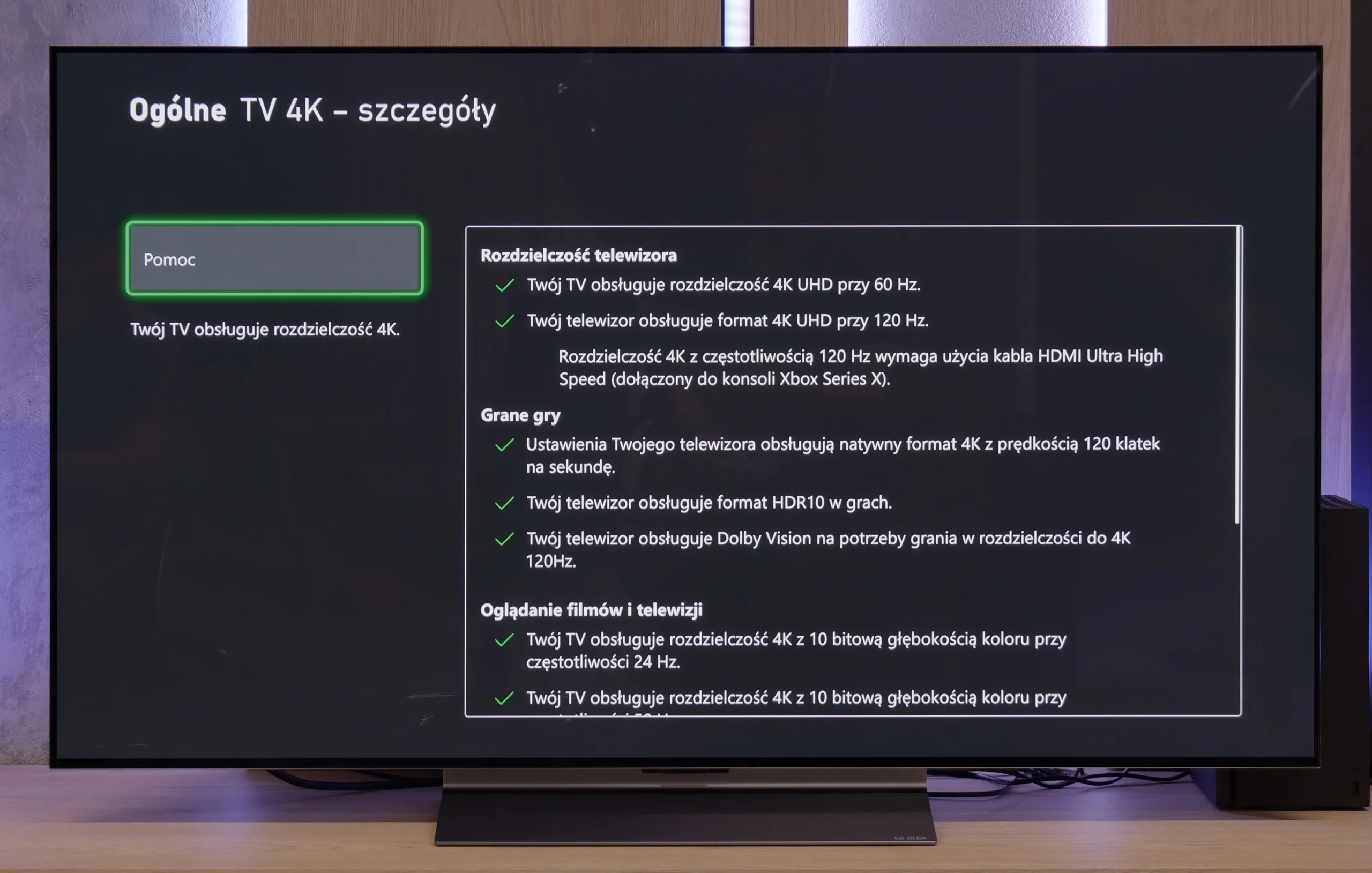
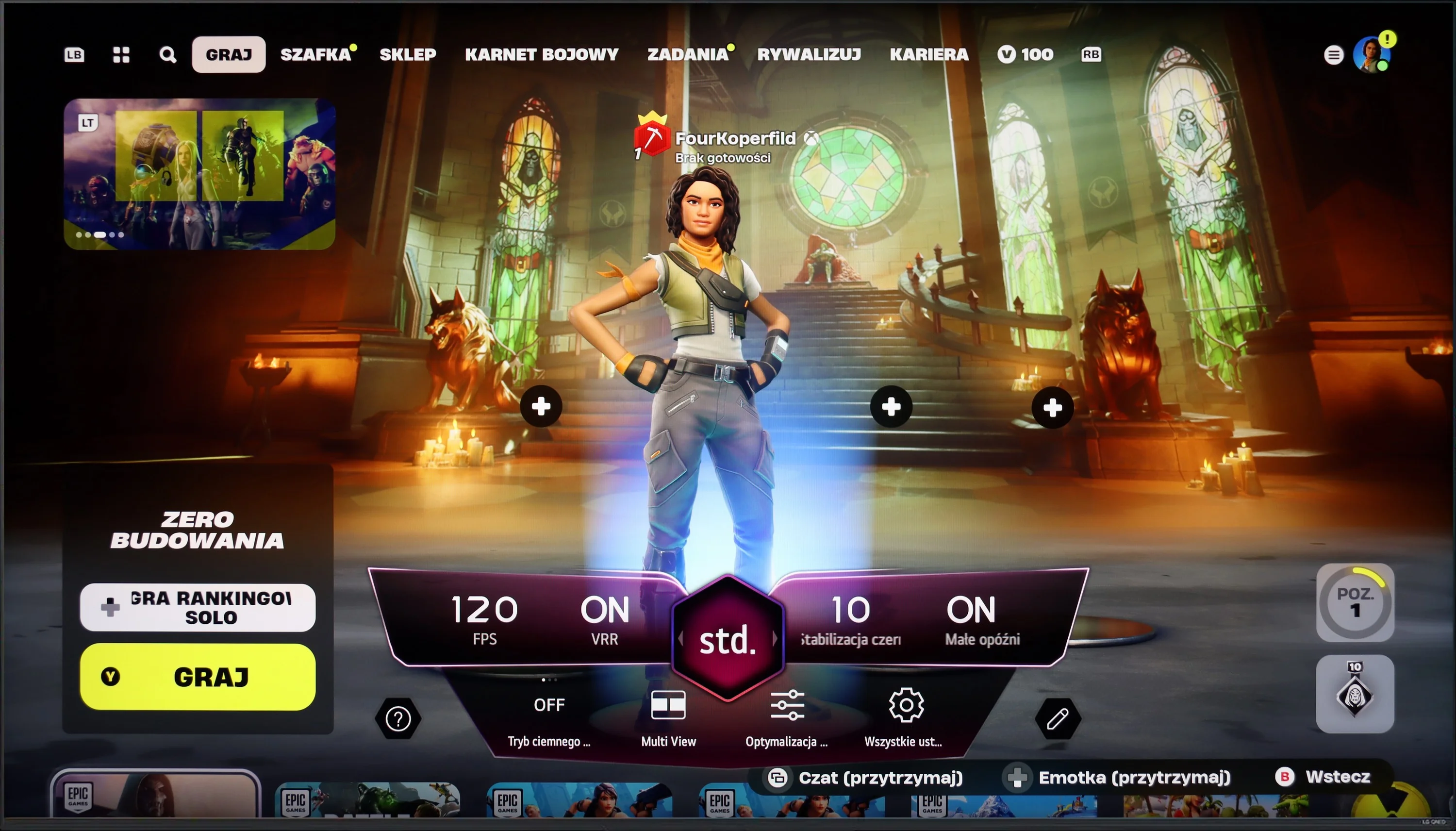
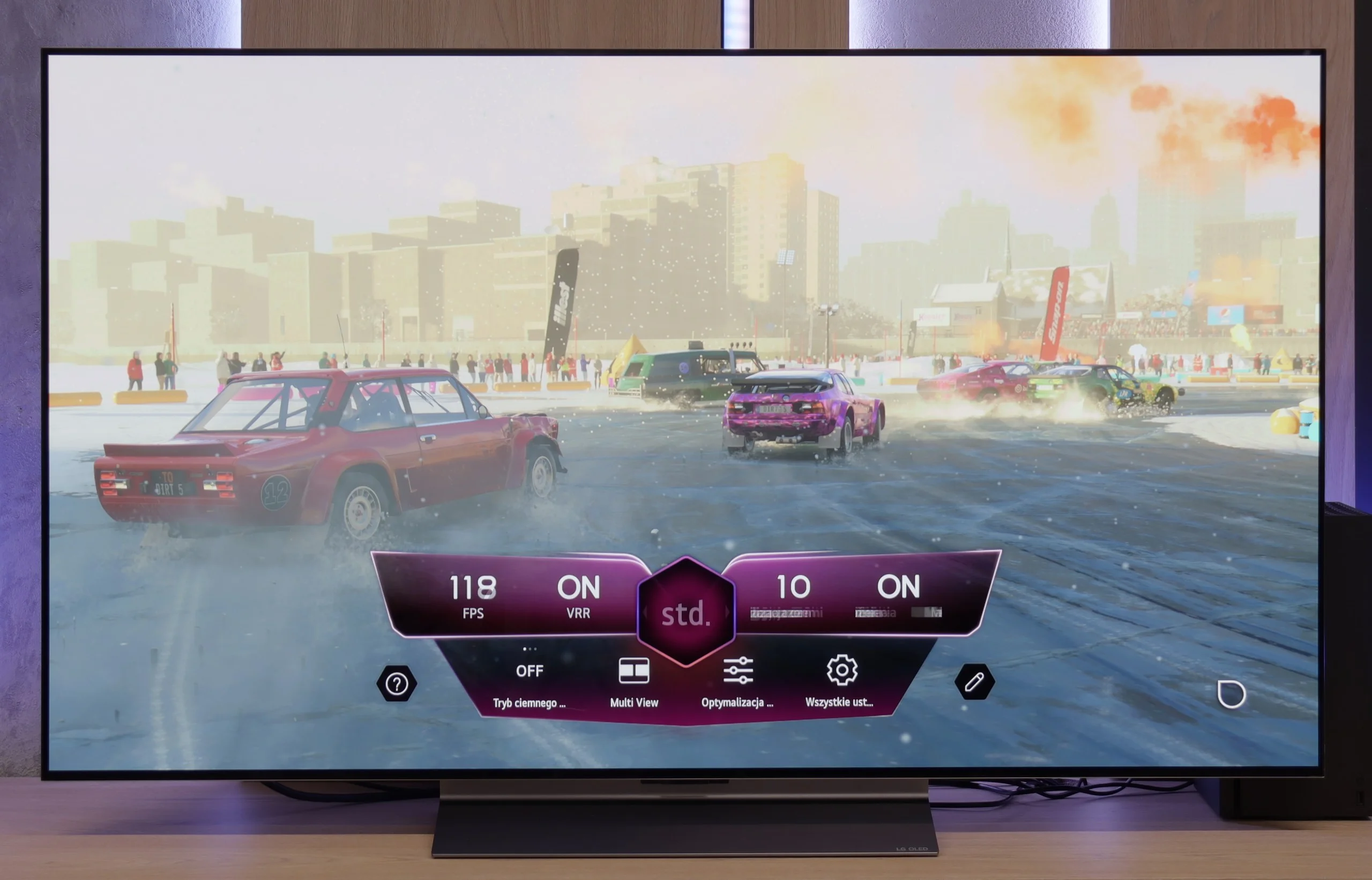
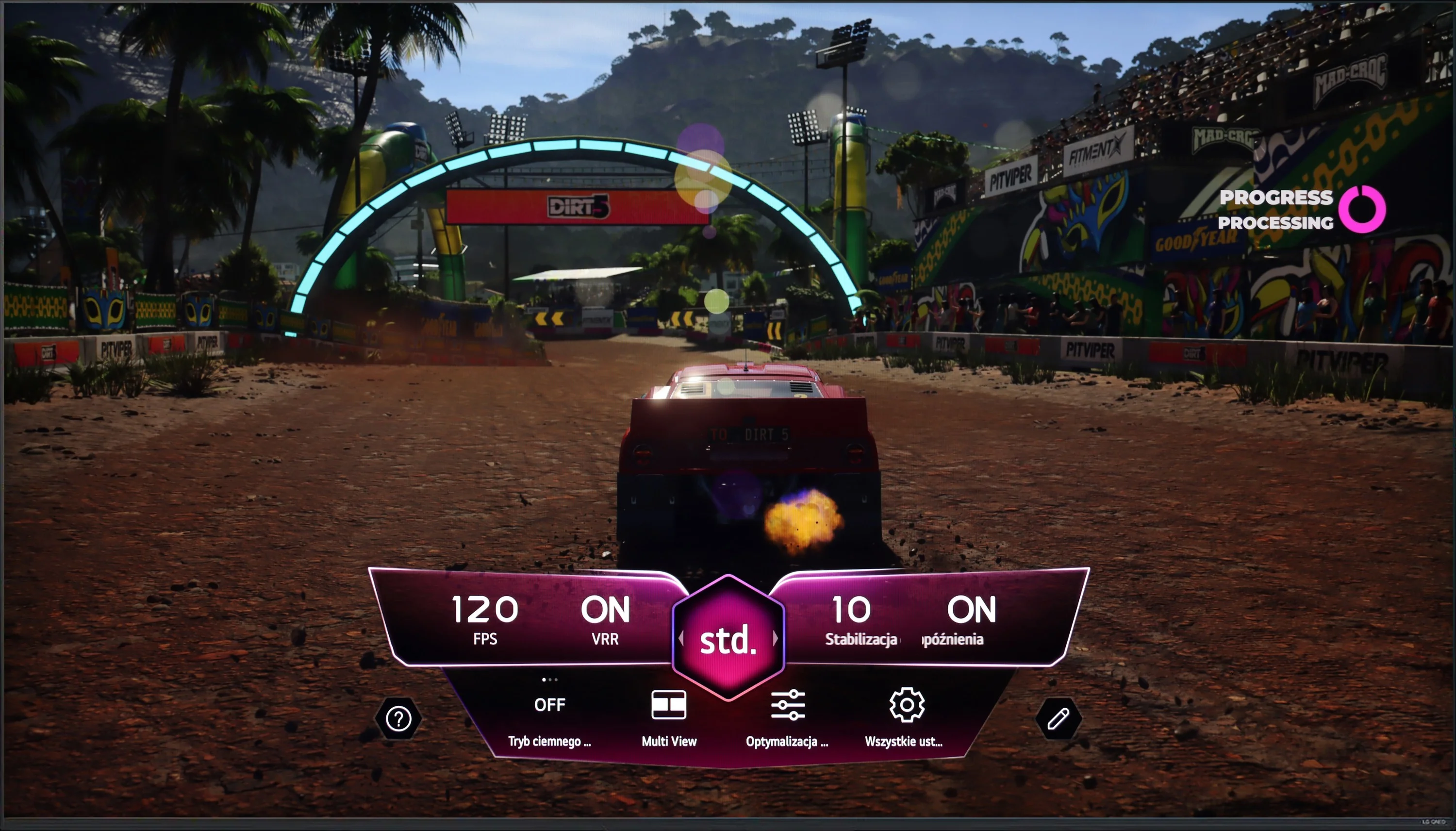
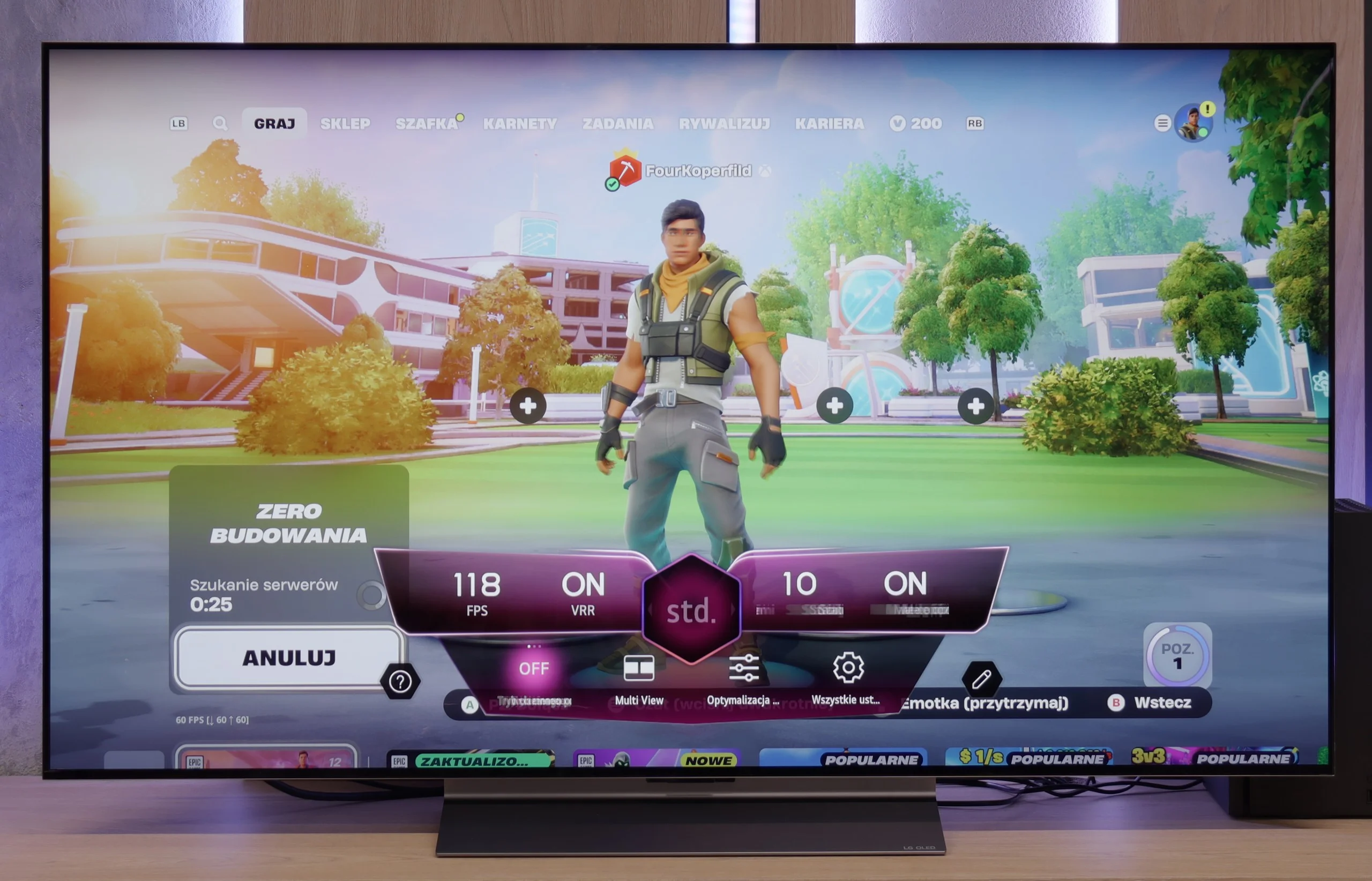
LG QNED offers a range of features that make it an excellent choice for gamers looking for a high-performance television. The TV is equipped with four HDMI 2.1 ports, allowing connection to the latest consoles like PlayStation 5 and Xbox Series X, utilising full functionality including Variable Refresh Rate (VRR) and Auto Low Latency Mode (ALLM). Thanks to the Game Bar feature, gamers can quickly and easily manage all game settings without needing to navigate complex menus. Parameters such as VRR, ALLM, Multi View, and frame rate monitoring can be adjusted. The TV also supports G-Sync and FreeSync technologies, which is particularly important for owners of Nvidia and AMD graphics cards. G-Sync and FreeSync synchronise the TV's refresh rate with the graphics card. The 120Hz panel guarantees incredible motion smoothness and image clarity. Combined with the Black Frame Insertion (BFI) feature, which is available at 60Hz and 120Hz, gamers can enjoy an even sharper and smoother picture. LG QNED87 is a television that meets the expectations of even the most demanding gamers, offering modern technologies and features that significantly enhance comfort and satisfaction during gaming.
LG C5 is a TV designed with gamers in mind – and there's not a hint of exaggeration in that. It's hard to find anything to criticise here. We have a refresh rate of 144 Hz, full support for VRR, ALLM, and as many as four HDMI 2.1 ports with full bandwidth of 48 Gb/s. For those who have an Xbox, PS5, Nintendo, and a gaming PC in one room – no limitations, everything can be connected without any hassle.
Configuring HDR for gaming is also straightforward. The TV correctly supports the HGiG mode, which allows you to achieve an image that aligns with the creators' intentions. For those interested, there is also Dolby Vision in the Gaming version, although we still recommend HGiG as the most predictable and "clean" variant of HDR in games.
It also includes the Game Bar, which is a "command centre" for the gamer. Everything important, from VRR settings, picture modes, to frame rate information – is at our fingertips. The interface is simple and clear. It may look like something out of a space simulator, but it serves its purpose and just works; exactly as it should.
C5 is truly a complete package for any gamer.
Input lag
9.9/10
10/10
SDR
HDR
Dolby Vision
The LG QNED stands out with an extremely low input lag, which is crucial for smooth and responsive gaming. For a refresh rate of 120Hz, the input lag values do not exceed 6 ms, while at 60Hz, the input lag is a maximum of 15 ms. These are truly impressive results that ensure a player's reactions are almost instantaneously reflected on the screen.
The response time of the LG C5 to our movements with the controller is exemplary. Regardless of the chosen resolution or frame rate – the lag is so low that it is virtually unnoticeable in practice. Playing on this television is simply a pure pleasure. Some delay is introduced by the Dolby Vision mode, which shouldn't be surprising – this applies to almost every television on the market equipped with this mode. Nevertheless, even with Dolby Vision active, the input lag remains low enough that gameplay is still smooth and responsive.
Compatibility with PC
7.6/10
8.6/10
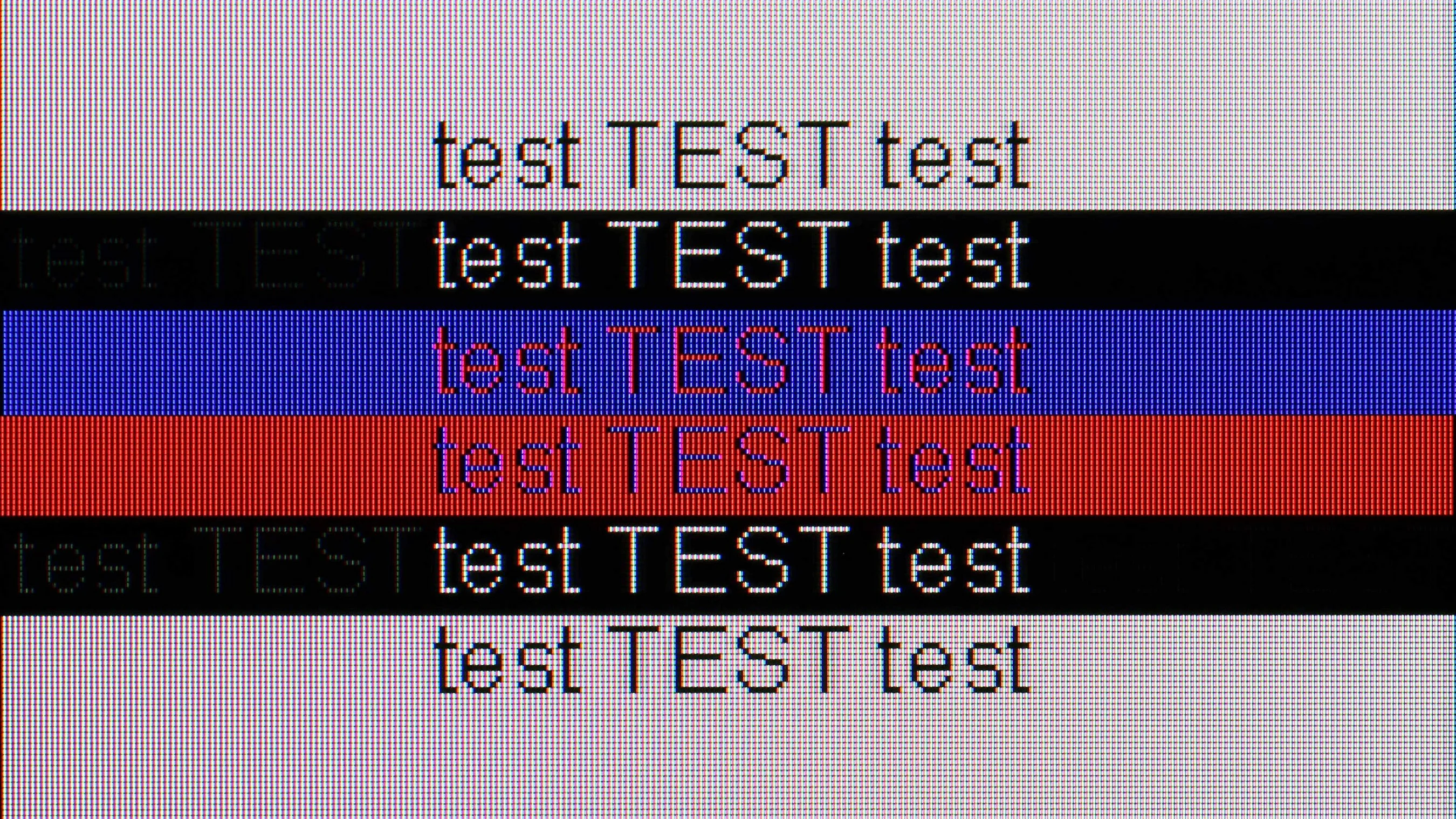
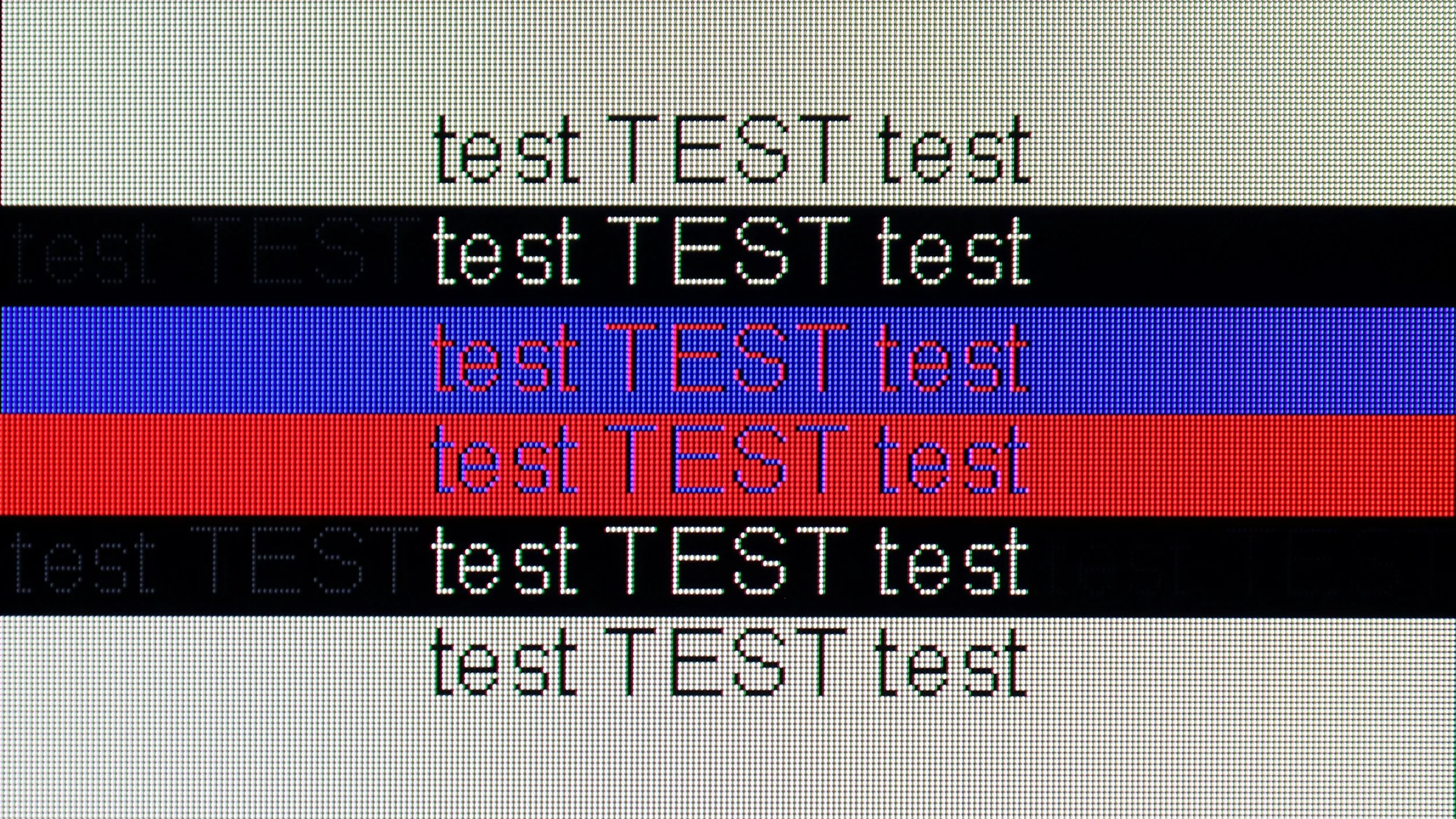
The photo shows the legibility of small fonts. Ideally, lines should be the same thickness on both light and dark text, with minimal pixel gaps.
The LG QNED television works perfectly with a computer, offering very good font readability. This makes working and browsing content exceptionally comfortable. The high refresh rate of 120Hz provides a smooth and vivid image. It combines a large workspace with performance, making it a genuine pleasure to use. However, for more demanding users, it may be disappointing that the TV has issues displaying fonts on a dark background. Instead of white letters, they take on a greenish hue.
C5 – as we mentioned – is a television created for gamers, so playing even on a computer is an absolute pleasure. The 144 Hz panel, low input lag, and original G-Sync certification just confirm this.
When it comes to work – it's also very good. The fonts are readable, the interface clear, however, it's worth remembering that we are dealing with a WOLED panel and a WRGB subpixel arrangement (slight shadows visible behind the font). So, if someone plans to place the C5 on a desk in smaller sizes like 42 or 48 inches for everyday office work, it’s worth checking it out for yourself first. For occasional desktop use and primarily for gaming – there are no reasons to be concerned.
Viewing angles
7.1/10
7.4/10
When it comes to viewing angles, LG QNED87 performs really well. Thanks to its IPS panel, it offers wide viewing angles compared to VA panels. This means that the picture remains clear and does not lose quality even at an angle. While it may not achieve the perfect results of OLED TVs, which maintain colours and brightness regardless of the viewing angle, in terms of LCD QNED87 screens, it stands out positively. This makes it a great choice for larger rooms where viewers often watch at an angle.
The viewing angles on the LG C5 are nearly ideal. While they fall slightly short of technologies like QD-OLED or WOLED with MLA micro lenses, the picture quality at wide angles still makes a great impression. Colours remain vibrant, and the screen doesn't lose much brightness even when set at a more challenging angle.
Addressing questions that circulated last year regarding the C4 model – in the case of the C5, we did not notice any green tinting, pinking, or other effects that can be read about online. The picture at an angle looked really clear.
Daytime performance
4.8/10
6.2/10
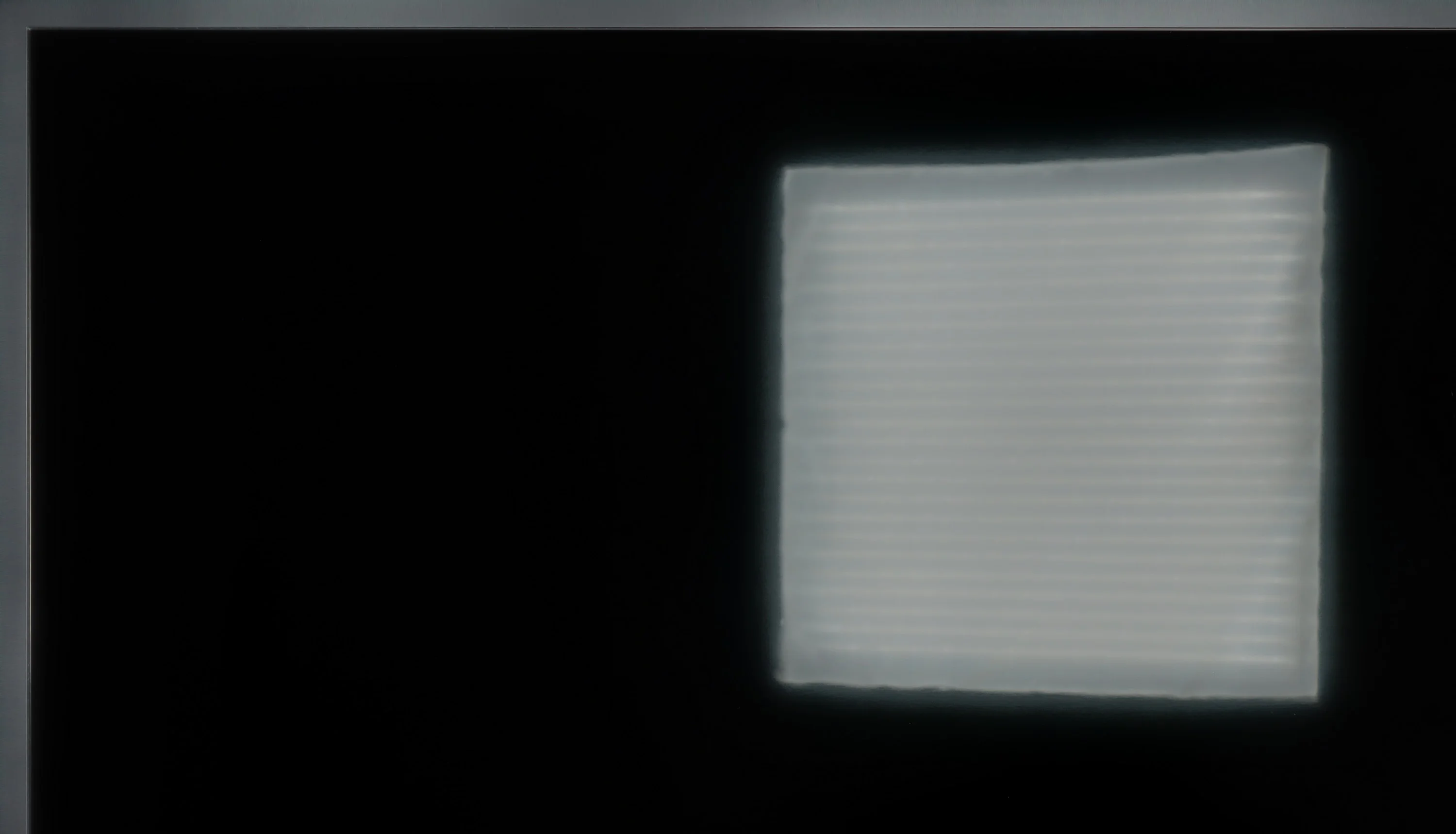
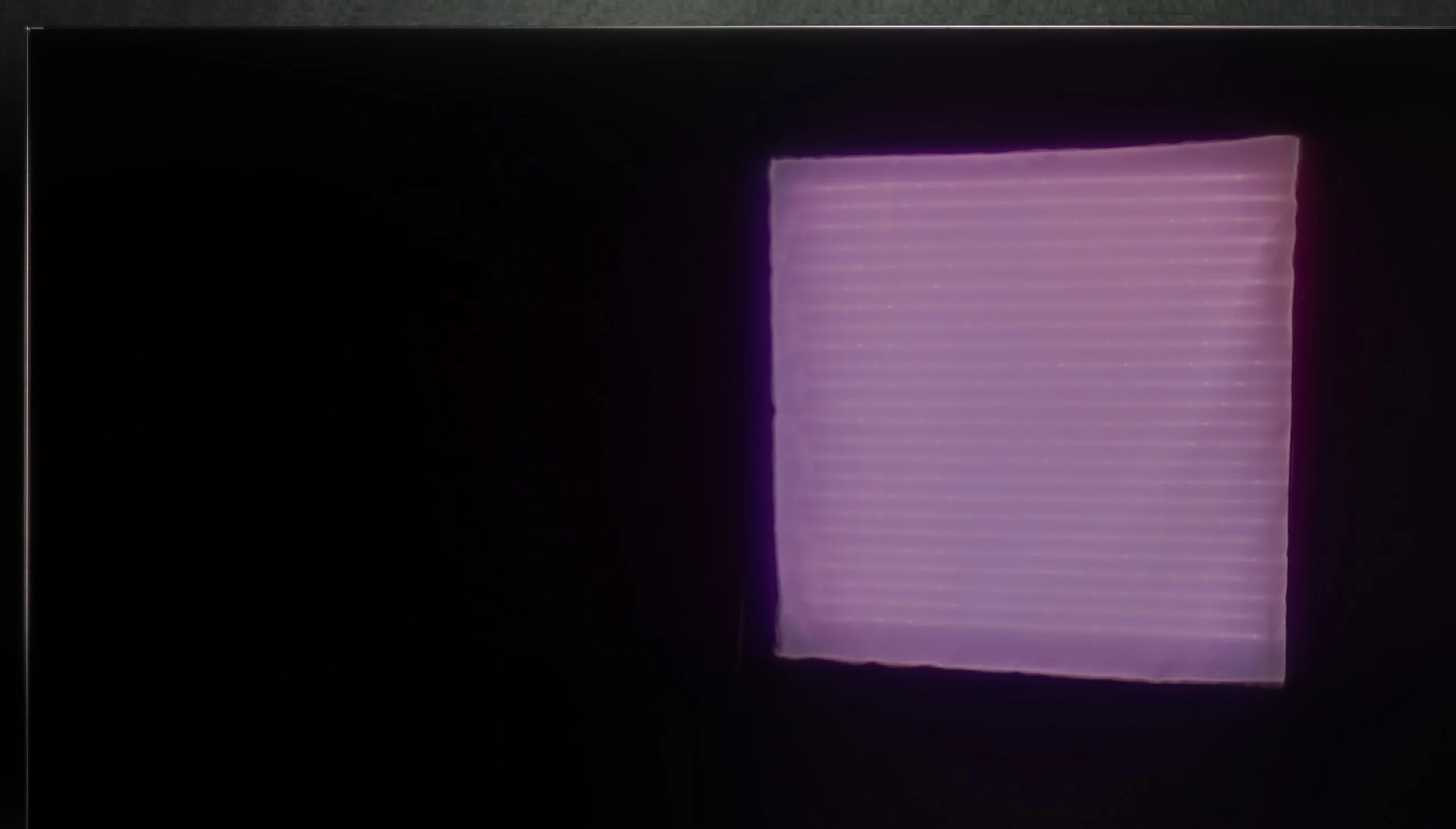
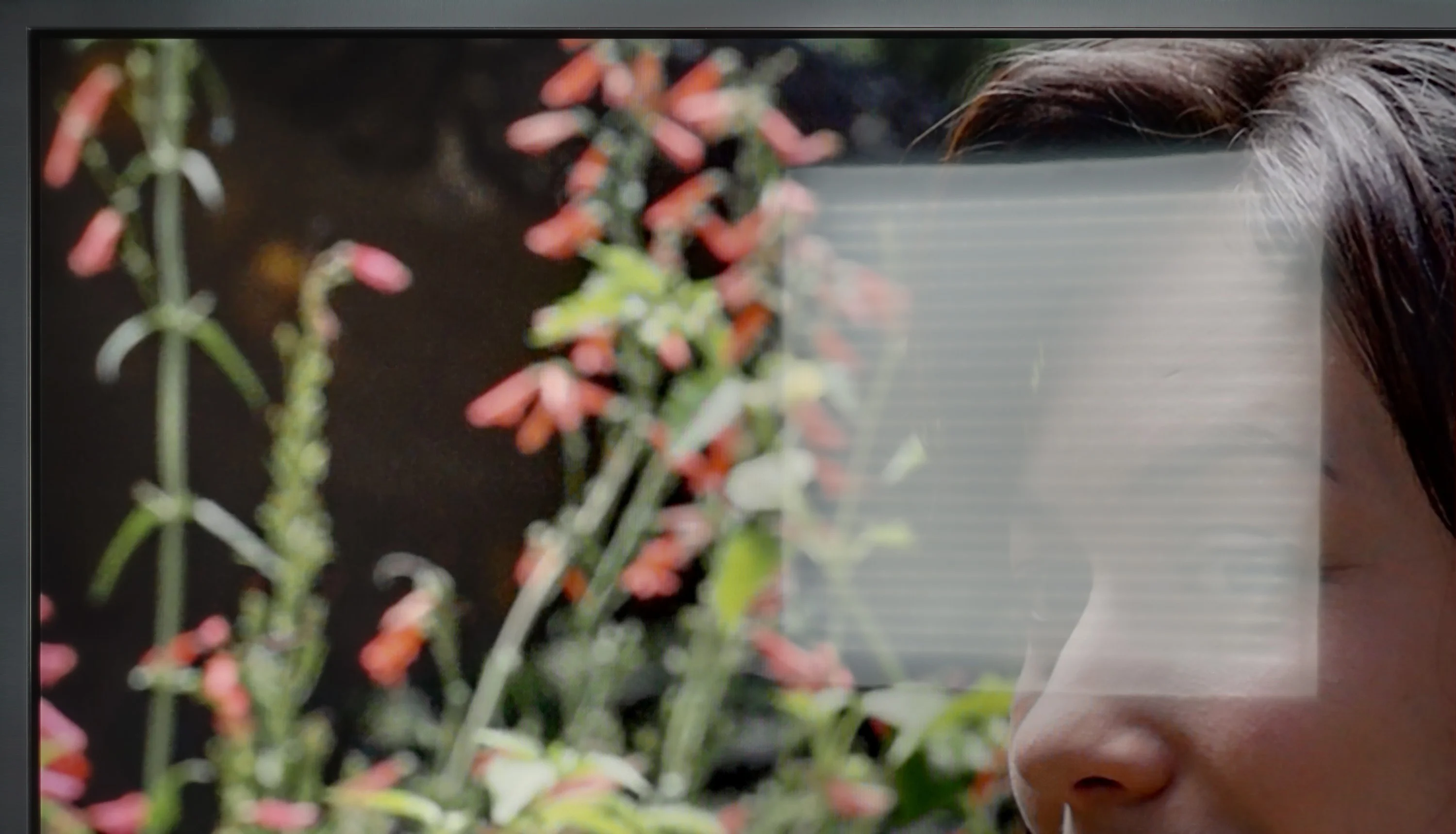
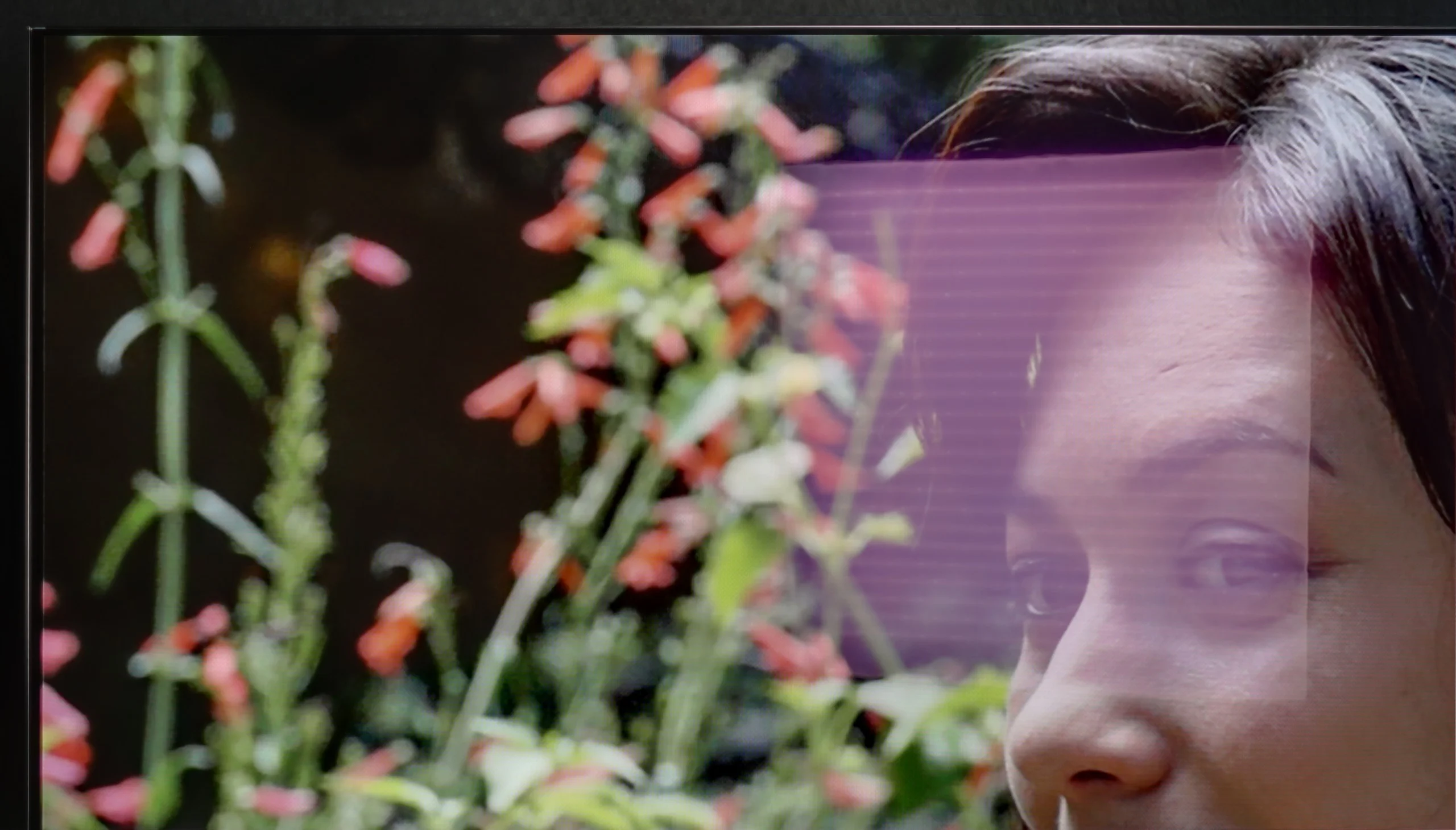
Panel brightness
LG OLED C5: 435 cd/m2
LG QNED87T6B: 428 cd/m2
During the day, the LG QNED television performs adequately. It has a satin finish that doesn’t suppress reflections the best, which can be noticeable in bright rooms. Nevertheless, with quite good brightness at 430 nits, the image remains visible and clear. Although reflections may be somewhat bothersome, the brightness of the television allows for comfortable use during the day.
LG C5 is one of the brighter OLED TVs on the market, so it should perform well in moderately bright rooms without major issues. The average brightness in SDR mode is around 450 nits – a value sufficient for the picture to remain readable even during the day. Importantly, the black does not lose depth and does not turn "grey," which can still be a problem with QD-OLED panels.
Reflections, however, may pose a greater challenge. The WOLED panel used in the LG C5 has a glossy coating typical of this technology, which only partially diffuses reflections. In a well-lit living room with large windows, you can see your reflection on the screen – slightly muted but still visible. In a very sunlit room, it may turn out that blinds or curtains are necessary to fully enjoy the great picture quality.
Panel details
Subpixel Structure:
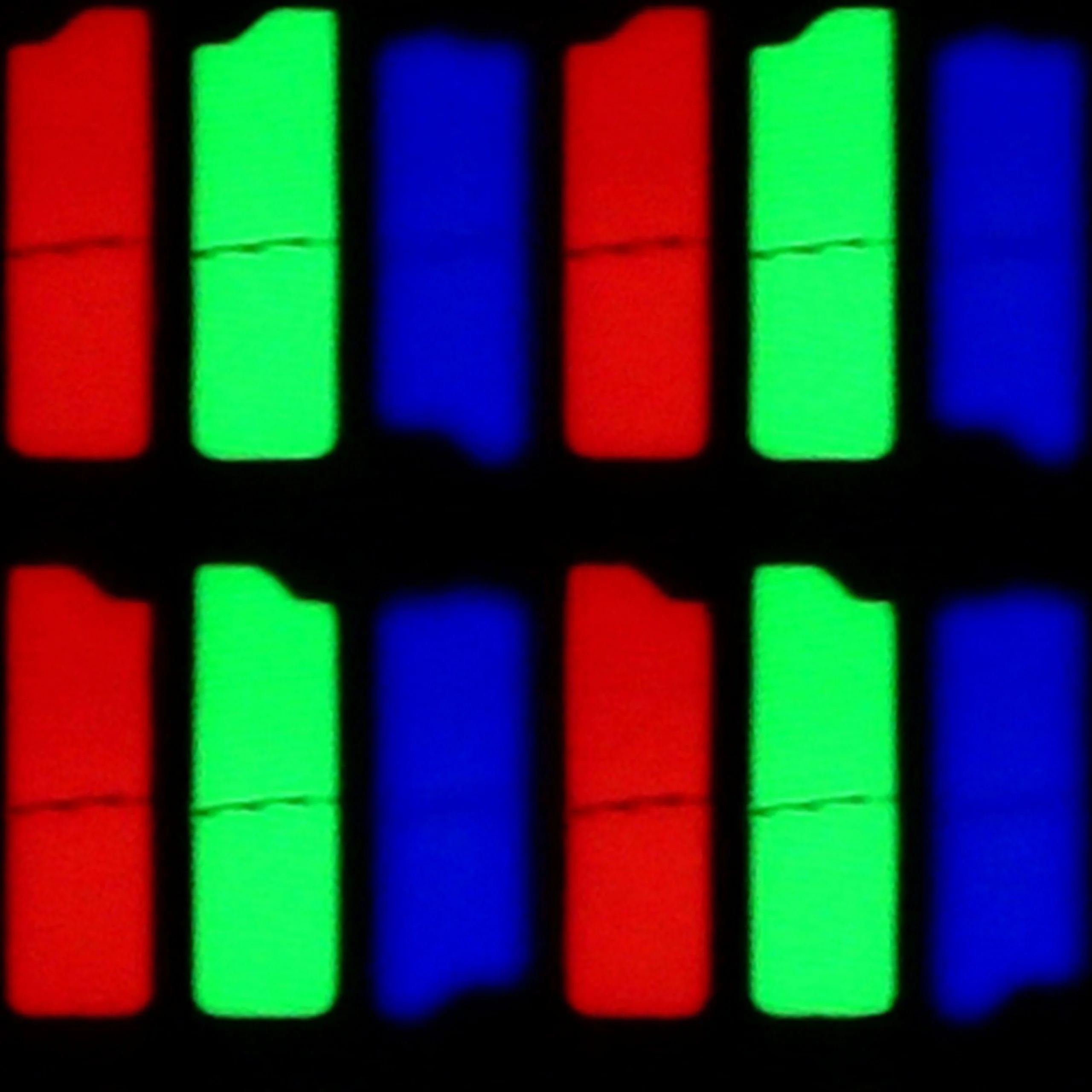
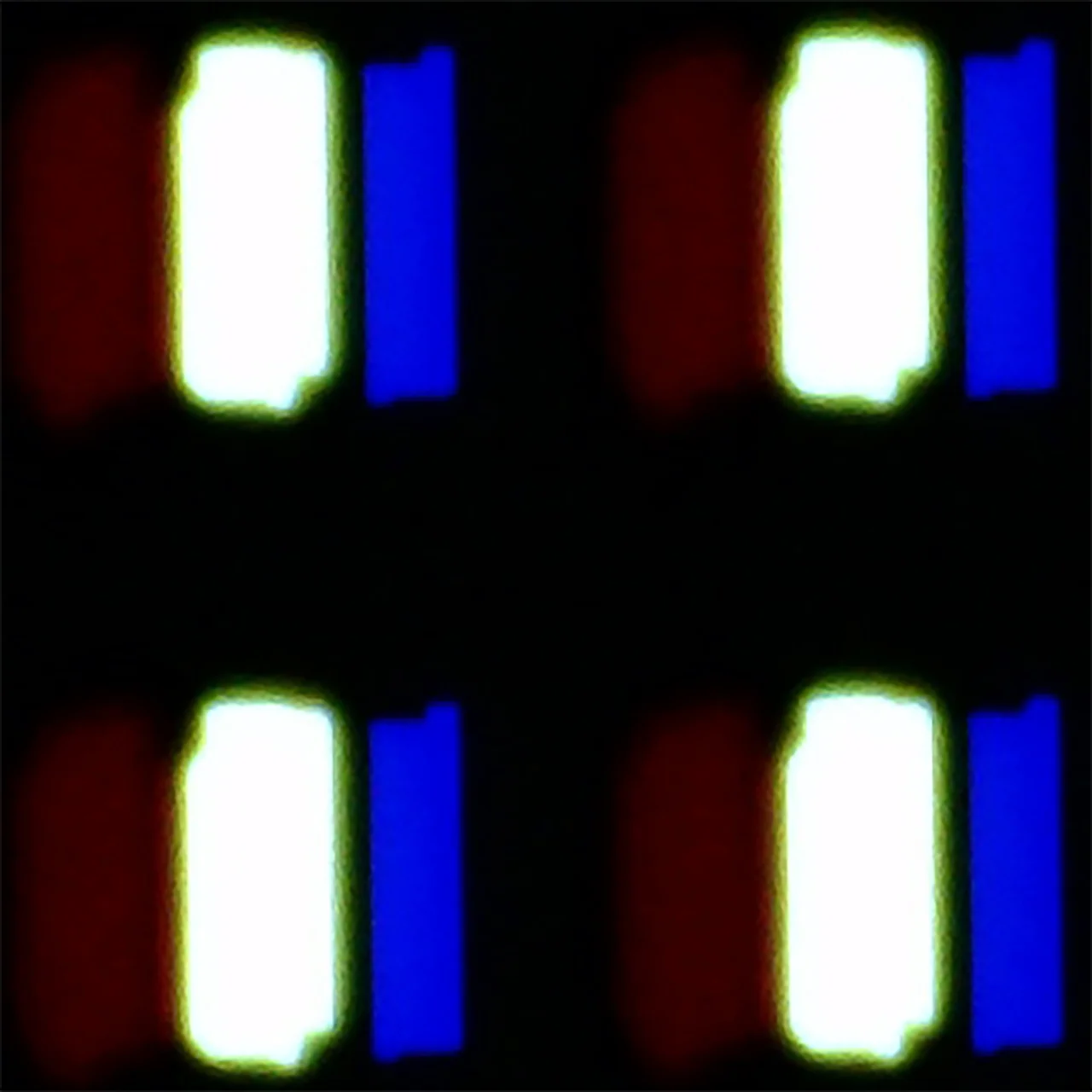
Panel uniformity and thermal imaging:


TV features
8.8/10
7.9/10
- SystemWebOSWebOS
- System performanceGoodGood
- HDMI inputs0 x HDMI 2.0, 4 x HDMI 2.1 48Gbps0 x HDMI 2.0, 4 x HDMI 2.1 48Gbps
- Other inputsIR (remote)
- OutputsToslink (Optical audio), eARC (HDMI), ARC (HDMI)Toslink (Optical audio), eARC (HDMI), ARC (HDMI)
- Network InterfacesWi-Fi 2.4GHz, Wi-Fi 5GHz, Ethernet (LAN) 100MbpsWi-Fi 2.4GHz, Wi-Fi 5GHz, Ethernet (LAN) 100Mbps
- TV receptionDVB-T, DVB-T2, DVB-S, DVB-S2, DVB-CDVB-T, DVB-T2, DVB-S, DVB-S2, DVB-C
Classic features:
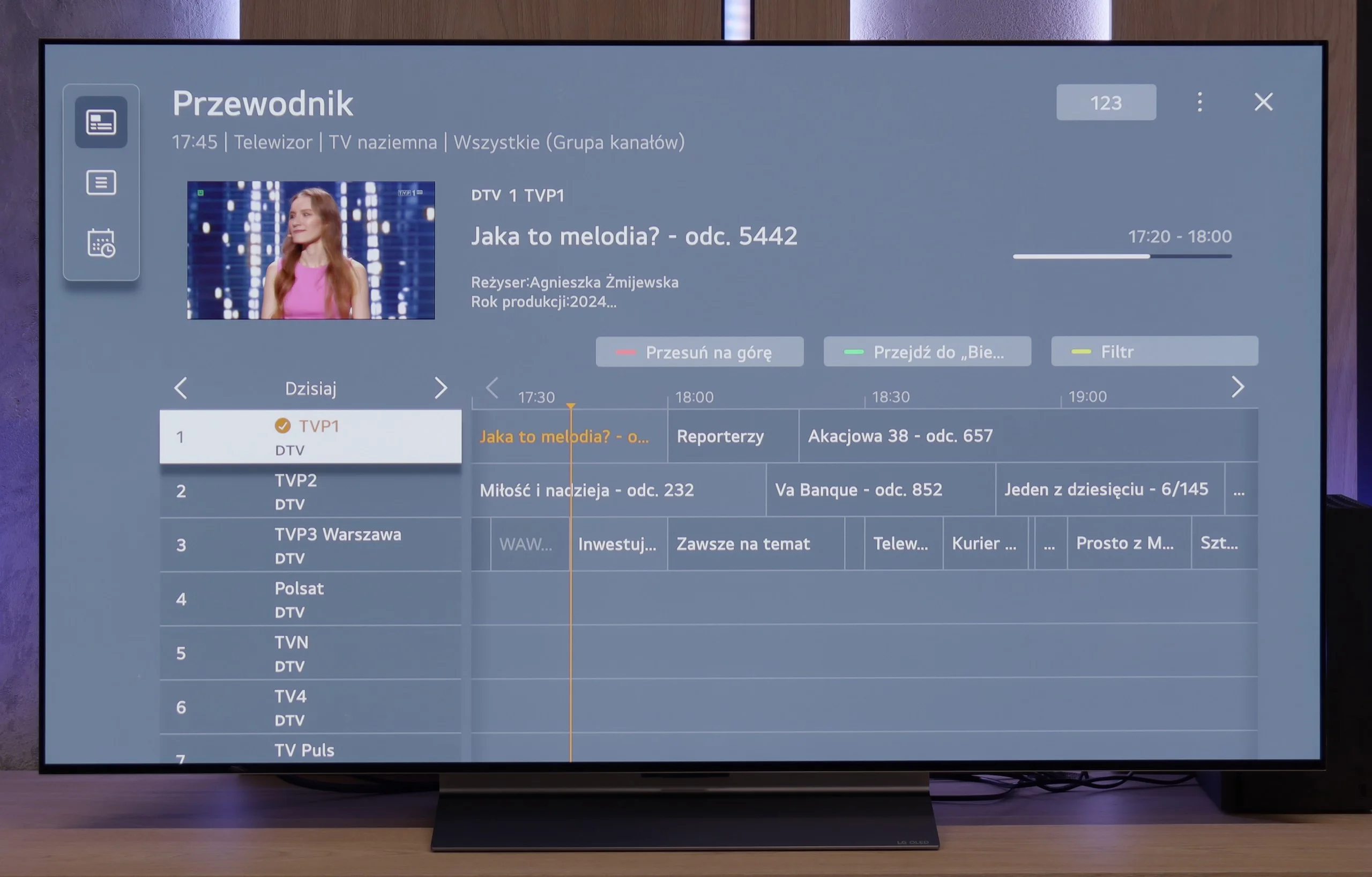
- Recording to USB (terrestrial TV)
- Recording programming
- Picture in Picture (PiP)
- RF remote control (no need to aim)
- Backlit remote control
- Teletext
- Audio only mode
- Bluetooth headphones support
- Simultaneous Bluetooth headphones & TV audio
Smart features:
- AirPlay
- Screen mirroring (Windows Miracast)
- Voice search
- Voice search in native language
- Ability to connect a keyboard and mouse
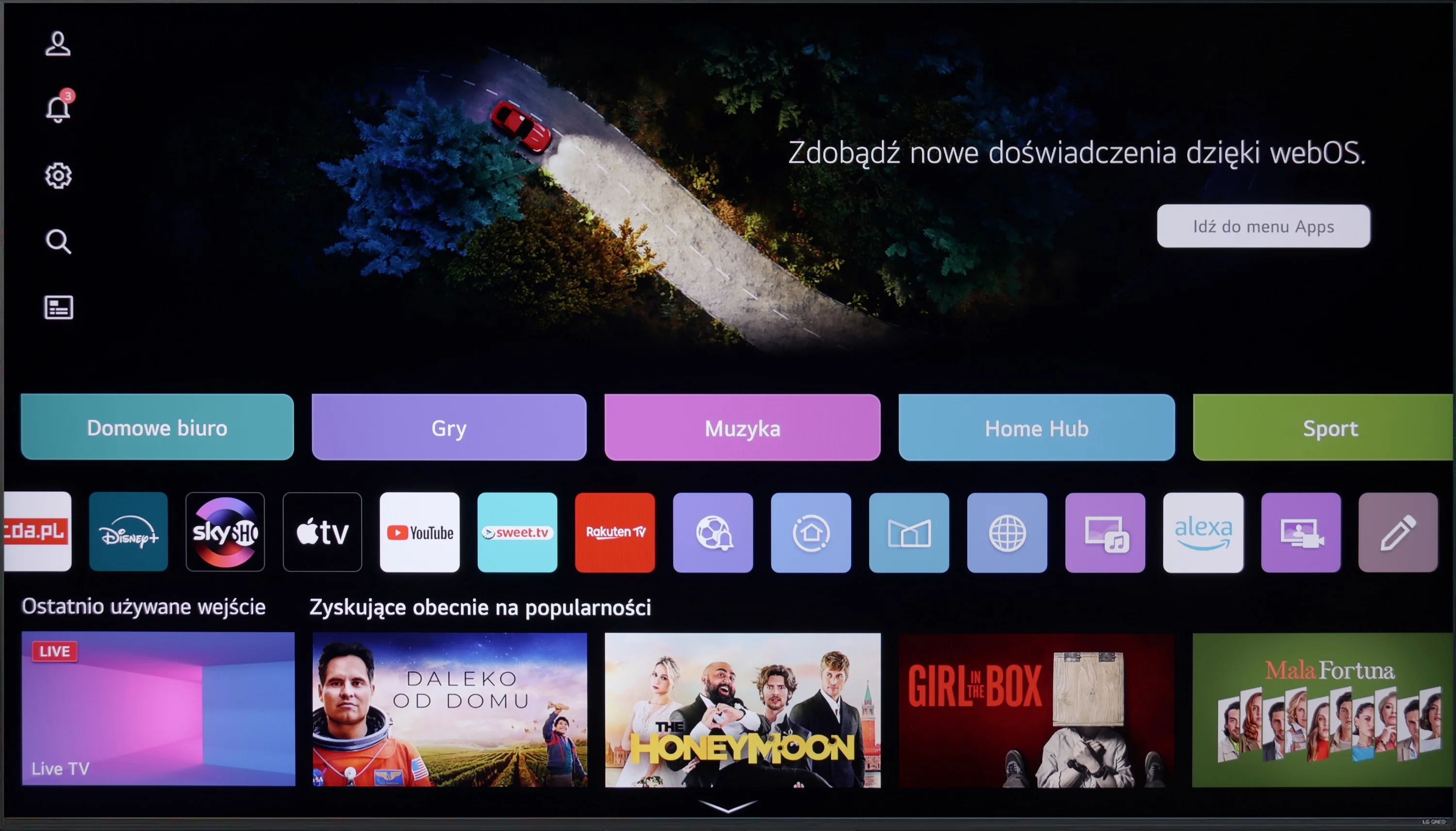
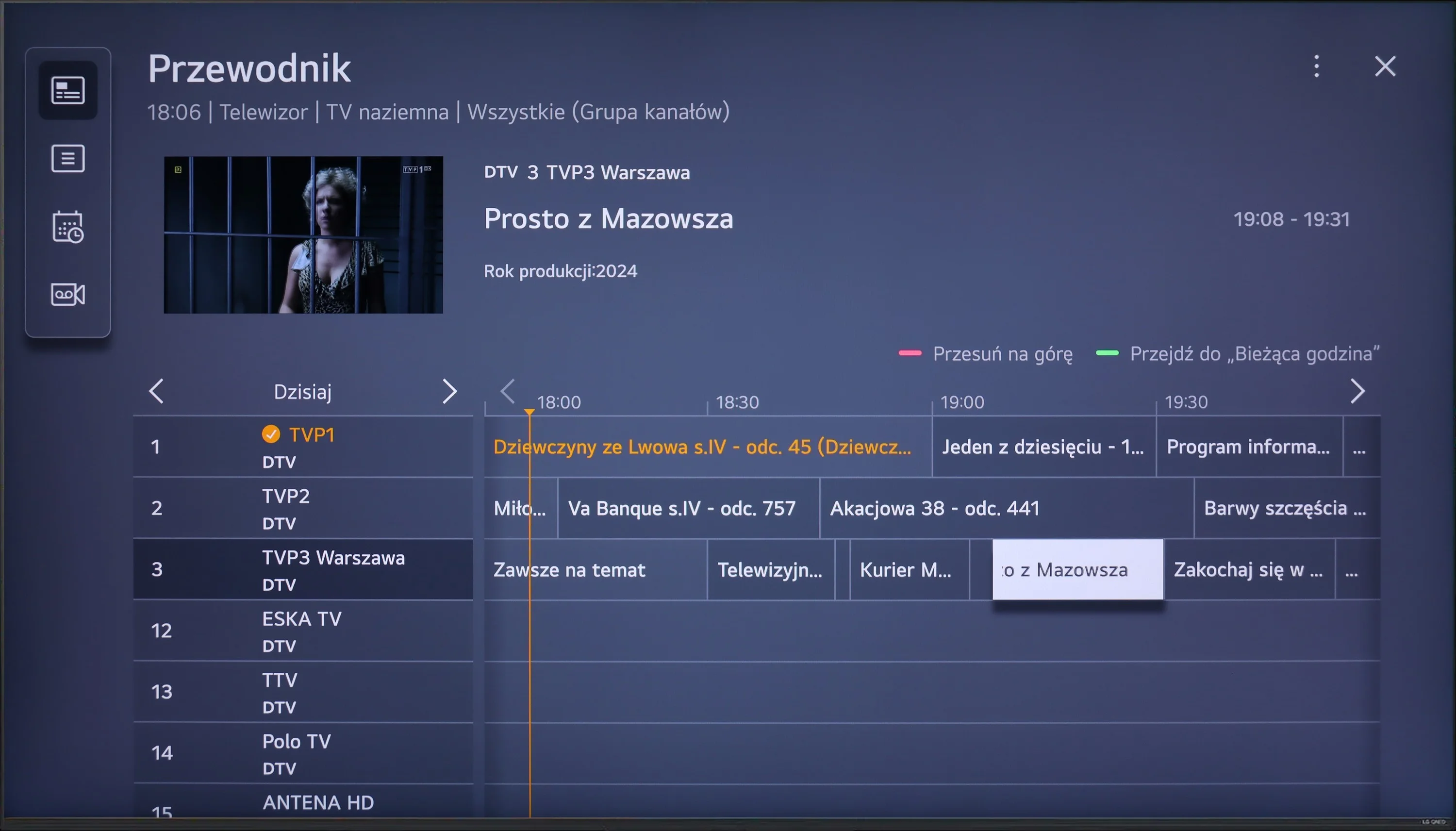
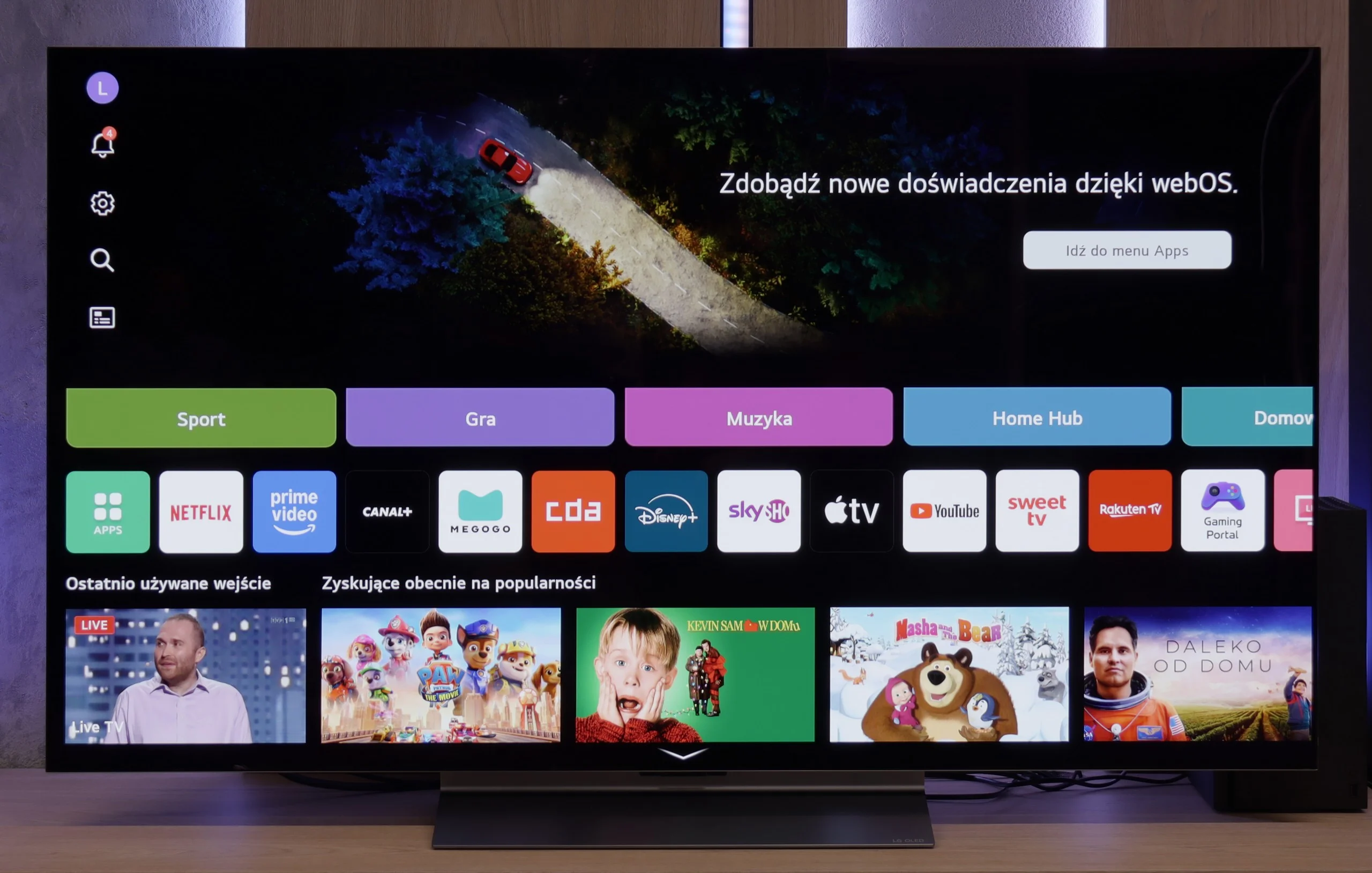
Sound connection options
- HDMI audioeARC (HDMI), ARC (HDMI)eARC (HDMI), ARC (HDMI)
- Other audio outputsToslink (Optical audio)Toslink (Optical audio)
- Wireless audioBluetoothBluetooth
Supported audio formats (external HDMI eARC audio):
- Dolby Digital Plus 7.1
- Dolby True HD 7.1
- Dolby Atmos in Dolby Digital Plus (JOC)
- Dolby Atmos in Dolby True HD
- DTS:X in DTS-HD MA
- DTS-HD Master Audio
Senior accessibility
- Numeric keyboard on TV
- Font size adjustment
- Audio description
LG QNED87 TV offers a multitude of features that significantly enhance user comfort. Let's start with the WebOS system, which we believe has the most user-friendly interface among all TVs available on the market. One of its greatest advantages is the remote control with a built-in gyroscope, known as the Magic Remote. Thanks to this, navigation is intuitive and quick, making TV usage a pleasure. WebOS also supports a range of smart features that greatly simplify everyday use of the television. Among them is AirPlay, which allows easy content sharing from Apple devices such as iPhone or iPad. Additionally, the TV supports a wide range of streaming applications, such as Netflix, YouTube, Amazon Prime Video, and many others, providing access to favourite movies and series in one place. When it comes to everyday use, LG QNED87 does not disappoint. The TV offers a USB recording feature, which is becoming increasingly rare in modern models. This allows users to record their favourite programs and watch them at any time. Furthermore, the TV has a Picture-in-Picture (PIP) function, although only for one tuner, enabling the viewing of two programs simultaneously. Connecting additional devices via Bluetooth is simple and hassle-free. The TV supports various Bluetooth devices, such as mice, keyboards, and headphones, increasing its versatility and allowing easy personalisation of the user experience. With all these features, the LG QNED87 TV is a versatile and convenient device that meets the expectations of even the most demanding users.
Classic TV Features:
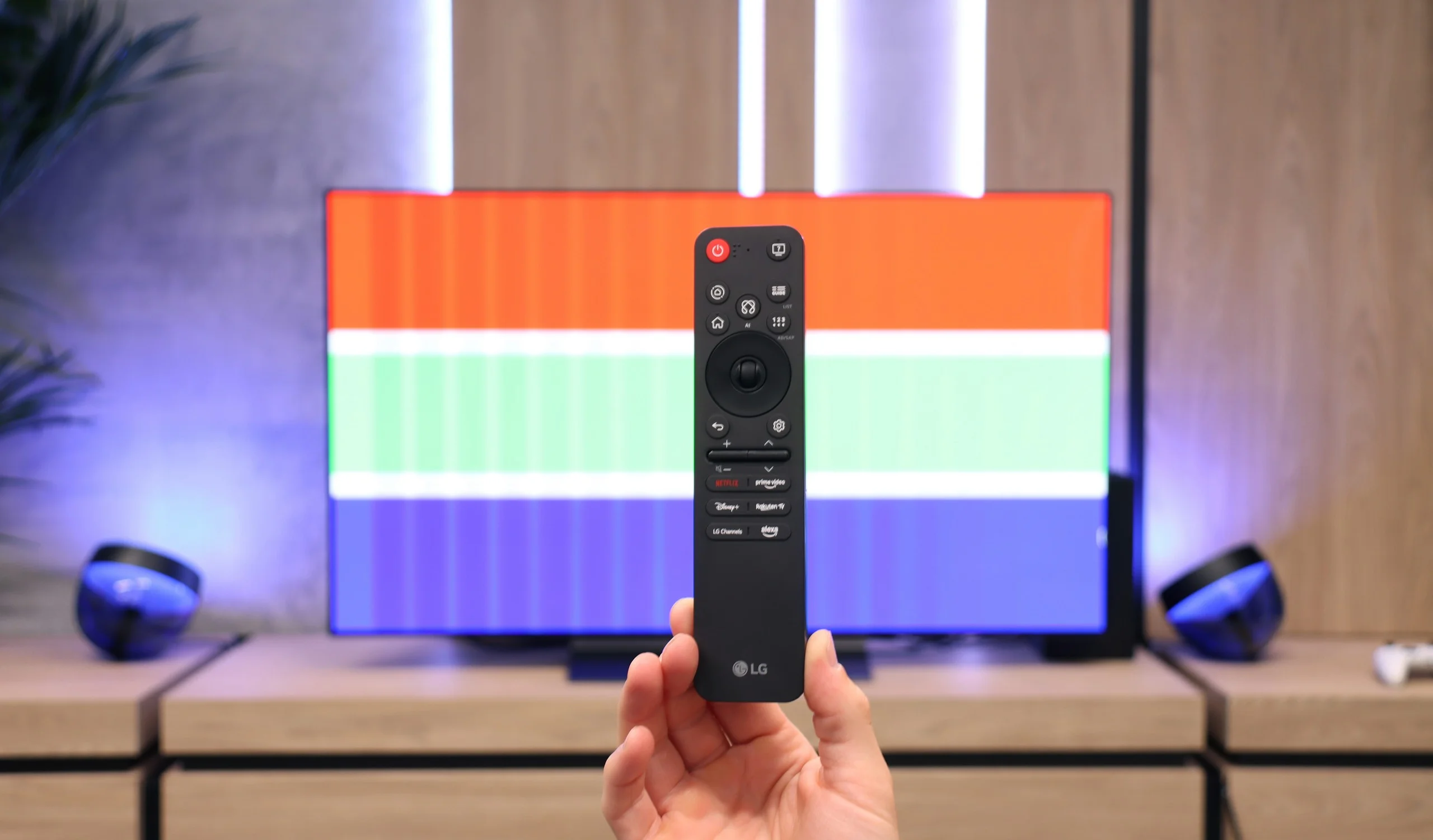
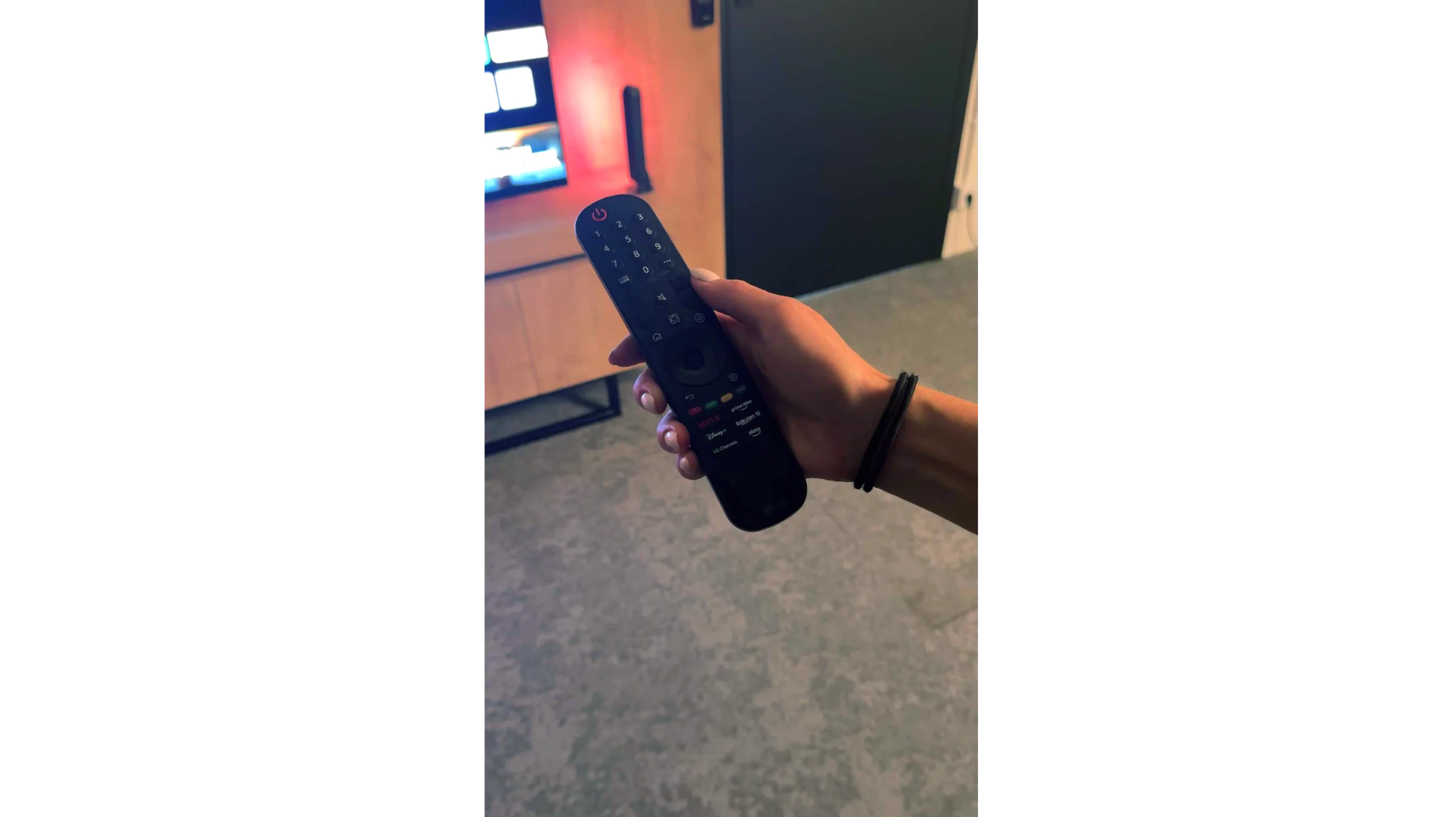
In terms of classic TV functionalities, the LG C5 performs really well. Here, we have the option to record programs to USB from built-in DVB-T(2) tuners, support for teletext, an EPG channel list, and seamless pairing of headphones via Bluetooth. For many users, these are still very important elements of everyday TV use – and LG doesn’t fall short in this area, except for the PIP function. It is worth noting the topic of the remote, or rather... the different versions of the remote. In our test, we used the C54 model, which is equipped with the new version of the Magic remote. It somewhat resembles Samsung's minimalist approach – there’s no numeric keypad or "source" button, but it looks modern and is comfortable for everyday use. Conversely, other variants, such as C5ELB, may be sold with an older version of the remote – a more classic one, with more buttons and a numeric keypad. Some may consider it more practical, while others see it as outdated. In short: quite a bit of confusion, so it's worth checking the model suffix before purchase.
Smart TV:
Regardless of the version of the remote, we’re operating the same system – WebOS. This is one of the most enjoyable solutions in the Smart TV world. The intuitive menu, fast performance, and support for popular features, such as AirPlay, screen mirroring, or voice assistant, make the system perform very well in everyday use. Additionally, controlling the cursor using the gyroscope in the Magic remote remains one of the most convenient forms of navigation in TVs. There are really quite a few applications here – Netflix, Disney+, HBO Max, Apple TV, and many more. However, one must remember that this is not a system based on Android/Google TV, so it may happen that we simply cannot find some less popular app in the LG store.
Apps
8.3/10
9.1/10






















Playing files from USB
8.2/10
8.8/10
Supported photo formats:
Maximum photo resolution:
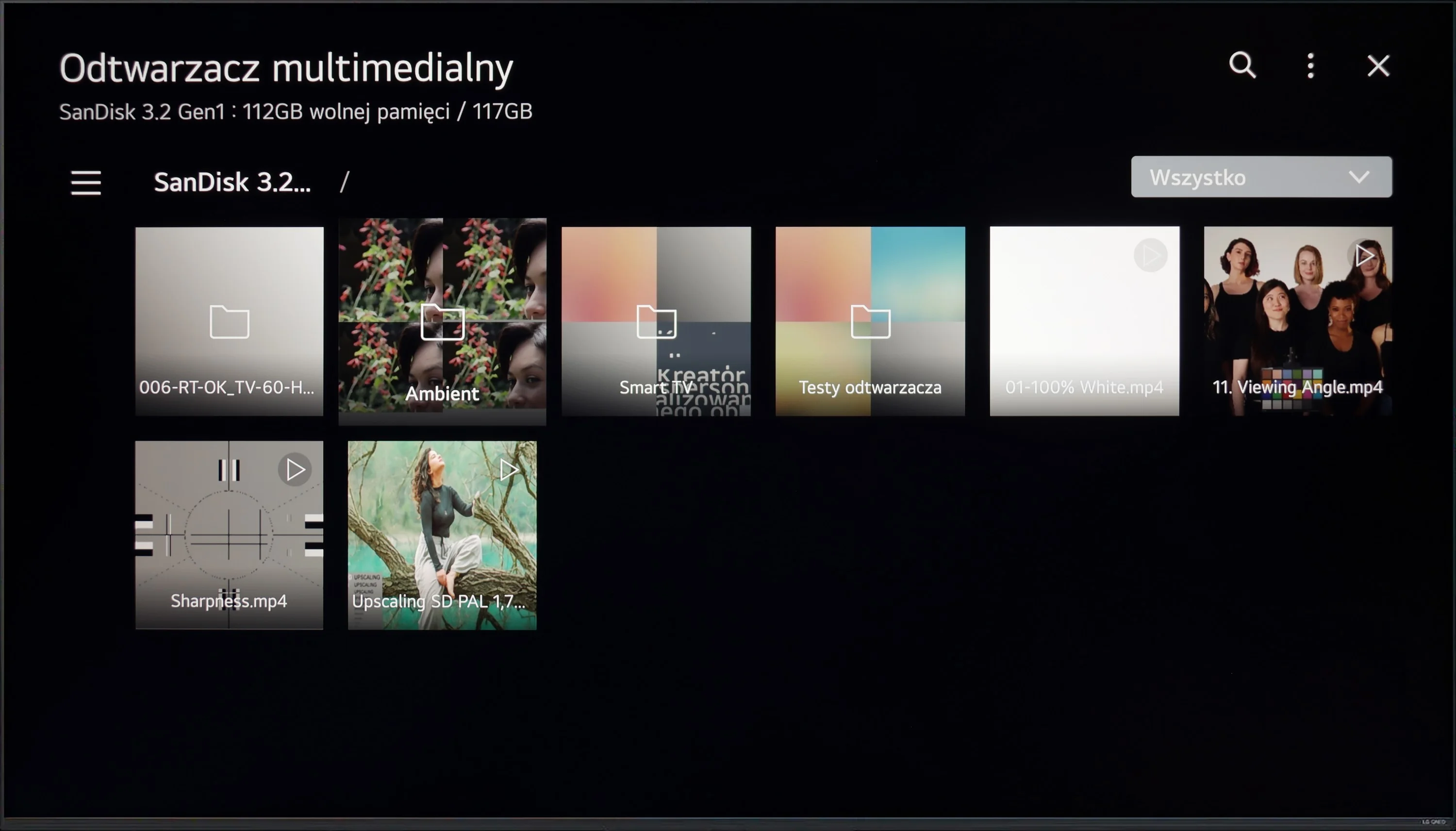
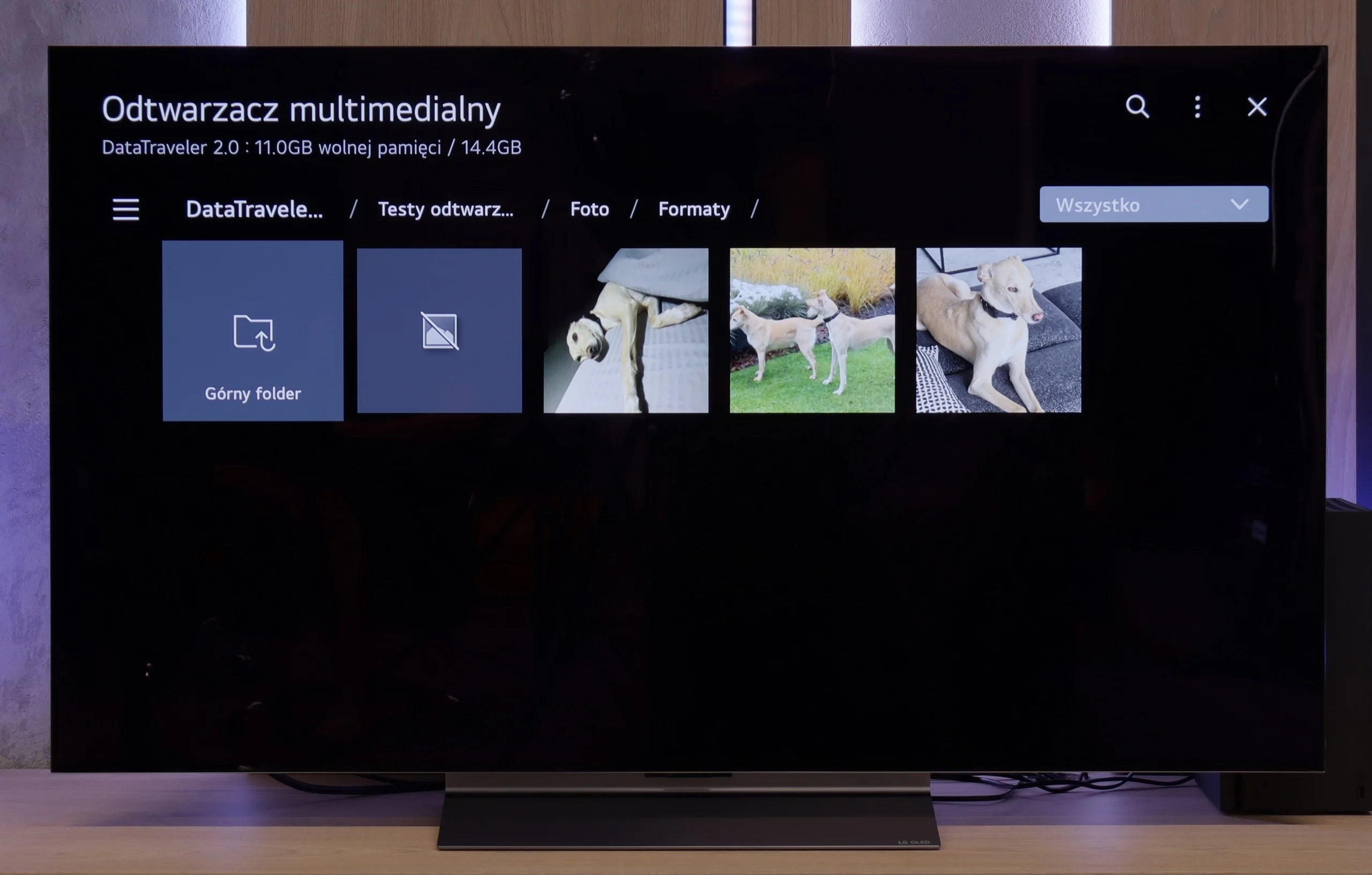
The built-in media player in the LG QNED87 television should not disappoint anyone. It offers rich capabilities when it comes to playing video and audio files. It supports many popular formats, ensuring versatility and user convenience. The only drawback might be the limited number of supported photo formats. However, this mainly concerns those less popular formats, so most users should be satisfied with the player's functionality. For everyday use and typical multimedia formats, the player performs very well.
The LG C5 is equipped with quite a decent built-in media player that should meet the expectations of most users. It supports popular video and audio formats, handles SRT subtitle files, and opens most graphic files without major issues.
The interface itself is fairly simple and intuitive – it doesn't surprise, but it also doesn't create difficulties in everyday use. Of course, it's not at the level of external players or apps from Google TV, but for basic playback of films from a USB drive or hard drive – it's more than sufficient.
Sound
6/10
7.2/10
- Maximum volume-84dB
- Dolby Digital Plus 7.1
- Dolby True HD 7.1
- Dolby Atmos in Dolby Digital Plus (JOC)
- Dolby Atmos in Dolby True HD
- DTS:X in DTS-HD MA
- DTS-HD Master Audio
When it comes to sound, it can be said that it's moderately pleasant. There's a lack of pronounced bass, and the mid tones seem a bit unclear. This isn't an ideal situation for audiophiles, but it's worth noting that the television plays DTS files without any issues. This is a feature that's missing in many other televisions, so the LG QNED87 deserves praise for this support.
For such a slim television, the LG C5 surprisingly offers quite good sound quality. The thin body manages to house a set of decent speakers that produce clear audio, with well-defined details and – surprisingly – a light but perceptible bass. For everyday viewing, that's more than sufficient, and in many cases, it may even deliver a pleasant surprise. It's just a pity that this year LG decided to completely abandon support for DTS codecs. For most people, this won't be an issue, but if someone uses Blu-ray discs and enjoys that format – especially in its more advanced versions – they may notice its absence. In such cases, an external receiver or soundbar with appropriate audio support is the solution.
Sound Quality Test
No sound test video
Acoustic Measurements
No acoustic data
84dBC (Max)
75dBC
Reader comments
Comments are provided by the external service Disqus (Zeta Global). Once loaded, Disqus may set cookies and process data about your activity.
We will remember your choice on this device. Provider's privacy policy