QNED86A6A is a television that really does a great job in its price class when it comes to sports, gaming, and everyday TV viewing. The 120 Hz panel makes the image smooth, and the motion sharp, which will be appreciated by both fans and gamers. Additionally, it has low input lag along with a full suite of gaming features such as HGiG, VRR, and ALLM. The television works just as well with a computer as it does with a console, so in the office or on a desk in the 43” version, it will serve excellently as a work monitor. Another strong point is the webOS system. It’s a fast, stable, and app-rich operating system that paired with the Magic Remote provides very convenient operation. The new version of the remote is slimmer and fits better in the hand, and the on-screen cursor is a feature that many competitors lack. On top of that, there are classic features – USB recording, Bluetooth for headphones, and a full set of HDMI 2.1 with eARC and Dolby Atmos support. This makes the televisions from the QNED85 series some of the most "multimedia" televisions in their class. But there’s no point in sugar-coating it; this model also has some significant drawbacks. Its biggest disadvantage is undoubtedly the contrast, or rather the lack thereof. The IPS panel combined with the edge-lit “mini-LED” is just a very bad idea. The screen simply isn’t suitable for watching movies in a dark living room. Blacks are a greyish-blue, and local dimming can create strips of light reminiscent of lasers, which effectively ruins the viewing experience. For home cinema, it’s not a choice that can be recommended with full conviction. The second issue may not be directly related to the television itself but rather its sales. It concerns chaos in the naming conventions and differences in derivative versions. The same model, even with the same designation, can have a different colour frame or stand depending on the store. This can really be frustrating for the buyer and evoke a sense of confusion. To summarise briefly: LG QNED86A6A is a great television for sports, gaming, and everyday TV, with a convenient system and high functionality. But if you’re looking for a screen strictly for movies or series and require deep blacks, it’s better to look towards televisions that can actually be confidently referred to as Mini-LEDs.
- Matching (Score) |
- Our verdict |
- TV appearance |
- Where to buy |
- Contrast and black detail |
- HDR effect quality |
- Factory color reproduction |
- Color reproduction after calibration |
- Smoothness of tonal transitions |
- Image scaling and smoothness of tonal transitions |
- Blur and motion smoothness |
- Console compatibility and gaming features |
- Input lag |
- Compatibility with PC |
- Viewing angles |
- Daytime performance |
- Panel details |
- TV features |
- Apps |
- Playing files from USB |
- Sound
LG QNED86A / QNED85A / QNED87A vs Philips MLED920 / MLED910
 Direct comparison
QNED85A / QNED86A / QNED87A / A6A / A6B / A6C

MLED920 / MLED910
Panel type: LCD IPS
Resolution: 3840x2160
System: WebOS
Model year: 2025
Complete the survey to find out the result
Panel type: LCD VA
Resolution: 3840x2160
System: Titan OS
Model year: 2025
Complete the survey to find out the result
Overall rating
7.0
6.5
 Movies and series in UHD quality
 6.4
6.4
 Classic TV, YouTube
 6.1
6.8
 Sports broadcasts (TV and apps)
 7.1
6.8
 Gaming on console
 8.3
8.5
 TV as a computer monitor
 8.0
4.0
 Watching in bright light
 5.8
5.5
 Utility functions
 8.4
5.5
 Apps
Apps 9.1
6.7
 Sound quality
 6.0
6.2
Complete the survey to find out what fits your preferences
Advantages

120 Hz panel, great for sports and gaming
Very low input lag
Excellent for gamers (VRR, ALLM, HGiG etc.)
Full set of HDMI 2.1 ports
Good compatibility with PC (great font readability)
Bright picture (about 700 nits in HDR), suitable for moderately bright rooms
Good viewing angles (IPS)
Support for Dolby Vision
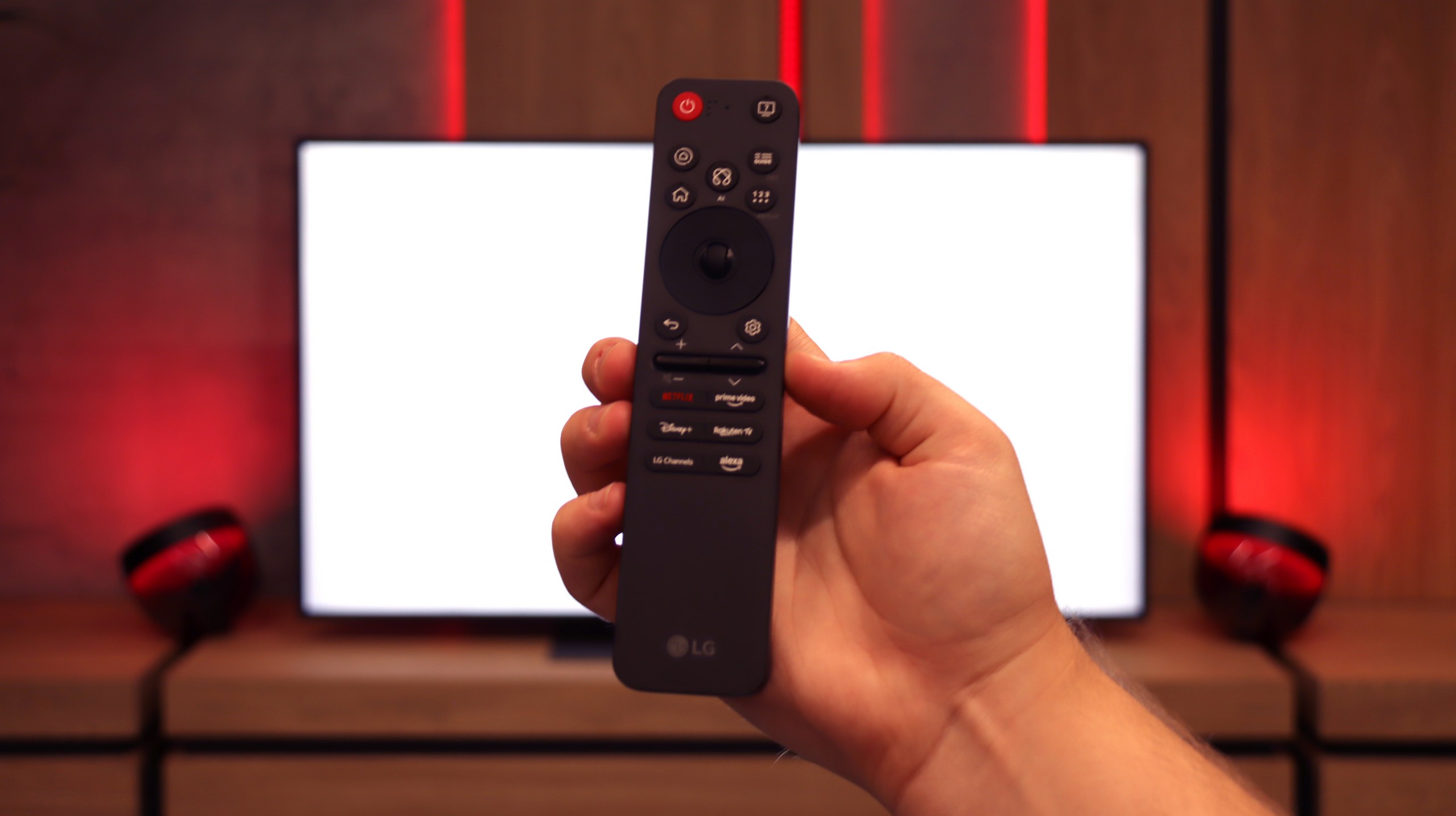
User-friendly webOS operating system with Magic Remote control featuring voice assistant
Ability to record programs to USB
Solid black and high contrast thanks to mini-LED backlighting
HDR brightness reaching 700–800 nits in real movie scenes
Support for multiple HDR formats including Dolby Vision and HDR10+
Ambilight – an element that adds atmosphere, especially in the evening
A lot of supported audio formats: DTS:X, Dolby Atmos, Dolby True HD 7.1
144 Hz panel with support for VRR, ALLM, and Dolby Vision Gaming
Loud sound (up to 88 dB)
Illuminated remote
Disadvantages

Very poor black levels and contrast due to the IPS panel
Lack of the advertised 144 Hz in PC mode
Aggressive “light stripes” when local dimming is turned on (edge local dimming ruins evening movie sessions)
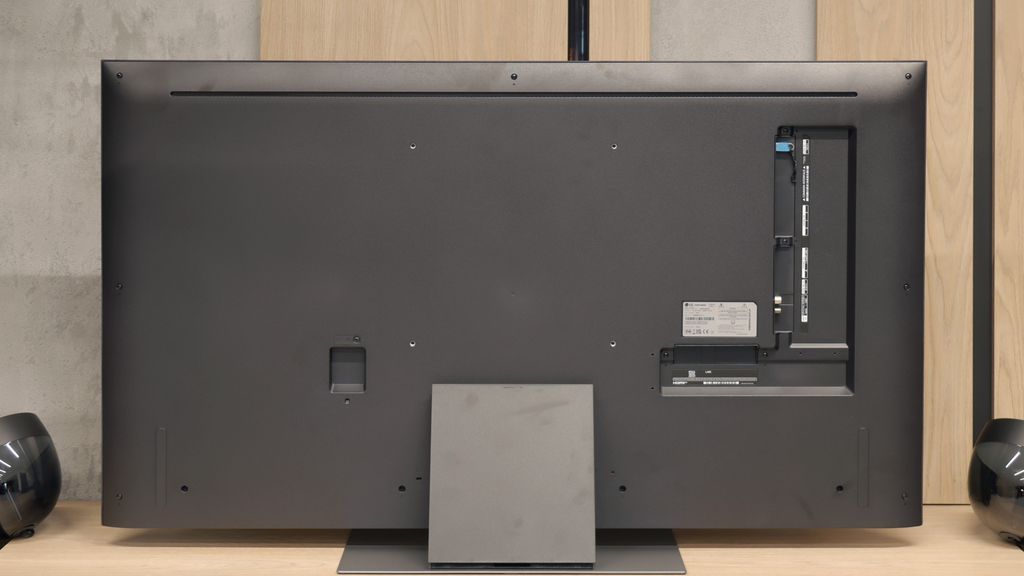
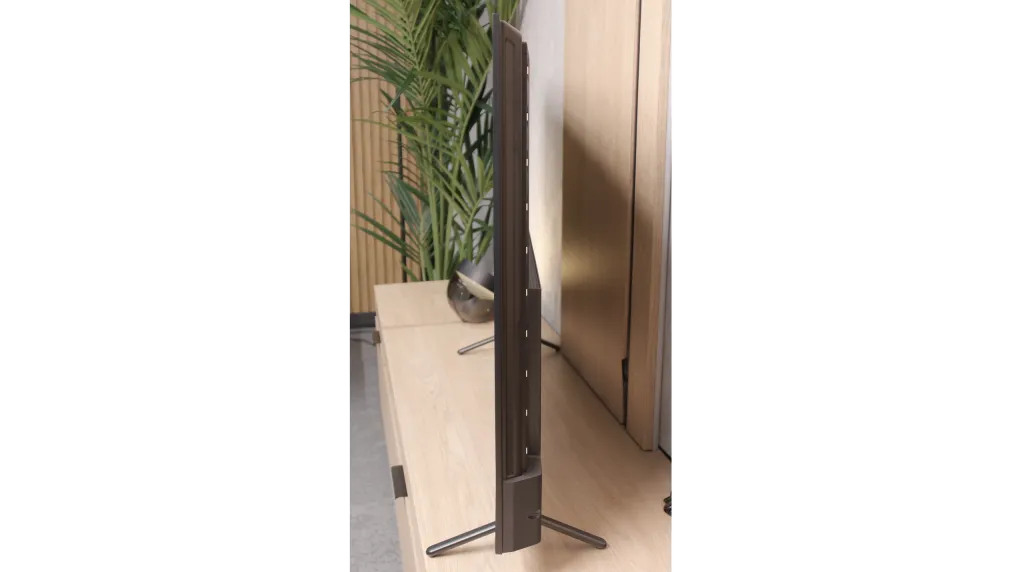
Confusion in model names and versions – even TVs with the same name in different stores can have different stands (central or two legs) or frame colours, which can be quite misleading when making a purchase.
Titan OS is quite underdeveloped – there are significant errors and missing features in the applications
Few user-friendly features
Hybrid infrared remote
Issues with the smoothness of tonal transitions in dark scenes
The television is not suitable (aside from gaming) for working with a PC – strong dithering and poor readability of fonts, especially coloured ones and on dark backgrounds
Our verdict
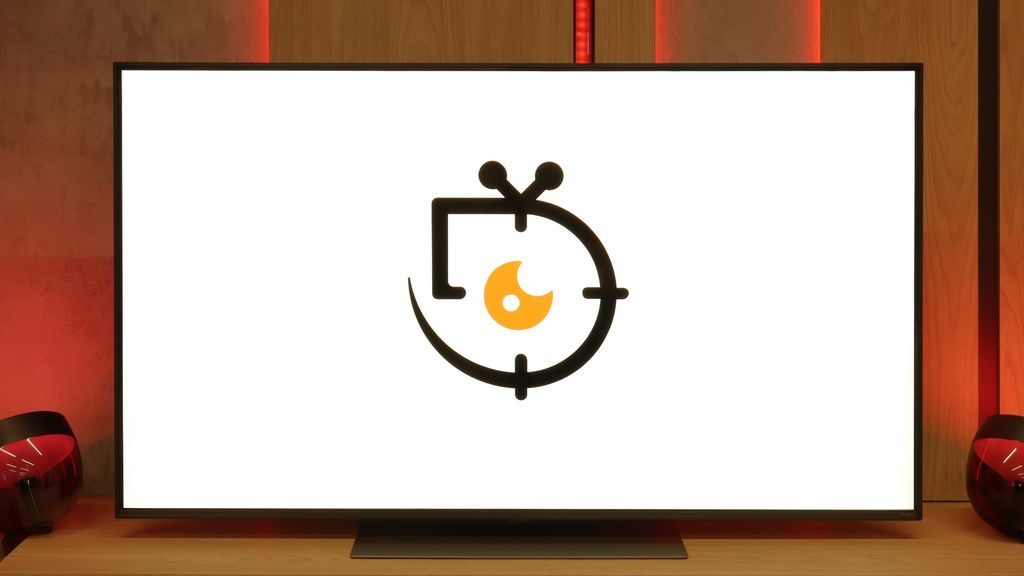
Philips MLED920 is a natural continuation of last year’s PML9000 model, but it’s not a rehash. It’s clear that the manufacturer has done their homework – primarily, the local dimming algorithms have been improved, which last year could really spoil the viewing experience. Now, black levels and contrast are definitely better, and combined with Dolby Vision here, even HDR content looks quite decent. The picture can sometimes shine where it should, and it doesn’t strain the eyes in more challenging scenes. Undoubtedly, the greatest asset of the MLED920 is its unique Ambilight system. The three-sided backlighting can give films and games a whole new atmosphere – it’s as if the screen is extending beyond its boundaries, and the whole room becomes part of the viewing experience. This is something that will be appreciated not only by movie buffs but also by gamers, who, in addition to the lights, get a full set of features typical of modern gaming TVs: 144 Hz, VRR, ALLM, and Dolby Vision Gaming. In this regard, Philips has a lot to offer. But. Well, there’s a big but – this is where we reach the most difficult part of this verdict – it’s still a dual-purpose device. On one hand, we have strong picture quality and the unique Ambilight feature, on the other, there are hardware limitations that are hard to ignore. Titan OS in its current form is a big hindrance, full of bugs and shortcomings that make the TV lag behind the competition. Added to this is the price, which is by no means low for the features offered. Therefore, it’s hard to recommend it unequivocally to everyone. However, if you’re looking for Philips' brightest screen at a reasonable price, with Ambilight, a full set of features for gamers, and basic apps – the MLED920 will be quite a good choice.
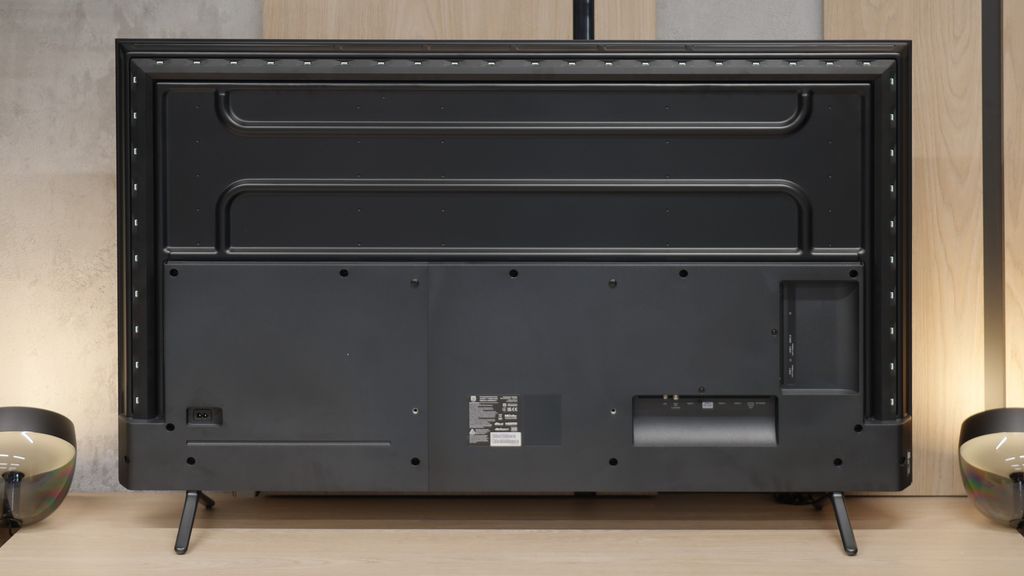
TV appearance

Contrast and black detail
3.5/10
7.9/10
Local dimming function: Yes, number of zones: 6 (1 x 6)
Local dimming function: Yes, number of zones: 144 (12 x 12)
Contrast:


Result
4,050:1

Result
1,750:1

Result
4,800:1

Result
1,850:1

Result
1,350:1
Result
298,900:1
Result
38,500:1
Result
23,950:1
Result
16,850:1
Result
8,000:1
Halo effect and black detail visibility:
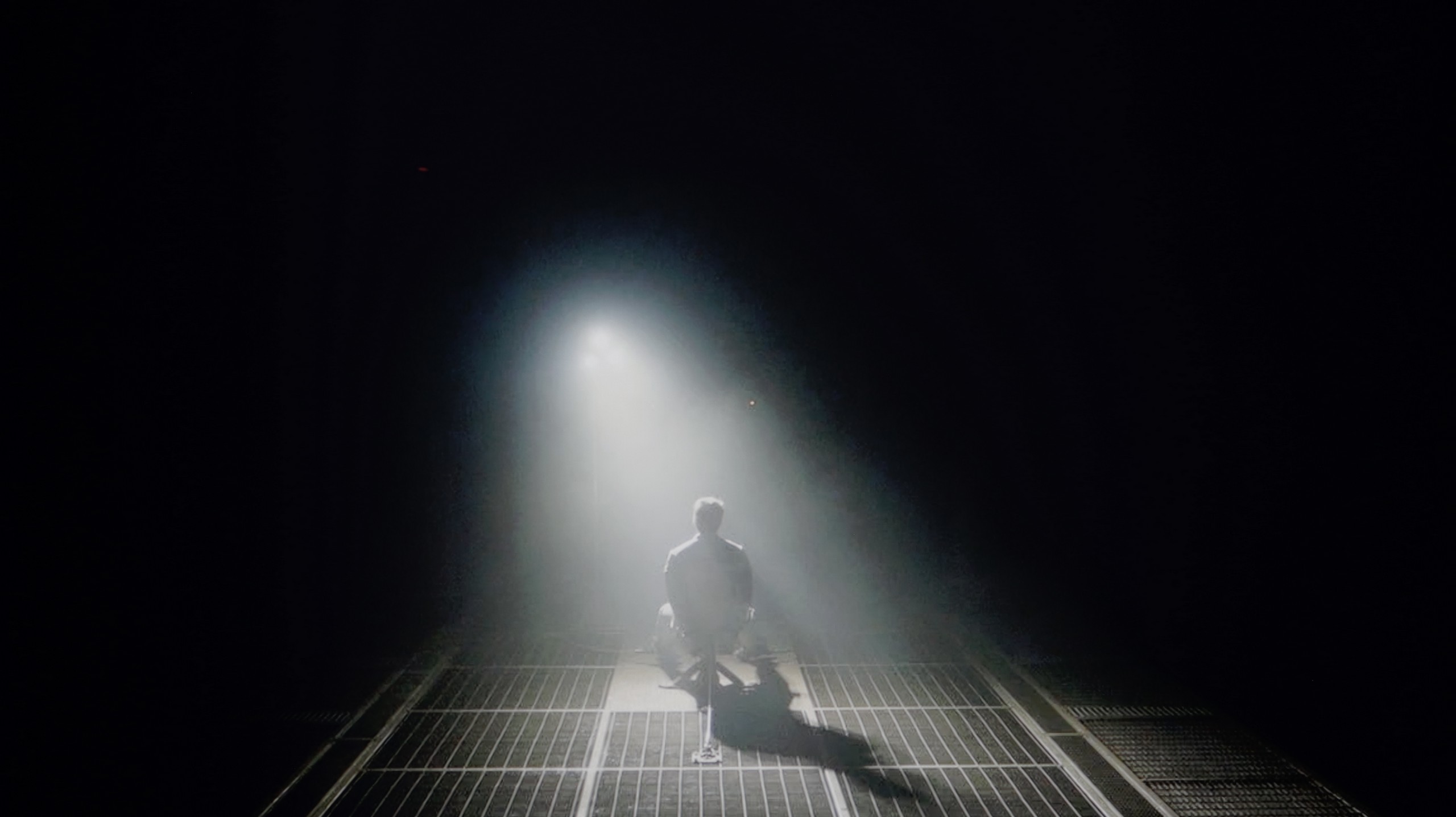
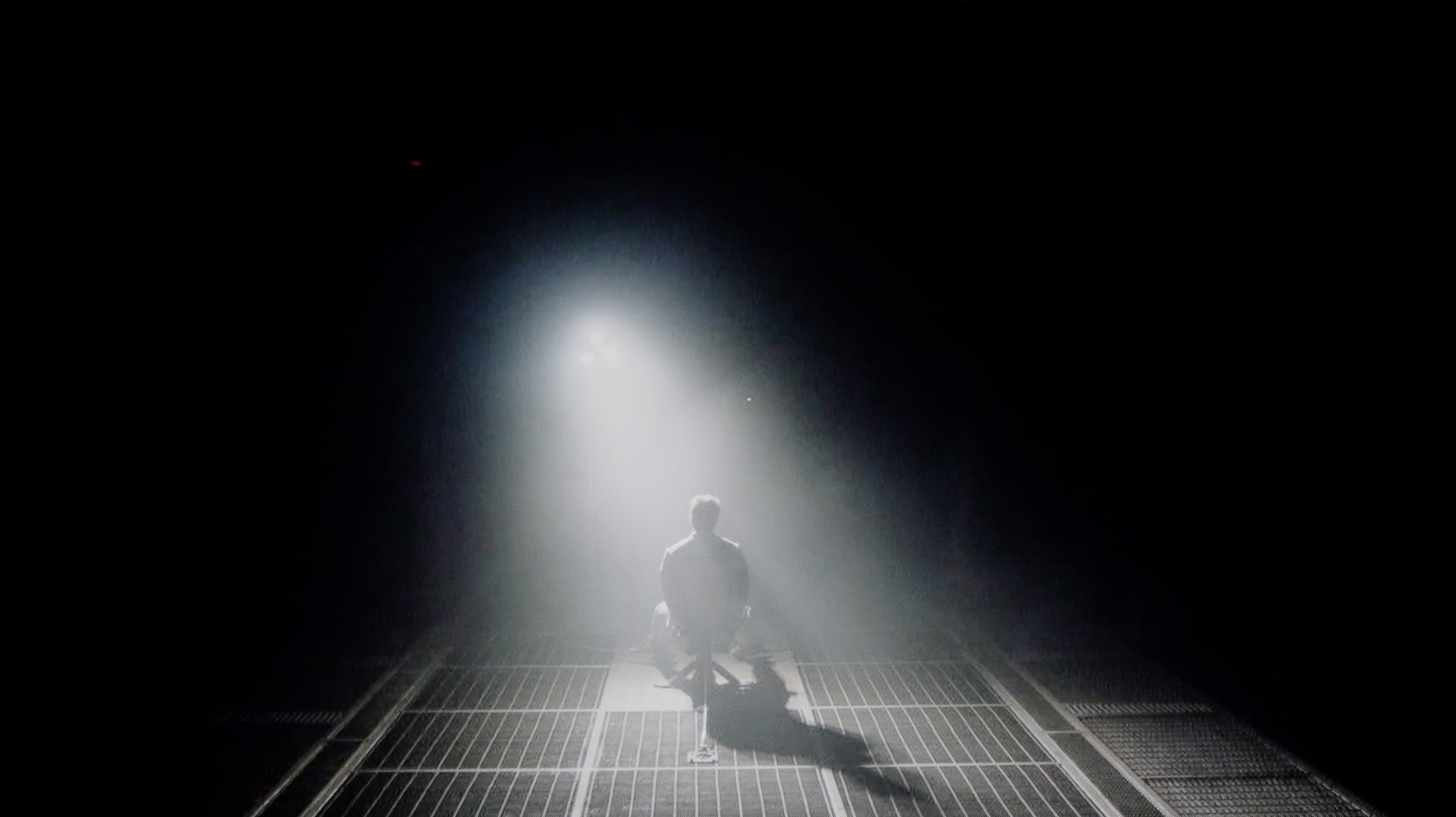
Check the visibility of bright lights on a dark background. Mini-LEDs often struggle with this. The photo does not compare black levels – that’s what the video below is for.
The video accurately shows differences in contrast and black levels between TVs, as well as potential issues: halo around bright objects or Mini-LED zone operation visible as brightness jumps.
While the manufacturer describes the QNED86A as a Mini-LED television, there’s no sign of the multi-zone local dimming system known from pricier models. In practice, we have a classic edge lighting system, which only allows for dimming horizontal strips of the screen from top to bottom. Combined with a low-contrast IPS/ADS panel, the effect is simply poor. If we choose to leave local dimming on, a problem arises - the television can illuminate selected areas in such a way that it looks like “flying lasers” crossing the screen. This is very distracting and in such conditions, it’s hard to talk about truly cinematic experiences. Therefore, in our opinion, it's better to turn this function off. However, one must reckon with the fact that the contrast then drops to around 1500:1, but at least the image doesn’t irritate with artificial flashes.
Philips MLED920 in the 55-inch version that we had the opportunity to test uses a high-contrast VA panel. The panel itself is one thing, but the real standout feature of this model is the mini-LED backlighting. This largely determines how black and contrast look – and it must be said that Philips has taken a big step forward compared to the models from 2024, where the local dimming algorithms performed just average. In this new version, it is significantly better, and the contrast presented by the MLED920 can truly surprise in a positive way. At times, it even approaches the level known from the best LCD TVs on the market – blacks can be deep, the image gains a three-dimensional quality, and viewing experiences in a dark room leave a great impression. Of course, as with any mini-LED TV, this is not an image completely free of compromises. With a large number of small elements on the screen, the local dimming algorithms can sometimes get confused – at times dimming details more than we would like and other times brightening the background, resulting in slight, light blue halos around objects (the so-called halo effect). Despite these imperfections, we must emphasize that black and contrast are truly strengths of the Philips MLED920 and definitely one of the reasons to consider it in the mid-range segment.
HDR effect quality
6/10
5/10
Luminance measurements in HDR:

Result
602 nit

Result
524 nit

Result
690 nit

Result
512 nit

Result
500 nit
Result
722 nit
Result
177 nit
Result
775 nit
Result
131 nit
Result
677 nit
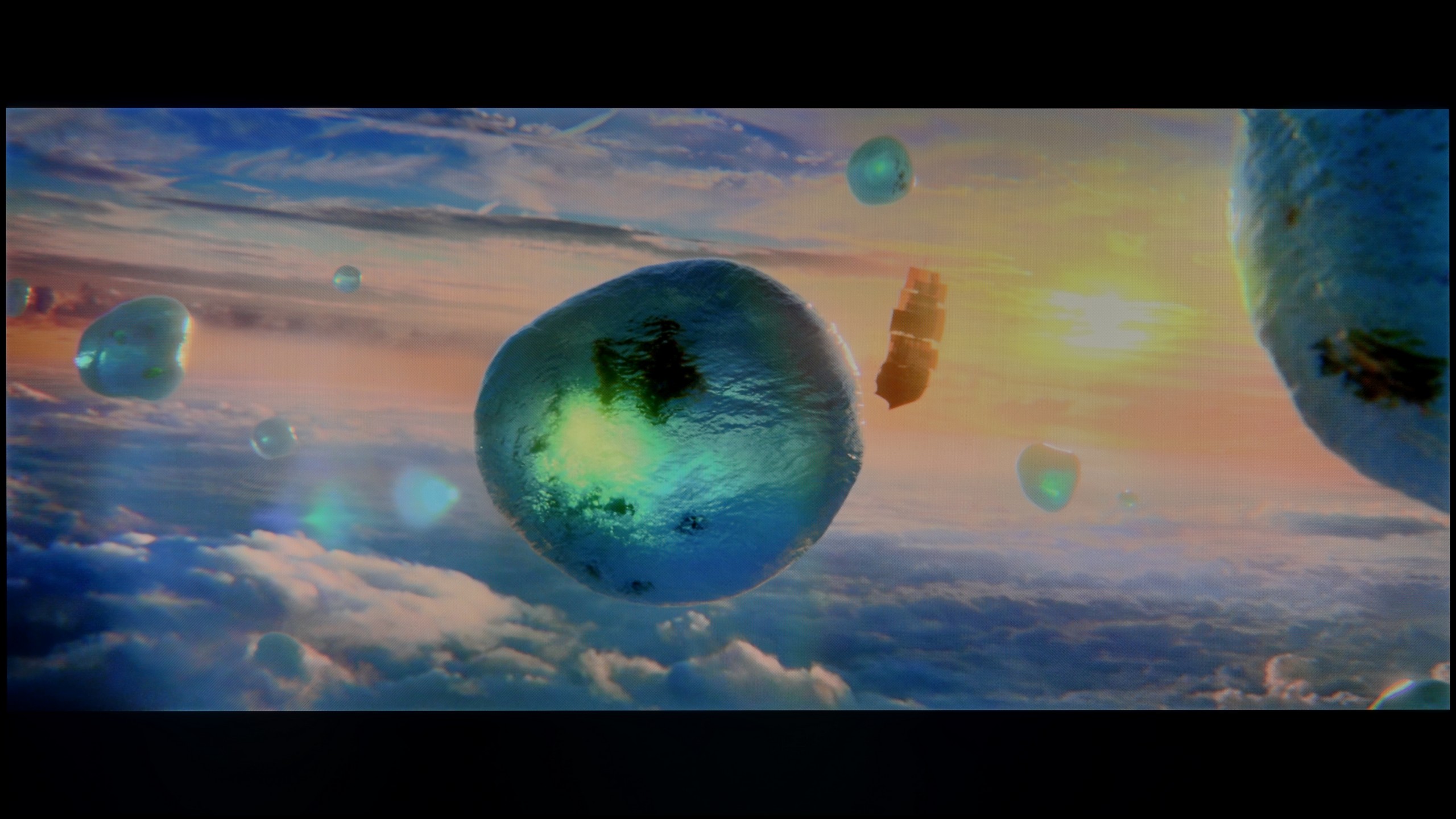
Scene from the movie “Pan” (about 2800 nits)
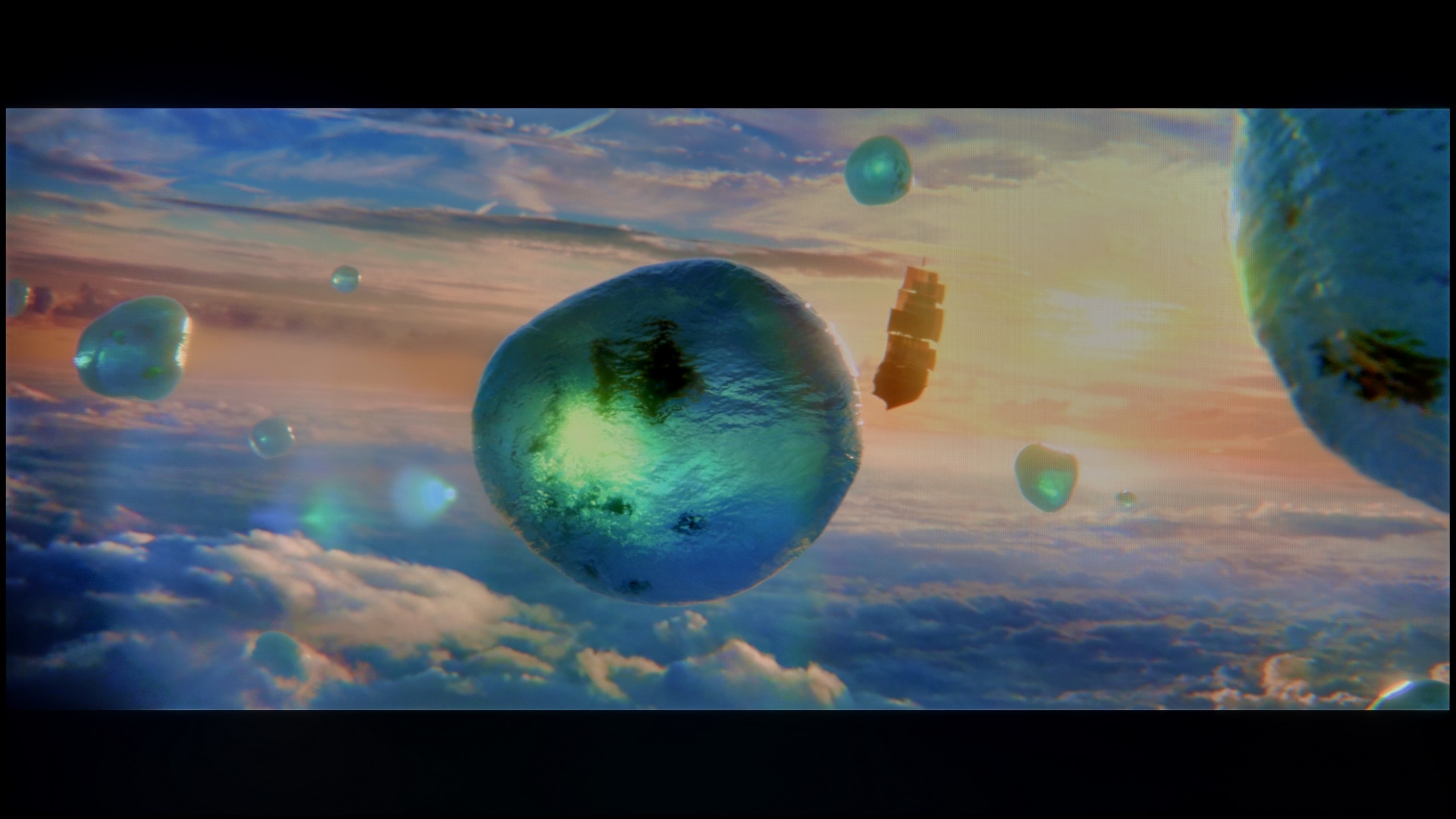
Scene from the movie “Billy Lynn” (about 1100 nits)
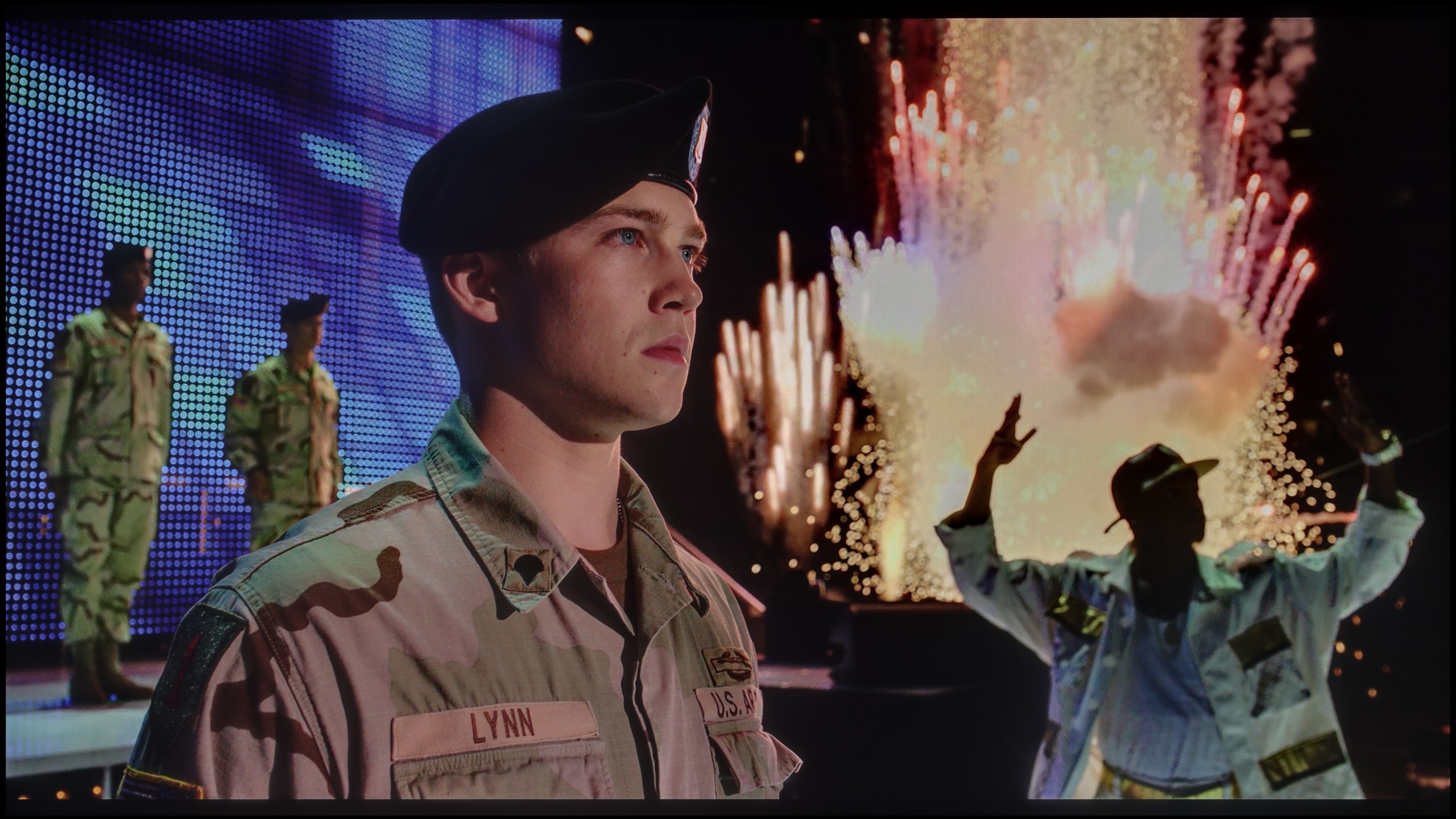
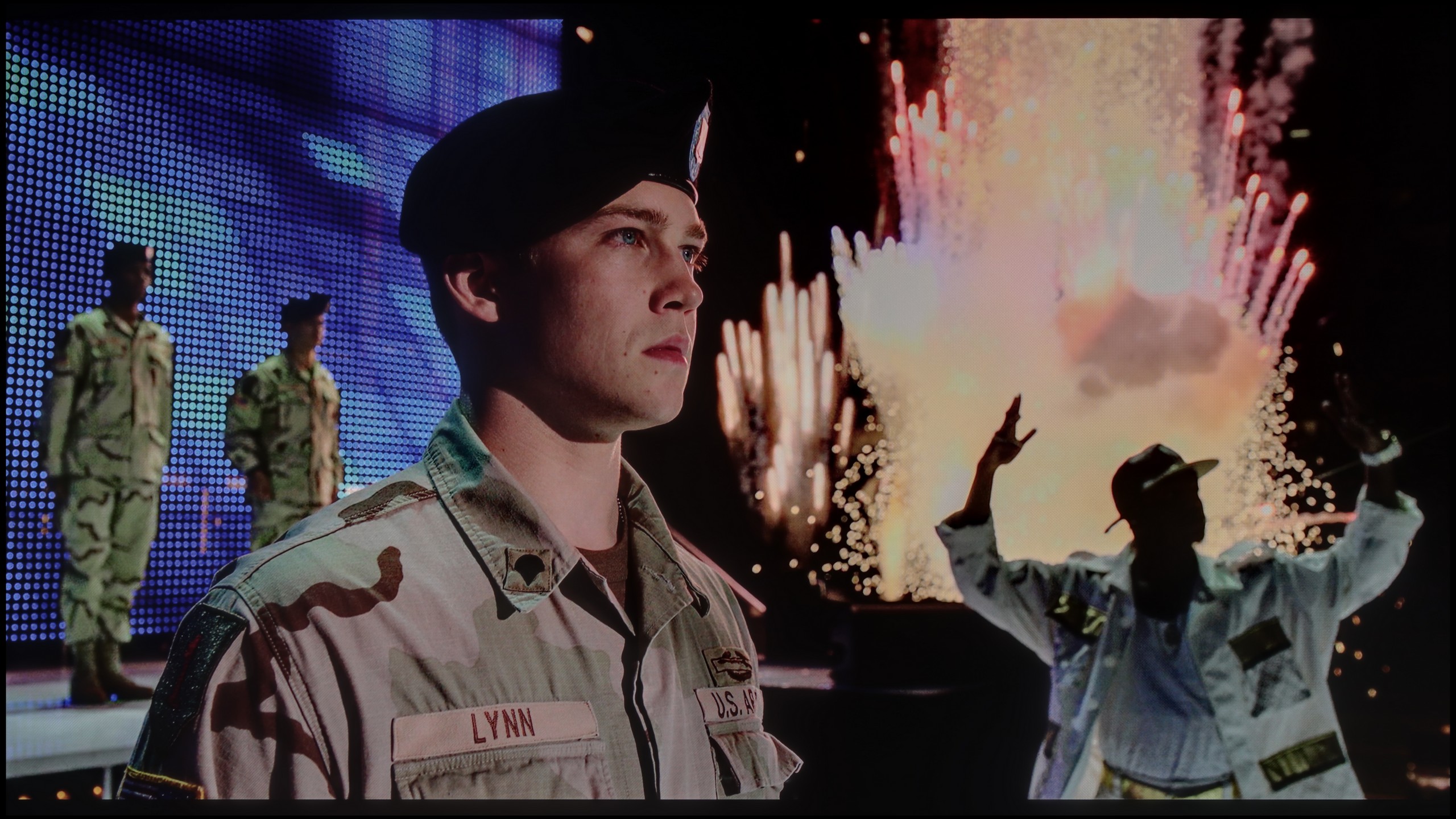
The photos show two HDR10 movies. 'Pan' is one of the brightest productions ever made, while 'Billy Lynn' (soldier) has brightness typical of streaming (Netflix, Prime, HBO MAX). Notice the intensity of effects and detail in whites.
Static HDR10
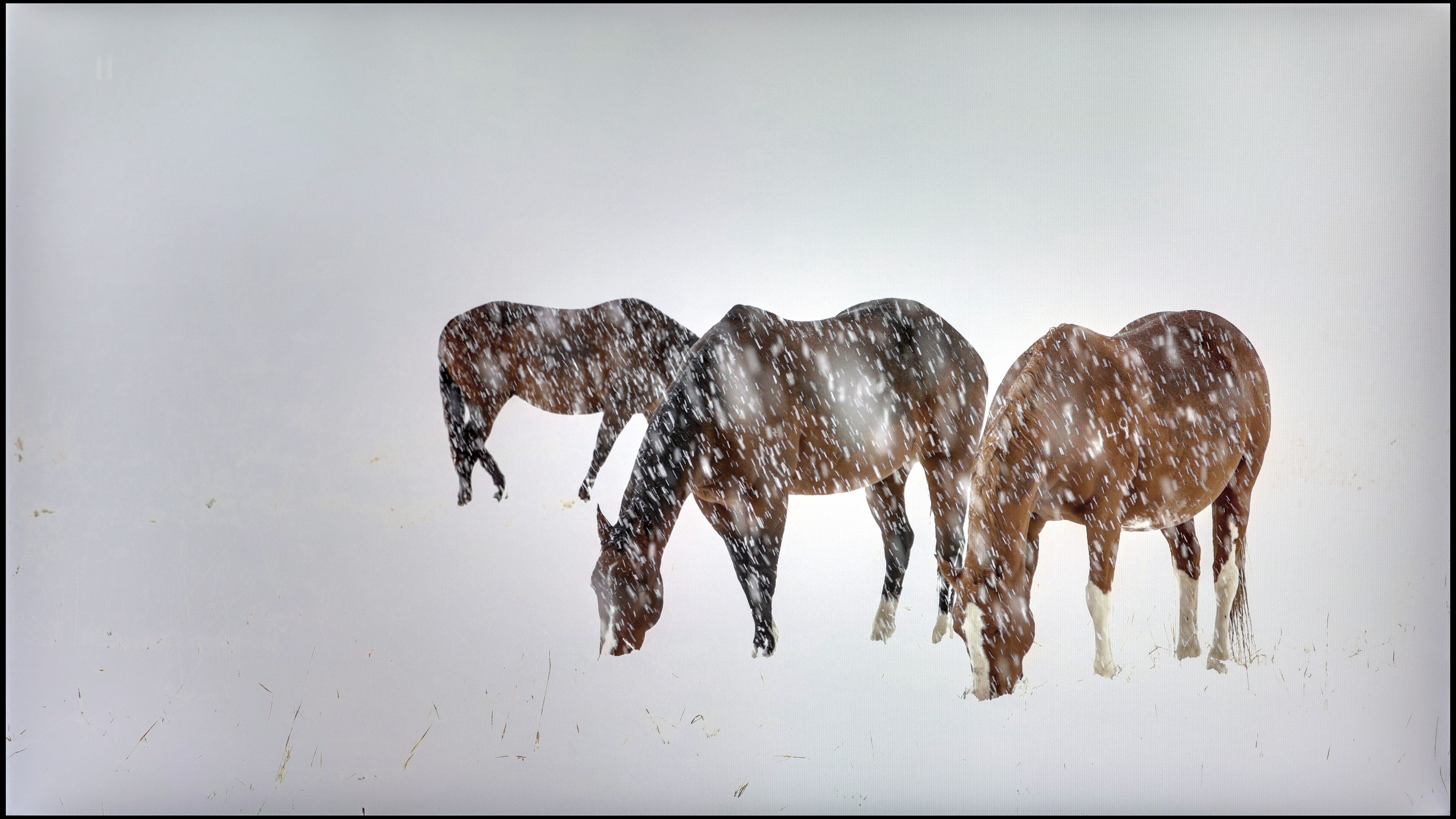

The photos present the visibility of white details in various HDR formats. They do not show brightness differences between TVs (these can be compared in the previous gallery).
Dynamic: Dolby Vision
Dynamic: Dolby Vision


The photos present the visibility of white details in various HDR formats. They do not show brightness differences between TVs (these can be compared in the previous gallery).
HDR luminance chart:
Philips MLED920 / MLED910
LG QNED86A / QNED85A / QNED87A
Against the backdrop of contrast and black, the brightness of the QNED86A and the overall HDR effect fare much better. It's a television that can achieve around 700 nits under the best conditions, so in terms of luminance alone, there’s nothing to be ashamed of. As a result, scenes with strong lights, explosions, flashes, or bright parts of the landscape – look clear and can make an impression. Interestingly, even in tougher moments with small, contrasting elements on the screen, the television does well with backlighting and details are quite visible. The problem arises when there are many dark tones. The lack of effective local dimming means that black virtually disappears, and instead, we get a grey glow spreading across the entire screen. This kills the depth effect and causes the image to appear flat, as if it lacks cinematic character. In bright animations or family films with vibrant colours, this won't be an issue, as the colours and bright light dominate. But in horror films or productions set in darkness, these limitations are strongly felt. As a consolation, it’s worth noting that the QNED86A is essentially a QLED television with an LED PFS filter, which gives it very good coverage of wide colour gamuts. Both the DCI-P3 palette and the wider BT.2020 perform solidly here. This means that colours in HDR films are saturated, juicy, and have the right depth – even if the black itself is disappointing, the colours can save the viewing experience and make the image look appealing.
Philips MLED920 in our measurements in static tests even reached around 900 nits, which for a mid-range model is quite an impressive result. In practice, this translates to a lot of satisfaction during viewing – in scenes rich in bright light, such as the first, third, or fifth test patterns, the screen was able to generate around 700 nits, which is sufficient to feel the real "HDR effect". However, it cannot be denied that the limited number of backlight zones and the typical mini-LED compromises in dimming algorithms reveal their flaws in more demanding scenes. In sequences with small light sources – like the moon or a scene from the film Sicario 2 – the television clearly prioritises maintaining deeper blacks at the expense of the brightness of these small elements. For most viewers, this is still a reasonable compromise, as the dark background looks much better, although it should be noted that the details themselves may not dazzle with intensity. The question of colours also leaves a bit to be desired. Although the employed PFS filter (the equivalent of quantum dots known from QLEDs) does its job and the colours appear quite vibrant, the coverage of the DCI-P3 colour space reaches "only" 90%. In everyday viewing, this will be sufficient, but in extremely colourful productions – like the latest Disney animations – one can notice that some tones are not as vivid as they could be in other constructions.
Factory color reproduction
5.6/10
5/10
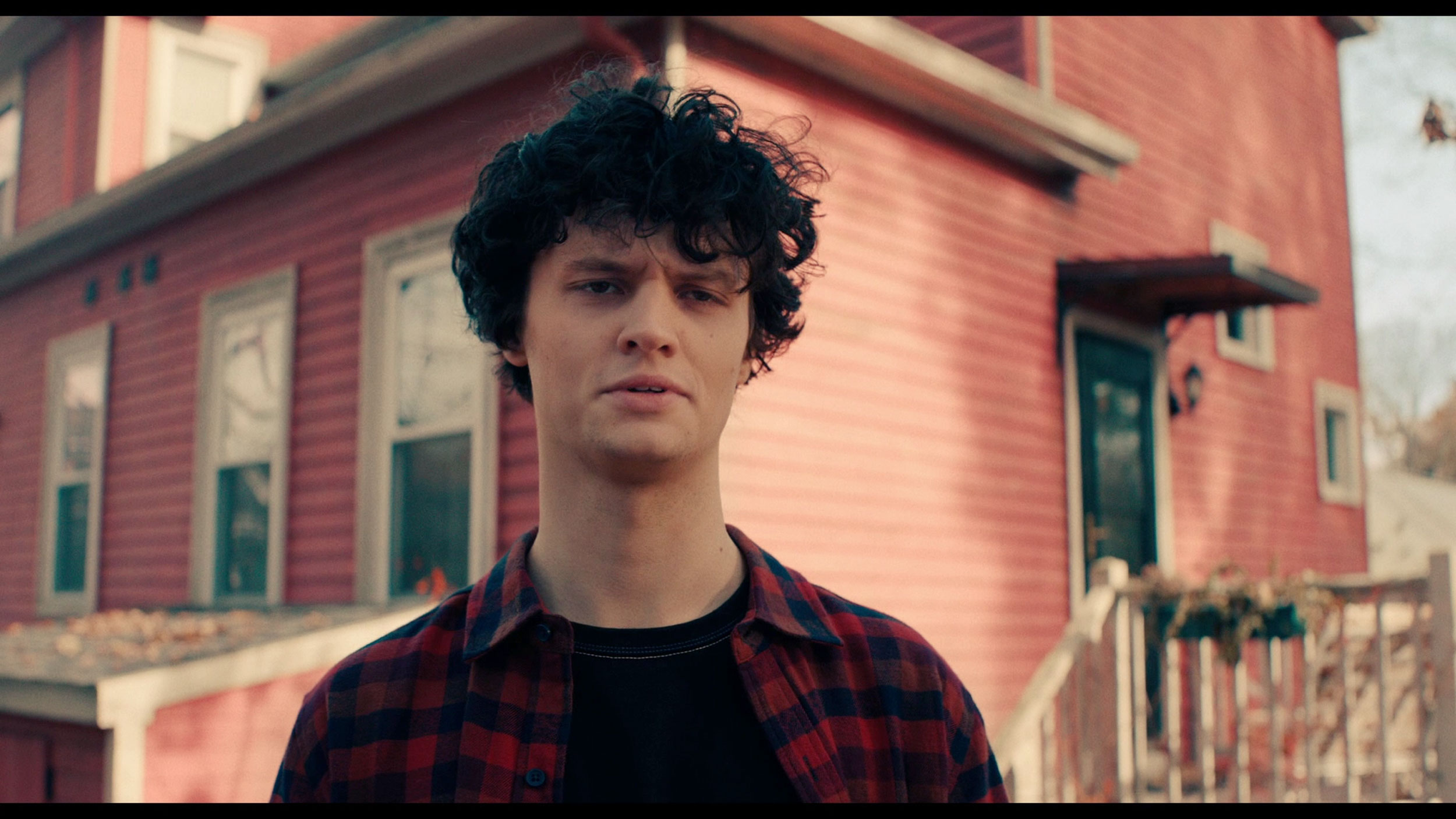
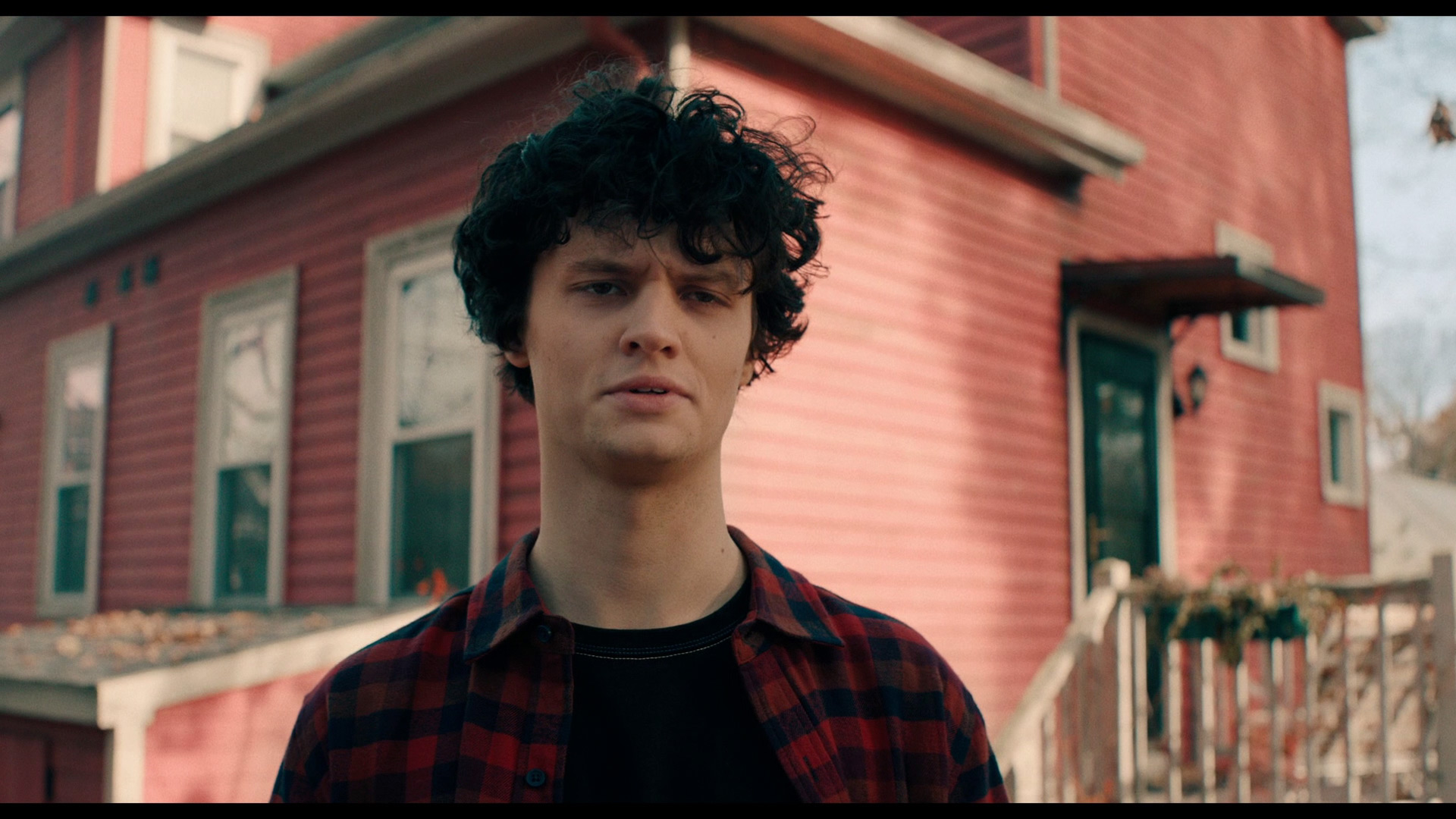
This gallery shows how colors change after professional TV calibration. If you notice the difference, we recommend ordering this service at SkalibrujTV.com.
Factory Mode
After calibration
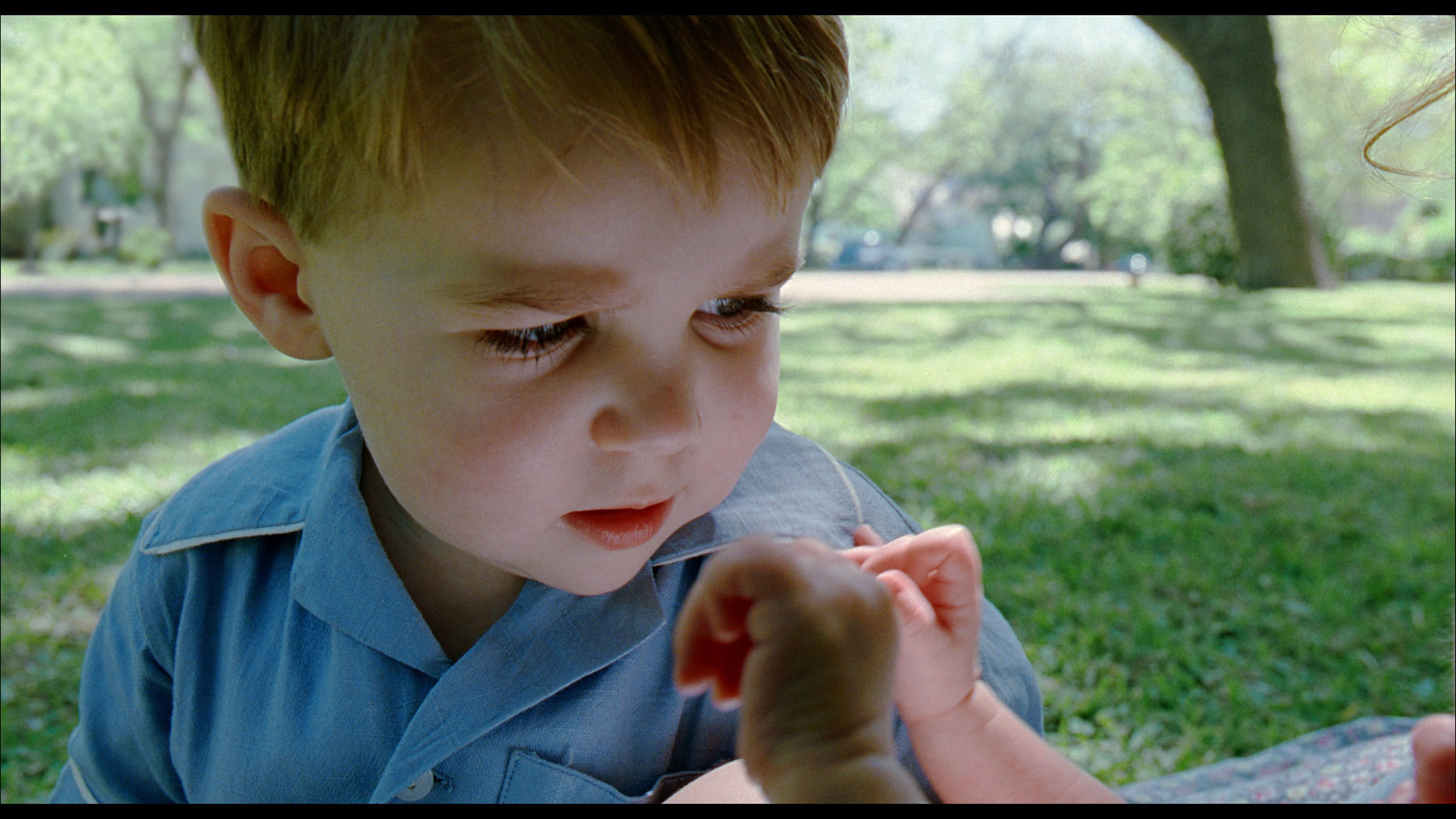
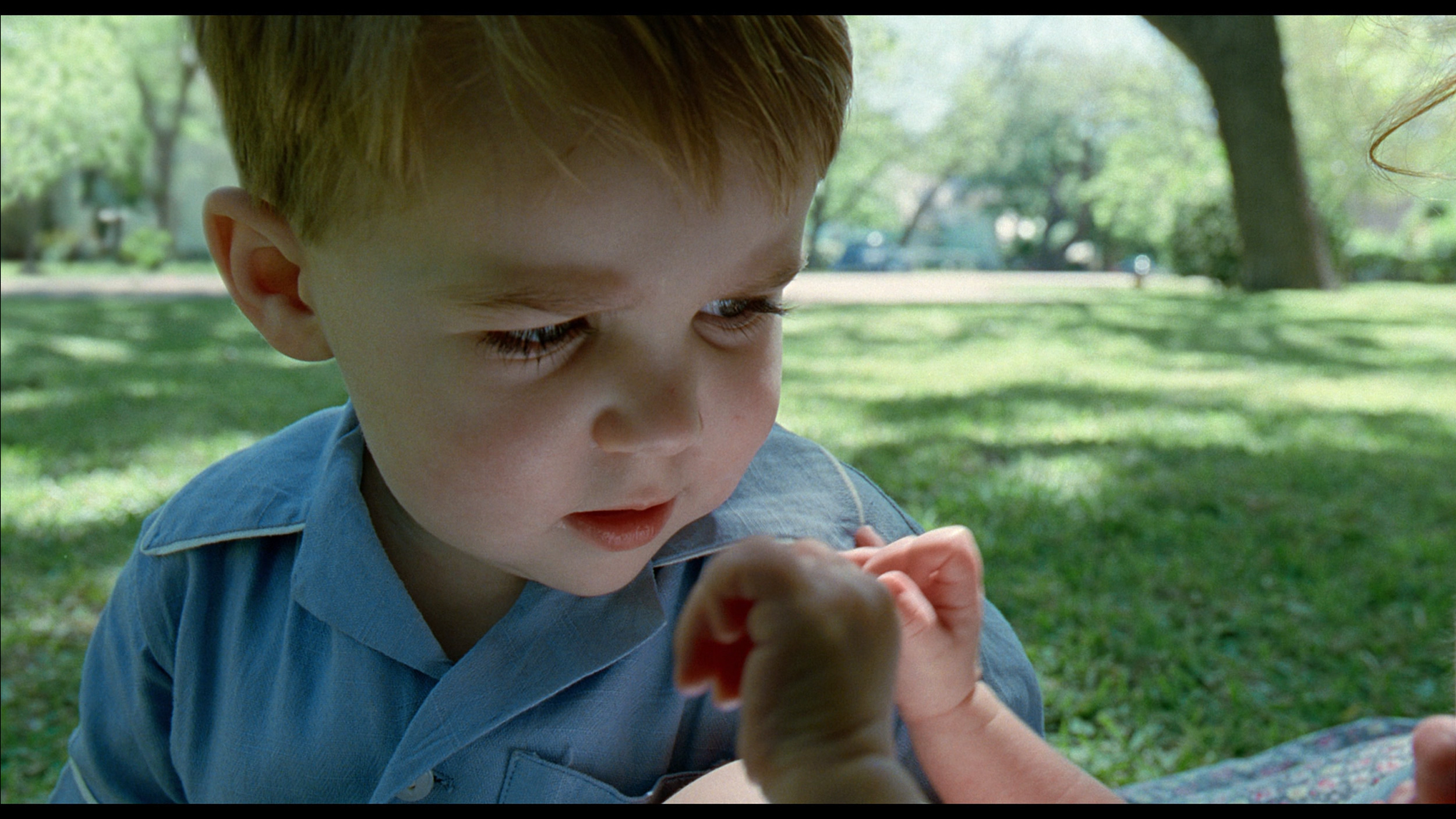
This gallery shows how colors change after professional TV calibration. If you notice the difference, we recommend ordering this service at SkalibrujTV.com.
Factory Mode
After calibration
We primarily tested the QNED86A in Filmmaker mode, which is designed to provide the most faithful picture. Unfortunately, right out of the box, there were quite a few shortcomings. The most glaring issue was the poorly calibrated white balance – there was a lack of blue, which caused the overall image to take on a slightly yellowish, and sometimes even an orange hue. An even bigger problem was the way the television manages brightness. Due to its technical limitations – that is, local dimming functioning only along the edges of the screen – the QNED86A has a tendency to oversaturate entire scenes. This is where the flattening of the image that we mentioned earlier comes from. Instead of clear depth and contrast, we get something akin to "boosted brightness," which, in the long run, can strain the eyes.
Like every Philips TV we've tested, the MLED920 was primarily assessed in Filmmaker mode – the so-called "most honest" mode, designed for films and to faithfully convey the intentions of the creators. Indeed, in terms of colour accuracy, it performs best among all the modes available on the TV, but it is not without flaws. The first thing that stands out is the white balance. The image has a slight tendency towards purple-pink tones, giving it a somewhat unnatural character. However, an even bigger problem turned out to be what we mentioned earlier – image clipping. Just looking at the gamma or EOTF charts reveals that the line deviates significantly from the norm, dropping below a value of 1.8. In practice, this means "bleeding" of the brightest whites, where the image becomes almost milky. Fortunately, most of these issues can be corrected – the MLED920 responds to calibration, and with a few adjustments, image quality can be significantly improved.
Color reproduction after calibration
7.6/10
7.5/10
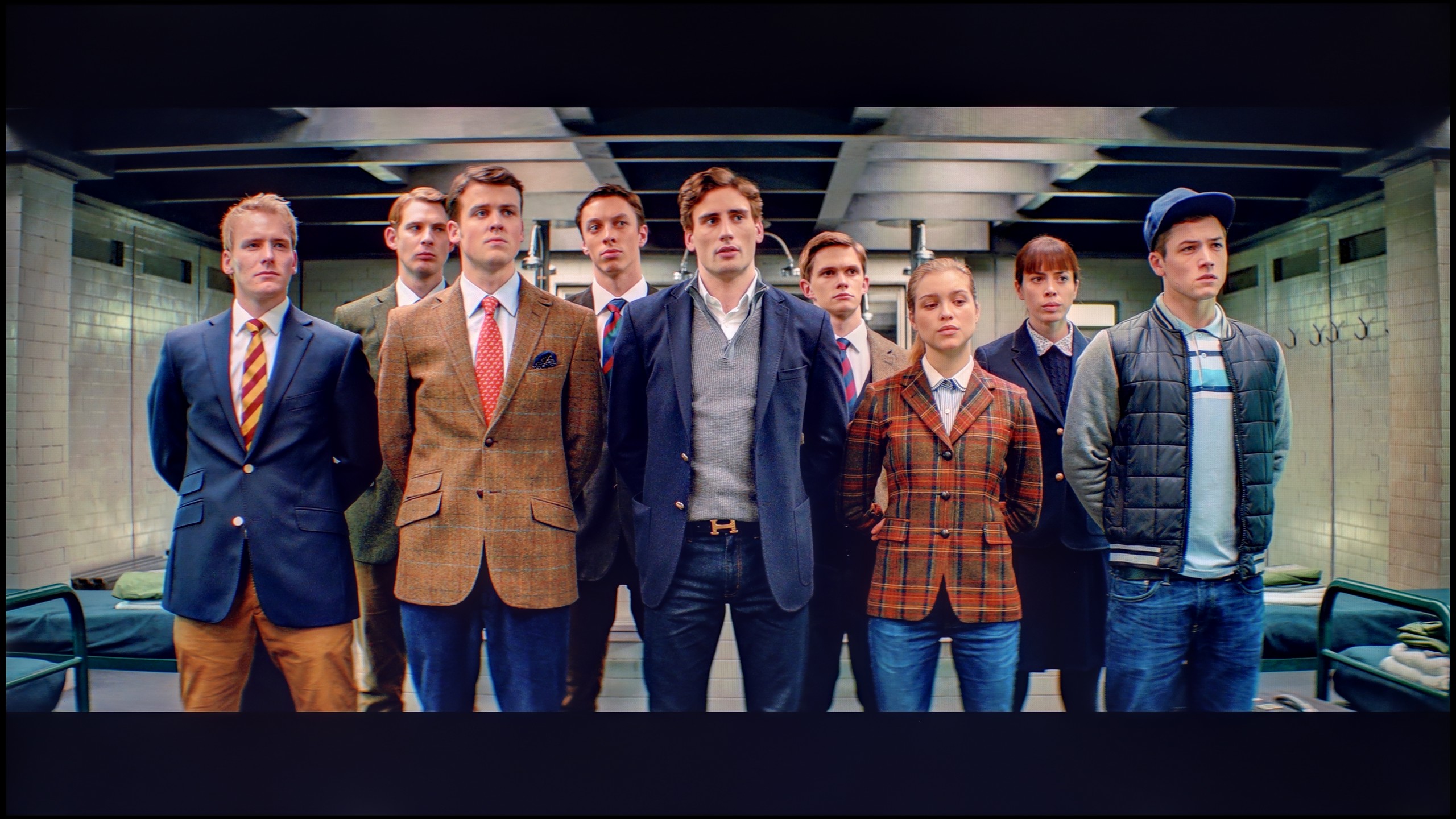
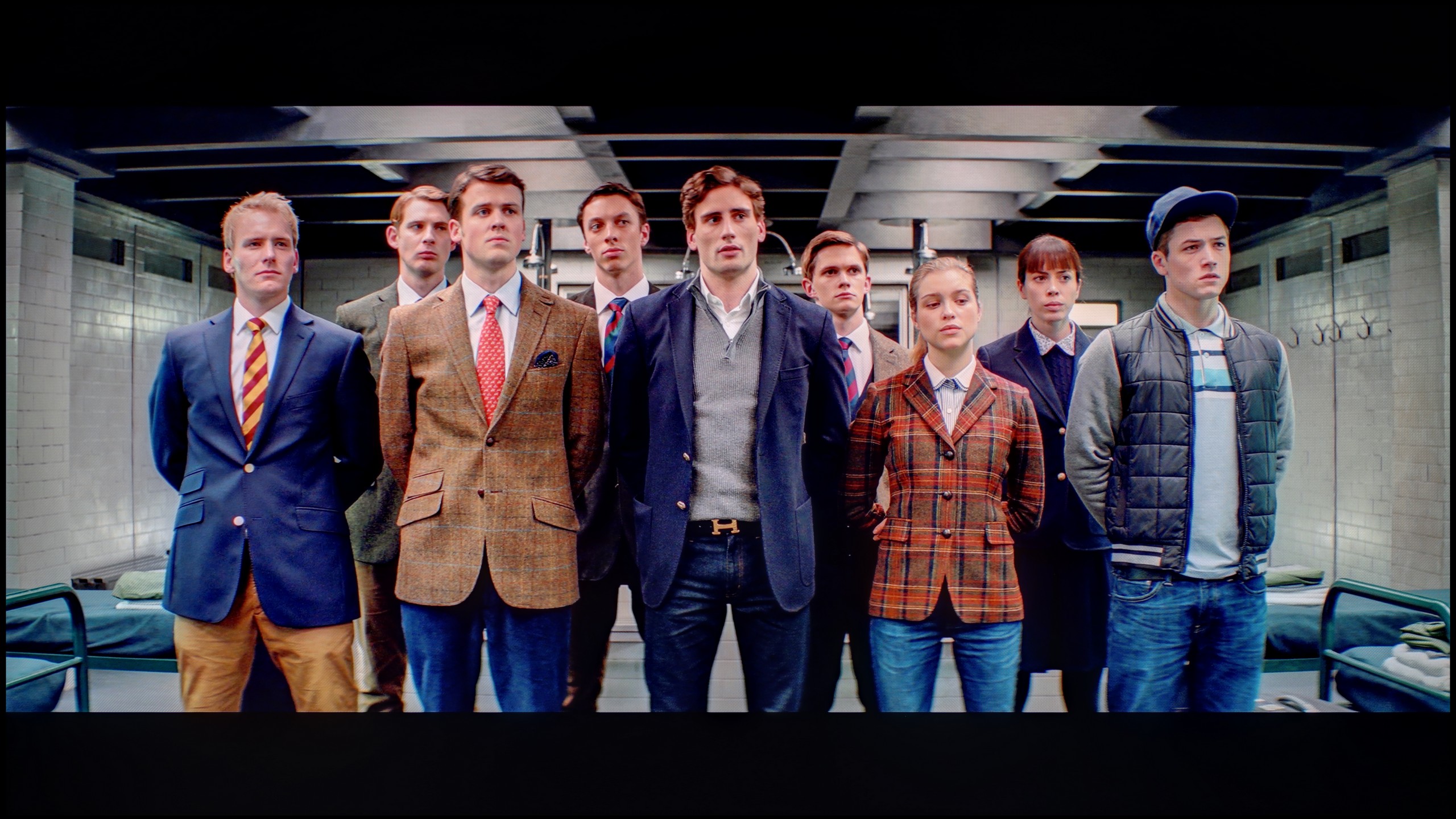
The photos show how movies look on the TV. Pay attention to black detail visibility, colors, and shadow tint.
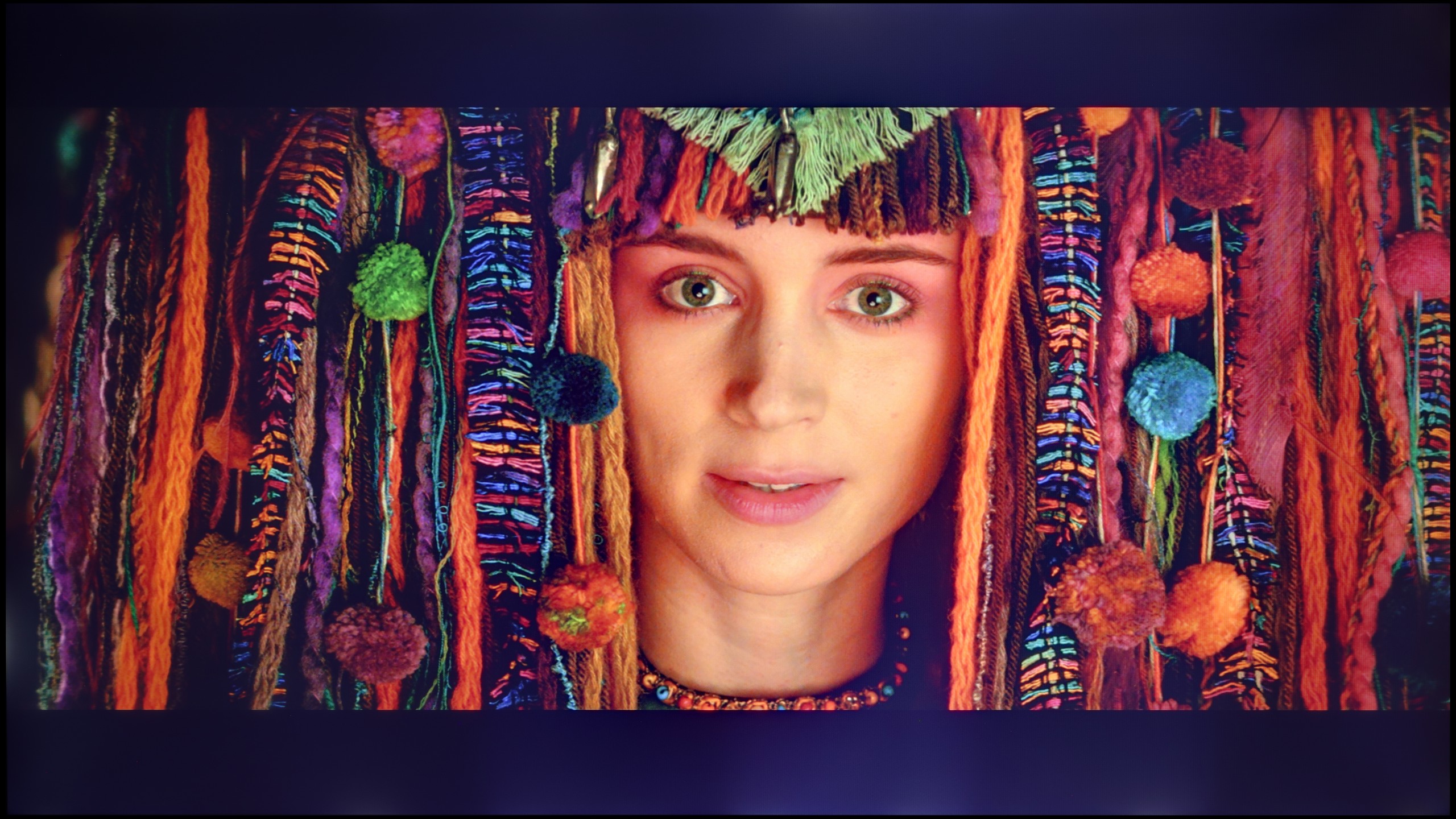
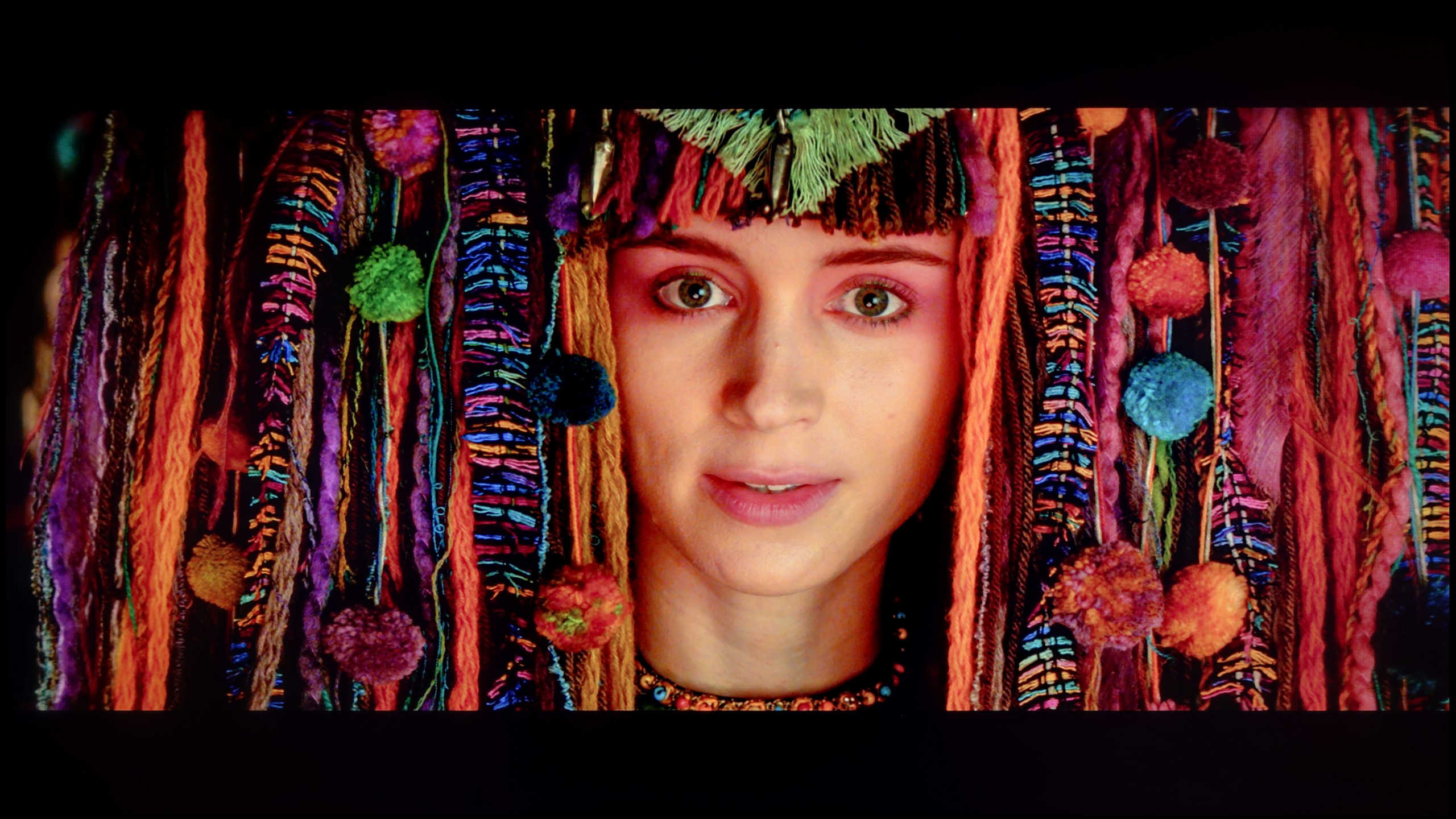
The photos show how movies look on the TV. Pay attention to black detail visibility, colors, and shadow tint.
What was saved in the QNED86A6A is undoubtedly the colours. After calibration, the white balance was set with great precision, ensuring that deviations on the Colour Checker palette mostly did not exceed the visibility threshold for the human eye. In other words – the colours finally looked natural, without strange yellow or orange tones that had previously marred the perception. Unfortunately, even the best calibration cannot overcome structural limitations. The already mentioned very modest number of local dimming zones and their unfortunate placement meant that the analysis of the EOTF curve in films still showed noticeable scene over-exposures. The image tended to flatten, lacking cinematic depth. Fortunately, this effect is not as visible in older productions or in SDR content. There, calibration really does its job and allows the QNED to be tamed so the image can be pleasing. However, the specifics of this construction – especially the contrast issues – cannot be completely bypassed.
After calibration, we managed to largely tame the white balance – to the extent that the average viewer will not be able to detect colour inaccuracies. The characteristic pink-purple glow that previously disrupted the naturalness of the image has also disappeared. The colour palette has been organised, and the colours appear more cohesive and neutral. The gamma in SDR content looks really good after calibration – there’s no sign of the earlier “bleeding” effect in bright scenes. The image has become more contrasty and free from the milky effect that previously severely affected the viewing experience. In the case of HDR content, the improvement is also noticeable, although here it is still evident that the television goes “its own way”. The EOTF curve cannot be fully adjusted, as Philips simply does not offer tools for precise control of this parameter in its settings. In many films, the television still exposes the image “in its own way”. Despite these limitations, calibration has brought a lot of good – the majority of colour inaccuracies have been minimised and the overall image balance has significantly improved. However, one must remember that certain barriers arise from the very hardware construction and simply cannot be overcome.
Smoothness of tonal transitions
8.9/10
6.5/10
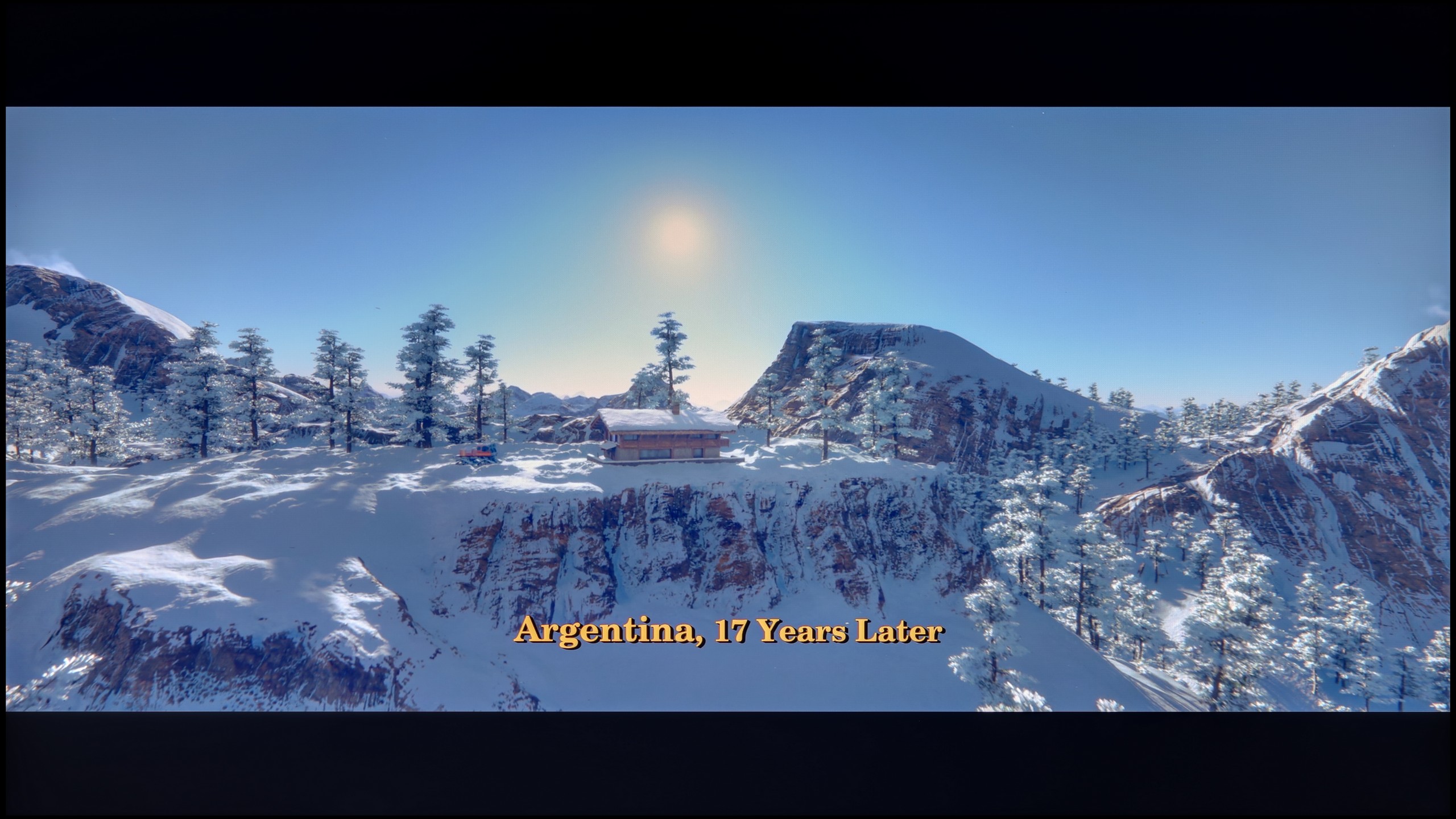
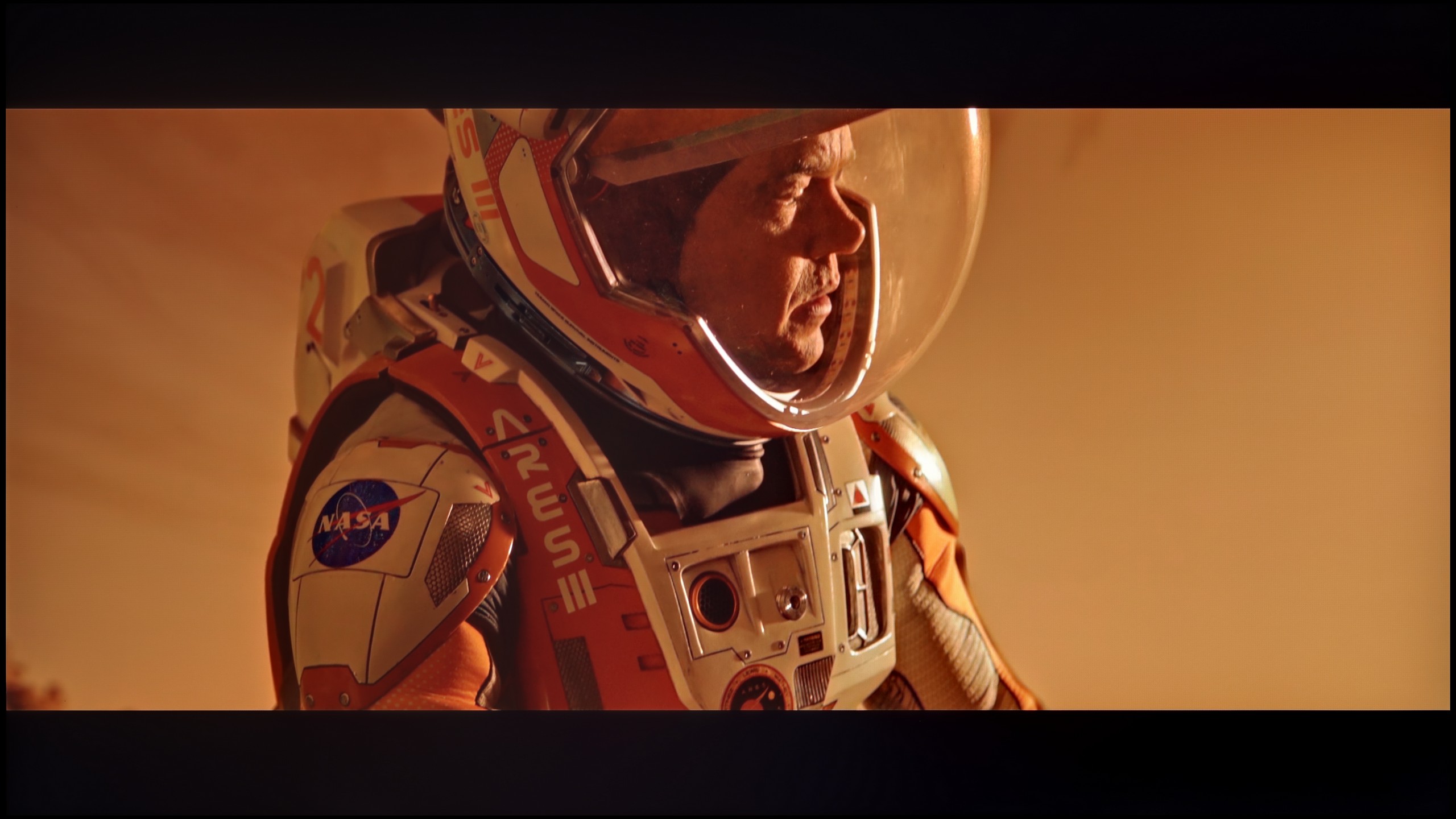
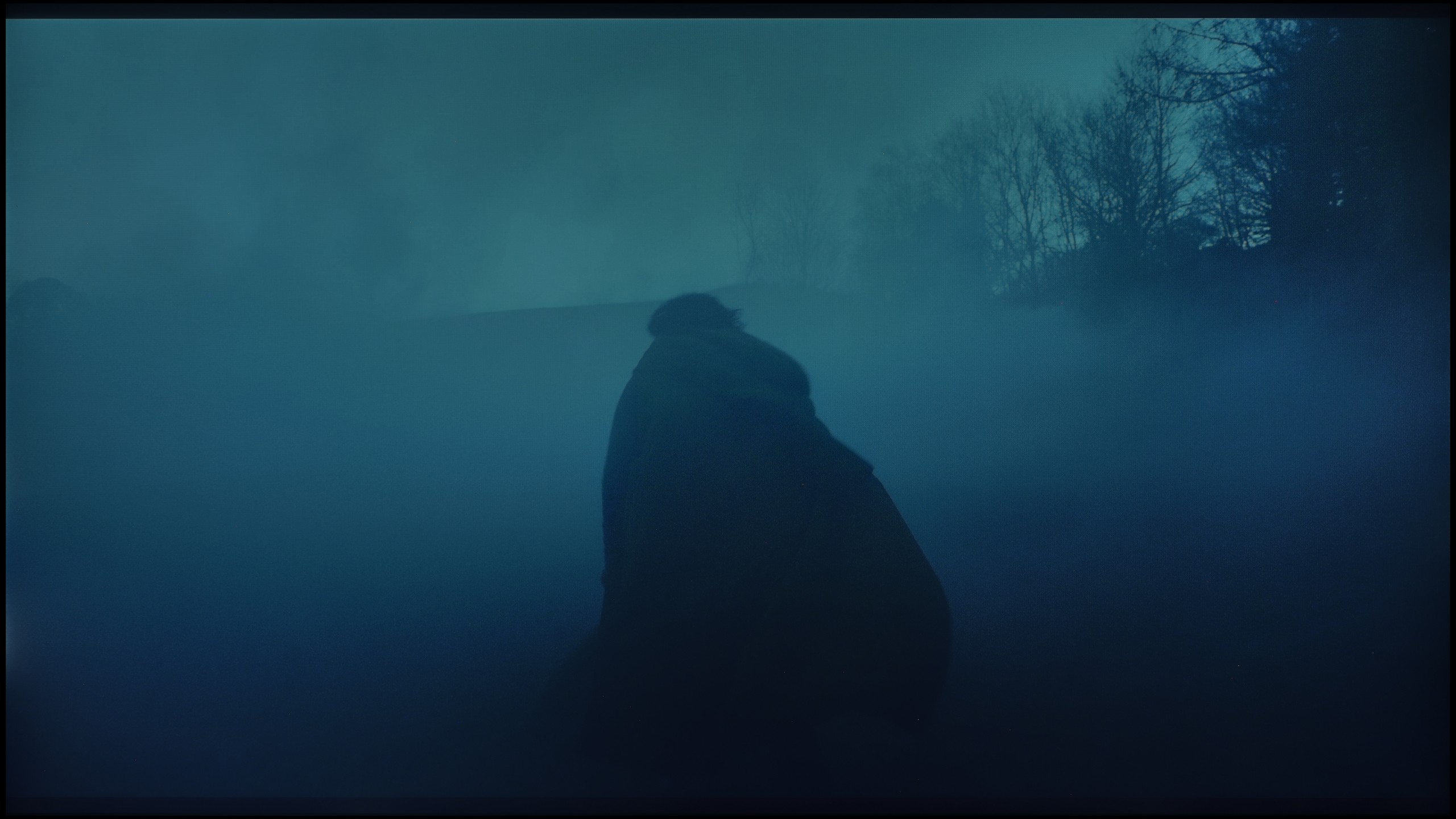
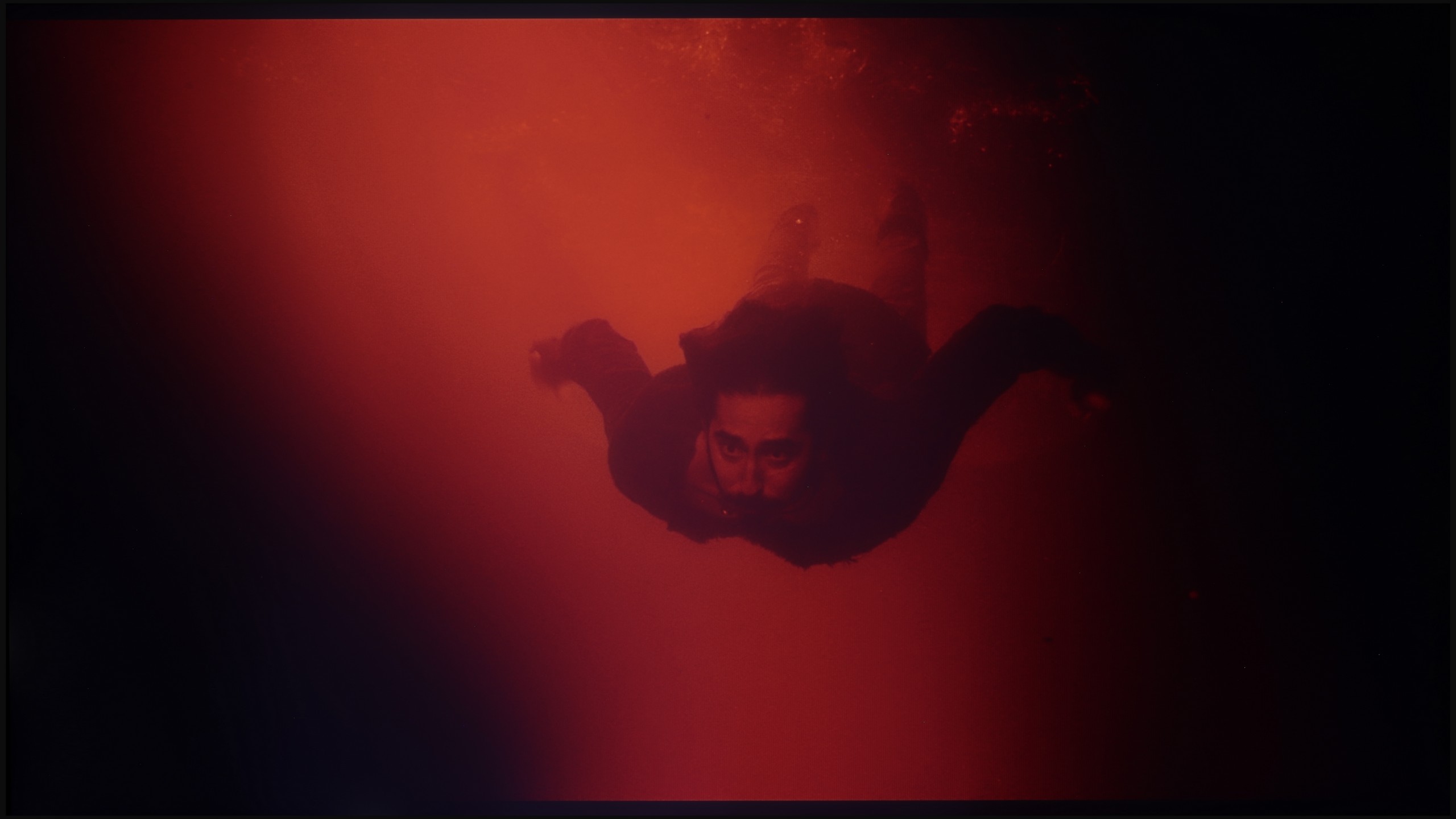
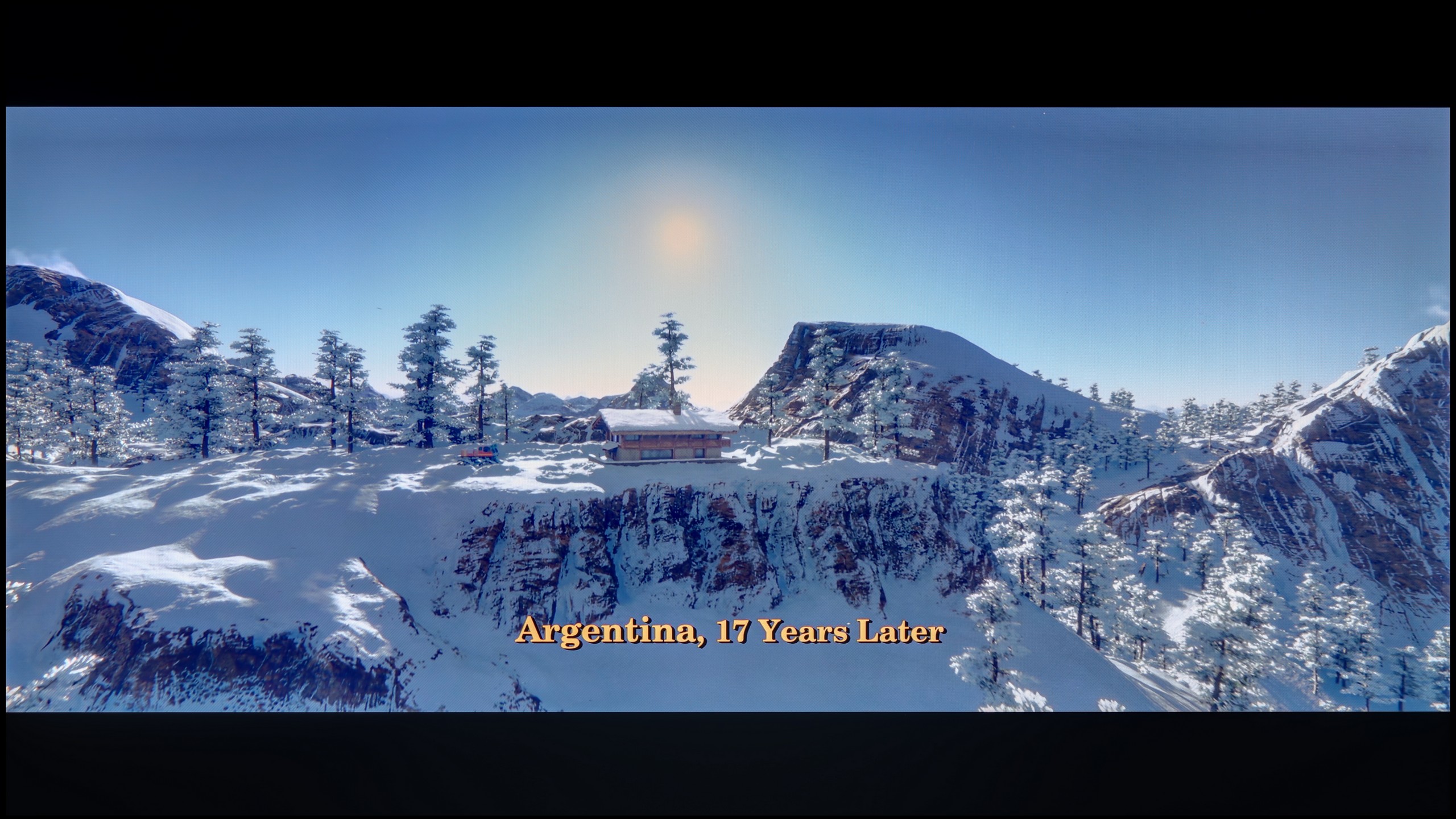
These are selected scenes that show smooth tonal transitions from one color to another. If you see distinct banding, it’s the TV panel’s fault.
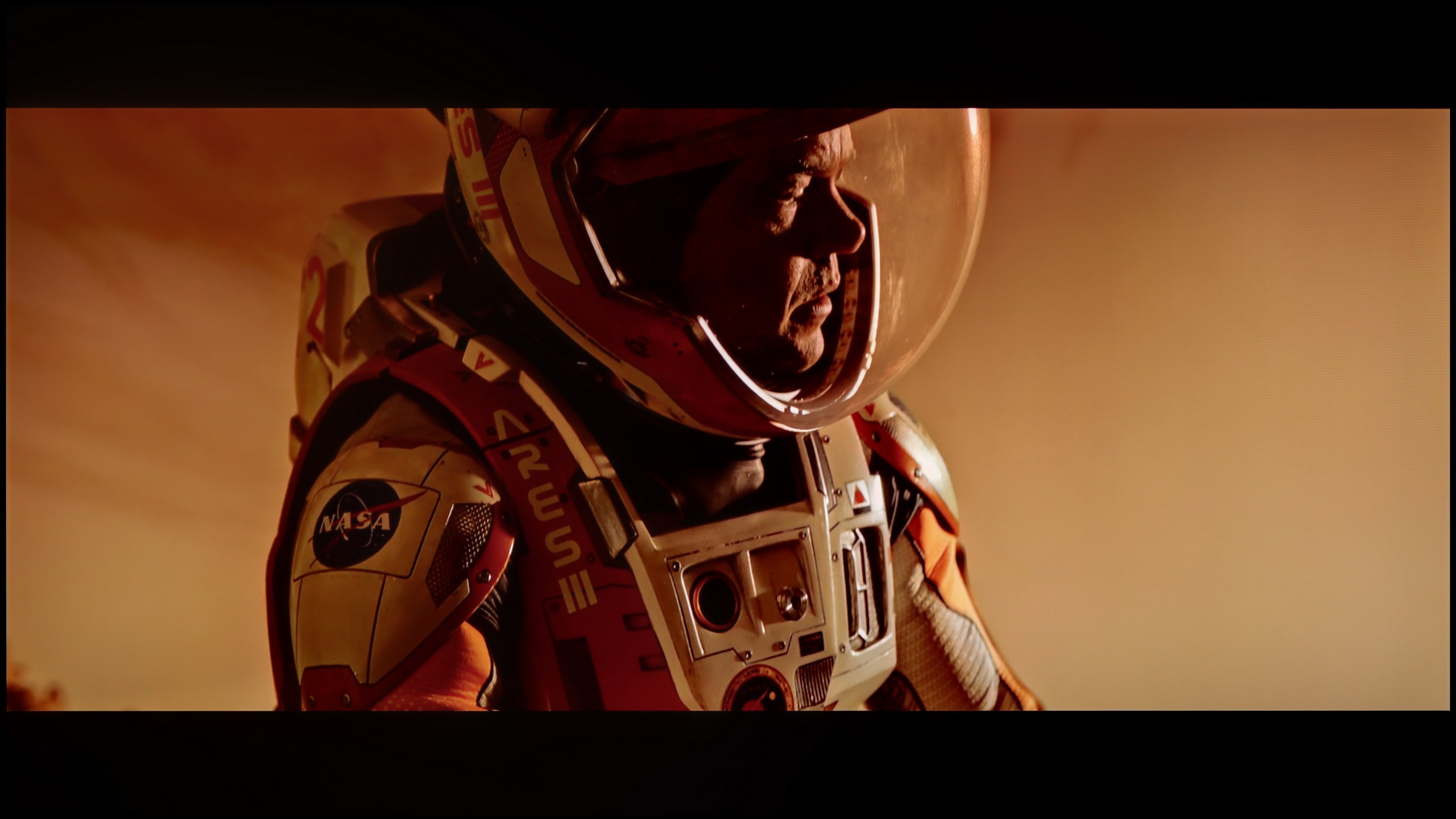
These are selected scenes that show smooth tonal transitions from one color to another. If you see distinct banding, it’s the TV panel’s fault.
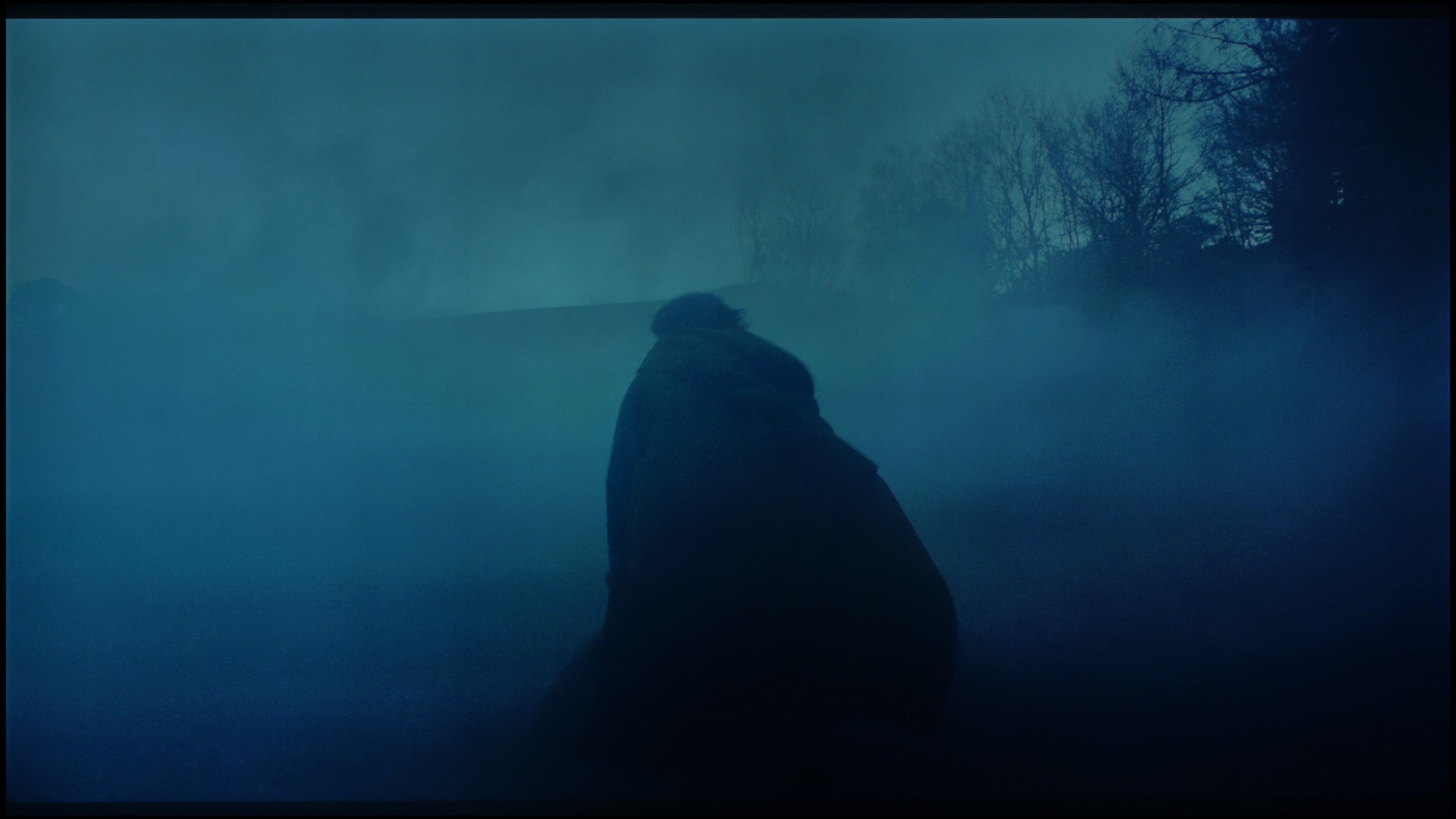
These are selected scenes that show smooth tonal transitions from one color to another. If you see distinct banding, it’s the TV panel’s fault.
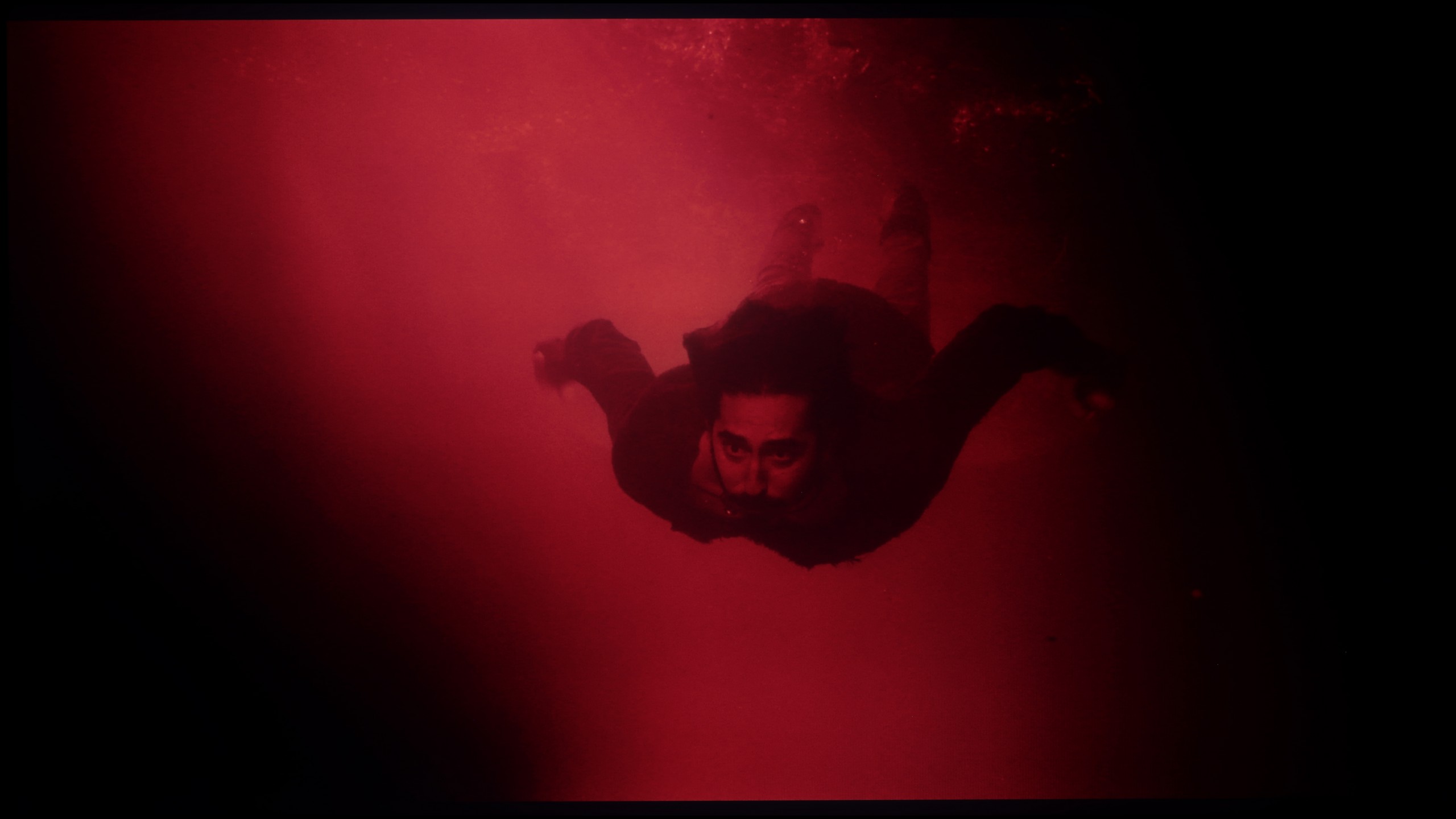
These are selected scenes that show smooth tonal transitions from one color to another. If you see distinct banding, it’s the TV panel’s fault.
Colour gradation is one of the strong points of the QNED86A. In everyday viewing, the picture looks really smooth, without noticeable "steps" or sudden transitions between colours. The TV handles colour blending quite naturally, so with most content, it’s hard to spot any issues with gradation. Any imperfections only appear in extreme conditions – for example, in the darkest parts of films, where even much more expensive TVs can have problems. There, you might notice slight banding or characteristic stripes, but these are marginal situations that shouldn’t be a bother during regular use. Overall, the QNED86A performs well in this category and has nothing to be ashamed of compared to the competition.
The fluidity of tonal transitions in the Philips MLED920 is not its strongest suit. In our tests, we quickly noticed that the television has noticeable issues in darker scenes – examples include segments from the film The Green Knight or test grey palettes. There, you can see characteristic banding of colours and too harsh transitions between shades, which can be quite noticeable in productions with a darker aesthetic. Fortunately, the situation looks better in brighter scenes – there, the image presents smoothly and without significant artifacts.
Image scaling and smoothness of tonal transitions
7.8/10
7/10

Smooth transition function
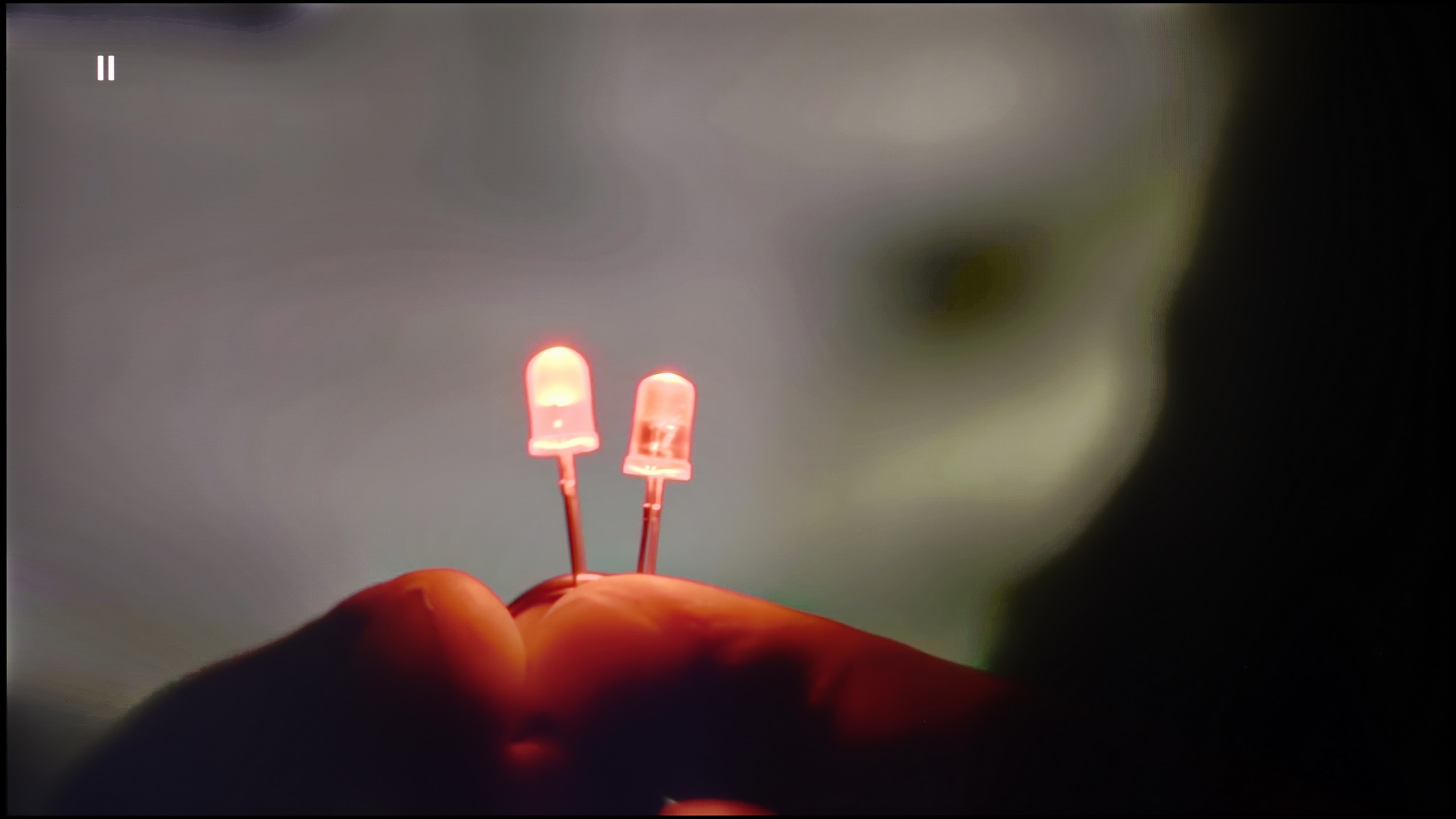
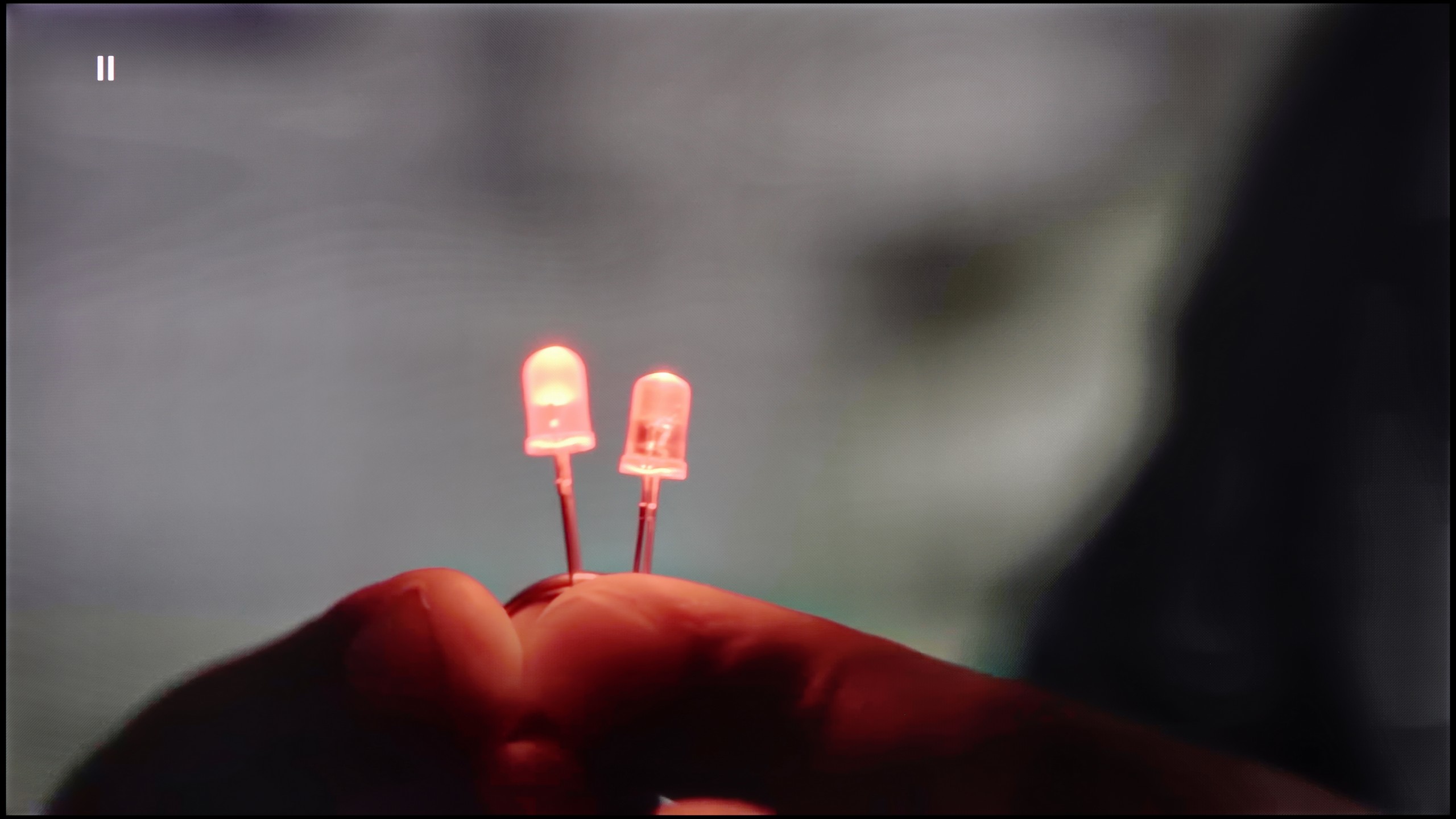
The match photo shows how the TV smooths weak tonal transitions in low-quality video.
Image scaling SD (576i)


The model photo shows how it handles upscaling of SD material.
If someone is worried about potential "steps" when blending colours, the QNED86A has a simple solution for that. Just turn on the feature called Smooth Gradation and set it to the medium level. Then the TV really smooths out all those unwanted transitions – especially in older productions – and it does so in a way that the film grain doesn’t disappear, nor do any strange artefacts appear. In other words, you can use it without any worries.
The upscaling itself also turns out quite well. Of course, there are no miracles here – with poorer quality sources, you can notice characteristic jagged edges. Fortunately, there is a sharpness slider in the menu, and if someone prefers a more "soft" image, it can be quickly adjusted to their own taste.
The manufacturer has equipped this model with several features that improve signal quality, and although we usually approach such “enhancers” with caution, here they prove to be really helpful. The key option is called “distortion reduction” – it works best at a medium level because, on one hand, it effectively smooths out unwanted steps and colour transitions, and on the other, it doesn’t excessively cut details, meaning the image still looks natural.
It’s a bit worse when it comes to upscaling. Lower quality materials – such as the test video with the model – appeared soft and lacking sharpness. Of course, it can be partially adjusted with the sharpness slider in the menu, but the result still falls short compared to what competitors offer at a similar price. Philips still needs to work on this aspect because, in light of the successful improvement of tonal transitions, the upscaling simply comes off weak.
Blur and motion smoothness
7.8/10
7.7/10
Blur (native resolution, maximum refresh rate):
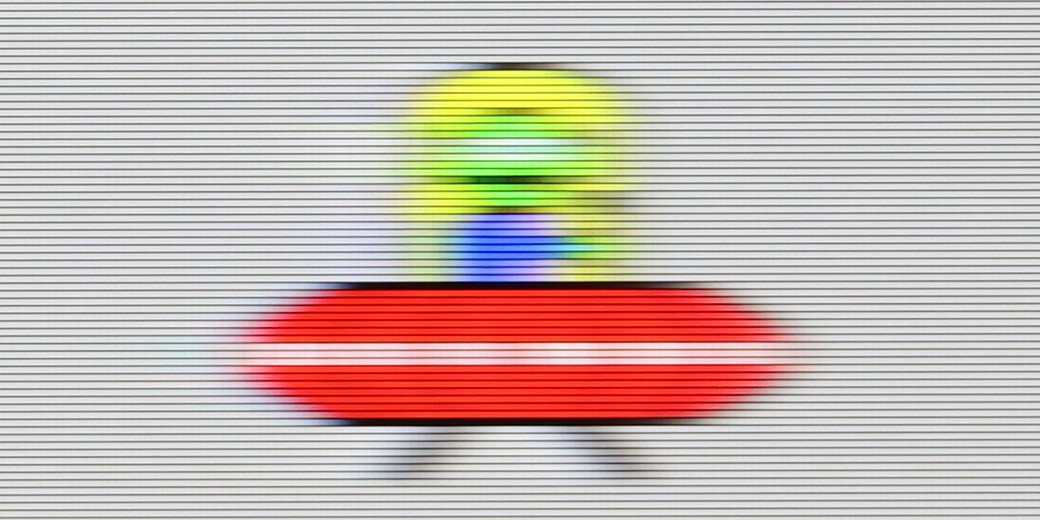
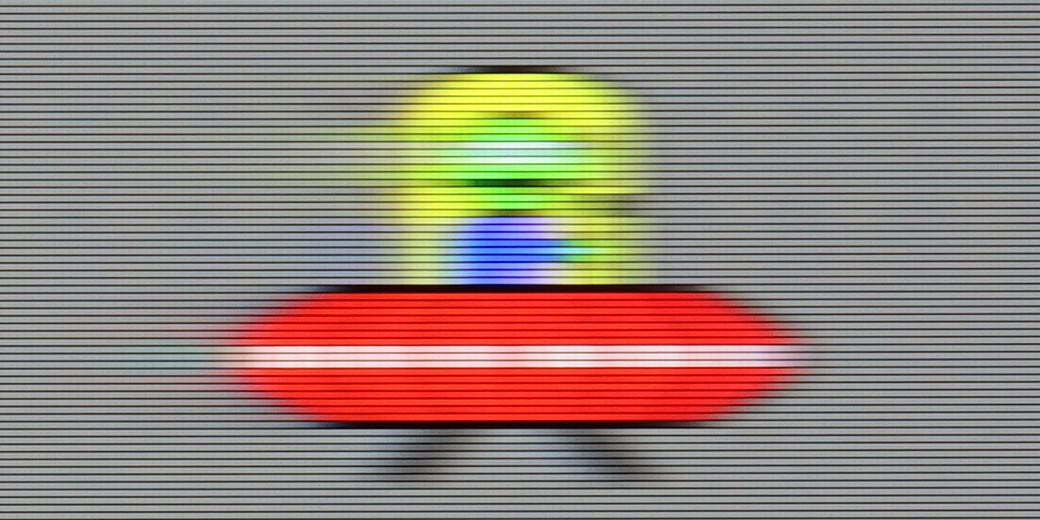
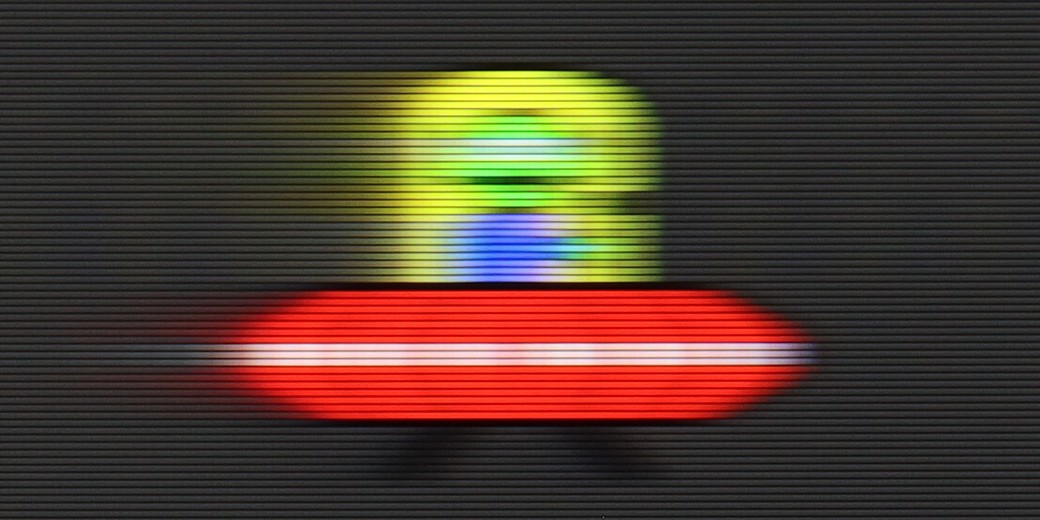
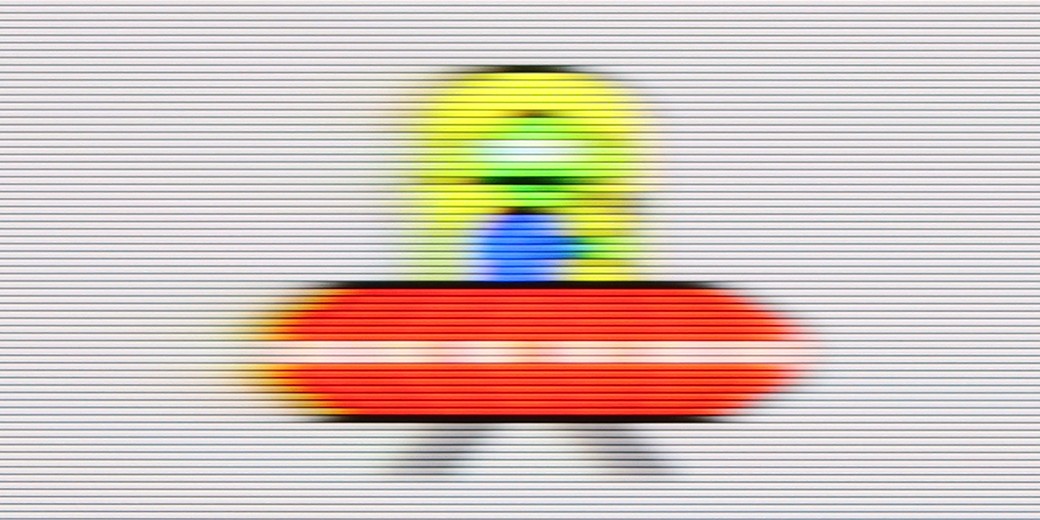
Blur (BFI function enabled):


Blur ():
Blur (4K@144Hz):
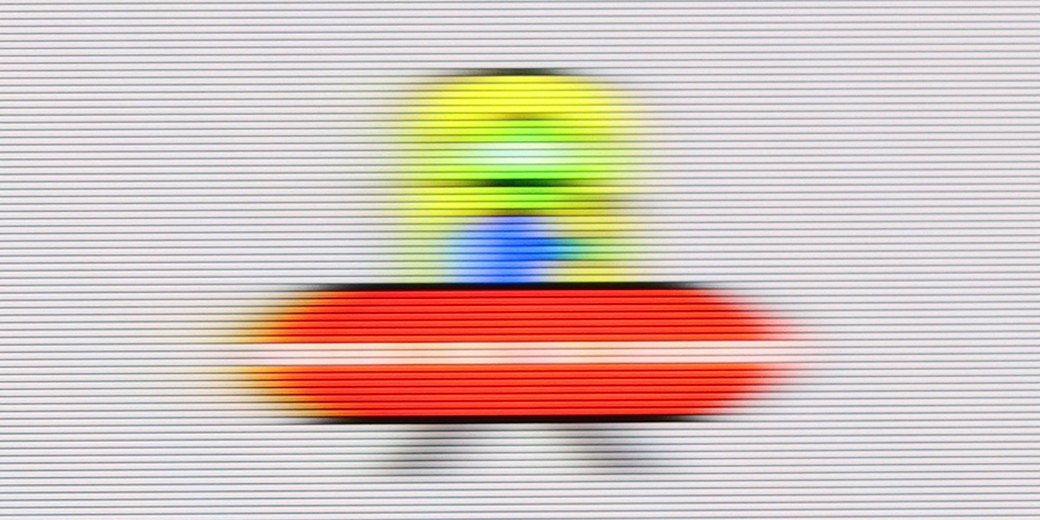
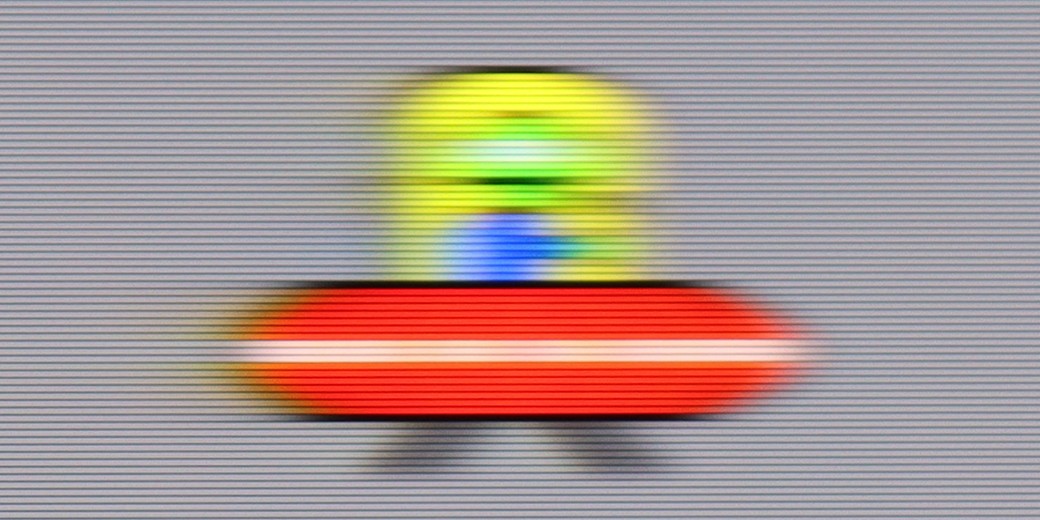
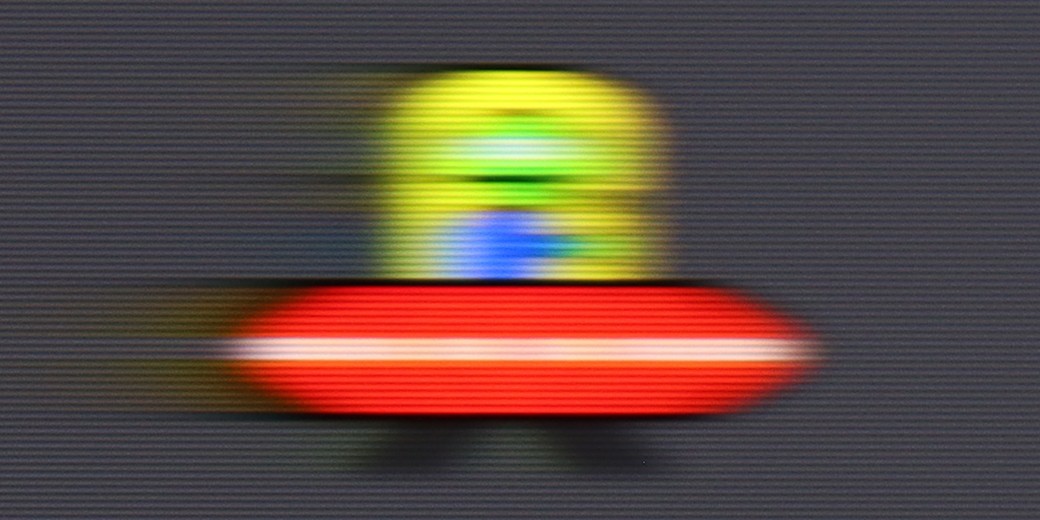
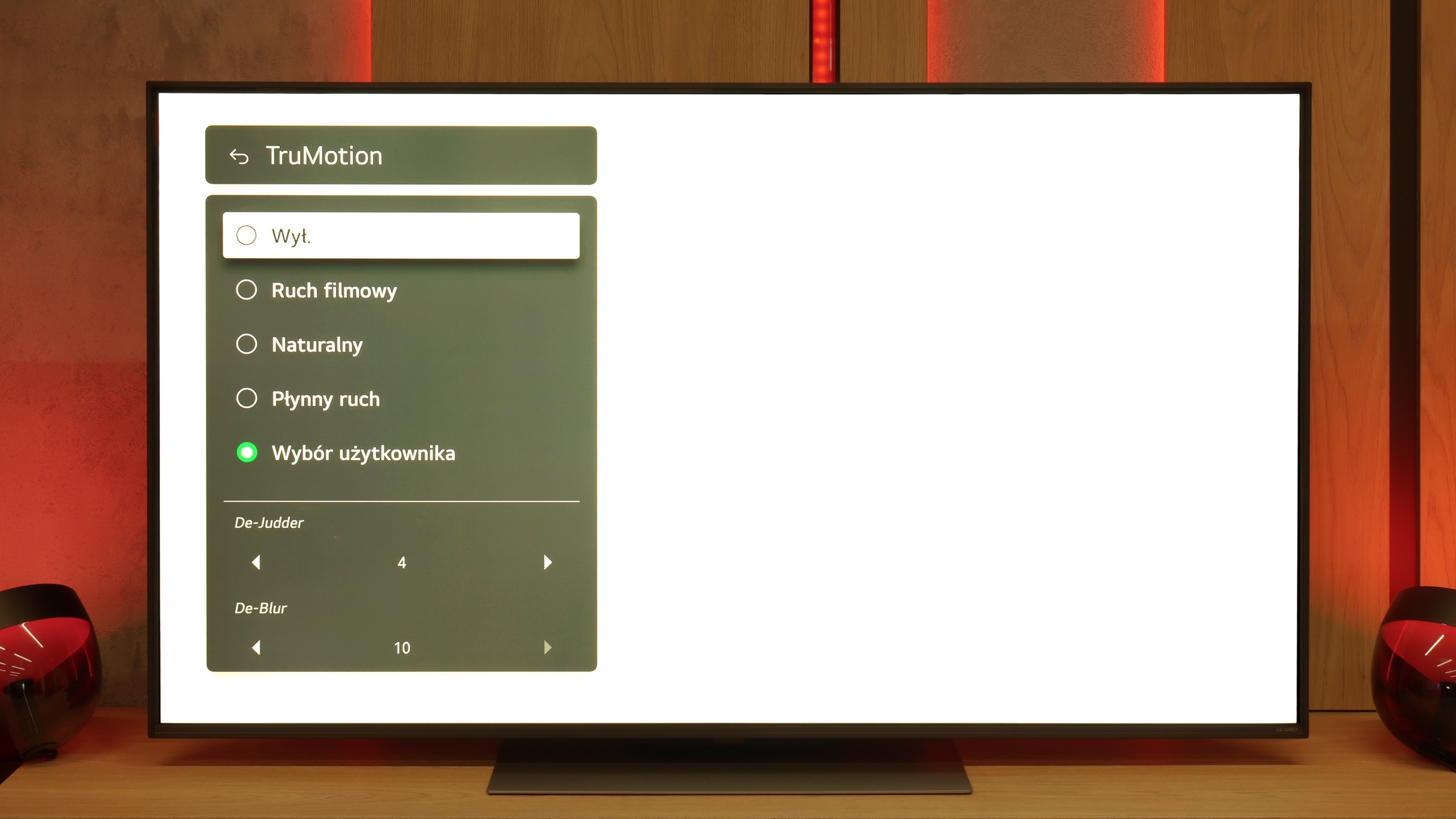
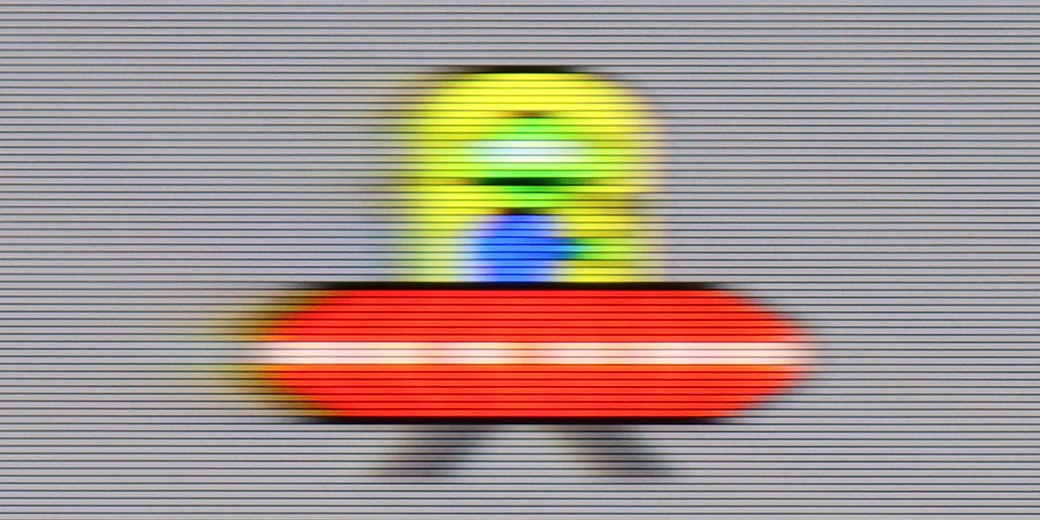
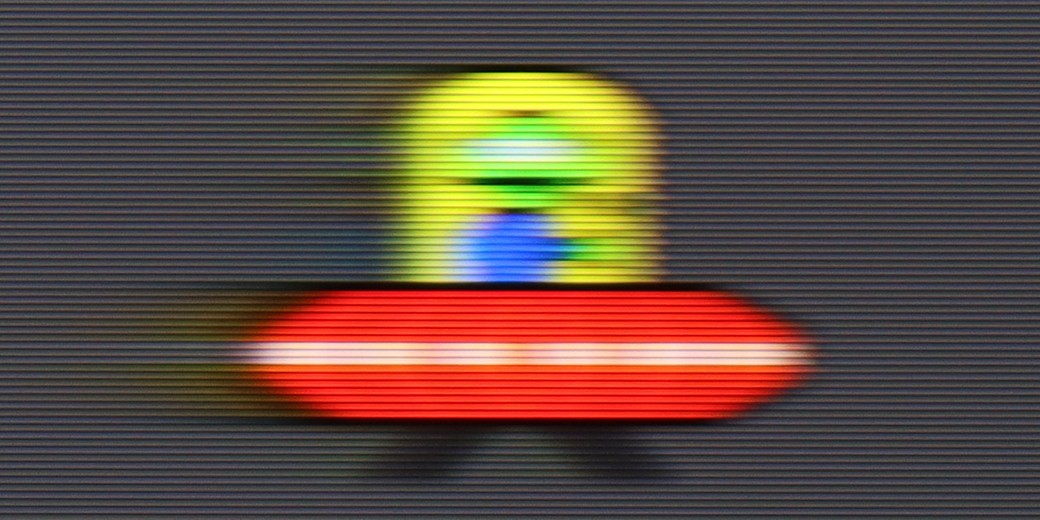
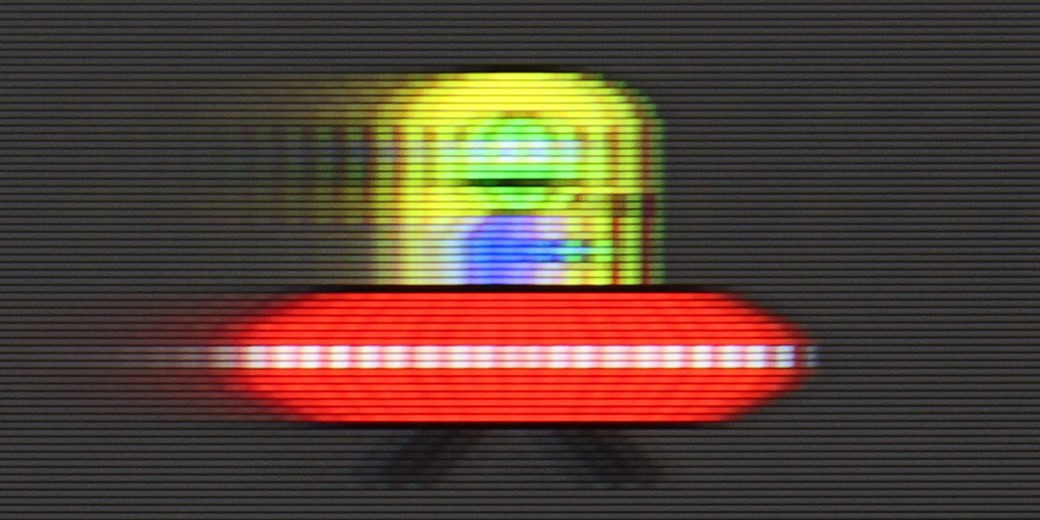
QNED86A has been equipped with a 120 Hz refresh rate panel, so right from the start, it can be said to be suitable for both sports and gaming. And indeed it is – the picture looks smooth, and motion blur isn’t too much of an issue. IPS panels have always had a bit of a problem with this, and here too you can sometimes notice slight blurring, especially in very dynamic scenes, but it’s not something that ruins watching a match or a fast-paced game. For cinema and sports fans, LG has included the traditional TruMotion smoothing feature. In the menu, we have two sliders – one for movies (De-Judder), and the other for sports (De-Blur). The first adds missing frames and allows you to adjust the character of motion – from raw, cinematic to a more fluid, “theatrical” feel. The second improves sharpness during dynamic actions, so it’s worth turning it up a bit if you watch a lot of sports.
Philips MLED920 features a 144 Hz panel, which immediately suggests that we shouldn’t complain about motion smoothness. And indeed – for a VA panel, the motion blur is relatively low here, and while you can sometimes notice slight issues on darker backgrounds, they’re not something that will catch the eye of most people during regular viewing.
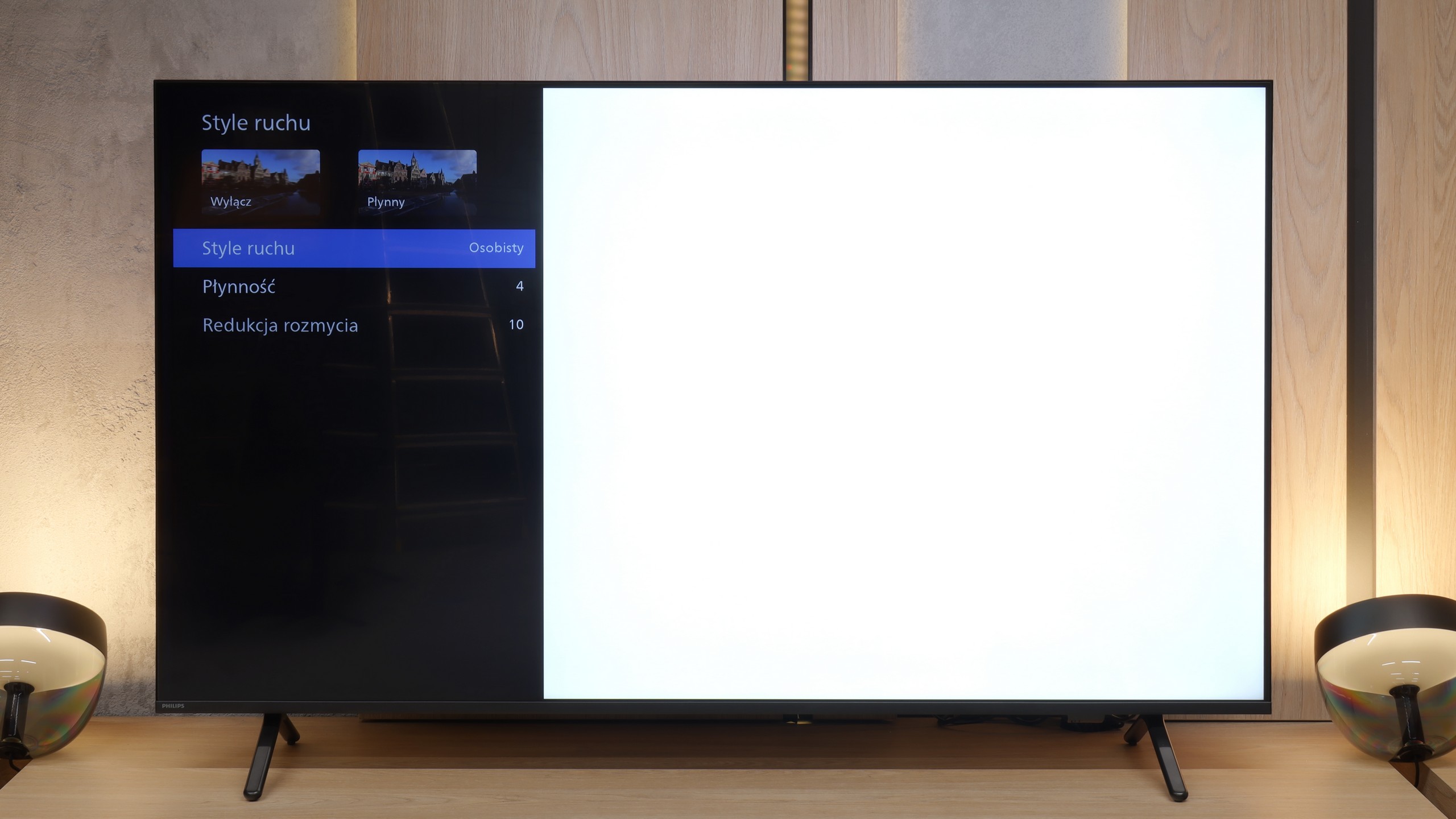
A big plus is also the presence of a motion smoother called “Motion Style.” It allows you to adjust the smoothness to your own preferences – if someone prefers a more “theatrical,” almost television-like character of the image, they can increase the sliders, and if they want to maintain the natural “judders” of a cinematic frame, they just need to set lower values. This way, everyone can find a happy medium.
Console compatibility and gaming features
9.8/10
9.8/10
- ALLM
- VRR
- VRR range48 - 120Hz48 - 144Hz
- Dolby Vision Game Mode
- Correct implementation of HGIG
- 1080p@120Hz
- 1440p@120Hz
- 4K@120Hz
- Game bar
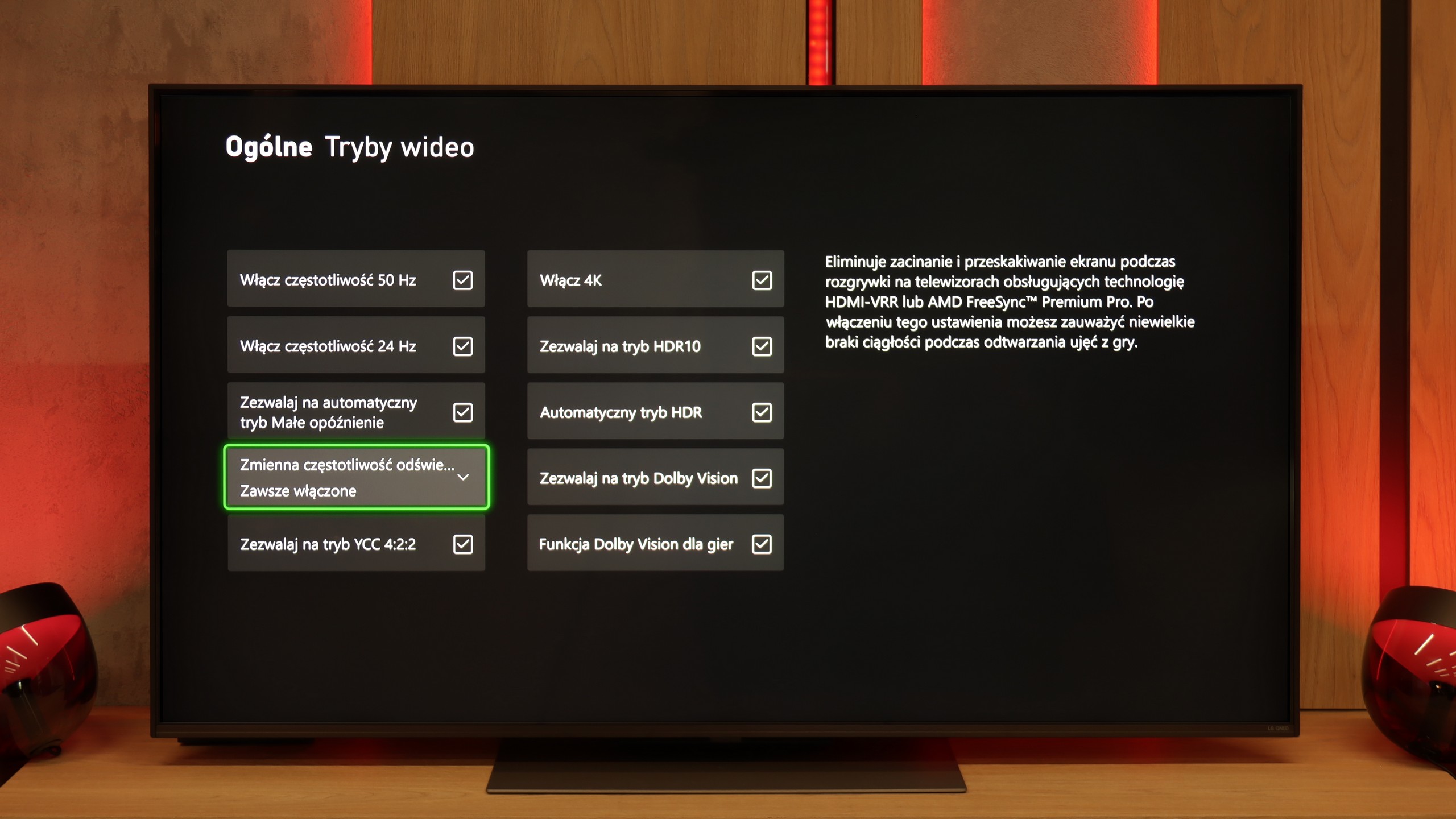
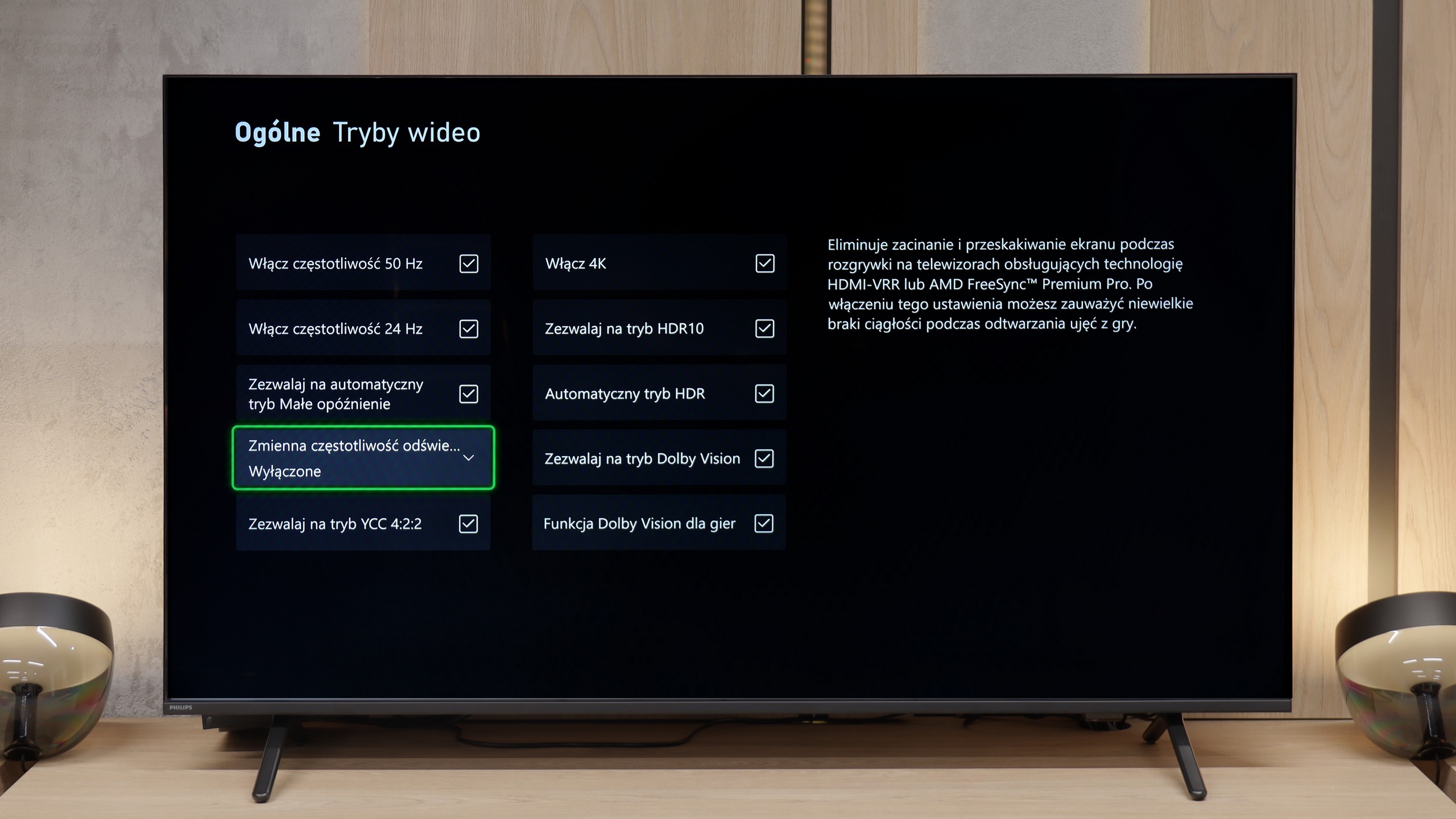
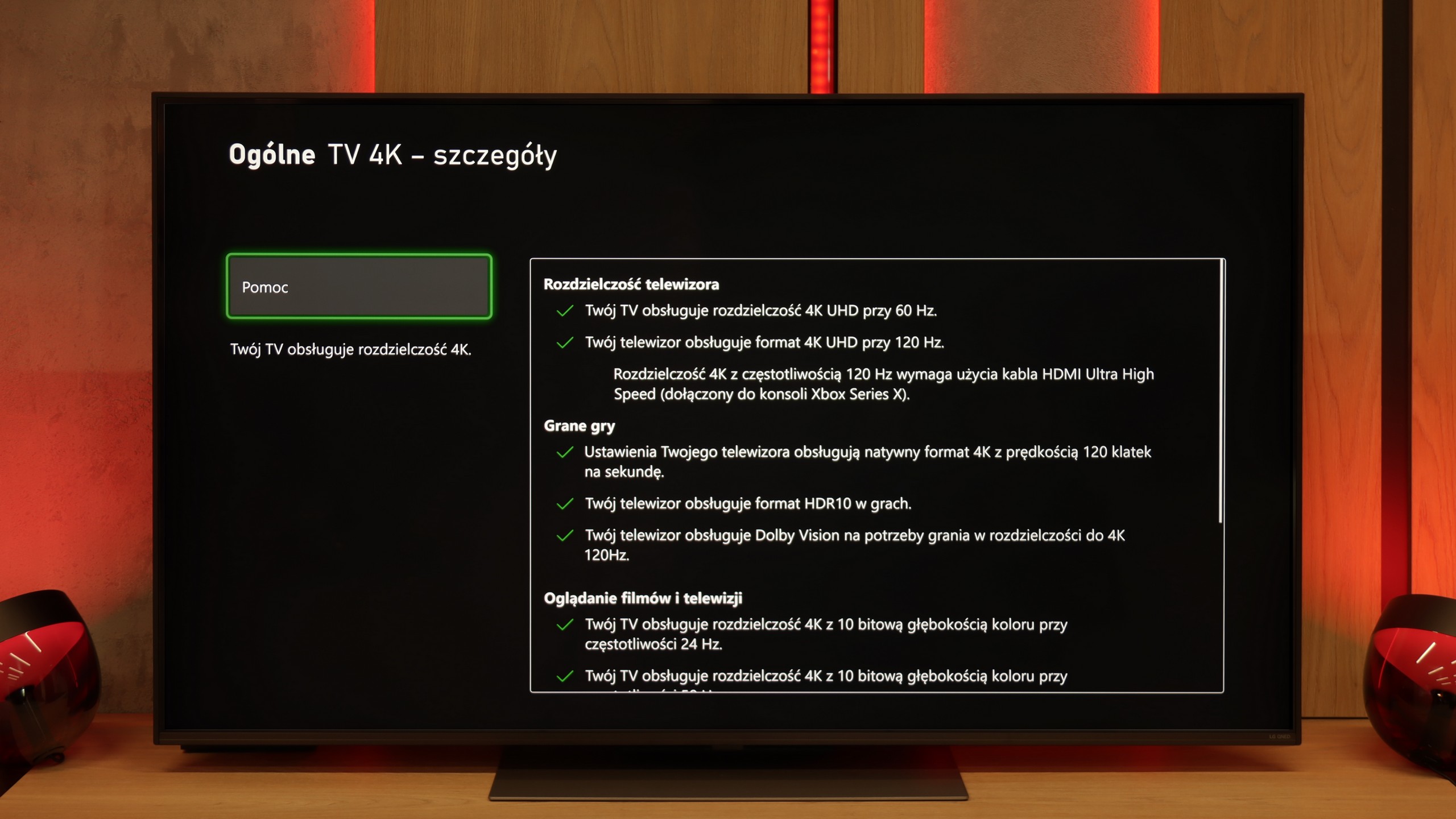
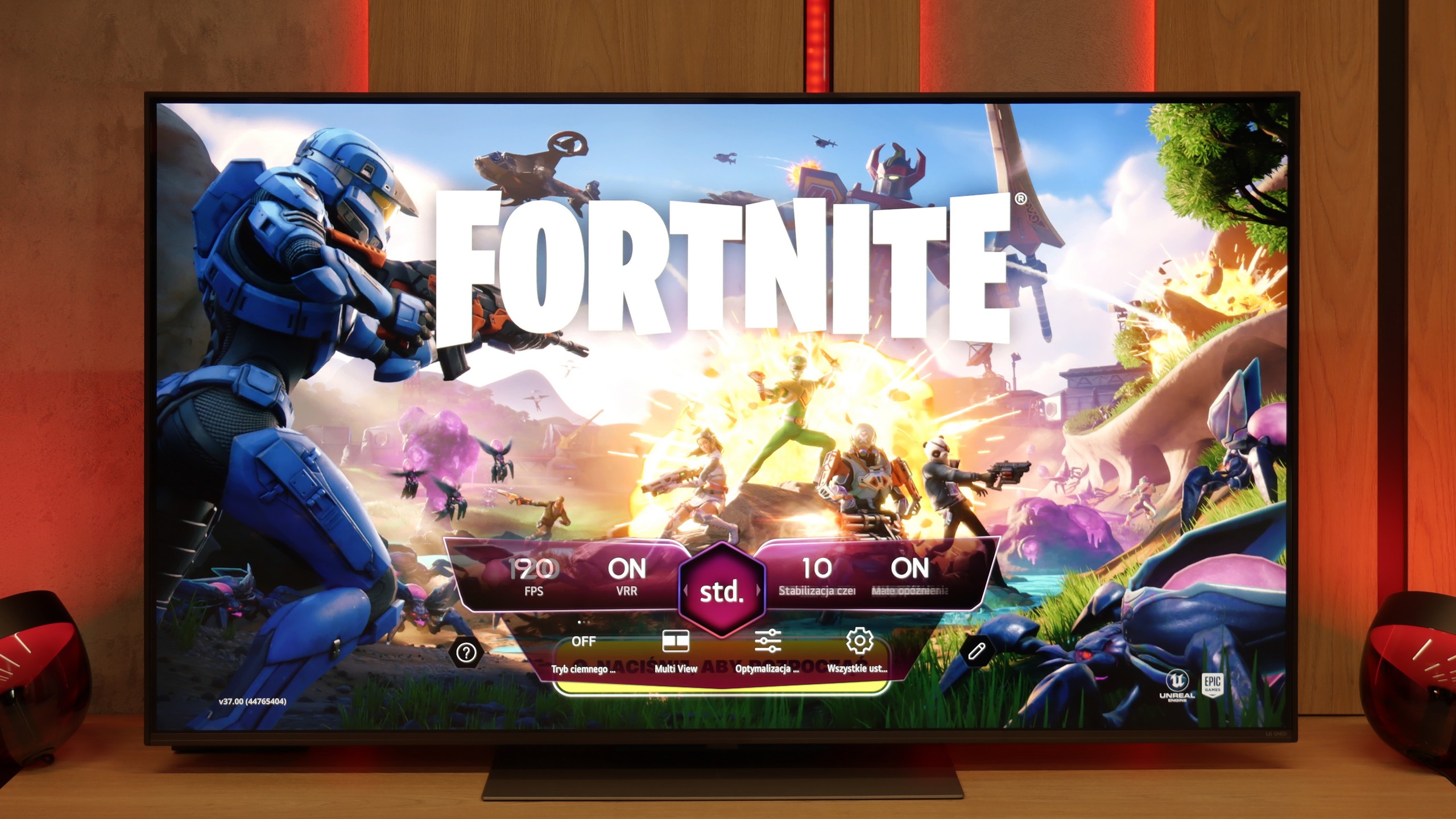
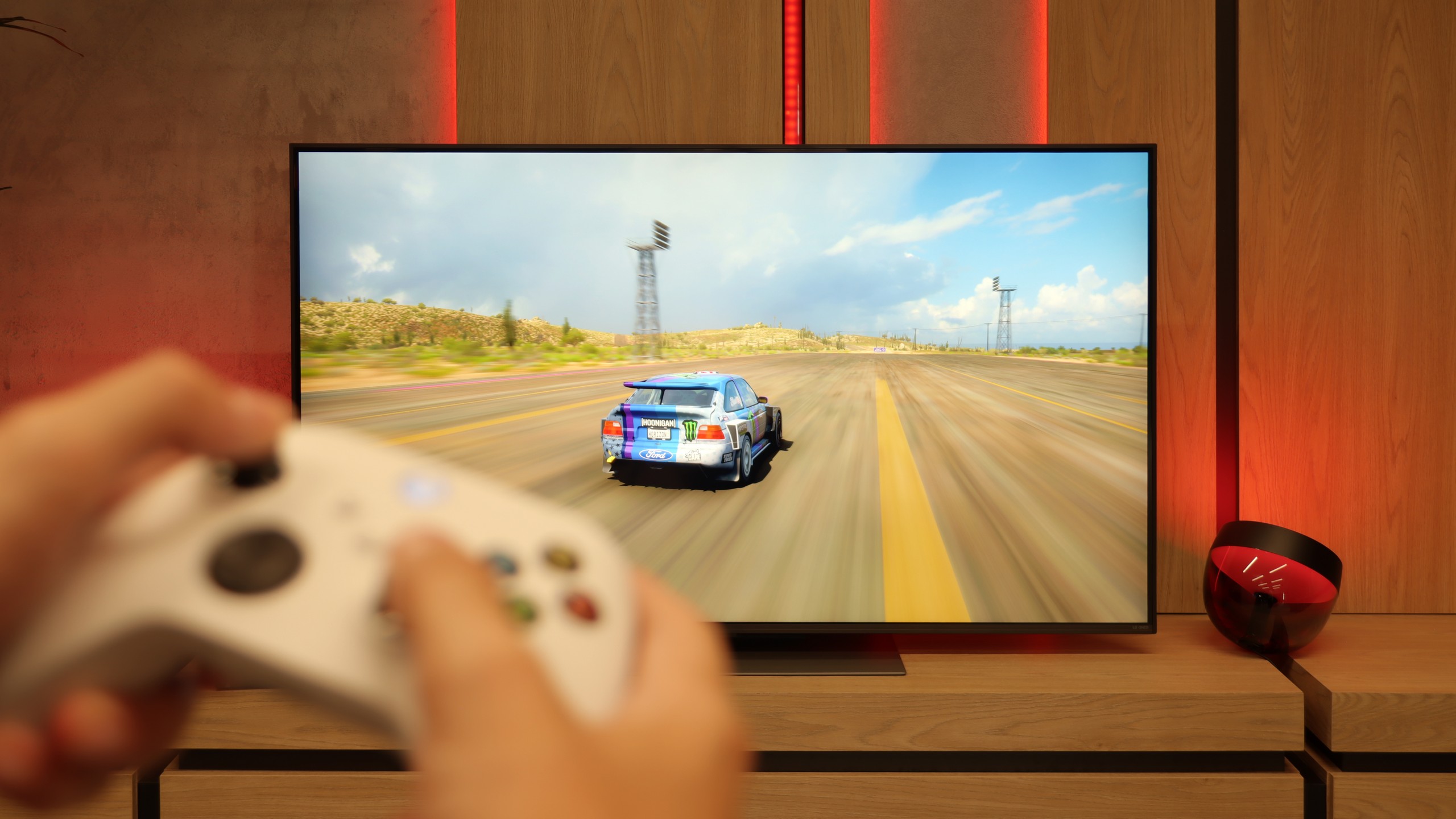
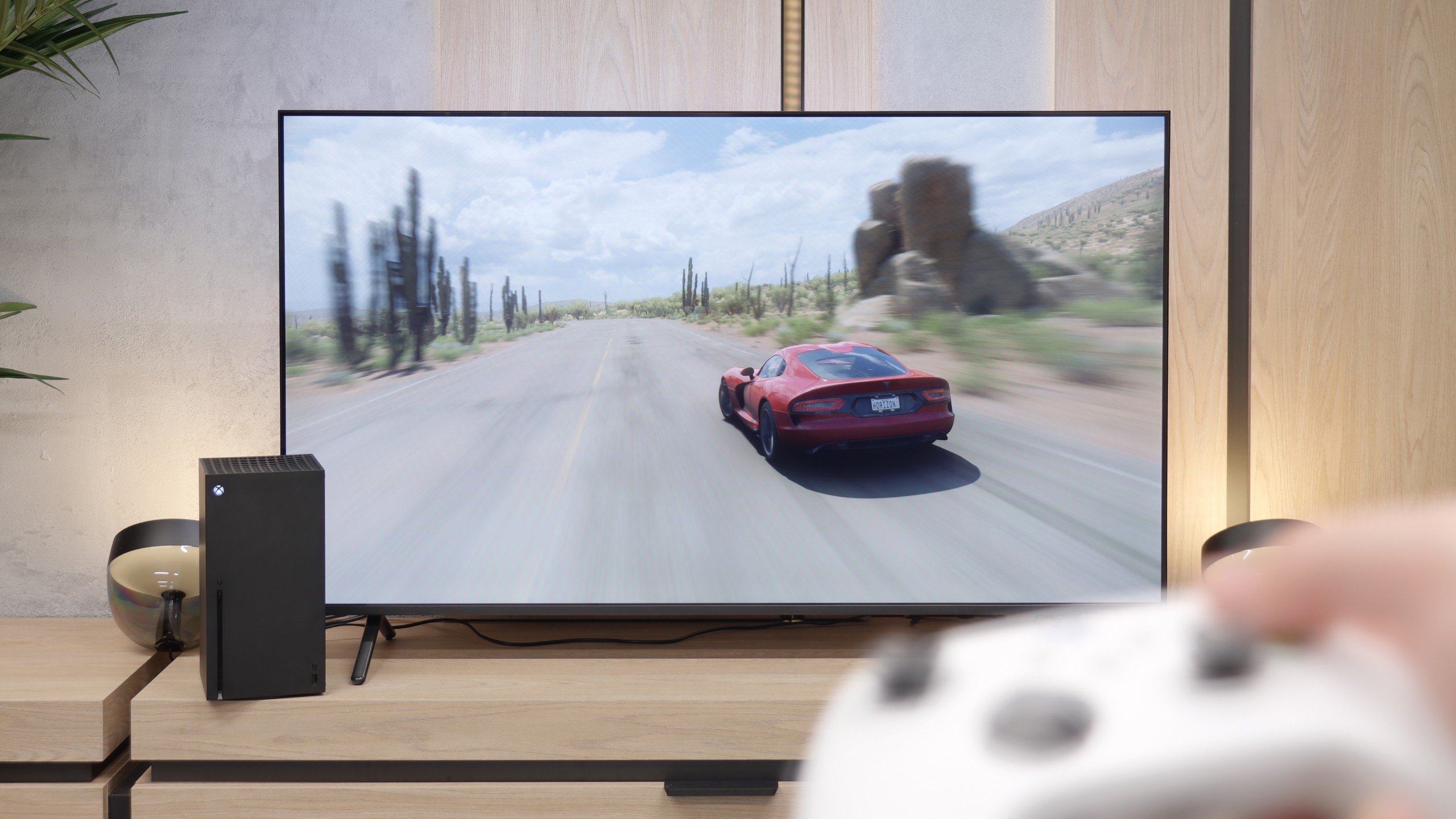
When it comes to gaming, the LG QNED86A6A is a complete tool. It features four HDMI 2.1 ports with a full bandwidth of 48 Gb/s, which means that whether you connect a PlayStation 5, an Xbox Series X, or a powerful PC – everything will work in full 4K at 120 Hz with support for all functions. This is a significant advantage, as some competitors still only feature two such ports, which can be troublesome when dealing with multiple devices. It also includes VRR, or variable refresh rate, which eliminates screen tearing, and ALLM, which automatically activates game mode when the console powers on. Dolby Vision Gaming is included as well, alongside proper implementation of the HGiG format, so titles that support these formats look livelier and more detailed. Additionally, there's the Game Optimizer – a kind of control centre for gamers. From this interface, you can view image parameters in real time, quickly switch modes, activate additional features, or adjust picture settings to your own preferences. The LG QNED86A6A has basically everything you would expect from a modern gaming television.
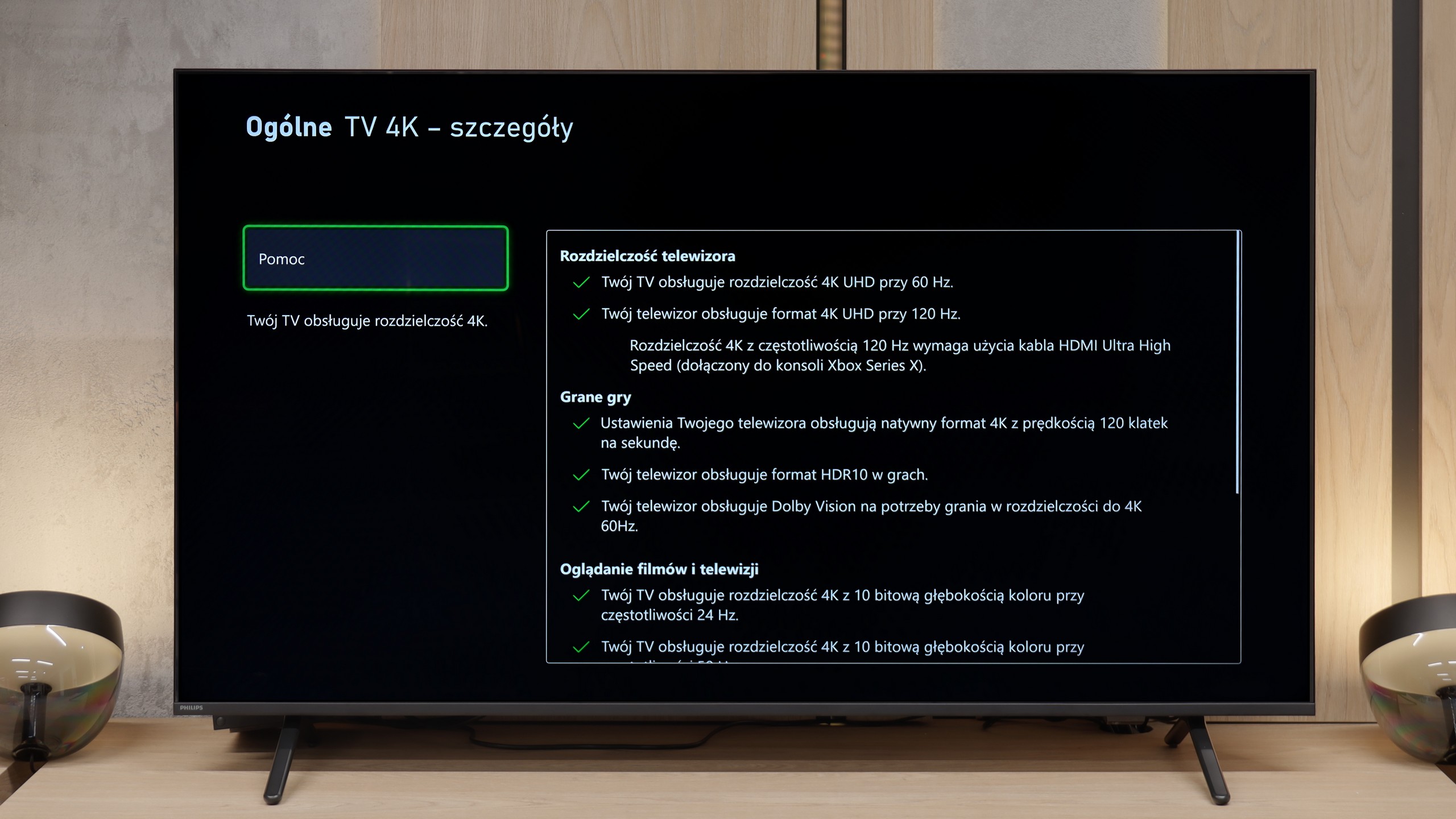
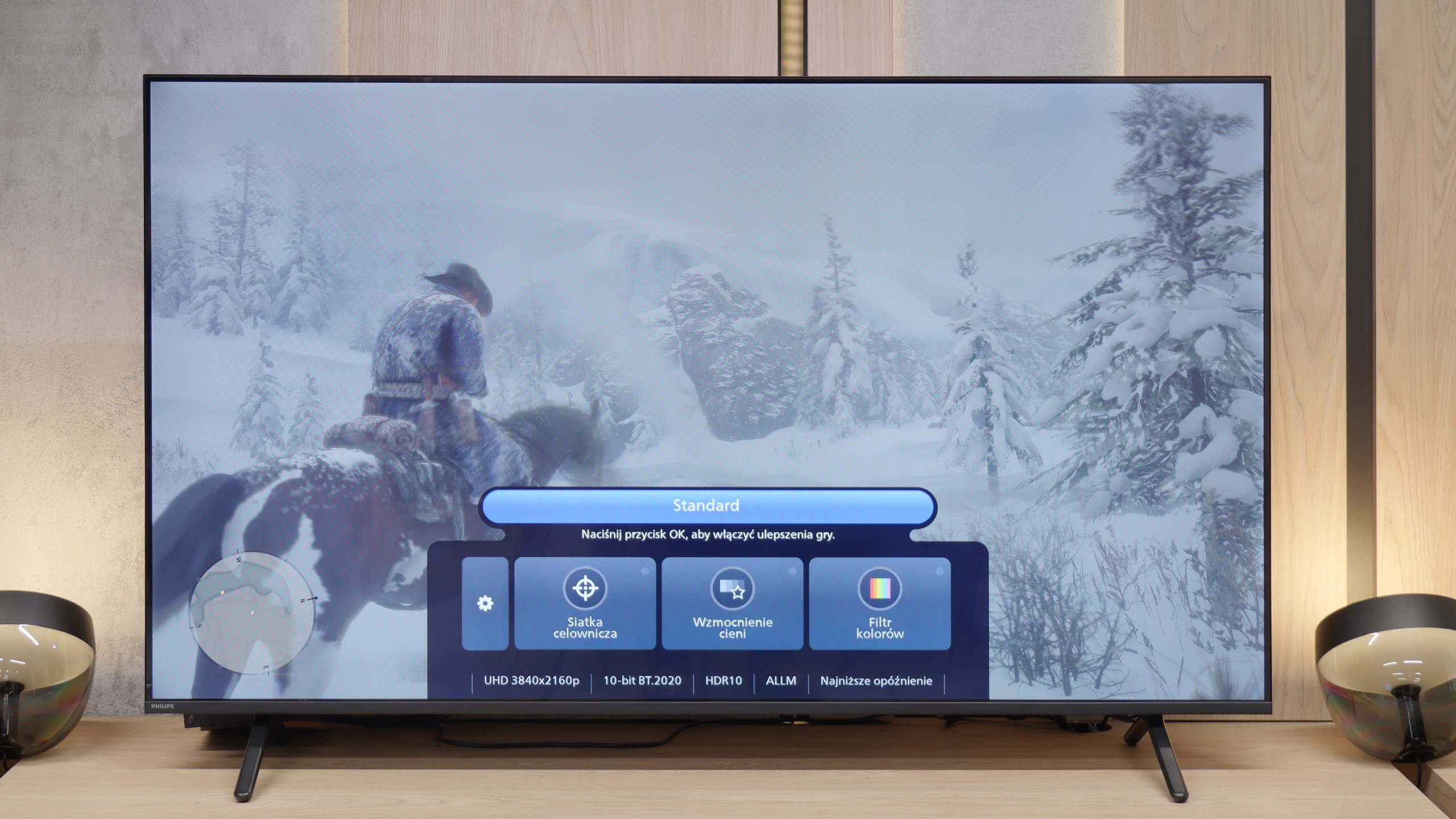
For gamers, the Philips MLED920 is truly a complete tool. The manufacturer has taken care of everything that is now considered standard in televisions for consoles and PCs. It has ALLM, so the console automatically switches the screen to game mode, there’s VRR and a 144 Hz refresh rate that ensures smooth gameplay even in fast-paced titles. All key HDR formats are supported – including HGiG and Dolby Vision Gaming for Xbox – which means that regardless of what you’re playing and on which console, the television will be able to extract the maximum potential from the image. In everyday gaming, the Game Bar proves useful too – a relatively simple implementation by Philips, but a functional panel where you can quickly check image parameters, enable VRR, or adjust details without leaving the game. It’s not as elaborate as the competition, but it does its job without any complaints. And finally, something that sets Philips apart from the competition – Ambilight. The three-sided LED backlighting can make a huge impression in games, especially in the evening. It’s also a way to slightly 'expand' the screen and create a greater sense of immersion. And since coloured LEDs have recently become almost an essential element of a gamer’s room, the MLED920 fits perfectly into this trend.
Input lag
9.9/10
9.6/10
SDR
HDR
Dolby Vision
There’s really nothing to complain about here. The QNED86A6A achieves excellent results – around 5 ms with 120 Hz content and about 15 ms with 60 Hz. These values will comfortably satisfy both console gamers and those who connect a PC to the TV. The response to movements is instantaneous, so you can forget about delays between the image and the action on the pad.
The input lag on the Philips MLED920 is really very good – in 120 Hz mode, we measured values below 10 ms, which places this model among the absolute top of LCD TVs in terms of responsiveness. Even at 60 Hz, a result of around 18 ms is fully acceptable and won't interfere with any type of gameplay. One exception is the Dolby Vision mode at 60 frames, where the latency can increase to as much as 35 ms. This is a result that may be a bit glaring for esports players, but it must be stated honestly – for most so-called "casual gamers," it will be absolutely imperceptible. Especially since we're talking about values that still allow for comfortable gaming without major compromises.
Compatibility with PC
8/10
4/10
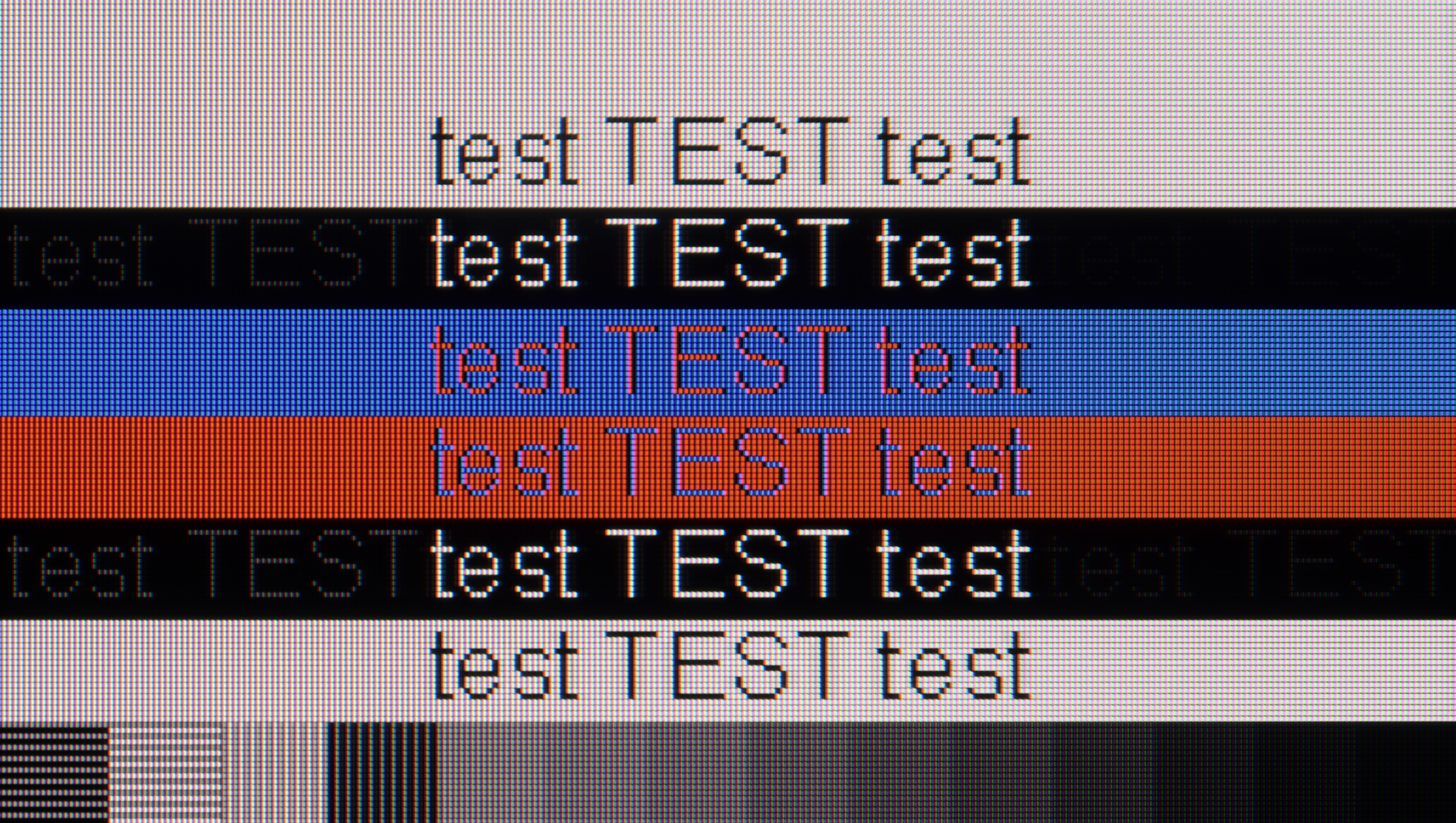
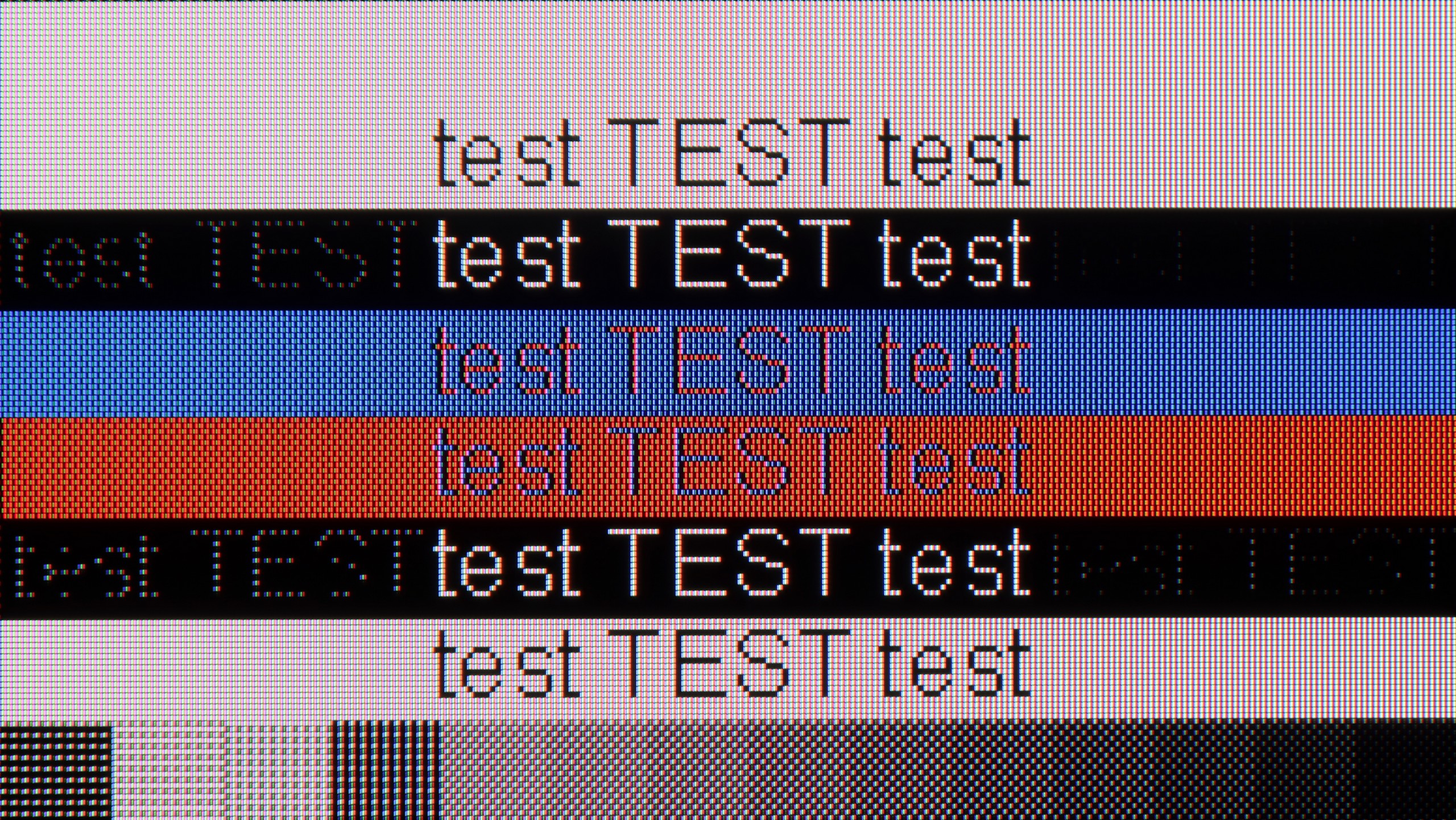
The photo shows the legibility of small fonts. Ideally, lines should be the same thickness on both light and dark text, with minimal pixel gaps.
LG QNED86A, with its IPS panel, full RGB subpixel layout, and proper implementation of chroma 4:4:4, makes text look fantastic on the QNED86A6A. The text is sharp, clear, and readable, making the TV ideal for office work. This is important as this year the model also debuts in a 43" size, which can easily sit on a desk and serve as a large monitor. Of course, some users opting for the 43" will be gamers, and here too there are no complaints. The TV supports 4K at 120 Hz, so gameplay is smooth and enjoyable. It's a bit of a shame that there wasn't a mode with a higher refresh rate, such as the 144Hz claimed by the manufacturer, as PC gamers would definitely appreciate that. Despite this, the QNED86A6A performs really well as a monitor for gaming and work.
When it comes to working with a PC, the Philips MLED920 evokes quite mixed feelings. On one hand, it looks impressive on paper – we have 144 Hz, support for G-Sync and FreeSync, so in terms of gaming on PC, the TV does not disappoint. Anyone looking for a large screen for computer games gets a solid package of features here. However, when we try to use it as a typical monitor for everyday work, its limitations quickly become apparent. The fonts do not look the best – there is noticeable strong dithering, coloured letters can be jagged, and with very dark text, there are even strange anomalies, as if the panel is losing thin lines and having trouble reproducing them correctly. In short: For PC gaming, yes. For any work and reading text: a definite no.
Viewing angles
6.9/10
3.2/10
QNED86A6A performs very well in this regard. The IPS panel used here ensures that the image retains its brightness and colour saturation even when viewed at an angle. There is no fading effect here, which often occurs in cheaper TVs with VA panels. Of course – it’s not worth comparing it to the level offered by organic panels, where colours and contrast hold perfectly at almost any angle. But as far as LCD TVs go, this is definitely one of the better results and is more than sufficient for watching movies or sports together on the couch with a larger group.
The viewing angles on the MLED920 are classic for VA type panels – even a slight tilt from the centre causes the image to start losing colours, contrast weakens, and the overall picture becomes quite flat and less appealing. There are no miracles here. So if you’re watching films with a larger group and everyone is sitting a bit to the side, this will be slightly noticeable. On the other hand, you get what you pay for: thanks to this panel, the MLED920 can display a much deeper black than TVs with IPS panels.
Daytime performance
5.8/10
5.5/10
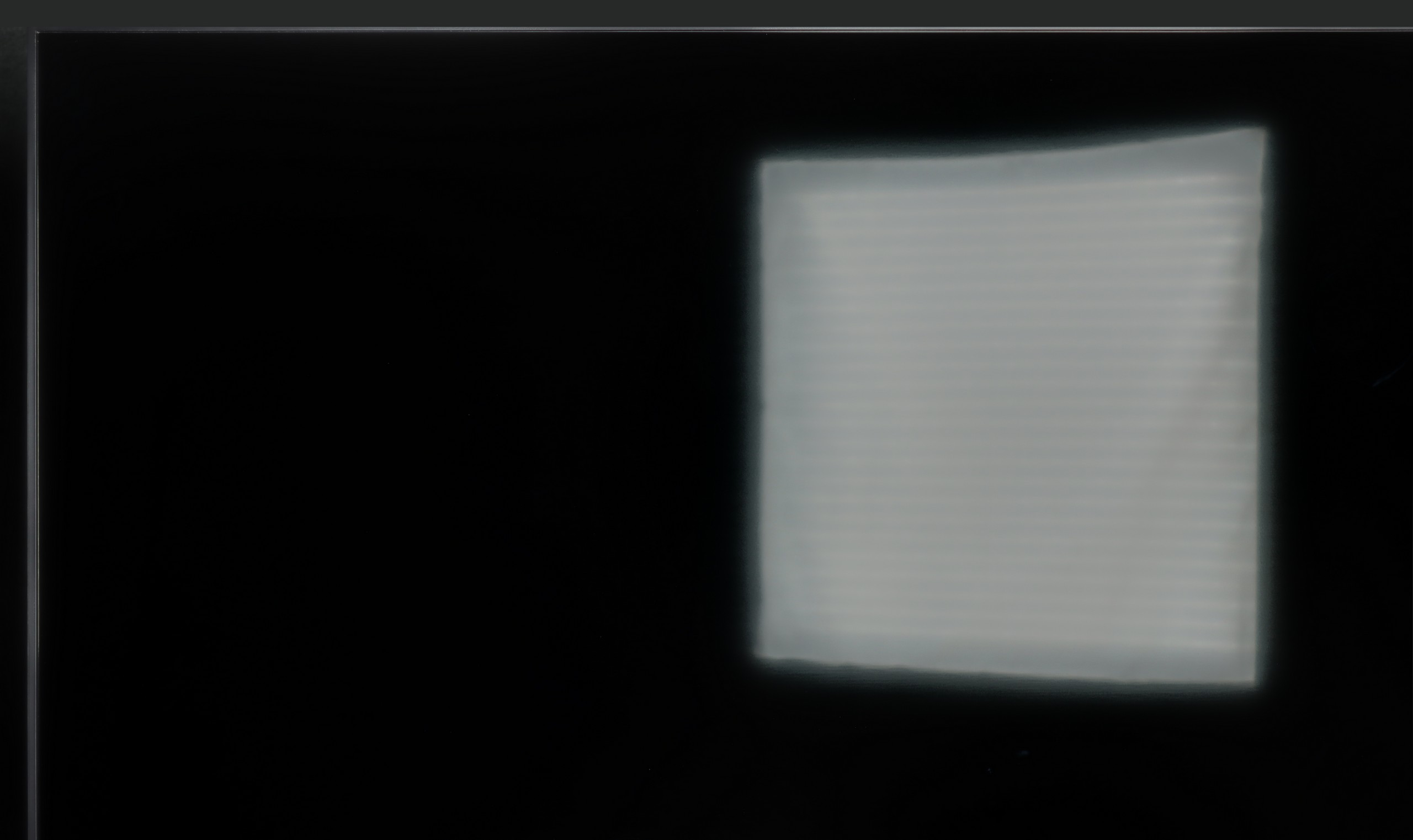
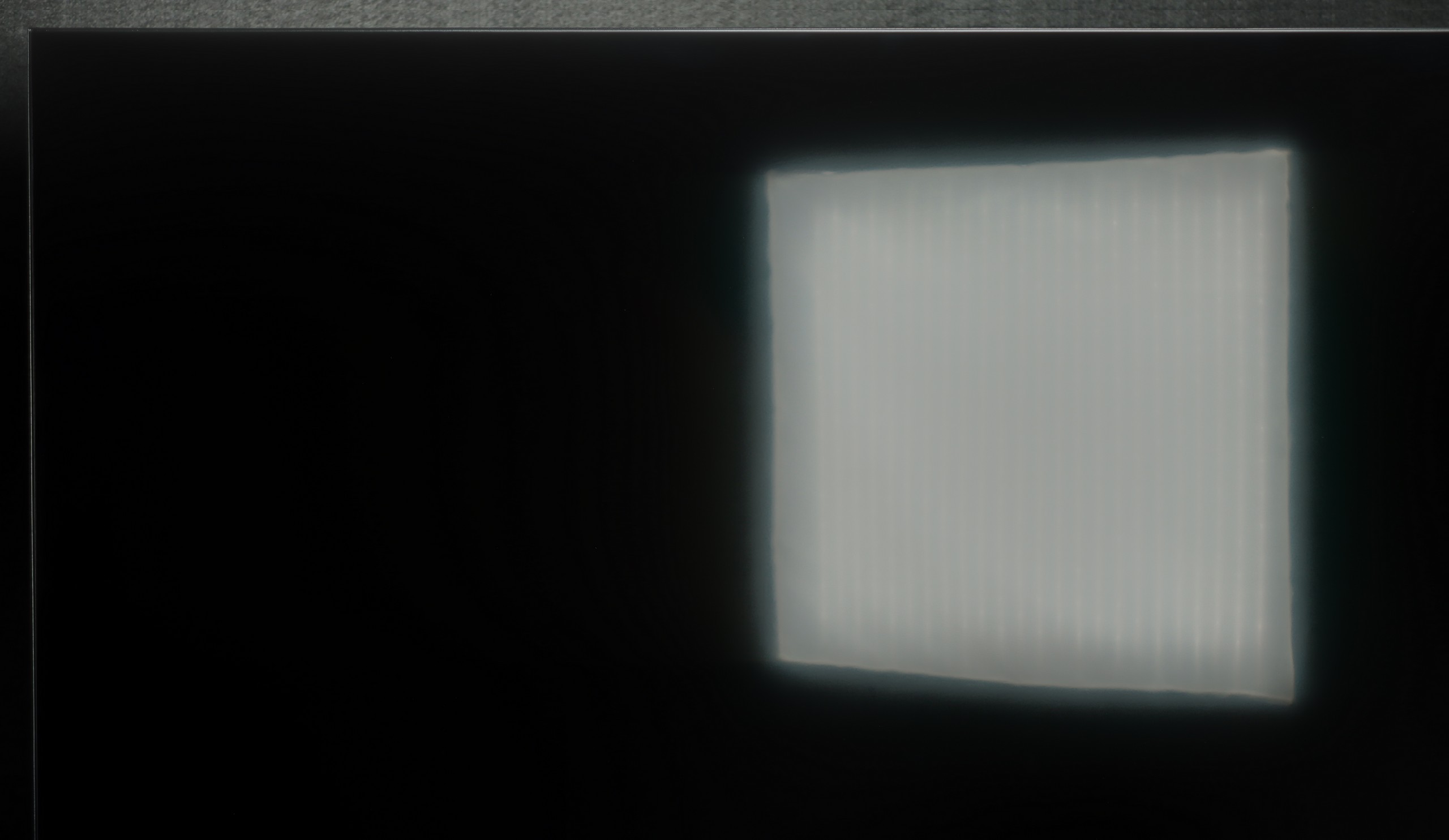
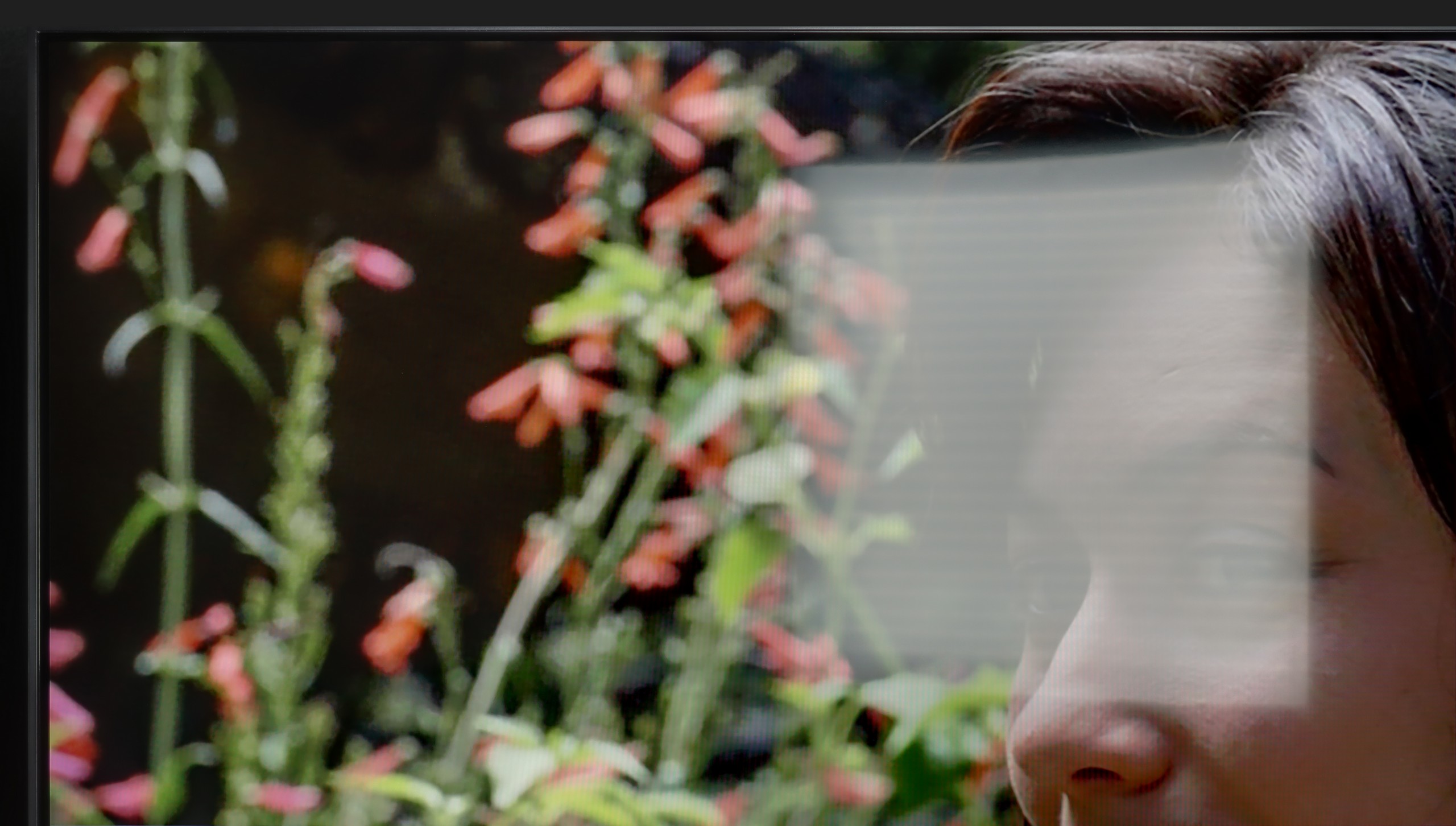
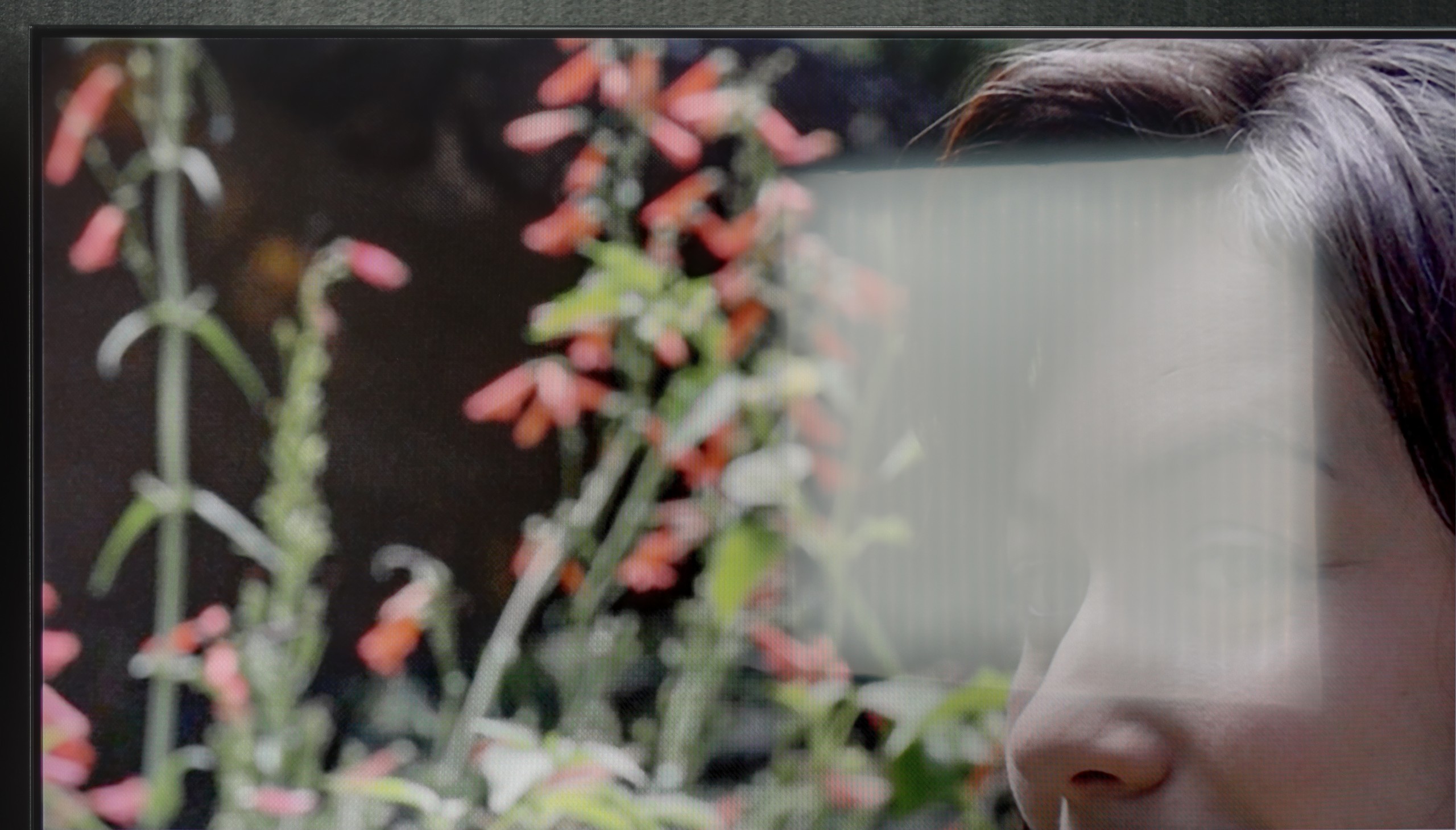
Panel brightness
Philips MLED920 / MLED910: 421 cd/m2
LG QNED86A / QNED85A / QNED87A: 462 cd/m2
QNED86A6A is not a master of brightness, but it manages adequately. Thanks to the moderately high brightness of the panel and quite decent glare reduction, the TV performs well in typical, moderately lit living rooms. The picture remains clear, and the colours do not lose their intensity in daylight. However, let's not kid ourselves, this is not a screen that will handle extremely bright conditions, where sunlight floods in through large windows and strongly saturates the room.
Philips MLED920 performs quite well in everyday use. The satin finish on the panel effectively reduces reflections, and in most moderately sunny living rooms, it manages unwanted glare quite well. However, it's important to remember that this is not a TV that dazzles with brightness – the average value in SDR hovers around 450 nits. In very bright rooms, particularly with large south-facing windows, the screen doesn't always stand up to the intense daylight. In such situations, it's worth supporting it with even light curtains, so viewing comfort doesn't suffer too much.
Panel details
Subpixel Structure:
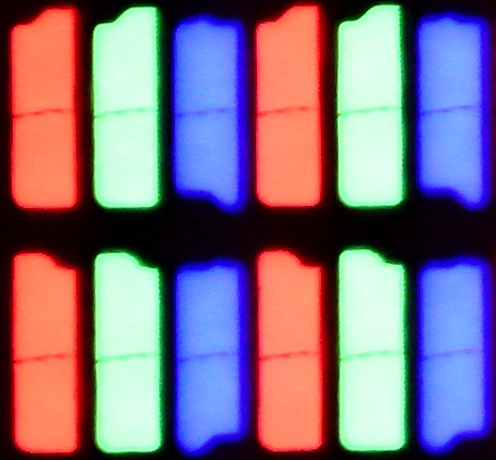
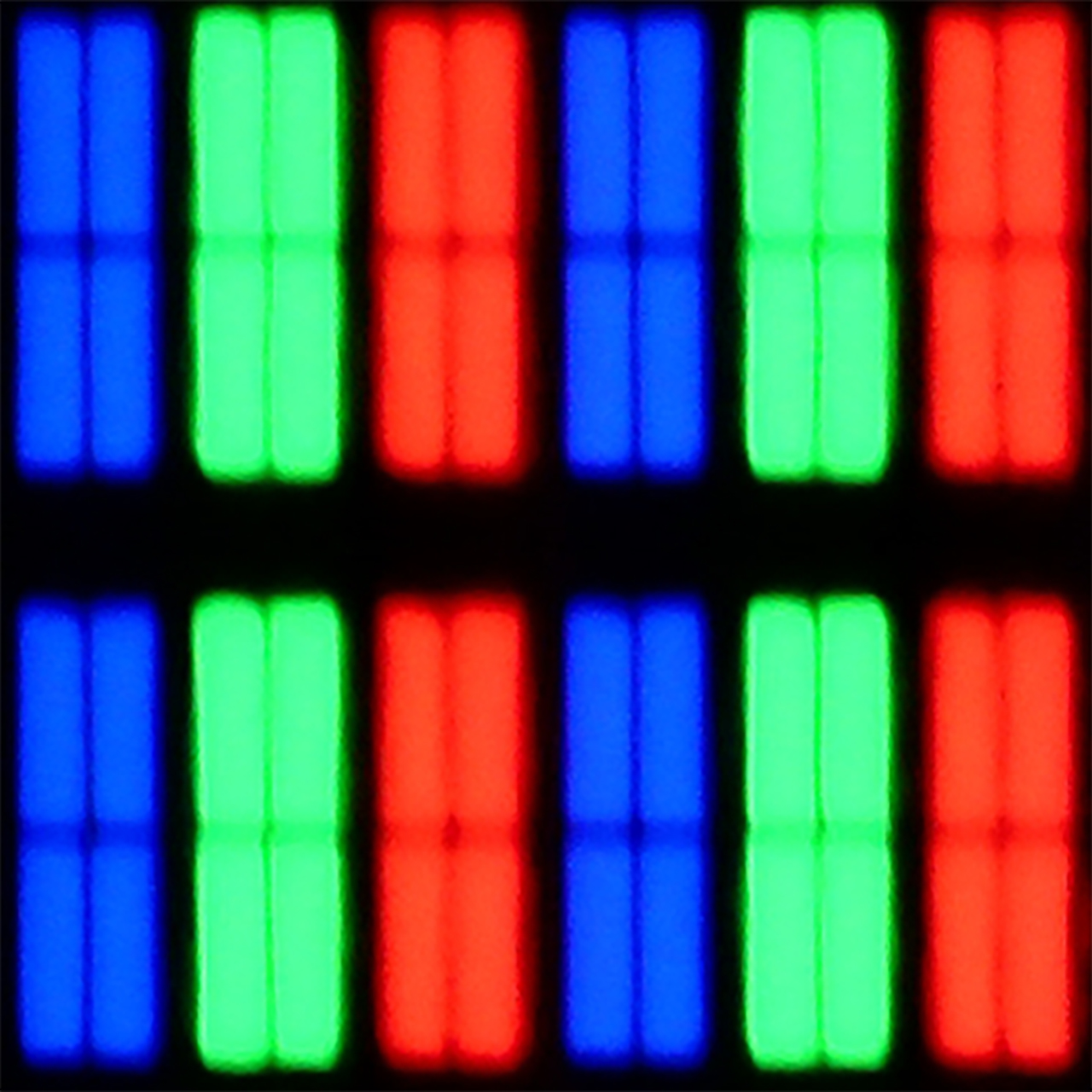
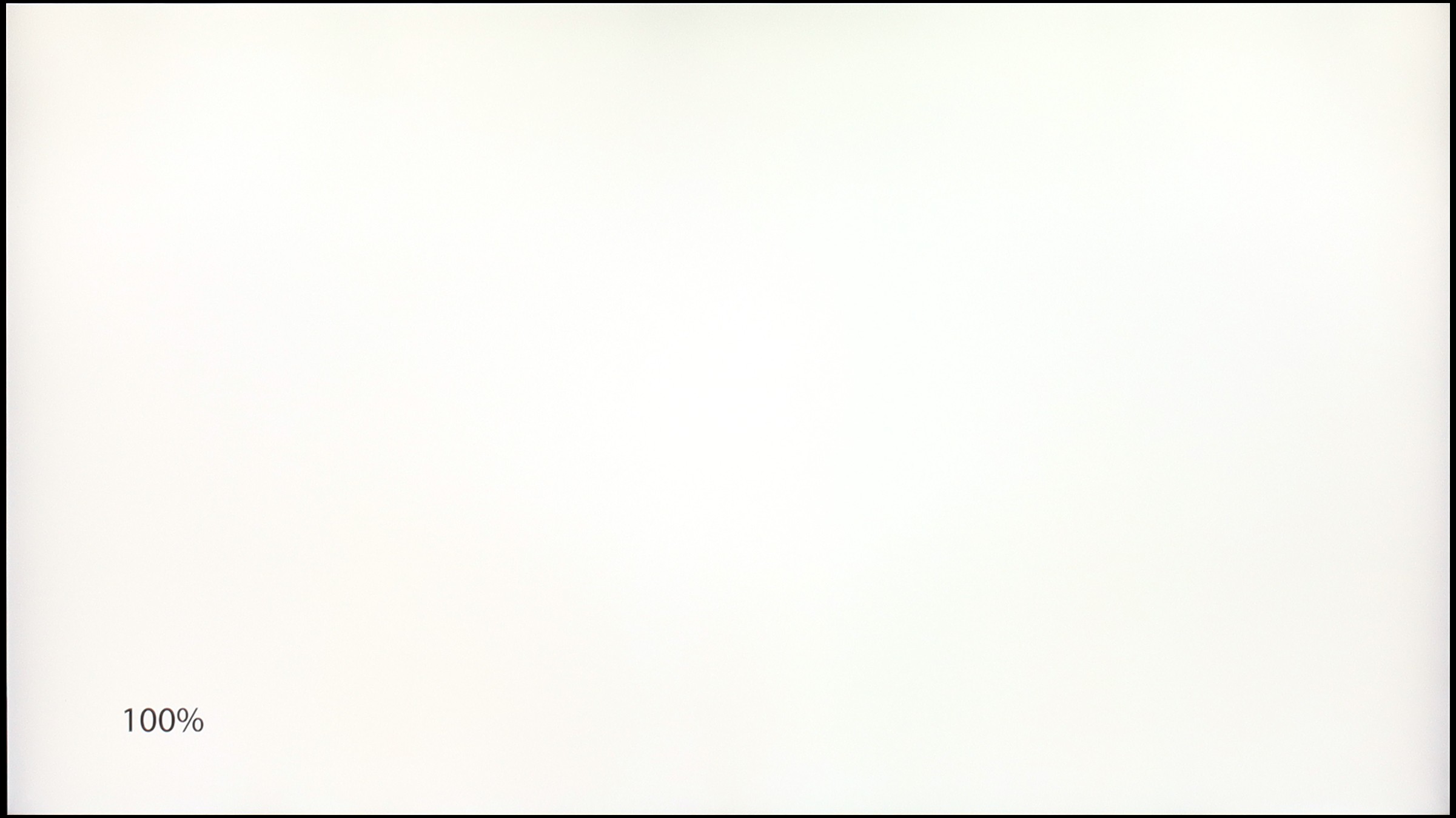
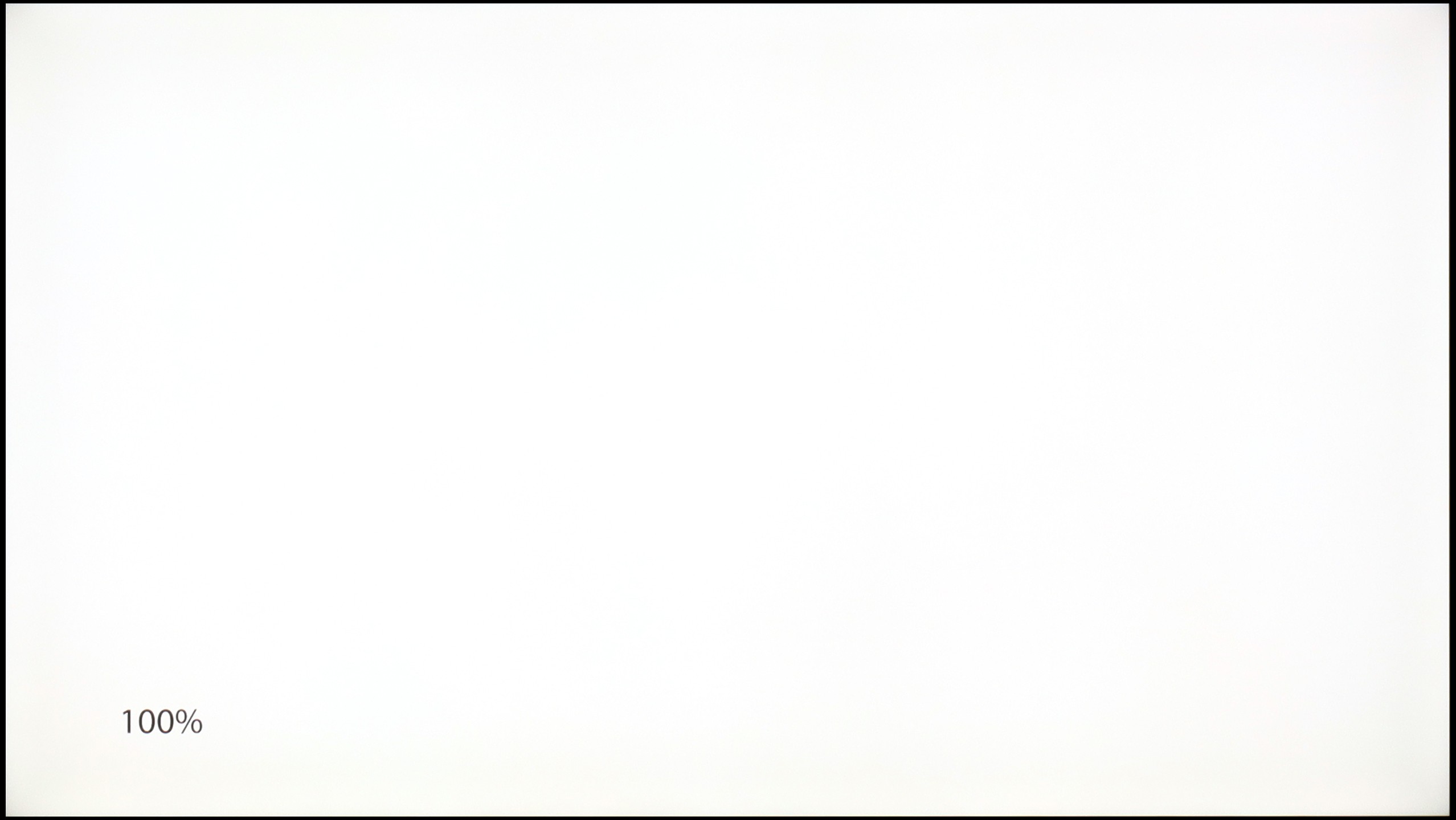
Panel uniformity and thermal imaging:
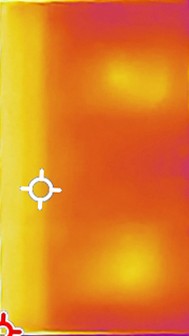
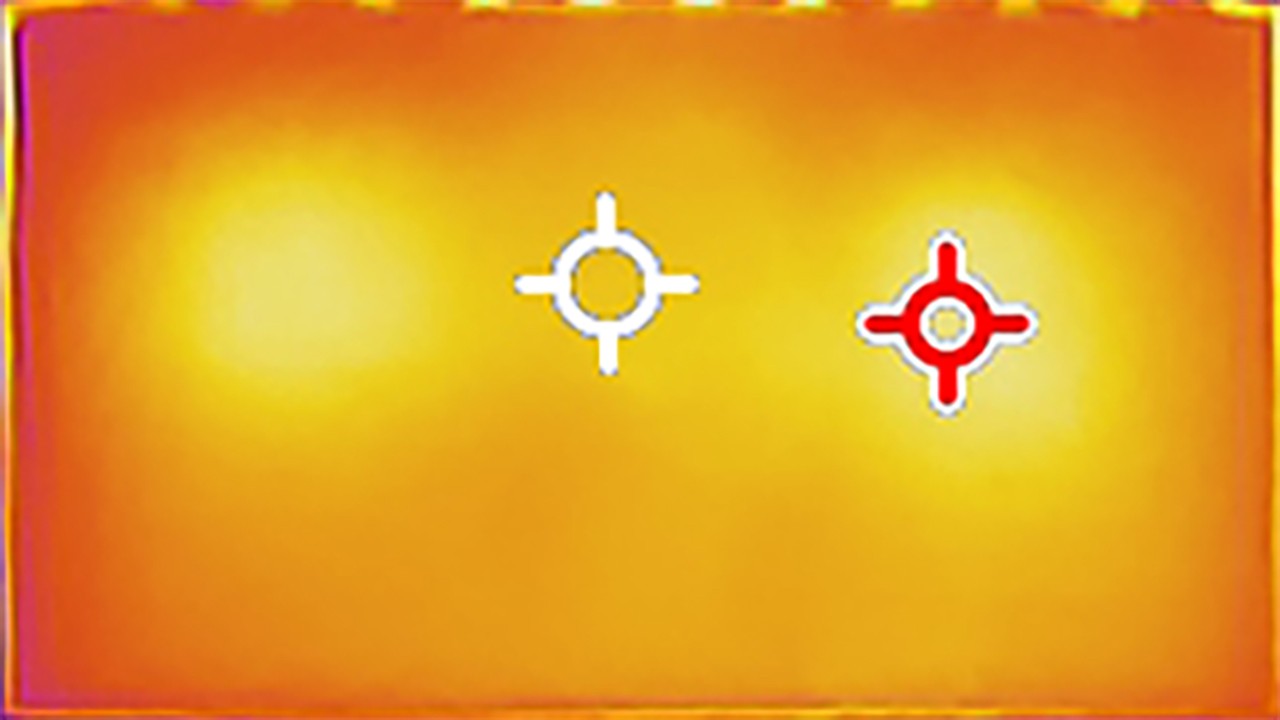
LG QNED86A / QNED85A / QNED87A
Philips MLED920 / MLED910
TV features
8.4/10
5.5/10
- SystemWebOSTitan OS
- System performanceGoodDecent
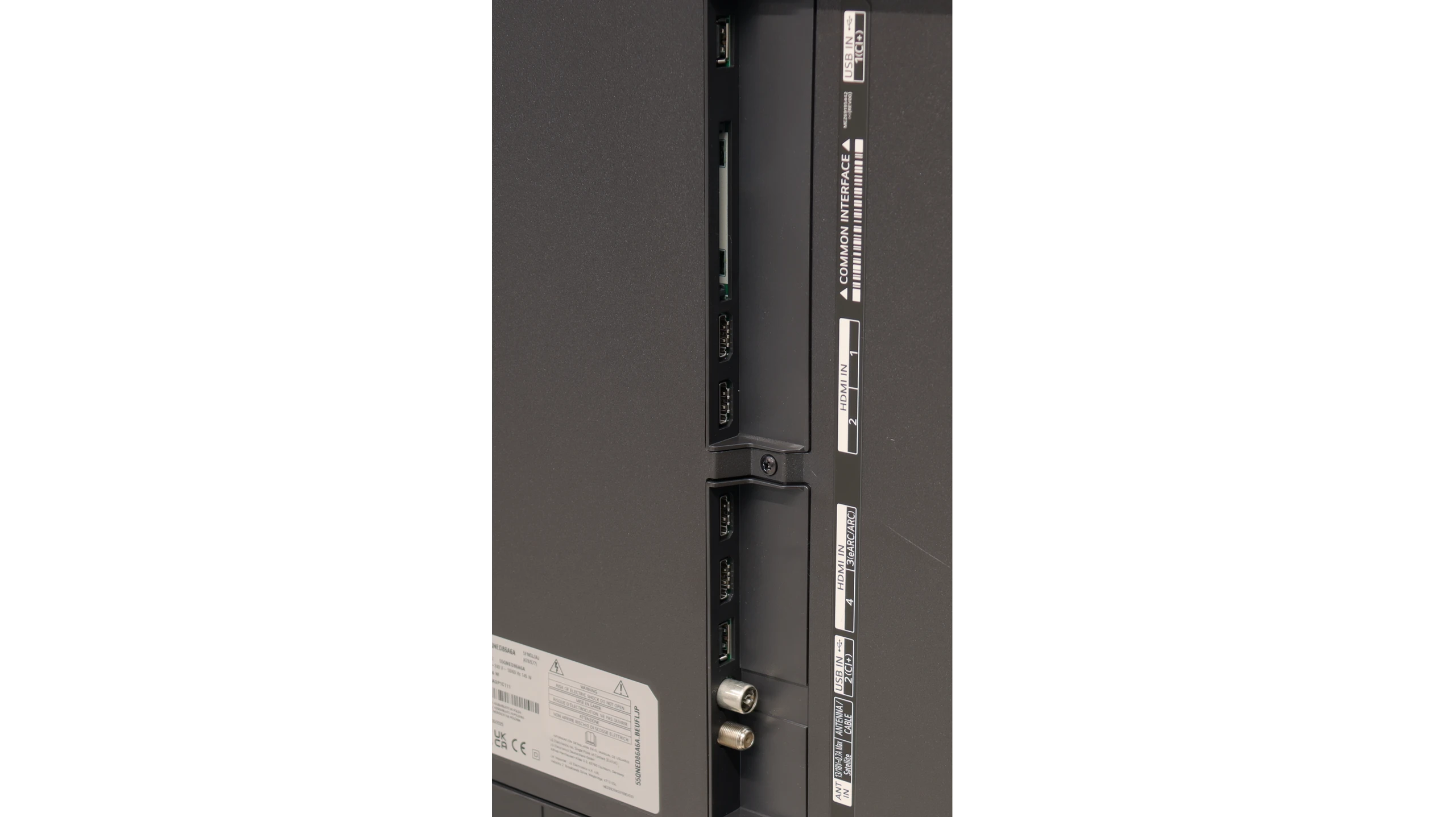
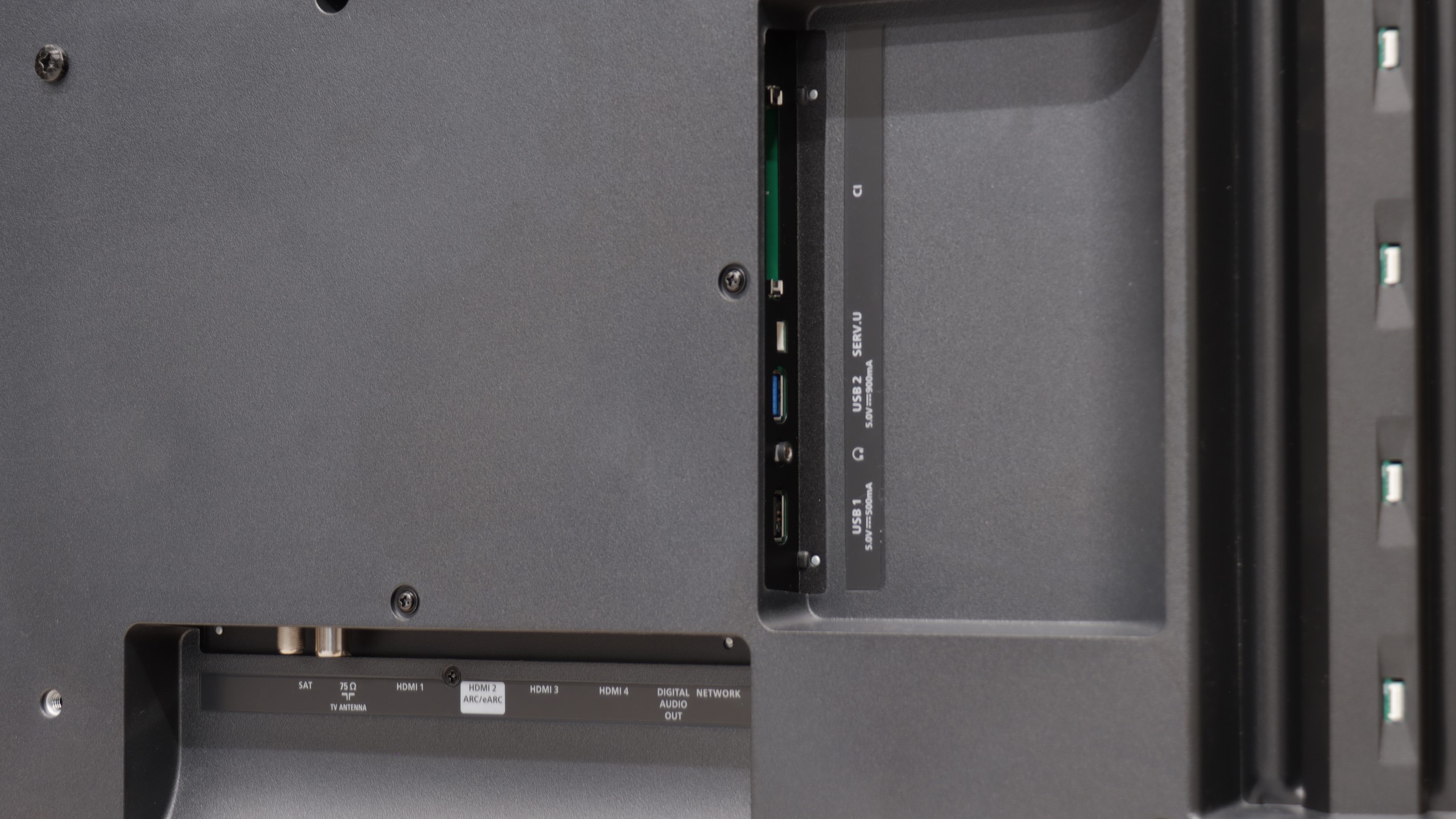
- HDMI inputs0 x HDMI 2.0, 4 x HDMI 2.1 48Gbps0 x HDMI 2.0, 4 x HDMI 2.1 48Gbps
- OutputsToslink (Optical audio), eARC (HDMI), ARC (HDMI)Toslink (Optical audio), eARC (HDMI), ARC (HDMI), Mini-Jack (Headphones)
- Network InterfacesWi-Fi 2.4GHz, Wi-Fi 5GHz, Ethernet (LAN) 100MbpsWi-Fi 2.4GHz, Wi-Fi 5GHz, Ethernet (LAN) 100Mbps
- TV receptionDVB-T, DVB-T2, DVB-S, DVB-S2, DVB-CDVB-T, DVB-T2, DVB-S, DVB-S2, DVB-C
Classic features:
- Recording to USB (terrestrial TV)

- Recording programming
- Picture in Picture (PiP)
- RF remote control (no need to aim)
- Backlit remote control
- Teletext
- Audio only mode
- Bluetooth headphones support
- Simultaneous Bluetooth headphones & TV audio
Smart features:
- AirPlay
- Screen mirroring (Windows Miracast)
- Voice search
- Voice search in native language
- Ability to connect a keyboard and mouse
Sound connection options
- HDMI audioeARC (HDMI), ARC (HDMI)eARC (HDMI), ARC (HDMI)
- Other audio outputsToslink (Optical audio)Toslink (Optical audio), Mini-Jack (Headphones)
- Wireless audioBluetooth, WiSABluetooth, WiSA
Supported audio formats (external HDMI eARC audio):
- Dolby Digital Plus 7.1
- Dolby True HD 7.1
- Dolby Atmos in Dolby Digital Plus (JOC)
- Dolby Atmos in Dolby True HD
- DTS:X in DTS-HD MA
- DTS-HD Master Audio
Senior accessibility
- Numeric keyboard on TV
- Font size adjustment
- Audio description
Smart Features: webOS
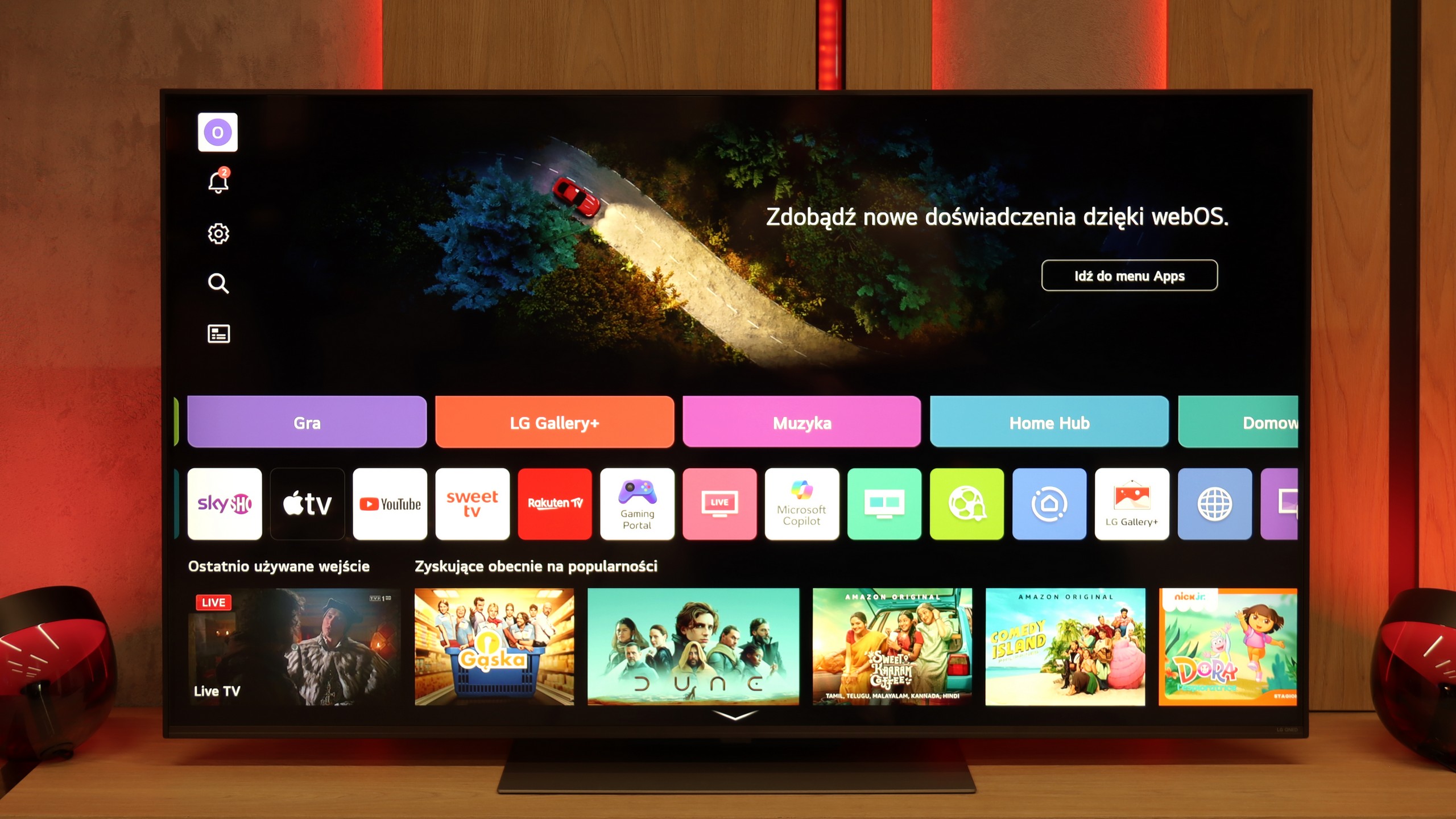
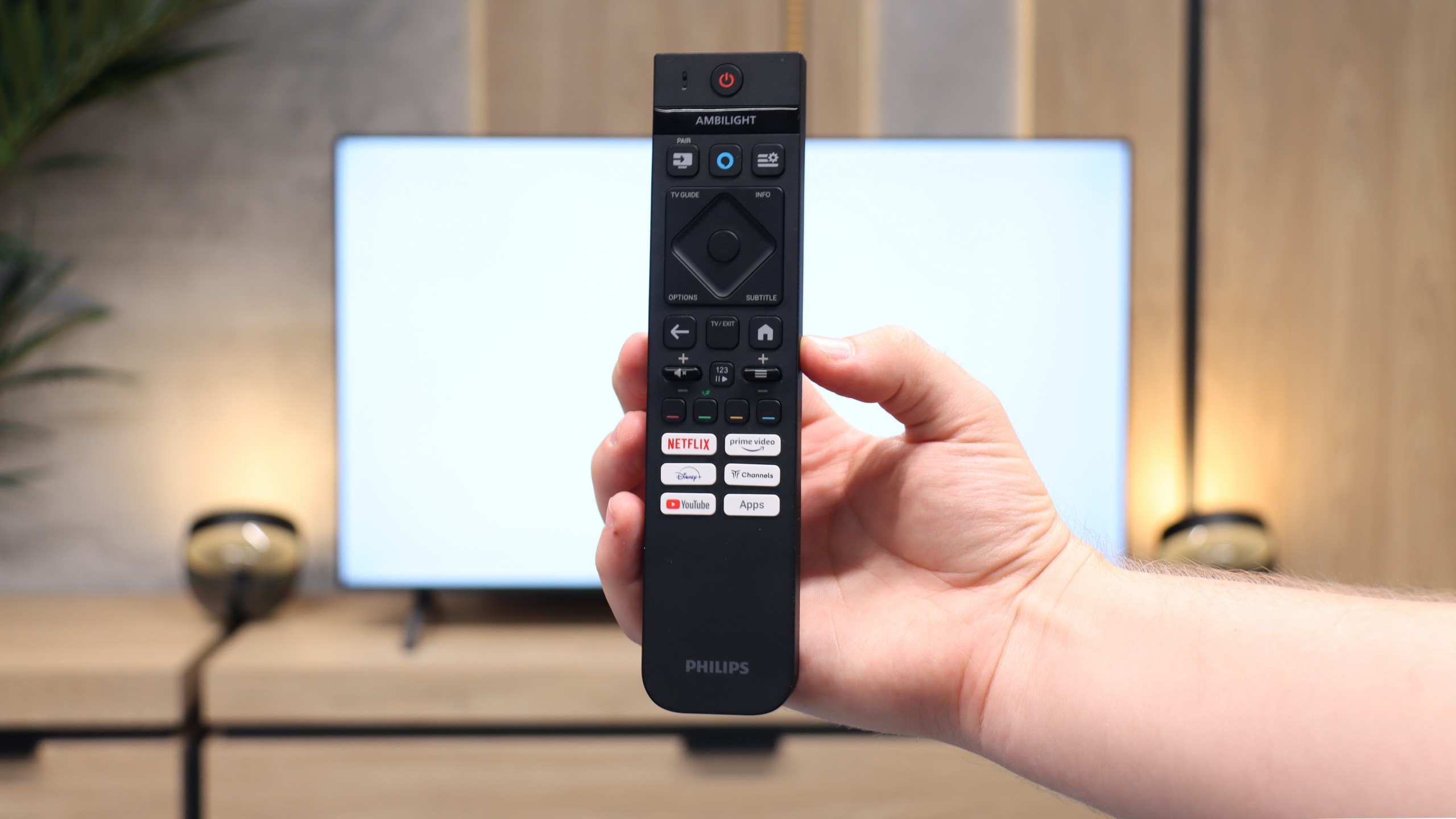
QNED86A6A runs on the well-known webOS – a system that has been a strong point of LG TVs for years. Everything operates quickly and smoothly, applications launch without significant delays, although the interface can sometimes feel a bit overloaded with ads. Fortunately, day to day, the convenience outweighs the shortcomings. A significant advantage is the Magic Remote, which allows you to control the cursor like a mouse – it's one of those solutions that you quickly get used to and later find hard to give up. In the new version, the remote is slimmer, as it has been stripped of the numeric keypad. Some will appreciate the simplicity, while others will miss the classic set of buttons; it’s more a matter of habit.
Classic Features
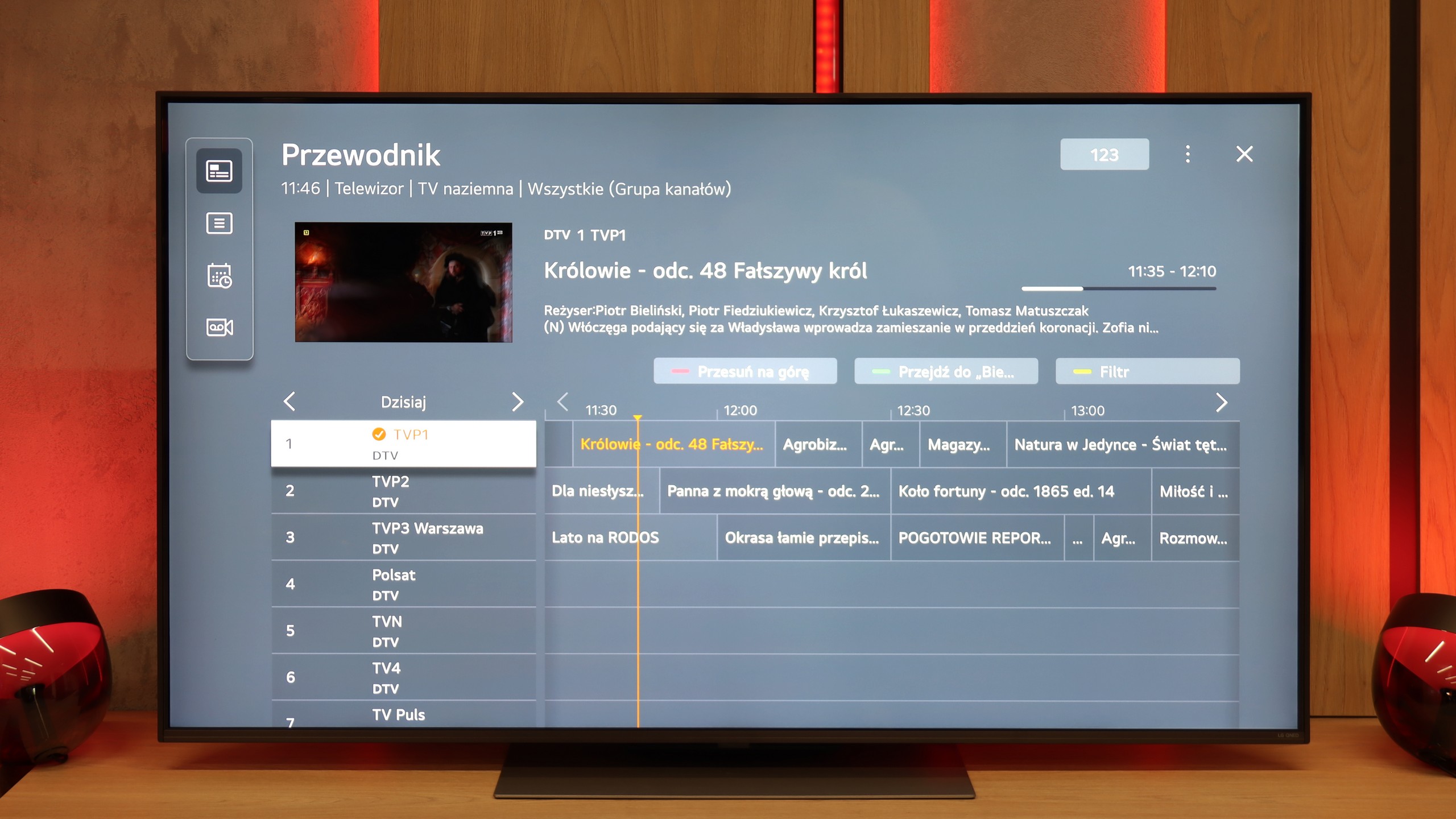
On board, we also find some solutions that in 2025 are not always obvious. There is the option to record programs from the built-in DVB-T2 tuners to USB, so you can easily return to a match or series at any time. In the evening, Bluetooth headphone support is handy – especially if someone in the house falls asleep quicker than we do. Additionally, there’s a full set of HDMI 2.1 ports with eARC support and audio formats such as Dolby Digital or Dolby Atmos.
Smart TV – Titan OS
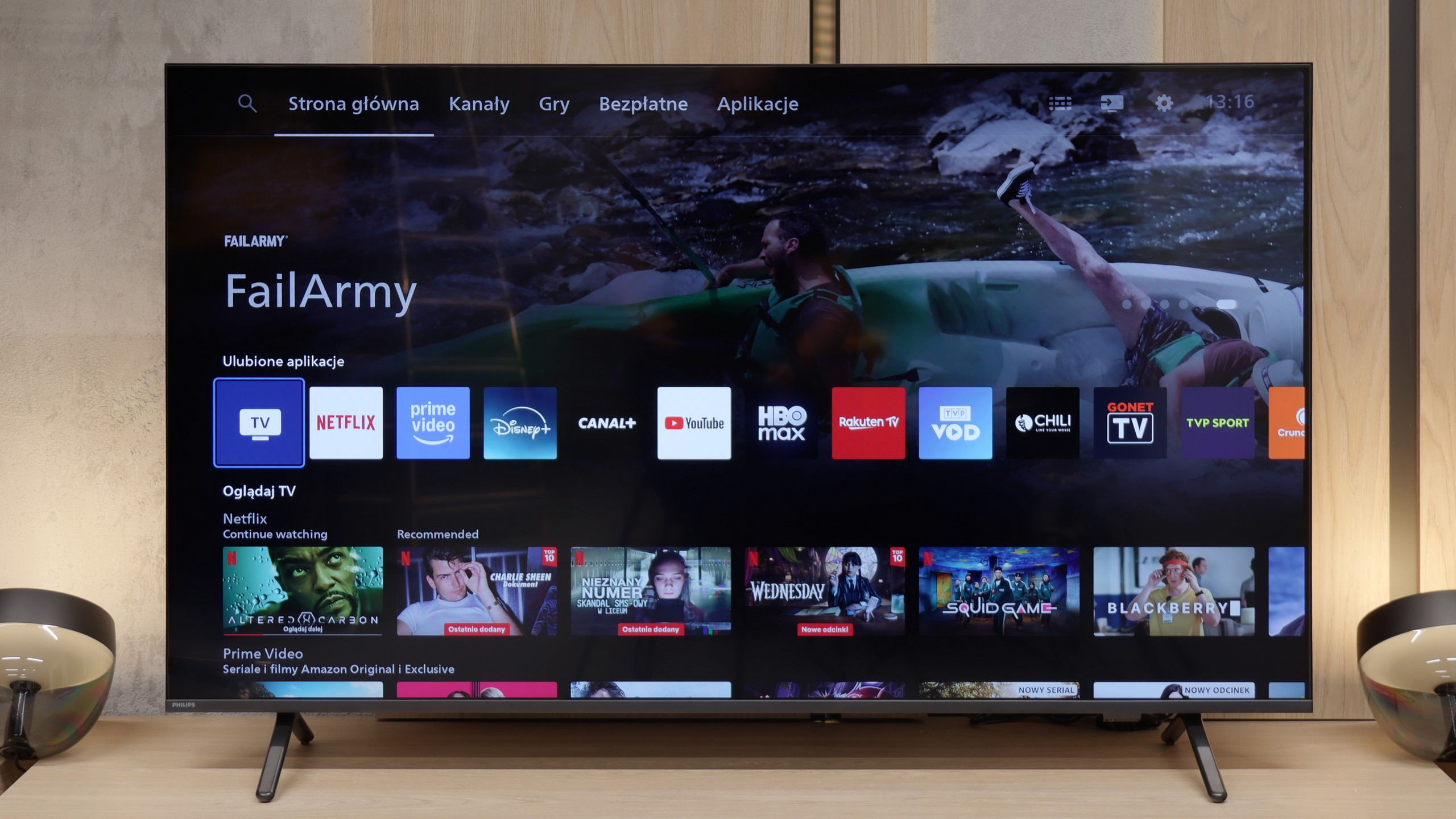
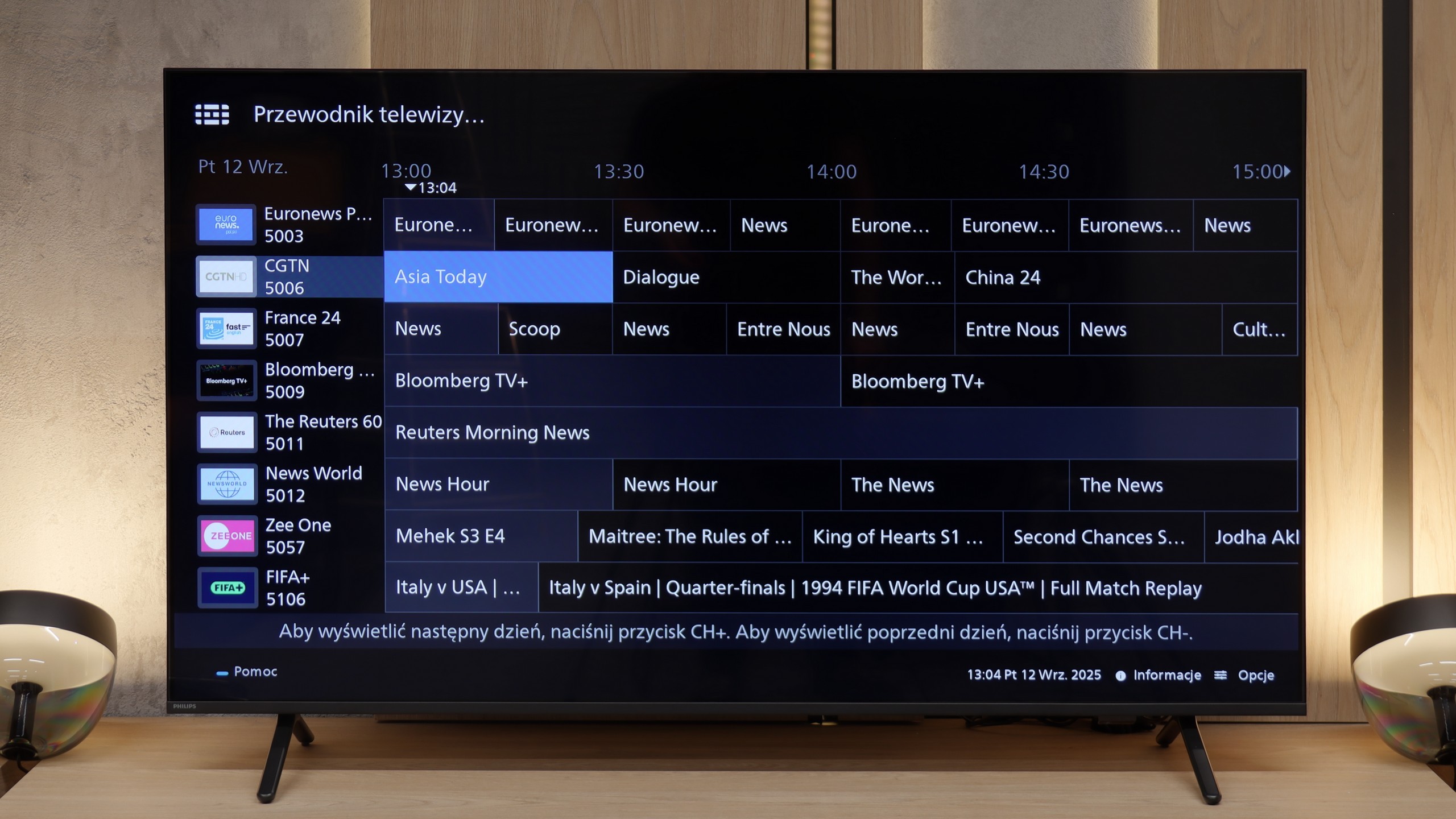
Philips MLED920 uses the proprietary Titan OS, which is just starting its adventure in the TV market and unfortunately, this is evident at every turn. On one hand, we have basic features – such as AirPlay support or the ability to mirror content from a smartphone, but on the other hand, its limitations quickly become apparent. Screen mirroring works only with a phone, but not with a laptop. Voice search? Yes, but it only works with Amazon Alexa and in languages supported by this assistant. The system operates fairly quickly, but every now and then it can "fail" and gives the impression of something that is underdeveloped and still evolving.
Classic TV Functions
Titan OS also doesn't excel in terms of classic TV functions. Aside from the hybrid remote with a numeric keypad – which is indeed backlit and thoughtfully designed in two modes, it unfortunately operates on infrared – there’s nothing here that would truly set the MLED920 apart from the competition. There’s a lack of USB recording or a PiP function, and such solutions could be useful in this class. From unusual additions, we have an analog output in the form of a jack, which allows for connecting headphones or older speakers. It’s a small nod to users who still use older equipment.
Ambilight TV
What definitely draws attention away from the shortcomings of Titan OS is the unique, three-sided Ambilight system. Here, Philips still plays in its own league and can impress those who haven't experienced this feature before. The colour backlighting that reacts to the content on the screen adds a unique atmosphere to viewing sessions and is something that the competition does not offer in a similar form. It is precisely Ambilight that is meant to ensure that other shortcomings – both system-related and functional – take a back seat.
Apps
9.1/10
6.7/10






















Playing files from USB
8.9/10
8.5/10
Supported photo formats:
Maximum photo resolution:
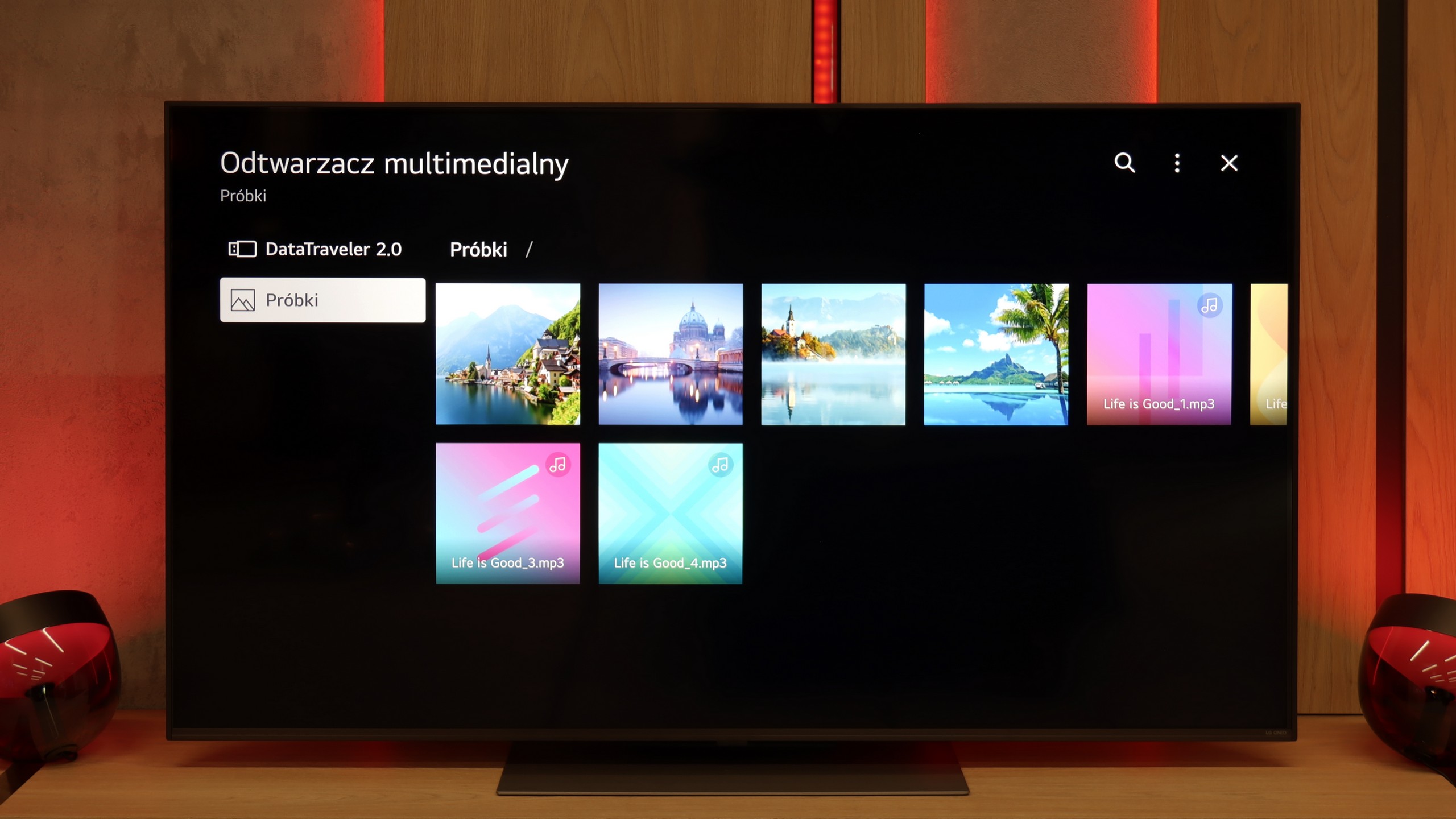
The built-in media player in the QNED86A6A handles the most popular audio and video formats quite well. During testing, we had no issues playing MP4, MKV, or MP3 files; everything played smoothly and without hiccups. The TV also managed most images, although here we encountered a common barrier for many manufacturers – the lack of full support for the HEIC format from Apple. So, if you regularly use an iPhone and store photos in this standard, you'll need to convert them beforehand or, better yet, transfer them using AirPlay. Other than that, it's hard to find fault; as far as built-in solutions go, it's really decent.
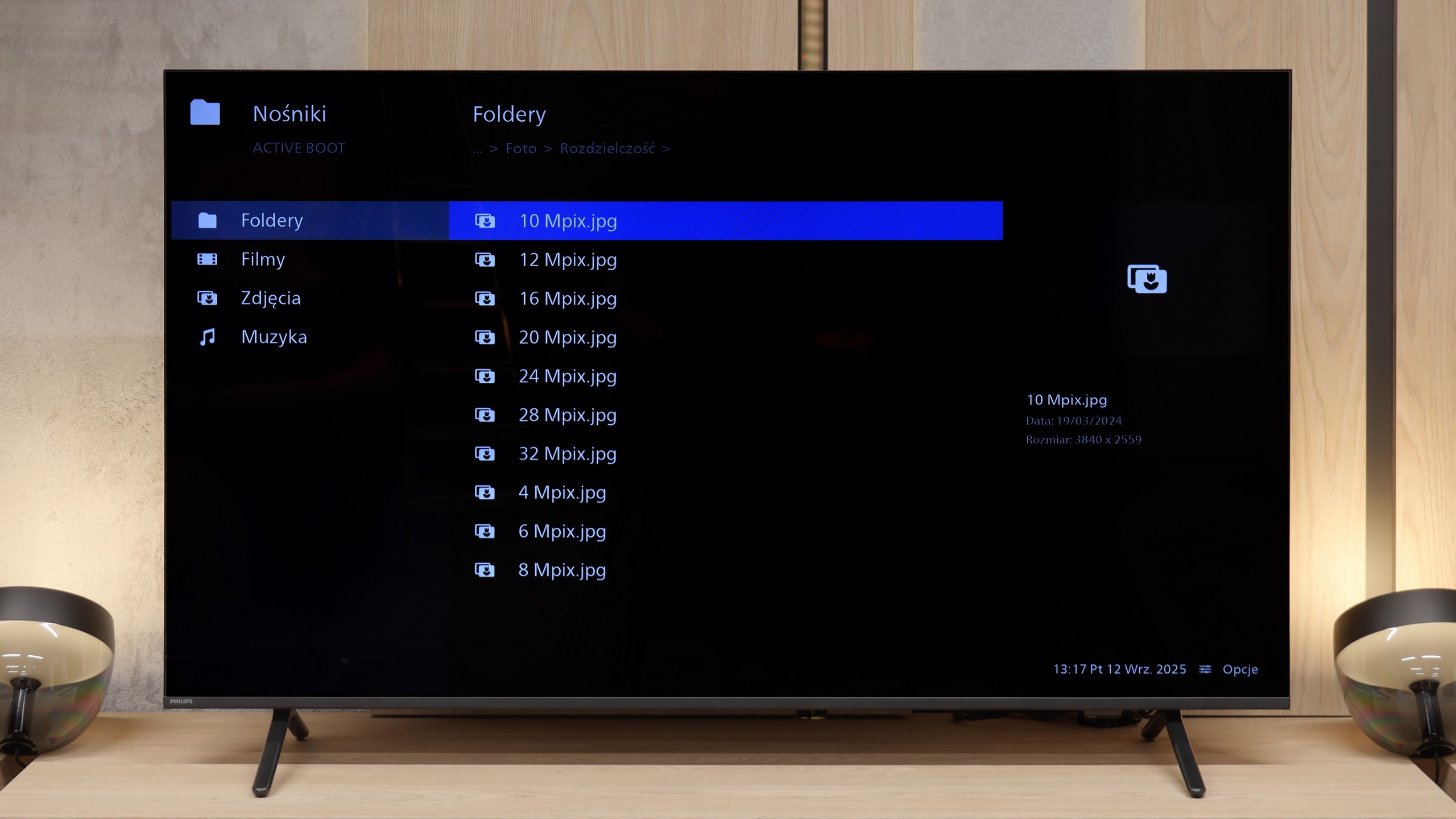
The built-in player in the Philips MLED920 works quite well and handles most popular audio and video files without any major issues – just as you can see in our test table. So there’s no worry about typical movie or music formats. The only complaint we can have is regarding its rather selective support for photo formats and some resolutions.
Sound
6/10
6.2/10
- Maximum volume84dB88dB
- Dolby Digital Plus 7.1
- Dolby True HD 7.1
- Dolby Atmos in Dolby Digital Plus (JOC)
- Dolby Atmos in Dolby True HD
- DTS:X in DTS-HD MA
- DTS-HD Master Audio
In terms of sound, the QNED86A6A performs quite decently, but let's not kid ourselves – it’s not a level that will impress home cinema enthusiasts. The sound is clear and distinct, dialogues are easily heard, but overall it sounds rather flat and definitely lacks solid bass tones. For everyday TV watching, streaming services, or news, it’s an acceptable level, however, if you're planning to watch movies or play games more often, even a basic soundbar will make a significant difference.
The sound in the Philips MLED920 is probably not the element that will impress you the most. It sounds fairly flat, lacking depth and clearer bass, which means movies or concerts don't have that extra layer of immersion that a better audio system can provide. However, it must be said that the volume is at a really decent level – the TV can ramp up to even 88 decibels. A big plus of the MLED920 is not so much the sound quality itself, but the support for audio formats. Philips has ensured compatibility with virtually all the major standards, including Dolby Atmos, DTS, and Dolby TrueHD 7.1. This means that if someone decides to connect an external soundbar or amplifier, they won't encounter any limitations and will be able to enjoy the full cinema sound.
Sound Quality Test
No sound test video
Acoustic Measurements
84dBC (Max)
75dBC
88dBC (Max)
75dBC