LG G5 is a television that not only continues but also expands on what we loved about the previous models in the G series. Instead of following the conventional path, LG opted for a new Tandem OLED panel – and it hit the mark. Picture brightness? Simply, F E N O M E N A L. HDR effect? Close to reference. Colours after calibration? Nearly perfect. Motion smoothness, low latency, and features for gamers? At absolutely top-notch level. The G5 performs well in both movies and games, day and night, with a decoder, console, PC, or even just the remote. Of course – it’s not a product without flaws. It's a shame there’s no support for DTS, viewing angles have worsened compared to its predecessor, and the remote may vary depending on the version. But when we look at the overall picture, it's hard not to get the impression that this is one of the best OLED televisions available on the market, and perhaps even the best. Definitely, when it comes to its versatility and picture quality without the need to resort to extremely expensive models from competitors. If you're looking for a television for everything – for cinema, gaming, a bright lounge, streaming internet content, or connecting a computer – the LG G5 is gear that simply delivers on every front without compromise.
- Matching (Score) |
- Our verdict |
- TV appearance |
- Where to buy |
- Contrast and black detail |
- HDR effect quality |
- Factory color reproduction |
- Color reproduction after calibration |
- Smoothness of tonal transitions |
- Image scaling and smoothness of tonal transitions |
- Blur and motion smoothness |
- Console compatibility and gaming features |
- Input lag |
- Compatibility with PC |
- Viewing angles |
- Daytime performance |
- Panel details |
- TV features |
- Apps |
- Playing files from USB |
- Sound
LG OLED G5 vs LG OLED C6H (TANDEM OLED)
 Direct comparison
G54 / G51 / G55 / LW / LS

C6 / C64 / C6E / C6H / C61
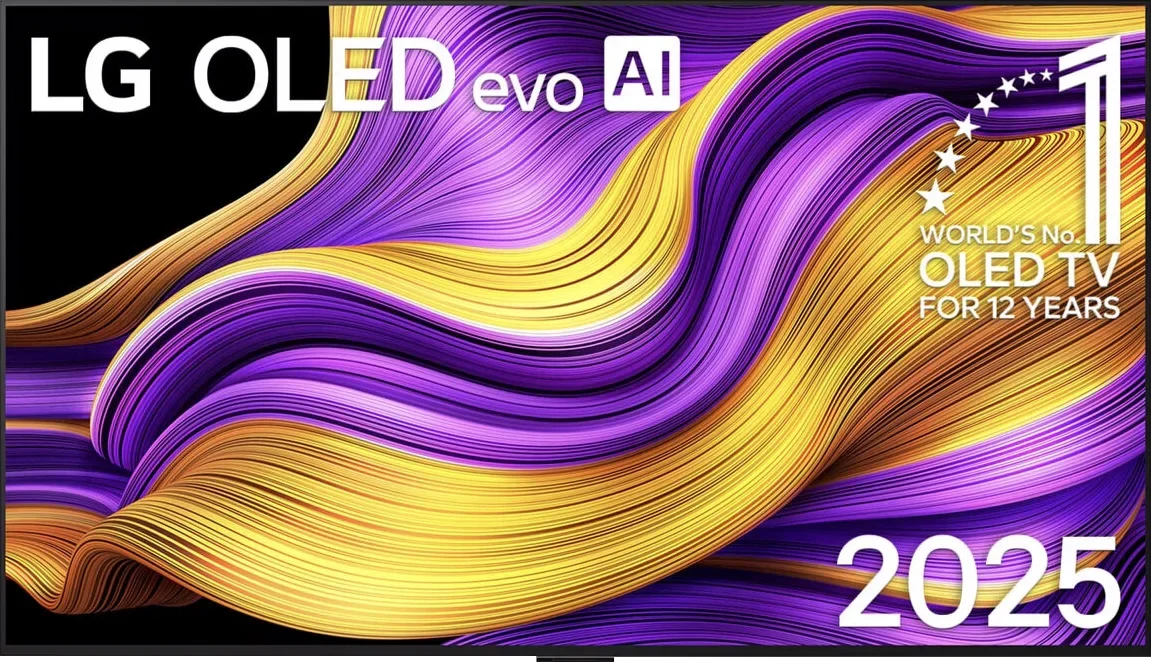
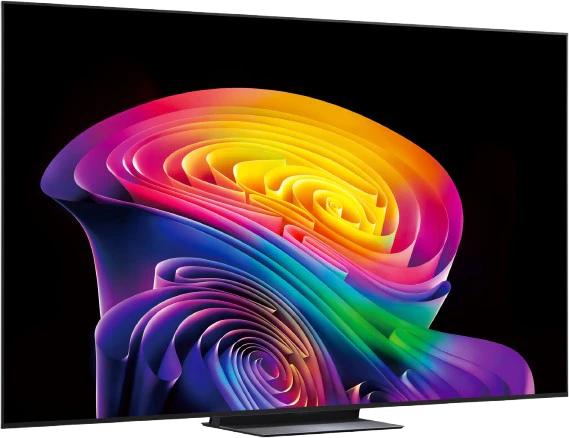
Panel type: WRGB OLED
Resolution: 3840x2160
System: WebOS
Model year: 2025
Complete the survey to find out the result
Panel type: WRGB OLED
Resolution: 3840x2160
System: WebOS
Model year: 2026
Complete the survey to find out the result
Overall rating
8.9
8.4
 Movies and series in UHD quality
 9.2
8.4
 Classic TV, YouTube
 9.2
8.6
 Sports broadcasts (TV and apps)
 8.8
8.6
 Gaming on console
 9.5
9.5
 TV as a computer monitor
 8.8
8.6
 Watching in bright light
 8.0
7.6
 Utility functions
 8.5
8.4
 Apps
Apps 9.1
9.1
 Sound quality
 8.7
7.0
Complete the survey to find out what fits your preferences
Advantages

Amazing black and contrast
Reference colour reproduction after calibration
Very high brightness in HDR content
Excellent compatibility with consoles and computers
Great motion smoothness - OLED panel 165Hz
Many features for gamers: VRR, ALLM, HGIG, low input lag
Great WebOS operating system with many applications
Superb control with the Magic remote featuring a "cursor" function
Outstanding brightness, over 2,000 nits in HDR
Perfect blacks and OLED contrast
Excellent picture quality for HDR films and Dolby Vision
Very good image processing and upscaling
165 Hz panel and practically zero motion blur
Great gaming package: VRR, G-Sync, HGiG, Dolby Vision Gaming
Very low input lag, approx. 5 ms at 120 Hz
Wider colour gamut than other WOLED screens, 99% DCI-P3 and around 83% BT.2020
Intuitive, modern webOS
Convenient control with the Magic remote featuring a gyroscope
Disadvantages

No support for DTS audio format
Inferior (though still good) viewing angles compared to the predecessor G4
Different remote versions in derivative models – hard to predict which version we will get
Strong dithering and image flicker in near-black areas
Various remote versions across C6 variants, so before buying it's hard to be sure which Magic Remote will be included
Average handling of reflections; in a very bright living room strong reflections may be noticeable
No DTS:X support. For that format you'll need an external AV receiver or player
Our verdict
The C6H is an even more interesting TV because the use of a Tandem OLED panel means the C series is moving into territory previously reserved for far more expensive models. You still get all the benefits of the regular C6, but the panel’s capabilities are on a completely different level. HDR illustrates this best. In many scenes we measured around 2000 nits, and at times even 2300 nits — results previously seen only in flagship TV ranges. On top of that there’s a wider BT.2020 gamut and, above all, much stronger colours at high brightness. In that respect it’s hard to call this a typical mid-range OLED. What’s more, the rest of the TV keeps up with the panel. You get excellent image processing, 165 Hz, a full suite of gaming features and the convenient webOS with the Magic Remote. If we judged the C6H solely on its capabilities and specs, it could easily sit alongside much more expensive top-tier TVs.
Unfortunately the magic fades a little when evening comes and you want to watch a film on it. Around black our C6H sample showed noticeable dithering and annoying flicker. It was most visible in challenging, very dark scenes and it’s the kind of fault that’s hard to ignore on an OLED. After all, one of the reasons you buy a panel like this is to enjoy perfect blacks during evening viewing. It’s a pity because otherwise the C6H is a genuinely terrific TV. Everything also suggests this isn’t a limitation of the panel itself but a firmware issue, similar to what we also saw in the LG G6. We therefore hope LG will fix it with an update, as it has done on some overseas markets. For now, this single issue prevents us from fully recommending the C6H. Until LG fixes it, the safer choice is the regular C6 or a rival OLED that doesn’t suffer from this near-black behaviour. If an update does resolve the problem, the Tandem-equipped C6 will immediately become one of the most interesting OLEDs of 2026.
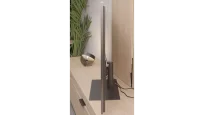
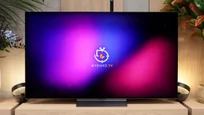
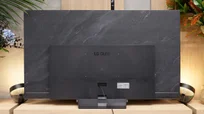
TV appearance




Contrast and black detail
10/10
10/10
Contrast:


Result
∞:1

Result
∞:1

Result
∞:1

Result
∞:1

Result
∞:1
Result
∞:1
Result
∞:1
Result
∞:1
Result
∞:1
Result
∞:1
Halo effect and black detail visibility:
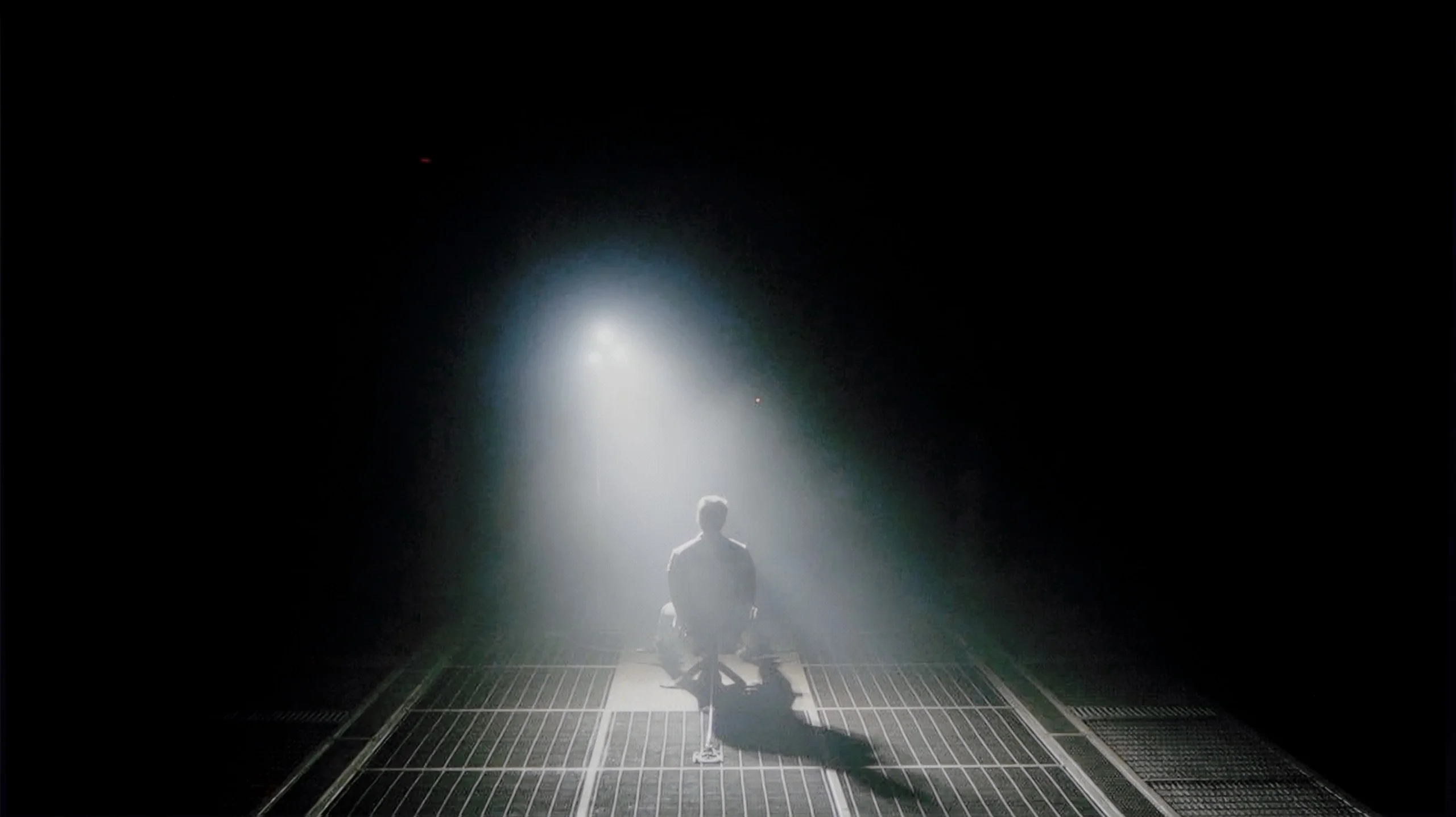
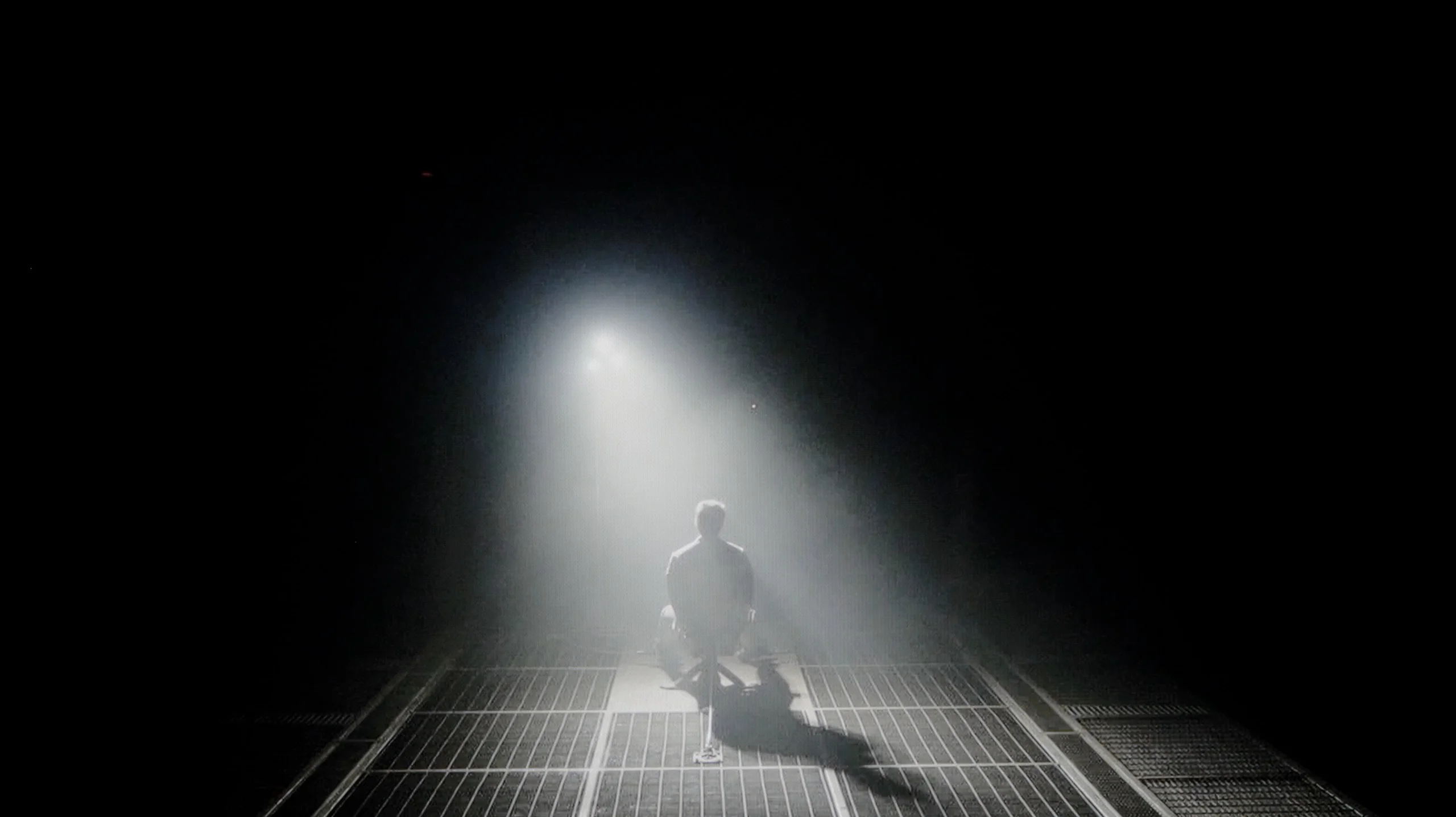
Check the visibility of bright lights on a dark background. Mini-LEDs often struggle with this. The photo does not compare black levels – that’s what the video below is for.
The video accurately shows differences in contrast and black levels between TVs, as well as potential issues: halo around bright objects or Mini-LED zone operation visible as brightness jumps.
LG G5, as expected from an OLED television, impresses with its contrast and black levels. In scenes with a lot of dark areas, the screen presents itself almost perfectly, offering deep, absolute black and infinite contrast – an effect that still cannot be achieved on any LCD television. The new Tandem OLED matrix does not introduce any negative changes compared to previous generations – blacks are perfect regardless of the content. Watching scenes from movies like The Revenant or Oblivion, the excellent separation of lights is clearly visible, without blooming or lightening of dark parts. In this category, LG G5 deserves the highest rating.
The Tandem OLED panel gives the C6 clearly greater capabilities in several areas of the picture, but when it comes to black levels there was nothing that needed changing. As with any OLED, individual pixels can be completely switched off, allowing the TV to achieve perfect black and virtually infinite contrast. So it doesn't matter whether bright subtitles on a black background, tiny stars or small light sources appear on the screen. You won't see the halo typical of LCDs around them, and transitions between bright and dark areas are very precise. In terms of pure black the Tandem OLED version has no advantage over the standard C6, because both panels can switch pixels off with single-pixel precision. Differences between them only show up in brightness and colour. However, if we look solely at contrast and black level, both variants offer the same reference performance.
NOTE: In the helicopter scene from the film Sicario 2 we noticed graininess and flicker in the darkest parts of the image. It looks like a software bug that LG should fix with an update. In the Tandem OLED version the effect is even more noticeable, and we observed similar behaviour in the flagship LG G6 as well.
HDR effect quality
9.1/10
8.8/10
Luminance measurements in HDR:

Result
2346 nit

Result
2353 nit

Result
2399 nit

Result
2353 nit

Result
2012 nit
Result
2133 nit
Result
1900 nit
Result
2300 nit
Result
1964 nit
Result
1648 nit
Scene from the movie “Pan” (about 2800 nits)


Scene from the movie “Billy Lynn” (about 1100 nits)


The photos show two HDR10 movies. 'Pan' is one of the brightest productions ever made, while 'Billy Lynn' (soldier) has brightness typical of streaming (Netflix, Prime, HBO MAX). Notice the intensity of effects and detail in whites.
Static HDR10


The photos present the visibility of white details in various HDR formats. They do not show brightness differences between TVs (these can be compared in the previous gallery).
Dynamic: Dolby Vision
Dynamic: Dolby Vision


The photos present the visibility of white details in various HDR formats. They do not show brightness differences between TVs (these can be compared in the previous gallery).
HDR luminance chart:
LG OLED C6H (TANDEM OLED)
LG OLED G5
Luminance of RGB colors
Luminance of RGB colors
LG G5 with its new Tandem OLED panel brings the biggest change in terms of TV brightness. And it’s substantial. This is a truly astronomically bright OLED. In every scene tested – whether it's point lights or full-screen whites from the movie The Meg – brightness on the G5 exceeded 2000 nits. Just a year ago, such values on an OLED were simply unimaginable. And here we are – the G5 is approaching, and at times even surpassing, the best Mini-LEDs on the market. A novelty in the Tandem OLED panel is also the expanded colour gamut coverage – and here the LG G5 performs almost perfectly. DCI-P3 achieves a full 100%, while BT.2020 hovers around 83%. These are some of the highest values currently available on the market – it's hard to find any other TV that comes close to such results, unless we're talking about the best displays with QD-OLED panels. The G5 has almost reference-level HDR quality – both in terms of brightness and colour saturation. This is an OLED that can truly shine – and not just metaphorically.
And the biggest advantage of the Tandem OLED panel is most obvious with HDR. The C6H's brightness is simply very high and, in our measurements across most film scenes, hovered around 1,900 to 2,300 nits. That's the kind of level at which bright highlights, the sun or small light sources can look truly spectacular. The scene that impressed us most was the fifth scene from the film The Meg. It's particularly demanding for OLEDs because almost the entire screen is extremely bright. Even so, the C6H reached about 1,650 nits in that scene. By comparison, the standard C6 with a classic WOLED panel managed roughly 600 to 700 nits at the same point. So we're talking about more than double the brightness, and in places the difference approaches three times as much. And that's probably the best example of what Tandem OLED delivers. It's not just a higher score on a small test window. The C6H can maintain very high brightness even when much more of the screen is illuminated. That gives HDR a much wider dynamic range, and in this respect the C6H is considerably closer to flagship OLEDs than to typical mid-range models.
Colours
Tandem OLED also brings improvements in colour. DCI-P3 coverage remains virtually complete at around 99%, while in the much wider BT.2020 colour space we measured about 82–83%. That's roughly 7 percentage points more than the standard C6. In everyday viewing this won't be a difference you notice in every scene, because most films don't use such a wide palette. However, when very highly saturated colours appear, the C6H has noticeably greater capability, especially with reds. Reds benefit the most, becoming deeper and more saturated. It's still not at the level of the best QD-OLED panels or SQD TVs, but for a WOLED panel the result is really very good.
Factory color reproduction
7.8/10
7.8/10


This gallery shows how colors change after professional TV calibration. If you notice the difference, we recommend ordering this service at SkalibrujTV.com.
Factory Mode
After calibration
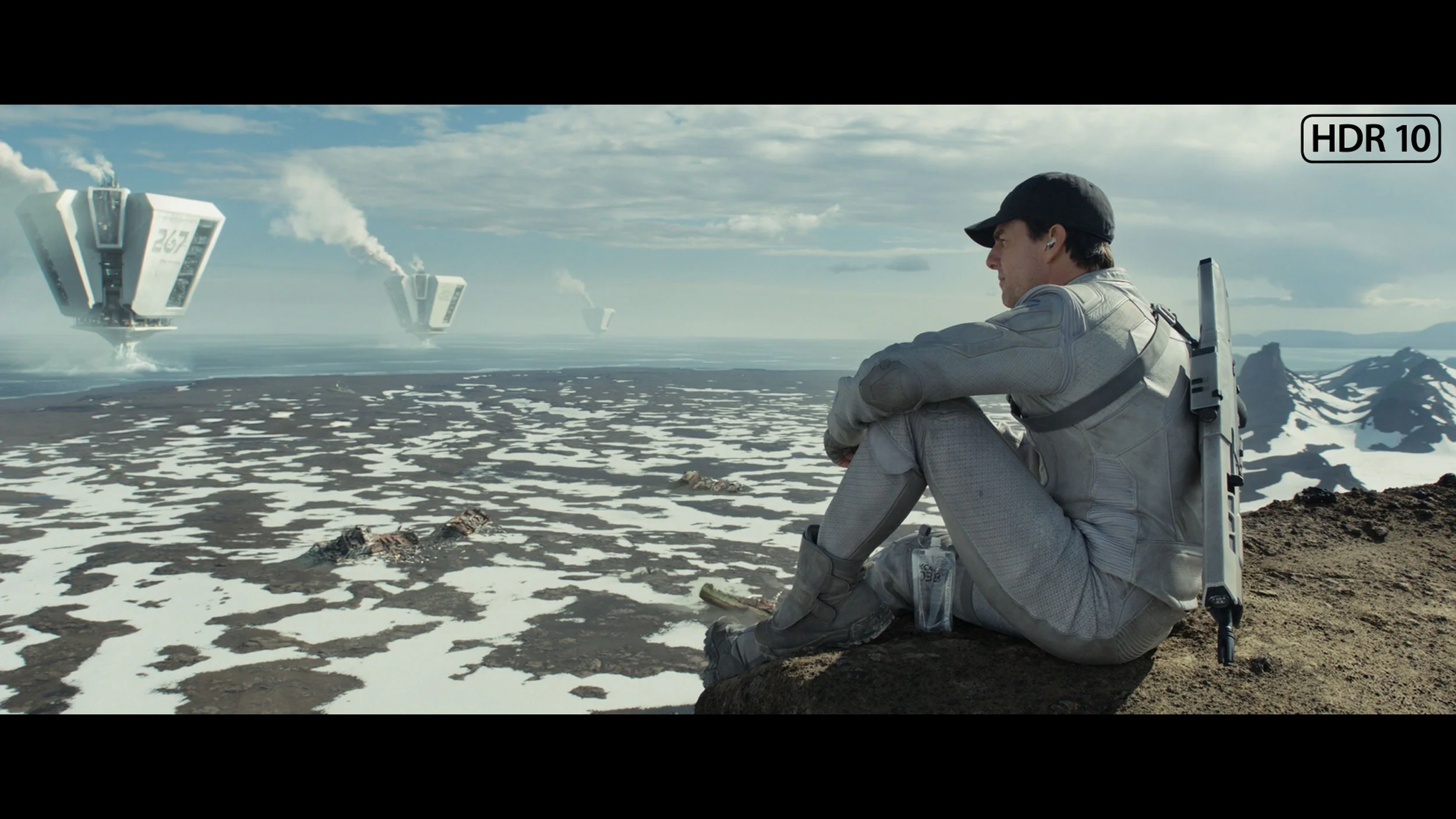
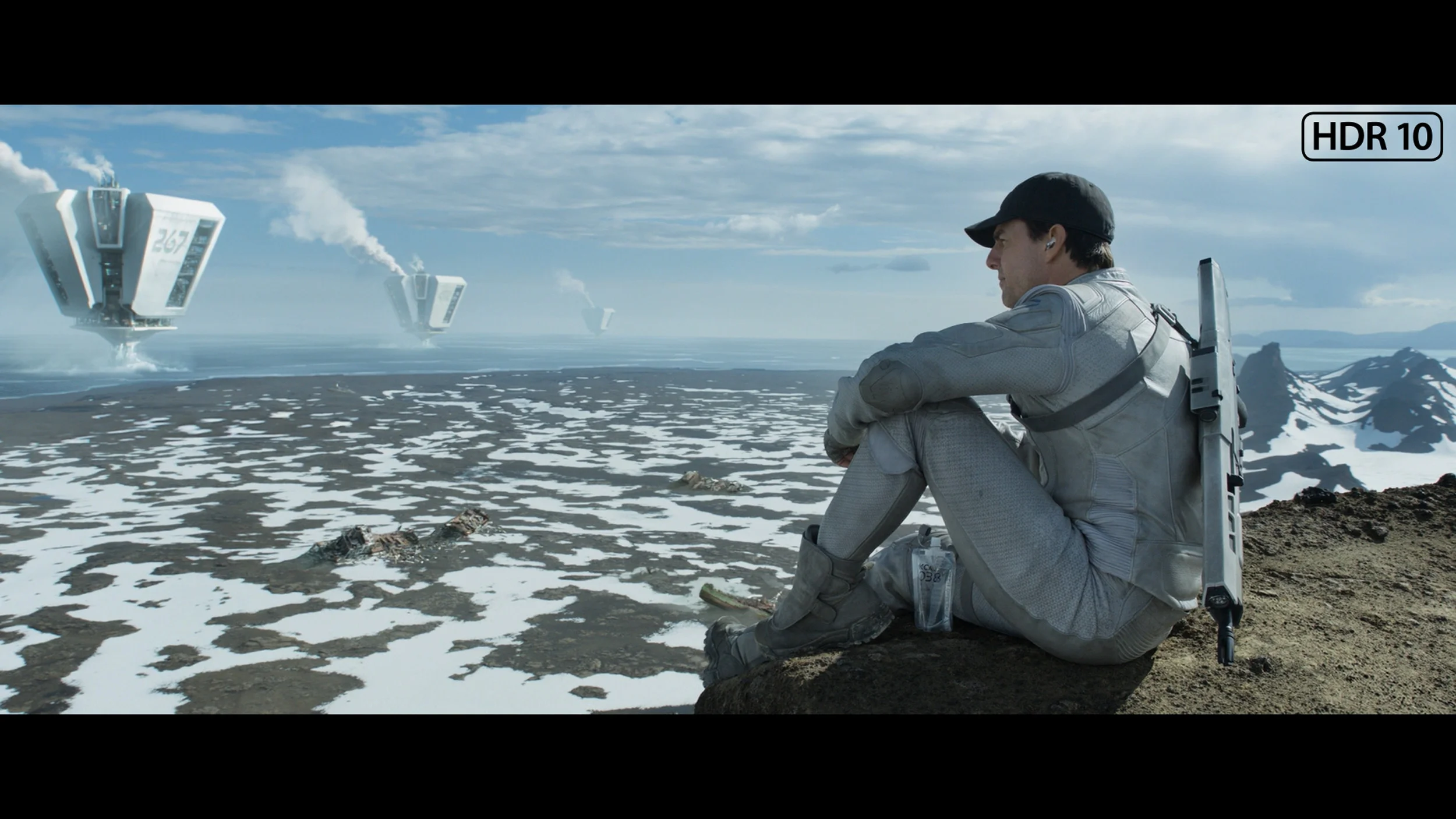
This gallery shows how colors change after professional TV calibration. If you notice the difference, we recommend ordering this service at SkalibrujTV.com.
Factory Mode
After calibration
Our test unit LG G5 had some issues in the factory Filmmaker mode. While the picture might have seemed fine to most people, we knew this TV could do much more. This mode had a noticeable excess of blue tint in the white balance, resulting in a strongly cooled image – especially in HDR modes, where there was additionally a lack of red. The image appeared cold, and its sharpness was artificially boosted and unnatural. Another significant problem was the brightness characteristics. In SDR content, the situation wasn't the worst, aside from a slight dimming of the entire image. However, it fared much worse in HDR materials – due to improper brightness management, the smallest details could completely disappear from the image, while larger, bright elements looked overexposed and lacking in gradation. Fortunately, the G5 supports calibration using 3D LUT (a professional tool for colour calibration), so we decided to take advantage of its professional capabilities and see what it was really capable of. Because while it wasn't terrible even before calibration, the potential of this TV definitely deserved more.
Right out of the box the LG C6 is pretty well set up, especially if you select Filmmaker mode. In SDR content the white balance is good, although as brightness increases it starts to lack red slightly. This makes the picture a bit cooler, but not enough to be very noticeable during normal viewing. More is going on in the luminance response. Gamma is a bit low and instead of holding at 2.4 it sits closer to 2.1–2.2 across a large part of the range. In practice the C6 slightly brightens midtones. Shadows are therefore more readable, but the image loses a little depth compared with how it should look in a dark room.
In HDR the situation is a bit more interesting. The start of the grayscale looks very good, but from around 20–30% brightness the white balance starts to drift more strongly. As brightness increases red builds up and blue becomes noticeably lacking. In the brightest parts the difference is already significant and also affects the reproduction of some colours. The EOTF curve itself is handled quite well across most of the range. The C6 only has a tendency to slightly brighten the picture, which we've already seen in our film comparisons. The biggest deviation appears around the brightest sections where the TV starts to adapt the signal to the panel's capabilities.
So the factory Filmmaker setting in HDR is not perfect, but overall performs well. The biggest room for improvement is the white balance, especially at high brightness.
Color reproduction after calibration
9.8/10
9.1/10

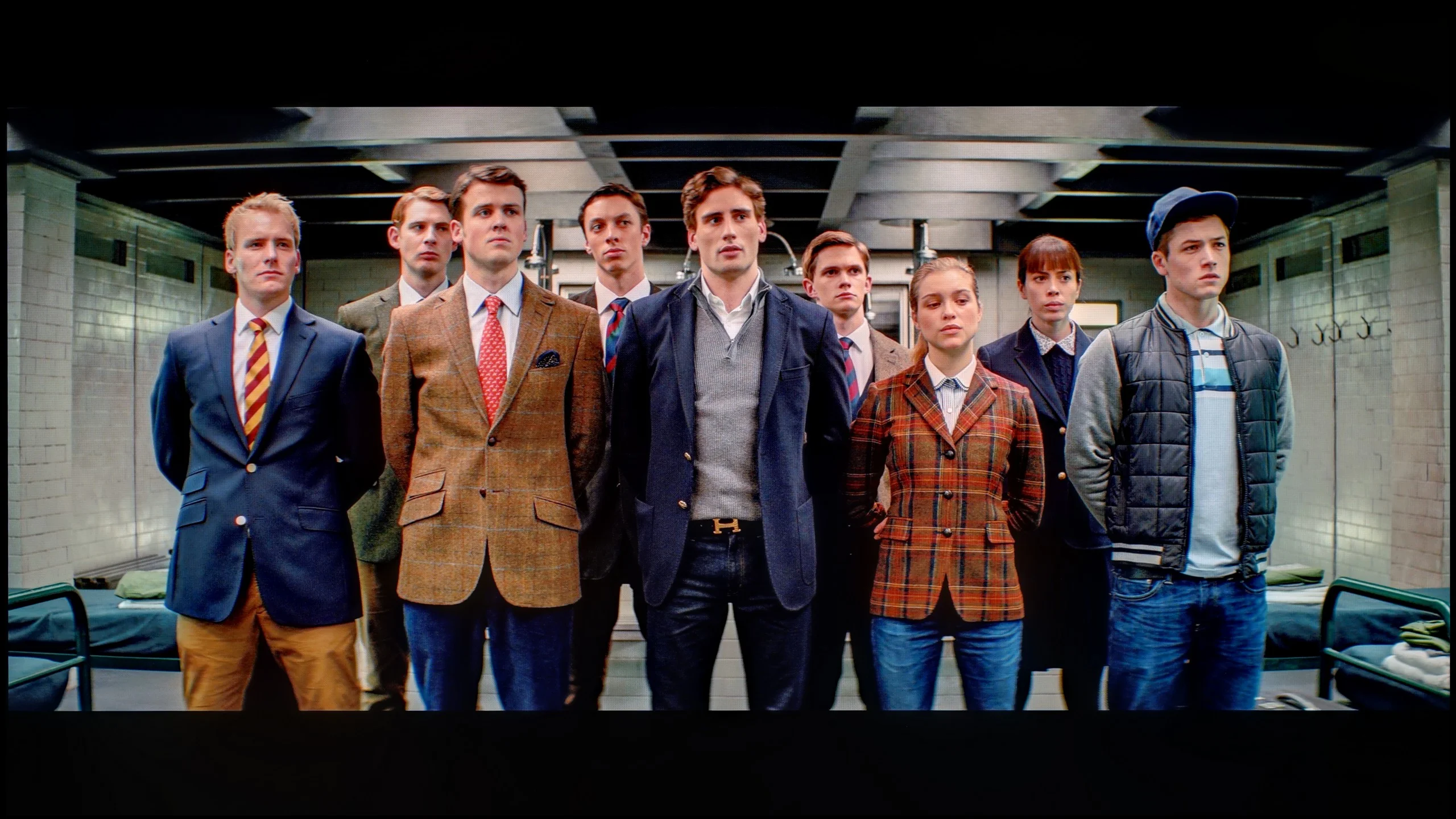
The photos show how movies look on the TV. Pay attention to black detail visibility, colors, and shadow tint.


The photos show how movies look on the TV. Pay attention to black detail visibility, colors, and shadow tint.
After completing the calibration process with professional tools, we can confidently state this – the LG G5 offers almost reference-quality image. Most of the errors related to white balance and the ColorChecker test are below a value of 2, which is a phenomenal result, practically imperceptible to the human eye. And while one could still nitpick that in HDR films the TV still has a tendency to slightly dim the smallest elements of the image, in practice this does not negatively affect the overall reception. Hats off to LG, as once again they provide users with enormous display settings options – and this, combined with very good parameters of the panel itself, results in an image that is truly hard to beat.
LG TVs have long responded very well to calibration, and the C6 is no exception. After adjustment, the white balance was set almost perfectly, and most colour errors fell to values below 3, often around 2. In practice this means very accurate colour reproduction in both SDR and HDR. An interesting detail only showed up with the HDR luminance response. On a classic EOTF chart everything looks almost perfect and at first glance it would be hard to fault. Only when we measured the TV’s behaviour using filters based on real film scenes did it emerge that the C6 has a slight tendency to artificially boost image brightness.
It isn’t a huge difference and many people may even see it as a positive, since HDR looks a bit more punchy. From the point of view of fidelity to the source material it’s not ideal, though — some scenes are simply a touch brighter than the filmmaker intended. Interestingly, this is quite atypical for LG. In previous generations, this brand’s TVs usually stuck very closely to the reference picture characteristics after calibration. With the C6 we’re still very close to the standard, but that subtle boost in brightness can indeed be noticed in movies and TV shows.
Smoothness of tonal transitions
8.5/10
5/10
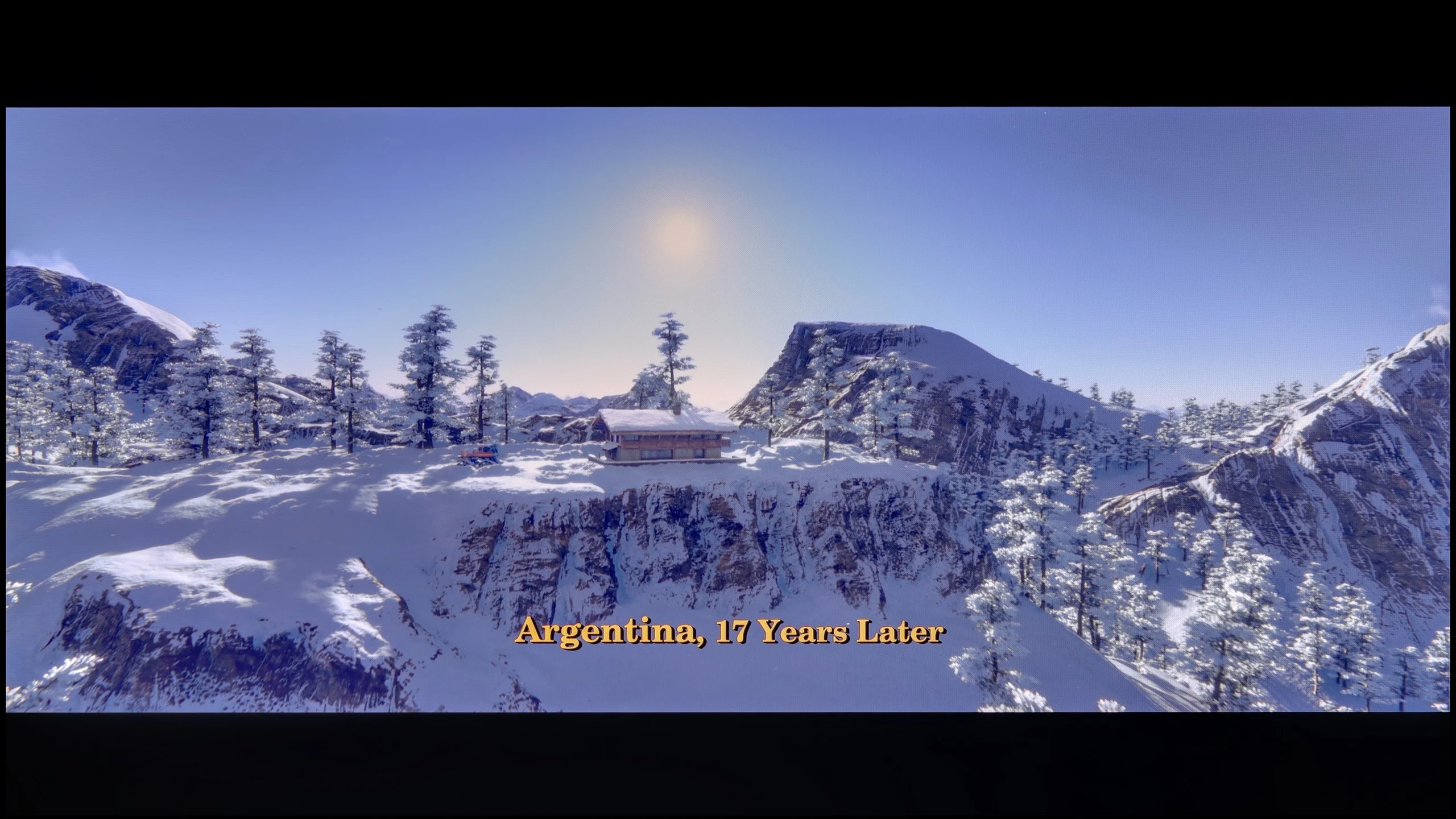

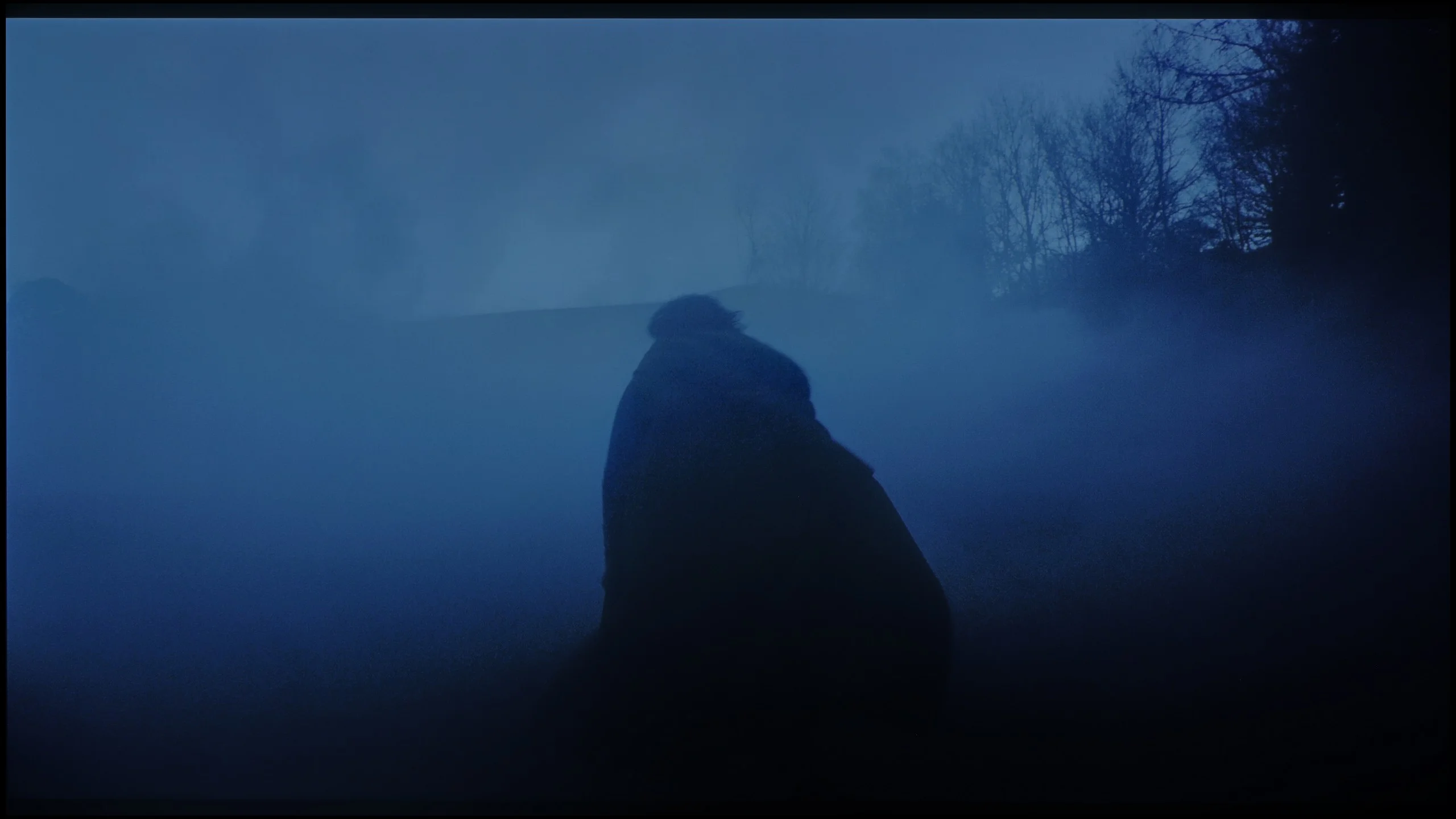

These are selected scenes that show smooth tonal transitions from one color to another. If you see distinct banding, it’s the TV panel’s fault.

These are selected scenes that show smooth tonal transitions from one color to another. If you see distinct banding, it’s the TV panel’s fault.
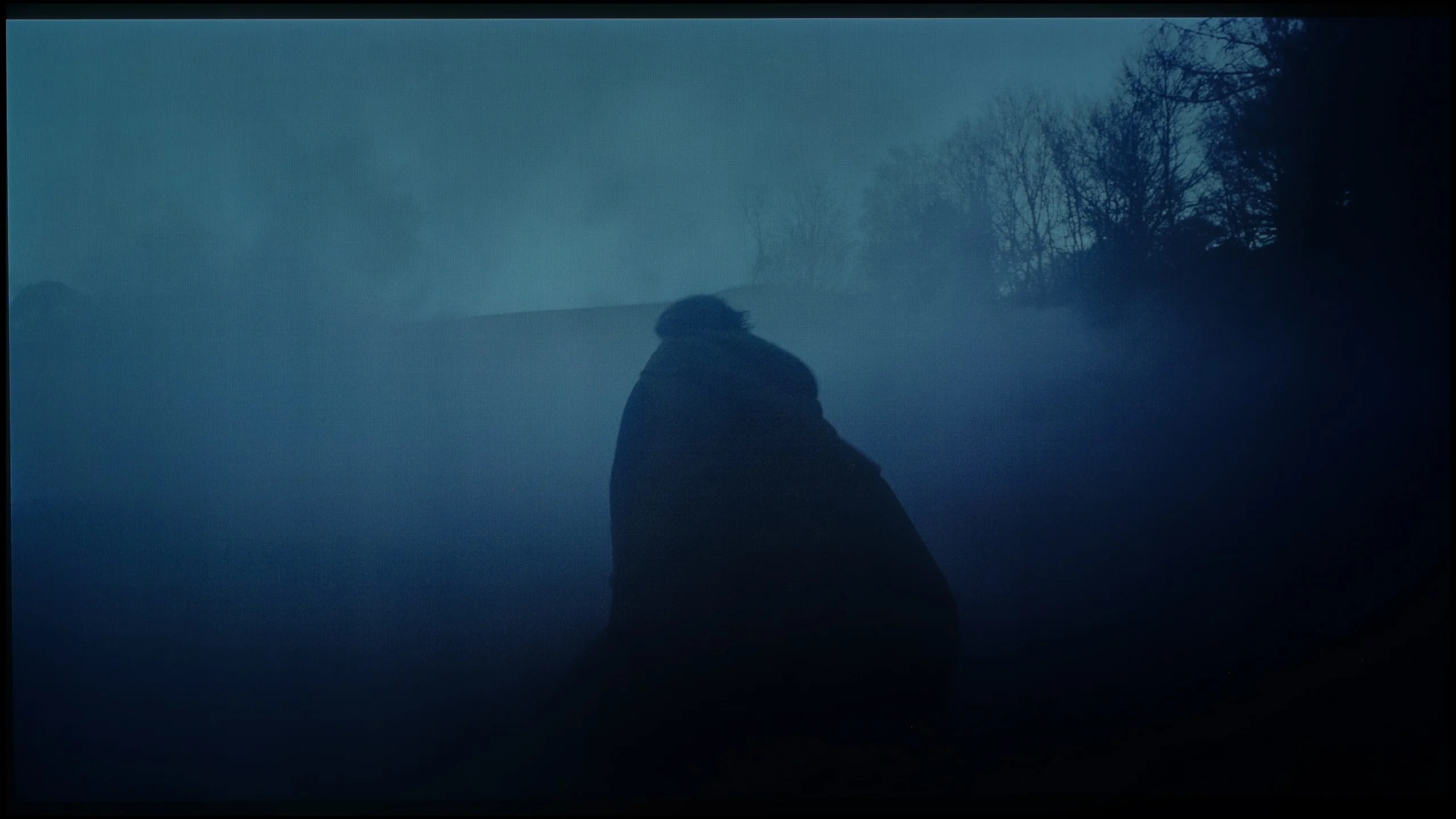
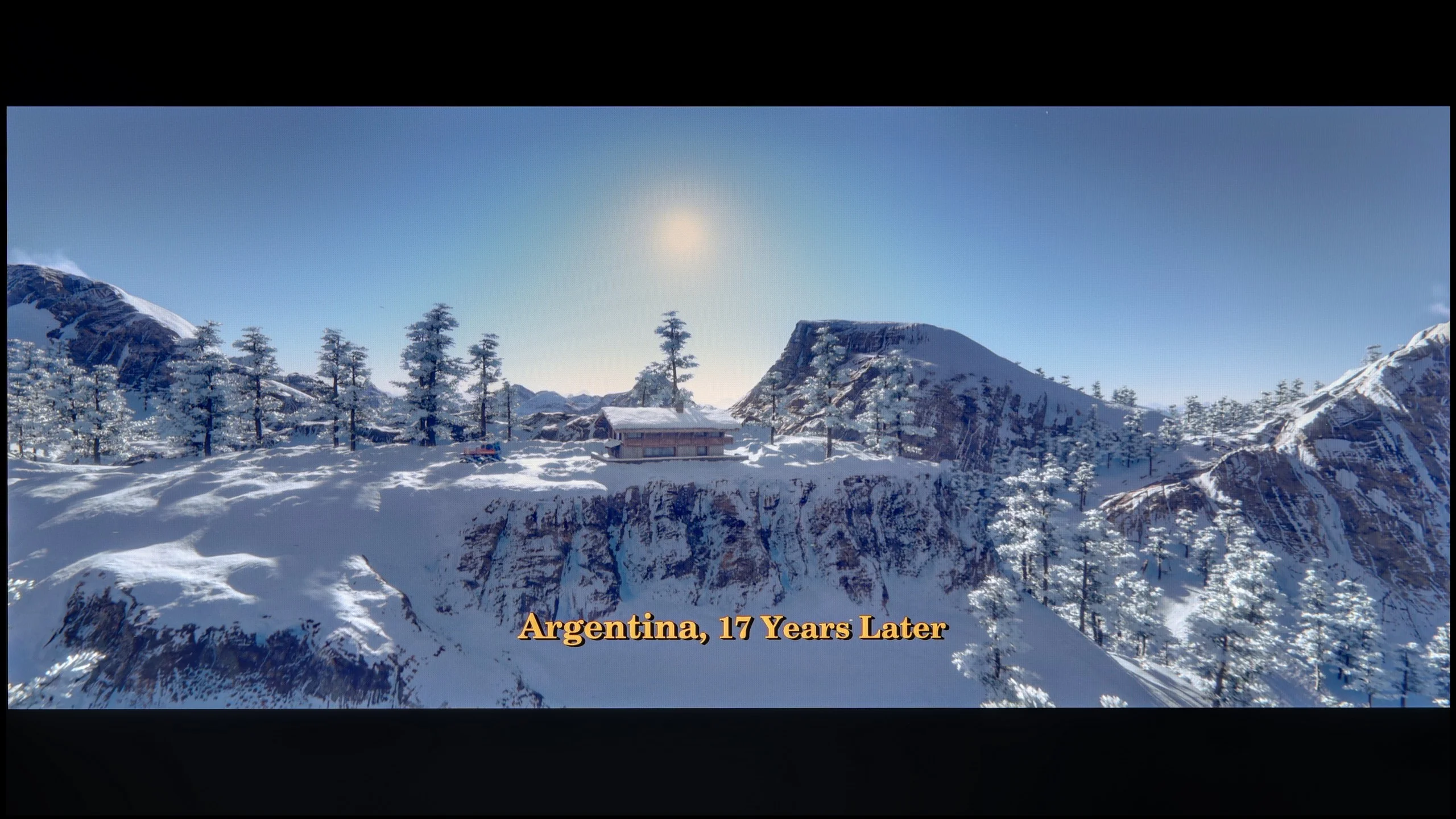
These are selected scenes that show smooth tonal transitions from one color to another. If you see distinct banding, it’s the TV panel’s fault.

These are selected scenes that show smooth tonal transitions from one color to another. If you see distinct banding, it’s the TV panel’s fault.
The fluidity of tonal transitions in the LG G5 is a clear step forward compared to last year's model. Not only has brightness improved, but also the way colours blend, which the G4 sometimes struggled with. In the vast majority of scenes, the G5 has no issues with tonal transitions – there’s no typical banding associated with WOLED technology nor any ugly breaks between colours. Of course, in very dark areas of the image and with shades of grey, small imperfections can still be noticed, but these are things that the average viewer wouldn't even register. In short – it's really good.
In terms of tonal transitions alone, the C6H performs really well. Gradients are smooth, colours don't break into obvious banding and, in both bright and dark scenes, it's hard to find major posterisation issues. For most content the image looks very clean in this respect.
Note: The situation is much worse, however, when it comes to dithering around black. In very dark parts of the image you can notice distinct flicker and graininess that, at close viewing distances, can be quite pronounced. On the Tandem OLED panel version the effect is noticeably stronger than on the regular C6. That's a shame, because the tonal transitions themselves are at a very high level here. It's precisely the behaviour of the image just above black that is the main reason we can't rate this category higher.
Image scaling and smoothness of tonal transitions
8.7/10
8.5/10

Smooth transition function
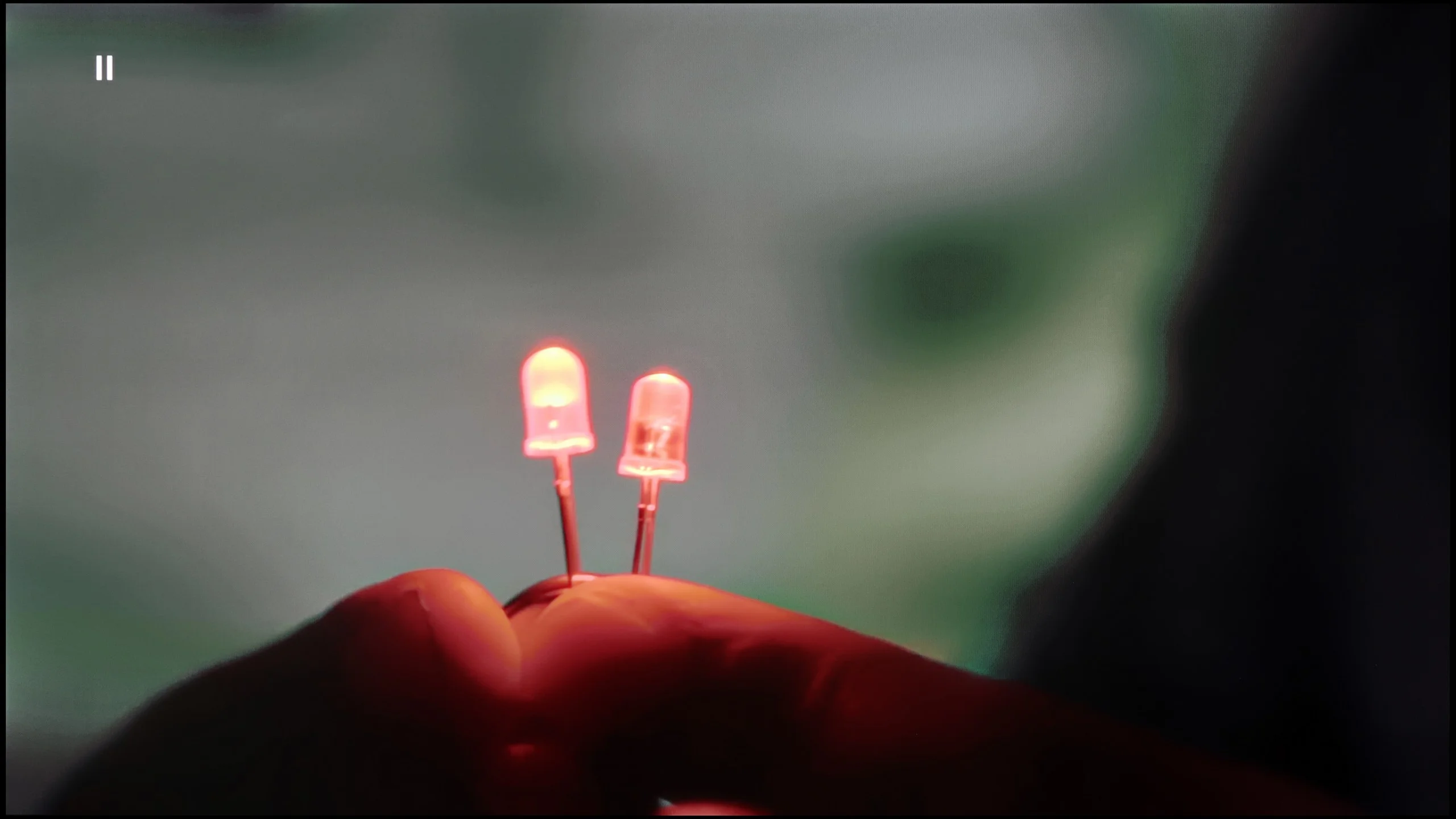
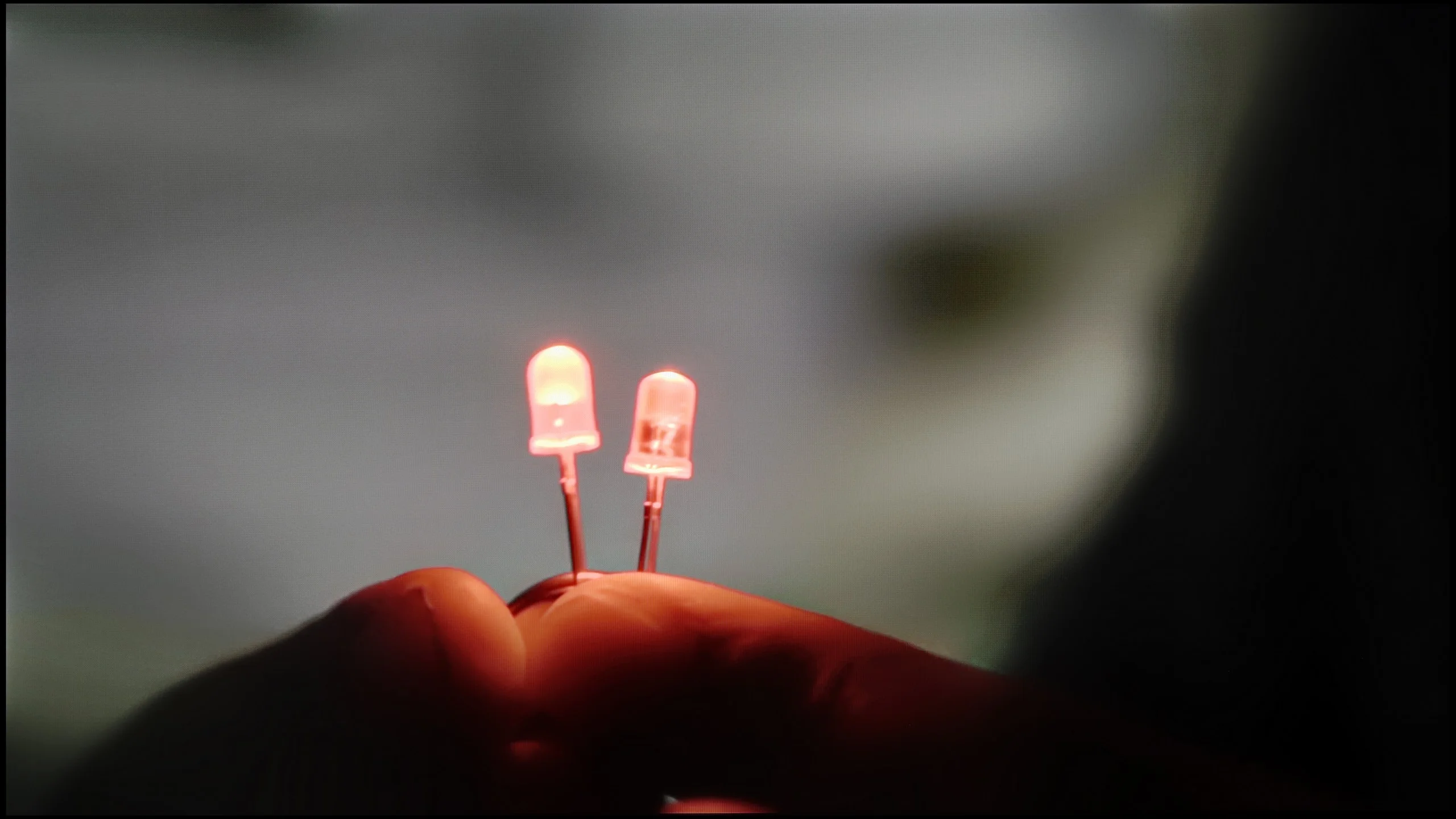
The match photo shows how the TV smooths weak tonal transitions in low-quality video.
Image scaling SD (576i)


The model photo shows how it handles upscaling of SD material.
Upscaling and digital image processing in the LG G5 performs very well. The television handles lower quality content excellently, especially when the "Smooth Gradation" feature is set to a low level. In this mode, it effectively removes undesirable artifacts and issues with visible tonal transitions. It may also slightly smooth out some desirable details, like the subtle texture of clothing or skin, but importantly – it does not remove film grain, so it's hard to talk about a serious compromise here. This is one of those options that is actually worth turning on.
The G5 also does well with upscaling, which is improving the quality of older materials. The test image with the model looked really solid – slight jaggedness was visible, but that's an effect that can't be completely avoided. On the plus side, there were no overscan issues, which – contrary to appearances – is not obvious, even in 2025.
Here the LG C6 has taken a really big step forward. The TV uses the same processor found in the flagship G6, and in terms of image processing the two models are very similar. That's a big plus, because in this area LG's processor this year performs excellently. The 'Smooth Gradation' function works especially well. With heavily compressed material it can effectively hide unsightly tonal banding and artefacts that often appear, for example, in lower-quality streaming. It's best left on the 'Low' setting. That way the improvement is clear, and the TV doesn't yet start to blur fine details. Higher levels smooth the picture more, but can begin to remove some of the natural texture of objects on screen. Upscaling itself also performs very well. Lower-resolution content is properly sharpened, edges look clean, and the processor quite effectively reconstructs fine details. In this respect the C6 is already really close to LG's top TVs and the differences compared with the G6 are small.
Blur and motion smoothness
8.5/10
8.5/10
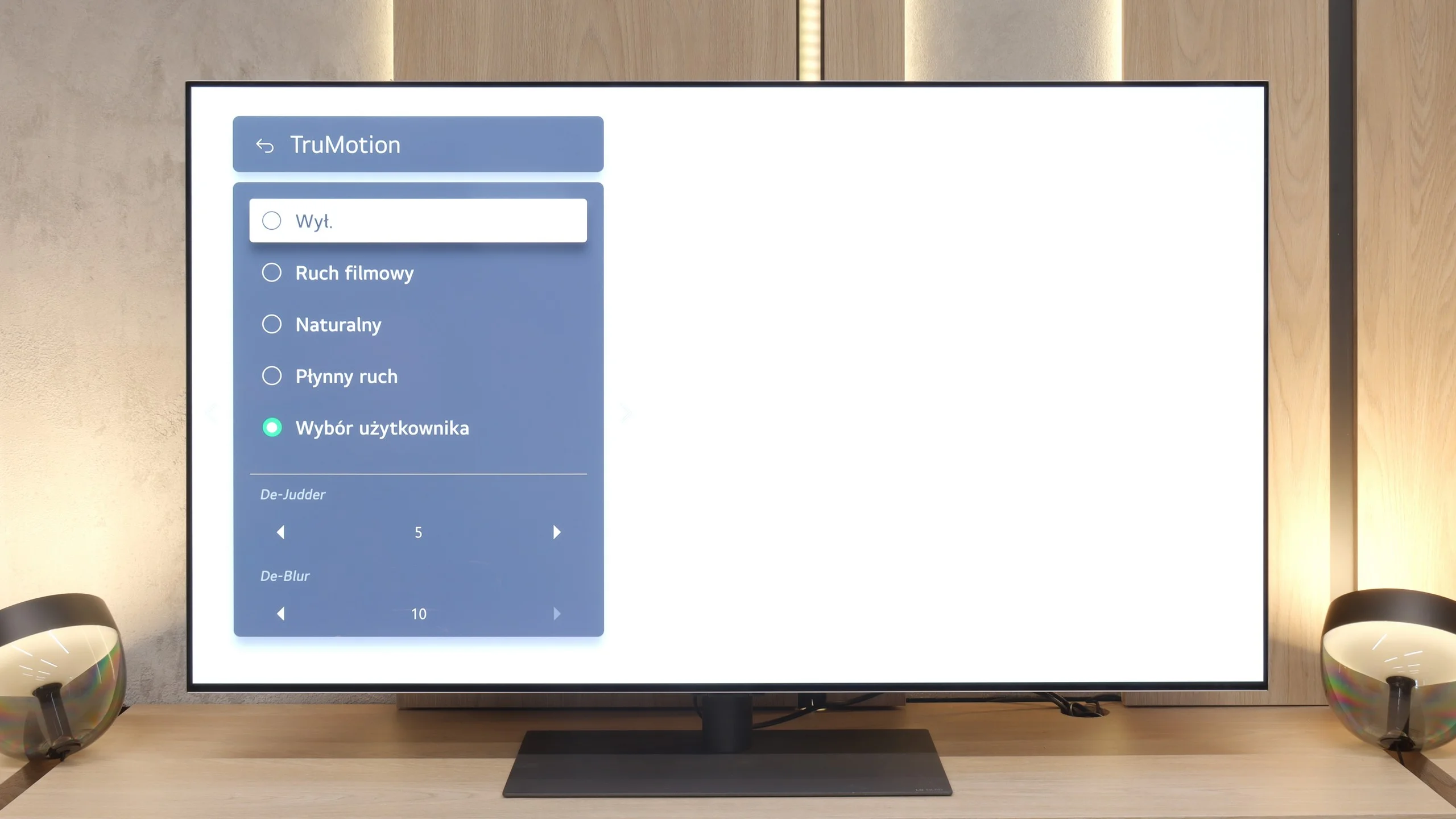
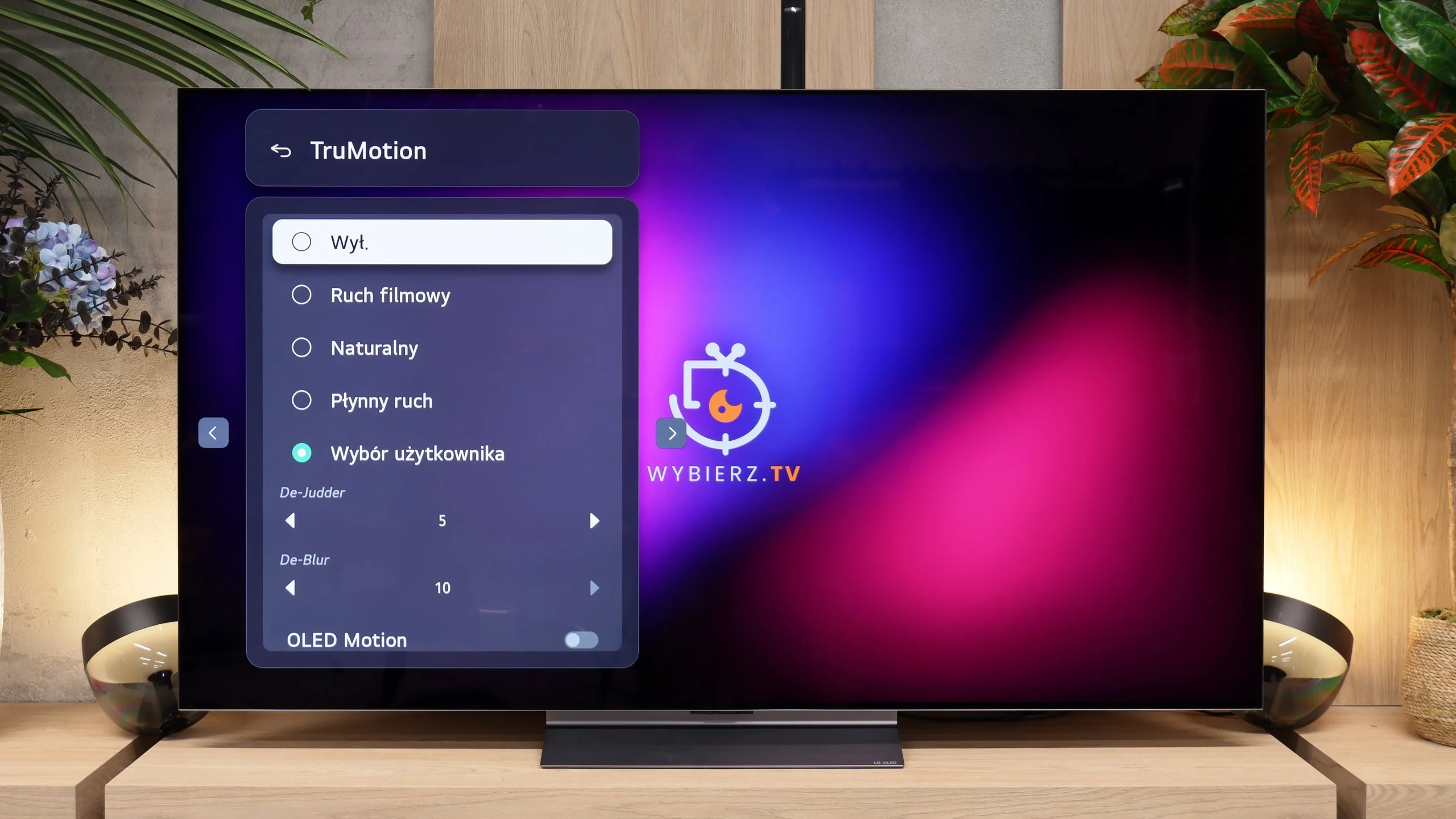
Blur (native resolution, maximum refresh rate):






Blur (BFI function enabled):
Image flickers in this mode



Image flickers in this mode



Blur (4K 165Hz):



Blur (4K@165Hz):



The motion smoothness on the LG G5 is simply phenomenal. The television is equipped with a panel featuring a 165 Hz refresh rate, and this combined with the instantaneous response time of the OLED matrix delivers incredible results. The image doesn’t judder or blur like on traditional LCD televisions. Like most LG models, the G5 comes with a motion smoother, which can be handy when watching movies – we’re talking about the TruMotion mode, of course. With the “De-Blur” and “De-Judder” sliders, we can adjust the smoothness of older materials according to our own preferences, whether we want to maintain the characteristic film jitter or lean towards a more fluid, television-like effect.
The C6H with a Tandem OLED panel can also run at a refresh rate of up to 165 Hz. PC gamers will get the most out of that, of course, because with consoles, films or sport we're still looking at a maximum of 120 Hz. The panel itself performs excellently in motion. OLED pixels respond almost instantly, so even with fast-moving objects you don't see the usual trailing. The picture stays clean both when watching sport and in fast-paced games.
If you prioritise smoothness over motion clarity, TruMotion is available. LG lets you adjust two parameters separately. De-Judder mainly works with films and series shot at 24 fps and reduces their characteristic judder. De-Blur is intended for 50/60 fps content, so it's mainly useful when watching sport or TV.
Console compatibility and gaming features
10/10
10/10
- ALLM
- VRR
- VRR range40 - 165Hz40 - 165Hz
- Dolby Vision Game Mode
- Correct implementation of HGIG
- 1080p@120Hz
- 1440p@120Hz
- 4K@120Hz
- Game bar
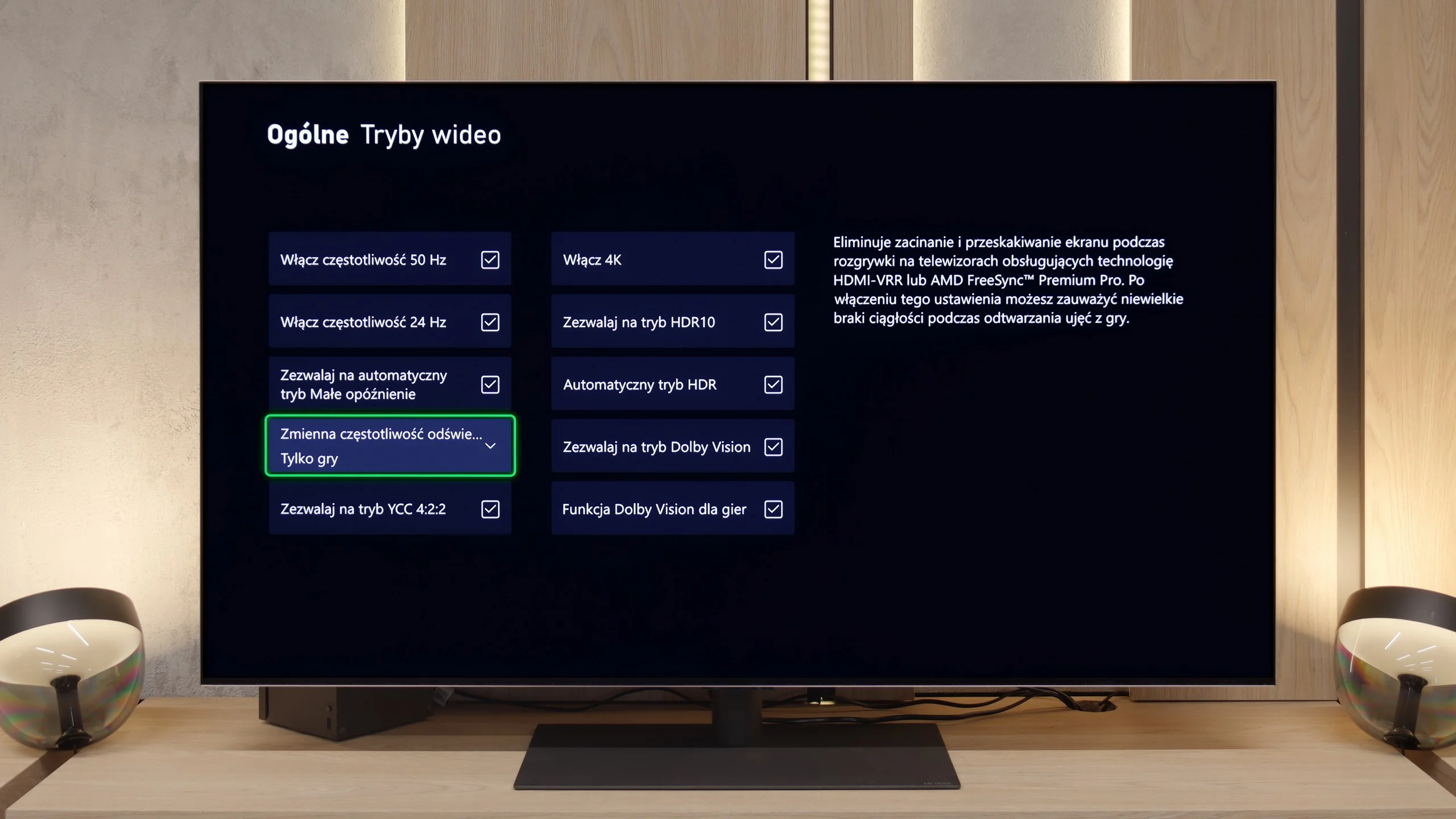
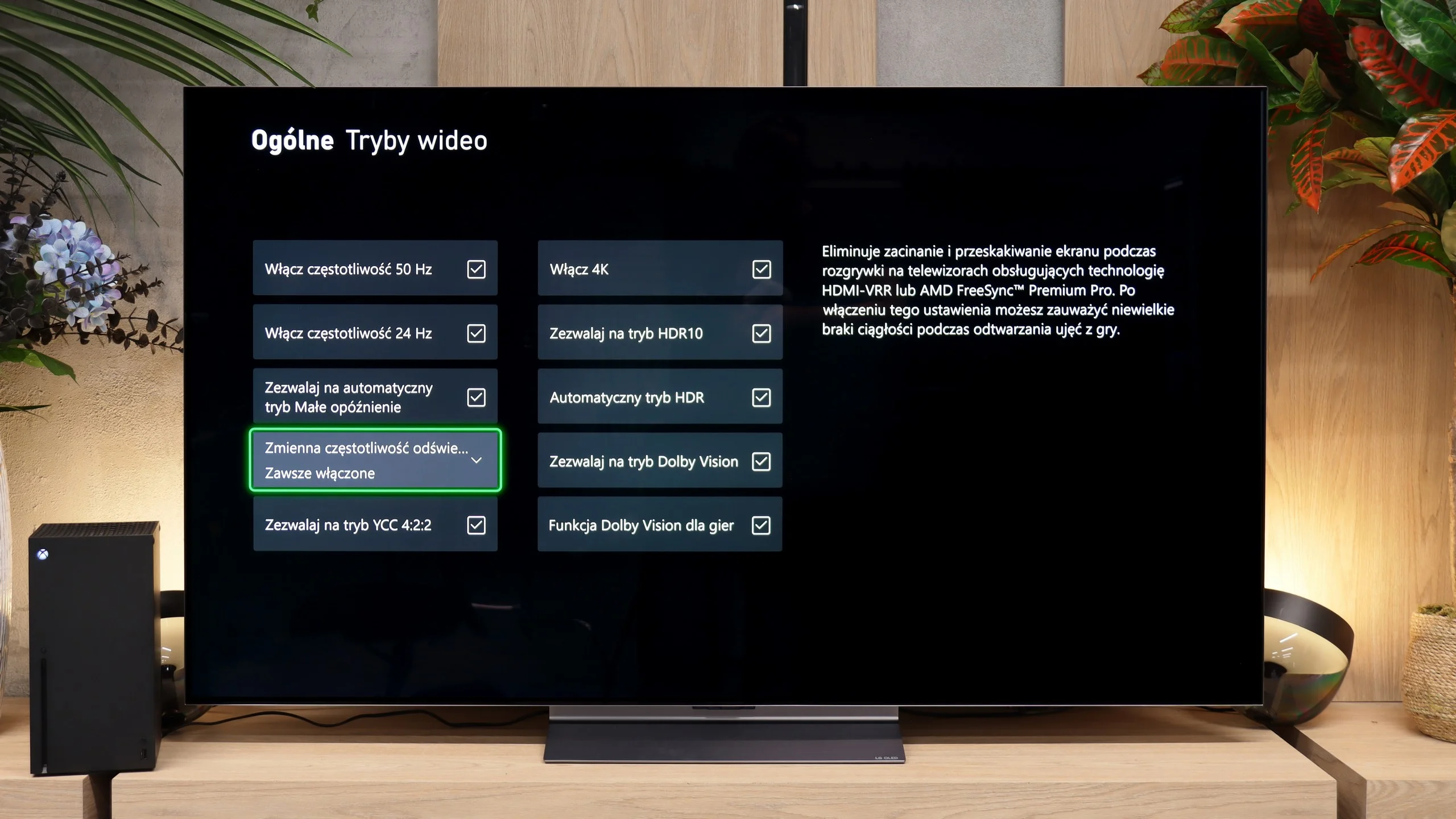
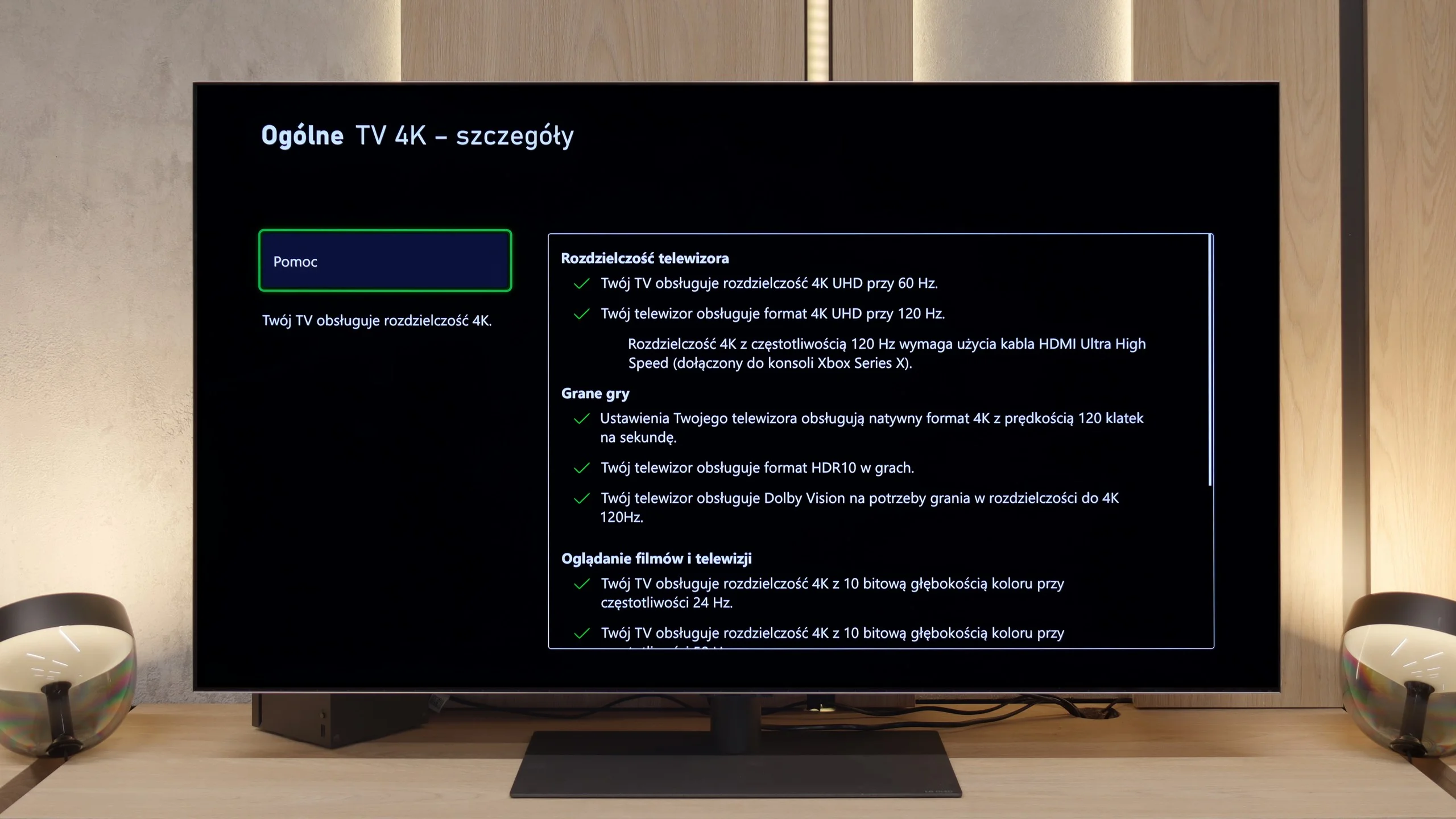
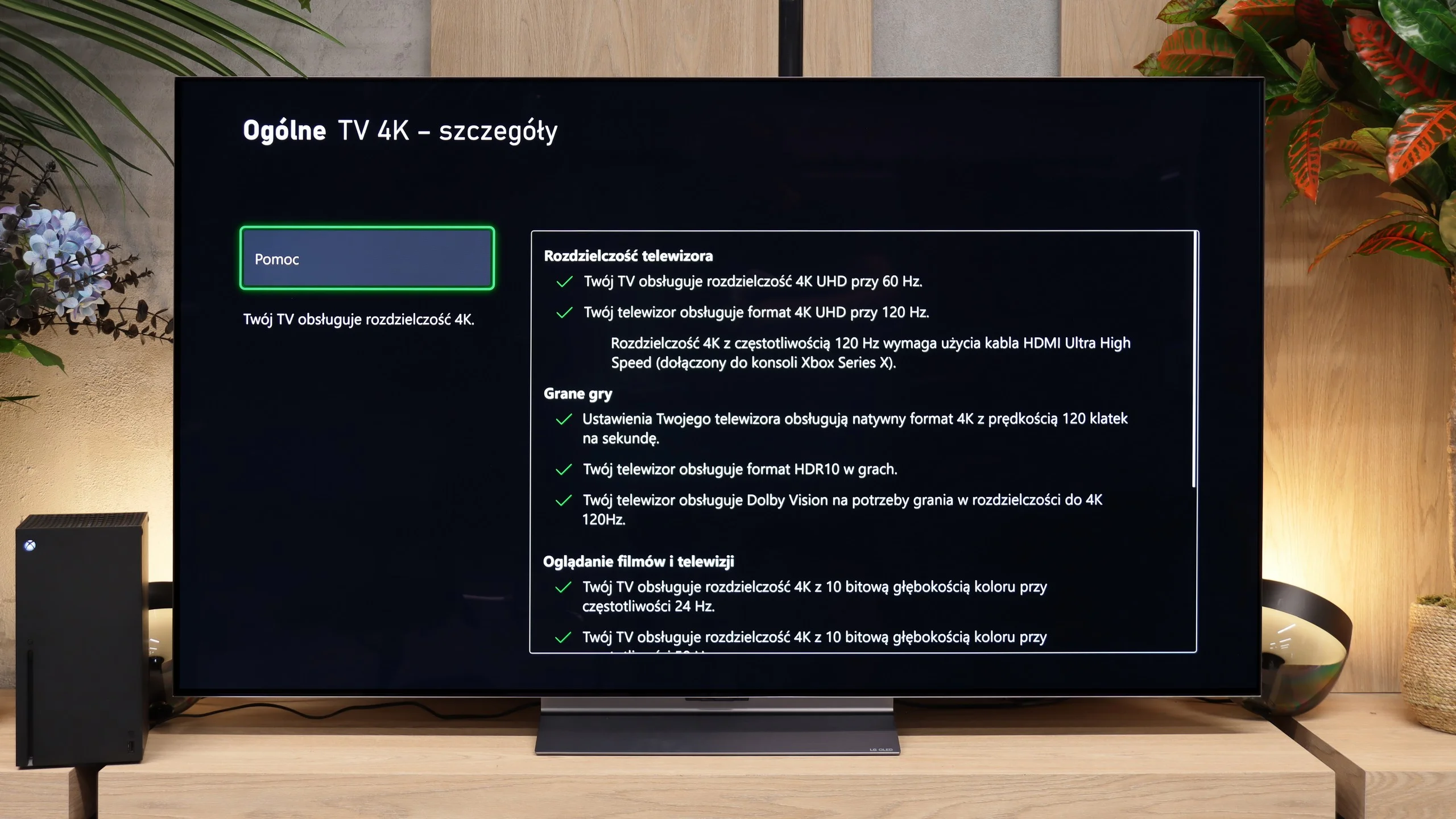
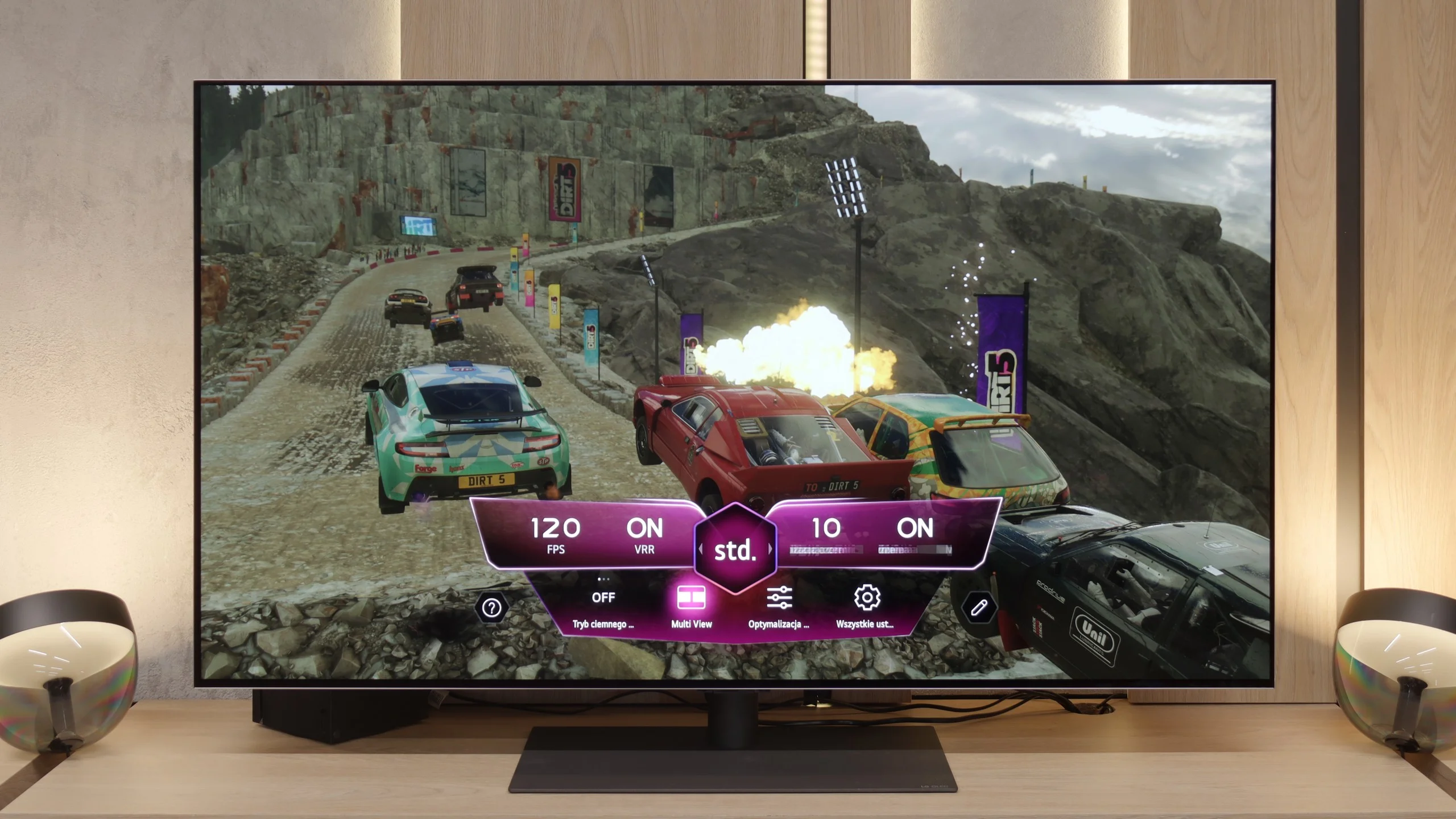
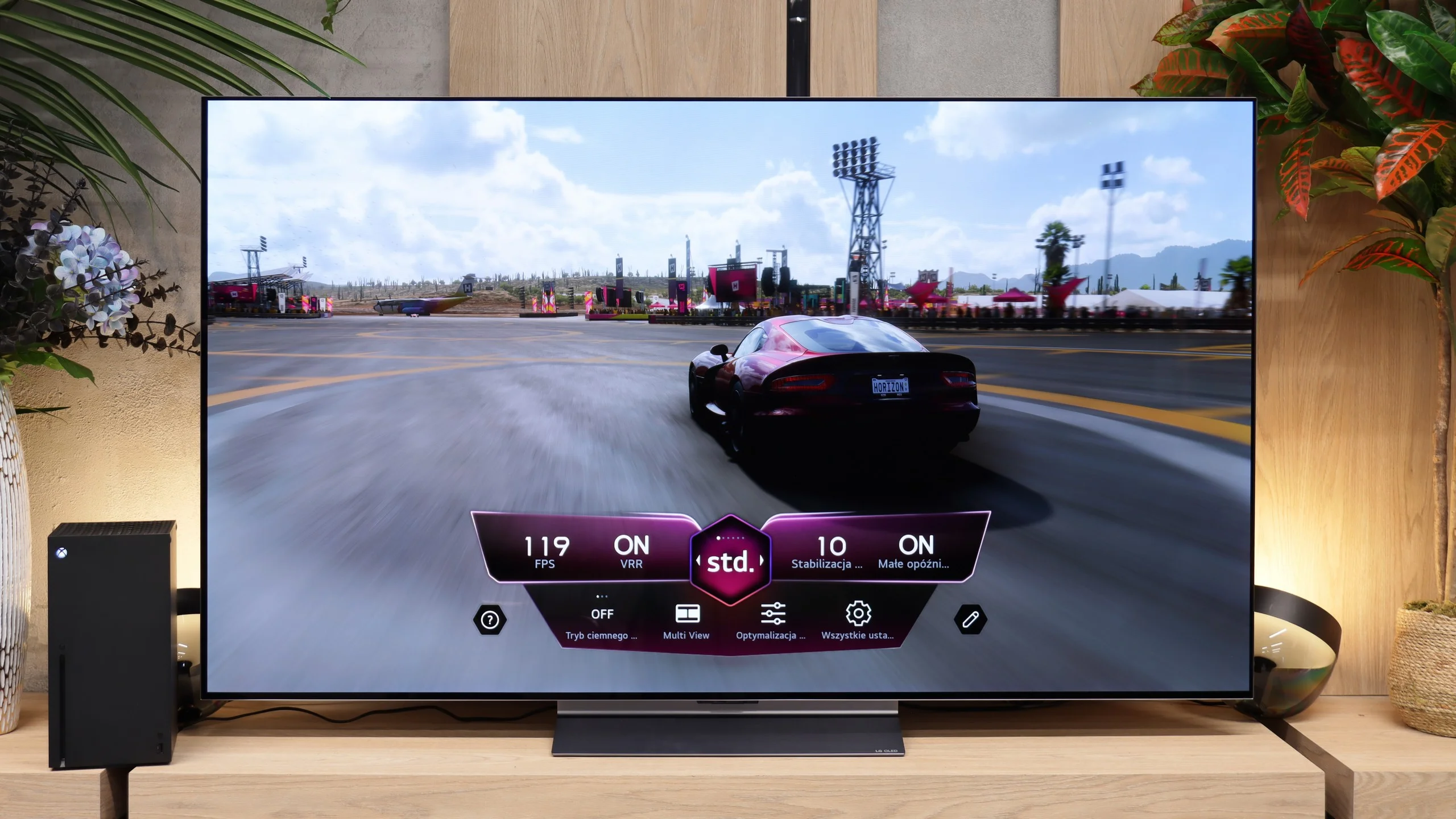
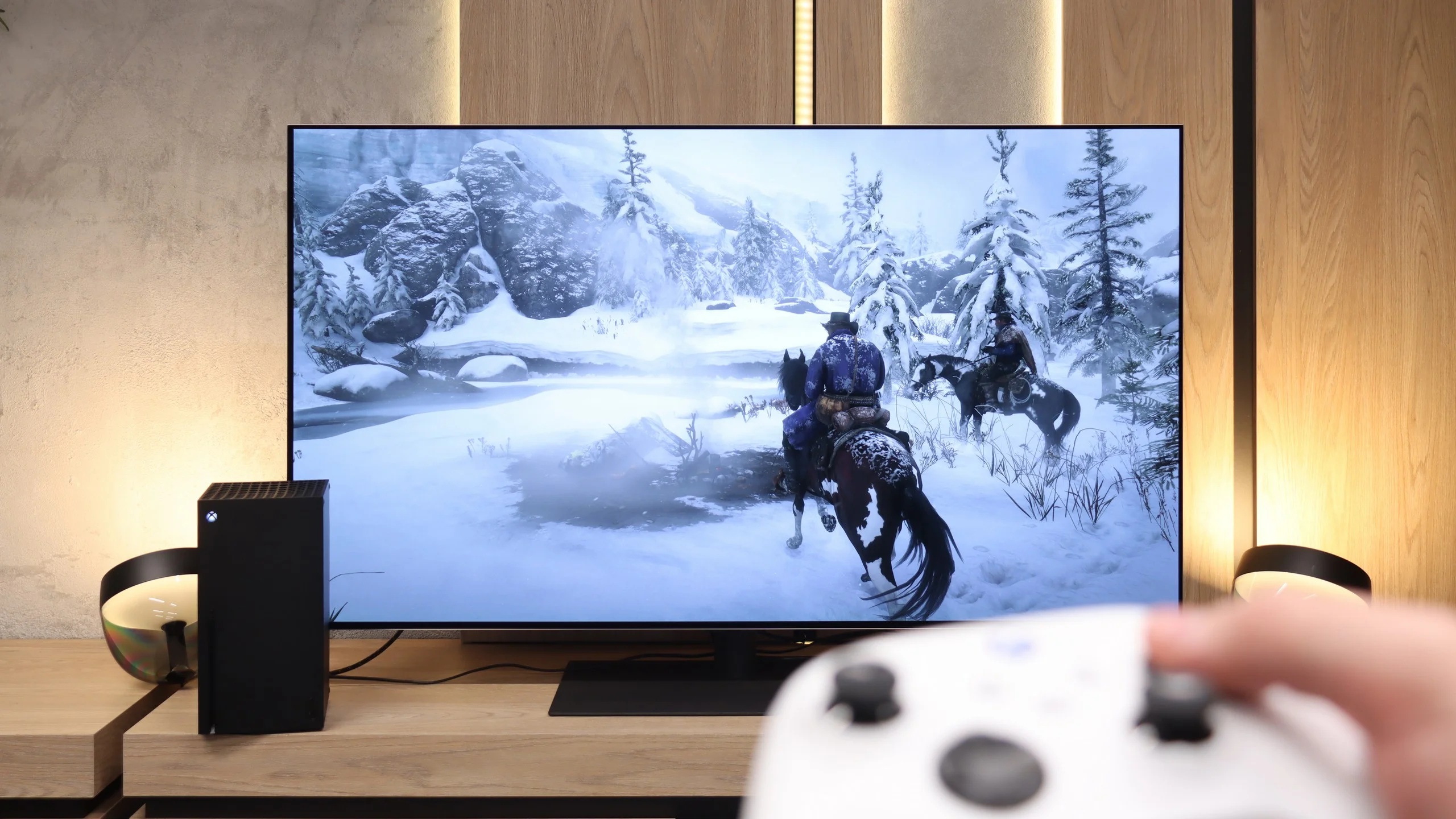
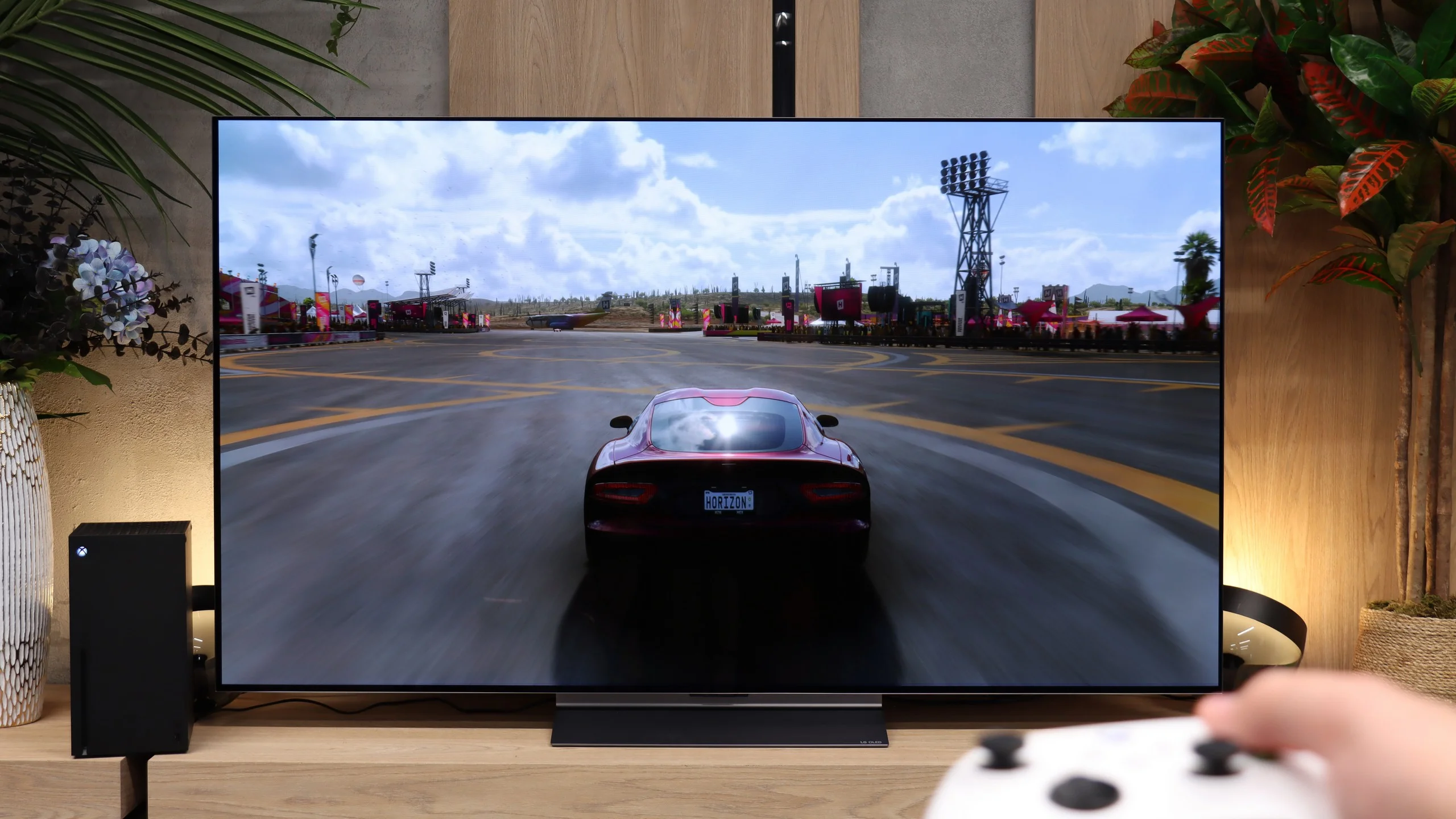
Features for gamers? Perfect. That should be enough for you to know what level we’re dealing with here. The G5 is a TV designed for gamers, so you'll find literally everything you might expect from a gaming screen. There's Game Bar, support for high resolutions with high refresh rates - that is, 4K at 120 Hz, and even more, as the panel has a refresh rate of 165 Hz (which PC gamers will benefit from). The TV supports variable refresh rate (VRR), automatic low latency mode (ALLM), and also properly handles HDR in games thanks to the HGiG feature. All of this adds up to one of the best gaming feature sets available on the market. Well done, LG.
The C6H offers virtually a full gaming feature set. On consoles you can easily use 4K at 120 Hz, while PC users can push the refresh rate up to 165 Hz. The TV also supports VRR from 40 to 165 Hz, ALLM and a correct implementation of HGiG. Dolby Vision is available in game mode too, which remains a big plus for Xbox owners. All the key info can be seen in the Game Bar, which provides quick access to VRR settings and the current signal parameters. The tandem OLED doesn’t change the actual feature set for gamers, but with such high panel brightness HDR games can look even more impressive. Functionally, the C6H is simply a very complete TV for consoles and PC.
Input lag
9.9/10
9.9/10
SDR
HDR
Dolby Vision
The input lag on the LG G5 is incredibly low. The response time to our actions – whether we're gaming with a controller, keyboard, or mouse – is nearly perfect. The controls are instantaneous, and the game reacts exactly when we expect it to. The Dolby Vision Gaming mode does introduce slightly higher latencies, but even then, it's hard to complain about anything – in the worst case, the values hover around 20 ms, which will still be virtually unnoticeable for most gamers.
The C6’s input lag is what you’d expect from a good gaming TV. At 120 Hz we measured about 5 ms, so controller input feels practically instantaneous. At 60 Hz the figure rises to roughly 14 ms, but that’s still a good result. Latency is a bit higher in Dolby Vision: about 14 ms at 120 Hz and roughly 22 ms at 60 Hz. In practice, if you’re playing on an Xbox, it’s unlikely to be something that will actually bother you.
Compatibility with PC
8.8/10
8.6/10
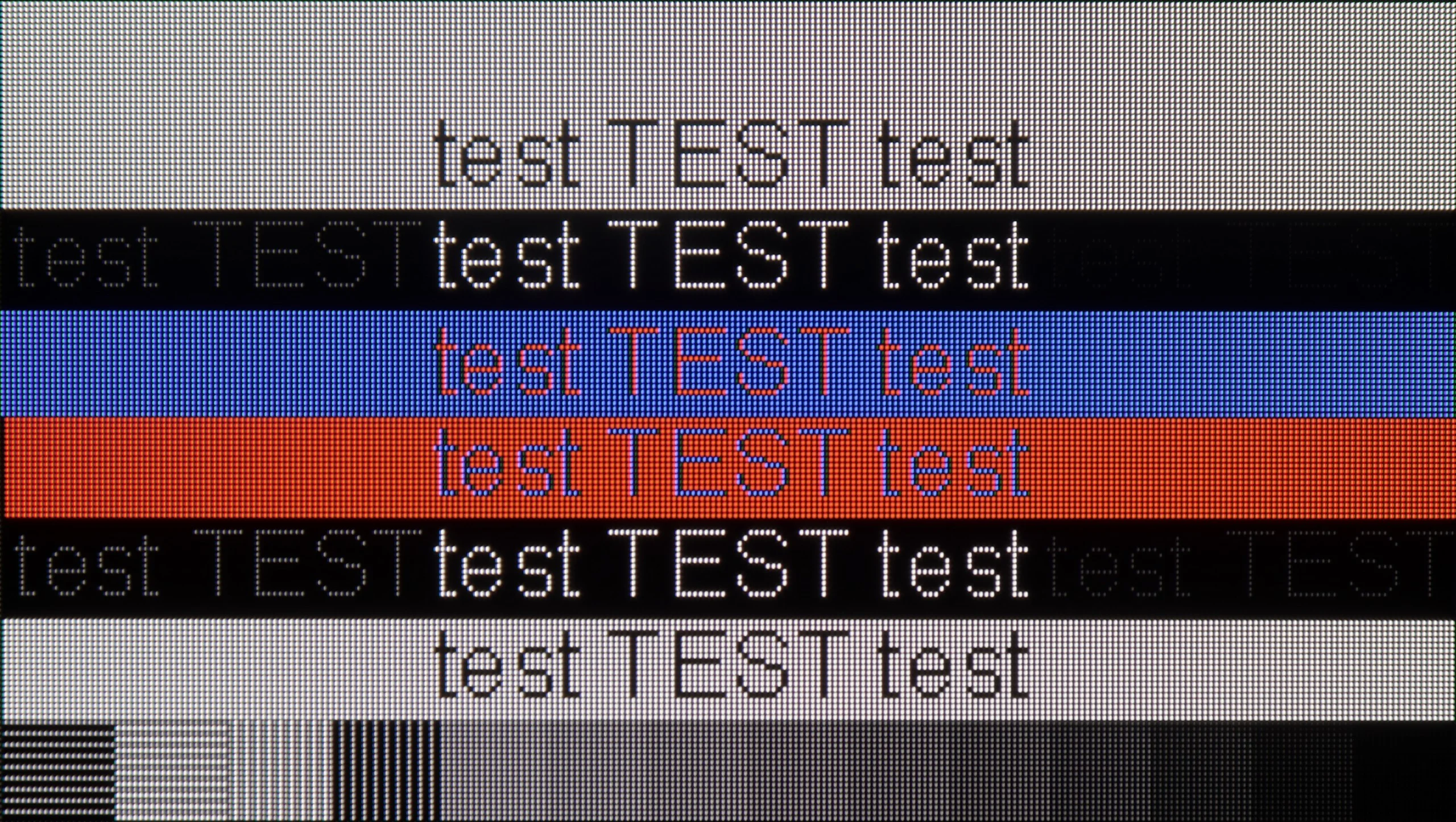
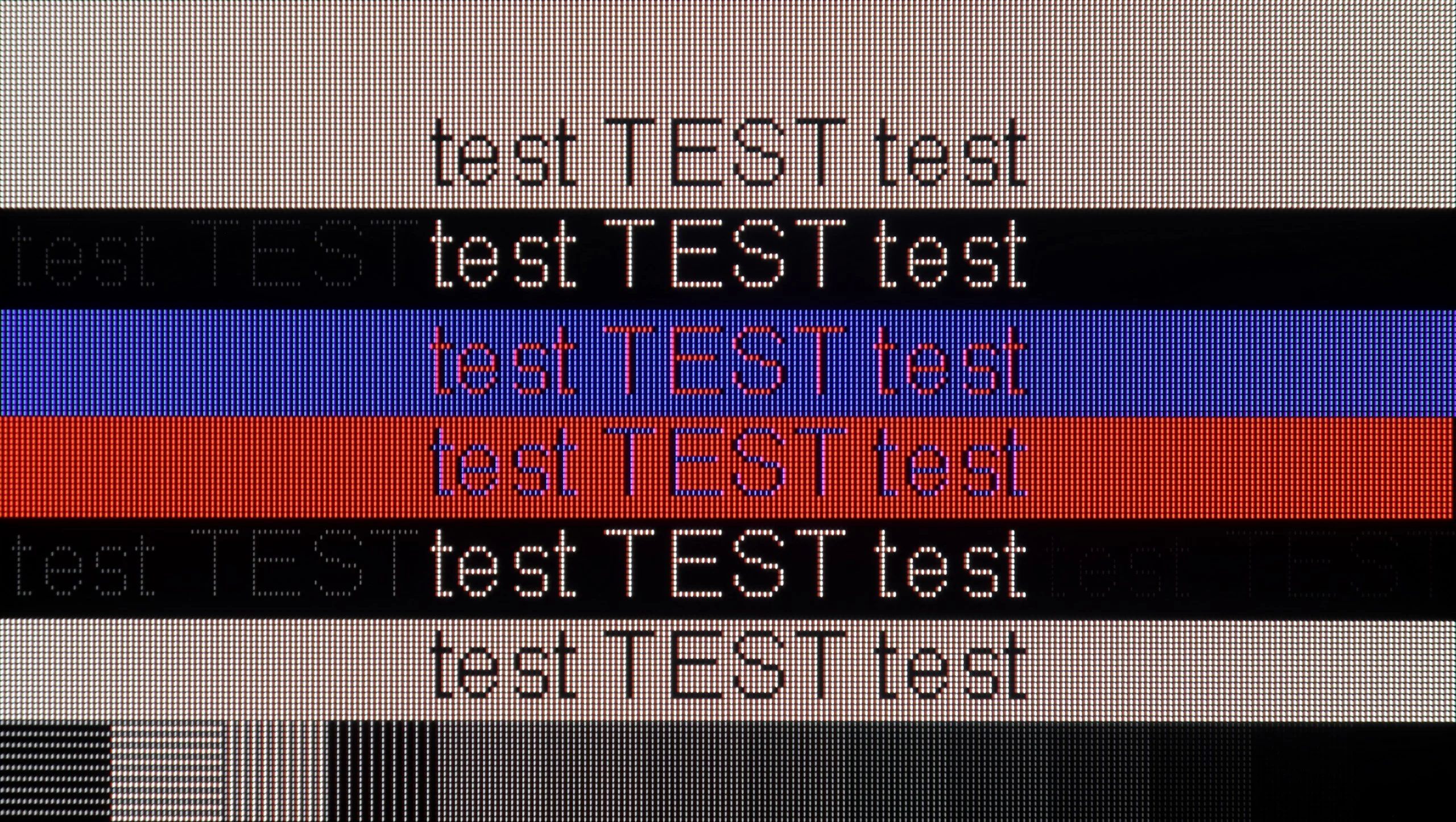
The photo shows the legibility of small fonts. Ideally, lines should be the same thickness on both light and dark text, with minimal pixel gaps.
Cooperation with a PC? Almost perfect. The television, as mentioned earlier, has great features for gamers – including those using a PC. Onboard, we find full G-Sync certification, a 165 Hz panel, and super-fast input lag at around 5 ms. Thanks to proper implementation of chroma 4:4:4, fonts are very readable – both the smallest and the largest. Although due to the WRGB subpixel layout, there may be slight shadows around the characters, for most users this effect will be practically unnoticeable. The G5 performs excellently as a screen for work, entertainment, and gaming – also from a computer.
The C6H with a Tandem OLED panel also works very well as a computer monitor. When working with text the most important thing is that the TV correctly handles 4:4:4 chroma subsampling, so small fonts, icons and UI elements are displayed clearly. The only thing you might notice from very close up are faint coloured fringes caused by the unusual subpixel layout. From a normal viewing distance on a screen this large it practically doesn’t matter, and in everyday use text is very readable. The C6H performs even better when the computer is used for gaming. The TV can run at refresh rates up to 165 Hz, supports G-Sync and VRR, and input lag at the maximum refresh rate is about 5 ms. Combined with the very fast response time of the OLED panel this makes for excellent conditions for PC gaming. There’s no smearing, motion is very smooth and controls respond almost instantly. In this respect the C6H can easily be treated not just as a TV but as a very large gaming monitor. You just need to remember that at 77 or 83 inches setting up your desk sensibly can be quite a challenge. 😉
Viewing angles
7.5/10
7.3/10
The viewing angles on the LG G5 are very good, primarily due to the use of a WOLED panel. It's hard to find fault here – the picture doesn't significantly lose brightness or quality even when viewed from the side. However, it must be noted honestly that there has been some regression compared to the G4 model. The predecessor used an MLA panel with micro-lenses, which offered slightly better light distribution. Also, compared to QD-OLED panels, the angles are worse. Nevertheless, the overall viewing experience at an angle remains very good and shouldn't be an issue for everyday use.
The C6H with a Tandem OLED panel also offers very wide viewing angles. You can watch the TV well from far off to the side and the picture still maintains high contrast and saturated colours. As you'd expect from an OLED, it's one of those screens where you don't have to fight for the exact middle spot on the couch. Only TVs with QD-OLED panels from Samsung Display actually perform better in this regard. The C6H's slightly lower rating comes from our sample having a bit more tendency to shift towards a greenish tint when viewed at very extreme angles. It's a subtle difference we noticed mainly in direct side-by-side comparisons. During normal viewing, most people probably won't notice it.
Daytime performance
8/10
7.6/10
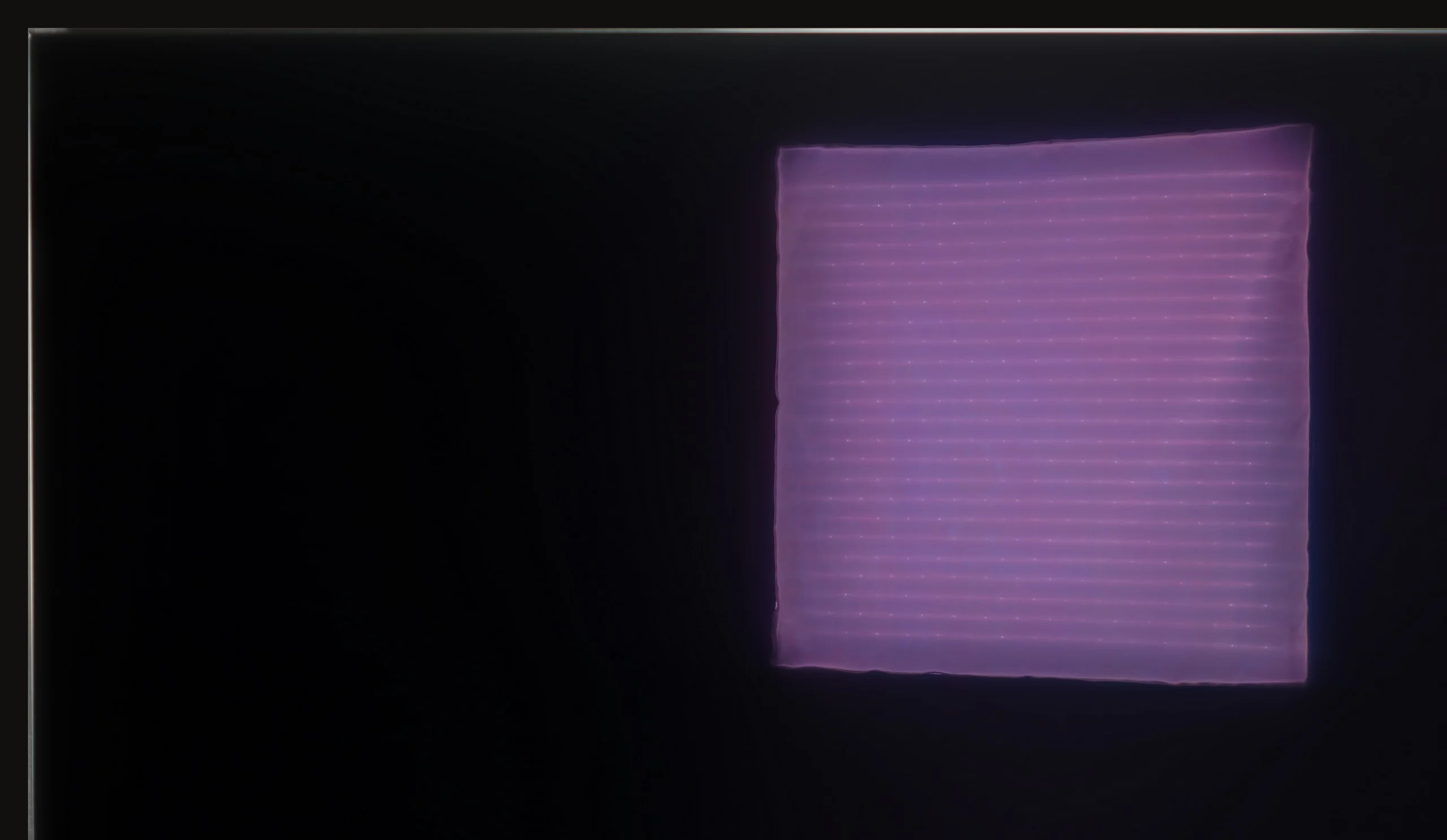
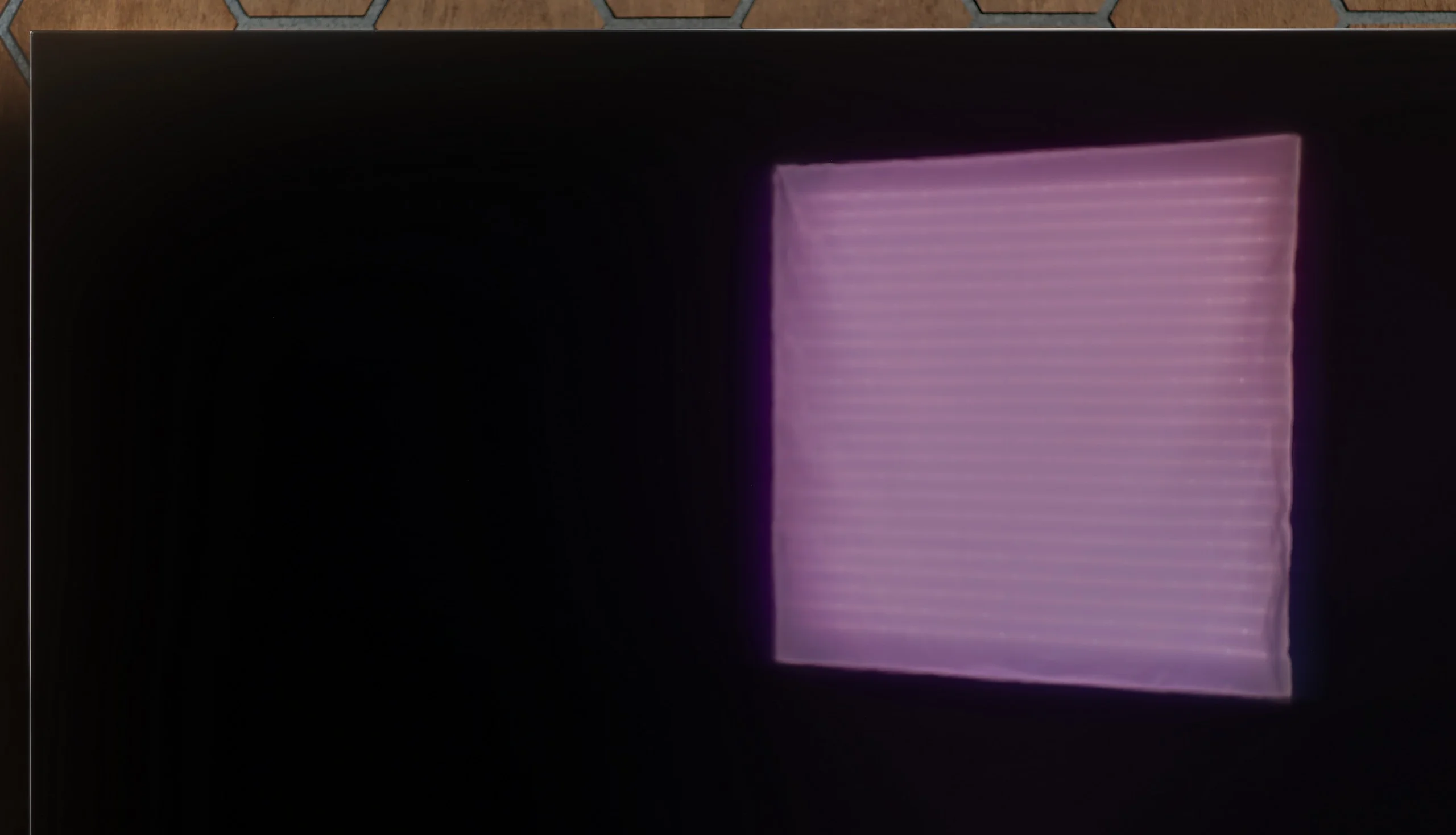
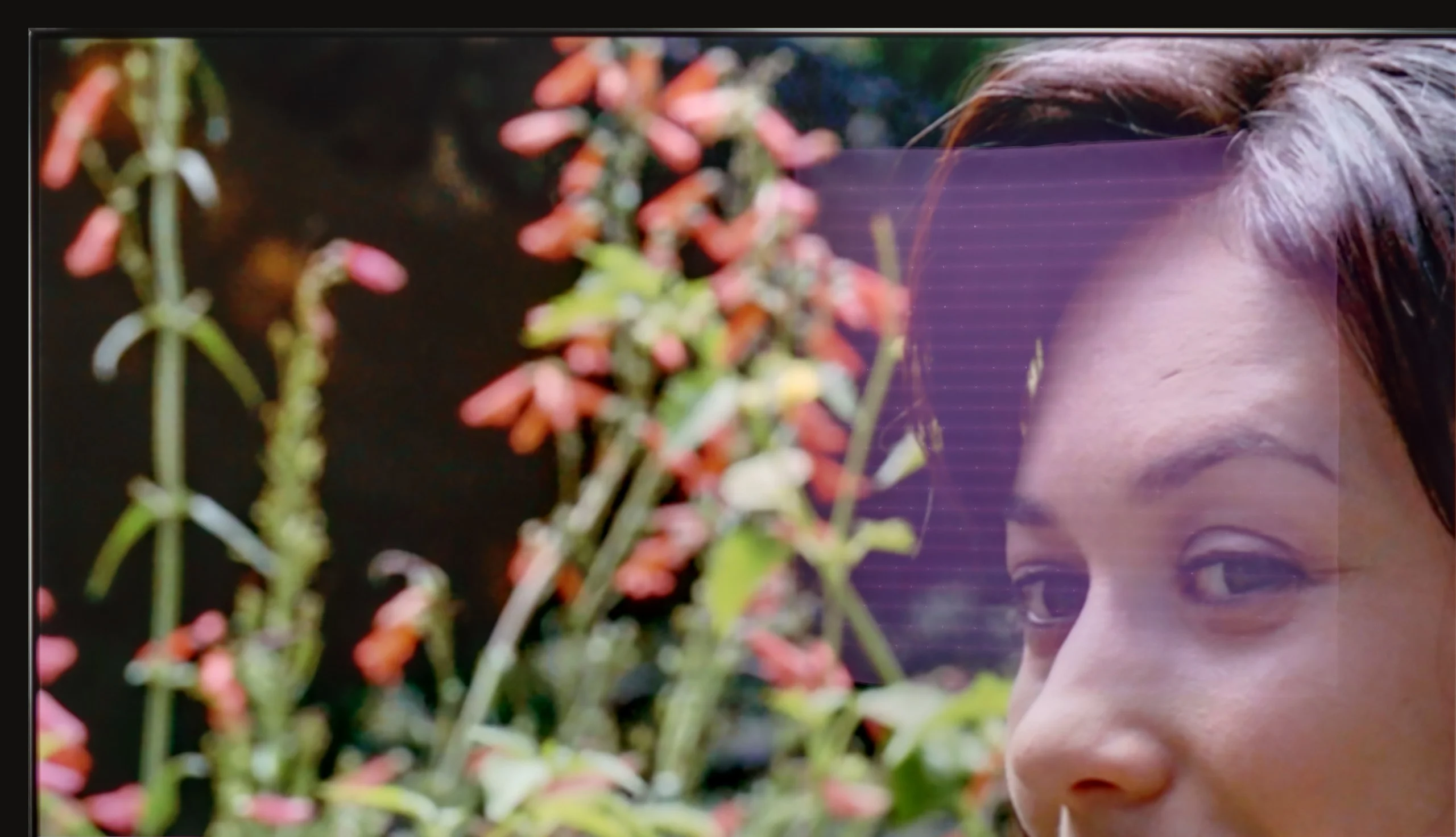
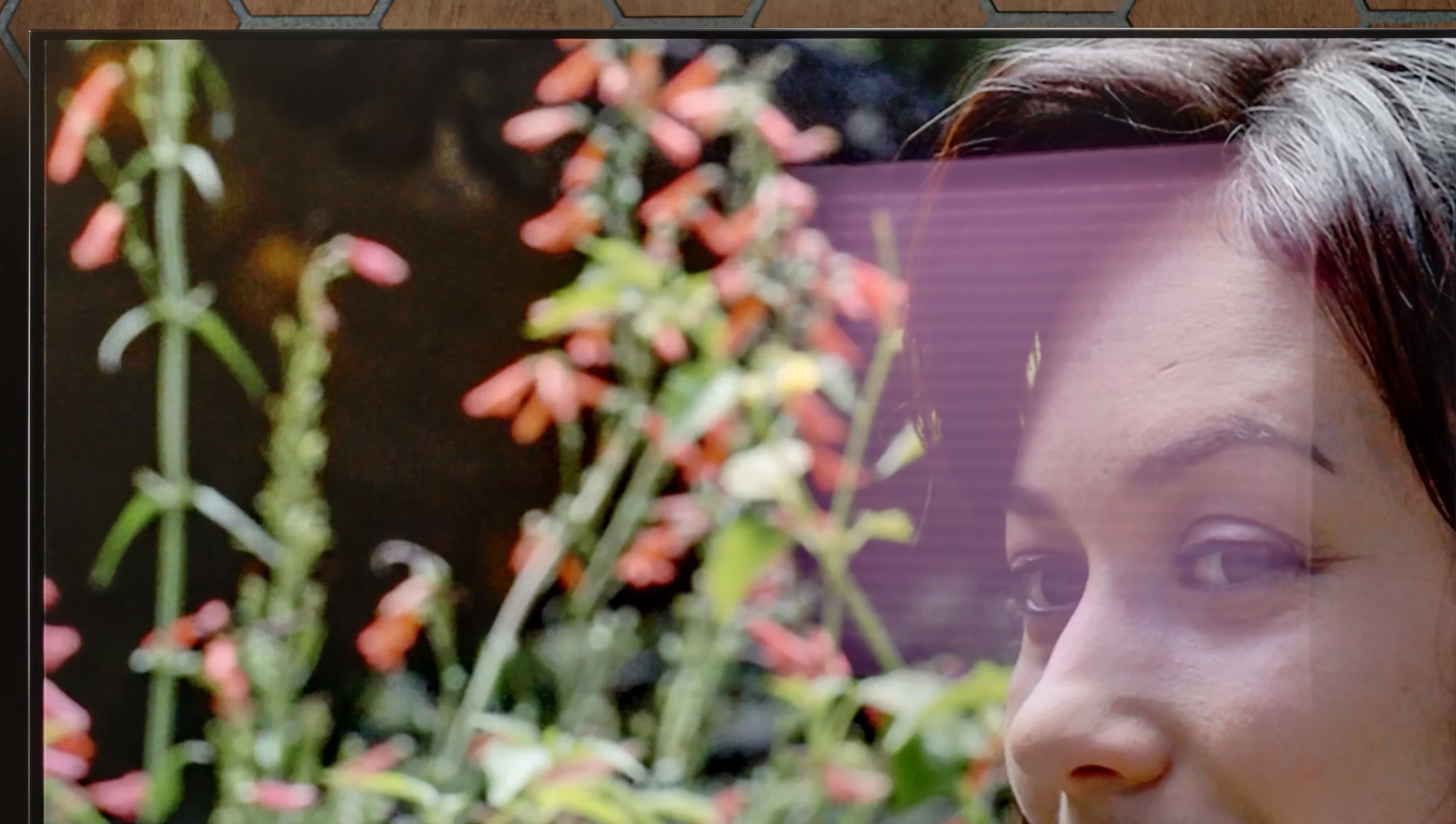
Panel brightness
LG OLED C6H (TANDEM OLED): 690 cd/m2
LG OLED G5: 810 cd/m2
LG G5, with its very high brightness, performs excellently in bright rooms. Even with SDR content, the average brightness is around 800 nits, significantly more than standard televisions. It will handle a bright living room with ease. Although the panel moderately reduces reflections, it still maintains much better blacks and colours during the day than QD-OLED panels or those with a matte finish. The G5 will work effortlessly in very sunny rooms – unless you really can’t stand reflections on the screen. In that case, you’ll need to use blinds or consider purchasing a television with a matte panel.
The version with a Tandem OLED panel performs noticeably better during the day. The screen coating behaves very similarly, it’s glossy, suppresses reflections quite well and holds black levels with the lights on. A strong window or lamp will still be visible on the screen, but the image doesn’t lose much of its depth because of it. The biggest difference here is, of course, brightness. In typical SDR content the C6H reaches around 690 nits, which is clearly more than the standard C6. In a bright living room you can really notice it — the picture has more punch and cuts through the light entering the room much better.
Tandem OLED also handles scenes with lots of bright elements on screen better, although brightness still drops with near-full white. So they haven’t completely eliminated one of OLEDs’ typical traits, but the limitation is much less severe here. If the TV will often be used in a bright living room, this is one of the C6H’s advantages over the regular C6 that you’ll actually notice day to day.
Panel details
Subpixel Structure:
Panel uniformity and thermal imaging:


TV features
8.5/10
8.4/10
- SystemWebOSWebOS
- System performanceVery goodVery good
- HDMI inputs0 x HDMI 2.0, 4 x HDMI 2.1 48Gbps0 x HDMI 2.0, 4 x HDMI 2.1 48Gbps
- Other inputsIR (remote)IR (remote)
- OutputsToslink (Optical audio), eARC (HDMI), ARC (HDMI)Toslink (Optical audio), eARC (HDMI), ARC (HDMI)
- Network InterfacesWi-Fi 2.4GHz, Wi-Fi 5GHz, Ethernet (LAN) 100MbpsWi-Fi 2.4GHz, Wi-Fi 5GHz, Ethernet (LAN) 100Mbps
- TV receptionDVB-T, DVB-T2, DVB-S, DVB-S2, DVB-CDVB-T, DVB-T2, DVB-S, DVB-S2, DVB-C
Classic features:
- Recording to USB (terrestrial TV)
- Recording programming
- Picture in Picture (PiP)

- RF remote control (no need to aim)
- Backlit remote control
- Teletext
- Audio only mode
- Bluetooth headphones support
- Simultaneous Bluetooth headphones & TV audio
Smart features:
- AirPlay
- Screen mirroring (Windows Miracast)
- Voice search
- Voice search in native language
- Ability to connect a keyboard and mouse
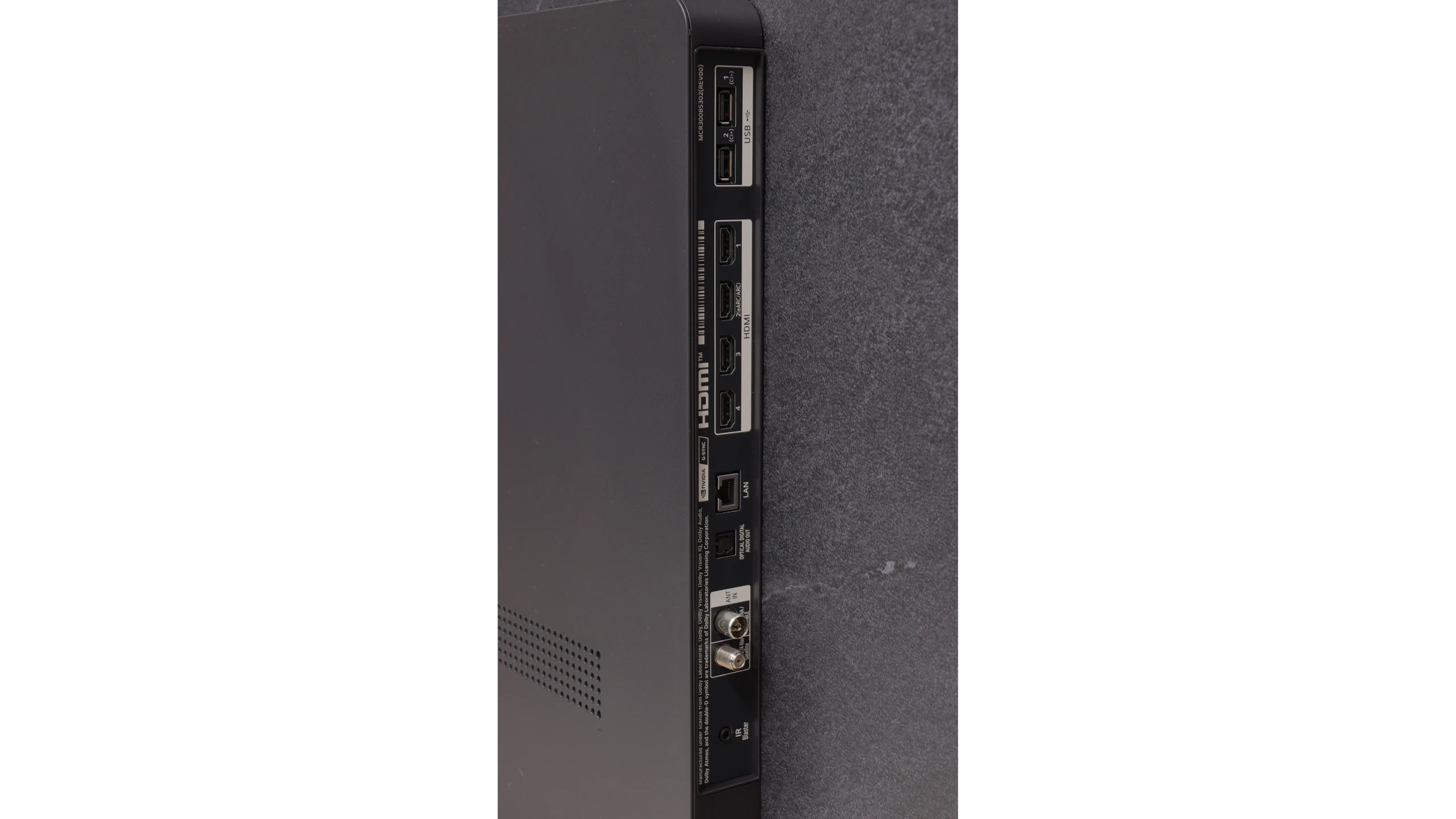
Sound connection options
- HDMI audioeARC (HDMI), ARC (HDMI)eARC (HDMI), ARC (HDMI)
- Other audio outputsToslink (Optical audio)Toslink (Optical audio)
- Wireless audioBluetoothBluetooth
Supported audio formats (external HDMI eARC audio):
- Dolby Digital Plus 7.1
- Dolby True HD 7.1
- Dolby Atmos in Dolby Digital Plus (JOC)
- Dolby Atmos in Dolby True HD
- DTS:X in DTS-HD MA
- DTS-HD Master Audio
Senior accessibility
- Numeric keyboard on TV
- Font size adjustment
- Audio description
Classic Features
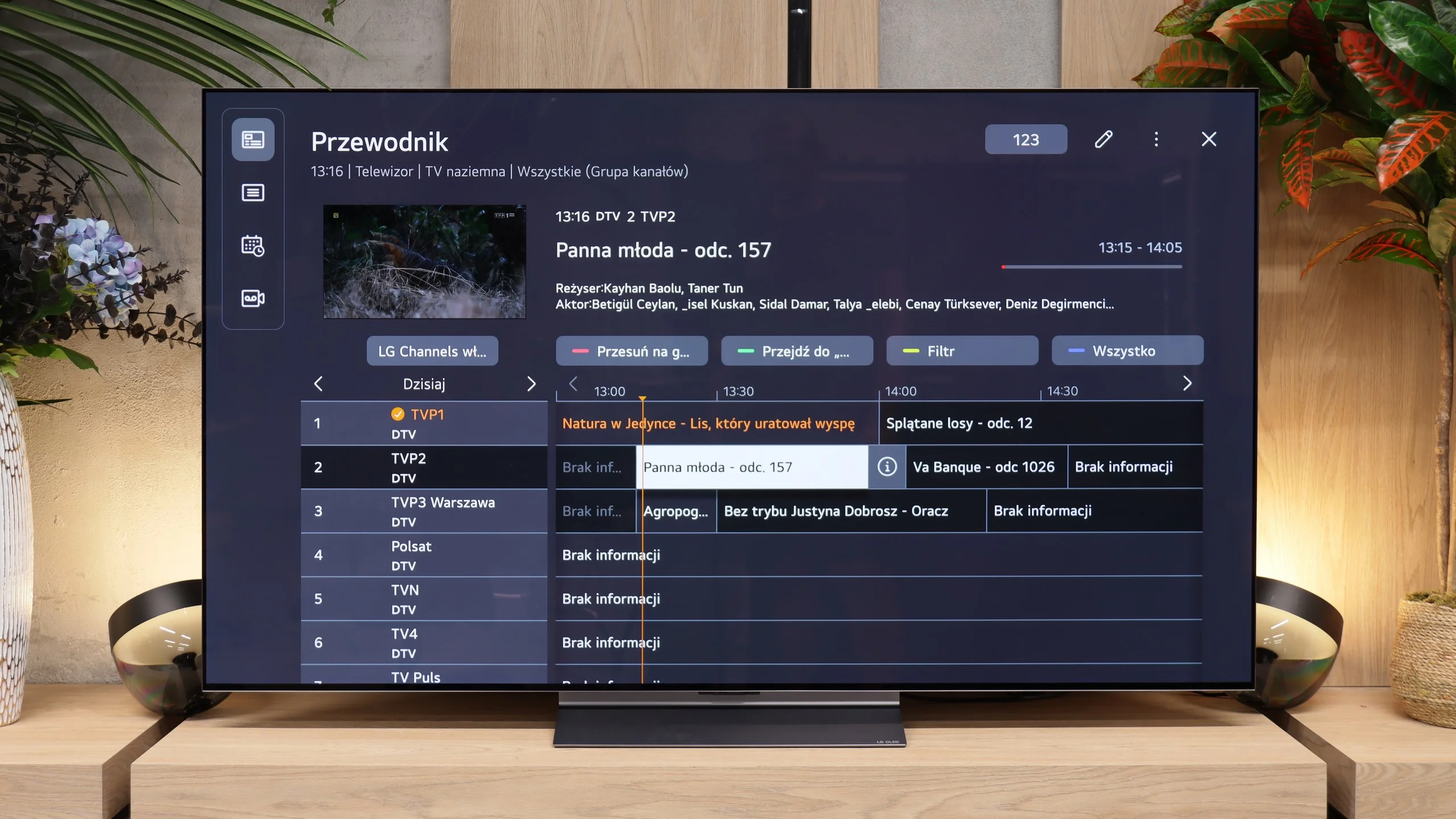
LG G5 has a lot to offer when it comes to classic television features. Apart from the lack of the ability to watch two sources (PIP), the TV performs excellently for everyday use. There are no issues with connecting external Bluetooth devices like headphones, and the EPG interface is very clear and understandable – even for those who are not particularly tech-savvy.
Smart TV Features
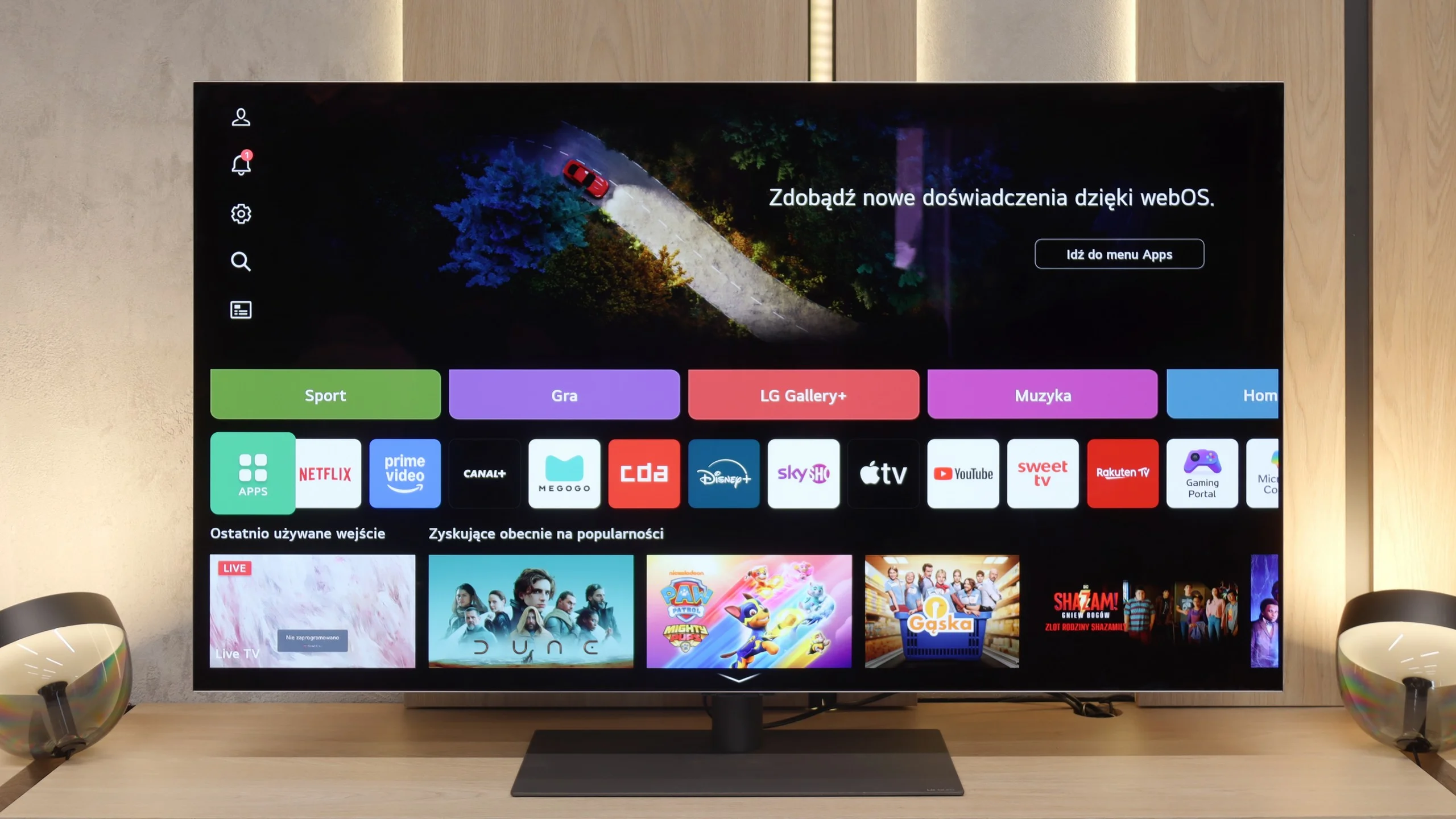
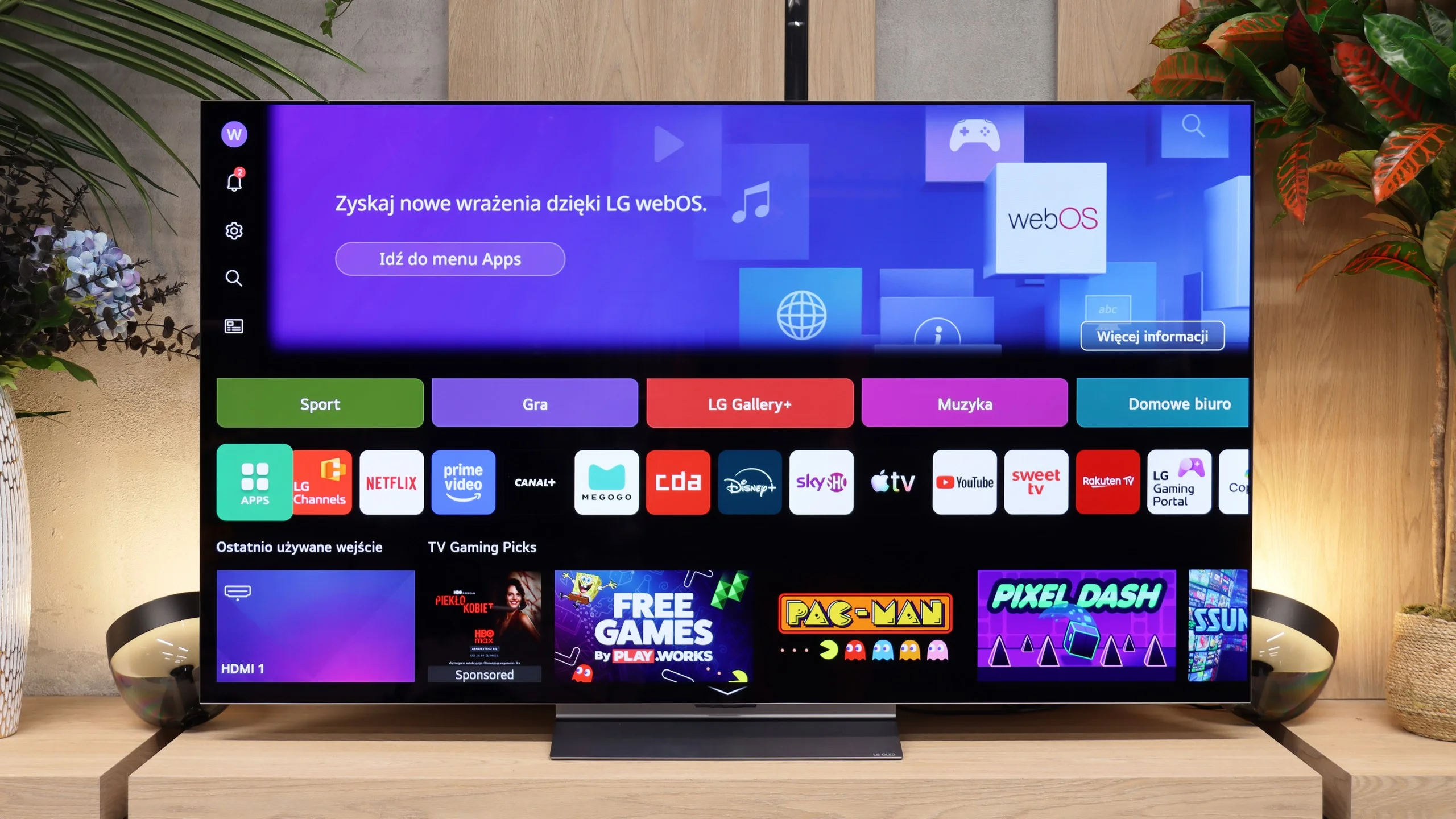
The Smart TV in the G5 operates on the WebOS system – it is the heart and brain of the entire television. With the Magic remote, using the G5 is truly enjoyable. We control the cursor on the screen with wrist movements, which resembles using a mouse in the air. The system itself is very sophisticated and offers everything one could expect: AirPlay, screen mirroring, voice search, and voice commands – all of which work smoothly and without delays. There’s no doubt it’s one of the best operating systems in TVs on the market.
Note:
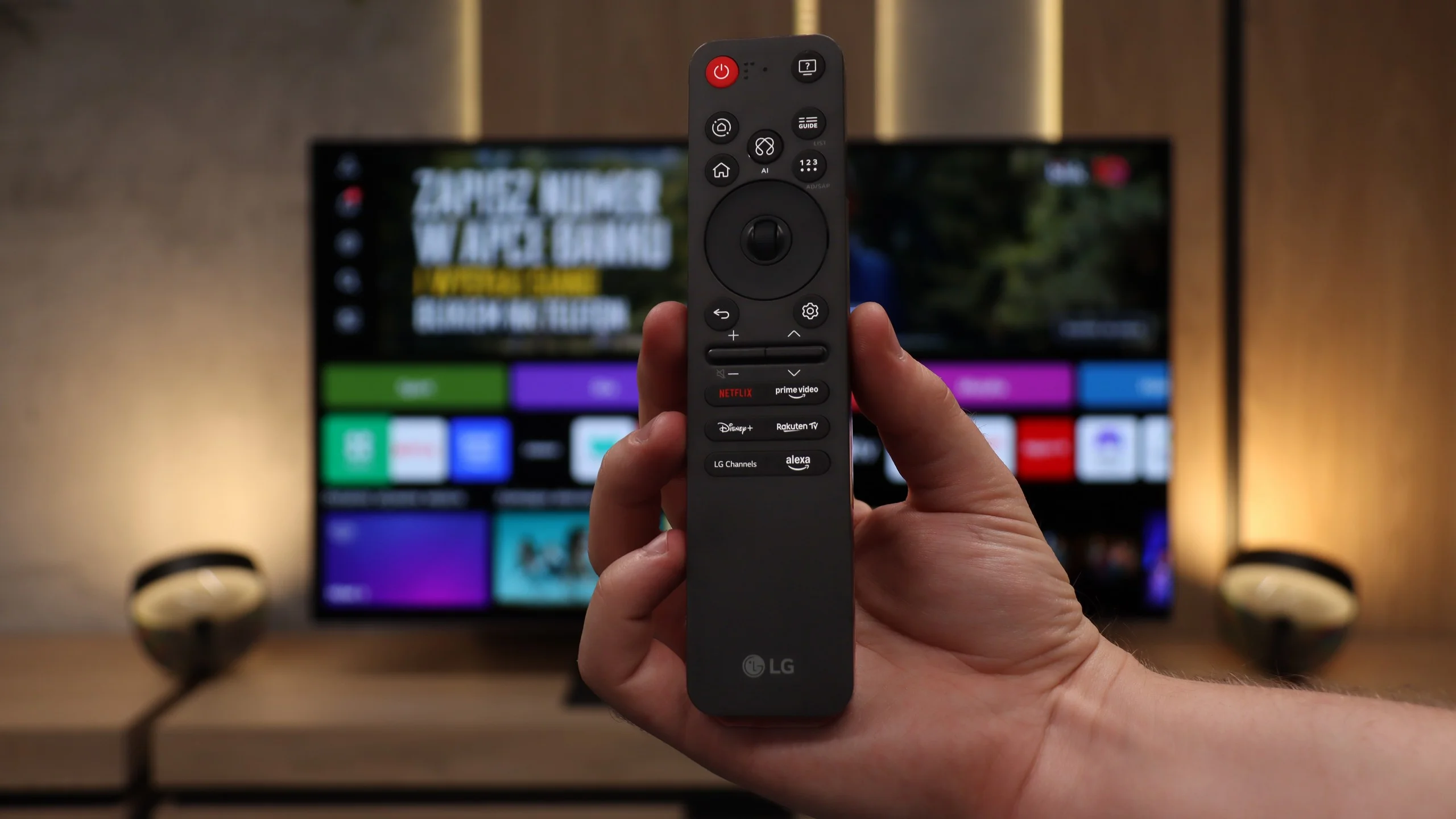
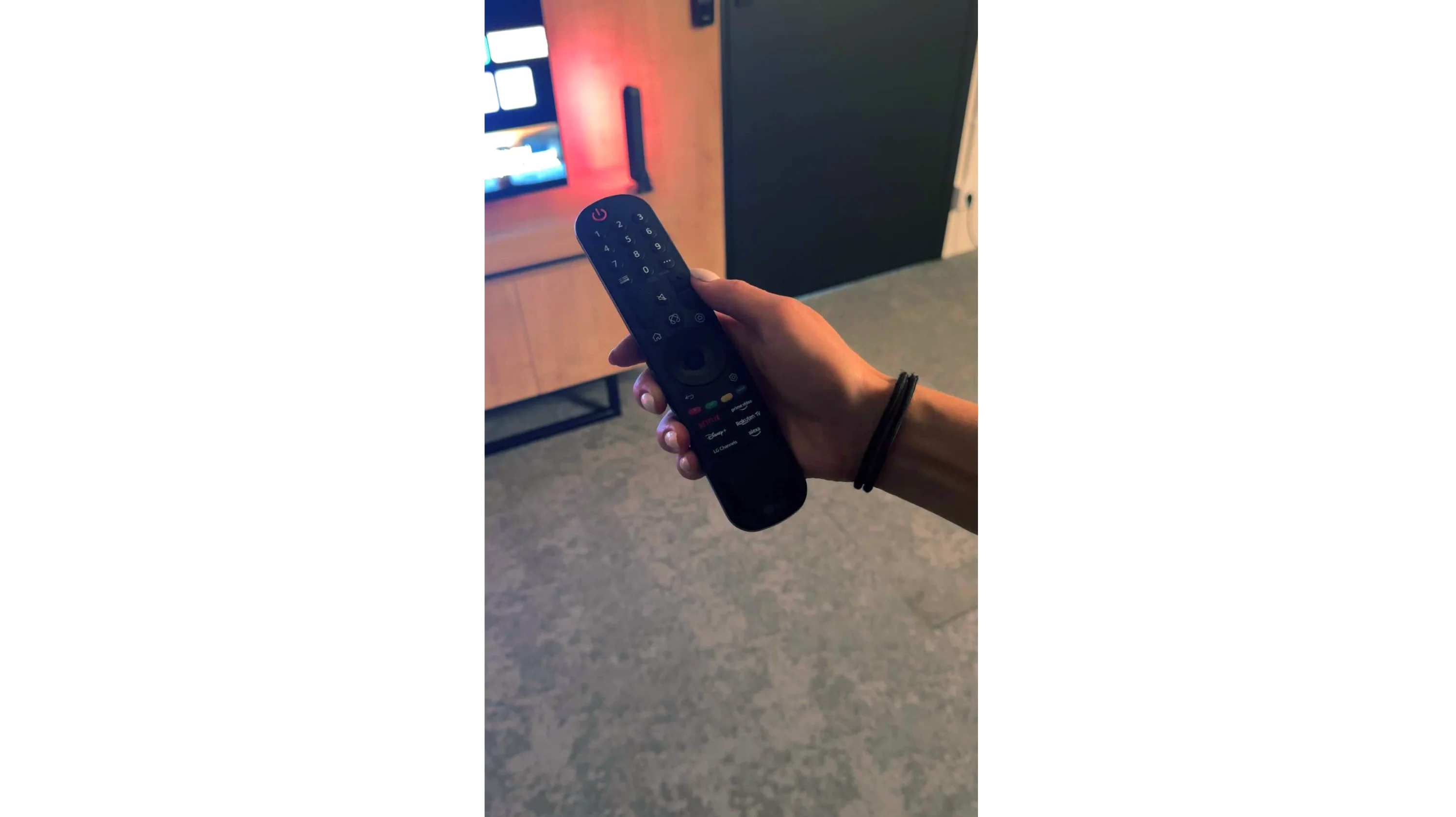
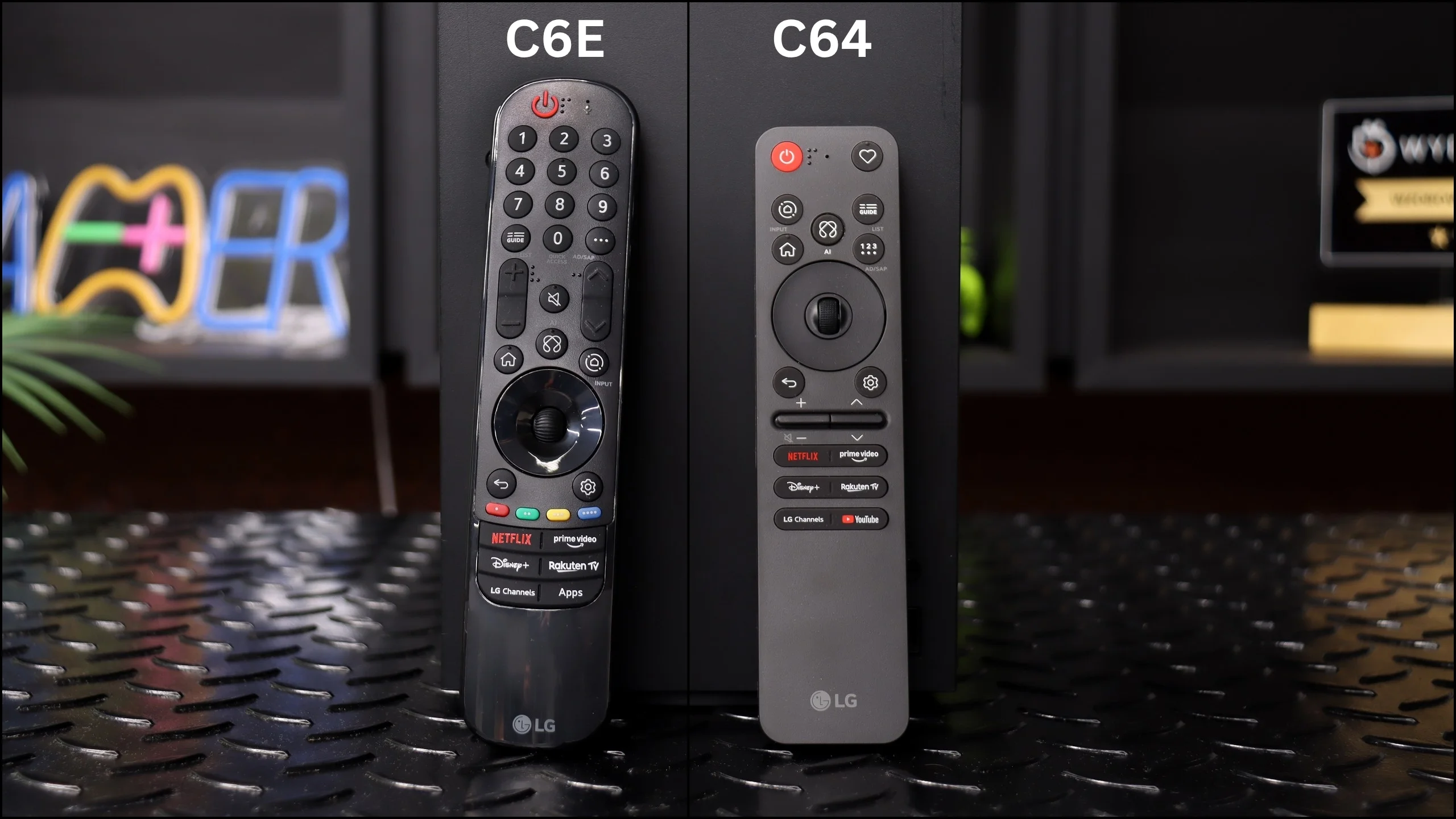
During our tests, we had almost nothing to complain about – maybe aside from one exception: the confusion surrounding the remote. Depending on the market and the specific version of the model, you may encounter the new, minimalist Magic remote (without a numeric keypad), or the older version with a full set of buttons. We tested the G54LW model, which had the new Magic remote, but it’s hard to say how the situation looks in other variants. It may be a similar situation to the LG C5 series, where the remote attachment also depends on the specific market.
Smart TV: webOS
No matter which C6 version you get, the feature set stays the same. The heart of the TV is, of course, webOS, the system LG has been developing for many years. It runs fast, is well optimized, and above all offers access to virtually all popular apps. Netflix, Disney+, Prime Video, YouTube, Max and other streaming services — in this respect it's hard to find significant gaps. The system itself also provides a lot of extra options. There’s AirPlay, easy screen casting from a smartphone, smart home device control, and the ability to personalize the home screen. LG has been expanding webOS heavily for several generations, and at times the number of available tabs or recommendations can be a bit overwhelming, especially with background ads, but once you get used to it the system is convenient and, most importantly, runs smoothly.
Classic TV features
The C6 also performs very well when you want to use it like a regular TV, not just a screen for Netflix. Over-the-air TV reception, the program guide and channel switching work smoothly and there’s little to complain about. LG still offers the ability to record programs to USB, so in terms of classic features the set is really well equipped. There are really only two things missing. The first is PiP, the ability to display two video sources at the same time. The second is a backlight for the remote, which would be handy for evening viewing. Apart from that, the C6 has basically everything you’d expect from a modern TV.
Magic Remote: DIFFERENT VERSIONS
When buying the C6, it’s worth paying attention to the remote, because LG has created some confusion here. During our tests we had, among others, the C64 variant commonly found in large retail chains. The package included the new, much smaller Magic Remote Slim. It has fewer buttons and looks much more modern, but it still retains two of LG remotes’ most characteristic features: the scroll wheel and cursor control by moving the remote. The C6E we tested came with the older, larger Magic Remote. It works basically the same, but it has a traditional numeric keypad and many more physical buttons. It looks less modern, but some people, especially those used to classic remotes, may find it more convenient. So there’s no single answer as to which remote is better. The new one is smaller, simpler and more contemporary, while the older one gives faster access to a larger number of functions without navigating menus. It’s worth knowing that depending on the C6 designation, the box may contain either variant.
Apps
9.1/10
9.1/10






















Playing files from USB
9/10
9.2/10
Supported photo formats:
Maximum photo resolution:
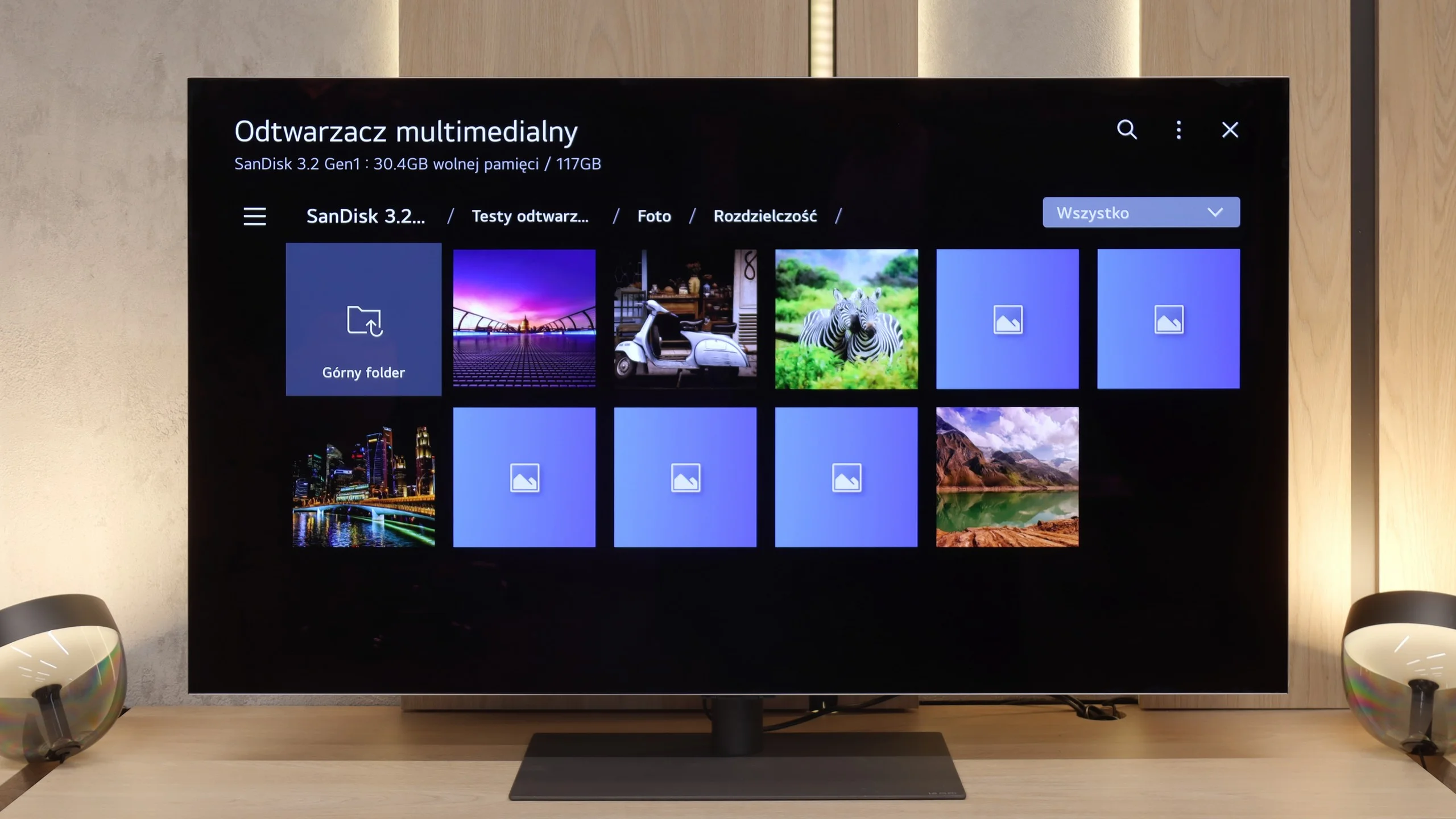
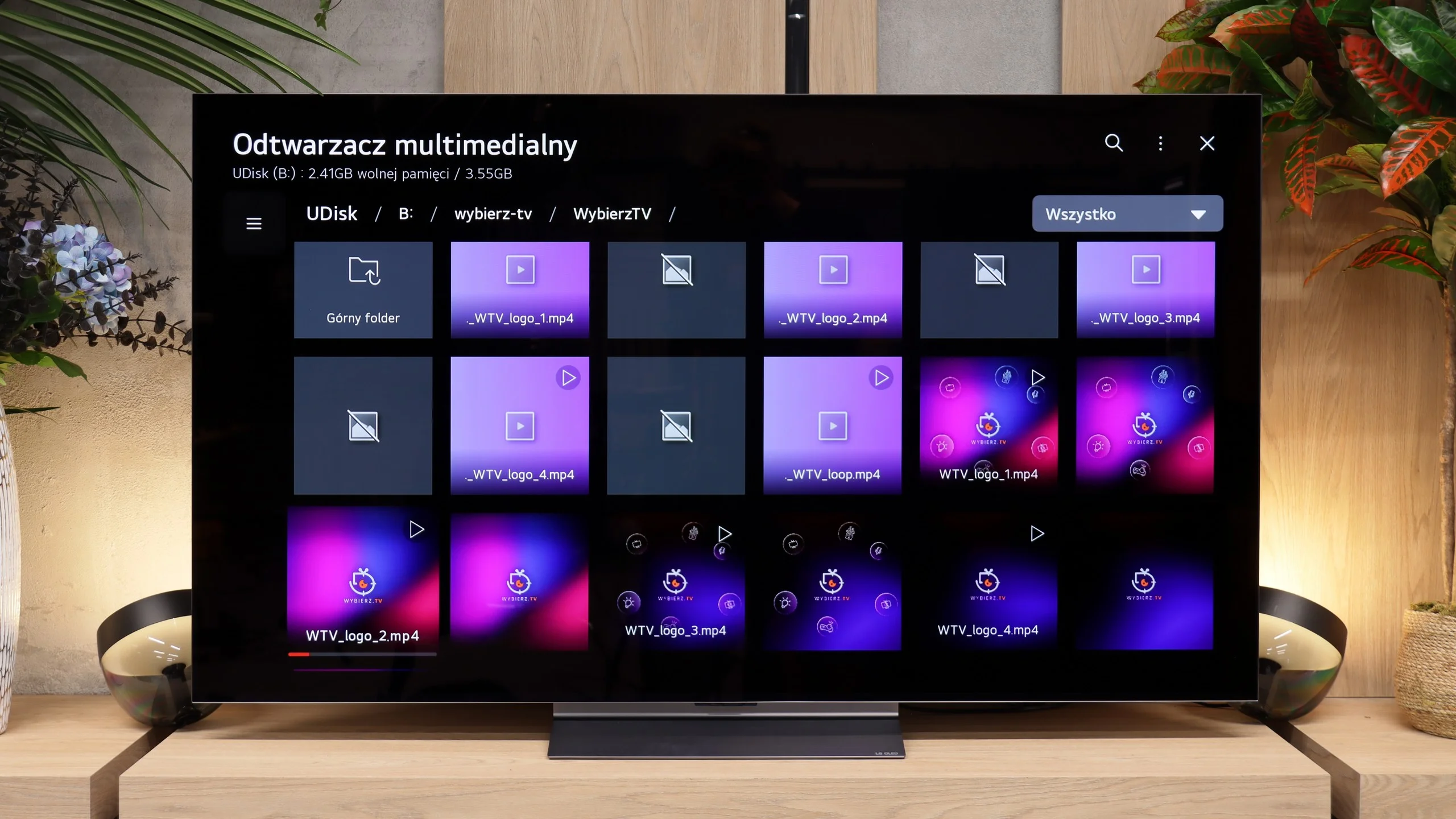
The built-in media player in the LG G5 is really quite good. It supports virtually everything you can expect from a modern television – most popular formats work without any issues, and the app's performance is fast. Our only disappointment was the lack of support for very high-bitrate HEVC files at 85 Mbit/s – similar to the C5 and B5 models. Interestingly, the same file played flawlessly on last year's LG OLEDs, so it's hard to say what has caused this change. Nevertheless, in everyday use, the G5 will handle the vast majority of materials, and there will be no need to connect any external devices for media playback.
During our tests the TV handled virtually all of the popular video formats we put on a USB stick without any problems. There were no issues with high bitrates, subtitles or more demanding files, so it's hard to find anything to criticise in that respect. The only exception was material with a DTS audio track. That's not surprising, as the TV simply doesn't support that codec. Aside from that, the player is good enough that most users will easily get by without installing external apps or connecting an additional player.
Sound
8.7/10
7/10
- Maximum volume84dB88dB
- Dolby Digital Plus 7.1
- Dolby True HD 7.1
- Dolby Atmos in Dolby Digital Plus (JOC)
- Dolby Atmos in Dolby True HD
- DTS:X in DTS-HD MA
- DTS-HD Master Audio
The sound on the LG G5, considering its slim design, is truly phenomenal. When listening to music, you can sense a light, pleasant bass, and in films, the dialogue is clear and easy to hear – it doesn’t get lost even in dynamic scenes. Unfortunately, a bit of a disappointment is the lack of support for the DTS format, which LG used in its older models. It's a shame, as many home theatre enthusiasts might see this as a step backwards.
Sound Quality Test
Acoustic Measurements
84dBC (Max)
75dBC
88dBC (Max)
75dBC
Reader comments
Comments are provided by the external service Disqus (Zeta Global). Once loaded, Disqus may set cookies and process data about your activity.
We will remember your choice on this device. Provider's privacy policy