Classic TV Features:
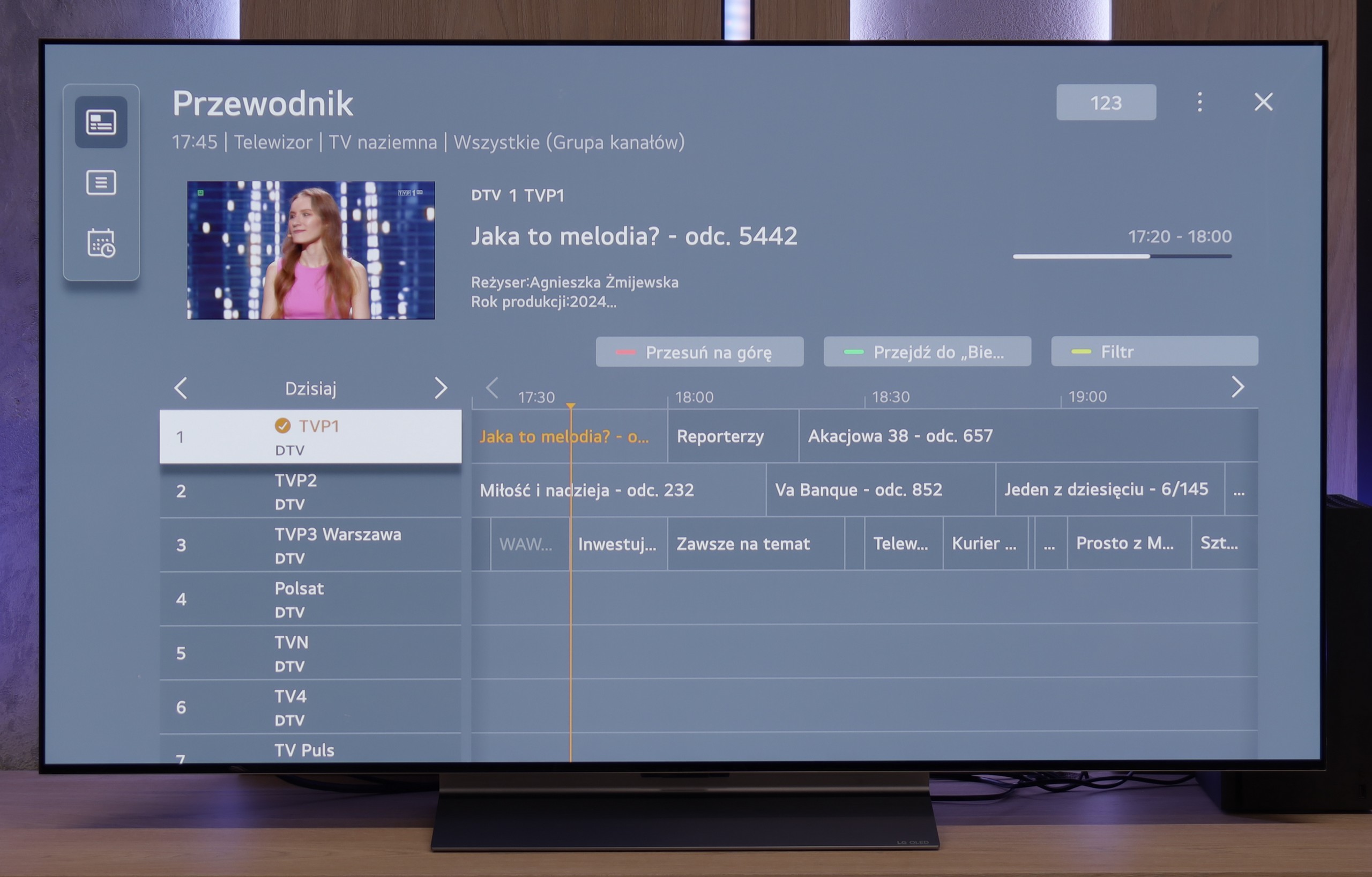
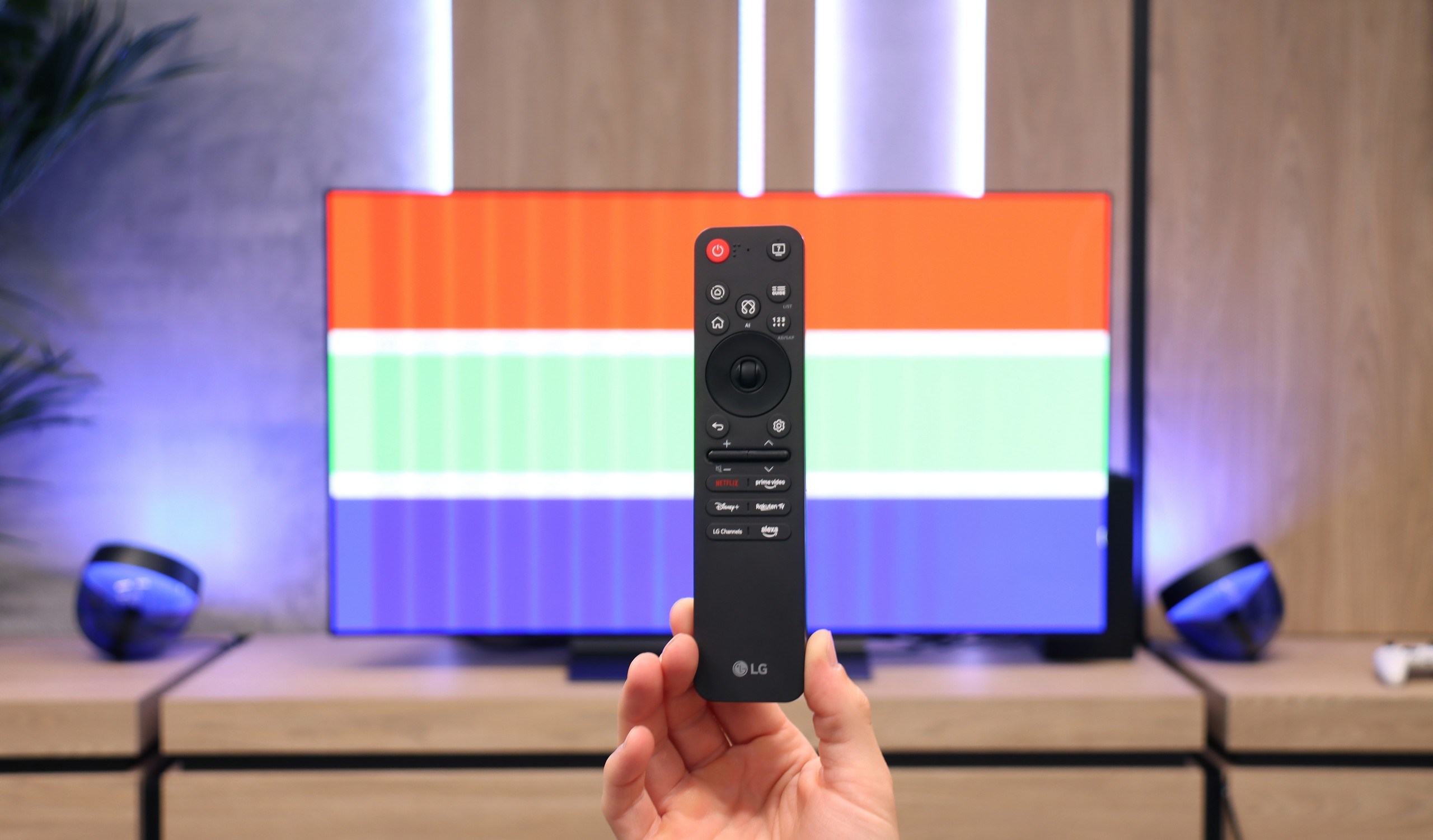
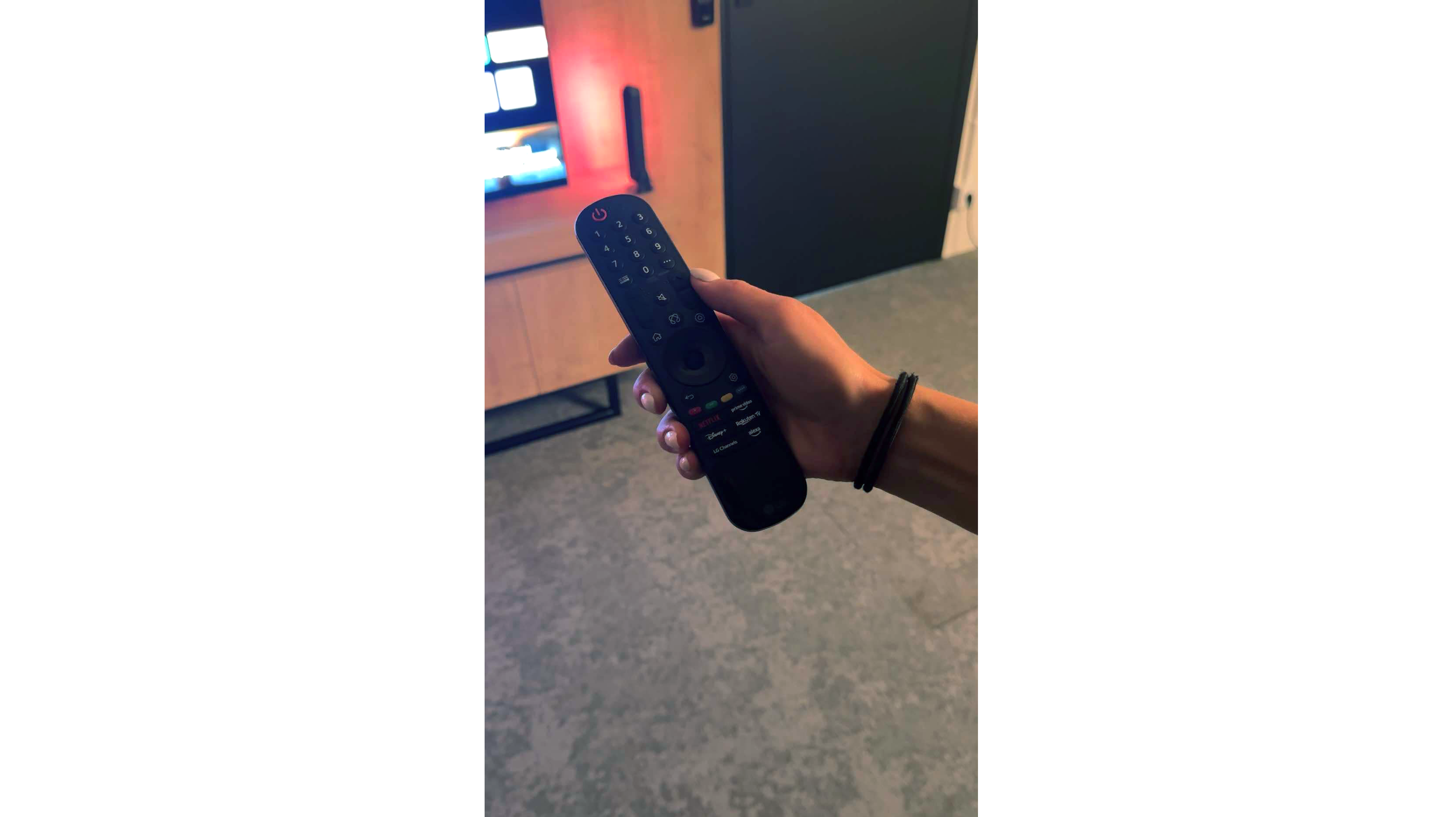
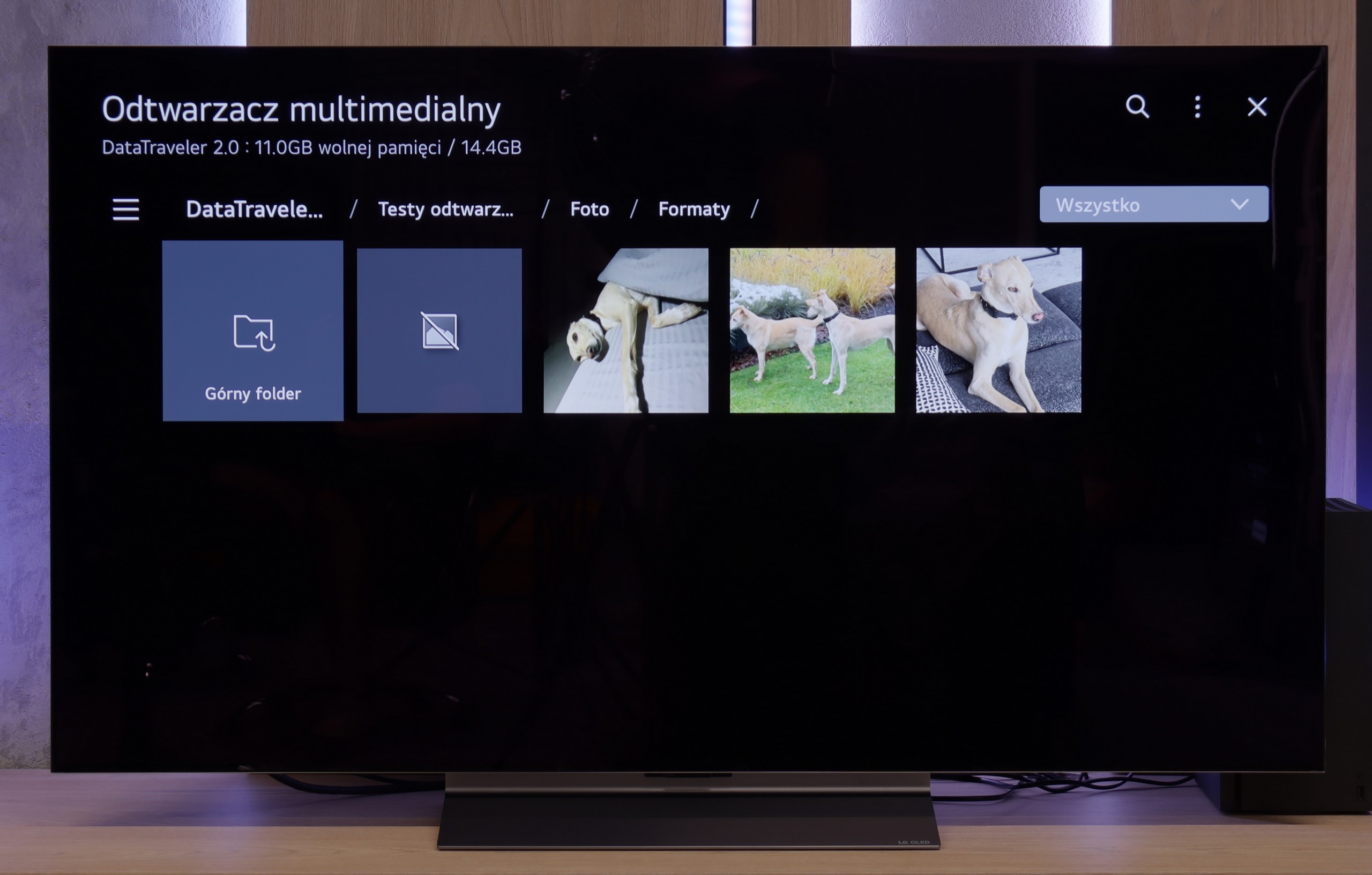
In terms of classic TV functionalities, the LG C5 performs really well. Here, we have the option to record programs to USB from built-in DVB-T(2) tuners, support for teletext, an EPG channel list, and seamless pairing of headphones via Bluetooth. For many users, these are still very important elements of everyday TV use – and LG doesn’t fall short in this area, except for the PIP function. It is worth noting the topic of the remote, or rather... the different versions of the remote. In our test, we used the C54 model, which is equipped with the new version of the Magic remote. It somewhat resembles Samsung's minimalist approach – there’s no numeric keypad or "source" button, but it looks modern and is comfortable for everyday use. Conversely, other variants, such as C5ELB, may be sold with an older version of the remote – a more classic one, with more buttons and a numeric keypad. Some may consider it more practical, while others see it as outdated. In short: quite a bit of confusion, so it's worth checking the model suffix before purchase.
Smart TV:
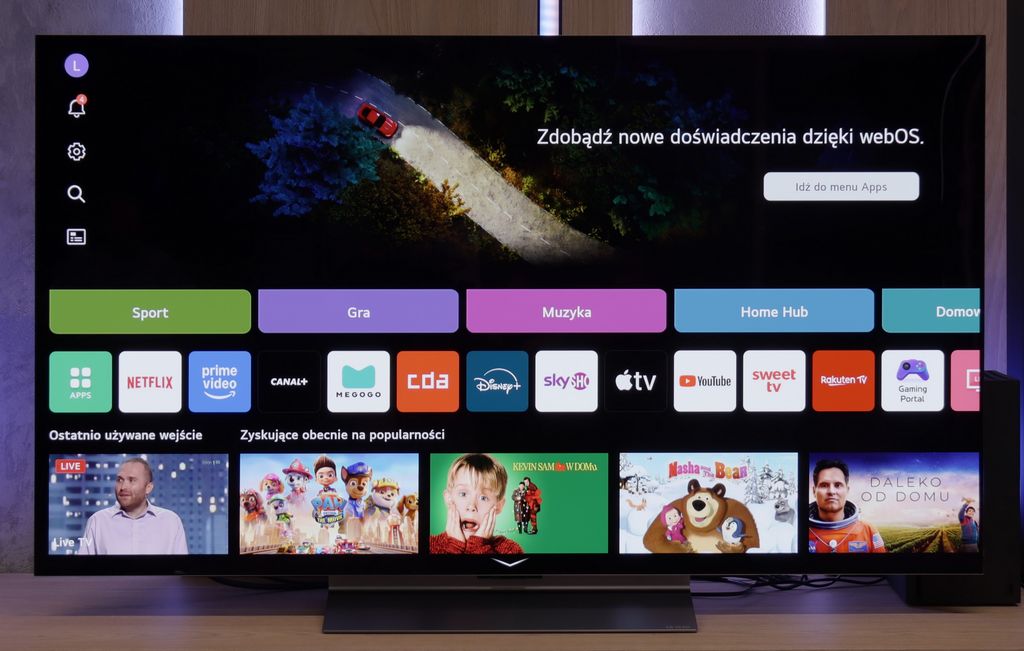
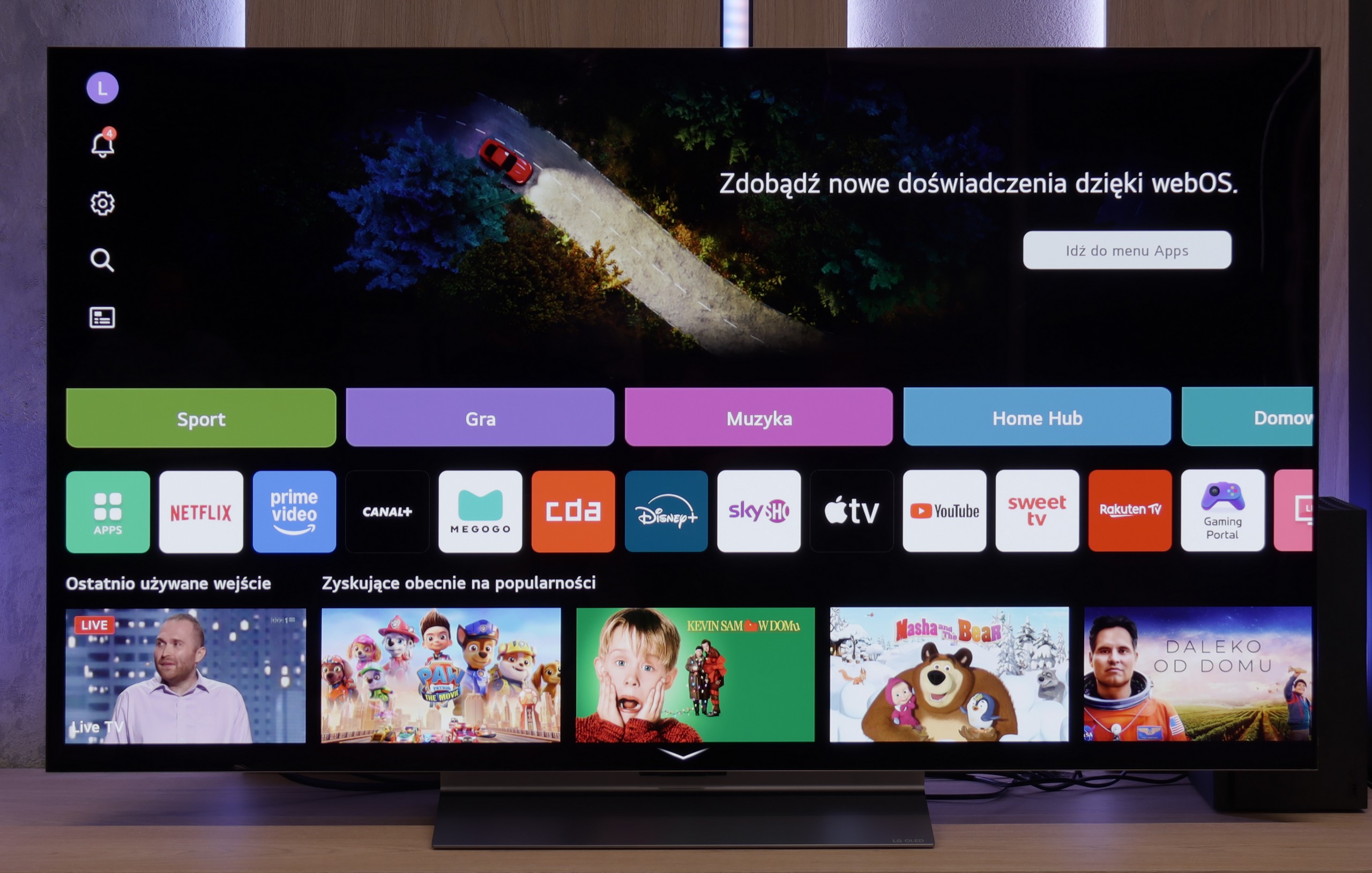
Regardless of the version of the remote, we’re operating the same system – WebOS. This is one of the most enjoyable solutions in the Smart TV world. The intuitive menu, fast performance, and support for popular features, such as AirPlay, screen mirroring, or voice assistant, make the system perform very well in everyday use. Additionally, controlling the cursor using the gyroscope in the Magic remote remains one of the most convenient forms of navigation in TVs. There are really quite a few applications here – Netflix, Disney+, HBO Max, Apple TV, and many more. However, one must remember that this is not a system based on Android/Google TV, so it may happen that we simply cannot find some less popular app in the LG store.
Smart Features
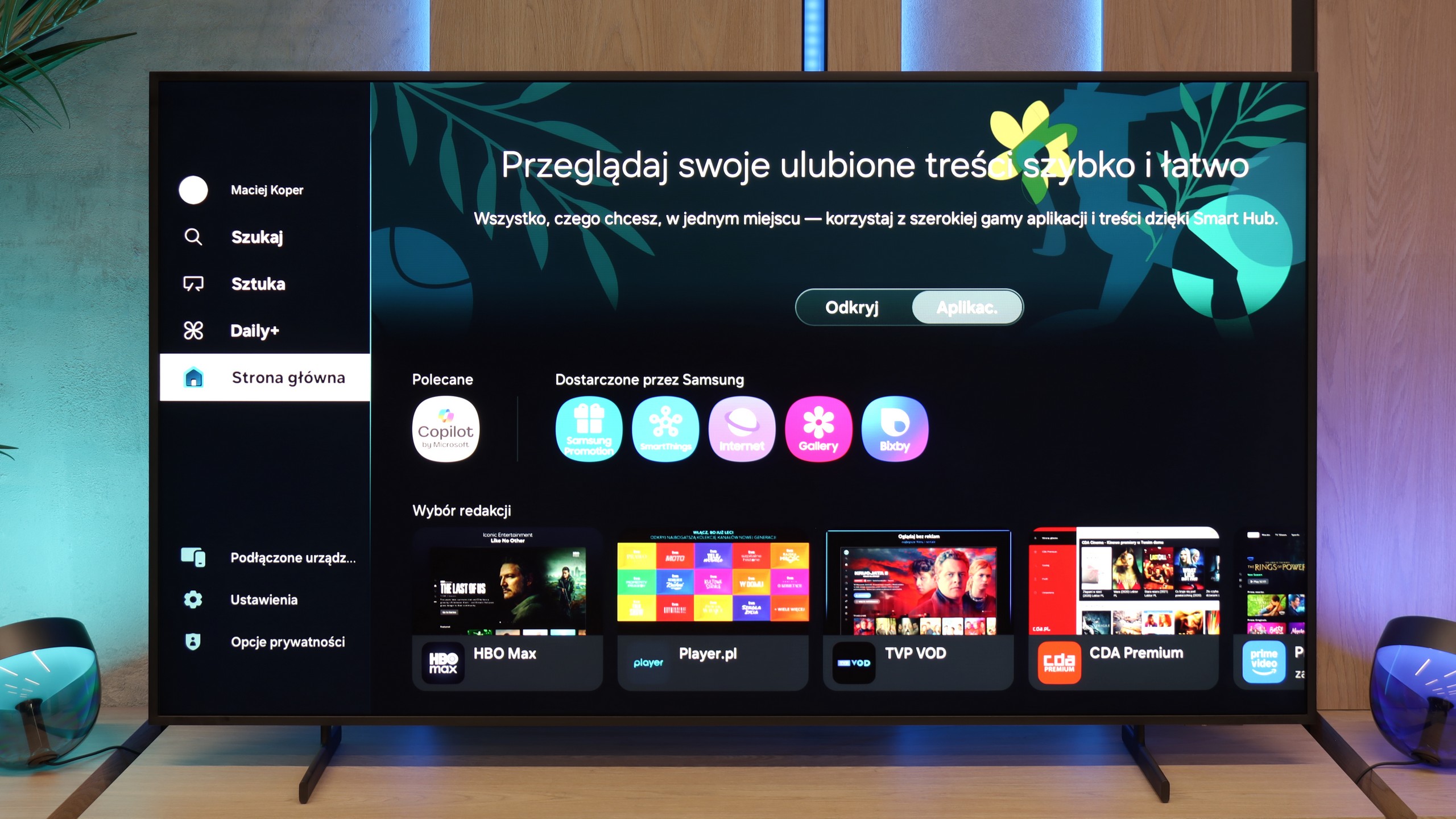
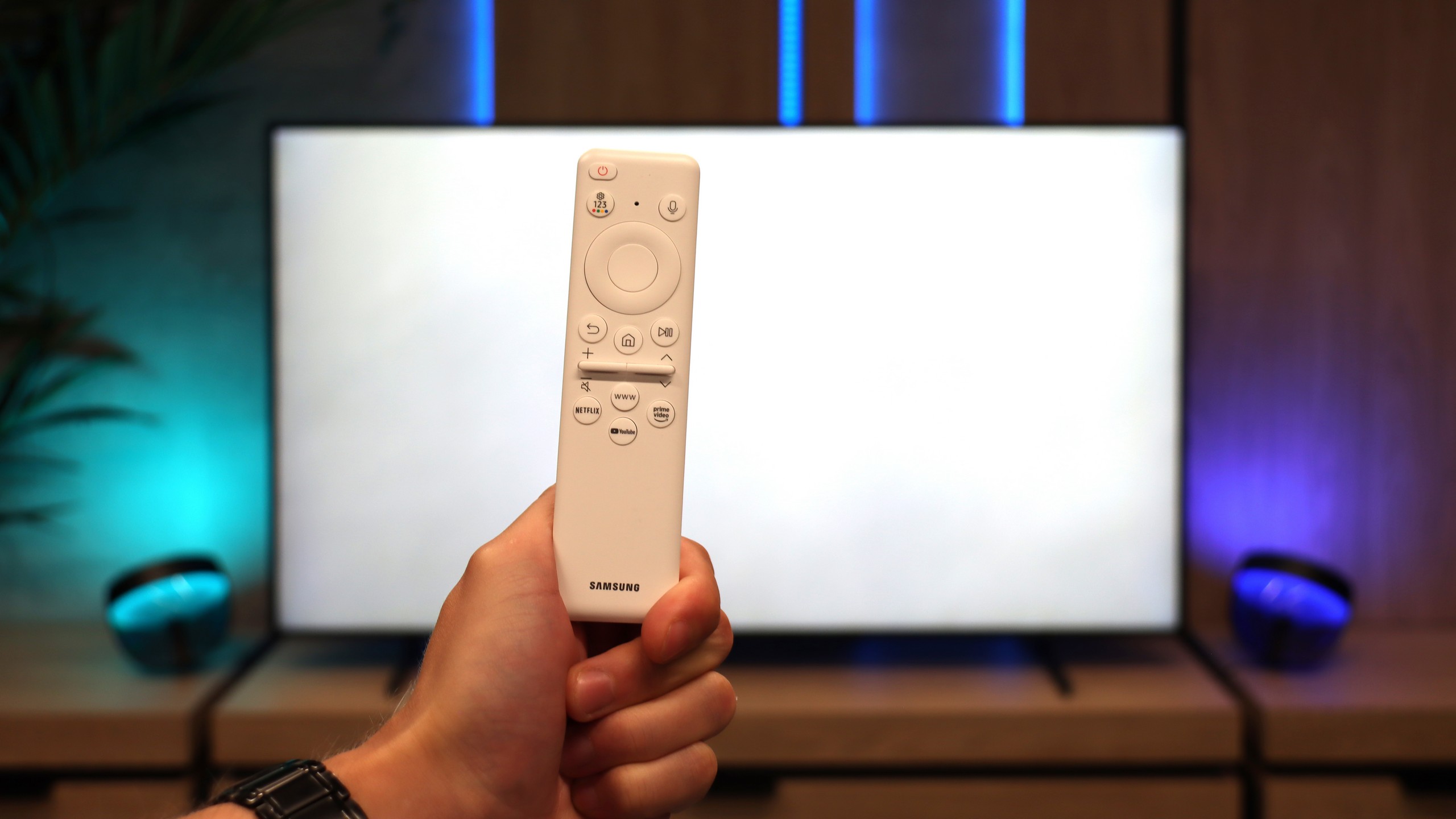
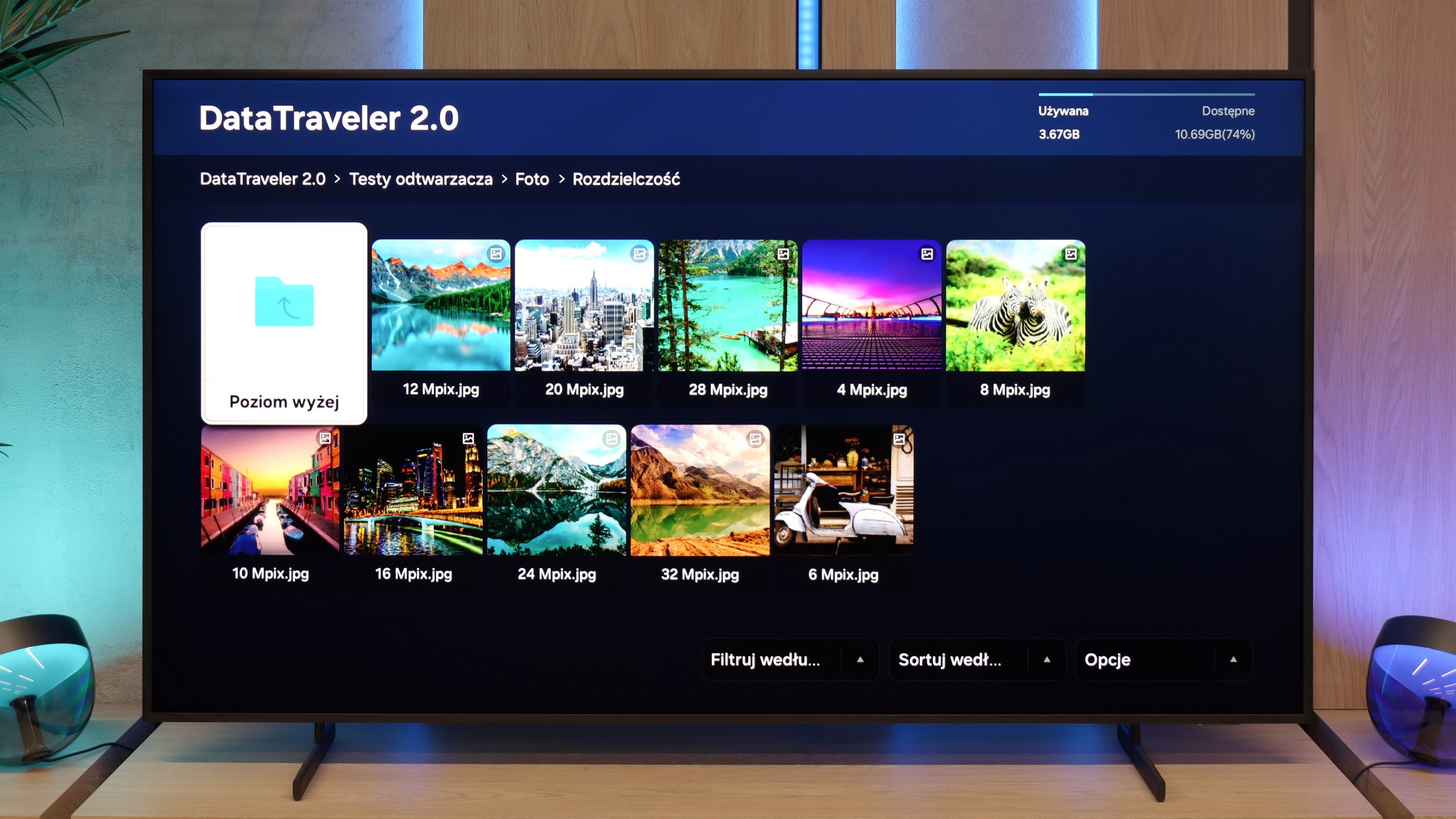
Samsung The Frame Pro operates on the Tizen system, which has been the hallmark of the Korean manufacturer for years. It is one of the most refined smart TV environments – fast, stable, and intuitive. Almost none of the popular streaming apps are missing here, and the interface runs smoothly and without significant delays. It also supports features like AirPlay 2, screen mirroring, and the ability to control the TV using voice commands via Bixby, Alexa, or Google Assistant.
TV Features
When it comes to classic TV functions – like in almost every Samsung – this is not the strongest side of the device. We receive a clear EPG guide, teletext support, the ability to connect headphones via Bluetooth, and that's pretty much it. You won’t find more advanced tools known from other TVs (e.g., USB recording or PiP). However, this is standard in Samsung's offering. The manufacturer has been setting trends for several years and mainly focuses on smart features, while classic television is somewhat neglected.
Art Store and Interchangeable Frames – a Unique Element of the Series
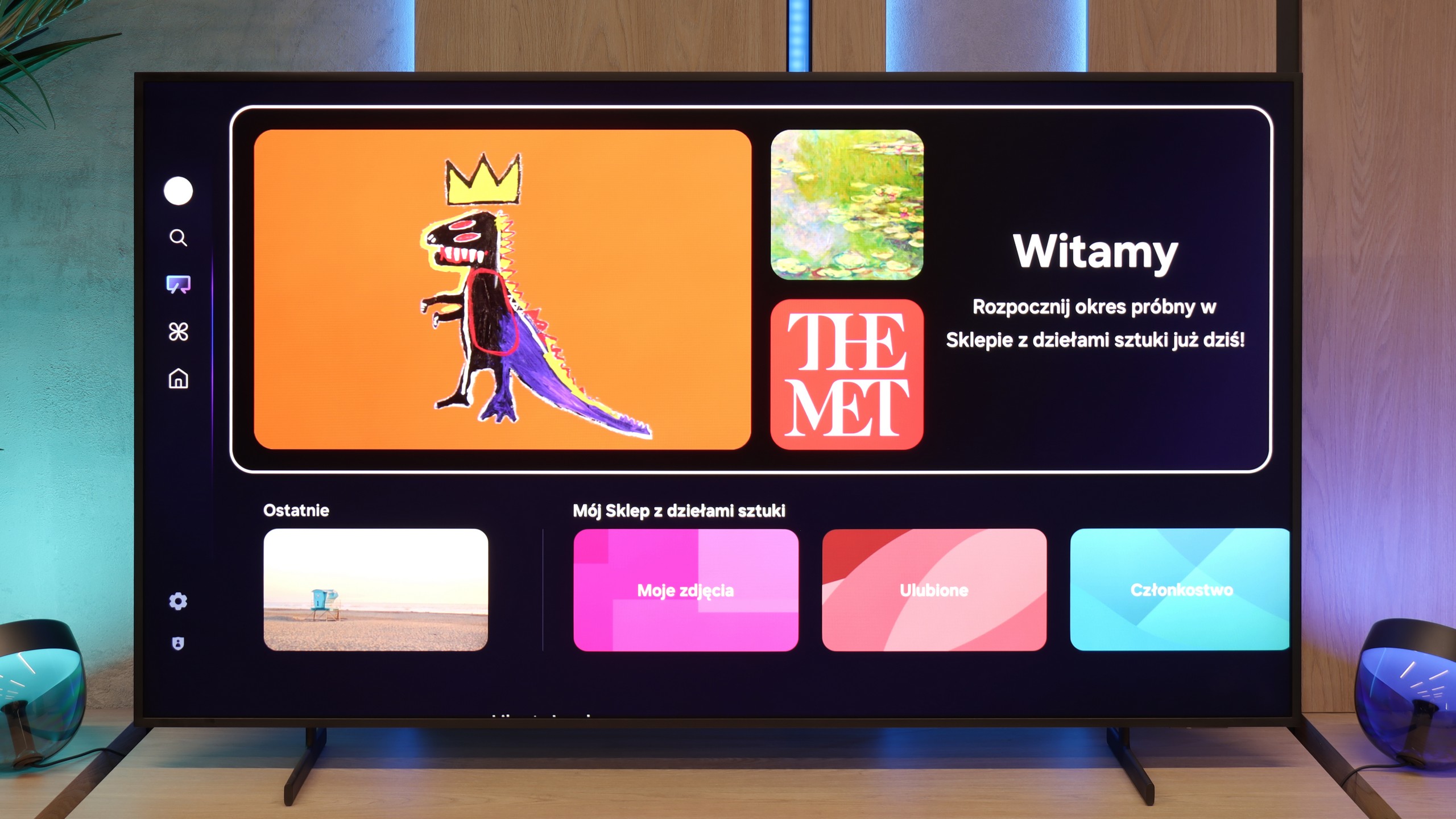
What distinguishes The Frame series from the very beginning is the Art Mode and the Art Store application. Thanks to this, we can display reproductions of artworks on the screen from classics to modern graphics. Although the service is paid (in the form of a subscription or a one-off annual fee), it ensures that the materials are prepared in the highest quality, making the displayed images look almost like they were painted. It is this element, along with the ability to change the TV frames, that allows The Frame Pro to serve a dual purpose as both a television and a design element in the interior.
Wireless One Connect Module
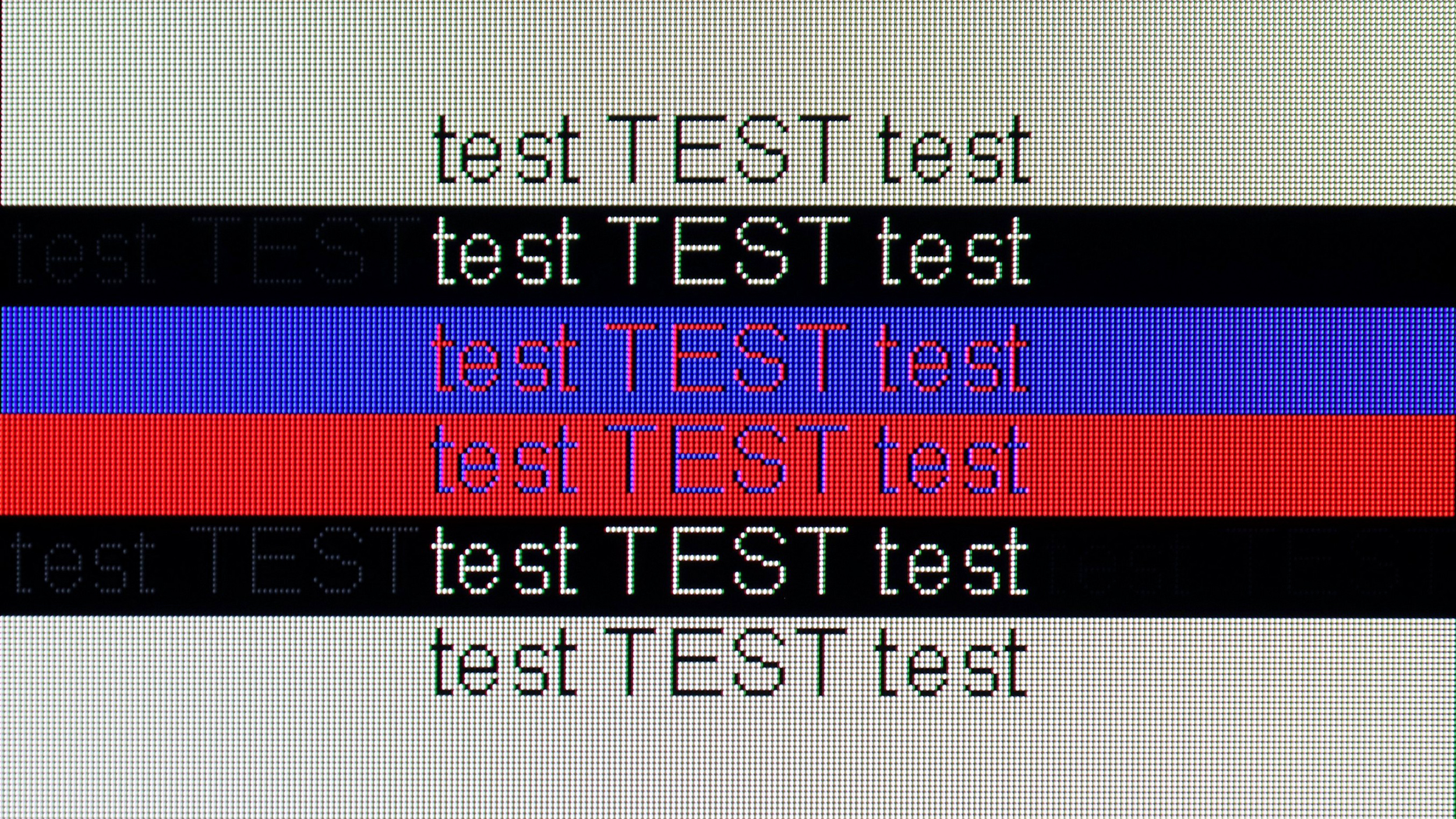
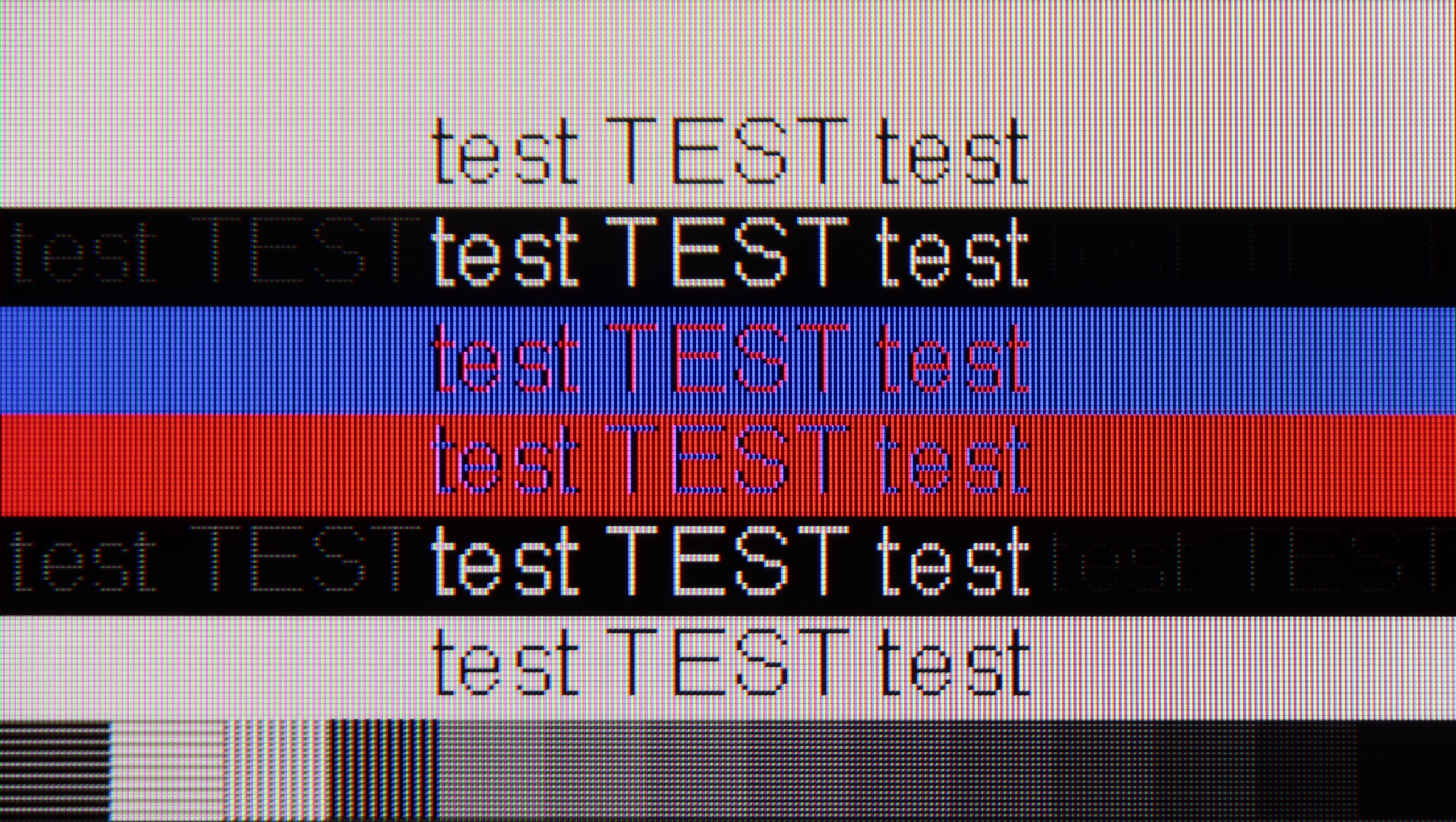
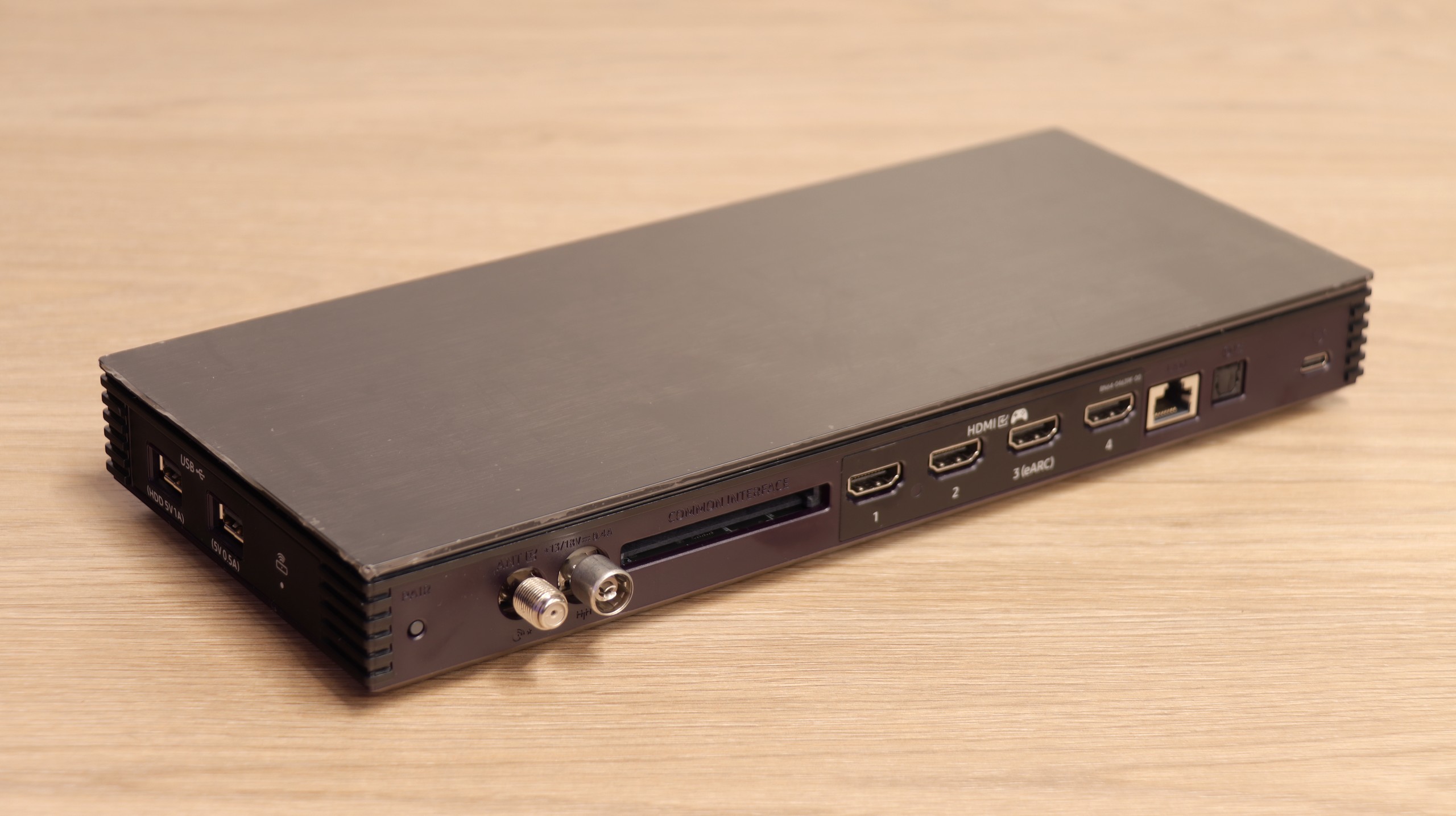
The second unique element of The Frame PRO is the wireless One Connect module, where we find all the HDMI ports and other connections. Thanks to this, the TV itself can hang on the wall almost like a real painting, while all the electronics and cables can go into a separate box placed even a few meters away. The device is powered via USB-C and takes over all the “thinking” processes of the TV. While this solution has its limitations for gamers or PC users (latency, degradation of font quality), it works great for connecting an amplifier, decoder, or individual multimedia devices. It's a very “gadgety” solution, but in everyday use, it turns out to be simply convenient and allows for better space arrangement in the living room.
 Direct comparison