The U7Q PRO is a TV that makes it clear within minutes: "speed is what matters here". Hisense has surprised us with how much they’ve packed into a device that doesn’t cost a fortune. A refresh rate of 165 Hz in 4K, and even 288 Hz in Full HD – not long ago, such figures were reserved exclusively for top-end gaming monitors. And here we have a mid-range TV with almost a full suite of features for gamers, confidently throwing down the gauntlet to much pricier competitors. But it doesn’t stop at speed. The U7Q PRO also boasts a very bright screen, peaking at an impressive 1500 nits. Like every Mini-LED, it has its typical "moods", occasionally exaggerating the image, but the overall visual effect remains very positive – especially in HDR content. It’s also worth mentioning the Vidaa operating system – fast, intuitive and equipped with features like AirPlay, a voice assistant, and a web browser. While it doesn’t offer the full range of apps found on Android, in everyday use the system performs exceptionally well. So, why is it “almost” perfect for gamers? It just lacks the HGiG feature, which allows for precise adjustment of brightness levels in HDR games. It’s a minor drawback, but it can be significant for console purists. Nevertheless, the U7Q PRO remains a very solid proposition – and a testament to the fact that Chinese manufacturers have not only caught up with competitors from Korea and Japan, but in some aspects have even begun to overtake them.
- Matching (Score) |
- Our verdict |
- TV appearance |
- Where to buy |
- Contrast and black detail |
- HDR effect quality |
- Factory color reproduction |
- Color reproduction after calibration |
- Smoothness of tonal transitions |
- Image scaling and smoothness of tonal transitions |
- Blur and motion smoothness |
- Console compatibility and gaming features |
- Input lag |
- Compatibility with PC |
- Viewing angles |
- Daytime performance |
- Panel details |
- TV features |
- Apps |
- Playing files from USB |
- Sound
Hisense U7Q PRO vs TCL RM7L
 Direct comparison
U7Q PRO / U78Q PRO

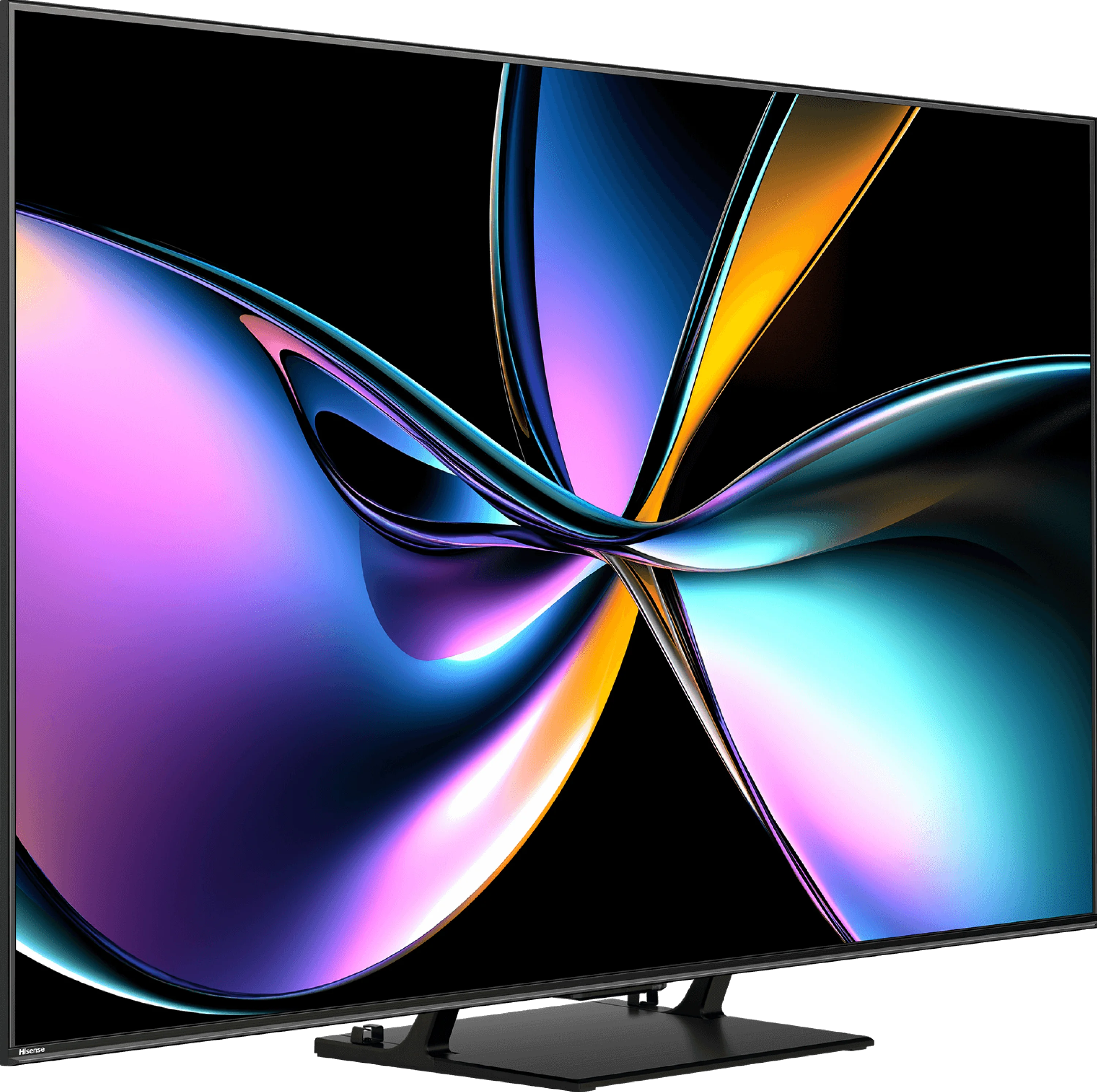
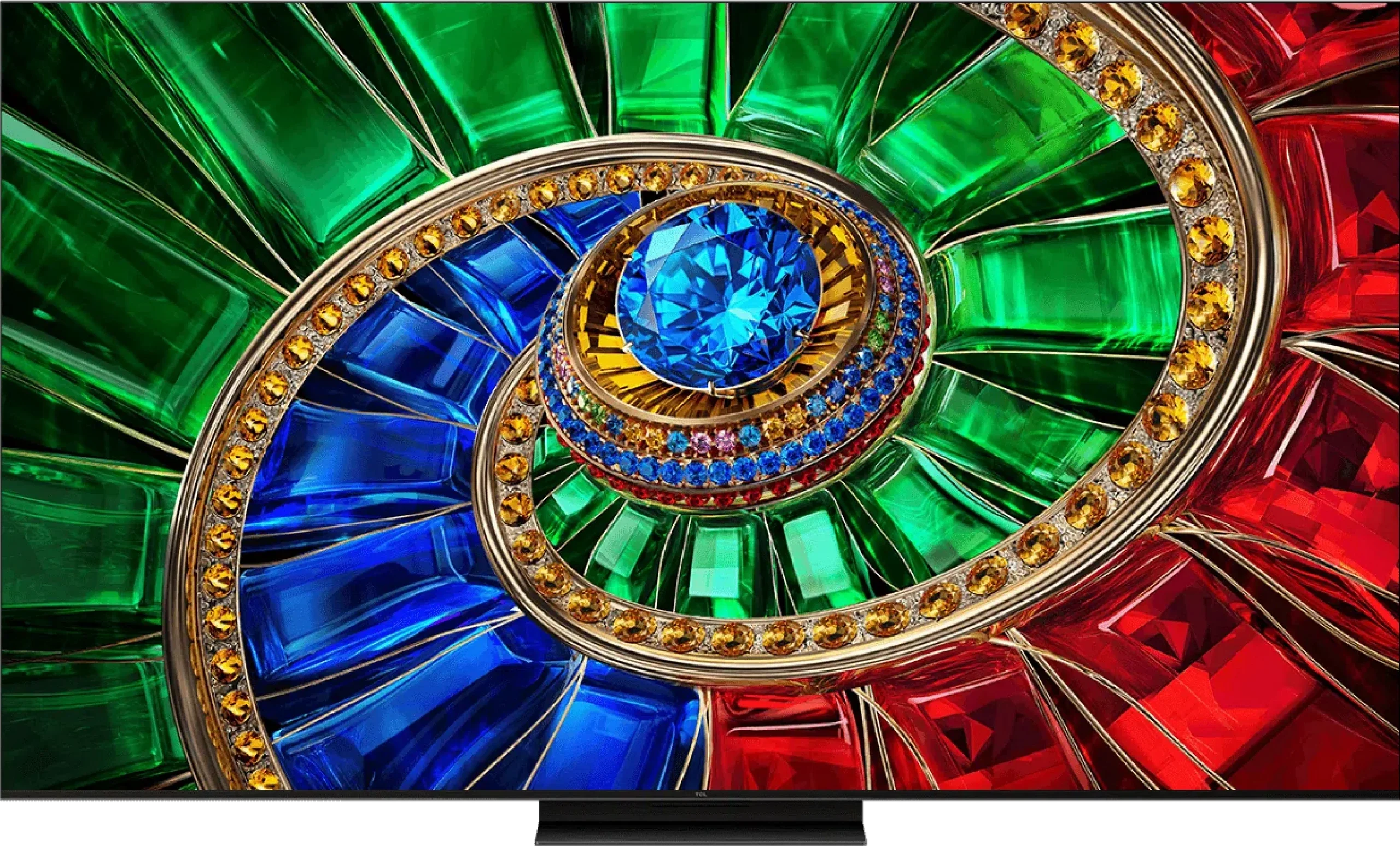
Panel type: LCD VA
Resolution: 3840x2160
System: VIDAA
Model year: 2025
Complete the survey to find out the result
Panel type: LCD VA
Resolution: 3840x2160
System: Google TV
Model year: 2026
Complete the survey to find out the result
Overall rating
7.4
7.8
 Movies and series in UHD quality
 7.2
7.4
 Classic TV, YouTube
 7.2
7.1
 Sports broadcasts (TV and apps)
 6.7
6.9
 Gaming on console
 8.2
8.8
 TV as a computer monitor
 8.2
8.4
 Watching in bright light
 6.2
7.8
 Utility functions
 9.4
7.8
 Apps
Apps 7.7
9.6
 Sound quality
 7.8
7.8
Complete the survey to find out what fits your preferences
Advantages

Excellent contrast and black - true Mini-LED backlighting with VA panel (65")
Very good motion fluency - 4K@165 Hz panel
Very high HDR brightness - even above 1500 nits
Perfect for gaming - Low input lag, VRR, ALLM, 4x HDMI 2.1, 288Hz at 1080p.
Vidaa operating system has many features like Airplay, USB recording
Outstanding quality of tonal transitions
Very high HDR and SDR brightness
Good blacks and contrast (VA panel + mini-LED)
Impressive picture
Full support for HDR formats, including Dolby Vision and HDR10+
Extensive gaming features (VRR, ALLM, HGiG)
Good motion clarity with low smearing (up to 288Hz)
Google TV operating system (many apps, Gemini voice assistant)
Disadvantages

No support for HGiG
Average viewing angles
Missing apps on the VIDAA platform
Poor digital image processing due to the use of the older MediaTek Pentonic 700 processor
Glossy screen coating does a poor job of reducing reflections
Only two HDMI 2.1 ports
Less stable colours, dependent on the dimming algorithm (a characteristic of RGB panels)
Our verdict
TCL RM7L is a TV that can’t be judged fairly by numbers and measurement charts alone. Although it’s not uncompromising, it more than holds its own in everyday use. It delivers a bright, dynamic and saturated picture, so it’s great for HDR content, games and fast-paced movies. The RM7L doesn’t chase perfect "reference-grade" accuracy. Instead it serves up an image that’s simply pleasing to the eye. It’s also hard to fault in daily use. Google TV runs smoothly and provides access to a full suite of apps, and a rich set of features for gamers means the TV performs as well connected to a console or PC as it does during an evening on the couch. It’s a versatile piece of kit that will suit most home uses. What’s most interesting is TCL’s approach to backlighting. Rather than chasing numbers and inflating local dimming zones like the C7L, they’ve gone with RGB Mini-LED technology. The result is genuinely intriguing. Although black levels and contrast are very good, in the toughest scenes, with bright objects on a dark background, halo can be slightly more noticeable than on its stablemate. Interestingly, the bloom takes on the colour of the displayed element, so it looks much more natural and doesn’t draw the eye away from the viewing experience as much as it does on classic Mini-LED screens. And that’s the dilemma. Put the RM7L next to the TCL C7L and it’s hard to deliver a clear, objective verdict. Both models cost almost the same but represent two completely different backlight design philosophies. The C7L wins on dimming precision thanks to a larger number of zones, while the RM7L makes up for it with the unique, very eye-pleasing character of its RGB panel. Until recently the choice boiled down to a simple calculation of zones; today, as TCL shows, the picture is much more interesting. If we had to pick between the two, we’d lean slightly toward the C7L for its higher number of zones and equally impressive, saturated colours, but the final choice always depends on what an individual expects from their TV.
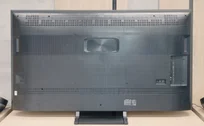
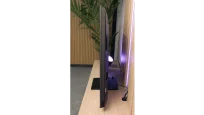
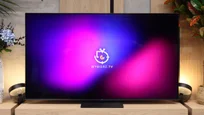
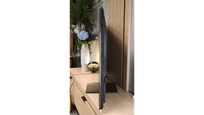
TV appearance
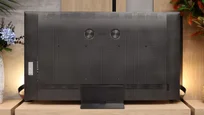

Contrast and black detail
8/10
7.7/10
Local dimming function: Yes, number of zones: 560 (20 x 28)
Local dimming function: Yes, number of zones: 448 (16 x 28)
Contrast:


Result
340,000:1

Result
62,850:1

Result
42,000:1

Result
11,100:1

Result
7,500:1
Result
258,450:1
Result
41,400:1
Result
18,800:1
Result
15,650:1
Result
8,350:1
Halo effect and black detail visibility:
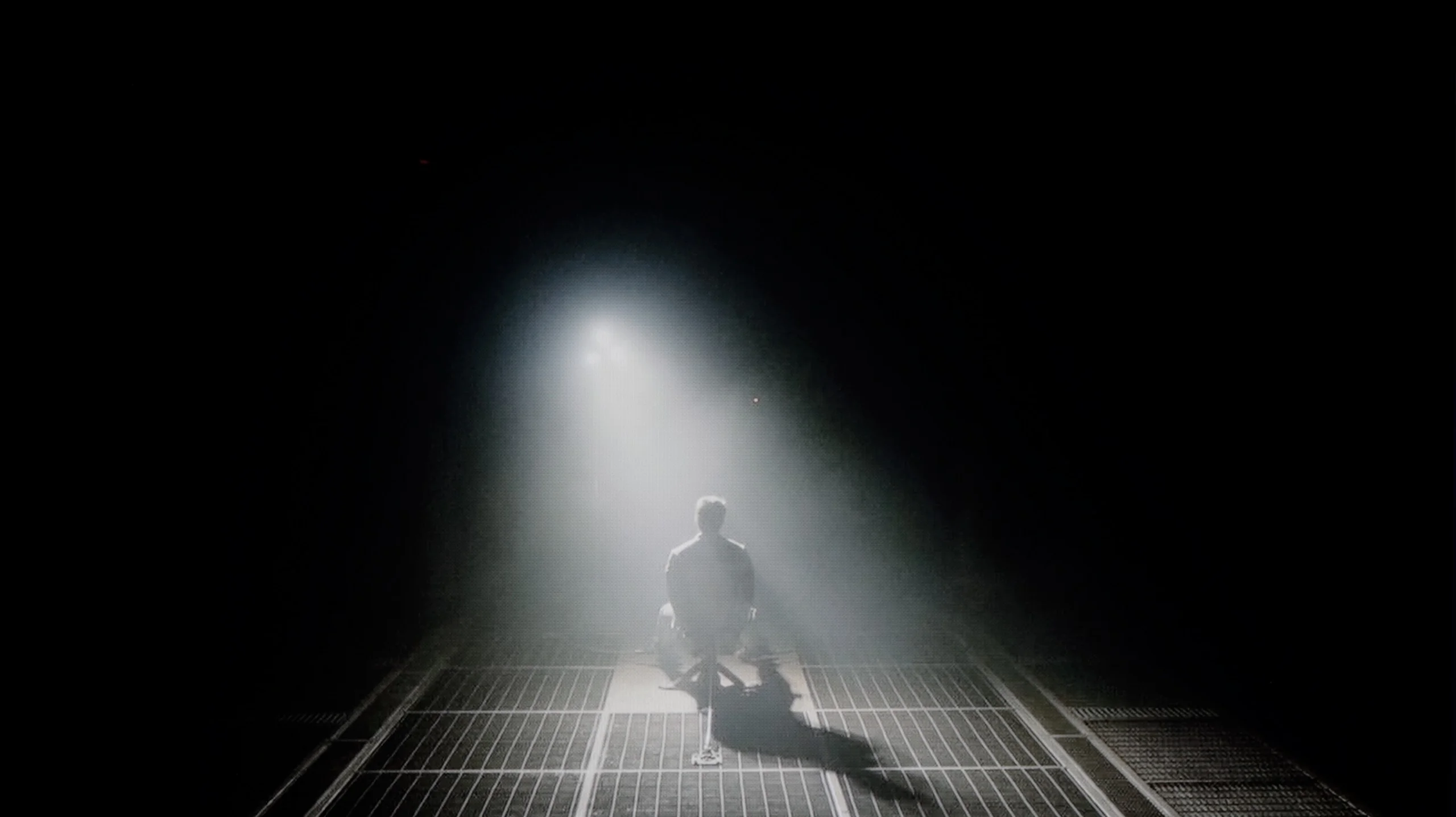
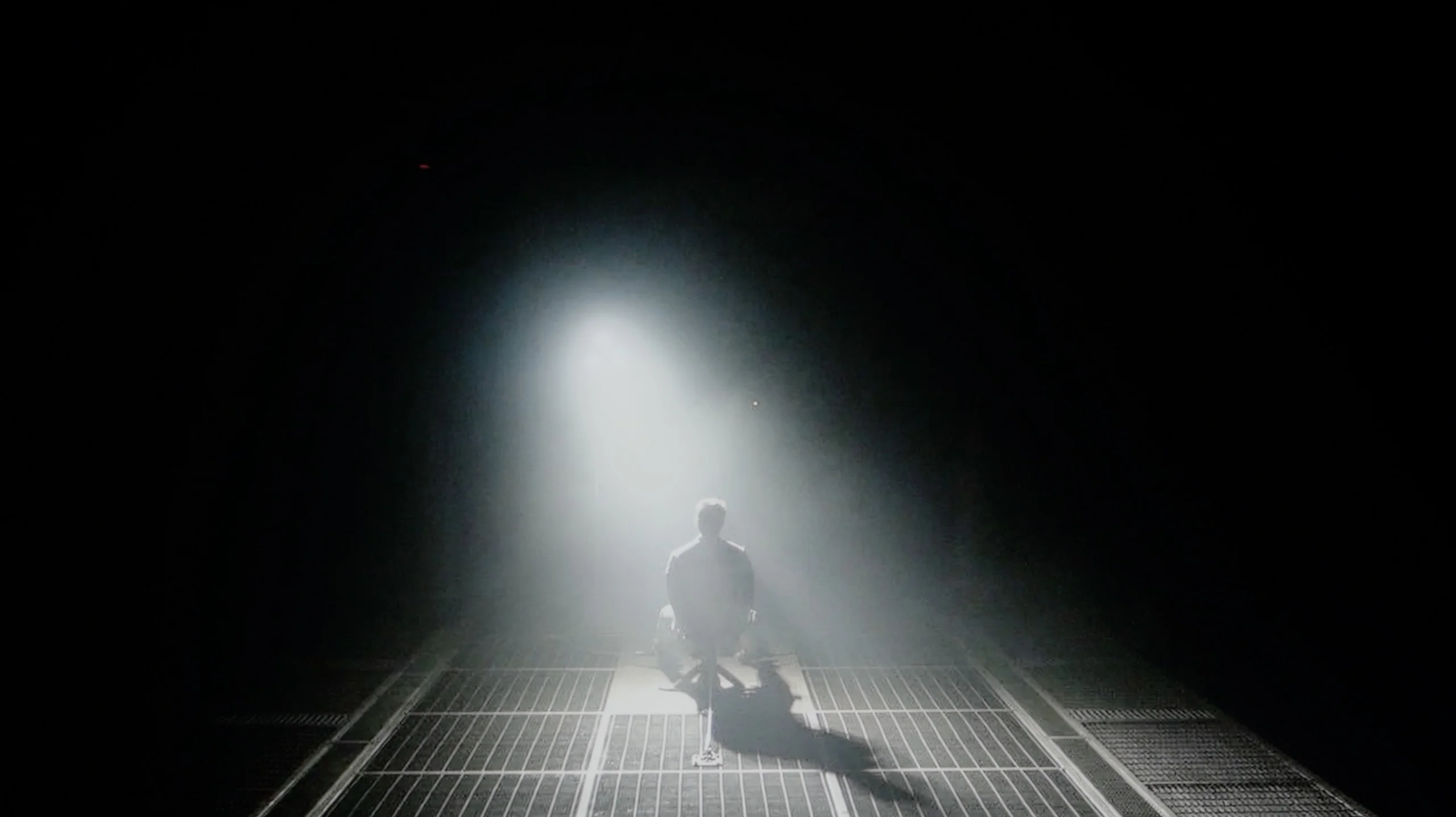
Check the visibility of bright lights on a dark background. Mini-LEDs often struggle with this. The photo does not compare black levels – that’s what the video below is for.
The video accurately shows differences in contrast and black levels between TVs, as well as potential issues: halo around bright objects or Mini-LED zone operation visible as brightness jumps.
Hisense U7Q PRO is a mini-LED television with a VA panel and – in the version we tested, 65 inches – 560 local dimming zones. It's worth noting straight away that this number varies depending on the size – larger diagonals get more zones, while smaller ones get fewer accordingly. But regardless, the dimming system itself works really solidly here.
The contrast is genuinely very good for the price range in which this model is placed. In optimal conditions, the U7Q PRO can achieve results close to six-figure values, which until recently was reserved for much higher-end equipment. In practice – in scenes like the one from the film Oblivion – the picture looks stunning. With the lights on in the room, it's hard at first glance to distinguish this TV from organic screens. Of course, it’s still an LCD with local dimming, so compromises are unavoidable. In more challenging scenes, where there are many small light sources, the U7Q PRO tends to dim too aggressively. Instead of a slight degradation of black – some details that should be visible disappear. This is a side effect of the algorithm, which firmly adheres to the principle of “black should be black,” even at the expense of subtle elements in the picture.
But nonetheless – contrast is one of the stronger points of this model.
Black performance on the TCL RM7L is really good. The combination of a high-contrast VA panel with a zone-based RGB Mini-LED backlight allows the TV to achieve very high contrast figures. In most of the scenes we measured, the results were good enough that dark parts of the image looked deep and convincing. The RM7L performs best in less demanding shots where black occupies a large portion of the screen and bright elements are relatively small. In such conditions contrast can reach six-figure values. As scene complexity increases, results gradually fall off, but that is a natural characteristic of any LCD TV using local dimming.
However, the RM7L has noticeably fewer zones than its counterpart using an SQD Mini-LED backlight. In the 65-inch version the difference is more than twofold, so you more often see more pronounced blooming around bright elements on a dark background. In terms of pure dimming precision, the RM7L is therefore not as accurate as the C7L. RGB Mini-LED has its own advantage here though. The bloom is not simply white, it takes on the color of the displayed element. A good example is the helicopter cockpit scene from Sicario 2, where a greenish bloom appears around the green lights instead of the typical bright halo known from conventional Mini-LED TVs. The halo effect is still visible, but because its color matches the image it is less distracting and looks more natural.
Ultimately we rate the RM7L and C7L similarly for black-level performance. The C7L controls the backlight better thanks to a larger number of zones, while the RM7L makes up for it with the character of its bloom. The bloom is somewhat larger, but its color blends better with the displayed image.
NOTE: Naturally, as the TV size increases the number of zones grows, yet we expect similar contrast results across RM7L sizes. It’s also worth adding that TCL lists the number of "color zones" in its product brochures, not the actual dimming zones. Since each color zone consists of three RGB channels, the advertised number should be divided by three. Therefore 1,344 color zones in the 65-inch unit we tested mean 448 actual dimming zones.
Size | Dimming zones (actual) | Color zones |
|---|---|---|
65" | 448 | 1344 |
75" | 600 | 1800 |
85" | 720 | 2160 |
98" | 960 | 2880 |
HDR effect quality
6/10
6.6/10
Luminance measurements in HDR:

Result
1129 nit

Result
323 nit

Result
721 nit

Result
267 nit

Result
736 nit
Result
914 nit
Result
538 nit
Result
653 nit
Result
494 nit
Result
1413 nit
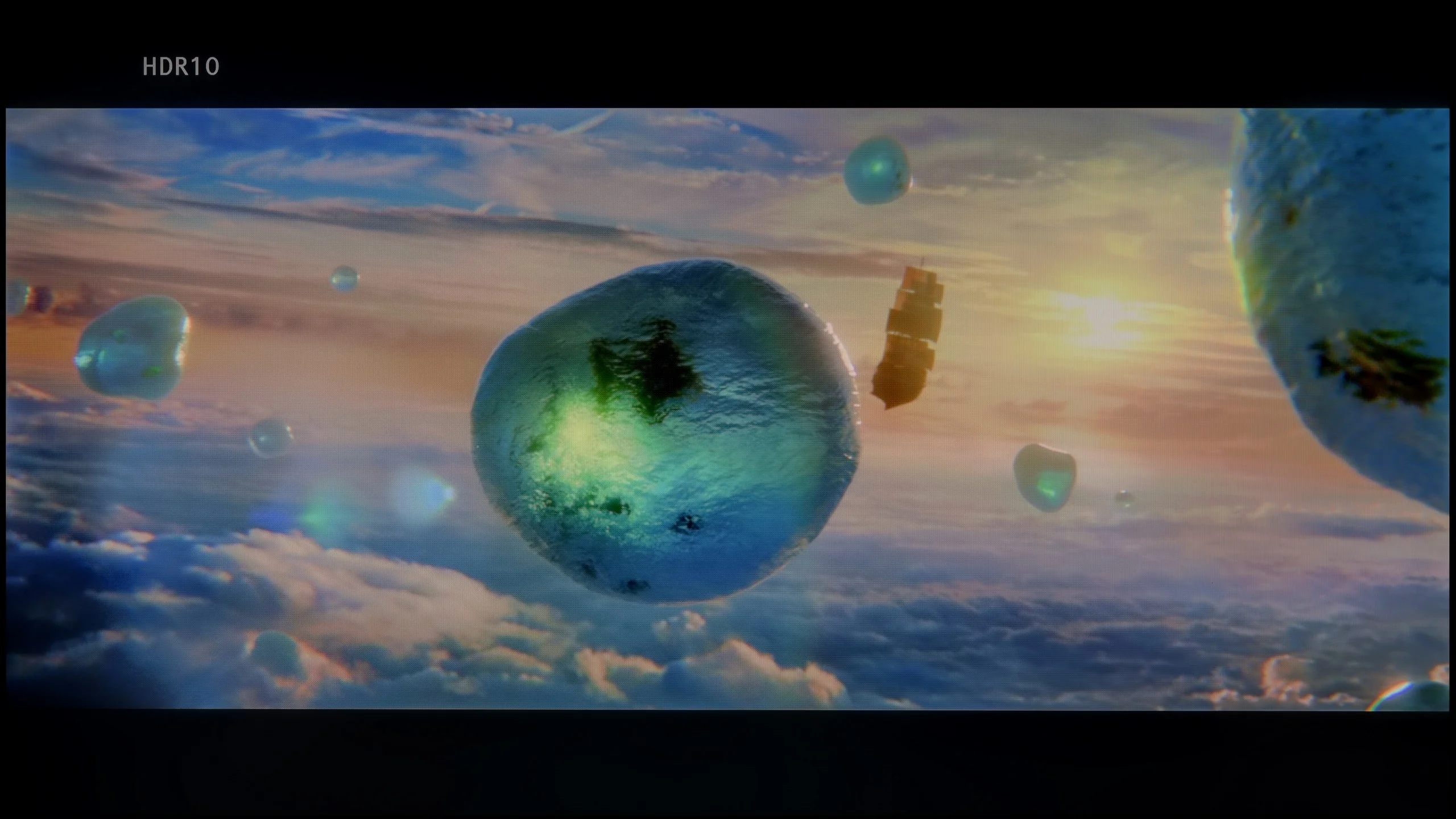
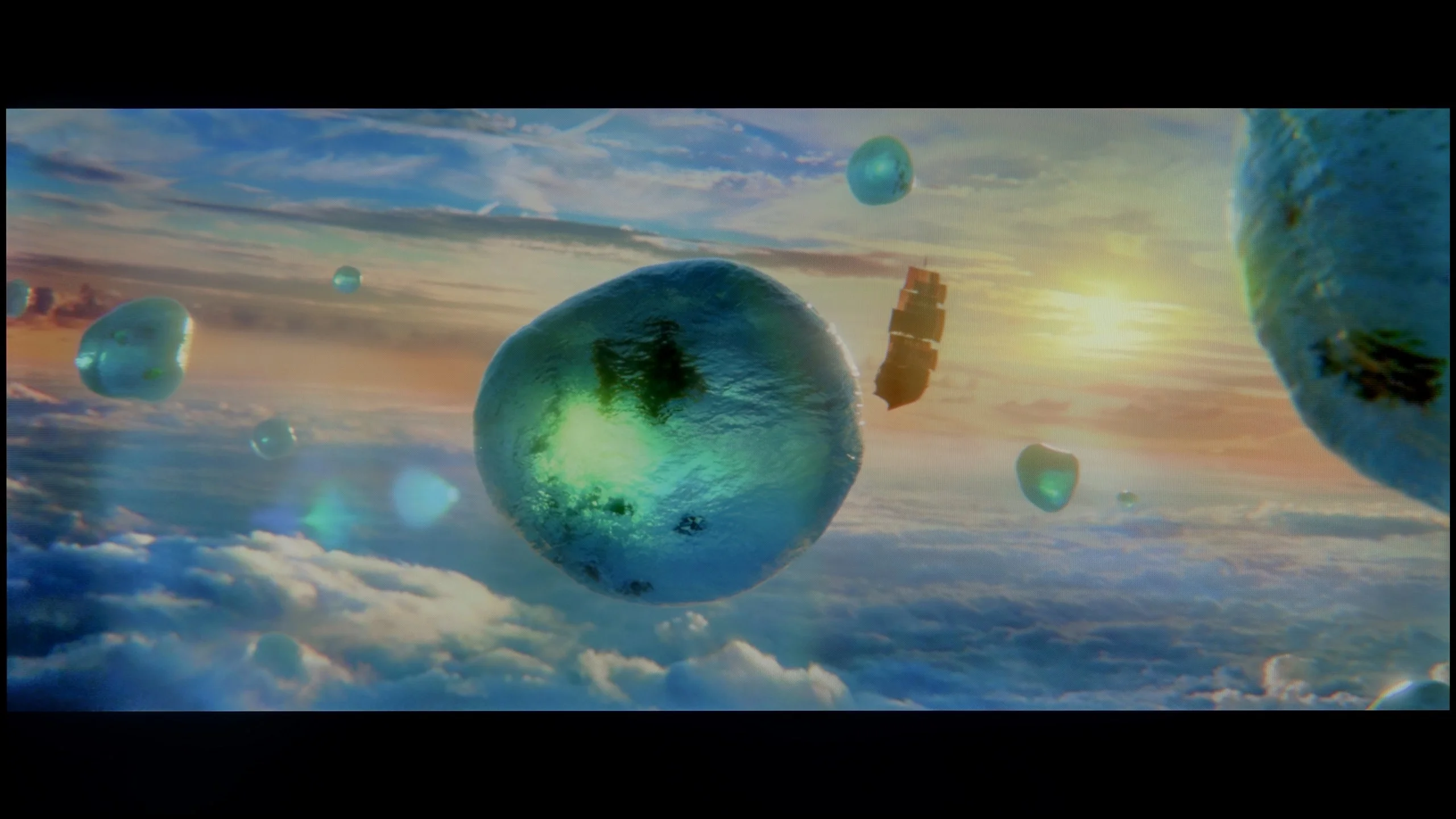
Scene from the movie “Pan” (about 2800 nits)
Scene from the movie “Billy Lynn” (about 1100 nits)
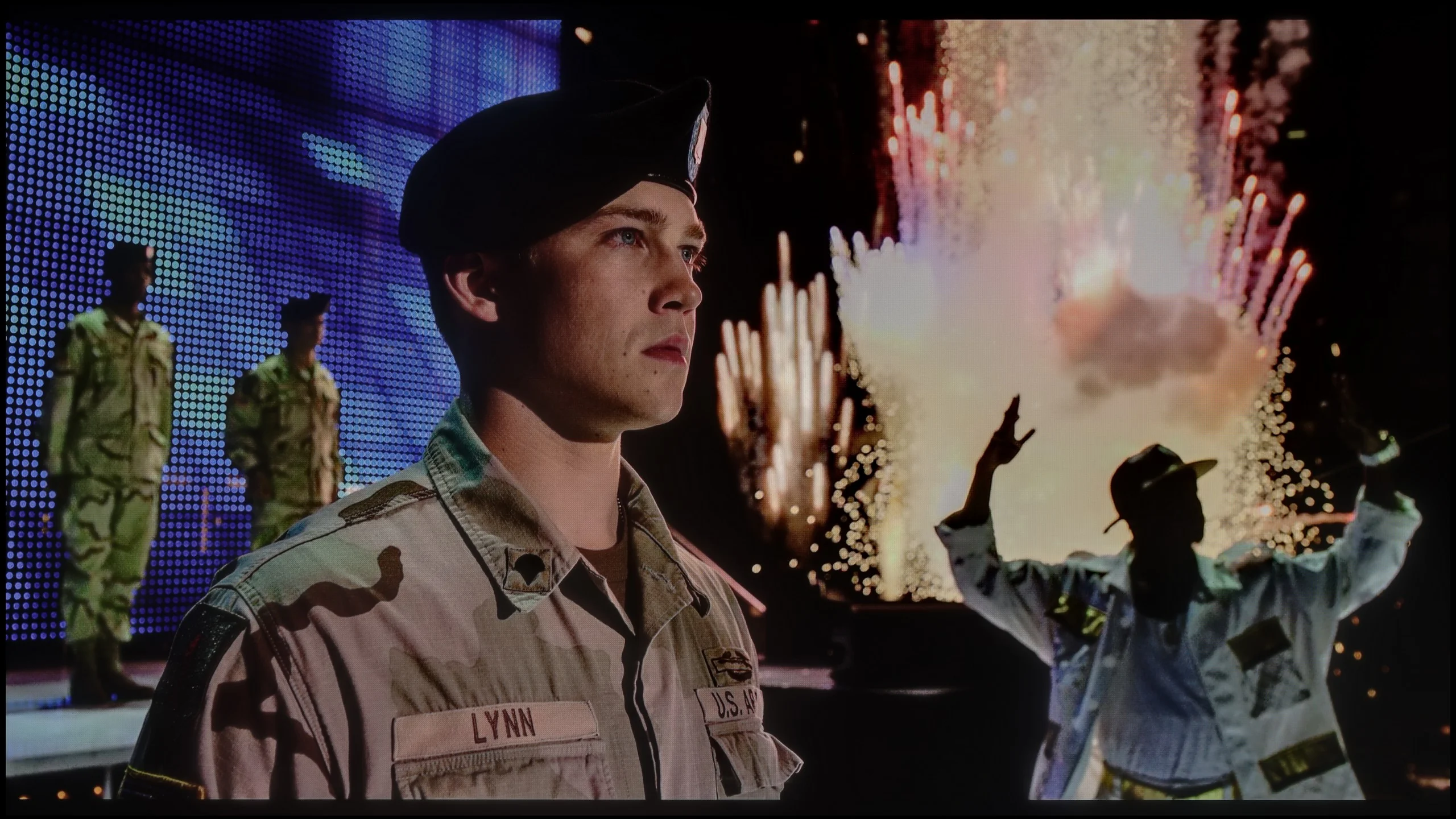
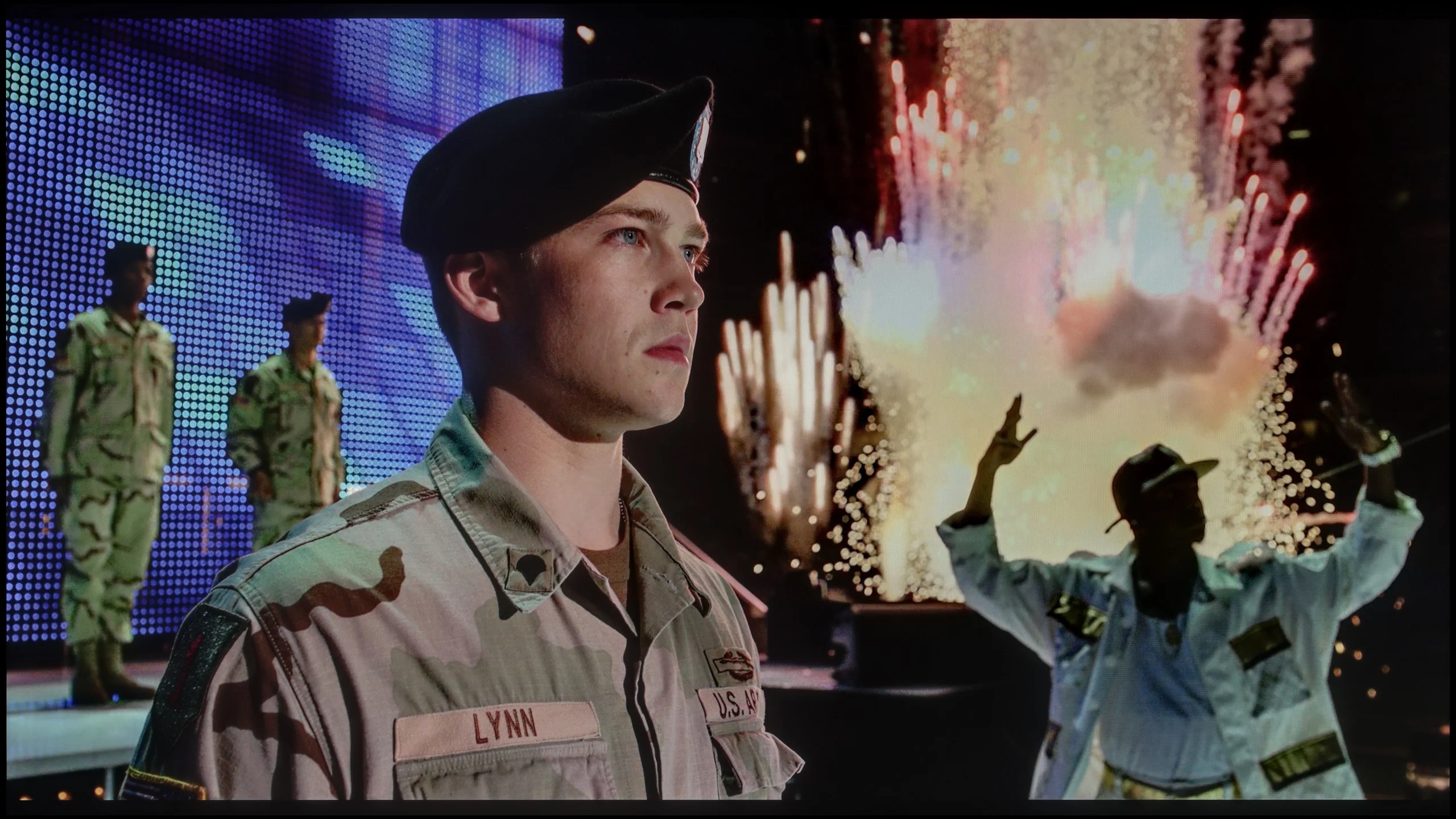
The photos show two HDR10 movies. 'Pan' is one of the brightest productions ever made, while 'Billy Lynn' (soldier) has brightness typical of streaming (Netflix, Prime, HBO MAX). Notice the intensity of effects and detail in whites.
Static HDR10
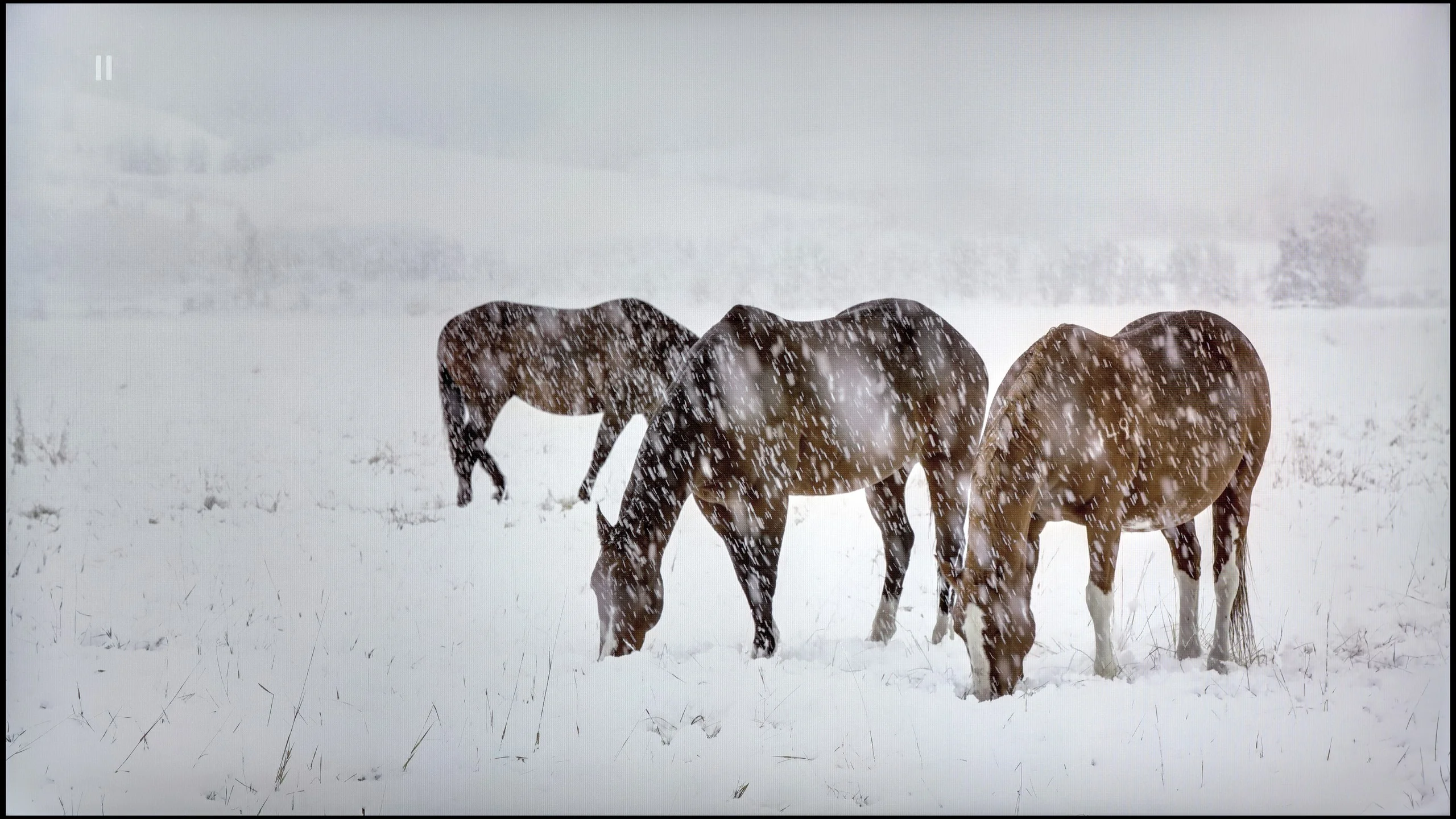
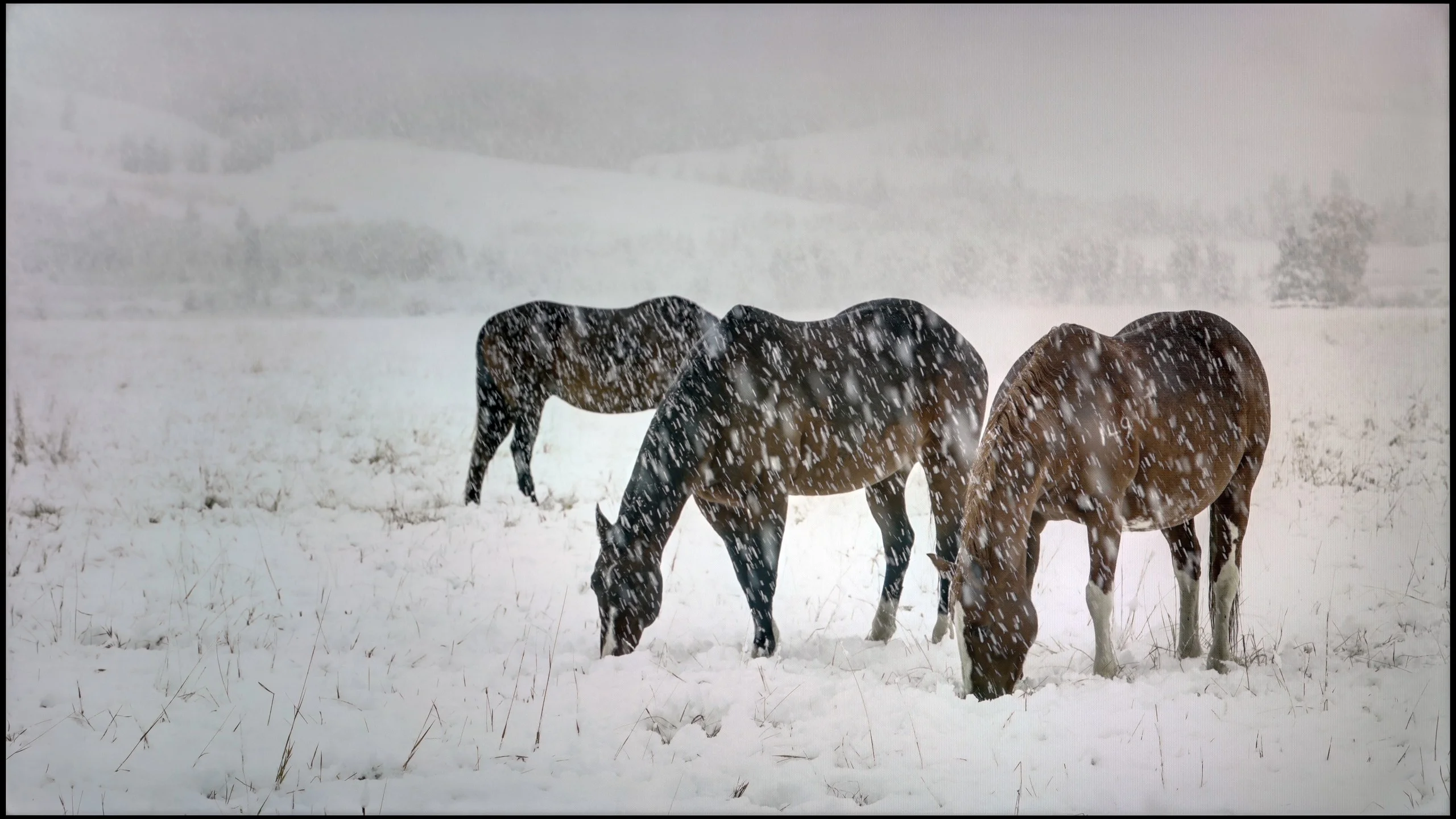
The photos present the visibility of white details in various HDR formats. They do not show brightness differences between TVs (these can be compared in the previous gallery).
Dynamic: Dolby Vision
Dynamic: Dolby Vision


The photos present the visibility of white details in various HDR formats. They do not show brightness differences between TVs (these can be compared in the previous gallery).
HDR luminance chart:
TCL RM7L
Hisense U7Q PRO
U7Q PRO is truly a bright television. In synthetic tests, it achieved over 1500 nits, which is an outstanding result for this price bracket. Such brightness – at least in theory – allows it to display HDR content as intended by the creators, even in more demanding scenes with strong lighting. In practice, it performs very well, but not always perfectly. In bright scenes with large areas – like the test screen with intense sunlight from the film "Pan" – the U7Q PRO makes a huge impression. It can even dazzle with its light, which is definitely an advantage in the context of HDR content. Unfortunately, it doesn’t always manage to maintain this when there are many small bright details on a dark background. In such moments, the local dimming algorithms tend to dim some bright elements to maintain good blacks – and the side effect is that some details simply vanish from the frame. This is a classic compromise in mini-LED televisions – and the U7Q PRO is no exception. With such a large number of dimming zones, however, one could have hoped for a slightly more mature algorithm responsible for their control. Fortunately, the overall perception of HDR content is very positive. The U7Q PRO is not only bright but also colourful, thanks to the PFS LED (QLED) coating, the coverage of the DCI-P3 colour palette is at 95%, and BT.2020 around 73%.
TCL RM7L is a bright TV. In our measurements its peak brightness hovered around 1600 nits. That’s noticeably less than the C7L, which can get close to 2600 nits, but in real-world film scenes the difference between the models isn’t that large. In less demanding shots, where plenty of bright elements appear on screen, the RM7L can sustain around 1000 nits, and sometimes even a bit more, approaching 1500 nits. It performs worse in dark scenes with small points of light; then their brightness can fall to about 500 nits. This behaviour isn’t random. The TV deliberately dims small elements to better control the backlight and preserve higher contrast. This comes at the expense of their intensity, but it’s typical for TVs with local dimming in a similar price range.
Colour gamut coverage
In HDR brightness isn’t the only thing that matters, colour does too. Here the RM7L has a lot to show. Colours are strongly saturated and the wide colour gamut is one of its main strengths. In our measurements it reached about 96% of DCI-P3 and around 83% of BT.2020. It’s worth remembering, though, that on a TV with this kind of backlight the result can vary depending on the scene. On test patterns colours look best, while in films their saturation can be a little lower than on SQD Mini LED or QD-OLED TVs. The backlight design itself is interesting. The RM7L doesn’t use the classic red, green and blue LED set. TCL used two green LEDs and one blue, with red produced via a PFS phosphor. You can see this in spectrometer measurements, but it doesn’t have a major impact on the picture. Colours are still rendered correctly.
Factory color reproduction
6.2/10
5.8/10
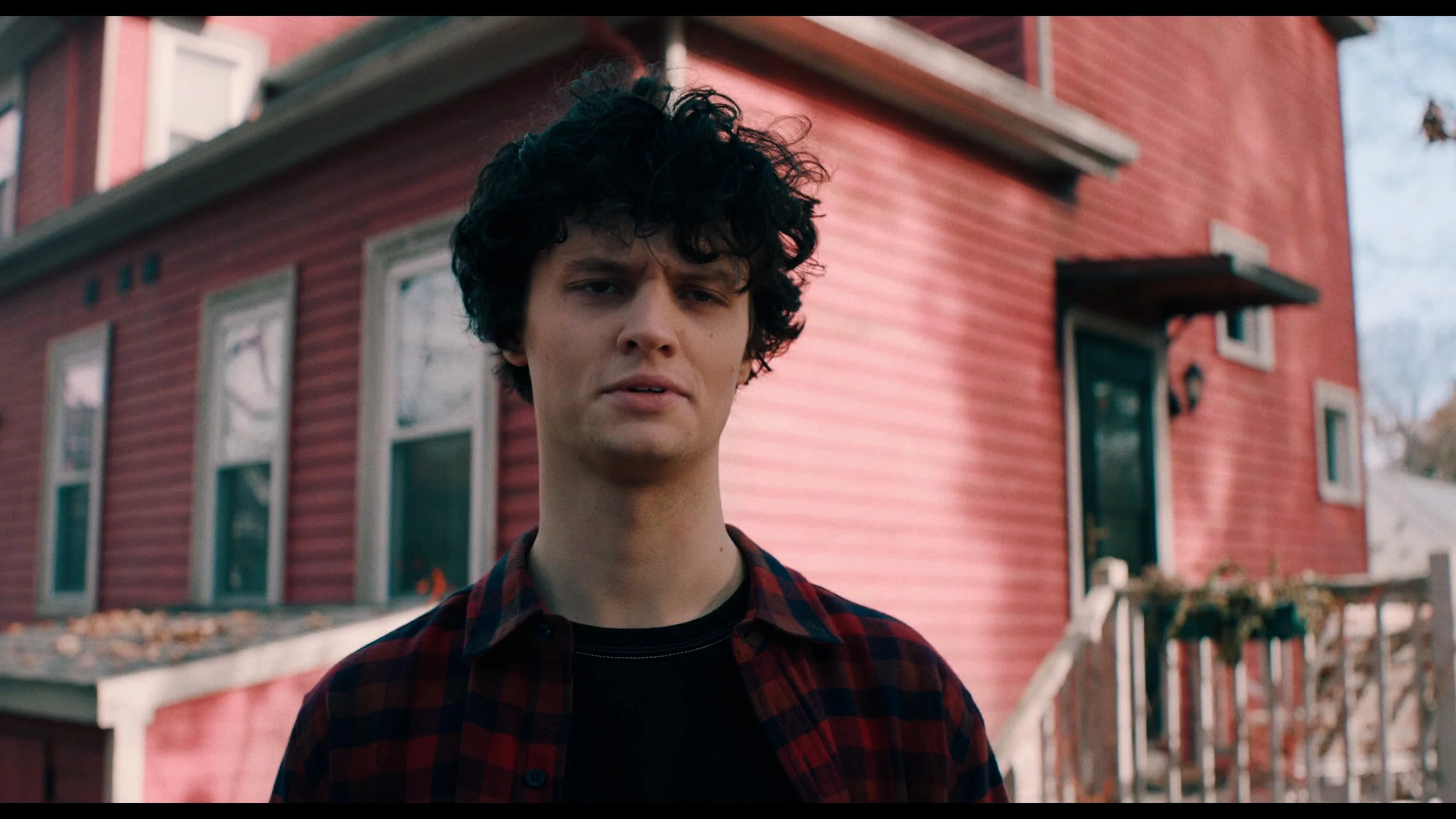
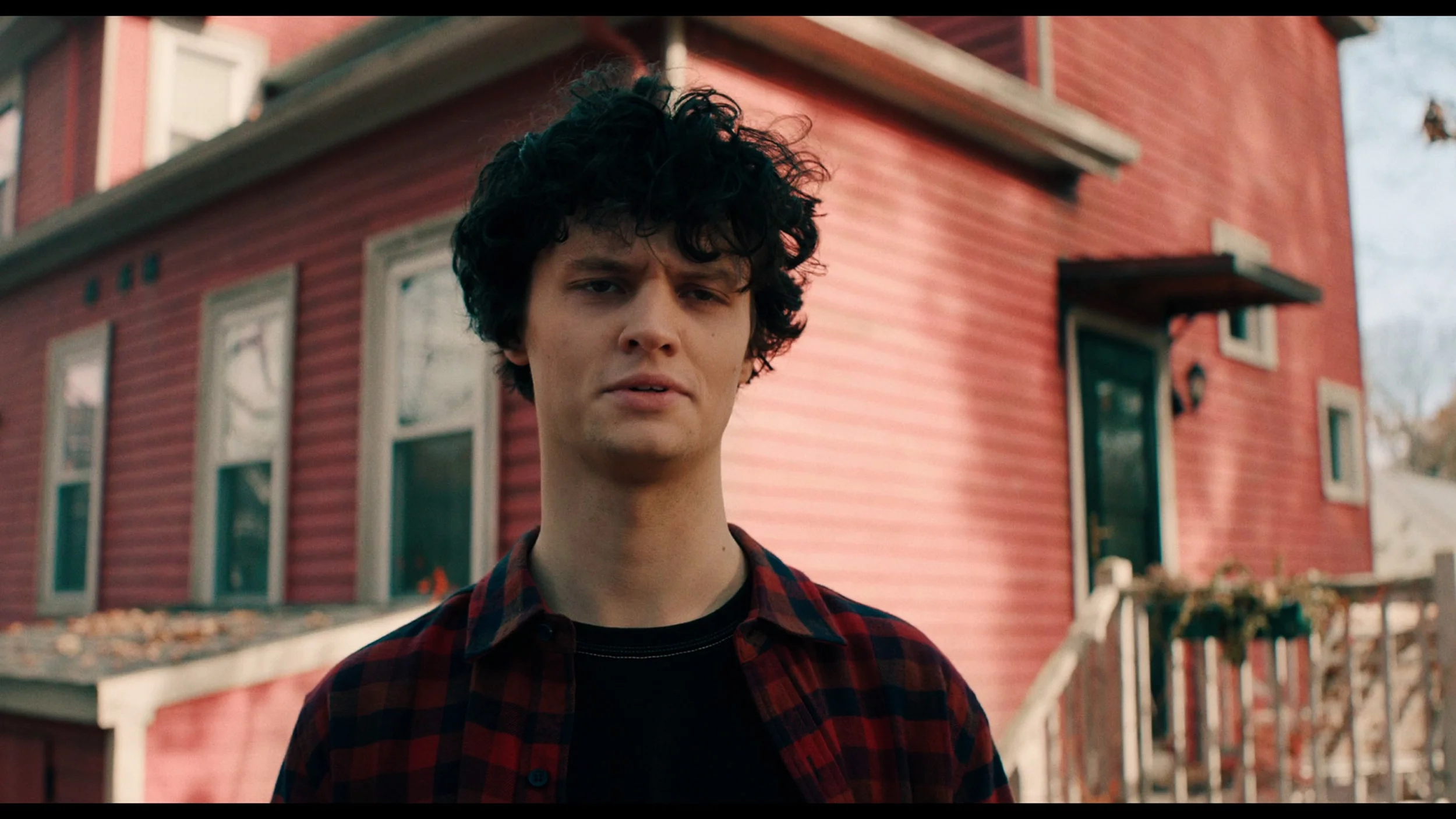
This gallery shows how colors change after professional TV calibration. If you notice the difference, we recommend ordering this service at SkalibrujTV.com.
Factory Mode
After calibration
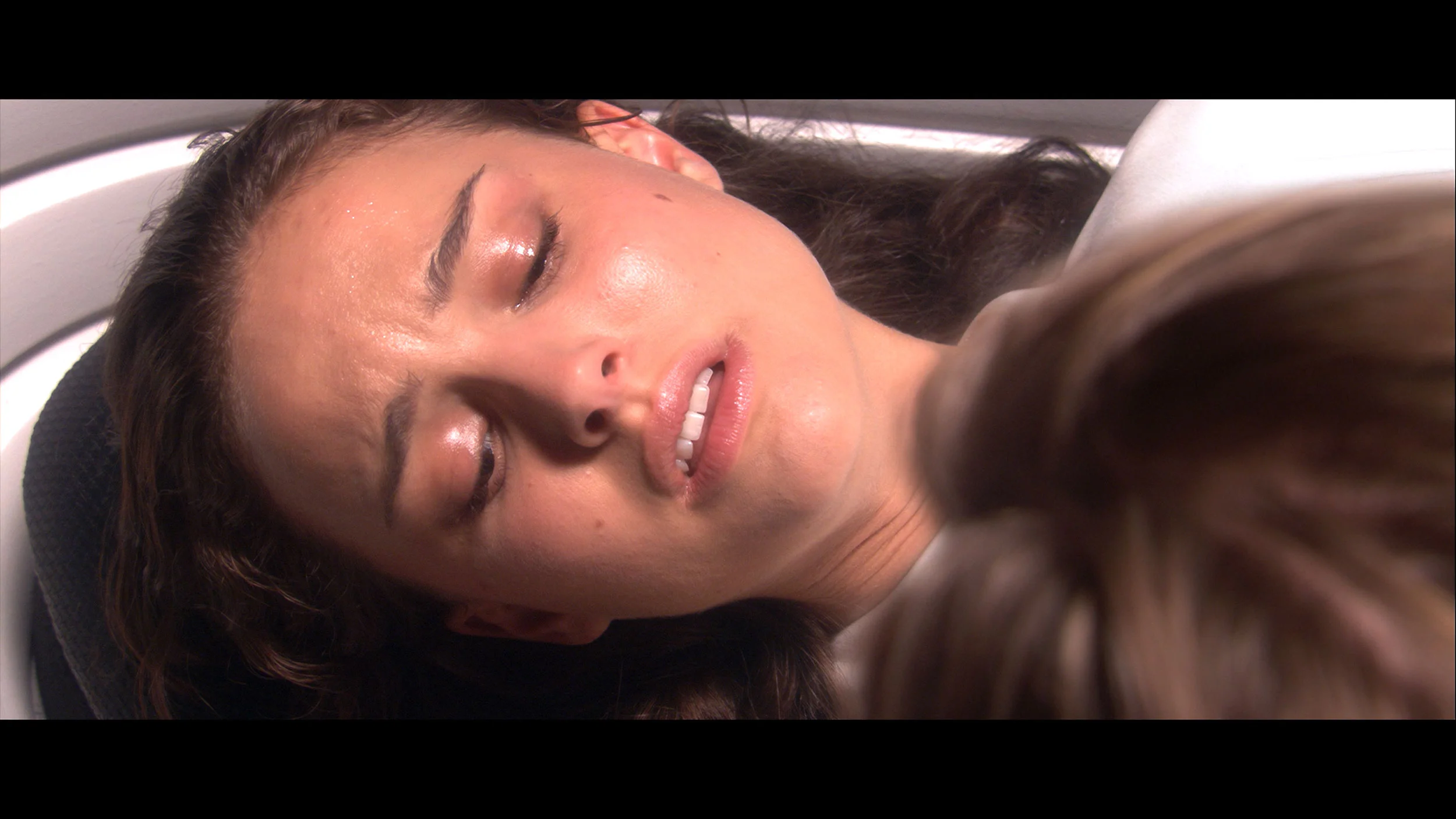
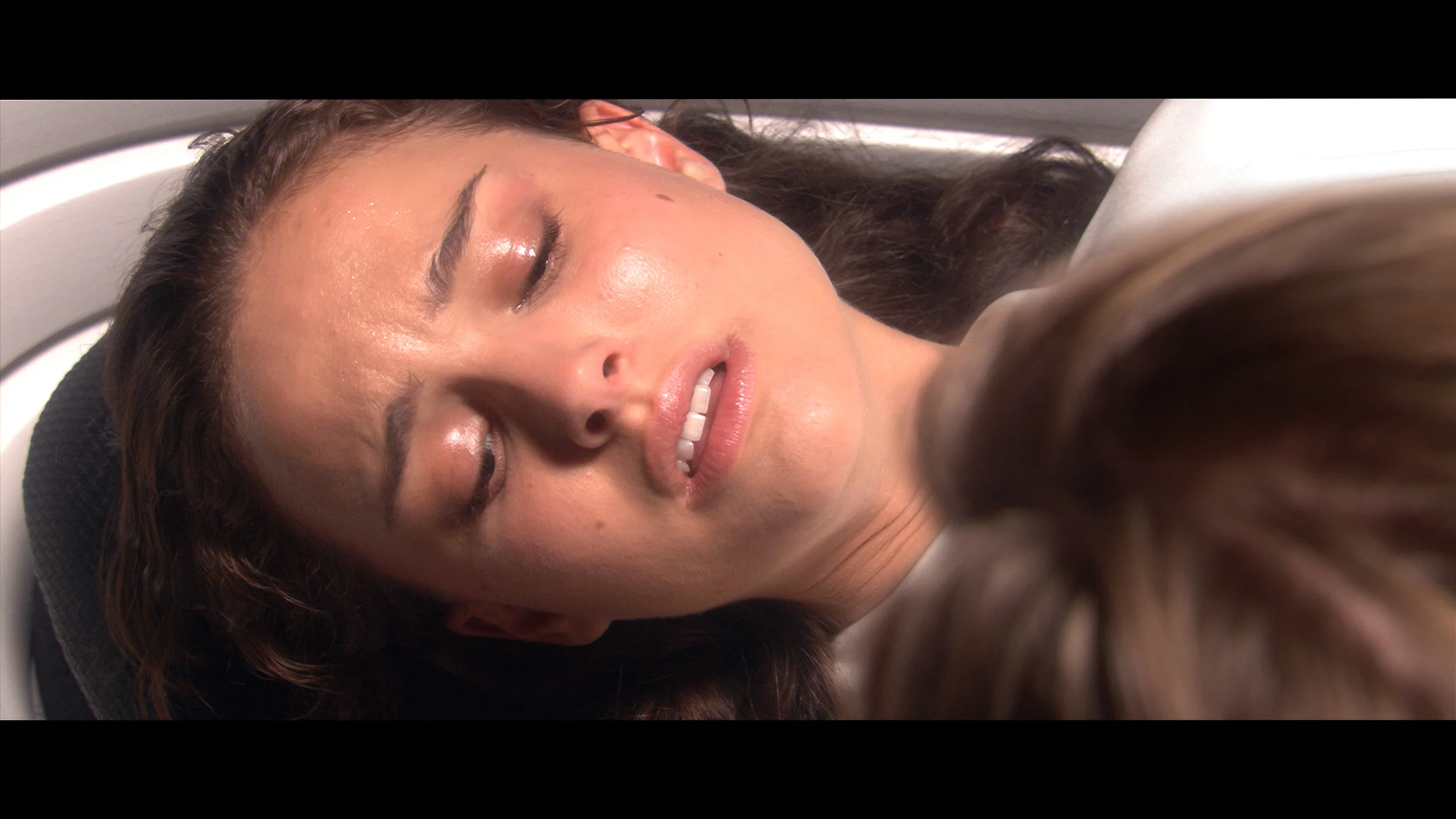
This gallery shows how colors change after professional TV calibration. If you notice the difference, we recommend ordering this service at SkalibrujTV.com.
Factory Mode
After calibration
We tested the U7Q PRO in the best possible picture mode that this model offers – Filmmaker Mode. And indeed, this mode performs the best in terms of colour reproduction. But that doesn’t mean it’s perfect. In our test unit, both in SDR and HDR content, the image had a slightly cooler tone. The white balance was shifted towards blue, which made the overall image feel a bit "cooler." It may not be glaring, but it is definitely noticeable – particularly on white backgrounds, which instead of being neutral, seemed slightly bluish. Additionally – as we mentioned earlier – the television has a tendency to slightly brighten and oversaturate the image, which is also confirmed by the gamma and EOTF charts. All of this together means that without calibration, the image may appear somewhat unnatural – too cool, with slightly exaggerated dynamics. That’s why we decided to perform our own calibration – and you can see its effects and charts below.
Factory colours were checked in Filmmaker Mode, the best picture setting available to the user. TCL has been using it in its TVs for two years, and its purpose is to reproduce the image as faithfully as possible to the filmmakers' intent. On the RM7L it was indeed the best calibrated mode, though not without faults. The biggest issue was the white balance. An excess of red and blue made the image shift slightly toward pink tones. This was visible in both SDR and HDR. In addition, the brightness response was slightly boosted, so the picture looked a little brighter but at the same time less contrasty than it should.
Color reproduction after calibration
7.5/10
8/10
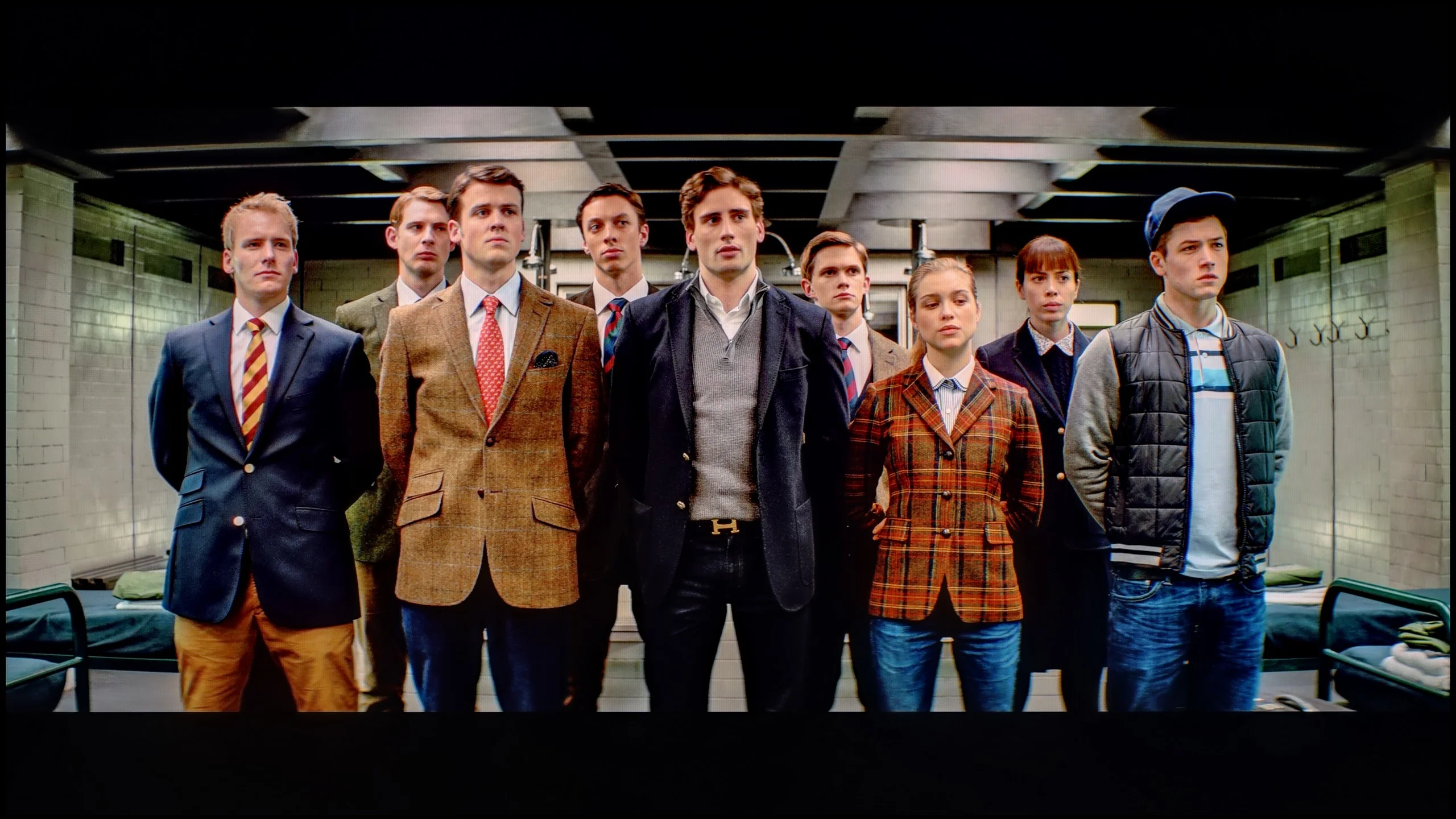
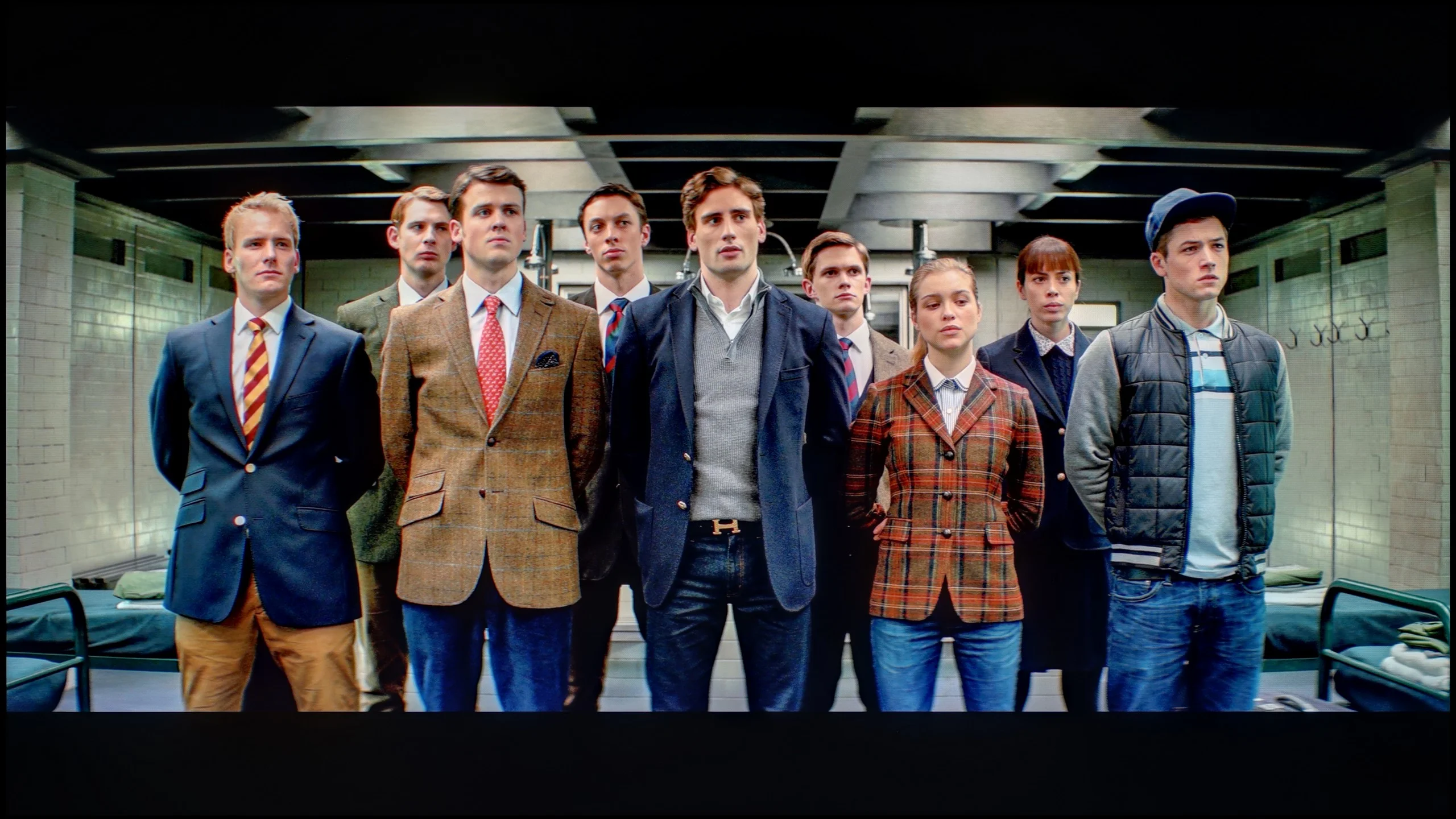
The photos show how movies look on the TV. Pay attention to black detail visibility, colors, and shadow tint.
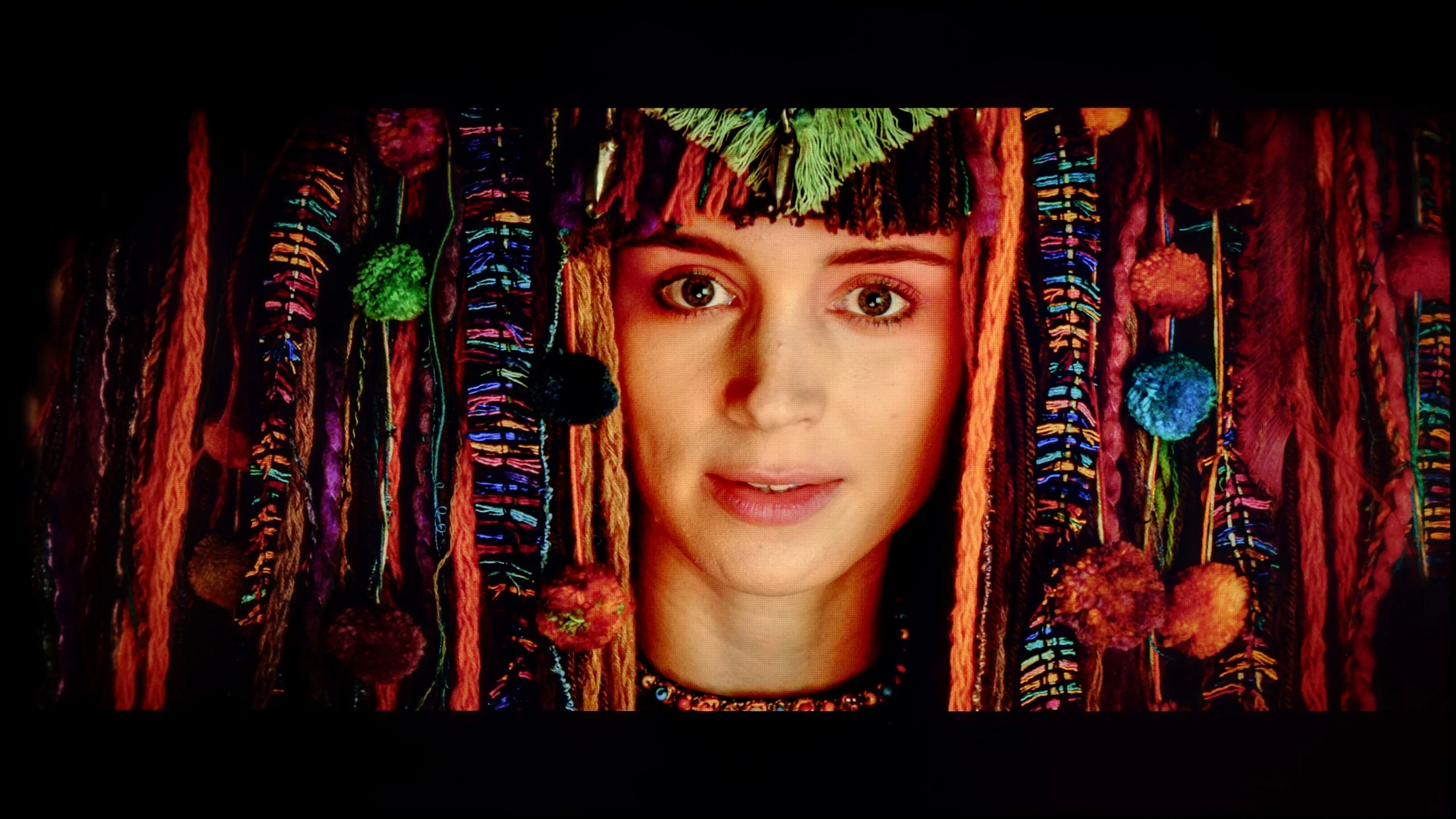
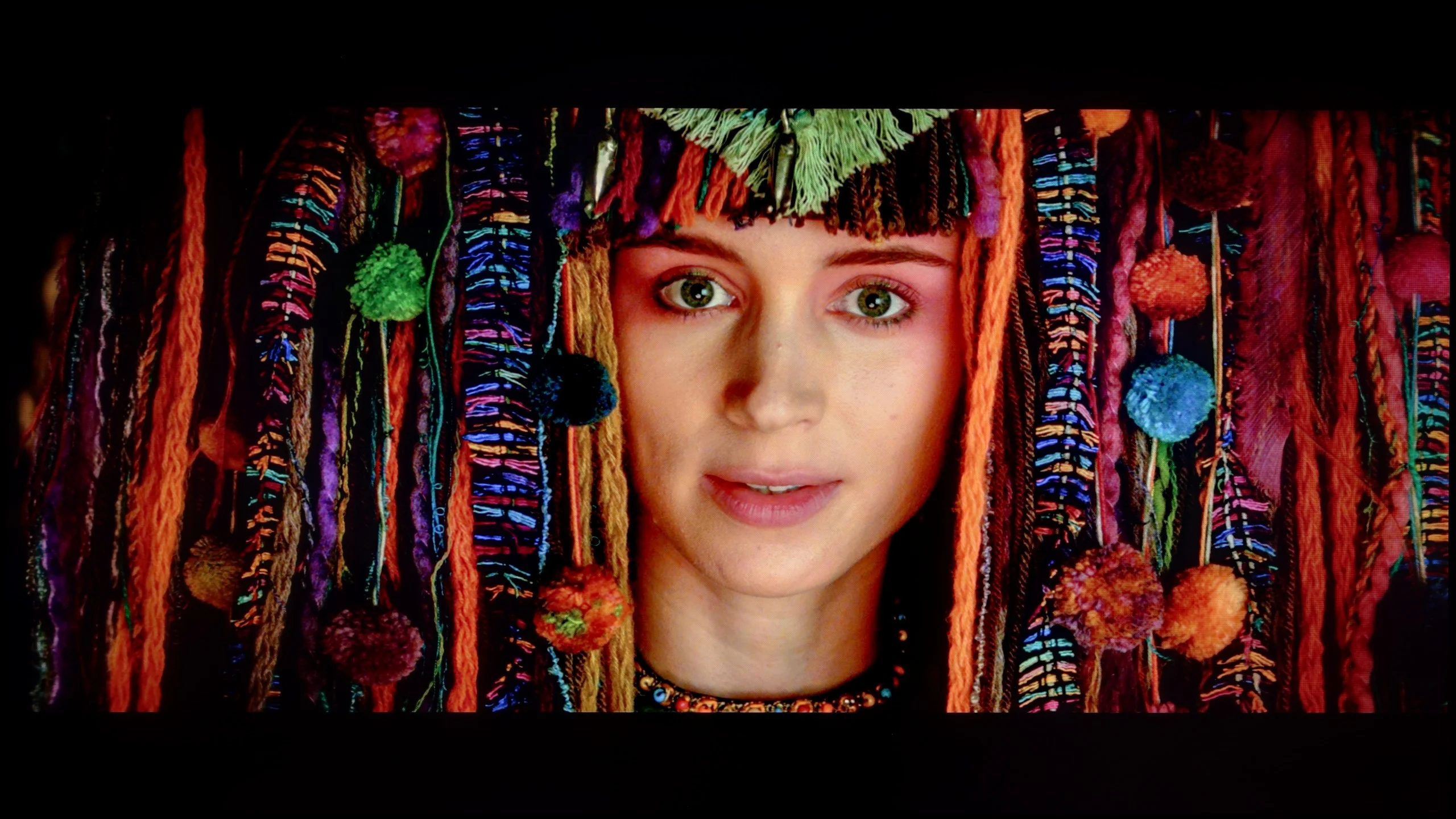
The photos show how movies look on the TV. Pay attention to black detail visibility, colors, and shadow tint.
Thanks to calibration, we've managed to tame the white balance in SDR and HDR content. For SDR material, the effect is really quite good – the image becomes neutral, cohesive, and simply pleasant to watch. Everything looks the way it should.
HDR performs a bit worse. Although the white balance looks correct and overall the image gains naturalness, unfortunately, the delta E errors are still noticeable. Why? Because Hisense's U7Q PRO model does not give us full control over how the television manages brightness in HDR mode. And this is where the limitation arises. When we look at the EOTF curve for HDR content, it clearly shows what we mentioned earlier – at the beginning of the graph, there’s a noticeable drop, meaning the television darkens the smallest portions more than it should. On the other hand, those brightest elements can be overly bright. As a result, some details are lost, others are too aggressive, and overall control over brightness doesn't always align with what we’re trying to achieve during calibration.
Does the image look better after calibration? Definitely, yes, in terms of colour. But when it comes to brightness management in HDR, one must accept that the Hisense U7Q PRO will still do it in its own way.
Thanks to a fairly extensive calibration menu we managed to correct the vast majority of the issues described earlier. The biggest change was the white balance. After calibration it looks very good, so the image has lost its pinkish tint and become much more neutral. The luminance response has also improved. Both the SDR gamma and the HDR EOTF curve are now much closer to the reference values. The picture is no longer unnecessarily bright, and darker parts look more natural and have greater depth. Better luminance accuracy has also affected the colours, which after calibration are noticeably more accurate. Not everything could be set perfectly though. In HDR material the RM7L still interprets part of the signal in its own way and doesn’t always stick exactly to the reference curve. You can see this mainly in some darker scenes, where the TV can either slightly lift the shadows or darken them completely. That’s where the earlier impression of a slightly brightened, less contrasty image came from. Even so, the calibration delivers a very good result here. It removes the most visible errors and, above all, makes the picture much closer to how it should look.
Smoothness of tonal transitions
9.5/10
8.9/10
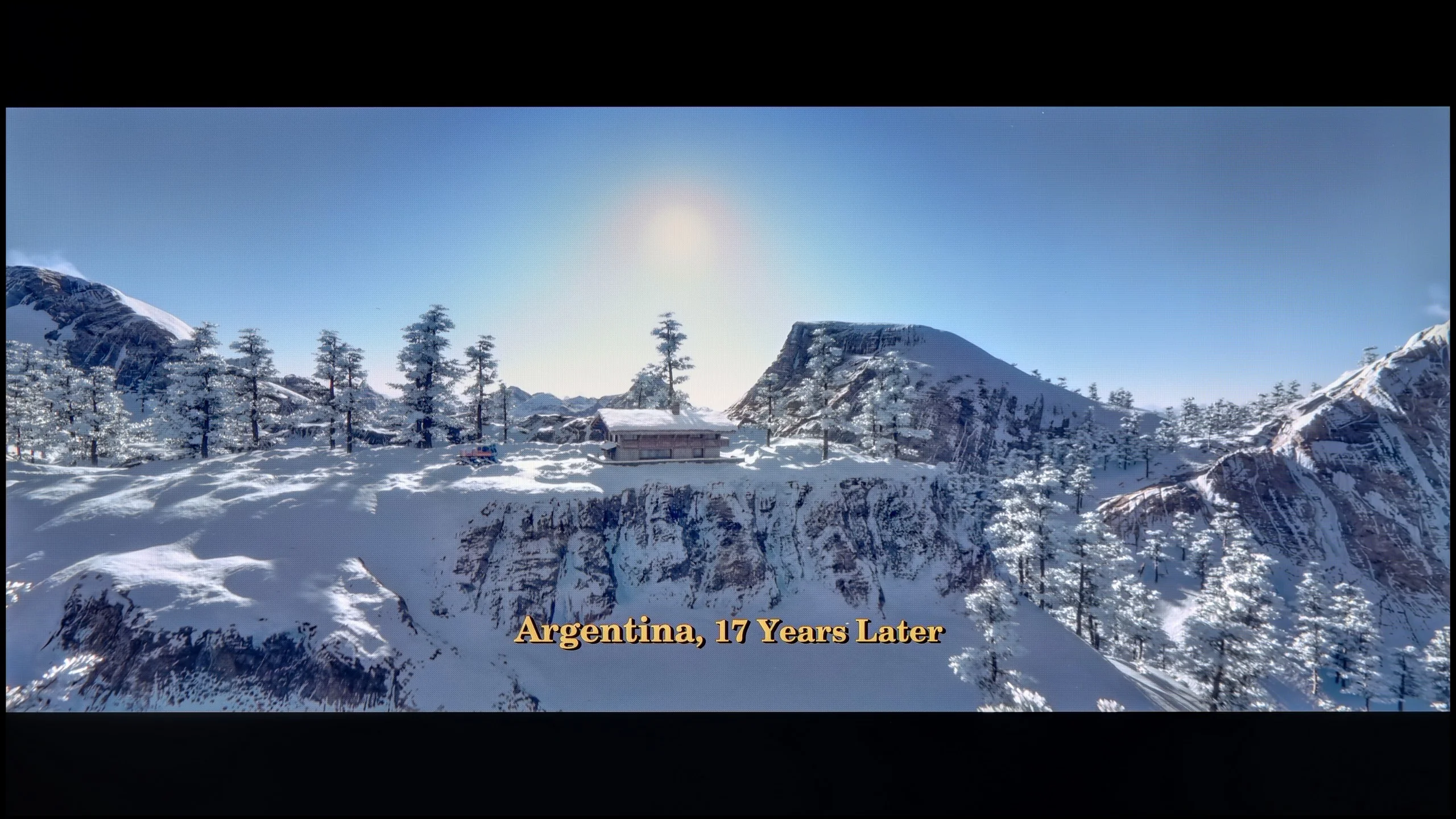
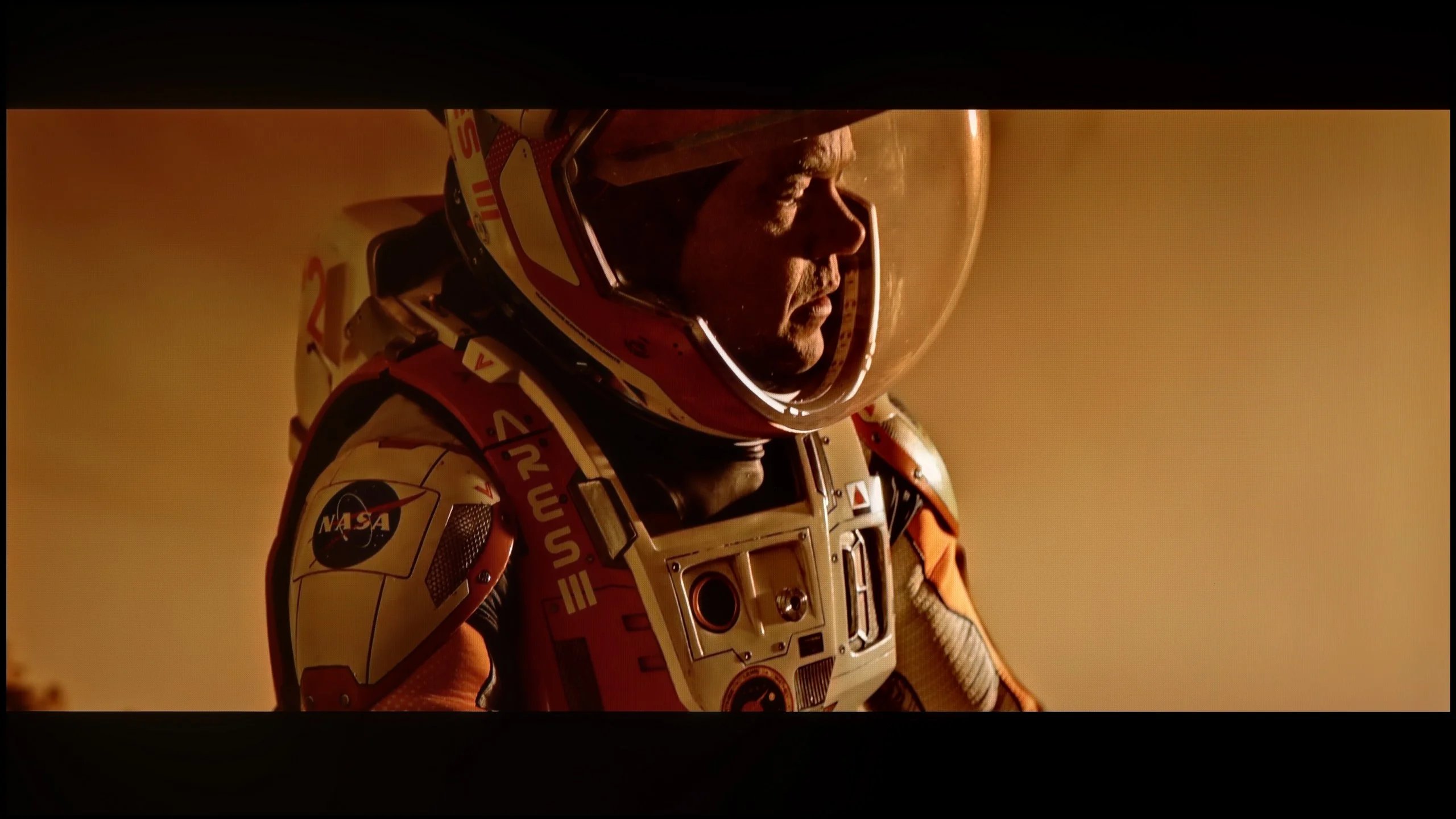
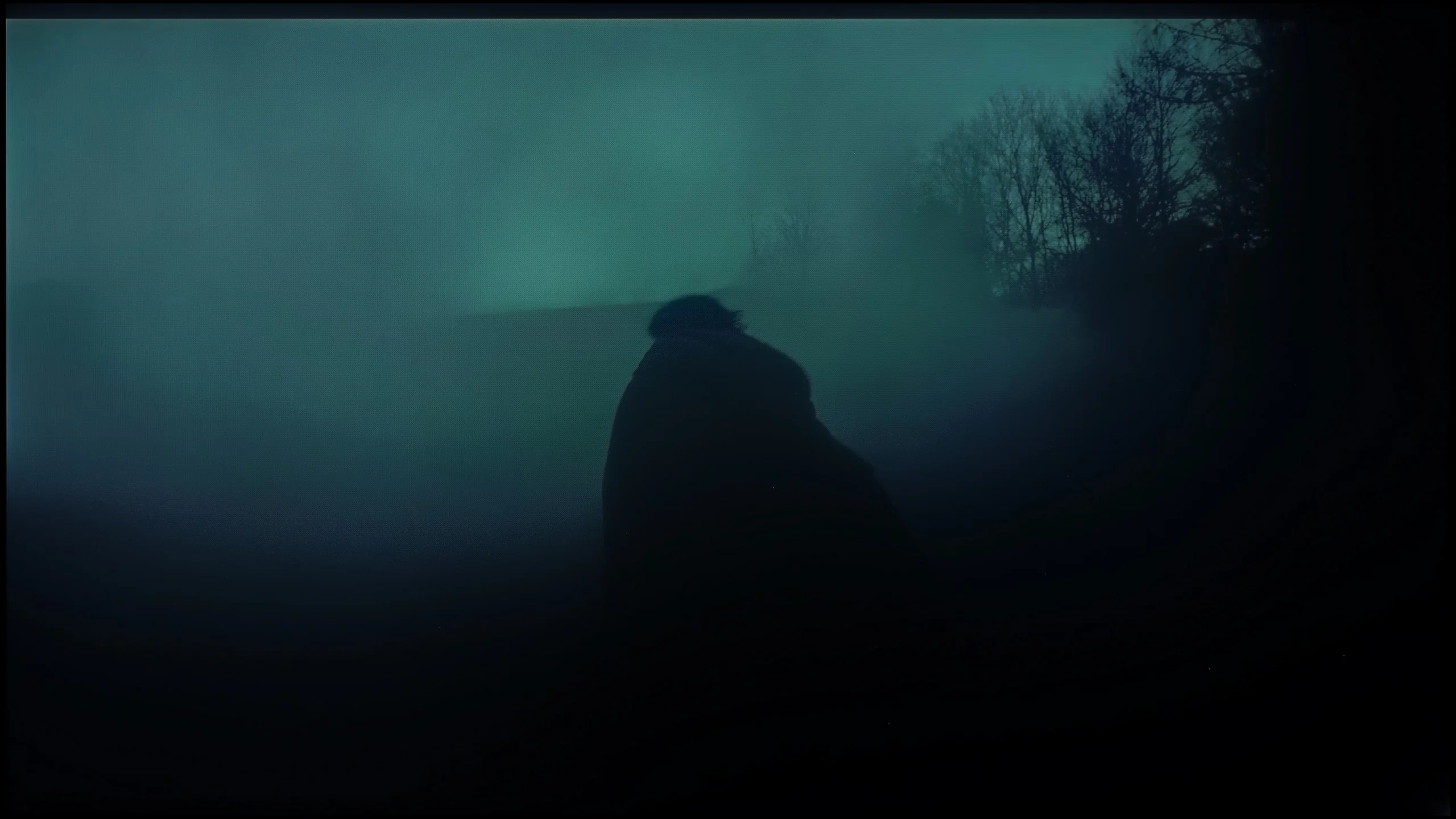
These are selected scenes that show smooth tonal transitions from one color to another. If you see distinct banding, it’s the TV panel’s fault.
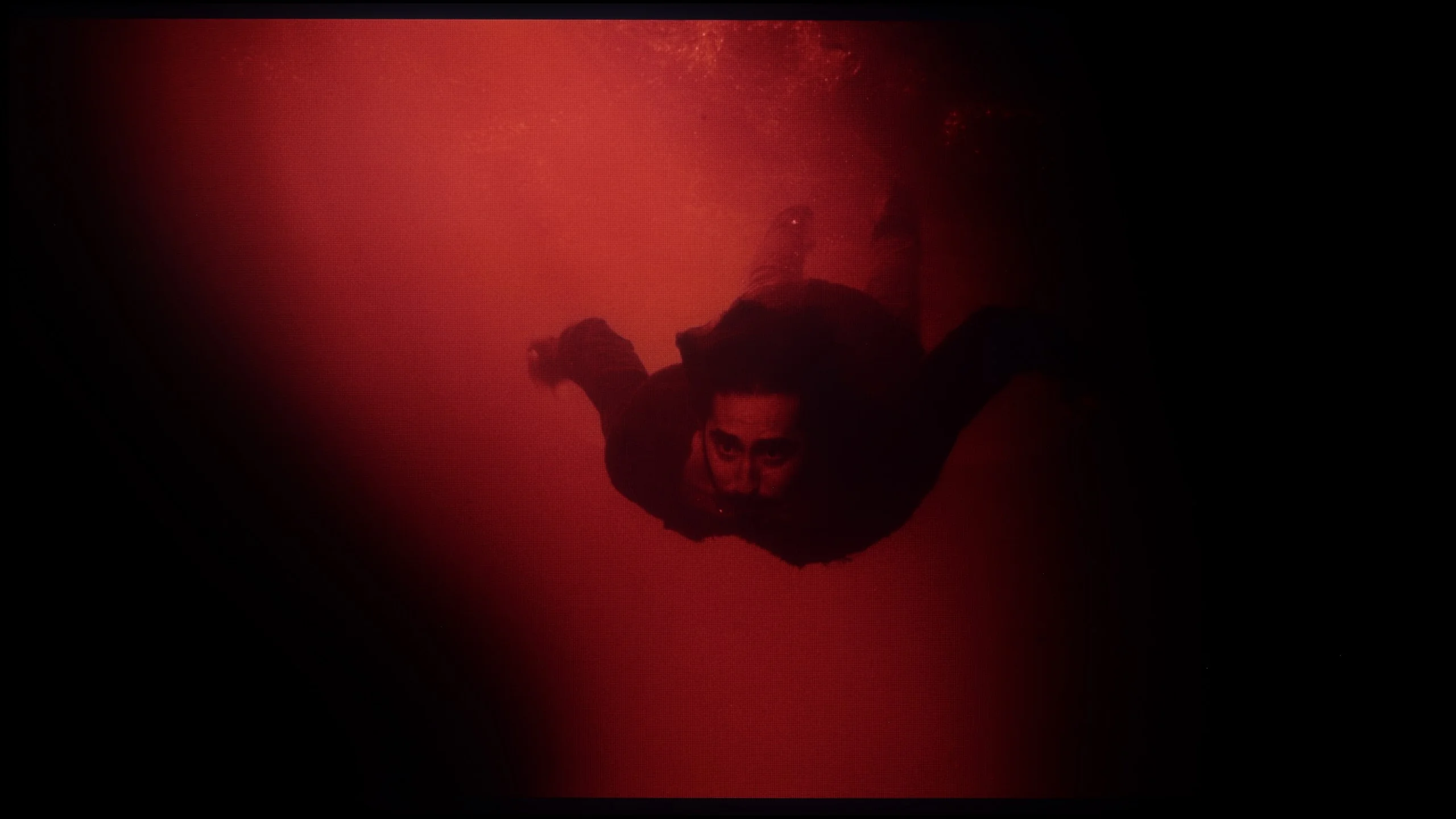
These are selected scenes that show smooth tonal transitions from one color to another. If you see distinct banding, it’s the TV panel’s fault.
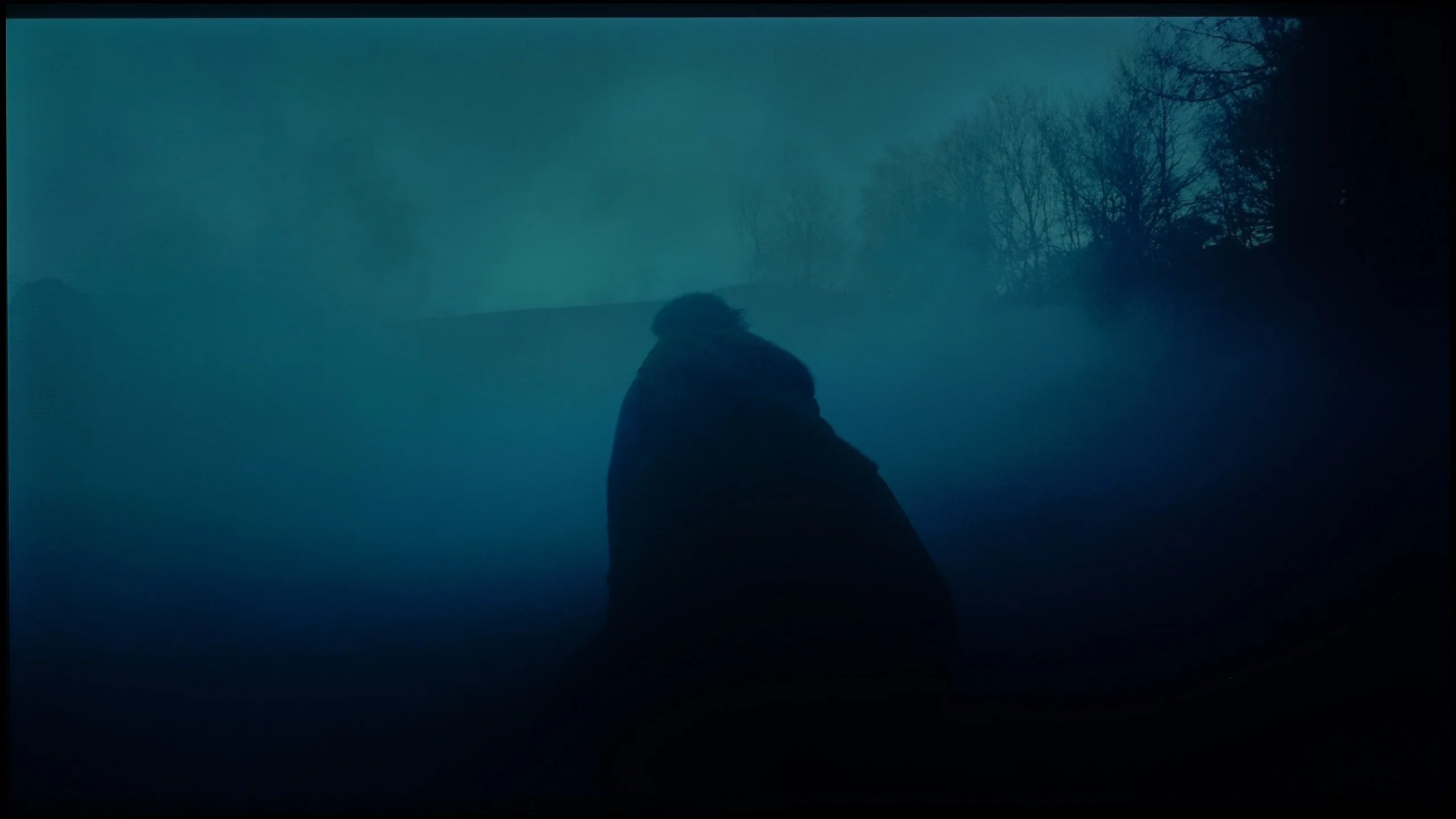
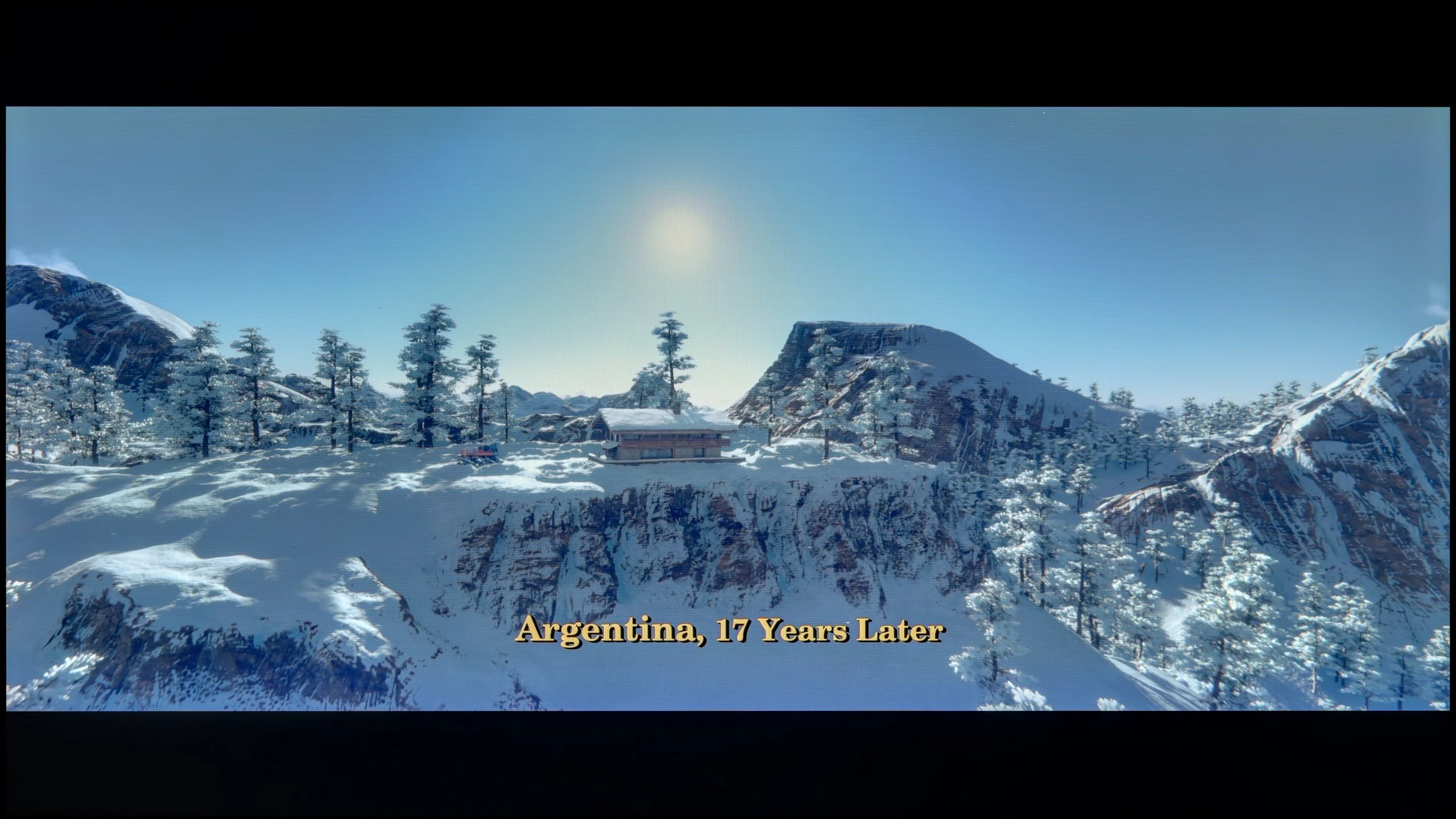
These are selected scenes that show smooth tonal transitions from one color to another. If you see distinct banding, it’s the TV panel’s fault.
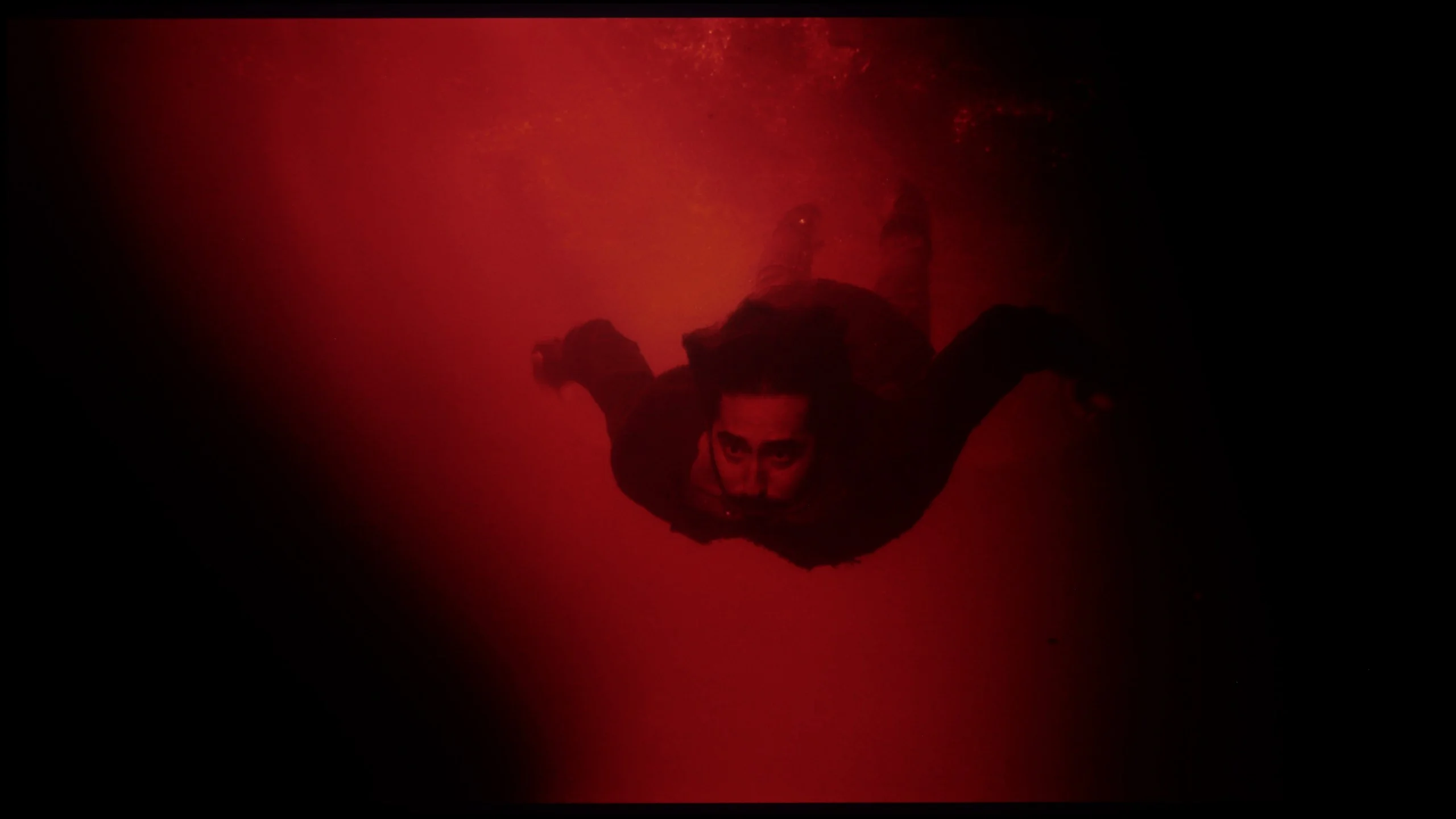
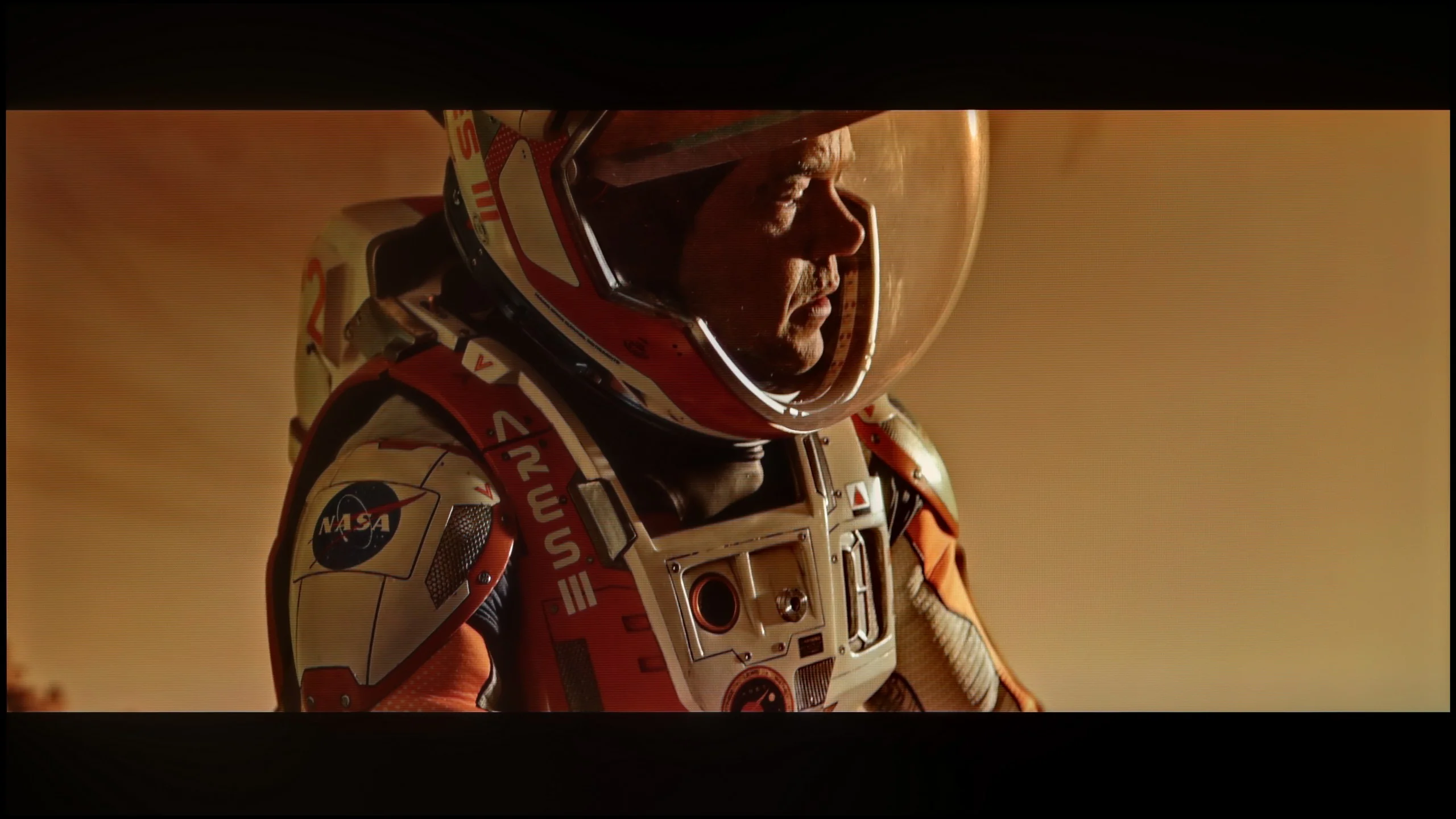
These are selected scenes that show smooth tonal transitions from one color to another. If you see distinct banding, it’s the TV panel’s fault.
The U7Q PRO handles tonal transitions really well. Colours blend smoothly, with no banding, stripes, or strange artefacts. Even in tougher scenes that typically expose any imperfections – there was nothing to criticise here. The picture simply looks clean. The gradients – both colour and grey – are fluid, nothing tears, nothing distracts. It's one of those elements you don't notice while watching… certainly not with the U7Q PRO.
The RM7L handles tonal transitions very well. In both bright and dark scenes the gradients are smooth and there’s no noticeable colour banding. Minor issues only appear with exceptionally demanding material, such as our fourth test pattern with red water fading into black. It’s worth noting, however, that most TVs struggle to reproduce that scene perfectly. In everyday use this shouldn’t be a major problem.
Image scaling and smoothness of tonal transitions
7.8/10
5.5/10

Smooth transition function
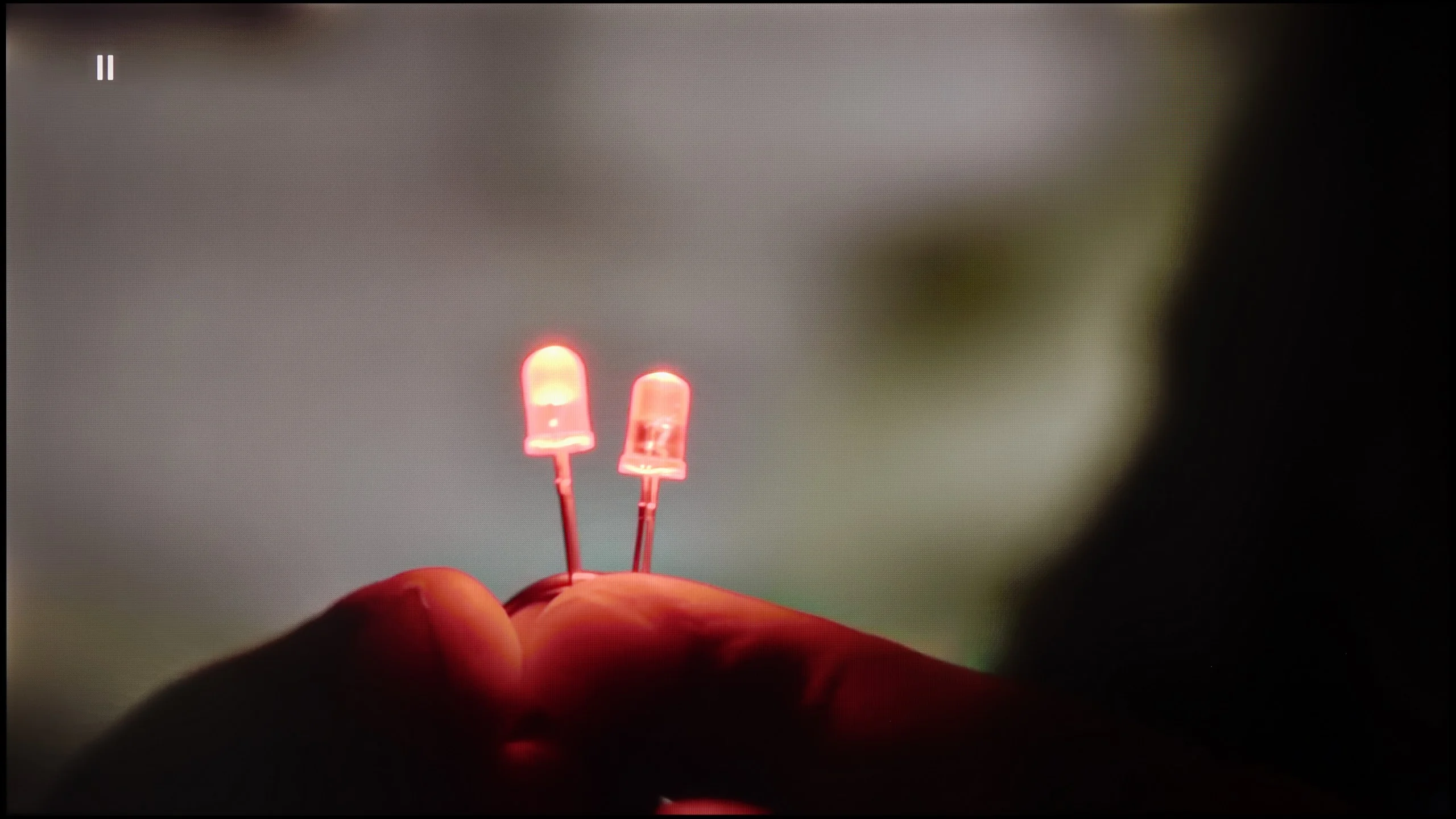
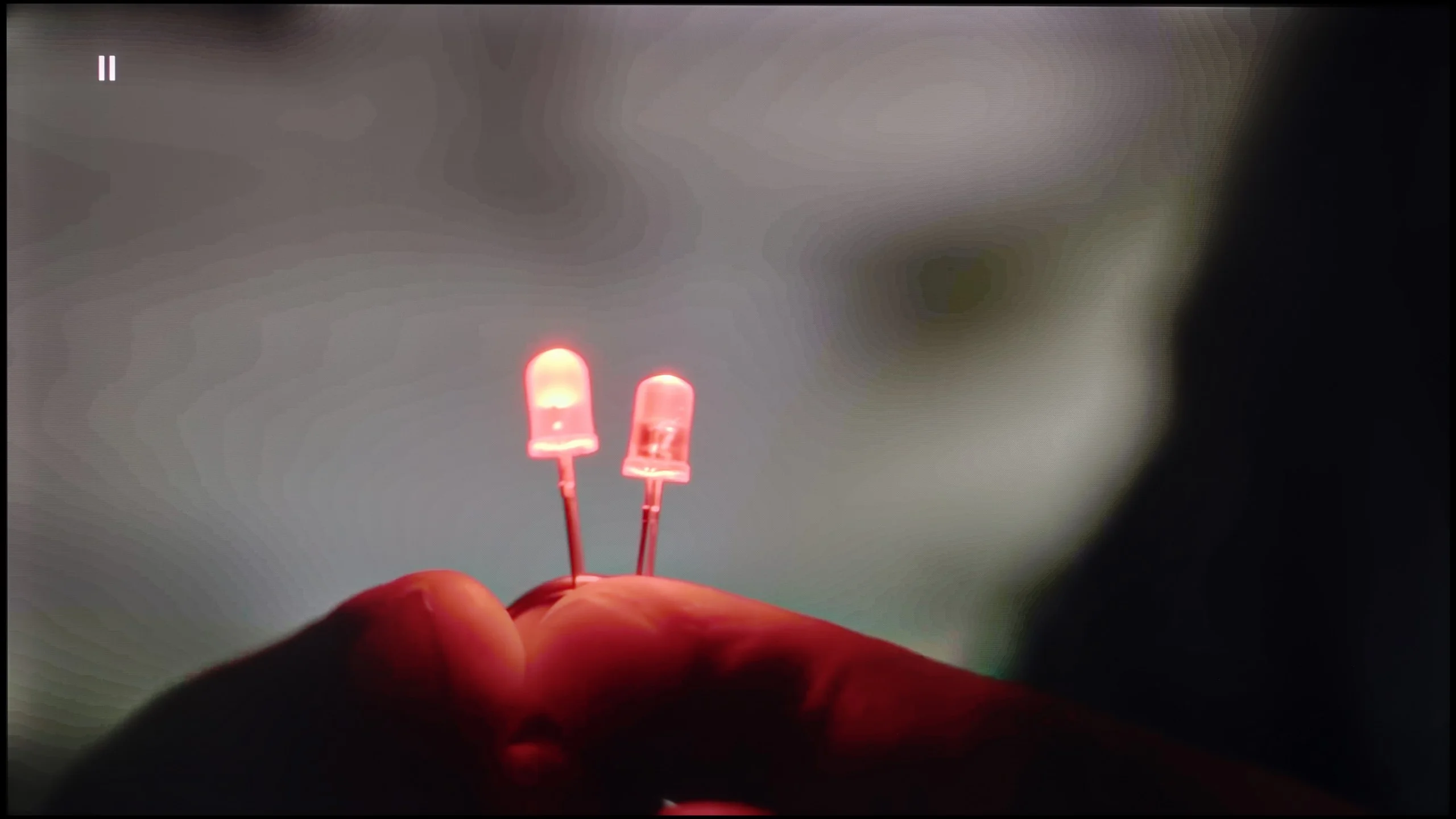
The match photo shows how the TV smooths weak tonal transitions in low-quality video.
Image scaling SD (576i)
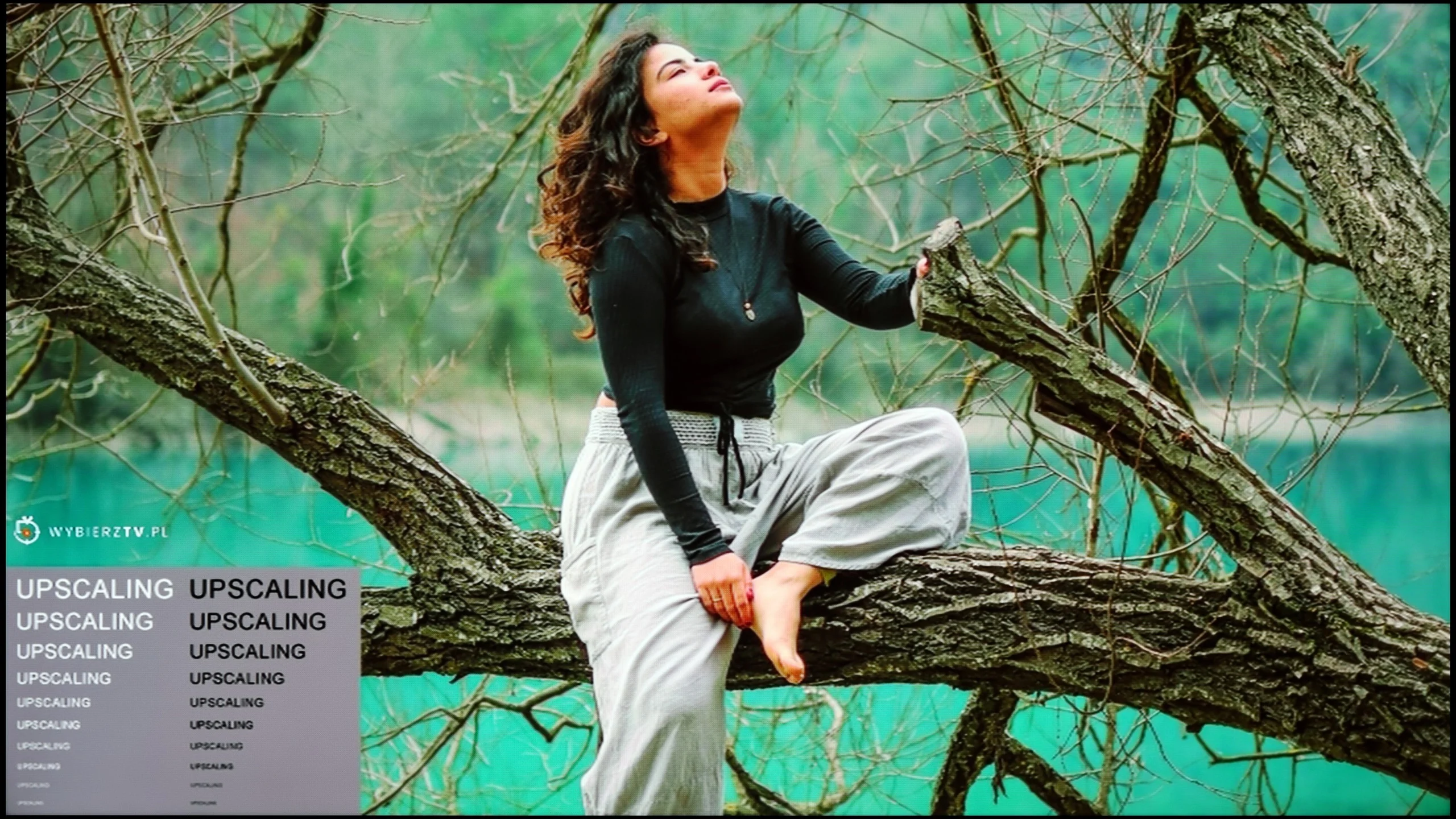
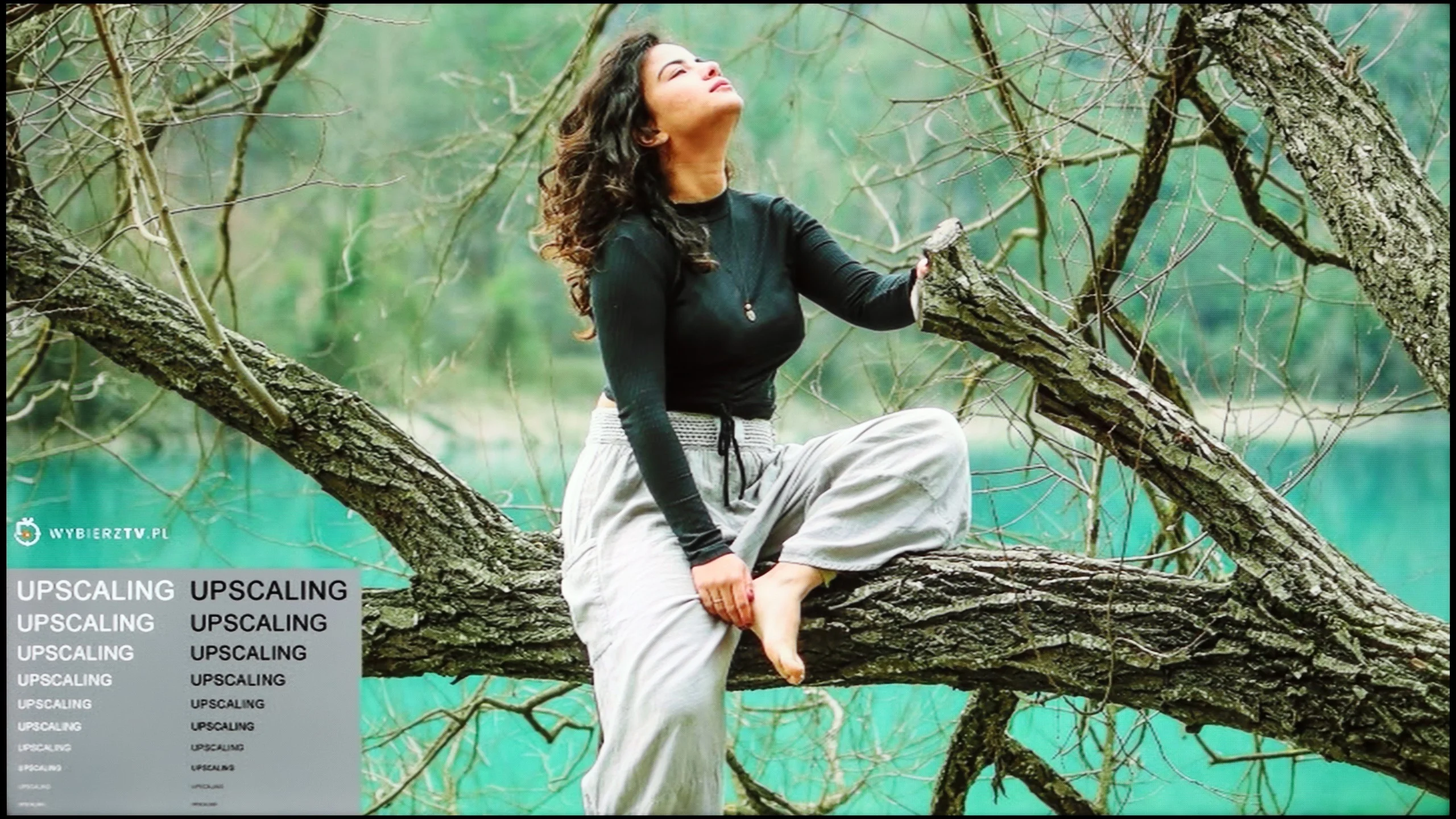
The model photo shows how it handles upscaling of SD material.
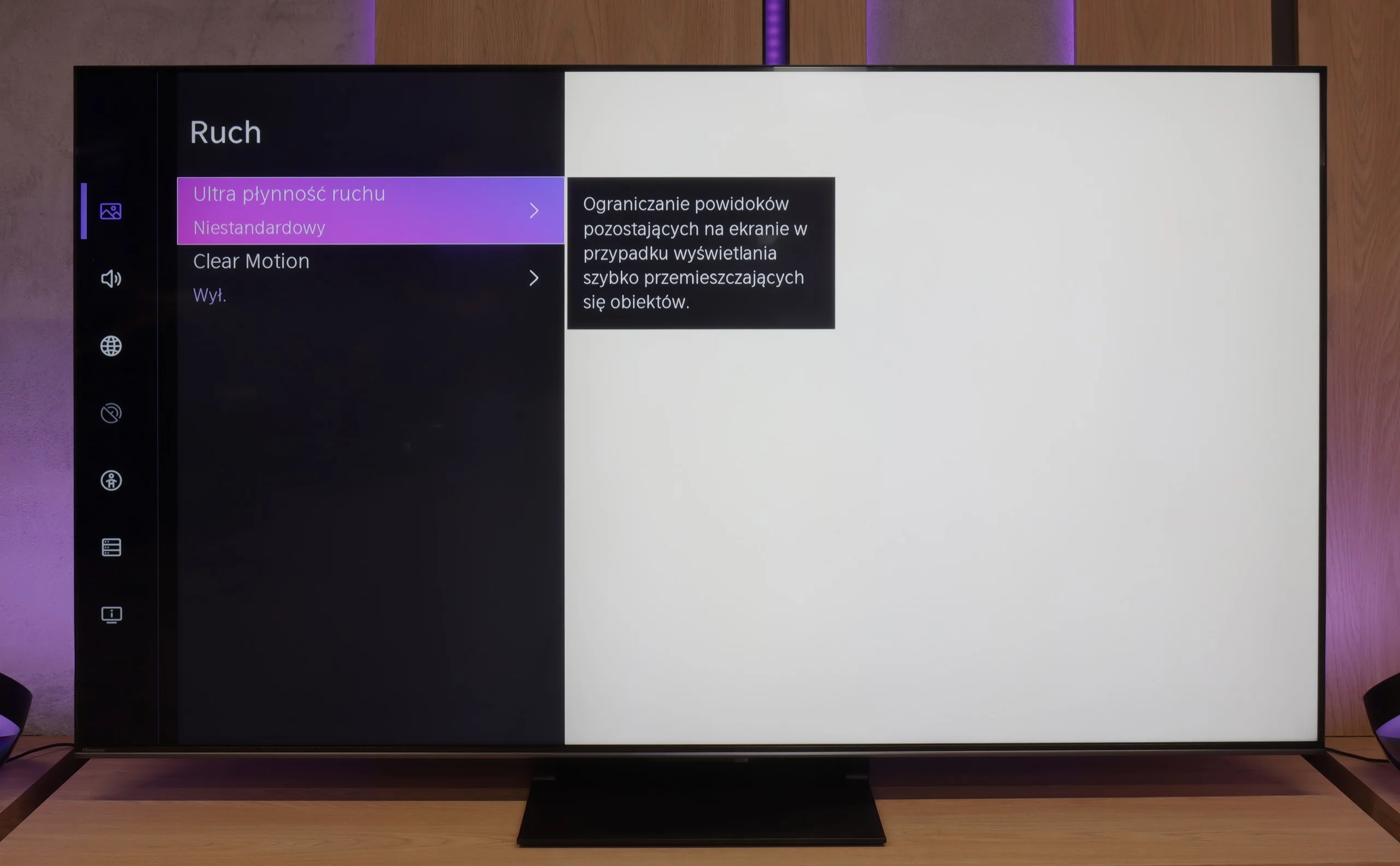
If someone happens to come across older materials where the banding issue arises – Hisense has a solution for that. In the U7Q PRO, we find a feature called "Smooth and Gradient Picture". Set to the "Medium" level, it works really well – eliminating most gradient problems without smoothing the entire image like a blur in Photoshop. 😉 Film grain remains, details don't disappear – that's exactly how it should work. Well done on the implementation!
As for scaling weaker materials, it's simply good. It's not at the level of the most expensive TVs with advanced upscaling, but older content looks good. There is some minor banding at very low resolutions, but that's perfectly normal and hard to avoid. On the plus side – even with the oldest materials, there is no overscan effect, the image isn't cropped or artificially stretched.
Upscaling and digital image processing are not the RM7L’s strong points. TCL has used a MediaTek Pentonic 700 chipset here, labelled MT5896, which isn’t among the best processors at handling lower-quality sources. The biggest issues appear with heavily compressed content from YouTube or regular broadcast TV. The processor can’t effectively hide posterisation and the characteristic banding between shades. The feature meant to smooth these issues does little to help and can also interfere with the picture too much, smoothing faces and fine textures, for example. For that reason it’s best not to use it.
Plain upscaling to 4K looks better. Lower-quality sources are reasonably sharp and retain a sufficient amount of detail. It’s not on a par with the best processors on the market, but for everyday viewing the result is perfectly acceptable.
Blur and motion smoothness
7.1/10
7.8/10
Blur (native resolution, maximum refresh rate):
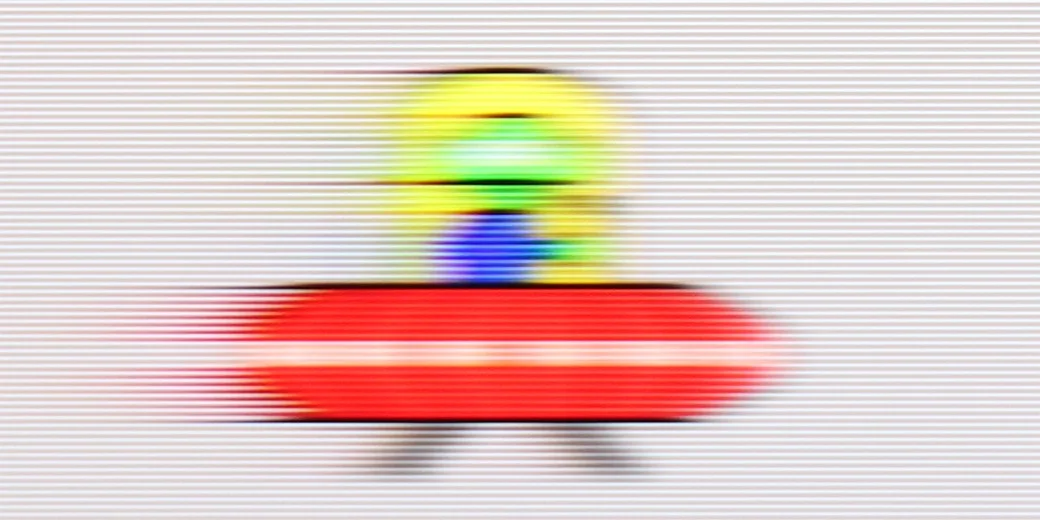
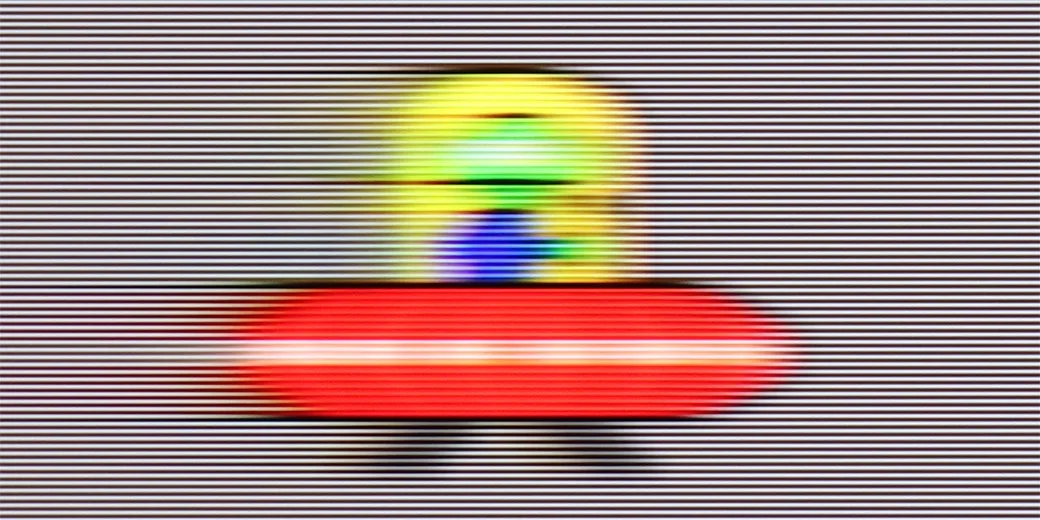
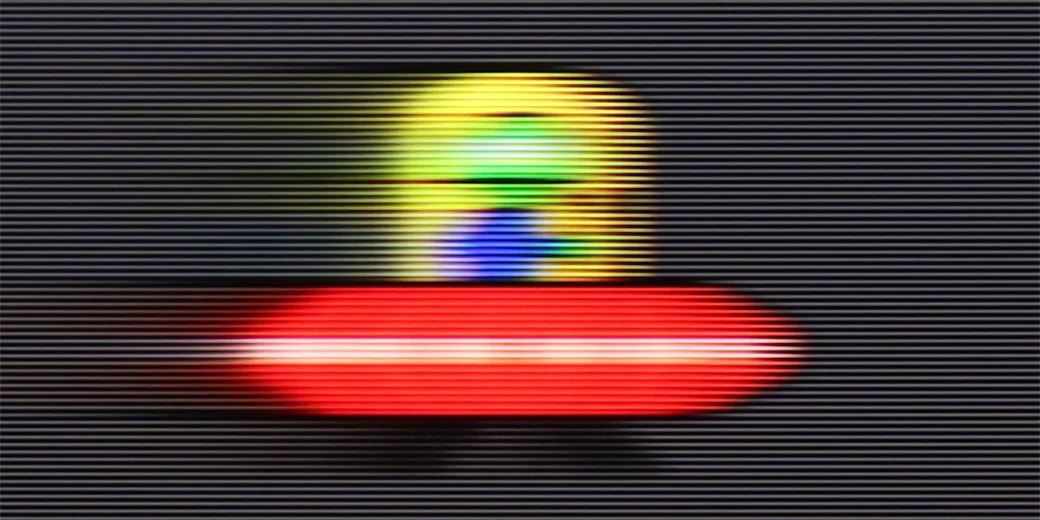
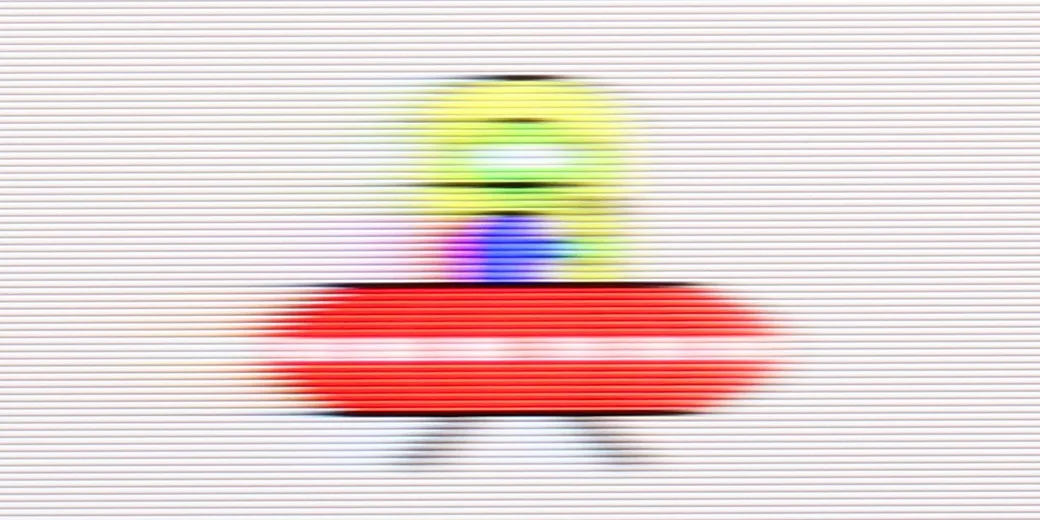
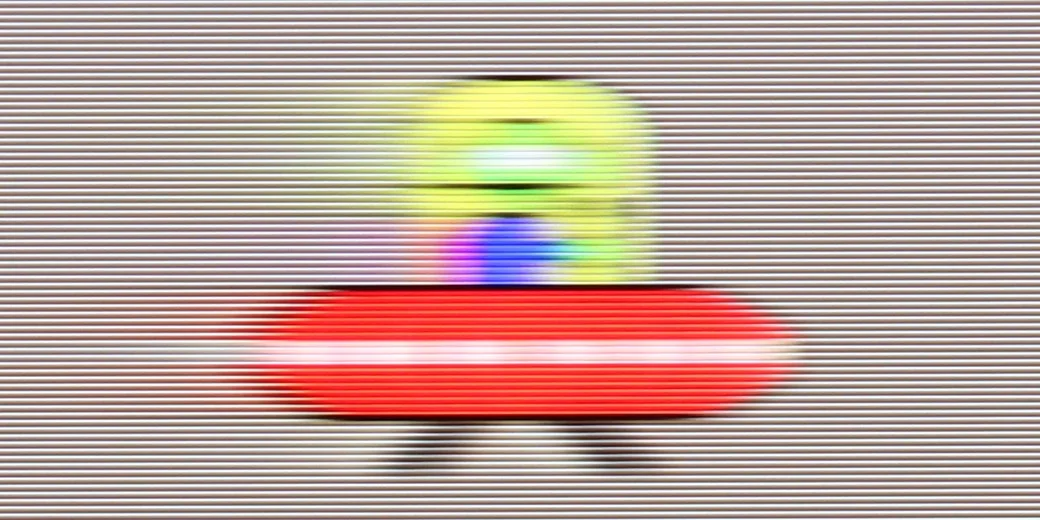
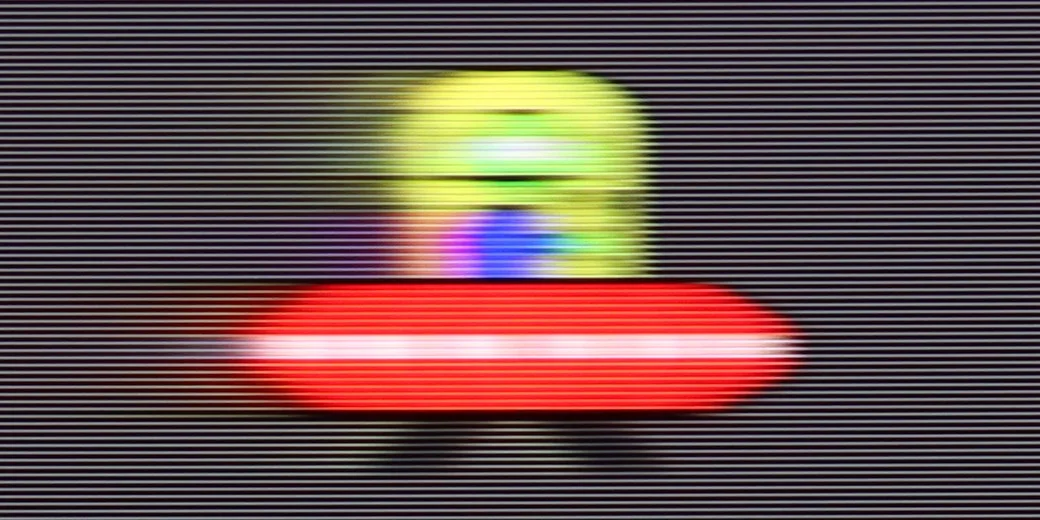
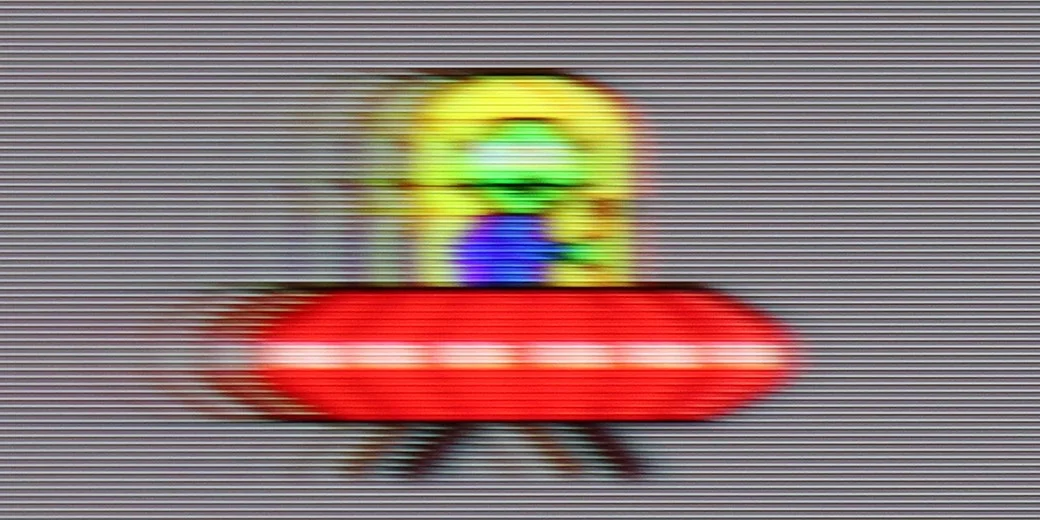
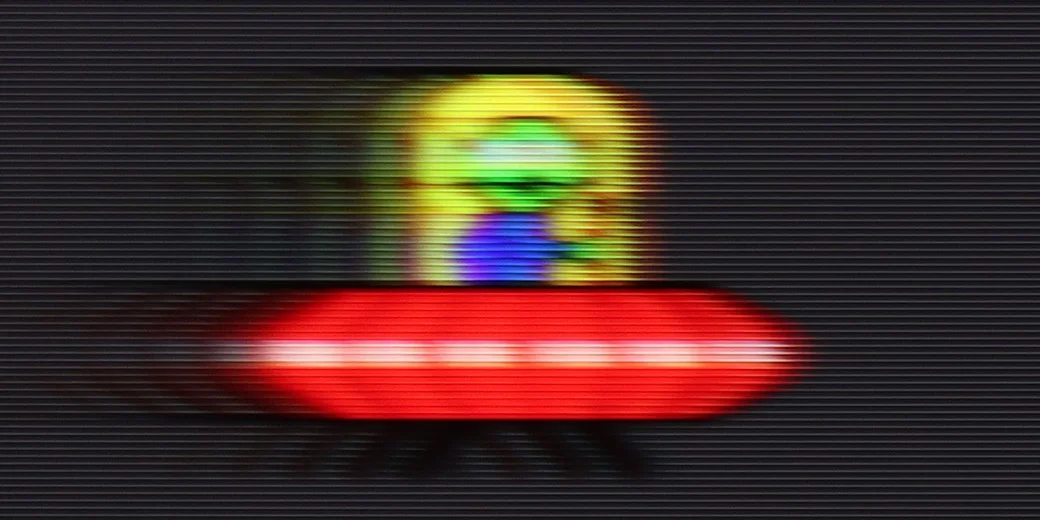
Blur (BFI function enabled):


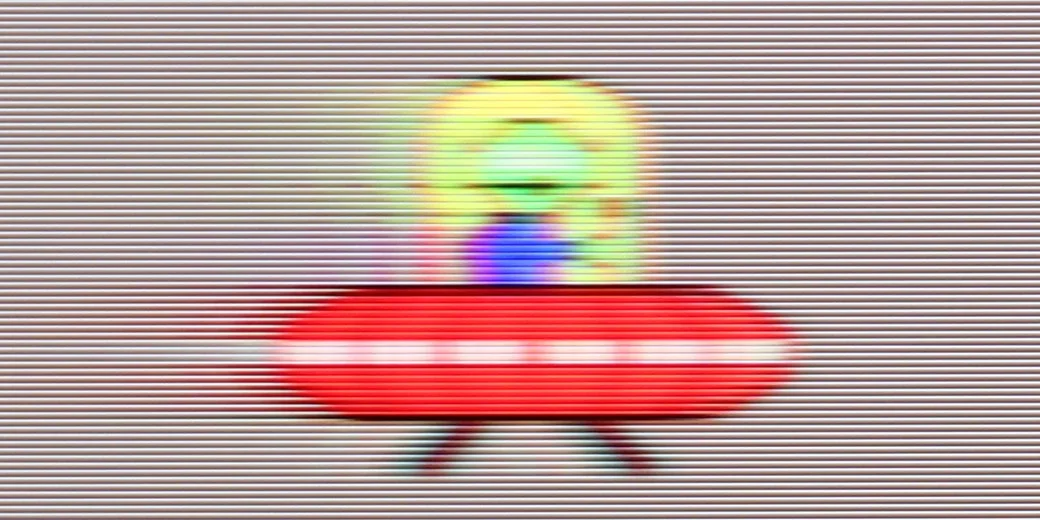
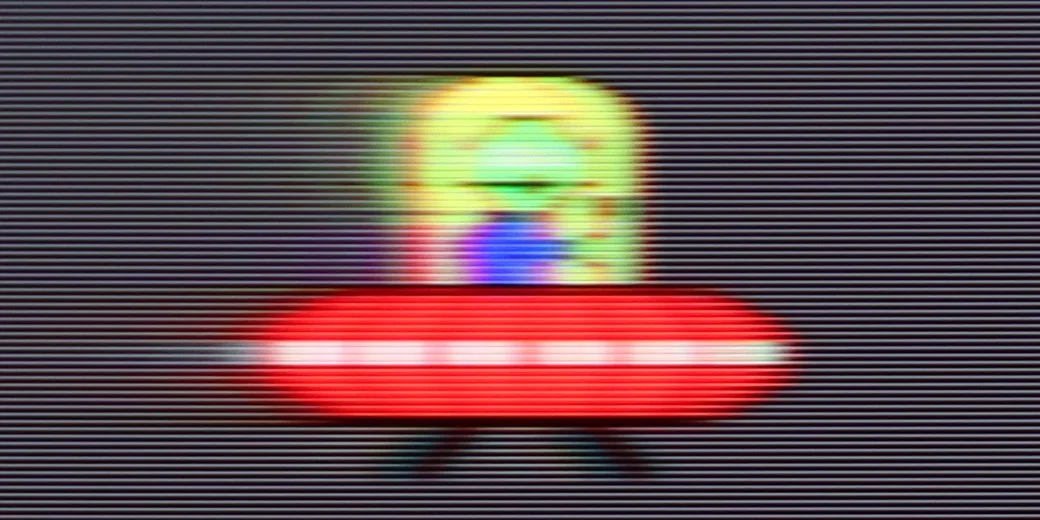
Blur (1080p 288Hz):
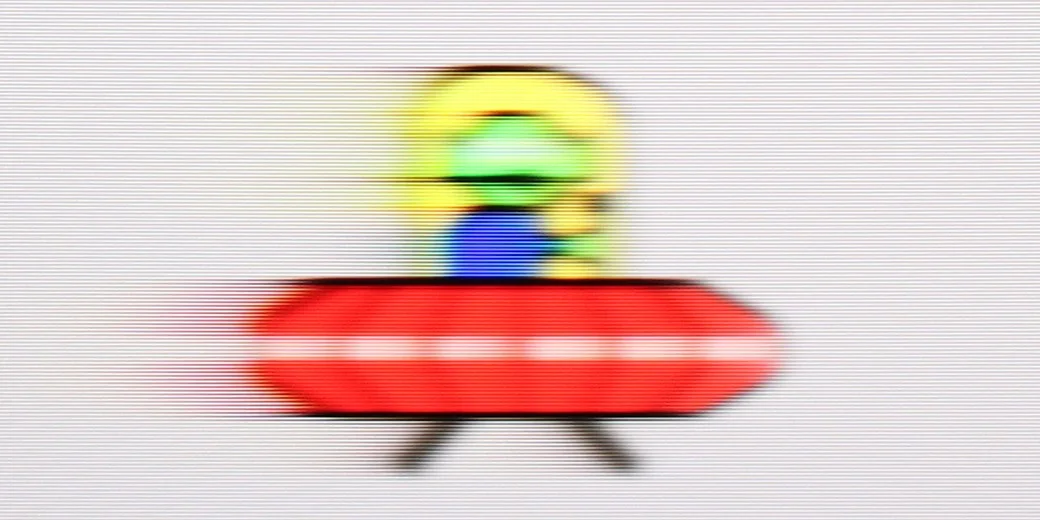
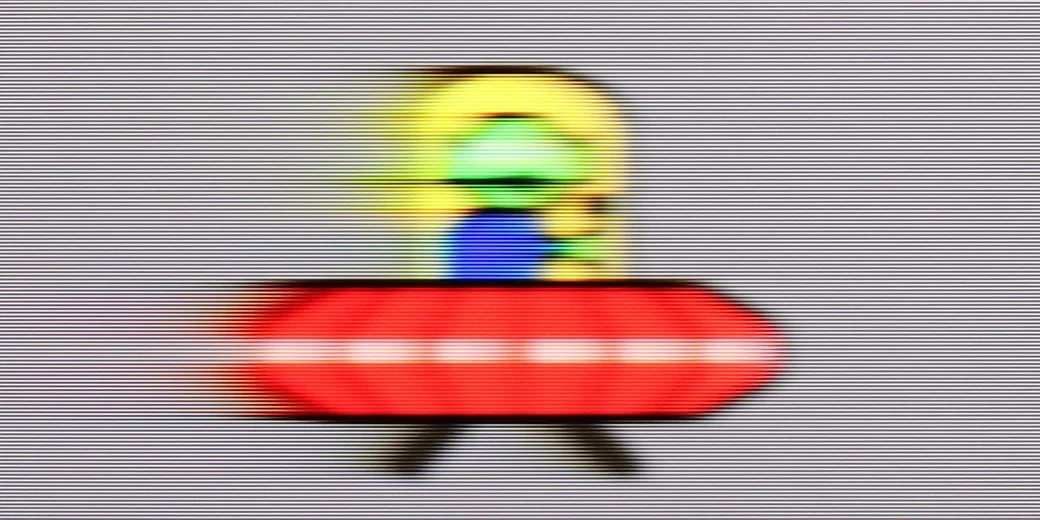
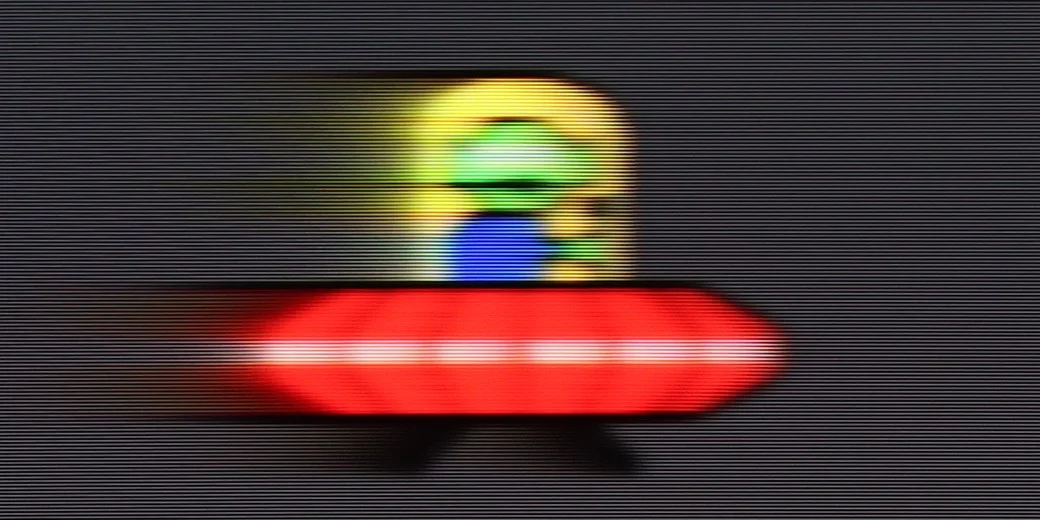
Blur (4K@144Hz ):

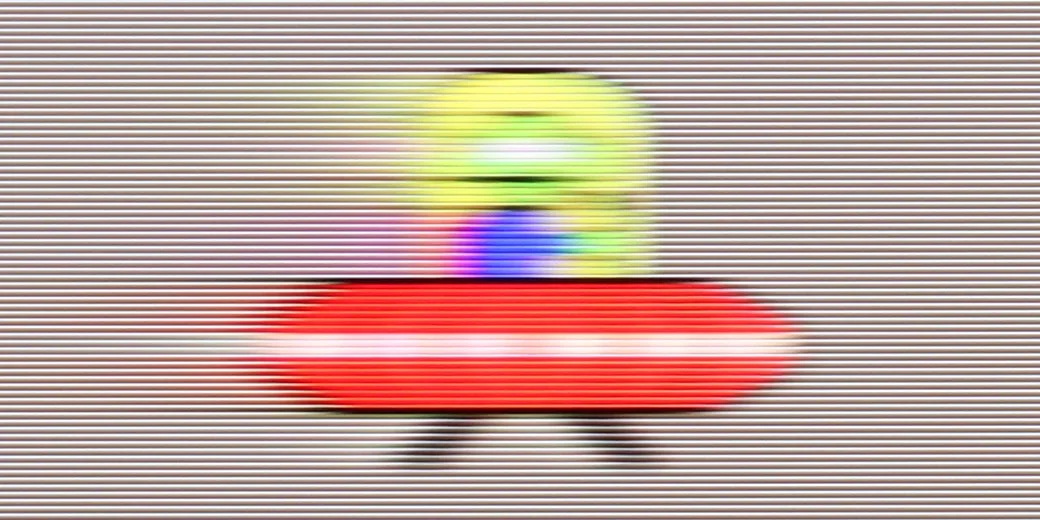
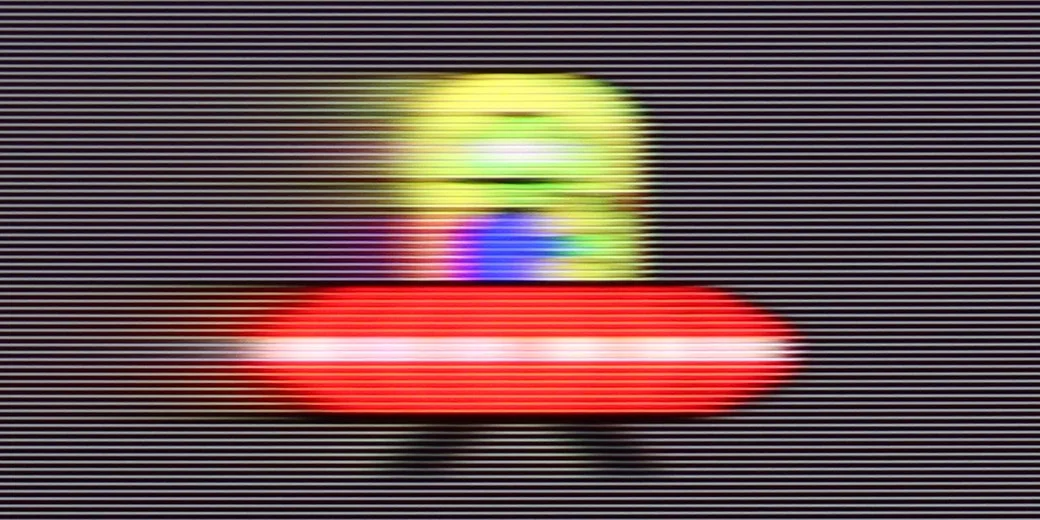
“Speed” – this word was most frequently mentioned during our tests of the U7Q PRO. The television is equipped with a 165 Hz panel, which in itself is impressive – especially considering we’re talking about a mid-range model. Of course, PC gamers will benefit the most from its full capabilities, but even during everyday viewing, it’s clear that this is a fast and efficient panel. Like most modern televisions, the U7Q PRO can also enhance the smoothness of films that were originally recorded at 24 frames. In the menu, we find a slider that allows us to adjust the effect to our own preferences – from a more cinematic feel, with subtle motion, to a stronger smoothing with the characteristic “soap opera effect.”
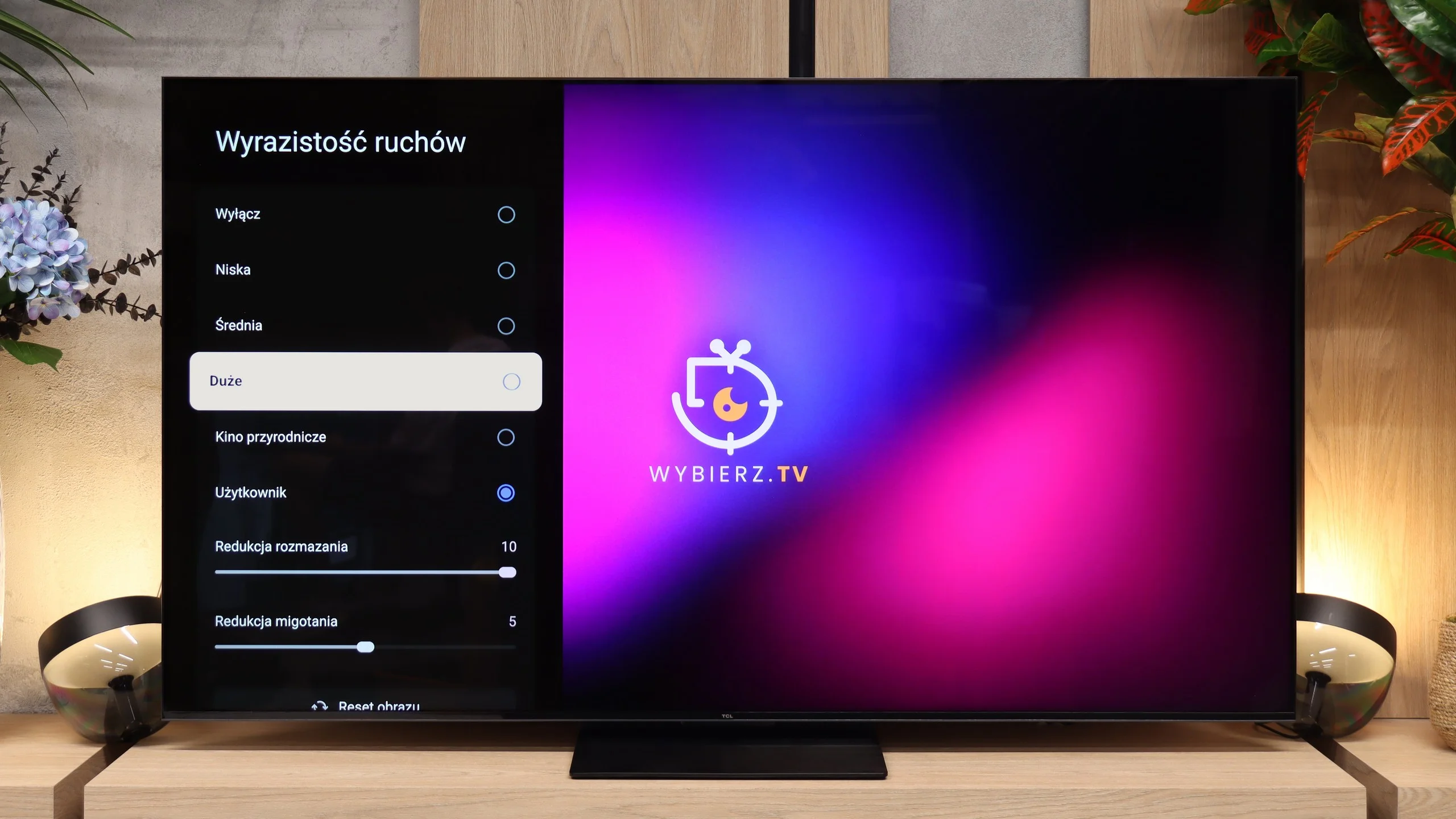
The RM7L uses a 144 Hz VA panel, so right from the start it's well prepared for sports, games and other dynamic content. The high refresh rate also gives the motion interpolation more room to work, so it can generate additional frames. On the RM7L it performs well and, when set correctly, can noticeably improve motion smoothness without producing an excessive soap opera effect.
Console compatibility and gaming features
8.5/10
9.8/10
- ALLM
- VRR
- VRR range48 - 288Hz48 - 288Hz
- Dolby Vision Game Mode
- Correct implementation of HGIG

- 1080p@120Hz
- 1440p@120Hz
- 4K@120Hz
- Game bar
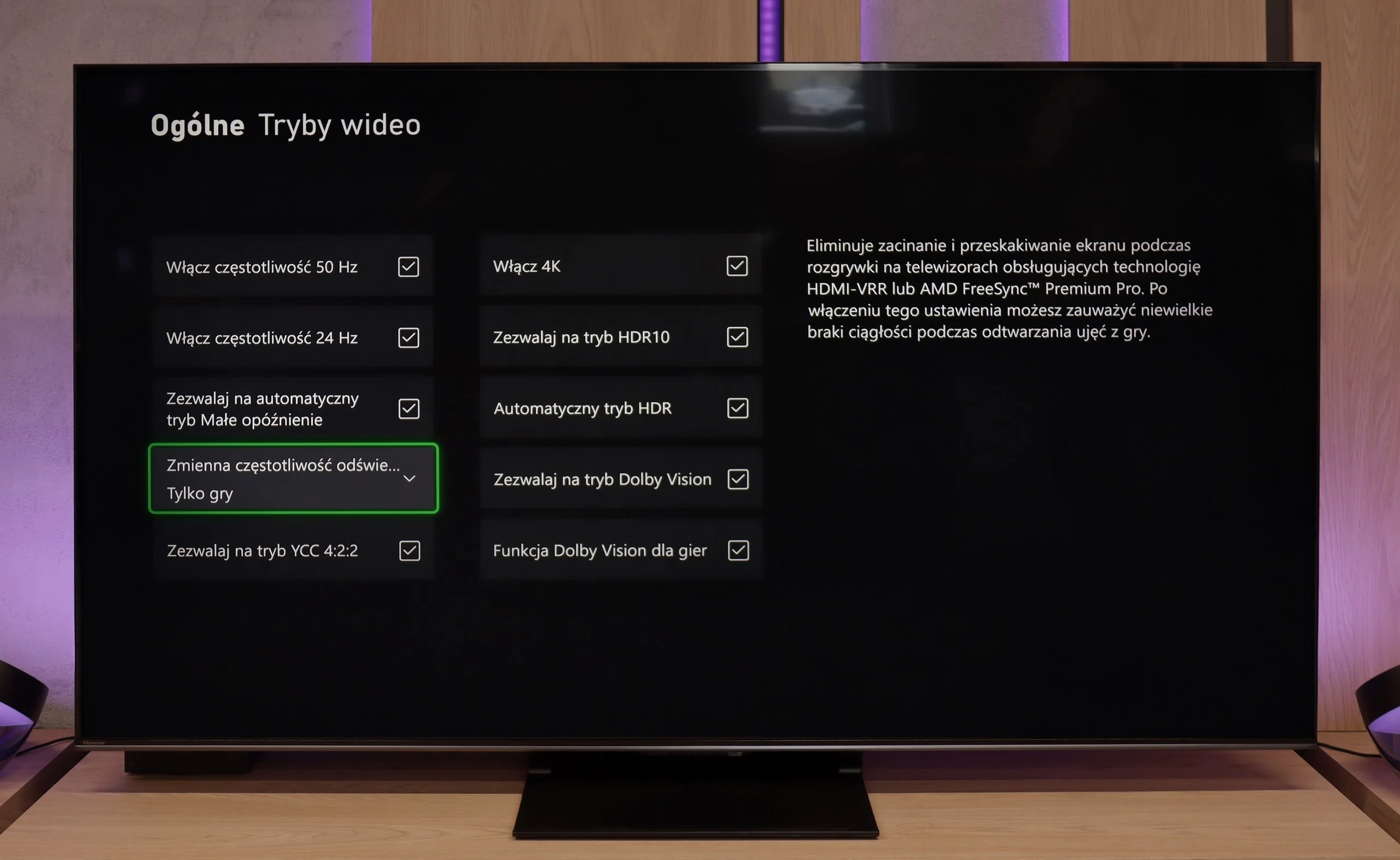
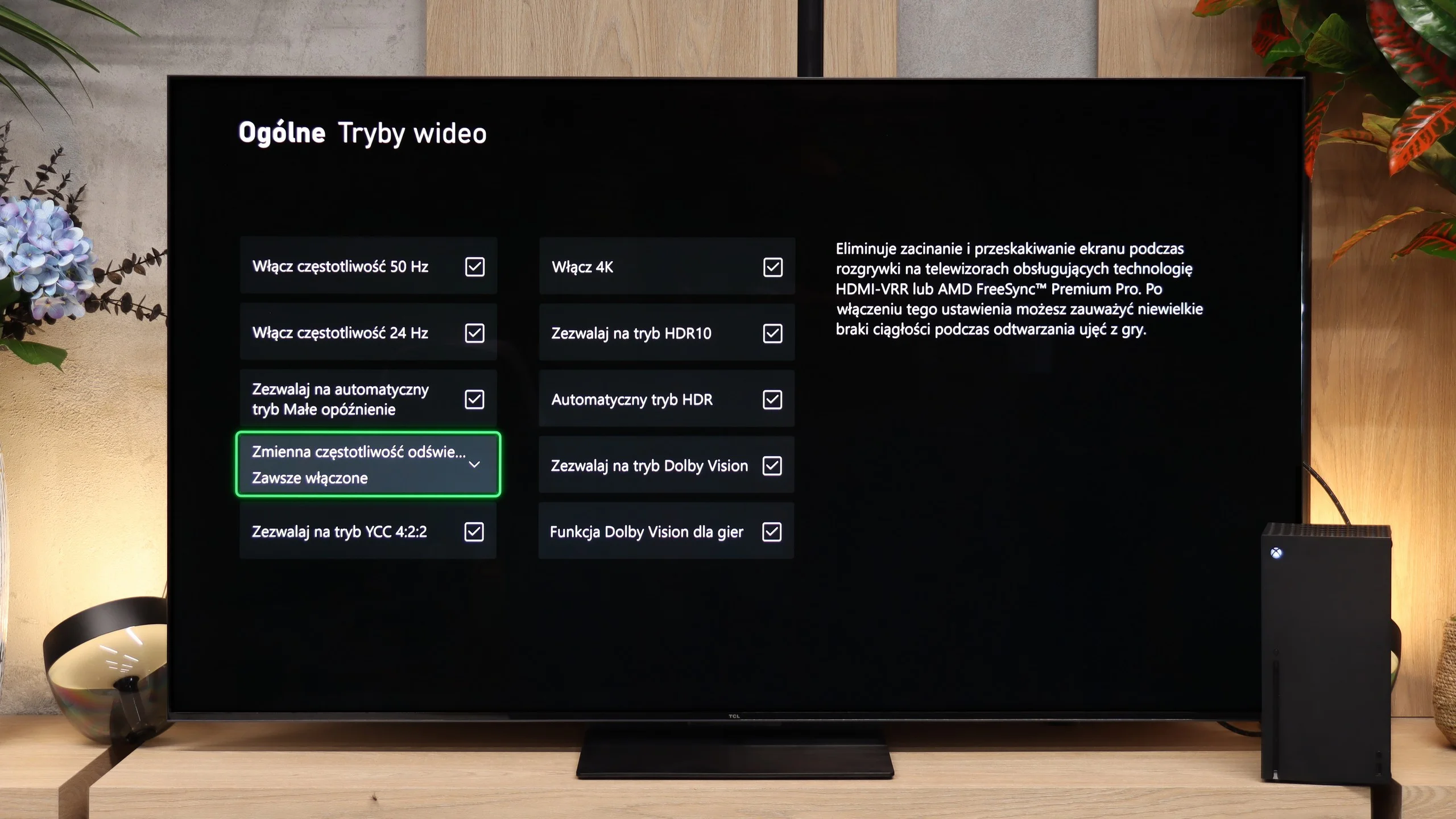
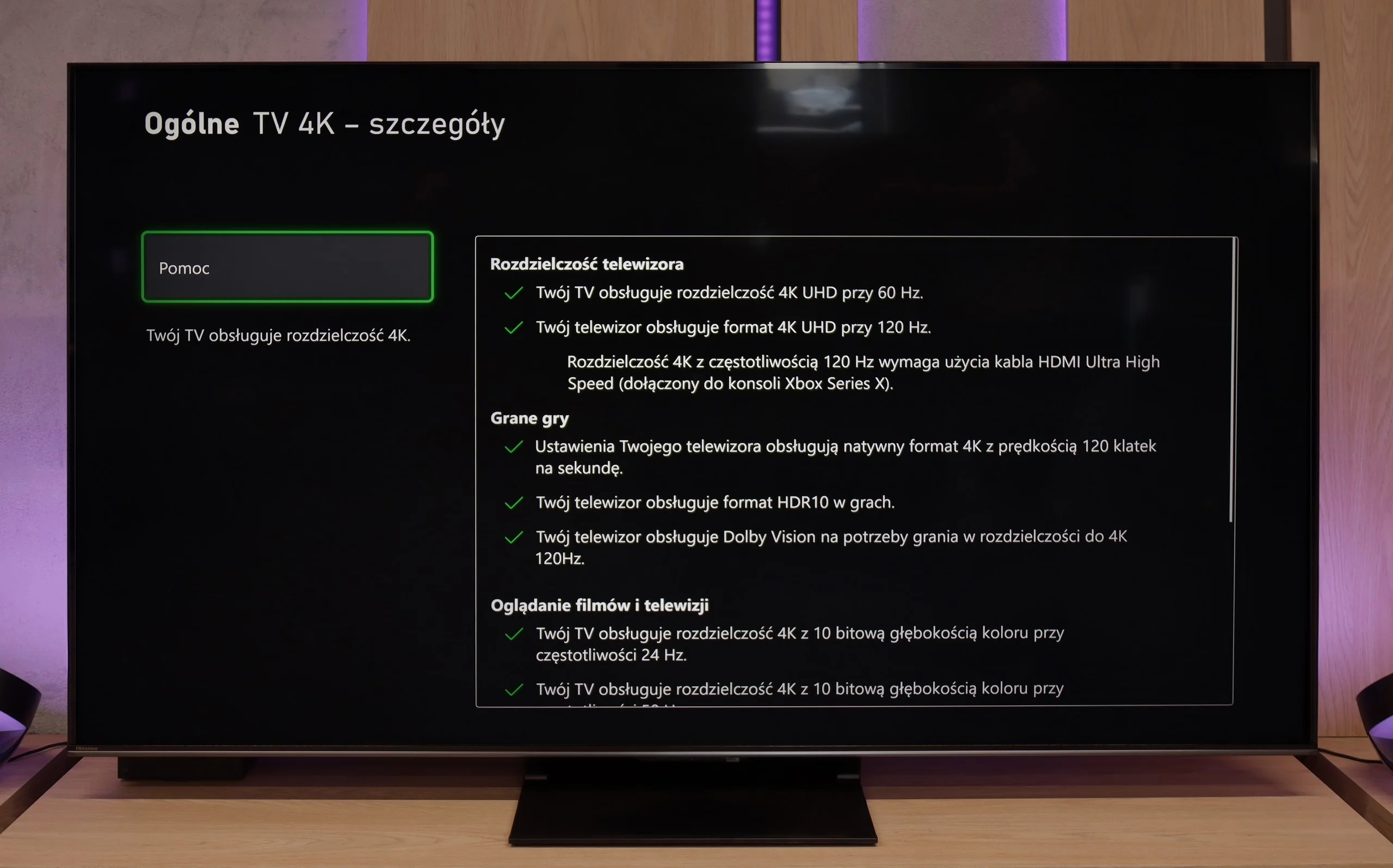
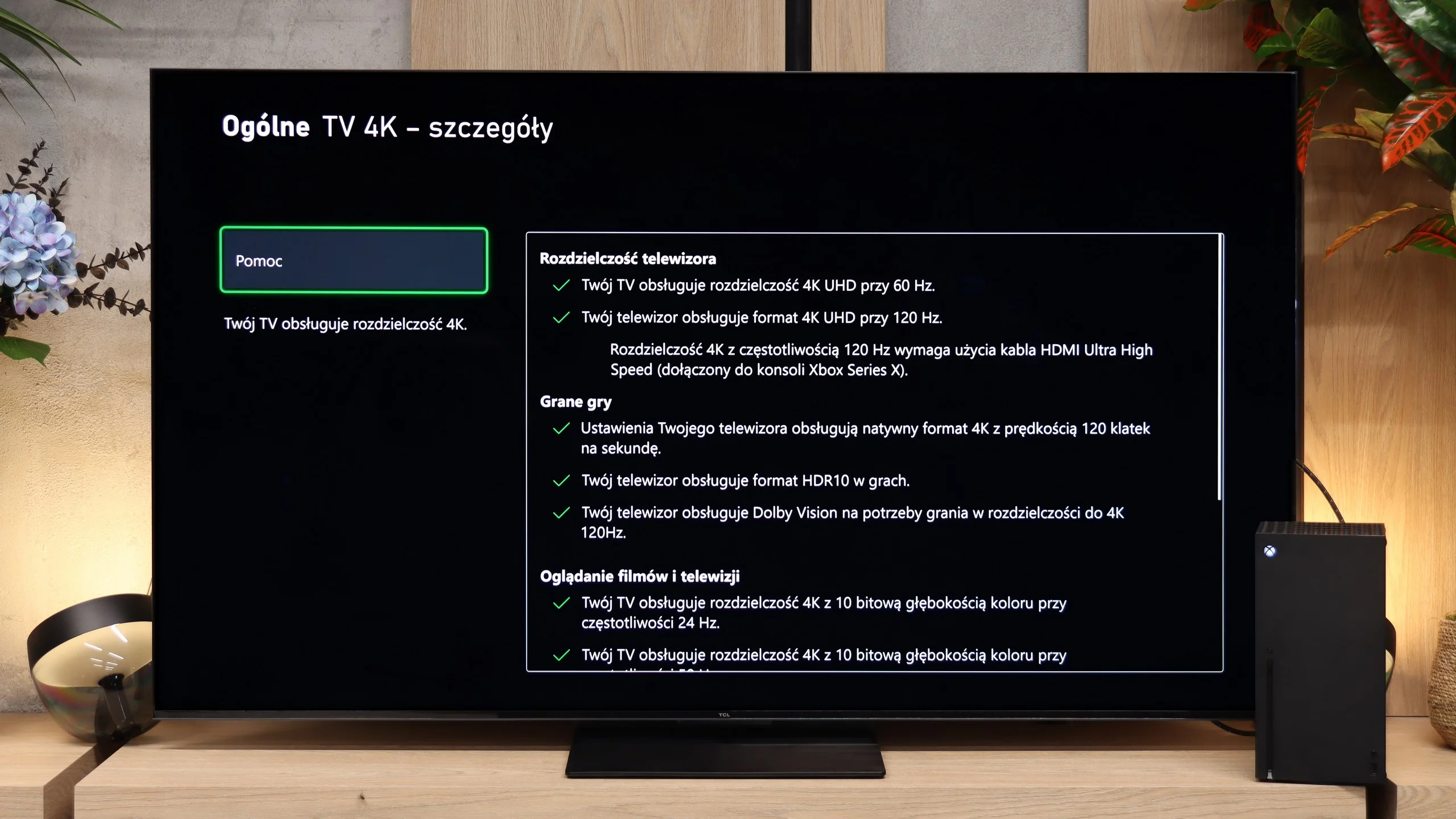
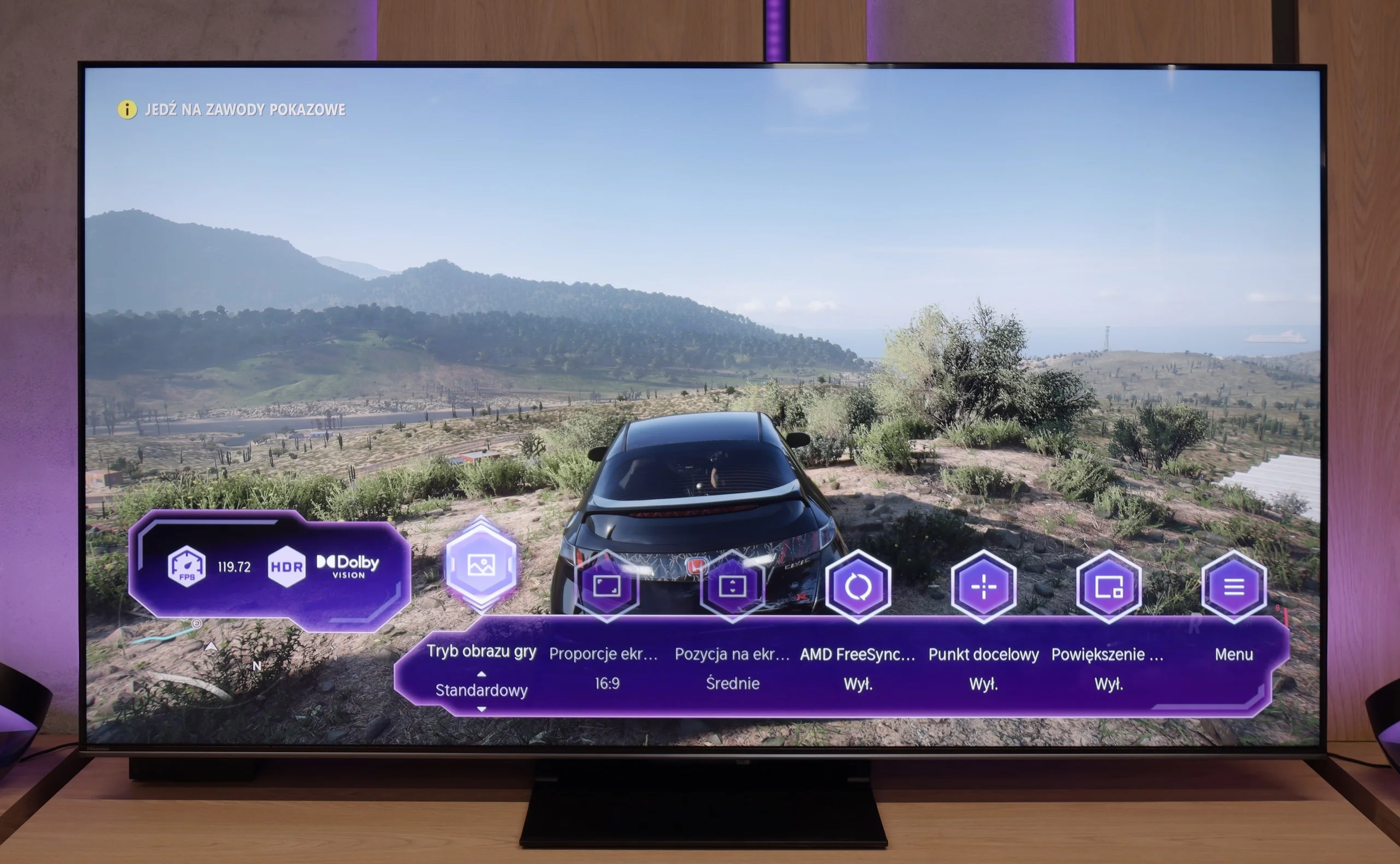
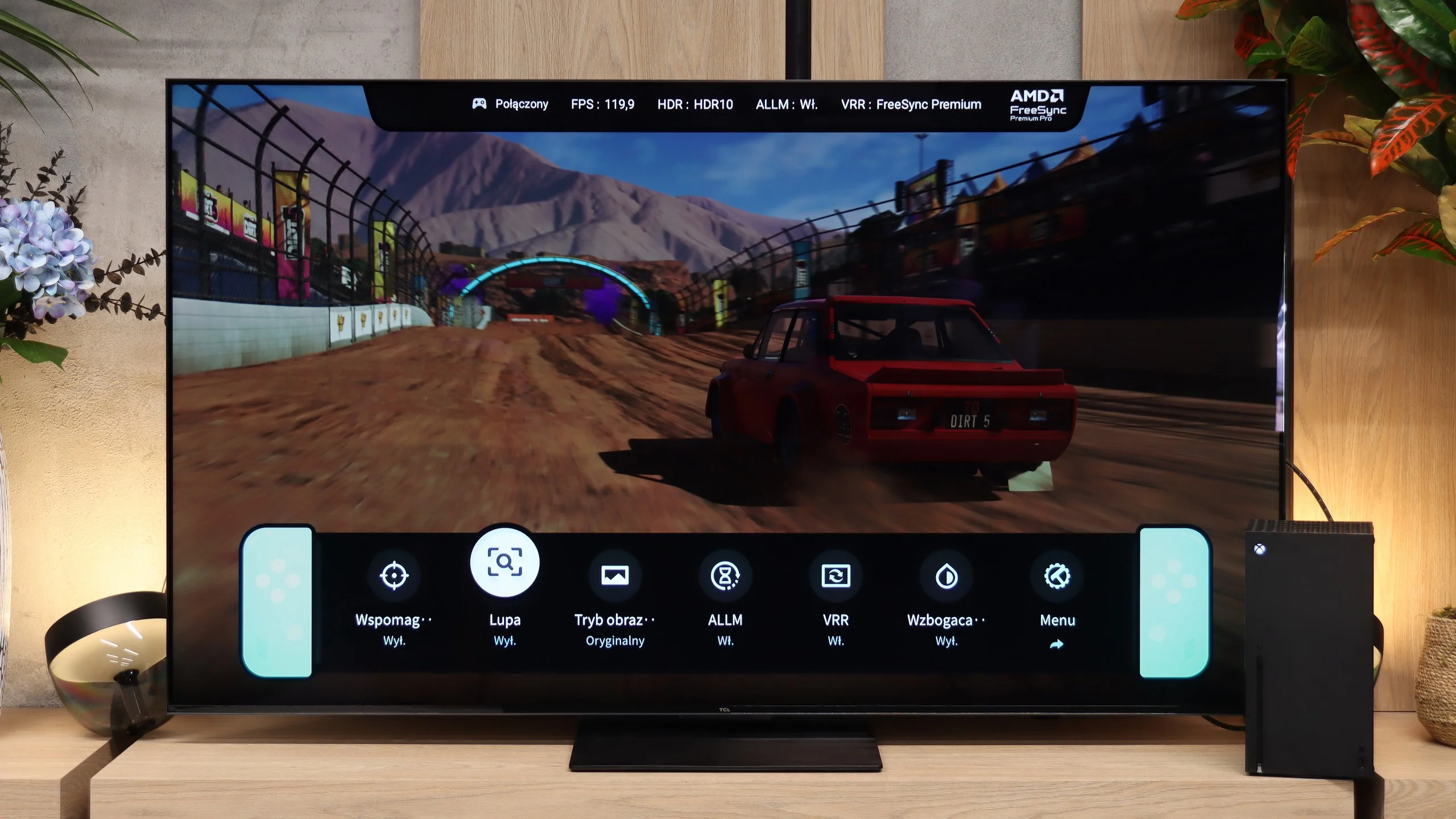
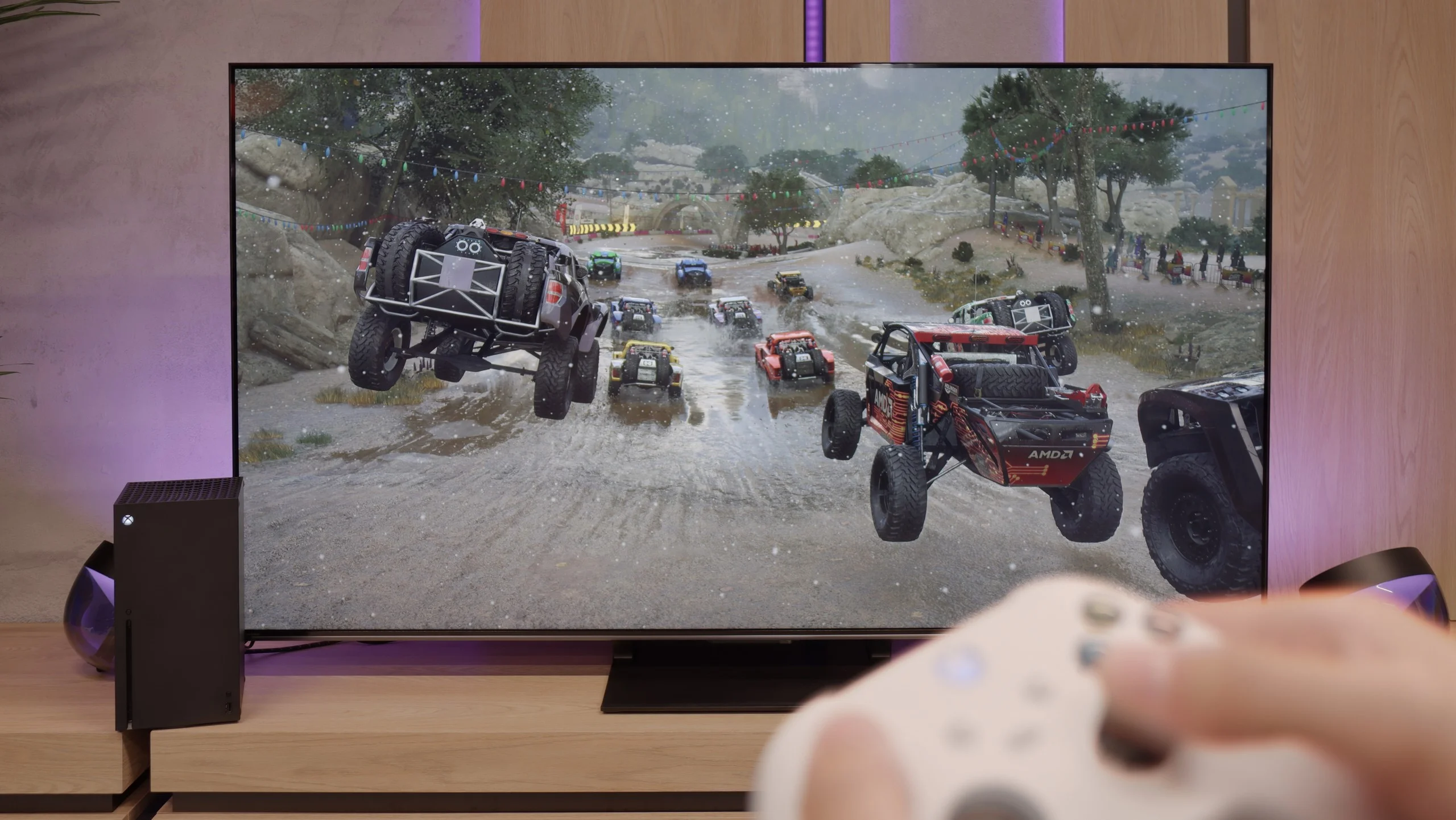
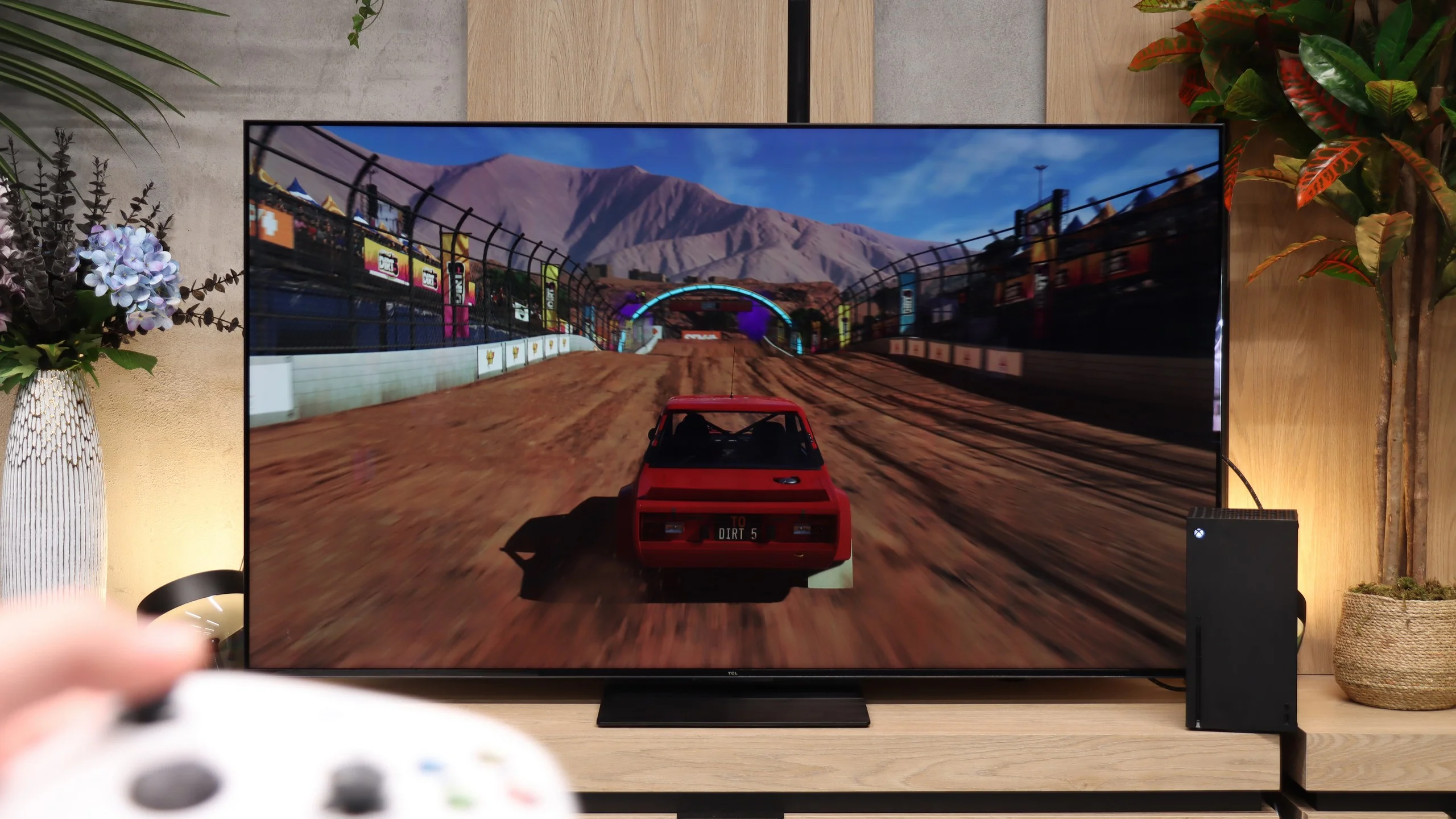
Hisense U7Q PRO is a TV that seems to have been designed with gamers in mind. We have practically everything that can be expected from a gaming screen: variable refresh rate (VRR), automatic mode (ALLM), and as many as four HDMI 2.1b ports with full bandwidth of 48 Gb/s. Additionally, there’s a clear and quite functional Game Bar, as well as a well-implemented Dolby Vision GAMING mode that works seamlessly with Xbox Series S and X consoles.
Sounds like the ideal? Well, almost. Unfortunately, Hisense has still not implemented the HGiG feature, which is the system's tone mapping limitation on the TV's end. This means that when configuring HDR brightness on the console, we do it “by eye” or look for settings in online guides, as the screen does not display its actual brightness range. It’s a shame – because HGiG makes it easier to match the console to the TV and helps avoid overexposed or too dark scenes in HDR games.
Fortunately, the other elements work very well. Input lag is low, responsiveness is excellent, and the handling of other features is faultless. And although not everything worked perfectly, the U7Q PRO can still be confidently recommended to gamers.
When it comes to gamer-focused features, there's almost nothing but praise for the RM7L. The TV supports ALLM, VRR, Dolby Vision Gaming and works correctly with HGiG, so it's hard to point to any major gaps in that area. In practice that means automatic switching to a low-latency mode, smoother motion with variable frame rates and accurate brightness reproduction in HDR games. There's also a handy Game Bar. From it you can quickly check the frame rate, VRR status, signal format and aspect ratio, and change key settings without leaving the game. TCL has added a few extra options too, such as an on-screen reticle and brightening of dark areas, which can be useful in some titles. The biggest downside comes from using the Pentonic 700 processor. Only two of the four HDMI ports support the full HDMI 2.1 standard. With a single console that won't be a big issue, but if you hook up two consoles and a PC you might run out of ports, especially since one of those ports may also be needed for eARC and a soundbar.
Input lag
9.8/10
9.9/10
SDR
HDR
Dolby Vision
In terms of signal delay, the Hisense U7Q PRO performs exceptionally well. For 120 Hz content, the input lag stays below 10 ms, which translates to a lightning-fast response – the screen almost instantly reacts to our movements, something console and PC gamers will particularly appreciate. With 60 Hz content, the situation looks a bit worse, as the response time doubles – this is natural and applies to virtually all televisions. Nevertheless, it still remains below 20 ms, which can be confidently regarded as a very good result, almost close to perfection – and in practice, it’s hard to feel this during gaming.
Input lag in the RM7L is low. With a 120 Hz signal it falls below 10 ms, and at 60 Hz it's just under 15 ms. In practice the response to controls is immediate, and even the lower numbers seen on OLEDs don't give a noticeable advantage here. Dolby Vision Gaming also performs well. Input lag in that mode remains at the same level as in the other gaming modes, which is still not standard across all TVs.
Compatibility with PC
8.2/10
8.4/10
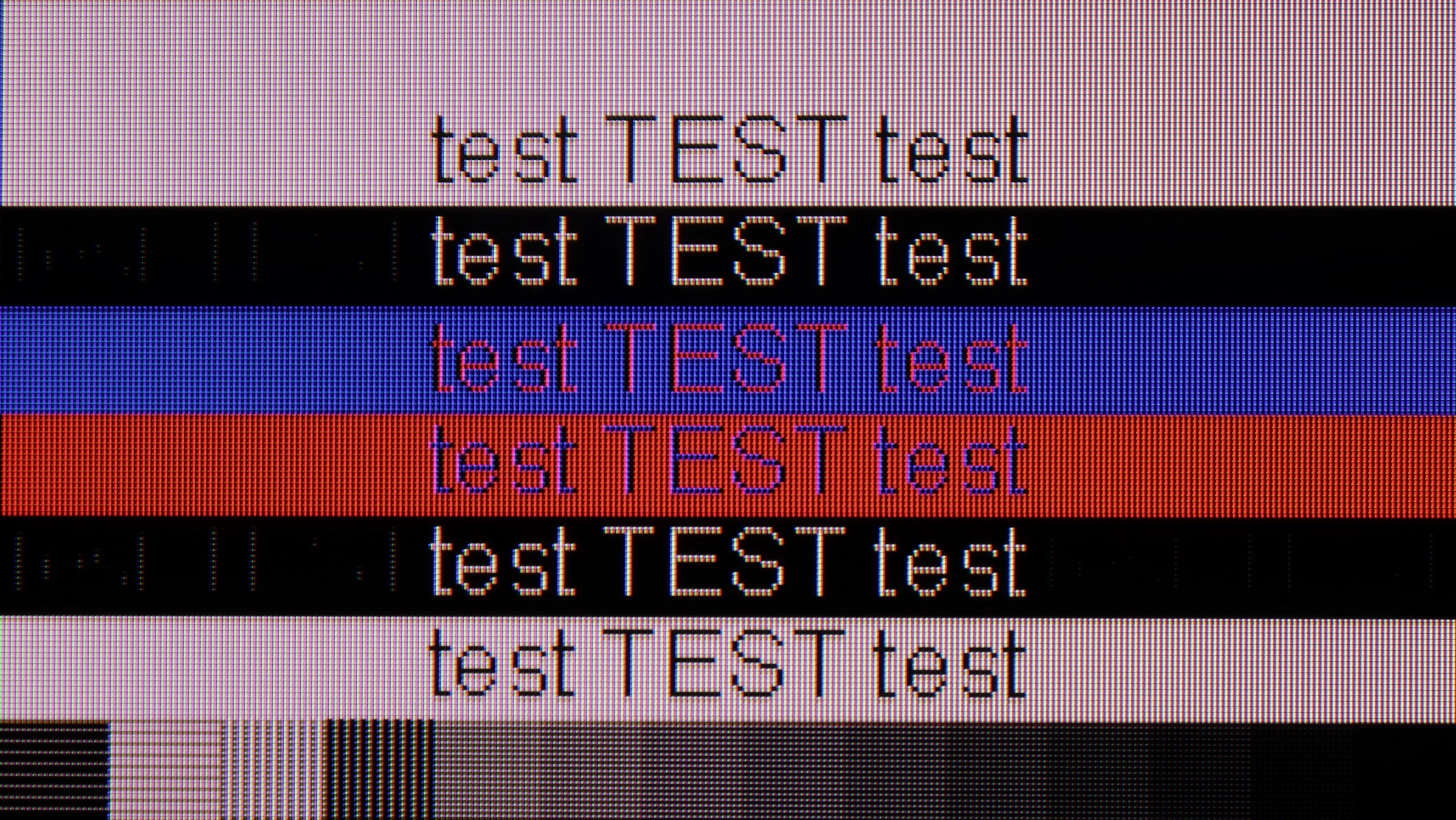
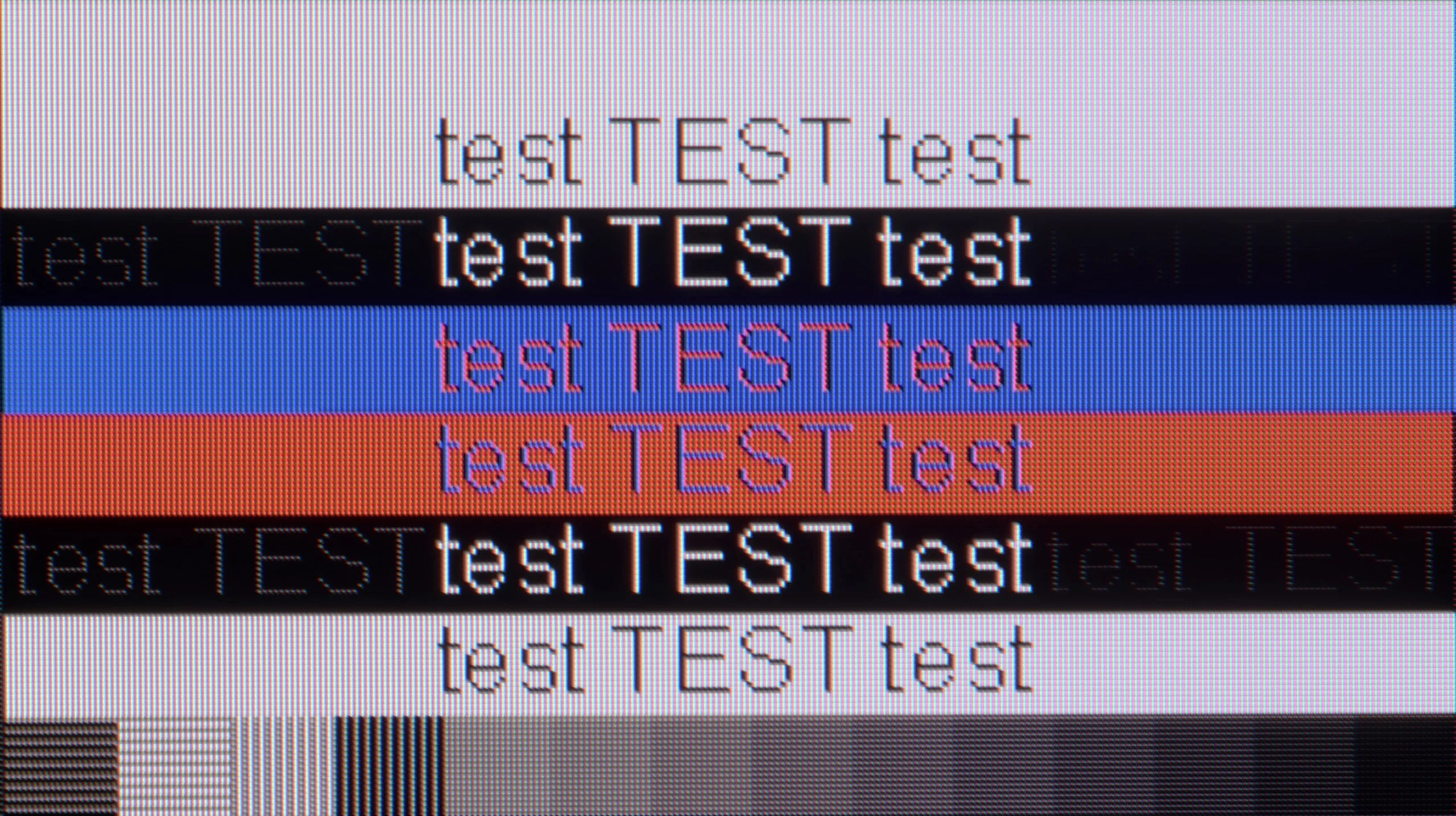
The photo shows the legibility of small fonts. Ideally, lines should be the same thickness on both light and dark text, with minimal pixel gaps.
Playing on a PC with the Hisense U7Q PRO is pure fun. Low input lag, a full 165 Hz in 4K and even 288 Hz in Full HD – these are numbers we wouldn't expect from a TV at this price. In this regard, it's really hard to nitpick. If someone is looking for a large screen for gaming from a PC – the U7Q PRO can confidently serve as a monitor. It performs a bit worse for everyday text work. Although chroma 4:4:4 is present, so theoretically, everything should look good. But in practice, grey text on a dark background looks strange – vertical lines are sharp, but horizontal ones can blur, disappear, or look slightly dimmed. However, it's fair to add that if you use the TV as usual – that is, from a few metres away – you're unlikely to notice this. The issue only becomes apparent when someone places the U7Q PRO on a desk, a metre from their face, and starts working with text or spreadsheets. If you plan to use it in this way – it’s worth keeping this in mind.
Working with a PC on the RM7L is very good, especially if you treat it as a gaming display. The TV supports 4K at 144 Hz, and dropping to Full HD can push the refresh rate as high as 288 Hz. It also supports G-Sync and FreeSync, so there's little to complain about in terms of smoothness. Text handling is a bit weaker. At the maximum refresh rate, letters viewed up close are not perfectly sharp and you can notice a faint shadow behind them. Switching to 120 Hz improves the situation, though they're still not perfect. That said, it's hard to call this a serious flaw, since given the sizes the RM7L is available in, it's unlikely to be used on a desk as a monitor for document work.
Viewing angles
3/10
4.5/10
In this regard, the U7Q PRO performs averagely. The television is equipped with a VA panel, which is not known for its wide viewing angles. When you start looking at the screen at an angle, the image clearly loses brightness and the colours start to fade. This is a completely normal phenomenon in VA panels without additional coatings to widen the angles – so if you plan to watch from the side or with a larger group, it's worth keeping this in mind. On the other hand, head-on – the image looks great, with deep blacks and very good contrast, much better than on IPS/ADS panels.
The viewing angles on the RM7L are pretty good and among the better ones you’ll find on TVs with a VA panel. Even when looking at the screen from the side, colours don’t shift as much as they do on many classic designs of this type. In that respect the RM7L can be compared to the better WHVA panels used in higher-end TCL series like the C8L and X11L. There is, however, one clear downside. As the viewing angle increases the picture brightness falls very quickly. Colours and the overall character of the image remain relatively intact, but the screen itself becomes noticeably darker. At very wide off-centre angles the difference is large enough that the picture can simply look too dark. For that reason the RM7L is best watched as close to the centre of the screen as possible.
Daytime performance
6.2/10
7.8/10
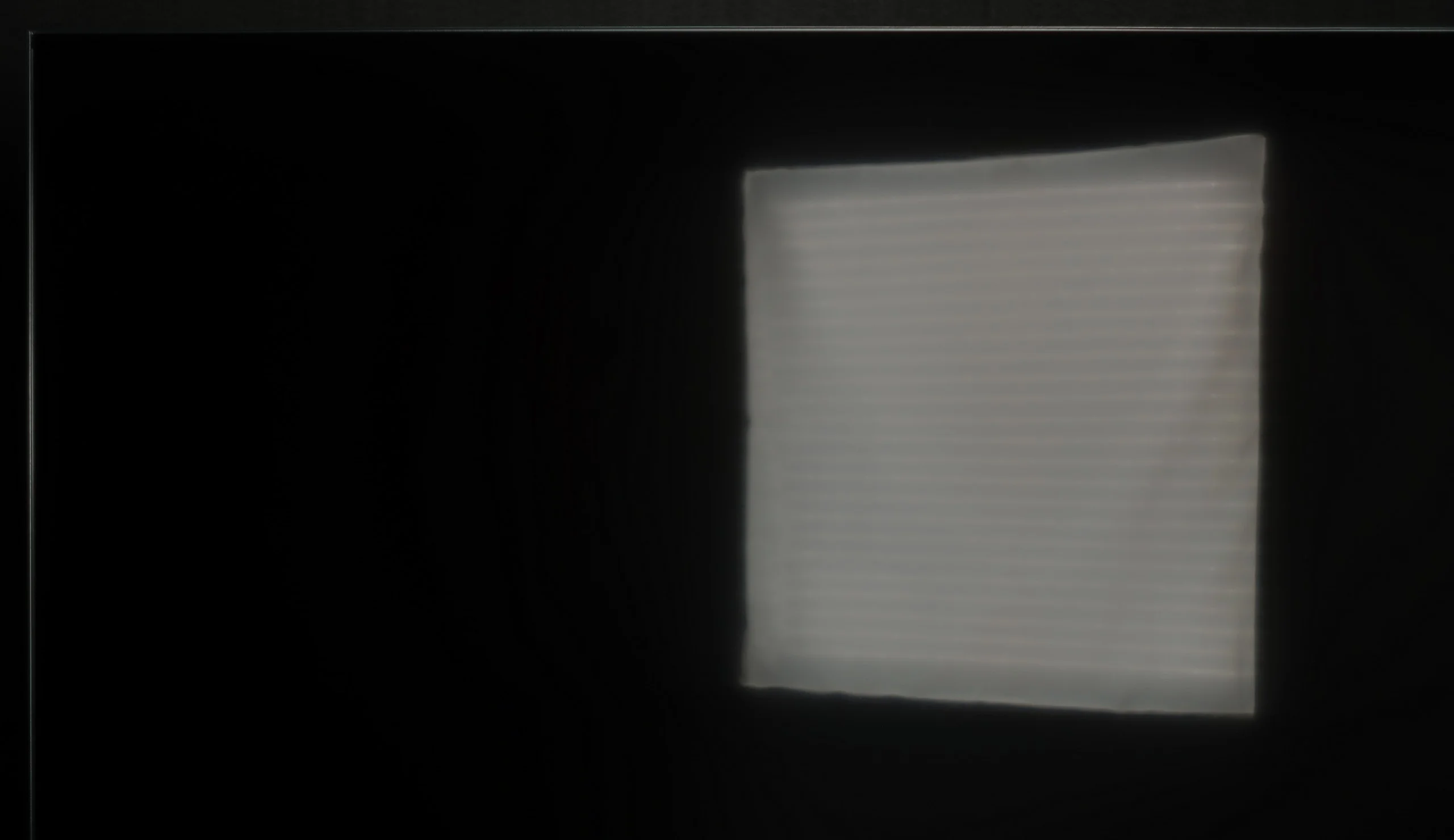
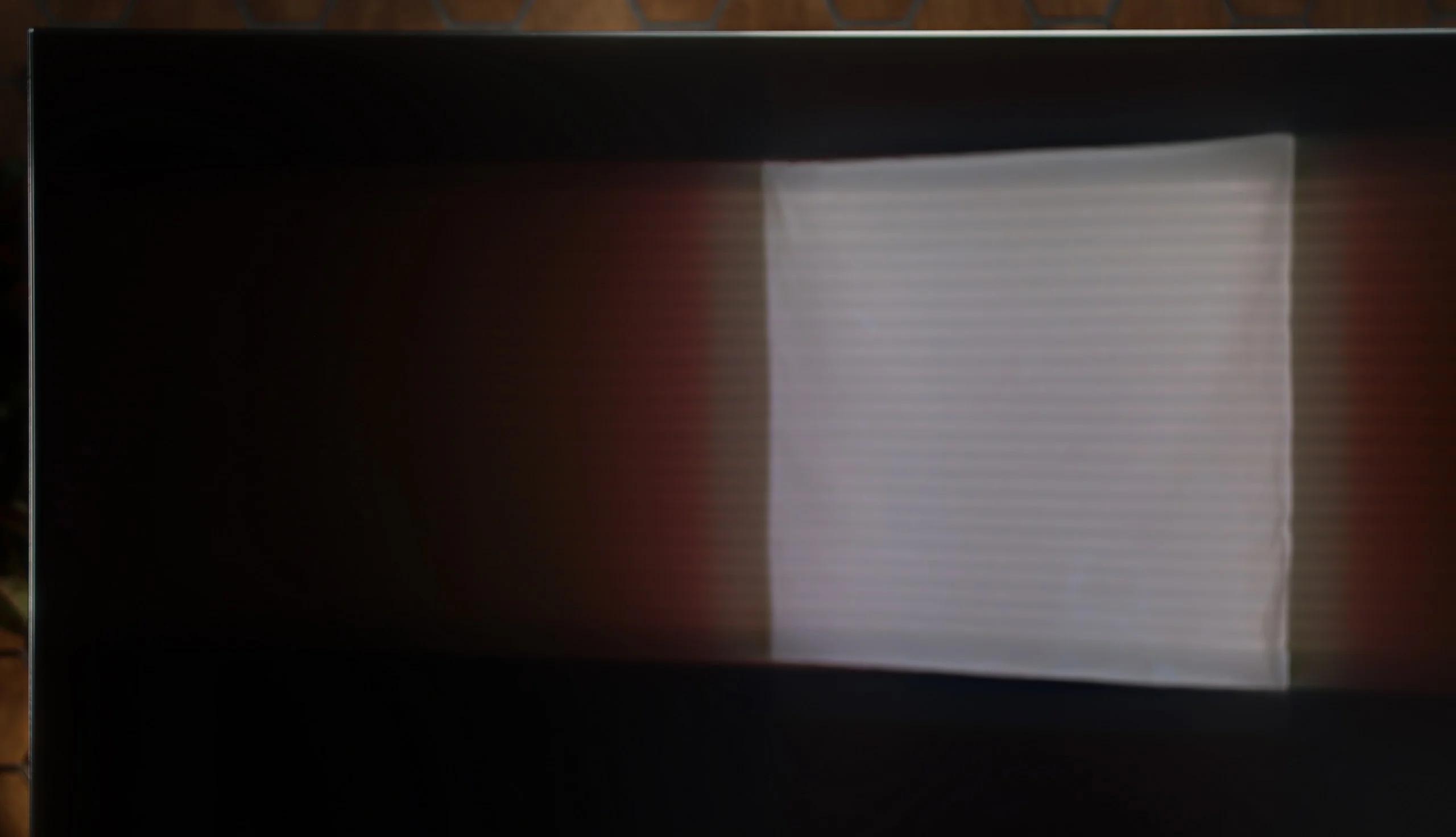
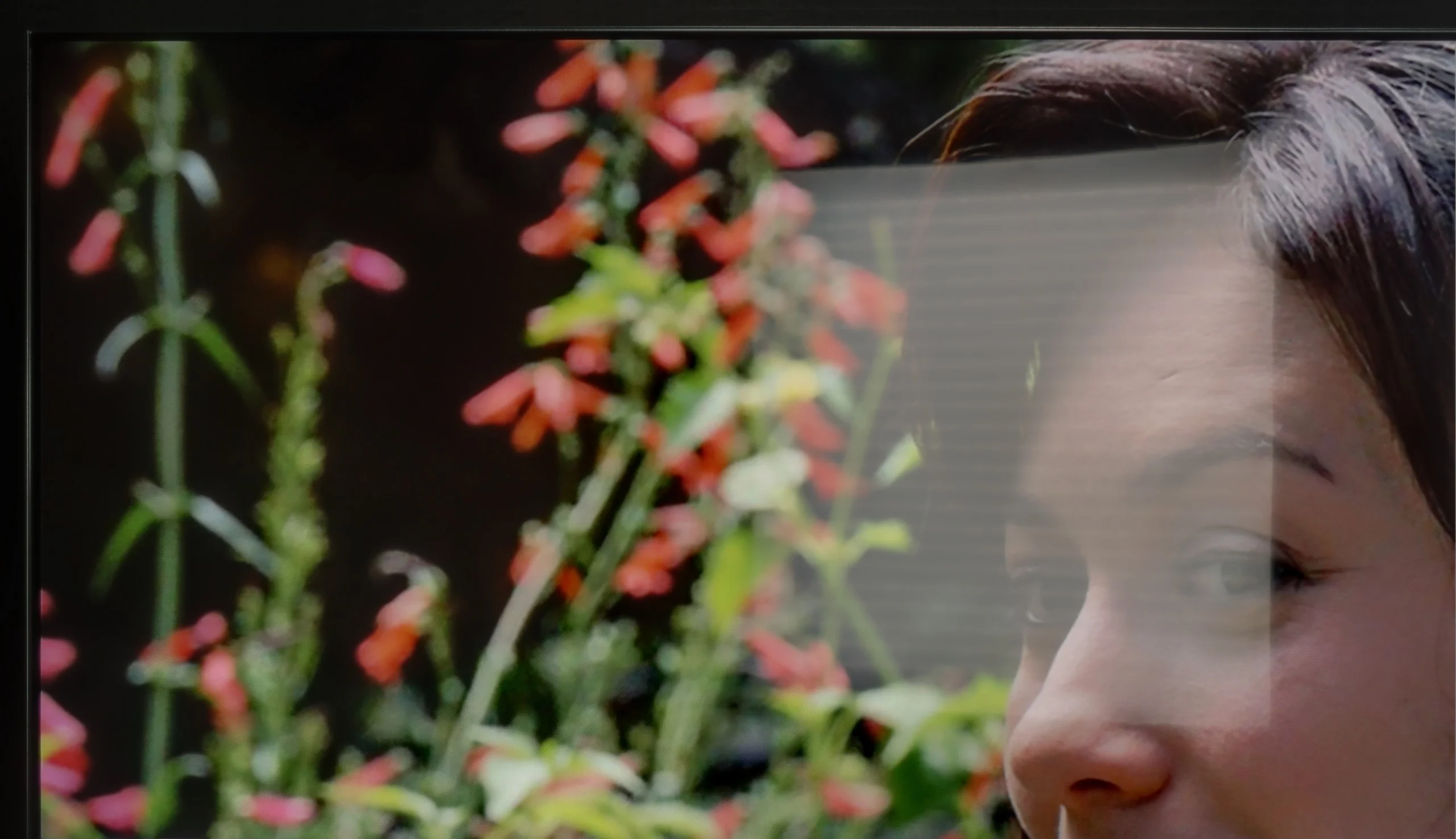
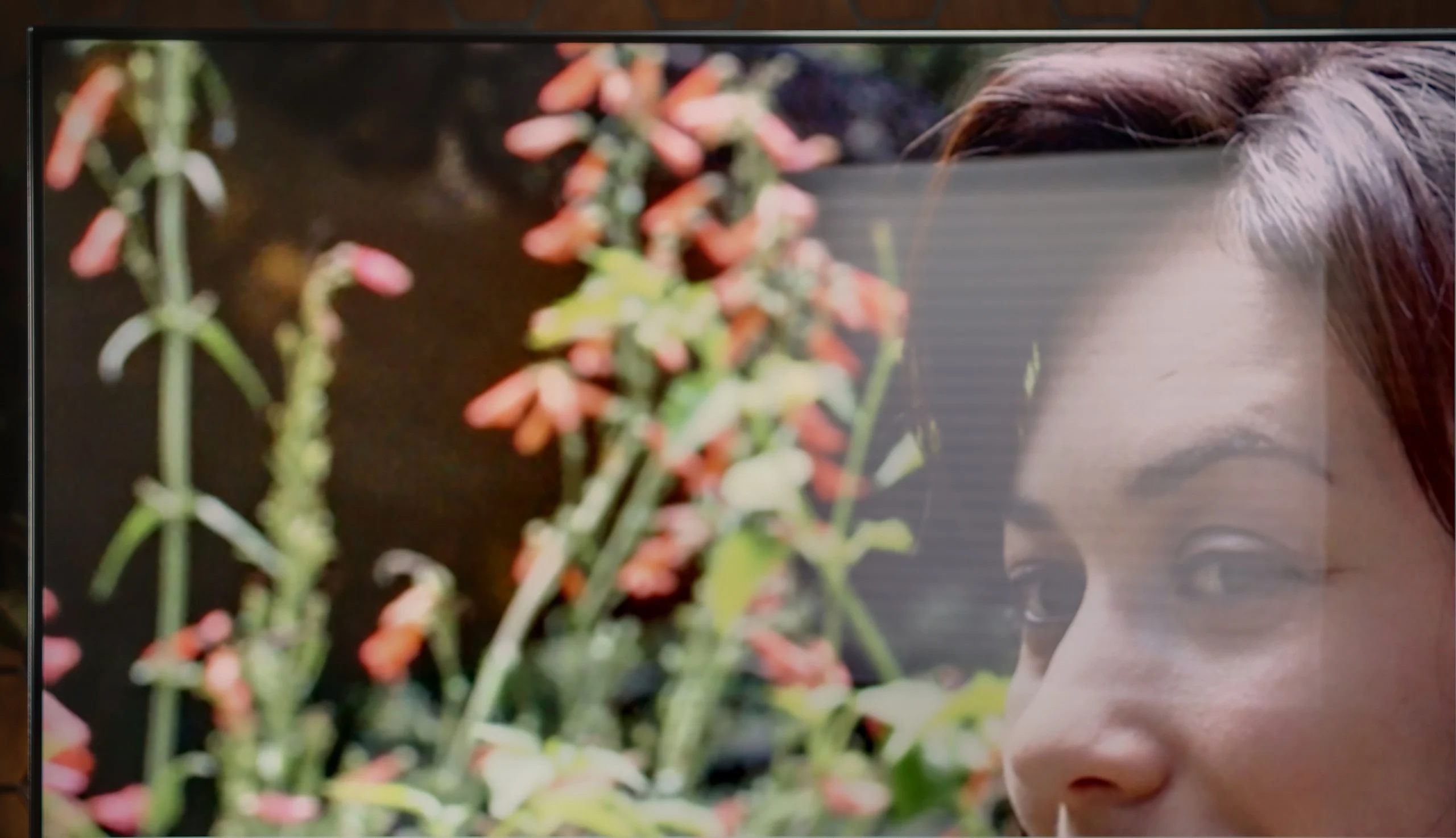
Panel brightness
TCL RM7L: 959 cd/m2
Hisense U7Q PRO: 472 cd/m2
As we mentioned earlier – the U7Q PRO is a really bright TV, especially when it comes to HDR content. For SDR materials, the TV dims a bit, but an average brightness level of around 500 nits is still a very solid result. This means you can easily watch TV or movies even in quite a bright room. Only under very extreme lighting – like direct strong sunlight on the screen – can visibility suffer a bit. Fortunately, Hisense has applied a satin anti-reflective coating that effectively reduces reflections, and the blacks maintain their depth even during the day. This makes a difference and allows for comfortable use of the TV in various lighting conditions.
The RM7L should perform well in a bright living room, mainly thanks to its high SDR brightness. With everyday content the TV averages around 1000 nits, so it easily cuts through light entering the room and keeps the picture readable during the day. The weaker point is the glossy panel coating. Direct reflections are quite noticeable, and stronger light sources can also spread across the screen surface. For that reason it's best not to position the TV facing a window or a lamp. With the right placement, however, the RM7L will still be an excellent choice for a brightly sunlit room.
Panel details
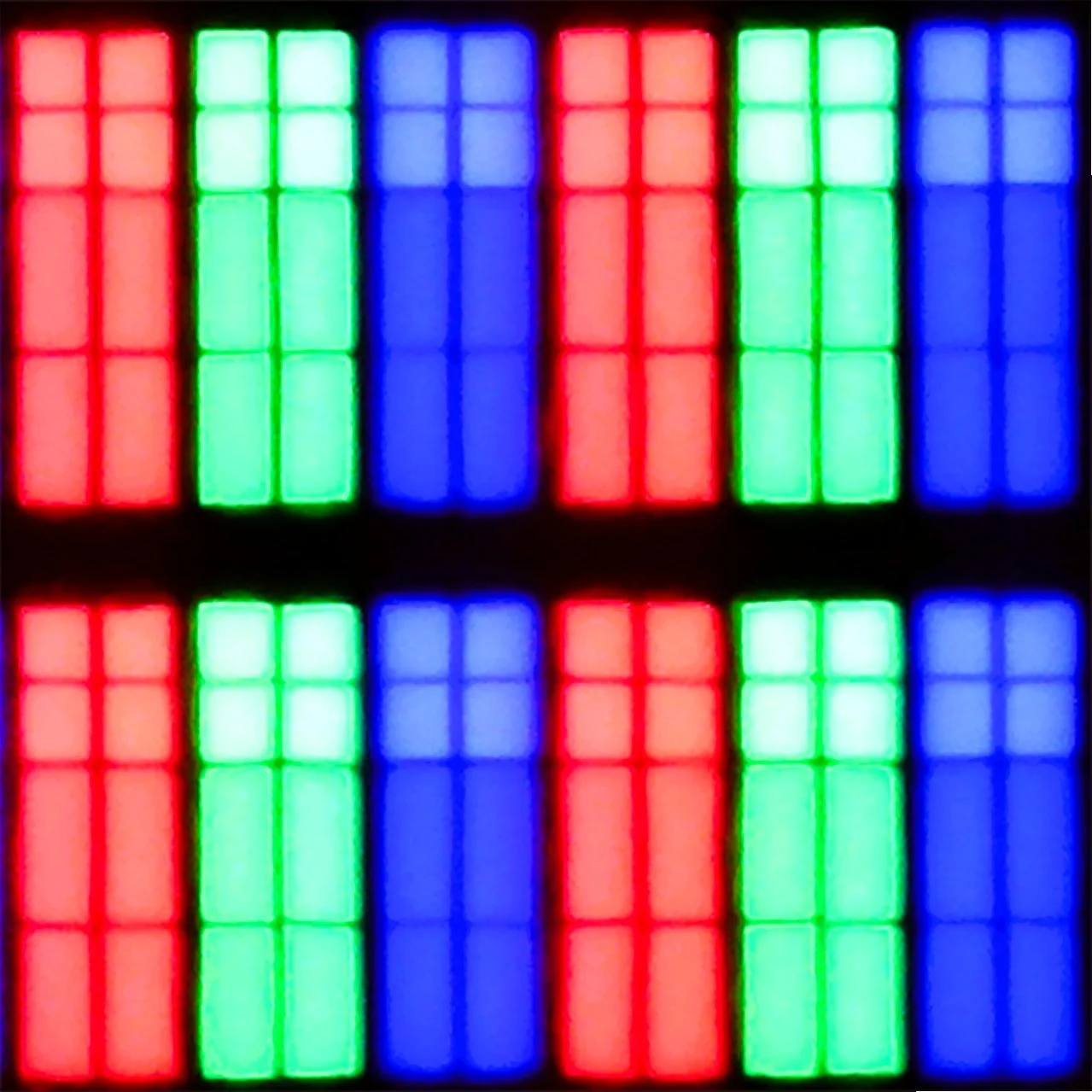
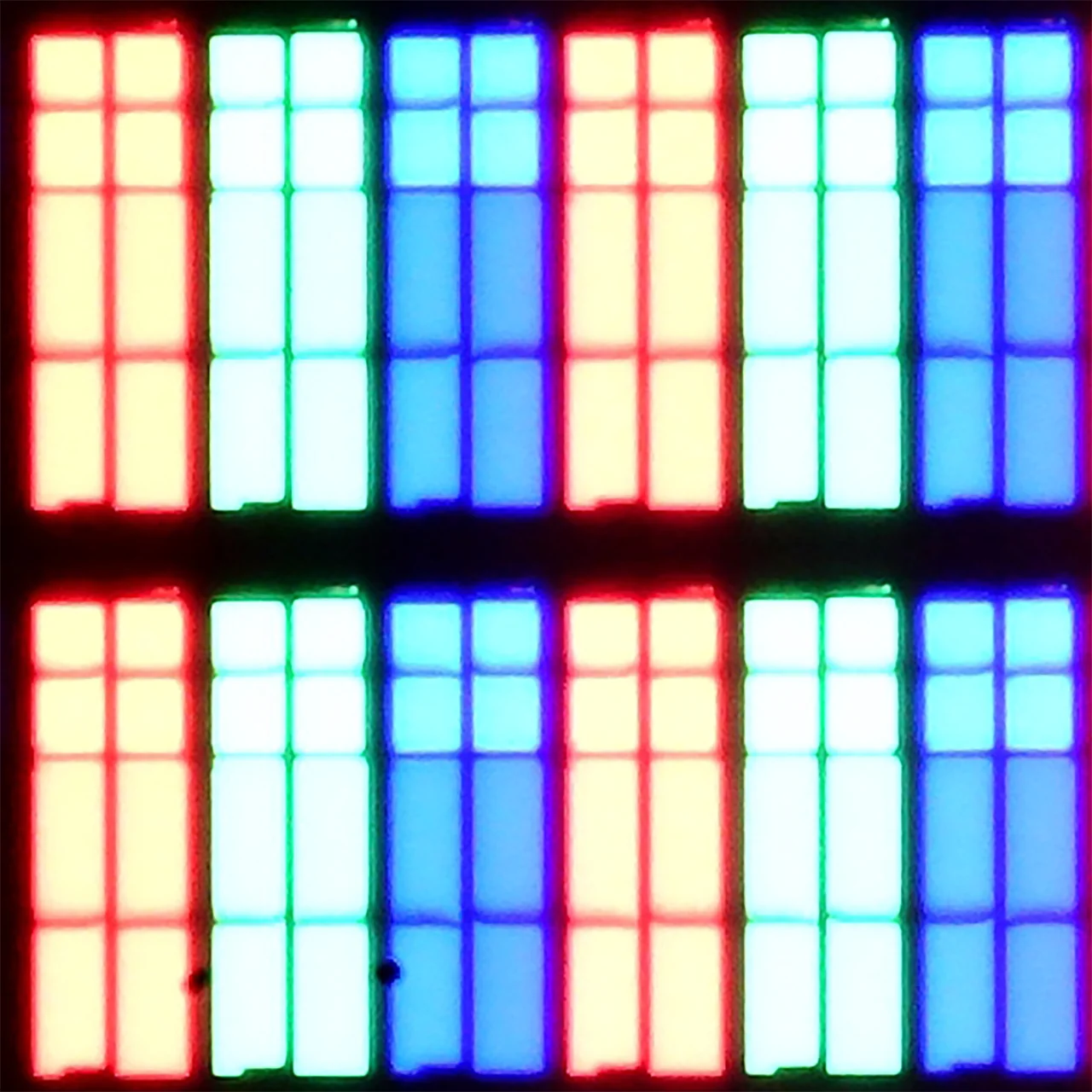
Subpixel Structure:
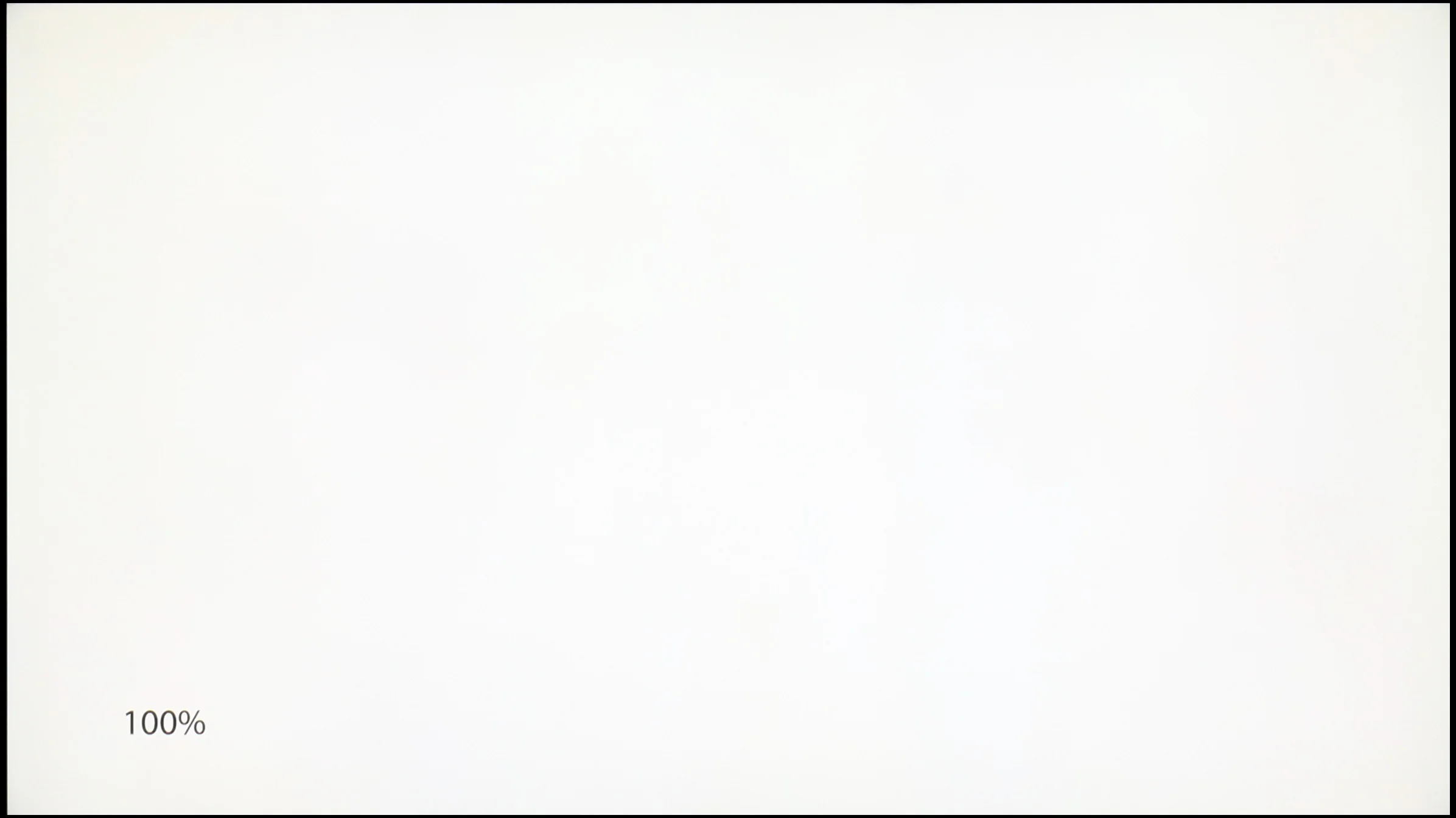
Panel uniformity and thermal imaging:
Hisense U7Q PRO
TCL RM7L
TV features
9.4/10
7.8/10
- SystemVIDAAGoogle TV
- System performanceGoodGood
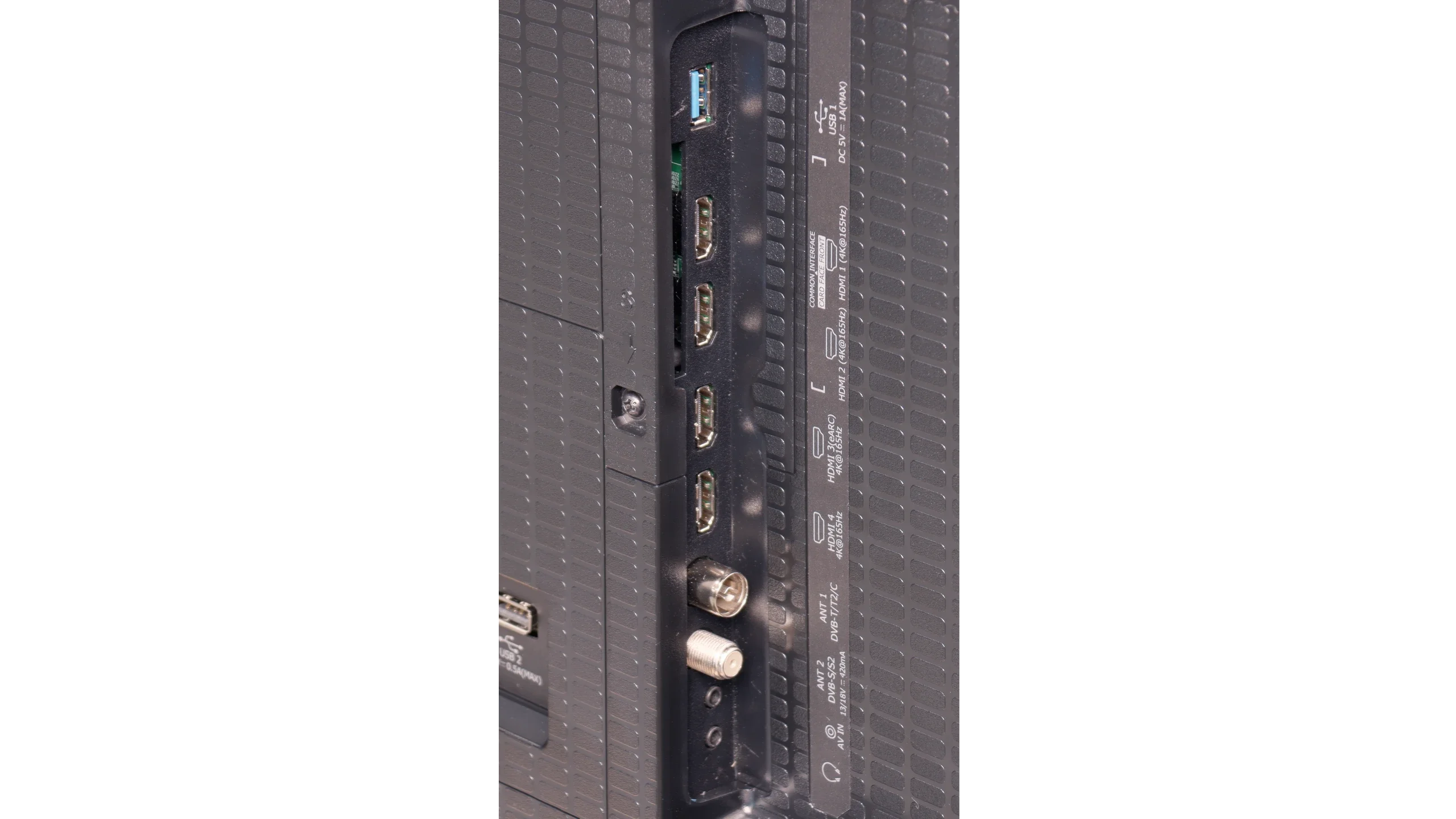
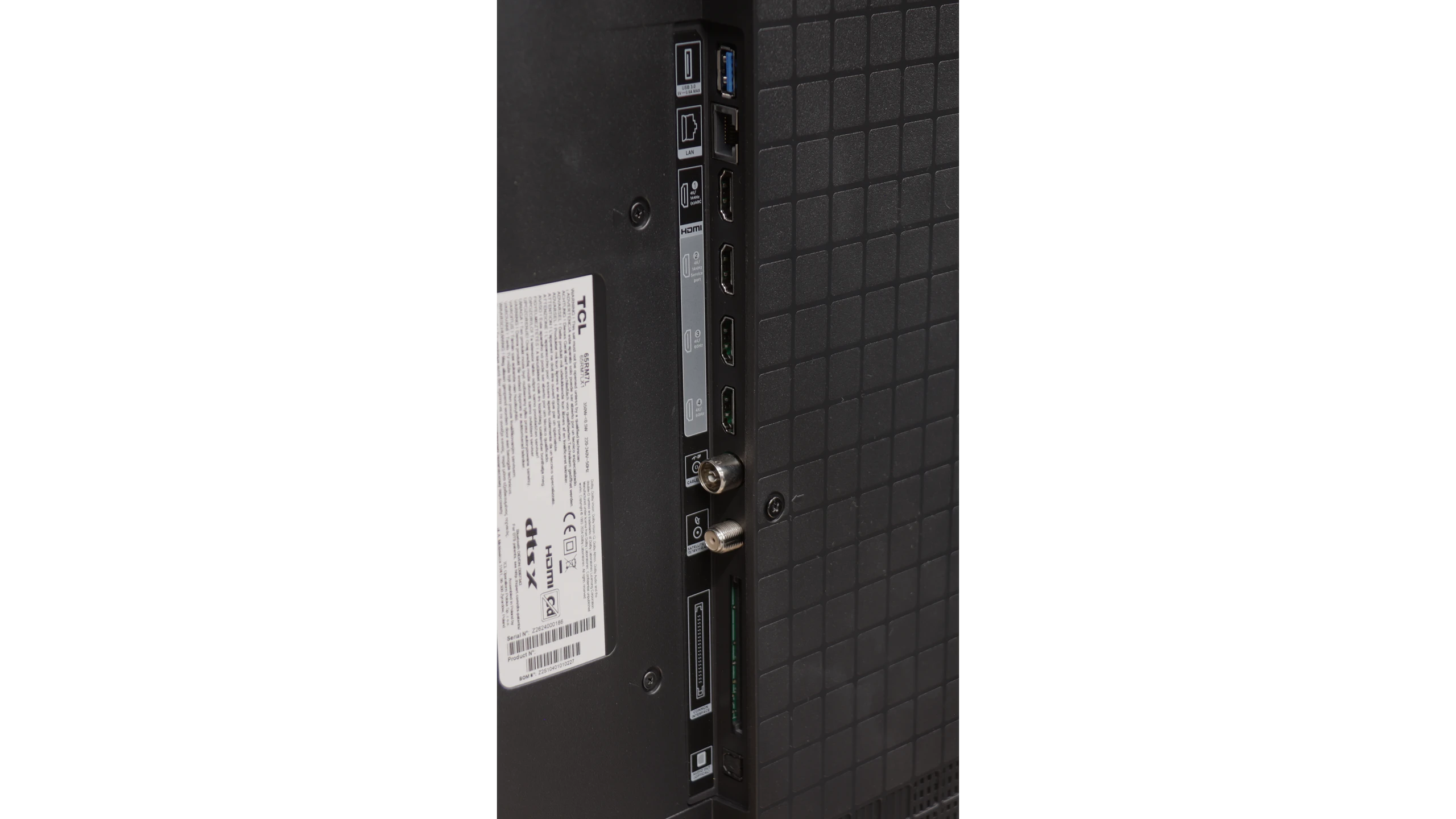
- HDMI inputs0 x HDMI 2.0, 4 x HDMI 2.1 48Gbps2 x HDMI 2.0, 2 x HDMI 2.1 48Gbps
- Other inputsRCA (Chinch)
- OutputsToslink (Optical audio), eARC (HDMI), ARC (HDMI), Mini-Jack (Headphones)Toslink (Optical audio), eARC (HDMI), ARC (HDMI)
- Network InterfacesWi-Fi 2.4GHz, Wi-Fi 5GHz, Ethernet (LAN) 100MbpsWi-Fi 2.4GHz, Wi-Fi 5GHz, Ethernet (LAN) 100Mbps
- TV receptionDVB-T, DVB-T2, DVB-S, DVB-S2, DVB-CDVB-T, DVB-T2, DVB-S, DVB-S2, DVB-C
Classic features:
- Recording to USB (terrestrial TV)
- Recording programming
- Picture in Picture (PiP)
- RF remote control (no need to aim)
- Backlit remote control
- Teletext
- Audio only mode
- Bluetooth headphones support
- Simultaneous Bluetooth headphones & TV audio
Smart features:
- AirPlay
- Screen mirroring (Windows Miracast)
- Voice search
- Voice search in native language
- Ability to connect a keyboard and mouse
Sound connection options
- HDMI audioeARC (HDMI), ARC (HDMI)eARC (HDMI), ARC (HDMI)
- Other audio outputsToslink (Optical audio), Mini-Jack (Headphones)Toslink (Optical audio)
- Wireless audioBluetoothBluetooth
Supported audio formats (external HDMI eARC audio):
- Dolby Digital Plus 7.1
- Dolby True HD 7.1
- Dolby Atmos in Dolby Digital Plus (JOC)
- Dolby Atmos in Dolby True HD
- DTS:X in DTS-HD MA
- DTS-HD Master Audio
Senior accessibility
- Numeric keyboard on TV
- Font size adjustment
- Audio description
Classic features of U7Q PRO
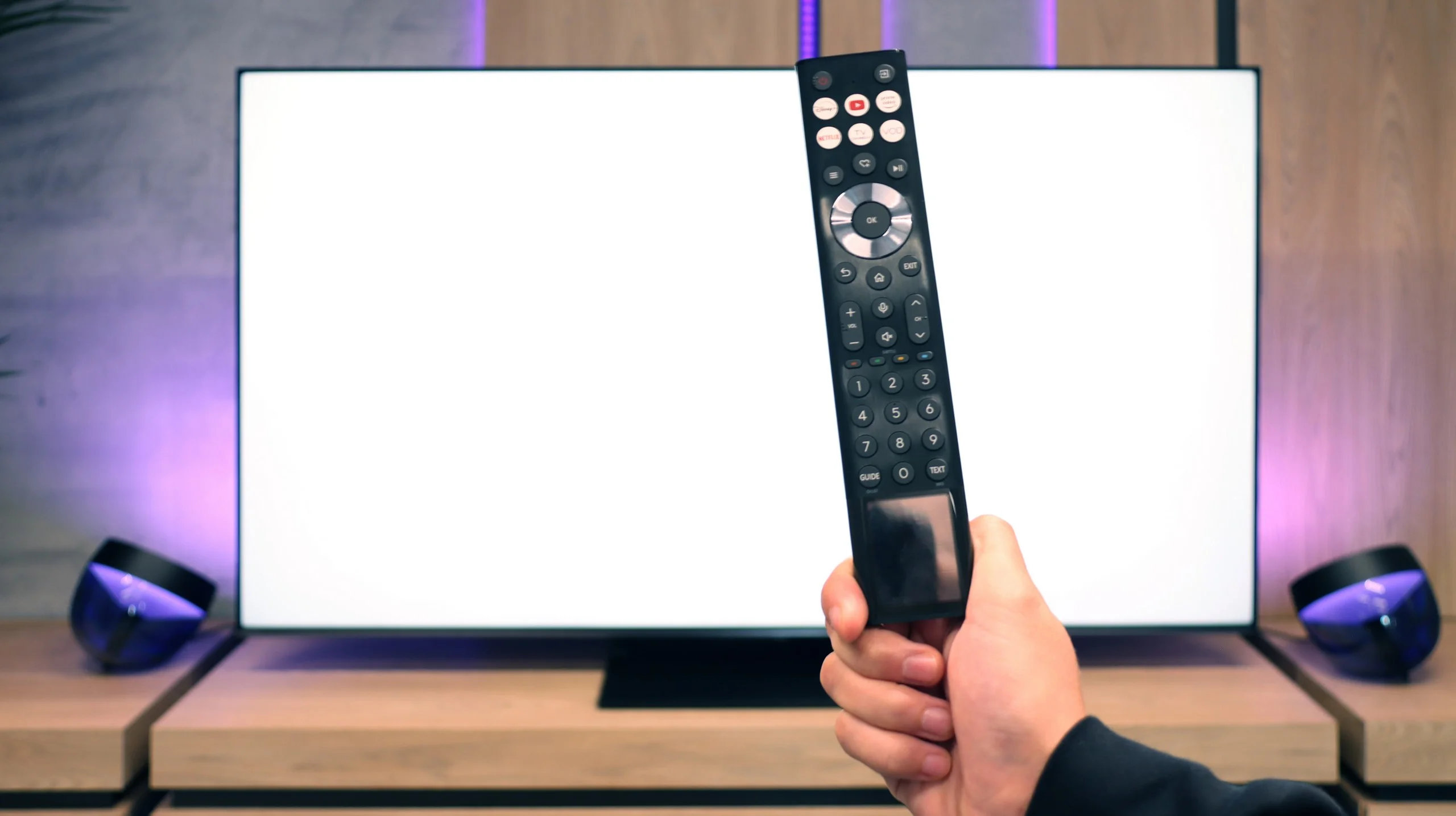
If you plan to use the television in a more "classic" way, that is, for watching daily programs or connecting headphones, the Hisense U7Q PRO has almost everything you could expect. The television easily supports recording to USB, you can connect headphones via Bluetooth, and the remote control is backlit, which is still not standard even in more expensive models. While many people today are foregoing these classic features in favour of streaming apps, it's good to know that the U7Q PRO still does this well and without compromises (aside from the lack of PiP functionality).
SmartTV System: Vidaa
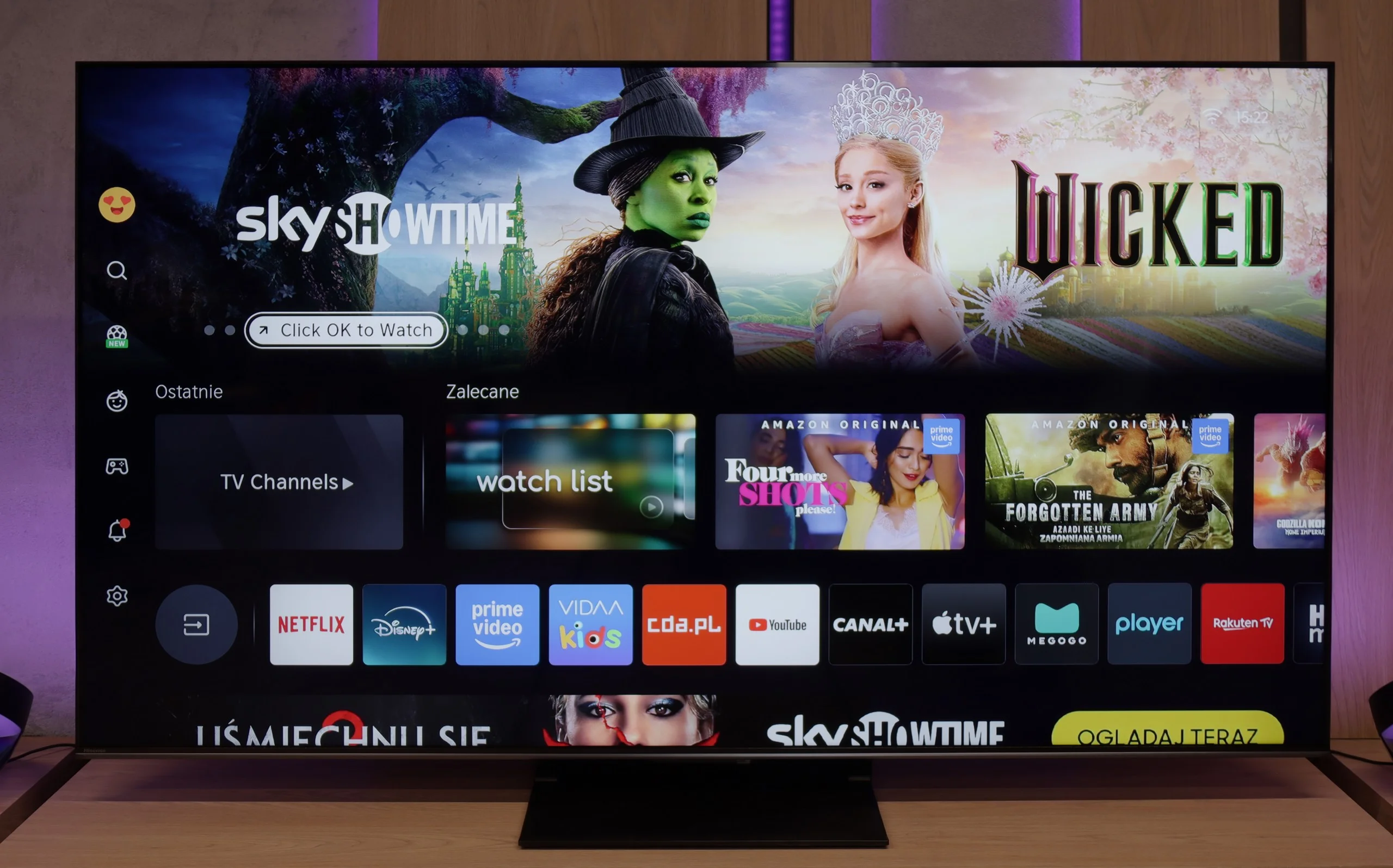
When it comes to smart features, in Europe this model runs on the VIDAA system. The system operates smoothly, has a built-in web browser, supports voice control (also in Polish), and includes AirPlay, which will please users of Apple devices. However, it should be noted that VIDAA is a closed system, so you won't find all the popular apps that we've become accustomed to with Android TV or Google TV. Before purchasing, it's worth checking whether the apps you actually use are available.
Smart TV features
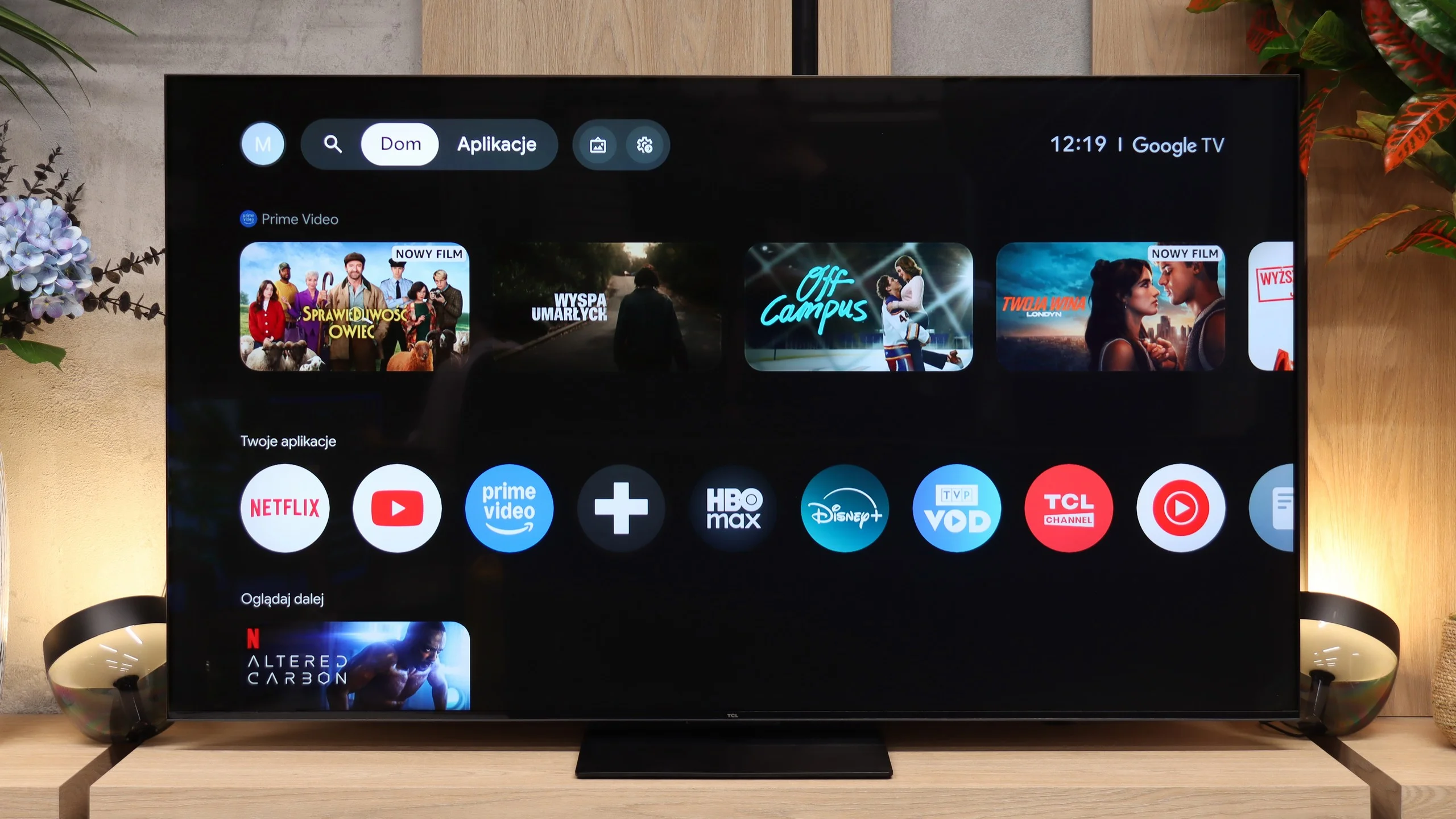
The RM7L runs on Google TV, and that's great news, because it's one of the most polished systems on the market today. The store has practically everything: from the big streaming platforms to lesser-known apps, so you really don't need to worry about a lack of content. It also includes the classics, Chromecast and AirPlay, which let you easily cast or mirror your phone's screen to the big display. An interesting change is the replacement of the previous Google Assistant with Gemini. The new "artificial brain" better recognises natural speech and can answer questions far more sensibly. Everything runs smoothly and delivers exactly what we expect from a TV today.
Traditional TV
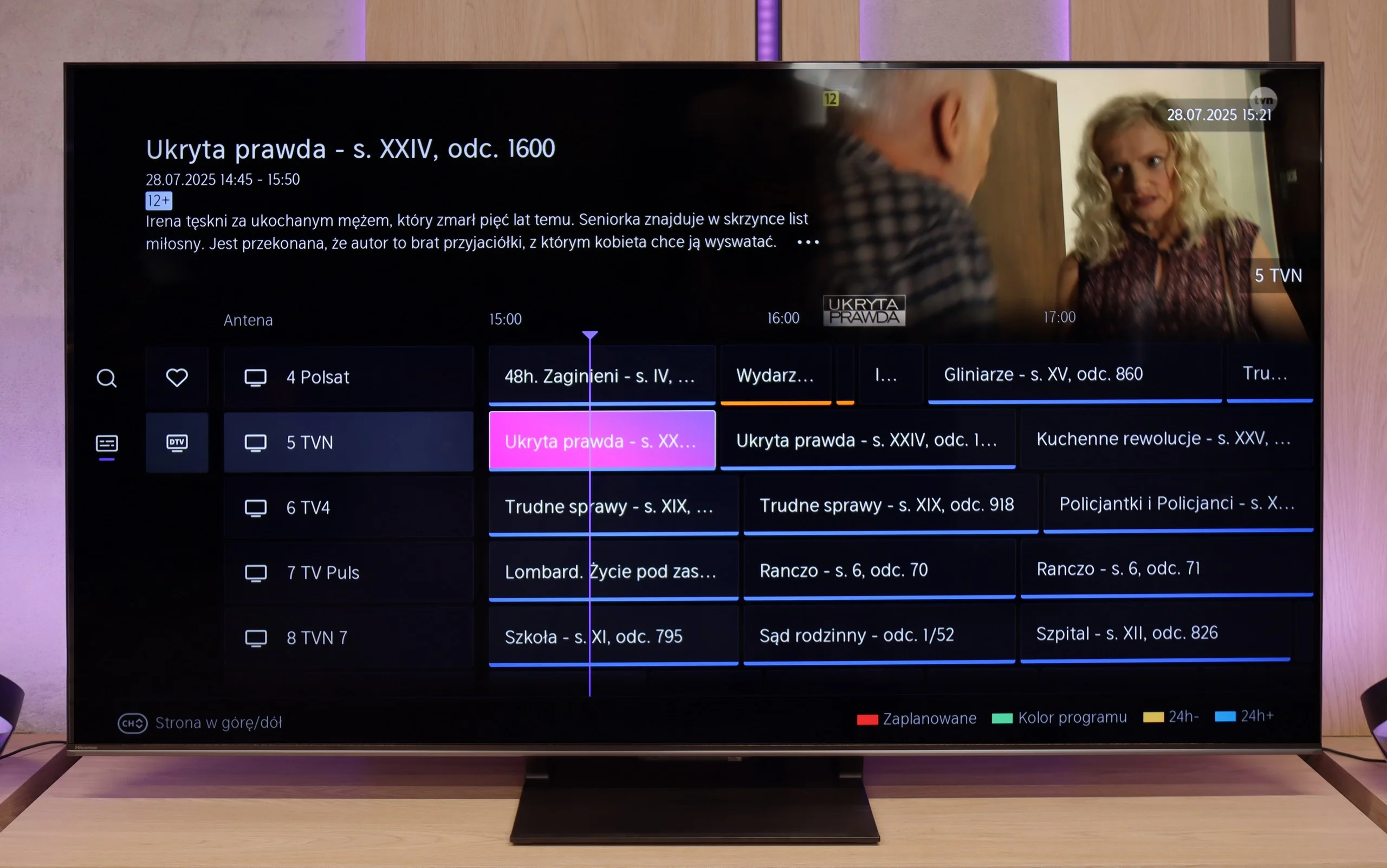
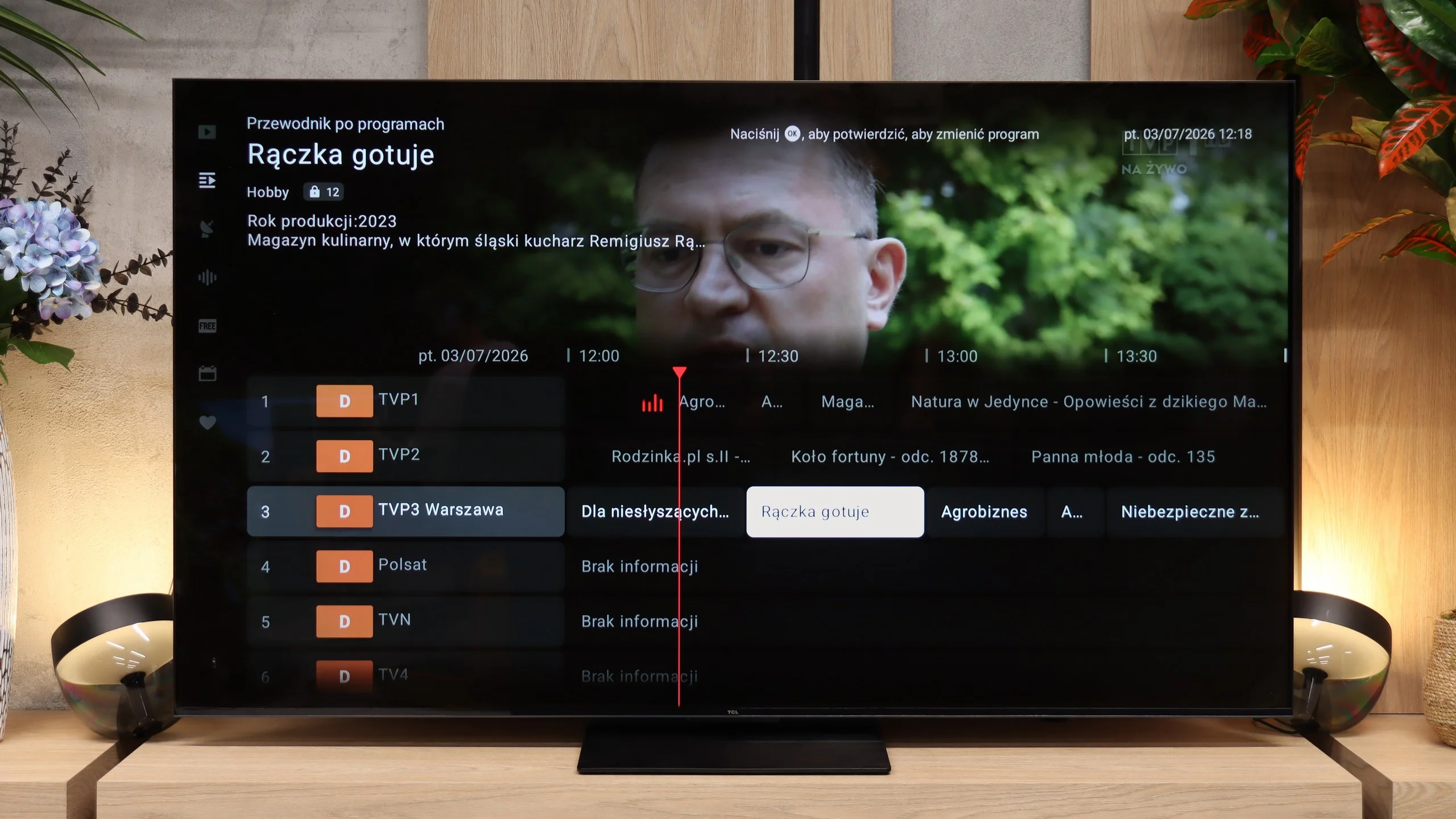
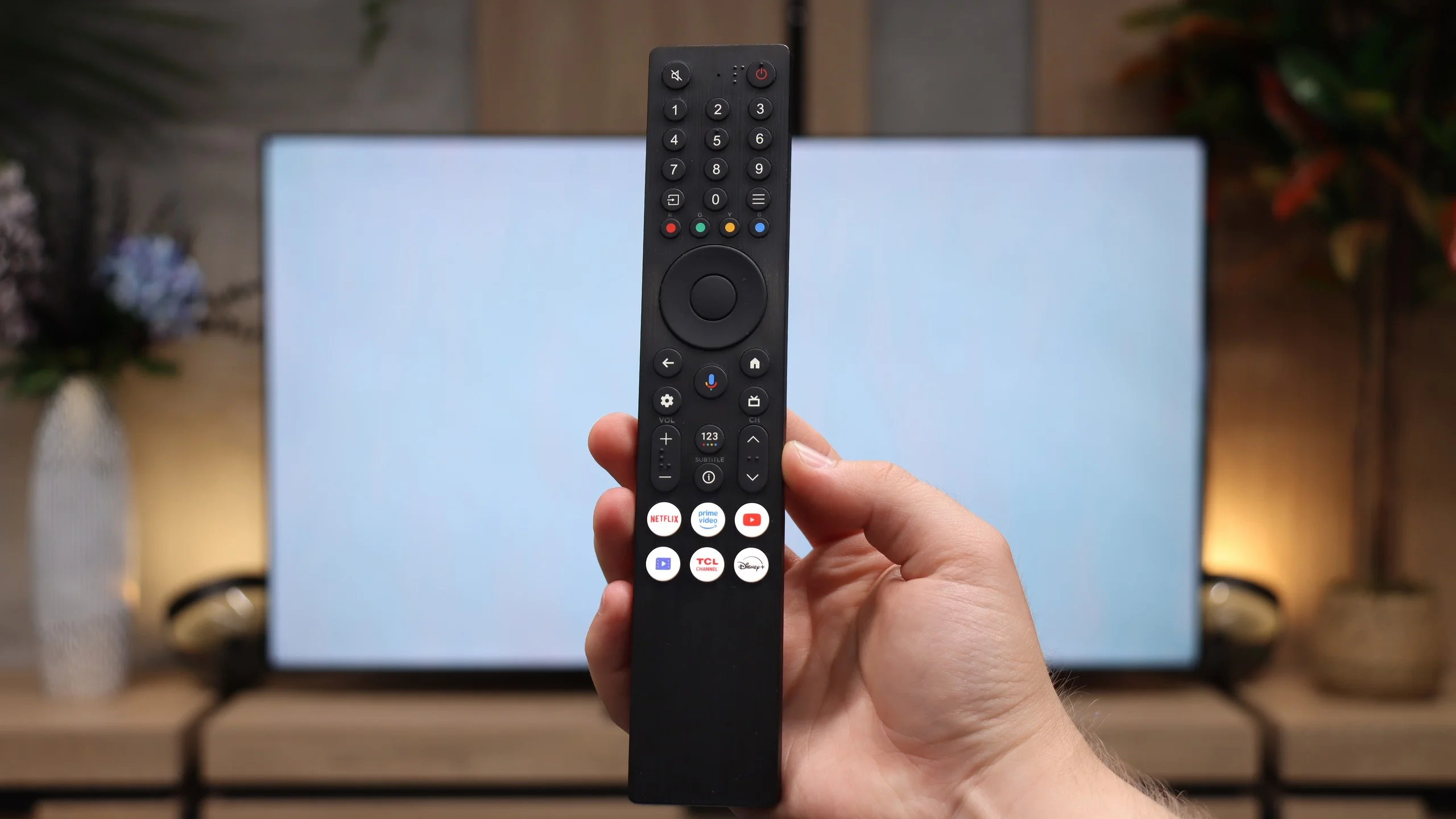
If someone prefers to flick through channels rather than stream, they'll be pleased to find a conventional remote. It has a full numeric keypad and plenty of physical buttons, so operating the TV is quite simple without having to dig through on-screen menus. As for the TV's core features, it's solid. The programme guide (EPG) and changing channels work flawlessly, though you won't find extra features like PiP or PVR.
Apps
7.7/10
9.6/10






















Playing files from USB
8.2/10
9.4/10
Supported photo formats:
Maximum photo resolution:
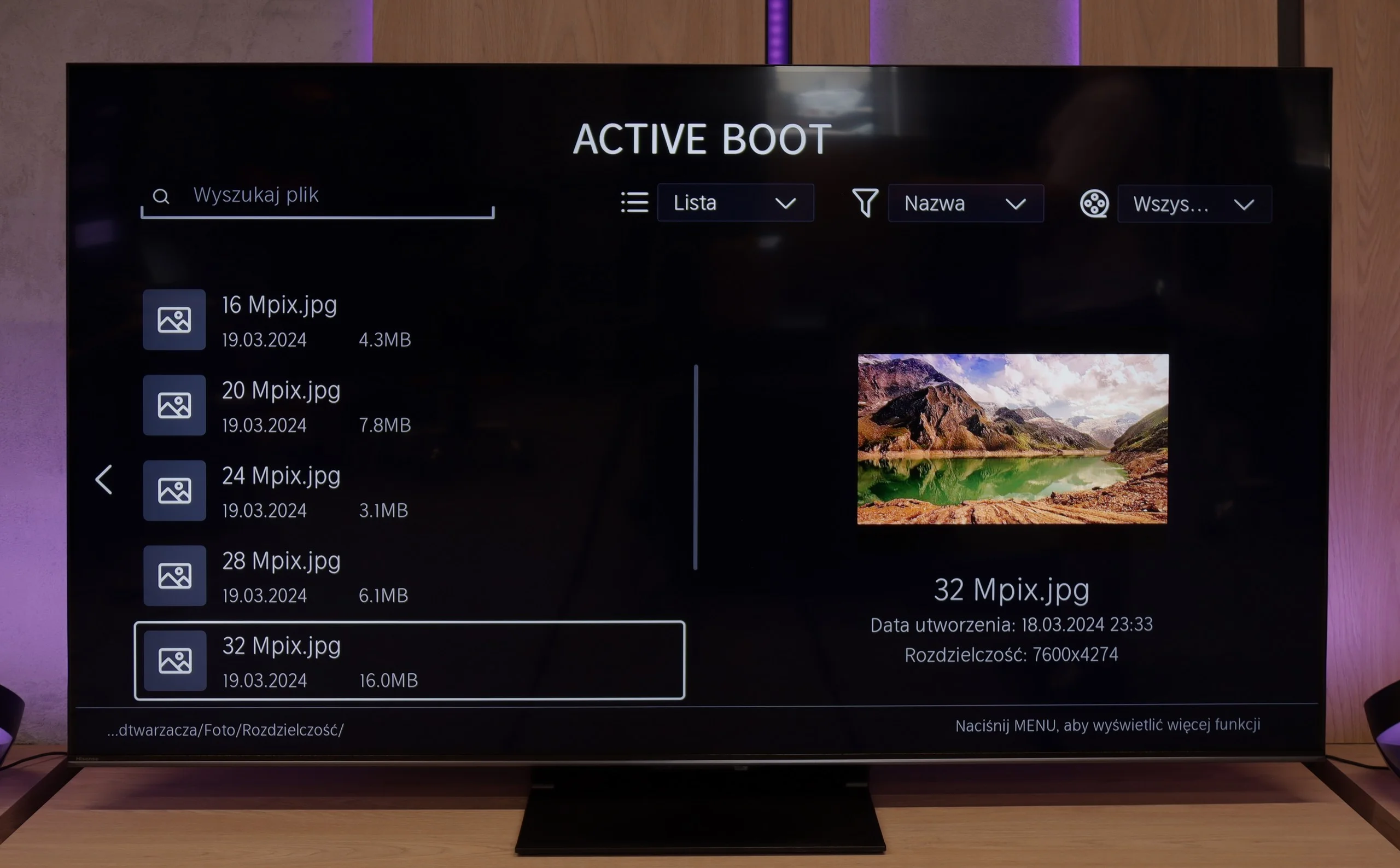
The built-in media player in the VIDAA system worked very efficiently and seamlessly on our U7Q PRO unit. The television had no trouble reading external video and audio files, as well as subtitles, making it convenient to watch movies from a USB drive or external hard drive. Most popular formats worked flawlessly, so there was no need to convert anything. The only complaint is a certain selectiveness in handling high-resolution images – not all of them opened. Therefore, you will find a detailed list of supported image resolutions (Mpix) in our comparison table.
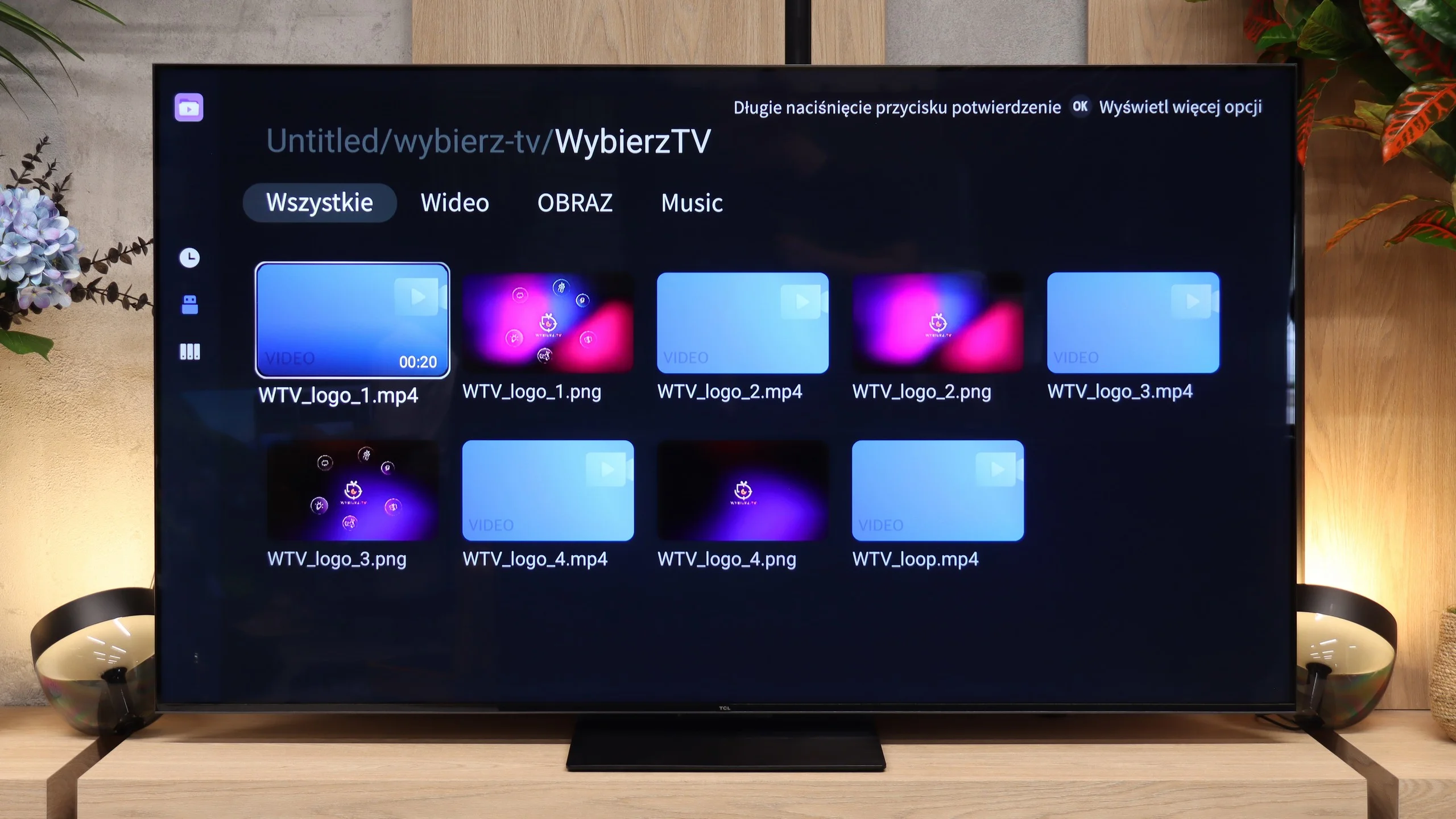
The RM7L's file player performs very well. The TV handled most of the test material with no problems, whether movies, photos or music. Shortcomings do occur, of course, but they mainly affect less common formats. In practice, most people will be fine without installing an extra media player.
Sound
7.8/10
7.8/10
- Maximum volume85dB88dB
- Dolby Digital Plus 7.1
- Dolby True HD 7.1
- Dolby Atmos in Dolby Digital Plus (JOC)
- Dolby Atmos in Dolby True HD
- DTS:X in DTS-HD MA
- DTS-HD Master Audio
For built-in TV speakers, the U7Q PRO sounds surprisingly good. The audio is clear, with distinct mid and high tones, and while the bass is somewhat limited, it doesn’t completely disappear. One could say that for "TV speakers," the level is more than satisfactory. However, it’s worth noting that in our test unit, we couldn't play DTS:X audio from local files – the TV simply doesn’t support it. This means that if you’re counting on a cinematic surround effect solely from its built-in speakers, there might be a bit of a letdown. Thankfully, the TV seamlessly transmits DTS signals to an external amplifier, so if you have a home theatre – just connect it up and everything works as it should.
Unlike the higher C7L, C8L or X11L series, the RM7L doesn't include an audio system branded by Bang & Olufsen. TCL has gone with an Onkyo speaker setup here, supported by "Ultra Bass" technology. The difference is also visible in the build. Instead of metal grilles they used simpler plastic covers. Does that affect sound quality? In our view, not as much as you might think. The RM7L simply sounds good, with a slightly different character to the C7L. Dialogue is clean and clear, and the TV can easily fill a larger living room. The amount of bass is also a plus. For a TV in this class there's quite a bit of bass and it doesn't sound completely flat.
Our measurements back this up. Maximum loudness reaches around 88 dB, which is a very good result, and the frequency response remains relatively even. Only above about 7 to 8 kHz do we see a more noticeable drop in output, so the highest frequencies aren't as well reproduced. That said, for a TV of this class the RM7L offers a surprisingly pleasant sound and most users won't have cause to complain.
Sound Quality Test
Acoustic Measurements
85dBC (Max)
75dBC
88dBC (Max)
75dBC
Reader comments
Comments are provided by the external service Disqus (Zeta Global). Once loaded, Disqus may set cookies and process data about your activity.
We will remember your choice on this device. Provider's privacy policy