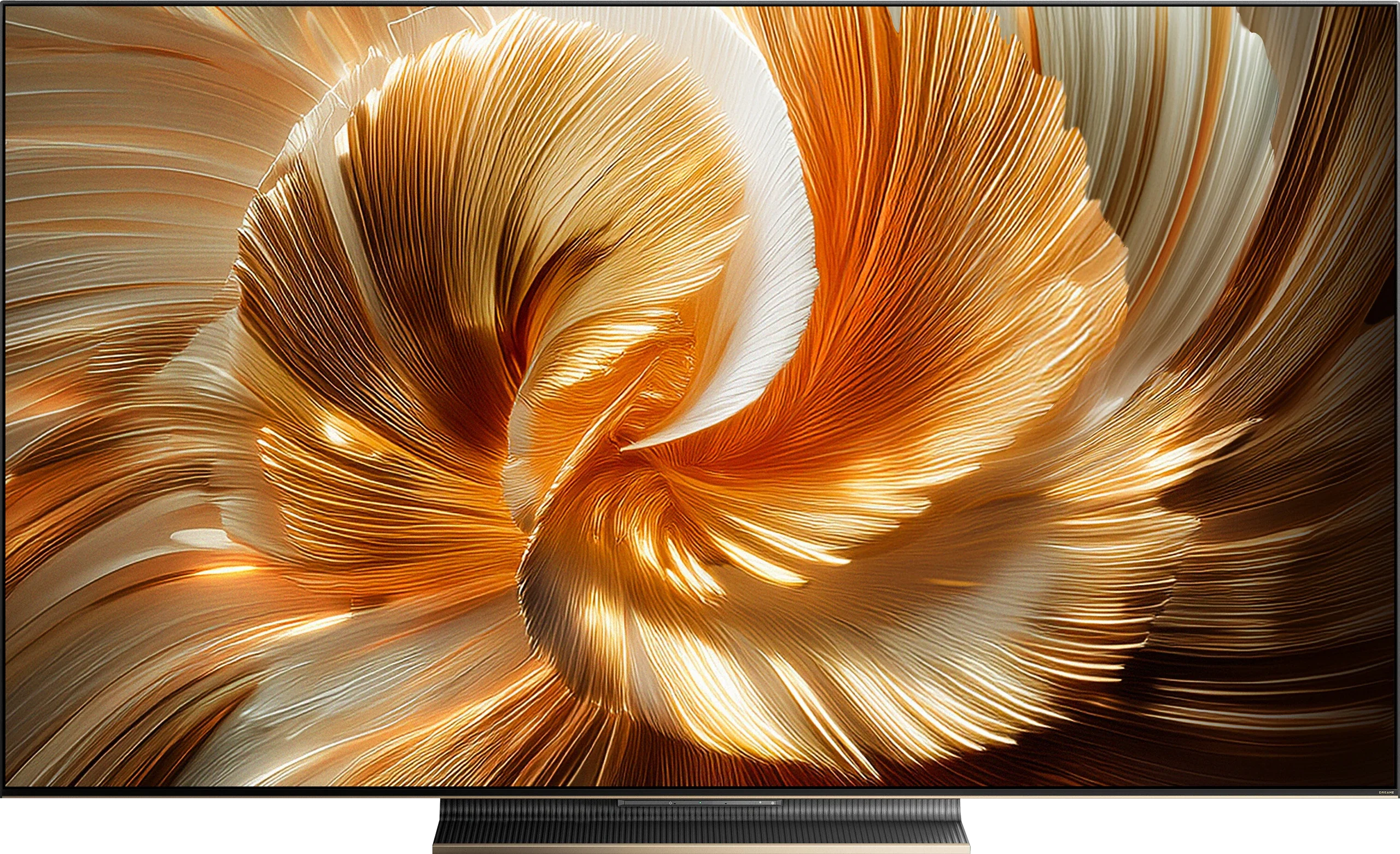
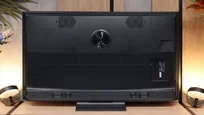
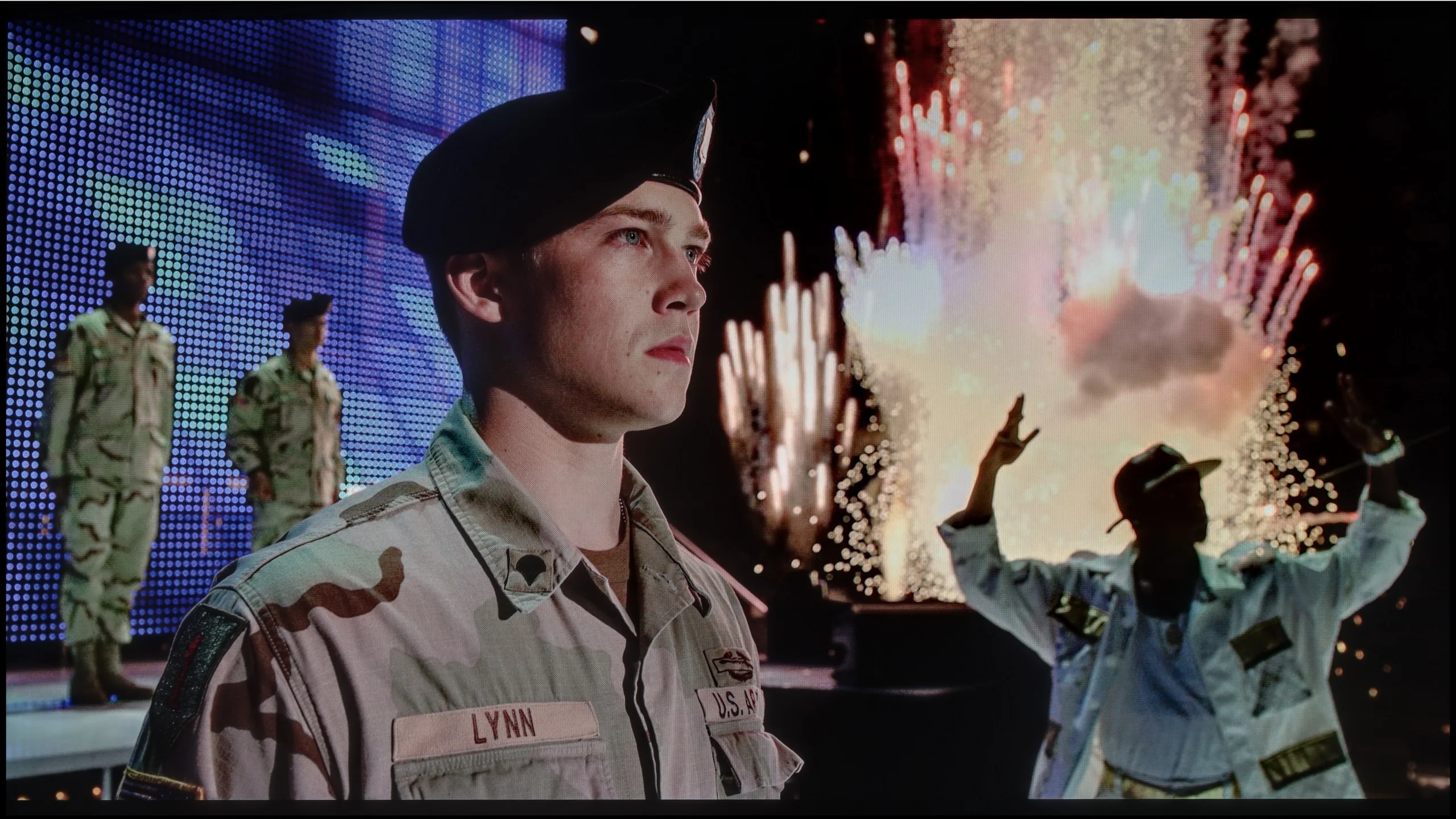
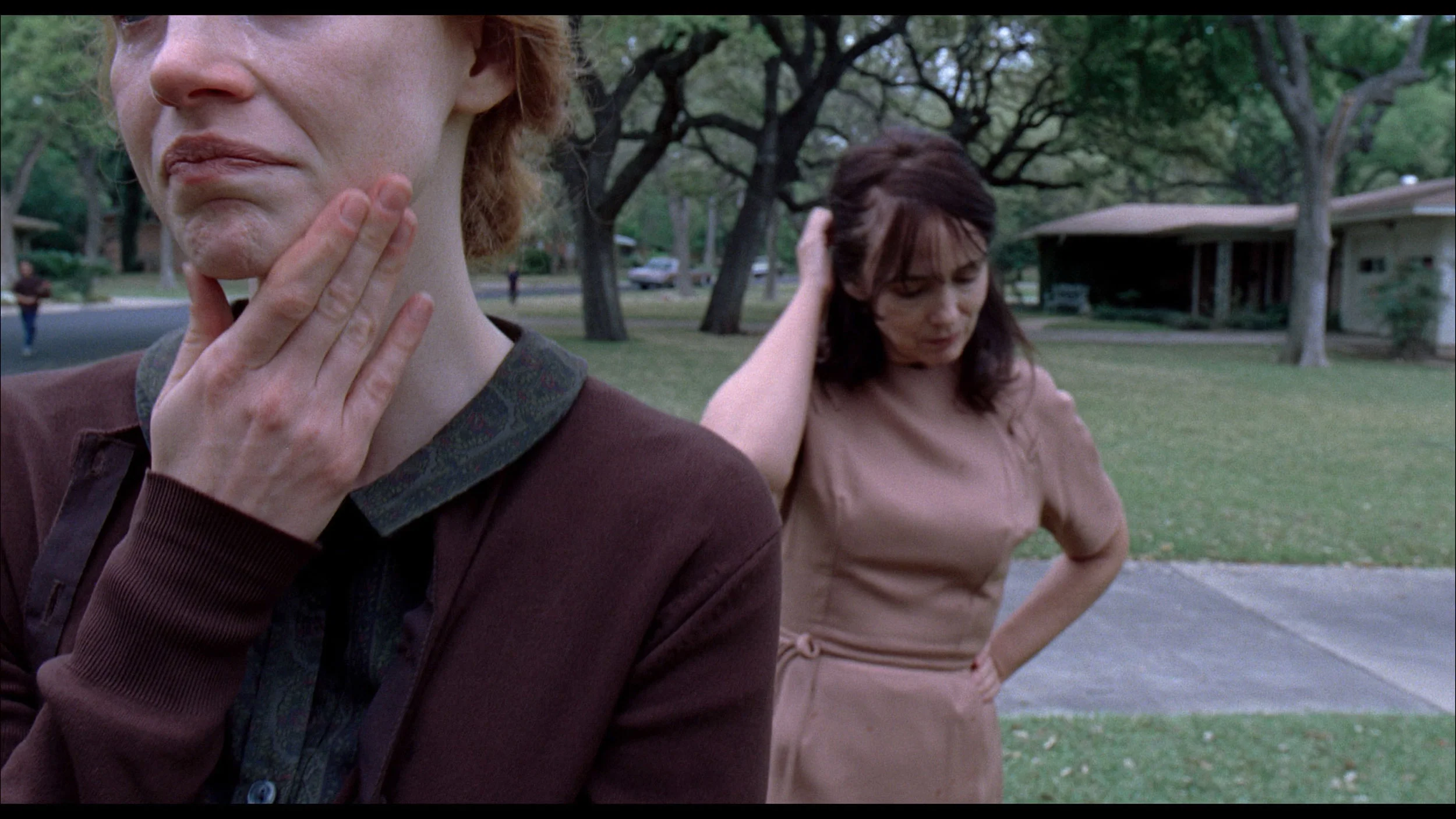
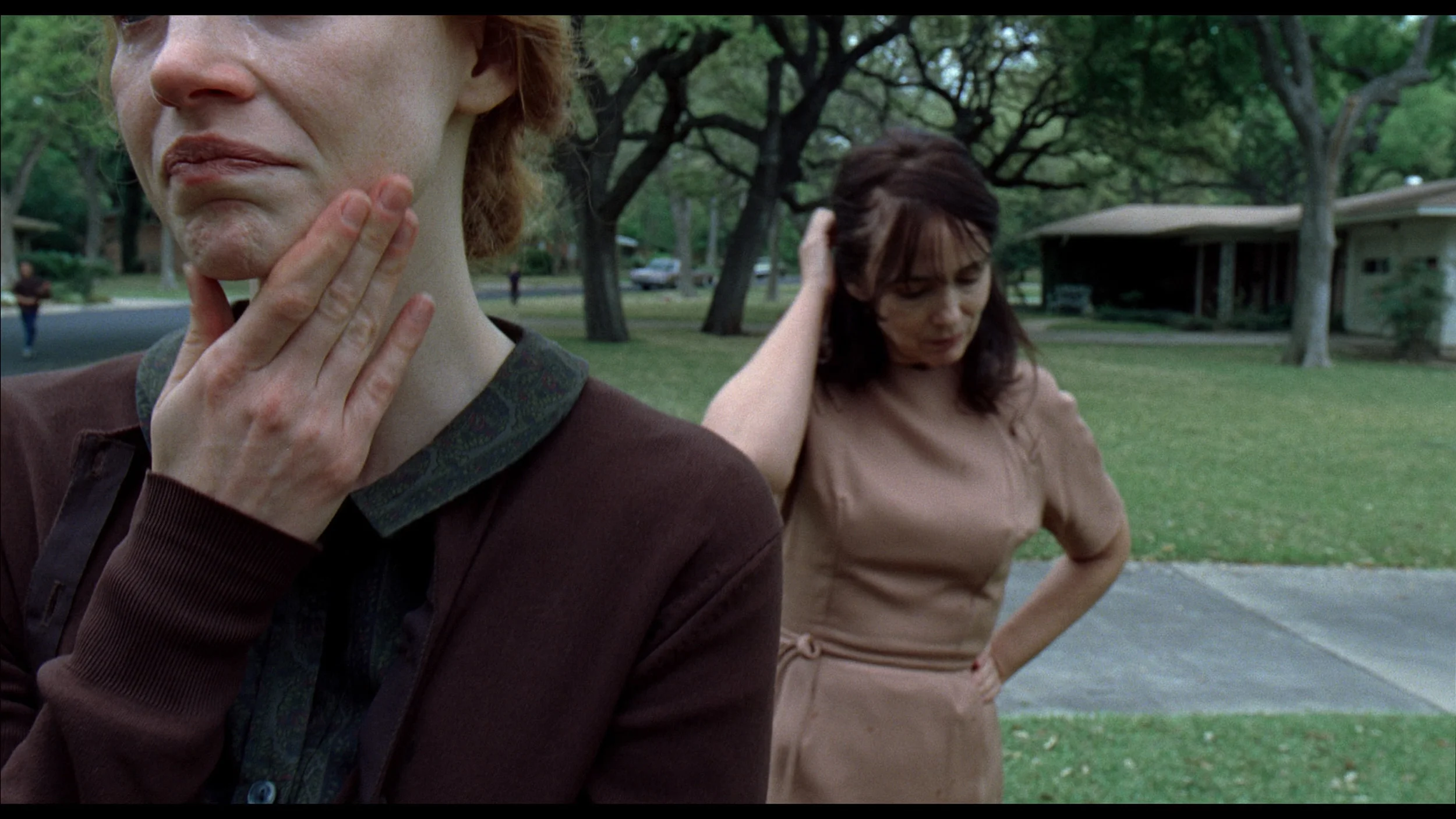
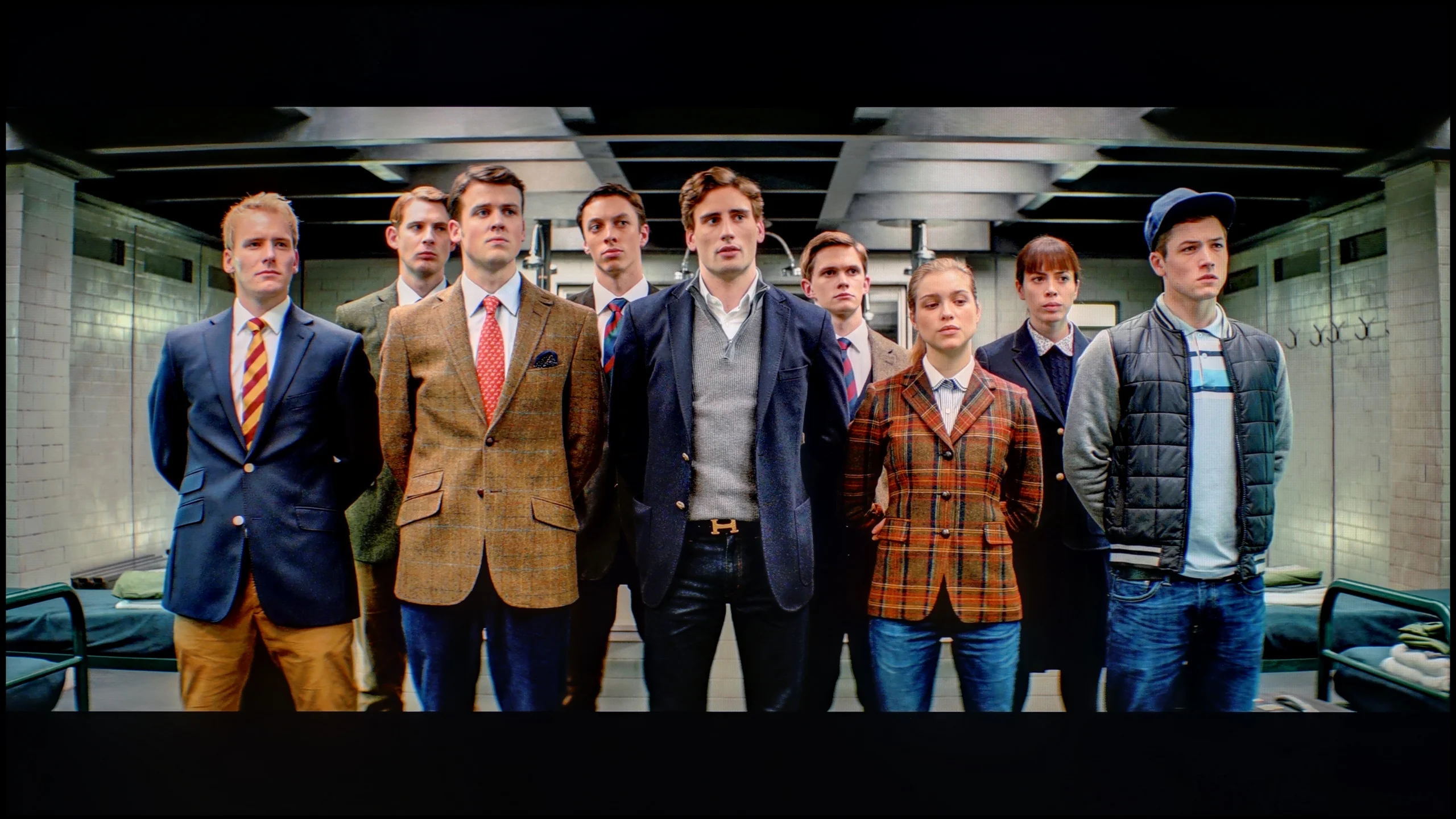
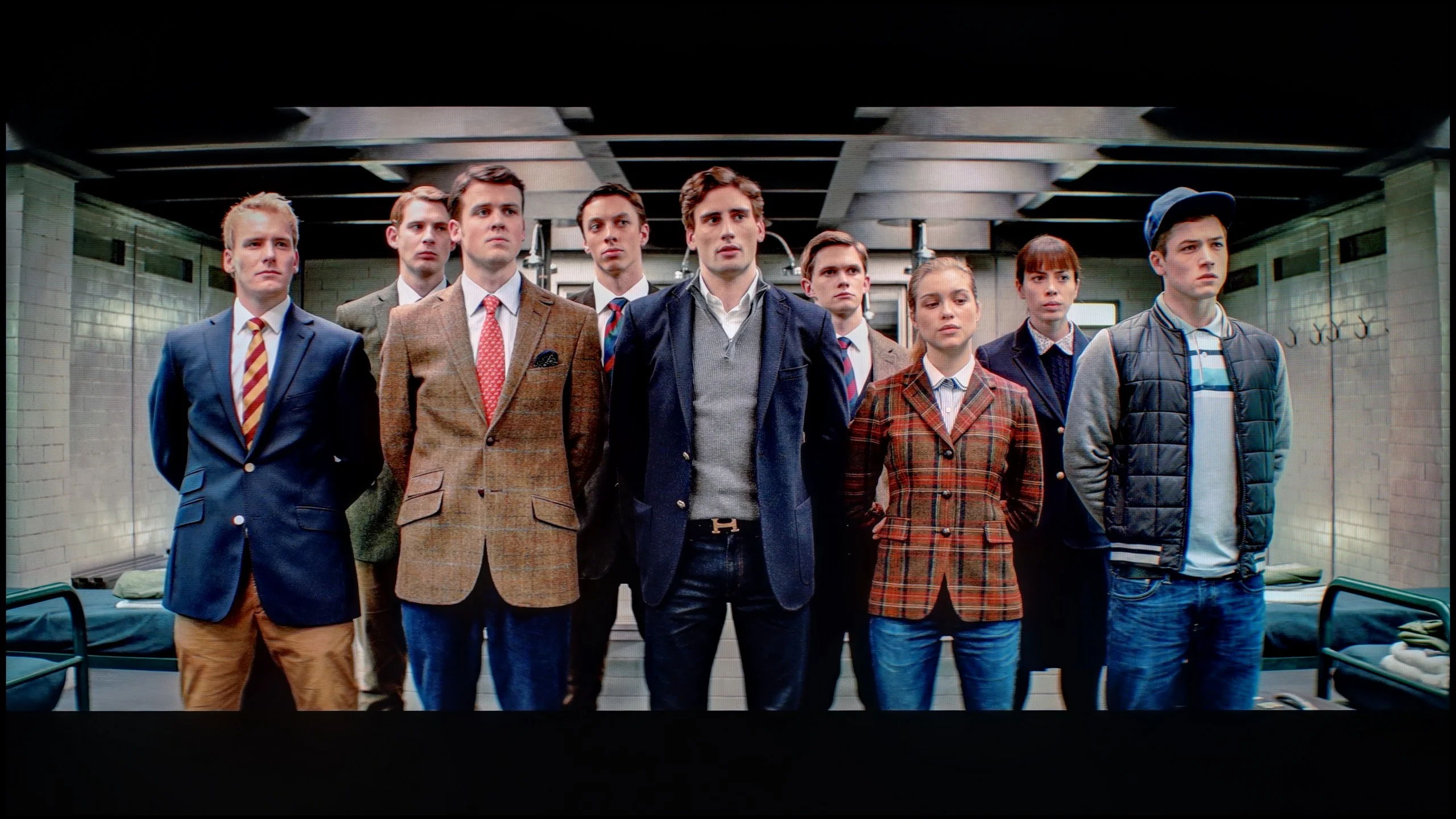
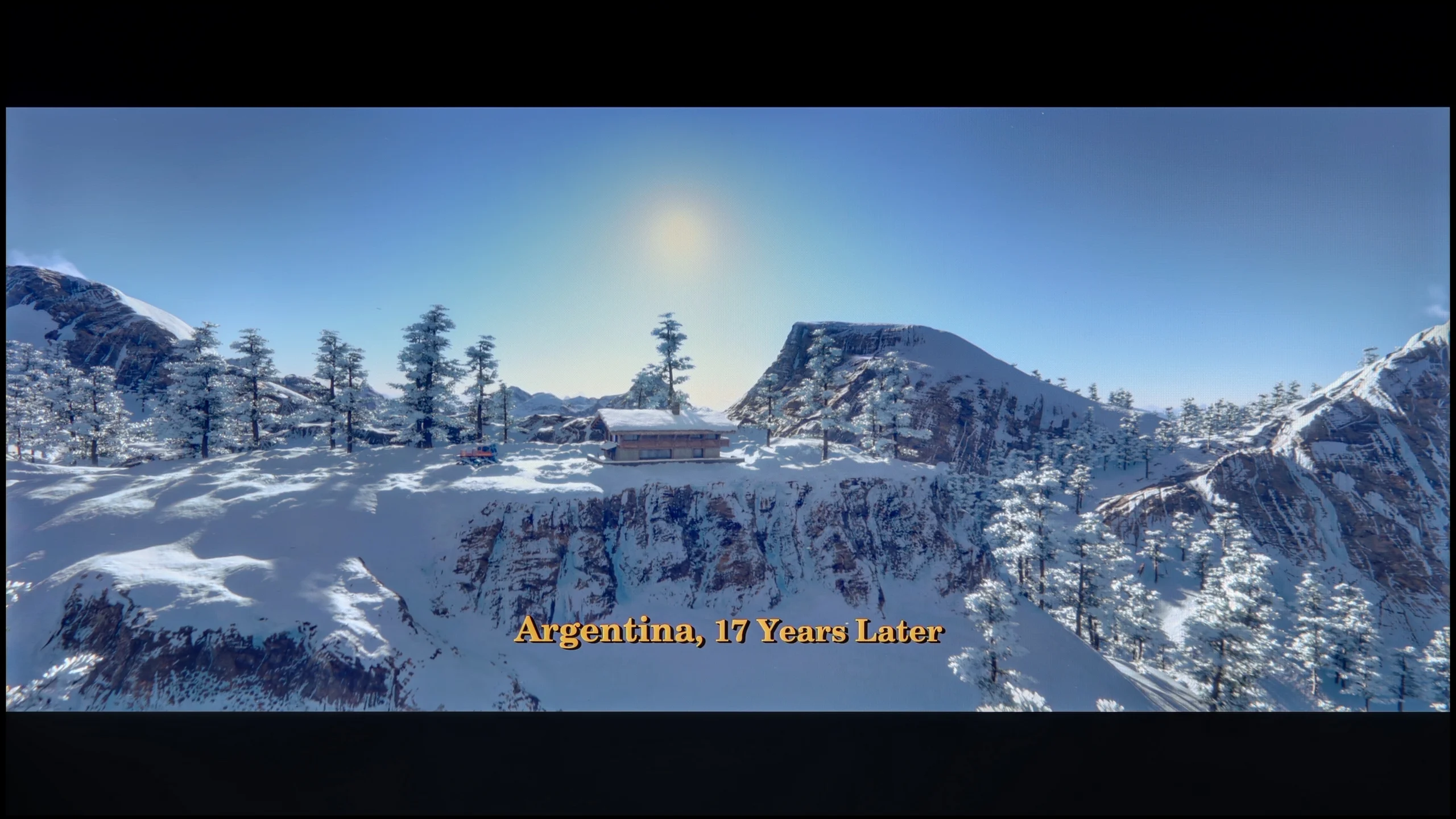
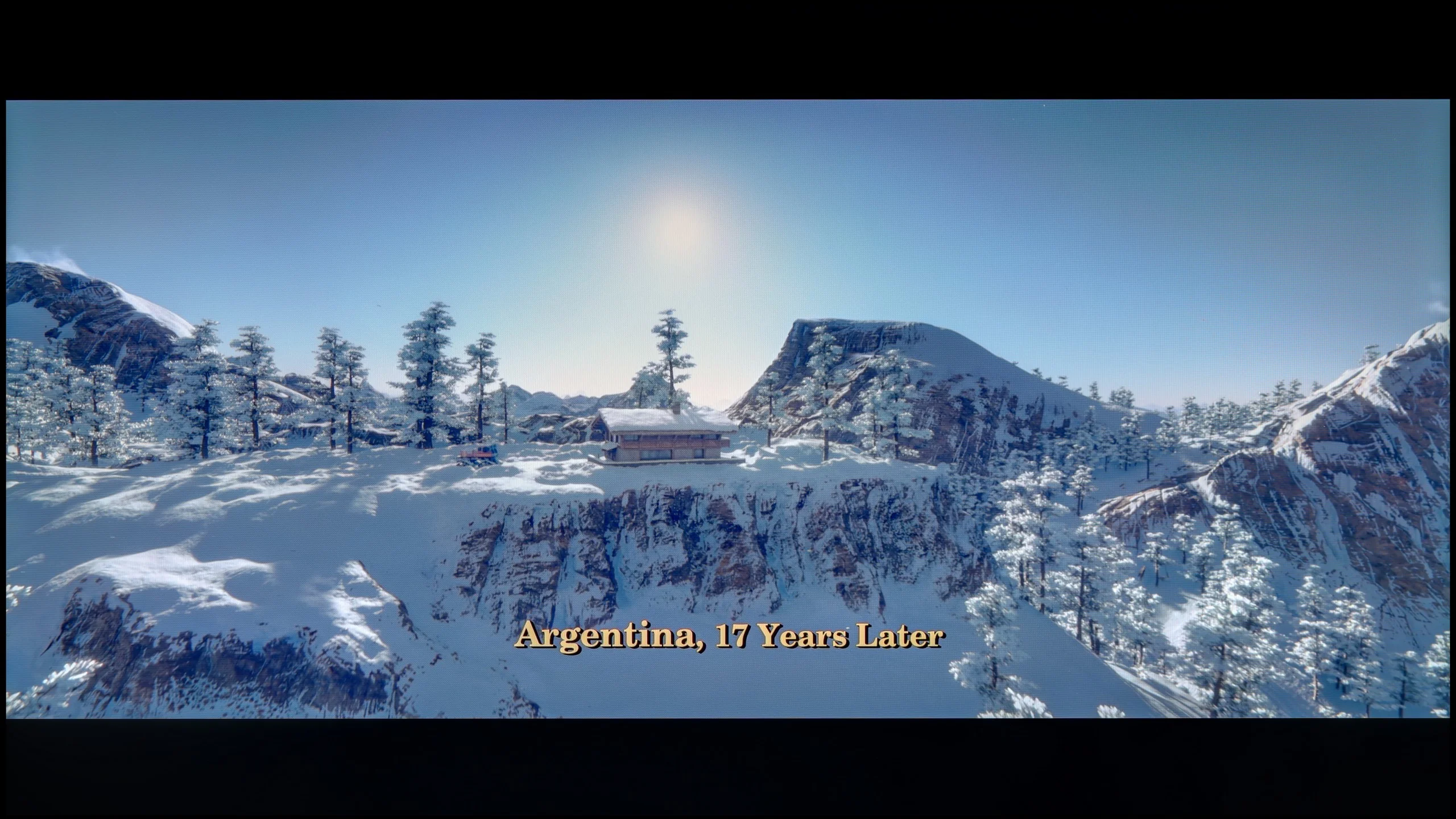
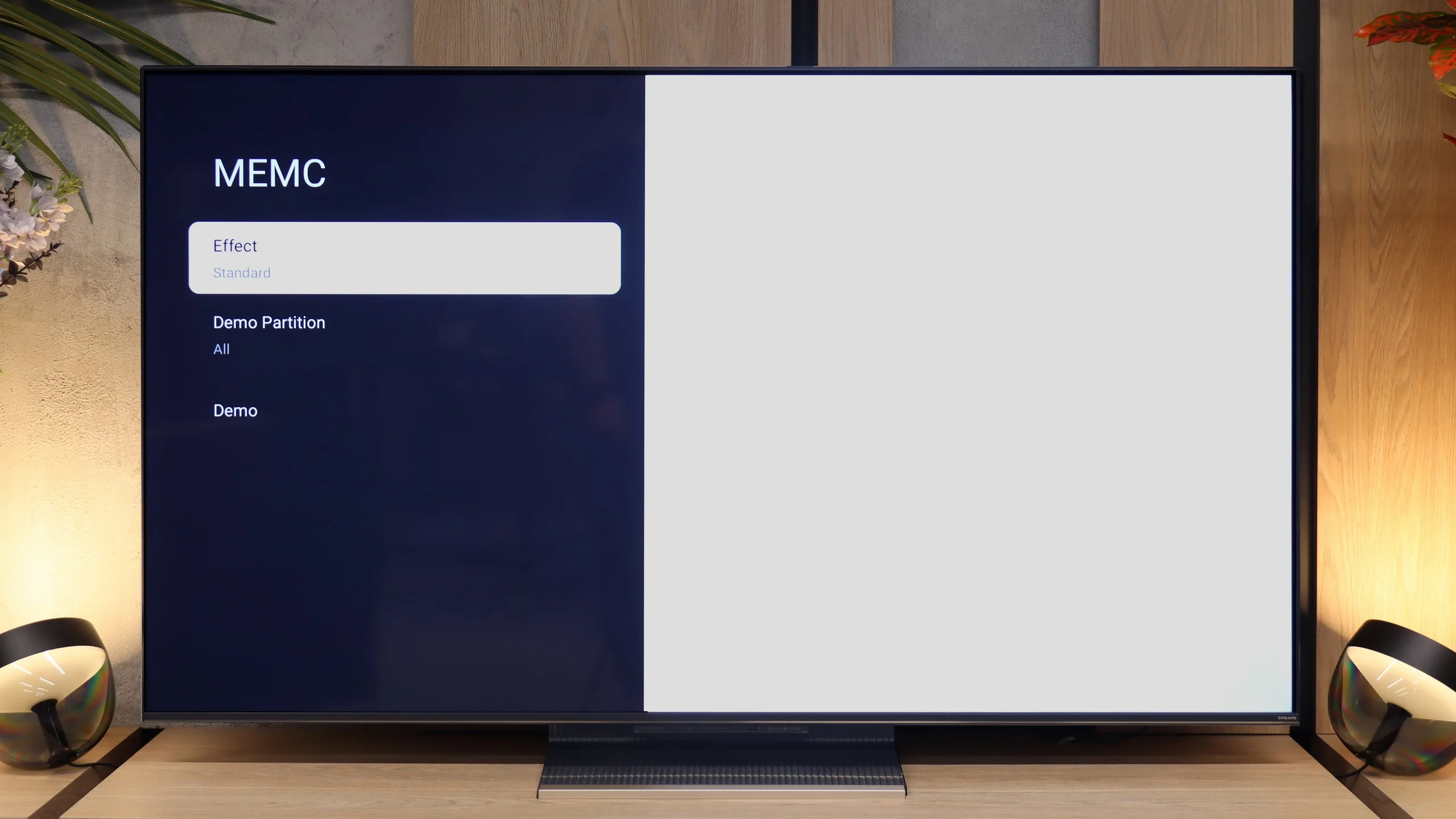
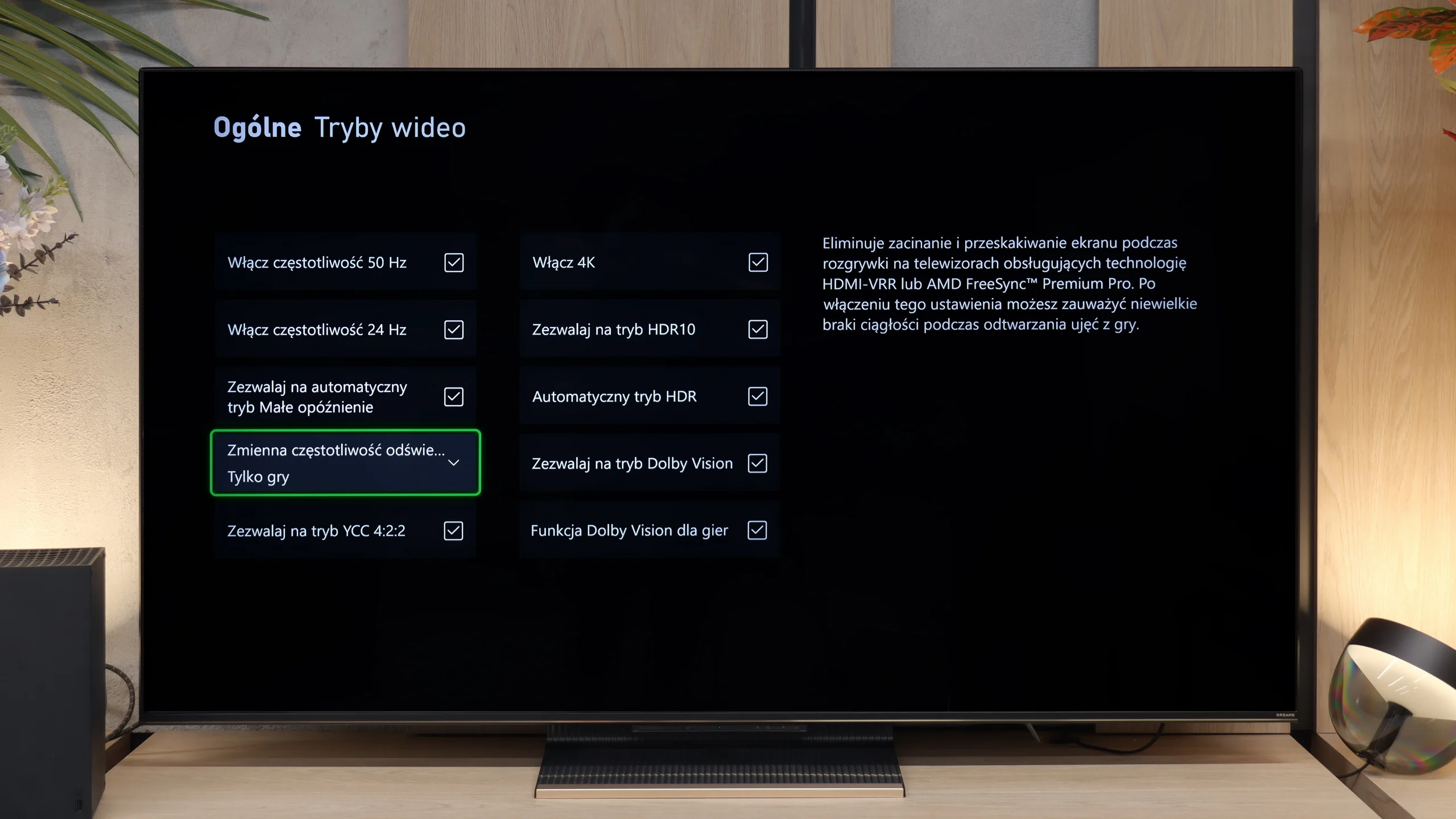
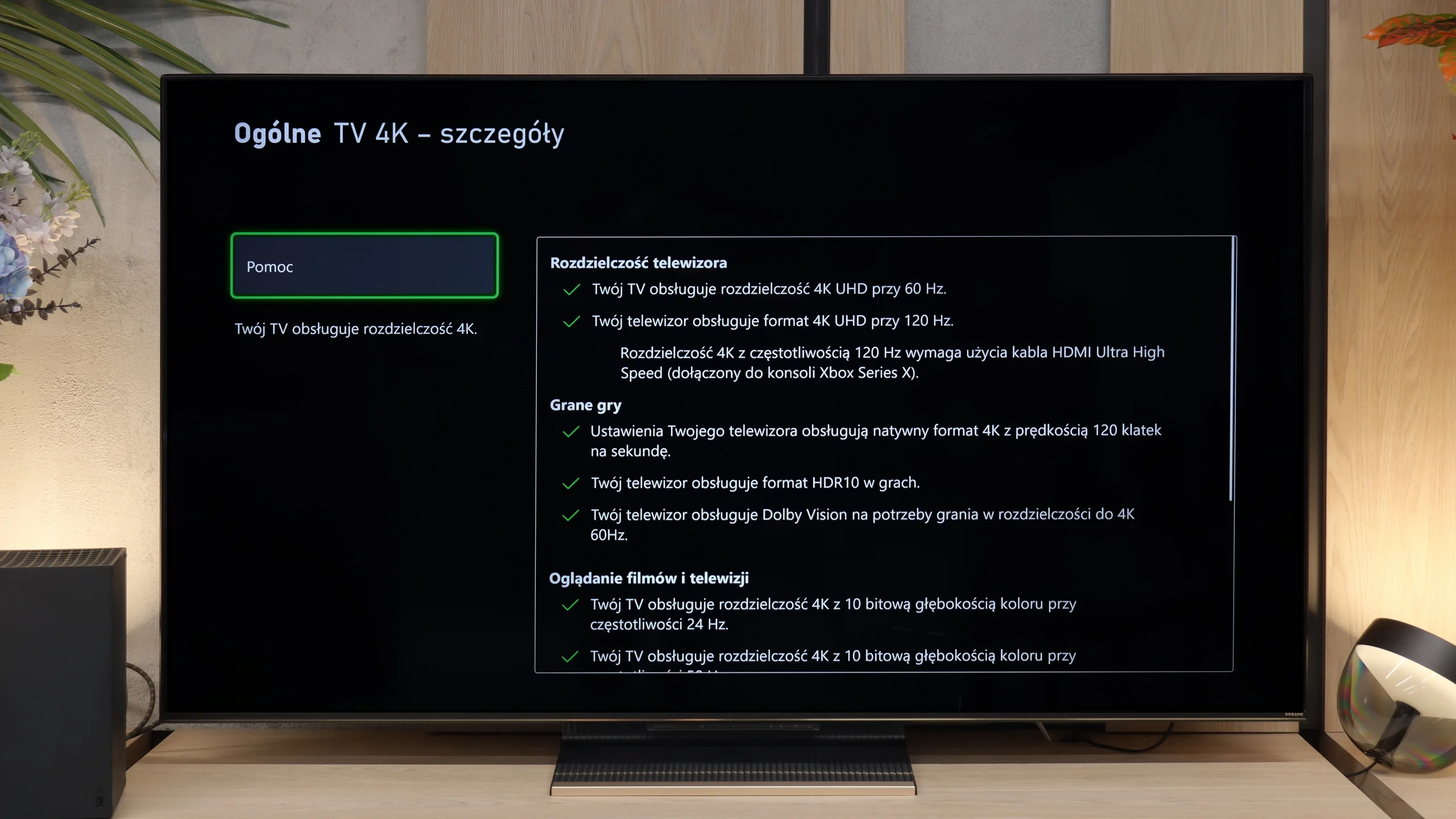
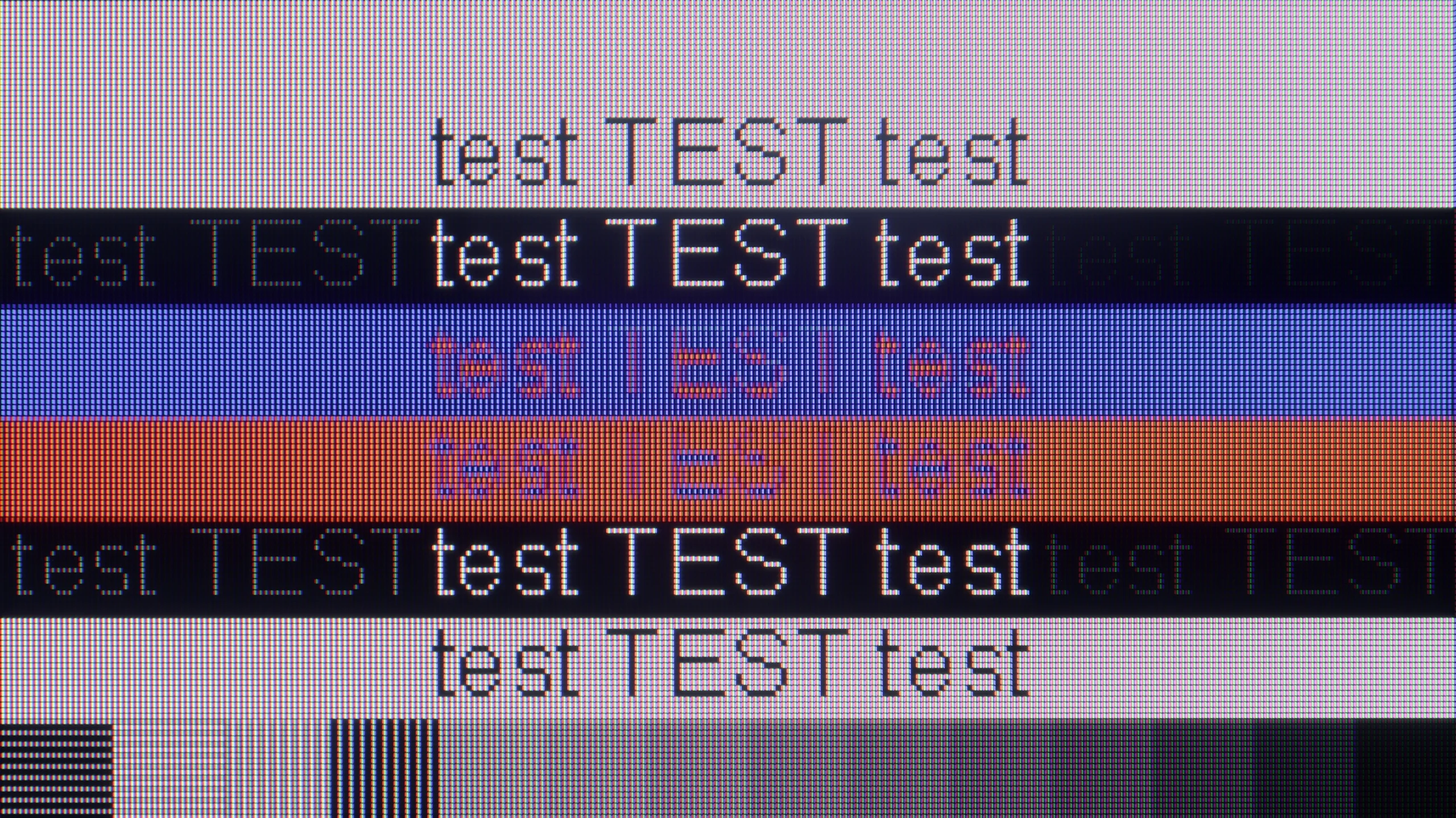
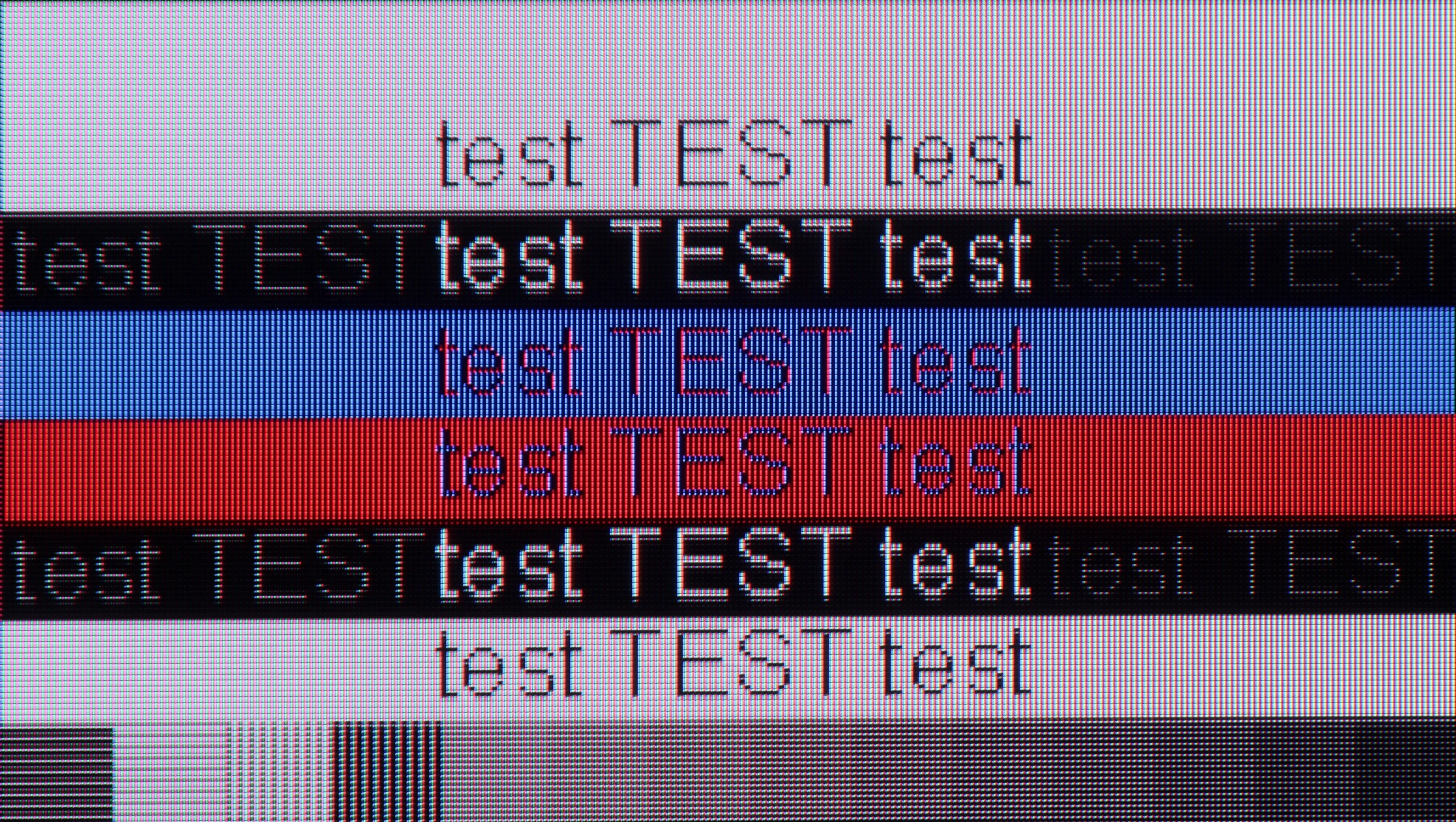
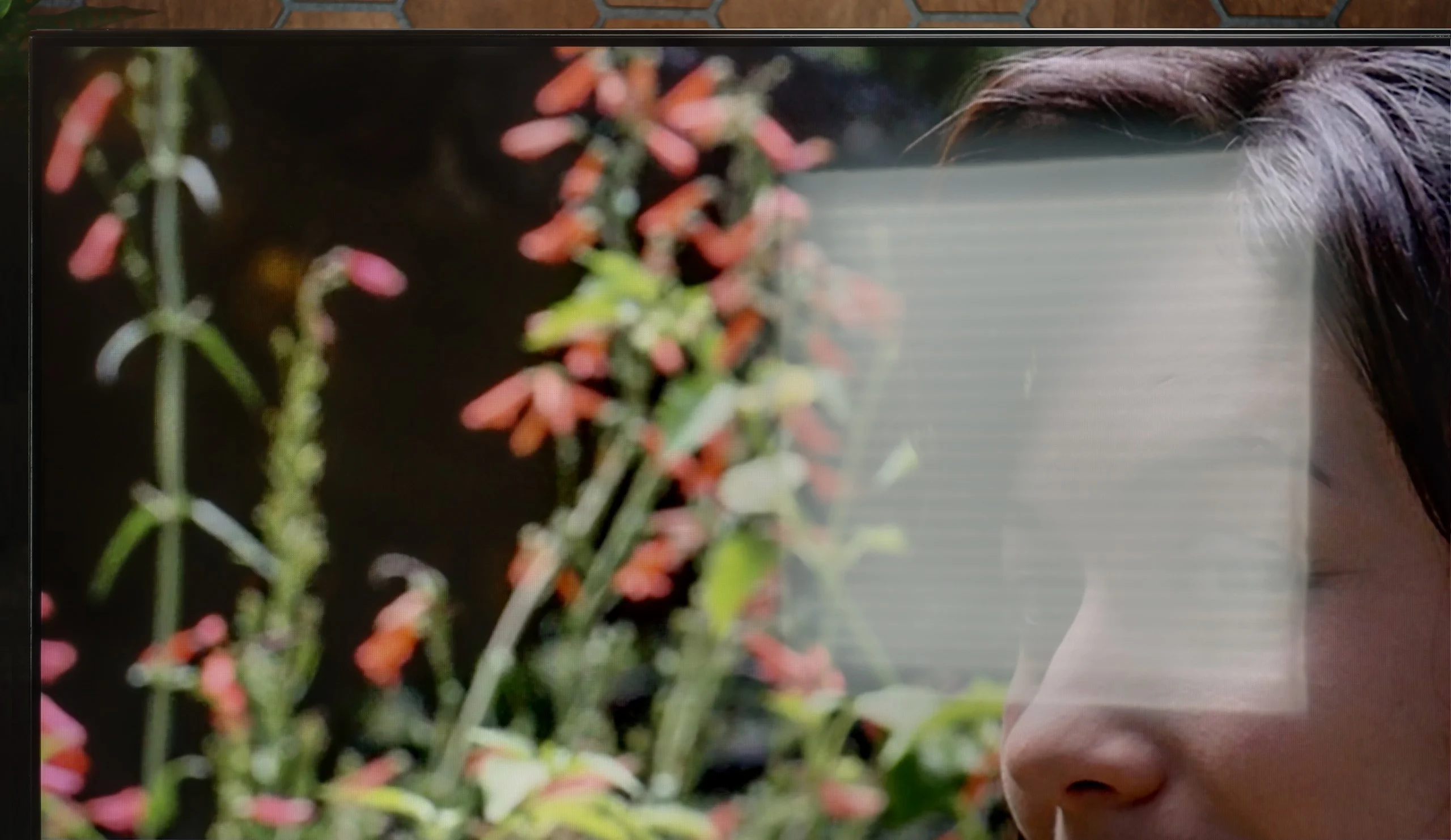
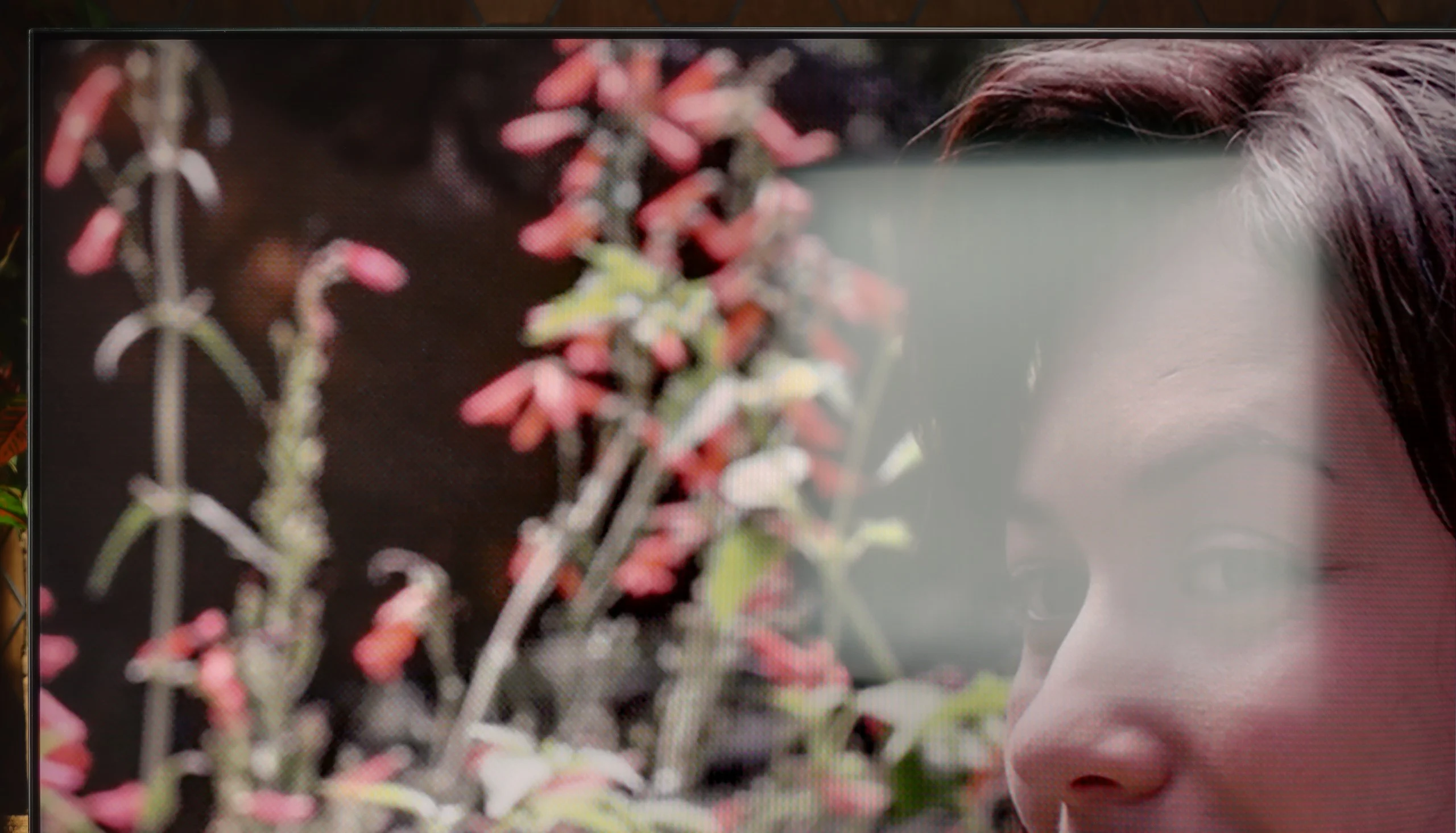
For scaling and digital processing in the Dreame S100, the technology used is proudly called Dreamind™ Pro AI by the manufacturer. However, it must be clearly stated that this is not a proprietary processor but rather a marketing term for a chip from MediaTek – specifically, the model MT5889. Unfortunately, we are talking about a rather outdated unit from a time when MediaTek lagged significantly behind the competition in terms of performance. This, unfortunately, has a direct impact on the image, as this chip also handles that. The upscaling in the S100 is fairly average, and the processor has a tendency to artificially over-sharpen edges (fortunately, this can be somewhat tempered with the sharpness slider in the menu). In the options, we also find a feature called "Contour Smoothing," which theoretically is supposed to improve tonal transitions. In practice, it contributes almost no improvement – setting it to any level rarely eliminates visible colour banding, but it can unnecessarily blur elements of the image that should remain sharp.
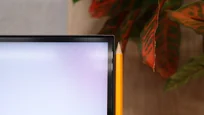
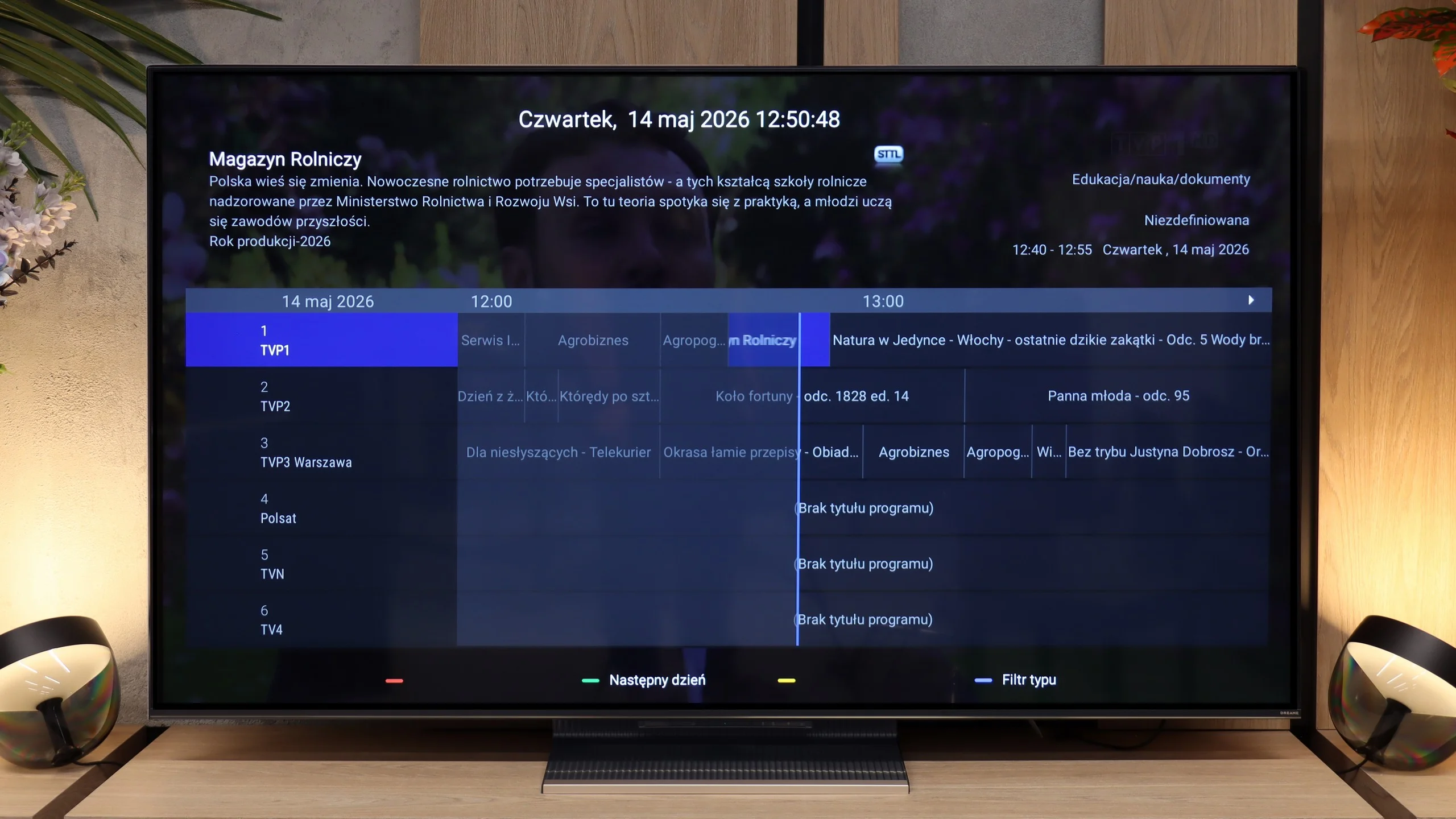
Another issue is the phenomenon of overscan (cropping the edges of the frame), which is practically visible all the time. Although there is the possibility to set the screen to display the full frame in low-resolution materials, it requires activating the aforementioned Filmmaker mode. And as you may know, this mode completely blocks any changes to other sliders in the picture menu. In our test tables, we noted that the television offers an option to disable overscan, as such a function technically exists in the system – however, in everyday use, while maintaining reasonable picture settings, you will not be able to take advantage of it.
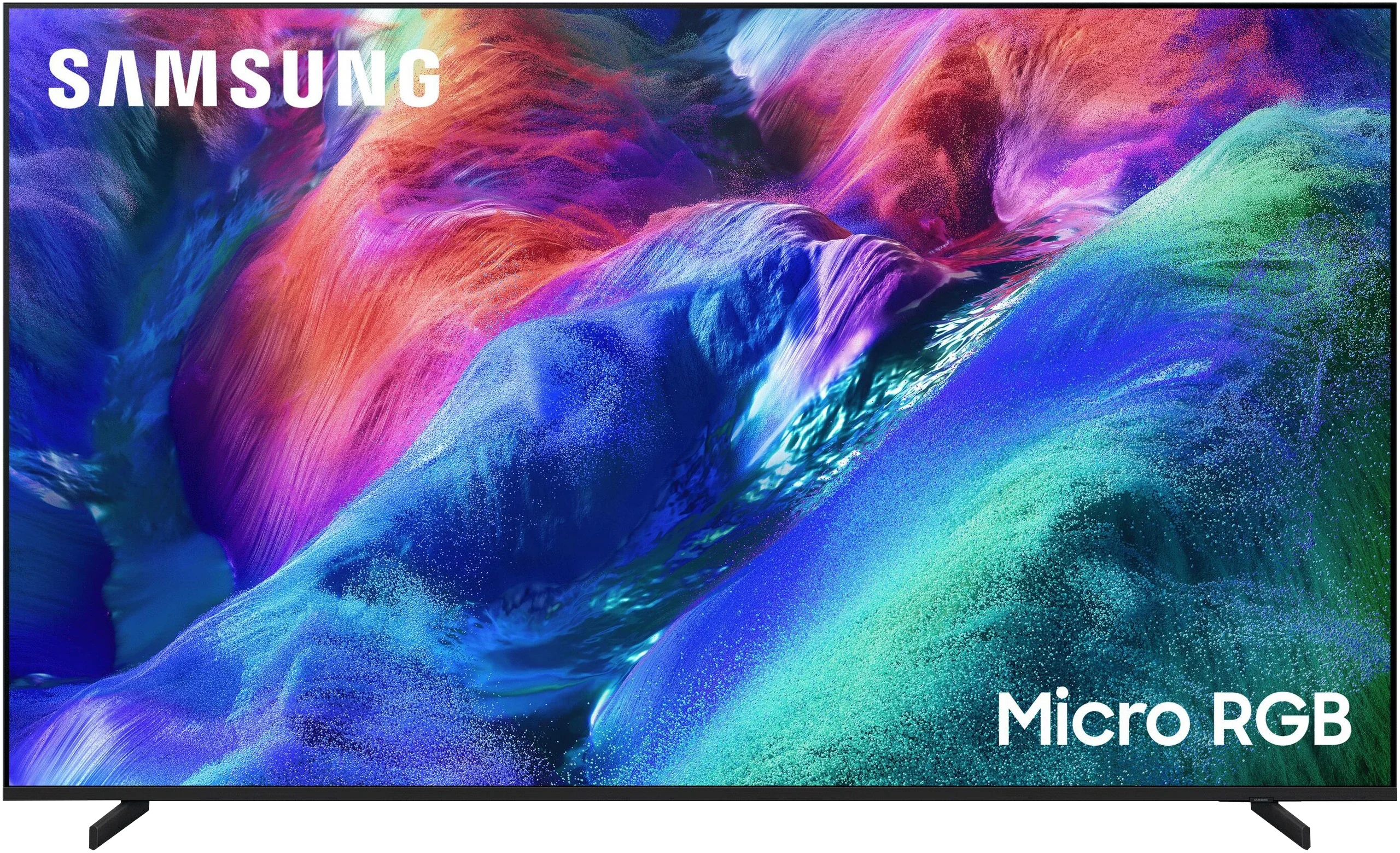
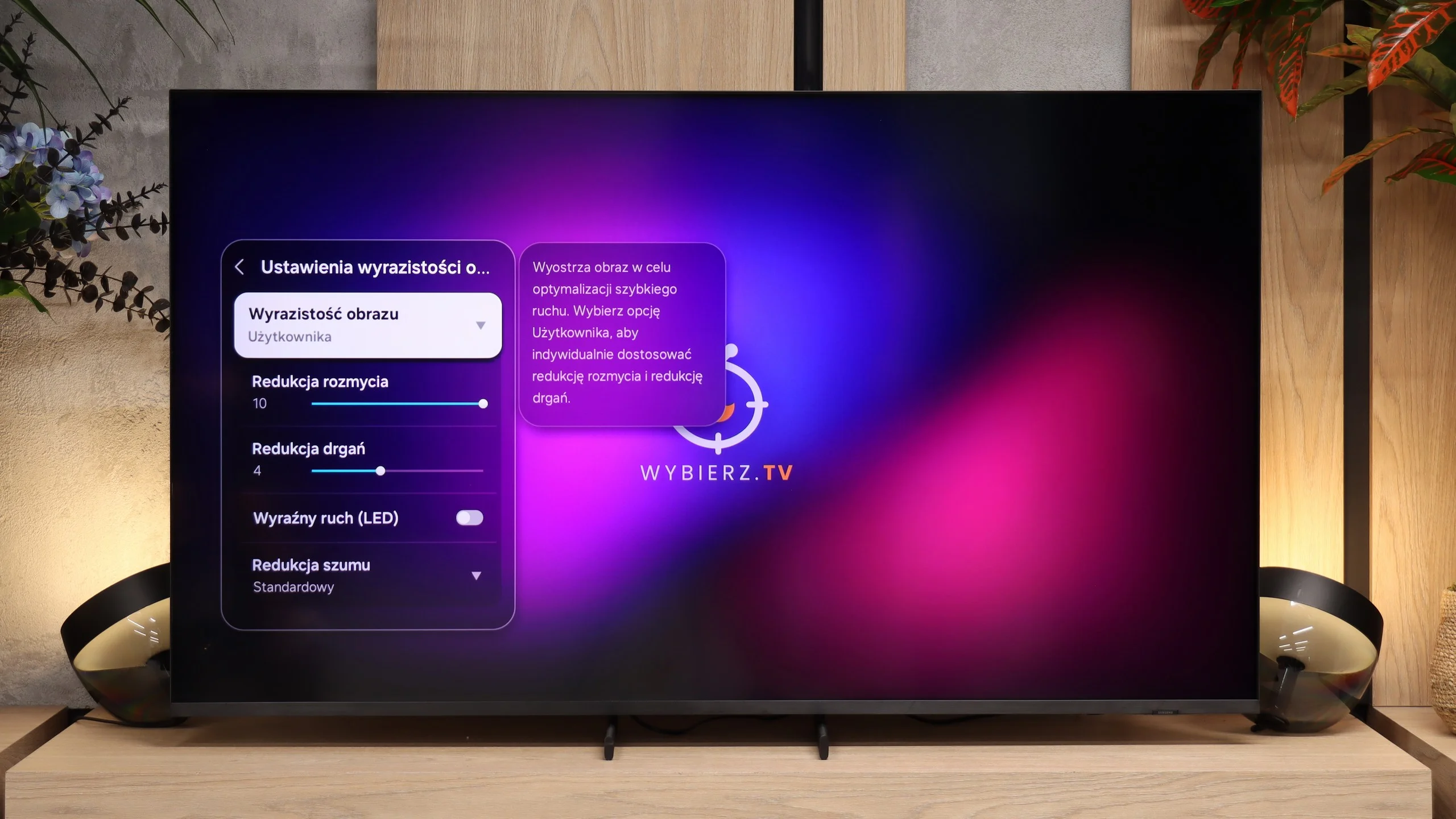
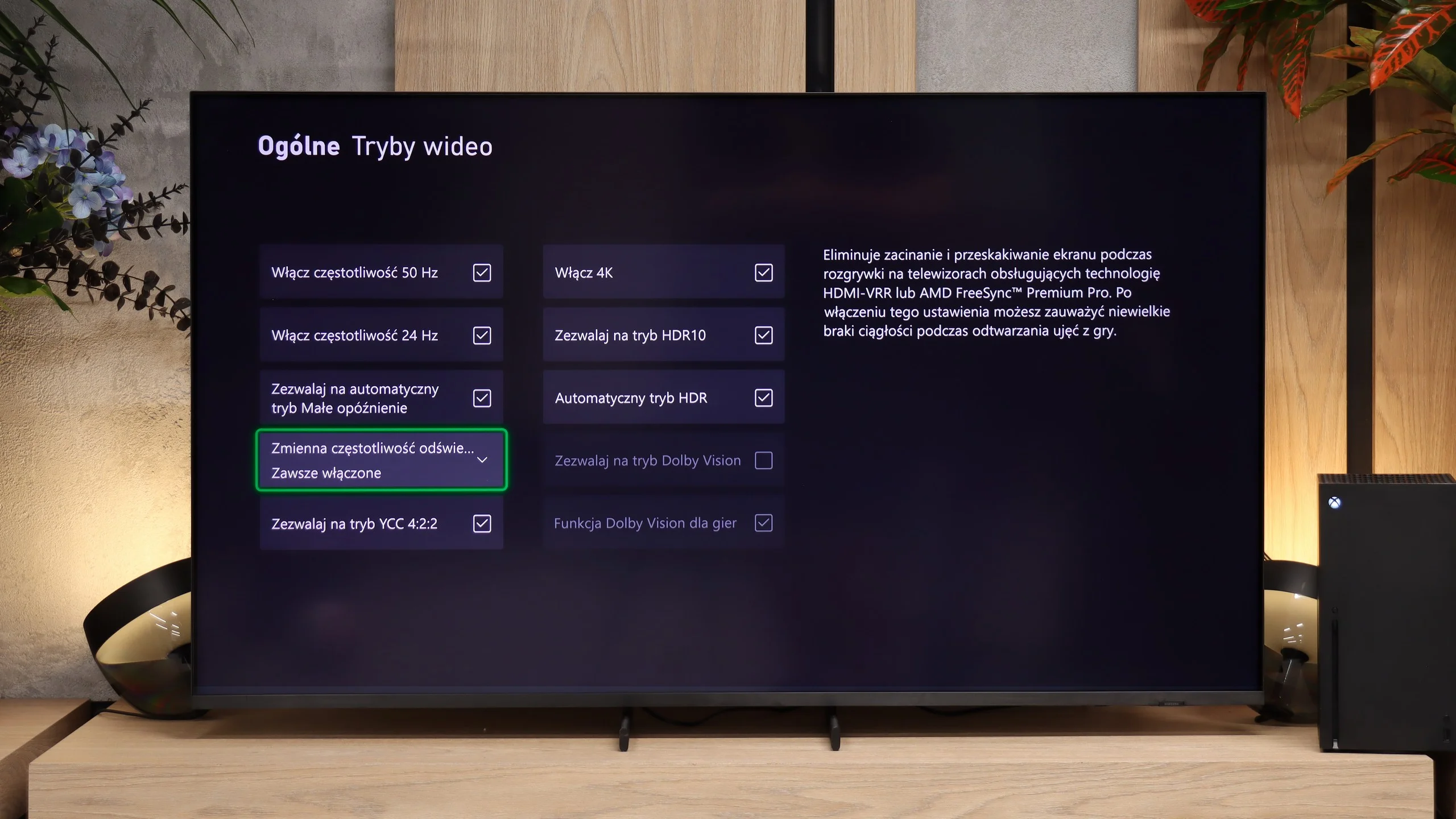
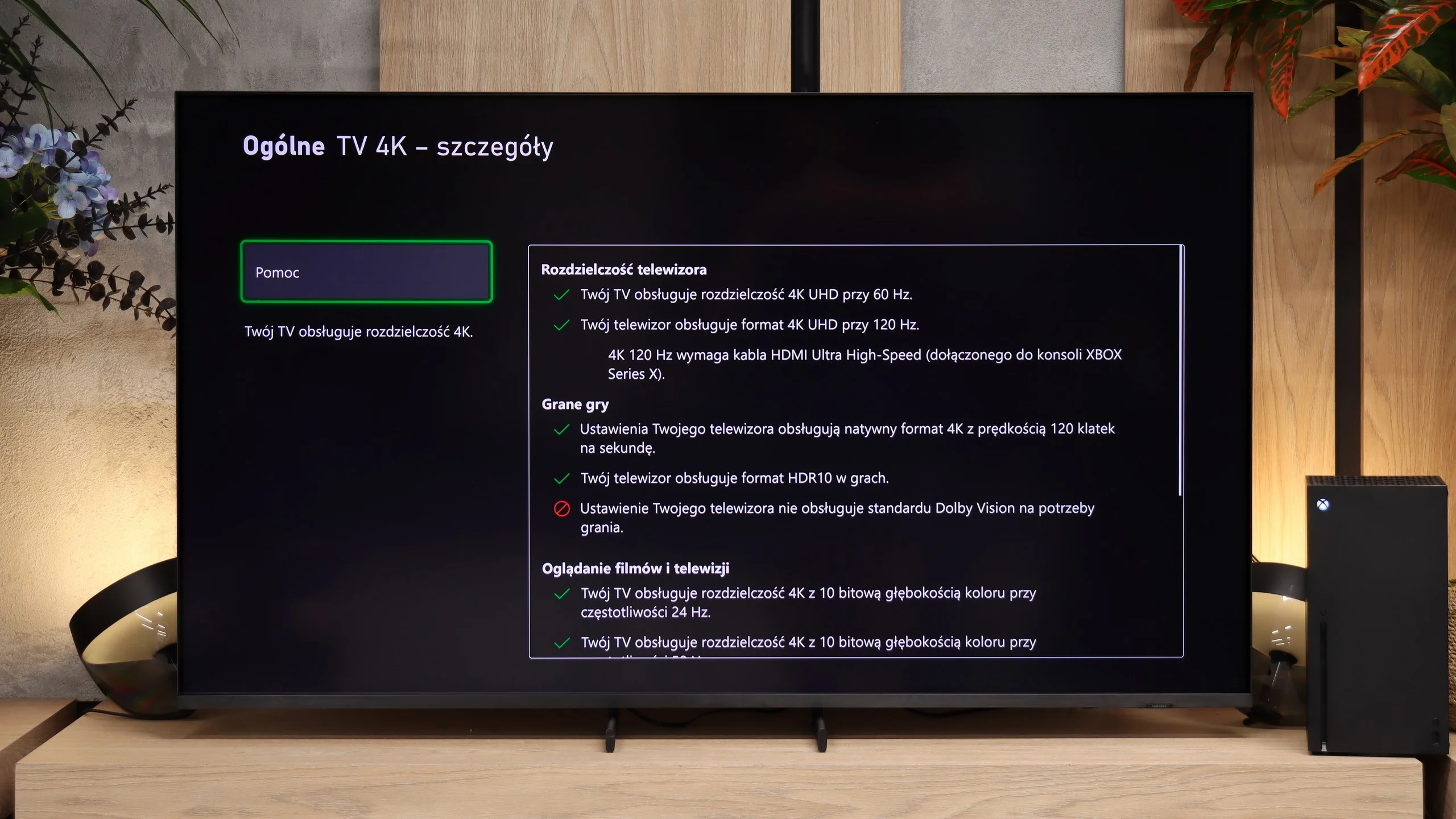
In the R85H, image processing is handled by the Micro RGB AI Processor. The name is new, but when it comes to upscaling lower-quality sources, the TV's behaviour is very similar to what Samsung has shown before. And that's not a bad thing, because Samsung has handled this aspect quite well for years. Lower-resolution material is displayed cleanly, edges don't become overly soft, and the TV doesn't try to artificially extract detail at all costs. The result is simply balanced, and for regular TV or older recordings the R85H performs as you'd expect from Samsung at this level. There's still a small downside: overscan, which can't be completely switched off at the lowest resolutions. Another matter is the extra processing applied to low-quality sources. The R85H can smooth posterization and tidy up heavily compressed footage, but it's worth emphasising that it does so relatively aggressively. At stronger noise reduction settings it starts removing not only compression artefacts but also fine detail and the natural film grain. So it's best to use it only when the source actually needs it.
 Direct comparison