Smart TV: Google TV
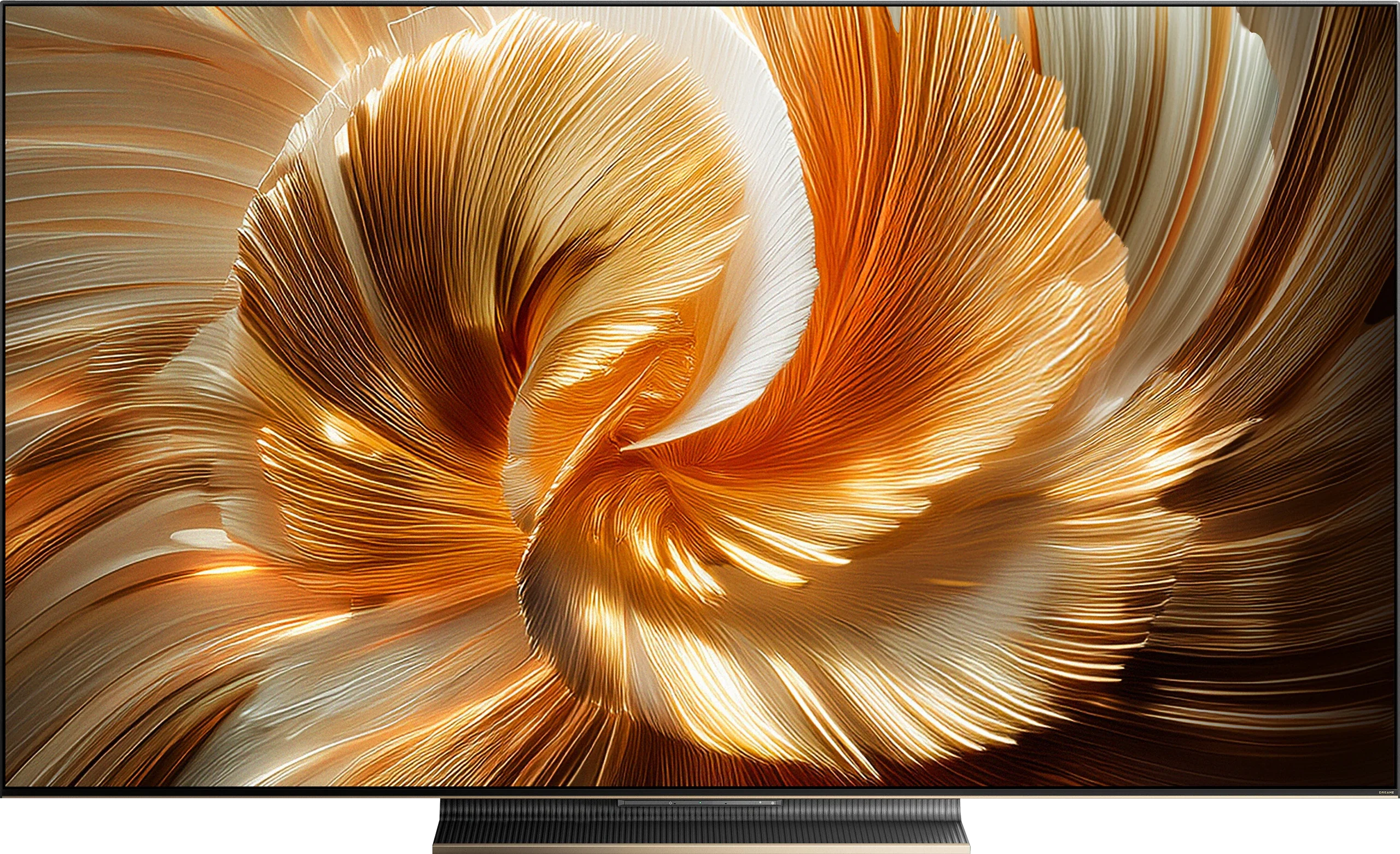
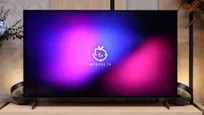
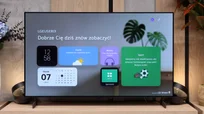
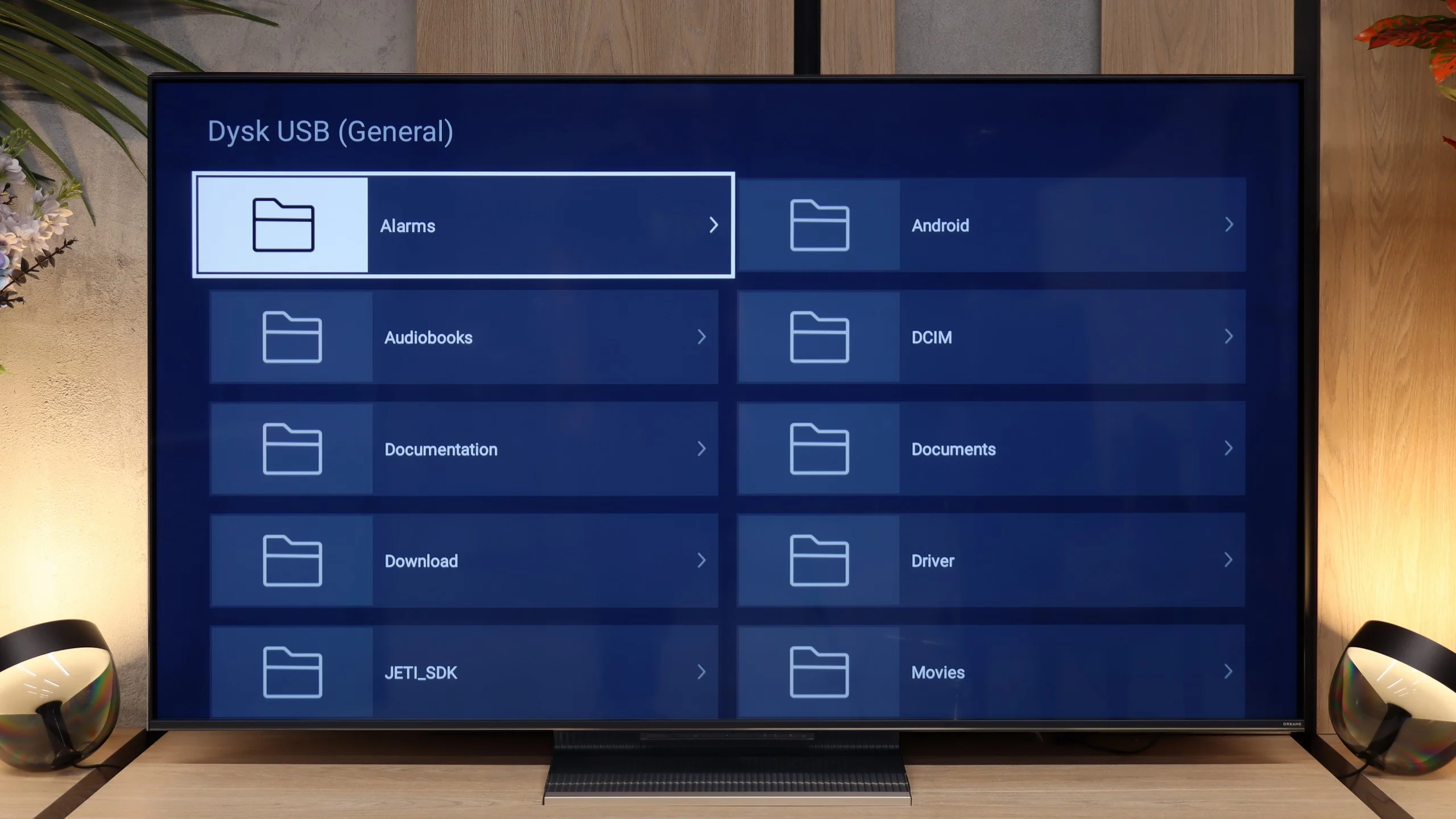
Dreame S100 uses the Google TV operating system. This is great news for anyone looking for a television with access to almost all streaming apps on the market. The system itself runs quite smoothly, although it does experience slight stutters now and then – which is par for the course in most Chinese TVs with Google software. On board, we find almost every necessary Smart TV feature, including screen mirroring and voice search using Google Assistant. Unfortunately, the Dreame S100 lacks support for AirPlay, making it difficult for iPhone users to easily share content from their phones.
Television Features
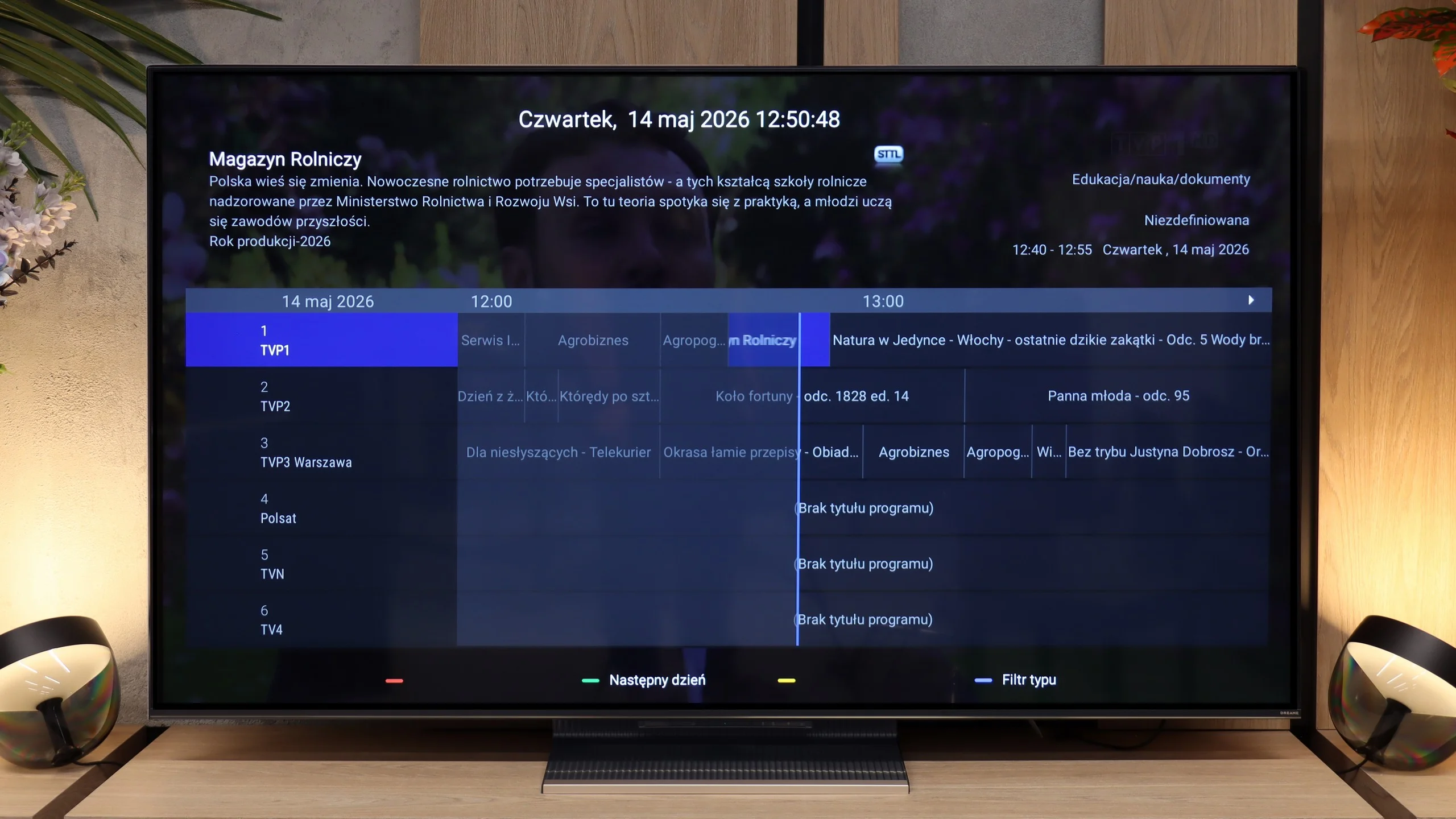
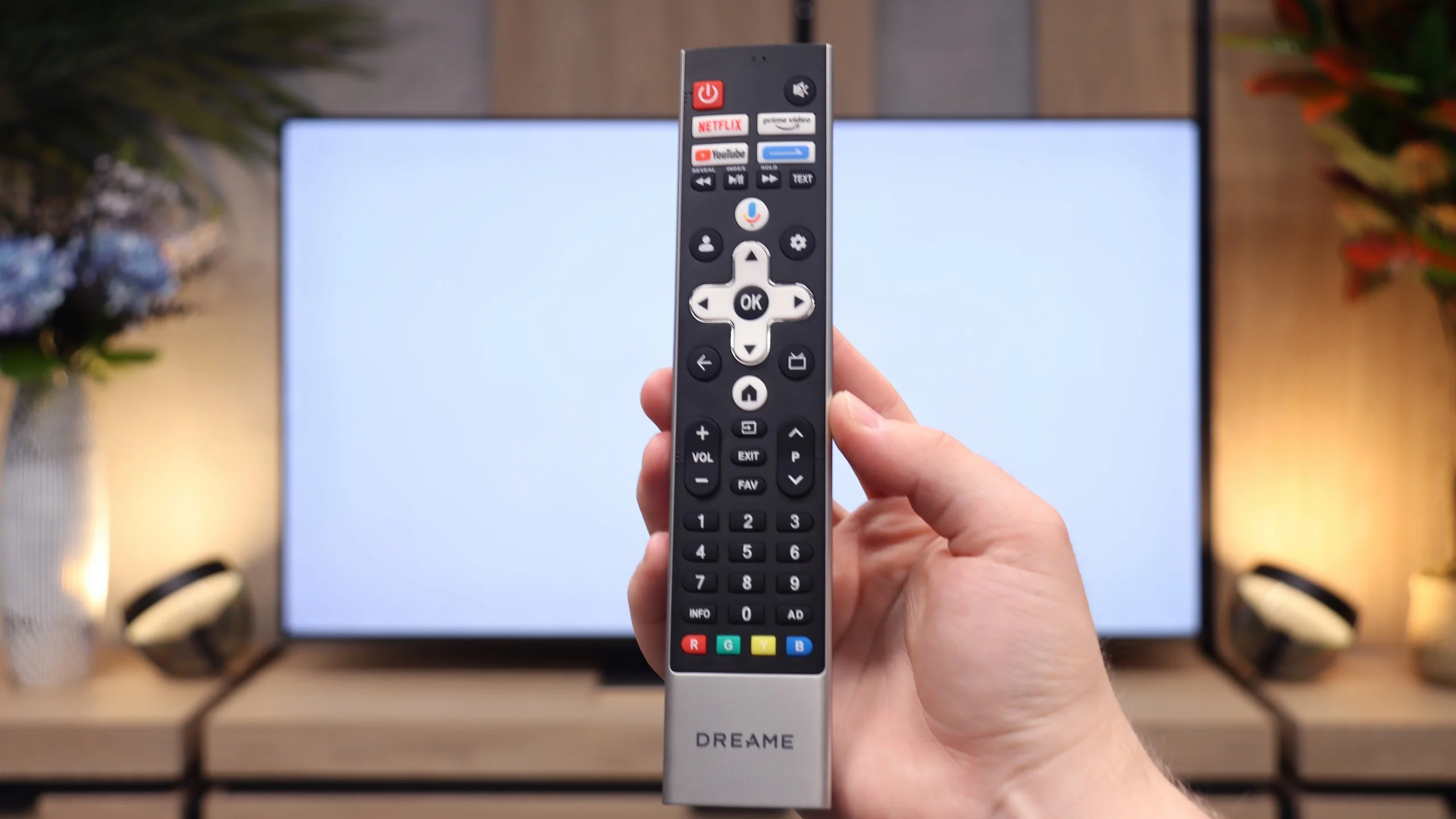
Unfortunately, the Dreame S100 is not a television designed for traditional TV viewers. Aside from basic options like connecting headphones and a rather simple remote control equipped with a numeric keypad, there are practically no additional features to facilitate the daily viewing of traditional channels. The only pleasant and increasingly rare addition is the presence of a physical minijack headphone output. This allows for connecting older wired headphones or analogue audio sets.
SmartTV: webOS
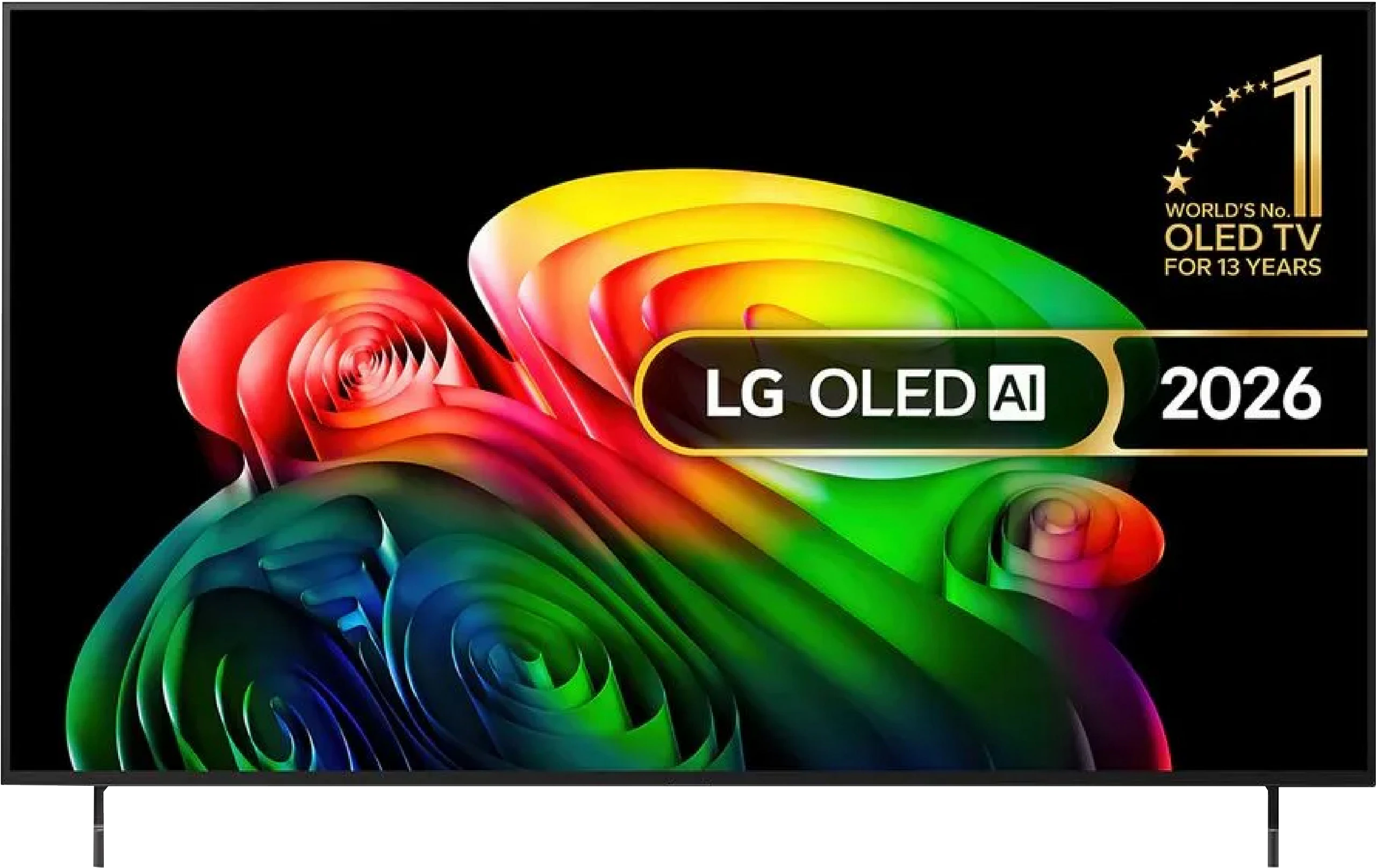
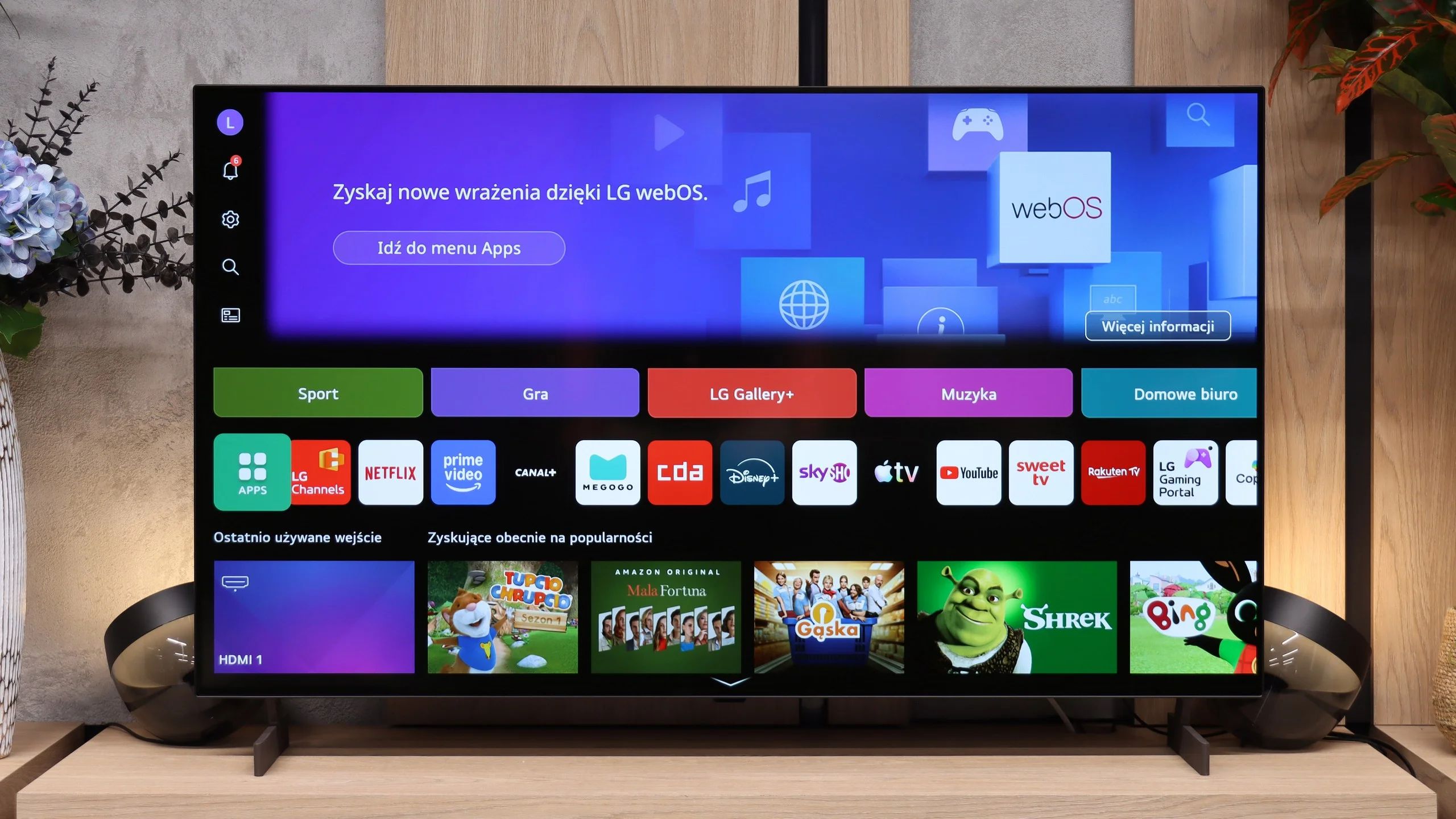
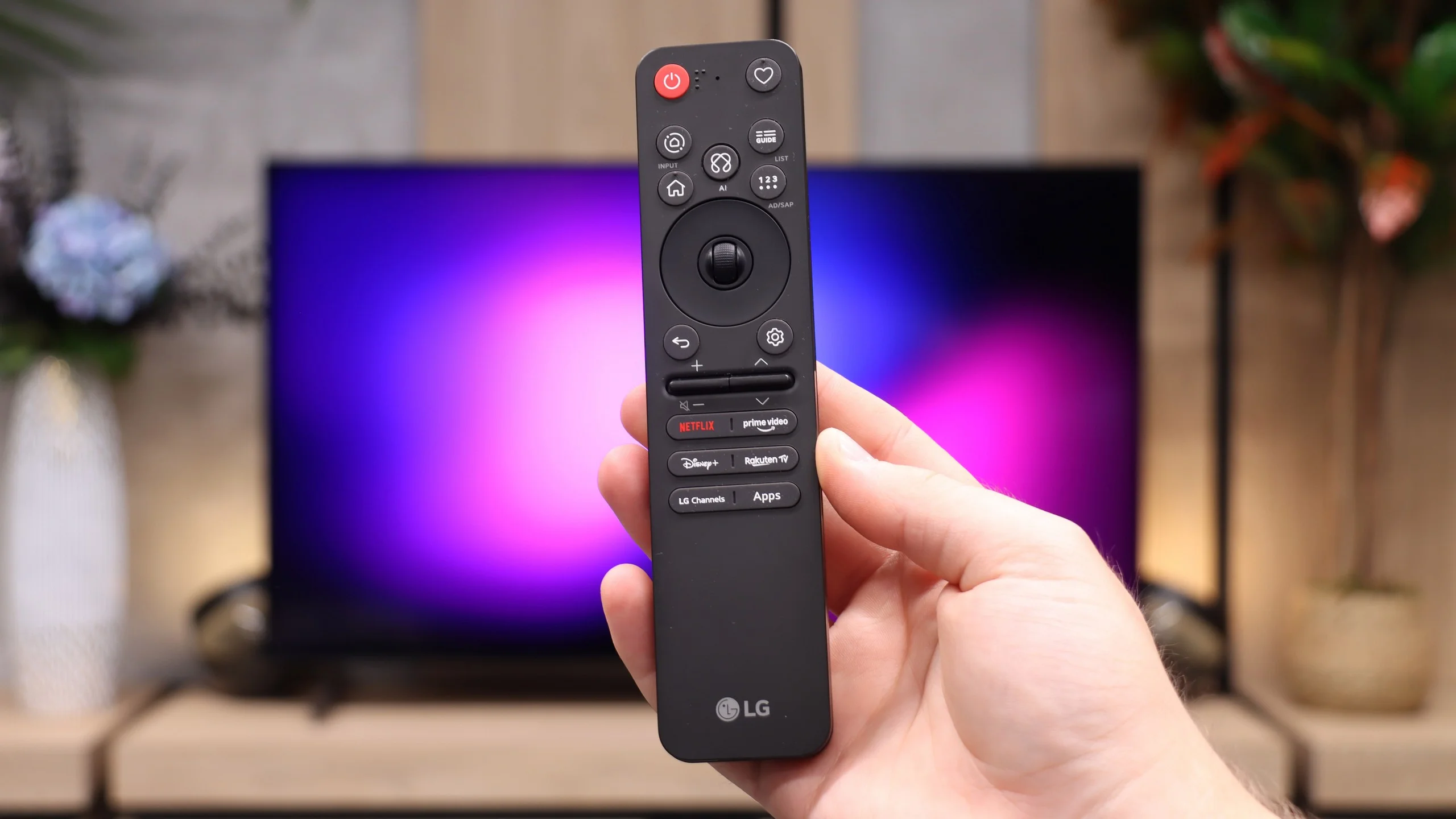
LG B6 uses webOS, LG’s proprietary platform. Its biggest advantage remains the control method. The included Magic Remote works like a mouse. Just move your wrist to move the cursor across the screen and point at items that interest you. At first it may seem unusual, but it quickly proves very convenient, especially when entering text, selecting apps or navigating a complex menu. The remote itself is quite minimalist and doesn't offer many traditional buttons, but the cursor control largely makes up for that. On the other hand, if you don't want to wave your hand to enter letters, you can simply speak the desired phrase to the remote and the AI voice assistant will provide suitable recommendations.
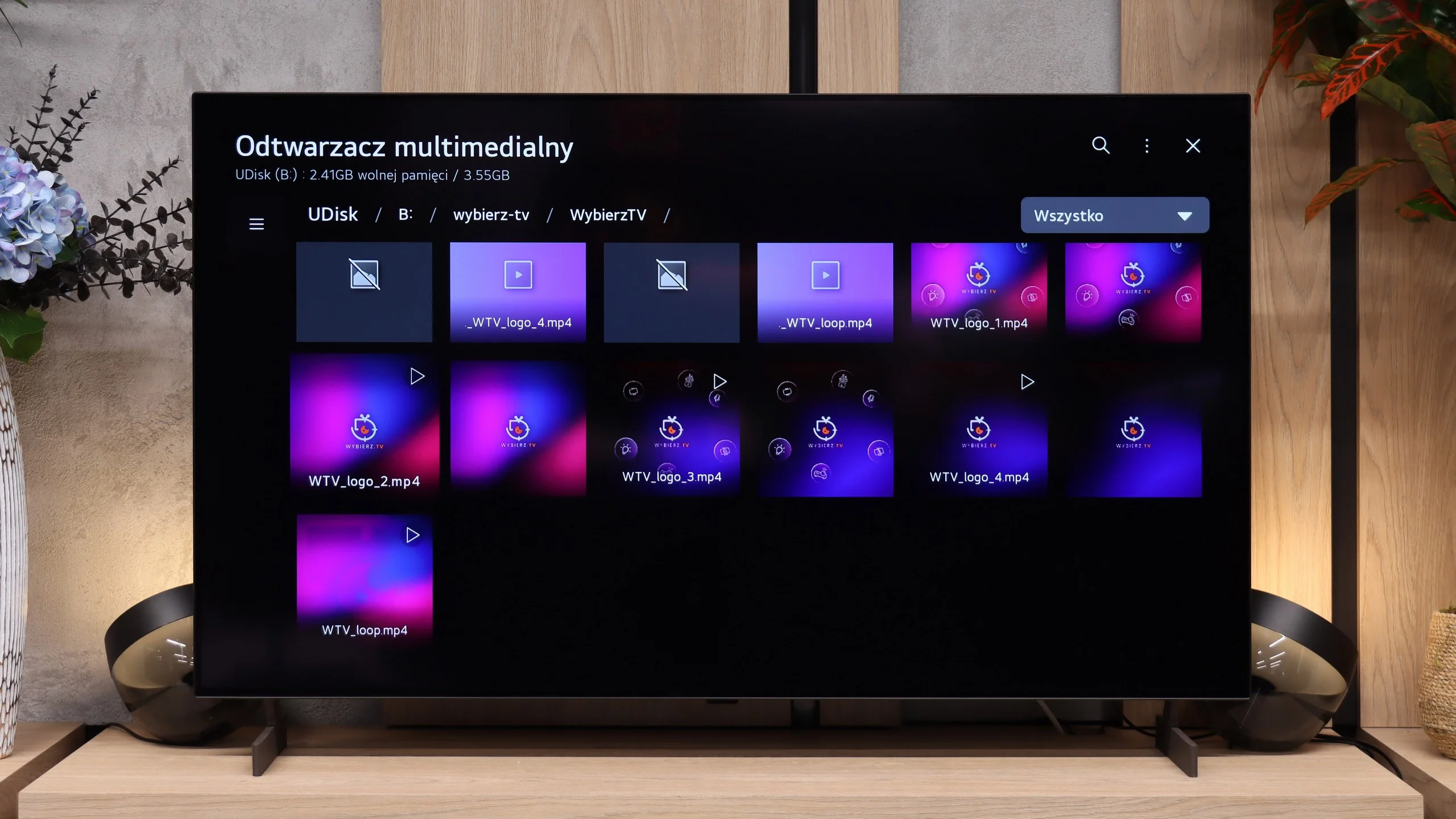
In terms of available apps, it's hard to fault webOS. You'll find practically all the major streaming services here, as well as extras such as AirPlay, screen mirroring and Chromecast. The TV therefore works well with both Apple phones and Android devices. It's just a pity the system doesn't run on the B6 as smoothly as on higher-tier models. At times it can respond with a slight delay, and the home screen is overloaded with recommendations, tiles and ads. That doesn't make webOS unusable, but it could certainly be more organised.
Classic features
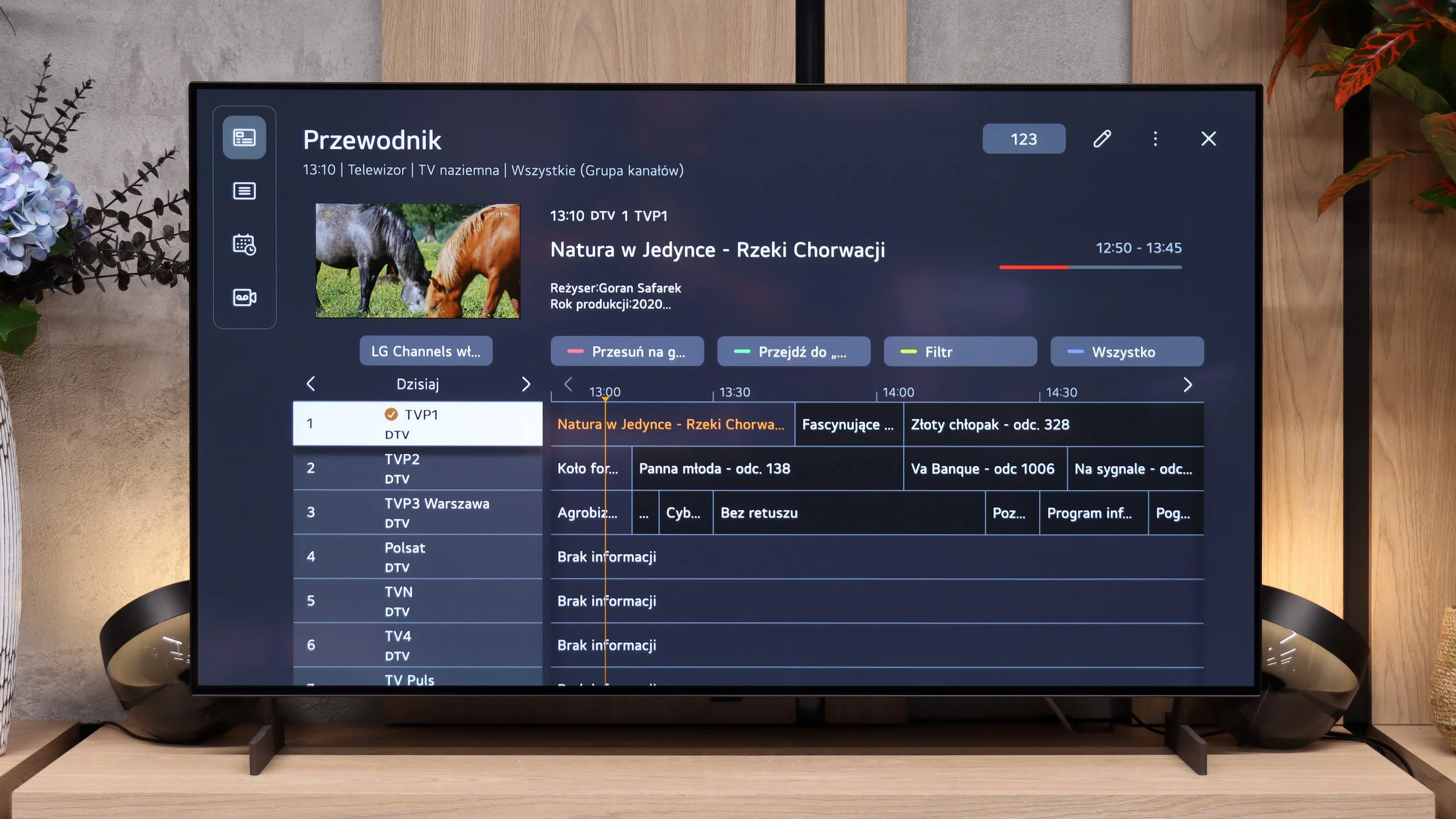
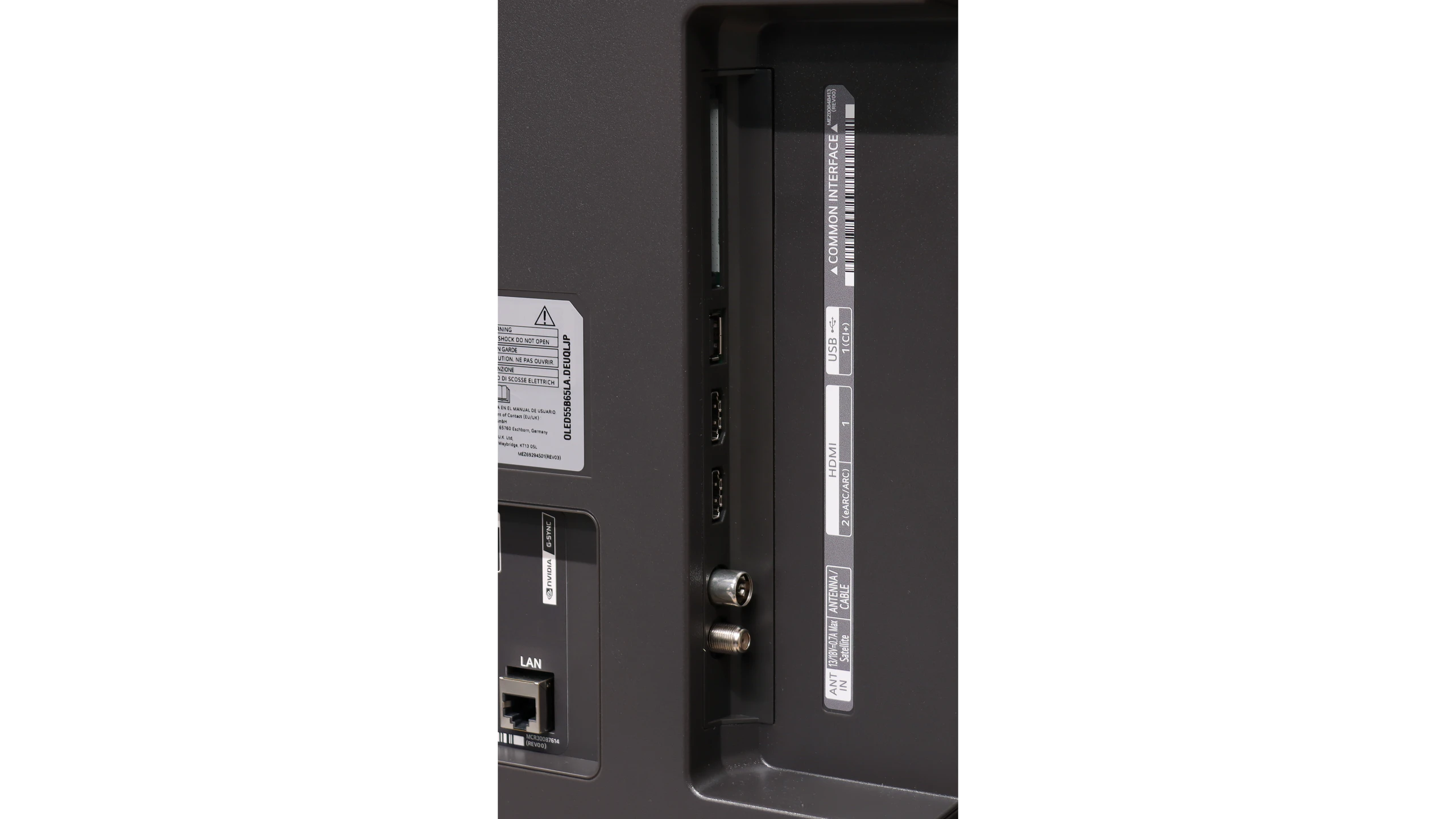
The classic TV features, which many manufacturers are slowly beginning to forget, perform very well. The LG B6 allows, among other things, recording programmes to a connected drive or USB stick. The PVR function also works with a scheduler, so a recording can be planned in advance from the TV guide. This is handy when you want to save an episode, a match or another event broadcast while you're away. There's also a clear channel guide and smooth support for terrestrial, cable and satellite TV. For those who still regularly watch traditional television, the B6 is therefore a relatively complete device, as long as the absence of teletext isn't an issue.
 Direct comparison