- Matching (Score) |
- Our verdict |
- TV appearance |
- Where to buy |
- Contrast and black detail |
- HDR effect quality |
- Factory color reproduction |
- Color reproduction after calibration |
- Smoothness of tonal transitions |
- Image scaling and smoothness of tonal transitions |
- Blur and motion smoothness |
- Console compatibility and gaming features |
- Input lag |
- Compatibility with PC |
- Viewing angles |
- Daytime performance |
- TV features |
- Apps |
- Playing files from USB |
- Sound |
- Panel details
Sharp GL4760E Review
Available screen sizes:
Complete the survey to find out the result
Panel type: LCD VA Refresh rate: 60Hz Brand: SHARP Resolution: 3840x2160 System: Google TV Model year: 2025
This review is an English translation of the Polish original. Read the original on Wybierz.tv.
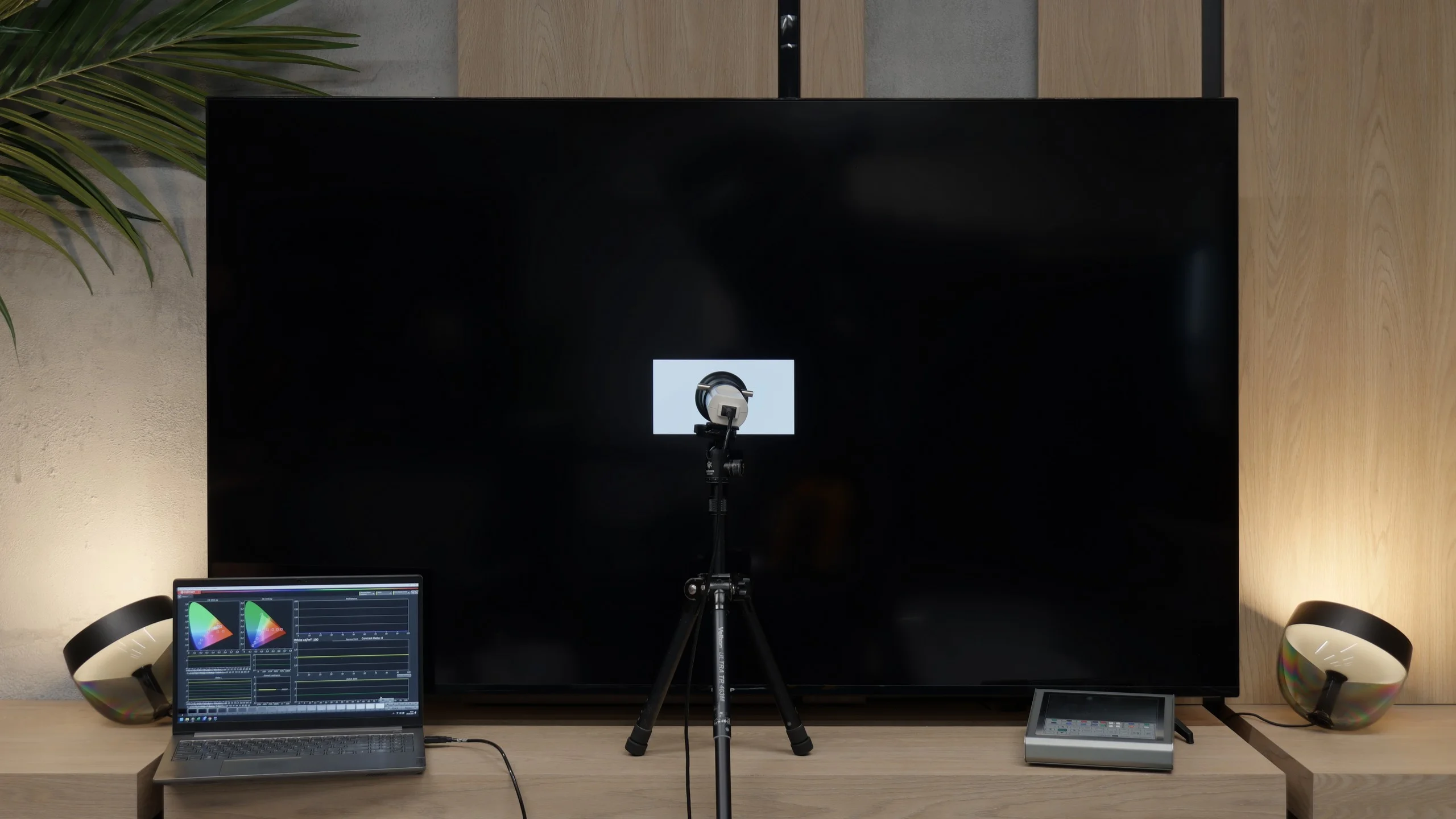
In this review, we will take a look at one of the most affordable offerings from the legendary brand Sharp. The GL4760E model is a television that offers 4K resolution and a refresh rate of 60 Hz. On paper, such specifications may not herald a technological breakthrough, but let's face it: in this case, that's not what it's all about. The Sharp GL4760E aims to win over users primarily with two key arguments: a very attractive price point and the inclusion of the Google TV system. But is that enough to stand up to daily use? We decided to find out.
SHARP GL4760E - Our verdict
5.7
Overall rating
The sentiment towards the Sharp brand is probably shared by many of you, and we approached this test with hope for something solid at a good price. The model GL4760E is that classic, cheap Sharp that we have known for years: simple, accessible to everyone, and equipped with what is most important today, which is Google TV. It starts off by earning a plus from us for trying to offer the user a complete multimedia package despite its low price. However, we must come down to earth and say it plainly: this is a typical budget construction. Today's Sharp is unfortunately no longer the same Japanese legend that once set quality standards. It is evident that accountants had a tight grip on the budget for this model. The quality of our sample, especially that unfortunate protruding bezel we mentioned, leaves much to be desired. The system itself is not a speed demon, and sometimes you can feel that the processor needs a moment to think before executing a command. Despite all these remarks, the ultimate judge remains the price. The Sharp GL4760E defends itself by how much it costs. If you are looking for an inexpensive way to get a relatively large screen with access to all applications, this model makes sense. We primarily see it as an additional TV, where it won't be used all day long. It is simply a fair, cheap choice for someone who wants to replace an old receiver with something larger featuring a new system without draining their wallet.
Advantages

VA panel: high contrast and decent black levels
Dolby Vision: real image improvement in streaming
Google TV with a huge app base
Polish voice assistant
Well-suited for image calibration
Built-in file player works very well
Remote control with numeric keypad
Disadvantages

Input lag in games: very high delays, especially in Dolby Vision mode
Not very high brightness around 300 nits
Case: cheap plastic
Poor viewing angles
Poor sound, completely lacking bass
Lack of features for gamers: no VRR and no simple Game Bar
 Movies and series in UHD quality
6.1
 Classic TV, YouTube
6.0
 Sports broadcasts (TV and apps)
5.4
 Gaming on console
4.5
 TV as a computer monitor
5.4
 Watching in bright light
4.7
 Utility functions
6.0
 Apps
Apps9.6
 Sound quality
5.5
Complete the survey to find out what fits your preferences
SHARP GL4760E - TV appearance
HDMI inputs: 4 x HDMI 2.0, 0 x HDMI 2.1 Other inputs: RCA (Chinch) Outputs: Toslink (Optical audio), eARC (HDMI), ARC (HDMI), Mini-Jack (Headphones) Network Interfaces: Wi-Fi 2.4GHz, Wi-Fi 5GHz, Ethernet (LAN) 100Mbps
Build quality: Budget
Stand type: Legs
Bezel color: Black
Stand: Fixed
Flat design: No
Accessories: Stand
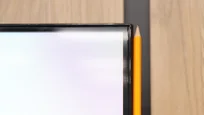
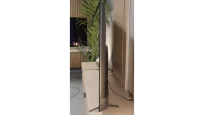
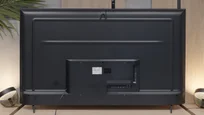
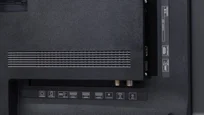
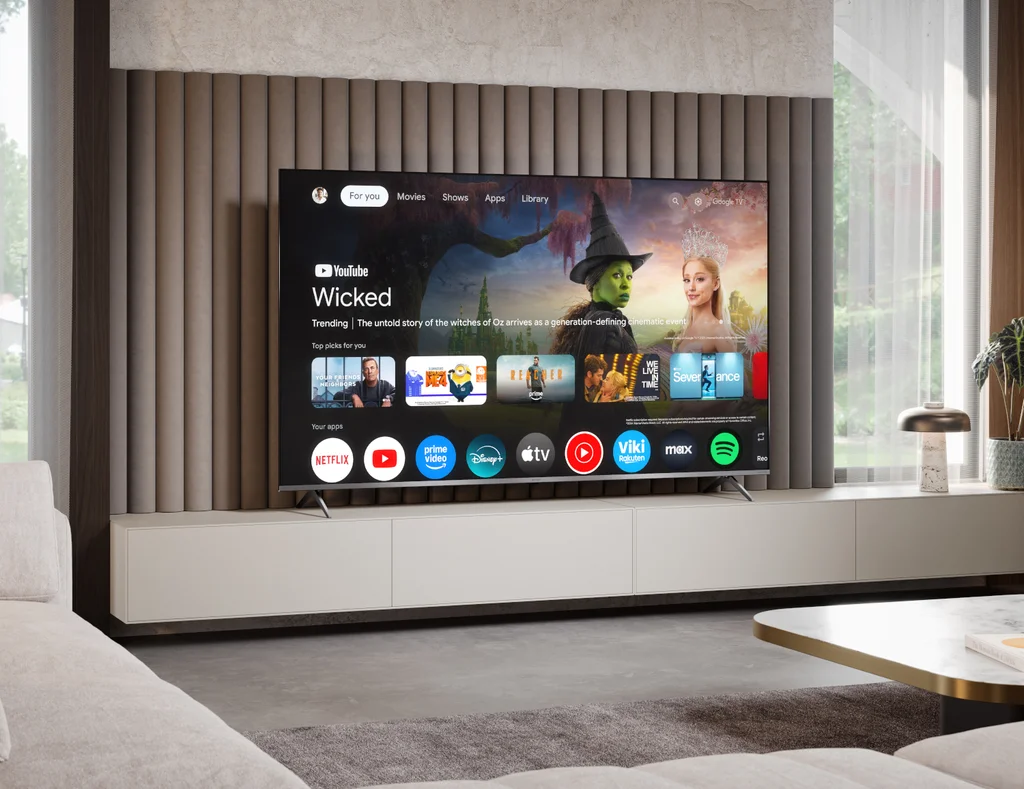
Looking at the construction of the GL4760E model, we are aware from the beginning that we are dealing with a budget product, which of course justifies its low price. Starting with the positives: it is definitely worth praising the very narrow bezels around the screen. This solution has already become a market standard, and we are glad that Sharp keeps pace with the competition here. As a result, the TV looks modern from the front and does not reveal its low price at first glance. Unfortunately, the devil is in the details, and in the case of our unit, the build quality left something to be desired. We noticed that the lower right part of the bezel was oddly warped and did not fit perfectly to the back of the TV. It seemed like a misalignment in the material fitting. The bezel itself is made of glossy plastic, which has one annoying feature: it gets scratched practically just from looking at it, so it's wise to be cautious right when taking the device out of the box. Looking at the device from the side, it is immediately noticeable that this is not the slimmest model on the market. The TV is quite thick, which makes it difficult to hang it perfectly flat against the wall. Additionally, there is a significant practical note: the power cord is permanently attached. If you plan to hide the cables in a conduit or tunnel in the wall, make sure it is wide enough to accommodate the entire power plug. Otherwise, you will face considerable complications during installation.
Buy at the best price
Select size:

SHARP GL4760E - Contrast and black detail
5.5/10
Local dimming function: No


Result
3,800:1

Result
4,300:1

Result
5,300:1

Result
4,950:1

Result
3,550:1

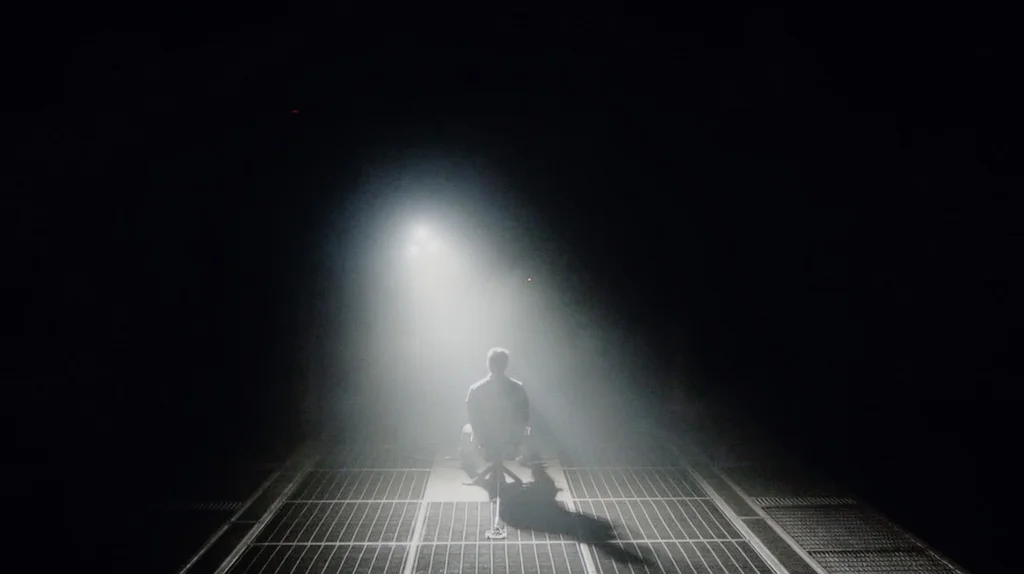
The most important information for those looking for a decent picture at a low price is the fact that Sharp has chosen a VA panel here. Why is this important? Because in this price category, we often come across IPS panels, which are very poor in this regard. In the model we tested, the contrast results oscillated between 4000:1 and 5000:1. Although we have seen native VA panels with even better parameters, let’s agree: such a result is really solid and outclasses most budget competition based on IPS panels. However, it should be noted that we are dealing with a simple design. We will not find local dimming technology here, which would allow for more precise control of the backlight. What does this mean in practice? With the light turned off, black may subtly tend towards a very dark blue, and we will not experience the depth offered by more expensive high-end designs. Nevertheless, considering how inexpensive this model is, the overall viewing experience in a darker room is quite satisfactory.
SHARP GL4760E - HDR effect quality
4.6/10
Supported formats: HDR10, Dolby Vision, HLG Color gamut coverage: DCI P3: 80.3%, Bt.2020: 58.5%
Luminance measurements in HDR:

Result
301 nit

Result
303 nit

Result
336 nit

Result
340 nit

Result
346 nit
When it comes to HDR, we need to start with brightness, which in this model is quite reasonable. The Sharp GL4760E can generate around 350 nits. Considering the competition in the same price range, which often struggles to break the 300 nits barrier, this result is quite acceptable. Of course, we still can't talk about spectacular, blinding effects, but you can already feel certain hints of what HDR technology has to offer in theory. Unfortunately, we also need to mention some limitations. The GL4760E does not offer a wide color gamut. You won't find supportive filters here, such as PFS technology or quantum dots (QLED). In practice, the coverage of the DCI-P3 color space is around 80%. What does this mean for the viewer? In very demanding, highly saturated scenes, colors may appear somewhat pale or undersaturated. The TV simply lacks the tools to fully convey the intensity of colors that filmmakers envisioned, which is why the image in HDR mode may seem less vibrant.
Scene from the movie “Pan” (about 2800 nits)

Scene from the movie “Billy Lynn” (about 1100 nits)

Although the mentioned brightness level of 350 nits sounds promising, we must raise a significant warning sign at this point. This year, we tested models that were objectively darker, yet thanks to efficient tone mapping, they could pull a lot of detail from HDR content. Unfortunately, in the case of the Sharp GL4760E, watching content in the standard HDR10 format proved to be a considerable disappointment. The television clearly struggles to intelligently adjust the signal to its actual technical capabilities. During test screenings of films like "Pan" or "Billy Lynn," the brightest parts of the image were drastically overexposed. Instead of seeing details in the clouds or the texture of brightly lit objects, we simply saw white patches devoid of any detail. It looked very unnatural and, to put it bluntly, simply ugly. There is a lack of balance that would allow enjoying the dynamics of the image without losing information in the brightest points.
HDR luminance chart:
Fortunately, the GL4760E model has an effective answer to all the problems with HDR10 described above. It is the support for Dolby Vision format. Thanks to the presence of dynamic metadata, the image displayed on the Sharp looks much more appealing than what we saw before. In this case, the television no longer has to "guess" how to interpret the signal, as the codec straight from Hollywood does that work for it. Even though the panel physically remains the same, we gain the assurance that the image will not be overly blown out, and details in bright areas will be preserved. This is a huge advantage of this model, considering that practically all the latest and most important productions on streaming platforms are available in the Dolby Vision format. One could say that this single element genuinely saves the quality of viewing on this device.
Static HDR10

Dynamic: Dolby Vision

Factory color reproduction
4.4/10
As always, we started the tests by checking the theoretically best setting, which is the movie mode. Unfortunately, if you're looking for perfect color fidelity straight out of the box, the Sharp GL4760E may disappoint you. While watching standard SDR content, we felt that the image clearly tilted towards a pink hue. This was especially noticeable in scenes with a lot of white, for example during screenings of "Star Wars," where snowy landscapes lost their natural color due to an excess of red and blue in the white balance. Additionally, the low gamma made the entire screen unpleasantly bright, losing depth. Interestingly, with 4K HDR material, the television behaved completely differently, showing the opposite tendency. Here, the blue component was, conversely, too low, resulting in a strong yellowing of the image. This made it excessively and almost artificially "movie-like." Despite these factory shortcomings, Sharp unexpectedly impressed us in another aspect. Although this is a budget device, the manufacturer provided users with a surprisingly rich array of configuration options. We decided to take advantage of this and subjected the television to professional calibration, which you can read about below.


Color reproduction after calibration
7.5/10
It must be stated clearly: after conducting a professional calibration, the Sharp GL4760E shows its completely different, much better face. We must admit that we are quite impressed with the capabilities that such a budget television offers in terms of image parameter correction. Looking at the white balance, we were amazed by the precision that has been achieved. The previously mentioned issues with unnatural tint – whether pink in SDR or yellowish in HDR – have been practically eliminated. In HDR format, we also managed to make corrections close to ideal, but here we encountered a barrier that the software alone cannot overcome. The problem lies not in the settings, but in the very physics of the panel. Due to the lack of additional layers that widen the color gamut (like quantum dots in QLED or PFS technology), the television simply cannot display the most saturated colors. Some hues will always appear somewhat "undersaturated" because the panel physically cannot generate them. Despite this hardware limitation, we remain incredibly impressed. It is rare for a budget receiver to offer such a wide field for professional calibration tools. If you are wondering whether such a cheap screen can be calibrated, as you can see, this Sharp will reward you richly.

SHARP GL4760E - Smoothness of tonal transitions
9/10
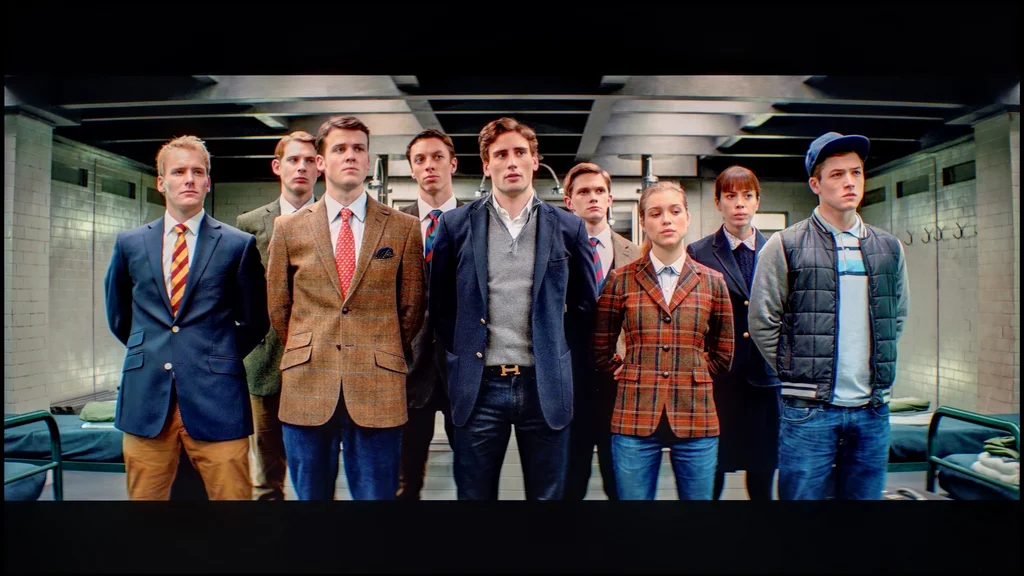
The Sharp GL4760E handles color gradation very well, which is not a given in this price range. Both in very bright and dark scenes, the transitions between individual shades are smooth. We did not notice the annoying "stepping" effect that can often ruin the atmosphere of a dark thriller or a screening of snowy landscapes. In this regard, the TV performs nearly perfectly.


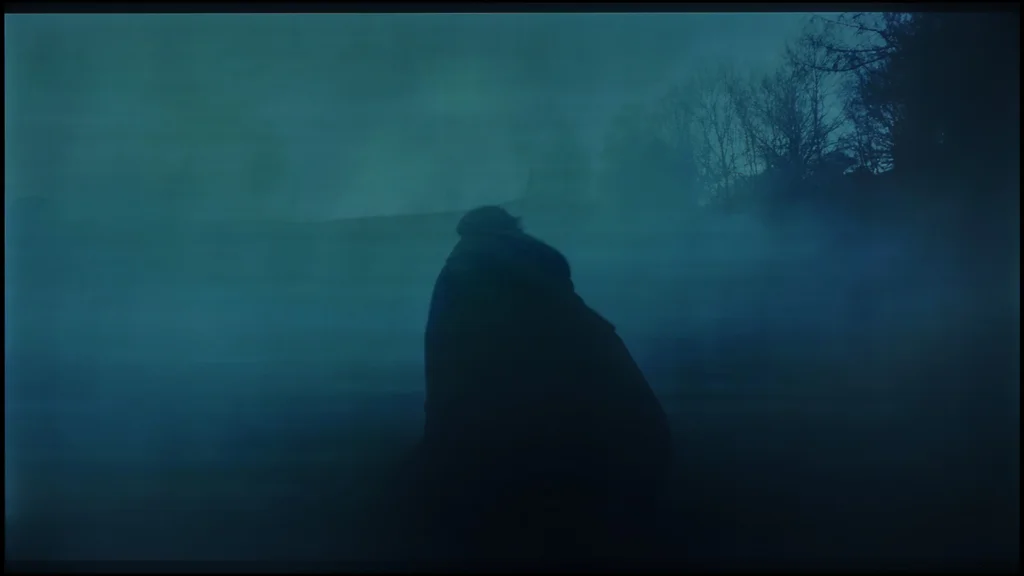

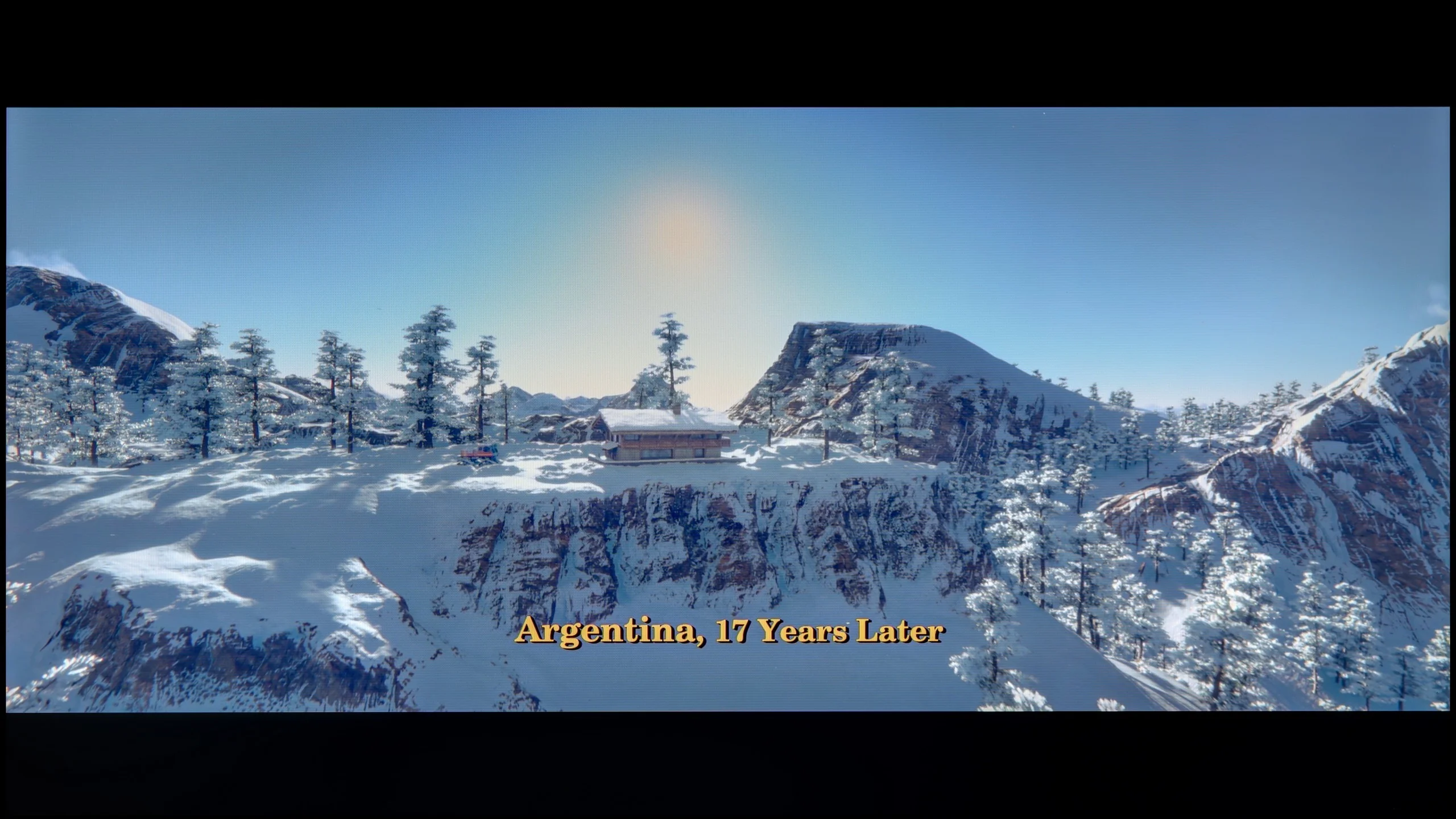

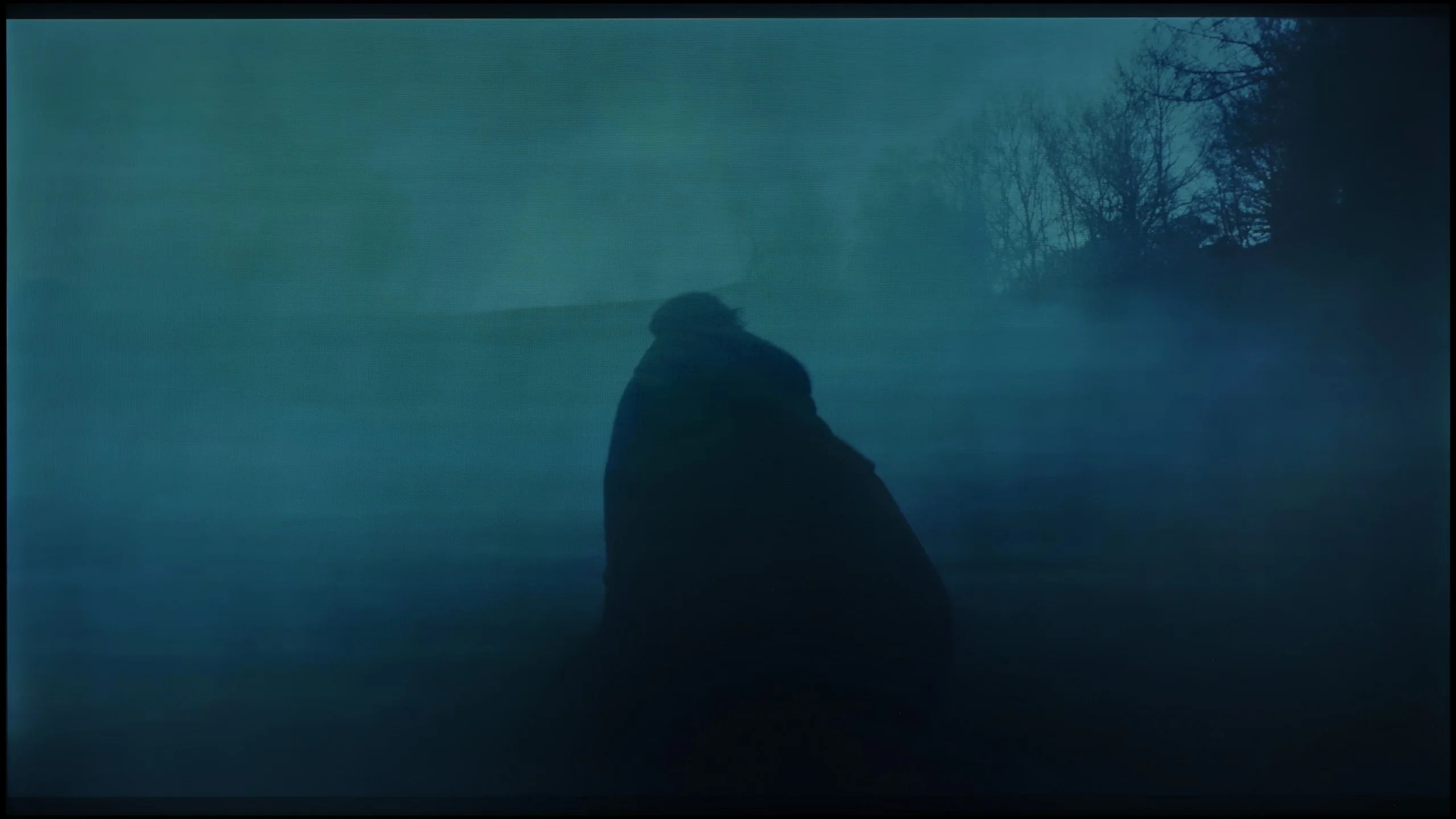
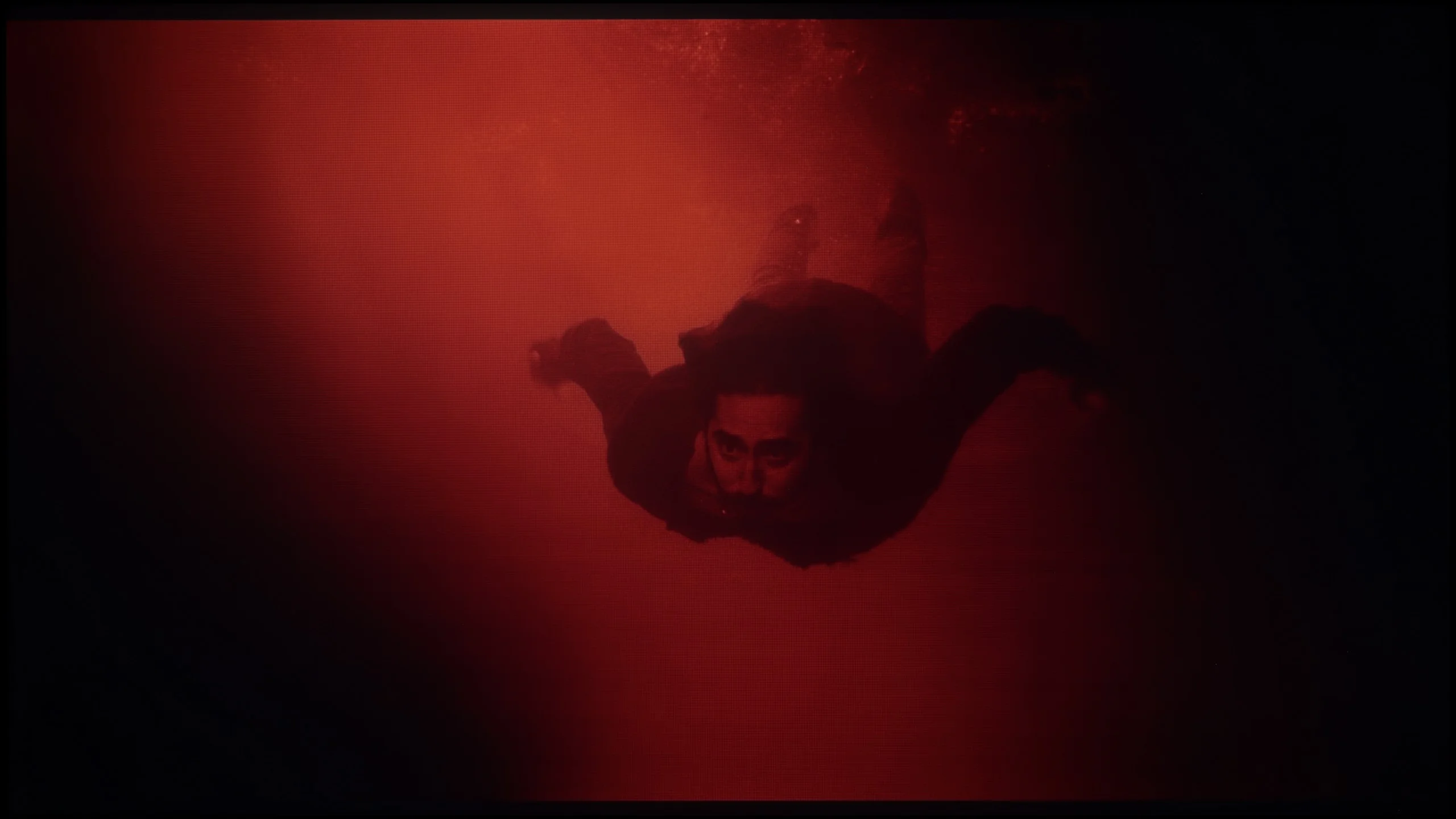
Image scaling and smoothness of tonal transitions
6.5/10
 Smooth transition function
Image without overscan on the SD signal

How does the Sharp GL4760E handle digital signal processing? Quite well, actually. We paid special attention to a feature called "10-bit color reproduction." We tested it in various scenarios, and in our opinion, it performs best in the "medium" setting. Importantly, this algorithm does not forcibly remove noise or film grain, which often happens with competitors and leads to the unnatural "wax figures" effect. Instead, this feature gently softens the details, making older materials more vivid and enjoyable to watch. We wholeheartedly recommend keeping this option turned on.
However, when it comes to upscaling, or enhancing lower resolution images to 4K, the situation is typical for this price range, which is just average. The image is not as sharp and clear as we would like. We noticed that the edges of text, for example in subtitles, can be quite jagged. On the plus side, we must commend the fact that the television does not crop the image edges (no overscan), which is often a nightmare for fans of very old materials. Despite some shortcomings in sharpness, the image smoothing features remain a very pleasant surprise for us.
SHARP GL4760E - Blur and motion smoothness
5/10
Maximum refresh rate of the panel: 60Hz
Film motion smoothing option: Yes
Blur reduction option: No
BFI function 60Hz: No
BFI function 120Hz: No
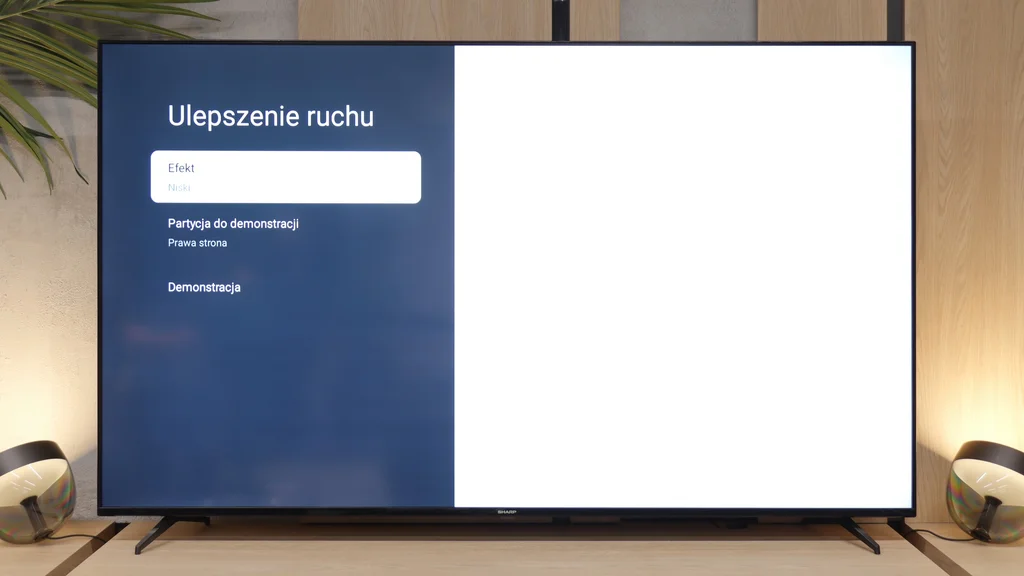
Let's move on to the image dynamics. The Sharp GL4760E has a 60 Hz panel, which should not come as a surprise at this price point. However, we need to be clear: this is not equipment designed for dynamic sports or very fast action games. Fortunately, the manufacturer did not leave us with nothing. A significant advantage is the presence of a simple smoother called "Motion Enhancement". This feature offers three levels of operation: low, medium, and high. According to our tests, the low setting is the golden mean. It provides a pleasant-to-the-eye effect, reducing annoying image shaking, while not introducing an unnatural, "theatrical" smoothness to the image.
Blur (native resolution, maximum refresh rate):
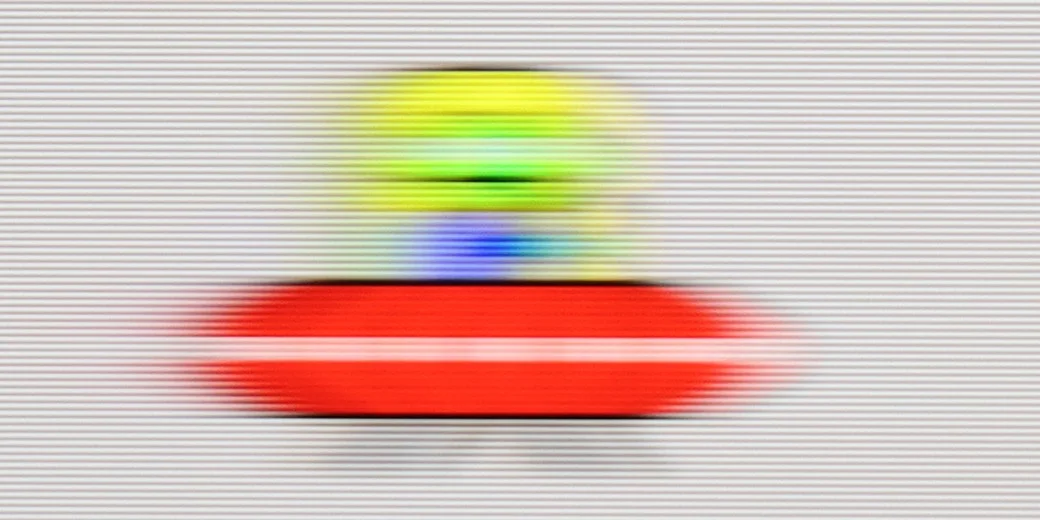
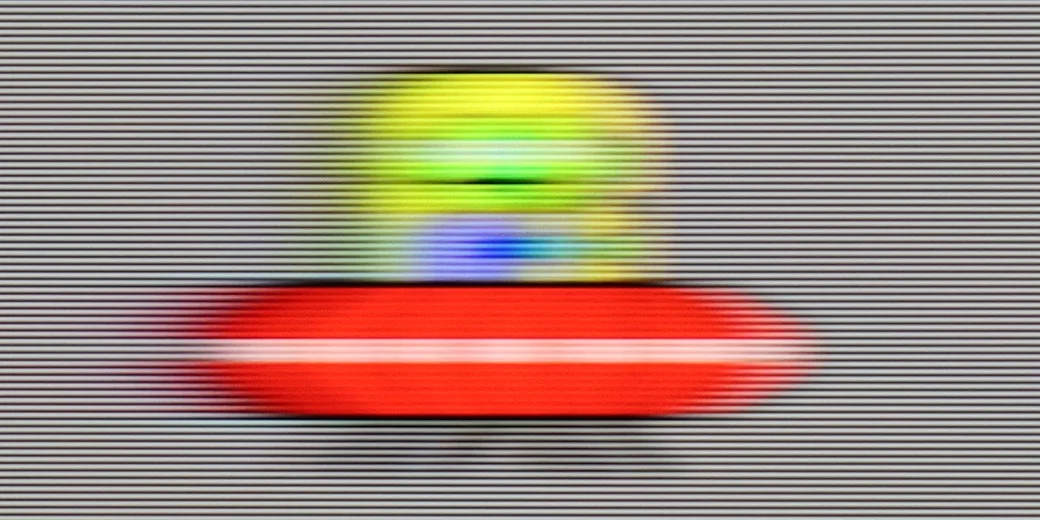
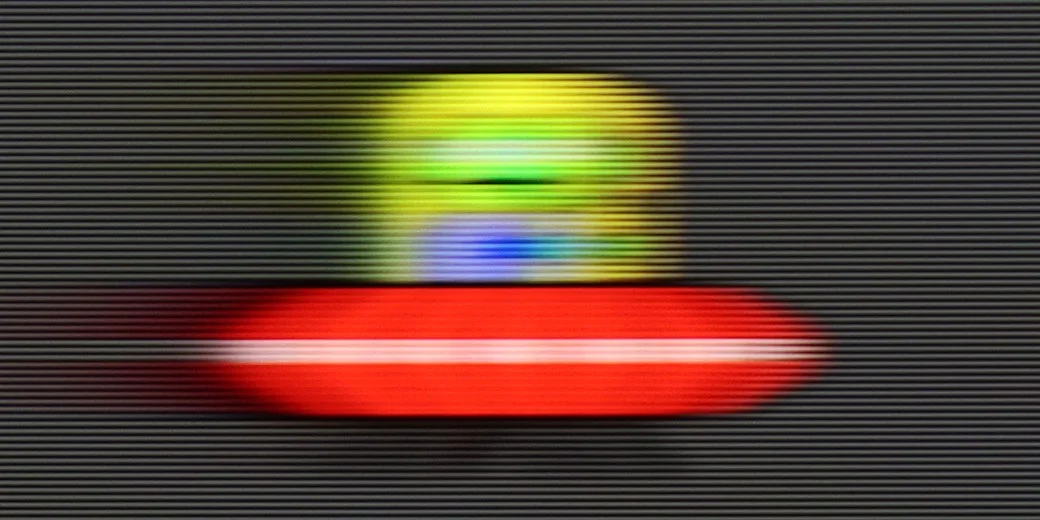
When it comes to ghosting, there are no miracles here. The clarity of our test "little alien" in the popular UFO test was not the best, which is a direct result of using a slower 60 Hz panel. We also noticed that ghosting becomes more visible on darker backgrounds, which is a typical characteristic of VA panels.
SHARP GL4760E - Console compatibility and gaming features
3/10
- ALLM:
Yes
 VRR:
No
VRR:
No - VRR range:
No
 Dolby Vision Game Mode:
Yes, high input lag
Dolby Vision Game Mode:
Yes, high input lag - Correct implementation of HGIG:
No
- 1080p@120Hz:
No
- 1440p@120Hz:
No
- 4K@120Hz:
No
- Game bar:
No
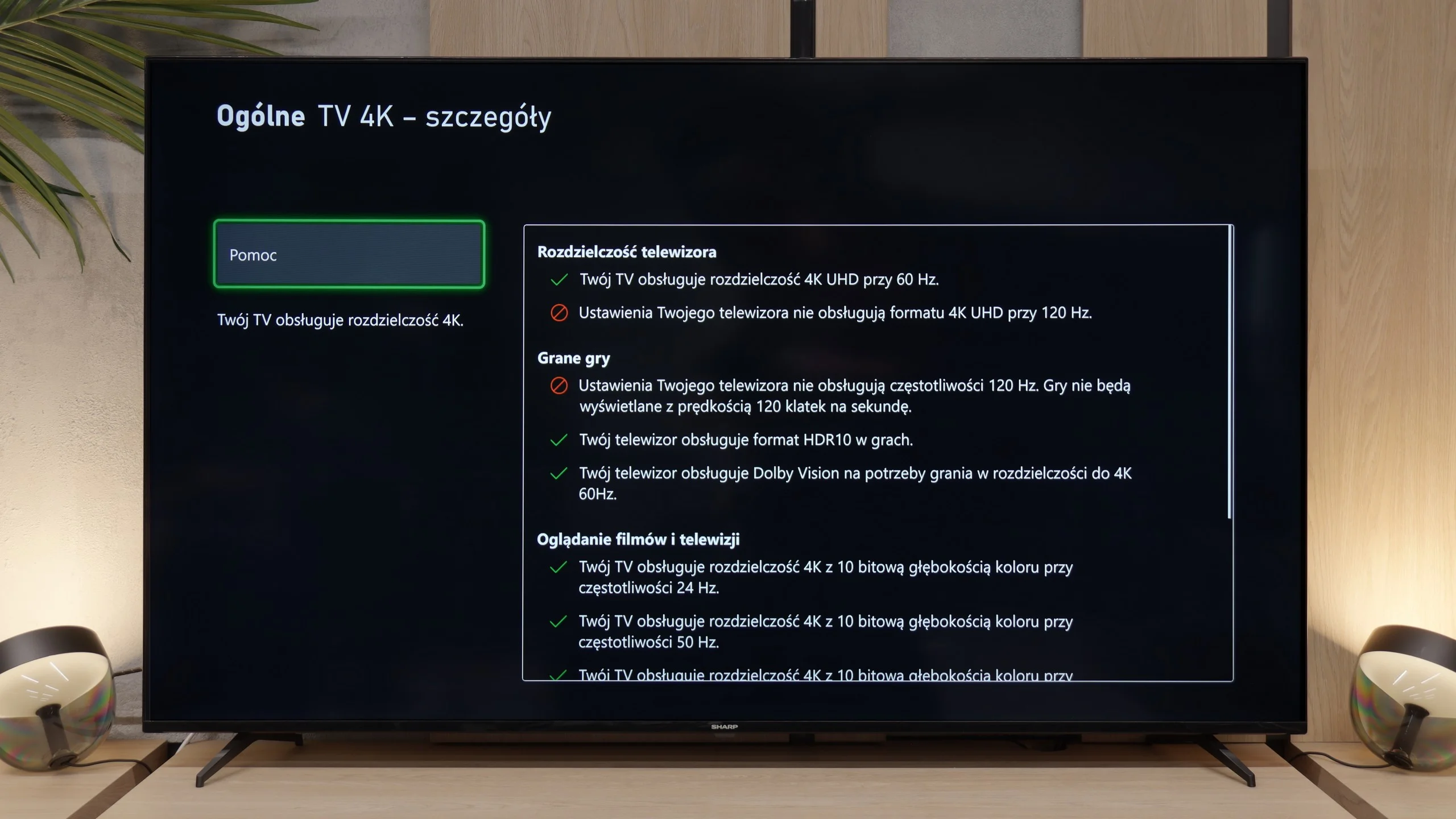
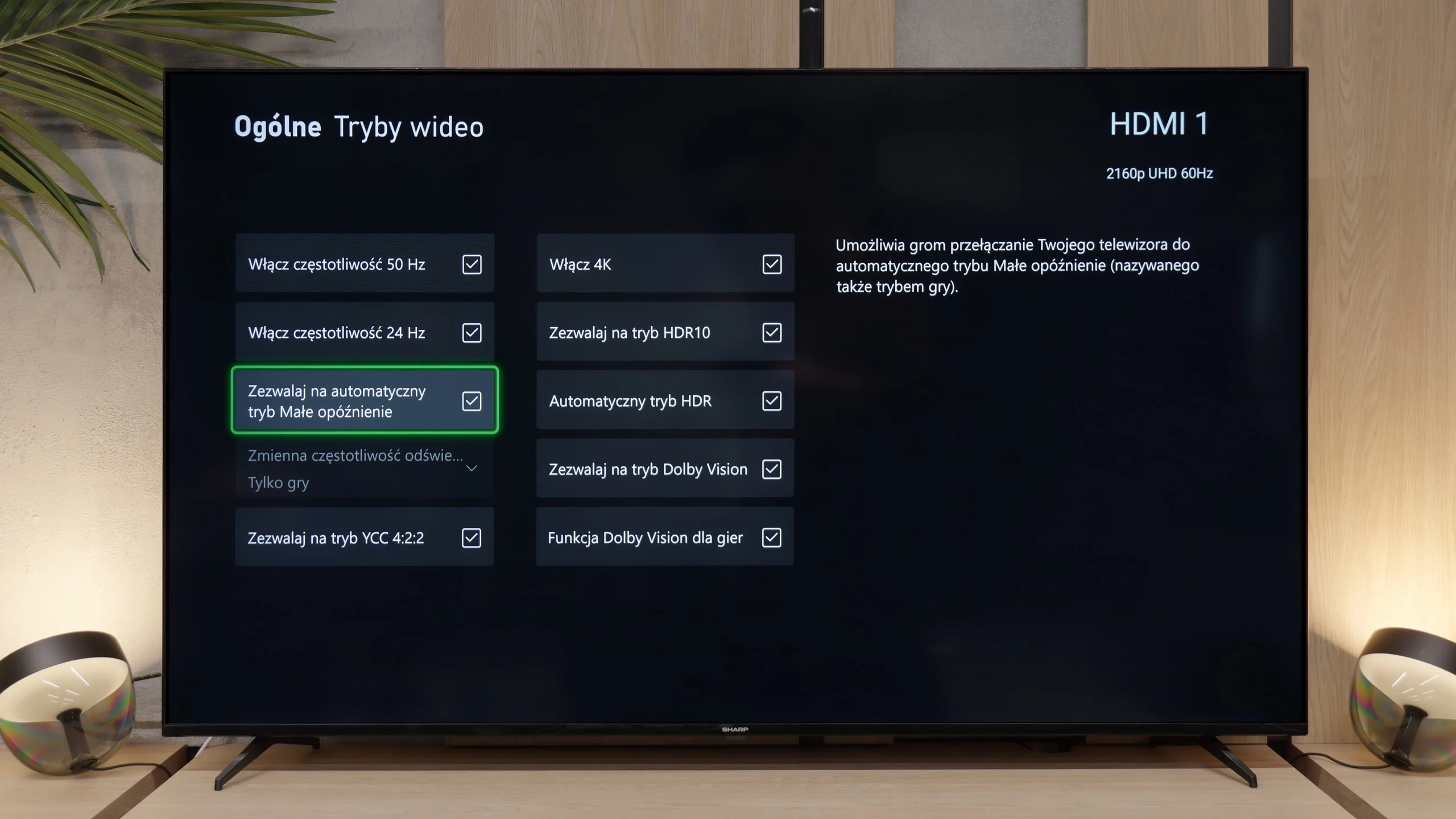
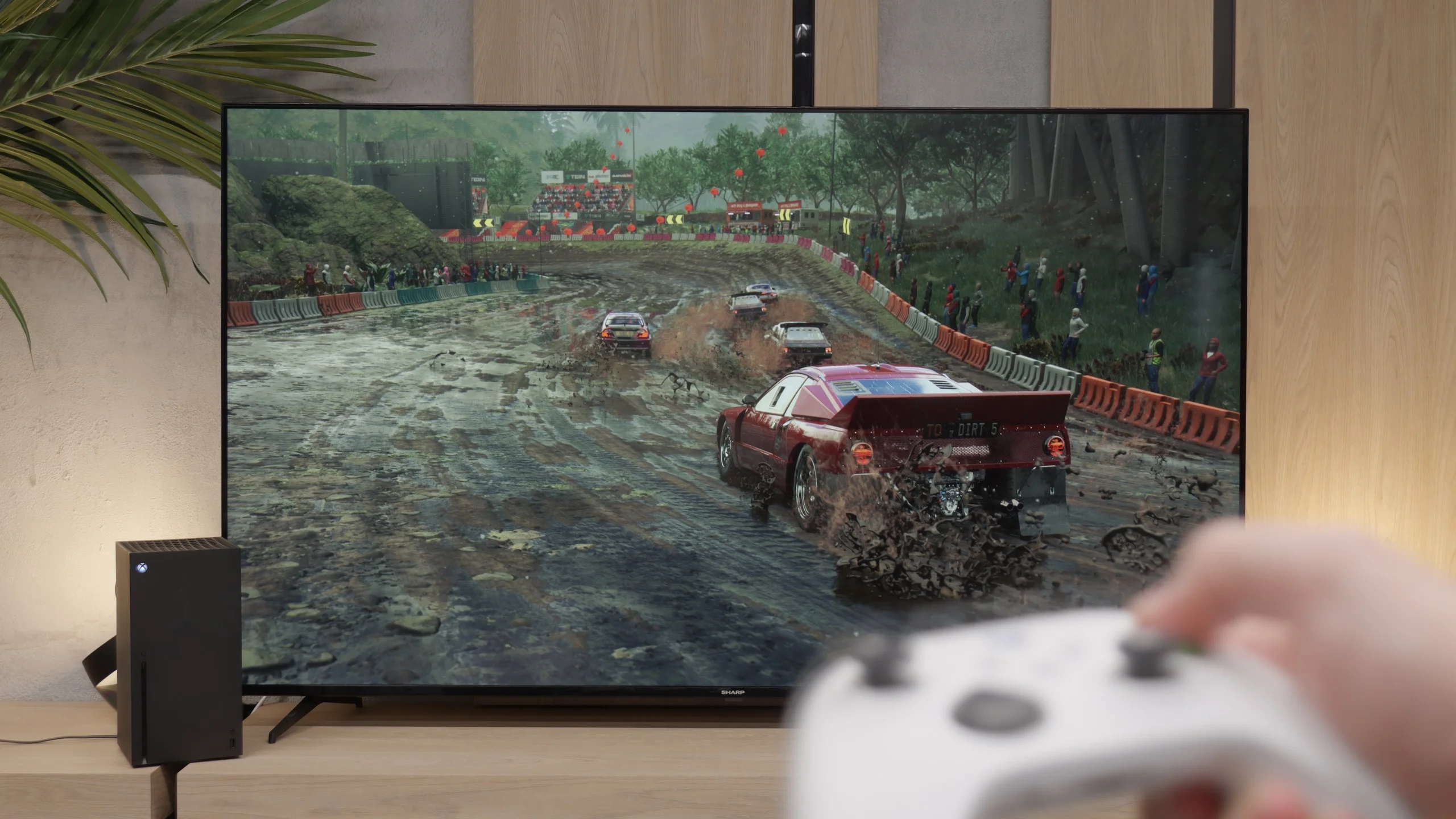
When it comes to gaming on a console, we must be brutally honest with you: we rather discourage this model as the main hub for home entertainment. The Sharp GL4760E has a 60 Hz panel, which already puts it at a disadvantage compared to modern standards and the requirements of gamers. Besides the automatic low latency feature (ALLM), you will find practically none of the modern conveniences here. The TV does not support VRR technology, which would prevent screen tearing, and the manufacturer has not even included a simple Game Bar panel that would allow for quick monitoring of parameters during gameplay. Additionally, the latencies themselves are quite high, which we will discuss further in the section dedicated to input lag. Where can this TV find its place? In our opinion, it will work well when connected to older retro consoles. As long as you have the appropriate adapter for the HDMI connection, this screen will be sufficient for classics from years past. However, for owners of the latest generation hardware, this will be a solution full of painful compromises.

SHARP GL4760E - Input lag
4.9/10
Starting from standard SDR content, our measurements indicated a delay oscillating around 40 ms. Although this may not sound like a tragedy on paper, in reality, this result is already noticeable. Even during very calm, casual gaming, it feels like the response to moving the stick or pressing a button on the pad is slightly delayed. There is a lack of the responsiveness we expect from a modern screen. However, the real problems began when we checked the Dolby Vision Gaming mode. Here, the situation looks downright terrible: the input lag increases to an astronomical 120 ms. Such a value makes the game practically unplayable. The delay is so great that it prevents any precise gameplay. If you’re using an Xbox console, which promotes this standard by default, our advice is short: immediately disable the Dolby Vision feature in the console settings after connecting to this Sharp. It will save you a lot of frustration.
| SDR | HDR | Dolby Vision |
|---|---|---|
| 1080p60: 39 ms | 2160p60 DV: 114 ms | |
| 2160p60: 32 ms |

SHARP GL4760E - Compatibility with PC
5.4/10
Chroma 444 (max. resolution and refresh rate): Yes
Font clarity: Good
Readability of dark text and shapes: Average
Input lag in PC mode (4K, max. refresh rate): 32ms
Matrix subpixel arrangement: BGR
Max refresh rate: 60Hz
G-Sync: No
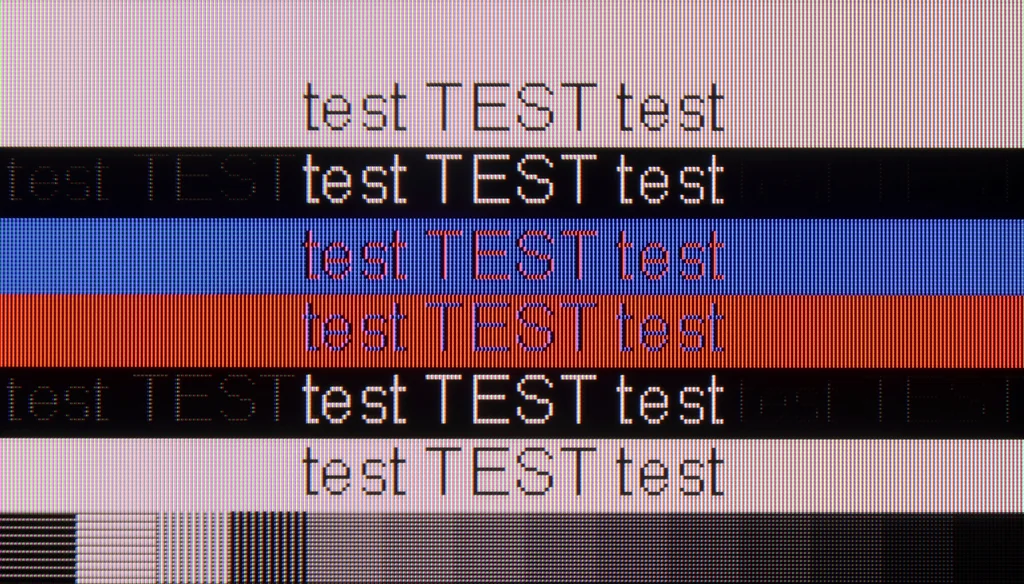
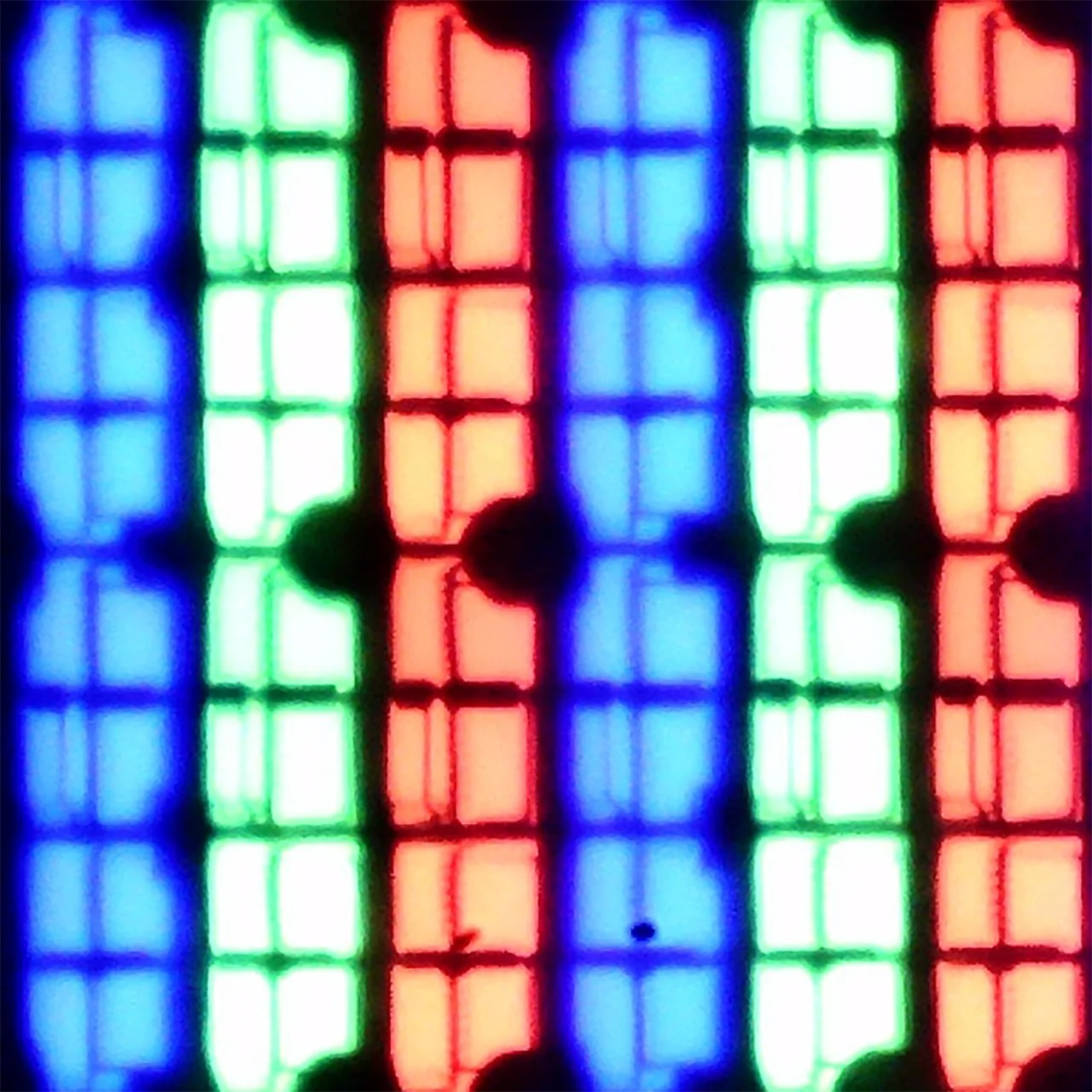
If you are wondering whether the Sharp GL4760E will work well as a monitor, we have some pretty good news for you. The television easily serves as an additional screen for browsing the internet, watching YouTube, or light office work. The readability of the fonts is at a high level, all thanks to the proper implementation of chroma 4:4:4. This is a key element that ensures text is not blurry and has clear edges. However, during thorough testing, we noticed an interesting technological quirk. With darker text, horizontal lines appear slightly darker than vertical ones. Rest assured, this is a flaw subtle enough that probably none of you will notice it during everyday use. It is also worth mentioning that the fonts themselves have a specific display characteristic. This is due to the unusual structure of the VA panel used in this model. For those interested in the details, we have prepared a close-up photo, which you will traditionally find at the very bottom of this review.
SHARP GL4760E - Viewing angles
2.8/10
Brightness drop at an angle of 45 degrees: 73%
When it comes to viewing angles, the Sharp GL4760E does not surprise and presents the typical issues of VA panels. Unfortunately, they are simply poor. We have to look at this as a kind of "tax" we pay for the deep blacks and high contrast that we mentioned earlier. In this price range, it is rare for a TV to shine in both categories at the same time. In practice, this means that the best viewing experiences are reserved for those sitting directly in front of the screen. Just moving a few degrees to the side results in the picture noticeably losing its saturation. Colors become paler, and blacks start to quickly shift to gray.
SHARP GL4760E - Daytime performance
4.7/10
Panel finish: Satin
Reflection suppression: Decent
Black levels during daytime: Good
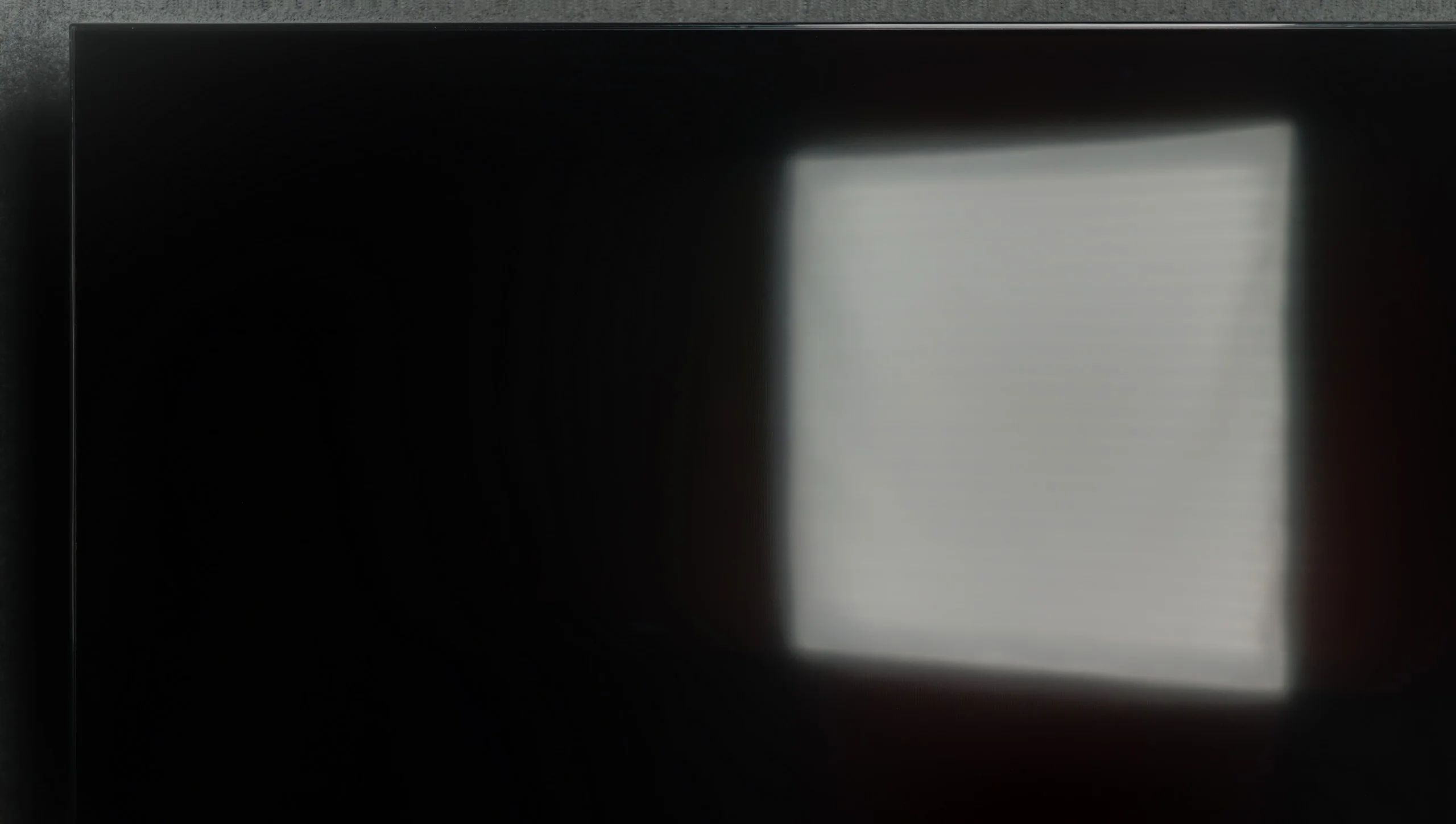
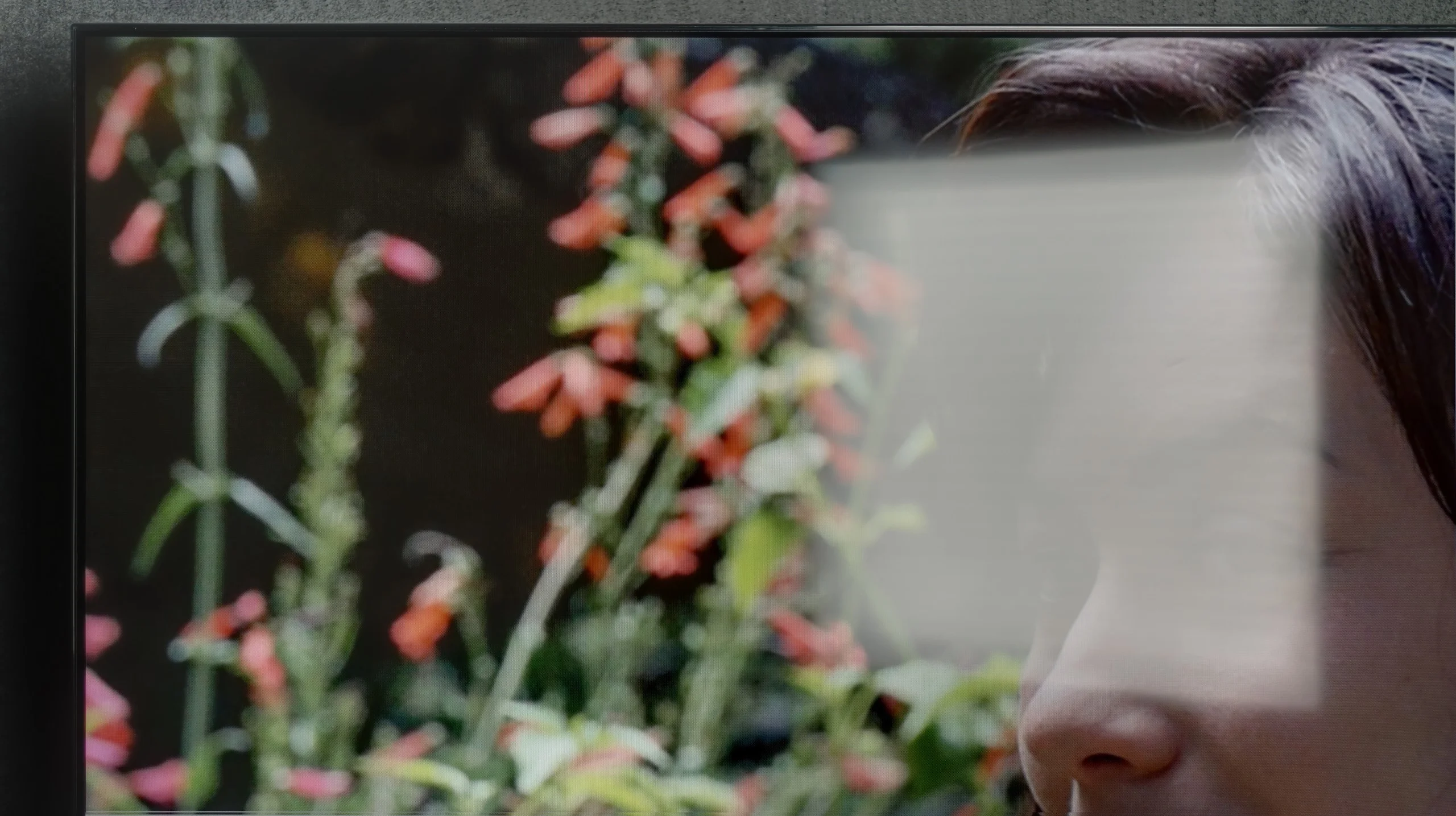
We also checked how the Sharp GL4760E performs in a bright room. It has a satin matrix coating, which we see as a big plus. It effectively reduces reflections and, importantly, does not negatively impact color perception on the screen. So we don't have to worry about the TV turning into a mirror where we can see all the furnishings of the living room. Unfortunately, the biggest limitation in this regard remains the brightness of the panel itself. In SDR content (that is, when watching regular television or most older films), the TV generates about 300 nits. This value proves to be simply insufficient in a strongly sunlit room. The image may appear washed out and hard to read if the sun is shining directly near the screen. For this reason, we would not recommend this model for very bright, glass-walled living rooms unless you plan to watch mainly with the curtains drawn.
Panel brightness
Sharp GL4760E: 306 cd/m2
SHARP GL4760E - TV features
6/10
System: Google TV
System performance: Decent
- HDMI inputs: 4 x HDMI 2.0, 0 x HDMI 2.1
- Other inputs: RCA (Chinch)
- Outputs: Toslink (Optical audio), eARC (HDMI), ARC (HDMI), Mini-Jack (Headphones)
- Network Interfaces: Wi-Fi 2.4GHz, Wi-Fi 5GHz, Ethernet (LAN) 100Mbps
- TV reception: DVB-T, DVB-T2, DVB-S, DVB-S2, DVB-C
Classic features:
- Recording to USB (terrestrial TV): No
- Recording programming: No
- Picture in Picture (PiP): No
- RF remote control (no need to aim): RF
- Backlit remote control: No
- Teletext: Yes
- Audio only mode: Yes
- Bluetooth headphones support: Yes
- Simultaneous Bluetooth headphones & TV audio: No
Smart features:
- AirPlay: No
- Screen mirroring (Windows Miracast): Yes
- Voice search: Yes
- Voice search in native language: Yes
- Ability to connect a keyboard and mouse: Yes
Google TV
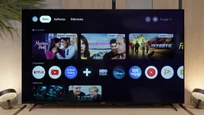
The presence of the Google TV system is one of the greatest advantages of this model. First of all, it is worth praising the immense freedom and access to virtually every streaming application you can think of. Everything is right at your fingertips. A significant convenience is the built-in Chromecast and Screen Mirroring function, which allows for seamless casting from your phone to the big screen. What will be crucial for many of you: the voice assistant understands and speaks in various languages, including Polish. However, if you are a fan of the Apple ecosystem, we must note that Sharp does not support AirPlay technology. As for the fluidity of operation, it is fairly typical for TVs in this price range. The system is not a speed demon, but it doesn't drive you to the brink of frustration either. We just have to remember that this is not a machine for handling ten applications at once. Sometimes it's good to manually clear the cache or restart the device to restore its original vigor.
Classic Television Functions and Remote
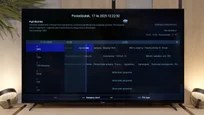
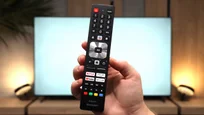
Looking at traditional functions, we felt a slight disappointment because there are no more advanced additions, such as the PiP (picture-in-picture) function or the ability to record programs to a USB drive. On the other hand, Sharp does not forget about traditionalists. Included is a classic remote control with a full numerical keypad. This is a rarity these days and greatly facilitates the use of teletext or navigating the electronic program guide. Everything here works intuitively and without unnecessary complications.
Sound connection options
HDMI audio:
Other audio outputs:
- Toslink: Yes
- Stereo (Mini-Jack): Yes
Wireless audio:
- Bluetooth: Yes
Supported audio formats (external HDMI eARC audio):
- Dolby Digital Plus 7.1: Yes
- Dolby True HD 7.1: Yes
- Dolby Atmos in Dolby Digital Plus (JOC): Yes
- Dolby Atmos in Dolby True HD: Yes
- DTS:X in DTS-HD MA: No
- DTS-HD Master Audio: No
Senior accessibility
- Numeric keyboard on TV: Yes
- Font size adjustment: No
- Audio description: No
SHARP GL4760E - Apps
9.6/10






















SHARP GL4760E - Playing files from USB
9.5/10
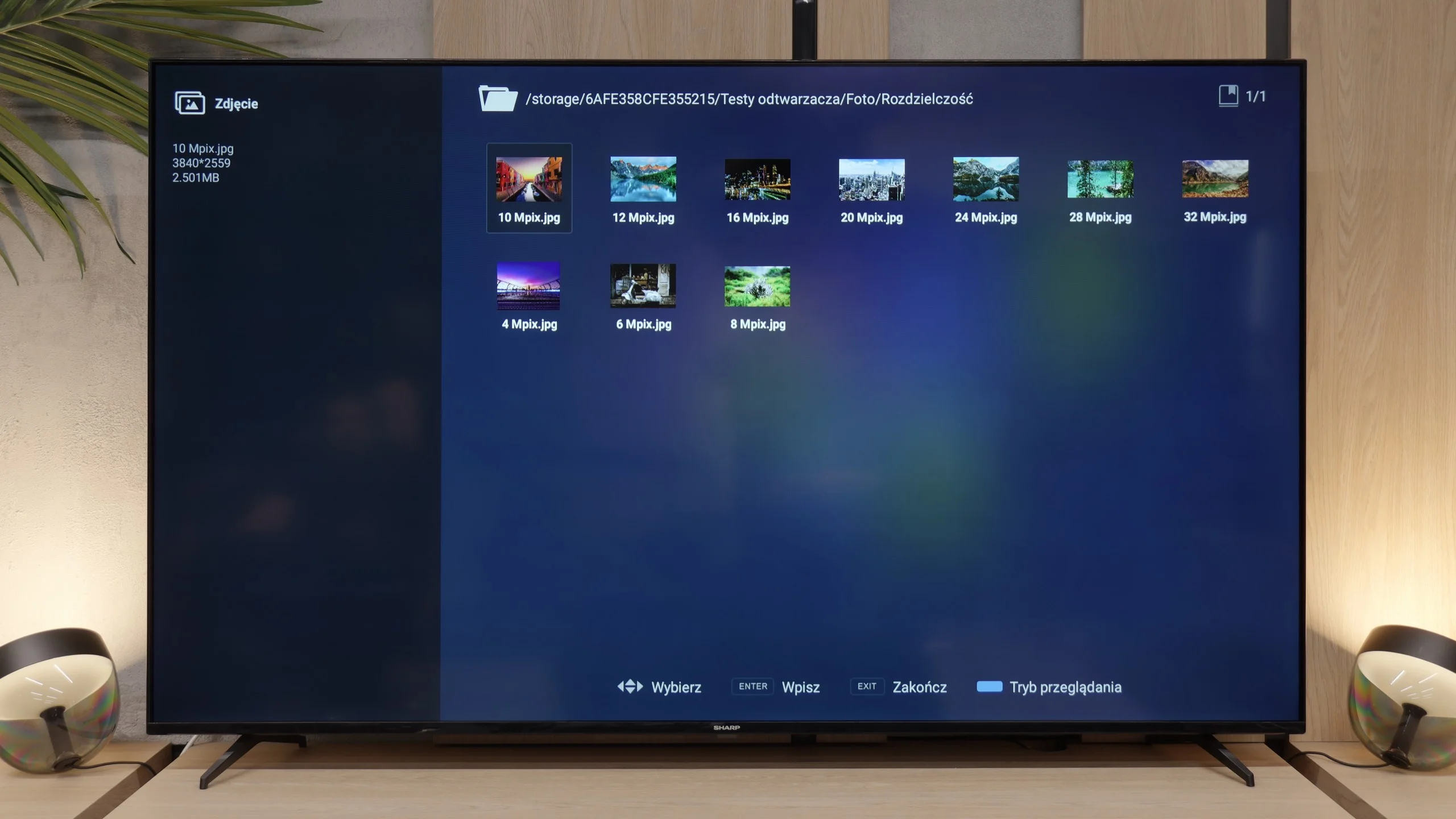
| Maximum photo resolution: | Supported photo formats: |
|---|---|
| 4 Mpix | JPEG |
| 6 Mpix | HEIC |
| 8 Mpix | PNG |
| 10 Mpix | GIF |
| 12 Mpix | WebP |
| 16 Mpix | TIFF |
| 20 Mpix | BMP |
| 24 Mpix | SVG |
| 28 Mpix | |
| 32 Mpix |
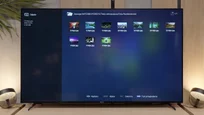
The time has come to check how the television performs with files from a USB drive or external hard drive. And we must say it directly. The Sharp GL4760E performs better than one might expect. During the tests, we reached for various materials from our library, and the built-in player played most popular formats without any fuss. There were no issues with hanging, subtitles loaded correctly, and navigating the menu is simple and logical. Of course, Google TV allows full freedom to install additional applications like Kodi or VLC, so if someone has very unusual files, they will always find a solution. In practice, however, Sharp's factory player handles everything needed for everyday use, so you probably won't feel the need to experiment with external applications.
SHARP GL4760E - Sound
5.5/10
84dB
Maximum volume

Supported codecs (TV speakers)
Dolby Digital Plus 7.1
Dolby True HD 7.1
Dolby Atmos in Dolby Digital Plus (JOC)
Dolby Atmos in Dolby True HD
DTS:X in DTS-HD MA
DTS-HD Master Audio
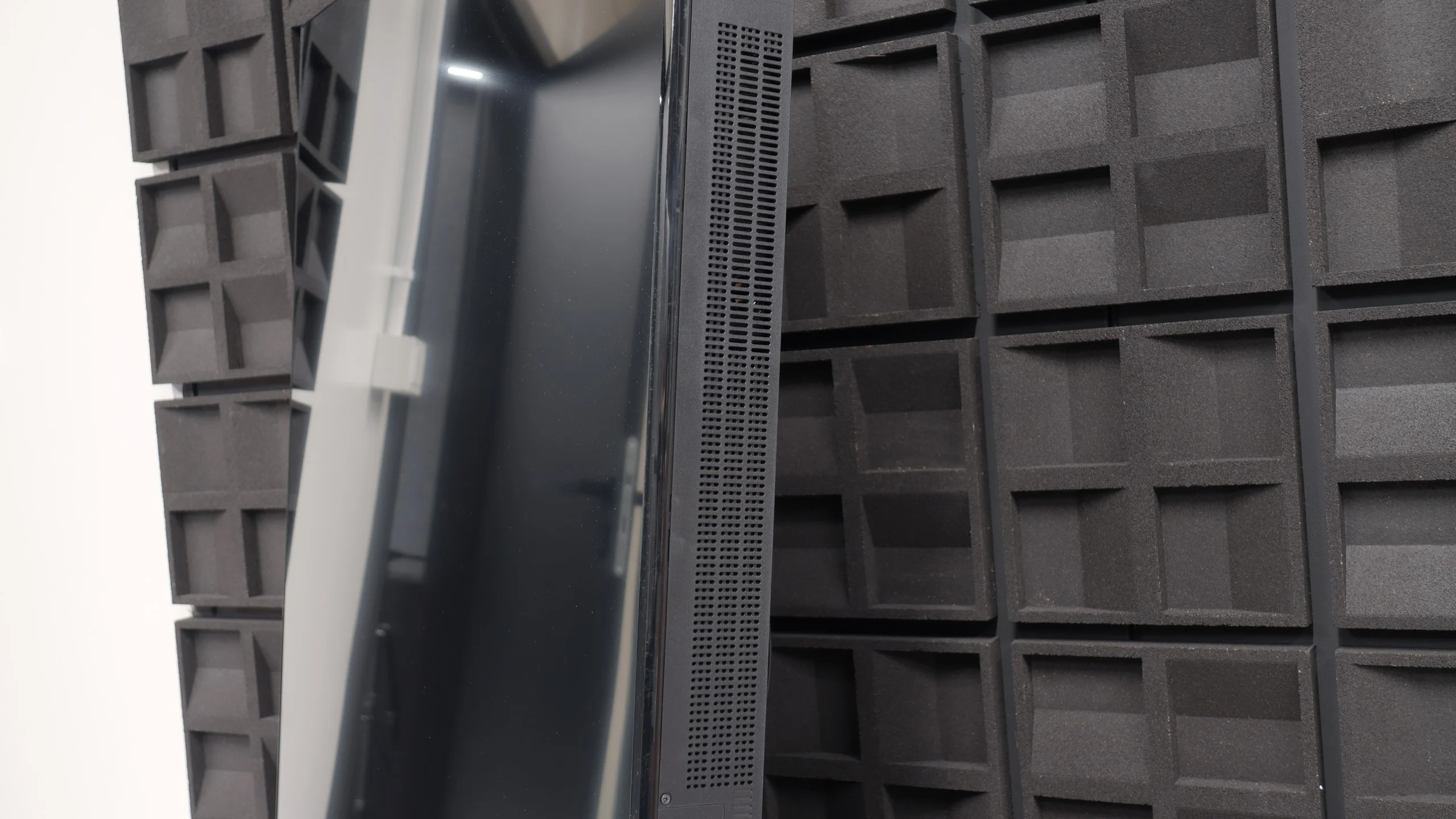
Finally, a few words about what to expect. The sound on the Sharp GL 4760E is, to put it simply, quite flat and almost completely devoid of bass. If you're counting on a cinematic impact in action movies, you simply won’t find it here. However, we have good news: the speakers play loud enough. For watching traditional television, news services, or talk shows, this sound quality will be entirely sufficient. If, however, you care about something more and want to feel the depth of the soundtrack, we definitely recommend purchasing a soundbar. This is almost a mandatory expense for any fan of good audio experiences with this model as well as with most other televisions.
Sound Quality Test:
Acoustic Measurements
84dBC (Max)
75dBC
SHARP GL4760E - Panel details
Software version during testing: RTMA.250416.207
Image processor: M7632 2GB RAM
Subpixel Structure:
Panel uniformity and thermal imaging:

Backlight Type: White LED

Founder and originator of the "ChooseTV" portal

Journalist, reviewer, and columnist for the "ChooseTV" portal
Reader comments
Comments are provided by the external service Disqus (Zeta Global). Once loaded, Disqus may set cookies and process data about your activity.
We will remember your choice on this device. Provider's privacy policy
See articles related to Sharp GL4760E:


 11/24/2025