The Panasonic W70A draws attention primarily due to its advanced Google TV operating system, which gives access to a plethora of popular applications (YouTube, Netflix, Disney+, HBO Max, etc.). As for the picture, the IPS panel offers wide viewing angles, so colours do not lose intensity even when watching a film from a slight angle. Gamers will also not be disappointed, as it features VRR and ALLM, along with low input lag (around 12 ms) – all of this contributes to a pleasant experience for occasional gaming, despite the standard 60 Hz refresh rate.
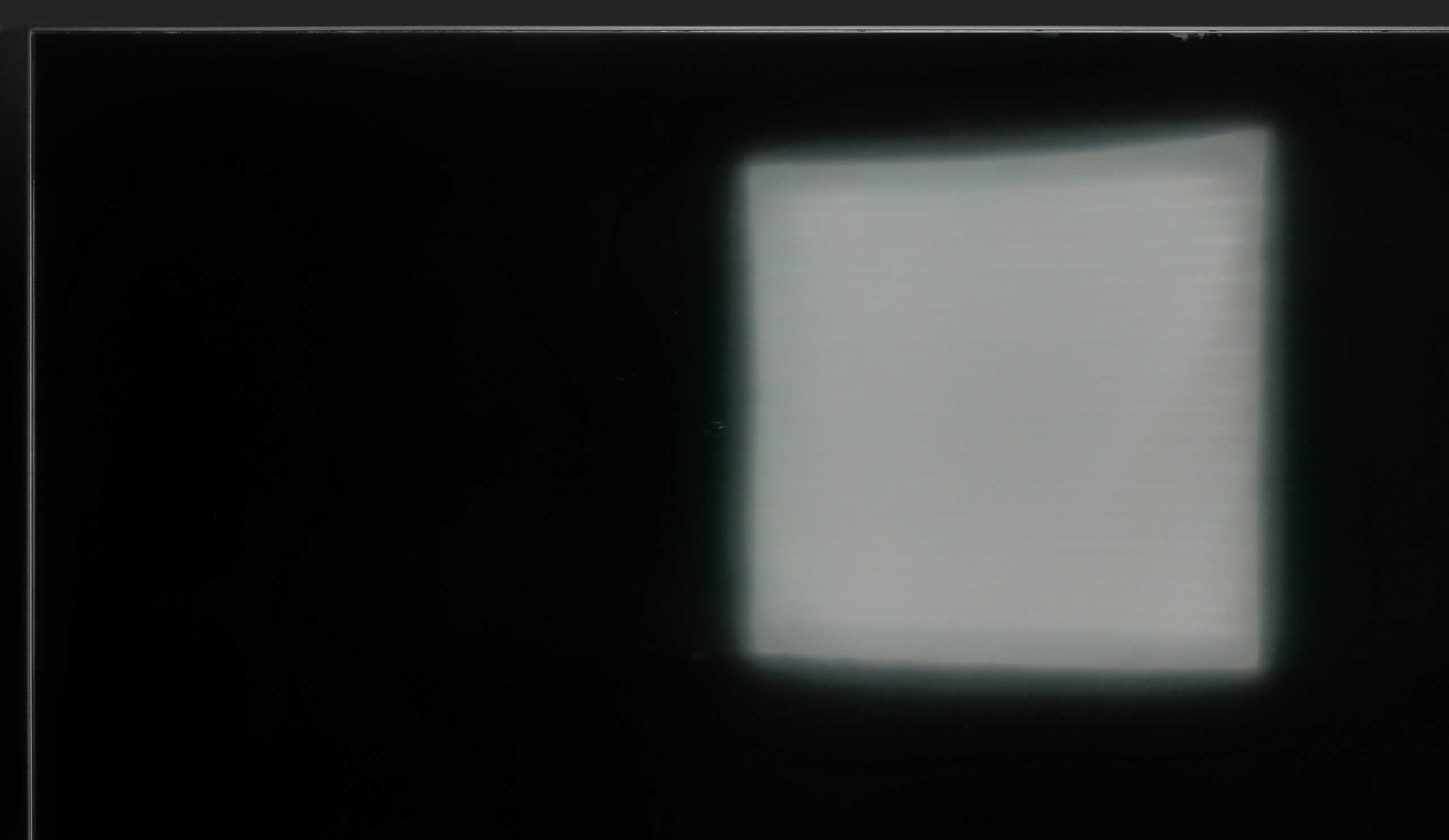
However, it is worth noting that this is rather a basic model and has its limitations. The contrast and black levels are simply weak, which is a typical phenomenon for IPS panels, especially in dark rooms. A brightness level of around 270 cd/m² is also insufficient in brightly lit rooms, making the picture appear washed out. Certain shortcomings in the software itself cannot be overlooked either. Google TV is a great basis, but sometimes it happens that some settings are scattered in surprising places, and the quality of translations leaves much to be desired.
One must consider that the competition is offering more and more in a similar (or slightly higher) price range. Can the Panasonic W70A hold its ground in such an environment? On one hand, it tempts with a rich application base and decent support for gamers, but on the other hand, the market is flooded with more refined televisions equipped with better parameters. However, if wide viewing angles and easy access to Google TV services are a priority, it might be worth giving it a chance. Otherwise, it is advisable to look among competing models that often offer better black levels, higher brightness, and fewer annoying issues in the menu at a similar price.
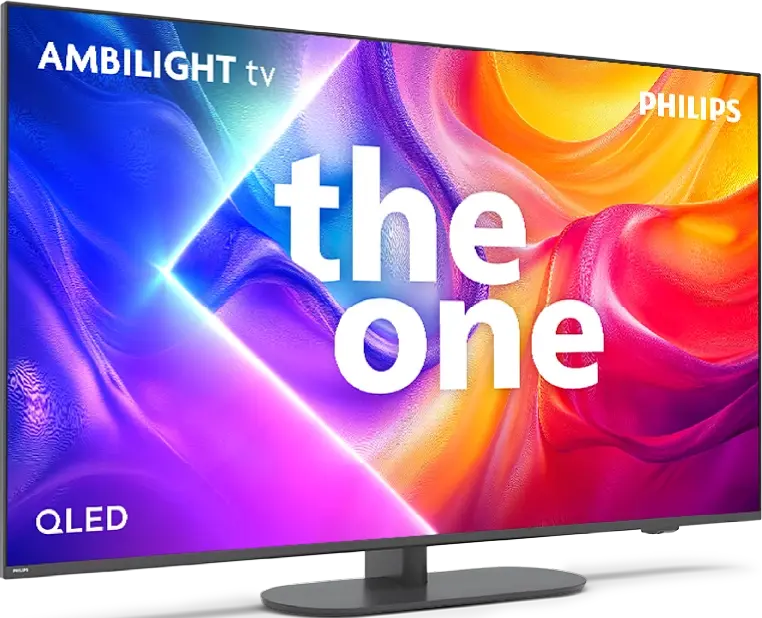
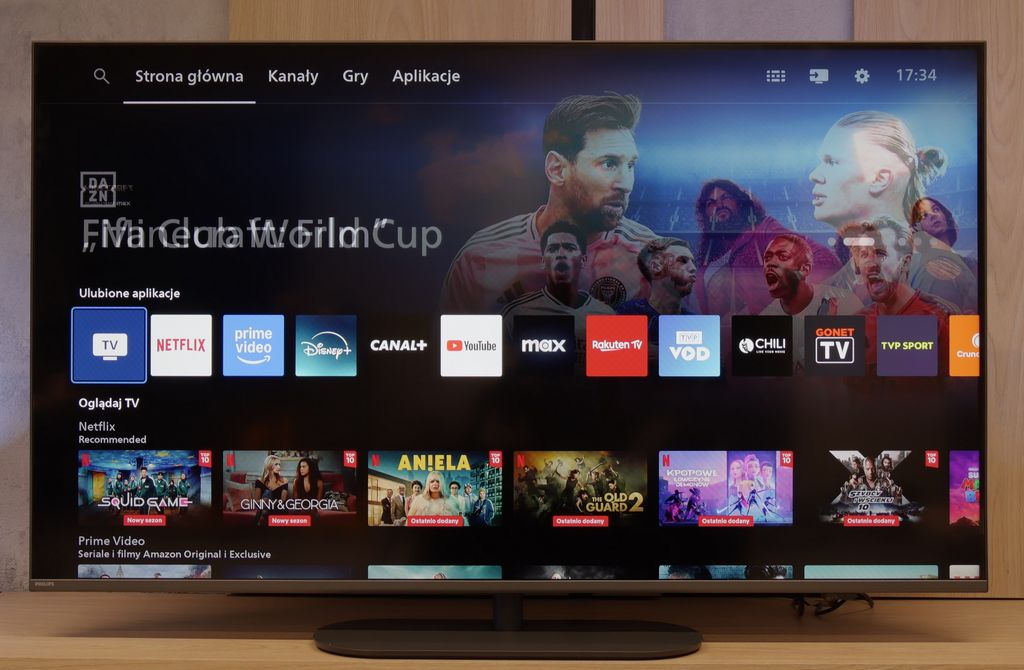
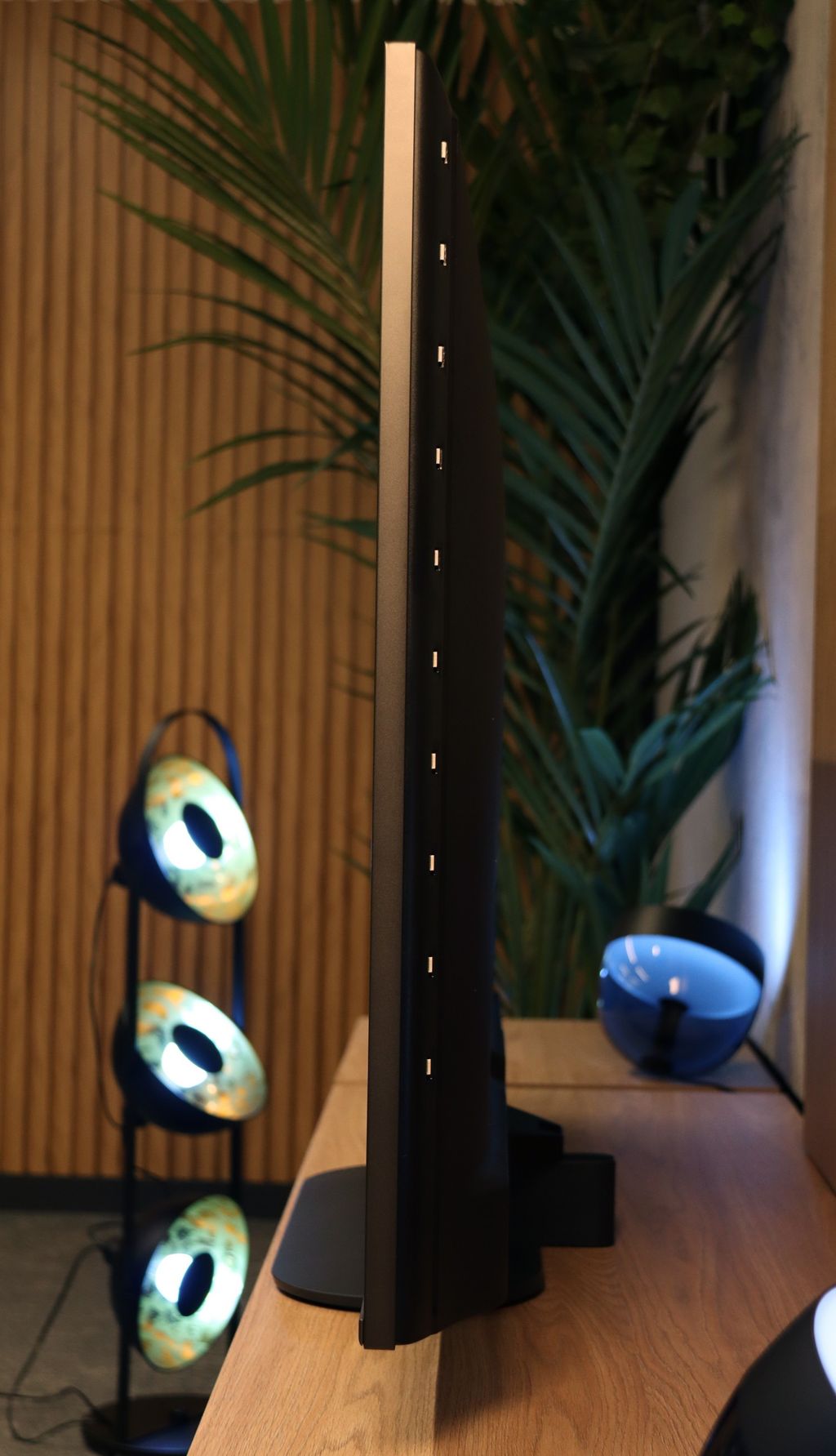
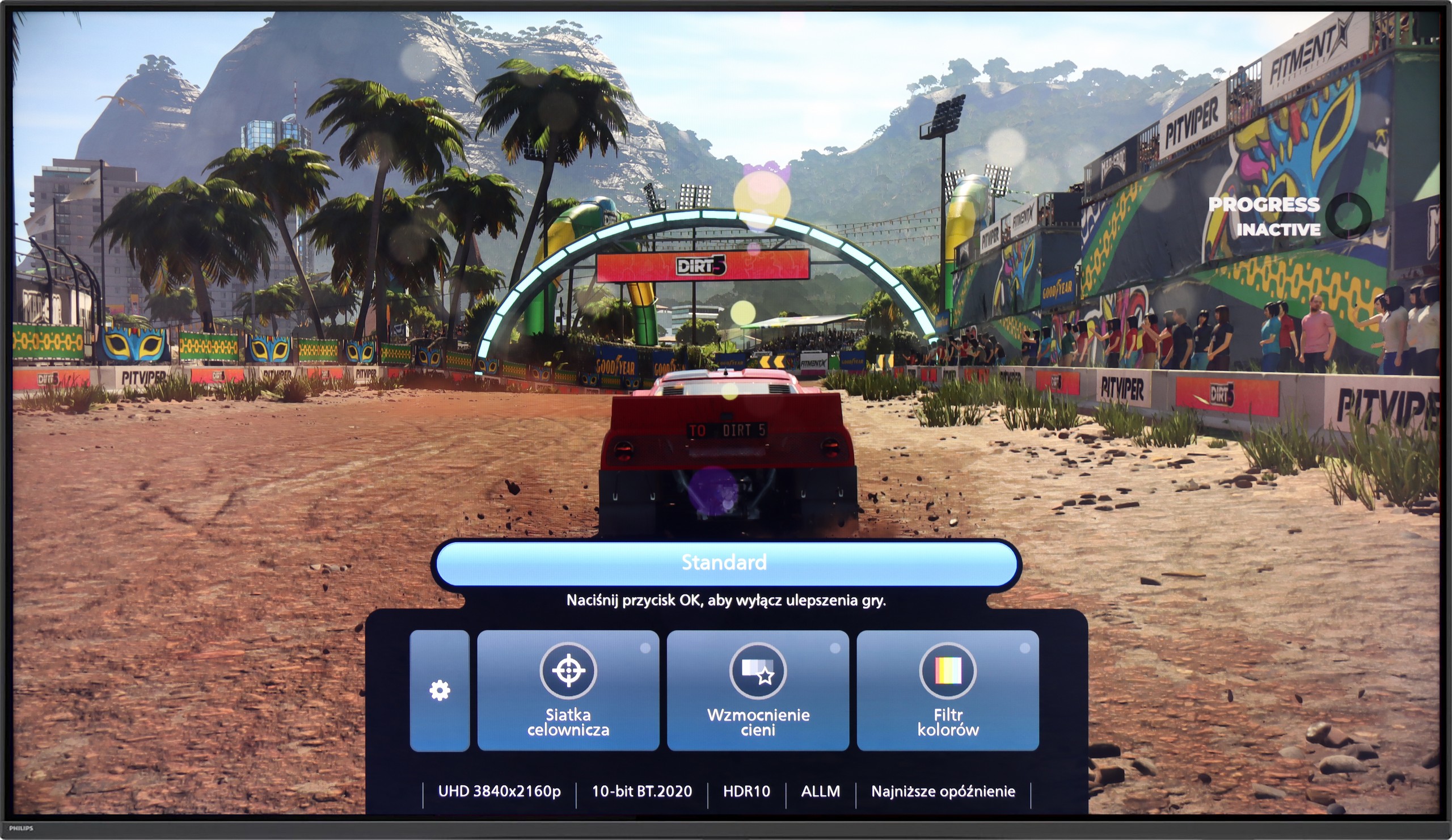
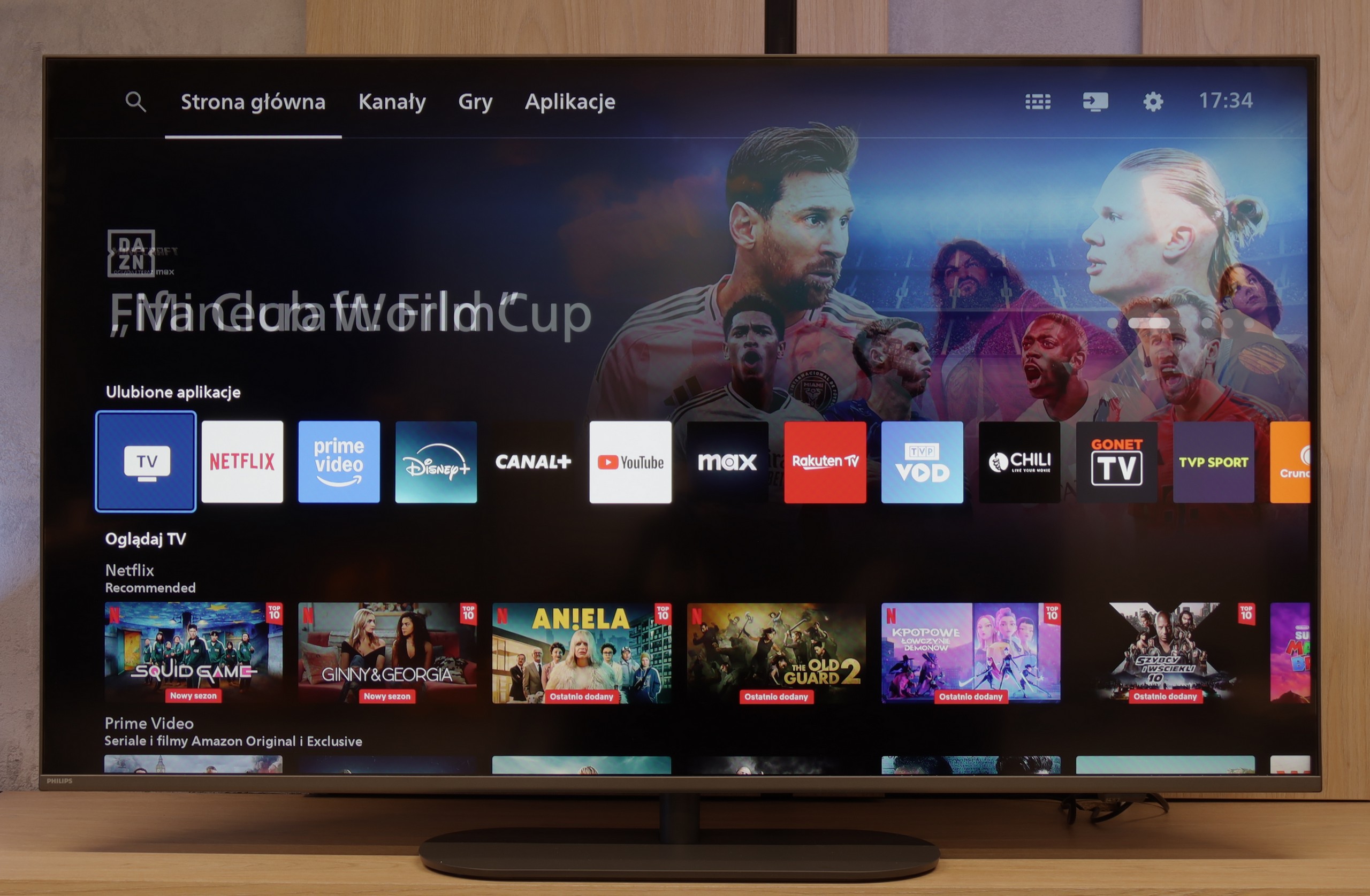
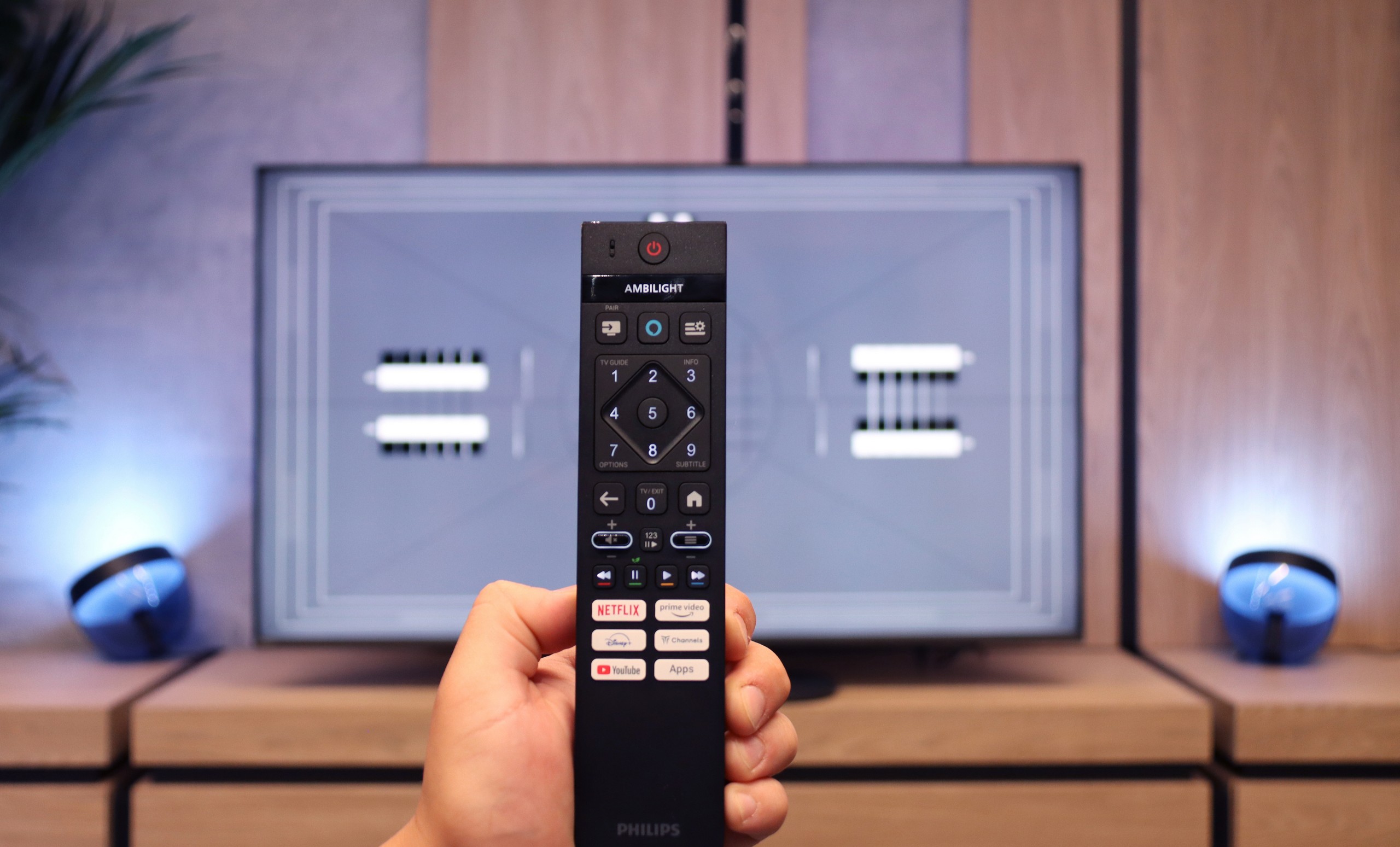
Philips PUS9000 is proof that the manufacturer not only keeps a finger on the pulse but also listens attentively to its users. In the latest iteration of this popular series, there is a noticeable progress – especially compared to the previous generation that we had the opportunity to test. The use of a VA panel has brought a significant improvement in black levels, which finally presents itself at an acceptable level. A brightness of 500 nits does not disappoint even in sunlit rooms, and support for a wide range of HDR formats – including Dolby Vision and HDR10+ – complements the image of a well-prepared device. Additionally, the support for spatial audio technologies such as Dolby Atmos and DTS only enhances the positive impression, especially since the presence of all the aforementioned formats is not a given, even in the priciest models of 2025. But what truly sets this model apart from the competition is the Ambilight system. The multicoloured backlighting not only makes a visual impression – in a darkened room, it can enhance perceived contrast and completely transform the experience of watching a film or series. The gaming mode also deserves recognition. 144 Hz, low input lag, variable refresh rate, G-Sync compatibility, and Game Bar function – everything one could expect from a device designed with consoles and PC in mind. Unfortunately, not everything works perfectly. The Titan OS system, while operating relatively smoothly, still suffers from shortcomings – many popular applications are lacking, minor bugs appear, and the overall experience can be somewhat clunky in everyday use. Moreover, the remote, despite its modern appearance, still uses infrared and requires aiming at the television. What a pity.
So, who is the PUS9060 for? For those who want to immerse themselves in an evening session with impressive Ambilight, game on consoles, and stream content from external devices. In such a scenario, “The One” may indeed turn out to be "the one" – especially since its price is not off-putting on release day.
 Direct comparison