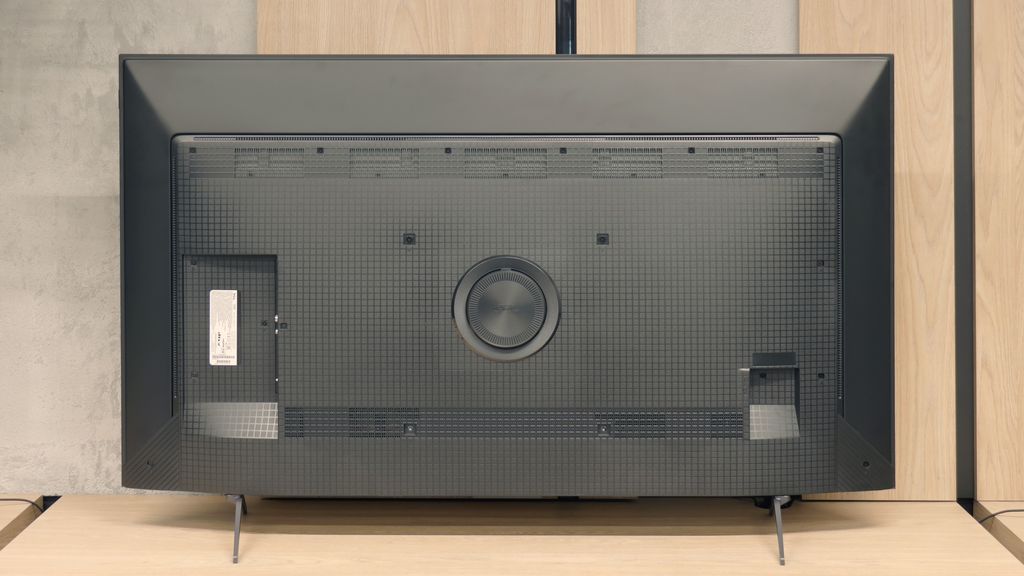
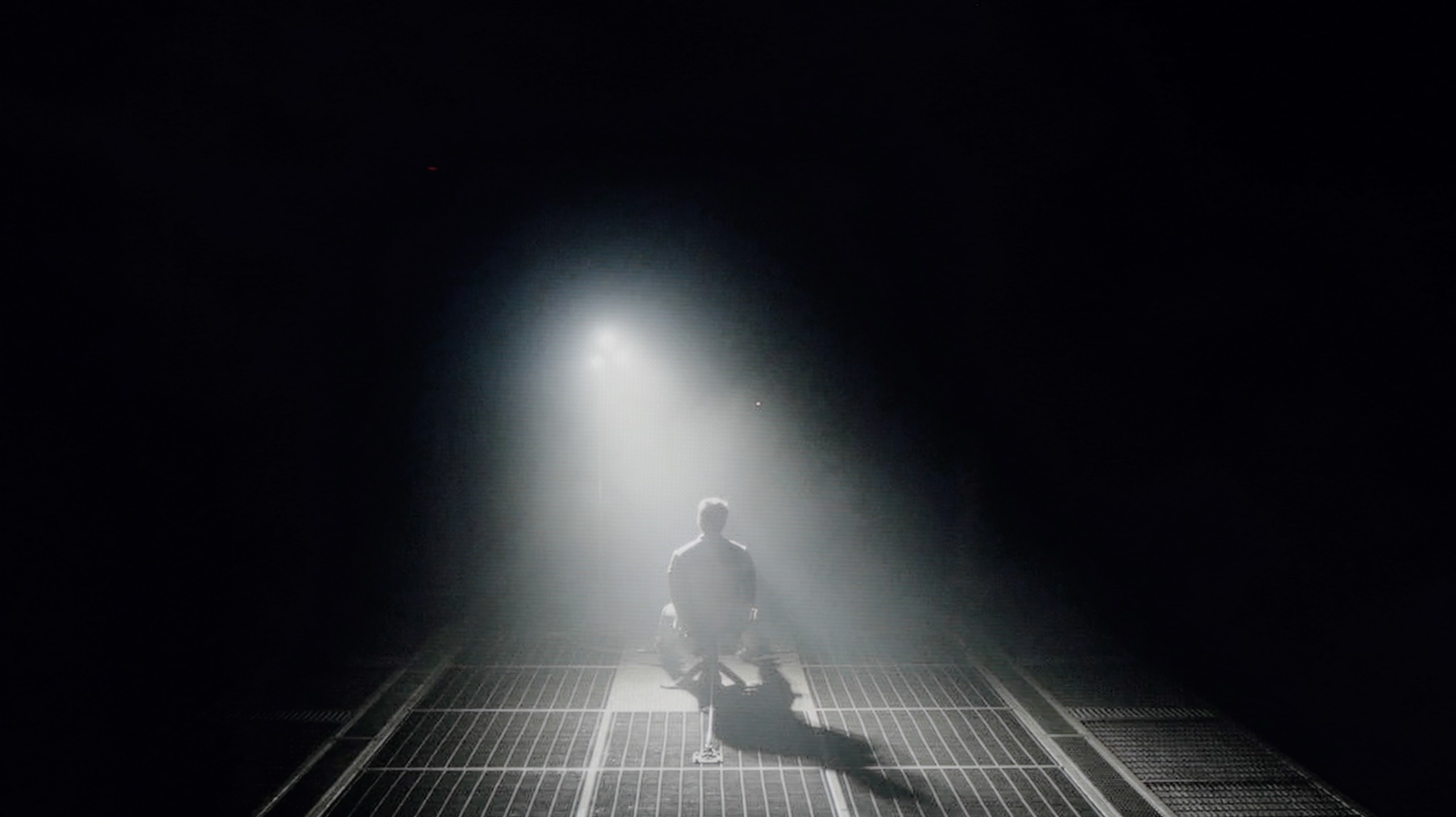
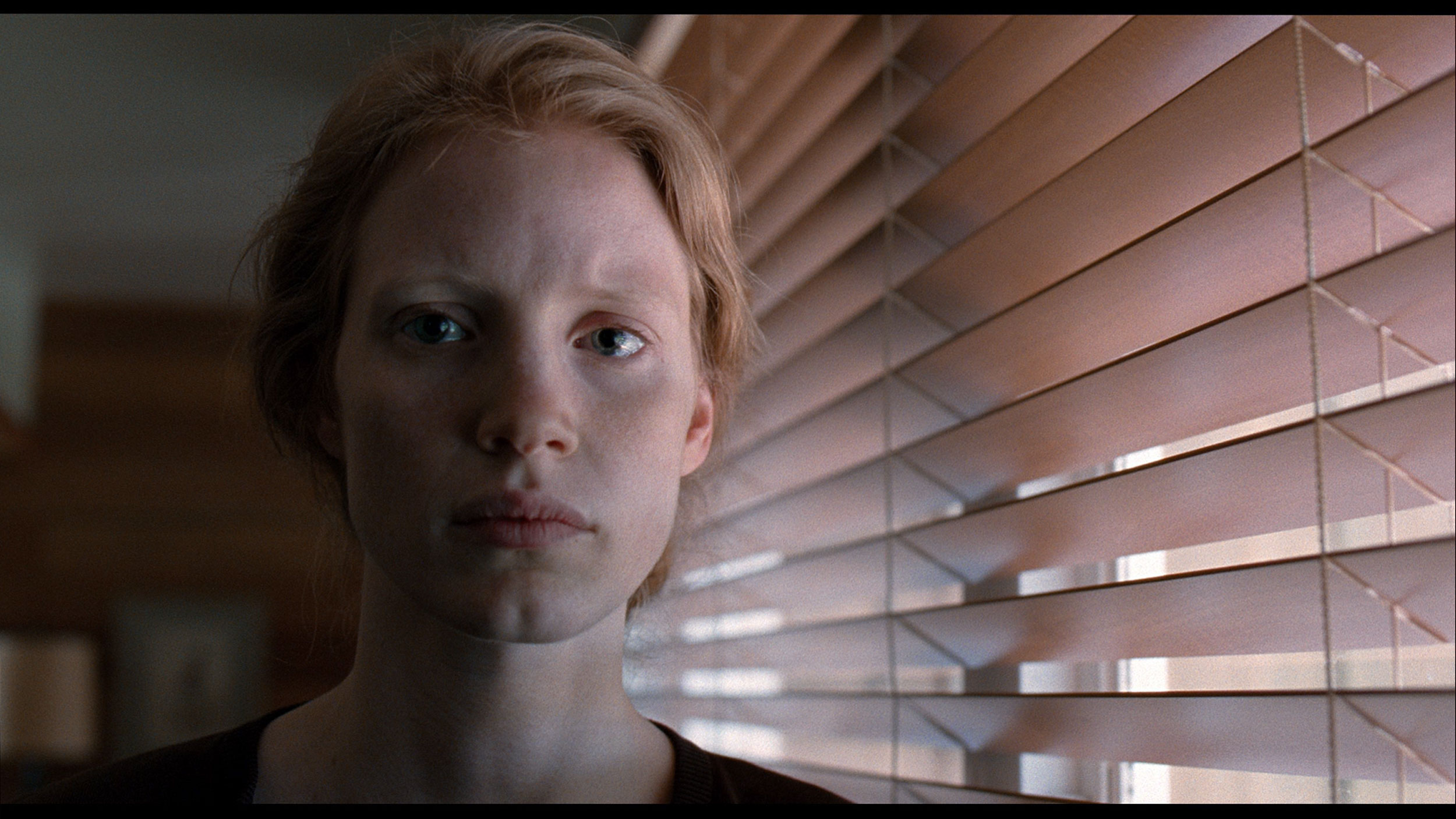
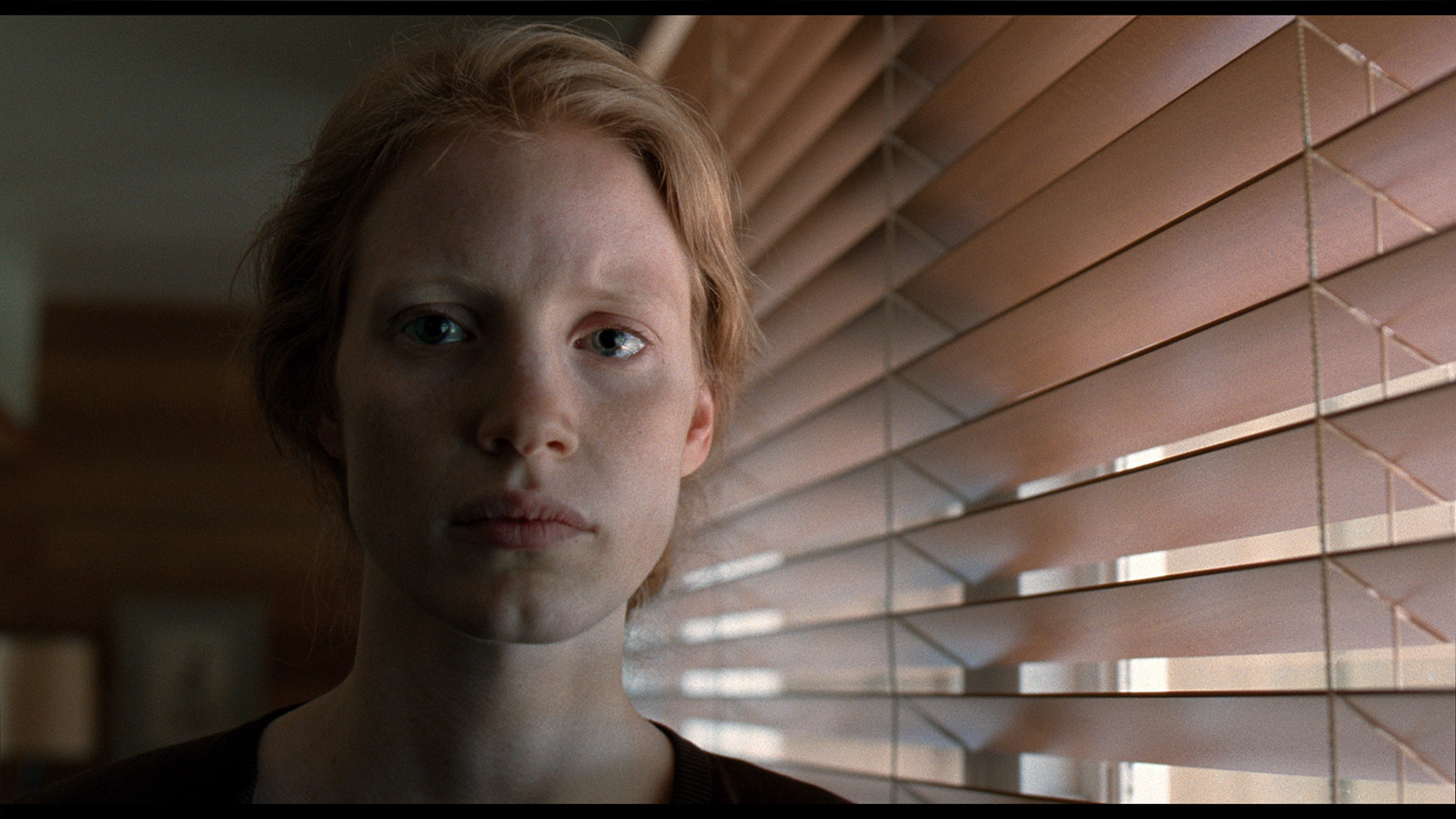
The LG UR781 is currently the most affordable model from the Korean manufacturer, offering excellent value for its price. Its standout feature is the WebOS system, which provides an intuitive interface and access to a wide range of streaming platforms, making it a significant advantage for everyday users. The TV delivers satisfactory picture quality for its price range, catering well to the needs of basic users.
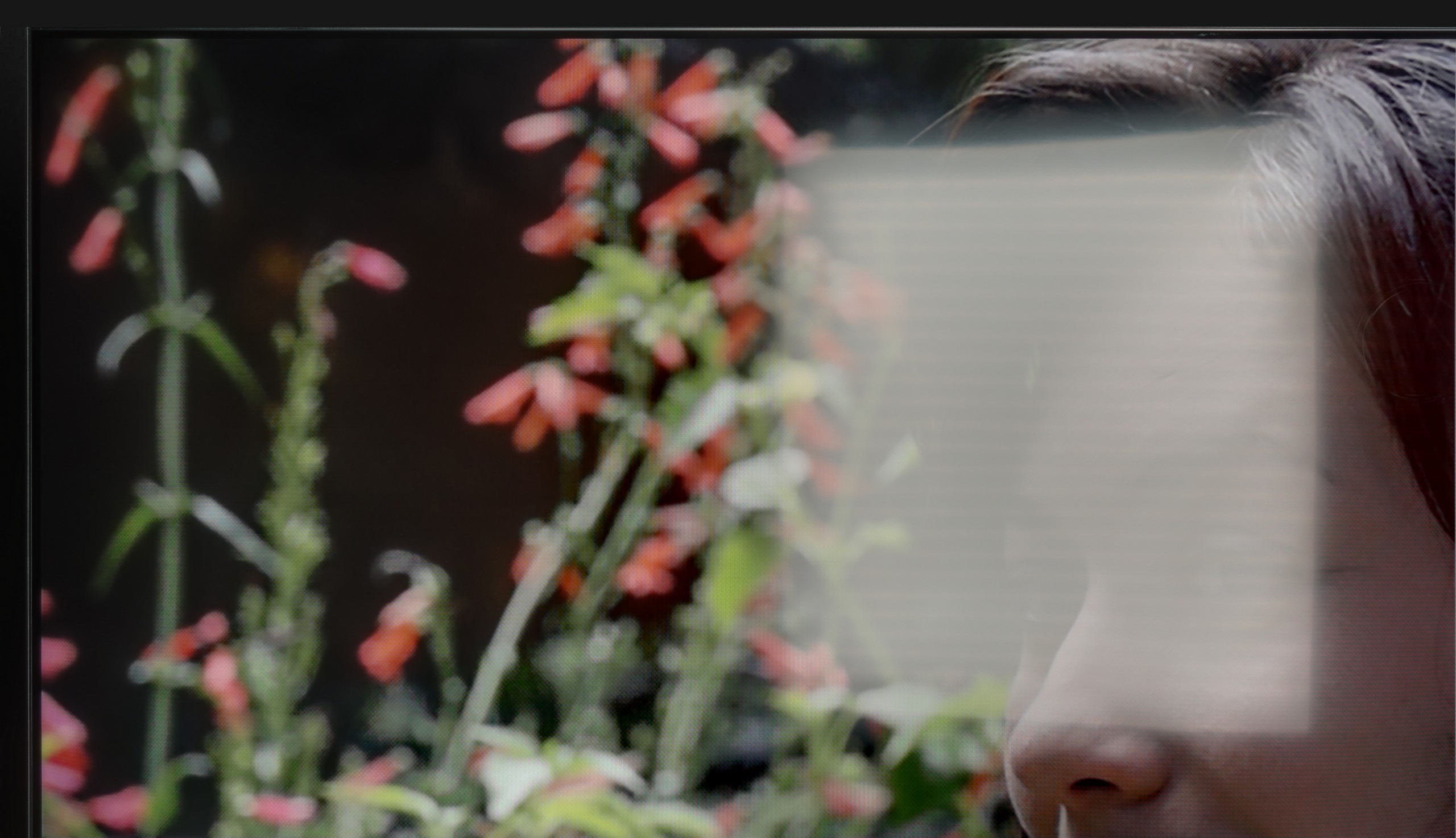
While its HDR capabilities are somewhat restricted due to the absence of Dolby Vision and HDR10+, it does support fundamental formats like HDR10 and HLG. The TV performs admirably with low-quality materials, aided by its smooth tone transition feature that ensures clear and seamless transitions, particularly useful for viewing content from lower-quality sources such as terrestrial television.
For gaming enthusiasts, the LG UR781 offers very low input lag, an essential criterion for enjoyable gaming. Though it lacks a 120Hz panel, which is a compromise for its budget-friendly pricing, it remains an appealing choice for gamers seeking affordability. Its brightness is slightly lower than competing models, and the colour gamut coverage is limited. However, thanks to dynamic tone mapping, HDR content still appears impressive.
After proper calibration, the TV achieves improved colour accuracy and sharpness, significantly enhancing the viewing experience. For those seeking a budget-friendly option and willing to accept some trade-offs, the LG UR781 is a solid choice.
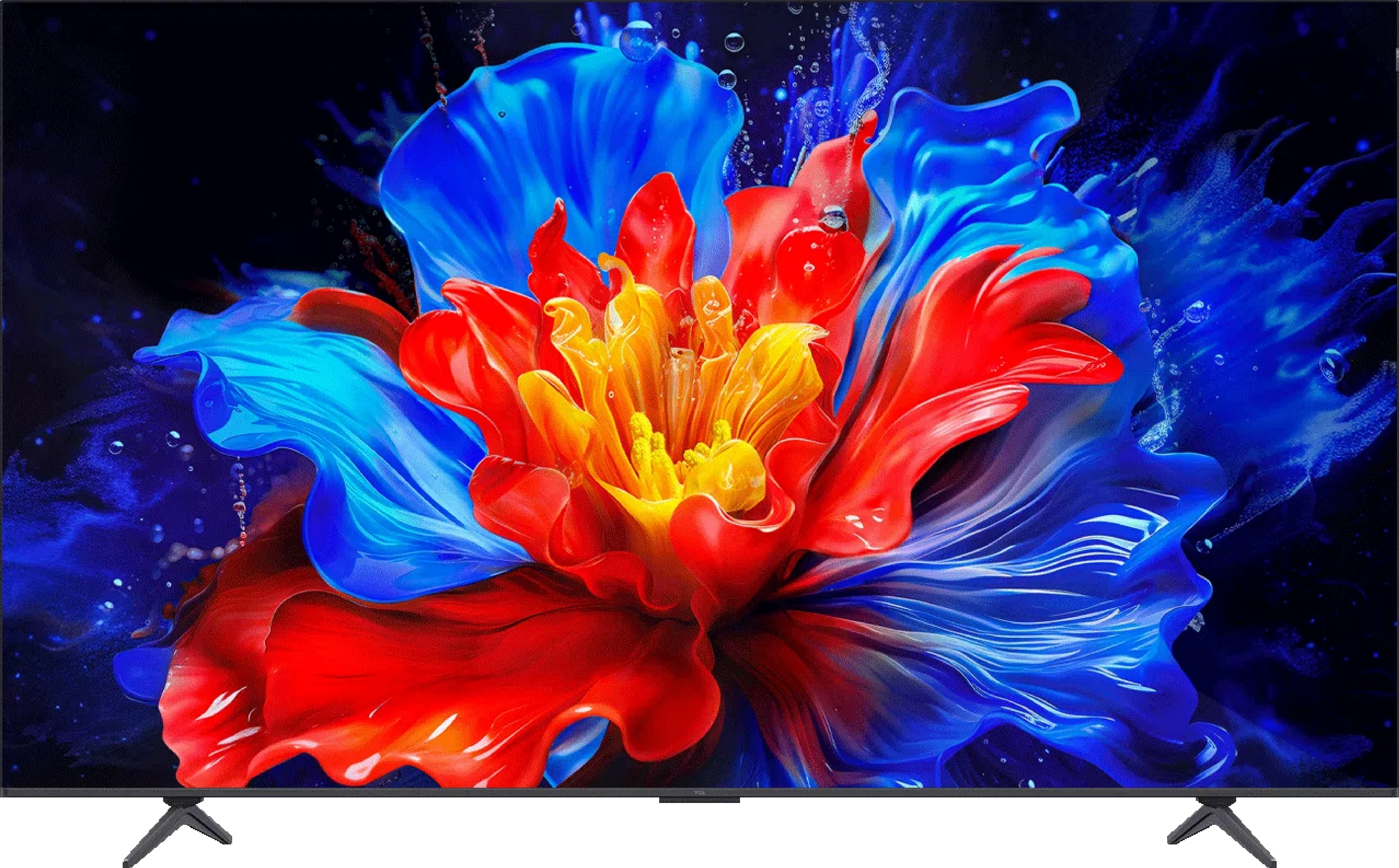
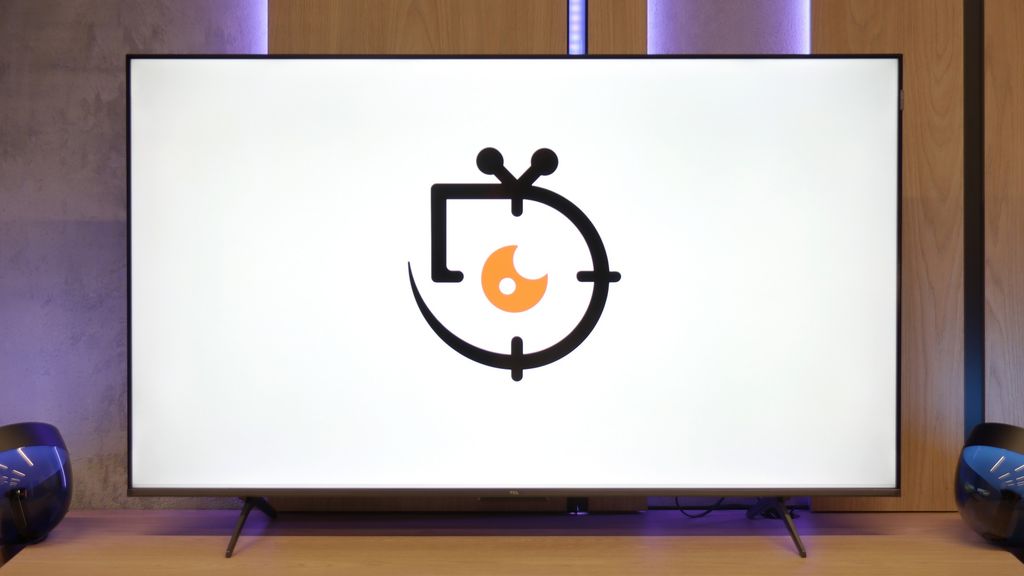
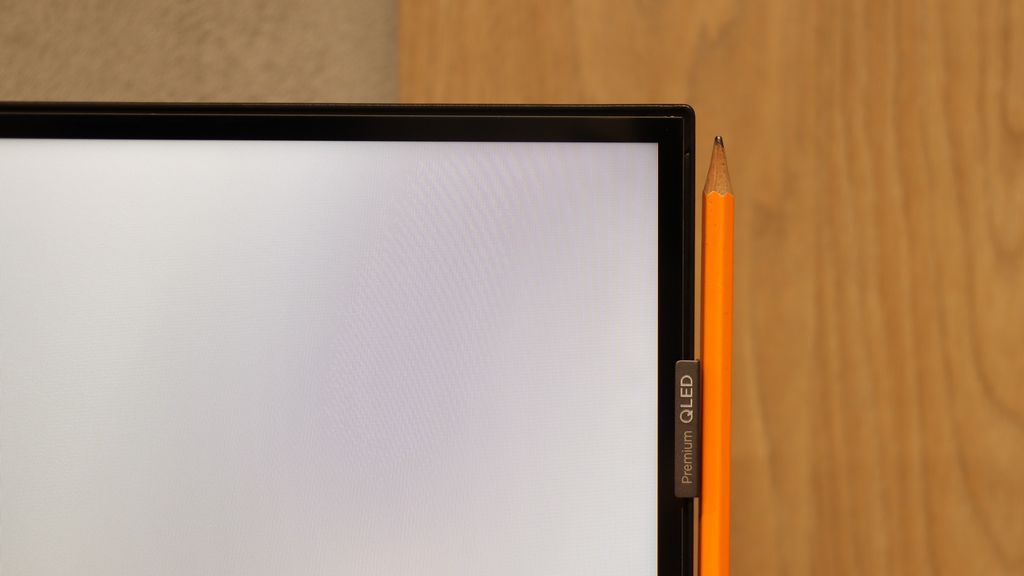
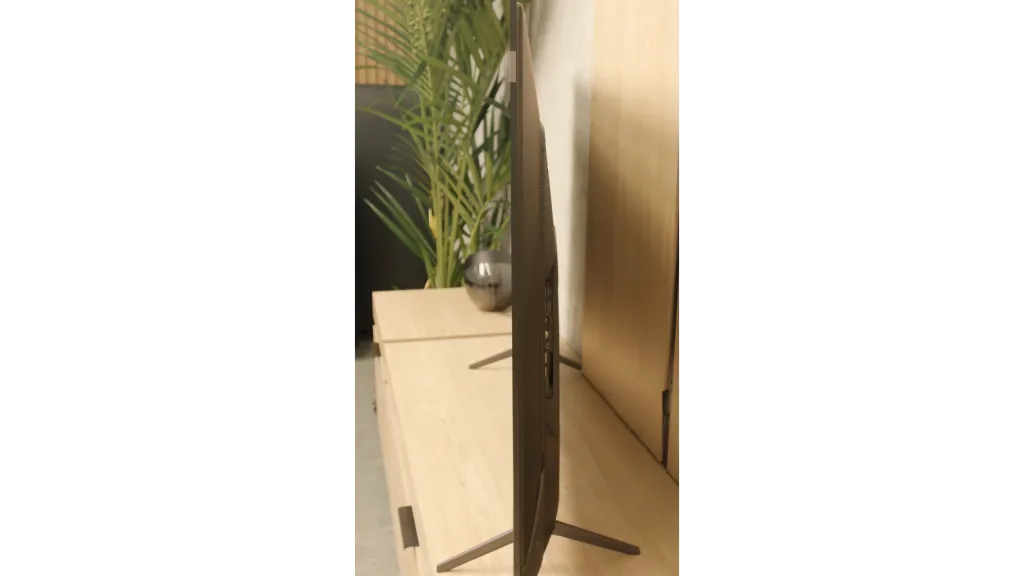
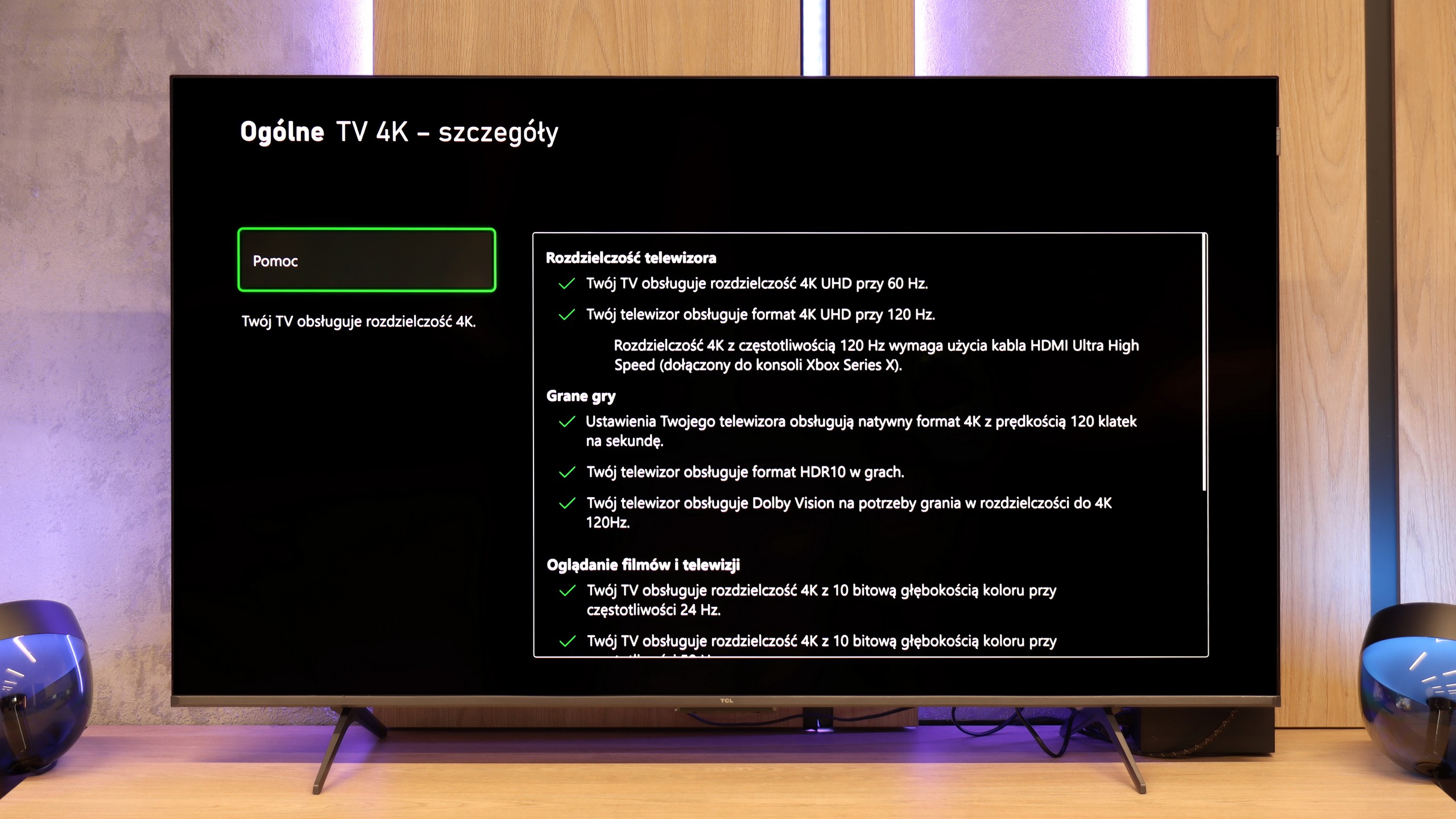
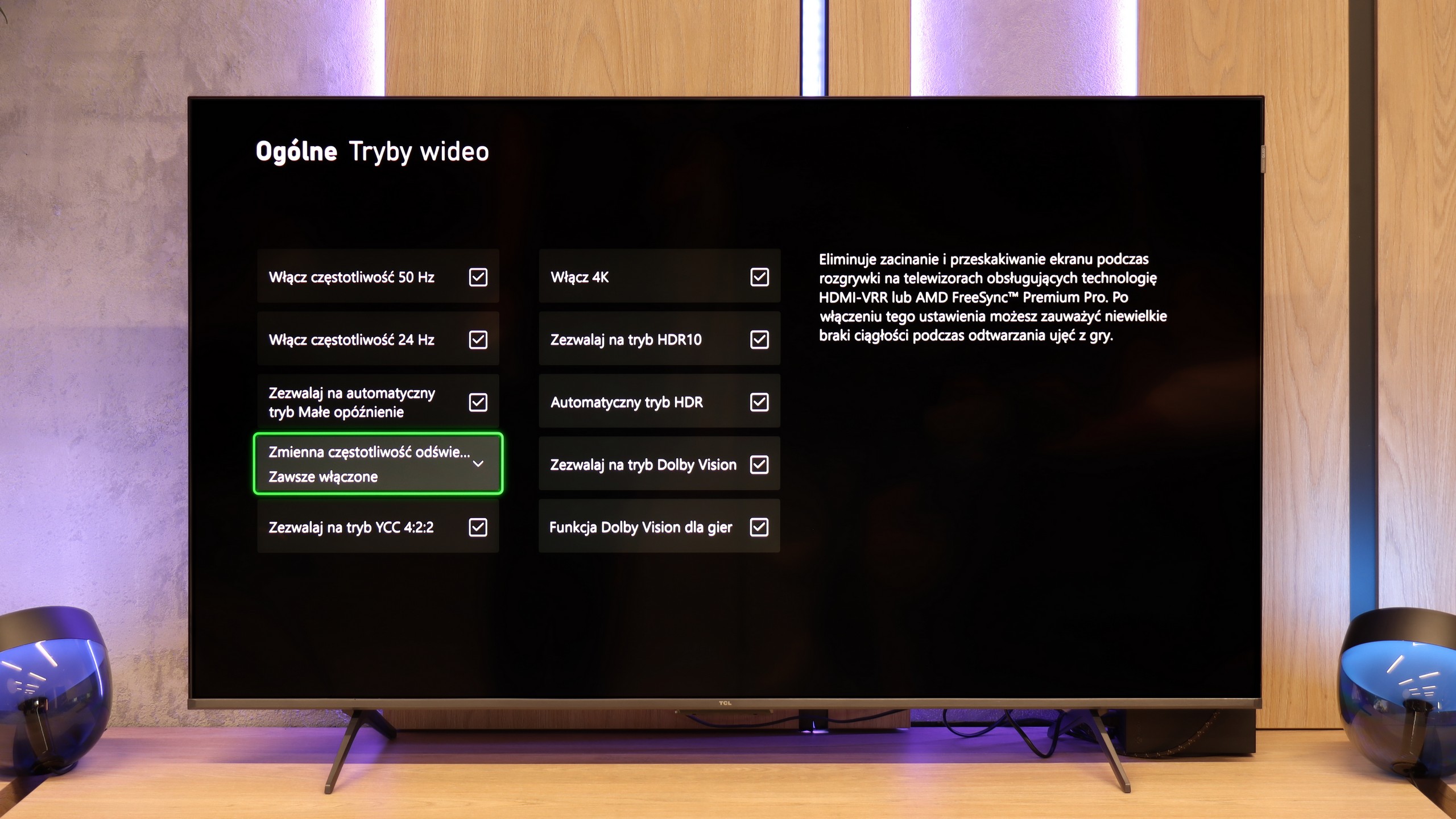
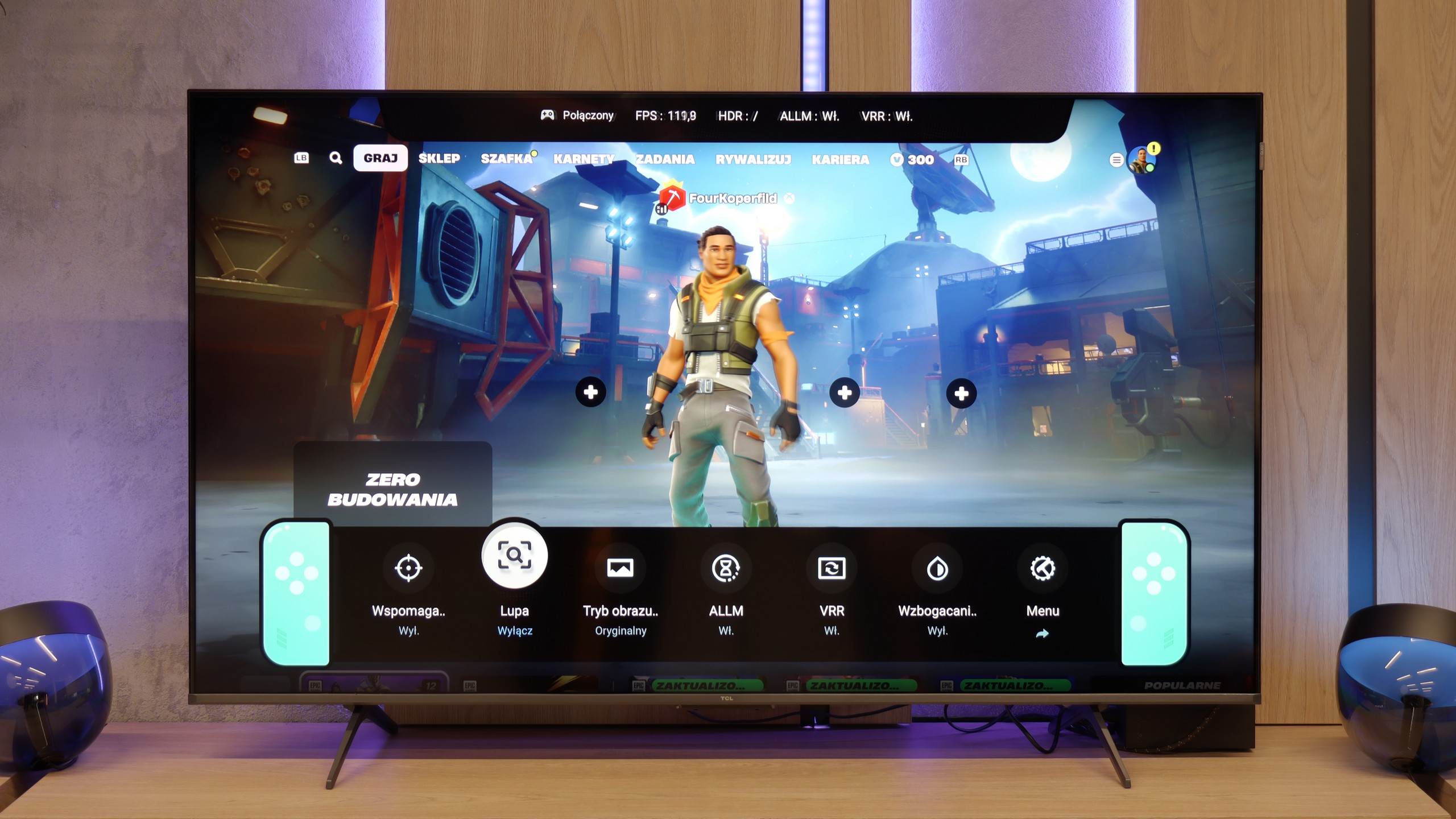
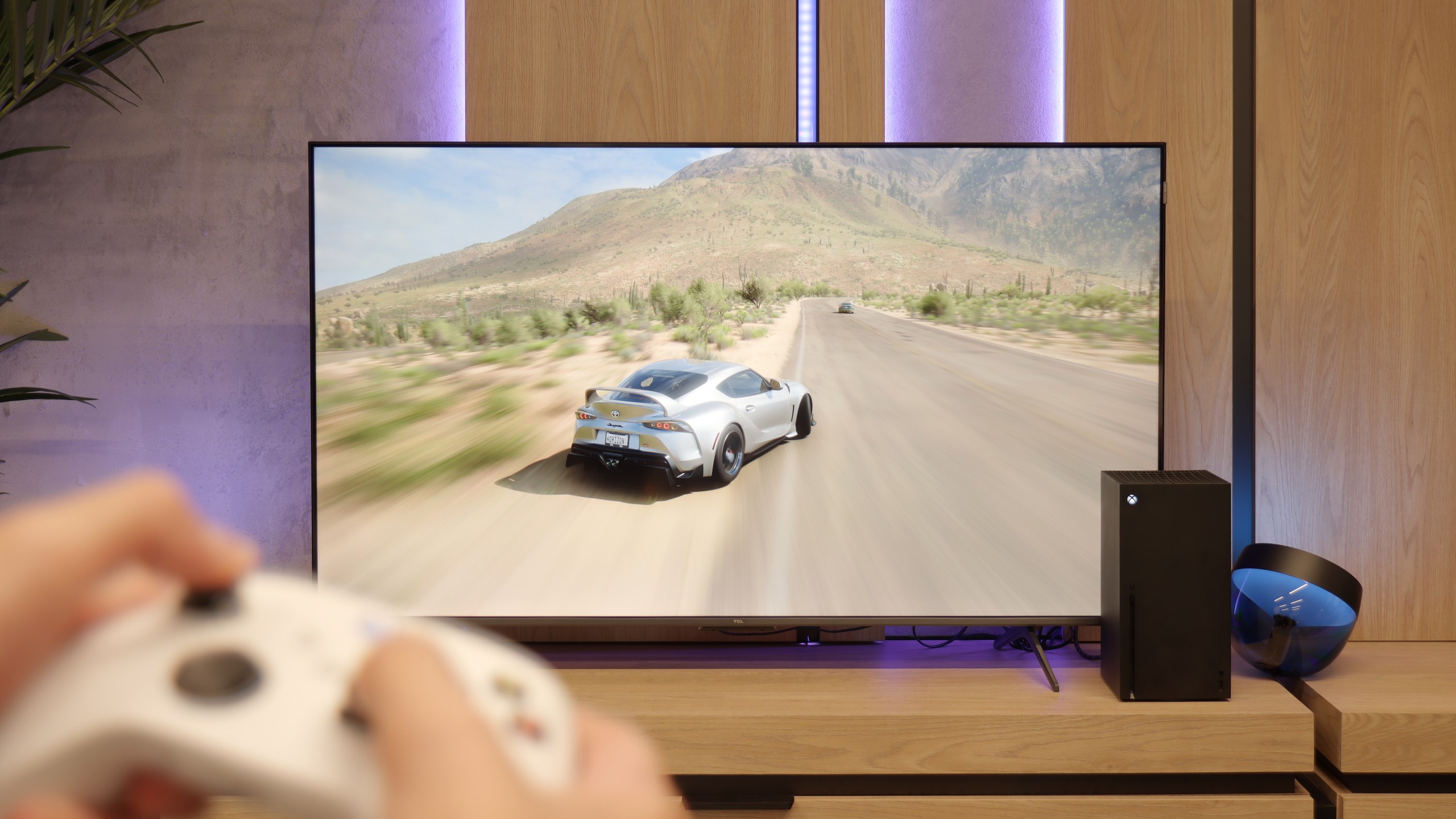
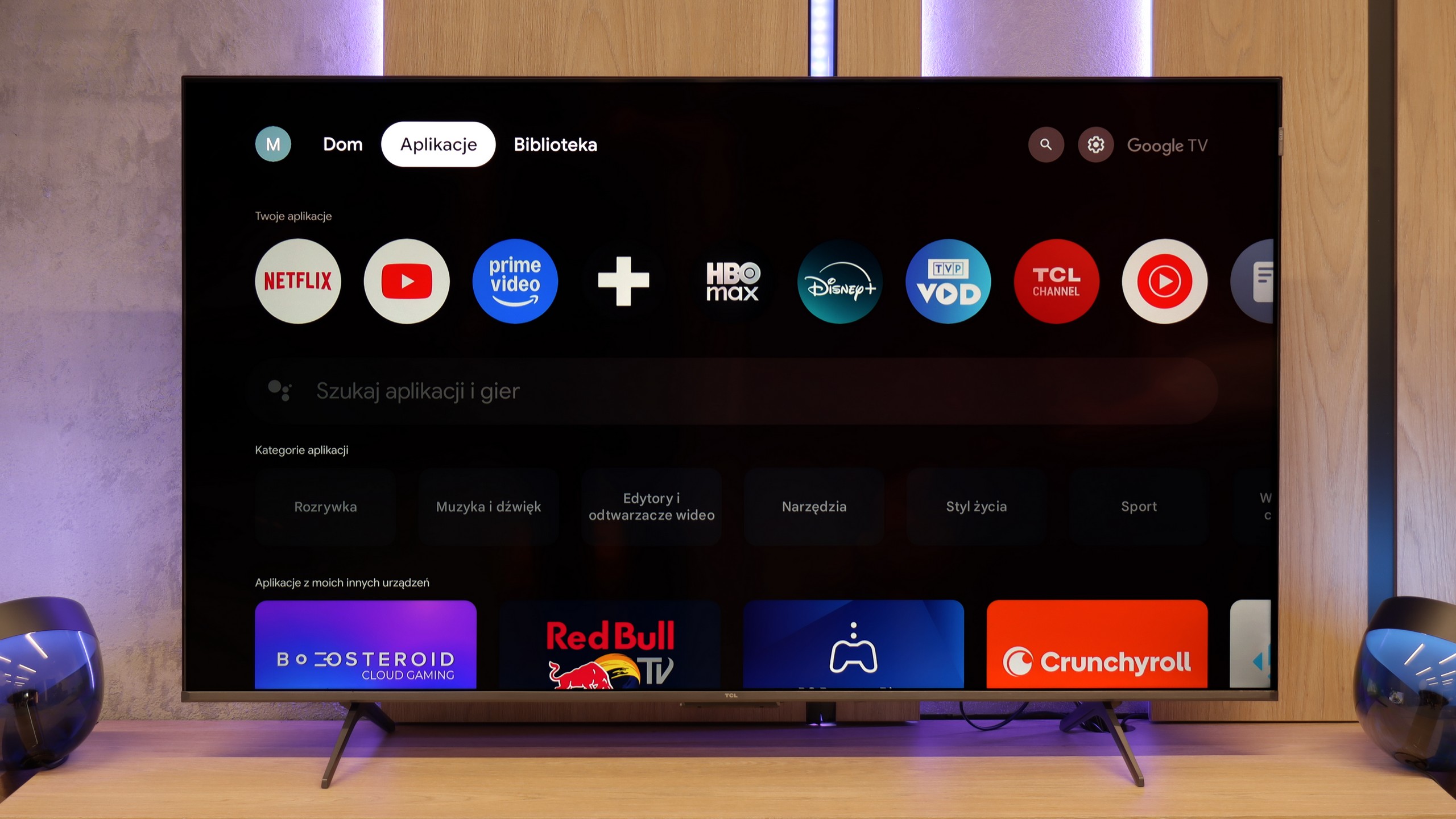
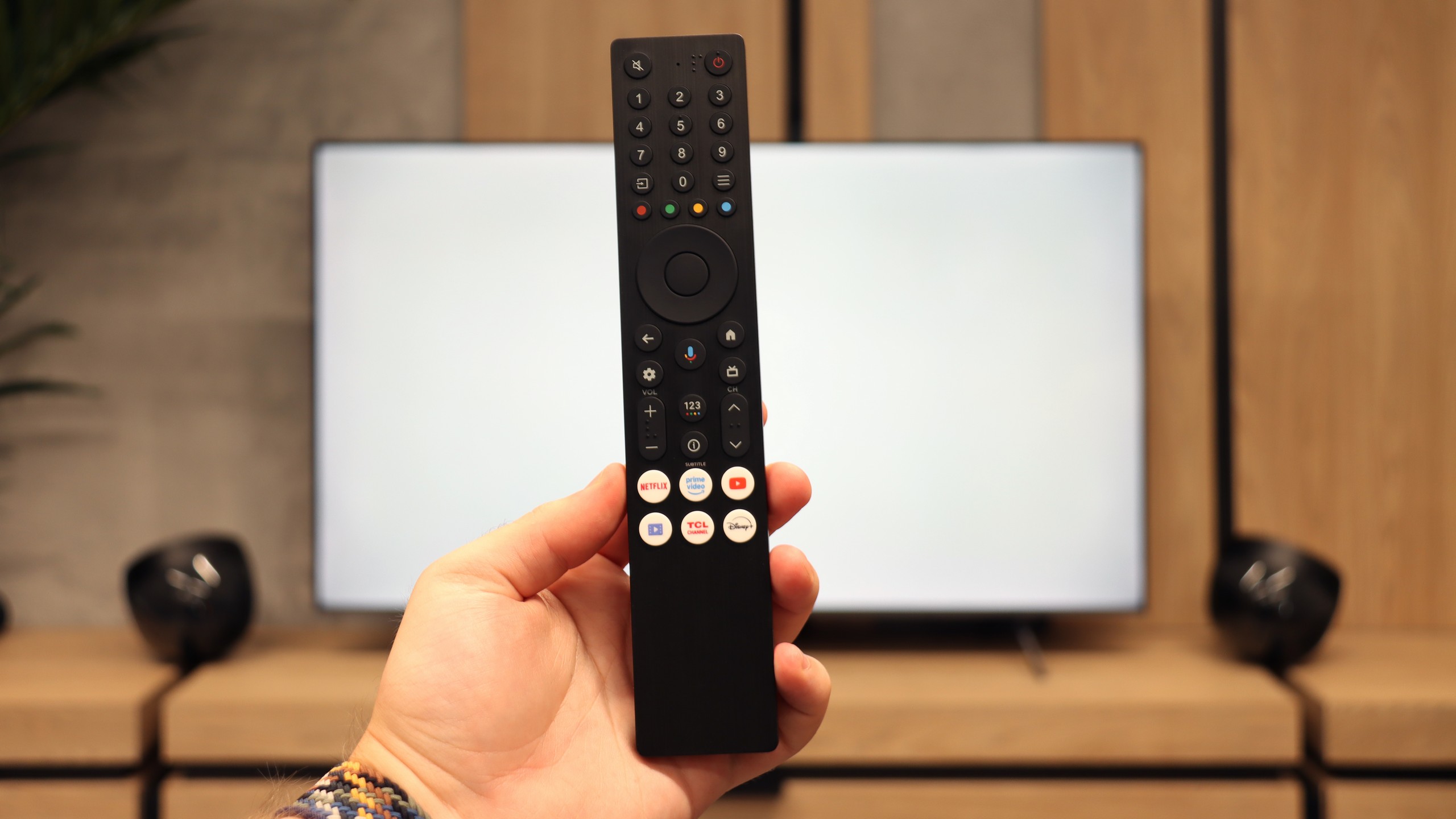
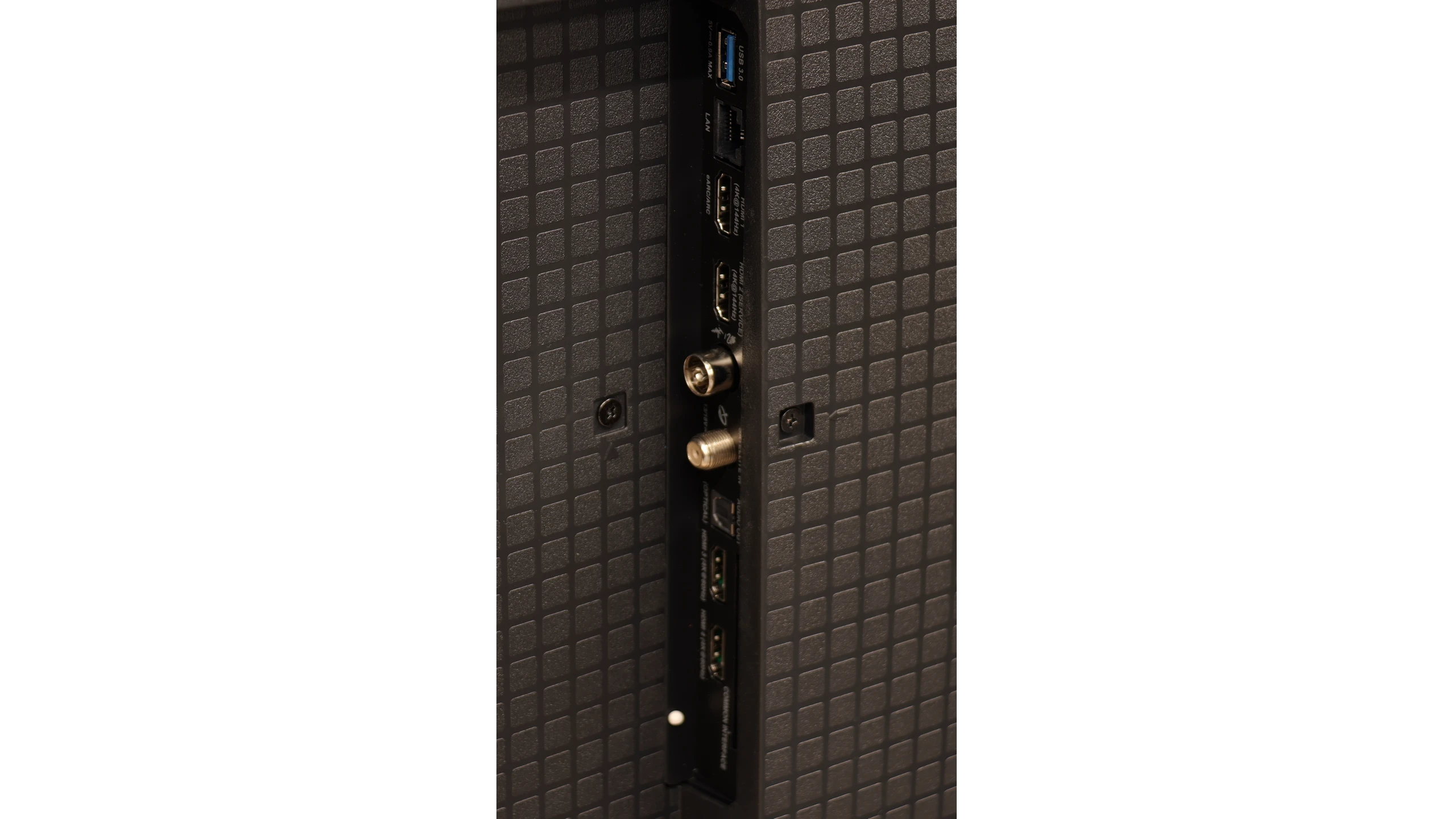
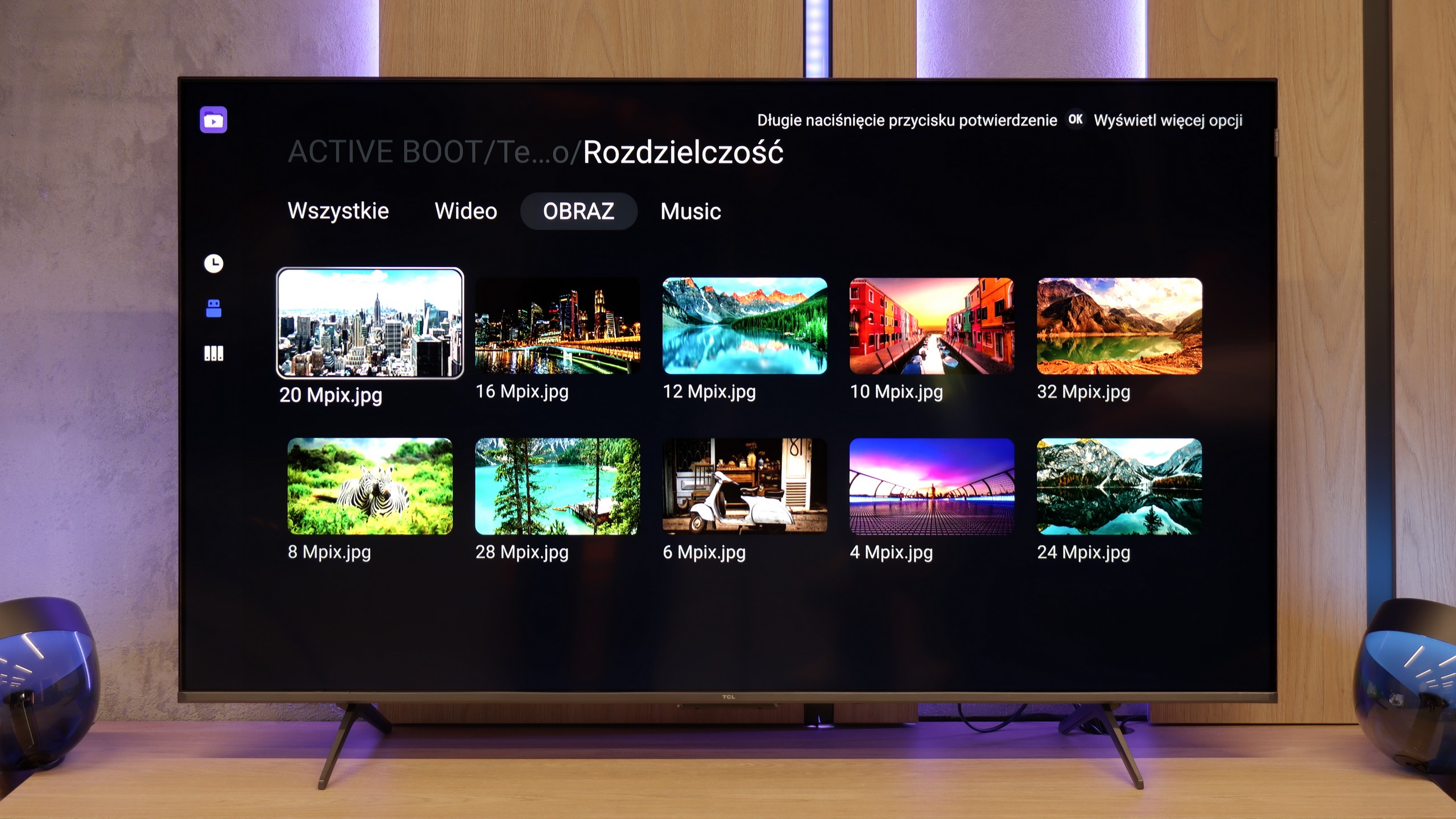
TCL P8K is a television that immediately wins you over. It seems cheap, supposedly of lower quality, yet it can surprise you. This device shows that at this price, you can still get equipment with character – and it's specifically aimed at a certain group of users. Because let's be honest, the P8K is a television created with gamers in mind. Two HDMI 2.1 ports, VRR support, 4K at 120 Hz, HGiG, and even Dolby Vision in games – it sounds like something that just recently could only be found in much more expensive models. And on top of that, a 144 Hz panel and the possibility to reach even 240 Hz on PC. At this price? It's really hard not to smile. Added to this is Google TV, the system that breathed life into this screen. Everything works intuitively here, with access to a vast library of apps and an efficient Google Assistant that actually understands what you're saying – even when you say it in your own way. Of course, it's not a perfect television. Brightness in the range of 250–300 nits is unimpressive and probably won't impress in a sunny living room. But just an evening, a movie, and a little darker environment will reveal that this screen can do quite a bit. Thanks to dynamic tone mapping, the P8K handles HDR surprisingly well, and colors can look natural. In cinematic scenes, there’s no sign of a plastic, overexposed image – it’s just pleasant. Let’s not pretend that it competes with Mini LEDs or OLEDs – that's not the point. The P8K / P89K is meant to be a television that is simply enjoyable to use. And that’s where its strength lies. For someone who wants to play games, watch Netflix, fire up YouTube, and have all of that in one simple device – it hits the mark. The TCL P8K shows that “cheap” doesn’t have to mean “bad.” It's a television with character that doesn’t pretend to be premium equipment but delivers a lot. And maybe that's why it’s so easy to like it.
 Direct comparison